

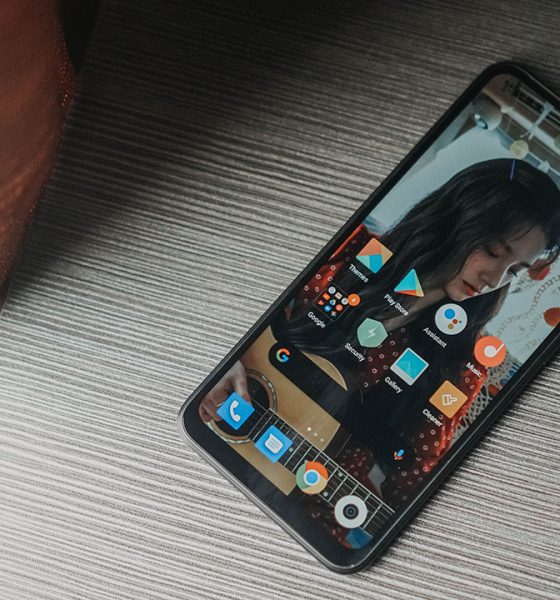

We recently reviewed another budget phone and gauged how well it would do as a student’s companion for distance learning. Seeing as the Redmi 9A fits squarely in that peg, we’re going to do the exact same thing.
This might seem like a cop out way to test the device, but given everything that’s happening, it also seems appropriate.
The status of the pending school year in the Philippines seems like it’s up in the air at the moment. Regardless, if you still choose to equip the young student in your family with a smartphone for online learning, can the Redmi 9A play that role?

Baseline specs
Let’s first see how it stacks up specs-wise to the minimum specs requirement laid out by the Education Department of the Philippines.
| Distance Learning, Smartphone Minimum Tech Specs | Redmi 9A | |
| Processor | Octa-core 2 GHz | MediaTek Helio G25
(Octa-core 2 Ghz) |
| Memory | 2GB | 2GB |
| Display | 6”, IPS LCD | 6.53” |
| Storage | 32GB | 32GB |
| Network | GSM / HSPA / LTE
Wi-Fi 802.11 b/g/n Bluetooth |
Dual 4G
Wi-Fi Bluetooth |
| Ports | Micro USB or Type C, 3.5mm Audio Jack | Micro USB port, 3.5mm Audio Jack |
| OS | Android 8.1 | Android 10, MIUI 12 |
We asked a teacher some questions about how this smartphone will be used by the student in a distance learning setup. Answers have been edited for brevity.
What will students need to access for distance learning?
It depends on the platform the school will use. These can be Google Classroom, Edmodo, Zoom, etc. But certainly, the most accessed sites will be Google and Wikipedia.
Facebook and Messenger may also be used for communication and publishing of some projects. However, this is also dependent on the teacher handling the class.
What are the must have apps?
Youtube, Google Apps (Docs, Sheets, Slides) or any office app, Dictionary, A notepad app, Web browser, and Email.
How long will they need to be on the phone?
Our planned schedule will start at around 9AM and will end at around 2PM. That’s five 45-minute classes with 15 minutes of break in between. There’s also a 30-minute lunch break at 11:45AM. It may vary from day-to-day but that’s the general plan.
This also does not yet include consultation time. For us, we’ll do 15 minutes at the start and at the end of the day to help make-up for the interaction that will be lost due to the nature of an online class.
Any final notes?
It’s certainly possible to have online classes despite the student only having a smartphone. Given of course that the smartphone can access everything mentioned previously.
Usually for lectures, the students will only really have to listen to the lectures on video. The teacher can opt to pre-record the classes and make it available for on-demand viewing so the students can access it even after class hours. The rest of the activities will be handled offline and be disseminated via communication apps.
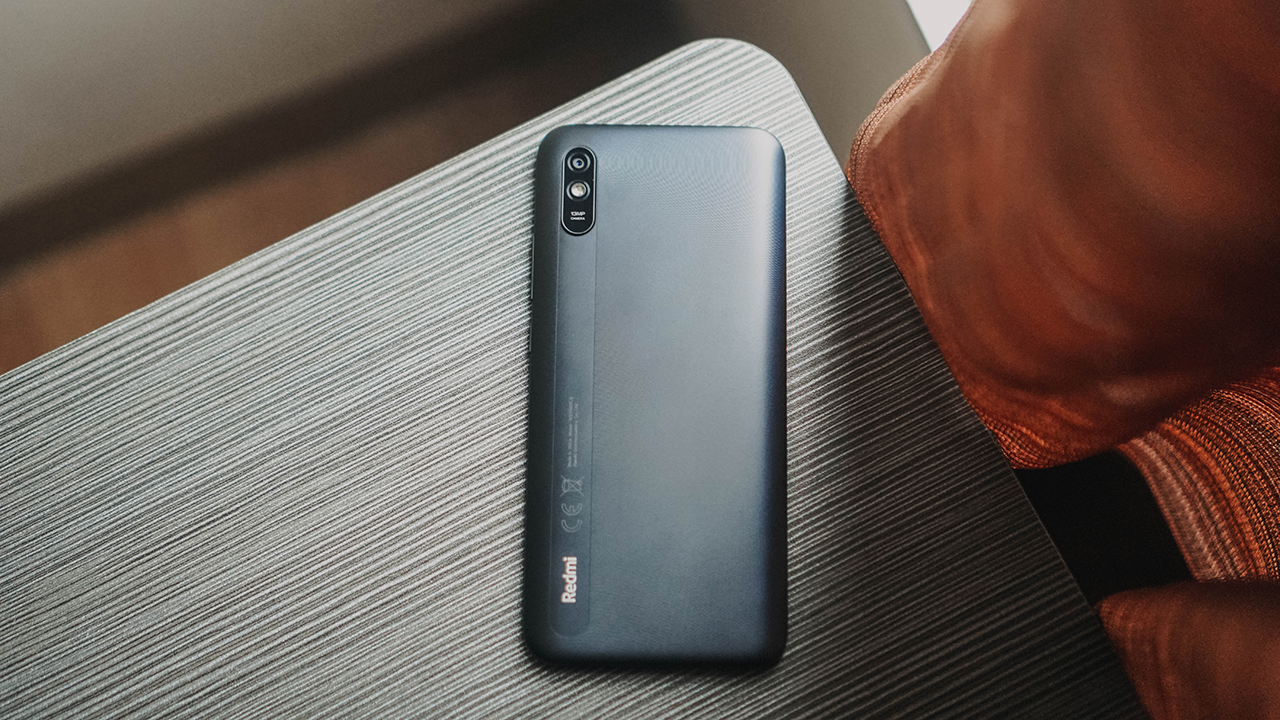
How does the Redmi 9A handle the activities mentioned?
The Redmi 9A almost looks like it’s the exact phone that the Education Department had in mind when they drafted the minimum requirements specs. It fits every spec to a T. So how does it perform?
Like most Android phones, a lot of the Google apps mentioned by the teacher already come pre-installed. And they’ve been optimized to run smoothly on the device’s configuration.

Curiously, the MediaTek G25 struggled a bit more overall compared to the MediaTek G35 on the previous budget phone I put through this test. Although, this could also be a function of the skin (MIUI 12) making things feel slower than it ought to be.
For the record, MIUI 12 is actually one of my favorite Android skins. It’s little design decisions make a lot of sense to me.

For instance, the animation for recent apps is unlike any other Android skin. Instead of making you go left to right to switch, the apps are arranged vertically and you continue with the up-down motion you started with when decided to jump from one app to another.
But as far as apps go, Google is your best friend if you want to maximize budget phones.
Lite apps should be your go to
Budget phones are light on power so it’s prudent to go for Lite apps to not put too much stress on your phone.
Facebook, Twitter, Messenger, and even Spotify all have lite versions. You still get most of what you need from these apps without hogging too much memory.

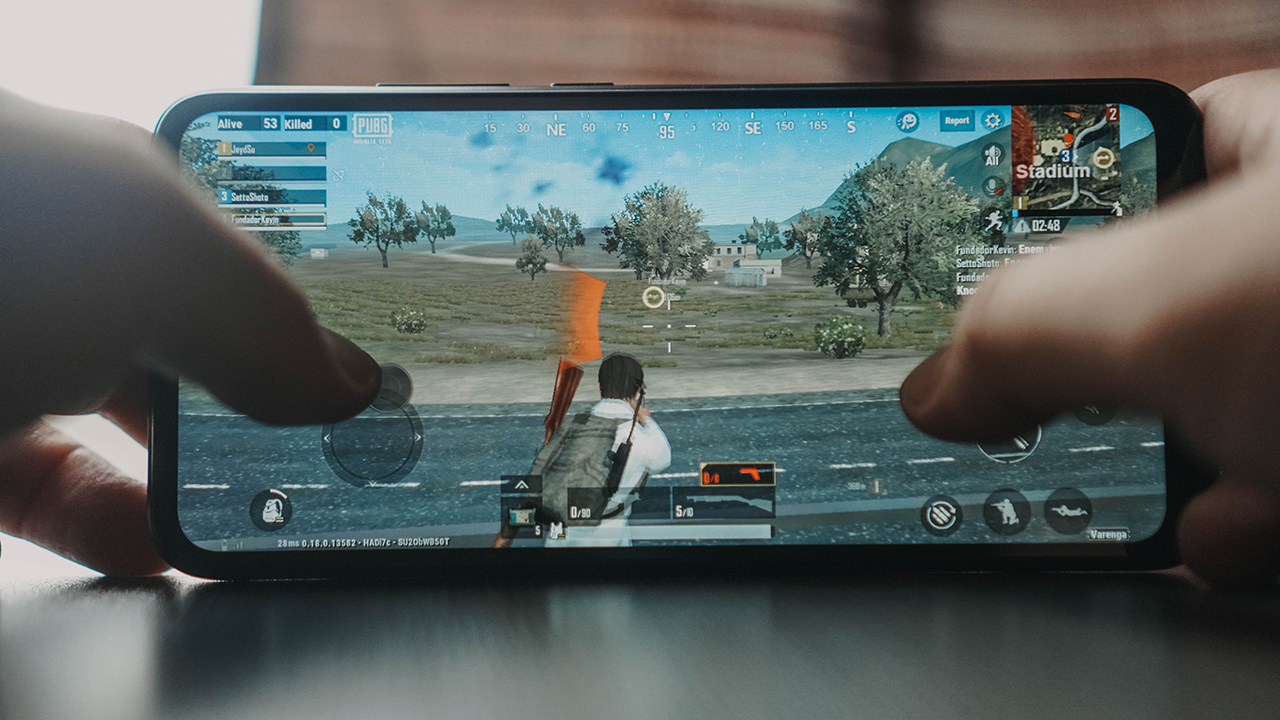
Same is true for gaming apps. While looking for more Lite apps to use, I found PUBG Lite. It’s gonna eat over 500mb of storage but if you’re really into first-person shooters, this is probably the app to download.
Battery fared nicely
At 5000mAh this thing has plenty of juice. It also helps that it doesn’t have any exorbitant features to support thereby extending the battery life even further.
I simulated the 9AM to 2PM video on demand class sessions by letting the phone marathon through a bunch of YouTube videos. After 6 hours and 23 minutes, I ended up at 68% from a full charge.

Yes, that’s Heejin. Stan LOONA.
Absolutely no issues here. This phone should be able to keep up with you for a day and then some.
Good build quality
This is again one of the more pleasant surprises here. The last time I used a budget phone extensively was about half a decade ago. It felt nowhere near this good.

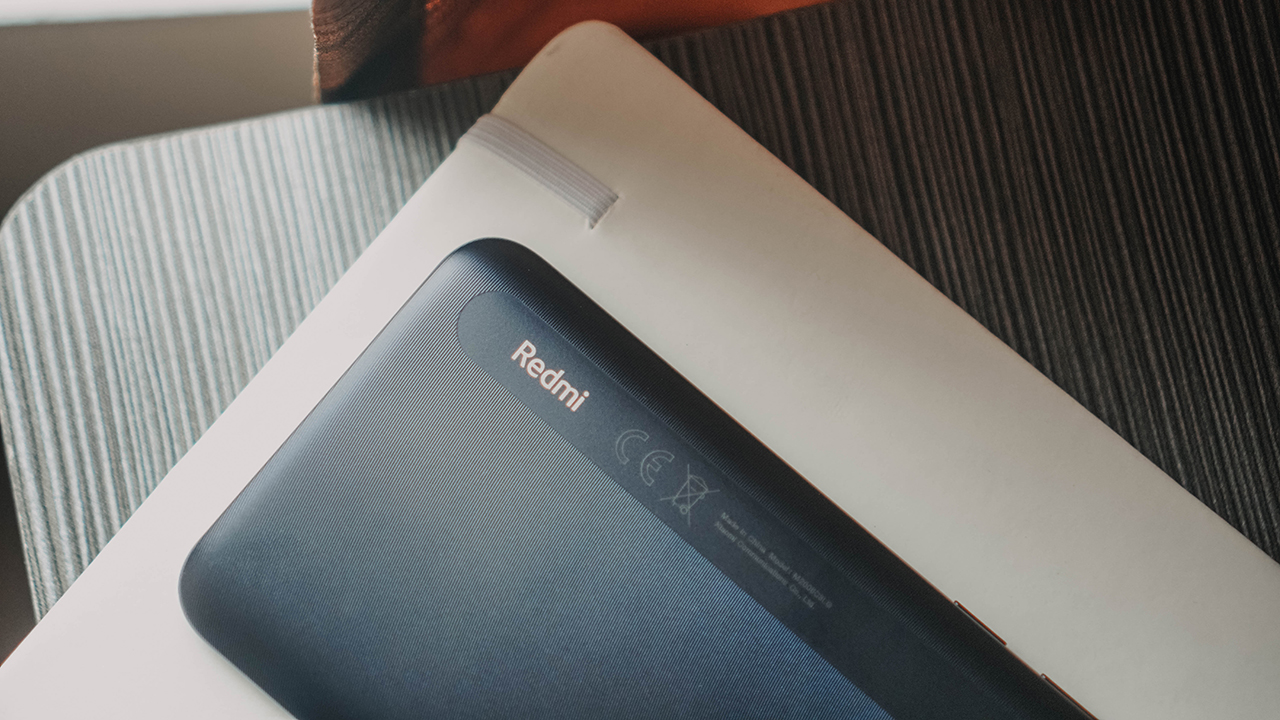
The Redmi 9A feels sturdy and not the type that will break after a fall or two. Unlike yours truly. It’s hard to see on the black variant but it also has this tiny concentric circle design thing going on at the back. Much like the one found on the Redmi 9.
Fair post-processing on photos
You’re not gonna blow minds with the 13MP rear and 5MP front-facing cameras on this thing. But it does what it’s supposed to. To make sure you get good photos make sure you have a decent light source.

These were taken in the afternoon near a window.


This one was when it’s about to turn into night time.

Is the Redmi 9A an online learning GadgetMatch?
I was really skeptical about the specs laid out by the Education Department. However, this test with the Redmi 9A proved that as far as the necessities go, this gets the job done.
If you’re able to spend more, that’s great. But for people who absolutely can only spend under PhP 5,000 (US$ 100), this is a good enough choice. The Redmi 9A retails for PhP 4590 (US$ 93) and it’s already capable of a lot without forcing you to spend too much.




Accessories
70mai launches the A900 series with 4K front, rear recording
Two new 4K dual-channel dash cams, both with 4G

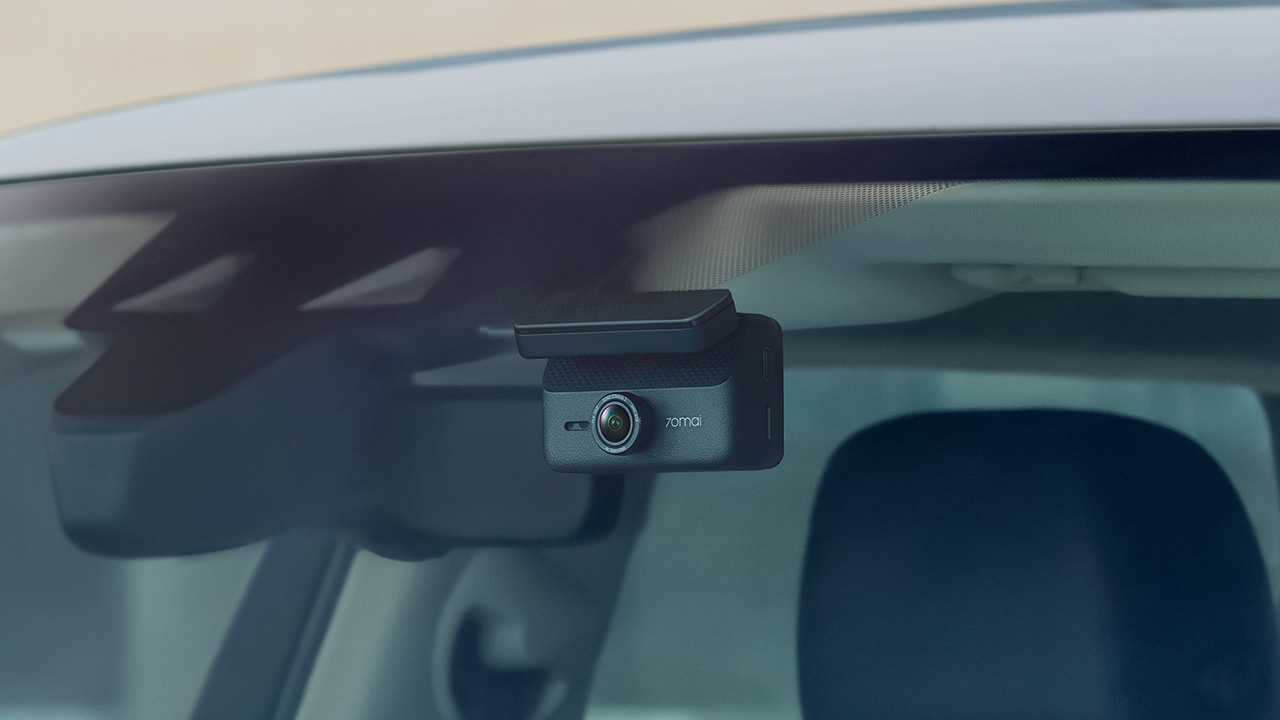
70mai has launched the A900 Series, led by the flagship 70mai Dash Cam 4K A900 Ultra, with the 70mai Dash Cam 4K A900 joining it in the lineup.
Both models record in 4K from the front and rear cameras, and both support 4G, so your footage stays reachable from your phone even when you’re away from the car.
4K recording from both cameras
The A900 Ultra uses dual Sony STARVIS 2 IMX678 sensors to capture clear 4K footage from both directions. As a result, details like license plates and road signs remain sharp.
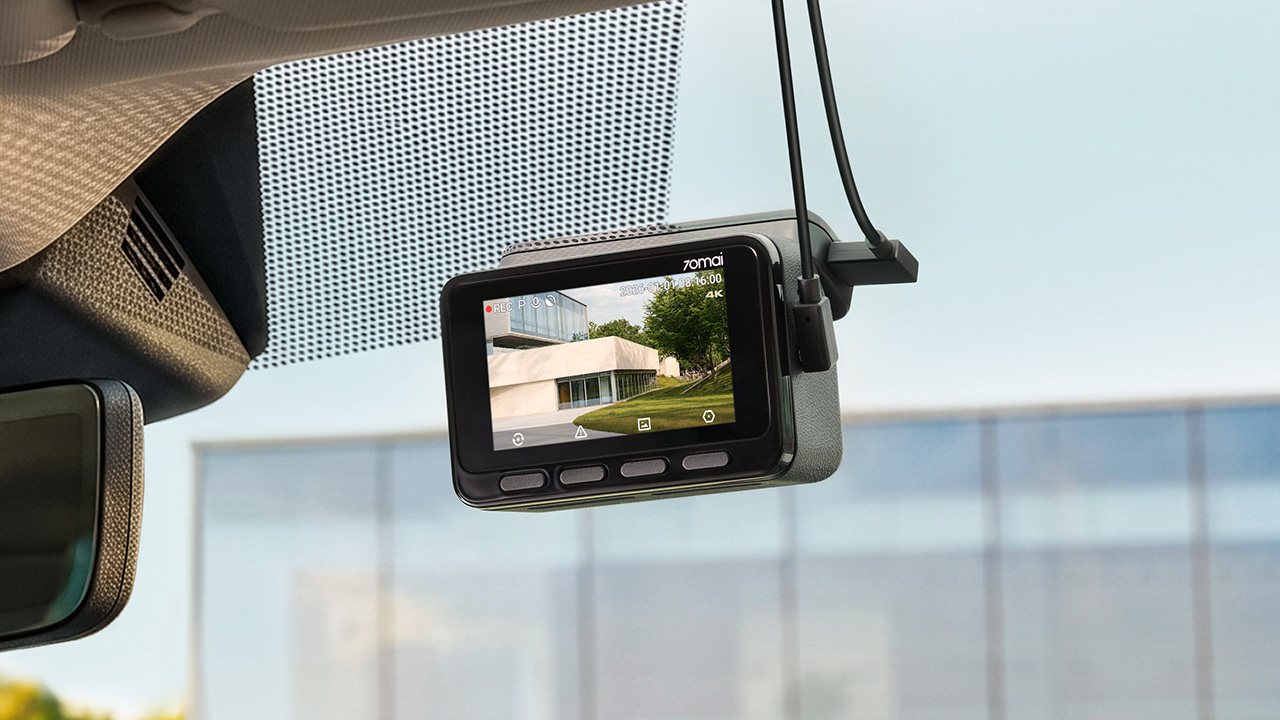
Smart HDR balances bright and dark areas under shifting light. Users can also adjust color tones and contrast. To keep feeds synced, the rear camera uses LVDS digital transmission. This tech sends a lossless 4K feed with just 20ms of latency.
Handling changing light
Driving into a tunnel or under the shadow of a tall building changes the lighting quickly, and 70mai built three imaging technologies into the A900 Ultra to deal with it.
MaiColor Vivid+ Solution 2.0 is meant to give more natural colors and finer detail, along with smarter scene adaptation. Night Owl Vision 2.0 reduces noise and glare to help with nighttime clarity.
Lumi Vision is made for parking surveillance in near-total darkness, where it automatically adjusts exposure and gain and applies noise reduction. 70mai says this produces clear, full-color footage in extremely low light.
Parking mode and remote access
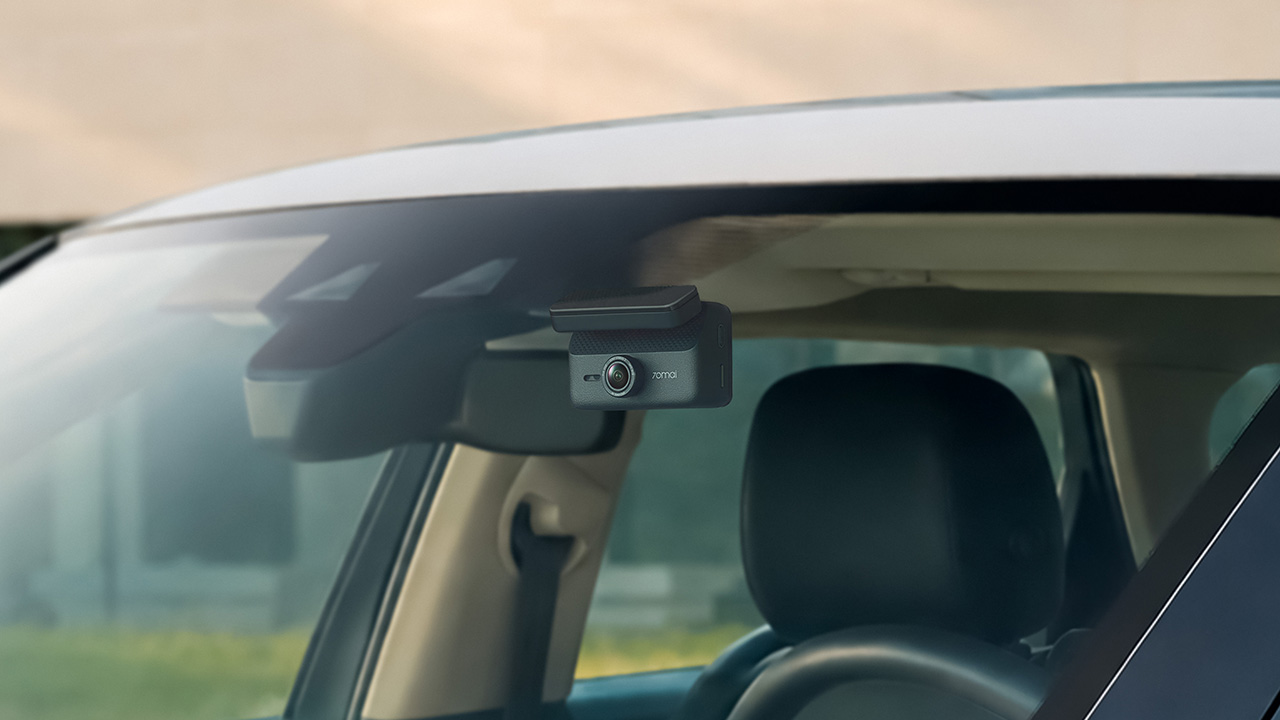
Smart Parking Guardian Mode 2.0 protects your vehicle while parked. It combines AI motion detection, dual-channel collision detection with pre-recording, and time-lapse options.
The system draws just 5mA on standby to prevent battery drain. For extended coverage, the optional 70mai Battery Pack Mini powers surveillance for up to 30 days.
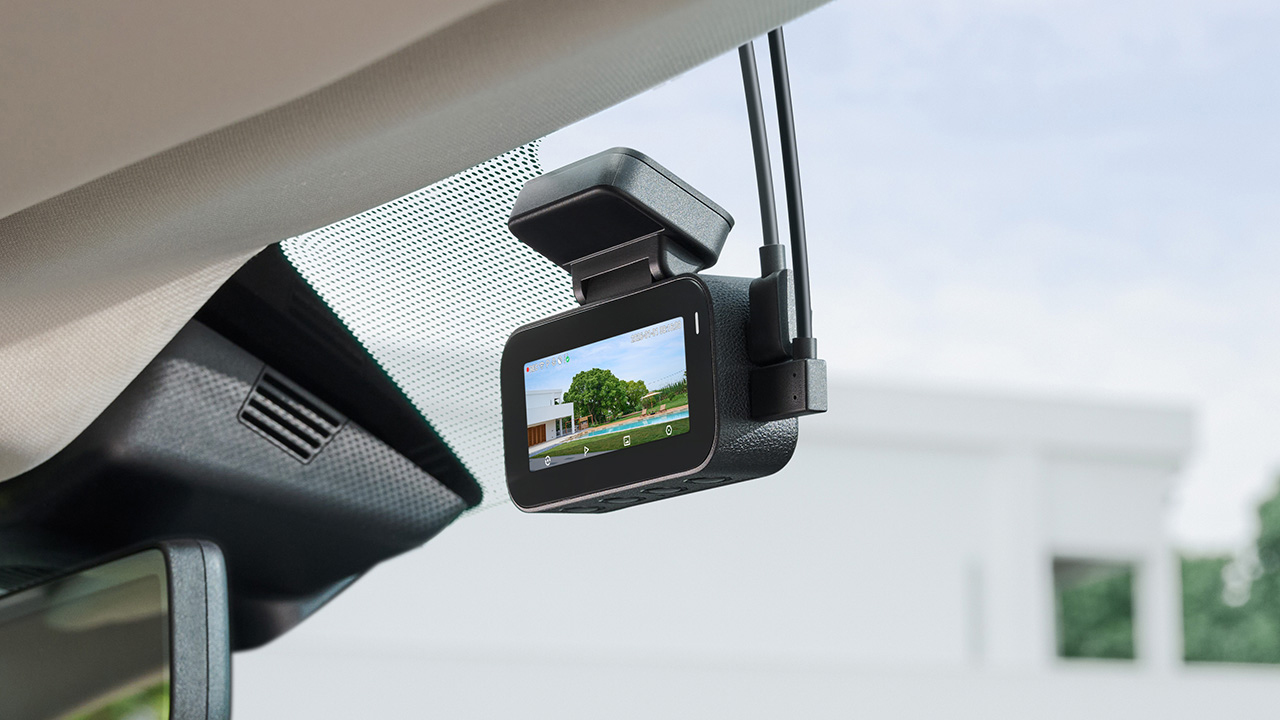
In photo: A900
Pairing the camera with the 4G Hardwire Kit unlocks 70mai 4G Cloud+ 2.0 features on the app. Enhanced Buffered Emergency Recording saves up to 190 seconds before an incident and 30 seconds after.
It automatically uploads this footage to the cloud for immediate remote viewing.
The 70mai Dash Cam 4K A900
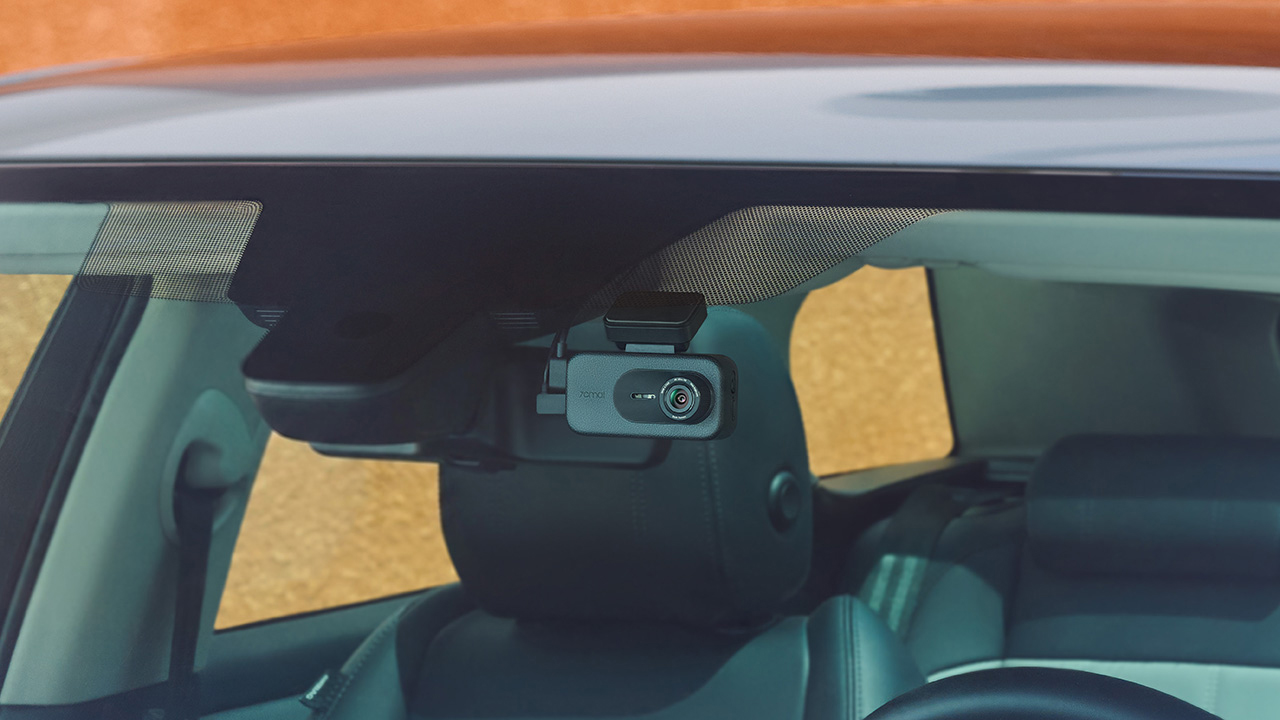
In photo: A900
The A900 sits alongside the Ultra as the more accessible option. It records True 4K HDR at 30FPS from both the front and rear cameras, and Smart HDR can be scheduled to turn on at set times.
Its f/1.55 aperture is meant to help in low light, and 4G Cloud+ 2.0 keeps the dash cam connected to the 70mai App. It’s the model for drivers who want dual-channel recording and 4G connectivity at a lower price.
The 70mai Dash Cam 4K A900 Ultra retails for US$ 300, available for pre-order at US$ 240. Meanwhile, the A900 is priced at US$ 200, currently 20% off at US$ 170.
Accessories
Manila turns up the volume at COVE
Sony Philippines launched its ULT TOWER lineup at Beyond the Beat, with SB19 joining the ULT Squad.
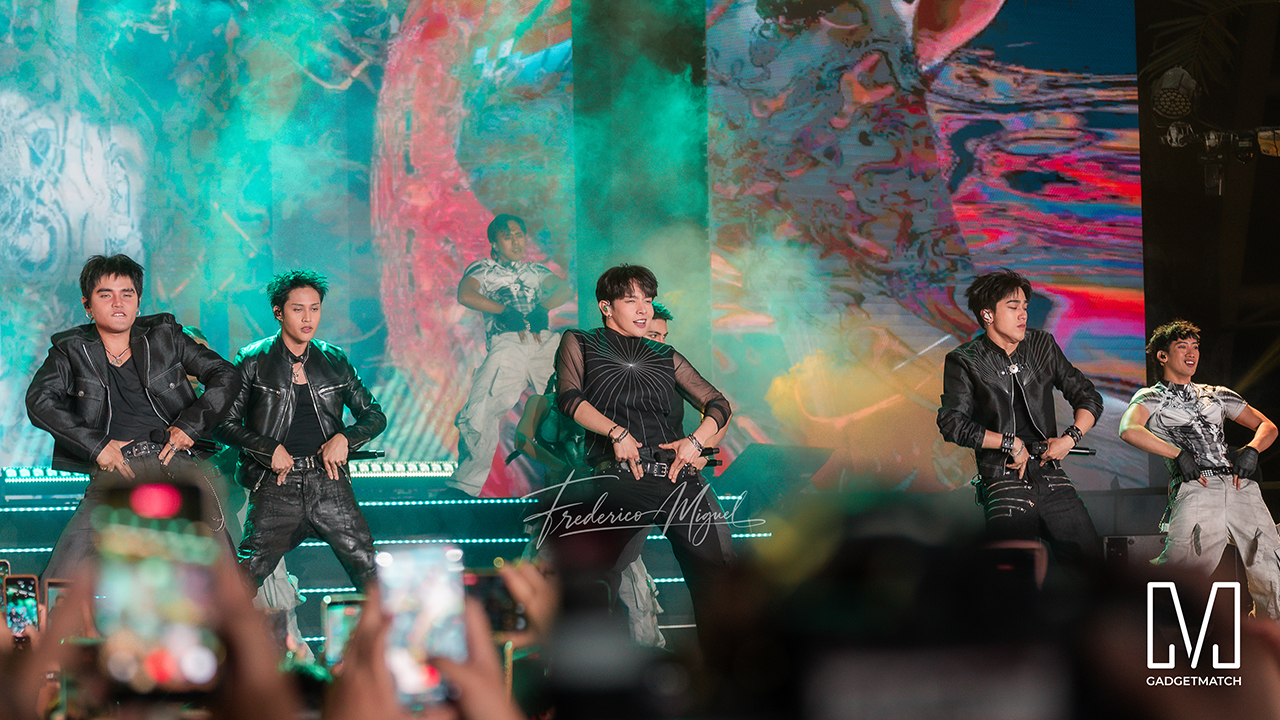
Sound and style shared the floor at COVE Manila in Okada Manila. Sony Philippines opened its doors for Beyond the Beat: The Next-Level ULT POWER SOUND Experience.
The event marked the company’s biggest ULT POWER SOUND launch in the country, and Sony paced the program like an exclusive night out.
Stacked ULT Towers filled the space. Guests styled themselves with designer pieces from Alser Lumawag, and SB19 closed the evening as the newest Sony ULT Squad members.
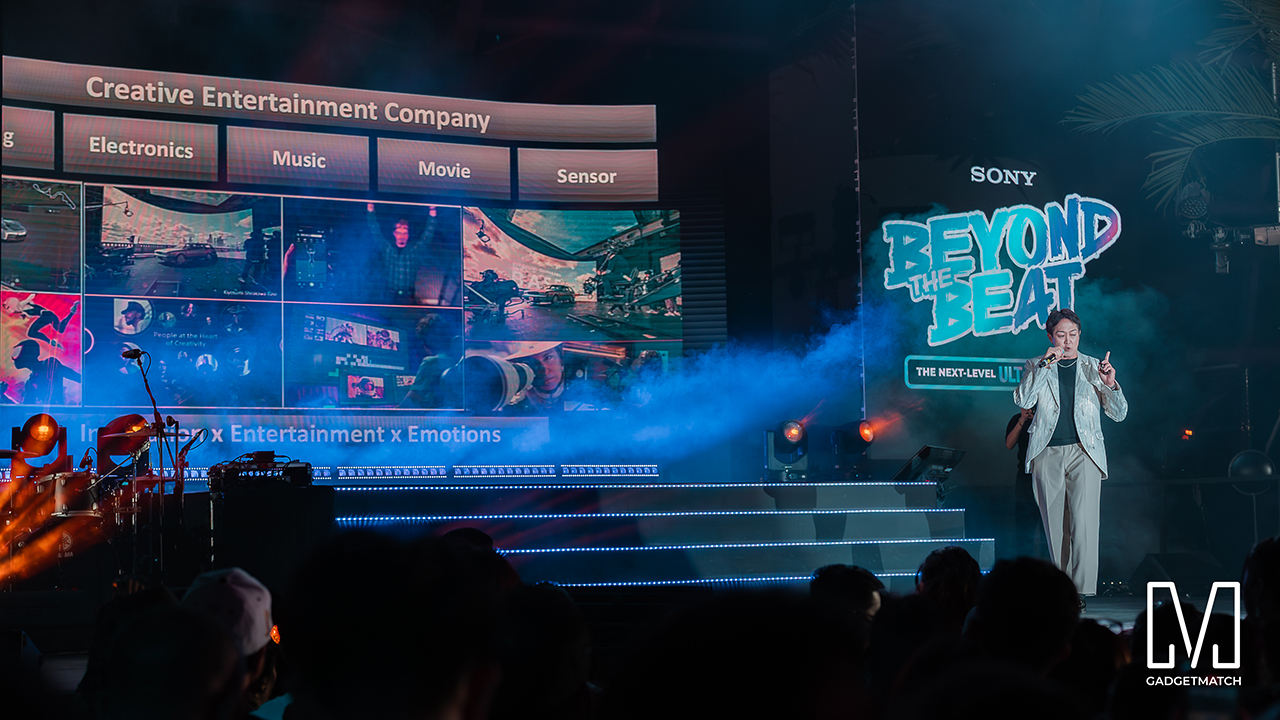
MySony members from every tier joined industry guests while the new ULT TOWER lineup set the tempo.
The towers take center stage
Shuhei Sugihara, Sony Philippines’ President and Managing Director, opened the program.

Product Marketing Specialist Keira Ambubuyog then introduced the newest additions to the lineup.

Arbie Bandiling of Personal Audio Systems unveiled the latest ULT Squad video. The clip introduced the artists and personalities fronting the campaign.
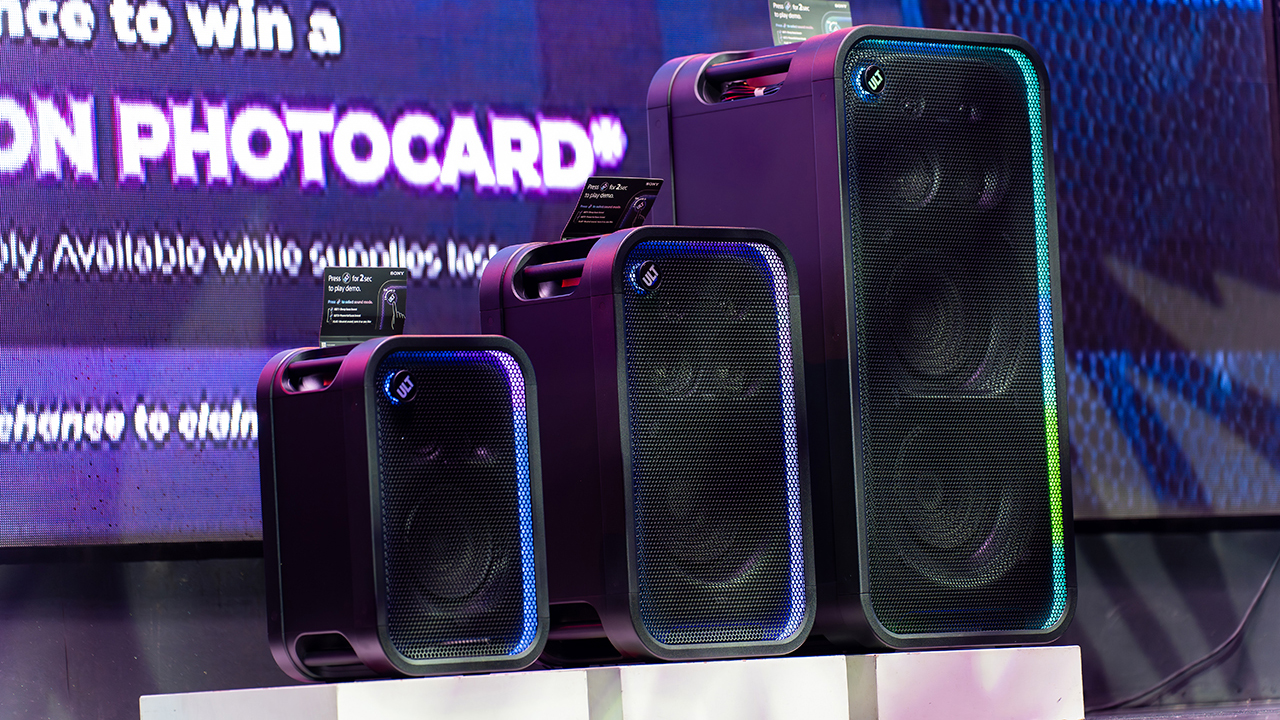
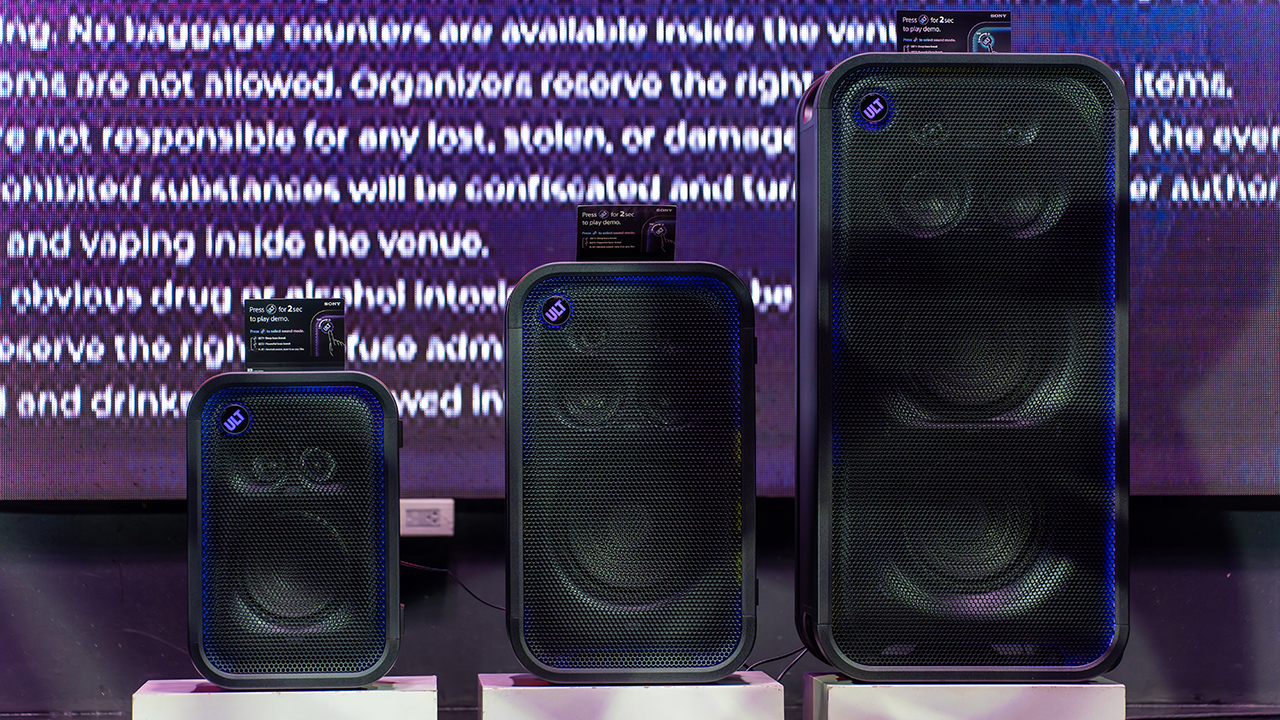
The lineup features the ULT TOWER 5, ULT TOWER 7, and ULT TOWER MAX. The new series pairs large circular woofers and high-capacity cabinets with ULT DUCT technology.
This design delivers stronger low-frequency bass than earlier models. The ULT TOWER MAX leads the series, described as Sony’s most powerful bass speaker yet.
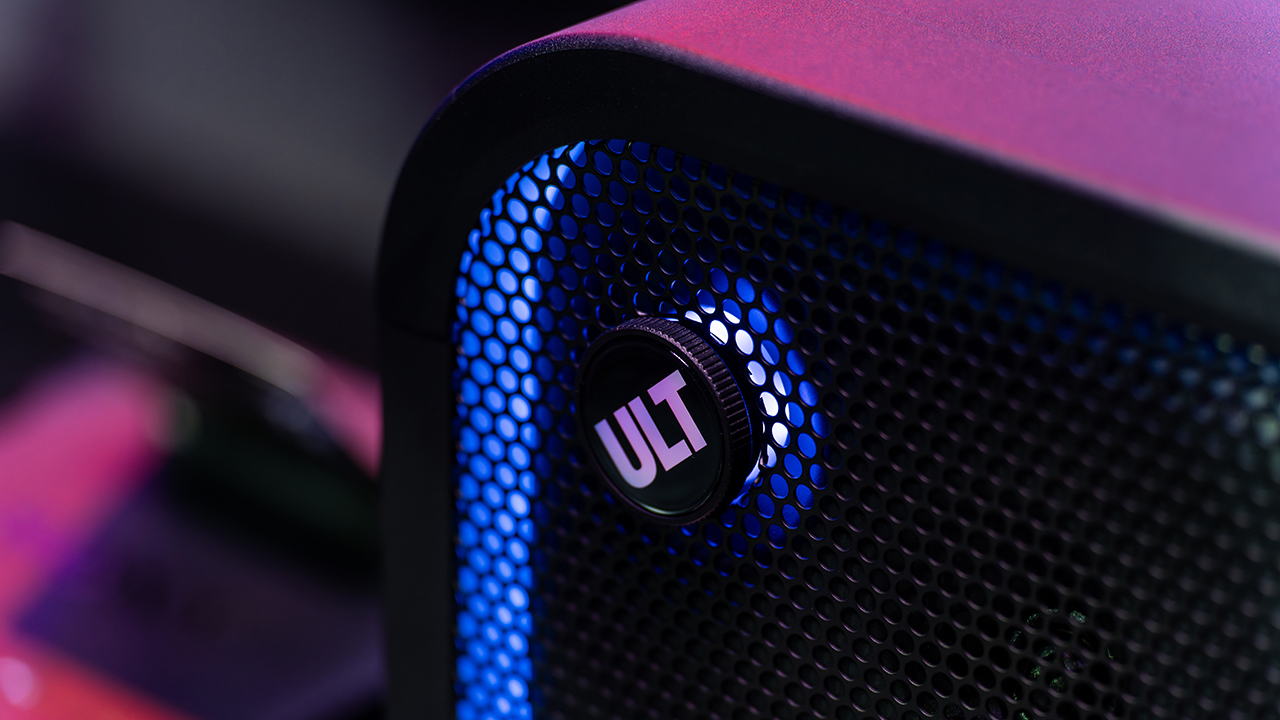
On another note, Sony pitches the ULT TOWER 7 as stage-worthy sound in a portable frame. Meanwhile, the compact ULT TOWER 5 targets smaller gatherings and features karaoke and DJ capabilities.
Experiential zones bring the sound to life
Guests explored the lineup across several interactive event zones. Step into the Beat paired an arcade-inspired setup with stacked ULT Towers and a dance pad. ULT Selfie Club handled photo ops.
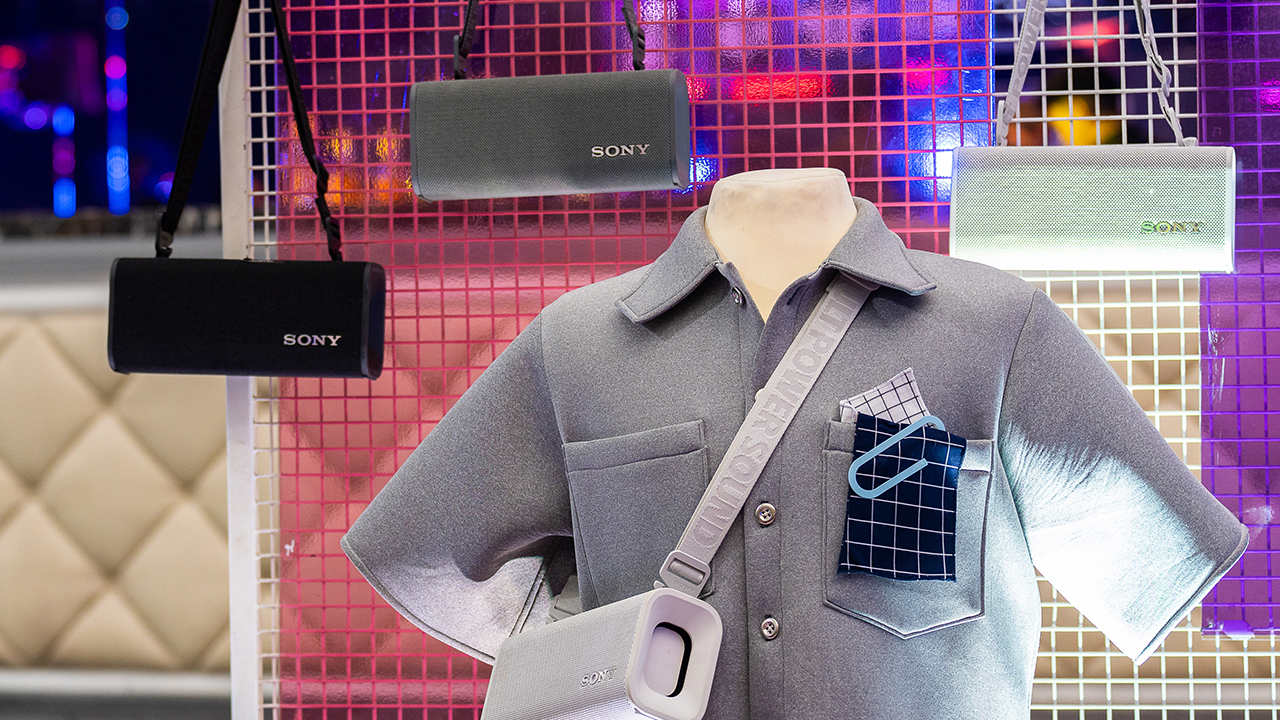
Nearby, ULT Cover Star let guests style ULT Field speakers alongside designer pieces from Alser Lumawag. Here, the speakers served as chic fashion accessories.
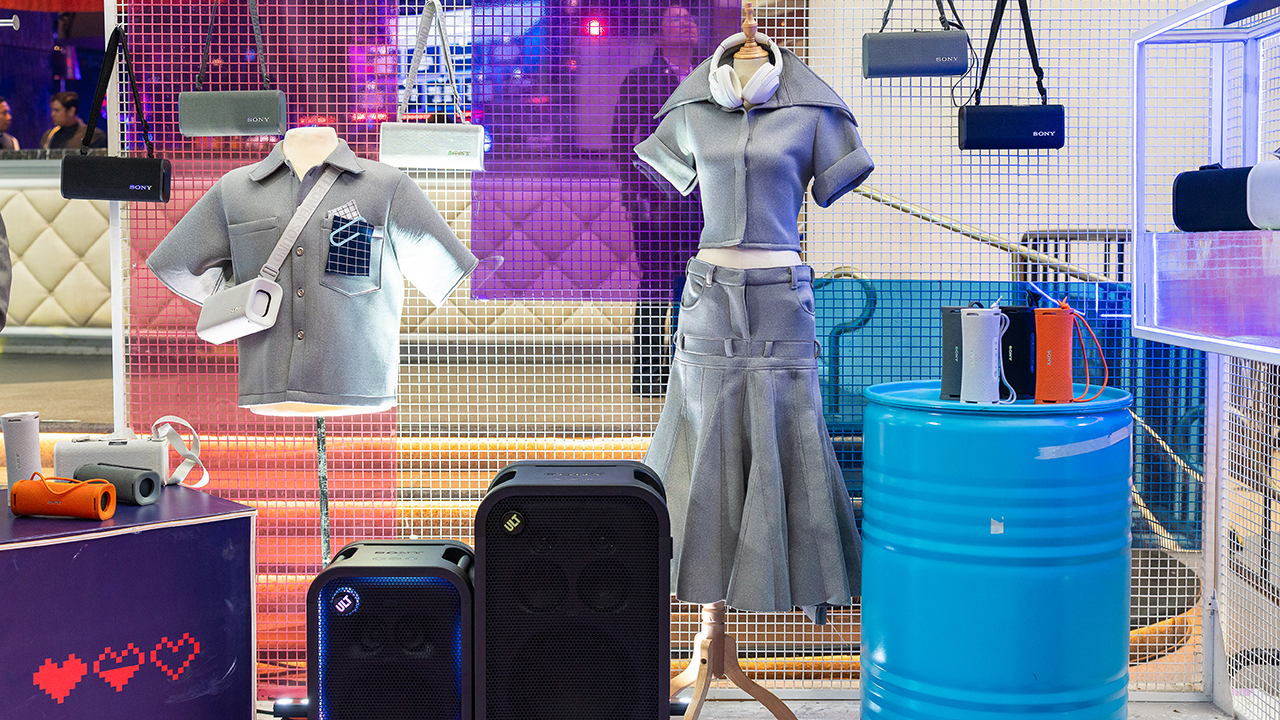
The Bass District gave VIPs and influencers a private, nightlife-inspired lounge. Karaoke Lounges invited everyone else to grab a mic and test the party-ready towers firsthand.
The ULT Squad shows up


Fashion influencer and ULT Squad member Angelique Manto-Guison hosted the night.
A-Team opened the show with a high-energy routine before Carlos Serrano III took the stage. David Guison and Jacqueline Jala walked the stage with ULT Models in elevated fashion, and Jeremy G followed with a dynamic musical performance.


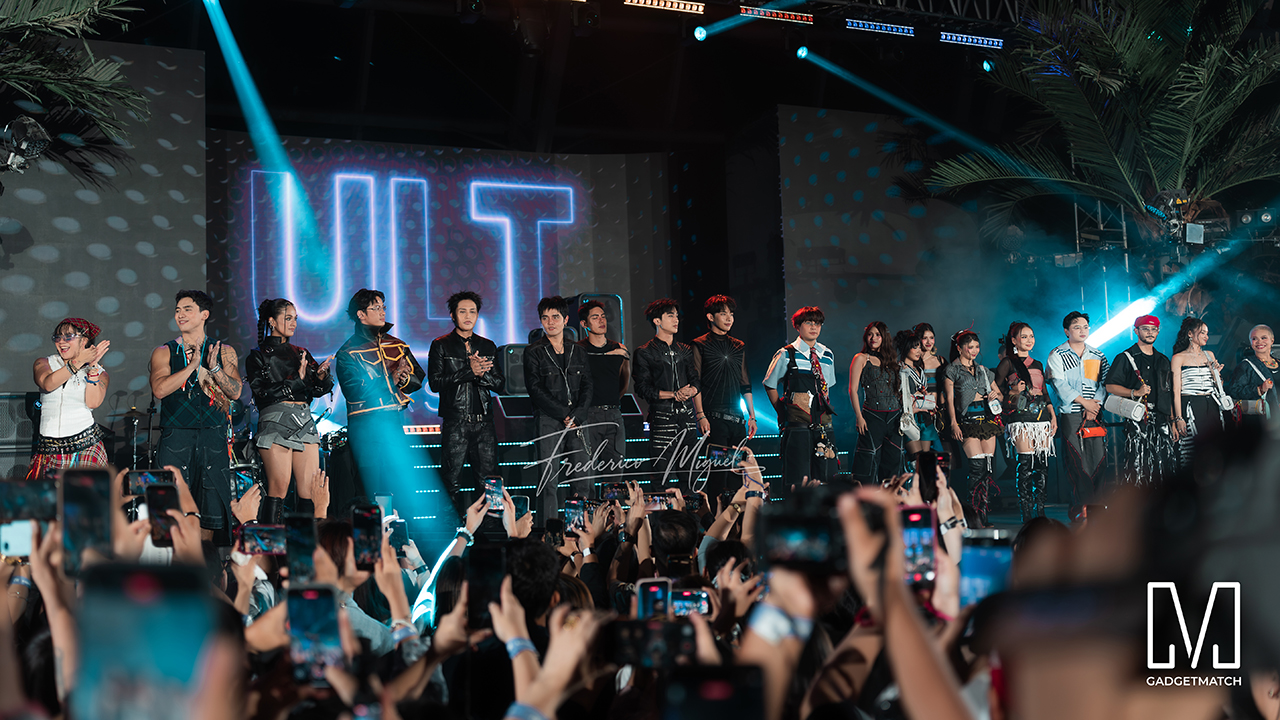
KAIA brought a youthful pop sound, while Maki delivered a set in his signature style.
SB19 closed the night, making their debut as the newest Sony ULT Squad members. Sony pairs its sound technology with the group’s influence in Filipino music. This collaboration positions the Squad as a platform for artists shaping contemporary music culture.
The ULT TOWER MAX, ULT TOWER 7, and ULT TOWER 5 are now available at Sony Centres and authorized dealers nationwide.
Accessories
Jackery Explorer 300D: Power and portability in one
Uninterrupted workflows for digital nomads, freelance creatives, more

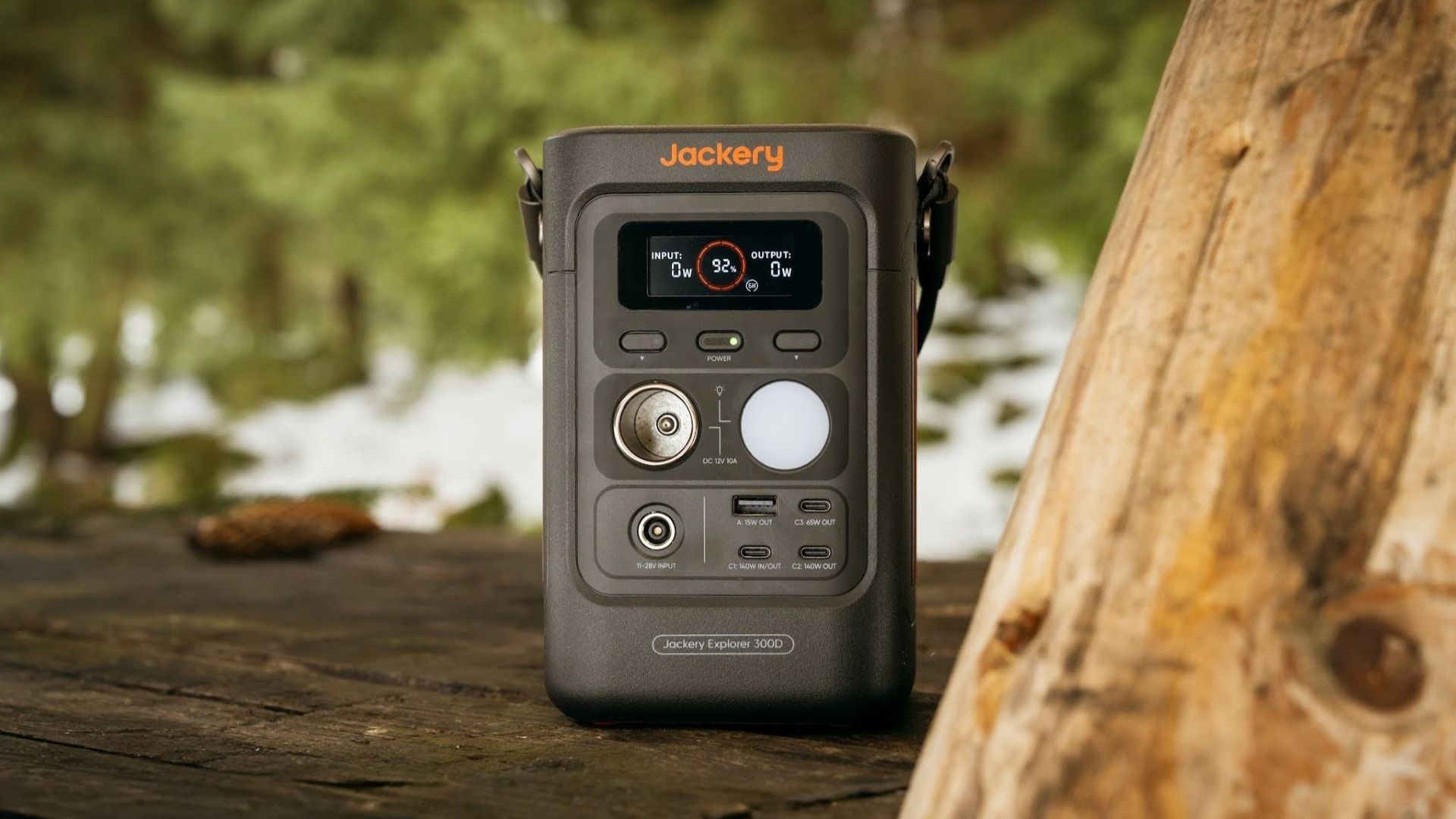
For digital nomads, freelance creatives, and even work-from-home professionals, staying productive on the move means carrying around multiple gadgets, cords, adapters, and power banks to survive the day.
Having to carry such weight, quite literally, is vital for maintaining workflow continuity.
For a more seamless experience and to have just one extra portable device to power all working parts, there’s the Jackery Explorer 300D.
Launched just last month, this grab-and-go offering from Jackery is designed for the modern lifestyle.
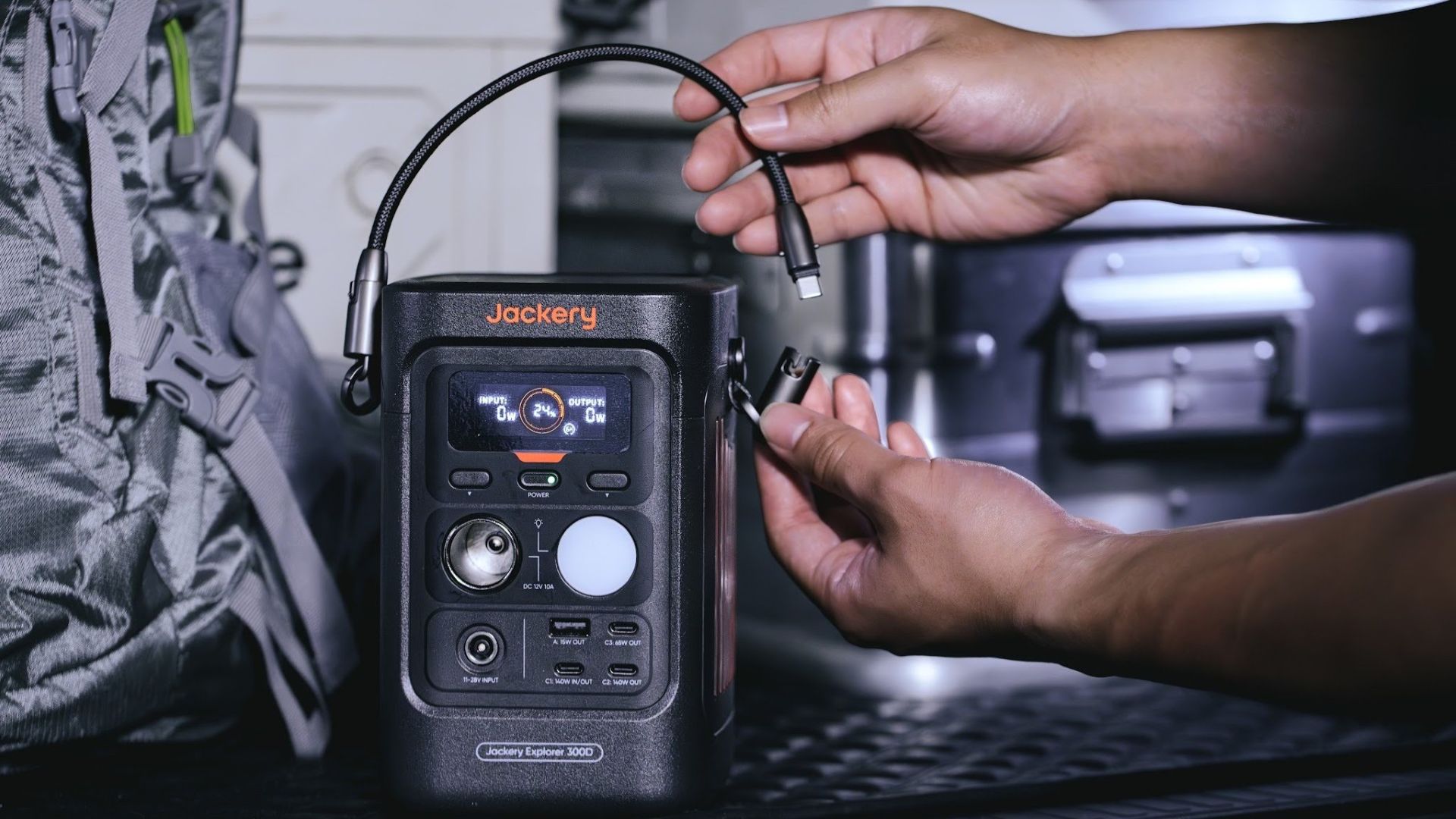
It moves away from Jackery’s traditional aesthetic with a sleek, speaker-like form factor. It weighs just 2.5 kilograms and is 64% smaller than standard 300W units in the market.
This ultra-compact size was made possible by a smart engineering choice of swapping bulky traditional AC wall outlets for highly efficient DC-only and USB-C ports — which also helps eliminate idle power loss.
With a 288Wh capacity, the Jackery Explorer 300D holds enough juice for up to nine power banks.
It can keep a Type-C fast-charging laptop for up to three to four full cycles, a Wi-Fi router alive for hours, and recharge cameras or drone batteries up to five times for a lengthy production day.
For smaller gadgets like smartphones and portable fans, the power station can juice them up for up to 22 times.

It can even charge five devices simultaneously with a total of three USB-C ports, a USB-A port, and a DC 12V car charger port.
All these ensure users are never disconnected, wherever they may set up their mobile office.
Another brilliant touch is the two-in-one shoulder strap that easily unclips to double as a heavy-duty 140W USB-C charging cable.
The everyday carry is available via Lazada and Shopee, and at the official Jackery kiosk in SM Fairview, as well as other partner stores.


DJI Lito X1 review: Is this the best lightweight drone for creators?
Making a strong case as a travel companion and a capable B-cam!


REDMI Note 17 Pro Max review: A new breed born from AI greed
Welcome to the new normal


Marvel’s Wolverine review: When the claws come out
A brutal, cinematic superhero adventure

CRISIS CORE -FINAL FANTASY VII- REUNION physical edition now available for Switch 2

Smart launches AI.Smart, an affordable AI workspace

A Discord ban won’t save your kids

When your body talks, the Galaxy ecosystem listens

Power Mac Center SM Aura is now an Apple Premium Partner store

realme 16T 5G with 8000mAh battery, IP69 Pro rating launches in PH

HUAWEI Pura X View is 2026’s first WIDE slab-type smartphone

REDMI reveals the refreshed Note 17 and Note 17 Pro series

REDMI Note 17 Series: Price, availability in Singapore

The CAMON Slim 5G is TECNO’s latest ultra-slim smartphone


-

 News3 days ago
vivo X500 Series launches with major imaging upgrades
-
 Hands-On2 weeks ago
Apple iPhone 18 Pro Series Hands-on
-
Gaming2 weeks ago
Marvel’s Wolverine review: When the claws come out
-

 Gaming1 week ago
BlizzCon 2026 announces World of Warcraft: Forever and Diablo V
-
 Singapore5 days ago
Epson Lifestudio Grand Plus EH-LS970B with 4K projection, more launches
-
Reviews1 week ago
REDMI Note 17 Pro Max review: A new breed born from AI greed
-

 First Look2 weeks ago
First Look: Apple iPhone Duo
-

 Entertainment2 weeks ago
PH to celebrate 1st ever National Cinema Day; movies start at less than $2