
Apps
Ultrahuman is an all-in-one fitness app
Workout, meditate and sleep soundly

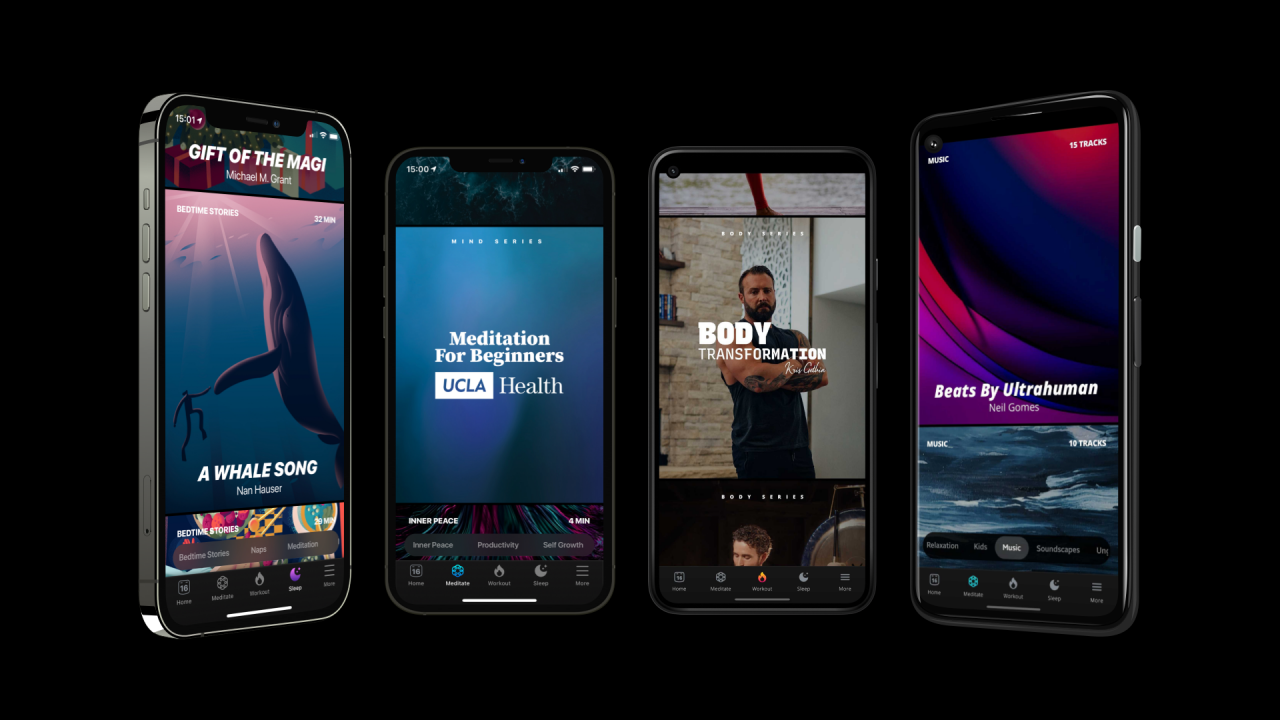
Staying physically and mentally fit is extra challenging during a pandemic, but it’s become essential now more than ever. Ultrahuman is a fitness app launched that offers a very convenient platform that targets the three main health points: physical exercise, meditation and sleep. It helps you stay fit from the moment you wake up until you go to bed!
This newest app, which debuted on CES 2021, features different content per category. It includes home workouts and yoga programs from world-class athletes and professional trainers to focus on your physical strength. You can choose from various workouts — from running and yoga to weightlifting and HIIT. The app is designed for all fitness levels.
With the app’s biofeedback technology, you can also track your heart rate and calories burned in real-time.
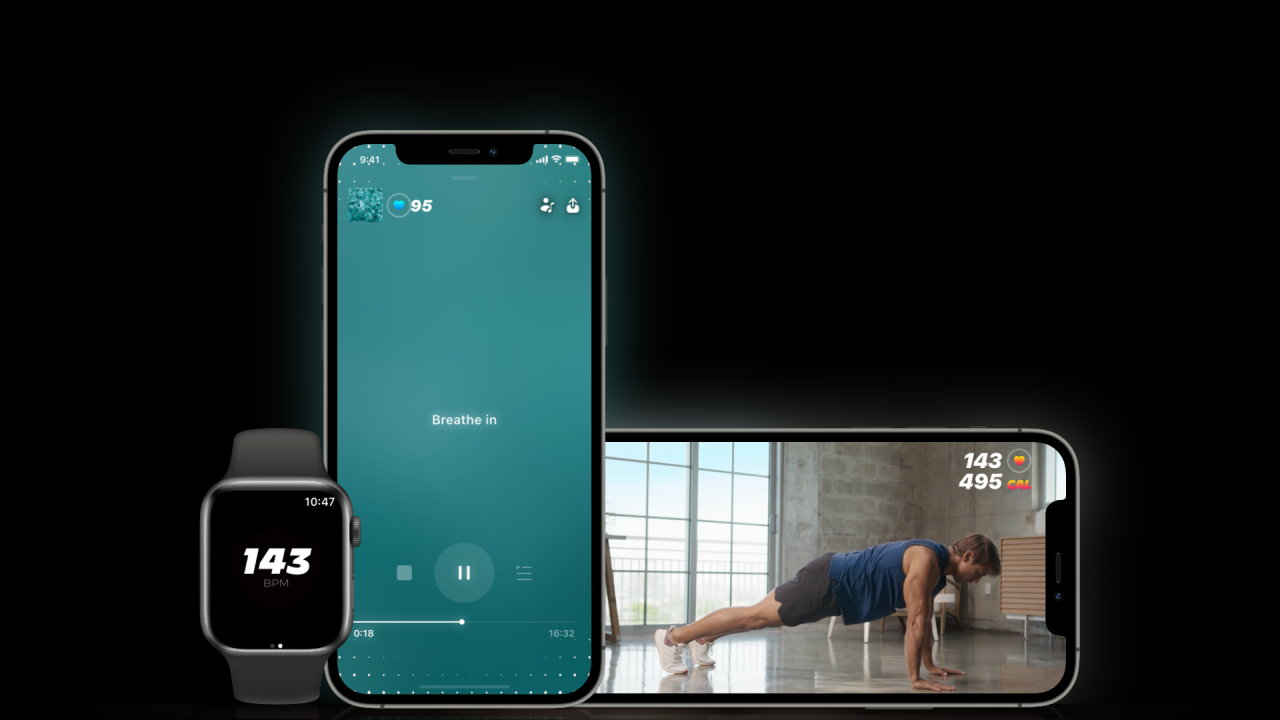
There’s also content focusing on mindfulness, including guided meditations, bedtime stories, calming meditation music, nature and sleep sounds, breathing exercises, among others. Manage stress and anxiety better by improving your mental health and sleeping patterns with the help of this series.
You can also listen to “brain music”, a section where you can find songs curated by “neuro-musicians” that aids focus, sleep and productivity.
Ultrahuman also partnered with UCLA, Mindsize, and Unified Mindfulness to bring the best of mind science and technology together.
The app is available on iOS and Android, and is already rolled out across 50+ countries globally. It’s been recognized by Apple as one of the top apps they love. Apple Watch users can also integrate their app to track their health progress real-time.

Apps
Google Photos can now censor your kid’s face better
The new Redact feature can censor sensitive information.


Censoring photos is heavy work. Either you stick on random emojis or draw an indiscriminate splotch of doodles to cover sensitive information. It’s an imperfect art but an essential one to protect privacy. Today, Google Photos is getting a Redact feature which can censor sensitive bits with pixelated blocks.
An addition to the Markup tool, Redact acts like a nifty pen that can hide information that you don’t want seen. Unlike a ghastly emoji or a splotch, the censored bar mixes better with the surrounding elements. In the example that Google used, a censored license plate blends well with the car it’s attached to, making the photo look more cohesive. Besides license plates, it’s the perfect tool for covering other information like phone numbers, addresses, and the faces of your loved ones.
Google Photos is also rolling out Moods, a set of filters that give photos a nostalgic look, including a 2000s night digicam vibe that’s popular today. There are also 15 new Remix templates to add more creation options.
Both the Redact and the Moods features will roll out to Android users starting today. The new Remix templates, however, will be limited to some countries on both Android and iOS.
SEE ALSO: Google will force Android users to use Gemini next month
Apps
Smart launches LiveSmart App for exclusive deals
Exclusive deals, cashback, and bill payments in one app.

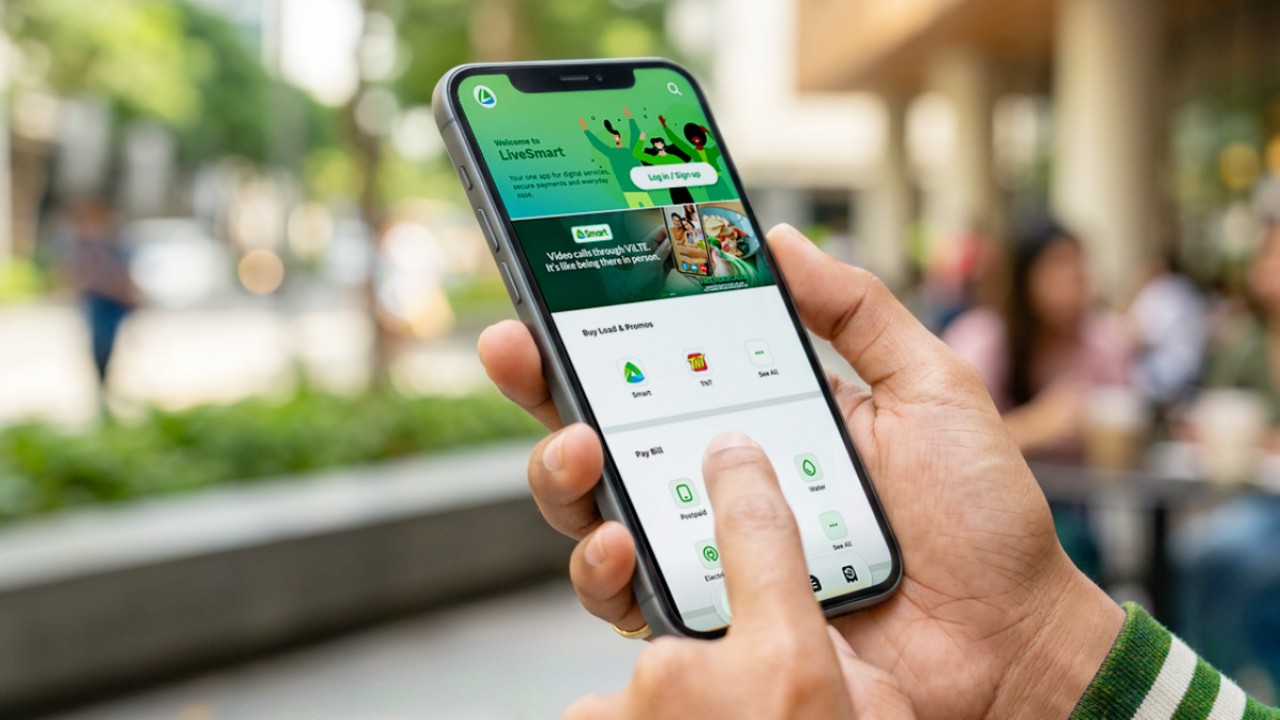
Smart Communications, Inc. (Smart) and TNT have launched the LiveSmart App, a new platform that combines loading, bill payments, exclusive offers, and other everyday transactions in one app.
The app is available on the Google Play Store and Apple App Store. It is open to Smart, TNT, and subscribers of other mobile networks.
The LiveSmart App gives users access to exclusive deals and savings. These include cashback offers, discounted Smart and TNT data packages, and limited-time access to AI.Smart.
“Filipinos are becoming more deliberate about where they spend and how they can get more value from every peso,” said Lloyd R. Manaloto, FVP and OIC for Smart. “The LiveSmart App is designed to help make those everyday decisions a little smarter, by giving users convenient ways to load, pay bills, and access exclusive savings and offers in one place.”
Exclusive deals and perks
Smart and TNT are rolling out several offers on the LiveSmart App starting September 18.
Smart and TNT subscribers can get 5% cashback when they purchase load or pay their Smart Postpaid bill through the app.
The app also offers data packages at exclusive prices. Smart Prepaid subscribers can get Power All 109 for PHP 105, while TNT subscribers can get Saya All 109 for PHP 105.
Users who download the LiveSmart App may also receive limited-time free access to AI.Smart.
AI.Smart combines multiple AI models, including AWS Nova, ChatGPT, Claude, Google Gemini, and Thinking Machines, in one workspace. Users can use it to generate images, create presentations, draft documents and spreadsheets, and get help with schoolwork, content creation, and other projects.
To claim the free AI.Smart credits, users need to tap the AI.Smart banner in the LiveSmart App. They then need to create an AI.Smart account using their Smart or TNT number.
Smart says users can also expect more exclusive deals and perks from lifestyle partners as it expands the LiveSmart App.
Powered by Smart 5G
The LiveSmart App runs on Smart’s network. Smart 5G supports activities such as video streaming, gaming, and real-time social media sharing.
The company said Ookla recently recognized its network for the Best Mobile Video Experience in the Philippines for the first half of 2026. Smart recorded a Video Score of 72.82, which it said was the highest among mobile operators in the country.
The LiveSmart App is now available on the Google Play Store and Apple App Store. Users can learn more about the app through Smart’s website.
Apps
Apple’s best feature to cure motion sickness is finally on Android
Google copies a good page from Apple’s playbook.
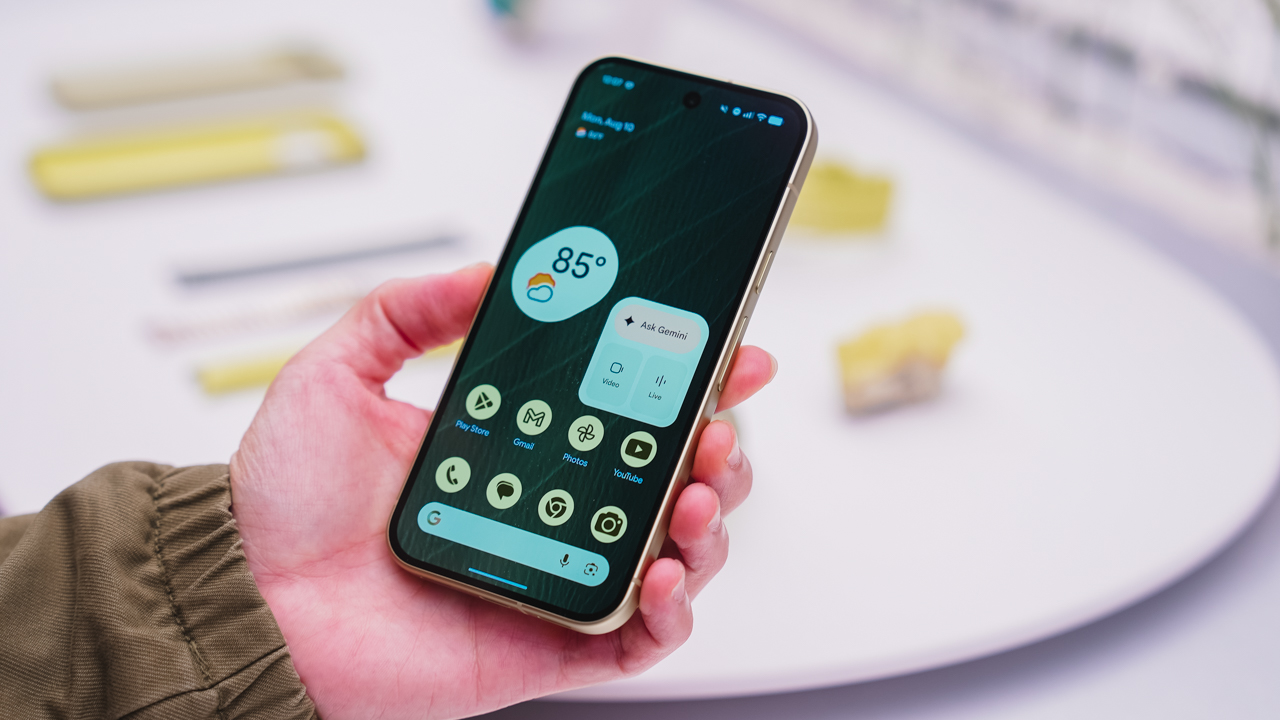
As an Android user, I’ve been jealous of iPhone users for a while now, but it’s not for the reason you might think. See, I’m ridiculously prone to motion sickness when I’m not driving. So, when I discovered that Apple has a software-based cure called Vehicle Motion Cues, I wanted it immediately. Now, Android does have third-party apps that do the same thing, but they’re not as good as a fully native version. Well, those dark, nauseating days are about to come to an end. Android 17 is finally getting a similar tool called Motion assist.
Before that, let’s rewind for a bit. What do these features do? How can they cure motion sickness?
Whenever you open Vehicle Motion Cues or Motion assist, the interface spawns a series of dots on the screen. These dots respond to movement. For example, if the vehicle turns to the left, the dots also go to the left, mimicking the movement. Without cues like this, the stationary nature of the screen clashes with our brain’s perception of movement. The disparity creates that feeling of nausea. Basically, our eyes are desperately trying to focus on the static screen, but our brains are telling us that we should be seeing motion. Having moving dots reorients our brain and places the phone inside our perception of movement.
Now, you can enable the same feature on your Android 17 device through Settings > All services > Motion assist under Personal & device safety. You can also set it so that the feature turns on automatically when the phone detects that you’re in a moving vehicle. Finally, you can also tweak the shape, color, and opacity of these dots.
Android 17’s Motion assist is rolling out now to compatible devices.
SEE ALSO: These are the best Android 17 features (if you hate AI)


DJI Lito X1 review: Is this the best lightweight drone for creators?
Making a strong case as a travel companion and a capable B-cam!


REDMI Note 17 Pro Max review: A new breed born from AI greed
Welcome to the new normal


Marvel’s Wolverine review: When the claws come out
A brutal, cinematic superhero adventure

Spotlight: Amazon Kindle Scribe Colorsoft

Chimelong’s newest attraction might be the robots themselves

Xiaomi 18 Pro series is launching globally, Xiaomi confirms

Google Photos can now censor your kid’s face better

CRISIS CORE -FINAL FANTASY VII- REUNION physical edition now available for Switch 2

realme 16T 5G with 8000mAh battery, IP69 Pro rating launches in PH

HUAWEI Pura X View is 2026’s first WIDE slab-type smartphone

REDMI reveals the refreshed Note 17 and Note 17 Pro series

REDMI Note 17 Series: Price, availability in Singapore

The CAMON Slim 5G is TECNO’s latest ultra-slim smartphone


-

 News5 days ago
vivo X500 Series launches with major imaging upgrades
-

 Hands-On2 weeks ago
Apple iPhone 18 Pro Series Hands-on
-

 Gaming2 weeks ago
BlizzCon 2026 announces World of Warcraft: Forever and Diablo V
-

 News4 days ago
OPPO Find X10 Pro Max is the first phone with a triple 200MP camera system
-
Reviews2 weeks ago
REDMI Note 17 Pro Max review: A new breed born from AI greed
-

 Singapore7 days ago
Epson Lifestudio Grand Plus EH-LS970B with 4K projection, more launches
-

 News5 days ago
vivo introduces OriginOS 7 with smarter multitasking and AI features
-

 Gaming2 weeks ago
Valve unveils price of the Steam Frame