
Philippines
vivo School Tour 3-on-3 basketball 1st leg tips off
Six stops, one grand finals


vivo, the official smartphone of the NBA, kicked off the first leg of its much-anticipated vivo School Tour at the Lyceum University of the Philippines last September 29.
A total of six teams competed and two teams emerged victorious for the right to represent the school in the Grand Finals slated for November.
The event also featured a TikTok dance competition for students who watched the event.
Onsite, vivo showcased its vivo V29 5G, Y36, Y27, and Y02t smartphones for students to experience firsthand.
The company also introduced vivo Club, a platform where students can sign up to receive various perks and benefits, including exclusive internship opportunities and invitations to team-building activities and exciting experiences.
The next stop will be at the University of the Philippines Diliman on October 7, followed by Jose Rizal University on October 12, National University on October 18, De La Salle-College of St. Benilde on October 25, and De La Salle University on November 8.
The winning squads from each school make it to the Grand Finals at the Music Hall, SM Mall of Asia which happens on November 18 and 19.
This article is a sponsored press release from vivo Philippines.



Apps
Canva teams up with SB19 to turn A’TIN’s passion into creativity
Campaign lets fans access assets, editable templates, more

Canva Philippines has joined forces with SB19 and Sony Music Entertainment to launch the “Kaya sa Canva” campaign.
This first-of-its-kind initiative is aimed at transforming the popular Filipino boy band’s fanbase into creators by giving them access to official design assets, exclusive templates, and powerful creative tools.
That’s of course as fans have a way of creating artwork, banners, and more outputs to honor their idols.
As such, the partnership enables the A’TIN (SB19’s fanbase) to access the Canva-exclusive SB19’s Creative Hub.

This dedicated space lets fans access assets, including SB19-inspired sticker packs, custom typography, and editable templates inspired by the group.
Fans around the world will initially have access to templates for photo-booth strips, wallpapers, posters, and videos.
The campaign will then expand with Canva-exclusive assets celebrating the group’s New Era, as well as their latest single, “Lawless”.
Meanwhile, the original song “KAYA” is accompanied with an upbeat music video, doubling as a love letter to A’TIN and a masterclass in Canva’s tools.
Every visual and animation is fan-inspired, a celebration of the creativity, passion, and dedication that’s defined in the community from day one.
Deals
Maya: Convert purchases to 0% interest Mini Payment plans
On select electronics and home appliance purchases for a limited-time only
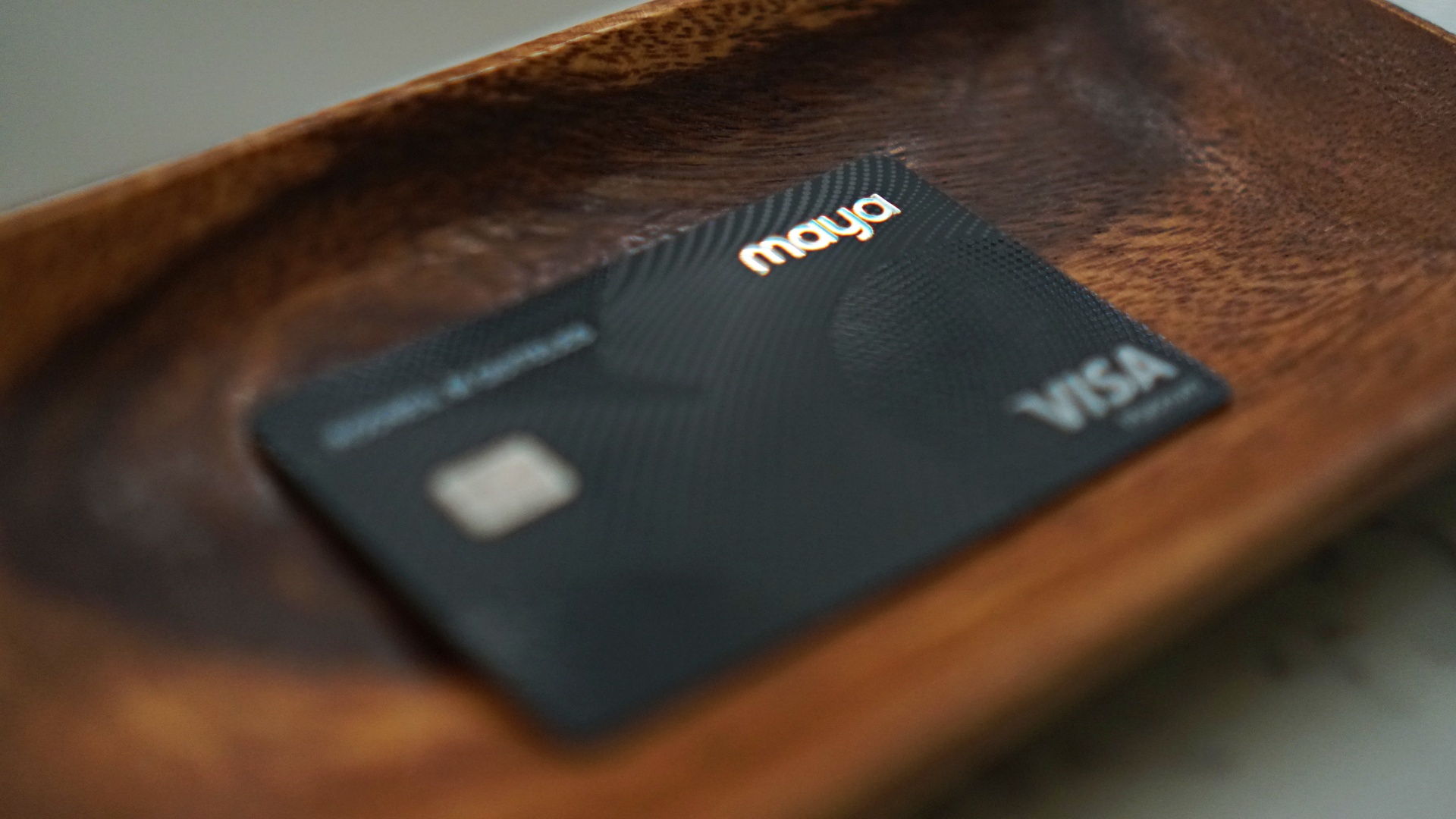
Maya is offering consumers the opportunity to convert eligible electronics and home appliance purchases to 3-month Mini Payment plans with 0% interest.
That’s through the Maya Black Credit Card or the Landers Cashback Everywhere Credit Card. The promo period runs from August 1 to October 31, 2026, giving consumers more financial flexibility.
In addition, processing fees will be waived for Mini Payment plans availed until September 30.

Purchases will continue to earn instant Maya Miles or Landers Cashback Points with use of the corresponding card.
To avail of the mini-payment offer, simply make a single straight purchase worth at least PhP 10,000 using either card.
Once the transaction is posted on the Maya app, select the transaction and tap “Convert to Mini Payments”. Then, choose the 3-month Mini Payment plan to enjoy the promo.
News
Visa brings Apple Pay to its customers in the Philippines
An easier and more secure way to pay with iPhone, Apple Watch, iPad, and Mac
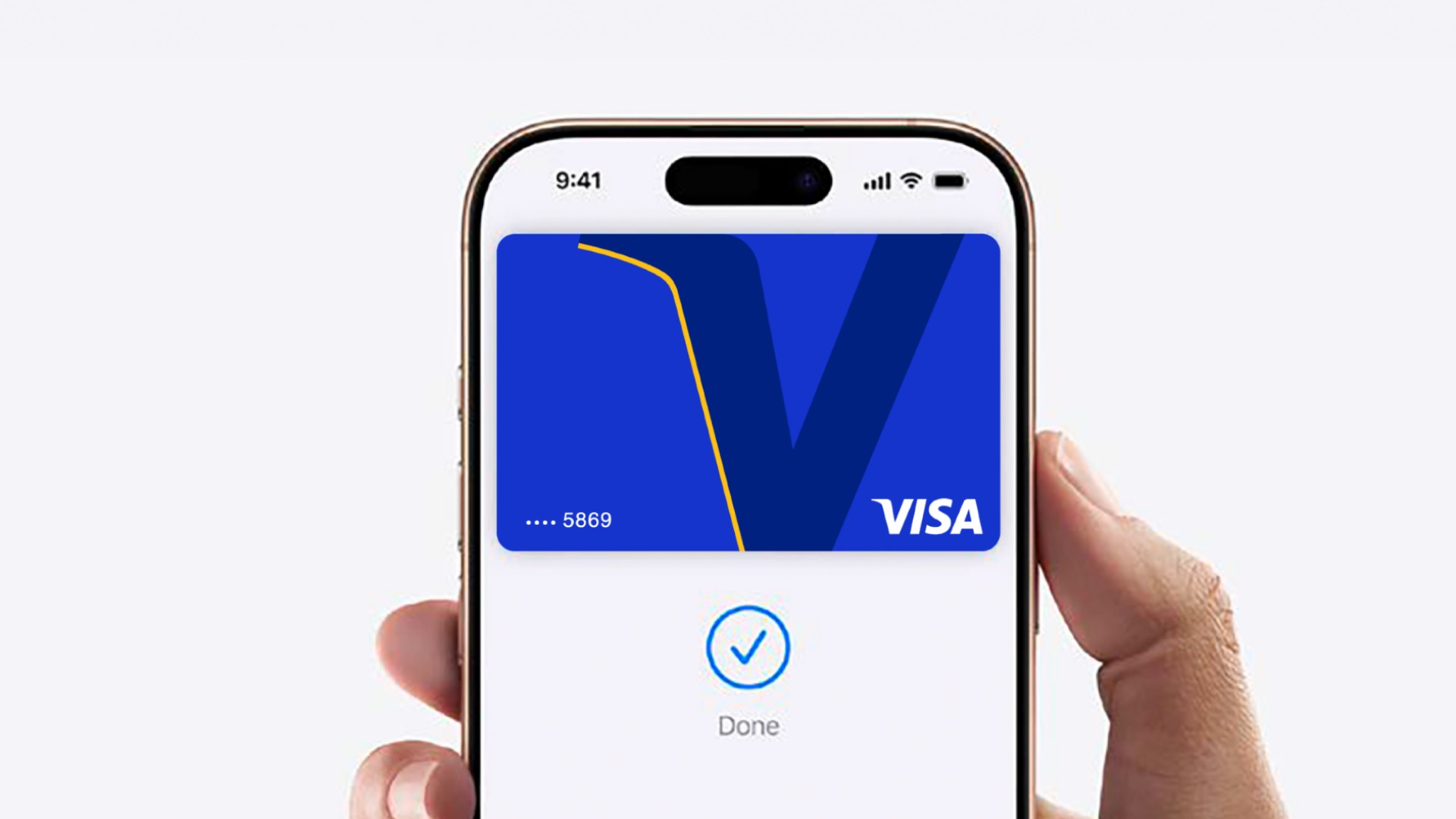
Visa (NYSE: V), a global leader in digital payments, announced today that Visa debit and credit cardholders in the Philippines can now add their eligible cards to Apple Pay on their iPhone, Apple Watch, iPad, and Mac. Apple Pay is an easy, secure and private way to pay in-store, in-app and online.
This announcement accelerates the digitalization of payments all while expanding payment options for Filipinos traveling abroad and visitors traveling to the Philippines. Across the Asia Pacific region, 97% of travelers1 say that they will bring credit, debit, or prepaid cards on their trips, while only 17% intend to bring foreign currency. Among travelers, 38% said they prefer cards because of robust security and fraud protection features, while 20% cite wide acceptance. Apple Pay seamlessly delivers on these exact needs by making everyday transactions easy, secure, and private.
Visa Confidential
To pay in-store, customers simply double-click the side button, authenticate, and hold their iPhone or Apple Watch near a payment terminal to make a contactless payment. Every Apple Pay purchase is secure because it is authenticated with Face ID, Touch ID, or device passcode, as well as a one-time unique dynamic security code. Apple Pay is accepted in grocery stores, pharmacies, restaurants, coffee shops, retail stores, and many more places that accept contactless payments.
Customers can also use Apple Pay on iPhone, iPad, and Mac to make faster and more convenient purchases in apps or on the web without having to create accounts or repeatedly type in contact information, card details, or shipping and billing information.
“Apple Pay represents the next evolution of payments in the Philippines, combining ease of use, simplicity, and security in every transaction, helping amplify the payment experience for Visa cardholders in the Philippines. With Apple Pay, Filipinos and tourists alike now have seamless and secure ways to pay across shops, restaurants, travel destinations, and public transport, supporting the nation’s vision to become a cash-lite economy,” said Jeffrey Navarro, Country Manager for Visa Philippines.
Security and privacy are at the core of Apple Pay. When customers use a credit or debit card with Apple Pay, the actual card numbers are not stored on the device, nor on Apple servers. Instead, a unique Device Account Number is assigned, encrypted and securely stored in the Secure Element, an industry-standard, certified chip designed to store the payment information safely on the device.
Apple Pay is easy to set up. On iPhone, simply open the Wallet app, tap the ‘+’, and follow the steps to add a Visa card. Once a customer adds a card to iPhone, Apple Watch, iPad, and Mac, they can start using Apple Pay on that device right away. Customers will continue to receive all of the rewards and benefits offered by their Visa cards.
For more information on Apple Pay, visit: https://www.apple.com/ph/apple-pay/

realme C100: Enduring and durable in spite of entry-level realities
Enough power but needs more agility


The ASUS ExpertBook Ultra wins you over
The laptop sneaks up on you


Nexal Watch Sport review: A rugged watch for small budgets
I couldn't believe that watches this good could come for this cheap.

Apple Watch, AirPods get exclusive offers via Beyond the Box

Canva teams up with SB19 to turn A’TIN’s passion into creativity

SQUARE ENIX STORE Plus expands presence in Asia, Oceania

Maya: Convert purchases to 0% interest Mini Payment plans

Netflix: Kris Aquino makes on-screen comeback with fictional role


-

 Automotive5 days ago
VinFast debuts two-wheeler models, opens 21 e-motorcycle showrooms
-

 Computers1 week ago
AMD launches Radeon RX 9050 graphics card
-

 Computers2 weeks ago
AORUS MASTER 16 Gen 2 2026 AI gaming laptop launches
-

 Gaming2 weeks ago
God of War Laufey finally confirms its highly anticipated launch date
-

 Automotive1 week ago
Xiaomi debuts SkyNomad Series featuring new Kunlun platform
-

 News4 days ago
OnePlus officially leaves the United States and Canada
-

 Gaming2 weeks ago
NBA 2K27 gameplay trailer showcases new dunk mechanics, Rucker Park, and more
-

 Gaming7 days ago
Call of Duty: Modern Warfare 4 clip shows Losing Ground 1st look