
Reviews
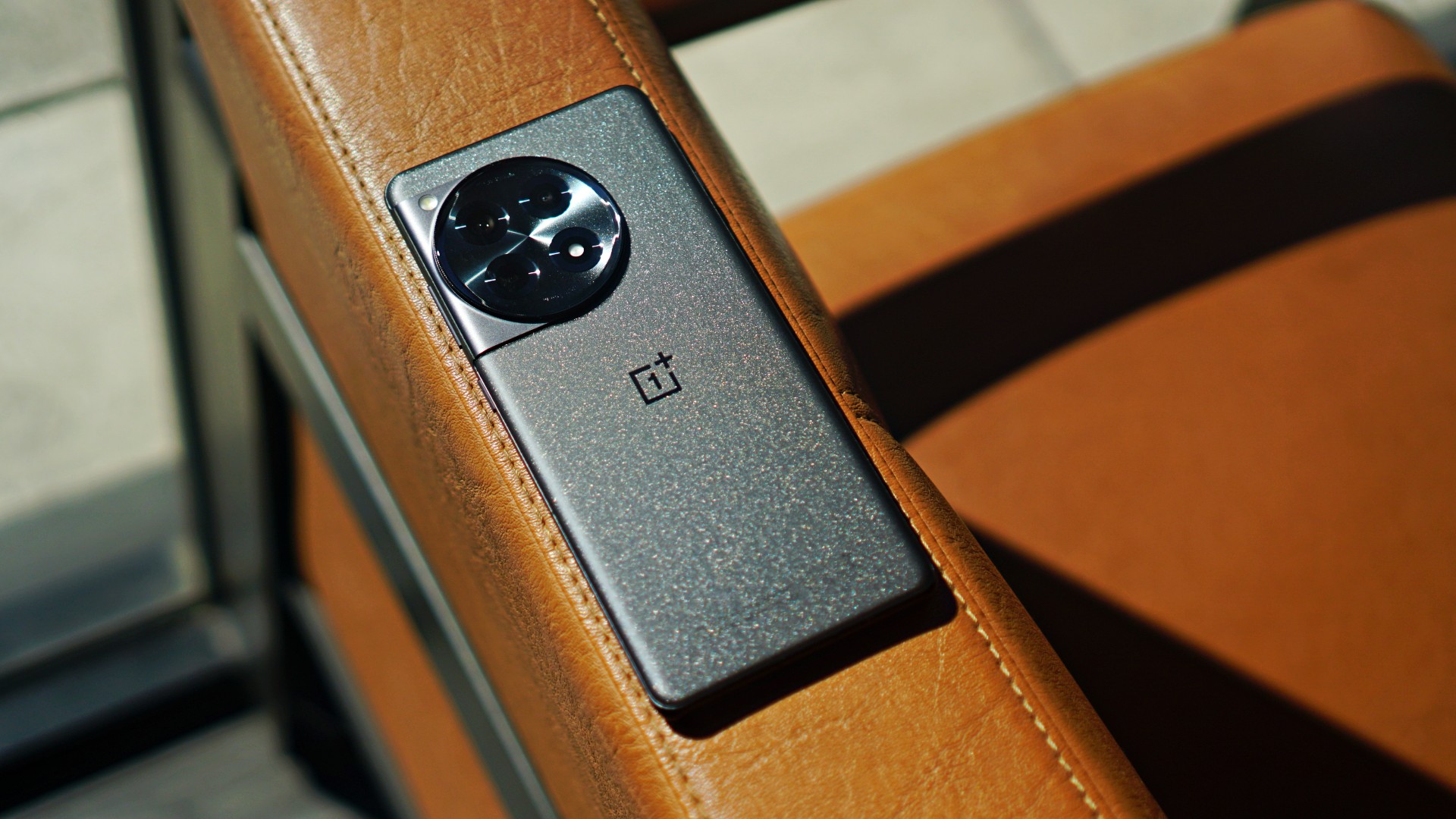
OnePlus 12R review: Making sense of OnePlus’ latest flagship
Smooth beyond belief, but is it worth the upgrade?

OnePlus has been fairly consistent when it comes to their positioning. Historically, the brand has offered flagship-level smartphones for a more affordable price point compared to its chief competitors. The OnePlus 11, for instance, did great overall, with just minimal misses here and there.
Now, the brand is back with the OnePlus 12R. It’s technically the “lite” or base model of the latest numbered series, but promises the same smooth, flagship-caliber experience. Users loyal to the OnePlus brand might think, is it time to upgrade? Conversely, is it worthy of a non-OnePlus regular’s consideration?
OnePlus 12R specs
- Qualcomm Snapdragon 8 Gen 2 chipset
- OxygenOS 14 based on Android 14
- 16GB RAM
- 256GB internal storage
- 6.78-inch LTPO AMOLED display, HDR10+, Dolby Vision, 94.2% screen-to-body ratio
- 120Hz dynamic refresh rate, up to 1000Hz touch response rate
- 5,500mAh battery
- 100W SUPERVOOC charge
Appearance, feel: Still needs improvements
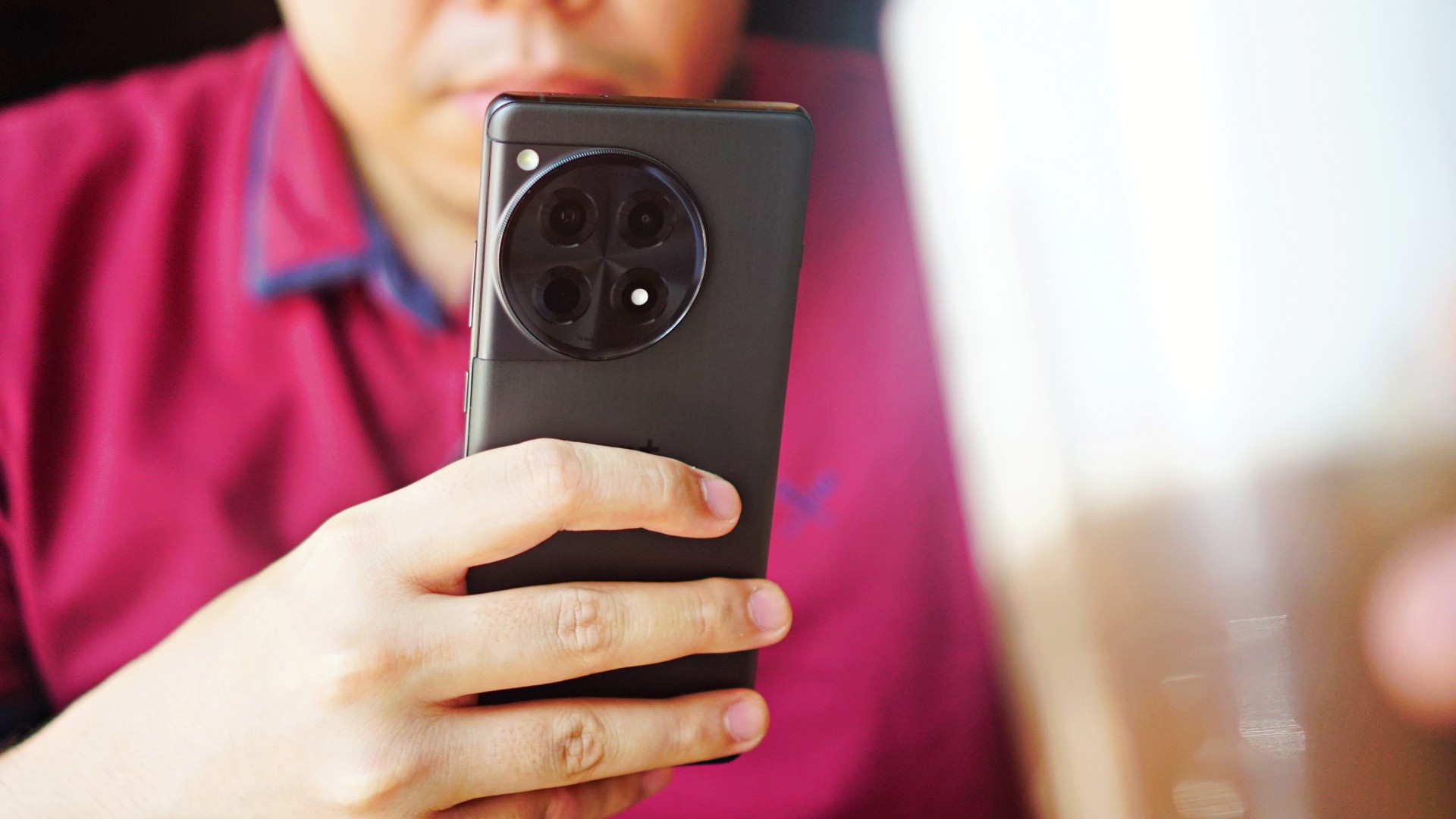
It’s good that the OnePlus 12R’s volume keys are now on the right. It makes it easier to adjust the volume when held with just one hand.

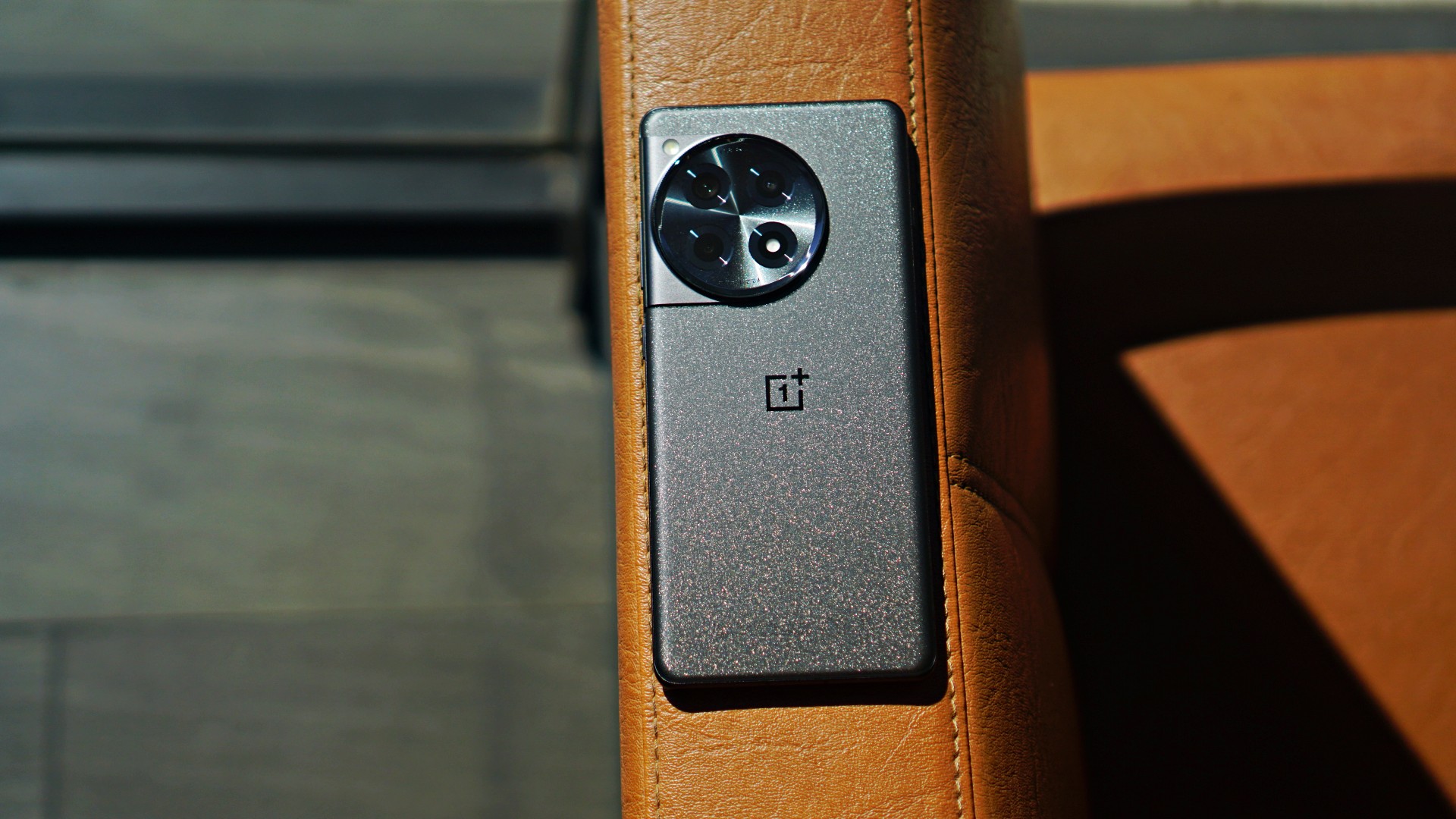
The alert slider is on the left, and the selfie camera punch hole is in the middle. Other than that, there aren’t many changes. The rear cameras look exactly the same from the OnePlus 11 series.
I wish OnePlus solved the slippery problem too. Although the unit we reviewed had a matte black finish, it was still slippery to hold. I’m sure most users have this habit of putting their phones on their laps from time to time. I wouldn’t recommend doing that with this particular model.
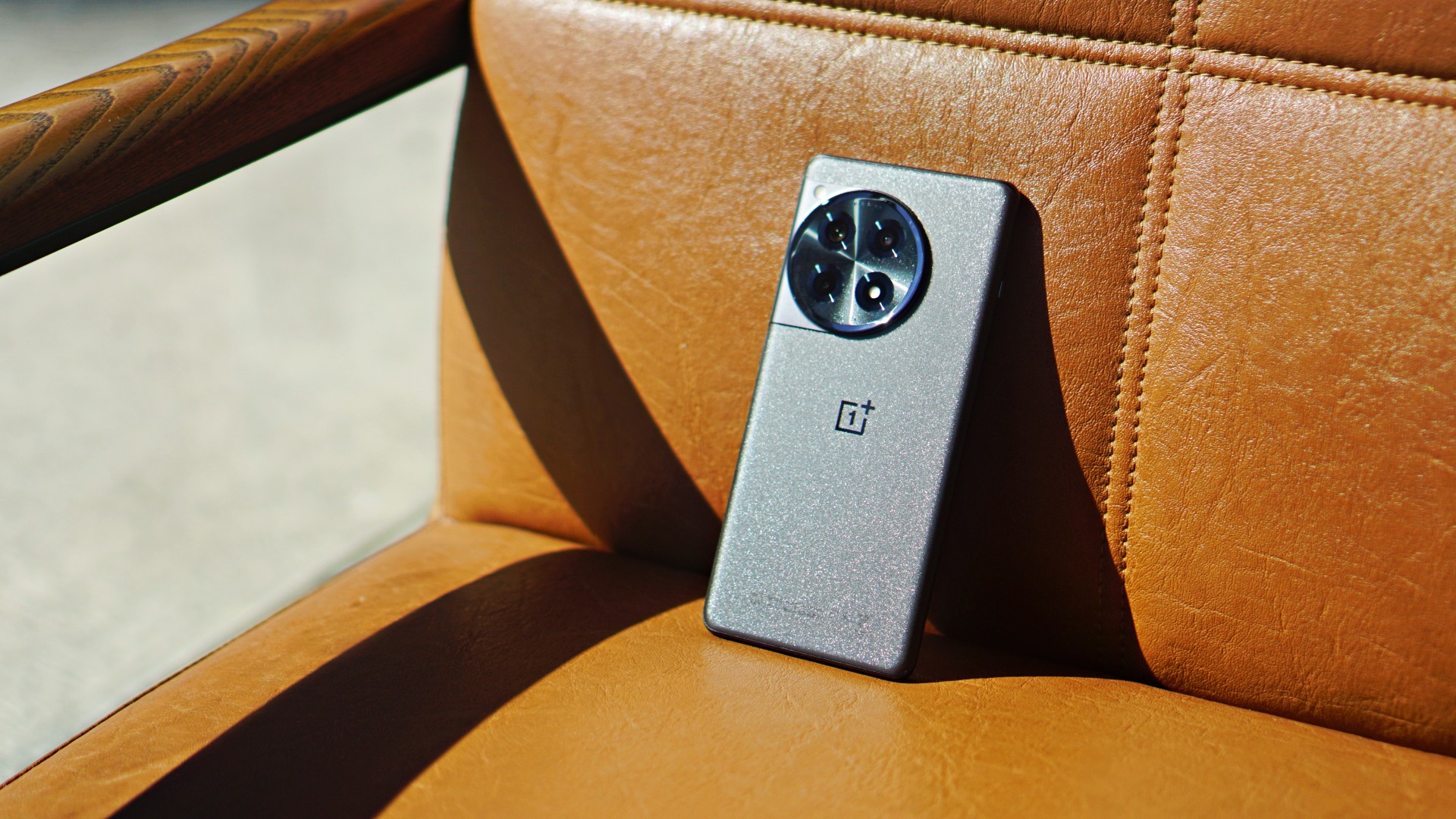
It will fall 100% of the time. Furthermore, it doesn’t help that there is no case to at least reinforce the grip. I was extra cautious every time I held the phone, because it just didn’t give me that assurance I was looking for.
Display, audio: Immersive, punchy

Moving on, the device’s display is bright as it gets. You will see content with a more natural tone. Details are vivid and crisp, and are retained even in bright and dark spots. Even when you zoom in on a 2160p video being played, you are guaranteed clear and accurate images. Moreover, I didn’t experience any eye strain while doing a handful of stuff on the phone. That’s always a great sign, but is expected of more expensive phones nowadays.

On the audio side, the dual speakers provide you with an immersive feel. The sound comes out loud and punchy. They’re also placed appropriately. Even when you hold the phone horizontally for streaming or gaming, chances are you won’t block the speakers with your fingers.
Performance, browsing, gaming: Smooth AF
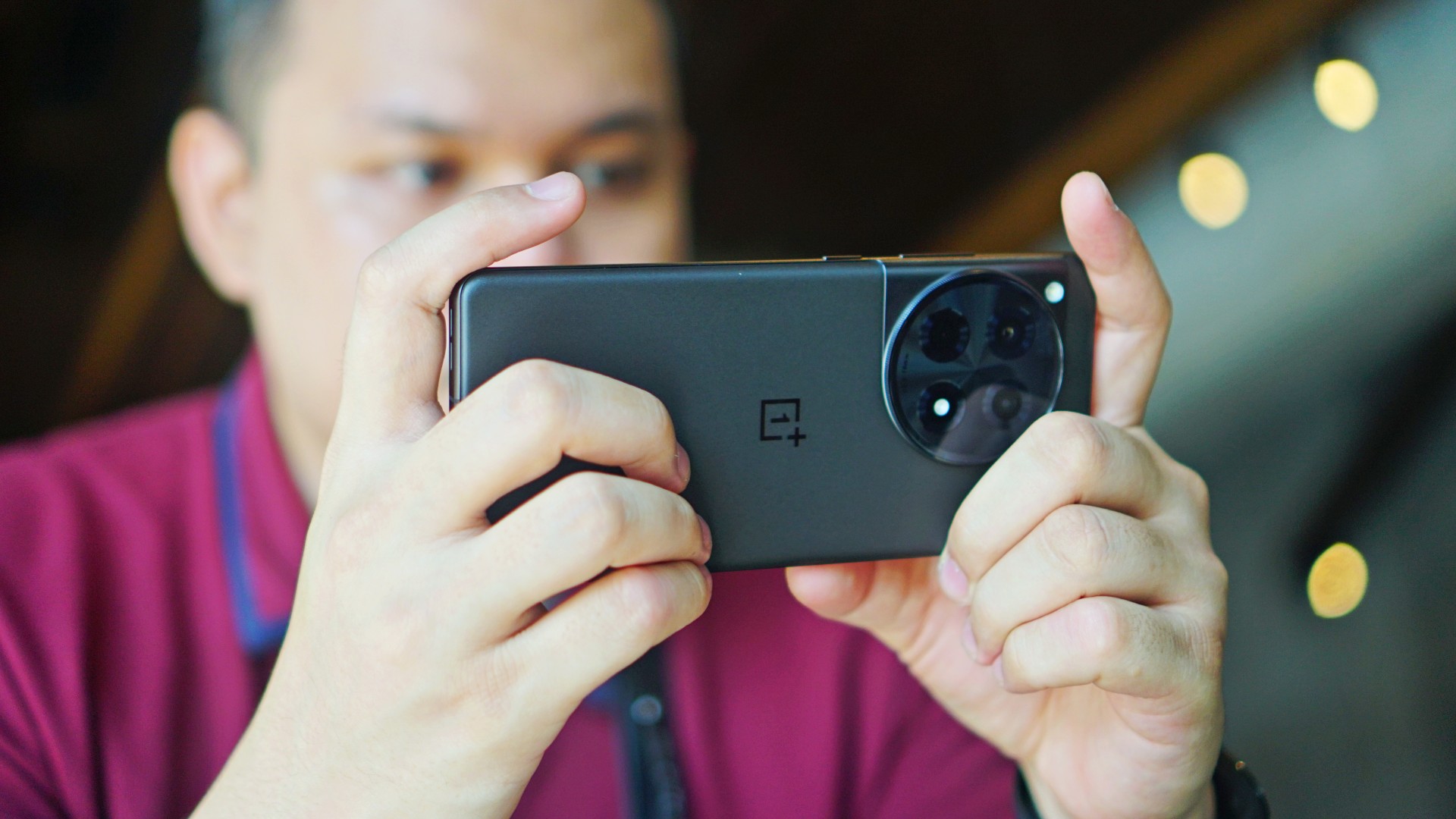
Performance wise, the OnePlus 12R is good as advertised. You will feel the smoothness right away when scrolling, switching between one app to the other, and more. This annoying thing that happens with Android phones lately where the keyboard just suddenly hangs on your screen didn’t occur once with the OnePlus 12R.

I also played Marvel Super War, easily one of the most demanding MOBA titles out there. The phone did not get hot even after a lengthy session at high graphics settings. That’s where the upgraded RAM capacity kicks in. But I feel it’s something the OnePlus 11 can also do, so it isn’t downright special.

I love the larger battery on the OnePlus 12R. It easily lasts a whole day on average usage. You’ll need just about 40 minutes to charge it from 15% back to full. When not in use, it will spend probably just 1% to 2% battery overnight on standby.
OnePlus 12R cameras: Hit and miss

- 50MP f/1.8 Sony IMX890 main camera
- 8MP f/2.2 ultra-wide camera
- 2MP macro camera
- 16MP selfie camera
Although OnePlus has a partnership with Hasselblad, the OnePlus 12R particularly uses a Sony IMX890 sensor for its main camera. It delivers fairly well for what is expected of a OnePlus camera. Color reproduction is very… well, OnePlus (you’ll understand if you’ve been using OnePlus devices in the past).



The tone is more on the redder, browner, and slightly more saturated side, which is ideal for food and landscapes. You’ll definitely capture the vibe of places and entice viewers with your food photos. This is without needing to post-process the color temperature or add filters.

The main camera does its job. It retains good detail even in captures against the light, thanks to its high dynamic range. It does well to fend off the sun’s rays or unwanted glares, and blend it with the photos you take.



You will get crisp and vivid photos by default, but detail loss will begin to be felt at 2x zoom and beyond. But it’s not like that’s super noticeable from your phone’s screen.


What I appreciate is the adjustable depth of field after portrait shots, for you to be able to match the background’s blur or bokeh effect properly with the subject. Speaking of, I underwent a trial and error phase under portrait mode. Some snaps came out out of focus, even if the indicator said “ready.”

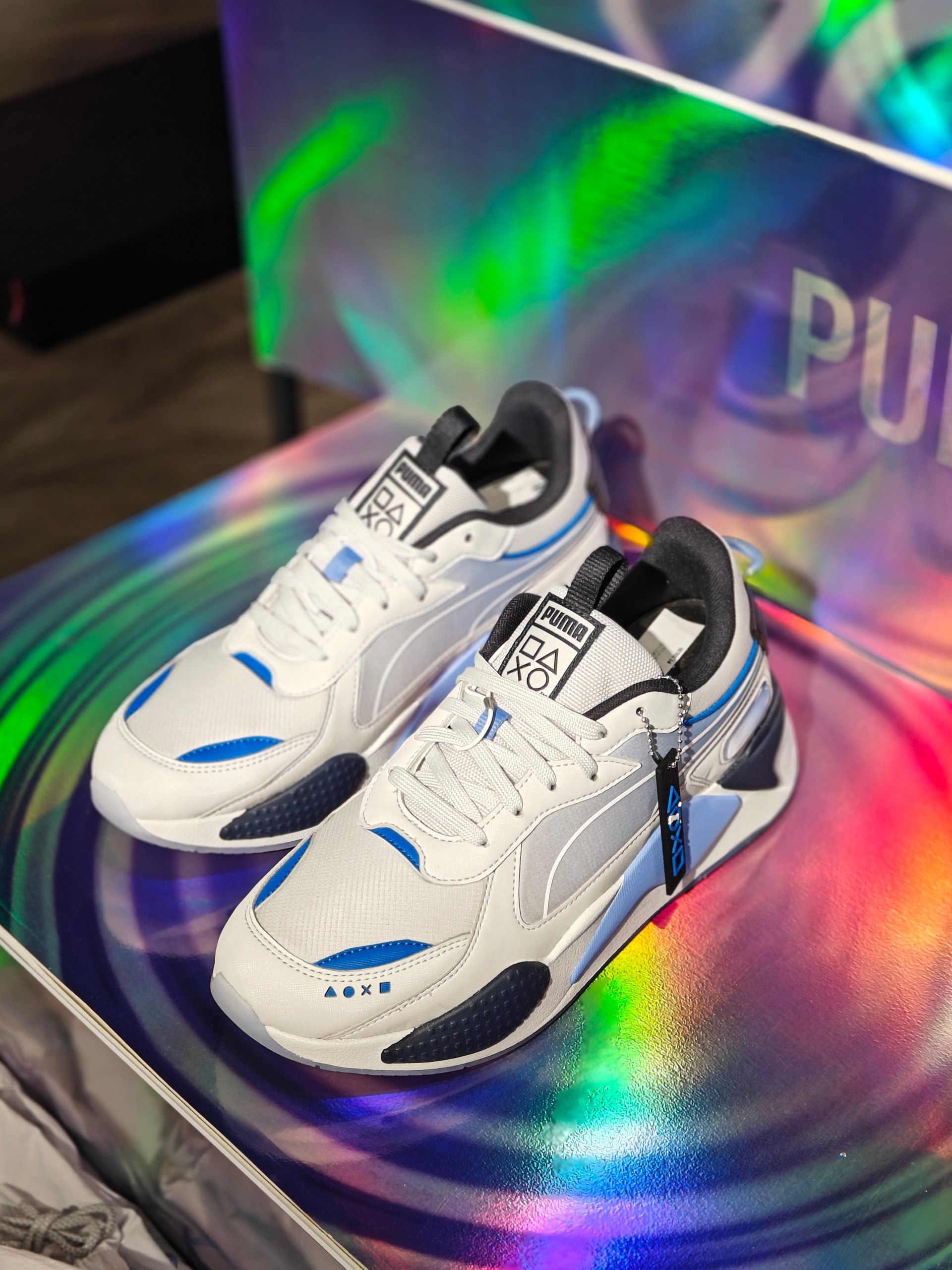
But I reckon it’s not a perfect process, so I just adjusted on the fly. However, I did expect a lot more assistance from the camera especially since there’s some AI processing that comes with the algorithms. There were also times where the blurred effect at f/1.4 was too exaggerated, as if it’s cartoonized. On the positive side, there’s not much segmentation error and the transition from focused to blurred parts is generally smooth. But it would be tricky for users who aren’t too meticulous adjusting settings and would just rather point and shoot.



Other than that, I enjoyed shooting cityscapes and landscapes with the 8MP ultra-wide lens. There’s just a “correct” feel to it and it covers what you intended to do properly. The 2MP macro lens is extraneous at this point, since the main camera does pretty well for close ups of food and other subjects. I wouldn’t have hurt for OnePlus to include a periscope lens or an extra portrait sensor, considering its price point. As for filming, the camera package also has OIS and EIS support, and taking videos at 1080p @ 60fps had no hiccups on my end.


In front, the selfie camera delivers the same, “realistic” results as its predecessor. This may both be a good and bad thing for those who want smoother selfies instead of having their pores or eyebags come out too sharp. Personally, I prefer some smoothness with selfies, but a little retouching won’t hurt. You do you.
Is this your GadgetMatch?
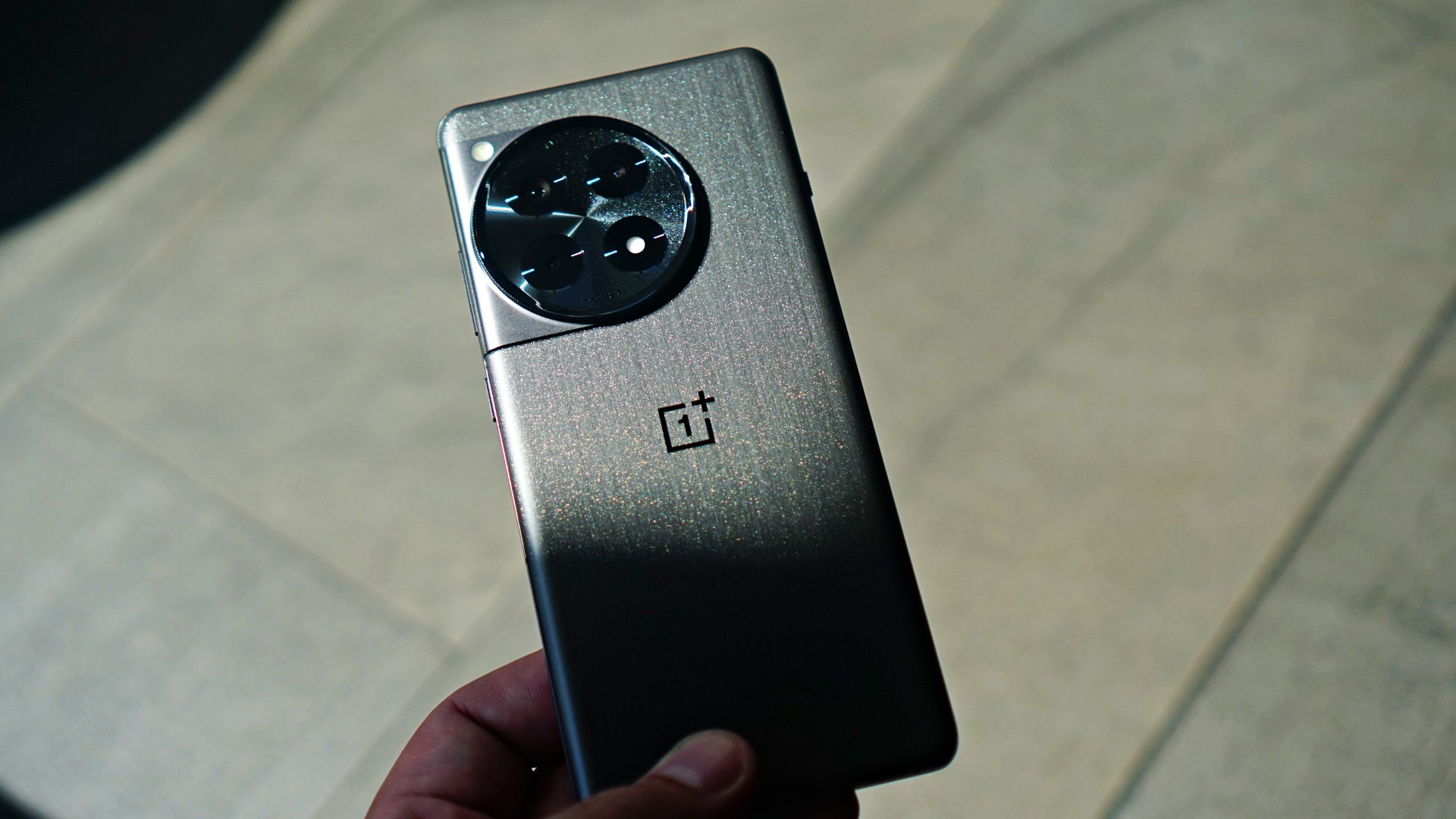
As I’ve mentioned, OnePlus is consistent with how they approach the market. Loyal OnePlus user? You may feel this is an upgrade if you’ve been using a handset from two to three generations prior. Trying something new to break the iPhone-Galaxy S series duopoly? Go ahead, there’s no harm trying.
The OnePlus 12R is smooth, without a doubt, if that’s what you’re looking for. The camera package delivers the same signature performance expected of the brand. On paper, there are a lot of improvements. But is it worth it? It’s tough to say yes resoundingly.
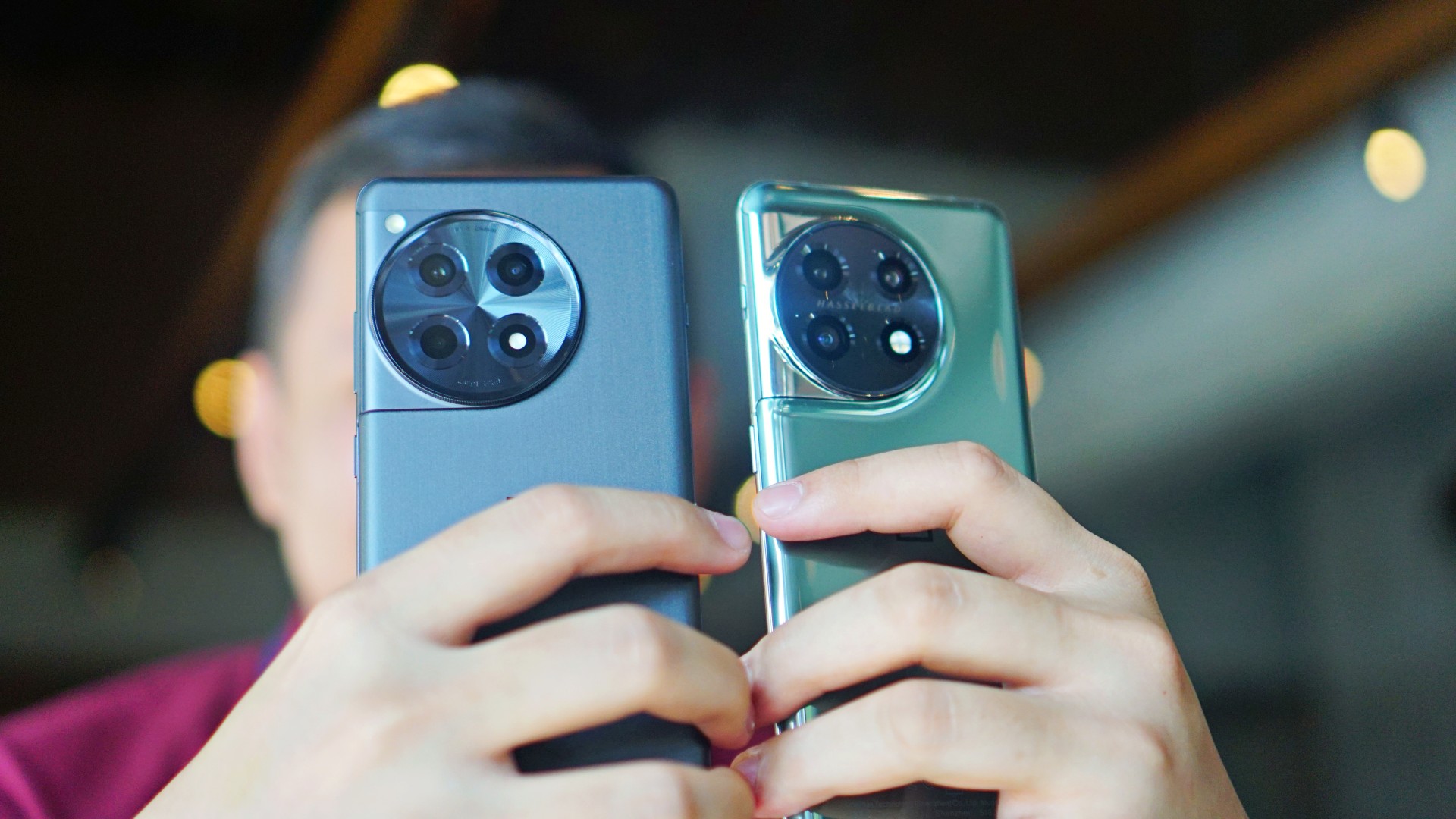
If you happen to own a OnePlus 10 or 11, the differences in overall usage are minute. If you’re ready to spend PhP 40,000 or more, there are a lot of options that come with more cameras or put focus on gaming. Alternatively, if you want to save, there are also capable flagship killers in the market for a lot less. Moreover, other top brands’ flagships — base model or better — are selling for a lot less these days.
That makes the release of this particular variant from the series a little confusing or questionable at this point. Perhaps, it would have been better if OnePlus waited a bit more and dropped a banger of a latest flagship line with a lot more features and enhancements. I’m trying to make sense of it, but for now, it’s best to wait.
The OnePlus 12R retails for PhP 43,990 in the Philippines.
SHP: https://bit.ly/OnePlus-12R-Shopee
LAZ: https://bit.ly/Oneplus12R
Kiosks and partner Stores: http://bit.ly/3O9q76V







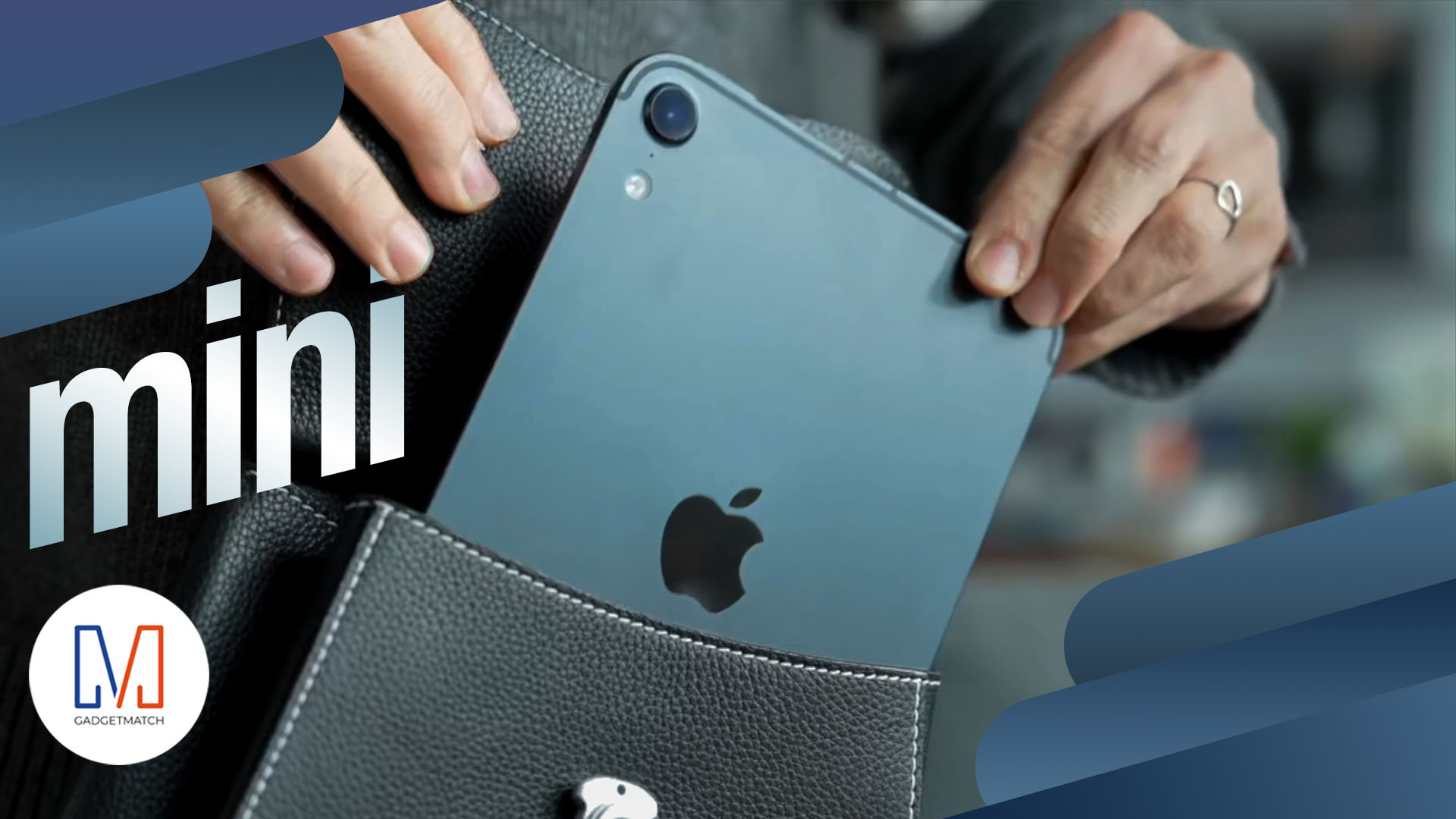
Apple’s smallest tablet just got its biggest upgrade after two long years!
The 2026 iPad mini now features a brighter than ever OLED display, a more powerful A20 Pro chip, improved (and almost non-existent) speakers.Plus, ever durable with its IP67 water and dust resistance rating.
In this video, THE Michael Josh takes a closer look at everything that’s new, what he loves, what’s still missing, and whether the new iPad mini is worth upgrading to.
Here’s our in-depth review of the all-new 2026 iPad mini OLED.
Gaming
ROG G700 review: The best prebuilt PC you can get off the shelf
This PC will make you stop worrying about specs.

The last time I touched a PC was 2014.
At the time, I’d just finished moving houses. While my old house had space for a desk and a fairly decent PC for its time, I opted for a smaller workstation because I was confident that laptops were the future.
Now, more than ten years later, I wish I didn’t dismiss PCs so readily. Thanks to AI, the price of a new PC has reached new levels of absurdity today. It’s not easy to stock up on components anymore.
So, it was like a very heavy blessing falling down from heaven and crash-landing on my lap when the ROG G700 arrived on my doorstep. It’s my first PC in over a decade, and, wow, what a return.
A box with everything you need
The art of building a PC takes a lot of effort these days. You’ll need a command over every little detail that every single component can do. Obviously, you also need to time the market for better prices.
That said, the ROG G700 is not for the minmaxers. It’s a fully built tower you can — gingerly — pick up from the shelf and play on just as soon as you get home.
It’s perfect for people like me. Now, if I had the time and the money, I’d definitely make a little more effort to explore every single detail. However, as someone returning to the PC world after a decade, this prebuilt PC is more than enough to dip my toes back into it.
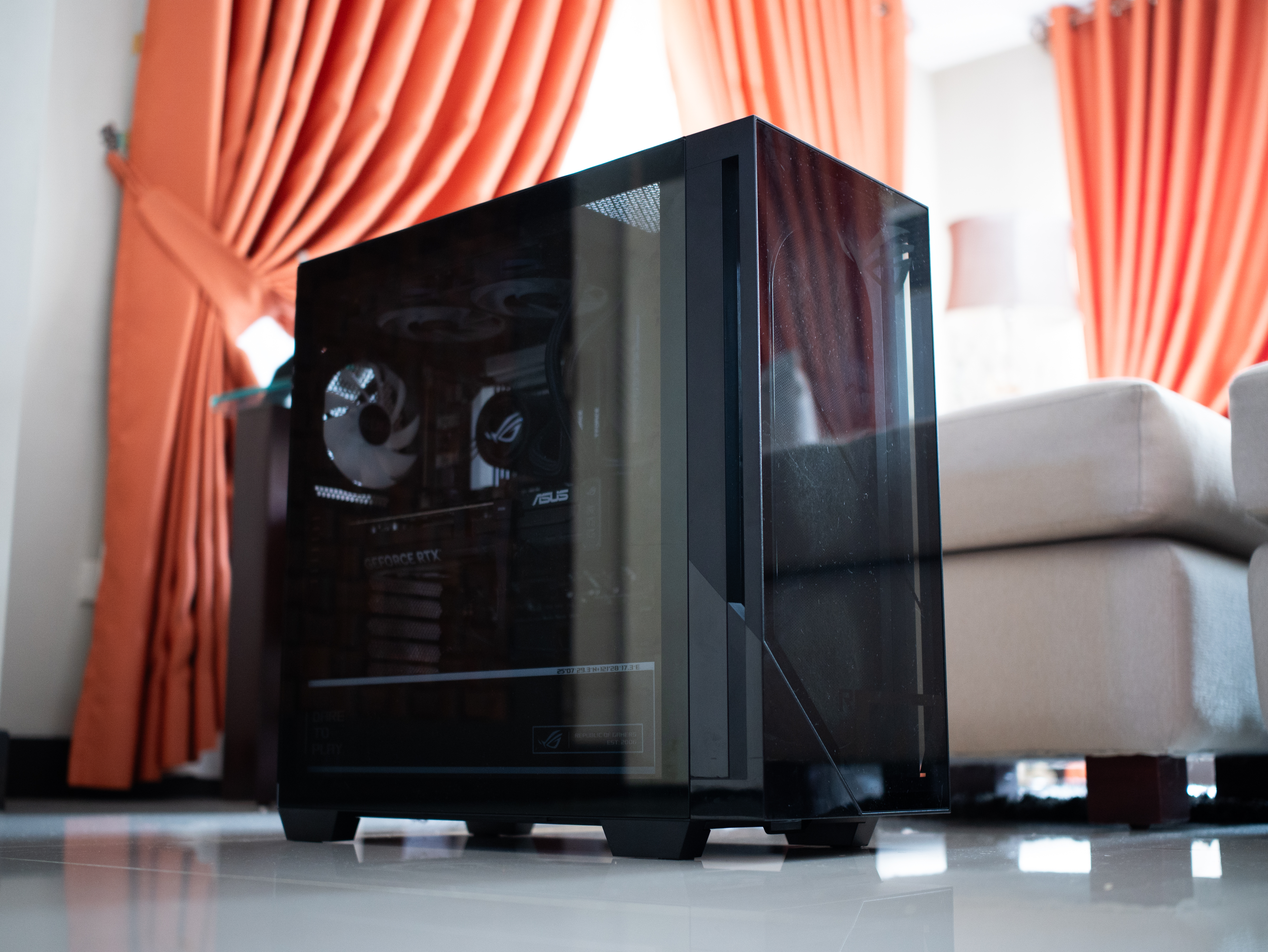
It is quite the package, though. The tower is 9.45 inches wide by 20.05 inches long. It’s also 18.88 inches tall. If you have a small space, you might struggle to find a space for this behemoth.
Plus, it weighs 40.39 pounds. If you live up a flight of stairs, you’d better not skip leg day. Even then, it was scary to handle this tower, knowing how much hardware I was holding up a few feet from the ground.
A clean design for gamers
Usually, I’m not a fan of heavy gamer aesthetics. As much as I identify as a gamer, I prefer keeping that part of my identity lowkey from how I look. I don’t go for all the edgy angles and the RGB lighting.
But the ROG G700 is one exception to my rule. Even then, it’s not that huge of an exception.
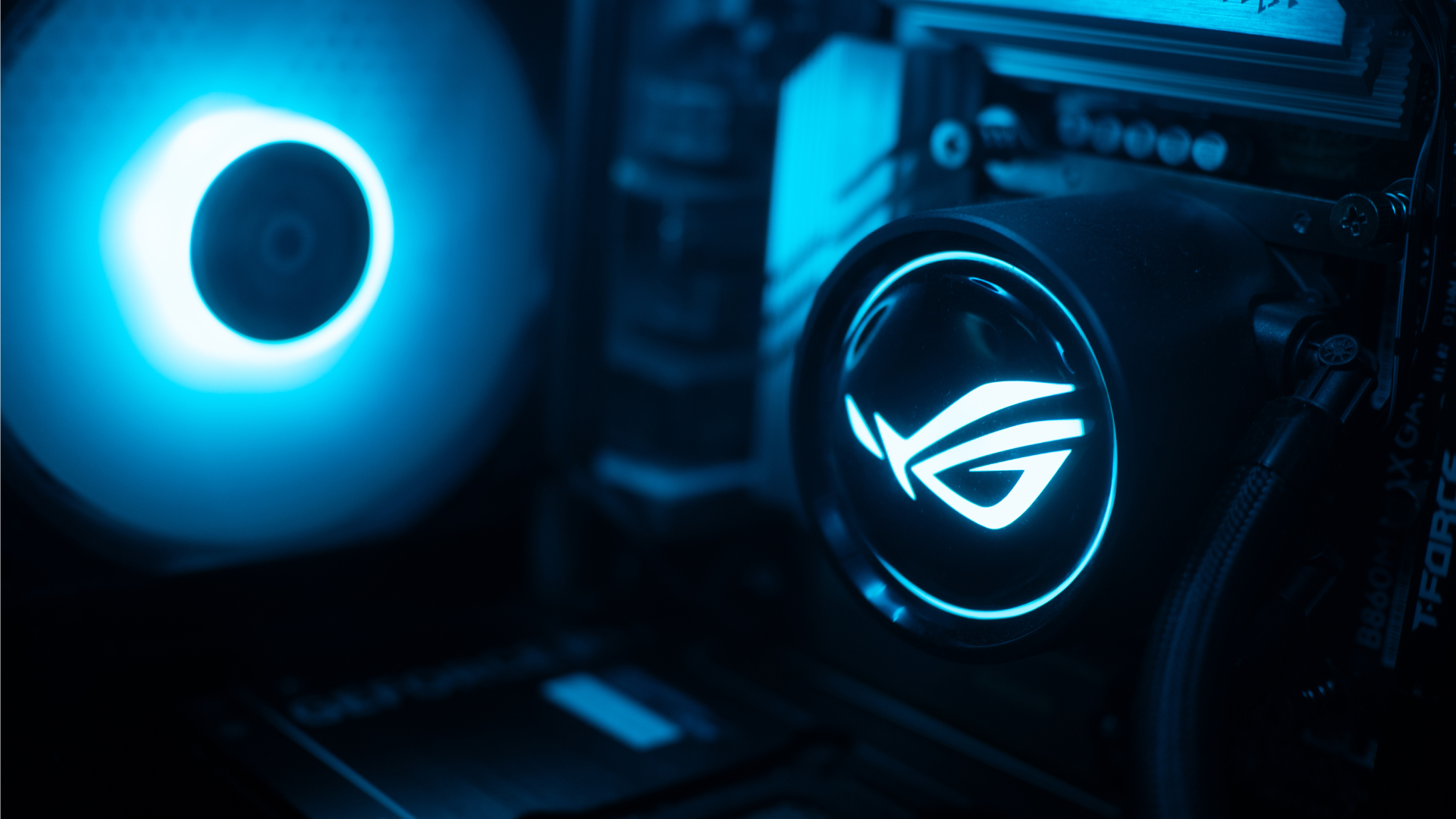
The ROG G700 exudes that gamer aesthetic, but it’s still pretty clean. The chassis has subtle grilles that ease cooling. The main panel is transparent that peeks into a cleanly organized system with heavy ROG visuals. The brand’s logo is peppered throughout the system. The RGB lighting, though bright at times, was easy to get used to.
Personally, I liked how clean the internals are organized. It always hits the right part of my brain when I see something well put together.
Additionally, though it could use a tiny bit more, the G700 has an ample number of ports well situated at the back and up top. When I was setting everything up, I had enough space to make sure I didn’t end up with wire clutter. My workstation was clean at all times.
The 2026 machine
Now, let’s get into the performance. With the highest configuration, the ROG G700 goes up to an Intel Core Ultra 7 processor, up to a 16GB NVIDIA GeForce RTX 5080 GPU, 32GB RAM, and 2TB of SSD storage. All thing considered, this is a very powerful machine for today’s world.
If you’re not down on particulars and just want something off the rack, this is more than enough. I tested the G700 on this year’s games like 007 First Light and Forza Horizon 6. Both games performed without a hitch. In fact, I appreciated both games a lot more than when I played them on older laptops. The graphics were absurdly crisp without sacrificing a smooth performance.

Also, as a hard multitasker, I love alt-tabbing even while I’m playing. While other setups usually complain, the G700 doesn’t really care. You can run a Twitch stream, play a YouTube video, or have Spotify open in the background, all while playing an intensive game. This is a machine that tells you to leave your worries at the front door because it can handle everything.
If anything, it can get too powerful. Despite the cooling system with a tri-fan intake, the tower still gets hot with heavy loads. After an hour on 007 First Light, my room started getting much warmer. Though you won’t get performance dips, all that heat is coming your way.
Is the ROG G700 your GadgetMatch?
As someone getting back into PCs, the ROG G700 is a powerful off-the-shelf prebuilt PC. Now, do you need all this hardware for day-to-day gaming? Probably not. But if you don’t want to worry if your rig can do certain things, get the ROG G700.
If you have the money, that is.

Being a powerful machine, the G700 comes with a hefty price tag. When it was launched, the machine started at PhP 179,995. Now, with prices of RAM steadily climbing, prices are likely higher today. Plus, you need good peripherals to maximize this PC, so expect to spend a lot more. Overall, it’s very expensive, but at least you’re getting your money’s worth on the investment.
For that, the ROG G700 gets a Swipe Right and a Super Swipe for being a powerful machine you can get today. It is, however, a Swipe Left if you’re looking for cheaper options that won’t break your bank.
Gaming
HP OMEN Max 16 review: Gamer-maxxing in deep black
Peripherals deemed necessary to max this out

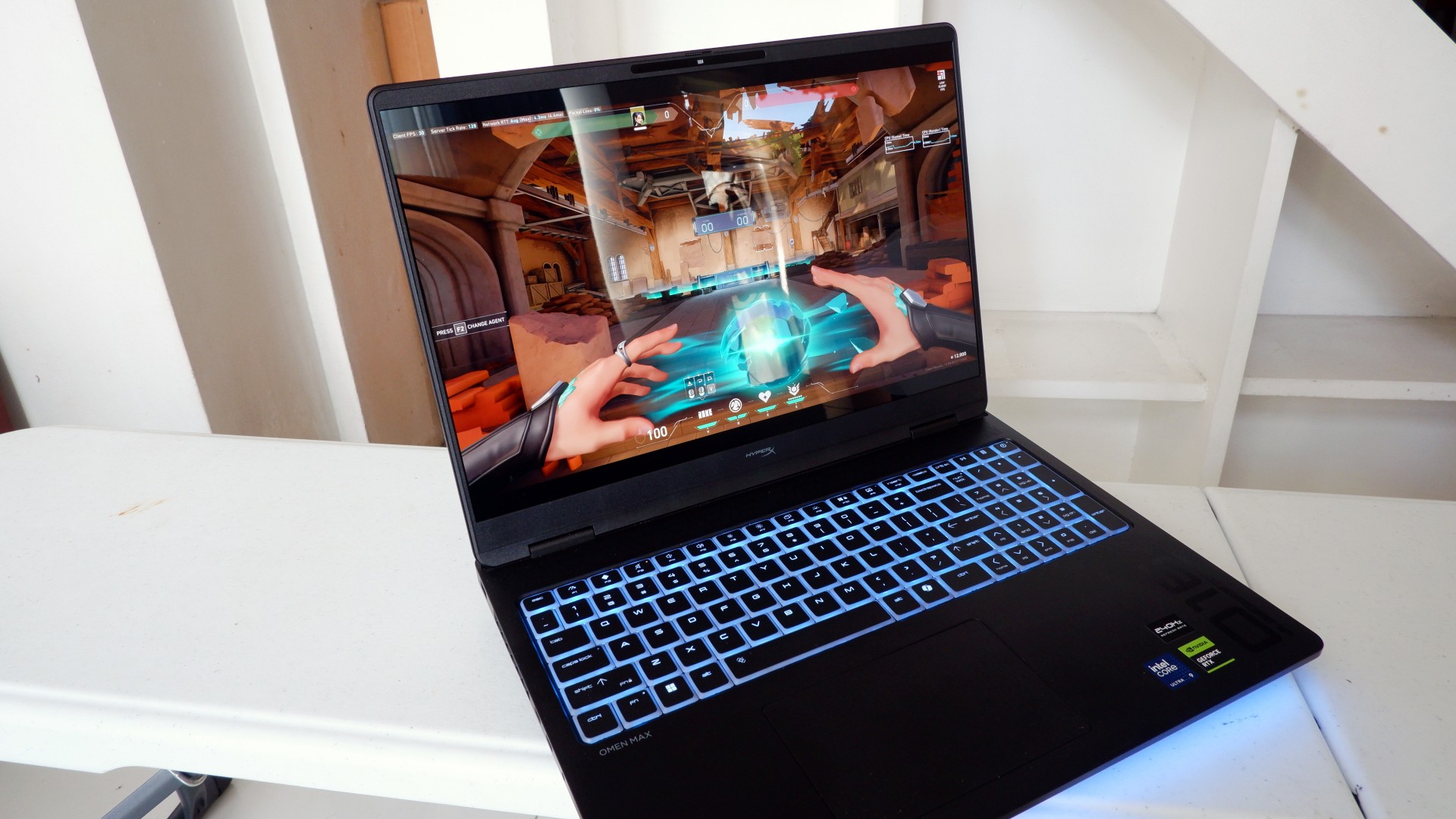
It’s not every day that you come across a machine that looks good and plays even better. Oftentimes, subtle aesthetics take a back seat to sheer performance and power. Whenever a gaming machine looks sleeker, it seems to lack the power to push it forward. Simply put, you can’t have the best of both worlds these days.
But what if you could have it all? Not just money, fame, and other fortunes, but also a machine with everything you’re looking for! Gone are the days of wanting only power to keep you playing all day or wanting to look good while playing. On paper, this is what the HP OMEN Max 16 promises: the best of both worlds.
Unboxing a beast inside
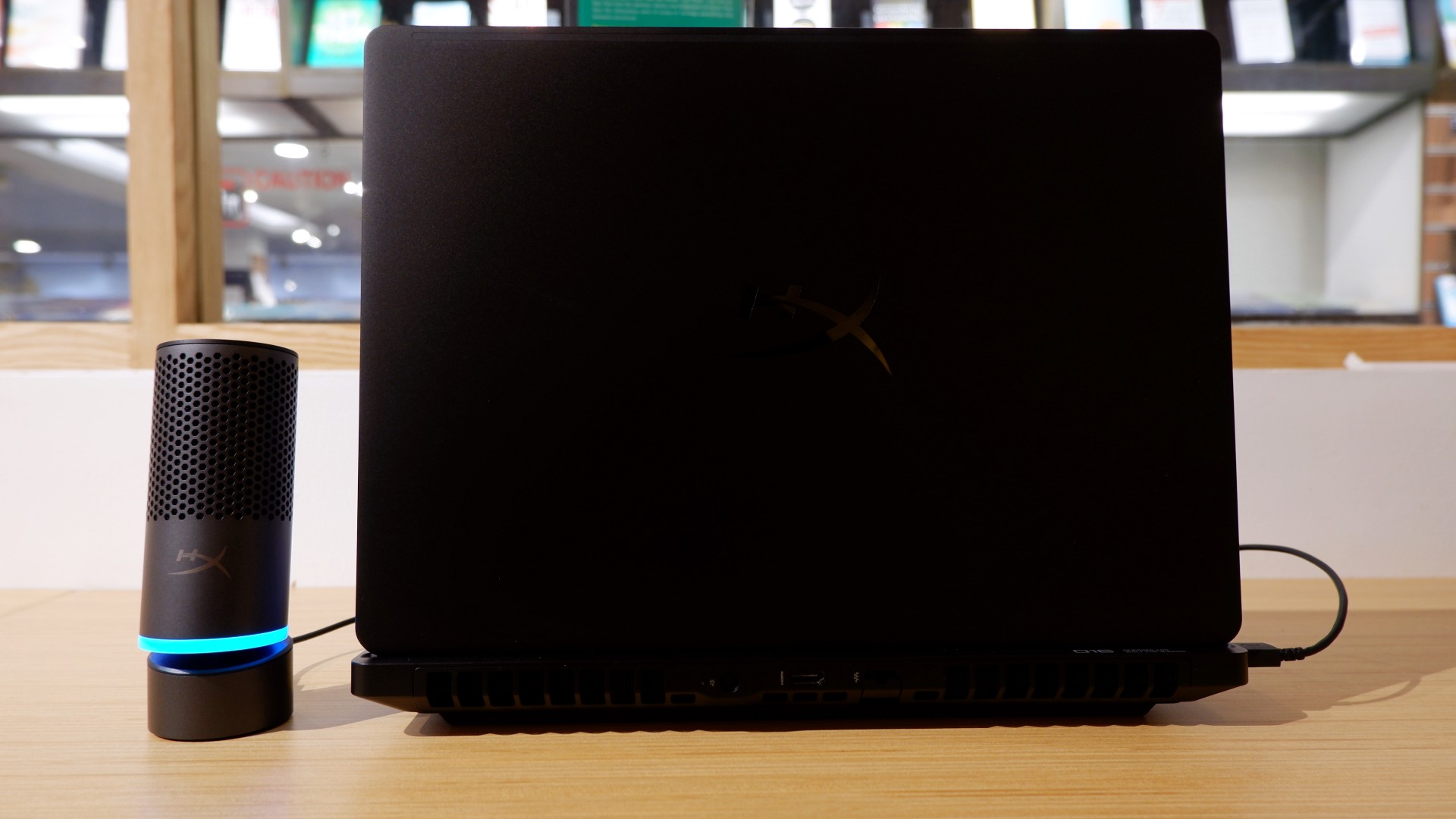
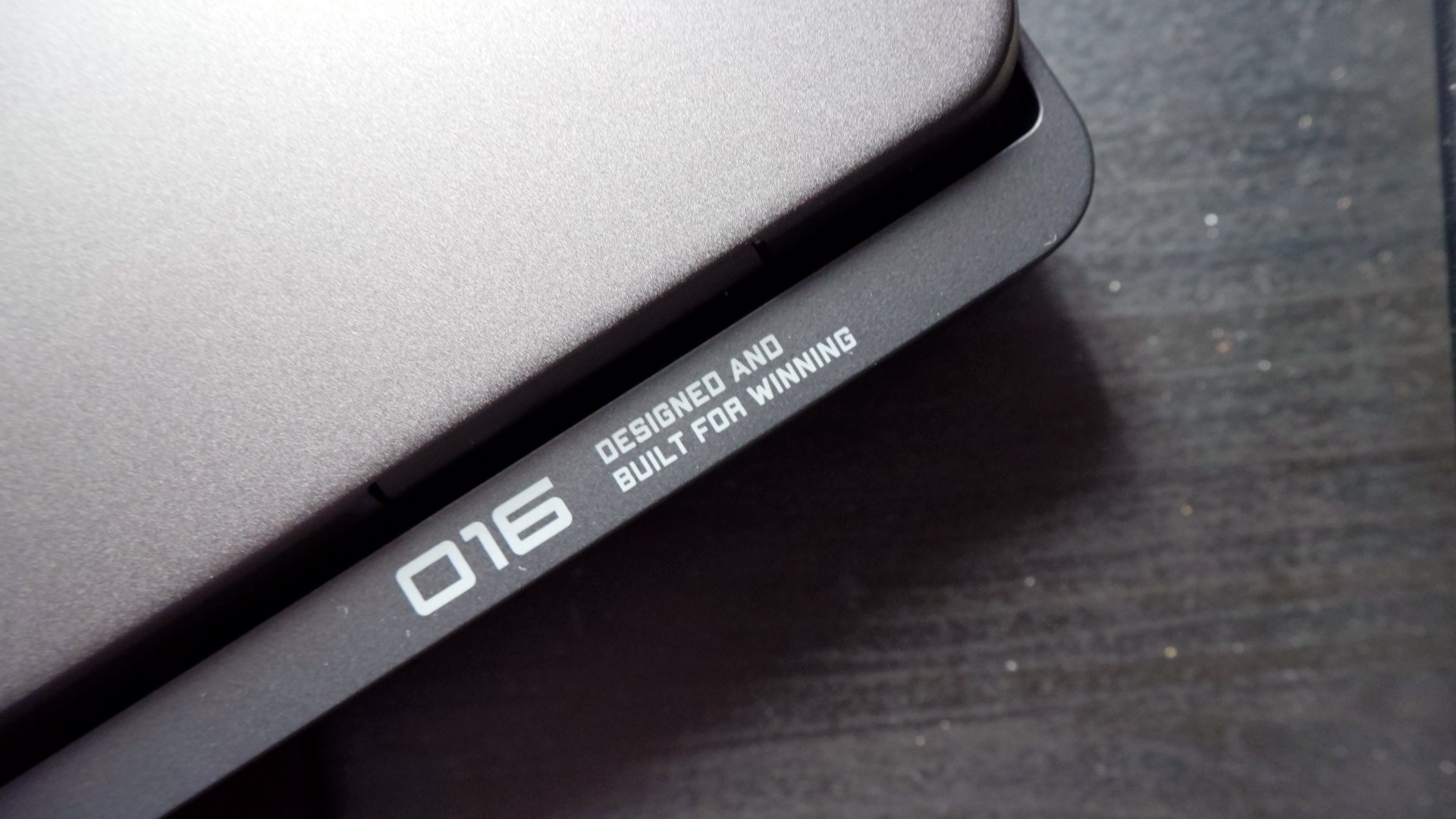
When you first take it out of the box, the HP OMEN Max 16 looks unassuming in its overall design. It’s bulky yet sleek in its Shadow Black colorway, with nothing too fancy or flashy while powered down. From the outside, the machine screams premium, even though its dark color can attract more visible dirt than lighter finishes.

Opening it up reveals a 16-inch OLED display with a peak refresh rate of 240Hz, seamlessly connected to a base with a full-sized keyboard and a large trackpad. The bright, seemingly anti-glare display makes colors pop when watching or editing videos on the go.

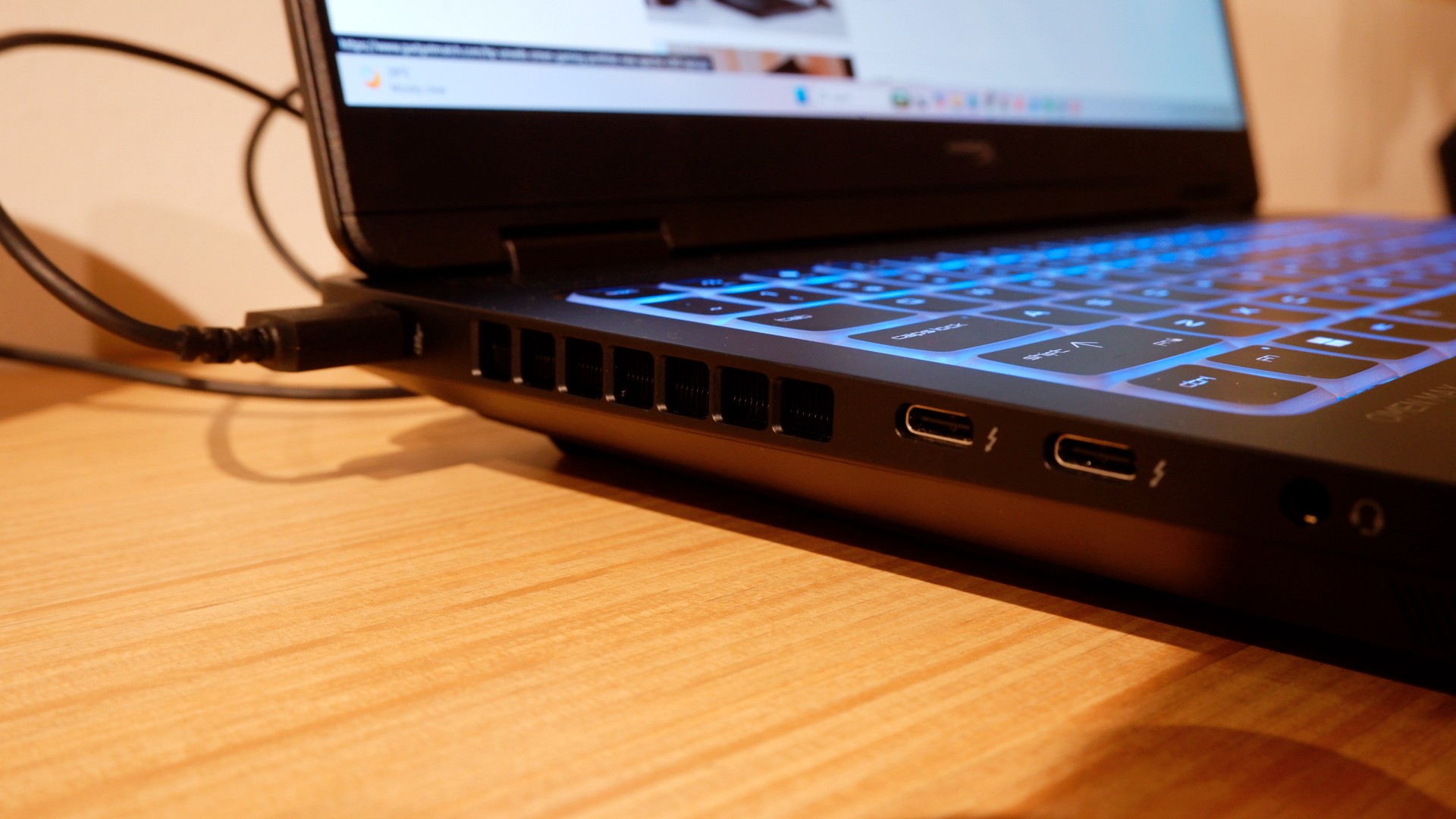
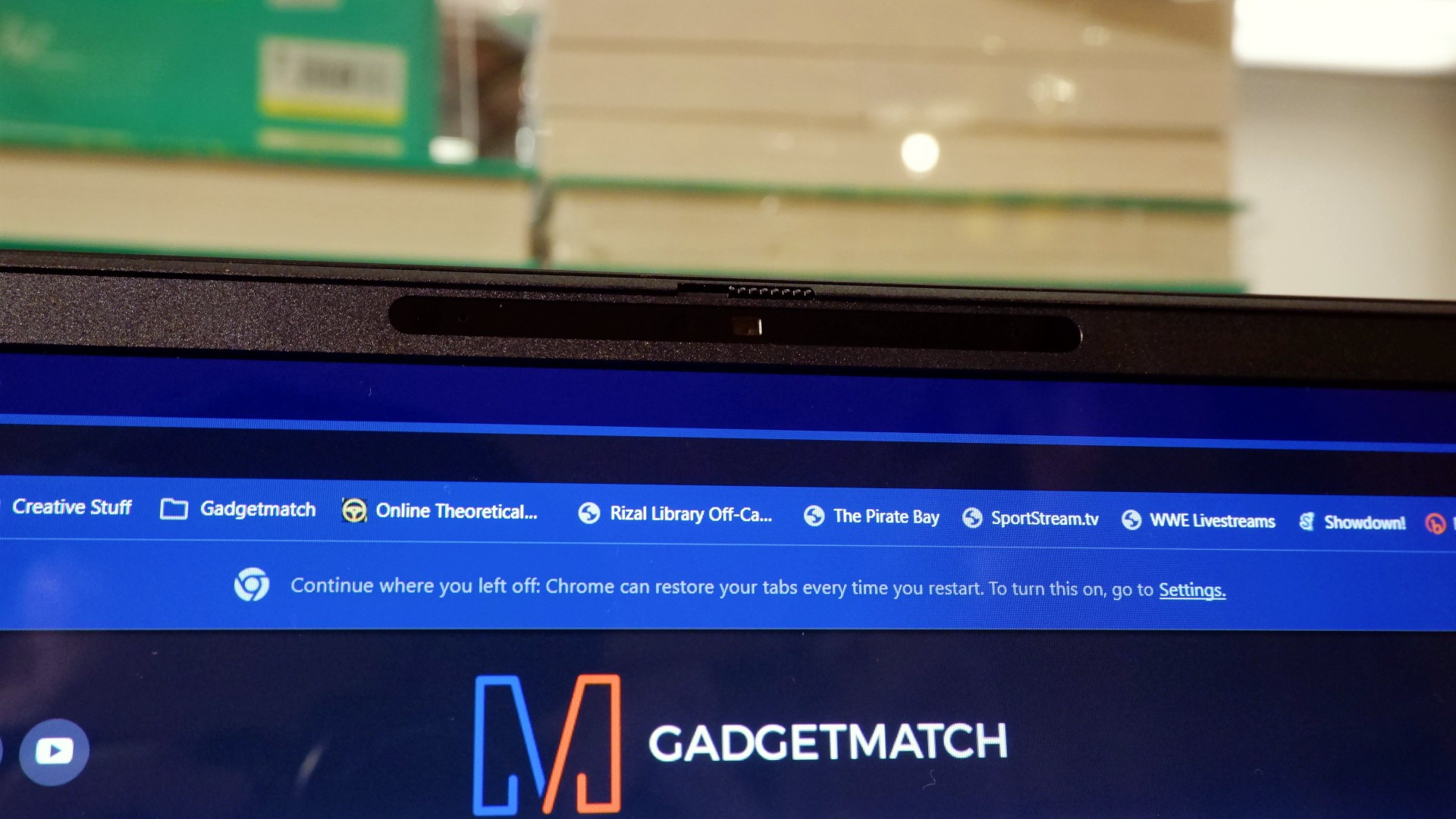
Furthermore, HP places the ports in convenient spots along the rear and sides of the laptop. This makes it incredibly easy to set up and manage external peripherals while providing more room for ventilation under heavy loads.
Of course, the device’s biggest features lie in the hardware powering it from within. An Intel Core Ultra 9 processor, 32GB of RAM, and an NVIDIA RTX 5090 Laptop GPU should give you an idea of how well this machine can perform. It’s also a great combination for demanding productivity tasks and creative work!
Power that AI can only hope to replicate
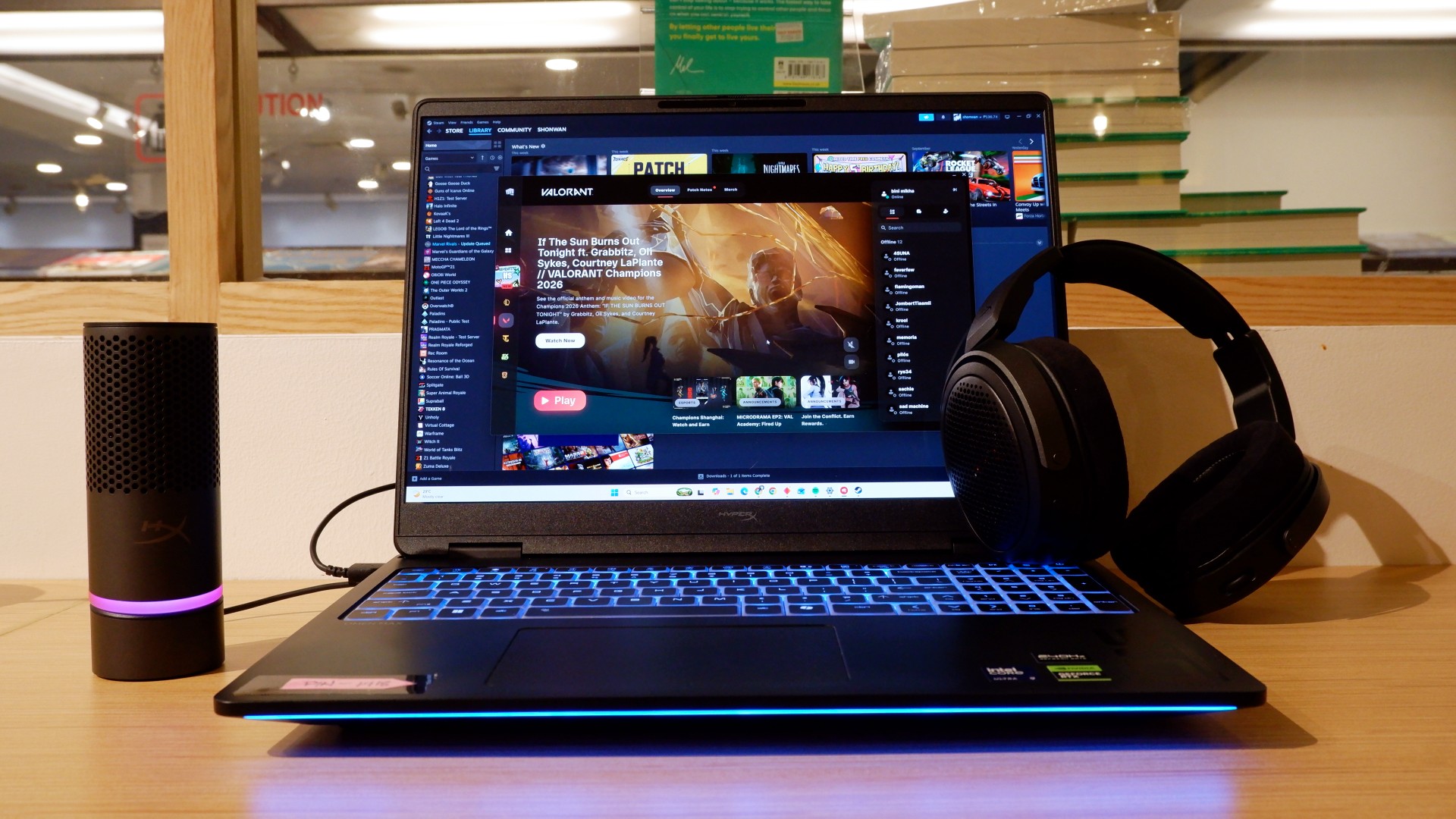
The HP OMEN Max 16 lived up to many of our expectations in terms of performance. From startup to shutdown, it delivered on what its hardware promised. You can watch videos for longer, edit photos and videos to your heart’s content, and enjoy casual gaming without slowing down. Furthermore, the wide display gives you plenty of space to accommodate all these activities.

When you step up to more competitive gaming, the machine doesn’t miss a beat. Most titles deliver high frame rates regardless of the quality or performance settings you choose. With more advanced visual settings enabled, the RTX 5090 does a fantastic job of keeping supported games within a solid 40–50 FPS range. Pair it with a high-refresh-rate OLED display, and you get crisp details and faster input response to help you get ahead in ranked games all day long.
If there’s one thing to complain about, it’s the extra optimization required through the OMEN Gaming Hub. Features such as network prioritization, automatic power-mode switching, and system optimization are useful, but you’ll need to spend time configuring them during initial setup. The laptop also comes with OMEN AI, which promises to maximize FPS with a single click. However, it was only okay at best.
Runs longer, cools off smoother
Surely, a gaming laptop this bulky and powerful can’t last that long on battery, right? Well, the HP OMEN Max 16 averages around three hours of battery life during intensive gaming, which gives you a decent amount of playing time. For general use, battery life extends to around five and a half hours with Balanced power settings. It holds up reasonably well if you forget to bring your charger.
When you do have the massive 330W charger with you, charging doesn’t take too long either. During our tests, a full charge took two hours, with charging progressing slightly faster when we left the laptop idle. Charging the battery to 50% took around 20 minutes, giving you enough juice to squeeze in another game!
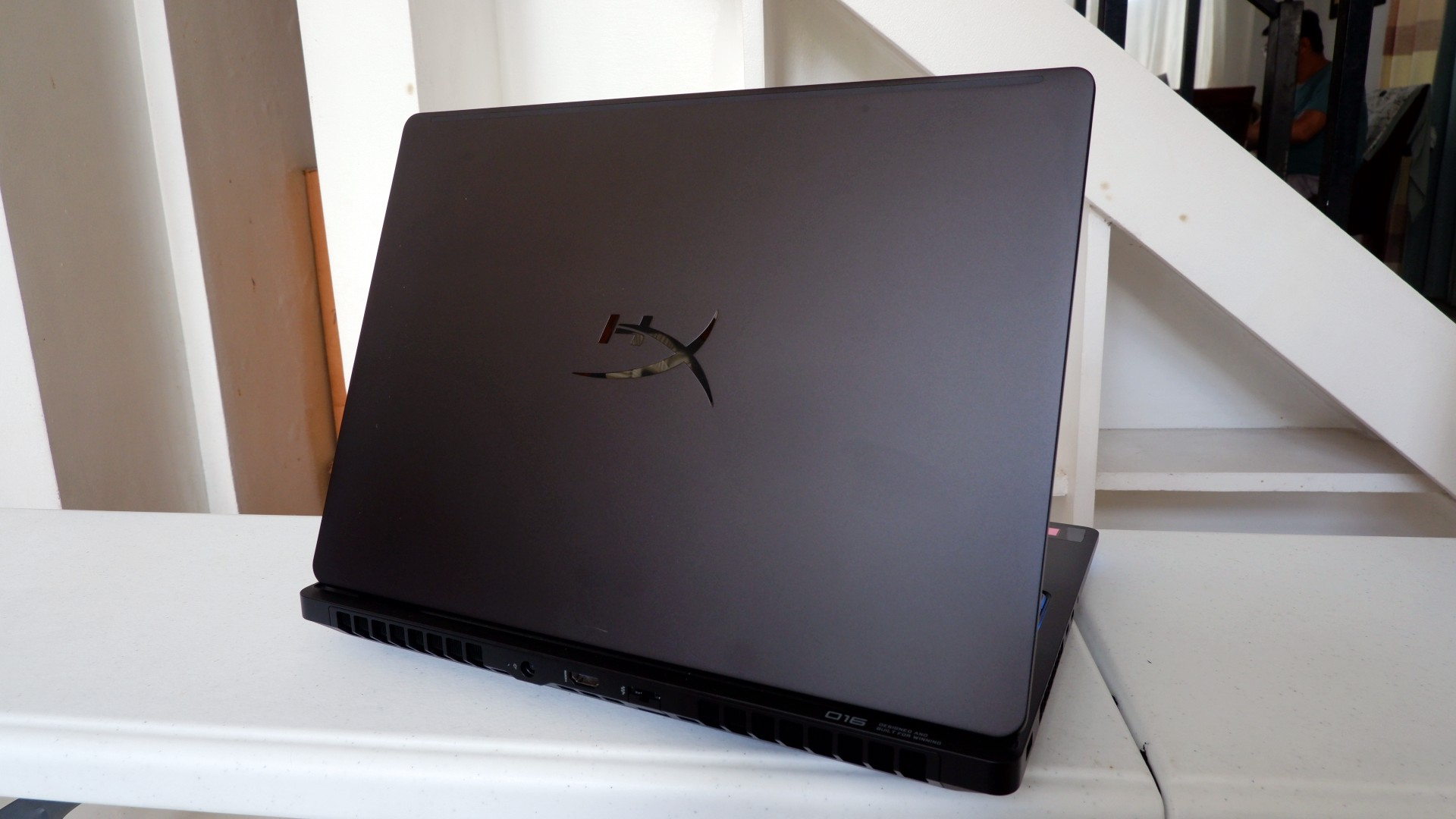
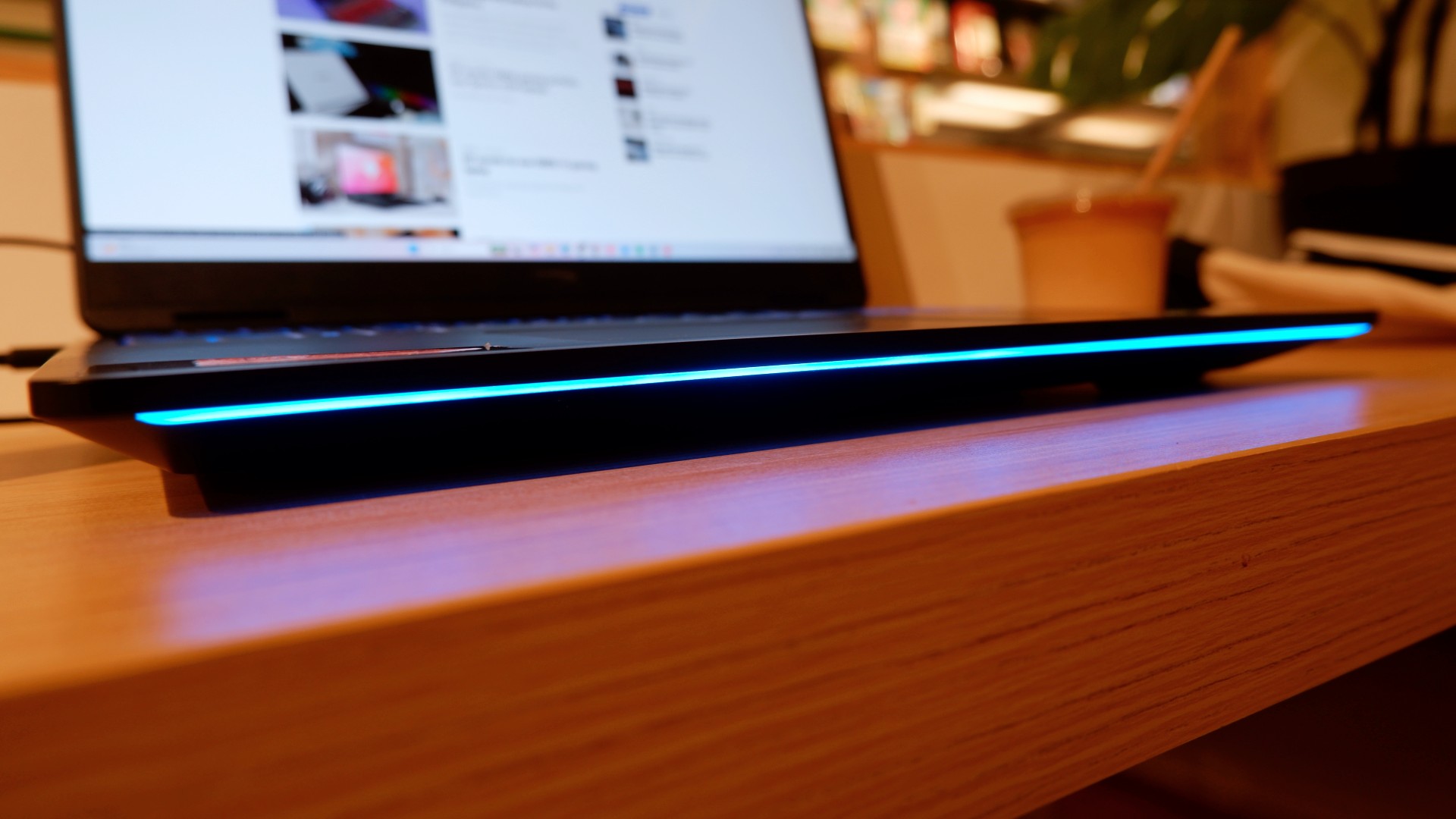
Another factor in prolonged use is how the device expels hot air through its sides and rear. We touched on this earlier, but it bears repeating: the laptop provides plenty of ventilation through its vapor chamber and multiple external vents. Instead of directing heat toward the keyboard, it pushes hot air through the vents, where it can hit your hands or peripherals. At least the keyboard stays cooler, right?
Is this your GadgetMatch?
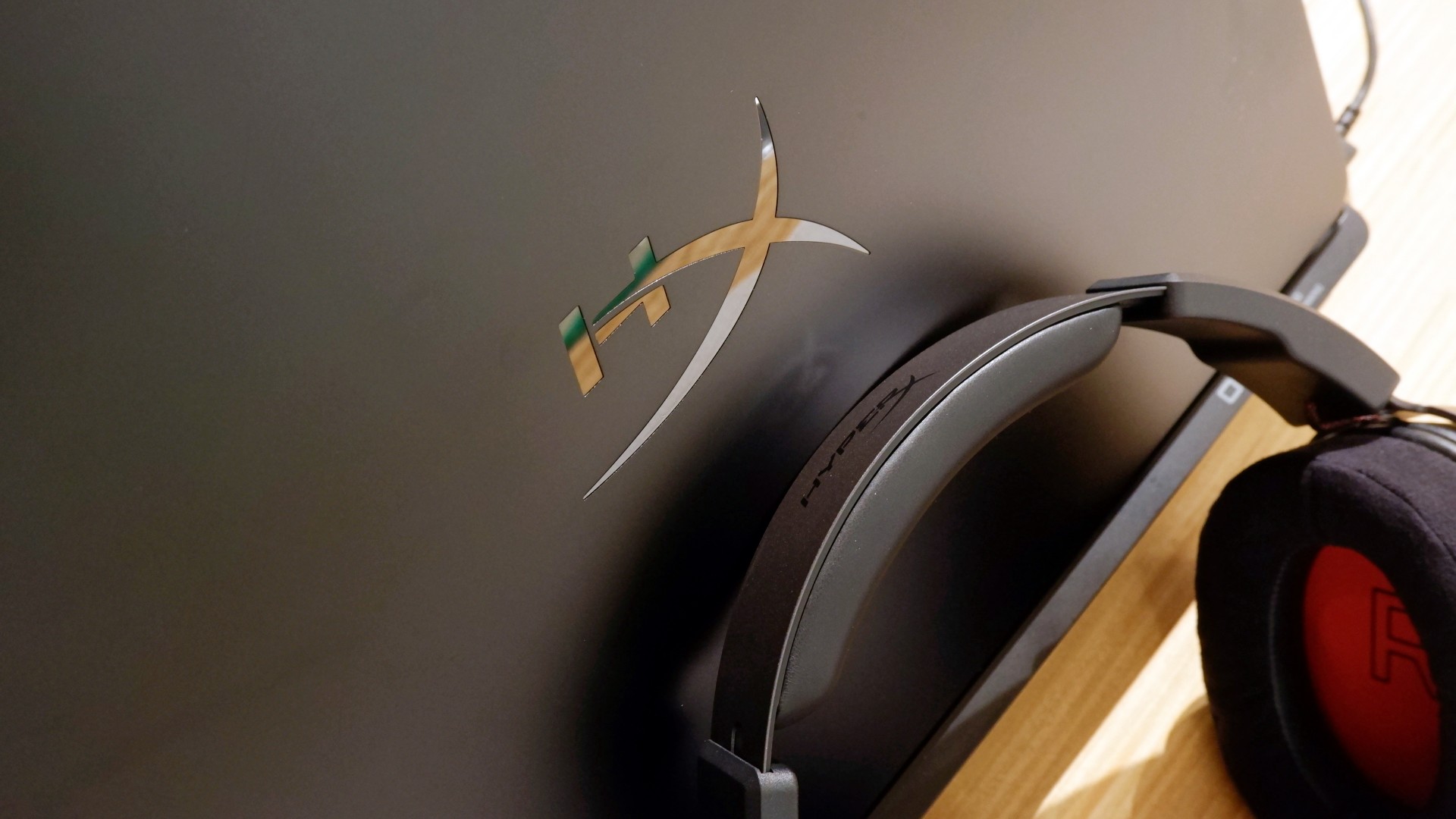
At PHP 229,990, the HP OMEN Max 16 is a sleek-looking machine with incredible power under the hood. Despite its initial bulk, it delivers impressive performance for both casual and competitive gamers. Inside and out, it packs plenty of hardware and features to let you tailor the experience to your needs.
If you’re looking for a gaming laptop with decent battery life, this is a solid choice, but don’t expect it to last half a day. Of course, you wouldn’t use this machine entirely on its own, even if the unboxing experience might suggest otherwise.
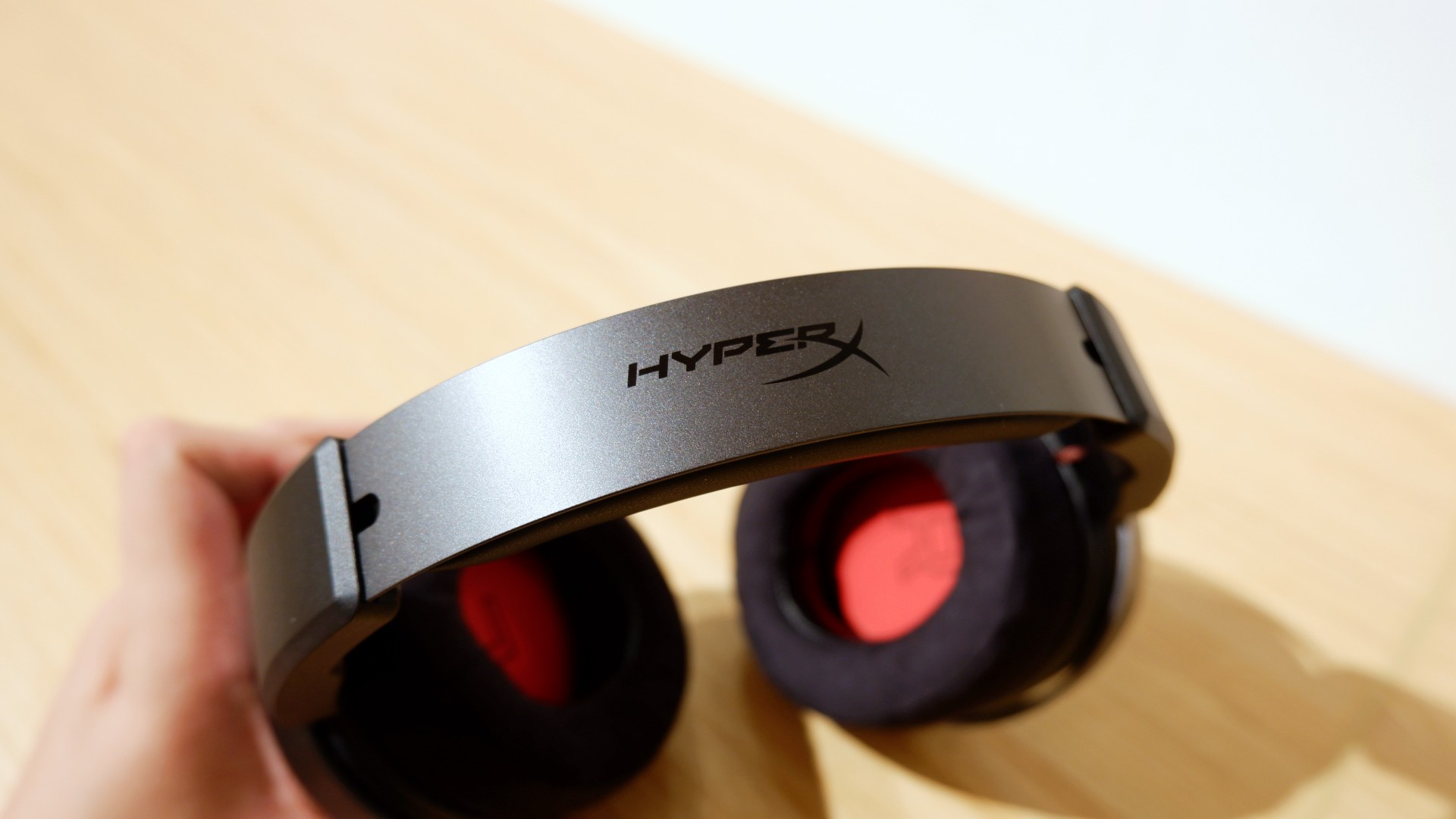
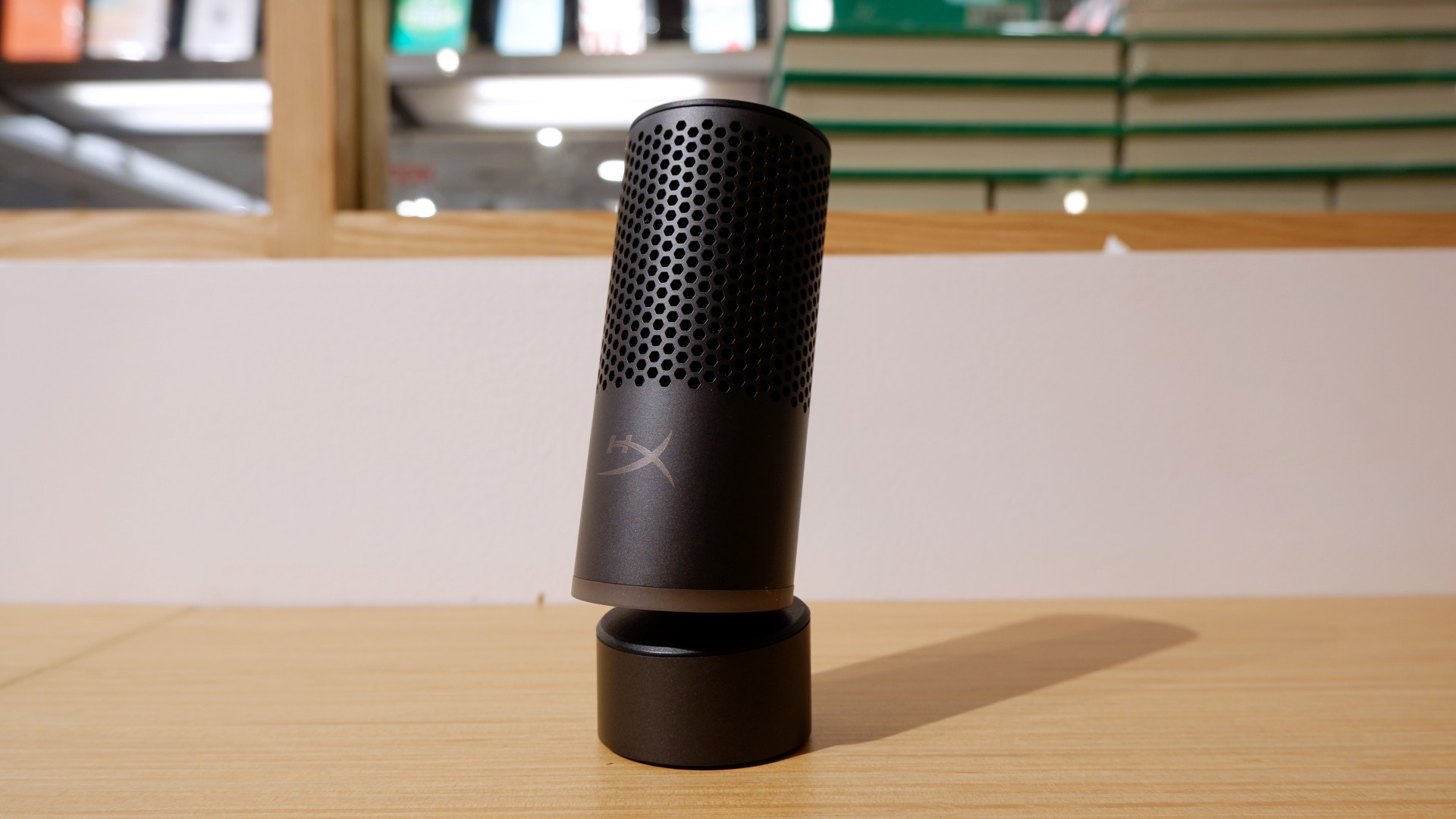

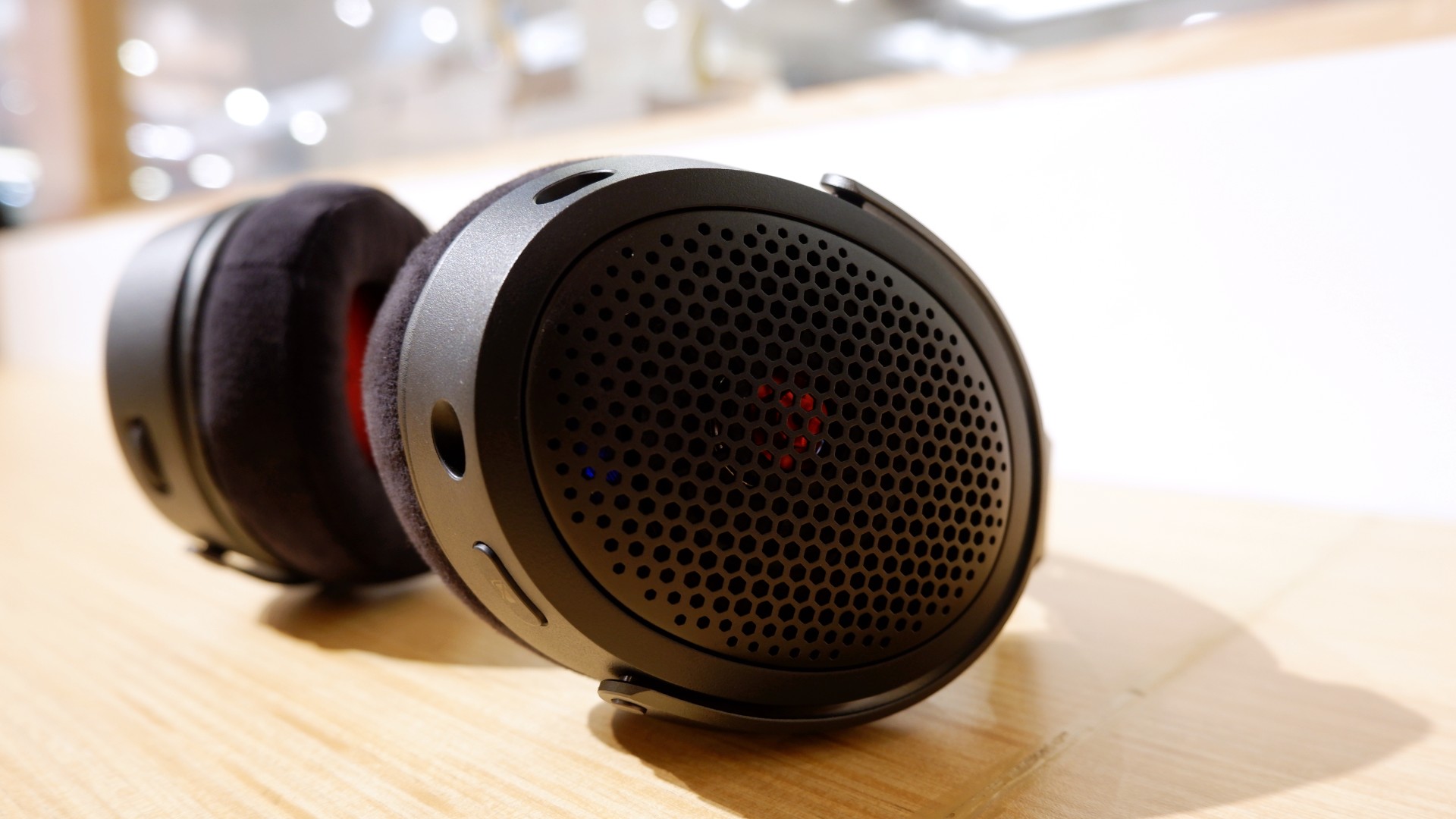
Peripherals such as the HyperX Cloud Alpha Air and Solocast 2 Pro can further enhance the experience.
Overall, this is a Swipe Right for its features, performance, and premium design. However, if you don’t have an infinite money glitch to buy it right now, you’re better off saving up for this beast of a machine!


Apple iPad mini OLED review
Has the mini gone PRO?!

ROG G700 review: The best prebuilt PC you can get off the shelf
This PC will make you stop worrying about specs.

HP OMEN Max 16 review: Gamer-maxxing in deep black
Peripherals deemed necessary to max this out

Infinix XPAD 30 launches, comes with AI features and expansive display

AMD, Meta deepen partnership for AI infrastructure

2026’s The Game Awards will stream live on Disney+

Secretlab brings Pikachu, Gengar, and Eevee to its Pokémon gaming chair collection

realme Christmas raffle: Win an XPENG EV, more

Your coffee nook is getting a makeover with Starbucks’ holiday collections

vivo V80 debuts with ZEISS cameras

vivo V80 review: Good phone, tough sell

OPPO Find X10 Series: Price, availability in the Philippines

iPhone Duo Philippines: Prices, installments, and where to buy


-
 Lifestyle2 weeks ago
Your coffee nook is getting a makeover with Starbucks’ holiday collections
-

 Gaming2 weeks ago
Wild Rift Patch 7.3, celebrates K/DA comeback
-

 News1 week ago
Sony revives classic Walkman headphones with USB-C MDR-3R
-
Reviews1 week ago
Apple iPad mini OLED review
-

 Features2 weeks ago
Inside Infinix’s first global concept store in Bali
-

 Philippines1 week ago
Lazada kicks off 11.11 Biggest Sale of the Year ahead of holiday rush
-

 Philippines2 weeks ago
LG showcases its latest AI TVs in the Philippines
-

 Gaming4 days ago
Nintendo eShop launches in the Philippines