
Lifestyle
The HONOR Magic V5 and its AI helped design this outfit
In collaboration with CuteCircuit for London Fashion Week

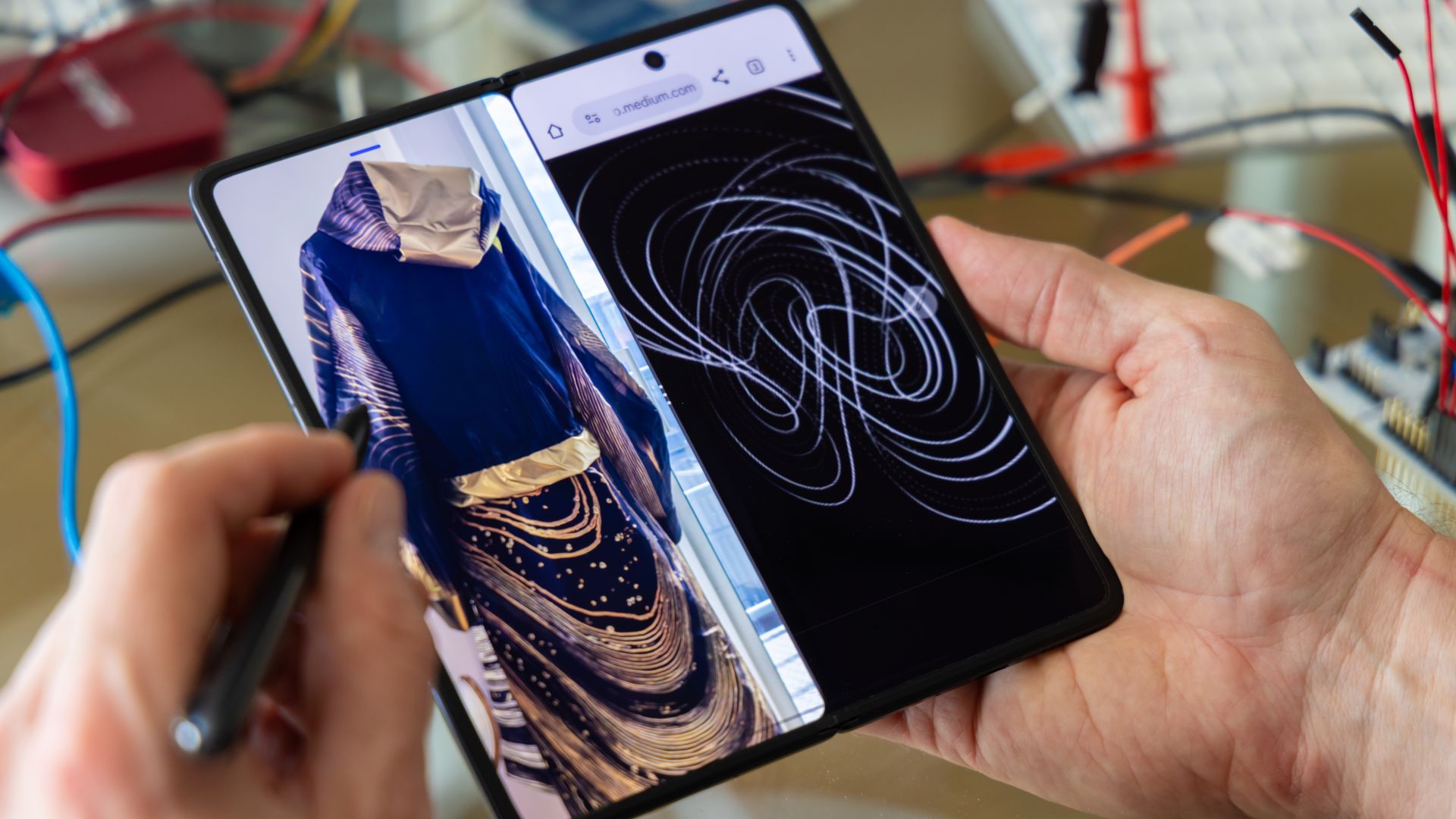
The AI capabilities on the HONOR Magic V5 helped design a high-tech, multipurpose outfit collection for London Fashion Week.
The groundbreaking fashion partnership was pulled off in collaboration with visionary design house CuteCircuit.
In a video HONOR uploaded on its global YouTube channel, CuteCircuit co-founder and chief creative officer Francesca Rosella bared working with the flagship foldable to design a mini collection.
Rosella explained that the multi-functionality of the HONOR Magic V5 was the primary inspiration for the outfit that could be worn for workouts, casual trips, and even business settings.
The designer considered what she would wear throughout a day as she goes to the gym, accommodates meetings, and parties at night.
The result is a transformable black and gold outfit with a Lorenz Attractor design incorporated throughout. There are also pieces that have microlights that illuminate.
Throughout the process, Rosella said she collaborated with the HONOR Magic V5. That includes making sketches with the display that supports pens.
She also went back and forth with HONOR AI for design ideas for the outfit. Meanwhile, Multi-Flex Mode also allowed for viewing visuals from several windows simultaneously.
The full video is available on HONOR’s YouTube to watch:





Enterprise
Chimelong’s newest attraction might be the robots themselves
The future of travel is here, and it knows tai chi!

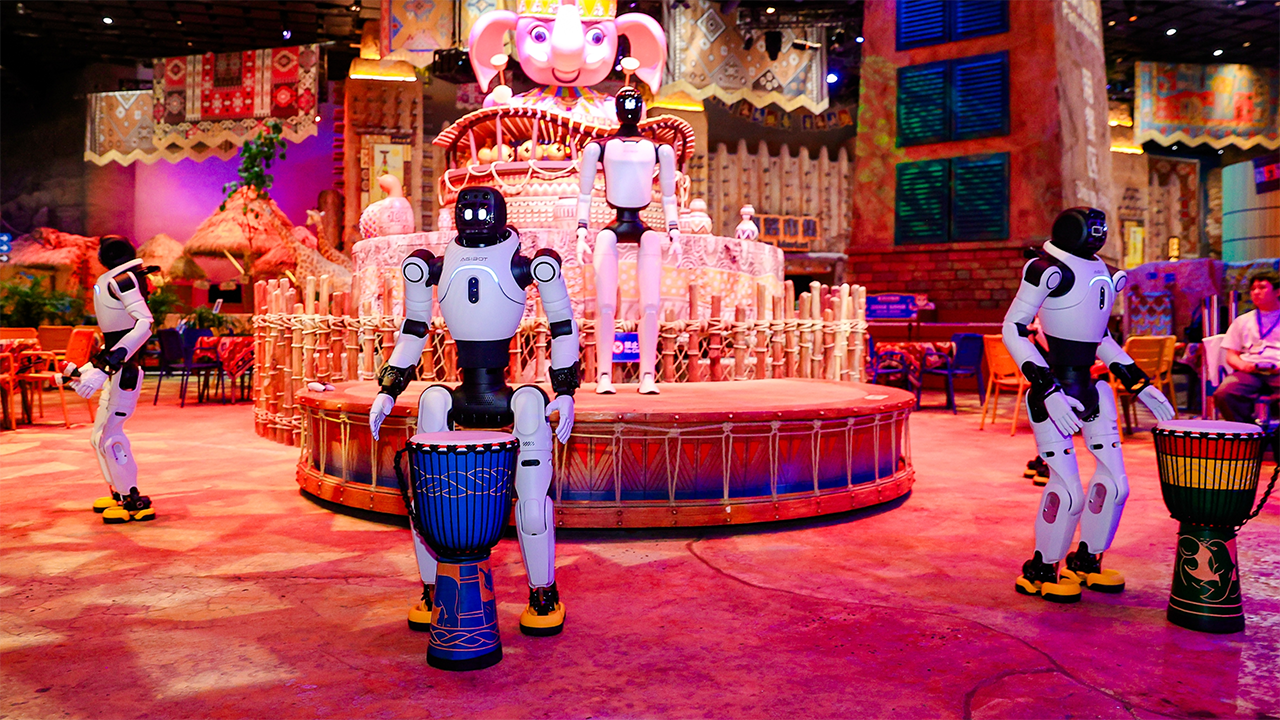
Imagine checking into a theme park and greeting a humanoid robot. A few hours later, you watch one perform tai chi. Another challenges you to table tennis. Yet another helps you navigate to the next attraction. By nightfall at your hotel, robots enhance the experience again.
This vision drives the latest collaboration between AGIBOT and Chimelong Group. Together, they brought over 300 robots to Chimelong Spaceship Park in Zhuhai, China.

This launch represents a massive real-world application of embodied AI in tourism. AGIBOT and Chimelong integrated these robots across entertainment, education, visitor services, retail, and hospitality. They act as active participants rather than remaining confined to a single demonstration area.
The timing celebrates a notable milestone, too. During the launch, Chimelong received the 20,000th robot to roll off AGIBOT’s production line.
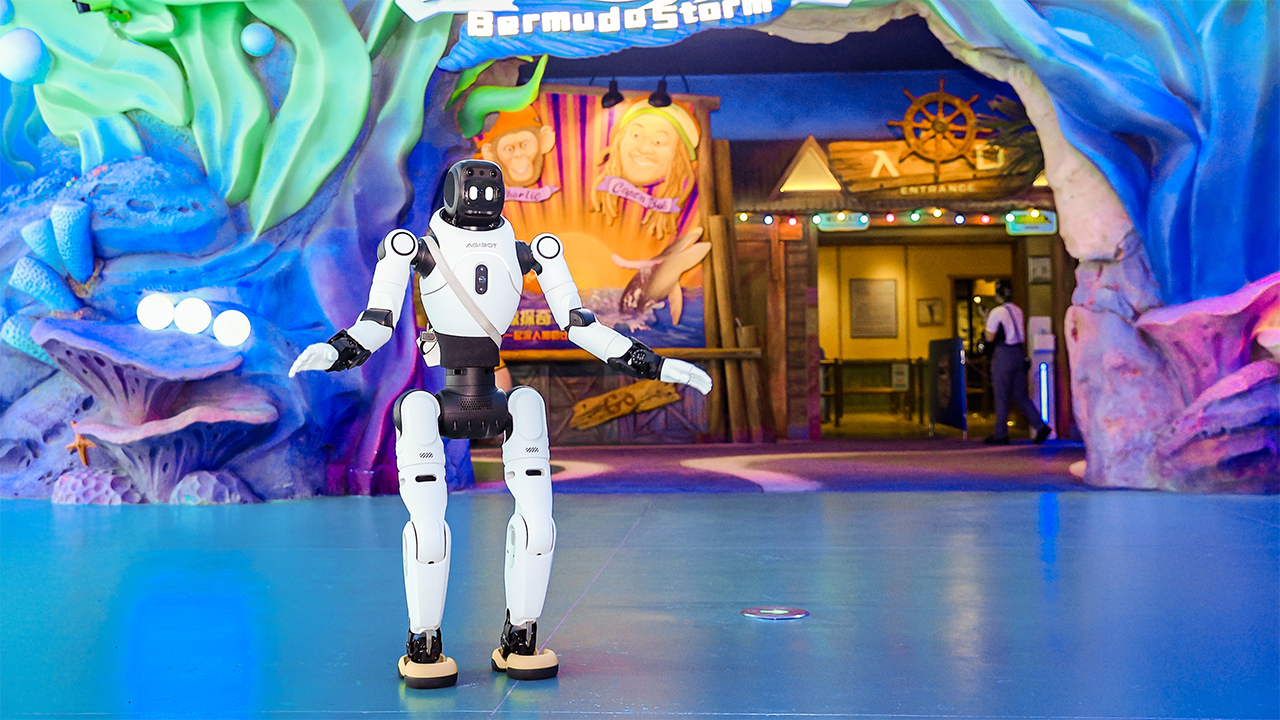
Your next theme park companion could be a robot
At Chimelong Spaceship Park, robots act as part of the total visitor experience. Guests don’t just stop to watch them from afar.
Some take on entertainment roles by performing martial arts, gymnastics, and tai chi. Others interact directly with guests through table tennis and hands-on manipulation challenges.
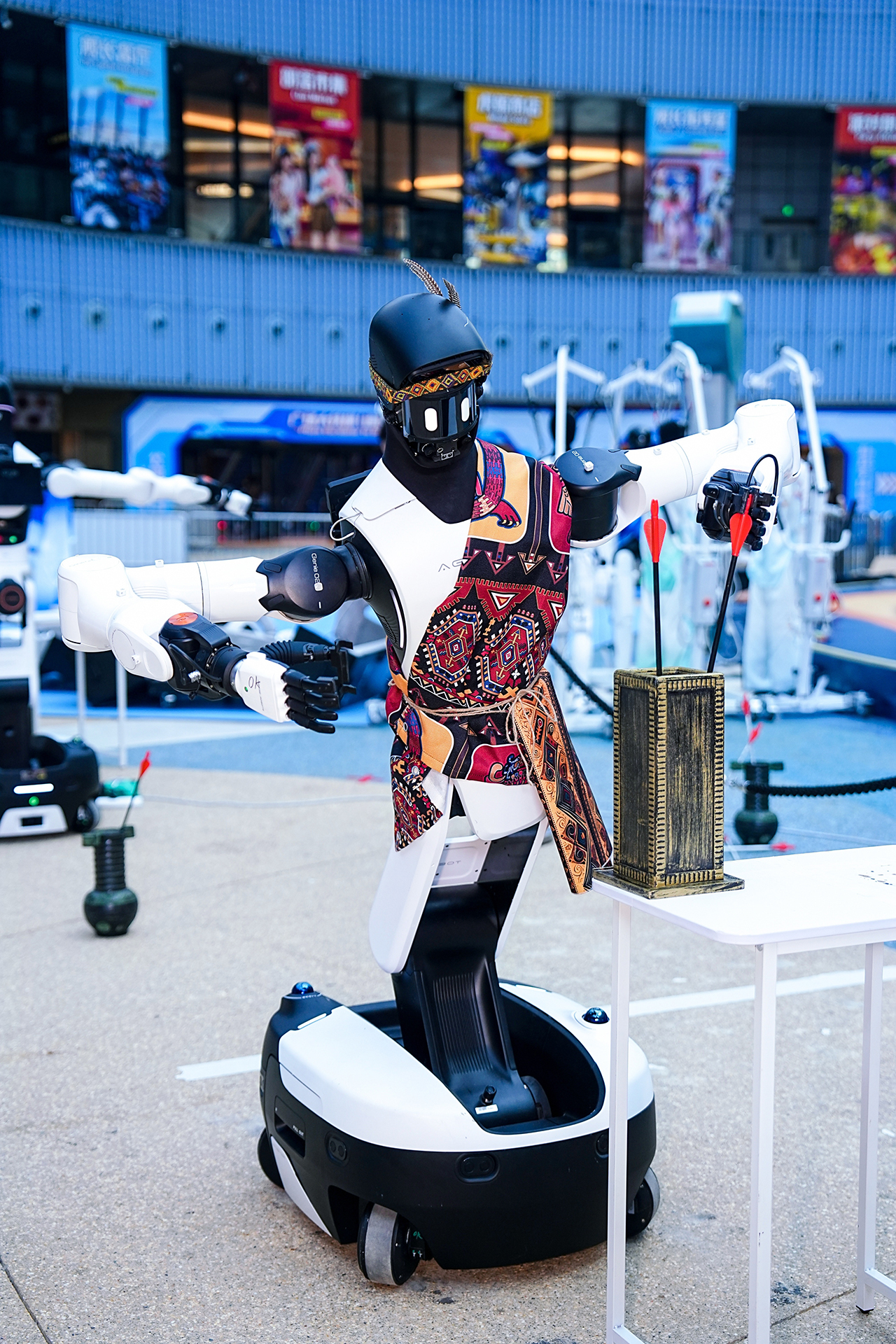
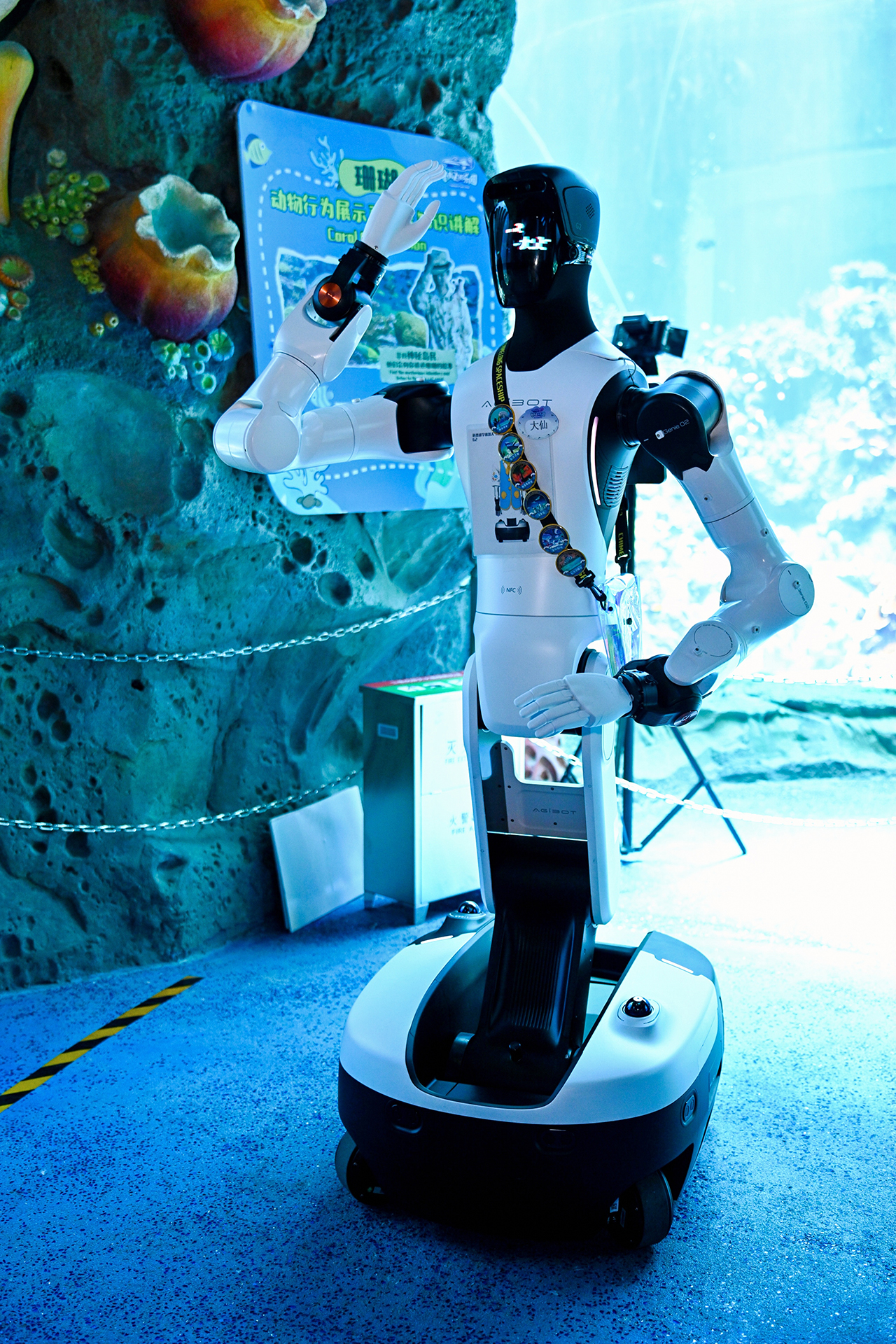
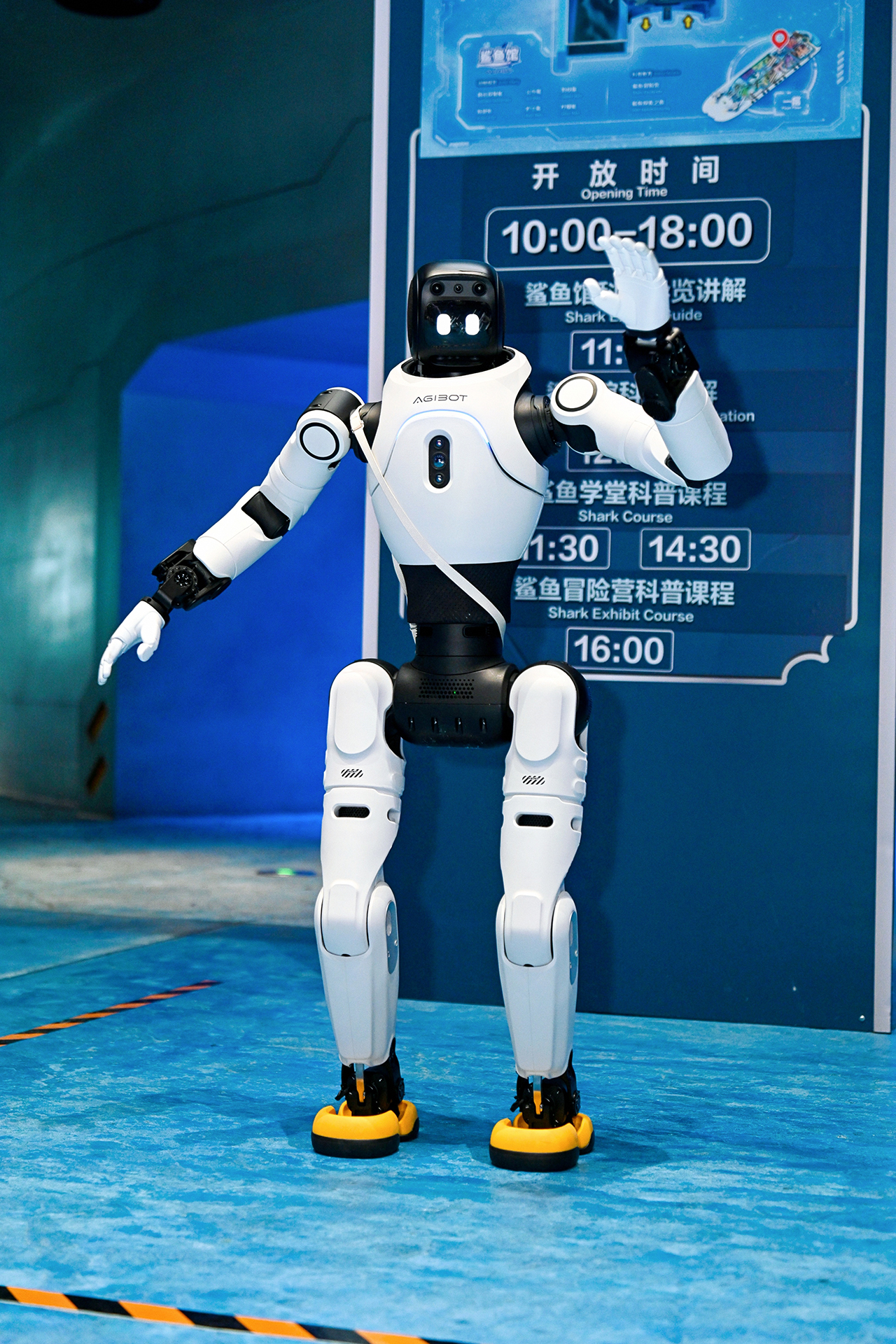
Designers also created robots for the quieter moments of a park day. They answer questions, introduce exhibits, and guide visitors through designated areas.
In retail settings, robots assist shoppers with their purchases. Meanwhile, hotel deployments place them in guest-facing roles to welcome visitors and hold multi-turn conversations.
Consequently, your trip involves encountering robots in several different contexts. The journey stretches seamlessly from your park arrival to your hotel return.
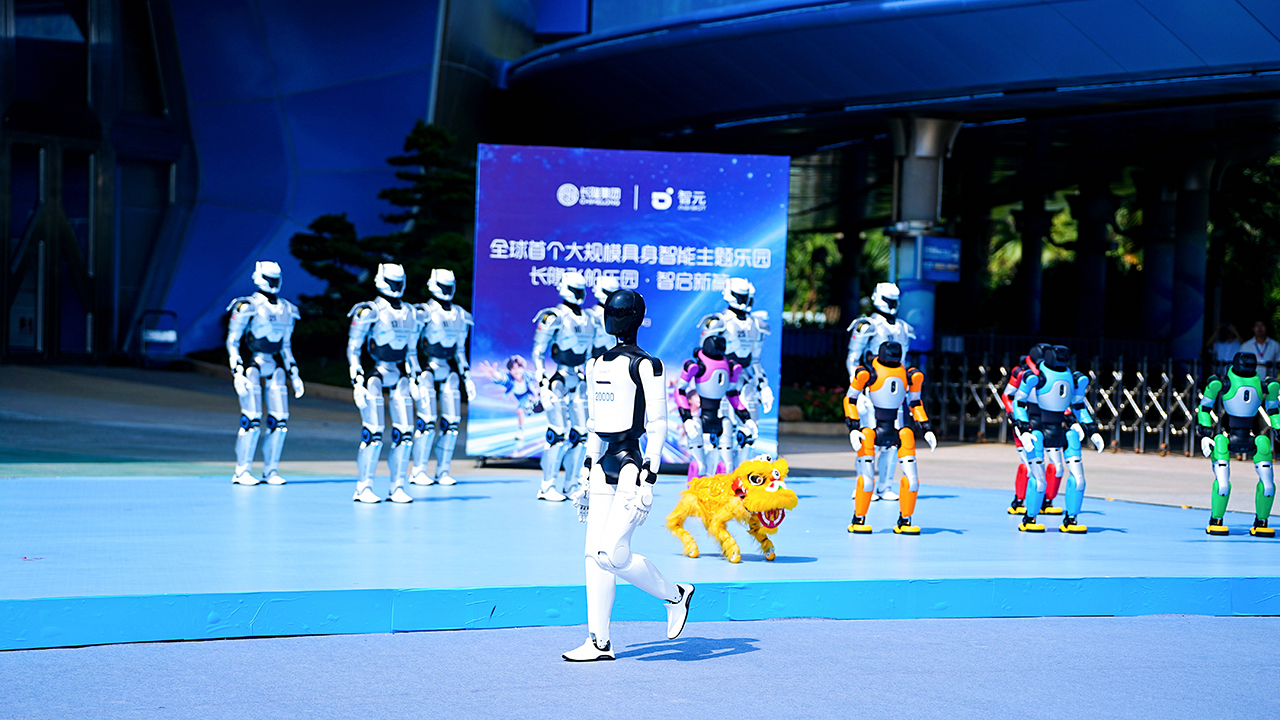
When the robots become part of the show
Theatrical applications are perhaps the easiest to picture. AGIBOT and Chimelong incorporate robots into live performances alongside human actors, music, and lighting.
Rather than treating a humanoid robot as a mere technological curiosity onstage, creators coordinate multiple robots into fluid routines.
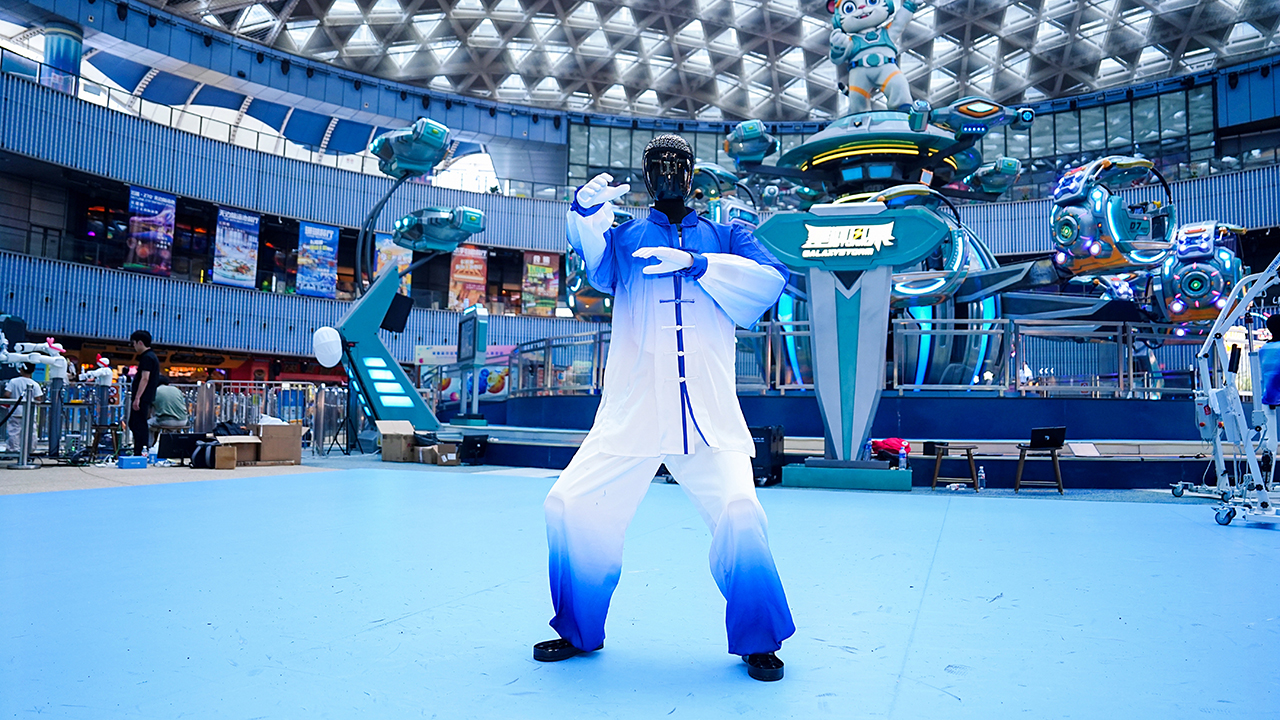
Elsewhere, visitors engage with robots through games and educational activities. This creates a highly interactive, hands-on introduction to embodied AI.
Theme parks offer a perfectly fitting setting for this technology. Parks historically excel at making technology disappear into the magic. Engineers design animatronics, immersive environments, special effects, and automated rides to serve the story.
Humanoid robots push this idea into new territory. They communicate, navigate physical spaces, respond to people, and adapt to different settings with ease.
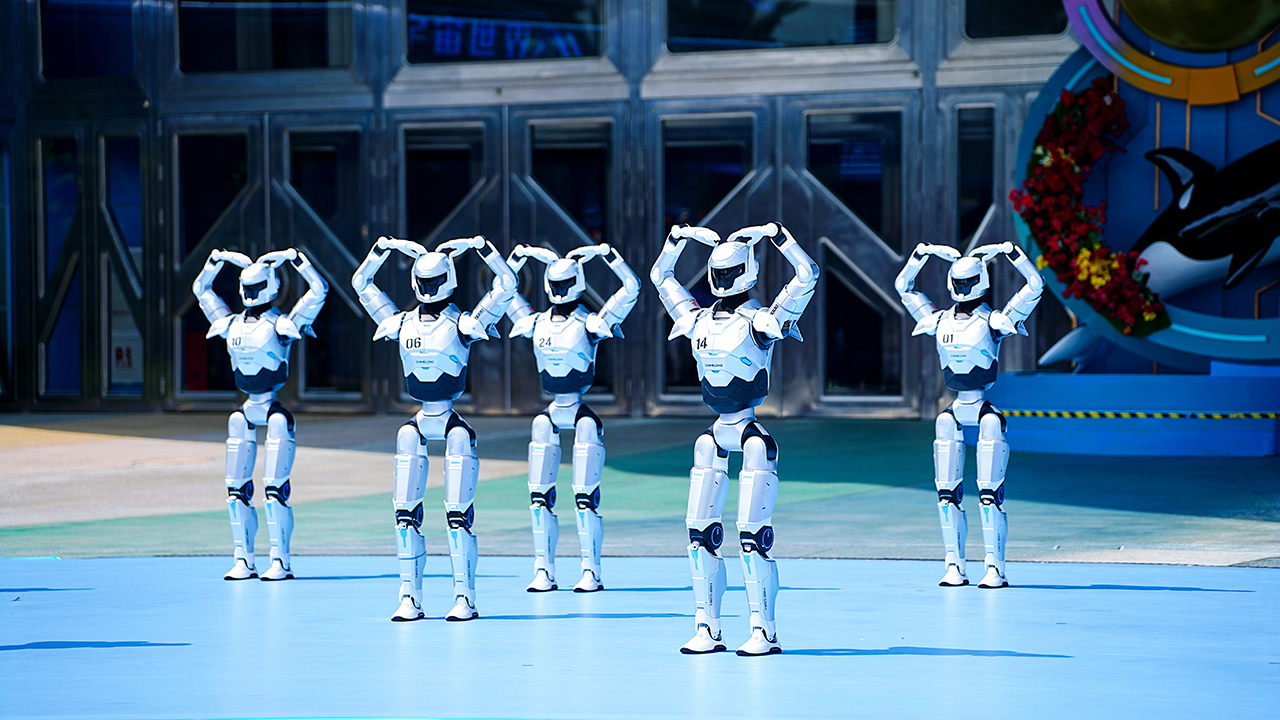
A robot-filled day does not stop at the park gates
The collaboration naturally extends into Chimelong’s hospitality operations.
Robots welcome hotel guests, hold complex conversations, and offer highly personalized interactions. This introduces an interesting possibility for resorts. Technology can now follow visitors beyond the main attraction and enhance the broader destination.

Travelers will soon experience trips where the boundaries between attraction, service, and technology blur entirely.
A robot might serve as your tour guide. Next, you could watch a robotic entertainment performance. Finally, a mechanical host could wait downstairs in your hotel lobby.
Potentially, the robot you meet in one area connects directly to the wider system operating backstage.
Making hundreds of robots work together
Deploying over 300 robots into a busy tourism destination requires massive coordination.
AGIBOT, Chimelong, and China Mobile established a dedicated 5G network. This ensures stable connectivity across high-traffic areas. The team uses centralized coordination to manage robots moving through various park and hotel environments.
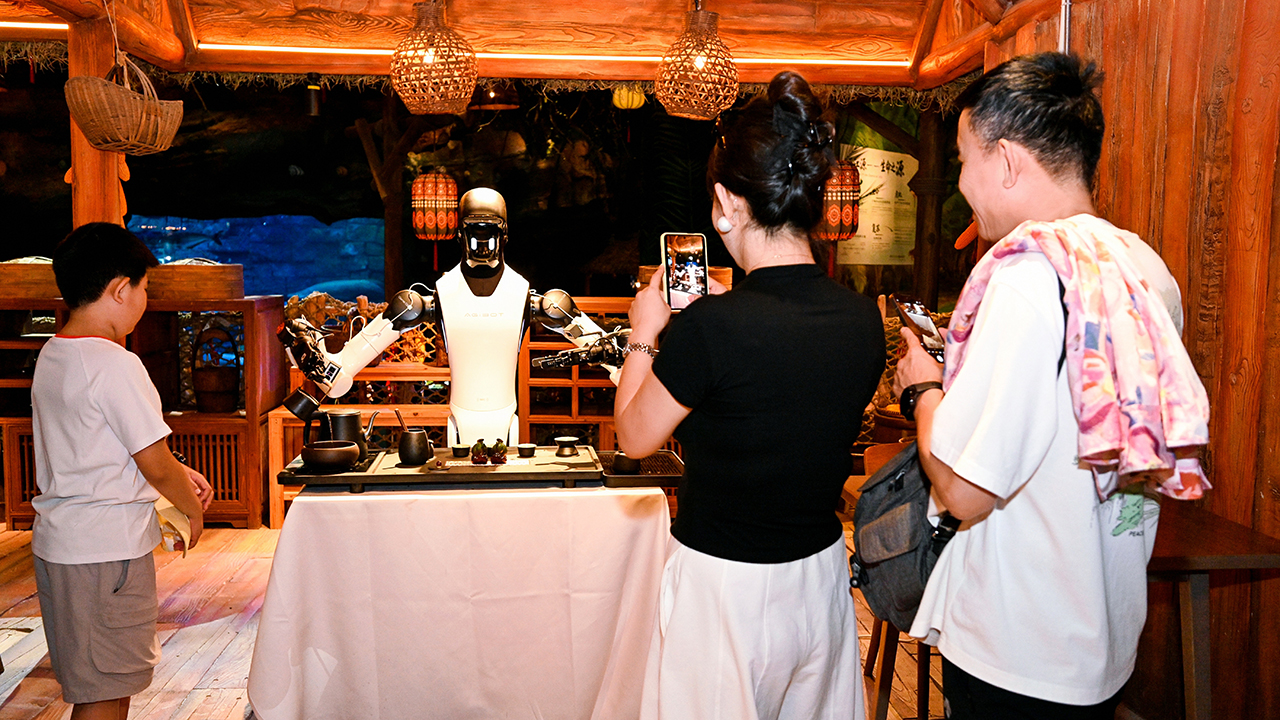
Comprehensive operational systems also handle network security, privacy protection, charging, and fire safety.
Guests easily overlook this infrastructure while watching a robot perform tai chi. Yet, this backend framework remains one of the most fascinating aspects of the project. A theme park represents a highly complicated environment. Thousands of people constantly move through spaces shifting rapidly from one experience to another.
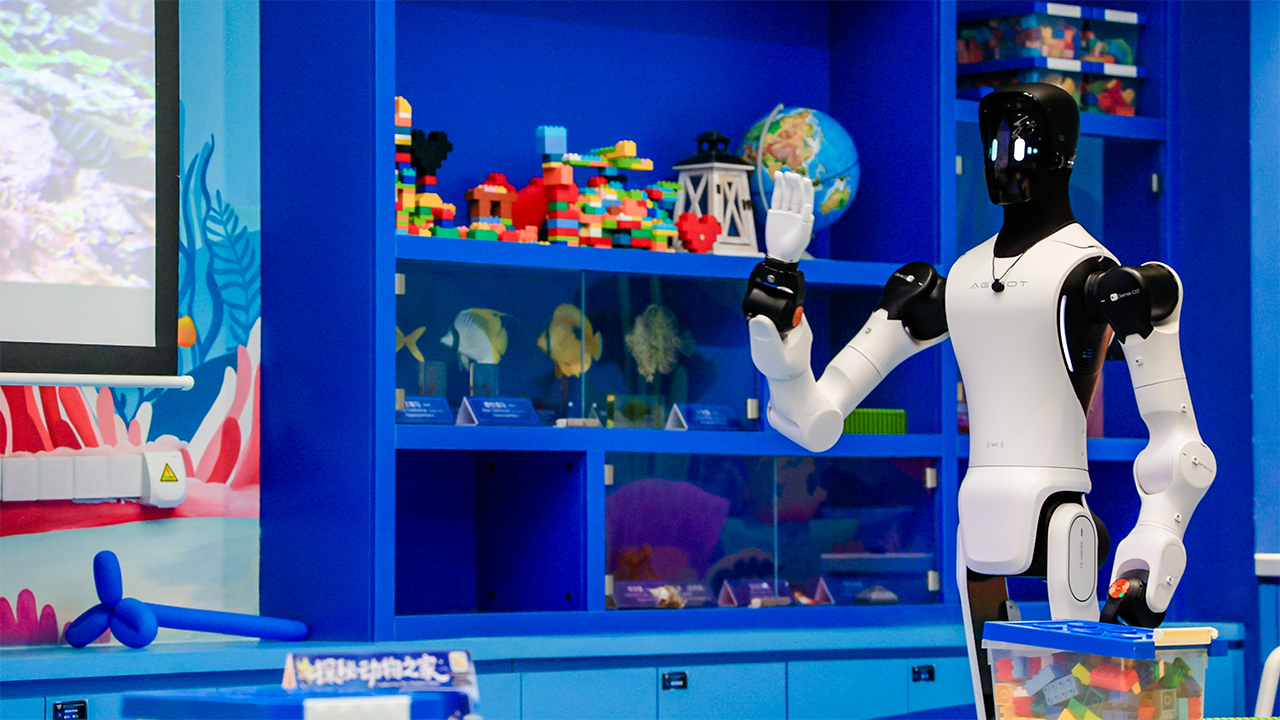
Making robots useful here means teaching them to embody the destination itself.
The beginning of a bigger experiment
AGIBOT and Chimelong are establishing a joint research institute for embodied AI in tourism.
This institute will explore new applications, operating models, and technologies. Researchers will draw directly from the experience of this massive deployment. The first project phase lays the groundwork to expand robot usage across all Chimelong properties.
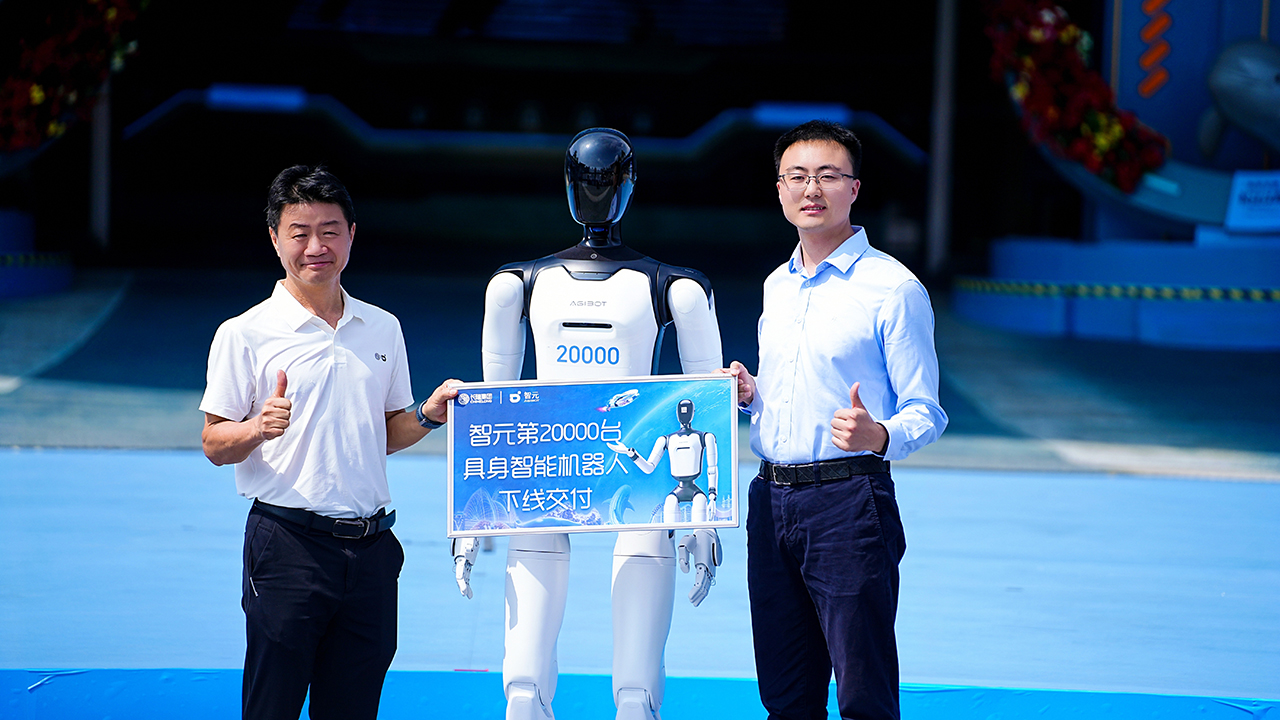
For now, the appeal remains fairly simple. Creators build theme parks on the promise of making ordinary life feel extraordinary.
Chimelong bets that humanoid robots will increasingly spark that exact magic.
Automotive
The Kia EV3 brings gallery-worthy design in a compact electric form
The 2025 World Car of the Year turns daily driving into functional art.
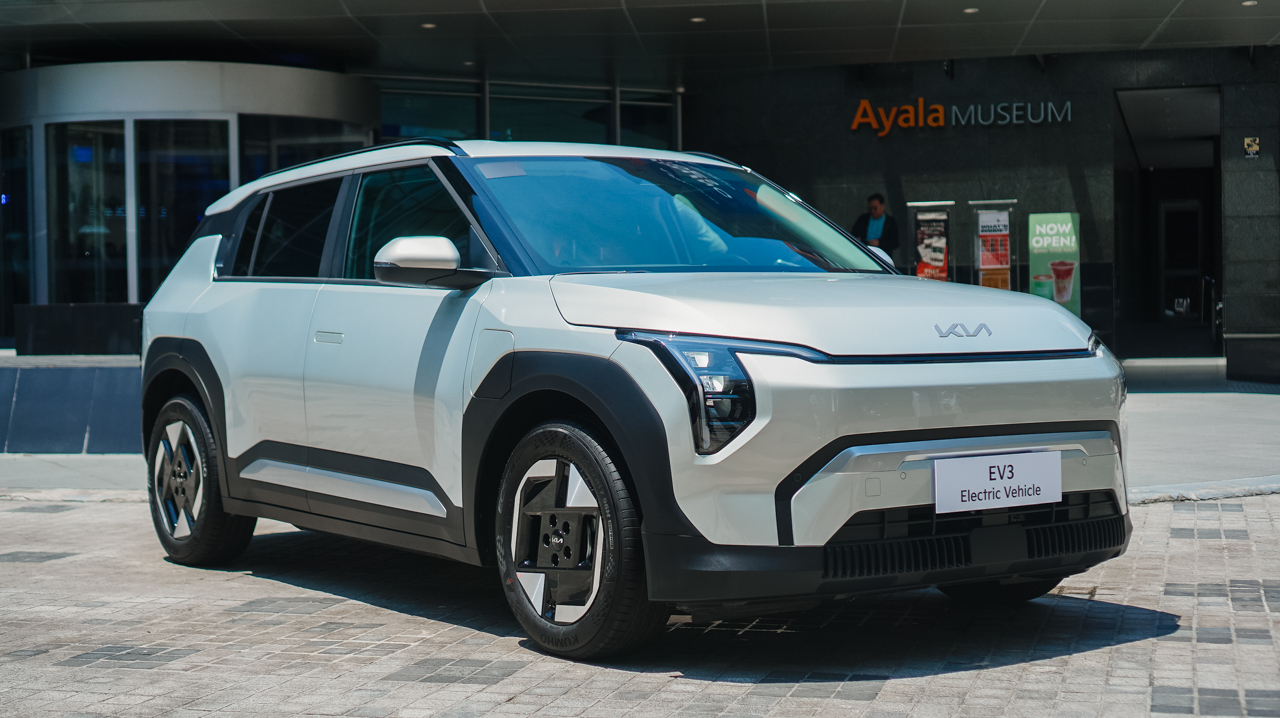
The all-new Kia EV3 officially debuted against the architectural backdrop of the Ayala Museum.
Named the 2025 World Car of the Year, the compact electric SUV redefines daily driving as functional art. It also holds prestigious Red Dot “Best of the Best” and iF Design awards.
Sculpted like a modern piece of design
The EV3 shares the forward-thinking design philosophy of the acclaimed EV5 and EV9.
Its exterior features an evolved Digital Tiger Face paired with signature LED lighting. Sculpted geometric surfaces and flush door handles maintain a smooth silhouette.
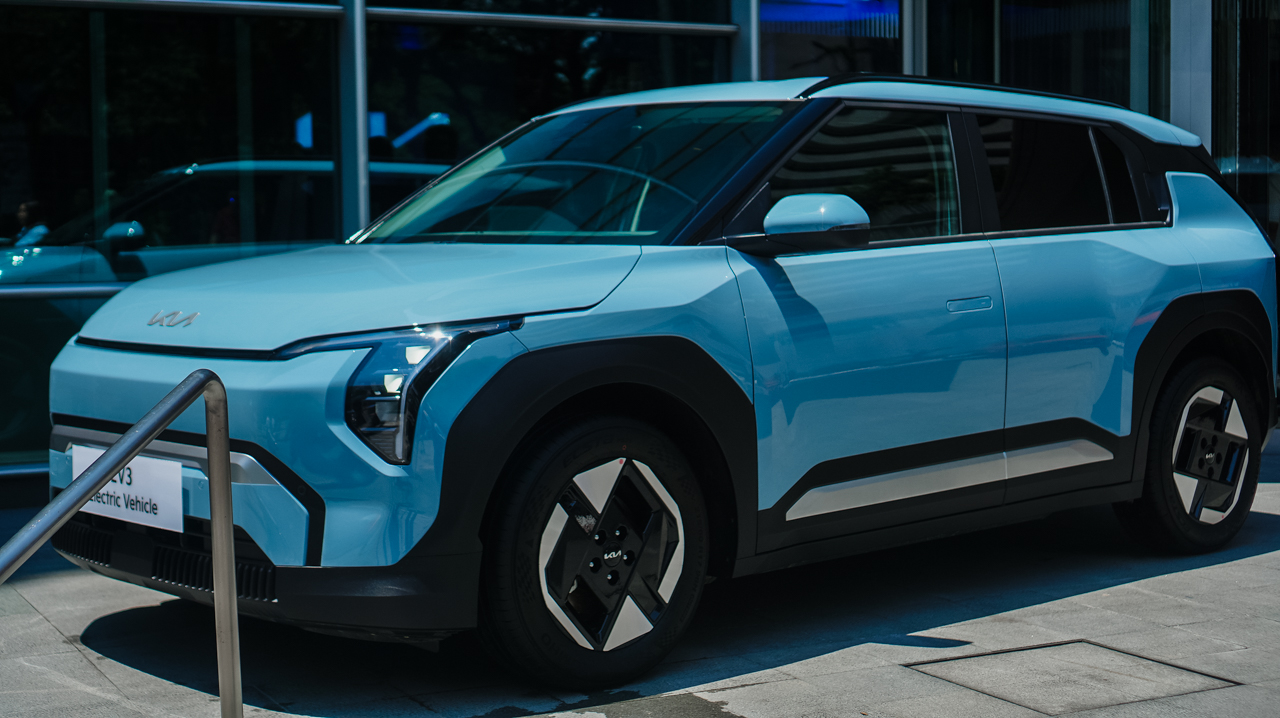
A tailored rear spoiler, roof rails, and 17-inch alloy wheels complete the profile. The result looks composed and elegant, especially when parked outside a contemporary gallery.
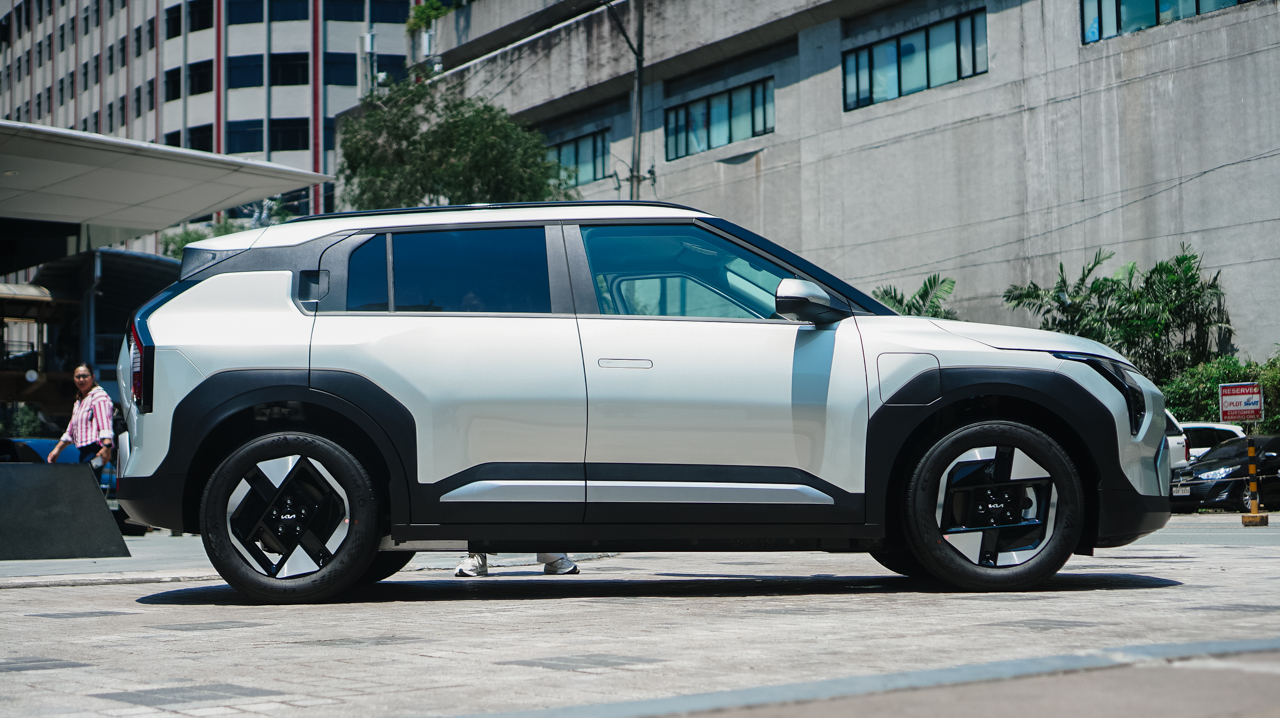
Beneath its sculpted skin lies instant, whisper-quiet electric power. A front-mounted motor generates 204 PS and 283 Nm of torque.
A 58.3 kWh battery delivers up to 511 kilometers of range on a single charge (NEDC). Replenishing energy fits seamlessly into a busy lifestyle.
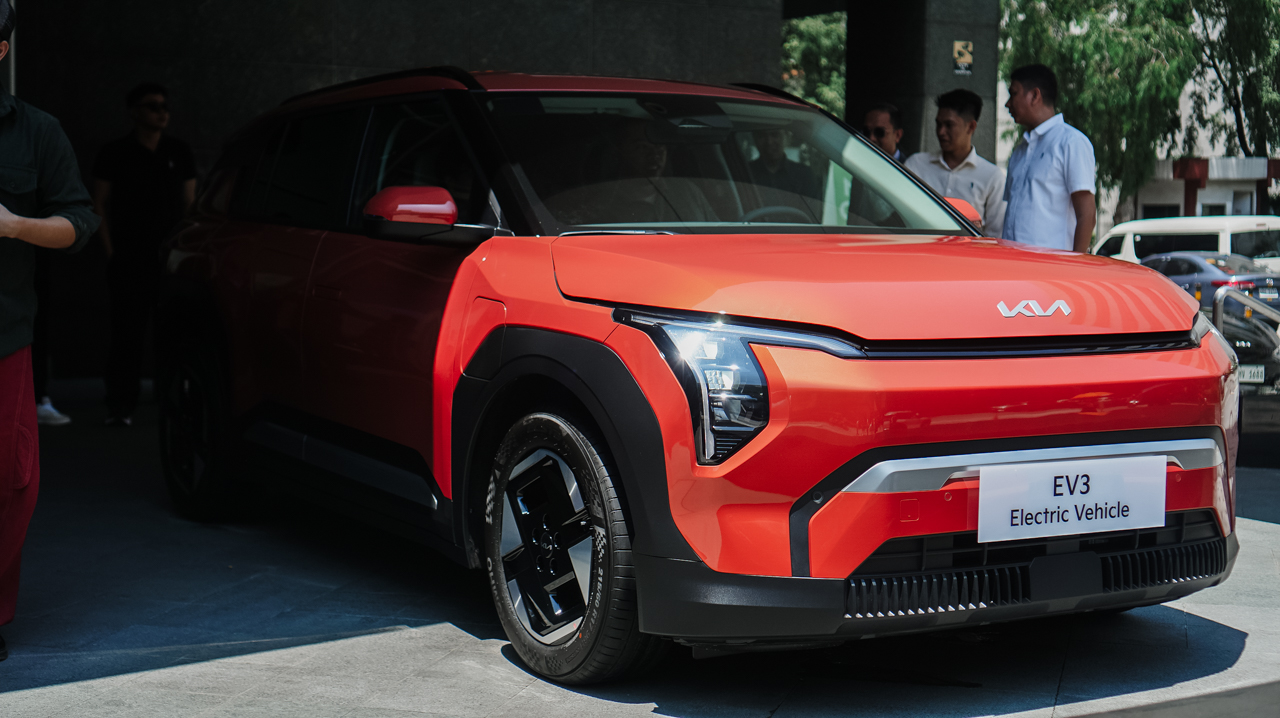
Standard 11 kW AC charging goes from 10 to 80 percent in roughly 5 hours and 20 minutes. Meanwhile, 350 kW DC Fast Charging restores the same charge in just 29 minutes.
A digital sanctuary, literally
Inside, the cabin opens into a clean, modern sanctuary.
A striking 30-inch Triple Panoramic Display centers the dashboard. It unifies the instrument cluster, climate settings, and infotainment beneath one sweeping glass surface.
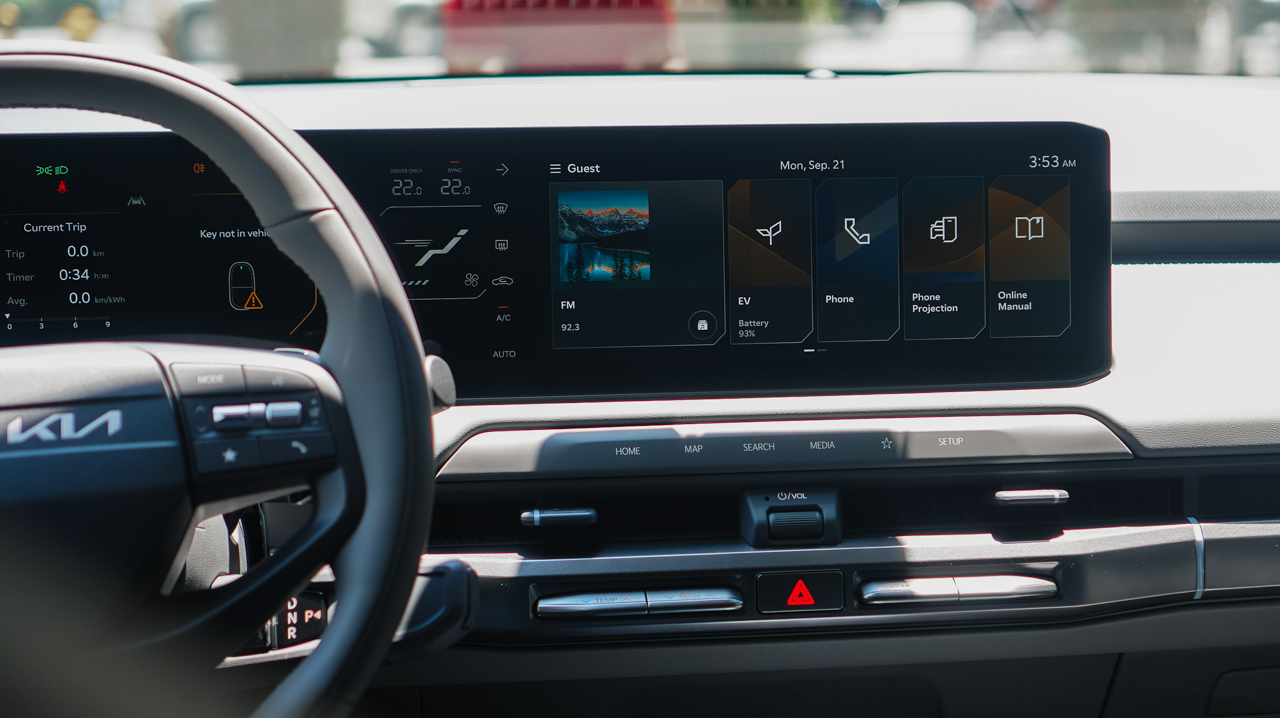
Leather upholstery and an eight-way power driver’s seat prioritize comfort, and the power lumbar support ensures relaxed driving on longer journeys.
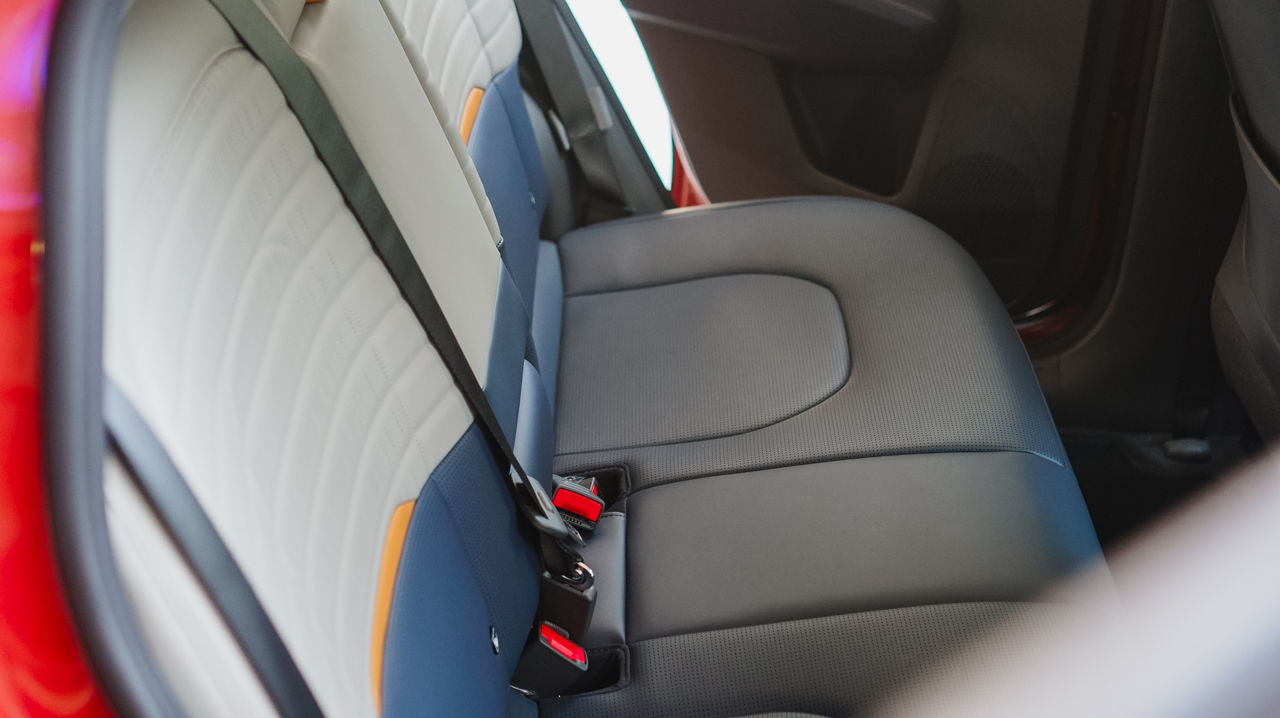
There’s also a sliding central console tray that creates an adaptable workspace on the go. On another note, connectivity remains effortless throughout the interior space. The system supports wireless Apple CarPlay and Android Auto.
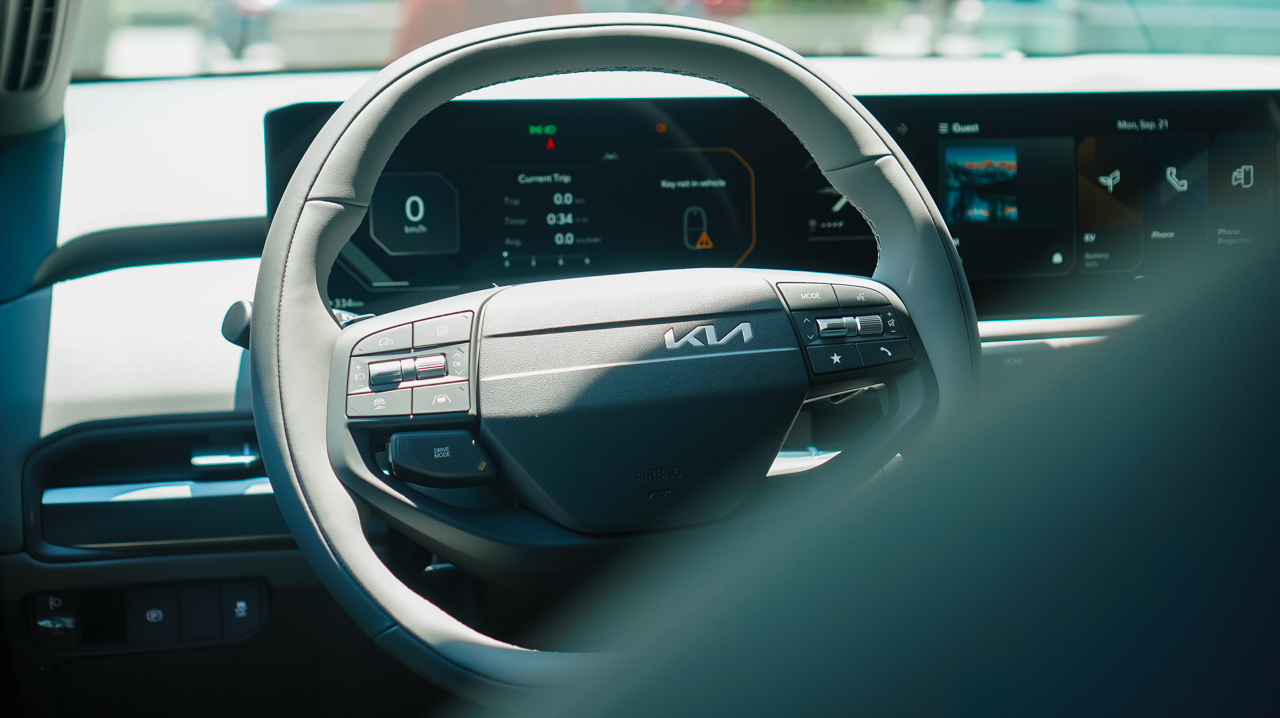
Additionally, dual wireless charging pads, five USB-C ports, and six speakers keep devices powered and entertained. For weekend getaways, 60:40 split-folding rear seats easily expand cargo capacity.
Intuitive safety
Intelligent peace of mind comes standard through the Kia DriveWise suite.
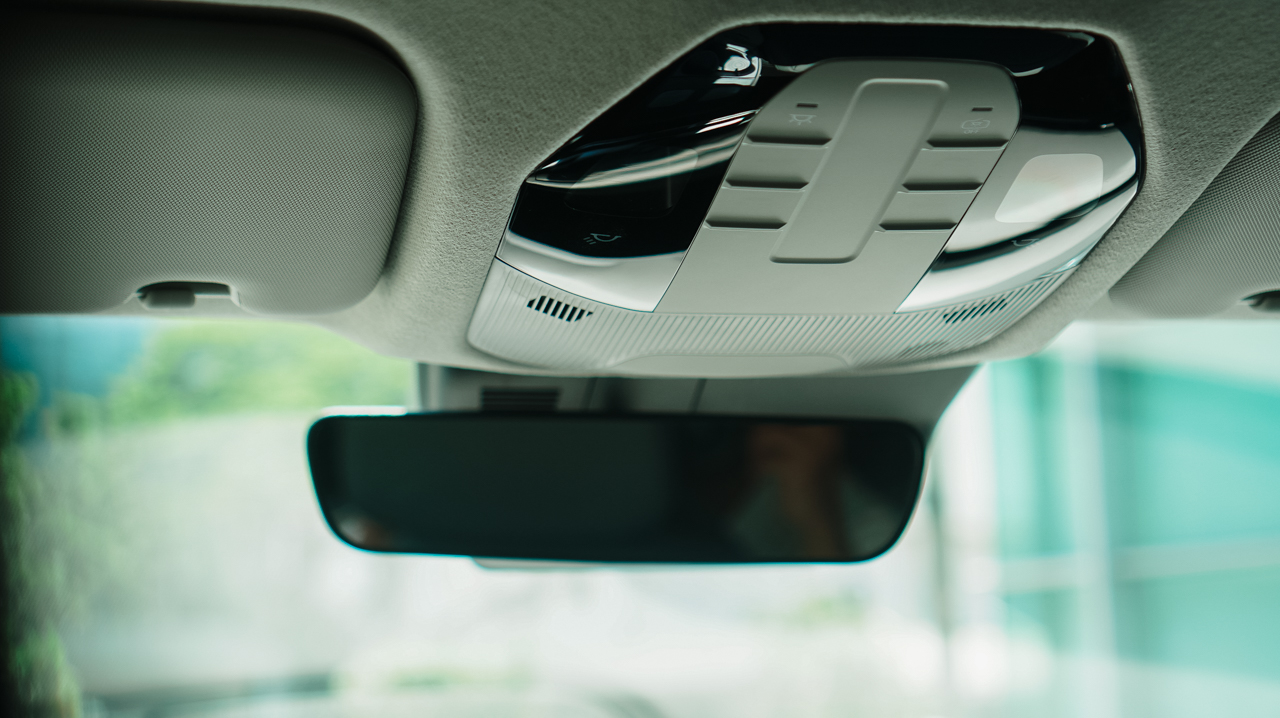
Active features include Advanced Smart Cruise Control and Forward Collision Avoidance with Autonomous Emergency Braking.

Lane Keeping Assist, Lane Following Assist, Blindspot Safety Warning, and Rear Cross Traffic Safety assist at every turn.
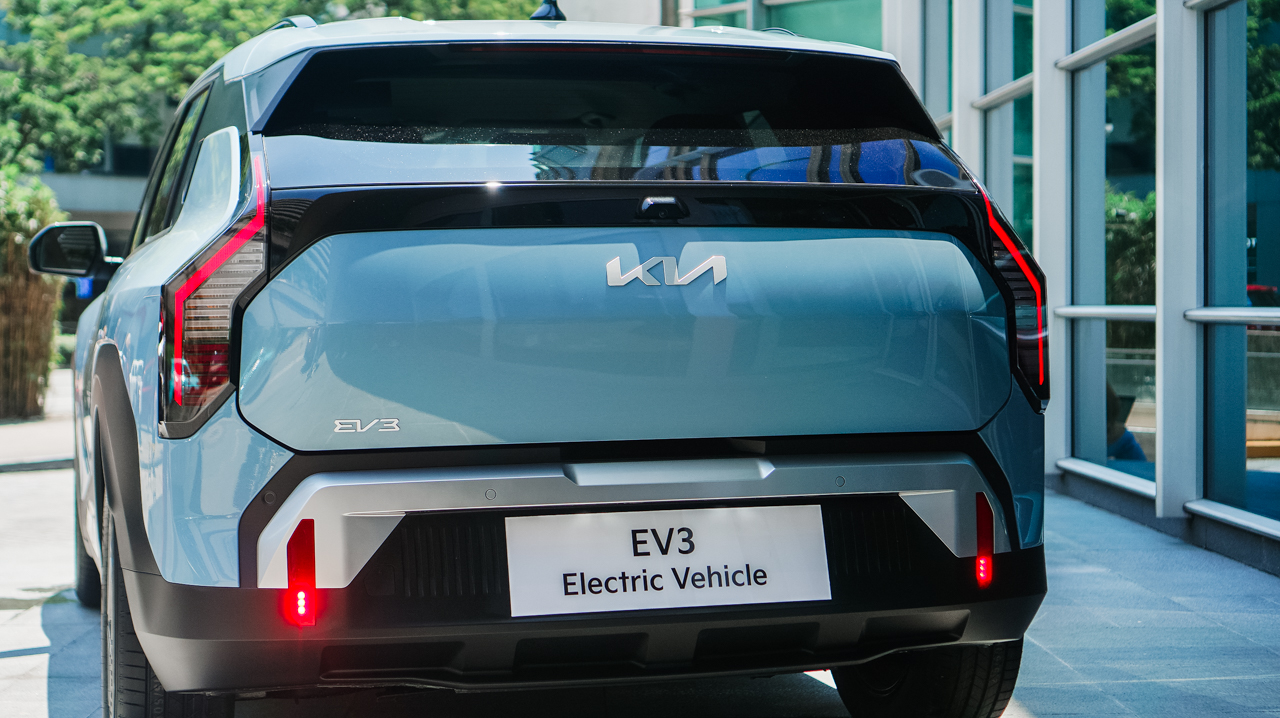
Seven airbags protect the front, side, and curtain areas. Electronic Stability Control, Hill-Start Assist, parking sensors, and a rear-view camera complete the protective core.
Price, availability
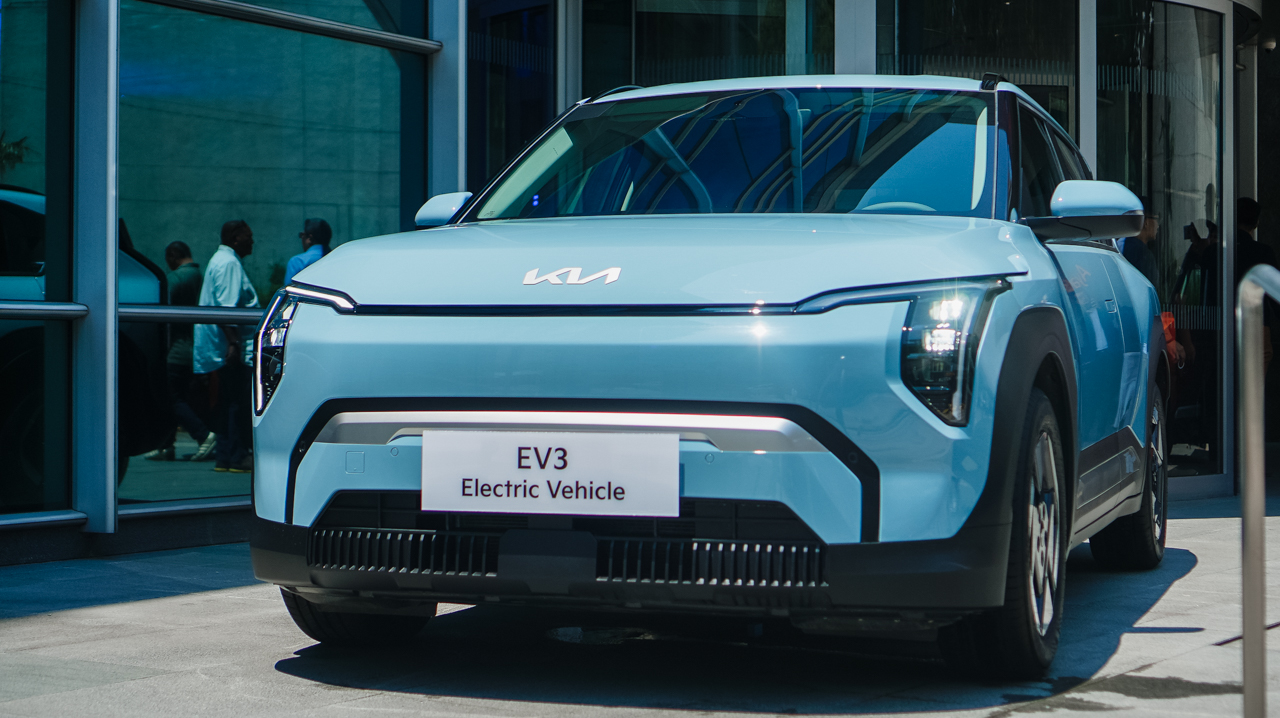
The Kia EV3 starts at PhP 1,898,000, inclusive of a home wall charger. An introductory offer reduces the price to PhP 1,868,000, saving early buyers PhP 30,000. Reservations also include five years of free Preventive Maintenance Service.
Kia provides a five-year or 160,000-kilometer vehicle warranty. The high-voltage battery carries an eight-year or 160,000-kilometer warranty.
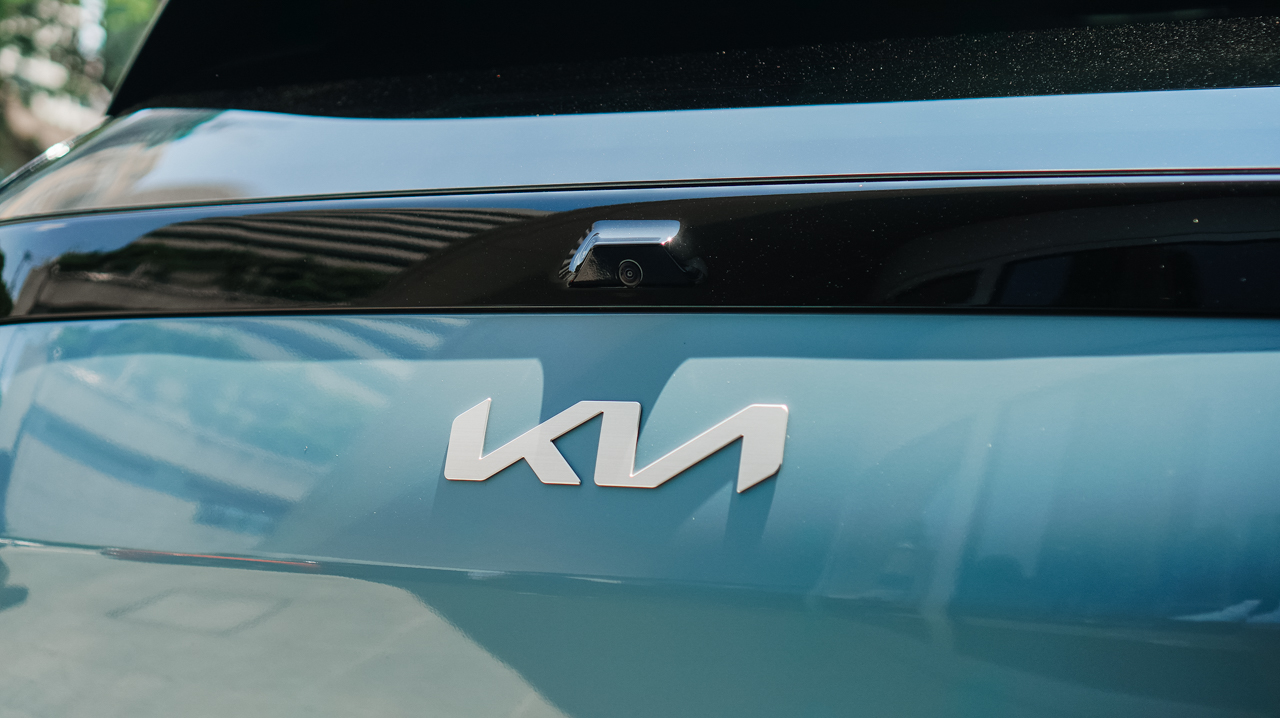
The EV3 comes in seven curated exterior colors. Options include Aventurine Green, Snow White Pearl, Aurora Black, Terra Cotta, Frost Blue, Shale Grey, and Ivory Silver.
Accessories
Manila turns up the volume at COVE
Sony Philippines launched its ULT TOWER lineup at Beyond the Beat, with SB19 joining the ULT Squad.
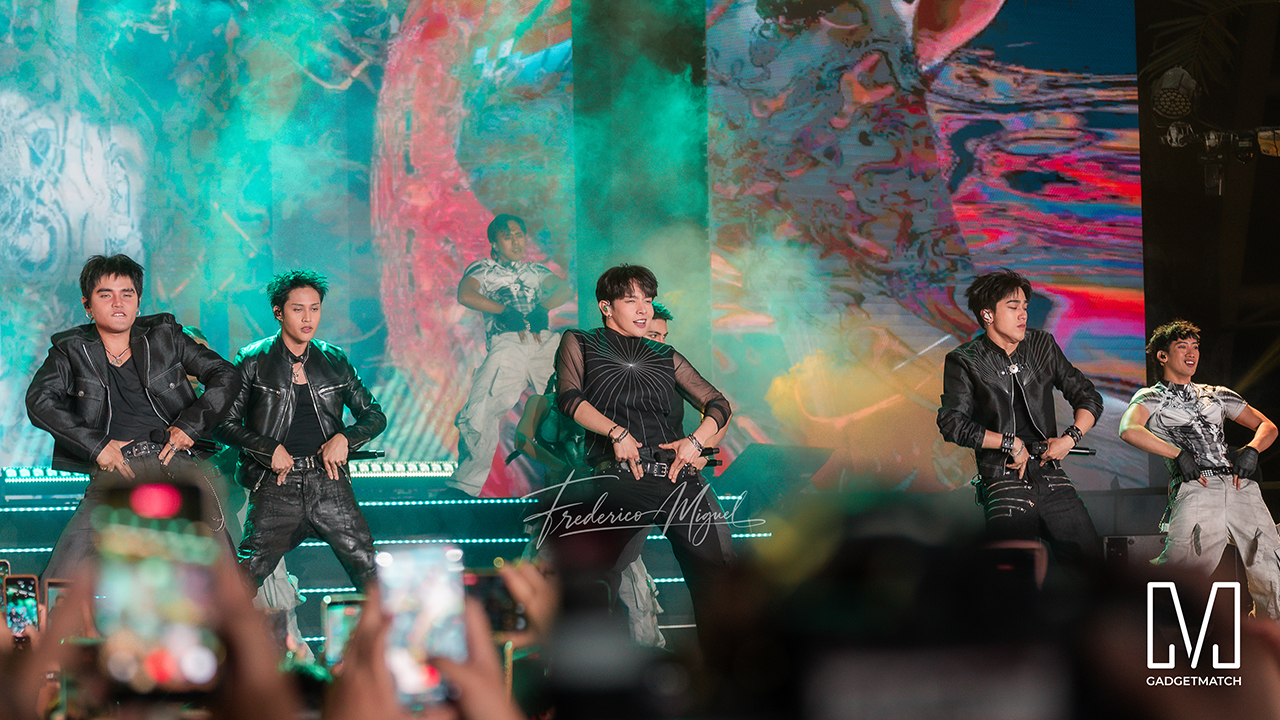
Sound and style shared the floor at COVE Manila in Okada Manila. Sony Philippines opened its doors for Beyond the Beat: The Next-Level ULT POWER SOUND Experience.
The event marked the company’s biggest ULT POWER SOUND launch in the country, and Sony paced the program like an exclusive night out.
Stacked ULT Towers filled the space. Guests styled themselves with designer pieces from Alser Lumawag, and SB19 closed the evening as the newest Sony ULT Squad members.
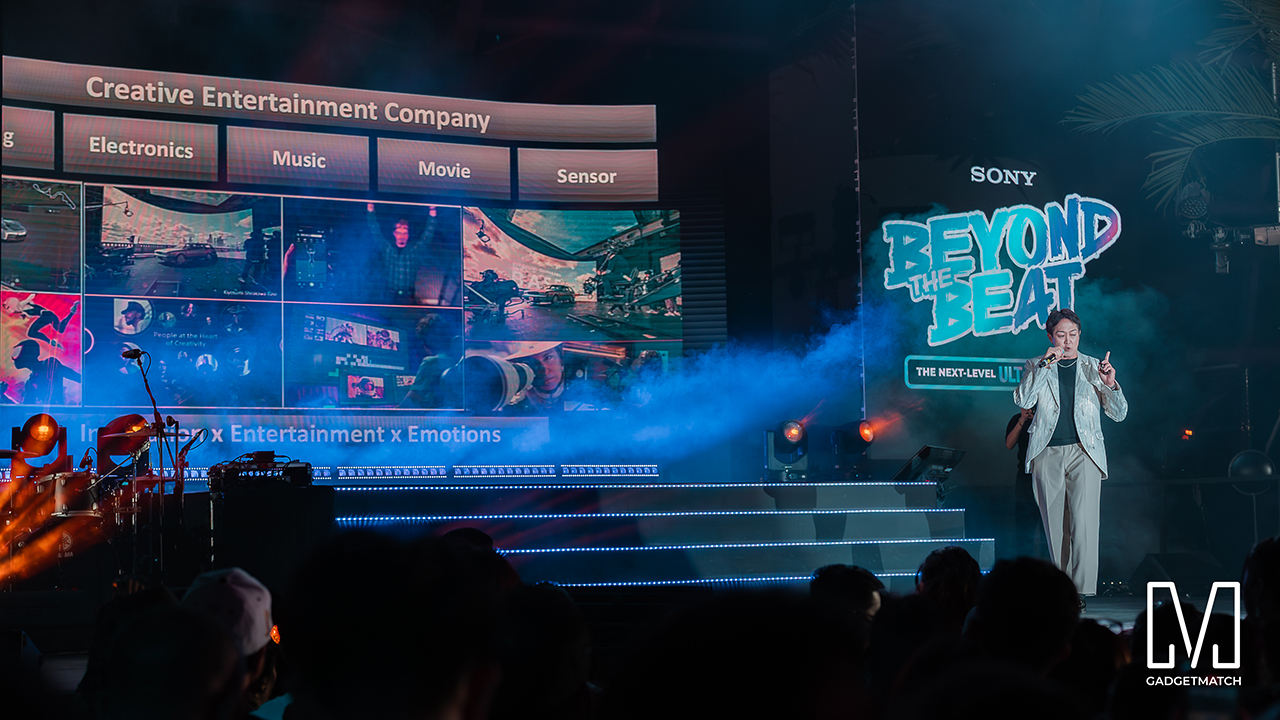
MySony members from every tier joined industry guests while the new ULT TOWER lineup set the tempo.
The towers take center stage
Shuhei Sugihara, Sony Philippines’ President and Managing Director, opened the program.

Product Marketing Specialist Keira Ambubuyog then introduced the newest additions to the lineup.
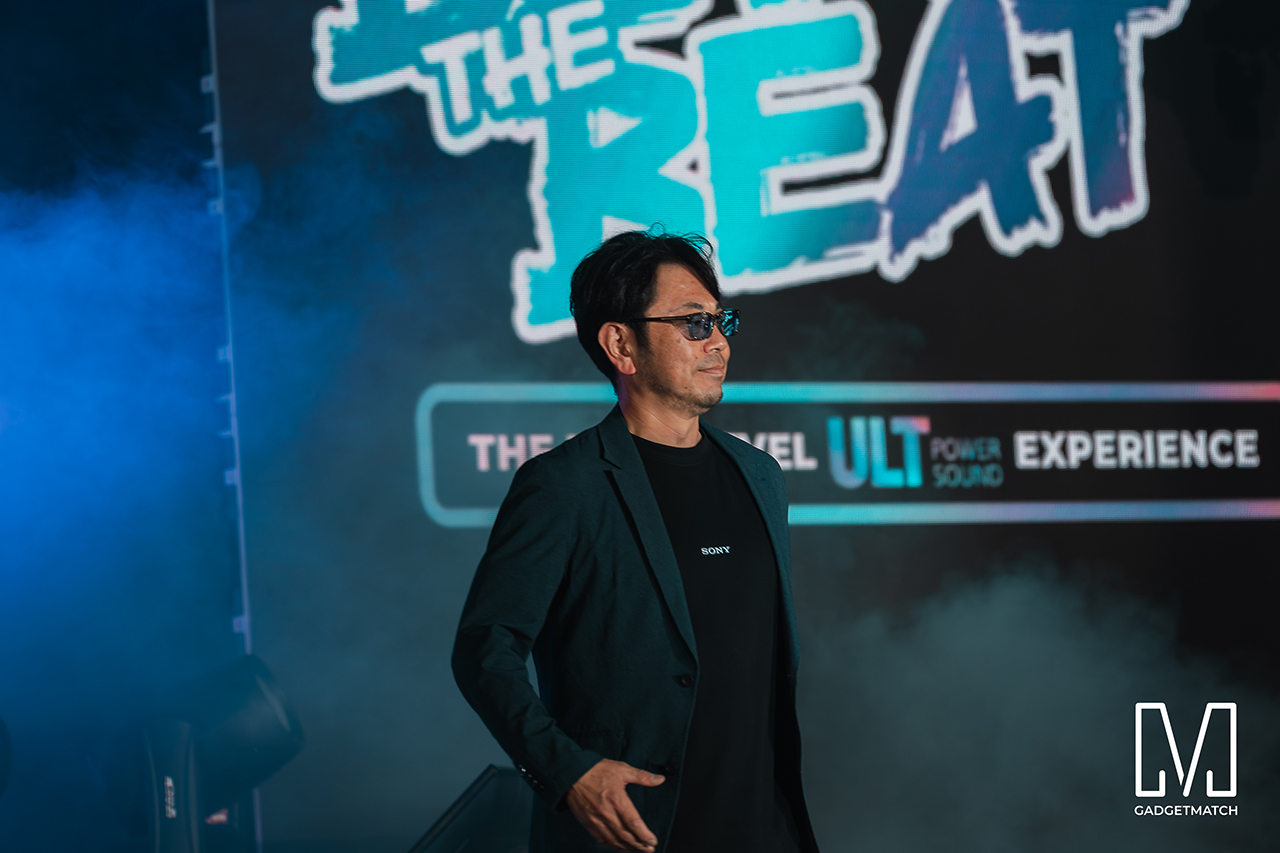
Arbie Bandiling of Personal Audio Systems unveiled the latest ULT Squad video. The clip introduced the artists and personalities fronting the campaign.
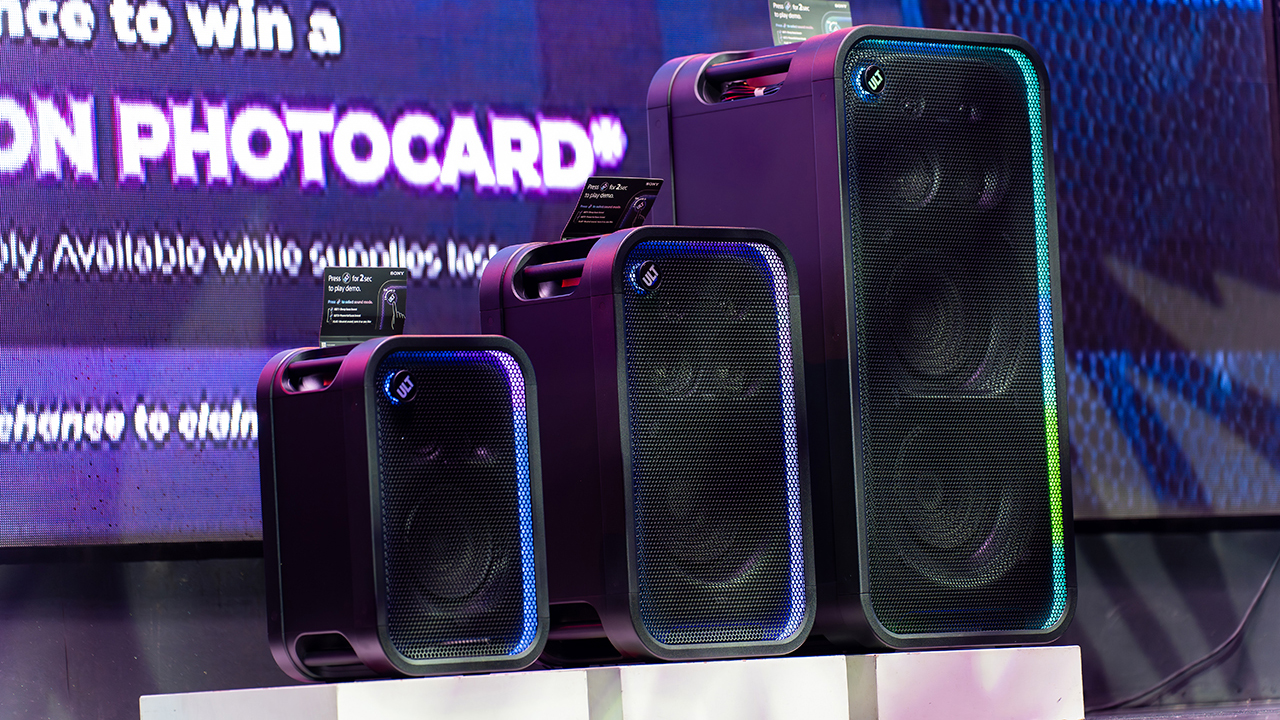
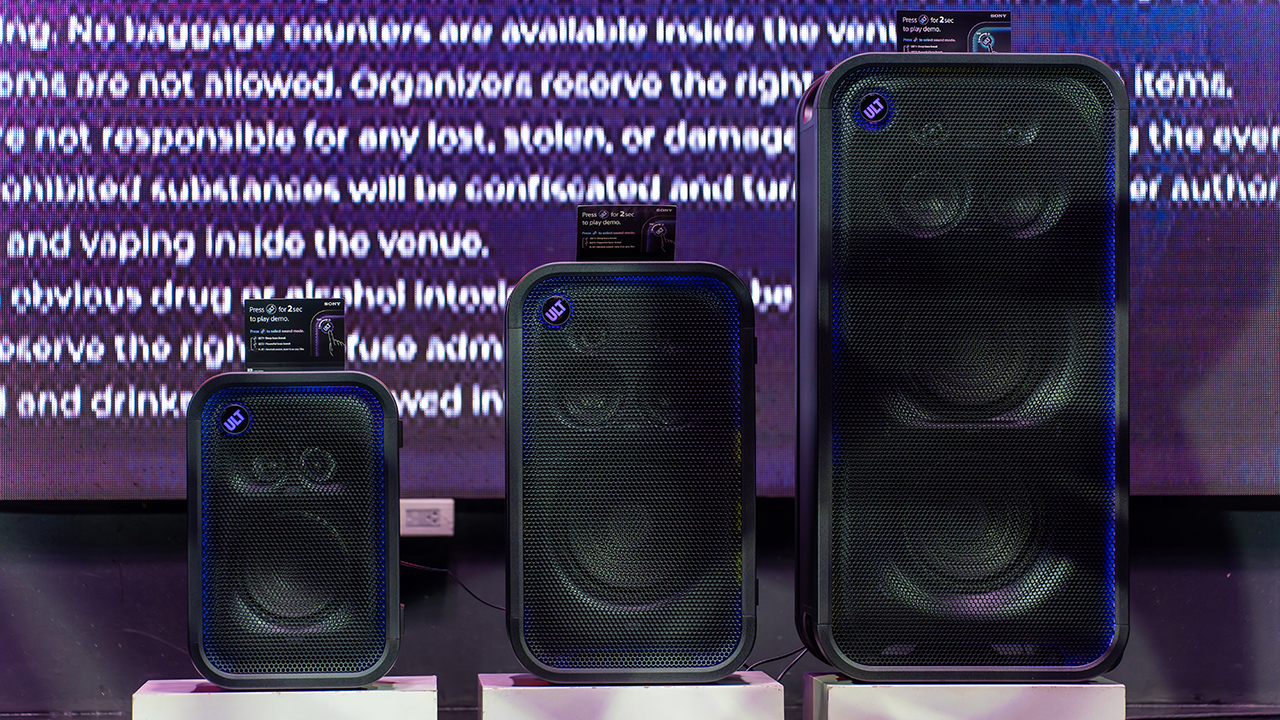
The lineup features the ULT TOWER 5, ULT TOWER 7, and ULT TOWER MAX. The new series pairs large circular woofers and high-capacity cabinets with ULT DUCT technology.
This design delivers stronger low-frequency bass than earlier models. The ULT TOWER MAX leads the series, described as Sony’s most powerful bass speaker yet.
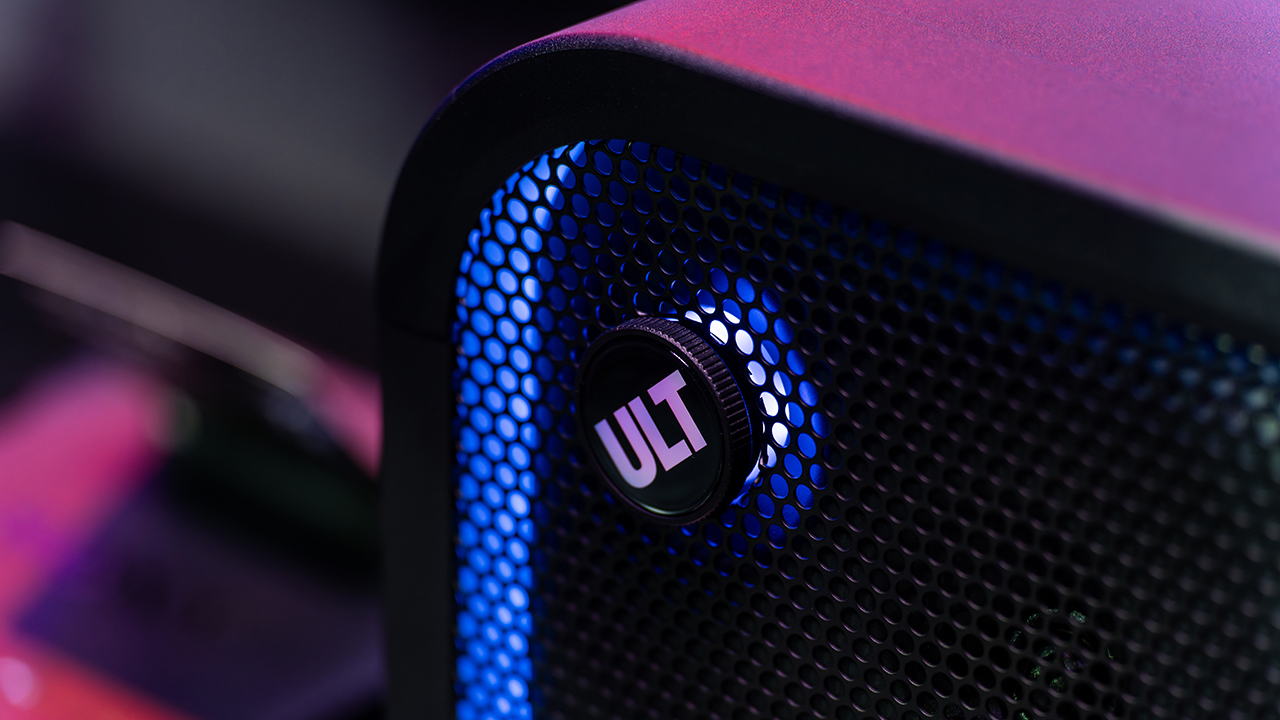
On another note, Sony pitches the ULT TOWER 7 as stage-worthy sound in a portable frame. Meanwhile, the compact ULT TOWER 5 targets smaller gatherings and features karaoke and DJ capabilities.
Experiential zones bring the sound to life
Guests explored the lineup across several interactive event zones. Step into the Beat paired an arcade-inspired setup with stacked ULT Towers and a dance pad. ULT Selfie Club handled photo ops.
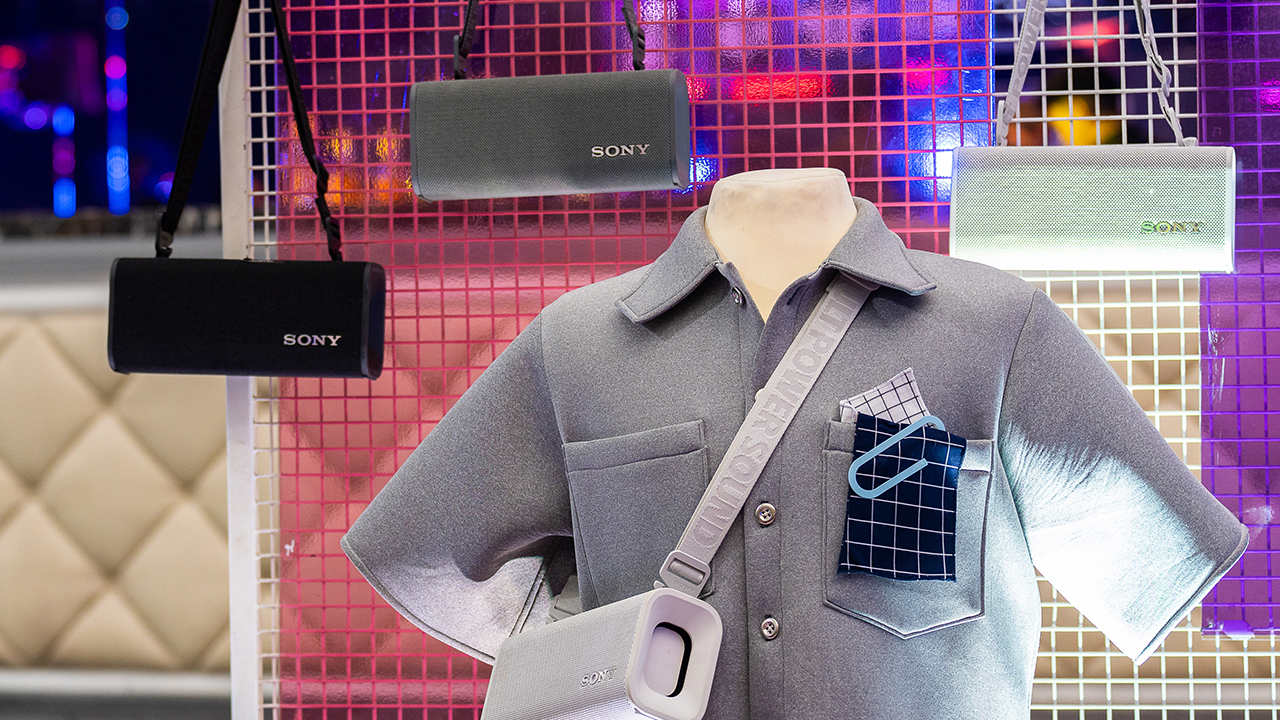
Nearby, ULT Cover Star let guests style ULT Field speakers alongside designer pieces from Alser Lumawag. Here, the speakers served as chic fashion accessories.
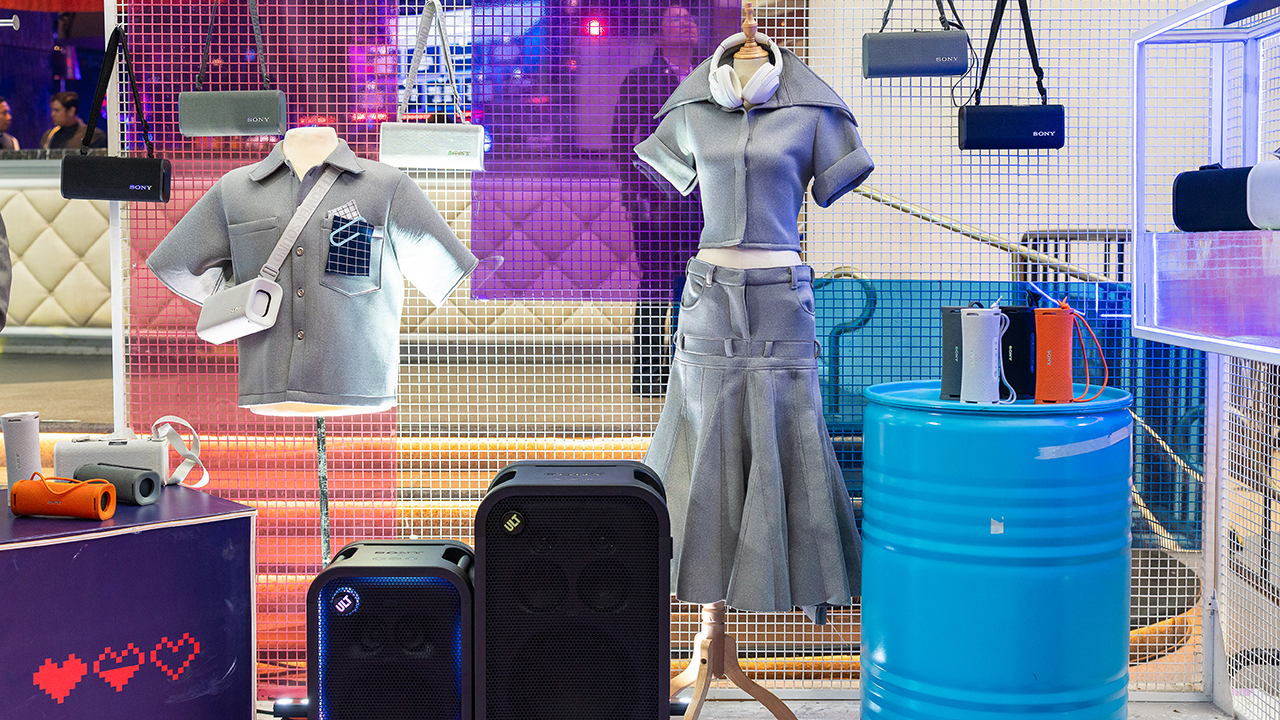
The Bass District gave VIPs and influencers a private, nightlife-inspired lounge. Karaoke Lounges invited everyone else to grab a mic and test the party-ready towers firsthand.
The ULT Squad shows up
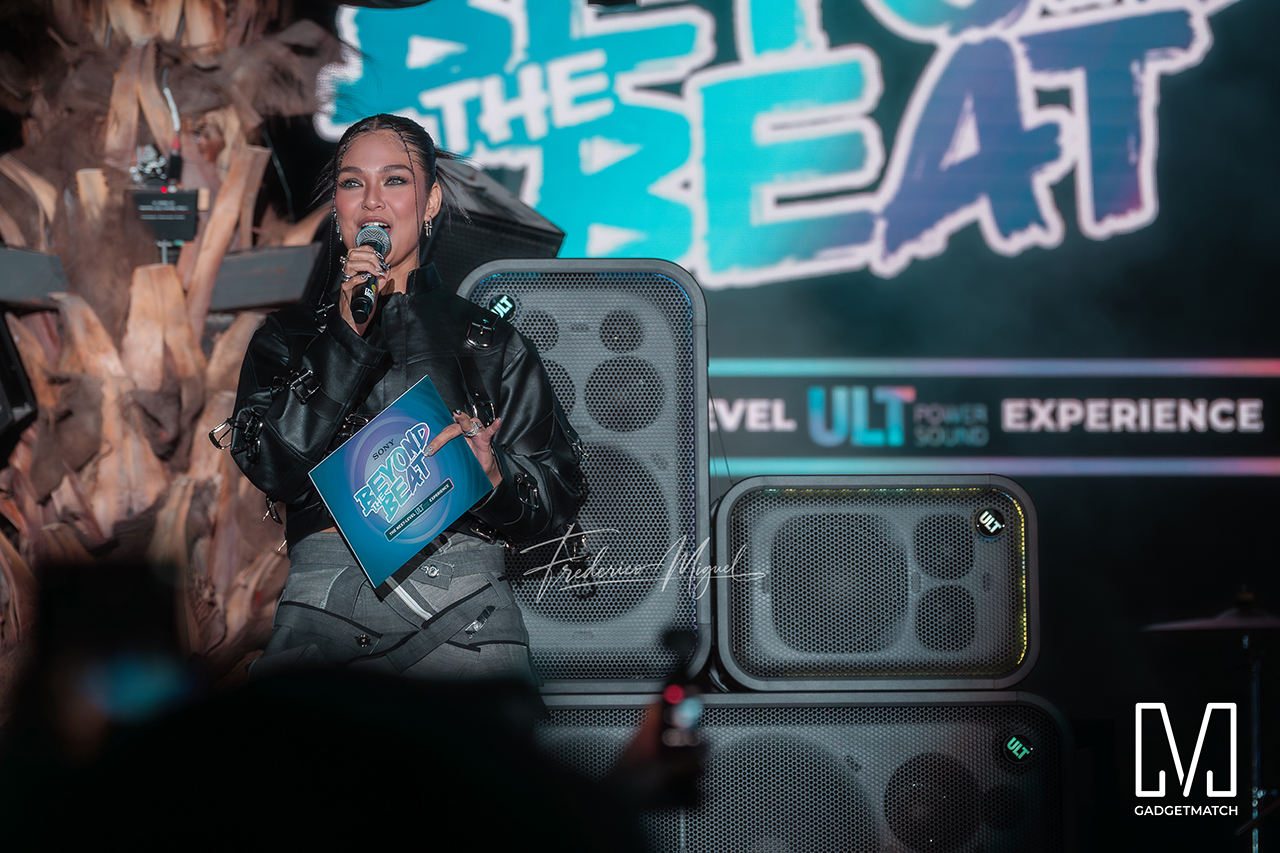
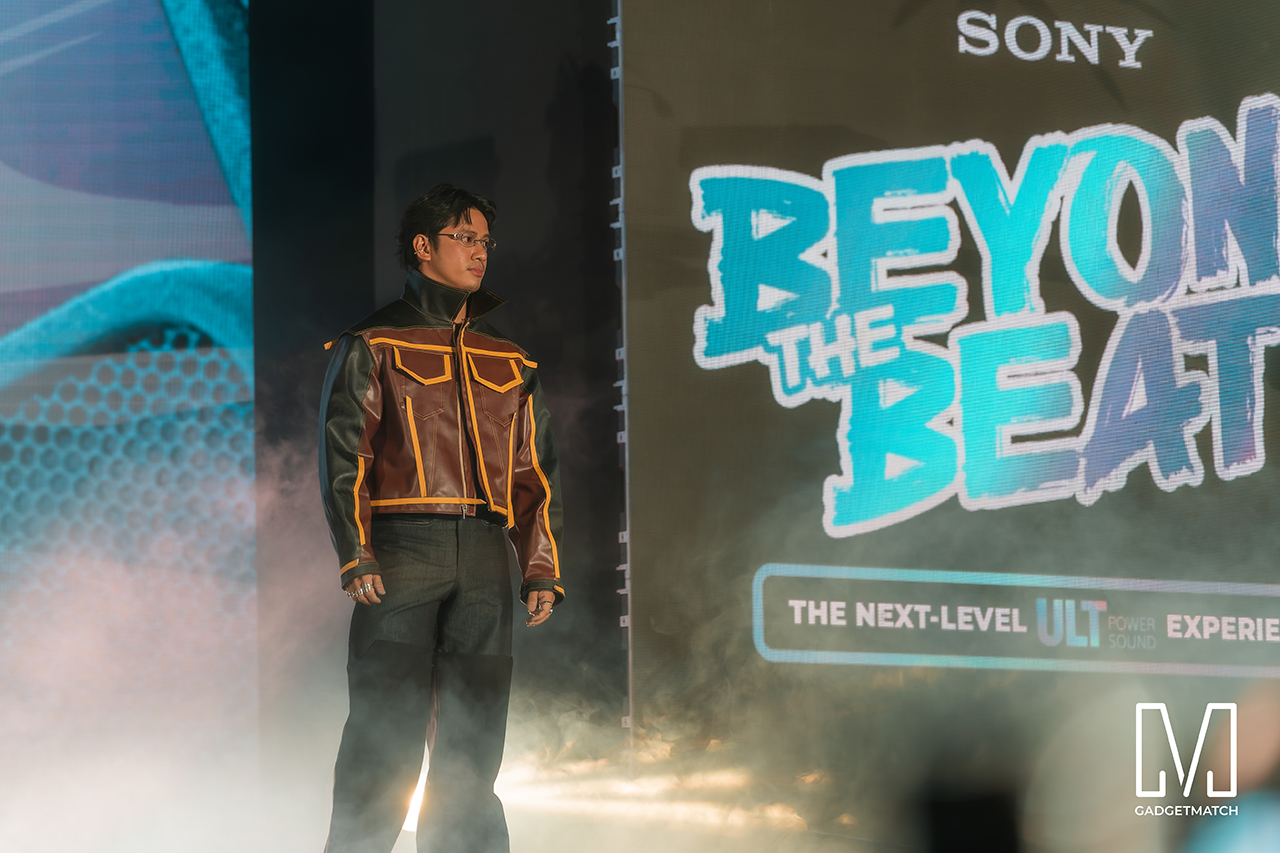
Fashion influencer and ULT Squad member Angelique Manto-Guison hosted the night.
A-Team opened the show with a high-energy routine before Carlos Serrano III took the stage. David Guison and Jacqueline Jala walked the stage with ULT Models in elevated fashion, and Jeremy G followed with a dynamic musical performance.

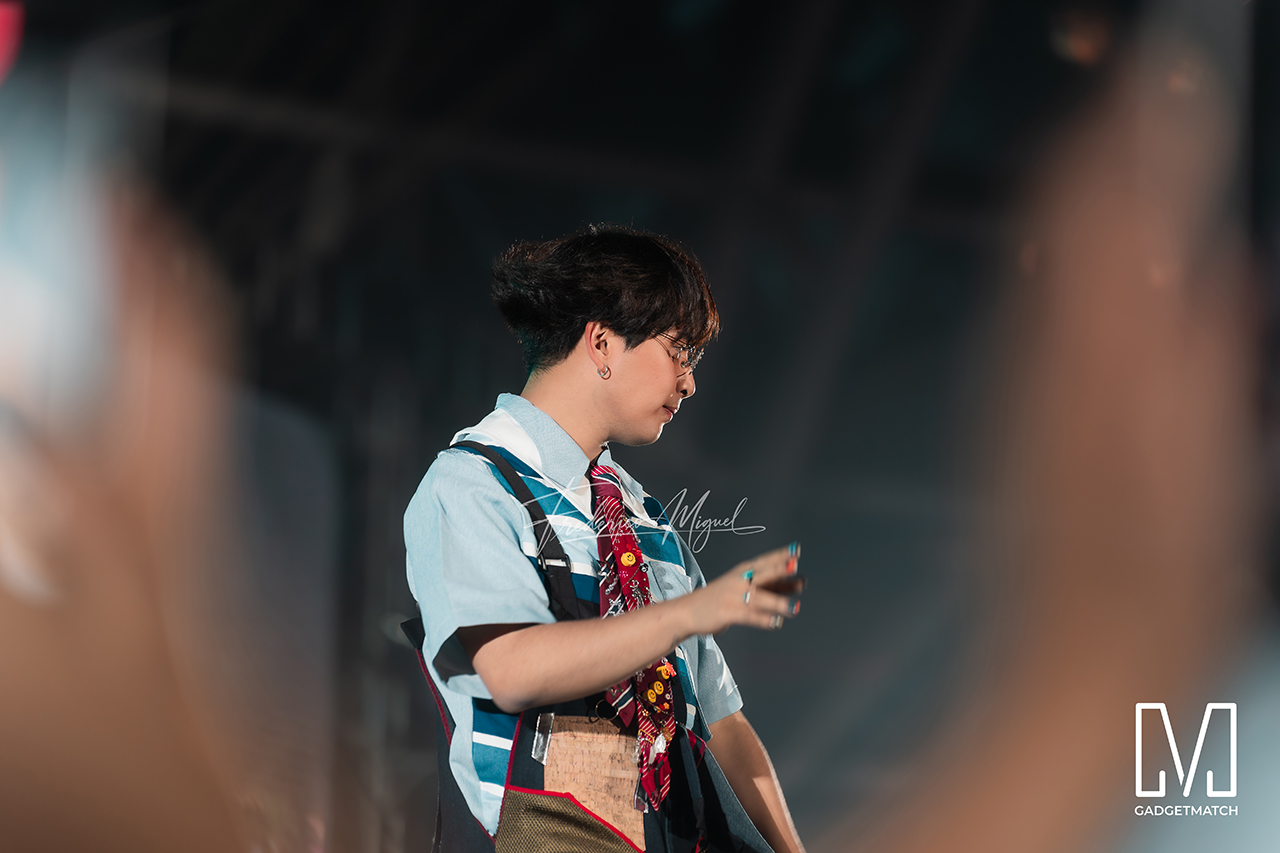
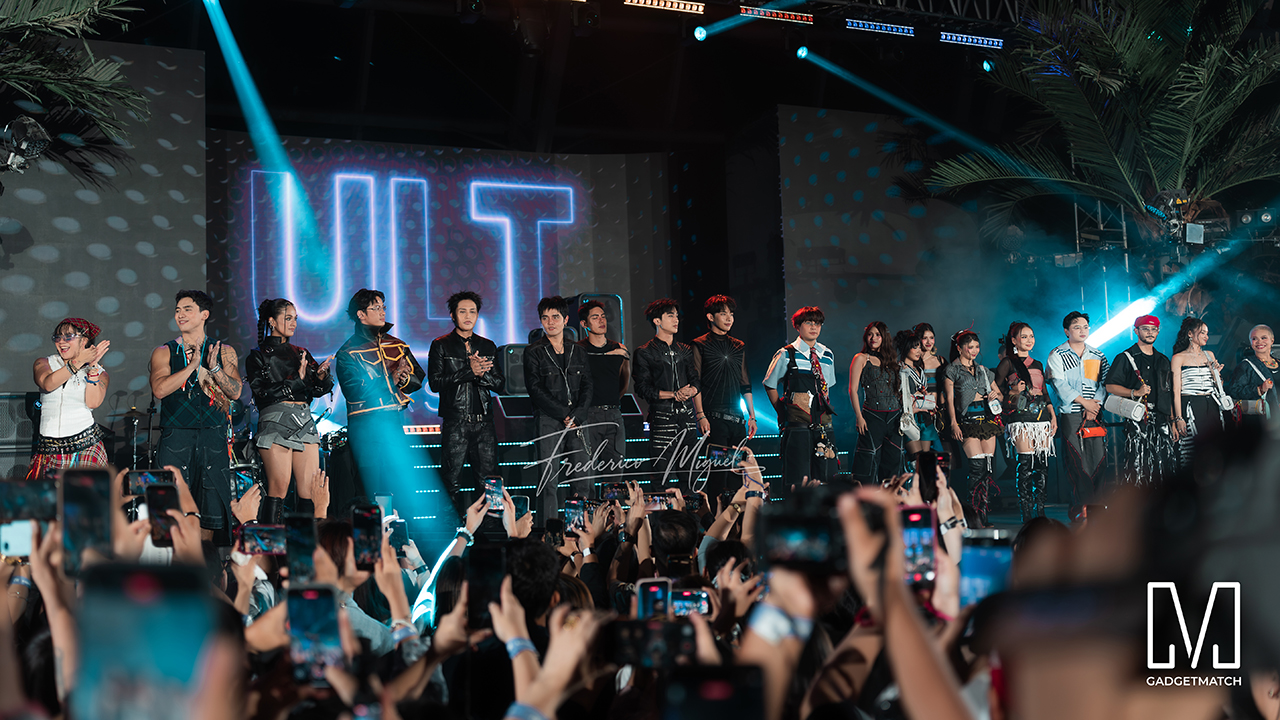
KAIA brought a youthful pop sound, while Maki delivered a set in his signature style.
SB19 closed the night, making their debut as the newest Sony ULT Squad members. Sony pairs its sound technology with the group’s influence in Filipino music. This collaboration positions the Squad as a platform for artists shaping contemporary music culture.
The ULT TOWER MAX, ULT TOWER 7, and ULT TOWER 5 are now available at Sony Centres and authorized dealers nationwide.


DJI Lito X1 review: Is this the best lightweight drone for creators?
Making a strong case as a travel companion and a capable B-cam!


REDMI Note 17 Pro Max review: A new breed born from AI greed
Welcome to the new normal


Marvel’s Wolverine review: When the claws come out
A brutal, cinematic superhero adventure

Chimelong’s newest attraction might be the robots themselves

Xiaomi 18 Pro series is launching globally, Xiaomi confirms

Google Photos can now censor your kid’s face better

CRISIS CORE -FINAL FANTASY VII- REUNION physical edition now available for Switch 2

Smart launches AI.Smart, an affordable AI workspace

realme 16T 5G with 8000mAh battery, IP69 Pro rating launches in PH

HUAWEI Pura X View is 2026’s first WIDE slab-type smartphone

REDMI reveals the refreshed Note 17 and Note 17 Pro series

REDMI Note 17 Series: Price, availability in Singapore

The CAMON Slim 5G is TECNO’s latest ultra-slim smartphone


-

 News4 days ago
vivo X500 Series launches with major imaging upgrades
-
 Hands-On2 weeks ago
Apple iPhone 18 Pro Series Hands-on
-

 Gaming2 weeks ago
BlizzCon 2026 announces World of Warcraft: Forever and Diablo V
-

 Singapore6 days ago
Epson Lifestudio Grand Plus EH-LS970B with 4K projection, more launches
-
Reviews1 week ago
REDMI Note 17 Pro Max review: A new breed born from AI greed
-

 News3 days ago
OPPO Find X10 Pro Max is the first phone with a triple 200MP camera system
-

 News4 days ago
vivo introduces OriginOS 7 with smarter multitasking and AI features
-
 Gaming1 week ago
Valve unveils price of the Steam Frame