

Reviews
CMF Phone 2 Pro review: Only a small step from its predecessor
A few misfires here and there

CMF by Nothing is in the business of creating head turners. Besides being capable daily drivers in their own right, last year’s CMF Phone 1 showcased a welcome innovation in the smartphone industry: a modular rear for accessories. This year, the brand is keeping the train going with the all-new CMF Phone 2 Pro.

Welcoming another head turner
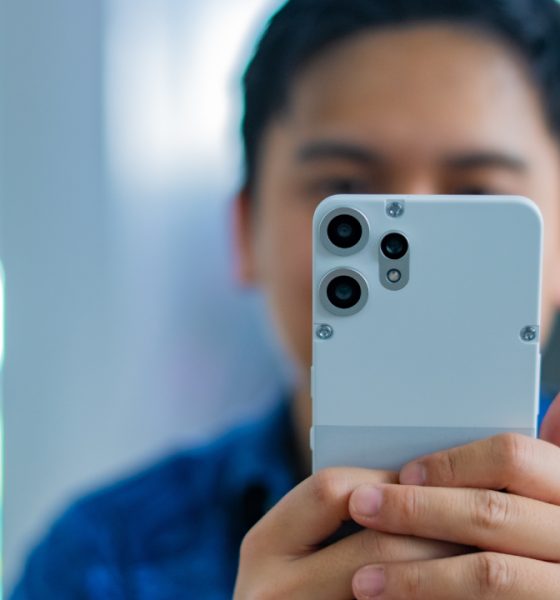
Once again, the CMF Phone 2 Pro brings back the mechanical chic with an aesthetic that can rival the original. The phone sports a tactical chassis that excites the touch every single day. It’s a matte case which can put external cases to shame.
Two of the smartphone’s colorways — Orange and White — come with two segmented panels. Whole most of the rears come in the static matte version of their respective color, the Orange version has a metallic bottom panel, while the White version has a granite-like look. The Black, though the most basic of the lot, is still an impressive looker.
In the camera department, the CMF Phone 2 Pro ditches the single camera island for three individual peepers sprouting from the rear panel itself.
Compared to the original, the sequel feels busier. Since the brand has only two phones so far, it’s difficult to establish which direction it wants to go in. But there were definitely a few times I wished for the simplicity of the original phone.
Barely any upgrades inside
Curiously, the CMF Phone 2 Pro doesn’t sparkle with internal upgrades, despite its Pro moniker. Whereas the original carried a Dimensity 7300 5G chipset, the sequel has only a slightly better Dimensity 7300 Pro 5G. It also has the exact same capacities: 8GB RAM and up to 256GB internal storage.
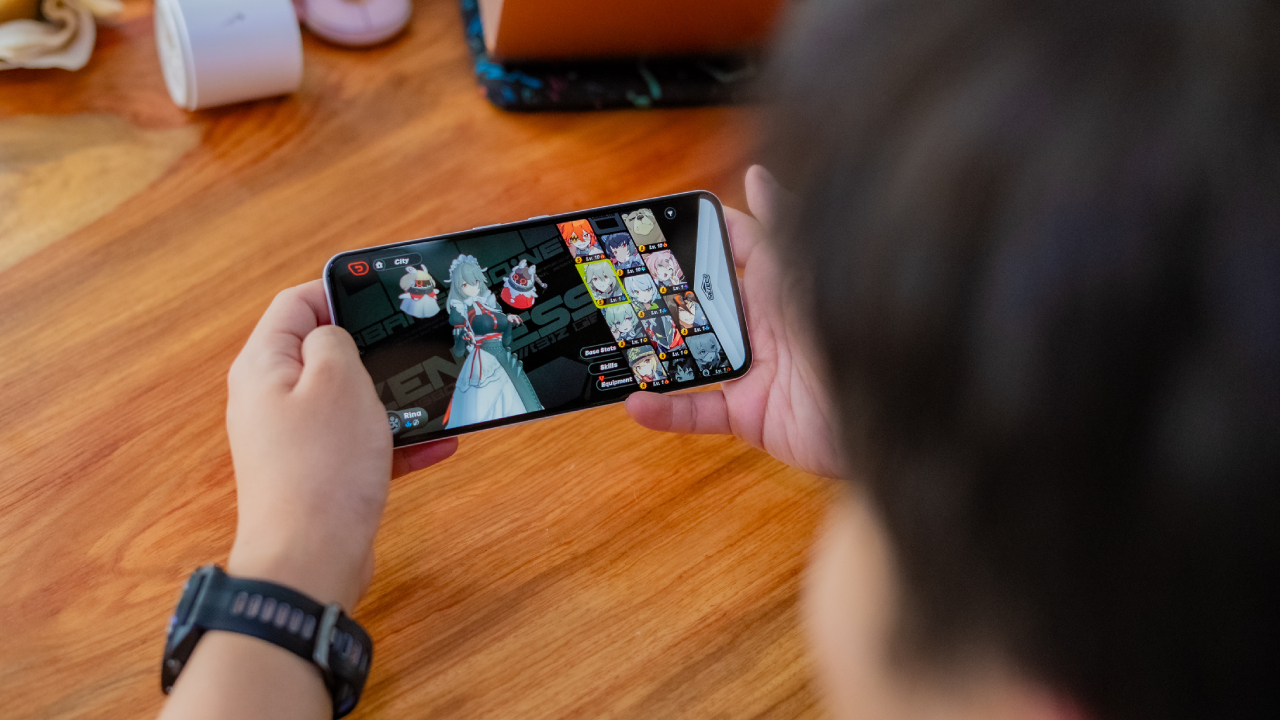
The lack of meaningful upgrades is palpable. Though the smartphone is capable enough to handle everyday tasks well, it’s not exactly built for performance. Technically, it can run Zenless Zone Zero but not without hiccups. The game was stuttering throughout, even in milder walking sections. This isn’t a smartphone I would get for a gamer.
That said, the phone is great at what it can do. If you’re looking for a daily driver capable of handing the hustle and bustle of work life, the CMF Phone 2 Pro can be a favorite, buoyed especially by strong memory and storage.

The secret is in the camera
The CMF Phone 2 Pro lives up to its name through the improved cameras. Rather than the original’s 50-megapixel main sensor and portrait sensor, the new smartphone comes with three rear shooters: a 50-megapixel main sensor, a 50-megapixel telephoto lens, and an 8-megapixel ultra-wide sensor.


This time around, photos look more dynamic compared to the ones taken by the original. Subjects are more accurately focused on, especially for close-up shots. Colors are also much better. Though the telephoto lens is a welcome addition, I wouldn’t call it a massive improvement. It did, at the very least, make zooming much smoother.

The Essential Spaces button is anything but essential
New to the current crop of Nothing’s phones, the Essential Spaces button is the latest in an ongoing trend to create additional buttons for a variety of functions. However, unlike the ill-fated Bixby button (or the slowly dying Copilot button), Nothing’s new button maps to the aforementioned Essential Spaces, an AI-focused organizational app for screenshots and recordings.
To be fair, Essential Spaces does seem fairly useful for those in the habit of collecting screenshots for future content. The software can analyze images and create nifty reminders for future use. At the very least, it’s a more unique take on a simple button to access AI.
Despite the usefulness of the app itself, I can’t say the same for the dedicated button. On other smartphones, I usually rely on double tapping the volume rocker to take screenshots. Though the button already accesses the app on top of creating a screenshot, it’s mostly a frivolous button that should be remappable for other uses, like taking a photo with the camera.
Unfortunately, you can’t. At the time of writing, the Essential Spaces button is dedicated exclusively to the app. It also doesn’t help that I often press the button on accident when I want to use the power button instead.
A strong battery for the day
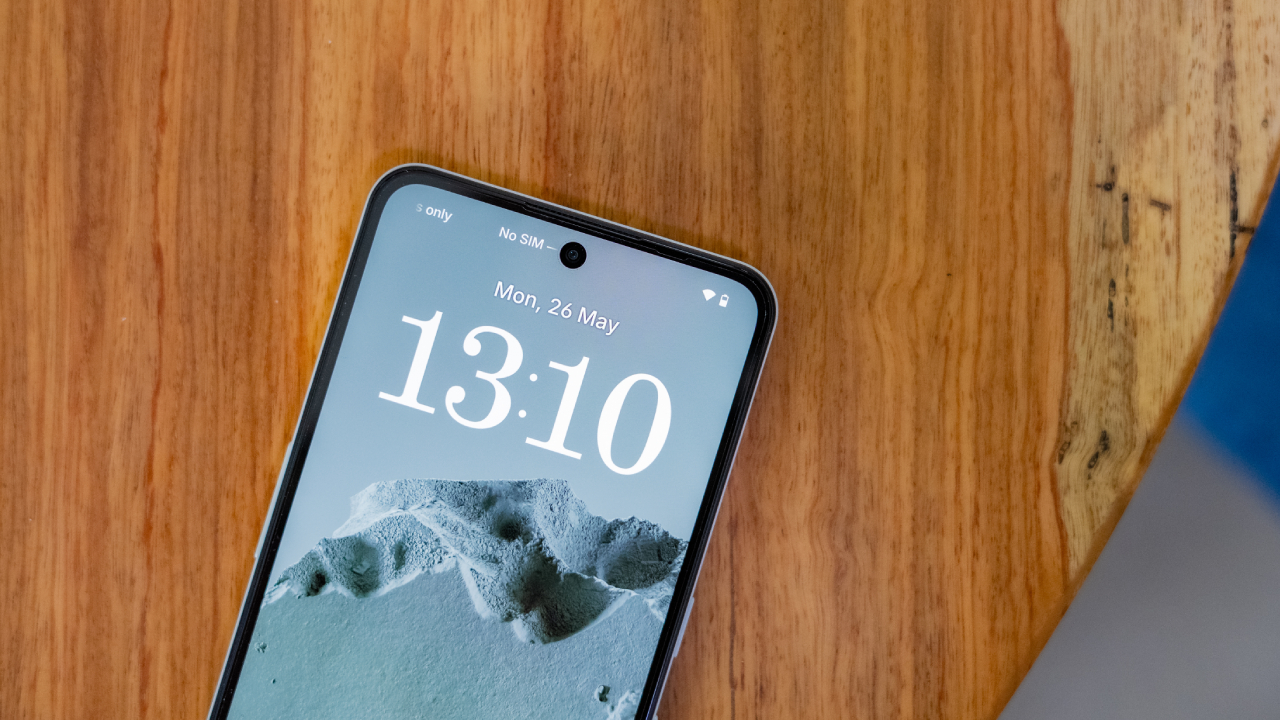
The CMF Phone 2 Pro has the same 5000mAh battery as its predecessor. Though it’s just the same battery, the new phone seems more efficient at usage. After twelve hours looping the same video over and over again, it still had 50 percent of battery left. A more realistic usage test also proves that the phone can last more than a day on a single charge.
Despite being on for long periods of time, the phone does not heat up. At most, it’s a subtle warmth that doesn’t give in to discomfort. Doomscrolling and watching for hours is a delight.
Finally, after charging from a completely empty battery, the CMF Phone 2 Pro takes a little more than an hour to fully get up to speed again. It’s a fairly standard time for a decent battery.
Is the CMF Phone 2 Pro your GadgetMatch?
The CMF Phone 2 Pro is, by no means, a slouch. It’s a capable smartphone with a snazzy design, decent power, and impressive battery. However, the so-called sequel does suffer from some misfires, preventing it from reaching the same heights as the original.
If you’re transitioning from a more budget handset, then the CMF Phone 2 Pro is a Swipe Right. However, if you’re someone who needs more power to justify quirky design choices, then it’s a Swipe Left.
SEE ALSO: Nothing Phone (3) teased as Nothing’s first true flagship








Apple’s smallest tablet just got its biggest upgrade after two long years!
The 2026 iPad mini now features a brighter than ever OLED display, a more powerful A20 Pro chip, improved (and almost non-existent) speakers.Plus, ever durable with its IP67 water and dust resistance rating.
In this video, THE Michael Josh takes a closer look at everything that’s new, what he loves, what’s still missing, and whether the new iPad mini is worth upgrading to.
Here’s our in-depth review of the all-new 2026 iPad mini OLED.
Gaming
ROG G700 review: The best prebuilt PC you can get off the shelf
This PC will make you stop worrying about specs.
The last time I touched a PC was 2014.
At the time, I’d just finished moving houses. While my old house had space for a desk and a fairly decent PC for its time, I opted for a smaller workstation because I was confident that laptops were the future.
Now, more than ten years later, I wish I didn’t dismiss PCs so readily. Thanks to AI, the price of a new PC has reached new levels of absurdity today. It’s not easy to stock up on components anymore.
So, it was like a very heavy blessing falling down from heaven and crash-landing on my lap when the ROG G700 arrived on my doorstep. It’s my first PC in over a decade, and, wow, what a return.
A box with everything you need
The art of building a PC takes a lot of effort these days. You’ll need a command over every little detail that every single component can do. Obviously, you also need to time the market for better prices.
That said, the ROG G700 is not for the minmaxers. It’s a fully built tower you can — gingerly — pick up from the shelf and play on just as soon as you get home.
It’s perfect for people like me. Now, if I had the time and the money, I’d definitely make a little more effort to explore every single detail. However, as someone returning to the PC world after a decade, this prebuilt PC is more than enough to dip my toes back into it.
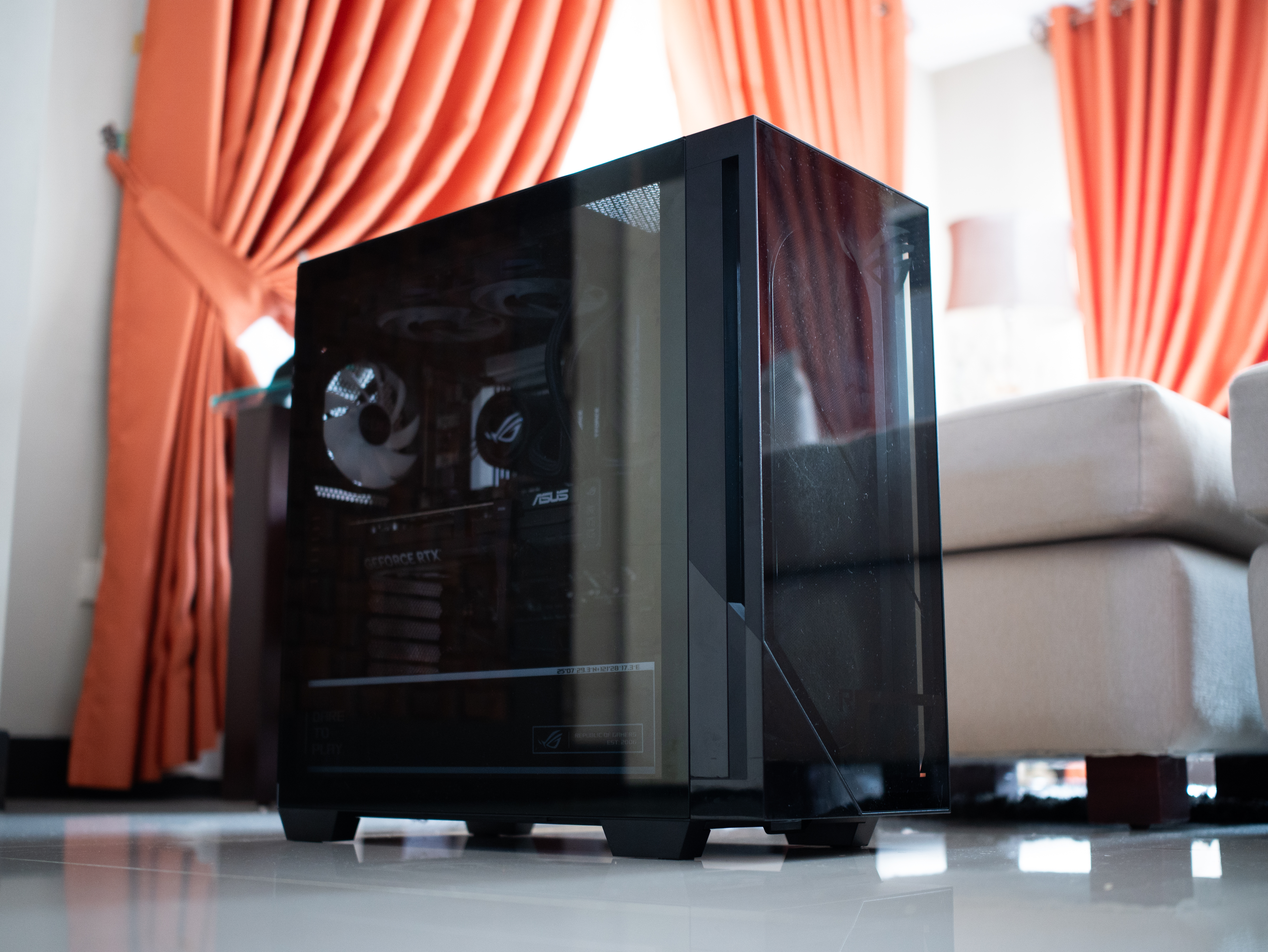
It is quite the package, though. The tower is 9.45 inches wide by 20.05 inches long. It’s also 18.88 inches tall. If you have a small space, you might struggle to find a space for this behemoth.
Plus, it weighs 40.39 pounds. If you live up a flight of stairs, you’d better not skip leg day. Even then, it was scary to handle this tower, knowing how much hardware I was holding up a few feet from the ground.
A clean design for gamers
Usually, I’m not a fan of heavy gamer aesthetics. As much as I identify as a gamer, I prefer keeping that part of my identity lowkey from how I look. I don’t go for all the edgy angles and the RGB lighting.
But the ROG G700 is one exception to my rule. Even then, it’s not that huge of an exception.
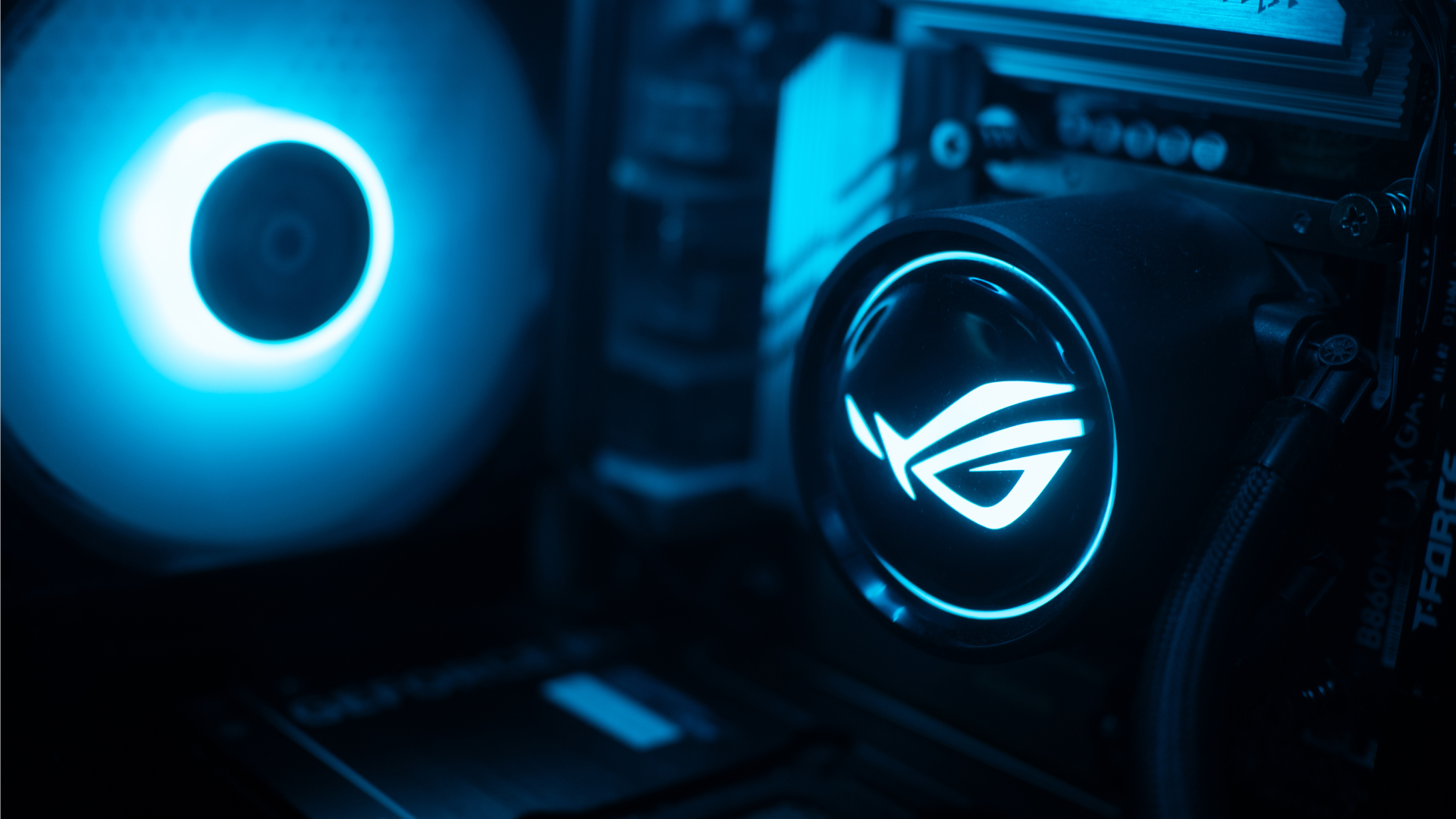
The ROG G700 exudes that gamer aesthetic, but it’s still pretty clean. The chassis has subtle grilles that ease cooling. The main panel is transparent that peeks into a cleanly organized system with heavy ROG visuals. The brand’s logo is peppered throughout the system. The RGB lighting, though bright at times, was easy to get used to.
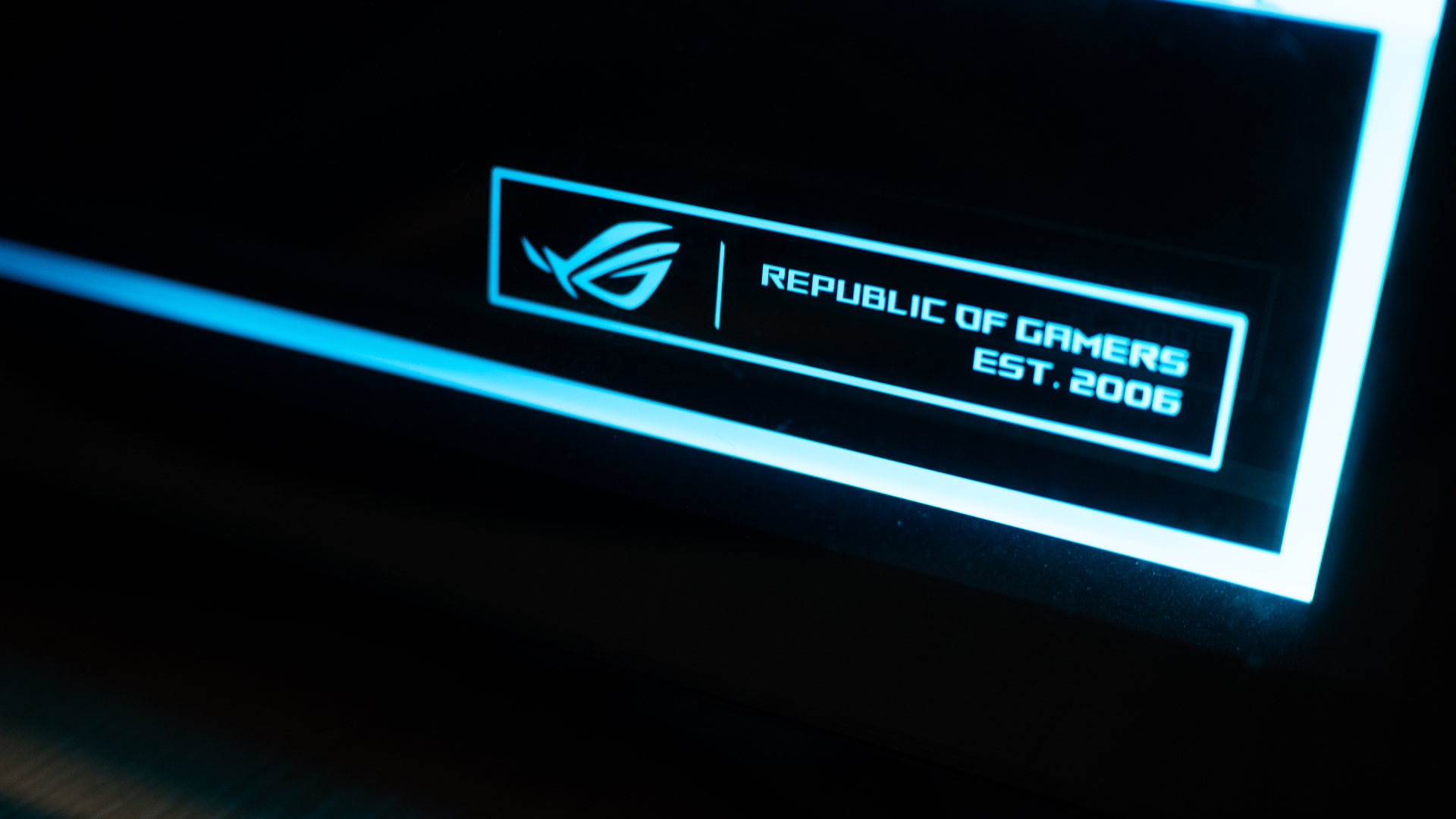
Personally, I liked how clean the internals are organized. It always hits the right part of my brain when I see something well put together.
Additionally, though it could use a tiny bit more, the G700 has an ample number of ports well situated at the back and up top. When I was setting everything up, I had enough space to make sure I didn’t end up with wire clutter. My workstation was clean at all times.
The 2026 machine
Now, let’s get into the performance. With the highest configuration, the ROG G700 goes up to an Intel Core Ultra 7 processor, up to a 16GB NVIDIA GeForce RTX 5080 GPU, 32GB RAM, and 2TB of SSD storage. All thing considered, this is a very powerful machine for today’s world.
If you’re not down on particulars and just want something off the rack, this is more than enough. I tested the G700 on this year’s games like 007 First Light and Forza Horizon 6. Both games performed without a hitch. In fact, I appreciated both games a lot more than when I played them on older laptops. The graphics were absurdly crisp without sacrificing a smooth performance.

Also, as a hard multitasker, I love alt-tabbing even while I’m playing. While other setups usually complain, the G700 doesn’t really care. You can run a Twitch stream, play a YouTube video, or have Spotify open in the background, all while playing an intensive game. This is a machine that tells you to leave your worries at the front door because it can handle everything.
If anything, it can get too powerful. Despite the cooling system with a tri-fan intake, the tower still gets hot with heavy loads. After an hour on 007 First Light, my room started getting much warmer. Though you won’t get performance dips, all that heat is coming your way.
Is the ROG G700 your GadgetMatch?
As someone getting back into PCs, the ROG G700 is a powerful off-the-shelf prebuilt PC. Now, do you need all this hardware for day-to-day gaming? Probably not. But if you don’t want to worry if your rig can do certain things, get the ROG G700.
If you have the money, that is.

Being a powerful machine, the G700 comes with a hefty price tag. When it was launched, the machine started at PhP 179,995. Now, with prices of RAM steadily climbing, prices are likely higher today. Plus, you need good peripherals to maximize this PC, so expect to spend a lot more. Overall, it’s very expensive, but at least you’re getting your money’s worth on the investment.
For that, the ROG G700 gets a Swipe Right and a Super Swipe for being a powerful machine you can get today. It is, however, a Swipe Left if you’re looking for cheaper options that won’t break your bank.
Gaming
HP OMEN Max 16 review: Gamer-maxxing in deep black
Peripherals deemed necessary to max this out

It’s not every day that you come across a machine that looks good and plays even better. Oftentimes, subtle aesthetics take a back seat to sheer performance and power. Whenever a gaming machine looks sleeker, it seems to lack the power to push it forward. Simply put, you can’t have the best of both worlds these days.
But what if you could have it all? Not just money, fame, and other fortunes, but also a machine with everything you’re looking for! Gone are the days of wanting only power to keep you playing all day or wanting to look good while playing. On paper, this is what the HP OMEN Max 16 promises: the best of both worlds.
Unboxing a beast inside
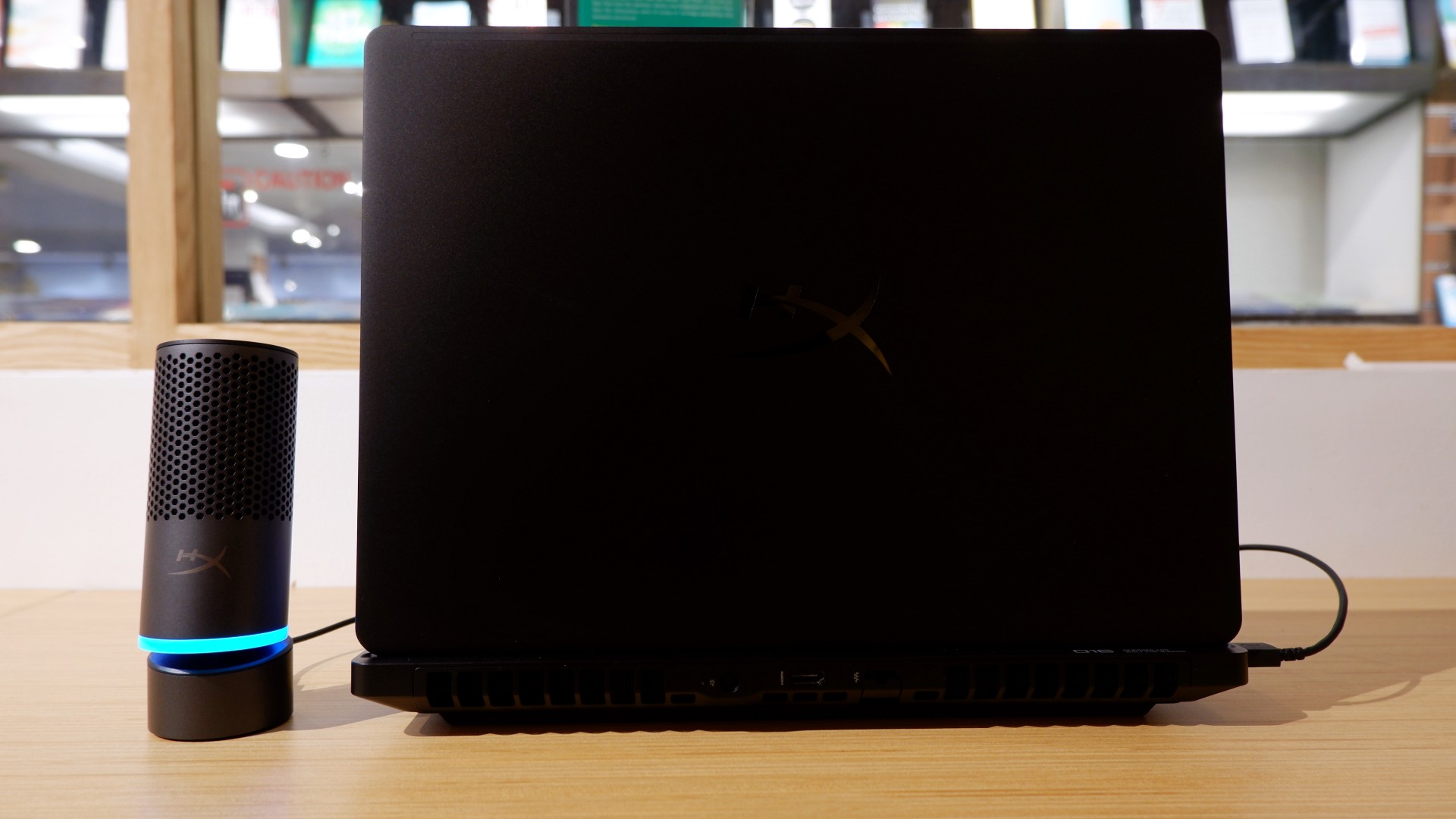
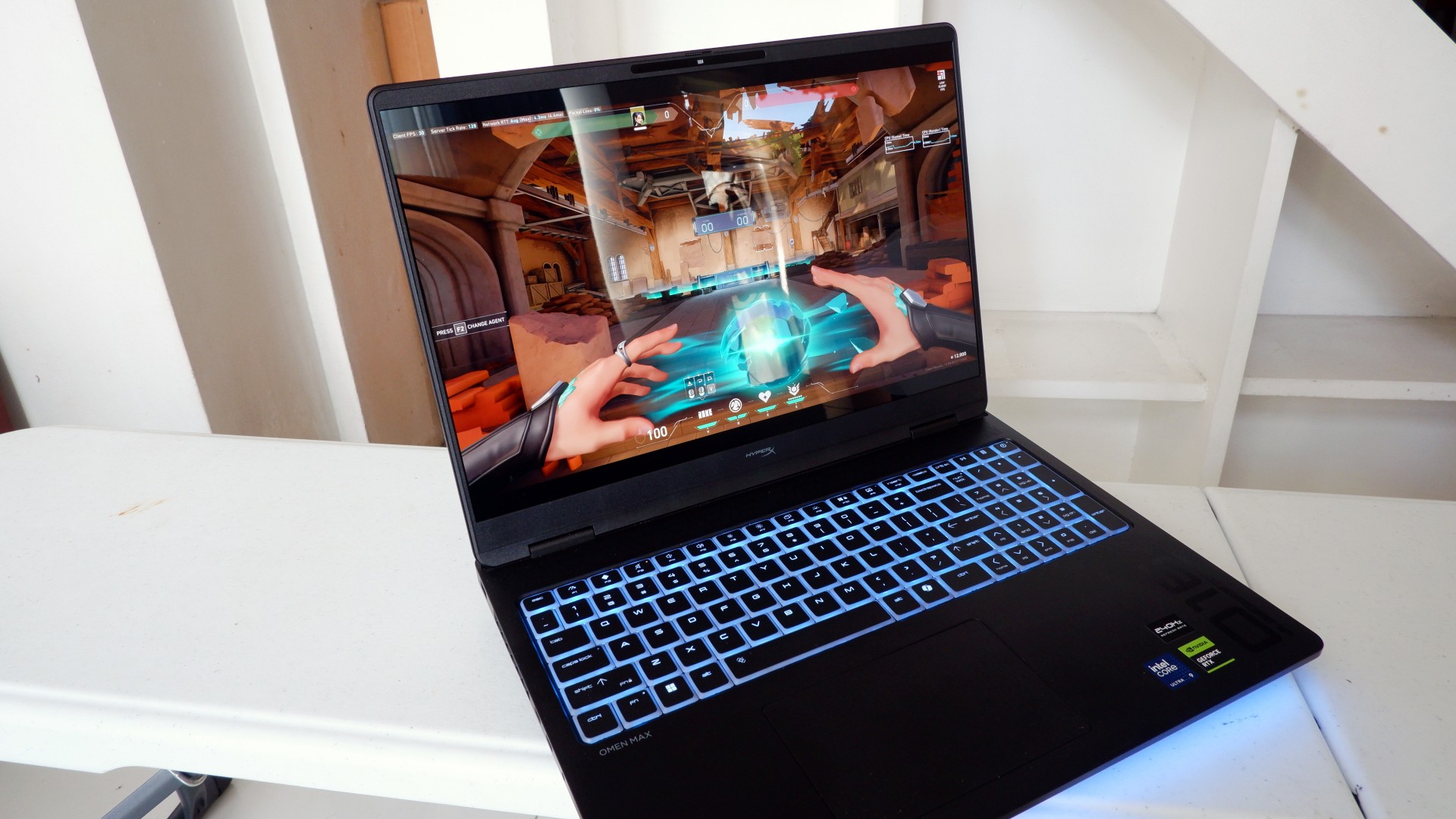
When you first take it out of the box, the HP OMEN Max 16 looks unassuming in its overall design. It’s bulky yet sleek in its Shadow Black colorway, with nothing too fancy or flashy while powered down. From the outside, the machine screams premium, even though its dark color can attract more visible dirt than lighter finishes.

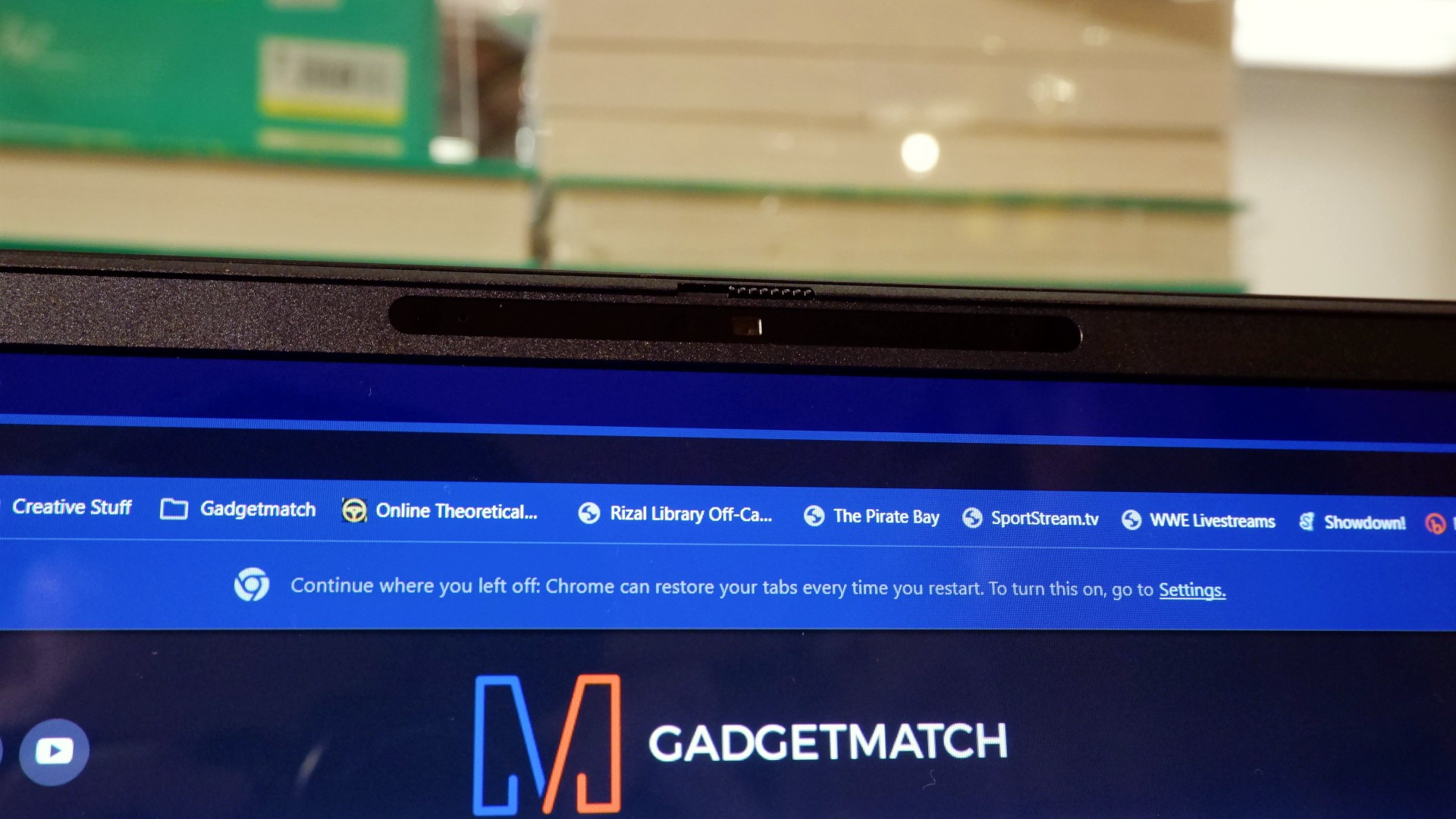
Opening it up reveals a 16-inch OLED display with a peak refresh rate of 240Hz, seamlessly connected to a base with a full-sized keyboard and a large trackpad. The bright, seemingly anti-glare display makes colors pop when watching or editing videos on the go.

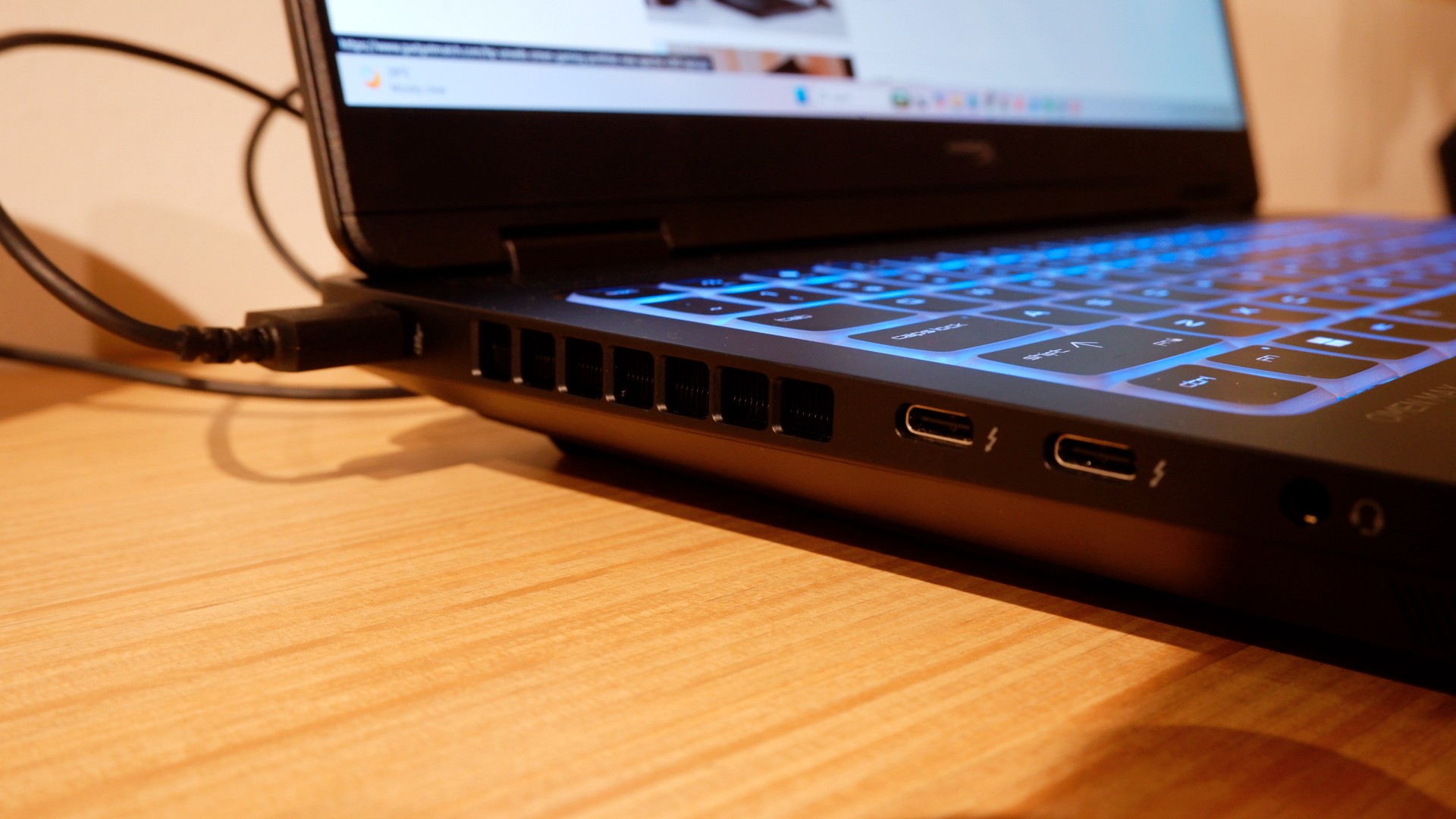
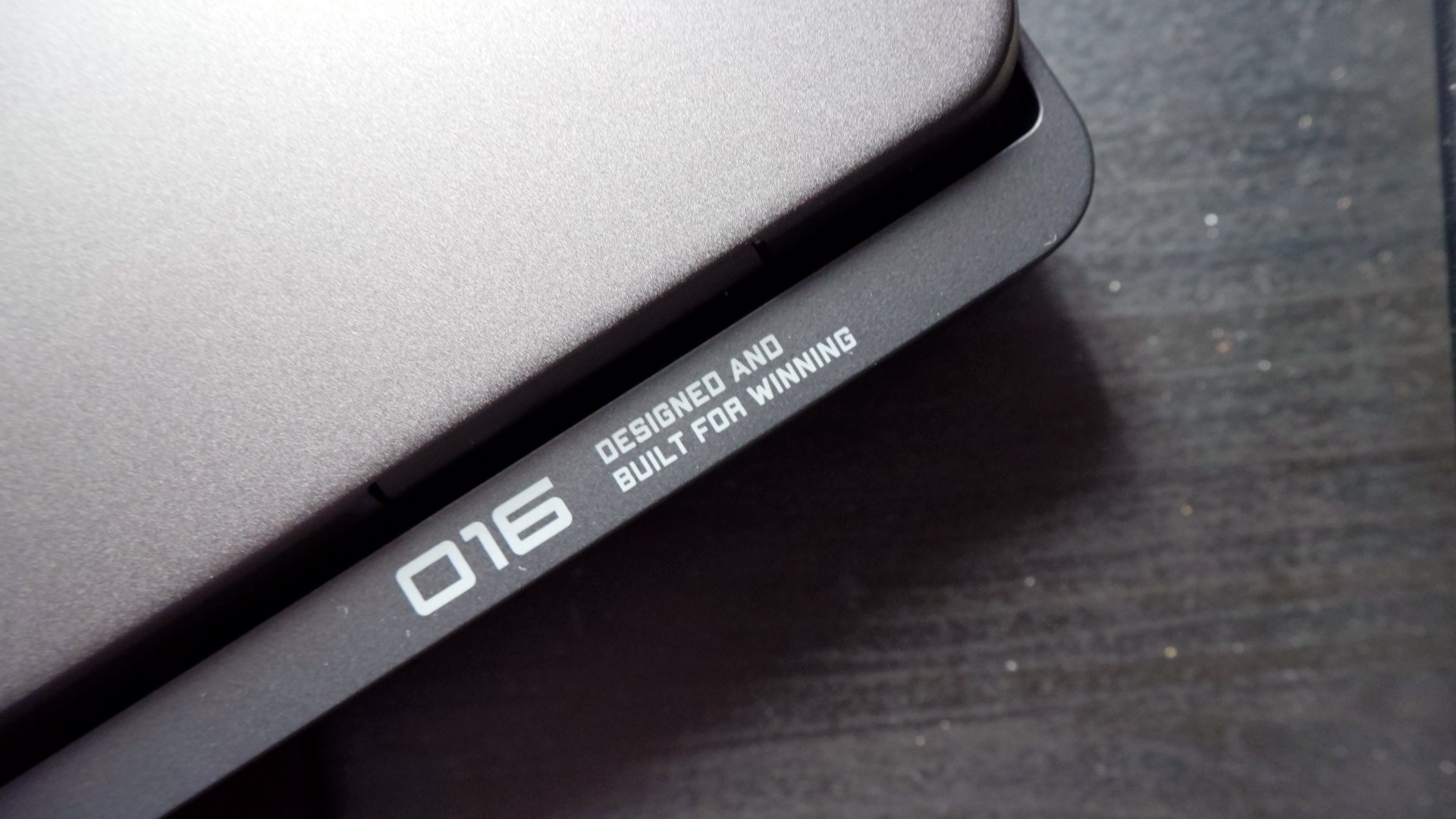
Furthermore, HP places the ports in convenient spots along the rear and sides of the laptop. This makes it incredibly easy to set up and manage external peripherals while providing more room for ventilation under heavy loads.
Of course, the device’s biggest features lie in the hardware powering it from within. An Intel Core Ultra 9 processor, 32GB of RAM, and an NVIDIA RTX 5090 Laptop GPU should give you an idea of how well this machine can perform. It’s also a great combination for demanding productivity tasks and creative work!
Power that AI can only hope to replicate
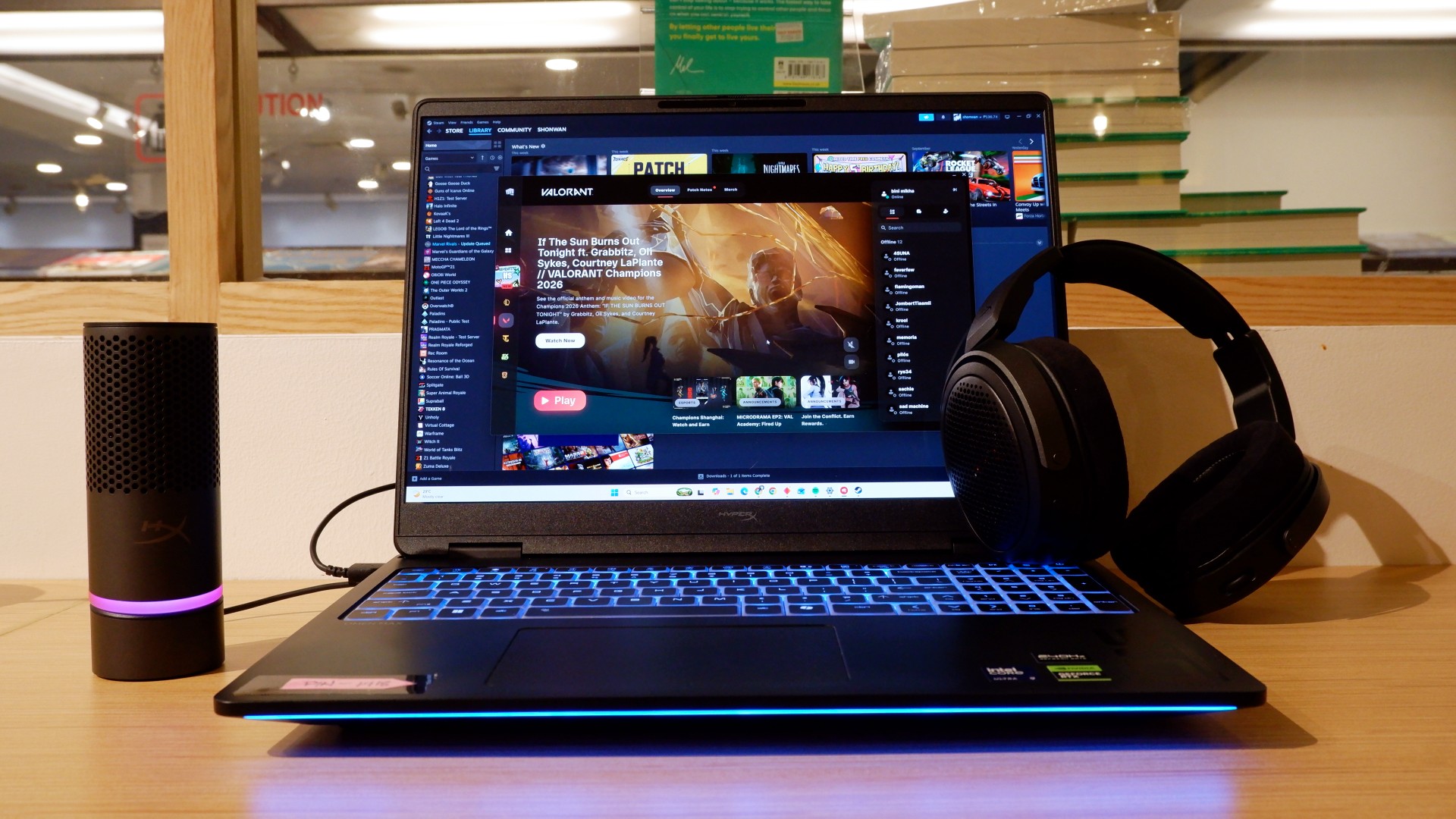
The HP OMEN Max 16 lived up to many of our expectations in terms of performance. From startup to shutdown, it delivered on what its hardware promised. You can watch videos for longer, edit photos and videos to your heart’s content, and enjoy casual gaming without slowing down. Furthermore, the wide display gives you plenty of space to accommodate all these activities.

When you step up to more competitive gaming, the machine doesn’t miss a beat. Most titles deliver high frame rates regardless of the quality or performance settings you choose. With more advanced visual settings enabled, the RTX 5090 does a fantastic job of keeping supported games within a solid 40–50 FPS range. Pair it with a high-refresh-rate OLED display, and you get crisp details and faster input response to help you get ahead in ranked games all day long.
If there’s one thing to complain about, it’s the extra optimization required through the OMEN Gaming Hub. Features such as network prioritization, automatic power-mode switching, and system optimization are useful, but you’ll need to spend time configuring them during initial setup. The laptop also comes with OMEN AI, which promises to maximize FPS with a single click. However, it was only okay at best.
Runs longer, cools off smoother
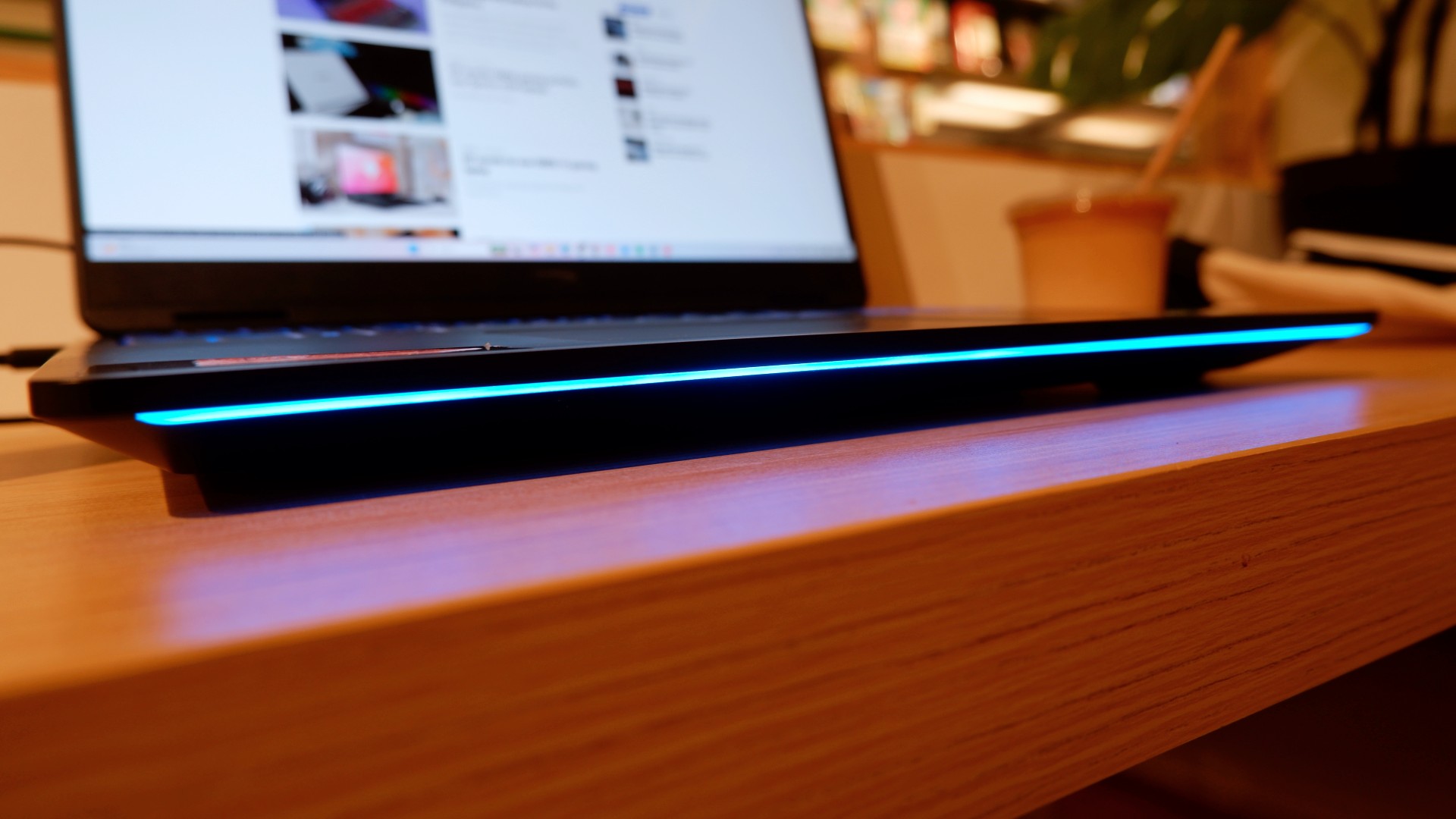
Surely, a gaming laptop this bulky and powerful can’t last that long on battery, right? Well, the HP OMEN Max 16 averages around three hours of battery life during intensive gaming, which gives you a decent amount of playing time. For general use, battery life extends to around five and a half hours with Balanced power settings. It holds up reasonably well if you forget to bring your charger.
When you do have the massive 330W charger with you, charging doesn’t take too long either. During our tests, a full charge took two hours, with charging progressing slightly faster when we left the laptop idle. Charging the battery to 50% took around 20 minutes, giving you enough juice to squeeze in another game!
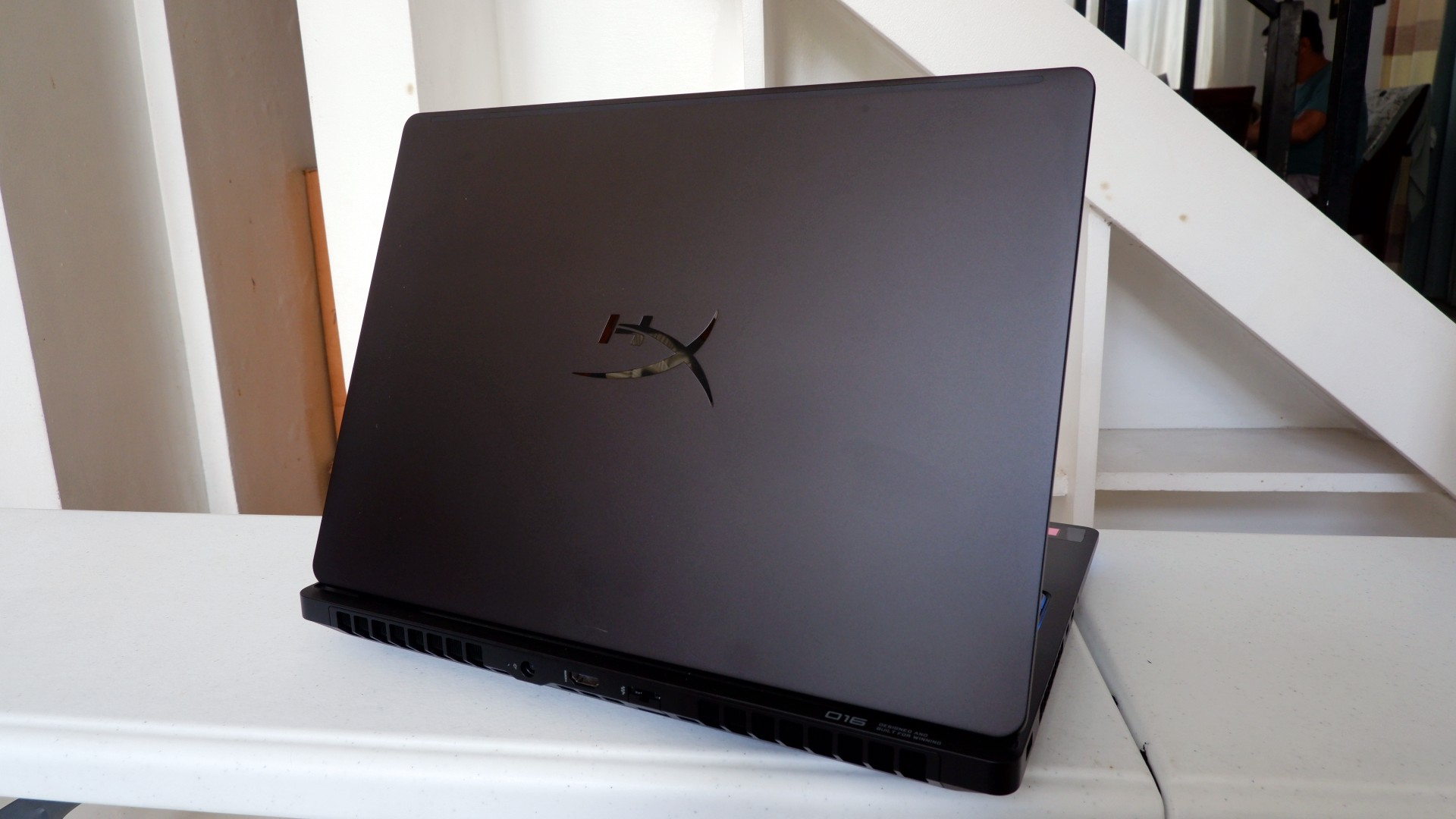
Another factor in prolonged use is how the device expels hot air through its sides and rear. We touched on this earlier, but it bears repeating: the laptop provides plenty of ventilation through its vapor chamber and multiple external vents. Instead of directing heat toward the keyboard, it pushes hot air through the vents, where it can hit your hands or peripherals. At least the keyboard stays cooler, right?
Is this your GadgetMatch?
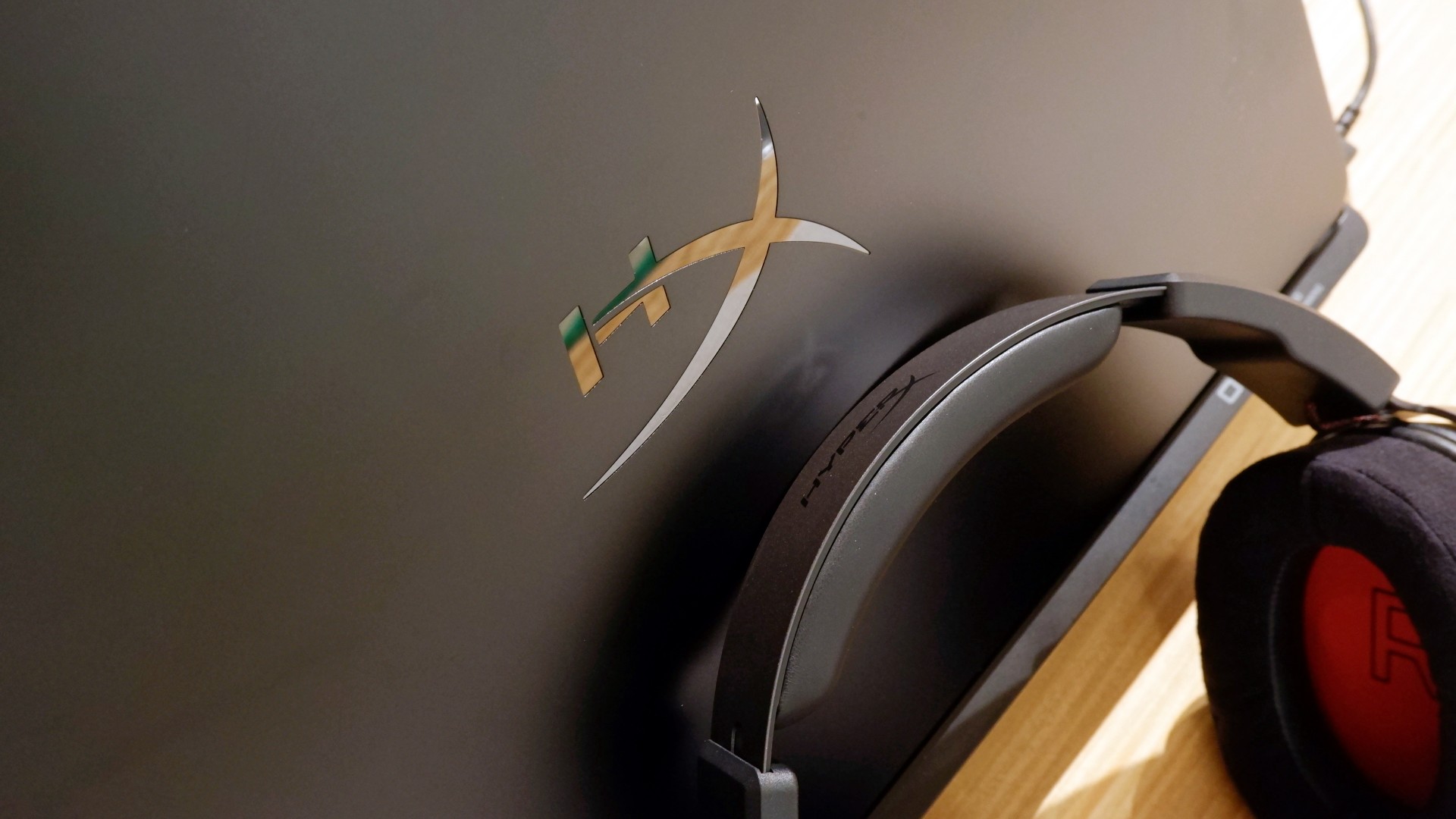
At PHP 229,990, the HP OMEN Max 16 is a sleek-looking machine with incredible power under the hood. Despite its initial bulk, it delivers impressive performance for both casual and competitive gamers. Inside and out, it packs plenty of hardware and features to let you tailor the experience to your needs.
If you’re looking for a gaming laptop with decent battery life, this is a solid choice, but don’t expect it to last half a day. Of course, you wouldn’t use this machine entirely on its own, even if the unboxing experience might suggest otherwise.
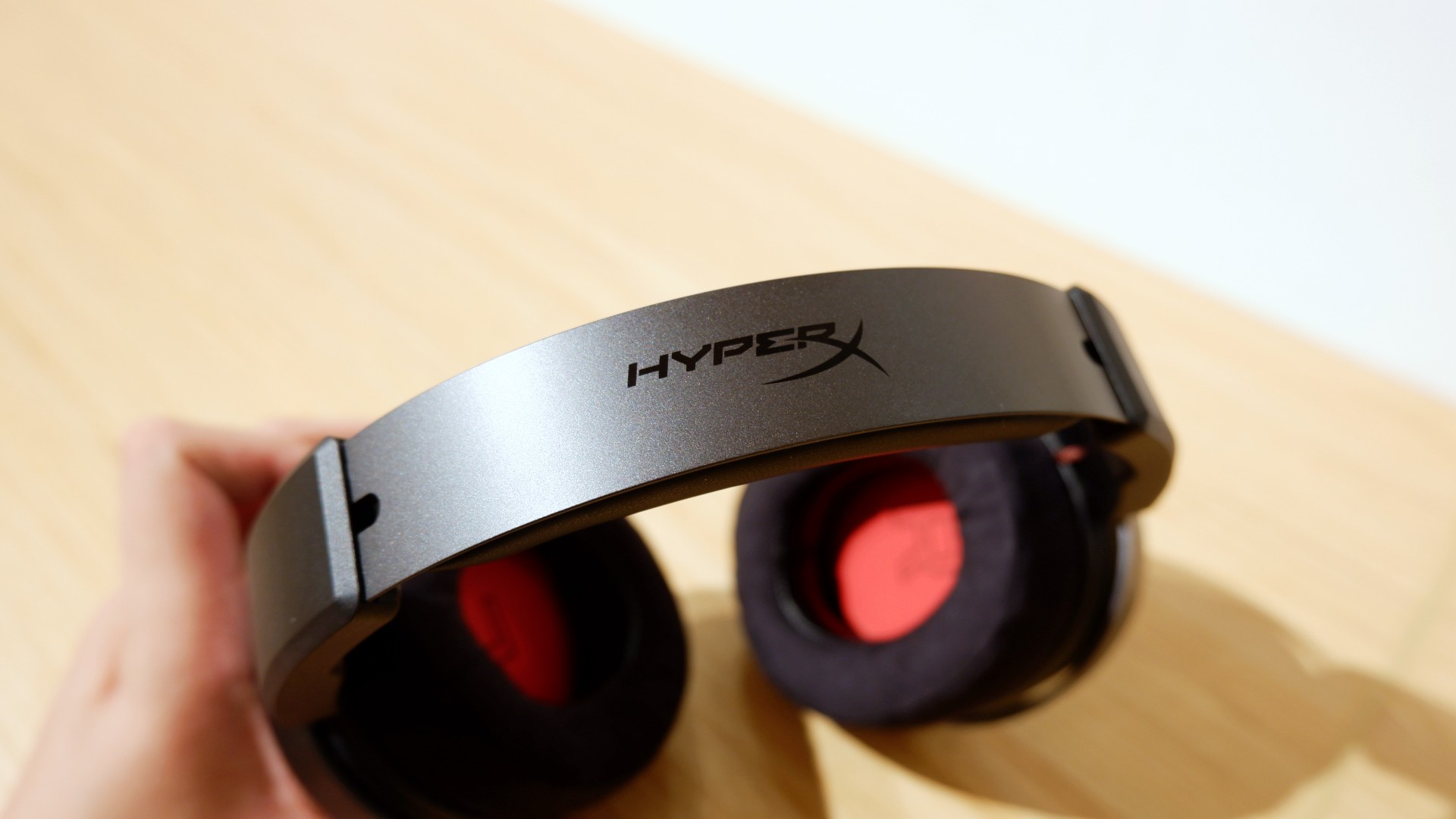
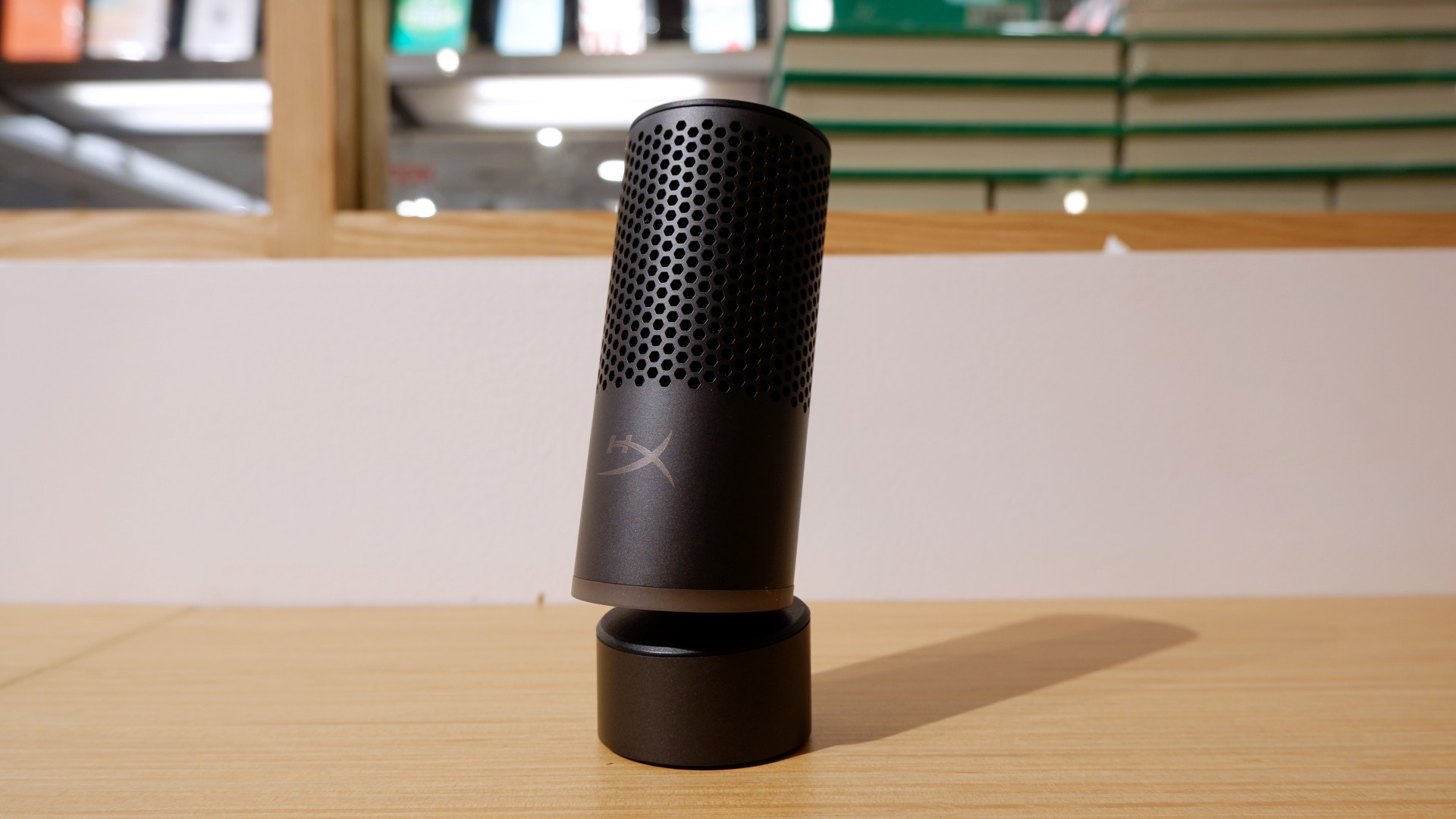

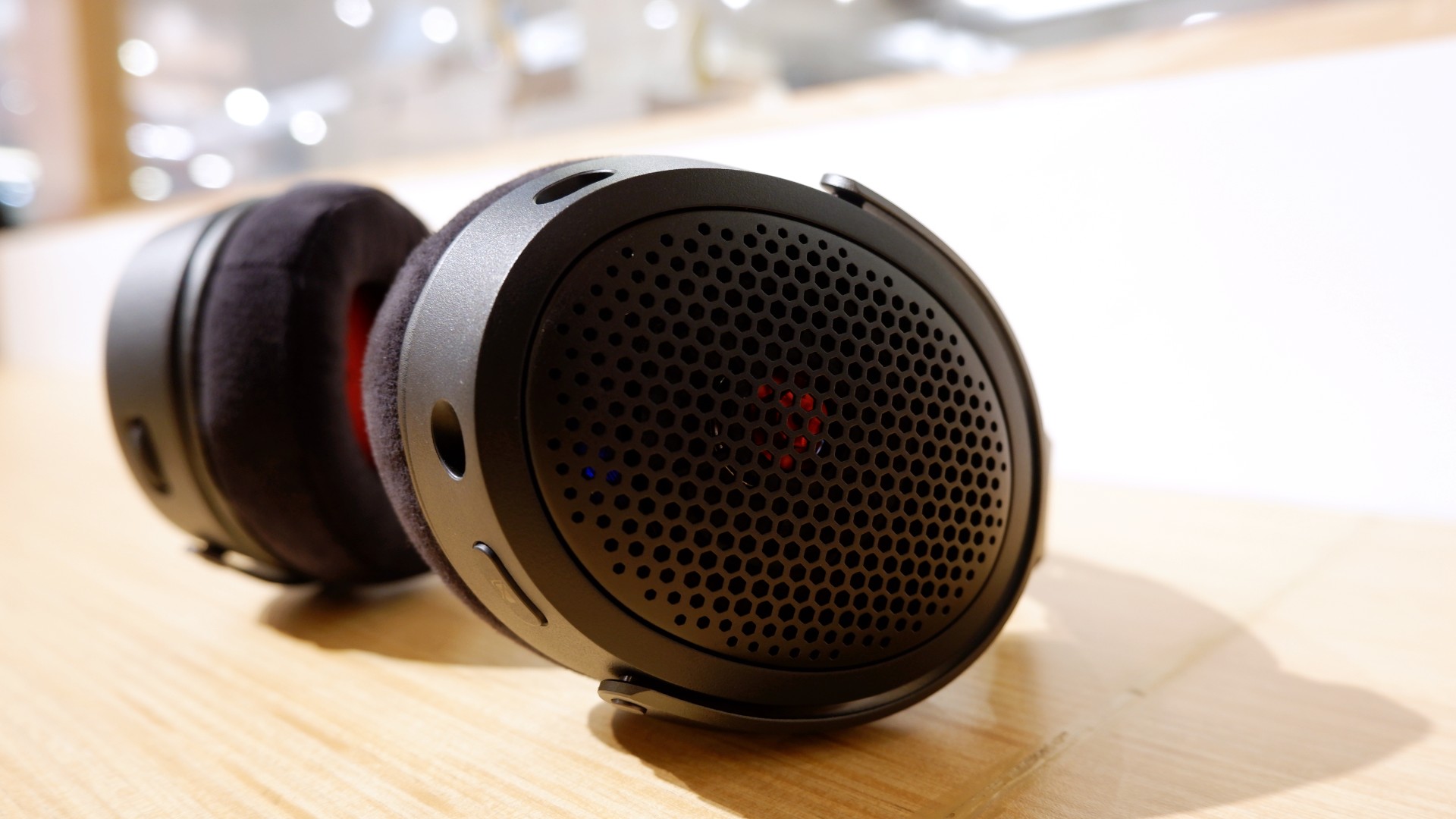
Peripherals such as the HyperX Cloud Alpha Air and Solocast 2 Pro can further enhance the experience.
Overall, this is a Swipe Right for its features, performance, and premium design. However, if you don’t have an infinite money glitch to buy it right now, you’re better off saving up for this beast of a machine!


Apple iPad mini OLED review
Has the mini gone PRO?!


ROG G700 review: The best prebuilt PC you can get off the shelf
This PC will make you stop worrying about specs.

HP OMEN Max 16 review: Gamer-maxxing in deep black
Peripherals deemed necessary to max this out

GTA VI pre-loading now available on PS5, Xbox

Nintendo eShop launches in the Philippines

Is it comfortable to sleep on a Secretlab Atlas?

ASUS and ROG Grand Tech Fair 2026 offers holiday deals

Next iPhone might get rid of the Action Button

Your coffee nook is getting a makeover with Starbucks’ holiday collections

vivo V80 debuts with ZEISS cameras

vivo V80 review: Good phone, tough sell

Dragon’s Dogma 2: Dark Arisen launches with new Official Pawns

Score PhP 22,000 in guaranteed freebies when you pre-order the iPhone 18 Pro at Beyond the Box


-
 Lifestyle1 week ago
Your coffee nook is getting a makeover with Starbucks’ holiday collections
-

 Lifestyle2 weeks ago
Sticker season is back, and so is the planner your ~friends~ might fill in for you
-

 Gaming1 week ago
Wild Rift Patch 7.3, celebrates K/DA comeback
-
Gaming2 weeks ago
ROG G700 review: The best prebuilt PC you can get off the shelf
-

 News4 days ago
Sony revives classic Walkman headphones with USB-C MDR-3R
-

 Gaming2 weeks ago
PlayStation unveils Prism Collection
-

 Laptops2 weeks ago
Apple unveils MacBook Pro with PROLED XDR display and Touch
-

 Gaming2 weeks ago
FromSoftware’s The Duskbloods delayed to 2027