
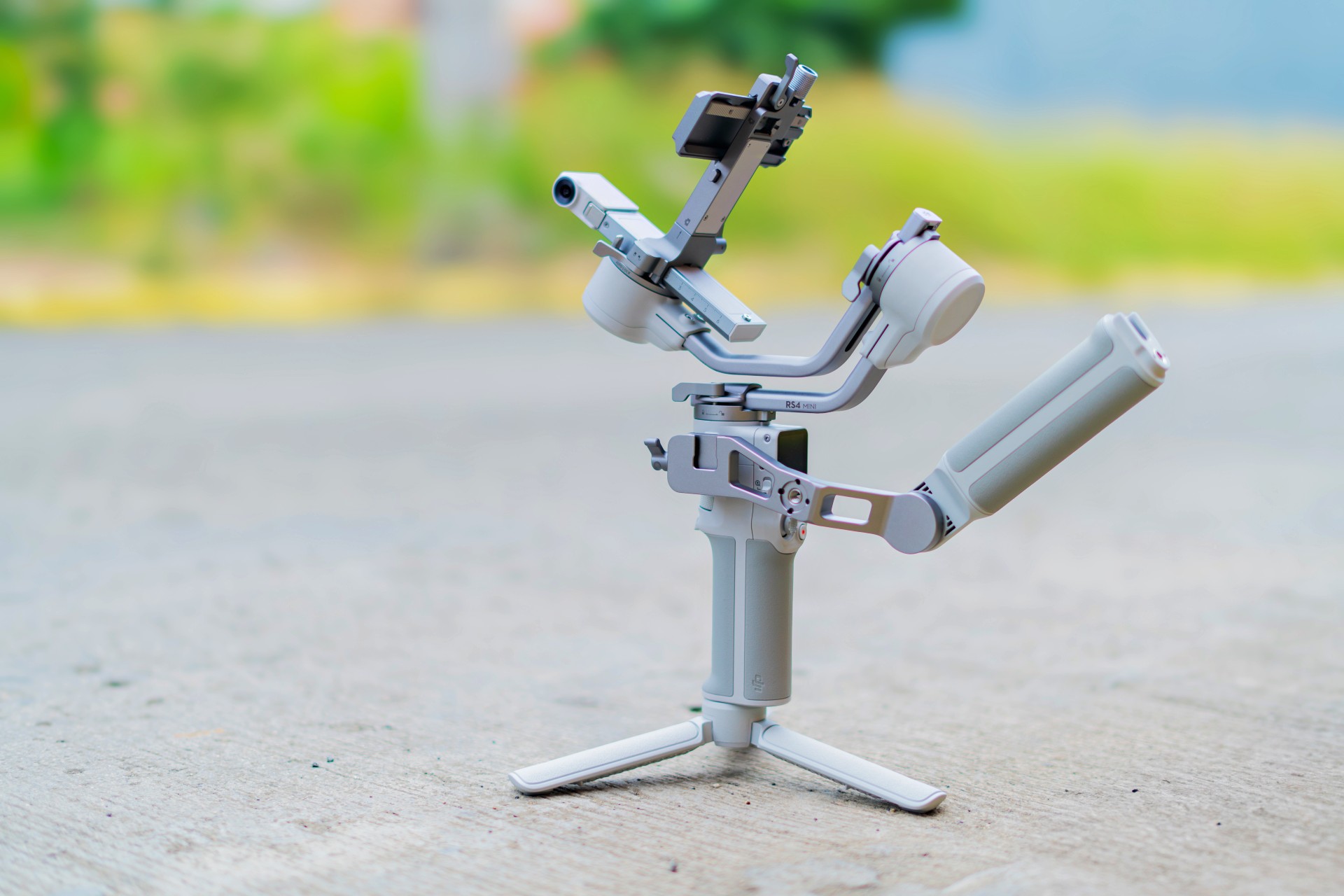
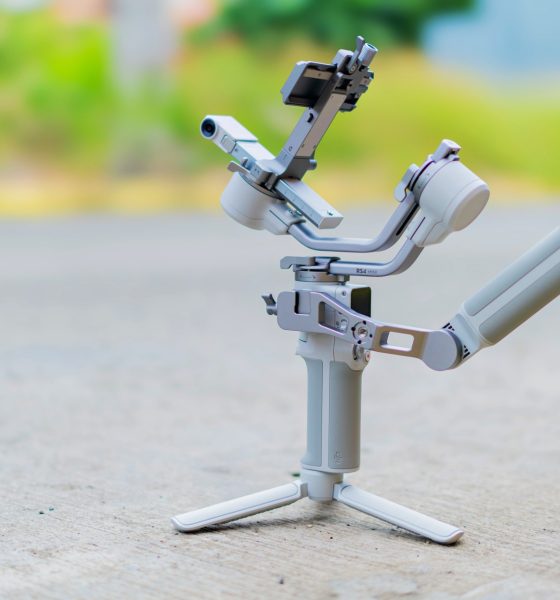

We’re not exactly gimbal virgins but it’s been a while since we’ve used one. So, when DJI reached out for us to try the DJI RS 4 Mini, we had our reservations. Still, it seemed like a nice addition to our set of production tools so we dove in headfirst.
The DJI RS x Mini series is meant for full-time content creators who have to deal with a plenty of movement in their shots and want the movement to be smoother and steadier. In the review guide provided by DJI, they listed the following as potential uses:
- Travel Portrait Vlogs
- City Hopping Vlogging
- Wedding Filming
- Real Estate Video
We had to bring in our production specialist Deric for this review. He’s a DJI RS3 user. We’ll sprinkle in his comments as we tackle what it’s like to use the RS 4 Mini.
Balancing Act
Like most things, it’s gonna be somewhat easier to set up if you have experience with Gimbals. If not, you’re probably gonna need YouTube to show you how. Here’s a quick one we found:
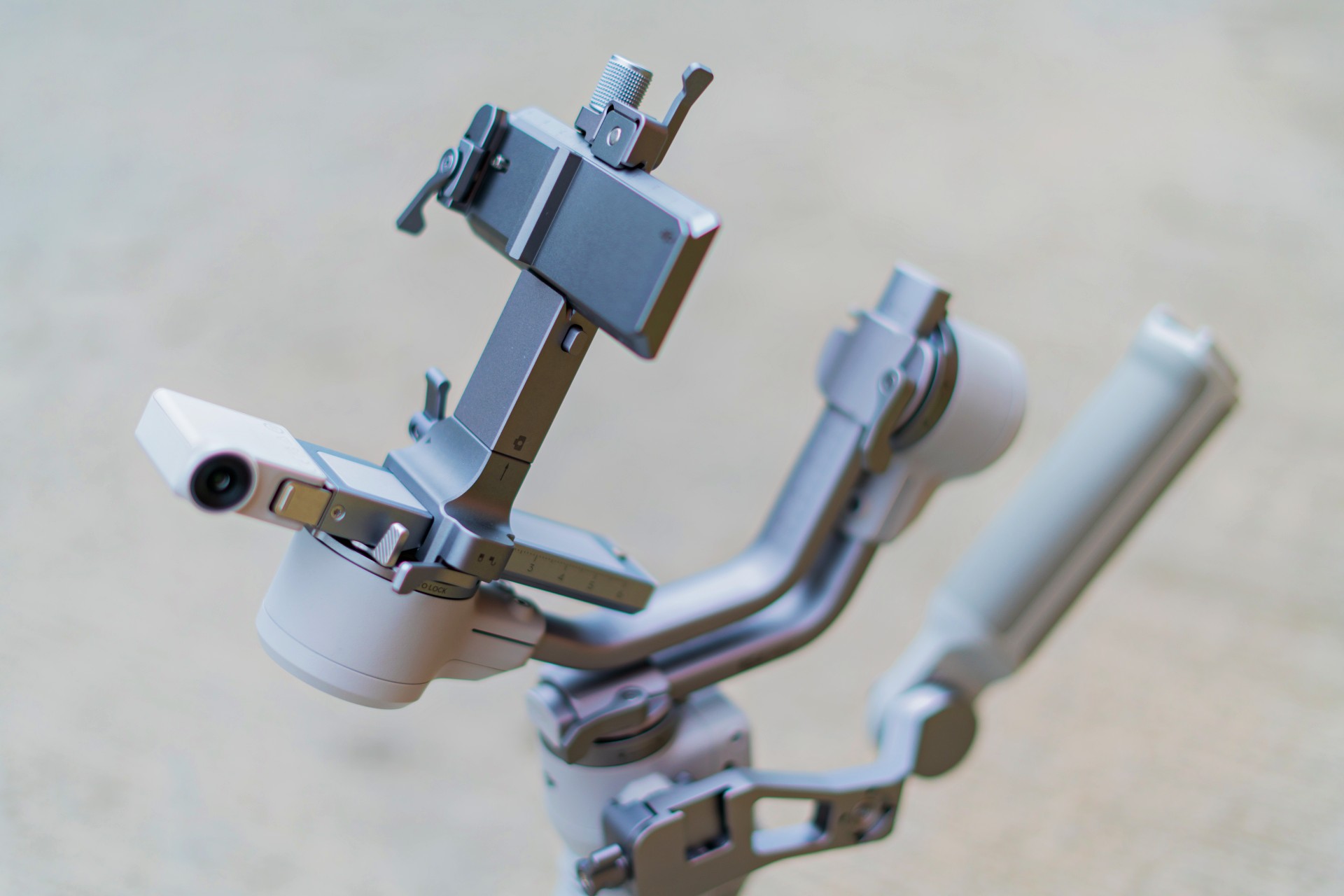
Setting up is a balancing act. There are levers you have to adjust to make sure the gimbal works properly with the camera you’re mounting.
There are a significant number of moving parts that you have to add to the main body. Once you figure that out, you’re not going to want to take it apart anymore.
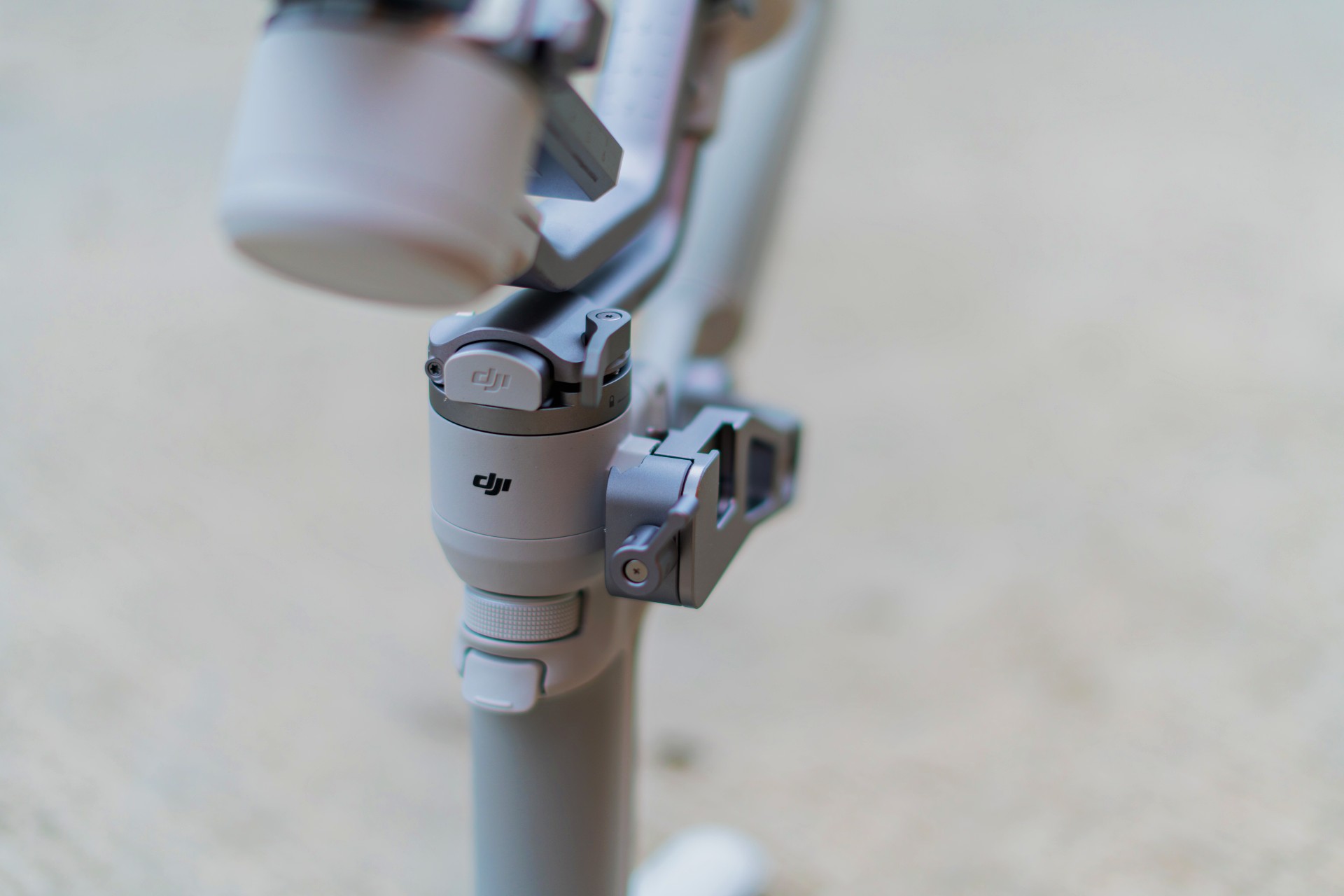
Set-up time depends on how comfortable you are with gimbals. For us, it took roughly around seven minutes to set up initially. That’s a rough guesstimate.
Seven minutes is a significant amount of time to set-up depending on the scenario you’re shooting in. Naturally, that would be faster as you grow more familiar with the RS 4 Mini. This should certainly play a part in the decision to get one.
DJI noted that it did have workflow in mind. Its 2nd-Gen auto-axis locks can unlock the gimbal’s three-axis locks in one second to speed up the filming, transition, and storage processes.
A key thing to remember is that it’s only able to balance and carry cameras/phones that weigh up to 2kg. It’s a key consideration especially when choosing which gimbal is the right one for you. Most mirrorless cameras with non-superzoom lenses should fit this category.
For our part we shot with both an a6500 with 35mm lens and another full-frame Sony Alpha camera and lens that weighs around 1.5kg. Still well within the weight limit.
Watch this unboxing, quick setup and showcase reel:
Handling and usage
Once everything has been set up, the actual usage mostly feels like a breeze.
The thing about this gimbal being mini means it’s incredibly lighter than most other gimbals. At just 890g, the DJI RS 4 Mini should be easy to carry for most people.
DJI hit the nail on the head with who they are targeting this for. If you’re a solo shooter, it won’t feel as strenuous using this on your planned shoots.
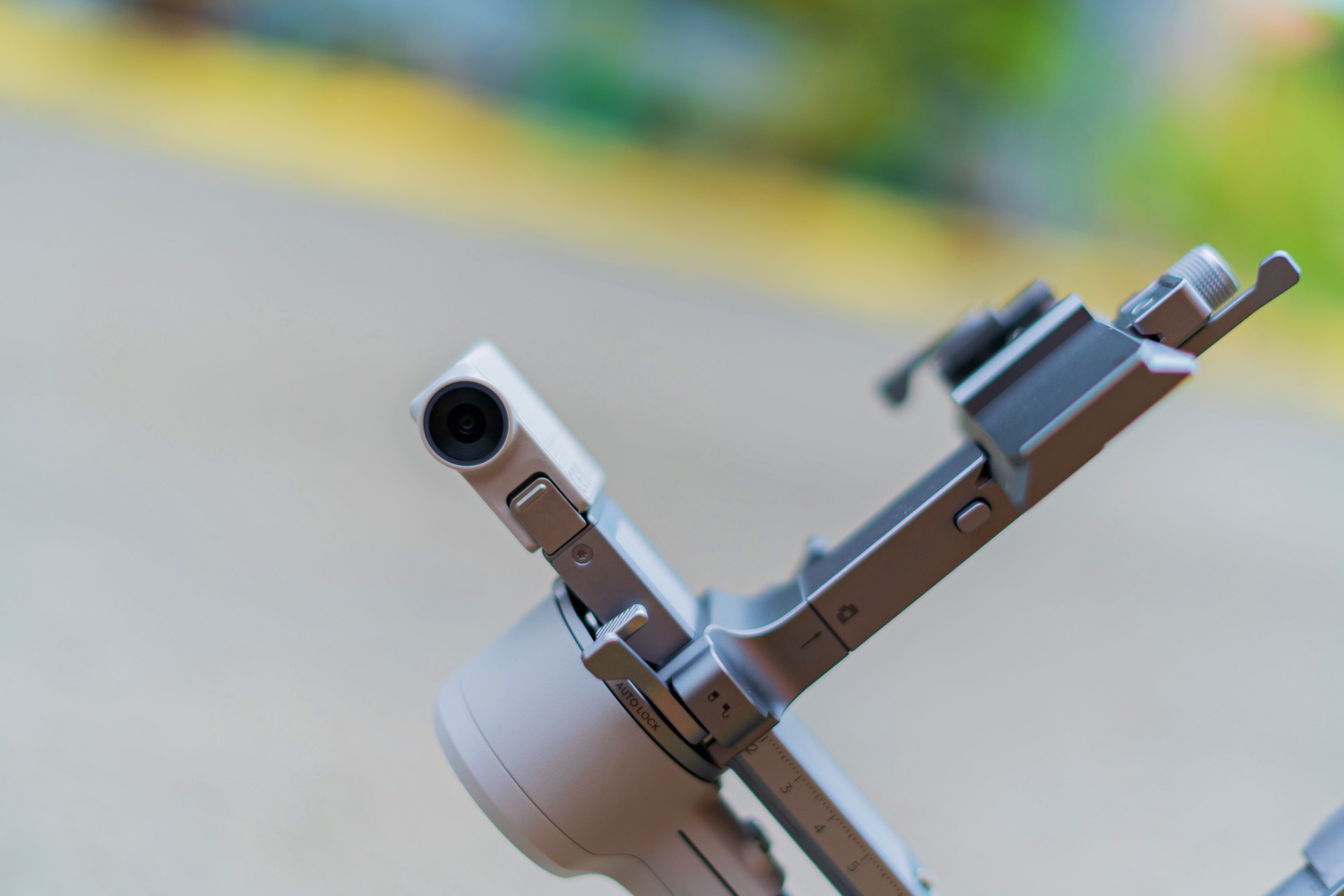
The tracking is superb. If you’re the type who needs shots where you have to be in the frame for vlogs and what not, you will absolutely love the tracking feature. It keeps you in frame and follows along quickly and accurately. On paper, it’s supposed to be able to keep the subject in frame for up to 10 meters. Our experience is mostly consistent with this metric.
It also helps that it works in either landscape or portrait orientation. So, whether you’re shooting long form stuff for YouTube or short form Reels, you’ll find that the DJI RS 4 Mini will be extremely helpful.
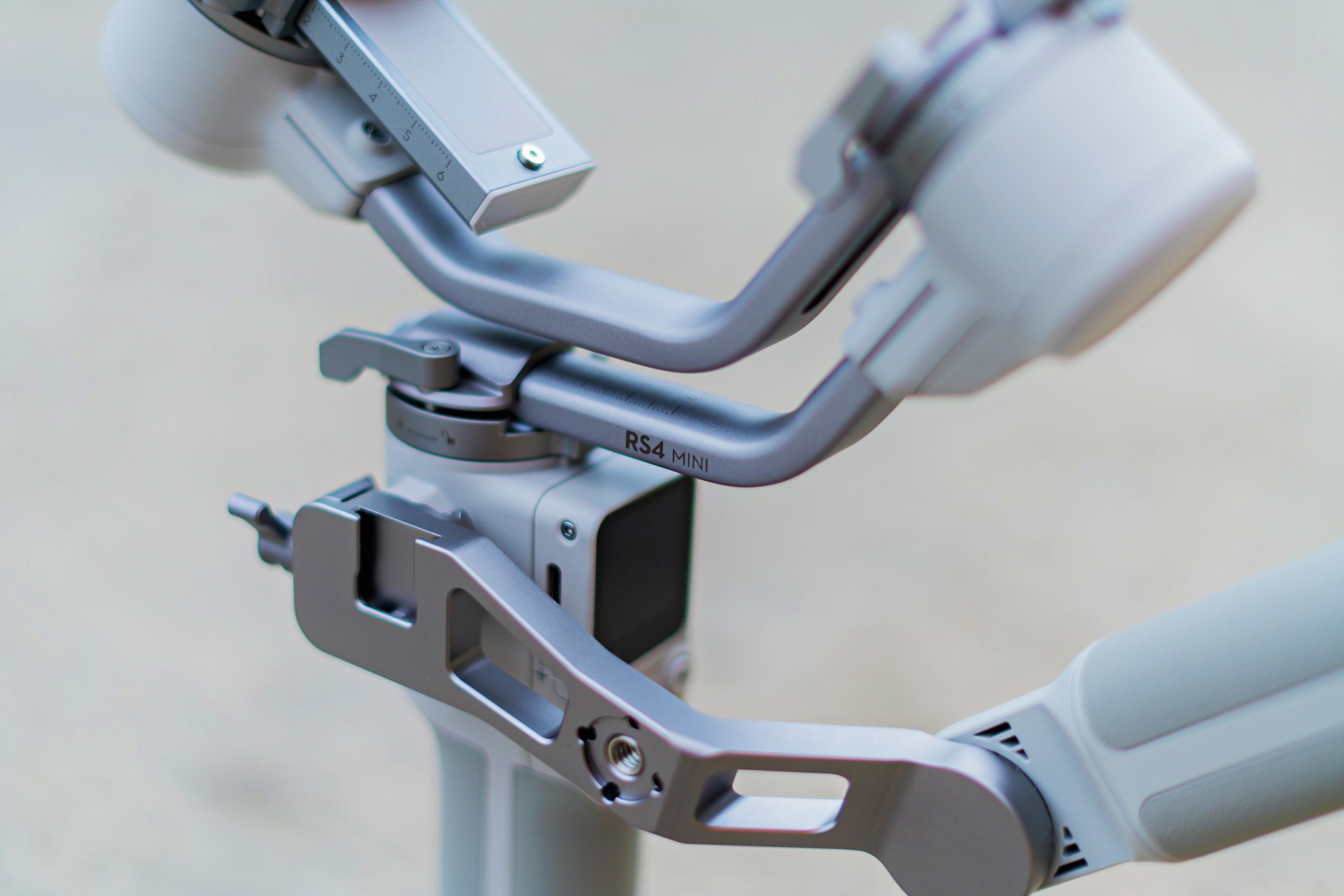
We did run into a minor issue. If you’re using the extra arm for balancing, it blocks parts of the screen on the gimbal. It’s a minor inconvenience that we mostly didn’t mind since we didn’t really make much use of that particular screen when taking footage.
Here’s a quick sample of how steady shots look with the DJI RS4 Mini:
Is the DJI RS 4 Mini your GadgetMatch?
The DJI RS 4 Mini is a swipe right. It would certainly be a nice addition to your production arsenal. However, only consider getting it if you know you really, absolutely need it.
This gimbal is for solo or small team video creators who want to elevate their production value. Starting at PhP 16,590 (The Combo sells for PhP 20,690), it’s a relatively affordable addition depending on where you are in your content creation journey.
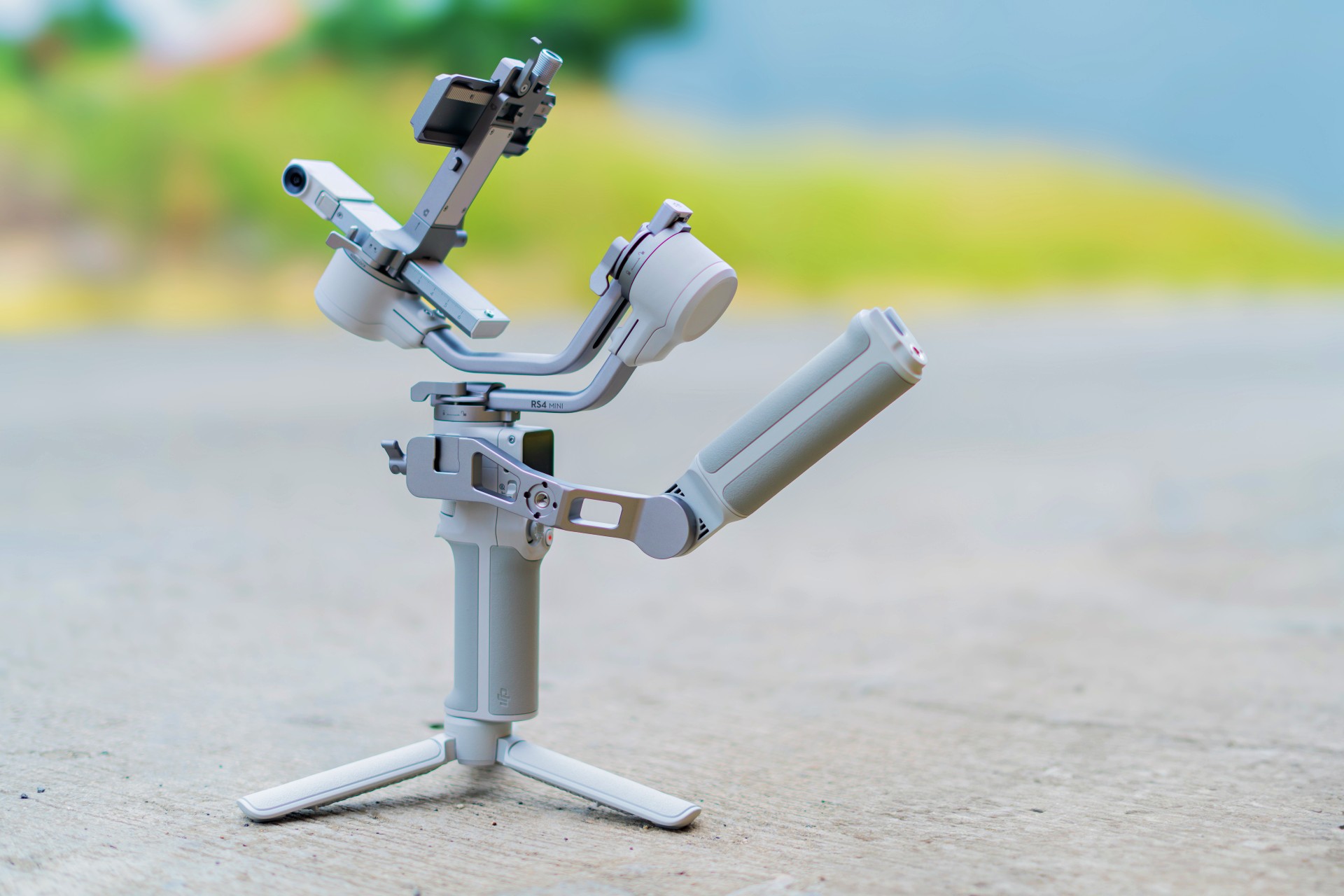
Only get this when you feel like you have absolutely maximized the current set of tools you already have. If that’s the case, you’ll know for sure when and where you’ll need a tool like this and how it can elevate the production value of your videos.





Accessories
CASETiFY Match: Finding the right case for your Galaxy Z8 Series phone
Cases that match your personality
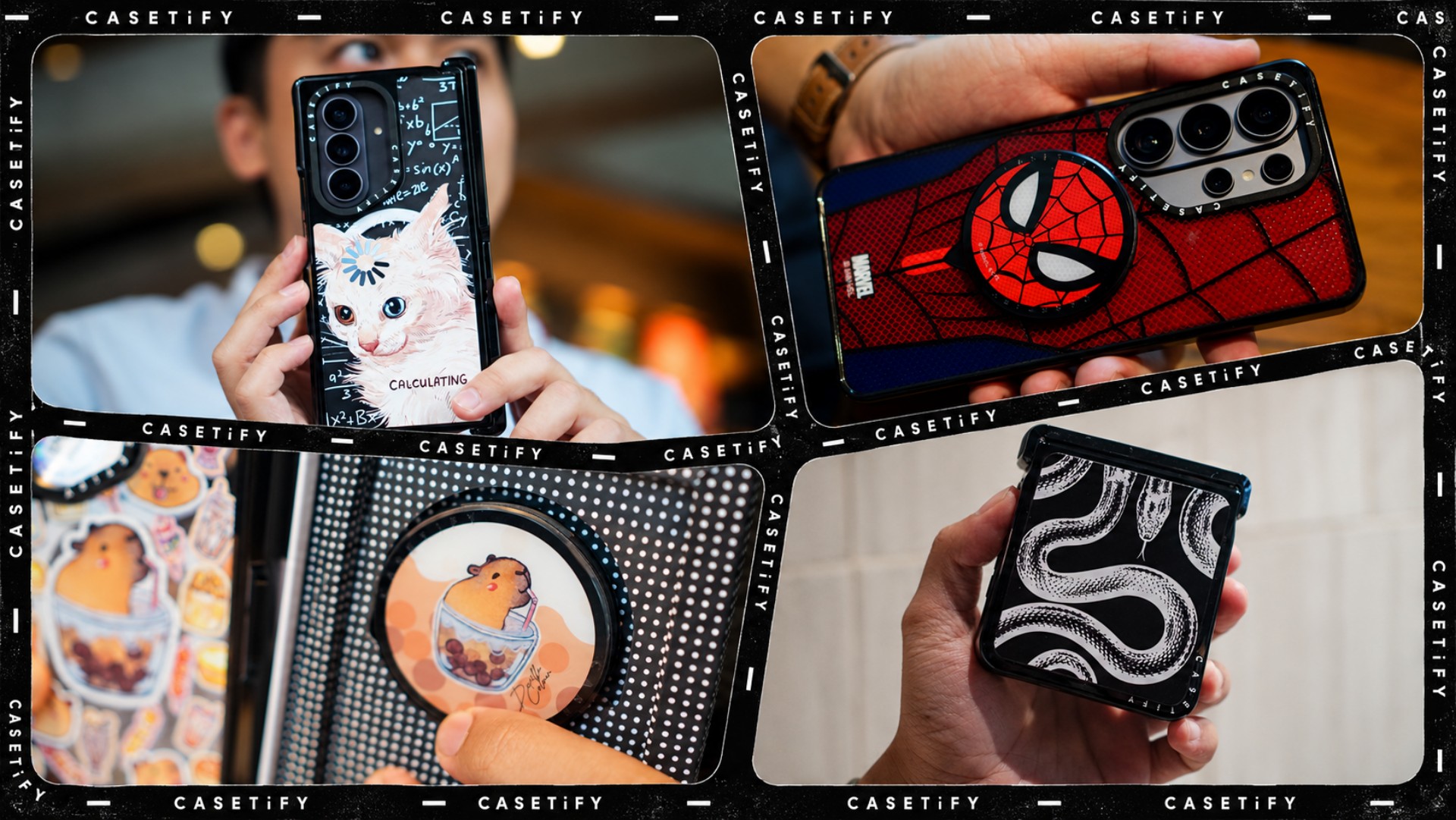
A phone case can be more than protection. It can also be a way to show off your interests, personality, and the little things that make you, well, you.
For our CASETiFY Match for the Galaxy Z8 Series, we asked the team one question: Why was this CASETiFY design your Match?
From Spider-Man fandom and capybara obsession to feline-inspired art and snake motifs, here are the designs that found their way into our team’s everyday carry, plus a couple of bonus picks worth checking out.
Rodneil: A little New York energy for a certified web-head
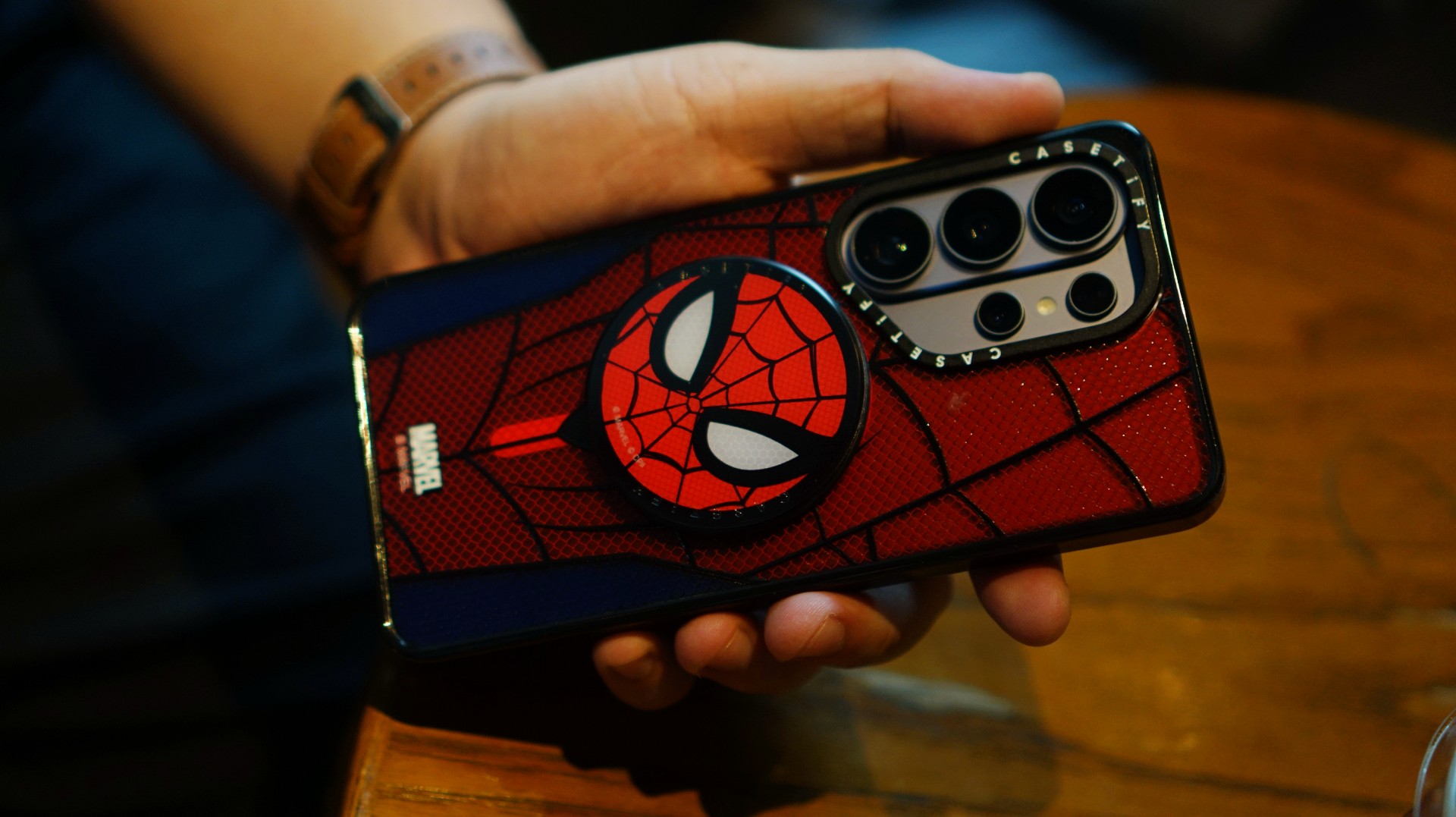
If it wasn’t obvious enough, I’m a certified web-head. I love anything and everything Spider-Man, especially the iconic red-and-blue motif. Though, if we’re being honest, I’m more partial to the red.

I had my eyes on the Spider-Man suit design for the Galaxy Z Fold8 Ultra and the Spider-Man Mask Snappy Grip Stand. Unfortunately, those designs aren’t available for the Galaxy Z Fold8.
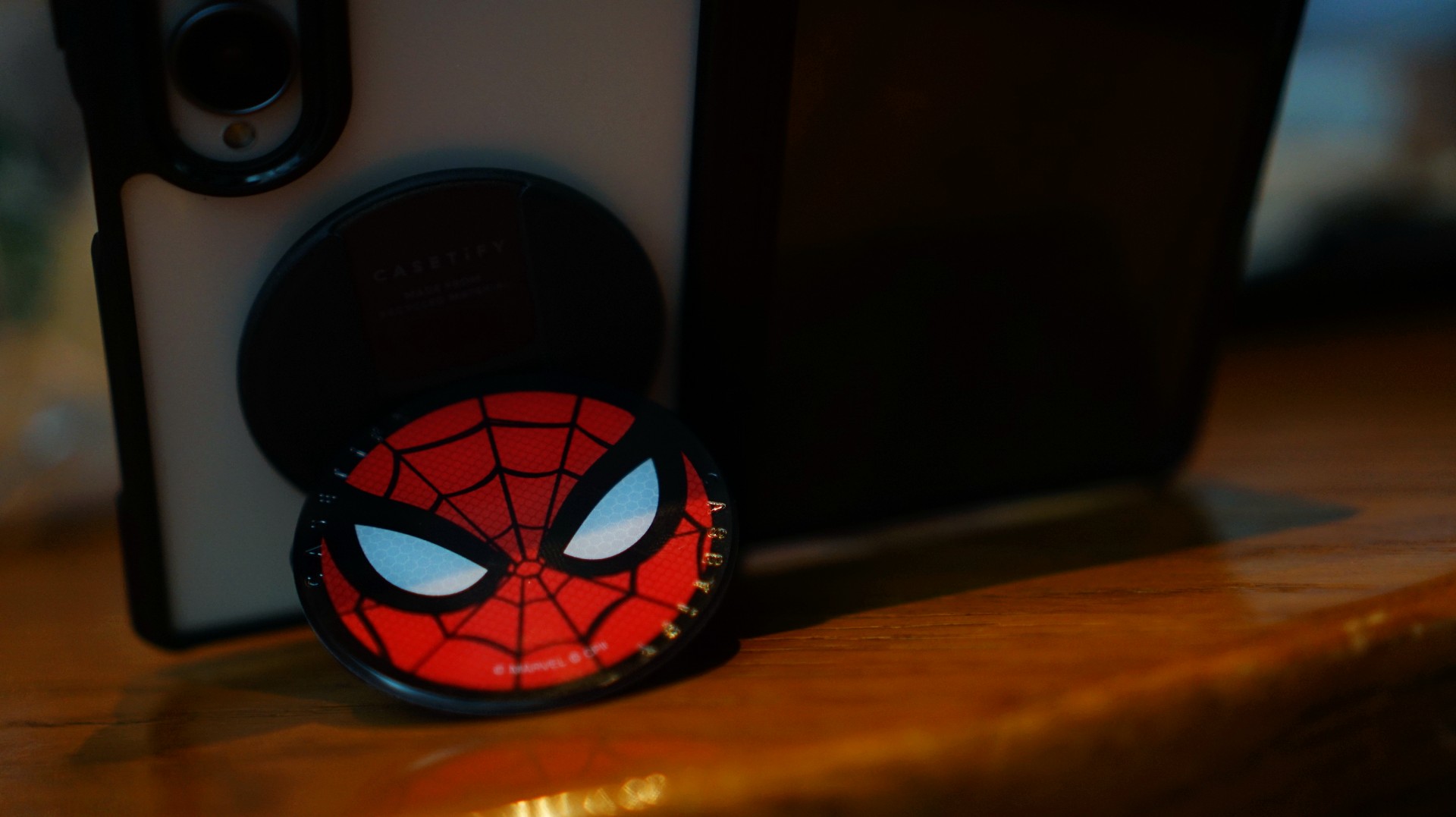
So, I went with a design that gives off a bit of New York energy instead. It still pairs nicely with the Spidey Snappy Grip Stand, letting me bring a little of that Spider-Man vibe to my everyday setup.
V: Keeping it cool with capybaras
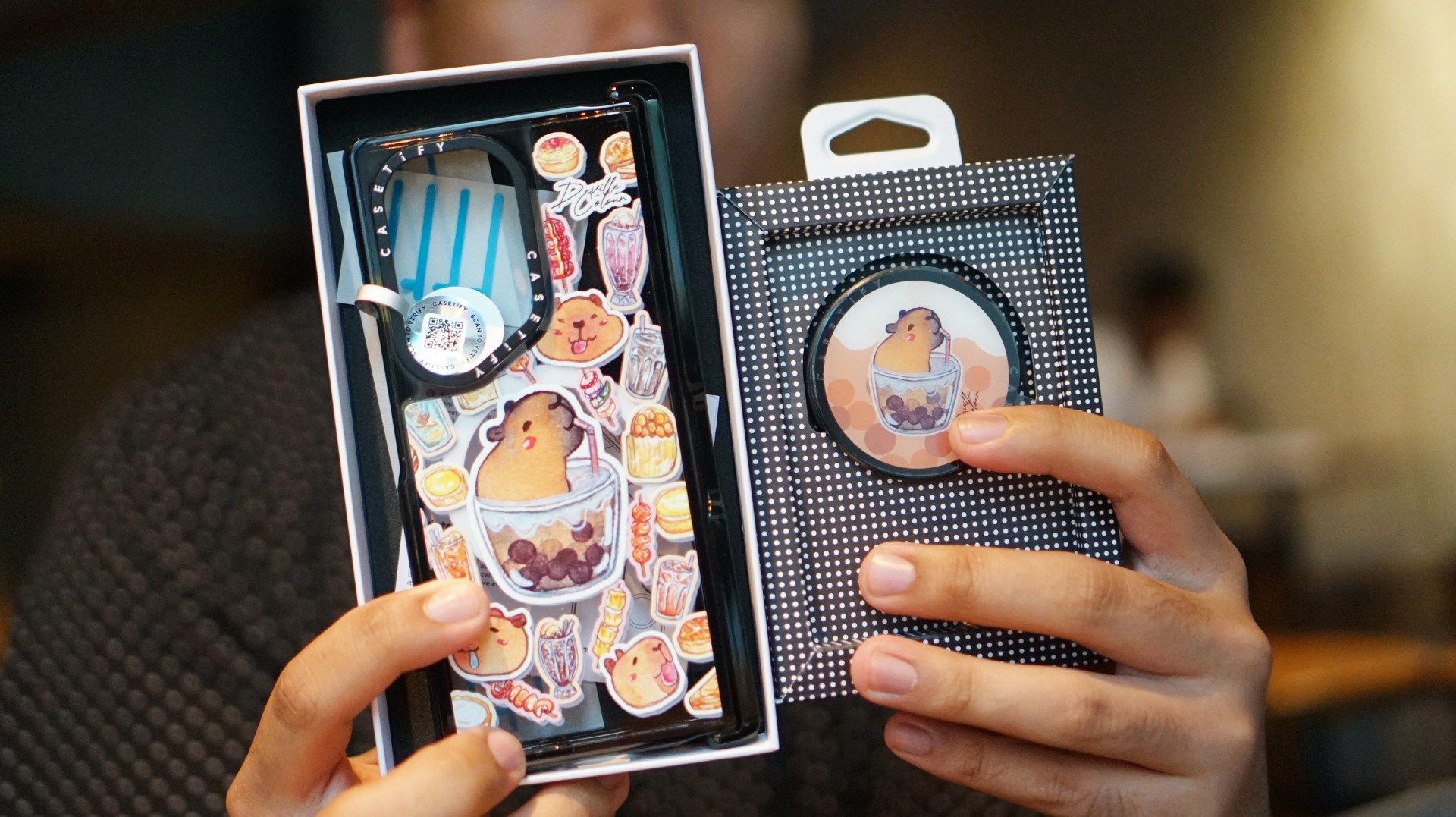
I’ve been a capybara stan since 2020, long before the world finally caught up with just how cute and chill these animals are. Seeing them get the recognition they deserve has been a source of much excitement.
Finding cool and cute capybara cases and accessories for the phones I use every day, however, hasn’t always been easy.
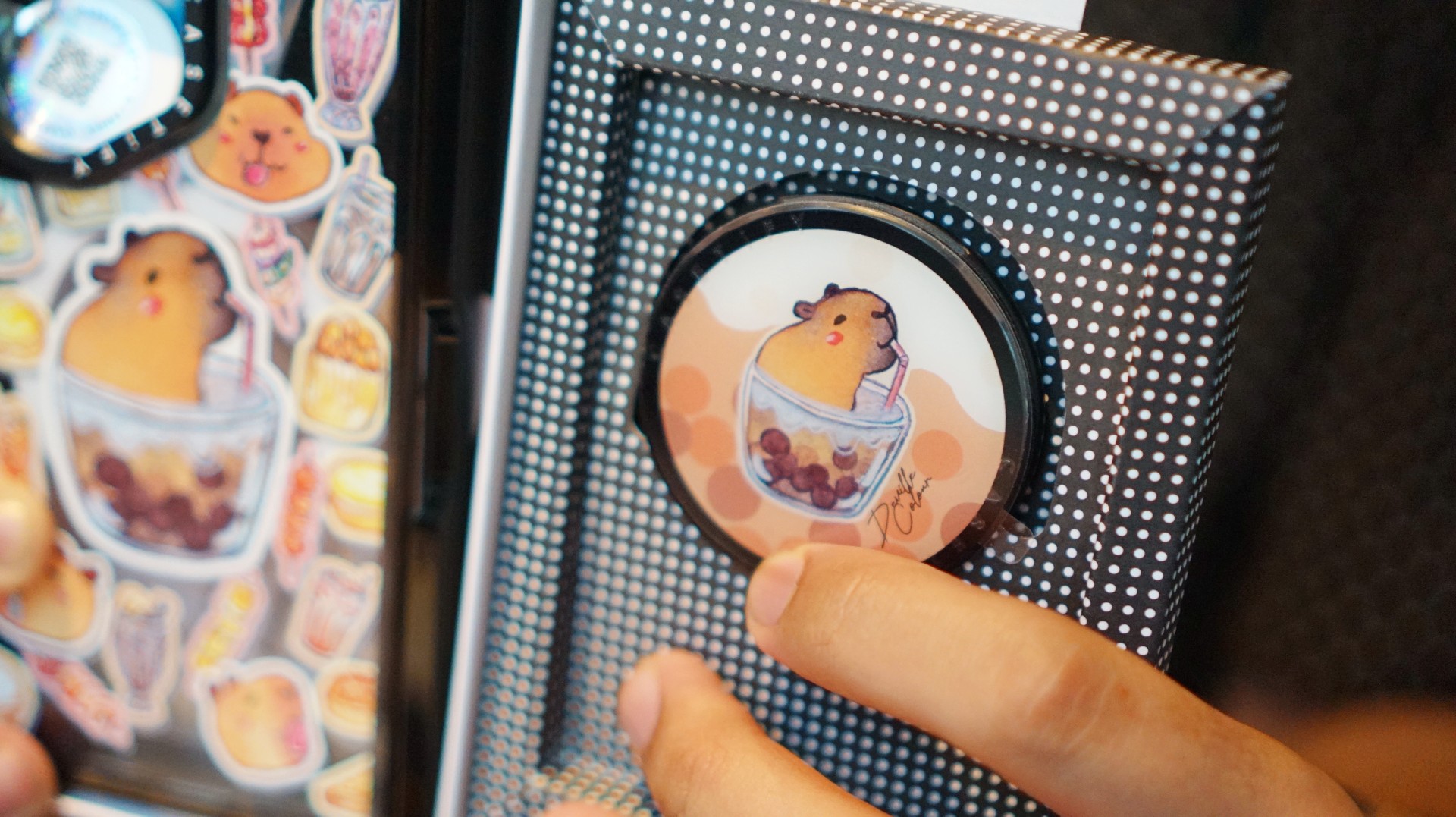
That’s where Deville Dewil’s capybara collection comes in. It fills that gap while making my Galaxy Z Fold8 feel like an even more personal accessory.
At this point, I’d like to identify as a capy/bara.
Luigi: A cat design that’s playful without being too loud
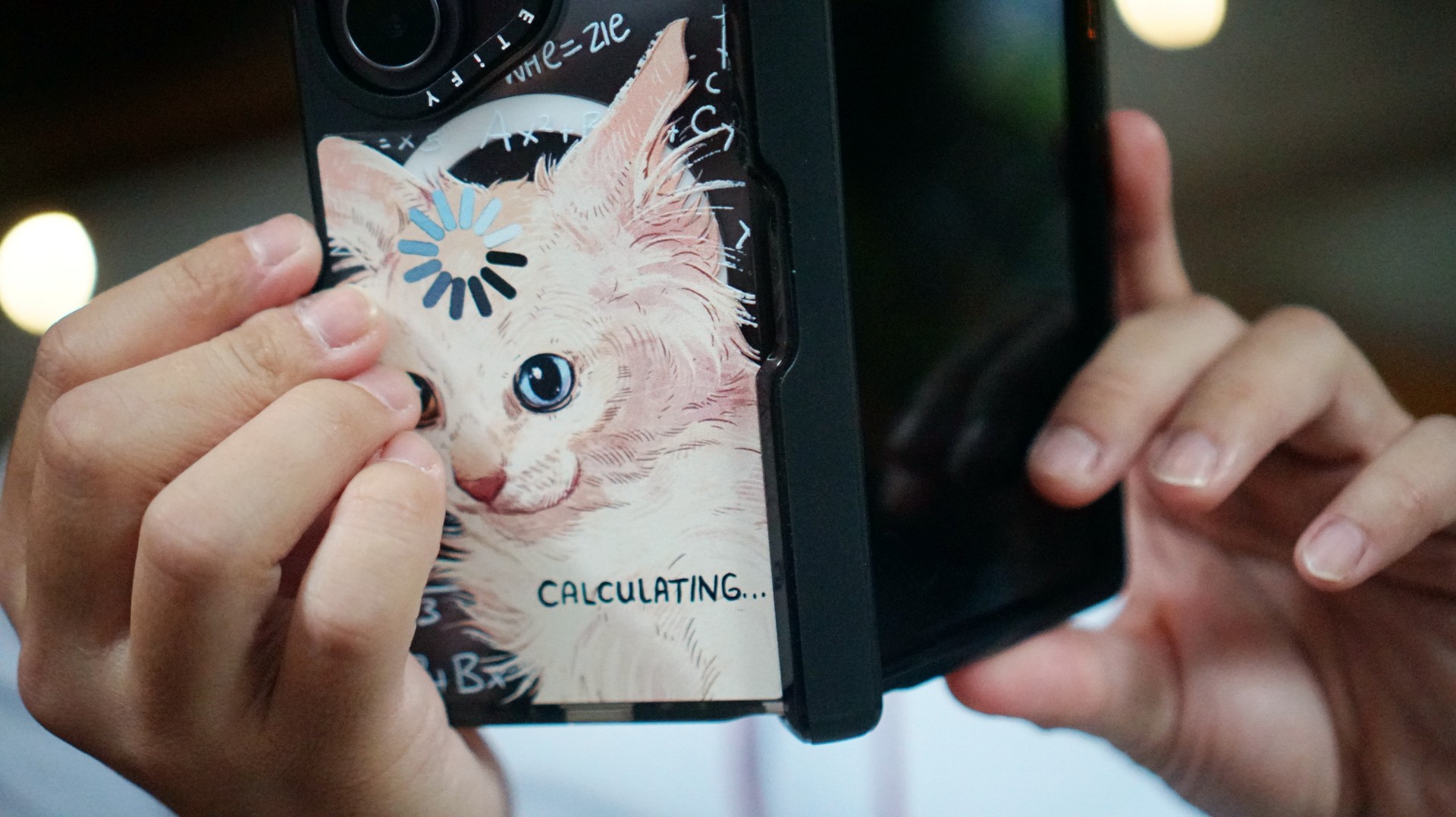
There’s no shortage of cat-themed cases out there. If you’re a cat lover like me, chances are you’ve considered one at some point.
The tricky part is finding a design that isn’t too whimsical or loud. I love the little furballs, but I still want something sleek and clean.
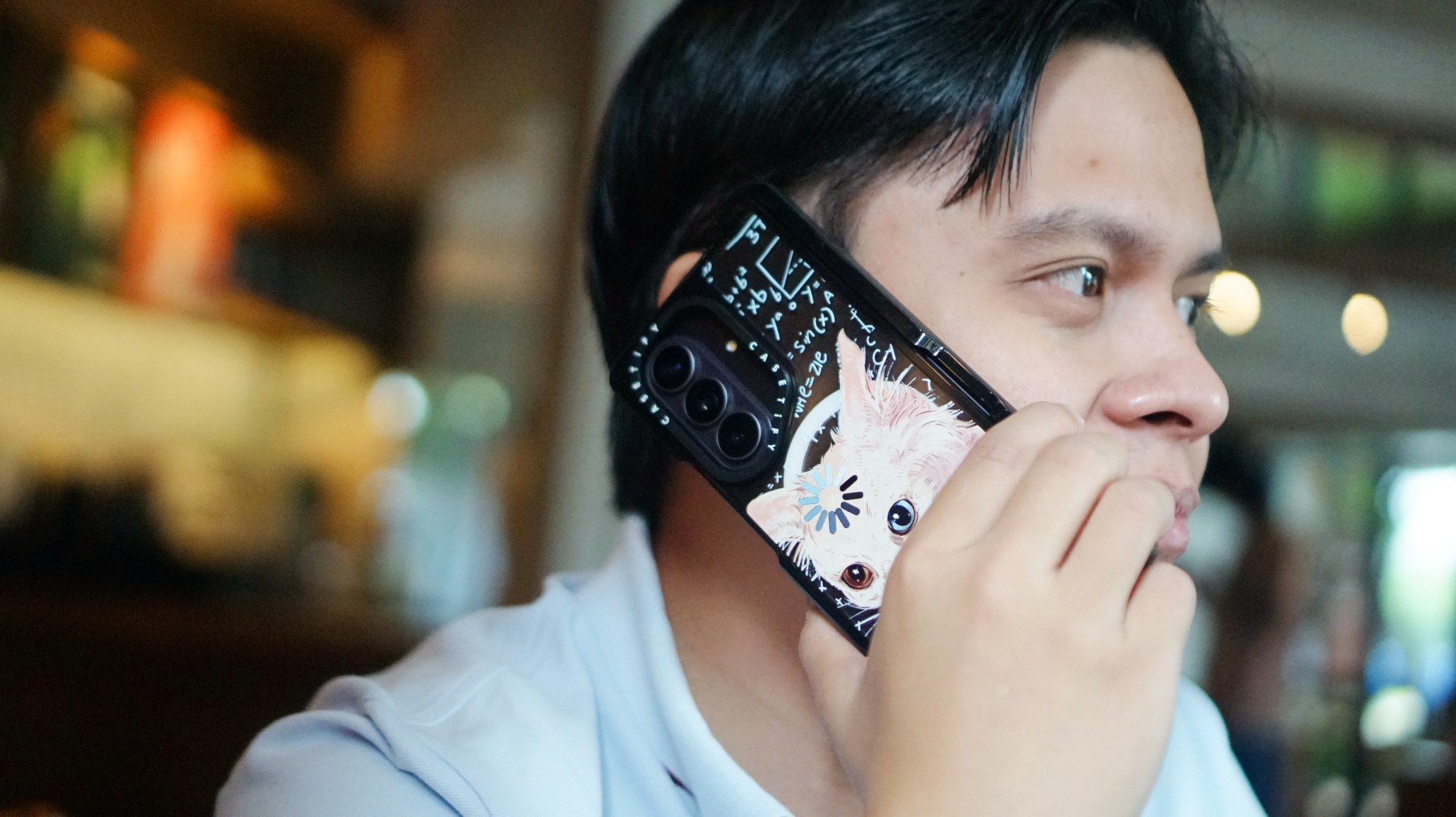
CASETiFY’s cat collection speaks to that balance. In particular, this design by Catwheezie blends artistry with a touch of whimsy. It lets me show off my personality without being too flashy.
MJ: A little reputation energy
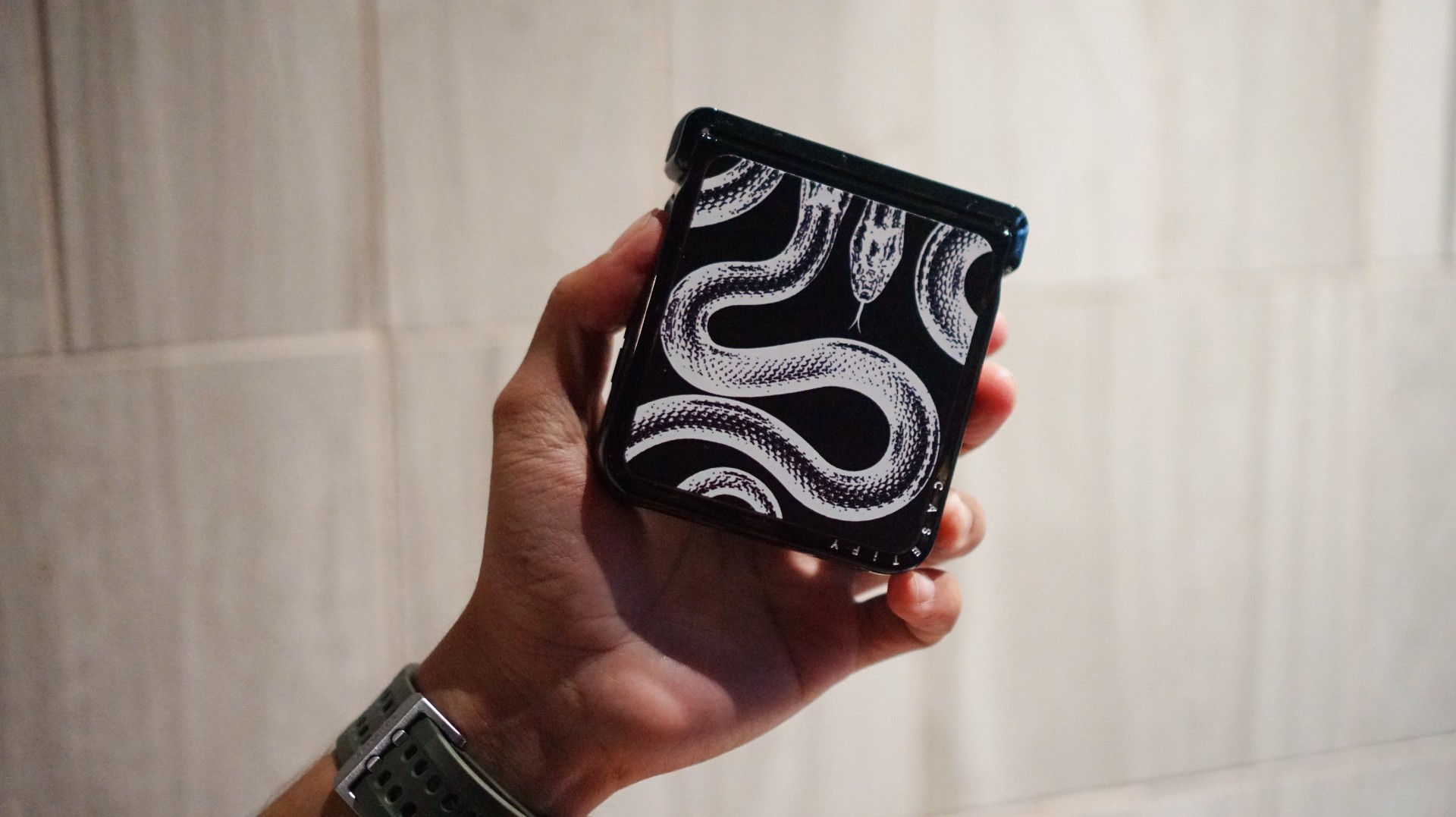
I’ve always had a soft spot for snake motifs, and CASETiFY’s Transparent Kingsnake case gives me Taylor Swift’s reputation era energy.
I love how snakes symbolize transformation. As someone who’s always evolving and never afraid to reinvent himself, that meaning feels personal.
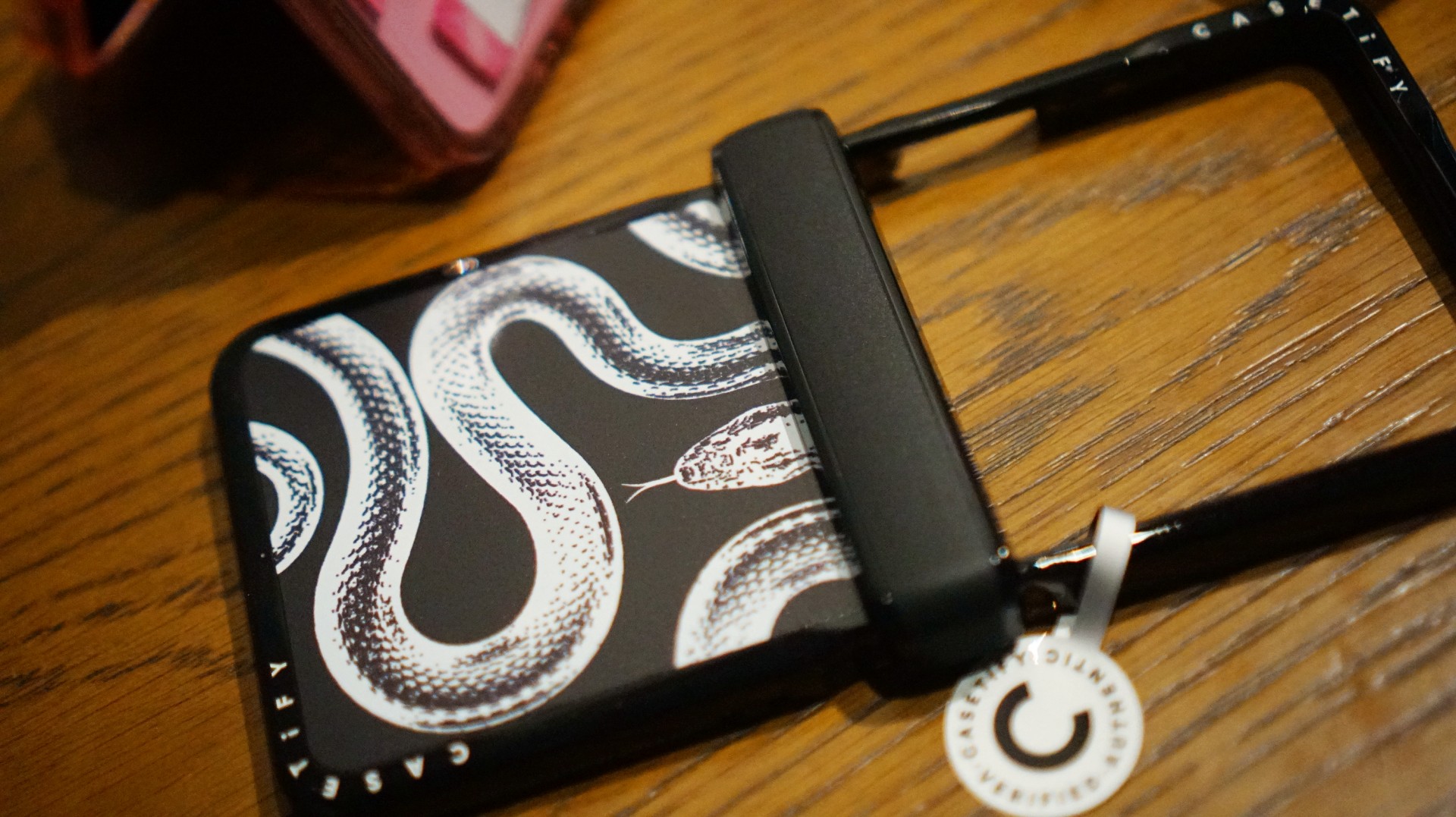
The black-and-white design also brings a sleek, rebellious edge. Paired with my Galaxy Z Flip8, it’s giving statement accessory with a little bite.
Bonus Match: Sunglasses at Night

Sometimes, keeping it simple is the way to go. The Sunglasses at Night design is tasteful and understated, letting me show off the actual color of my phone without competing with it.
Bonus Match: Pink Weekly Planner
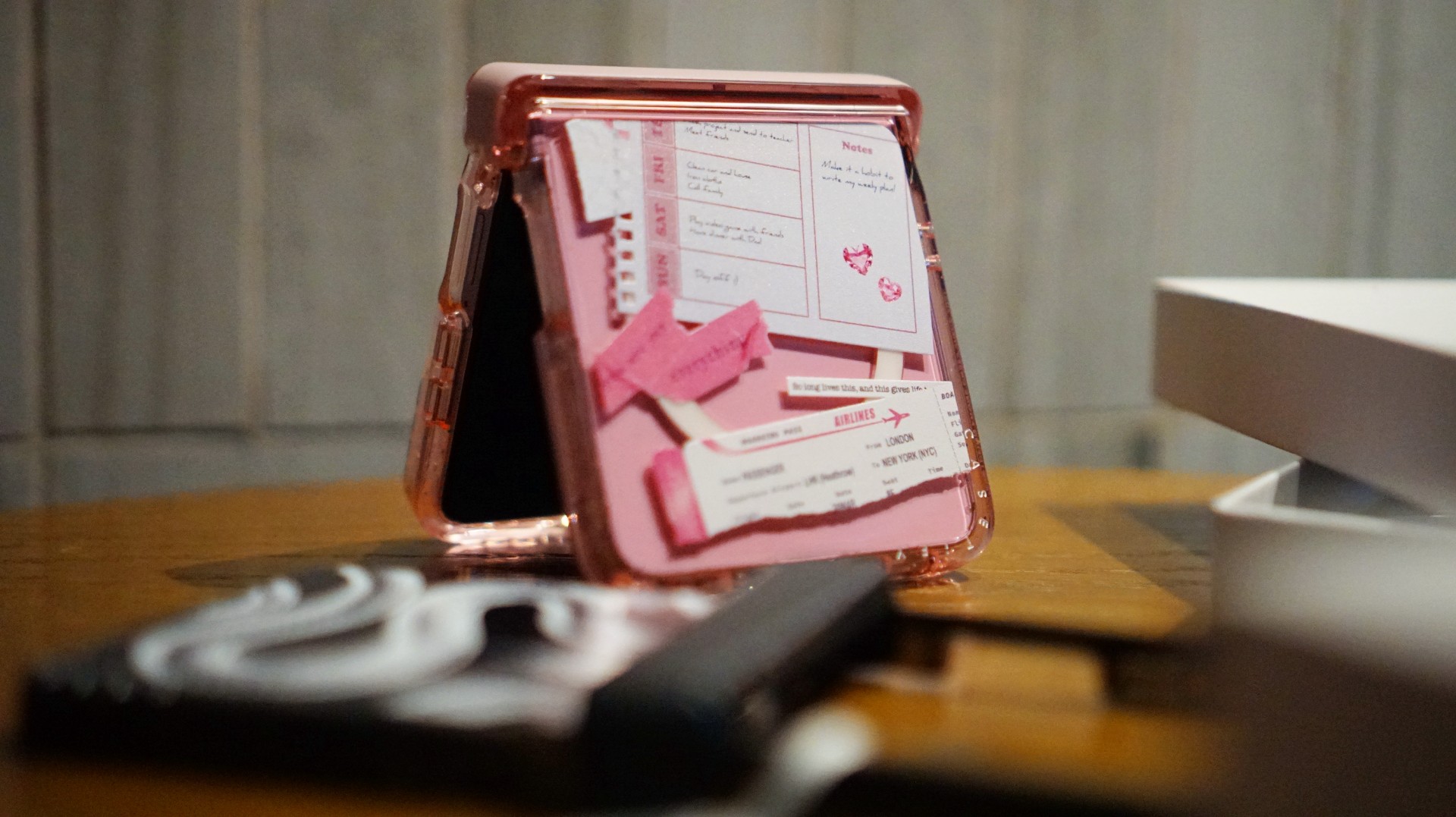
For the girls (and gaes) who plan their days–and life–ahead. And of course, for when they need to keep their Wednesdays pink.
Find your Match
There’s no single way to find a phone case that feels right. It might be a favorite character, an animal you’ve loved for years, a piece of art, or a symbol that means something to you.
For our team, the right CASETiFY design is the one that brings a little more personality to a device we carry every day.
So, which design would be your Match?

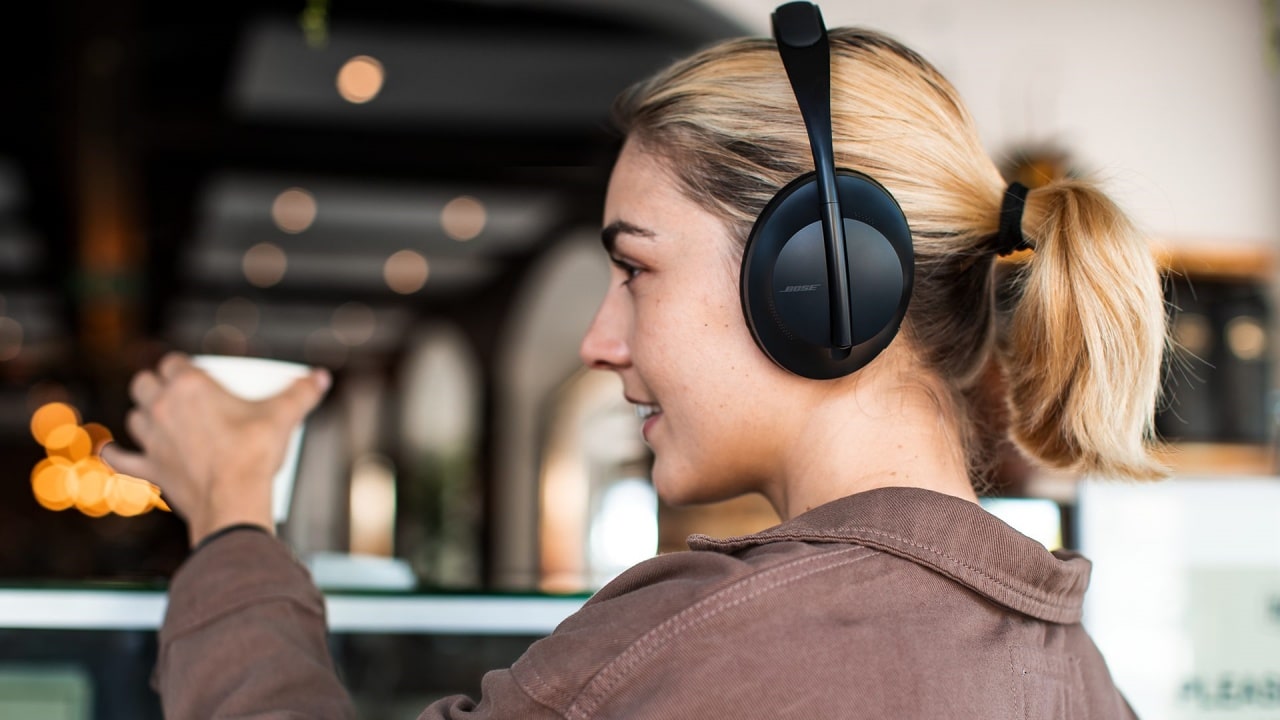
As one of the wisest sages of the 2000s once said, “He was a punk, she did ballet. What more can I say?” Sometimes, opposites attract. Now, two of those opposites in the audio space are coming together: the punk Skullcandy and the ballet-loving Bose.
Today, Bose has announced its acquisition of Skullcandy. The latter will continue to operate as a separate brand but now officially under the Bose umbrella. Although, it’s not a new collaboration as the two brands have previously worked together on devices before. Skullcandy will just have more access to Bose’s technologies moving forward.
Alternatively, Bose will now have access to Skullcandy’s more varied audience. Compared to Bose’s focus on premium products, Skullcandy caters to more alternative lifestyles. Though the brand has since mellowed from its more radical roots, it is still known as one of the alternative brands.
Bose, on the other hand, is still a household name for home audio and noise-cancelling headphones. The new relationship between two polar opposites might be seen as a weird one, but it’s ultimately beneficial to both parties. Besides, both brands were very strong in the 2010s. Keeping both brands going is a boon to audiophiles of the past decade.
Accessories
Fujifilm’s new instax Pal 2 and Link WIDE 2 make room for more creative memories
A new pocket camera and a collage-making printer join the instax family.

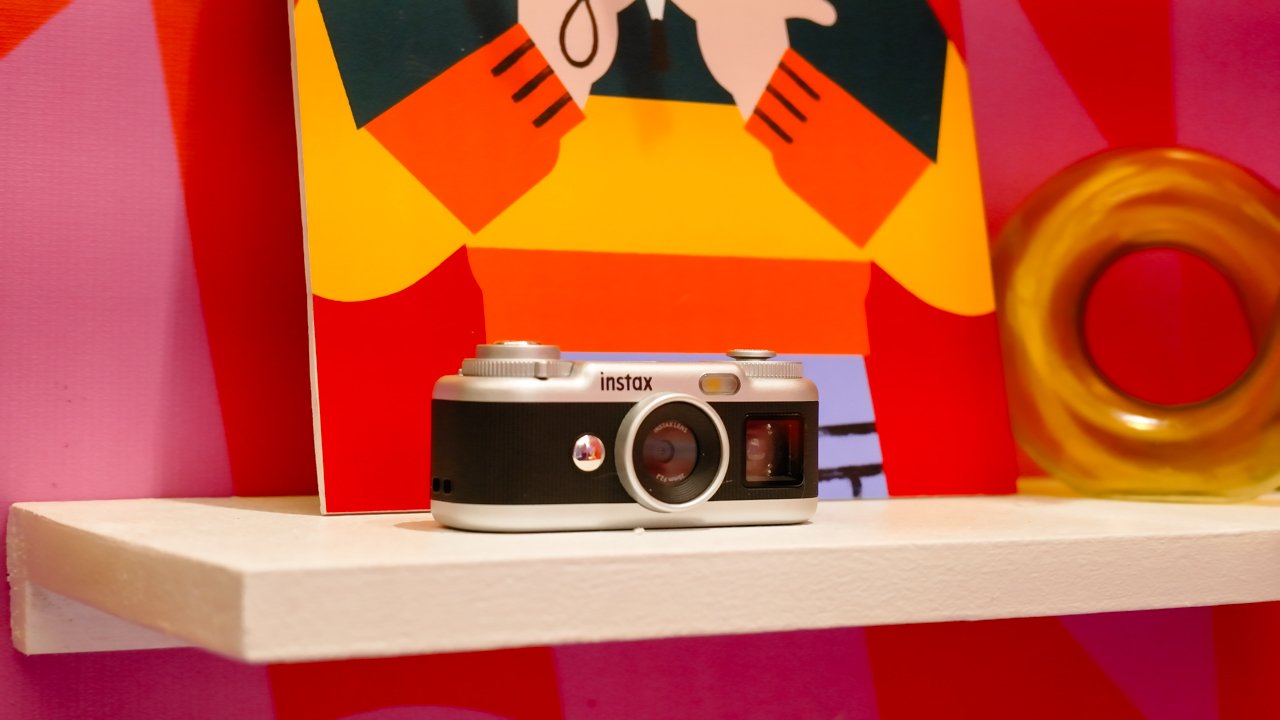
Seeing a memory take shape beyond your screen changes how it feels. A favorite photo becomes a print you can tuck into a journal or pin beside your desk, and the everyday moments you capture get a little more room to live.
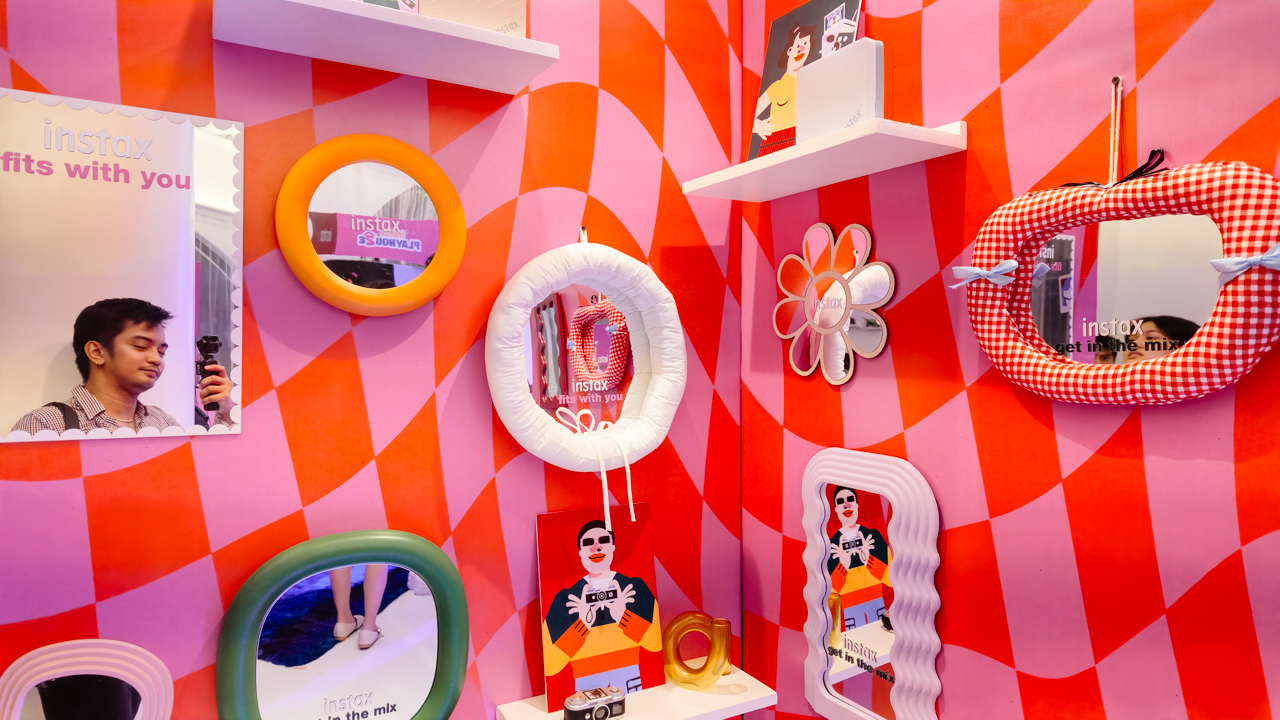
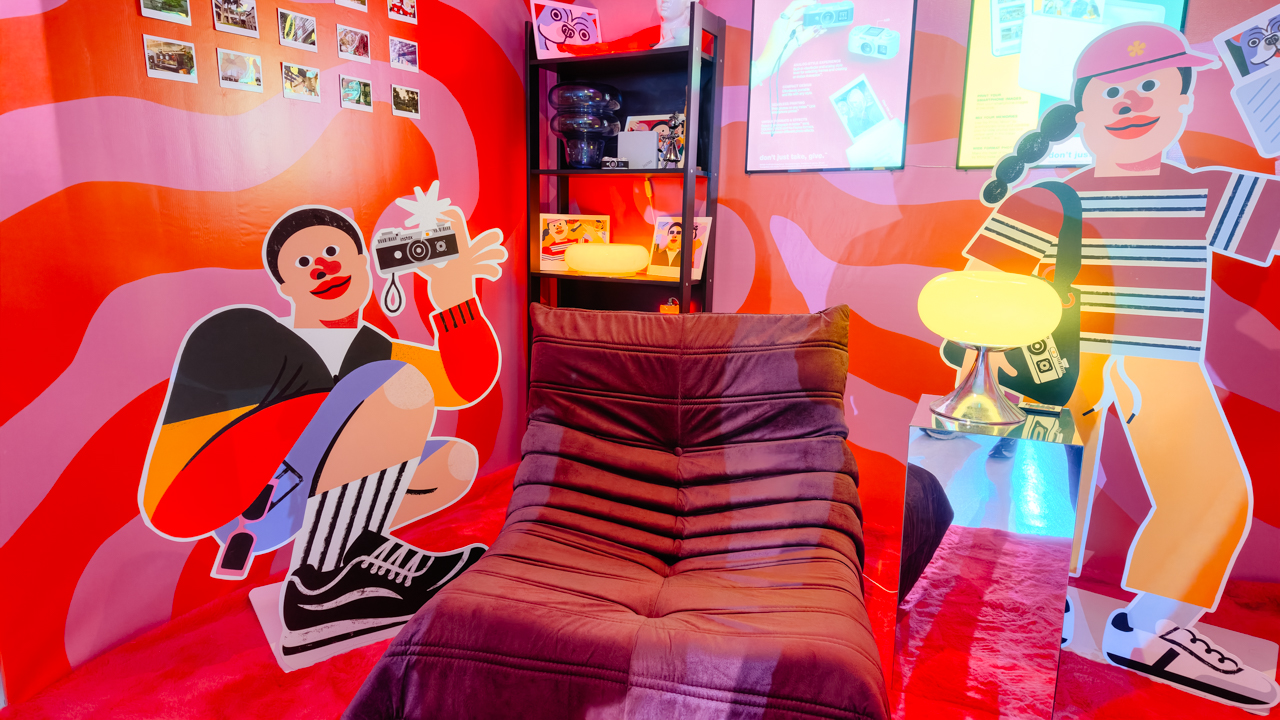
That was the spirit of Fujifilm’s instax Playhou2e launch in Makati, where visual artist Jill Arteche brought her signature illustrations into the event space.
Her artwork surrounded the latest additions to the instax family, the instax Pal 2 and instax Link WIDE 2. Both devices treat photography as a form of personal expression, from the snapshots you take throughout the day to the printed memories you want to keep close.

A pocket-sized camera that goes wherever you do
The original instax Pal made the case for carrying a camera without a full-sized setup. Its successor, the instax Pal 2, builds on that with a refreshed design and improved image quality.
The palm-sized camera is built for everyday adventures and can capture angles that are awkward to get with a smartphone. Its compact body also makes it easy to bring along if you like documenting your day as it happens.

Fujifilm gave the Pal 2 a semi-matte finish. A new monitor on top lets you review shots right after you take them, and the added viewfinder, control dial, and lever give it a more tactile feel to shoot with.
The specs have moved up, too. The Pal 2 captures 10-megapixel images, double the original’s five megapixels, and its internal storage holds up to 100 images compared with 50 before. A separately sold microSD card adds more room.
The creative options are where the Pal 2 gets playful. It offers 30 effects, so you can give images different moods without editing each one from scratch. Its instax Animation mode strings up to 10 consecutive shots into a flipbook-style animated video.
Transferring your photos is straightforward. The Pal 2 supports wireless Bluetooth transfers, and a USB Type-C connection offers faster transfers to compatible smartphones. From there, you can edit the images and post them to social media or keep them in your camera roll.
Because the Pal 2 is part of the instax ecosystem, its digital photos can also be printed on instant film through compatible instax printers. That means you can shoot first and decide later which moments deserve a physical copy.
Turning your camera roll into something worth keeping
Taking photos is only half the fun. The other half is deciding what to do with the hundreds of images that pile up on our phones.
The instax Link WIDE 2 is Fujifilm’s answer for anyone who collects travel photos or documents celebrations. As the brand’s WIDE-format smartphone printer, it prints at twice the image area of the instax mini format, which leaves more space for group photos and landscapes.
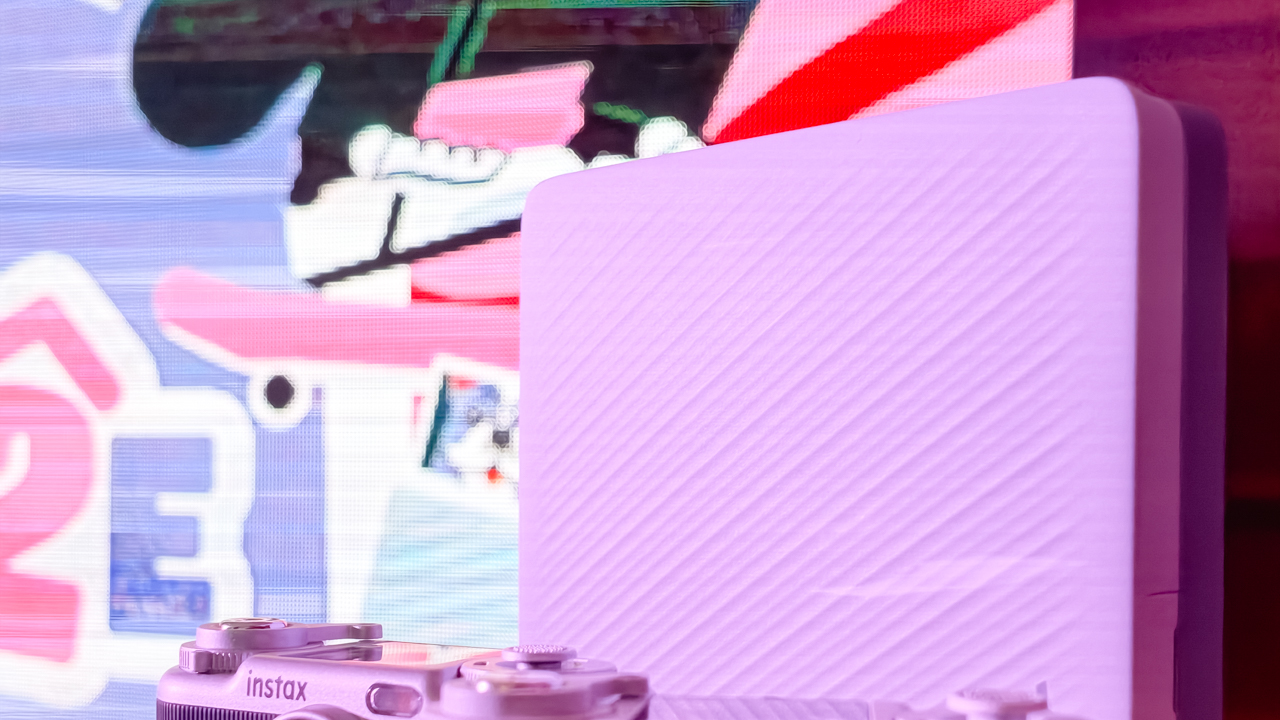
Its biggest new feature is Photo Mixer, which builds scrapbook-style collages from multiple images you pick in the dedicated app. Instead of printing a single photo, you can combine highlights from a trip or a gathering into one larger keepsake.
The app suggests layouts based on your chosen photos and adjusts image sizes, angles, text placement, and fonts to keep the design cohesive. You can then add your own text and stamps. A cutout function identifies people and objects in your photos so you can layer them into the collage.
With Photo Mixer, printing becomes part of the creative process, and your camera roll turns into material for building a visual record of an experience in a single print.
The Link WIDE 2 also gets a design refresh, with two-tone finishes in Duo Beige and Duo Blue. The light and dark surfaces give it a polished look on a shelf or desk, and an illuminated instax logo glows while it prints.
Connectivity has expanded, too. Beyond smartphones and tablets, the printer works with PCs, Fujifilm X Series cameras, and the instax Pal 2, so digital artwork and other compatible images can become physical prints.
A more personal way to keep your memories
The instax Pal 2 and Link WIDE 2 share the idea that photography is a way to express yourself. The Pal 2 makes it easy to capture moments as they happen, and the Link WIDE 2 gives those images a place in the physical world.

Jill Arteche’s artwork at the launch backed that idea up. Her illustrations filled the space with personality and showed how photos and art can make an environment feel more personal. The event also made a case for revisiting and reinterpreting the images we collect.
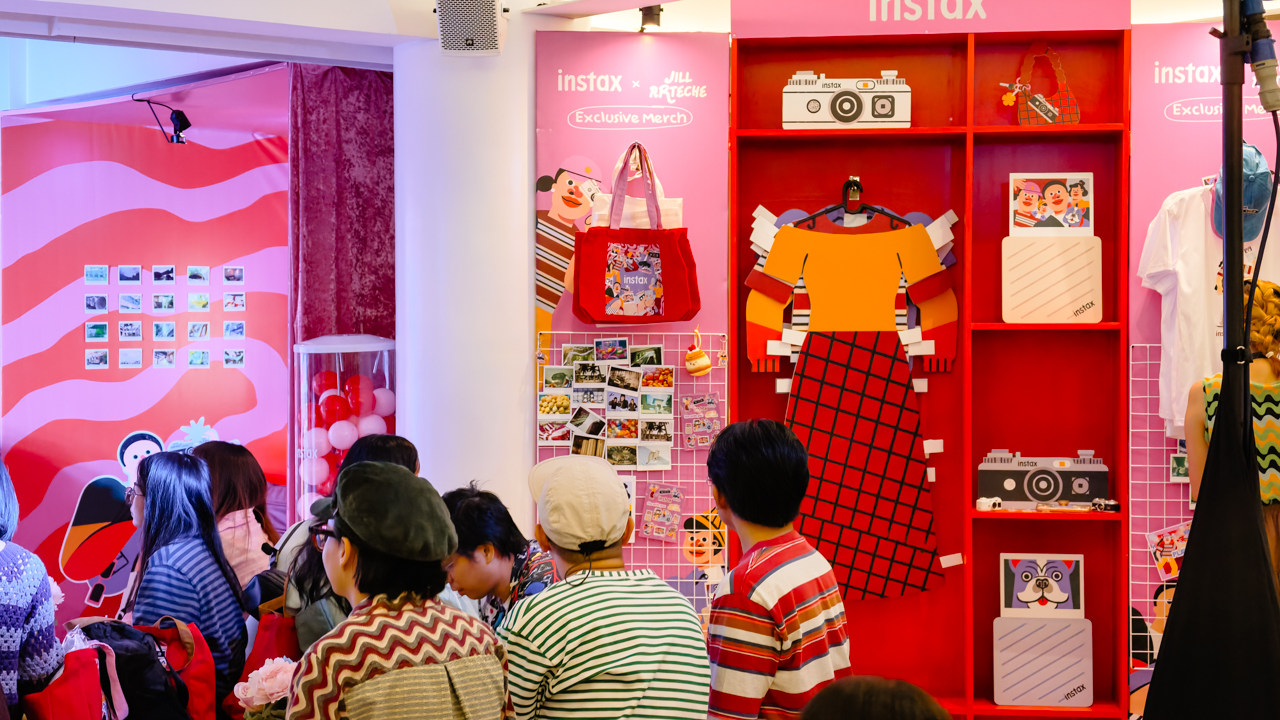
Taking a photo takes seconds, and printing one can make the memory feel more special. The instax Pal 2 and Link WIDE 2 bring that into everyday life and give your snapshots room for creativity, from the moment you press the shutter to the moment you find a place for the print.
In the Philippines, the Fujifilm instax Pal 2 retails for PhP 10,599, while the Fujifilm instax Link WIDE 2 is priced at PhP 10,999. Both devices are now available on Fujifilm’s authorized stores and retailers nationwide.


ROG G700 review: The best prebuilt PC you can get off the shelf
This PC will make you stop worrying about specs.


HP OMEN Max 16 review: Gamer-maxxing in deep black
Peripherals deemed necessary to max this out


vivo V80 review: Good phone, tough sell
A capable travel companion

4 new nutribullet kitchen essentials to make holiday hosting easier

Inside Infinix’s first global concept store in Bali

Wild Rift Patch 7.3, celebrates K/DA comeback

LG showcases its latest AI TVs in the Philippines

Your coffee nook is getting a makeover with Starbucks’ holiday collections


-

 News2 weeks ago
OPPO Find X10 Series: Price, availability in the Philippines
-

 Cameras2 weeks ago
DJI Osmo Pocket 4P Pearl White now available globally
-

 News2 weeks ago
OPPO Find X10 Series: Price, availability
-
Gaming2 weeks ago
HP OMEN Max 16 review: Gamer-maxxing in deep black
-

 Entertainment2 weeks ago
Cyberpunk: Edgerunners 2 now streaming, Cyberpunk 2077 update coming
-

 Laptops2 weeks ago
ASUS ProArt P14, P16 laptops with NVIDIA RTX Spark now available
-

 Apps2 weeks ago
Apple Music is getting a Liquid Glass makeover
-
 Lifestyle19 hours ago
Your coffee nook is getting a makeover with Starbucks’ holiday collections