
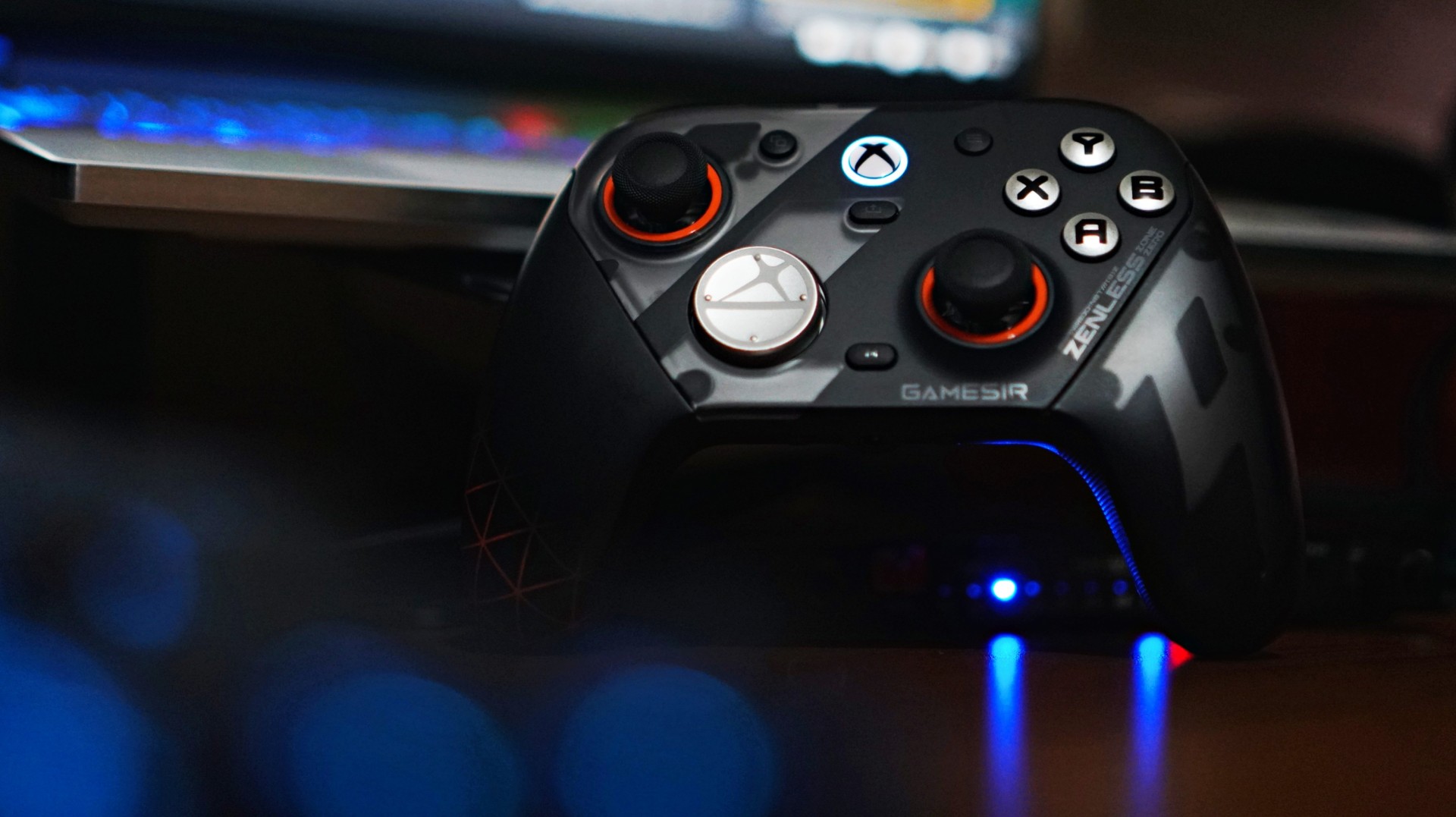
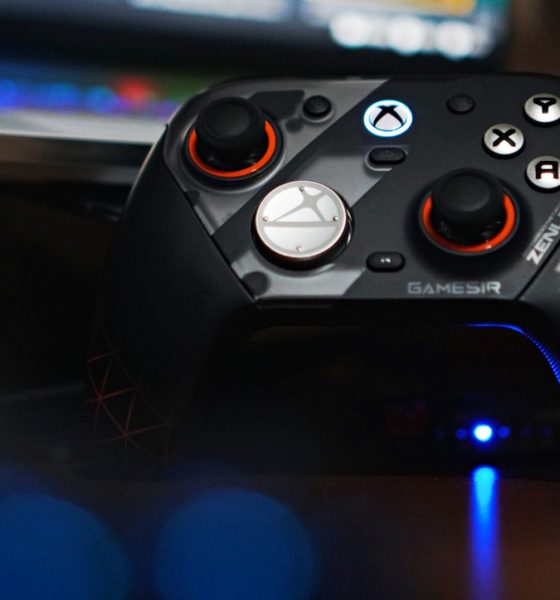

There’s a moment when a new piece of gear stops feeling new. You stop thinking about it. You stop noticing it. It just becomes part of your setup. That’s what happened with the GameSir G7 Pro ZZZ Edition.
I keep saying this about GameSir controllers that I’m starting to sound like a paid shill—but I’m not. The truth is, this is a spectacular controller. It has quietly become my default whenever I game on PC.
And for someone who tends to overthink setups, that says a lot.
I’ve been playing my usual rotation—Sleeping Dogs for quick pick-up sessions, and NBA 2K26 when I just want to zone out. Nothing too hardcore. Nothing too technical. But enough to get a real feel for what a controller is like to actually live with.
And the G7 Pro? It just works.
Familiar, but better
I actually first held this controller at Gamescom in Cologne while playing Honor of Kings: World. At the time, I didn’t even realize it wasn’t a standard Xbox controller. That’s how natural it felt.
It was only during a lull in the demo that I noticed the GameSir branding and went, “Wait, this isn’t first-party?”
That first impression stuck.
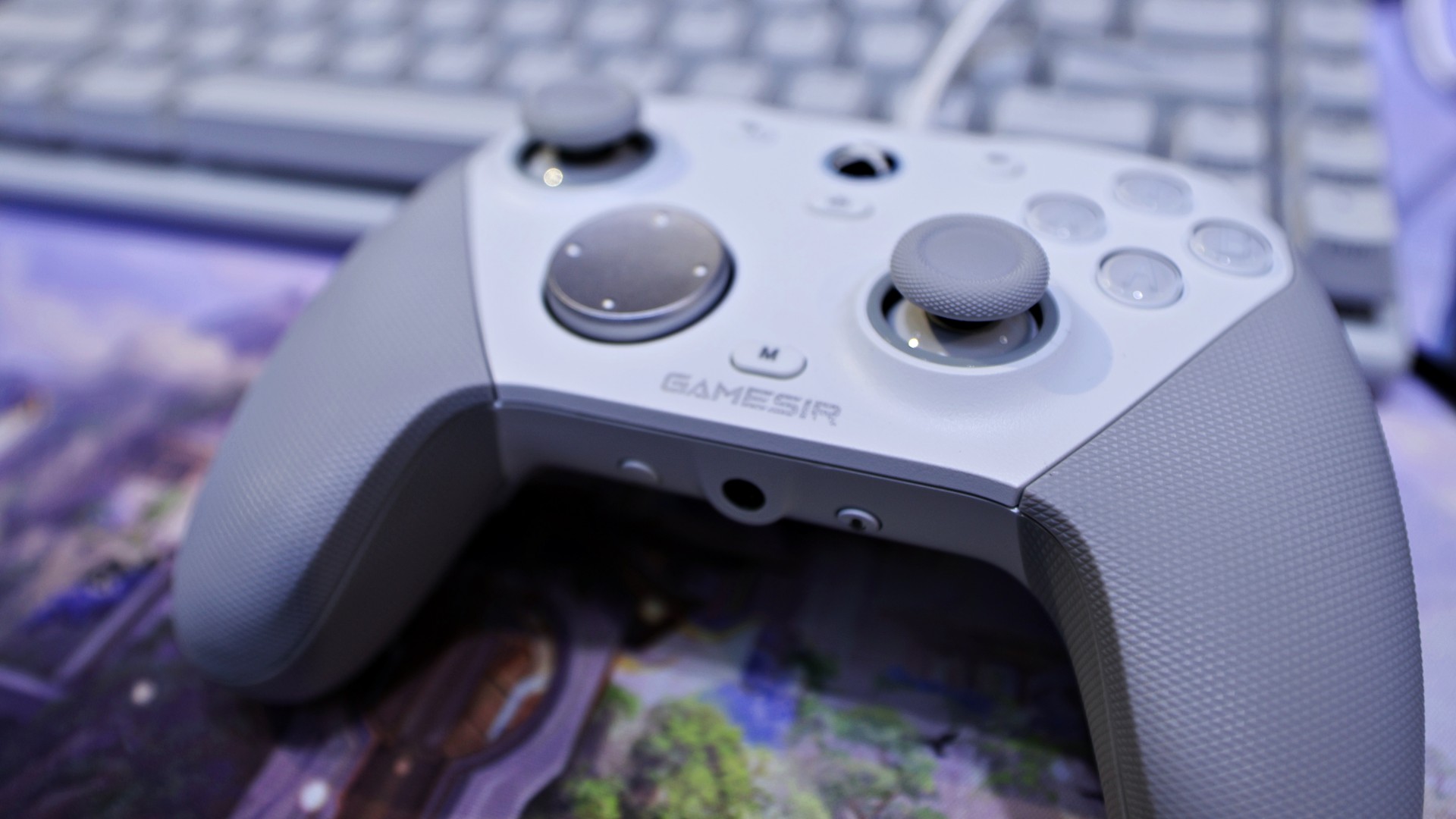
gamescom 2025 | GameSir | Honor of Kings: World
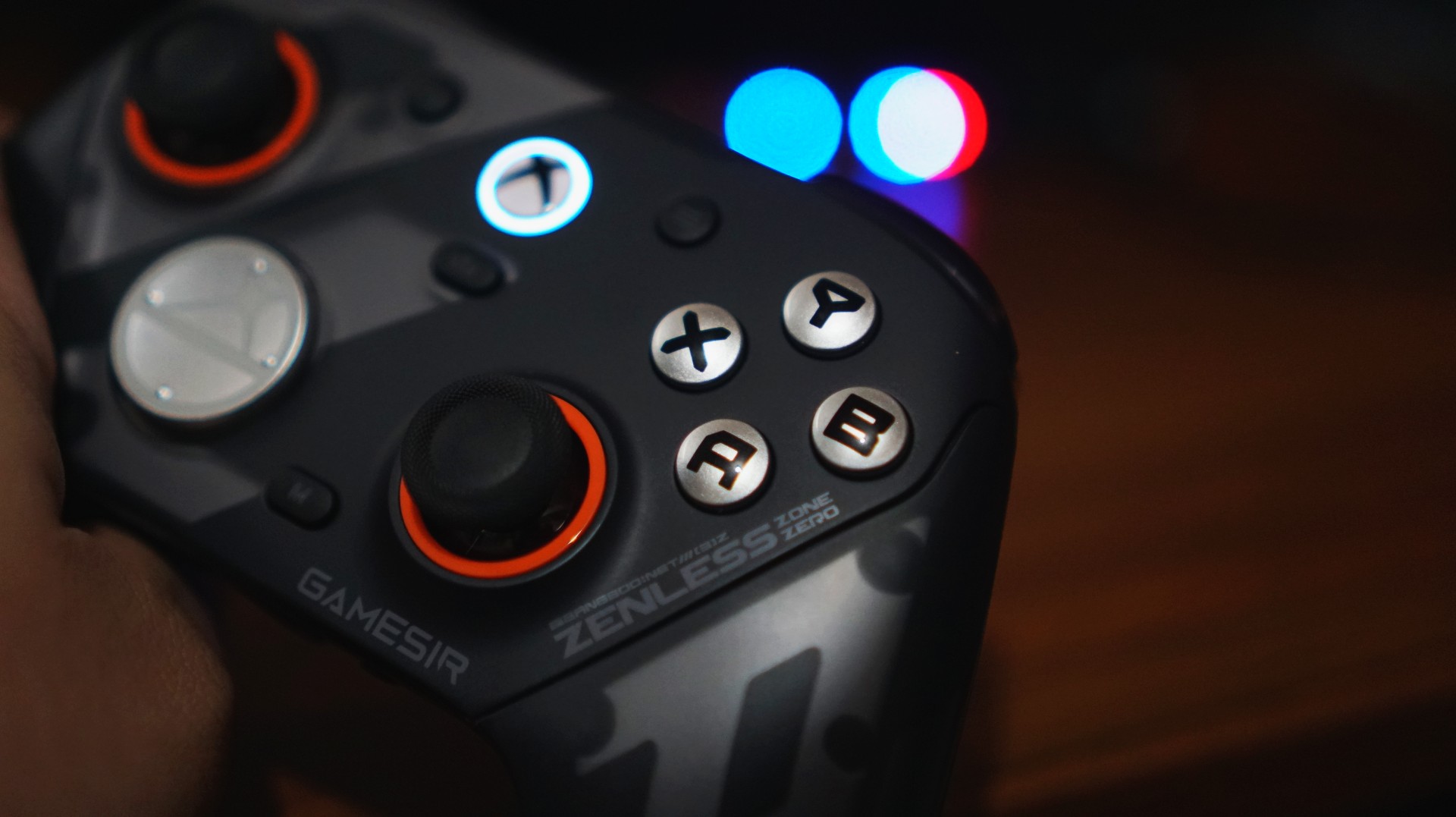
Back home, using it on my own setup, that same feeling carried over. It doesn’t scream premium in the way some flashy controllers do, but it feels solid, balanced, and intentional. The weight distribution is right. The grips feel secure. Nothing about it feels cheap.
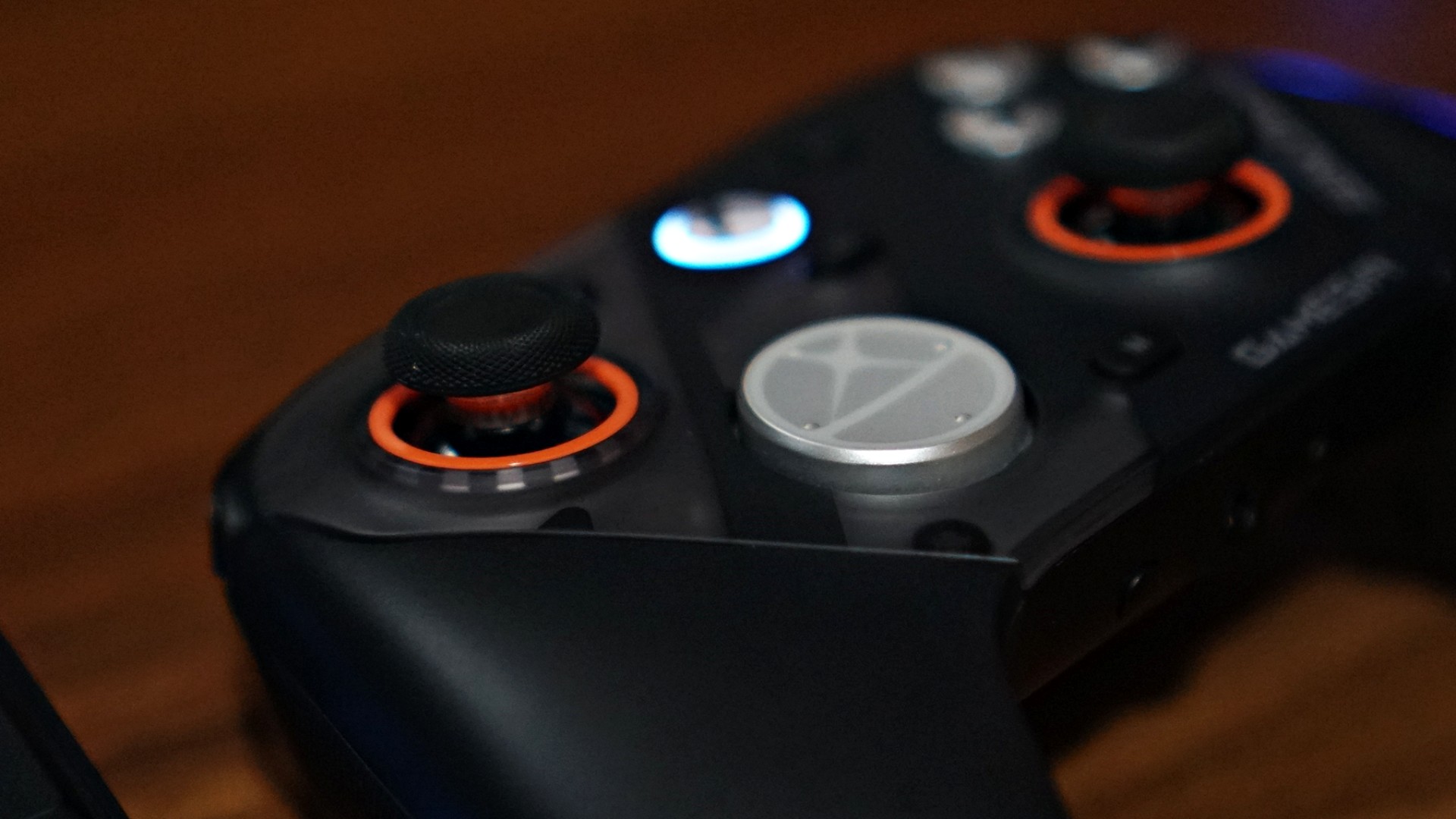
There are small touches here that go a long way, too. I’m a big fan of the orange accents around the sticks—it gives the controller just enough character without going overboard.
Even the ZZZ collaboration design, which could have easily gone full loud and chaotic, feels surprisingly restrained. It still has personality, but it doesn’t scream for attention.
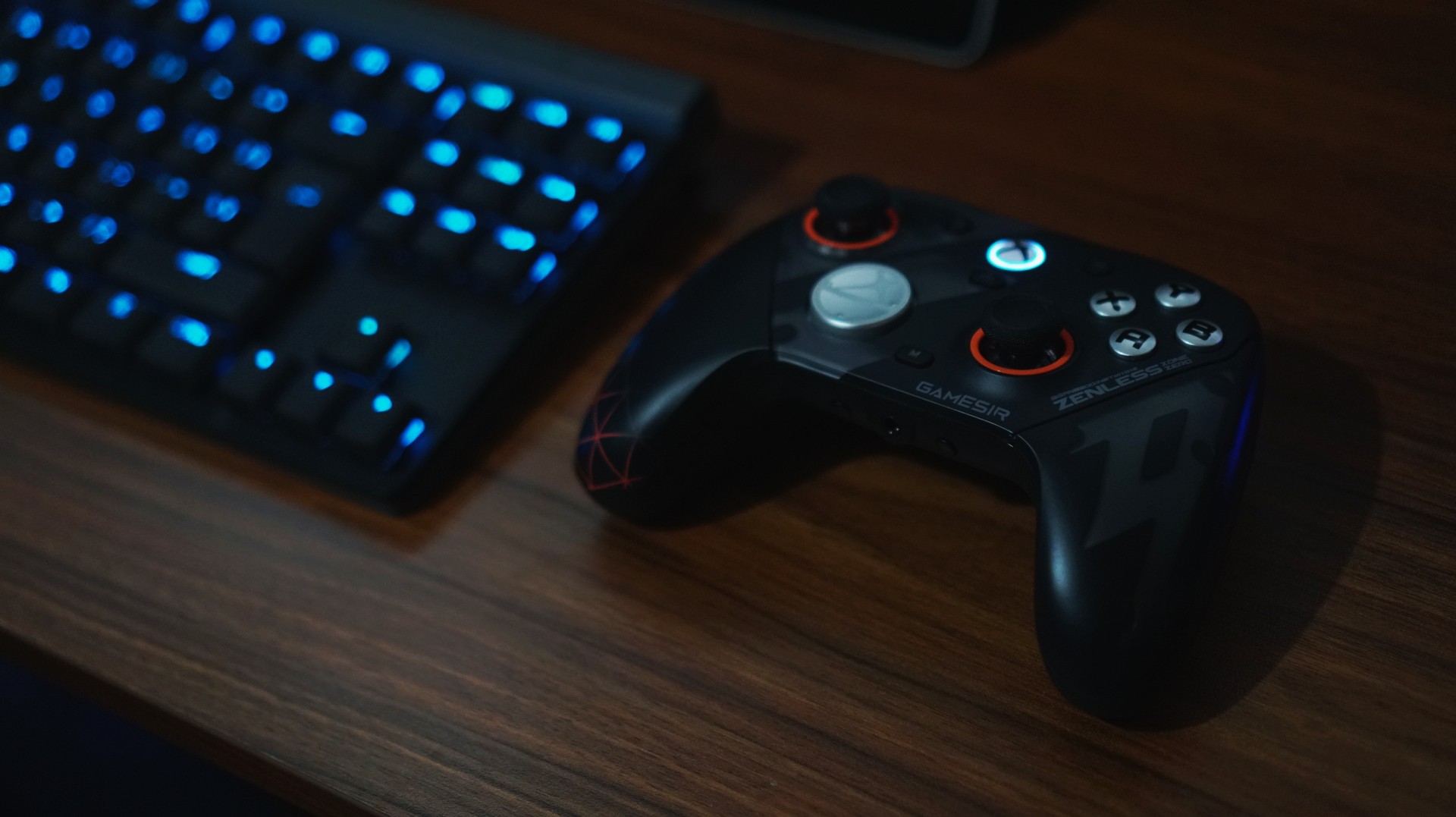
And if you do get tired of how it looks, you can just swap things out. Switching from the default black faceplate to a clear version gives it a completely different vibe. It’s a small thing, but it helps the controller feel fresh over time—like it can evolve with your setup instead of being stuck as one look forever.
It’s the kind of controller you don’t have to adjust to.
Just works, right out of the box
I’ve already broken down everything included in the package in our unboxing reel. But what matters more is this: you don’t actually need to touch most of it to enjoy the controller.
And that’s a good thing.
I like my gear to be great by default. Not something I have to tweak before it becomes usable.
The G7 Pro nails that.
View this post on Instagram
Clicks you can trust
The buttons are one of those things you don’t think about—until they’re bad. Here, they’re not.
They’re not loud. Not distracting. You can play comfortably without feeling like you’re announcing every input to the room. I wouldn’t necessarily game beside someone sleeping, but it’s not something I’d worry about either.
What you do notice is how smooth everything feels.
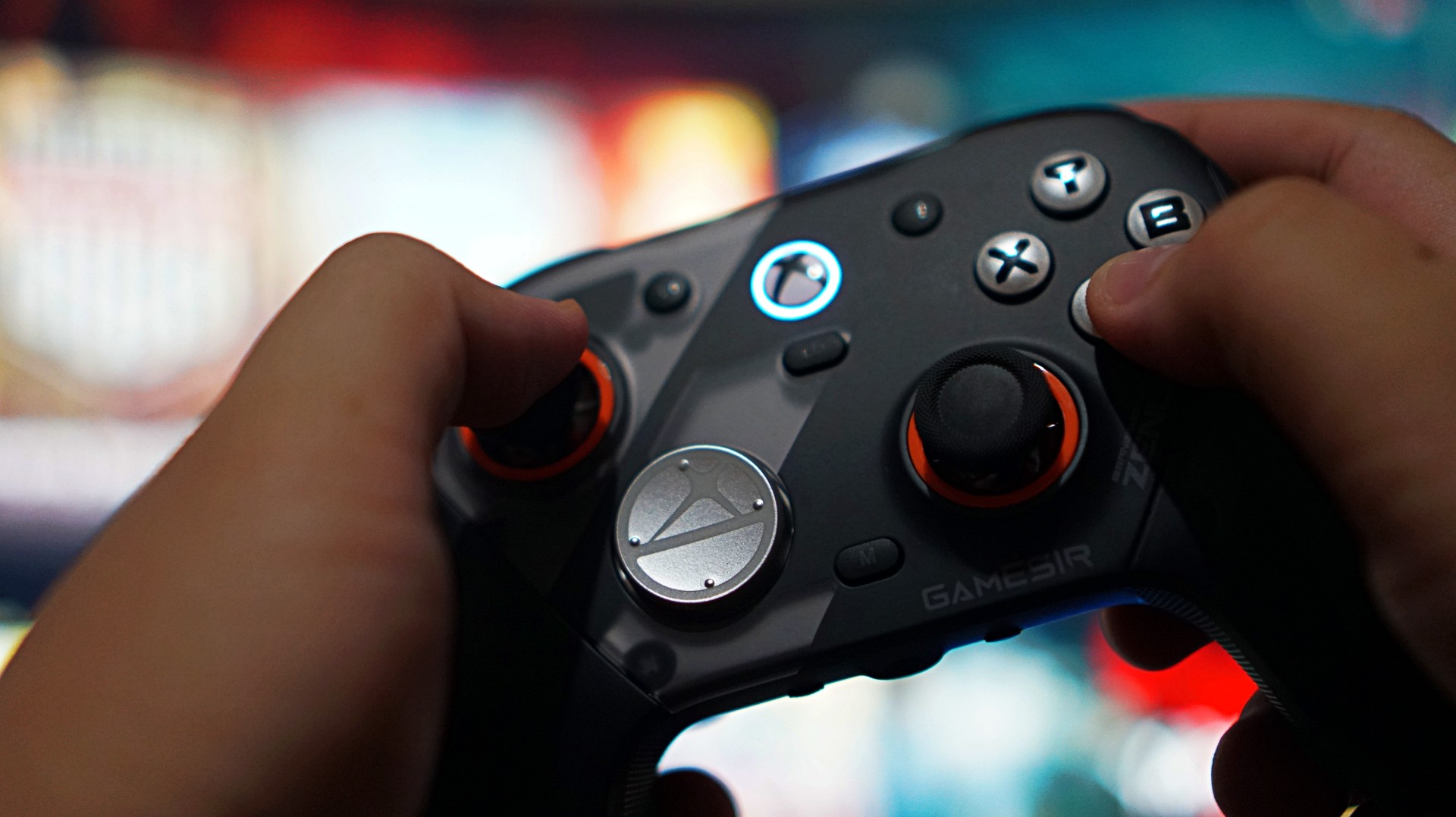
Not necessarily faster than a standard Xbox controller, but more precise. More consistent. There’s a sense of durability to every press, like it’s built to take repeated inputs without wearing down. It’s subtle. But it adds up.
The only thing I didn’t vibe with was the default circular D-pad. It’s not bad—it’s just not for me. Good thing there’s a more traditional option in the box. I swapped that out eventually– after these photos were taken.
When control actually matters
If there’s one moment that sold me on the G7 Pro, it wasn’t in a shooter. It was in NBA 2K26. I usually play a more system-heavy game. Move the ball. Run plays. Keep things controlled.
But with this controller, I found myself leaning into isolation. More dribble-heavy possessions. More one-on-one situations. Not because I had to—but because I felt like I could.
The sticks felt reliable enough to handle it. No hesitation. No second guessing. No fear of drift creeping in. That confidence changes how you play.
And that’s when you realize a controller is doing something right.
Triggers built for a specific kind of player

The triggers are interesting. They come with locks that turn them into near-instant inputs—perfect for competitive shooters. And to be fair, they work. But for me, they feel a little too shallow.
There’s barely any travel, to the point where it almost feels like you’re not pressing anything at all. That’s great if you’re chasing faster reaction times. Not so great if you prefer a bit more feedback.
This is one of those features that will either click with you immediately or not at all. If you play a lot of shooters, you’ll probably love it. If you don’t, it’s easy to ignore.
More control than I actually use

Customization is a big part of the G7 Pro’s appeal. Swappable D-pads. Magnetic faceplates. Extra buttons. Back paddles. It’s all there.
You can see everything included in our unboxing, but the short version is this: it gives you a lot of control over how you want to play.
Personally, I didn’t use most of it.
I tend to stick to default layouts, especially since I jump between platforms and want to keep my muscle memory consistent. The extra buttons can feel a bit overwhelming if you’re not into tinkering.
But that’s the thing—you don’t have to use them.
You can explore at your own pace. Or ignore them completely. And the controller still feels complete.
Seamless where it matters
I mostly used the G7 Pro wired on my Legion 7i. Setup was easy. Plug it in, press the Xbox button, and it just works. No weird pairing issues. No friction.
Any hiccups I ran into were more on Windows than the controller itself. That reliability matters more than any spec sheet.
A controller that fits into your routine

Battery life was never really a concern for me.
Partly because my gaming sessions have been shorter lately—quick bursts here and there. But also because it just didn’t feel like something I had to constantly think about.
I didn’t use the charging dock much yet since I’m still reworking my setup. But I do want to make space for it eventually. It looks good, and it fits the kind of “drop and go” routine I prefer.
For now, I’ve just been using my UGreen Nexode charger alongside everything else on my desk. Not ideal, but it works.
Not perfect—but close
If I had to nitpick, it really comes down to two things.
The default circular D-pad isn’t for everyone. And the extra buttons might feel like overkill if you just want a straightforward experience.
That’s it.
Everything else feels dialed in.
Is the GameSir G7 Pro ZZZ Edition your GamingMatch?
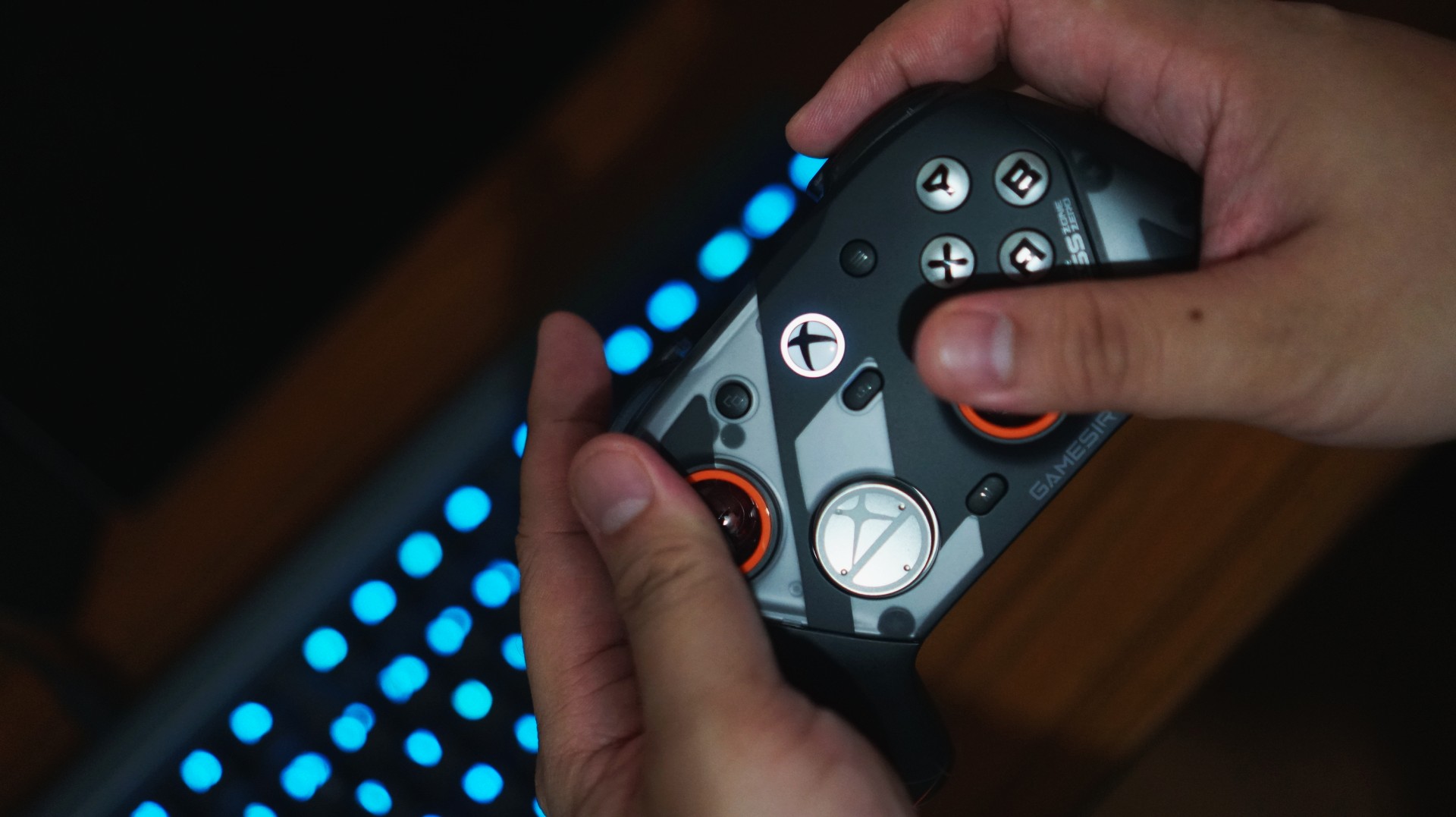
I think the reason I enjoyed using the G7 Pro so much is simple. I’ve already assigned it a role. This is now my go-to PC gaming controller.
As someone who leans PlayStation, the DualSense is still king for me overall. That’s years of muscle memory and familiarity. It’s hard to replace.
But having a dedicated controller for each platform removes friction. It clears space in your head. And the G7 Pro does that effortlessly. From here on out, it’s going to be the standard I measure other PC gaming controllers against.
And that might be the biggest compliment I can give it.








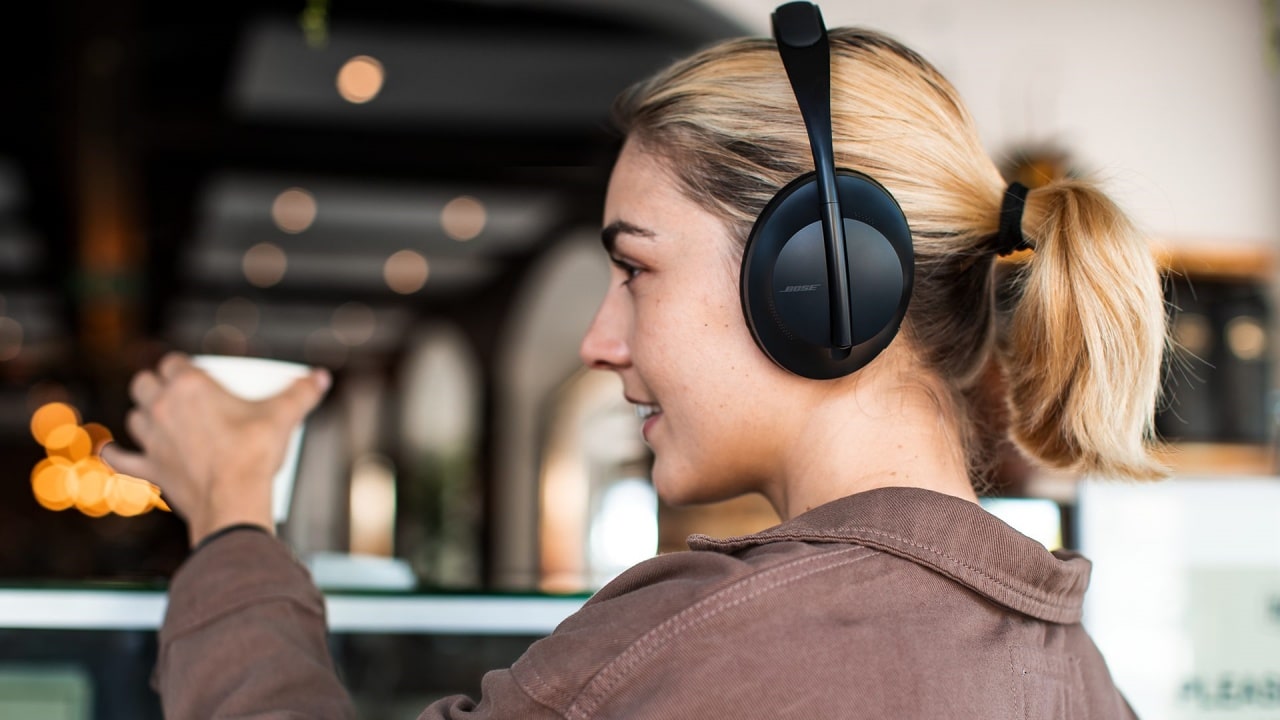
As one of the wisest sages of the 2000s once said, “He was a punk, she did ballet. What more can I say?” Sometimes, opposites attract. Now, two of those opposites in the audio space are coming together: the punk Skullcandy and the ballet-loving Bose.
Today, Bose has announced its acquisition of Skullcandy. The latter will continue to operate as a separate brand but now officially under the Bose umbrella. Although, it’s not a new collaboration as the two brands have previously worked together on devices before. Skullcandy will just have more access to Bose’s technologies moving forward.
Alternatively, Bose will now have access to Skullcandy’s more varied audience. Compared to Bose’s focus on premium products, Skullcandy caters to more alternative lifestyles. Though the brand has since mellowed from its more radical roots, it is still known as one of the alternative brands.
Bose, on the other hand, is still a household name for home audio and noise-cancelling headphones. The new relationship between two polar opposites might be seen as a weird one, but it’s ultimately beneficial to both parties. Besides, both brands were very strong in the 2010s. Keeping both brands going is a boon to audiophiles of the past decade.
Accessories
Fujifilm’s new instax Pal 2 and Link WIDE 2 make room for more creative memories
A new pocket camera and a collage-making printer join the instax family.

Seeing a memory take shape beyond your screen changes how it feels. A favorite photo becomes a print you can tuck into a journal or pin beside your desk, and the everyday moments you capture get a little more room to live.
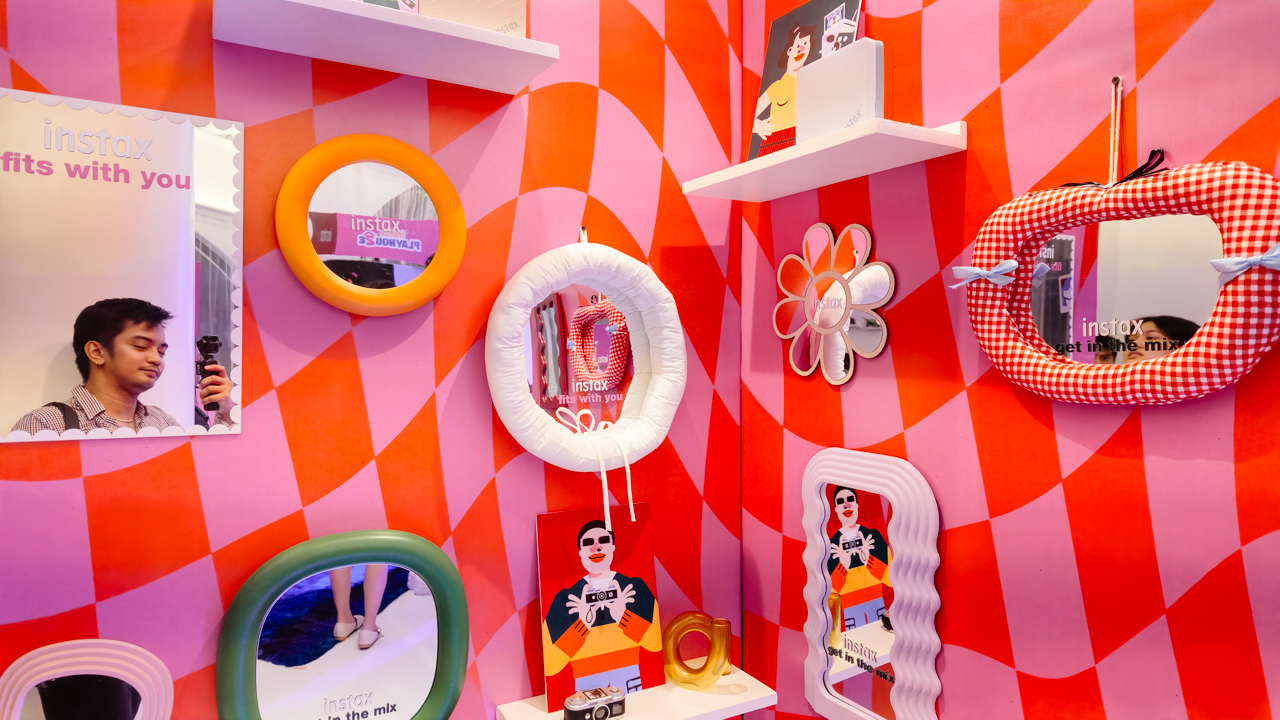
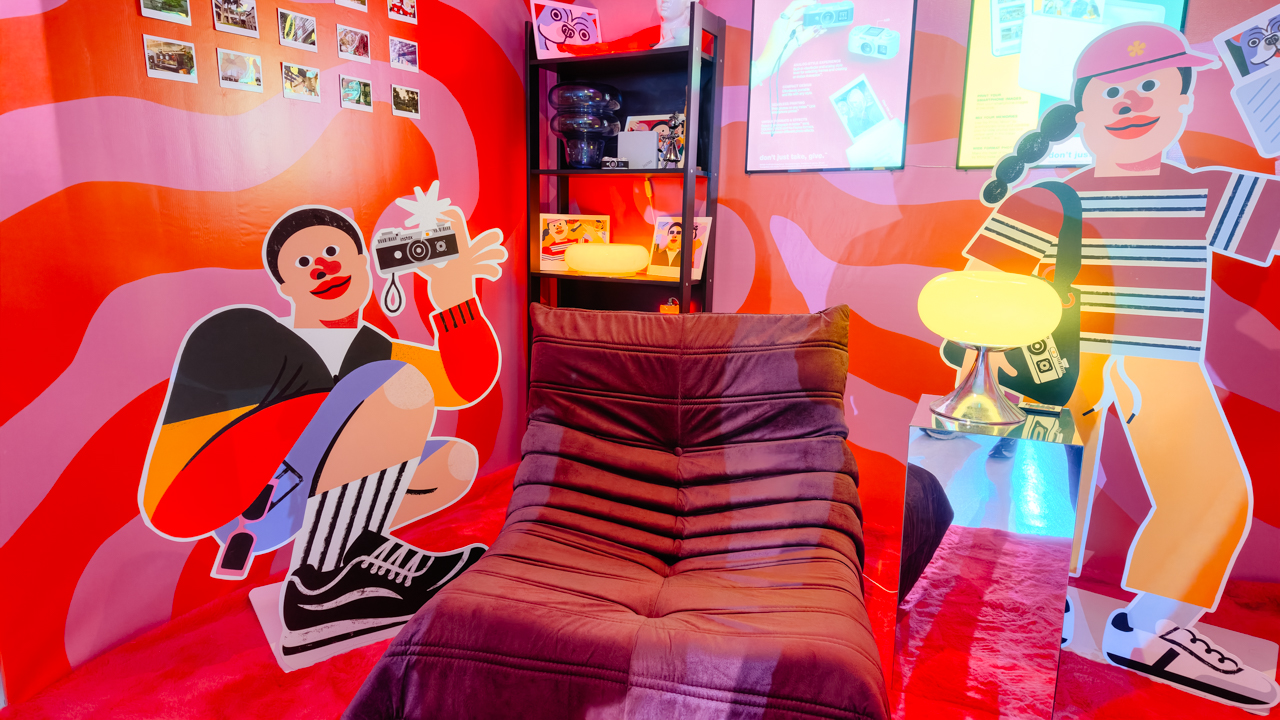
That was the spirit of Fujifilm’s instax Playhou2e launch in Makati, where visual artist Jill Arteche brought her signature illustrations into the event space.
Her artwork surrounded the latest additions to the instax family, the instax Pal 2 and instax Link WIDE 2. Both devices treat photography as a form of personal expression, from the snapshots you take throughout the day to the printed memories you want to keep close.

A pocket-sized camera that goes wherever you do
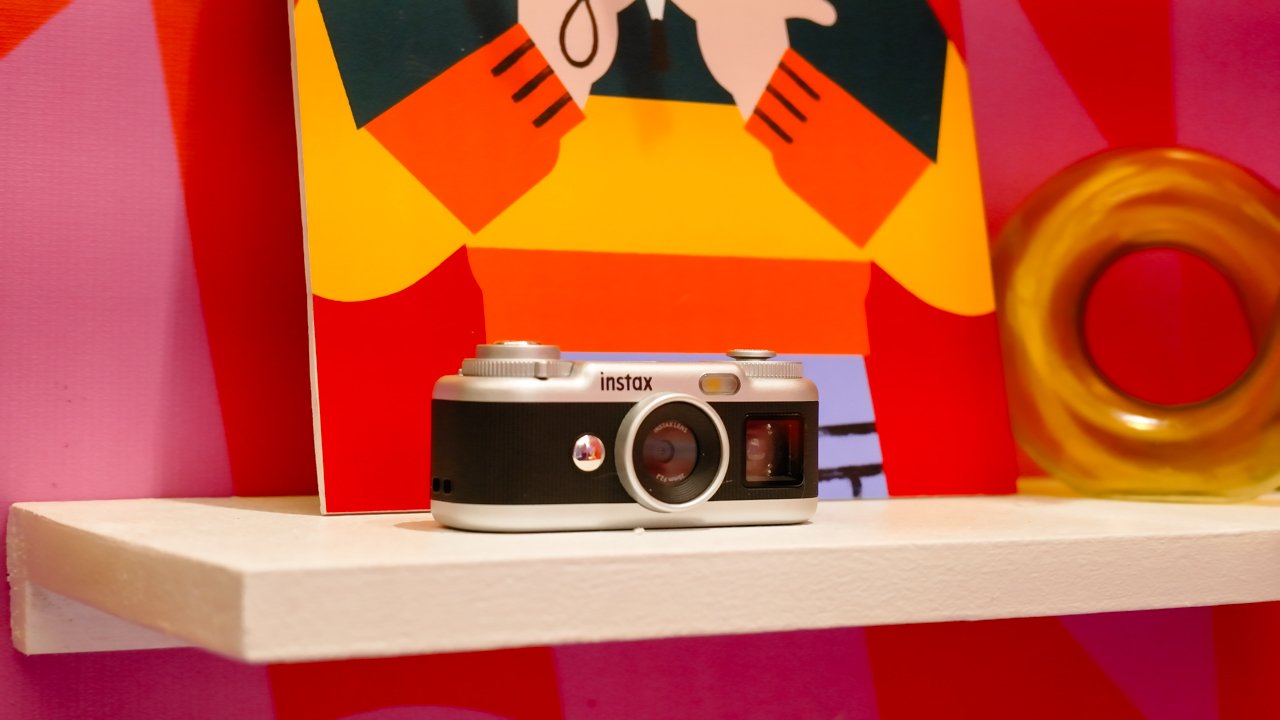
The original instax Pal made the case for carrying a camera without a full-sized setup. Its successor, the instax Pal 2, builds on that with a refreshed design and improved image quality.
The palm-sized camera is built for everyday adventures and can capture angles that are awkward to get with a smartphone. Its compact body also makes it easy to bring along if you like documenting your day as it happens.

Fujifilm gave the Pal 2 a semi-matte finish. A new monitor on top lets you review shots right after you take them, and the added viewfinder, control dial, and lever give it a more tactile feel to shoot with.
The specs have moved up, too. The Pal 2 captures 10-megapixel images, double the original’s five megapixels, and its internal storage holds up to 100 images compared with 50 before. A separately sold microSD card adds more room.
The creative options are where the Pal 2 gets playful. It offers 30 effects, so you can give images different moods without editing each one from scratch. Its instax Animation mode strings up to 10 consecutive shots into a flipbook-style animated video.
Transferring your photos is straightforward. The Pal 2 supports wireless Bluetooth transfers, and a USB Type-C connection offers faster transfers to compatible smartphones. From there, you can edit the images and post them to social media or keep them in your camera roll.
Because the Pal 2 is part of the instax ecosystem, its digital photos can also be printed on instant film through compatible instax printers. That means you can shoot first and decide later which moments deserve a physical copy.
Turning your camera roll into something worth keeping
Taking photos is only half the fun. The other half is deciding what to do with the hundreds of images that pile up on our phones.
The instax Link WIDE 2 is Fujifilm’s answer for anyone who collects travel photos or documents celebrations. As the brand’s WIDE-format smartphone printer, it prints at twice the image area of the instax mini format, which leaves more space for group photos and landscapes.
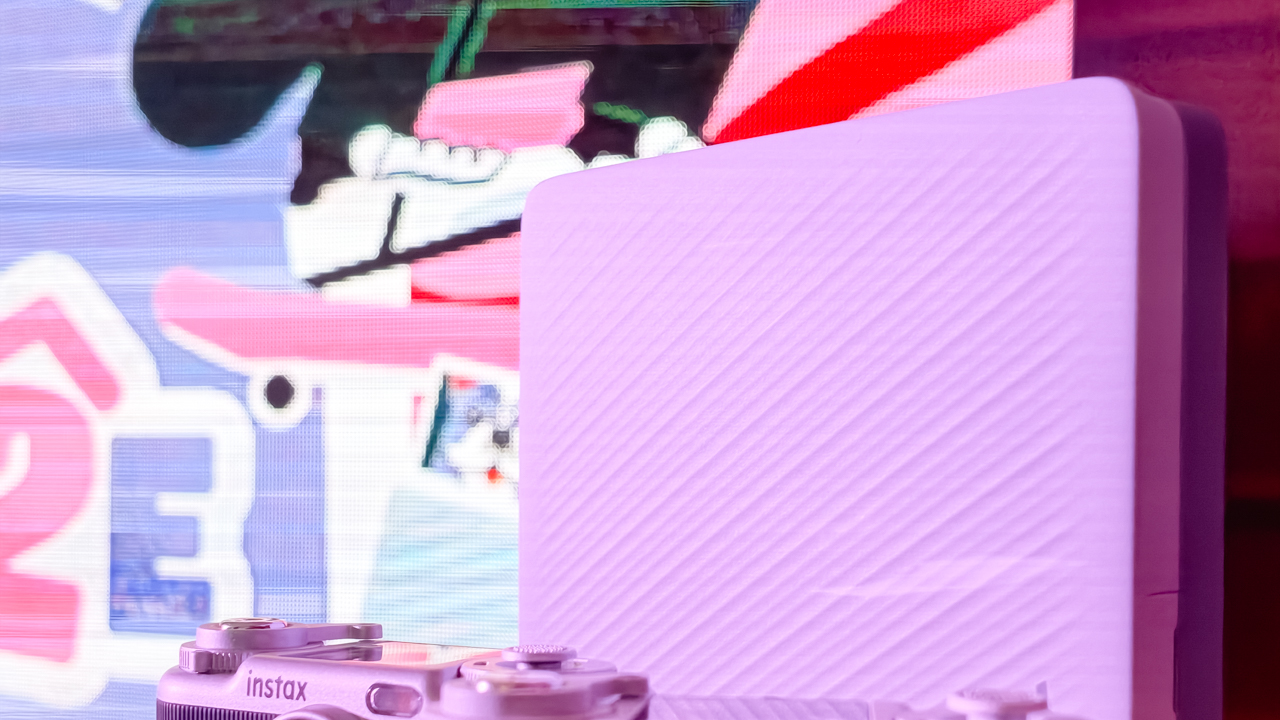
Its biggest new feature is Photo Mixer, which builds scrapbook-style collages from multiple images you pick in the dedicated app. Instead of printing a single photo, you can combine highlights from a trip or a gathering into one larger keepsake.
The app suggests layouts based on your chosen photos and adjusts image sizes, angles, text placement, and fonts to keep the design cohesive. You can then add your own text and stamps. A cutout function identifies people and objects in your photos so you can layer them into the collage.
With Photo Mixer, printing becomes part of the creative process, and your camera roll turns into material for building a visual record of an experience in a single print.
The Link WIDE 2 also gets a design refresh, with two-tone finishes in Duo Beige and Duo Blue. The light and dark surfaces give it a polished look on a shelf or desk, and an illuminated instax logo glows while it prints.
Connectivity has expanded, too. Beyond smartphones and tablets, the printer works with PCs, Fujifilm X Series cameras, and the instax Pal 2, so digital artwork and other compatible images can become physical prints.
A more personal way to keep your memories
The instax Pal 2 and Link WIDE 2 share the idea that photography is a way to express yourself. The Pal 2 makes it easy to capture moments as they happen, and the Link WIDE 2 gives those images a place in the physical world.

Jill Arteche’s artwork at the launch backed that idea up. Her illustrations filled the space with personality and showed how photos and art can make an environment feel more personal. The event also made a case for revisiting and reinterpreting the images we collect.

Taking a photo takes seconds, and printing one can make the memory feel more special. The instax Pal 2 and Link WIDE 2 bring that into everyday life and give your snapshots room for creativity, from the moment you press the shutter to the moment you find a place for the print.
In the Philippines, the Fujifilm instax Pal 2 retails for PhP 10,599, while the Fujifilm instax Link WIDE 2 is priced at PhP 10,999. Both devices are now available on Fujifilm’s authorized stores and retailers nationwide.


Sony has unveiled the ECM-AX10 microphone, the world’s first Eclipsa Audio-certified microphone for smartphones.
Tailored for vloggers, content creators, and even smartphone filmmakers, the ECM-AX10 helps capture video sound that feels more natural, immersive, and true to the moment.
It features four built-in omnidirectional microphone capsules that can record sound from multiple directions. Sony’s spatial audio processing, meanwhile, recreates a sense of space, direction and distance. This makes videos feel more engaging for viewers.

The mic connects directly to compatible smartphones via USB-C and gives creators three easy ways to capture sound: Ambisonics recording for spatial audio production, binaural recording for an immersive headphone experience, and stereo recording for everyday videos and social content.
When used with Sony’s dedicated Spatial Audio Video Tool app, creators can shoot video, check footage, make simple edits and export content with spatial audio.
This allows users to complete the entire production workflow for spatial audio video on their smartphone.
Creators can also utilize the app for publishing in Eclipsa Audio for an immersive experience on YouTube. In addition, binaural recording can be used for 360 Reality Audio for headphone-optimized three-dimensional sound experience, even where Eclipsa Audio is not supported.
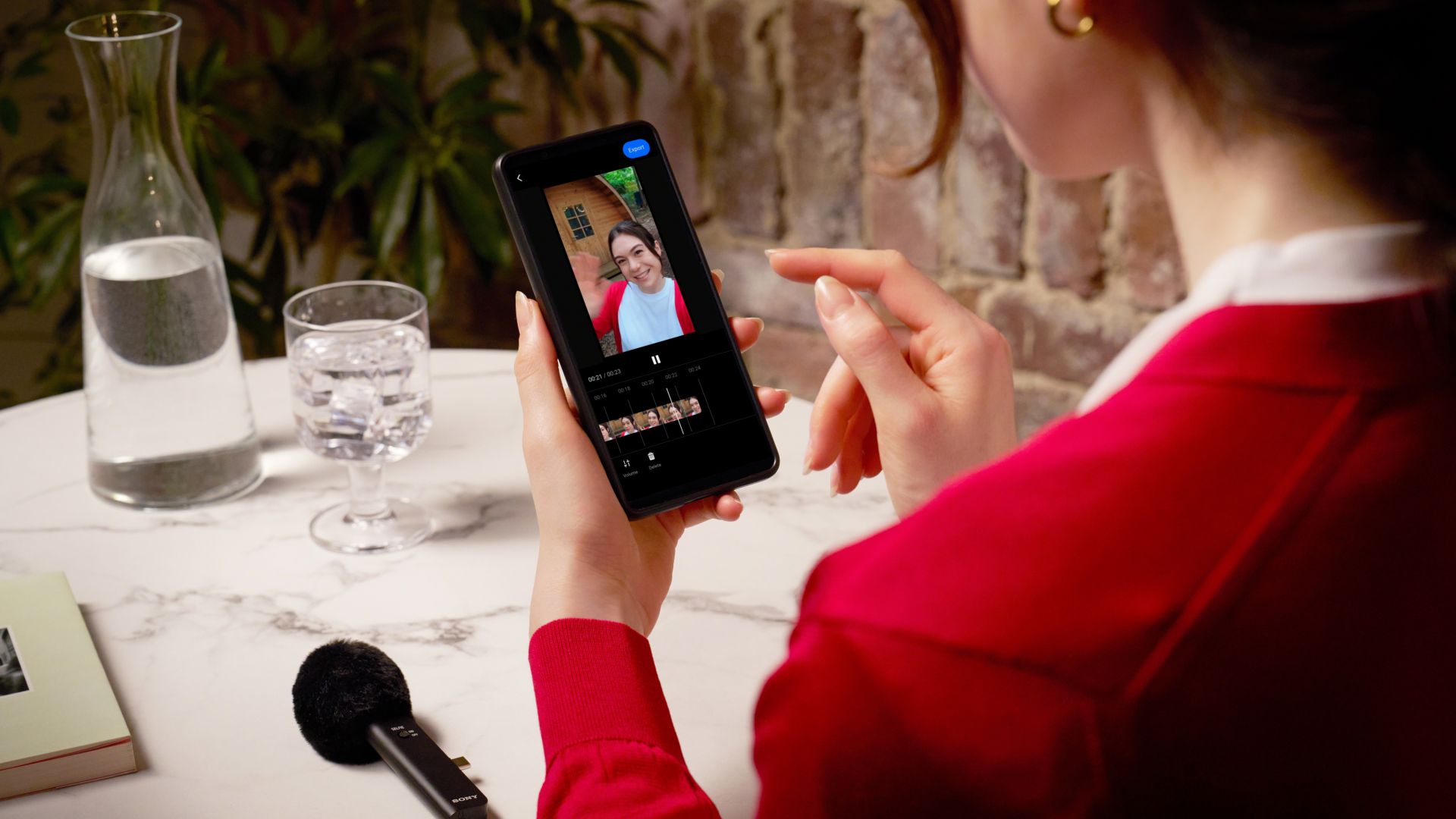
The Sony ECM-AX10 is developed with sound engineers to ensure the delivery of authentic and immersive sound.
Sony worked with Sony PCL, a Sony Group company with extensive expertise in planning and producing content and spatial experiences.
The Sony ECM-AX10 will be available in Singapore from October 2026 at selected retail shops and online stores, with suggested retail pricing at SG$ 249.







Google illegally destroys 250,000 trees for a single AI data center

FINAL FANTASY RESONANCE now available across major platforms

Bose acquires Skullcandy

Next Xbox might cost double the price of an Xbox today

Apple Music is getting a Liquid Glass makeover

TECNO CAMON Slim 5G review: Slim on size, big on surprise

TECNO CAMON Slim 5G: Price, availability in the Philippines

HONOR Magic9 Pro Max launches in China with ARRI-powered imaging

BYD says that way better EV batteries are coming next year

TECNO CAMON Slim 5G teases an ultra-slim design ahead of launch


-

 Wearables2 weeks ago
Garmin Enduro 4 promises up to 320 hours of battery life
-

 Gaming2 weeks ago
Dragon’s Dogma 2: Dark Arisen launches with new Official Pawns
-

 News7 days ago
vivo V80 debuts with ZEISS cameras
-
 Deals2 weeks ago
Score PhP 22,000 in guaranteed freebies when you pre-order the iPhone 18 Pro at Beyond the Box
-

 Philippines7 days ago
TECNO CAMON Slim 5G gets launch discounts, free MagBadge
-

 Wearables2 weeks ago
Garmin Approach S72 brings swing metrics, green reading to your wrist
-
 Laptops2 weeks ago
ASUS Zenbook 14 lineup expands with new colors and processors
-

 News7 days ago
Samsung: Galaxy Z Fold8 demand rose because of iPhone Duo