

Reviews
How the Samsung Galaxy Z Flip7 fit the life I built from the ground up
’tis a compact companion built for busy days, big dreams, and a life in full color~

When the Samsung Galaxy Z Flip line entered my life years ago, it felt like a playful detour that sparked joy in my late twenties.
Seven generations later, the Samsung Galaxy Z Flip7 arrived at a time when I had shed my old skin and rebuilt my strength.
Holding this new version felt like meeting a familiar companion who had also transformed and grown into something far more refined. I saw a glow up I recognized because it mirrored my own.
literally, glowing up
I have seen the Flip evolve through every generation. Calling the Galaxy Z Flip7’s design a small update does not honor the work Samsung put in.
This model feels like a body sharpened by intention, the same way an athlete reaches a new physique through discipline and consistency.
At 13.7 mm folded and 6.5 mm unfolded, it is the slimmest Flip yet. It feels like it dropped unnecessary weight and revealed its strongest form.
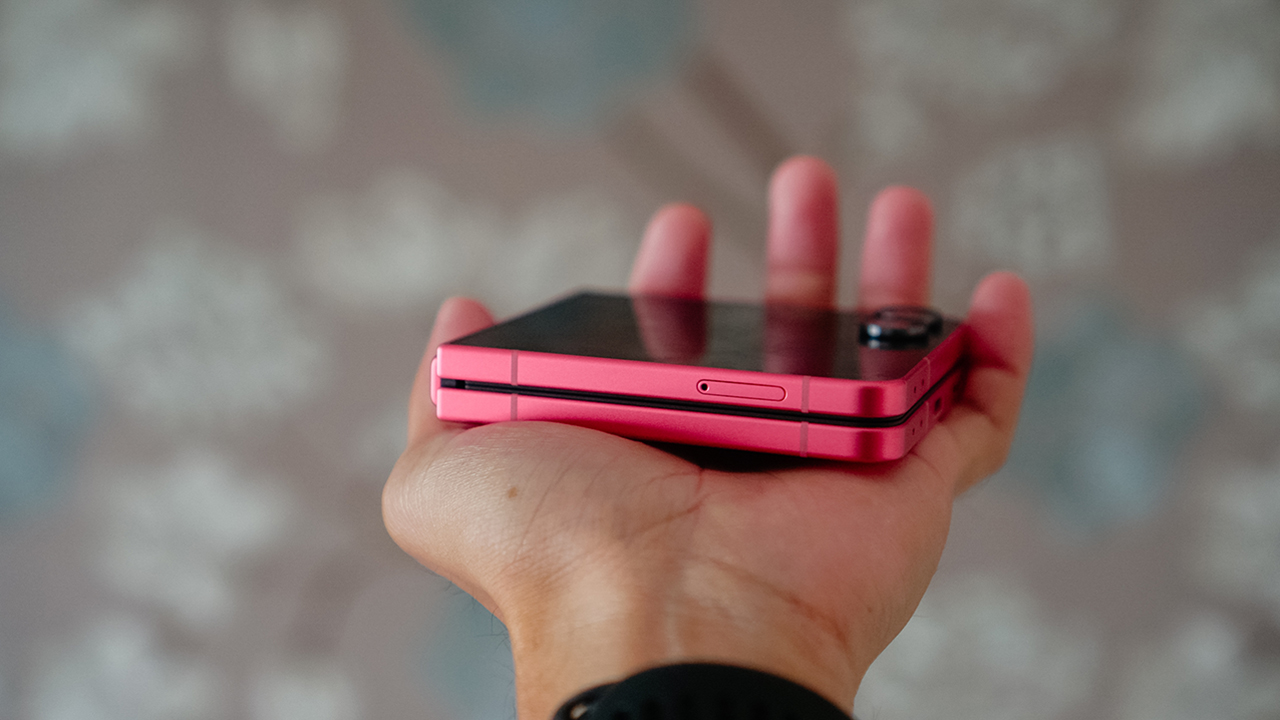
It easily fits inside my tiny Rags2Riches purse along with my cards, lip balm from Bench Beauty, and my Poy Sian inhaler. When holding it, it feels natural, almost like a custom grip carved for my daily routine.
Its Armor Aluminum frame and Corning Gorilla Glass Victus 2 body feel sturdy without feeling heavy. The matte finish keeps it smudge free and secure.
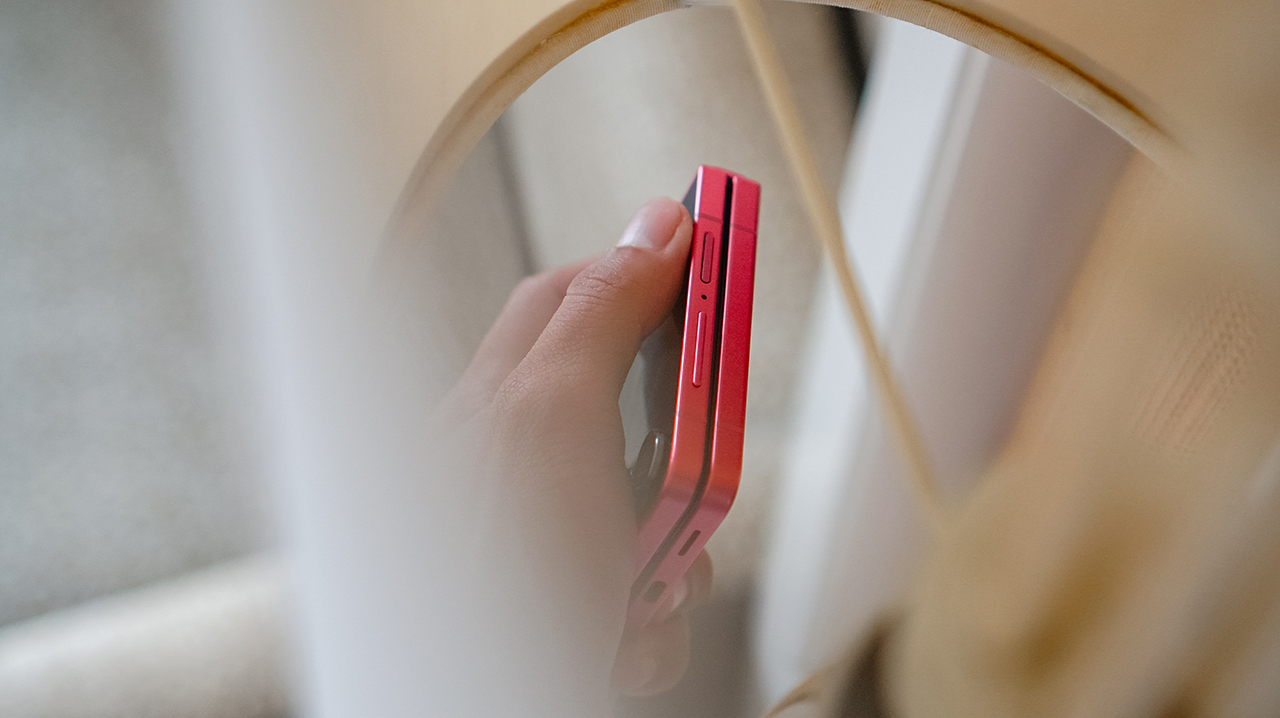
Despite my clumsy moments and active life, I have never dropped it. I trust this phone in the way I trust my body after years of rebuilding strength.
People once assumed I would never survive ultramarathons because I looked thin and fragile, but that version of me existed seven years ago. Seven years change people, and seven years also change phones.
the color of confidence
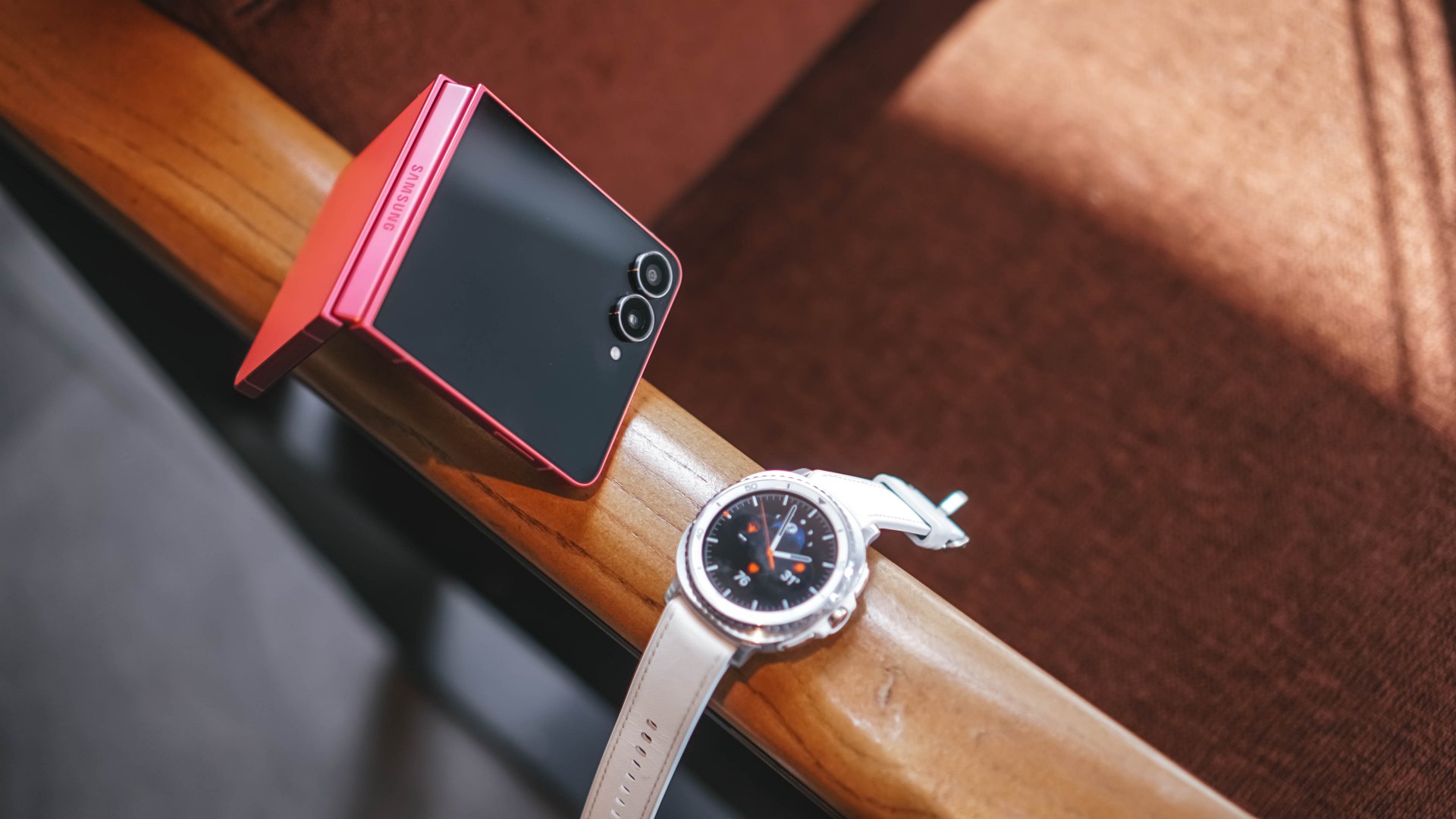
The Blue Shadow variant is the signature color of this year’s lineup, and it is stunning.
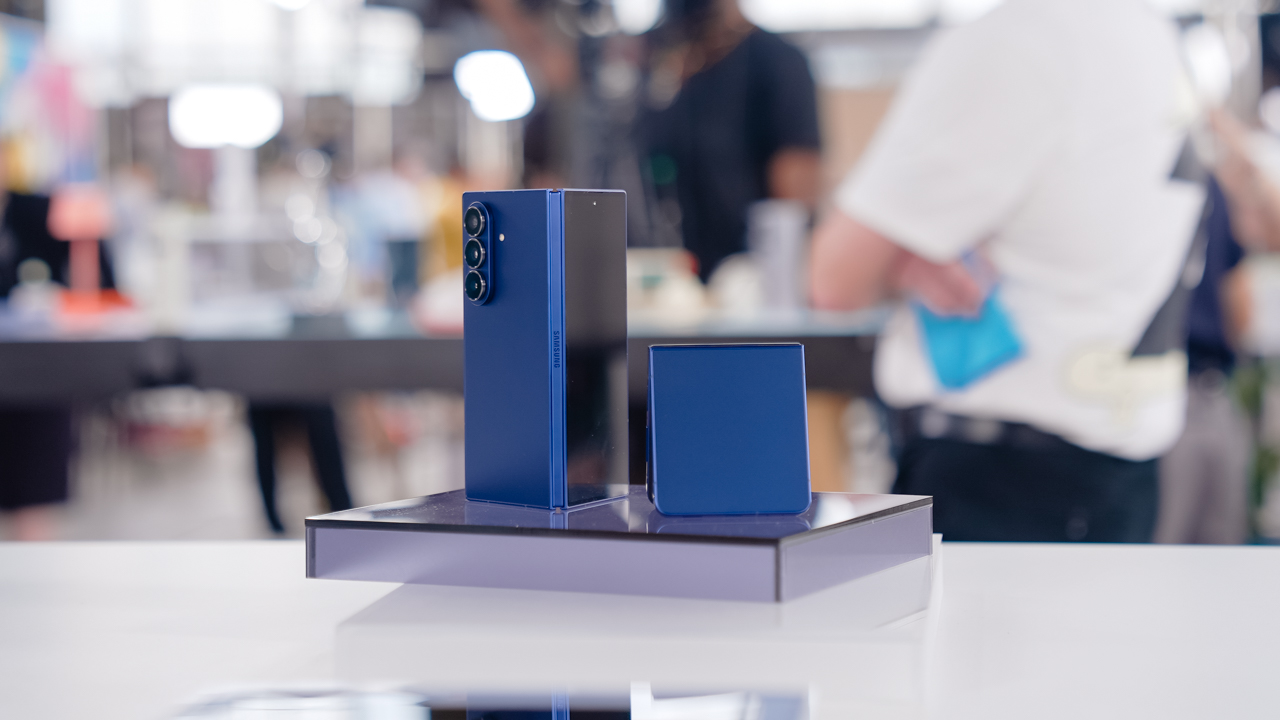
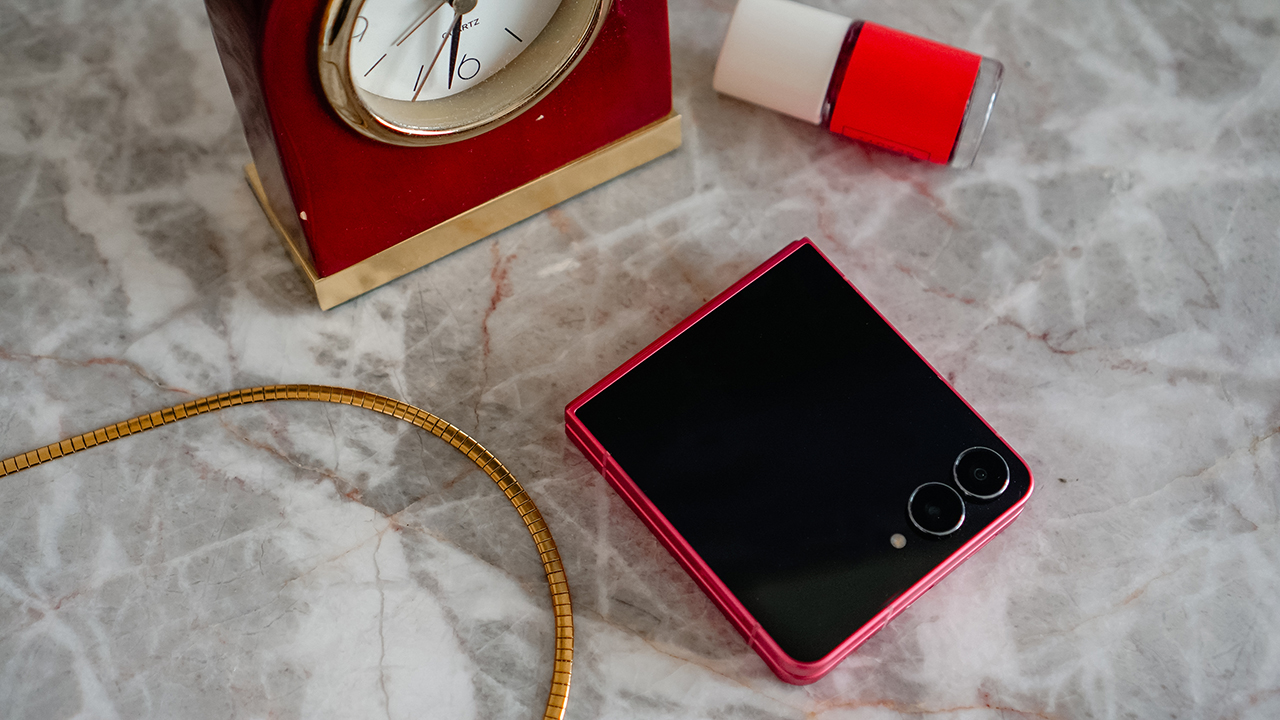
Still, I felt pulled toward the Coral Red. My spiritual advisor once said that the colors we gravitate to reflect our internal shifts.
Purple and Blue Shadow belonged to my healing era. Coral Red came to me when I was finally ready to live louder.
The moment I held the Galaxy Z Flip7, something in my life began to shift. It became an accessory that matched my renewed courage.
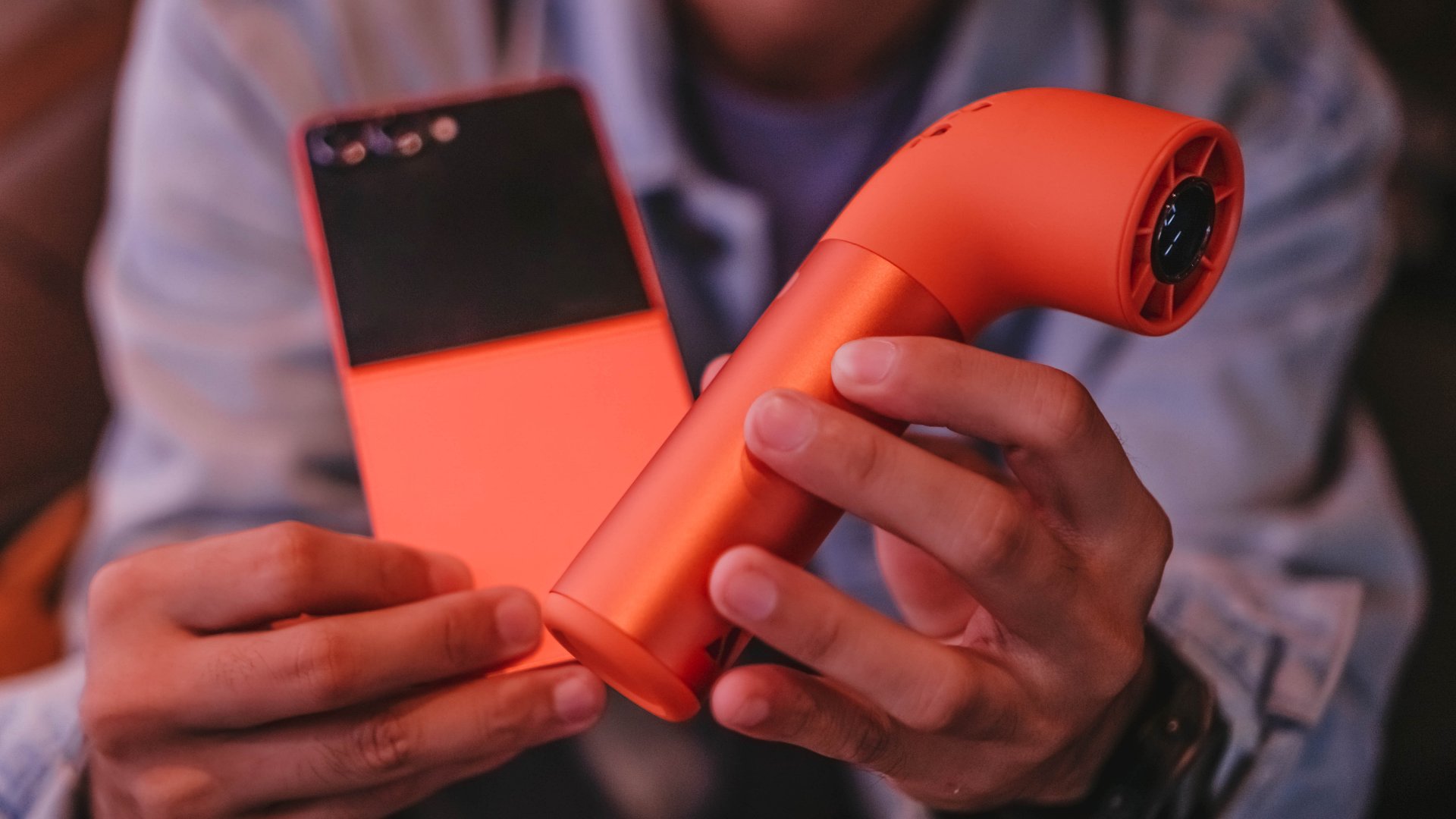
It was the first thing people noticed when I joined events or casual dinners. People asked about it, and each time felt like an invitation to share stories about life and technology.
The Galaxy Z Flip7 amplified my world instead of blending in. Like that line from “Golden” by H/UNTRIX, it felt like stepping into a chapter where hiding is no longer an option because shining has become natural.
strength training for a hinge
My life is fast, demanding, and most of the time, messy. I open and close the Galaxy Z Flip7 more times than I can count.
It reminds me of how I worry about my knees during steep downhill sprints. Yet I trust the Galaxy Z Flip7’s hinge the way I trust my legs after proper rehab.

The new Armor FlexHinge feels smoother and more controlled. The crease is less visible, the same way my knee scars softened after I recovered from that cliffside fall in the Cordilleras.
The hinge performs like it completed a strength program built for elite athletes. It stays stable in various Flex Mode angles and never feels weak.
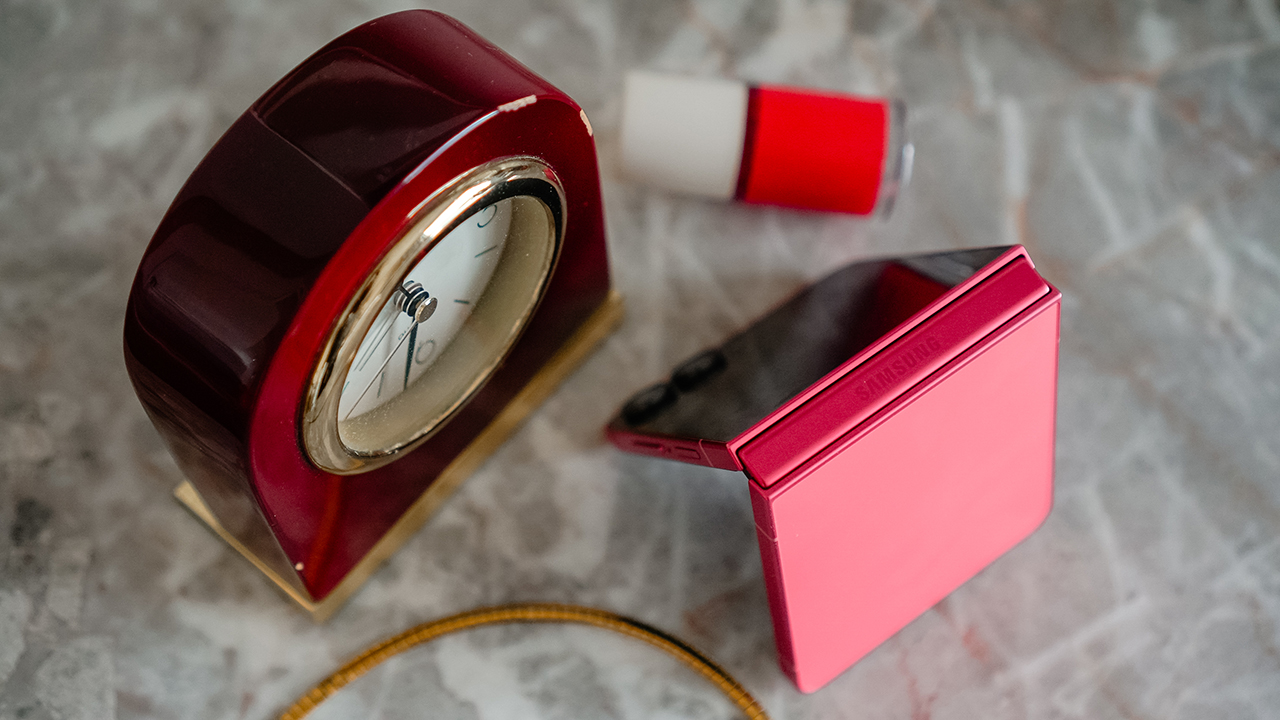
After more than three months, I have not encountered a single moment that made me concerned about durability. It feels ready to journey with me into another year of reinvention.
now playing: Kimetsu no Yaiba
The main display now stretches to 6.9 inches from last year’s 6.7 inches, while the cover screen expands to 4.1 inches from 3.4 inches with slimmer bezels that give more room to breathe.
It’s bright enough at 2600 nits to use under sunlight and smooth enough at 120Hz to glide through my day.
The bigger cover screen changed my routine. I reach for the phone less and still get what I need. It feels like learning efficient movement in training where every exercise has purpose.
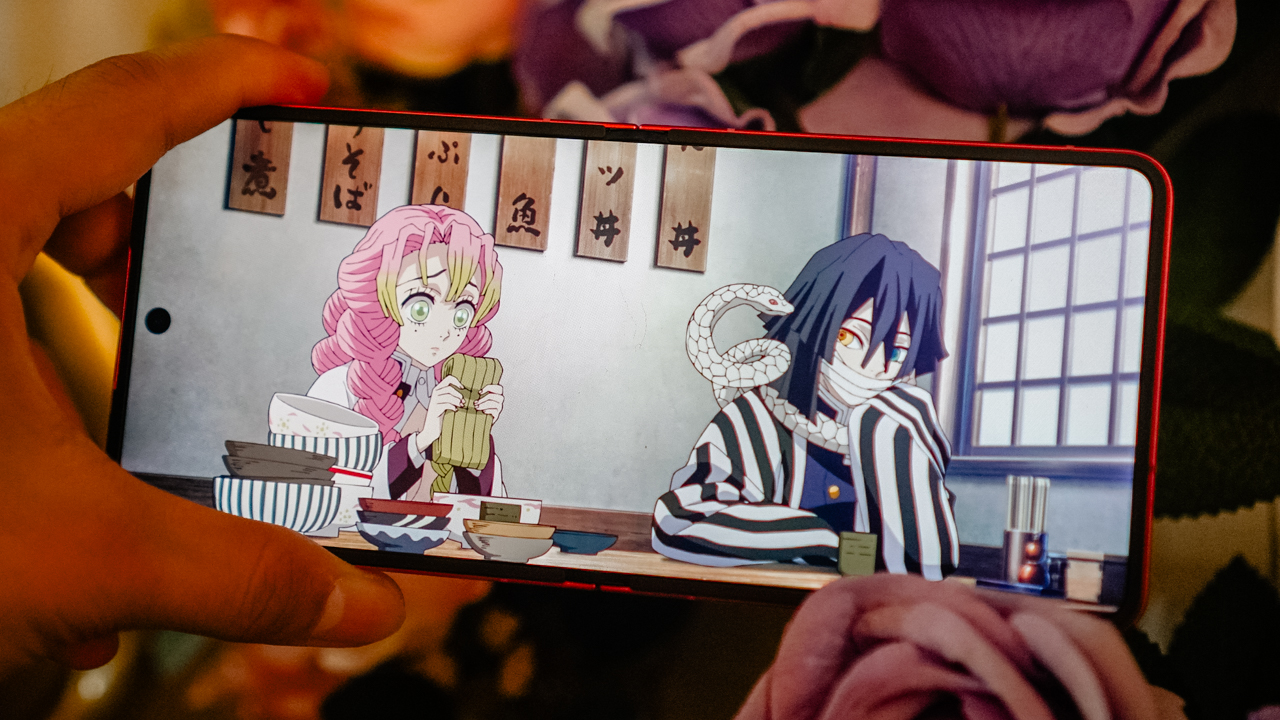
When I had the Galaxy Z Flip7, I was deep into a Demon Slayer marathon. I wanted to catch up before the first part of the Infinity Castle movie arrived, and the timing felt impeccable.
I was casually seeing a doctor who loved the anime, and through his influence, I finished all five seasons in just two weeks.
During lunch, I squeezed in episodes by watching through my iPad Pro and continued the journey through the Galaxy Z Flip7 every night before falling asleep.
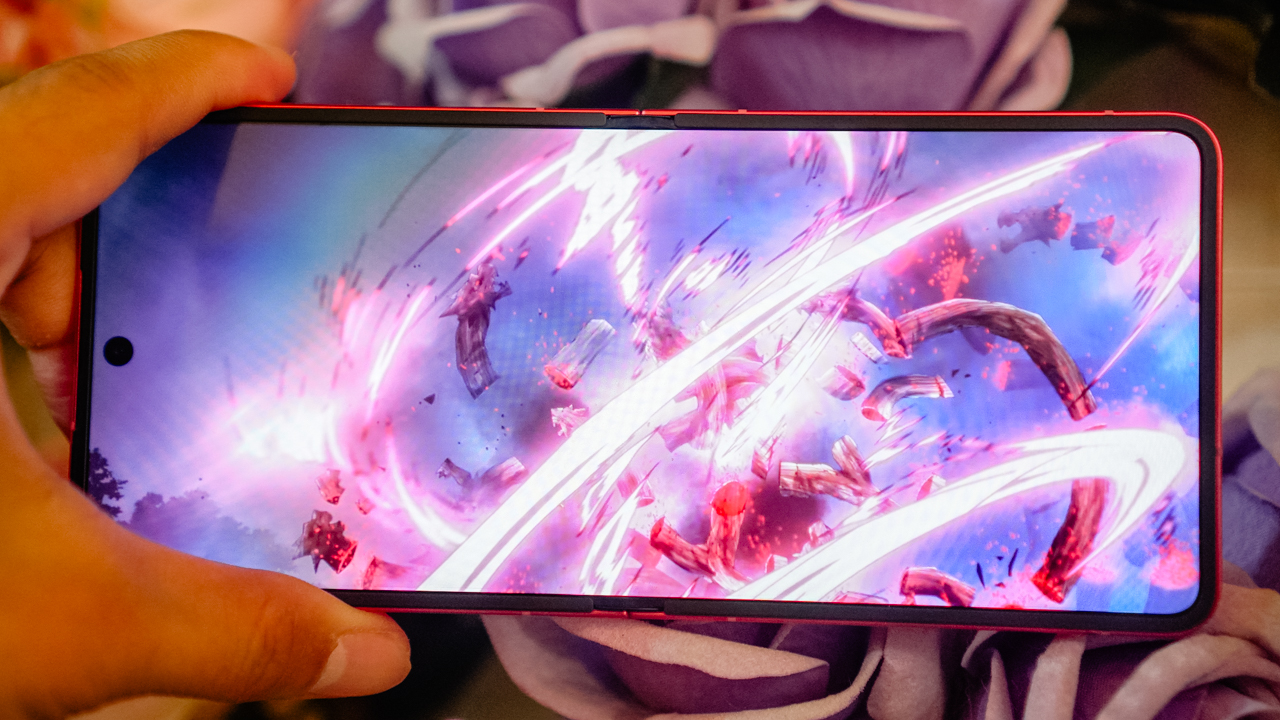
Demon Slayer: Kimetsu no Yaiba is visually rich, and the Galaxy Z Flip7’s vibrant display carried the colors and emotions beautifully.
It felt like watching a moving painting, bright enough to keep me invested even when my eyes were tired after long training days.
The phone was light enough to hold with one hand, which made late-night streaming comfortable. I often drifted into sleep with the anime’s warm glow still playing in my palm, the same way I used to fall asleep after exhausting long runs.
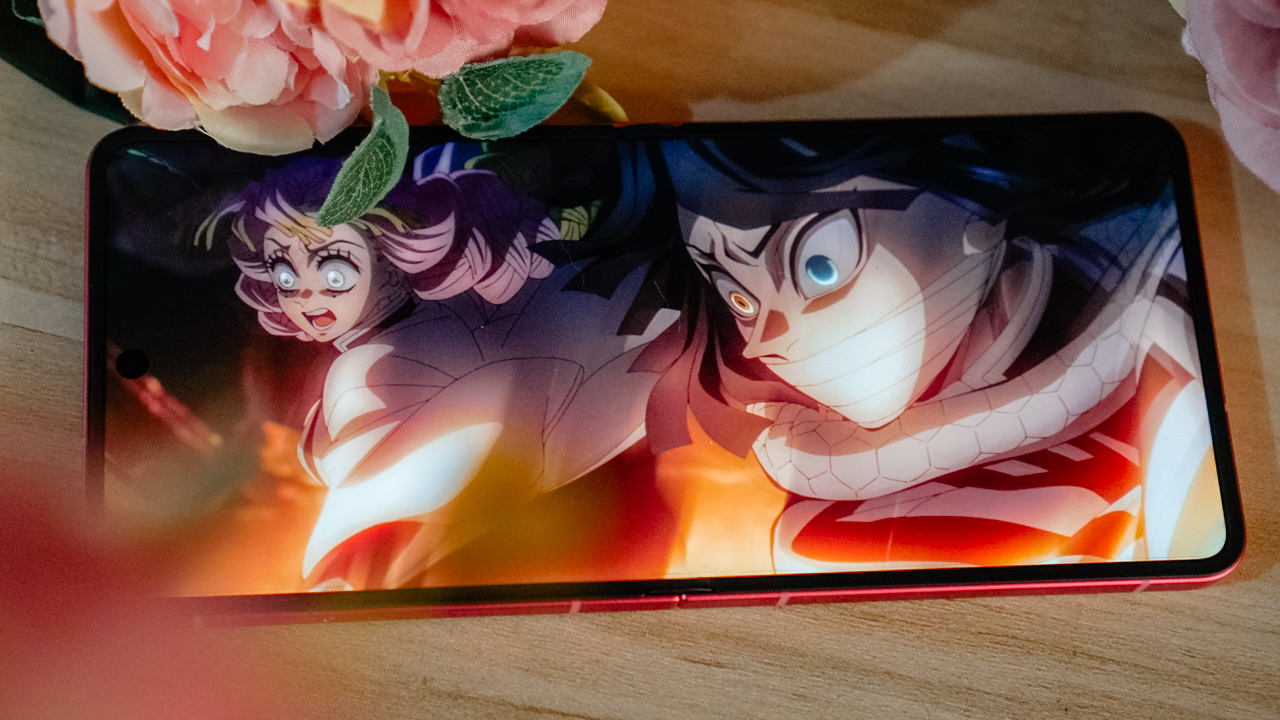
The sound quality was not the Galaxy Z Flip7’s strongest suit. It became loud and cranky when pushed too far, so I kept the volume lower, which worked well for quiet nights and even quieter TikTok spirals.
Still, the Galaxy Z Flip7 handled content consumption smoothly. Whether I was watching Netflix or scrolling through TikTok for story inspiration, the phone kept up in a way that felt seamless.
personal device for a personal life
I assigned the Galaxy Z Flip7 to my personal world. My iPhone 16 Pro handles work, deadlines, productions, and campaigns.
Meanwhile, the Galaxy Z Flip7 holds my personal content, and the people who deserve my presence after hours.
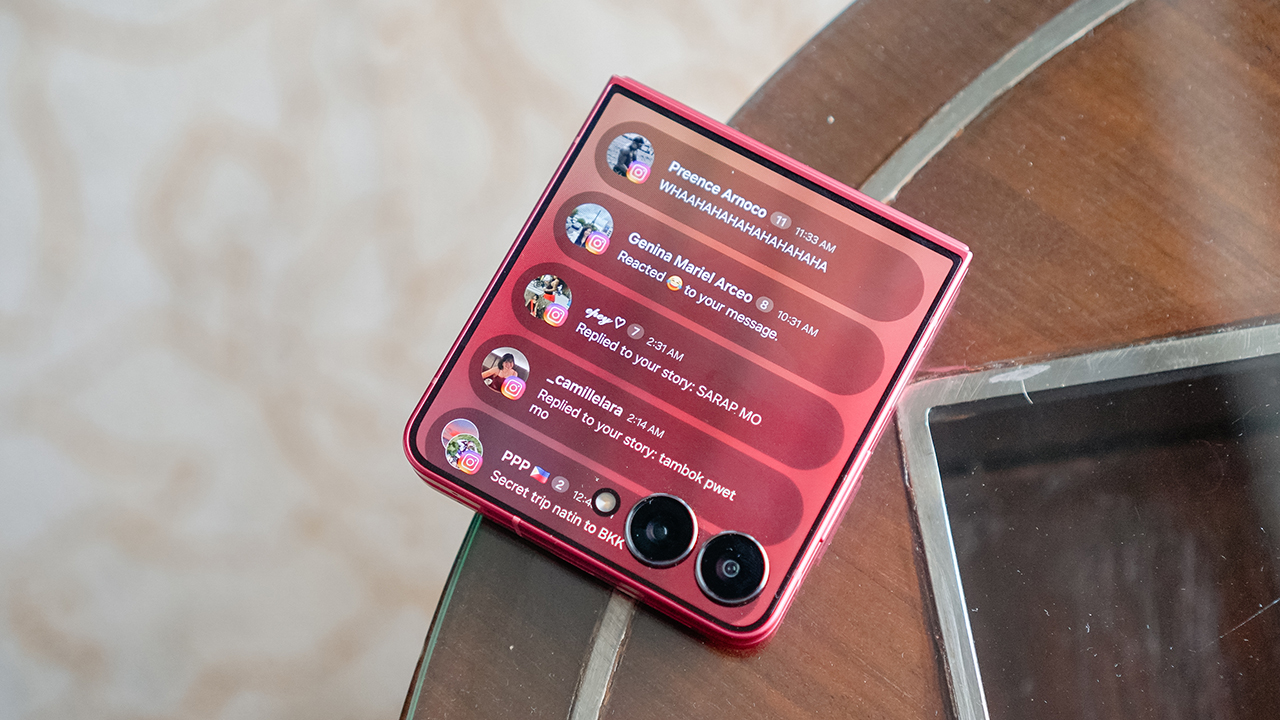
The Now Brief feature surprised me. I handle many things at once and often miss small but important details. Now Brief feels like having a reliable secretary who keeps track of messages, appointments, and updates.
It makes everything feel lighter. Even when the phone is folded, it supports me in ways I did not expect. The Galaxy Z Flip7 teaches me that sometimes the smaller screen can carry the bigger load.
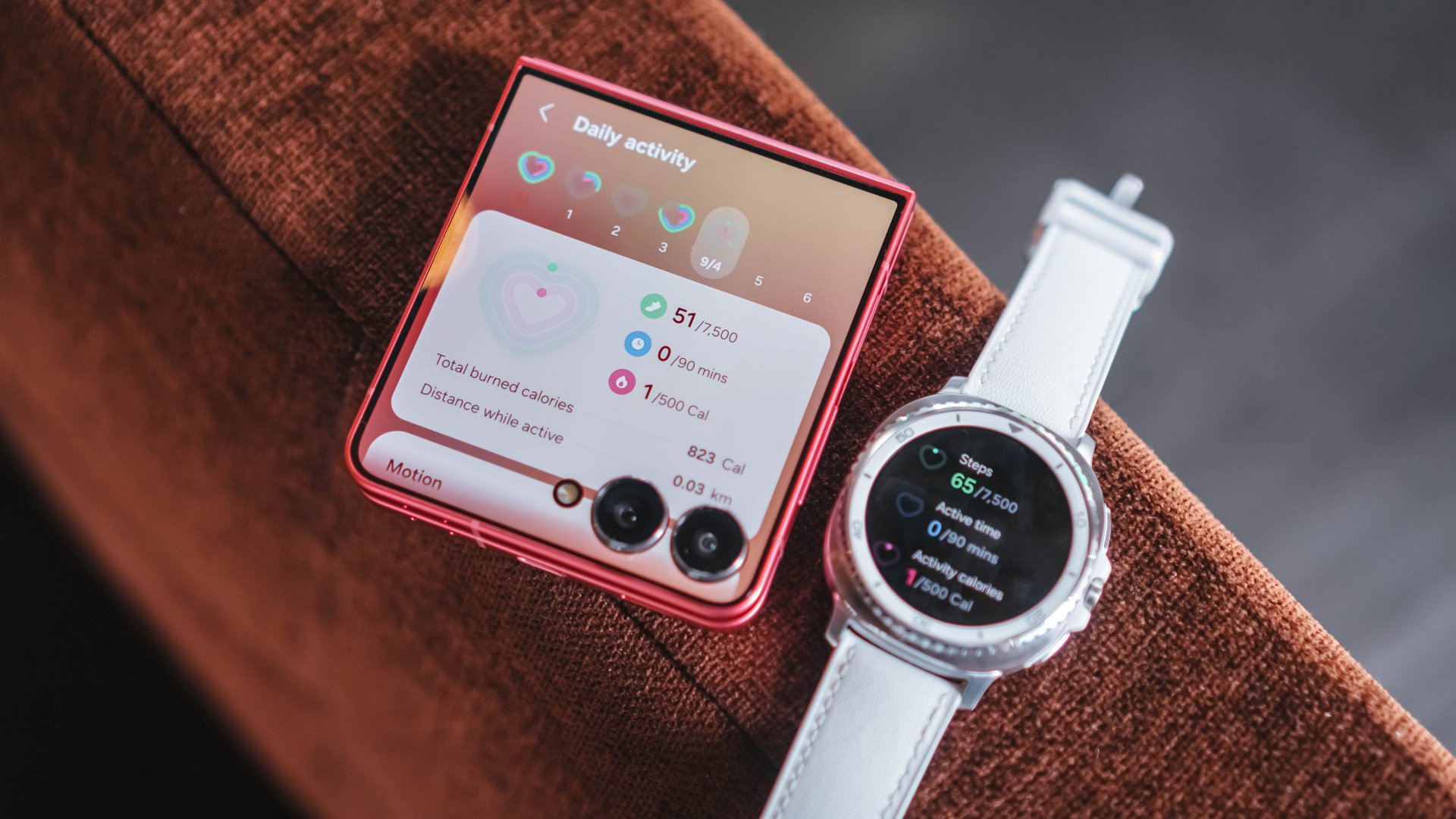
the stamina to keep up
Unfolded, the Flip7 gives a complete smartphone experience. It’s lean and compact, yet powerful.
It supports all the facets of who I am. Creative director. Lifestyle journalist. Endurance athlete. Entrepreneur. Strategist. Co-founder of a sports team and a sports marketing agency. I have many roles that demand structure, time, and energy. A flagship phone must keep up at all times.
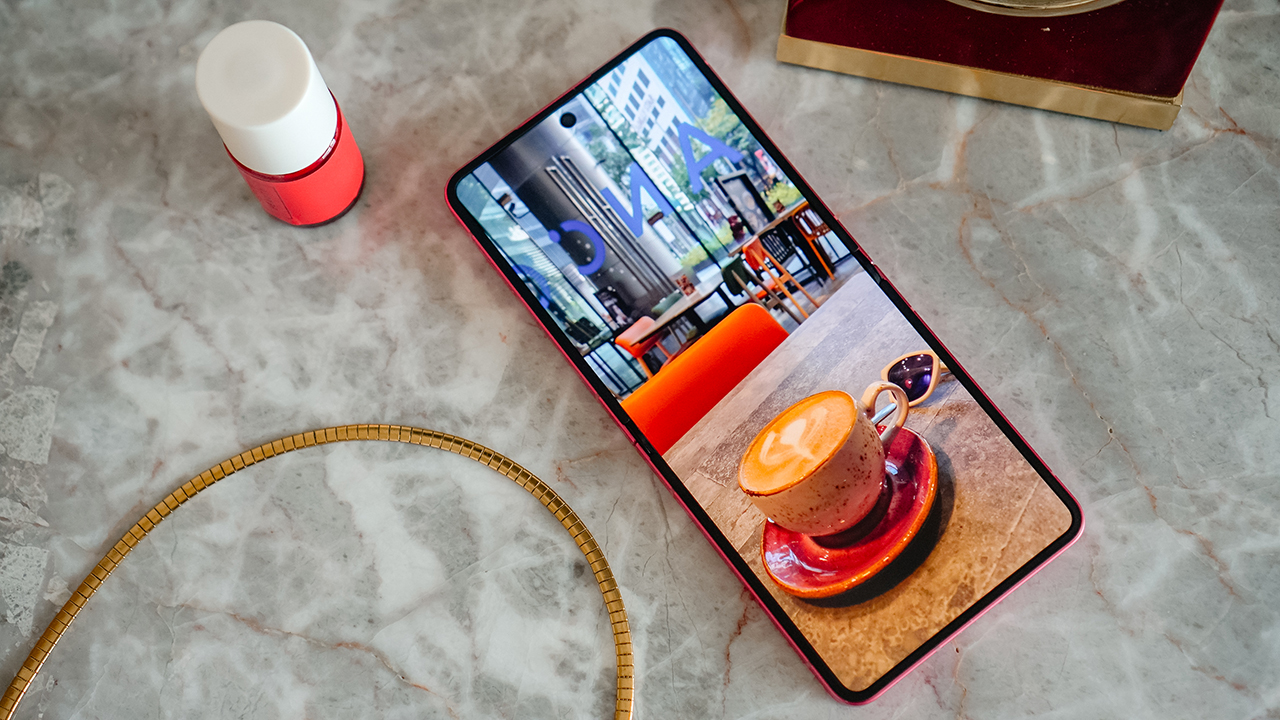
The new chipset delivers smoother performance and improved Wi-Fi stability. The Galaxy Z Flip7 can handle content creation, writing, and bursts of social uploads. Although, it struggles with overheating during long data sessions or when I edit many media files.
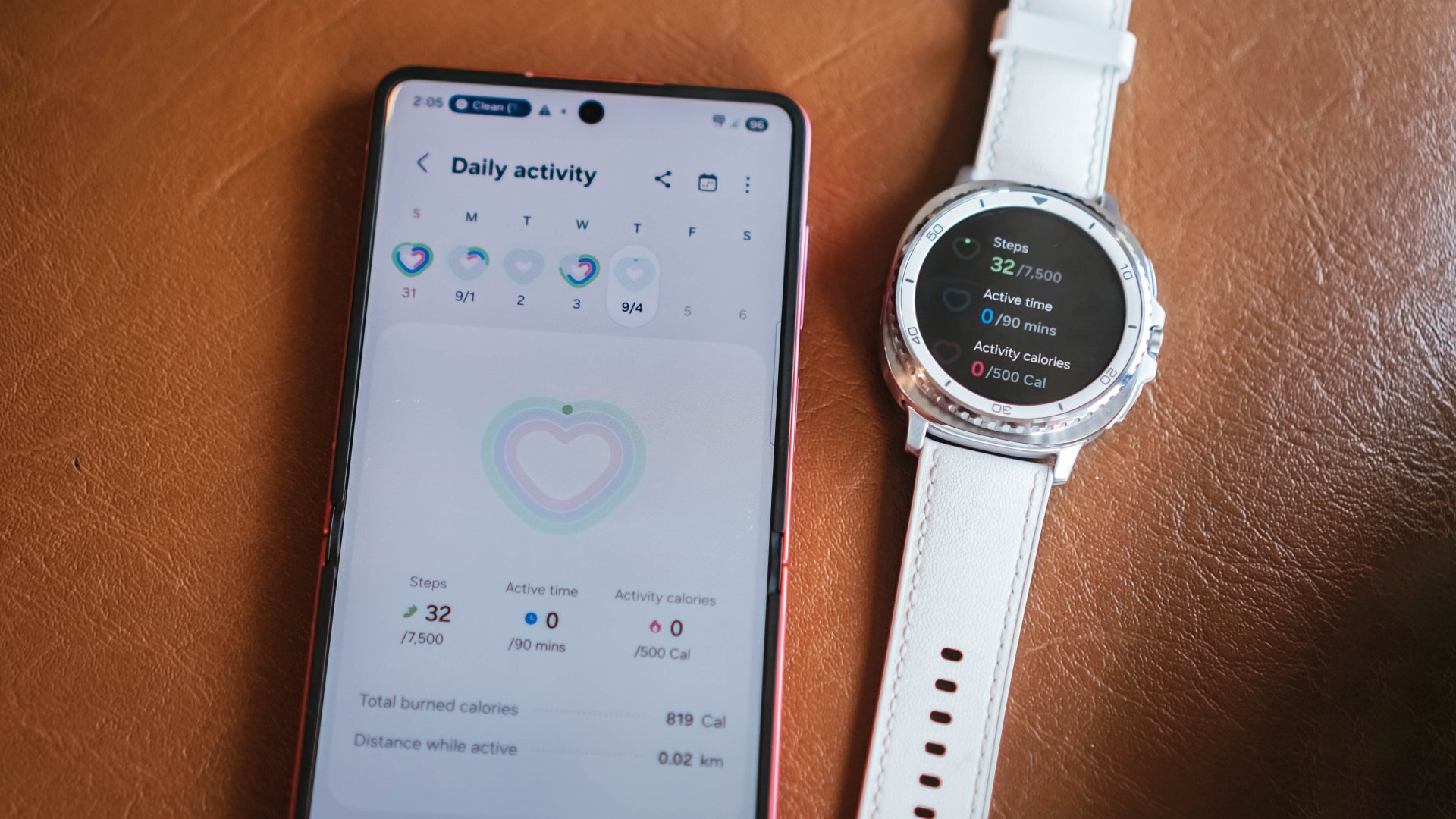
The 4300mAh battery is better than before, yet still not enough for my lifestyle. Even so, the Flip7 remains reliable. It’s compact without compromising capability.
It has enough stamina for my personal life, and that is all I need from this phone.
an experience just for you
What I have always loved about Android is the creative freedom that allows a phone to feel like an extension of who you are.
Apple is slowly catching up, yet One UI 8 already gives a level of personalization that feels intentional. Living with the Galaxy Z Flip7 made me appreciate how these refinements upgrade daily life in ways that may seem small yet feel meaningful when added up.

The dynamic wallpapers were a delight. The color tones shifted with the time of day, brightening during mornings and softening at night.
It felt like a gentle reminder that the smallest routines are often the ones that build consistency. Fitness taught me that progress happens through tiny habits that compound in silence, and somehow the Galaxy Z Flip7’s design language echoed that mindset.
Even something as simple as the Weather app felt more polished. It became a small visual check-in that added a bit of calm to busy days.
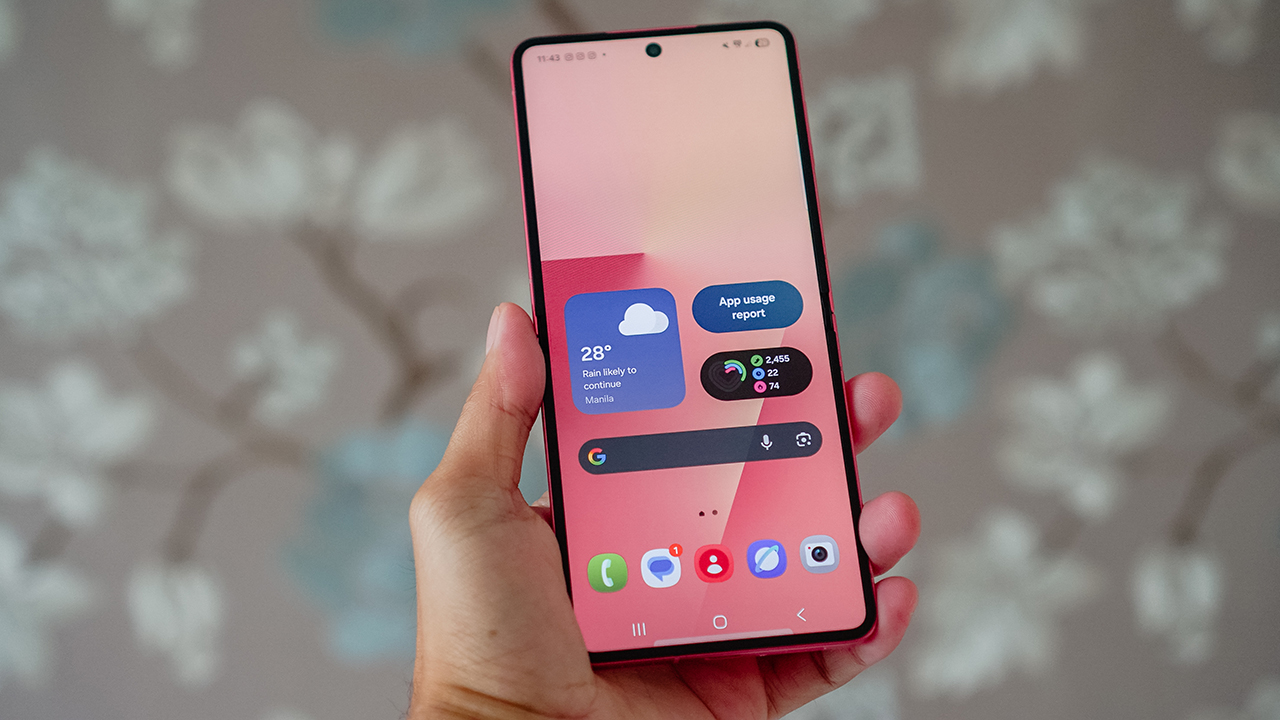
Depending on how you use your phone, One UI’s enhancements may feel subtle. I noticed them in those moments when life slows down enough for you to appreciate the way technology quietly supports your life.
It truly is in the smallest things where the most meaningful changes begin.
for picture-perfect memories
The Galaxy Z Flip7 has been my daily driver for more than three months, and its cameras consistently produced vibrant, sharp photos.
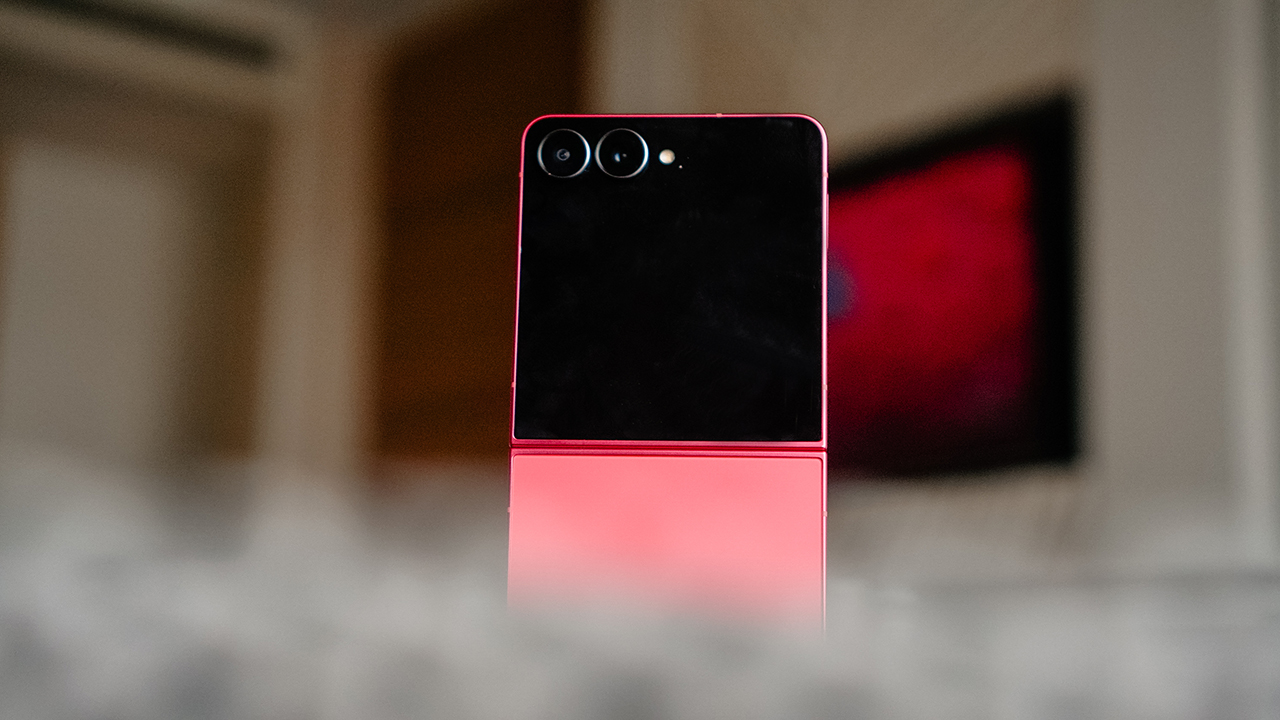
I relied heavily on the main camera and the cover screen because that feels like the core reason to own a Flip. Flex Mode gave me angles that matched every part of my life.
It supported my workout videos, my best selfies, my solo travel portraits, and spontaneous moments with friends or dates whenever I wanted to capture a memory without involving anyone else.
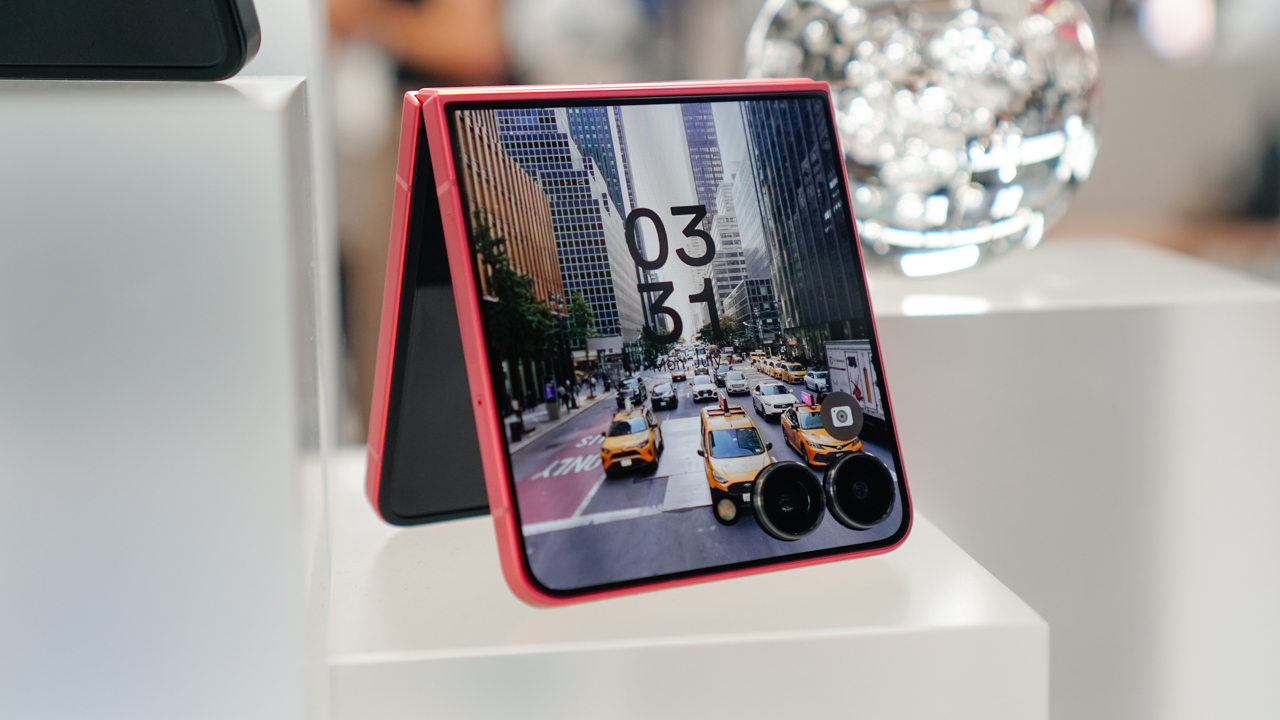
The hardware stayed the same with its 50-megapixel main camera, 12-megapixel ultrawide lens, and 10-megapixel front shooter.
But the real improvement came from the ProVisual engine. Its software enhancements handled dynamic range and low light more confidently.
It felt oddly similar to how an athlete trains. Your body may look the same from the outside, yet your form and strength grow from refining what already exists.
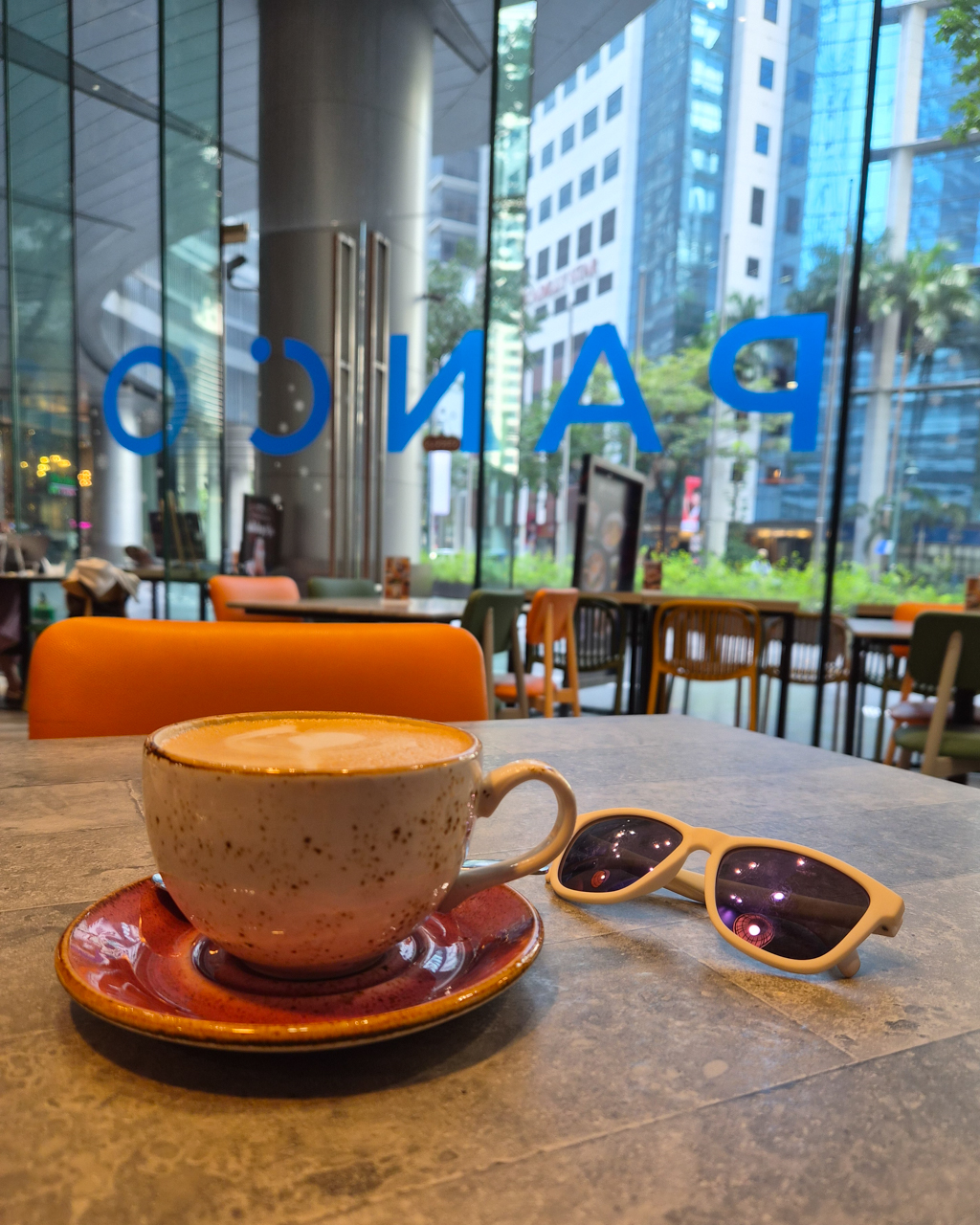
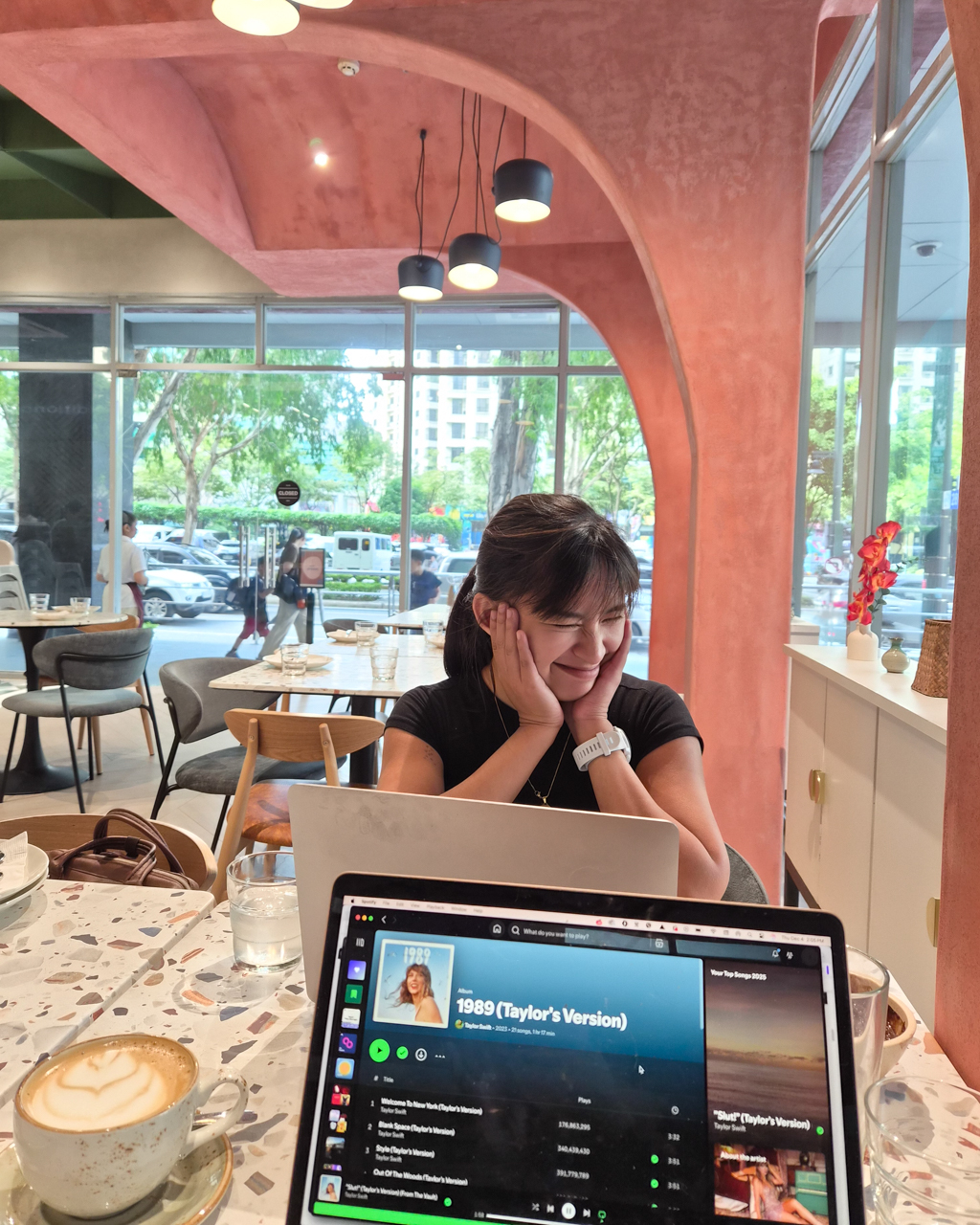
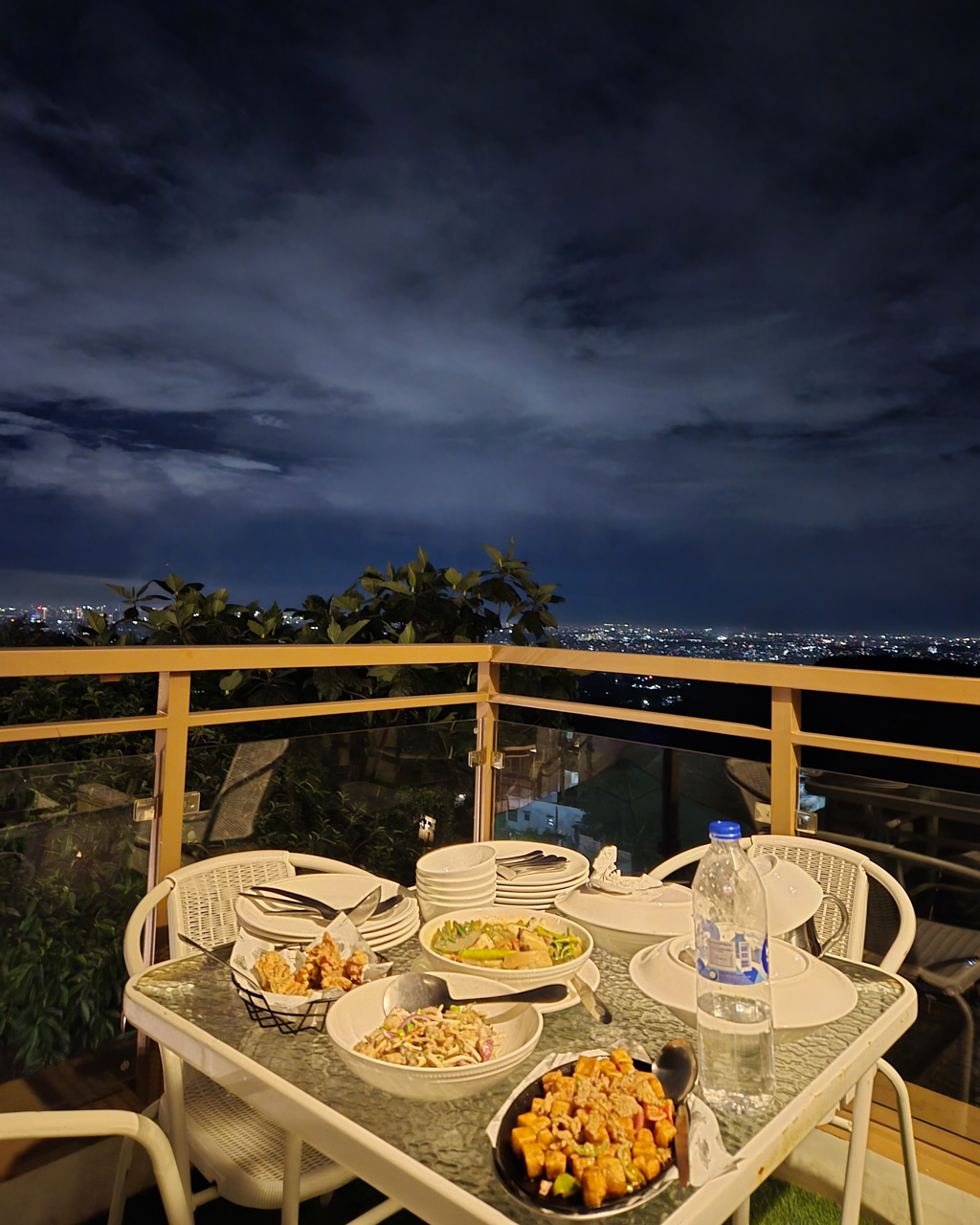
I’ve shared my sample photographs at my story about my trip to Zhengzhou in China. (READ: Zhengzhou through the lens of Galaxy Z Flip7)
If you haven’t checked that out, here are some of the moments I captured with the Galaxy Z Flip7 throughout the year:

























Is the Samsung Galaxy Z Flip7 your GadgetMatch?
The Samsung Galaxy Z Flip7 is the strongest version of the Flip so far. It feels like a phone that has gone through its own version of strength training, carrying subtle upgrades that form a noticeable transformation when you live with it every day.
It’s an easy recommendation if you are coming from older Flip models or switching from other Android devices. It even feels refreshing if you want to try something different from a slate phone like an iPhone.
People often assume that my lifestyle is better suited for the Galaxy Z Fold7 because of the volume of work that I handle. I thought the same.
Yet the Galaxy Z Flip7 surprised me by fitting my routines and the life I am building as I continue to grow into this new chapter.
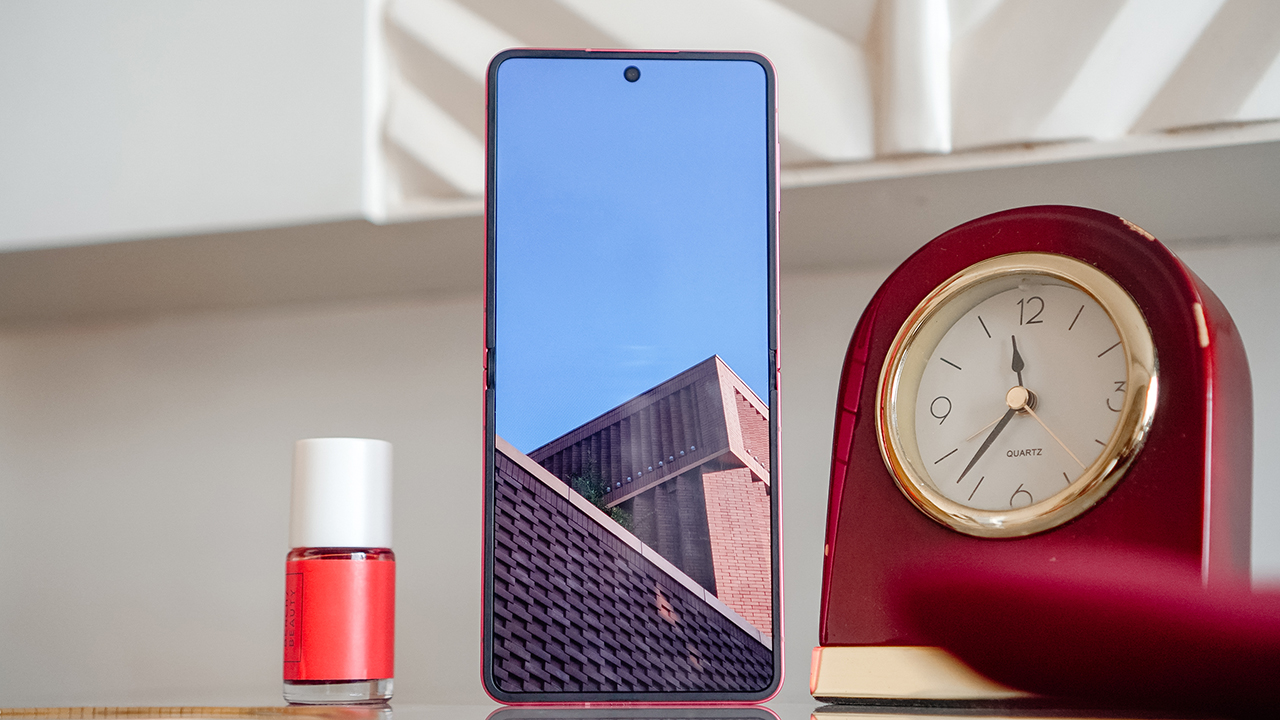
It has the power of a flagship smartphone, cameras that let me document milestones, and a personality that blends effortlessly with mine.
The Samsung Galaxy Z Flip7 starts at PhP 70,990 for the 12GB+256GB variant and PhP 78,990 for the 12GB+512GB. It feels worth every bit of the investment if you want a phone that can keep up with your lifestyle while adding a sense of intention and identity.
And because of that, the Samsung Galaxy Z Flip7 is a Super Swipe and earns the GadgetMatch Seal of Approval. It’s a device shaped by years of refinement, much like any athlete who continues to evolve with discipline. Of course, it’s easily my GadgetMatch.

But if you’re wondering if this could be yours, it’s time to Swipe Right if you want a flip smartphone that offers a full and personal experience.
Swipe Left if you still prefer larger devices like the Galaxy Z Fold7 or traditional slate smartphones.
The Galaxy Z Flip7 is an acquired taste, and choosing it feels similar to choosing a sport or a fitness journey. It becomes meaningful only when you are ready for the change it brings.






Gaming
ROG G700 review: The best prebuilt PC you can get off the shelf
This PC will make you stop worrying about specs.

The last time I touched a PC was 2014.
At the time, I’d just finished moving houses. While my old house had space for a desk and a fairly decent PC for its time, I opted for a smaller workstation because I was confident that laptops were the future.
Now, more than ten years later, I wish I didn’t dismiss PCs so readily. Thanks to AI, the price of a new PC has reached new levels of absurdity today. It’s not easy to stock up on components anymore.
So, it was like a very heavy blessing falling down from heaven and crash-landing on my lap when the ROG G700 arrived on my doorstep. It’s my first PC in over a decade, and, wow, what a return.
A box with everything you need
The art of building a PC takes a lot of effort these days. You’ll need a command over every little detail that every single component can do. Obviously, you also need to time the market for better prices.
That said, the ROG G700 is not for the minmaxers. It’s a fully built tower you can — gingerly — pick up from the shelf and play on just as soon as you get home.
It’s perfect for people like me. Now, if I had the time and the money, I’d definitely make a little more effort to explore every single detail. However, as someone returning to the PC world after a decade, this prebuilt PC is more than enough to dip my toes back into it.
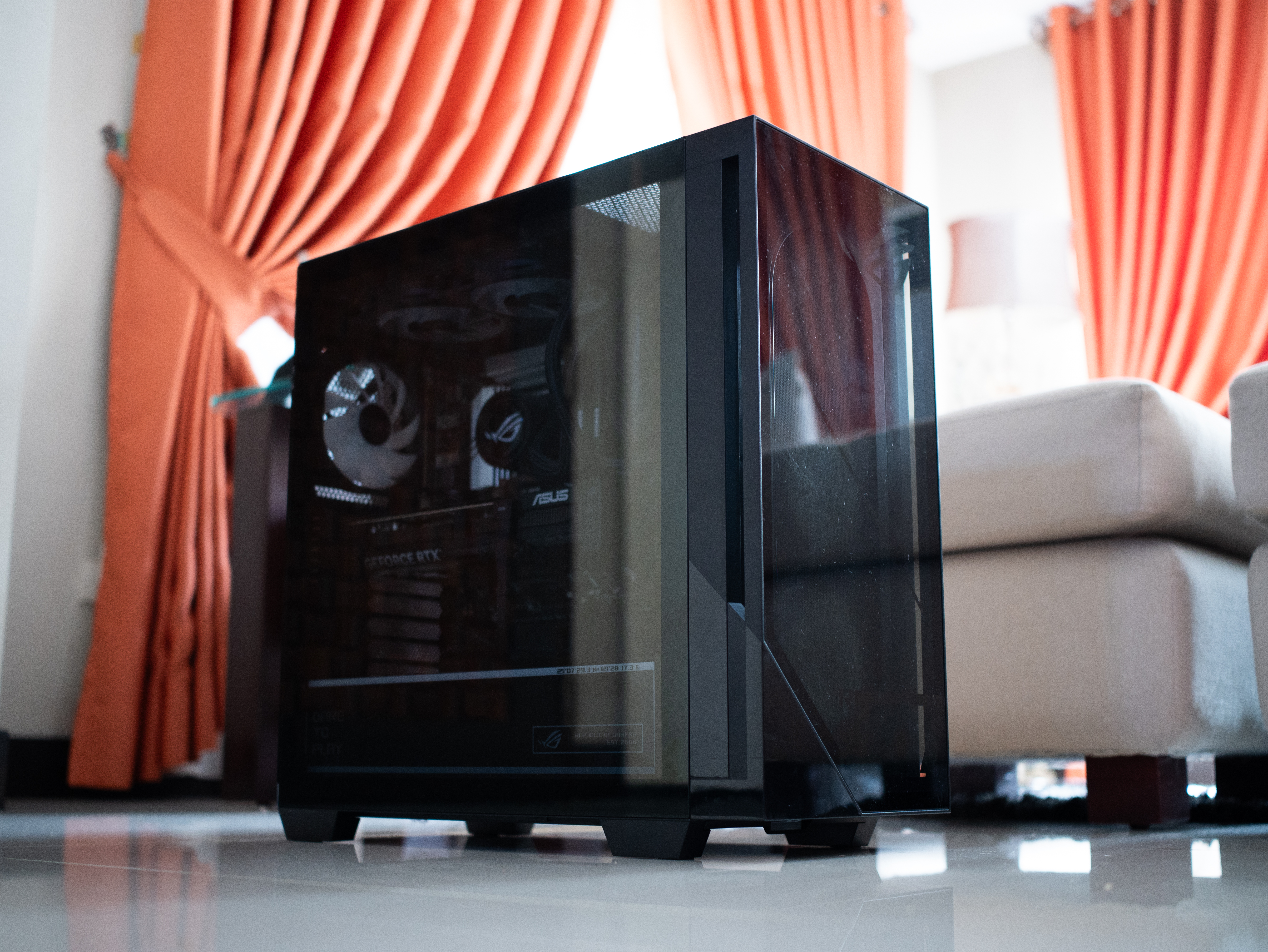
It is quite the package, though. The tower is 9.45 inches wide by 20.05 inches long. It’s also 18.88 inches tall. If you have a small space, you might struggle to find a space for this behemoth.
Plus, it weighs 40.39 pounds. If you live up a flight of stairs, you’d better not skip leg day. Even then, it was scary to handle this tower, knowing how much hardware I was holding up a few feet from the ground.
A clean design for gamers
Usually, I’m not a fan of heavy gamer aesthetics. As much as I identify as a gamer, I prefer keeping that part of my identity lowkey from how I look. I don’t go for all the edgy angles and the RGB lighting.
But the ROG G700 is one exception to my rule. Even then, it’s not that huge of an exception.
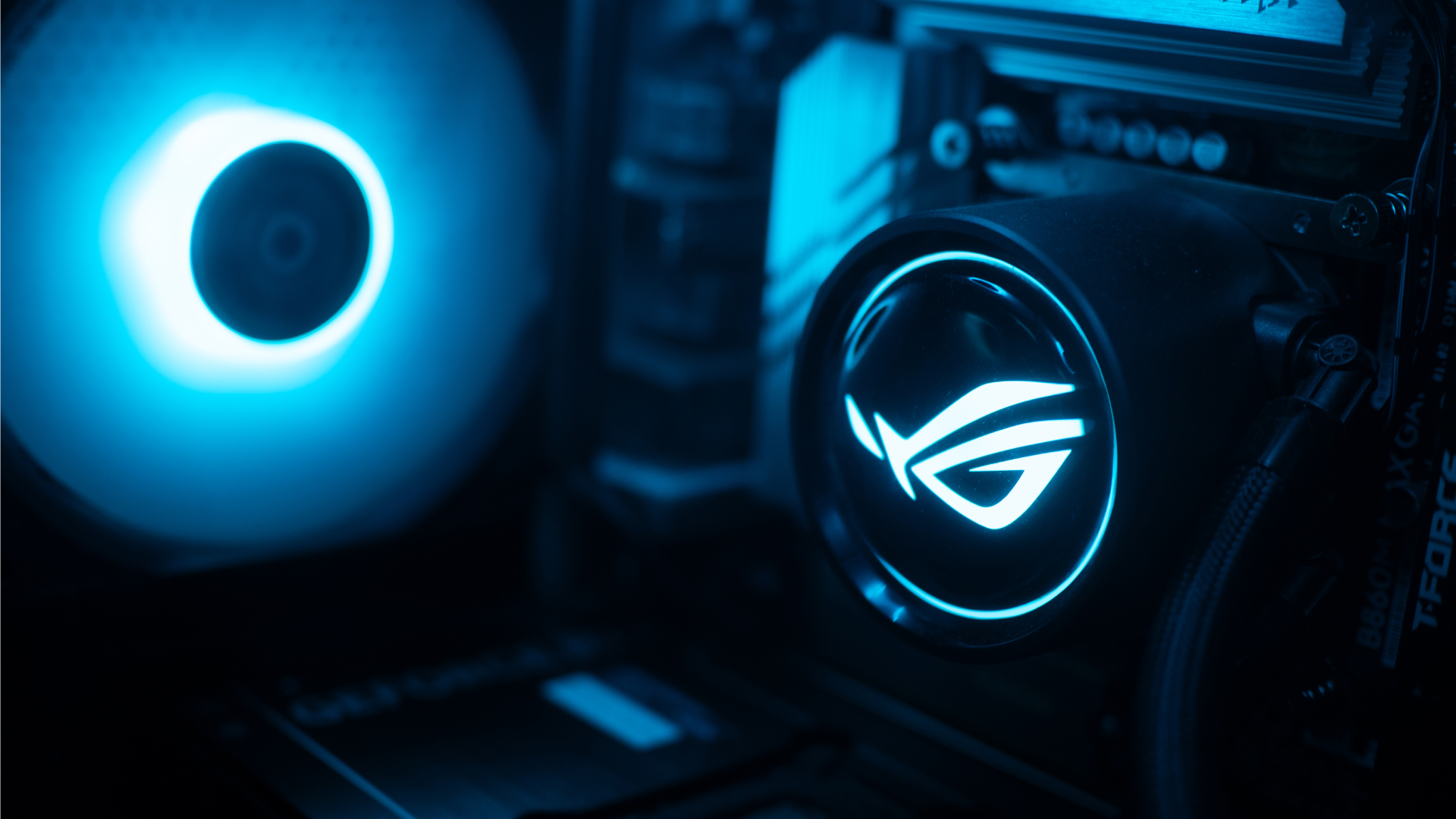
The ROG G700 exudes that gamer aesthetic, but it’s still pretty clean. The chassis has subtle grilles that ease cooling. The main panel is transparent that peeks into a cleanly organized system with heavy ROG visuals. The brand’s logo is peppered throughout the system. The RGB lighting, though bright at times, was easy to get used to.
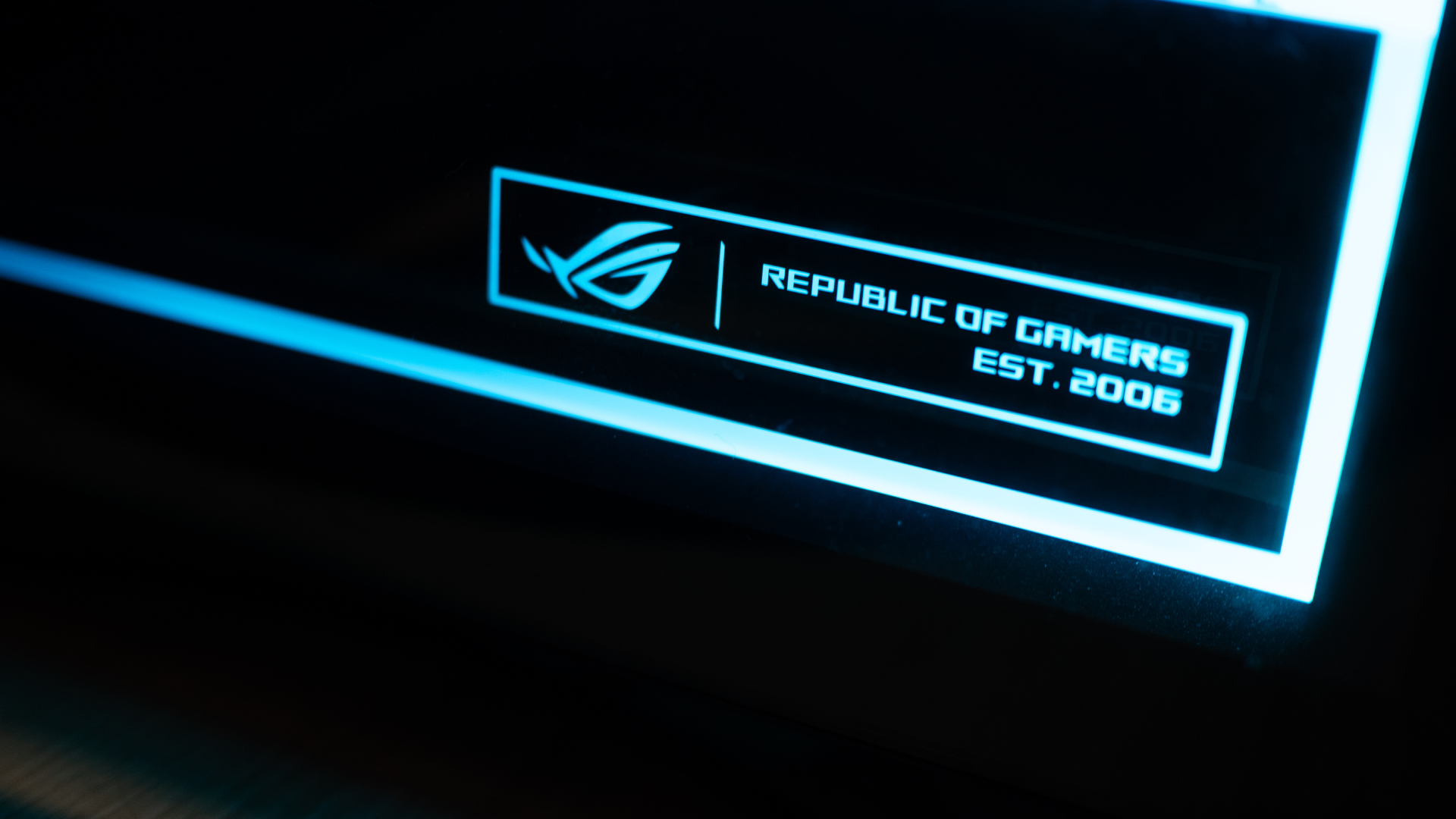
Personally, I liked how clean the internals are organized. It always hits the right part of my brain when I see something well put together.
Additionally, though it could use a tiny bit more, the G700 has an ample number of ports well situated at the back and up top. When I was setting everything up, I had enough space to make sure I didn’t end up with wire clutter. My workstation was clean at all times.
The 2026 machine
Now, let’s get into the performance. With the highest configuration, the ROG G700 goes up to an Intel Core Ultra 7 processor, up to a 16GB NVIDIA GeForce RTX 5080 GPU, 32GB RAM, and 2TB of SSD storage. All thing considered, this is a very powerful machine for today’s world.
If you’re not down on particulars and just want something off the rack, this is more than enough. I tested the G700 on this year’s games like 007 First Light and Forza Horizon 6. Both games performed without a hitch. In fact, I appreciated both games a lot more than when I played them on older laptops. The graphics were absurdly crisp without sacrificing a smooth performance.

Also, as a hard multitasker, I love alt-tabbing even while I’m playing. While other setups usually complain, the G700 doesn’t really care. You can run a Twitch stream, play a YouTube video, or have Spotify open in the background, all while playing an intensive game. This is a machine that tells you to leave your worries at the front door because it can handle everything.
If anything, it can get too powerful. Despite the cooling system with a tri-fan intake, the tower still gets hot with heavy loads. After an hour on 007 First Light, my room started getting much warmer. Though you won’t get performance dips, all that heat is coming your way.
Is the ROG G700 your GadgetMatch?
As someone getting back into PCs, the ROG G700 is a powerful off-the-shelf prebuilt PC. Now, do you need all this hardware for day-to-day gaming? Probably not. But if you don’t want to worry if your rig can do certain things, get the ROG G700.
If you have the money, that is.

Being a powerful machine, the G700 comes with a hefty price tag. When it was launched, the machine started at PhP 179,995. Now, with prices of RAM steadily climbing, prices are likely higher today. Plus, you need good peripherals to maximize this PC, so expect to spend a lot more. Overall, it’s very expensive, but at least you’re getting your money’s worth on the investment.
For that, the ROG G700 gets a Swipe Right and a Super Swipe for being a powerful machine you can get today. It is, however, a Swipe Left if you’re looking for cheaper options that won’t break your bank.
Gaming
HP OMEN Max 16 review: Gamer-maxxing in deep black
Peripherals deemed necessary to max this out

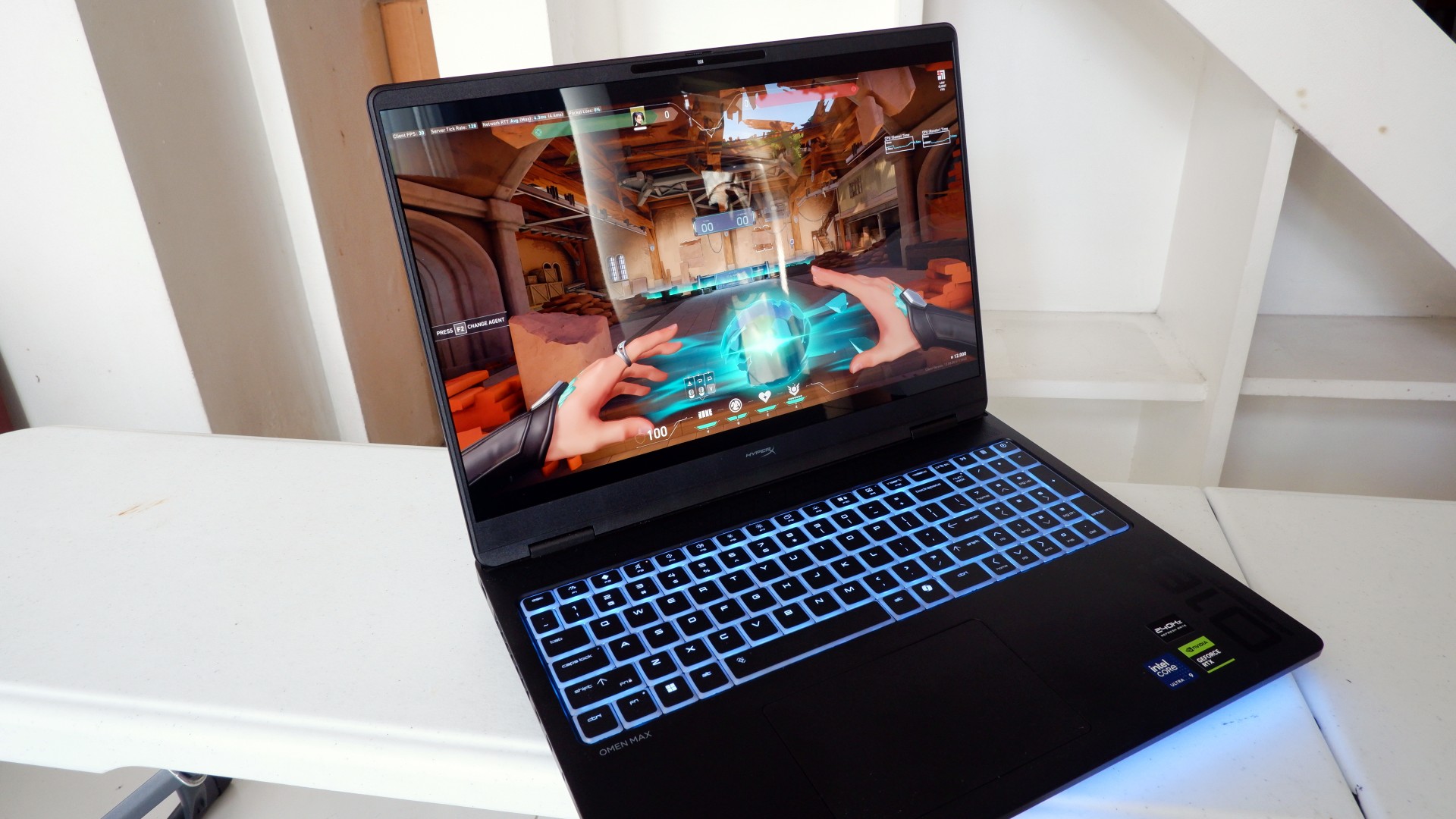
It’s not every day that you come across a machine that looks good and plays even better. Oftentimes, subtle aesthetics take a back seat to sheer performance and power. Whenever a gaming machine looks sleeker, it seems to lack the power to push it forward. Simply put, you can’t have the best of both worlds these days.
But what if you could have it all? Not just money, fame, and other fortunes, but also a machine with everything you’re looking for! Gone are the days of wanting only power to keep you playing all day or wanting to look good while playing. On paper, this is what the HP OMEN Max 16 promises: the best of both worlds.
Unboxing a beast inside
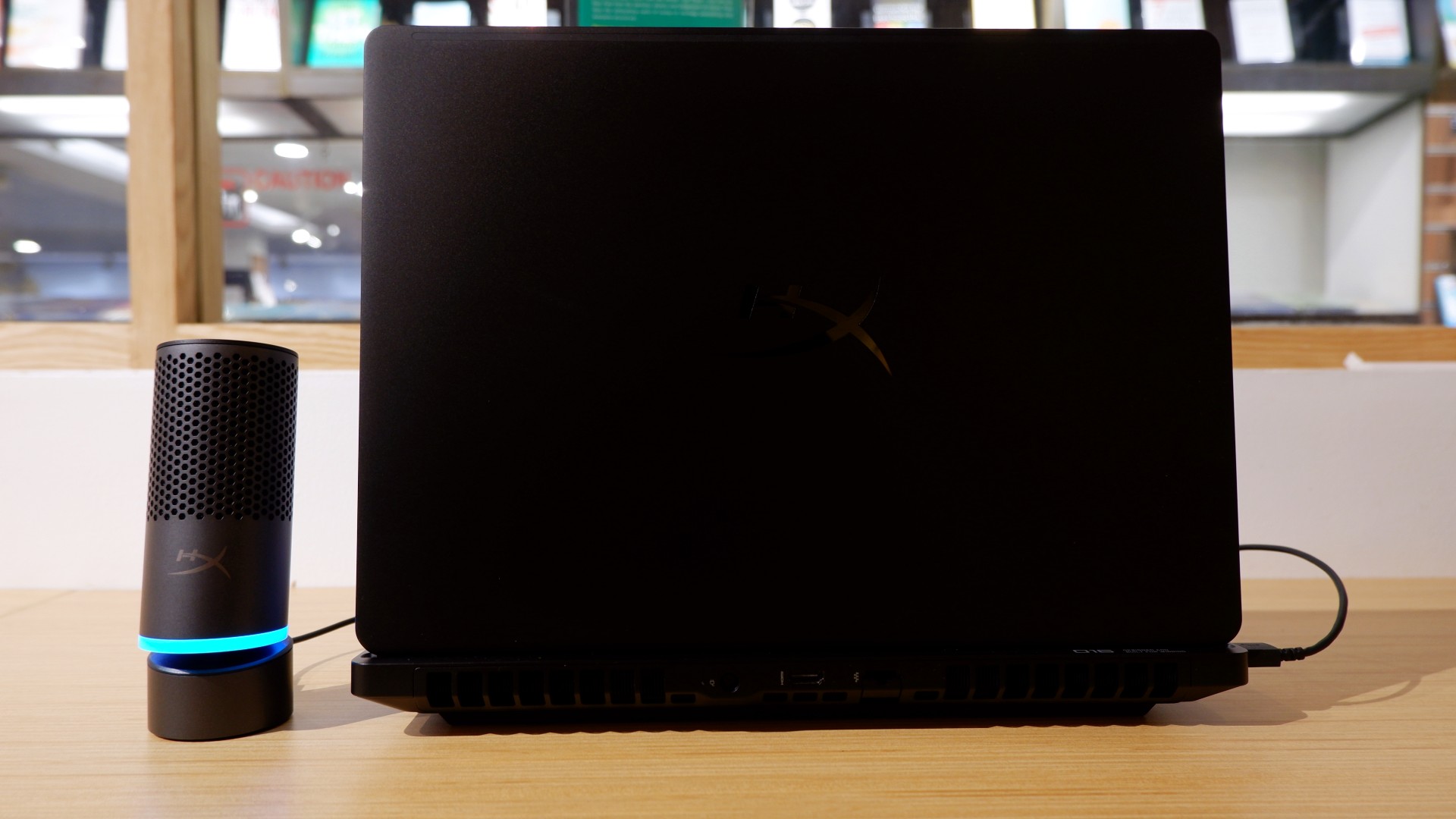
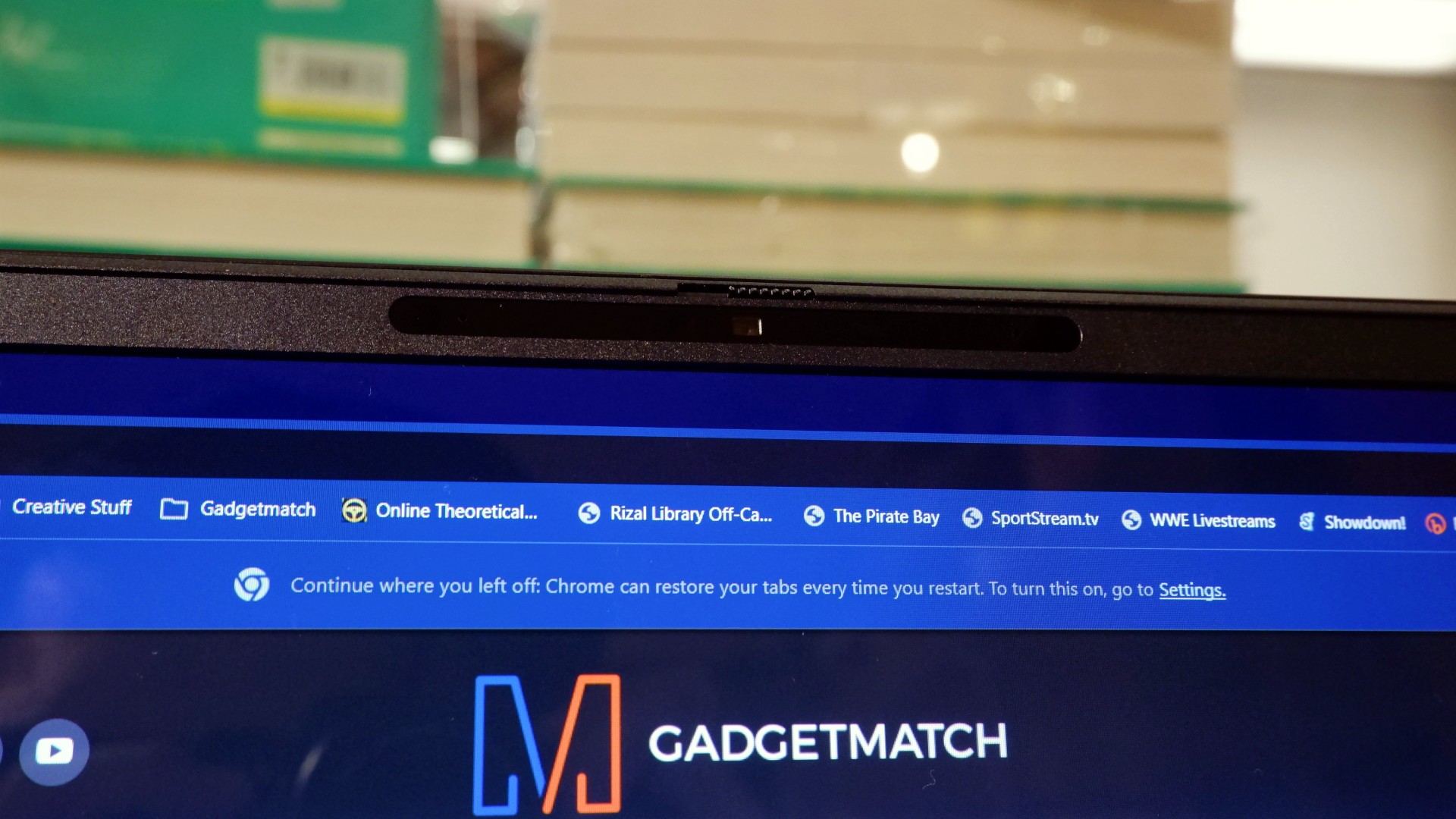
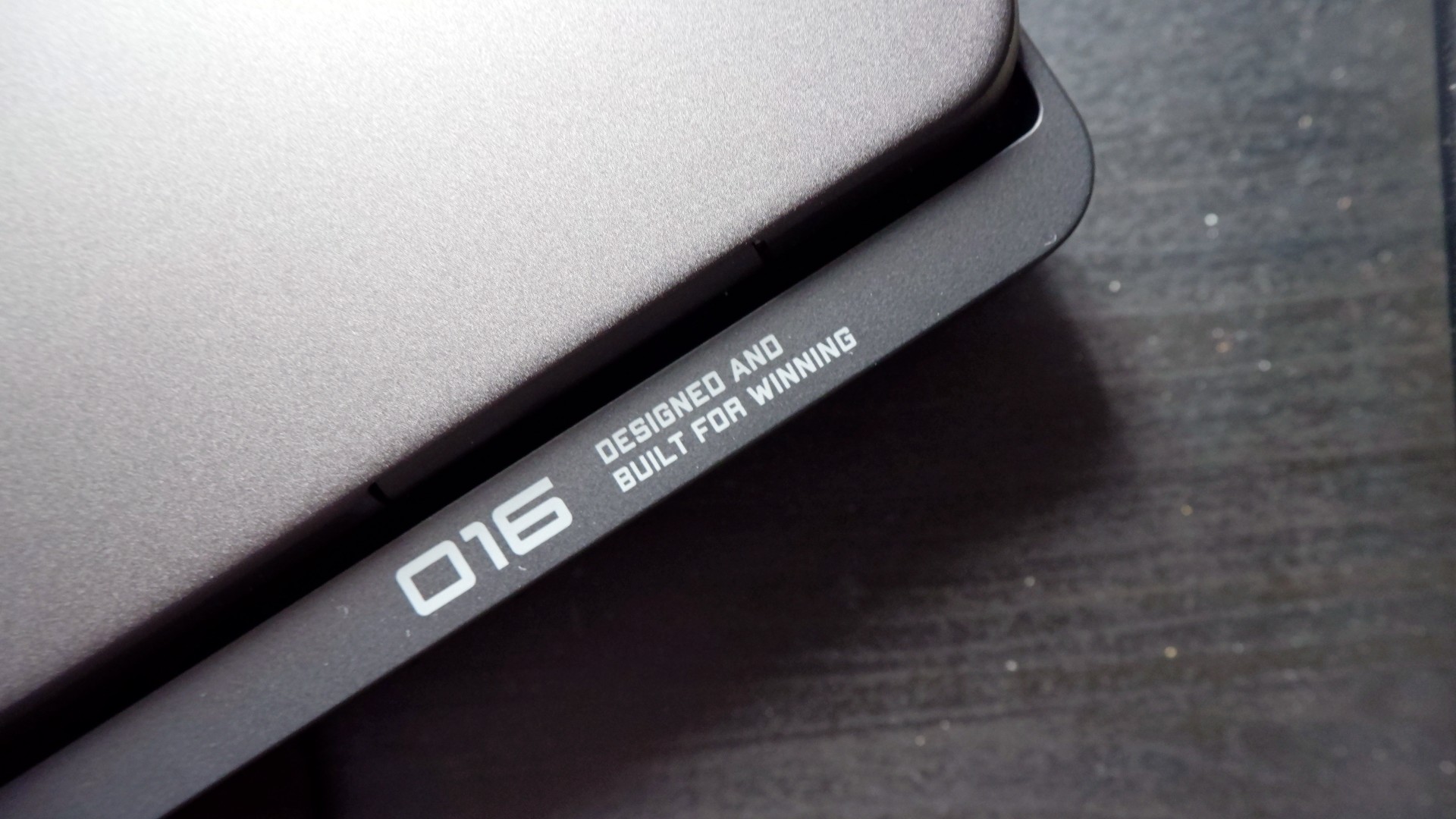
When you first take it out of the box, the HP OMEN Max 16 looks unassuming in its overall design. It’s bulky yet sleek in its Shadow Black colorway, with nothing too fancy or flashy while powered down. From the outside, the machine screams premium, even though its dark color can attract more visible dirt than lighter finishes.

Opening it up reveals a 16-inch OLED display with a peak refresh rate of 240Hz, seamlessly connected to a base with a full-sized keyboard and a large trackpad. The bright, seemingly anti-glare display makes colors pop when watching or editing videos on the go.

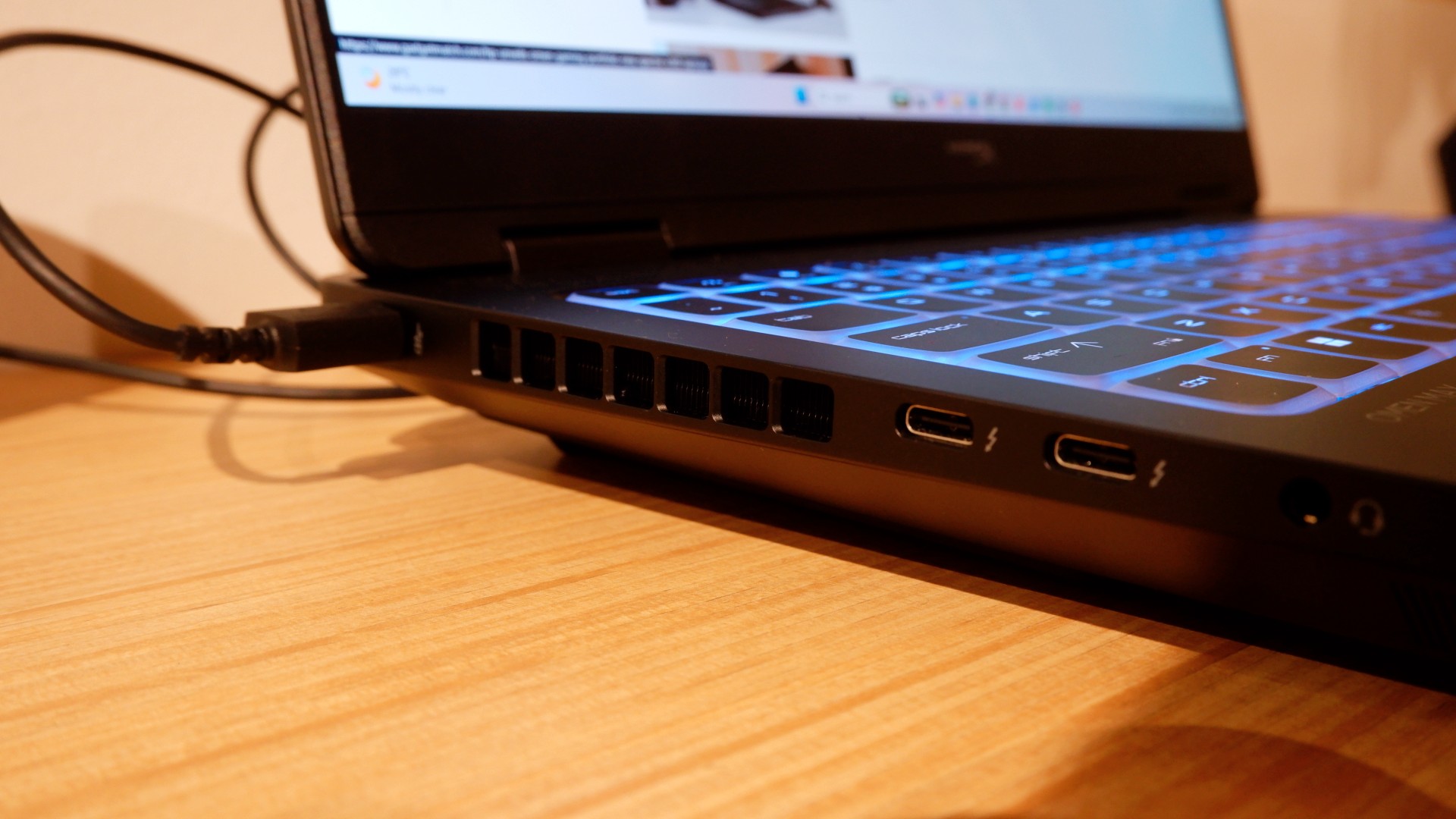
Furthermore, HP places the ports in convenient spots along the rear and sides of the laptop. This makes it incredibly easy to set up and manage external peripherals while providing more room for ventilation under heavy loads.
Of course, the device’s biggest features lie in the hardware powering it from within. An Intel Core Ultra 9 processor, 32GB of RAM, and an NVIDIA RTX 5090 Laptop GPU should give you an idea of how well this machine can perform. It’s also a great combination for demanding productivity tasks and creative work!
Power that AI can only hope to replicate
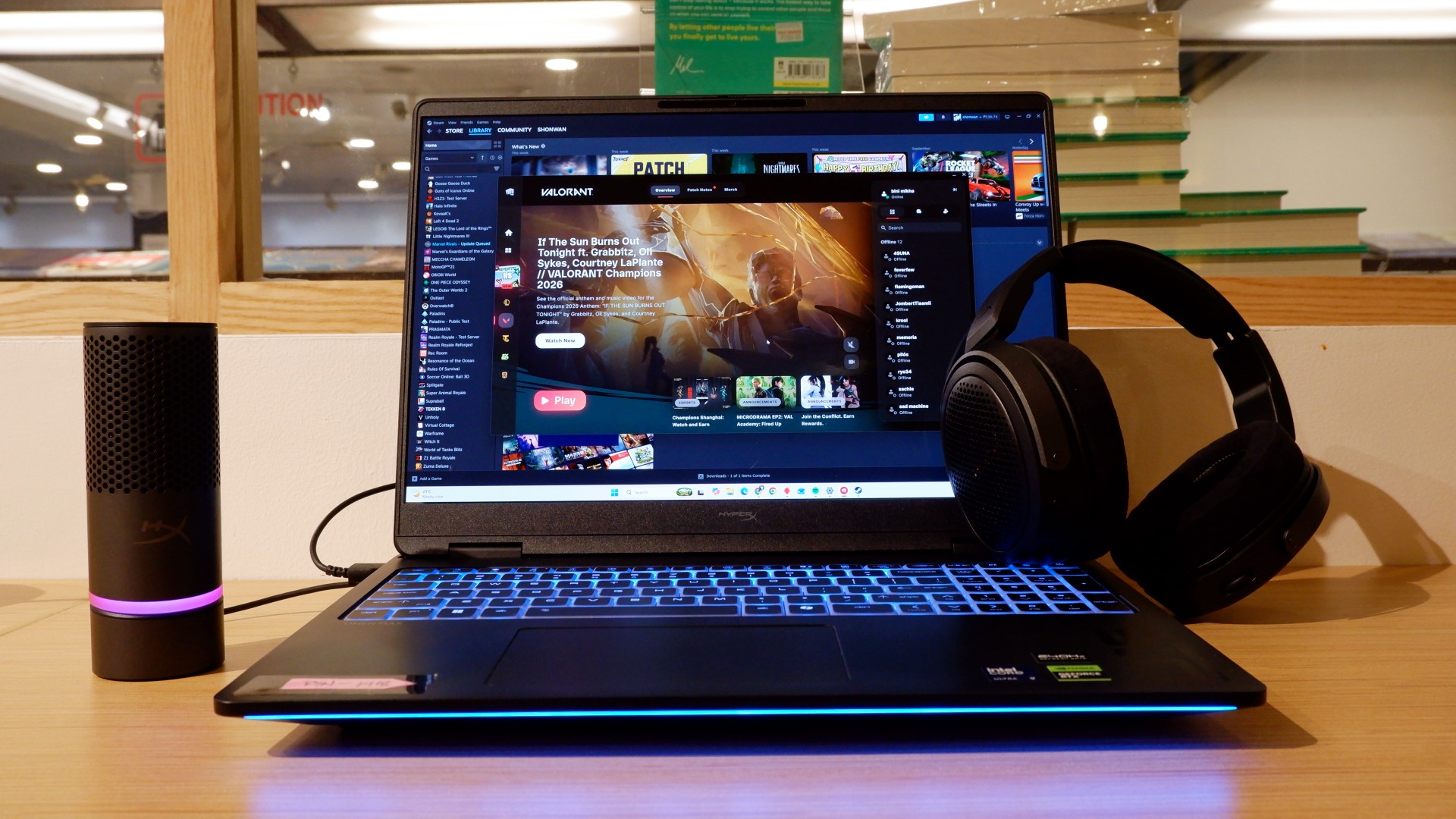
The HP OMEN Max 16 lived up to many of our expectations in terms of performance. From startup to shutdown, it delivered on what its hardware promised. You can watch videos for longer, edit photos and videos to your heart’s content, and enjoy casual gaming without slowing down. Furthermore, the wide display gives you plenty of space to accommodate all these activities.

When you step up to more competitive gaming, the machine doesn’t miss a beat. Most titles deliver high frame rates regardless of the quality or performance settings you choose. With more advanced visual settings enabled, the RTX 5090 does a fantastic job of keeping supported games within a solid 40–50 FPS range. Pair it with a high-refresh-rate OLED display, and you get crisp details and faster input response to help you get ahead in ranked games all day long.
If there’s one thing to complain about, it’s the extra optimization required through the OMEN Gaming Hub. Features such as network prioritization, automatic power-mode switching, and system optimization are useful, but you’ll need to spend time configuring them during initial setup. The laptop also comes with OMEN AI, which promises to maximize FPS with a single click. However, it was only okay at best.
Runs longer, cools off smoother
Surely, a gaming laptop this bulky and powerful can’t last that long on battery, right? Well, the HP OMEN Max 16 averages around three hours of battery life during intensive gaming, which gives you a decent amount of playing time. For general use, battery life extends to around five and a half hours with Balanced power settings. It holds up reasonably well if you forget to bring your charger.
When you do have the massive 330W charger with you, charging doesn’t take too long either. During our tests, a full charge took two hours, with charging progressing slightly faster when we left the laptop idle. Charging the battery to 50% took around 20 minutes, giving you enough juice to squeeze in another game!
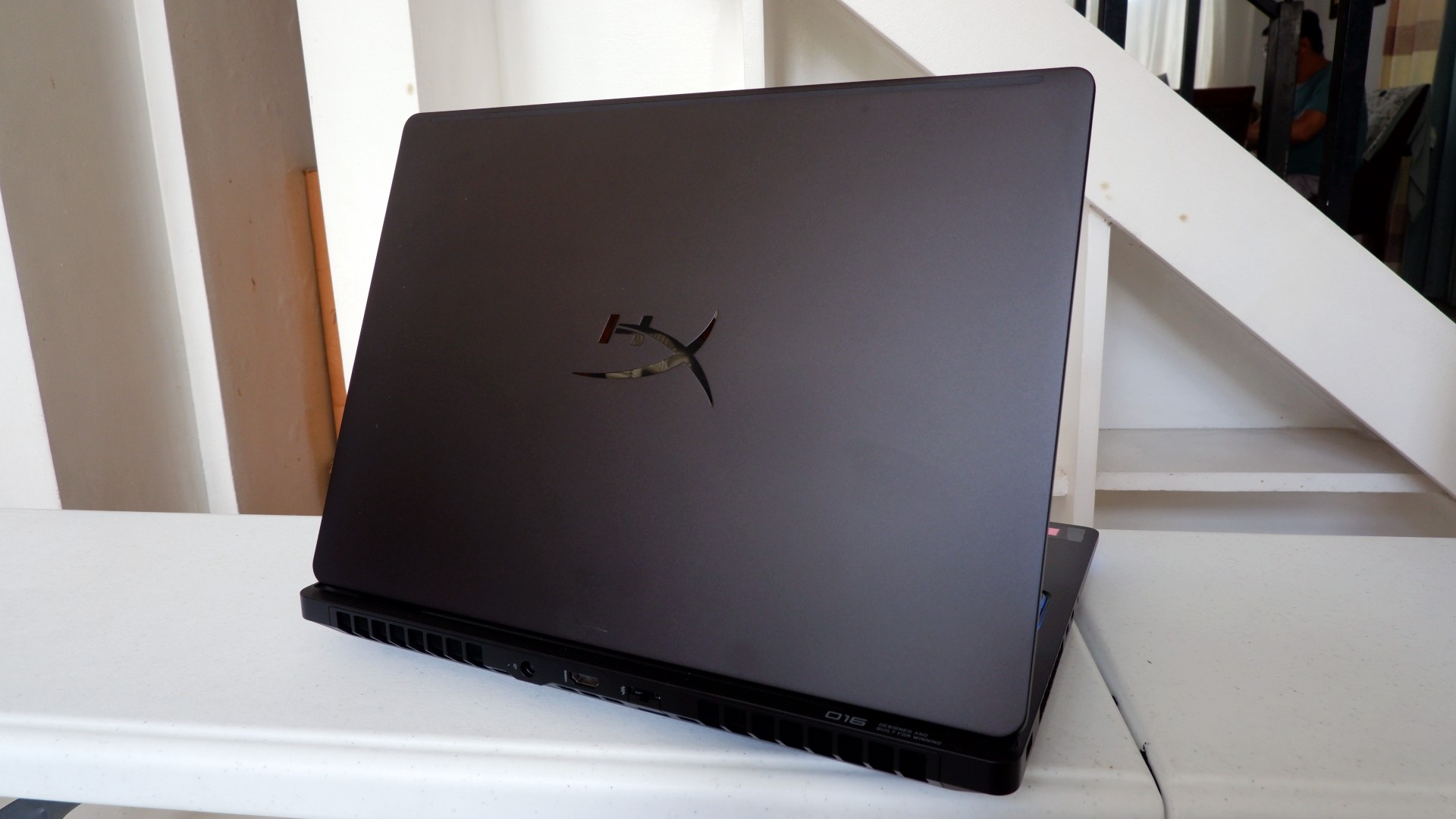
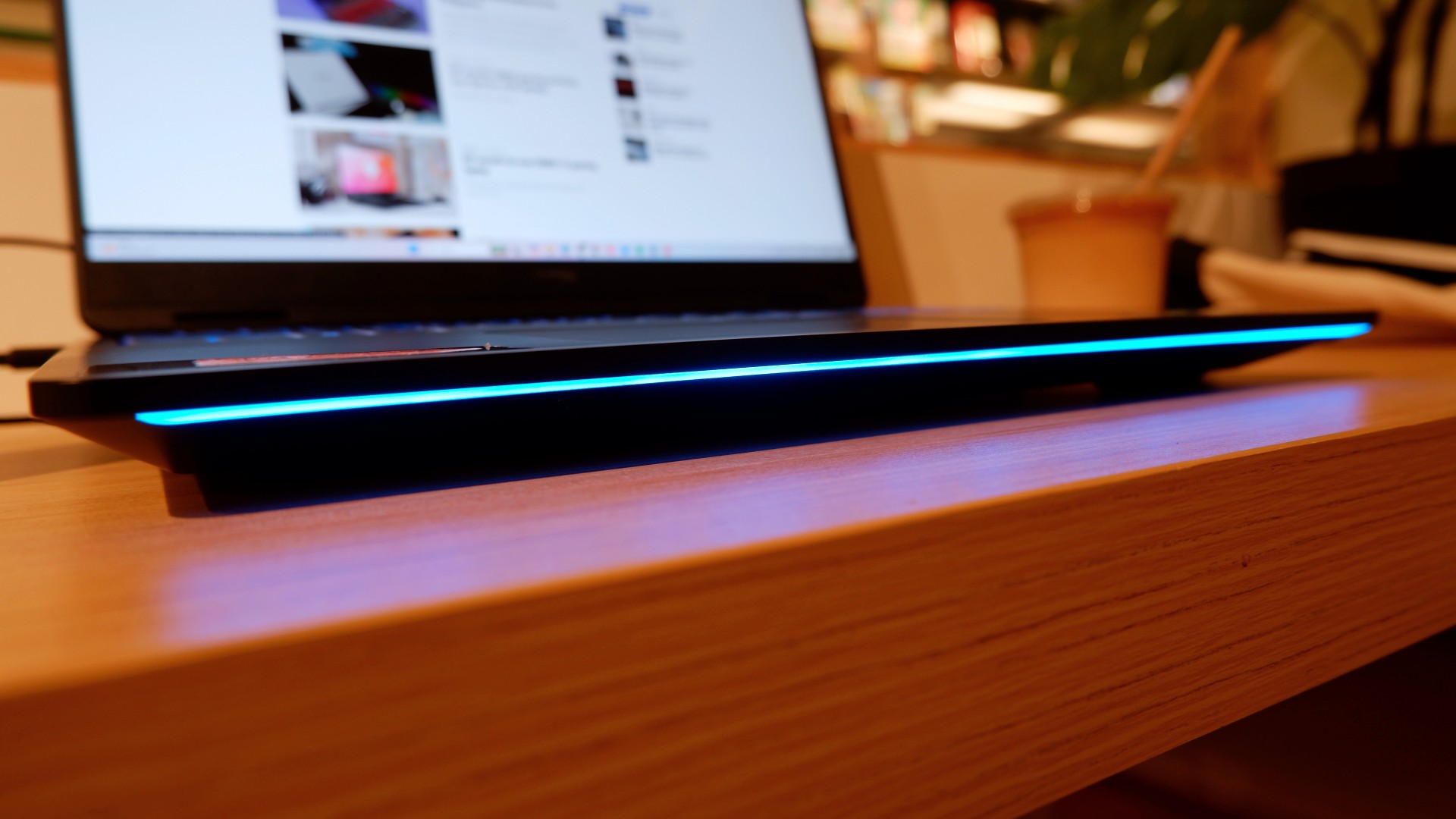
Another factor in prolonged use is how the device expels hot air through its sides and rear. We touched on this earlier, but it bears repeating: the laptop provides plenty of ventilation through its vapor chamber and multiple external vents. Instead of directing heat toward the keyboard, it pushes hot air through the vents, where it can hit your hands or peripherals. At least the keyboard stays cooler, right?
Is this your GadgetMatch?
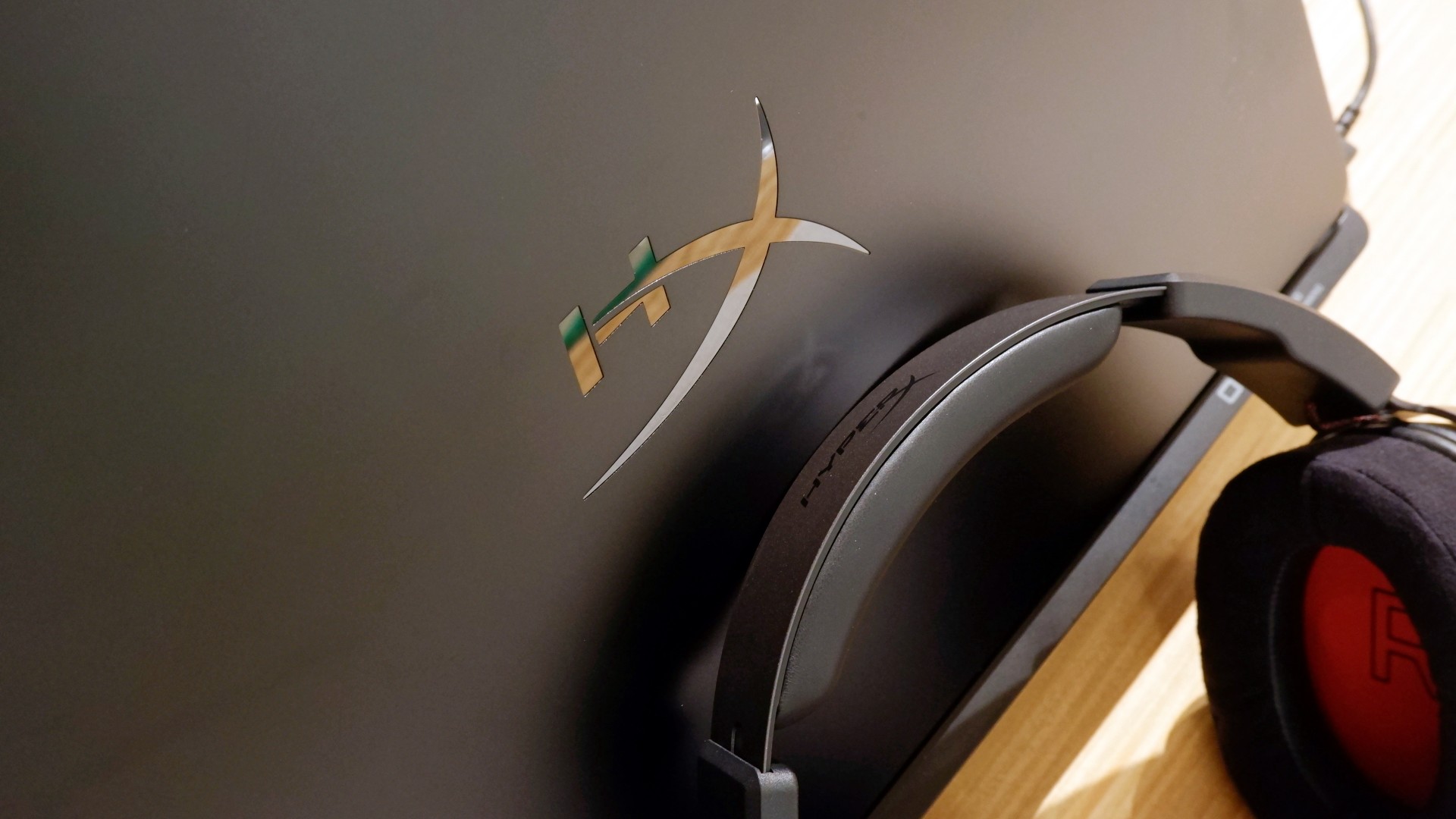
At PHP 229,990, the HP OMEN Max 16 is a sleek-looking machine with incredible power under the hood. Despite its initial bulk, it delivers impressive performance for both casual and competitive gamers. Inside and out, it packs plenty of hardware and features to let you tailor the experience to your needs.
If you’re looking for a gaming laptop with decent battery life, this is a solid choice, but don’t expect it to last half a day. Of course, you wouldn’t use this machine entirely on its own, even if the unboxing experience might suggest otherwise.
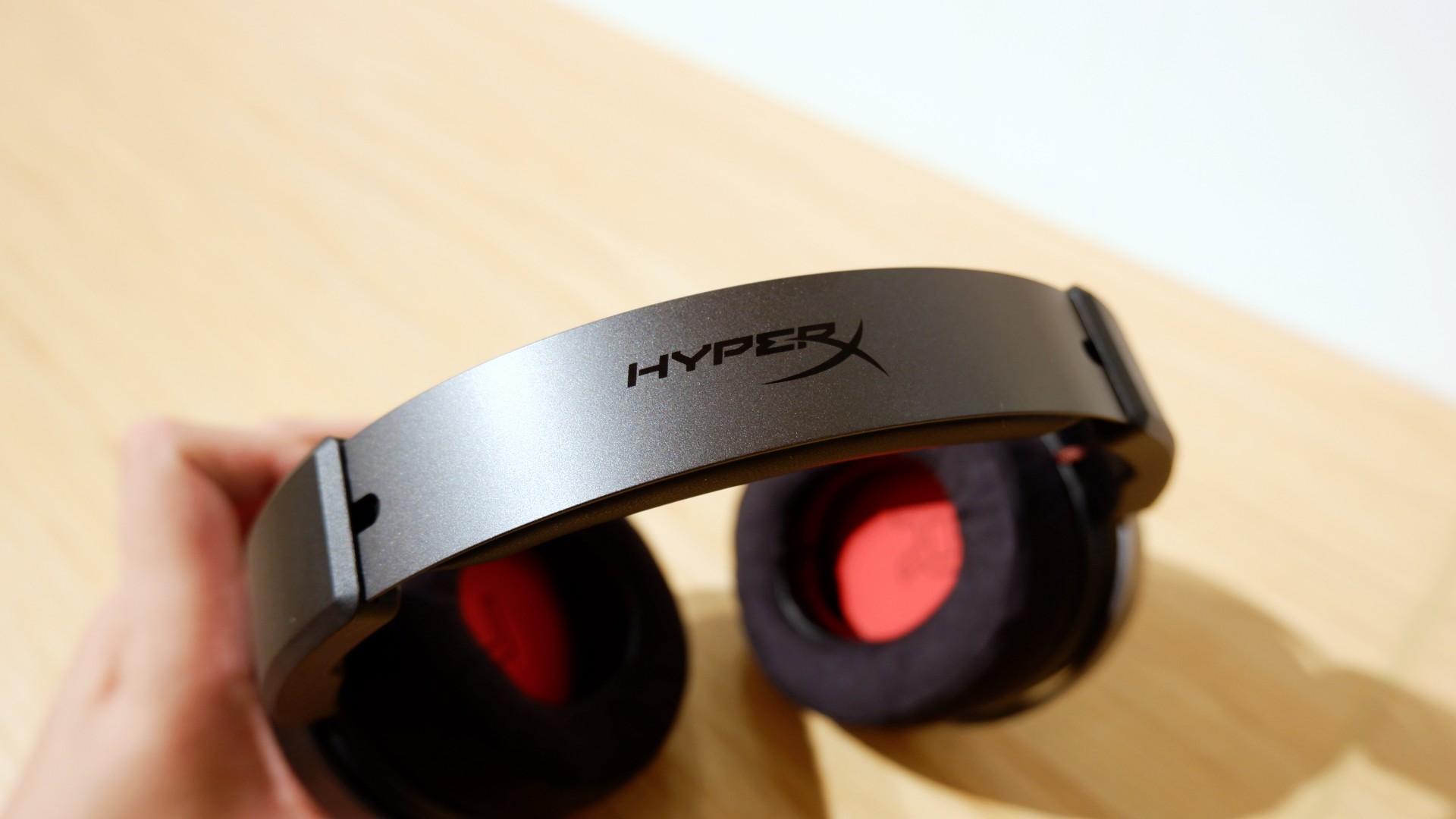
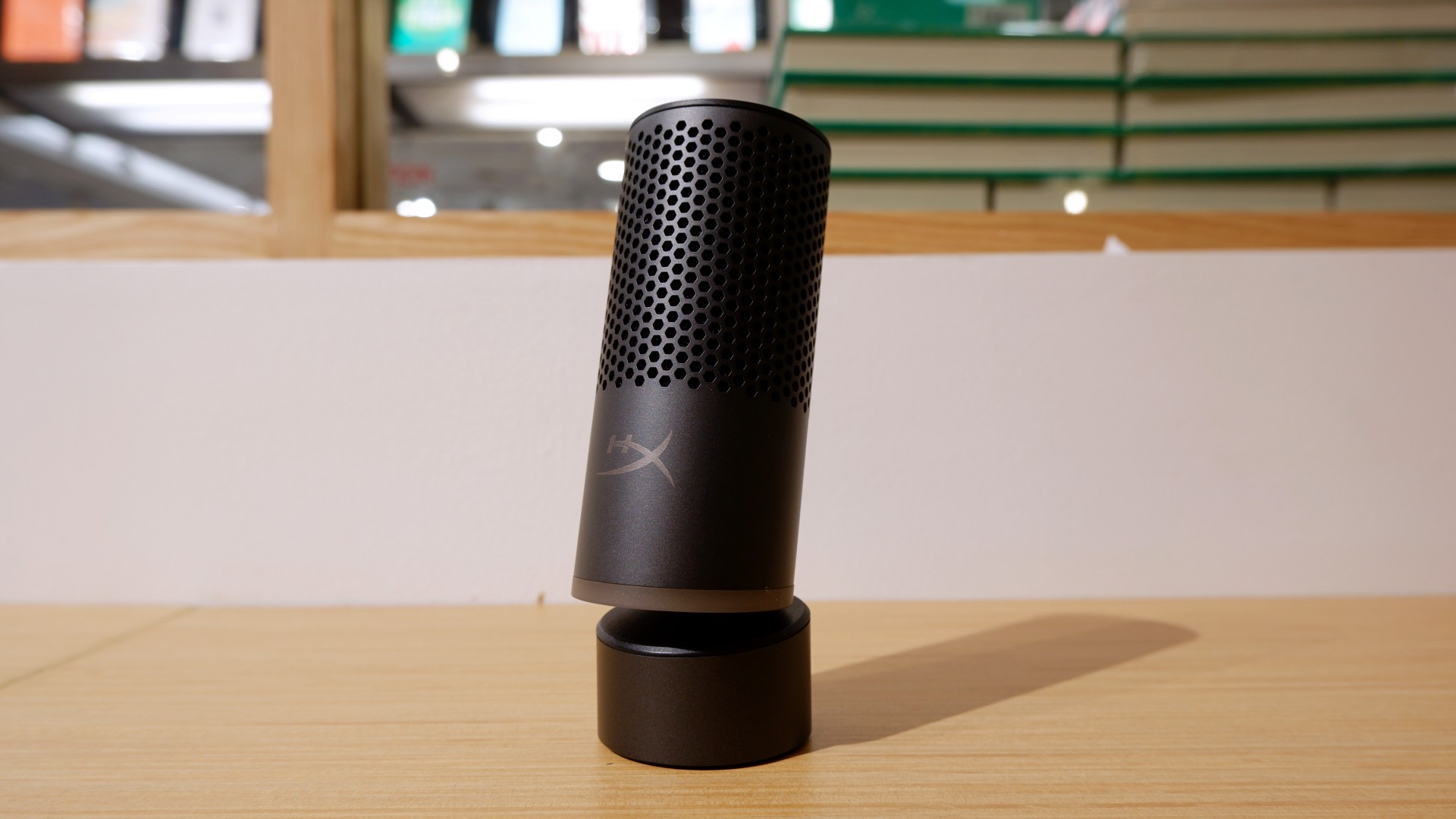

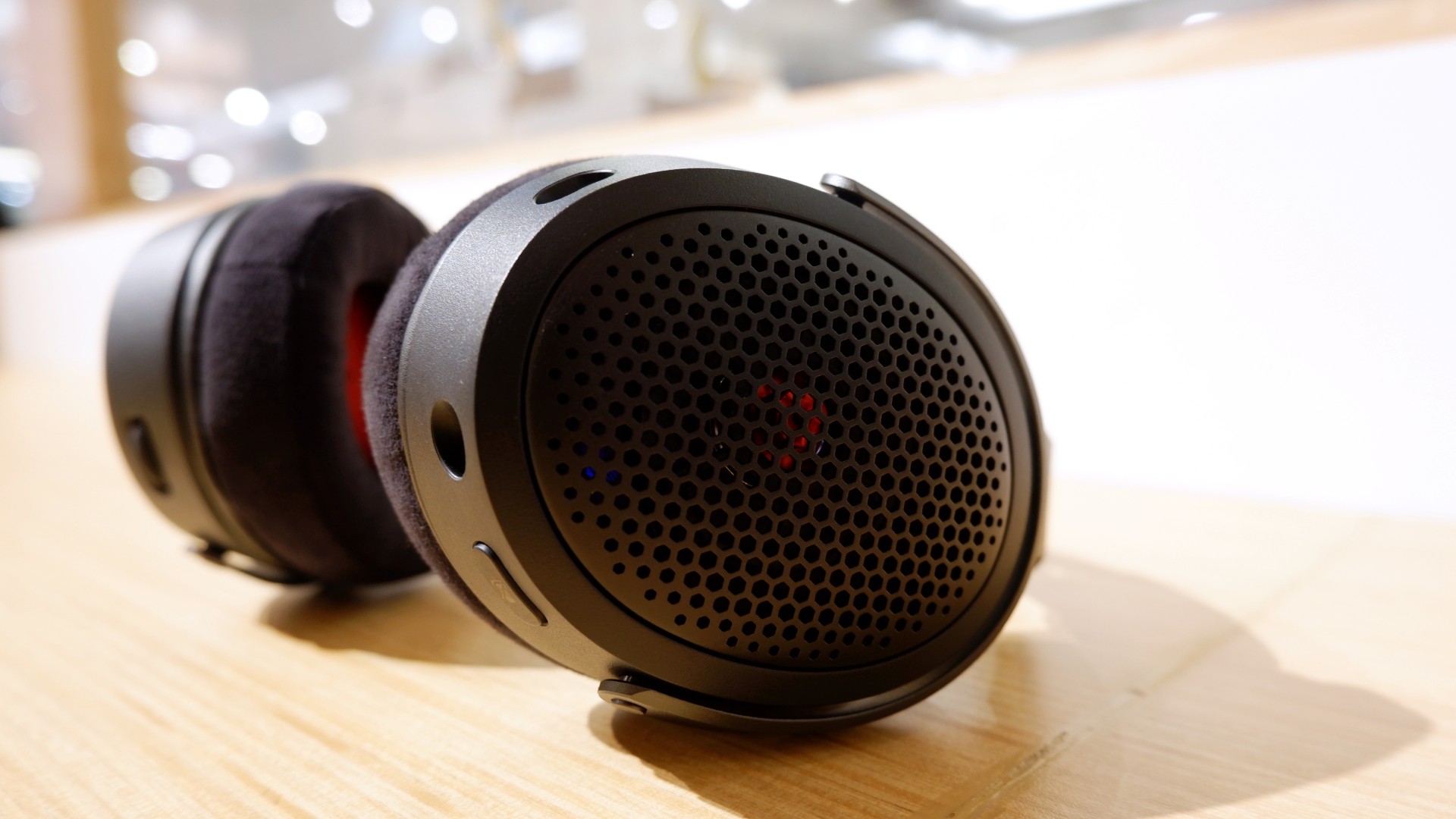
Peripherals such as the HyperX Cloud Alpha Air and Solocast 2 Pro can further enhance the experience.
Overall, this is a Swipe Right for its features, performance, and premium design. However, if you don’t have an infinite money glitch to buy it right now, you’re better off saving up for this beast of a machine!

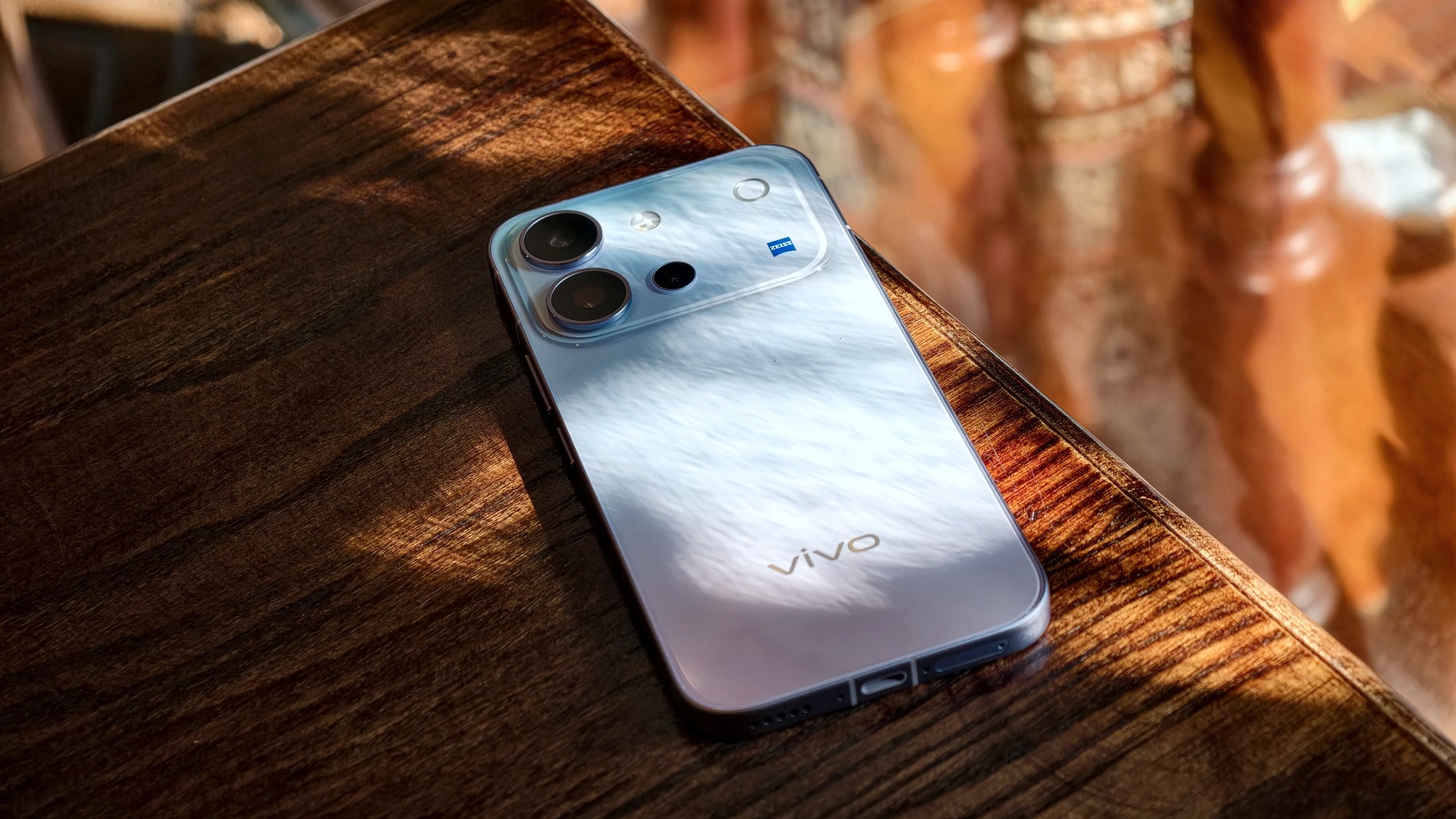
The vivo V80 is a capable midrange smartphone with a versatile camera system, excellent battery life, and a display that works well even in bright daylight. However, some camera quirks and its asking price give you a few things to think about.
vivo V80 specifications
| Component | Specifications |
|---|---|
| Display | 6.59-inch AMOLED, 1.5K (2750 × 1260), up to 144Hz, 5,000-nit local peak brightness |
| Processor | Qualcomm Snapdragon 7 Gen 4, 4nm |
| RAM / storage | 8GB RAM; 128GB, 256GB, or 512GB storage options vary by market |
| Rear main camera | 50MP Sony LYTIA 700V, OIS, f/1.88 |
| Telephoto camera | 50MP Sony IMX882, OIS, 3× optical zoom, up to 10× digital zoom |
| Ultra-wide camera | 8MP, 115° field of view |
| Front camera | 50MP autofocus, f/2.0, 92° field of view |
| Video | Front and rear cameras support 4K at 60fps |
| Battery | 7,200mAh typical capacity; 90W FlashCharge |
| Charging | Advertised 50% charge in 30 minutes; Multi-Scenario Bypass Charging |
| Operating system | OriginOS 7, based on Android 17 |
| Durability | IP68 and IP69 water and dust resistance |
| Build | Cold-carved glass back, aerospace-grade metal frame |
| Dimensions / weight | 157.52 × 74.33 × 7.69mm; 203g |
| Security updates | Six years of annual security updates, according to the launch materials |
A pretty face, but nothing fancy
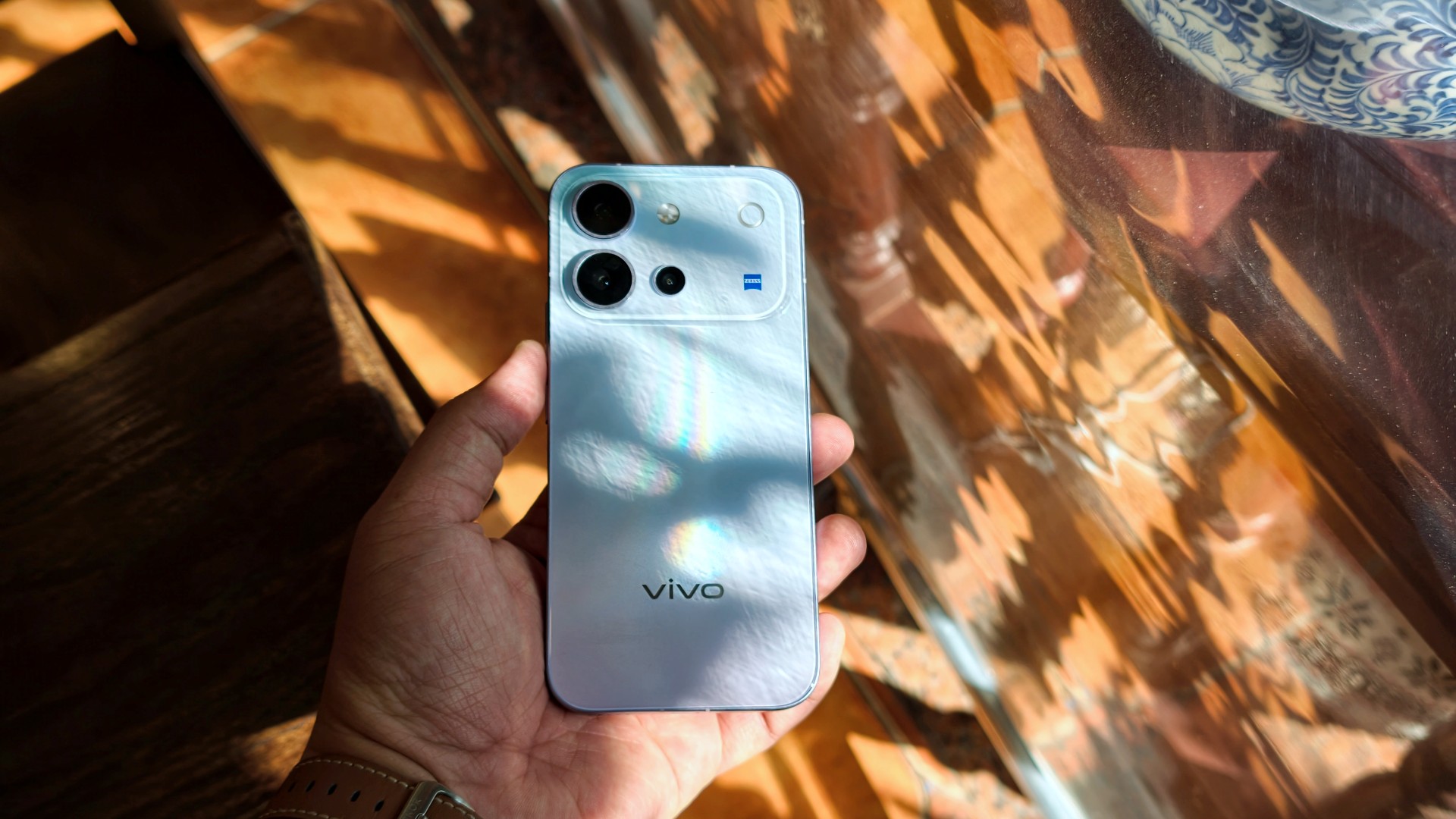
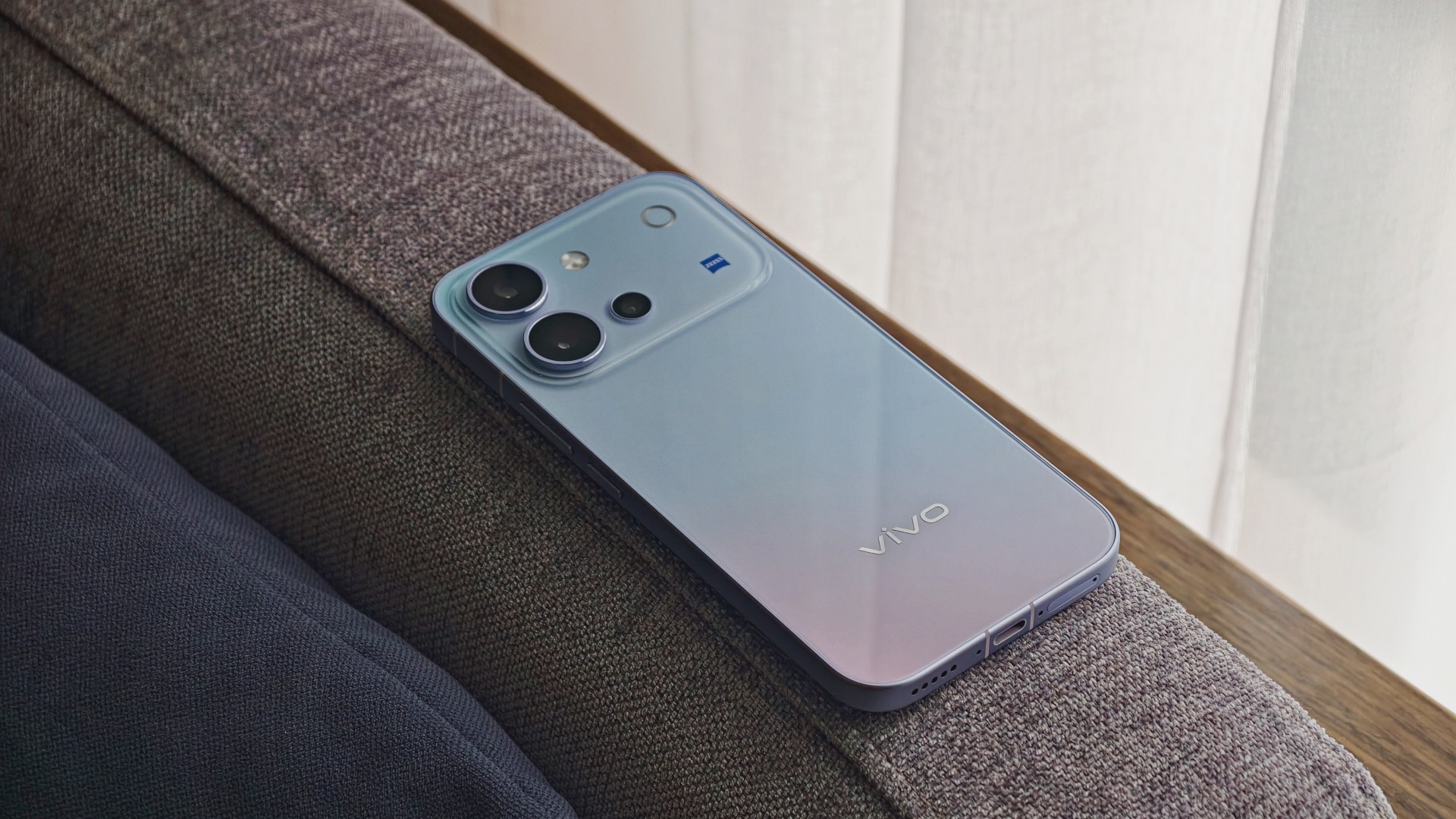
The vivo V80’s design goes from “wow” when you first unbox it to subtly eye-catching the more you use it.
I used the phone primarily with a case, although I didn’t feel like I needed one. Overall, it has a plastic-like feel. Nothing I would call premium, but it doesn’t feel cheap either. It’s par for the course for a base-model midranger.
It’s light and easy to hold. I’d say it feels like your prototypical base-model midranger, just with a poppy back design.
A travel buddy with a few quirks
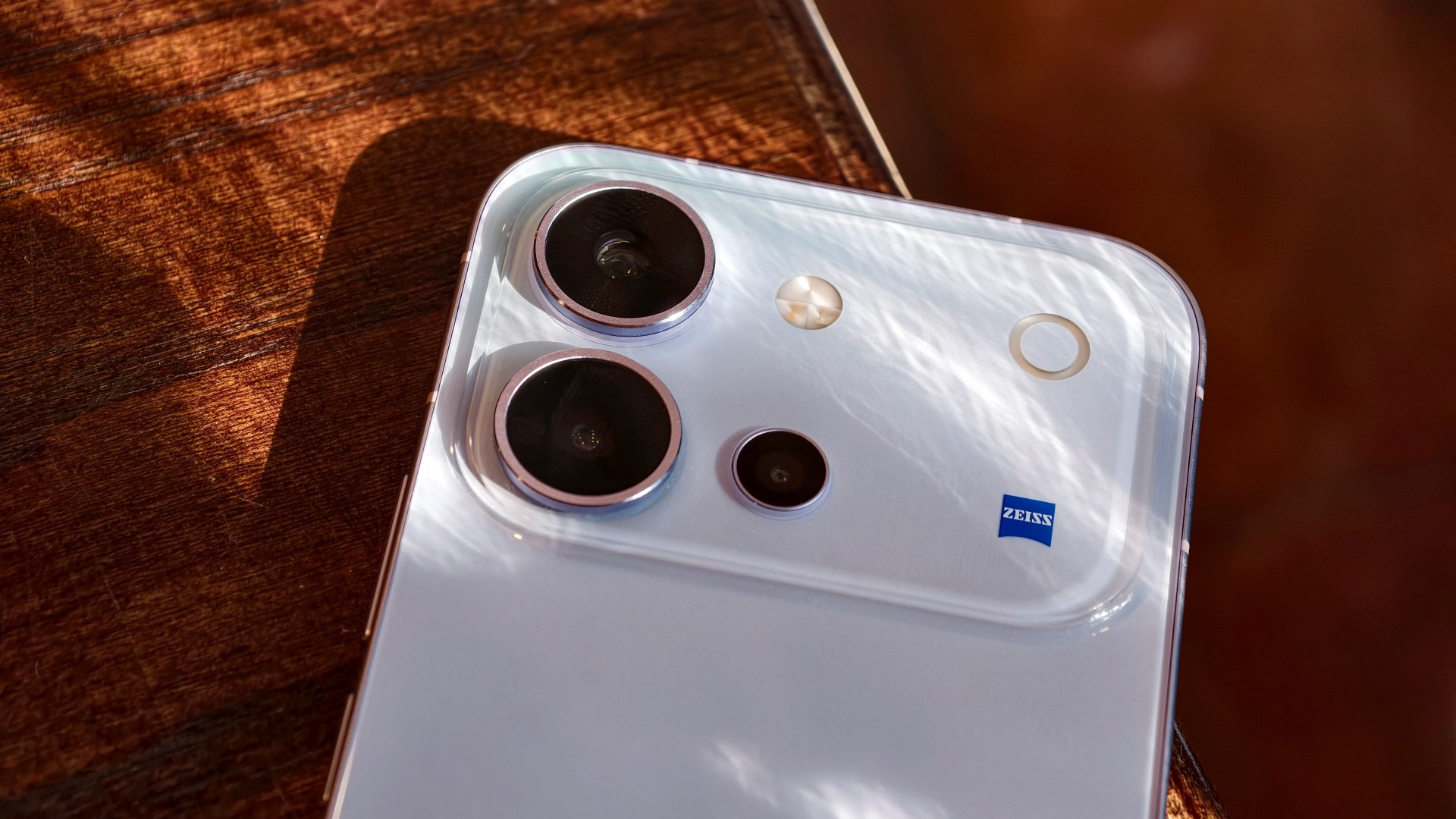
I took plenty of photos during my trip to Hanoi, Vietnam.
It’s worth noting that the phone received around three updates during my testing. Some of these included camera improvements. If there’s some unevenness in my experience and the resulting photos, I would attribute it to this.



Overall, though, the vivo V80 is a serviceable travel companion. I took plenty of food photos, and this is one of the few phones where I genuinely preferred Food Mode over the regular camera settings.


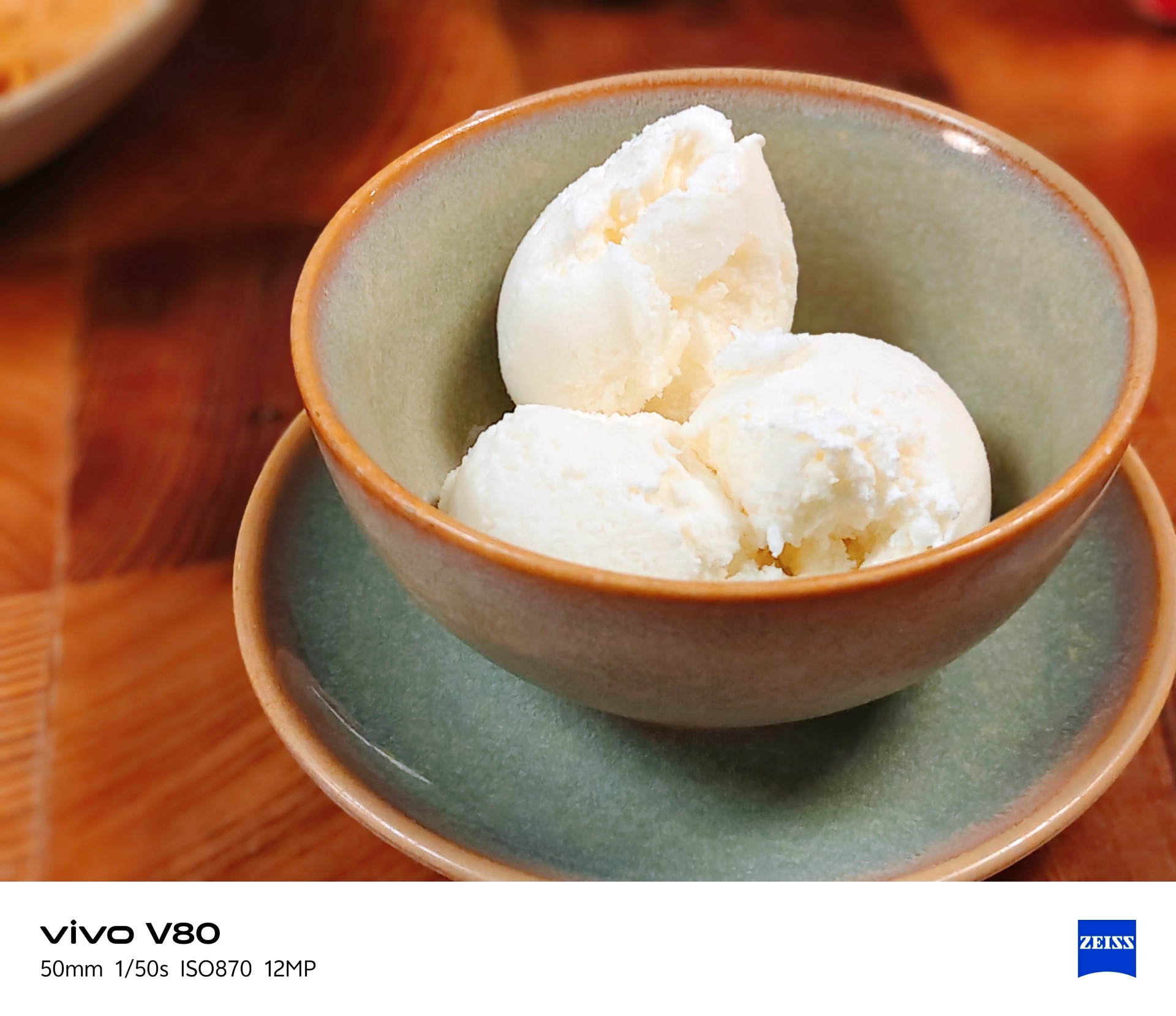
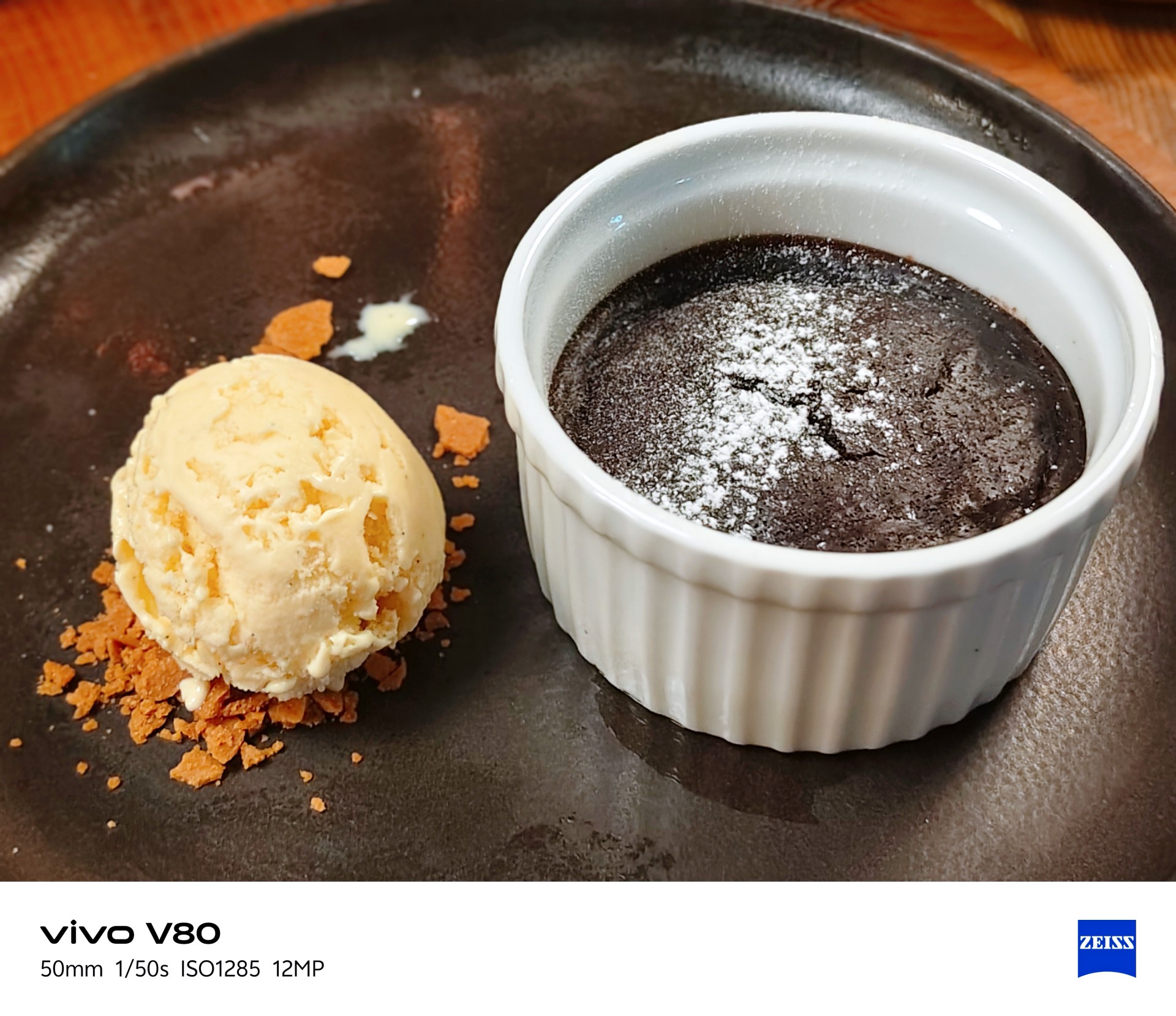
It made the many satisfying Vietnamese dishes I had during this trip look even more appetizing.


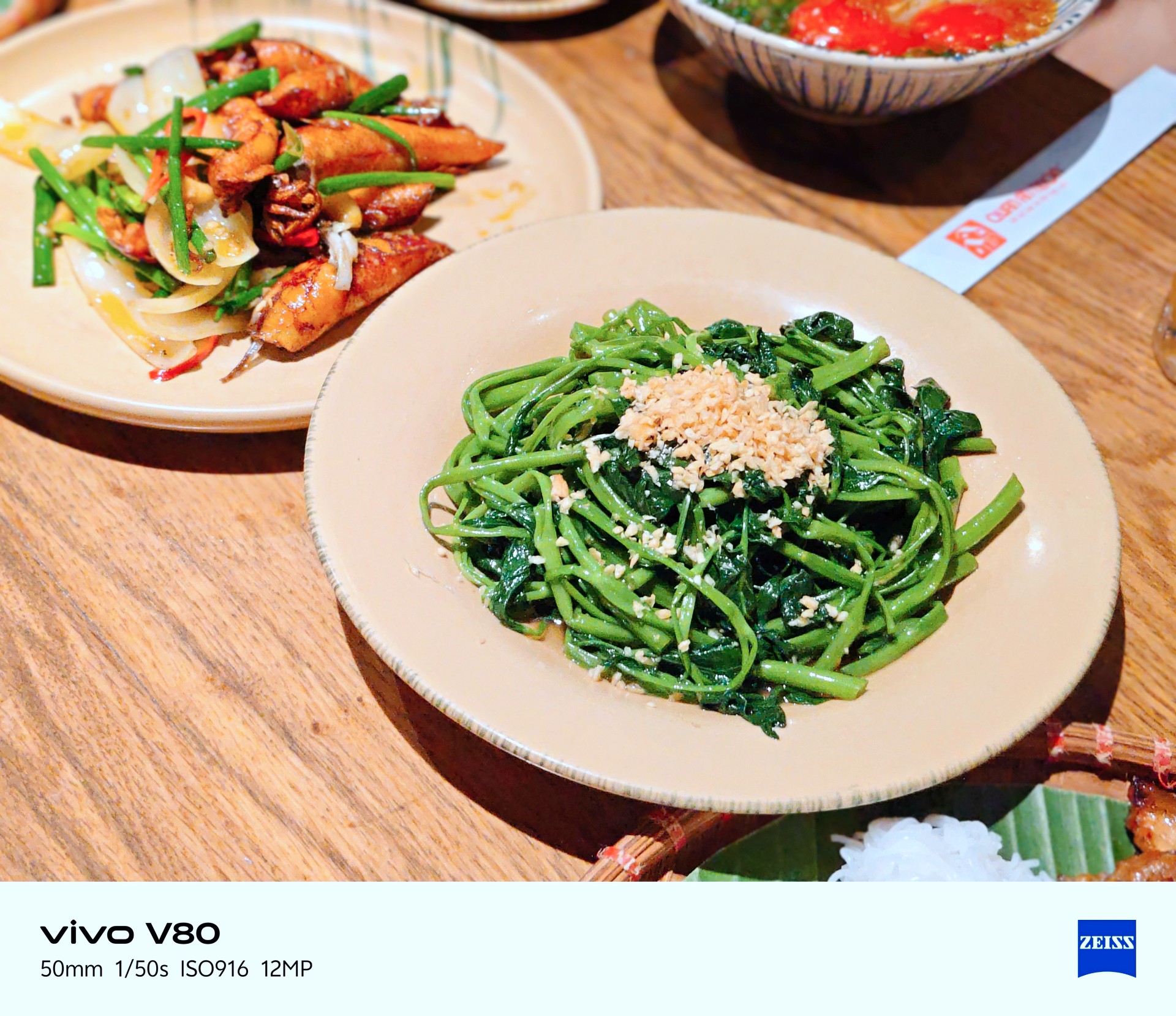



The camera can be quite hit or miss in certain lighting conditions. One thing I noticed is that it tends to brighten scenes more than I would like. My advice is to adjust exposure compensation between -1 and -3 when the situation calls for it. This can help keep scenes from looking too bright, but you don’t need to change the setting for every shot.
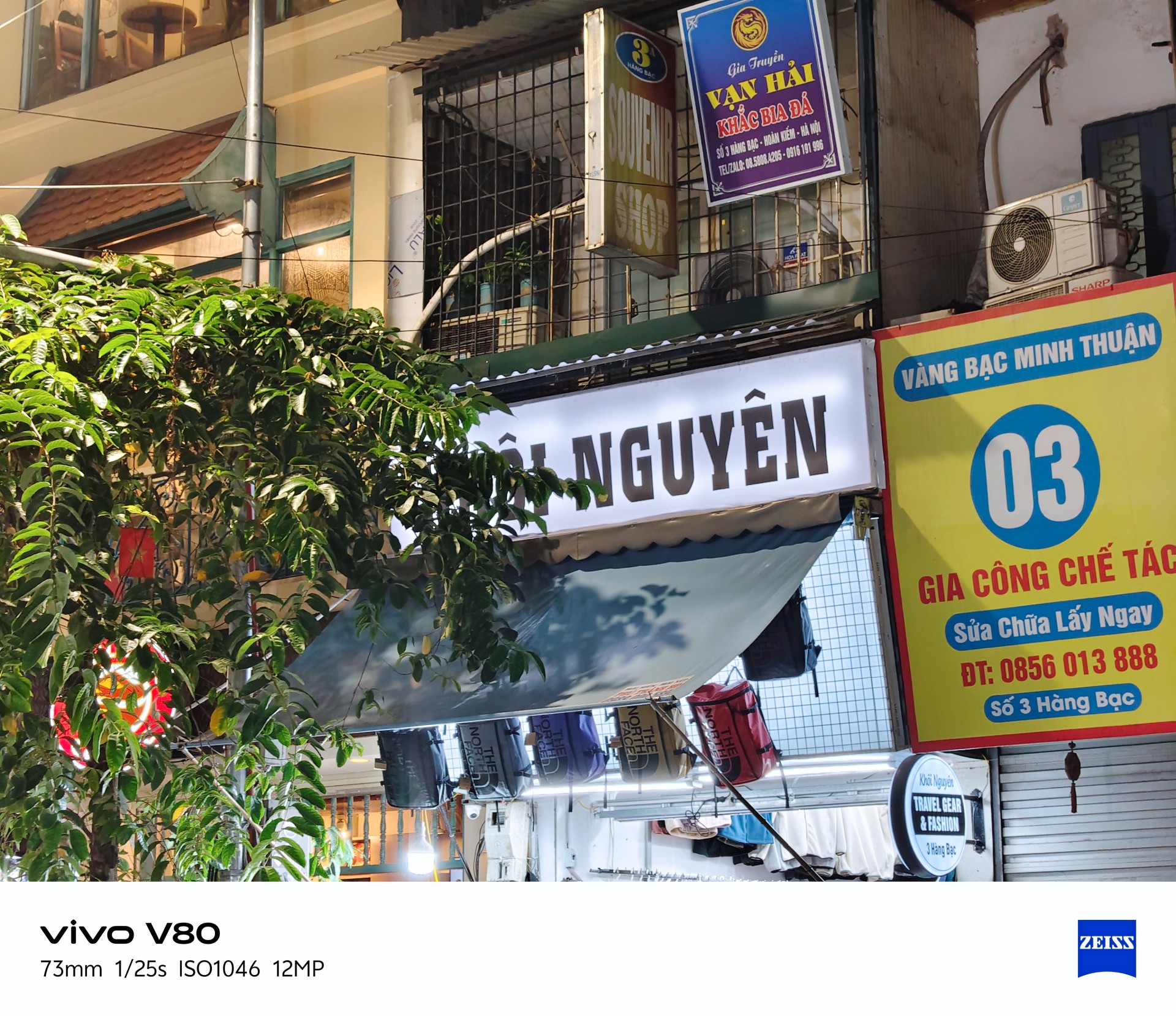


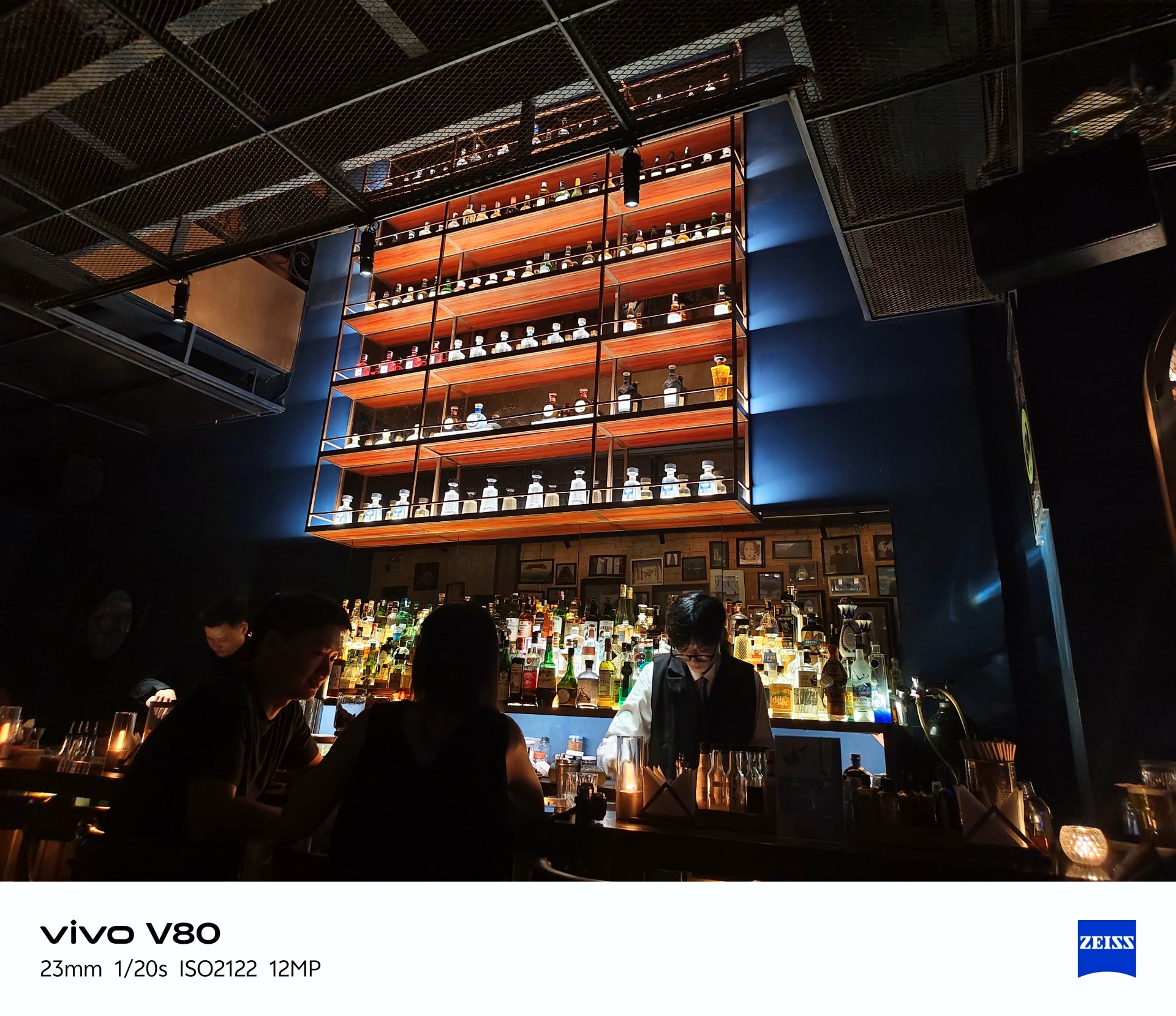
Beyond exposure issues, I also noticed considerable lag when opening the camera after the phone had been idle. There’s a noticeable wait before the camera app becomes usable.
This could mean missing the moment, which is crucial when taking photos. The solution is to stay ready, although a software patch to address this wouldn’t hurt.
Despite those two issues, I enjoyed taking photos with the vivo V80. More samples below.
Quaint little cafe
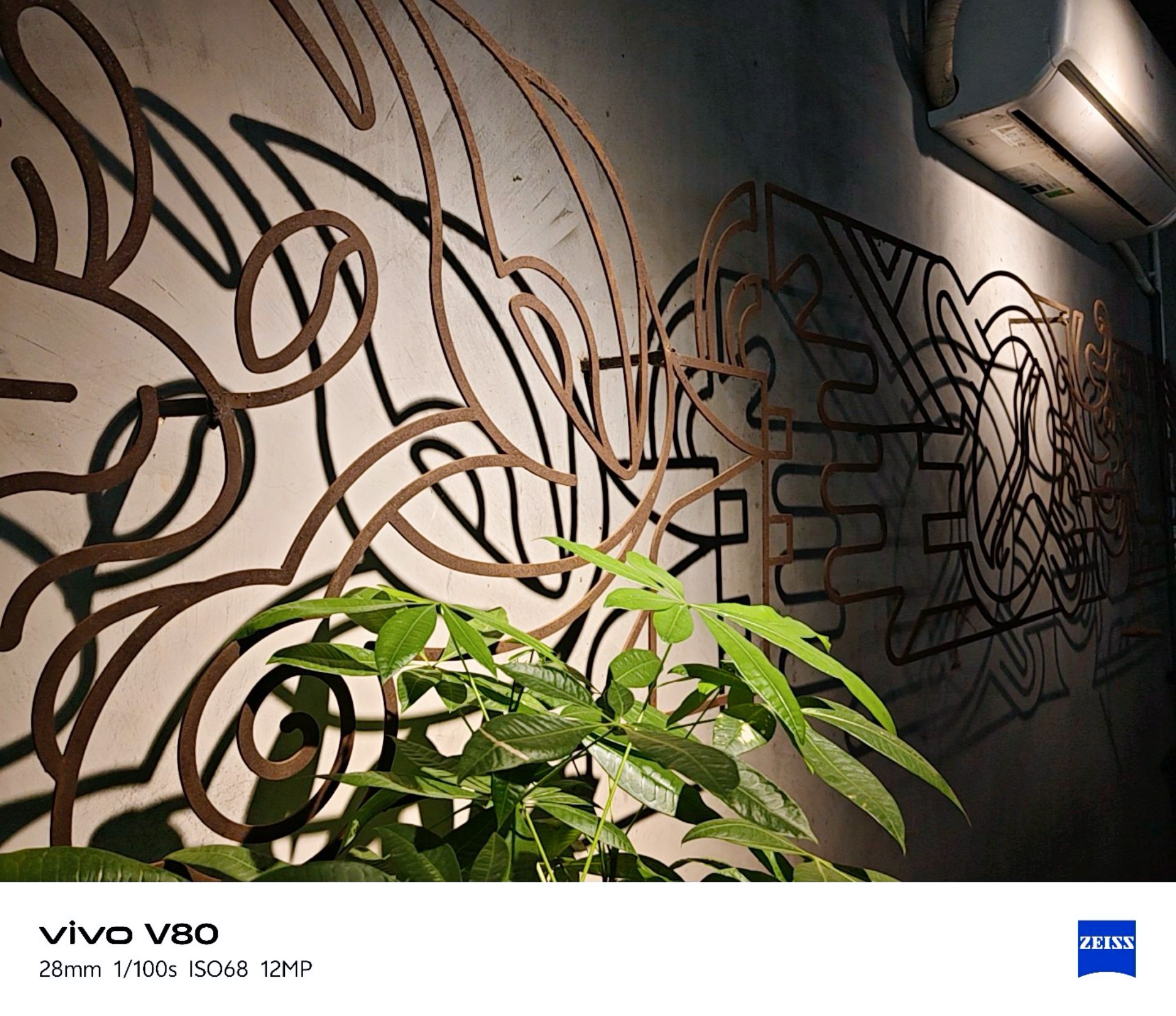


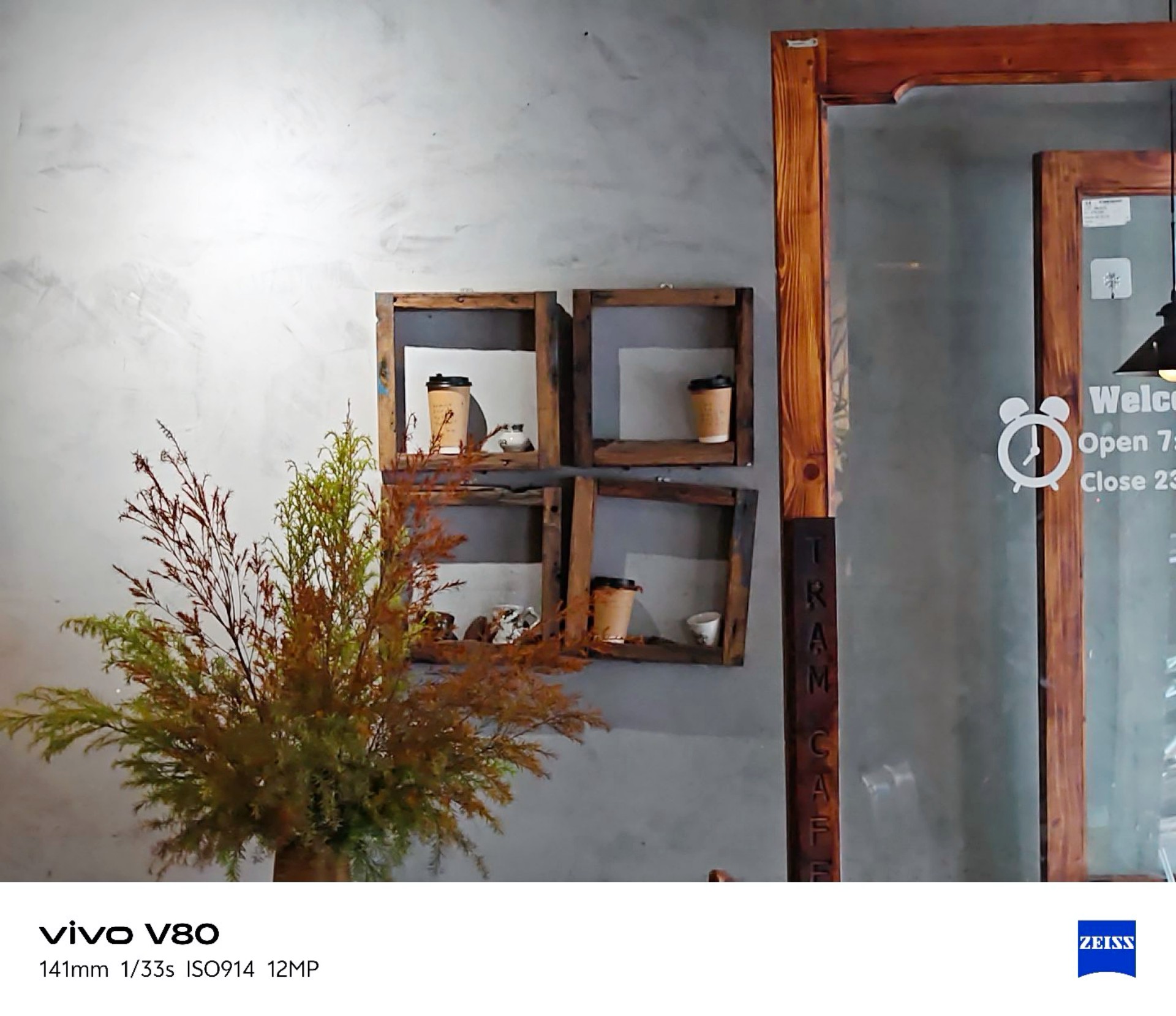

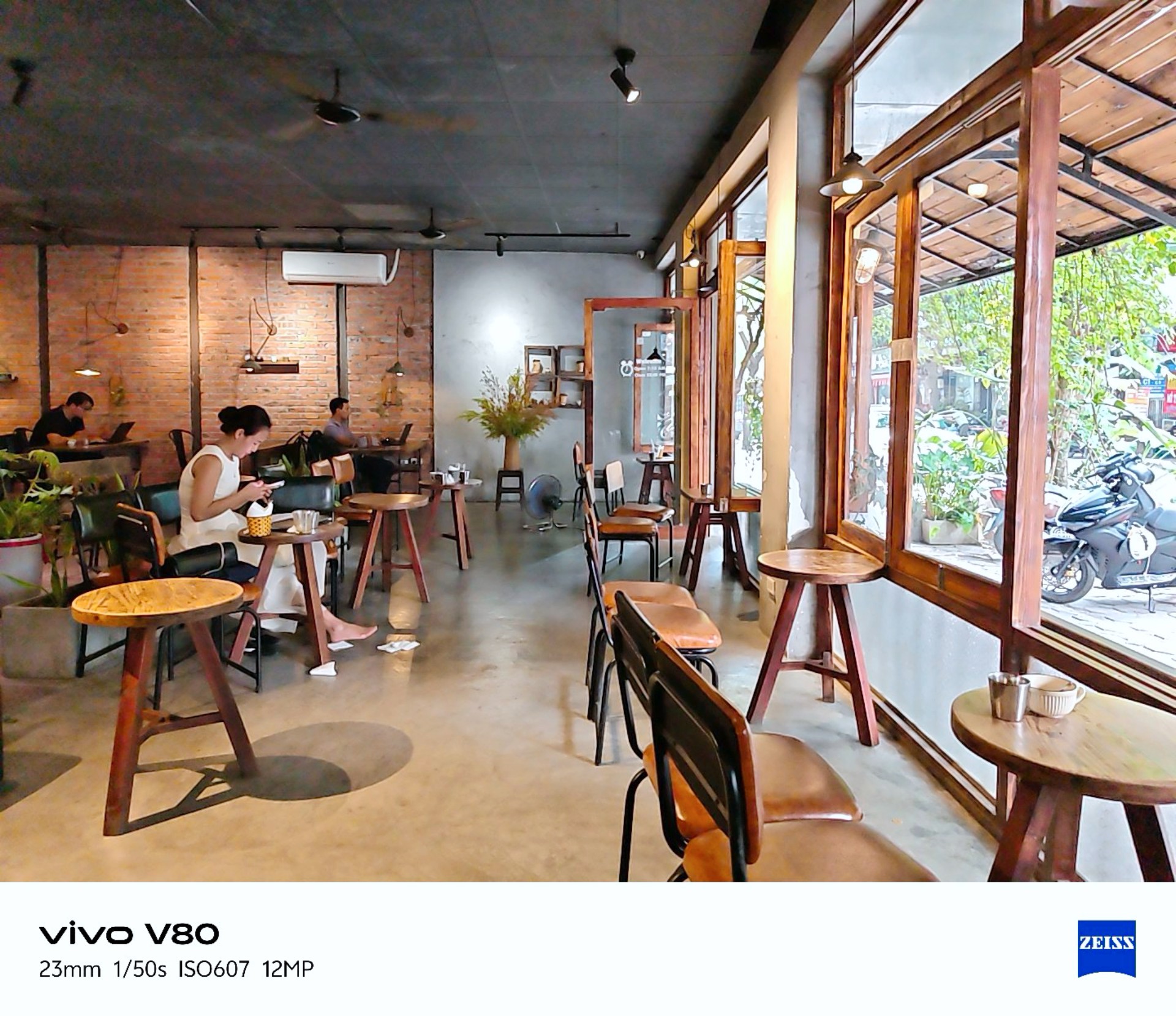
vivo Textured
I realized I was shooting mostly in Vivid mode so I tried textured for a while. Here are the results.
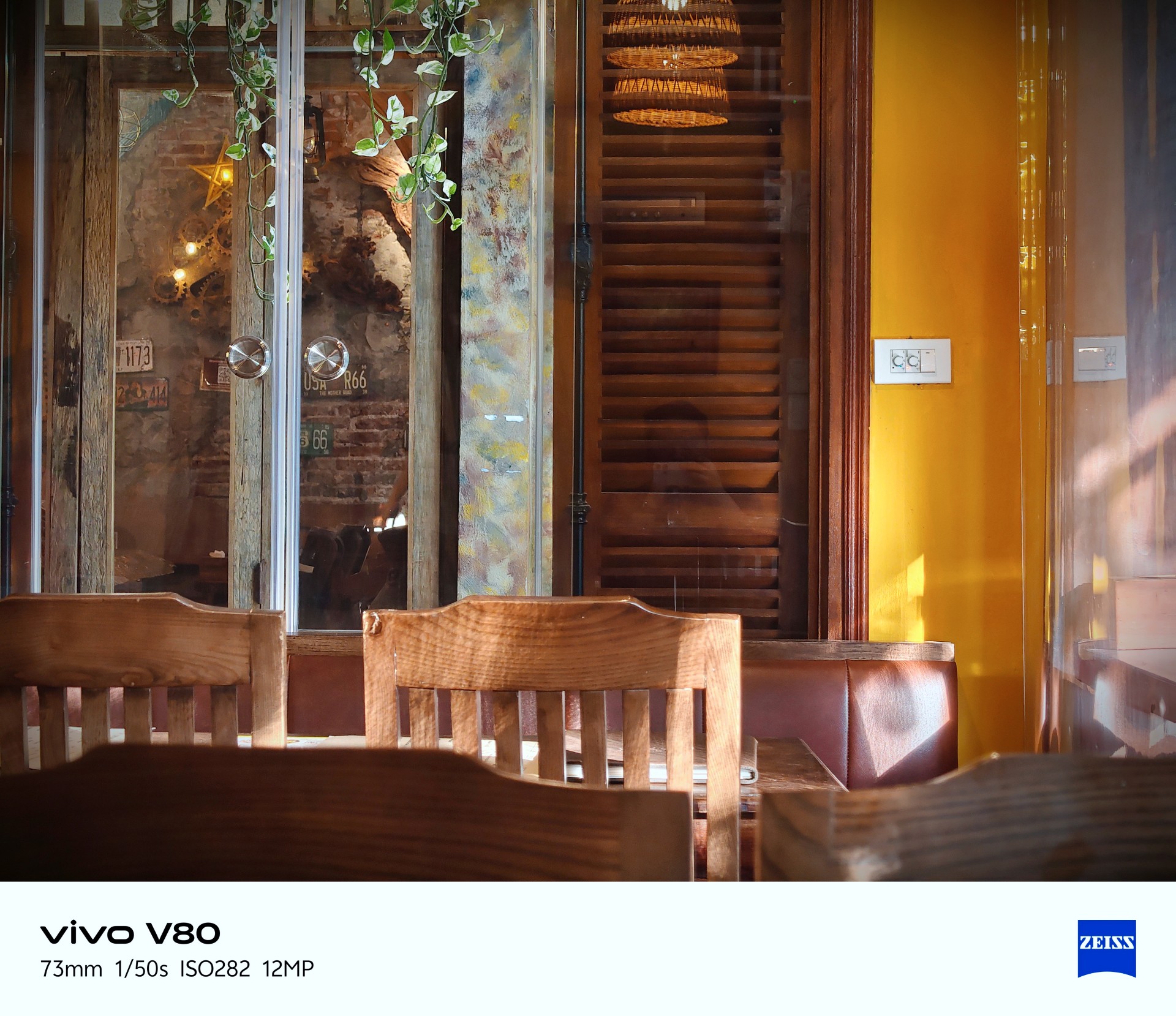
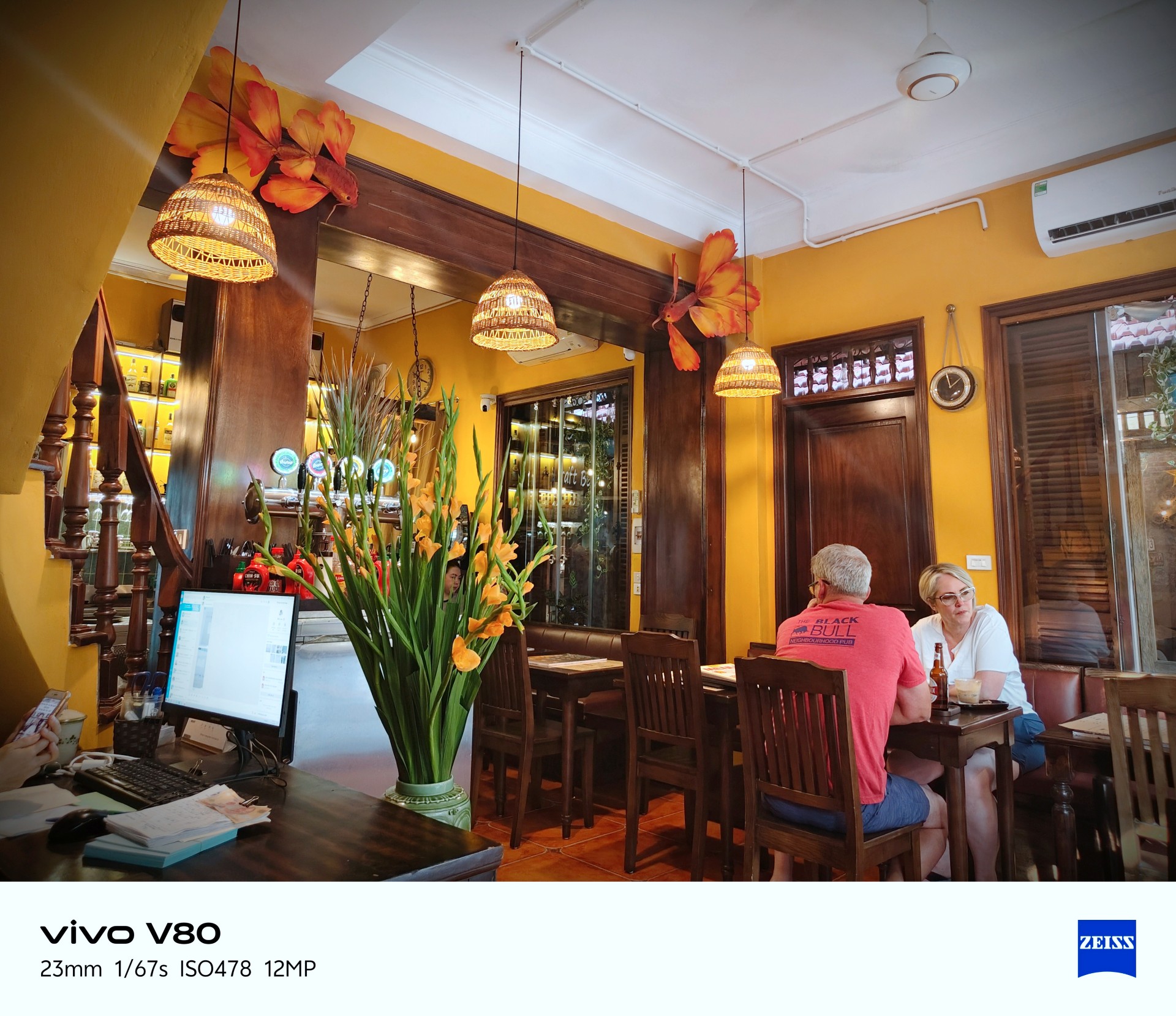



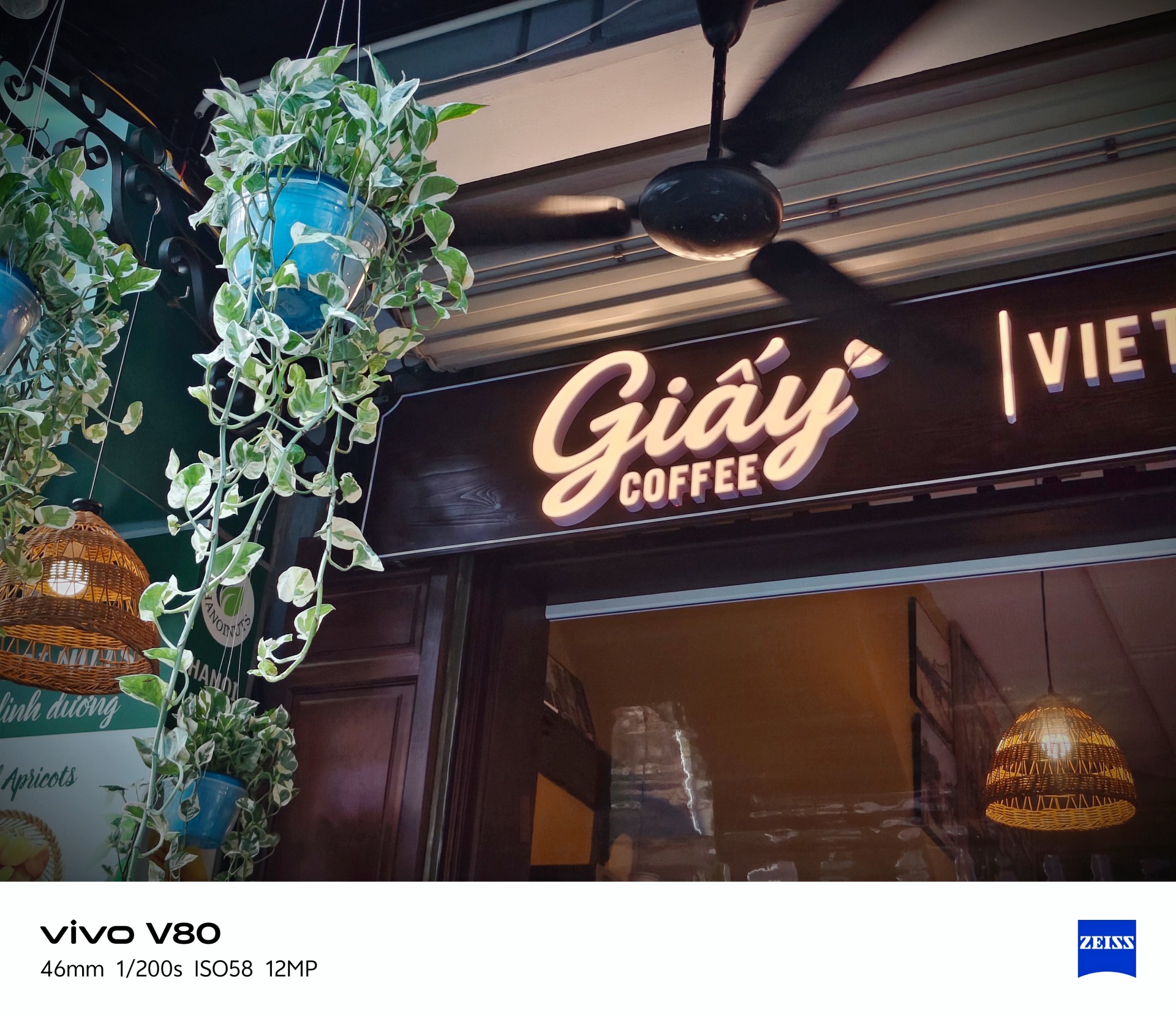

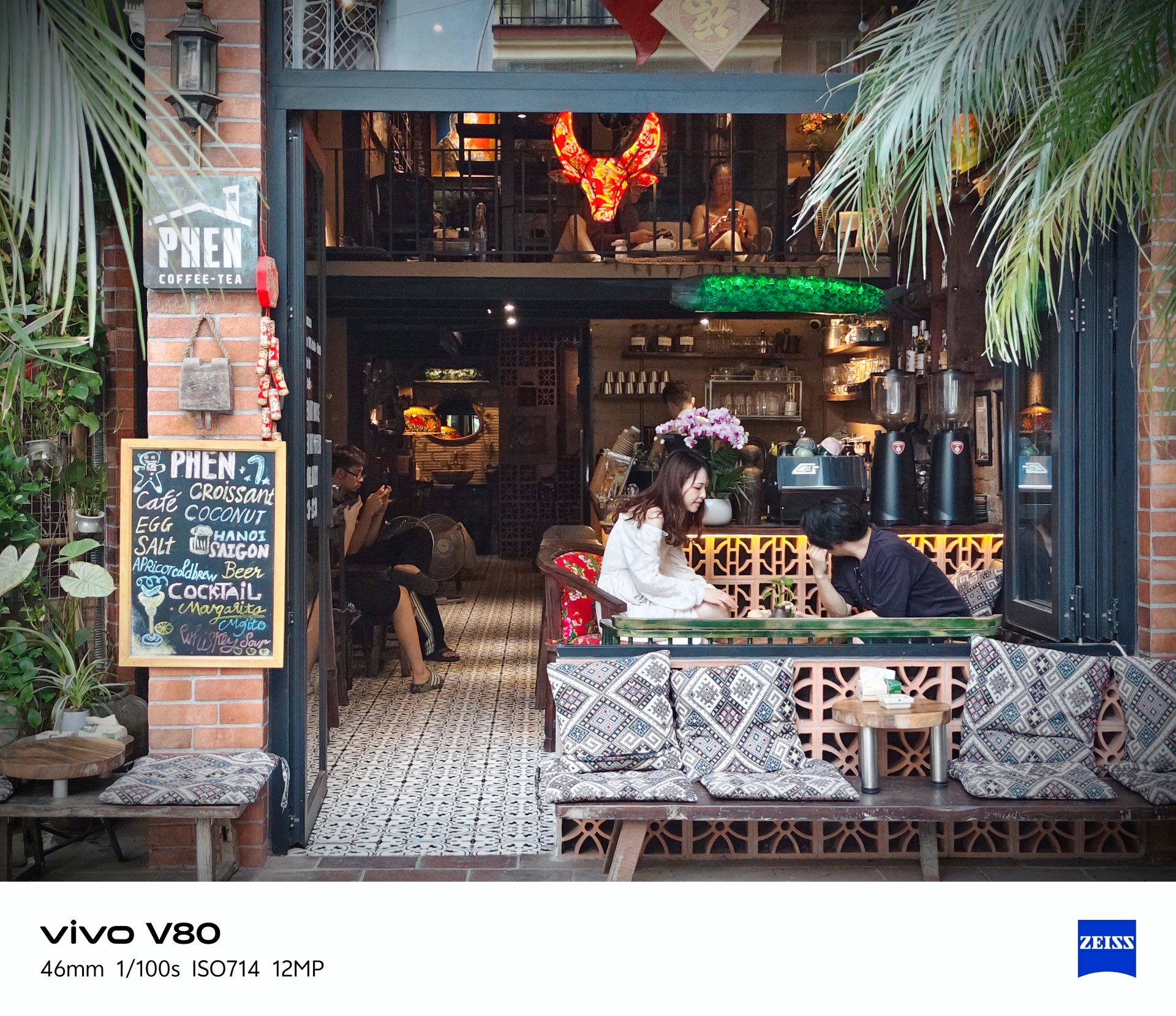
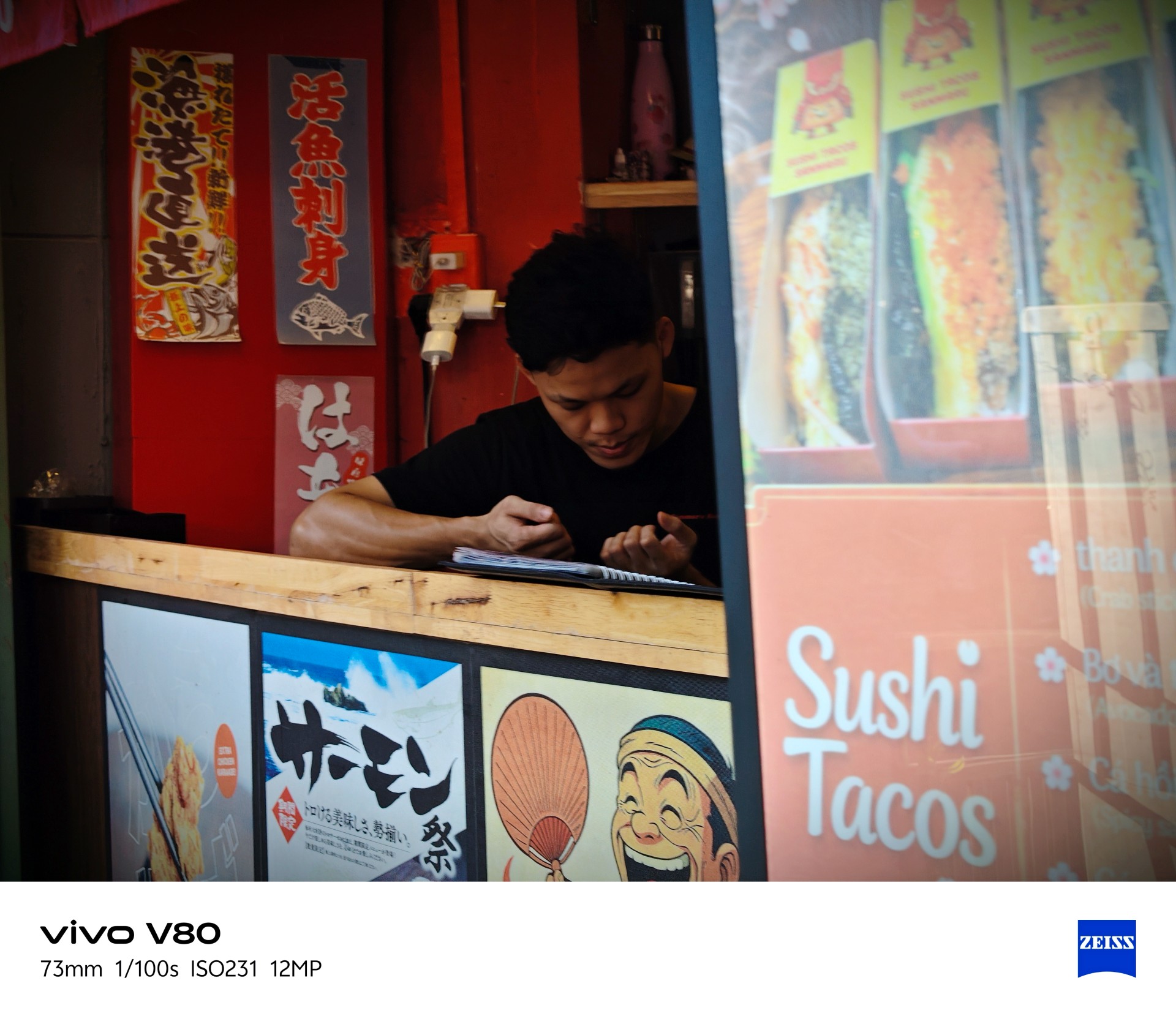
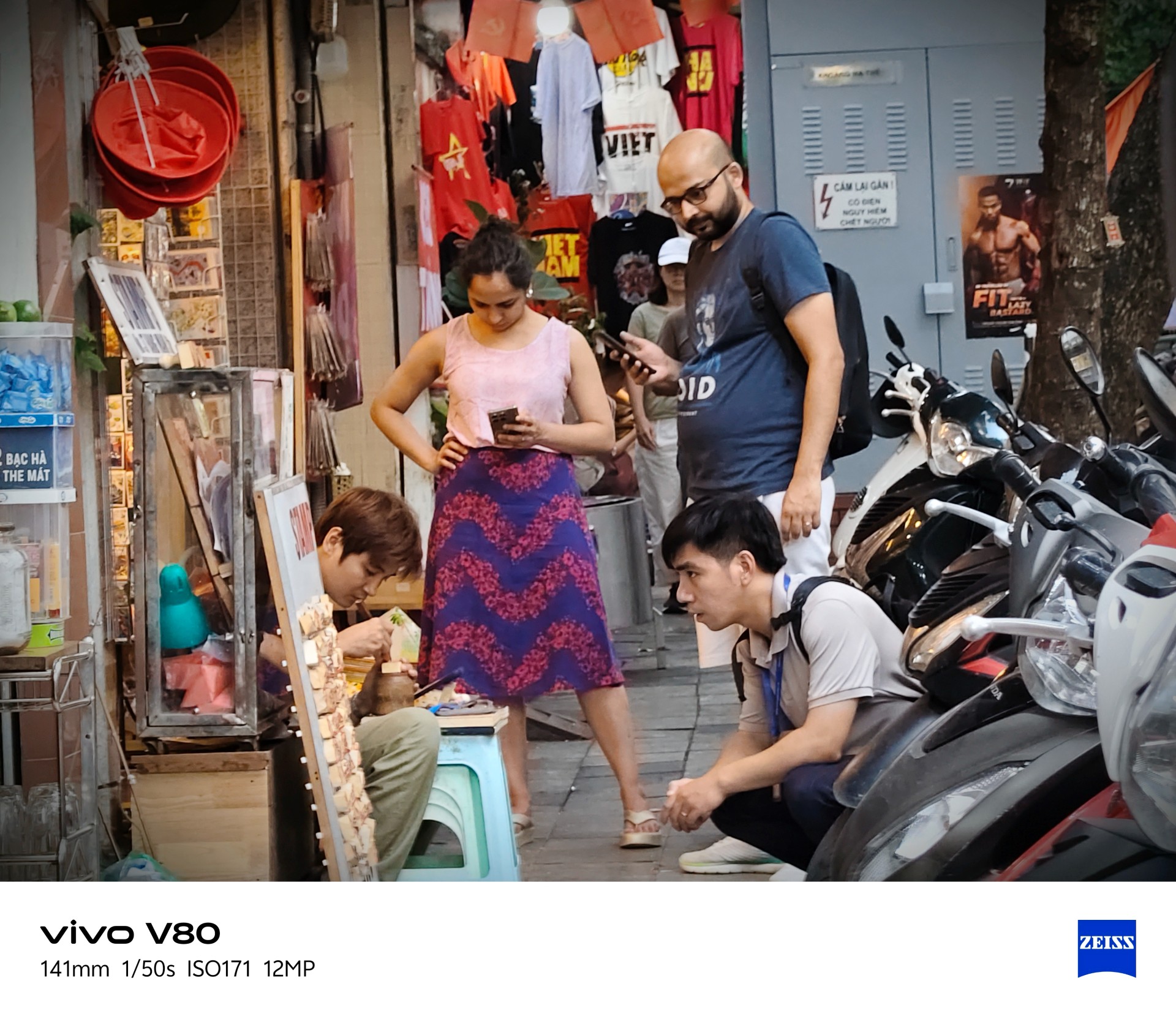


Best souvenir shop: Goi Gem
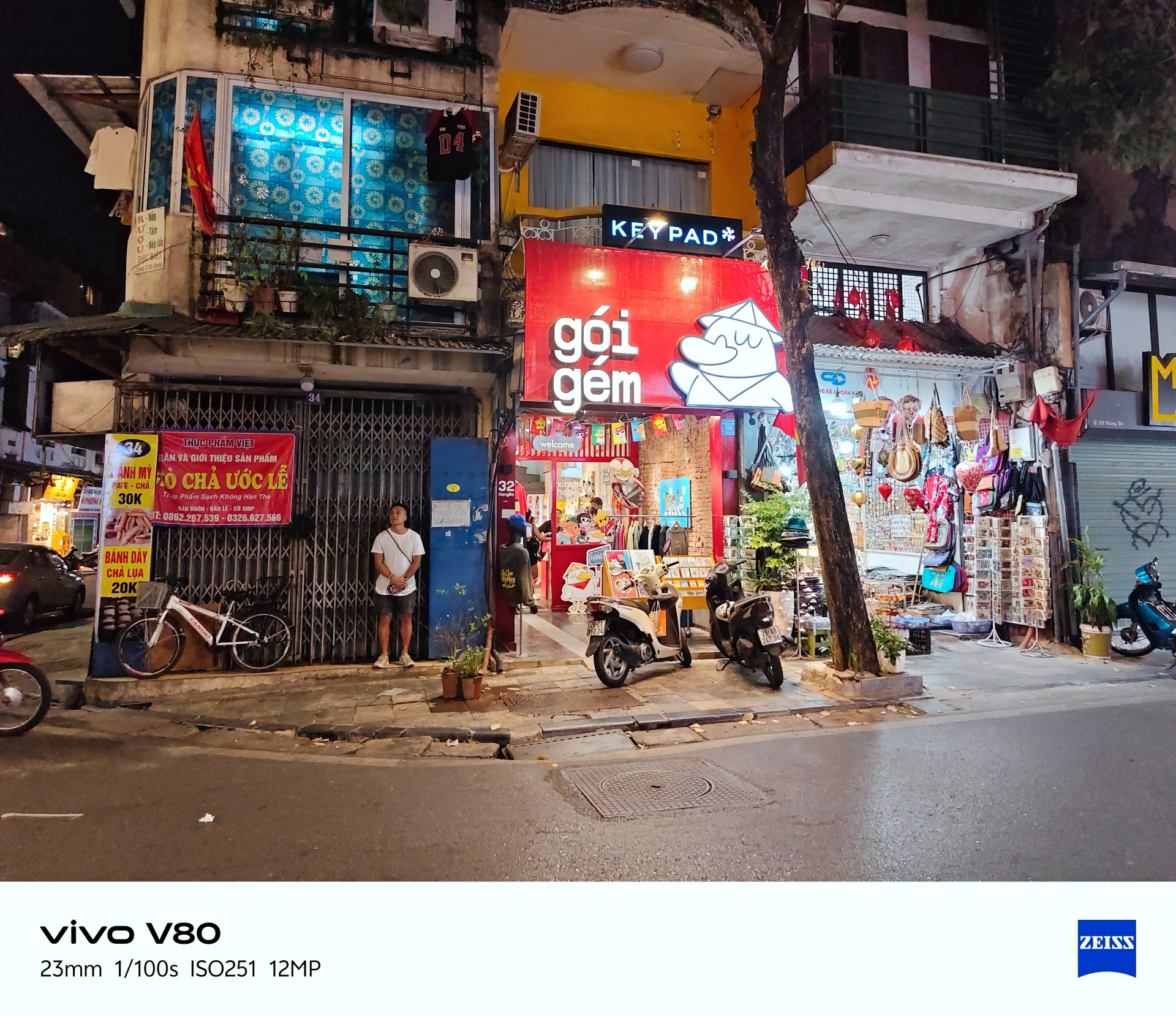


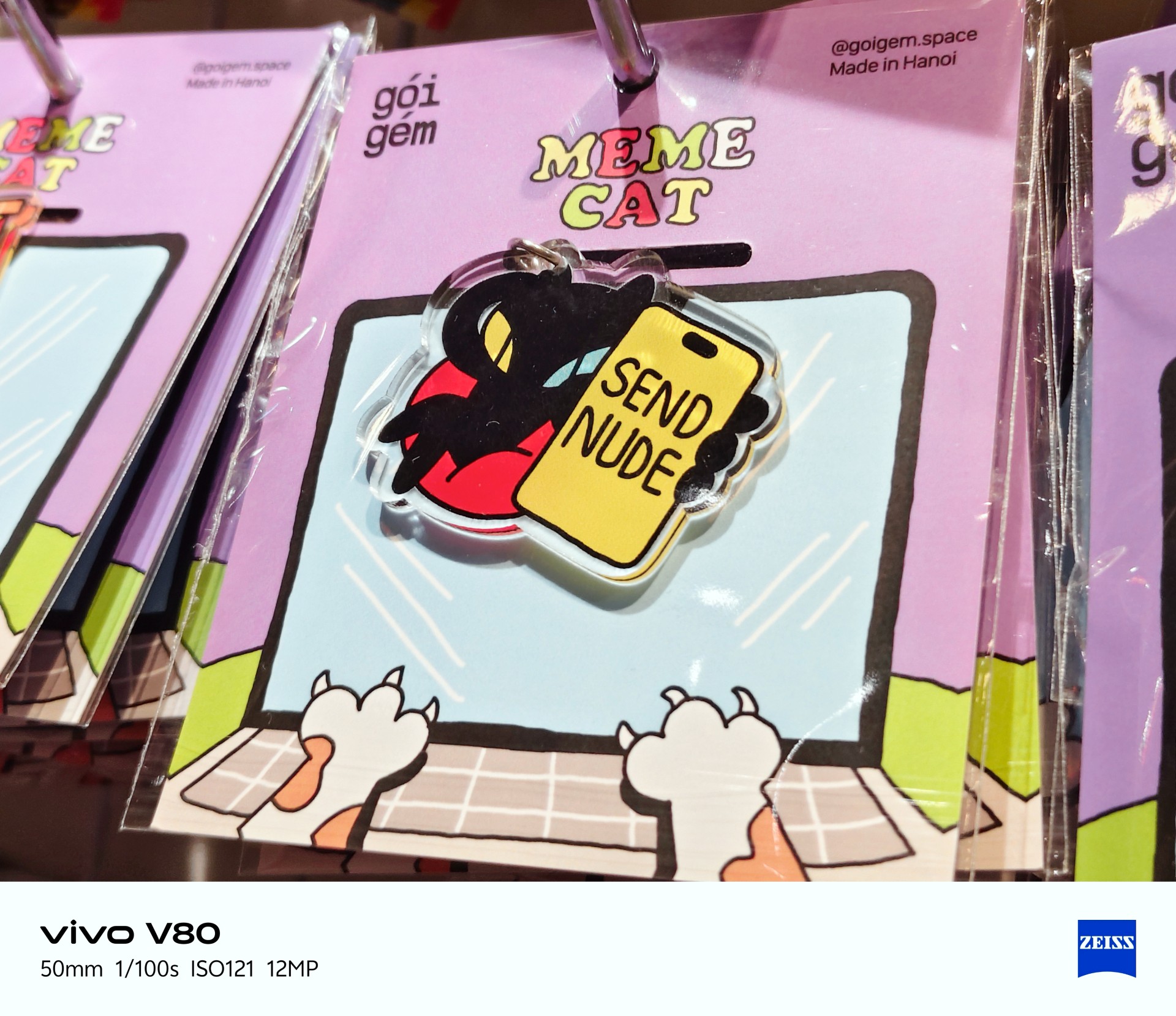
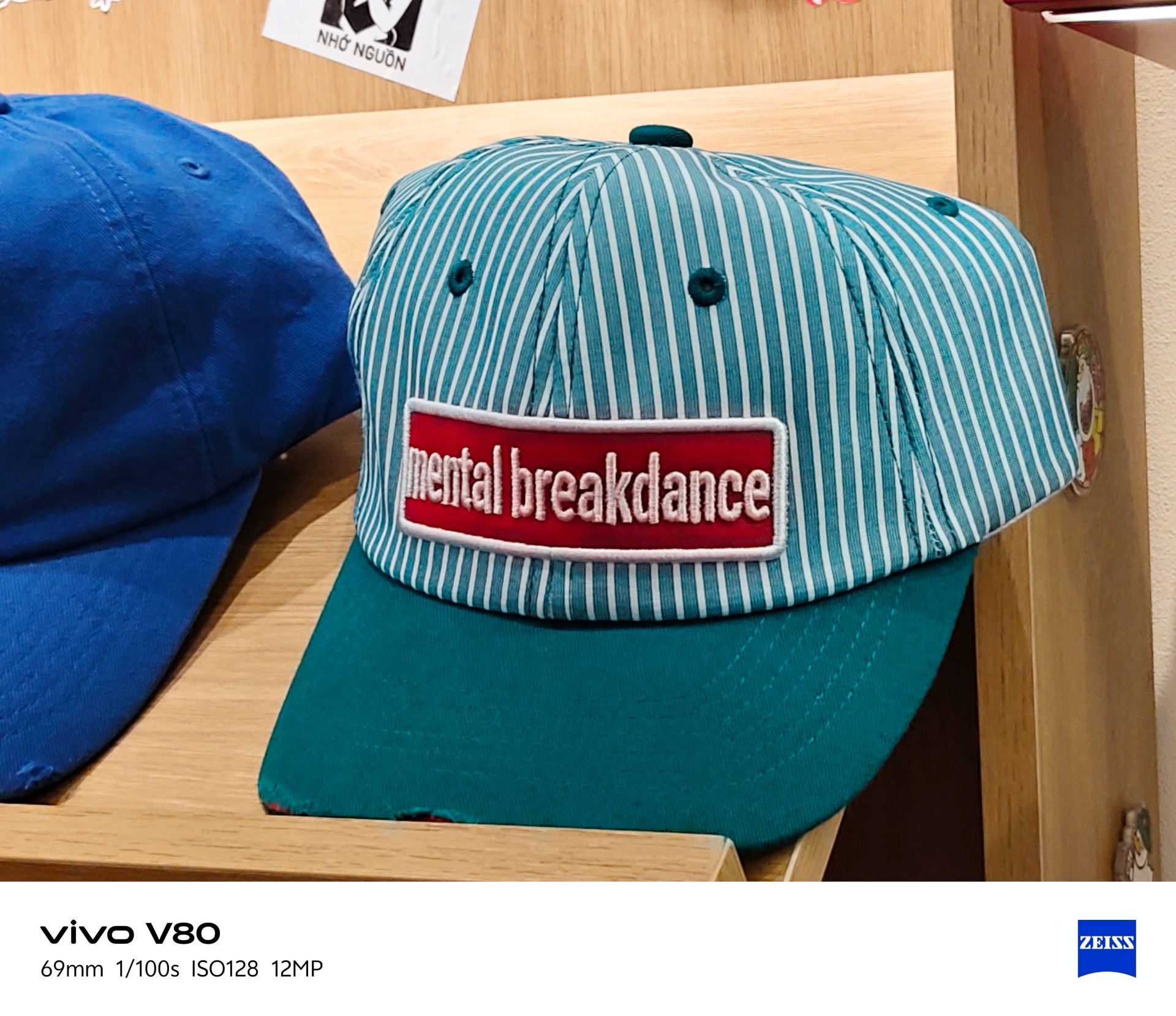
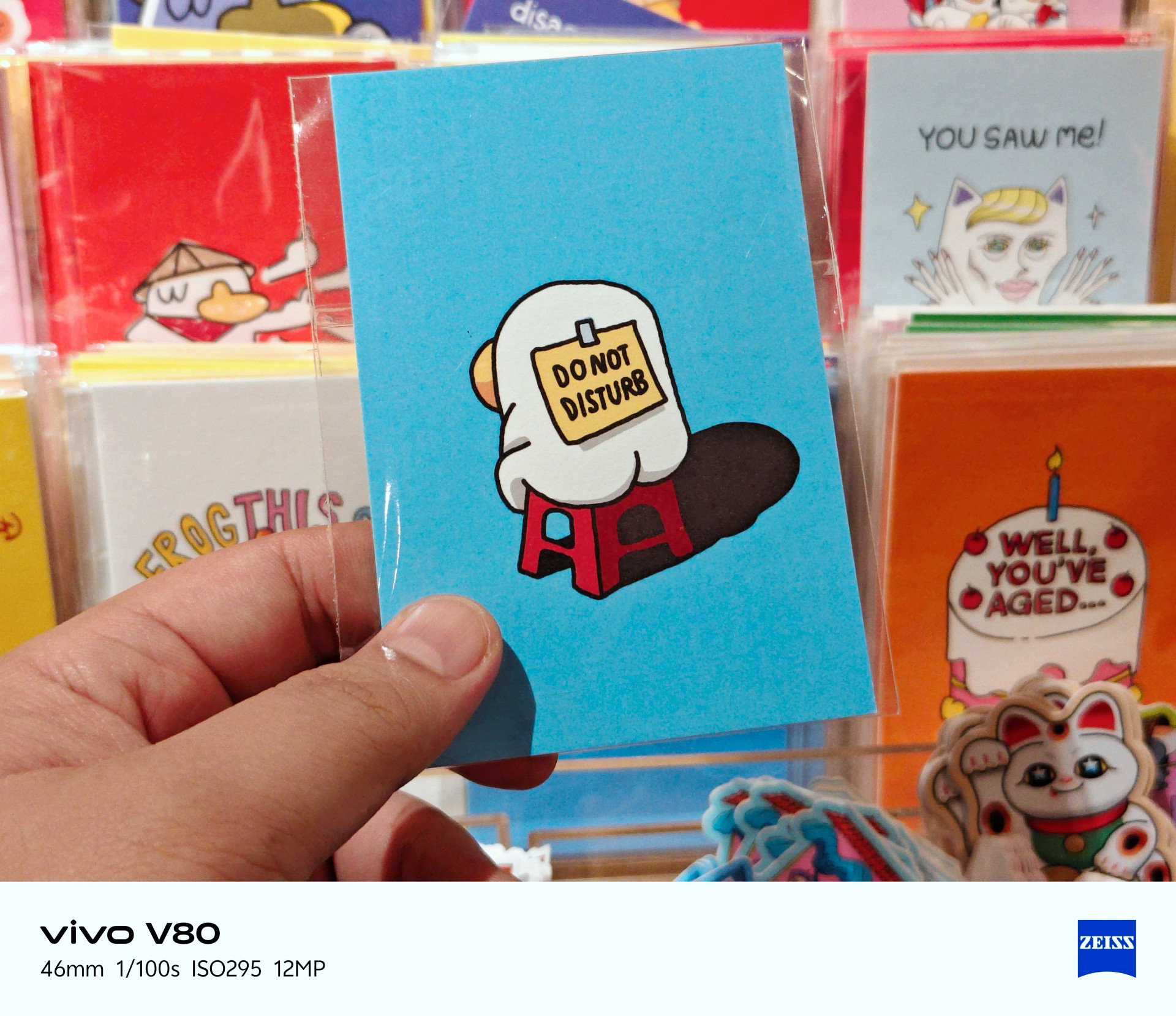
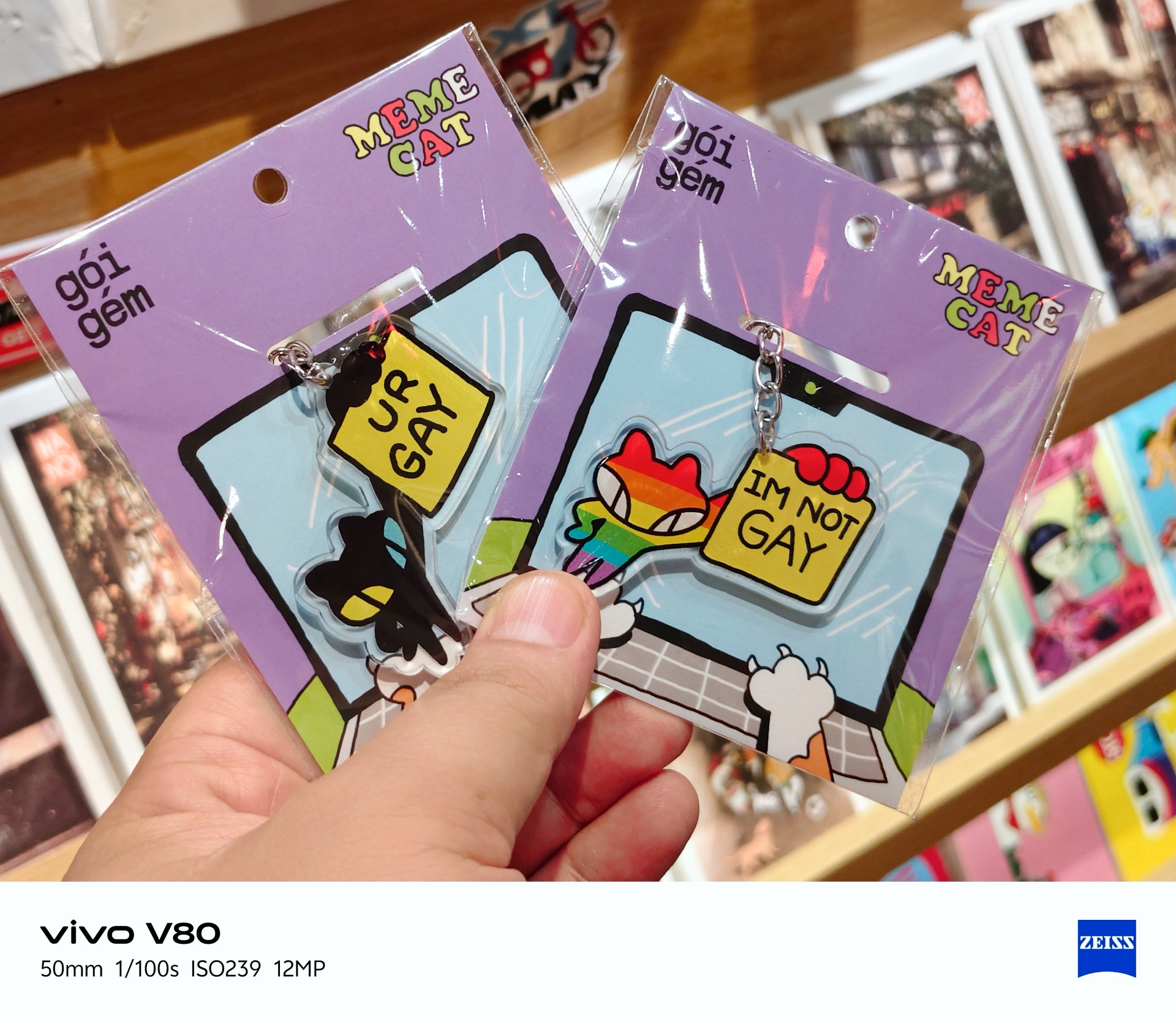


Portrait photography



Portraits weren’t my main focus during my time with the device. I only took four regular portrait shots while visiting a train-themed tourist attraction with some friends.
Lighting was a hit or miss here, too.
Time to talk games
Ha. Here we go.
I realized I can’t cop out anymore and keep saying I don’t play mobile games. To address this, I identified three games I would use in my smartphone reviews. Some may change from time to time.

Battle Cats was the most casual game I tried and probably the most fun I had playing. The phone had no trouble running it. The experience was smooth.
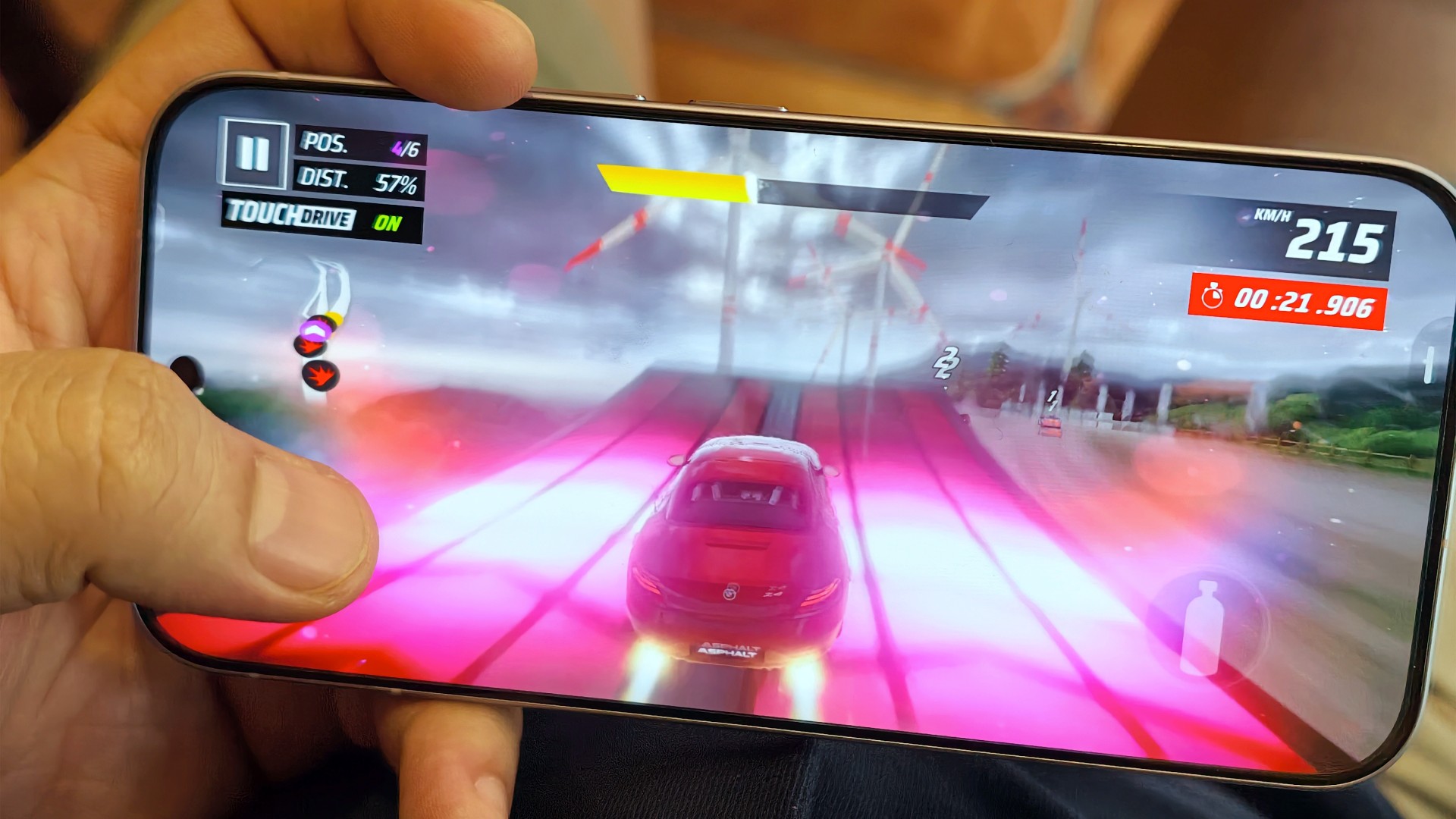
The same can be said about Asphalt Legends. Even when the graphics settings weren’t at their highest, the game still looked good and played well.
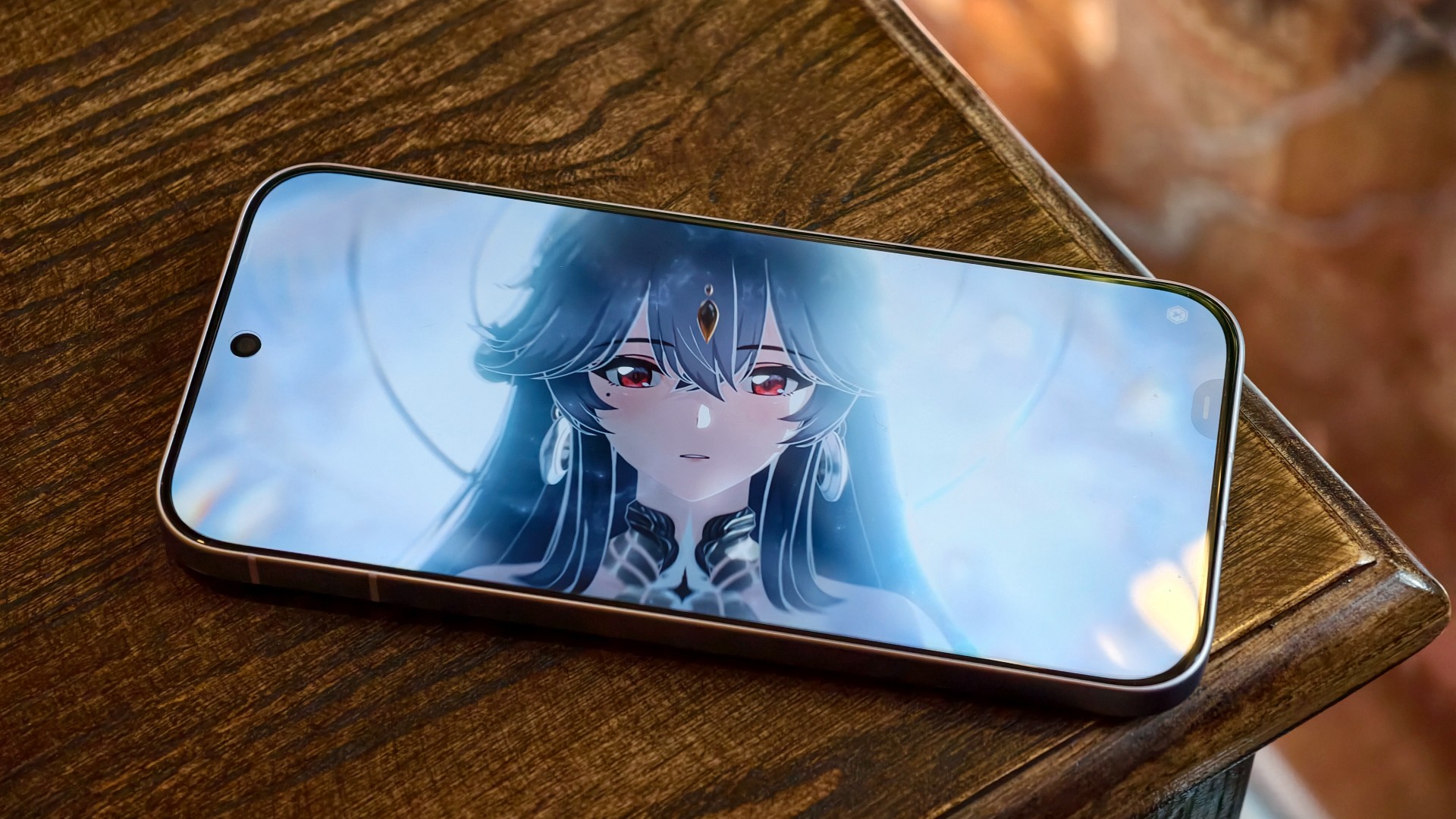
Wuthering Waves, meanwhile, defaulted to medium graphics settings. The game still looked decent, but you could already tell it could look better. The phone’s default settings prioritized a consistent and mostly lag-free experience. I wouldn’t push it beyond that.
I’m still on the lookout for mobile games I can include in these tests. Preferably, I’d like something that plays as simply as Battle Cats but offers peak graphical fidelity. I’m open to recommendations!
A screen that gets it right

Still Isa-holic after a few reviews
The vivo V80’s display is pretty darn good.
Even in broad daylight, I had no trouble seeing what was on the screen. I spent time at a cafe near a window in the early afternoon, watching STAYC Isa content and catching up on Doctor X: Mafia in White on Netflix.

I wanted to watch Merry Berry Love and see Imada Mio, too, but Disney+ wasn’t available in Vietnam during my trip. I settled for watching some trailers instead.

The display also performed well during gaming. I didn’t notice anything in particular that stood out, and I mean that in a good way. Everything looked and played as expected.

To me, that means the display technology worked to perfection. It delivered a clear, smooth experience without drawing attention to itself for the wrong reasons.
Two days? Maybe. One day? Absolutely
YES. Very dependable.
I had a hard time curating photos for this review because I took hundreds of them during my trip to Hanoi.

Between taking photos, testing games, doomscrolling, watching STAYC Isa content across different platforms, and catching up on shows like Doctor X: Mafia in White on Netflix, I never felt like I needed to find a plug or charge the phone in the middle of the day.
I typically ended the day with around 40–45% battery remaining. The vivo V80 can endure heavy days and likely more. Battery performance is excellent.

And you won’t feel like you’re away from the phone for too long when you finally need to charge it after a long day out. Topping it off takes roughly the time it takes to watch an episode and a half of anime, or about one episode of The Rookie. That’s around 30–40 minutes for a full charge.
The battery life and charging speeds are likely among the better ones in its class. Having both in a phone that’s relatively light and compact is quite a feat. I suppose this is the new normal for midrangers now.
OriginOS still feels a little offbeat

I’ve been using OriginOS sparingly for the last year or so. Something about it still feels offbeat to me.
Although, if you use phones from other Chinese manufacturers, you shouldn’t have too much difficulty adjusting. They all have subtle differences here and there, mostly in their icons and animations. However, the general feel will be familiar to most Android users.
Is the vivo V80 your GadgetMatch?
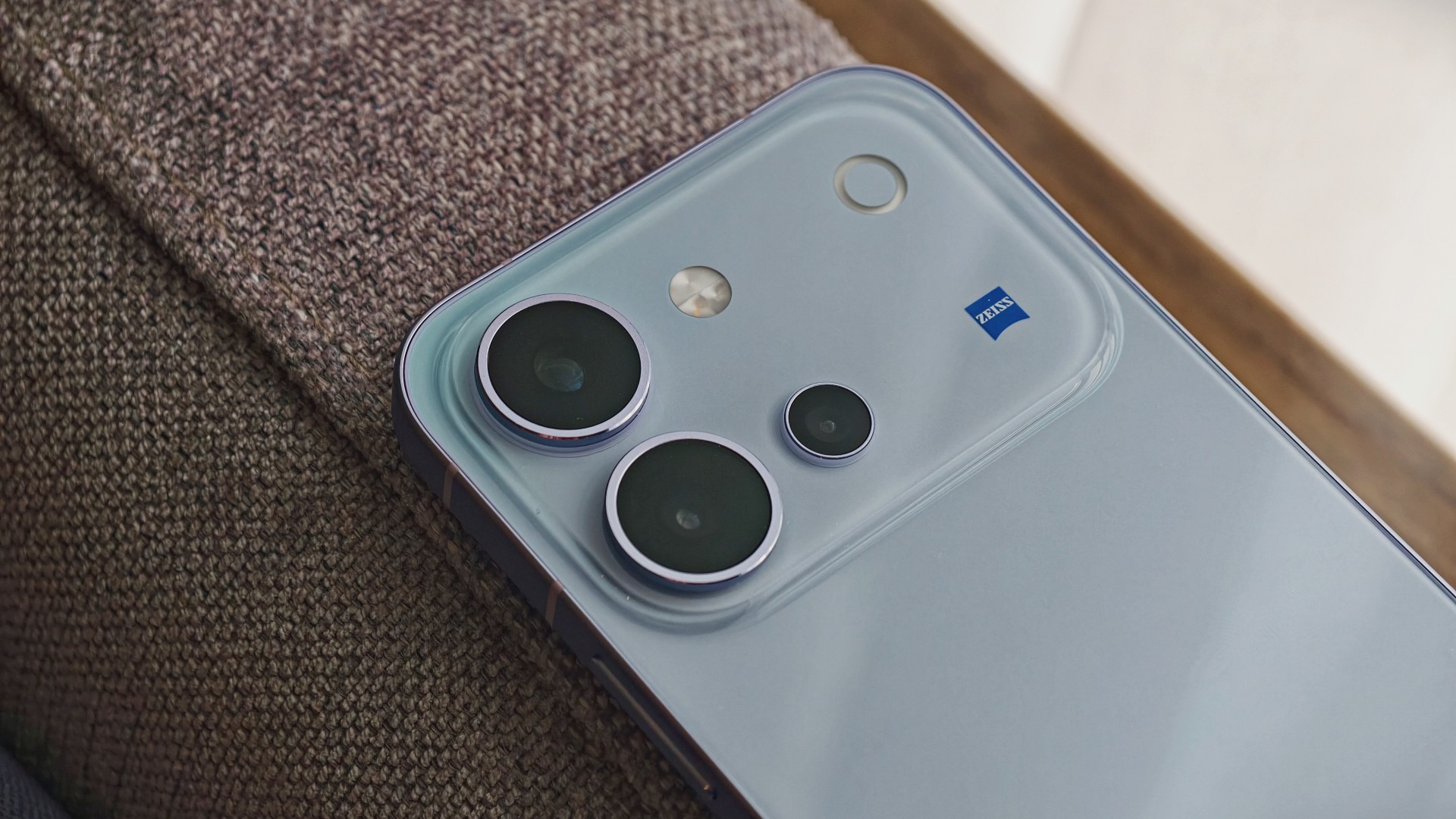
The vivo V80 is a good phone. It’s serviceable for mobile gaming, more than decent for everyday browsing and social media scrolling, mostly fantastic for taking photos, and capable of staying powered throughout all those activities.
The display is another highlight. It remains easy to see in bright daylight and delivers a smooth gaming experience without calling attention to itself. Meanwhile, the battery easily keeps up with heavy days of photography, gaming, and entertainment.
The kicker, like in most things, is usually the price.
Midrange phones have become harder to place of late. In a vacuum, they’re really good smartphones. But the asking price, which can be influenced by multiple factors, will give you pause.
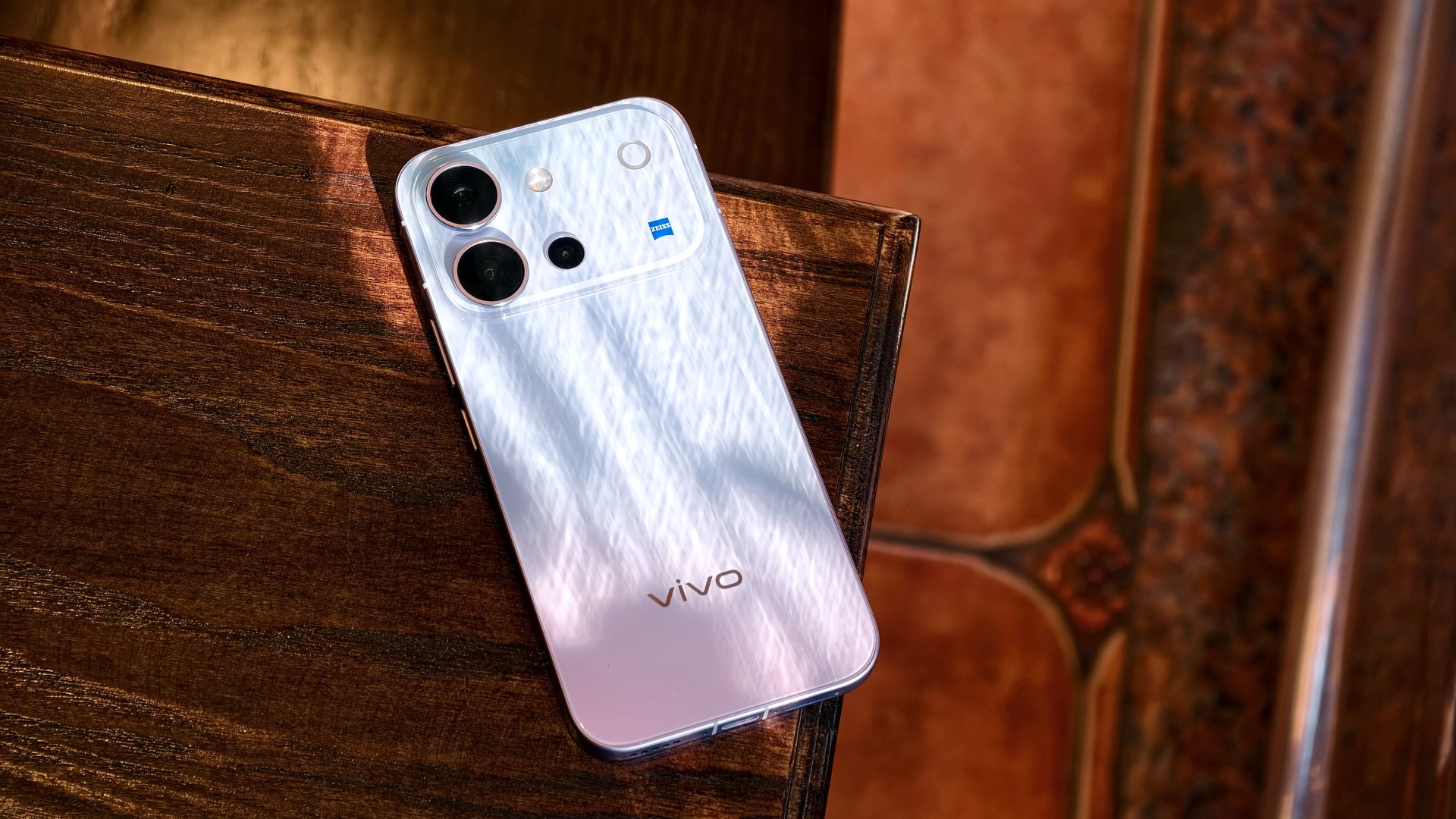
The vivo V80 is listed at PhP 42,999 for the 8GB + 128GB model in the Philippines. In India, the same base storage configuration starts at INR 62,999. That’s quite a lot, especially for a smartphone that feels like it should be priced closer to its predecessor, which started at PhP 31,999.
It’s still a Swipe Right, but a shaky one at that. At this price point, I’m thinking I’d rather start saving up for a more premium smartphone. It’s easier to justify a higher price tag for something that performs excellently across the board and that I know I’ll use for years.


ROG G700 review: The best prebuilt PC you can get off the shelf
This PC will make you stop worrying about specs.


HP OMEN Max 16 review: Gamer-maxxing in deep black
Peripherals deemed necessary to max this out


vivo V80 review: Good phone, tough sell
A capable travel companion

Wild Rift Patch 7.3, celebrates K/DA comeback

LG showcases its latest AI TVs in the Philippines

Your coffee nook is getting a makeover with Starbucks’ holiday collections

Petit Planet launches December 4

This pop-up sauna brings the steam room experience into your home


-
Reviews2 weeks ago
vivo V80 review: Good phone, tough sell
-

 News2 weeks ago
OPPO Find X10 Series: Price, availability in the Philippines
-

 Cameras2 weeks ago
DJI Osmo Pocket 4P Pearl White now available globally
-

 News2 weeks ago
OPPO Find X10 Series: Price, availability
-

 Entertainment2 weeks ago
Cyberpunk: Edgerunners 2 now streaming, Cyberpunk 2077 update coming
-
Gaming1 week ago
HP OMEN Max 16 review: Gamer-maxxing in deep black
-

 Laptops2 weeks ago
Lenovo expands Yoga lineup with new AI PCs and tablets
-

 Laptops2 weeks ago
ASUS ProArt P14, P16 laptops with NVIDIA RTX Spark now available