


Phones with 18:9 displays became the norm last year, and it wasn’t a premium feature that’s exclusive to flagship devices. We’ve seen a few midrange near-borderless phones, and here’s another one from ASUS.
If you find the ASUS ZenFone Max Plus familiar, it’s because it’s virtually the same phone as the Pegasus 4S which was launched exclusively in China last November and landed in Russia shortly after.
Another factor that will make you think that you already saw the phone before is its identical design to its smaller sibling — the ZenFone 4 Max. Basically, the ZenFone Max Plus is a taller and more modern-looking variant of the ZenFone Max family.

What makes this phone modern is its 5.7-inch Full HD+ panel. This is ASUS’ first phone with an 18:9 display or Full View as ASUS calls it. While it’s not as edge-to-edge or borderless as premium phones, the taller display gives the phone a fresh trait among budget smartphones.

On the right are the physical keys of the phone: a long button for volume up/down and a shorter one for power/screen lock. Both have the concentric circle pattern for texture, but we wish the power button were more distinct.

At the bottom are the good old micro-USB port and symmetrical holes for the microphone and loudspeaker. Like its non-Plus sibling, ASUS opted not to bless the phone with the reversible and future-proofed USB-C port.

Up top are the 3.5mm headphone port and the noise-canceling microphone. It’s worth noting that the top and bottom portions of phone’s body are plastic to allow radios to pass through, while the main back panel is aluminum.

Thanks to its fantastic paint job, both materials blend well together as can be seen on the back. The phone has a dual-camera setup with an ultra wide-angle secondary camera. The phone’s fingerprint reader is also found on the back which is easily reachable by the index fingers.
Wide-angle dual-camera setup
The phone’s dual rear cameras are a combination of 16- and 8-megapixel shooters. The main shooter has an aperture of f/2.0 and shoots the usual photos like this one:

The secondary 8-megapixel camera is for taking action camera-like shots with its ultra wide-angle lens:

As with any wide-angle cameras, there’s a noticeable distortion or fish-eye effect from the camera, but that’s already expected.
To show the big difference between the main camera and wide-angle secondary camera, check out these photos:

As for selfies, there’s an 8-megapixel shooter accompanied by ASUS’ feature-rich camera app. It has multiple modes including, of course, “beauty” which boasts a number of beautification features.

There’s also portrait mode which applies an artificial bokeh effect. With a single front camera, the effect is somehow unimpressive.

We’ll be taking the phone for a full spin in the coming weeks. Check back soon for more sample shots from the dual wide-angle rear shooters and selfie camera.
Initial impressions
The phone is powered by a MediaTek MT6750T processor. Our model has 4GB of memory and 32GB of storage, but the configuration is region-dependent. Some countries have either 2GB or 3GB of memory and 16GB of storage. There’s a dedicated microSD card slot for additional storage along with two nano-SIM cards.

Android 7.0 Nougat runs on the phone with ZenUI 4.0 on top. We’re not yet sure if the phone will receive Android 8.0 since it’s not named as a member of the ZenFone 4 family, which ASUS promised would get Oreo.
As for the battery, it’s disappointing that it has a smaller 4130mAh cell versus the 5000mAh of the ZenFone 4 Max. But still, ASUS boasts long battery life and fast charging features. The phone can also act as a power bank for other devices through reverse charging with the use of a USB OTG cable. Full battery tests will appear in our review soon.
Official Philippine pricing is PhP 11,995 while in Malaysia is MYR 899.




Hands-On
Apple iPhone Duo Unboxing and Hands-on
Supported apps, crease, cameras, and MagSafe all tested

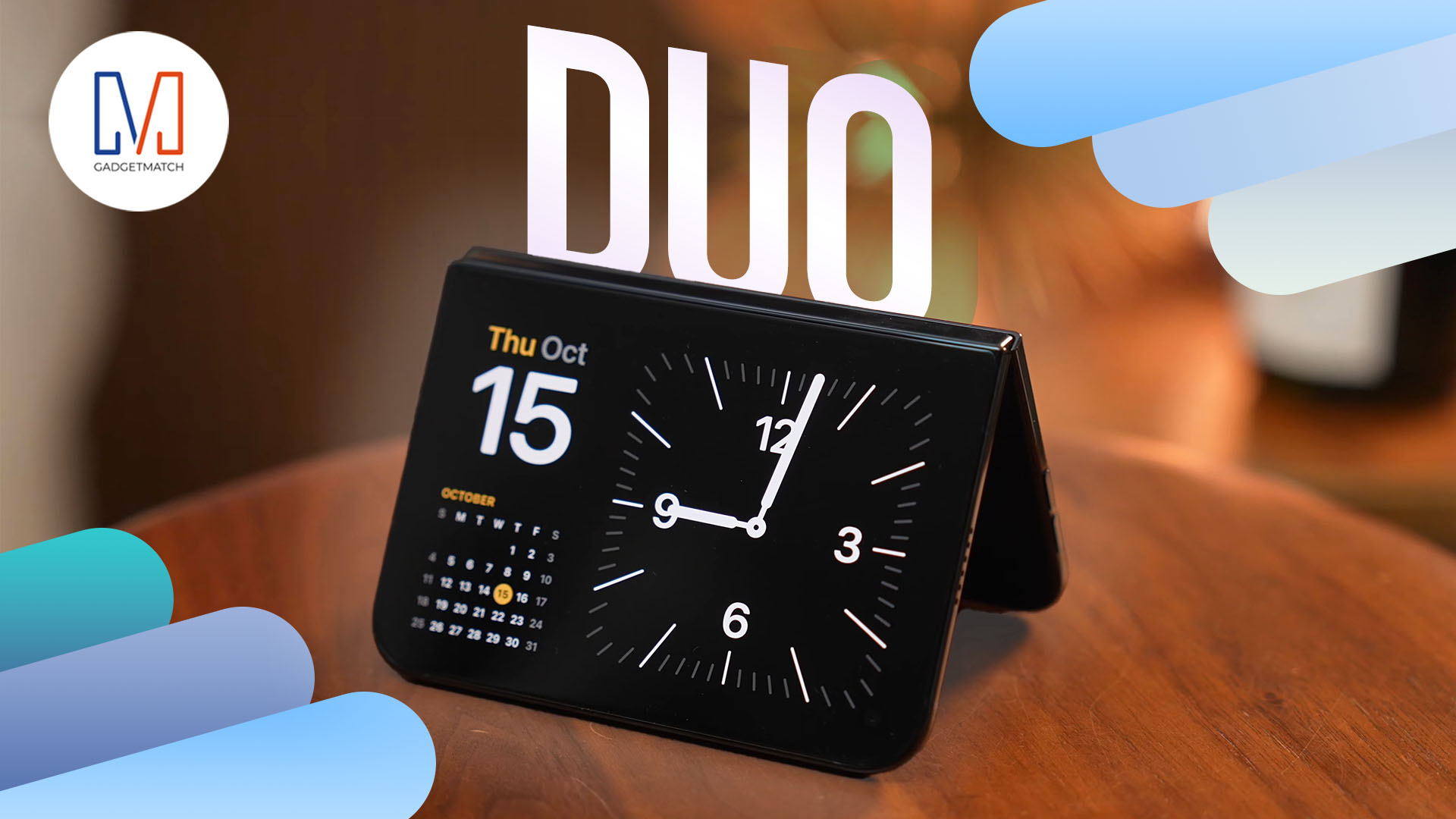
Apple’s iPhone Duo is finally here!
Aside from unboxing the all-new iPhone-dable in Night Sky, we take a closer look at the display crease, check out the under-display camera quality, see which MagSafe accessories work with it.
Most of all, which apps support it (or not).
But how well does the dual-screen experience on an iPhone actually work? Watch our Apple iPhone Duo unboxing and hands-on to know more!

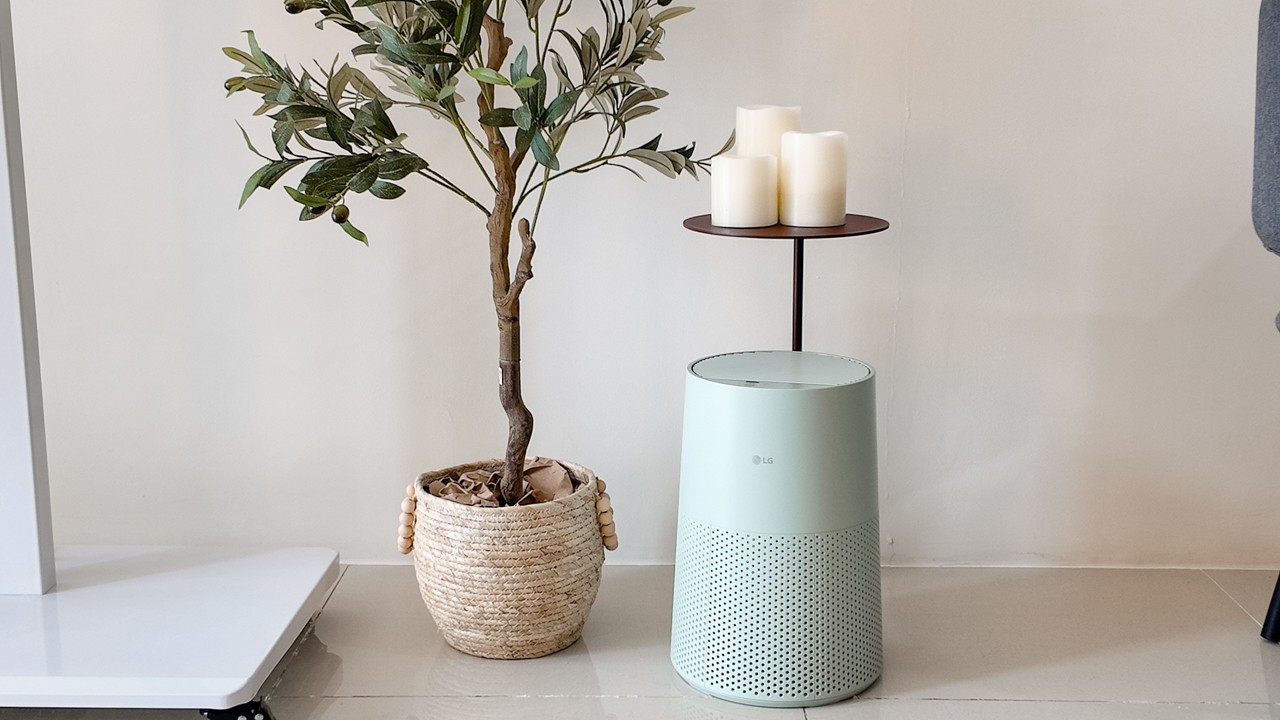
Moving into a new space comes with a long list of things to figure out, and lately, I’ve been paying more attention to something that’s easy to overlook: air quality.
After using the LG AeroMini for about a month, it has become a subtle but welcome addition to my space. It helps make the room feel fresher, while its compact and stylish design fits naturally into my setup. Here are the things that stood out to me most after living with it for a month.
360° purification for a fresher space
One of the things I appreciate about the AeroMini is its 360° air purification, designed to bring purified air in every direction.
For me, this is particularly useful in a new space where I’m spending a lot of time working, relaxing, and just settling in.
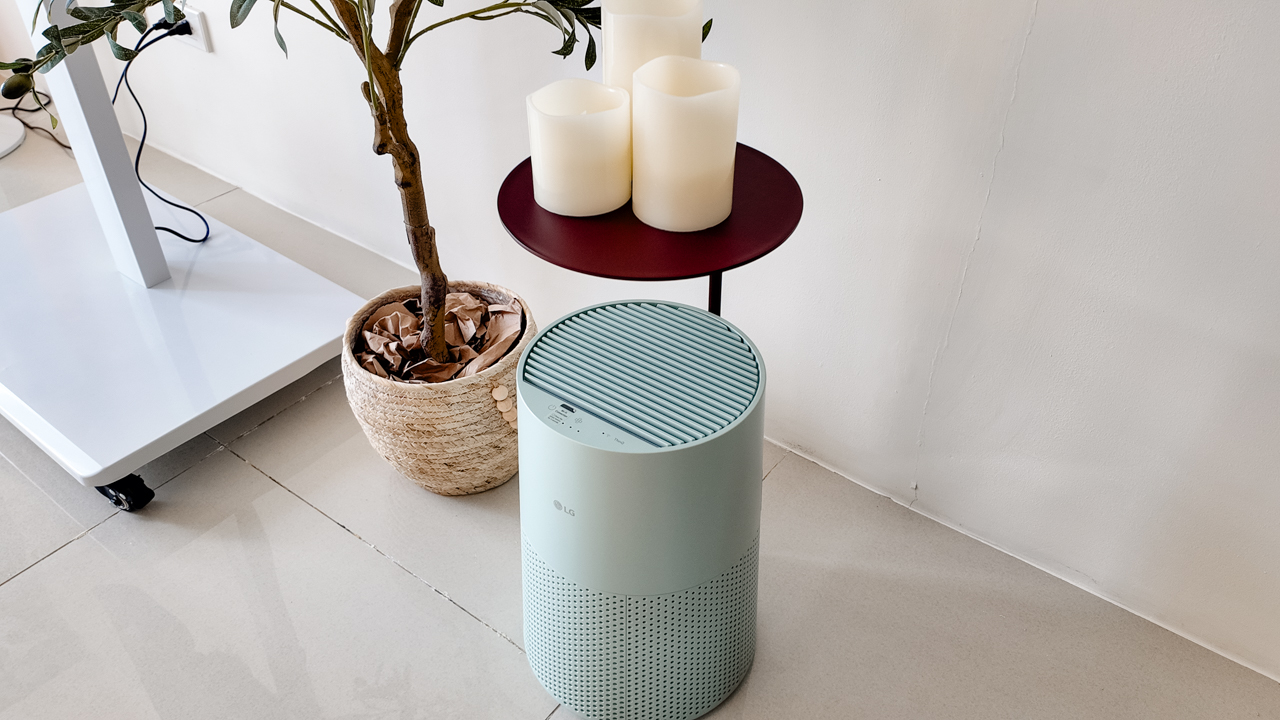
Combined with its True HEPA filter, which is designed to remove 99.999% of 0.01μm fine dust and allergens, it gives me added peace of mind about the air I’m breathing every day.
After a month, I can genuinely say that the space feels fresher with it running.
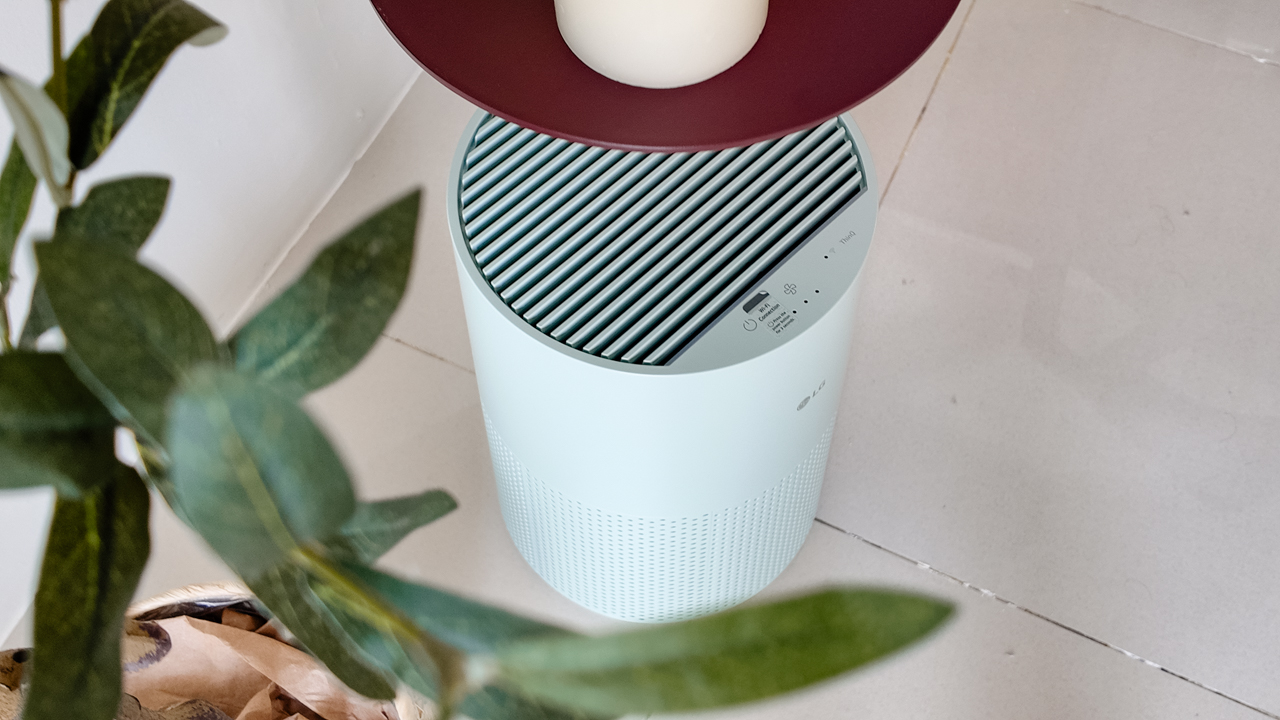
Surprisingly quiet
This is probably my favorite feature.
The LG AeroMini operates at just 26dB, and after using it for a month, what stands out is how easy it is to forget that it’s even running.

I can have it running while I’m working or sleeping without the noise becoming a distraction. For an appliance that’s designed to continuously improve the air around you, I think that’s a big deal.
Sometimes, the best feature is the one you barely notice.
Design that fits my space
Since I recently moved, I’ve been pretty conscious about what I bring into the space. I want things to be functional, but I also don’t want appliances that feel like they’re taking over the room.
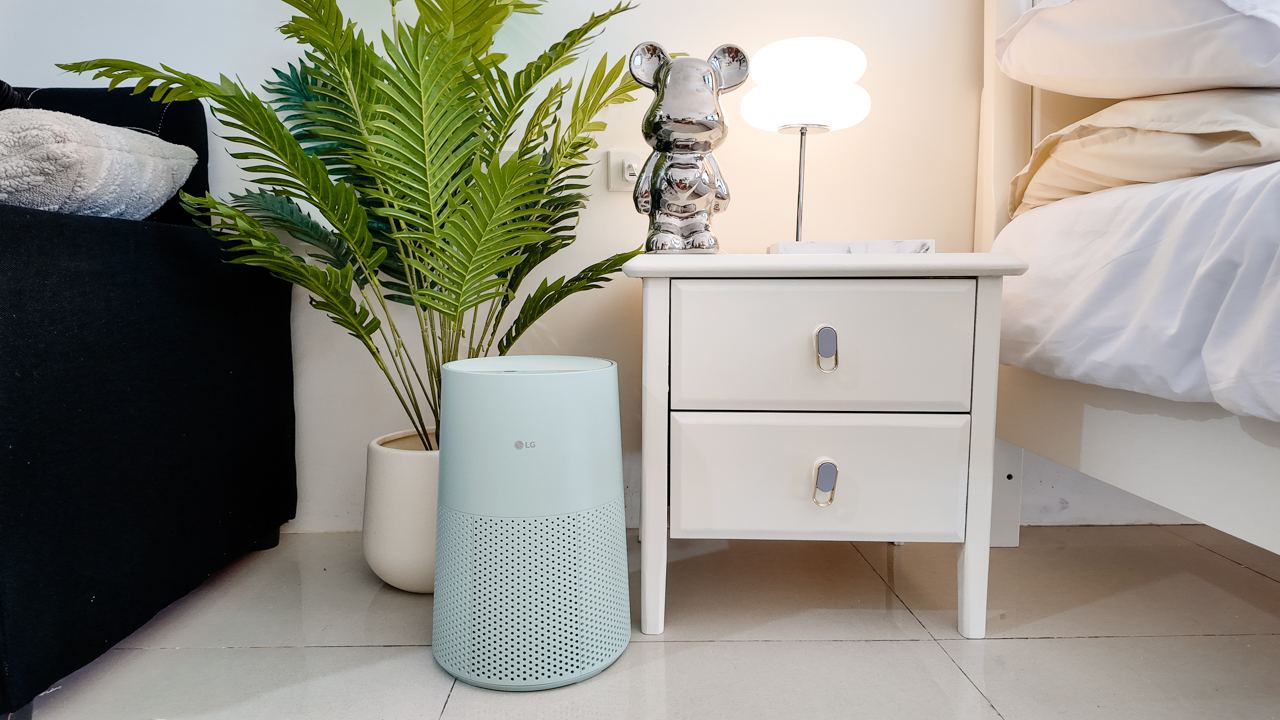
The AeroMini’s slim and compact design makes it easy to incorporate into my setup. It doesn’t feel bulky or industrial, and I like that I can leave it out without feeling like I need to hide it away.
For me, that balance between functionality and aesthetics makes it feel more like part of the space rather than just another appliance.
Air quality at a glance
Another feature I’ve found convenient is its Smart Control. Through the app, I can monitor and control the AeroMini while getting real-time updates on the indoor air quality.
It’s a small convenience, but being able to check the air quality without having to interact with the purifier directly makes it easier to keep track of what’s happening in the room.

Easy to maintain
I also appreciate that the AeroMini is designed with an all-in-one dust and deodorization filter that makes replacement and maintenance easier.
That matters to me because the best home gadgets are the ones that don’t create another complicated chore. I want something I can set up, use regularly, and maintain without too much fuss.

After a month, would I keep it?
Yes, and mainly because it quietly fits into my everyday routine.
The LG AeroMini has helped make my new space feel fresher and more comfortable, while its compact design means it doesn’t compromise the look of the room. But if I had to pick just one thing I appreciate most, it’s still how incredibly quiet it is.

It’s one of those upgrades that doesn’t demand your attention. It simply works in the background.
If you’re also looking to make your home a fresher and more comfortable space for yourself and your family, visit https://www.lg.com/ph/ to learn more about the LG AeroMini and how it can fit into your everyday life.
Hands-On
Apple iPhone 18 Pro Series Hands-on
And everything announced during Apple’s September 2026 Event
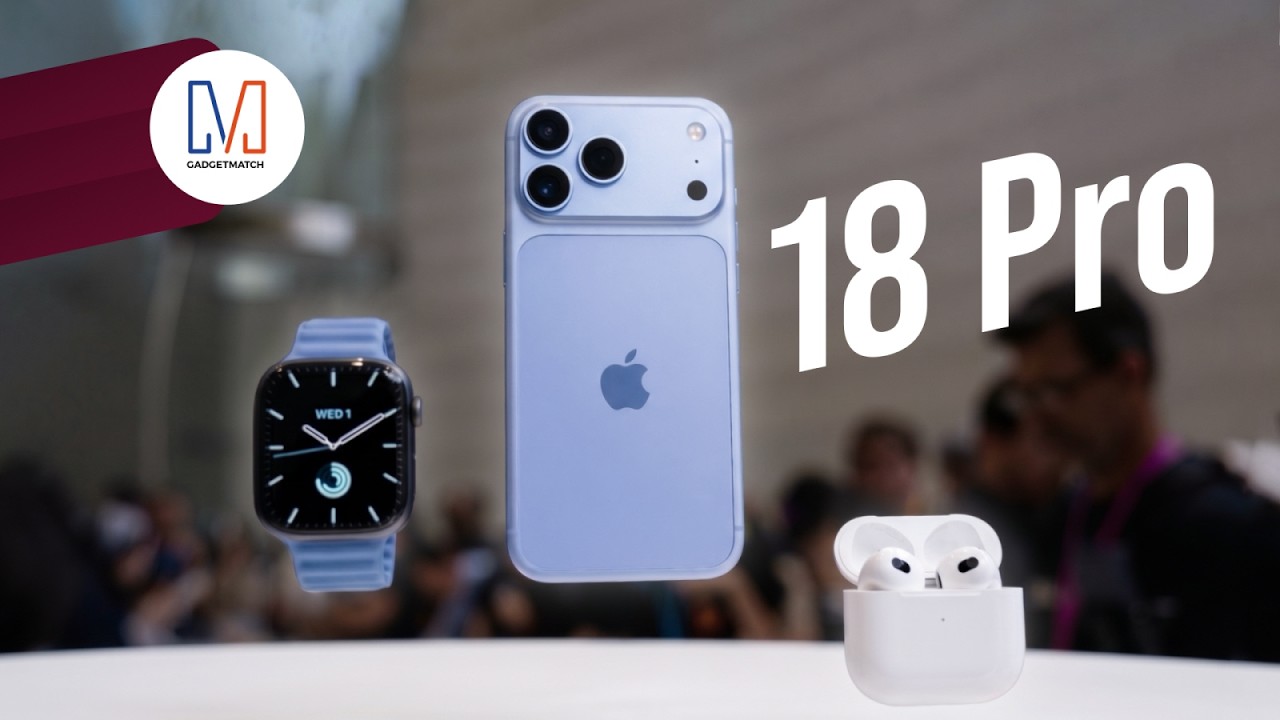
The latest Apple event isn’t just about the shiny new Apple Duo. There’s a lot to talk about!
In this video, we break down everything Apple has announced during their September 2026 keynote.
First, there’s the updated iPhone 18 Pro and 18 Pro Max. That’s alongside their design and color changes, battery and performance improvements. Even that massive camera upgrade.
There’s even the ANC-infused AirPods 5 alongside the newer Apple Watch Series 12 and Apple Watch Ultra 4. Plus, the latest software updates coming to both these wearables.
So, are these worth the upgrade?


ROG G700 review: The best prebuilt PC you can get off the shelf
This PC will make you stop worrying about specs.


HP OMEN Max 16 review: Gamer-maxxing in deep black
Peripherals deemed necessary to max this out

vivo V80 review: Good phone, tough sell
A capable travel companion

Sticker season is back, and so is the planner your ~friends~ might fill in for you

FromSoftware’s The Duskbloods delayed to 2027

Yes, you can turn off the MacBook Pro’s touchscreen display

Demon Slayer: The Hinokami Chronicles 2 launches on Switch 2

What the MacBook should touch on instead

TECNO CAMON Slim 5G: Price, availability in the Philippines

Ghost of Yōtei Complete Edition review: More of a great thing

vivo X Fold6 makes global debut with 200MP camera and 6900mAh battery

OPPO Find X10 Series launches globally October 21

Sony teams up with Hello Kitty for exclusive limited-edition collection


-
Reviews2 weeks ago
vivo V80 review: Good phone, tough sell
-
 News1 week ago
OPPO Find X10 Series: Price, availability in the Philippines
-

 Cameras1 week ago
DJI Osmo Pocket 4P Pearl White now available globally
-

 News1 week ago
OPPO Find X10 Series: Price, availability
-
 News2 weeks ago
Sony unveils three premium Walkman music players
-

 Entertainment1 week ago
Cyberpunk: Edgerunners 2 now streaming, Cyberpunk 2077 update coming
-
Gaming1 week ago
HP OMEN Max 16 review: Gamer-maxxing in deep black
-

 Laptops2 weeks ago
Lenovo expands Yoga lineup with new AI PCs and tablets