
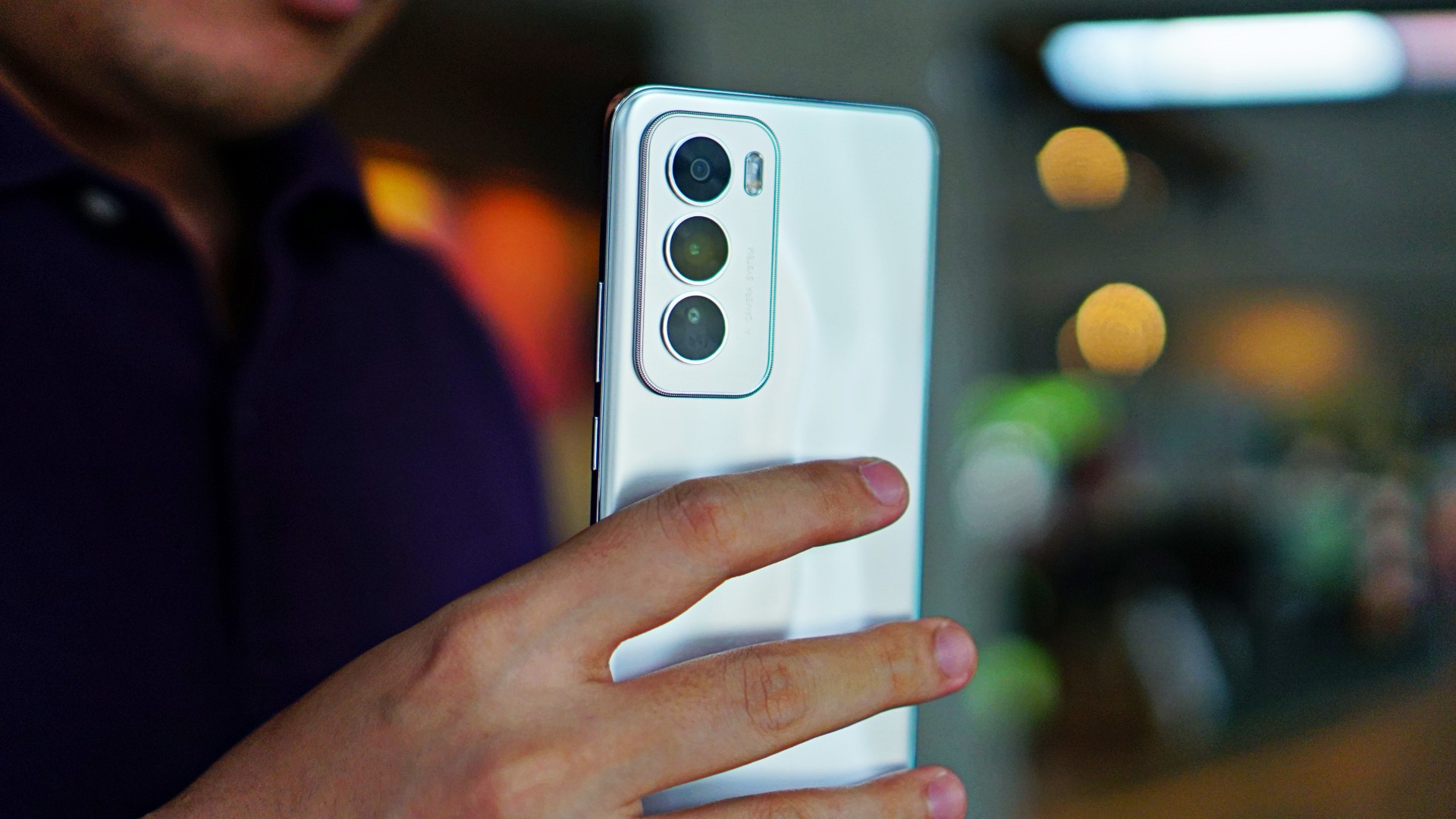
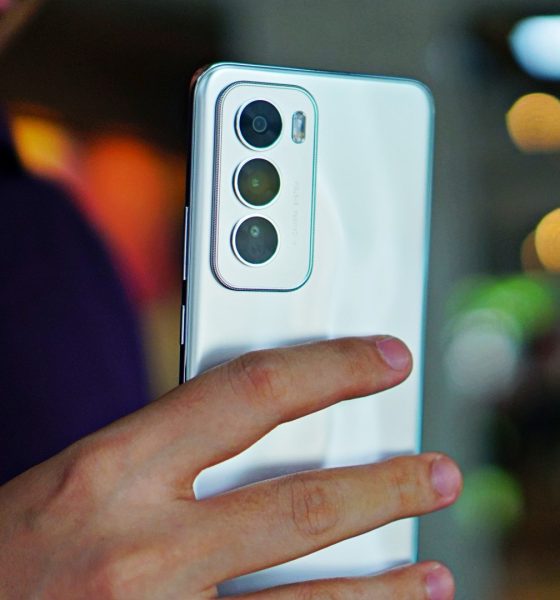

Need a standout phone that can keep up with your needs or give you the extra lift when needed? The OPPO Reno12 Series 5G can definitely be your match.
From its capable hardware and design to AI-powered experiences and impressive cameras, OPPO’s latest Portrait Experts pack impressive features to make you stand out further.
Here are five cool features of the OPPO Reno12 Series 5G.
1) OPPO’s first AI phones
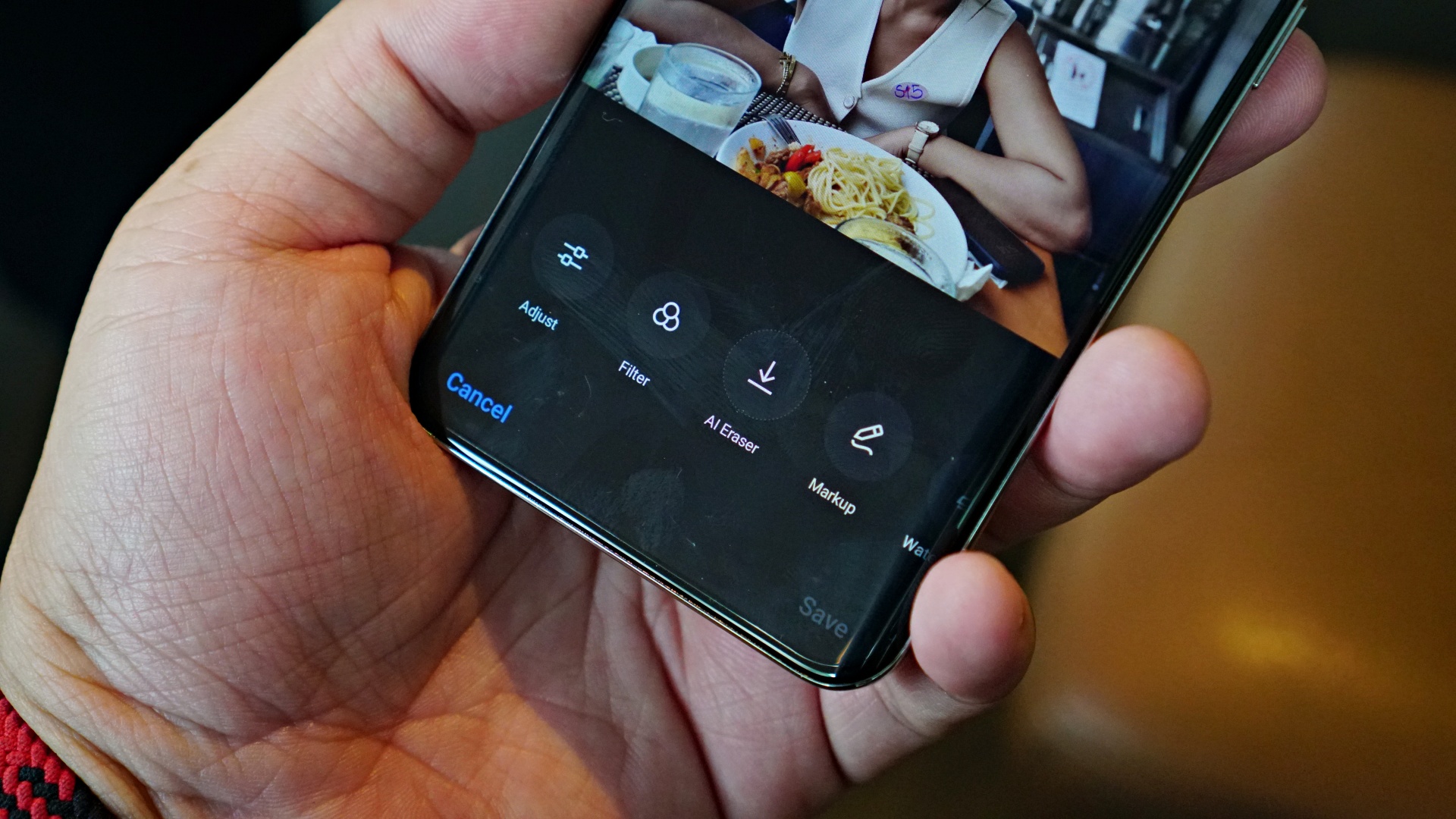
The OPPO Reno12 Series 5G smartphones are a product of the company’s dedication to invest in AI research and development, with the vision of bringing AI to more affordable devices. That has led to a suite of AI-powered features being present in both the OPPO Reno12 5G and OPPO Reno12 Pro 5G.
There are many ways users may harness the power of AI on the OPPO Reno12 Series 5G, from its camera and gallery to productivity tools like AI Toolbox to streamline reading and writing tasks, as well as the devices’ power optimization when used for more demanding programs, like gaming.
2) Future-forward portrait cameras

The OPPO Reno12 Series 5G is fittingly equipped with highly capable cameras. The 50MP main cameras on both devices feature a Sony LYT-600 sensor. The OPPO Reno12 Pro 5G also has a 50MP telephoto camera and 50MP front-facing camera. Meanwhile, the OPPO Reno12 5G has a 32MP selfie shooter.
What’s impressive about these camera packages is how OPPO integrated advanced and exclusive algorithms so users are guaranteed detailed, sharp, and vivid captures each time, especially for portraits. And that’s not all.
The cameras harness the power of AI. For instance, OPPO’s upgraded AI Eraser 2.0 lets users remove unwanted elements on their photos, like photobombers with speed and precision as long as the device is connected to the internet.
For edits, AI Studio lets users bring out their creative side. This GenAI-backed feature lets them make any of their photos into their own digital avatar or profile picture with a variety of creative filters and likenesses to choose from.
3) AI LinkBoost, BeaconLink technologies
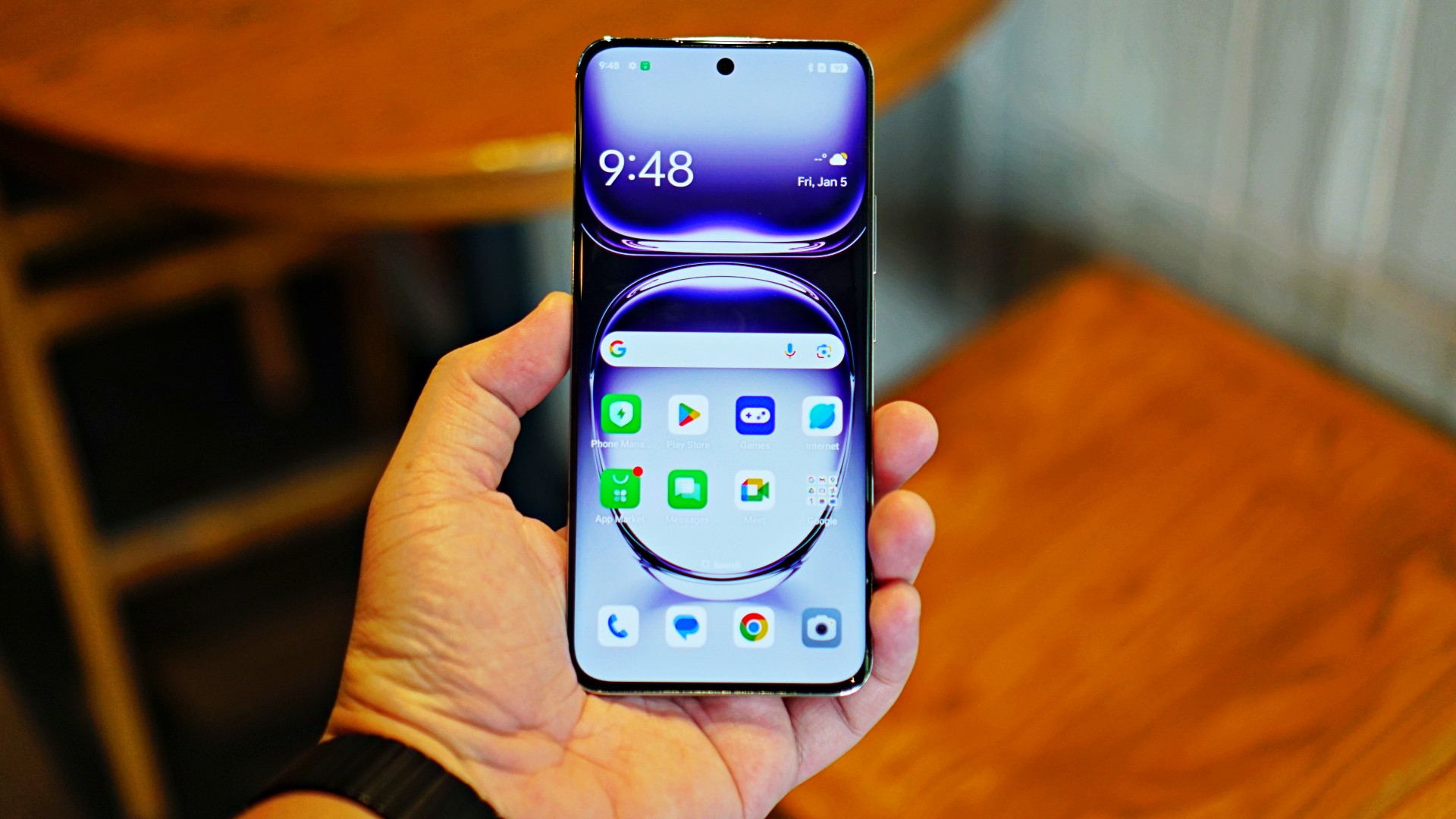
The latest Reno smartphones also feature OPPO’s self-developed AI LinkBoost technology. This groundbreaking 360-degree Surround Antenna solution ensures users of staying connected, even when they’re in weak signal areas.
To better understand how AI LinkBoost works, picture yourself walking along an underpass, or inside the elevator. Mobile data connection suddenly becomes poor, right? Fortunately, the innovation lets the devices transition faster and more seamlessly between different network types.
In fact, OPPO’s phones registered the fastest signal recovery in places with interference during a recent test with Smart. So whether you’re in a so-called dead spot, in transit on an underground subway, or away from the city where signals are deemed poor, the OPPO Reno12 Series 5G can maintain strong signals.
4) Powerful, smooth, fast

Both phones under the OPPO Reno12 Series 5G are powered by a new custom MediaTek Dimensity 7300-Energy for the Reno mobile platform, developed exclusively by MediaTek and OPPO.. This ensures smooth and fast usage, no matter what users are doing on the devices.
The phones likewise boast of spacious memory of 12GB of RAM and up to 512GB of internal storage. That way, users can basically take endless photos and videos, or download tons of songs, movies, TV shows, and games without worrying about the phone slowing down.
Moreover, the OPPO Reno12 Series 5G phones sport 5,000mAh large batteries with support for 80W SUPERVOOC™ Flash Charge. It only takes as low as 49 minutes to recharge the phones back to 100%. And for a quick 10-minute juice-up, the estimated usage time gets extended to close to nine hours for calls and more than six hours for video playback. That’s extremely helpful for people especially when outdoors or on the move.
5) Futuristic bold design
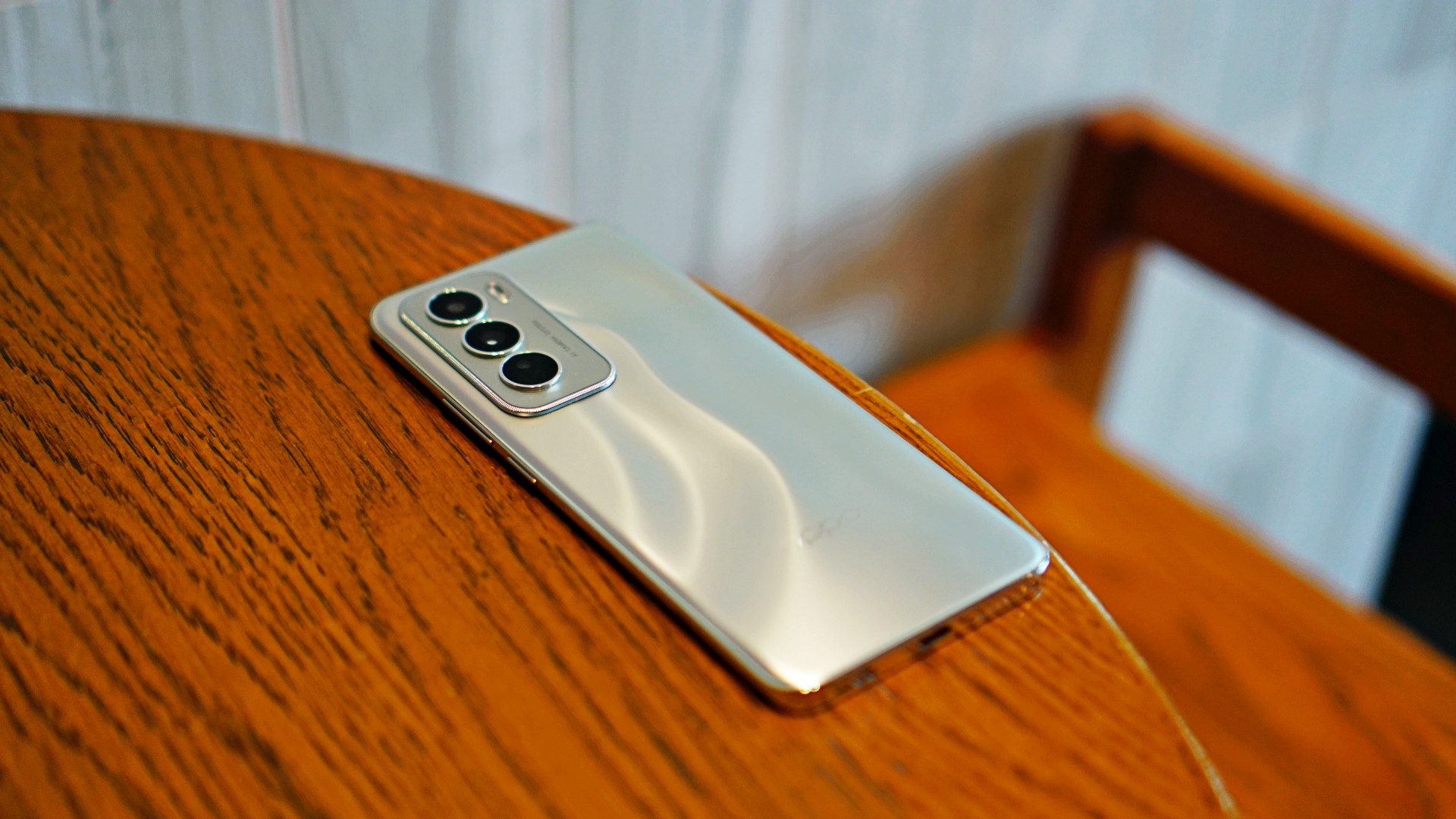
To top it all off, OPPO Reno12 Series 5G can complement your everyday look with many colorways to choose from. Whether it’s a shinier and more metallic finish or a simplistic, matte-looking exterior, the series offers plenty of options so you can mix and match the phone with your OOTD.
The OPPO Reno12 Pro 5G is available in Nebula Silver and Space Brown, while the OPPOReno12 5G can be purchased in Astro Silver, Matte Brown, or Sunset Pink.
But it’s not just the aesthetic appeal, either. The OPPO Reno12 series 5G is basically life-proof with All-Round Armour. The phones are tailor-made to withstand impact and pressure, dust and water, and more elements so users won’t have to worry. The immersive displays of both phones are likewise protected with Corning Gorilla Glass Victus 2 and 7i, respectively.
Price and availability in the Philippines
The standard OPPO Reno12 5G variant is priced at PhP 24,999 while the OPPO Reno12 Pro 5G has a PhP 34,999 tag. The OPPO Reno12 Series 5G is now available in all OPPO authorized offline stores nationwide and e-commerce stores on Shopee, Lazada, and TikTok Shop.
Exclusive discounts on OPPO Care are available for OPPO Reno12 Series 5G purchases until August 11, in participating OPPO Brand Stores:
- OPPO Care Plan for OPPO Reno12 5G is Php 999 (from Php 1,599)
- OPPO Care Plan for OPPO Reno12 Pro 5G is Php 1,299 (from Php 1,799)
This feature is a collaboration between GadgetMatch and OPPO Philippines.


Accessories
CASETiFY Match: Finding the right case for your Galaxy Z8 Series phone
Cases that match your personality
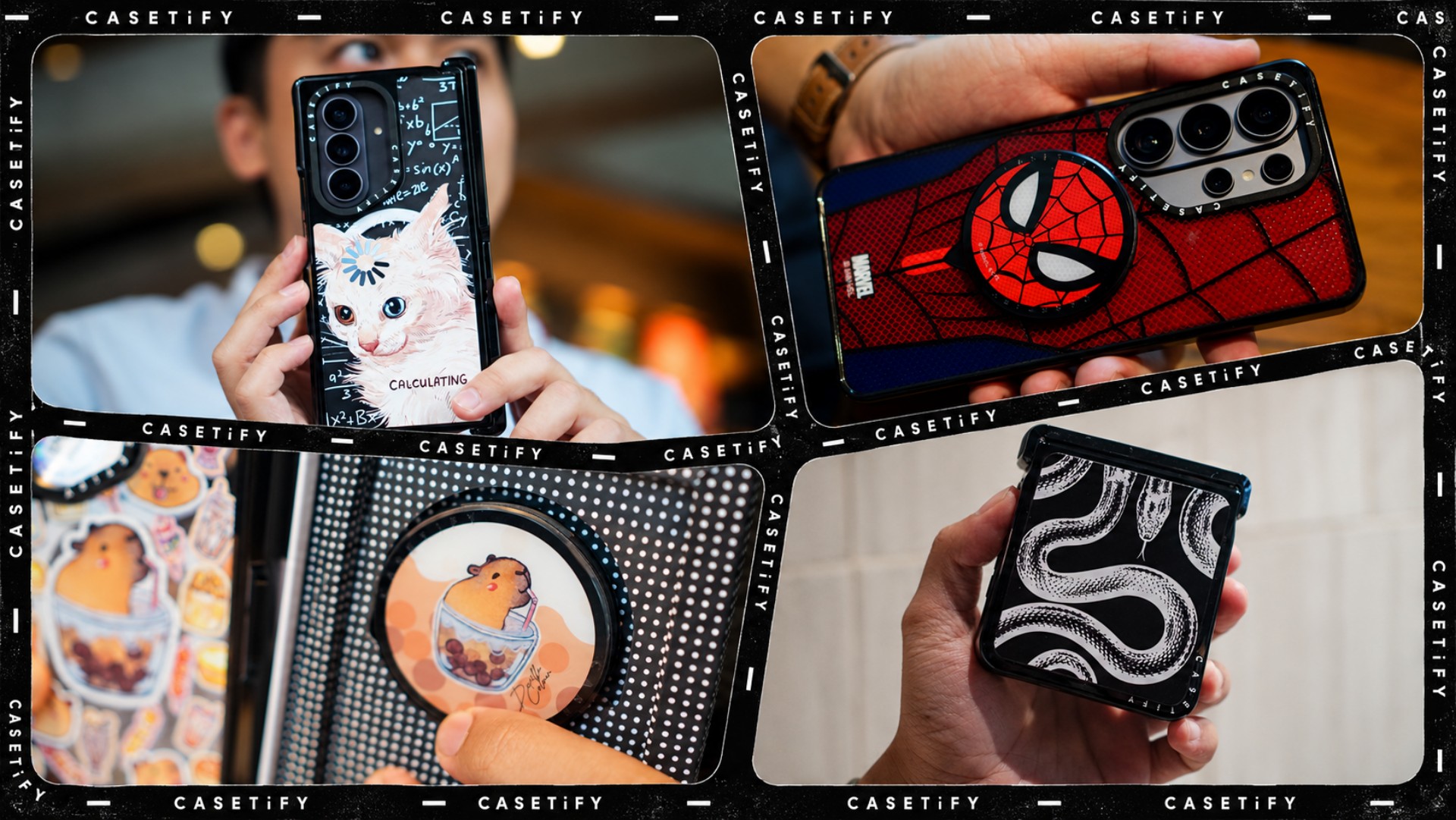
A phone case can be more than protection. It can also be a way to show off your interests, personality, and the little things that make you, well, you.
For our CASETiFY Match for the Galaxy Z8 Series, we asked the team one question: Why was this CASETiFY design your Match?
From Spider-Man fandom and capybara obsession to feline-inspired art and snake motifs, here are the designs that found their way into our team’s everyday carry, plus a couple of bonus picks worth checking out.
Rodneil: A little New York energy for a certified web-head
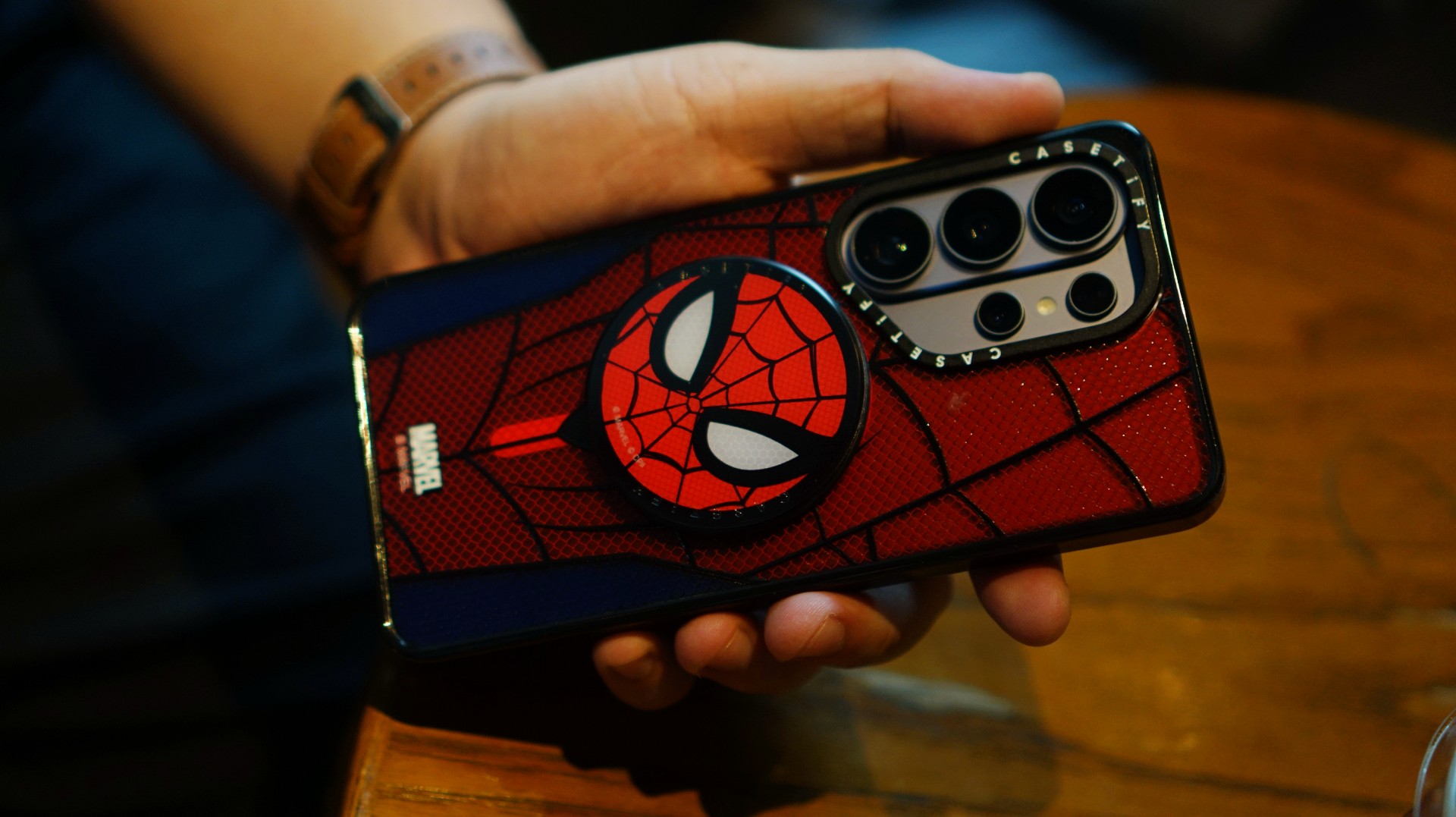
If it wasn’t obvious enough, I’m a certified web-head. I love anything and everything Spider-Man, especially the iconic red-and-blue motif. Though, if we’re being honest, I’m more partial to the red.

I had my eyes on the Spider-Man suit design for the Galaxy Z Fold8 Ultra and the Spider-Man Mask Snappy Grip Stand. Unfortunately, those designs aren’t available for the Galaxy Z Fold8.
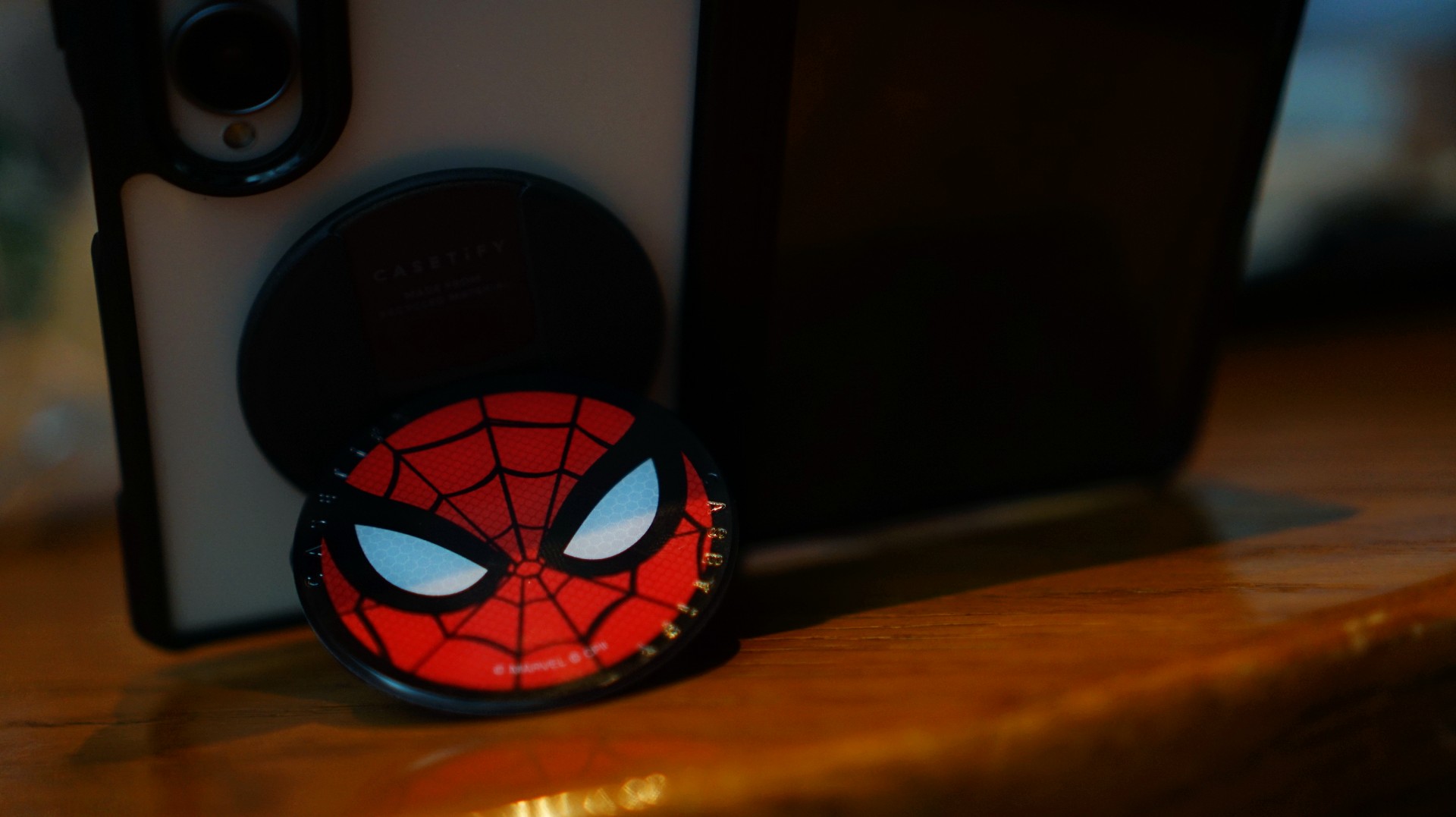
So, I went with a design that gives off a bit of New York energy instead. It still pairs nicely with the Spidey Snappy Grip Stand, letting me bring a little of that Spider-Man vibe to my everyday setup.
V: Keeping it cool with capybaras
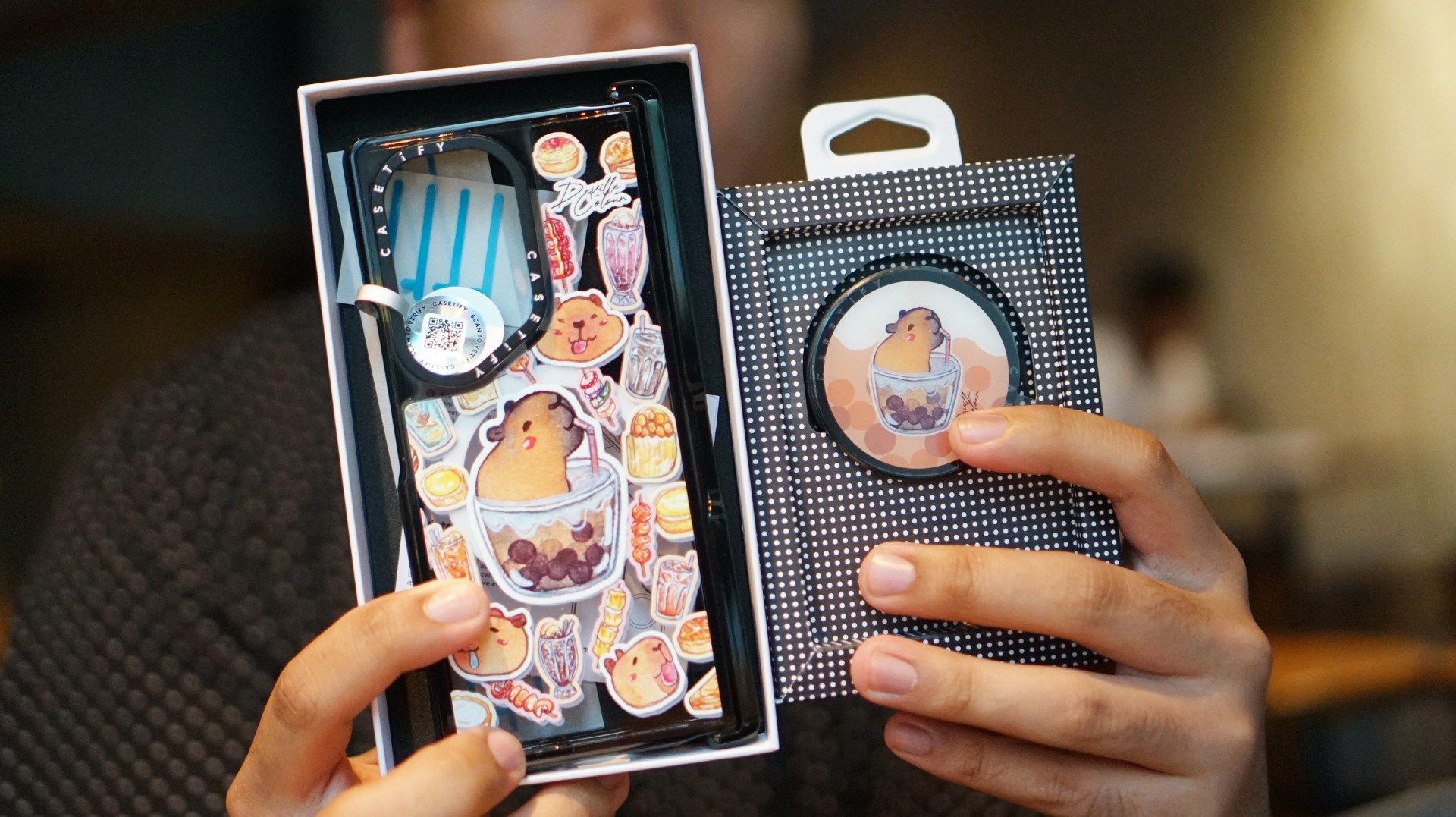
I’ve been a capybara stan since 2020, long before the world finally caught up with just how cute and chill these animals are. Seeing them get the recognition they deserve has been a source of much excitement.
Finding cool and cute capybara cases and accessories for the phones I use every day, however, hasn’t always been easy.

That’s where Deville Dewil’s capybara collection comes in. It fills that gap while making my Galaxy Z Fold8 feel like an even more personal accessory.
At this point, I’d like to identify as a capy/bara.
Luigi: A cat design that’s playful without being too loud
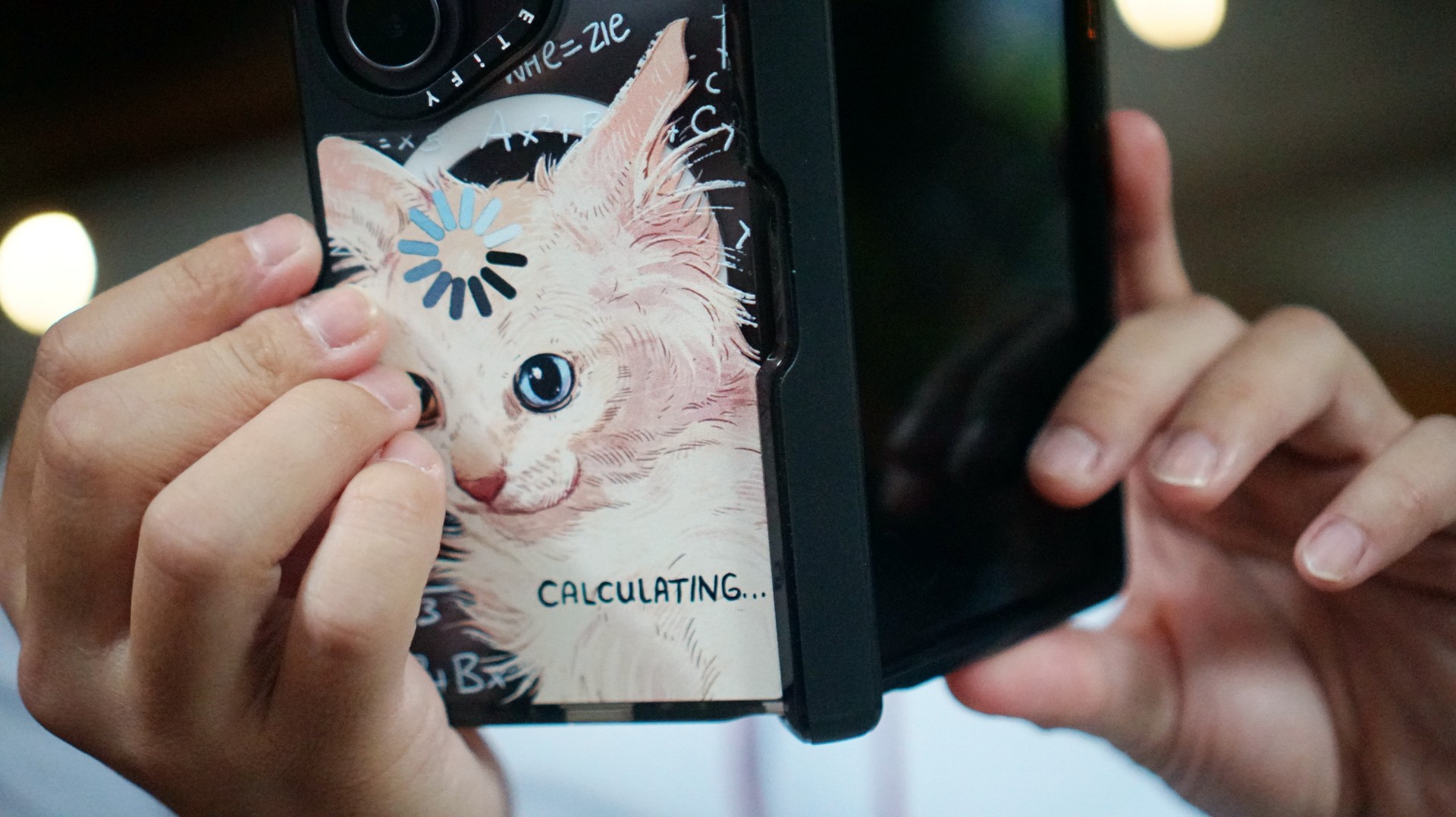
There’s no shortage of cat-themed cases out there. If you’re a cat lover like me, chances are you’ve considered one at some point.
The tricky part is finding a design that isn’t too whimsical or loud. I love the little furballs, but I still want something sleek and clean.
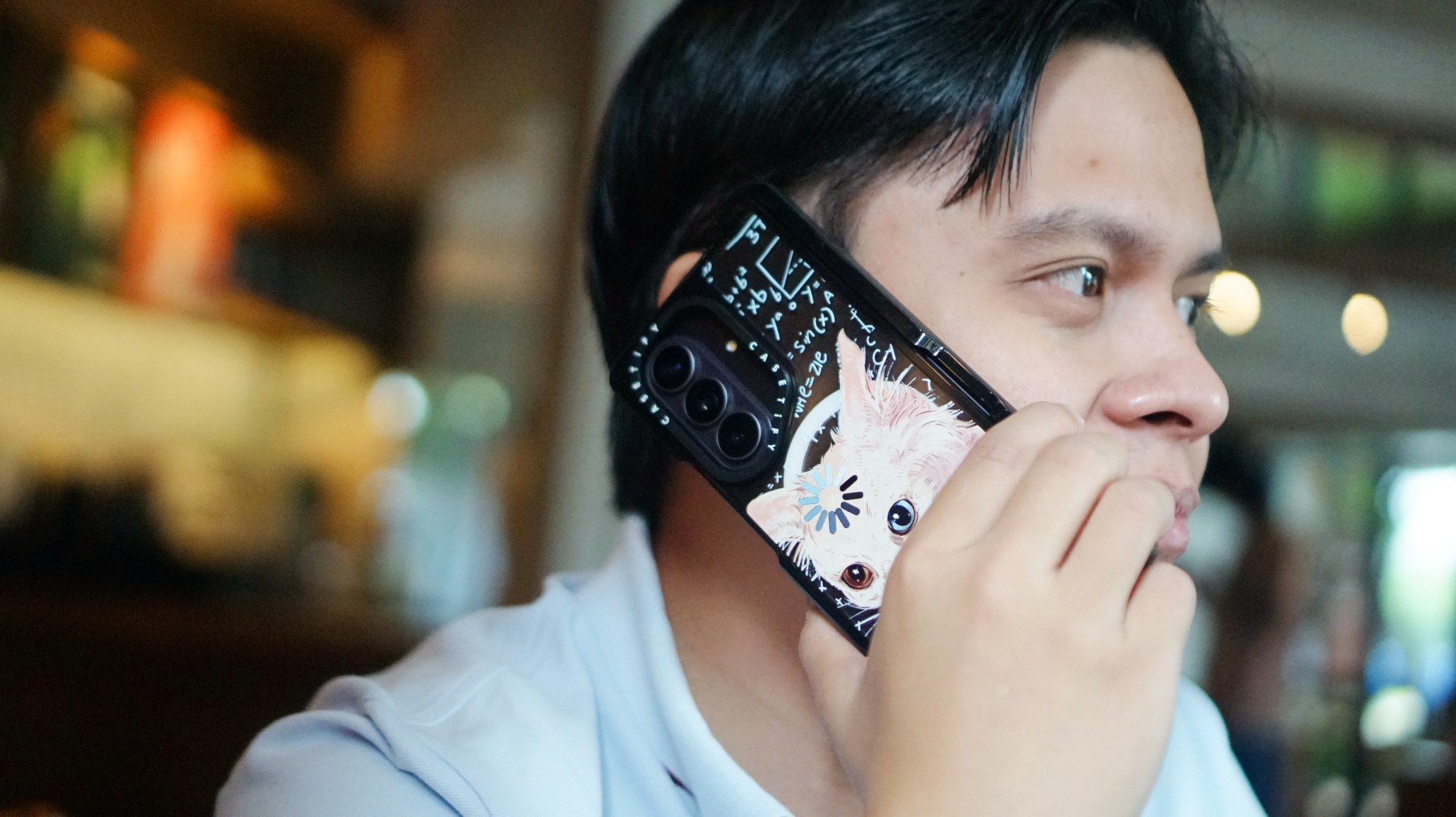
CASETiFY’s cat collection speaks to that balance. In particular, this design by Catwheezie blends artistry with a touch of whimsy. It lets me show off my personality without being too flashy.
MJ: A little reputation energy
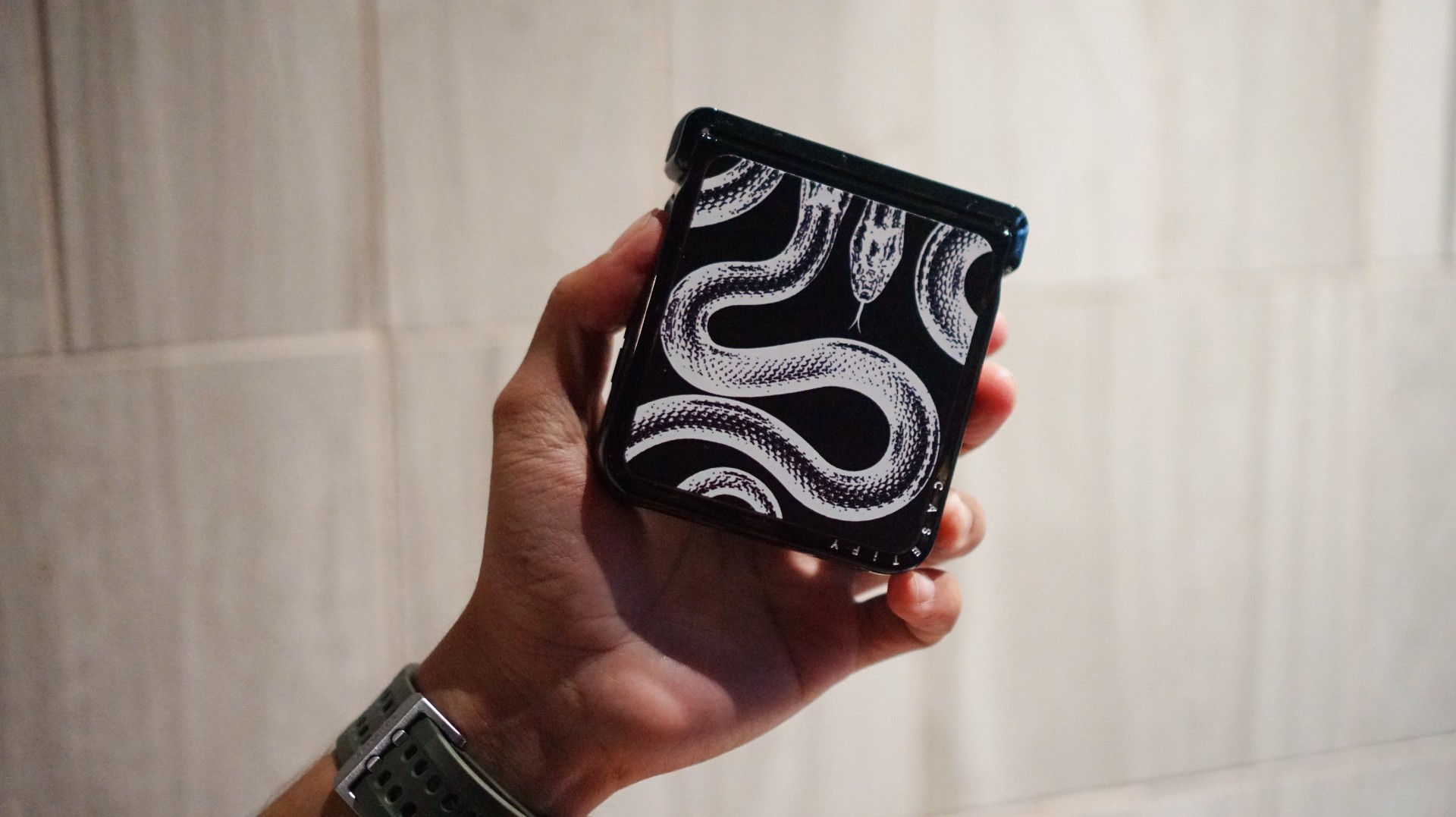
I’ve always had a soft spot for snake motifs, and CASETiFY’s Transparent Kingsnake case gives me Taylor Swift’s reputation era energy.
I love how snakes symbolize transformation. As someone who’s always evolving and never afraid to reinvent himself, that meaning feels personal.
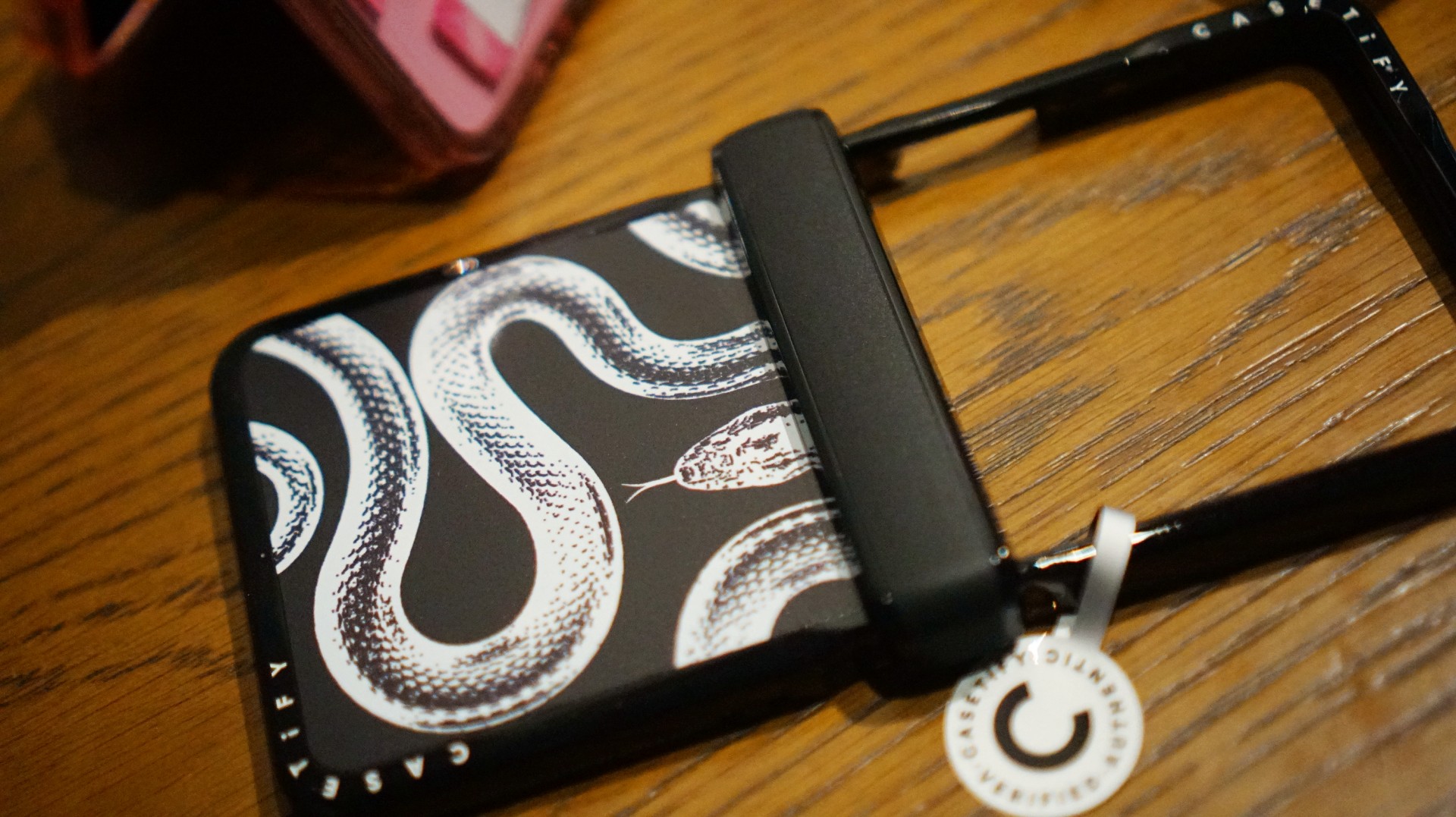
The black-and-white design also brings a sleek, rebellious edge. Paired with my Galaxy Z Flip8, it’s giving statement accessory with a little bite.
Bonus Match: Sunglasses at Night

Sometimes, keeping it simple is the way to go. The Sunglasses at Night design is tasteful and understated, letting me show off the actual color of my phone without competing with it.
Bonus Match: Pink Weekly Planner
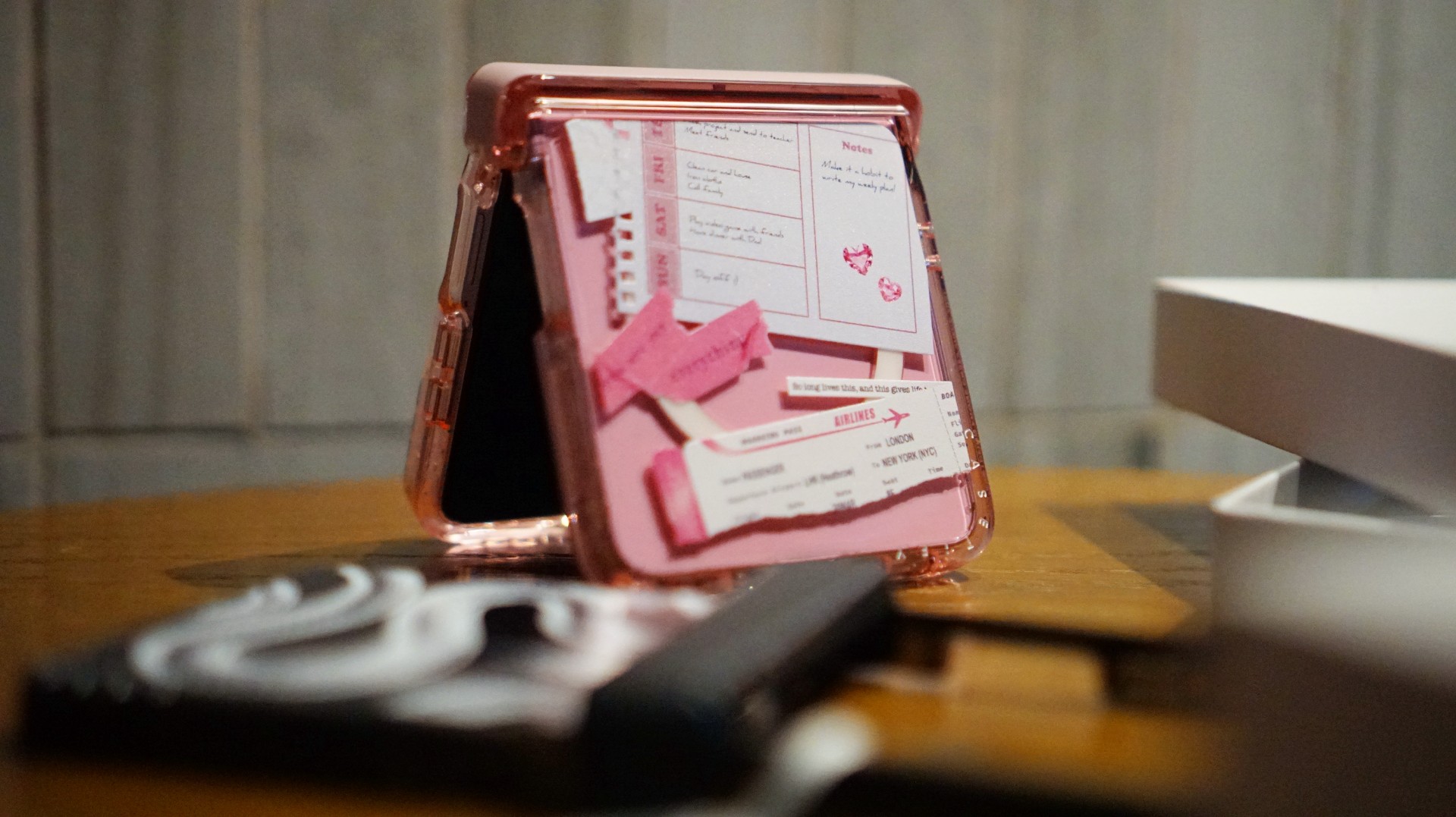
For the girls (and gaes) who plan their days–and life–ahead. And of course, for when they need to keep their Wednesdays pink.
Find your Match
There’s no single way to find a phone case that feels right. It might be a favorite character, an animal you’ve loved for years, a piece of art, or a symbol that means something to you.
For our team, the right CASETiFY design is the one that brings a little more personality to a device we carry every day.
So, which design would be your Match?
Hands-On
Apple iPhone Duo Unboxing and Hands-on
Supported apps, crease, cameras, and MagSafe all tested

Apple’s iPhone Duo is finally here!
Aside from unboxing the all-new iPhone-dable in Night Sky, we take a closer look at the display crease, check out the under-display camera quality, see which MagSafe accessories work with it.
Most of all, which apps support it (or not).
But how well does the dual-screen experience on an iPhone actually work? Watch our Apple iPhone Duo unboxing and hands-on to know more!
Buyer's Guide
iPhone Duo Philippines: Prices, installments, and where to buy
Compare prices and payment options

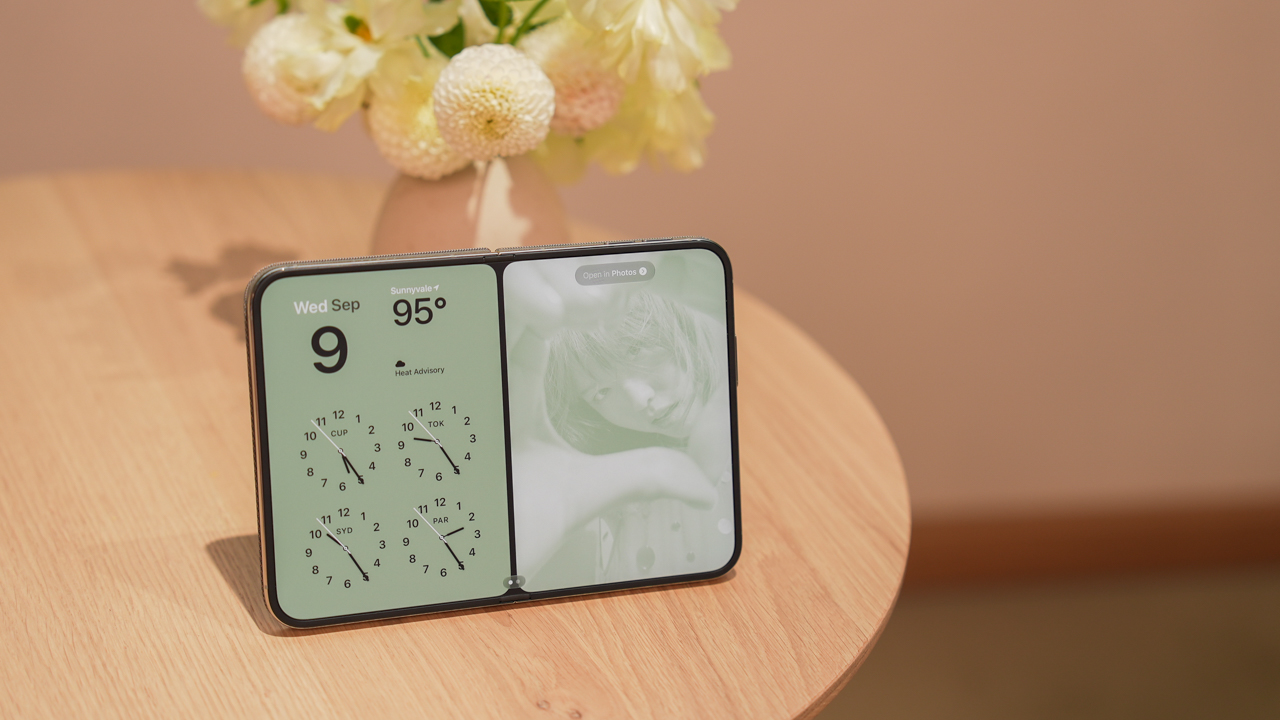
The iPhone Duo is now available for pre-order in the Philippines. Apple’s first foldable iPhone comes in four storage configurations, with promotional prices ranging from PhP 159,990 to PhP 254,990.
But which model should you buy, and where should you get it?
Several authorized retailers offer discounted launch prices, 0% credit card installments, and pre-order bundles. Eligible bank promotions can also reduce the price by thousands of pesos.
Here’s what you need to know before ordering.
iPhone Duo Philippines price list
| Storage | Regular SRP | Promotional price |
|---|---|---|
| 256GB | PhP 170,990 | PhP 159,990 |
| 512GB | PhP 187,990 | PhP 175,990 |
| 1TB | PhP 221,990 | PhP 207,990 |
| 2TB | PhP 271,990 | PhP 254,990 |
The promotional prices are based on Power Mac Center’s published exclusive launch offer. Other retailers may have different payment requirements or participating bank promotions.
Prices reflect Power Mac Center’s published exclusive launch offer and may differ across retailers. We’ll update this guide as we verify each store’s latest offers.
Pre-orders run from October 16 to 29, 2026, ahead of the October 30 launch.
Which storage should you buy? Get the 512GB
Our recommendation is simple: skip the 256GB and get the 512GB iPhone Duo.
At PhP 159,990, the 256GB version is already an expensive purchase. While it offers enough storage for everyday tasks, it could become restrictive as your photo library, videos, games, and downloaded files grow.
The 512GB model costs PhP 16,000 more under the promotional pricing. That buys twice the storage capacity without the significantly larger price jump to 1TB.
Spread across 24 months, the difference is approximately PhP 667 per month.
For a phone this expensive, we’d rather pay that difference than constantly manage storage or rely on cloud subscriptions.
The 1TB and 2TB configurations remain options for people who regularly shoot large amounts of video or need substantial offline storage. However, most buyers won’t need to spend that much.
The 512GB iPhone Duo offers the best balance of storage and price.
Where to buy the iPhone Duo in the Philippines
Power Mac Center
Power Mac Center offers the iPhone Duo 512GB at an exclusive launch price of PhP 175,990.
Its published installment options include:
| Term | Monthly payment |
|---|---|
| 24 months at 0% | PhP 7,332.92 |
| 36 months at 0% | PhP 4,888.61 |
The 24-month option is available with credit cards and Home Credit under the published offer. The 36-month option is subject to eligible bank cards and promotional periods.
Installment amounts are based on Power Mac Center’s published promotional pricing and applicable 0% installment terms. Actual payments depend on the eligible card and transaction. We’ll update this section as we verify the latest terms.
Power Mac Center also operates UpTrade, which lets customers trade in eligible devices toward a new purchase.
Beyond the Box
Beyond the Box offers iPhone Duo pre-orders with installment options of 3, 6, 12, 24, and 36 months at participating physical stores. Online payment options differ.
Using the PhP 175,990 promotional price as a comparison, a 0% installment would cost:
| Term | Monthly payment |
|---|---|
| 12 months | PhP 14,665.83 |
| 24 months | PhP 7,332.92 |
| 36 months | PhP 4,888.61 |
Monthly payments are illustrative calculations based on the PhP 175,990 promotional price, assuming 0% interest and no additional fees. Confirm the final price and available installment terms with Beyond the Box before purchasing. We’ll update this section once the retailer confirms its current offers.
Beyond the Box also advertises a pre-order accessory bundle worth over PhP 22,000 at listed retail prices. It includes a Speck case, Urbanista speaker, Function101 charger, Momax speaker flask, Bellroy tech kit, and other accessories.
The retailer says qualifying pre-orders receive the gift bundle, subject to availability. Buyers can also explore its BoxTrade program.
Digital Walker
Digital Walker participates in iPhone Duo pre-orders and selected bank promotions.
Using the PhP 175,990 promotional price as a comparison, the illustrative monthly payments would be:
| Term | Monthly payment |
|---|---|
| 12 months at 0% | PhP 14,665.83 |
| 24 months at 0% | PhP 7,332.92 |
These are calculated examples, not confirmed Digital Walker quotations. Actual pricing depends on the final transaction, participating bank, and installment terms. We’ll update this section when the retailer confirms its current offers.
Digital Walker also participates in the Live Beyond Grand Raffle, which gives qualifying iPhone Duo purchases a chance to win an exclusive dinner for two at Toyo Eatery. The raffle is a chance to win, not a guaranteed purchase benefit.
Digimap
Digimap offers the iPhone Duo through its retail channels, with participating bank promotions and its DigiTrade program.
Metrobank lists Digimap among its participating retailers offering special iPhone Duo cash pricing.
For the 512GB model, the reference promotional price is PhP 175,990. At 0% interest, that would equal PhP 14,665.83 monthly over 12 months or PhP 7,332.92 over 24 months.
These amounts are illustrative calculations, not verified Digimap installment quotations. Digimap’s exact installment amounts and applicable terms have not yet been independently verified. We’ll update this section once the retailer confirms its current offers.
Buyers should compare the final cash price against available credit card installment offers. Trade-in credits may also reduce the amount payable, depending on the assessed value of the device.
The Loop
The Loop participates in several iPhone Duo bank promotions, including an offer from Security Bank.
The retailer’s reference promotional price for the 512GB model is PhP 175,990. At 0% interest, the illustrative payments would be:
| Term | Monthly payment |
|---|---|
| 12 months | PhP 14,665.83 |
| 24 months | PhP 7,332.92 |
These are calculated examples based on the reference promotional price, not confirmed quotations from The Loop. Actual payments depend on eligible bank cards and transaction terms. We’ll update this section as we verify the latest offers.
The Loop also participates in bank-specific discounts. Buyers should check whether their card qualifies and whether the discount can be combined with other retailer offers.
Bank discounts can make a difference
Security Bank currently advertises a PhP 5,000 discount on qualifying iPhone Duo purchases at participating retailers, including Power Mac Center, Beyond the Box, Digital Walker, and The Loop.
For the 512GB model, that brings the promotional reference price from PhP 175,990 to PhP 170,990.
| Installment term | Monthly payment |
|---|---|
| 12 months at 0% | PhP 14,249.17 |
| 24 months at 0% | PhP 7,124.58 |
| 36 months at 0% | PhP 4,749.72 |
Monthly payments are calculated from the PhP 170,990 discounted price, assuming an eligible 0% installment transaction with no additional fees. The discount is subject to the bank’s promotional terms and participating merchant conditions. We’ll update this section if the offer changes.
EastWest also advertises savings of up to PhP 17,000 on qualifying iPhone Duo purchases at Power Mac Center and The Loop. Its promotion includes 0% installment options for 12 or 24 months, with the final discount depending on the applicable terms.
Metrobank separately lists iPhone Duo offers at Power Mac Center, The Loop, Beyond the Box, Digital Walker, and Digimap. Benefits differ by merchant and transaction.
Before choosing a payment method, check the final amount payable. Some bank offers cannot be combined with other promotions.
Postpaid options: Smart and Globe
Smart Communications
Smart offers the iPhone Duo through Postpaid Plans+ 1999, with advertised monthly payments starting at PhP 6,304.
The offer includes an open-line device, a choice of Unli App bundle, 12 months of UNLI 5G, and high-priority network access.
Customers who qualify for the pre-order promotion can also receive 18GB of additional Open Access Data valid for three months, a PhP 5,000 voucher for select Smart accessories, and 18% off select Digimap accessories.
Online pre-orders also qualify for a complimentary AirTag, subject to the offer’s conditions.
Smart supports zero-interest credit card installments over 24 months with select banks. Renewing subscribers may qualify for 36-month device payments charged to their postpaid bill.
Advertised monthly payments and promotional benefits are subject to Smart’s eligibility requirements and offer conditions. The total cost depends on the selected device configuration and plan. We’ll update this section as we verify the complete cost breakdown.
Globe Telecom
Globe also offers Apple devices through its postpaid channels.
However, we have not independently verified a complete iPhone Duo price and installment breakdown for its current GPlan offers.
Buyers considering Globe should compare the device cashout, monthly plan fee, contract duration, and total payable amount against the outright retail price.
Globe’s current iPhone Duo device pricing and installment terms have not yet been independently verified. We’ll update this section when the relevant details are available.
Should you trade in your old phone?
Trading in an existing device can reduce the cost of upgrading.
Power Mac Center, Beyond the Box, and Digimap operate trade-in programs. However, final valuations depend on the device’s condition, storage, and assessment results.
Before committing, compare the assessed trade-in value against potential private-sale prices. Also check whether a trade-in bonus can be combined with the promotional price and bank discounts.
What should you check before buying?
Before placing an order, keep these points in mind:
- Final price: Confirm the amount you’ll actually pay after eligible discounts.
- Installments: Compare total cost, monthly payments, and any additional fees.
- Freebies: Check which gifts are guaranteed and whether they’re subject to availability.
- Stock: Confirm the availability of your preferred storage configuration and color.
- Trade-ins: Ask for the final assessed value and any promotional bonus.
- Warranty: Understand the standard warranty and any optional protection plan.
- Network compatibility: Confirm eSIM support if you’re keeping your existing number.
- Delivery: Ask when your order is expected to arrive, particularly if the model is on back order.
Is the iPhone Duo worth buying?
The iPhone Duo starts at PhP 159,990, putting it firmly in premium flagship territory. Its foldable design offers a larger screen for viewing content, gaming, and multitasking while retaining a compact outer display when closed.
For most buyers, we’d recommend the 512GB model at PhP 175,990. It offers twice the base storage for PhP 16,000 more, without the much larger price jump to 1TB.
Power Mac Center currently provides one of the clearest published installment schedules, while Beyond the Box offers a substantial pre-order accessory bundle.
Security Bank cardholders should pay particular attention to the PhP 5,000 discount available at participating retailers. Smart is another option for buyers who already want a postpaid subscription, although its total contract cost deserves closer examination.
Ultimately, compare the final amount payable, not just the advertised monthly payment. The right offer should give you the storage you need without unnecessary charges or restrictions.
Last updated: October 17, 2026. We are verifying retailer-specific prices, installment terms, trade-in offers, and freebies. This guide will be updated as additional details are confirmed.


HP OMEN Max 16 review: Gamer-maxxing in deep black
Peripherals deemed necessary to max this out


vivo V80 review: Good phone, tough sell
A capable travel companion


Ghost of Yōtei Complete Edition review: More of a great thing
Picking up where Atsu left off

Visa: 79% of Filipinos want to learn about stablecoins

CASETiFY Match: Finding the right case for your Galaxy Z8 Series phone
HP OMEN Max 16 review: Gamer-maxxing in deep black

Google illegally destroys 250,000 trees for a single AI data center

FINAL FANTASY RESONANCE now available across major platforms

TECNO CAMON Slim 5G review: Slim on size, big on surprise

TECNO CAMON Slim 5G: Price, availability in the Philippines

HONOR Magic9 Pro Max launches in China with ARRI-powered imaging

BYD says that way better EV batteries are coming next year

HONOR 600S review


-

 Gaming2 weeks ago
Dragon’s Dogma 2: Dark Arisen launches with new Official Pawns
-

 News1 week ago
vivo V80 debuts with ZEISS cameras
-
 Deals2 weeks ago
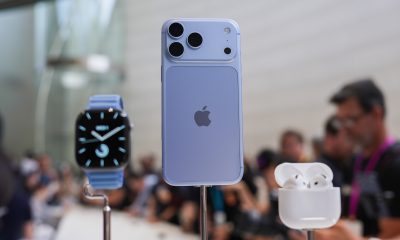
Score PhP 22,000 in guaranteed freebies when you pre-order the iPhone 18 Pro at Beyond the Box
-

 Philippines1 week ago
TECNO CAMON Slim 5G gets launch discounts, free MagBadge
-

 News1 week ago
Samsung: Galaxy Z Fold8 demand rose because of iPhone Duo
-
 Features1 week ago
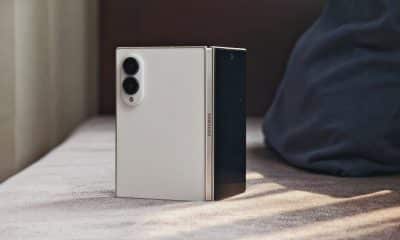
I don’t want a phone that unfolds — the Galaxy Z Fold8 gets why
-
Reviews6 days ago
vivo V80 review: Good phone, tough sell
-

 News4 days ago
OPPO Find X10 Series: Price, availability in the Philippines