


Hands-On
ASUS ZenBook 13 UX325 Unboxing and Quick Hands-On

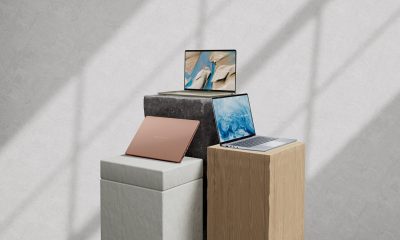
When we’re asked what’s a good notebook for general work and some play, the first thing that comes to mind is the ZenBook 13. This line from ASUS just simply embodies everything you could be in the hunt for when you want a capable and reliable laptop. So here we are, unboxing it for you.
The box has ASUS’ signature concentric circle design.
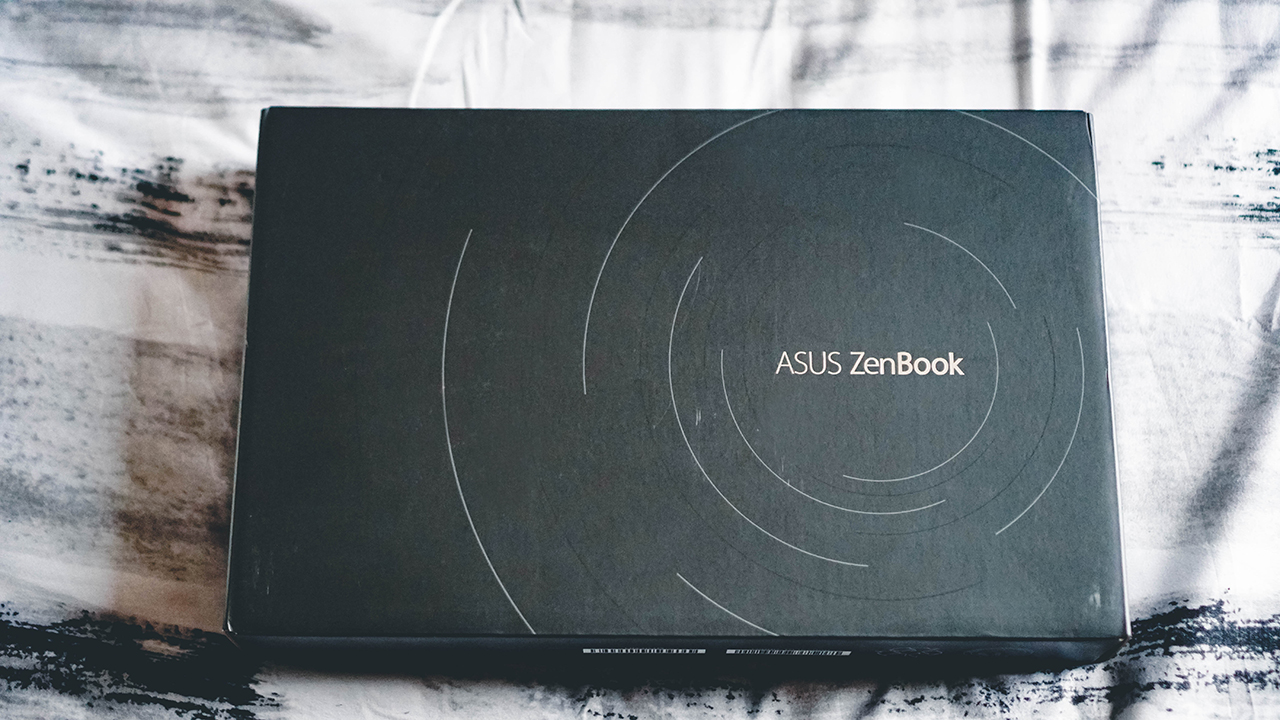
When you lift that box open, you immediately see the ZenBook 13 UX235…
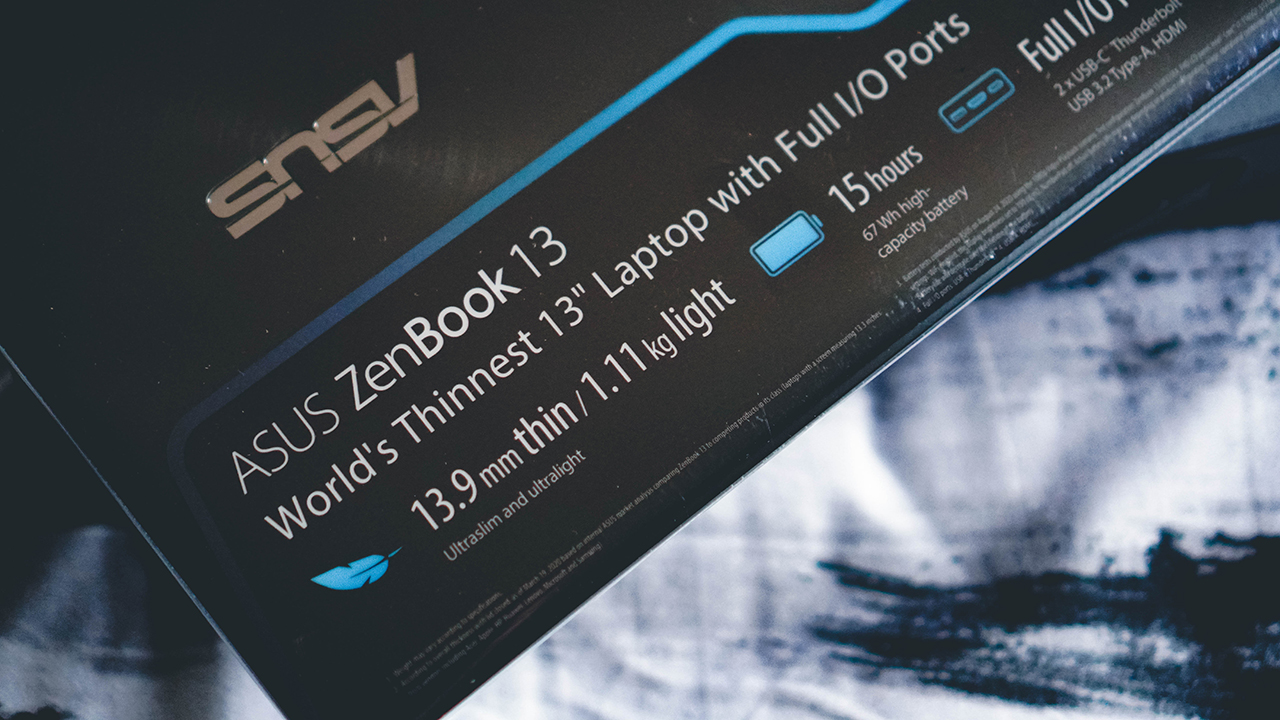
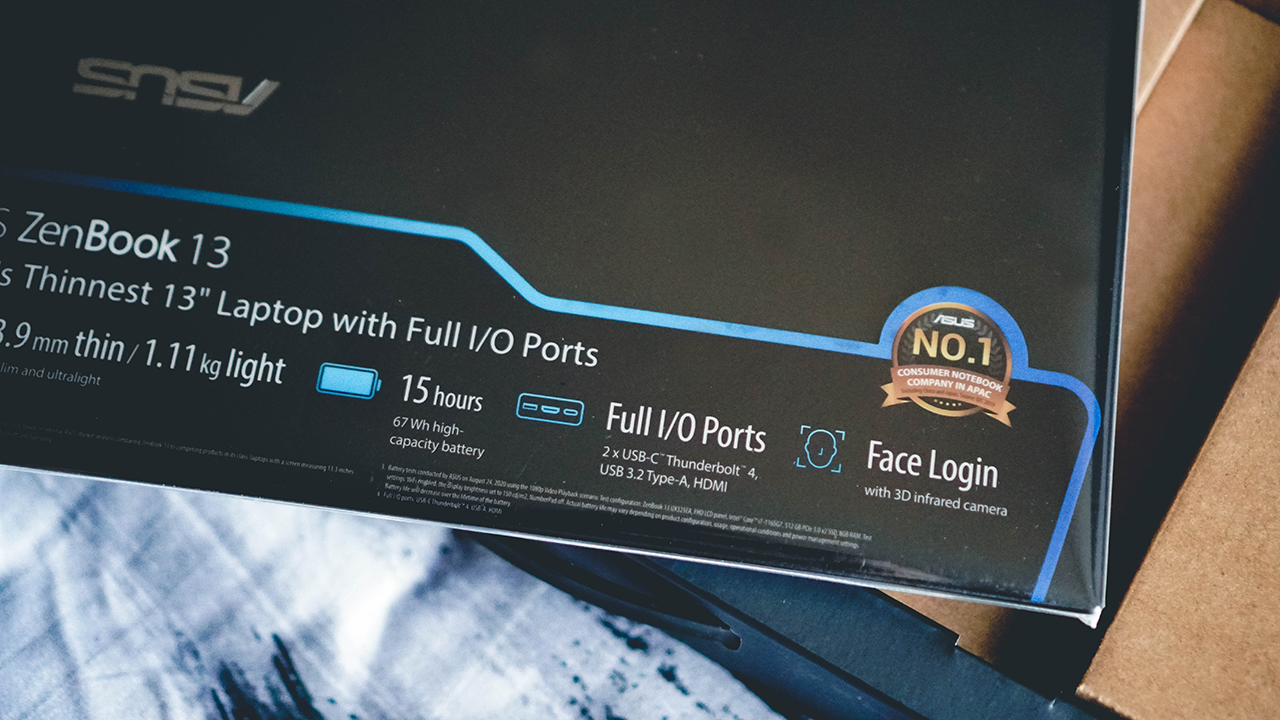
…along with a marketing sticker thing detailing some if its specs and features.
If you turn your attention to the ‘ceiling’ part of the box, you’ll this ZenBook+Environment text. And that there’s something behind it.
But let’s first turn our attention to the rest of the box’s contents. Right underneath the laptop is some important documentation that not many people read. (Admit it).

Over to the right side of the box are connection essentials.

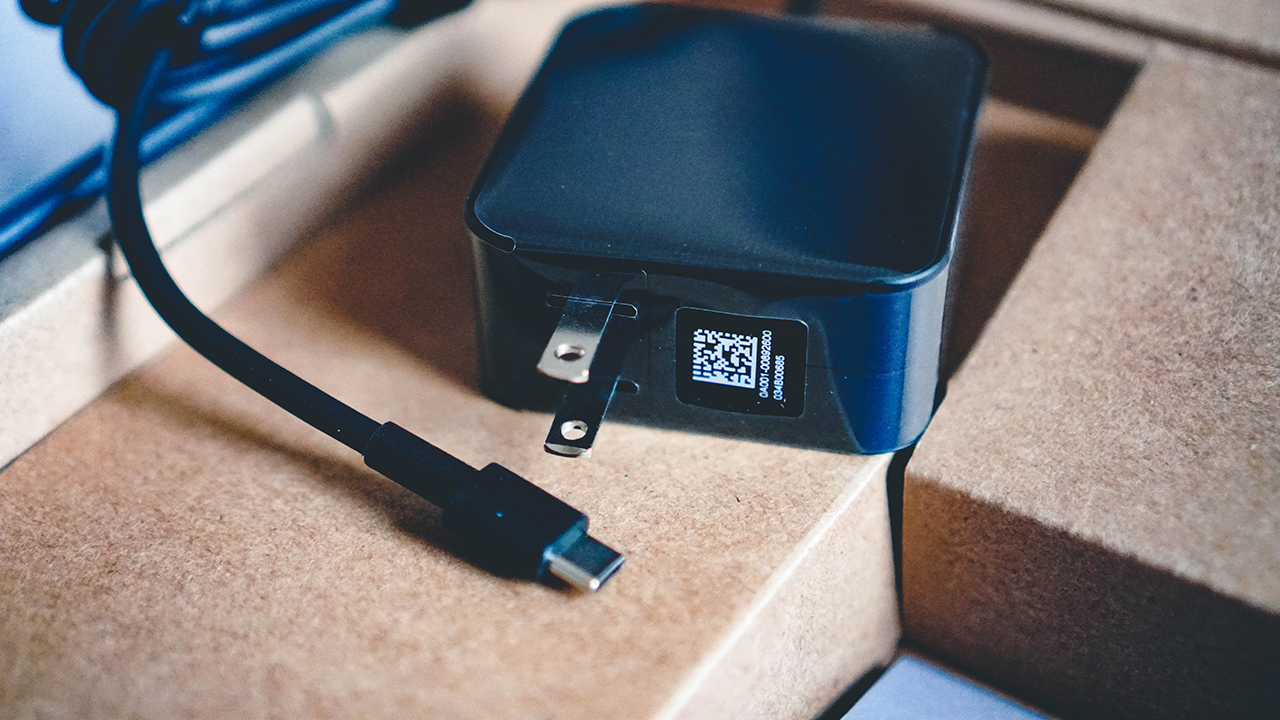
We have here the power brick with a USB-cable.
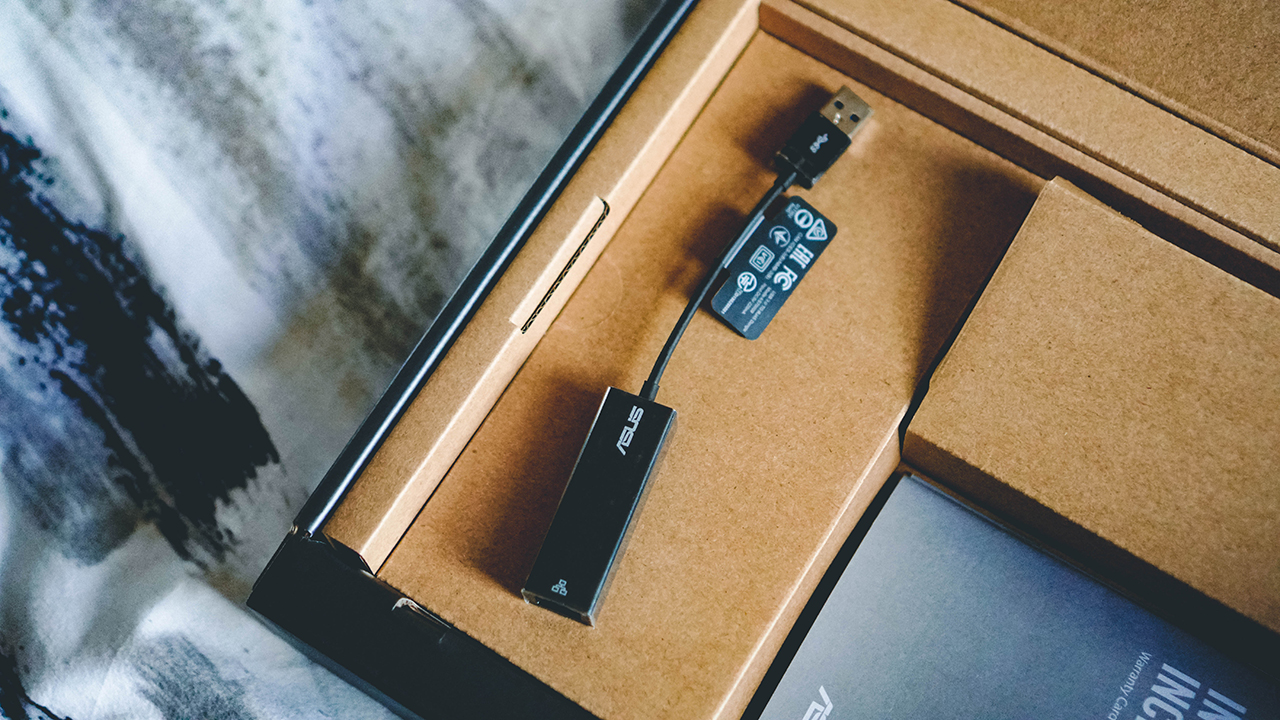
A LAN to USB-A Cable.
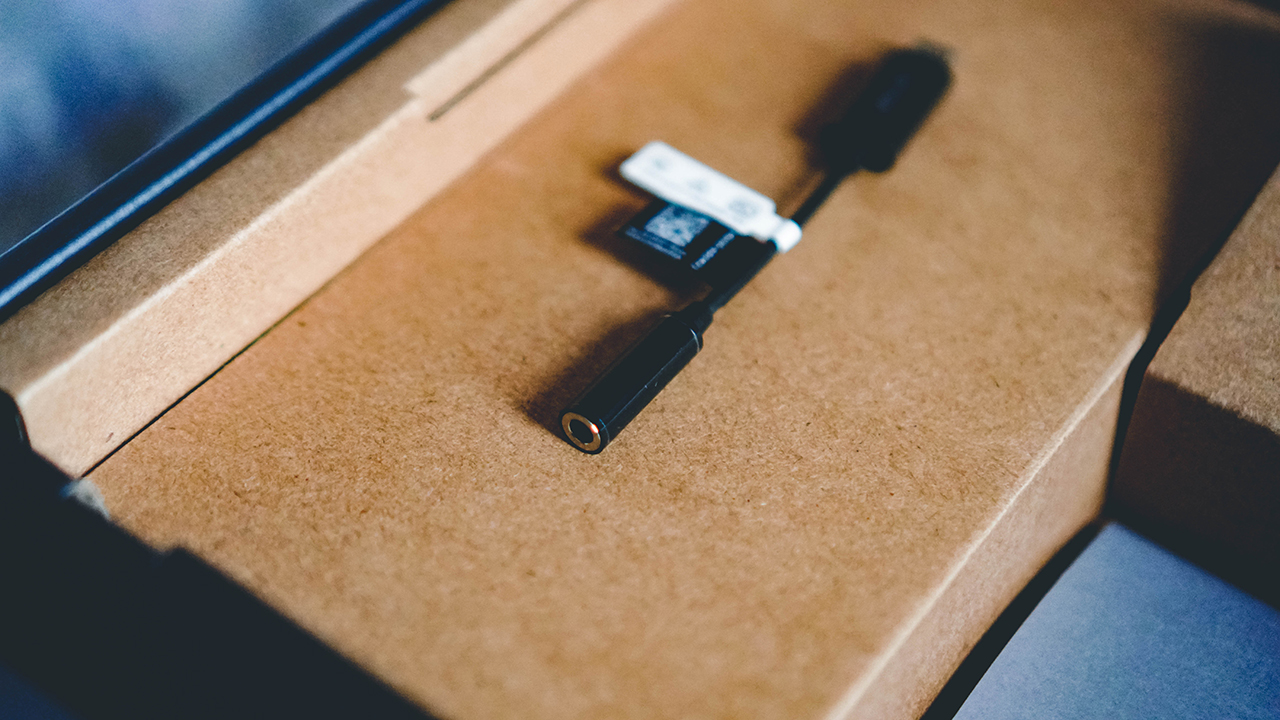
And a 3.5mm jack to USB-C cable.
Going back to the upper part of the box, behind it is this sleek carrying case. This appears to be a ZenBook staple.

And voila! The ZenBook 13 UX235. Just like on the box, the concentric circle is quite visible.
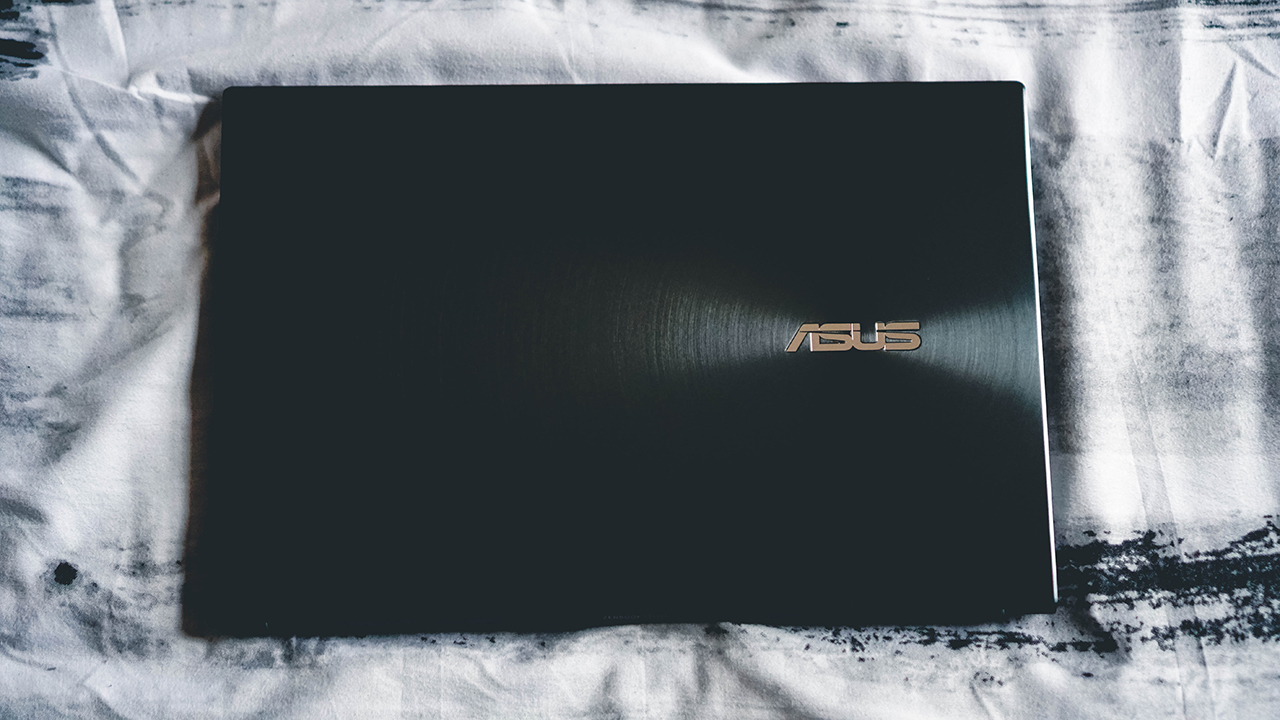
Open it up and you see the laptop in all its glory.
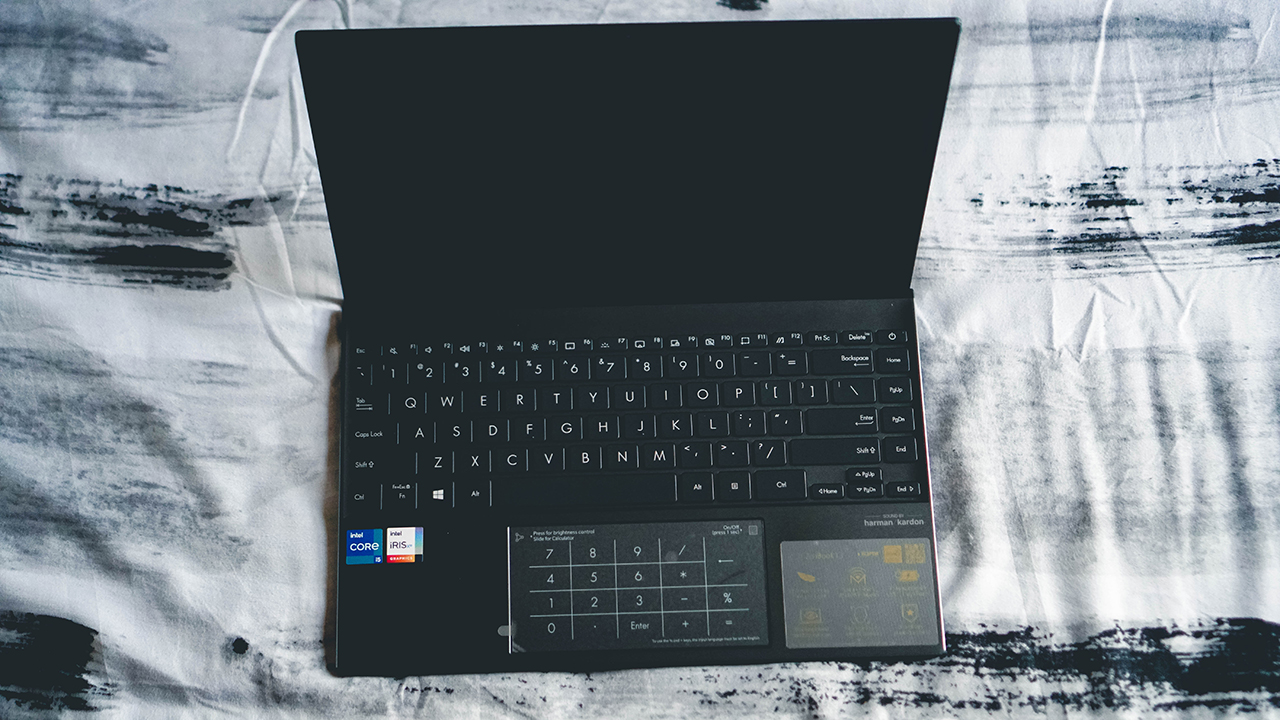
It has Intel 11th Gen inside along with Intel Iris Graphics.

Like most recent ZenBooks, this also features the ASUS signature numpad.

Over to its right is a sticker detailing more features of the product.
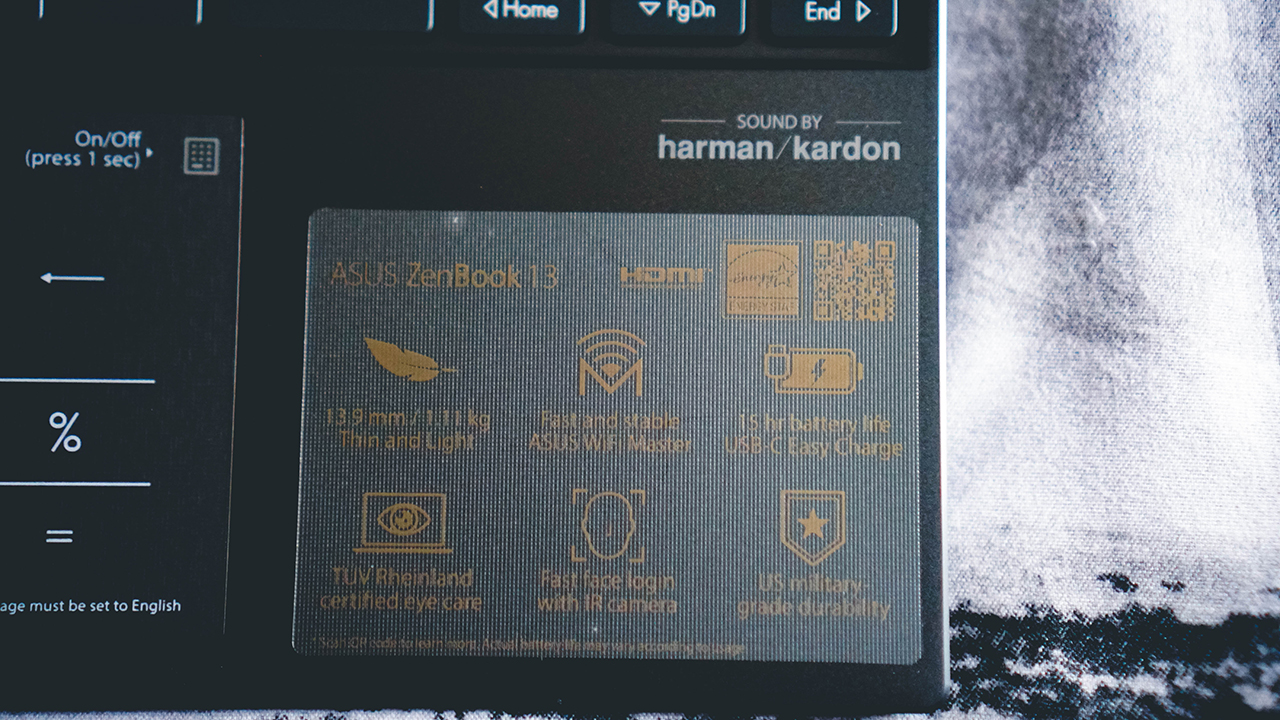
Here’s a shot without the sticker. It’s cleaner and the “Sound by Harman/Kardon” stands out.

Here’s the laptop sitting comfortably on the bed.

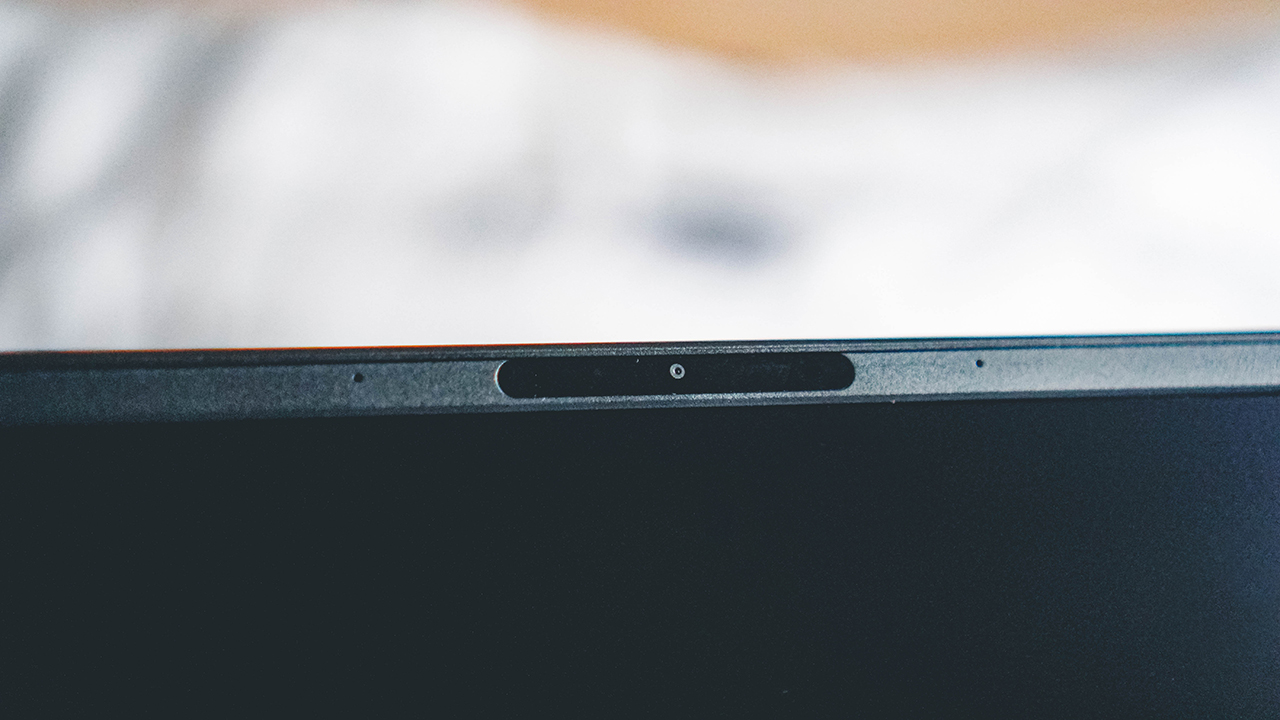
A closer inspection shows the webcam. There’s no built in way to cover it which is a bit of a bummer.
Here we have the oh so satisfying Ergo Lift hinge.
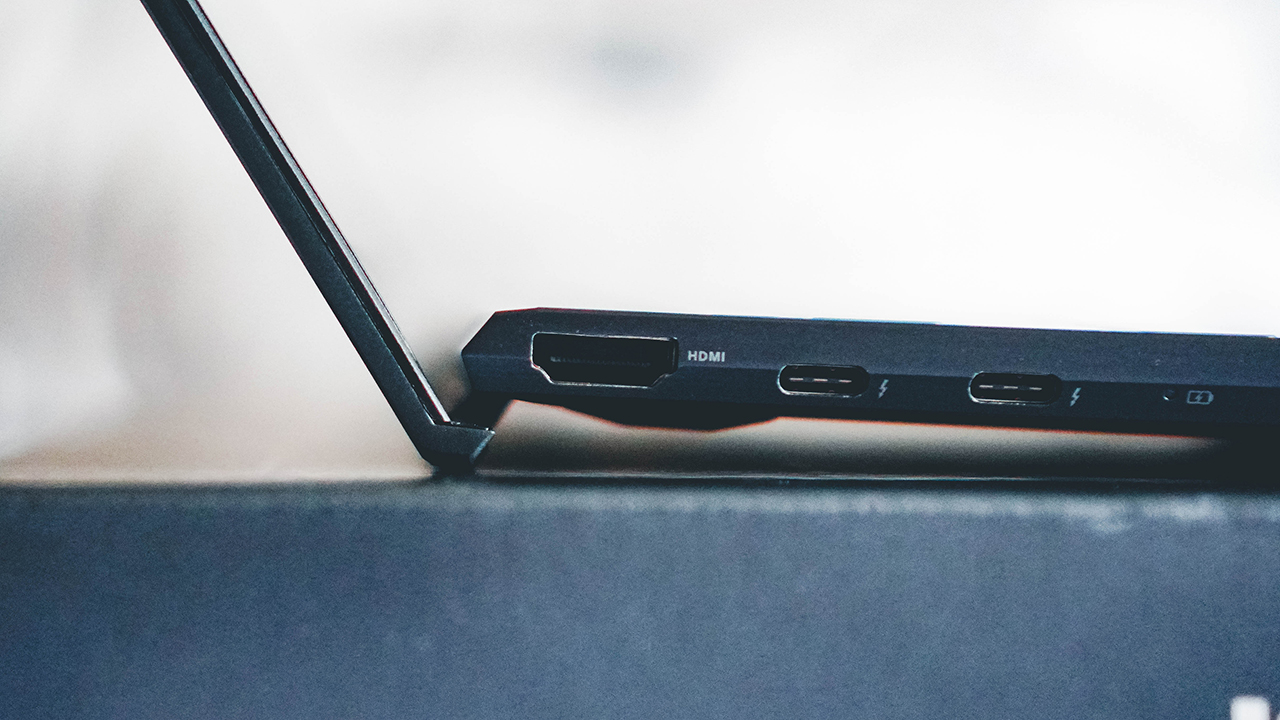
While we’re at it, you can also see here the HDMI port and the two USB-C ports.

On the other side is a USB-A port and the SD Card slot.

That’s the button you need to press for when you switch from regular trackpad to numpad.

Here’s what the numpad looks like when turned on.

The keyboard is, naturally, backlit.

Quick Hands-On
The ZenBook 13 UX235 is pretty much everything that you can expect from a ZenBook. This damn thing is sleek and light but is not at all short on performance. The keyboard is easy to get used to no matter what laptop you’re coming from. And that’s not something you can say about every laptop keyboard.

If your work involves a lot of dabbling into some form of the usual word processing, spreadsheets, and presentation slides, this will have zero problems running those things for you. We didn’t really have to do any tasks that would push the processor to the limit during my hands-on time with the device, but every basic thing, it handled like a breeze.

I imagine you’ll be doing some Netflix and Chillin’ with this thing too. Happy to report that the display is fantastic for watching and the audio won’t leave you wanting.

This next photo is here just to showcase how fine a human being Jun Ji-hyun is. Check out The Thieves. It’s a nice and easy lazy Sunday watch.

There you have it. That’s our Unboxing and Quick Hands-On with the ZenBook 13 UX235. For specs and pricing, you can check our earlier article here. If that isn’t enough for you, go right ahead and visit the official product page.

This feature is a collaboration between GadgetMatch and ASUS Philippines



Hands-On
Apple iPhone Duo Unboxing and Hands-on
Supported apps, crease, cameras, and MagSafe all tested
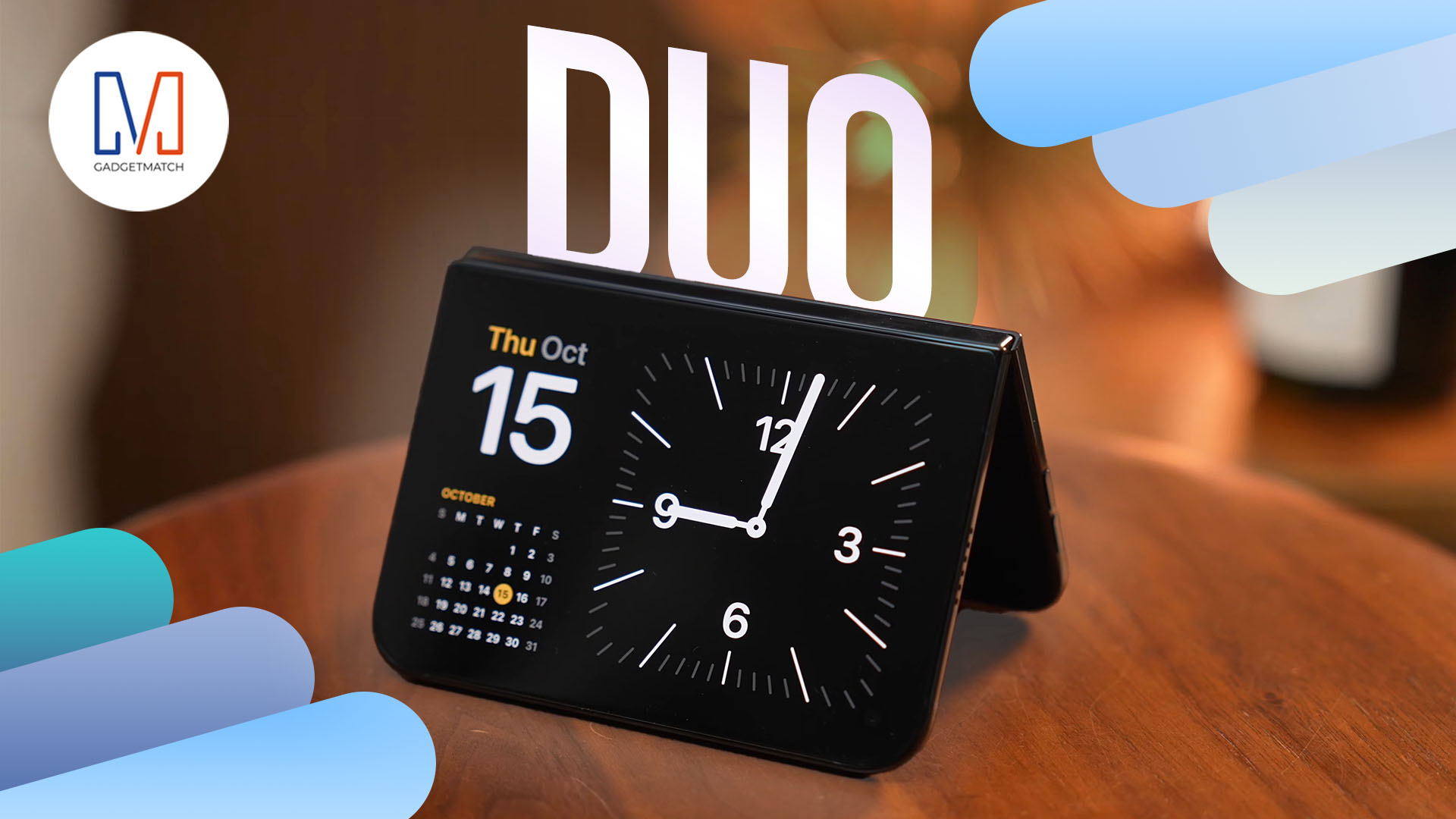
Apple’s iPhone Duo is finally here!
Aside from unboxing the all-new iPhone-dable in Night Sky, we take a closer look at the display crease, check out the under-display camera quality, see which MagSafe accessories work with it.
Most of all, which apps support it (or not).
But how well does the dual-screen experience on an iPhone actually work? Watch our Apple iPhone Duo unboxing and hands-on to know more!

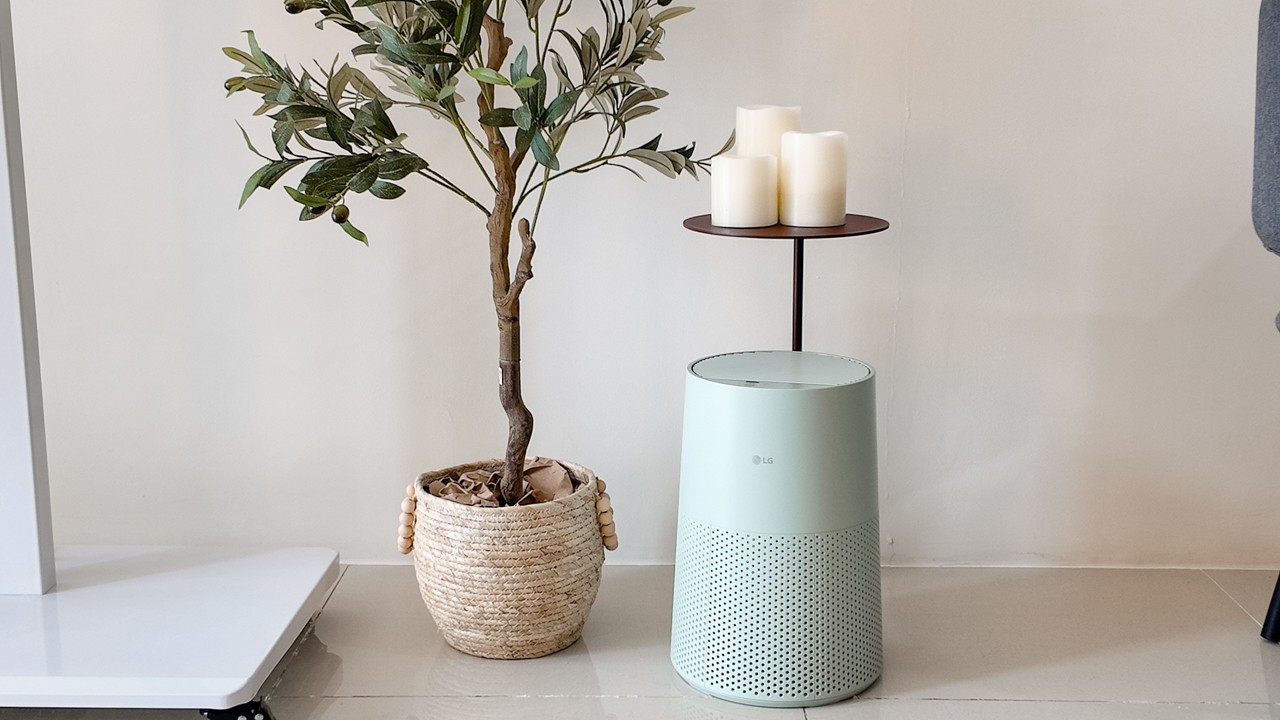
Moving into a new space comes with a long list of things to figure out, and lately, I’ve been paying more attention to something that’s easy to overlook: air quality.
After using the LG AeroMini for about a month, it has become a subtle but welcome addition to my space. It helps make the room feel fresher, while its compact and stylish design fits naturally into my setup. Here are the things that stood out to me most after living with it for a month.
360° purification for a fresher space
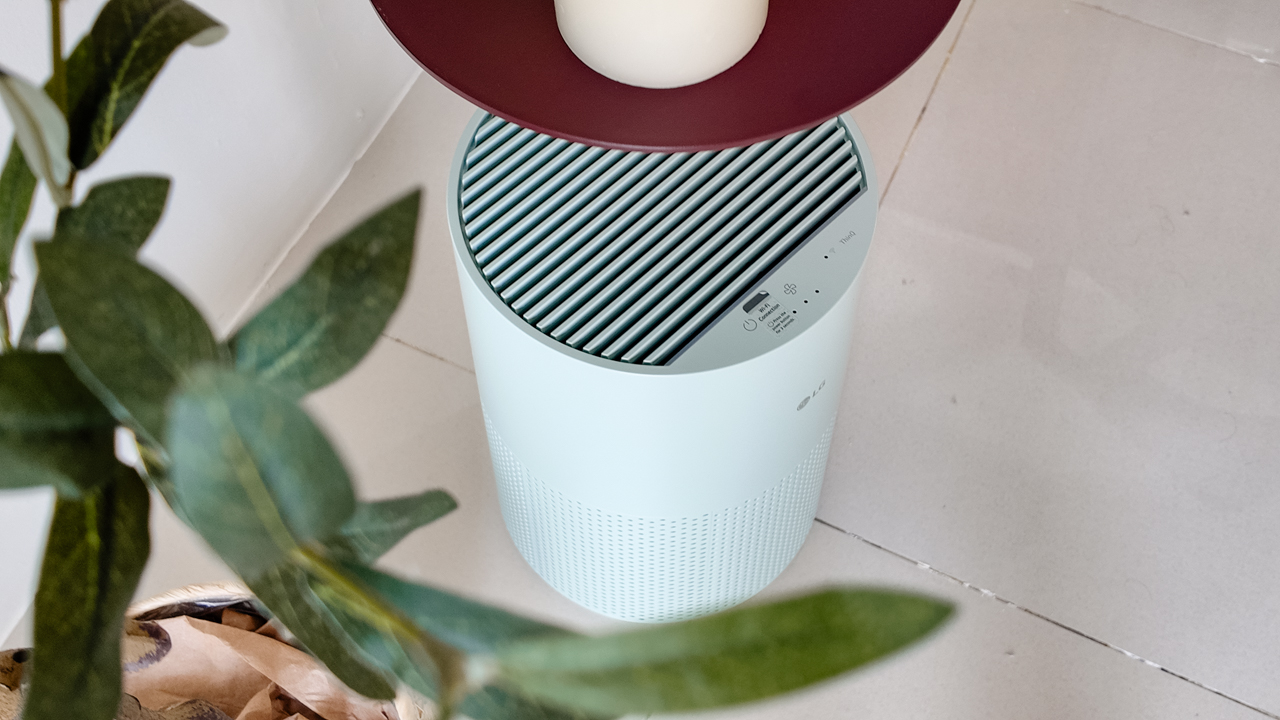
One of the things I appreciate about the AeroMini is its 360° air purification, designed to bring purified air in every direction.
For me, this is particularly useful in a new space where I’m spending a lot of time working, relaxing, and just settling in.
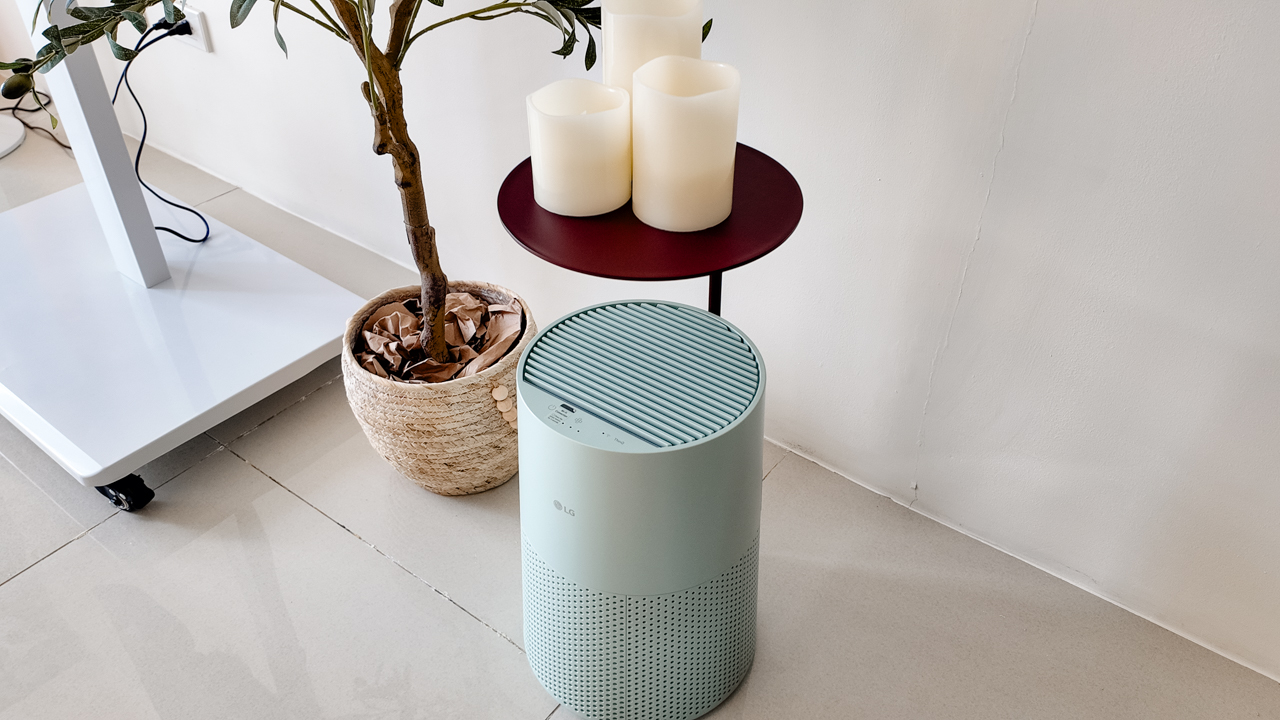
Combined with its True HEPA filter, which is designed to remove 99.999% of 0.01μm fine dust and allergens, it gives me added peace of mind about the air I’m breathing every day.
After a month, I can genuinely say that the space feels fresher with it running.
Surprisingly quiet
This is probably my favorite feature.
The LG AeroMini operates at just 26dB, and after using it for a month, what stands out is how easy it is to forget that it’s even running.

I can have it running while I’m working or sleeping without the noise becoming a distraction. For an appliance that’s designed to continuously improve the air around you, I think that’s a big deal.
Sometimes, the best feature is the one you barely notice.
Design that fits my space
Since I recently moved, I’ve been pretty conscious about what I bring into the space. I want things to be functional, but I also don’t want appliances that feel like they’re taking over the room.
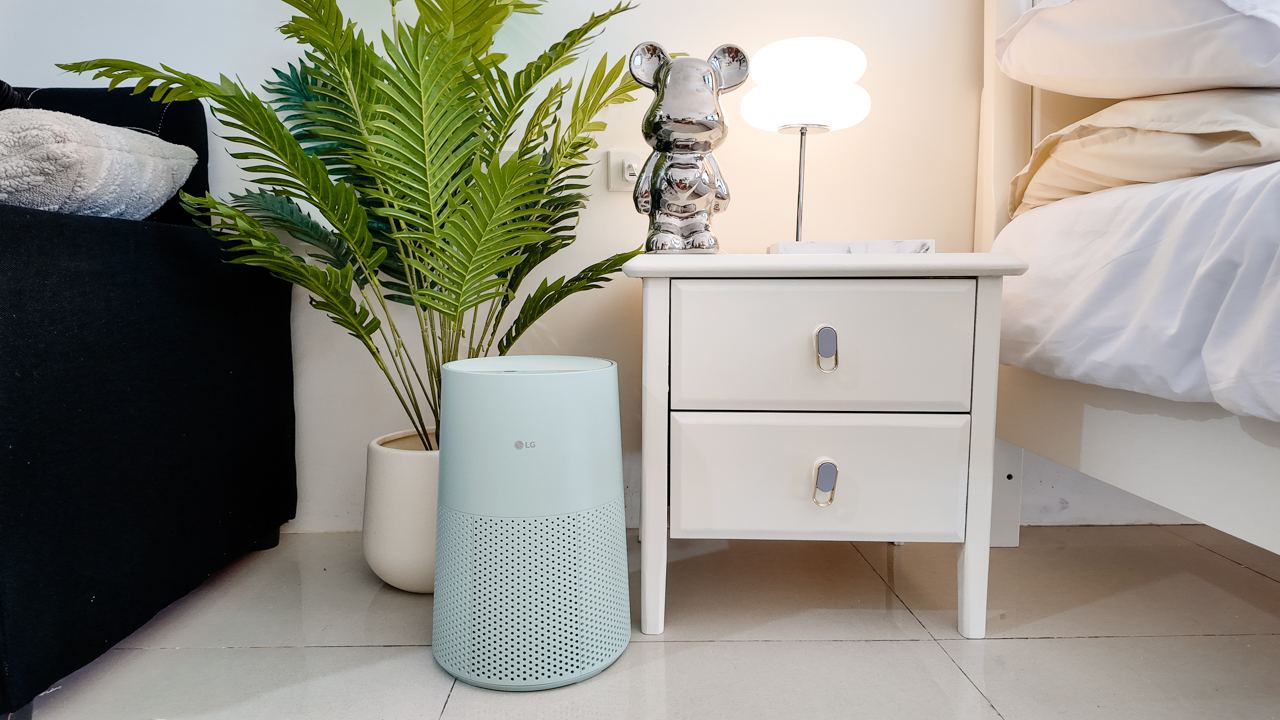
The AeroMini’s slim and compact design makes it easy to incorporate into my setup. It doesn’t feel bulky or industrial, and I like that I can leave it out without feeling like I need to hide it away.
For me, that balance between functionality and aesthetics makes it feel more like part of the space rather than just another appliance.
Air quality at a glance
Another feature I’ve found convenient is its Smart Control. Through the app, I can monitor and control the AeroMini while getting real-time updates on the indoor air quality.
It’s a small convenience, but being able to check the air quality without having to interact with the purifier directly makes it easier to keep track of what’s happening in the room.

Easy to maintain
I also appreciate that the AeroMini is designed with an all-in-one dust and deodorization filter that makes replacement and maintenance easier.
That matters to me because the best home gadgets are the ones that don’t create another complicated chore. I want something I can set up, use regularly, and maintain without too much fuss.

After a month, would I keep it?
Yes, and mainly because it quietly fits into my everyday routine.
The LG AeroMini has helped make my new space feel fresher and more comfortable, while its compact design means it doesn’t compromise the look of the room. But if I had to pick just one thing I appreciate most, it’s still how incredibly quiet it is.

It’s one of those upgrades that doesn’t demand your attention. It simply works in the background.
If you’re also looking to make your home a fresher and more comfortable space for yourself and your family, visit https://www.lg.com/ph/ to learn more about the LG AeroMini and how it can fit into your everyday life.
Hands-On
Apple iPhone 18 Pro Series Hands-on
And everything announced during Apple’s September 2026 Event
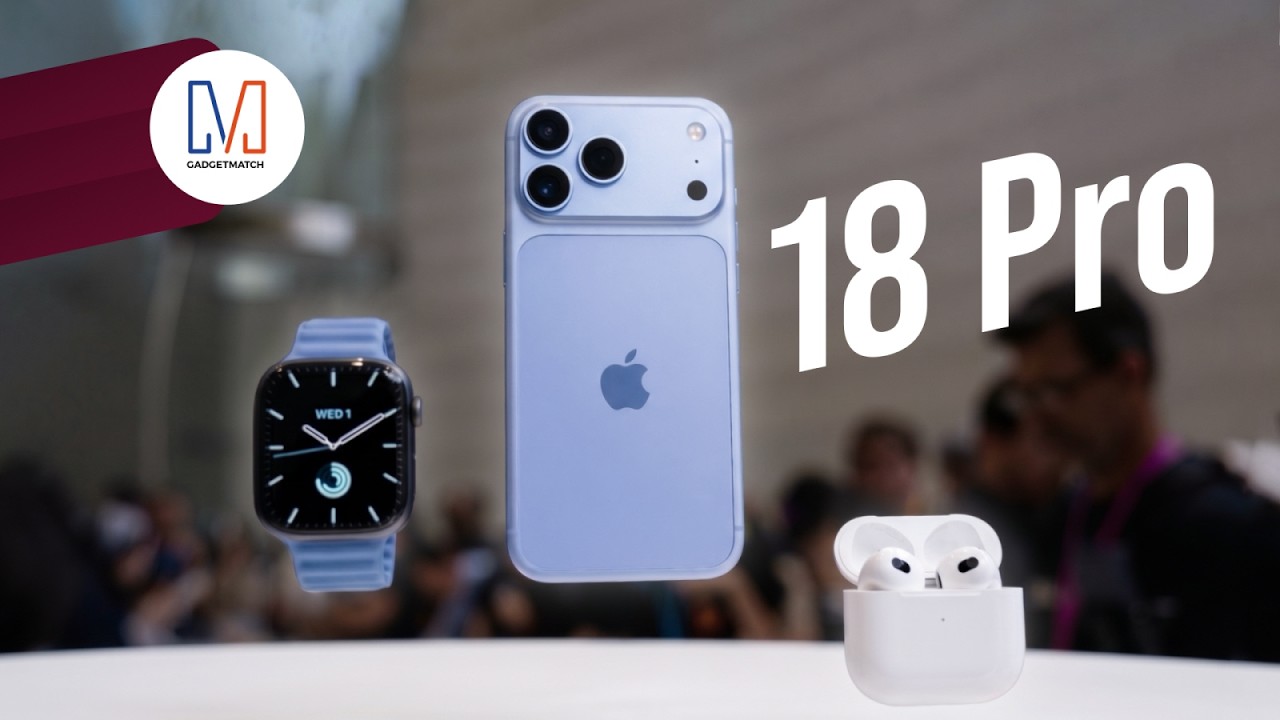
The latest Apple event isn’t just about the shiny new Apple Duo. There’s a lot to talk about!
In this video, we break down everything Apple has announced during their September 2026 keynote.
First, there’s the updated iPhone 18 Pro and 18 Pro Max. That’s alongside their design and color changes, battery and performance improvements. Even that massive camera upgrade.
There’s even the ANC-infused AirPods 5 alongside the newer Apple Watch Series 12 and Apple Watch Ultra 4. Plus, the latest software updates coming to both these wearables.
So, are these worth the upgrade?


Apple iPad mini OLED review
Has the mini gone PRO?!


ROG G700 review: The best prebuilt PC you can get off the shelf
This PC will make you stop worrying about specs.


HP OMEN Max 16 review: Gamer-maxxing in deep black
Peripherals deemed necessary to max this out
Apple iPad mini OLED review

Spotlight: eufy Robot Vacuum Omni E35

UGREEN ClipBuds Pro 2 feature AI translation

Lazada kicks off 11.11 Biggest Sale of the Year ahead of holiday rush

Dune and Dune: Part Two return to cinemas ahead of Dune: Part Three

OPPO Find X10 Series launches globally October 21

vivo V80 debuts with ZEISS cameras

Garmin Enduro 4 promises up to 320 hours of battery life

Your coffee nook is getting a makeover with Starbucks’ holiday collections

Dragon’s Dogma 2: Dark Arisen launches with new Official Pawns


-
 Lifestyle4 days ago
Your coffee nook is getting a makeover with Starbucks’ holiday collections
-
Gaming2 weeks ago
HP OMEN Max 16 review: Gamer-maxxing in deep black
-

 Lifestyle6 days ago
Sticker season is back, and so is the planner your ~friends~ might fill in for you
-

 Gaming4 days ago
Wild Rift Patch 7.3, celebrates K/DA comeback
-
Gaming1 week ago
ROG G700 review: The best prebuilt PC you can get off the shelf
-

 Gaming1 week ago
PlayStation unveils Prism Collection
-

 News1 week ago
Apple unveils its biggest iPad mini update yet
-

 Accessories2 weeks ago
CASETiFY Match: Finding the right case for your Galaxy Z8 Series phone