
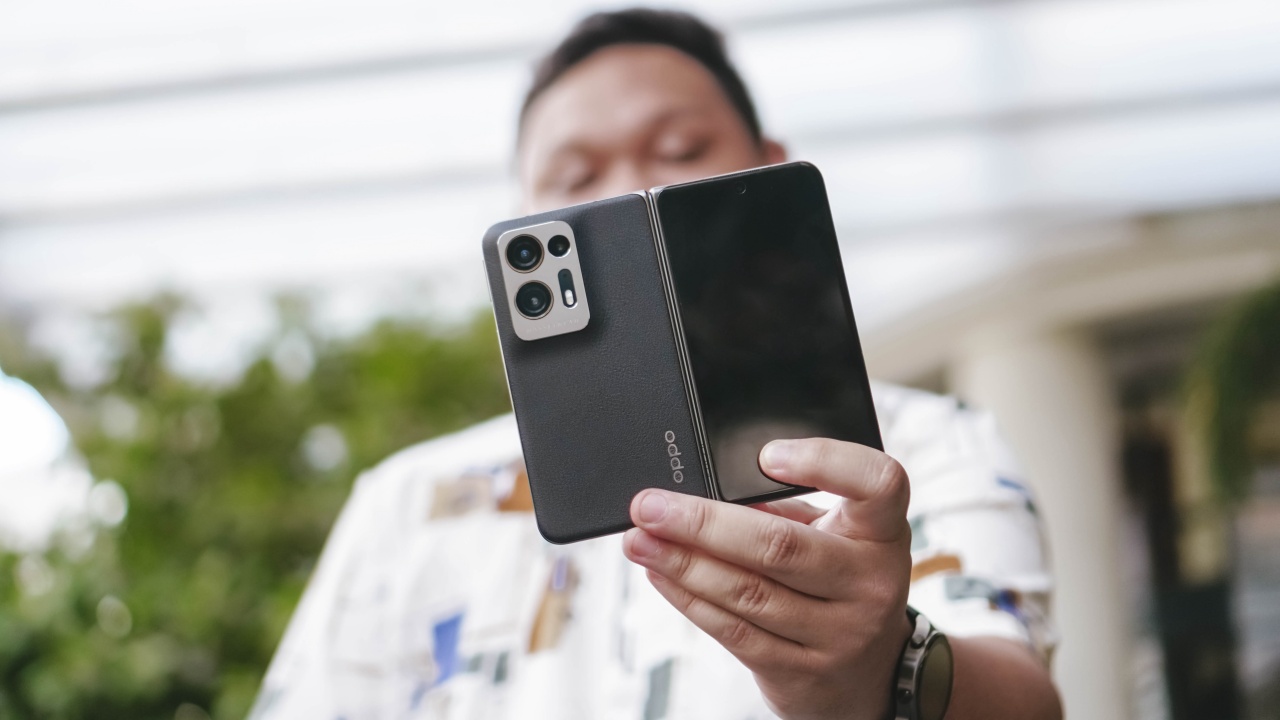

OPPO’s approach to their primary foldable offering — the OPPO Find N2 — is visibly different from its contemporaries. Its phone-to-tablet folding mechanism is similar but it’s also a lot more compact.
The compact body drew rave reactions. Seeing videos and photos online gives the impression that OPPO struck the balance between smartphone and tablet. After using it for a few weeks, I can say it delivers on that experience.
Unboxing
If you’re curious what’s in the box. Watch this.
The perfect size?
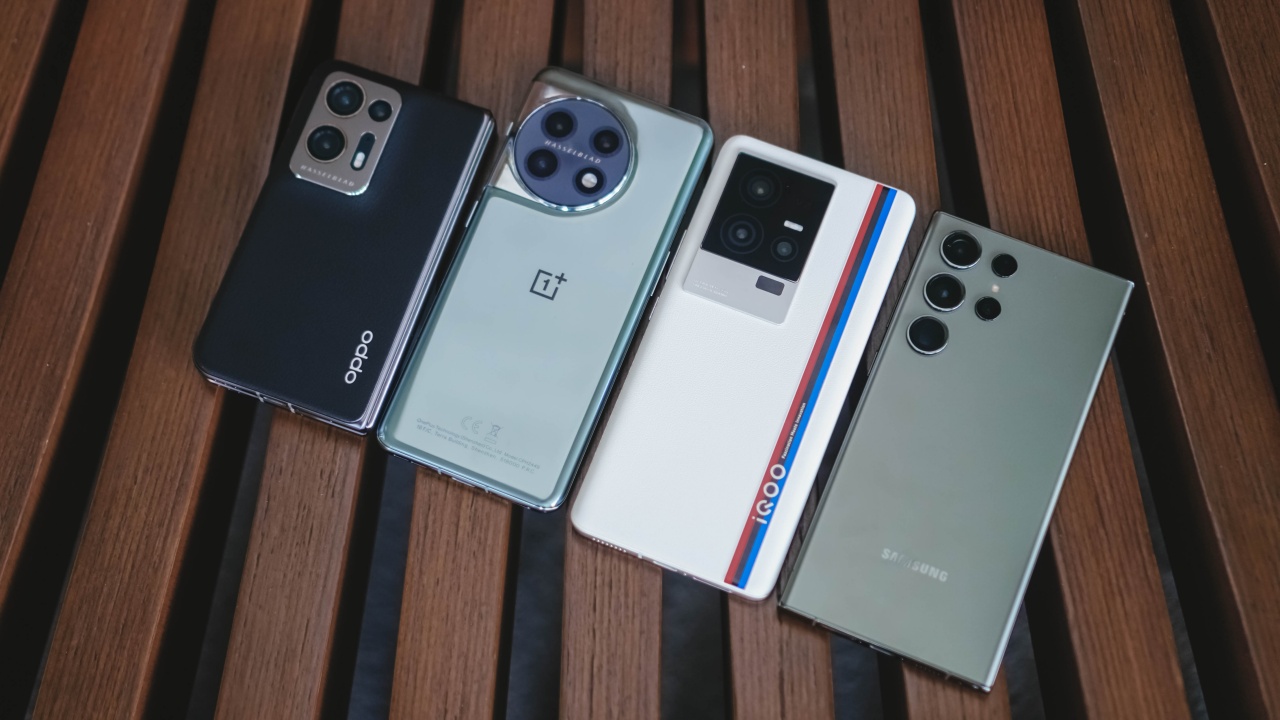
L-R: OPPO Find N2, OnePlus 11, iQOO 11, Samsung Galaxy S23 Ultra
Folded and side-by-side it is dwarfed by “regular-sized” smartphones today.

Excited for TWICE subunit MiSaMo to debut.
Unfold it and you get the 7.1-inch main screen in all its glory. It’s the perfect tweener size. Not exactly a phone, not quite a tablet.
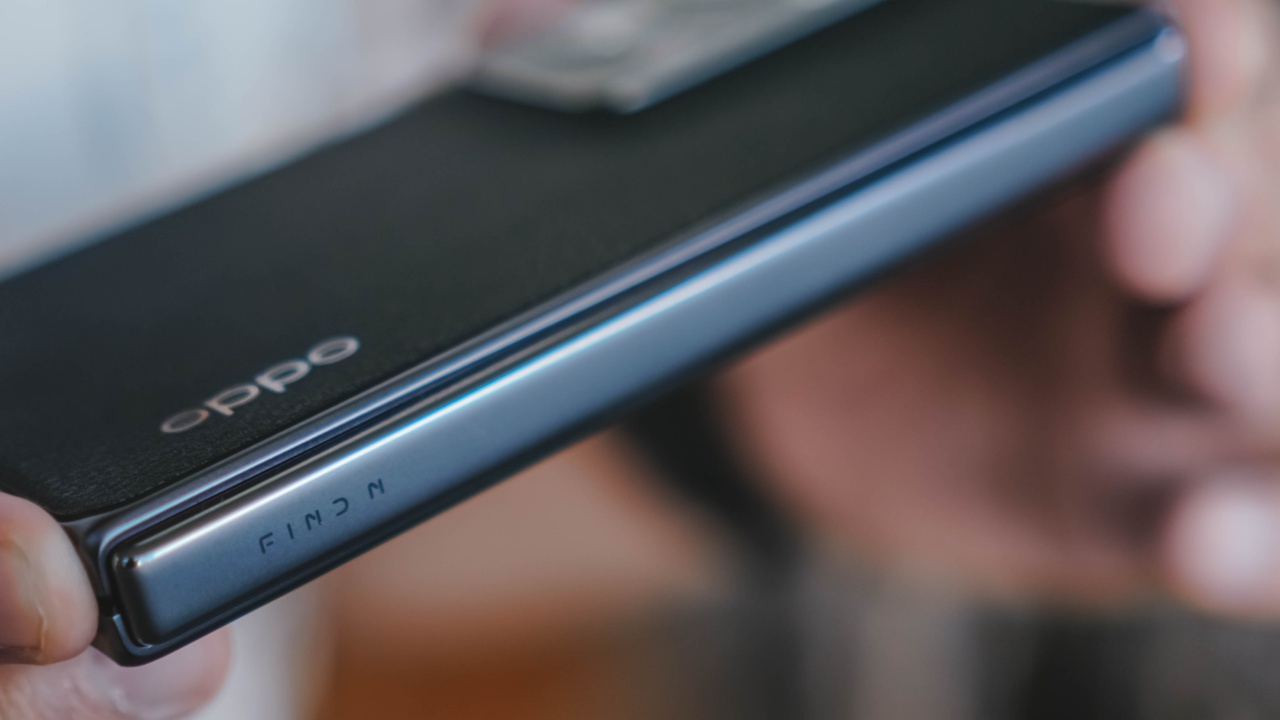
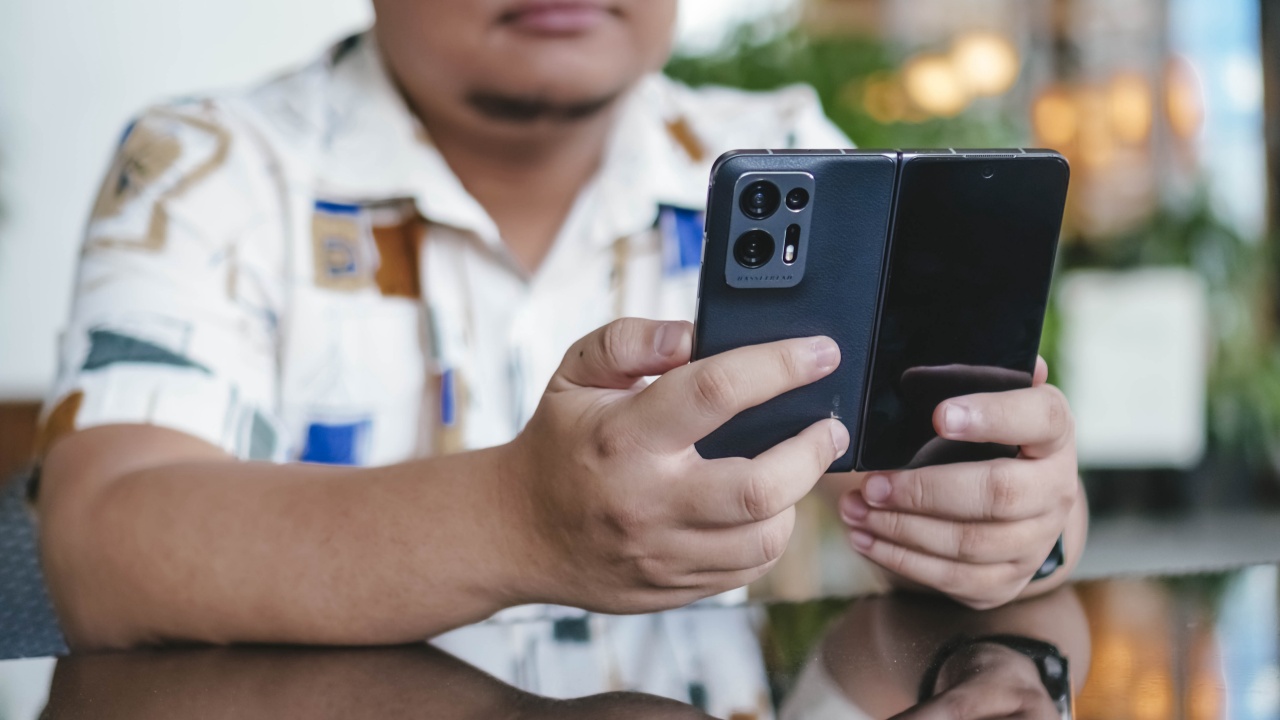
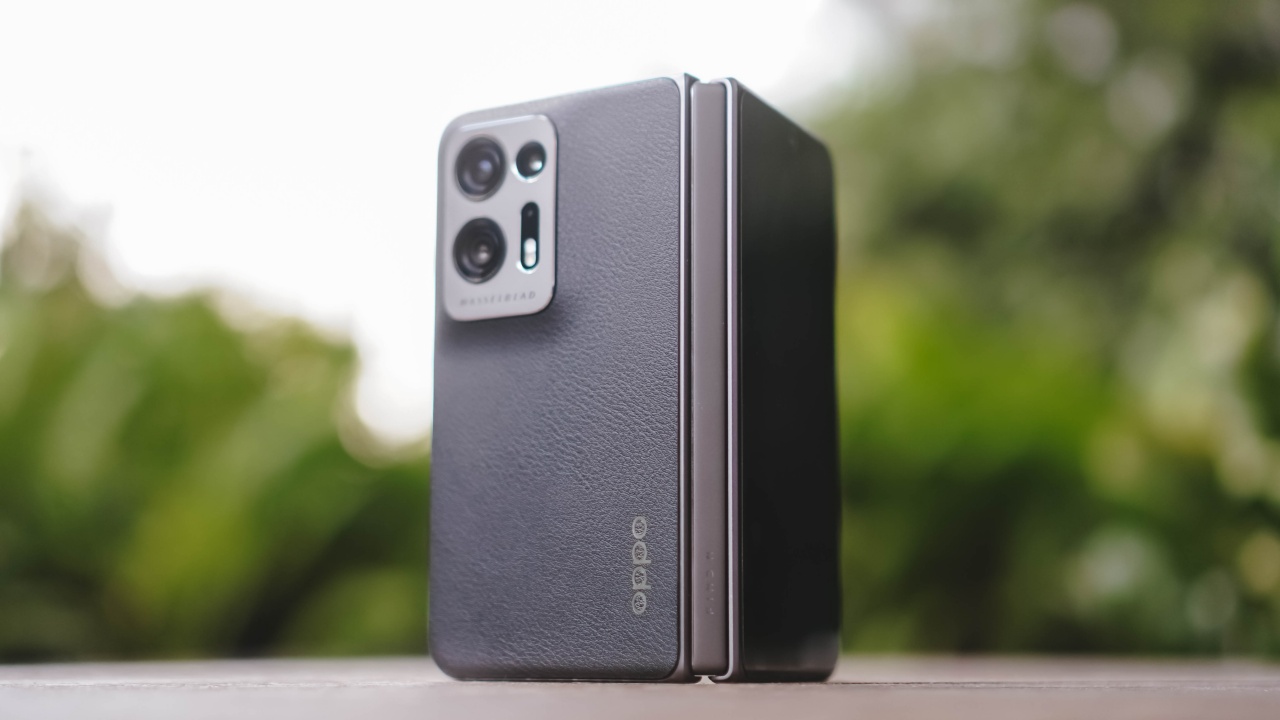
Folded and viewed from its side, it’s certainly thicc.
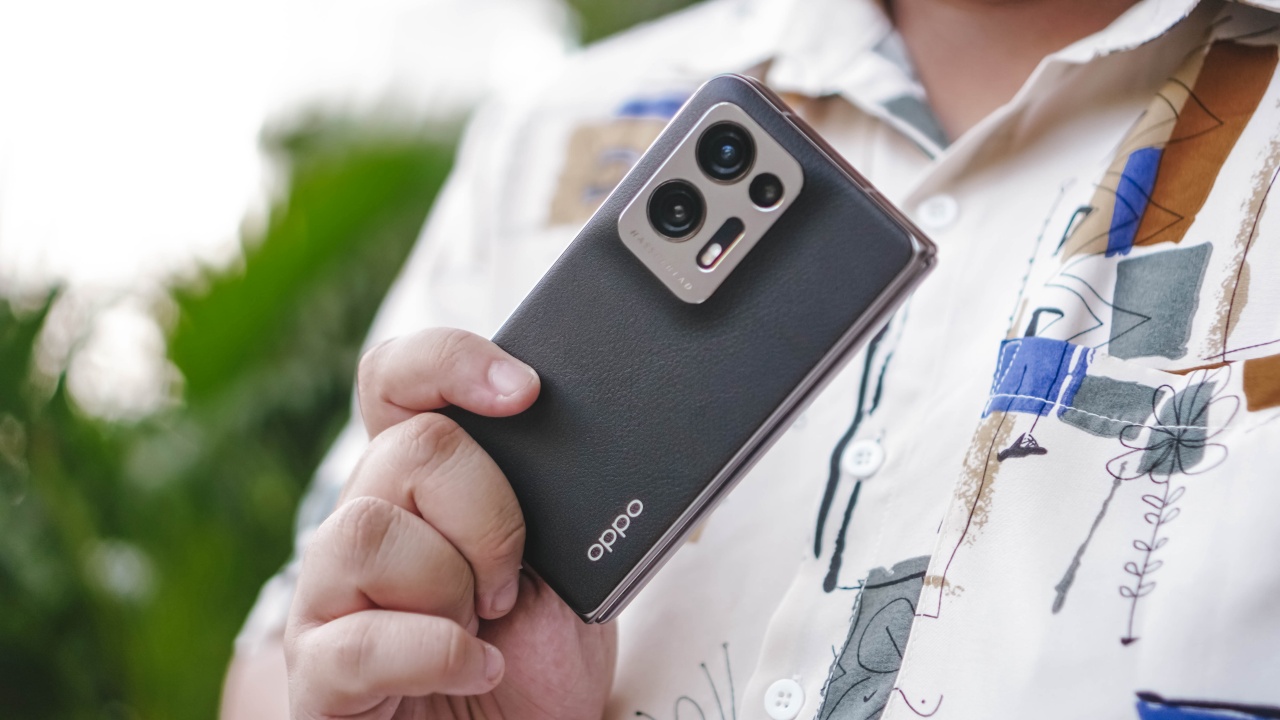
But its thickness is mitigated by its overall compact footprint, making it easy to hold.

The buttons are all on the right side. A key design choice for a device with a morphing form-factor.
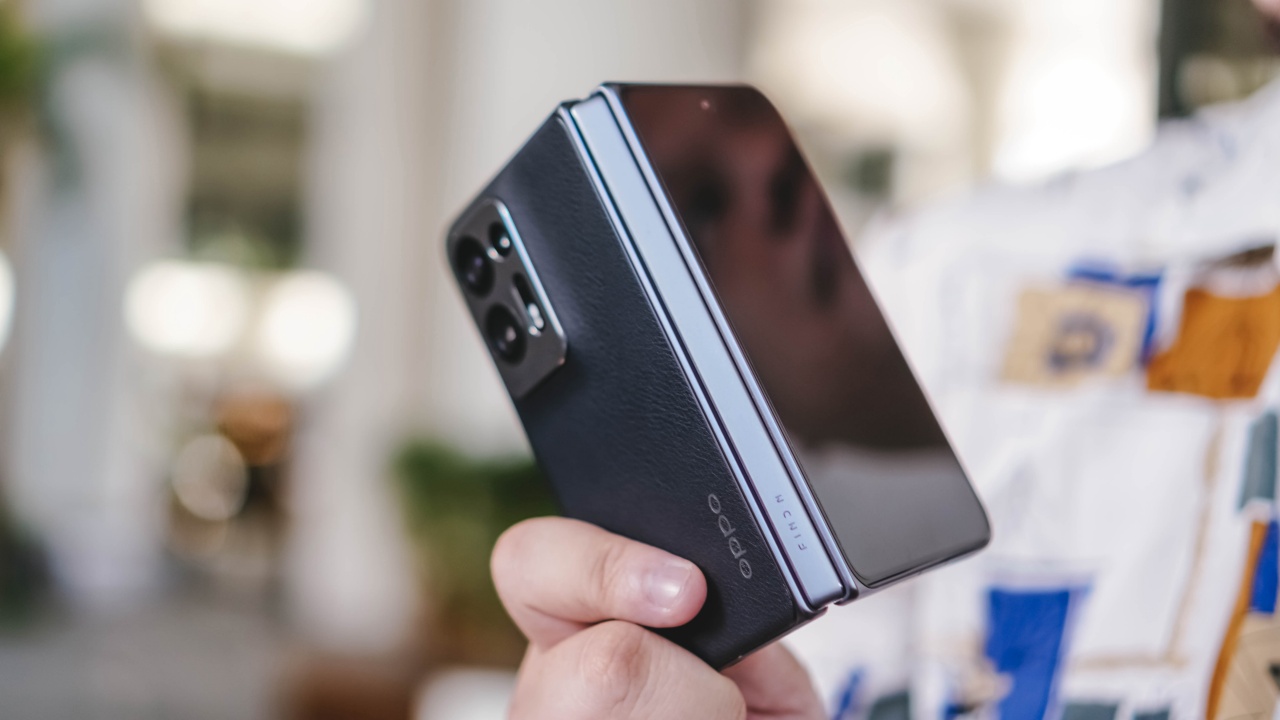
It also feels pretty sturdy. OPPO says the newly designed Flexion Hinge can take about 400,000 folds. Make of that what you will, but holding the phone, you won’t feel like it’s some fragile piece of equipment. It feels tough and something that’ll last you for a while… with appropriate gadget care, that is.
Perhaps calling it perfect isn’t quite right. But it’s pretty damn close. It’s a lot clearer in my brain when to use it folded and when to use it unfolded.

Momo Hirai is a goddess.
When folded, you get this more conventional, albeit tinier smartphone experience. This is the mode the phone is in when I do any sort of typing and in-between-tasks doom scrolling.
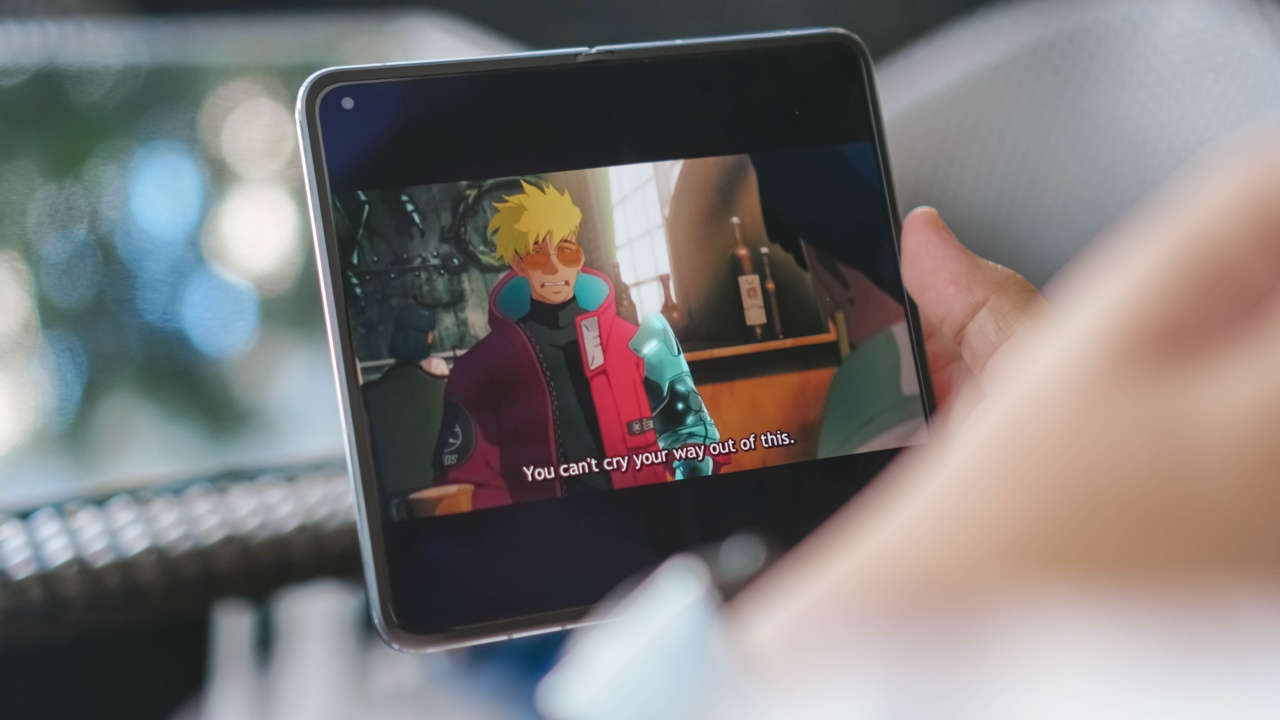
Trigun Stampede is a good watch.
Unfolded is my preferred mode when watching any sort of video. Whether that’s on YouTube, Netflix, Premier, Disney+, or any other video streaming site or service, that’s when I take advantage of the larger screen real estate.

MiSaMo already has a song out called Bouquet. Watch the making video on YouTube.
Yes, there will be black bars whether you’re watching a vertical or a horizontal video. Is it bothersome? At first, yes. But after a while, you’ll just get used to it. It’s a lot like watching a 21:9 film on a television screen. It can be bothersome when watching in a well-lit environment but you barely notice it in the dark and you tend to not mind it after a while.
All the foldable software tricks

Most of the foldable software tricks or advantages can be found on the OPPO Find N2. You can run most apps in a split screen with no trouble whatsoever. Up to you which ones to pair. We’ve done several combinations including browser + Twitter, Spotify + Browser, YouTube + Twitter, TikTok + Twitter, YouTube + Disney+, and many more.
Notably, Instagram doesn’t support split screen. Odd considering it’s one of the first apps I personally thought of using a split screen with.
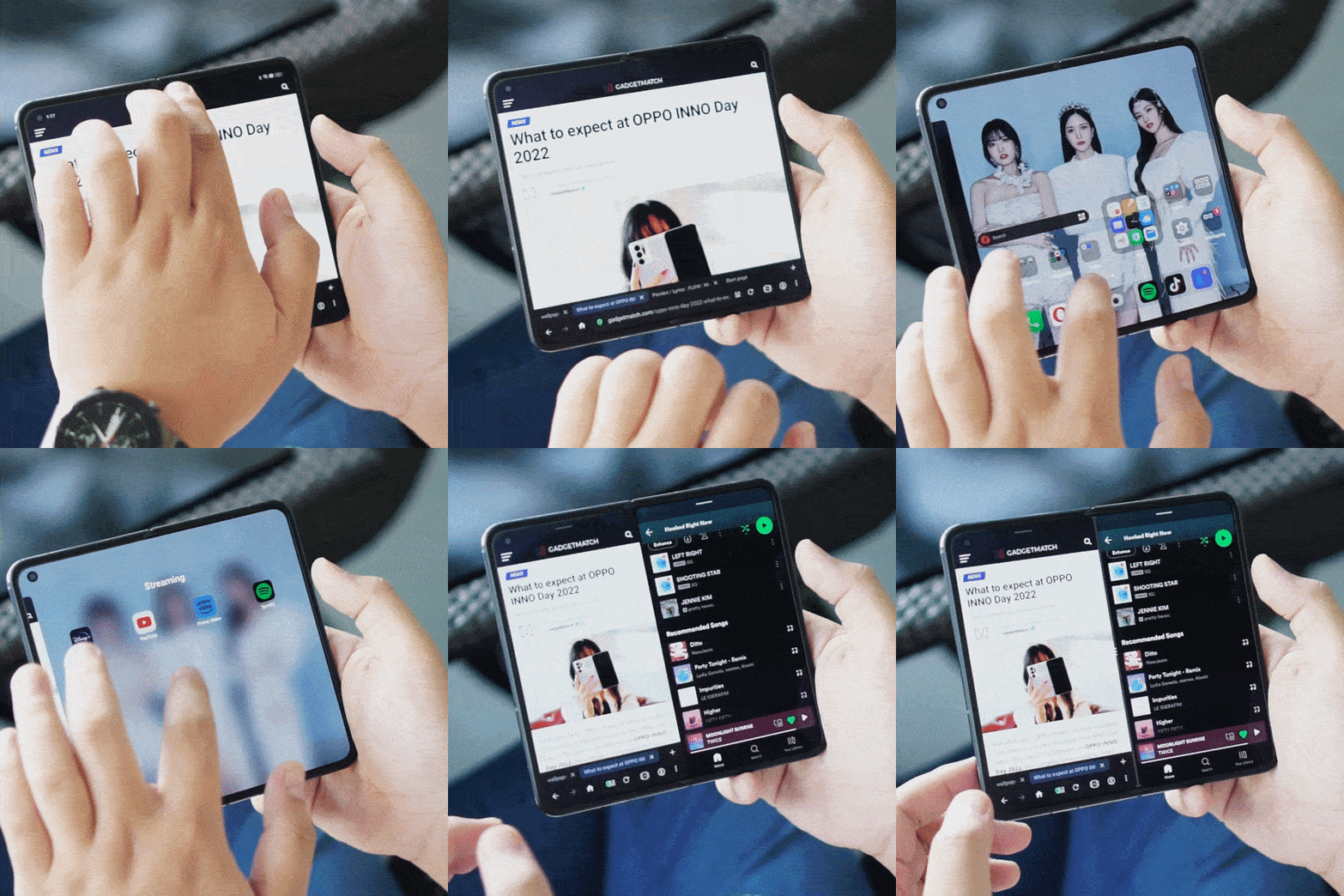
To trigger a split screen, you simply need to swipe down two fingers in the middle of the screen – right around where the ever-so-slightly visible crease is.
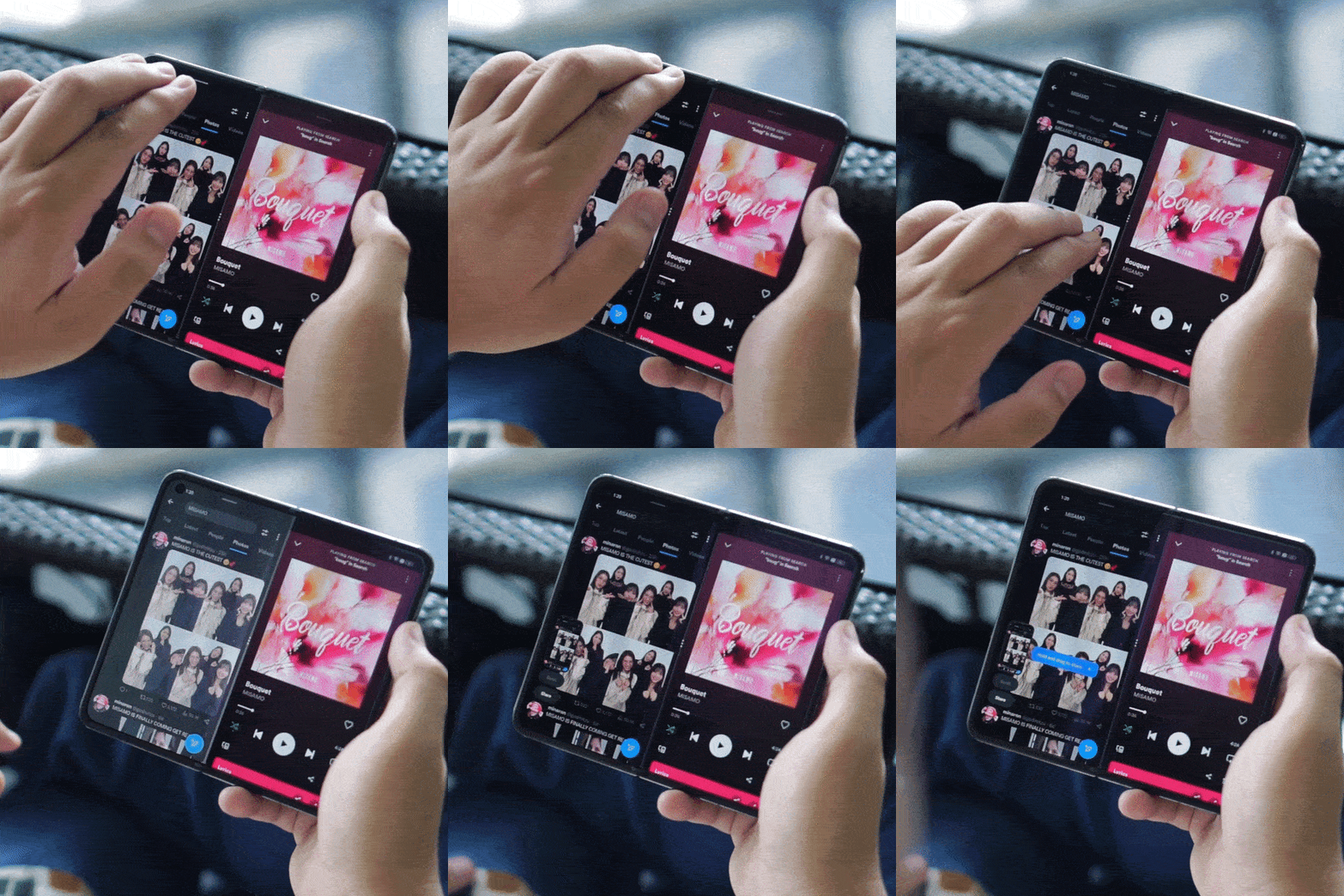
The cool thing is you can also take a screenshot of each app. Just swipe three fingers down from the tap on the side of the app that you want to take a screenshot of.
Naturally, the three-finger swipe down screenshot also works even when not using split screen. And it works on both the main and the cover display.
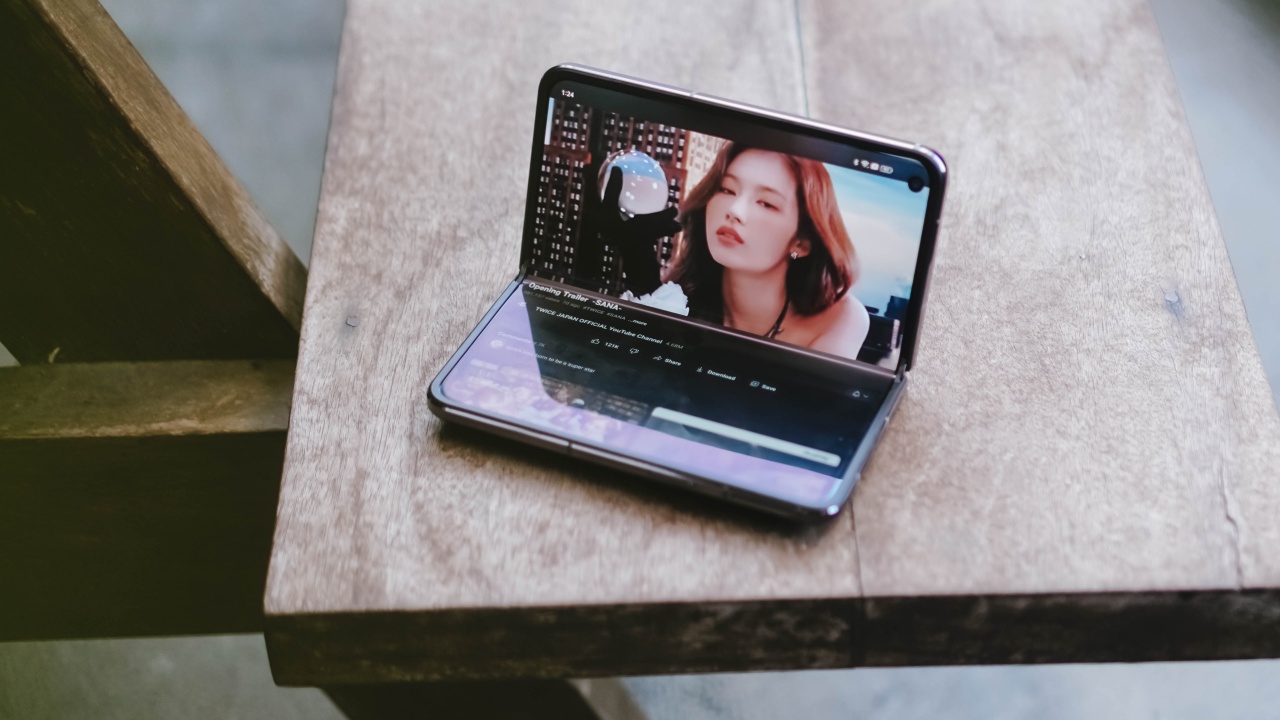
Sana Minatozaki is the ultimate bias wrecker.
It does have a FlexForm Mode. It’s the mode where you prop up the phone as if it’s a laptop. Unfortunately, it only currently works on what I can only describe as a bloatware app. Not surprising since the Find N2 is only available in China. In fact, I had to download the Google Play Store’s APK just to download the apps I regularly use.
More optimization required
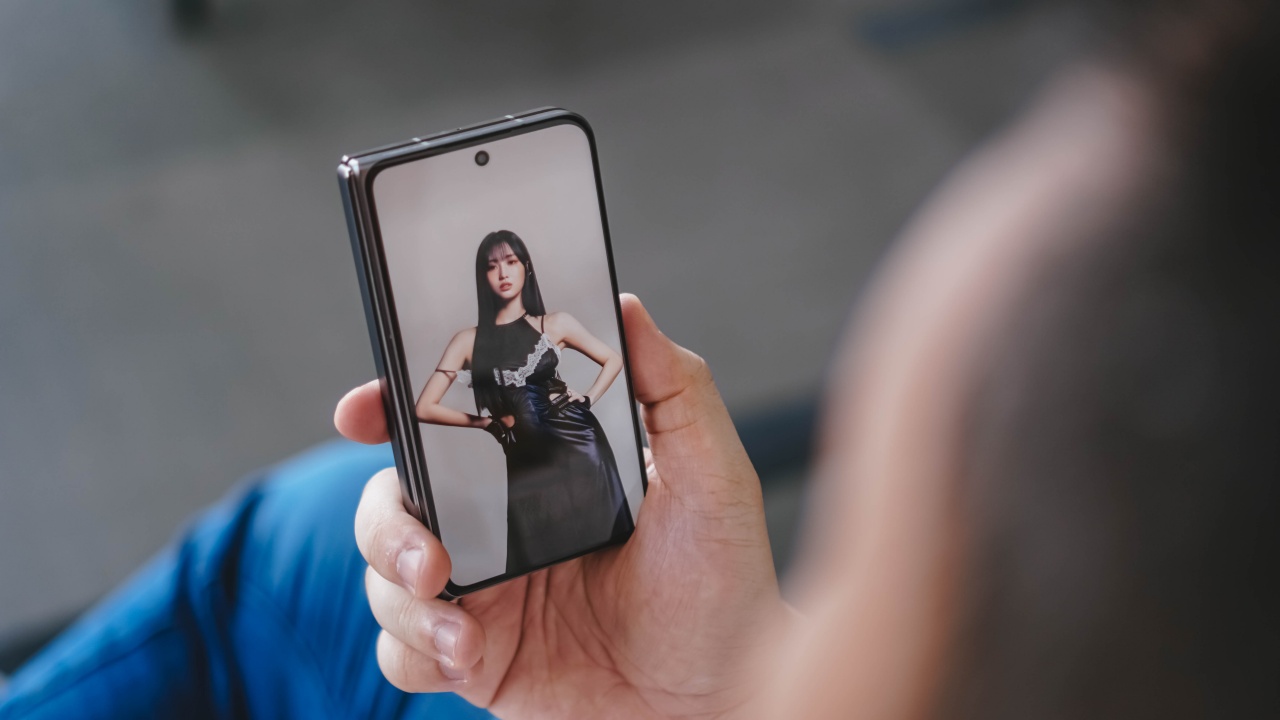
It still has a few quirks to work out. Although, this may just have to do with some Meta apps that don’t seem to be foldable-friendly.
I already mentioned that Instagram doesn’t support the split-screen feature. Other than that, there are also a few annoyances.
For instance, I tried the thing that Mr. Mobile mentioned on his video about Messenger going all black when you try to react to a chat with emojis. What I learned, though, is that this only happens when you have Messenger in full screen mode on the main screen. I tried the same action at 4:3 and 16:9 aspect ratio and the app behaved normally.
And going full-screen mode just means you get a cropped in screen instead of something that’s optimized. Let’s go to Facebook for this.
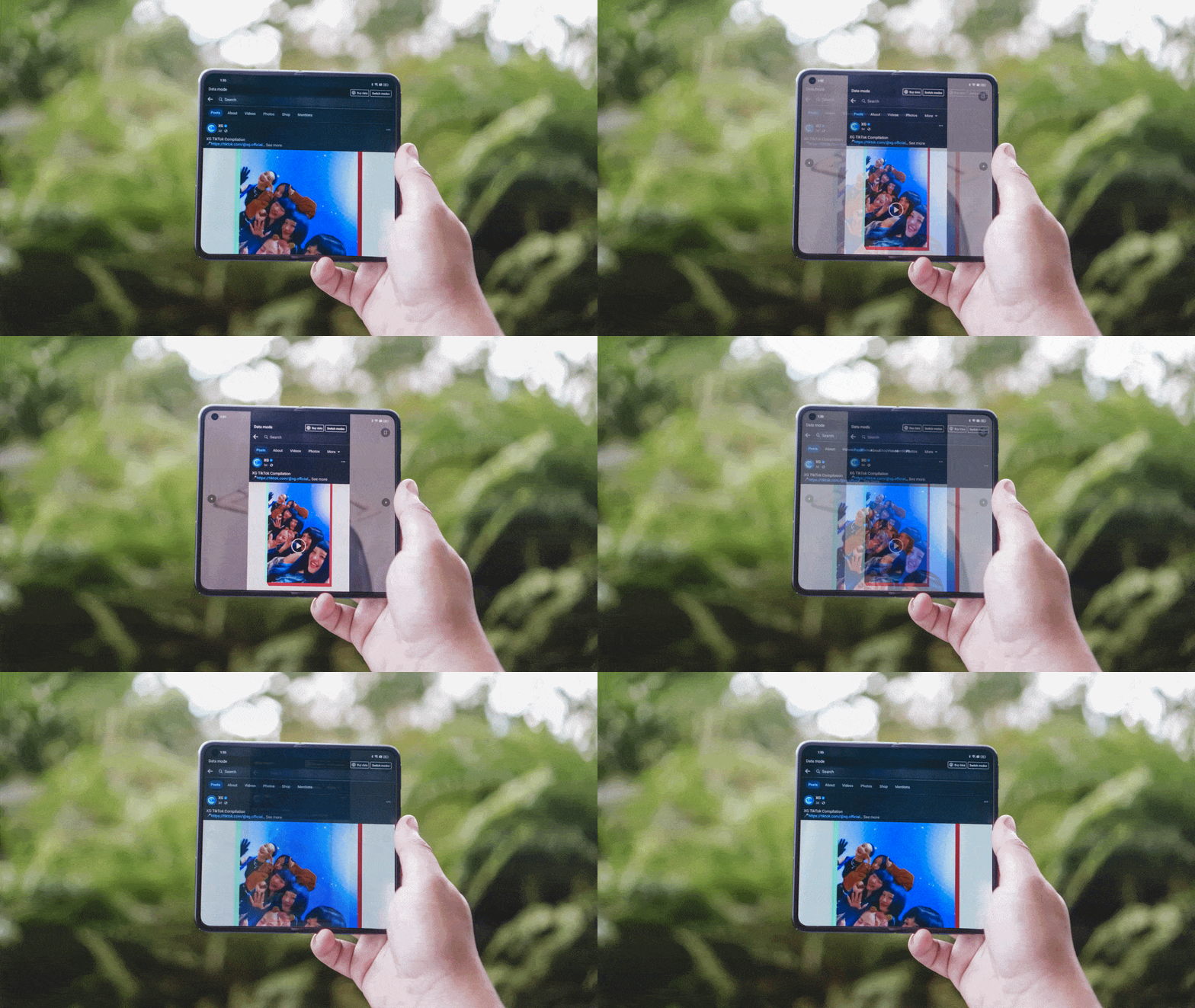
In the gif above, you’ll see how Facebook looks like in 16:9 and in full-screen mode. With a media-heavy feed, you’re not seeing the entirety of the content in full-screen mode. It’s cropped and it just isn’t the best way to enjoy most social media feeds today that heavily feature photos and videos.
In this regard, it’s best to go to 16:9 and ignore the bars on the side or just scroll on the cover screen.

You can adjust each app’s screen size in the settings.
This isn’t as much of an issue with taller foldables like the the Samsung Galaxy Z Fold4 and the HONOR Magic Vs. However, the reality is that these apps haven’t fully been optimized for the foldable form-factor. I’m sure full optimization means more than cropping into the screen so you don’t have wasted space on the sides.
I also get Chinese notifications from apps that I can’t remove. Another understandable thing considering this isn’t really available internationally.
However, this is not a Huawei situation where you still have to go through so much hoopla just to get to some of your favorite apps. Just download Google Play and everything starts working like they would on any other Android smartphone.
Snapdragon 8+ Gen 1 at work
Performance-wise, the OPPO Find N2 won’t leave you wanting. The Snapdragon 8+ Gen 1, which debuted in smartphones around mid-to-late 2022 is still a more-than-capable processor.
Save for the Messenger quirk, I’ve never had an app conk out or lag for no discernible reason. Switching apps is a breeze and the phone does a great job in managing background tasks, making sure you pick-up where you left off in certain apps.

The only game I played on this thing is Asphalt 9. It’s not too demanding of a game and is fully optimized for mobile play. But I guess that’s praising the game more than the phone. I digress. Had no issues whatsoever while playing. I really wanted to try Genshin Impact too but I forgot my log-in details and haven’t had the chance to take care of it due to other work things.

I can’t say too much about gaming performance-wise. With my limited time playing Asphalt 9, I had a blast playing. The game scaled perfectly to the screen, and no problems with lagging or input delay.
The Find N2 is also a battery champ. Even with heavy use, you’ll certainly last until the end of the day. And if, like me, you tend to get anxious when the battery dips below 50%, you can quickly juice it up.
It supports OPPO’s SuperVOOC charging tech. In the box, you’ll get the 67W fast charger. OPPO promises to go from 0 to 100% in just 42 minutes.
I personally use a 100W charger at home and a 65W GaN charger when I’m out and about. Despite not using the included charger, my charging speeds have been speedy. I typically start plugging in at around 50% and get to 80% to 90% in a single anime episode which is around 20-22 minutes.
Capable cameras

Curiously, the OPPO Find N2 shares the exact same set of rear cameras with the OnePlus 11. Well, perhaps it isn’t that curious considering the merger of OPPO and OnePlus. That means, all the photography features that the OnePlus 11 has been touting is present on the Find N2.
Here are some food shots.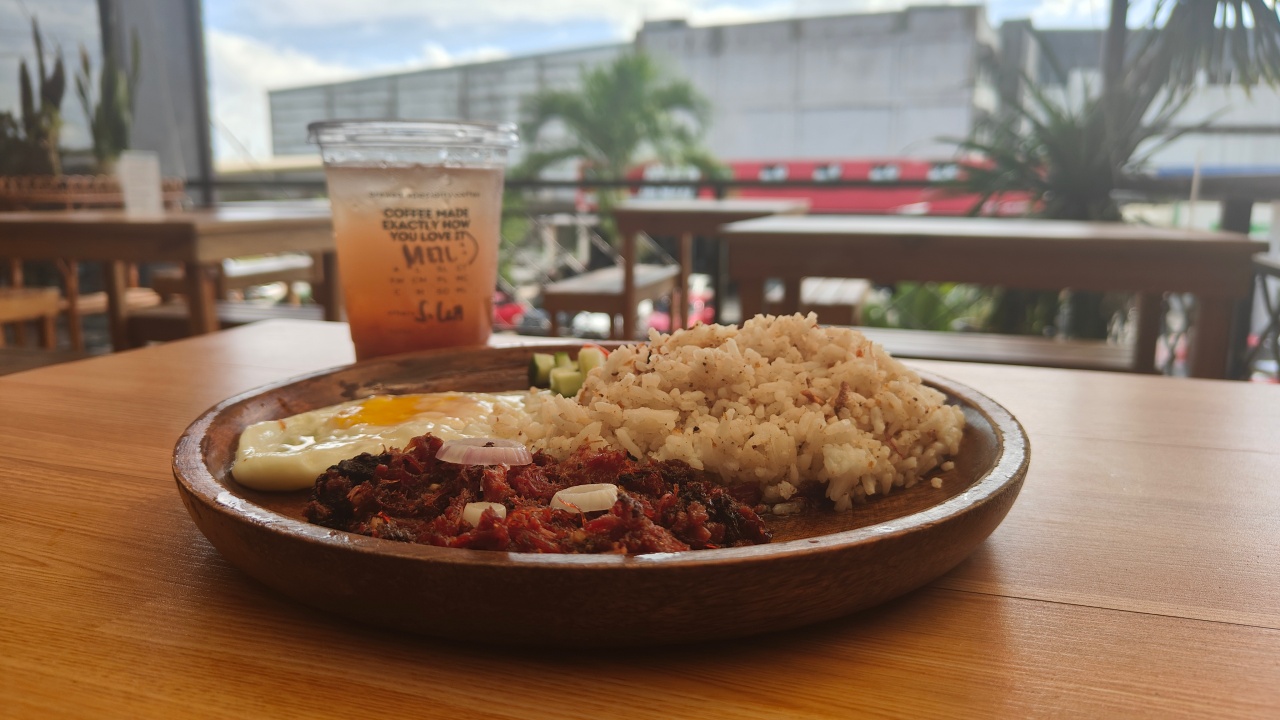

The colors are consistent with what you see in real life. And while the indoor shots under artificial light is pretty darn good. There’s just nothing that beats a good photo under natural light.
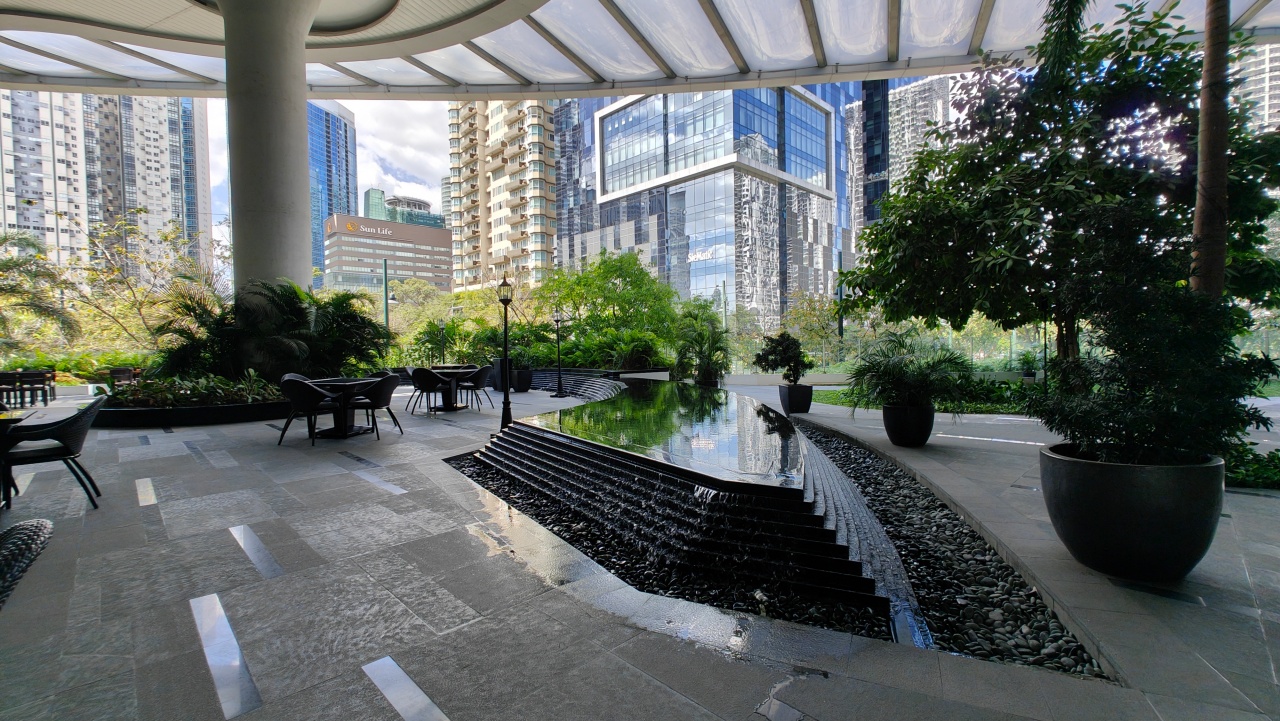
And it does hold up well at night time too.
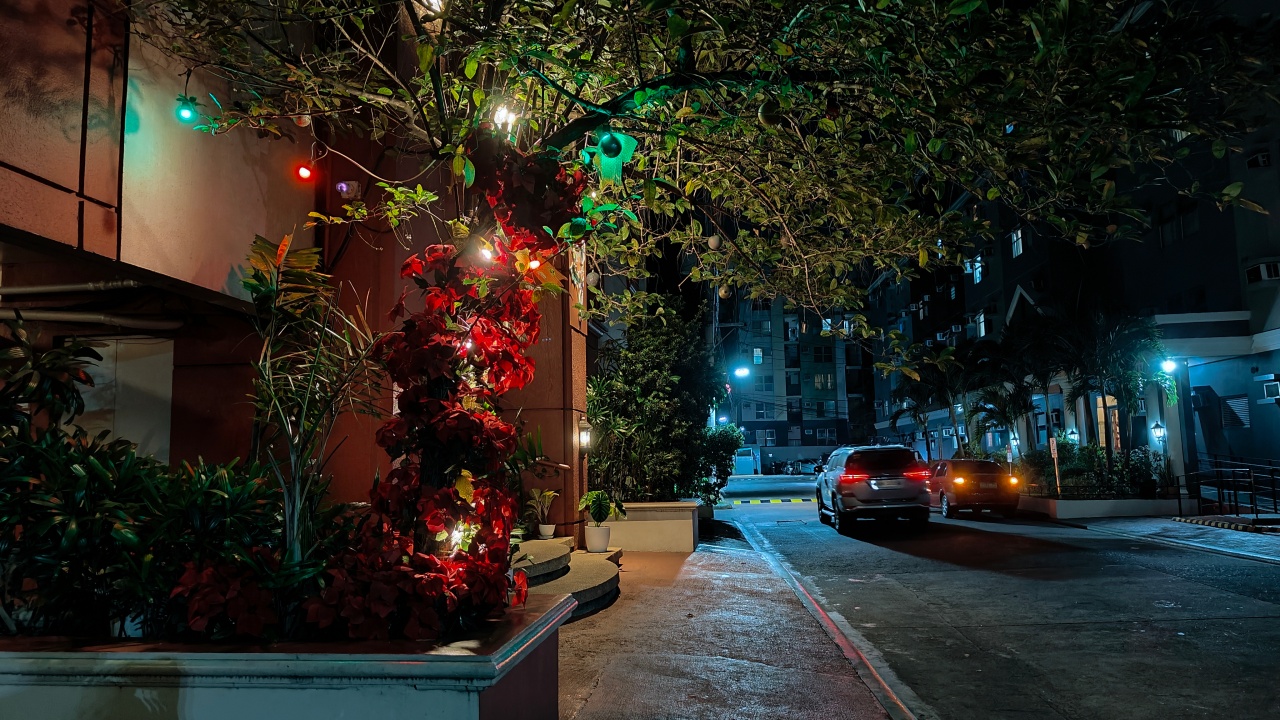

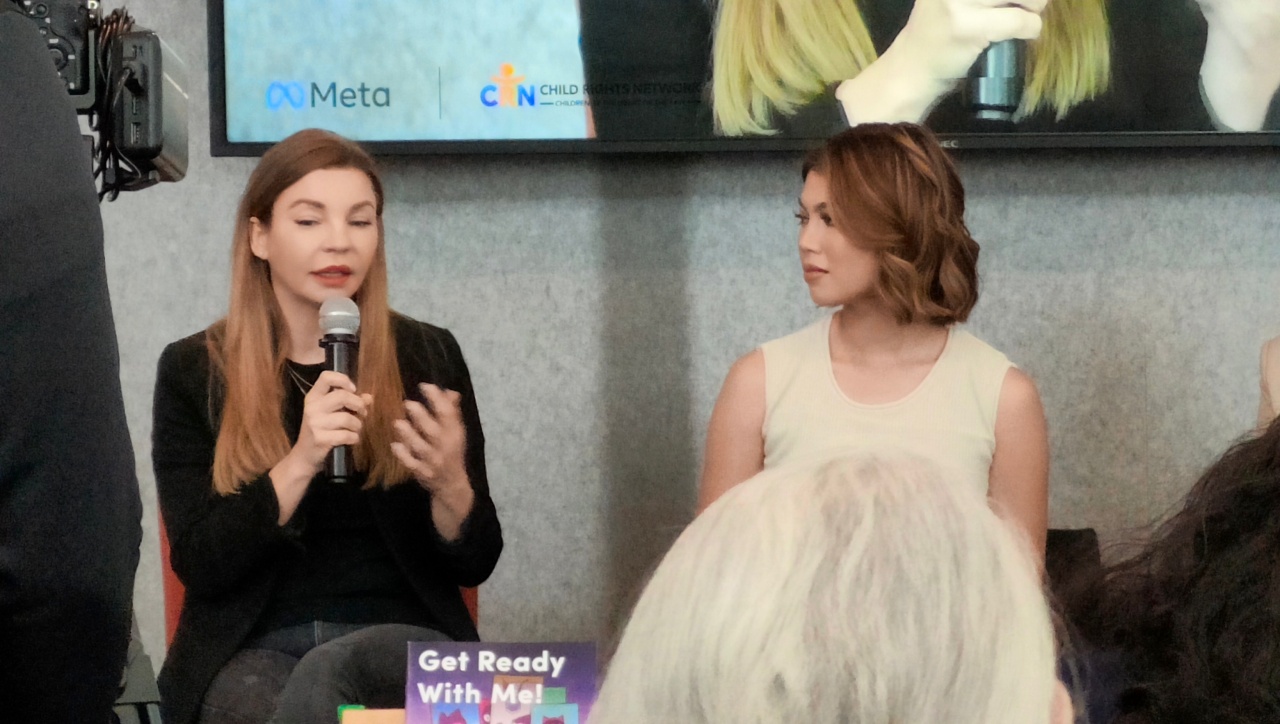
One thing it isn’t extremely good for is zoom-in shots. I took the phone with me at a small event recently. The main and ultra-wide angle lens did well.

But there’s plenty of detail loss and sharpening going on when you zoom in. This was somewhere between 5X to 7X Zoom if I recall correctly.
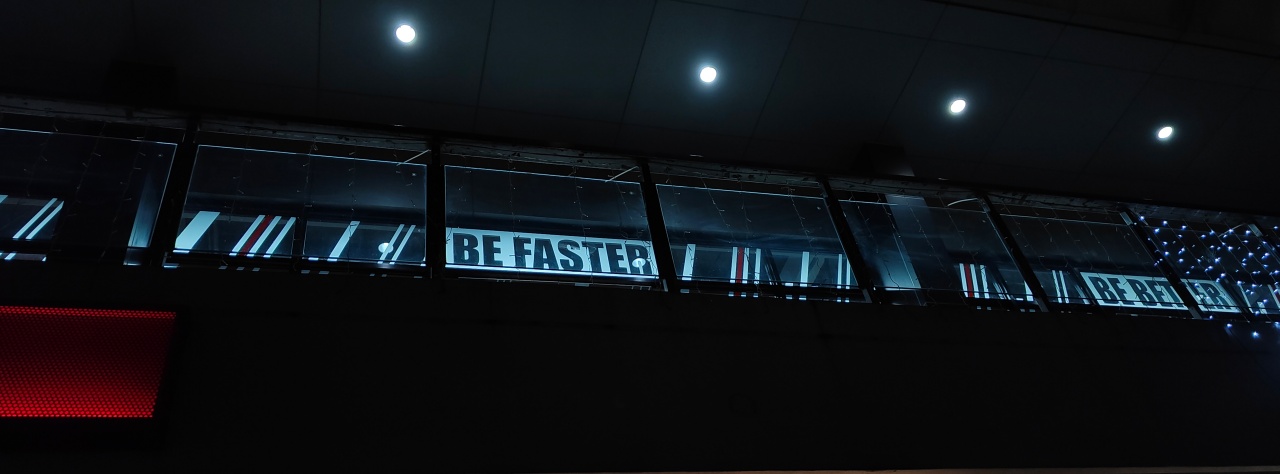
With the Hasselblad partnership, the phone has the XPAN mode that has a 65:24 ratio for that cinematic crop-effect. In that mode, you can easily toggle between colored and b&w shots. There’s also a quick ISO control on the left-hand side of the interface. Take a look at the samples below.



Here’s a couple of portrait shots in case you’re curious.

And here’s a selfie because I’m cute.

Another cool foldable quirk, which makes even more sense on the Find N2, is how you can preview your shot with the cover screen.
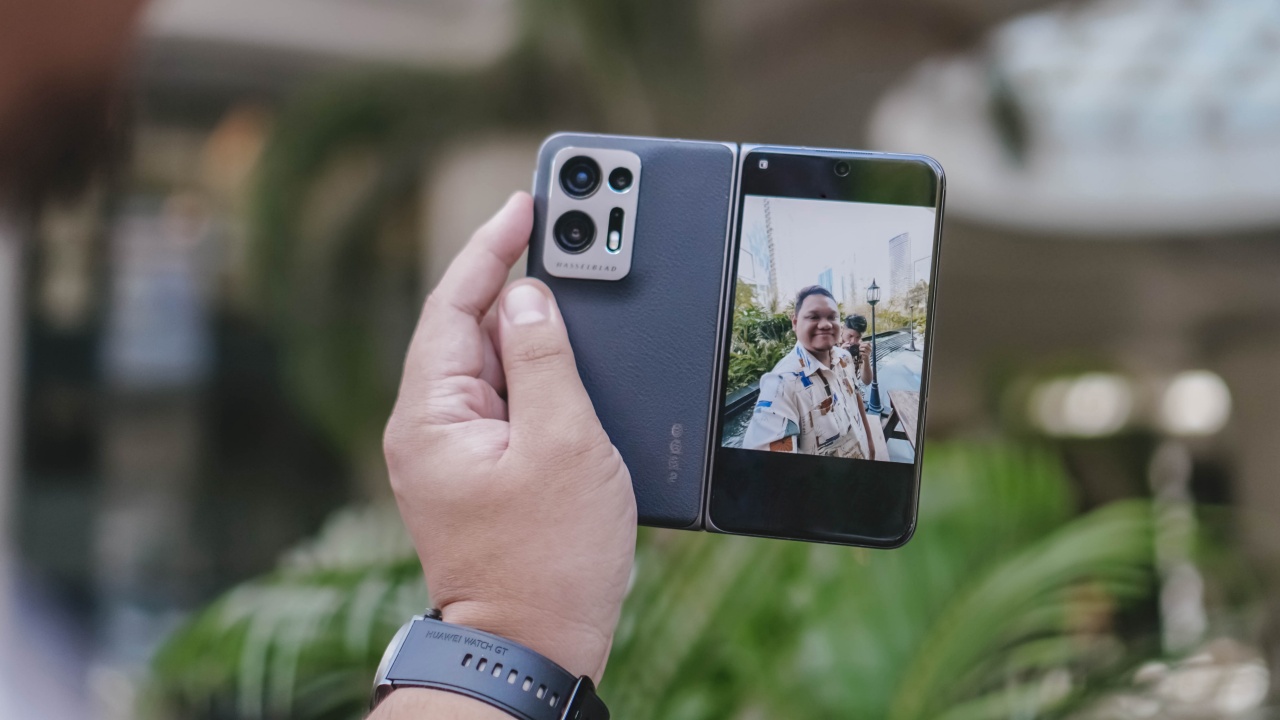
This makes using that Gen Z selfie method easier than ever. Although the HDR and AI put some unnecessary glow on this particular Gen Z selfie.

Is the OPPO Find N2 your GadgetMatch?

The worst thing about the OPPO Find N2 is that it’s not available globally. In China, where the phone is officially sold, it retails for CNY 7,999 for the 12GB+256GB variant and CNY 8,999 for the 16GB+512GB one.

If you told me that I had to use this phone for the rest of the year, I wouldn’t hesitate to do so. There’s a lot that’s going for it, chief of which is its compact form-factor. And while the software isn’t yet fully optimized for apps widely used internationally, most of them work like they would on regular smartphones. And you can pretty much say the same for other book-style folding devices.

As a foldable, it doesn’t look quite as intimidating as Samsung’s Galaxy Z Fold, Huawei’s Mate Xs, and whatever other foldable with a hulking size. It makes the idea of owning a foldable more approachable.
OPPO has a winner on their hands with the Find N2. Here’s to hoping it finds its way beyond the borders of China some time in 2023.




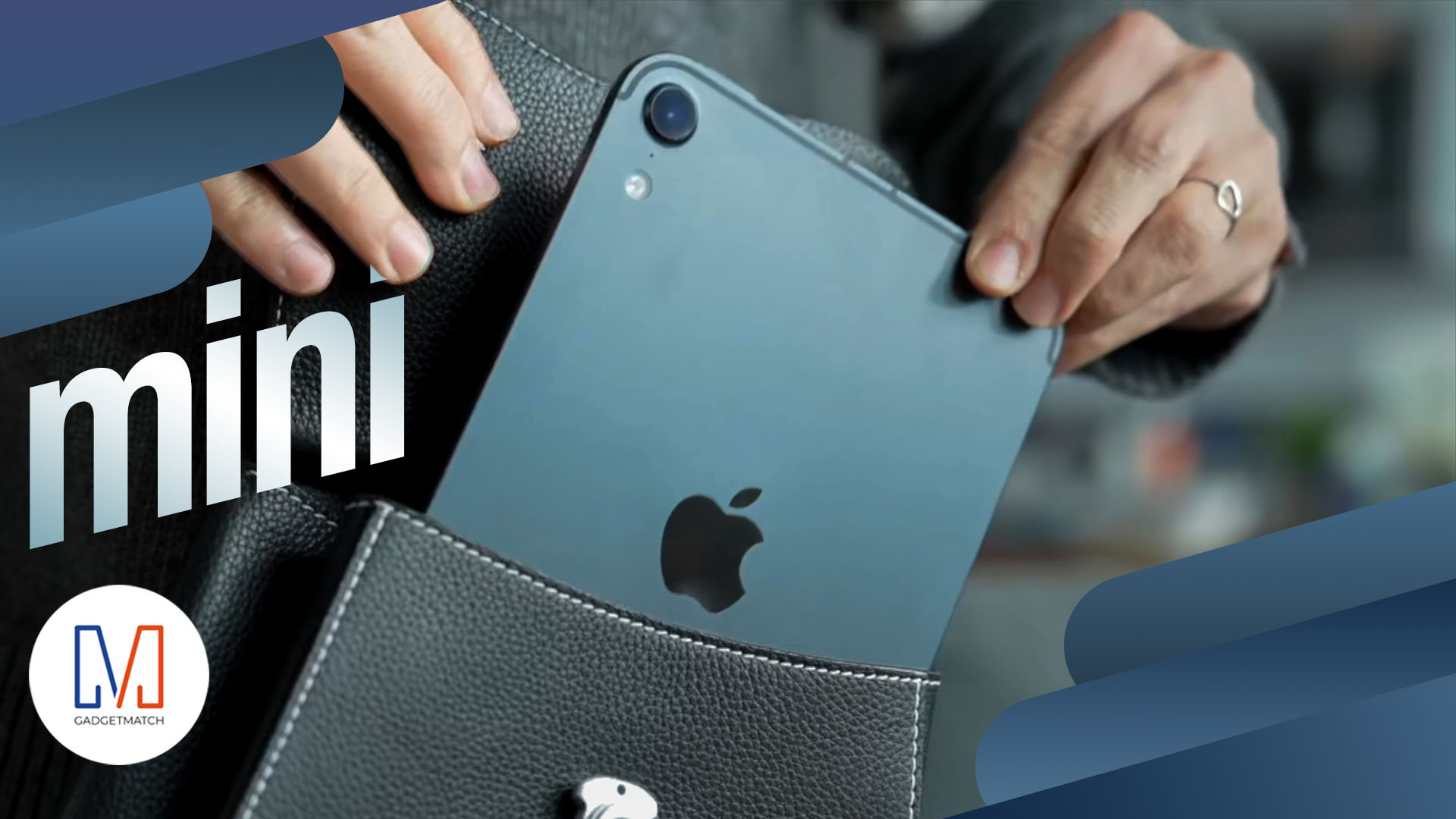
Apple’s smallest tablet just got its biggest upgrade after two long years!
The 2026 iPad mini now features a brighter than ever OLED display, a more powerful A20 Pro chip, improved (and almost non-existent) speakers.Plus, ever durable with its IP67 water and dust resistance rating.
In this video, THE Michael Josh takes a closer look at everything that’s new, what he loves, what’s still missing, and whether the new iPad mini is worth upgrading to.
Here’s our in-depth review of the all-new 2026 iPad mini OLED.
Gaming
ROG G700 review: The best prebuilt PC you can get off the shelf
This PC will make you stop worrying about specs.

The last time I touched a PC was 2014.
At the time, I’d just finished moving houses. While my old house had space for a desk and a fairly decent PC for its time, I opted for a smaller workstation because I was confident that laptops were the future.
Now, more than ten years later, I wish I didn’t dismiss PCs so readily. Thanks to AI, the price of a new PC has reached new levels of absurdity today. It’s not easy to stock up on components anymore.
So, it was like a very heavy blessing falling down from heaven and crash-landing on my lap when the ROG G700 arrived on my doorstep. It’s my first PC in over a decade, and, wow, what a return.
A box with everything you need
The art of building a PC takes a lot of effort these days. You’ll need a command over every little detail that every single component can do. Obviously, you also need to time the market for better prices.
That said, the ROG G700 is not for the minmaxers. It’s a fully built tower you can — gingerly — pick up from the shelf and play on just as soon as you get home.
It’s perfect for people like me. Now, if I had the time and the money, I’d definitely make a little more effort to explore every single detail. However, as someone returning to the PC world after a decade, this prebuilt PC is more than enough to dip my toes back into it.
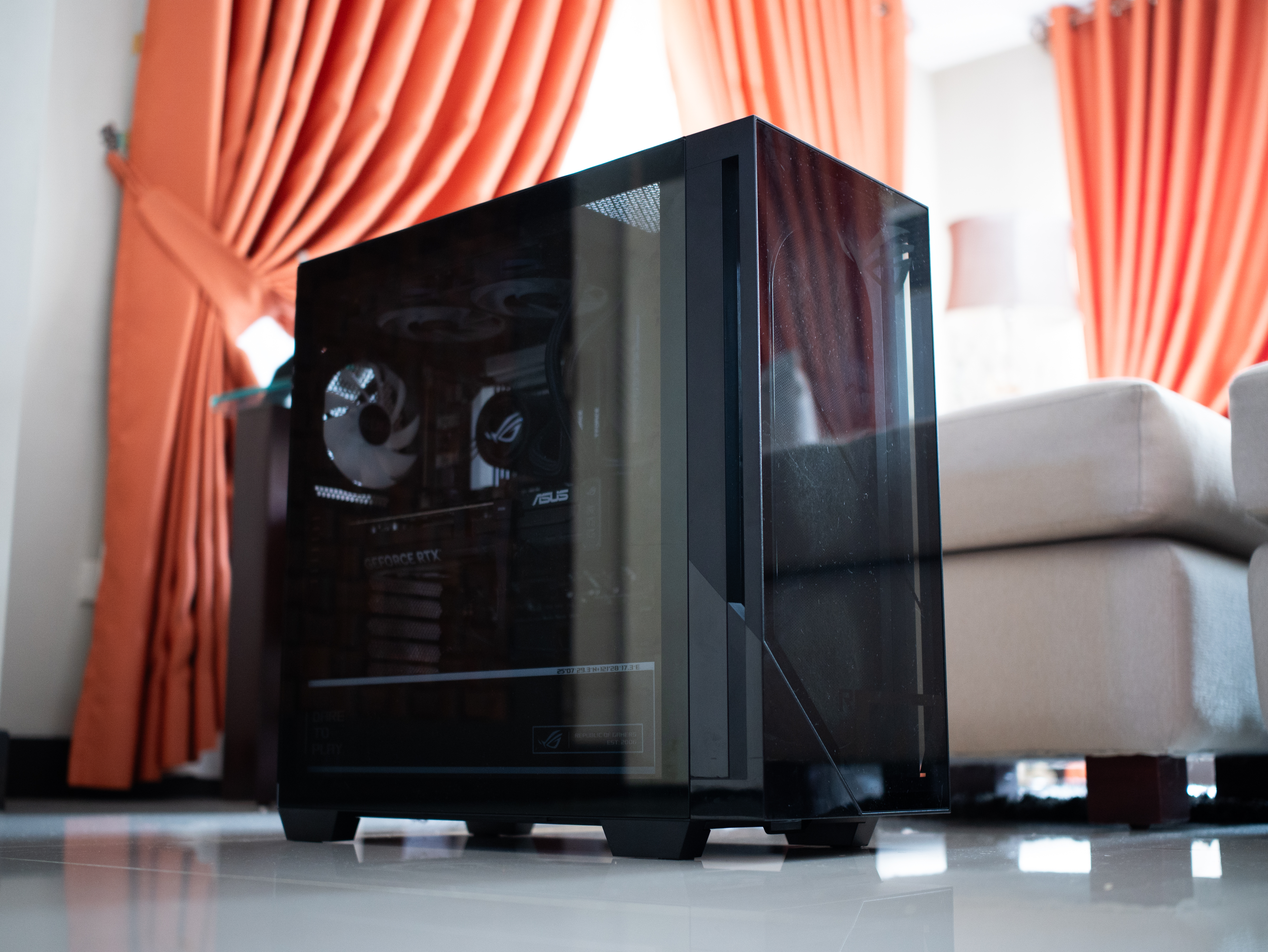
It is quite the package, though. The tower is 9.45 inches wide by 20.05 inches long. It’s also 18.88 inches tall. If you have a small space, you might struggle to find a space for this behemoth.
Plus, it weighs 40.39 pounds. If you live up a flight of stairs, you’d better not skip leg day. Even then, it was scary to handle this tower, knowing how much hardware I was holding up a few feet from the ground.
A clean design for gamers
Usually, I’m not a fan of heavy gamer aesthetics. As much as I identify as a gamer, I prefer keeping that part of my identity lowkey from how I look. I don’t go for all the edgy angles and the RGB lighting.
But the ROG G700 is one exception to my rule. Even then, it’s not that huge of an exception.
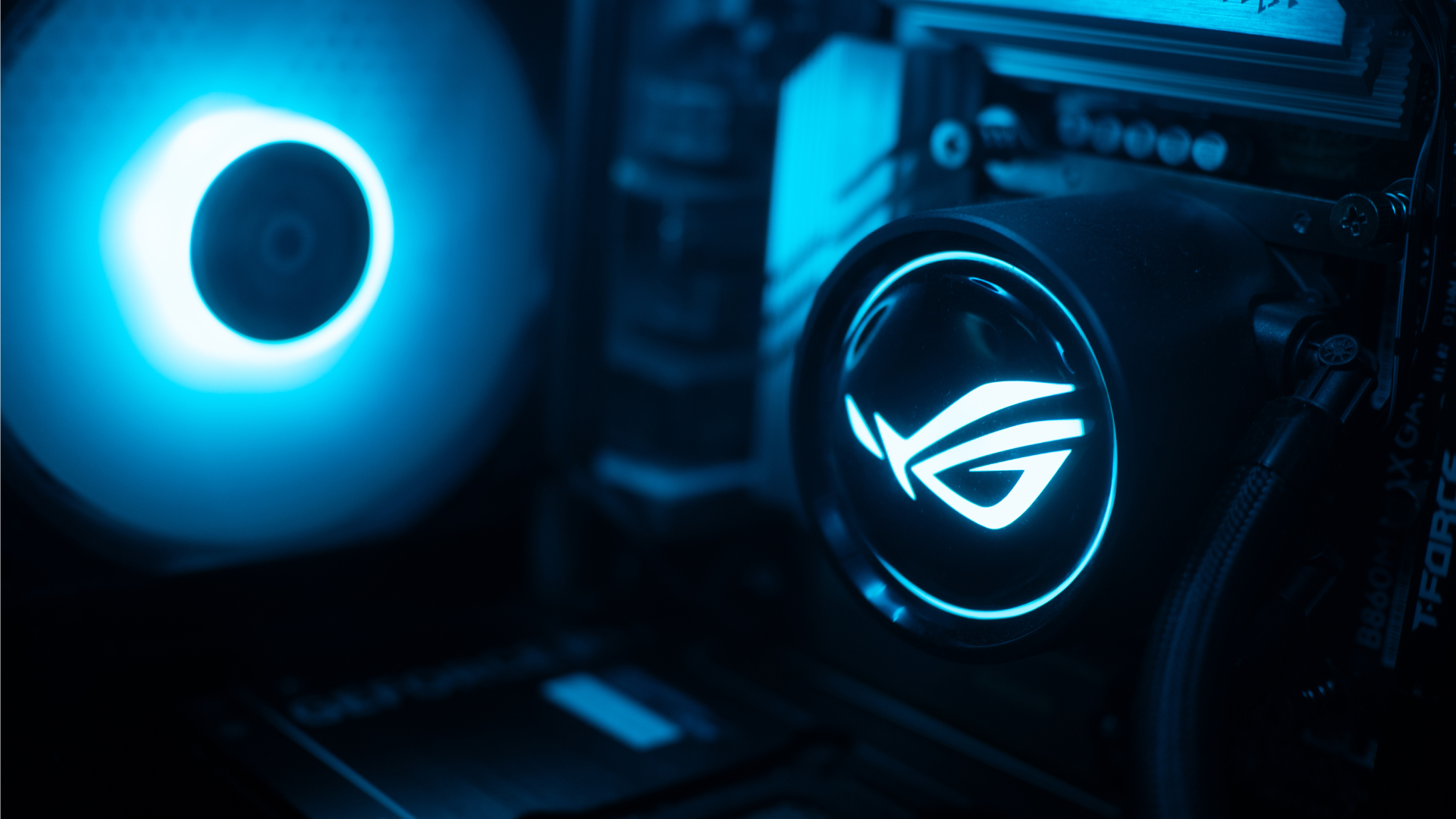
The ROG G700 exudes that gamer aesthetic, but it’s still pretty clean. The chassis has subtle grilles that ease cooling. The main panel is transparent that peeks into a cleanly organized system with heavy ROG visuals. The brand’s logo is peppered throughout the system. The RGB lighting, though bright at times, was easy to get used to.
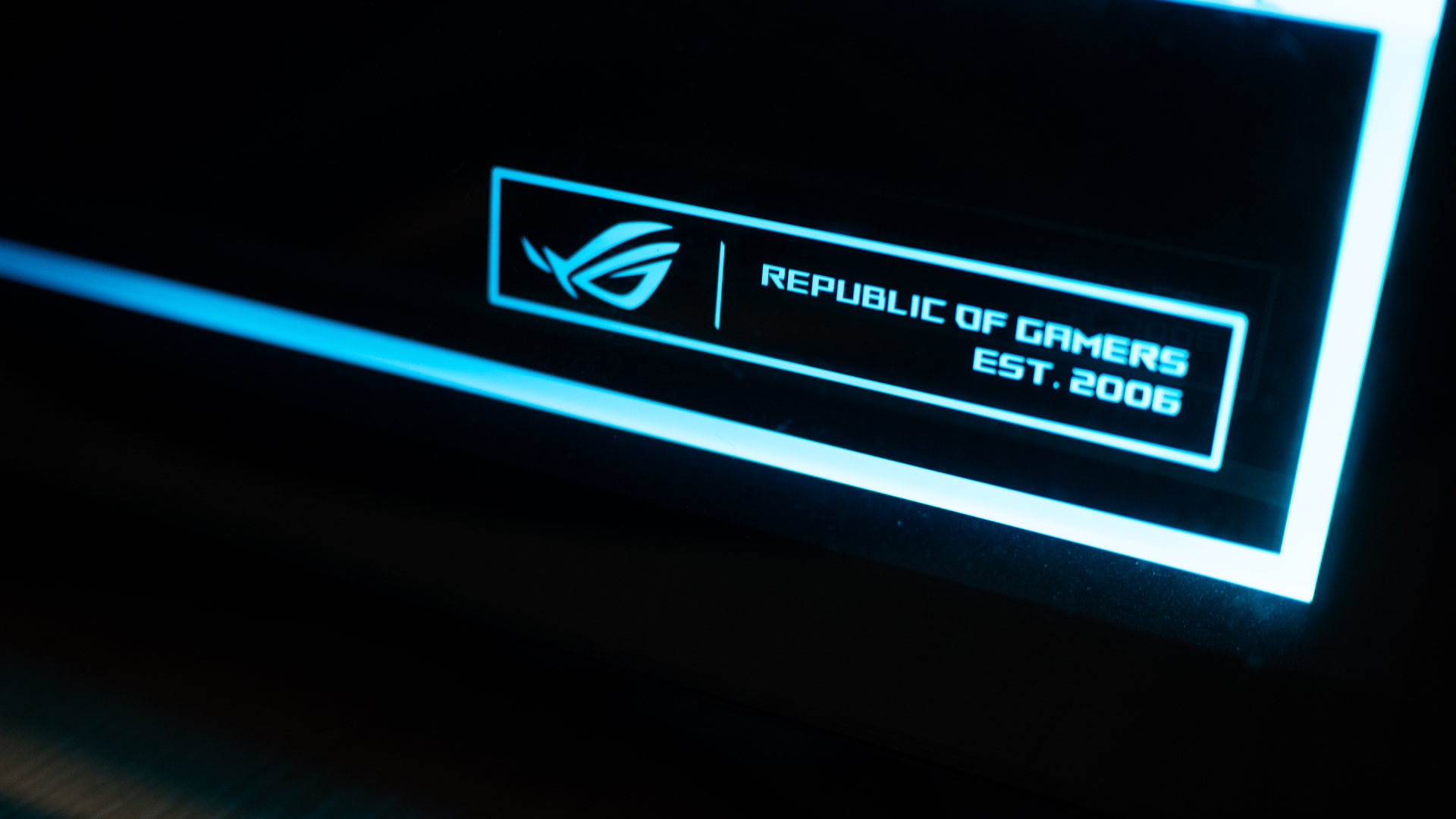
Personally, I liked how clean the internals are organized. It always hits the right part of my brain when I see something well put together.
Additionally, though it could use a tiny bit more, the G700 has an ample number of ports well situated at the back and up top. When I was setting everything up, I had enough space to make sure I didn’t end up with wire clutter. My workstation was clean at all times.
The 2026 machine
Now, let’s get into the performance. With the highest configuration, the ROG G700 goes up to an Intel Core Ultra 7 processor, up to a 16GB NVIDIA GeForce RTX 5080 GPU, 32GB RAM, and 2TB of SSD storage. All thing considered, this is a very powerful machine for today’s world.
If you’re not down on particulars and just want something off the rack, this is more than enough. I tested the G700 on this year’s games like 007 First Light and Forza Horizon 6. Both games performed without a hitch. In fact, I appreciated both games a lot more than when I played them on older laptops. The graphics were absurdly crisp without sacrificing a smooth performance.
Also, as a hard multitasker, I love alt-tabbing even while I’m playing. While other setups usually complain, the G700 doesn’t really care. You can run a Twitch stream, play a YouTube video, or have Spotify open in the background, all while playing an intensive game. This is a machine that tells you to leave your worries at the front door because it can handle everything.
If anything, it can get too powerful. Despite the cooling system with a tri-fan intake, the tower still gets hot with heavy loads. After an hour on 007 First Light, my room started getting much warmer. Though you won’t get performance dips, all that heat is coming your way.
Is the ROG G700 your GadgetMatch?
As someone getting back into PCs, the ROG G700 is a powerful off-the-shelf prebuilt PC. Now, do you need all this hardware for day-to-day gaming? Probably not. But if you don’t want to worry if your rig can do certain things, get the ROG G700.
If you have the money, that is.

Being a powerful machine, the G700 comes with a hefty price tag. When it was launched, the machine started at PhP 179,995. Now, with prices of RAM steadily climbing, prices are likely higher today. Plus, you need good peripherals to maximize this PC, so expect to spend a lot more. Overall, it’s very expensive, but at least you’re getting your money’s worth on the investment.
For that, the ROG G700 gets a Swipe Right and a Super Swipe for being a powerful machine you can get today. It is, however, a Swipe Left if you’re looking for cheaper options that won’t break your bank.
Gaming
HP OMEN Max 16 review: Gamer-maxxing in deep black
Peripherals deemed necessary to max this out

It’s not every day that you come across a machine that looks good and plays even better. Oftentimes, subtle aesthetics take a back seat to sheer performance and power. Whenever a gaming machine looks sleeker, it seems to lack the power to push it forward. Simply put, you can’t have the best of both worlds these days.
But what if you could have it all? Not just money, fame, and other fortunes, but also a machine with everything you’re looking for! Gone are the days of wanting only power to keep you playing all day or wanting to look good while playing. On paper, this is what the HP OMEN Max 16 promises: the best of both worlds.
Unboxing a beast inside
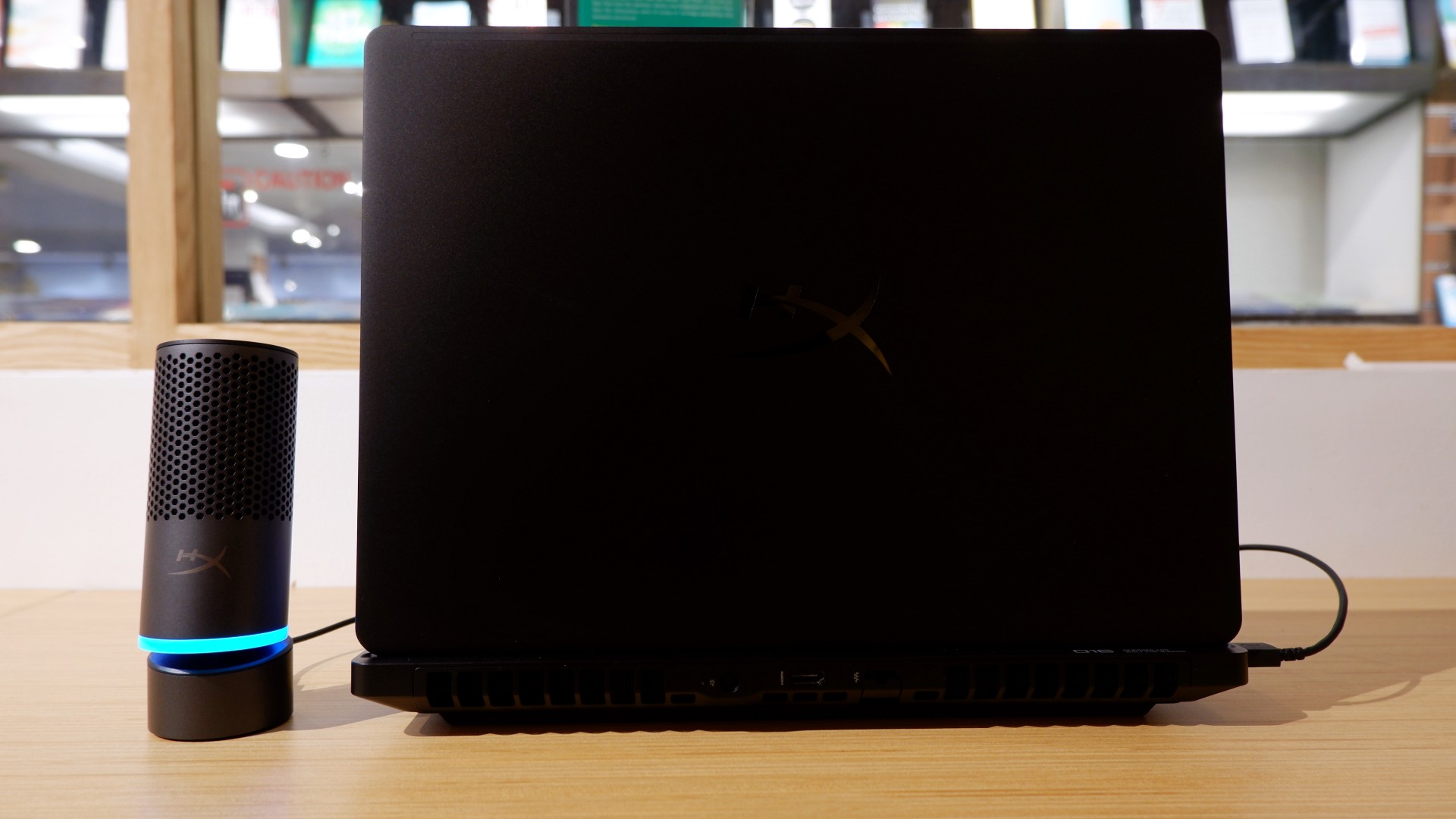
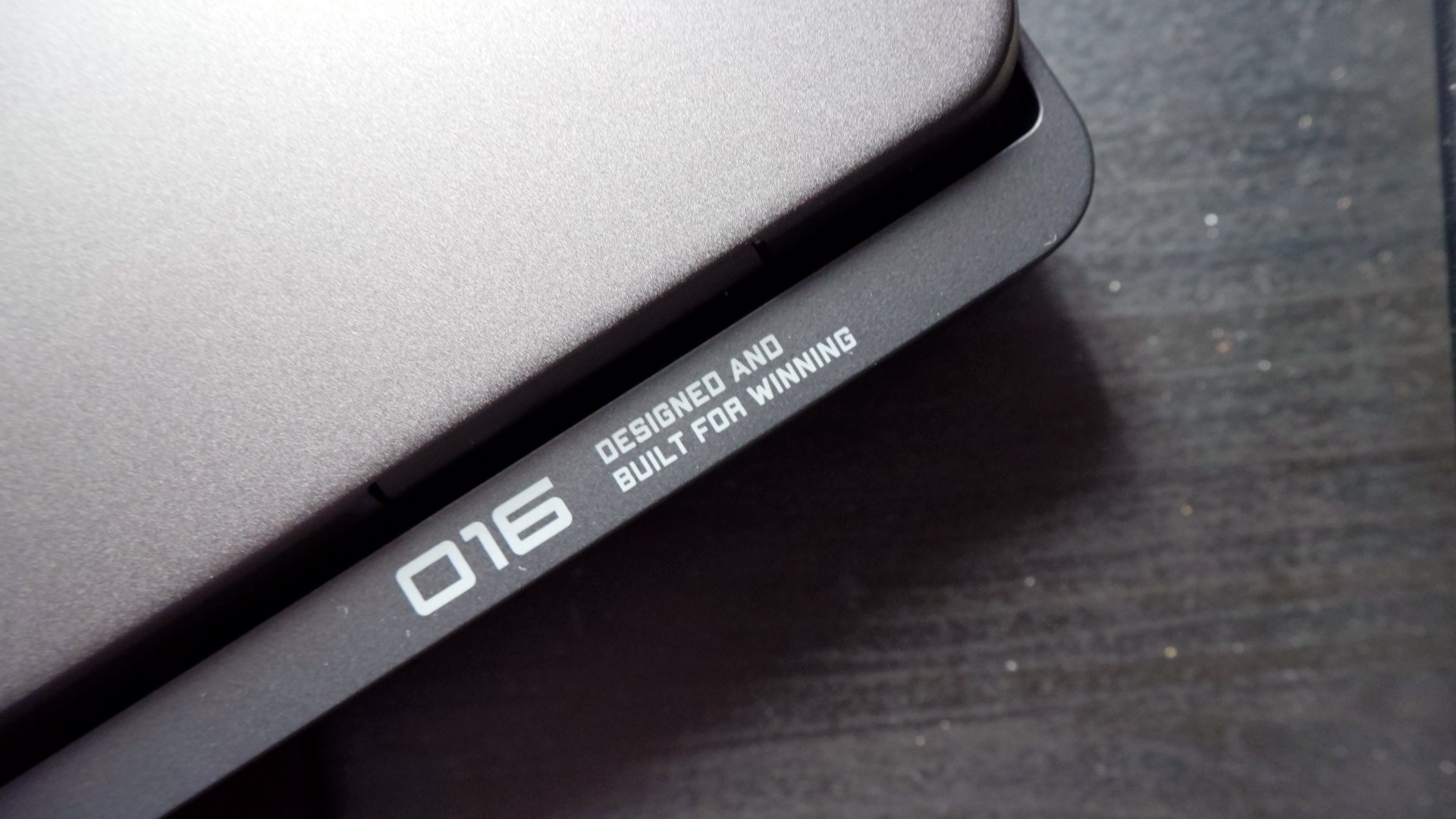
When you first take it out of the box, the HP OMEN Max 16 looks unassuming in its overall design. It’s bulky yet sleek in its Shadow Black colorway, with nothing too fancy or flashy while powered down. From the outside, the machine screams premium, even though its dark color can attract more visible dirt than lighter finishes.

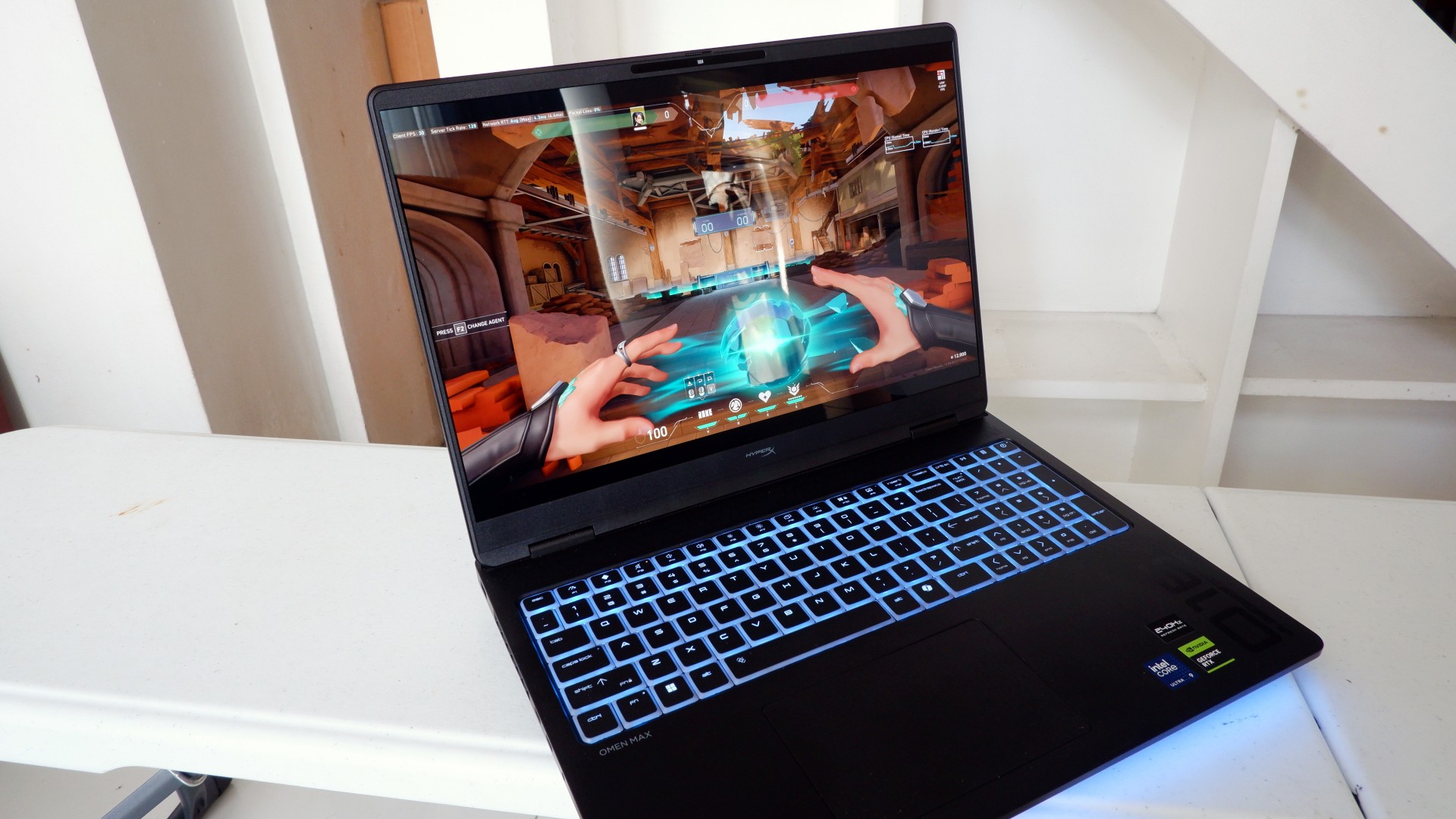
Opening it up reveals a 16-inch OLED display with a peak refresh rate of 240Hz, seamlessly connected to a base with a full-sized keyboard and a large trackpad. The bright, seemingly anti-glare display makes colors pop when watching or editing videos on the go.

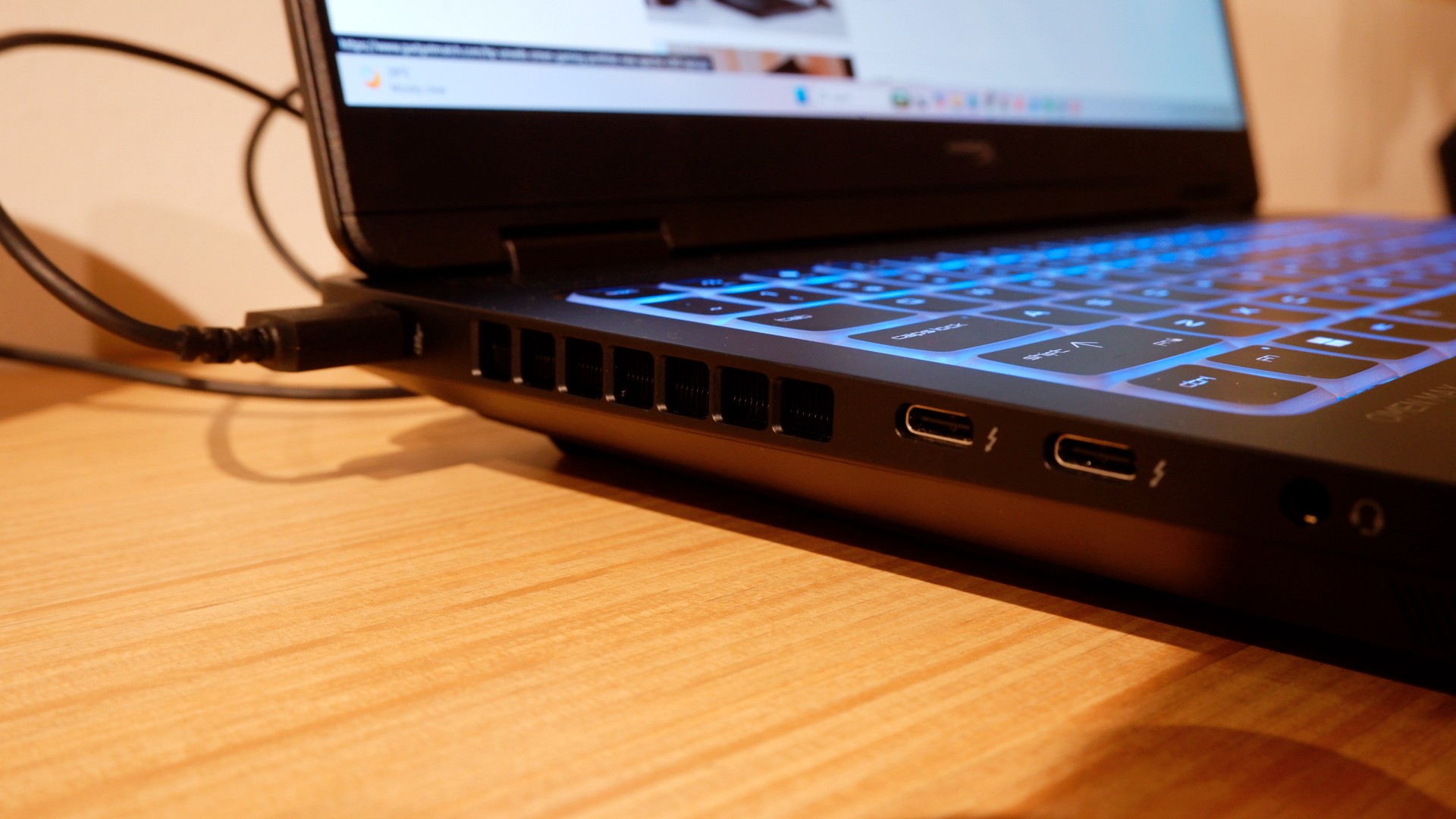
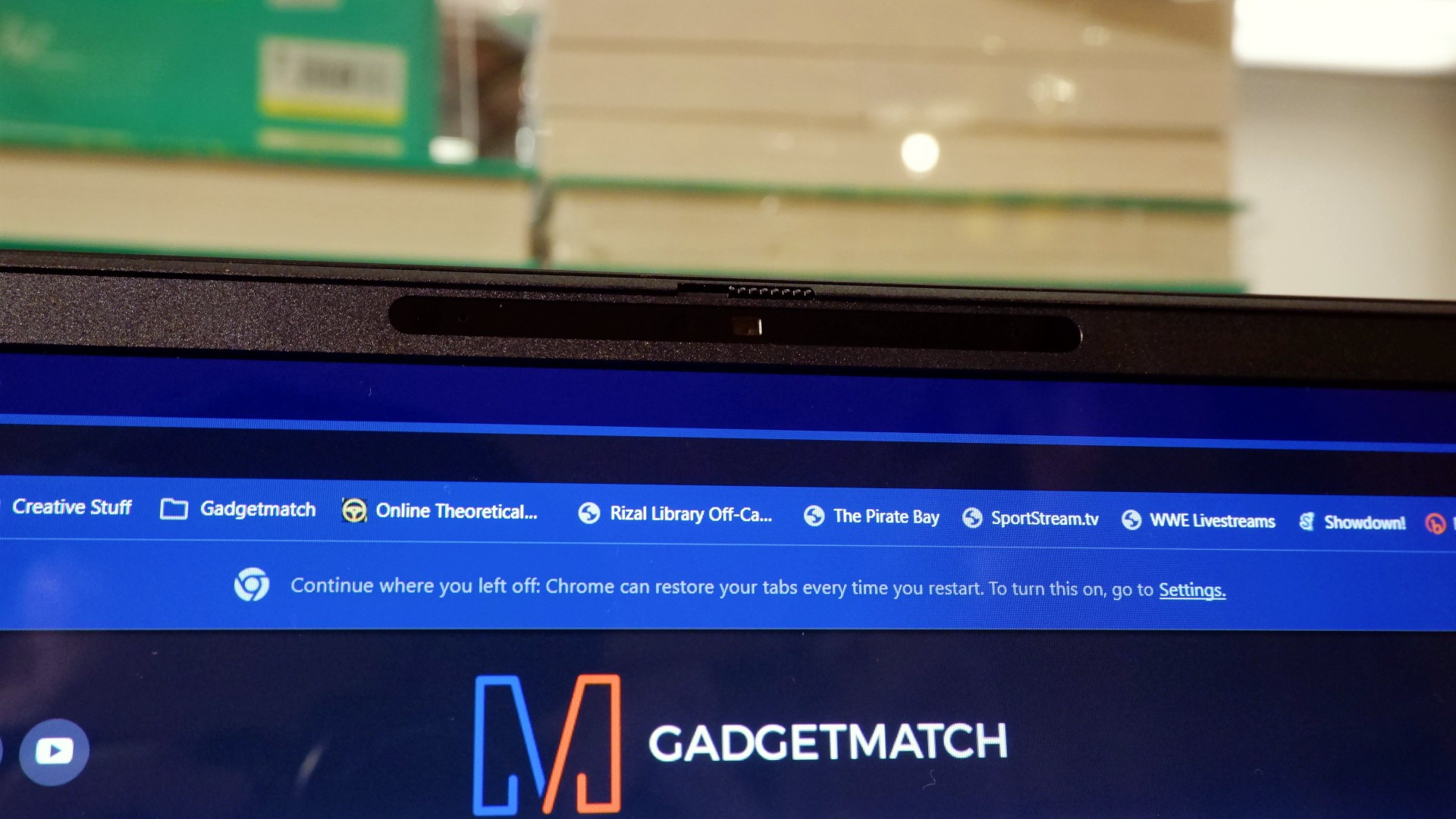
Furthermore, HP places the ports in convenient spots along the rear and sides of the laptop. This makes it incredibly easy to set up and manage external peripherals while providing more room for ventilation under heavy loads.
Of course, the device’s biggest features lie in the hardware powering it from within. An Intel Core Ultra 9 processor, 32GB of RAM, and an NVIDIA RTX 5090 Laptop GPU should give you an idea of how well this machine can perform. It’s also a great combination for demanding productivity tasks and creative work!
Power that AI can only hope to replicate
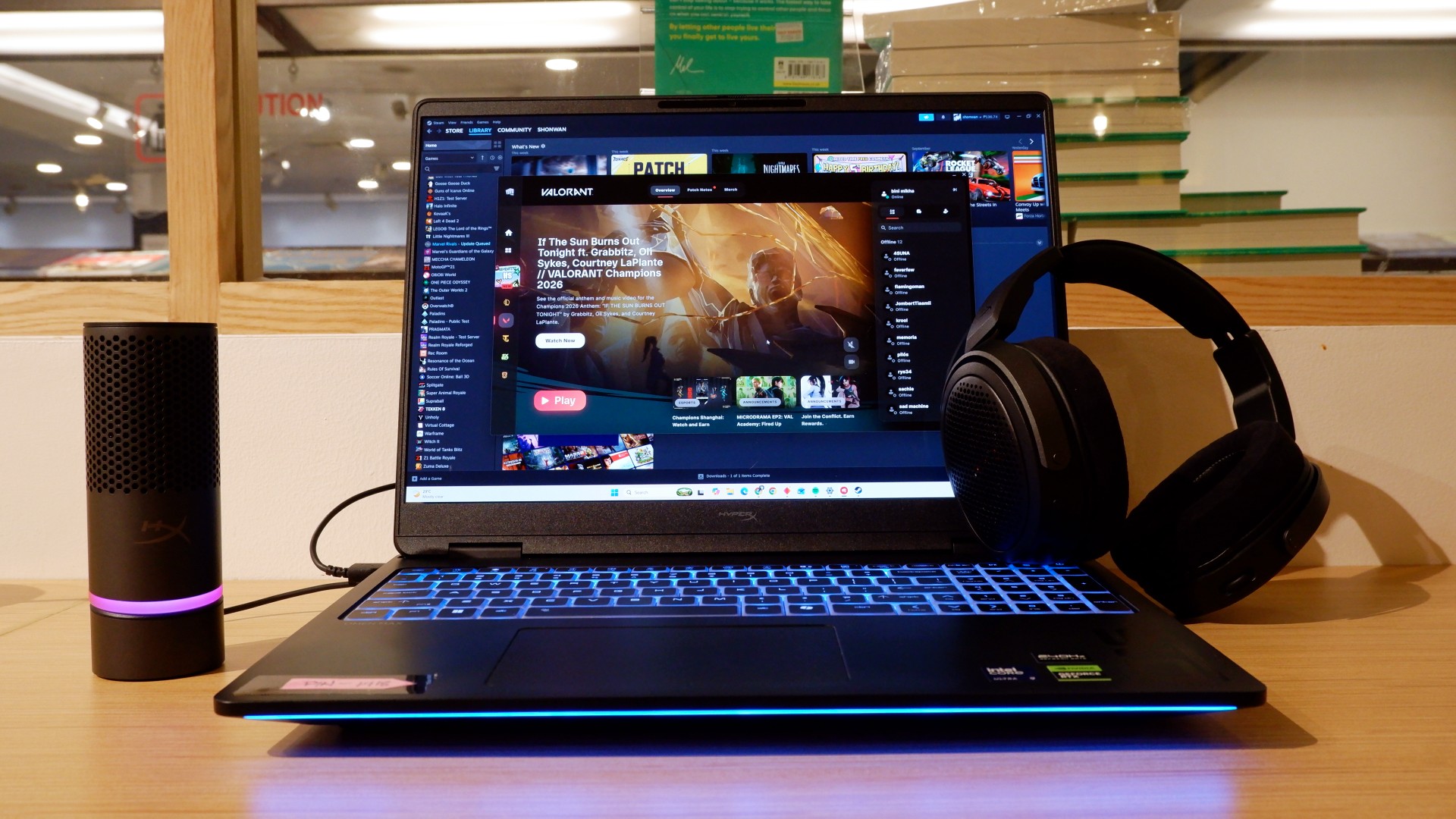
The HP OMEN Max 16 lived up to many of our expectations in terms of performance. From startup to shutdown, it delivered on what its hardware promised. You can watch videos for longer, edit photos and videos to your heart’s content, and enjoy casual gaming without slowing down. Furthermore, the wide display gives you plenty of space to accommodate all these activities.

When you step up to more competitive gaming, the machine doesn’t miss a beat. Most titles deliver high frame rates regardless of the quality or performance settings you choose. With more advanced visual settings enabled, the RTX 5090 does a fantastic job of keeping supported games within a solid 40–50 FPS range. Pair it with a high-refresh-rate OLED display, and you get crisp details and faster input response to help you get ahead in ranked games all day long.
If there’s one thing to complain about, it’s the extra optimization required through the OMEN Gaming Hub. Features such as network prioritization, automatic power-mode switching, and system optimization are useful, but you’ll need to spend time configuring them during initial setup. The laptop also comes with OMEN AI, which promises to maximize FPS with a single click. However, it was only okay at best.
Runs longer, cools off smoother
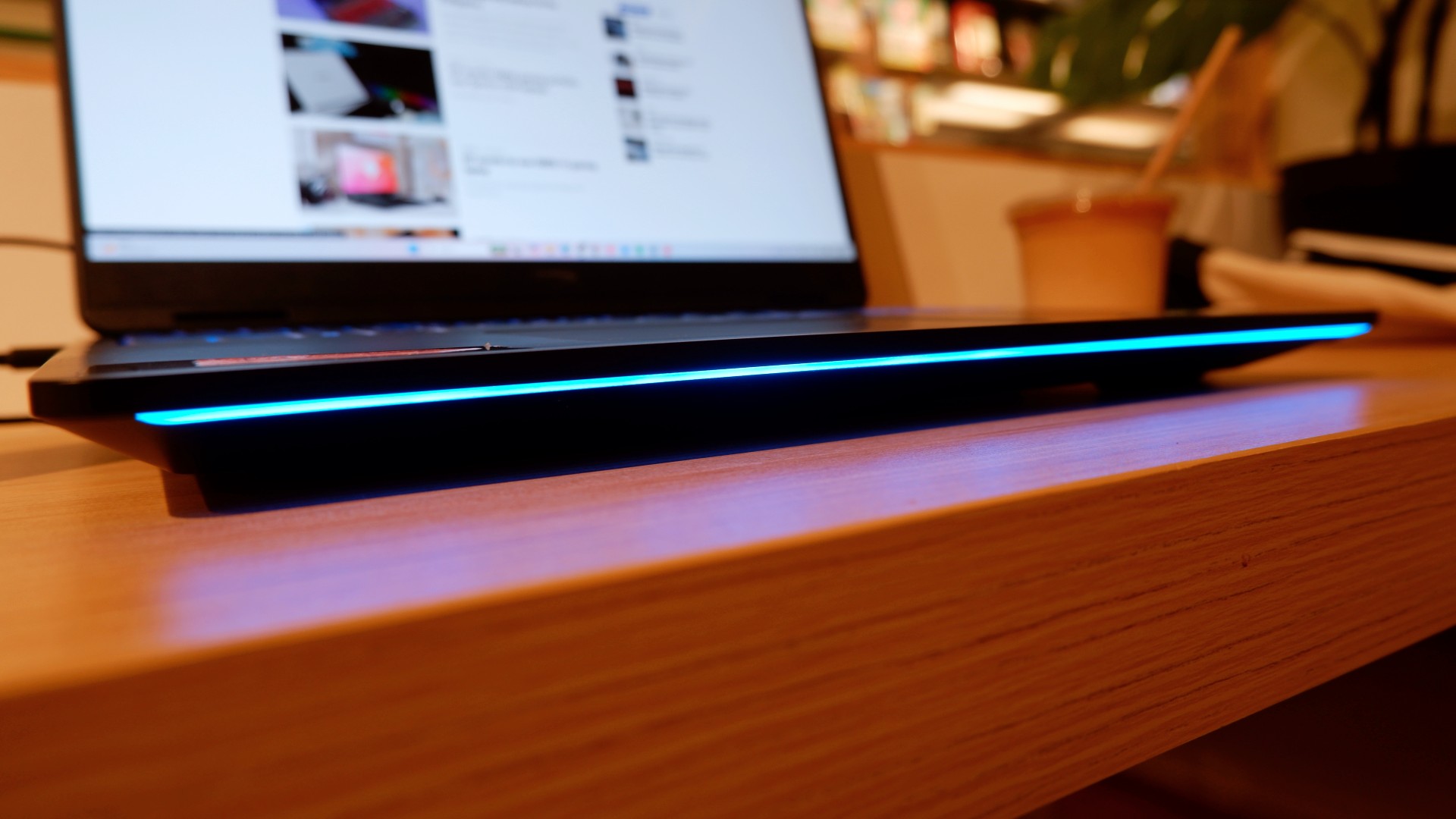
Surely, a gaming laptop this bulky and powerful can’t last that long on battery, right? Well, the HP OMEN Max 16 averages around three hours of battery life during intensive gaming, which gives you a decent amount of playing time. For general use, battery life extends to around five and a half hours with Balanced power settings. It holds up reasonably well if you forget to bring your charger.
When you do have the massive 330W charger with you, charging doesn’t take too long either. During our tests, a full charge took two hours, with charging progressing slightly faster when we left the laptop idle. Charging the battery to 50% took around 20 minutes, giving you enough juice to squeeze in another game!
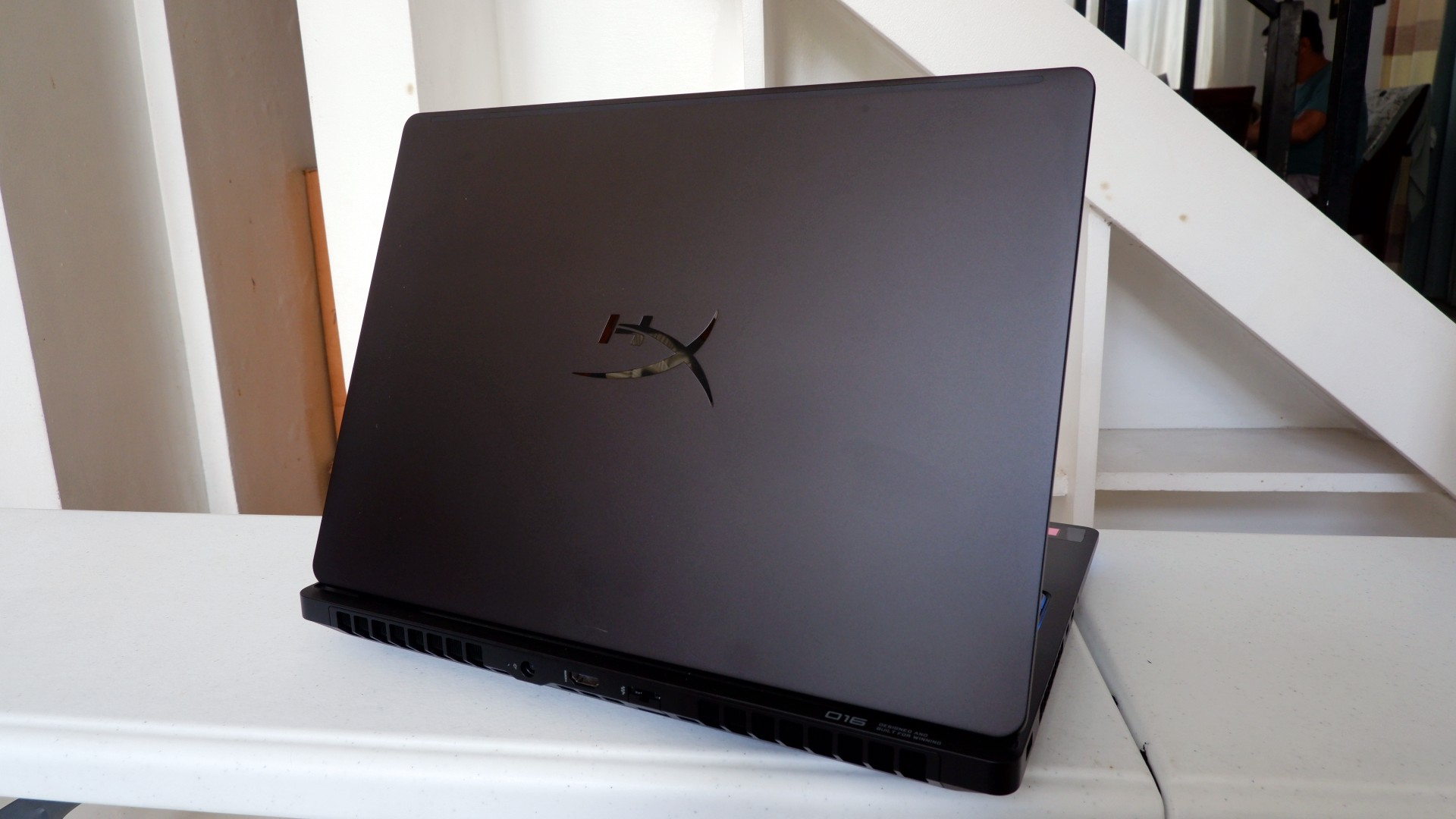
Another factor in prolonged use is how the device expels hot air through its sides and rear. We touched on this earlier, but it bears repeating: the laptop provides plenty of ventilation through its vapor chamber and multiple external vents. Instead of directing heat toward the keyboard, it pushes hot air through the vents, where it can hit your hands or peripherals. At least the keyboard stays cooler, right?
Is this your GadgetMatch?
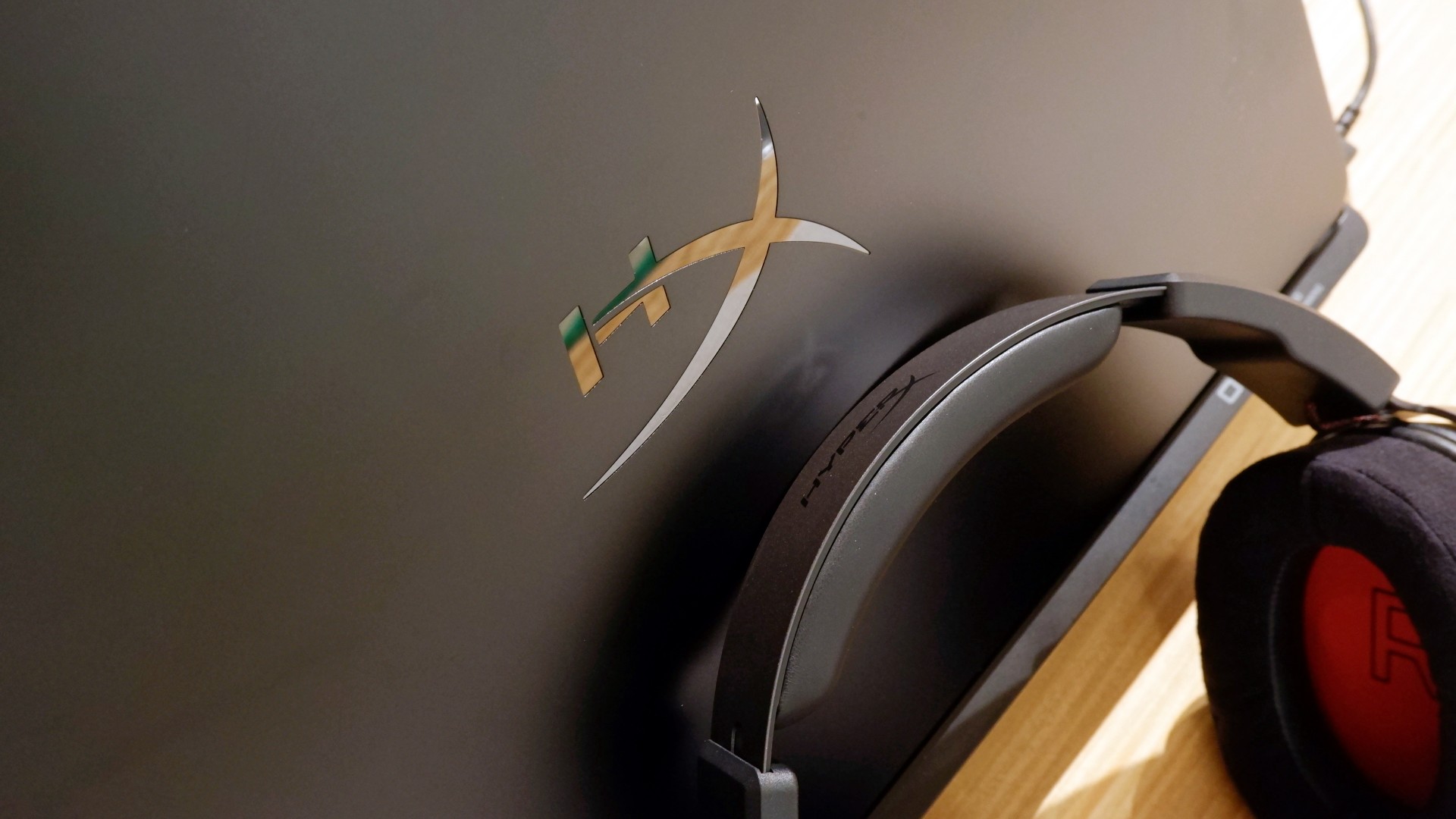
At PHP 229,990, the HP OMEN Max 16 is a sleek-looking machine with incredible power under the hood. Despite its initial bulk, it delivers impressive performance for both casual and competitive gamers. Inside and out, it packs plenty of hardware and features to let you tailor the experience to your needs.
If you’re looking for a gaming laptop with decent battery life, this is a solid choice, but don’t expect it to last half a day. Of course, you wouldn’t use this machine entirely on its own, even if the unboxing experience might suggest otherwise.
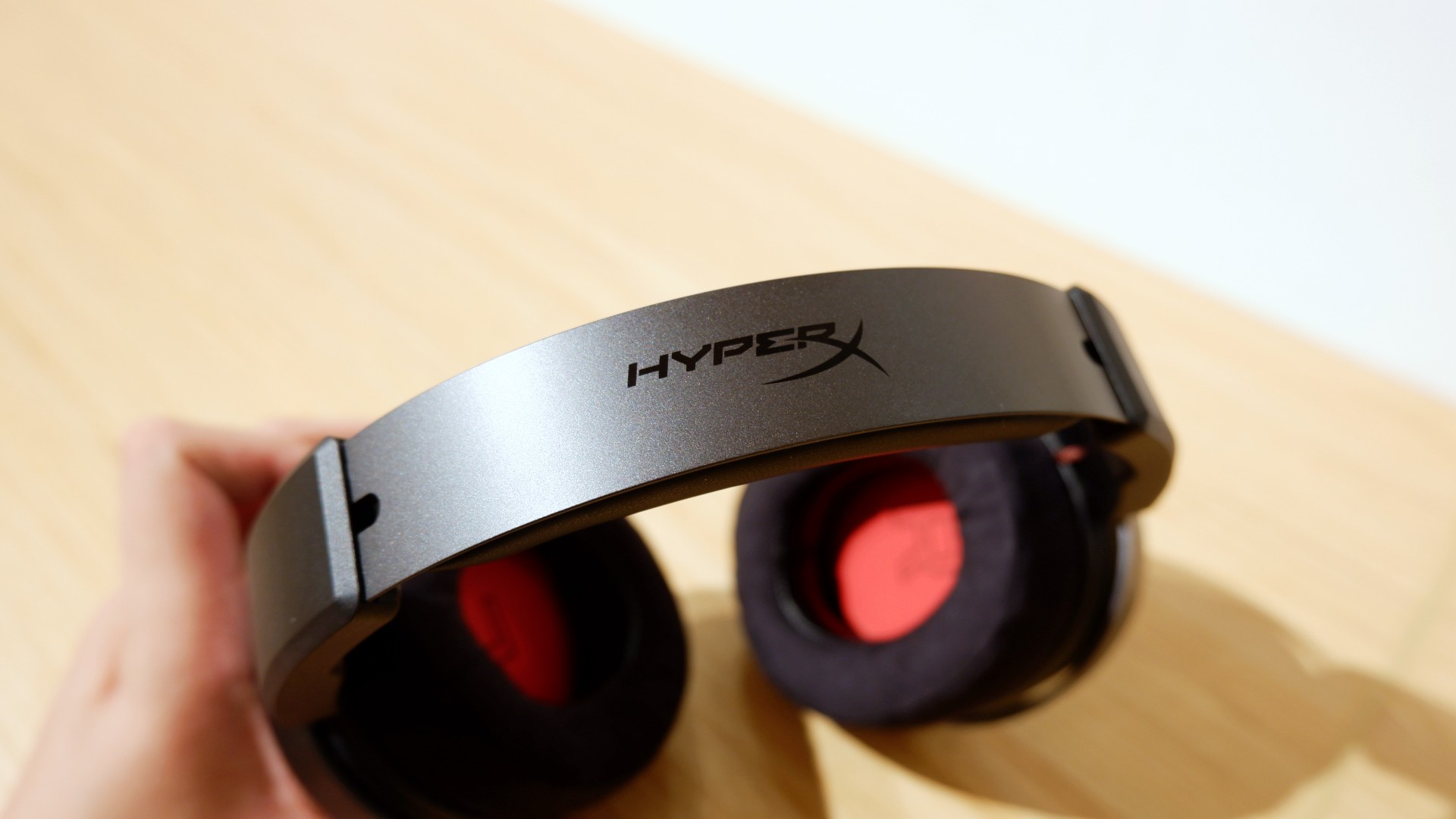
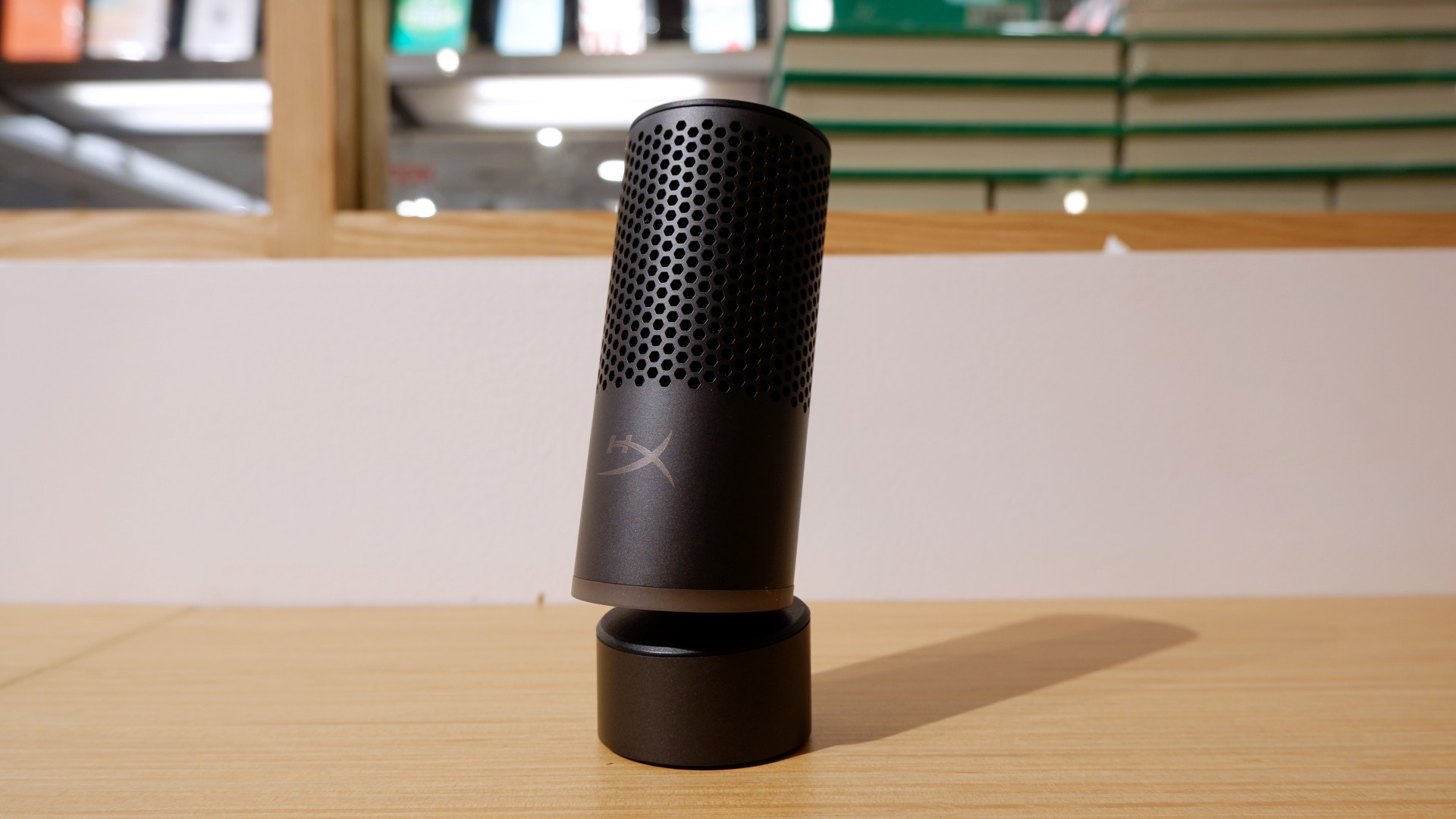

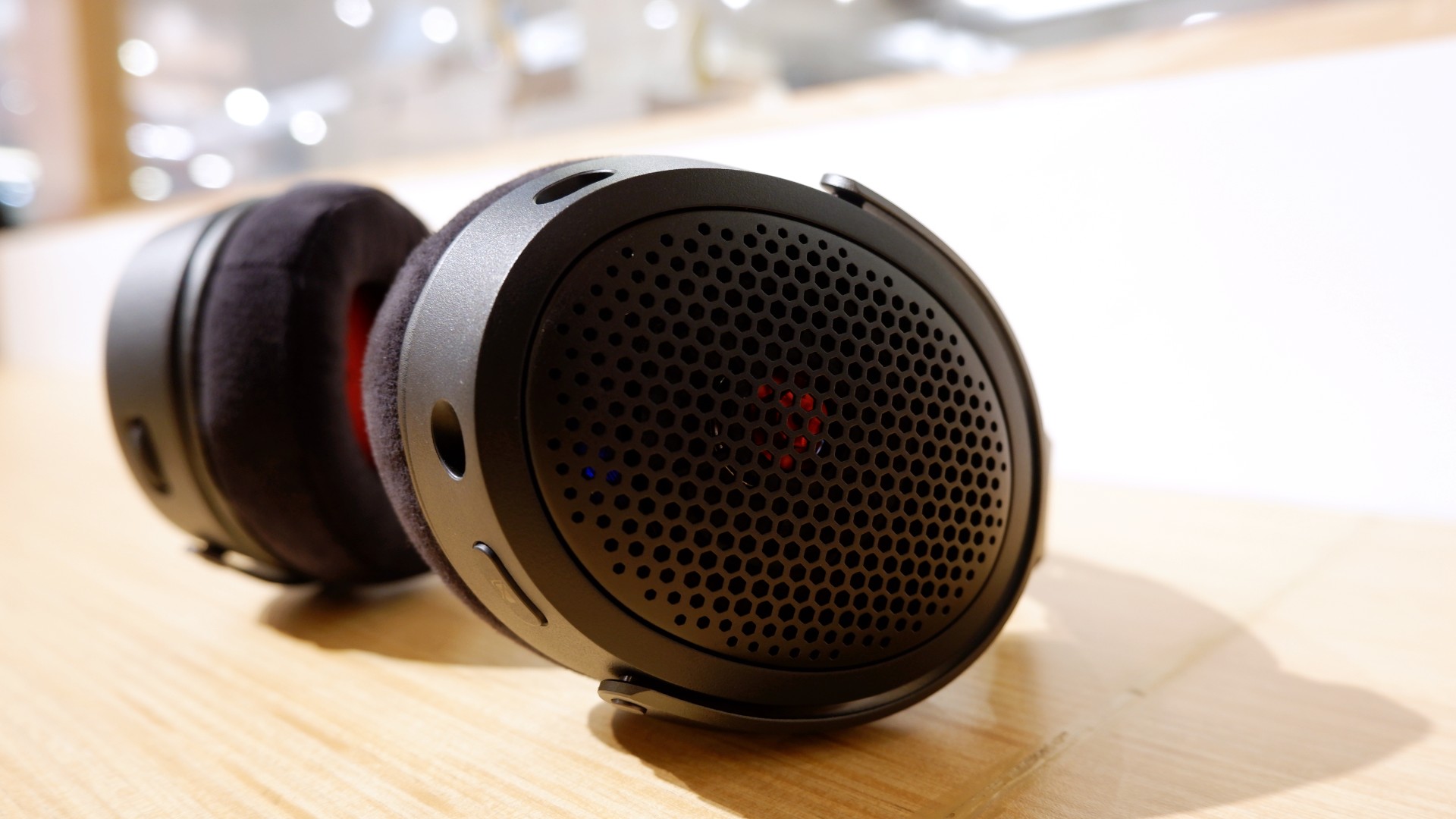
Peripherals such as the HyperX Cloud Alpha Air and Solocast 2 Pro can further enhance the experience.
Overall, this is a Swipe Right for its features, performance, and premium design. However, if you don’t have an infinite money glitch to buy it right now, you’re better off saving up for this beast of a machine!


Apple iPad mini OLED review
Has the mini gone PRO?!

ROG G700 review: The best prebuilt PC you can get off the shelf
This PC will make you stop worrying about specs.

HP OMEN Max 16 review: Gamer-maxxing in deep black
Peripherals deemed necessary to max this out

Sony revives classic Walkman headphones with USB-C MDR-3R

IKEA, Xbox launch nine-piece YXSTABY gaming collection

Smart Infinity launches PureVoice

The Fellowship of the Ring in Concert finally arrives in Manila
Apple iPad mini OLED review

Your coffee nook is getting a makeover with Starbucks’ holiday collections

vivo V80 debuts with ZEISS cameras

Garmin Enduro 4 promises up to 320 hours of battery life

Dragon’s Dogma 2: Dark Arisen launches with new Official Pawns

vivo V80 review: Good phone, tough sell


-
 Lifestyle1 week ago
Your coffee nook is getting a makeover with Starbucks’ holiday collections
-

 Lifestyle1 week ago
Sticker season is back, and so is the planner your ~friends~ might fill in for you
-

 Gaming1 week ago
Wild Rift Patch 7.3, celebrates K/DA comeback
-
Gaming2 weeks ago
ROG G700 review: The best prebuilt PC you can get off the shelf
-

 Gaming2 weeks ago
PlayStation unveils Prism Collection
-
 News3 days ago
Sony revives classic Walkman headphones with USB-C MDR-3R
-

 News2 weeks ago
Apple unveils its biggest iPad mini update yet
-

 Laptops2 weeks ago
Apple unveils MacBook Pro with PROLED XDR display and Touch