
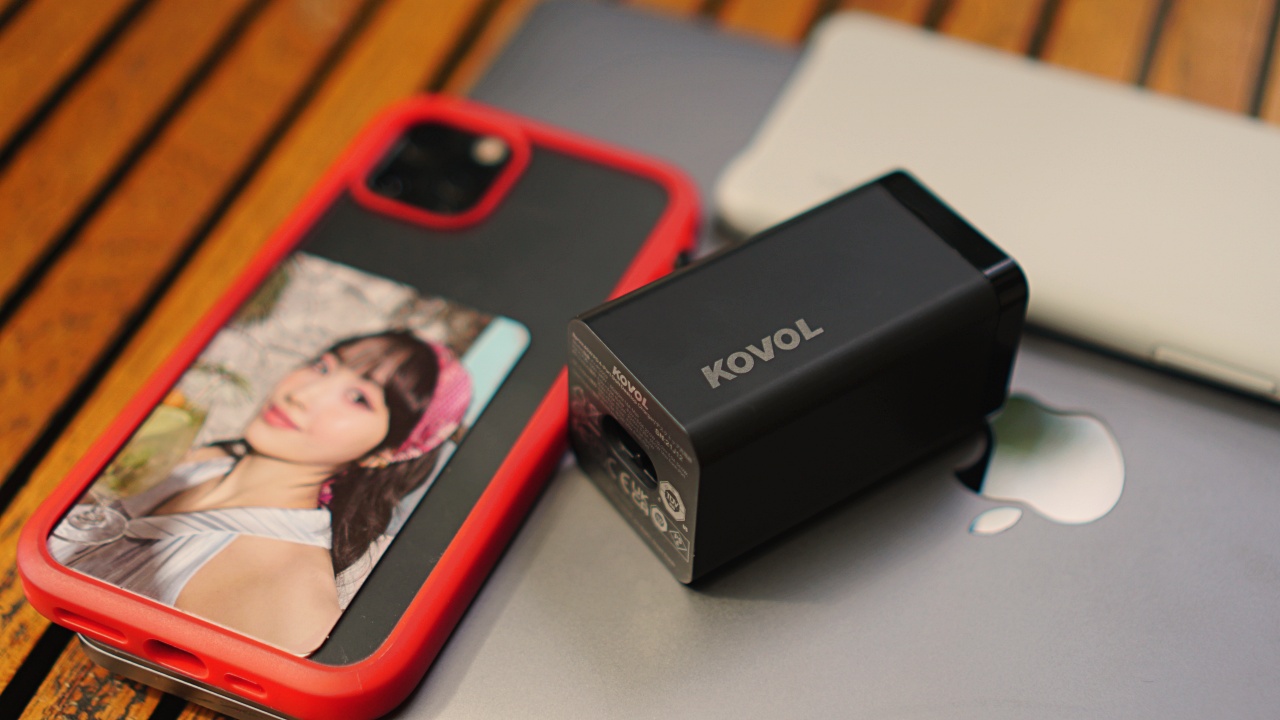


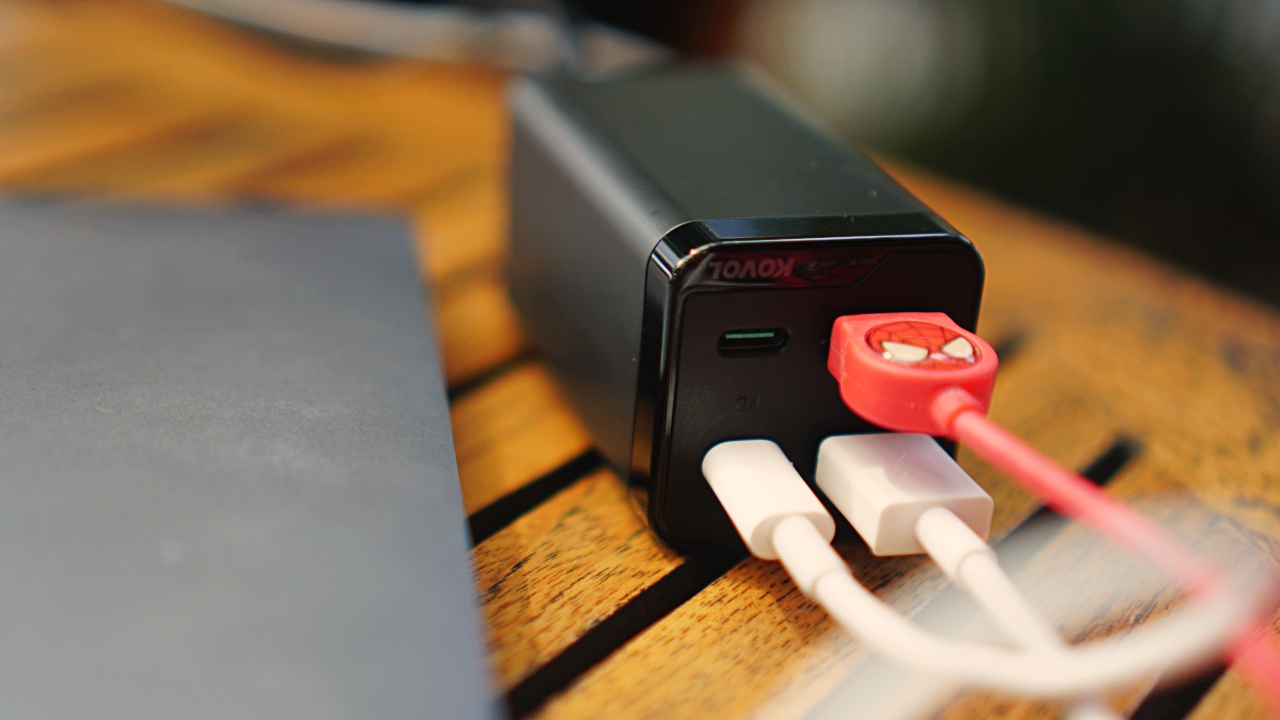
Nearly everyone I know carries around two to three devices. It’s some combination of a laptop, smartphone/s, and tablet/s. Imagine having to lug around these devices along with their power bricks. That’s a significant weight added to your bag. Enter the Kovol 65W 4-port charging station. This thing, as the company says, is small in size but big on power.
Personally, I’m a member of this multi-device tribe. I almost always carry with me a laptop and two smartphones. That’s excluding any other smartphones or laptops I may be reviewing at the time.
This is part of the reason why I’m in the ‘USB-C Everything’ camp. It would make our lives as tech reviewers just that much better. But since that reality may not be happening anytime soon, multiport GaN chargers like this are the next best thing.
Regulated power
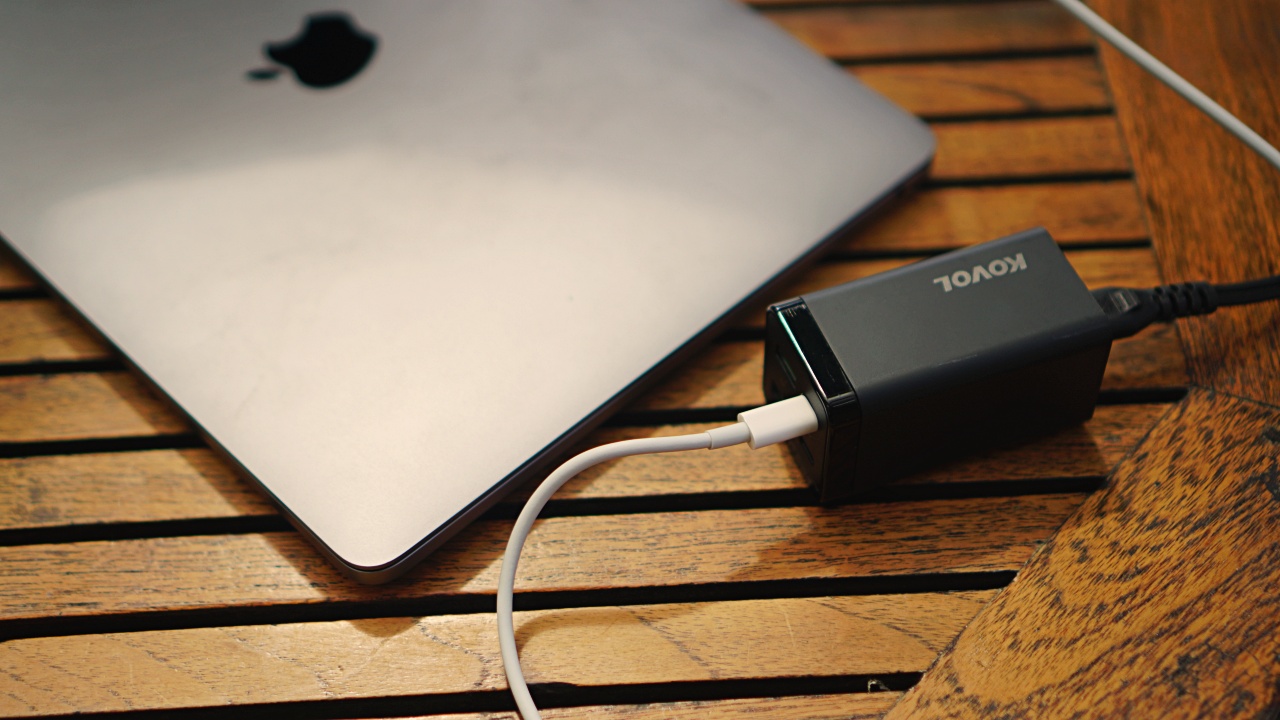
Just because it has 65W written on it, doesn’t mean that it’s the only power output available. It can smartly allocate power to each device based on its needs. The 65W ranges from 65W, 45W, 30W, 25W, 20W, and 18W. So, whichever fast charging output your device supports, that’s what it’s getting.
There’s also a 120W version of the charger and it can output at 87W aside from others that have already been mentioned.
Kovol also claims it has low-heat and safe-charging. This means there will be no risk of overheating and overcharging your device. During my time using the charger, I can say I never felt any sort of unusual heating from it.
How fast is it, really?
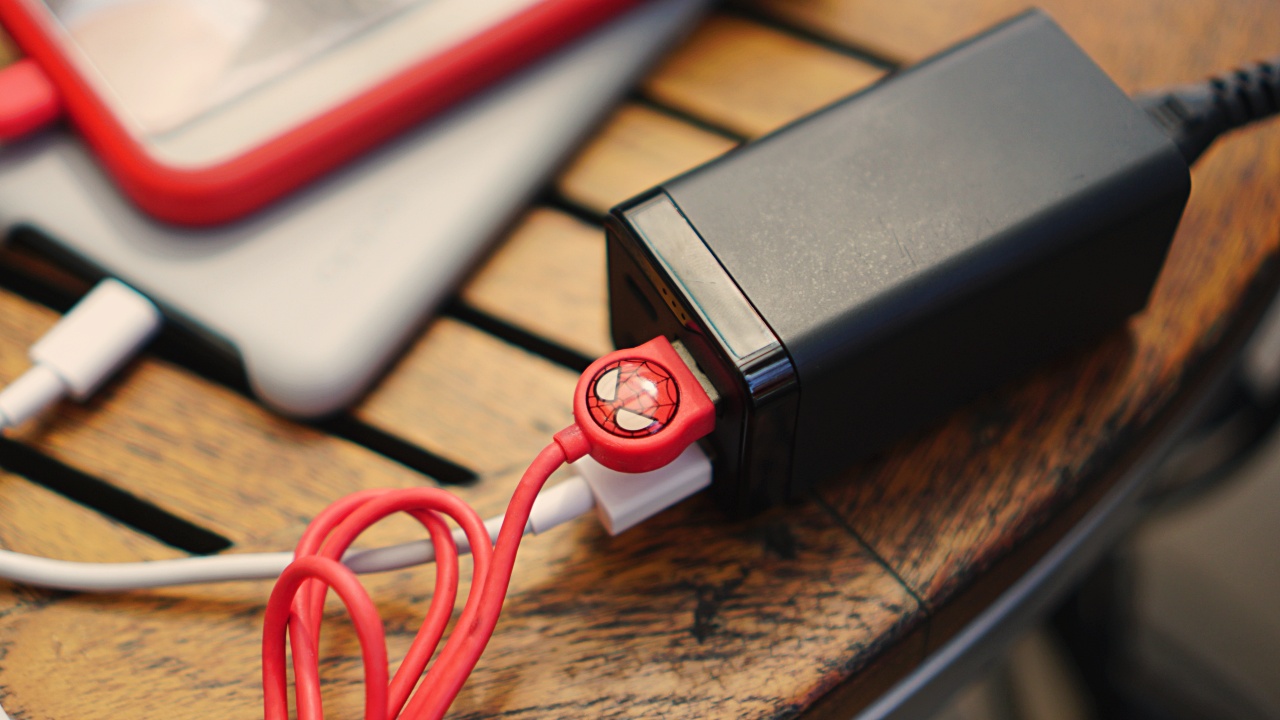
But of course, the real question is how fast it actually is in real world use. Fret not, I have you covered. I’ll list the charging times of the three devices I primarily use.
Before we start though, I would like to describe my normal usage. I’m totally not the type who lets the devices reach red levels of the battery indicator. Small beads of sweat immediately form around my head as soon as my devices’ battery indicator shows anywhere between 40% to 50%.
Go ahead. Laugh all you want. But I’ve been in waaaay too many situations when I forgot to juice up only to need to charge but without any power outlet nearby. It’s a sticky situation I would like to avoid as much as I can.
With that said, here are the charging numbers I recorded. Duration in minutes (mins) is how long it took to reach 100%.
iPhone 11 Pro
- At 30% – 40 mins
- At 40% – 32 mins
- At 50% – 23 mins
- At 65% – 16 mins
OPPO Find X3 Pro
- At 10% – 59 mins
- At 30% – 46 mins
- At 40% – 37 mins
- At 50% – 25 mins
- At 65% – 18 mins
13” M1 MacBook Pro
- At 35% – 1 hour, 41 mins
- At 40% – 1 hour, 26 mins
- At 50% – 1 hour, 10 mins
- At 65% – 40 mins
Naturally, these numbers will vary depending on your devices and the kind of wired fast charging they support. But what’s evident is that these are more than decent charging speeds. These are especially useful if you only have a limited time access to a power outlet when you’re out and about.
Small for its power
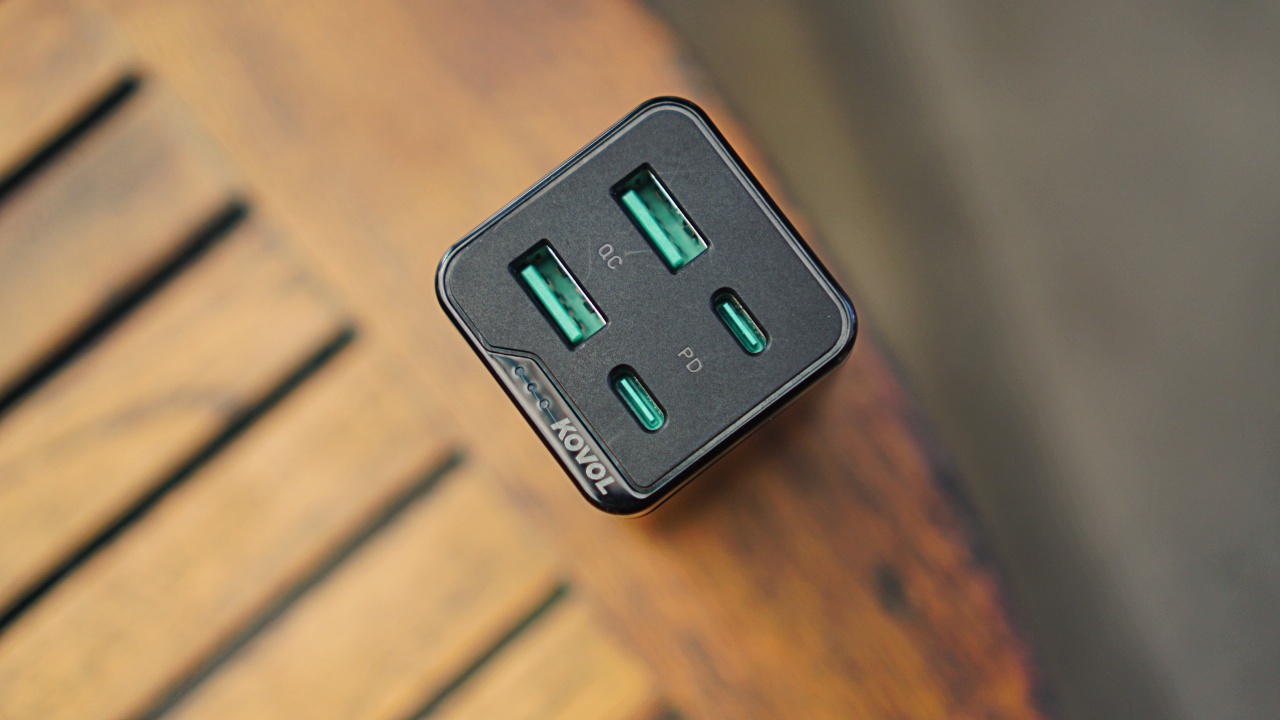
The charging speeds are impressive but what really takes the cake is how small the Kovol 65W 4-port charging station is. It’s a little chunky, but it’s short enough that it’ll easily slide into your bag without taking up much space.
Personally, I carried it in this tiny-gadgets-and-cables pouch I normally bring around whenever I step out.
Its small size is also helpful when you have limited table space. It can sit just right next to your devices without taking away any wiggle room you might need.
Price and availability
Some manufacturers are following Apple’s lead in taking away the power bricks from brand new devices. It’s a good reason to invest in a multiport GaN charger other than the ones already mentioned.
The Kovol 4-port charging station comes in two variants. Pricing are as follows:

Accessories
New AGON gaming monitor features up to 1000Hz refresh rate
New level of speed, flexibility for competitive gaming


AGON by AOC has released the new AGON Pro AGP277QK dual-mode gaming monitor for the competitive segment.
This new offering features up to 1000Hz refresh rate at HD and 540Hz at QHD so gamers have the flexibility to prioritize either clarity or speed.
The 27-inch IPS gaming monitor comes with NVIDIA G-SYNC, synchronizing the monitor’s refresh rate with the GPU to help minimize screen tearing, stuttering, and input lag.
This is combined with 0.3ms MPRT and 1ms GtG response times for fast-moving action that is sharp and responsive, giving competitive players a clear visual advantage.
Moreover, the AGON Pro AGP277QK features VESA DisplayHDR 400 certification for enhanced contrast and more vivid, lifelike visuals.
Delta E < 1 color accuracy also provides precise color reproduction not just for gaming but even other scenarios like content creation.
For even smoother high frame-rate gameplay, MBR Sync combines motion blur reduction with variable refresh rate (VRR) technology. This helps maintain clarity during rapid movements.
The monitor also includes Low Input Lag, customizable Light FX ambient RGB lighting, Gaming Mode presets, and Shadow Control.
The display comes with HDMI 2.1 and DisplayPort 2.1 connectivity, along with a height-adjustable stand and G-Menu support.
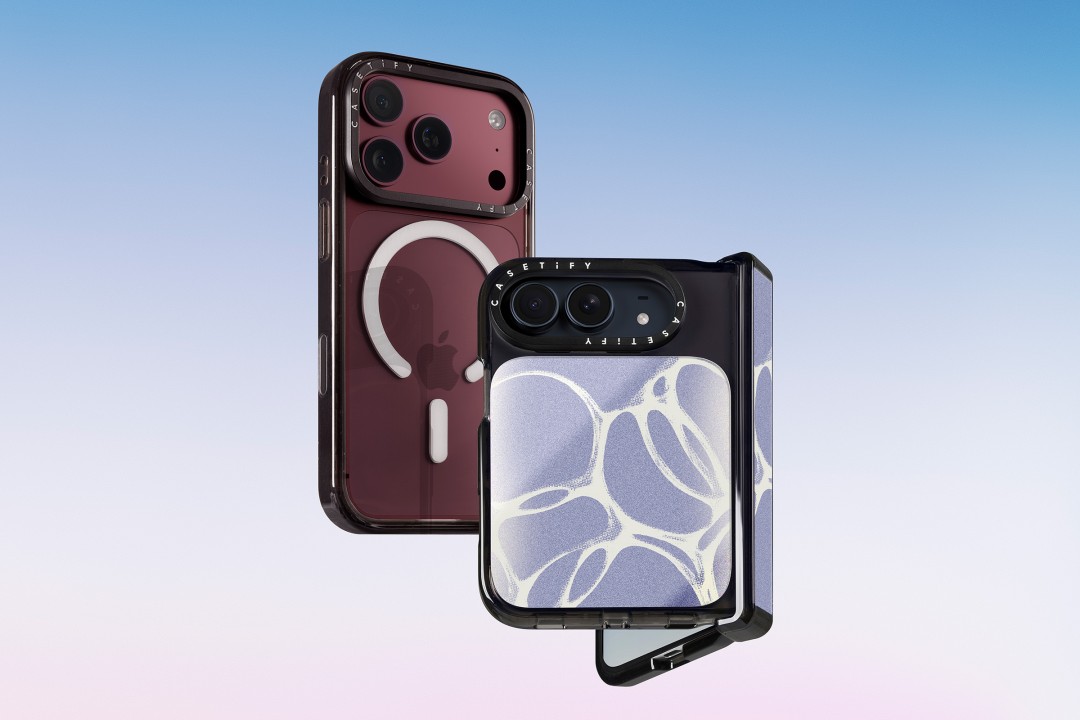
CASETiFY is launching a new collection of cases and accessories for the iPhone 18 series, updating some of its most popular designs with refined finishes, new protection features, and expanded customization options.
Impact Case
The collection is led by the Impact Case, CASETiFY’s best-selling case with more than 19 million units sold worldwide. It uses an internal EcoShock™ design and Duo-Lock by CASETiFY™ bonding for impact absorption and dispersion. The case is tested for drops of up to 8.2 feet and 4x Military Standard 810G. It also features a scratch-resistant Glaze finish, raised bezel, precision-engineered camera control button, and MagSafe and wireless charging compatibility.
The Ultra Impact Case builds on the same family with redesigned, more rounded corners and reinforced structures with internal air cells. It is tested for drops of up to 11.5 feet and 6x Military Standard 810G. It also has a slimmer profile, multiple design options, and MagSafe compatibility.
Both cases are available in Ring Stand variants. These feature a built-in metal camera ring stand that adjusts up to 150 degrees, with a screwless hinge designed for durability and stable hands-free viewing. Select models are also available with Glitter and Mirror finishes.
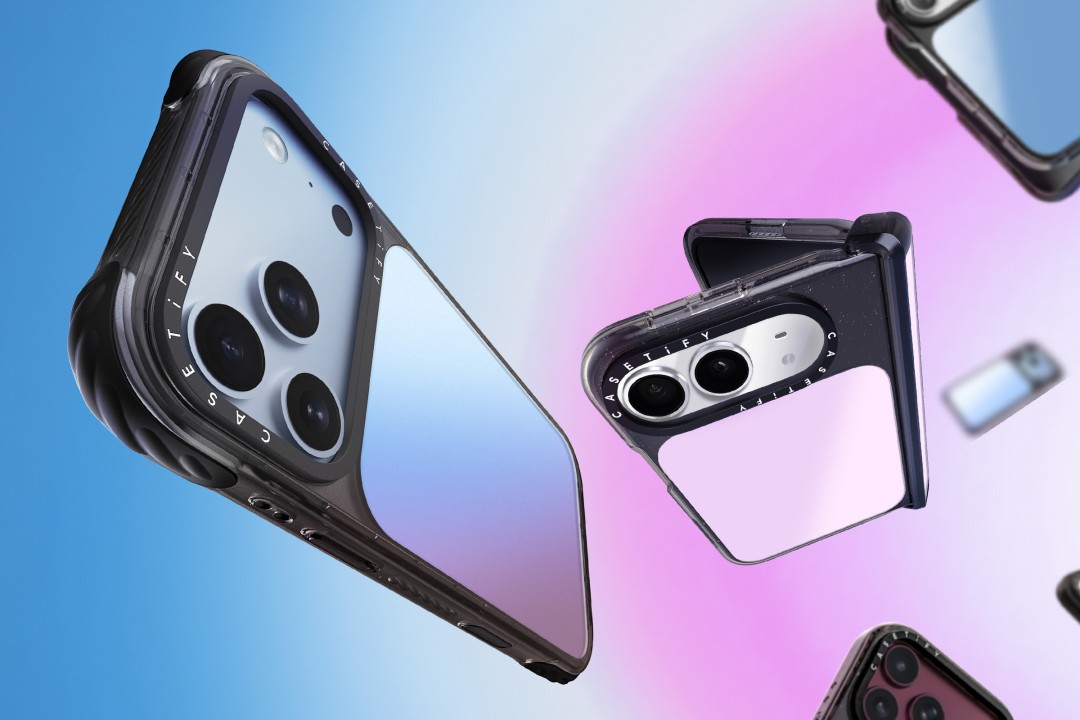
Ripple Case
CASETiFY is also bringing its Ripple Case to the iPhone 18 lineup. The soft-touch silicone case features rippled edges and puffed corners, with protection tested for drops of up to 6.6 feet and 3x Military Standard 810G. New colorways include Banana, Dusty Blue, Blush Pink, and Fig, alongside Black and White.
For users who want more protection, the Bounce Case offers CASETiFY’s highest level of drop protection in the collection. Its Expanded Bounce Corners, TesseLock™ design, and enhanced Duo-Lock bonding support drop protection of up to 21.3 feet and 7x Military Standard 810G.
Alloy Ripple Case
The lineup also includes the Alloy Ripple Case, which reworks the Ripple’s sculptural design in aluminum with an EcoShock™ design and Duo-Lock bonding. It is tested for drops of up to 8.2 feet and 4x Military Standard 810G. The Cloud Case uses a quilted soft-touch design with pillowy bumpers and up to 6.6 feet of drop protection.
Beyond cases, CASETiFY is expanding its accessories with the Ripple Wallet, Grip Stands, Loop Grips, Jelly Wristlets, Bow Charm Wristlets, and other charm-compatible straps. The iPhone 18 cases range from USD 50 to USD 90 , while accessories range from USD 25 to $USD 45.
The collection is available beginning September 10 through CASETiFY. The company is also preparing a case lineup for the upcoming iPhone Duo, with its waitlist already live.


Right after the iPhone 18 Pro and Pro Max series, Apple dropped another bombshell for fans. Complementing the latest iPhone generation, the new AirPods 5 features a bunch of the most impressive improvements for the wearable.
Most importantly, the AirPods 5 will boast 50 percent better noise cancellation than the AirPods 4 with Active Noise Cancellation. With Adaptive Audio, the wearable can sense your surroundings and adapt accordingly so you don’t miss the important bits happening around you.
It also features Live Translation for talking with others speaking in a different language. Plus, Conversation Awareness automatically lowers the volume if the wearable detects that you’re talking.
For sound quality, the new wearable has a new acoustic architecture and an adaptive equalizer. It promises more detailed sound coming from the entry-level AirPods.
The new AirPods 5 will start at US$ 129. Preorders are already open, but the wearable will ship out on September 18.
Meanwhile, if you’re hankering for a bit more from your wearable, another variant, which starts at US$ 149, adds a Wireless Charging Case, on-stem swipe controls, and longer battery life. This model can reportedly last five more hours with active noise cancellation enable.
SEE ALSO: The iPhone Duo is real!

Setting your bedsheets ablaze with the Lovense Solace Pro
The closest proxy I could find where I'm guilty as sin


Now Playing: Elden Ring Tarnished Edition
Is the Switch 2 port worth the price?


NBA 2K27 review: A two-way All-Star
Better ball game, same 2K?

PH to celebrate 1st ever National Cinema Day; movies start at less than $2

New AGON gaming monitor features up to 1000Hz refresh rate

Smart lets you go phone-free with Apple Watch

How did new CEO John Ternus do for his first Apple event?

CASETiFY upgrades iPhone 18 cases, teases iPhone Duo lineup

TECNO MEGAPAD 2 review: Eyes on the size

realme 16T 5G with 8000mAh battery, IP69 Pro rating launches in PH

HUAWEI Pura X View is 2026’s first WIDE slab-type smartphone

REDMI Note 17 Series focuses on long-term reliability

REDMI reveals the refreshed Note 17 and Note 17 Pro series


-
 News2 weeks ago
realme 16T 5G with 8000mAh battery, IP69 Pro rating launches in PH
-
 News3 days ago
HUAWEI Pura X View is 2026’s first WIDE slab-type smartphone
-

 Cameras1 week ago
DJI Osmo 360 II review: Going all-in on the ecosystem
-

 Features2 weeks ago
The designated photographer’s new favorite phone: OPPO Reno16 Series 5G
-

 News3 days ago
The CAMON Slim 5G is TECNO’s latest ultra-slim smartphone
-
 IFA 20267 days ago
TECNO MEGABOOK T15 360 unveiled at IFA 2026
-
Gaming7 days ago
NBA 2K27 review: A two-way All-Star
-
 Reviews1 week ago
Samsung Galaxy Z Fold8 Ultra review: It’s time to get a foldable