
Features
Spotlight: HUAWEI WATCH GT Runner 2 Racing Legend Edition
A marathon coaching system wrapped in the lightest titanium running smartwatch.

@gadgetmatchEliud Kipchoge, the world’s greatest marathon runner, helped design this watch. The HUAWEI WATCH GT Runner 2 Racing Legend Edition is the lightest titanium smartwatch built for runners, featuring the most accurate GPS in its class. It packs an AI-powered marathon coaching system alongside comprehensive health and fitness tracking built right into your wrist. #HUAWEIWATCHGTRunner2RacingLegendEdition HUAWEI Online Store – https://tinyurl.com/479ee4zk Shopee – https://tinyurl.com/yex4dvp9 Lazada – https://tinyurl.com/yu47bktt TikTok – https://tinyurl.com/yxsjsyhw♬ original sound – GadgetMatch
Eliud Kipchoge ran a marathon in under two hours. That’s not a marketing line. It’s one of the most significant feats in the history of human endurance.
So when Huawei says the HUAWEI WATCH GT Runner 2 Racing Legend Edition was designed with his input, that detail deserves more than a passing mention. It shapes what this watch actually is, and more importantly, what it’s trying to do.
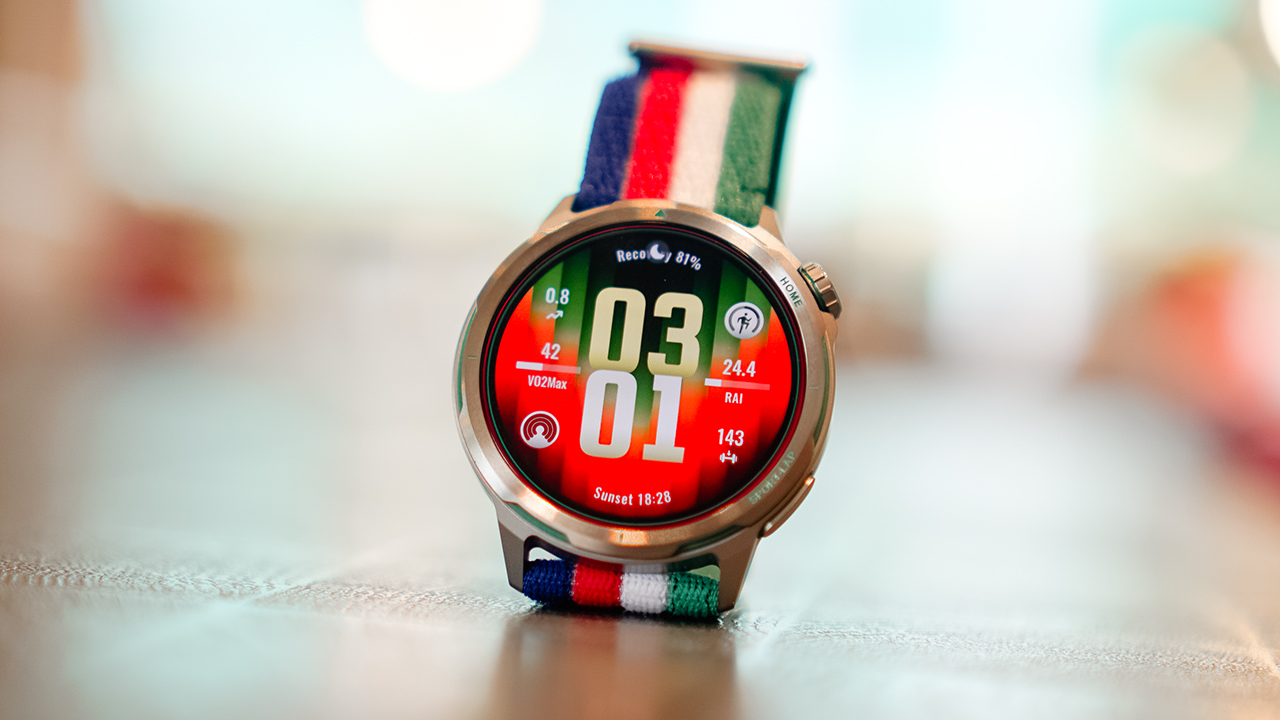
The GT Runner 2 isn’t a smartwatch that happens to track runs. It’s a running tool built from the ground up, wrapped in titanium, and finished in a colorway that carries Kipchoge’s energy in its gradient and clean lines.
Lightest titanium watch
The first thing you notice when you put the GT Runner 2 on is how little you notice it.
At 43.5 grams for the watch body, it’s Huawei’s lightest metal running watch to date. For reference, that’s roughly the weight of a small packet of sugar.
On paper that sounds like a marketing metric. On a long run, it’s the kind of thing you actually feel — or more accurately, the kind of thing you stop feeling, which is the point.
The case is aerospace-grade titanium alloy, the same material used in aircraft construction. It’s strong without adding bulk, and at 10.7mm thick, it slides under a long sleeve without a second thought.
The display is a 1.43-inch AMOLED panel with 3,000 nits of peak brightness, enough to read clearly under direct sunlight mid-run, which is where it needs to perform.
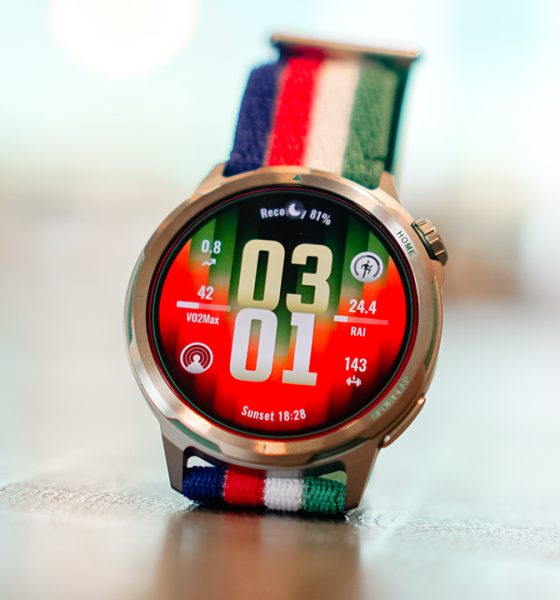
The Racing Legend Edition colorway is the visual anchor of the whole package. It doesn’t read as a sports watch in the traditional chunky sense.
The strap situation is thoughtful, too. The in-box AirDry woven strap is designed to breathe.
There’s also a Fluororubber quick-release strap included for race days when you want something more locked in against your wrist.
Accurate GPS
This is the centerpiece of the GT Runner 2, and Huawei has invested the most engineering effort here.
To understand why the GPS on this watch is different, you need to understand a basic problem with how most GPS watches work.
Satellites broadcast signals in a circular, spiral pattern. Most smartwatches are built to receive signals linearly, meaning they’re only catching part of what’s being sent. The result is data loss, and data loss means inaccurate tracking.
The GT Runner 2 addresses this at the hardware level with what Huawei calls a 3D Floating Antenna Architecture. The titanium bezel and metal middle frame of the watch itself function as external receivers, which expands the antenna surface area significantly.
More of the watch is actively listening for satellite signals, which means it captures more of those spiral broadcasts. Huawei positions this as a 50% improvement in antenna performance.
Then there’s the software layer, which is arguably more interesting for anyone running in an urban environment.
Anyone who’s tracked a city run knows the problem: you go under an overpass, cut through a tunnel, or run between towers, and your GPS trace goes straight. The watch gives up and draws a line where your route should be.
The GT Runner 2 has an AI system — Huawei calls it the XDR Inertial Navigation AI Algorithm — that fills that gap intelligently.
It learns your movement patterns: your stride length, your arm swing, your pace. When satellite signal drops out, it uses that accumulated knowledge to estimate your route accurately. When the signal returns, it stitches the two together seamlessly.
Marathon mode
The Marathon Mode on the GT Runner 2 was co-developed with Eliud Kipchoge’s team. That partnership matters because it means the feature set was shaped by people who actually race at the highest level, not just engineers working from data.
The system covers the full race cycle. Before your event, the watch builds you a personalized training plan and tracks your lactate threshold in real time, the point at which your body starts accumulating fatigue faster than it can clear it.
Knowing where that threshold sits is how serious runners train in the right zones and avoid hitting the wall during a race. The GT Runner 2 brings that metric to your wrist without requiring a lab visit or a coach.
During a race, the pace guidance isn’t a static target you set and follow. It adjusts in real time based on how you’re actually performing. The watch also sends smart refueling alerts — not based on a generic timer, but on your personal health data and international nutrition guidelines. So when it tells you to eat or drink, it’s working from your numbers, not a one-size-fits-all schedule.
After the race, it gives you dynamic recovery guidance and exports your full session automatically to Strava and Komoot.
Health tracking that actually goes beyond the basics
The GT Runner 2 tracks your health around the clock, and a few of its features stand apart from what most smartwatches offer.
Heart rate accuracy is rated at 98%. For a wrist-worn device, that’s a serious number. The watch achieves this through Huawei’s TruSense system, which uses an upgraded NPU and advanced algorithms to pull more precise readings from the sensor.
The ECG monitoring is CE-certified, which means it meets the regulatory standard for detecting early signs of irregular heart rhythms.
More importantly, the GT Runner 2 does this in the background — passively, while you’re awake or asleep — without requiring you to manually activate a check.
Sleep tracking includes breathing awareness to flag potential signs of sleep apnea.
HRV — heart rate variability, one of the most reliable indicators of how recovered your body actually is — gets tracked across 24 hours.
There’s also a stress and emotional wellbeing tracker that categorizes your state in real time. When you’re deep in a training block and everything feels harder than it should, this is the kind of data that tells you something concrete rather than just confirming that you’re tired.
Battery life that doesn’t ask you to compromise
Running watches live or die by their battery, and the GT Runner 2 doesn’t disappoint here.
Continuous GPS tracking lasts 32 hours. To put that in running terms, that’s enough to cover five to six full marathons without stopping to charge. Enable Trail Run mode and that extends to 35 hours. Under normal daily use, you’re looking at up to 14 days on a single charge. When it does need power, it charges wirelessly.
Storage comes in at 64GB, which holds thousands of offline songs and heavy map data simultaneously. You can leave your phone behind on a long run and still have music and navigation on your wrist. It works with both Android and iOS, and syncs automatically to Strava and Komoot after every session.
For users in the Philippines, there’s one more practical addition worth calling out: GCash Watch Pay. You can pay at any GCash QR terminal directly from your wrist. For anyone who stops mid-run to refuel, this removes the friction of digging through a bag or pocket to complete a transaction.
Is the HUAWEI WATCH GT Runner 2 Racing Legend Edition your GadgetMatch?
The HUAWEI WATCH GT Runner 2 Racing Legend Edition was built around one clear premise: give runners access to the kind of data and guidance that previously lived inside expensive coaching programs and professional setups, and put it on a wrist that doesn’t feel like it’s carrying anything.
The titanium build, the GPS architecture, the Marathon Mode co-developed with the world’s greatest marathon runner — none of these are incidental features. They’re the point. And the way the watch surfaces all of that information keeps it accessible.
Every purchase comes with a complimentary three-month HUAWEI Health+ membership, which unlocks professional coaching videos, custom sleep music, and personalized nutrition and training plans.
The HUAWEI WATCH GT Runner 2 is available at HUAWEI Experience Stores nationwide, the HUAWEI Online Store, and Huawei’s official stores on Shopee, Lazada, and TikTok Shop.
Purchases made from June 30 onwards come with an exclusive bundle worth up to PhP 11,384 — including a free fluoroelastomer strap, a free pair of HUAWEI FreeArc earphones (on a first-come, first-served basis), the three-month Health+ membership, and a two-year warranty with accidental damage protection.
There’s also a PhP 2,000 trade-in token for buyers coming from an older device.
This feature is a collaboration between GadgetMatch and Huawei Philippines.






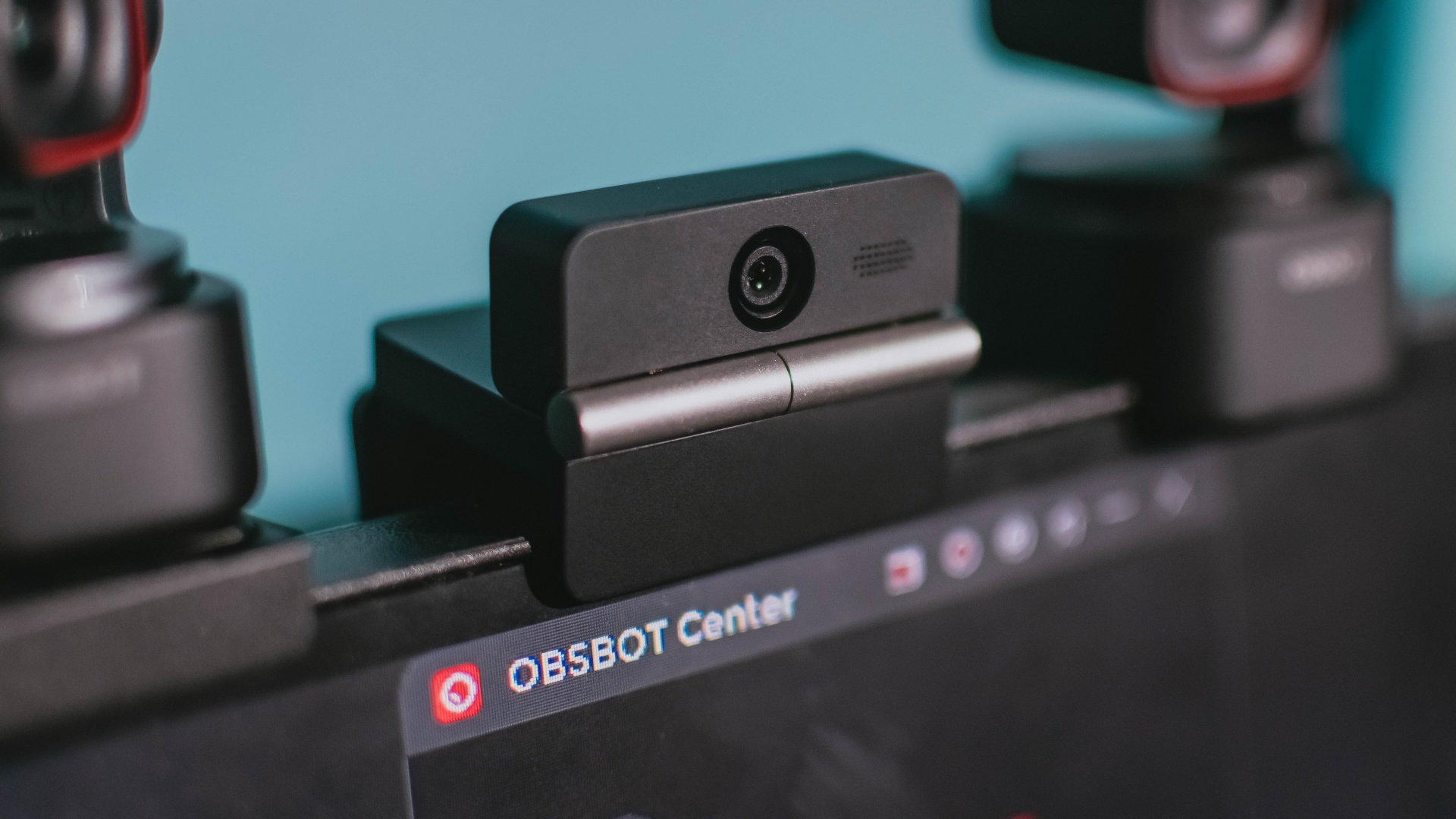
Phones flip and fold. Now webcams do too.
Foldable screens have found their way into phones, tablets, and laptops in recent years. Now, OBSBOT is taking that idea in a considerably smaller direction: the webcam.
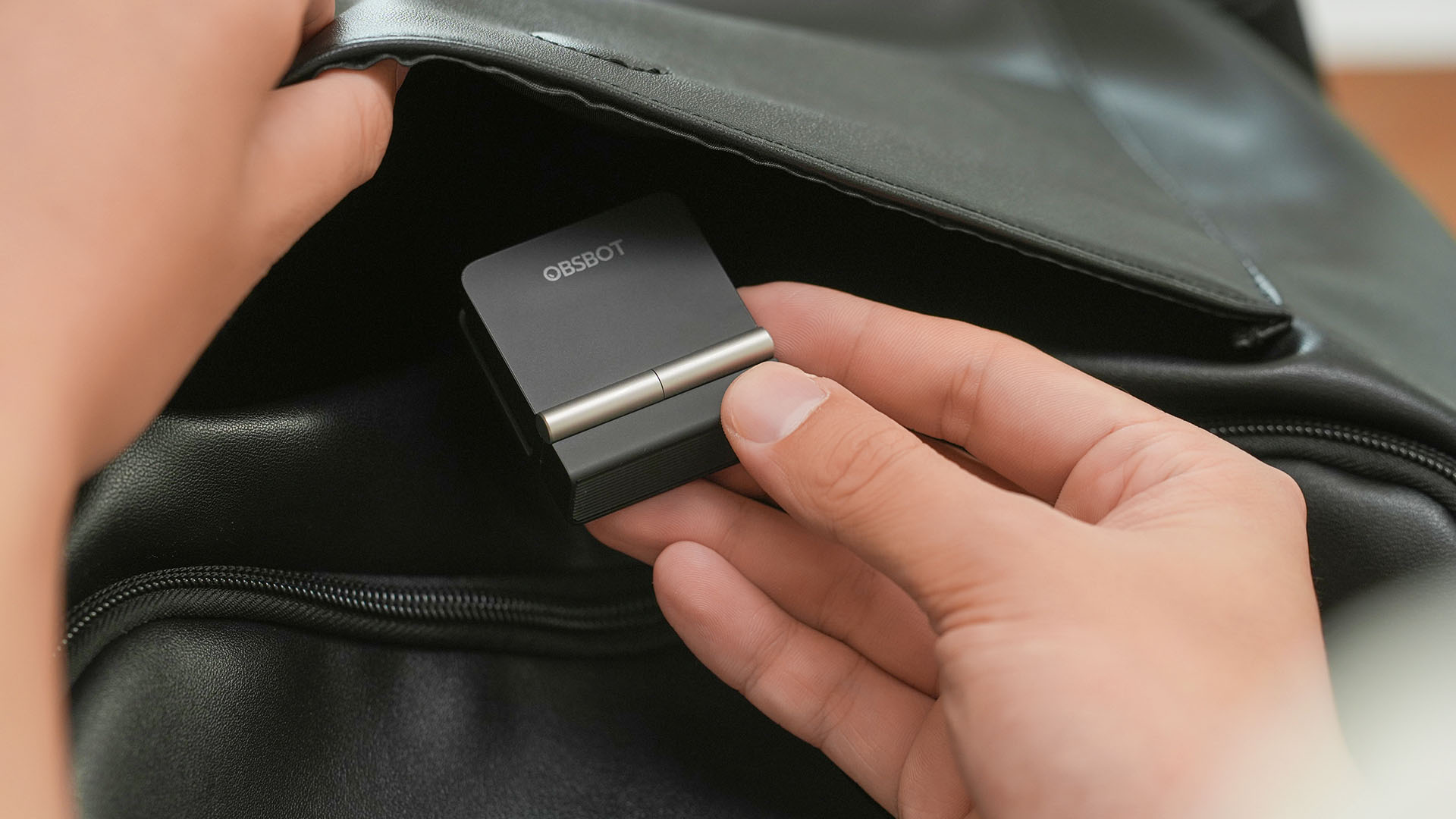
The OBSBOT Meet Flip is the company’s first foldable 4K webcam packing:
- 1/2-inch stacked CMOS sensor
- intelligent audio
- a collection of AI-powered meeting tools
All of these inside a body weighing just 37.7 grams.
A fold that does something, not just a gimmick
The OBSBOT Meet Flip isn’t foldable just to make it easier to throw into a bag.
Closing the webcam physically blocks the lens and puts the device into sleep mode. Open it when you want to be seen, flip it shut when you don’t.
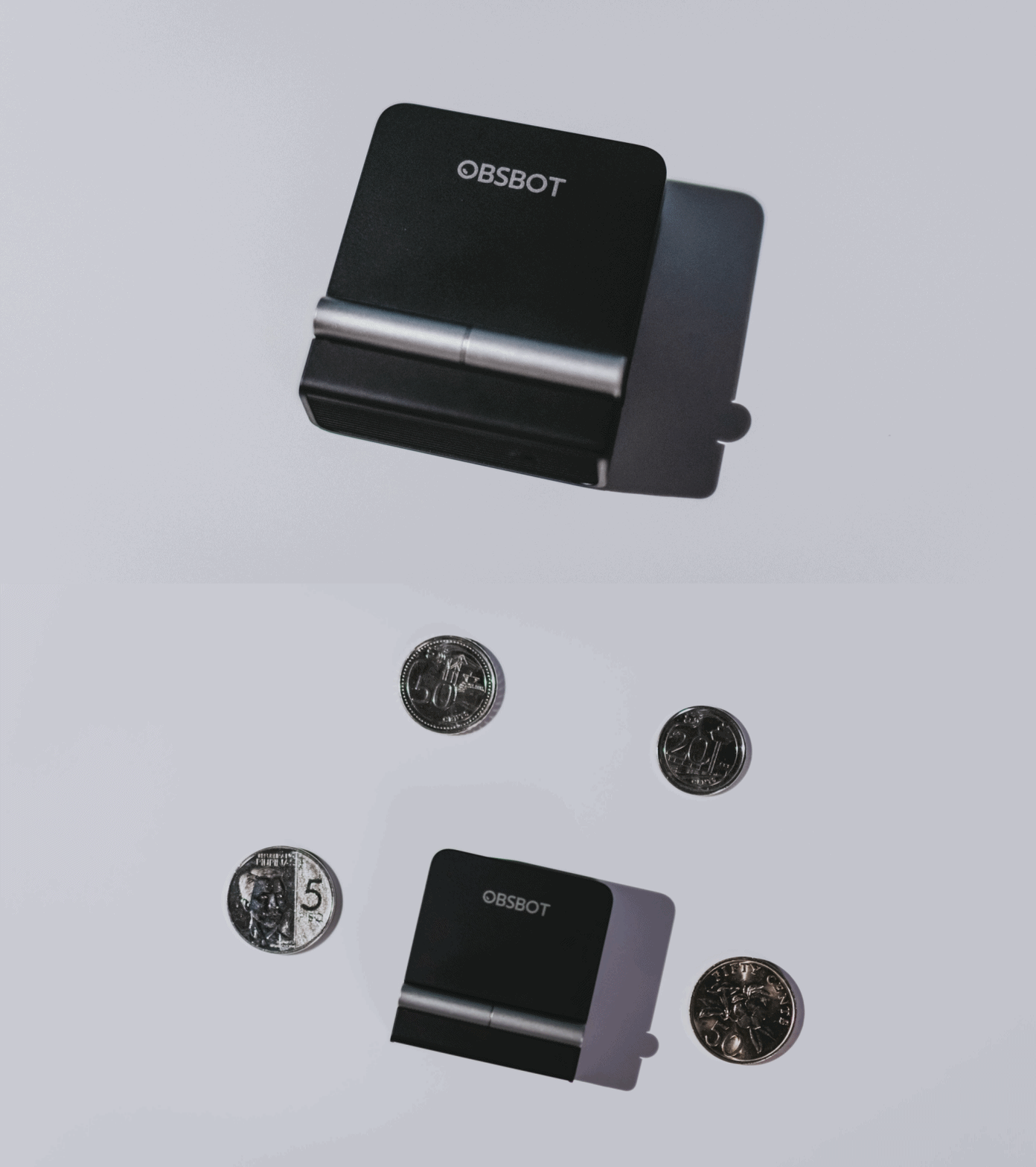
A physical privacy cover isn’t novel in itself. What’s clever here is how it’s part of the folding design.
As someone with a love-hate relationship with data privacy, I almost always keep some physical barrier over my laptop webcam. And if I can avoid having a webcam there entirely, even better.
Serious camera hardware in a pocket-sized webcam
Despite its size, OBSBOT hasn’t treated the Meet Flip like a basic laptop-camera replacement.
Inside is a 1/2-inch Exmor RS stacked CMOS sensor with Quad Bayer technology, capable of recording 4K UHD at 30 fps or 1080p at 60 fps. It also packs an f/1.8 aperture, HDR, PDAF autofocus, ISO 100–6400, and up to 4x digital zoom.
At its core is a 1/2-inch Exmor RS stacked CMOS sensor with Quad Bayer technology.
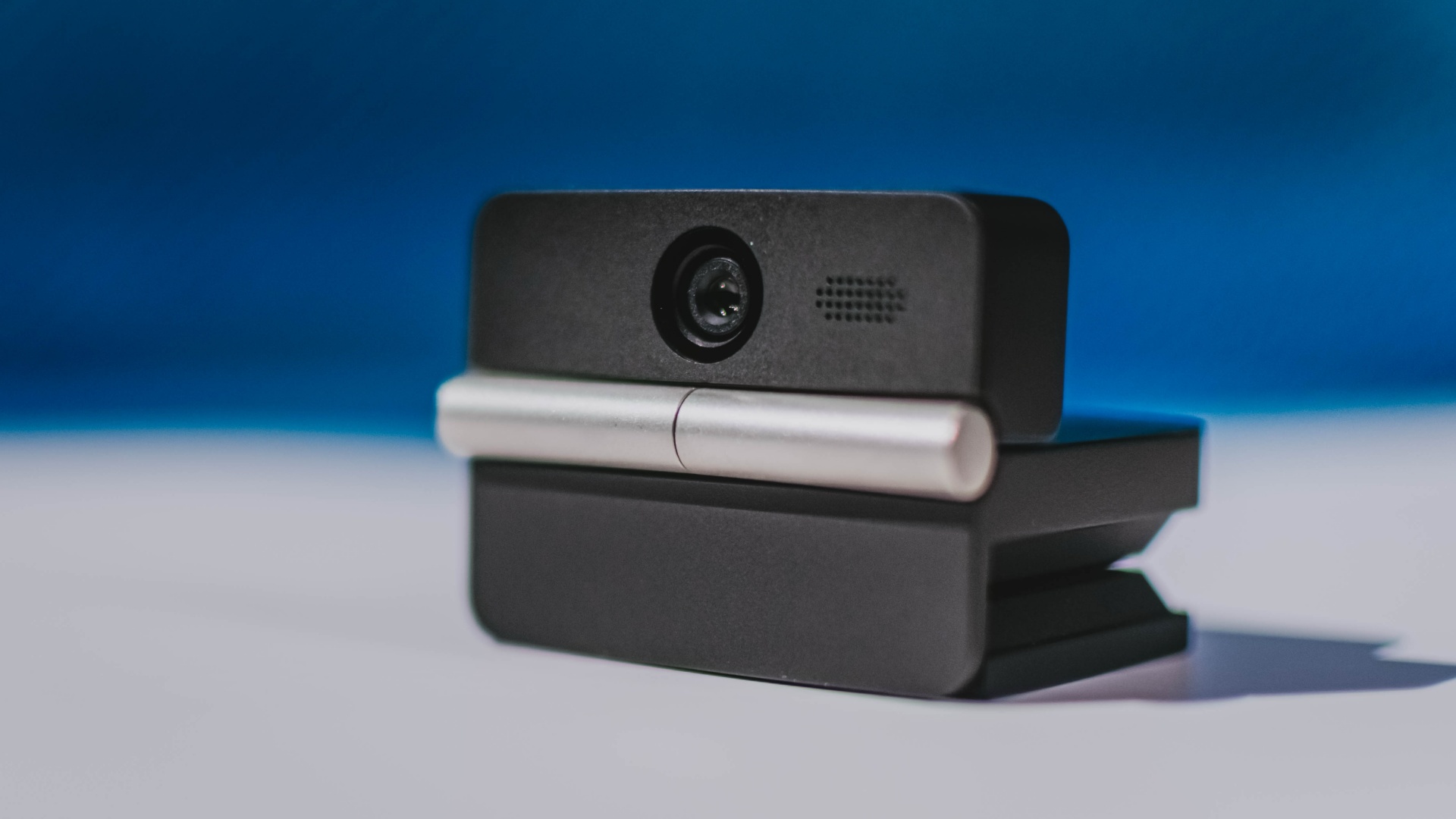
It can record:
- 4K UHD at 30fps
- 1080p at 60fps
You also get:
- f/1.8 aperture
- HDR
- PDAF autofocus
- ISO 100–6400
- up to 4x digital zoom
On paper, that gives the Meet Flip a better shot at handling the situations built-in laptop webcams often struggle with: dim rooms, harsh backlighting, changing lighting conditions, or simply moving around in front of the camera.
HDR helps keep faces visible against bright backgrounds, while PDAF autofocus continuously adjusts focus as you move closer to or farther from the lens.
The wider f/1.8 aperture should also help in less-than-ideal lighting.
The point is that once the Meet Flip is set up, you shouldn’t have to spend much time thinking about the camera itself.
It listens differently depending on the room setup
The Meet Flip also uses an intelligent dual-microphone system combining omnidirectional and directional microphones.
Instead of relying on one pickup pattern for every situation, it offers four audio modes for different setups:
Directional Mode focuses on sound coming from the front, making it the obvious choice for solo calls.
Dual-Directional Mode listens to both the front and rear of the webcam, which could be useful for interviews or conversations between two people sitting across from each other.
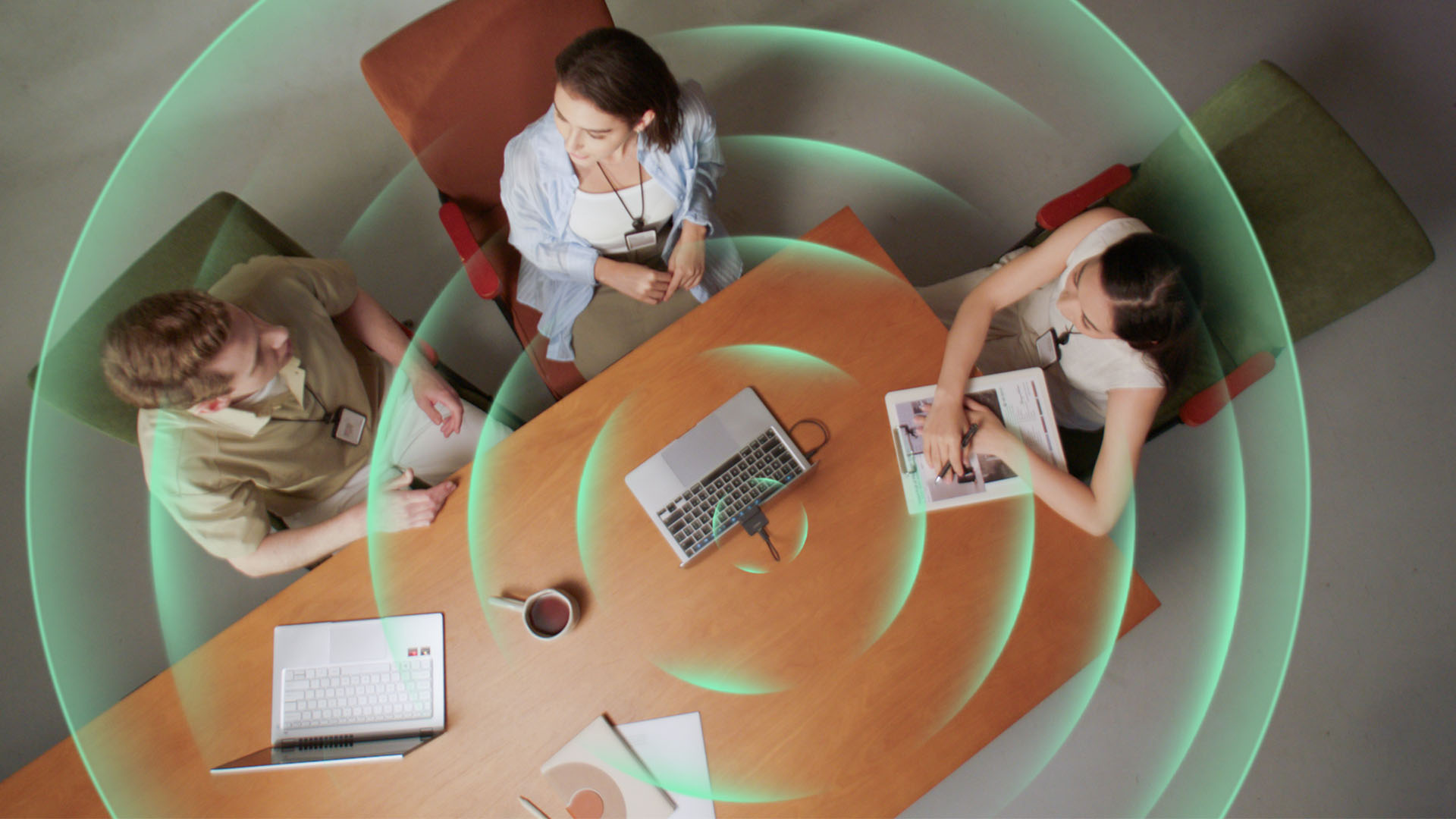
Smart Omni Mode is designed for group meetings, picking up voices from around the room.
And Pure Audio Mode provides unprocessed left and right stereo channels for users who would rather handle the audio themselves in post-production.
Auto Gain and AI Noise Reduction also work across the first three modes, helping clean up audio without requiring much manual adjustment.
It gives the Meet Flip more flexibility than a typical webcam microphone, especially if you regularly switch between solo calls, interviews, and group meetings.
AI that doesn’t intrude
AI has become an almost obligatory addition to new hardware in 2026, but several of the Meet Flip’s features put it to work on real-world meeting annoyances.
AI Auto Framing keeps you in frame, with options for:
- Group
- Single Close-up
- Upper Body
- Full Body
Gesture controls can also toggle Auto Framing or adjust the zoom without reaching for a keyboard or mouse.
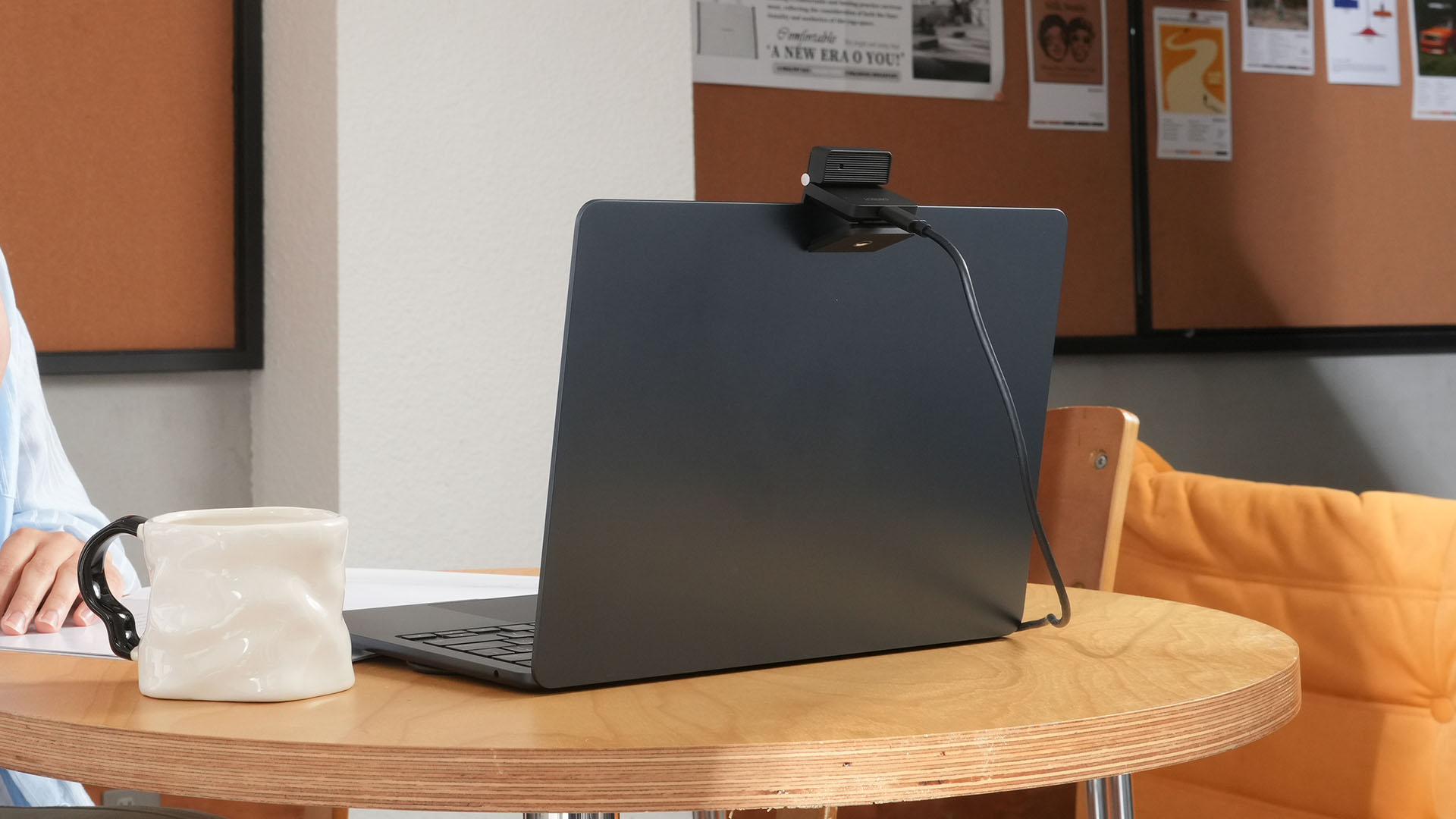
More interesting is AI Magic Notes.
Through OBSBOT Center, it provides real-time transcription and can automatically generate meeting summaries with key points, decisions, and action items. It works across Google Meet, Zoom, and Microsoft Teams.
Although AI Magic Notes is offered as a subscription service, every Meet Flip includes 120 complimentary minutes to get started.
MORE with OBSBOT Center & OBSBOT Live
There are plenty of other software features as well. OBSBOT Center includes:
- Background Blur and Background Replacement
- Real-Time Beauty Mode
- Picture-in-Picture overlays
- Smart Eye Tracking
- Teleprompter support
- Detailed image adjustments
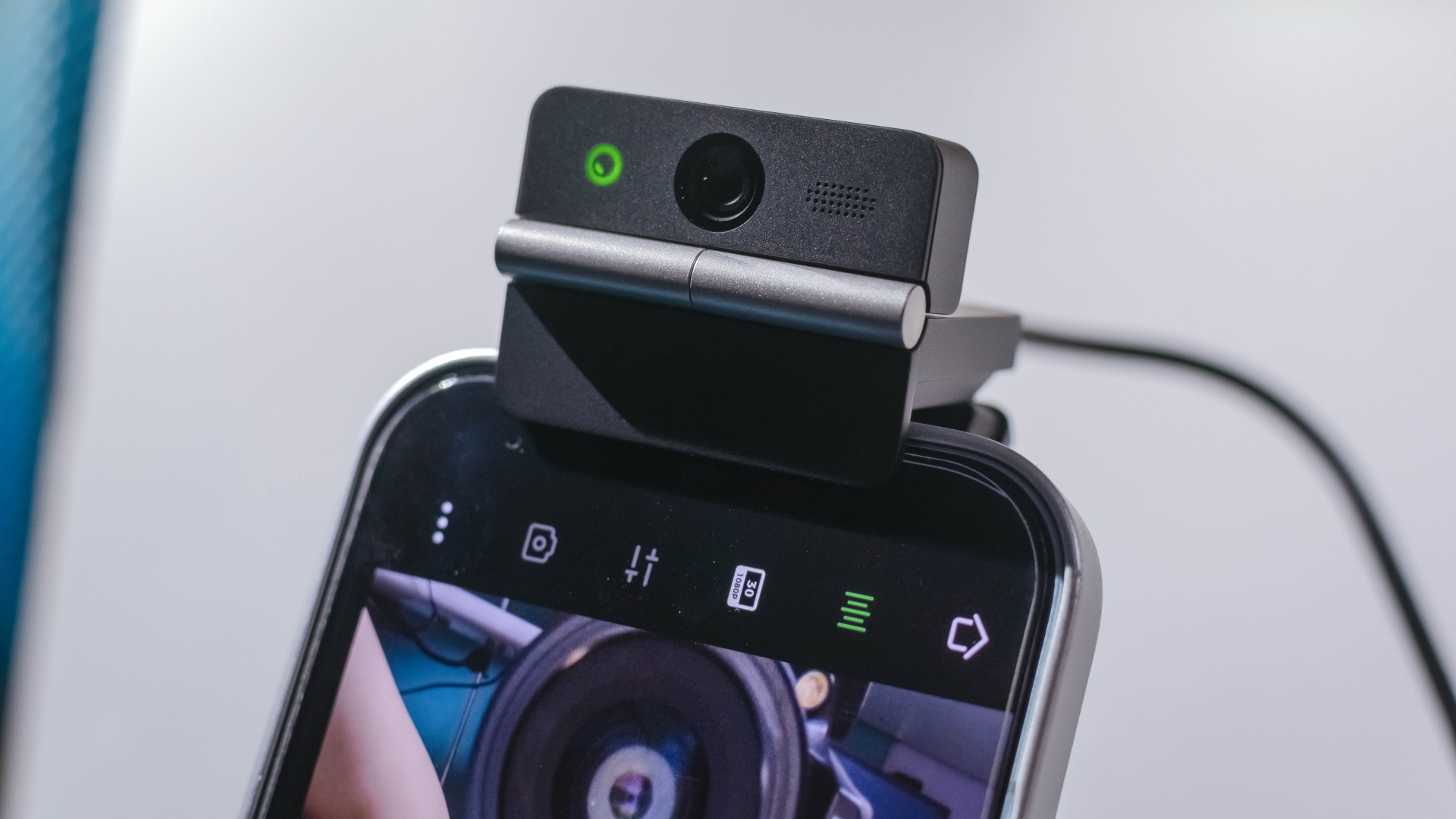
The Meet Flip isn’t limited to laptops or desktops either. Through OBSBOT Live, it can connect directly to smartphones and tablets over USB-C for mobile streaming and content creation.
Flip it open. Fold it away.
None of those features reinvent the webcam on their own.
Taken together, though, they make the Meet Flip a more thoughtful take on a piece of hardware whose basic design and features have barely changed.
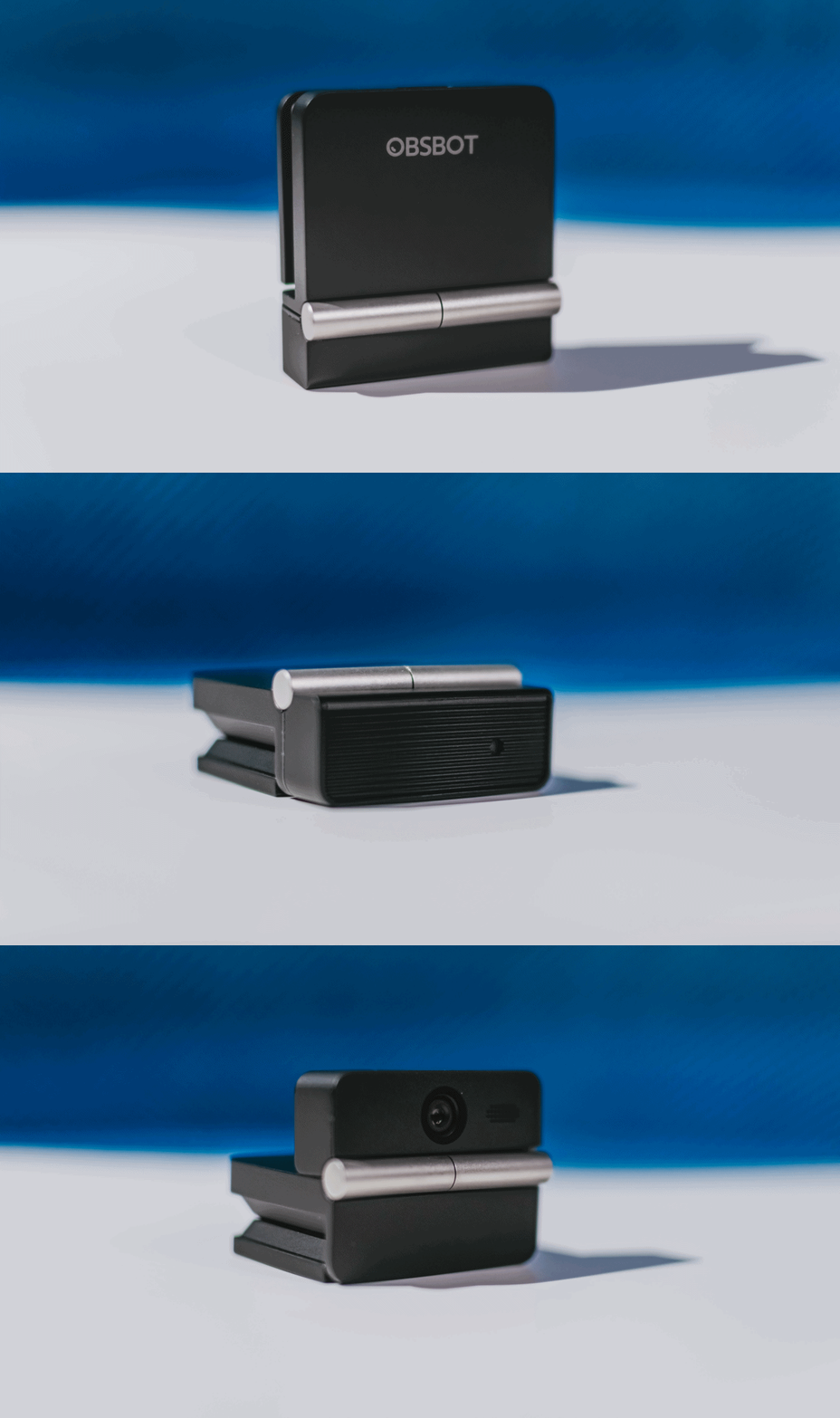
The flip may grab your attention first, but it’s how OBSBOT uses that design alongside its camera, audio, and software features that makes the Meet Flip interesting.
The OBSBOT Meet Flip is now available at US$ 119 and is currently available through OBSBOT’s official store, Amazon US, and select retailers.
Features
Getting the latest Samsung Galaxy Z Flip8 at 0% Interest with Maya Mini Payments
What convinced me to upgrade and how Maya Mini Payments made paying for it easier~
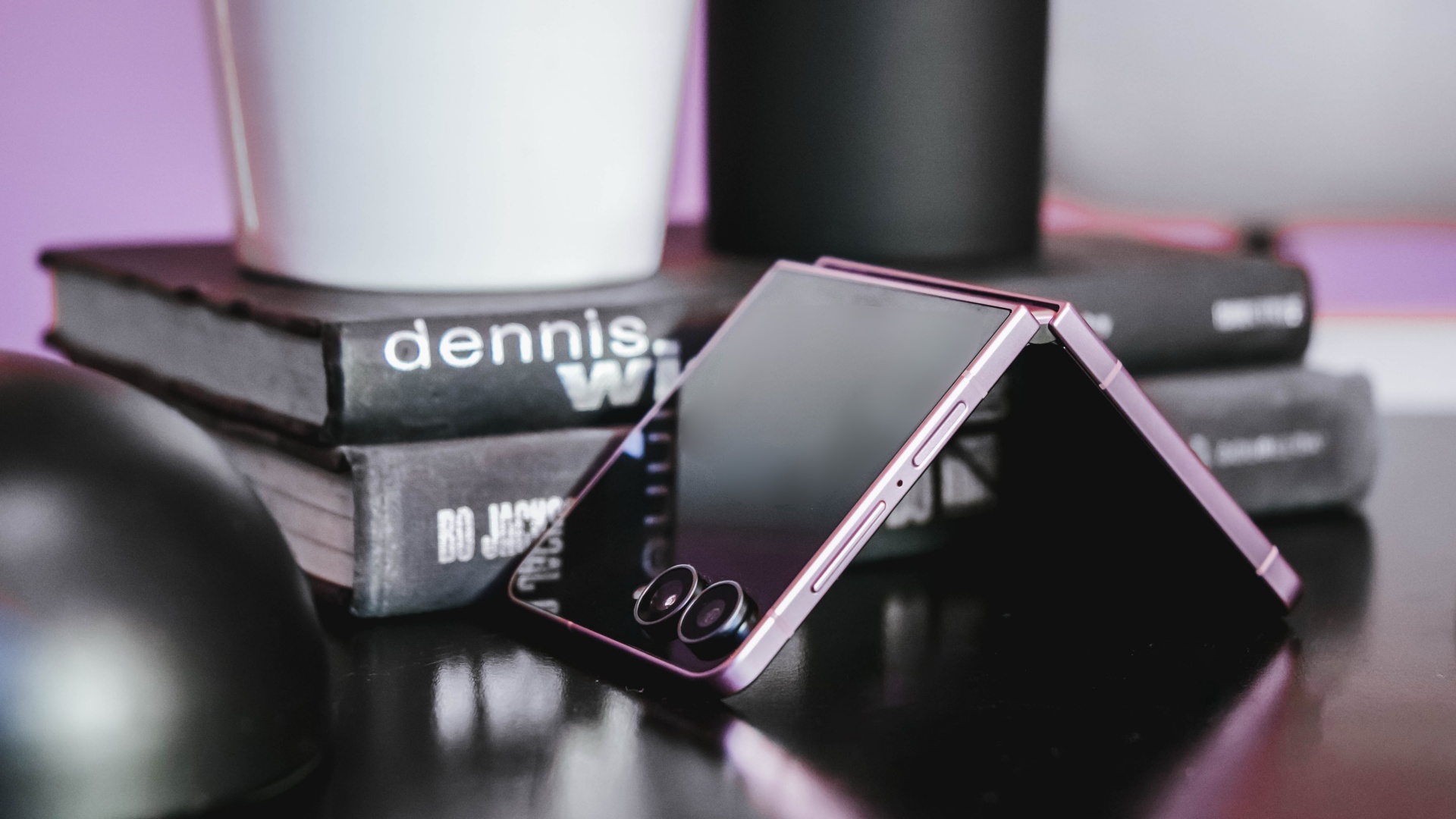
I don’t upgrade simply because there’s a newer model on the shelf.
Last year, I upgraded to the Samsung Galaxy Z Flip7 after spending three years with the iPhone 13 as my daily driver.
Even then, the decision wasn’t about chasing the latest release. It was about finding a device that better matched how I work.
I’m a firm believer that every upgrade has to earn its place in my pocket, especially when there are already perfectly capable phones sitting on my desk.
So when I decided to pre-order the Samsung Galaxy Z Flip8, the decision wasn’t simply about getting the newest device.
It came down to two questions: It came down to two questions: Is this a smart upgrade? And if it is, what’s the smartest way to own it?
The first question was answered by the device itself. The second is where Maya Mini Payments entered the conversation.
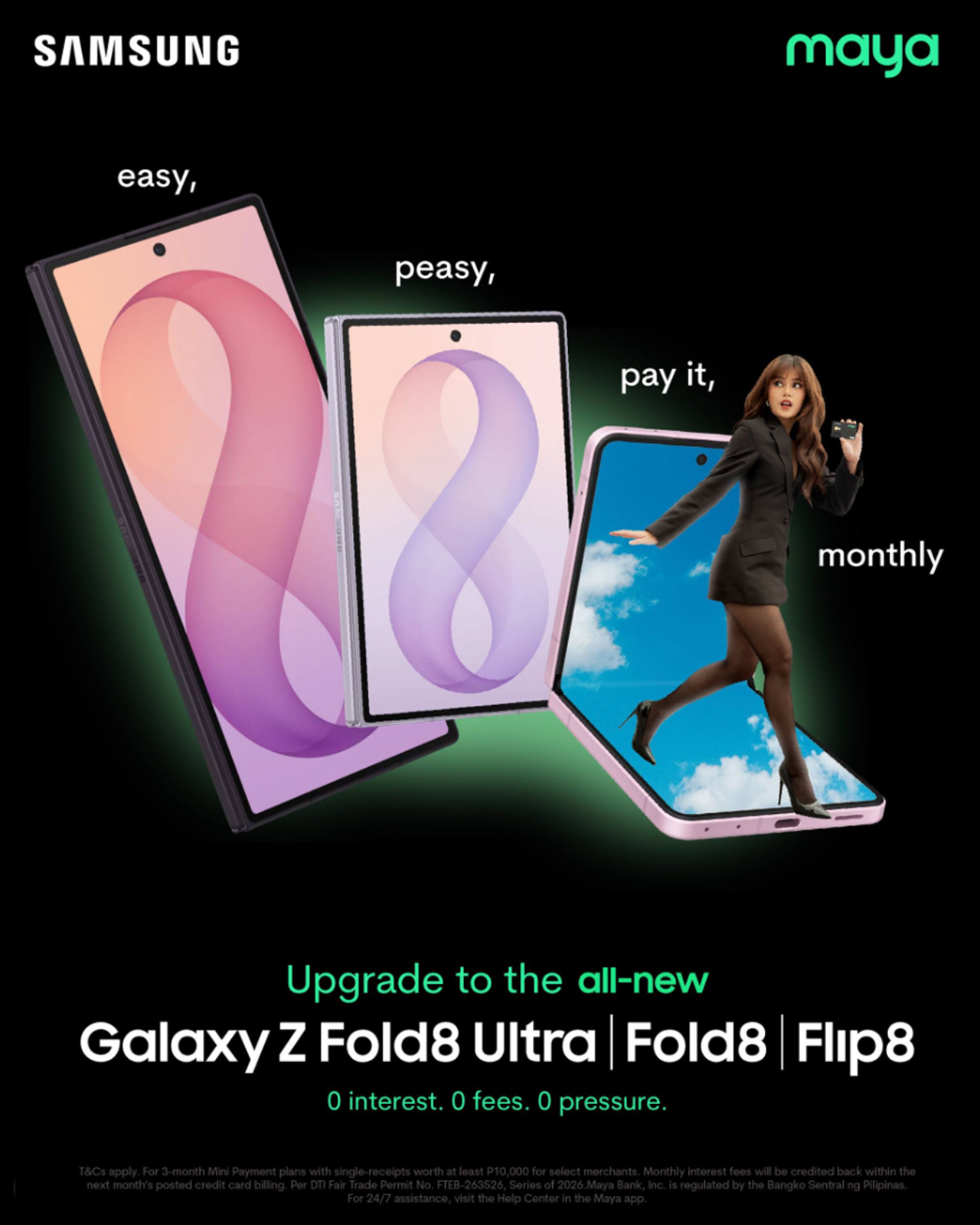
For me, the Flip8 addresses the reasons to upgrade. Maya Mini Payments addresses one of the biggest reasons people hesitate: big purchases that could be paid in 3, 6, 9 or 12 monthly payments.
Changing how I shoot and use my phone
I spend most of my day switching between shooting, editing, and posting, sometimes all within the same hour.
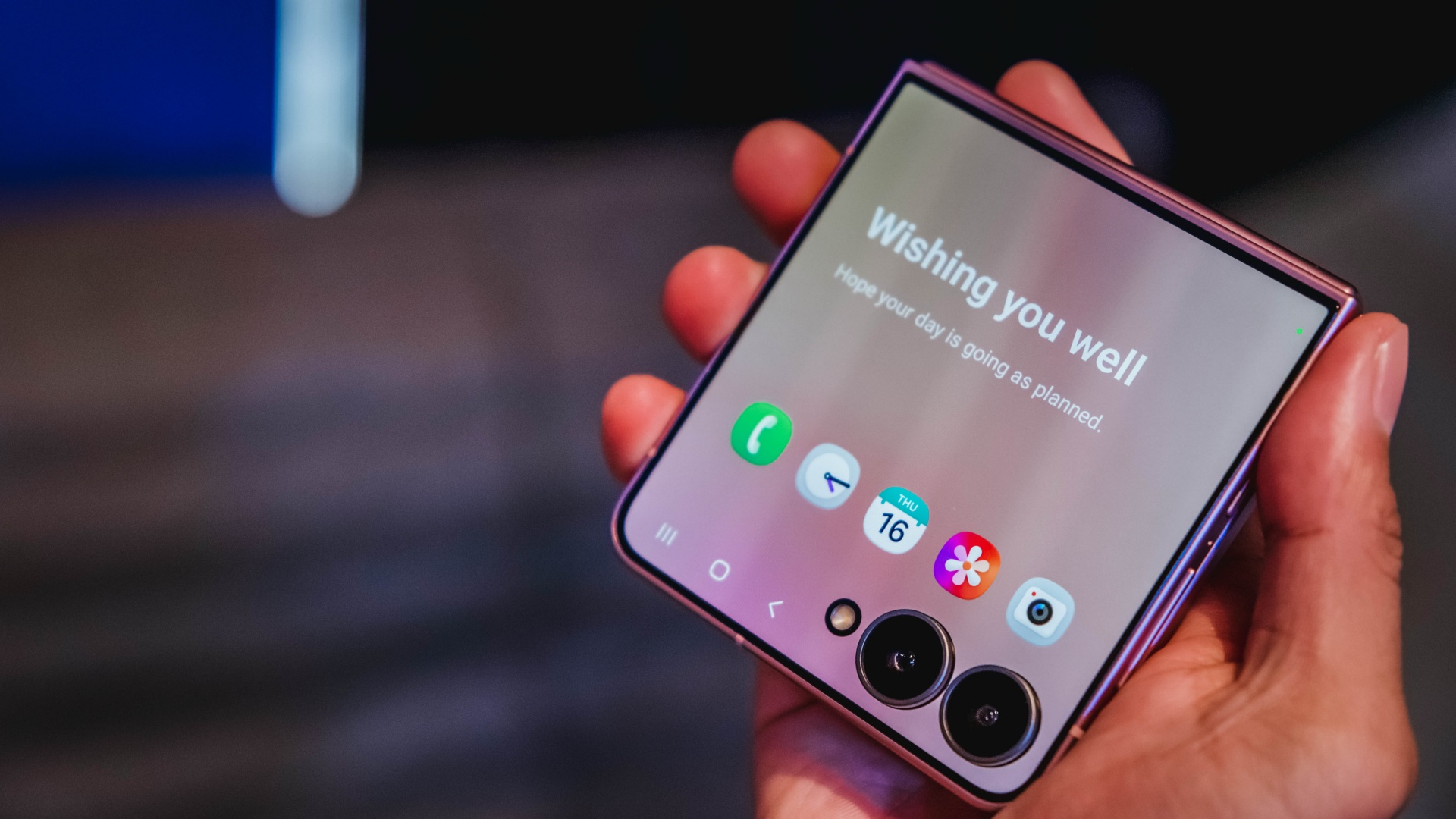
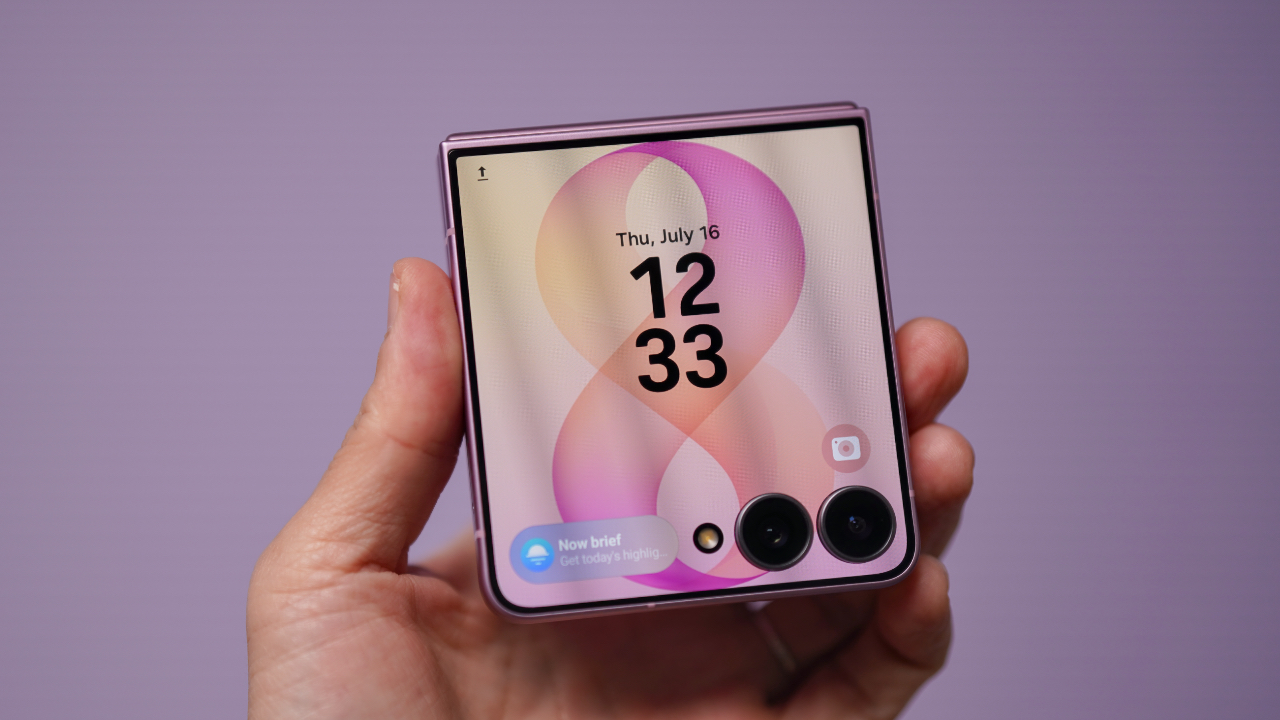
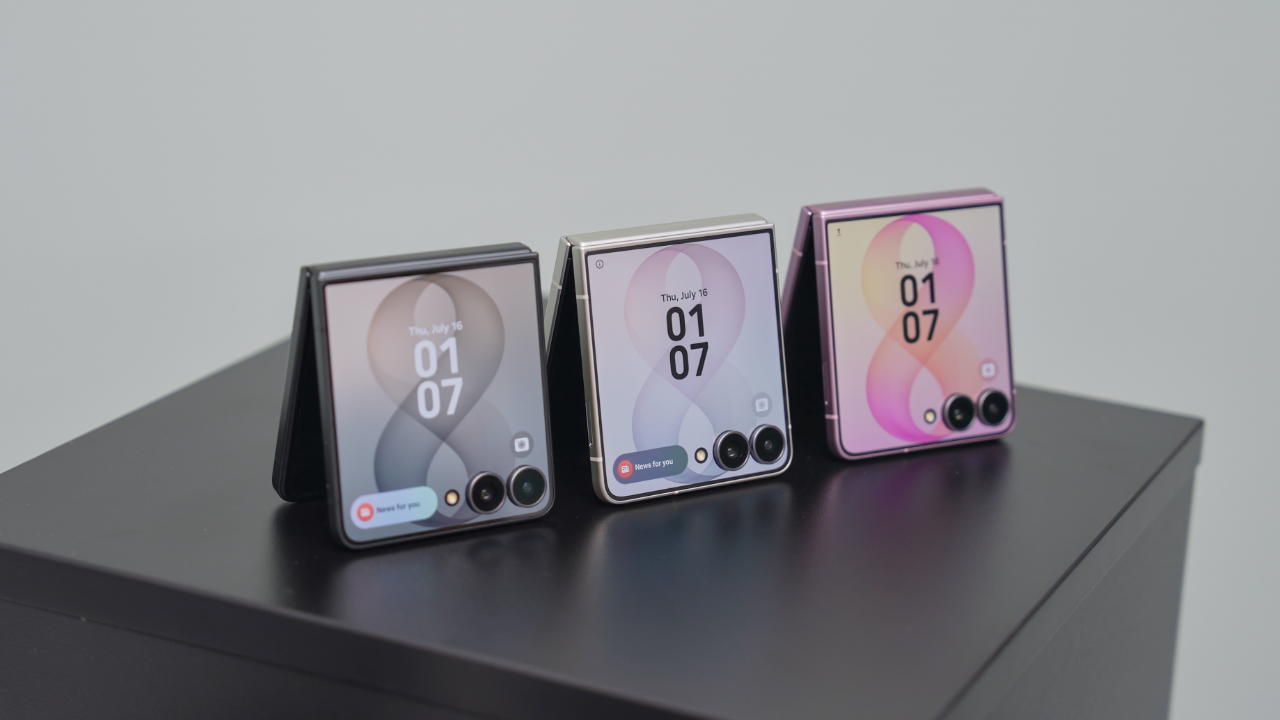
One of the biggest reasons the Galaxy Z Flip8 caught my attention is the cover screen. It’s finally useful enough that I can shoot, preview, and interact with content without constantly opening the device.
That may sound like a small change, but it makes a difference when you’re trying to capture candid moments before people notice a camera pointed at them.
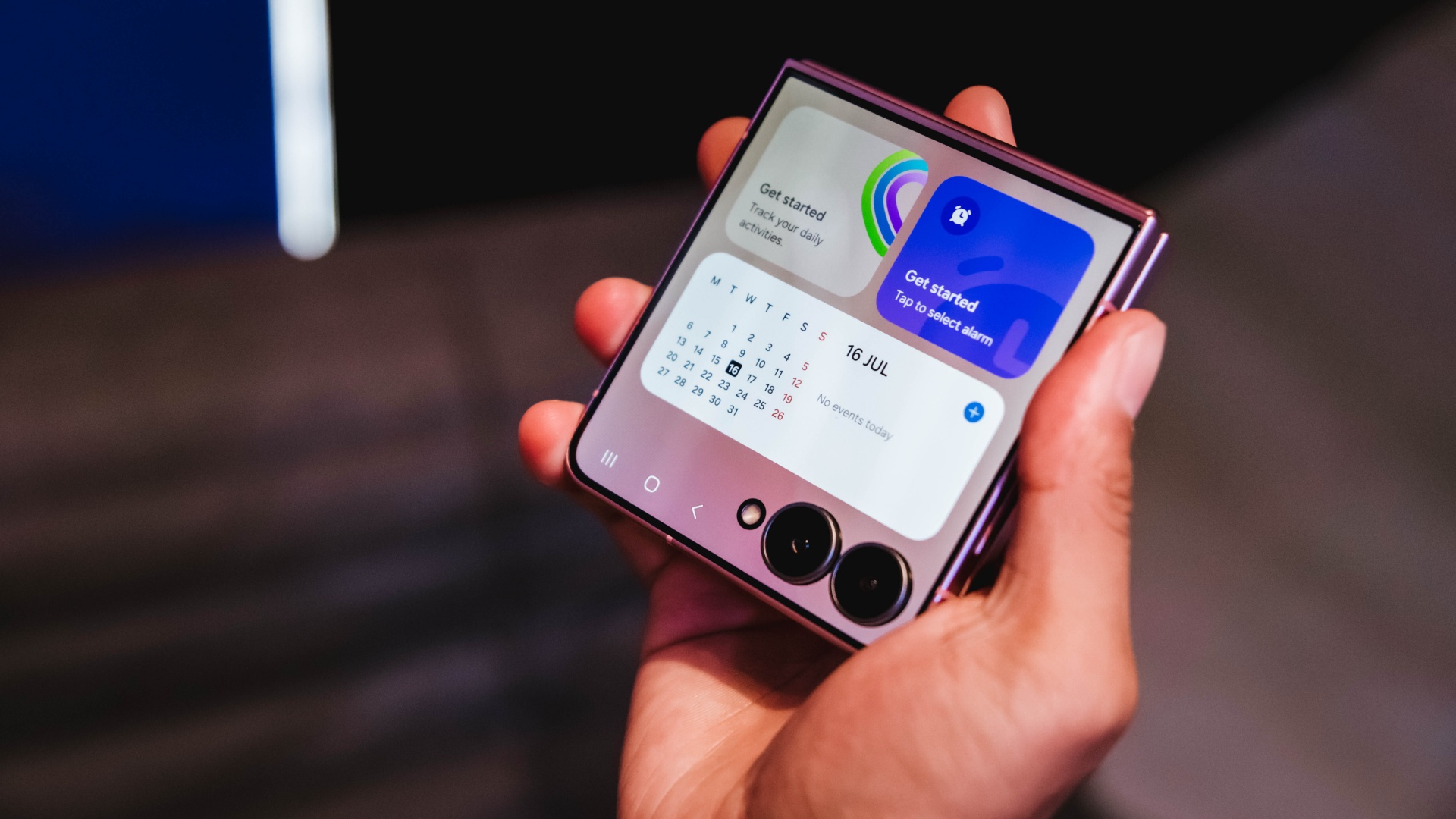
It also makes everyday tasks easier. I can check a script, review a shotlist, reply to messages, or glance at notifications without unfolding the phone every few minutes.
For years, foldables often felt like they required some compromise. You gained a unique form factor and flexibility, but sometimes gave up a little on the camera experience. The Flip8 feels like it’s closing that gap.
Samsung’s improvements in low-light performance and stabilization are especially noticeable for the kind of run-and-gun content I create.
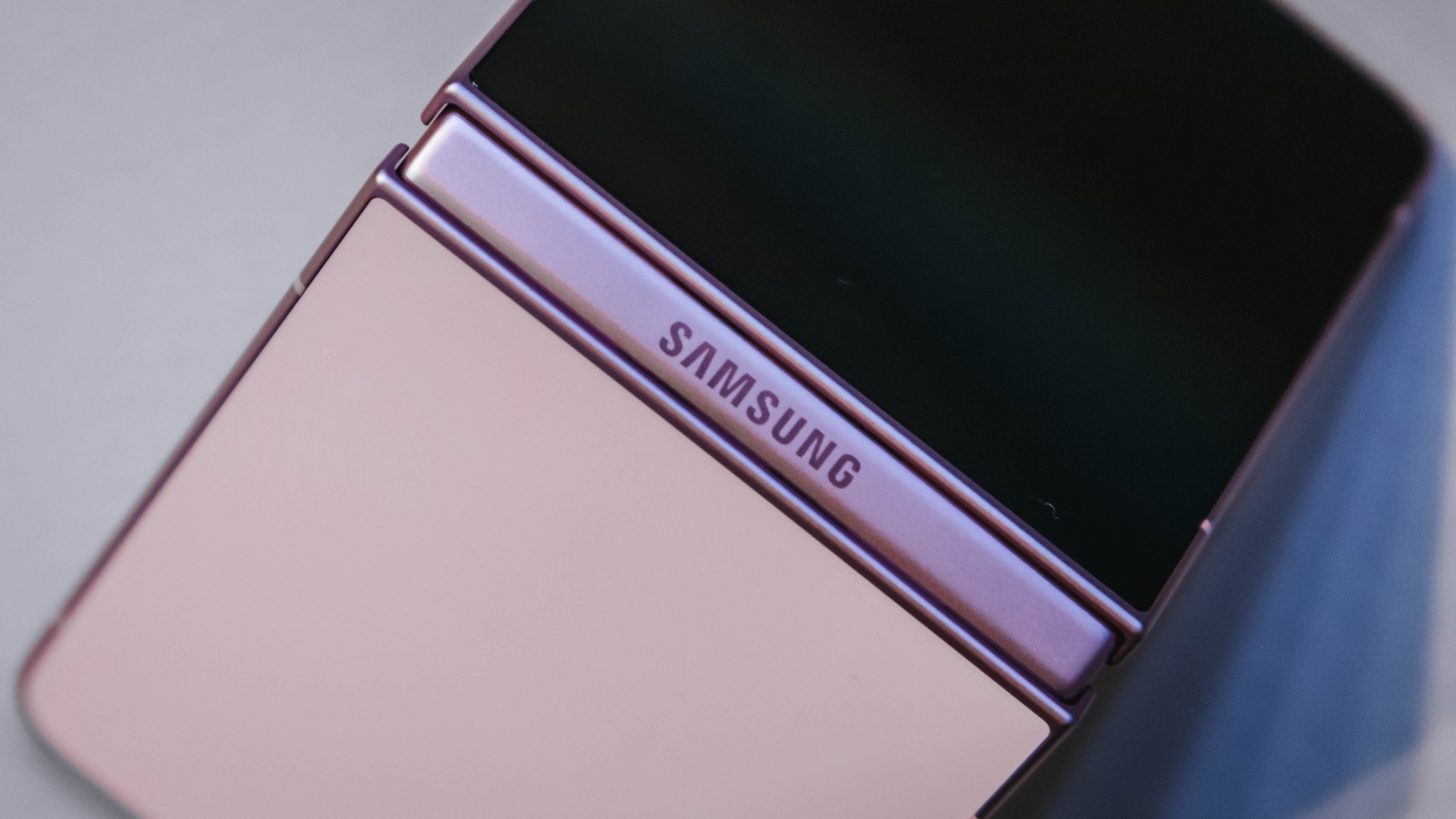
I haven’t spent enough time with it to call this a full review yet, but my first impressions have been positive. The experience feels more refined and more dependable than previous generations.
Features alone don’t convince me to upgrade. They have to solve a real problem. The more useful cover screen, the improved camera experience, and the overall refinement were the first signs that the Flip8 was offering something I’d actually use every day rather than another feature to add to a spec sheet.
The battery and multitasking finally match my day
The less exciting reason I’m upgrading is also the one that affects me the most.
Between filming, reviewing footage, answering emails, coordinating campaigns, and managing social media, my phone is constantly working.
My old device usually drops into battery-saving territory before dinner. It gets the job done, but I spend too much time thinking about charging instead of working.
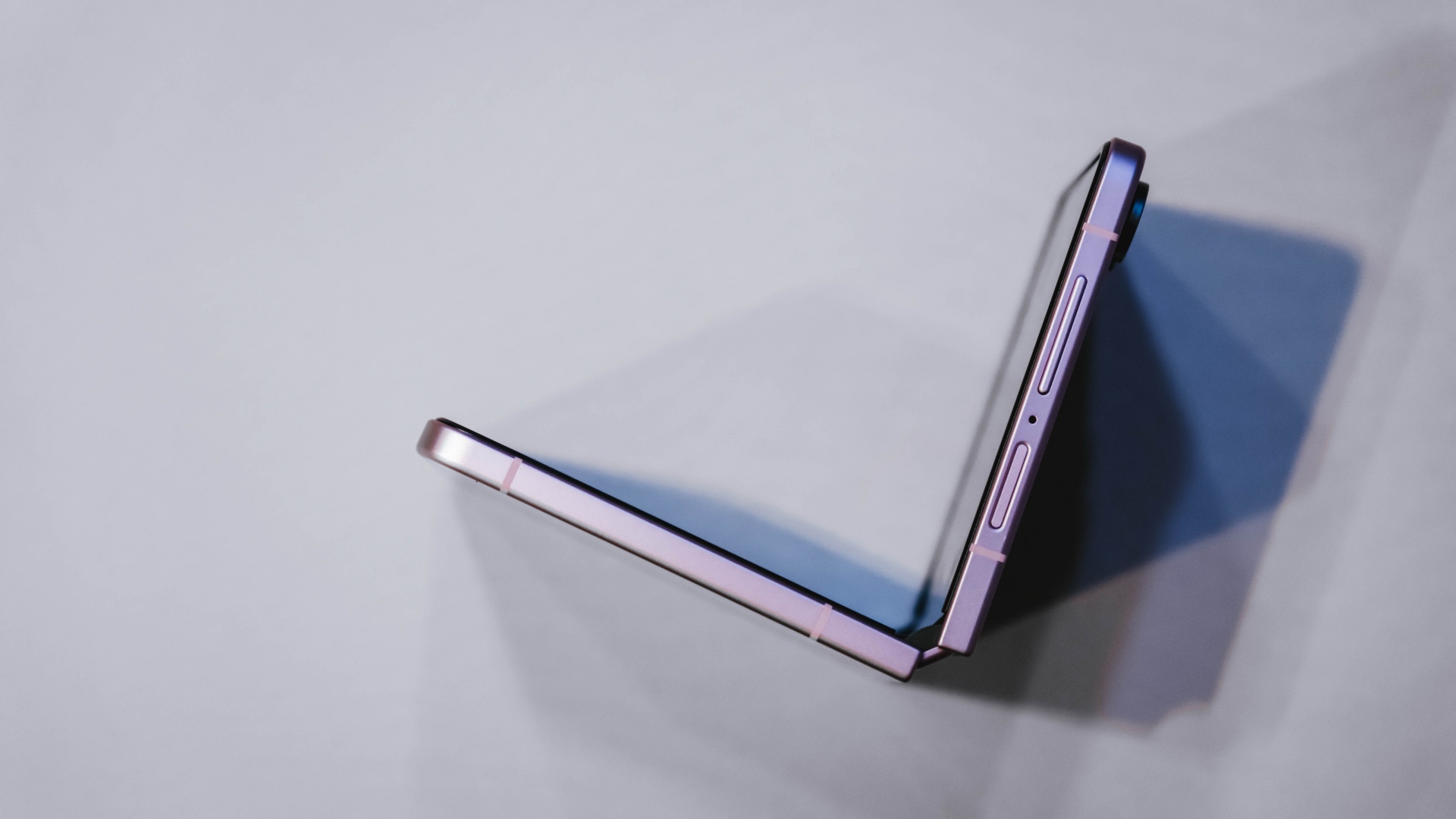
The Galaxy Z Flip8 feels better equipped for that reality. The battery efficiency is improved, and multitasking feels more natural when juggling multiple apps throughout the day.
Those aren’t flashy features, but they’re the kinds of upgrades that quietly improve everyday productivity. They’re also the features that convinced me this wasn’t simply a want. It was an upgrade I could actually justify.
Once I was convinced the Flip8 was worth upgrading to, I realized the decision wasn’t really over. A smart upgrade also deserves a smart way to pay for it.
Making a big upgrade more manageable
Of course, deciding a device is worth upgrading to is only half the equation. The other half is figuring out how to pay for it.
The Galaxy Z Flip8 is a premium device, and for most people, the upfront cost is what gives them pause. That’s often where upgrade decisions get delayed, even when the device itself makes sense.
That’s why Maya Mini Payments stood out to me. Any Samsung purchase paid with a Maya Credit Card can be converted into Mini Payments directly through the Maya app, making it easier to spread the cost into monthly installments instead of paying for everything upfront in one go.
You can choose installment plans of up to 12 months at a fixed monthly add-on interest rate of 1%.
For Samsung Galaxy Z Fold8 and Galaxy Z Flip8 purchases, cardholders can enjoy a 3-month Mini Payment plan at 0% interest, making the upgrade more manageable without additional interest costs on the installment plan.
What I like about the concept is that it mirrors the reason I like the Flip8 itself.
The Flip8 makes it easy for me to shoot, edit, communicate, and multitask throughout the day. Maya Mini Payments makes it easy to purchase by turning one large expense into a payment plan that fits more naturally into a monthly budget.
Both are practical solutions to real-world problems. Also, the entire process can be managed directly within the Maya app, making it easy to track and manage installment conversions without additional paperwork.
View this post on Instagram
Still on the fence?
The Samsung Galaxy Z Flip8 feels like one of the strongest cases yet for upgrading to a foldable.
For me, the cover screen is more useful, the camera experience feels more capable, and the battery and multitasking improvements better match how I actually work every day.
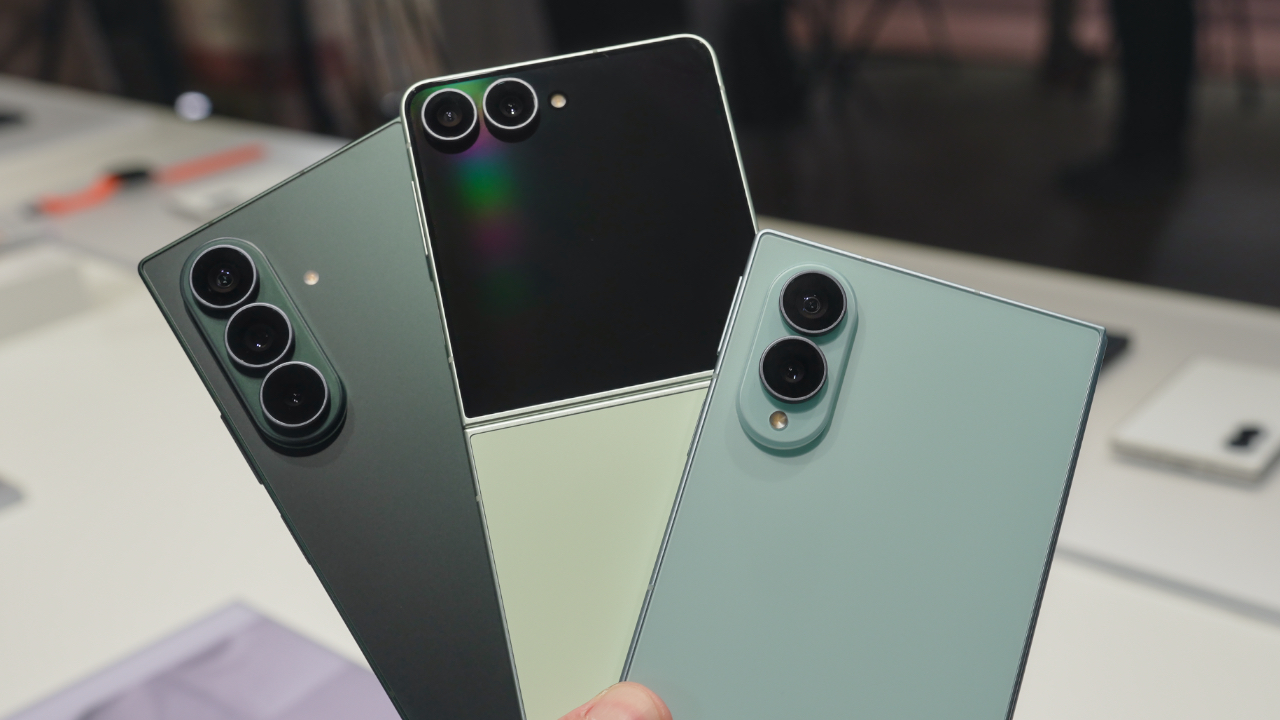
If you prefer a larger screen for productivity, the Samsung Galaxy Z Fold8 follows the same philosophy while giving users even more room to multitask and create.
If you’ve already decided Samsung’s latest foldables are your next devices, there’s also a smarter way to make that upgrade happen.
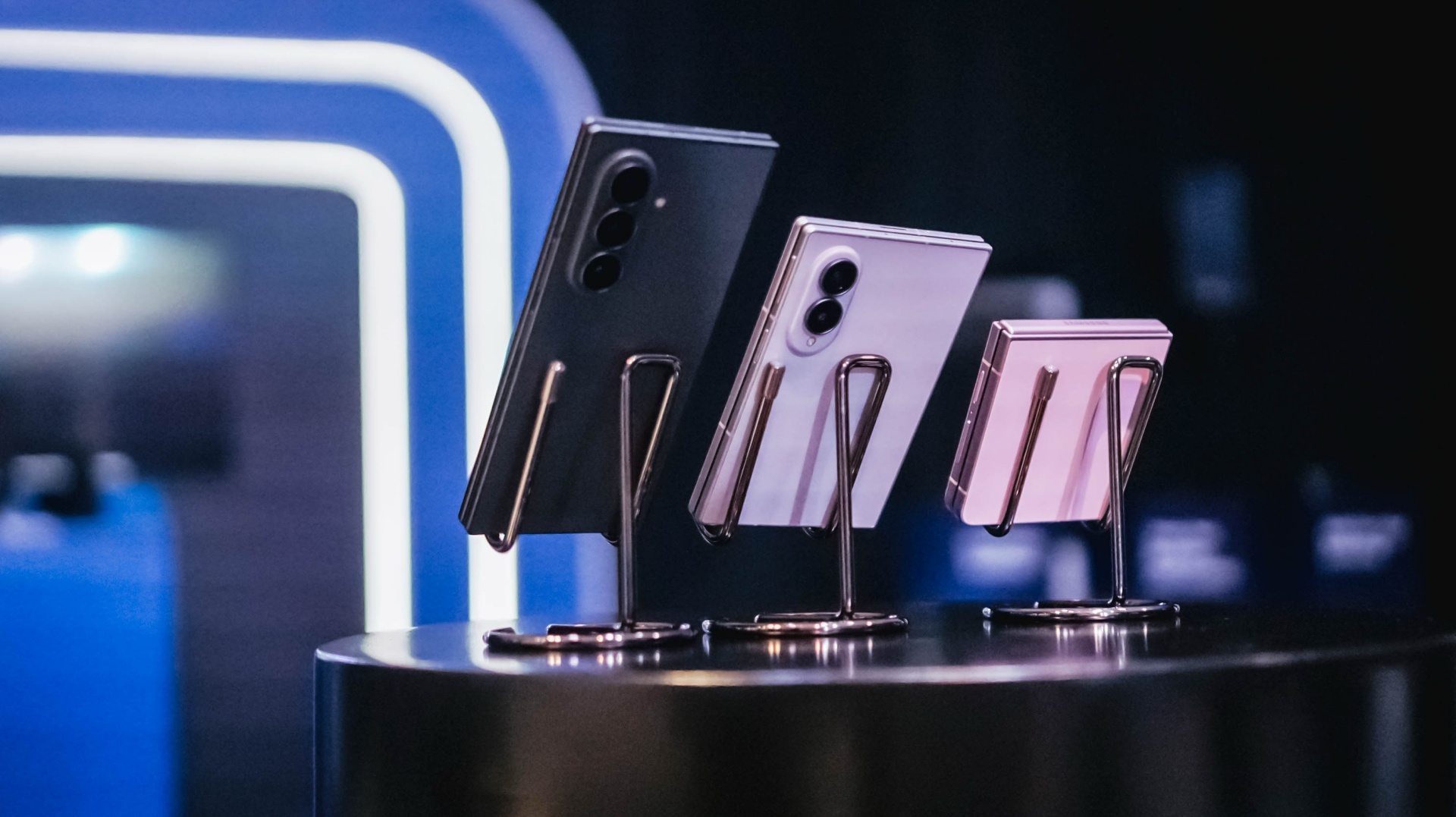
All your Samsung purchases made using a Maya Credit Card can be converted into a 3-month Mini Payment plan at 0% interest, with zero processing fees until September 30, making it easier to enjoy Samsung’s latest innovations without one big upfront payment.
Pre-orders run until August 13, with devices available in-store beginning August 14.

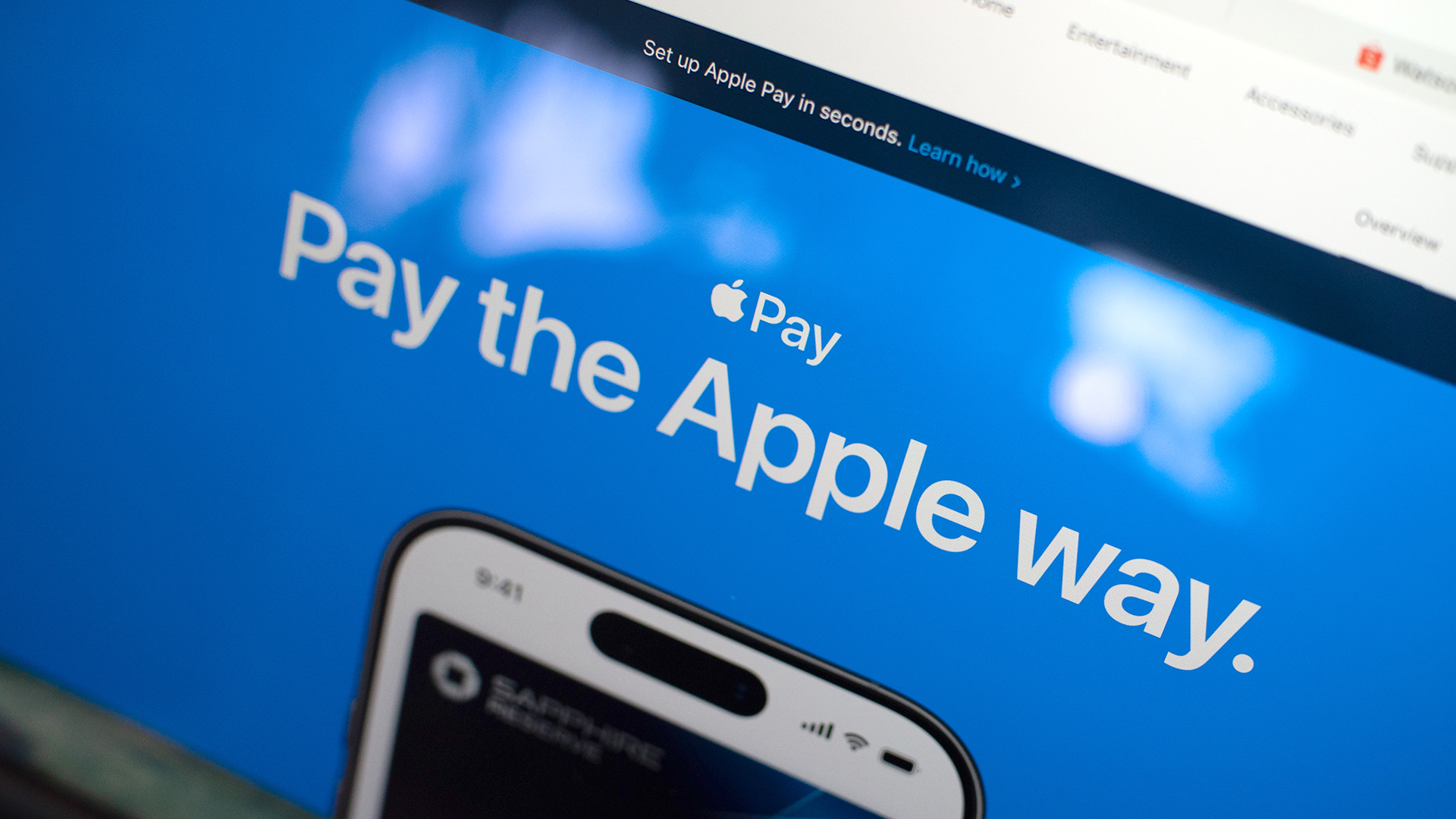
Apple Pay is officially in the Philippines!
Pushing the country forward into a cashless and cardless future, Apple has now brought its contactless payment system to the Philippines. As with other countries, Apply Pay will work seamlessly and easily even for those who have problems with technology.
Now, despite how easy it is, sometimes we need to be pointed in the right direction. Here’s how you can set up Apple Pay on your iPhone:
Everything starts with the Wallet app. First, open your Wallet app. Tap the “+” button on the top and select “Debit or Credit Card.”
Normally, this is where you can input your card details (which you can still do, by the way), but the default method now is to just tap your card on the back of your iPhone. Your phone does the rest. You might need to confirm with your bank, but it’s as easy as a single tap.
Pick which cards to use. Once you have your cards online, you might need to change which one is the default card. Again, it’s easy. Just drag your preferred card to the front.
Afterwards, you can tap to pay in supported stores by priming the Wallet app for use. Tapping to pay is also available for Apple Watch. Meanwhile, online transactions can also work on MacBook.
Secure, all the time. If you’re worried about your security especially with online transactions, Apple keeps your information only between you and the seller. They don’t store your data.
Also, it’s not easy to make a transaction without your consent. You need Face ID, Touch ID, or your password. If you lose your phone, you can easily shut your phone down with the Find My app to prevent malicious parties from making transactions.


Now Playing: Assassin’s Creed Black Flag Resynced
Nostalgia does a lot of heavy lifting.

Samsung Galaxy Z Fold8 Review
8 Galaxy Folds later, Samsung finally nailed It!


30 days later with the ASUS ExpertBook Ultra: Like seeing an ex
Felt exactly as I remembered.

Jackery expands Explorer Series portable power stations

Leaked Grand Theft Auto VI footage surfaces online

Pulse Elevate wireless speakers come to Southeast Asia this November

NBA 2K27 expands MyCAREER, MyPLAYER, MyNBA, more

NBA 2K27 revamps gameplay with smarter offense and defense

Hands-on: Samsung Galaxy Z Fold8, Flip8, Ultra

VinFast debuts two-wheeler models, opens 21 e-motorcycle showrooms

Garmin launches its first screenless fitness band

Sony announces new FX5 full-frame camera

NBA 2K27 cover athletes unveiled: Wemby, Clark, DRose


-
 Laptops1 week ago
ROG STRIX G16 Review: Building for the moment
-

 Gaming2 weeks ago
Tides of Annihilation opens first public demo at Gamescom 2026
-
 News2 weeks ago
Google will force Android users to use Gemini next month
-

 Gaming2 weeks ago
Street Fighter 6 adds first Filipino fighter Yasmine to its roster
-

 Singapore2 days ago
REDMI Note 17 Series focuses on long-term reliability
-
Laptops1 week ago
30 days later with the ASUS ExpertBook Ultra: Like seeing an ex
-

 Deals2 weeks ago
nubia expands gaming lineup with Neo 5 Max, Neo 5 GT Special Edition
-
 News1 week ago
TCL expands mobile lineup with latest NXTPAPER series