
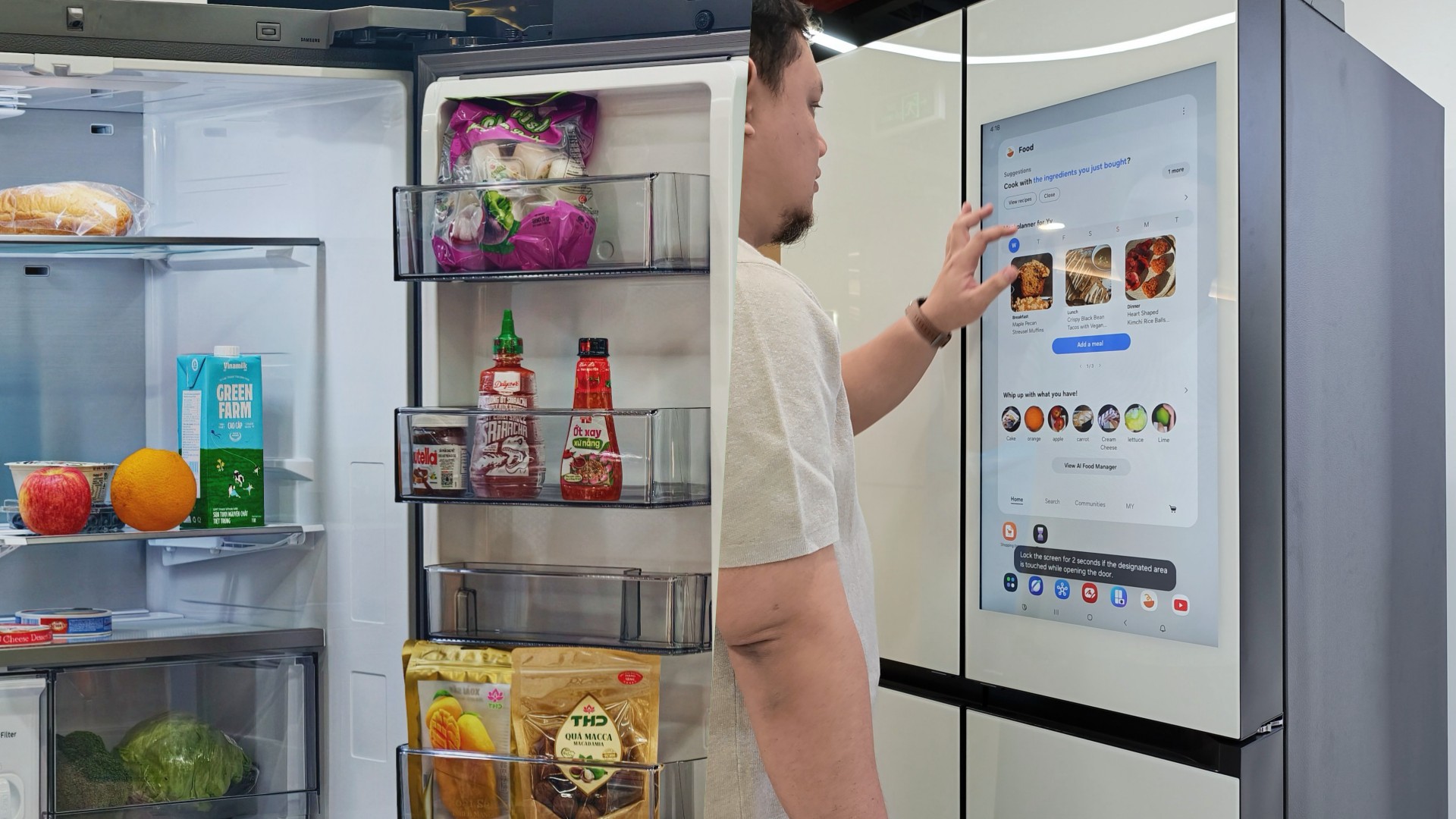

Deciding what to eat can be surprisingly difficult. Sometimes, you have a fridge full of ingredients but no idea what to make. Other times, you’re at the supermarket trying to remember whether you still have eggs at home.
Samsung thinks a little technology can help.
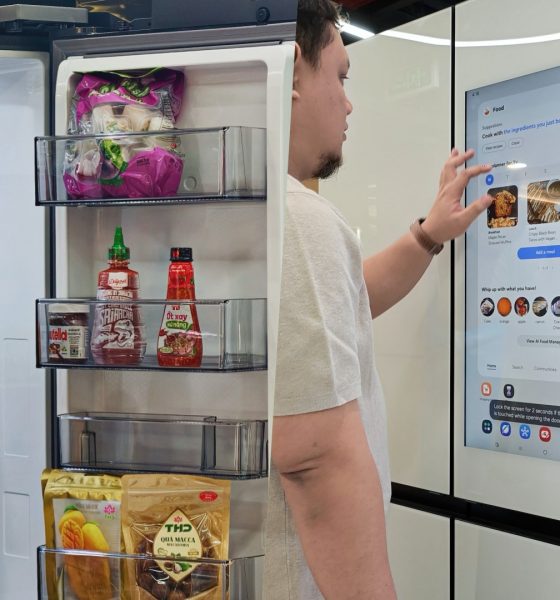
During my recent visit to Samsung’s showcase in Hanoi, Vietnam, its smart refrigerator stood out as one of the more interesting appliances on display. Its built-in screen offered plenty of opportunities for interaction, hinting at how a refrigerator can do more than simply keep food cold.
On supported Samsung models, AI-powered features can help users keep track of ingredients, discover recipes, and manage compatible smart appliances.
And honestly, anything that makes the daily routine a little less tedious deserves a closer look.
A little help deciding what’s for dinner
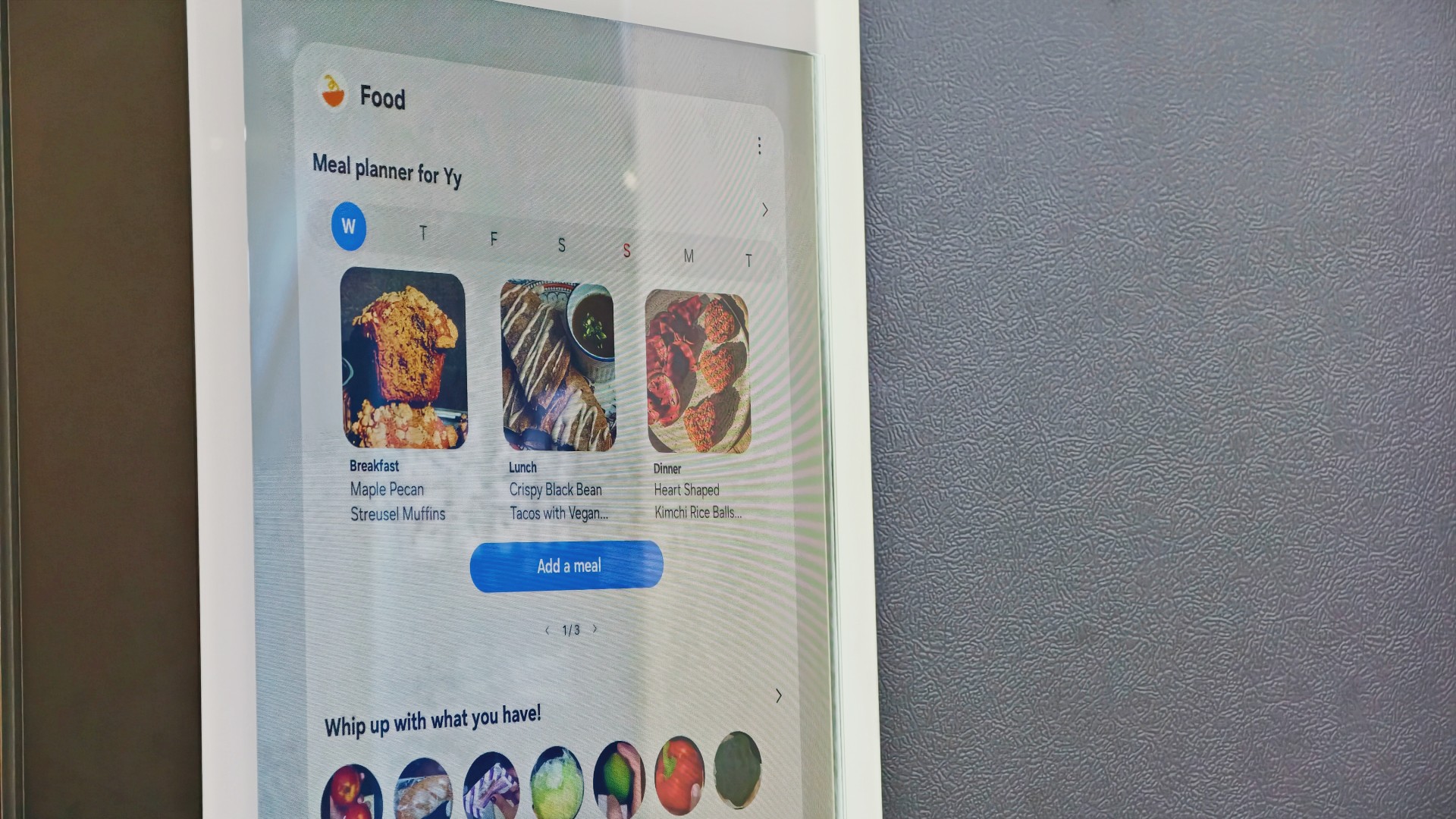
Samsung’s AI Food Manager helps users manage ingredients and discover what they can cook with what’s already available.
On supported Bespoke AI Refrigerator Family Hub models, an internal camera can recognize selected food items as they enter or leave the refrigerator. Users can check their food list through the SmartThings app, making it easier to remember what they have when planning their next grocery run.
The system isn’t infallible. Some items may not be recognized correctly, and users may need to review and adjust the list. Still, it’s a useful starting point for avoiding unnecessary purchases and making better use of ingredients already at home.
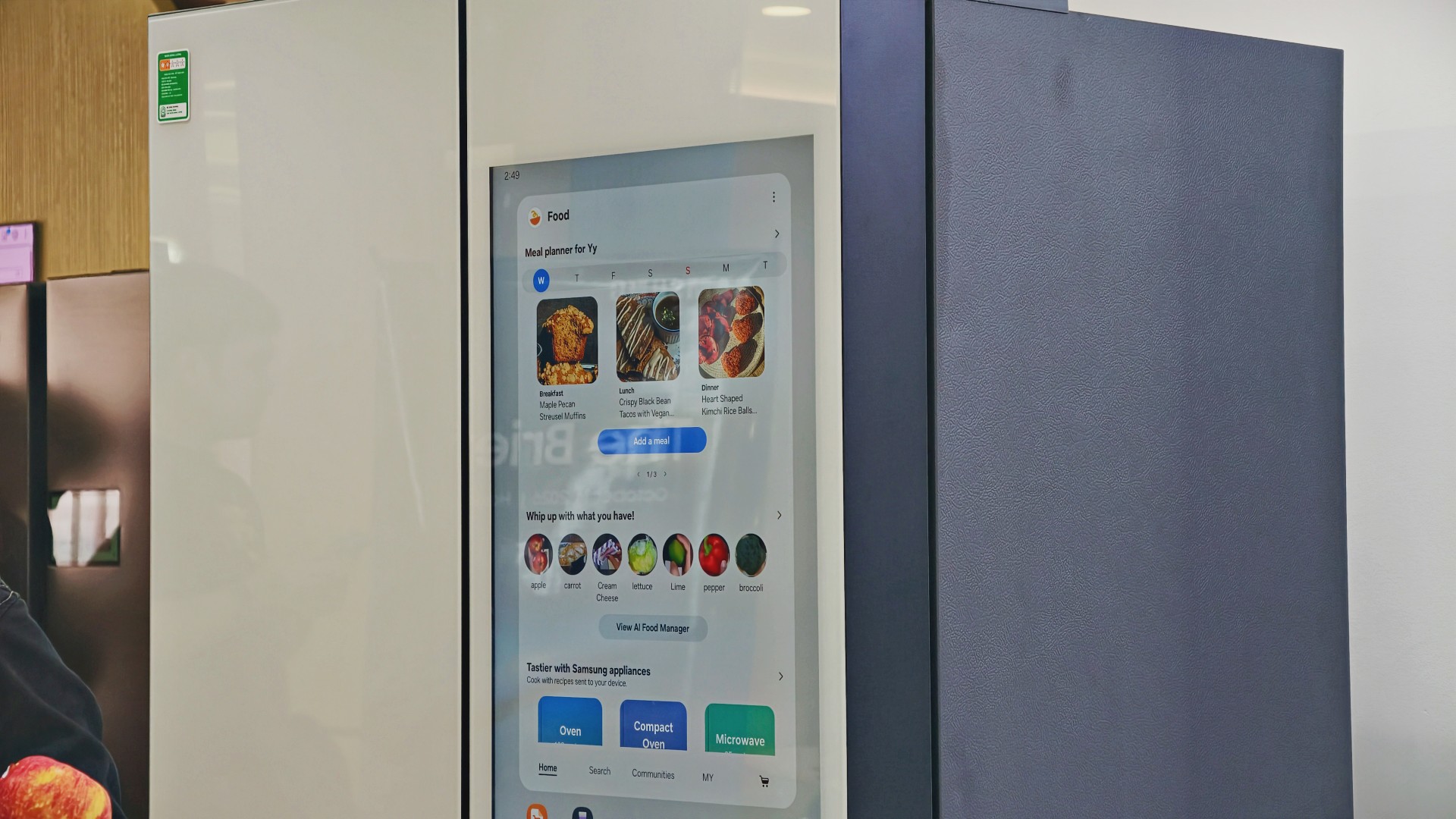
AI Food Manager can also recommend recipes based on available ingredients. Meanwhile, What’s for Today, available on select models, suggests menus based on the user’s chosen options, including available refrigerator contents.
Neither feature will magically turn anyone into a chef. But if you’ve ever stared into your fridge hoping dinner ideas would materialize, a little inspiration might help.
More than a refrigerator with a screen

The display has another practical purpose: controlling compatible connected appliances.
On supported Samsung side-by-side refrigerators with the 9-inch Family Hub display, users can access compatible Samsung smart appliances and supported third-party devices through SmartThings. Bixby also provides voice interaction for supported functions, offering another way to access controls while cooking or preparing meals.
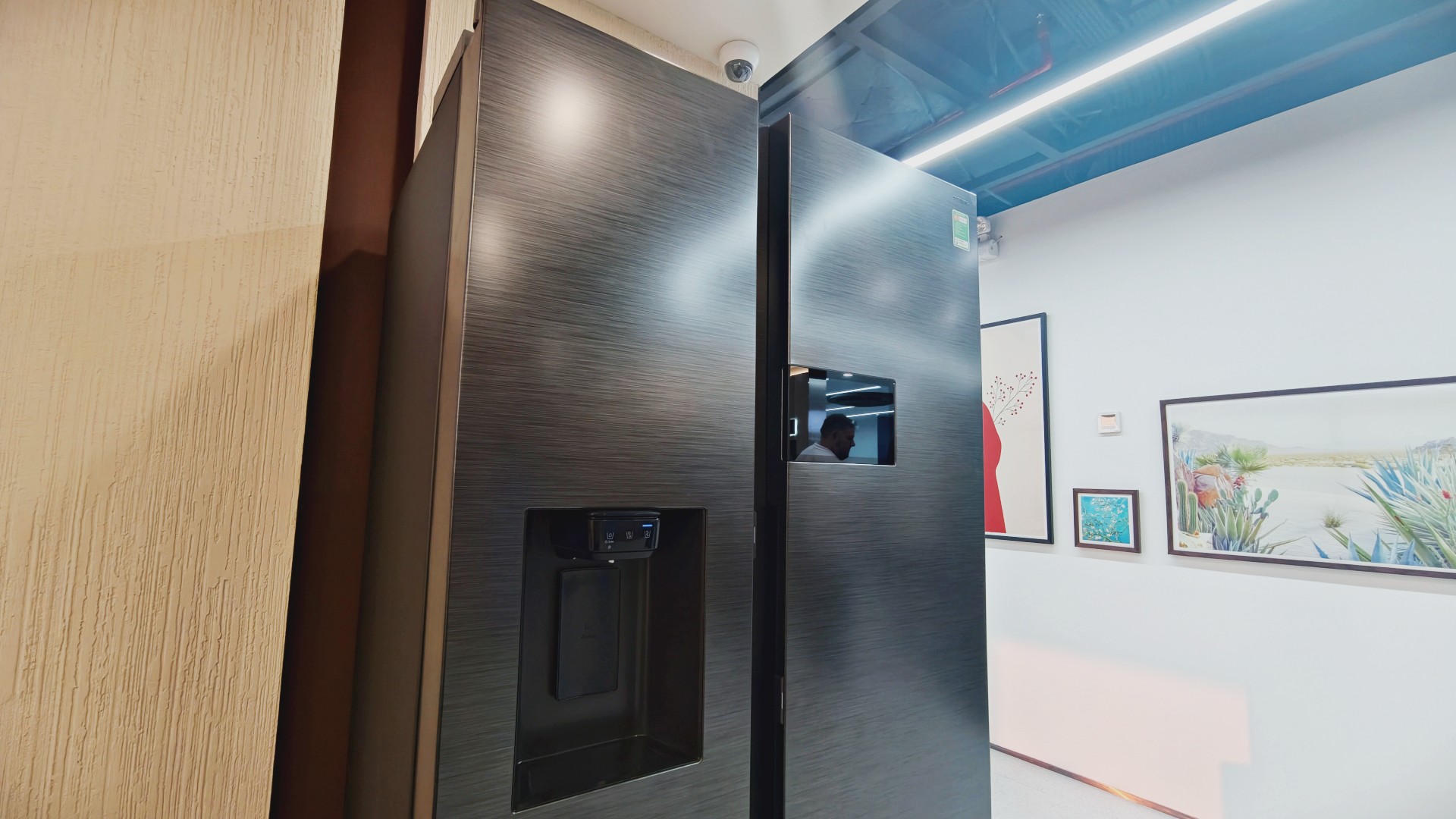
It’s part of Samsung’s broader connected-home approach, where compatible devices work together to simplify everyday routines.
Of course, not everyone needs every appliance in their home connected to one another. A refrigerator that keeps food fresh is already doing its most important job.
But for households that use smart appliances, having ingredient information, recipe ideas, and device controls accessible from one place could be convenient.
And speaking of that screen…
You know me. If there’s a screen, best believe I’ll find a way to put a STAYC Isa fancam on it.
Anyway, back to the bigger question.
Can a smarter fridge help you live better?
Healthier living involves more than diet and exercise. Everyday routines matter, too, including planning meals, keeping track of groceries, and figuring out what to cook.
Samsung’s AI-powered refrigerator features won’t automatically make anyone eat healthier. What they can do is make information easier to access and some everyday decisions less tedious.
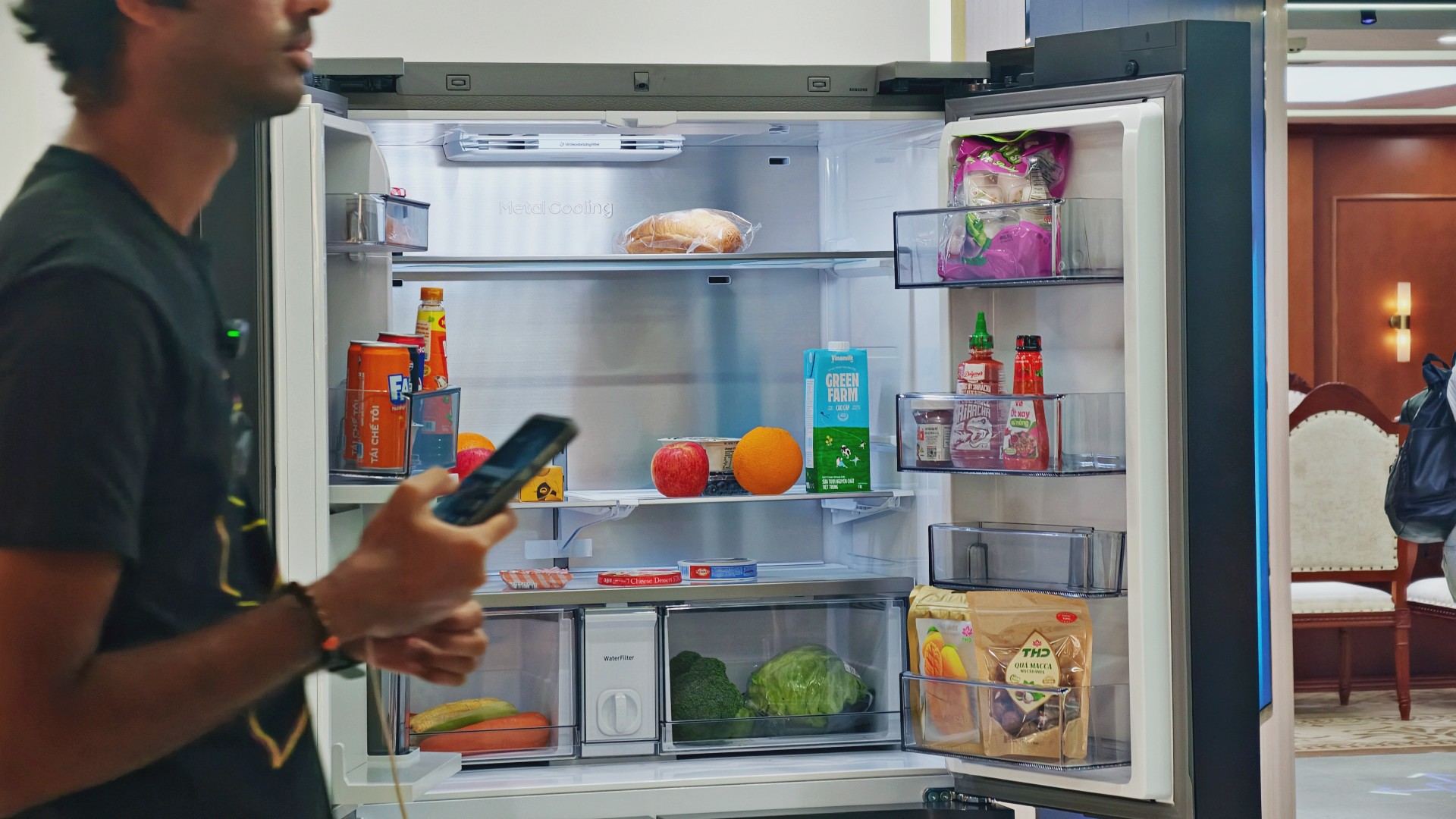
For someone who regularly cooks at home, that could mean making better use of ingredients already in the fridge. For a busy household, it might mean spending less time planning meals or remembering what to buy.
These features remain tools, not guarantees. Their usefulness depends on how accurately they work, which features a particular model supports, and whether they fit into your routine.
Still, I like the idea of technology that takes a little friction out of everyday life. A refrigerator doesn’t need to reinvent cooking to be useful. Sometimes, helping you remember what you bought last weekend or suggesting what to make with it is already a good start.

And if it happens to have a screen where you can watch a STAYC fancam while deciding what’s for dinner? Well, I’m certainly not going to complain.







Living in New York means making every square foot count, so why own multiple gadgets when one can do the job?
In this video, THE Michael Josh takes a look at the Marshall Heston 60. It’s a premium TV soundbar that brings more to the living room than just better sound.
With its sophisticated design, powerful audio, and versatile features, it sits in his living room while doing much more than you might expect from a soundbar.
CHECK IT OUT HERE: https://bit.ly/MarshallHeston


Moving into a new space comes with a long list of things to figure out, and lately, I’ve been paying more attention to something that’s easy to overlook: air quality.
After using the LG AeroMini for about a month, it has become a subtle but welcome addition to my space. It helps make the room feel fresher, while its compact and stylish design fits naturally into my setup. Here are the things that stood out to me most after living with it for a month.
360° purification for a fresher space
One of the things I appreciate about the AeroMini is its 360° air purification, designed to bring purified air in every direction.
For me, this is particularly useful in a new space where I’m spending a lot of time working, relaxing, and just settling in.

Combined with its True HEPA filter, which is designed to remove 99.999% of 0.01μm fine dust and allergens, it gives me added peace of mind about the air I’m breathing every day.
After a month, I can genuinely say that the space feels fresher with it running.

Surprisingly quiet
This is probably my favorite feature.
The LG AeroMini operates at just 26dB, and after using it for a month, what stands out is how easy it is to forget that it’s even running.

I can have it running while I’m working or sleeping without the noise becoming a distraction. For an appliance that’s designed to continuously improve the air around you, I think that’s a big deal.
Sometimes, the best feature is the one you barely notice.
Design that fits my space
Since I recently moved, I’ve been pretty conscious about what I bring into the space. I want things to be functional, but I also don’t want appliances that feel like they’re taking over the room.

The AeroMini’s slim and compact design makes it easy to incorporate into my setup. It doesn’t feel bulky or industrial, and I like that I can leave it out without feeling like I need to hide it away.
For me, that balance between functionality and aesthetics makes it feel more like part of the space rather than just another appliance.
Air quality at a glance
Another feature I’ve found convenient is its Smart Control. Through the app, I can monitor and control the AeroMini while getting real-time updates on the indoor air quality.
It’s a small convenience, but being able to check the air quality without having to interact with the purifier directly makes it easier to keep track of what’s happening in the room.

Easy to maintain
I also appreciate that the AeroMini is designed with an all-in-one dust and deodorization filter that makes replacement and maintenance easier.
That matters to me because the best home gadgets are the ones that don’t create another complicated chore. I want something I can set up, use regularly, and maintain without too much fuss.

After a month, would I keep it?
Yes, and mainly because it quietly fits into my everyday routine.
The LG AeroMini has helped make my new space feel fresher and more comfortable, while its compact design means it doesn’t compromise the look of the room. But if I had to pick just one thing I appreciate most, it’s still how incredibly quiet it is.

It’s one of those upgrades that doesn’t demand your attention. It simply works in the background.
If you’re also looking to make your home a fresher and more comfortable space for yourself and your family, visit https://www.lg.com/ph/ to learn more about the LG AeroMini and how it can fit into your everyday life.
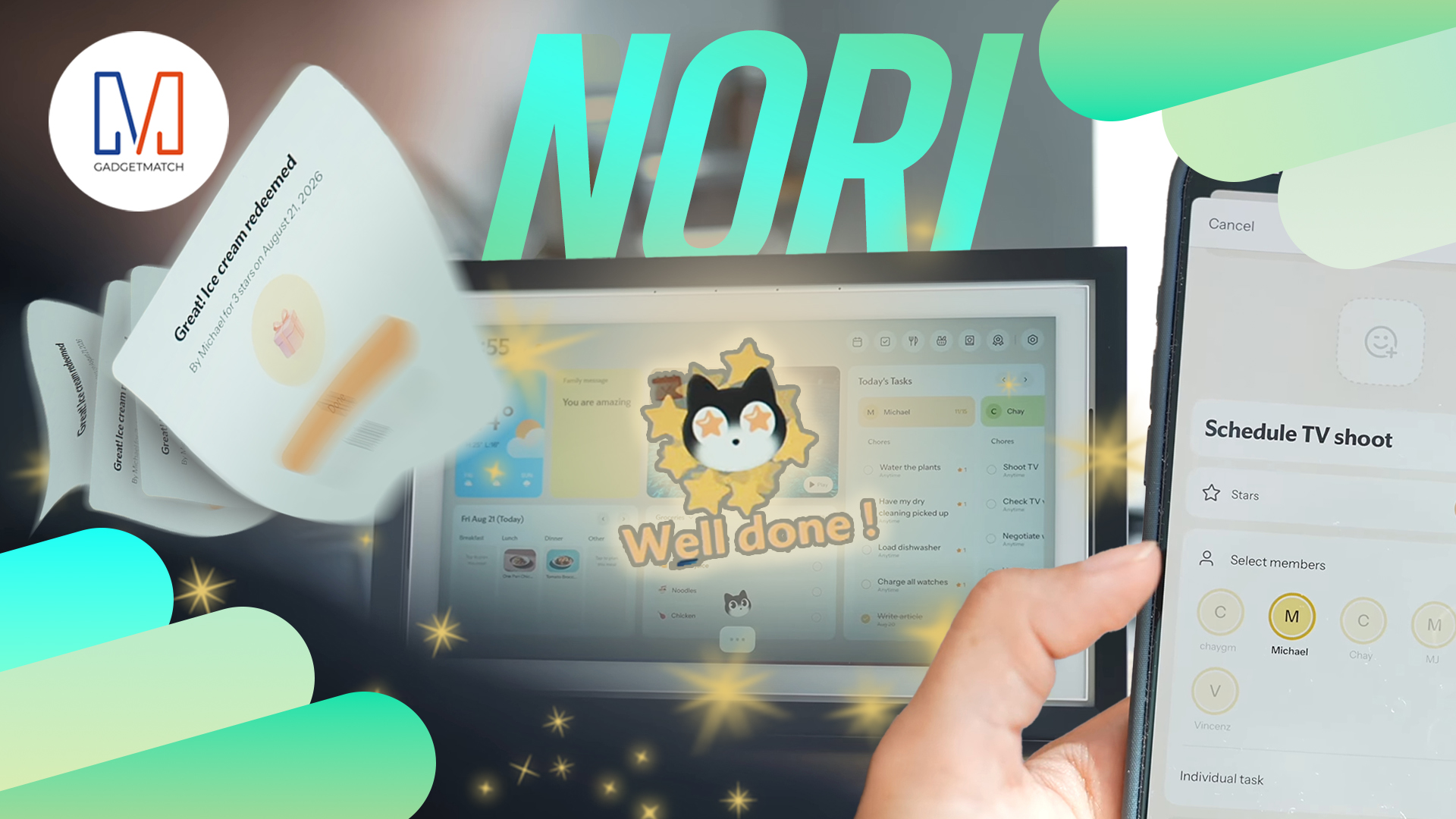
Between YouTube, travel, work, and marathon training, life gets chaotic.
So THE Michael Josh tried the Nori AI Family Hub to see if it could actually help him stay organized.
He let a digital calendar manage his schedules, marathon training, and daily tasks.
Check out @Nori-family and see how it can simplify your everyday life too.
* Visit https://go.heynori.com/Gadget23 and use code Gadget23 to get the best deal possible.





Your Samsung fridge might know what’s for dinner

Now Playing: Shin Godzilla

The new Apple TV 4K might be the smartest TV you can own

Apple unveils a new smart home hub called the HomeView

I don’t want a phone that unfolds — the Galaxy Z Fold8 gets why

vivo X500 Series launches with major imaging upgrades

OPPO Find X10 Pro Max is the first phone with a triple 200MP camera system

TECNO CAMON Slim 5G: Price, availability in the Philippines

BYD says that way better EV batteries are coming next year

HONOR Magic9 Pro Max launches in China with ARRI-powered imaging


-
 News2 weeks ago
vivo X Fold6 makes global debut with 200MP camera and 6900mAh battery
-

 Gaming2 weeks ago
Ghost of Yōtei Complete Edition review: More of a great thing
-

 Philippines2 weeks ago
Bambu Lab opens first Authorized Store in the Philippines
-

 News7 days ago
OPPO Find X10 Series launches globally October 21
-

 Features1 week ago
Nike’s new race-day system, explained
-

 News1 week ago
Sony teams up with Hello Kitty for exclusive limited-edition collection
-

 Computers2 weeks ago
Lenovo tech behind DreamWorks Animation hit ‘Forgotten Island’
-

 Philippines2 weeks ago
Smart opens iPhone 18 Series pre-orders in the Philippines