
Apps
Looking for the best video conferencing service? Here’s a guide
We’ve got you covered for work as well as casual meetings

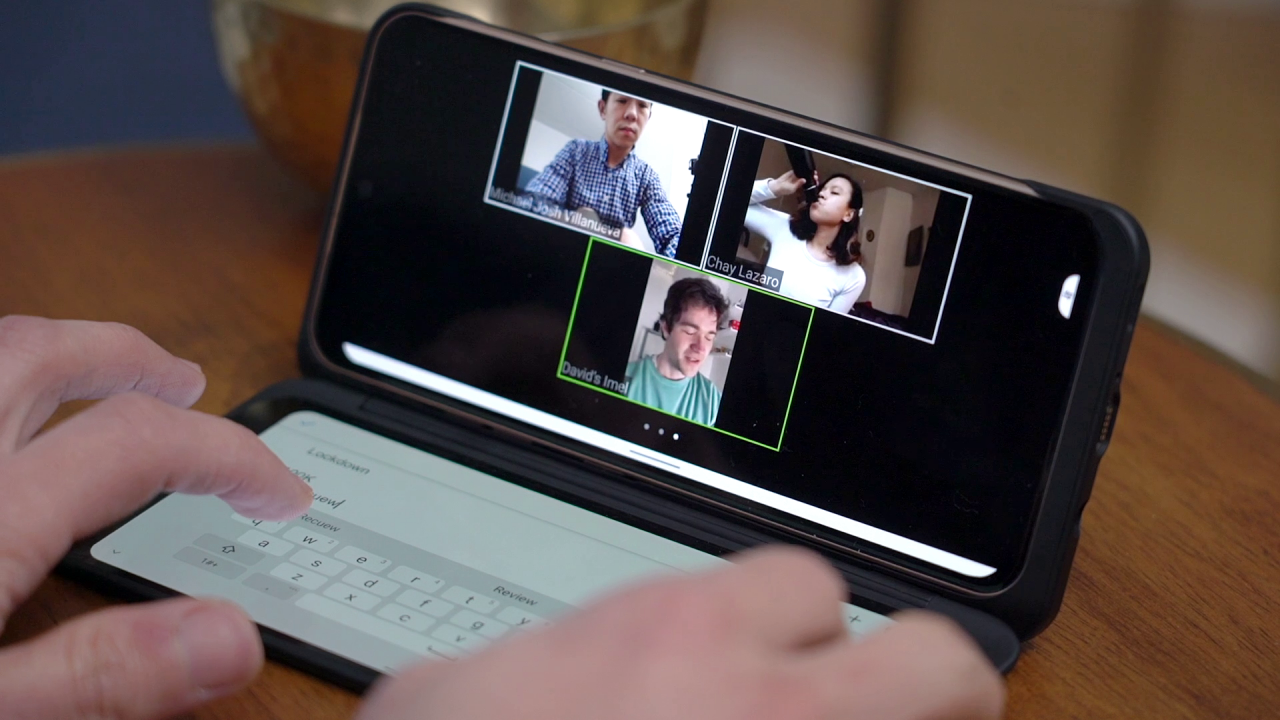
The Coronavirus pandemic has forced everyone indoors and companies are scrambling to adopt the work-from-home model. While larger companies deal directly with service providers under the B2B setup, individuals or smaller teams are having a hard time picking the right video conferencing service or app.
Before we get started, you need to ask yourself about your requirements. How big is your team? How well equipped is your team? Most importantly, how do you intend to use the service?
1. Zoom

However, the service has risen to fame too soon amid the pandemic and couldn’t keep up with stringent safety as well as privacy norms. If your business deals with sensitive information that needs guaranteed protection, we’d suggest staying away from this service for now. But, it isn’t that unsafe to use and is perfect for general domestic as well as business needs.
2. Skype / Microsoft Teams
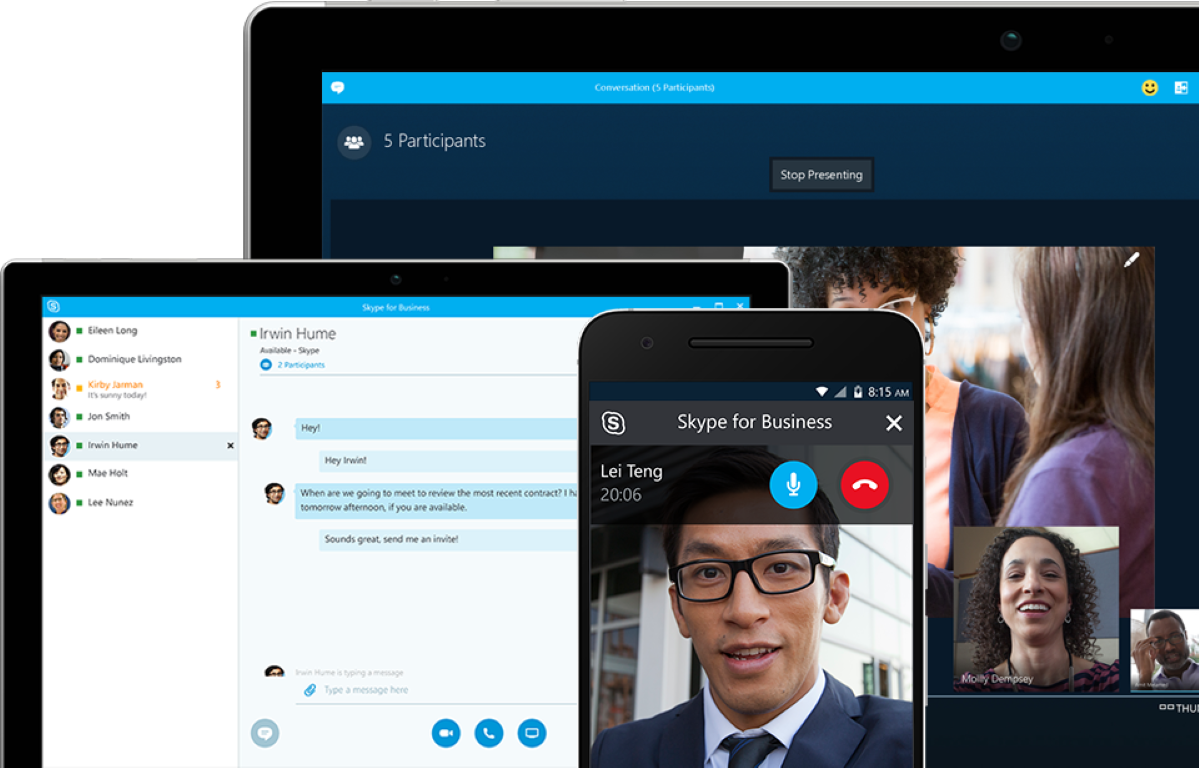
The name is synonymous with video conferencing and pioneered the industry more a decade ago. Now owned by Microsoft, it’s a robust platform that’s well integrated with other Microsoft services like Outlook and even Office. If your workflow is based on the Microsoft ecosystem, this should be your go-to option. However, Skype is limited inherently and recommended for individual or casual meetings with friends and family.
For work or businesses, Microsoft Teams is a collaborating tool like Slack that intends to replace emails and make workplace connectivity even more streamlined. You can add up to 100 participants in one call and that’ll be soon upgraded to 250 in the coming weeks. Both the services have free as well as paid plans depending on the requirement.
3. Google Hangouts / Google Meet

Just like Microsoft’s offering, Google Hangouts has been around for a long time and the go-to option for many. It was designed to offer group video calling, but for domestic or casual use. It’s also deeply integrated into Google’s ecosystem of services and often competes against the companies another offering — Google Duo.
For work or business-related usage, Google was quick to launch Google Meet. In simpler terms, it’s an upgraded version of Google Hangouts and can accommodate up to 100 users at once and has both, paid as well as free plans. However, it’s more generous than Zoom and gives free users a 60-minute usage window than just 40.
4. Facebook Messenger Rooms:

While every tech giant is going after the video-conferencing trend, Facebook felt left out as well and debuted a feature called Messenger Rooms. It allows up to 50 people to take part in a video chat, even if they don’t have Facebook accounts. In line with Facebook’s history with Instagram, it lets you add augmented reality (AR) filters like bunny ears and more.
We’d suggest using this app for casual calls with your friends and acquaintances or hosting informal “rooms” with your colleagues or Meetup events. Facebook’s history with privacy hasn’t been spick-and-span and we don’t encourage enterprises to use this service.
5. WhatsApp / FaceTime:
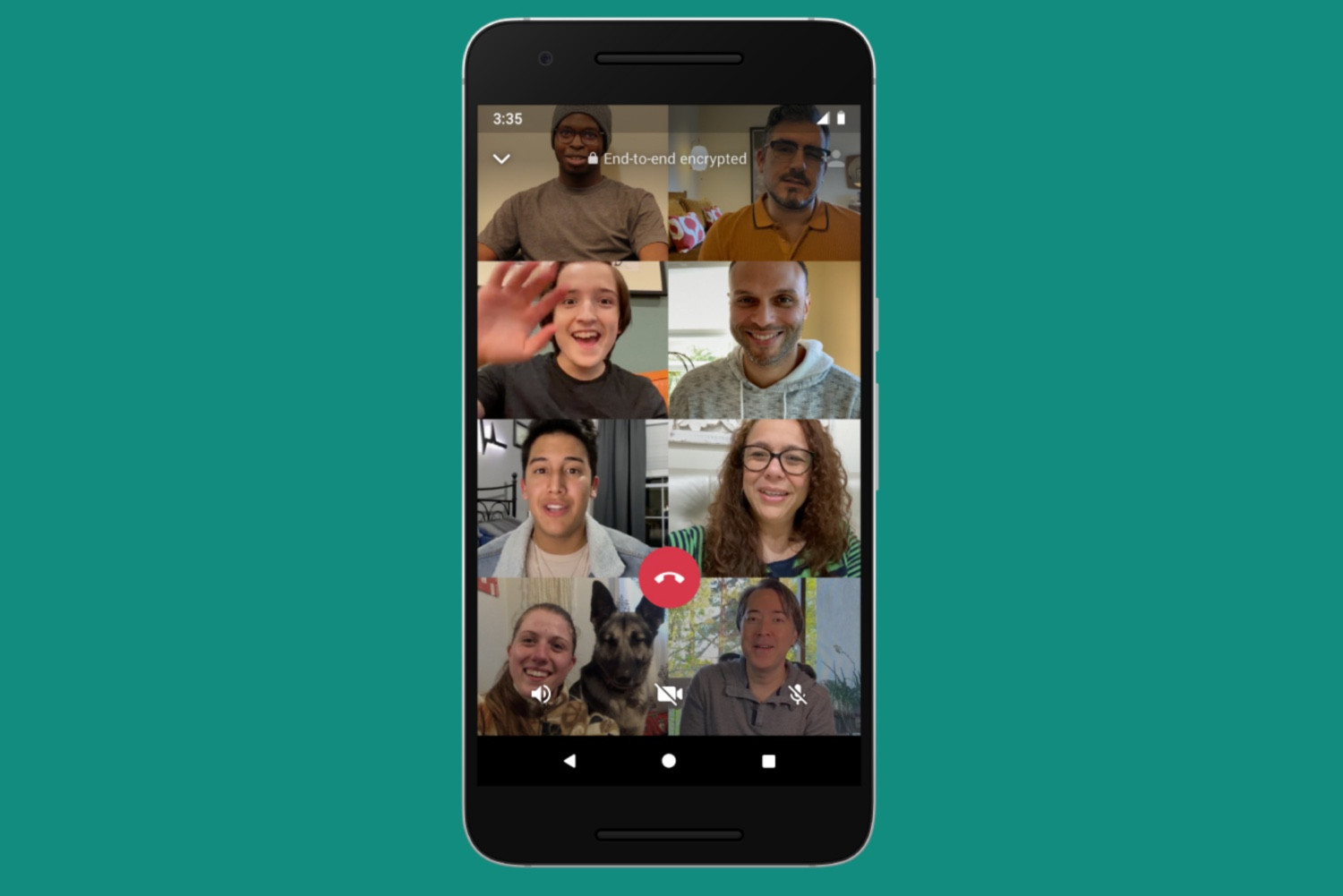
WhatsApp is the most popular instant messaging app and is known for its simplicity yet feature-rich offerings. When compared to the rest of the services, this one lets you add only eight users in a group video call. And, that’s the intended purpose. The app is super casual and best for waking up that one friend who has been sleeping too much during the lockdown.
The same goes for FaceTime, Apple’s in-house messaging, and video calling service. If you’re a micro-team, these solutions would very well work for you. But as you grow, these tools are insufficient to get work done and are standalone apps that offer nothing more than just the basics.







Apps
Google Photos can now censor your kid’s face better
The new Redact feature can censor sensitive information.


Censoring photos is heavy work. Either you stick on random emojis or draw an indiscriminate splotch of doodles to cover sensitive information. It’s an imperfect art but an essential one to protect privacy. Today, Google Photos is getting a Redact feature which can censor sensitive bits with pixelated blocks.
An addition to the Markup tool, Redact acts like a nifty pen that can hide information that you don’t want seen. Unlike a ghastly emoji or a splotch, the censored bar mixes better with the surrounding elements. In the example that Google used, a censored license plate blends well with the car it’s attached to, making the photo look more cohesive. Besides license plates, it’s the perfect tool for covering other information like phone numbers, addresses, and the faces of your loved ones.
Google Photos is also rolling out Moods, a set of filters that give photos a nostalgic look, including a 2000s night digicam vibe that’s popular today. There are also 15 new Remix templates to add more creation options.
Both the Redact and the Moods features will roll out to Android users starting today. The new Remix templates, however, will be limited to some countries on both Android and iOS.
SEE ALSO: Google will force Android users to use Gemini next month
Apps
Smart launches LiveSmart App for exclusive deals
Exclusive deals, cashback, and bill payments in one app.

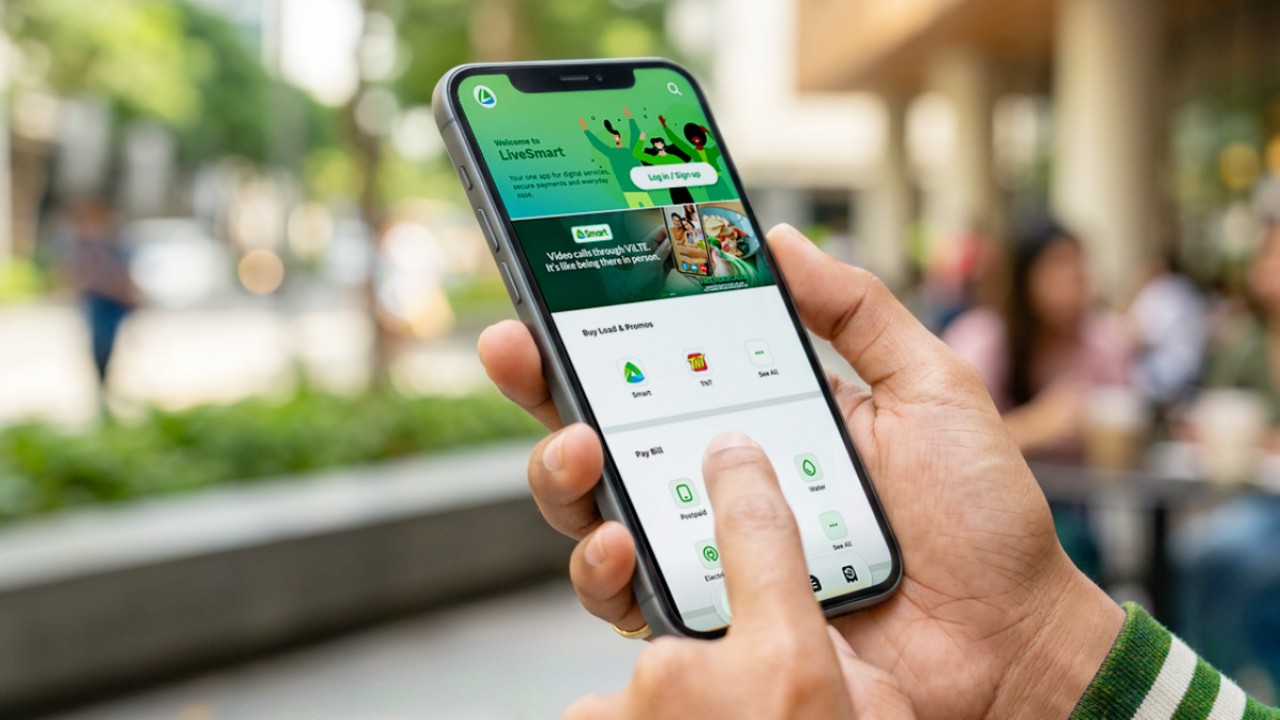
Smart Communications, Inc. (Smart) and TNT have launched the LiveSmart App, a new platform that combines loading, bill payments, exclusive offers, and other everyday transactions in one app.
The app is available on the Google Play Store and Apple App Store. It is open to Smart, TNT, and subscribers of other mobile networks.
The LiveSmart App gives users access to exclusive deals and savings. These include cashback offers, discounted Smart and TNT data packages, and limited-time access to AI.Smart.
“Filipinos are becoming more deliberate about where they spend and how they can get more value from every peso,” said Lloyd R. Manaloto, FVP and OIC for Smart. “The LiveSmart App is designed to help make those everyday decisions a little smarter, by giving users convenient ways to load, pay bills, and access exclusive savings and offers in one place.”
Exclusive deals and perks
Smart and TNT are rolling out several offers on the LiveSmart App starting September 18.
Smart and TNT subscribers can get 5% cashback when they purchase load or pay their Smart Postpaid bill through the app.
The app also offers data packages at exclusive prices. Smart Prepaid subscribers can get Power All 109 for PHP 105, while TNT subscribers can get Saya All 109 for PHP 105.
Users who download the LiveSmart App may also receive limited-time free access to AI.Smart.
AI.Smart combines multiple AI models, including AWS Nova, ChatGPT, Claude, Google Gemini, and Thinking Machines, in one workspace. Users can use it to generate images, create presentations, draft documents and spreadsheets, and get help with schoolwork, content creation, and other projects.
To claim the free AI.Smart credits, users need to tap the AI.Smart banner in the LiveSmart App. They then need to create an AI.Smart account using their Smart or TNT number.
Smart says users can also expect more exclusive deals and perks from lifestyle partners as it expands the LiveSmart App.
Powered by Smart 5G
The LiveSmart App runs on Smart’s network. Smart 5G supports activities such as video streaming, gaming, and real-time social media sharing.
The company said Ookla recently recognized its network for the Best Mobile Video Experience in the Philippines for the first half of 2026. Smart recorded a Video Score of 72.82, which it said was the highest among mobile operators in the country.
The LiveSmart App is now available on the Google Play Store and Apple App Store. Users can learn more about the app through Smart’s website.
Apps
Apple’s best feature to cure motion sickness is finally on Android
Google copies a good page from Apple’s playbook.
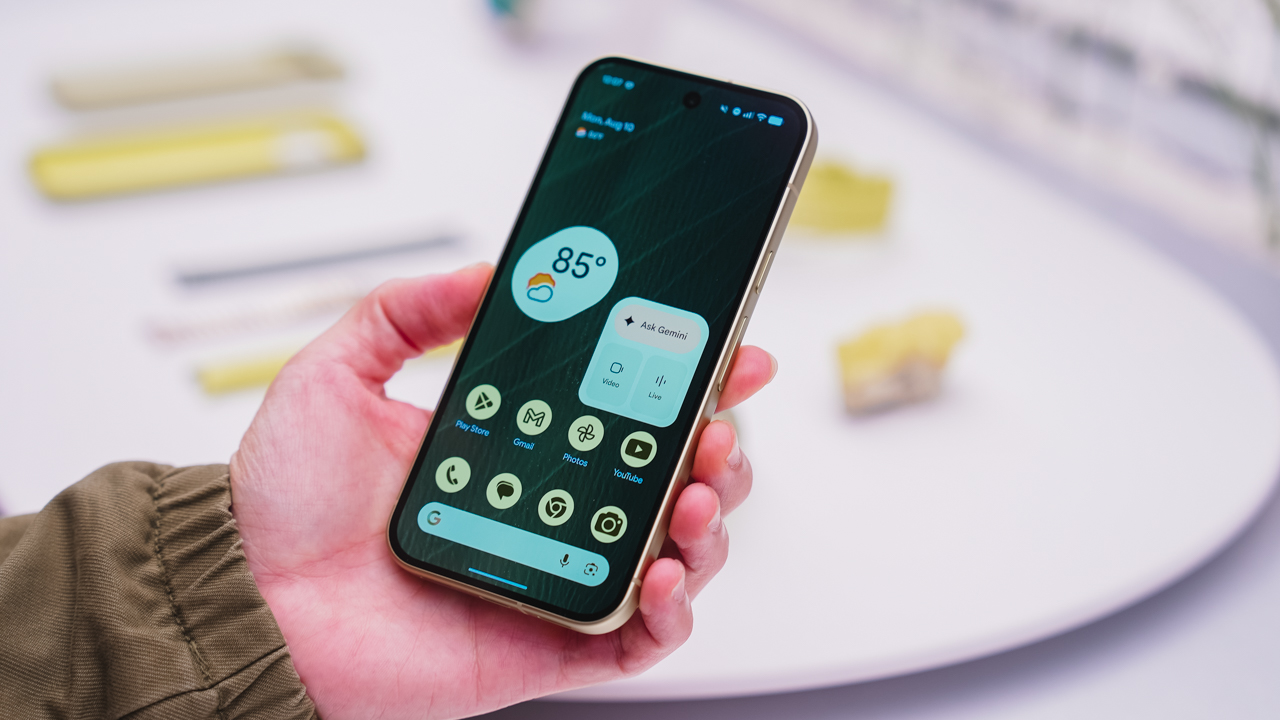
As an Android user, I’ve been jealous of iPhone users for a while now, but it’s not for the reason you might think. See, I’m ridiculously prone to motion sickness when I’m not driving. So, when I discovered that Apple has a software-based cure called Vehicle Motion Cues, I wanted it immediately. Now, Android does have third-party apps that do the same thing, but they’re not as good as a fully native version. Well, those dark, nauseating days are about to come to an end. Android 17 is finally getting a similar tool called Motion assist.
Before that, let’s rewind for a bit. What do these features do? How can they cure motion sickness?
Whenever you open Vehicle Motion Cues or Motion assist, the interface spawns a series of dots on the screen. These dots respond to movement. For example, if the vehicle turns to the left, the dots also go to the left, mimicking the movement. Without cues like this, the stationary nature of the screen clashes with our brain’s perception of movement. The disparity creates that feeling of nausea. Basically, our eyes are desperately trying to focus on the static screen, but our brains are telling us that we should be seeing motion. Having moving dots reorients our brain and places the phone inside our perception of movement.
Now, you can enable the same feature on your Android 17 device through Settings > All services > Motion assist under Personal & device safety. You can also set it so that the feature turns on automatically when the phone detects that you’re in a moving vehicle. Finally, you can also tweak the shape, color, and opacity of these dots.
Android 17’s Motion assist is rolling out now to compatible devices.
SEE ALSO: These are the best Android 17 features (if you hate AI)


Now Playing: ACE Combat 8: Wings of Theve
A refreshing change of pace


TECNO POVA 8 Pro Tonino Lamborghini review
Truly a rare gem in 2026


DJI Lito X1 review: Is this the best lightweight drone for creators?
Making a strong case as a travel companion and a capable B-cam!

HONOR Magic9 Pro Max launches in China with ARRI-powered imaging

TECNO and Angélica Dass visit the Philippines next for its grand portrait project

BYD says that way better EV batteries are coming next year

Globe records fastest average download speed of 2026 in August
Now Playing: ACE Combat 8: Wings of Theve

HUAWEI Pura X View is 2026’s first WIDE slab-type smartphone

The CAMON Slim 5G is TECNO’s latest ultra-slim smartphone

iPhone 18 Pro series: Price, availability in the Philippines

DJI Osmo 360 II review: Going all-in on the ecosystem

iPhone 18 Pro series: Price, availability in Singapore


-

 News1 week ago
vivo X500 Series launches with major imaging upgrades
-

 News6 days ago
OPPO Find X10 Pro Max is the first phone with a triple 200MP camera system
-

 Reviews2 weeks ago
REDMI Note 17 Pro Max review: A new breed born from AI greed
-

 Singapore1 week ago
Epson Lifestudio Grand Plus EH-LS970B with 4K projection, more launches
-

 News1 week ago
vivo introduces OriginOS 7 with smarter multitasking and AI features
-
Drones2 weeks ago
DJI Lito X1 review: Is this the best lightweight drone for creators?
-
 Philippines2 weeks ago
REDMI NOTE 17 Series: Price, availability in the Philippines
-

 Gaming2 weeks ago
Valve unveils price of the Steam Frame