
Apps
BPI rolls out latest app security features
Designed to help protect against evolving cyber threats


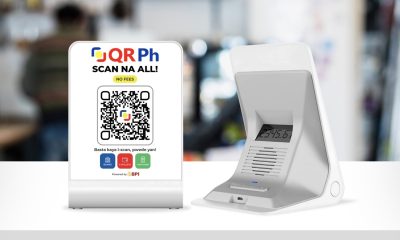
The Bank of the Philippine Islands (BPI) has rolled out an update for its mobile banking app, strengthening its security features. The enhancements improve protection against evolving cyber threats.
Version 13.1 of the BPI app on iOS, Android, and AppGallery introduces advanced features designed to help protect against unauthorized access, suspicious background activity, and potential app interference.
In some cases, the new security protocols may trigger alerts or temporarily restrict access if potential threats are detected on a user’s device.
BPI advises affected clients, especially Android users, to do the following:
1. Disable full-screen overlays or notifications
- Select anti-virus software may use these overlay permissions
- To disable, go to: Settings > Apps > select the antivirus app and disable or turn off the permissions granted
2. For Samsung users, Activate Secure Folder
1st step: Activate Secure Folder
- Go to Settings > Biometrics and Security > Secure Folder
- Sign in with your Samsung account and set your preferred lock type
2nd step: Add the BPI app to Secure Folder
- Open Secure Folder, tap the + icon
- Select the BPI app and tap Add
3rd step: Launch the BPI app from Secure Folder
- Close all other apps
- Open Secure Folder and tap the app to launch securely
These updates come on the heels of BPI’s latest BPI CyberProtect Conference last week.
The event gathered more than 230 leaders from government agencies and private organizations, aiming to champion stronger consumer protection and cybersecurity measures.






Apps
Firefox ad reunites all your favorite memes from decades ago
The Numa Numa Guy, Annoying Orange, and Chocolate Rain are back!


Before Tung Tung Tung Sahur and Skibidi Toilet, the early internet was populated by charismatic personalities looking to make their presences felt in a land that didn’t have a lot of rules yet. As early users, we danced to “Dragostea din tei,” belted out “Chocolate Rain,” and copied “Shoes” word-for-word. Today, Firefox is bringing all those good memories back for a grand reunion.
In a new ad, the web browser featured ten of the biggest stars of the early internet including the aforementioned Numa Numa Guy, Tay Zonday, and Shoes’ Kelly. You can also see Annoying Orange, Chuck Testa, Overly Attached Girlfriend, Bad Luck Brian, Where the Hell is Matt?, the Apparently Kid, and the Success Kid.
Now, this isn’t just a reunion. The ad has a clear message about today’s most concerning issue: AI. Everything has “built-in AI, always asking, asking, asking,” as the Annoying Orange said.
“They make money by following us, and somehow, I’m the creepy one?” the Overly Attached Girlfriend asked.
All these famous personalities are asking what happened to the internet today. Obviously, the big takeaway is that we should all go back to Firefox.
Compared to other browsers, Firefox has a lot of built-in features that offer a lot of control for users. For one, it has its own VPN for privacy. Secondly, reflecting the ad’s message against AI, the browser has a toggle to minimize AI features.
SEE ALSO: Google illegally destroys 250,000 trees for a single AI data center
Apps
Salesforce introduces Slack Frontline for deskless workers
Simple, secure, mobile-first way for deskless teams across retail, healthcare, manufacturing, field service
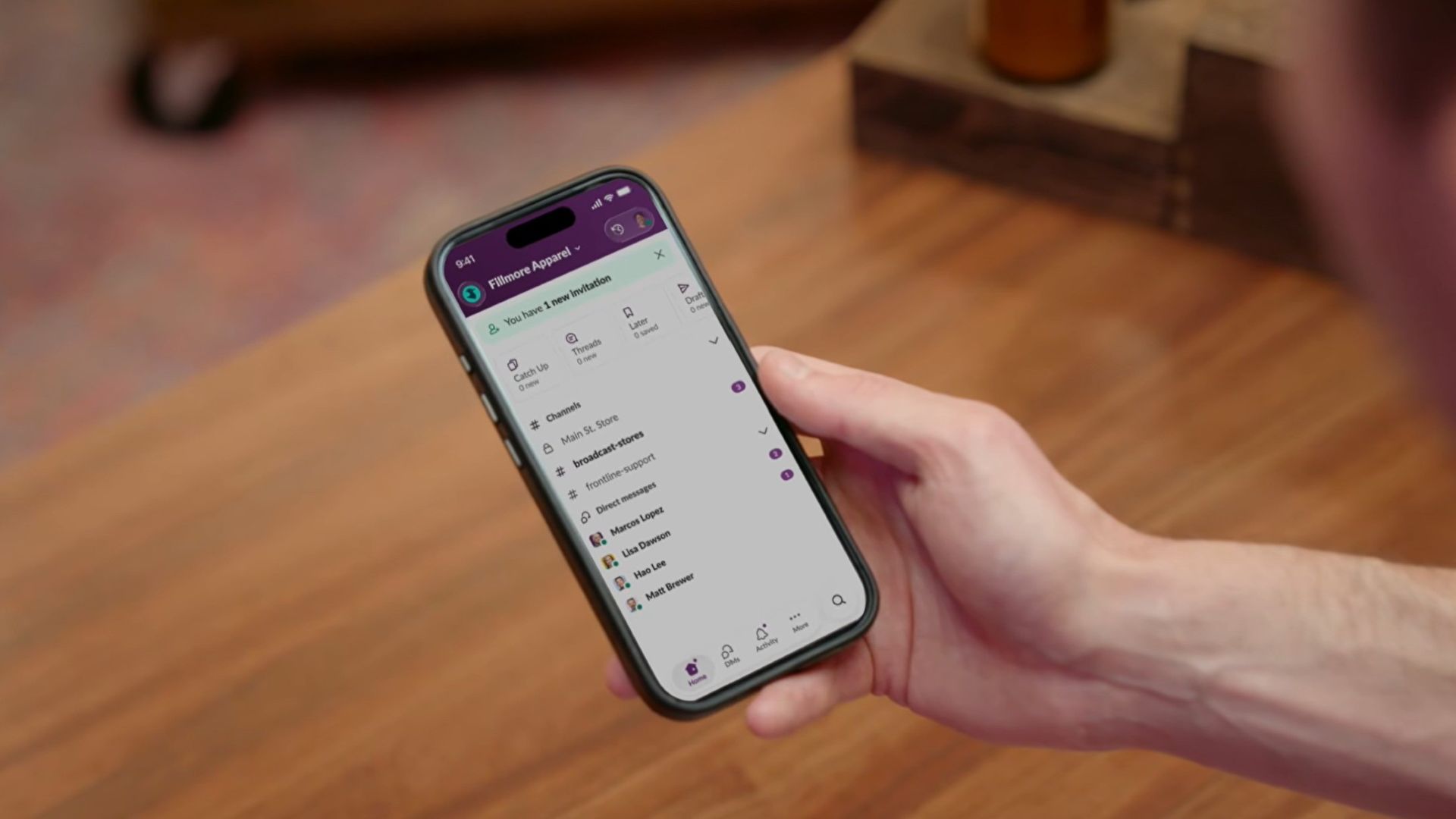
Salesforce is bridging the massive divide between corporate headquarters and deskless workers with the launch of Slack Frontline.
This new solution is designed specifically for retail associates, healthcare providers, factory workers, and field crews.
The mobile-first workspace brings communication, data, role-specific tools, and AI together in a single clutter-free app.
While frontline employees make up about 80 percent of the global workforce, they have historically been left out of workplace transformation, often relying on paper checklists, group texts, and broken communication loops.
Slack Frontline addresses these challenges by giving mobile workers up to 10 role-relevant channels, instant Huddles with headquarters, on-demand AI agents, and automated workflows.
Backed by Salesforce data and enterprise-grade security, the platform lets IT teams govern the entire workforce under one secure layer with employee ID sign-ins, multifactor authentication, and compliance configurations like HIPAA.
This ensures that critical updates, training materials, and shift handoffs reach workers directly in their pockets without needing corporate email addresses or shared terminals.
Moreover, the platform is tailored to transform operations across multiple industries, including retail, home healthcare, manufacturing, hospitality, and field services.
For instance, retail teams can instantly sync promotions and monitor inventory, while healthcare professionals can securely review patient histories and coordinate care on the go.
Manufacturing and hospitality teams benefit from drastically reduced downtime and faster issue resolution, cutting response times significantly.
Slack Frontline is available now as an add-on for businesses on the Slack Enterprise+ plan.
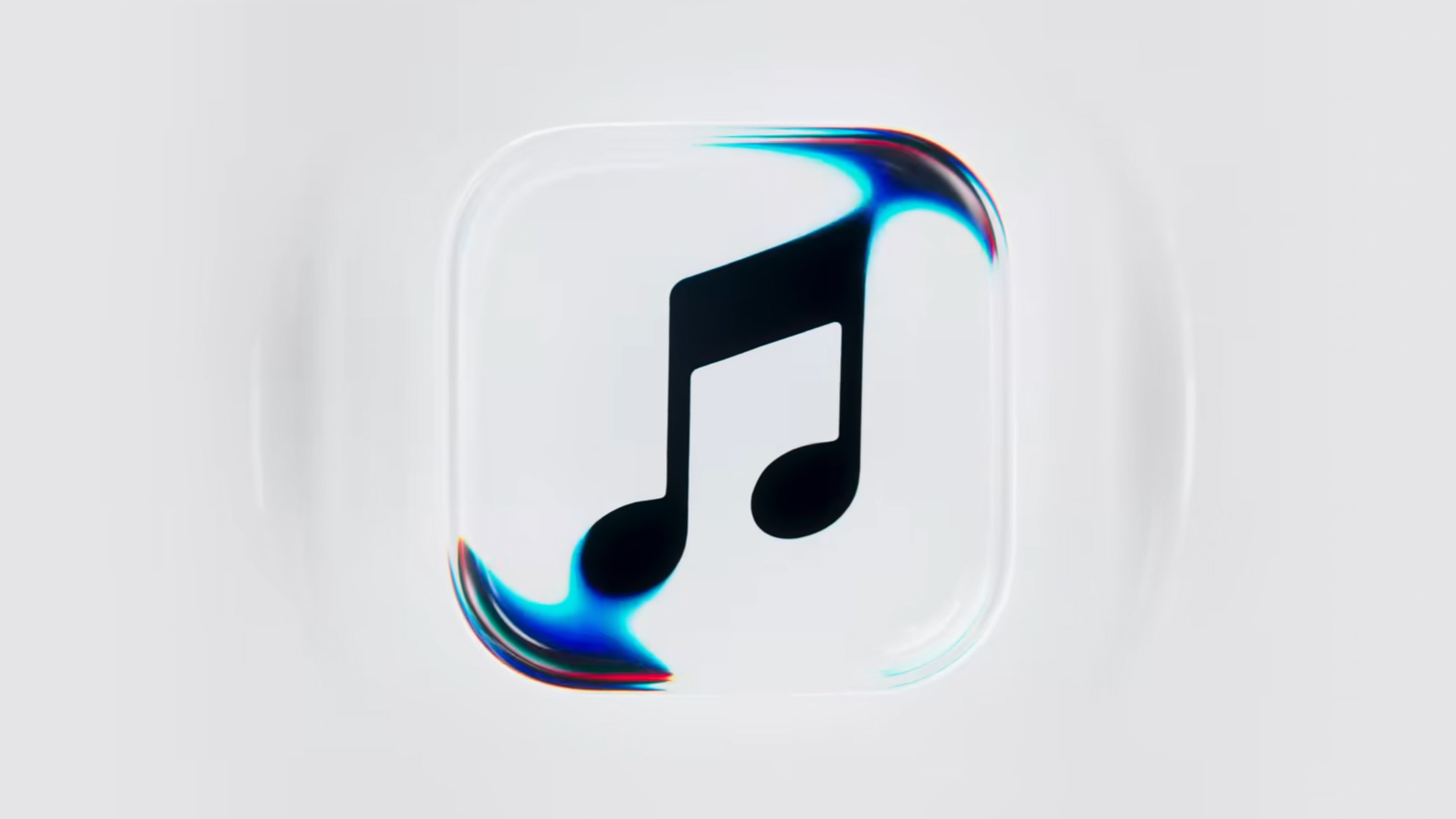
Apple Music is getting a revamp. In one of the tamer things going on with the brand today, Apple has introduced a new design language for its native music streaming platform.
In the midst of all the hubbub surrounding the iPhone Duo, Apple released a change in the visual identity of Apple Music. Rather than a static logo, the platform’s newest evolution offers a dynamic look that melds Liquid Glass and the power of sound together.
Confirmed through a behind-the-scenes video, Apple says that the new aesthetic was made with practical effects. Music producer Fred Again and NEST Acoustics submerged the platform’s logo in a tank of mineral oil and creating ripples with sound. The new language matches well with the chrome aesthetic typical of today’s trends and… well, Liquid Glass, of course.
Apple says that the more ripple-filled version will play before longer content like concert recordings (similar to Netflix’s startup stinger). Meanwhile, a black-and-white version will replace the app’s icon currently colored red and white. Current previews show off a simple logo, but it’s unknown whether Apple is adding a but more elements when the final version drops.
The updated version will debut for users after next week’s iOS 27.2 and macOS 27.2 updates.
SEE ALSO: Apple iPhone Duo Unboxing and Hands-on


Apple iPad mini OLED review
Has the mini gone PRO?!


ROG G700 review: The best prebuilt PC you can get off the shelf
This PC will make you stop worrying about specs.


HP OMEN Max 16 review: Gamer-maxxing in deep black
Peripherals deemed necessary to max this out

Sony revives classic Walkman headphones with USB-C MDR-3R

IKEA, Xbox launch nine-piece YXSTABY gaming collection

Smart Infinity launches PureVoice

The Fellowship of the Ring in Concert finally arrives in Manila
Apple iPad mini OLED review

OPPO Find X10 Series launches globally October 21

Your coffee nook is getting a makeover with Starbucks’ holiday collections

vivo V80 debuts with ZEISS cameras

Garmin Enduro 4 promises up to 320 hours of battery life

Dragon’s Dogma 2: Dark Arisen launches with new Official Pawns


-
 Lifestyle5 days ago
Your coffee nook is getting a makeover with Starbucks’ holiday collections
-

 Lifestyle7 days ago
Sticker season is back, and so is the planner your ~friends~ might fill in for you
-

 Gaming5 days ago
Wild Rift Patch 7.3, celebrates K/DA comeback
-
Gaming1 week ago
ROG G700 review: The best prebuilt PC you can get off the shelf
-

 Gaming1 week ago
PlayStation unveils Prism Collection
-
 News2 weeks ago
Apple unveils its biggest iPad mini update yet
-

 Laptops1 week ago
Apple unveils MacBook Pro with PROLED XDR display and Touch
-

 Gaming1 week ago
FromSoftware’s The Duskbloods delayed to 2027