
Hands-On
Wandering in Taiwan through the lens of the HONOR 200 Pro
Portrait, move over! We’re here to explore the sceneries~

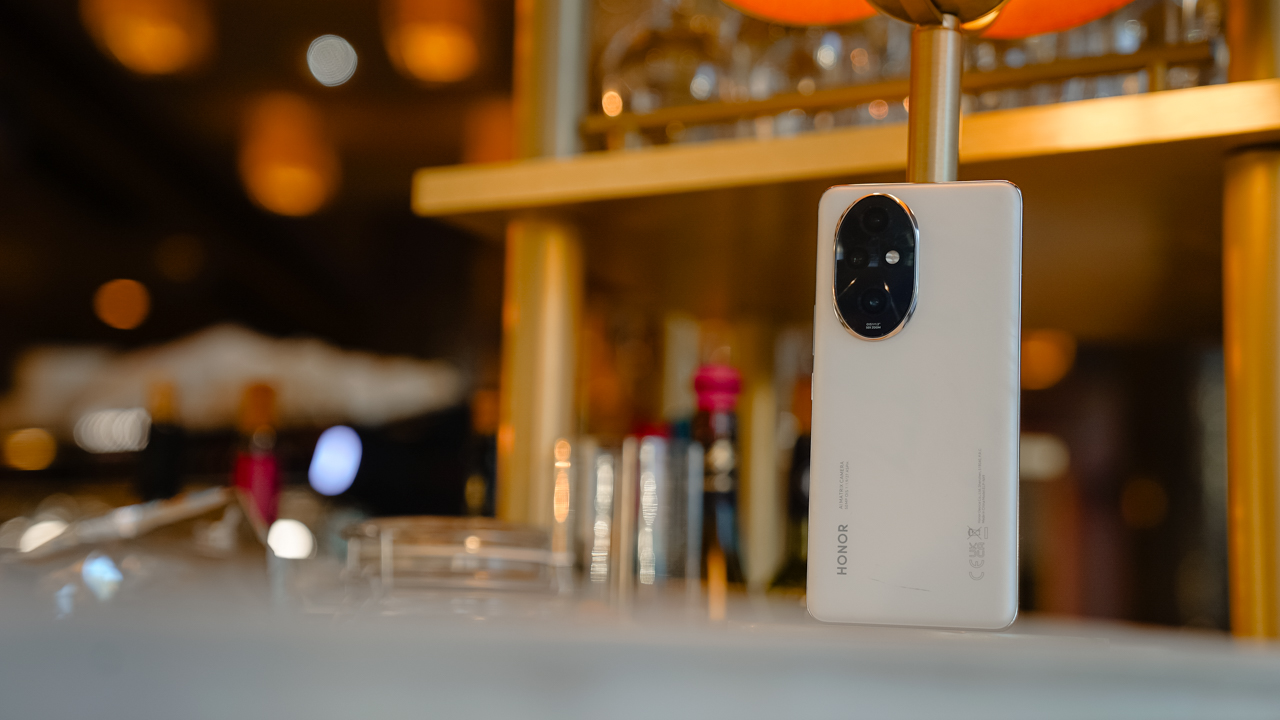
The HONOR 200 Pro has just been unveiled in Paris, France, promising studio-level portrait photography experience since it was co-created with Studio Harcourt.
While I admire HONOR’s pursuit of excellence in that department, I never fawned over a smartphone’s portrait capability. Let’s face it: I don’t take portraits. I have no use for it since I capture sights, sceneries, and moments that evoke certain feelings, especially when traveling.
That said, we still know that the HONOR 200 Pro features a 50-megapixel Portrait Main Camera coupled with a Super Dynamic H9000 sensor. It also comes with a 50-megapixel Portrait Telephoto camera with a Sony sensor.
With that in mind, we used the HONOR 200 Pro to spectacularly capture our trip in Taiwan.
I get mystified by how this city screams your name
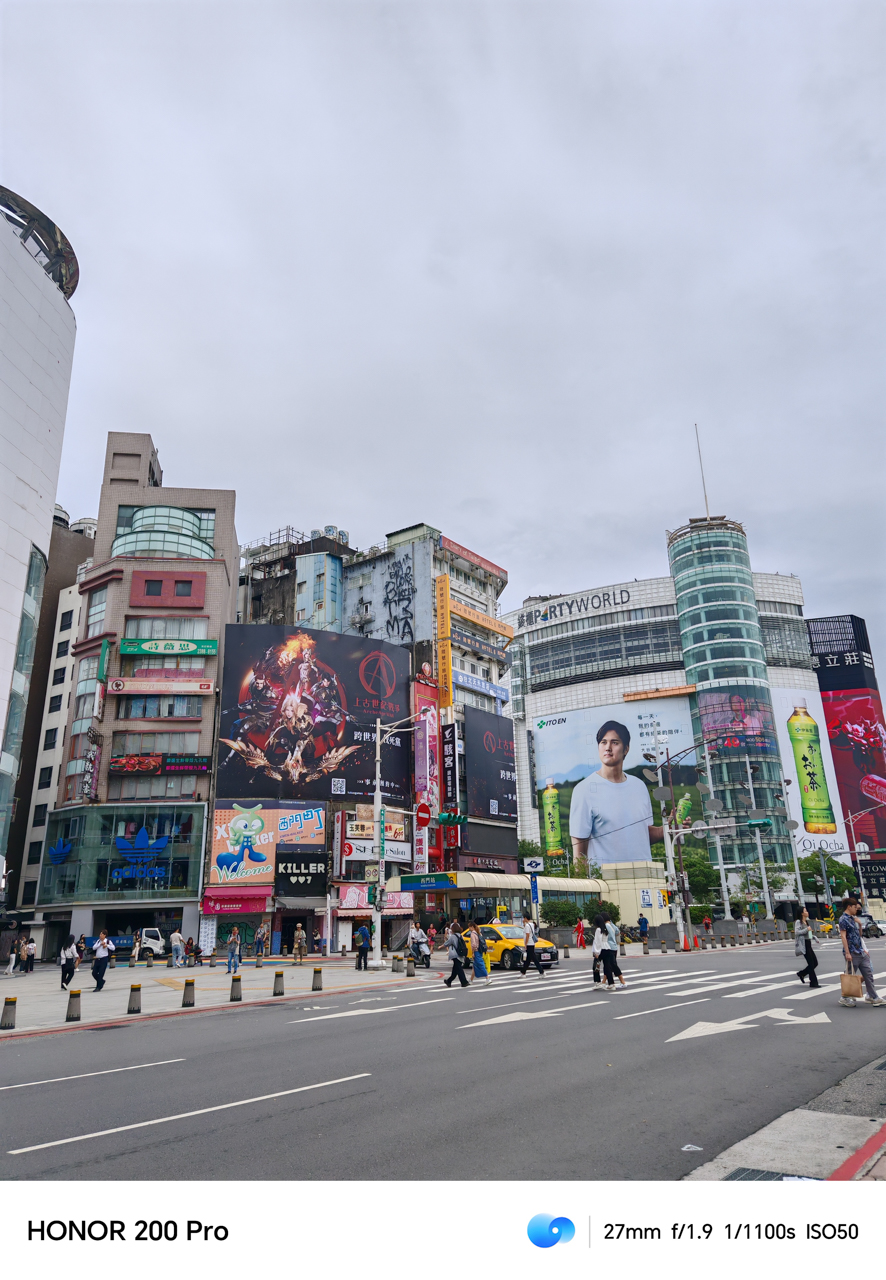
The HONOR 200 Pro takes vibrant shots. That was the first thing I said upon seeing the photos on my laptop. It looks even more colorful at its 1.5K quad-curved floating OLED display.
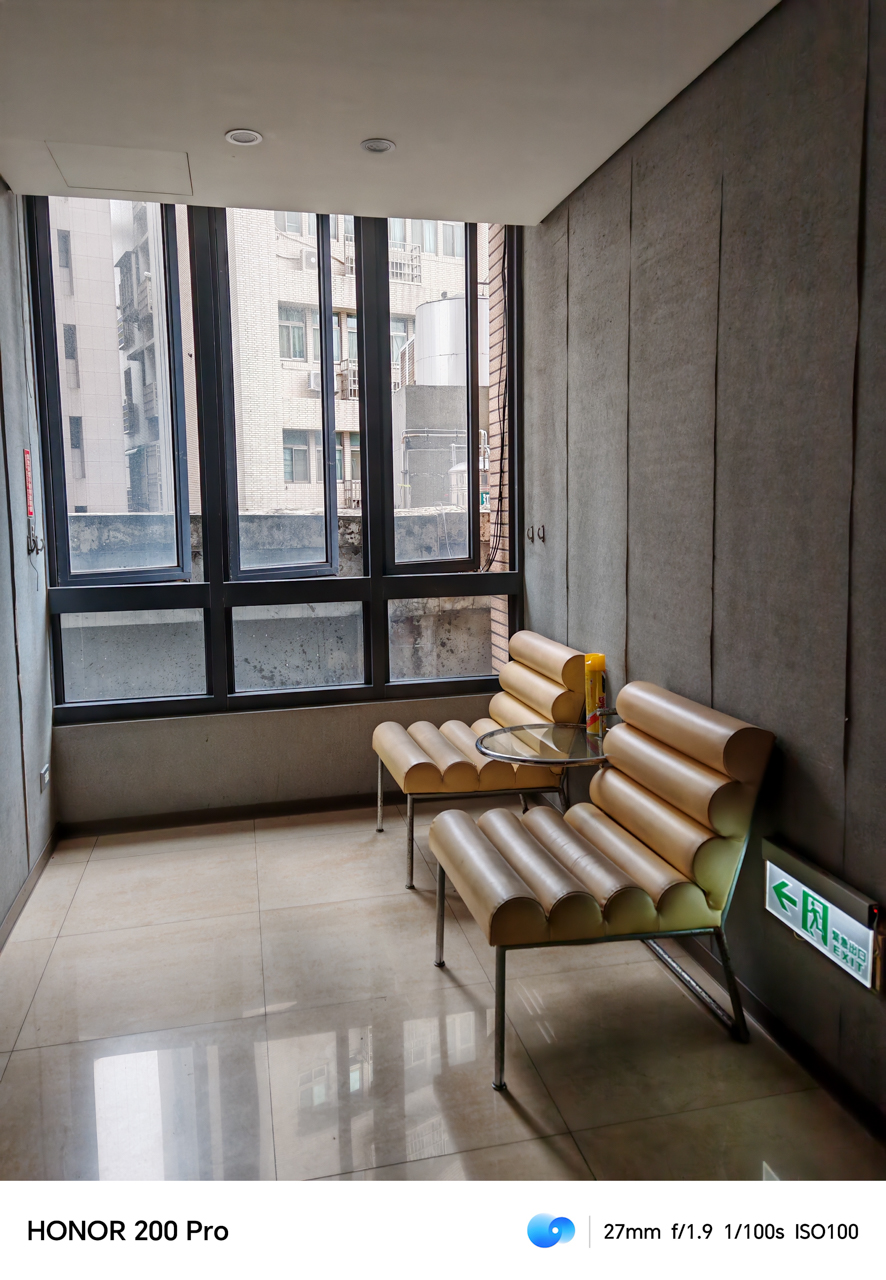
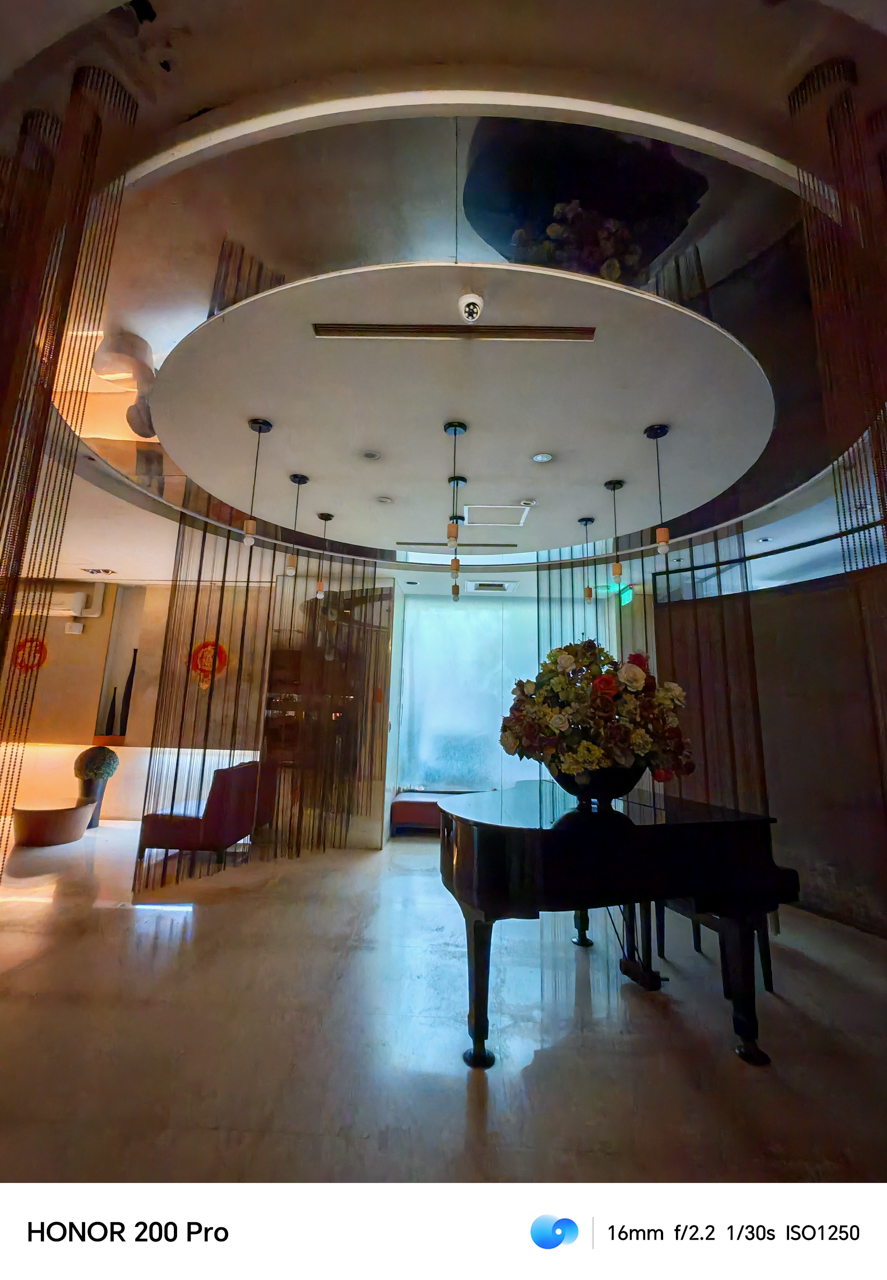
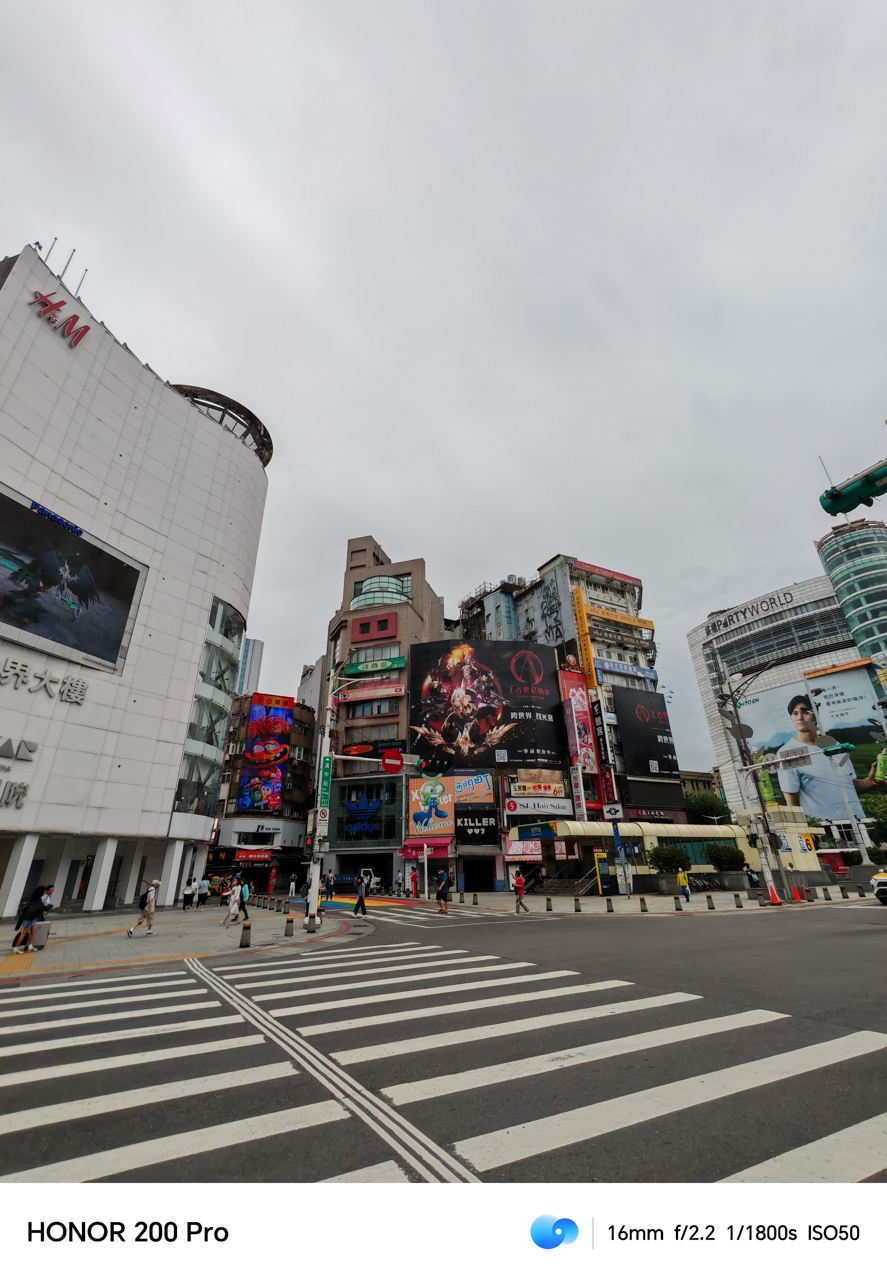
It was also able to give off dramatic shots, once you found a perspective that uses natural light. Whether on auto or ultra-wide angle, the HONOR 200 Pro knows how to set the mood even with a vivid profile.

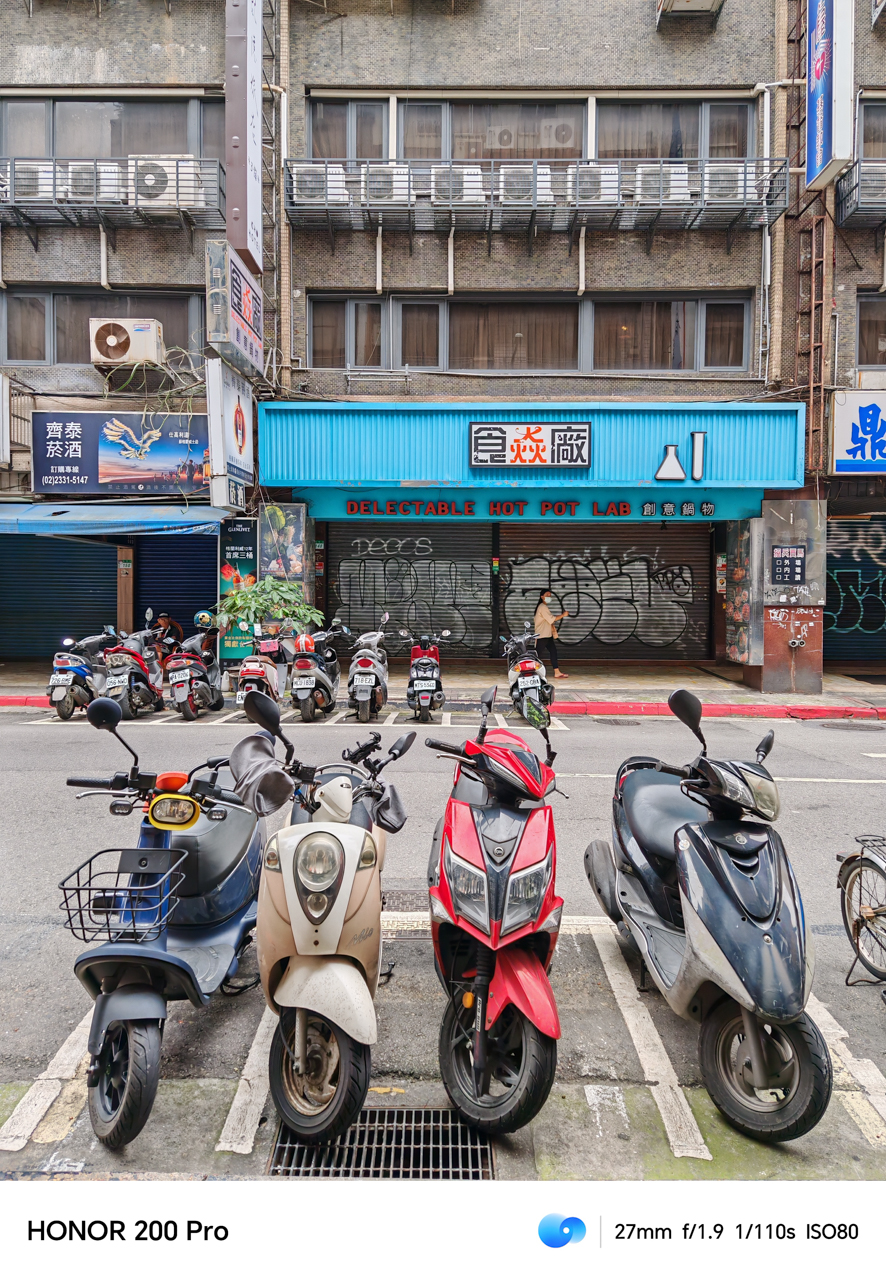
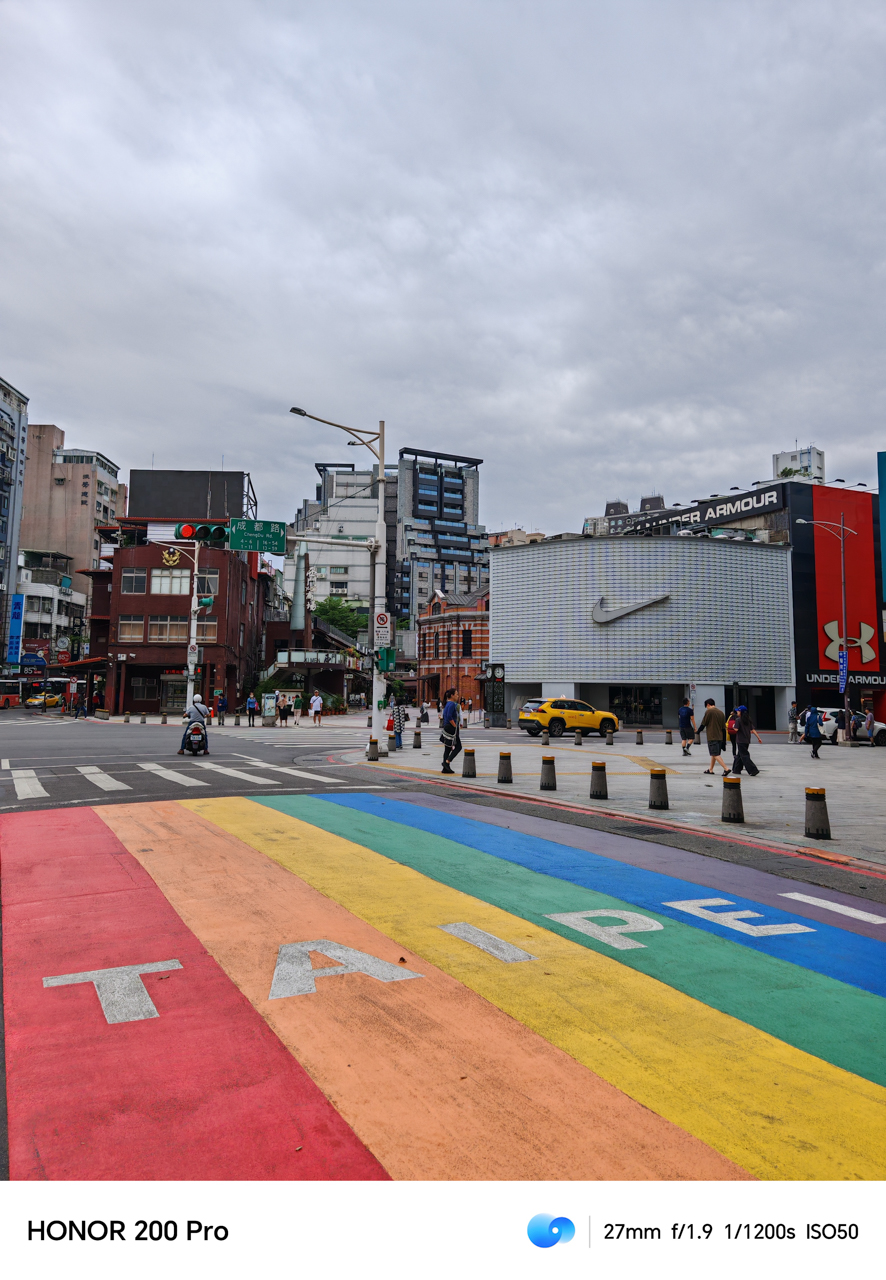
The city looked and felt alive, even when enveloped by a gloomy sky. Colors continuously pop, giving justice to the Pride-themed pedestrian walkway in Ximending.
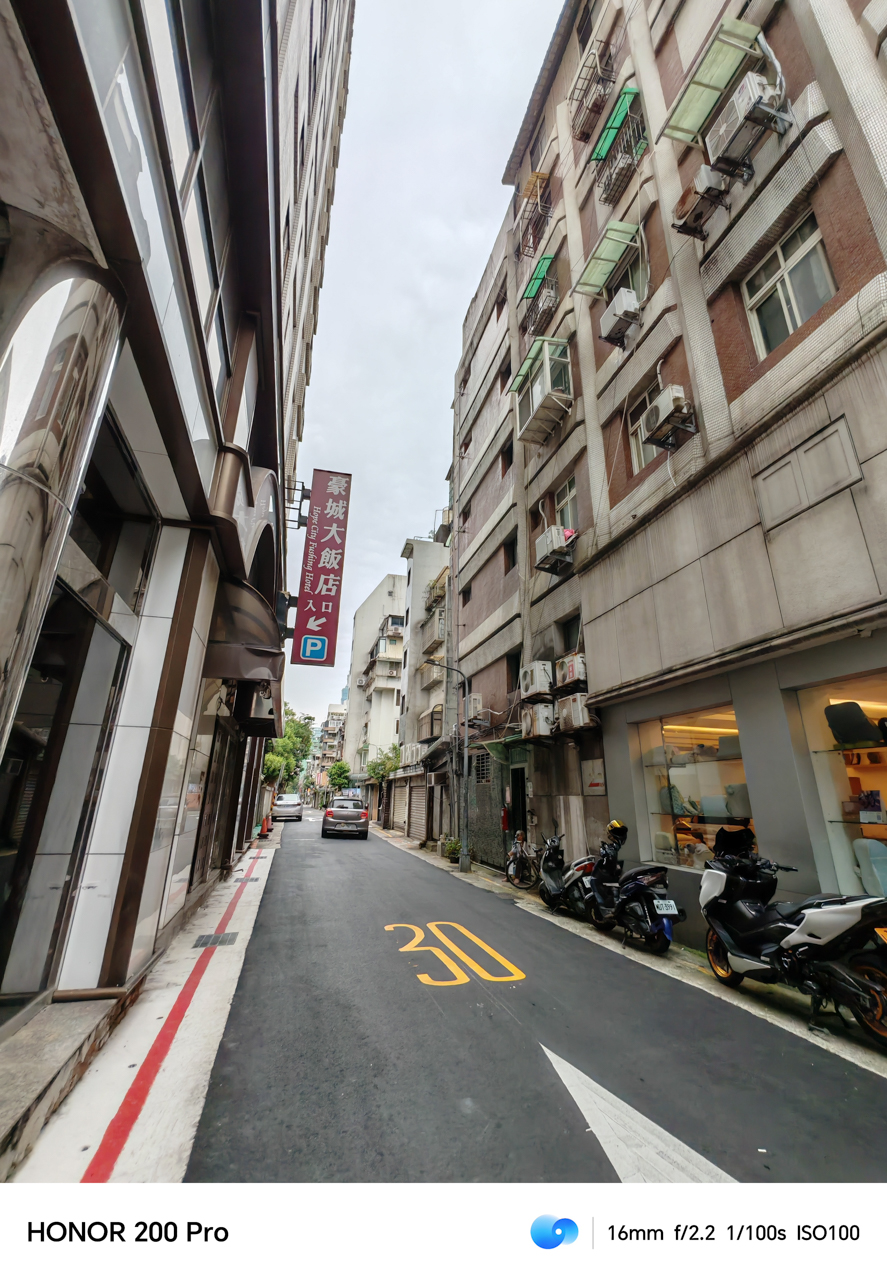


Alleys, streets, and even the platforms inside the train stations looked lively. Normally, you’d use a smartphone’s Pro Mode to capture a subject with moving background.
The HONOR 200 Pro captured the moving vehicles — both cars and train — while focused on a subject splendidly, even on an ultra wide angle mode.


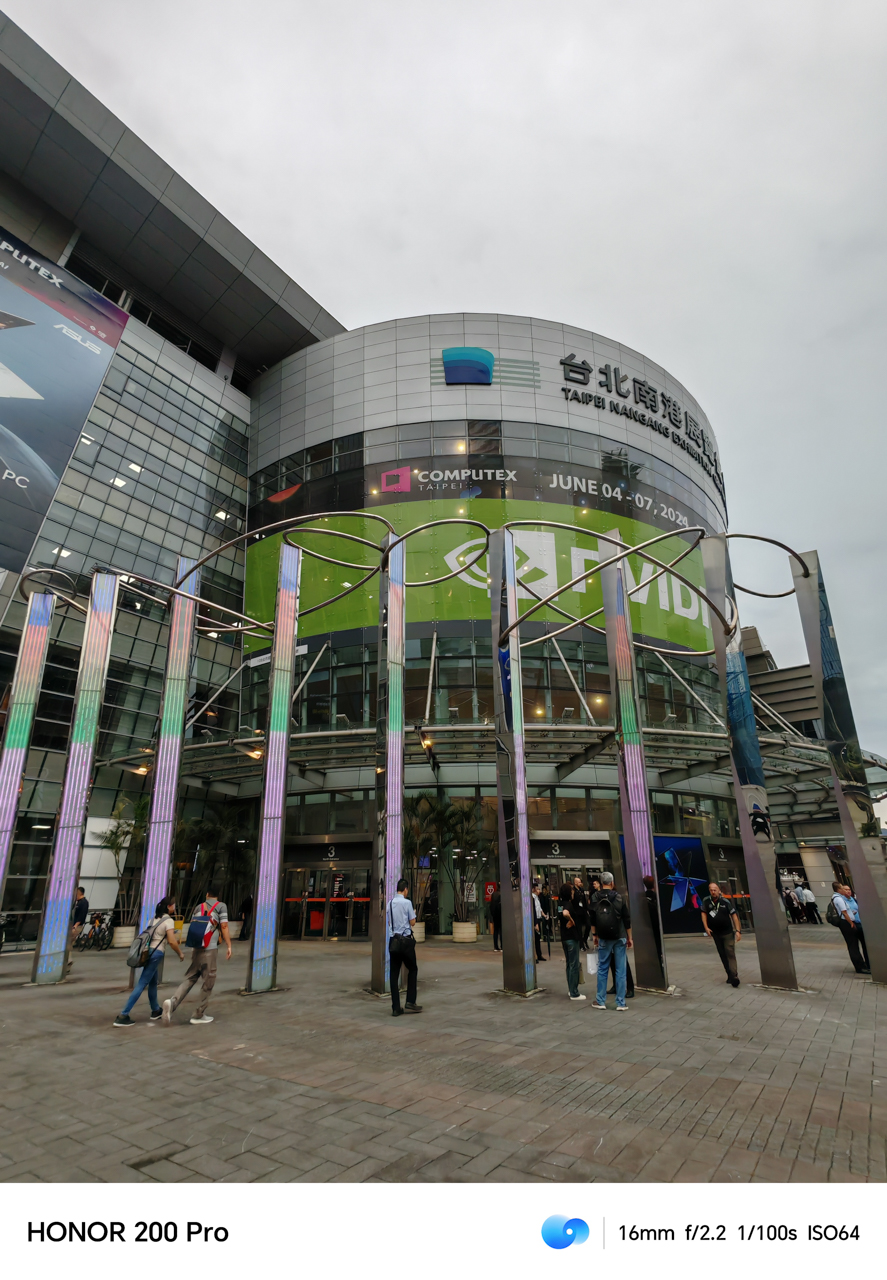
I’m not one to complicate the process of taking photographs, especially when traveling. My number one rule is if it looks good in its default/auto setting, it’s a fantastic camera for the average consumers.
Let’s be frank here: People like to do point-and-shoot when traveling. Complicating the process means taking away the beauty of the present. A smartphone must have capable cameras to snap on the go, and make every sight worth capturing when passing by.
The HONOR 200 Pro, somehow, delivers. Especially in helping me relive my memories vividly in Da’an and Nangang District.
A food to remember
Taiwan is home to clean, good food. I swear, my gut has always been feeling great every time I visit the country. That said, one of the highlights of any trip will always be the food you order and eat. It’s a showcase of what the place offers.

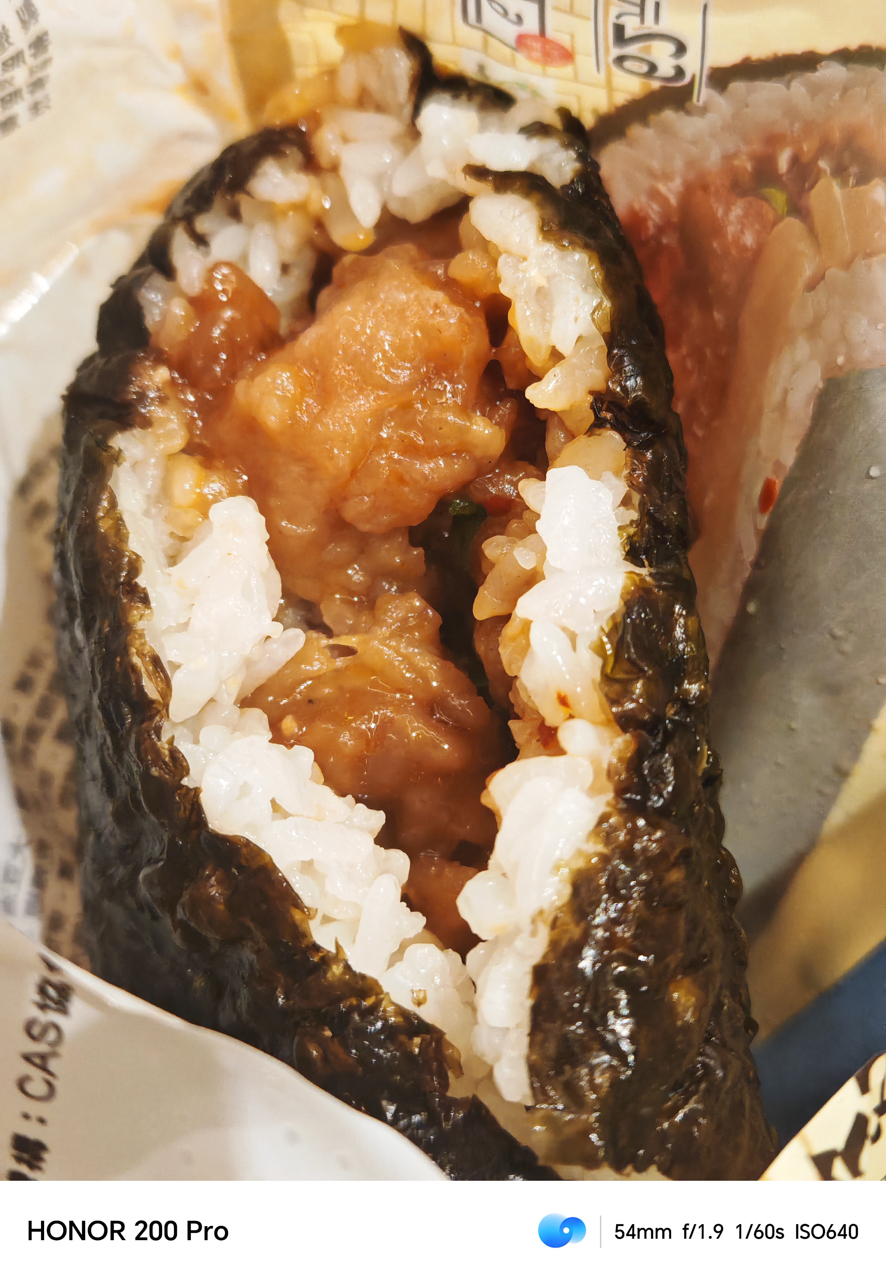


Even with rich-colored photos, I had trouble with the sharpness for all the food shots we took. They come off soft, with less contrast, albeit still mouthwatering to look at. I have to believe it’s because the smartphone’s cameras were built for taking portraits.
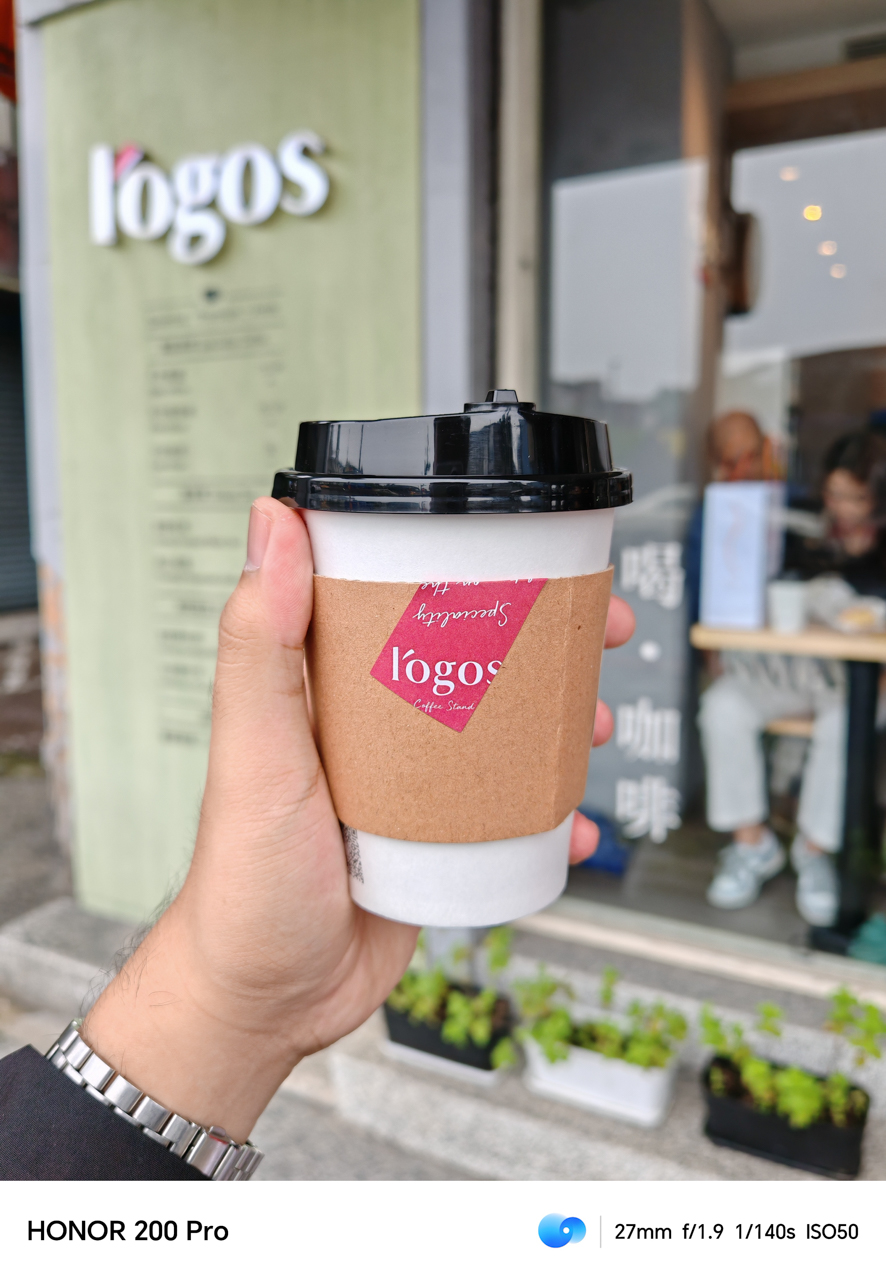
This is why the cup of coffee from Logos looked like it was taken out of a mirrorless camera. The f/1.9 aperture gave a beautiful depth of field that was usually present in flagship smartphones.
Take note: We didn’t even use Portrait mode for it. The bokeh is just so good.
I picked the petals, he loves me not~
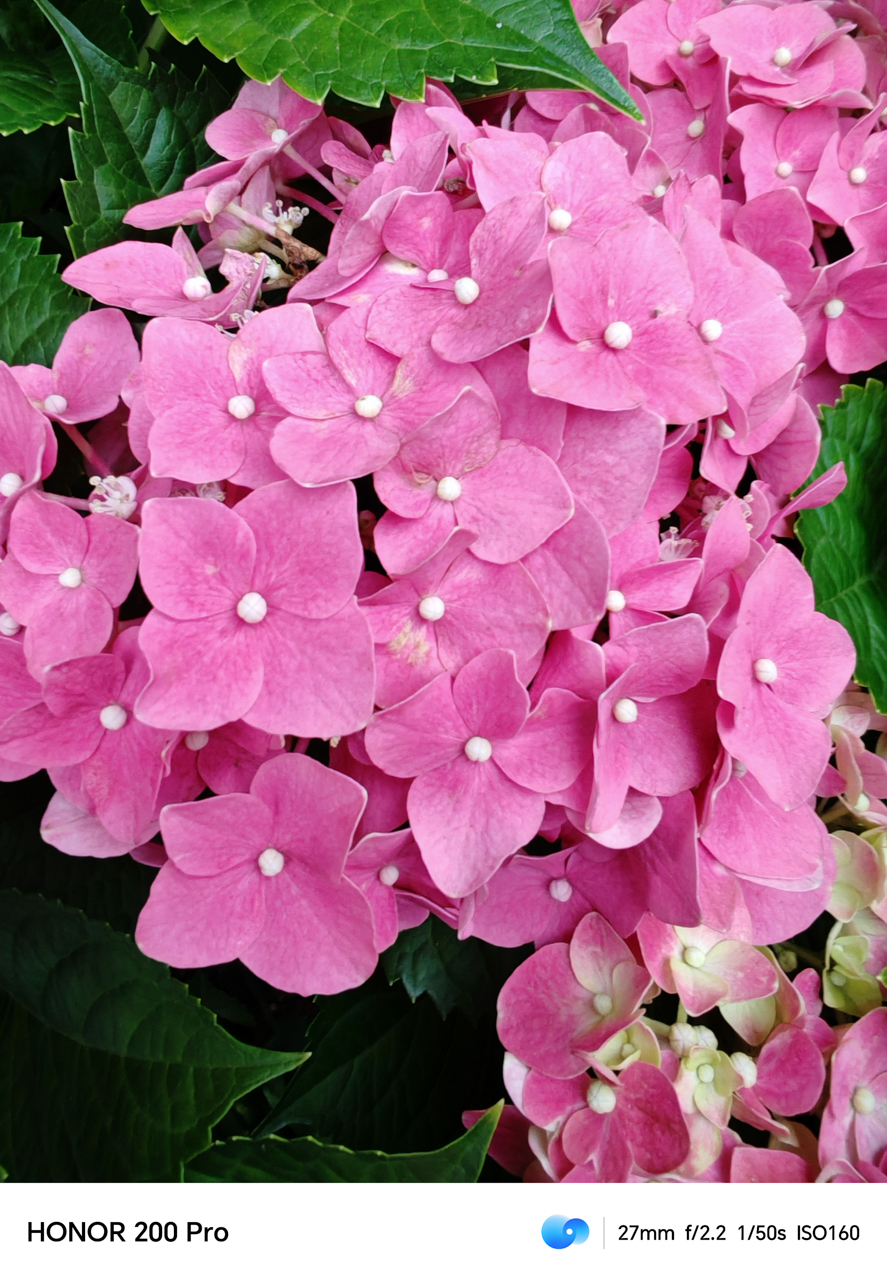
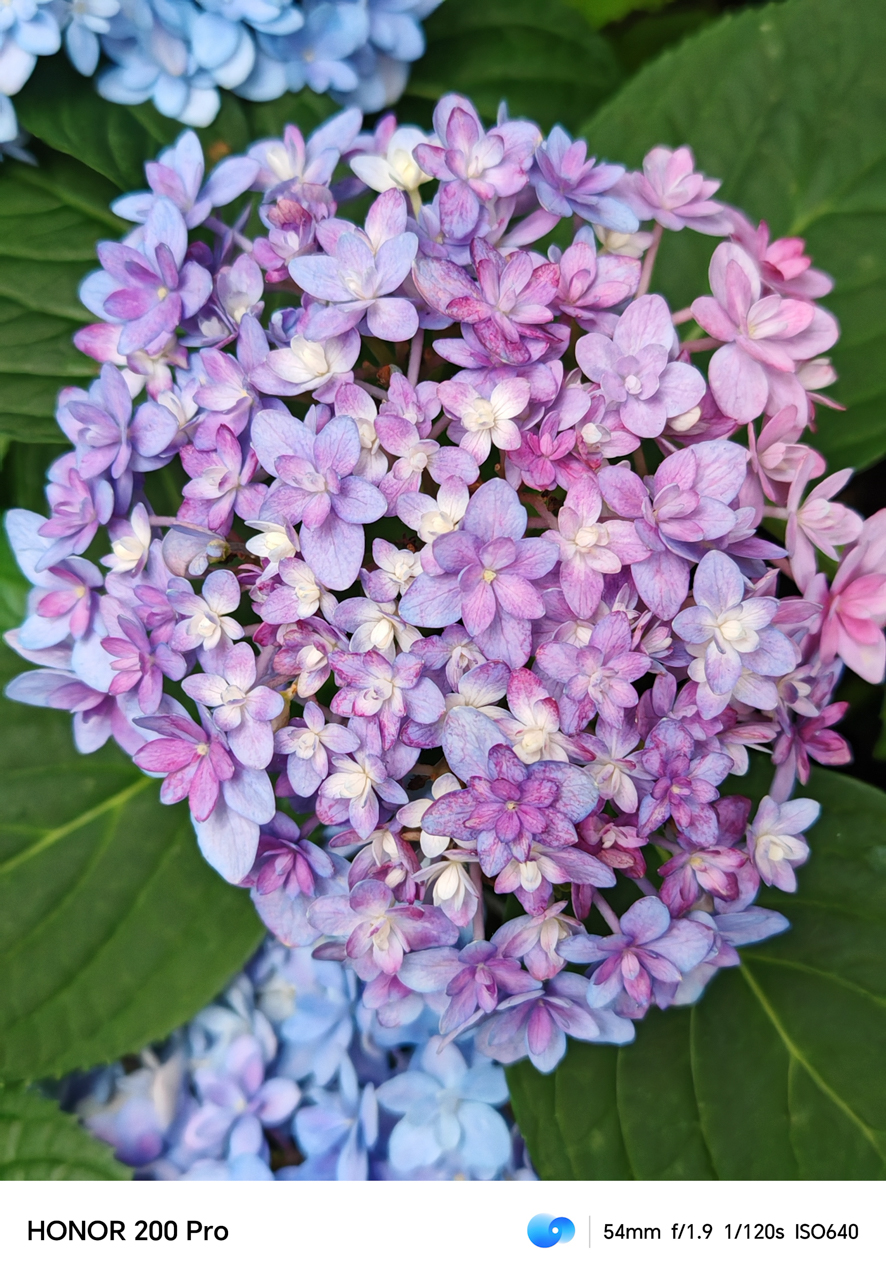

Interestingly, since the HONOR 200 Pro is equipped with the HONOR AI Portrait Engine, it’s excellent in isolating its background to provide a rich depth and blur, without compromising the picture quality.

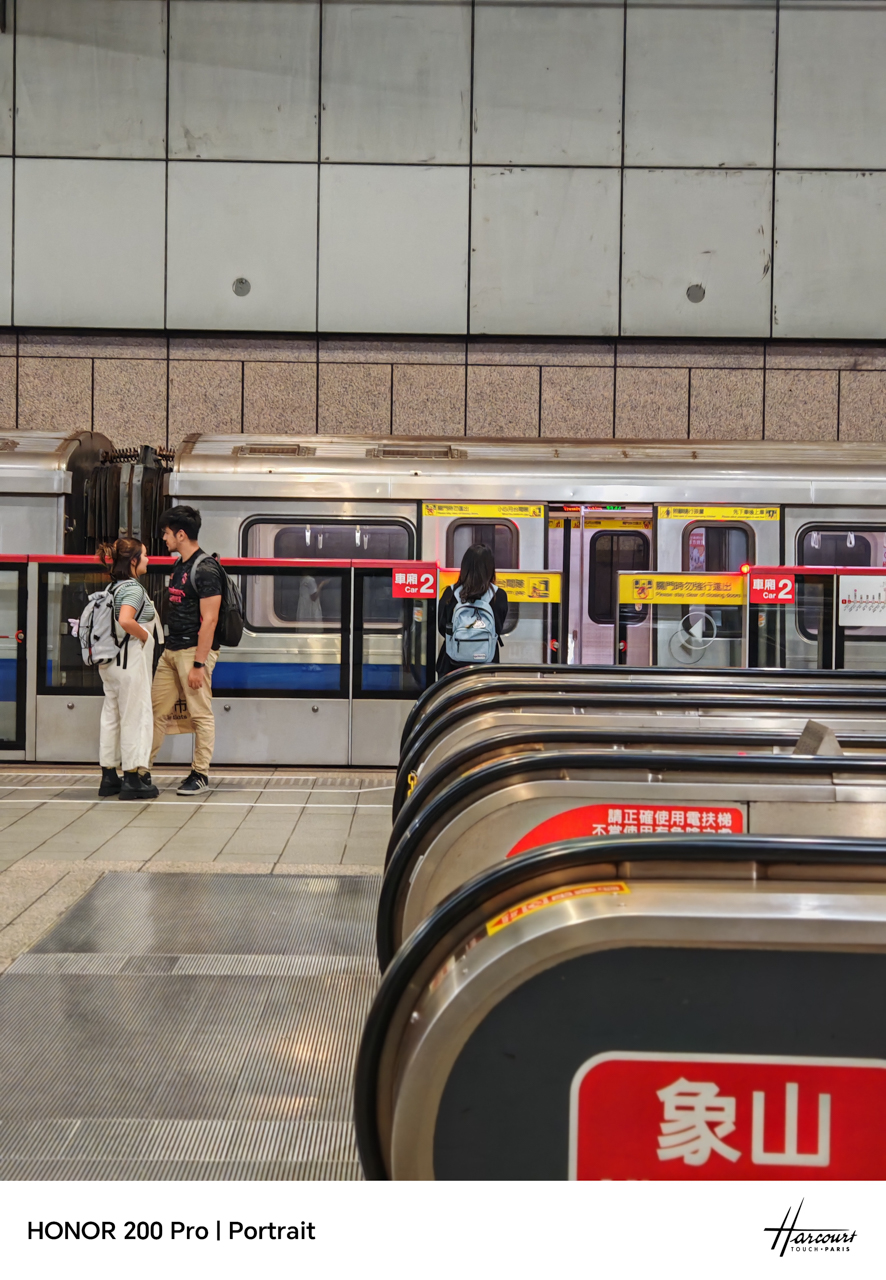
Even on places with busy backgrounds such as trains and platforms, it produces a balanced photo that manages exposure in bright areas, while preserving details in the darker parts.
Houtong Cat Village
On a rainy day, I took the train going to Houtong Cat Village, a mountainside village located in Ruifang District in New Taipei City. The place is known for, well, cats.

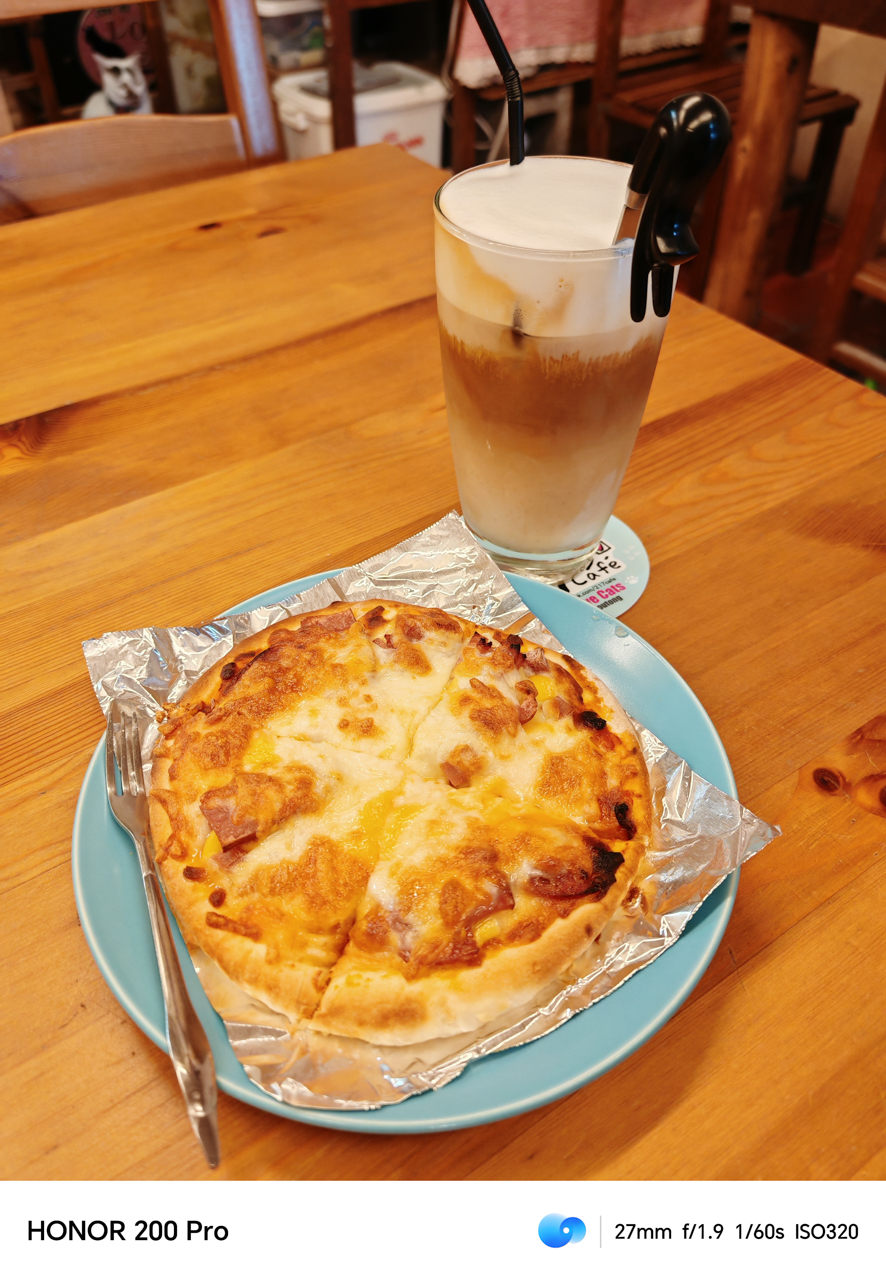


Every cat cafe comes with their own cats that you can play around as you dine and caffeinate. That said, most cafes are dimly lit.
The HONOR 200 Pro managed to take somewhat sharp yet vividly bright photos. When the photos were posted on Instagram Stories, it still piqued curiosity for folks planning their visit in Taiwan.
The Old Street
When in Houtong, find your way to Jiufen Old Street which is roughly 20 minutes away from the Cat Village via Train and Bus.
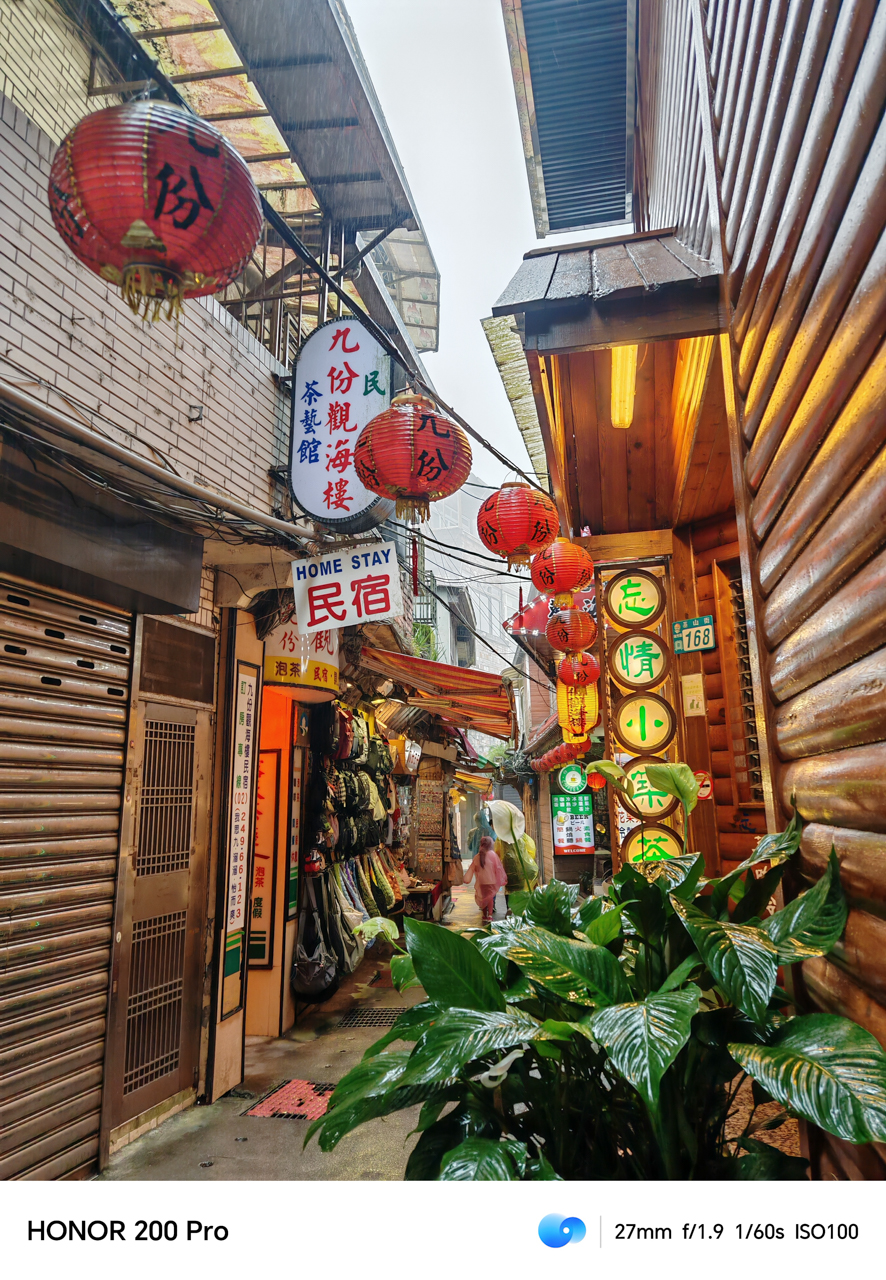
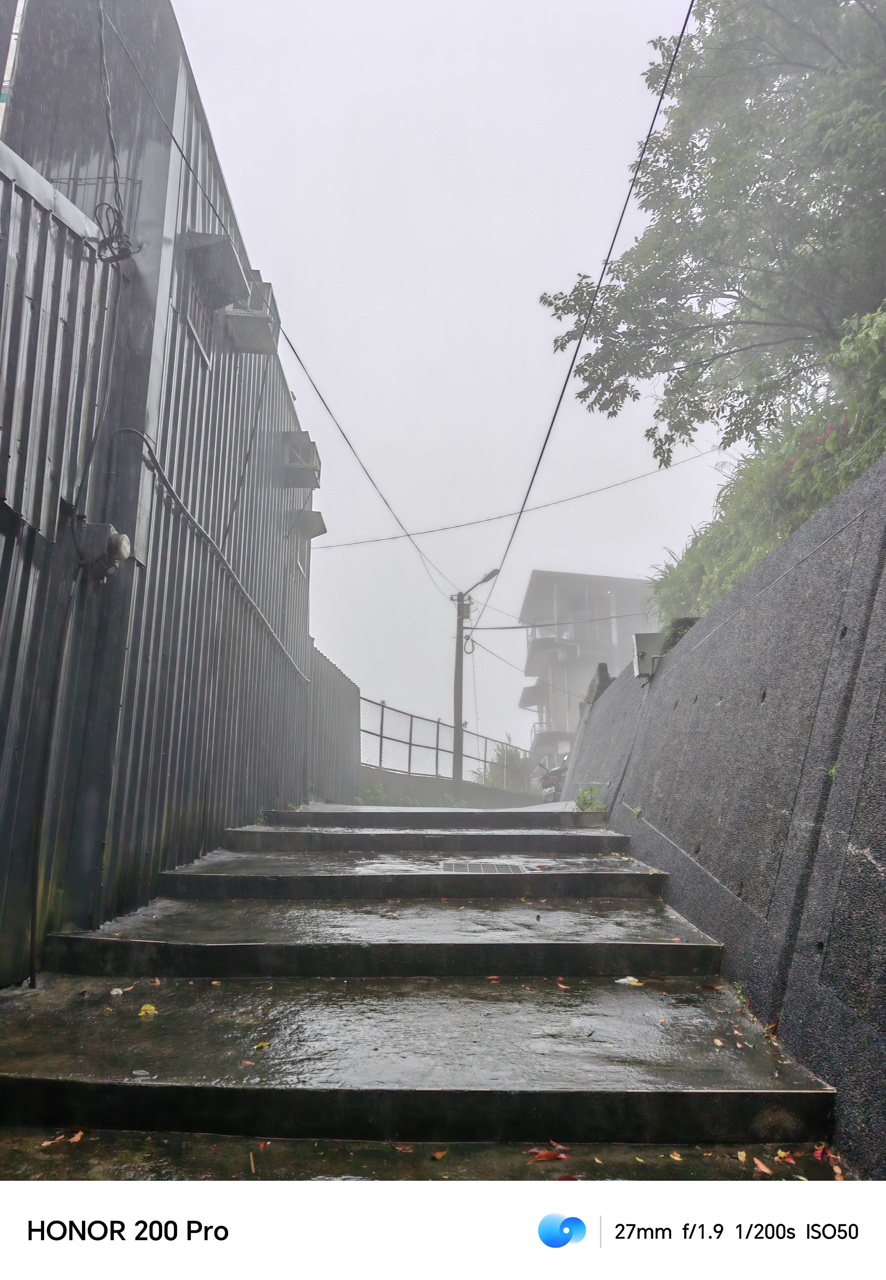
We didn’t halt our visit even when it was raining hard. Instead, the atmosphere gave off dramatic vibes captured vividly using the HONOR 200 Pro.
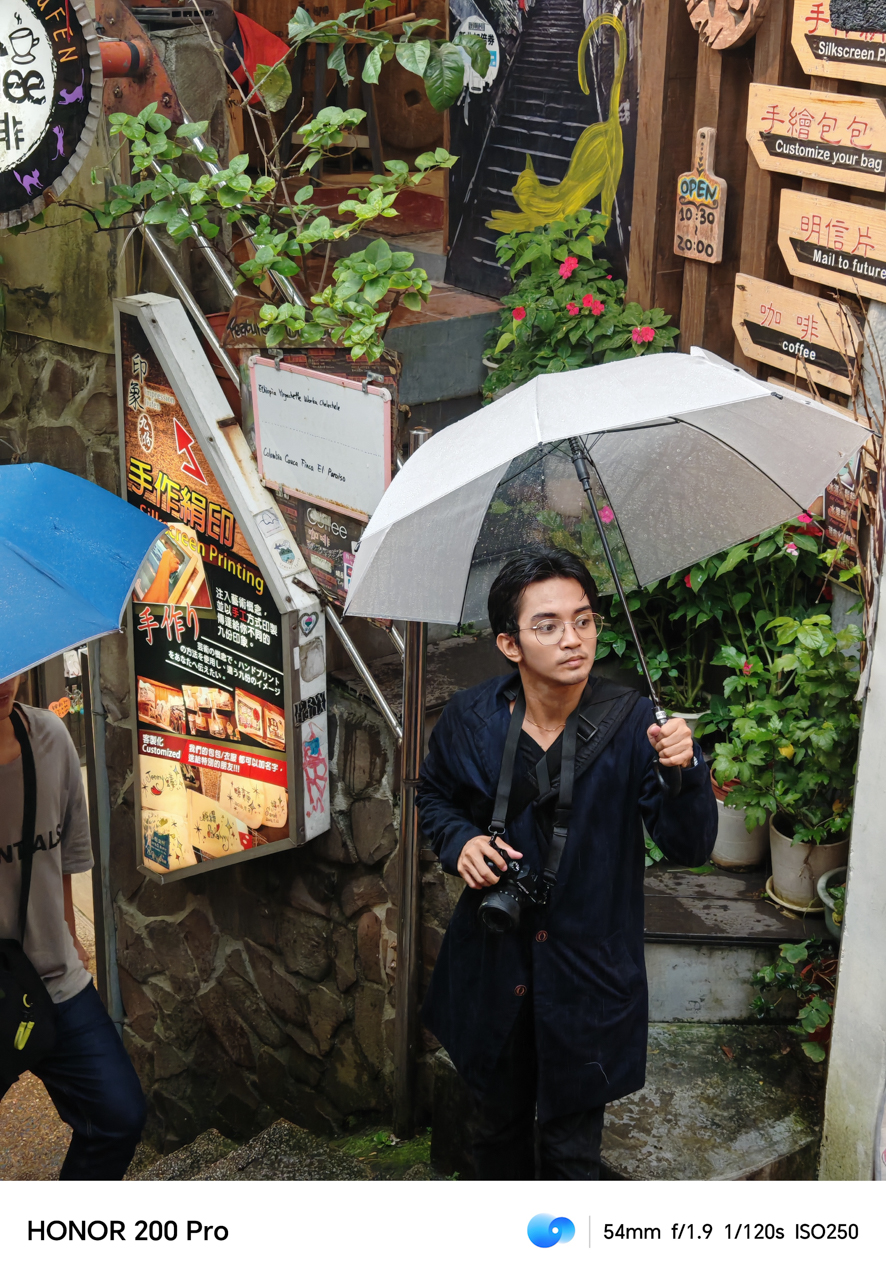



Most alleys were empty, since people hate getting soaked in the rain and getting their shoes wet. We took the opportunity to capture the lively streets and establishments.

The popular spot known for the Spirited Away vibe still looked fantastic even when fog was enveloping the place. It was the only challenge when shooting during a foggy and rainy atmosphere since the exposure gets tricky. Nevertheless, the HONOR 200 Pro still managed to give a picturesque shot.
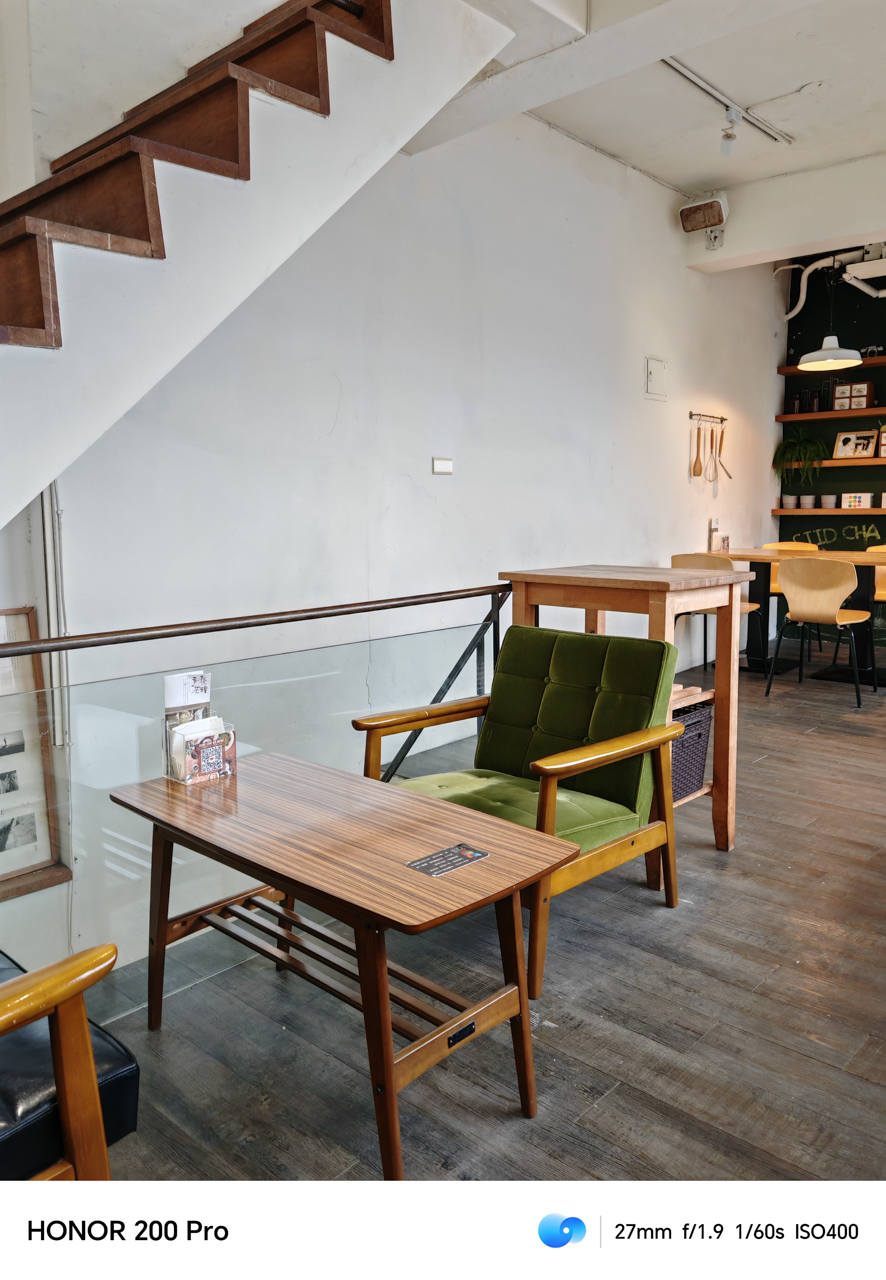

Eventually, we sought solace at SIIDCHA Teahouse, a modern-esque teahouse with rooftop view of Jiufen. Since there were no overlooking views to watch, we sat around and dried ourselves after being drenched in the rain.
We enjoyed a good cup of coffee and a slice of cupcake, since we’re coffee-holics.
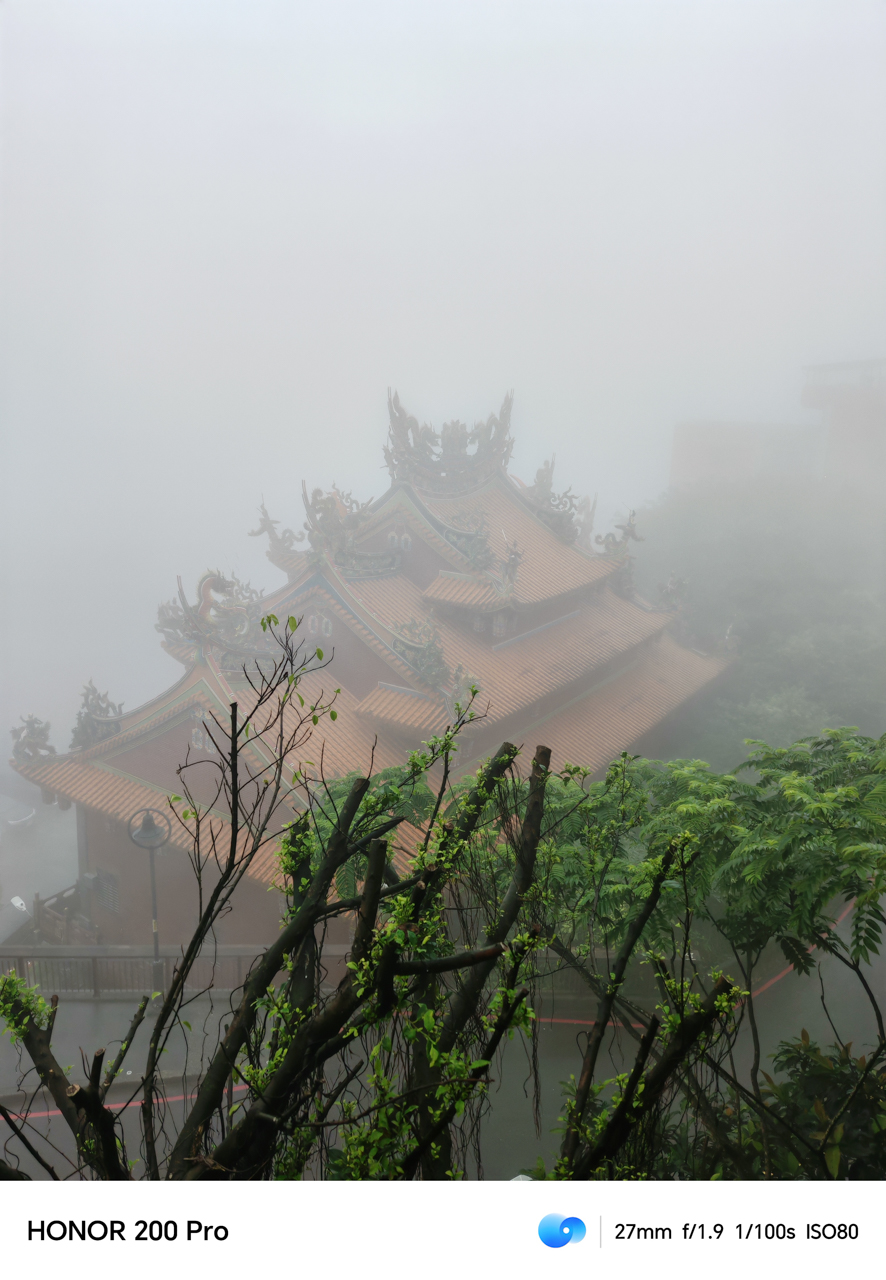
Leaving Jiufen, we were able to catch a glimpse of the fog enveloping the street. We were hauntingly stunned by the scene unraveling before us.
The night is still young
Going back to Taipei, the city is most alive at night. The lights give life and love to the mesmerizing streets filled with stories of people frolicking and passing through.
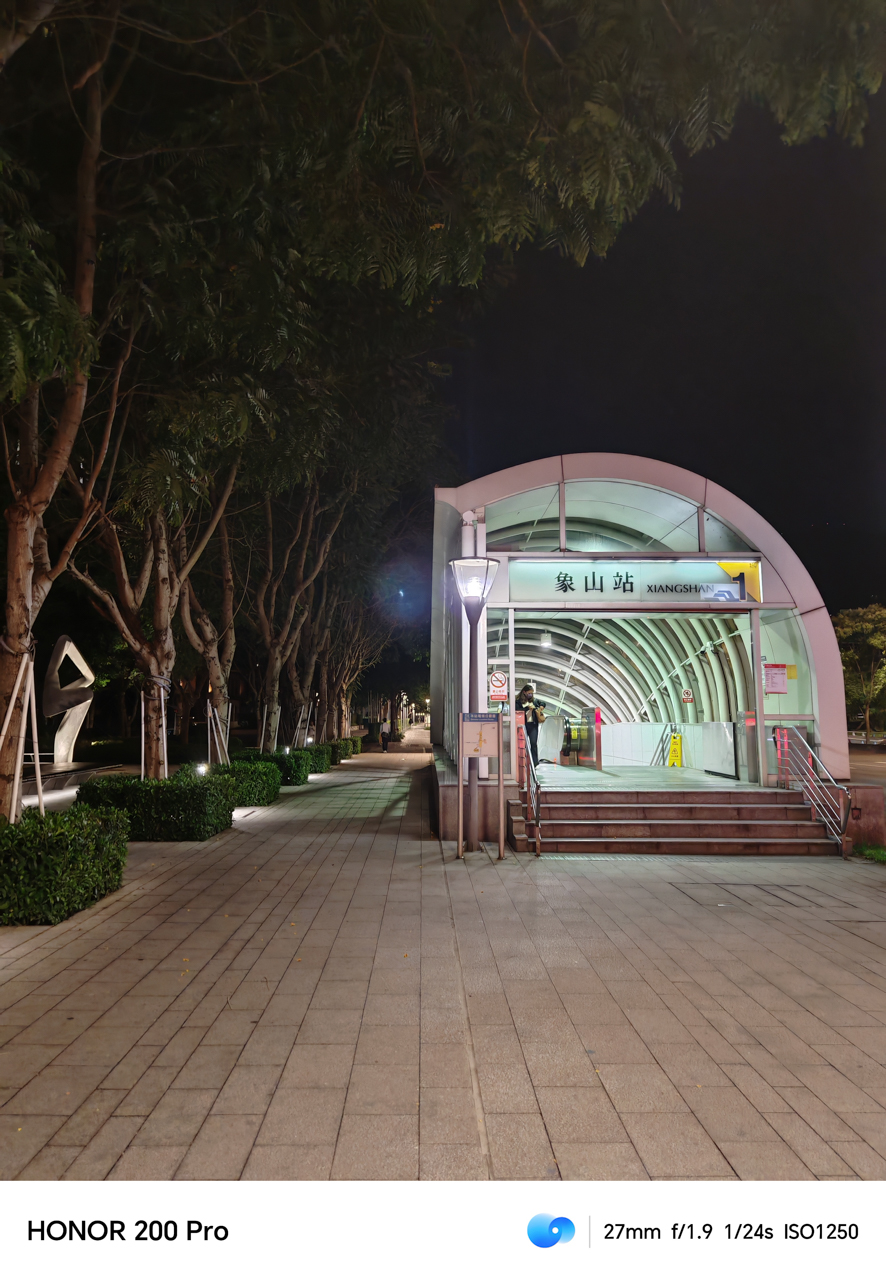
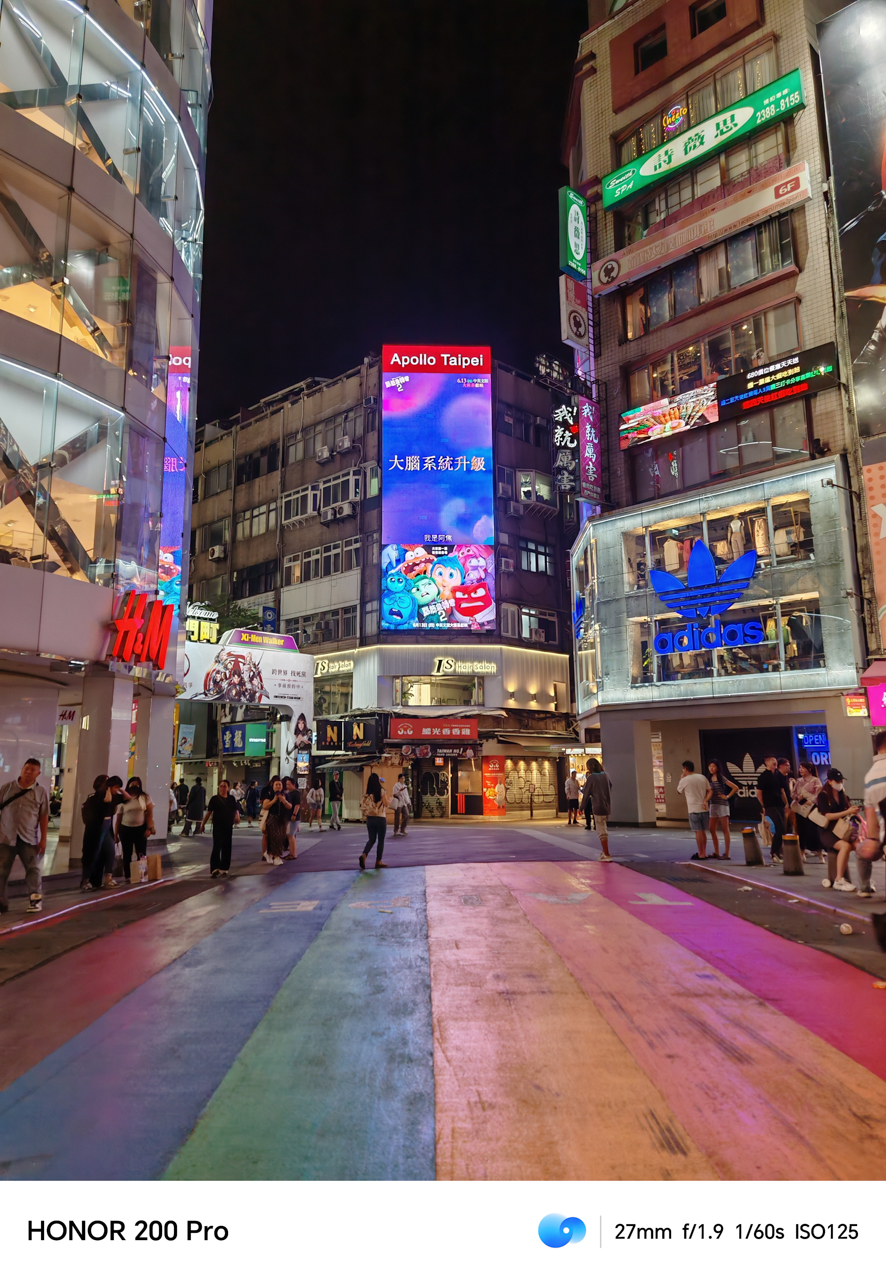
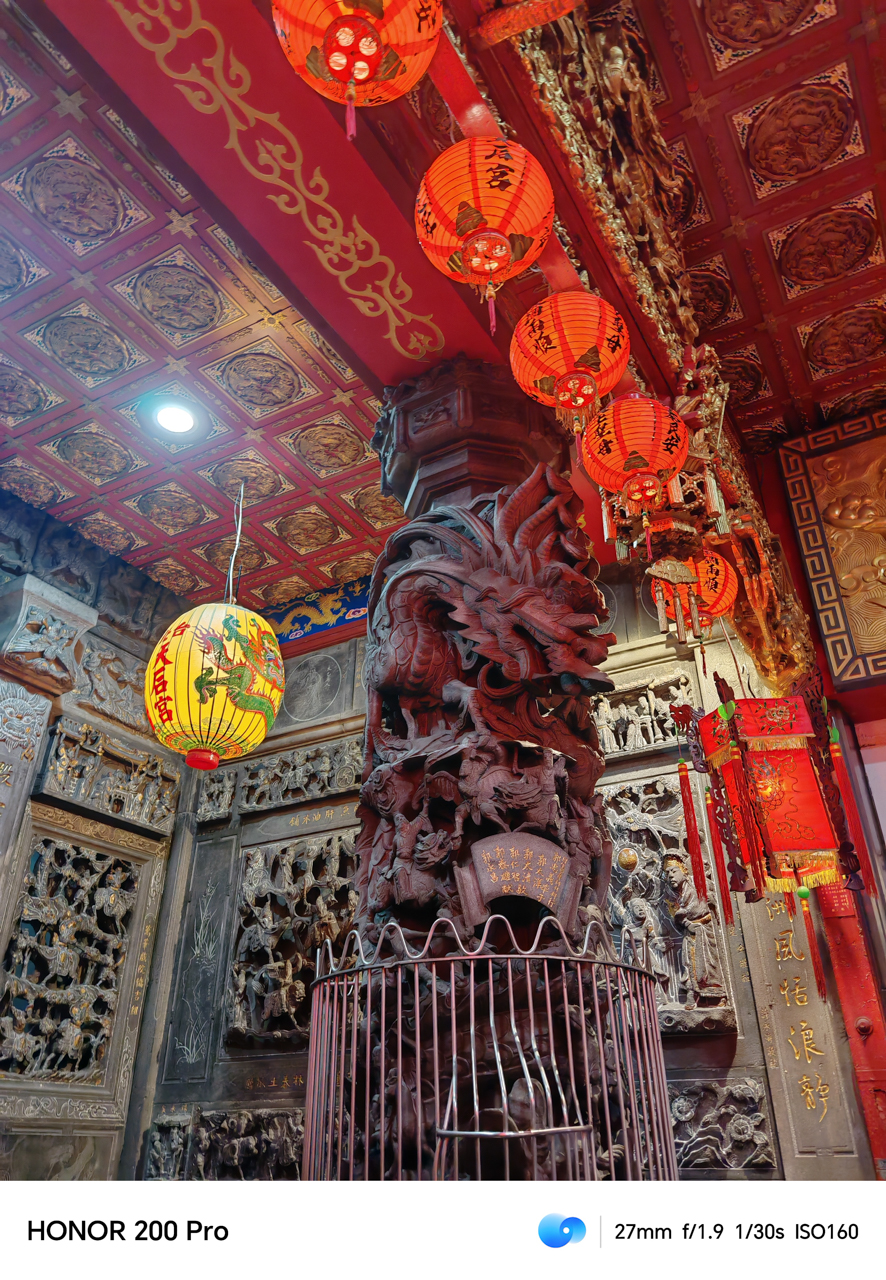
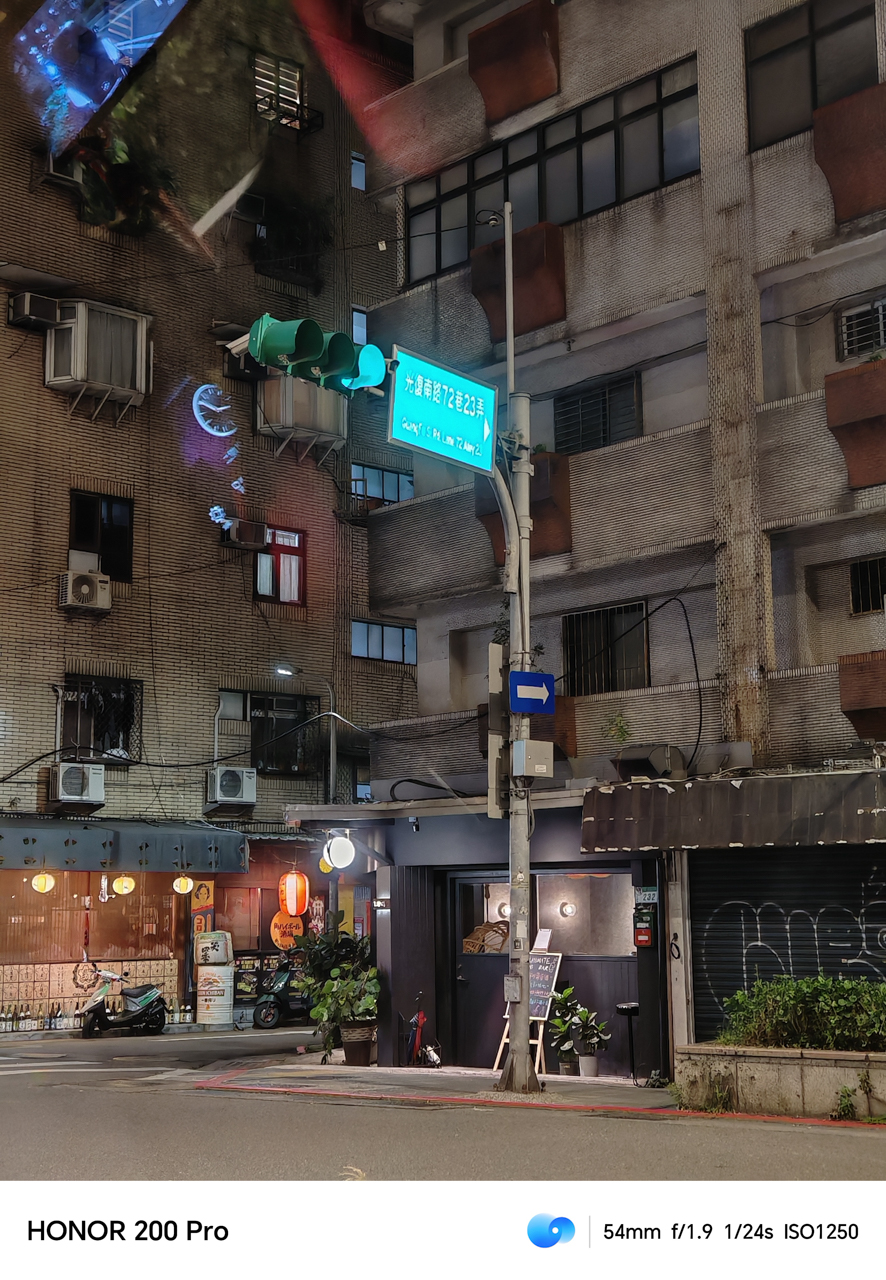

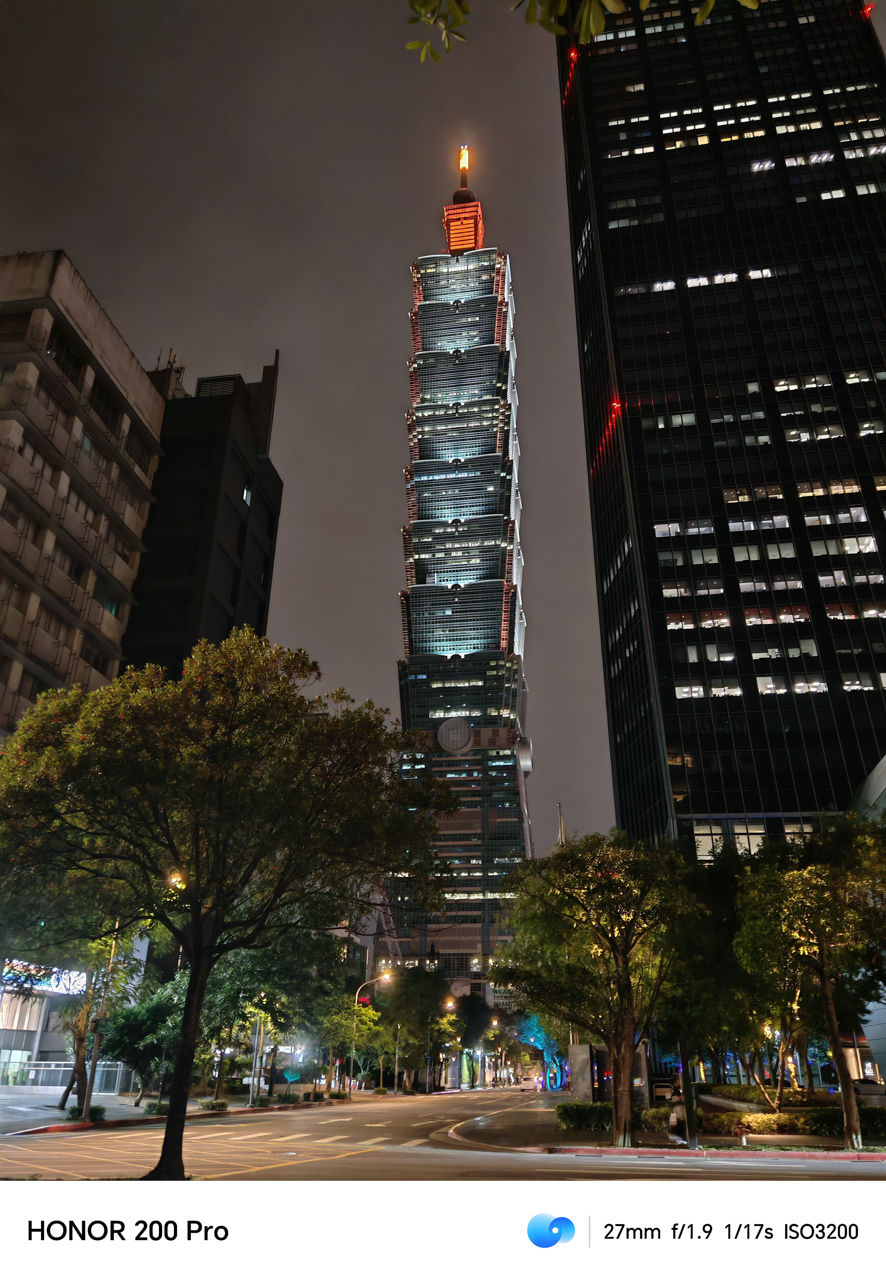
So long, Taiwan. I’m glad that your beauty and the experience was captured fondly using the HONOR 200 Pro. Even for a Portrait-focused smartphone, the HONOR 200 Pro proved to be a worthy travel companion.
HONOR 200 Pro
That said, the HONOR 200 Pro was able to give us a spectacular performance while out on a trip. It’s powered by a Snapdragon 8s Gen 3 processor, supported by a 12GB RAM with 512GB of storage.
Not once did it lag, and we got to capture our favorite moments through photos and videos. It also lasted a while, thanks to its 5200mAh Silicon-carbon battery.
The HONOR 200 Pro comes in Ocean Cyan, Moonlight White, and Black. It retails for £ 699.99 via HONOR.com/uk.






Hands-On
Apple iPhone Duo Unboxing and Hands-on
Supported apps, crease, cameras, and MagSafe all tested


Apple’s iPhone Duo is finally here!
Aside from unboxing the all-new iPhone-dable in Night Sky, we take a closer look at the display crease, check out the under-display camera quality, see which MagSafe accessories work with it.
Most of all, which apps support it (or not).
But how well does the dual-screen experience on an iPhone actually work? Watch our Apple iPhone Duo unboxing and hands-on to know more!


Moving into a new space comes with a long list of things to figure out, and lately, I’ve been paying more attention to something that’s easy to overlook: air quality.
After using the LG AeroMini for about a month, it has become a subtle but welcome addition to my space. It helps make the room feel fresher, while its compact and stylish design fits naturally into my setup. Here are the things that stood out to me most after living with it for a month.
360° purification for a fresher space
One of the things I appreciate about the AeroMini is its 360° air purification, designed to bring purified air in every direction.
For me, this is particularly useful in a new space where I’m spending a lot of time working, relaxing, and just settling in.

Combined with its True HEPA filter, which is designed to remove 99.999% of 0.01μm fine dust and allergens, it gives me added peace of mind about the air I’m breathing every day.
After a month, I can genuinely say that the space feels fresher with it running.

Surprisingly quiet
This is probably my favorite feature.
The LG AeroMini operates at just 26dB, and after using it for a month, what stands out is how easy it is to forget that it’s even running.

I can have it running while I’m working or sleeping without the noise becoming a distraction. For an appliance that’s designed to continuously improve the air around you, I think that’s a big deal.
Sometimes, the best feature is the one you barely notice.
Design that fits my space
Since I recently moved, I’ve been pretty conscious about what I bring into the space. I want things to be functional, but I also don’t want appliances that feel like they’re taking over the room.

The AeroMini’s slim and compact design makes it easy to incorporate into my setup. It doesn’t feel bulky or industrial, and I like that I can leave it out without feeling like I need to hide it away.
For me, that balance between functionality and aesthetics makes it feel more like part of the space rather than just another appliance.
Air quality at a glance
Another feature I’ve found convenient is its Smart Control. Through the app, I can monitor and control the AeroMini while getting real-time updates on the indoor air quality.
It’s a small convenience, but being able to check the air quality without having to interact with the purifier directly makes it easier to keep track of what’s happening in the room.

Easy to maintain
I also appreciate that the AeroMini is designed with an all-in-one dust and deodorization filter that makes replacement and maintenance easier.
That matters to me because the best home gadgets are the ones that don’t create another complicated chore. I want something I can set up, use regularly, and maintain without too much fuss.

After a month, would I keep it?
Yes, and mainly because it quietly fits into my everyday routine.
The LG AeroMini has helped make my new space feel fresher and more comfortable, while its compact design means it doesn’t compromise the look of the room. But if I had to pick just one thing I appreciate most, it’s still how incredibly quiet it is.

It’s one of those upgrades that doesn’t demand your attention. It simply works in the background.
If you’re also looking to make your home a fresher and more comfortable space for yourself and your family, visit https://www.lg.com/ph/ to learn more about the LG AeroMini and how it can fit into your everyday life.
Hands-On
Apple iPhone 18 Pro Series Hands-on
And everything announced during Apple’s September 2026 Event

The latest Apple event isn’t just about the shiny new Apple Duo. There’s a lot to talk about!
In this video, we break down everything Apple has announced during their September 2026 keynote.
First, there’s the updated iPhone 18 Pro and 18 Pro Max. That’s alongside their design and color changes, battery and performance improvements. Even that massive camera upgrade.
There’s even the ANC-infused AirPods 5 alongside the newer Apple Watch Series 12 and Apple Watch Ultra 4. Plus, the latest software updates coming to both these wearables.
So, are these worth the upgrade?


ROG G700 review: The best prebuilt PC you can get off the shelf
This PC will make you stop worrying about specs.


HP OMEN Max 16 review: Gamer-maxxing in deep black
Peripherals deemed necessary to max this out


vivo V80 review: Good phone, tough sell
A capable travel companion

4 new nutribullet kitchen essentials to make holiday hosting easier

Inside Infinix’s first global concept store in Bali

Wild Rift Patch 7.3, celebrates K/DA comeback

LG showcases its latest AI TVs in the Philippines

Your coffee nook is getting a makeover with Starbucks’ holiday collections


-

 News2 weeks ago
OPPO Find X10 Series: Price, availability in the Philippines
-

 Cameras2 weeks ago
DJI Osmo Pocket 4P Pearl White now available globally
-

 News2 weeks ago
OPPO Find X10 Series: Price, availability
-
 Lifestyle2 days ago
Your coffee nook is getting a makeover with Starbucks’ holiday collections
-
Gaming2 weeks ago
HP OMEN Max 16 review: Gamer-maxxing in deep black
-

 Entertainment2 weeks ago
Cyberpunk: Edgerunners 2 now streaming, Cyberpunk 2077 update coming
-

 Laptops2 weeks ago
ASUS ProArt P14, P16 laptops with NVIDIA RTX Spark now available
-

 Lifestyle4 days ago
Sticker season is back, and so is the planner your ~friends~ might fill in for you