
Accessories
Lightweight king: Razer unveils Viper V2 Pro
20 percent lighter than the Viper Ultimate

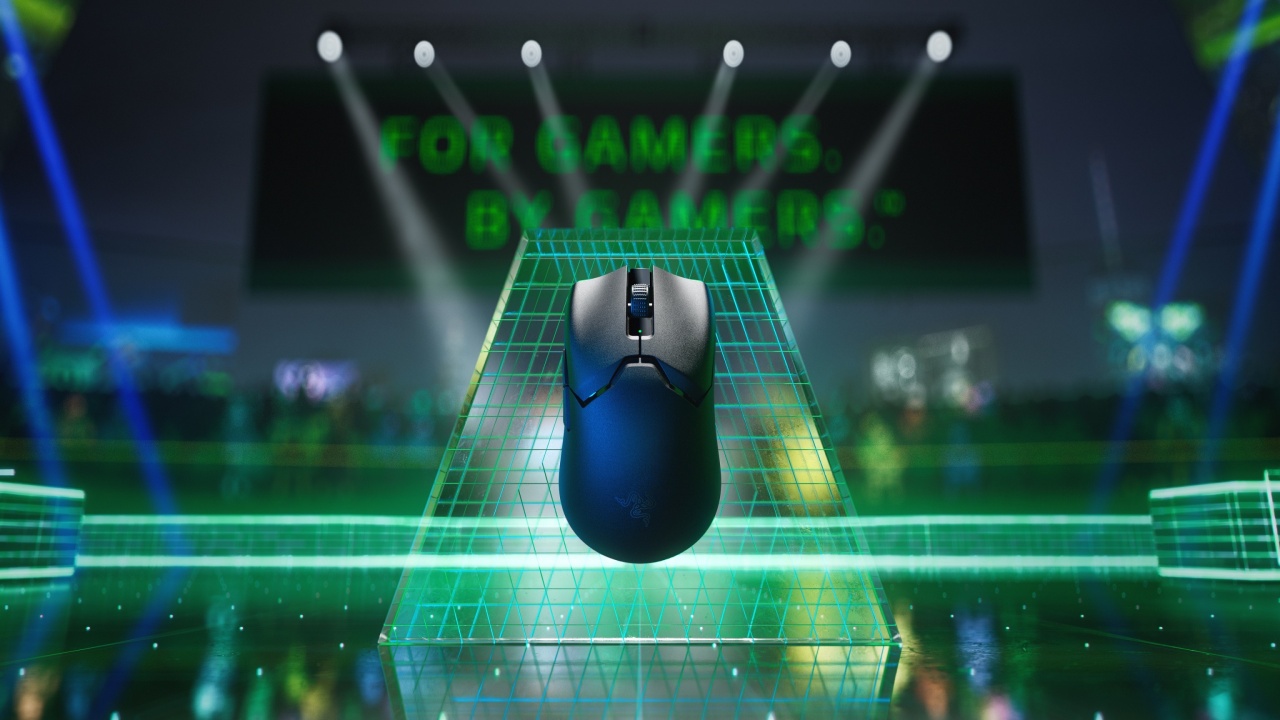
One of the world’s lightest gaming mice is now available in the Philippines. Razer has announced the release of the ultra-lightweight and wireless gaming mouse Viper V2 Pro.
The Razer V2 Pro sells for Php 8,990 via Razer’s official website, official Shopee and Lazada stores, and through its authorized sellers.
The package box will include additional grip tapes pre-cut to the mouse’s shape, a Razer Speedflex charging cable and 2.4GHz HyperSpeed USB dongle extender.
Peak performance at your fingertips
The Viper V2 Pro is 20 percent lighter than the Viper Ultimate, and comes with cutting-edge tech features, such as:
- Razer Optical Mouse Switches Gen-3
- better battery life
- all-new Focus Pro 30K Optical Sensor
Determined to make the Viper V2 Pro the new standard for gaming mice, Razer designed it hand-in-hand with feedback from esports pros.
This includes 2022 VALORANT Champions Tour (VCT) Grand Finals MVP Jimmy “Marved” Nguyen of OpTic Gaming.
For the pro
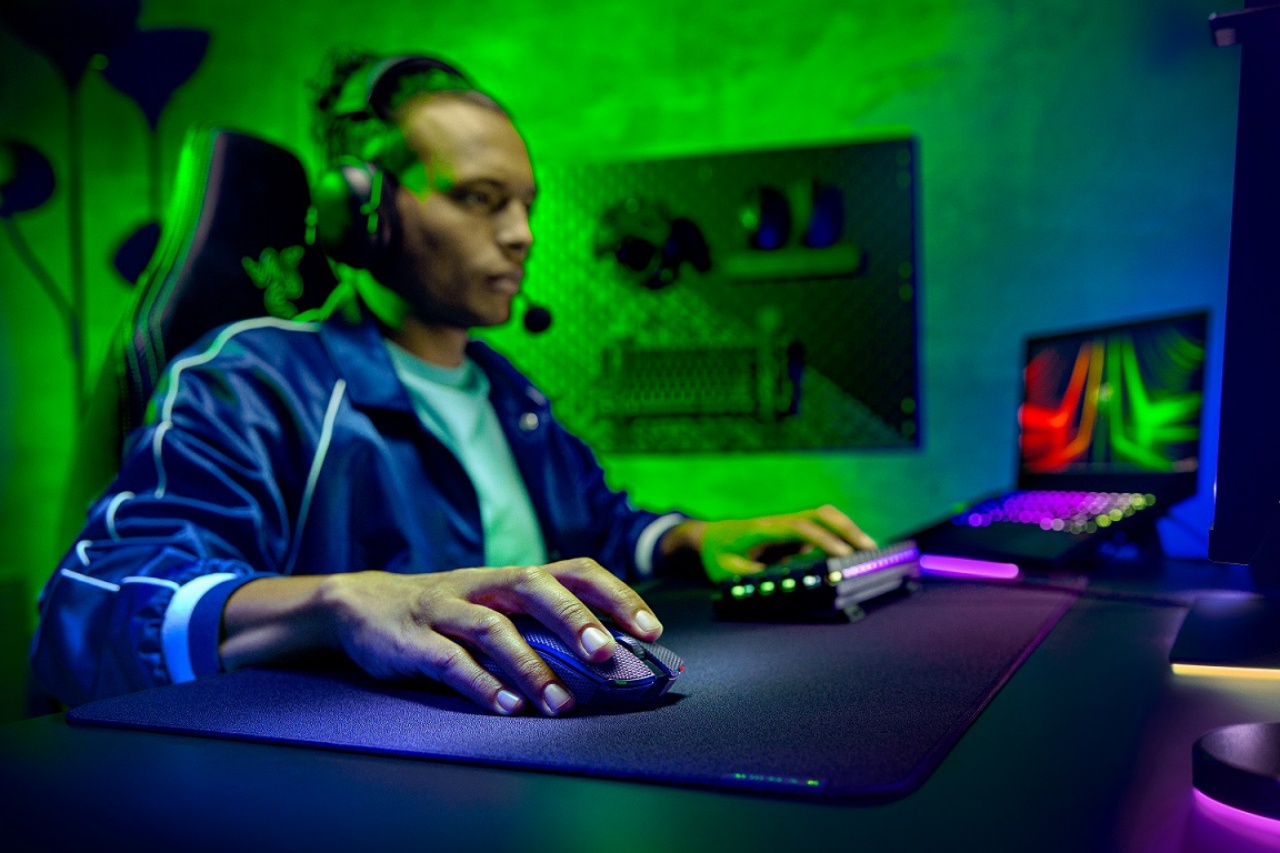
Razer’s new Focus Pro 30K Optical Sensor helps achieve a complete resolution accuracy of 99.8 percent.
The powerful new sensor is equipped with AI functionality such as Smart Tracking, Motion Sync and Asymmetric Cut-off for the ultimate performance at the highest levels of play.
The Viper V2 Pro also features the new Razer Optical Mouse Switches Gen-3 for absolutely zero double-clicking issues and no debounce delay.
These new switches are rated for a click lifecycle of up to 90 million clicks, an increase of 25 percent from the previous generation’s lifespan.
Other aspects that will benefit gamers include support for USB-C charging and DPI control button on the bottom of the mouse.







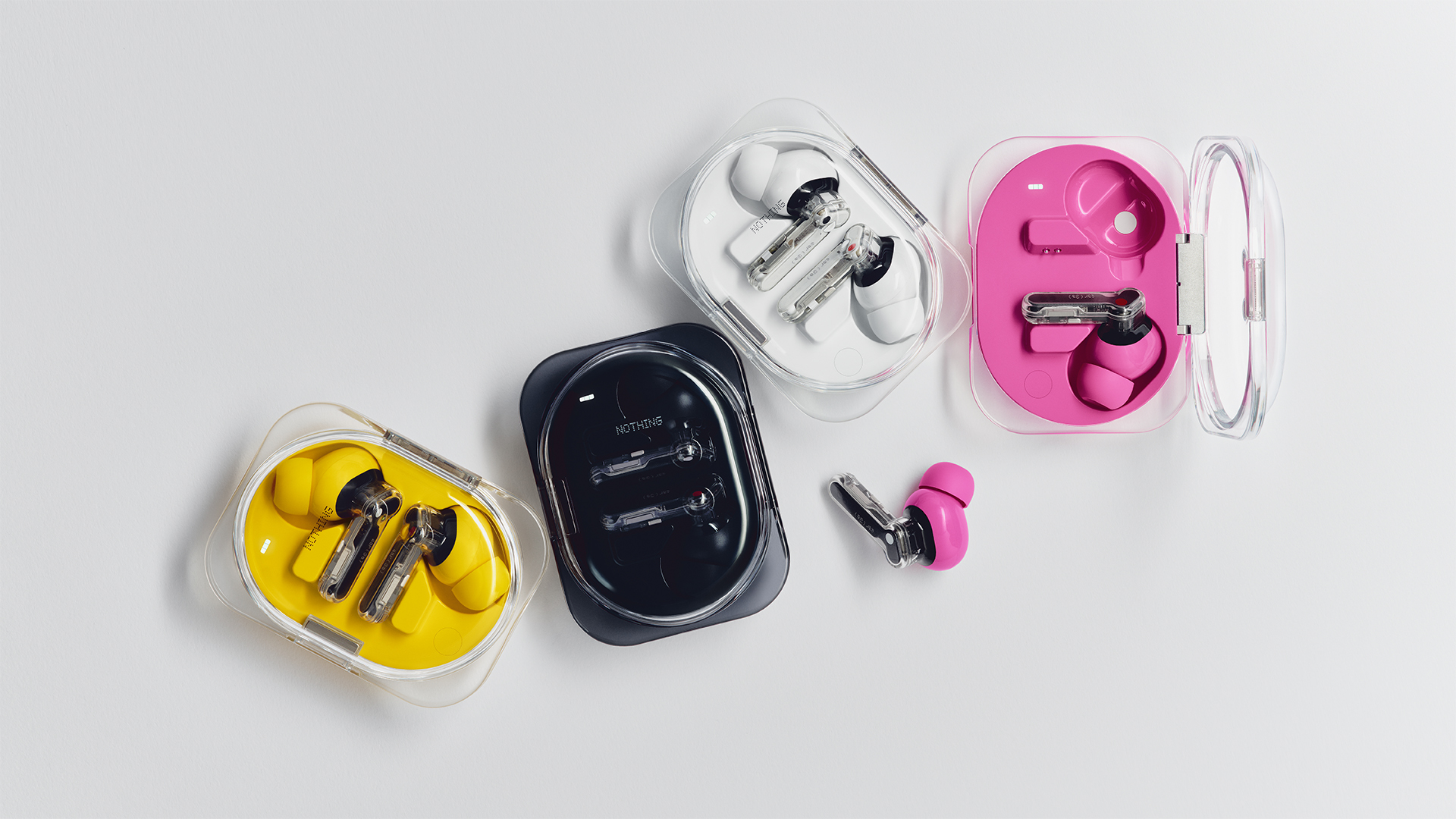
Today, Nothing launched the Phone (4b). The new smartphone isn’t the only star sharing the spotlight, though. The iconic brand has also launched the Ear (3a).
A follow up to the brand’s earbuds lineup, the Ear (3a) packs in a lot of features in so small a device. For one, the earbuds have a bigger 12mm custom driver. Nothing says that this results in a punchier bass and a unique sound signature. Naturally, it supports Hi-Res audio playback.
For noise cancellation, the Ear (3a) comes with three mics to filter out background noise. It can reach up to 45dB of active noise cancellation. Additionally, it can amplify your voice for much clearer calls.
The Ear (3a) adds the same functionalities as the Essential Button. A pinch on the stem lets the earbuds record up to 32MB of audio natively. Plus, the new Audio Snapshot can rewind and clip up to 30 seconds of media. Finally, you can record up to two hours of a single phone call.
For its battery, the earbuds tout up to 42 hours of playback on a single charge. Plus, a five-minute charge is enough to power the earbuds by up to an hour.
Connectivity is also seamless with Bluetooth 6.0 support. The earbuds can keep themselves connected even in crowded locations.
Finally, the earbuds also boast durability with IP54 water and dust resistance. Nothing also tested the case by opening and closing it 20,000 times.
The Ear (3a) comes in black, white, pink, and yellow. It retails for US$ 99.
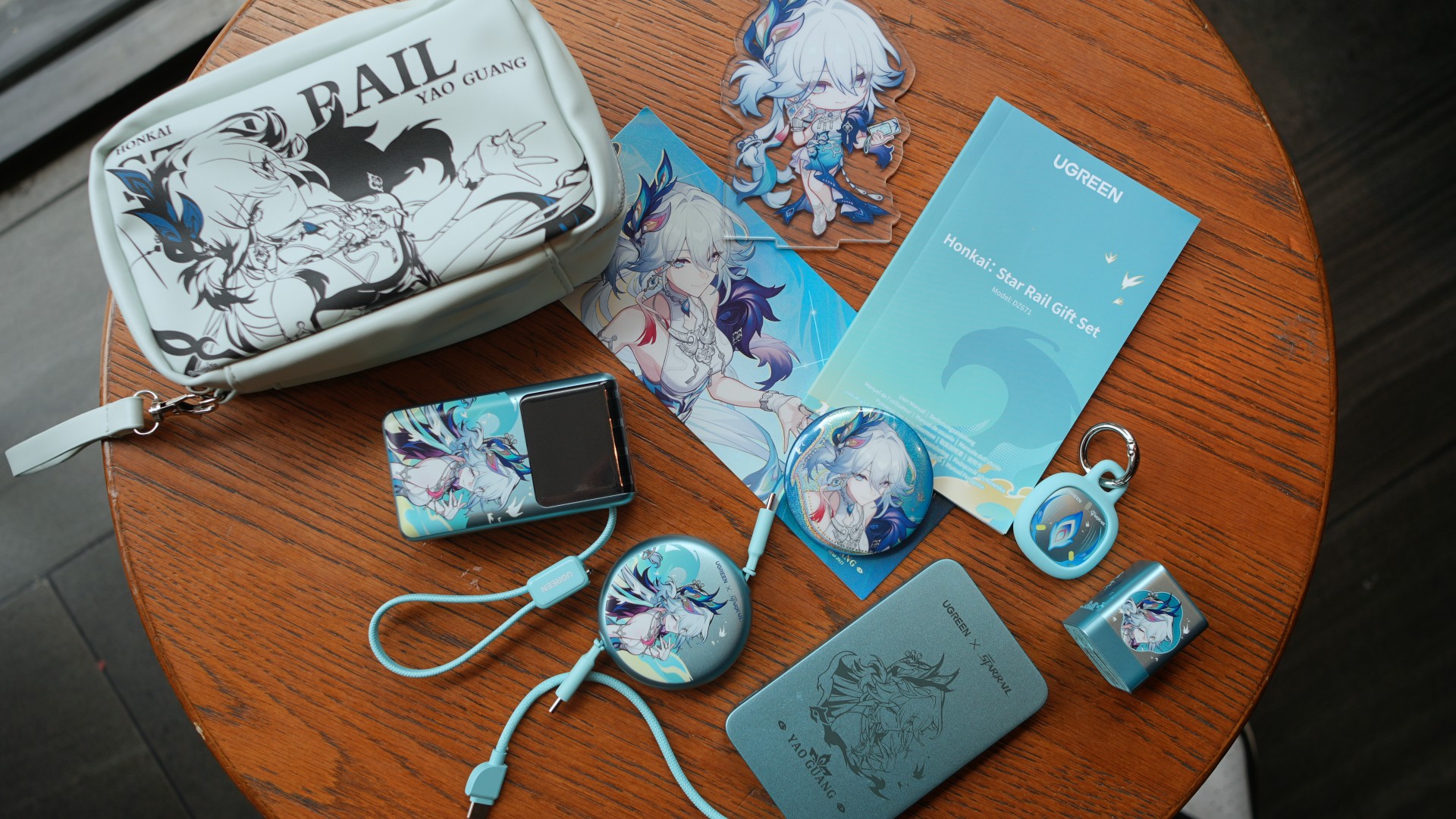
Most brand collaborations usually lean on one thing: aesthetics.
That’s not necessarily a bad thing. If you’re already a fan of the franchise, seeing your favorite character on something you use every day is reason enough to pick it up.
The UGREEN x Honkai: Star Rail collection certainly delivers on that front. Inspired by Yao Guang, each accessory gets a distinct look without sacrificing the clean, minimalist design UGREEN is known for.
After spending some time with the collection, however, another idea stood out.
Rather than treating each accessory as a standalone product, the lineup makes the most sense as a complete charging kit.
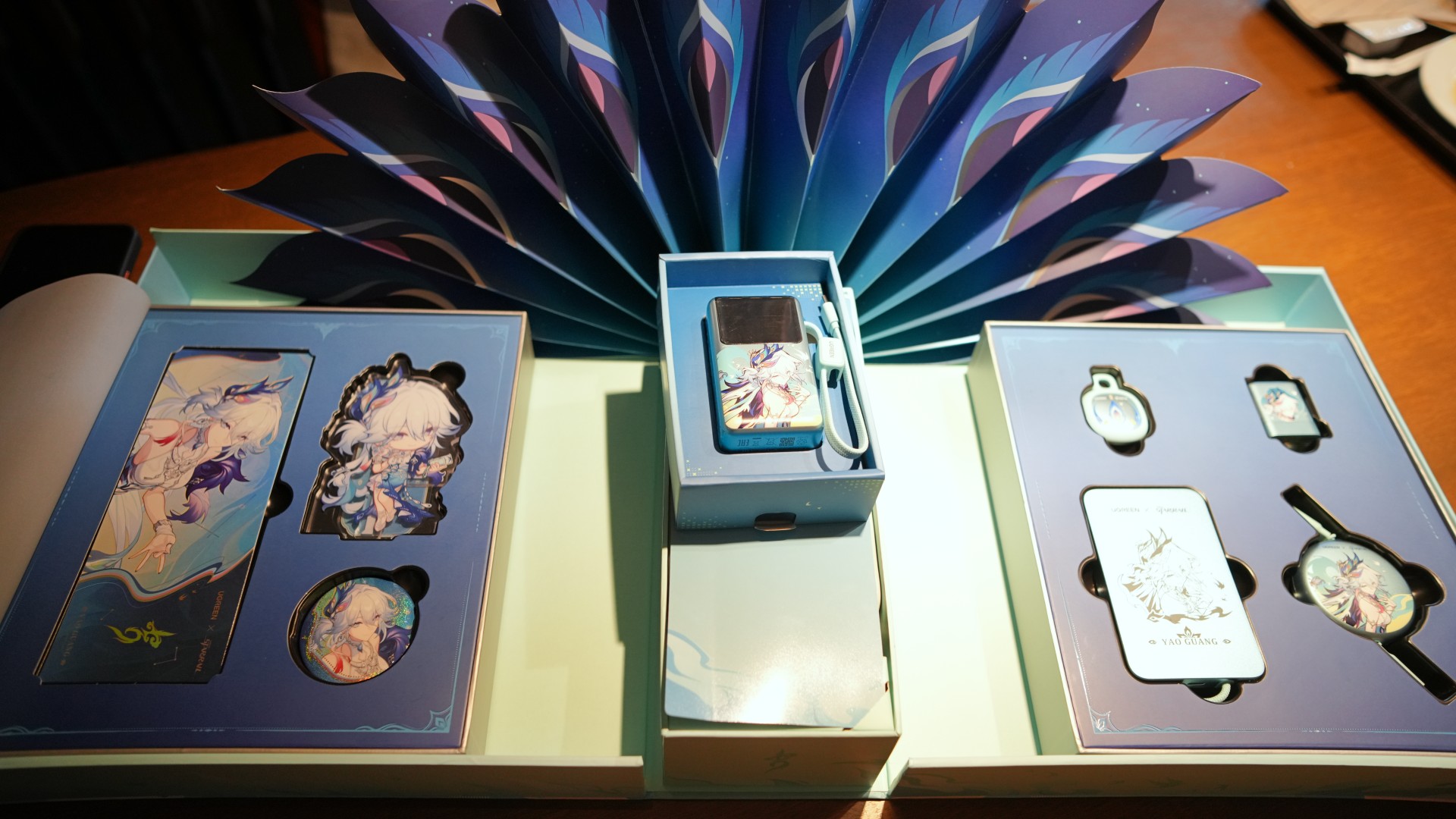
Built around everyday carry
Inside the limited-edition gift box are four of UGREEN’s everyday essentials: the MagFlow Air Magnetic Power Bank, Nexode Air 65W Charger, Nexode Retractable USB-C Cable, and FineTrack Mini 2 tracker. The package also comes with exclusive Yao Guang collectibles, including an acrylic stand, badge, holographic ticket, and a matching pouch.
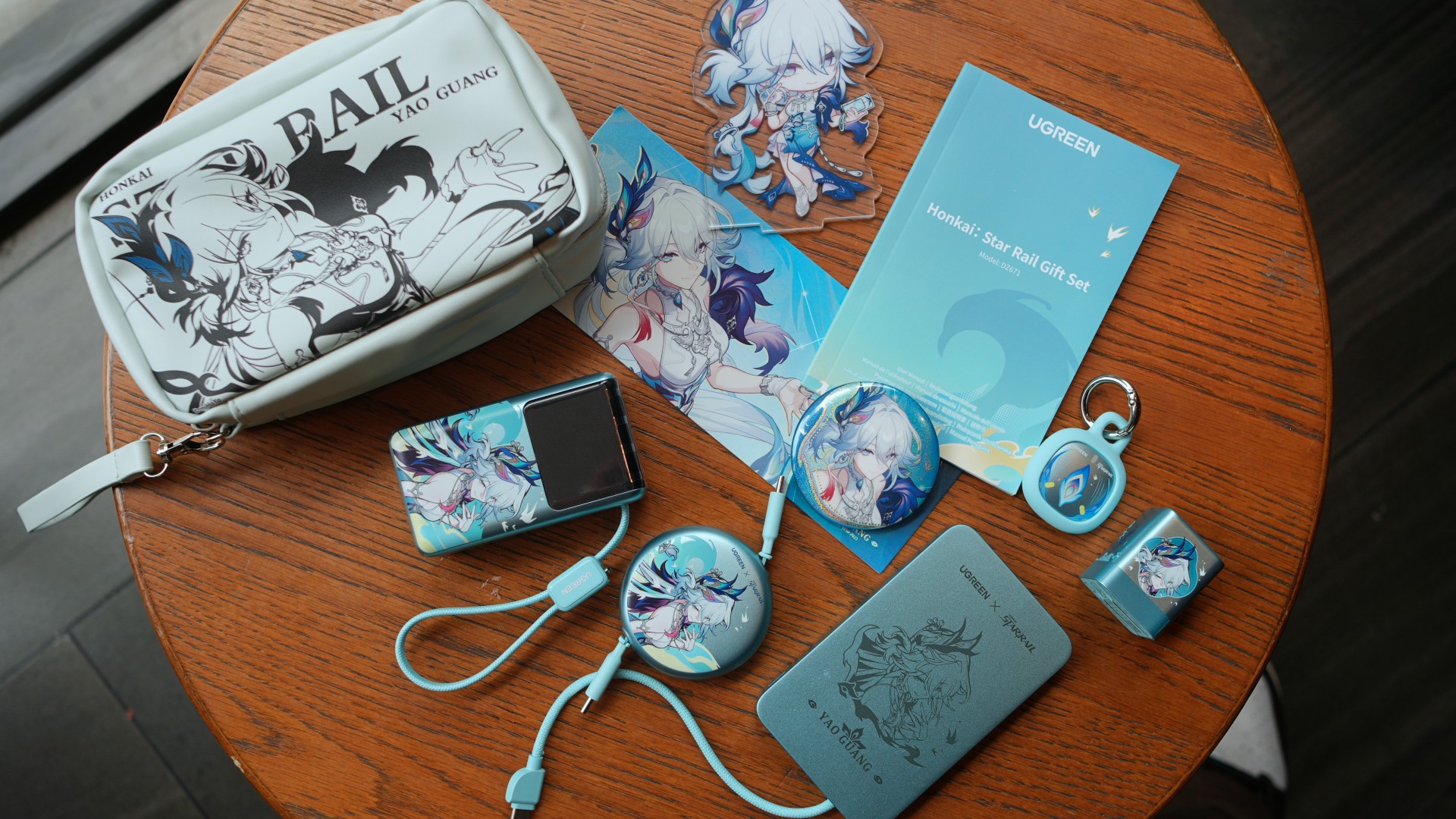
UGREEN also sent over the Nexode Pro Power Bank Honkai: Star Rail Edition. While it isn’t included in the collector’s gift box, it naturally rounds out the entire collection. Its built-in USB-C cable, compact size, and smart display make it feel like it belongs alongside the rest of the lineup.
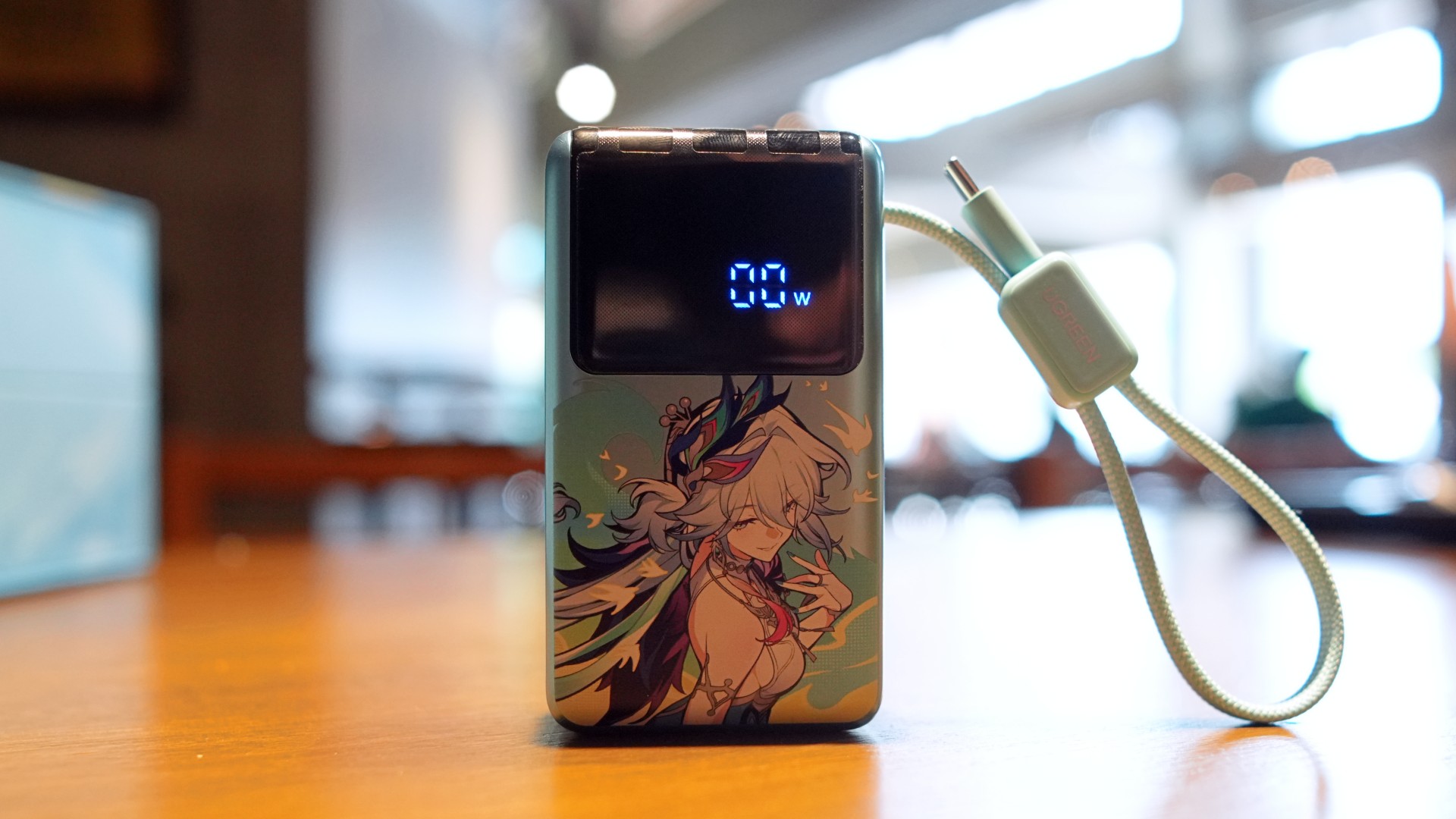
Looking at everything together, the collection already covers most everyday charging needs.
There’s a compact GaN wall charger for laptops and tablets. Two power banks for different situations. A retractable USB-C cable that cuts down on cable clutter. And a tracker for bags, keys, or anything else you don’t want to misplace.
It’s a practical combination before the collaboration artwork even enters the conversation.
Familiar products with fresh personalities
That familiarity is also part of what makes this collaboration work.
We’ve already spent time with the standard versions of both the Nexode Air Charger 65W and the MagFlow Air Power Bank. Their biggest strengths weren’t flashy gimmicks. They were reliable accessories that earned a place in an everyday carry setup.
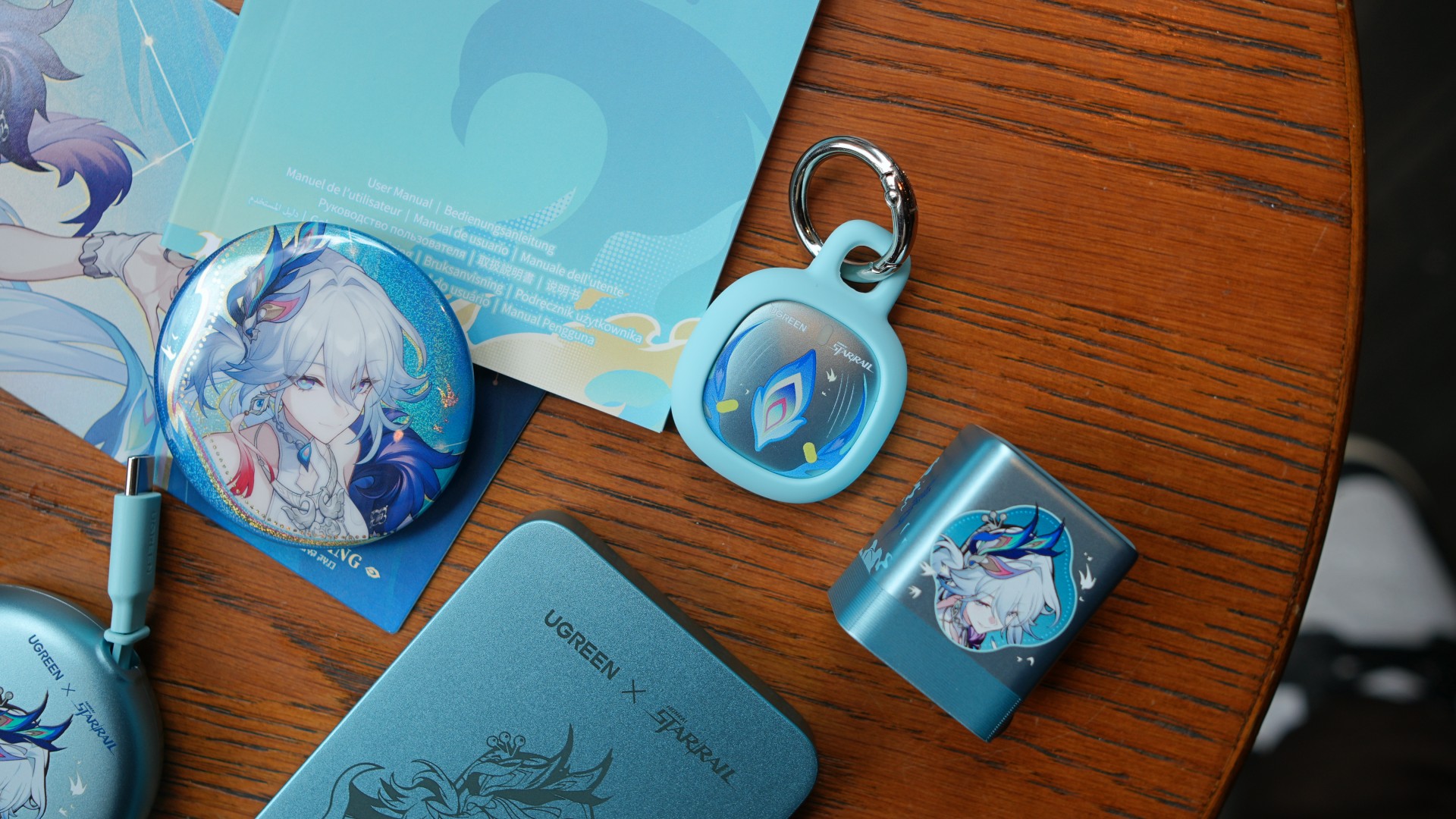
That doesn’t change here.
The Nexode Air remains a compact 65W GaN charger that’s easy to slip into a backpack or travel pouch. Meanwhile, the MagFlow Air continues to offer the flexibility of wired and wireless charging in a compact package.
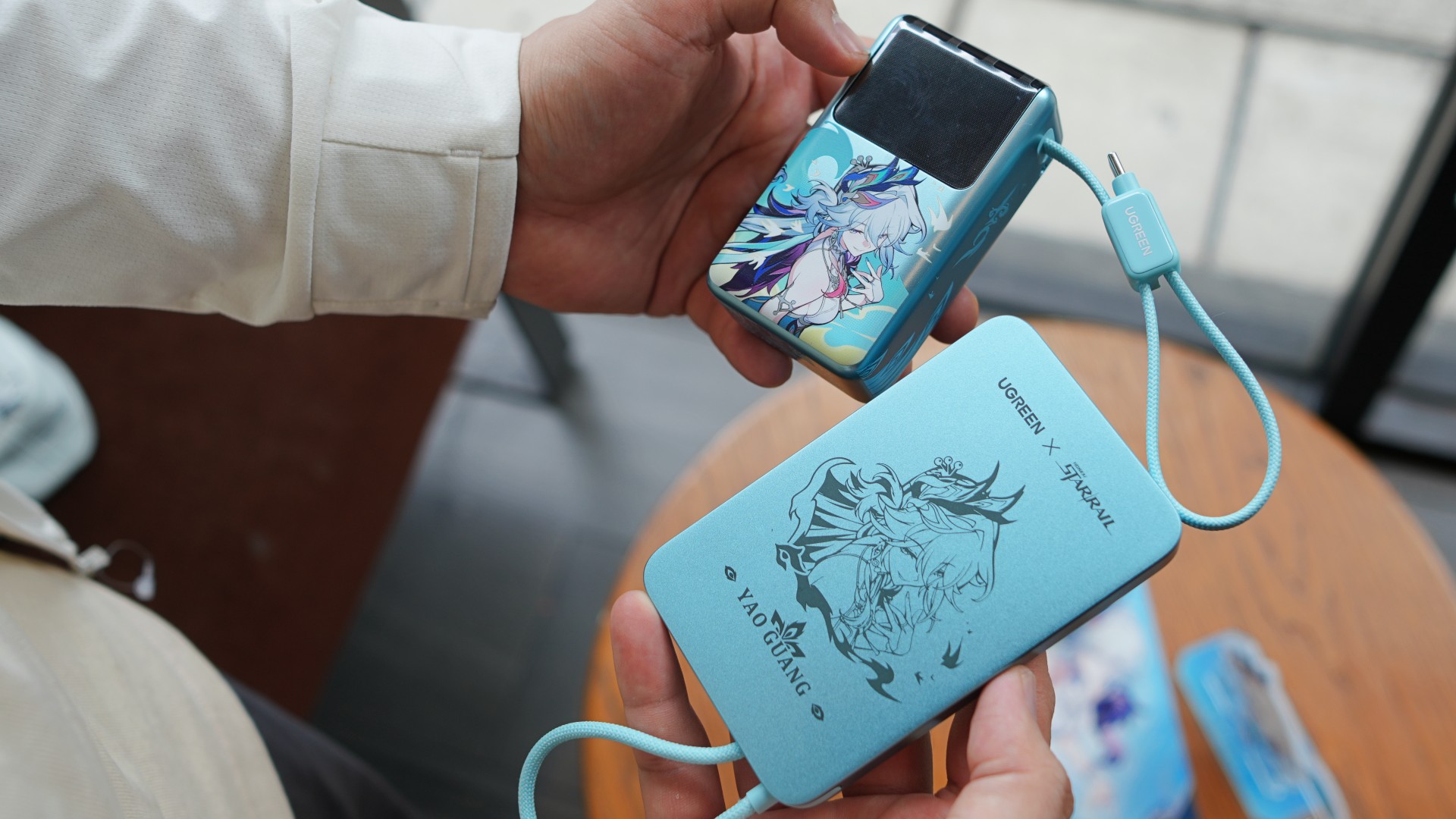
Instead of reinventing the hardware, UGREEN simply gave the products a little more personality.
For Honkai: Star Rail fans, that’s probably exactly what they’re looking for.
The little things make a difference
Another pleasant surprise is how cohesive everything feels.
The included pouch makes it easy to keep most of the essentials together, whether they’re headed into a backpack, messenger bag, or carry-on luggage.
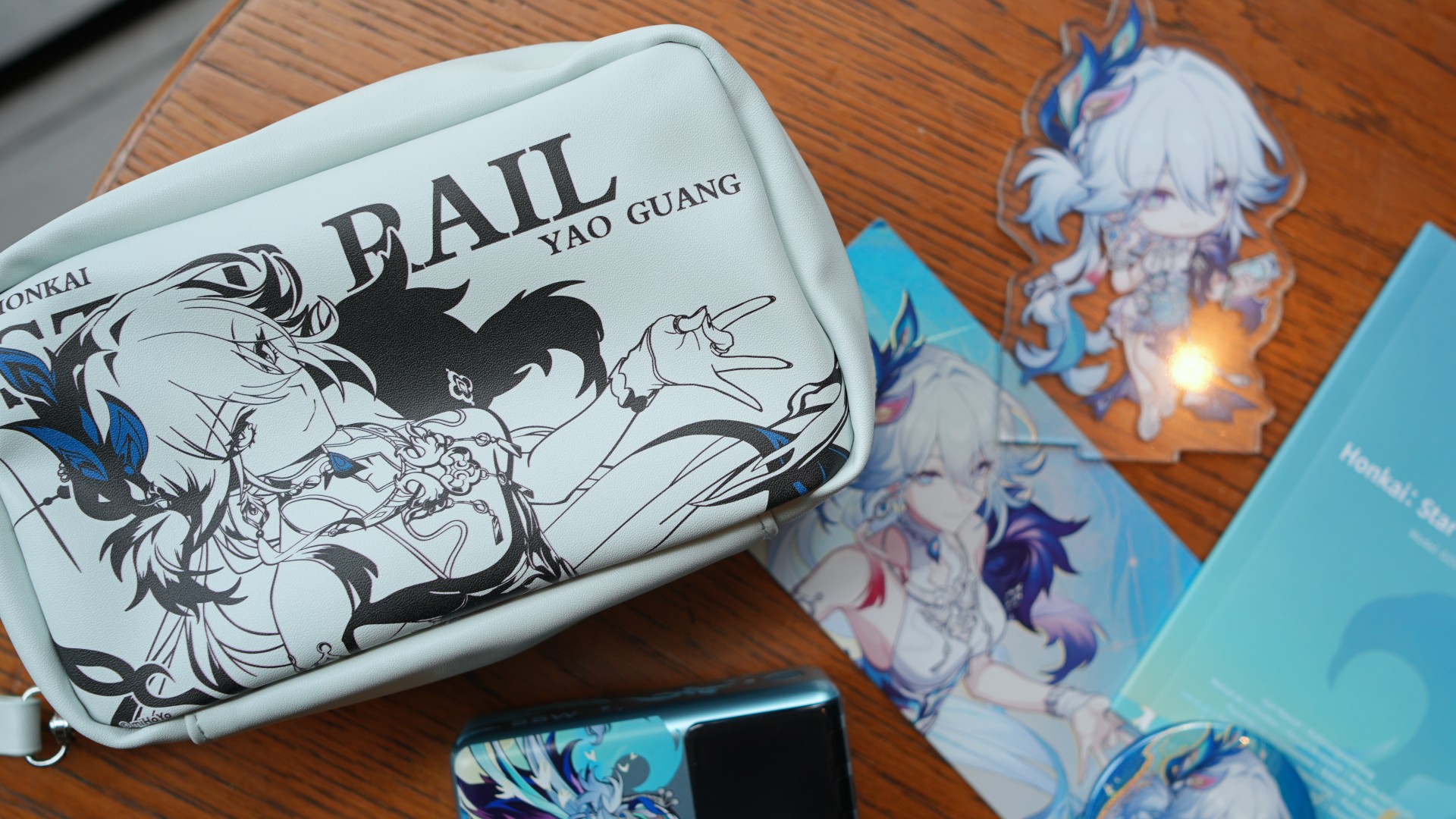
Even the color ended up being more practical than expected.
Most chargers, cables, and power banks tend to disappear into a sea of black accessories inside a bag. The light blue finish used throughout this collection makes each item surprisingly easy to spot at a glance.
They’re small details.
But they’re the kinds of conveniences that make these accessories feel like they’re meant to be used every day instead of staying inside the collector’s box.
More than a collector’s item
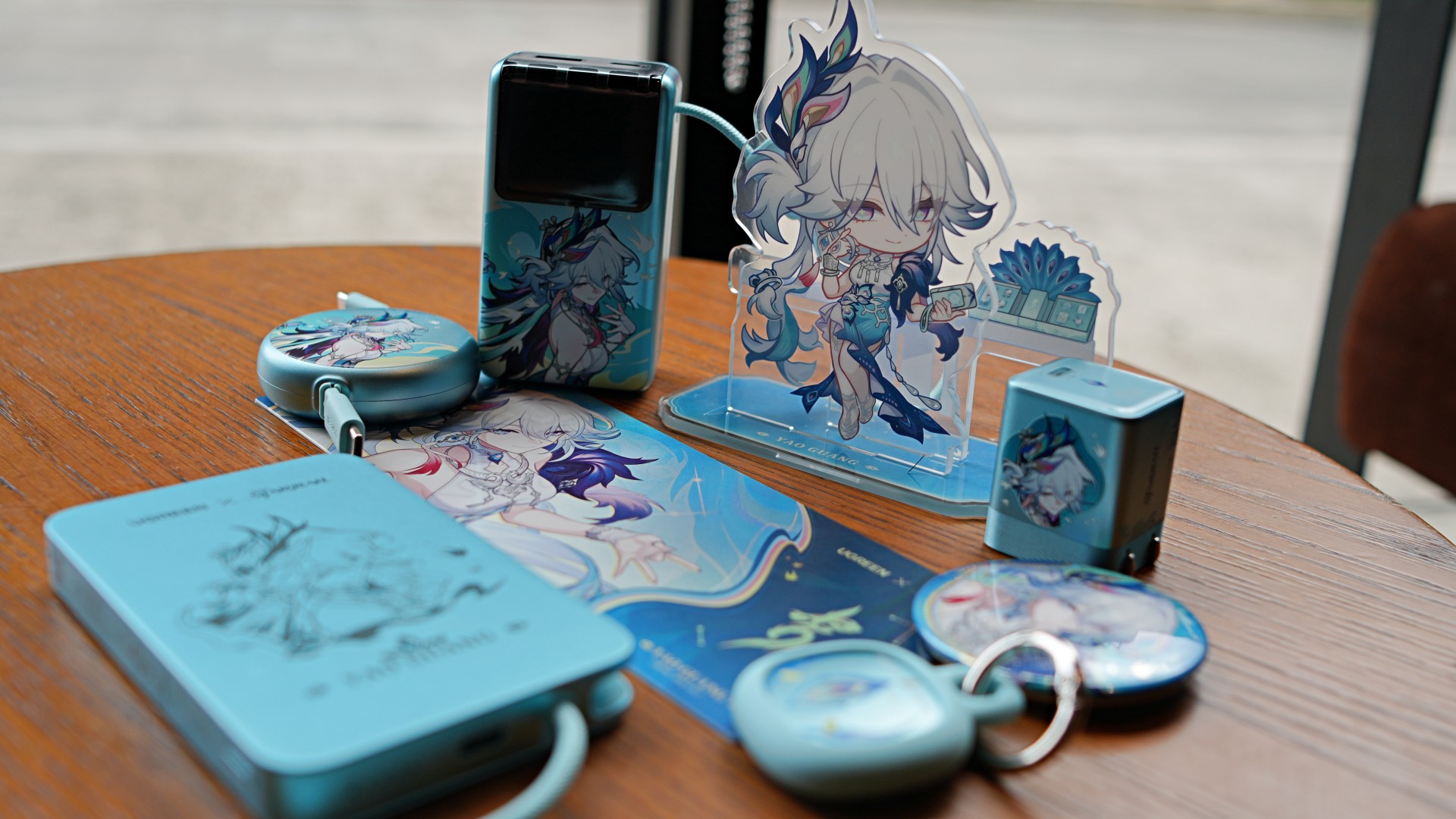
There’s no question that Honkai: Star Rail fans are the primary audience here.
The artwork alone gives the collection plenty of appeal.
What makes it interesting, though, is that the collaboration doesn’t rely on aesthetics alone.
Instead of creating a single themed accessory, UGREEN assembled products that naturally complement one another. Whether it’s charging a laptop, topping up a phone during the day, carrying a single cable, or keeping track of everyday essentials, each product has a clear role within the lineup.

That’s what ultimately makes this collection stand out.
The Honkai: Star Rail collaboration gives the accessories their personality. The complete charging kit gives them lasting value.

Sony Philippines has officially introduced 1000X THE COLLEXION to the local market. This marks the Philippine debut of its newest flagship headphones.
The premium headphones build on a decade of Sony’s 1000X lineup. It’s a combination of refined design and advanced audio technologies. They feature a bespoke driver unit, Edge-AI powered DSEE Ultimate, 360 Reality Audio Upmix, and Sony’s signature noise cancellation technology.
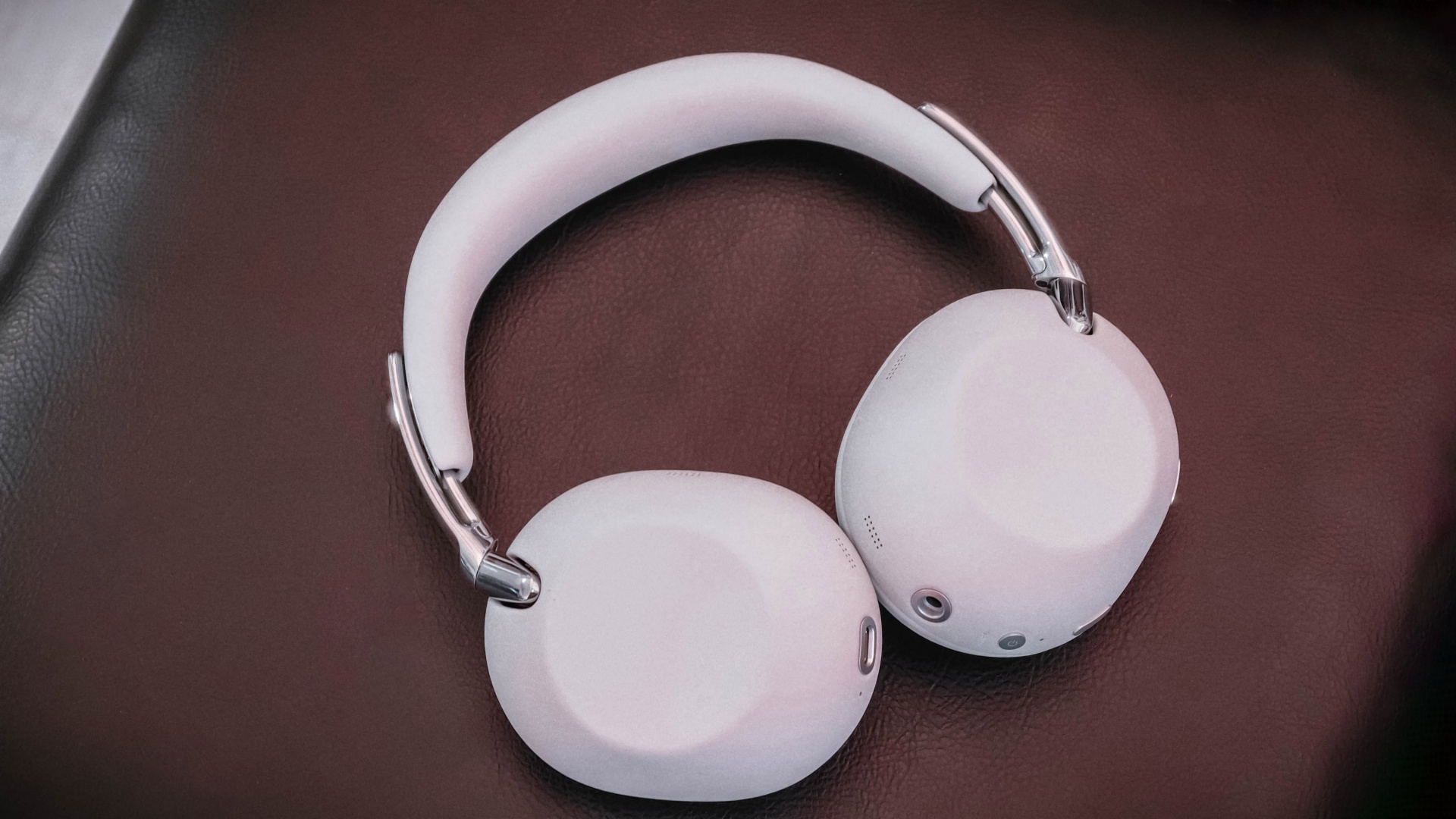
Sony also focused on comfort. The headphones are equipped with premium metal accents, refined faux leather developed over two years, and an ergonomic design for extended listening sessions. They come in Black and White finishes.
Price and availability
The 1000X THE COLLEXION is now available in the Philippines for PhP 36,999. They are in Sony Centres and authorized Sony dealers nationwide.
Philippine debut celebrates a decade of 1000X
Sony introduced the headphones through an immersive showcase that celebrated the 10th anniversary of the 1000X series, which began with the MDR-1000X in 2016.
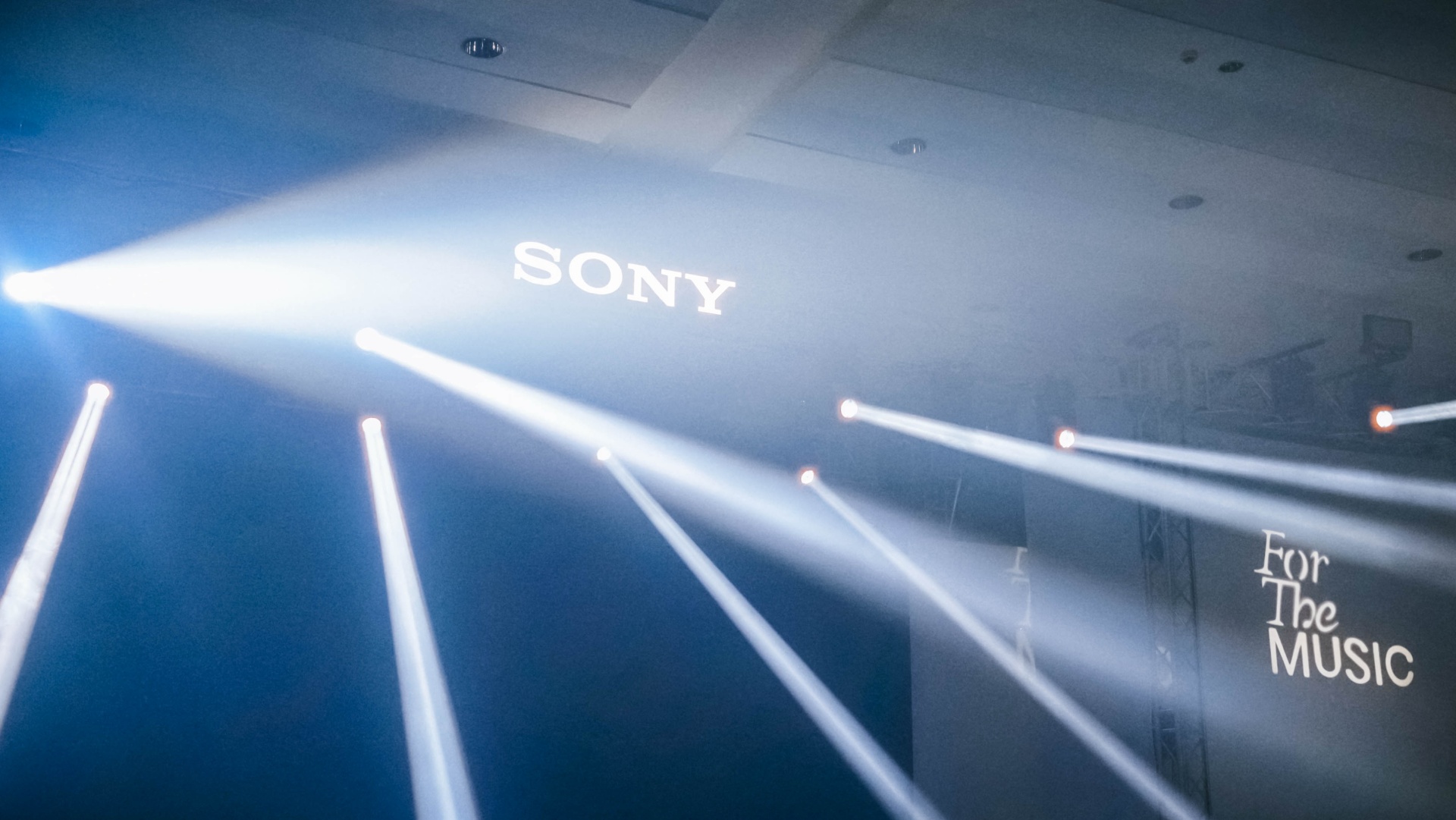
The event featured a ballet-inspired product reveal before Sony Philippines President and Managing Director Shuhei Sugihara and Marketing Director Kentaro Imamura welcomed guests and shared the vision behind the company’s latest flagship headphones.
A live performance by A-Team and a fashion showcase styled by Gian Romano highlighted the headphones’ premium design.
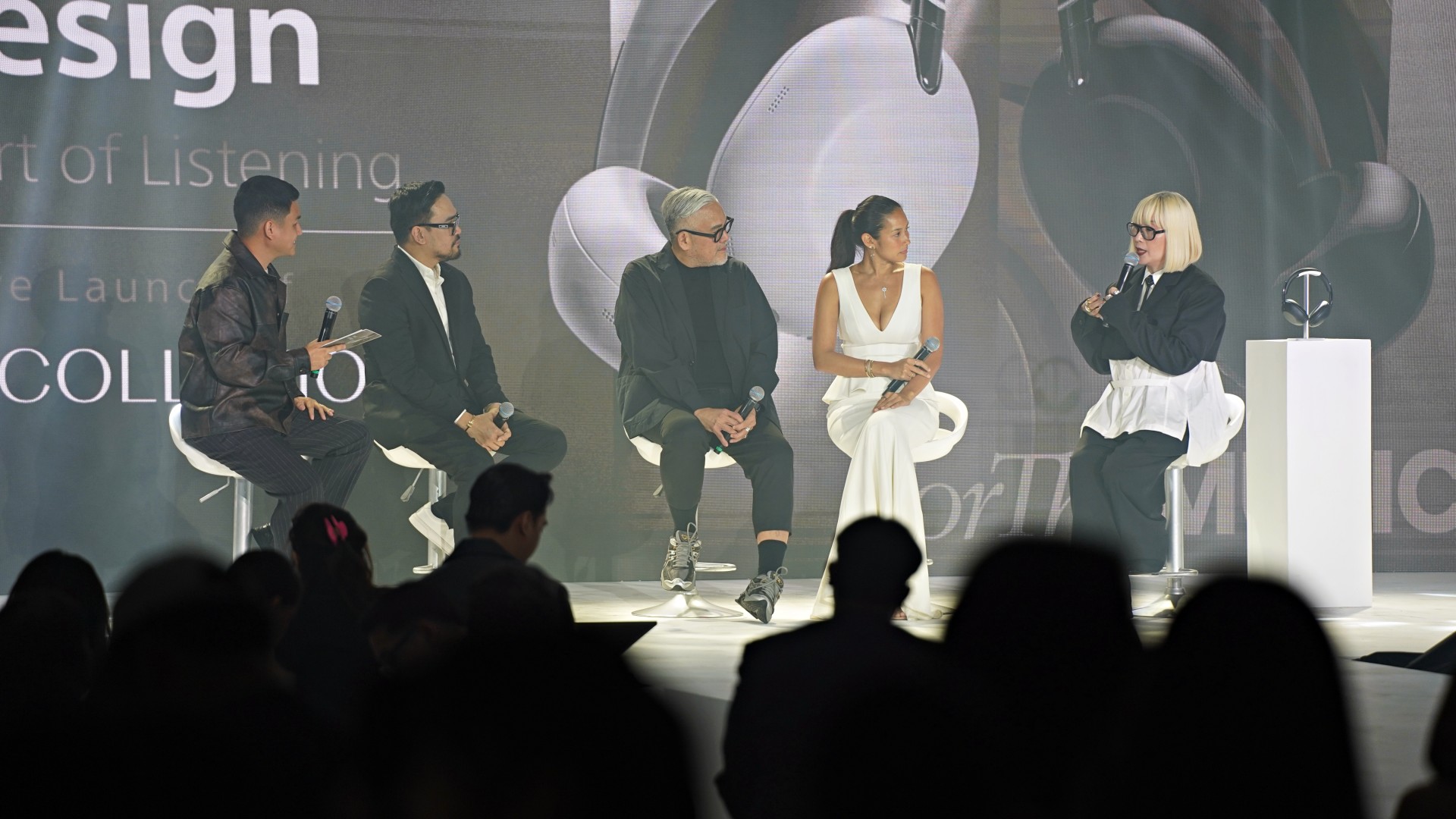
The program also featured Talk That Talk. It’s a panel discussion moderated by Rammy Bitong with fashion designer Rajo Laurel, entrepreneur Mika Lagdameo, creative director Daryl Chang, and AGC Power Holdings Corp. Chairman and CEO Archie Carrasco. The discussion explored how sound influences creativity, productivity, entrepreneurship, and self-expression.
Guests also experienced interactive installations. This includes the Tech Showcase Lounge, which highlighted the engineering behind the headphones, and the Soundcapes booth, where synchronized music and visuals demonstrated the headphones’ audio capabilities.


realme C100: Enduring and durable in spite of entry-level realities
Enough power but needs more agility


The ASUS ExpertBook Ultra wins you over
The laptop sneaks up on you


vivo X300 Ultra review: A “Whole Different Animal”
Got the beast (finally) unleashed!

GoTyme Bank grows to 10 million users in the Philippines

Spotlight: HUAWEI WATCH GT Runner 2 Racing Legend Edition

FIFA World Cup: Lenovo’s Referee View received positively by fans

Assassin’s Creed Black Flag Resynced comes to life at Skypark Macau

Netflix suddenly resurrects 30-day free trials

Buyer’s Guide: TECNO SPARK 50 Pro vs SPARK 50 5G

TECNO’s SPARK 50 Pro is the latest budget smartphone battery beast
vivo X300 Ultra review: A “Whole Different Animal”

DJI Osmo Pocket 4P launches with dual lenses and a 1-inch sensor

Lenovo says RAM prices are not coming back down again


-

 News5 days ago
New York becomes first state to ban smart glasses
-
 Singapore4 days ago
Sony launches IER-M500 in-ear monitors
-
Laptops2 weeks ago
The ASUS ExpertBook Ultra wins you over
-

 Gaming2 weeks ago
PlayStation goes all-digital in 2028
-

 Computers6 days ago
GIGABYTE releases new AORUS RTX 5080 INFINITY graphics cards
-

 Gaming5 days ago
Microsoft dictates that a new Fallout game is coming
-

 Laptops2 weeks ago
ASUS launches the ExpertBook Ultra
-
 Gaming2 weeks ago
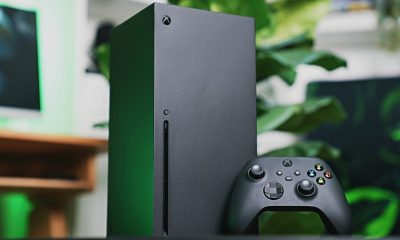
Xbox might get rid of physical discs too