


Reviews
Redmi Note 10S review: The all-rounder you want
Great, long lasting performance with less compromises

Picture this: it’s 2021, you’re still stuck indoors and in need of something to pass the time. Also, with all the time you’ve spent indoors, you have enough savings to get a new smartphone. Maybe you’re looking for a phone that lasts long, or a phone that feels fast and performs well for any use.
Within the midrange space, smartphone companies manage to give you a product with everything you’re looking for. However, as is the case with most budget smartphones, they gave up some features and functionalities that dampen the experience a little bit. You want a smartphone that caters to everything you throw at it.
Enter the Redmi Note 10S, the latest midrange smartphone that hopes to do just that. In my initial impressions of the device, I was impressed by all facets but I wanted to see how it would fare with prolonged use. I think my exact words were that it “ticked all the boxes,” but is it impressive enough for you to consider?
Here’s what you’re getting with the Redmi Note 10S:
It comes with a 6.43” FHD+ AMOLED DotDisplay

Editor’s Note: MoChaeng best girls 💕
Also, it has a rear quad camera setup with a 64MP main sensor

There is also a USB-C charging port and headphone jack at the bottom

It comes in three colors: Onyx Gray, Pebble White, and Ocean Blue

Handles anything you throw at it with ease
If I could sum up my overall take on how the Redmi Note 10S performs, I’d do it in three words: “bring it on.” I mentioned in my initial impressions that everything runs smoothly on this device, and that’s still my main takeaway with prolonged use. A lot of credit obviously goes to the hardware this device rocks inside it.
The Redmi Note 10S comes with a MediaTek Helio G95 chipset inside, along with 6GB of RAM. There are models that come with 8GB of RAM, but I would argue that 6GB is actually quite enough. I mean, it’s enough for the things you normally do when you use a smartphone, along with multitasking apps if you feel like it.

What also helped the performance just a little bit for me was the AMOLED DotDisplay. Whether it was watching Queens Archive or Netflix TV shows, it was quite bright and color accurate. Honestly, I had the brightness set to around 40 to 50 percent and I could still see what I was watching.
A great mobile gaming device for most games
The other performance aspect I wanted to touch on was how well you could game on the device. With 6GB of RAM inside, it’s a no-brainer that a phone like this can handle most games. For the most part, I didn’t really have too many problems running more graphically-intense games on this device, and Game Turbo helped out a lot.

See, within MIUI’s settings, you have access to Game Turbo that optimizes gaming performance. Throughout my entire usage of the device, I managed to play games quite smoothly, with only a handful at around 60 FPS. I mean, if the game came with a 60 FPS setting, I would rather play that way, right?
What’s pretty great about this is that you can even use Game Turbo to finetune performance per individual game. At the time, I noticed that PUBG Mobile and Mobile Legends: Bang Bang were supported by this feature, so I tinkered with it a little bit. The resulting performance ended up a little better, but I’d still opt to just let Game Turbo do its thing.
Decent photography and selfie machine
When you hear that a smartphone has a quad-camera setup, you would assume that image quality would turn out great. In the case of the Redmi Note 10S, it turned out alright with its version of a quad-camera setup. Also, the 13MP selfie camera on the DotDisplay fared just as well as the rear cameras.

I tried taking pictures in both preferable and less than ideal lighting conditions, and the results were mixed. Under great lighting conditions, the images turned out quite nice, showing accurate colors and great detail. Also, I finally got through the wonky auto-focus I experienced in my initial tests, so just give it some more time.
However, the cameras don’t fare well when there’s not enough light around the area. I don’t just mean taking pictures at night, but even when there’s little brightness in the room. When I checked the photos, they didn’t particularly scream “super-detailed” but the rear camera tried its hardest.


Keeps you going, whether you’re bored or not
You might be wondering how the device keeps going with all of these activities you’re throwing at it. Inside this machine, you will find a 5,000 mAh battery, which is honestly a standard for most budget to midrange smartphones. With such a big battery, I expect it to last for maybe a day or so, with regular use.

Instead, the Redmi Note 10S took nearly two days worth of regular usage for it to reach zero percent. In one instance, I even managed to extend the run time by about five to six hours when I kept the brightness from 40 to 50 percent. Basically, on a full charge, this phone will keep you going even if you lose electricity because of a storm.
The craziest thing about this is that it doesn’t take that long to fully recharge the device. Through my battery tests, I managed to fully charge the phone with its 33W fast charging charger in over an hour and 20 minutes. Furthermore, charging the device to 50 percent took around 35 minutes. Honestly, this kind of battery and charging setup is everything you could ever ask for.
Is the Redmi Note 10S your GadgetMatch?
At PhP 11,990, the Redmi Note 10S provides you with everything you could ask for in a smartphone. From the performance to the battery life, it’s an all-rounder type of device that you will appreciate through and through. Also, the fact that it comes in three colors means you have more options that suit your tastes.

Again, it still has its hiccups in the camera department despite producing decent image quality in general. I think they’re pretty great, but honestly you’re better off using the phone under better lighting for the best selfies. Other than that, the phone itself poses as a potential daily driver for most people.
The Redmi Note 10S is a great example of a smartphone that gives you everything, without sacrificing too much. If you want something that caters to your every whim, give this one a chance!






Apple’s smallest tablet just got its biggest upgrade after two long years!
The 2026 iPad mini now features a brighter than ever OLED display, a more powerful A20 Pro chip, improved (and almost non-existent) speakers.Plus, ever durable with its IP67 water and dust resistance rating.
In this video, THE Michael Josh takes a closer look at everything that’s new, what he loves, what’s still missing, and whether the new iPad mini is worth upgrading to.
Here’s our in-depth review of the all-new 2026 iPad mini OLED.
Gaming
ROG G700 review: The best prebuilt PC you can get off the shelf
This PC will make you stop worrying about specs.

The last time I touched a PC was 2014.
At the time, I’d just finished moving houses. While my old house had space for a desk and a fairly decent PC for its time, I opted for a smaller workstation because I was confident that laptops were the future.
Now, more than ten years later, I wish I didn’t dismiss PCs so readily. Thanks to AI, the price of a new PC has reached new levels of absurdity today. It’s not easy to stock up on components anymore.
So, it was like a very heavy blessing falling down from heaven and crash-landing on my lap when the ROG G700 arrived on my doorstep. It’s my first PC in over a decade, and, wow, what a return.
A box with everything you need
The art of building a PC takes a lot of effort these days. You’ll need a command over every little detail that every single component can do. Obviously, you also need to time the market for better prices.
That said, the ROG G700 is not for the minmaxers. It’s a fully built tower you can — gingerly — pick up from the shelf and play on just as soon as you get home.
It’s perfect for people like me. Now, if I had the time and the money, I’d definitely make a little more effort to explore every single detail. However, as someone returning to the PC world after a decade, this prebuilt PC is more than enough to dip my toes back into it.
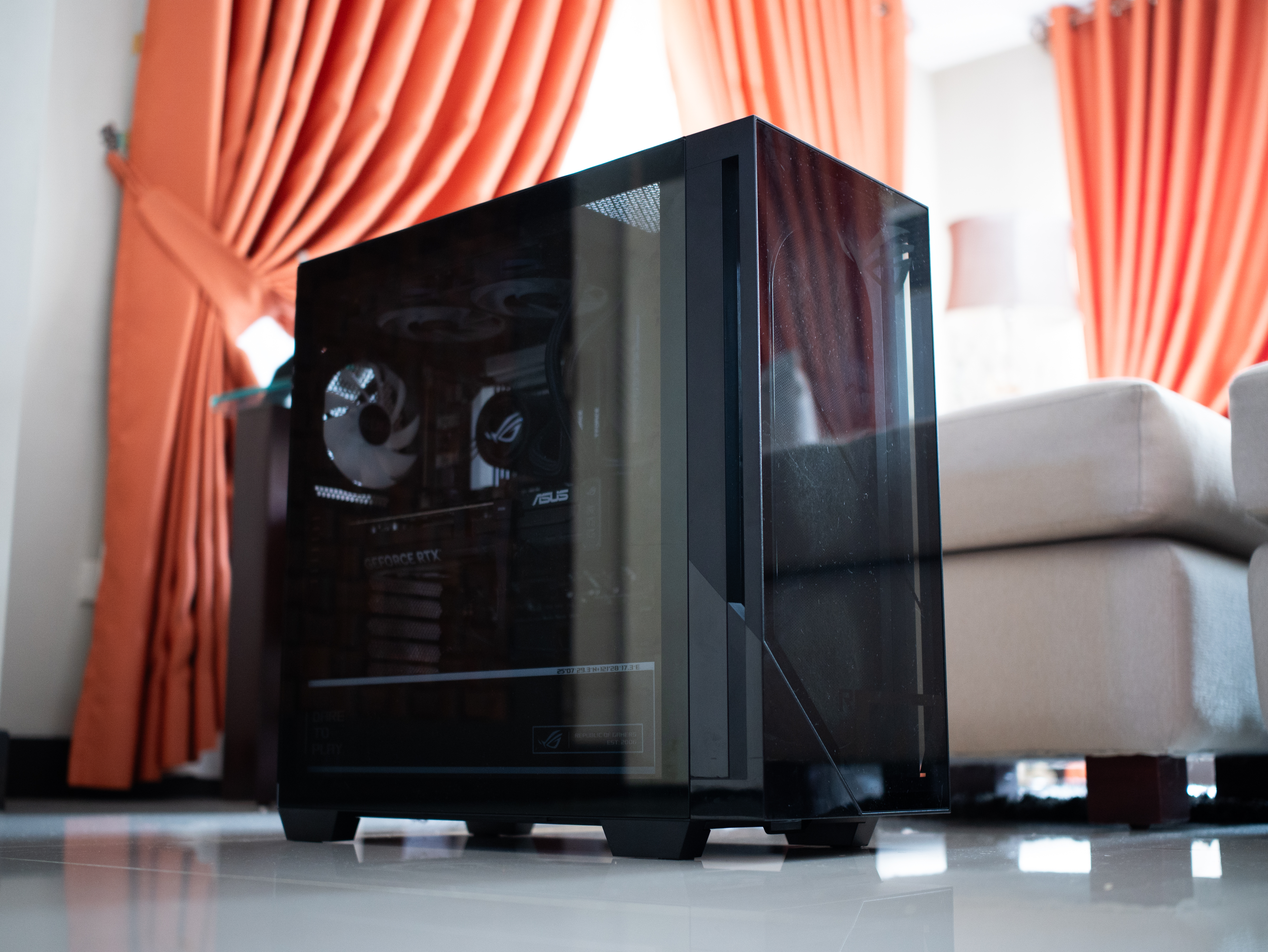
It is quite the package, though. The tower is 9.45 inches wide by 20.05 inches long. It’s also 18.88 inches tall. If you have a small space, you might struggle to find a space for this behemoth.
Plus, it weighs 40.39 pounds. If you live up a flight of stairs, you’d better not skip leg day. Even then, it was scary to handle this tower, knowing how much hardware I was holding up a few feet from the ground.
A clean design for gamers
Usually, I’m not a fan of heavy gamer aesthetics. As much as I identify as a gamer, I prefer keeping that part of my identity lowkey from how I look. I don’t go for all the edgy angles and the RGB lighting.
But the ROG G700 is one exception to my rule. Even then, it’s not that huge of an exception.
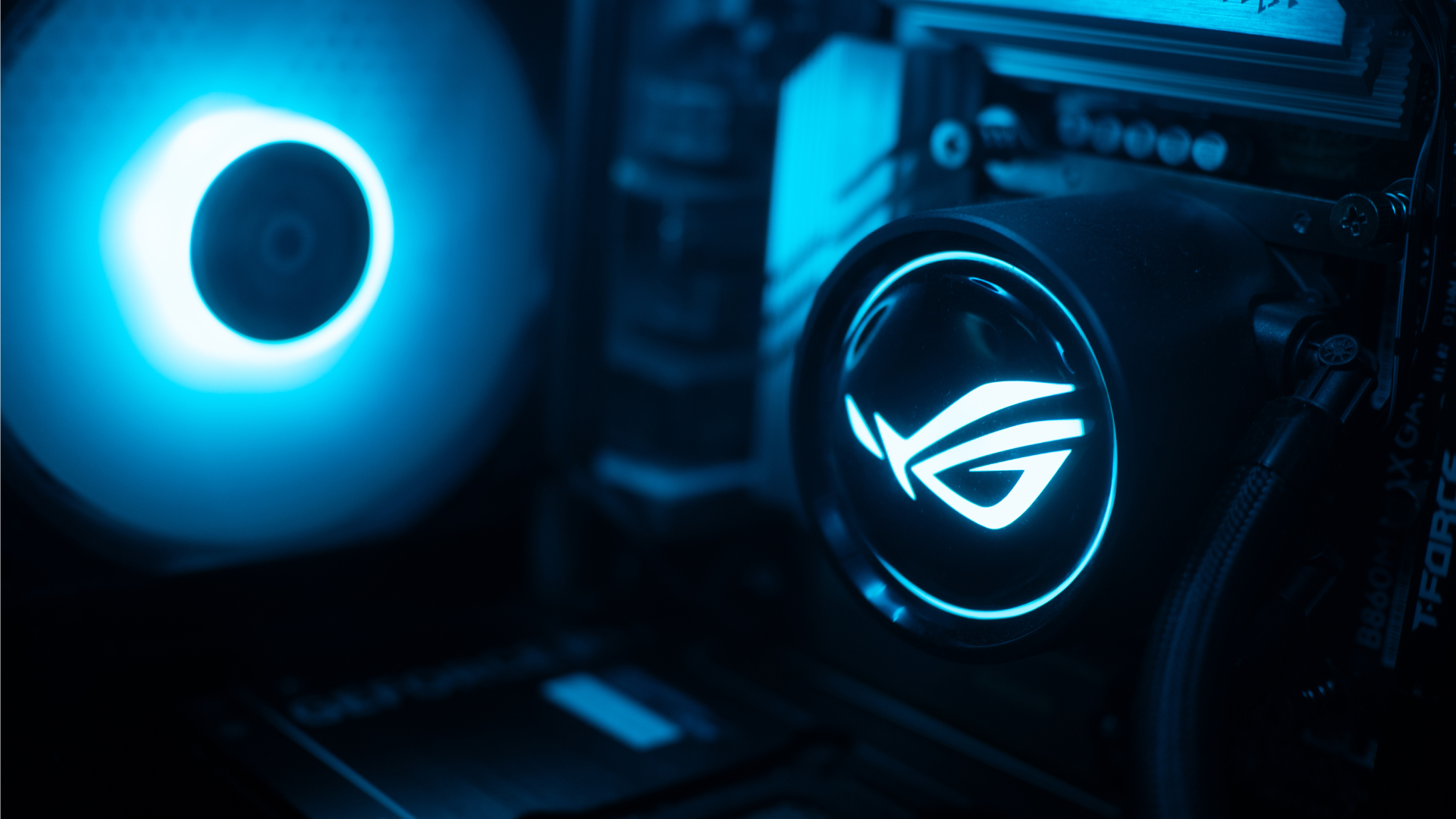
The ROG G700 exudes that gamer aesthetic, but it’s still pretty clean. The chassis has subtle grilles that ease cooling. The main panel is transparent that peeks into a cleanly organized system with heavy ROG visuals. The brand’s logo is peppered throughout the system. The RGB lighting, though bright at times, was easy to get used to.
Personally, I liked how clean the internals are organized. It always hits the right part of my brain when I see something well put together.
Additionally, though it could use a tiny bit more, the G700 has an ample number of ports well situated at the back and up top. When I was setting everything up, I had enough space to make sure I didn’t end up with wire clutter. My workstation was clean at all times.
The 2026 machine
Now, let’s get into the performance. With the highest configuration, the ROG G700 goes up to an Intel Core Ultra 7 processor, up to a 16GB NVIDIA GeForce RTX 5080 GPU, 32GB RAM, and 2TB of SSD storage. All thing considered, this is a very powerful machine for today’s world.
If you’re not down on particulars and just want something off the rack, this is more than enough. I tested the G700 on this year’s games like 007 First Light and Forza Horizon 6. Both games performed without a hitch. In fact, I appreciated both games a lot more than when I played them on older laptops. The graphics were absurdly crisp without sacrificing a smooth performance.

Also, as a hard multitasker, I love alt-tabbing even while I’m playing. While other setups usually complain, the G700 doesn’t really care. You can run a Twitch stream, play a YouTube video, or have Spotify open in the background, all while playing an intensive game. This is a machine that tells you to leave your worries at the front door because it can handle everything.
If anything, it can get too powerful. Despite the cooling system with a tri-fan intake, the tower still gets hot with heavy loads. After an hour on 007 First Light, my room started getting much warmer. Though you won’t get performance dips, all that heat is coming your way.
Is the ROG G700 your GadgetMatch?
As someone getting back into PCs, the ROG G700 is a powerful off-the-shelf prebuilt PC. Now, do you need all this hardware for day-to-day gaming? Probably not. But if you don’t want to worry if your rig can do certain things, get the ROG G700.
If you have the money, that is.

Being a powerful machine, the G700 comes with a hefty price tag. When it was launched, the machine started at PhP 179,995. Now, with prices of RAM steadily climbing, prices are likely higher today. Plus, you need good peripherals to maximize this PC, so expect to spend a lot more. Overall, it’s very expensive, but at least you’re getting your money’s worth on the investment.
For that, the ROG G700 gets a Swipe Right and a Super Swipe for being a powerful machine you can get today. It is, however, a Swipe Left if you’re looking for cheaper options that won’t break your bank.
Gaming
HP OMEN Max 16 review: Gamer-maxxing in deep black
Peripherals deemed necessary to max this out
It’s not every day that you come across a machine that looks good and plays even better. Oftentimes, subtle aesthetics take a back seat to sheer performance and power. Whenever a gaming machine looks sleeker, it seems to lack the power to push it forward. Simply put, you can’t have the best of both worlds these days.
But what if you could have it all? Not just money, fame, and other fortunes, but also a machine with everything you’re looking for! Gone are the days of wanting only power to keep you playing all day or wanting to look good while playing. On paper, this is what the HP OMEN Max 16 promises: the best of both worlds.
Unboxing a beast inside
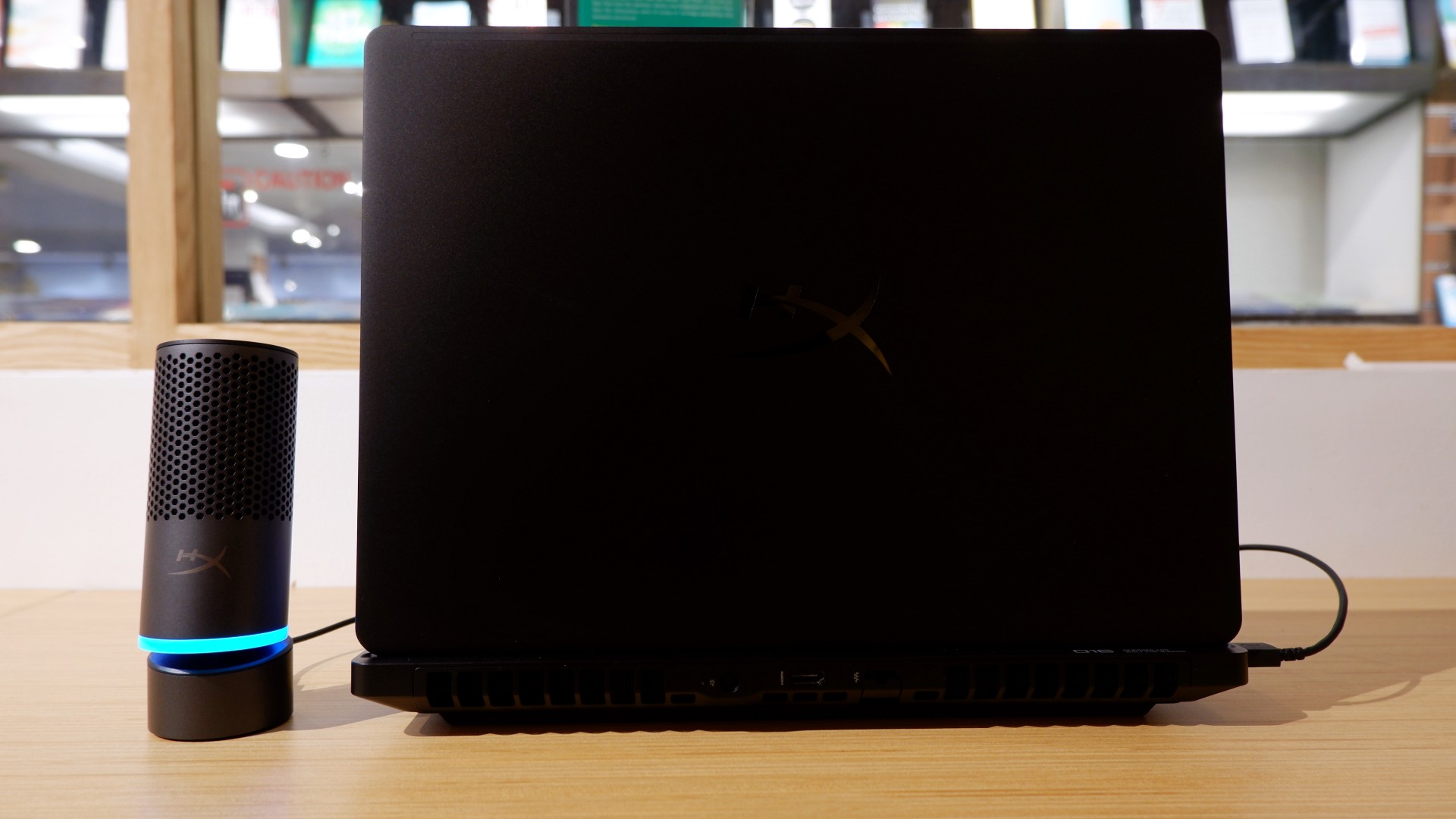
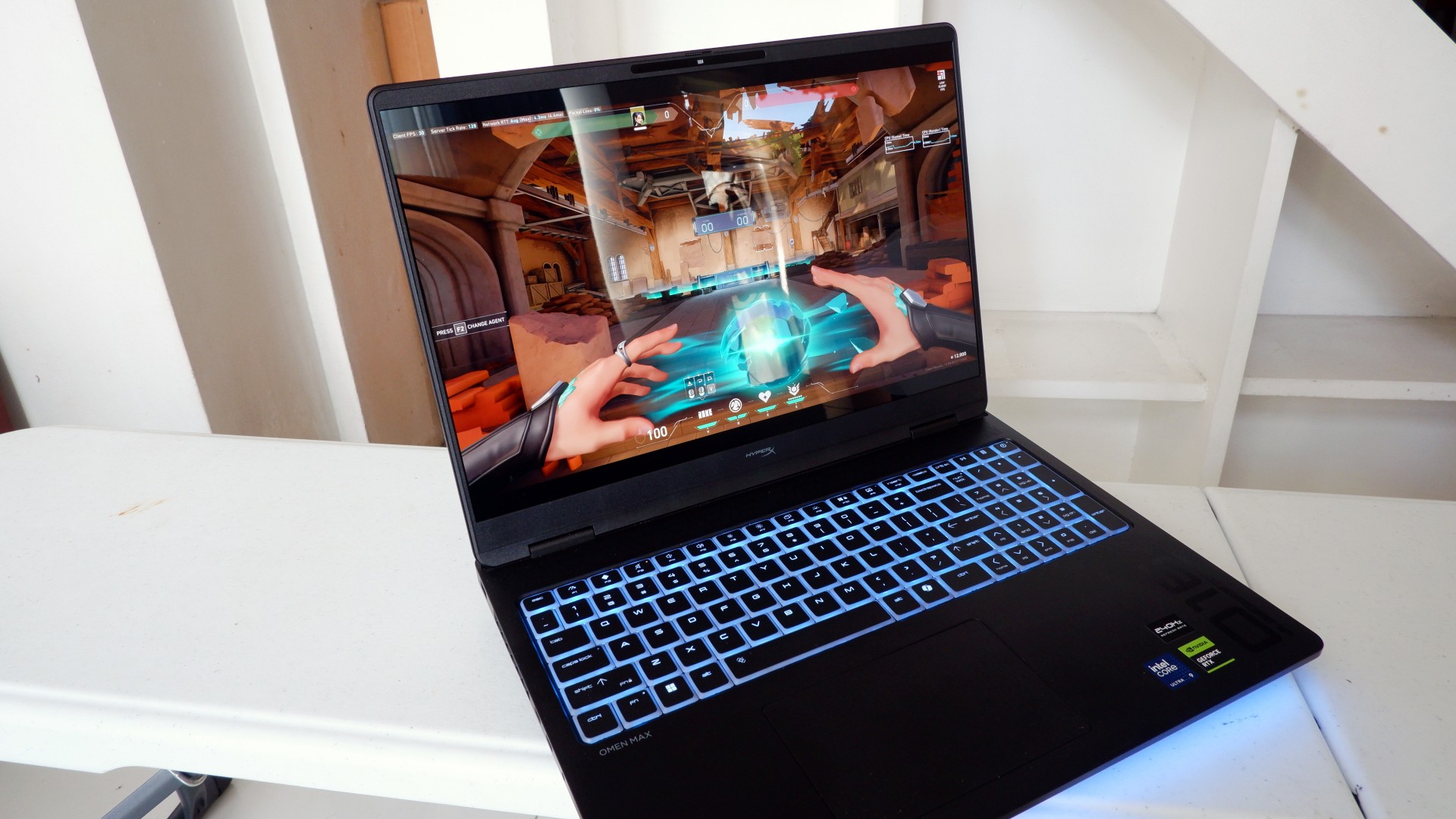
When you first take it out of the box, the HP OMEN Max 16 looks unassuming in its overall design. It’s bulky yet sleek in its Shadow Black colorway, with nothing too fancy or flashy while powered down. From the outside, the machine screams premium, even though its dark color can attract more visible dirt than lighter finishes.

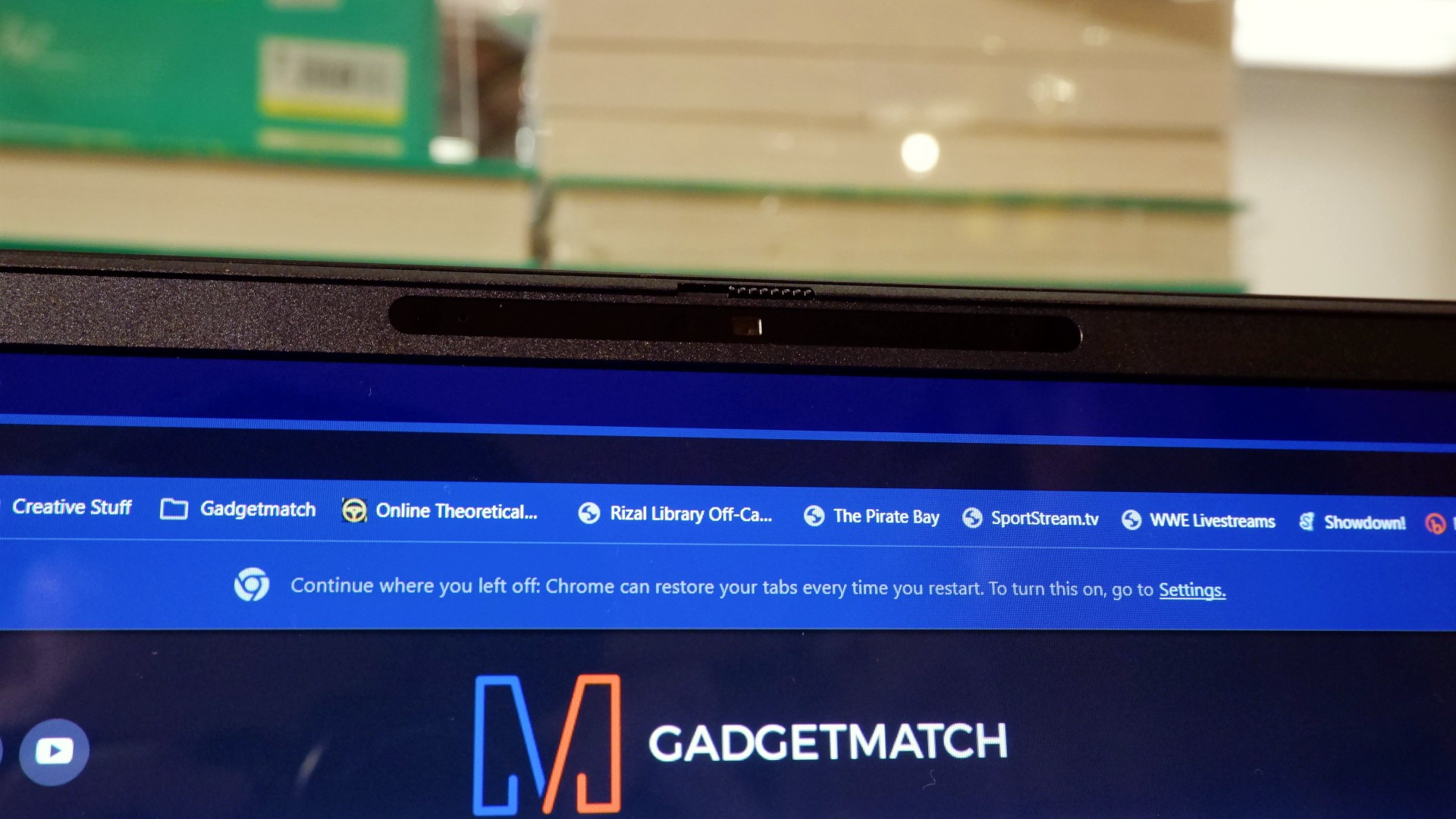
Opening it up reveals a 16-inch OLED display with a peak refresh rate of 240Hz, seamlessly connected to a base with a full-sized keyboard and a large trackpad. The bright, seemingly anti-glare display makes colors pop when watching or editing videos on the go.

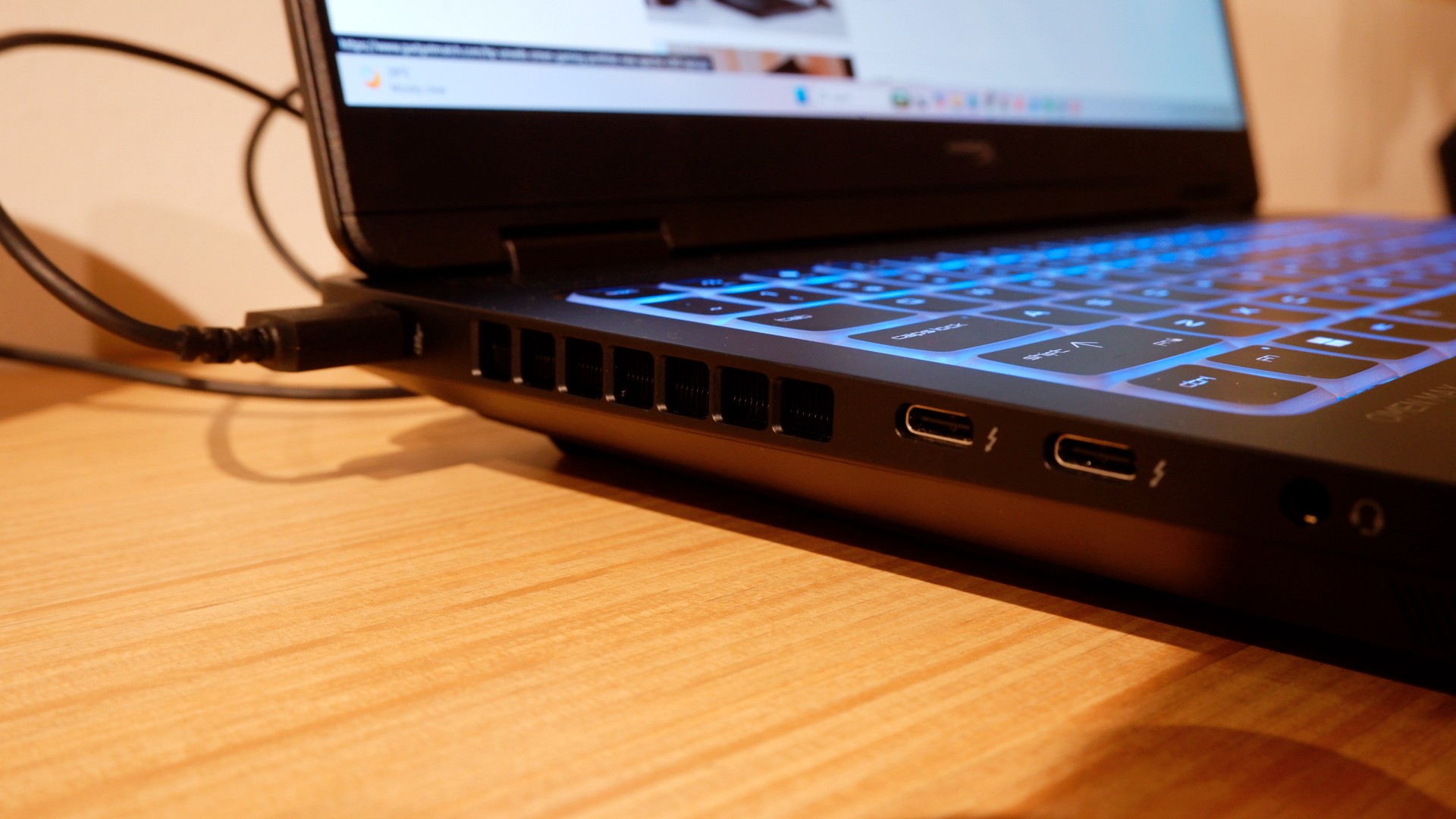
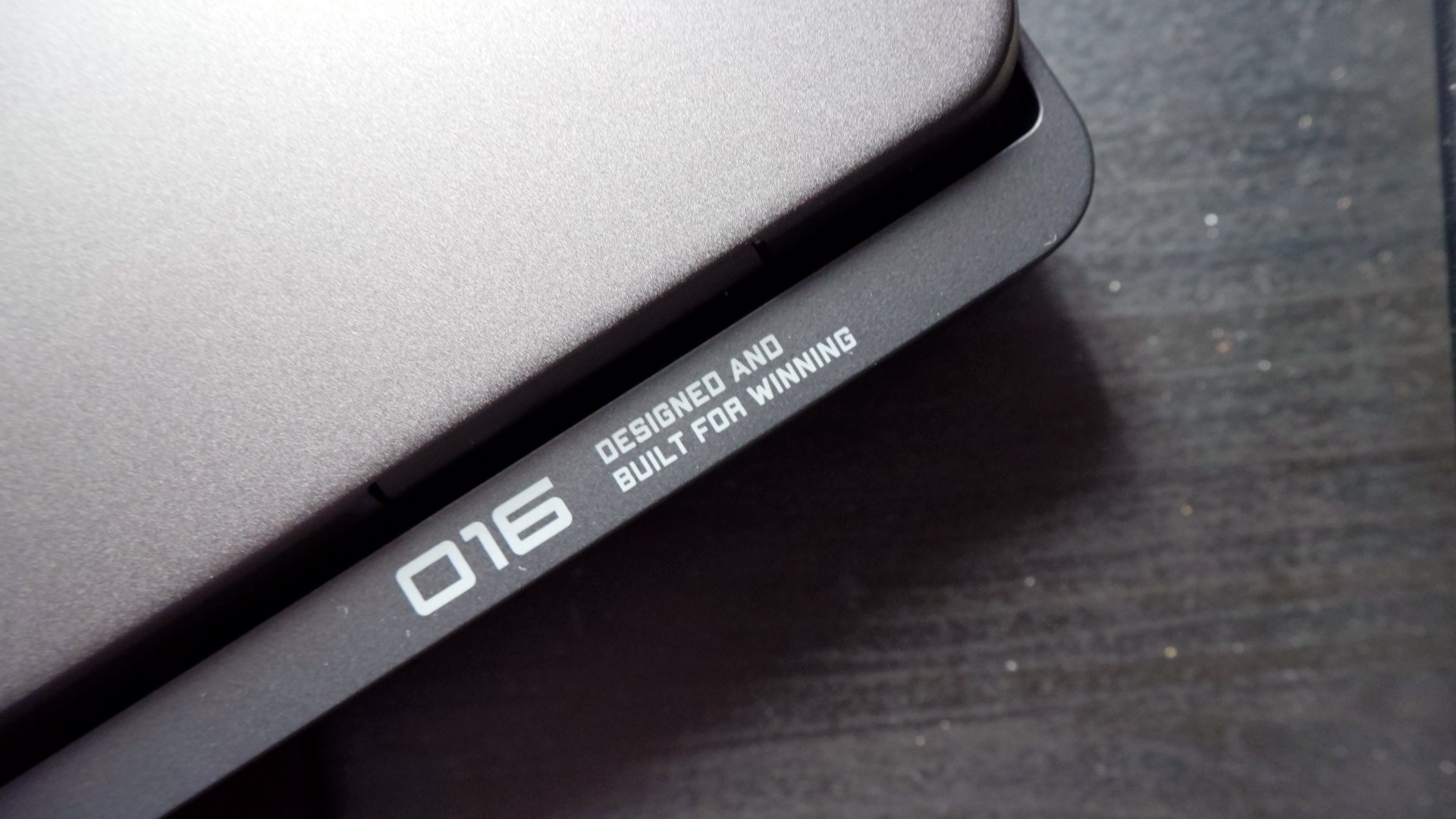
Furthermore, HP places the ports in convenient spots along the rear and sides of the laptop. This makes it incredibly easy to set up and manage external peripherals while providing more room for ventilation under heavy loads.
Of course, the device’s biggest features lie in the hardware powering it from within. An Intel Core Ultra 9 processor, 32GB of RAM, and an NVIDIA RTX 5090 Laptop GPU should give you an idea of how well this machine can perform. It’s also a great combination for demanding productivity tasks and creative work!
Power that AI can only hope to replicate
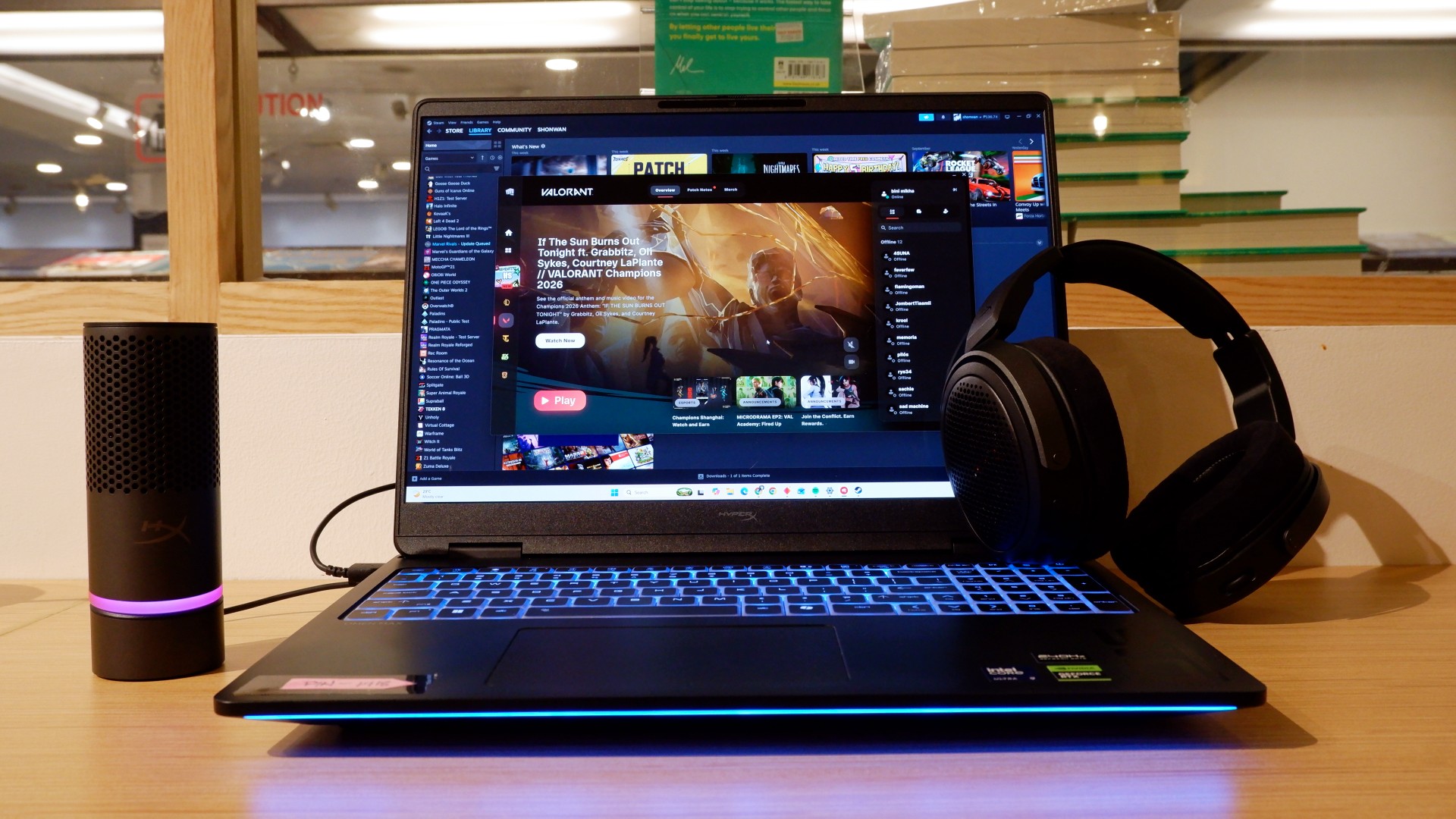
The HP OMEN Max 16 lived up to many of our expectations in terms of performance. From startup to shutdown, it delivered on what its hardware promised. You can watch videos for longer, edit photos and videos to your heart’s content, and enjoy casual gaming without slowing down. Furthermore, the wide display gives you plenty of space to accommodate all these activities.

When you step up to more competitive gaming, the machine doesn’t miss a beat. Most titles deliver high frame rates regardless of the quality or performance settings you choose. With more advanced visual settings enabled, the RTX 5090 does a fantastic job of keeping supported games within a solid 40–50 FPS range. Pair it with a high-refresh-rate OLED display, and you get crisp details and faster input response to help you get ahead in ranked games all day long.
If there’s one thing to complain about, it’s the extra optimization required through the OMEN Gaming Hub. Features such as network prioritization, automatic power-mode switching, and system optimization are useful, but you’ll need to spend time configuring them during initial setup. The laptop also comes with OMEN AI, which promises to maximize FPS with a single click. However, it was only okay at best.
Runs longer, cools off smoother
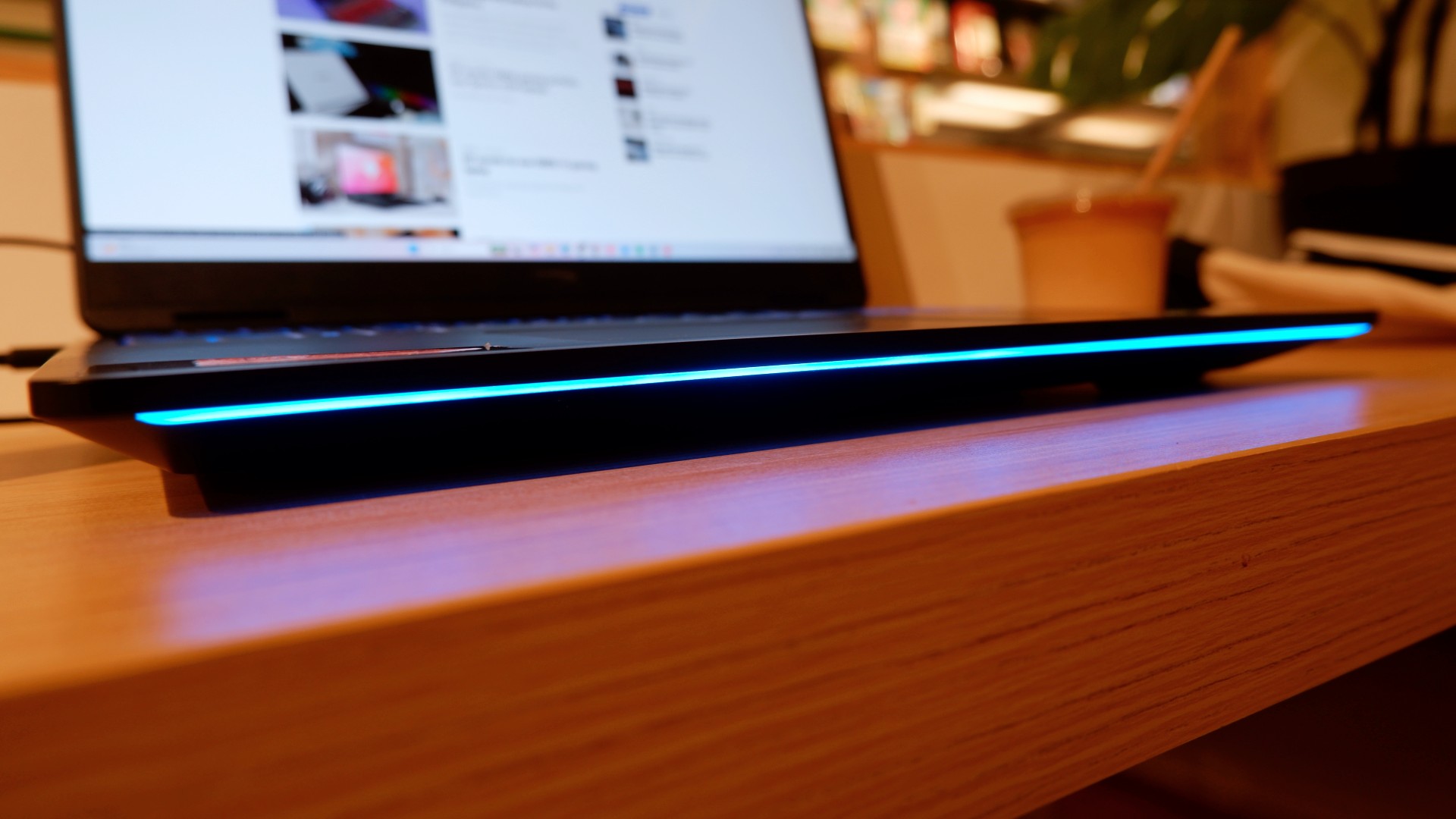
Surely, a gaming laptop this bulky and powerful can’t last that long on battery, right? Well, the HP OMEN Max 16 averages around three hours of battery life during intensive gaming, which gives you a decent amount of playing time. For general use, battery life extends to around five and a half hours with Balanced power settings. It holds up reasonably well if you forget to bring your charger.
When you do have the massive 330W charger with you, charging doesn’t take too long either. During our tests, a full charge took two hours, with charging progressing slightly faster when we left the laptop idle. Charging the battery to 50% took around 20 minutes, giving you enough juice to squeeze in another game!
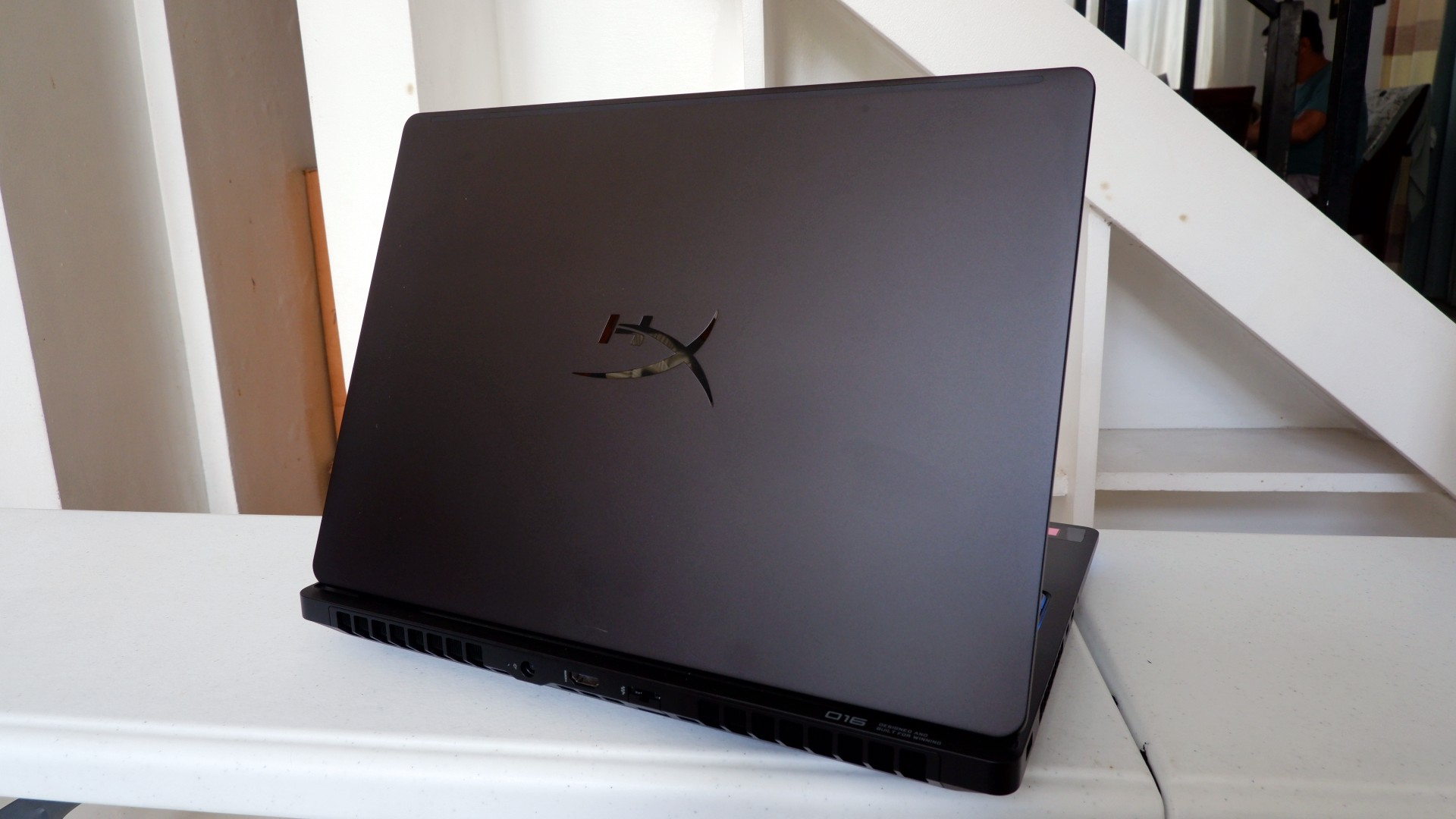
Another factor in prolonged use is how the device expels hot air through its sides and rear. We touched on this earlier, but it bears repeating: the laptop provides plenty of ventilation through its vapor chamber and multiple external vents. Instead of directing heat toward the keyboard, it pushes hot air through the vents, where it can hit your hands or peripherals. At least the keyboard stays cooler, right?
Is this your GadgetMatch?
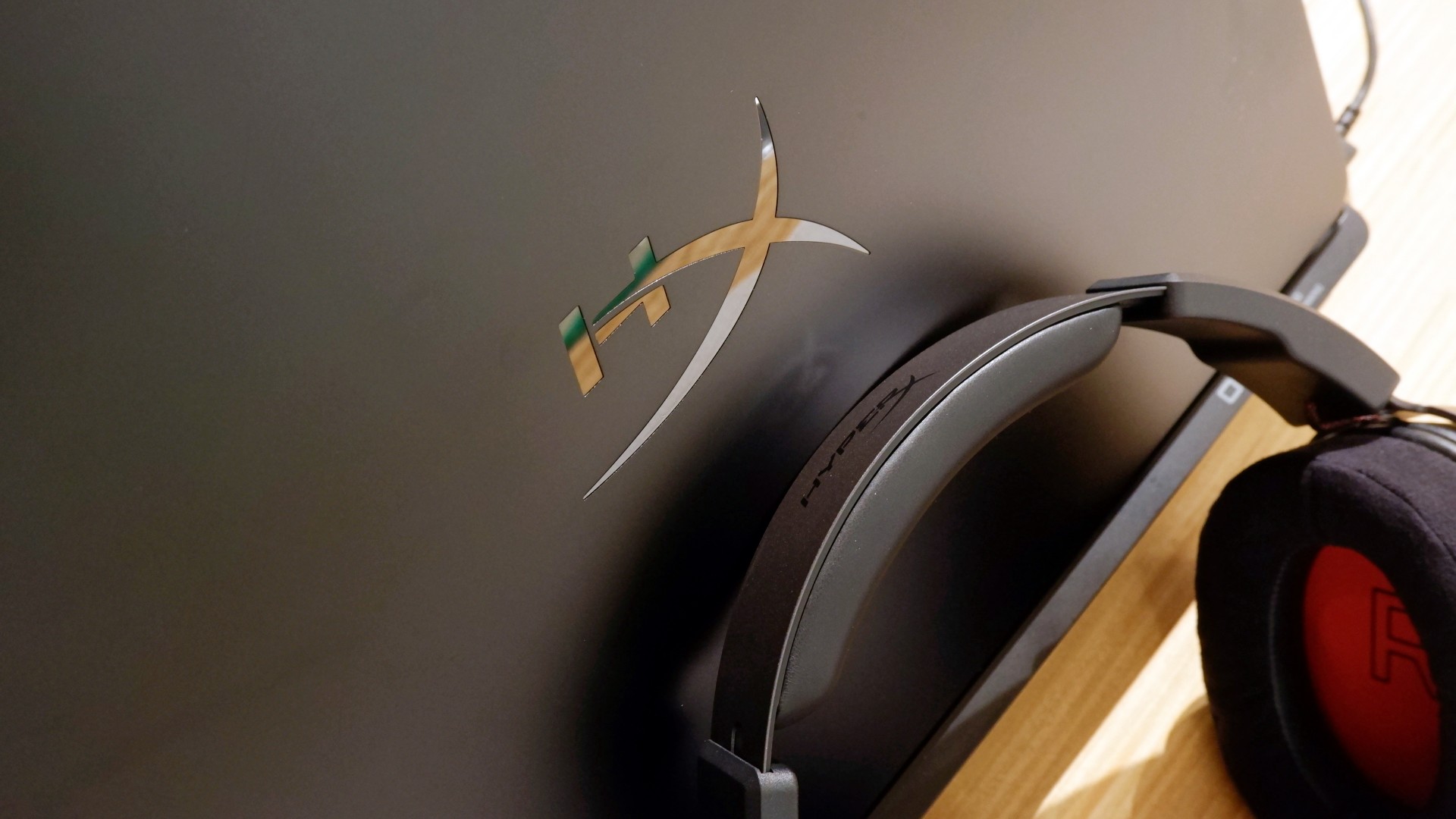
At PHP 229,990, the HP OMEN Max 16 is a sleek-looking machine with incredible power under the hood. Despite its initial bulk, it delivers impressive performance for both casual and competitive gamers. Inside and out, it packs plenty of hardware and features to let you tailor the experience to your needs.
If you’re looking for a gaming laptop with decent battery life, this is a solid choice, but don’t expect it to last half a day. Of course, you wouldn’t use this machine entirely on its own, even if the unboxing experience might suggest otherwise.
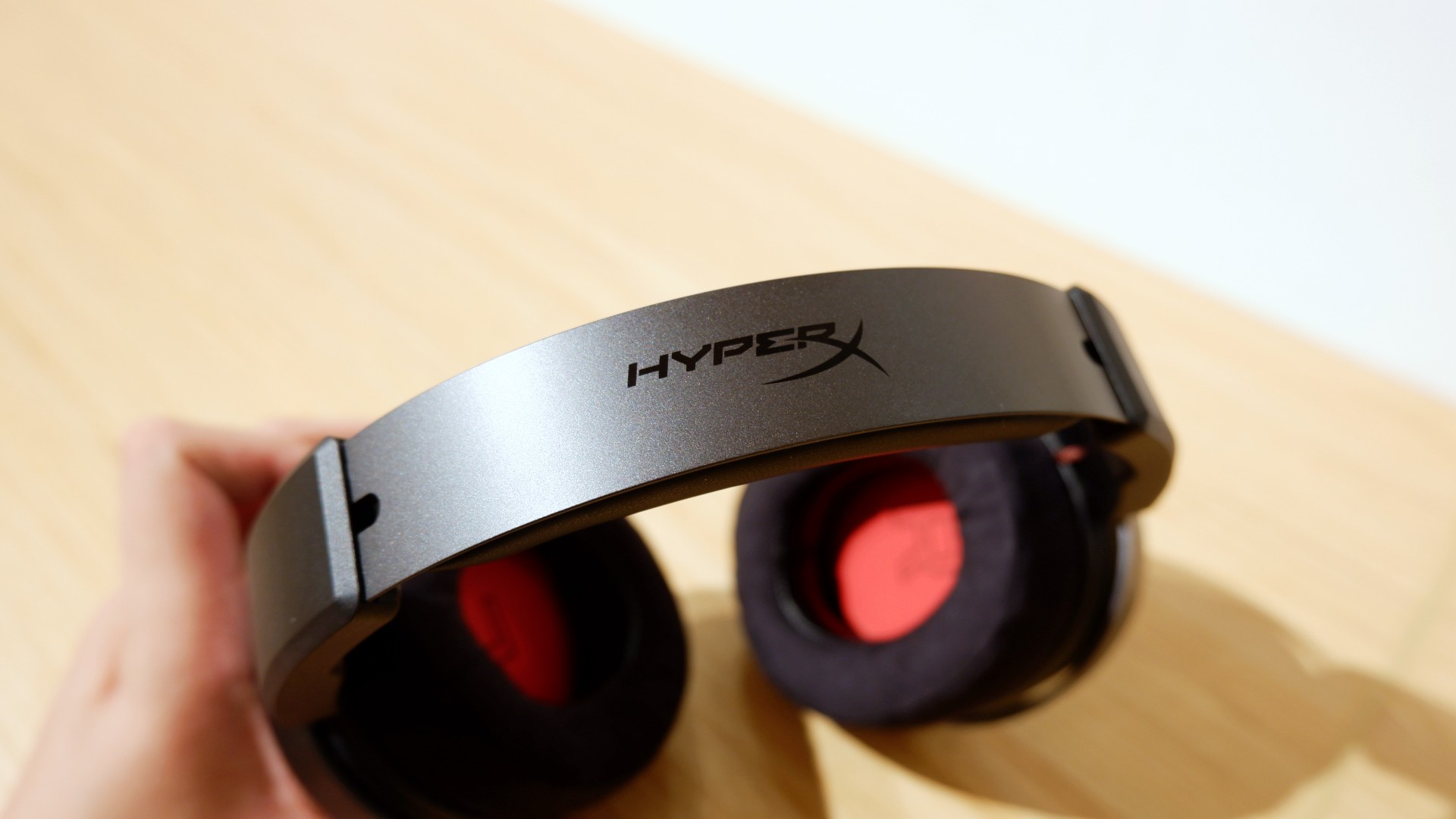
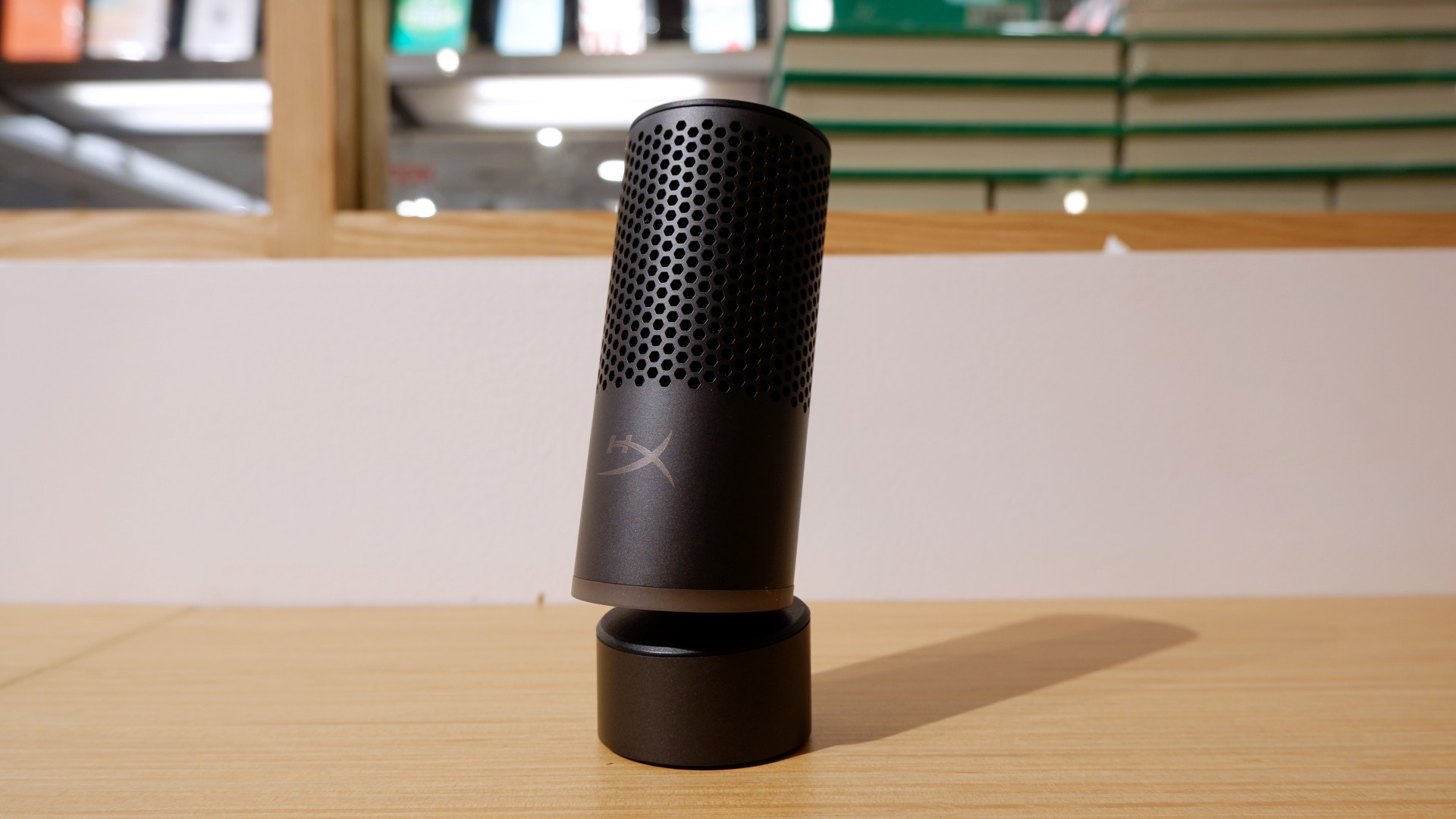

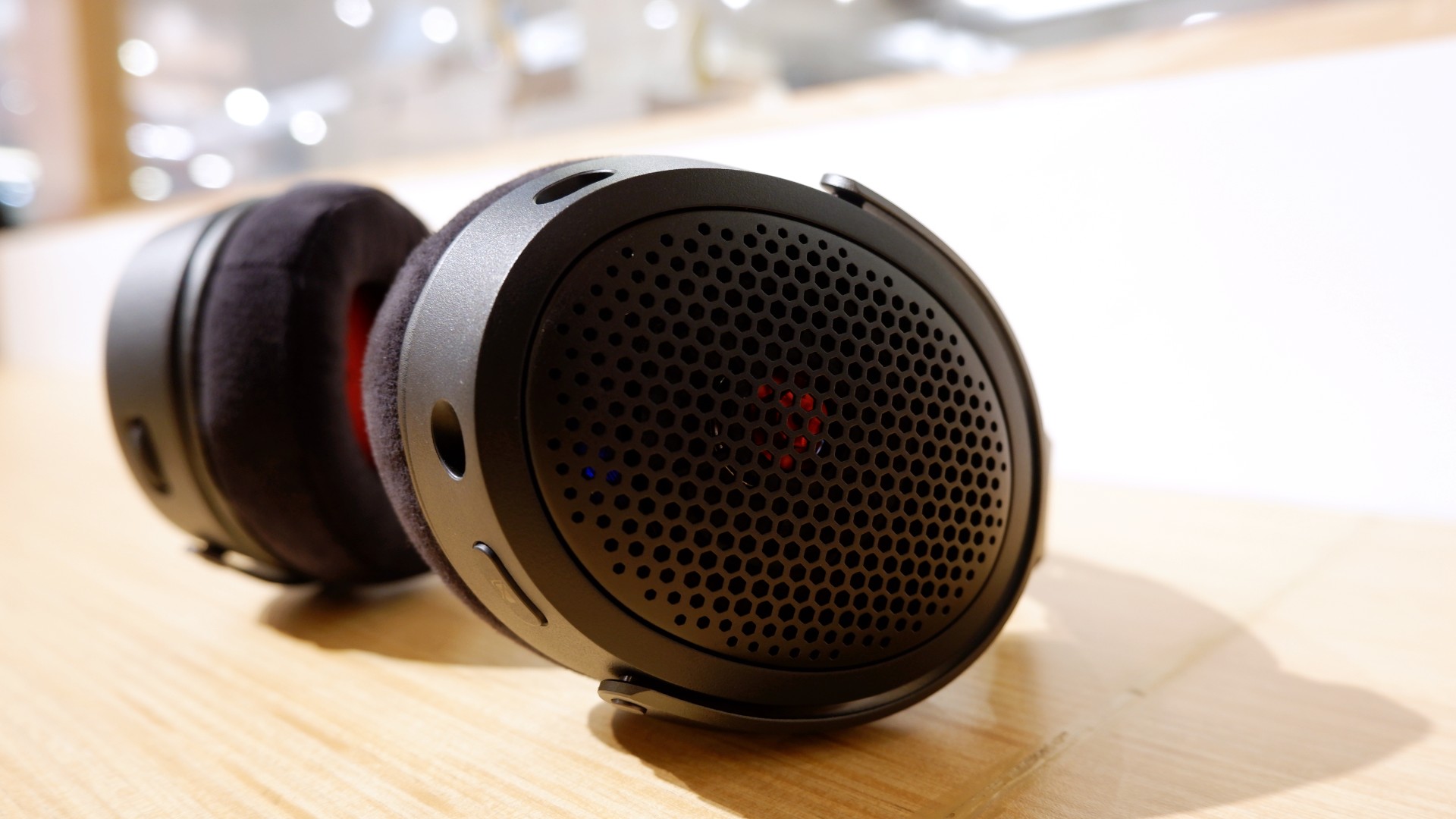
Peripherals such as the HyperX Cloud Alpha Air and Solocast 2 Pro can further enhance the experience.
Overall, this is a Swipe Right for its features, performance, and premium design. However, if you don’t have an infinite money glitch to buy it right now, you’re better off saving up for this beast of a machine!


Apple iPad mini OLED review
Has the mini gone PRO?!


ROG G700 review: The best prebuilt PC you can get off the shelf
This PC will make you stop worrying about specs.


HP OMEN Max 16 review: Gamer-maxxing in deep black
Peripherals deemed necessary to max this out

Spotlight: OPPO Find X10 Pro Max

Spotlight: Marathon with Snapdragon

Buyer’s Guide: 2026 Amazon Kindle

Xiaomi teases 18 Pro Series with innovative rear display

Insta360 X6: Everyday moments deserve a closer look

Your coffee nook is getting a makeover with Starbucks’ holiday collections

vivo V80 review: Good phone, tough sell

OPPO Find X10 Series: Price, availability in the Philippines

DJI Osmo Pocket 4P Pearl White now available globally

OPPO Find X10 Series: Price, availability

-

 News2 weeks ago
Sony revives classic Walkman headphones with USB-C MDR-3R
-
Reviews2 weeks ago
Apple iPad mini OLED review
-

 Philippines2 weeks ago
Lazada kicks off 11.11 Biggest Sale of the Year ahead of holiday rush
-

 Accessories4 days ago
Secretlab brings Pikachu, Gengar, and Eevee to its Pokémon gaming chair collection
-

 Gaming7 days ago
Nintendo eShop launches in the Philippines
-

 Gaming2 weeks ago
IKEA, Xbox launch nine-piece YXSTABY gaming collection
-

 Gaming7 days ago
GTA VI pre-loading now available on PS5, Xbox
-

 Wearables2 weeks ago
UGREEN ClipBuds Pro 2 feature AI translation