
Hands-On
Redmi Note 10S: Is this the most ideal smartphone?
Great hardware under a simple, subtle design

As the more affordable product line, Redmi continues to bring high-quality smartphones to a more accessible market. They may not come with the most flagship of hardware inside, but they still perform roughly at par with their powerful yet more expensive counterparts. This year, Redmi has something new up their sleeve in the Redmi Note 10S.
A simple design choice in my eyes
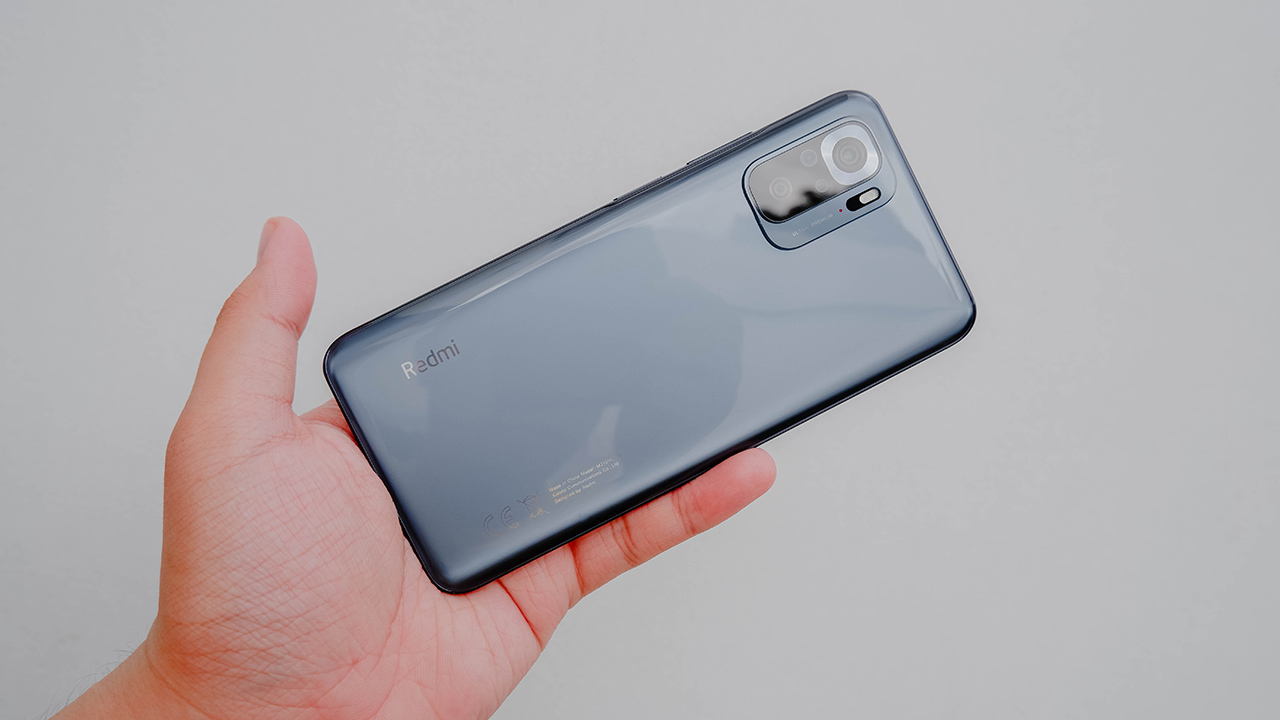
The moment I received and unboxed the Redmi Note 10S, I said to myself, “huh, what’s new?” I mean, it comes in the usual packaging, with all the documentation, a jelly case, and the charger inside. If anything, though, the phone itself sports a simple exterior design, which doesn’t particularly stand out for a good reason.

This unit came in an Onyx Gray colorway plastered at the back, and I’m also aware that it comes in two other colors, as well. For me, this color makes it look rather professional and complements the simple design as a whole. Although, I noticed that the back of the phone likes fingerprints so much, and it’s quite obvious in this colorway.
Now, another great aspect of the exterior design was the placement of the phone’s speakers. For phones such as this, you’d expect that it’s just one speaker and it’s beside the charging port. In the case of the Redmi Note 10S, it comes with two speakers found on opposite ends. Honestly, I found it practical to set it up like this, that other smartphones should consider.
Complementing hardware and software
Let’s get to the beef of the matter, shall we? In terms of the internal hardware, the Redmi Note 10S is decent in that department. It comes with a MediaTek Helio G95 chipset, with my unit sporting 6GB of RAM and 128GB of storage. On the external hardware, the phone comes with a 6.43-inch FHD+ AMOLED display, mostly suitable for great detail and color accuracy.

Upon my initial set up and usage, the phone responds quite well and quickly. Powered by MIUI 12.5, apps load smoothly and I even found myself multitasking some apps a lot more. Although, there were times that things like Dark Mode were wonky in some apps, but I think that’s mostly on MIUI.
Furthermore, the AMOLED display is pretty bright even at around 40-50 percent brightness. Even in this setting, it manages to display images and videos with great detail with minimal stuttering. Also, those speakers I mentioned earlier are quite loud and actually give off a sense of immersion when watching movies. It’s all good stuff for now, but let’s see if it holds up later on.

One look into the cameras for now
Apart from the hardware inside, I also wanted to focus on the cameras the Redmi Note 10S comes with. On its rear, you get an interesting quad-camera setup, with a 64MP lens as the star of the show. Along with this, you also get an 8MP wide-angle lens, a 2MP macro camera and depth sensor for that extra level of detail.


With some of the shots I initially took, I was fairly impressed with the image quality and color accuracy. From my view, it doesn’t look like there was any noticeable grain in the images, so that’s a good start. However, I ran into some trouble with the auto-focus mechanic in the camera. Hopefully, it will improve with prolonged use.

Up front, you only get a single 13MP lens lodged at the top of the display. For the most part, it did a good job of capturing selfies under great lighting conditions.
A promising start, maybe?
So far, the Redmi Note 10S ticks all the boxes when it comes to being a great yet affordable smartphone. Inside and out, the phone allows you to do quite a lot and experience near-flagship features without sacrificing so much in the process. Whether or not this will hold up with longer and more drastic usage, you’ll just have to wait and see.

The Redmi Note 10S retails for PhP 11,990 and only comes with a configuration of 8GB RAM and128GB storage.





Hands-On
Apple iPhone Duo Unboxing and Hands-on
Supported apps, crease, cameras, and MagSafe all tested


Apple’s iPhone Duo is finally here!
Aside from unboxing the all-new iPhone-dable in Night Sky, we take a closer look at the display crease, check out the under-display camera quality, see which MagSafe accessories work with it.
Most of all, which apps support it (or not).
But how well does the dual-screen experience on an iPhone actually work? Watch our Apple iPhone Duo unboxing and hands-on to know more!

Moving into a new space comes with a long list of things to figure out, and lately, I’ve been paying more attention to something that’s easy to overlook: air quality.
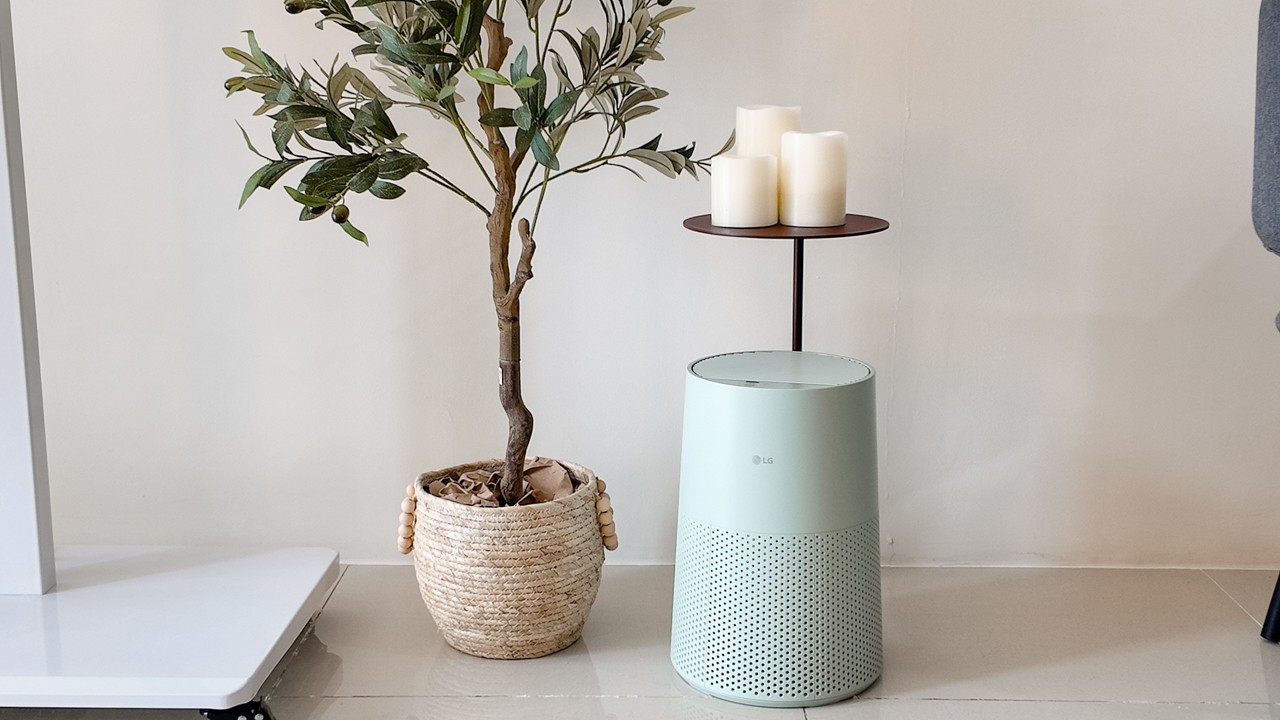
After using the LG AeroMini for about a month, it has become a subtle but welcome addition to my space. It helps make the room feel fresher, while its compact and stylish design fits naturally into my setup. Here are the things that stood out to me most after living with it for a month.
360° purification for a fresher space
One of the things I appreciate about the AeroMini is its 360° air purification, designed to bring purified air in every direction.
For me, this is particularly useful in a new space where I’m spending a lot of time working, relaxing, and just settling in.
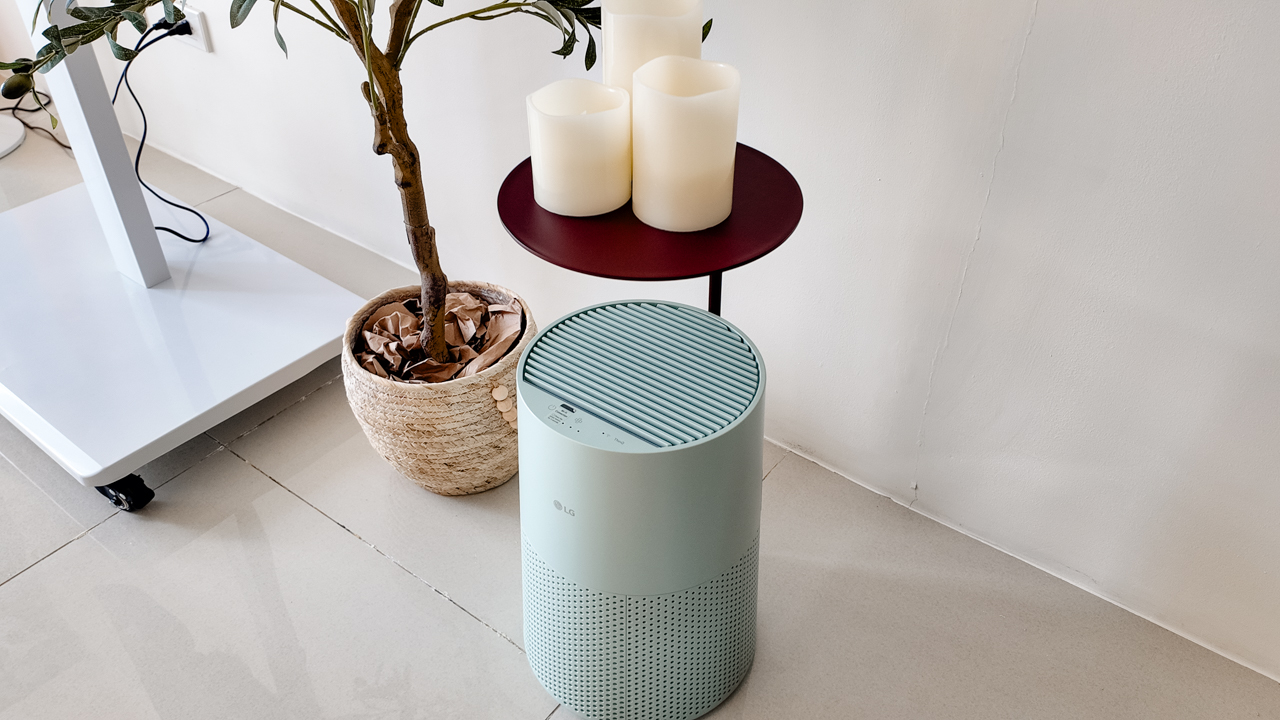
Combined with its True HEPA filter, which is designed to remove 99.999% of 0.01μm fine dust and allergens, it gives me added peace of mind about the air I’m breathing every day.
After a month, I can genuinely say that the space feels fresher with it running.
Surprisingly quiet
This is probably my favorite feature.
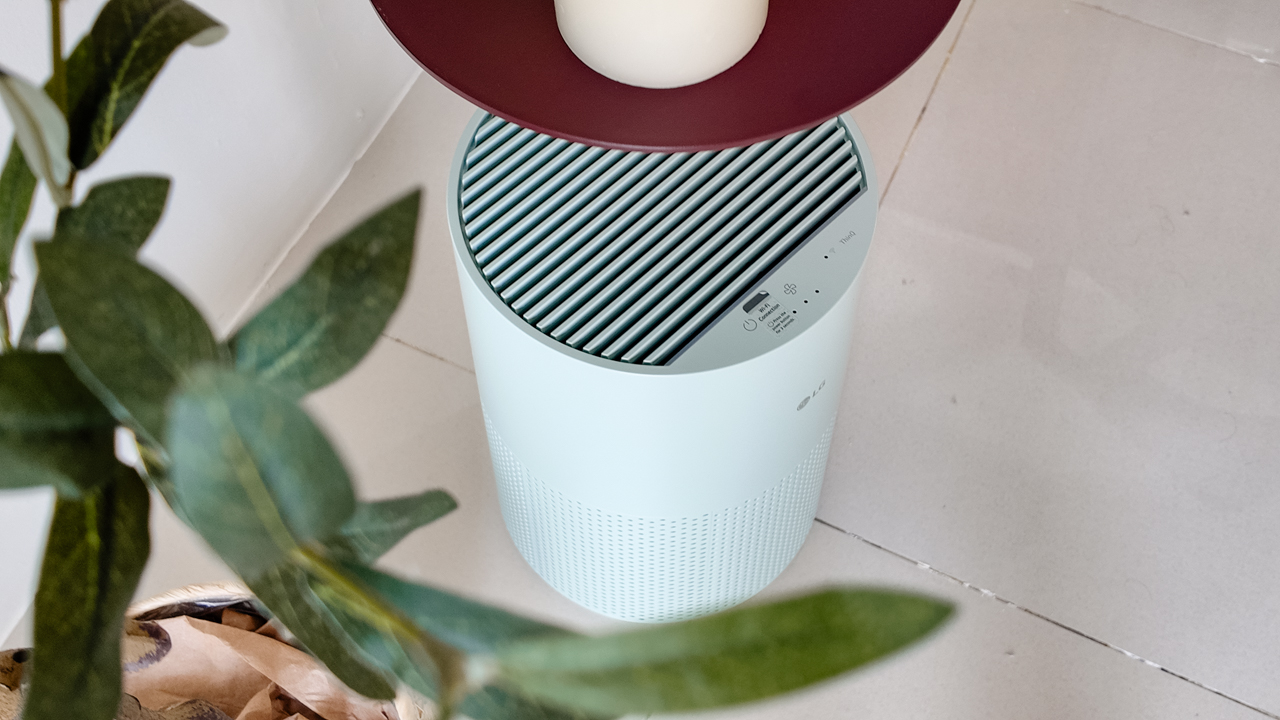
The LG AeroMini operates at just 26dB, and after using it for a month, what stands out is how easy it is to forget that it’s even running.

I can have it running while I’m working or sleeping without the noise becoming a distraction. For an appliance that’s designed to continuously improve the air around you, I think that’s a big deal.
Sometimes, the best feature is the one you barely notice.
Design that fits my space
Since I recently moved, I’ve been pretty conscious about what I bring into the space. I want things to be functional, but I also don’t want appliances that feel like they’re taking over the room.
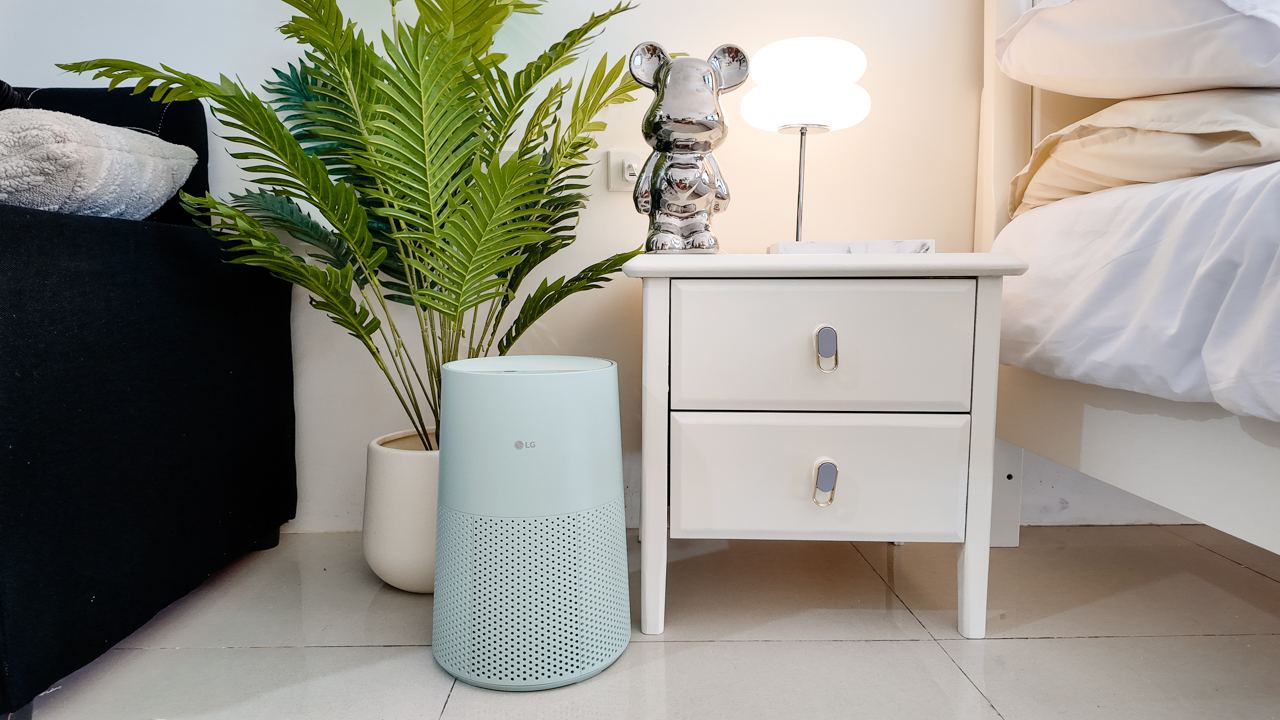
The AeroMini’s slim and compact design makes it easy to incorporate into my setup. It doesn’t feel bulky or industrial, and I like that I can leave it out without feeling like I need to hide it away.
For me, that balance between functionality and aesthetics makes it feel more like part of the space rather than just another appliance.
Air quality at a glance
Another feature I’ve found convenient is its Smart Control. Through the app, I can monitor and control the AeroMini while getting real-time updates on the indoor air quality.
It’s a small convenience, but being able to check the air quality without having to interact with the purifier directly makes it easier to keep track of what’s happening in the room.

Easy to maintain
I also appreciate that the AeroMini is designed with an all-in-one dust and deodorization filter that makes replacement and maintenance easier.
That matters to me because the best home gadgets are the ones that don’t create another complicated chore. I want something I can set up, use regularly, and maintain without too much fuss.

After a month, would I keep it?
Yes, and mainly because it quietly fits into my everyday routine.
The LG AeroMini has helped make my new space feel fresher and more comfortable, while its compact design means it doesn’t compromise the look of the room. But if I had to pick just one thing I appreciate most, it’s still how incredibly quiet it is.

It’s one of those upgrades that doesn’t demand your attention. It simply works in the background.
If you’re also looking to make your home a fresher and more comfortable space for yourself and your family, visit https://www.lg.com/ph/ to learn more about the LG AeroMini and how it can fit into your everyday life.
Hands-On
Apple iPhone 18 Pro Series Hands-on
And everything announced during Apple’s September 2026 Event
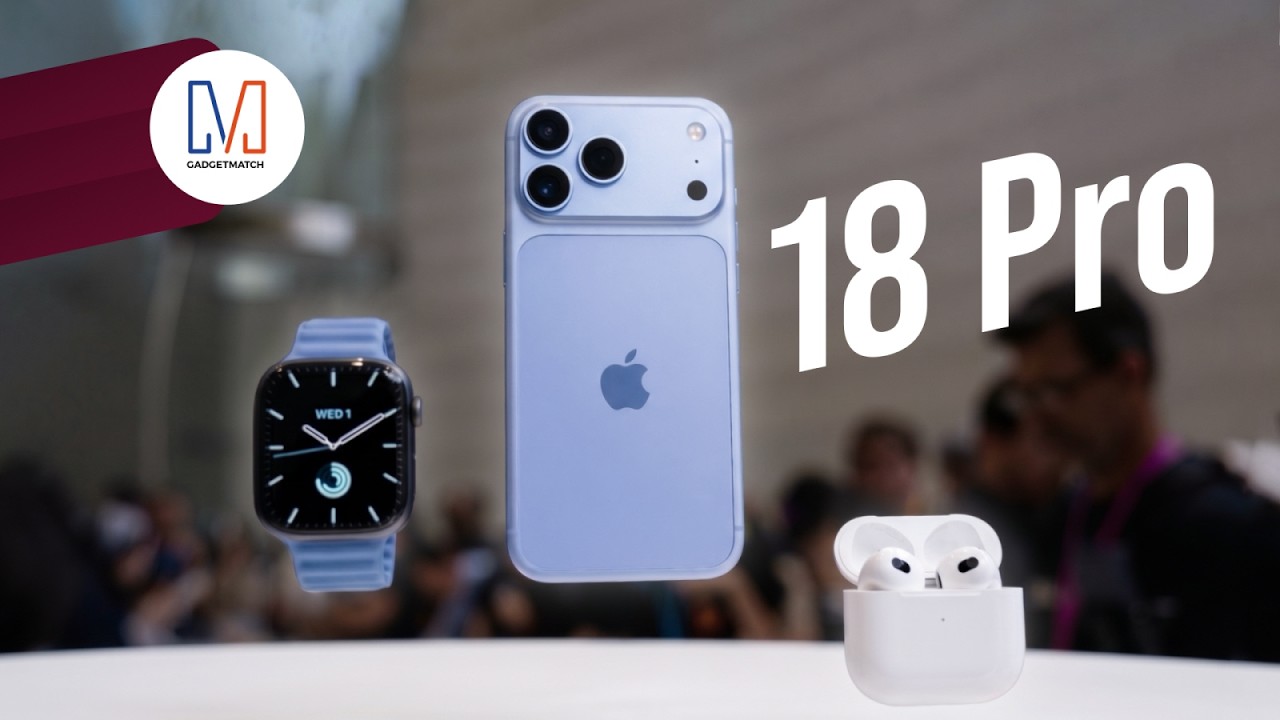
The latest Apple event isn’t just about the shiny new Apple Duo. There’s a lot to talk about!
In this video, we break down everything Apple has announced during their September 2026 keynote.
First, there’s the updated iPhone 18 Pro and 18 Pro Max. That’s alongside their design and color changes, battery and performance improvements. Even that massive camera upgrade.
There’s even the ANC-infused AirPods 5 alongside the newer Apple Watch Series 12 and Apple Watch Ultra 4. Plus, the latest software updates coming to both these wearables.
So, are these worth the upgrade?



HONOR Watch 6 Pro launches globally

The iPhone Duo is replacing my Kindle

Five new (and better) games you can play instead of GTA VI

Instagram adds ability to edit a recently posted Story

GTA VI Review Round-up: International and Southeast Asia

Your coffee nook is getting a makeover with Starbucks’ holiday collections

OPPO Find X10 Series: Price, availability in the Philippines

OPPO Find X10 Series: Price, availability

HP OMEN Max 16 review: Gamer-maxxing in deep black

DJI Osmo Pocket 4P Pearl White now available globally


-

 News2 weeks ago
Sony revives classic Walkman headphones with USB-C MDR-3R
-

 Reviews2 weeks ago
Apple iPad mini OLED review
-
 Reviews2 days ago
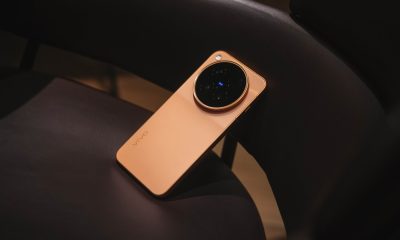
vivo X500 Pro Max review: 500+ hours later
-

 Accessories6 days ago
Secretlab brings Pikachu, Gengar, and Eevee to its Pokémon gaming chair collection
-

 Gaming1 week ago
Nintendo eShop launches in the Philippines
-

 Gaming1 week ago
GTA VI pre-loading now available on PS5, Xbox
-

 Gaming2 weeks ago
IKEA, Xbox launch nine-piece YXSTABY gaming collection
-

 Tablets5 days ago
Infinix XPAD 30 launches, comes with AI features and expansive display