
Apps
What’s the tea with Tea?
Women-only dating advice app affected by massive leak


In the United States, a women-only dating advice app called Tea has recently found itself embroiled in controversy when a massive leak released over 13,000 selfies and photo IDs of its users to the public.
If you haven’t heard of Tea yet, chances are that you weren’t invited to the cool table. Tea is a burgeoning app meant solely for women. Users, hidden anonymously, can share feedback on the men they’ve dated. They can also share red flags and search public records for prior convictions.
Now, if you’re a man and haven’t been on the dating scene for a while, the act of sharing “tea” (or gossip) is about the same as telling all your bros about the crazy date you’ve been on. Tea creates a system where women can warn others before embarking on a date with a potentially dangerous man.
Despite how the app might be used for safety, men have complained that Tea is a privacy nightmare that can lead to false accusations and witch hunts. On the flipside, users also complained about a policy that requires users to upload a photo ID to verify their identity.
Now, a malicious party has homed in on this requirement. Through a post on the public chatter site (via 404 Media), a 4chan user revealed that around 72,000 images are up for grabs. The post states that the images weren’t kept securely. Tea has since plugged in the gap.
Regardless, Tea now finds itself in the middle of a firestorm of controversy. Whether you agree with their system or not, the app addresses a critical problem that pervades society today: making women feel safe from predatory men.
SEE ALSO: When love is in cruise control

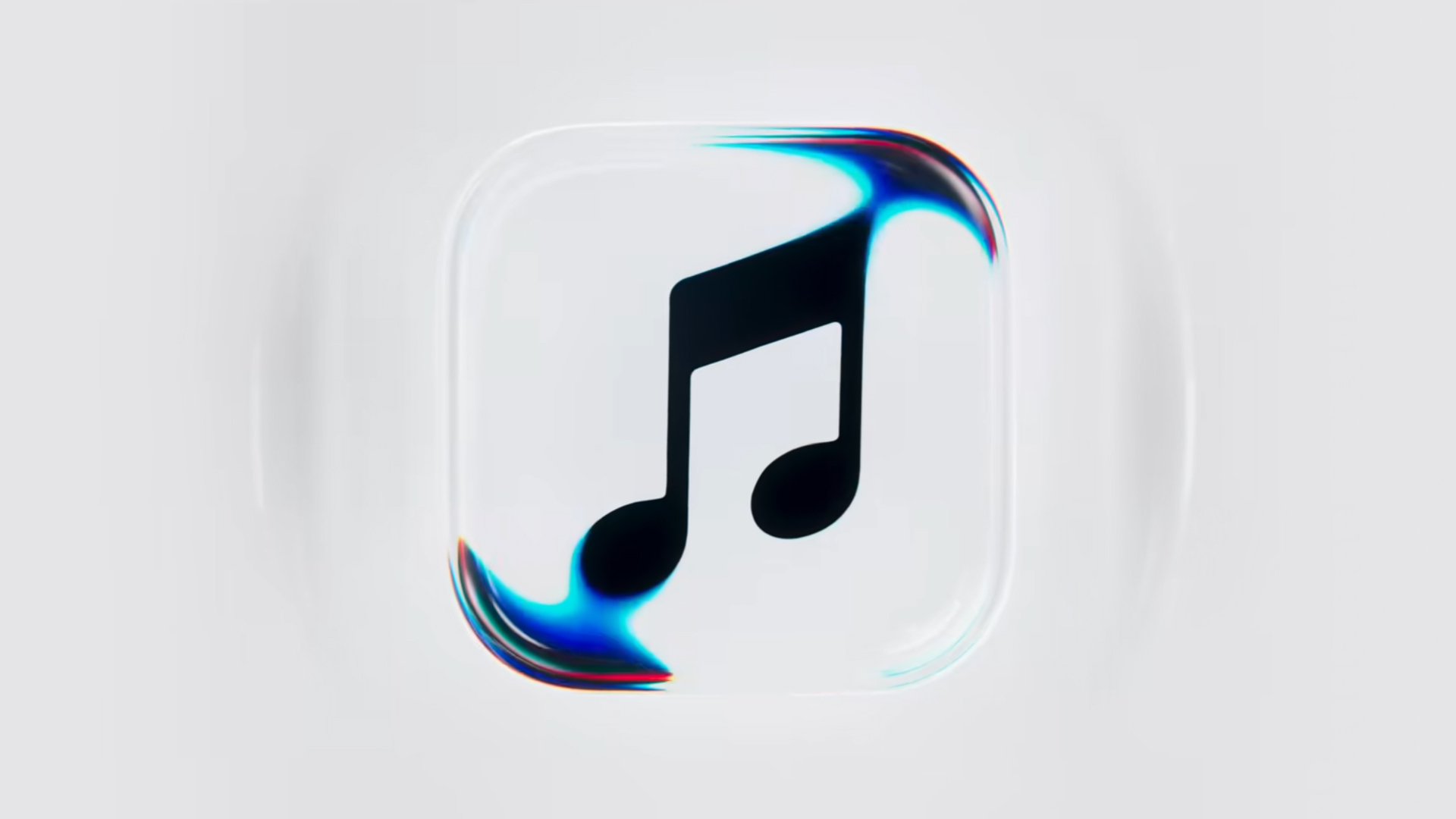
Apple Music is getting a revamp. In one of the tamer things going on with the brand today, Apple has introduced a new design language for its native music streaming platform.
In the midst of all the hubbub surrounding the iPhone Duo, Apple released a change in the visual identity of Apple Music. Rather than a static logo, the platform’s newest evolution offers a dynamic look that melds Liquid Glass and the power of sound together.
Confirmed through a behind-the-scenes video, Apple says that the new aesthetic was made with practical effects. Music producer Fred Again and NEST Acoustics submerged the platform’s logo in a tank of mineral oil and creating ripples with sound. The new language matches well with the chrome aesthetic typical of today’s trends and… well, Liquid Glass, of course.
Apple says that the more ripple-filled version will play before longer content like concert recordings (similar to Netflix’s startup stinger). Meanwhile, a black-and-white version will replace the app’s icon currently colored red and white. Current previews show off a simple logo, but it’s unknown whether Apple is adding a but more elements when the final version drops.
The updated version will debut for users after next week’s iOS 27.2 and macOS 27.2 updates.
SEE ALSO: Apple iPhone Duo Unboxing and Hands-on
Apps
Disney+ strengthens footing as go-to sports streaming app with UFC, NBA, more
ESPN on Disney+ brands itself as ‘new home ground for sports’


Disney+ is strengthening its footing as a go-to sports streaming app as ESPN on Disney+ is now available in the Philippines, one of its markets with a huge sports-loving fanbase.
The launch coincides with a brand new campaign, “Ito ang Homecourt Mo!” (This is your homecourt!), welcoming Filipino fans to a new home ground for games, stories, and moments.
Subscribers can access live events, on-demand replays, studio shows, documentaries and original programming together in one dedicated destination through ESPN on Disney+.
Production and coverage will be led by ESPN, delivering high-quality broadcasts, commentary and expert analysis across the sports season where available, alongside Disney+ general entertainment and family programming.
Following last season’s success, NBA returns to ESPN on Disney+ with matchups during NBA Tip-Off Week.
Christmas Day games will also be available to stream, including the NBA Finals rematch between the New York Knicks and San Antonio Spurs and the Philadelphia 76ers versus the Los Angeles Lakers.
Playoff games through the conference finals shall also be streamed live and on demand.
Meanwhile, the UFC is among some of the new regular sports programs Filipinos can watch on Disney+.
The action kicks off at UFC 333 in Abu Dhabi scheduled on October 25, where two world championship titles are expected to be on the line: UFC featherweight champion Alexander Volkanovski takes on undefeated No. 1-ranked contender Movsar Evloev, and UFC bantamweight champion Petr Yan defends against former champion and No. 1-ranked Merab Dvalishvili.
Alongside live UFC numbered events and UFC Fight Nights, fans will have access to a library of classic fights and curated UFC content.
There will also be the original and and behind-the-scenes programming, including UFC Countdown, UFC Connected, UFC Main Event, UFC Fight Flashback, UFC Reloaded, and ROAD TO UFC.
A new home ground for sports
Other notable sports programming will include the Formula E 2026/27 season, with practice, qualifying and main races across 21 rounds in 13 host cities.
Also available on Disney+ are NCAA events, including March Madness, and Australia’s National Basketball League (NBL), with all games live across the regular season and championship series.
ESPN’s popular 30 for 30 documentaries will continue to be available on the platform. The line-up also features ESPN studio shows, including ESPN FC and Pardon the Interruption.
Apps
GrabCar Group Ride now splits the fare automatically
Passengers stand to save up to 50% compared with booking a solo ride
GrabCar Group Ride now splits the fare automatically among passengers, making it simpler to book such ride types.
Each rider can save up to 50% on fare as well when using a group ride, compared with booking a solo ride.
The ride type lets the ride host and up to two friends share one GrabCar, with up to three drop-off points along the way. The more people join, the more affordable the ride becomes for everyone.
Regular ride buddies can also be saved as a group, together with frequent pickup and drop-off pins. This way, repeat bookings take just a few taps.
Such a system is ideal for officemates headed the same way or friends coming home from a night out, as well as plenty of other scenarios.
To book a Group Ride, follow these steps:
- Open the Grab app, tap GrabCar, then select Group Ride
- Enter your pickup point and drop-off
- Share the invite link with up to two friends
- Your friends can add their own drop-off points
- Confirm the booking to split the fare automatically
The GrabCar Group Ride feature is now available in all GrabCar cities nationwide.

HP OMEN Max 16 review: Gamer-maxxing in deep black
Peripherals deemed necessary to max this out

vivo V80 review: Good phone, tough sell
A capable travel companion


Ghost of Yōtei Complete Edition review: More of a great thing
Picking up where Atsu left off

Visa: 79% of Filipinos want to learn about stablecoins

CASETiFY Match: Finding the right case for your Galaxy Z8 Series phone
HP OMEN Max 16 review: Gamer-maxxing in deep black

Google illegally destroys 250,000 trees for a single AI data center

FINAL FANTASY RESONANCE now available across major platforms

TECNO CAMON Slim 5G review: Slim on size, big on surprise

TECNO CAMON Slim 5G: Price, availability in the Philippines

HONOR Magic9 Pro Max launches in China with ARRI-powered imaging

BYD says that way better EV batteries are coming next year

TECNO CAMON Slim 5G teases an ultra-slim design ahead of launch


-

 Gaming2 weeks ago
Dragon’s Dogma 2: Dark Arisen launches with new Official Pawns
-
 News1 week ago
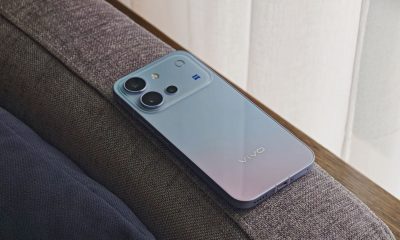
vivo V80 debuts with ZEISS cameras
-
 Deals2 weeks ago
Score PhP 22,000 in guaranteed freebies when you pre-order the iPhone 18 Pro at Beyond the Box
-
 Philippines1 week ago
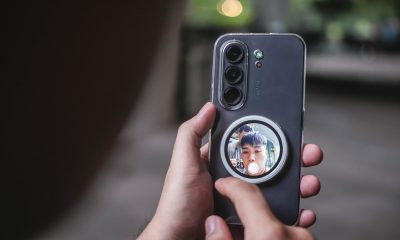
TECNO CAMON Slim 5G gets launch discounts, free MagBadge
-

 Wearables2 weeks ago
Garmin Approach S72 brings swing metrics, green reading to your wrist
-
 News1 week ago
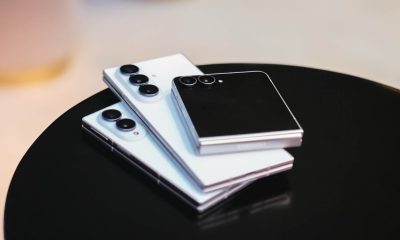
Samsung: Galaxy Z Fold8 demand rose because of iPhone Duo
-
 Features1 week ago
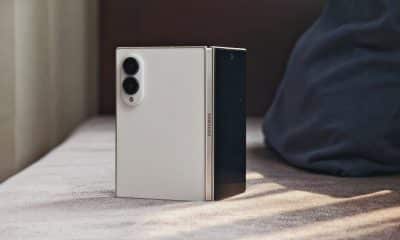
I don’t want a phone that unfolds — the Galaxy Z Fold8 gets why
-
Reviews5 days ago
vivo V80 review: Good phone, tough sell