
Reviews
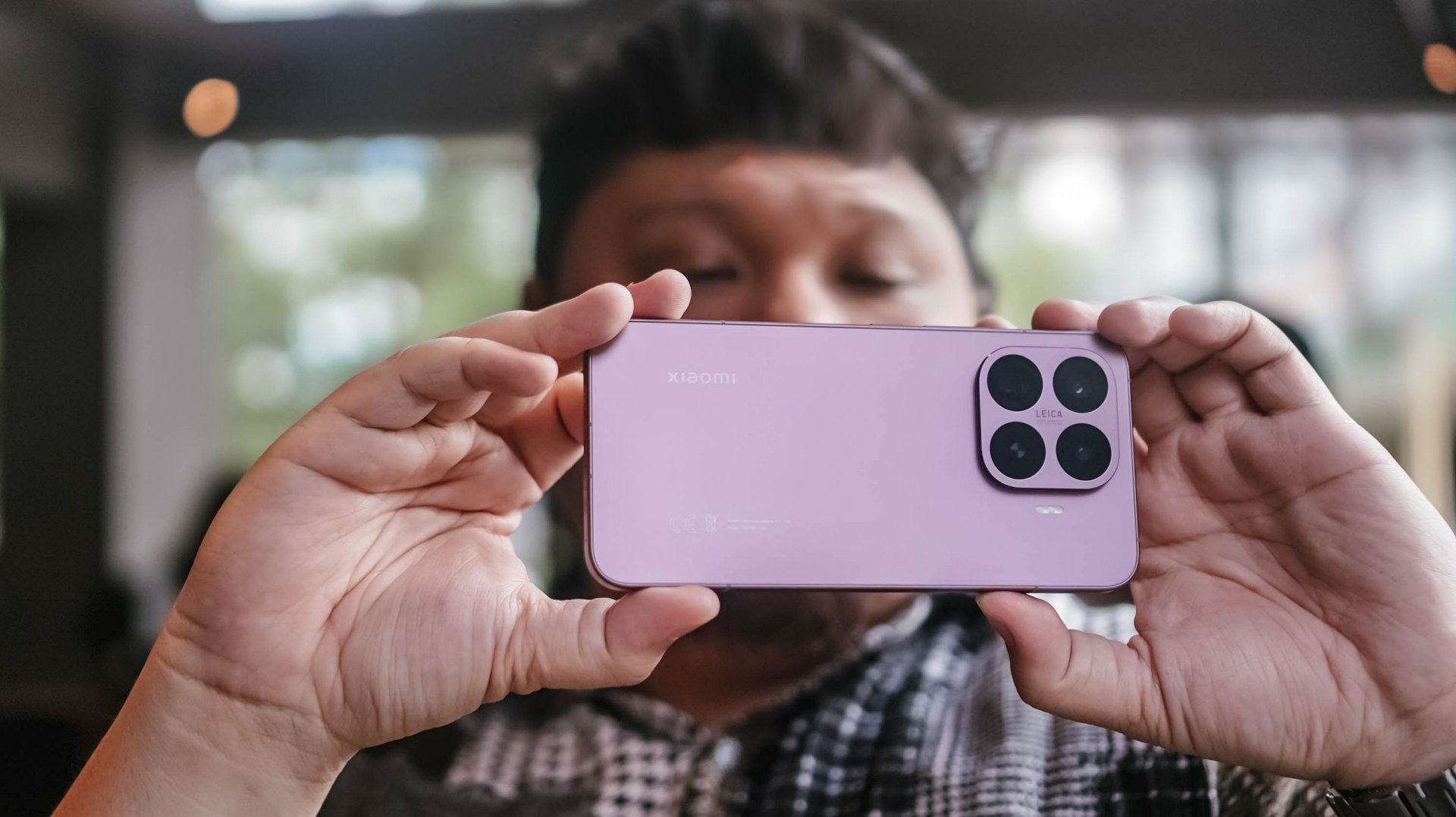
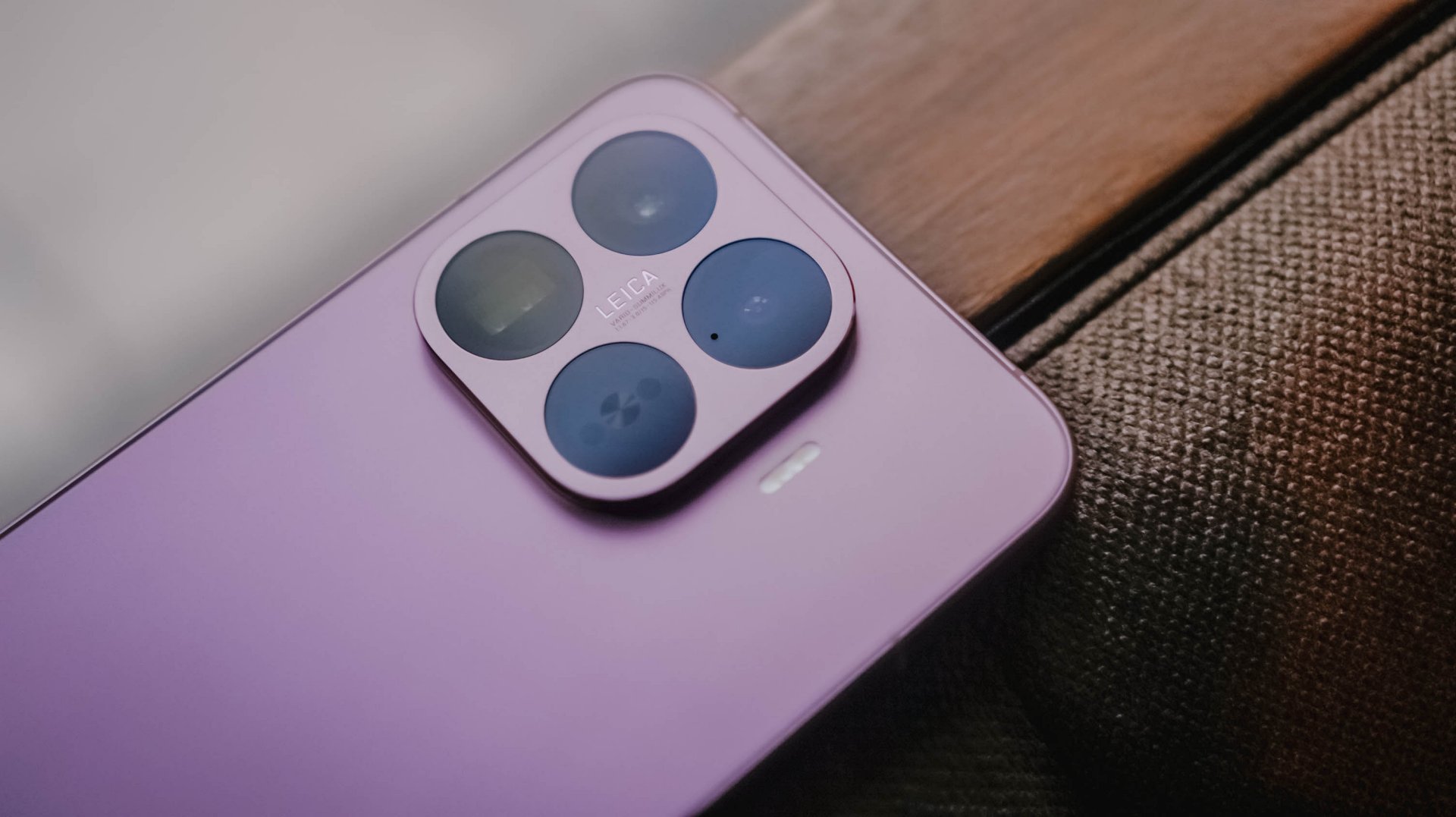
Close without crossing: A Xiaomi 17T Pro photo essay
Distance and closeness are not always opposites.

I have spent the better part of the last few weeks grappling with multiple emotions.
I feel silly referencing this but as a “feel” type, my days are guided by vibe and mood. It’s been a challenge trying to reconcile and make sense of everything.
Thankfully, the Xiaomi 17T Pro presented an unexpected outlet.
So no, this isn’t exactly a review of the Xiaomi 17T Pro. This is yours truly, once again, processing feelings through a telephoto essay.
The “T” is for Telephoto
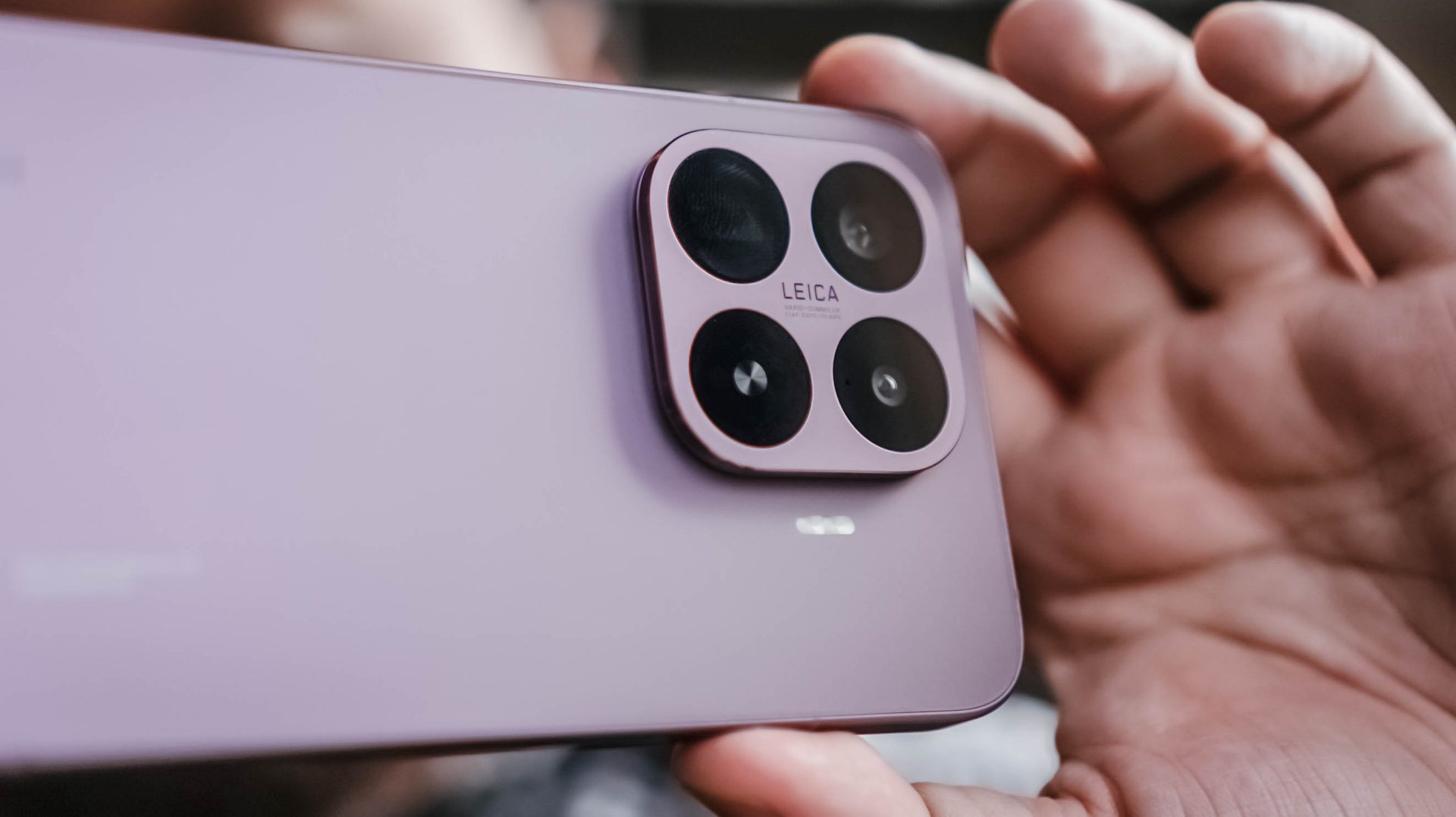
When being briefed about Xiaomi’s latest device, my favorite part was when a guest photographer jokingly attached the T in the Xiaomi 17T series to “telephoto.”
It’s not official or anything. But in this case, it made perfect sense.
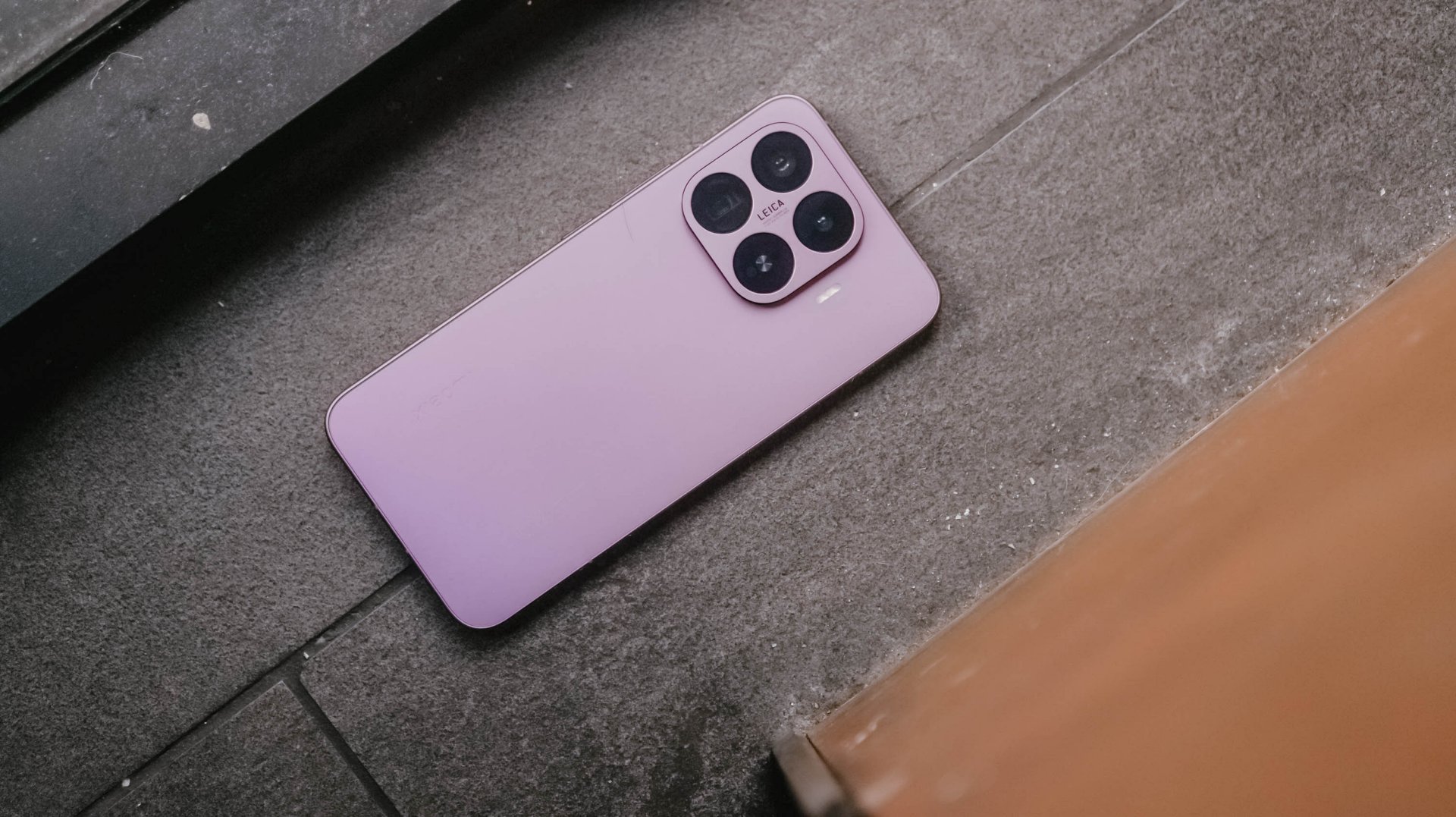
My relationship with Xiaomi’s T series has always been a little complicated. For a while it felt like it was searching for an identity. One year it was positioned as a performance-focused device. Then it became an all-rounder.
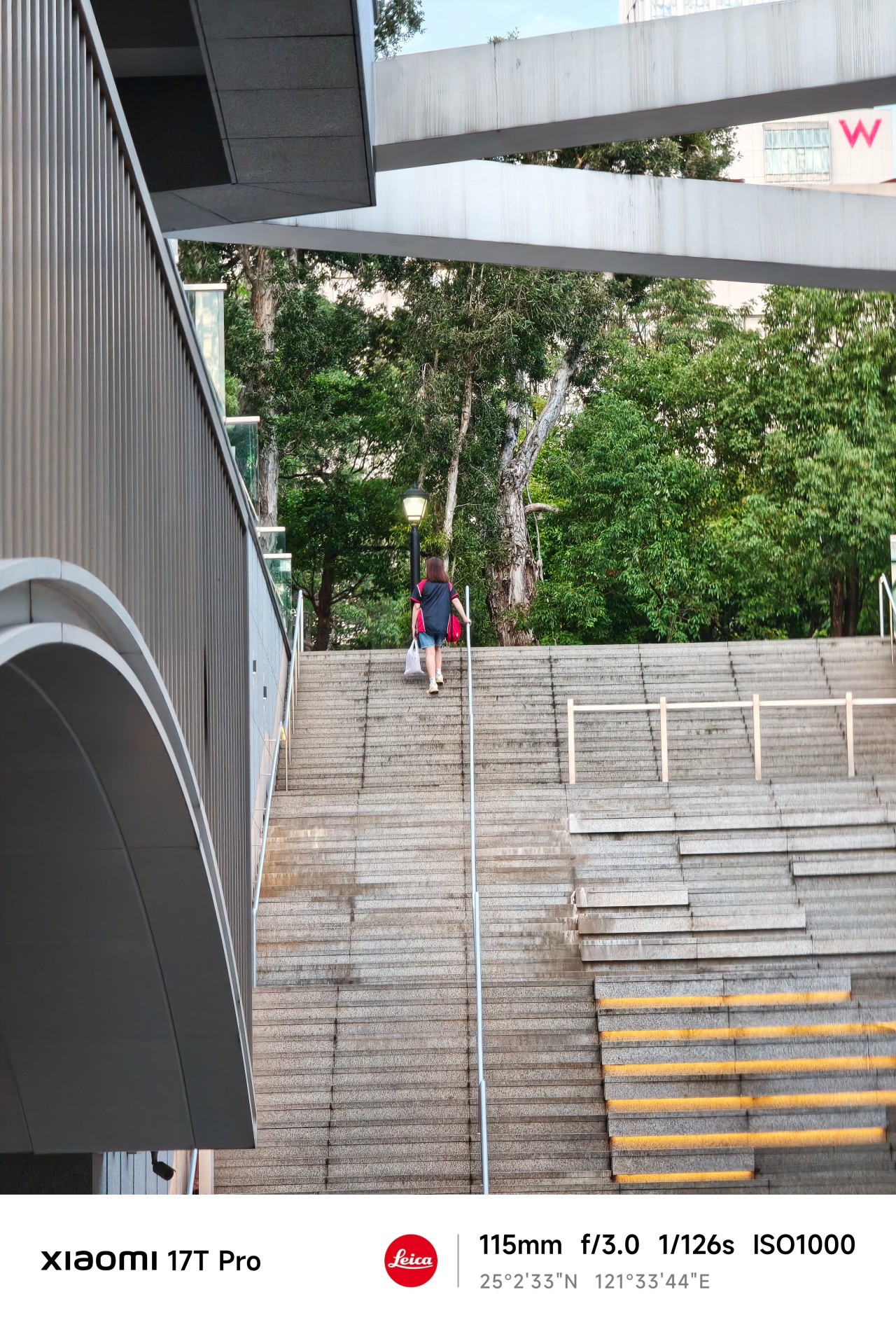
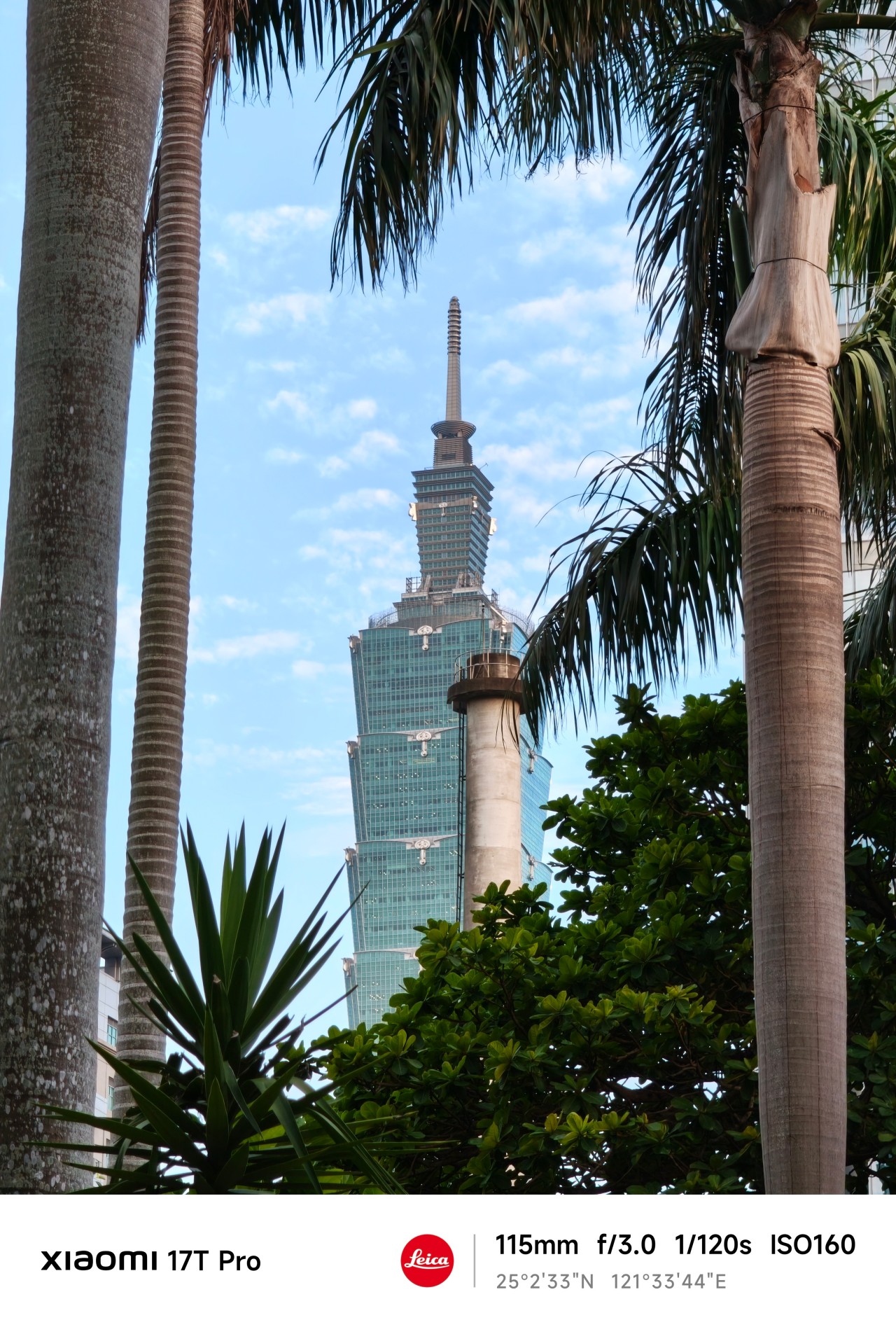
Now, one of its biggest highlights is a dedicated 115mm equivalent telephoto camera. The reality is that it might actually be all of those things at once.
For this piece, however, I ignored almost everything else. I shot almost exclusively at 115mm.
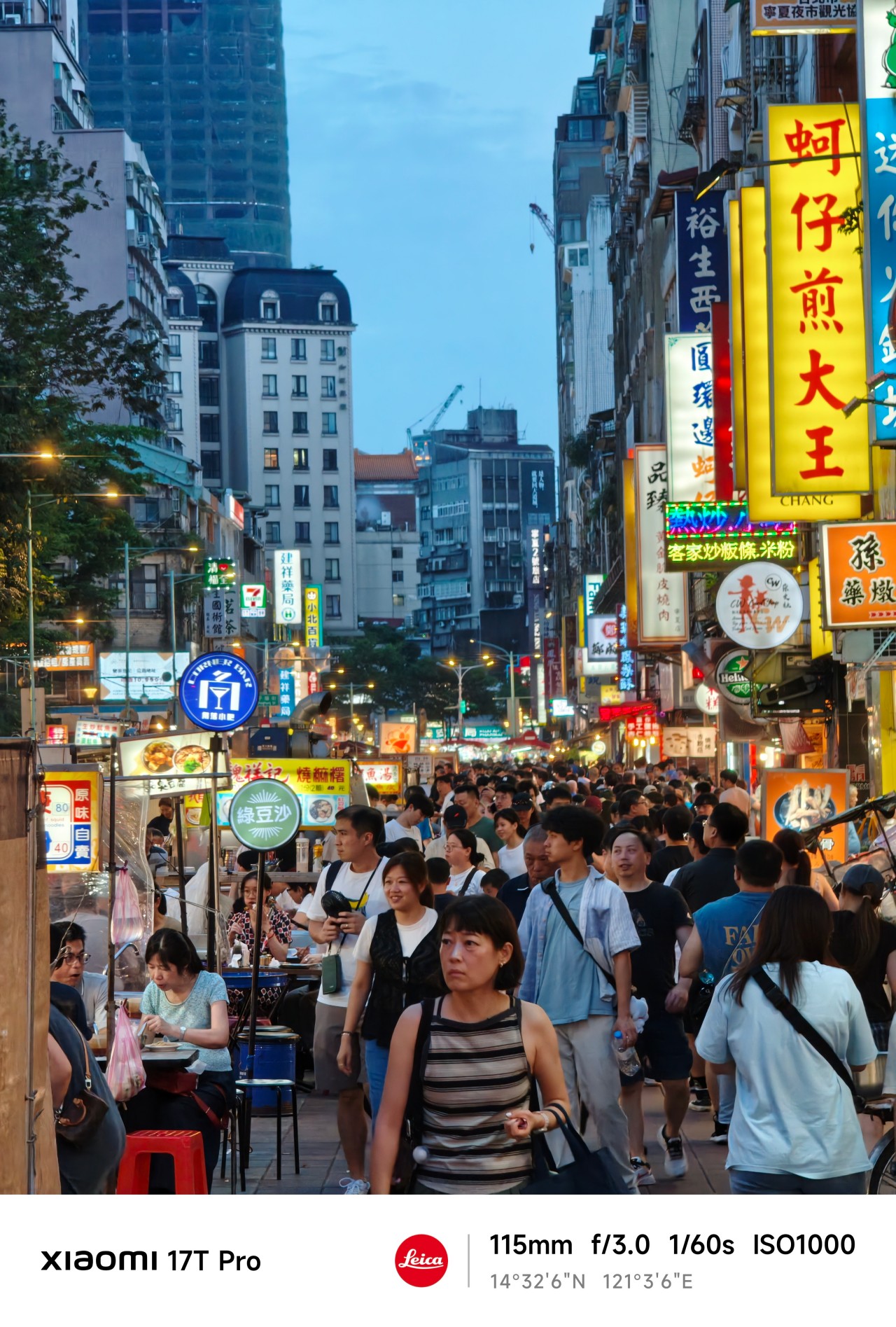
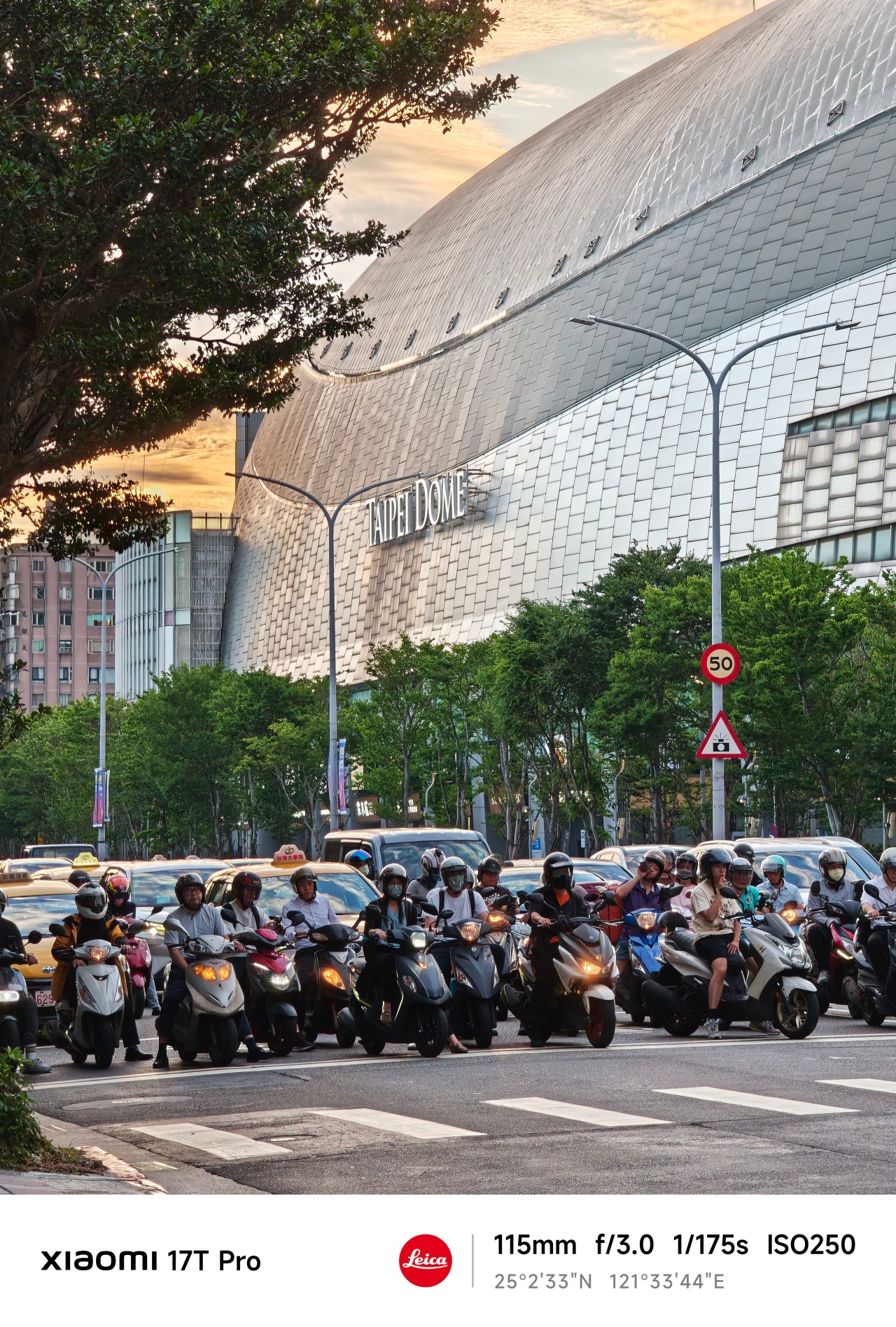
No elaborate test plan, no checklist of scenarios, and no mission to prove a point. I simply carried the phone everywhere and photographed whatever caught my attention.
At first, I thought I was testing a camera. Eventually, I realized the camera was teaching me something instead.
Chasing
When the year started, I was certain about something. Or perhaps someone.
The conversations were easy. The banter felt natural. The possibility of something more lingered quietly in the background.
After a few genuine attempts, reality eventually became clear. This wasn’t going where I secretly hoped it would. I felt defeated.
But apparently, I wasn’t done learning yet.
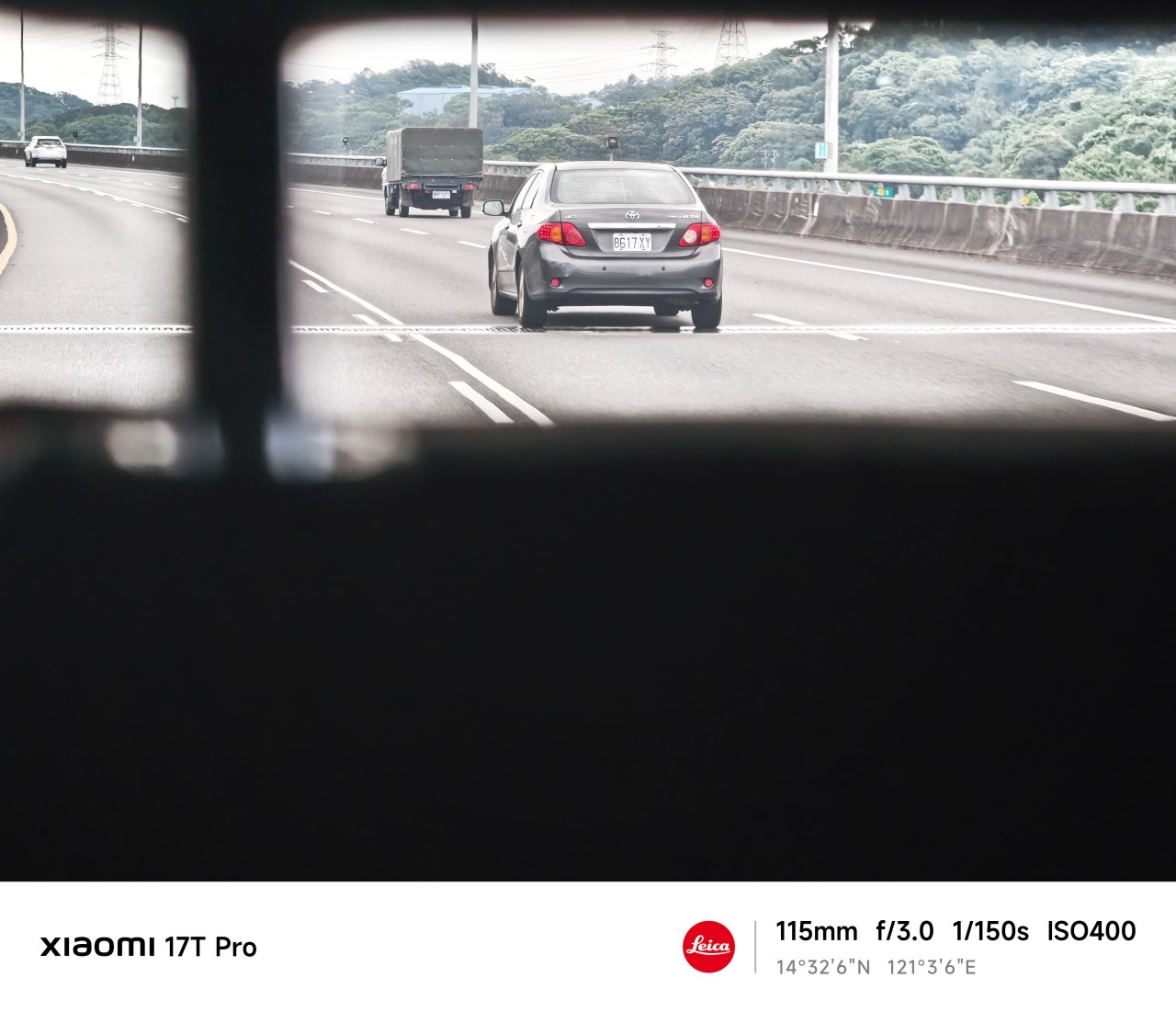
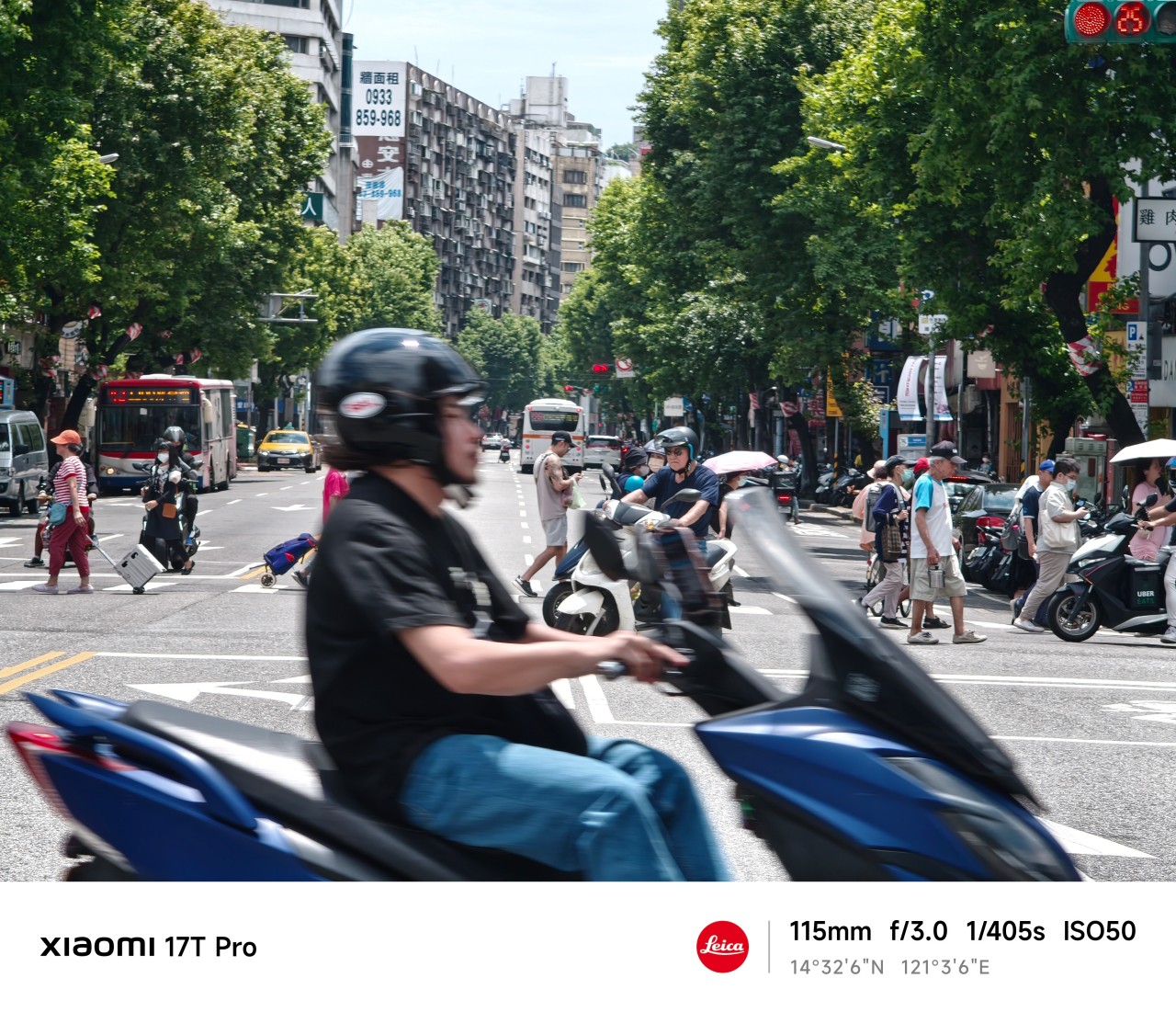
One thing I quickly discovered about shooting at 115mm is that distance changes how you approach a subject.
You cannot simply stand where you are and expect every shot to work. Sometimes you move. Sometimes you wait. And sometimes you accept that a moment isn’t yours to capture.
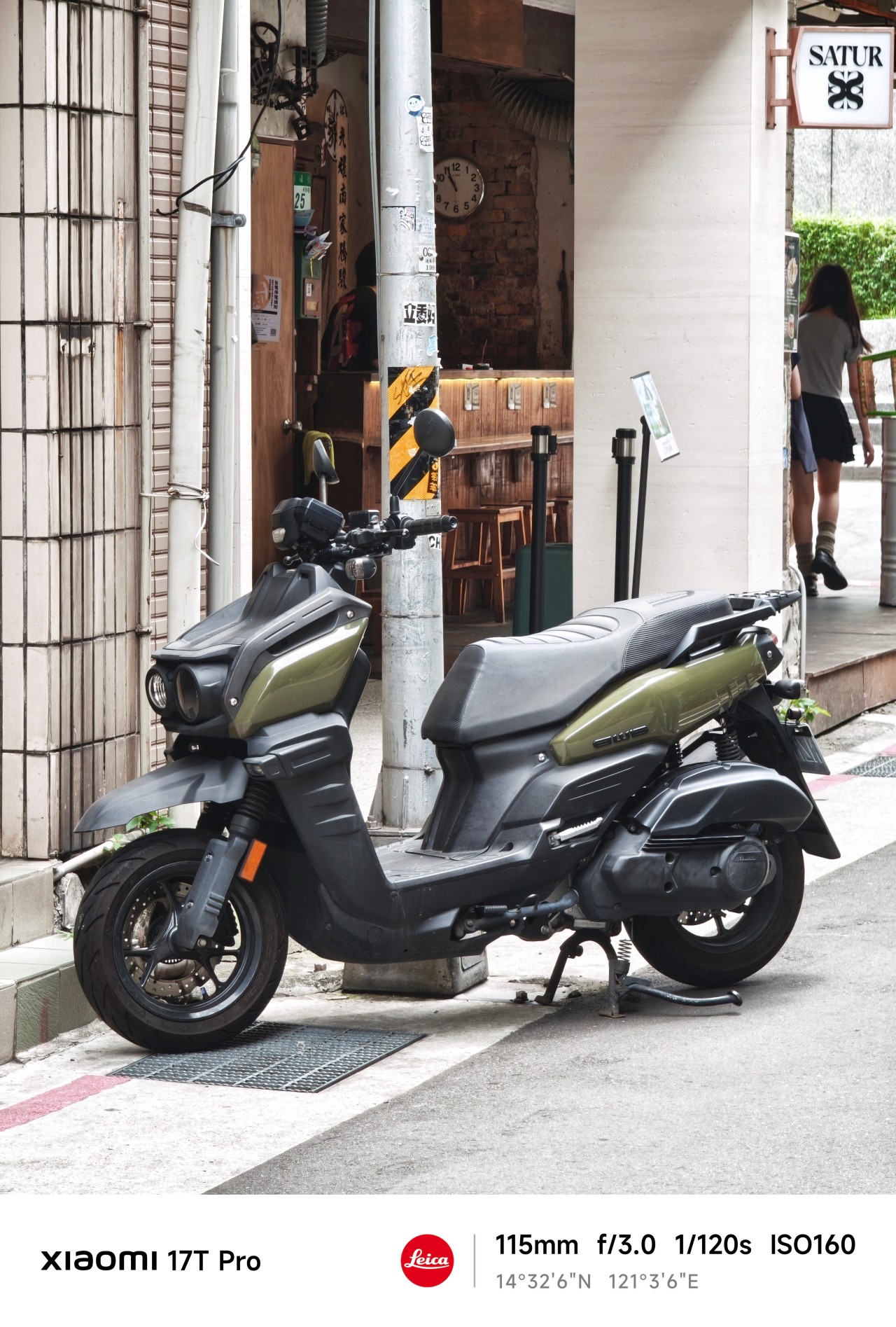
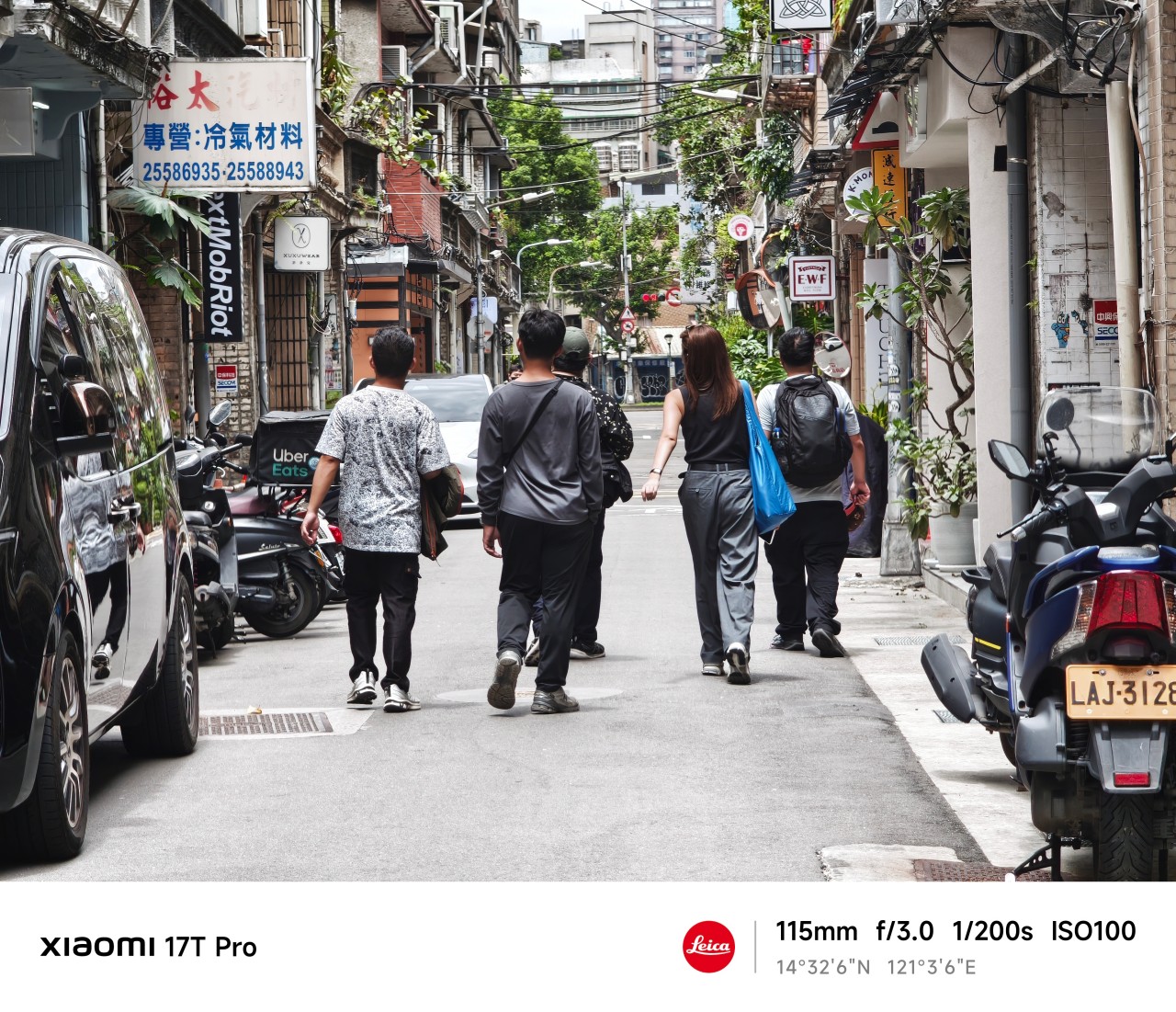 The Xiaomi 17T Pro’s telephoto camera made those adjustments feel surprisingly natural. The focal length compressed scenes beautifully while still allowing me to isolate subjects from busy surroundings.
More importantly, it encouraged patience. Not every frame needed to be forced.
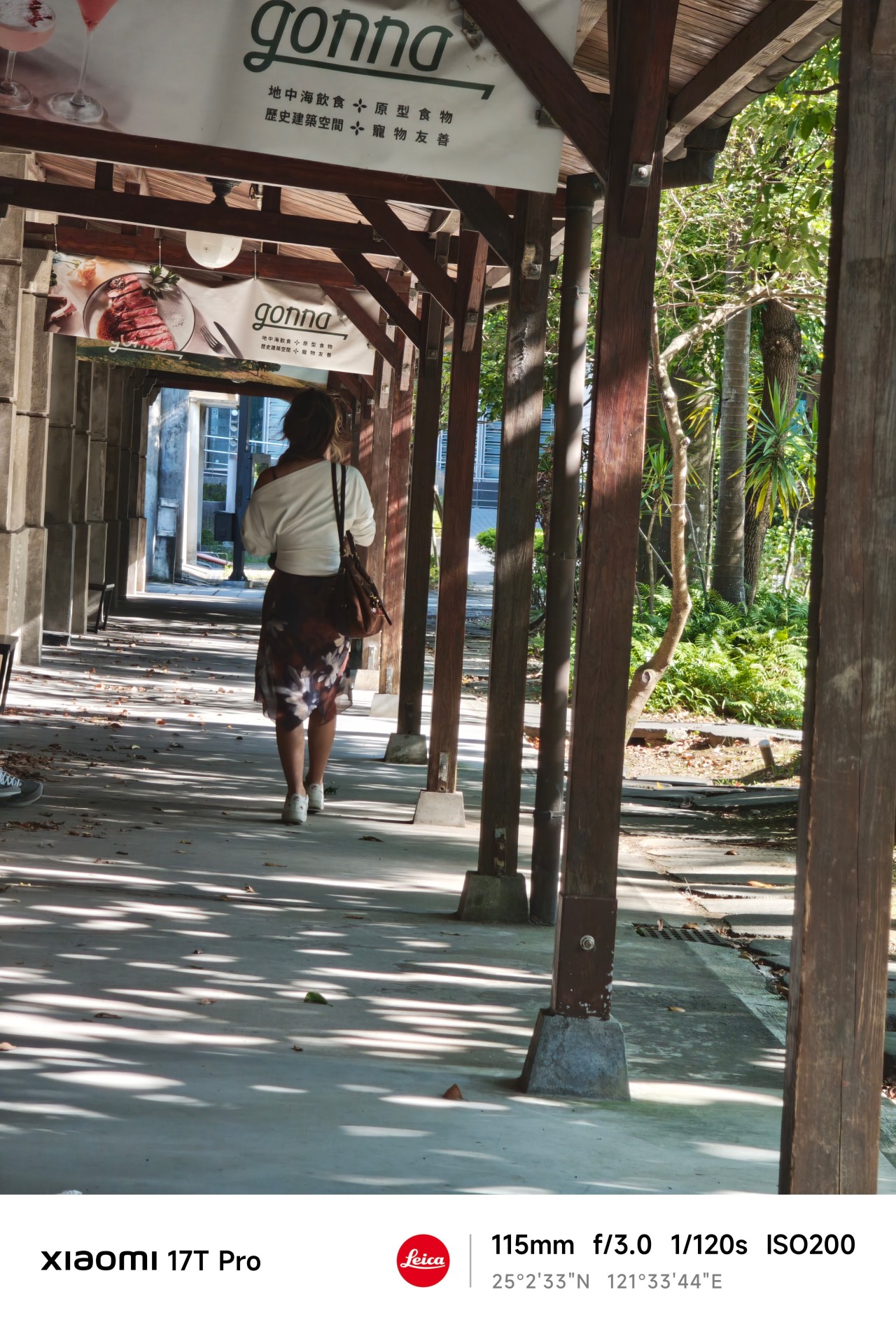
Blind projection
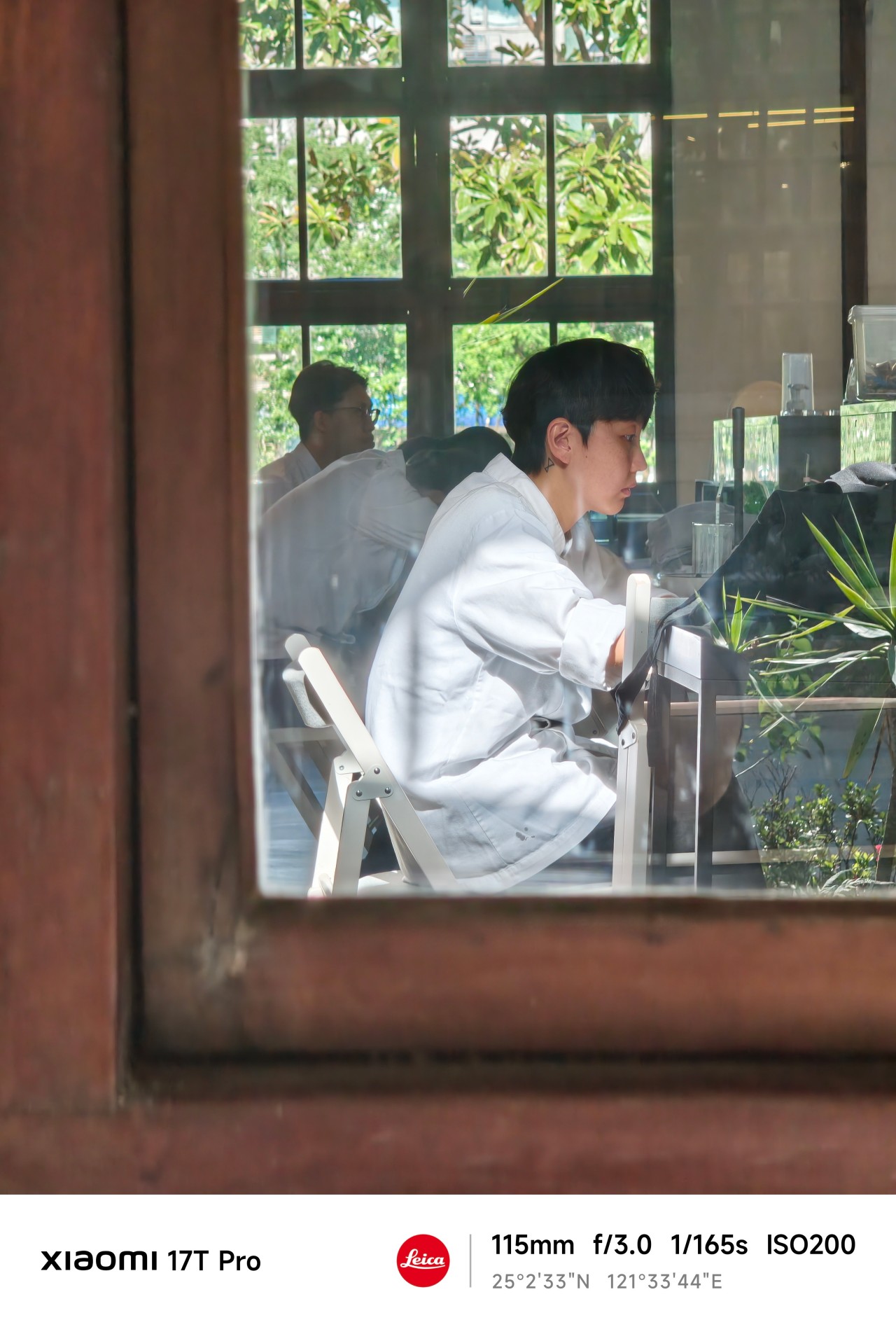
Waiting in the wings was another lesson entirely.
As a photographer, there are moments when something catches your attention immediately. A shape. A silhouette. A person. A scene.
 From a distance, it looks compelling.
The problem is that distance leaves room for imagination. Sometimes too much room. You think you know what you’re looking at. But you don’t.
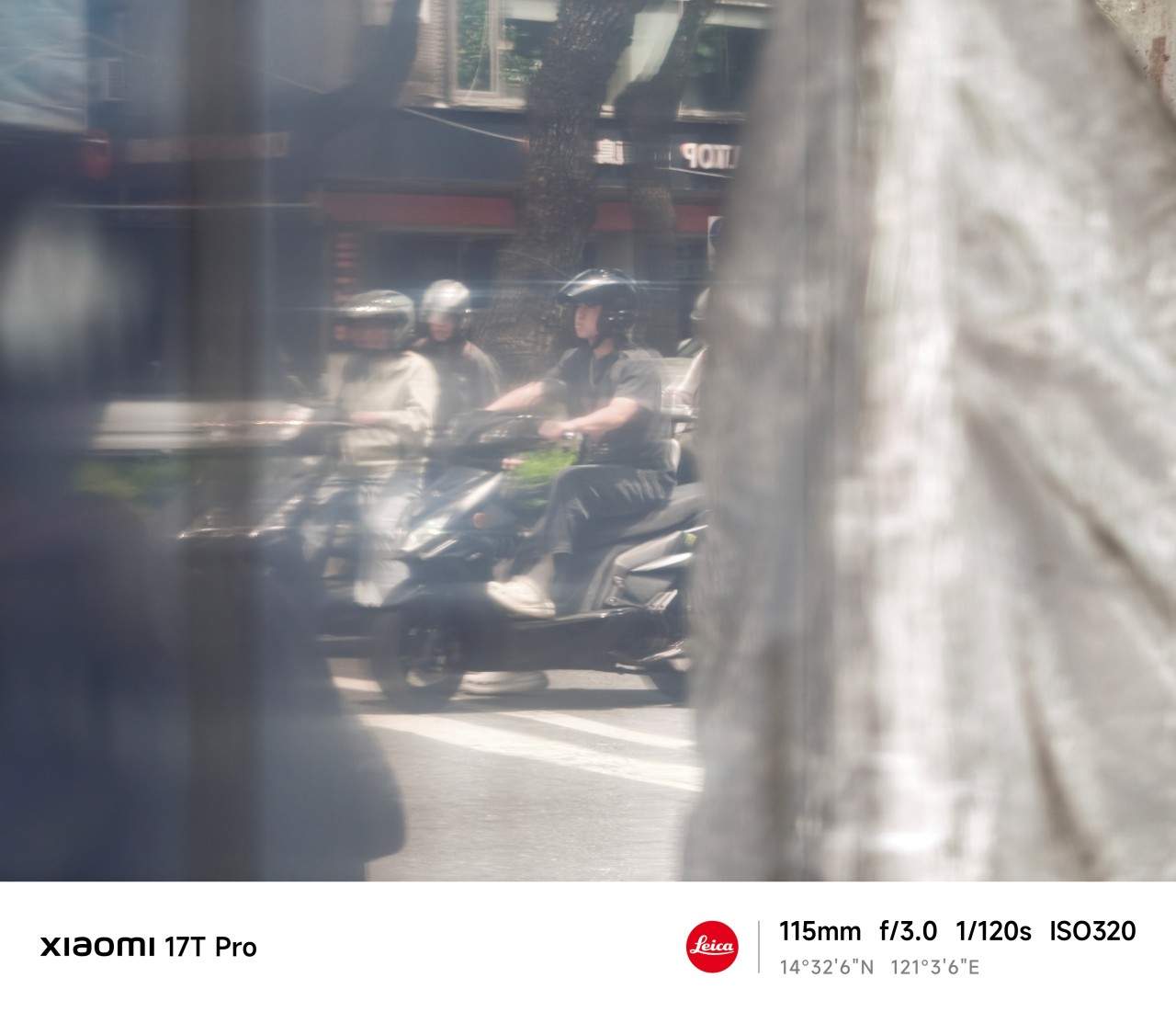 The more I used the 115mm lens, the more I appreciated how it could pull distant subjects closer while still leaving context around them. It gave me a cleaner view of things that initially felt obscured.
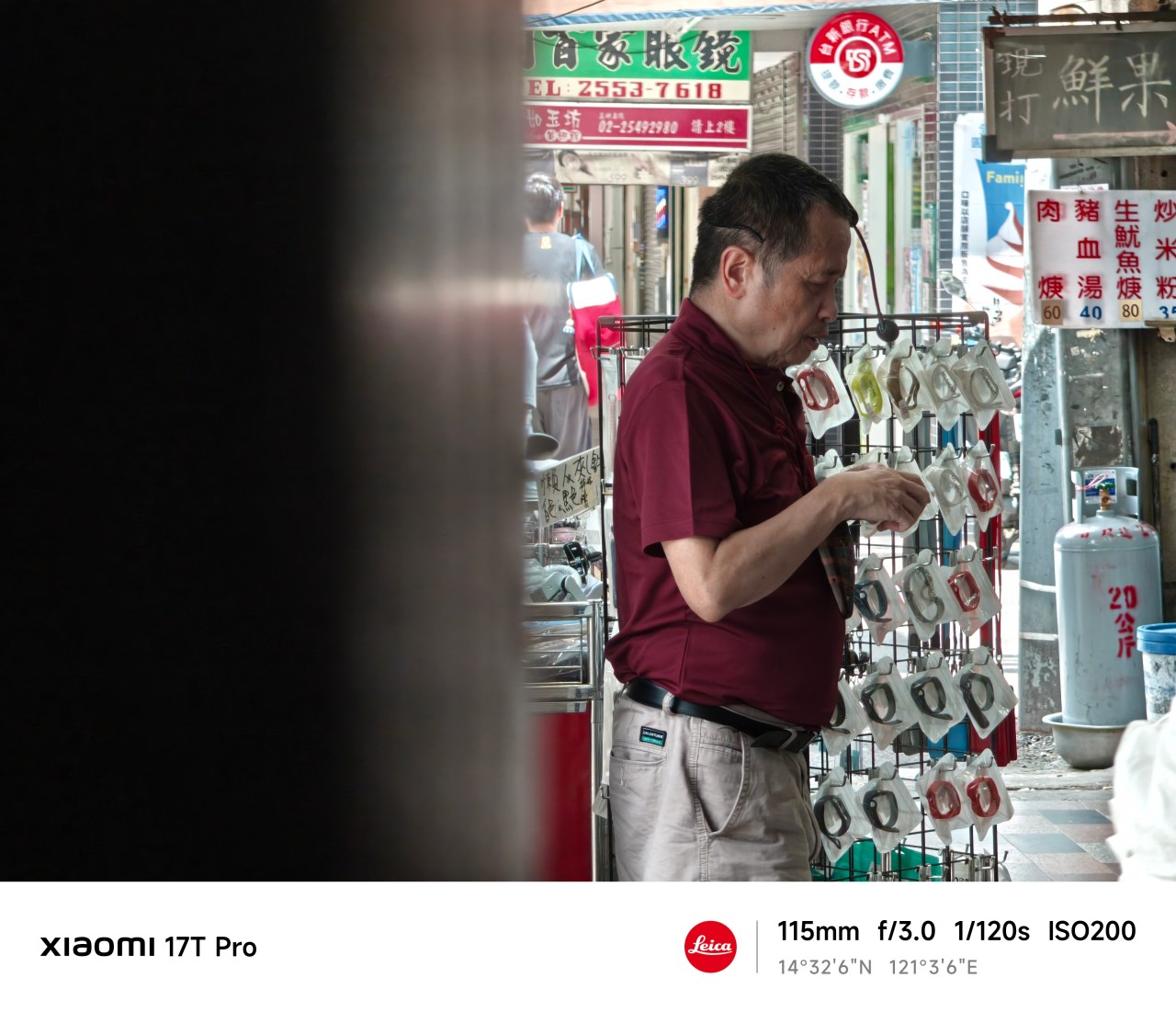
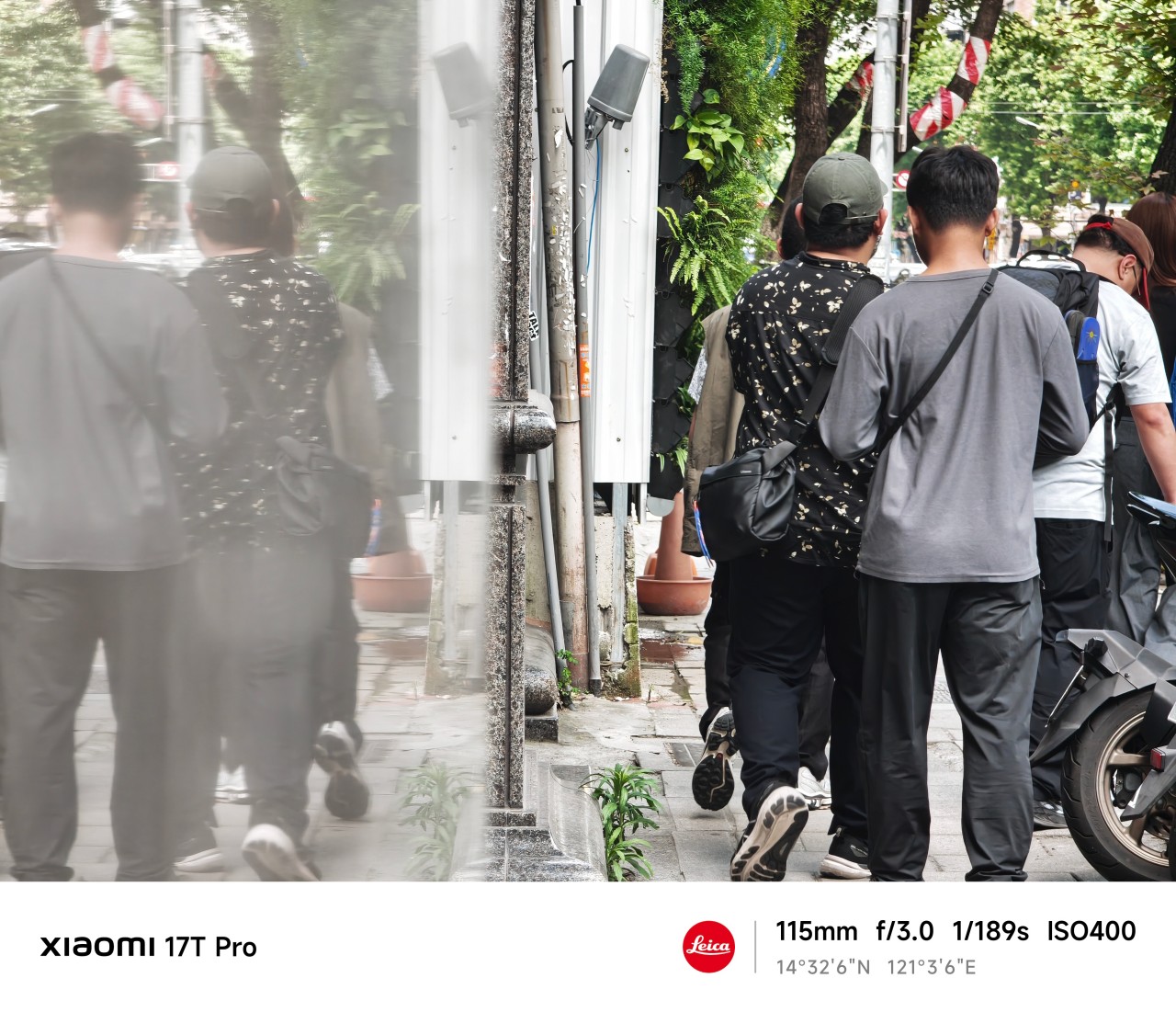
Yet photography has limits. A lens can reveal details. It cannot reveal meaning. That part still requires understanding what’s actually in front of you.
Generative longing
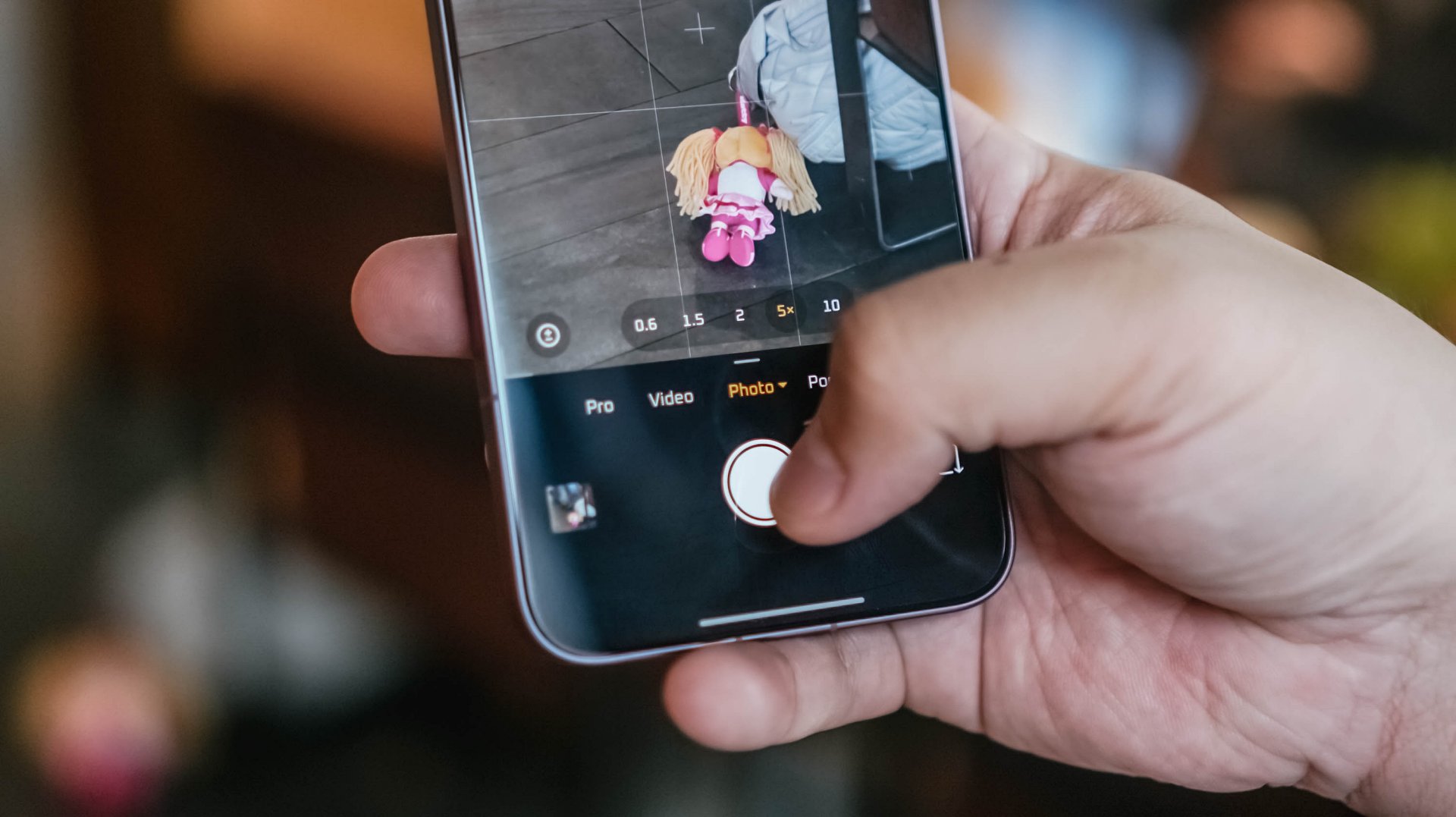
After some quiet reflection, I realized that much of what occupied my attention wasn’t reality at all. It was possibility. Potential.
Stories constructed from incomplete information. As it turns out, people aren’t the only subjects we do this to. Photographers do it all the time.
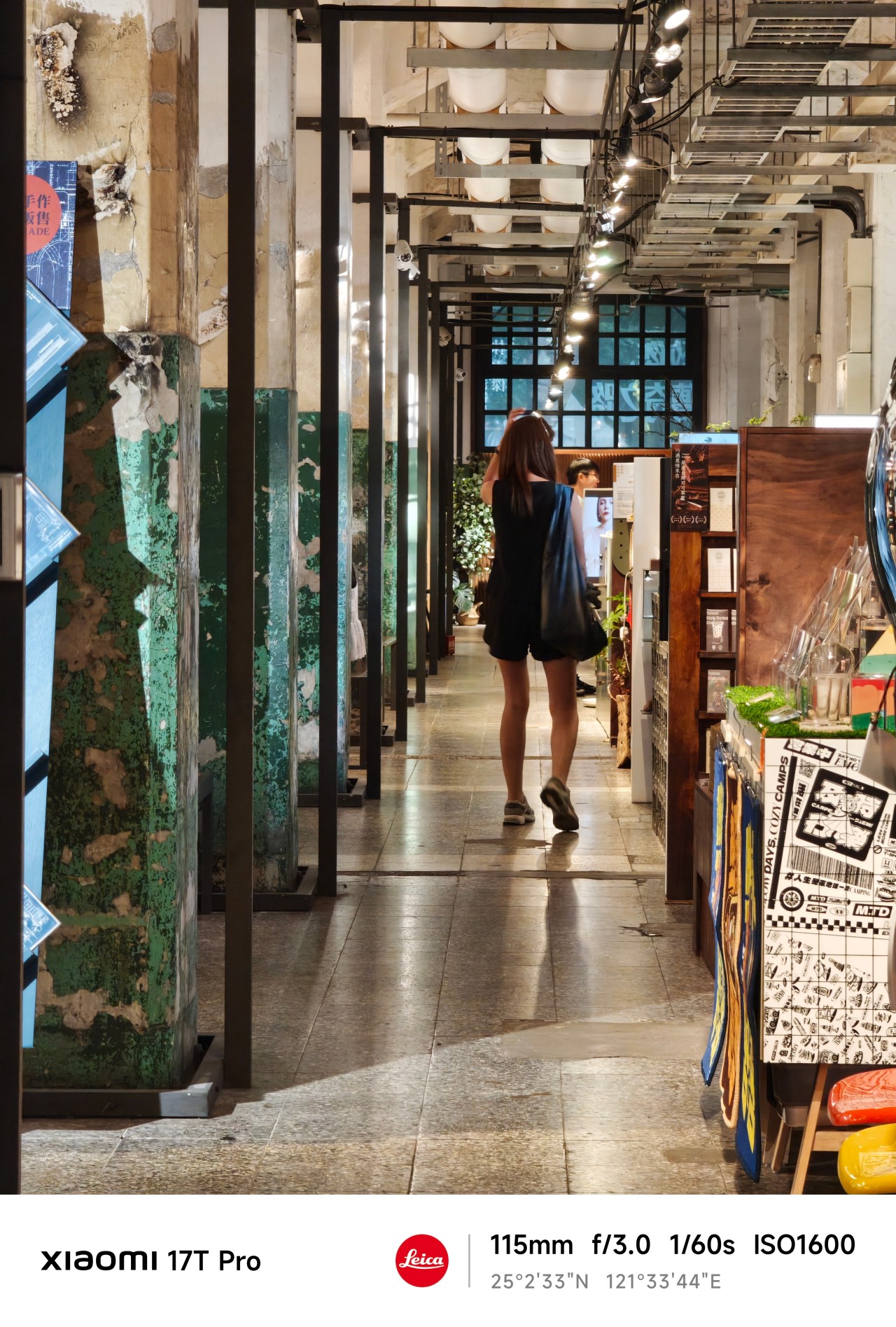
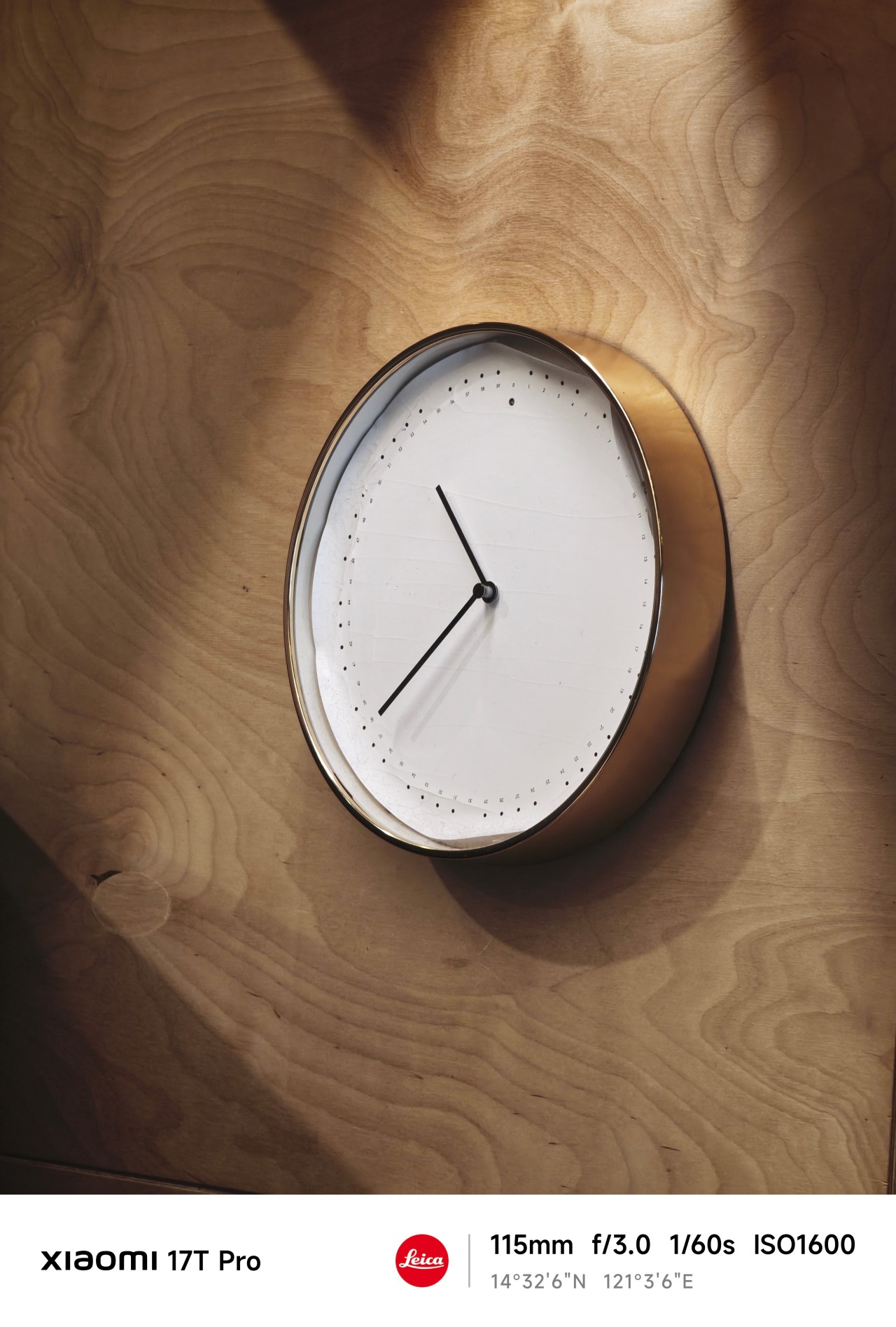
We imagine a frame before it exists. Then we convince ourselves the next corner might hold something extraordinary. And we chase moments that never arrive.
Sometimes they do. Most of the time they don’t.

The Xiaomi 17T Pro encouraged a different approach.
Instead of hunting for specific shots, I found myself roaming freely. Walking more. Observing more. Adjusting my position constantly to find a better composition.
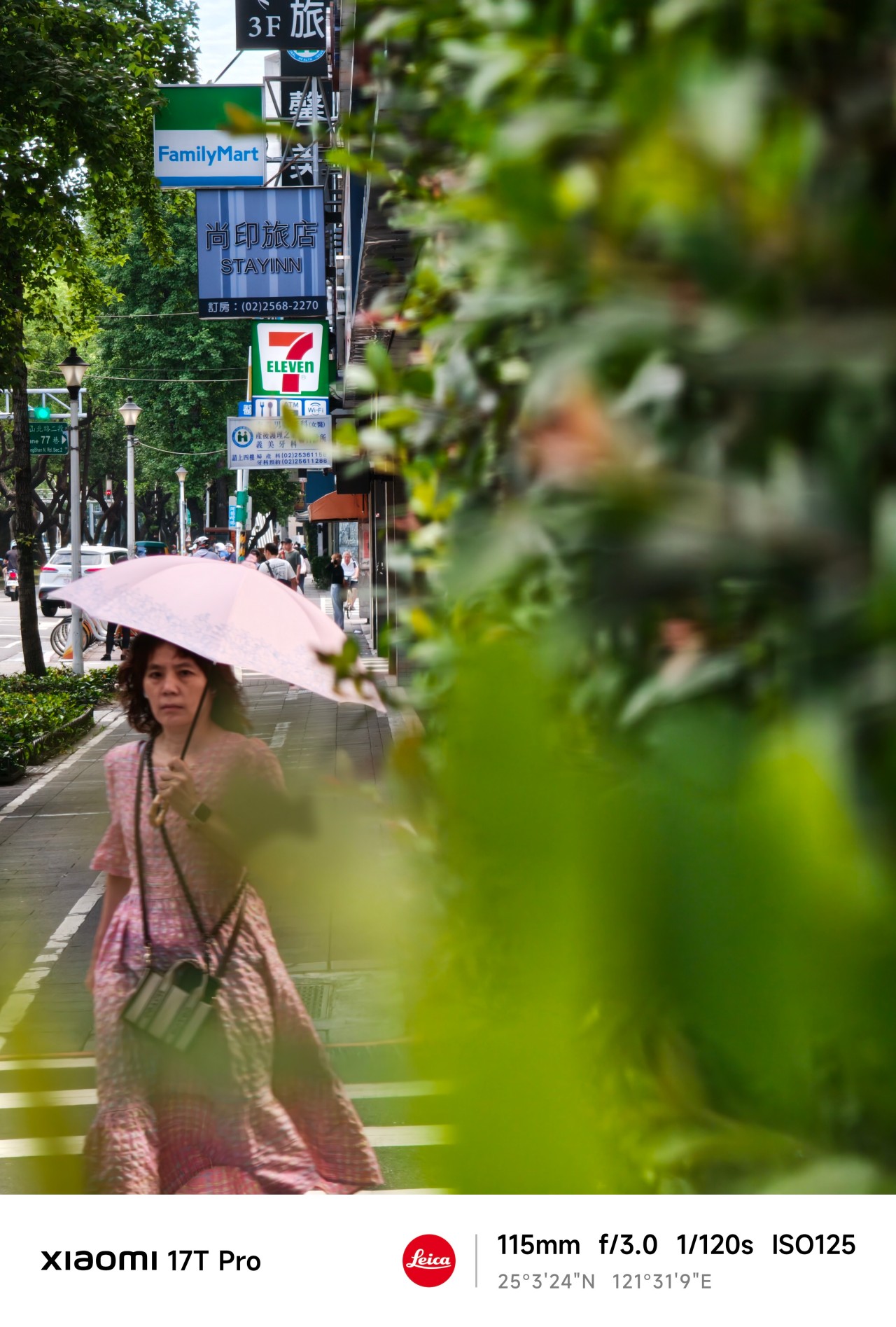
After a few days, I stopped thinking about the lens itself and started understanding the space around me.
I knew how far to stand, what would fit into frame, and when a moment was worth waiting for.
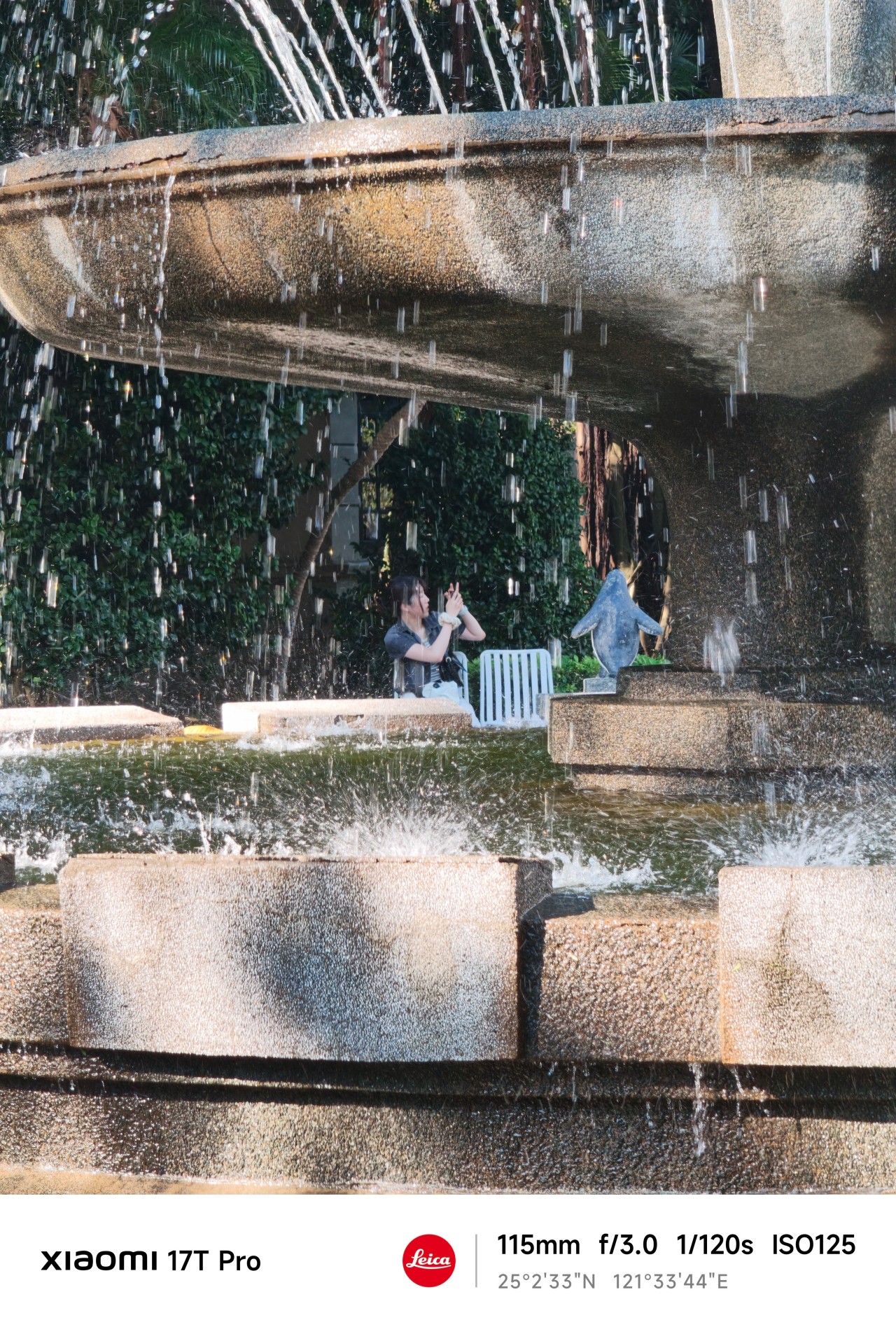
The telephoto camera became less about zooming in and more about understanding my position relative to a scene.
And that’s when things started getting interesting.
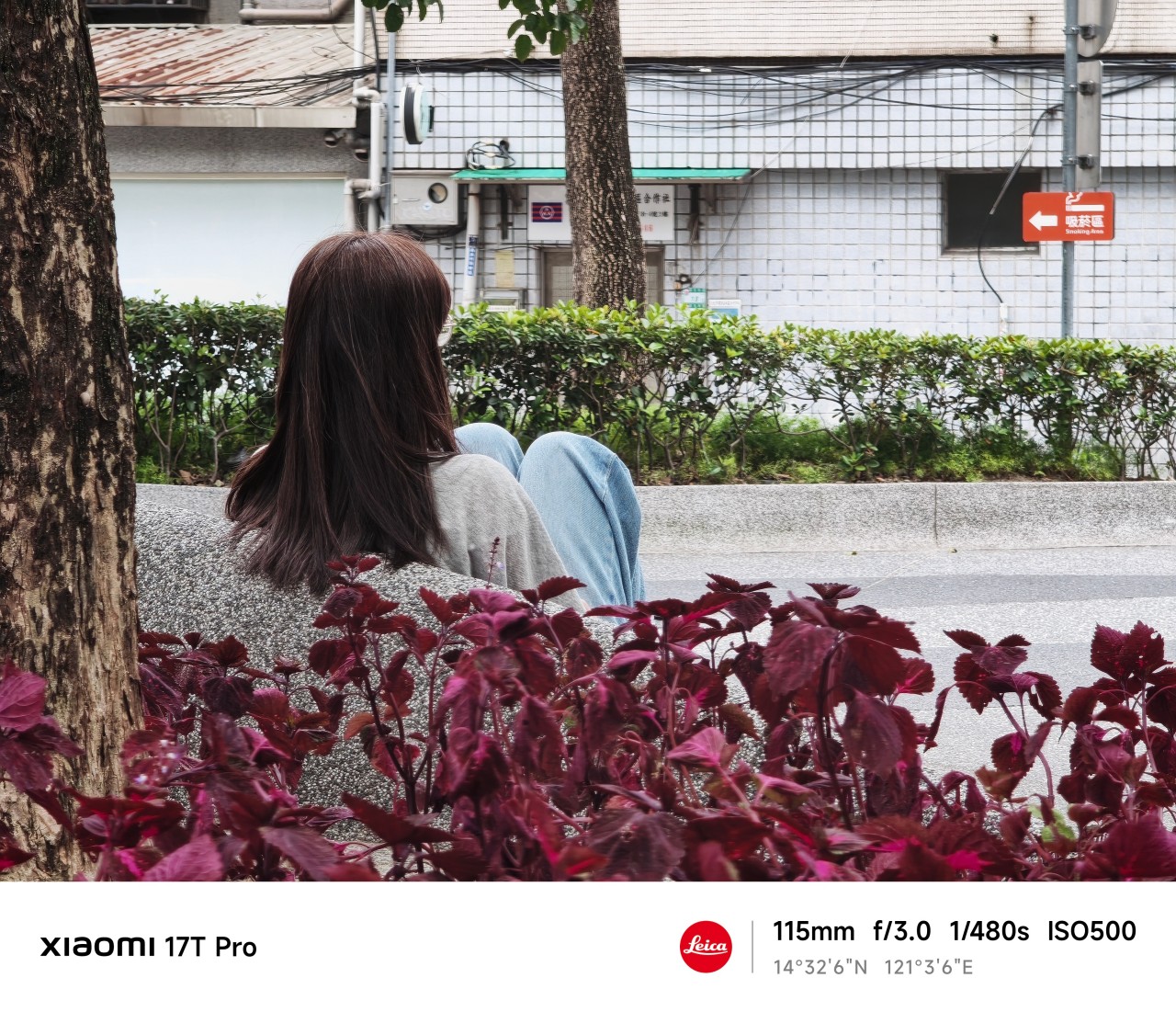
Close without crossing
Something unexpected happened while reviewing this gallery. There are more people here than in any collection of sample photos I’ve ever taken.
Normally, I avoid photographing people. I’ve always worried it feels intrusive. The telephoto lens changed that.
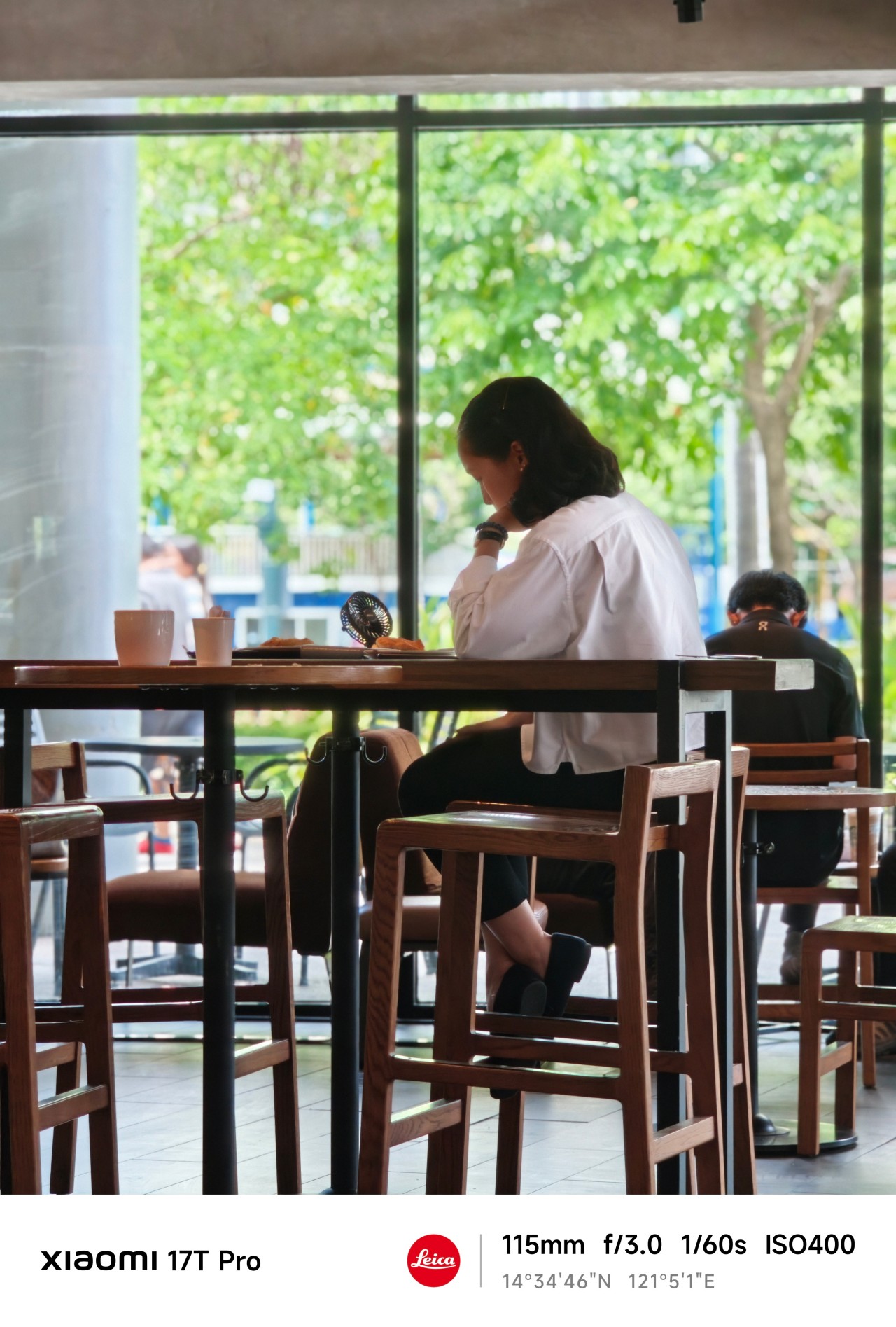 The extra reach allowed me to observe moments without disrupting them. Most of the people here aren’t looking at the camera. Many are turned away entirely. They’re simply existing within their own space.
And perhaps that’s what fascinated me most.
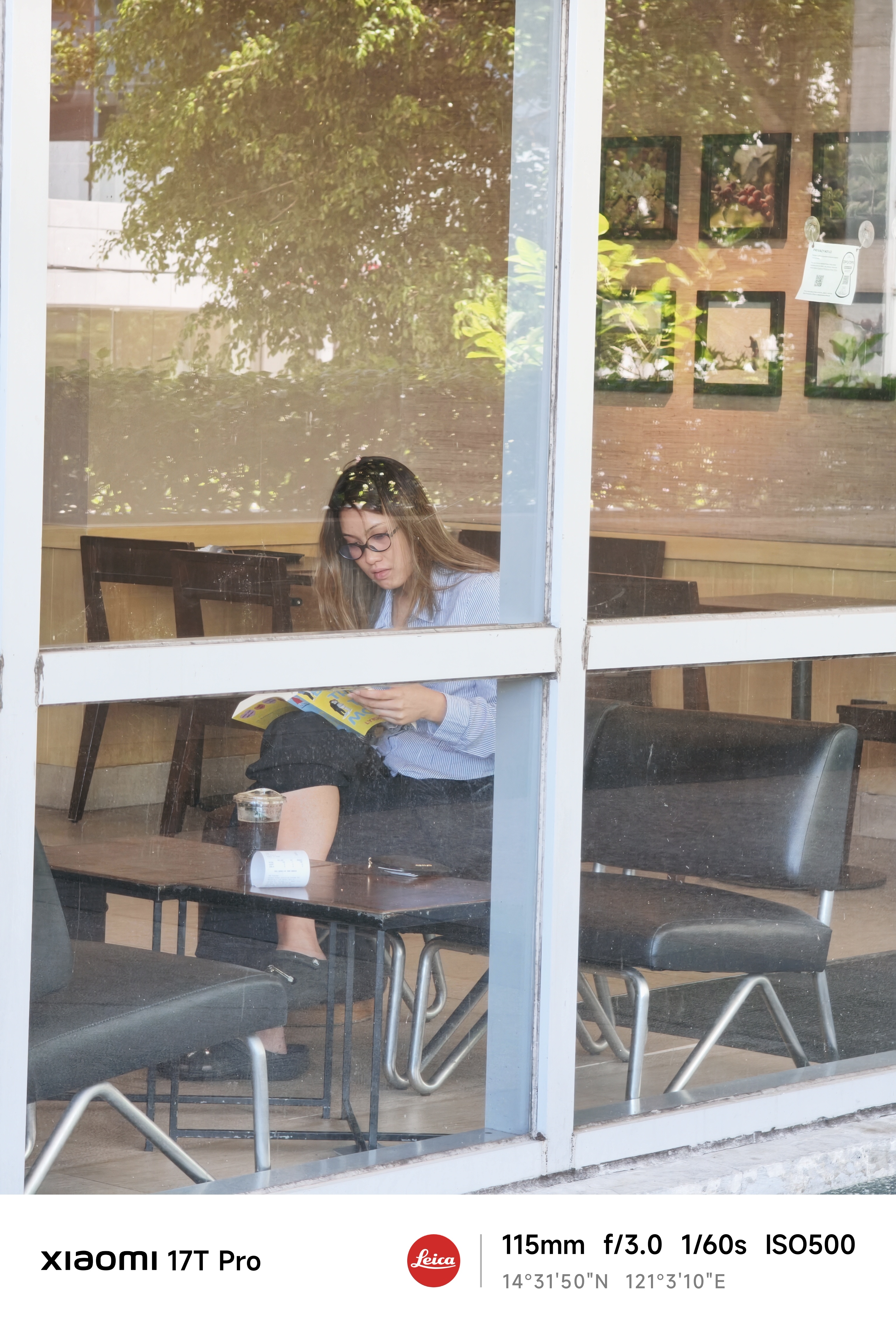
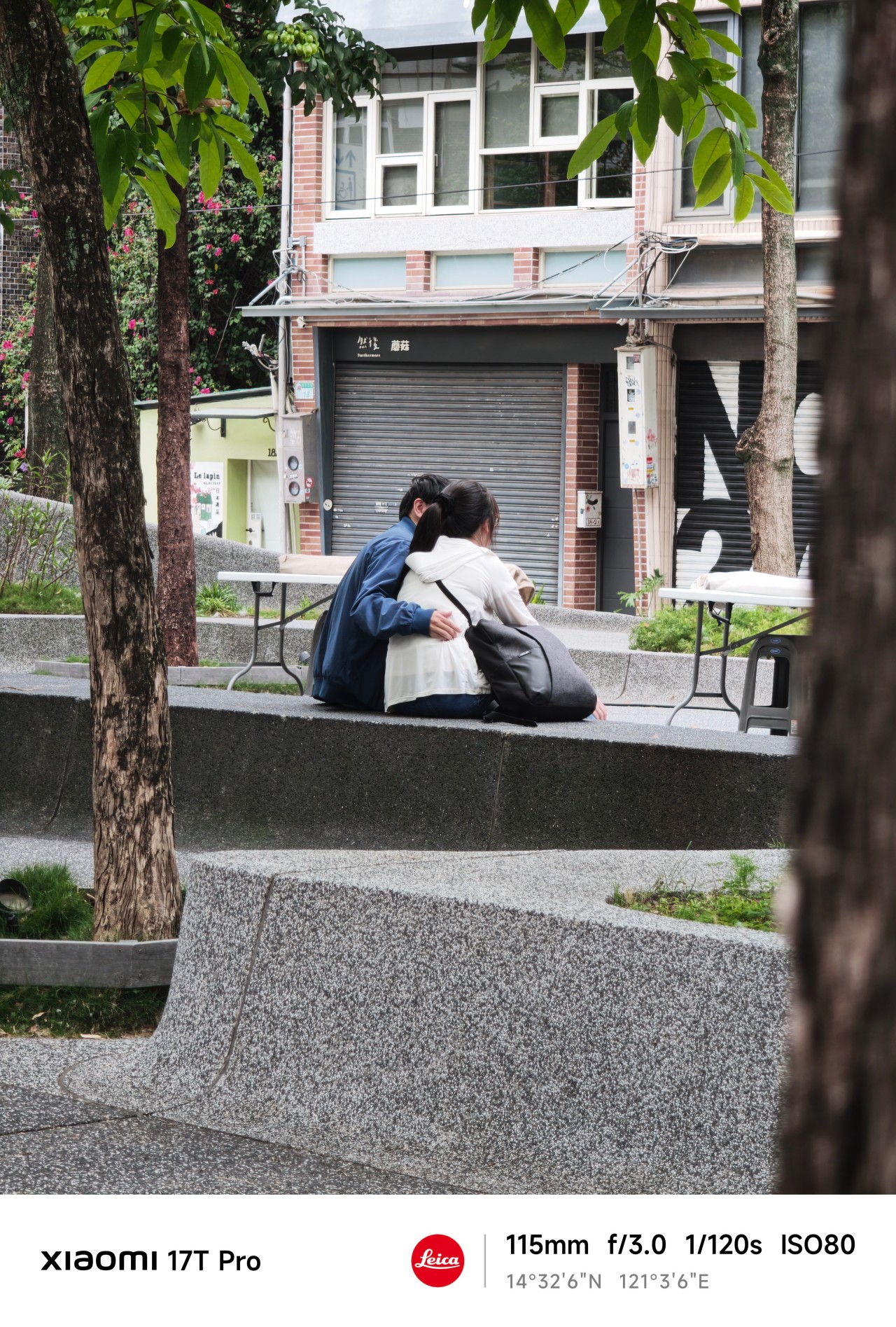
After spending so much time chasing, projecting, and attaching meaning to things that only existed in my head, I found myself approaching photography differently.
There was no grand pursuit. No dramatic realization. No need to manufacture scenarios. I simply paid attention.
 Telephoto photography is often associated with distance. Over the last few weeks, however, it taught me something else.
Distance and closeness are not always opposites.
Sometimes maintaining a little distance is what allows a moment to remain exactly what it is. Sometimes stepping back helps you see more clearly.
 And sometimes the people, places, and experiences that matter most are not the ones furthest away. They’re already within view.
Shooting at 115mm taught me that keeping a little distance can be its own way of staying close.

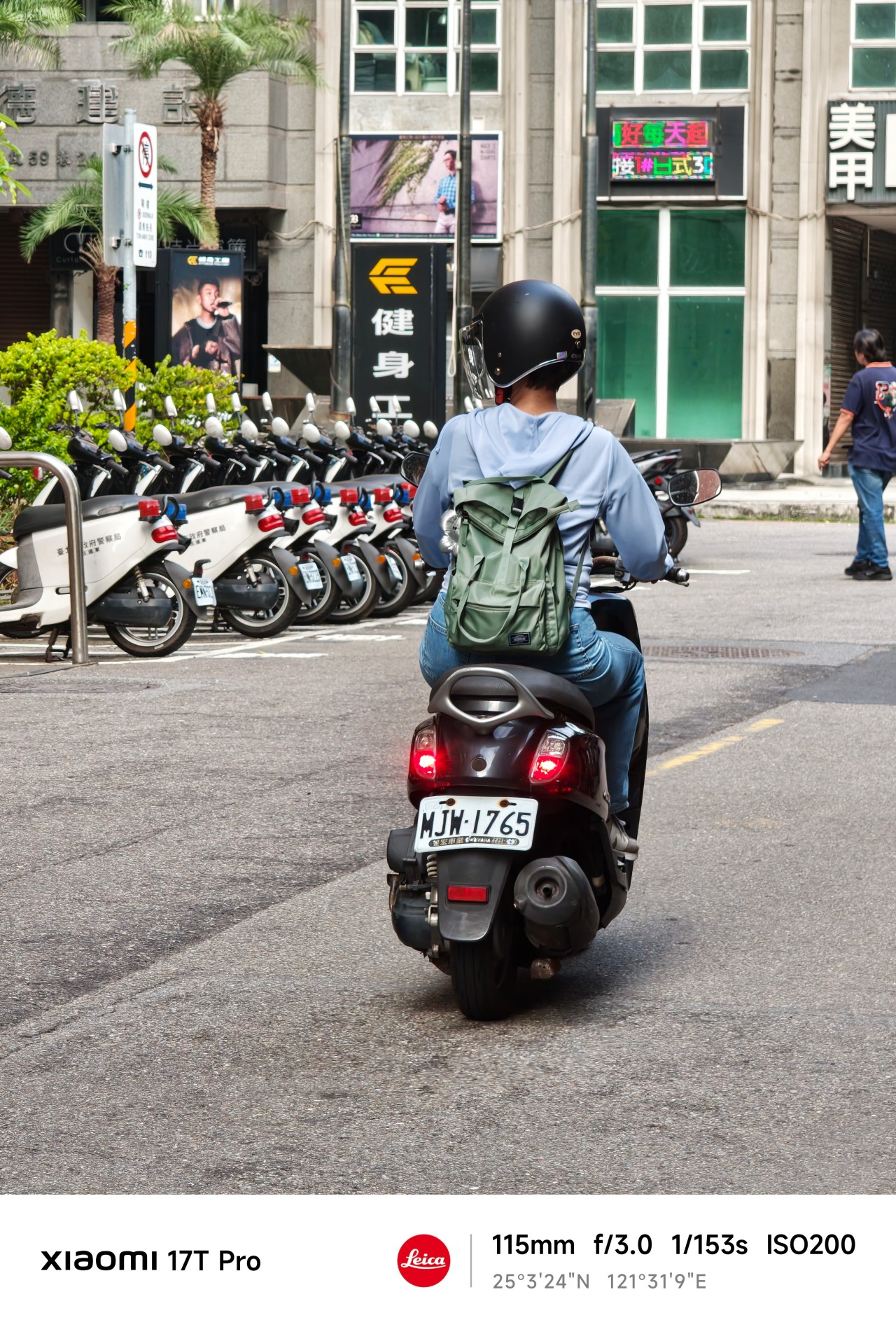
Maybe that’s what this gallery ultimately became. Not a collection of subjects I couldn’t reach. Not proof of anything.
Just a record of moments I was fortunate enough to witness.








I’ve never played the original Ocarina of Time. Every time I’ve tried through Nintendo Switch Online, I was always put off by the dated graphics and the aging control system. Still, I can’t ignore that the title is universally considered as one of the best games of all time. So, when the remake came out, I couldn’t pass on the chance.
After finishing the remake, there’s little else you can use to describe 2026’s Ocarina of Time other than a true labor of love. This isn’t just a simple cash grab; it’s a genuine attempt to reintroduce an all-time classic to a new audience, young and old alike.
Welcome to 2026, Ocarina of Time
Dated graphics is no longer an issue in the remake. Whereas the original was plagued with blocky characters and wide open rooms, the remake adds smooth curves and flavorful environments that can put even Breath of the Wild to shame.
It’s apparent that, even when transposed to 2026 standards, Ocarina of Time features a dynamic world where every corner feels like it’s hiding secrets and Easter eggs. It feels like a playground, albeit more linear than the platformer styles of Donkey Kong Bananza and Mario Odyssey. Even the vast Hyrule Field looks ripe for exploration in this remake.
The characters themselves are lovingly brought to life. Every character was remade from scratch, turning them more lifelike while retaining the cartoonish charm of the original. Even adult Link looks drastically different from his child version.

Graphics aside, the real star of the show is the animation. Making everything look more realistic affords more time to improve how the world moves. Every blade of glass flutters with the wind. Objects (and enemies!) react precisely according to how you attack them. (For example, a sign is sliced exactly from the direction it’s attacked.)
Characters, too. Link, for example, pauses to catch his breath when he’s playing his ocarina. Characters fidget when idle.
And, finally, cutscenes are completely remade, turning them into the more epic style of Breath of the Wild or Tears of the Kingdom. Moments can feel more grandiose and rewarding. Reveals are treated like plot twists.
A smooth game for the Switch 2
Despite being an almost exact translation of the original, the remake’s system feels smoother, as if dropping the clunk of yesteryear’s console. This is a true Switch 2 game. It’s so easy to pick up both on handheld and on docked. The addition of motion controls and Zelda Notes adds that much flavor to the experience.
Now, I’ve heard complaints that Nintendo dumbed down the experience to be easier for younger audiences. While I’ve found this to be half true, I still found the right amount of challenge, especially when it comes to combat. Boss fights are treated with respect, as if they were bosses from Dark Souls. Which, in itself, is a huge full-circle moment, since the original Ocarina of Time is a progenitor for a lot of action RPGs like Dark Souls.

As for what stays, though, the puzzles are still enjoyable to solve. The colorful history of puzzle-solving in platformers hasn’t dulled the charm of the original puzzles in the remake. That just goes to show how timeless Ocarina of Time is. It’s satisfying to solve the game’s secrets. Although, admittedly, there were a few that felt too contrived for comfort.
Still one of the best stories in gaming history
There are several reasons why Ocarina of Time is considered one of the best games of all time. Yes, everyone can continue praising the graphics (for its time), the mechanics, and even the audio. But the same can also be said for its story.
To be fair, Ocarina of Time’s story isn’t that revolutionary, especially today after tons of RPG plots already. Then again, it doesn’t need to be. It’s a classic after all.

Once again, Link is the chosen one, tasked to be the only one who can save Hyrule from Ganondorf. Along the way, he has to find special pieces that can grant him the necessary power to defeat the big evil. If you’ve played a Legend of Zelda game in the past, this should be familiar to you. Heck, if you’ve played an RPG in the last two decades, this should tug at your heartstrings, too.
The remake, however, makes this much livelier, going back to how the renewed graphics brings new life to the dated game. For example, Saria, one of the beloved characters you meet early in the game, is rendered with a more lifelike and relatable face, attaching herself to Link’s story. It’s much easier to feel the connection between character. So, especially in Saria’s case, every character’s transitions through the plot has more weight.
Is 2026’s The Legend of Zelda: Ocarina of Time worth playing?
Yes, absolutely. Of course, I can’t speak much from the perspective of an older gamer revisiting Hyrule. But, as a newer visitor to Ocarina of Time, the remake is an incredibly fun caper that breaks the shackles of aging machinery, while elevating its core elements into today’s age.
The original Ocarina of Time is already a classic. However, the remake elevates this even further, making one of the best games of all time into what it should already be: a timeless classic.
Lifestyle
My latest fashion accessory happens to play music
The JBL Soundgear Clips are the finishing touch my outfits needed!

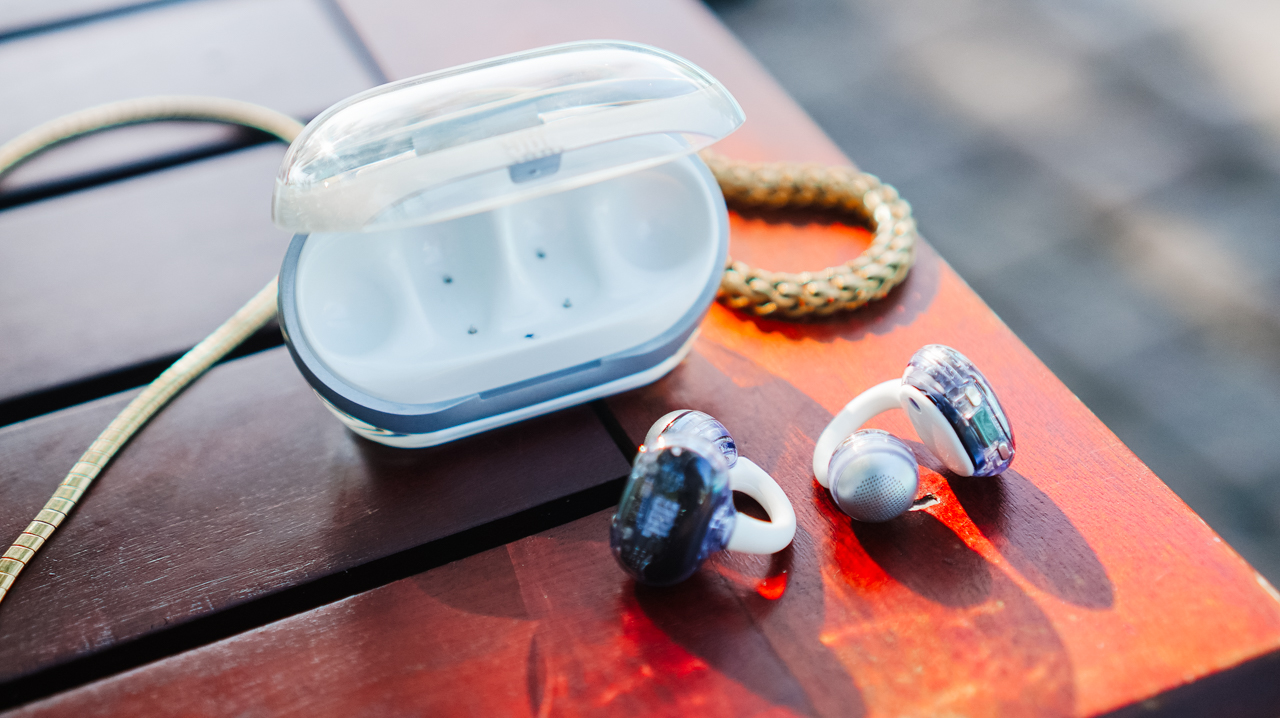
When clip-on earbuds started becoming a thing, I wasn’t exactly first in line to join the hype. I had already fallen in love with ear-hook open-ear audio ’cause it suited my athletic lifestyle.
I could run, work out, and stay aware of my surroundings without feeling completely disconnected from the world. Lately, though, I’ve been spending more time in my off-season wardrobe, putting a little more thought into how I dress outside the gym.
And somewhere between swapping running gear for more fashionable outfits, I realized that my wearables deserved a styling upgrade, too.
I used to think an ear-hook open-ear design such as the JBL Sense Pro could easily transition into casual settings.
Unfortunately, wearing them made me look like a secret service agent assigned to protect someone important. The effect was professional and mysterious, and perhaps a little too ready to receive classified instructions.
The JBL Soundgear Clips changed that. I took these clip-on earbuds for a spin to see if they were a better fit, pun absolutely intended. With their conspicuous placement around the ears, they felt like an extension of my earrings.
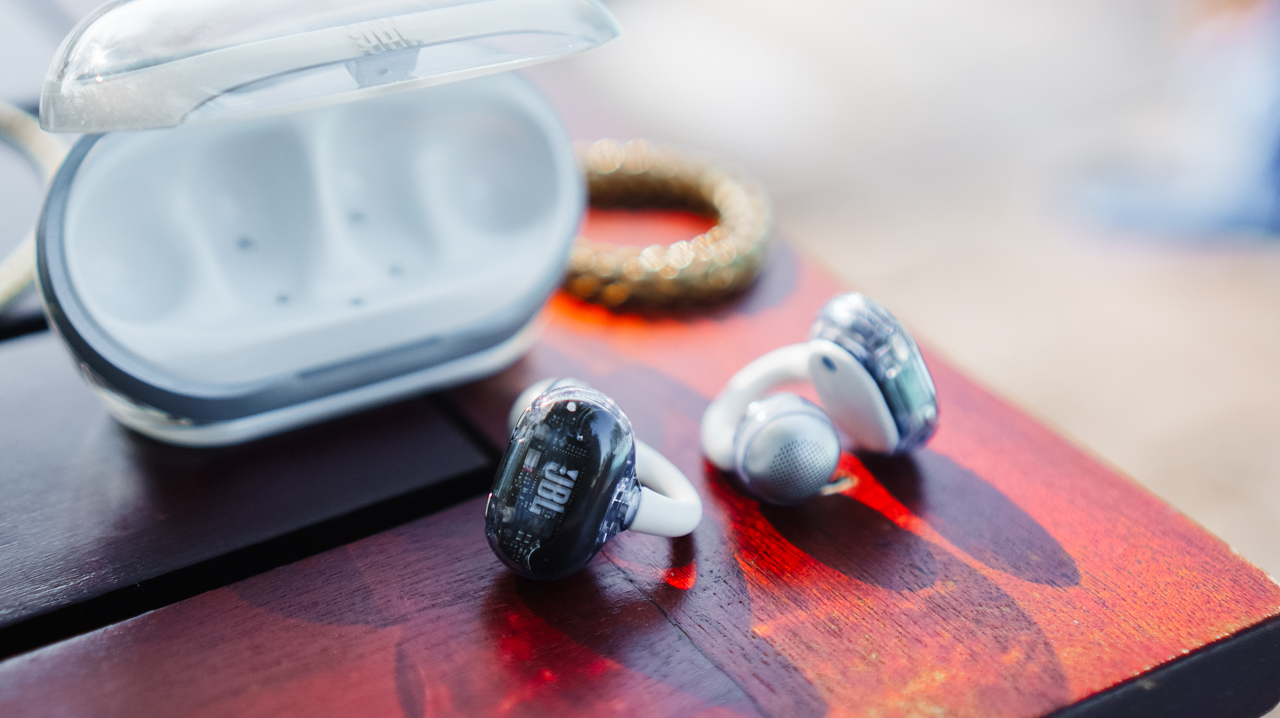
They look like futuristic jewelry with a little espionage energy, and suddenly, being a spy looked considerably more fashionable.
Accessory in disguise
My JBL Soundgear Clips came in white, housed in a transparent plastic charging case with gray and white accents. The rounded case slips easily into my pockets and handbags, although I did find it a little bigger than some of the other clip-on earbud cases I’ve encountered.

The earbuds themselves are easy to put away, with no complicated arrangement required. Their design features a white arch connecting the pearl speaker and the main unit, which comes with a gray translucent panel that reveals its stylized internal details.
It gives the earbuds a futuristic aesthetic, with a little nod to the transparent design language popularized by brands such as Nothing.

The overall look feels modern and slightly experimental, making them an interesting accessory to wear alongside your usual jewelry. I love how the white finish works with silver accessories. It gives the entire look a cohesive, almost editorial feel.
And if you’re someone who enjoys having your accessories do a little talking, these certainly have something to say.
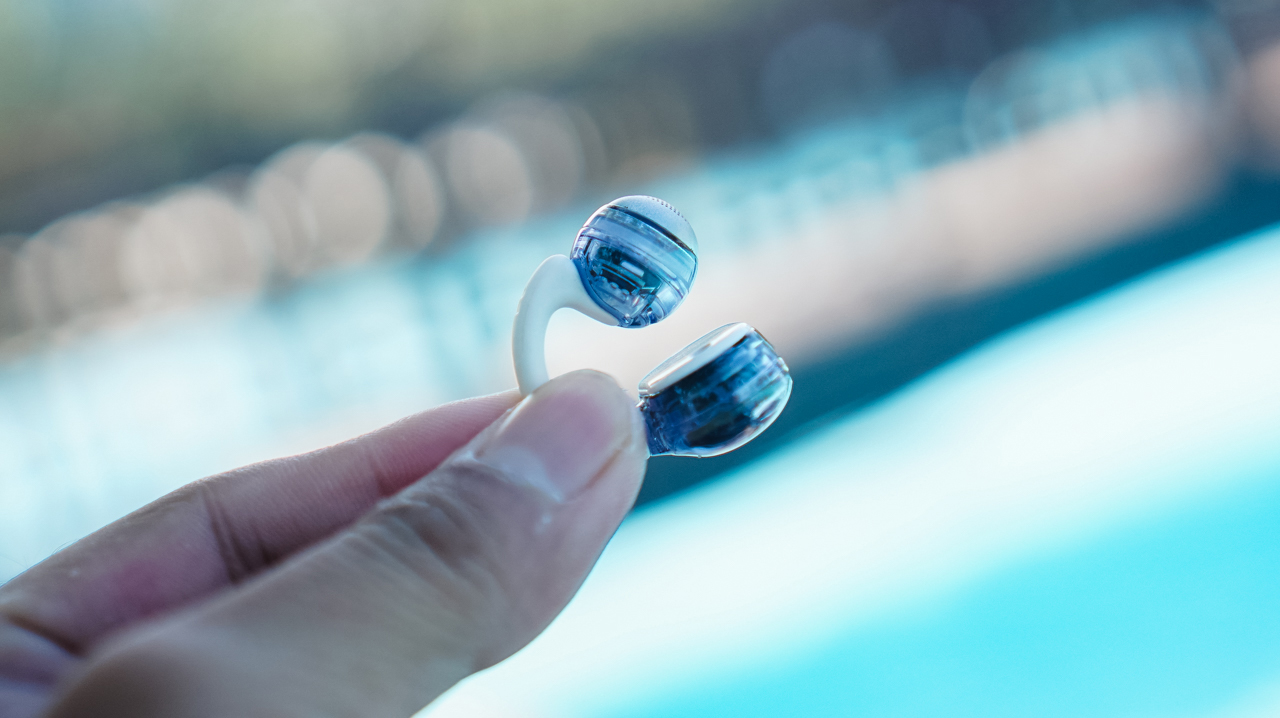
Clippin’ it on
Putting on the Soundgear Clips is straightforward. Position the Pearl Speaker near your ear canal and wrap the Arch around your ear, then slide the Main Unit up or down until you find a comfortable fit.
They’re lightweight and surprisingly comfortable. I found myself leaving them on for extended periods, especially while traveling, when I wanted to listen to music while remaining aware of announcements and the activity around me.
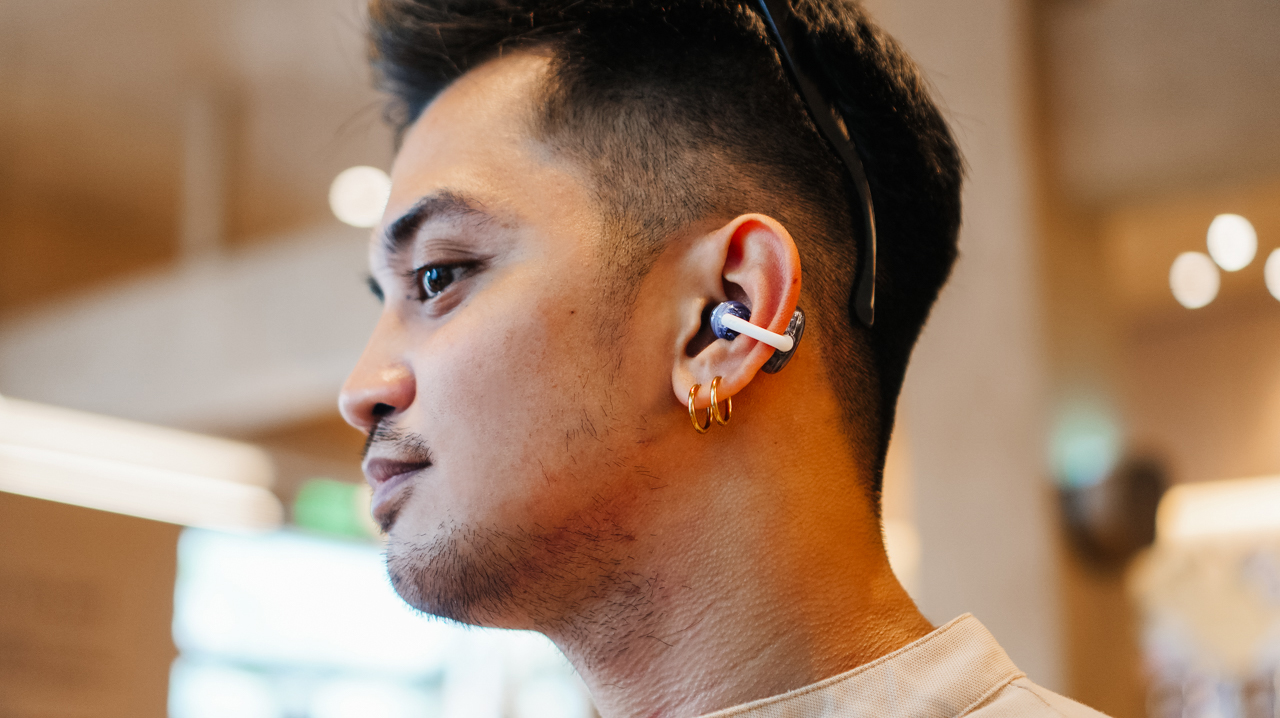
The touch controls are customizable through the JBL Headphones app. Out of the box, the left earbud handles volume while the right controls playback.
A single tap on the left increases the volume, while a double tap lowers it. On the right, a single tap plays or pauses your audio, a double tap skips to the next track, and a triple tap returns to the previous one.
For calls, double tapping answers an incoming call or ends an ongoing one. Tapping and holding rejects an incoming call or mutes/unmutes the microphone during a conversation.
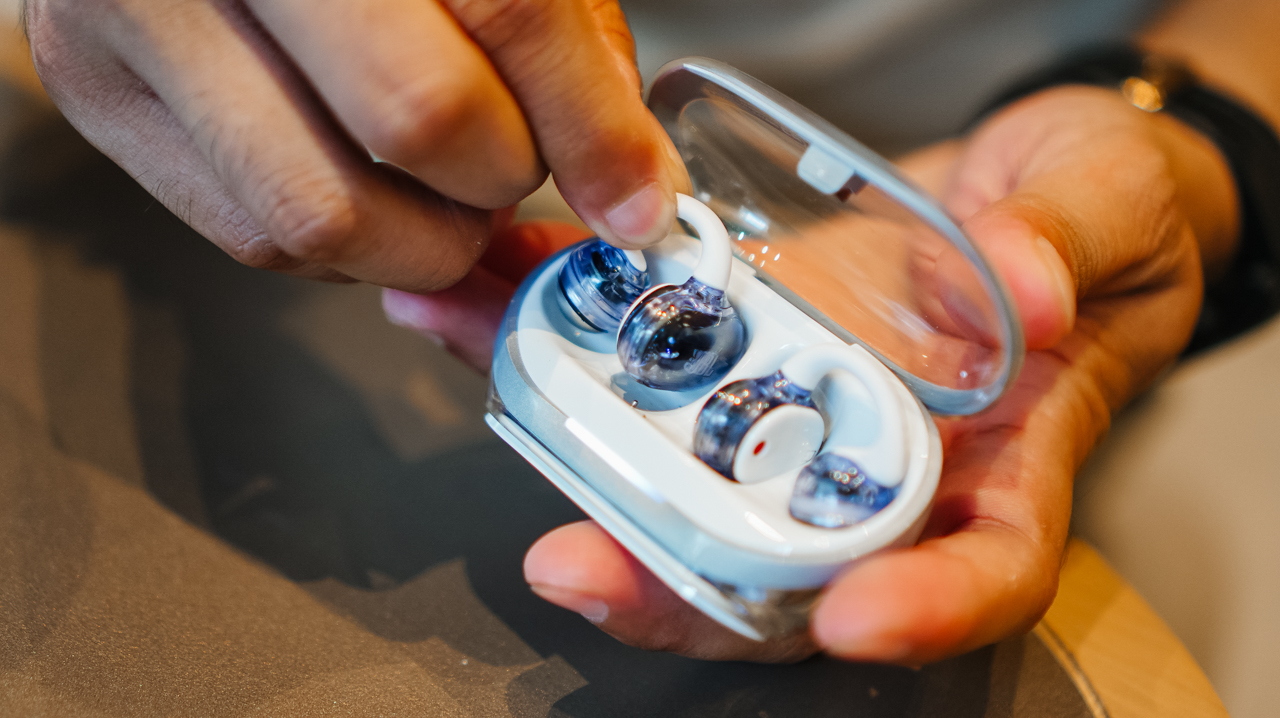
I appreciate how responsive the touch controls are, even when I’m sweating through a workout. I was worried about accidental inputs since the Clips use capacitive touch pads instead of physical buttons. Thankfully, I didn’t have any phantom touches during my workout sessions.
But more importantly, the Soundgear Clips stay put. I brought them to the gym and wore them while sprinting on the treadmill, and they remained securely attached throughout the run.
Even during plyometric exercises and movements involving plenty of jumping, they stayed in place. They might shift slightly during more vigorous movements, but I never had to stop and reposition them.
For something designed to sit around your ears, that’s a rather important fashion and fitness achievement. Nobody wants to interrupt a workout because their accessories have decided to make a run for it.
A little customization goes a long way
The JBL Headphones app covers the usual audio customization, including an equalizer for adjusting the sound to your preferences. It also has a maximum volume limiter and a Sound Level Optimizer, along with microphone calibration options that let you choose how your voice sounds during calls.
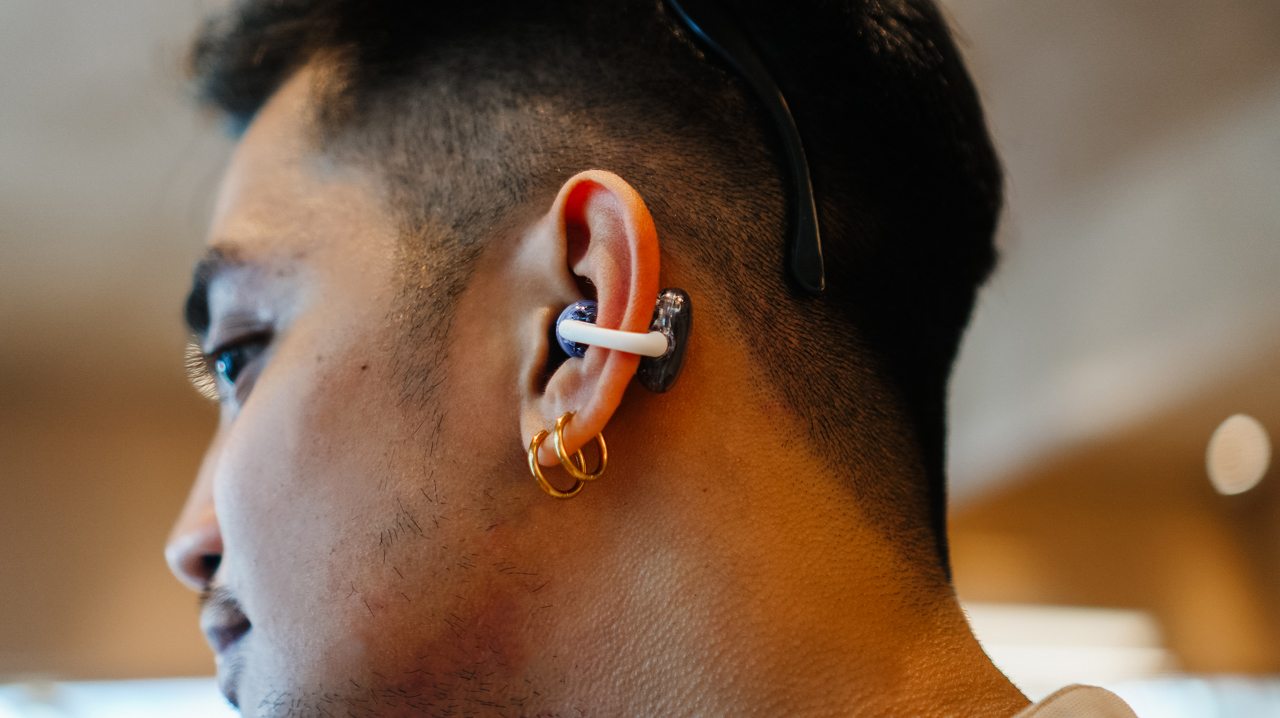
Of course, the biggest selling point of open-ear earbuds is being able to enjoy your music while remaining aware of your surroundings. The Soundgear Clips deliver on that premise, although there’s an expected compromise: sound leakage.
People around me could hear snippets of my music, particularly in quieter enclosed spaces such as elevators and cable cars. It’s something worth considering if you frequently commute or share close quarters with other people.
Personally, I’ve come to treat the Soundgear Clips as the soundtrack to whatever I’m doing. They work as my own background music while I walk down an airplane aisle or stroll through airport terminals. You can adjust the volume to suit your surroundings, although I’d still be mindful of people sitting nearby.
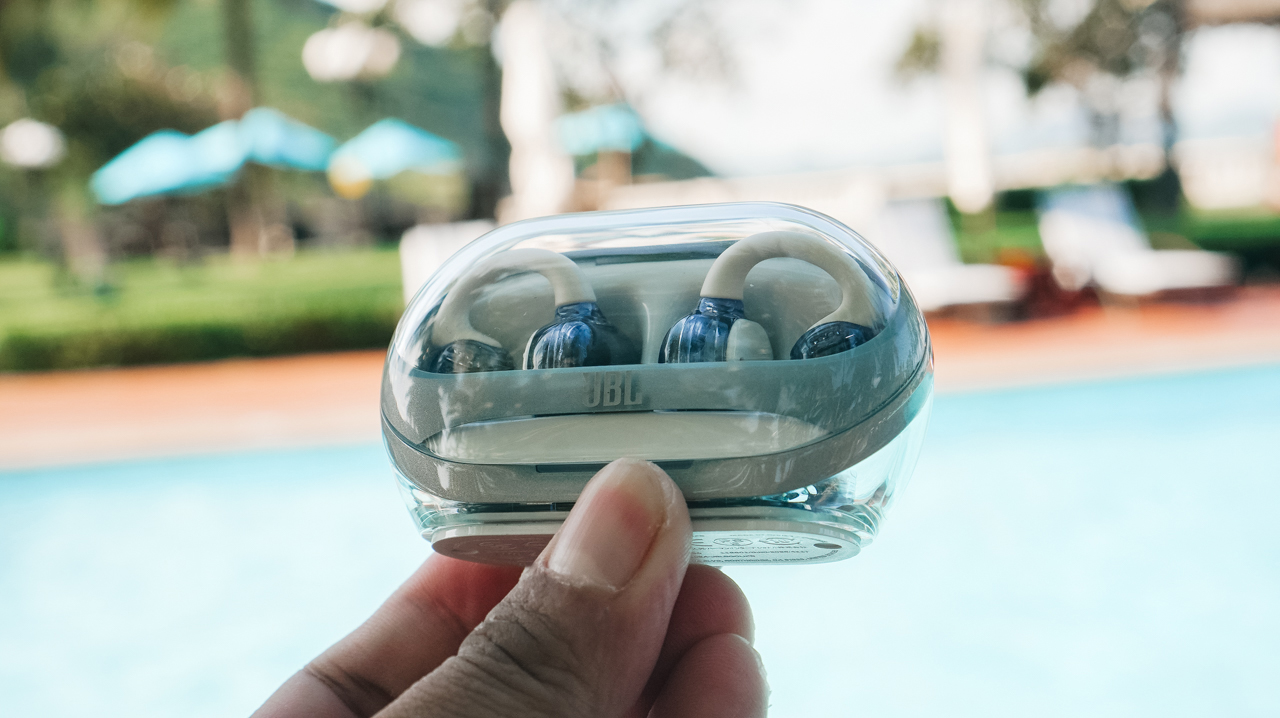
Another interesting addition is Relax Mode, which lets you create up to five relaxing sound mixes. You can choose from different ambient sounds, including nighttime sounds, forests, rain, crackling wood fires, and ocean waves.
It’s a nice extra for moments when you want something soothing playing in the background, especially during travel or downtime.
Keeping up with the itinerary
JBL advertises up to 32 hours of total playtime for the Soundgear Clips, with up to eight hours from the earbuds and another 24 hours from the charging case.
I wasn’t able to conduct a complete battery drain test, but I did put them through an overnight travel itinerary that gave me a pretty good idea of their endurance.
I wore the Soundgear Clips for approximately 12 hours during a trip from Manila to Hon Tre Island in Nha Trang, Vietnam.
My itinerary involved a bus ride to Clark International Airport, a chartered flight departing at 3AM, and finally arriving at my hotel around 7AM.
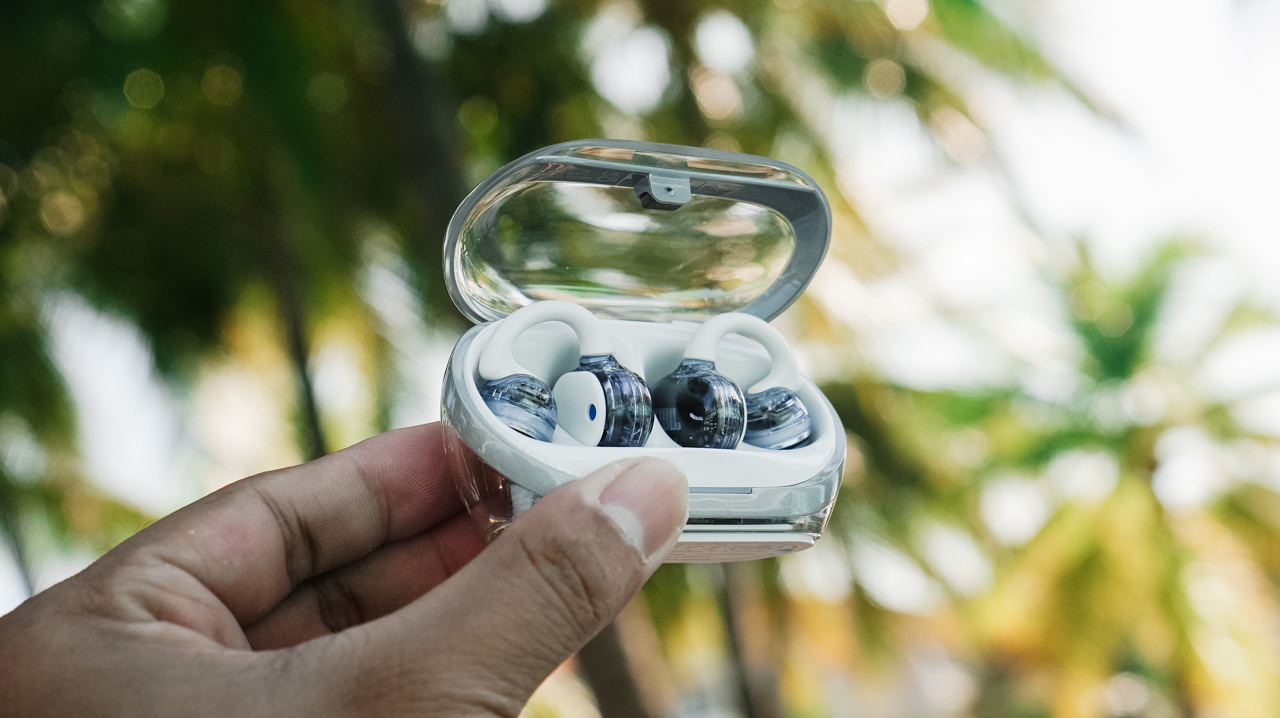
One travel night covered a bus, a plane, and a speedboat, and my ears practically had their own boarding passes. Throughout the journey, I kept the earbuds on without returning them to their charging case.
I listened to music intermittently, and by the end of the trip, the battery had reached around five percent. It’s worth noting that this wasn’t 12 hours of uninterrupted music playback.
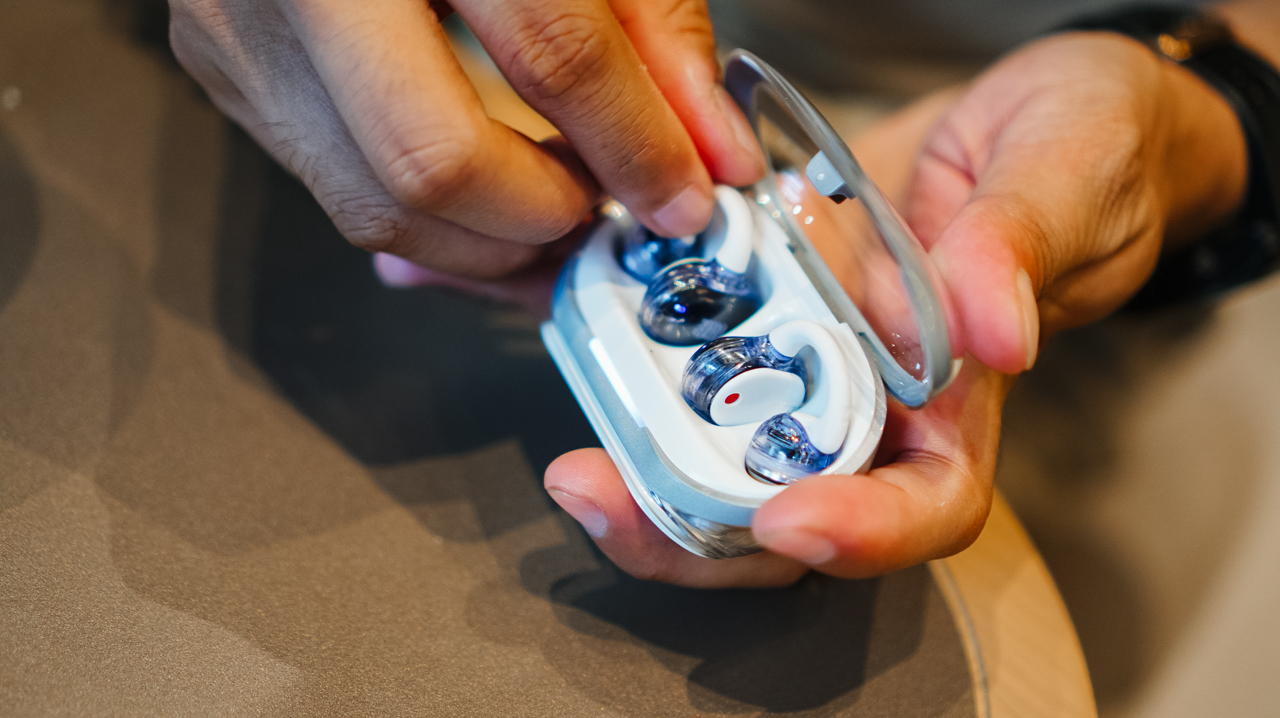
The advertised eight-hour battery life applies to continuous listening, while my experience involved extended wear with intermittent audio. Still, I appreciated being able to keep them on throughout the journey without constantly worrying about charging.
I had enough time with my playlist that “Nicole Kidman” by ADELA eventually claimed a spot at the top of my Spotify “On Repeat.” At this point, the earbuds had become a travel companion with excellent musical taste, or at least one that tolerated mine.

The charging case also makes it easy to keep track of its remaining battery. Its indicator light gives you a visual estimate of the charge, so you don’t always have to open the app to check. During my trip, I noticed the indicator dropping to around half, giving me a quick reference for how much battery I had left.
After that overnight adventure, I still had enough juice to get through another day before charging the case back to full.
Is the JBL Soundgear Clips your GadgetMatch?
The JBL Soundgear Clips retail for PhP 8,299, placing them among the more accessible options in the growing clip-on earbud category.
What makes them appealing is how easily they transition between different parts of my day. They’re comfortable and secure enough for extended wear and workouts. Plus, they’re stylish enough to complement an outfit beyond my usual athletic wardrobe.
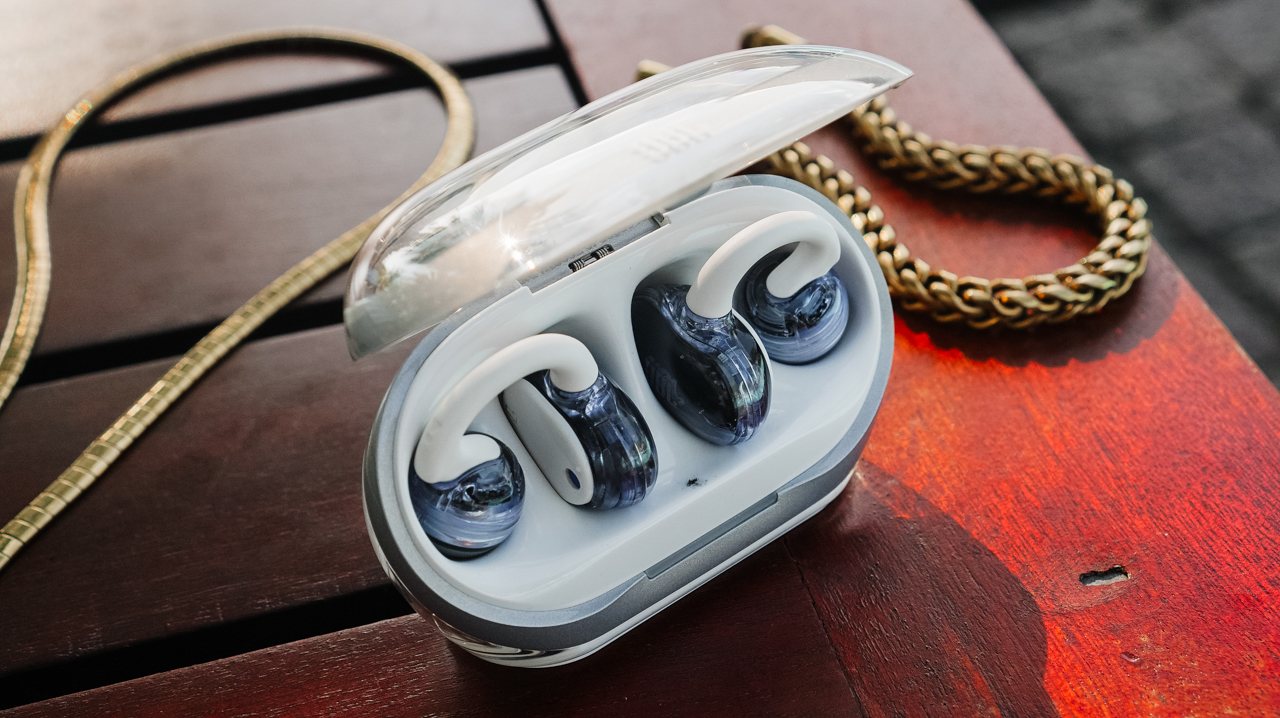
Swipe Right if you want a lightweight, fashionable wearable that doubles as an everyday audio companion. The customizable controls and comfortable fit make them especially appealing for people who prefer having their ears free while listening to music.
Swipe Left if you prefer a more compact charging case or a more balanced sound signature, or if you want greater privacy when listening in public. Their open-ear construction comes with some sound leakage, while JBL’s signature bass-forward tuning might not appeal to listeners who prefer a more neutral presentation.
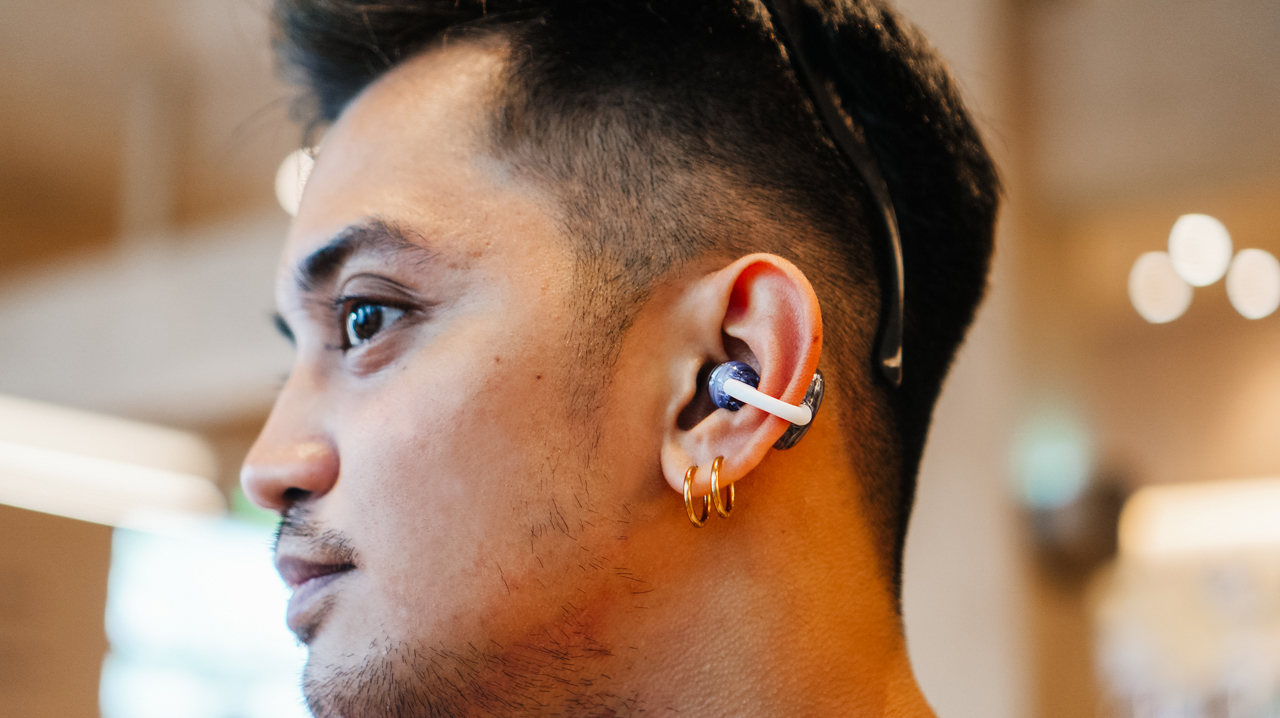
For me, the Soundgear Clips have found their place somewhere between my workout essentials and my jewelry collection.
They’re a wearable that makes me think twice about leaving the house without them. And frankly, I never knew my ears needed another accessory.
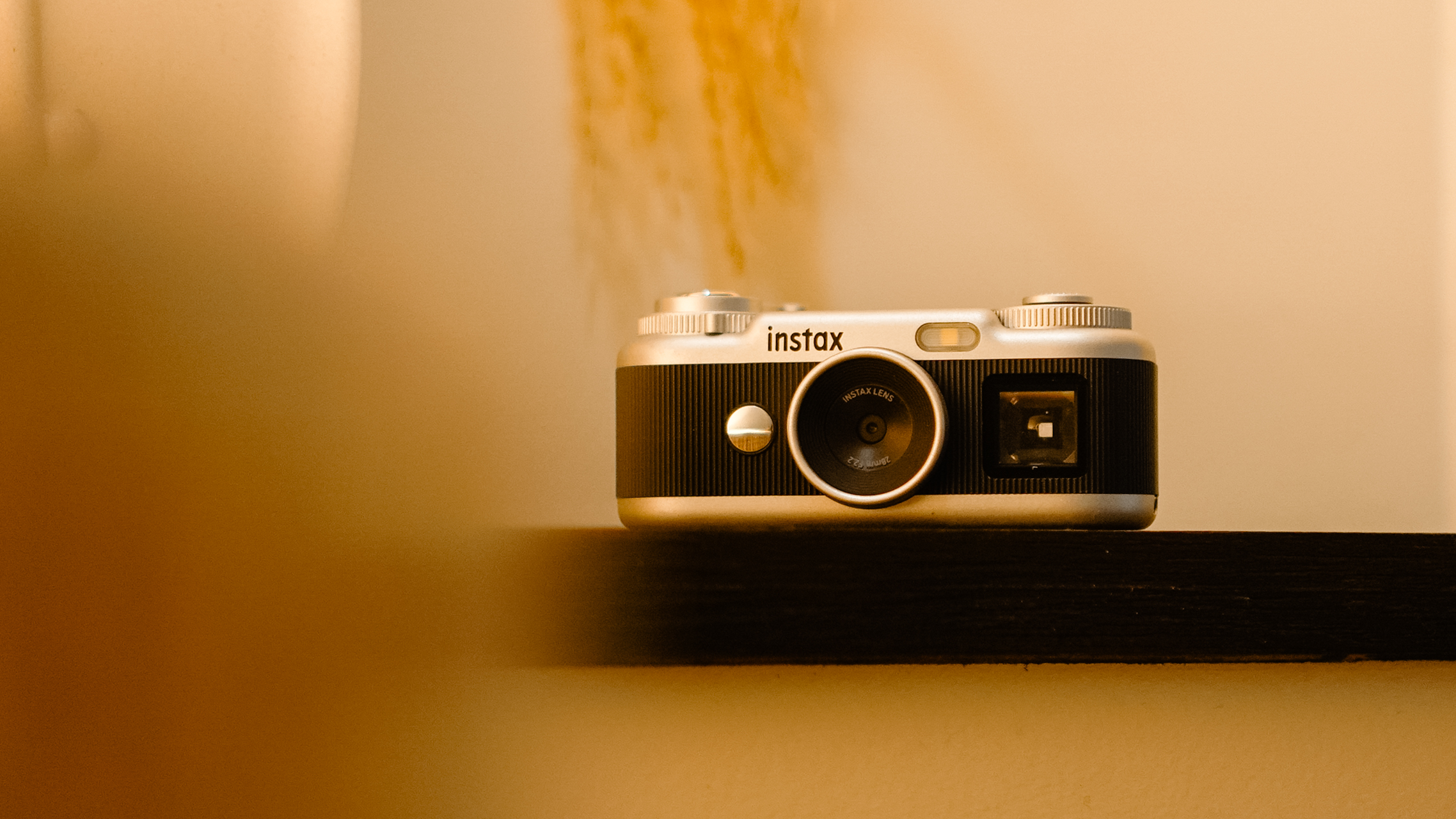
In the age of bag charms and Labubus, accessories are as much about personality as they are about practicality. A digital camera that looks and feels like a toy might be the next little obsession to add to your collection.
Fujifilm launched the second iteration of its Instax Pal, aptly named the Instax Pal 2, just in time for the holiday season.
With reunions and celebrations on the calendar, it’s a fitting companion for documenting life’s little pleasures.
Pocket-sized camera with a playful personality
The Instax Pal 2 comes in Black and White. Mine is the Black variant, which gives it a classic film camera look despite its toy-like proportions. Picking it up feels a little like holding a miniature camera from a dollhouse, thanks to its incredibly lightweight construction.
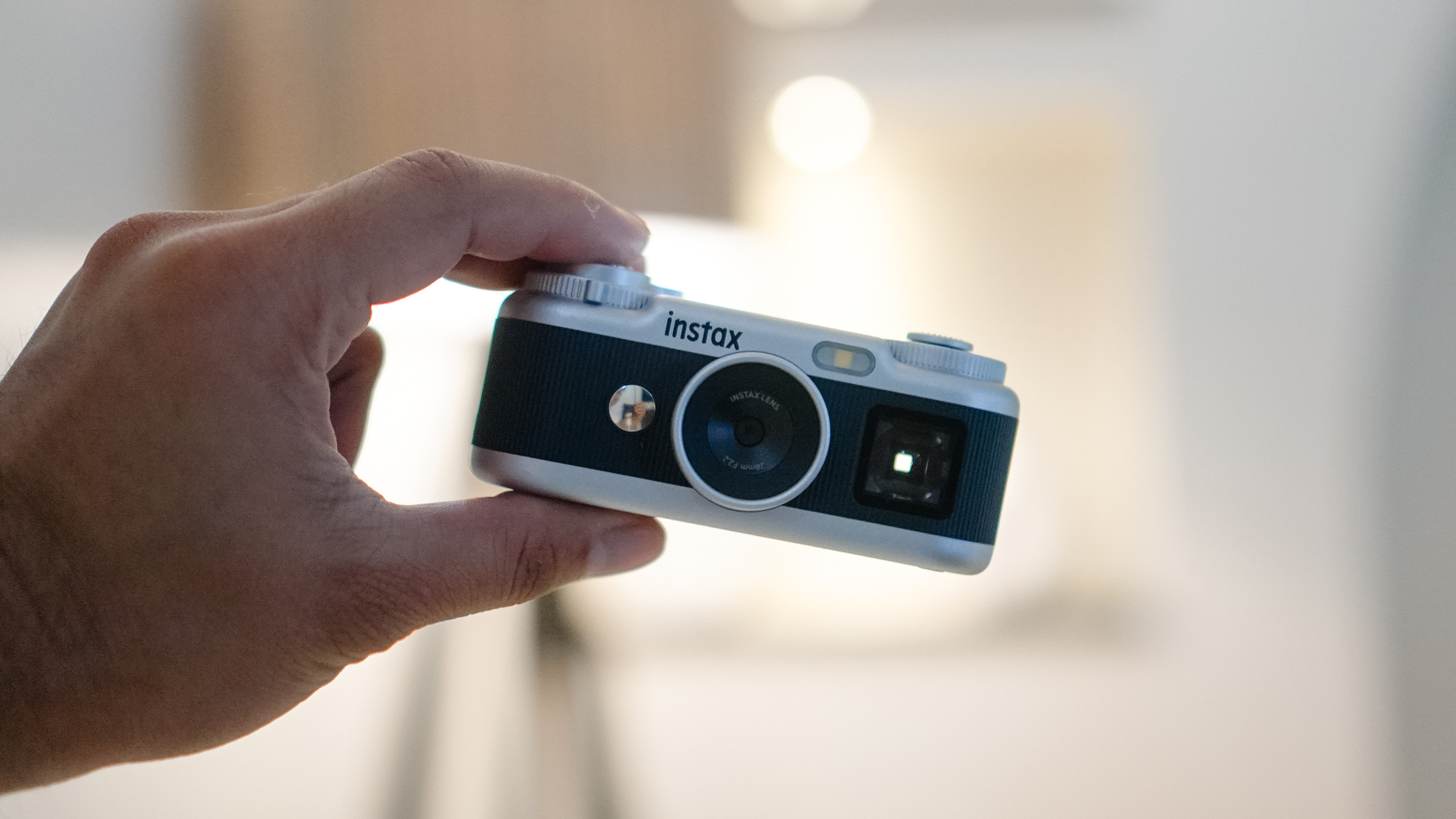
Beneath that adorable exterior is a digital point-and-shoot camera with fairly straightforward controls. The buttons and dials might look intimidating at first, especially if you’re new to dedicated cameras, but they’re easy to get used to.
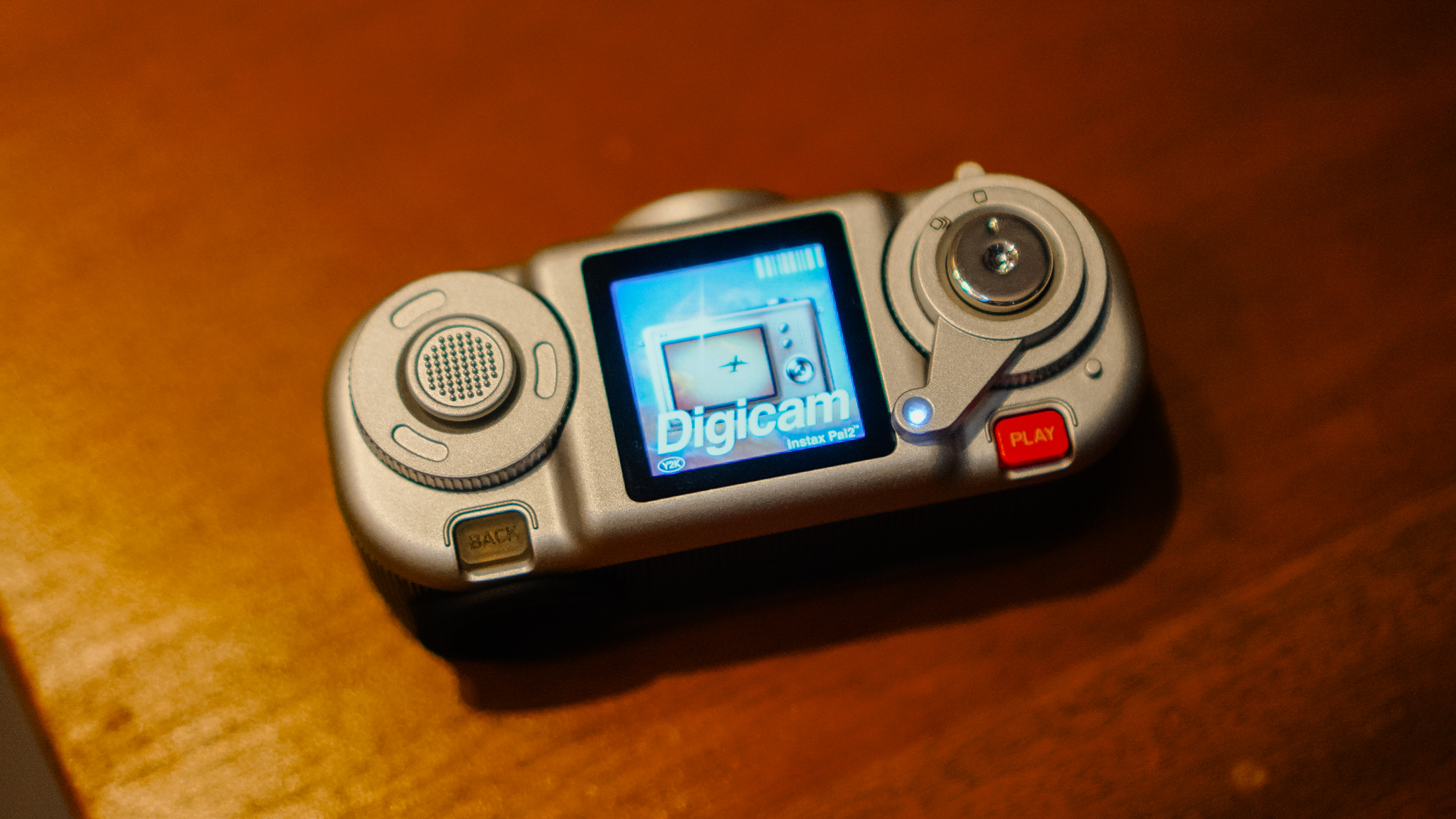
You turn it on, select your preferred frame format, and choose a preset using the dial on the left. You can switch between no frame, Instax Mini, Square, and Wide, which gives you some flexibility in how your photos will eventually look.
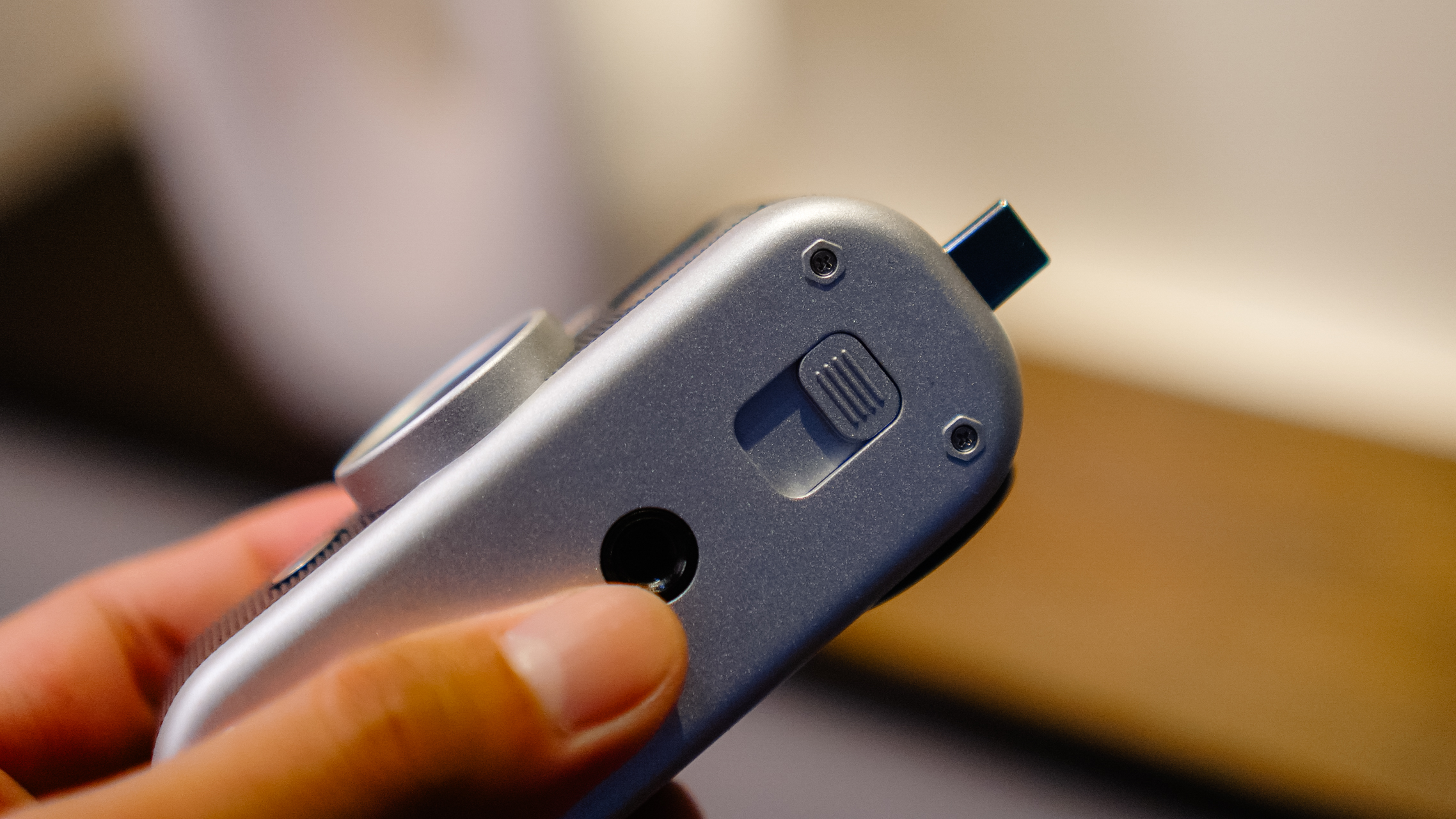
Charging is handled through a sliding mechanism underneath that reveals a USB-C connection. The camera connects to a separate dongle, which also charges via USB-C. Beside it is a dedicated mounting slot for the camera.
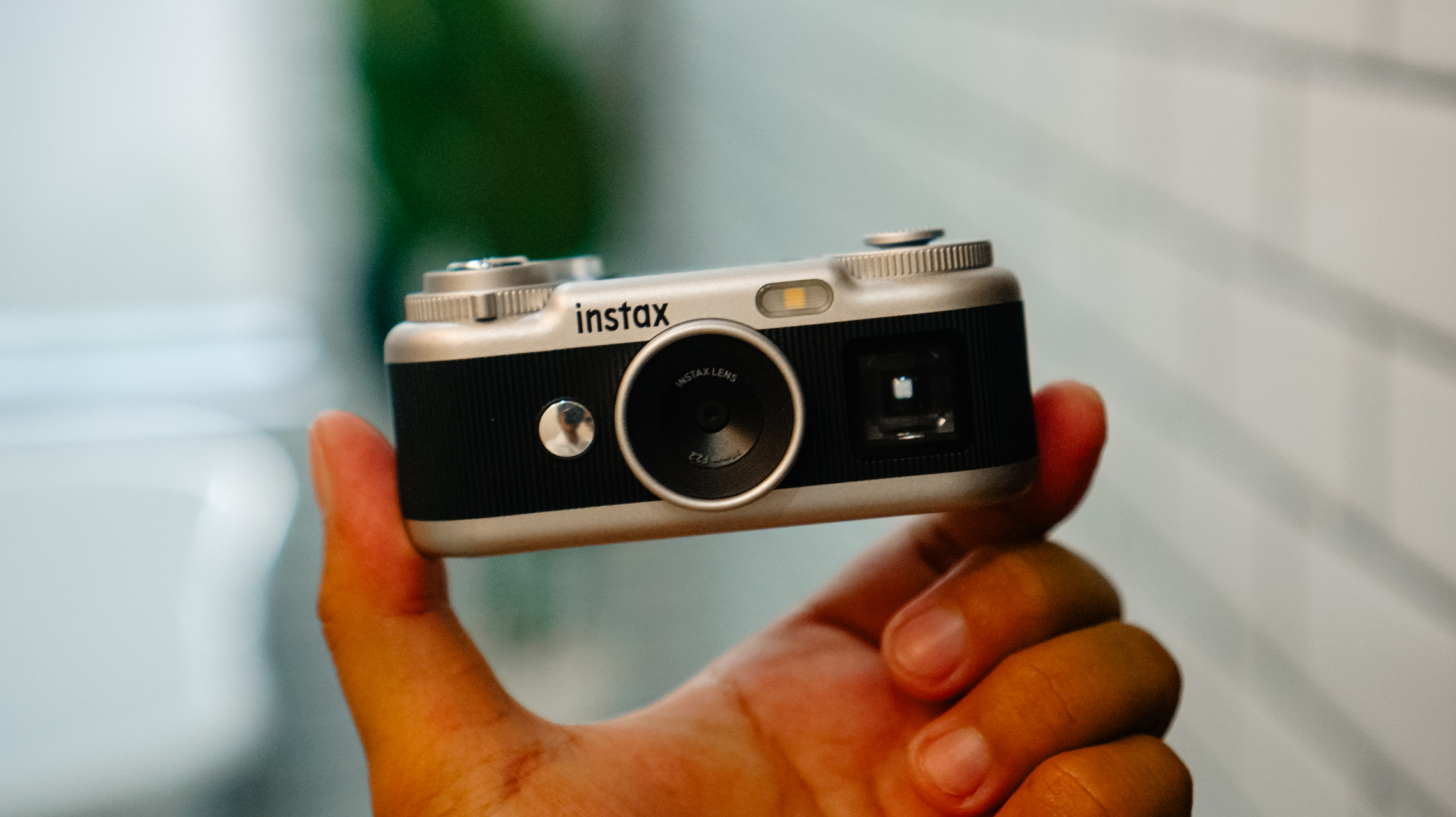
Up front, you’ll find a 28mm f/2.2 lens, a small mirror for framing selfies, and a flash that activates automatically when the lighting is insufficient.
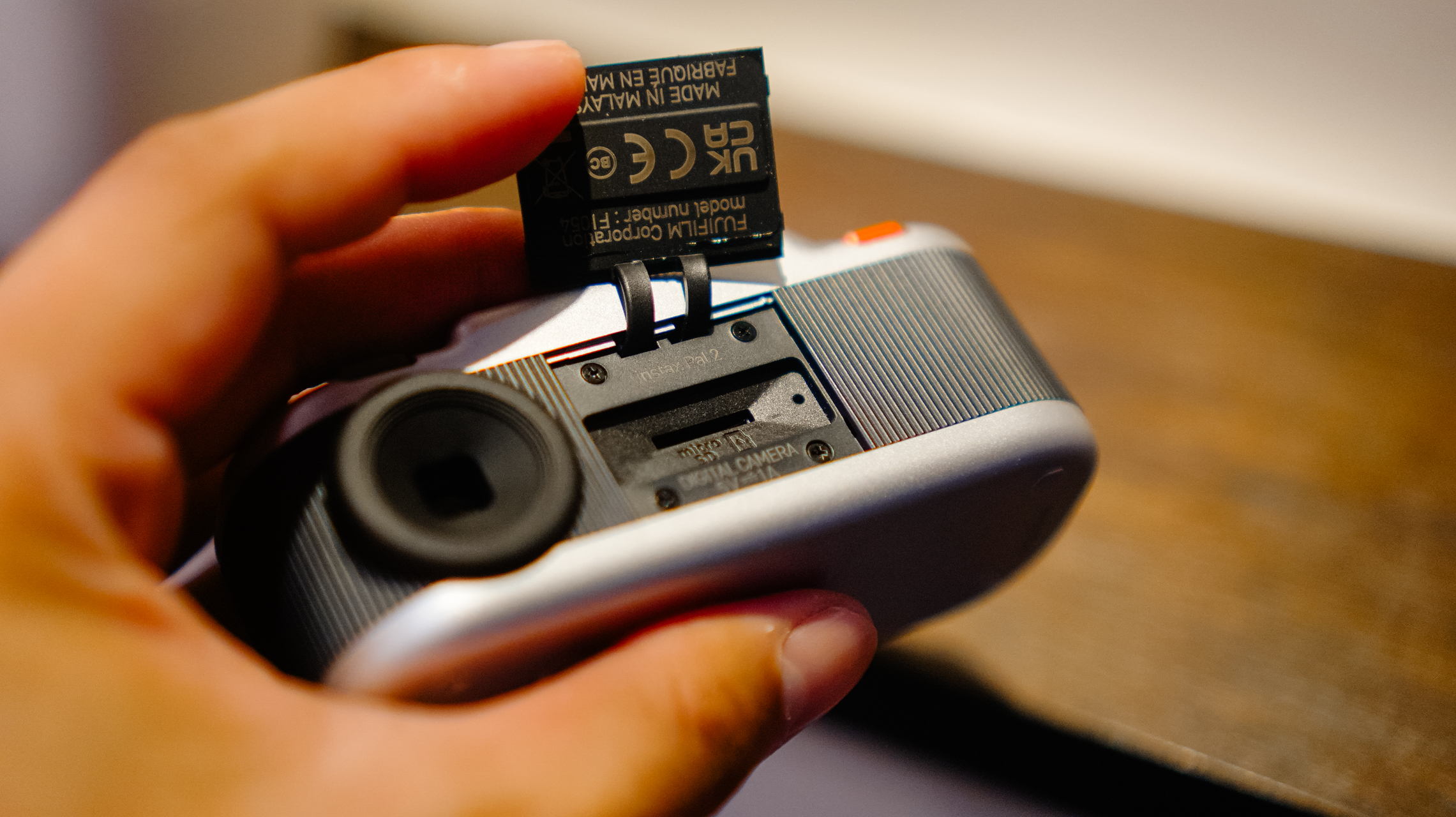
The viewfinder sits at the back, and the microSD card slot is tucked away discreetly. There’s also internal storage that holds your photos before you transfer them to your phone.
From digital snapshots to little keepsakes
Photos captured with the Instax Pal 2 are stored internally and can be viewed using the playback button. To transfer them to your phone, you’ll need to connect the camera to the Instax Pal app.
The app is where much of the experience comes together. You can edit your photos by choosing between the Instax formats, including Mini, Square, and Wide, or leave them without a frame altogether.

You can also customize the background ratio, with 1:1, 4:3, 16:9, and no background available. I gravitated toward no background, although those who want a little more visual personality can add a colored background or another image. The app can blur the background image and lets you adjust its tint to suit your preferred aesthetic.


If your photo isn’t perfectly aligned, you can rotate or zoom in to get the composition right.
The real treat comes when you’re ready to turn those digital snapshots into physical prints. The Instax Pal 2 works with several printers and hybrid cameras in Fujifilm’s Instax ecosystem, including the mini Link, Square Link, Link WIDE, mini LiPlay, mini Evo, and WIDE Evo, among other compatible models.


You can select your printer directly in the app and send your photos for printing. If you’d rather keep things digital, you can download them to your phone and share them across your social platforms.
The app also supports remote shooting for something more interactive. You can capture a regular photo or create an Instax animation, with a timer available for solo shots and more carefully composed group photos.
The camera is small enough to position almost anywhere, so setting up a little group photo session becomes part of the fun.
Finding your own aesthetic
One of the more appealing features of the Instax Pal 2 is its collection of presets. Through the app, you can choose from different preset collections and install up to six at a time.
The Modern set offers a more natural photographic treatment with Pure, Cool, Muted, Soft, Flare, and Mono. The Y2K set leans into the nostalgic appeal of early digital photography, with Film, Digicam, Lo-Fi, Pixel, Dusty, and Screen. Vintage, Chromatic, and Fantasy collections give you even more room to experiment with different looks.
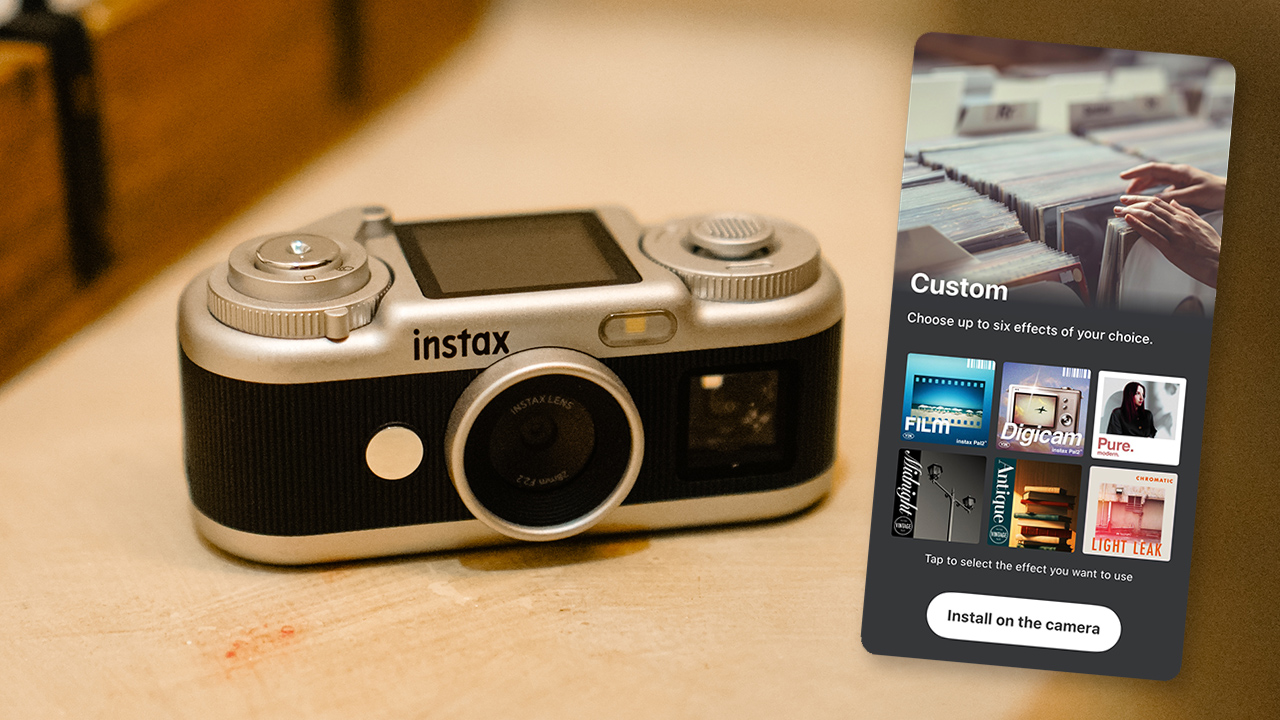
Instead of sticking to a single collection, I customized my setup by picking six presets across different sets. My selection includes Film and Digicam from Y2K, Pure from Modern, Midnight and Antique from Vintage, and Light Leak from Chromatic.


It’s a nice touch if you enjoy having a visual identity in your photos. You can switch between aesthetics depending on the mood or the moment, without spending time editing every image individually.

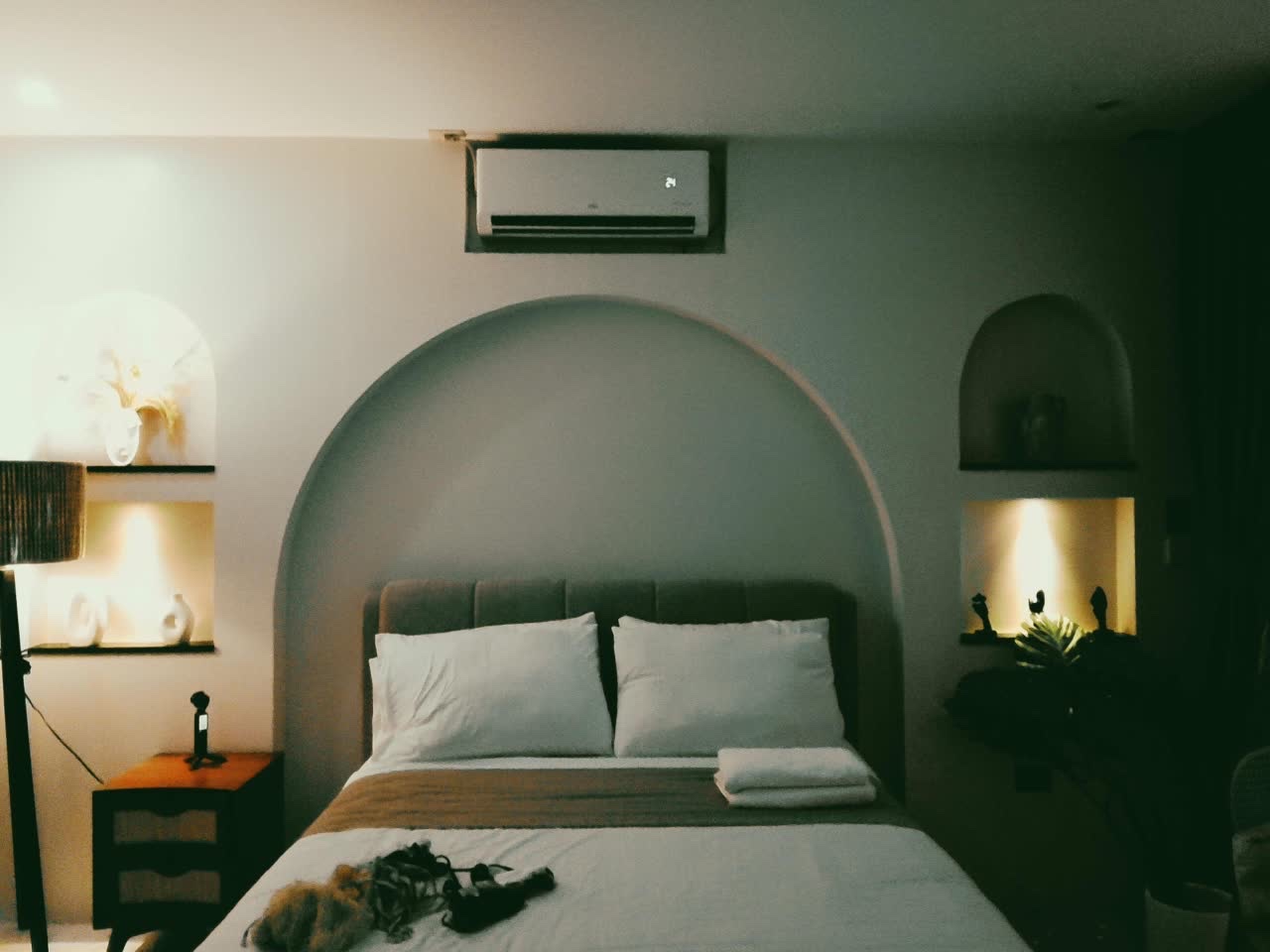
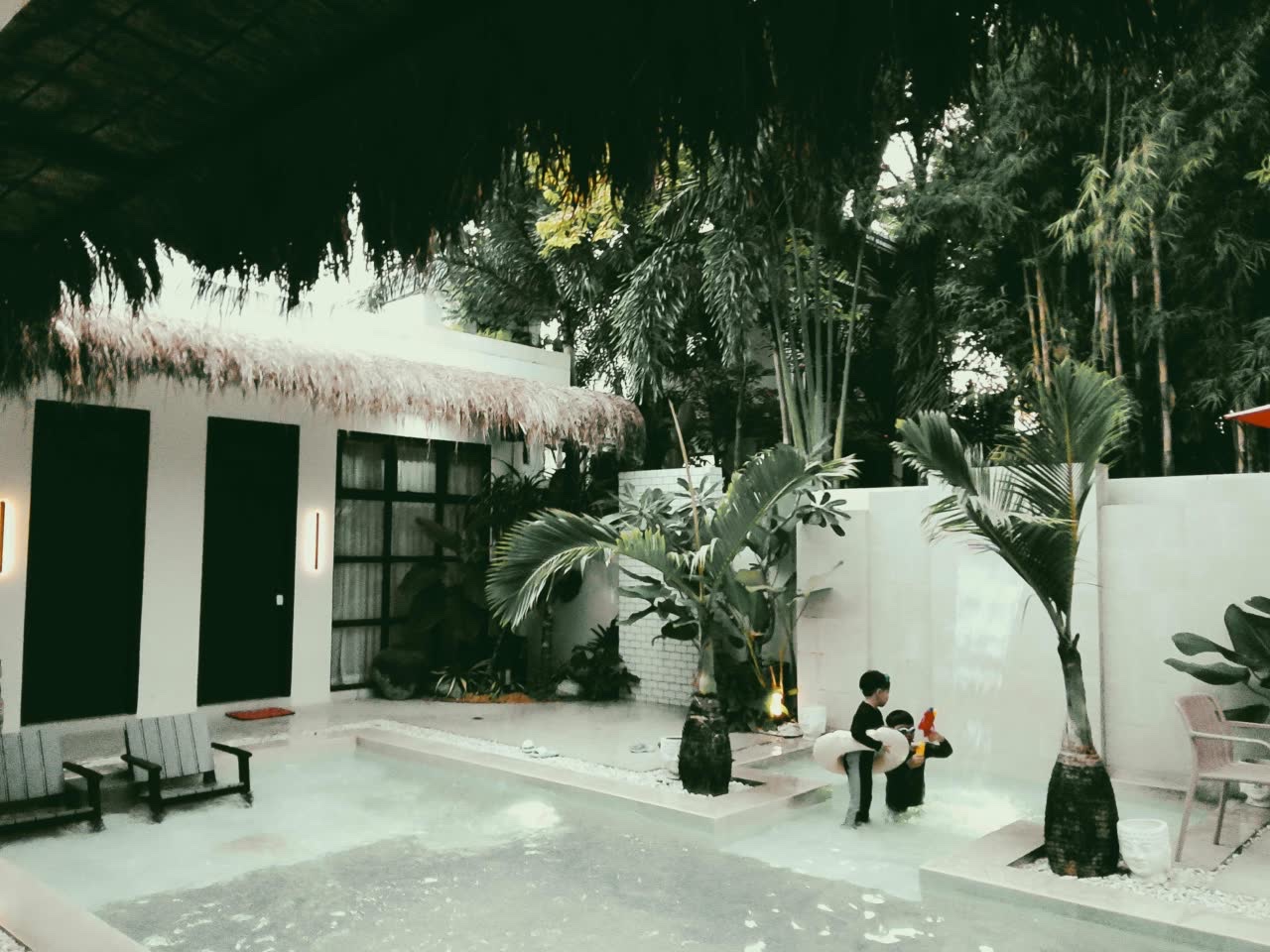

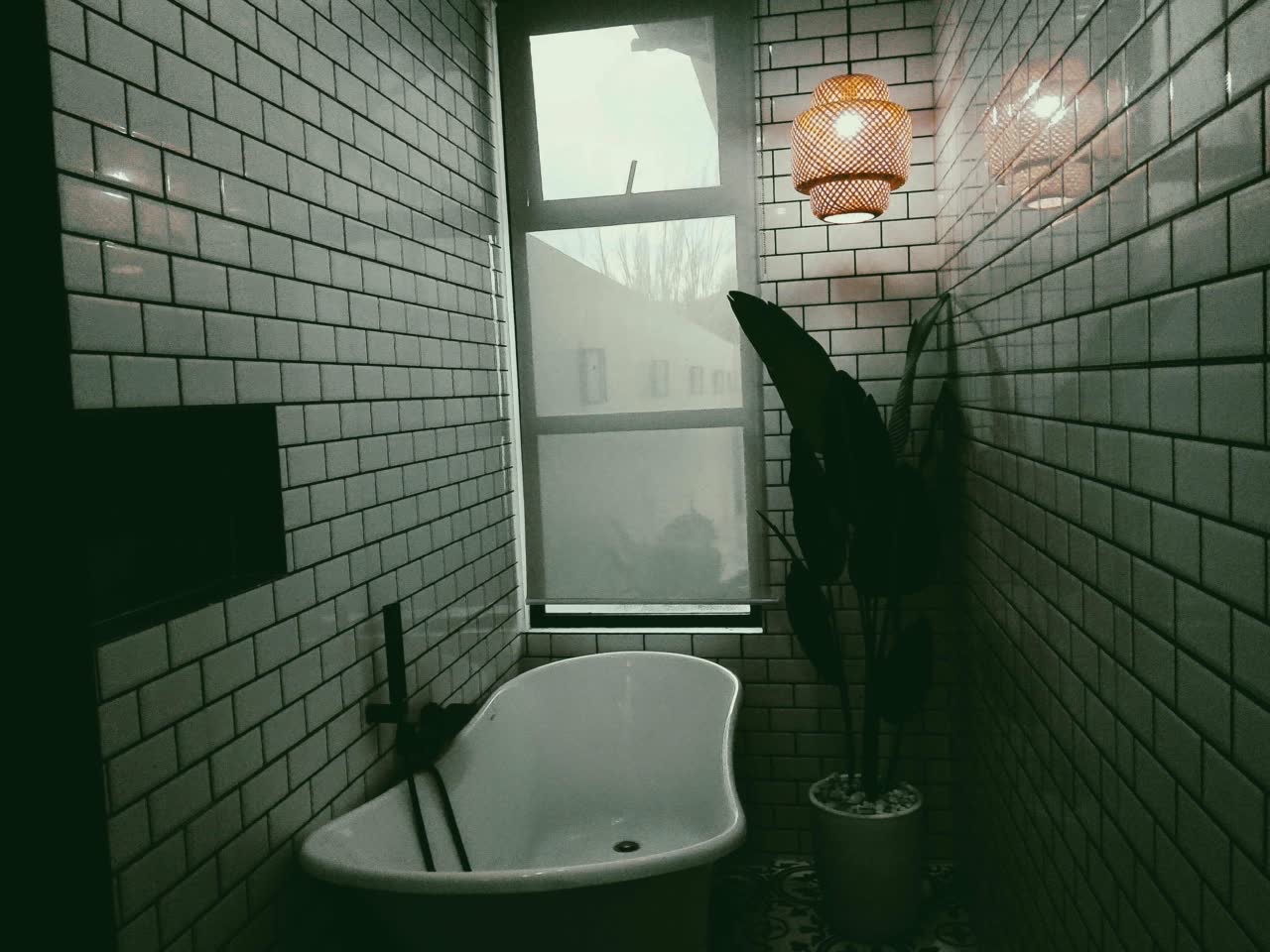

The presets are also a big part of what gives the Instax Pal 2 its personality. They embrace the imperfections and visual quirks of older digital cameras, which makes the photos feel a little more nostalgic.
Novelty comes with a price
The Instax Pal 2 is fun to use, although its lightweight construction takes some getting used to. I found myself holding it extra carefully because its small body feels easy to slip out of my hands. That said, it comes with a wrist strap for a more secure grip.
Battery life comes with the compact size. A day of frequent shooting can have you reaching for the charger sooner than you’d expect.
The Instax Pal 2 retails for PhP 10,599, up from the first-generation model’s launch price of PhP 5,999. The newer iteration brings improvements to its design and functionality.
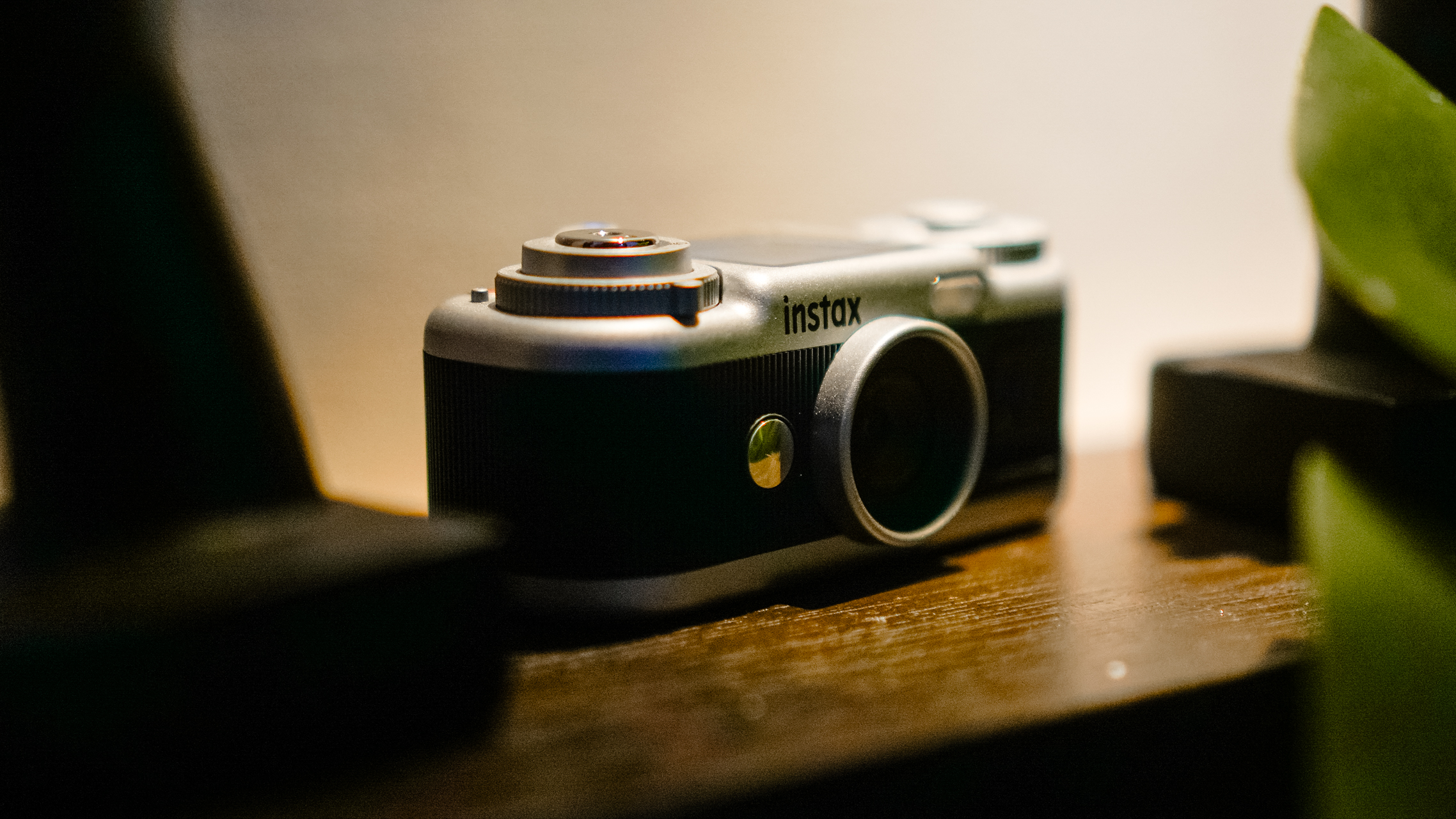
At this price, you’re paying for a particular photographic experience. The images have a deliberately lo-fi look that gives them their nostalgic appeal, so it helps to know the resolution and overall image quality aren’t meant to match the versatility of a conventional digital camera.
That makes the Instax Pal 2 a specific purchase. Its appeal is strongest among people who collect cameras and enjoy turning everyday snapshots into physical keepsakes.
If you’re after a more versatile shooter, other compact cameras offer more flexibility. Personally, I’d be inclined to reach for the Insta360 GO 3S Retro Edition. It records in 4K and offers a different kind of creative freedom. And for roughly PhP 6,000 more than the Instax Pal 2, you get a better camera.
If you’d rather stay close to the Instax Pal 2’s price, the Kodak PIXPRO FZ55 retails for approximately PhP 9,999 and offers a 16MP sensor, 5x optical zoom, and Full HD video recording. It may not have the same playful appeal or nostalgic presets, but it delivers a more conventional point-and-shoot experience.
Is the Fujifilm Instax Pal 2 your GadgetMatch?
The Fujifilm Instax Pal 2 makes a compelling case for having a dedicated little camera to document everyday life. It’s small enough to bring along without feeling like another piece of tech in your everyday carry, and its playful approach to photography makes ordinary moments feel a little more special.
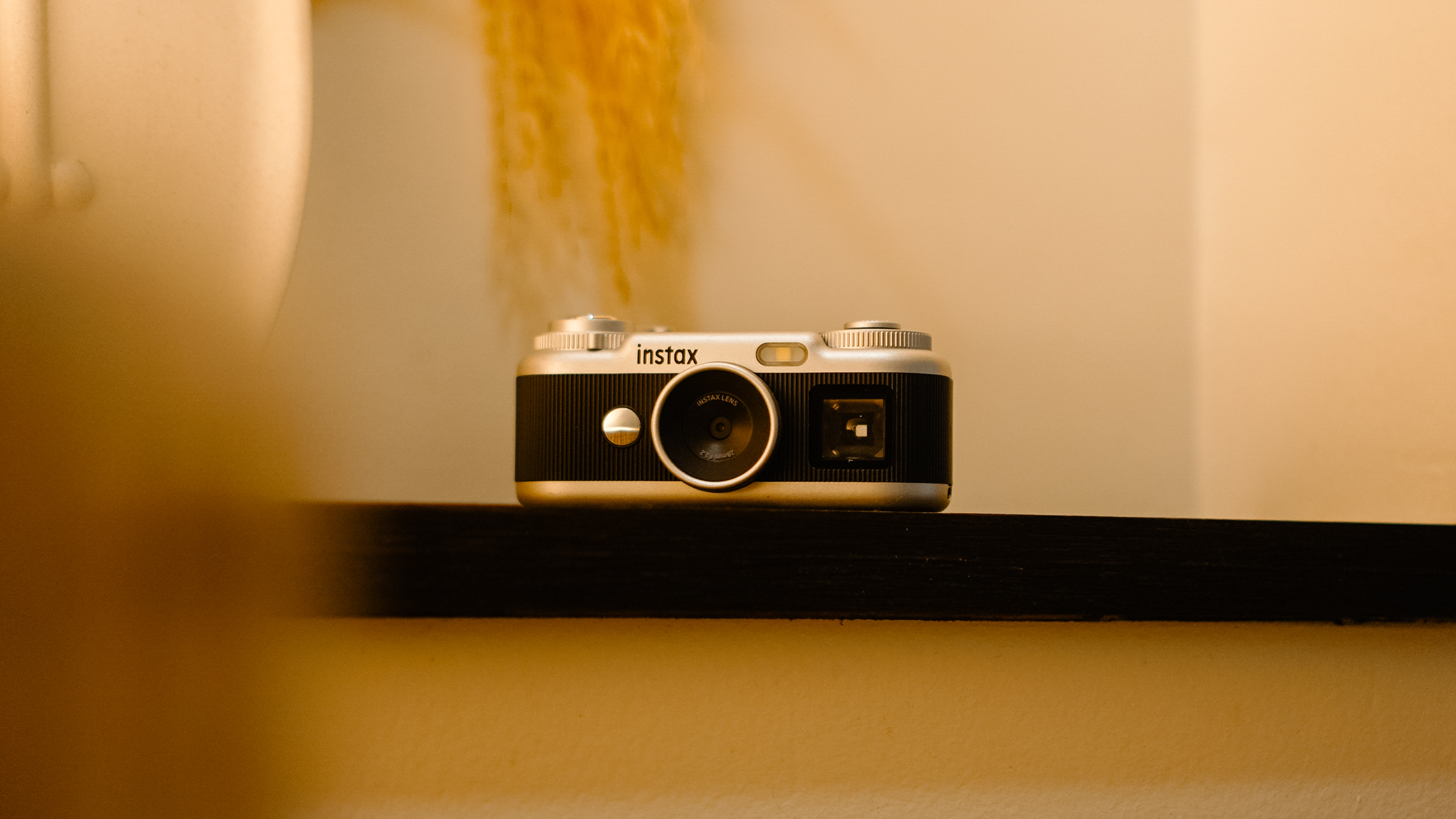
Its strongest appeal lies in the experience surrounding the photos, from experimenting with presets to choosing which snapshots deserve a place in your physical photo collection.
At PhP 10,599, it’s a novelty purchase best suited to people who appreciate its quirks. The Instax Pal 2 has plenty of personality, and its limited battery life and modest image quality are worth weighing against that charm.
Swipe Right if you’re an Instax enthusiast who loves collecting cameras and printing little memories, or if you enjoy the nostalgic aesthetic of early digital photography.
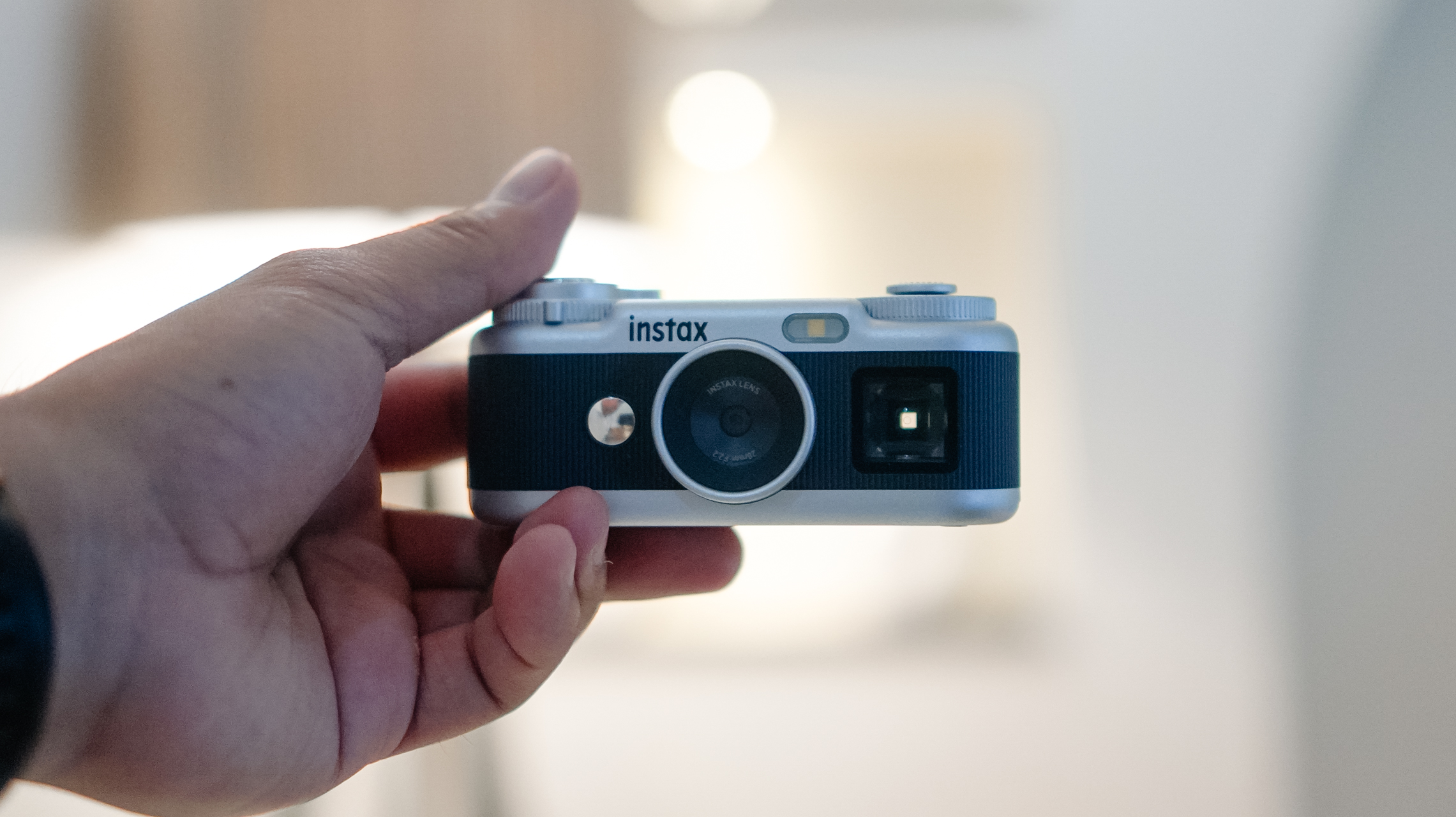
It’s also a charming companion for social butterflies who love documenting gatherings and turning everyday moments into tangible keepsakes.
Swipe Left if you’re shopping for a versatile digital camera with dependable battery life, higher-resolution photos, and more creative flexibility. If image quality or value for money is your priority, other cameras in this price range are better equipped for it.
-
 Reviews1 week ago
vivo X500 Pro Max review: 500+ hours later
-

 Gaming1 week ago
Five new (and better) games you can play instead of GTA VI
-

 Cameras4 days ago
Fujifilm instax Pal 2 review
-

 Accessories2 weeks ago
Secretlab brings Pikachu, Gengar, and Eevee to its Pokémon gaming chair collection
-

 Smartphones1 week ago
Spotlight: OPPO Find X10 Pro Max
-

 Entertainment3 days ago
Spider-Man: Brand New Day returns to cinemas with new scenes
-
 Smartphones1 week ago
The iPhone Duo is replacing my Kindle
-

 Tablets2 weeks ago
Infinix XPAD 30 launches, comes with AI features and expansive display