

Is the ube-colored Kindle on your Christmas wishlist? As a reader, it absolutely is on mine, despite already having a fully functional Kindle Paperwhite. However, after the iPhone Duo, I think I finally found a way to get past my frankly unnecessary craving… and, well, the Kindle I already use.
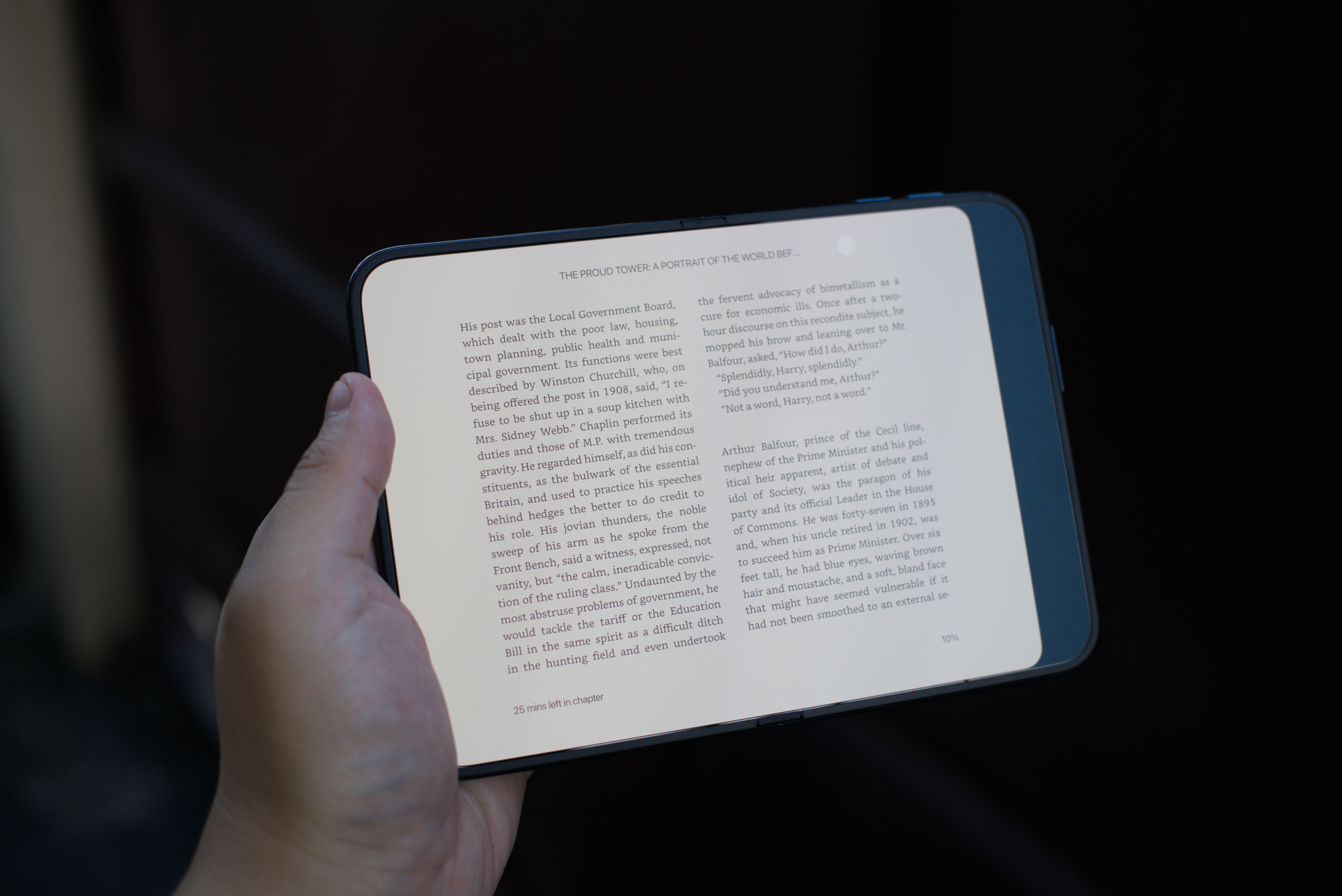
Now, the iPhone Duo has a plethora of features. You can use it as a phone, a mini-workstation, or an on-the-go entertainment device. However, one of the most underrated ways you can use the Duo is as an e-book reader. After all, it folds like a book, so why not use it as a book?
Frankly, a lot of foldable phones today neglect this. For example, I’ve had the Samsung Galaxy Z Fold8 Ultra for a few months now, but it just doesn’t hit as well as an e-book reader. The screen is too glossy, and the size is too large for my tiny hands.
Now, that’s not to say that the Fold8 Ultra is a bad phone. In fact, it’s not.
But the iPhone Duo really changed how I view foldables.
Changing my mind about matte
Passport-style foldables are in. With the regular Fold8, everyone began warming up to a different form factor for foldables. The iPhone Duo made that trend skyrocket even further. It features an immersive transition between states, a satisfying click when closing, and a fresh interface.
Size-wise, the Duo works so well while held completely unfolded, partially folded like a book, or closed. It just fits, even in my small hands.
However, the feature that makes the Duo stand out so much for me is the matte texture on its main screen. Unlike other foldables with their glossy screens, Apple’s foldable comes out of the box with a pleasantly textured screen. You won’t need a separate screen protector anymore.
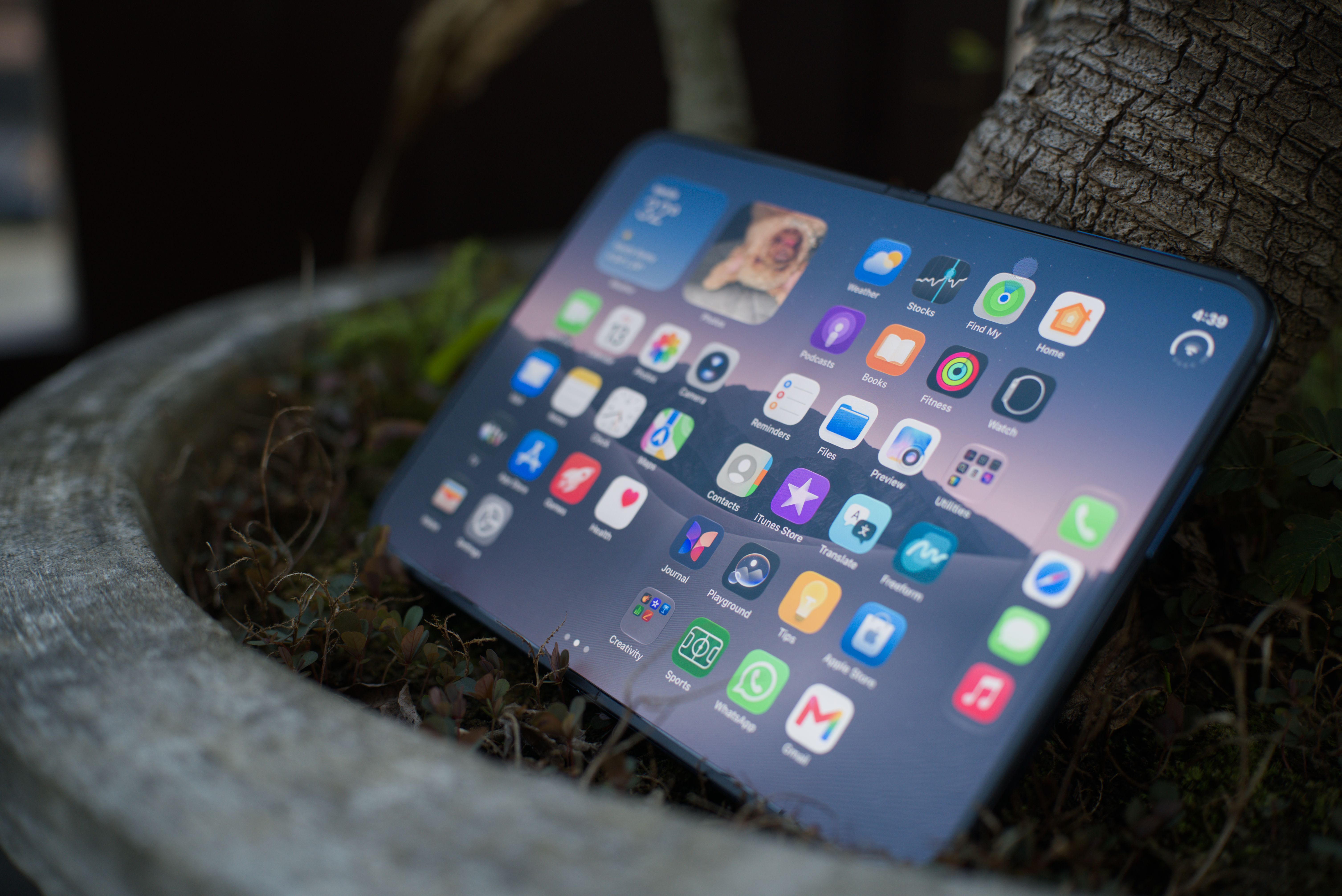
At first, I wasn’t a fan of this texture. It felt cheap. Plus, in my opinion, the flatness of the matte texture clashes with how dynamic Liquid Glass should be.
But that was before.
After using the Duo for weeks, the matte texture just felt natural to the touch. It felt like actual paper. Obviously, my next thought was, “How would Kindle look like on this phone?”
A book in foldable form
The iPhone Duo is built for Kindle. Well, almost.
As with other apps, Kindle isn’t perfectly optimized for the Duo just yet. Initially, I imagined that the app would split the two pages right down the middle or right where the hinge is.
Sadly, it’s not perfect. The right toolbar is still present, moving the split further to the left.
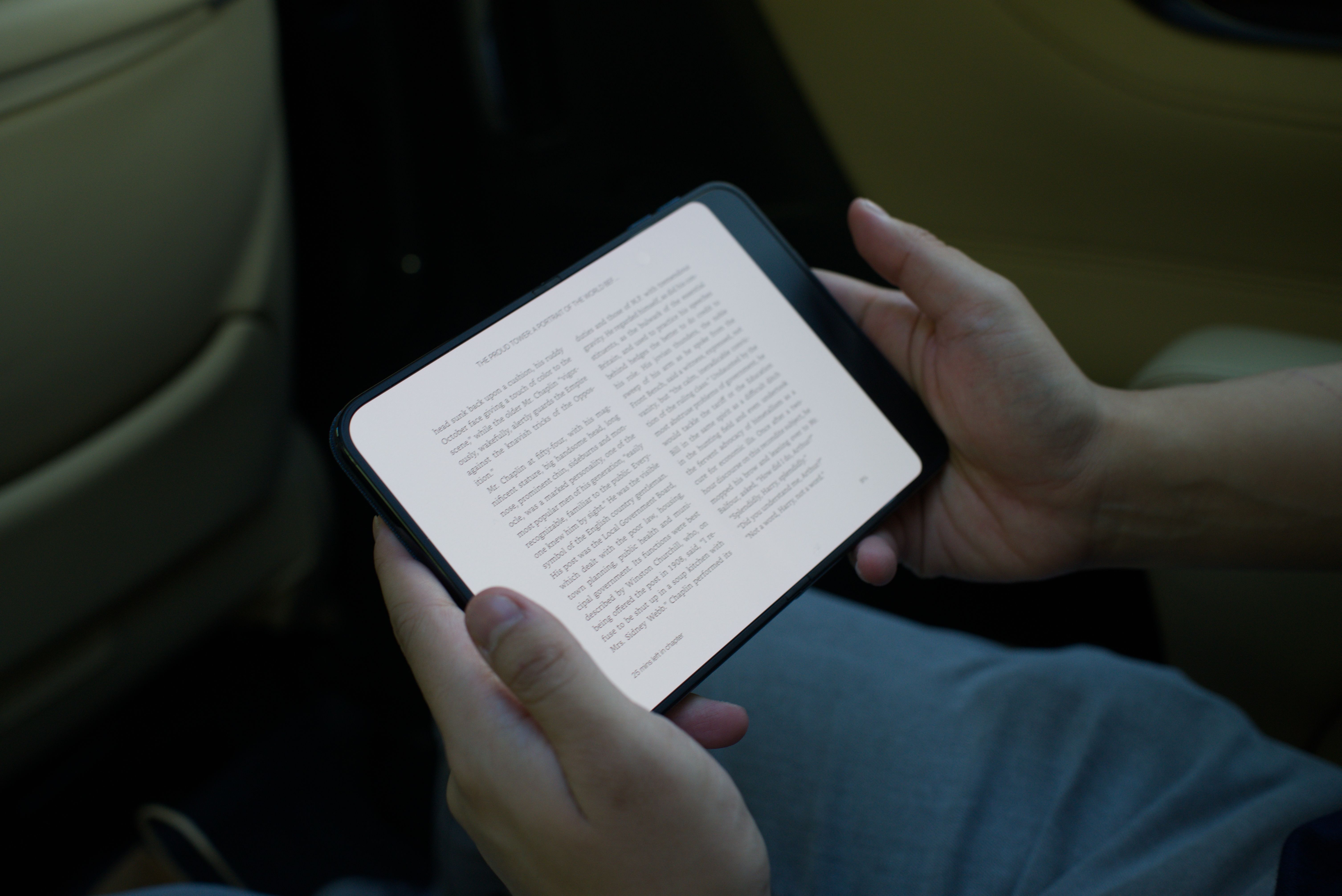
Is this a problem? Strangely, no. It was less of a problem than I imagined it to be. In fact, the slight off-centering might have helped. The black area to the right gives a nice, comfortable area for grip. I don’t have to worry about mistaken inputs.
Now that I’ve thought about it, the area is reminiscent of the Kindle Scribe which has a similar area for grip. And it feels like the Scribe. Holding the phone while reading one-handed or flicking pages with the other feels natural — like this is how e-book readers should be.
Clearer than a Kindle
Besides the arguably better form factor, the iPhone Duo also has a much clearer screen. The 7.6-inch main screen has a 2670 x 1878 resolution at 430ppi. In comparison, the Kindle lineup hovers around 7.0 inches for its screen and tops out at 300ppi.
To be fair, the Kindle has improved by leaps and bounds since its humble beginnings. My Kindle Paperwhite, which I got only a few years ago, is crystal clear and looks like actual words printed on paper.
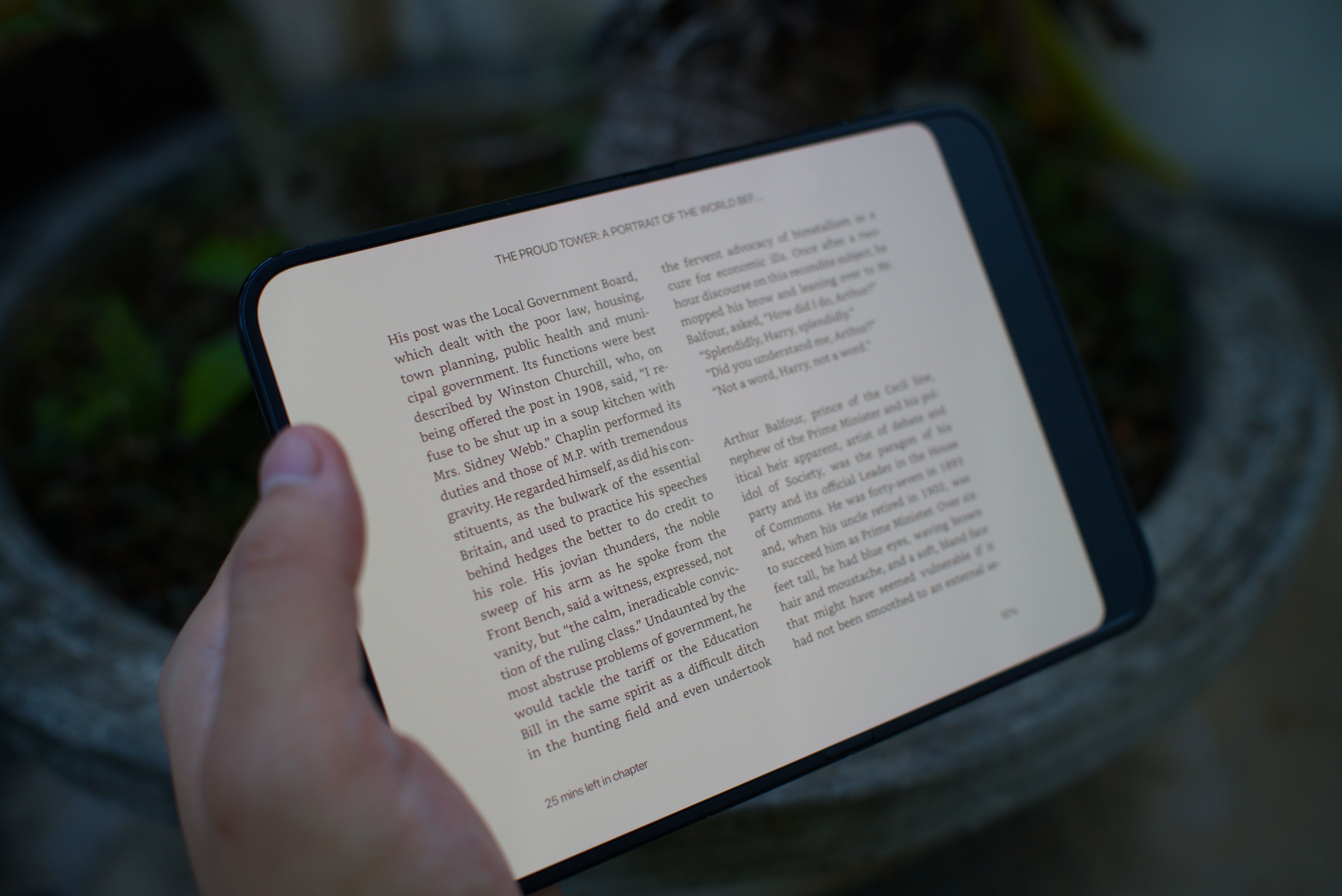
But the numbers don’t lie. The iPhone Duo is much clearer. Yes, technically, it’s still a smartphone screen, but, in all honesty, it feels more like a Kindle screen on steroids.
It also helps that you can customize Kindle’s page colors and the screen’s warmth. I’ve been reading in bed for a week now, but it hasn’t affected my sleep quality at all.
A comic book in foldable form
Besides standard books, the iPhone Duo is also a very effective screen for comics. Despite having a small but convenient size, it’s big enough to let the art and the speech bubbles stand out. I didn’t feel like I needed to zoom in all the time.
Before the Duo, I read my comics on my larger tablet. Though a tablet does afford bigger real estate for reading, the convenience of the Duo ensures that I can keep myself updated with my favorite books while on the go. I don’t need to carry a bulky tablet with me or open up a flashbang every time I read in bed.
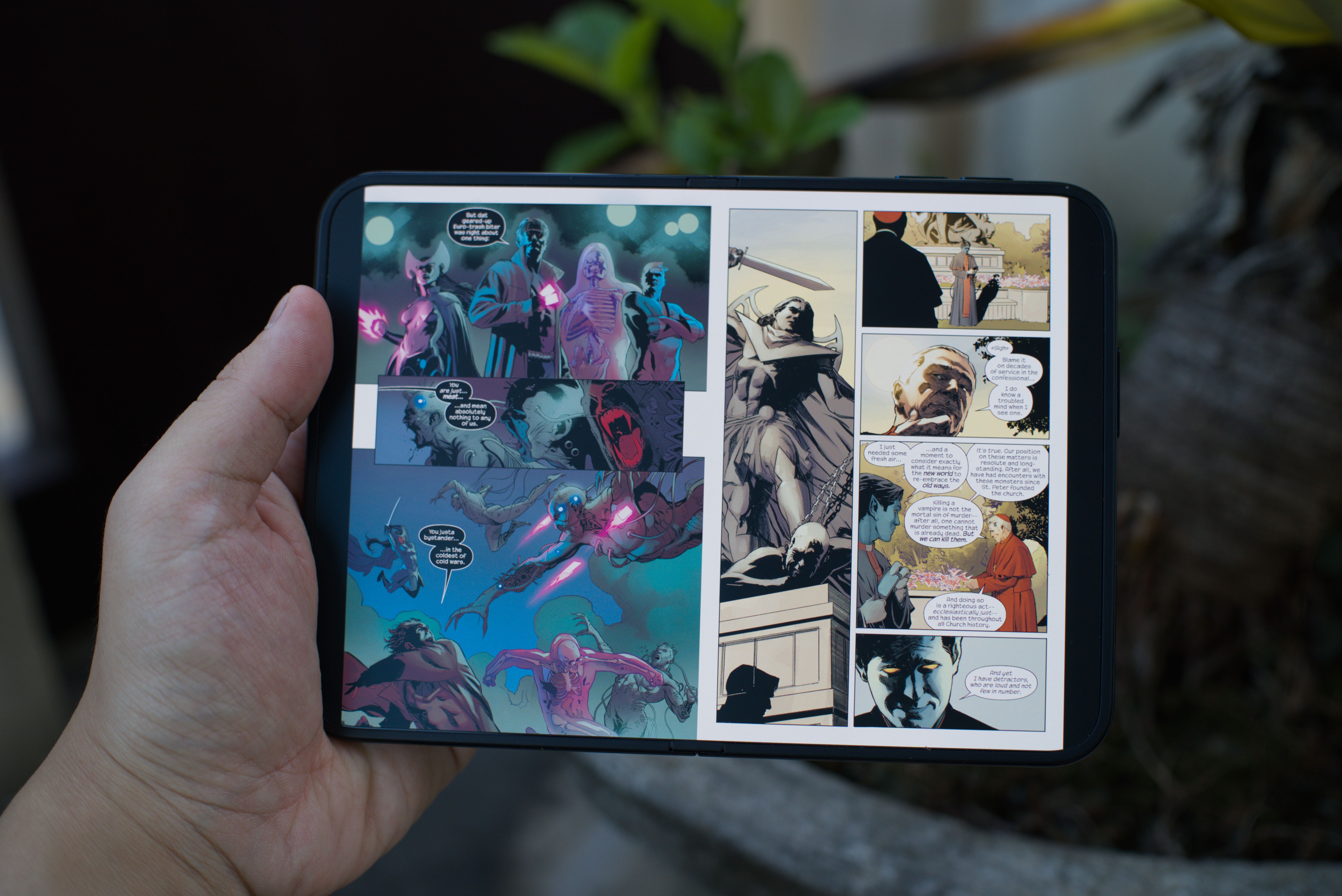
It also helps that the comics app I chose, Panels, is perfectly optimized for the Duo’s screen. The toolbar is gone. While I can excuse the bar for regular book reading, I’d rather than the entire comic page occupy the entire screen.
Now, this isn’t just a glowing endorsement for a singular app. Rather, it’s a notice that optimized apps exist. If you’re patient enough, you can totally find an app that works better for you.
Should you replace your Kindle for an iPhone Duo?
Of course not. If you’re buying the Duo specifically as an e-book reader, you have a lot more money than most of us do. A Kindle (or any other e-reader of your choice) is still more cost efficient than a Duo right now.
If, however, you bought a Duo for what it is — a great foldable smartphone with a lot of bells and whistles — then don’t forget to maximize your investment. The Duo’s capabilities as an e-book reader is severely underrated. And, as they say, if you’ve got it, flaunt it.


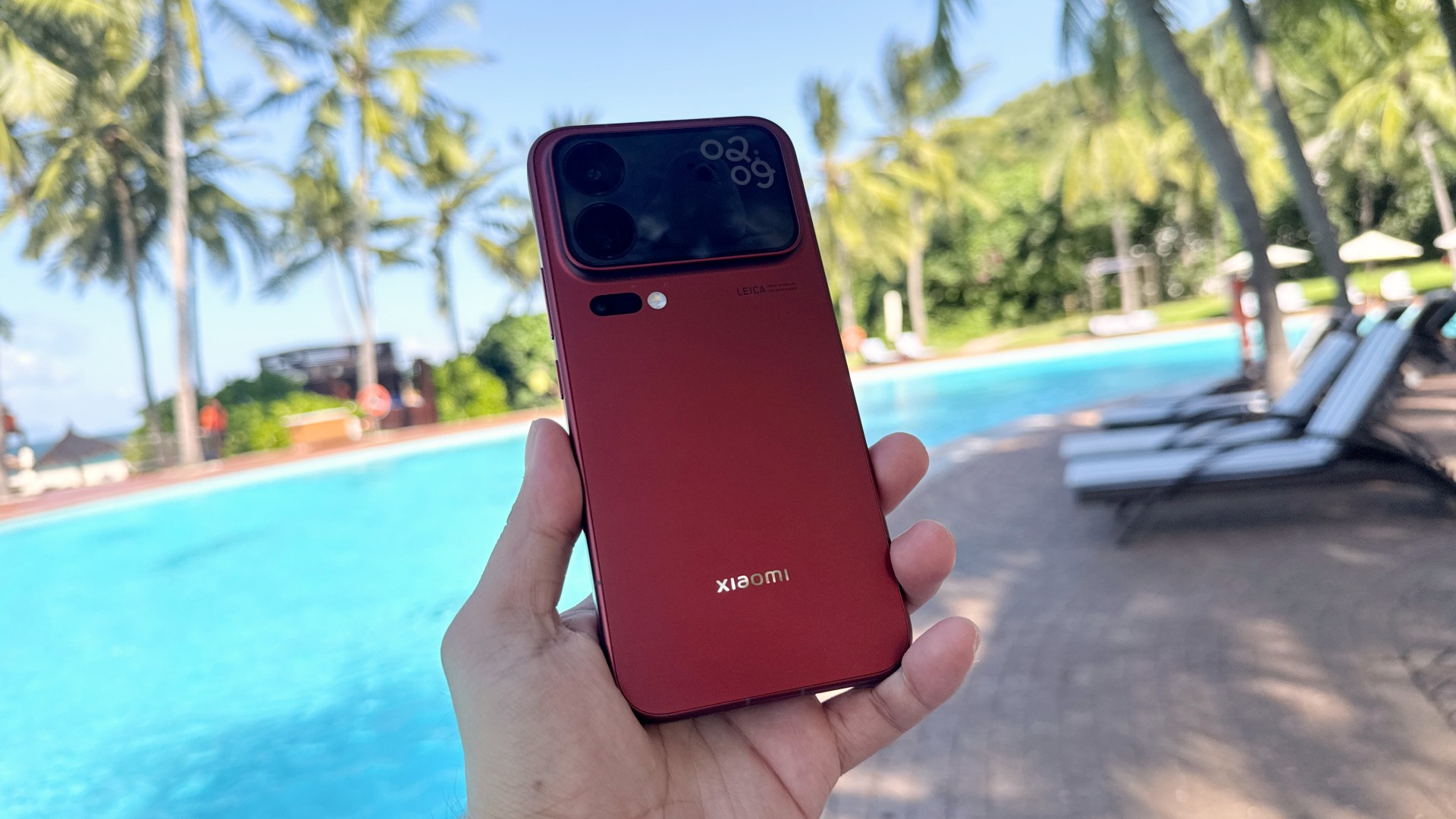
Xiaomi has unveiled the Xiaomi 18 Pro Series globally, introducing two new flagship smartphones with an unusual addition: a display on the back.
The Xiaomi 18 Pro and Xiaomi 18 Pro Max headline the lineup with an AI-enhanced Back Display, a Leica Dual-200MP Camera System, and Qualcomm’s latest Snapdragon 8 Elite mobile platforms. Both phones also introduce Xiaomi Privacy Display technology and new AI-powered features.
The Back Display is the biggest talking point. Built around a custom M11 panel, it offers up to 4,000 nits of peak brightness and a 1-120Hz LTPO refresh rate. It also sits beneath the same sheet of glass as the rear cameras, giving the back of the phone a more seamless appearance.
The rear display does more than show notifications
Xiaomi designed the Back Display to expand what users can do with the rear cameras.
It doubles as a viewfinder for selfies, group photos, and vlogs. When the camera detects more than three people in a group selfie, it automatically switches to an ultra-wide perspective. Users can also record 8K video at up to 30fps with a real-time preview.
Beyond photography, the smaller display can show notifications for calls, maps, ride-hailing services, and food deliveries. Users can pin text and images, including boarding passes and QR codes, for quick reference.
AI brings even more functionality. AI Interpreter supports face-to-face translations in 29 languages, displaying each speaker’s language on their respective side of the phone.
GenAI Apps also introduces vibe coding to smartphones. Users can describe an idea in natural language to create mini apps, with more than 50 preset apps available as starting points. AI Group Photo Wallpapers can also generate composite portraits featuring pets, celebrities, or fictional characters.
Leica brings two 200MP cameras
Photography remains central to the Xiaomi 18 Pro Series.
Both models feature a Leica Dual-200MP Camera System with a 200-megapixel main camera and a 200-megapixel periscope telephoto camera. The main sensor measures 1/1.28 inches, while the telephoto sensor measures 1/1.56 inches.
The Xiaomi 18 Pro Max takes things further with its Light Fusion 960L main sensor, offering up to 16.2EV of dynamic range. Its periscope telephoto camera supports 75mm portraits and up to 150mm optical-level zoom. It also offers 12cm telemacro photography.
The camera experience extends beyond hardware. Essential Moment introduces three photography styles: B&W Film, Iconic CCD, and Modern Vintage. Users can also recreate the optical characteristics of 35mm Documentary and 75mm Portrait lenses.
For video, both smartphones support 4K recording at up to 120fps in Dolby Vision, 10-bit Log, and 8K recording at 30fps.
Snapdragon power meets built-in privacy
The Xiaomi 18 Pro Series runs on Qualcomm’s latest 2nm Snapdragon platforms.
The Xiaomi 18 Pro Max uses the Snapdragon 8 Elite Extreme Gen 6, while the Xiaomi 18 Pro gets the Snapdragon 8 Elite Gen 6. Both feature Qualcomm Oryon CPUs with two prime cores and six performance cores. Their prime cores can reach clock speeds of up to 5GHz.
Xiaomi also introduces its Privacy Display technology, which limits visibility from side angles through dedicated privacy pixels. Privacy Mode can be applied to selected apps, notifications, floating windows, and split-screen views.
Privacy Notice can detect nearby onlookers and alert users through discreet vibrations or Xiaomi HyperIsland. A customizable AI Button also provides quick access to Privacy Mode.
The two phones differ in size and battery capacity. The Xiaomi 18 Pro features a 6.4-inch display and a 6,000mAh battery. The Xiaomi 18 Pro Max has a larger 6.9-inch display and a 7,050mAh battery.
Both support 50W wireless HyperCharge. Wired charging reaches 90W on the Pro and 100W on the Pro Max.
Xiaomi 18 Pro Series price and availability
The Xiaomi 18 Pro and Xiaomi 18 Pro Max come in Black, White, Cosmic Blue, and Velvet Red.
The Xiaomi 18 Pro starts at €1,399, while the Xiaomi 18 Pro Max starts at €1,599.
Xiaomi also lists several storage configurations, with the Pro Max offering up to 16GB RAM and 1TB storage.
Eligible purchases come with promotional benefits, including three months of Google AI Pro, three months of YouTube Premium, four months of Spotify Premium, and a seven- or 14-day iQIYI Standard VIP trial, depending on the offer.

The X300 Ultra is vivo’s best of the best flagship. Or so I thought.
The arrival of the newest vivo X500 Pro Max six months after the Ultra release had me doubt a bit.
Does the introduction of a “Pro Max” model mean a MAXed-out flagship? Or is this simply another case of phone brands jumping on the trending naming game?
Let’s find out together in this in-depth vivo X500 Pro Max review — 500+ hours after it was handed to me alongside my journey to Japan and South Korea.
Cleaner in every corner
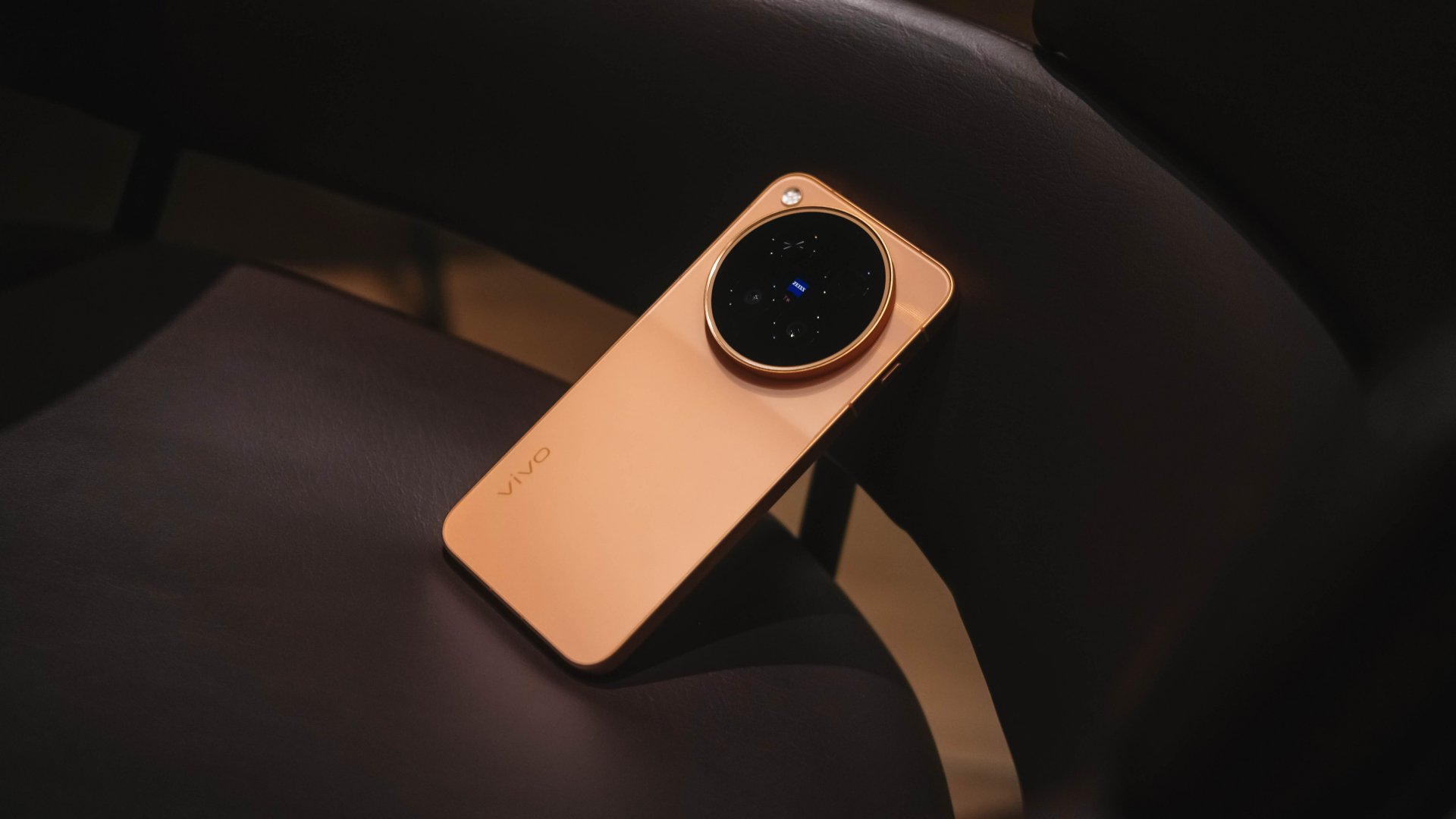
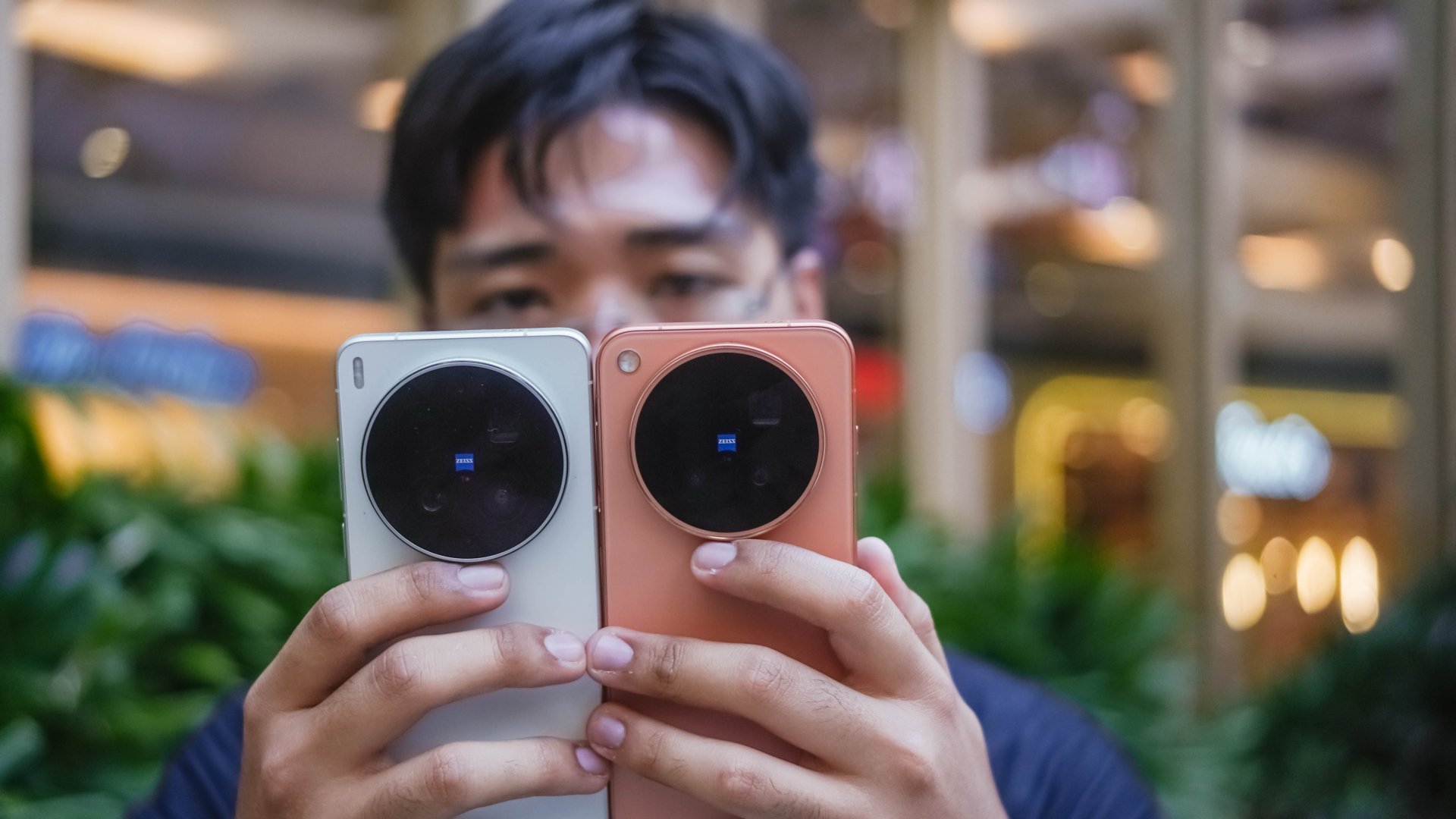
The vivo X500 Pro Max features the unsurprising massive camera center slapped with the ZEISS logo alongside the T* branding.

Despite not having major design changes since the X100 series (except for ditching curved displays), I just don’t get tired of this design language.
While people continuously complain about its massive camera hump and how “top-heavy” it is, I still thank them for keeping it.

More than just its form, it has a valuable function as it serves as a resting place for my fingers — especially when holding it one-handedly.
Clearly, I rock the vivo X500 Pro Max in the Sunset Orange colorway.

If the X300 Ultra has landscape detailing, the X500 Pro Max dazzles with its shimmering sunlight speckles.
Also, that tideline design on its camera module paired with the chamfered edges on its aerospace-grade aluminum frame are nice added touches for better hand comfort.
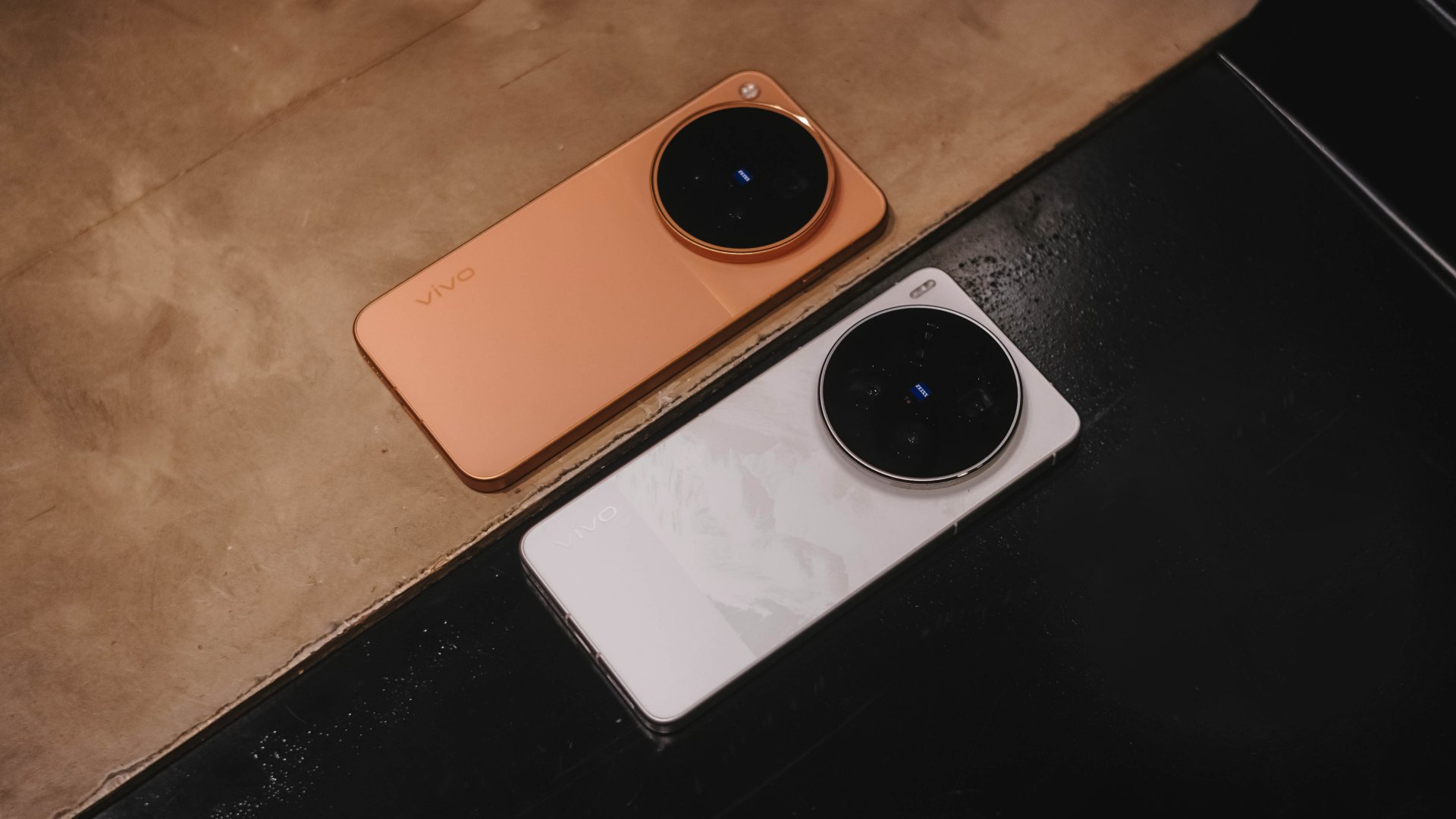
It would have been more appealing though if vivo offered it in cooler colors aside from the monotonous Starry Gray, Sunny White, and Moonlit Black options. (Sorry not sorry, I’m not a fan of the overhyped Burgundy).
Snap wonderful sights, wide or tight
Spoiled by that massive circular back hump, it’s time to talk about the cameras now more than anything else.
As I always say in my write-ups, specs aren’t everything. Still, we’re all here for all the same reason, intricate camera hardware:
vivo X500 Pro Max |
vivo X300 Ultra |
|
Wide |
50MP f/1.57
|
200MP f/1.85
|
Ultra-Wide |
50MP f/2.0
|
50MP f/2.0
|
Tele-
|
200MP f/2.67 ZEISS APO
|
200MP f/2.67 ZEISS APO
|
Extra |
Multi-zone laser focus sensor |
5MP f/2.0 Multispectral sensor |
Selfie |
50MP f/2.0
|
50MP f/2.45
|

While camera hardware alone doesn’t define what the X500 Pro Max is truly capable of, vivo still gave us an indirect response that they are not neglecting nor replacing “Ultra” anytime soon.
And even if their telephoto lens modules are quite alike, the X300 Ultra still has the upper-hand when it comes to both the main and ultra-wide sensors.
But, this isn’t a head-to-head camera showdown. The vivo X500 Pro Max, despite the disparities, is still a Pro-grade flagship shooter of its own.
* 95% of the photographs were shot using my custom V01 preset in the native camera app. Post-color grading was later applied to reflect my creative taste.
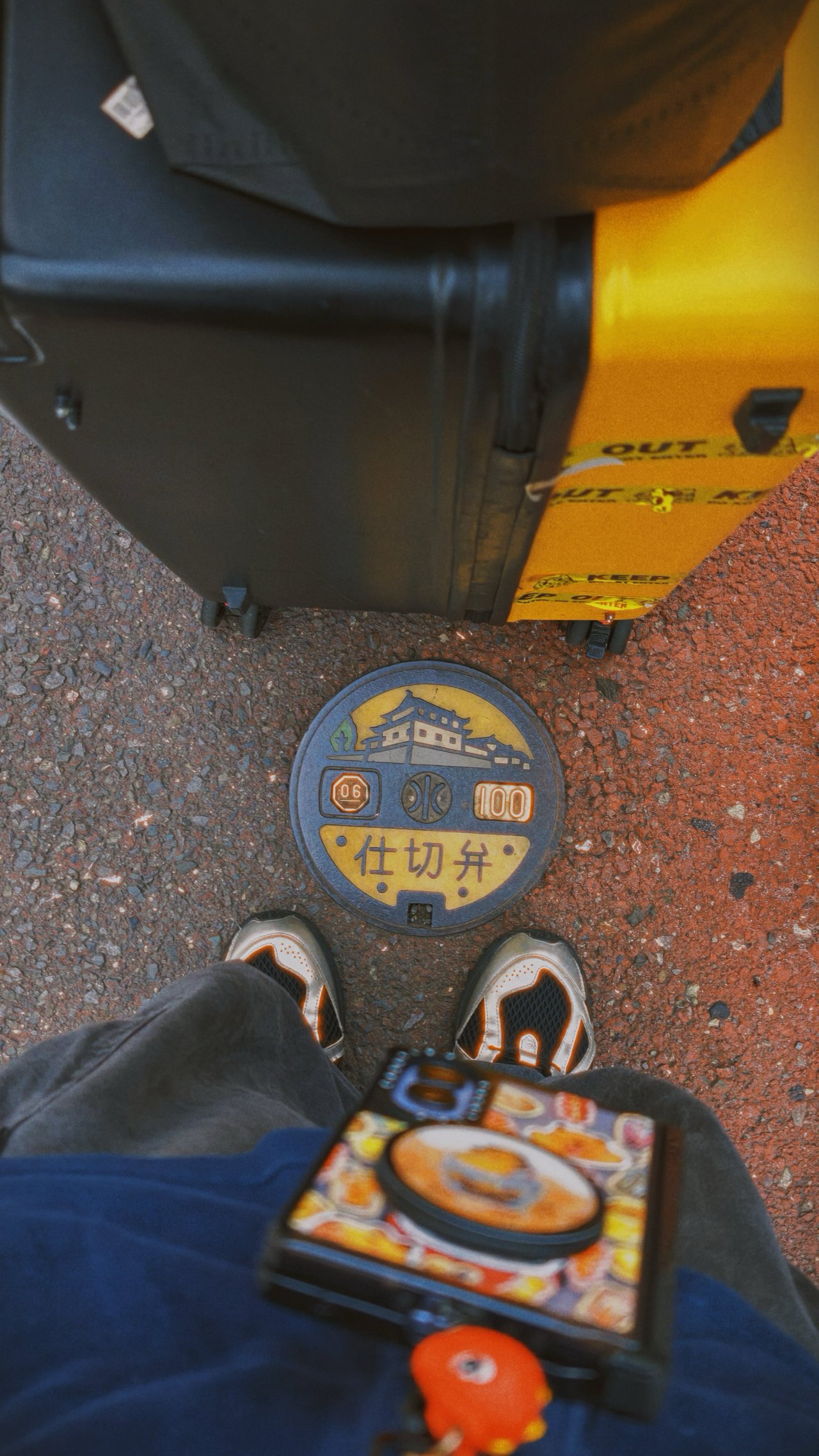
🇯🇵 静岡市 / Shizuoka












-

- * accidental shot


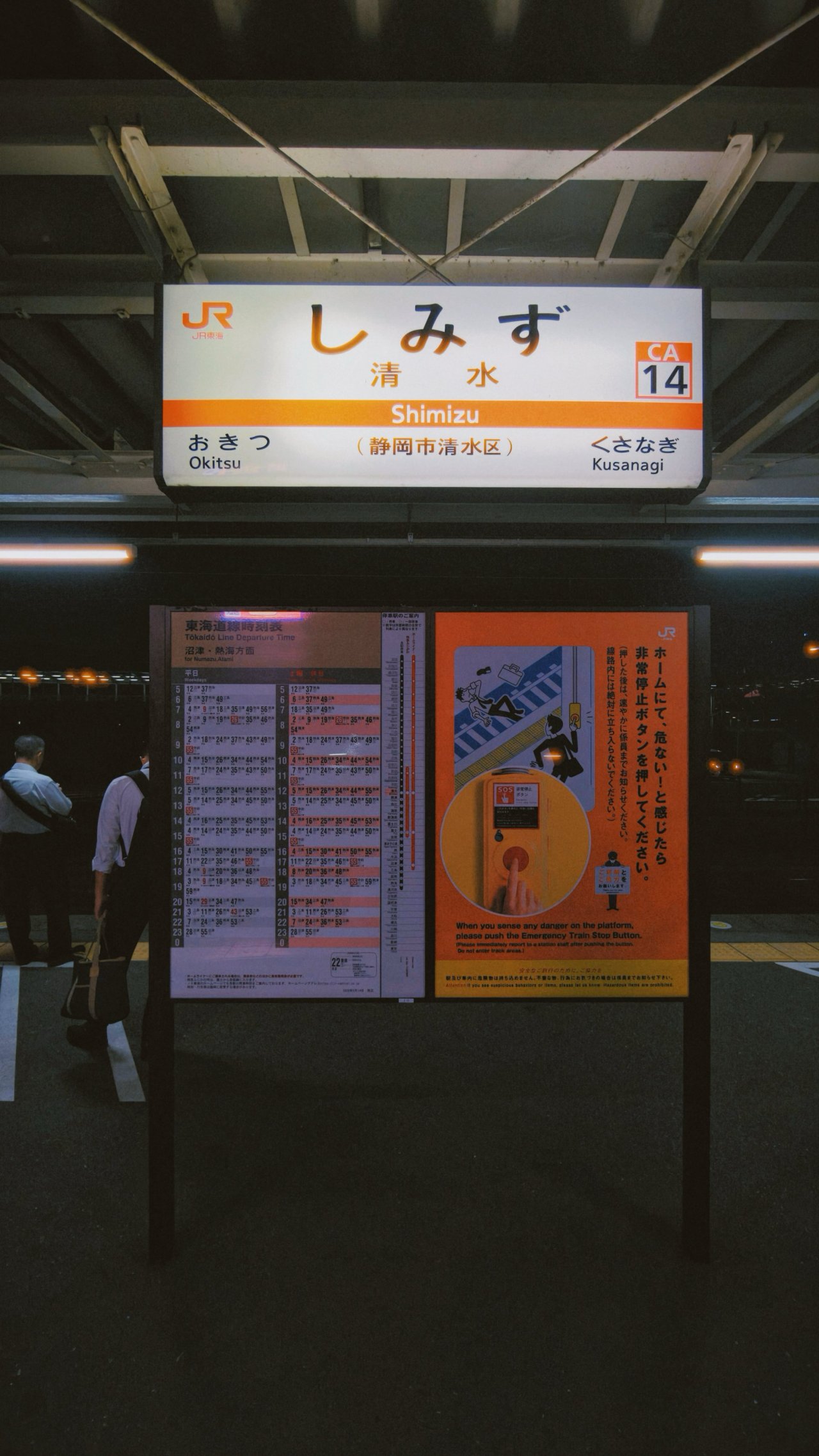


🇯🇵 名古屋市 / Nagoya
📍 Nagoya-jo




📍 Mirai Tower


📍 Sakae






📍 Osu


📍 Side quests


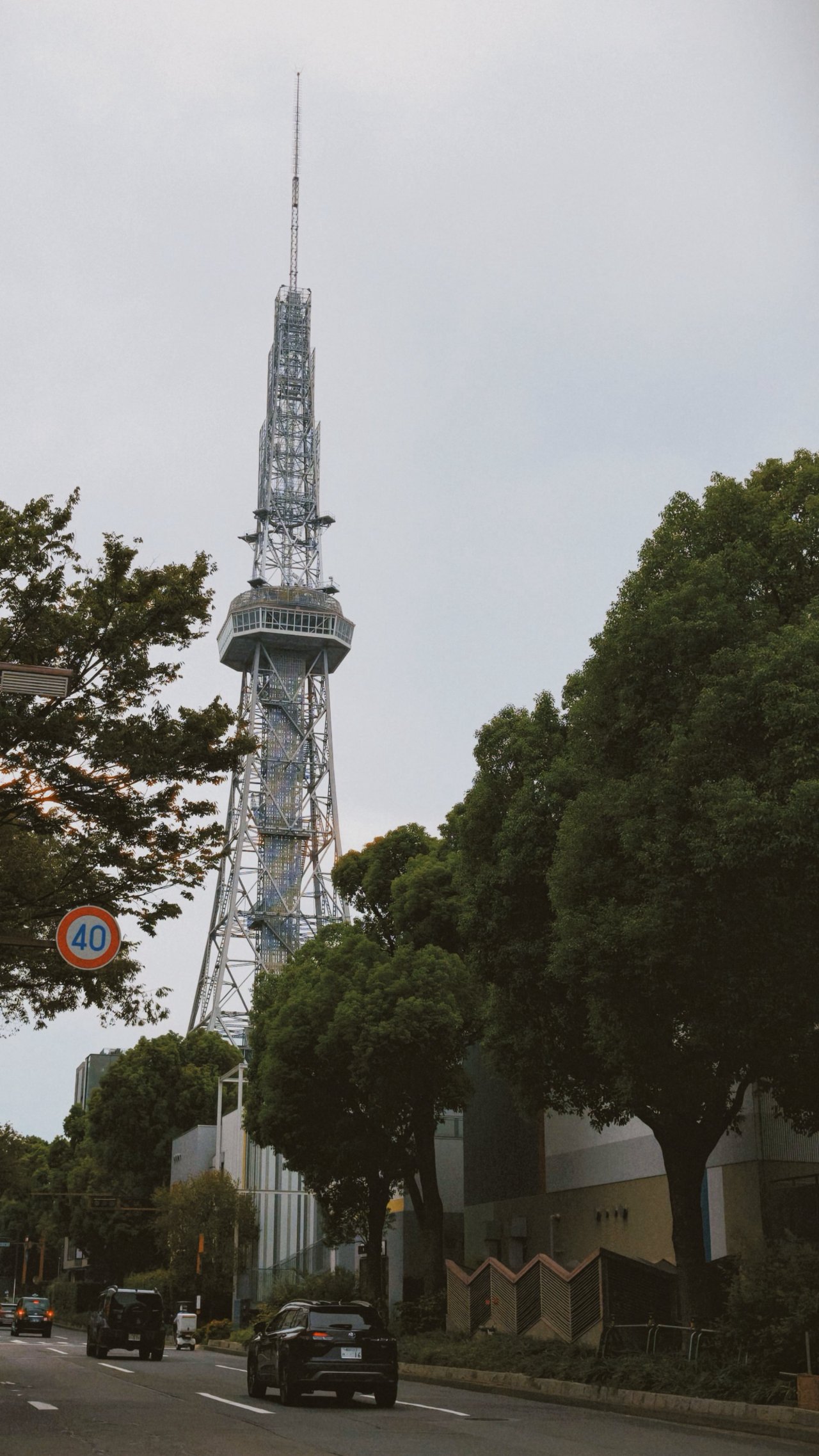
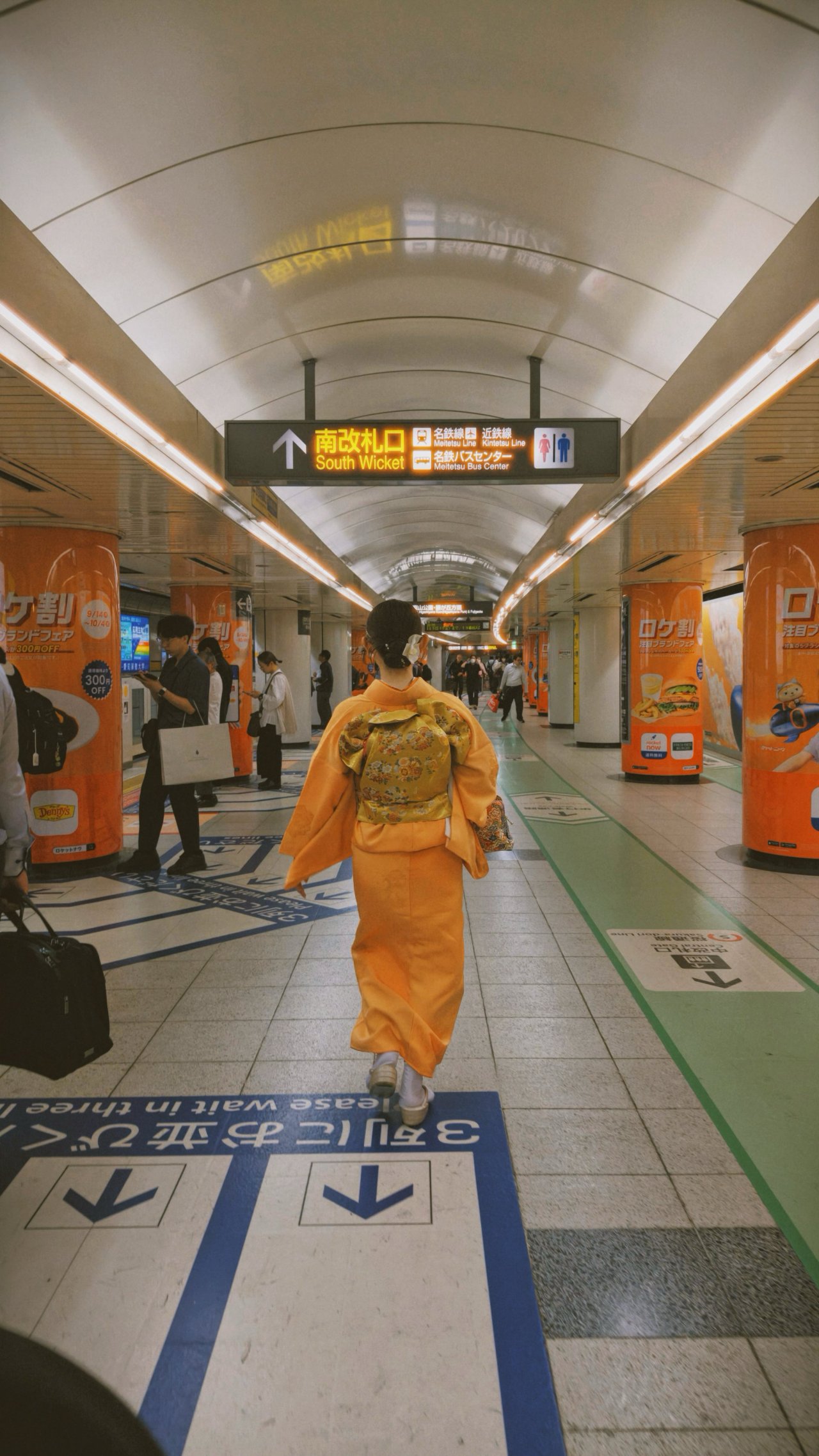




📍 Chubu Centrair






🇯🇵 富士市 / Fuji









🇰🇷 부산 / Busan
📍 Gwangalli



In these Busan beachcapade shots I took where the sunlight is too harsh during the mid-day while shadows were stronger after golden hour, the new main sensor with its LOFIC technology truly helped in preserving each photo’s dynamic range and contrast.






📍 Haeundae










📍 Cheongsapo








📍 Songjeong



📍 Gamcheon

















🚅 Train Outta Busan
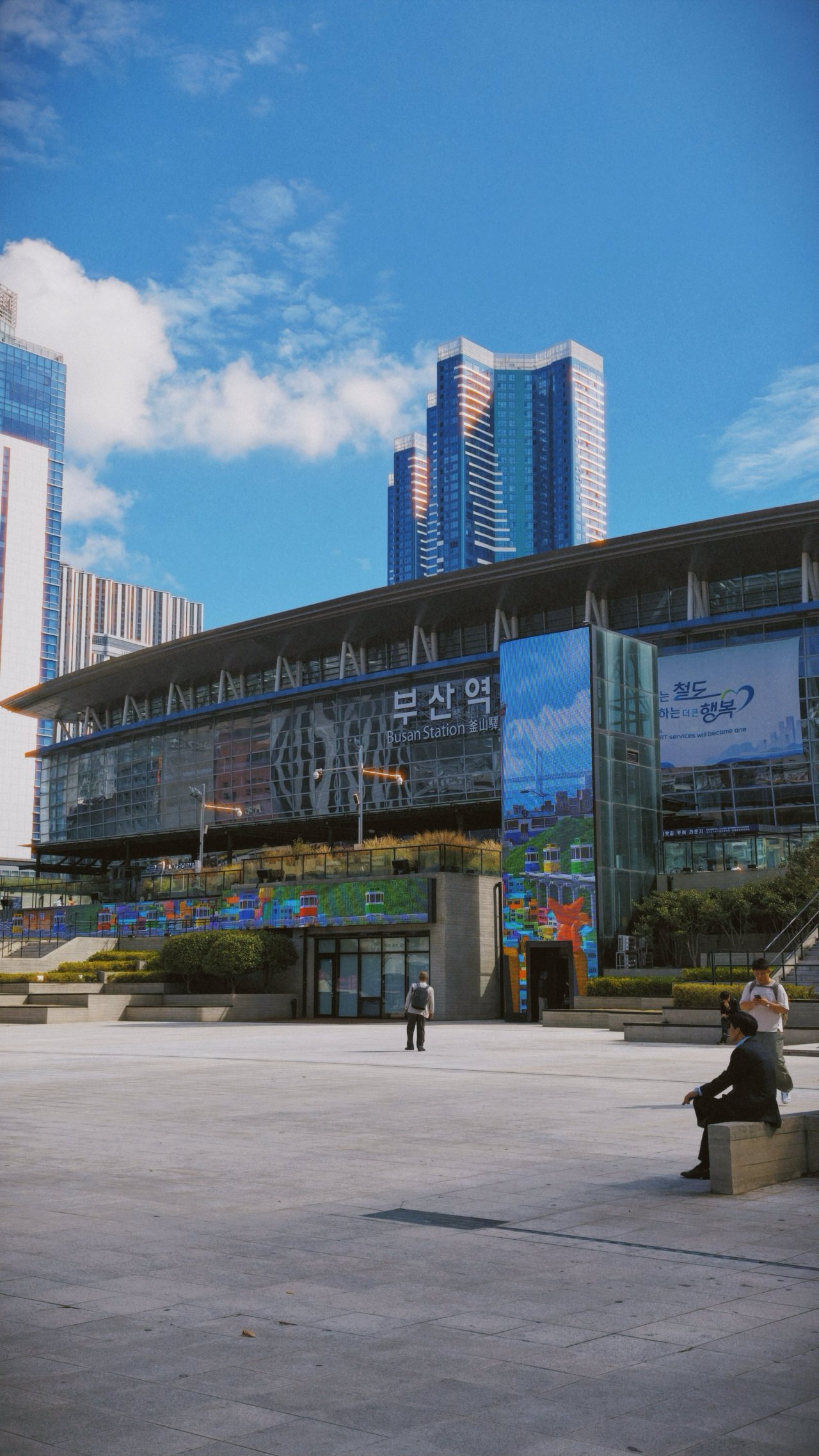


From Japan and Busan’s clean streets to Shinkansen and KTX-Cheongryong’s comfy seats, the X500 Pro Max never slouched a single bit.
🇰🇷 서울 / Seoul
📍 Ikseon-dong
While I stated that I’ve been a full-time user and enjoyer of the rare 35mm main camera of the X300 Ultra, I’ll admit I missed the conventional 24mm focal length for scenes that require a wider perspective.



This focal length became handy-dandy when I tried taking photos of Gamcheon’s steep alleyways and the narrower streets of Ikseon-dong.


📍 Seongsu




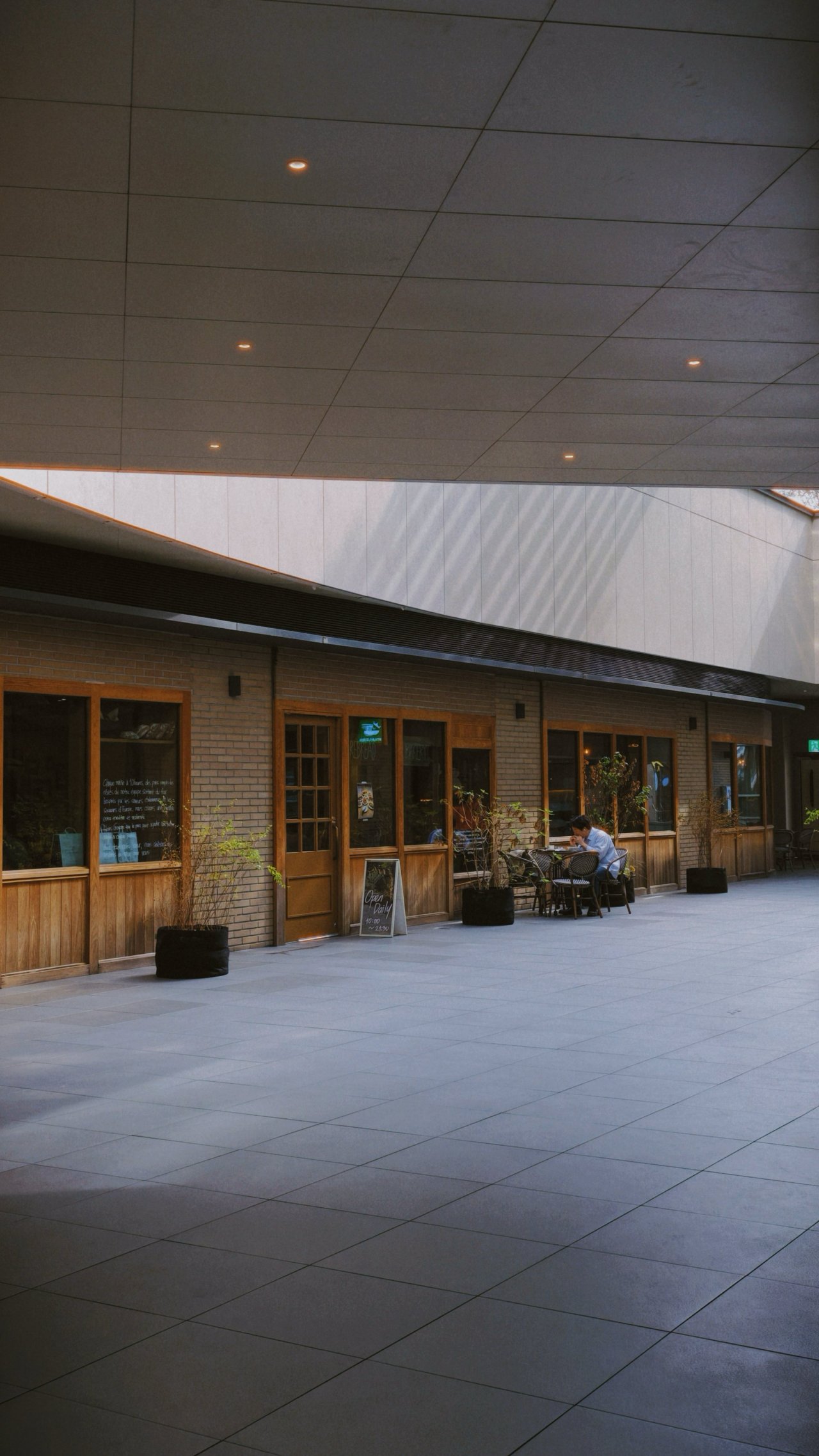
📍 Namsan



However, there were times that X300 Ultra’s ultra-wide shooter makes more sense — especially when trying to capture wider than wide perspectives, especially at night.




That doesn’t mean the X500 Pro Max lacks in the UWA department. It’s just that the X300 Ultra evidently performs better due to its larger sensor.
If you’re the type who shoots group photos, expansive landscapes, and even building interiors or façades, this is a dealbreaker.
🌊 Hangang (Han River)
📍 Jamwon




📍 Ichon








📍 Banpo





🌃 More night sights
📍 Cheonggyecheon



📍 Myeongdong, Gyeongdong, Itaewon




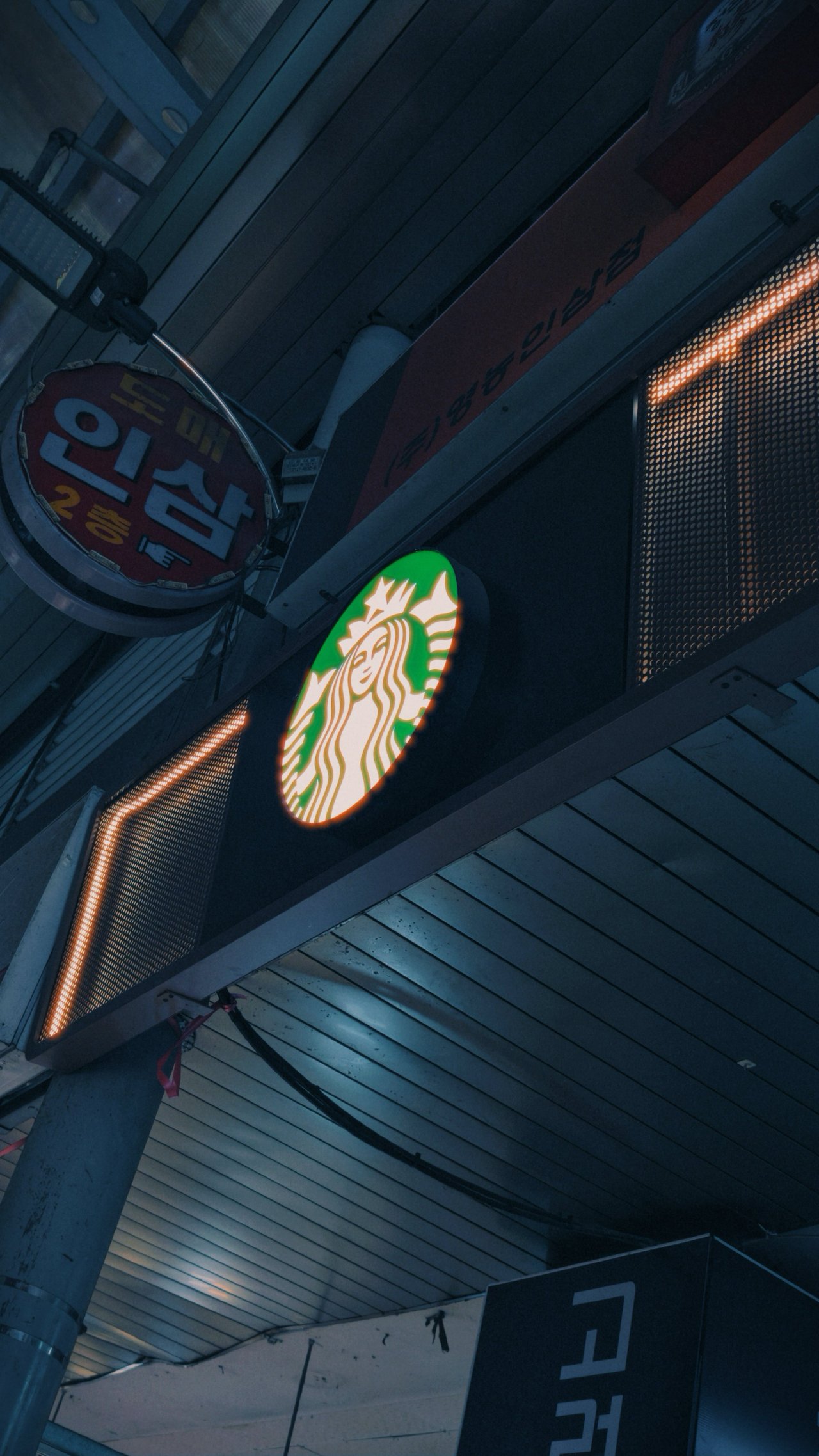
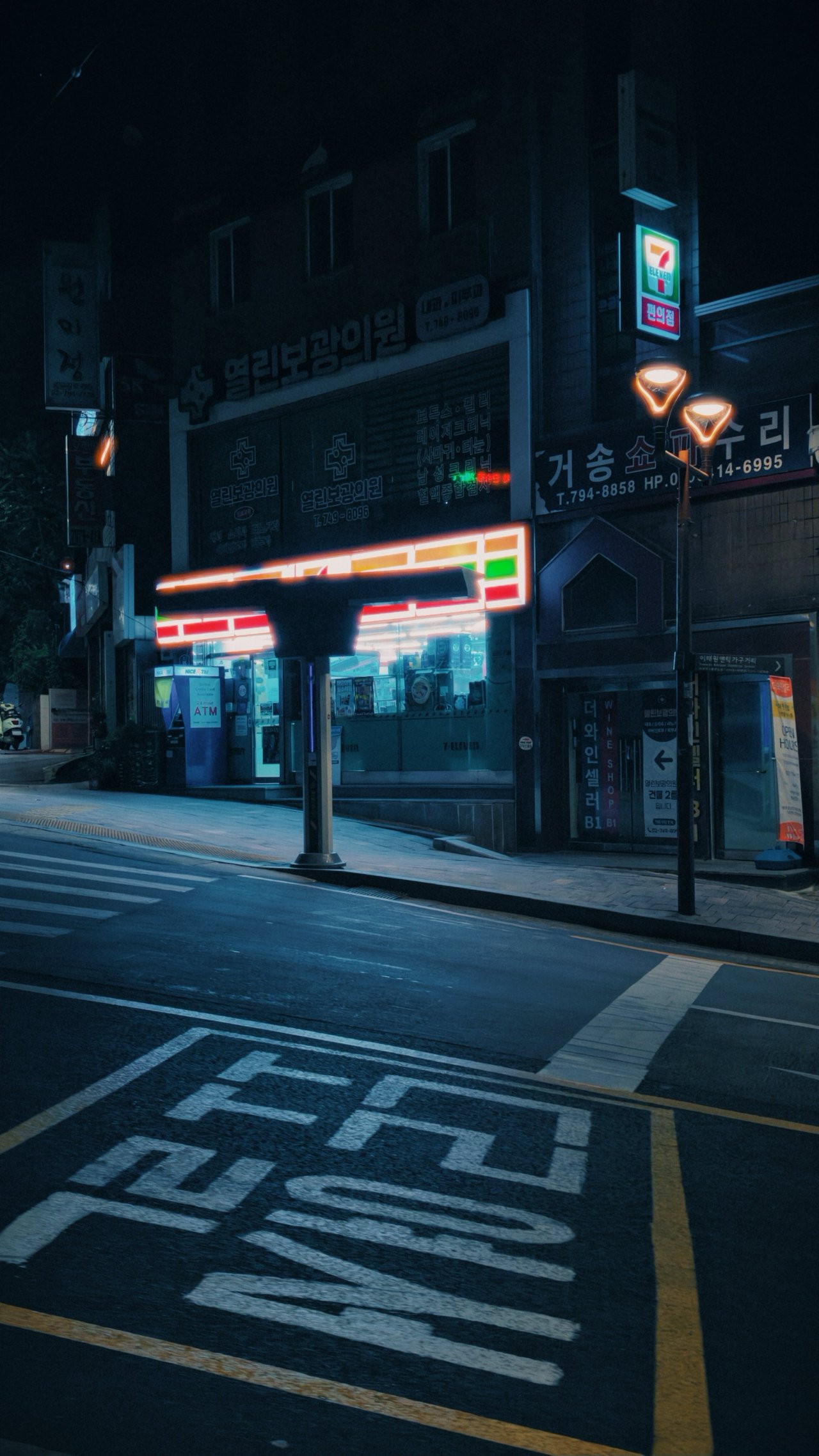







📸 X-tras
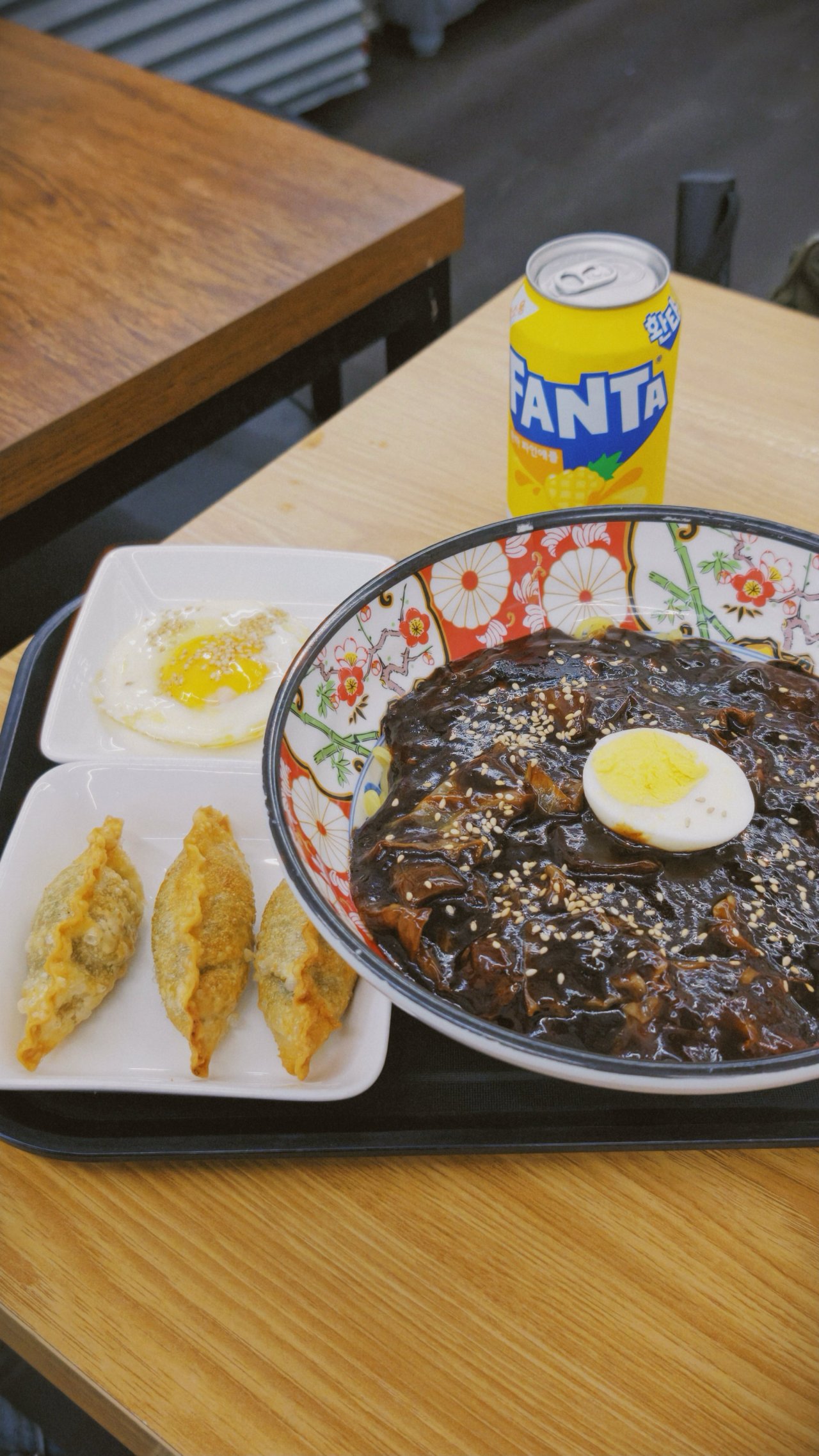
🍜🍡 Delight in every bite







🌺🐰 Fauna and flora



** Samples below until the concert segment were captured only with vivo’s built-in BlueImage presets (Vivid, Refined)









Little to teach for a far more reach
I finally got to try vivo’s special Photography Kit I’ve been dreaming of ever since its debut with the China-exclusive X200 Ultra.
Assembling one is noob-friendly. Once you figure out how the twists and locks work, it will be an easy-peasy process every time you want to use it.

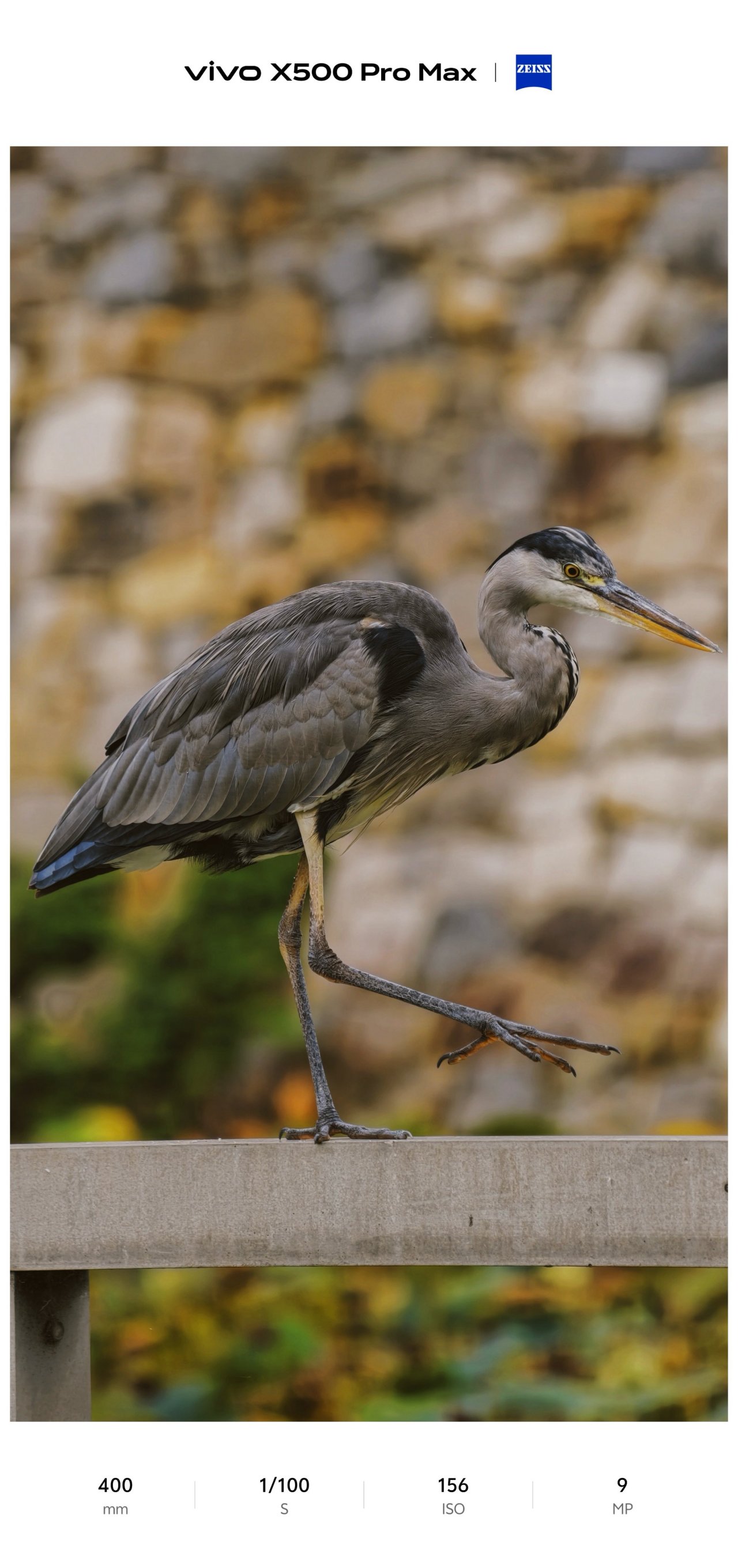
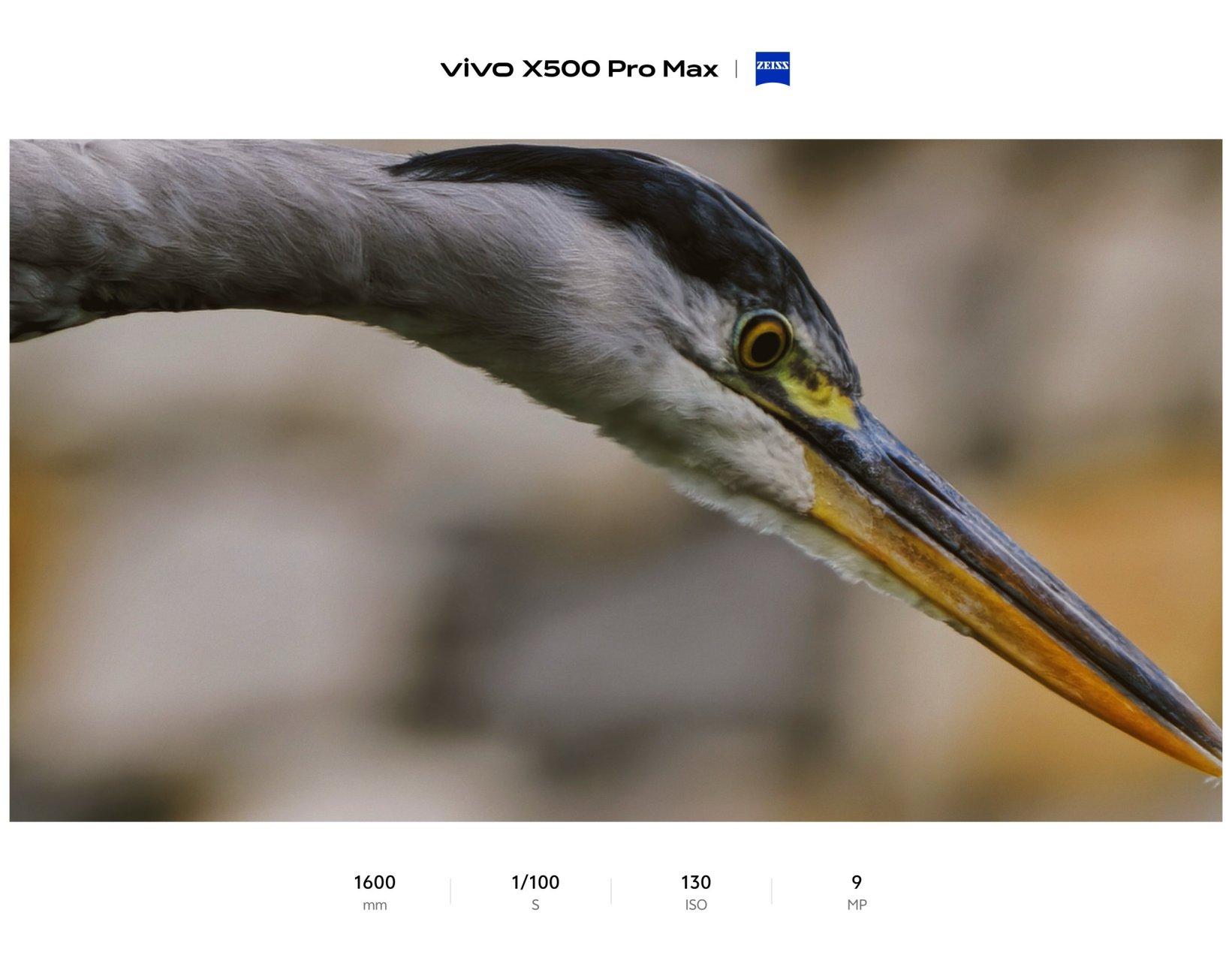
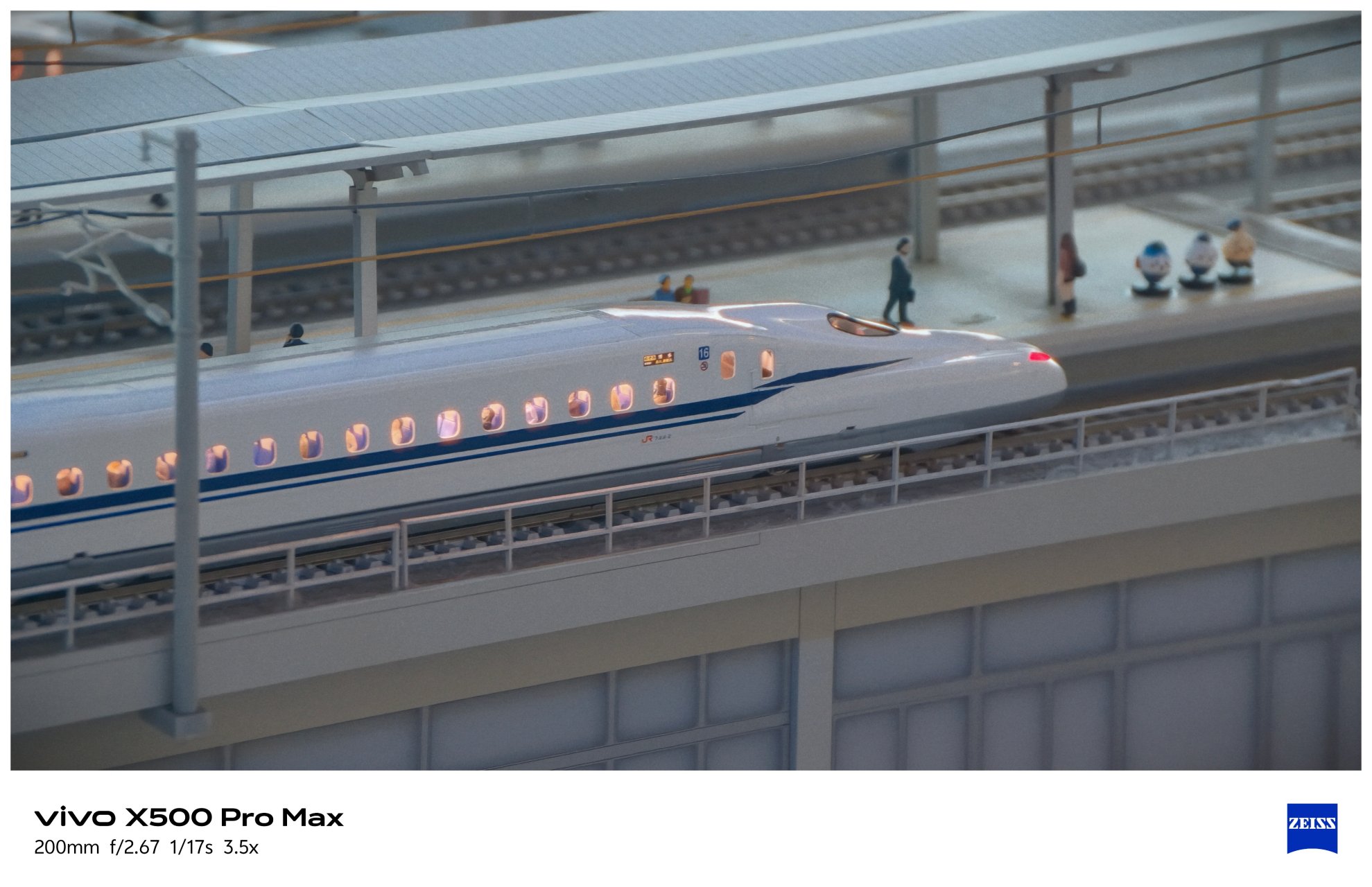
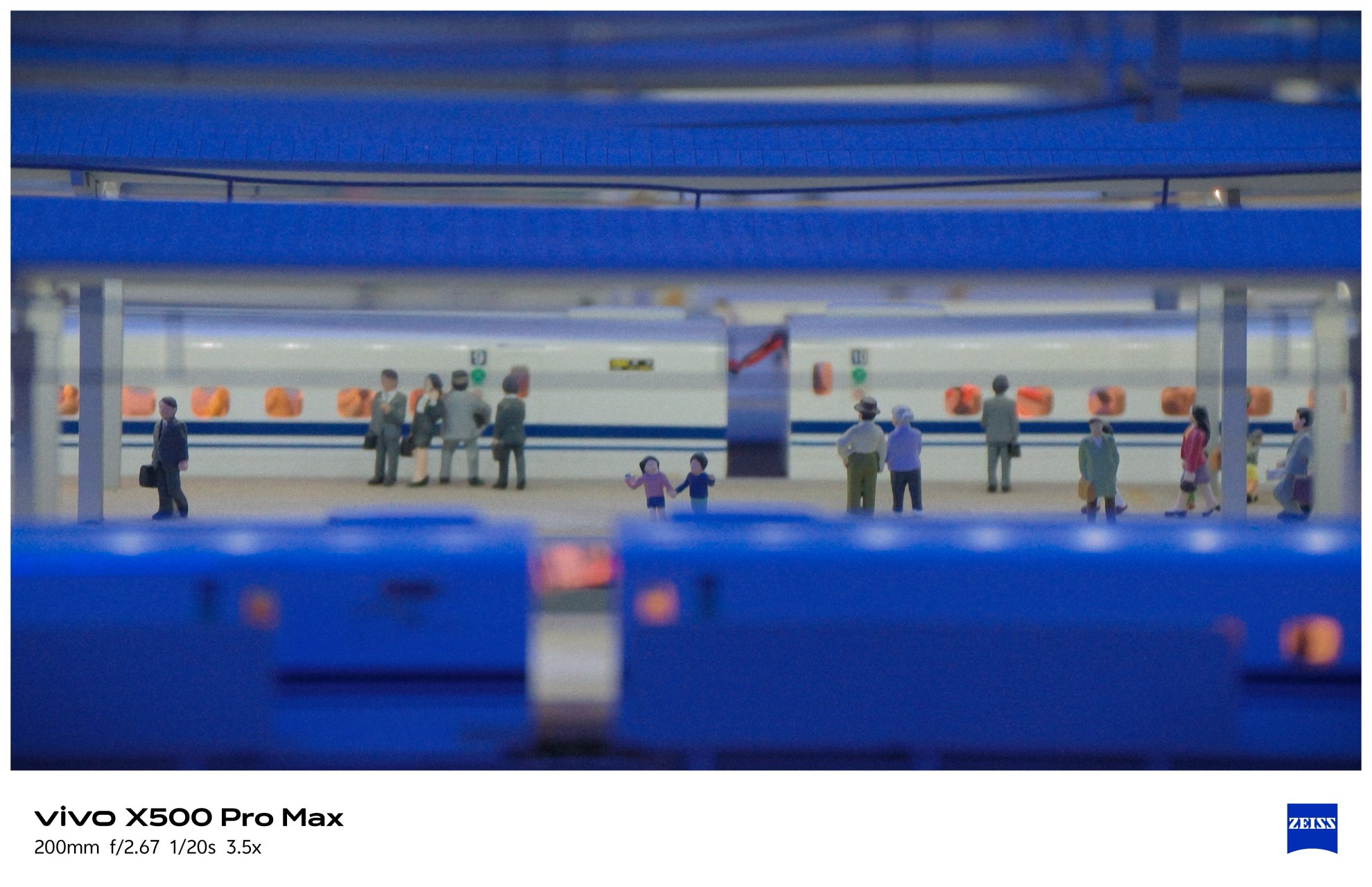
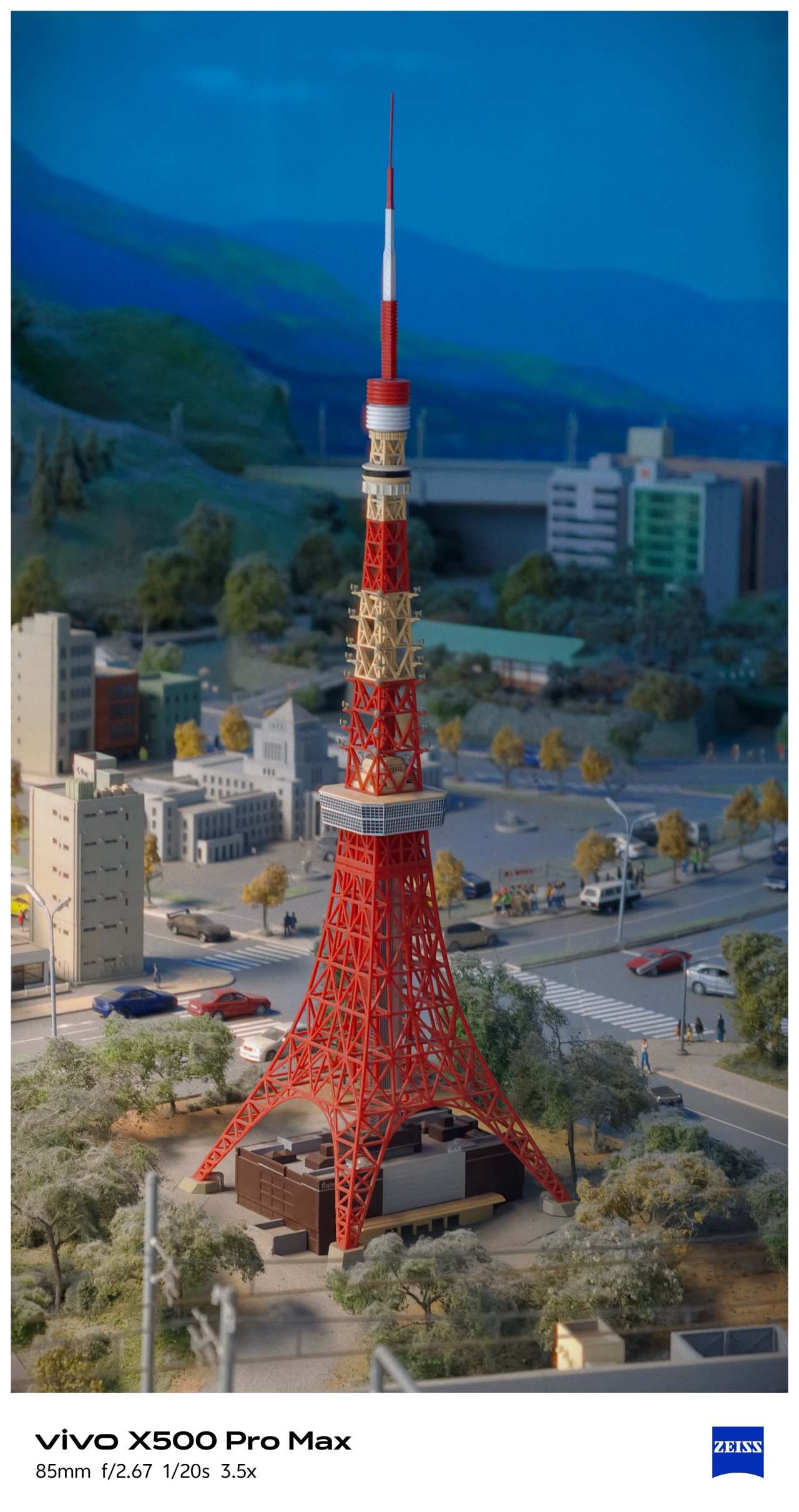
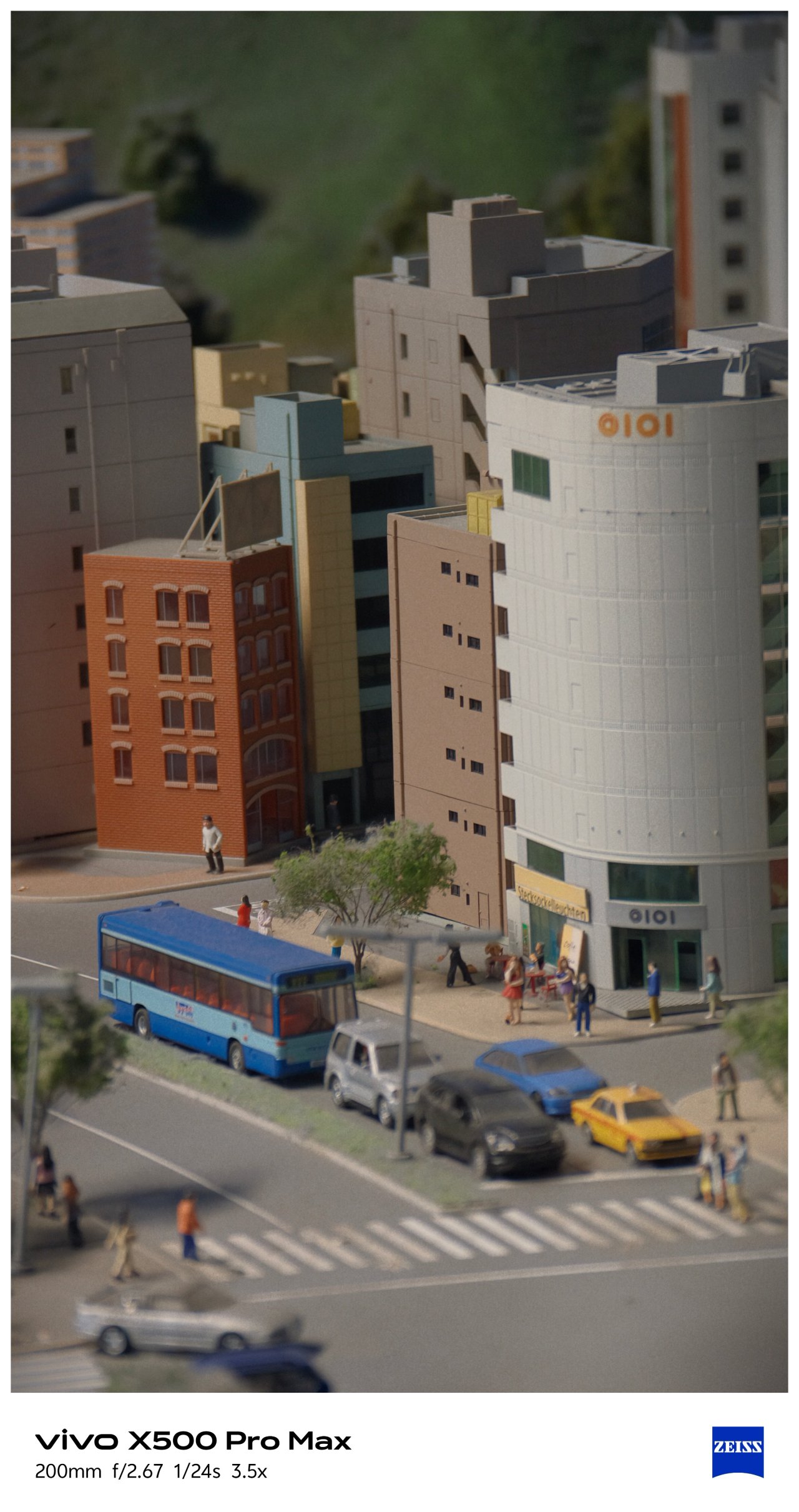
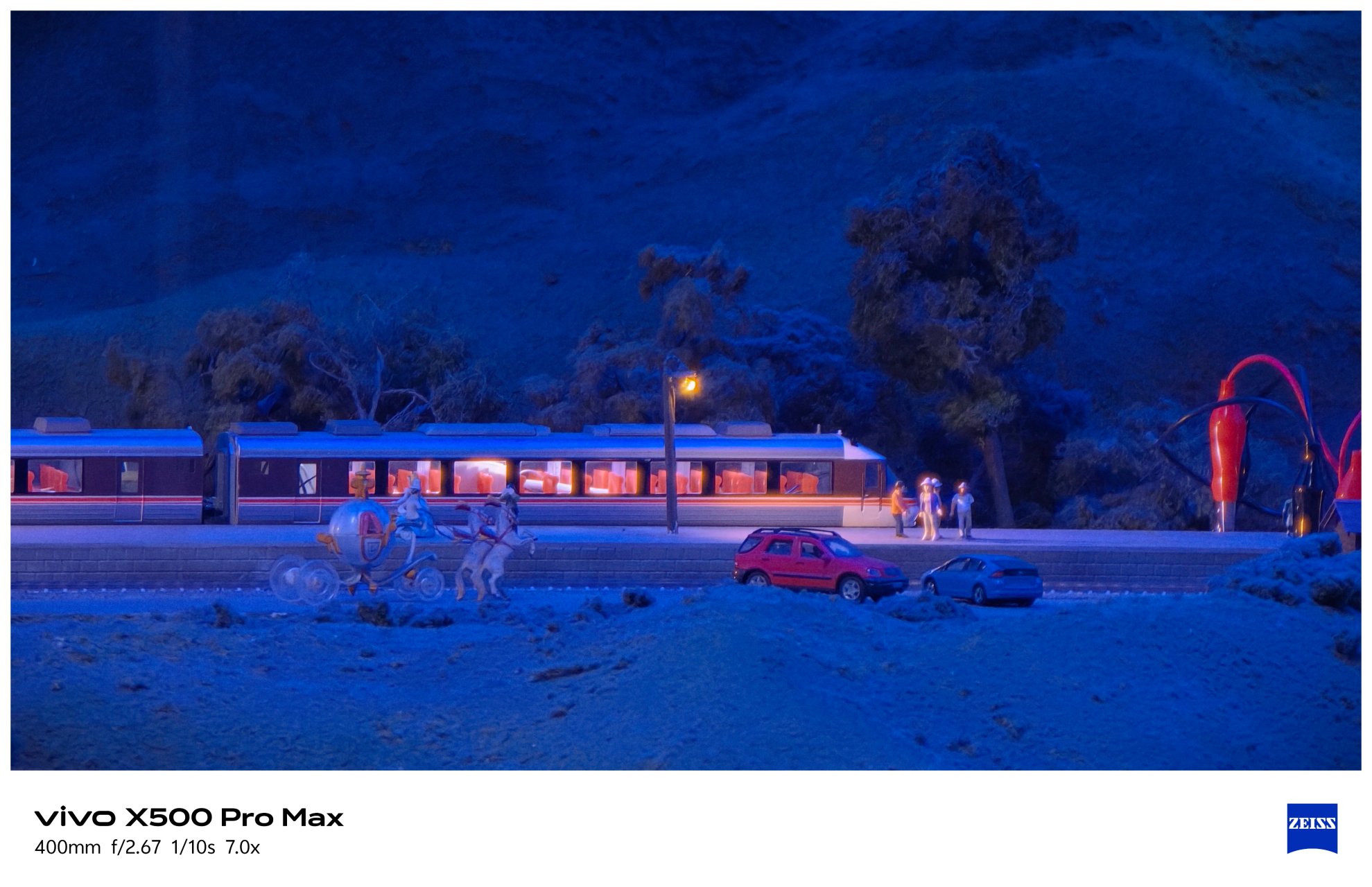
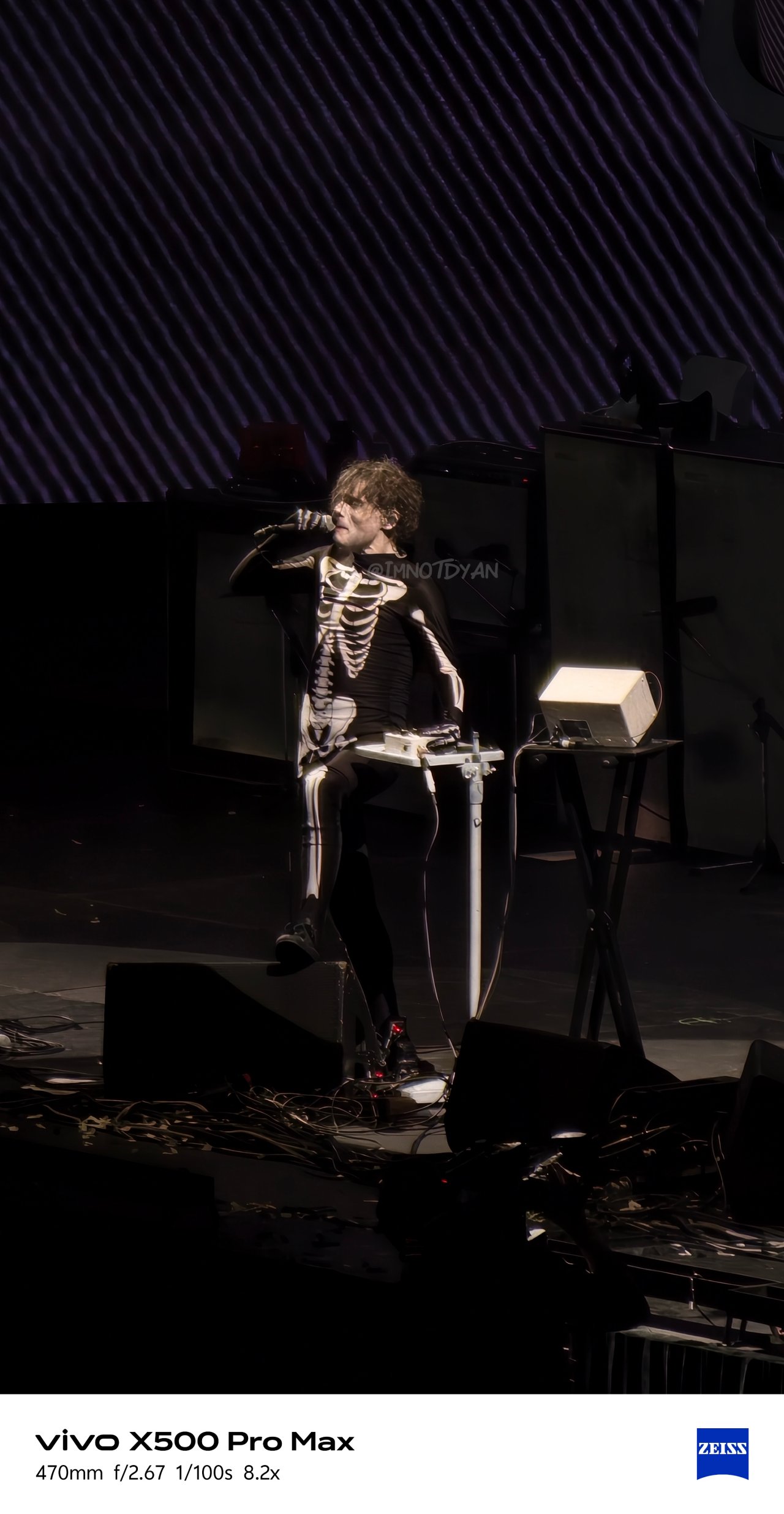
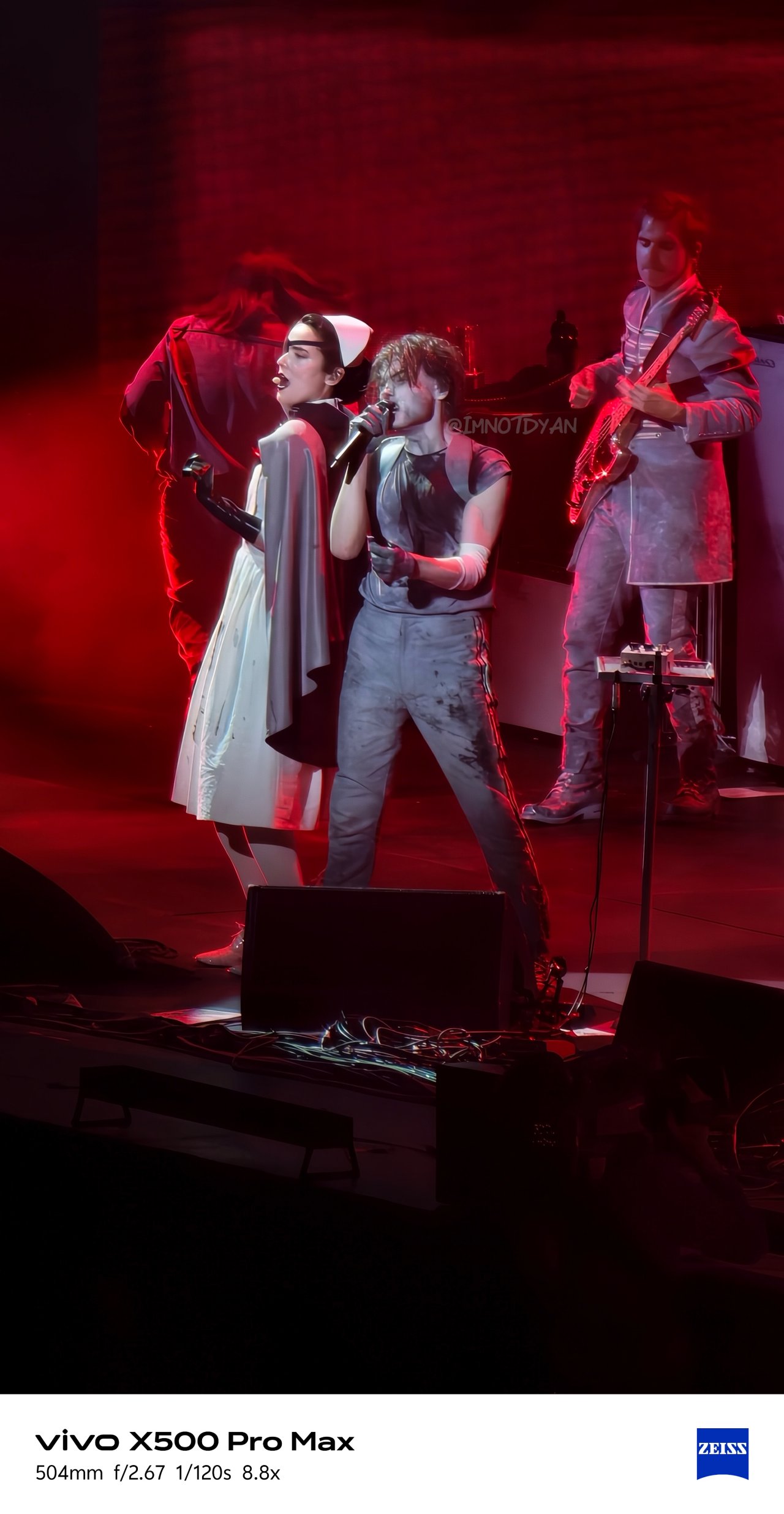
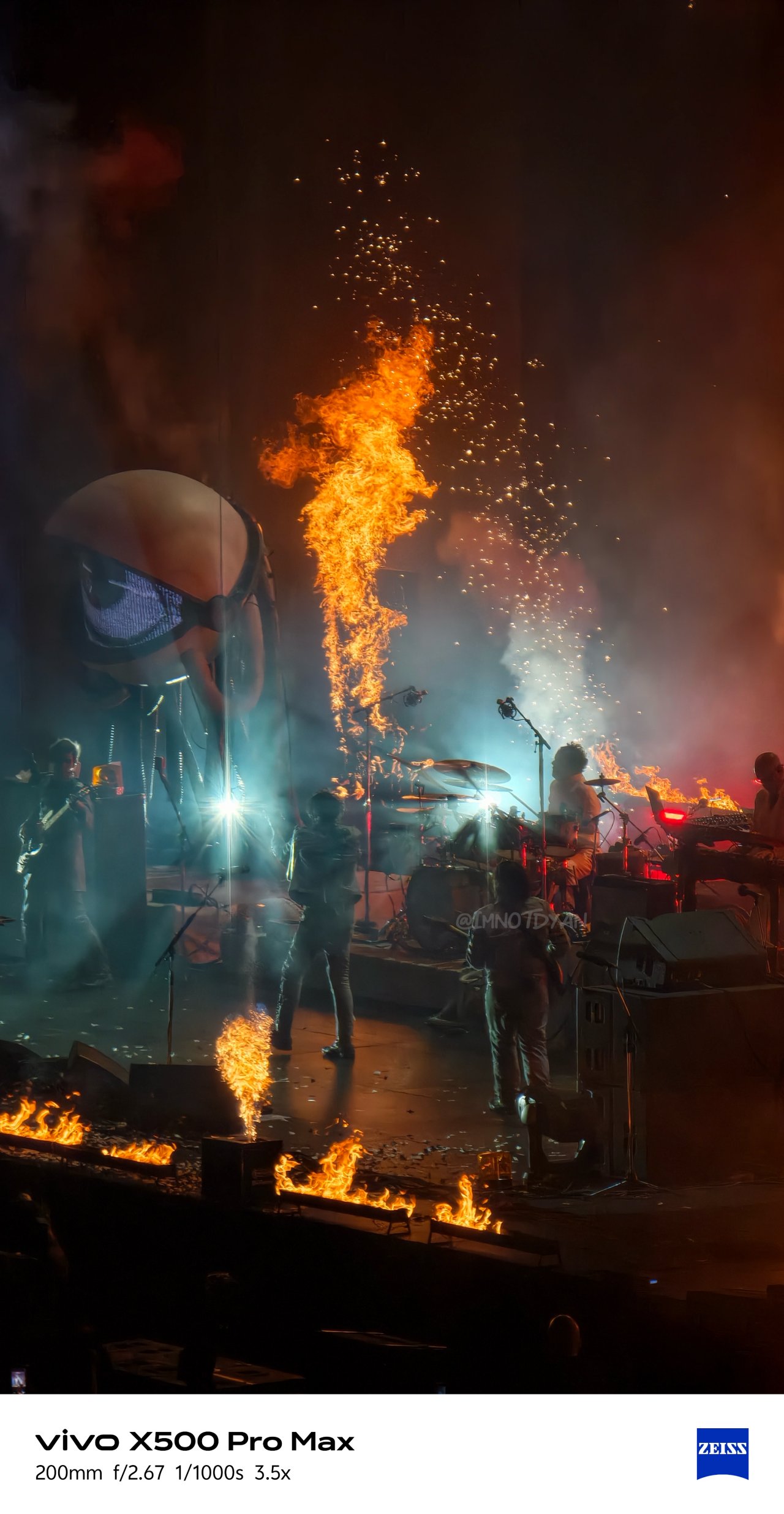
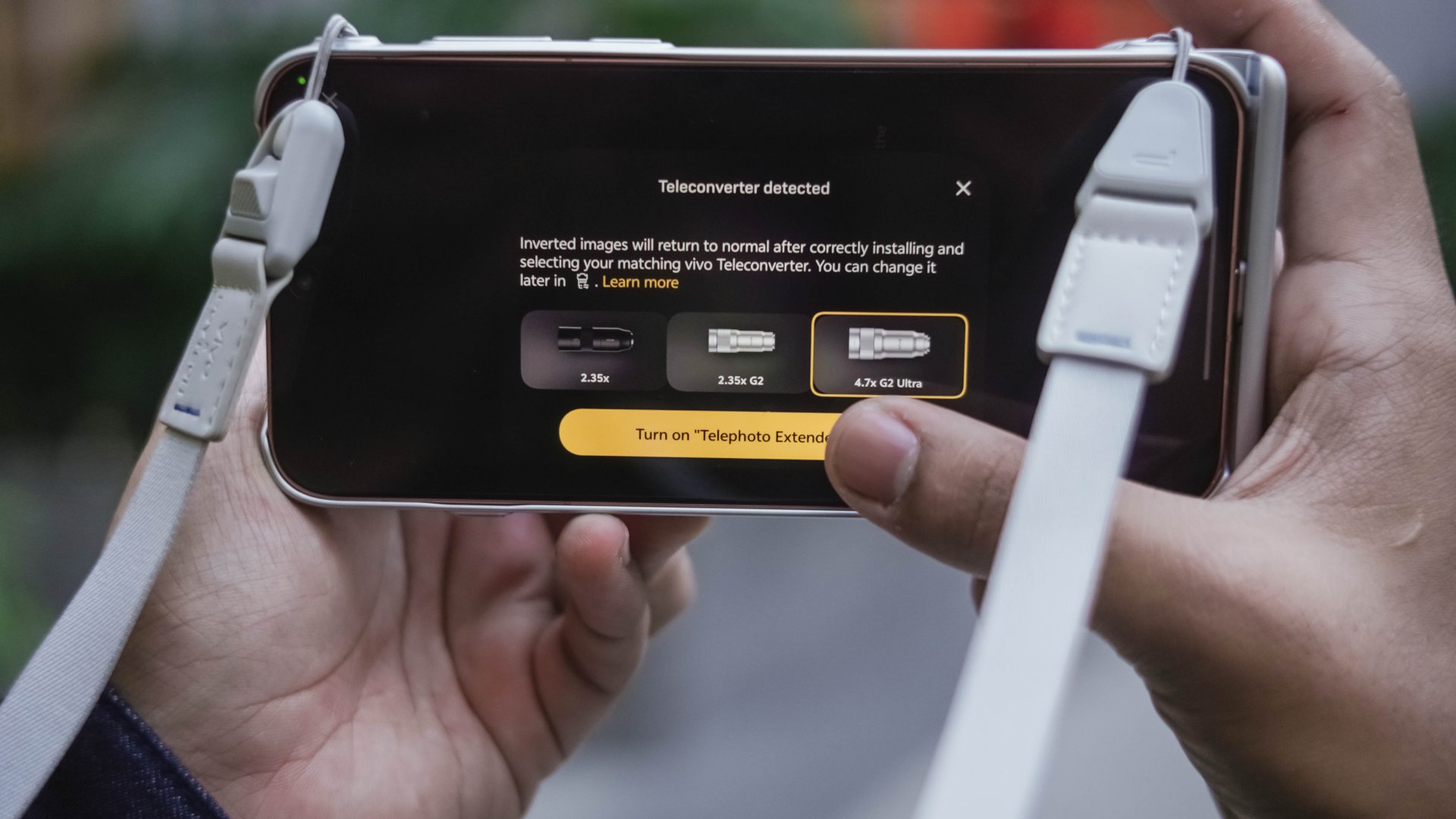
Although the vivo G2 and G2 Ultra teleconverter lenses aren’t new to the lineup, they remain excellent companions to the X500 Pro Max, further extending its already impressive optical zoom.
Both lenses allowed me to capture distant subjects with greater reach and detail across these shooting scenarios:
🕊️ Unintentional bird-watching / Nagoya-jo


🚅 Diorama drama / SCMagLev and Railway Park


🖤💀🪦 MCR – My Chemical Romance / PH Stop


On the other hand, that battery grip made shooting more ergonomic and faster when attaching with either of the two lenses (which are honestly hefty).
Now, is this the most practical setup for everyone? Probably not.
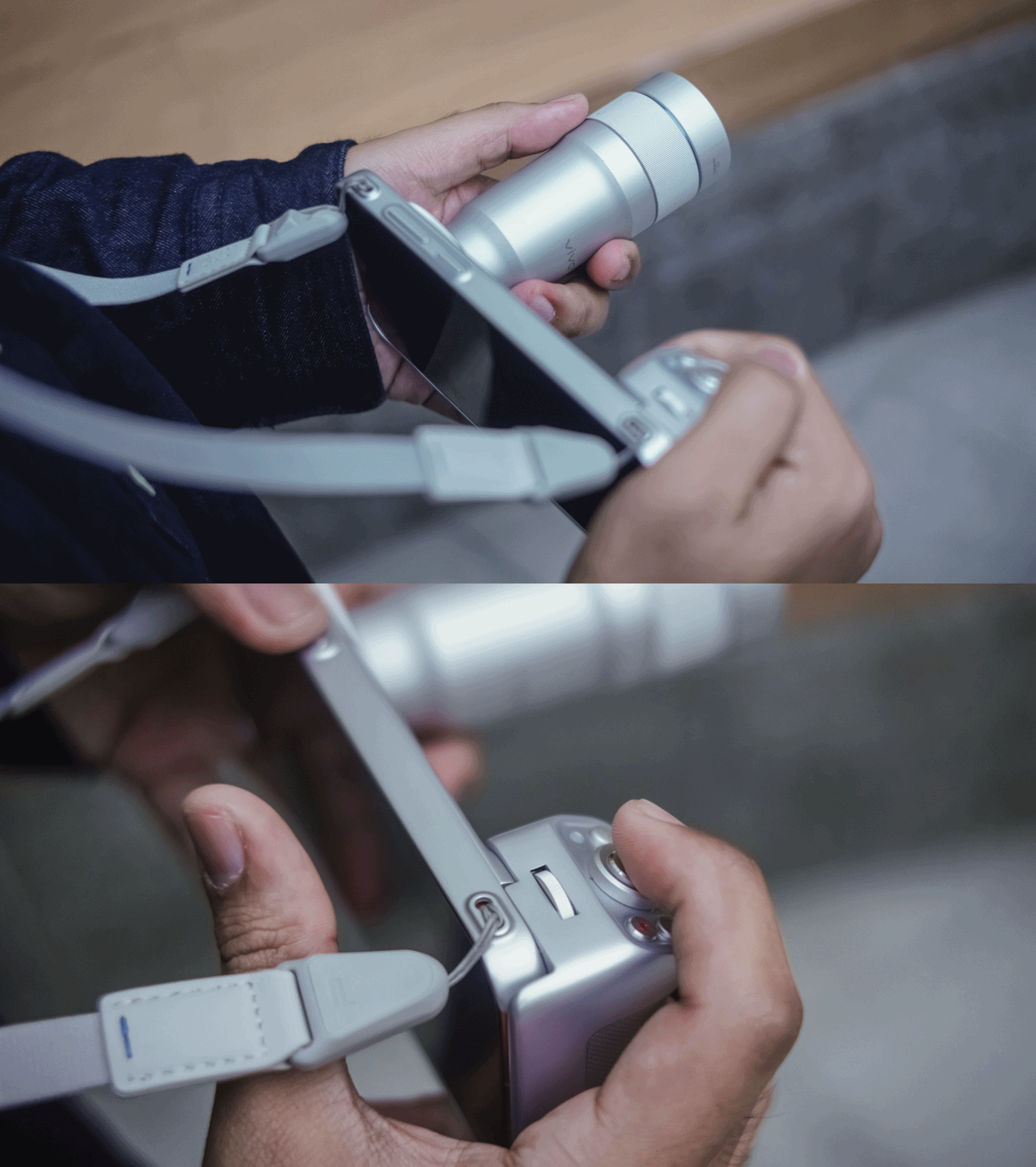
For us who enjoy experimenting with intricate settings, different focal lengths, playing with colors, and capturing subjects from afar, buying the full photography kit is a no-brainer. But for casual photographers? The phone alone is more than enough.

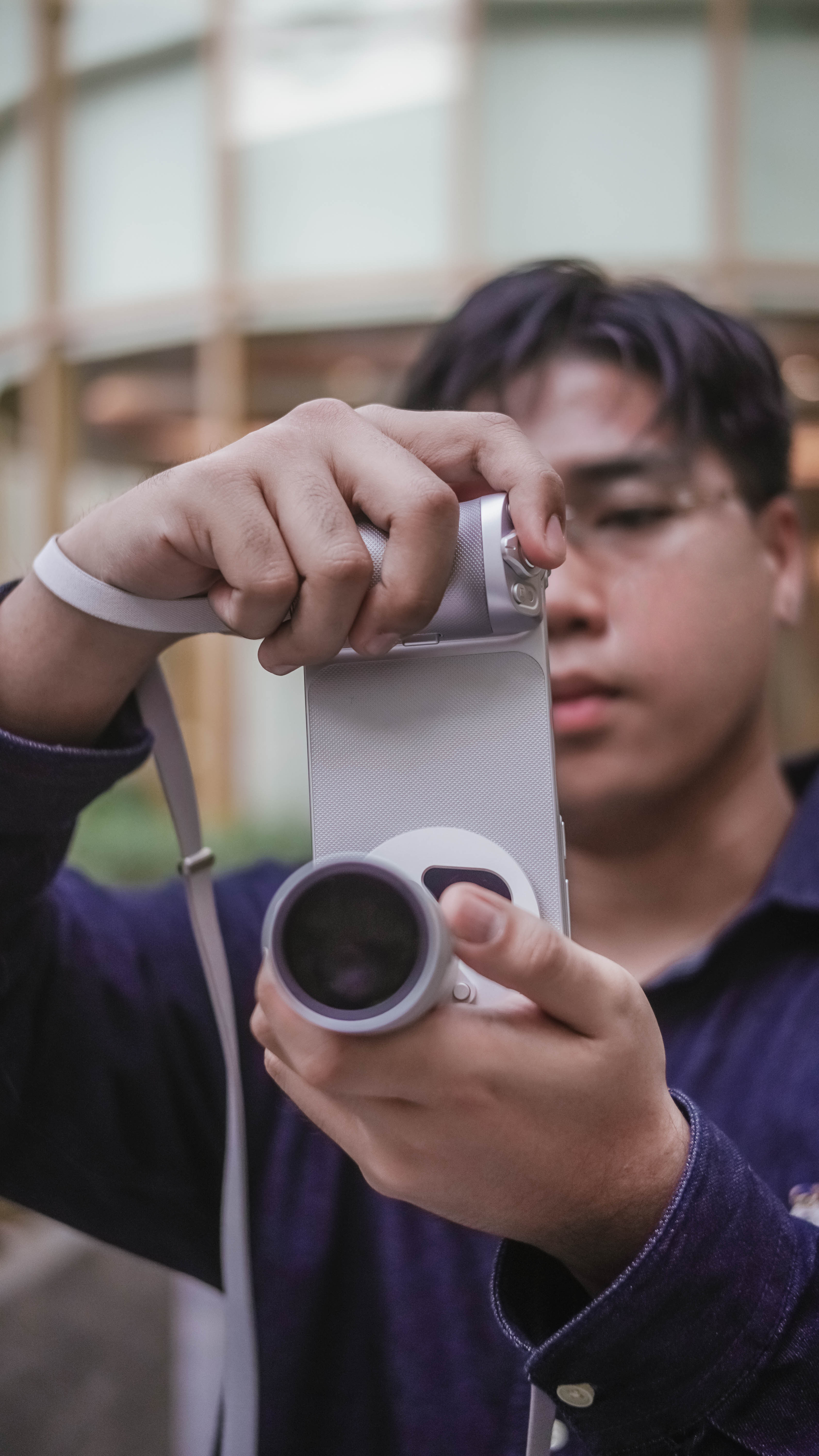

But how is this setup any different from the X300 Ultra? Well, let’s move on to these two more accessories I’ll mention.
ICYMI, I celebrated my birthday alone in a far away land for the first time in forever. That meant the vivo X500 Pro Max was my only shooting companion.

vivo’s new magnetic wireless monitor was something I never thought would be my travel companion.
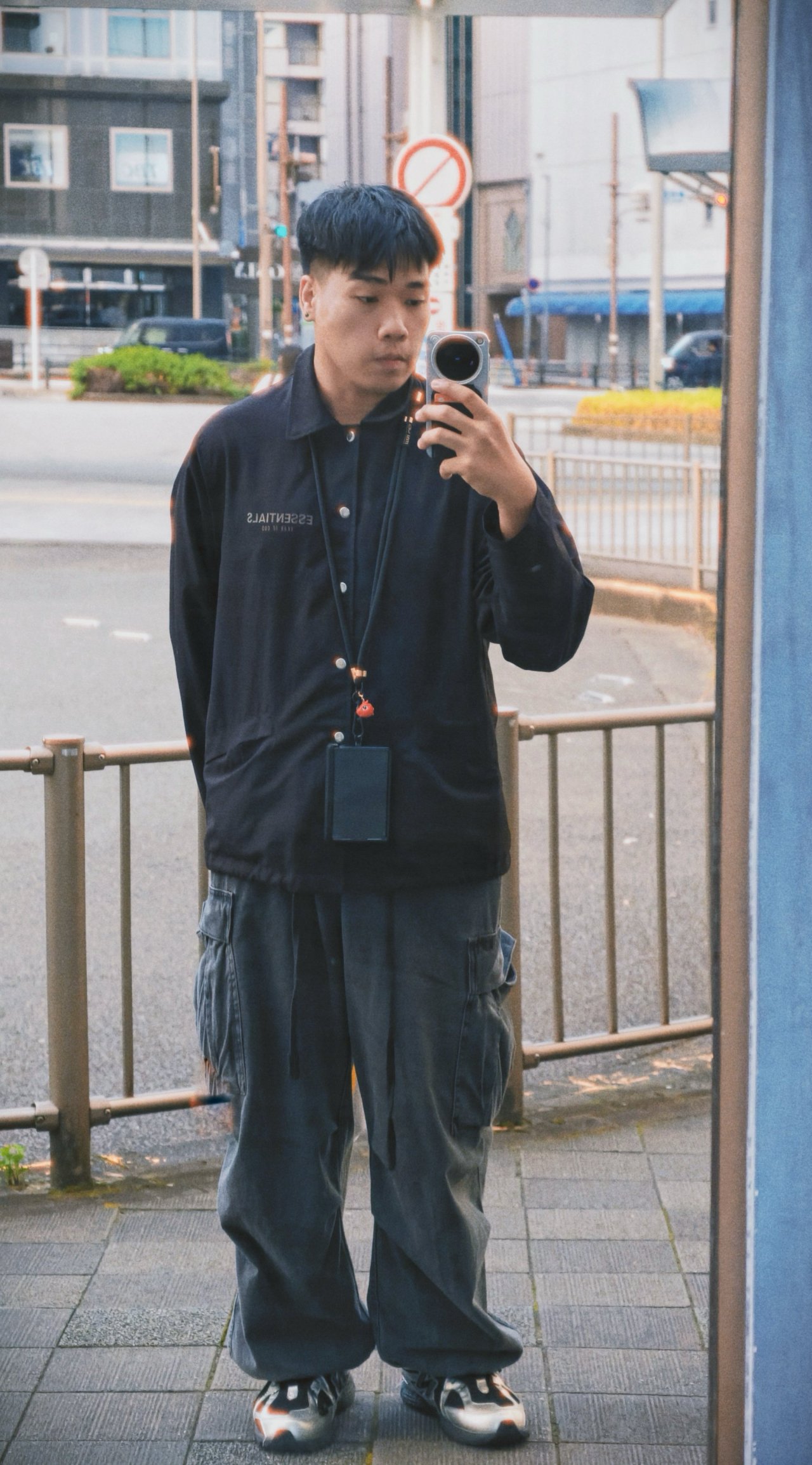





It’s a true blessing for any solo traveler slash introvert (like yours truly) who never asks a stranger for a travel portrait memento.
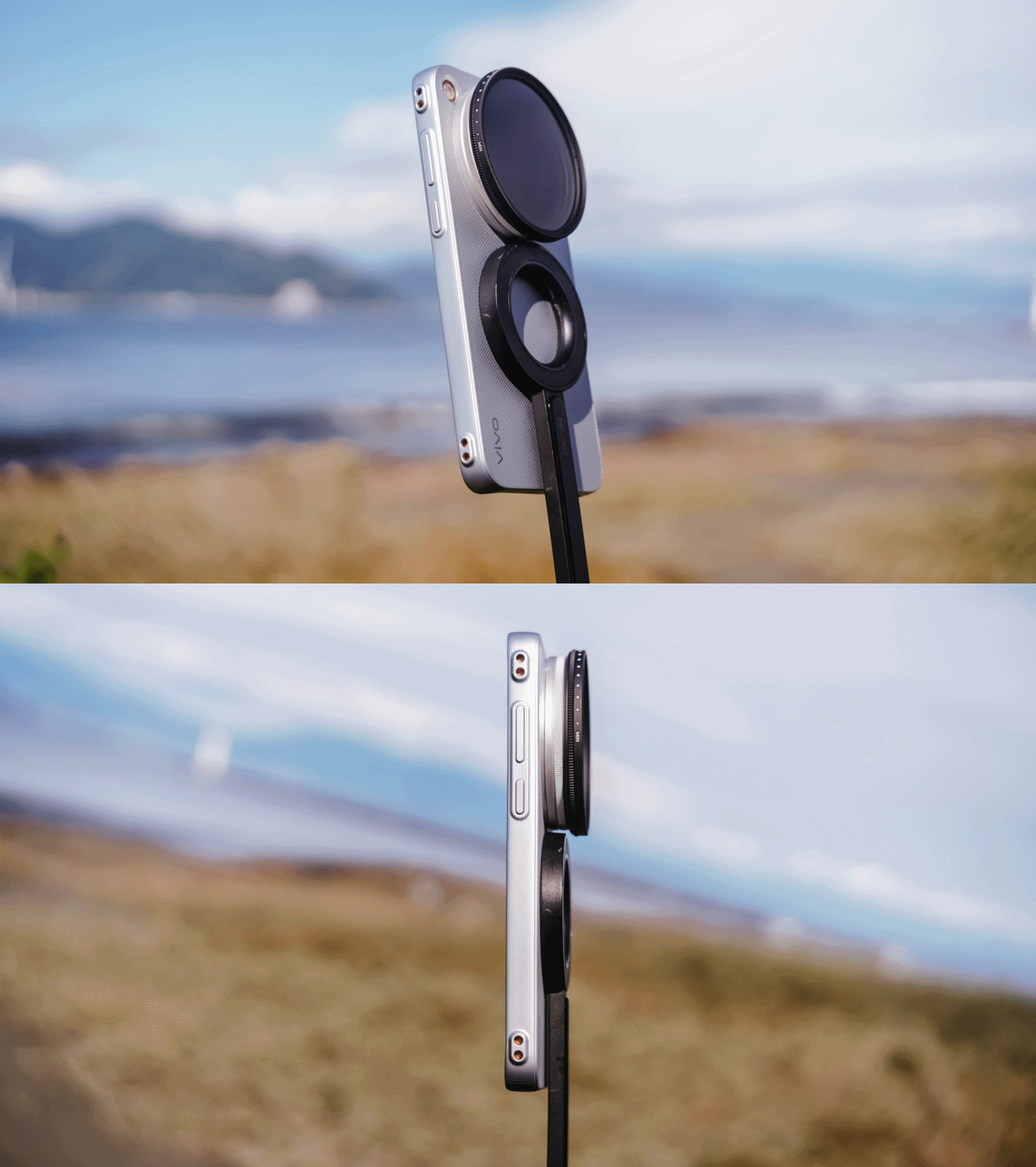
The newer magnetic case also helps bring the experience together, making the monitor setup more convenient to use.
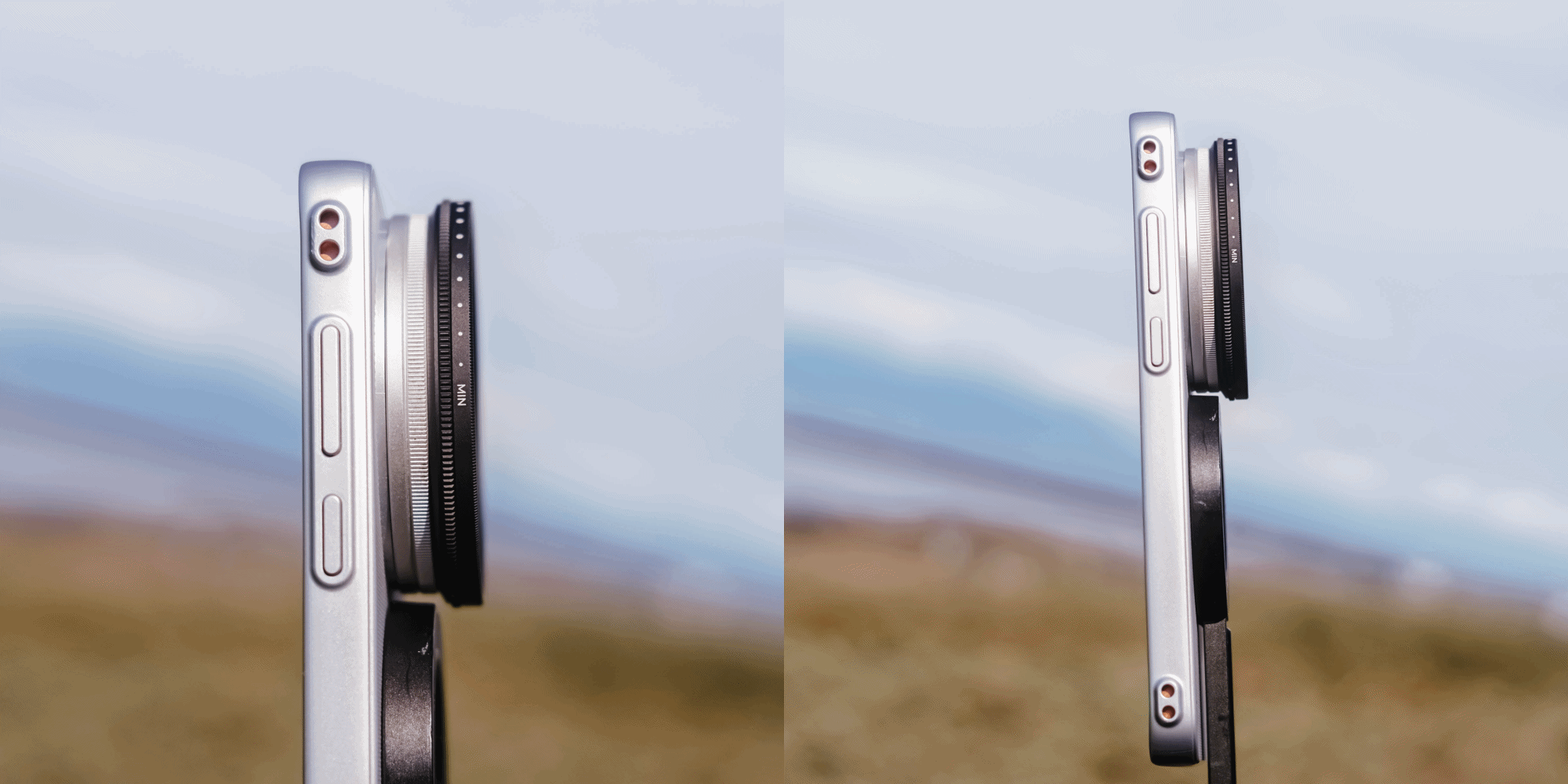
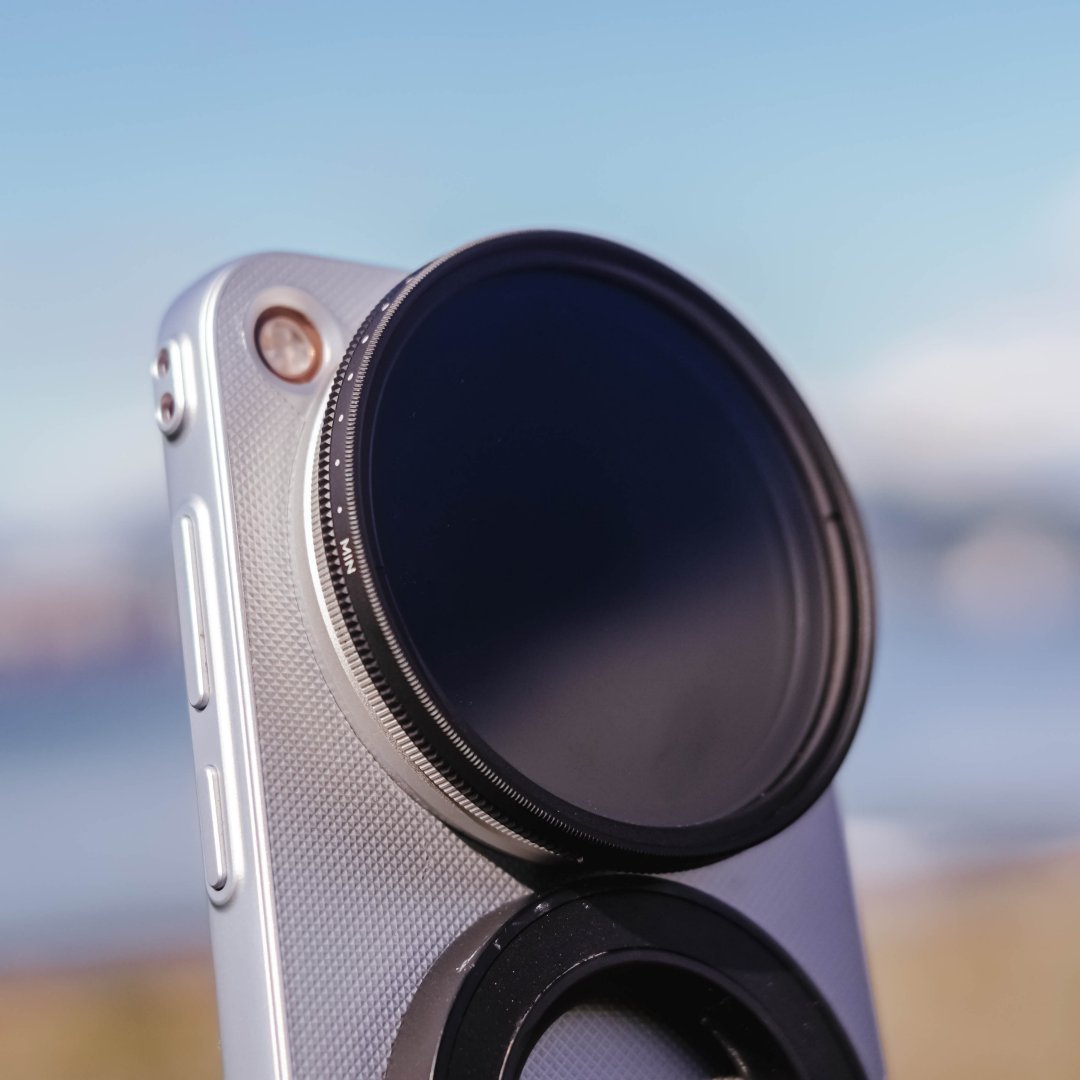
vivo also included a separate filter thread aside from the special lens mount. It serves its purpose as my 67mm variable ND filter attached seamlessly.
For me, these truly MAX out the vivo X500 Pro Max-perience.

Even if the camera bump was placed slightly higher, it still won’t make MagSafe accessories fit properly. You’ll only get it on the X300 FE or base X500 Pro with its smaller camera island (or plateau).
Slo-mo glory with a shaky story
The vivo X500 Pro Max is the first ever smartphone that can record footages in extreme 4K / 240fps.
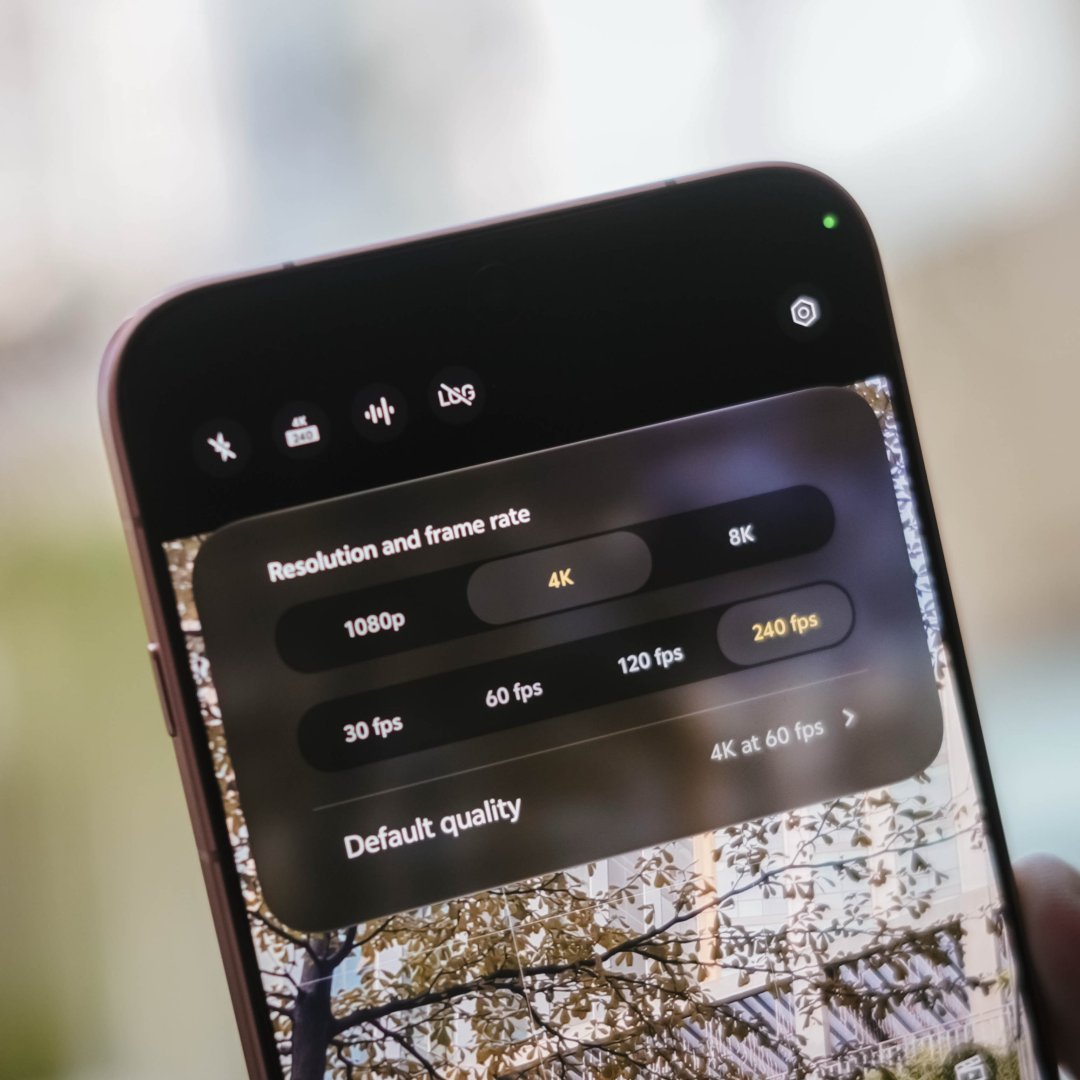

For someone who shoots in 60/120fps a lot, hearing this feature wowed me at first. Until I finally used the feature one fine day in Japan.
First, this capability is only limited to 1x shooting. No ultra-wide support. No telephoto slo-mo clips as well.
That also meant attaching the teleconverter kit lenses will lower it down to 120fps shooting.
But that isn’t my major concern. Rather, the lack of video stabilization.
That means you can’t simply point the phone at any moving subject, walk around, and expect smooth results.
I tried shooting as firm as I can without any panning or movement. I even attached it to a MagSafe tripod but it didn’t help much.
Even having several software updates, it still performed the same way. The only solution? Drag it to your laptop or PC and do post-edits.
In my case, Apple’s Final Cut Pro works best in this over Adobe Premiere Pro’s warpy and janky post-stabilization performance.
Hopefully, the next vivo flagship brings this fresh feature along a stabilization support across all lenses.
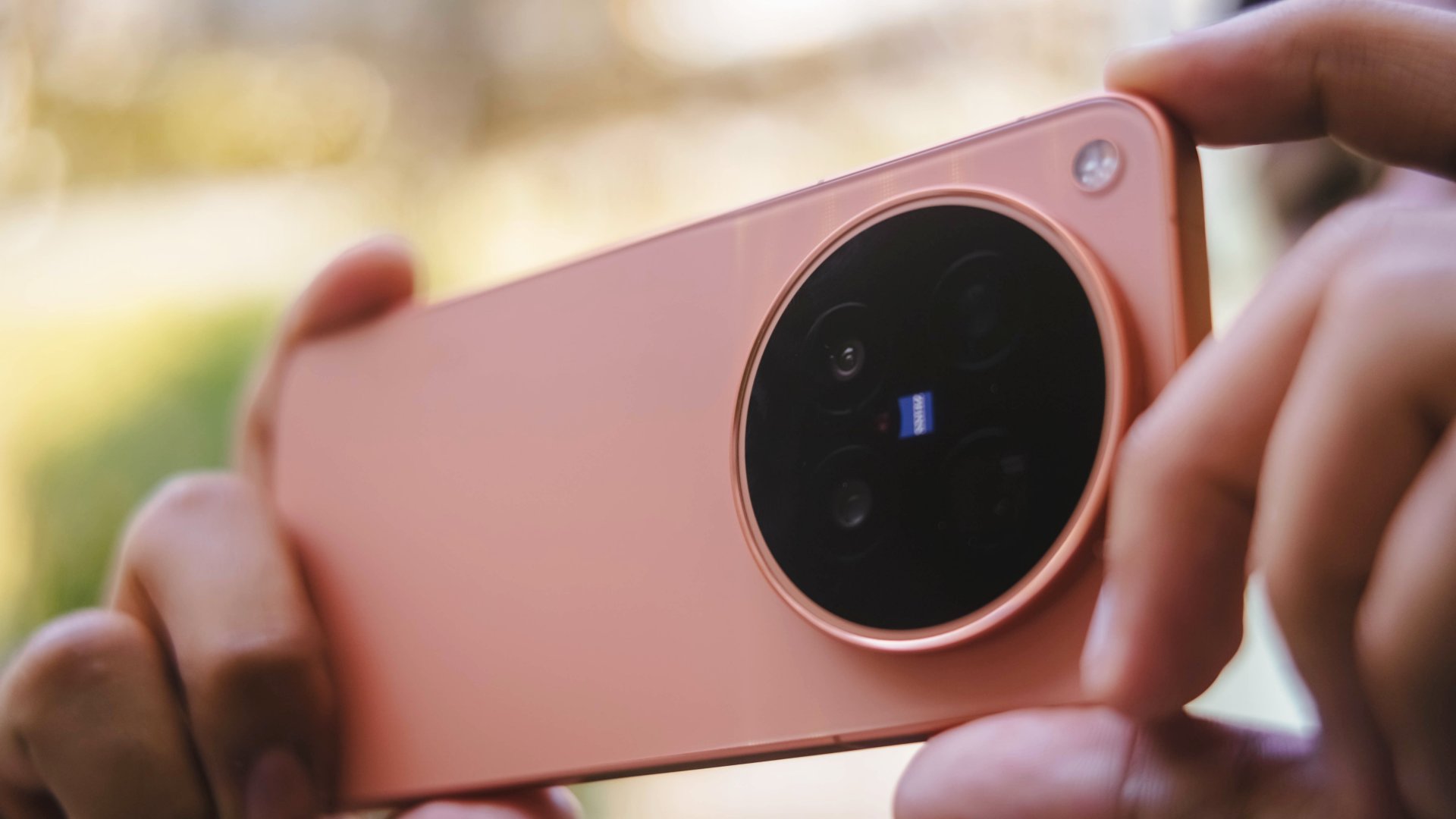
While this sounds like a heavy disappointment, it’s still worthy to note that X300 Ultra exclusives were also brought to the X500 Pro Max. Those include Pro Video Mode and LOG recording, as well as the film-focused Film Style mode, or even formulate your own color recipes with the Color Palette functionality.
Display delight, day or night
Consuming content is another way to appreciate the phone beyond its photography and camera capabilities.
Coincidental or not, the premiere of Doctor X: Mafia in White on Netflix happened during the second week of my review period.
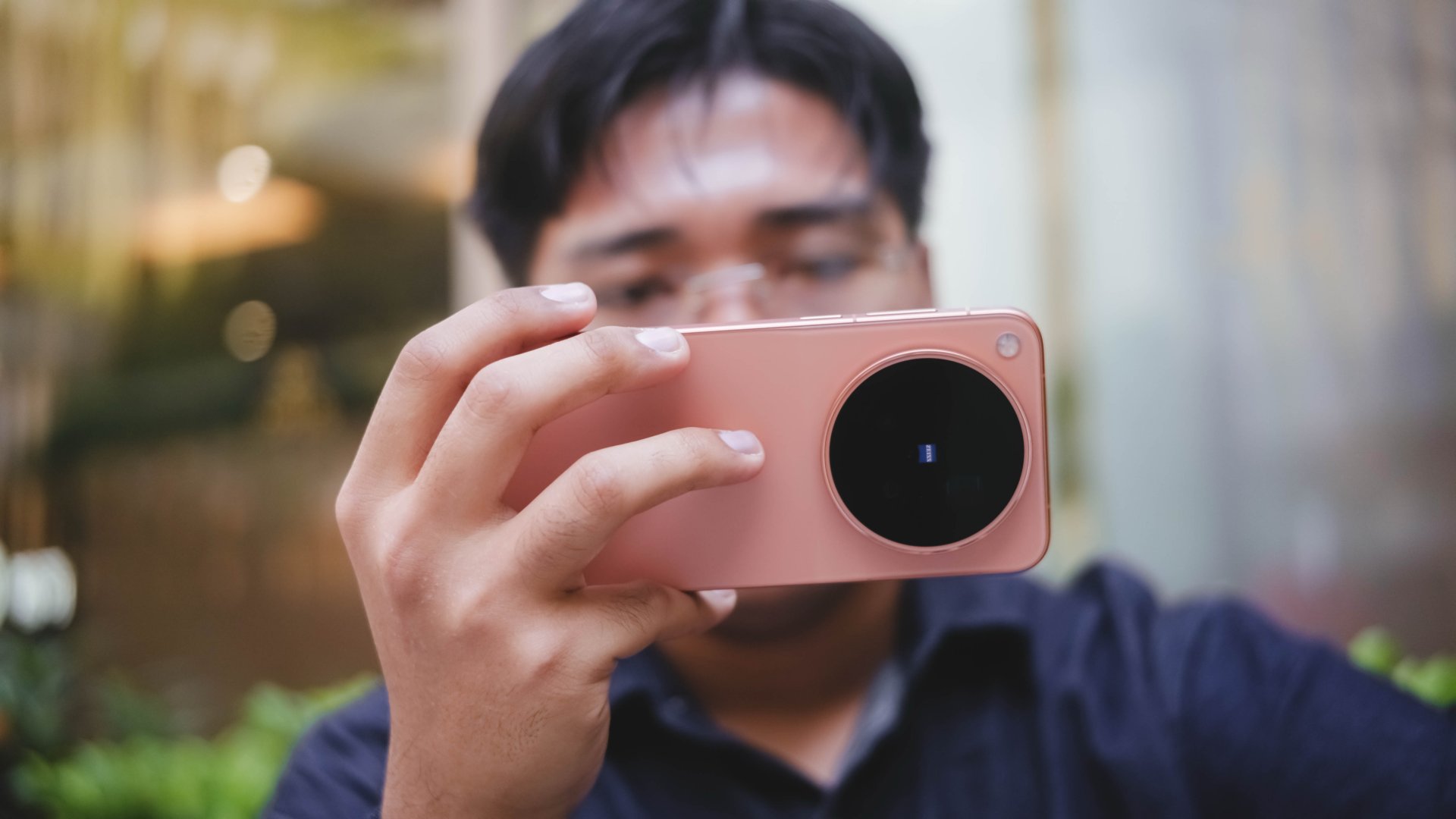
Comparable to Kim Ji-won’s blank-faced character, it’s the same with X500 Pro Max’s display. You’ll never know what that blank screen offers.
Diving deeper meant realizing that it’s one of the purest displays — just like Doctor X’s pure heart and soul.
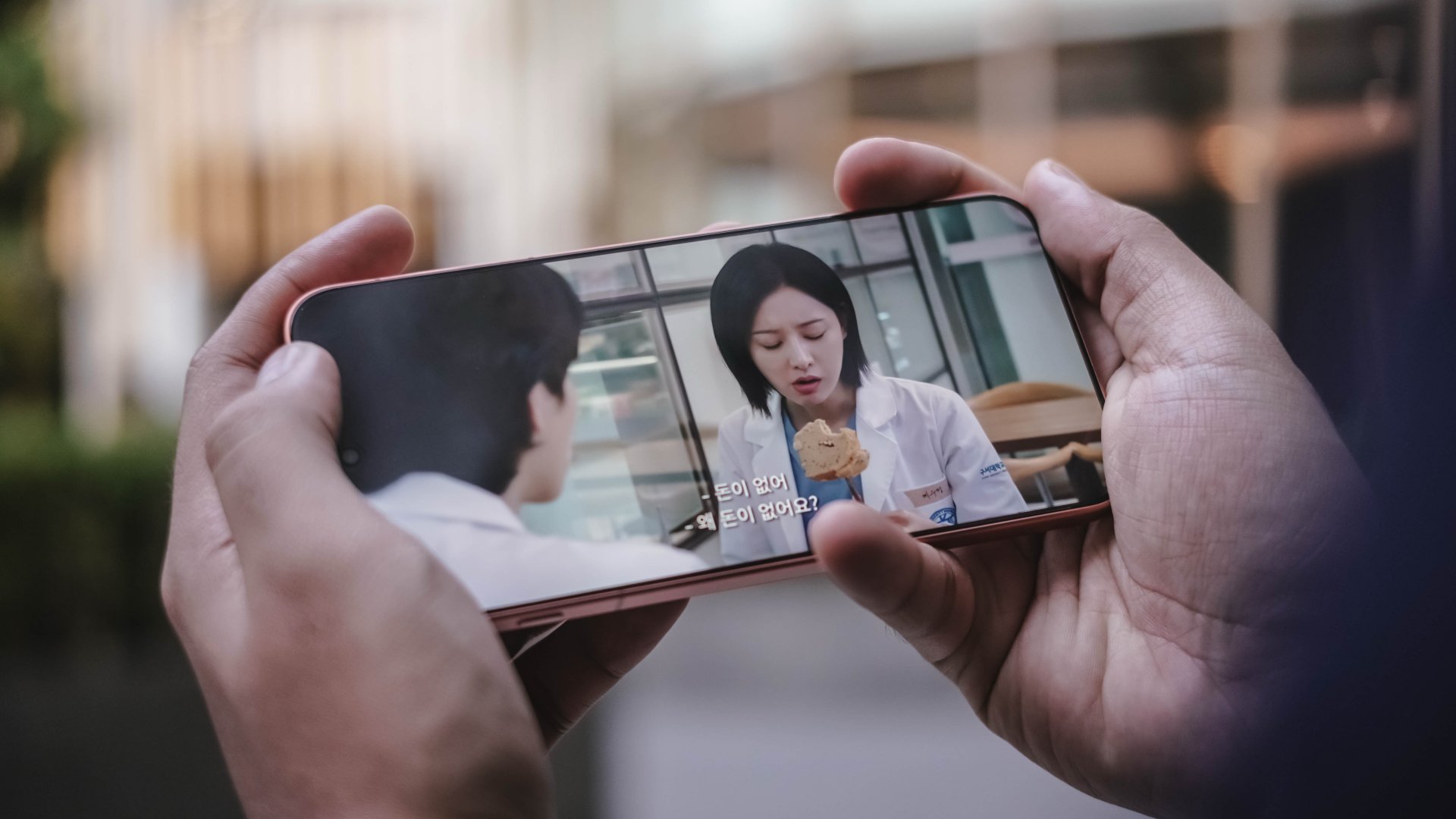
Her exceptional surgery skills also remind me that the X500 Pro Max offers an outstanding smartphone display.
As sharp as Gye Su-jeong’s eyes, this phone also offers sharp details with its 507ppi pixel density alongside 2K resolution.
While it’s normal for any modern flagship to feature 100% DCI-P3 wide color space alongside support for HDR10+ and Dolby Vision content, it’s also worth noting that it supports 4400 nits high peak HDR brightness and an ultimately-low 1 nit when needed.

It’s also the first vivo smartphone to feature a bigger 6.85-inch LTPO AMOLED display. While it doesn’t scream much, it’s still slightly bigger than vivo’s standard 6.82 inchers.
Despite all the display specs I mentioned, this is also a reminder that a great display is also how we comfortably use it for our favorite content for longer periods of time.

I’m just happy to report that I never experienced any eye fatigue during my time with it. Be it in the plane or my capsule bed, the X500 Pro Max was able to serve me right both in low-light and under the harsh sunlight.
Every beat is a real treat
While I use my wireless earbuds 90% of the time, I still play the latest K-releases through a phone’s loudspeakers as long as I’m inside my room (or bathroom).
Another coincidental thing like Doctor X? The grand debut of A2O Soul and A2O Lite all happened during my stay in South Korea. I was instantly mesmerized by the addictive tune of NEON and got a little bit nostalgic as it leans more towards 2nd-gen K-Pop.
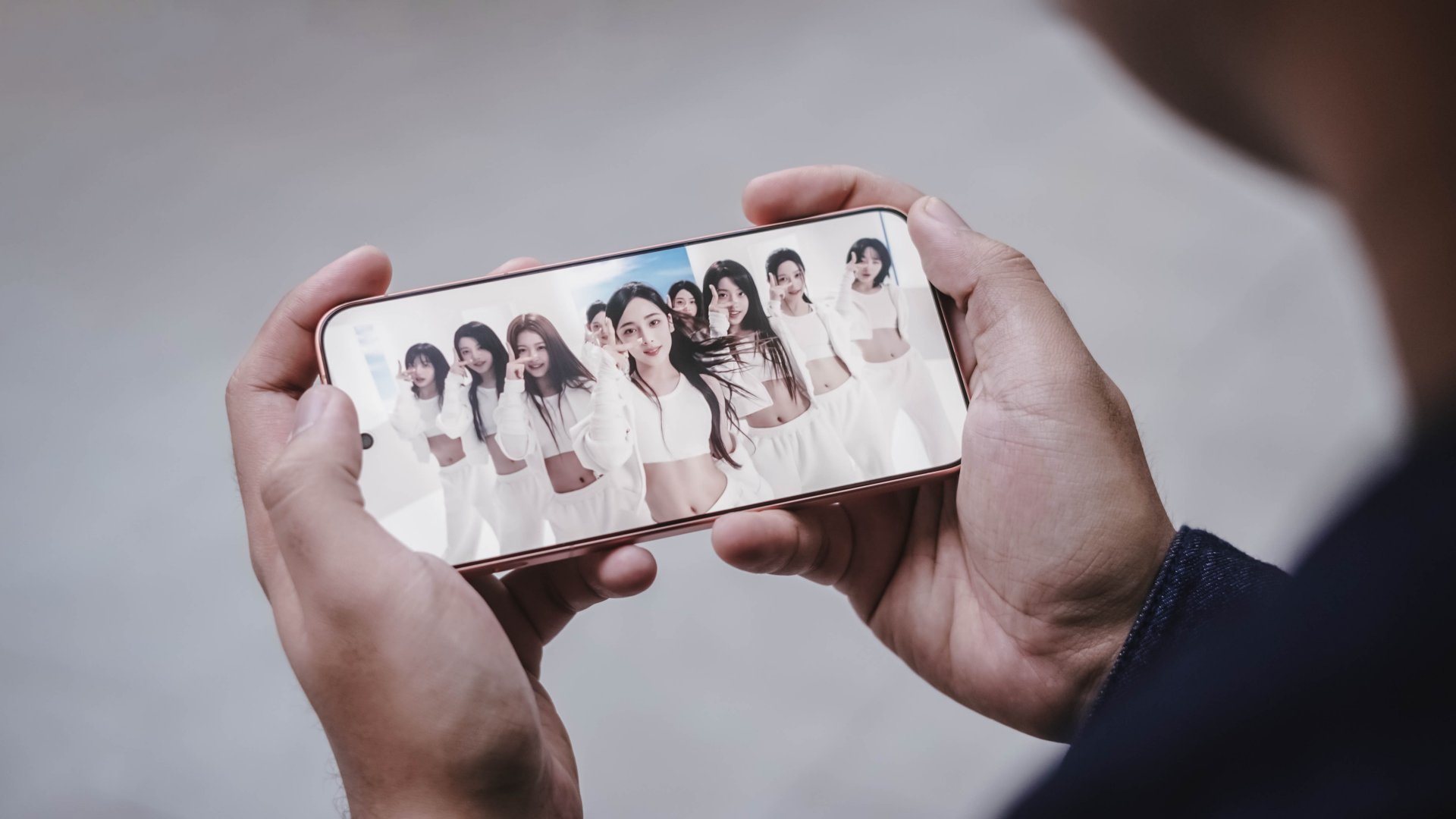
On the other hand, SUPERSTAR is something most people won’t get used to the first time they listen to it. However, playing it non-stop will make it as addictive as their sister group’s debut track.
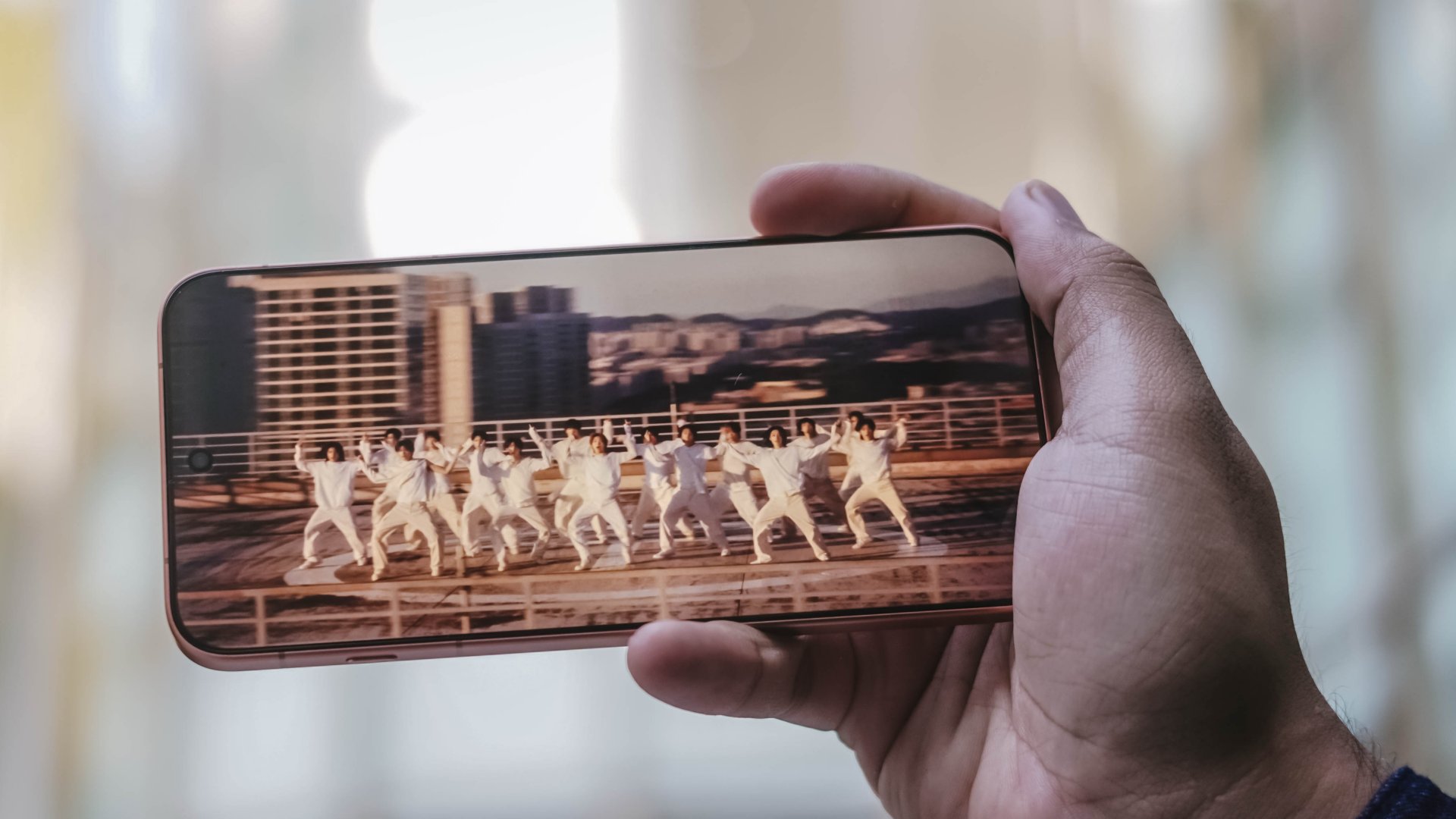
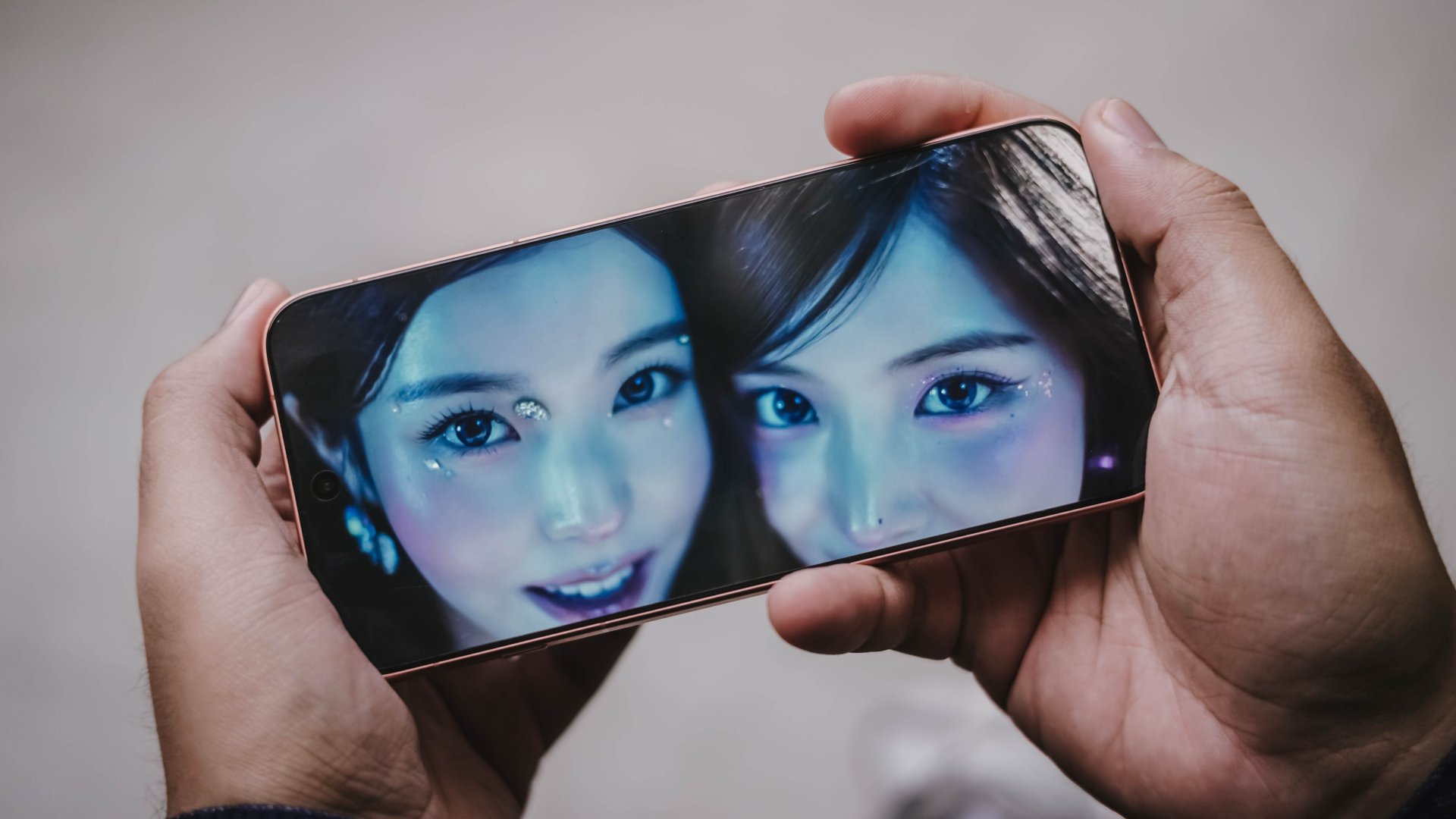
A bittersweet feeling after all that fleeting? NMIXX’s Birthday Wish’s was released a day after I got home from my Seoul trip.
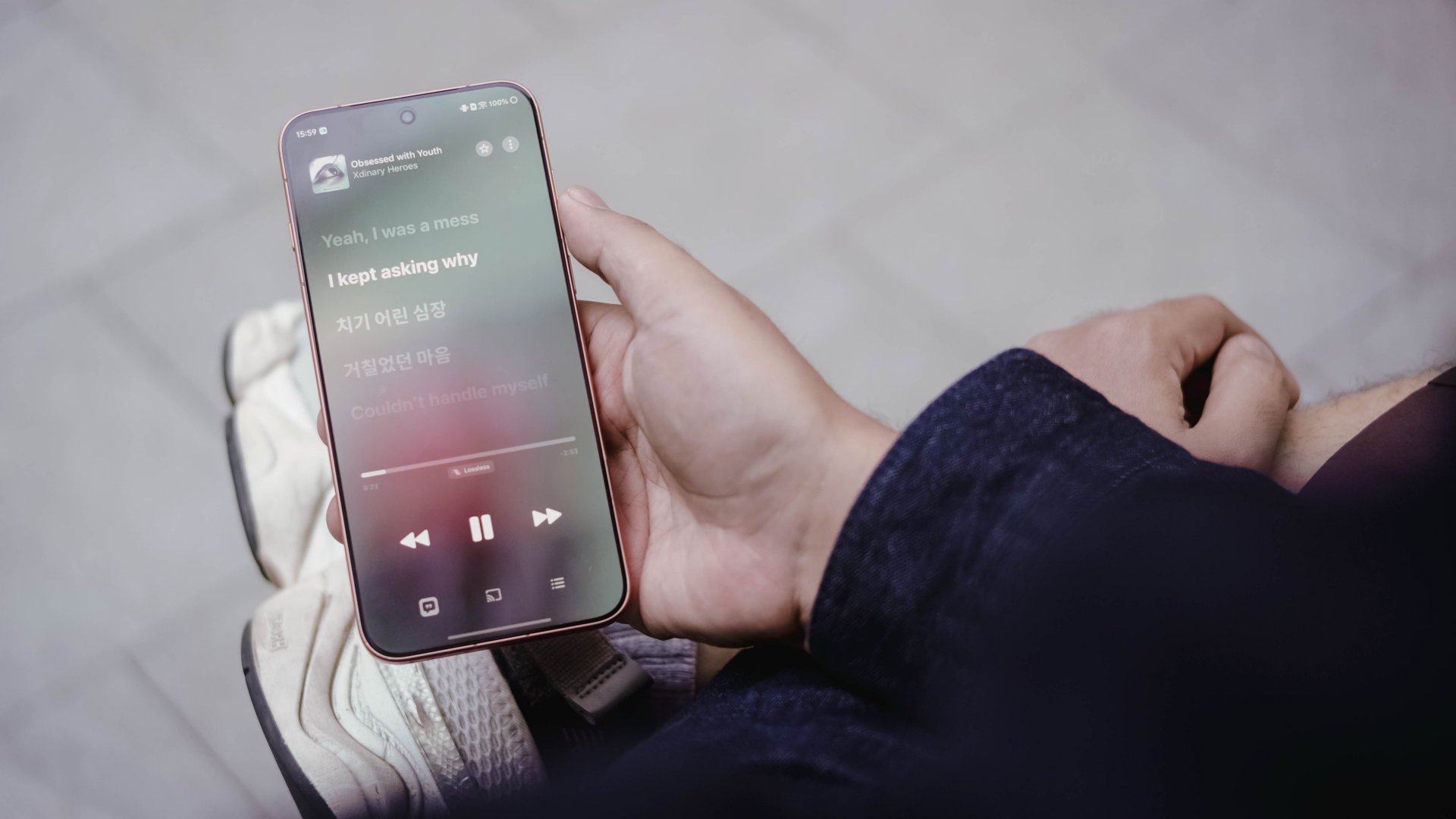
On Apple Music, I listened to tripleS’ ANDLESS and Xdinary Heroes’ Obsessed with Youth in Lossless quality. Unlike the previously mentioned songs, these songs are instrument-heavy.
Of course, the separation of highs, mids, and lows can be heard even in high volume.

While playing Lossless doesn’t fully guarantee that every part of the listening experience will be superior, it’s still the best audio quality you can possibly get in any smartphone. That said, your playback setup still matters.
What I can guarantee is that, the X500 Pro Max has one of the best loudspeaker setups in any smartphone today. It complements the display and performance that already make it an appealing all-around device.
Slay that play
Just like vivo’s first “Pro Max” smartphone, MediaTek also welcomes its first “Pro” chip (and also their first to be fabricated in TSMC’s 2nm process).
Lo and behold, the vivo X500 Pro Max runs the latest and greatest Dimensity 9600 Pro SoC.

Its monstrous core wants to defy the negative perception of tech nerds whenever they hear “MediaTek.”
As we always say in this website, we don’t munch on numbers. Go get those benchmarks elsewhere.
That said, my real-world gameplays will still prove how beast of a chip this is.

First and foremost, HoYoverse’s Zenless Zone Zero. For all we know, it’s one of the most graphics-intensive games out there. Surprisingly, the Dimensity 9600 Pro treated it like any other ordinary game.
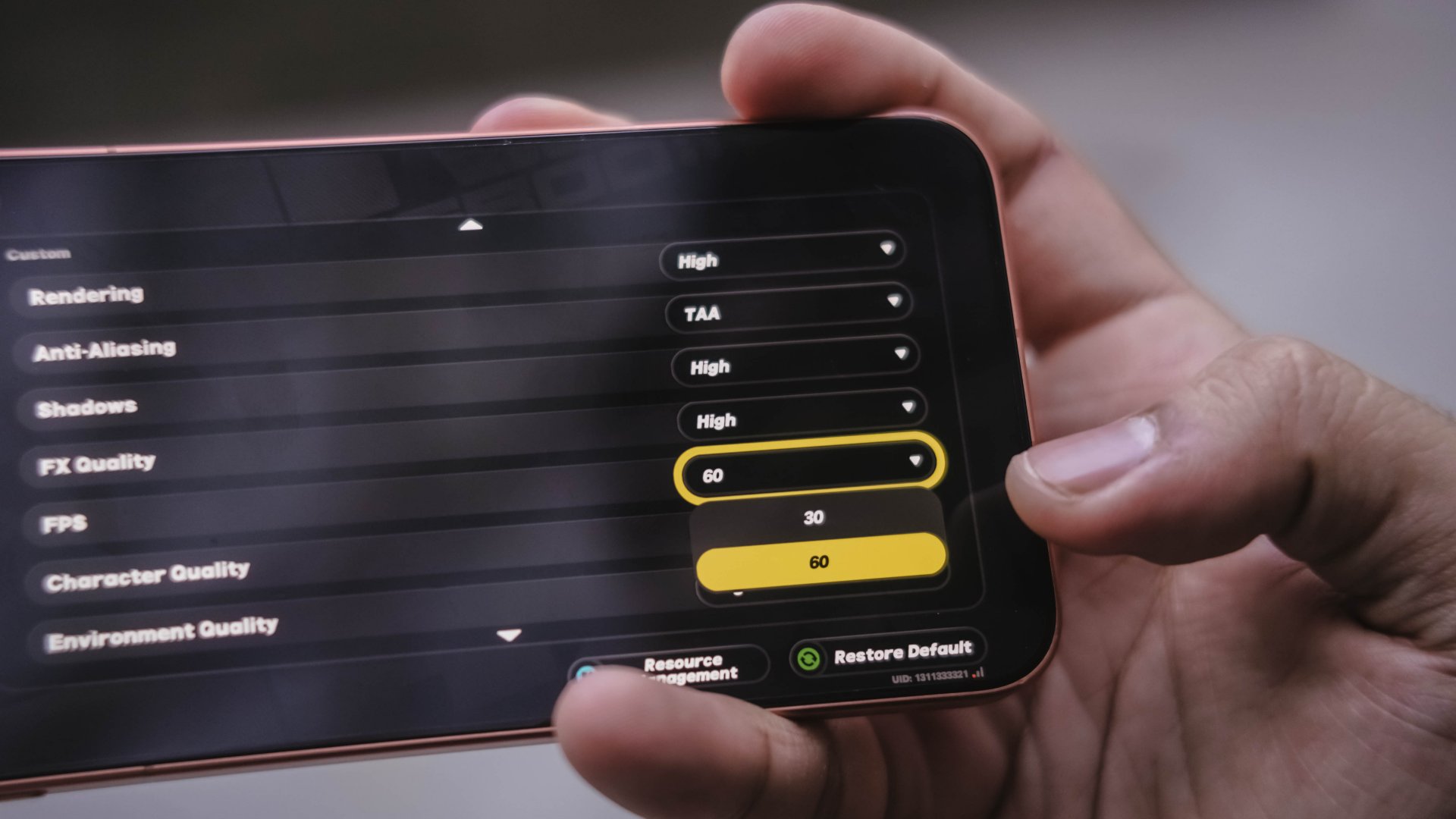
While High settings are on by default, it can even go further as I was able to play the game ever-so-smooth by enabling its 60fps frame rate setting.
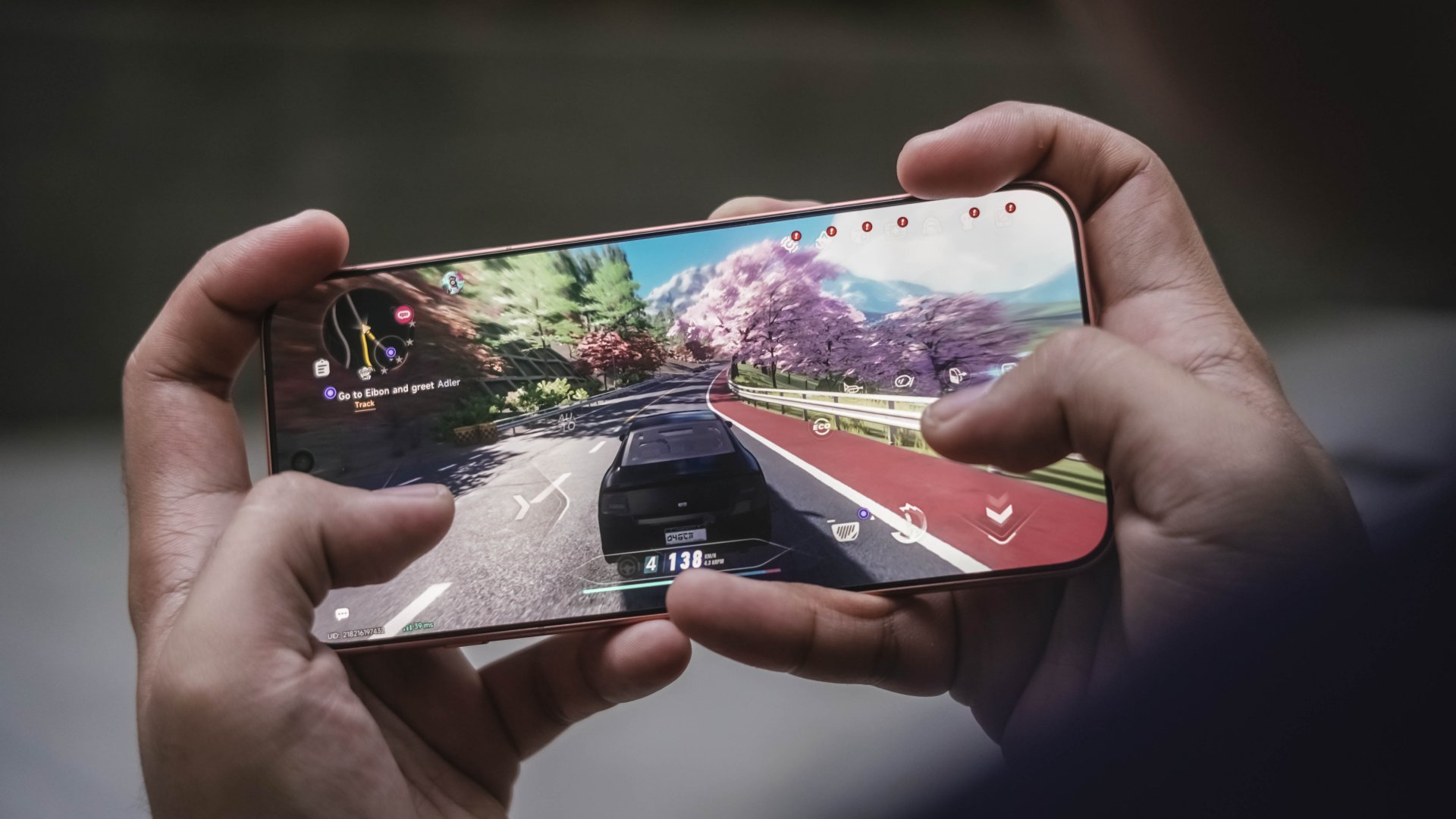
Neverness to Everness (NTE) comes second. Again, frame rate can be toggled at 60fps with settings set to extreme.
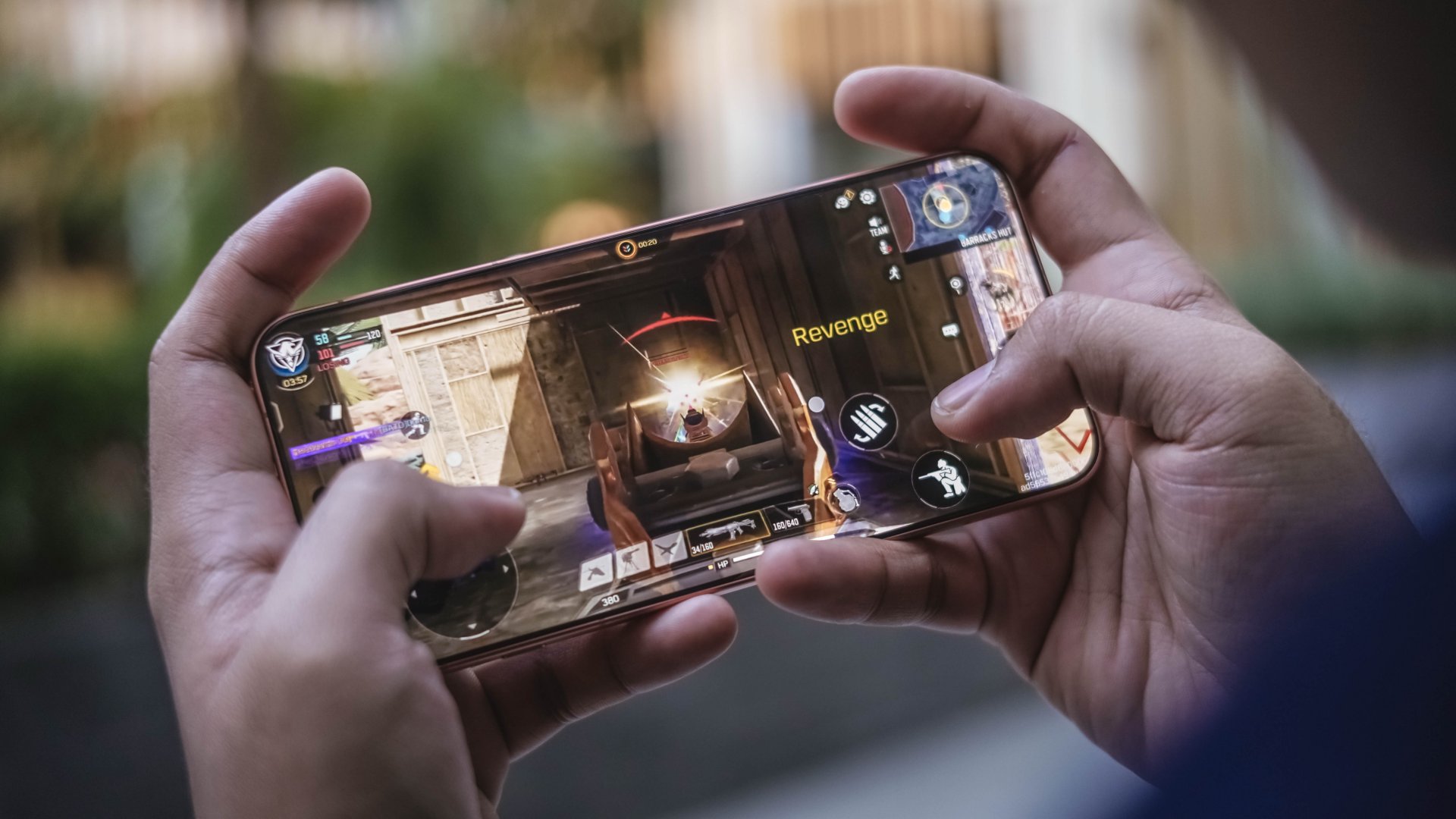
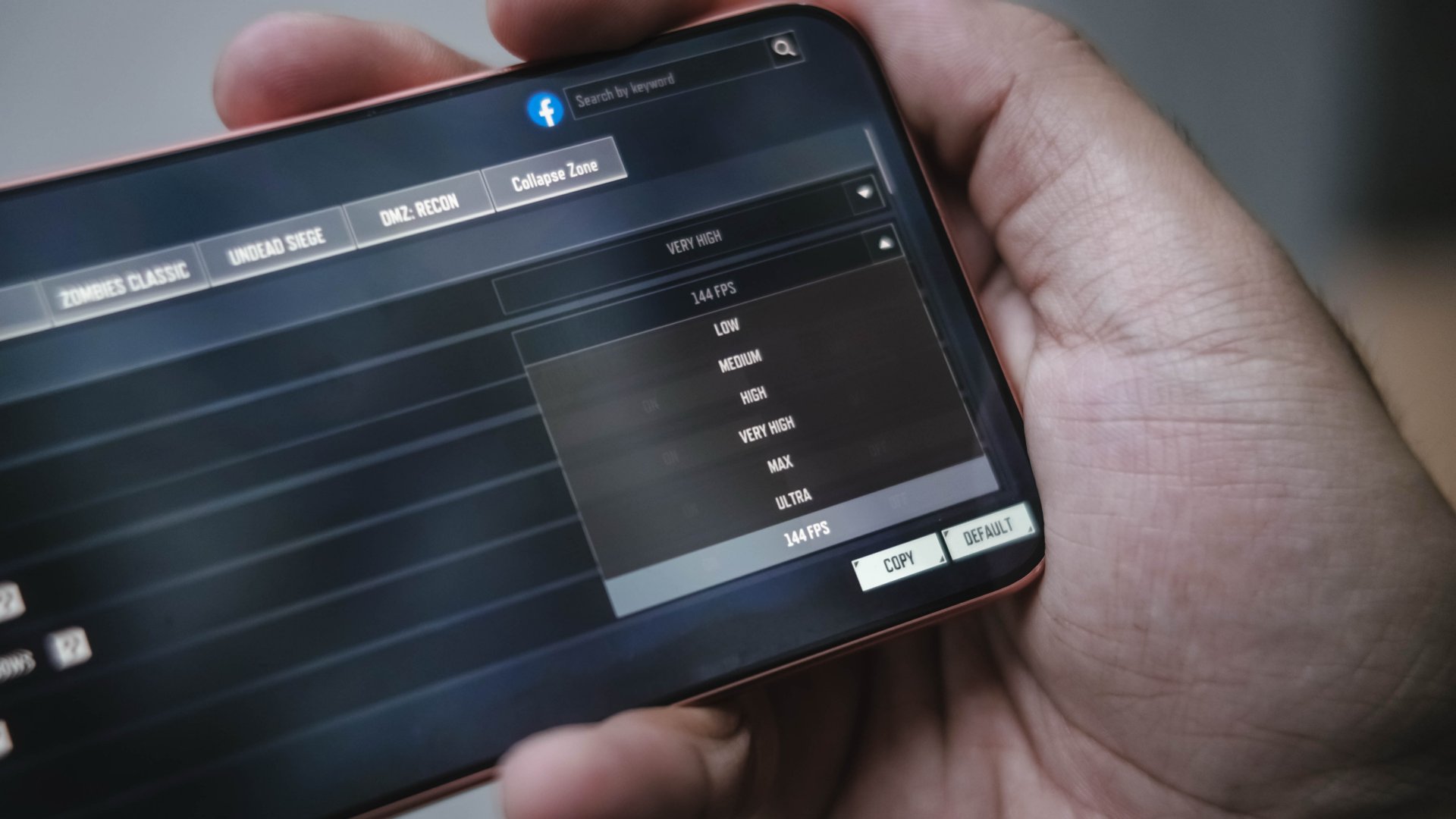
Do I need to add more? Call of Duty: Mobile (CoDM) also did the same thing, but at a whopping 144fps. A perfect complement to the phone’s 144Hz display.
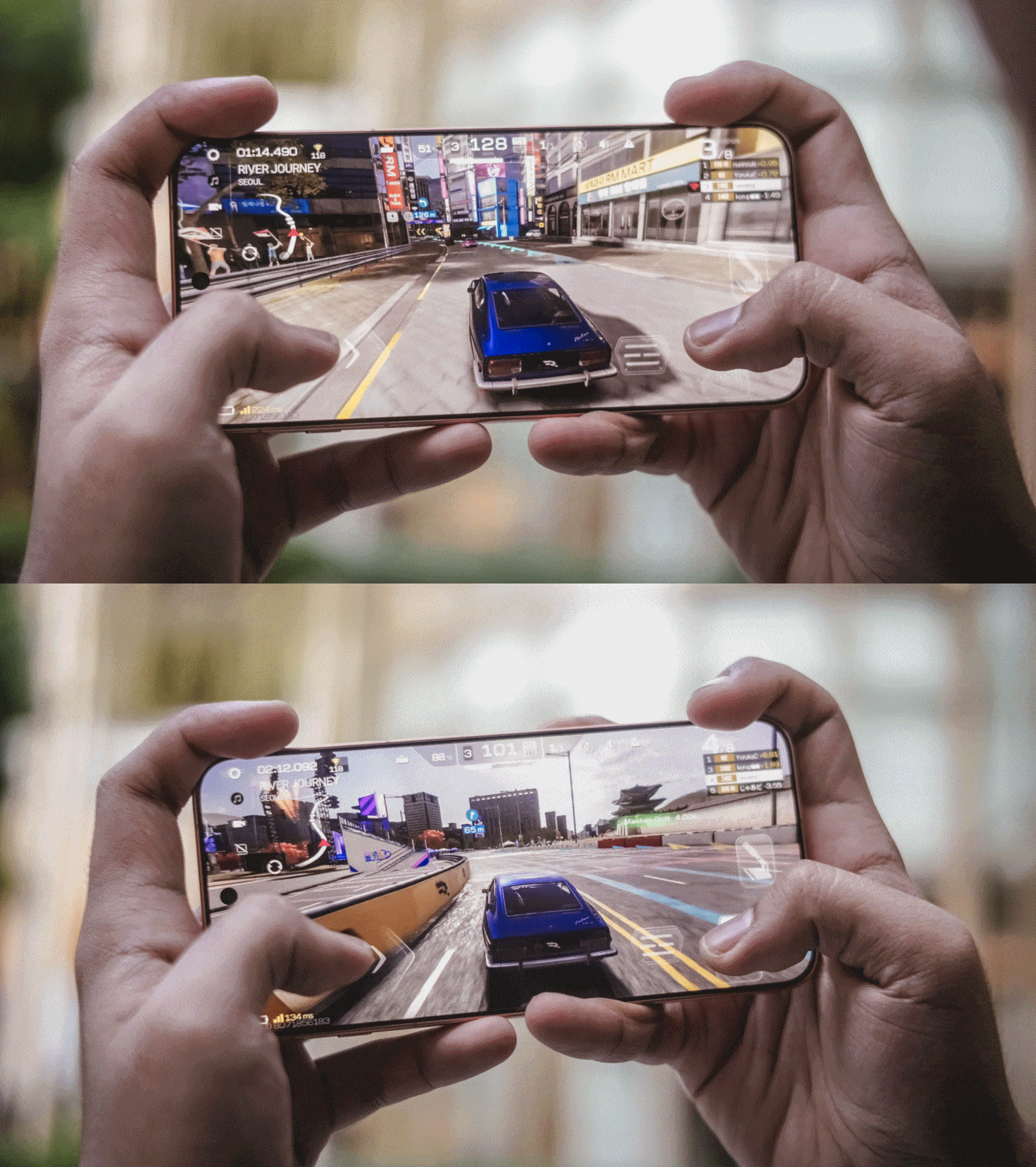
Racing Master? It obviously ran in high settings without stutters and jitters.
Of course, thermals, room temperature, and game optimizations still matter. Nevertheless, the vivo X500 Pro Max has the raw power to deliver an excellent gaming experience across these demanding titles.
Packed with might, lasting overnight
The vivo X500 Pro Max packs a mighty 8000mAh battery, the biggest in any vivo flagship to date.
In my actual use-case where I captured a lot of stills and clips during my Japan and Korea trip, trying to drain the phone was hard to accomplish.
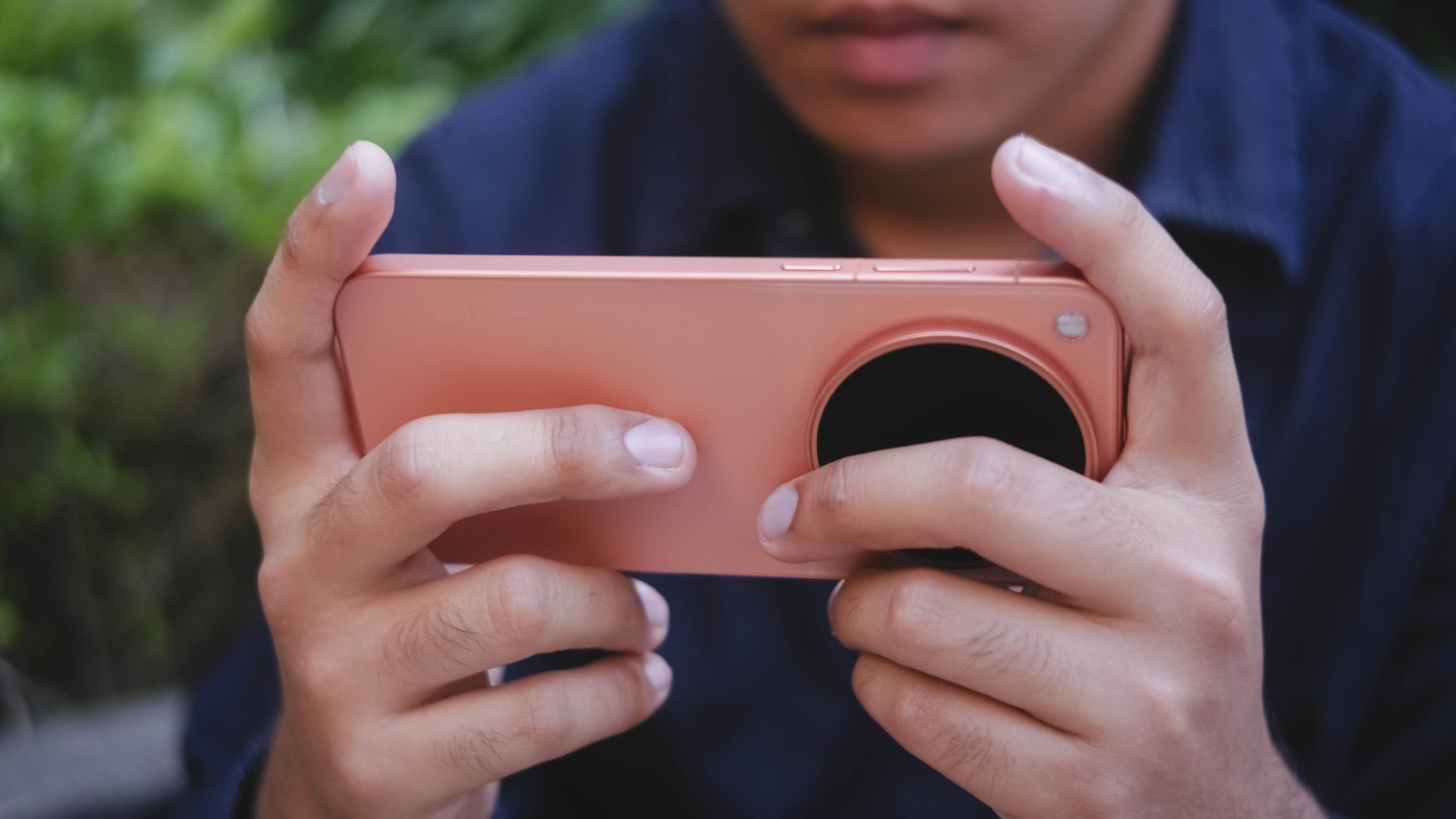
Even when I set it as my personal hotspot, it still lasts by the end of the day with 20% left to spare. That isn’t the case when I did the same with the X300 Ultra. That 1400mAh boost clearly meant a lot for any heavy user.
Clearly, it will last more than a day or two under lighter to ever-so-moderate usage.
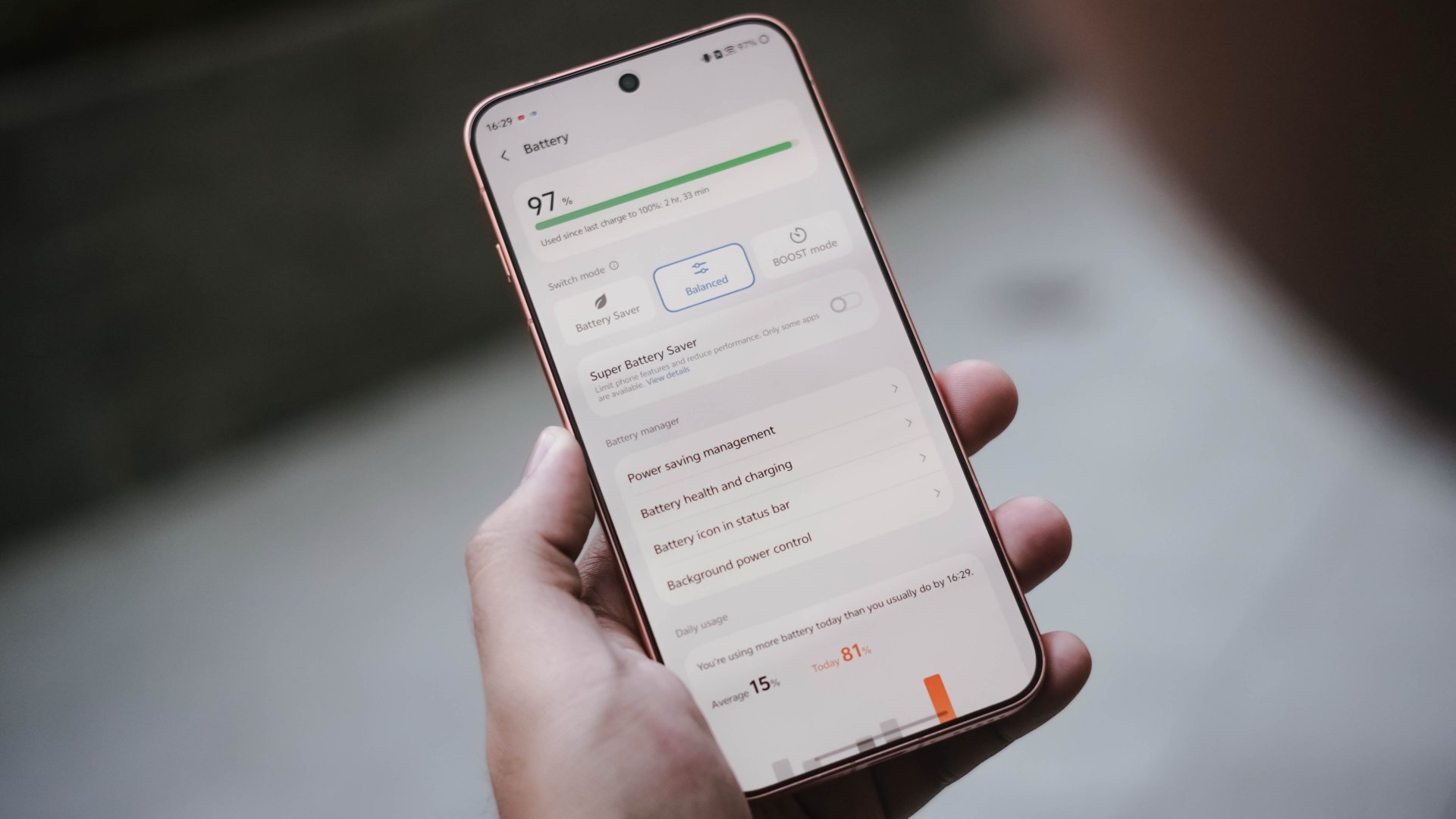
While I’m not ignoring the possibility that it might be due to better software optimizations offered by the Chinese OriginOS, it’s also due to a more power-efficient chip found within.
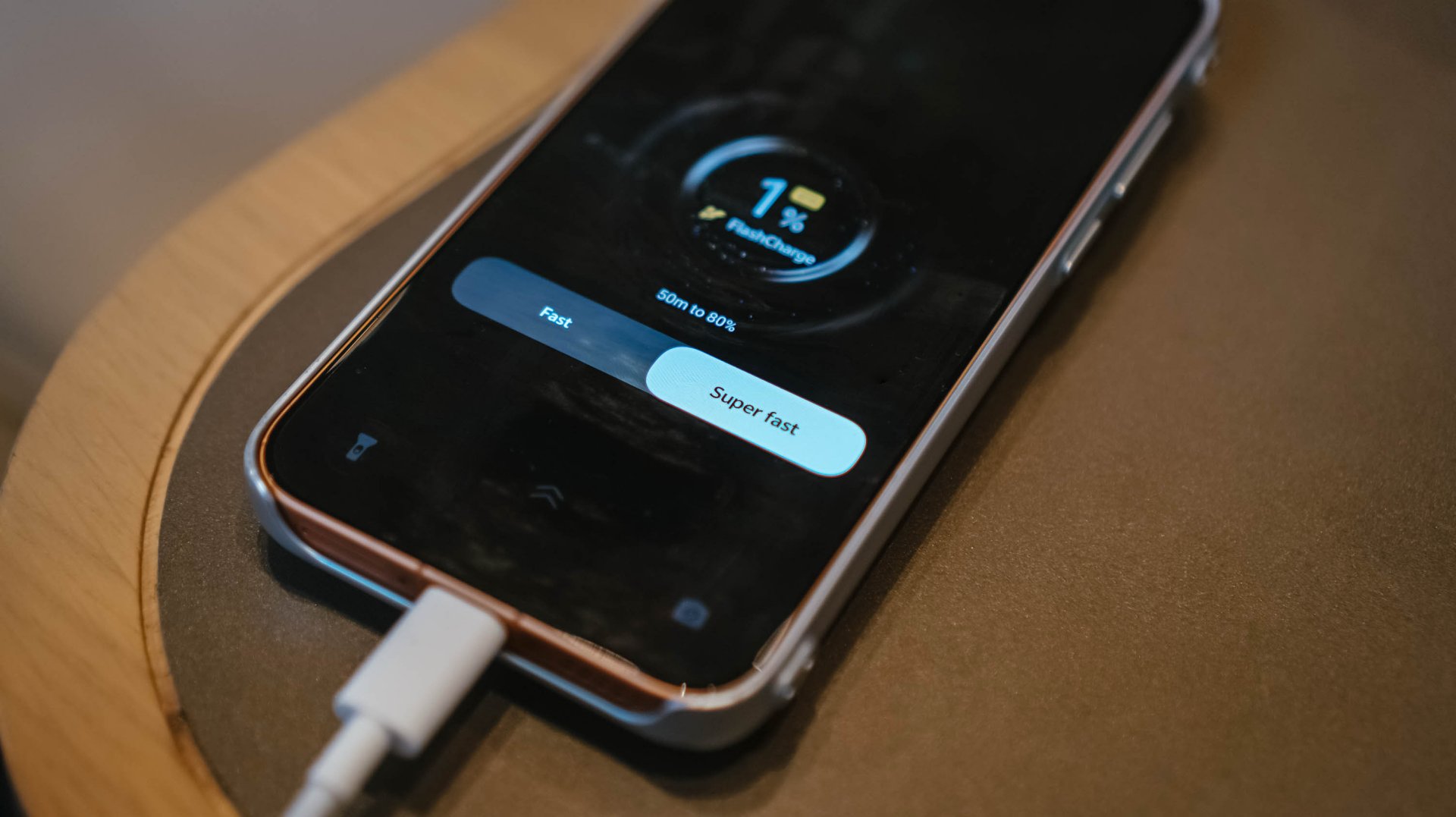
If it ever dies down, its bundled 90W FlashCharge adapter saves the day.
vivo 90W FlashCharge adapter |
UGREEN Uno 100W GaN charger |
|
START TIME (0%) |
2:35PM |
12:23PM |
3 minutes |
1% |
2% |
5 minutes |
6% |
4% |
10 minutes |
15% |
9% |
15 minutes |
17% |
15% |
20 minutes |
28% |
20% |
30 minutes |
49% |
30% |
45 minutes |
68% |
51% |
1 hour |
91% |
72% |
1 hour 15 minutes |
– |
85% |
1 hour 30 minutes |
– |
99% |
END TIME |
3:49PM
|
1:56PM
|
Third-party chargers will also work through USB-C PPS. You just have to be wary of the extra minutes when filling it.
Familiar face in a more refined space
For the longest time, I believed that the Chinese and global versions of Android software only differed in their system apps and default languages.
As this is the first-ever vivo smartphone I held running a Chinese software, this helped me decipher some of the differences between the two.
Fortunately, I was able to update the global X300 Ultra I possess to the latest OriginOS 7. While both phones feature that “Liquid Glass” adaptation, there are still subtle disparities.
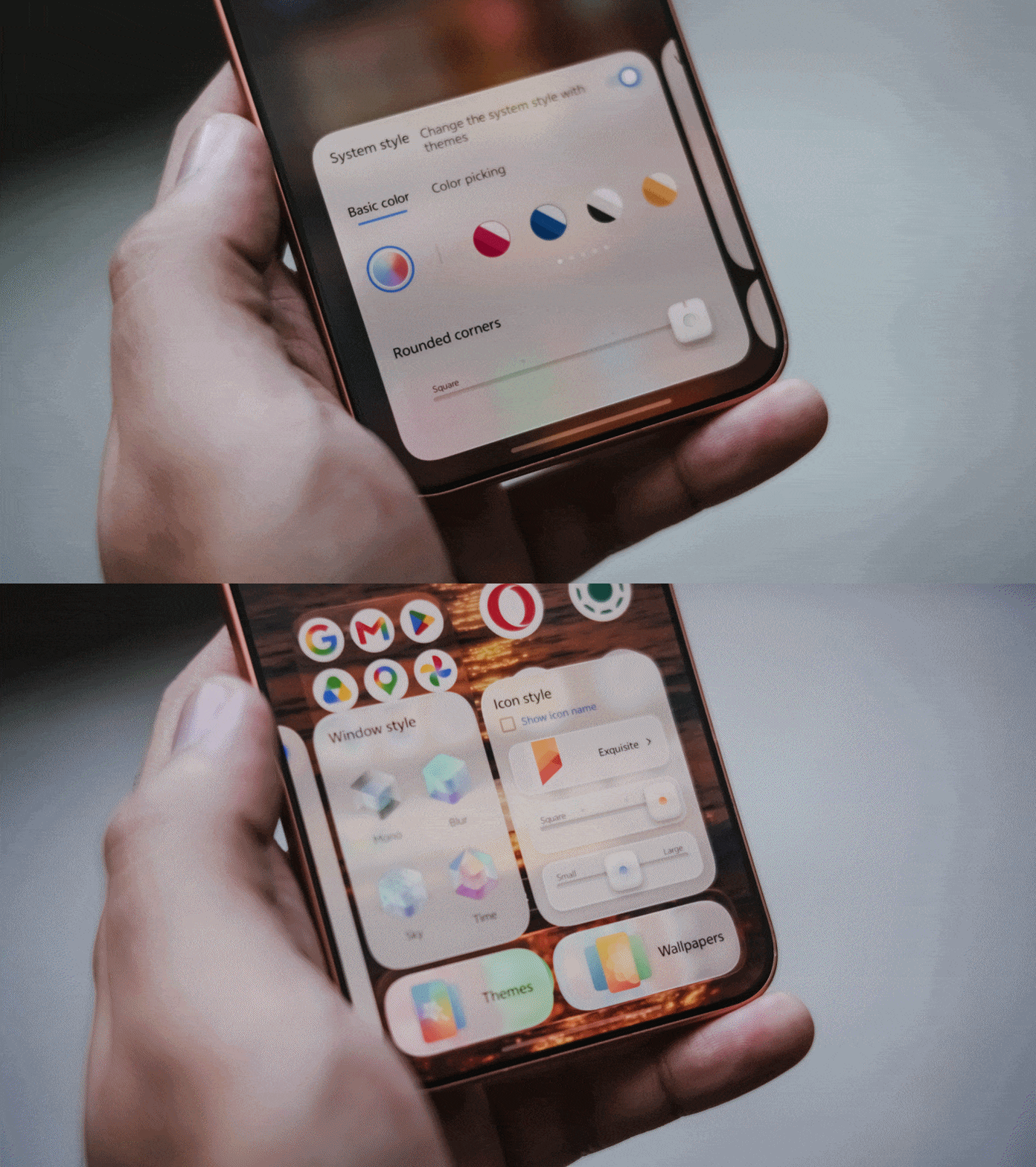
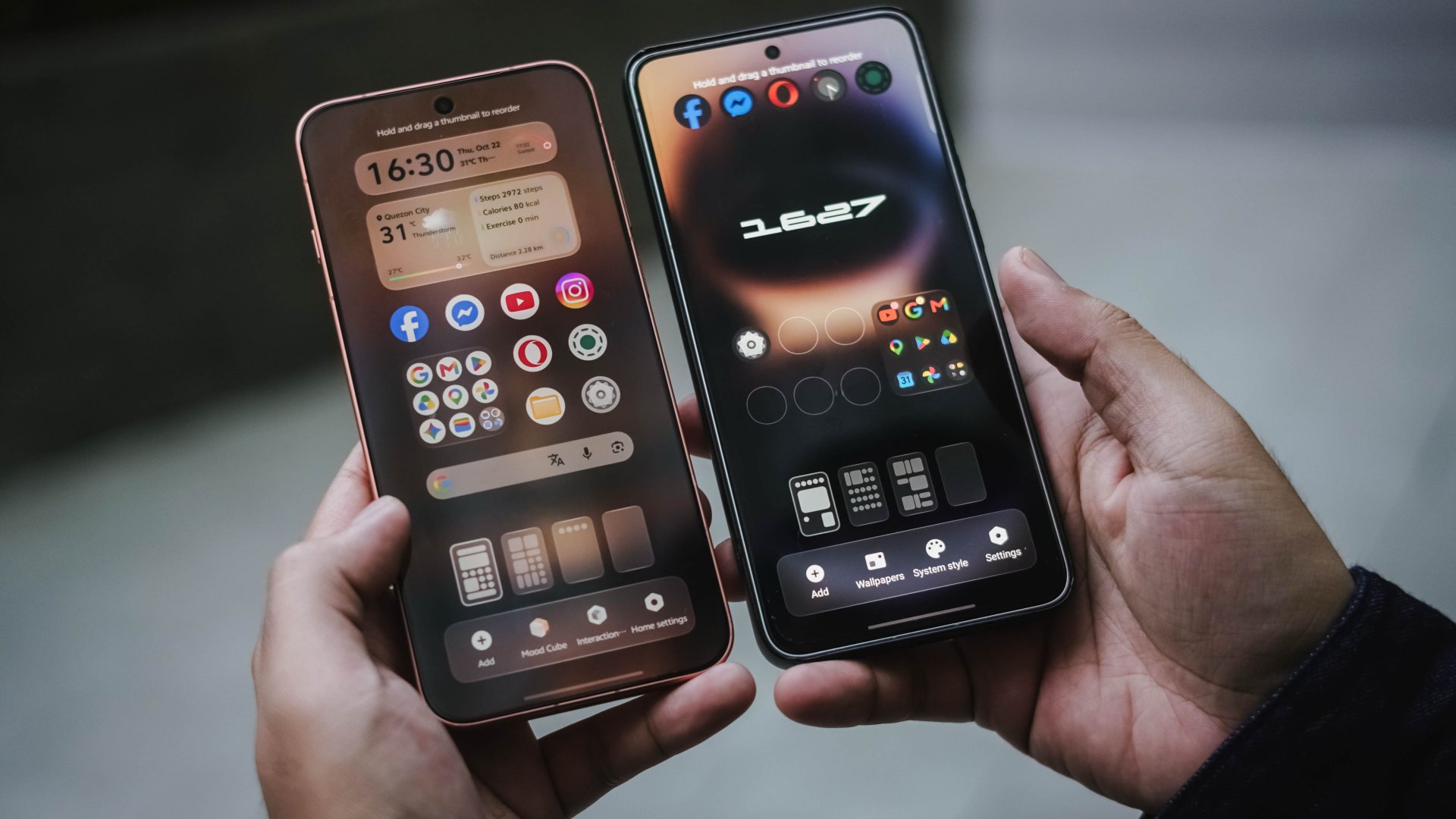
One of my favorite exclusives is Mood Cube. This allows me to customize the shape of app icons plus modify the corners of the Control Center elements just by accessing it through home page settings. This exact feature cannot be found in the global version.
Other visual gaps can be seen by the limiting 4×7 layout, opposed to global’s tighter 5×7 grid. It’s these small details I can pinpoint both as a reviewer and a creative.
Other than software, there are hardware gaps too. Global versions are limited to 16+512GB or 12+1TB configurations. Whereas, the Chinese version maxes out at 16+1TB.
Batteries are different as well. Global version is capped at 7800mAh while those in Europe have an awfully smaller 6750mAh cell, closer to X300 Ultra’s 6600mAh capacity.
As a long-time tech-thusiast, I’ve been aware that Chinese smartphones lack eSIM support. Surprisingly, the vivo X500 Pro Max has one.
Addressing the elephant in the room…
And it’s none other than GMS (Google Mobile Services).
Well, I’m here to testify that the actual installation isn’t complicated. It’s straightforward just by searching and installing it through the native V-Appstore. However, even after setting everything, there will still be compromises.
First is the lack of Google’s Circle to Search as it’s tied to vivo’s BlueLM, which only works in Mandarin. And even if it’s available in English, availability is still limited to Mainland China. This doesn’t hinder you from using your favorite AI apps though such as ChatGPT, Google Gemini, or Claude.
While long-time users say there’s a workaround, most people won’t bother.

Another would be the absence of Quick Share. Since it’s also a Google feature, Chinese ROMs simply lack it — regardless if it’s a vivo smartphone or any Android brand.
The quickest way to solve this? vivoShare and EasyShare both exist. Another would be my all-time fave LocalSend through Google Play installation. Bada is also a great substitute but only accessible via GitHub.
If you’re a MacBook Pro user like me, there’s also the vivo Office Kit. It’s the next best option when backing up files in bulk aside from plugging an external SSD through the phone’s USB-C port.
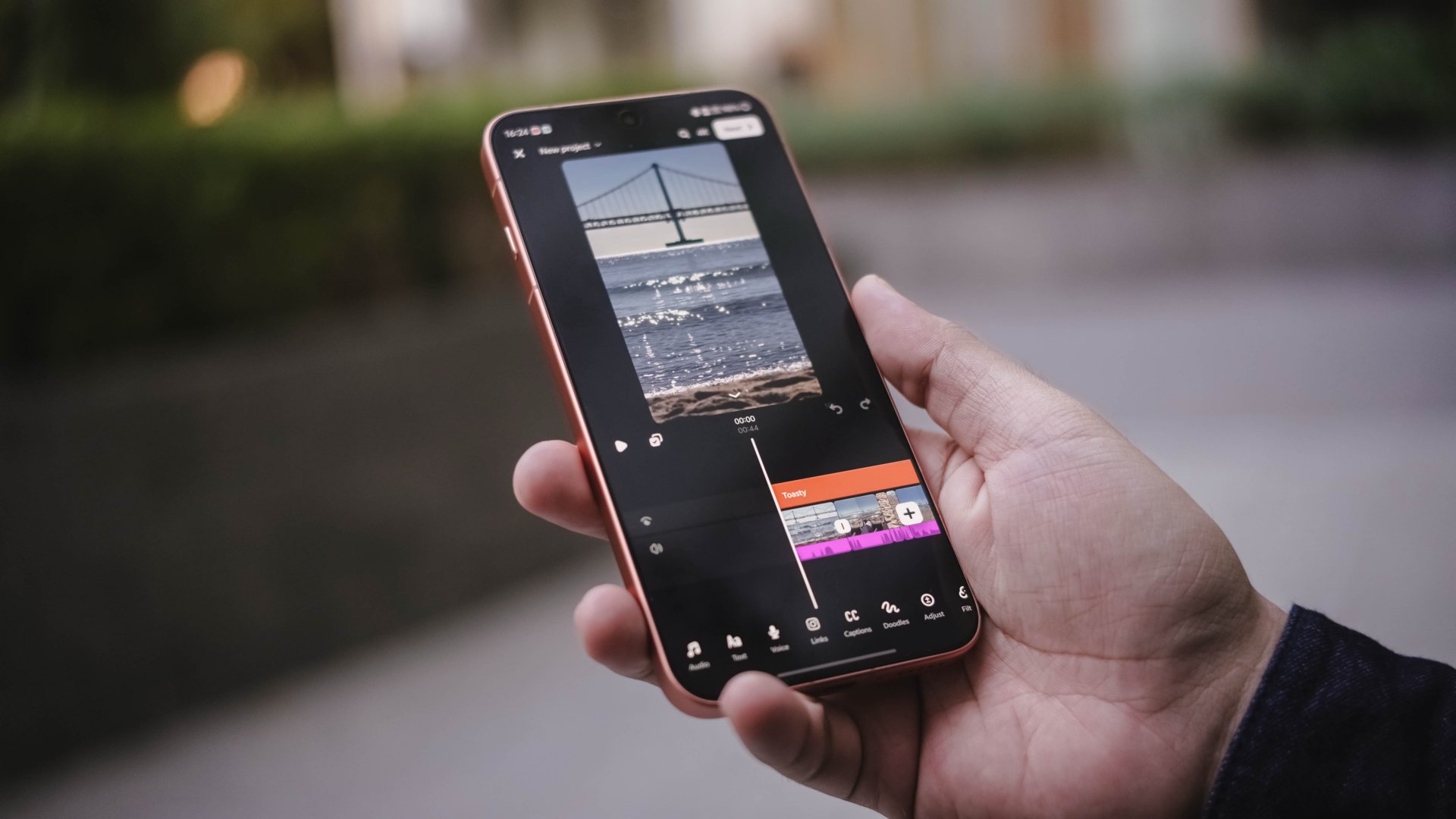
Lastly, notification reliability is buggy — and you may already have heard of this issue from other users. I sometimes receive real-time notifications on certain apps while others are delayed by minutes or hours.
Is the vivo X500 Pro Max your GadgetMatch?
I won’t make this any longer. The vivo X500 Pro Max is a Super Swipe and deserves the GadgetMatch Seal of Approval.

If it’s not evident enough with my myriads of sample photos, the clear winner has got to be its superior camera hardware. Complemented by the full-fledged accessories in its Photography Kit, vivo truly nailed and polished this release even further.

Unless you own the very recent X-releases, the vivo X500 Pro Max is worth splurging for. And if you do, getting the Chinese variant gives you the MAX hardware — as long as you can deal with software compromises.
Now, if the X500 Pro Max is already this great, how much more in the upcoming iteration? I cannot further wait with what vivo offers in their next best flagship.


THE Michael Josh traveled through Lisbon, Portugal and Mallorca, Spain with just the OPPO Find X10 Pro Max.
This long yet invigorating trip puts its three 200MP cameras, Hasselblad Teleconverter Kit, Master Mode, and Color Styles to the test.
He also challenged himself to pick just 12 photos to print and put into a photobook — much like shooting a roll of film.
Watch our OPPO Find X10 Pro Max Spotlight video to know what are his favorite shots from the trip.
Now it’s your turn: take the #12ShotChallenge on your next adventure and share your best 12 photos!


The iPhone Duo is replacing my Kindle

Five new (and better) games you can play instead of GTA VI

Instagram adds ability to edit a recently posted Story

GTA VI Review Round-up: International and Southeast Asia

No, Grand Theft Auto VI isn’t getting a 60fps mode on any console

Your coffee nook is getting a makeover with Starbucks’ holiday collections

OPPO Find X10 Series: Price, availability in the Philippines

OPPO Find X10 Series: Price, availability

HP OMEN Max 16 review: Gamer-maxxing in deep black

DJI Osmo Pocket 4P Pearl White now available globally


-

 News2 weeks ago
Sony revives classic Walkman headphones with USB-C MDR-3R
-

 Reviews2 weeks ago
Apple iPad mini OLED review
-
 Reviews2 days ago
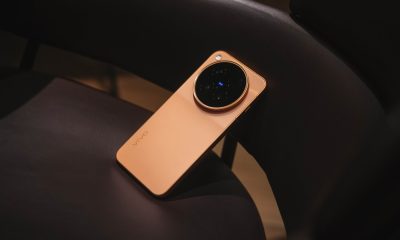
vivo X500 Pro Max review: 500+ hours later
-

 Accessories6 days ago
Secretlab brings Pikachu, Gengar, and Eevee to its Pokémon gaming chair collection
-

 Gaming1 week ago
Nintendo eShop launches in the Philippines
-

 Gaming1 week ago
GTA VI pre-loading now available on PS5, Xbox
-

 Gaming2 weeks ago
IKEA, Xbox launch nine-piece YXSTABY gaming collection
-

 Wearables2 weeks ago
UGREEN ClipBuds Pro 2 feature AI translation