
Hands-On
The Xiaomi Smart Band 10 is your accountability partner
Simple, stylish, functional, and lets you be in control

Xiaomi has always been straightforward with how it calls its wearables. “Active” is the entry-level variant; “Pro” is, for one, the priciest in a series, but comes with next-level features as well.
And in between where there’s no extra name is the standard model, which I feel is for those taking that next step. That’s how the new Xiaomi Smart Band 10 resonated with me after a week of use.
I have been utilizing the device for my workouts as I continue to lose weight and get into competitive shape. But it’s more than just a fitness companion.
It’s positioned as a tool for personalized wellness, elevated style, and long-lasting functionality. I can say that the wearable can definitely provide users with all three.
Sleek, stylish, functional
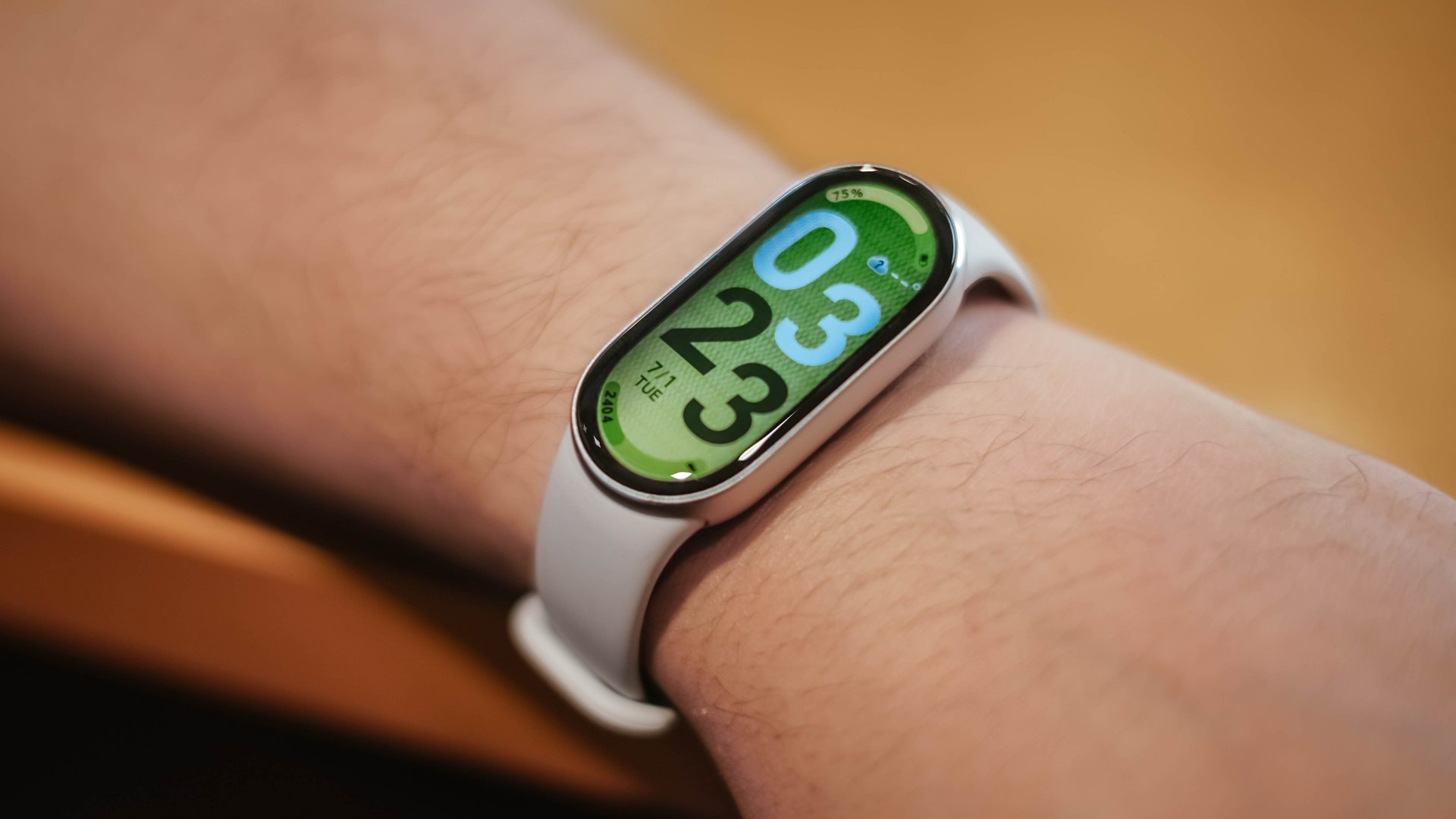
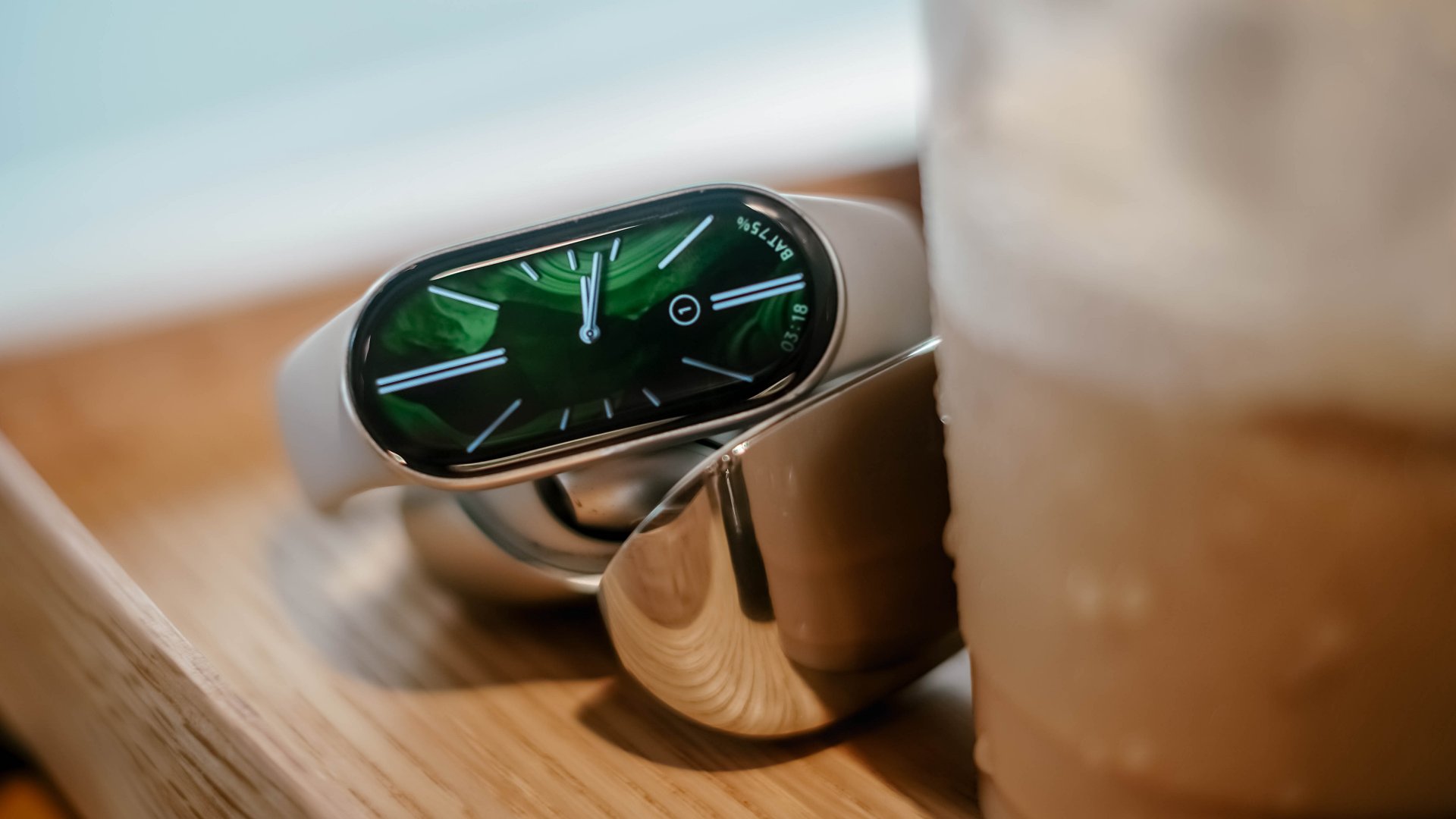
Immediately upon setup, the Xiaomi Smart Band 10 feels like a step-up from its Active counterpart. Appearance wise, it comes in an oblong shape instead of the rectangular form factor found on the Active and Pro variants.
Good display
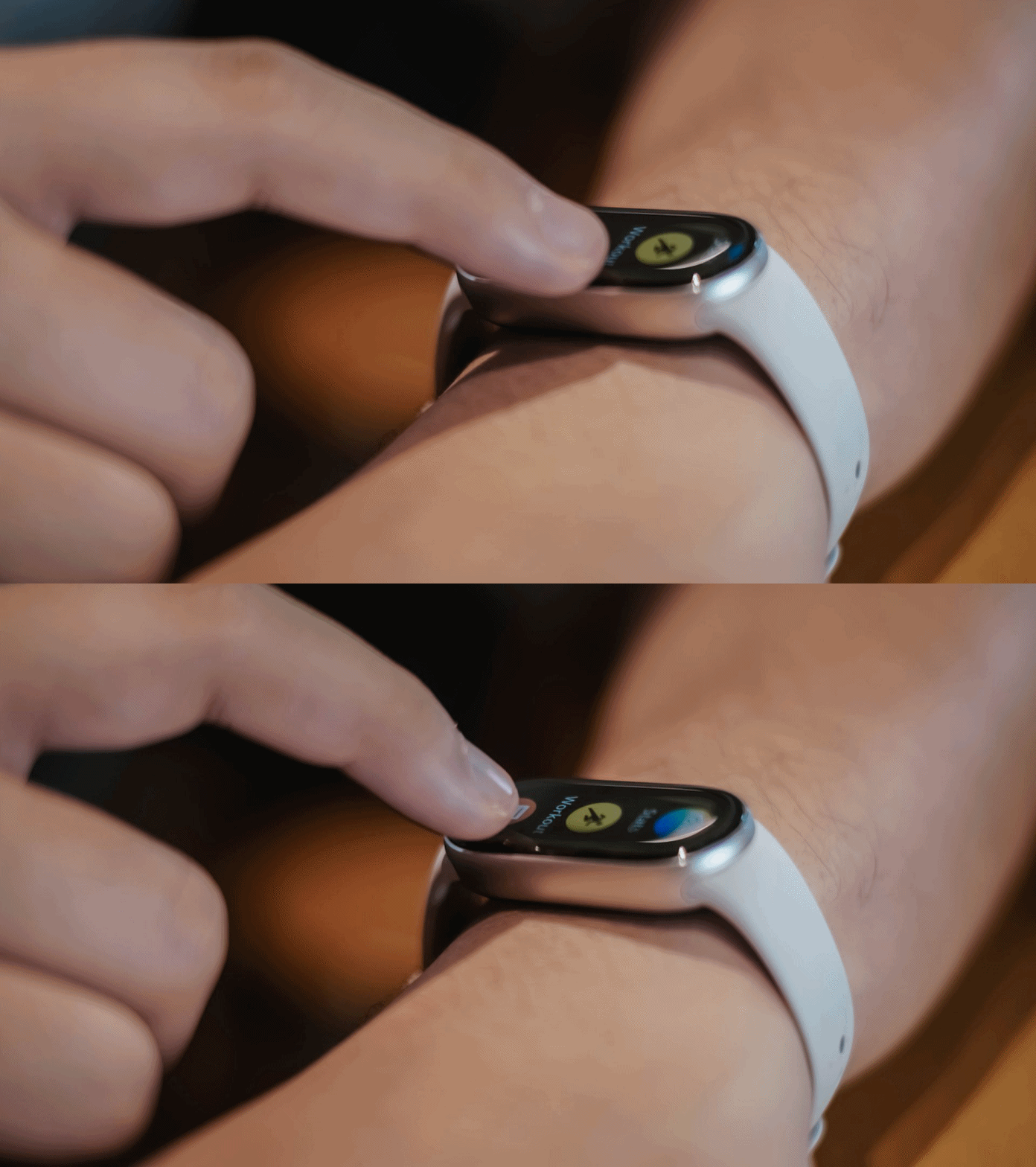
It has a 1.72-inch AMOLED display so the visuals look a lot crisper and sharper than the previous band I’ve worn. Navigating the screen feels a lot smoother with hits 60Hz refresh rate.

The display also has up to 1,500 nits of HBM brightness, which is higher than previous iterations. I’ve had auto-brightness turned on whenever I have the device. What’s on the screen is still visible no matter what the scenario is. It’s not tough on the eyes either.
Moreover, the display stays functional even when it’s wet; that comes in handy when running or playing football under the rain.
Long battery life
The device also lasts up to 21 days for casual usage. It does drain just about 5% overnight if you’re just wearing it to check your daily steps and the time, plus occasional heart rate checks and a quick workout.
Fashion add-on
The model I’ve been wearing is in the Glacier Silver colorway. It’s a great fit for my fashion style as I usually wear neutrals. You can also select from a wide range of watch faces to suit your preference.
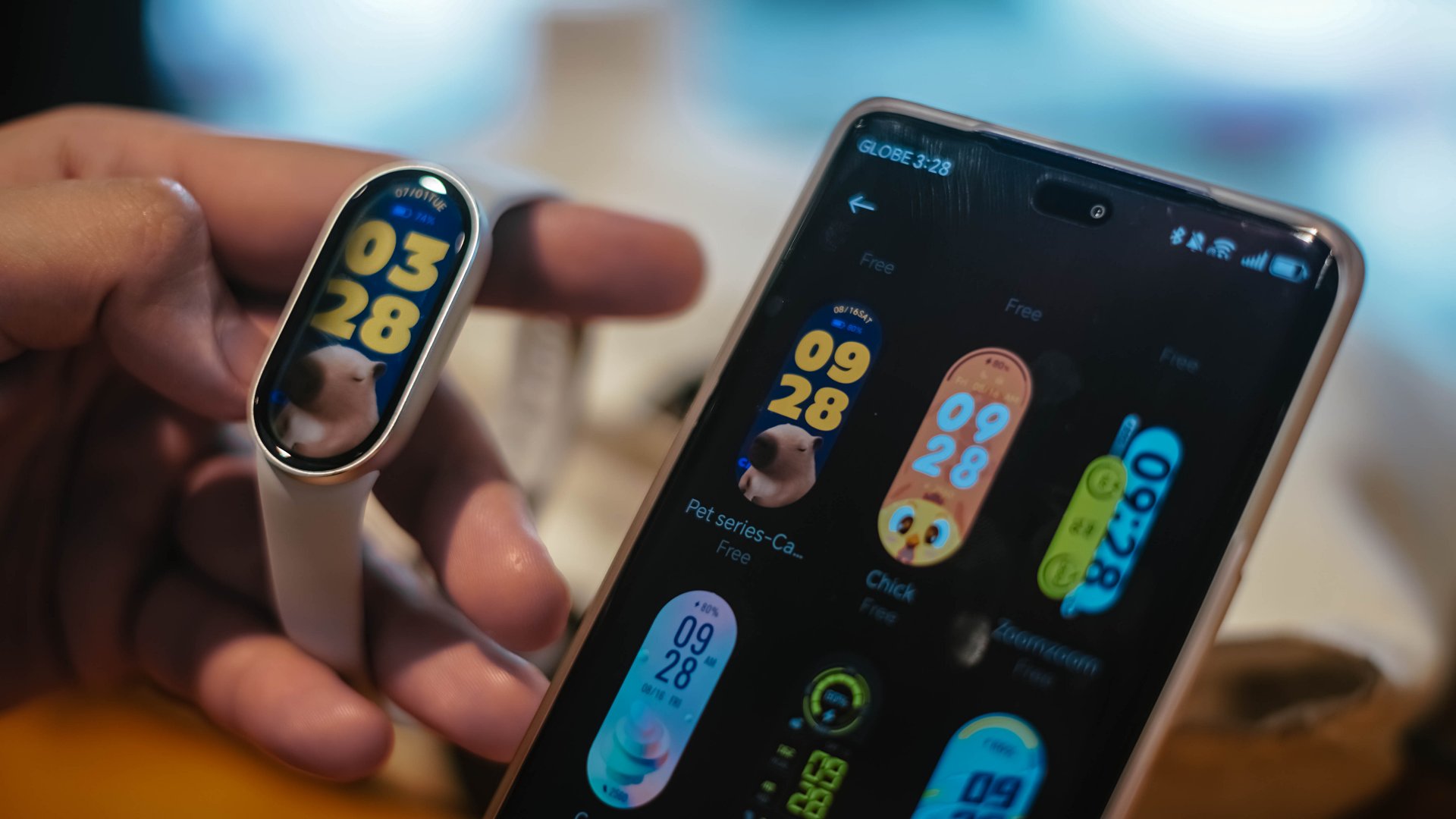
Vincenz and I even stumbled upon this cute capybara watch face which can definitely blend into related merch like bag charms, keychains, and everything in between.

Other available options are Midnight Black and Mystic Rose. There are a ton of straps to choose from, including ones with leather material.
Necklace Mode, Pebble Mode
The smart band also has a Necklace Mode if you want it to blend with your OOTD. However, you have to purchase accessories for that.
In my case, if I’m not in the mood to wear it, I can just let it blend with my bag charms.

Furthermore, there’s a Pebble Mode for running that helps you with your form. Although, you have to purchase a Xiaomi running clip.
But I did find a quick fix where I just tied the band to my shoe’s lace and tongue.

Fitness upgrade
Onto workouts, the Xiaomi Smart Band 10 comes with an upgraded 9-axis linear motor. And as I’ve leveraged the wearable mainly for physical activity, I can tell that it does it work better than previous Xiaomi smart bands I’ve worn.
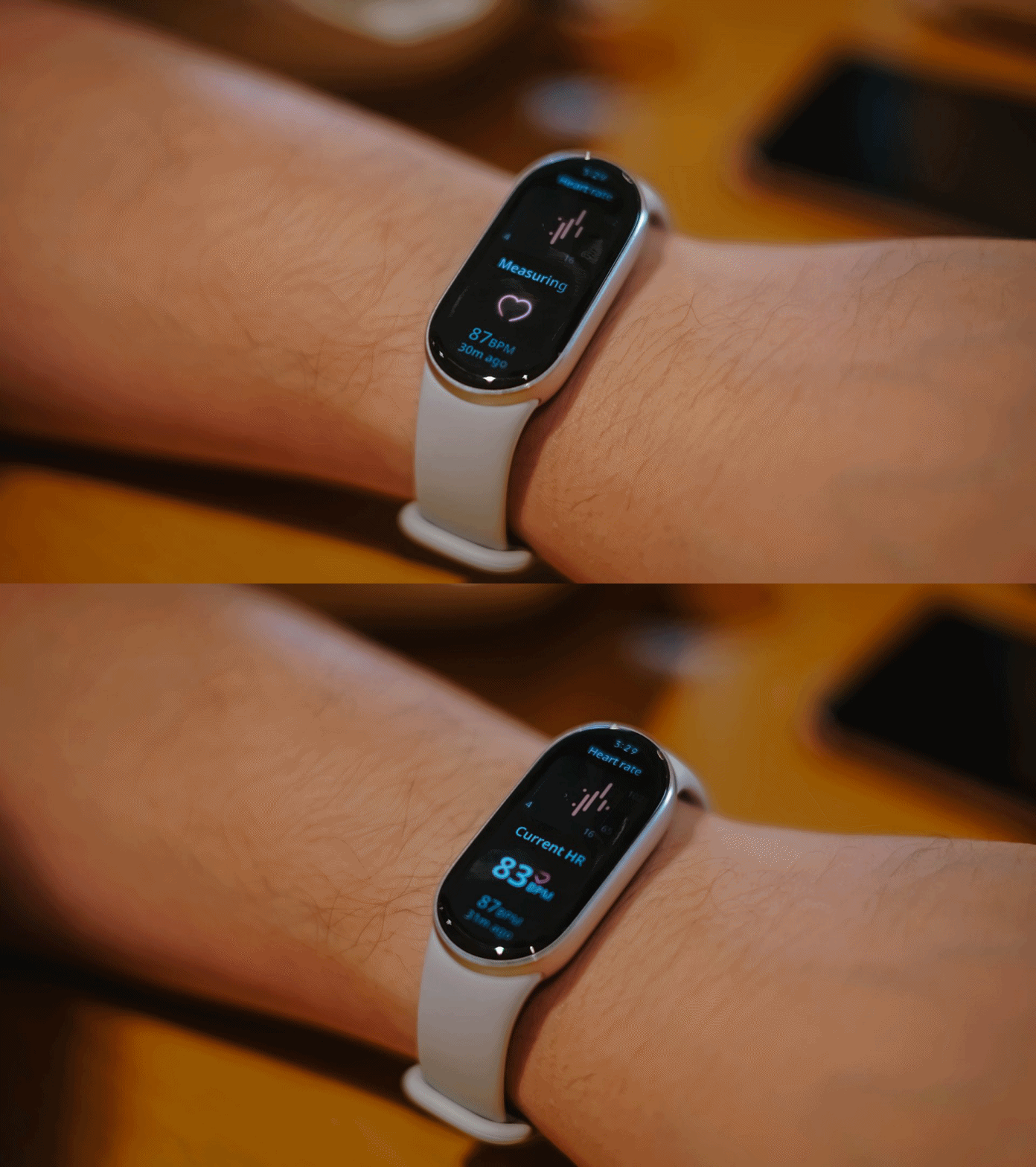
For one, the smart band quickly displays your heart rate instead of saying “Can’t measure, try again”. I’ve experienced this with previous smart bands. Sometimes, they also display an inaccurate heart rate.
This is just one of those features that may seem little but is very useful for quick runs. It matters to have accurate information displayed to accompany you with your workouts.
Even the vibration for notifications and other purposes feels a lot more intense. And you can choose between three intensity levels. The reminders are helpful especially when your focus starts to drift away.
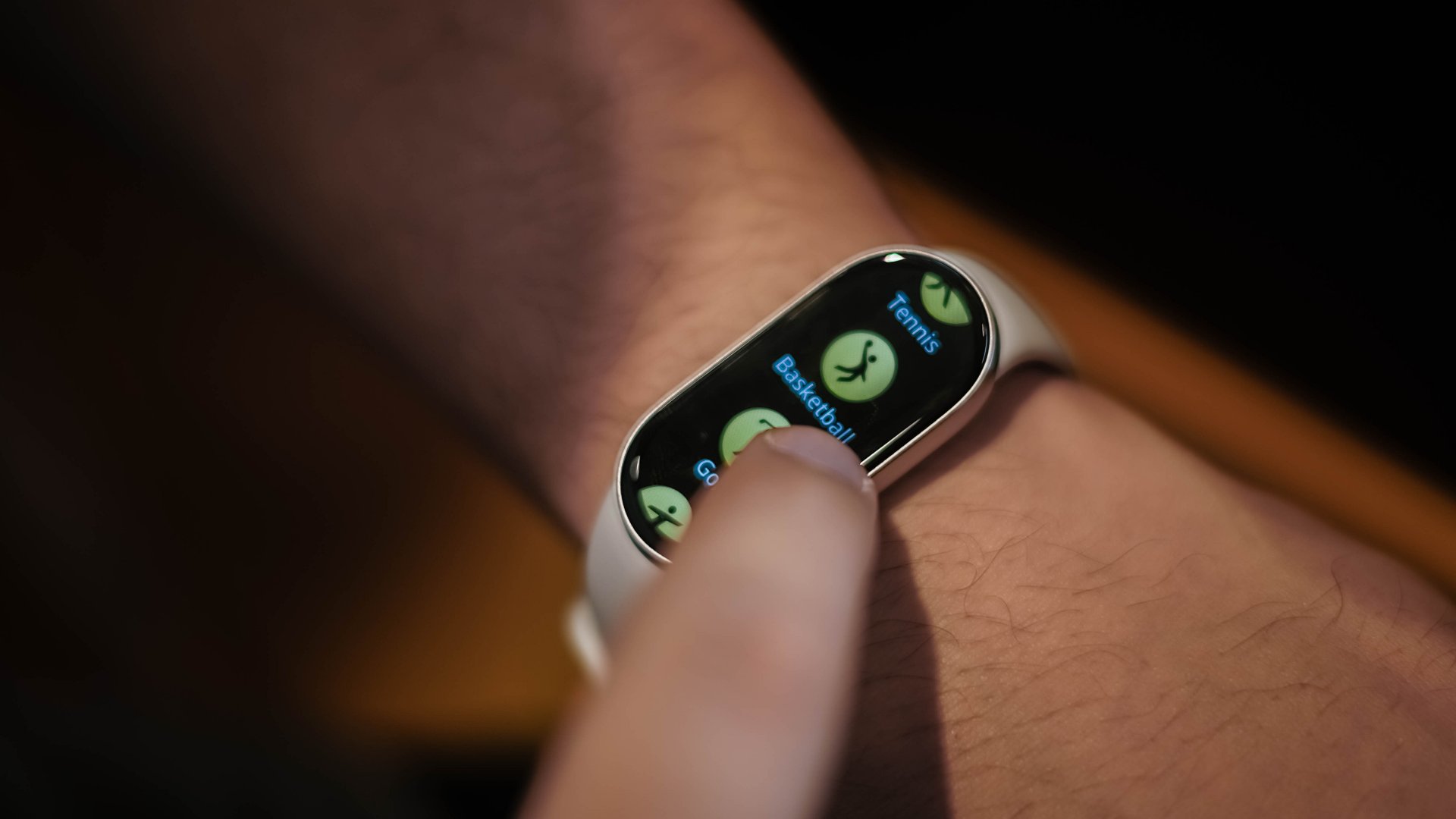
The Smart Band 10 comes with over 150 workout modes, including six auto-detection activities. For competitive athletes, there’s advanced metrics like VO2 max, training load, and recovery time.
With 5ATM water resistance, users can also leverage the device for swimming. The upgraded swim mode even comes with real-time heart rate monitoring and a 96% lap count accuracy.
Advanced sleep insights
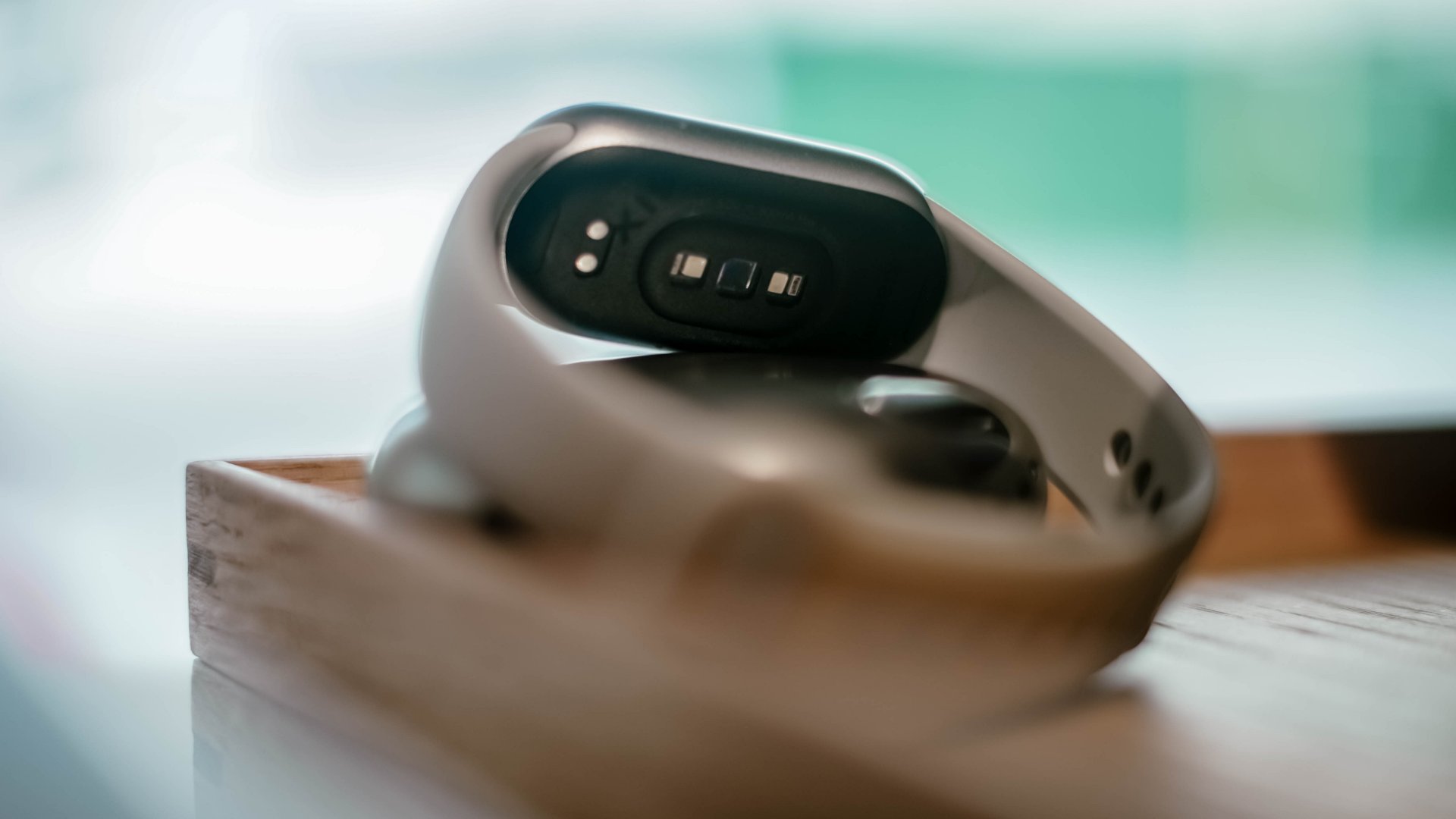
One of the key features I also enjoyed exploring on the Xiaomi Smart Band 10 is its advanced sleep management. The smart band offers great insights for those who need them.
Personally, I try my best to be in control of how much I’ve slept daily. It just ties into how I value my health and fitness overall. However, not everyone has the luxury of time.
I am quite privileged in terms of being able to note of all these manually, but it takes a lot these days to organize even just these things or be good multi-taskers in general.
That’s where the Smart Band 10 comes in. There are people who are simply swamped with whatever they do on a daily basis, especially those who work extra hours or simply have too much going on.
Sleep report, 21-day improvement plan
As I’m fond of analytics, it’s actually cool to see your sleep stats organized in one section on the Mi Fitness app.
There’s a sleep trend report which includes sleep score, duration, efficiency, and bedtime routine. This is available in daily, weekly, and monthly bases.
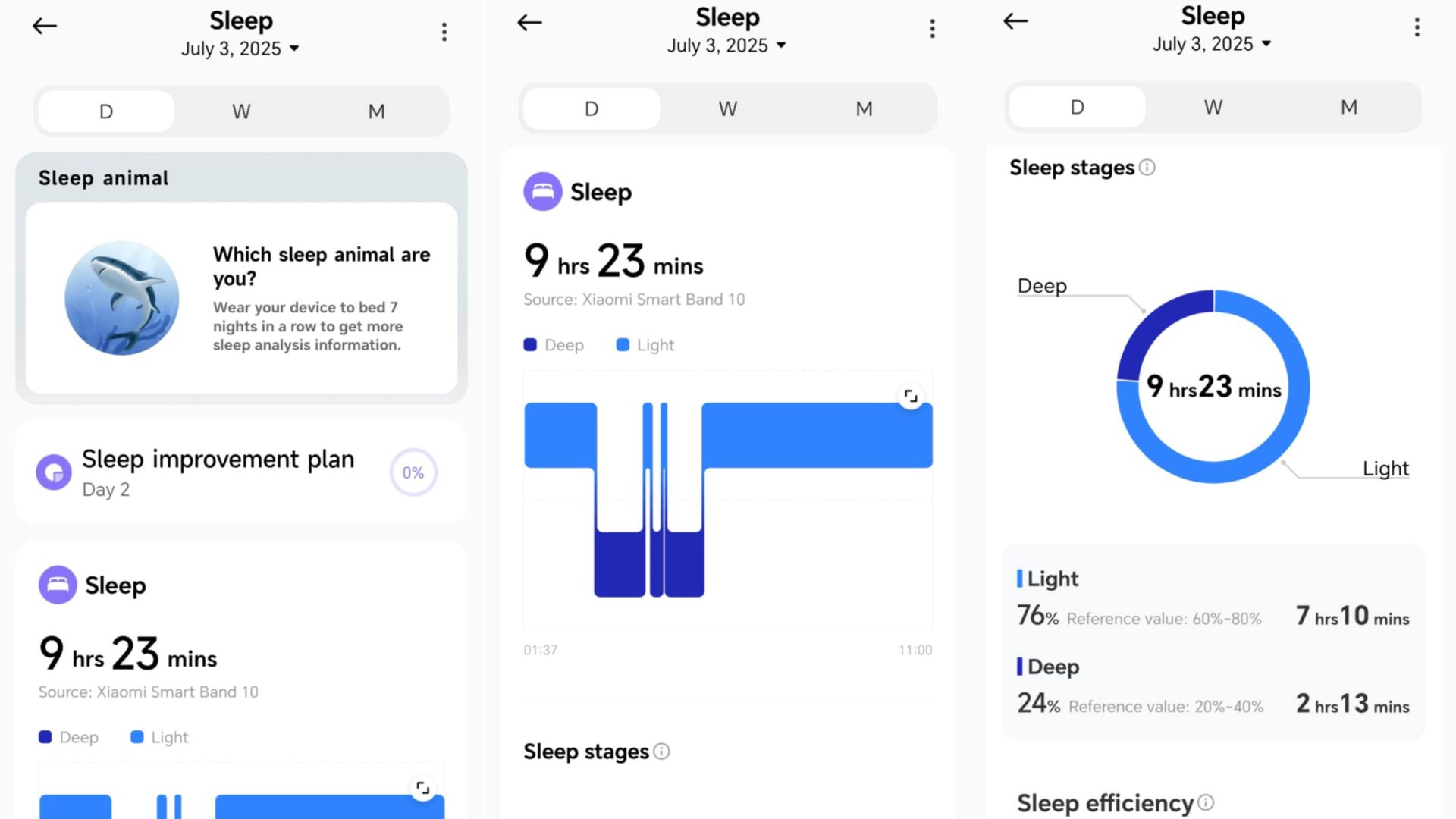
It’s a quick overview of your sleep quality, and whether or not you’re hitting the recommended eight hours of sleep daily. The app will also tell if your sleep quality is Poor, Fair, or Excellent.
For those who feel they should start developing better sleeping habits, the band and the app can help you get going with a 21-day sleep improvement plan. There are tasks to accomplish each day to help you stay glued.
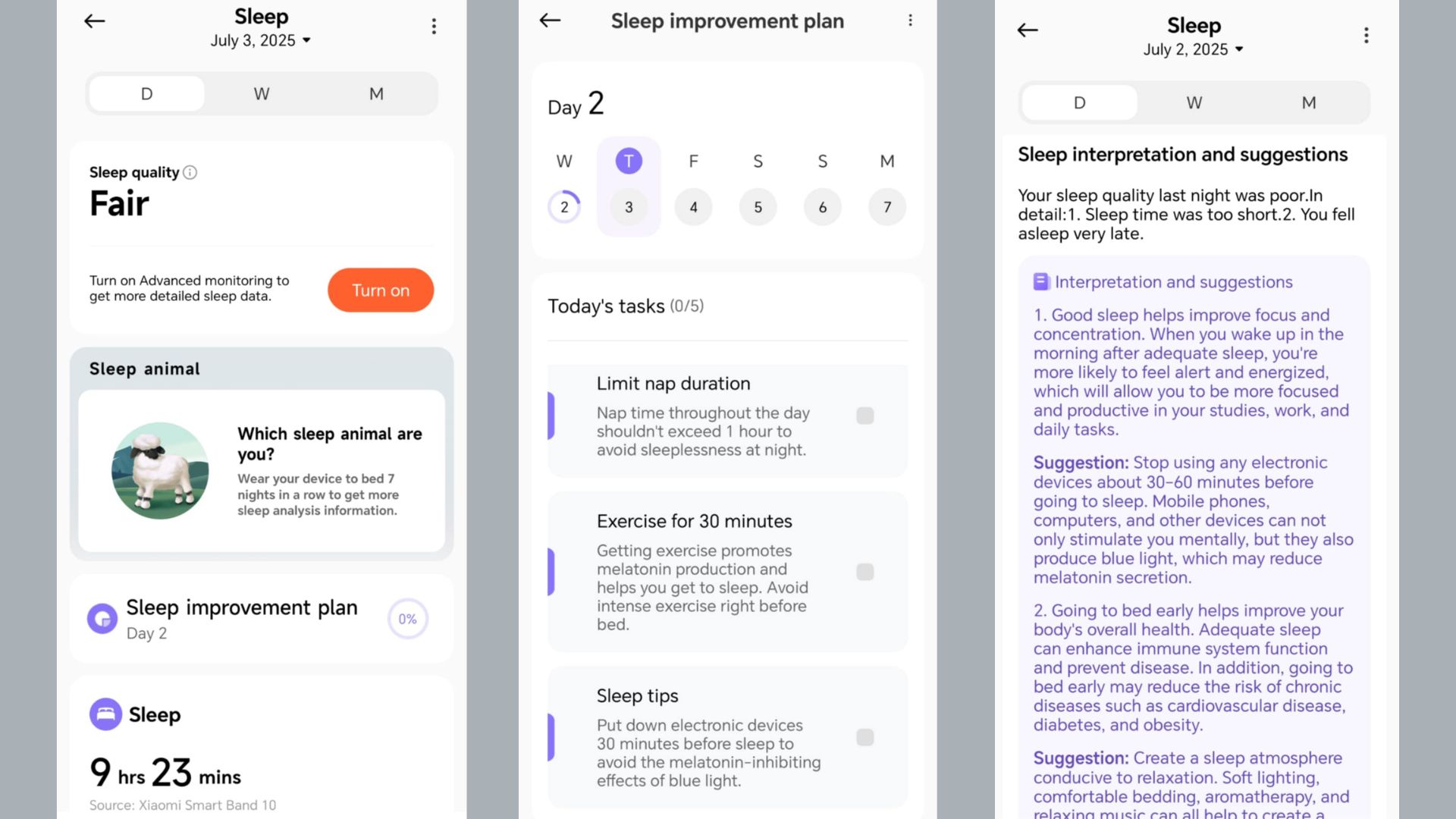
You can even turn on REM sleep tracking, although it drains the battery a little faster.
Likewise, there are sleep interpretations and suggestions, powered by the World Sleep Society, Asian Society of Sleep Medicine, and Chinese Sleep Research Society. These will help you turn the information into something helpful.
Which sleep animal are you?
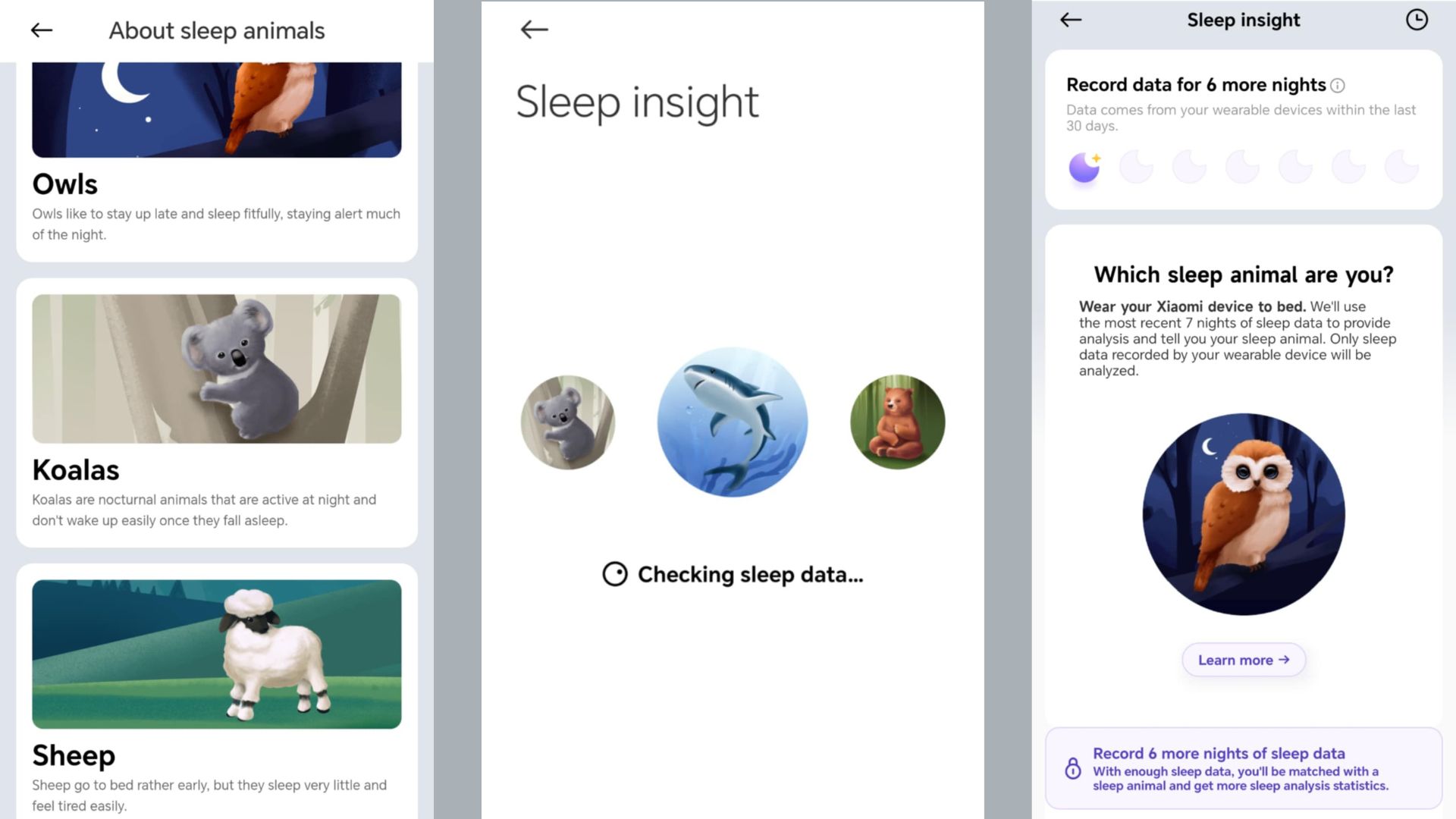
If you don’t know where to start, I suggest taking on this quiz under the sleep management section.
More than being a cute way to get engaged, this feature will give you sleep analysis stats after at least a week’s worth of recorded sleep data.
Based on the descriptions, the goal is to sleep like a bear.
On the right track
For now, one of my takeaways with this feature is that my average resting heart rate while asleep is right up there with athletes in shape. So I know I’m on track to becoming an even better version of myself.
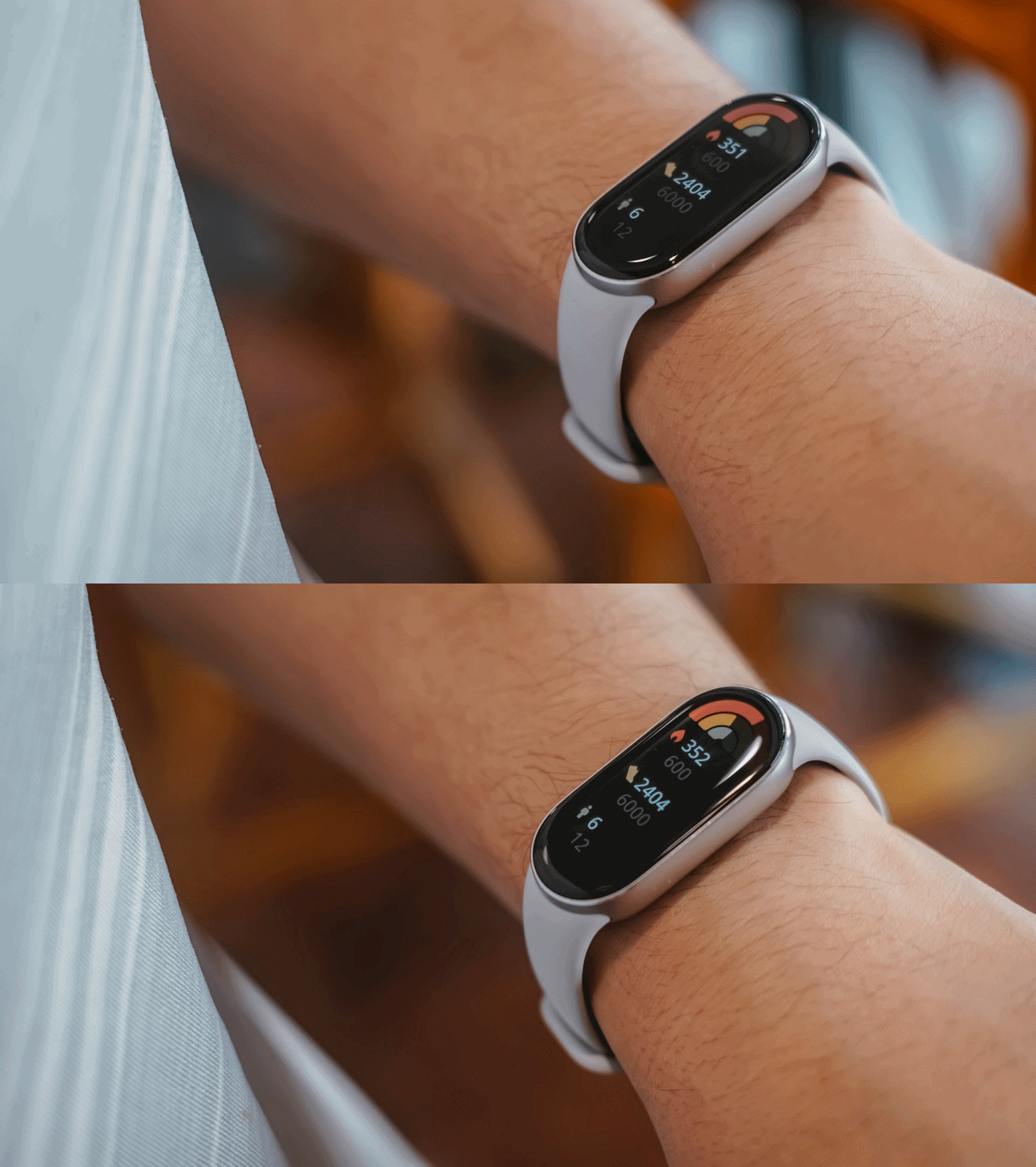
Another is that the band feels light and comfortable to wear. It doesn’t feel as if I had one on while sleeping. I observed the same for quick workouts. It just stays in place to let you do you.
Overall: Your accountability partner
Overall, the Xiaomi Smart Band 10 serves as an accountability partner. As I’ve mentioned in a previous review, if the Active variant helps beginners get going, the standard model lets you follow through the progress you’ve made and be in control.
Be it workouts or daily habits like better sleeping routines or task management, the wearable lets you know how far you’ve become.
The Xiaomi Smart Band 10 retails starting at PhP 2,499 in the Philippines. Customers can get the regular variant via Lazada, Shopee, and official Xiaomi stores starting July 4.




Hands-On
Apple iPhone 18 Pro Series Hands-on
And everything announced during Apple’s September 2026 Event


The latest Apple event isn’t just about the shiny new Apple Duo. There’s a lot to talk about!
In this video, we break down everything Apple has announced during their September 2026 keynote.
First, there’s the updated iPhone 18 Pro and 18 Pro Max. That’s alongside their design and color changes, battery and performance improvements. Even that massive camera upgrade.
There’s even the ANC-infused AirPods 5 alongside the newer Apple Watch Series 12 and Apple Watch Ultra 4. Plus, the latest software updates coming to both these wearables.
So, are these worth the upgrade?

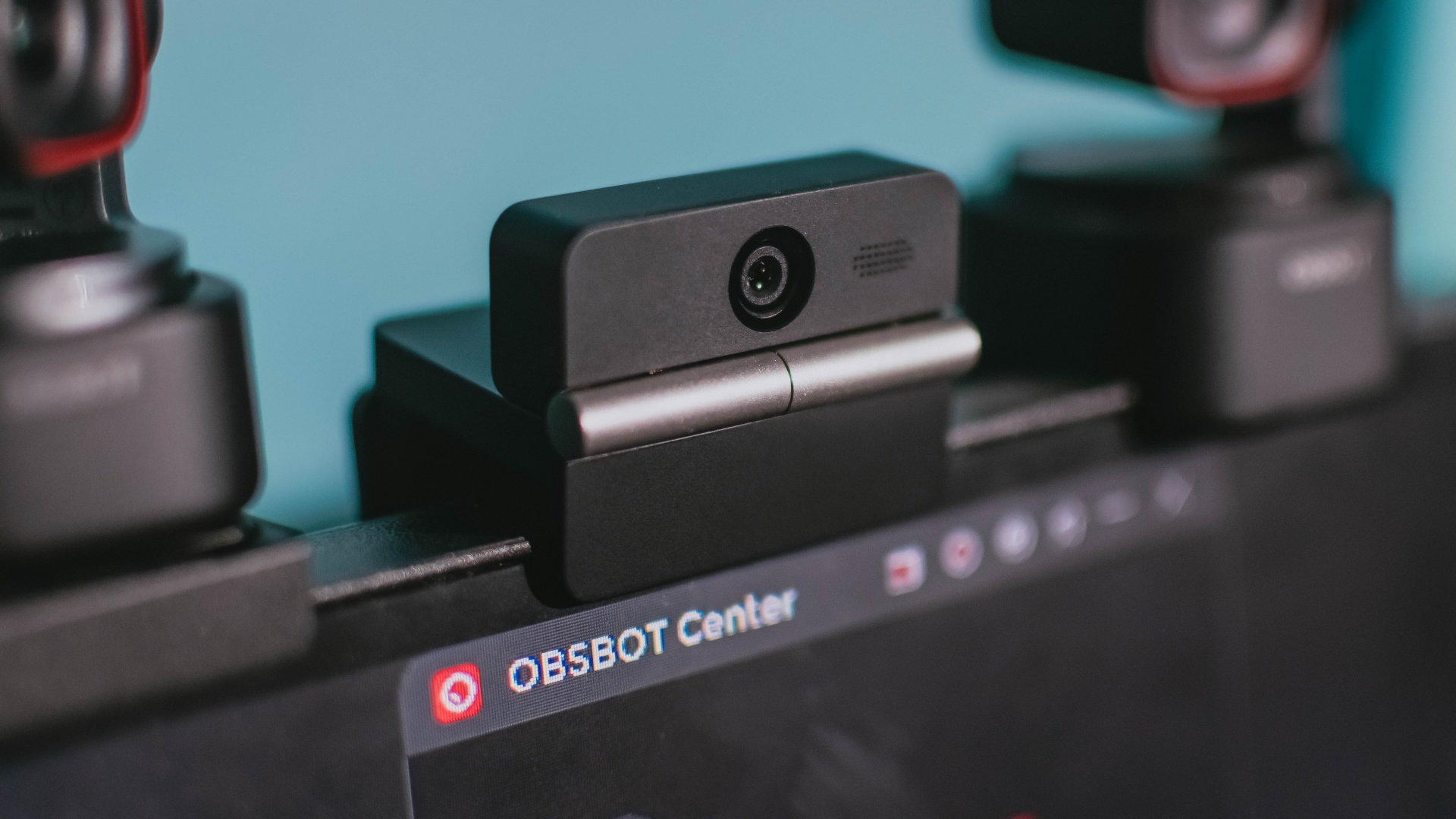
Phones flip and fold. Now webcams do too.
Foldable screens have found their way into phones, tablets, and laptops in recent years. Now, OBSBOT is taking that idea in a considerably smaller direction: the webcam.
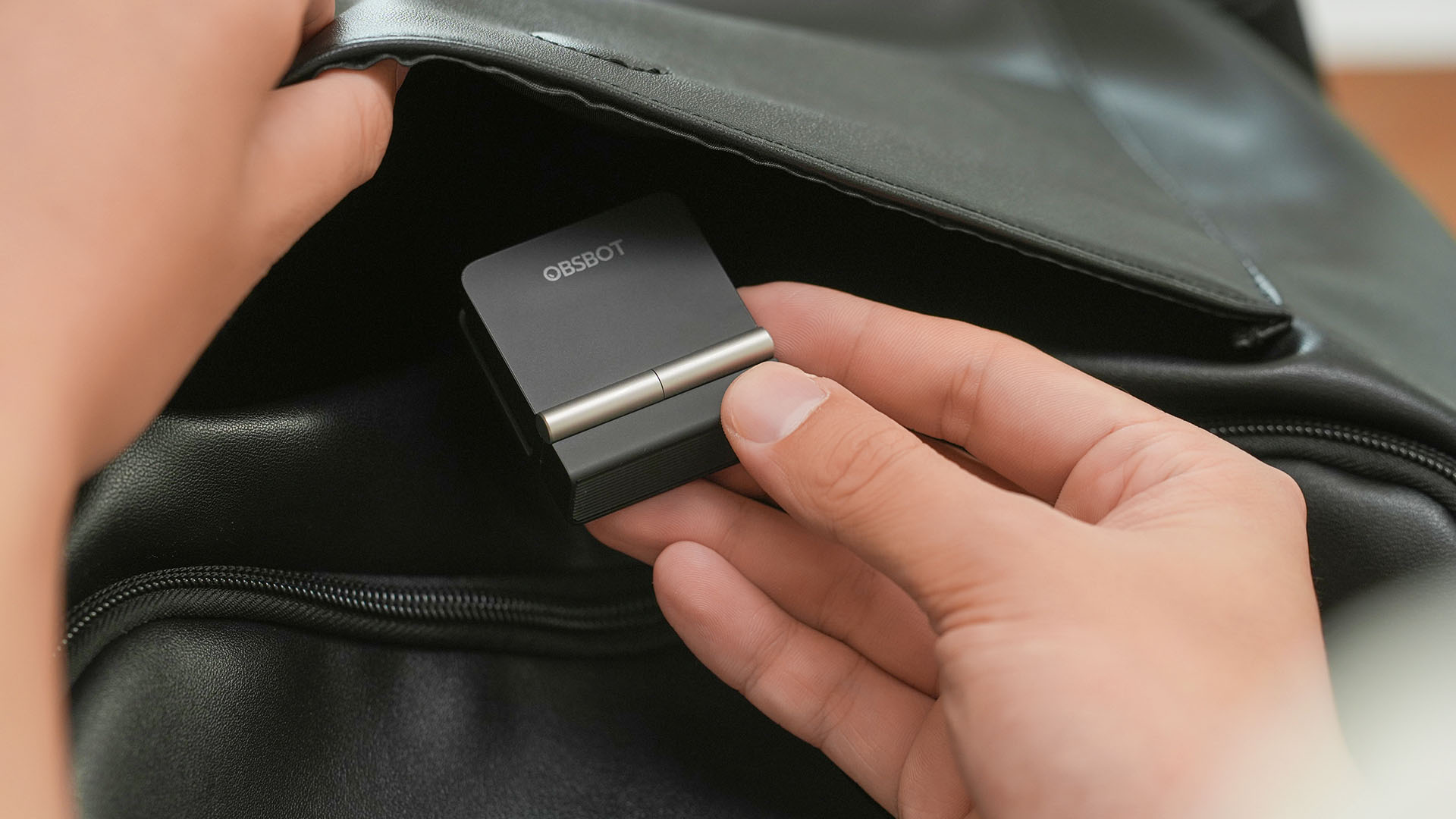
The OBSBOT Meet Flip is the company’s first foldable 4K webcam packing:
- 1/2-inch stacked CMOS sensor
- intelligent audio
- a collection of AI-powered meeting tools
All of these inside a body weighing just 37.7 grams.
A fold that does something, not just a gimmick
The OBSBOT Meet Flip isn’t foldable just to make it easier to throw into a bag.
Closing the webcam physically blocks the lens and puts the device into sleep mode. Open it when you want to be seen, flip it shut when you don’t.
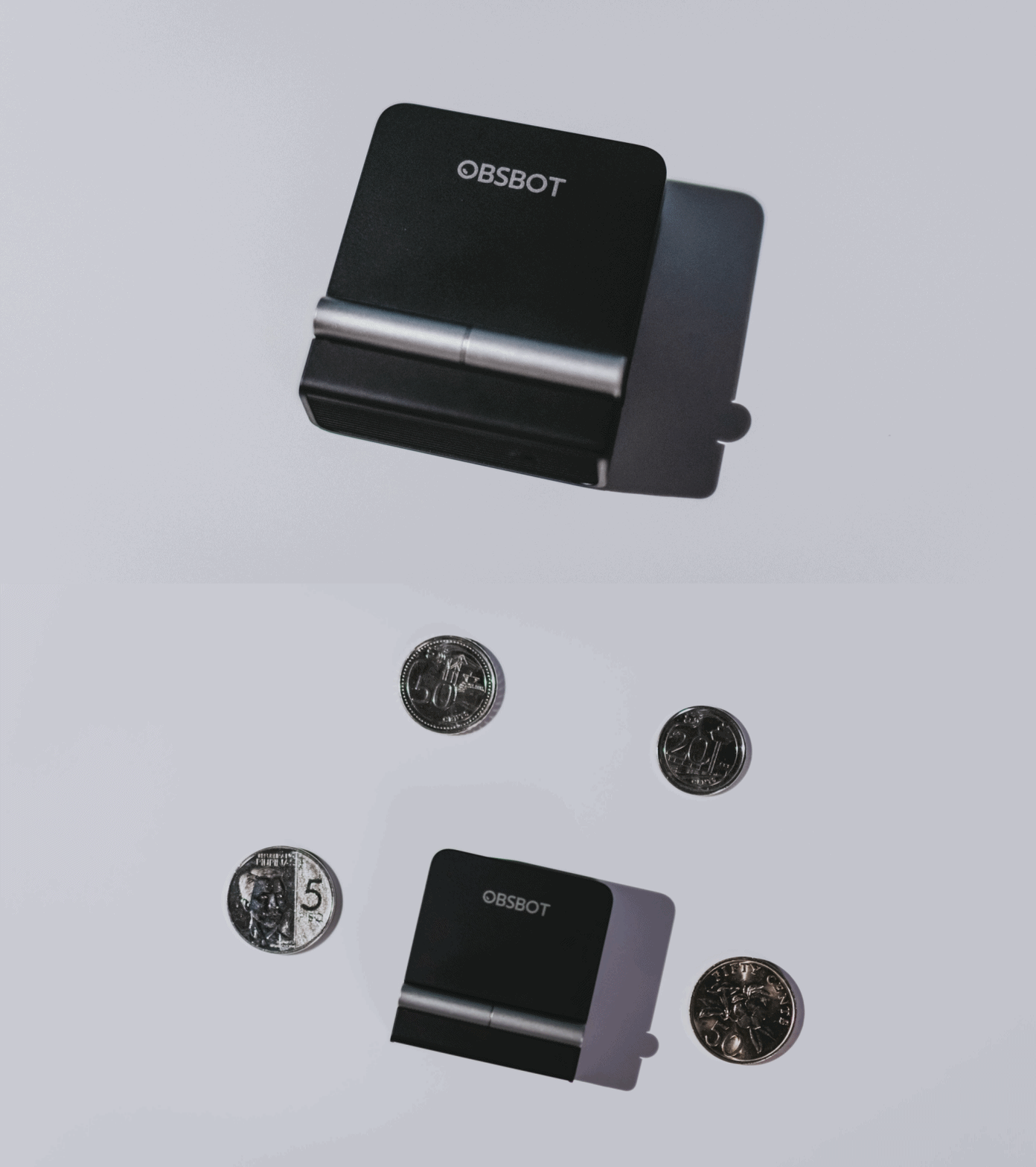
A physical privacy cover isn’t novel in itself. What’s clever here is how it’s part of the folding design.
As someone with a love-hate relationship with data privacy, I almost always keep some physical barrier over my laptop webcam. And if I can avoid having a webcam there entirely, even better.
Serious camera hardware in a pocket-sized webcam
Despite its size, OBSBOT hasn’t treated the Meet Flip like a basic laptop-camera replacement.
Inside is a 1/2-inch Exmor RS stacked CMOS sensor with Quad Bayer technology, capable of recording 4K UHD at 30 fps or 1080p at 60 fps. It also packs an f/1.8 aperture, HDR, PDAF autofocus, ISO 100–6400, and up to 4x digital zoom.
At its core is a 1/2-inch Exmor RS stacked CMOS sensor with Quad Bayer technology.
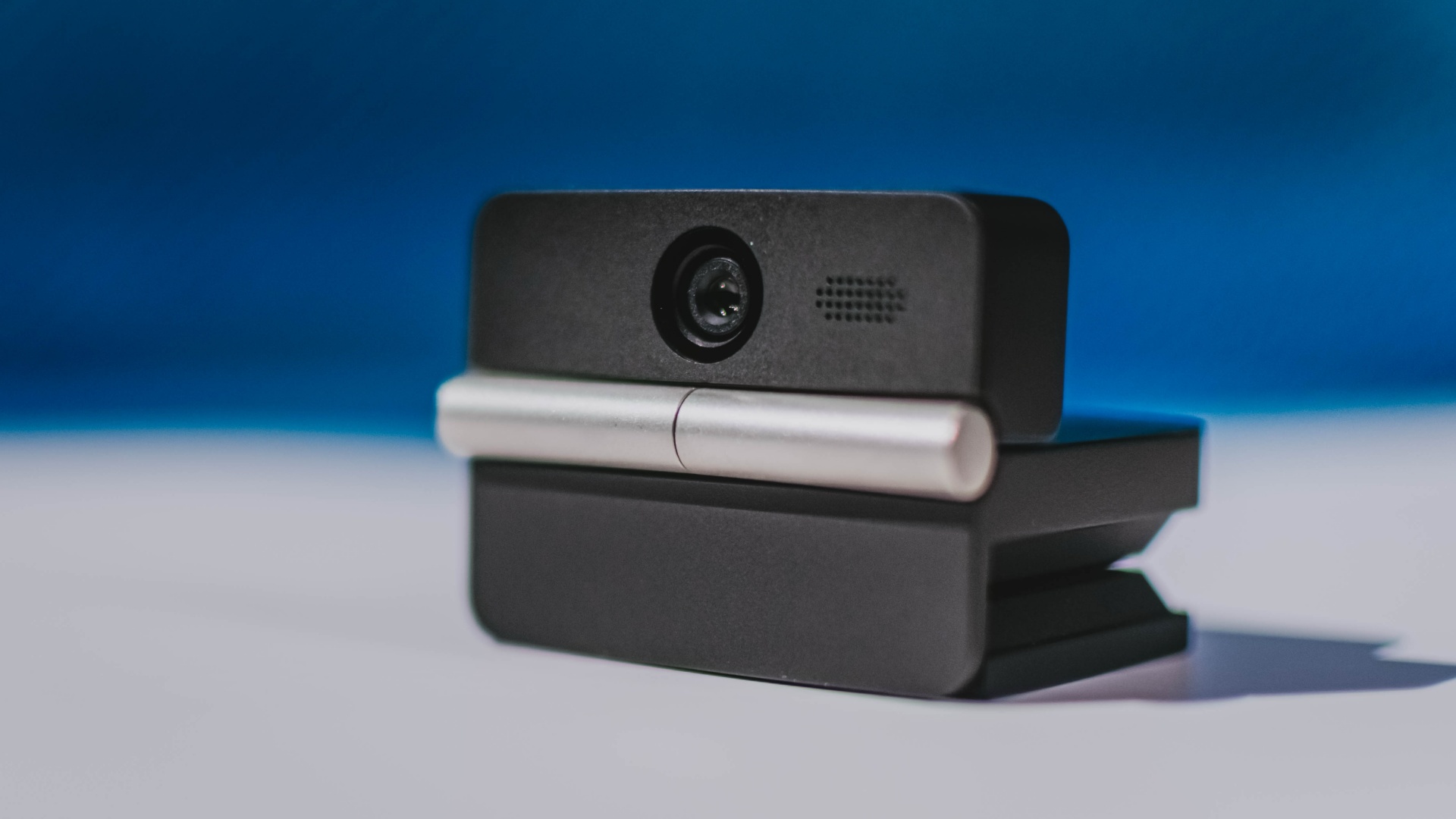
It can record:
- 4K UHD at 30fps
- 1080p at 60fps
You also get:
- f/1.8 aperture
- HDR
- PDAF autofocus
- ISO 100–6400
- up to 4x digital zoom
On paper, that gives the Meet Flip a better shot at handling the situations built-in laptop webcams often struggle with: dim rooms, harsh backlighting, changing lighting conditions, or simply moving around in front of the camera.
HDR helps keep faces visible against bright backgrounds, while PDAF autofocus continuously adjusts focus as you move closer to or farther from the lens.
The wider f/1.8 aperture should also help in less-than-ideal lighting.
The point is that once the Meet Flip is set up, you shouldn’t have to spend much time thinking about the camera itself.
It listens differently depending on the room setup
The Meet Flip also uses an intelligent dual-microphone system combining omnidirectional and directional microphones.
Instead of relying on one pickup pattern for every situation, it offers four audio modes for different setups:
Directional Mode focuses on sound coming from the front, making it the obvious choice for solo calls.
Dual-Directional Mode listens to both the front and rear of the webcam, which could be useful for interviews or conversations between two people sitting across from each other.

Smart Omni Mode is designed for group meetings, picking up voices from around the room.
And Pure Audio Mode provides unprocessed left and right stereo channels for users who would rather handle the audio themselves in post-production.
Auto Gain and AI Noise Reduction also work across the first three modes, helping clean up audio without requiring much manual adjustment.
It gives the Meet Flip more flexibility than a typical webcam microphone, especially if you regularly switch between solo calls, interviews, and group meetings.
AI that doesn’t intrude
AI has become an almost obligatory addition to new hardware in 2026, but several of the Meet Flip’s features put it to work on real-world meeting annoyances.
AI Auto Framing keeps you in frame, with options for:
- Group
- Single Close-up
- Upper Body
- Full Body
Gesture controls can also toggle Auto Framing or adjust the zoom without reaching for a keyboard or mouse.
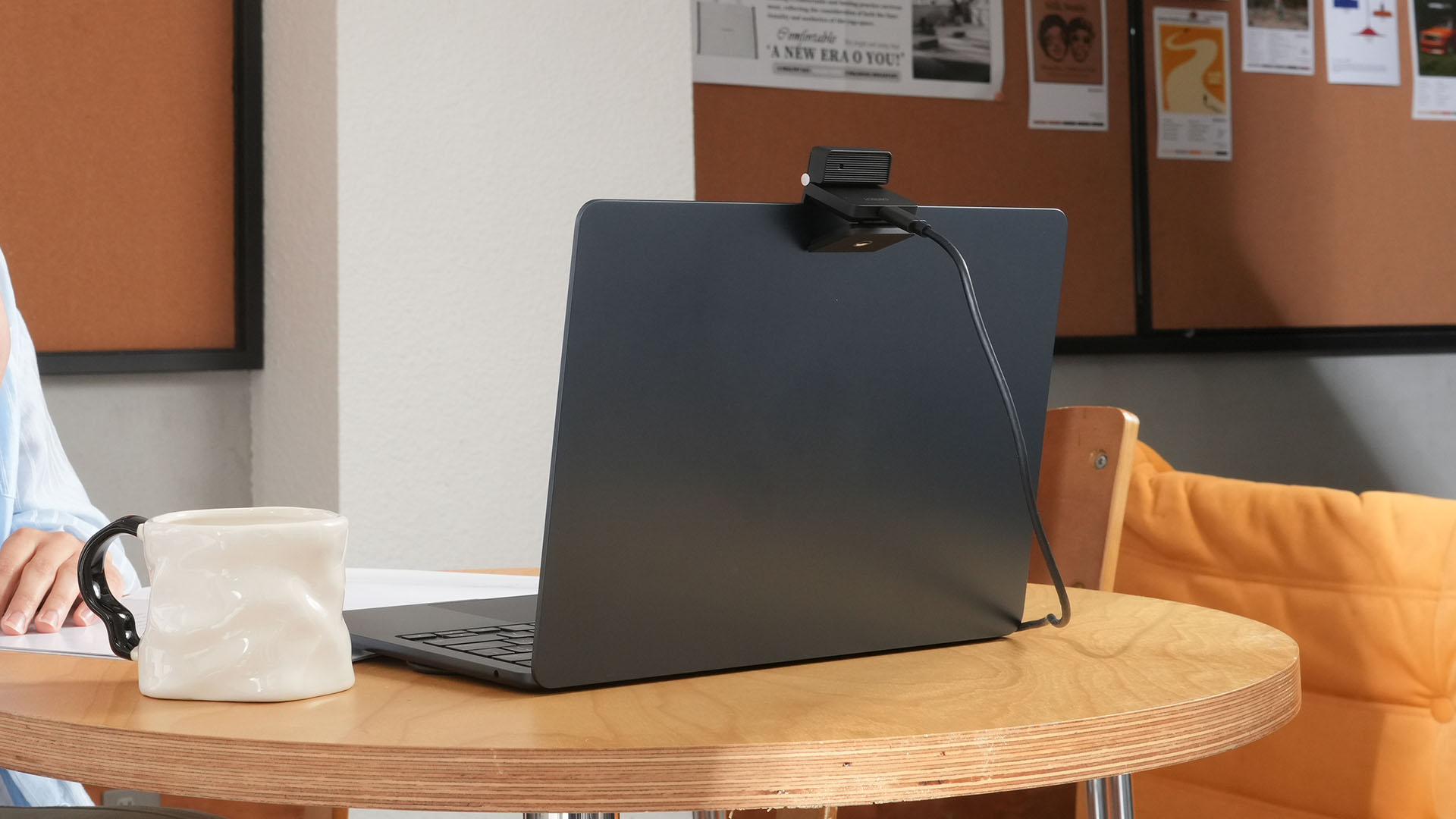
More interesting is AI Magic Notes.
Through OBSBOT Center, it provides real-time transcription and can automatically generate meeting summaries with key points, decisions, and action items. It works across Google Meet, Zoom, and Microsoft Teams.
Although AI Magic Notes is offered as a subscription service, every Meet Flip includes 120 complimentary minutes to get started.
MORE with OBSBOT Center & OBSBOT Live
There are plenty of other software features as well. OBSBOT Center includes:
- Background Blur and Background Replacement
- Real-Time Beauty Mode
- Picture-in-Picture overlays
- Smart Eye Tracking
- Teleprompter support
- Detailed image adjustments
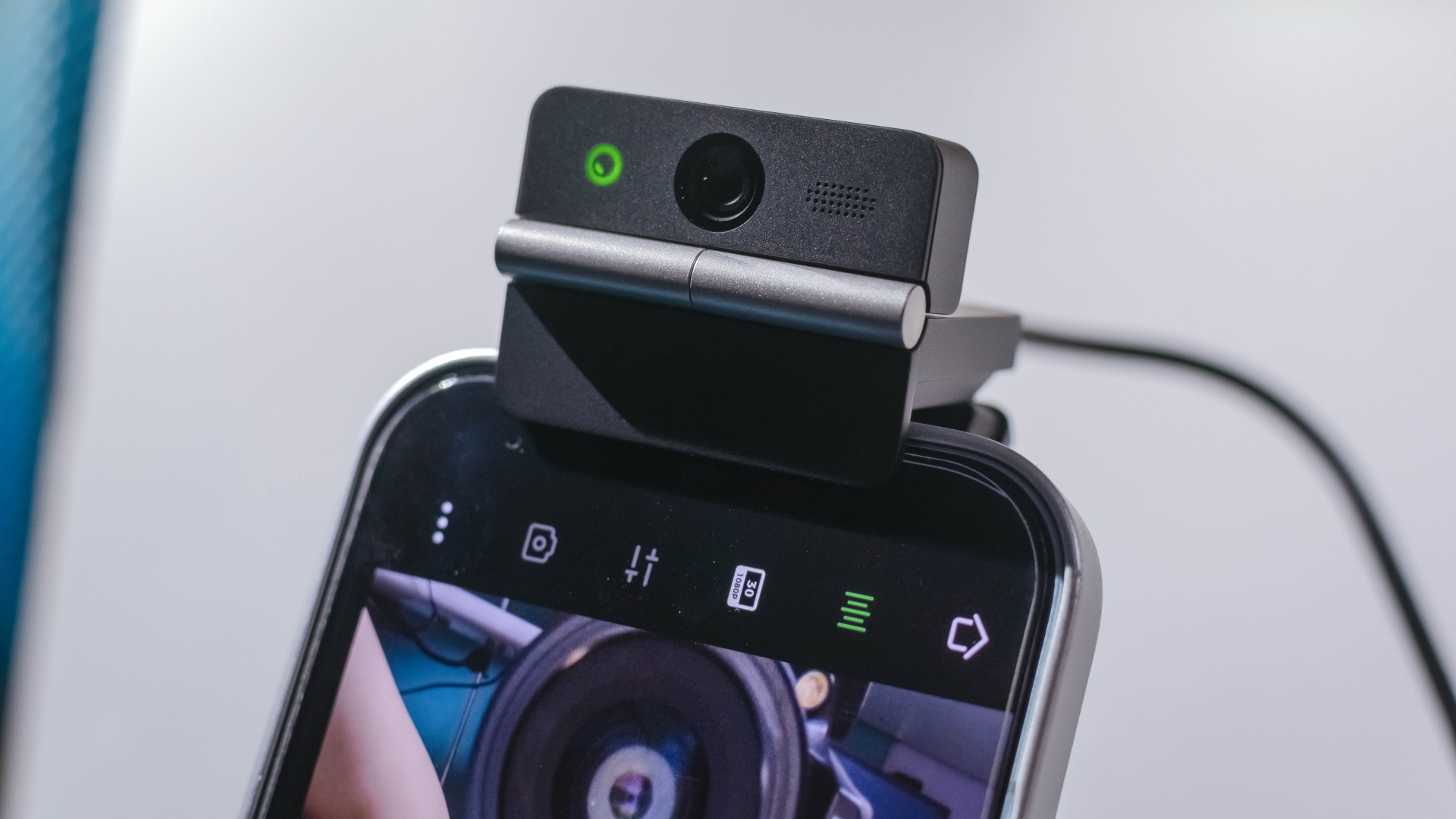
The Meet Flip isn’t limited to laptops or desktops either. Through OBSBOT Live, it can connect directly to smartphones and tablets over USB-C for mobile streaming and content creation.
Flip it open. Fold it away.
None of those features reinvent the webcam on their own.
Taken together, though, they make the Meet Flip a more thoughtful take on a piece of hardware whose basic design and features have barely changed.
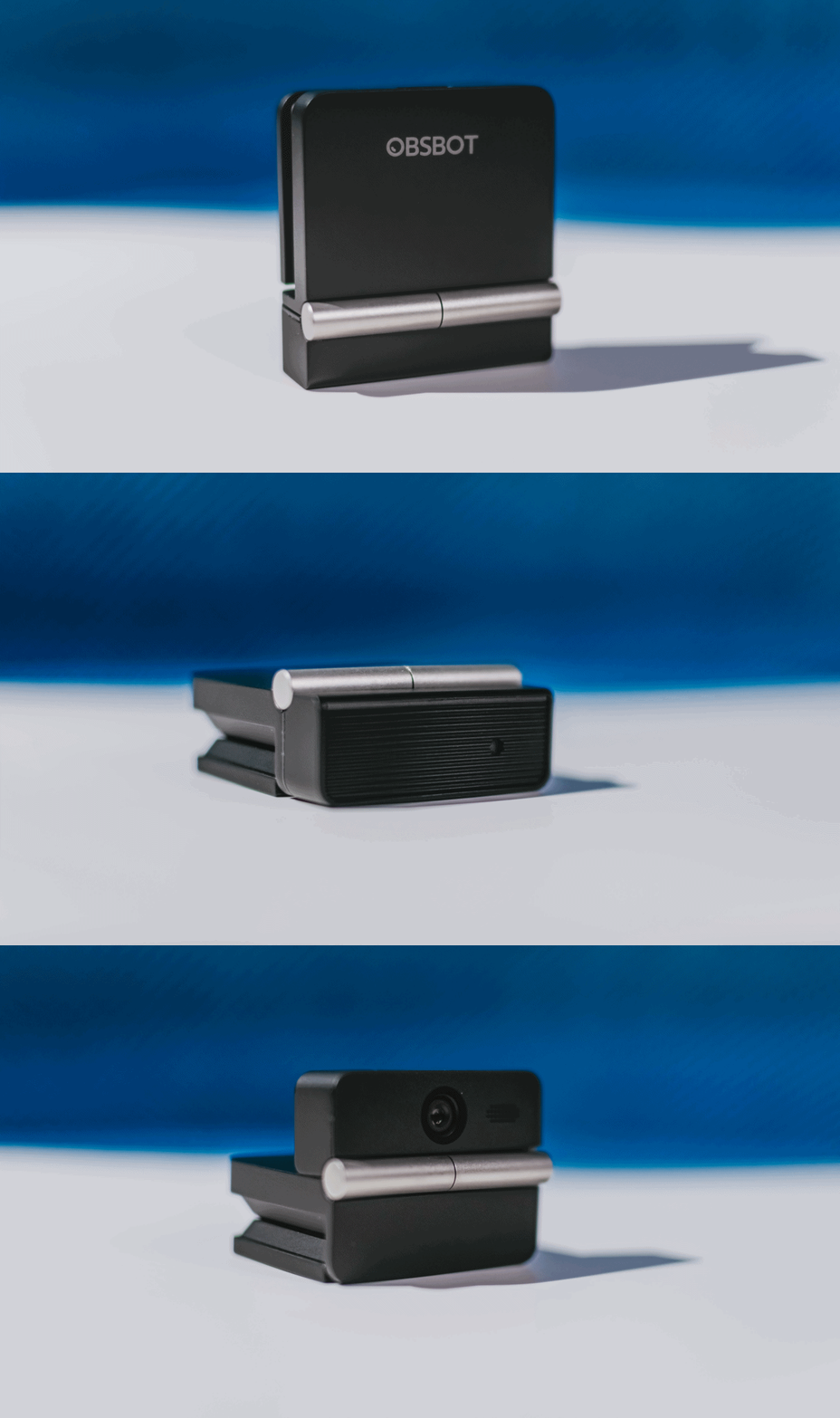
The flip may grab your attention first, but it’s how OBSBOT uses that design alongside its camera, audio, and software features that makes the Meet Flip interesting.
The OBSBOT Meet Flip is now available at US$ 119 and is currently available through OBSBOT’s official store, Amazon US, and select retailers.
&
@gadgetmatchPhones flip. Now webcams do too. 👀 Meet the OBSBOT Meet Flip, a tiny foldable 4K webcam with a lot packed inside. ✨
If you buy one, here’s what you’ll get out of the box!

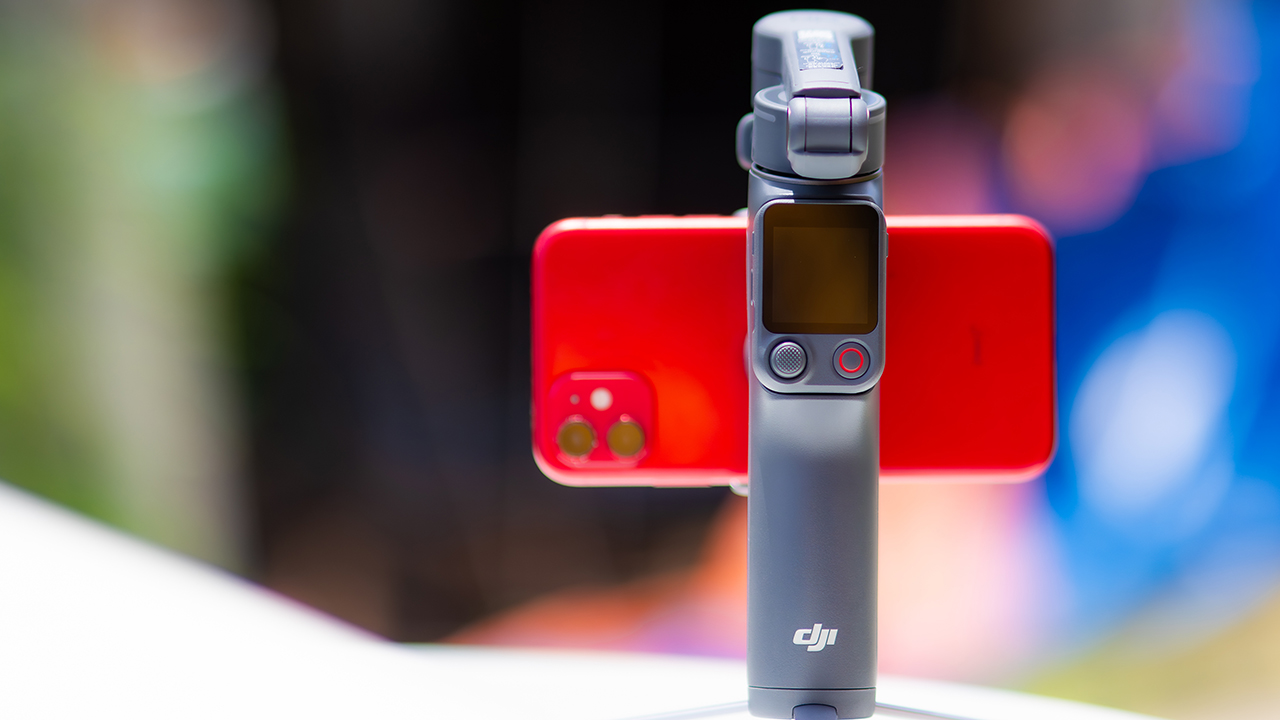
DJI’s smartphone gimbals have always chased one goal: delivering cinema-smooth footage without forcing you to carry a heavy rig.
The Osmo Mobile 8P (OM 8P) makes its priorities clear right out of the box. This is not a simple refresh. DJI rebuilt how you control the gimbal, and that decision shapes the entire shooting experience.
Freedom behind the lens
The biggest change is the FrameTap remote, and it’s the kind of upgrade that fixes a problem you didn’t realize was slowing you down until it’s gone.
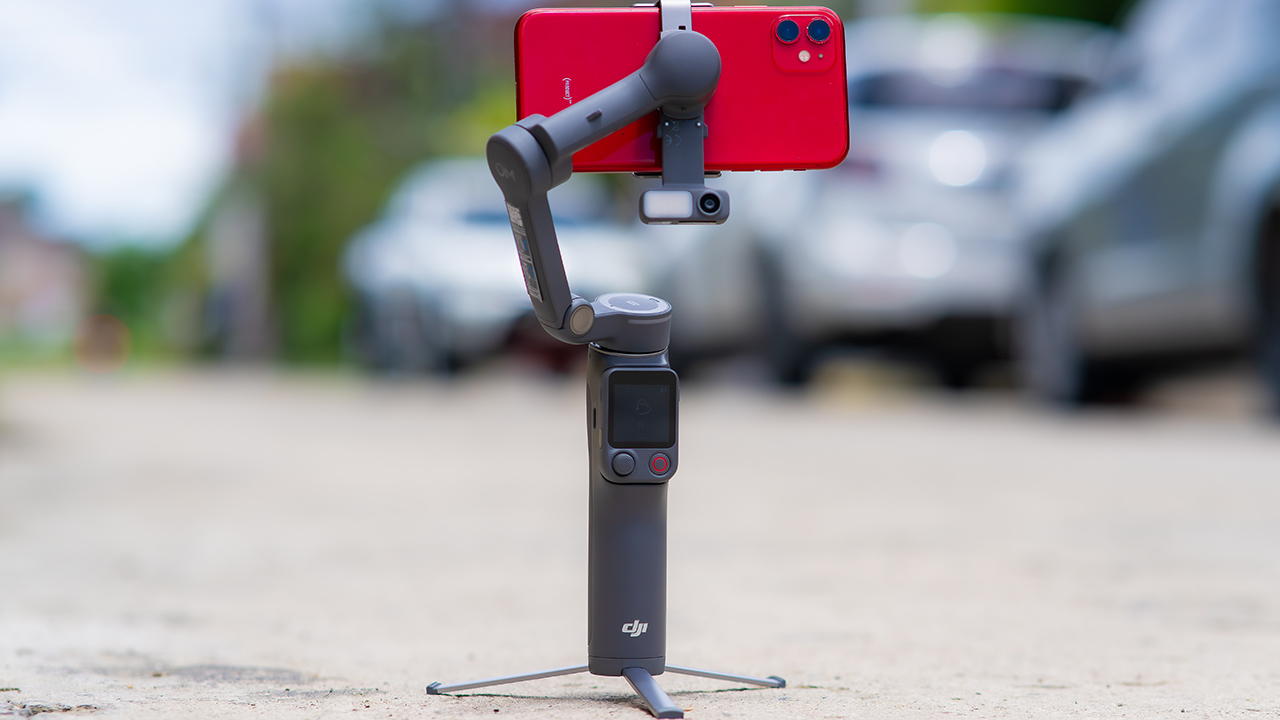
On the standard OM 8, adjusting your framing meant reaching for your phone every time, which broke the flow of shooting and pulled you out of the moment.
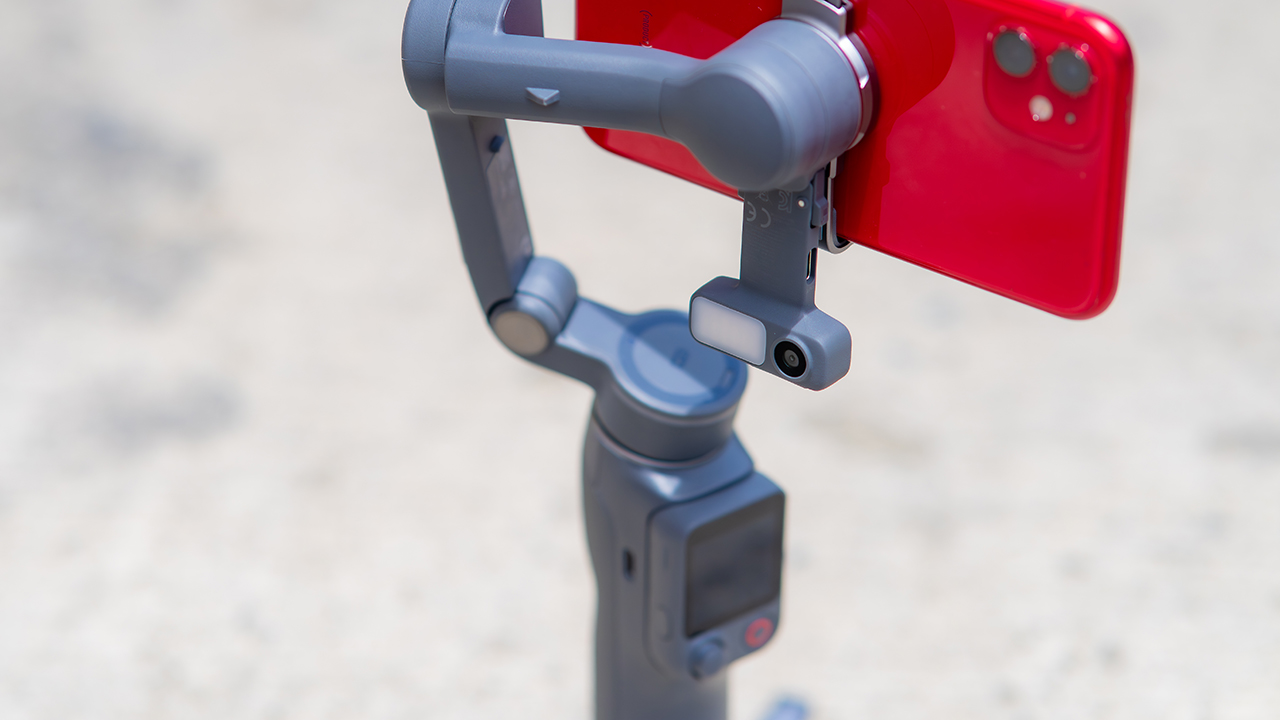
FrameTap puts that control back in your hand. You can reframe shots and manage the gimbal without touching your phone at all, and for anyone shooting solo, that alone changes how usable the whole setup feels. Tracking has taken a real step forward too.
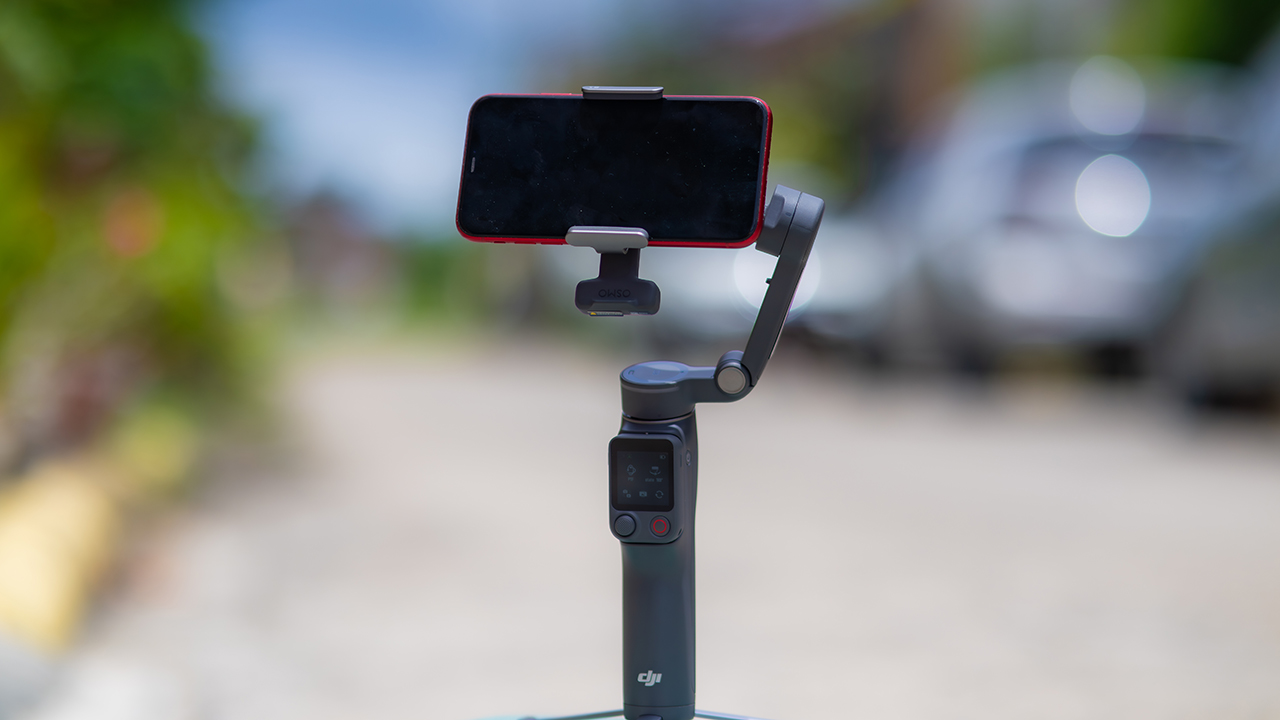
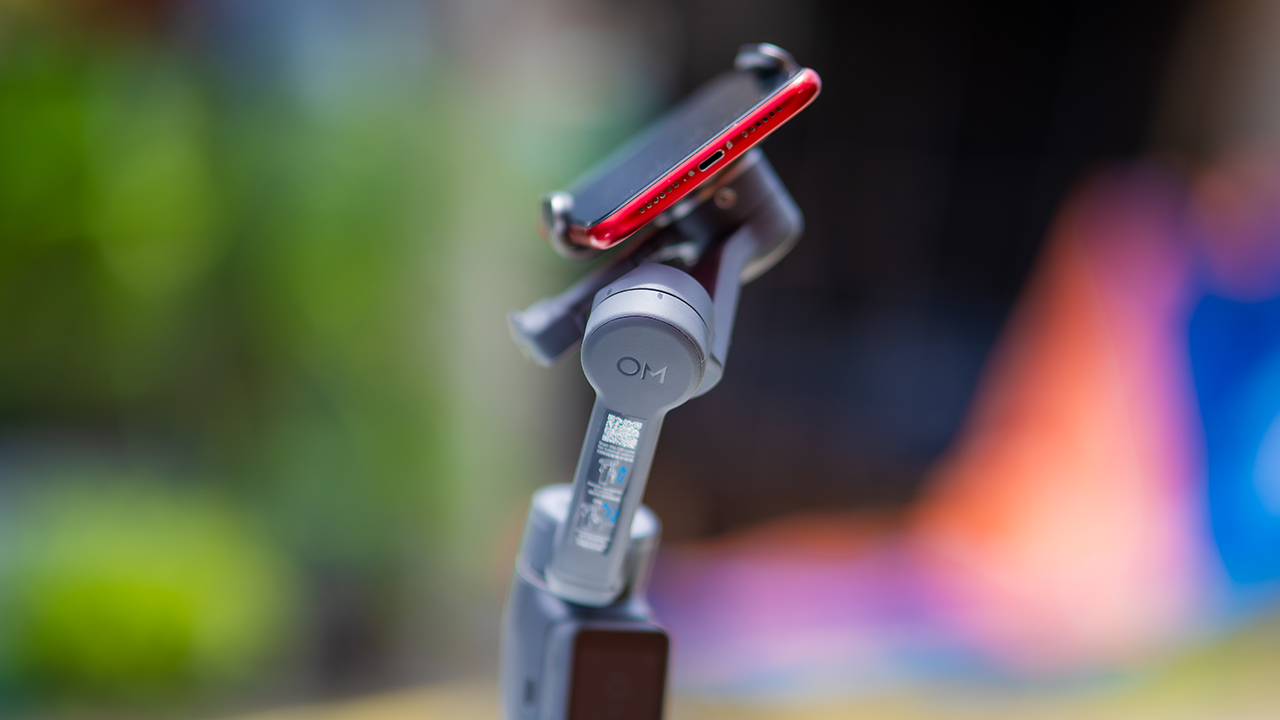
ActiveTrack 8.0, paired with Module 2, held onto its subject even after they stepped out of frame for a moment, then picked them back up without much fuss.
It also lets you sit off-center in the shot instead of forcing you into the middle every time, which gives you more room to compose something that doesn’t look like every other gimbal video.
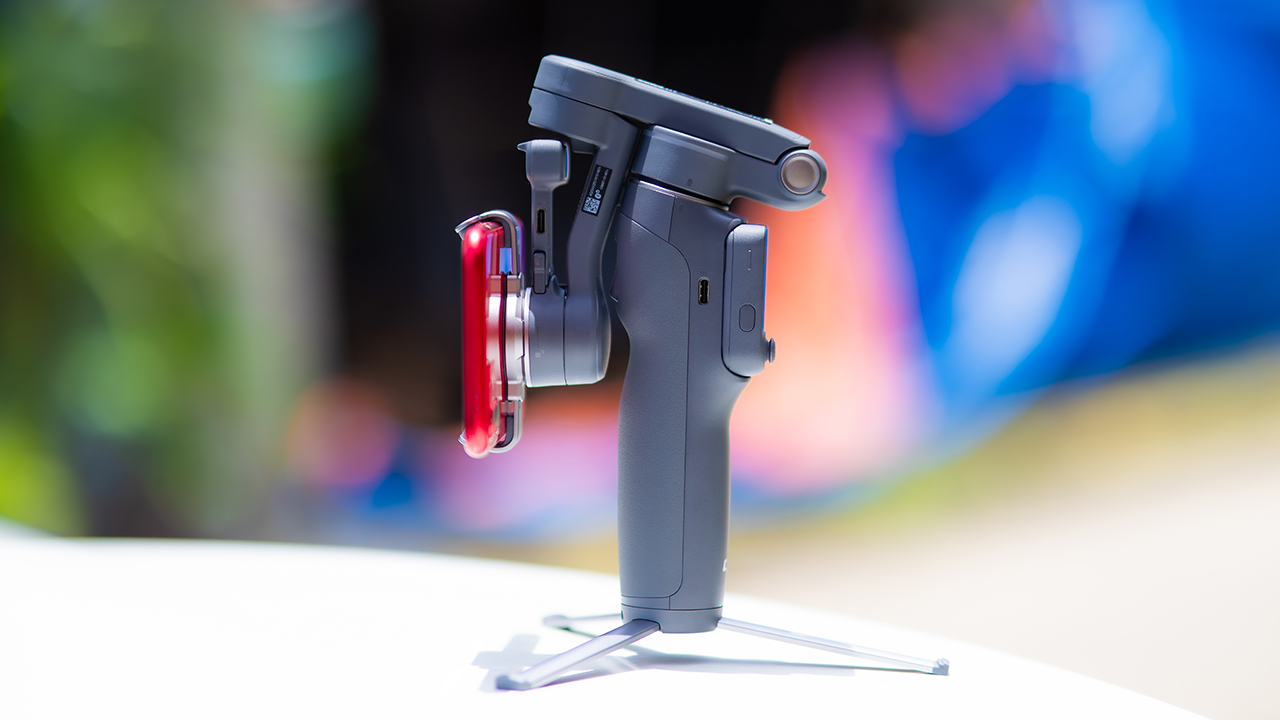
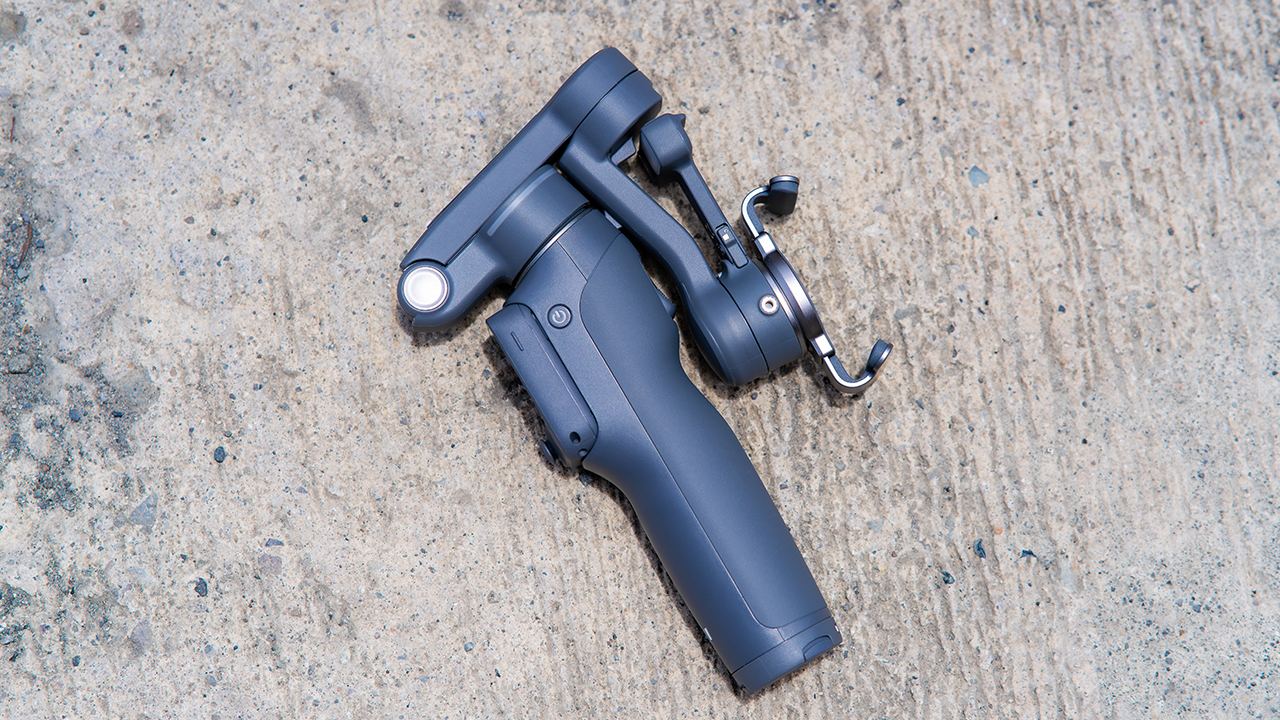
None of that would matter much if the gimbal itself wasn’t solid, and it still is. The OM 8P holds onto the same foldable design, magnetic phone clamp, and built-in tripod that made the OM 8 easy to live with.
And it remains one of the better compact options for stabilization, tracking, and portability in one package.
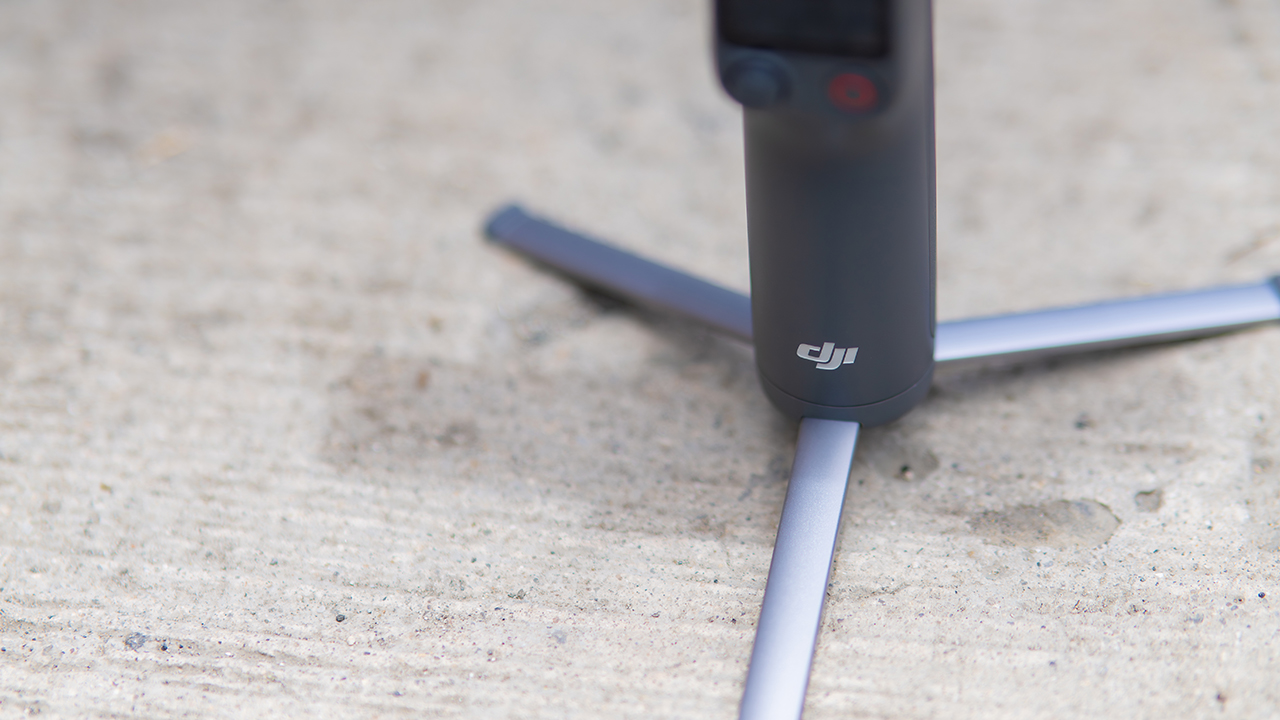
The tripod legs are a touch wider this time, and that extra width does make a noticeable difference on uneven ground.
The trade-offs in touch
The trade-off for all that new remote functionality is a control scheme that takes more getting used to. More of the gimbal’s functions now live on the FrameTap touchscreen, the joystick is smaller, and switching between shooting modes takes a few extra taps compared to the OM 8. It’s not a dealbreaker, but it’s a learning curve you’ll need to budget time for.
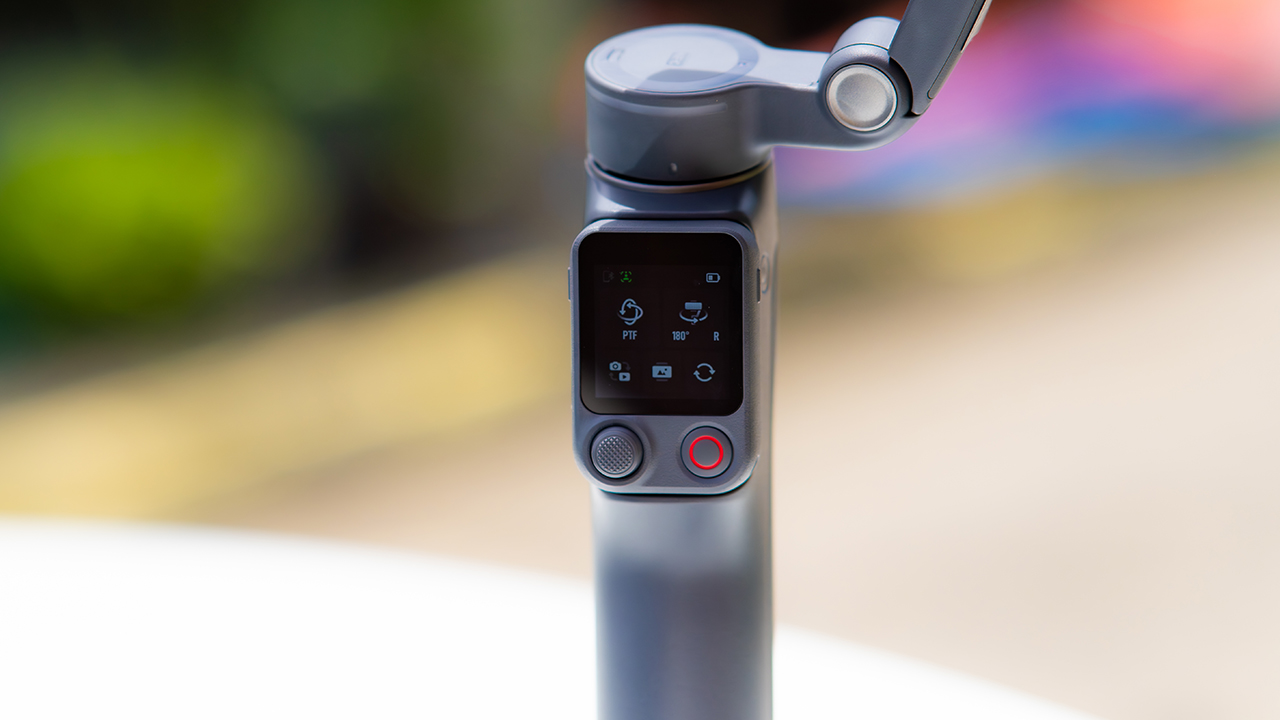
DJI also removed the zoom and focus wheel, so if you leaned on that dial for quick adjustments, you’ll feel its absence here. Module 2 no longer lets you plug a DJI wireless mic in directly either.
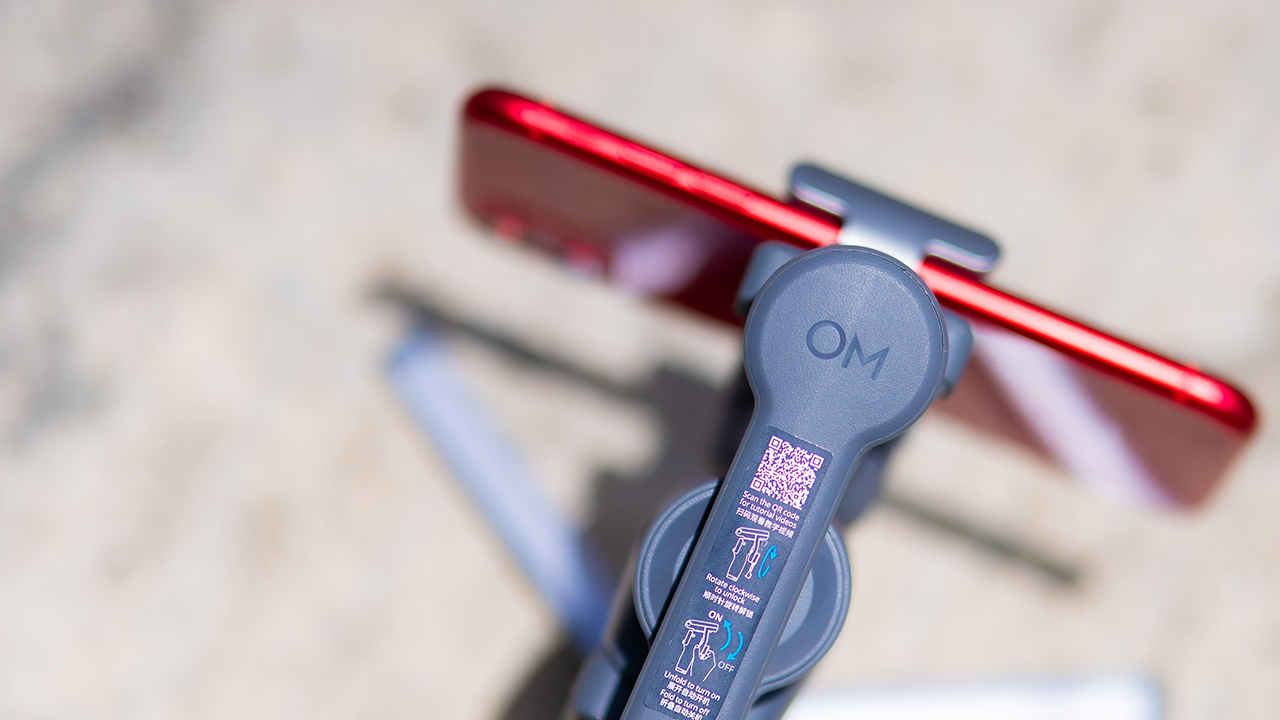
You’ll need to connect it to your phone instead, which adds a step to a setup that used to be simpler. Phone compatibility is still a limiting factor as well. DJI lists support for phones up to around 300g and 11mm thick, so bigger phones or ones in chunky cases may not clamp in properly.
Finding your ideal workflow
The OM 8P makes the most sense for solo creators who want dependable tracking and the freedom of remote framing without stepping up to a dedicated camera like the DJI Osmo Pocket.
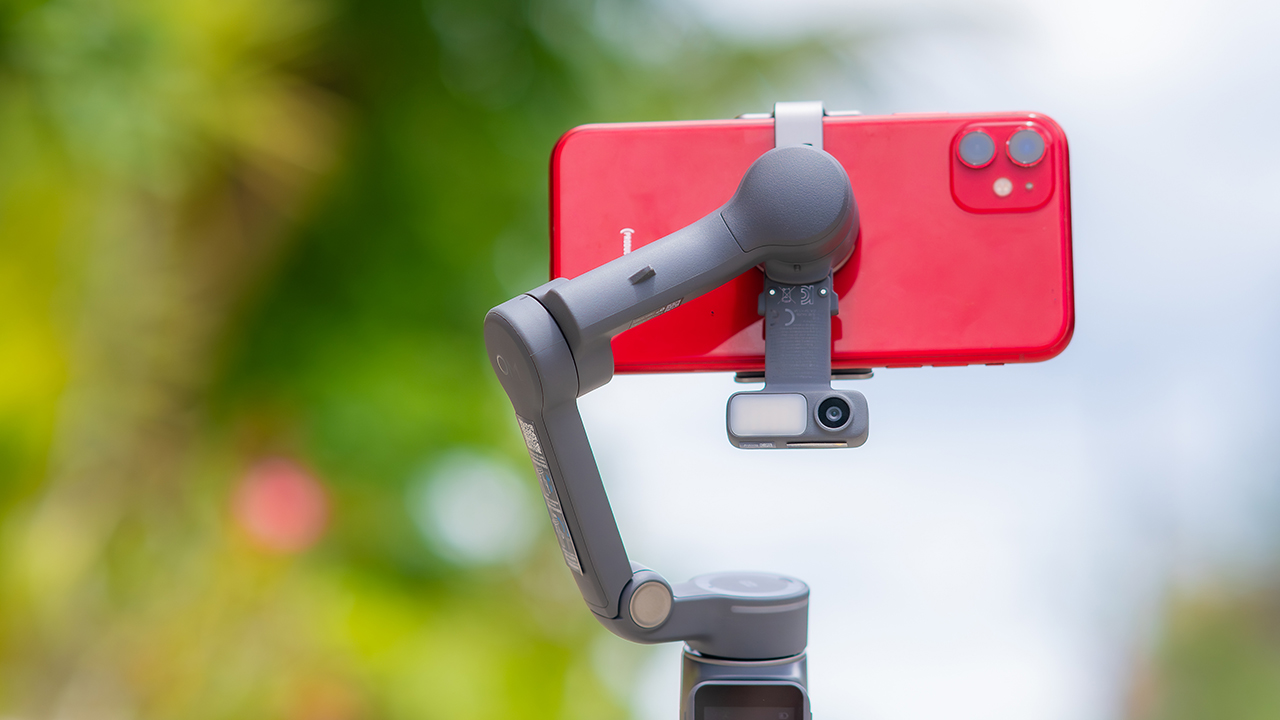
If you’re already shooting on a phone with a solid camera, this fills the gap nicely. It’s a tougher sell if you prefer physical buttons over touchscreen menus, or if your phone runs on the larger and heavier side, since fitting it onto the clamp might be a problem before you even get to shooting.
Price, availability
DJI is offering the OM 8P in three combos, so how much you pay depends on how much of the ecosystem you actually need.
- Standard Combo (PhP 7,499): the gimbal itself, with 8th-gen stabilization and the detachable FrameTap remote included.
- Advanced Tracking Combo (PhP 9,199): adds the Multifunctional Module 2 for the improved subject tracking we tested.
- Creator Combo (PhP 11,099): the full kit, built for creators who want everything DJI bundles in from the start.
Is the DJI Osmo Mobile 8P your GadgetMatch?
The DJI Osmo Mobile 8P asks you to relearn a few habits in exchange for a gimbal that finally lets go of your phone. If hands-free framing and steadier tracking matter more to you than a dedicated zoom dial, this is worth the adjustment.
If you’d rather keep things exactly as they were on the OM 8, that learning curve might be the deciding factor.
Swipe right if you shoot alone often and have been waiting for a gimbal remote that actually works. The FrameTap remote alone justifies the upgrade if reaching for your phone mid-shot has been slowing you down.
Consider this if reliable tracking matters to you, especially if you’ve had a subject wander out of frame and stay lost on older gimbals.
And of course, get this if you already own a capable phone under the weight and thickness limits, and you’d rather invest in a smartphone rig than jump to a dedicated camera like the Osmo Pocket.
Swipe left if you lean on physical dials for zoom and focus, and moving those functions to a touchscreen sounds like a downgrade rather than an upgrade.
This is not for you if you use a DJI wireless mic and want it plugged directly into the module without routing through your phone first. Or, your phone runs heavier or bulkier than DJI’s limits allow, since no amount of enthusiasm fixes a clamp that won’t close.


DJI Lito X1 review: Is this the best lightweight drone for creators?
Making a strong case as a travel companion and a capable B-cam!


REDMI Note 17 Pro Max review: A new breed born from AI greed
Welcome to the new normal


Marvel’s Wolverine review: When the claws come out
A brutal, cinematic superhero adventure

OPPO Find X10 Pro Max is the first phone with a triple 200MP camera system

70mai launches the A900 series with 4K front, rear recording

Dune: Awakening makes it way to the PS5 and Xbox Series X

The Kia EV3 brings gallery-worthy design in a compact electric form

vivo introduces OriginOS 7 with smarter multitasking and AI features

realme 16T 5G with 8000mAh battery, IP69 Pro rating launches in PH

HUAWEI Pura X View is 2026’s first WIDE slab-type smartphone

REDMI reveals the refreshed Note 17 and Note 17 Pro series

REDMI Note 17 Series: Price, availability in Singapore

The CAMON Slim 5G is TECNO’s latest ultra-slim smartphone


-

 News2 weeks ago
iPhone 18 Pro series: Price, availability in the Philippines
-
 Singapore2 weeks ago
iPhone 18 Pro series: Price, availability in Singapore
-
 News2 weeks ago
iPhone Duo: Price, availability in the Philippines
-

 News2 weeks ago
iPhone Duo: Price, availability in Singapore
-
 News2 weeks ago
vivo introduces refurbished versions of X300 FE, X300 Ultra for less
-

 Accessories2 weeks ago
CASETiFY upgrades iPhone 18 cases, teases iPhone Duo lineup
-

 News2 weeks ago
HONOR teases Magic9 Pro Max at Venice
-

 Editors' Choice2 weeks ago
GadgetMatch Awards: Best of IFA 2026