
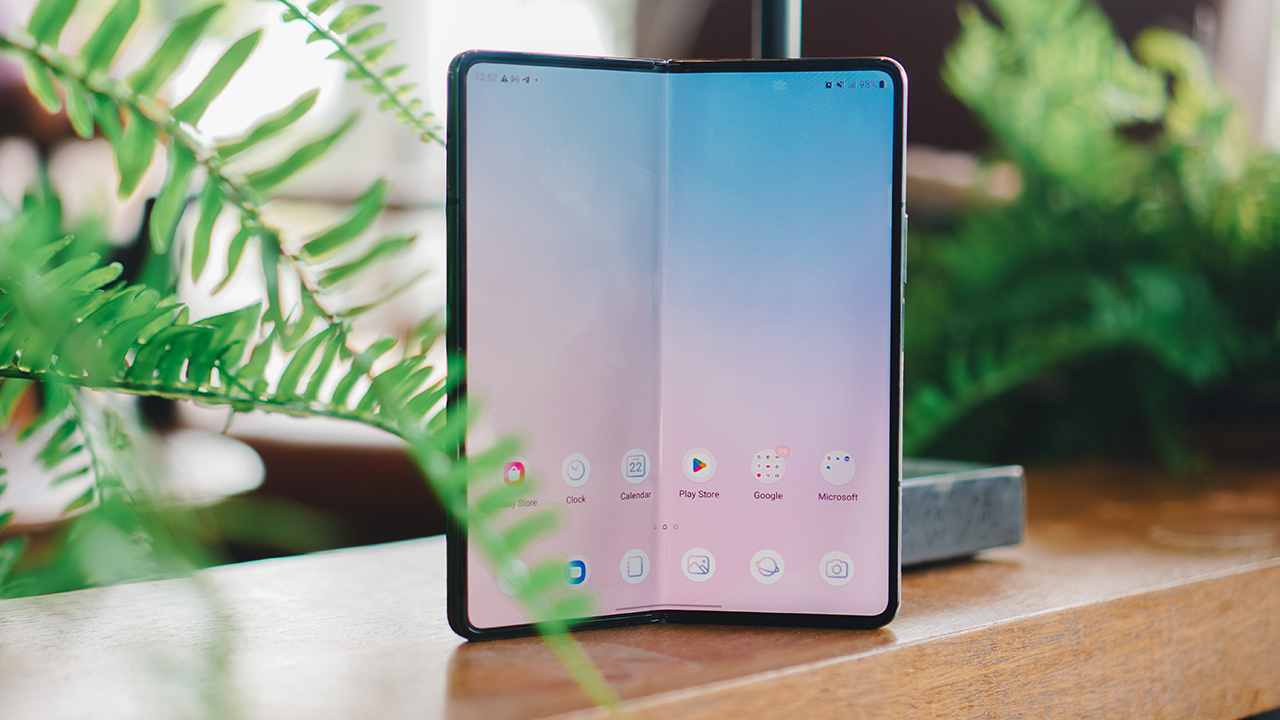
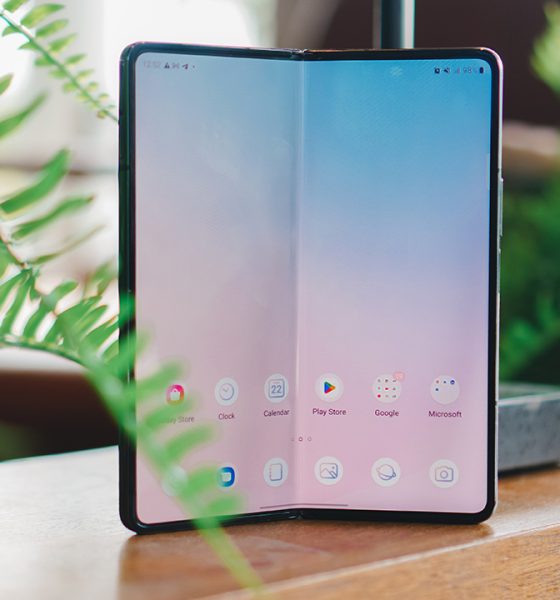

The first time I laid eyes on the Samsung Galaxy Z Fold4, it felt like seeing a friend whom you know has gone through several character developments.
It’s not a love-at-first-sight scenario unlike what struck me when I saw the Galaxy Z Flip3. Despite having a marvelous time using the Fold’s predecessor, I still couldn’t wrap my head around the idea of having a long-time affair with this foldable smartphone.
So I gave it another try — 90 days, that is. Just like that hilarious reality series brimming with loathsome personalities.
30 days
On the first month of having the Galaxy Z Fold4, I treated it like a partner that I’m becoming acquainted with. I thought of it as an ex-lover who got better, trying to win my heart again.
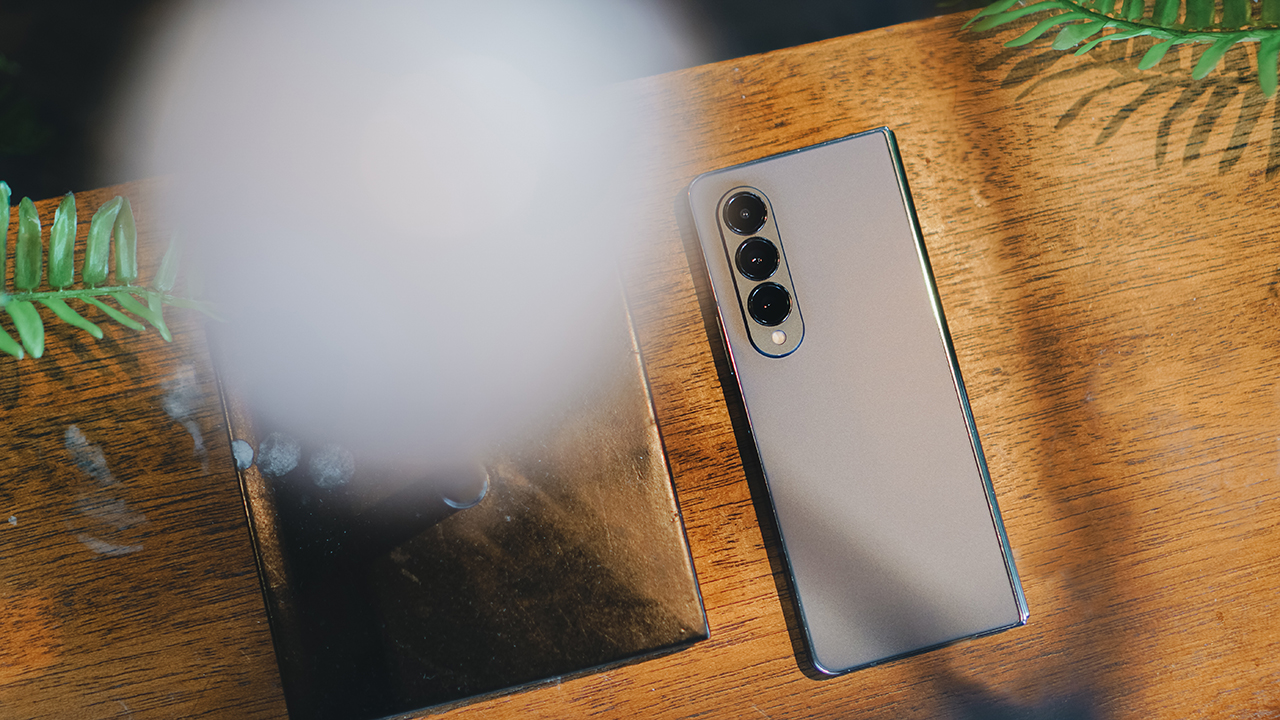
The first thing I did was personalize it to my liking. I ordered a case from China that would make me happy while using the device while keeping it protected from scratches and dents — if it accidentally slips.
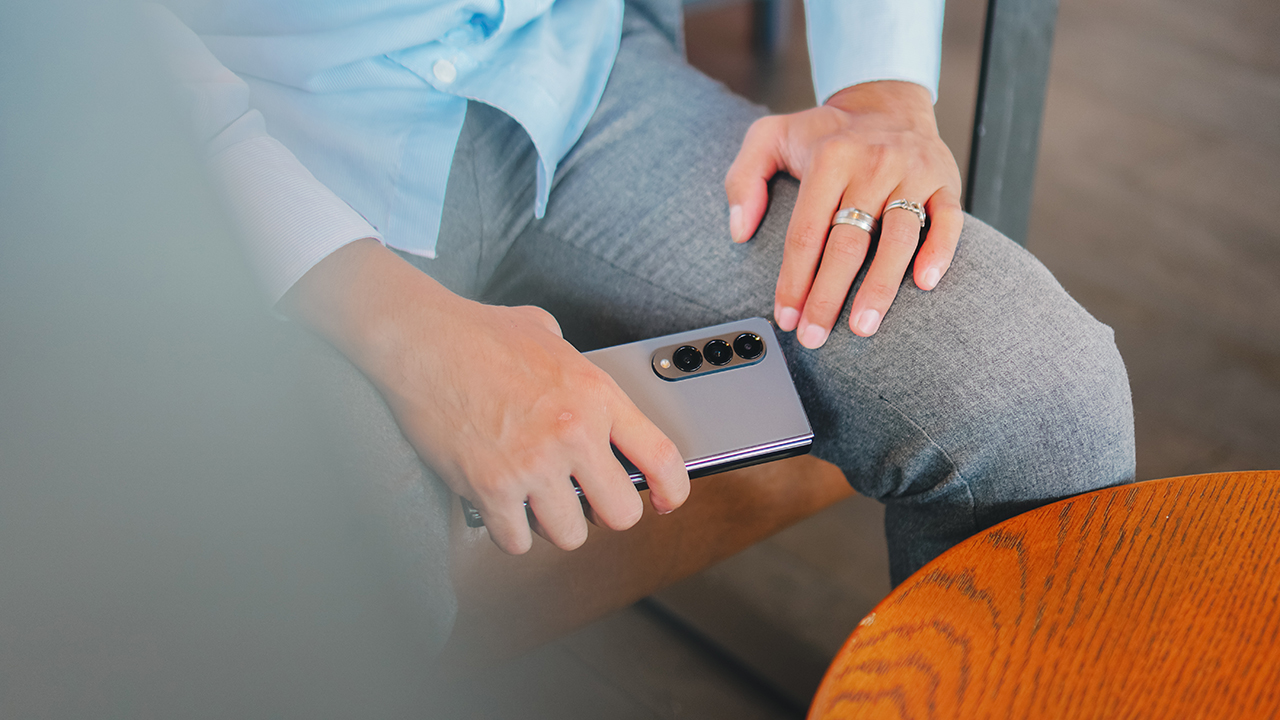
Using it bare, you can feel that the device is lighter than its predecessors. True to the company’s claim. It’s like a classic tale of shedding a few pounds and increasing your worth. The Fold is more attractive when it’s lightweight.
Yet somehow, it didn’t feel safe and secure in my grip. It’s slippery, too massive in my tiny hands, and still felt fragile despite proving its immense durability over the years.
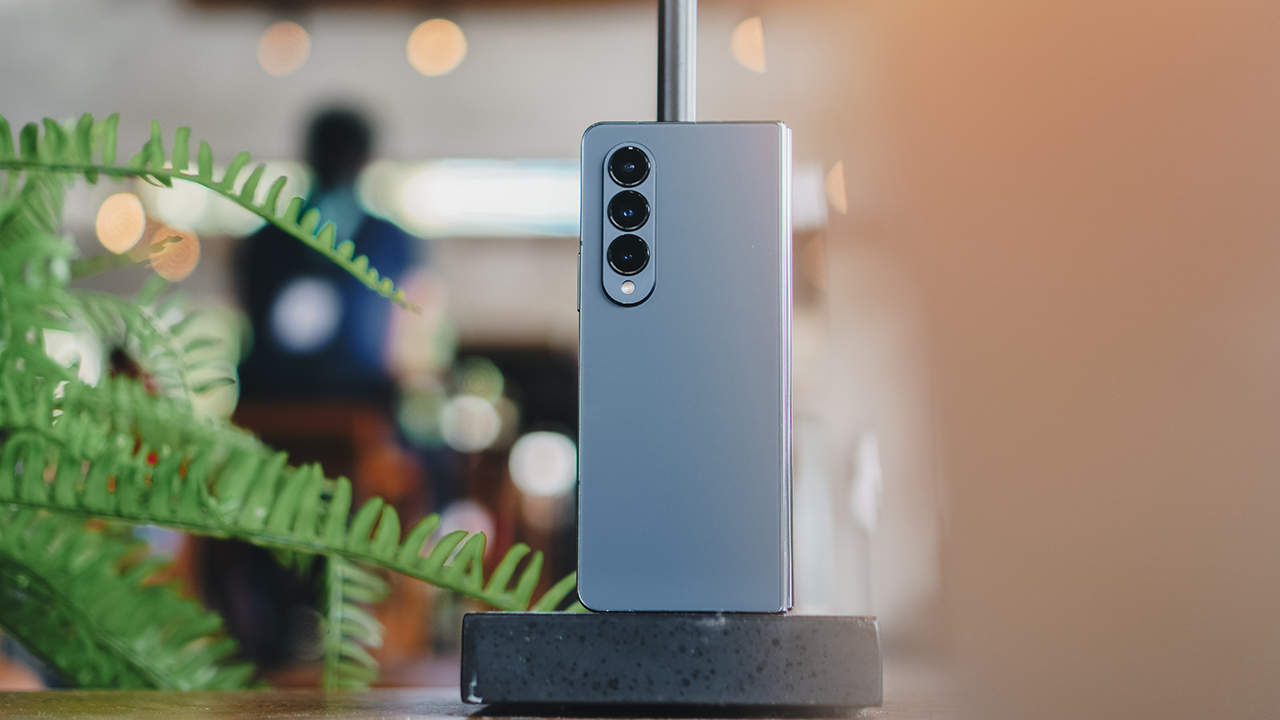
A smartphone with an almost US$ 2000 price tag is certainly delicate, no matter how you look at it.
With the phone case I bought, the Fold felt heavier but it gave me assurance that it was protected from anything that might break it.
Arm and eye candy
I’ve brought the Galaxy Z Fold4 to meetings, events, and conferences. Every time I whip it out of my bag, I pique the crowd’s curiosity.
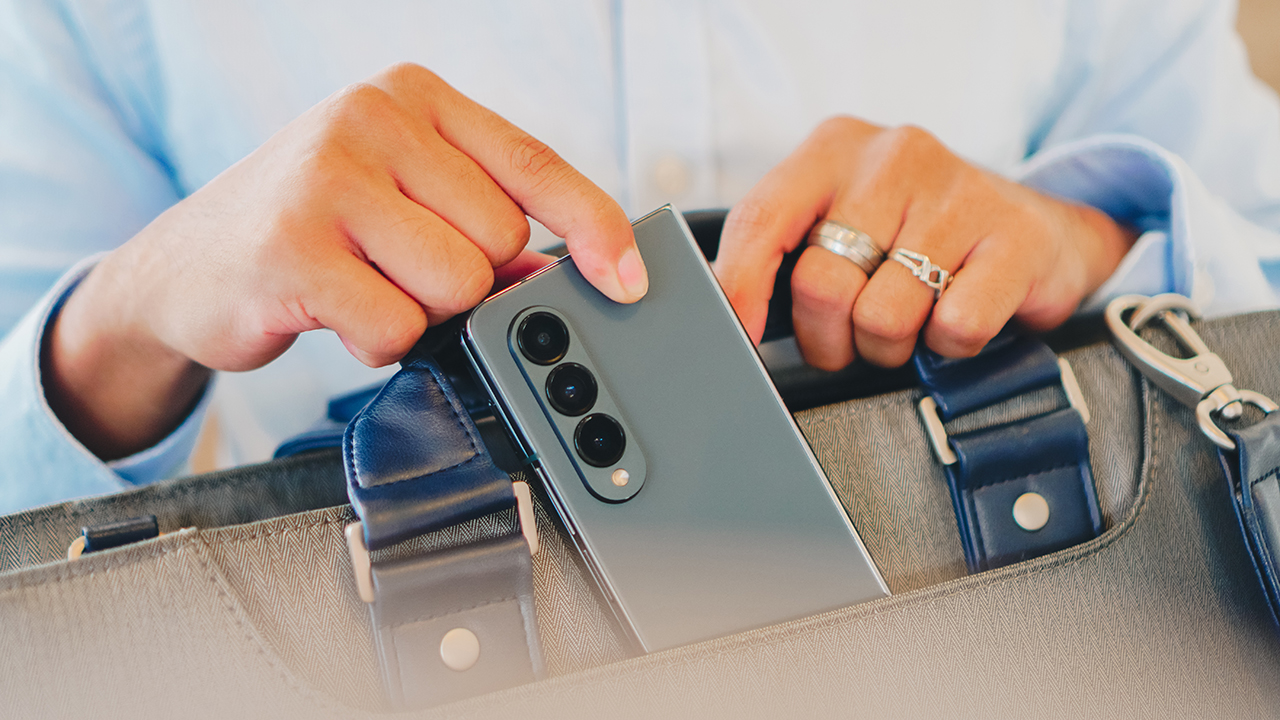
The Fold4 isn’t a shiny new toy anymore. But it bedazzles anyone who sees it for a multitude of reasons. Expensive, a unique form factor, and surely, an innovation to most eyes.
It’s like having a partner that’s both an arm and eye candy. I enjoy the attention I get from the crowd, mesmerizing them as I showcase the Fold’s camera features.
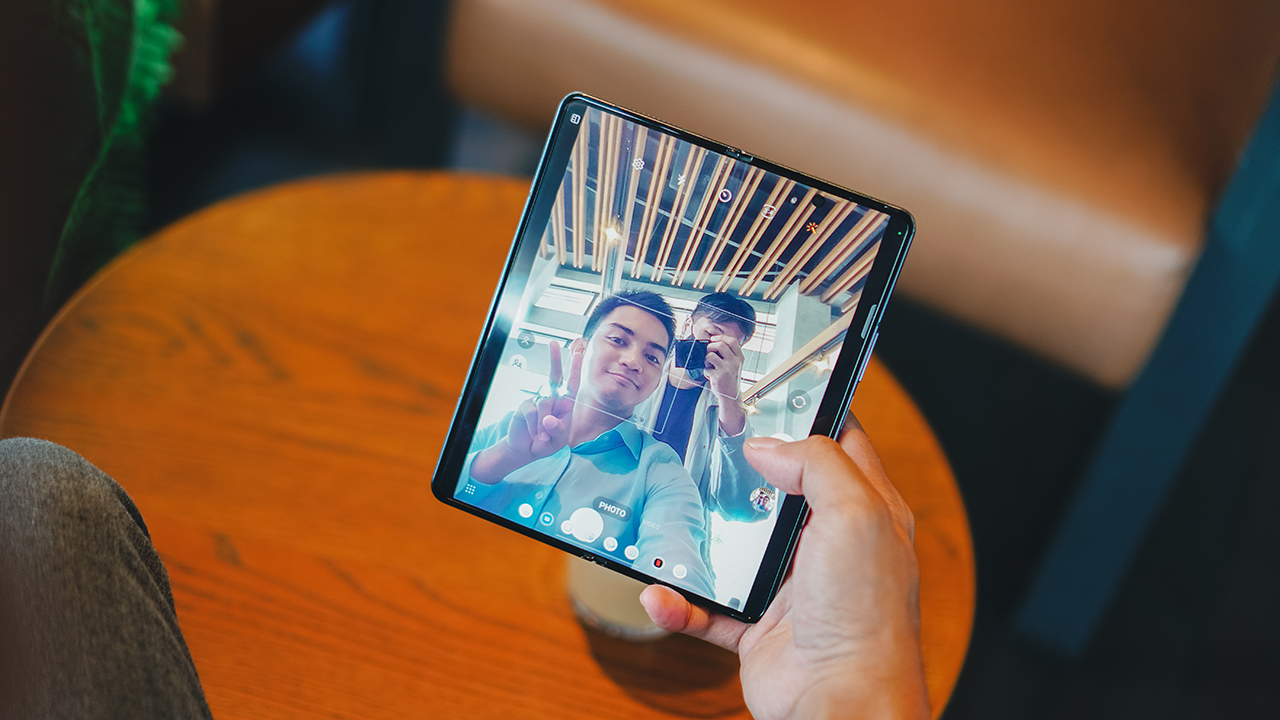
I can take a group selfie like a regular smartphone, or prop it open and use its under-display camera. Furthermore, I used the rear camera to take a selfie, by exhibiting how the secondary screen can act as a mirror when taking photos.
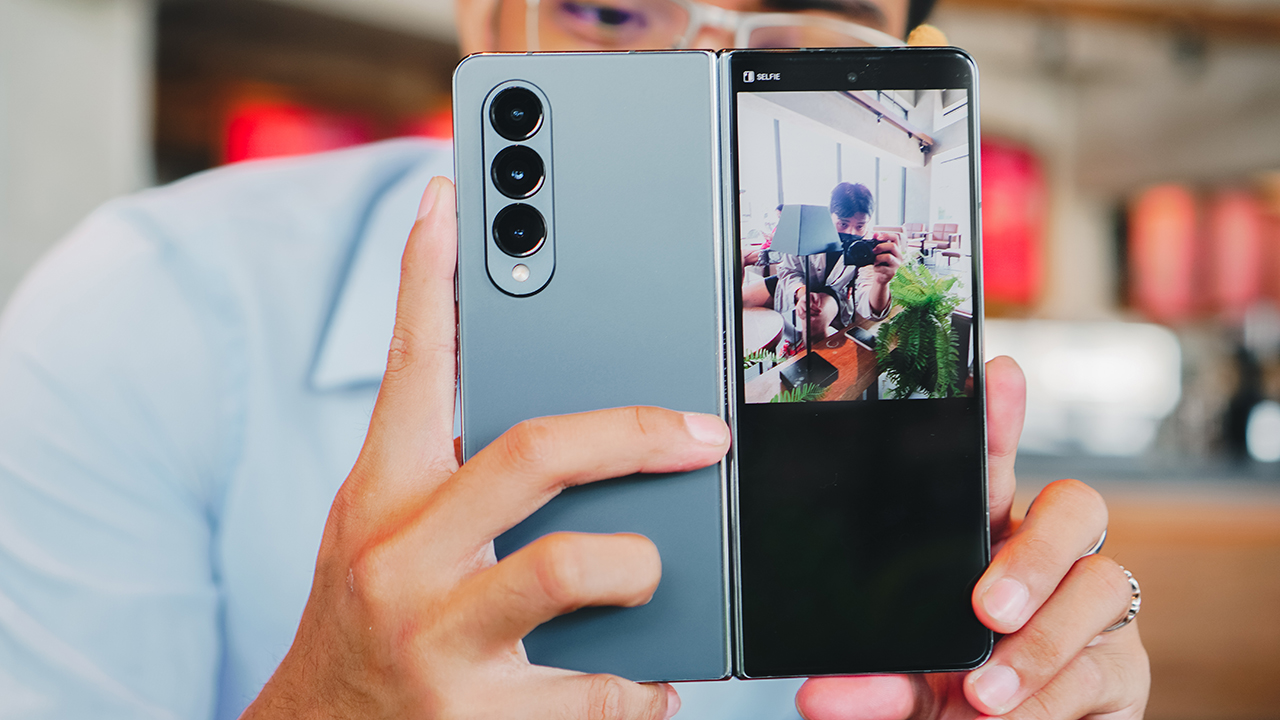
The same trick can be used when taking portraits of friends and acquaintances, so they can strike a pose while giving them a glimpse of how they’d look.
Here are some photos I took using the Galaxy Z Fold4 in different modes:


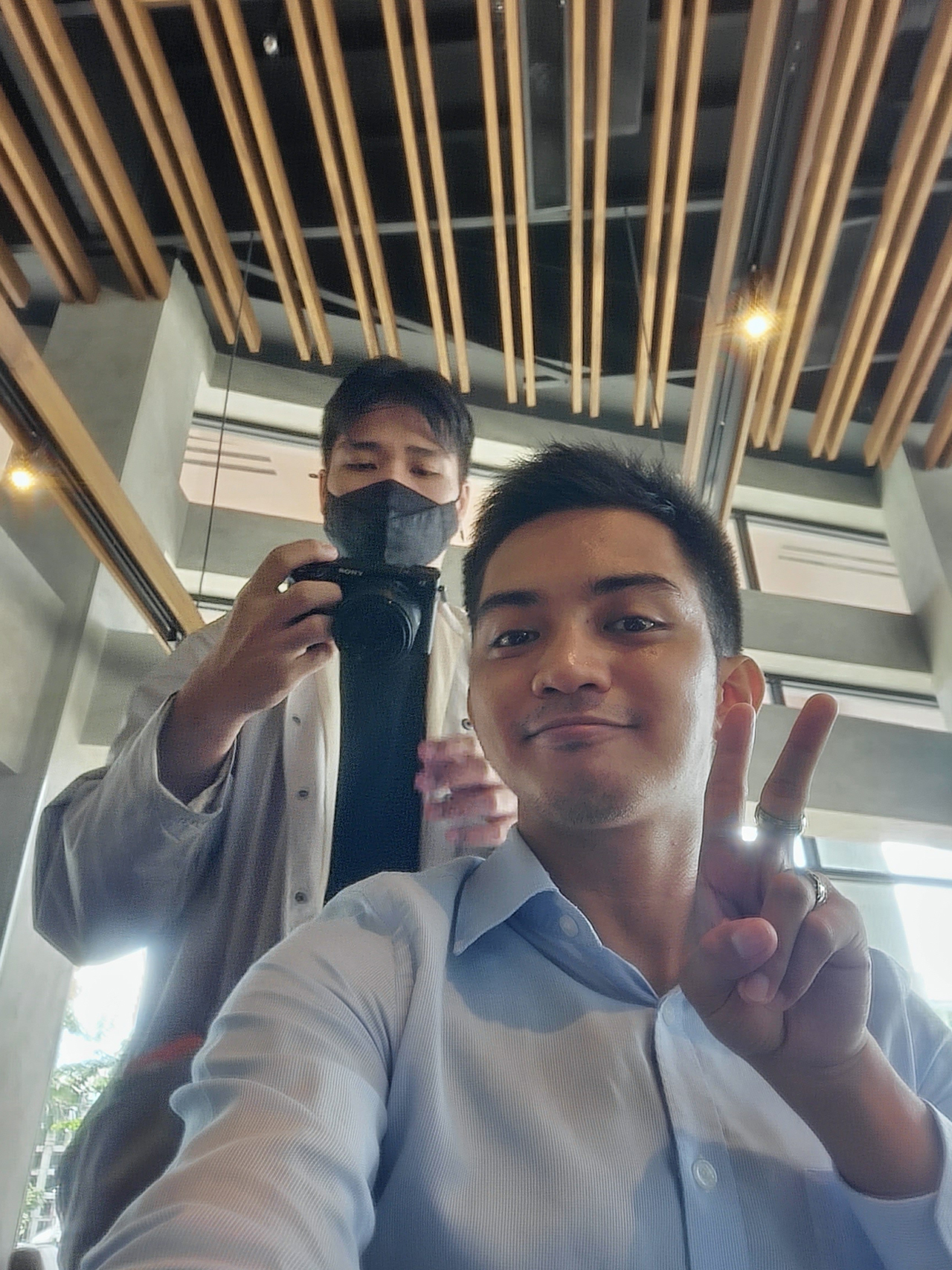

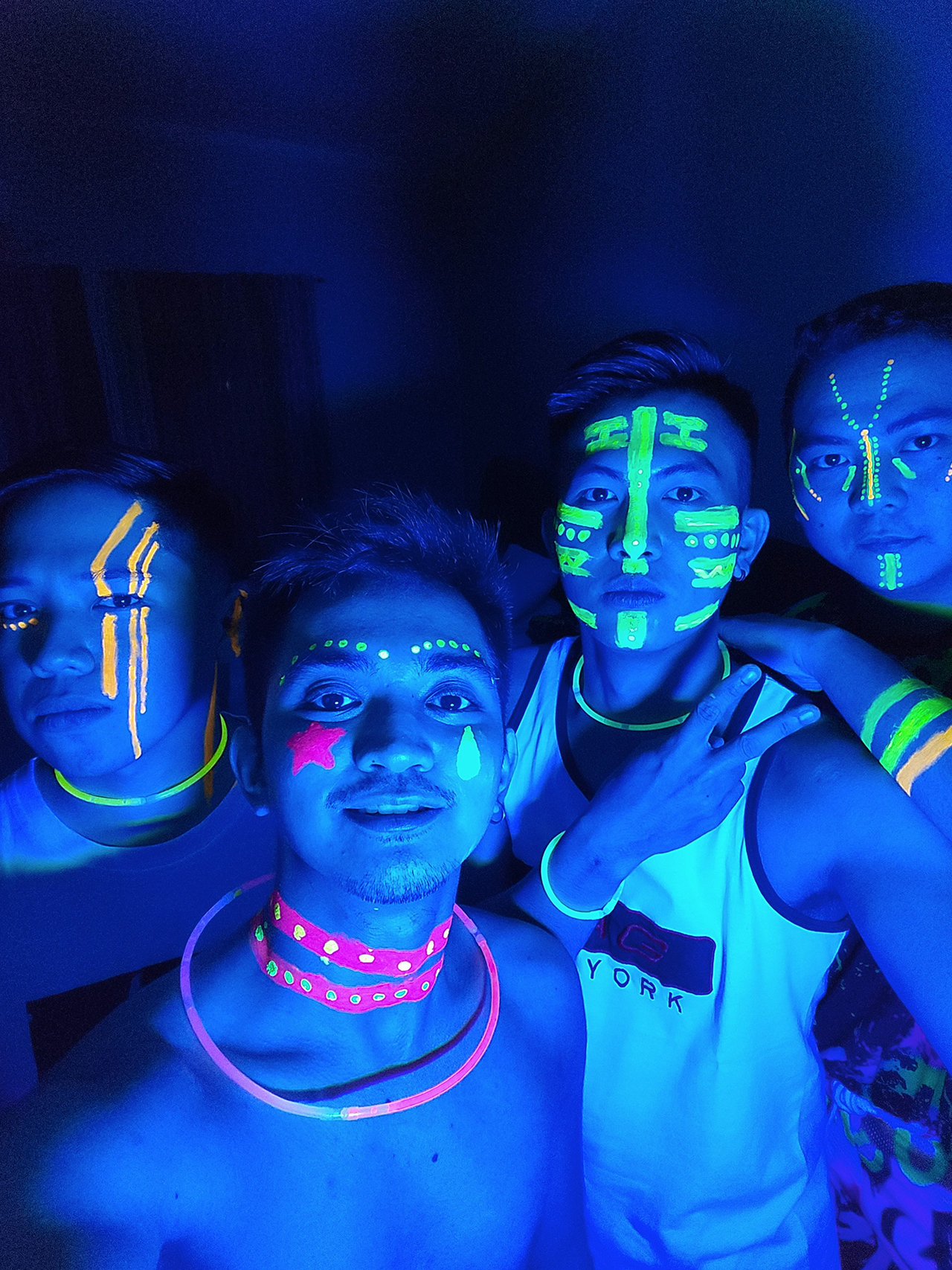










The Galaxy Z Fold4 has a versatile arsenal of cameras at its disposal, breaking the notion that all features of a flagship smartphone should be used to maximize its worth.
After all, people have different preferences and usage regarding the devices they own. With a unique form factor, the Fold sets itself as an everyday device that can adapt to different situations. At least, that’s what I thought of after having the device for a month.






60 days
Days with the Galaxy Z Fold 4 got a little bit stale after the first month, seeing how I got swamped with various projects at work.
The honeymoon phase fizzled already, getting used to having the Fold with me at all times.
I’ve recognized its ability to help me catch up with work while on the go. It lets me check designs, communicate through emails and chats while power walking through fifth and ninth avenue in Bonifacio Global City. With it, I can also monitor my platforms through its big screen.
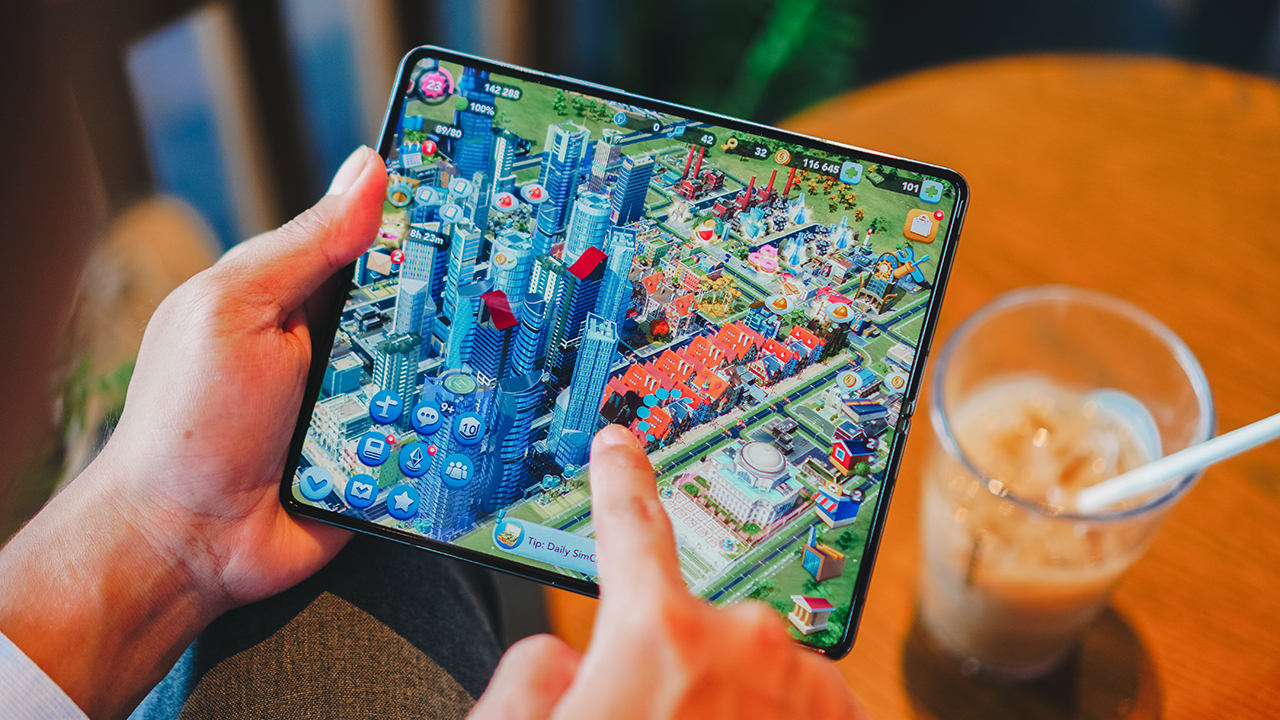
Occasionally, I use it to play SimCity — a game I play to train my decision-making skills by becoming a mayor of a made-up town. The device offered plenty of screen real estate to give me an overview of the game. However, I couldn’t say the same for other titles.
Some would enjoy having the bigger screen on a portable, versatile device as they play graphics-intensive and action-packed titles. I saw some tech creators do it. Not me, though.
It allows me to have a tighter and firmer grip on my device as I smash my thumbs against the display. The Fold4 required me to spread my fingers apart to support the device when playing games.
Entertainment on the go
While I have qualms regarding playing games on the Fold4, the same cannot be said when watching films and TV shows. With its lightweight form factor, it’s easier to hold with one hand when watching videos on the go.
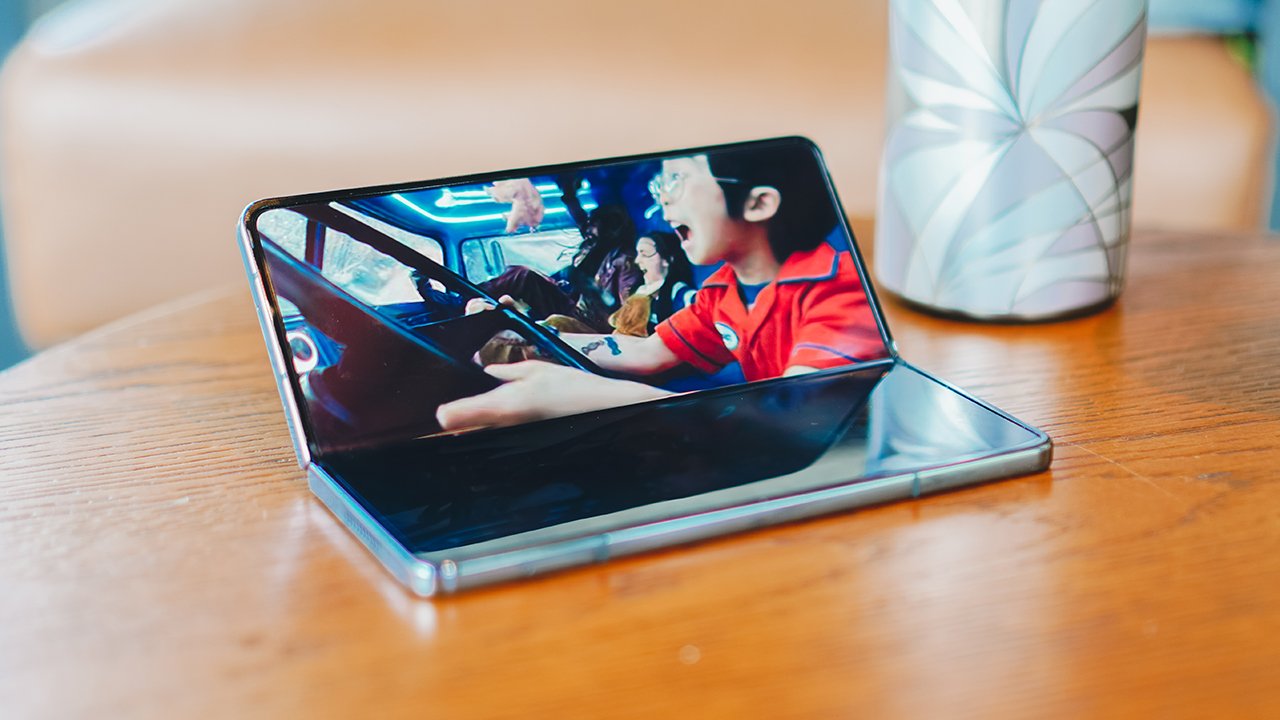
But if I get exhausted, I can prop it up and fold it halfway so it stands on its own. It’s a much smaller screen real estate, but it’s manageable to watch on, especially when you don’t have any phone stand that can support the Fold4’s size.
Lasts for quite a while
For what it’s worth, I’m elated with how the Fold lasted me throughout the day. It didn’t give up on me on days when I’m stuck running around the Fort, traveling between cities, and being out and about.
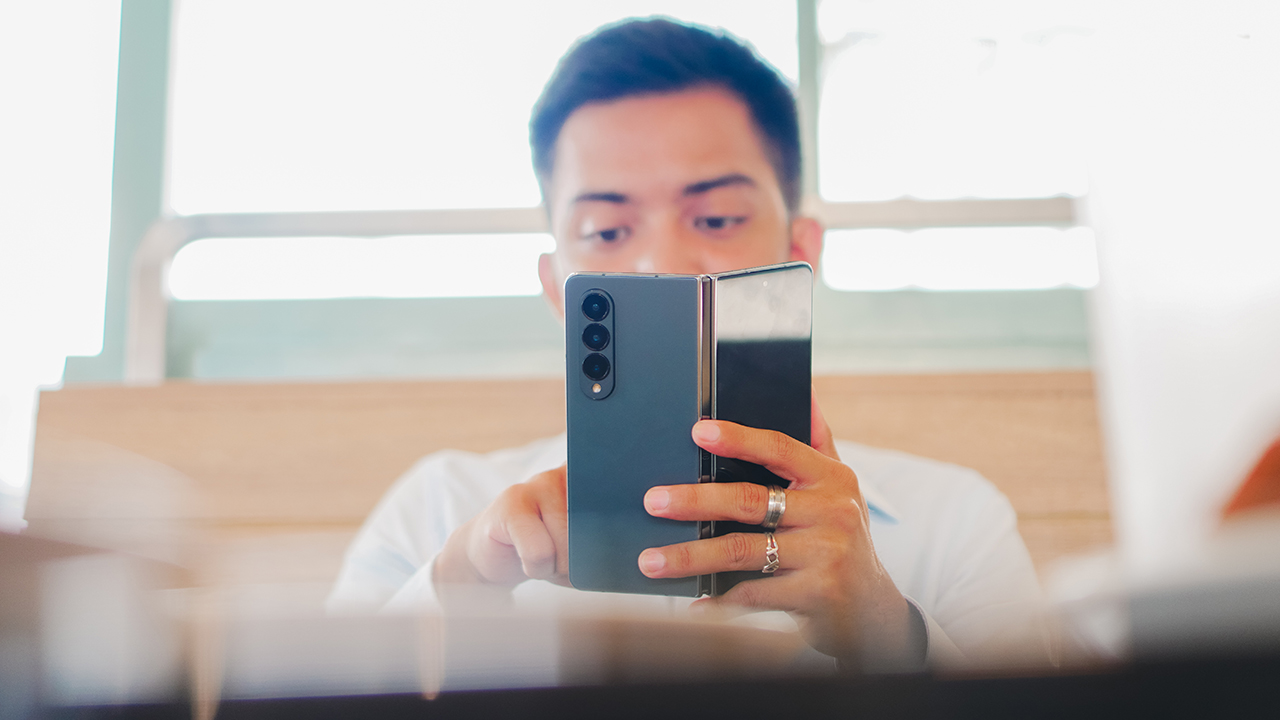
Most reviewers picked on the device’s battery and “slow” fast-charging, but seeing how I’m the peak, multi-tasking average user — it’s still enough. It could’ve been better, that’s for sure. Especially for days when I leave in the morning and back home at almost midnight. Halfway, I would need to recharge my device.
But truth be told, nowadays, people bring power banks and carry their cables and adapters in case they find sockets to charge their devices on. Besides, the Fold is barely a device you bring along for long days of work outside — it really just isn’t it.
90 days
After spending two months with the Fold4, I found it difficult to keep using the foldable smartphone as my lifestyle changed.
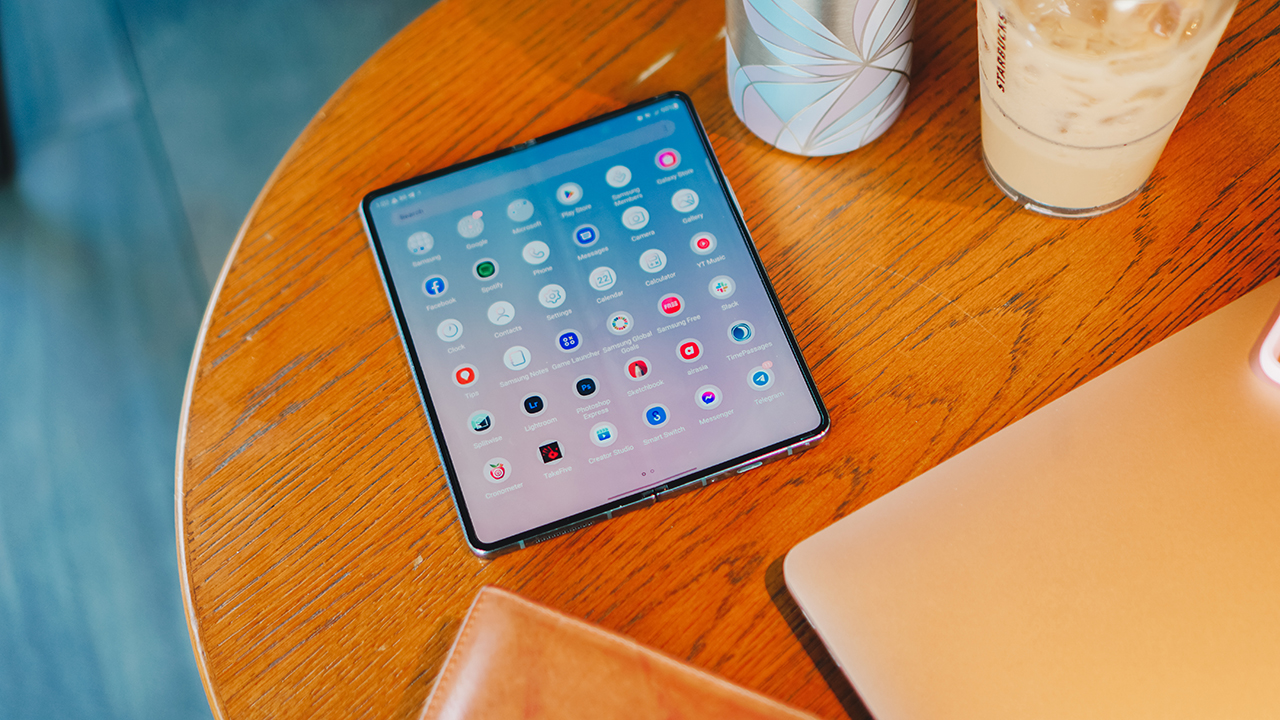
I can only keep up with using it when I’m handling commitments to my work and my sports team. I’ve been using the device as a work notebook in most cases. From tracking down my meetings, hopping on zoom calls at the nearest Starbucks cafe, and catching up with important messages.
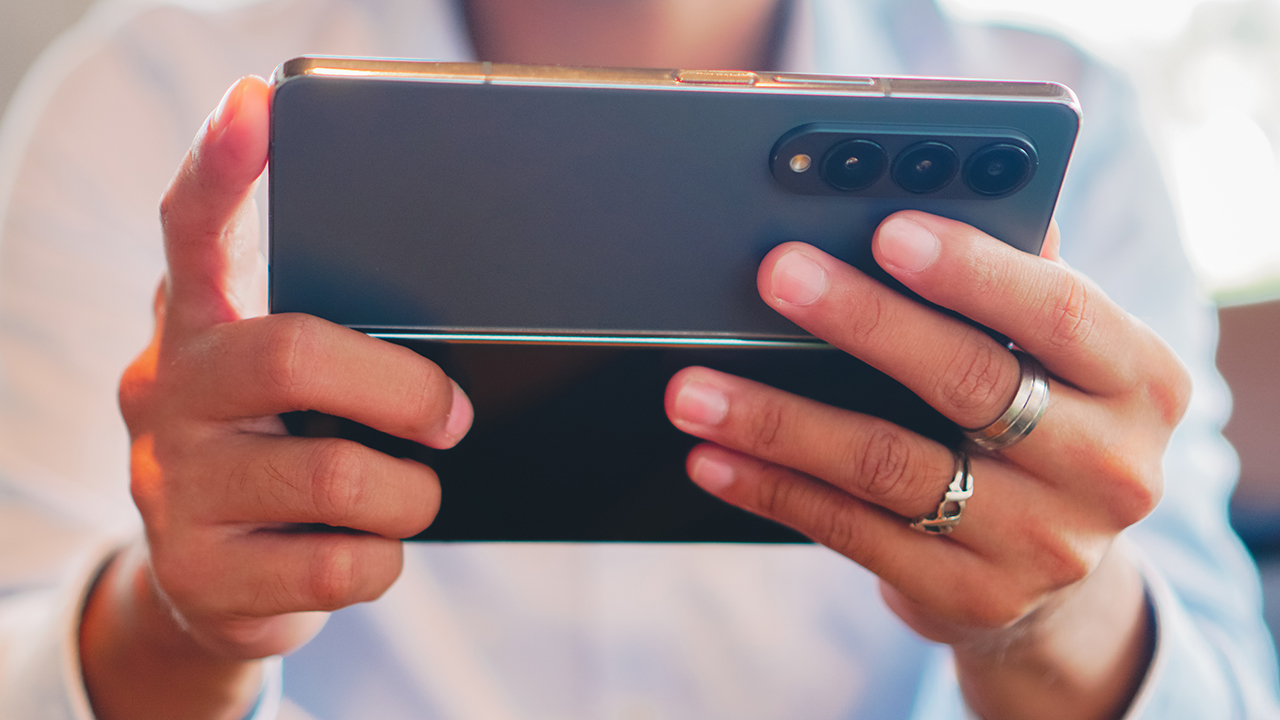
As I put more focus on being an athlete, it was challenging to bring the Fold to my training. It doesn’t fit my armband, and it’s heavy for my belt bag and hydration vest. I felt it will impede me from reaching new personal records.
My last race, which was held in Timberland Heights, didn’t give me the opportunity to use the Fold4’s impressive set of cameras.
I had wished it was there with me. To capture my favorite moments of triumph and victory over a grueling race course. But I didn’t since the device wasn’t meant for rugged activities.
As I ended my 90-day stint with the Galaxy Z Fold4, I’ve had epiphanies regarding the device and of course, myself.
It wasn’t meant to be
The Galaxy Z Fold4 wasn’t meant for me and the person I’m becoming, no matter how much I enjoy its features and unique form factor.
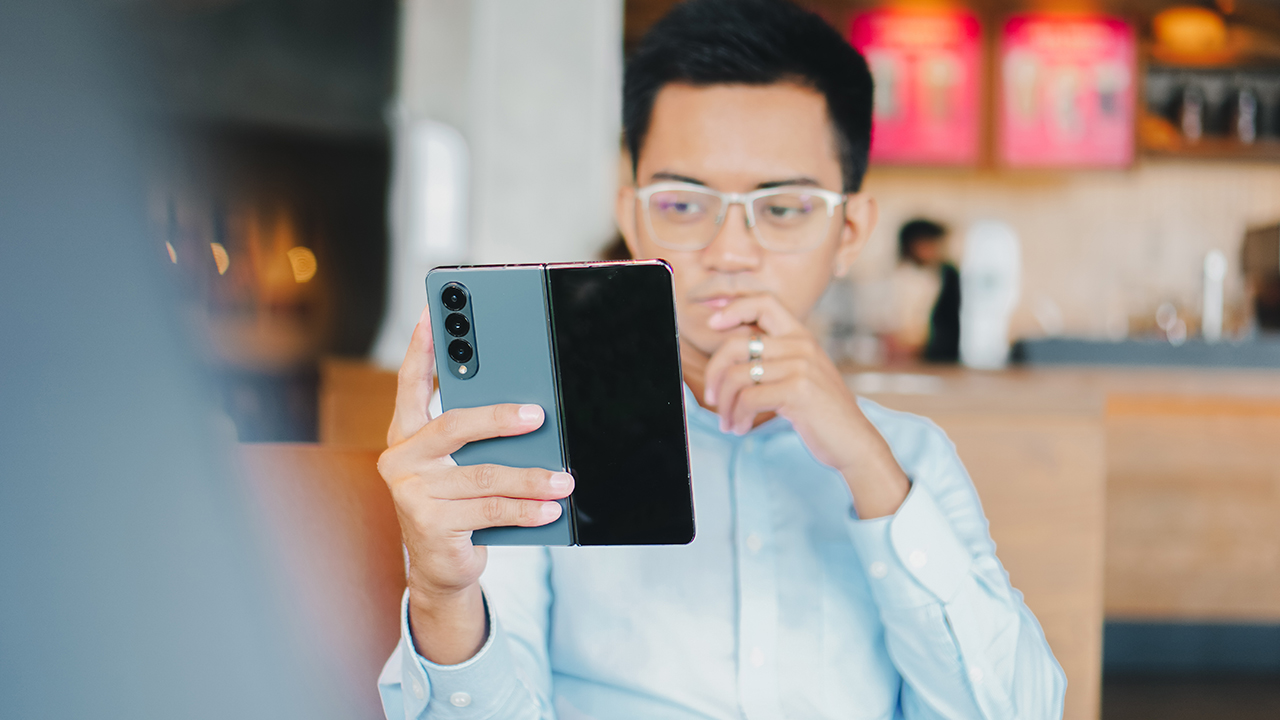
It’s like a lesson of learning how to cherish the people we come across. We might be able to delight in the experience of having them with us for a moment in time, but our paths only cross for a short while.
It wasn’t even a “right device, wrong time” situation. It’s simply a case of not being my GadgetMatch. Think of the relationships you’ve had in the past. The connections you’ve outgrown. The people you left behind because you weren’t aligned anymore.
That is my case for the Galaxy Z Fold4. It’s a fleeting affair. A companionship that harmoniously blended into my life for three months. That is until I decided to leave my comfort zone and pursued what really makes my soul jump.
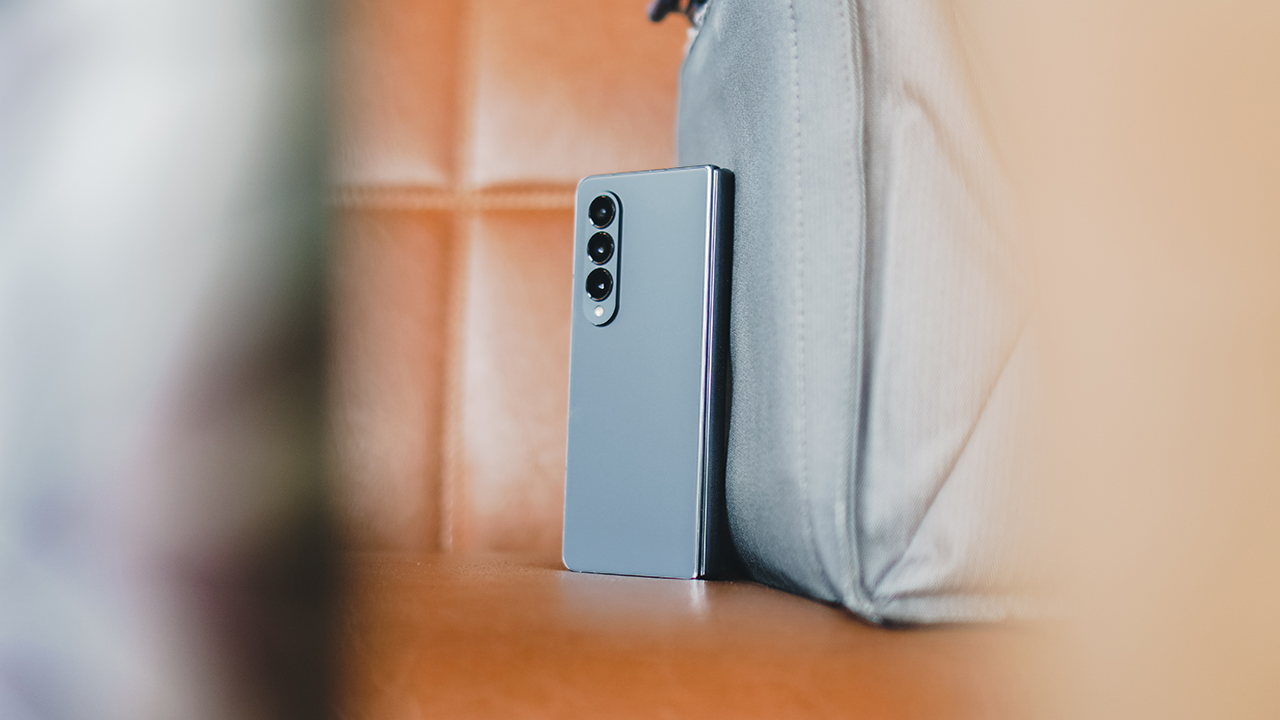
I don’t intend to bring it into the new chapter of my life. But if my path moved once more and we crossed paths, maybe I can take it for another time. Maybe, third time’s the charm. Or maybe, it’s an experience that I will fondly recall in the months to come.
Who knows? The future is uncertain and that’s what makes life exciting. C’est la vie.




Moving into a new space comes with a long list of things to figure out, and lately, I’ve been paying more attention to something that’s easy to overlook: air quality.
After using the LG AeroMini for about a month, it has become a subtle but welcome addition to my space. It helps make the room feel fresher, while its compact and stylish design fits naturally into my setup. Here are the things that stood out to me most after living with it for a month.
360° purification for a fresher space
One of the things I appreciate about the AeroMini is its 360° air purification, designed to bring purified air in every direction.
For me, this is particularly useful in a new space where I’m spending a lot of time working, relaxing, and just settling in.

Combined with its True HEPA filter, which is designed to remove 99.999% of 0.01μm fine dust and allergens, it gives me added peace of mind about the air I’m breathing every day.
After a month, I can genuinely say that the space feels fresher with it running.

Surprisingly quiet
This is probably my favorite feature.
The LG AeroMini operates at just 26dB, and after using it for a month, what stands out is how easy it is to forget that it’s even running.

I can have it running while I’m working or sleeping without the noise becoming a distraction. For an appliance that’s designed to continuously improve the air around you, I think that’s a big deal.
Sometimes, the best feature is the one you barely notice.
Design that fits my space
Since I recently moved, I’ve been pretty conscious about what I bring into the space. I want things to be functional, but I also don’t want appliances that feel like they’re taking over the room.

The AeroMini’s slim and compact design makes it easy to incorporate into my setup. It doesn’t feel bulky or industrial, and I like that I can leave it out without feeling like I need to hide it away.
For me, that balance between functionality and aesthetics makes it feel more like part of the space rather than just another appliance.
Air quality at a glance
Another feature I’ve found convenient is its Smart Control. Through the app, I can monitor and control the AeroMini while getting real-time updates on the indoor air quality.
It’s a small convenience, but being able to check the air quality without having to interact with the purifier directly makes it easier to keep track of what’s happening in the room.

Easy to maintain
I also appreciate that the AeroMini is designed with an all-in-one dust and deodorization filter that makes replacement and maintenance easier.
That matters to me because the best home gadgets are the ones that don’t create another complicated chore. I want something I can set up, use regularly, and maintain without too much fuss.

After a month, would I keep it?
Yes, and mainly because it quietly fits into my everyday routine.
The LG AeroMini has helped make my new space feel fresher and more comfortable, while its compact design means it doesn’t compromise the look of the room. But if I had to pick just one thing I appreciate most, it’s still how incredibly quiet it is.

It’s one of those upgrades that doesn’t demand your attention. It simply works in the background.
If you’re also looking to make your home a fresher and more comfortable space for yourself and your family, visit https://www.lg.com/ph/ to learn more about the LG AeroMini and how it can fit into your everyday life.
Hands-On
Apple iPhone 18 Pro Series Hands-on
And everything announced during Apple’s September 2026 Event


The latest Apple event isn’t just about the shiny new Apple Duo. There’s a lot to talk about!
In this video, we break down everything Apple has announced during their September 2026 keynote.
First, there’s the updated iPhone 18 Pro and 18 Pro Max. That’s alongside their design and color changes, battery and performance improvements. Even that massive camera upgrade.
There’s even the ANC-infused AirPods 5 alongside the newer Apple Watch Series 12 and Apple Watch Ultra 4. Plus, the latest software updates coming to both these wearables.
So, are these worth the upgrade?

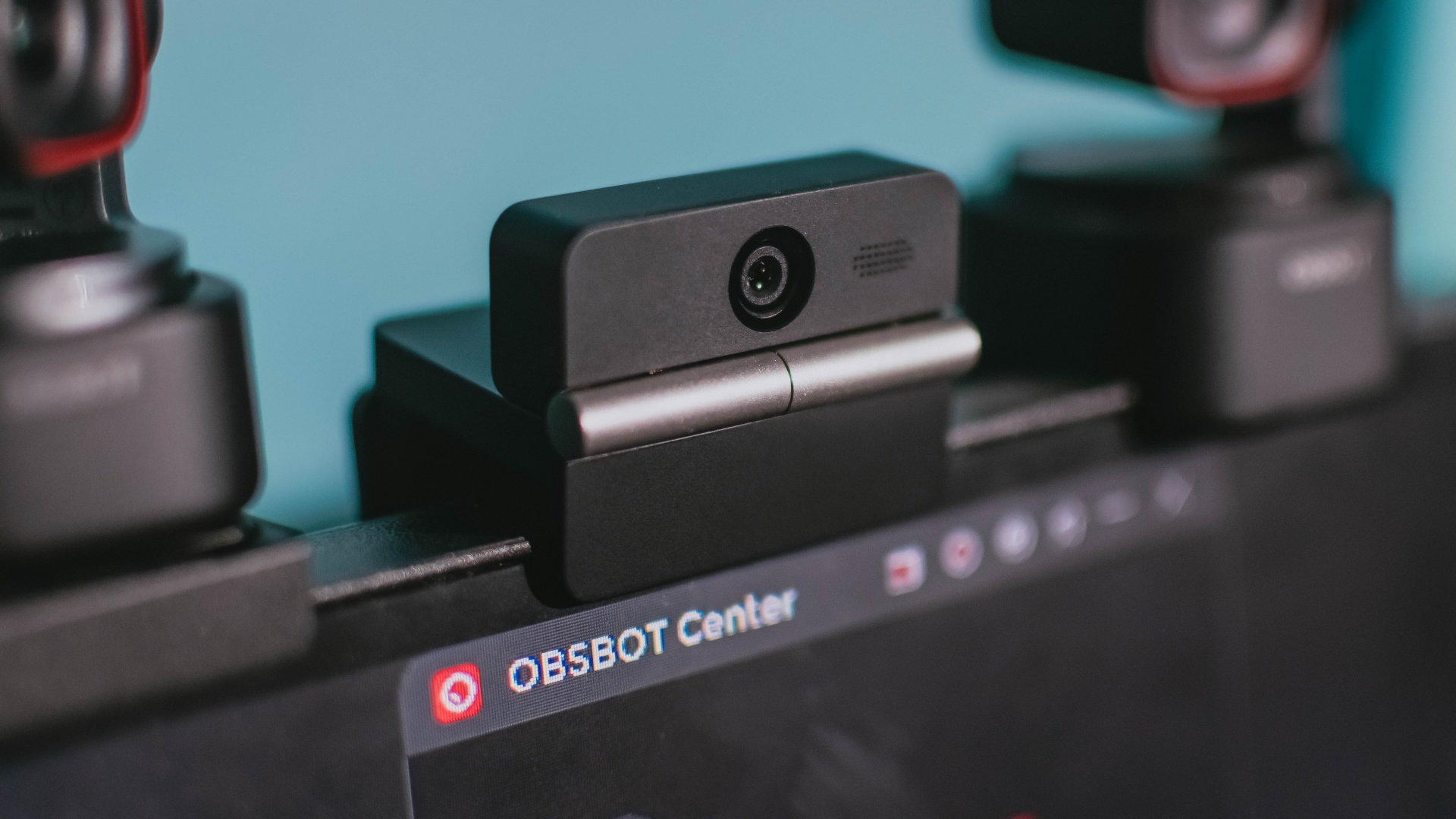
Phones flip and fold. Now webcams do too.
Foldable screens have found their way into phones, tablets, and laptops in recent years. Now, OBSBOT is taking that idea in a considerably smaller direction: the webcam.
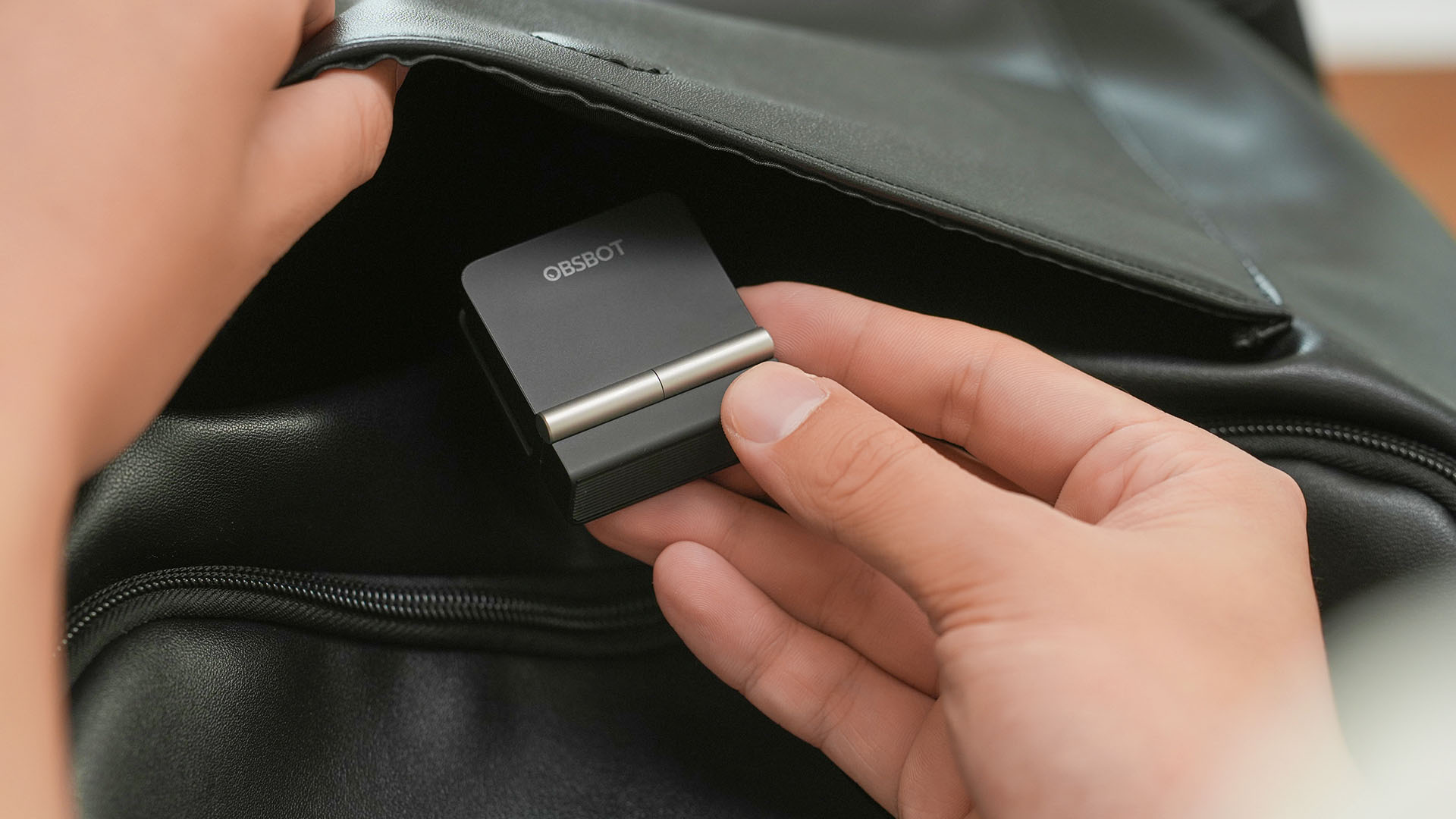
The OBSBOT Meet Flip is the company’s first foldable 4K webcam packing:
- 1/2-inch stacked CMOS sensor
- intelligent audio
- a collection of AI-powered meeting tools
All of these inside a body weighing just 37.7 grams.
A fold that does something, not just a gimmick
The OBSBOT Meet Flip isn’t foldable just to make it easier to throw into a bag.
Closing the webcam physically blocks the lens and puts the device into sleep mode. Open it when you want to be seen, flip it shut when you don’t.
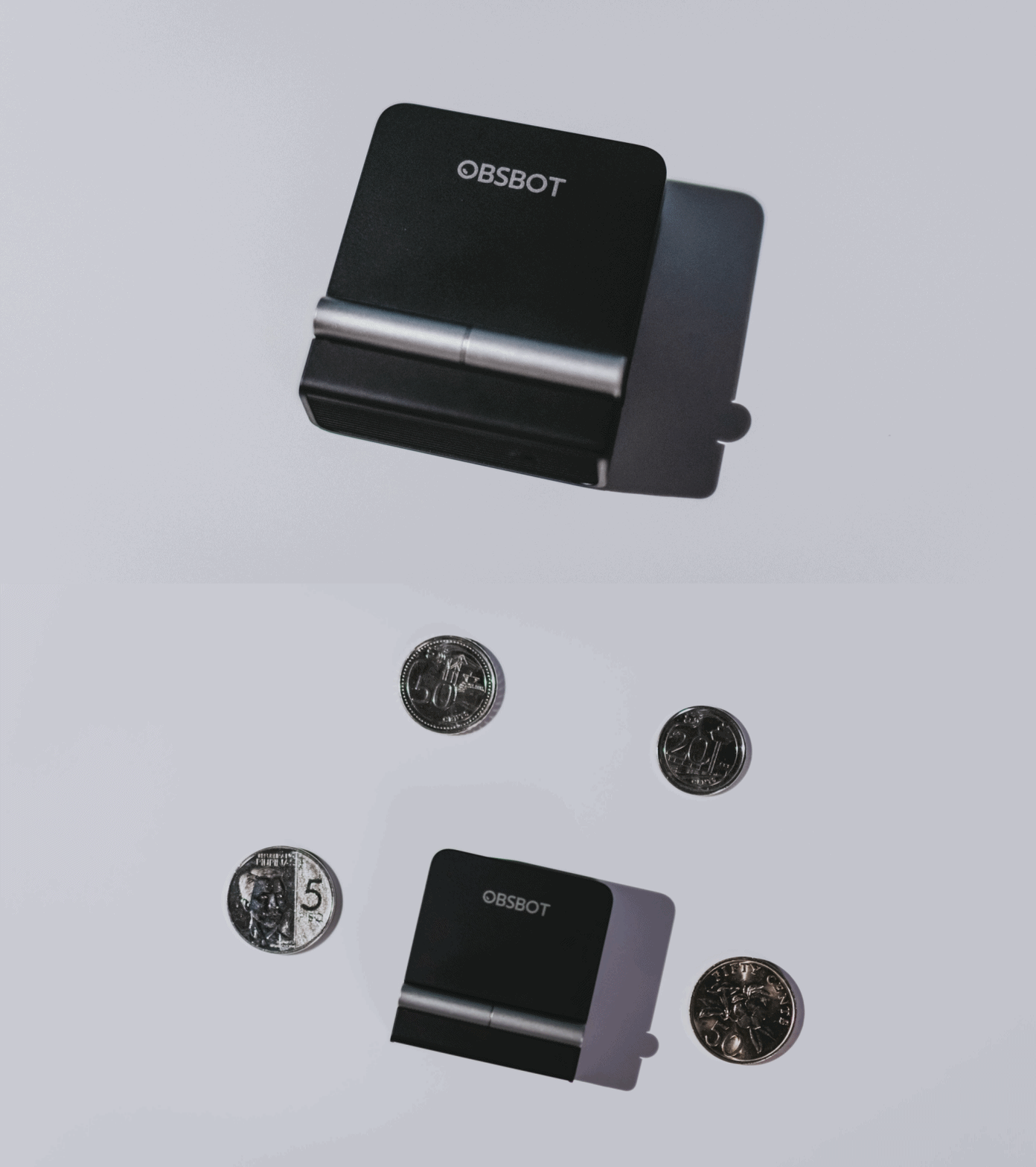
A physical privacy cover isn’t novel in itself. What’s clever here is how it’s part of the folding design.
As someone with a love-hate relationship with data privacy, I almost always keep some physical barrier over my laptop webcam. And if I can avoid having a webcam there entirely, even better.
Serious camera hardware in a pocket-sized webcam
Despite its size, OBSBOT hasn’t treated the Meet Flip like a basic laptop-camera replacement.
Inside is a 1/2-inch Exmor RS stacked CMOS sensor with Quad Bayer technology, capable of recording 4K UHD at 30 fps or 1080p at 60 fps. It also packs an f/1.8 aperture, HDR, PDAF autofocus, ISO 100–6400, and up to 4x digital zoom.
At its core is a 1/2-inch Exmor RS stacked CMOS sensor with Quad Bayer technology.
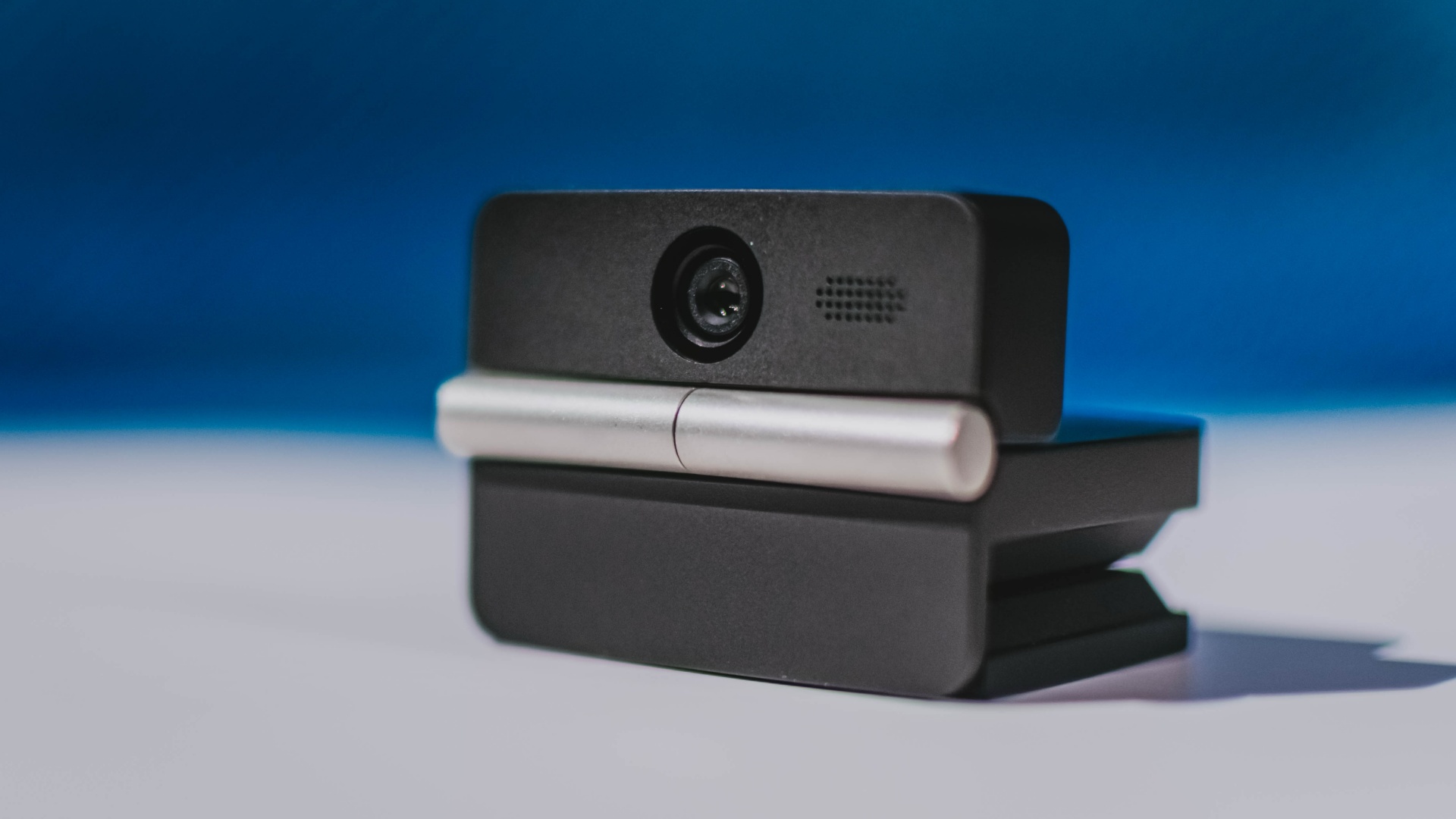
It can record:
- 4K UHD at 30fps
- 1080p at 60fps
You also get:
- f/1.8 aperture
- HDR
- PDAF autofocus
- ISO 100–6400
- up to 4x digital zoom
On paper, that gives the Meet Flip a better shot at handling the situations built-in laptop webcams often struggle with: dim rooms, harsh backlighting, changing lighting conditions, or simply moving around in front of the camera.
HDR helps keep faces visible against bright backgrounds, while PDAF autofocus continuously adjusts focus as you move closer to or farther from the lens.
The wider f/1.8 aperture should also help in less-than-ideal lighting.
The point is that once the Meet Flip is set up, you shouldn’t have to spend much time thinking about the camera itself.
It listens differently depending on the room setup
The Meet Flip also uses an intelligent dual-microphone system combining omnidirectional and directional microphones.
Instead of relying on one pickup pattern for every situation, it offers four audio modes for different setups:
Directional Mode focuses on sound coming from the front, making it the obvious choice for solo calls.
Dual-Directional Mode listens to both the front and rear of the webcam, which could be useful for interviews or conversations between two people sitting across from each other.
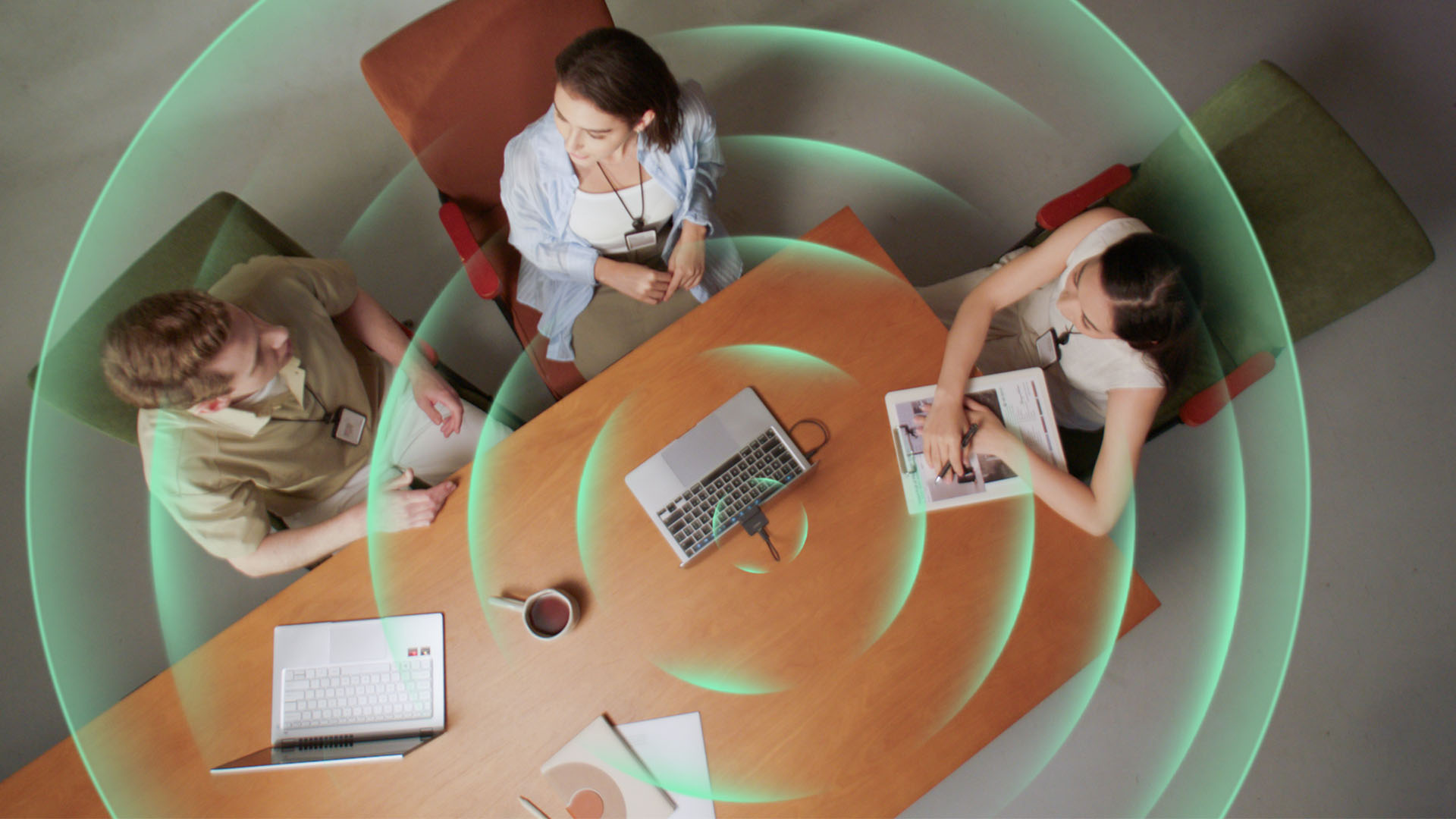
Smart Omni Mode is designed for group meetings, picking up voices from around the room.
And Pure Audio Mode provides unprocessed left and right stereo channels for users who would rather handle the audio themselves in post-production.
Auto Gain and AI Noise Reduction also work across the first three modes, helping clean up audio without requiring much manual adjustment.
It gives the Meet Flip more flexibility than a typical webcam microphone, especially if you regularly switch between solo calls, interviews, and group meetings.
AI that doesn’t intrude
AI has become an almost obligatory addition to new hardware in 2026, but several of the Meet Flip’s features put it to work on real-world meeting annoyances.
AI Auto Framing keeps you in frame, with options for:
- Group
- Single Close-up
- Upper Body
- Full Body
Gesture controls can also toggle Auto Framing or adjust the zoom without reaching for a keyboard or mouse.
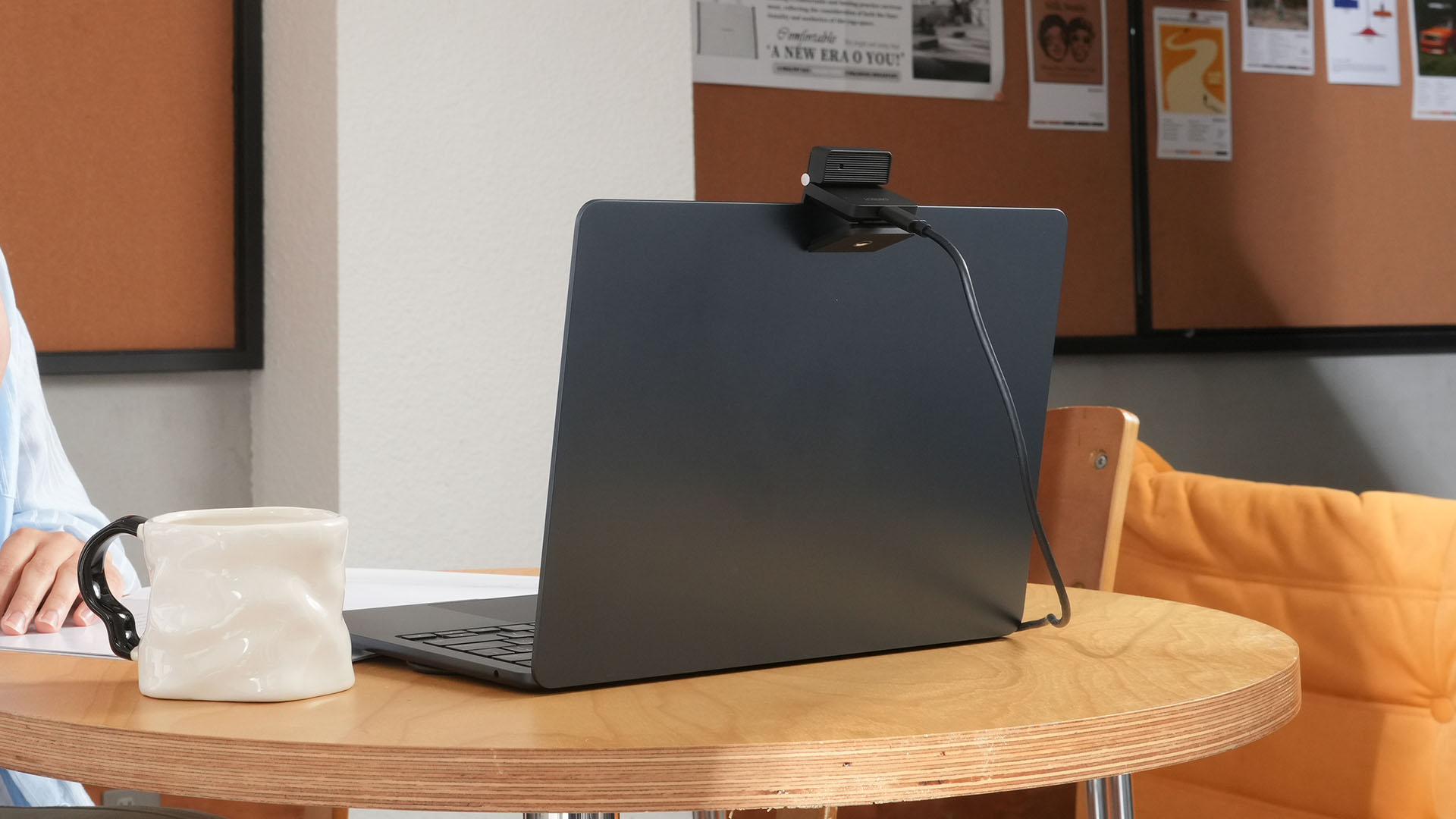
More interesting is AI Magic Notes.
Through OBSBOT Center, it provides real-time transcription and can automatically generate meeting summaries with key points, decisions, and action items. It works across Google Meet, Zoom, and Microsoft Teams.
Although AI Magic Notes is offered as a subscription service, every Meet Flip includes 120 complimentary minutes to get started.
MORE with OBSBOT Center & OBSBOT Live
There are plenty of other software features as well. OBSBOT Center includes:
- Background Blur and Background Replacement
- Real-Time Beauty Mode
- Picture-in-Picture overlays
- Smart Eye Tracking
- Teleprompter support
- Detailed image adjustments
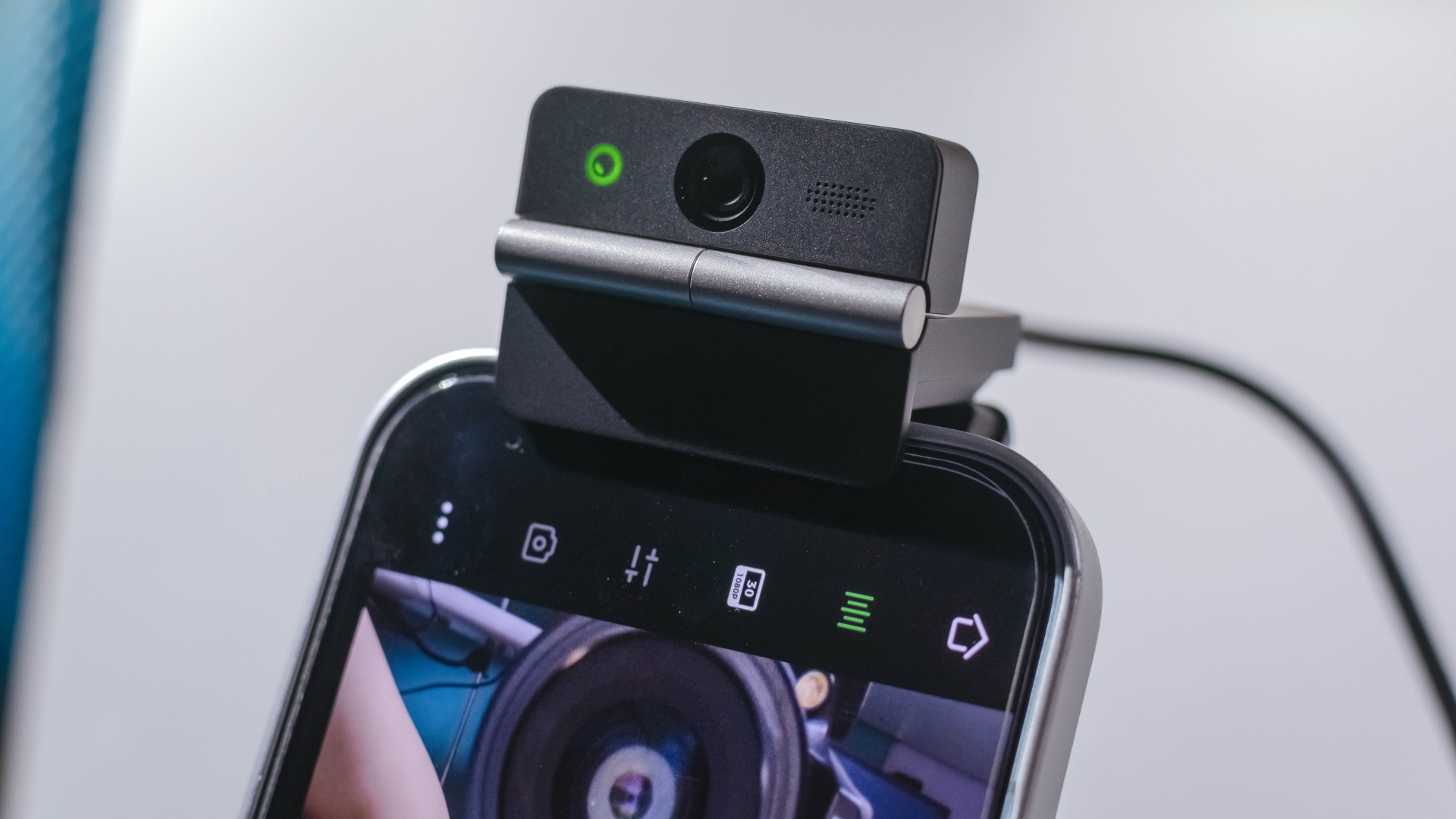
The Meet Flip isn’t limited to laptops or desktops either. Through OBSBOT Live, it can connect directly to smartphones and tablets over USB-C for mobile streaming and content creation.
Flip it open. Fold it away.
None of those features reinvent the webcam on their own.
Taken together, though, they make the Meet Flip a more thoughtful take on a piece of hardware whose basic design and features have barely changed.
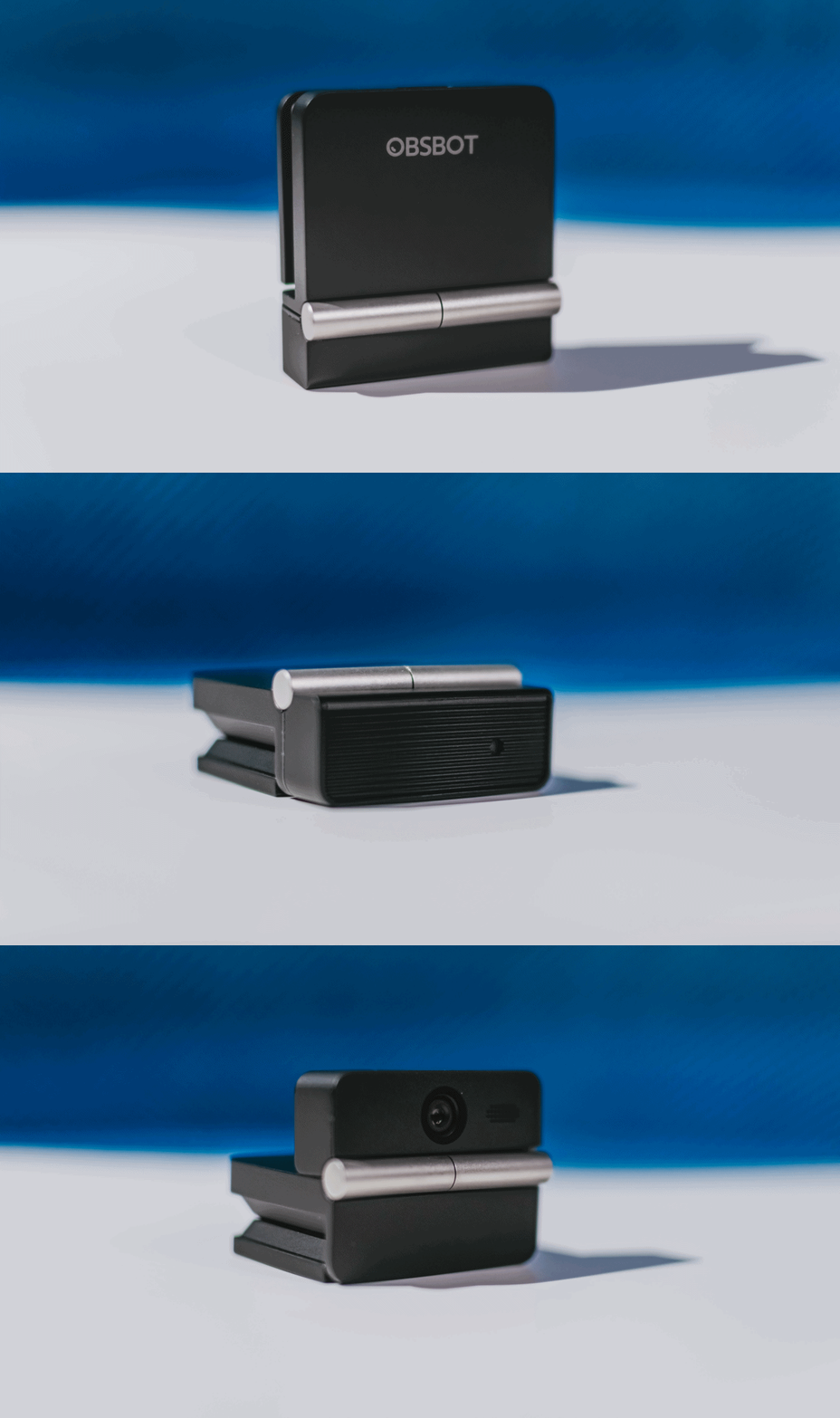
The flip may grab your attention first, but it’s how OBSBOT uses that design alongside its camera, audio, and software features that makes the Meet Flip interesting.
The OBSBOT Meet Flip is now available at US$ 119 and is currently available through OBSBOT’s official store, Amazon US, and select retailers.
&
@gadgetmatchPhones flip. Now webcams do too. 👀 Meet the OBSBOT Meet Flip, a tiny foldable 4K webcam with a lot packed inside. ✨
If you buy one, here’s what you’ll get out of the box!





Sony teams up with Hello Kitty for exclusive limited-edition collection

iPhone 18 series breaks records in Vietnam as pre-orders triple

The Ace Combat 8: Wings of Theve launch event is happening this week

30 days with the LG AeroMini

Nike’s new race-day system, explained

HUAWEI Pura X View is 2026’s first WIDE slab-type smartphone

The CAMON Slim 5G is TECNO’s latest ultra-slim smartphone

iPhone 18 Pro series: Price, availability in the Philippines

vivo X500 Series launches with major imaging upgrades

iPhone 18 Pro series: Price, availability in Singapore


-

 News2 weeks ago
OPPO Find X10 Pro Max is the first phone with a triple 200MP camera system
-

 Automotive1 week ago
BYD says that way better EV batteries are coming next year
-
 News1 week ago
HONOR Magic9 Pro Max launches in China with ARRI-powered imaging
-

 Philippines5 days ago
TECNO CAMON Slim 5G: Price, availability in the Philippines
-

 Smartphones1 week ago
TECNO CAMON Slim 5G teases an ultra-slim design ahead of launch
-

 Reviews5 days ago
TECNO CAMON Slim 5G review: Slim on size, big on surprise
-
 Reviews1 week ago
TECNO POVA 8 Pro Tonino Lamborghini review
-
 Smartphones1 week ago
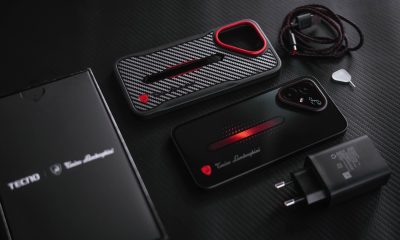
When TECNO-logy meets Tonino Lamborghini legacy