
Features
7 quick play video games you should try now


Video games can be great for dramatic storytelling and immersive hours-long experiences. But there are days when you just don’t have the time or the mental bandwidth to dig into a long RPG or gigantic open-world action adventure.
Sometimes, you just want to take off your thinking cap, rely on your lizard brain, pick up and play a game for 15 to 30 minutes, and have fun. Here are seven of the latest video games that let you do just that.
Puyo Puyo Tetris (Nintendo Switch, PlayStation 4)

It’s two classic puzzle games combined into one cute, clever, and colorful package! Match four of the same shaded blobs to pop them, as you do in Puyo Puyo. Place tetriminoes to fill out horizontal spaces and clear lines, as you do in Tetris. Play against AI or another human opponent. Multiple game modes allow you to choose one gameplay style or juggle both tasks for mind-bending chaotic fun. Throw in power-ups to mess with your opponents for more heated yet good-natured competition.

Injustice 2 (PlayStation 4, Xbox One, iOS, Android)

Just saw Wonder Woman and feel the urge to fight as the powerful Amazon princess? Play as her or any of the other iconic DC heroes and villains in this super-sized, spectacular fighting game from the Mortal Kombat creators (kreators?). Clash and smash through destructible environments as Batman, Superman, Harley Quinn, Deadshot, and even Sub-Zero of MK fame. The new Gear System lets you customize your fighter in all sorts of souped-up combinations. Stick around for the story mode, too!

Dead Cells (Microsoft Windows)

Mix the upgrade system and difficulty of Dark Souls with the 2D platforming and level progression of Metroid into a randomized action dungeon crawler, and you get the superb Dead Cells. Hack and slash enemies with all kinds of crazy weapons like auto-targeting lightning whips and deployable buzzsaws and machine gun turrets. Blow up bosses with an assortment of magic spells. The fun is in improvising, since after getting the equipment blueprints and learning the skills, you won’t know exactly what weapons and powers you’ll have until you start a run.
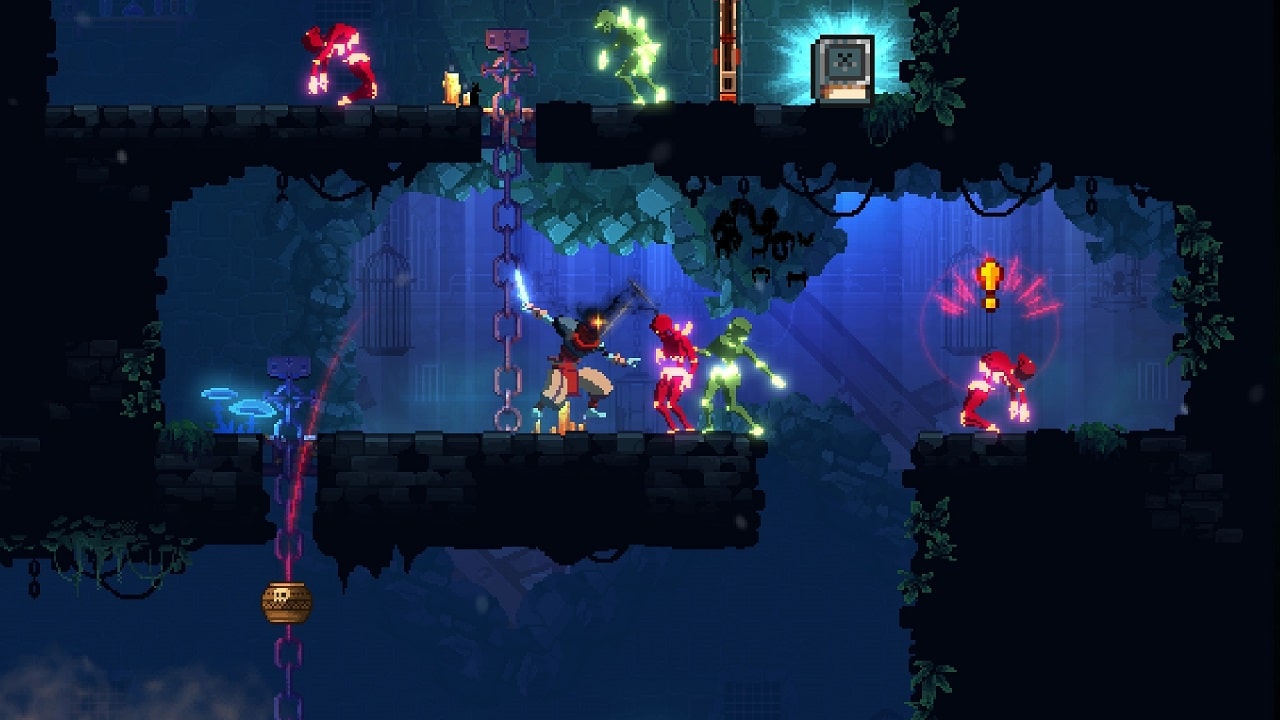
Strafe (PlayStation 4, Microsoft Windows, macOS)
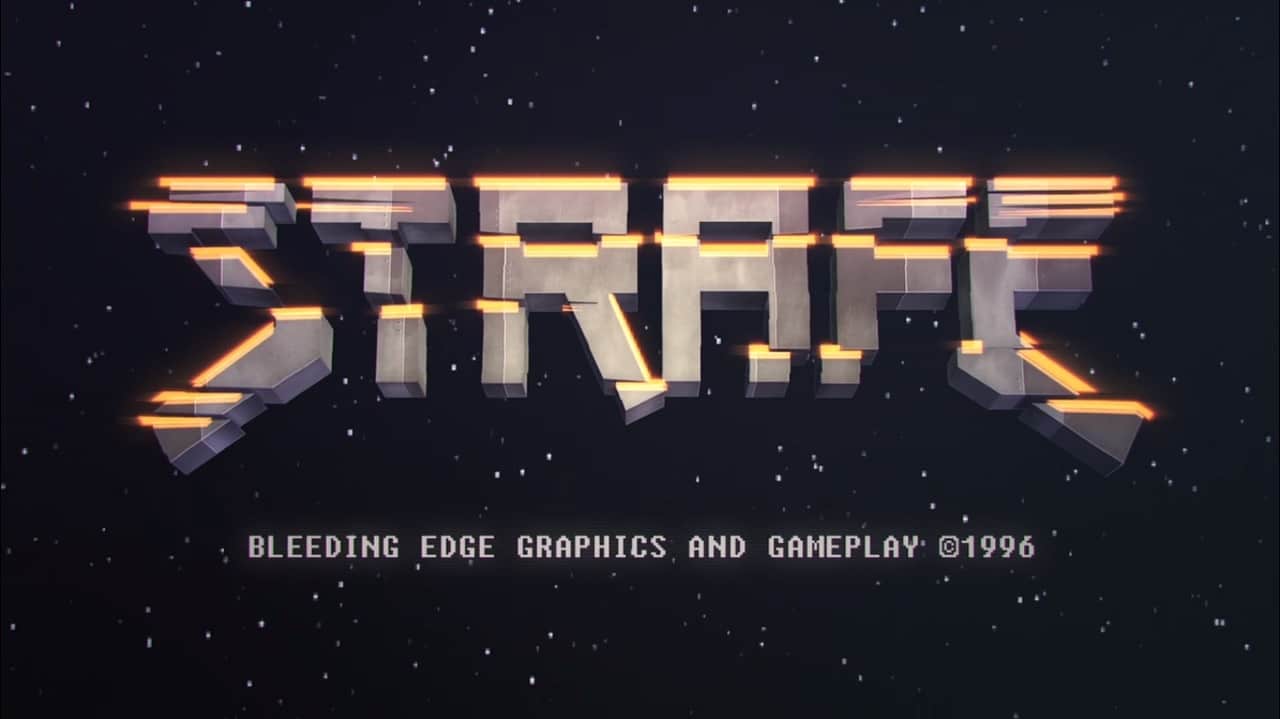
Miss the guns-blazing action of classic first-person shooters like Doom and Quake? Strafe can give you that old adrenaline fix you’ve been craving. Mow down waves of monsters with outrageous firearms in randomly generated labyrinthine levels. And as the title implies, you need to be moving left and right constantly to survive the onslaught. Relive 90s PC gaming and all its gory, polygonal glory in bite-sized chunks.

Gwent: The Witcher Card Game (PlayStation 4, Xbox One, Microsoft Windows)

There’s a lot of things to get lost in when you play The Witcher 3: Wild Hunt, but the biggest time sink for many fans has to be the in-universe card game Gwent. With its surface-level simplicity hiding complex systems underneath, it’s no surprise that it got turned into a standalone video game. Like other collectible card games, you build a deck to engage in tactical turn-based battles with other players. It’s free-to-play and in open beta right now, with a full-featured story mode promised for the 1.0 release.

Flinthook (PlayStation 4, Xbox One, Microsoft Windows. macOS)

Plunder the ill-gotten gains of space pirates in Flinthook. It’s a cartoony 2D action platformer where you swing into action with your trusty grappling hook. Weave your way through ever-changing pirate ships, dodging and dispatching goons in slow motion, so you can unlock treasure chests and new abilities. You’ll have to pick what skills you can use for every marauding mission, so choose wisely, especially when you take on the buccaneer bosses. Looting booty in bursts is fun in Flinthook!

PlayerUnknown’s Battlegrounds (Microsoft Windows)

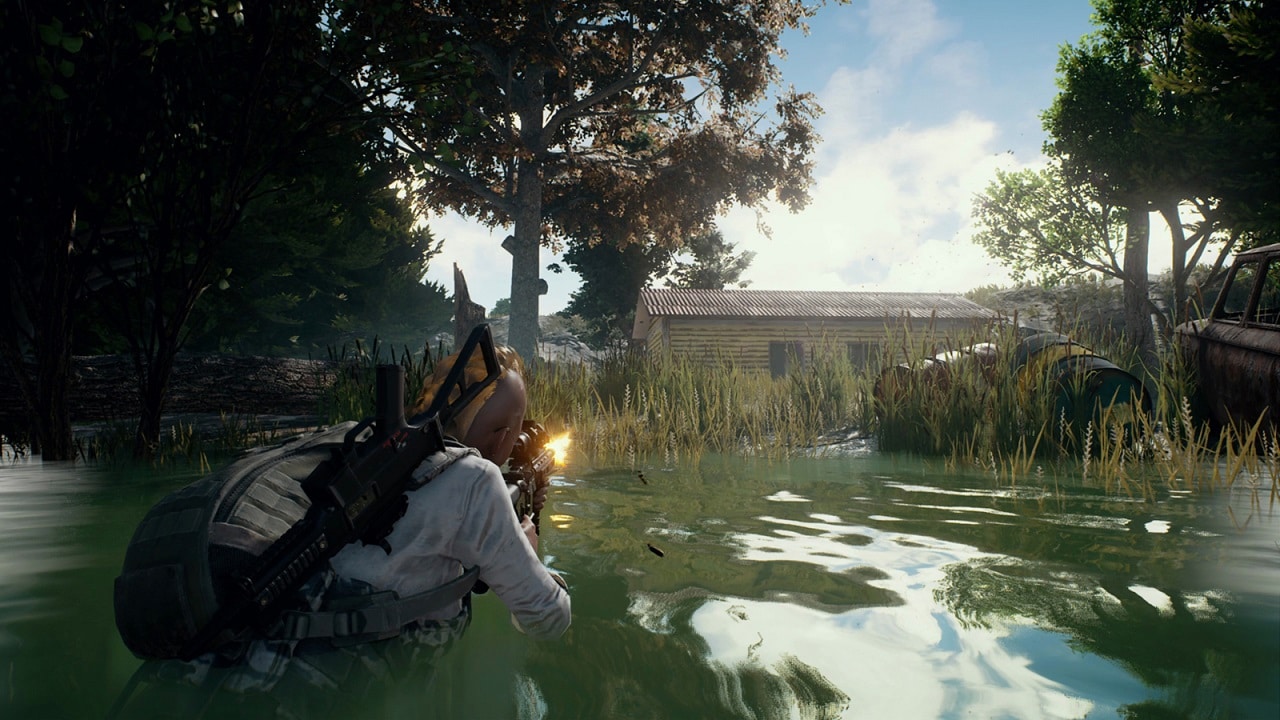
Put your survival skills to the ultimate test in this Battle Royale-inspired massive multiplayer online shooter. PlayerUnknown’s Battlegrounds packs 100 or so players into a plane and forces them to parachute onto a sprawling island littered with deadly weaponry and janky vehicles. The goal? Be the last person or team standing by any means necessary. The twist? A blue laser wall of death gradually constricts the play area, killing anyone who remains outside it. With regular airstrikes, loot drops, and randomized gear placement on the island, the unpredictability and forced engagements make for the tensest moments and the wildest stories.
SEE ALSO: 5 of the Best Free-to-Play Console Games
[irp posts=”14014″ name=”5 of the Best Free-to-Play Console Games”]


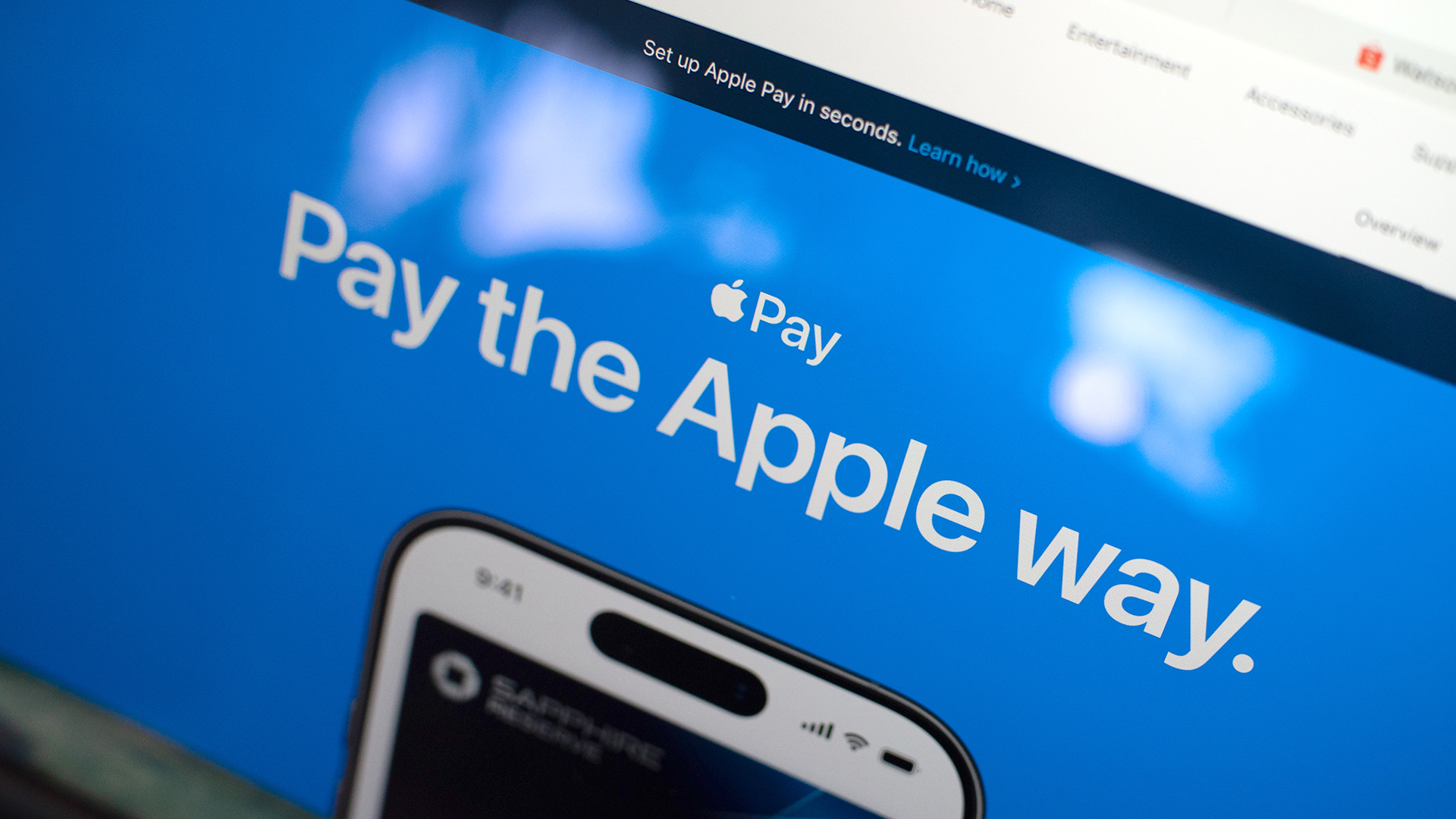
Apple Pay is officially in the Philippines!
Pushing the country forward into a cashless and cardless future, Apple has now brought its contactless payment system to the Philippines. As with other countries, Apply Pay will work seamlessly and easily even for those who have problems with technology.
Now, despite how easy it is, sometimes we need to be pointed in the right direction. Here’s how you can set up Apple Pay on your iPhone:
Everything starts with the Wallet app. First, open your Wallet app. Tap the “+” button on the top and select “Debit or Credit Card.”
Normally, this is where you can input your card details (which you can still do, by the way), but the default method now is to just tap your card on the back of your iPhone. Your phone does the rest. You might need to confirm with your bank, but it’s as easy as a single tap.
Pick which cards to use. Once you have your cards online, you might need to change which one is the default card. Again, it’s easy. Just drag your preferred card to the front.
Afterwards, you can tap to pay in supported stores by priming the Wallet app for use. Tapping to pay is also available for Apple Watch. Meanwhile, online transactions can also work on MacBook.
Secure, all the time. If you’re worried about your security especially with online transactions, Apple keeps your information only between you and the seller. They don’t store your data.
Also, it’s not easy to make a transaction without your consent. You need Face ID, Touch ID, or your password. If you lose your phone, you can easily shut your phone down with the Find My app to prevent malicious parties from making transactions.

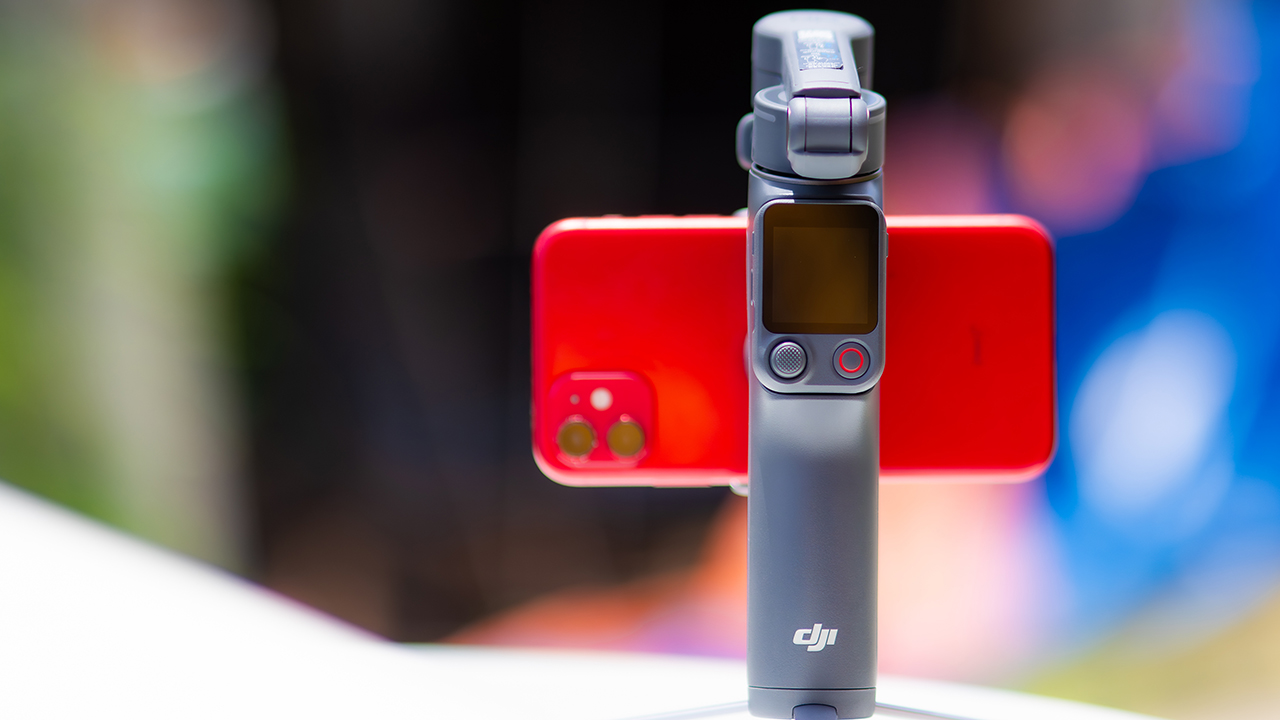
DJI’s smartphone gimbals have always chased one goal: delivering cinema-smooth footage without forcing you to carry a heavy rig.
The Osmo Mobile 8P (OM 8P) makes its priorities clear right out of the box. This is not a simple refresh. DJI rebuilt how you control the gimbal, and that decision shapes the entire shooting experience.
Freedom behind the lens
The biggest change is the FrameTap remote, and it’s the kind of upgrade that fixes a problem you didn’t realize was slowing you down until it’s gone.
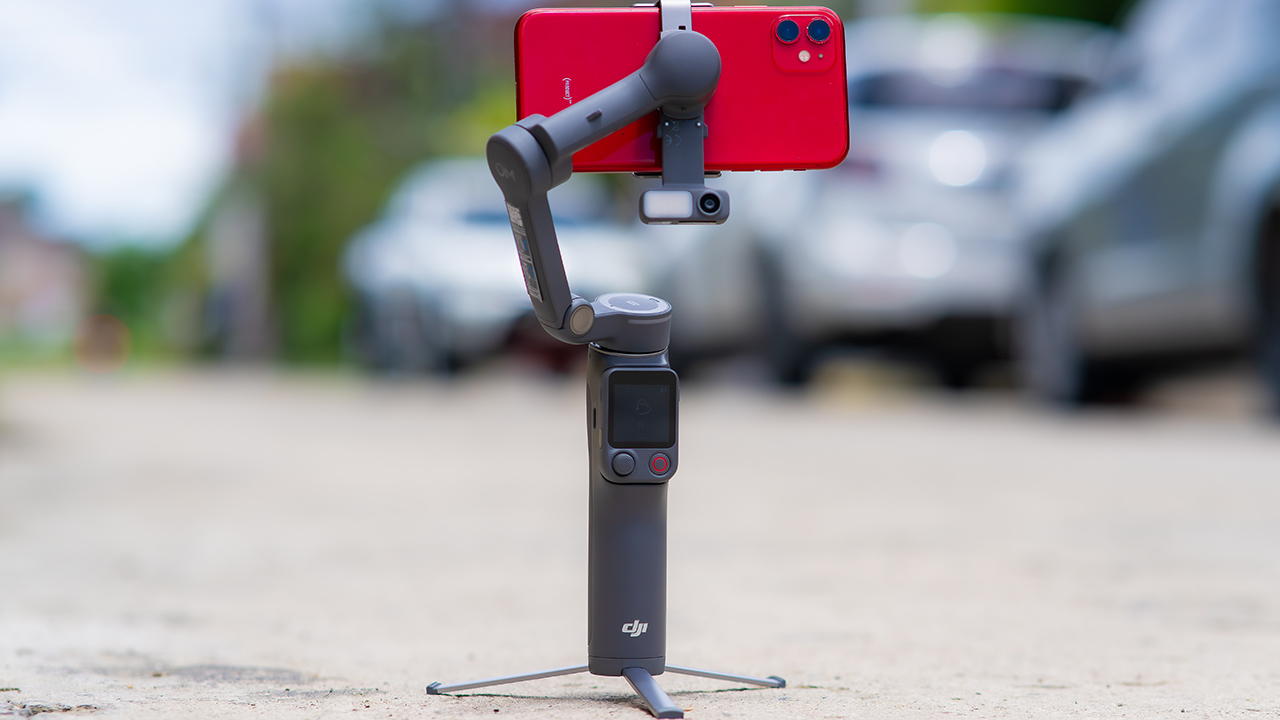
On the standard OM 8, adjusting your framing meant reaching for your phone every time, which broke the flow of shooting and pulled you out of the moment.
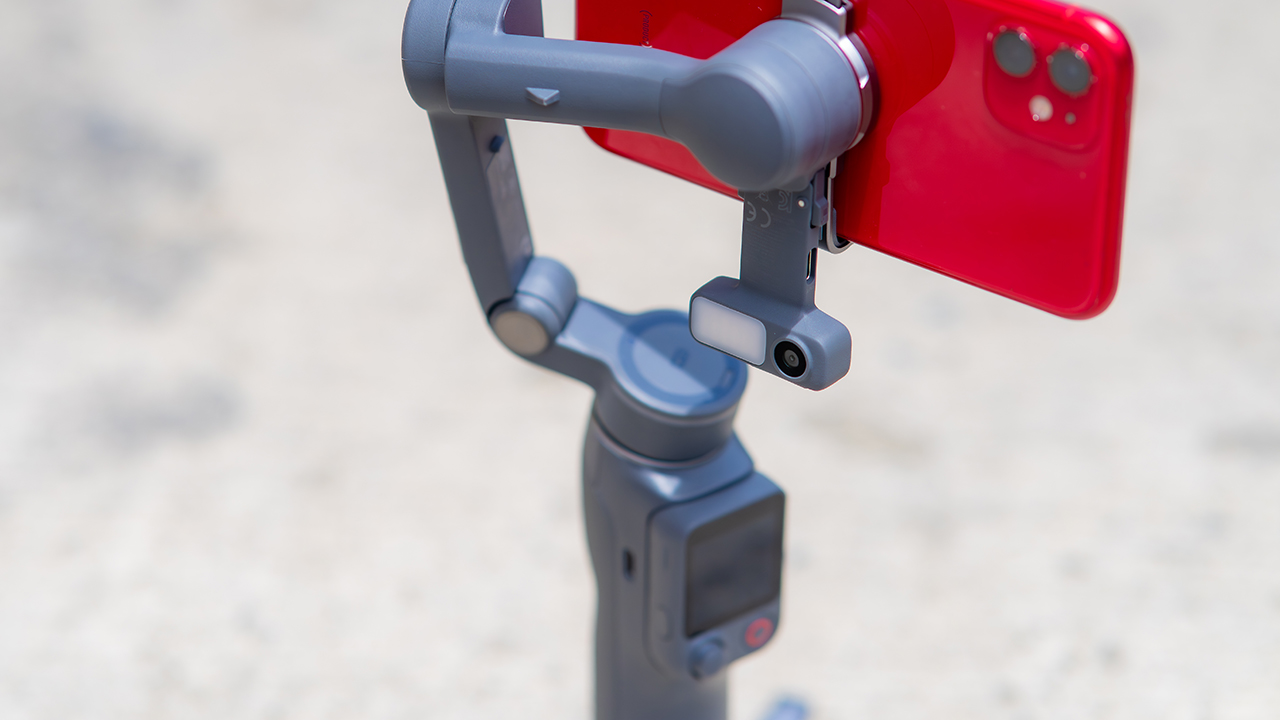
FrameTap puts that control back in your hand. You can reframe shots and manage the gimbal without touching your phone at all, and for anyone shooting solo, that alone changes how usable the whole setup feels. Tracking has taken a real step forward too.
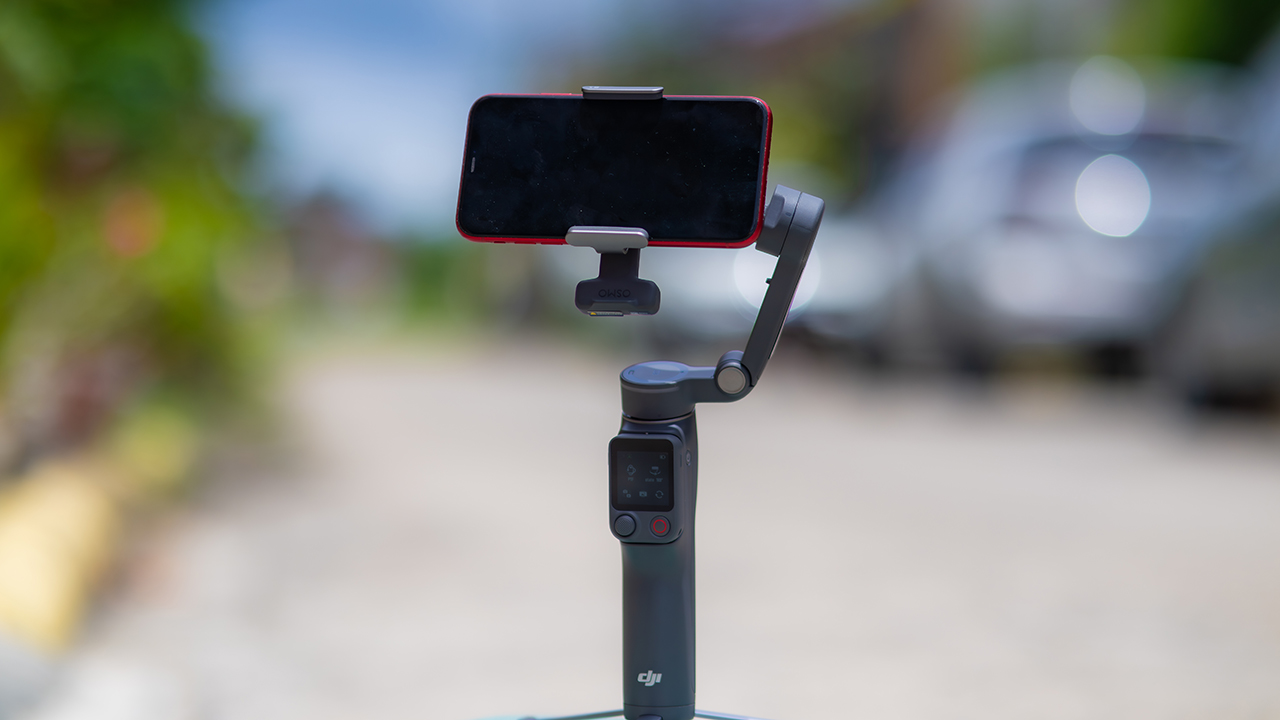
ActiveTrack 8.0, paired with Module 2, held onto its subject even after they stepped out of frame for a moment, then picked them back up without much fuss.
It also lets you sit off-center in the shot instead of forcing you into the middle every time, which gives you more room to compose something that doesn’t look like every other gimbal video.
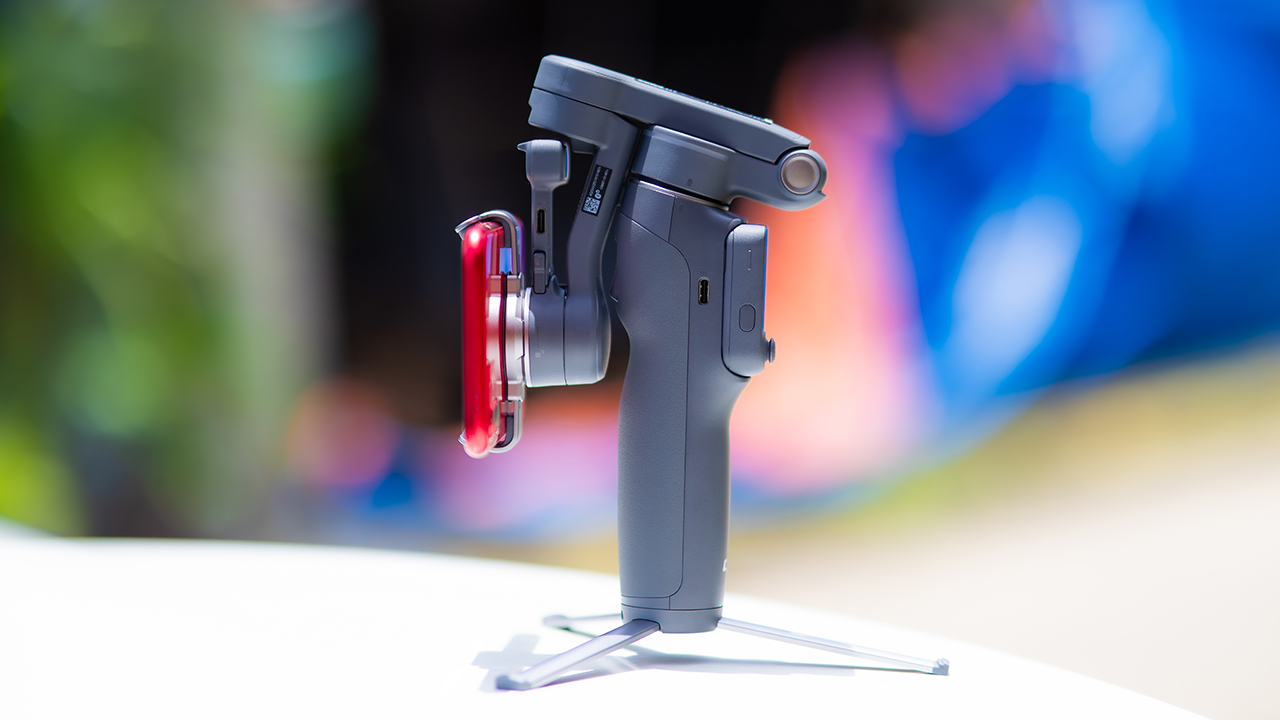
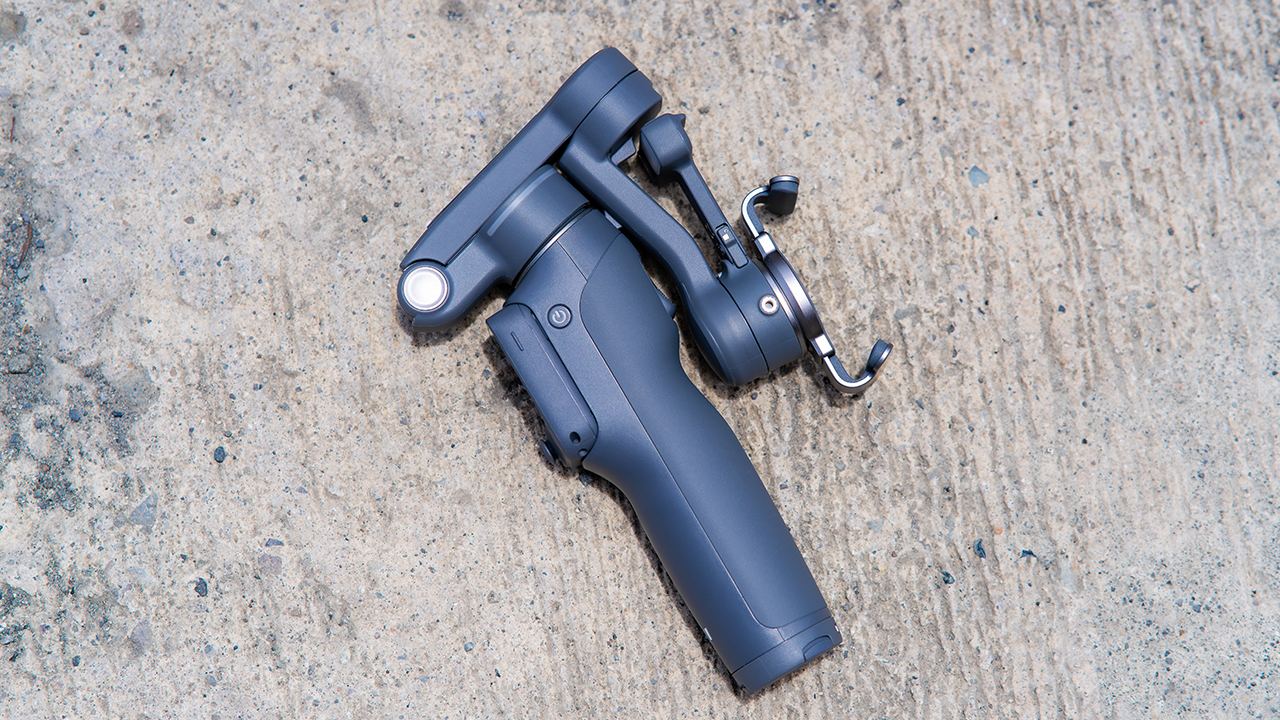
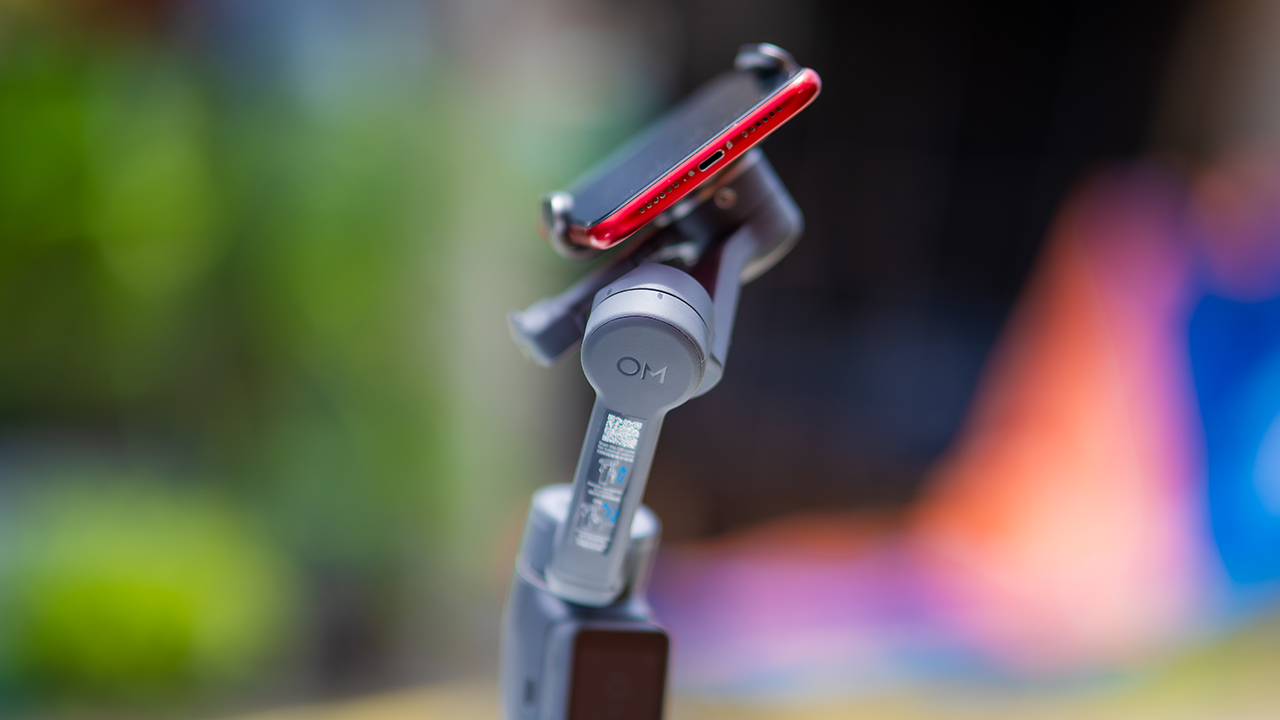
None of that would matter much if the gimbal itself wasn’t solid, and it still is. The OM 8P holds onto the same foldable design, magnetic phone clamp, and built-in tripod that made the OM 8 easy to live with.
And it remains one of the better compact options for stabilization, tracking, and portability in one package.
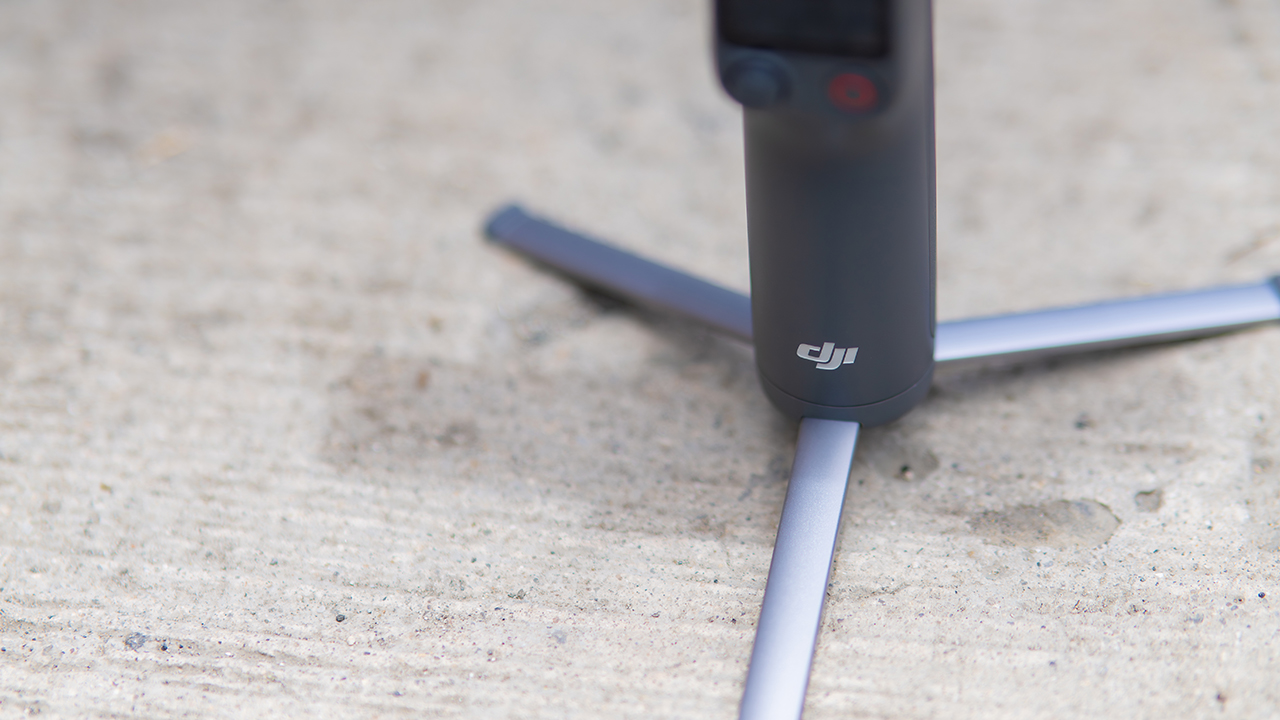
The tripod legs are a touch wider this time, and that extra width does make a noticeable difference on uneven ground.
The trade-offs in touch
The trade-off for all that new remote functionality is a control scheme that takes more getting used to. More of the gimbal’s functions now live on the FrameTap touchscreen, the joystick is smaller, and switching between shooting modes takes a few extra taps compared to the OM 8. It’s not a dealbreaker, but it’s a learning curve you’ll need to budget time for.
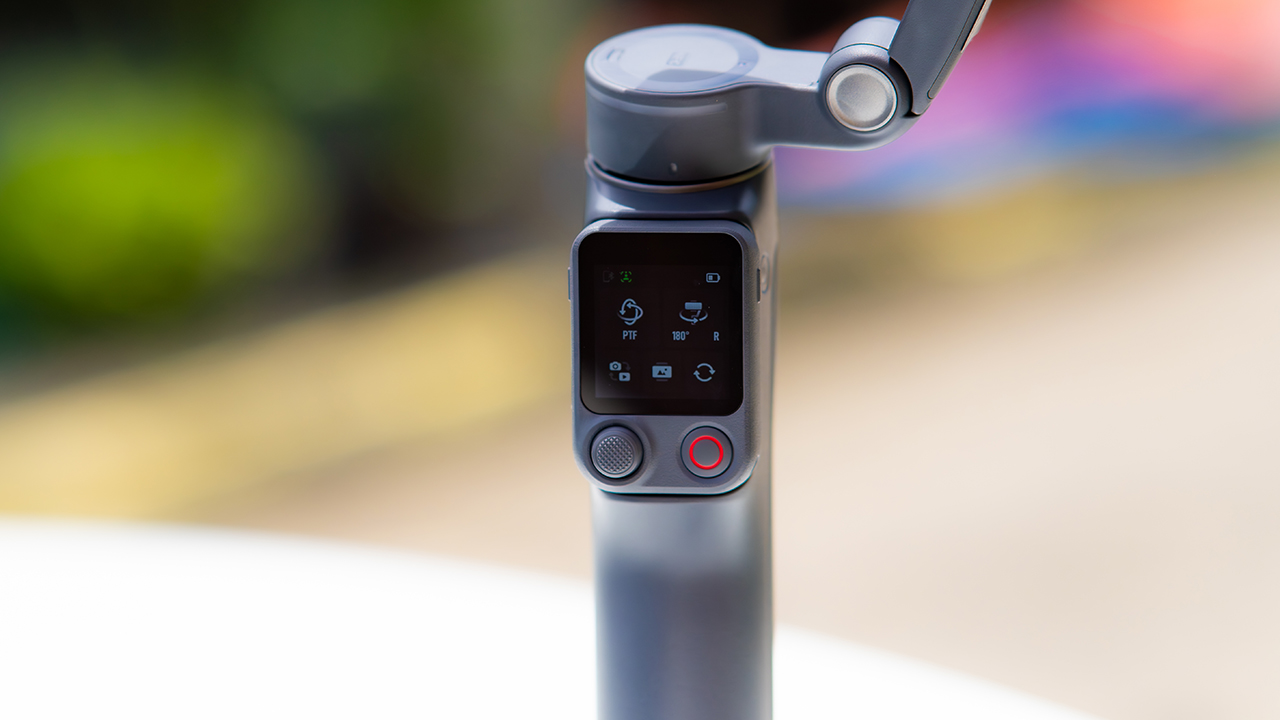
DJI also removed the zoom and focus wheel, so if you leaned on that dial for quick adjustments, you’ll feel its absence here. Module 2 no longer lets you plug a DJI wireless mic in directly either.
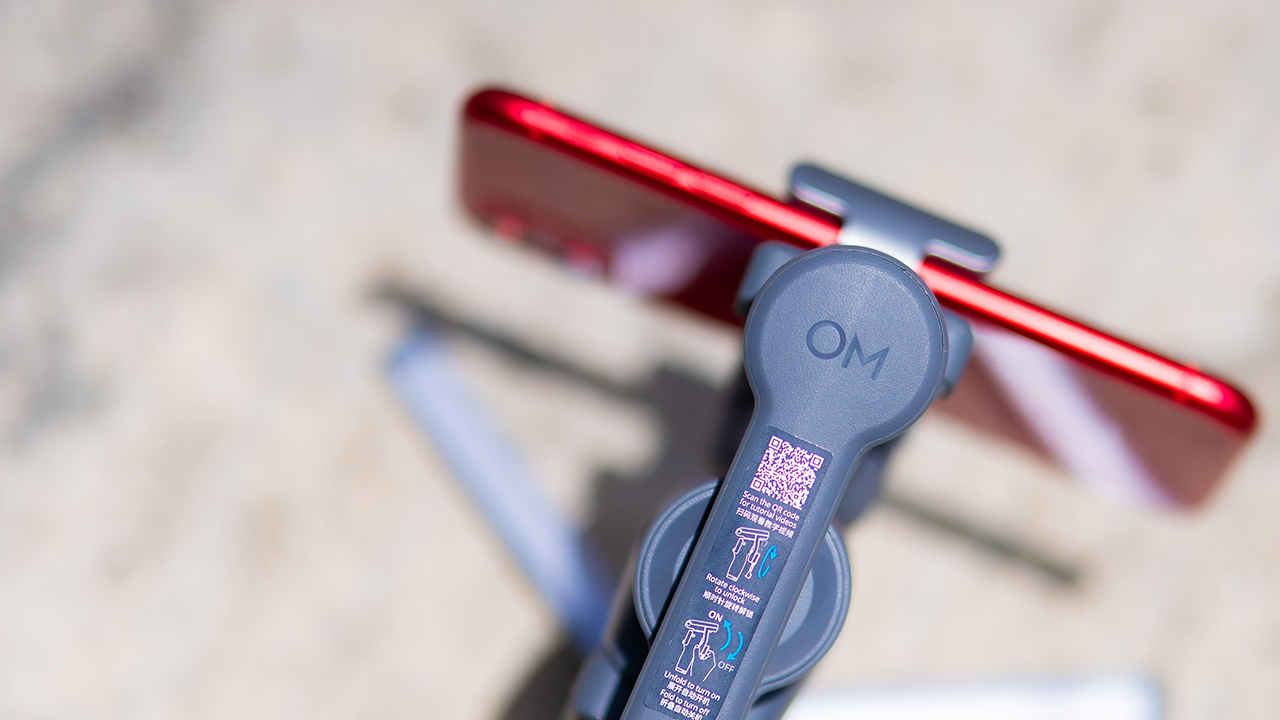
You’ll need to connect it to your phone instead, which adds a step to a setup that used to be simpler. Phone compatibility is still a limiting factor as well. DJI lists support for phones up to around 300g and 11mm thick, so bigger phones or ones in chunky cases may not clamp in properly.
Finding your ideal workflow
The OM 8P makes the most sense for solo creators who want dependable tracking and the freedom of remote framing without stepping up to a dedicated camera like the DJI Osmo Pocket.
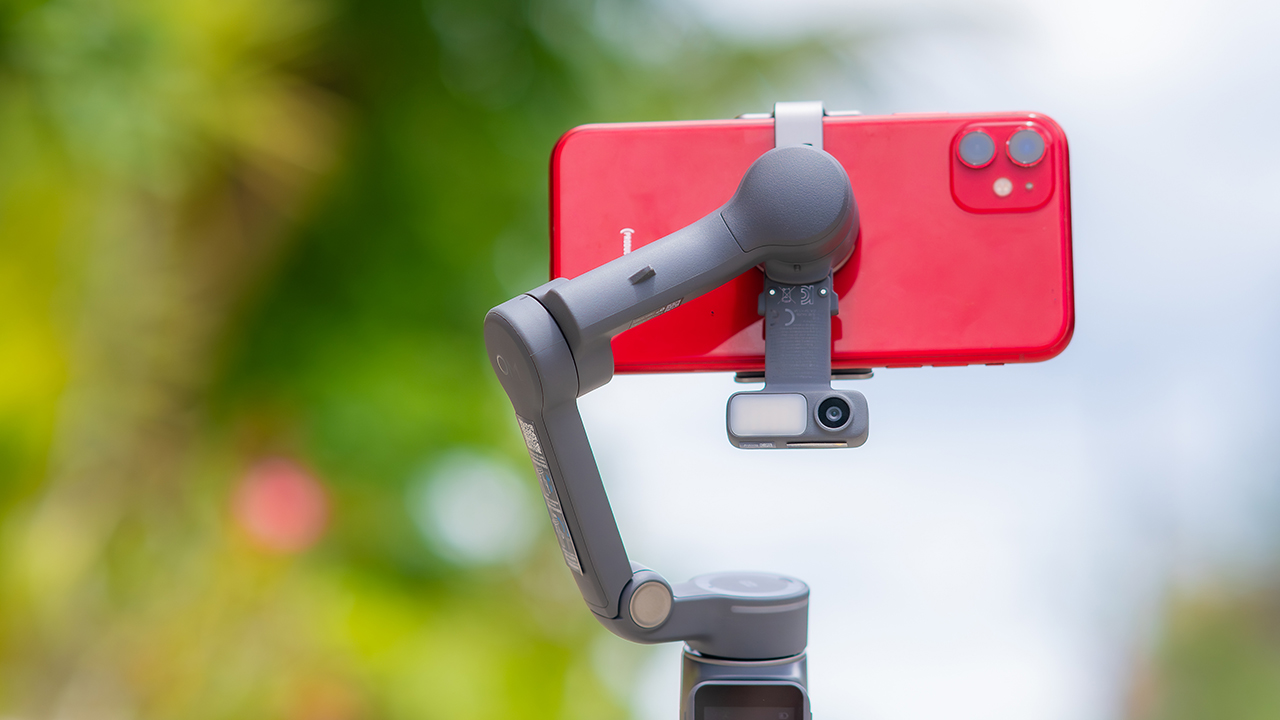
If you’re already shooting on a phone with a solid camera, this fills the gap nicely. It’s a tougher sell if you prefer physical buttons over touchscreen menus, or if your phone runs on the larger and heavier side, since fitting it onto the clamp might be a problem before you even get to shooting.
Price, availability
DJI is offering the OM 8P in three combos, so how much you pay depends on how much of the ecosystem you actually need.
- Standard Combo (PhP 7,499): the gimbal itself, with 8th-gen stabilization and the detachable FrameTap remote included.
- Advanced Tracking Combo (PhP 9,199): adds the Multifunctional Module 2 for the improved subject tracking we tested.
- Creator Combo (PhP 11,099): the full kit, built for creators who want everything DJI bundles in from the start.
Is the DJI Osmo Mobile 8P your GadgetMatch?
The DJI Osmo Mobile 8P asks you to relearn a few habits in exchange for a gimbal that finally lets go of your phone. If hands-free framing and steadier tracking matter more to you than a dedicated zoom dial, this is worth the adjustment.
If you’d rather keep things exactly as they were on the OM 8, that learning curve might be the deciding factor.
Swipe right if you shoot alone often and have been waiting for a gimbal remote that actually works. The FrameTap remote alone justifies the upgrade if reaching for your phone mid-shot has been slowing you down.
Consider this if reliable tracking matters to you, especially if you’ve had a subject wander out of frame and stay lost on older gimbals.
And of course, get this if you already own a capable phone under the weight and thickness limits, and you’d rather invest in a smartphone rig than jump to a dedicated camera like the Osmo Pocket.
Swipe left if you lean on physical dials for zoom and focus, and moving those functions to a touchscreen sounds like a downgrade rather than an upgrade.
This is not for you if you use a DJI wireless mic and want it plugged directly into the module without routing through your phone first. Or, your phone runs heavier or bulkier than DJI’s limits allow, since no amount of enthusiasm fixes a clamp that won’t close.
Features
GadgetSnaps: Westminster Abbey
A thousand years of history, unfolded with the Samsung Galaxy Z Fold8 Ultra

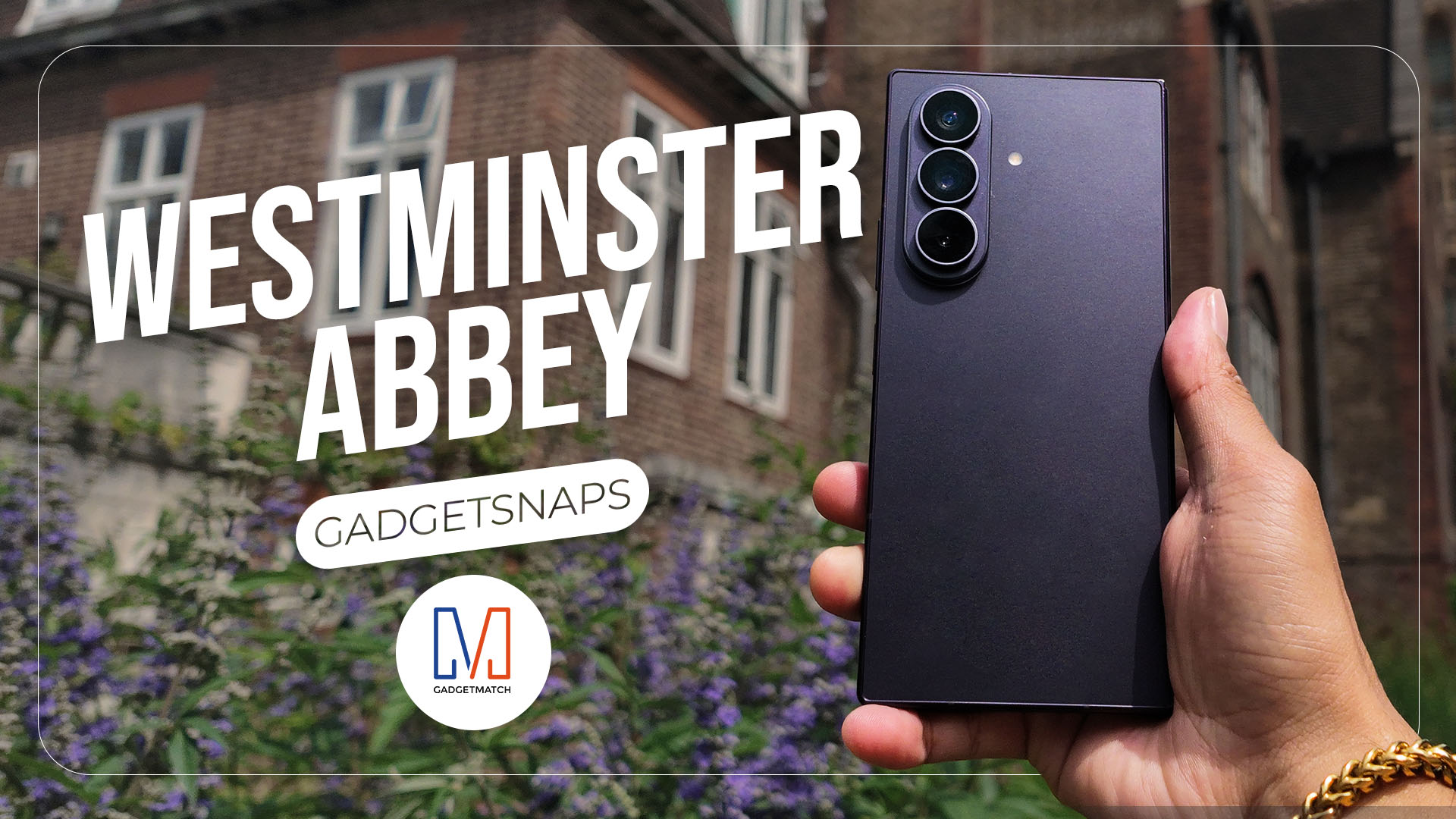
Westminster Abbey isn’t just another stop on the London tourist trail.
It’s the stage for coronations, royal weddings, and burials that span nearly a thousand years, all still playing out under the same vaulted ceilings that have been standing since before most countries had names.
Once you get past the crowds and the audio guides, a quieter version of the abbey starts to show itself: worn stone steps, poets resting a few feet from kings, light that shifts across the nave like it’s in on the performance too.
While losing track of time in Poets’ Corner (yes, me, playing amateur historian for an afternoon), I unfolded the Samsung Galaxy Z Fold8 Ultra and decided the abbey deserved more than a quick tourist snap.




































All photos captured using the Samsung Galaxy Z Fold8 Ultra.


realme C100: Enduring and durable in spite of entry-level realities
Enough power but needs more agility


The ASUS ExpertBook Ultra wins you over
The laptop sneaks up on you


Nexal Watch Sport review: A rugged watch for small budgets
I couldn't believe that watches this good could come for this cheap.

SQUARE ENIX STORE Plus expands presence in Asia, Oceania

Maya: Convert purchases to 0% interest Mini Payment plans

Netflix: Kris Aquino makes on-screen comeback with fictional role

Hatsune Miku: Colorful Stage! Exclusive shop, Fair, and Gratte schedule

The iPhone 18 might sell out for an unexpected reason

New York becomes first state to ban smart glasses

Sony launches IER-M500 in-ear monitors

Microsoft dictates that a new Fallout game is coming

HoYo FEST 2026 details announced; tickets on sale from July 16
realme C100: Enduring and durable in spite of entry-level realities


-

 Automotive5 days ago
VinFast debuts two-wheeler models, opens 21 e-motorcycle showrooms
-

 Computers1 week ago
AMD launches Radeon RX 9050 graphics card
-

 Computers2 weeks ago
AORUS MASTER 16 Gen 2 2026 AI gaming laptop launches
-

 Gaming2 weeks ago
God of War Laufey finally confirms its highly anticipated launch date
-

 Automotive7 days ago
Xiaomi debuts SkyNomad Series featuring new Kunlun platform
-

 News3 days ago
OnePlus officially leaves the United States and Canada
-

 Gaming1 week ago
NBA 2K27 gameplay trailer showcases new dunk mechanics, Rucker Park, and more
-

 Gaming6 days ago
Call of Duty: Modern Warfare 4 clip shows Losing Ground 1st look