
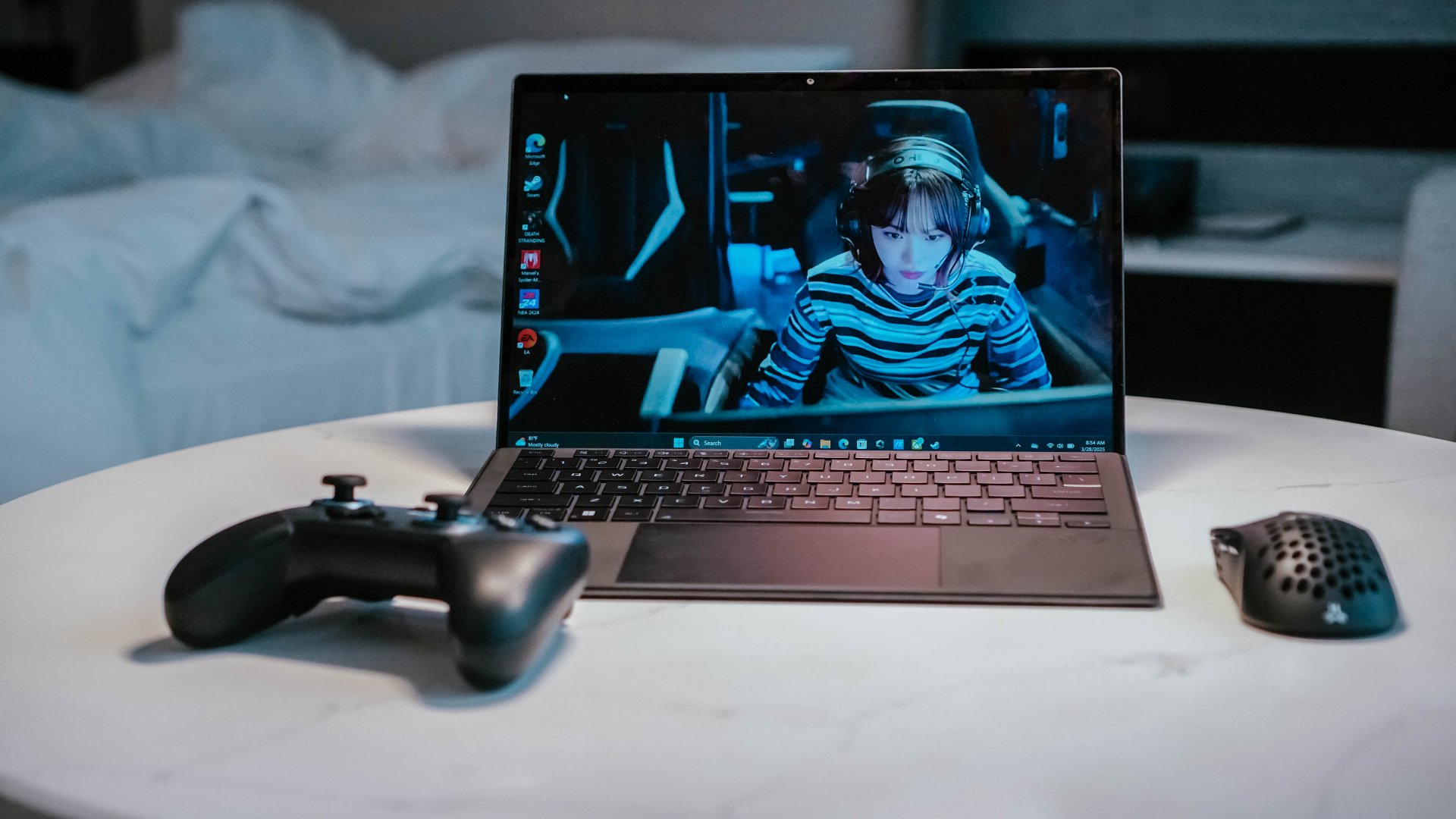

A big privilege and challenge of the work I do is that I get to travel quite a bit. Sometimes it’s for an entire week, while other times it’s for just a few days. Despite having gone on many such trips, it’s still always a challenge figuring out my tech loadout for each one. That wasn’t the case for my latest two trips as the ROG Flow Z13 (2025) simplified things for me.
You see, I no longer have the bandwidth to game as much as I did in my youth. But every now and again, I get the urge to zone out, stay in the moment, and just press buttons. This is why I’m always excited about PC gaming handhelds. It’s a category that I’m keeping my eye on and one that still has plenty of room to grow.
But it’s these ‘portable’ AAA gaming machines that have complicated my tech loadout quite a bit. They’re not exactly compact and I’ve had to expand and retool my carry-on setup because of them. Unfortunately, I don’t always find time to play during these trips. So, they end up essentially, becoming dead weight.
Then, a few things happened that led to me taking the ROG Flow Z13 on the trips with me. First, the MacBook I use for work started to show signs of aging. I had to start getting used to using Windows again. Soon after, the ROG Flow Z13 came into my life.
Simplifying my tech loadout for travel
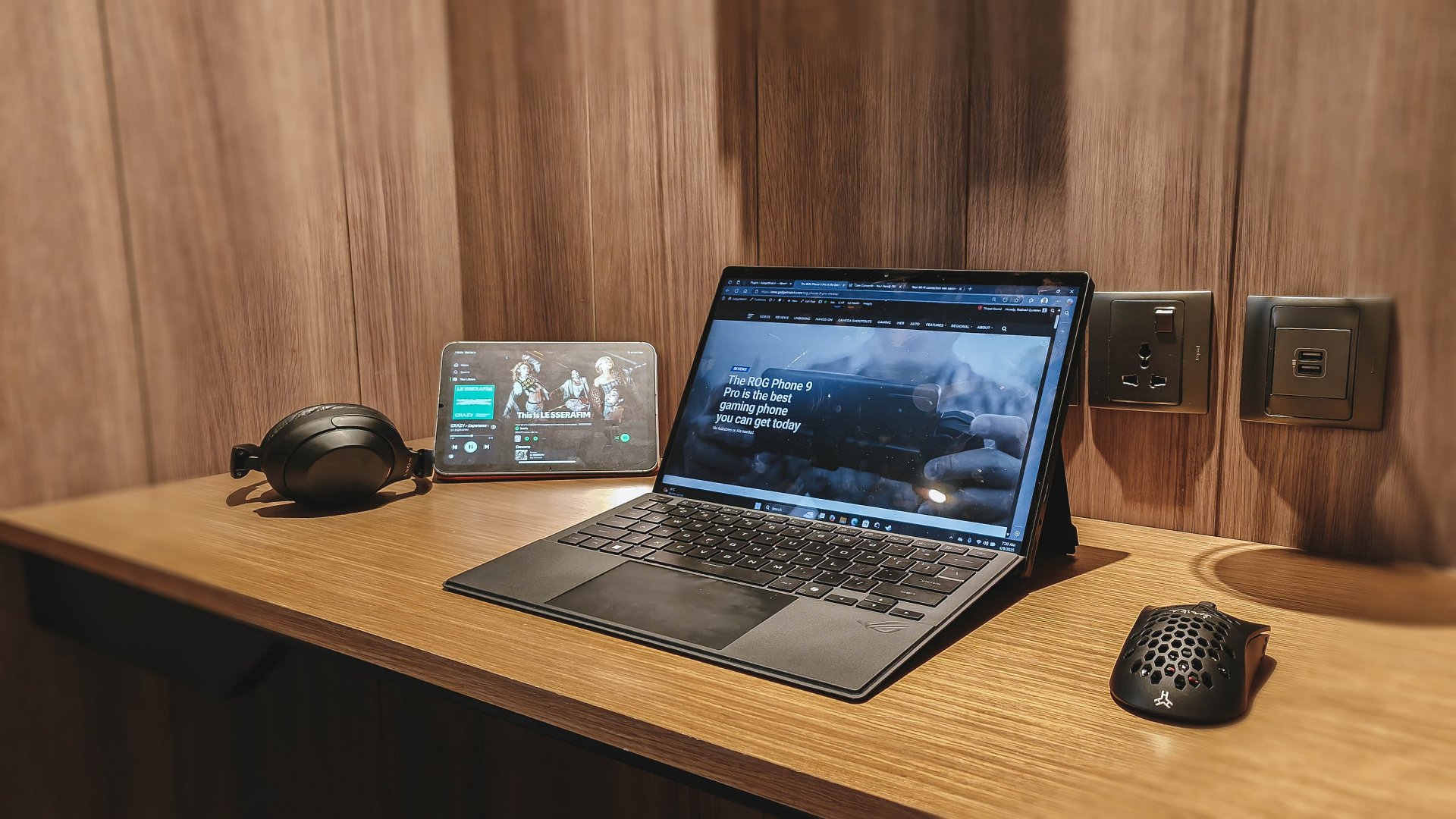 My tech loadout has varied somewhat over the last year and a half of my work travels. For instance, I’ve carried a different laptop on nearly every trip. Whatever I was reviewing at the time, that’s what I ended up carrying.
Then, there’s the usual two to five smartphones– an iPhone, main Android, and whatever else I’m reviewing or need to take sample and/or comparison photos of. I’ve also started carrying a tablet for each trip. Save for one trip where I carried an 11-incher, I have mostly settled with the iPad Mini 7 as my main travel tablet.
Then there are the essential accessories like powerbanks, power bricks, cables, and more. Most of which are Anker things which I will talk about more in detail in a separate article.
Only after packing the essentials do, I decide if I will bring with me a PC gaming handheld or not. Deciding whether to do so or not depend on a number of factors. These include how hectic the schedule is, how long the flight is, do I have a lengthy layover, and what not.

In 2025, I’ve mostly sacrificed gaming and have just gone with a media-consumption loadout. The urge to push buttons hasn’t been as much. Additionally, the laptops I’ve reviewed of late aren’t geared towards gaming, so I didn’t even bother playing on them.
Everything changed when the ROG Flow Z13 (2025) arrived. Everything’s an exaggeration, but it did simplify my tech loadout for travel. With it, I left behind the PC gaming handheld and just carried a Bluetooth controller instead.
Like carrying a gaming console
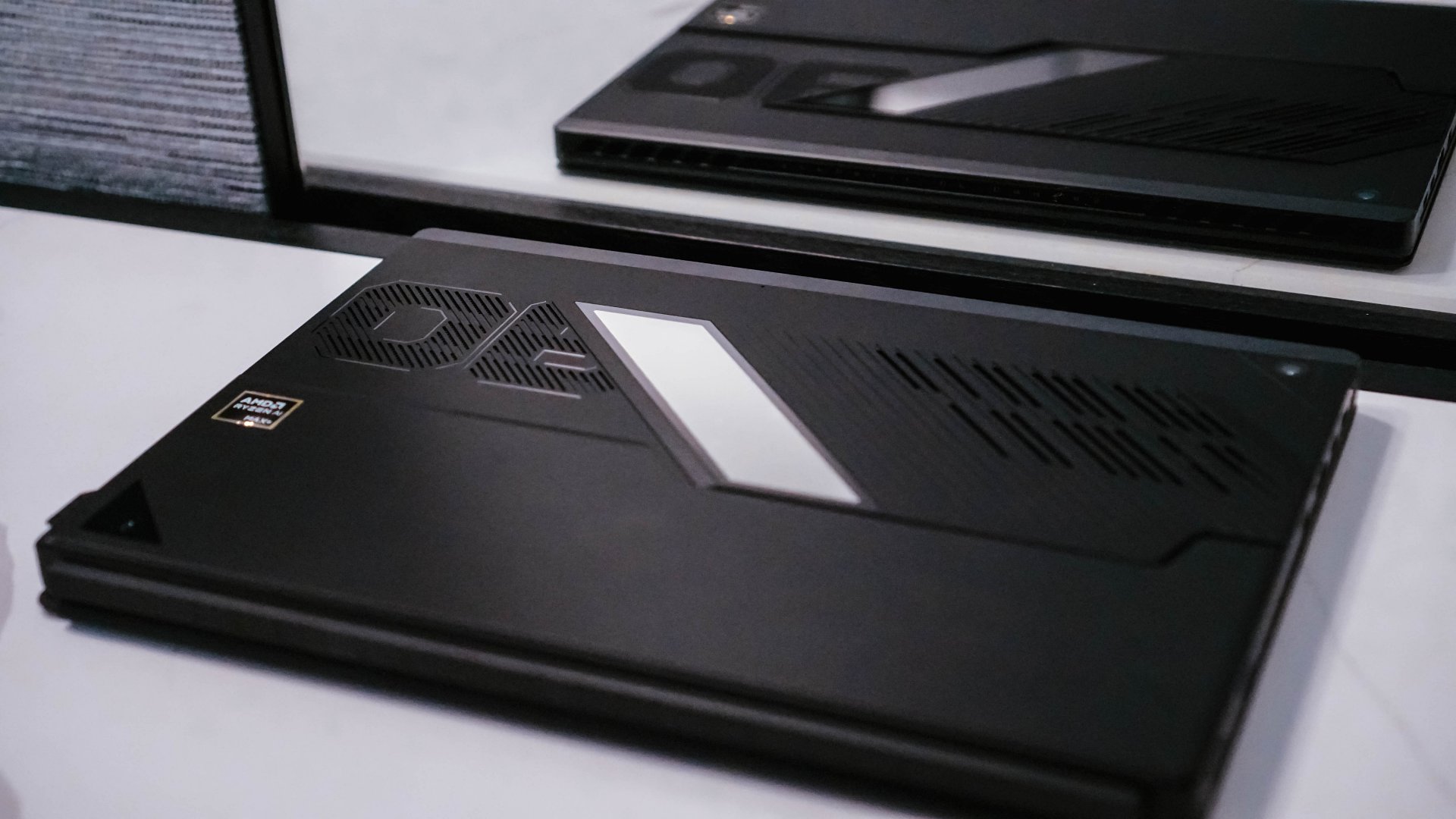
I got the ROG Flow Z13 roughly a couple of days before one of my work trips. So, outside of setting things up and installing some games, the first time I actually used it was during the first night at the hotel.
In my excitement, I posted the setup on my IG story – the ROG Flow Z13 hooked up to the hotel TV via HDMI and neatly tucked to the side, Steam Big Picture mode on and controlling everything with the GameSir Super Nova controller.
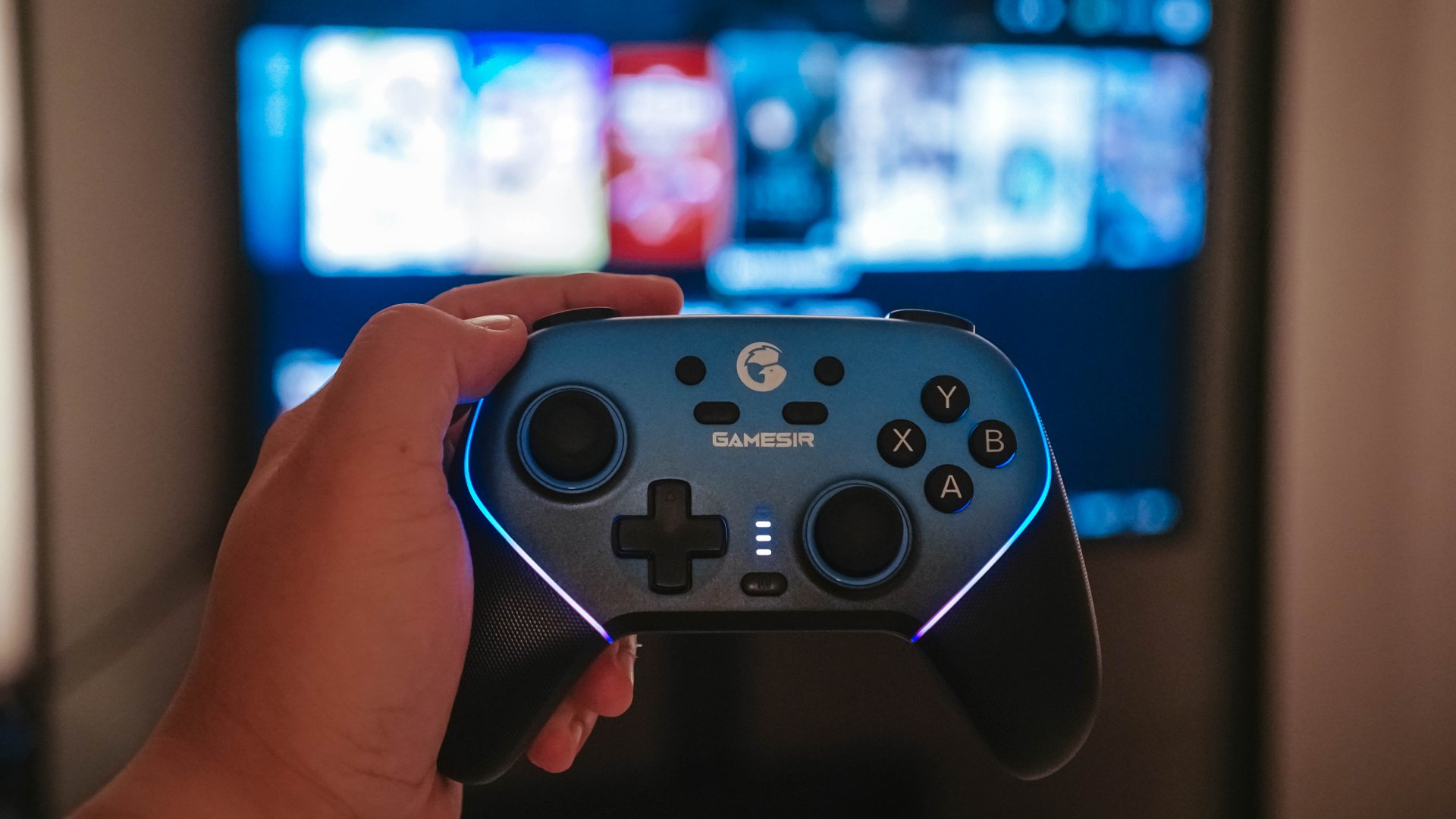
I belatedly realized that I looked like someone geeking out about connecting a ‘gaming laptop’ to the hotel TV. What I failed to communicate due to my overeagerness to post is to fully explain what’s at the heart of it all– the ROG Flow Z13 which is, in fact, a gaming tablet and not a laptop.

This was SO COOL.
Why does that distinction matter? With laptops the engine of it all is located underneath the keyboard. The bulk of the heft is situated there. Meanwhile, with the tablet, all that processing power is packed right behind the display. This means the ROG Flow Z13 is literally just a slab with a kickstand whereas a regular gaming laptop has more of a clamshell like form factor.
The slab form factor means a keyboard that can be taken away. This opens up the ROG Flow Z13 to a variety of stances for various ways of content consumption methods. More on that later.
Unique form, unexpected power

Let’s first focus on its main draw– gaming.
Do a quick look-up of the ROG Flow Z13 (2025) and you’ll learn that it’s billed as “the most powerful PC gaming tablet.” That’s a unique proposition made possible by what’s at the heart of the machine– the Ryzen AI Max+ 395 processor.
What the processor with a mouthful of a name allows is high performance gaming without the need for a dedicated GPU. That’s virtually unheard of. If you look at the spec sheet, you’ll see that the Flow Z13 (2025) only has integrated graphics. Usually that’s the tell that the machine you’re looking at isn’t built for demanding gameplay.
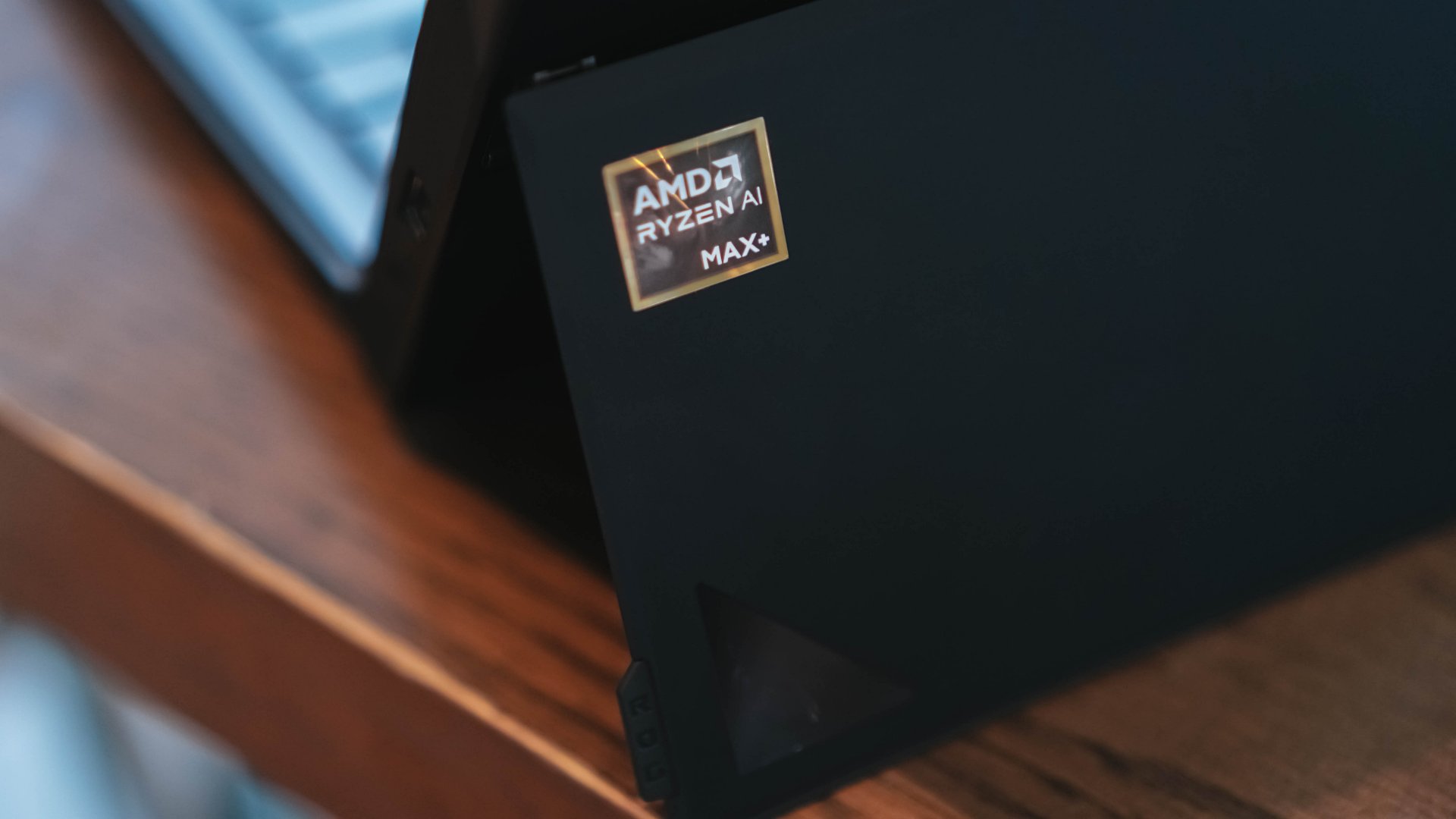
The Ryzen AI Max+ 395 processor bucks all of that as it has been tested by many other reviewers to deliver a gaming performance akin to having an RTX 4060 GPU. That’s nothing to scoff at. An RTX 4060 is better than the PS4 and Xbox One and can somewhat be comparable to the PS5 and Xbox Series S.
We’re not the benchmarking type so if you’re skeptical, just check out this video from Digital Foundry and extensive benchmarks by Gadget Pilipinas.
Current gen console level for travel

Not needing the GPU made the form factor possible. The processor is able to pump out enough power to deliver quality gaming while keeping it a PC gaming tablet. This is the true evolution of the Flow Z13.
Previously, the Flow Z13 needed to be hooked up to the ROG XG Mobile. It’s ROG’s own eGPU that I admittedly thought was fascinating when it was first introduced with the ROG Flow X13. The novelty got the better of me. In practice, it can be a clunky set-up. While the 2025 edition of the Flow Z13 can still be hooked up to the latest ROG XG Mobile, it’s no longer a “need.”
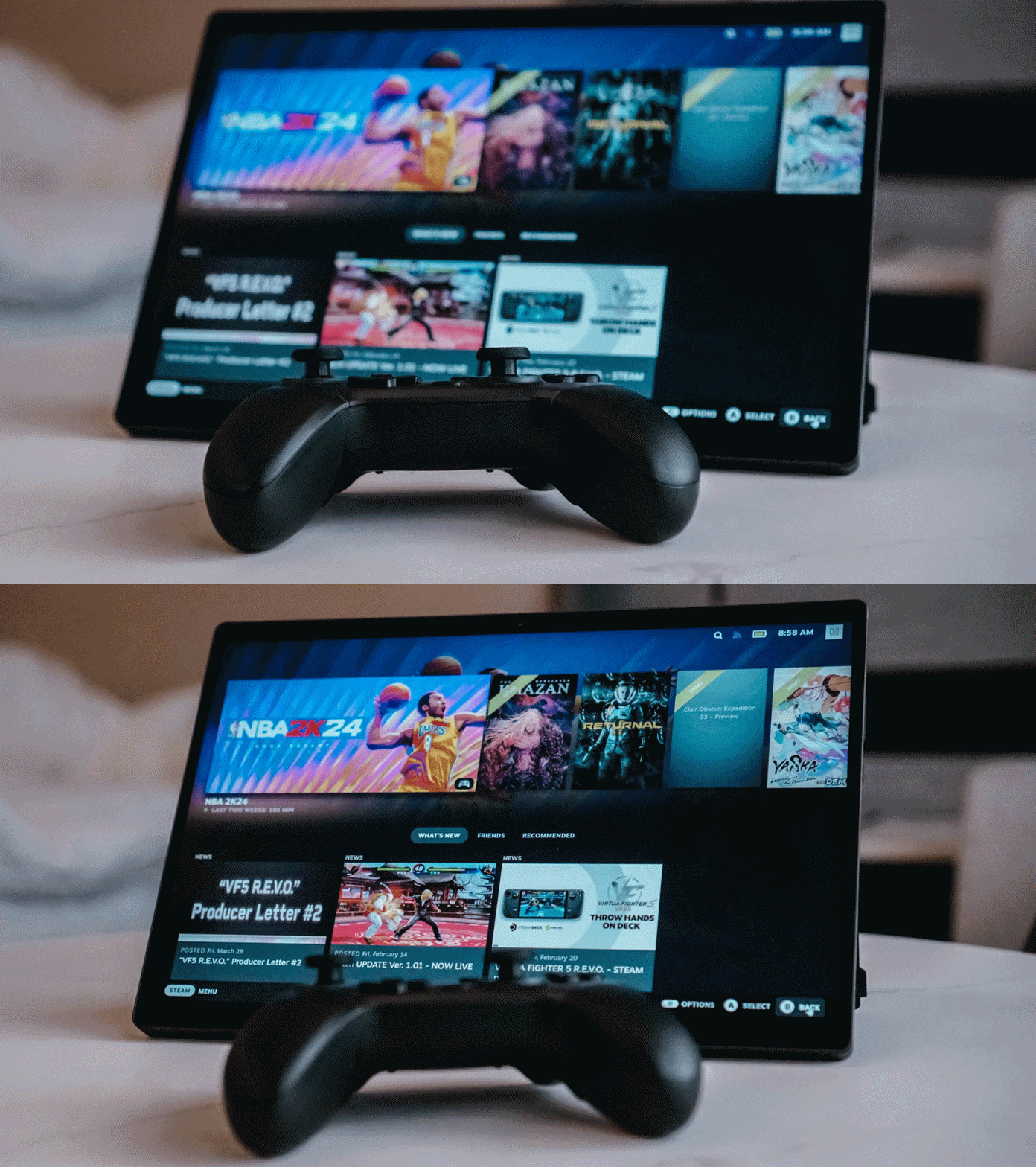
This is why I was geeking out so much. I practically traveled with a machine that’s smaller than the PS5 but can appropriate its performance especially with the right settings.
And the kicker is that it’s not just a gaming machine. It’s great for work and all kinds of video viewing.
Work and chill machine

Stromile Swift highlights, anyone?
Having a machine that can handle play, work, and chill time is such a boon for travel. Whether I choose to carry it around or make it my home-base machine, the ROG Flow Z13 (2025) is great for any and all of these. Its versatility is off the charts.

The ROG Flow Z13 (2025) generally won’t leave you wanting for ports but I wish they could fit in a full-size SD card slot in the next one.
I typically don’t do much on my laptop anymore. I’ve developed a personal workflow where I can get a lot of work done just on a foldable smartphone and/or a tablet. Having the ROG Flow Z13 made me excited to make it as my main work machine though.

I do a lot of typing, and the keyboard feels great to type on. There’s more than enough click, and the travel feels satisfying despite the overall footprint feeling thin.
However, I wish that outside of the POGO Pins, it can also be connected via bluetooth. That would have unlocked a few other setup possibilities for it.

I need to catch-up on Season 2 of Shangri-la Frontier
With the keyboard removed though, the ROG Flow Z13 becomes this really chill video viewing machine. It’s great for watching the regular 16:9 videos.

솔직하게, si, c’est moi. Si, c’est moi, si, c’est moi. Yes, it’s STAYC Isa.
But stand it up and it becomes this oversized K-Pop fancam viewing machine. It’s not out of this world or anything but you gotta admit it’s pretty darn cool.
Still pretty hefty

While it’s a 13-inch tablet, it still has a fair amount of bulk and heft. Carried with the keyboard, it weighs a little over 1.2Kg. That really isn’t a lot on its own but on the first trip down, I stupidly decided to carry it along with its pretty hefty power brick with a tote bag.
It wasn’t any flimsy tote bag but a pretty rugged one. The problem was more with weight distribution. In addition to the aforementioned, that day I also carried my Sony a6500 along with a couple other phones. These contributed to the weight significantly which isn’t great for a sling or shoulder bag.
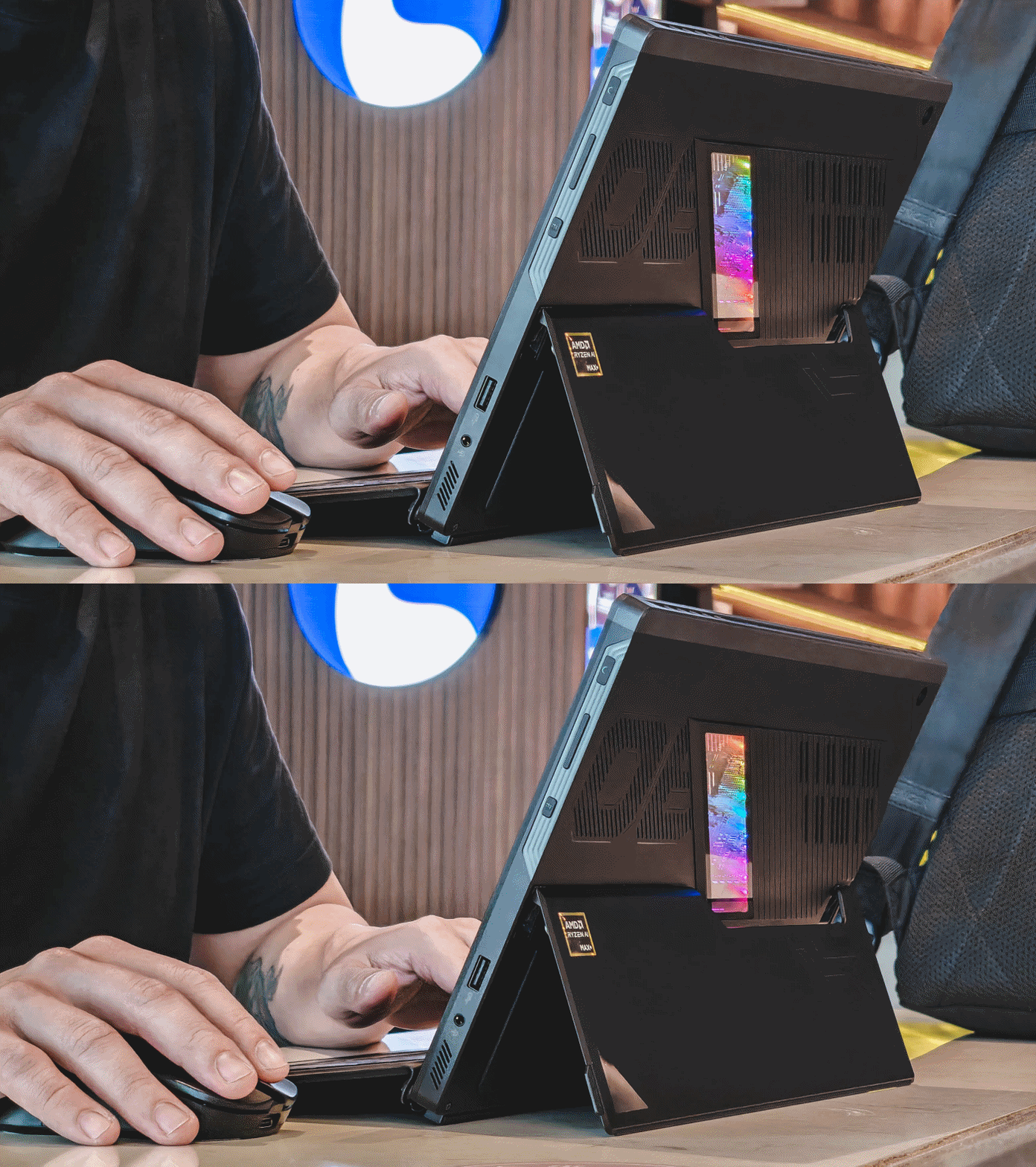
Whipped it out at an airport lounge too and got a good bit of work done. This was the second trip and carried it on a backpack this time.
The ROG Flow Z13 (2025) is best carried on a backpack. Totes, Messenger bags are fine but will cause some strain after some time. Keeping this in mind, I decided to buy a shoulder-pad reinforcement as I’m bullish about not carrying a backpack anymore.
I didn’t make the same mistake on my next trip. I left behind the hefty power brick and instead decided to carry the Anker 140w GaN charger. It’s good enough to charge and power the device at a respectable speed tdp when gaming.
Is the ROG Flow Z13 (2025) your GadgetMatch?
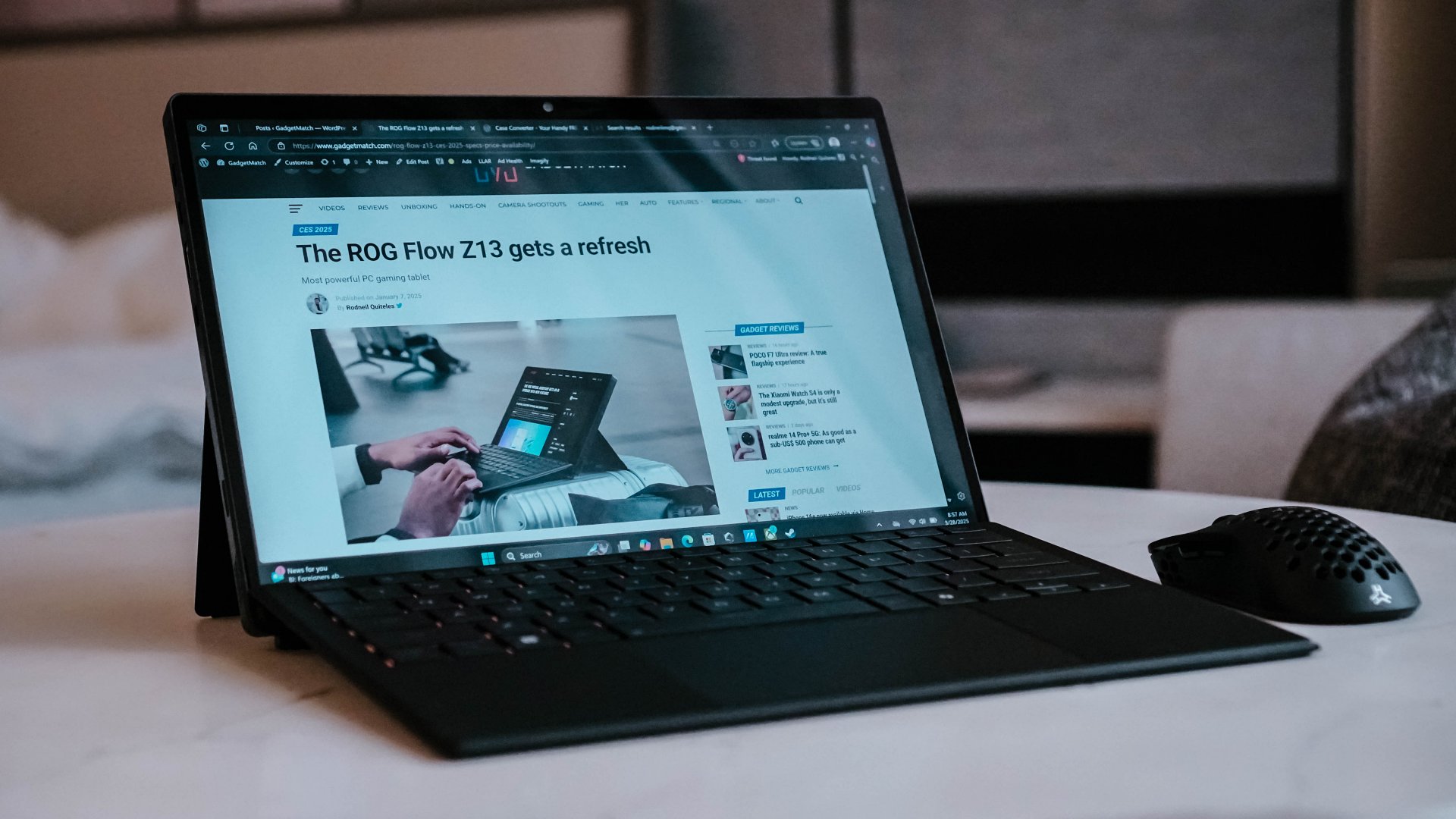 Personally, the ROG Flow Z13 (2025) fits seamlessly into my lifestyle. It’s a perfect match for the kind of work, chill, and play loop I throw myself into.
The AMD Ryzen AI+ 395 processor powering this machine is promising. It’s already impressive as it is, but it’s bound to get better over the years. I’m excited for its potential and what other possible form factors it can manifest into in the near future.
It’s a SuperSwipe for me but its USD 2799.99/ PhP 174,995 price makes it a little tough to recommend. I can think of a few other ways to spend that sum that would satisfy my personal work, chill, and play loop in a different way on a platform I’m more comfortable working on. So, for now, it’s objectively just a Swipe Right.
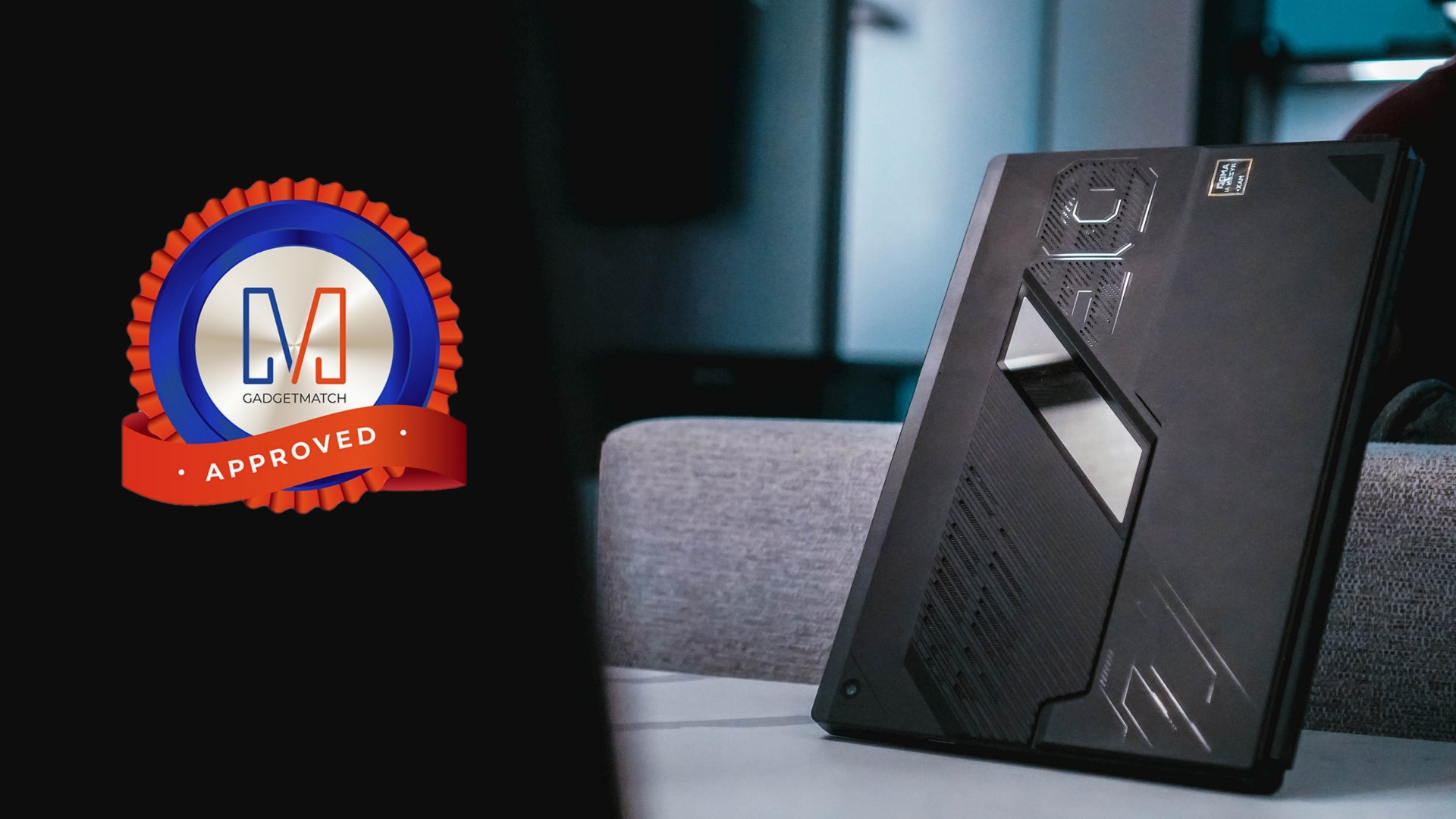
Still, it’s a unique device. There’s literally nothing quite like it in the market right now that offers the same overall package. That’s why it deserves the GadgetMatch Seal of Approval.
ROG Flow Z13 specs
- CPU: Up to AMD Ryzen AI Max+ 395 with Radeon 8060S Graphics
- Display: 13″ ROG Nebula Display (2560×1600, 180Hz/3ms touchscreen)
- Memory: Up to 128GB LPDDR5X-8000
- Storage: Up to 1TB PCIe Gen4 SSD
- Connectivity: WiFi 7, Bluetooth 5.4
- I/O: 2x Type-C USB4 (DP 2.1 + PD 3.0), 1x Type-A USB 3.2, 1x HDMI 2.1, 1x microSD (UHS-II), 1x 3.5mm audio jack
- Battery: 70Wh
- Dimensions: 30 x 20.4 x 1.29~1.49 cm
- Weight: 1.2kg (without keyboard cover)






Gaming
HP OMEN Max 16 review: Gamer-maxxing in deep black
Peripherals deemed necessary to max this out

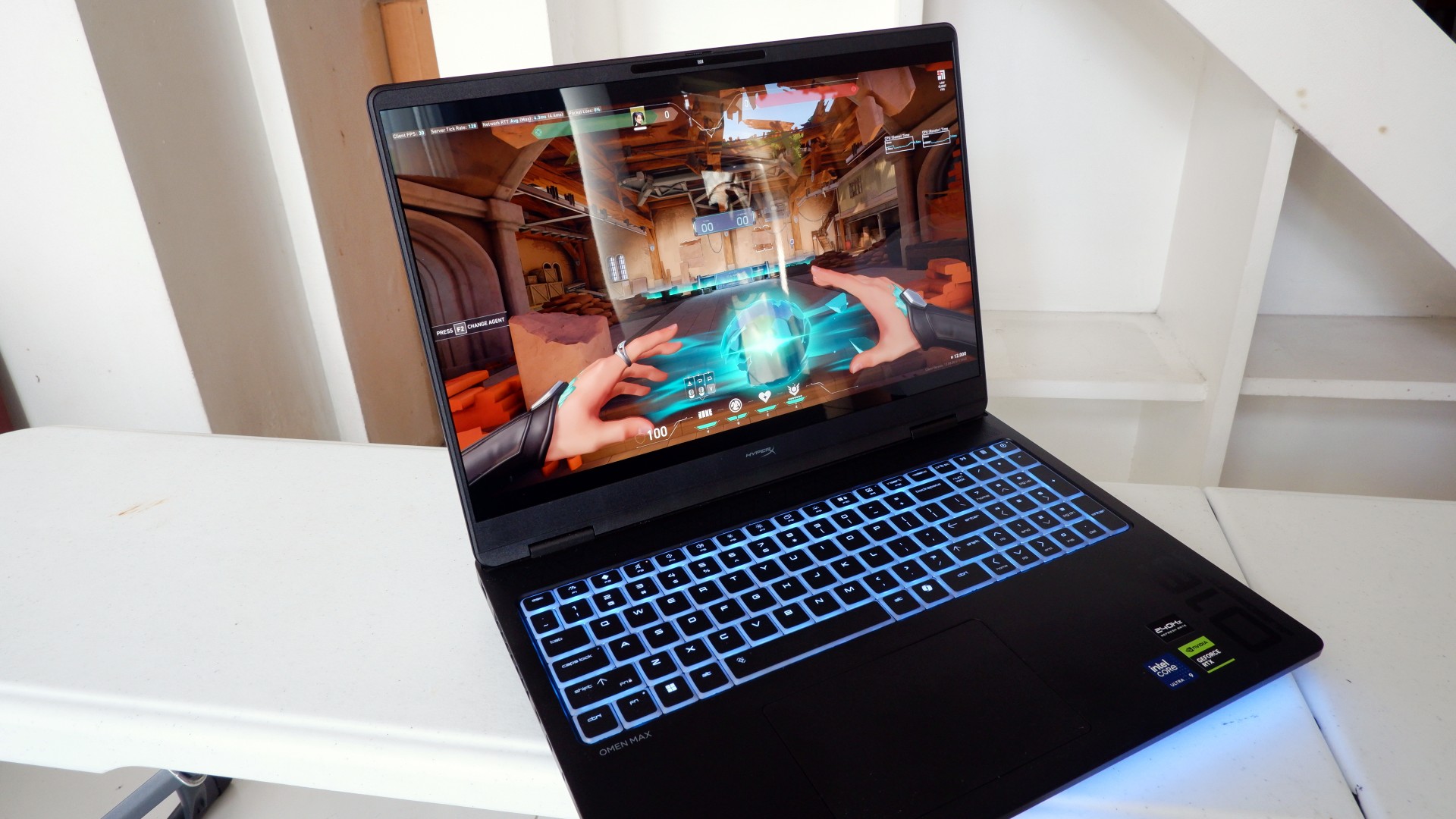
It’s not every day that you come across a machine that looks good and plays even better. Oftentimes, subtle aesthetics take a back seat to sheer performance and power. Whenever a gaming machine looks sleeker, it seems to lack the power to push it forward. Simply put, you can’t have the best of both worlds these days.
But what if you could have it all? Not just money, fame, and other fortunes, but also a machine with everything you’re looking for! Gone are the days of wanting only power to keep you playing all day or wanting to look good while playing. On paper, this is what the HP OMEN Max 16 promises: the best of both worlds.
Unboxing a beast inside
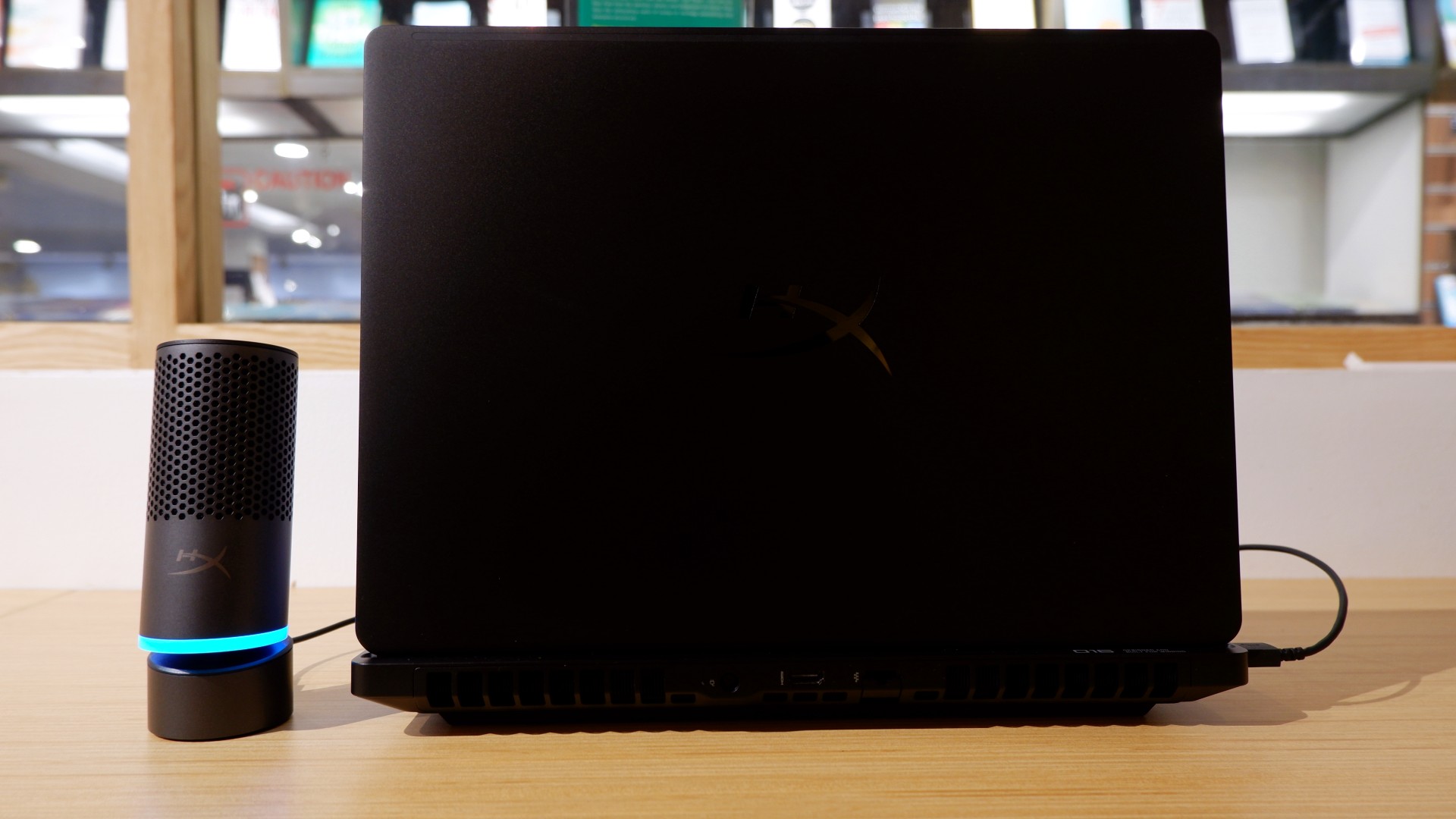
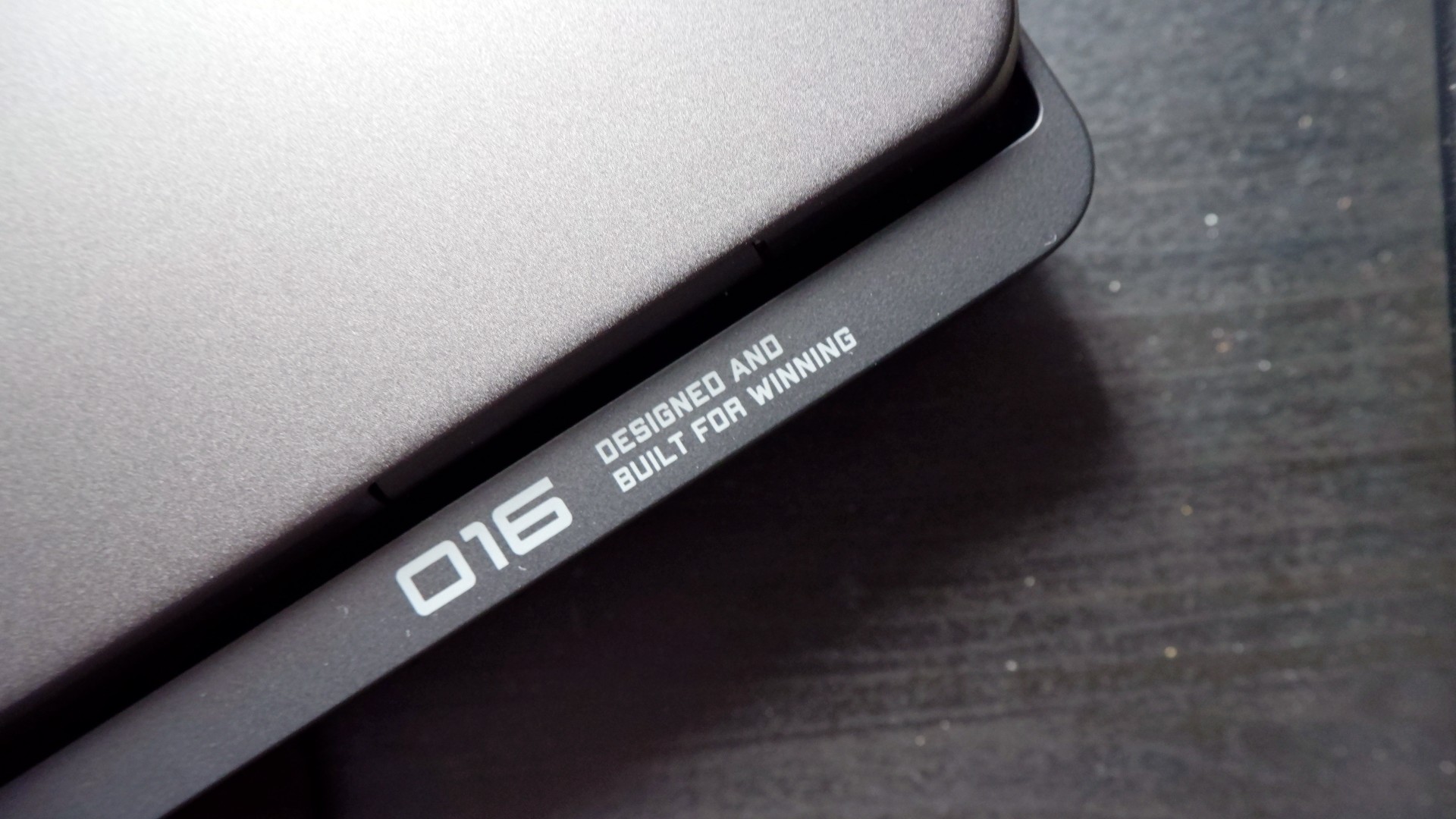
When you first take it out of the box, the HP OMEN Max 16 looks unassuming in its overall design. It’s bulky yet sleek in its Shadow Black colorway, with nothing too fancy or flashy while powered down. From the outside, the machine screams premium, even though its dark color can attract more visible dirt than lighter finishes.

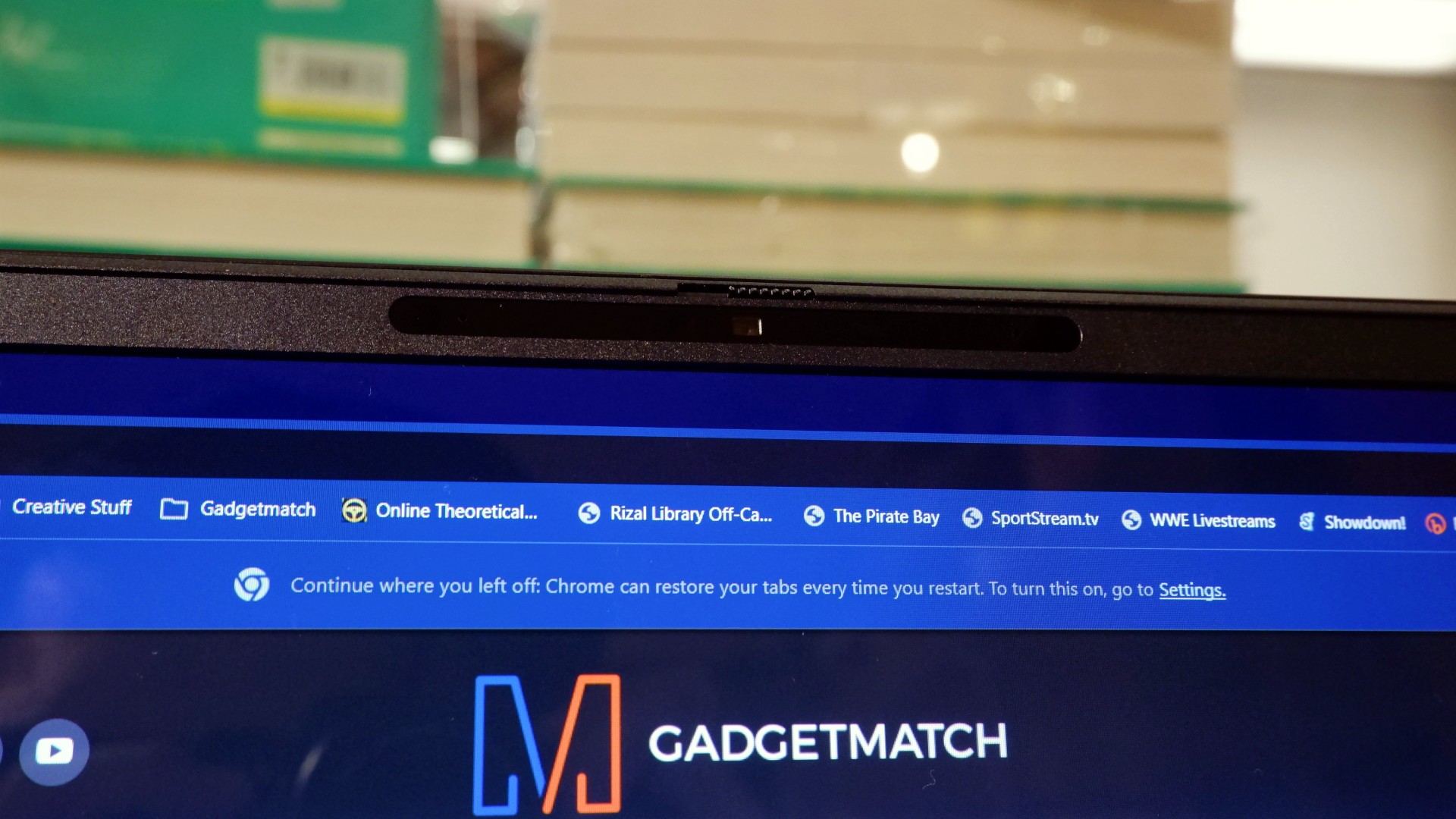
Opening it up reveals a 16-inch OLED display with a peak refresh rate of 240Hz, seamlessly connected to a base with a full-sized keyboard and a large trackpad. The bright, seemingly anti-glare display makes colors pop when watching or editing videos on the go.

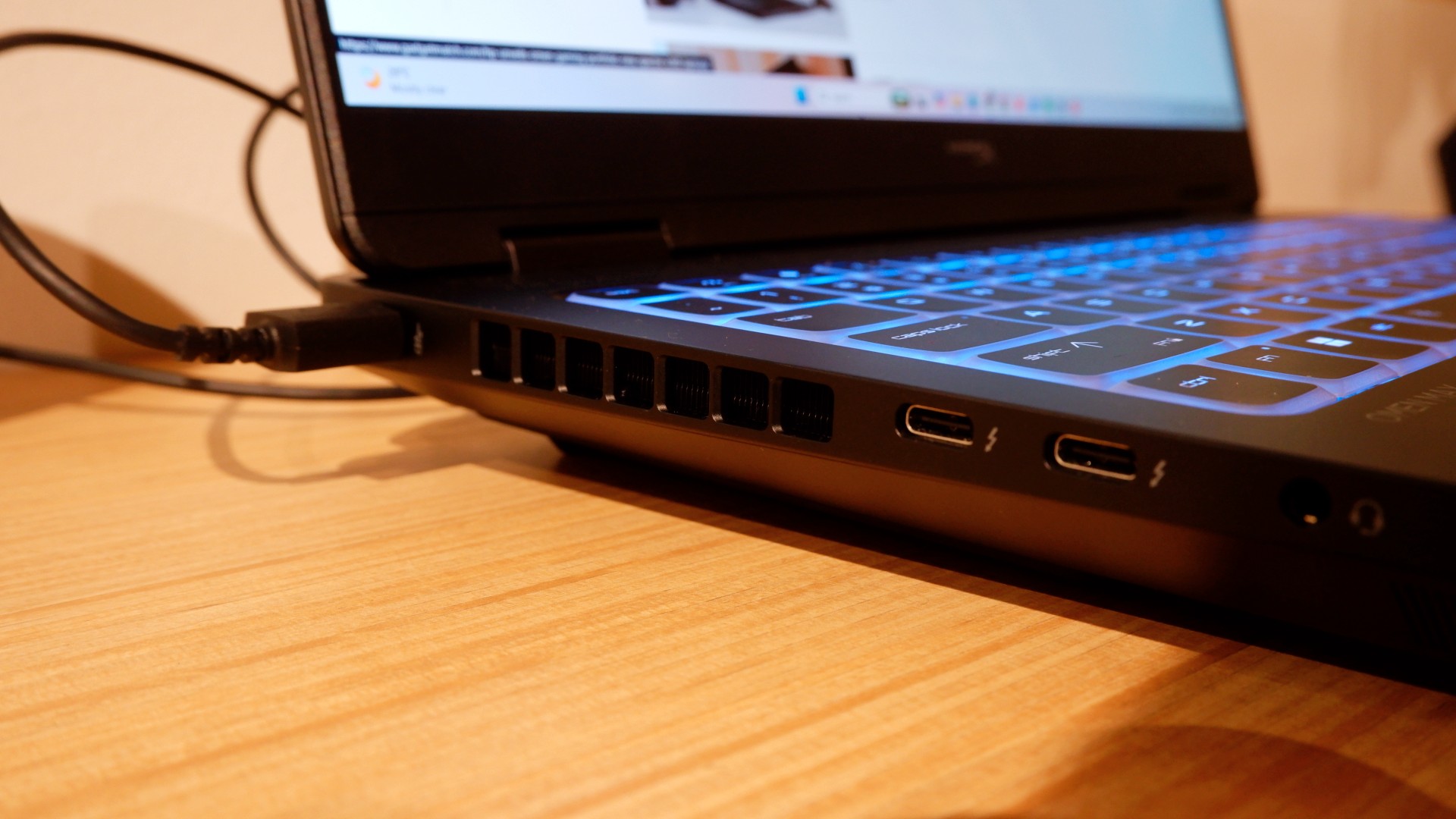
Furthermore, HP places the ports in convenient spots along the rear and sides of the laptop. This makes it incredibly easy to set up and manage external peripherals while providing more room for ventilation under heavy loads.
Of course, the device’s biggest features lie in the hardware powering it from within. An Intel Core Ultra 9 processor, 32GB of RAM, and an NVIDIA RTX 5090 Laptop GPU should give you an idea of how well this machine can perform. It’s also a great combination for demanding productivity tasks and creative work!
Power that AI can only hope to replicate
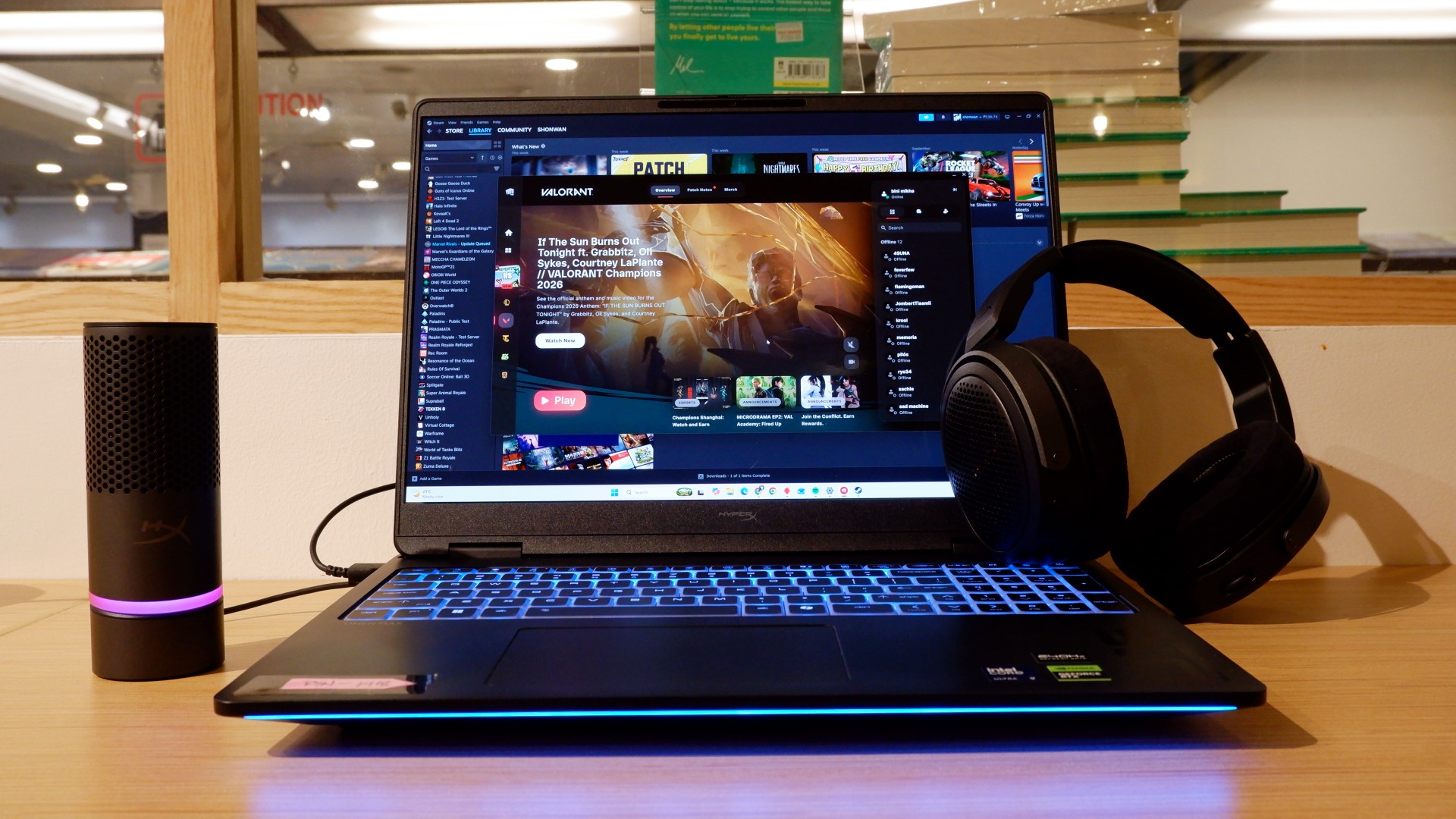
The HP OMEN Max 16 lived up to many of our expectations in terms of performance. From startup to shutdown, it delivered on what its hardware promised. You can watch videos for longer, edit photos and videos to your heart’s content, and enjoy casual gaming without slowing down. Furthermore, the wide display gives you plenty of space to accommodate all these activities.

When you step up to more competitive gaming, the machine doesn’t miss a beat. Most titles deliver high frame rates regardless of the quality or performance settings you choose. With more advanced visual settings enabled, the RTX 5090 does a fantastic job of keeping supported games within a solid 40–50 FPS range. Pair it with a high-refresh-rate OLED display, and you get crisp details and faster input response to help you get ahead in ranked games all day long.
If there’s one thing to complain about, it’s the extra optimization required through the OMEN Gaming Hub. Features such as network prioritization, automatic power-mode switching, and system optimization are useful, but you’ll need to spend time configuring them during initial setup. The laptop also comes with OMEN AI, which promises to maximize FPS with a single click. However, it was only okay at best.
Runs longer, cools off smoother
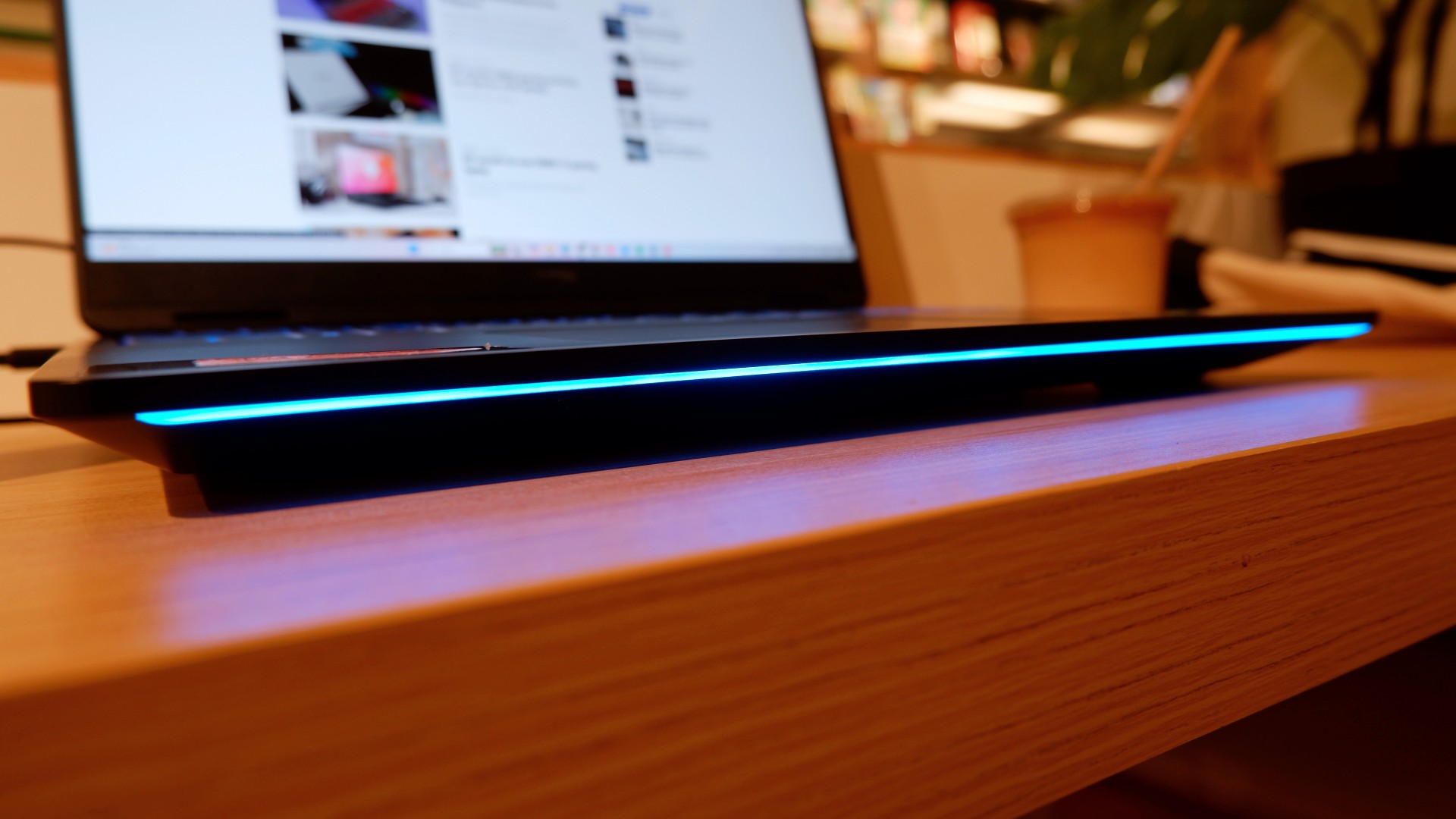
Surely, a gaming laptop this bulky and powerful can’t last that long on battery, right? Well, the HP OMEN Max 16 averages around three hours of battery life during intensive gaming, which gives you a decent amount of playing time. For general use, battery life extends to around five and a half hours with Balanced power settings. It holds up reasonably well if you forget to bring your charger.
When you do have the massive 330W charger with you, charging doesn’t take too long either. During our tests, a full charge took two hours, with charging progressing slightly faster when we left the laptop idle. Charging the battery to 50% took around 20 minutes, giving you enough juice to squeeze in another game!
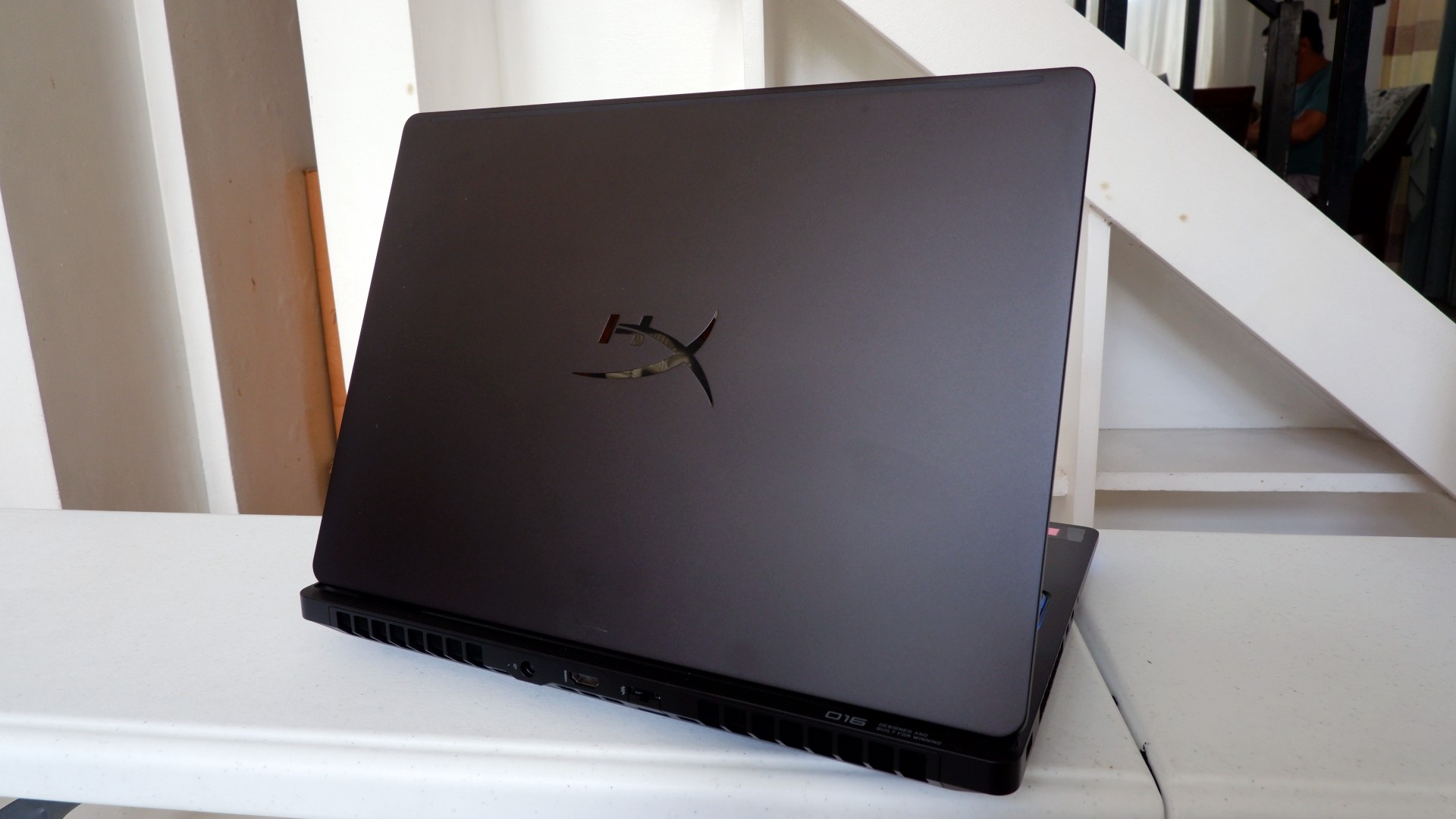
Another factor in prolonged use is how the device expels hot air through its sides and rear. We touched on this earlier, but it bears repeating: the laptop provides plenty of ventilation through its vapor chamber and multiple external vents. Instead of directing heat toward the keyboard, it pushes hot air through the vents, where it can hit your hands or peripherals. At least the keyboard stays cooler, right?
Is this your GadgetMatch?
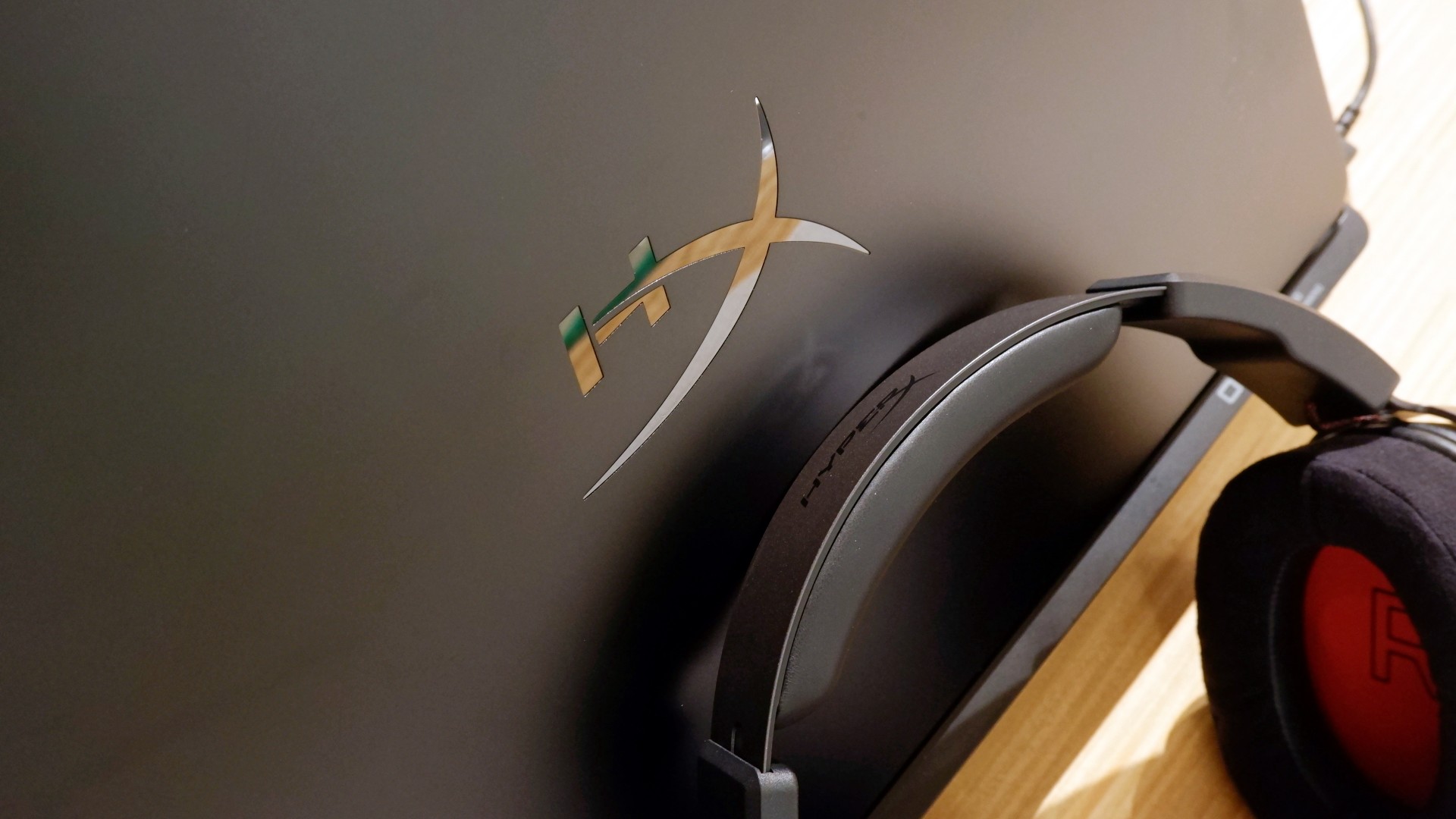
At PHP 229,990, the HP OMEN Max 16 is a sleek-looking machine with incredible power under the hood. Despite its initial bulk, it delivers impressive performance for both casual and competitive gamers. Inside and out, it packs plenty of hardware and features to let you tailor the experience to your needs.
If you’re looking for a gaming laptop with decent battery life, this is a solid choice, but don’t expect it to last half a day. Of course, you wouldn’t use this machine entirely on its own, even if the unboxing experience might suggest otherwise.
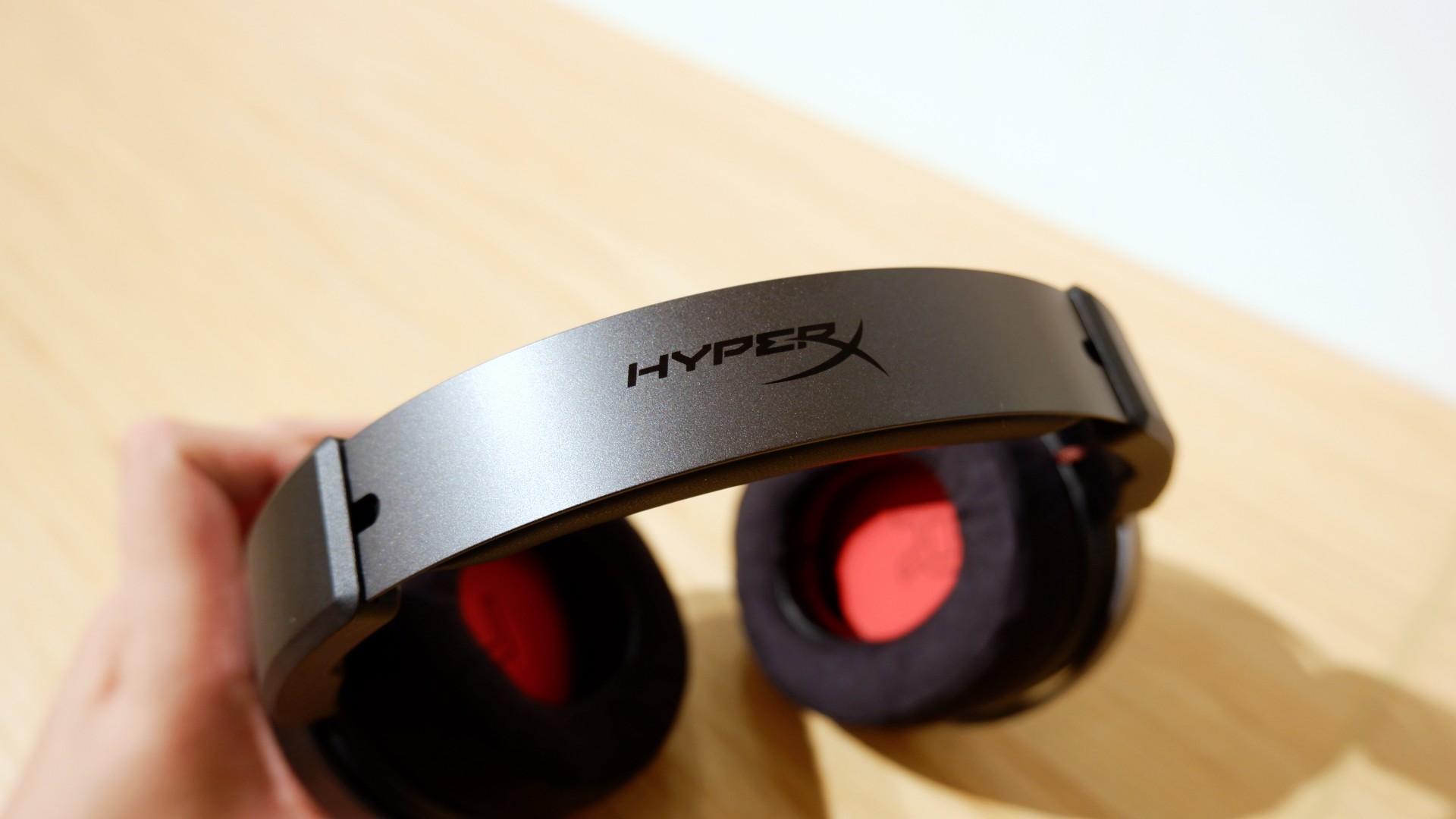
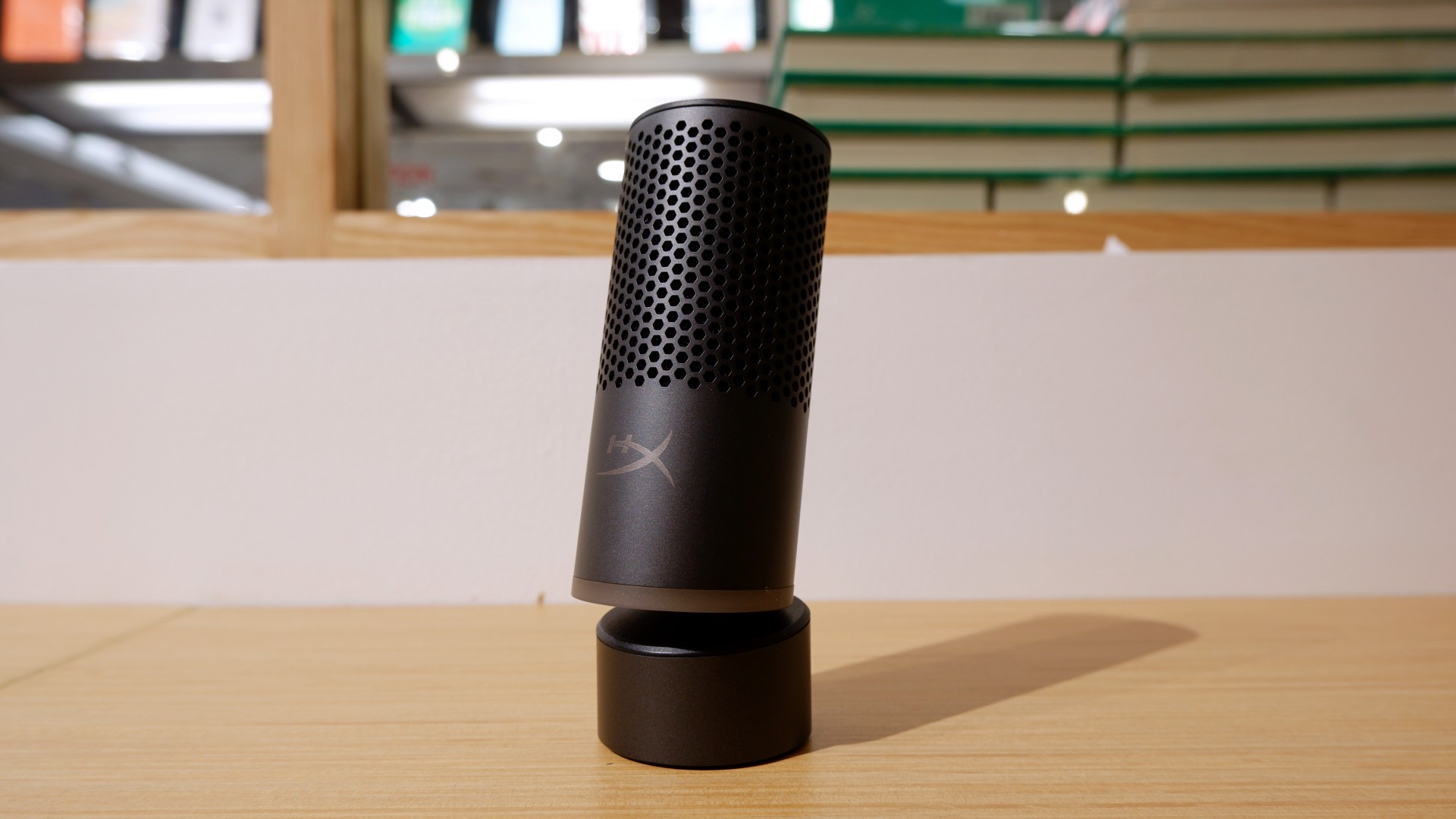

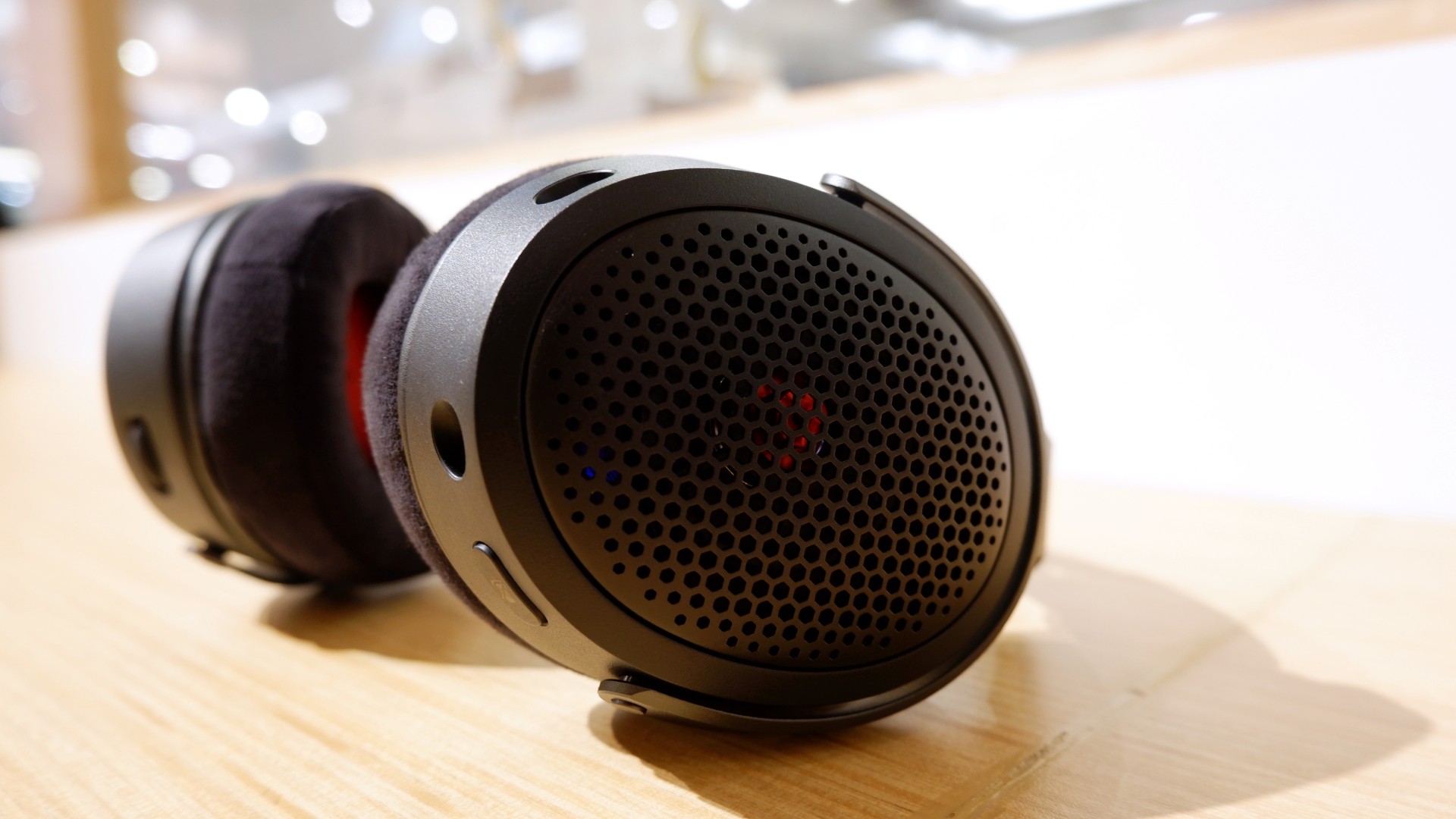
Peripherals such as the HyperX Cloud Alpha Air and Solocast 2 Pro can further enhance the experience.
Overall, this is a Swipe Right for its features, performance, and premium design. However, if you don’t have an infinite money glitch to buy it right now, you’re better off saving up for this beast of a machine!


SQUARE ENIX has released FINAL FANTASY RESONANCE. It’s a new role-playing game that brings the franchise’s classic pixel-art aesthetic into the HD-2D era.
The game launches on October 22, 2026, for Nintendo Switch 2, Nintendo Switch, PlayStation 5, and Xbox Series X|S. The PC version will be available through Steam and the Microsoft Store on Windows starting October 23.
FINAL FANTASY RESONANCE reimagines the first story arc of the mobile game FINAL FANTASY Brave Exvius as a full-fledged RPG experience. It combines retro-inspired pixel art with 3D models and dynamic camera angles.
Strategic turn-based combat returns
Players will explore a world featuring familiar FINAL FANTASY elements, including crystals, airships, chocobos, espers, and moogles.
Combat revolves around exploiting enemy weaknesses to stagger opponents, break their defenses, and gain extra turns. Players can also unleash powerful Resonance attacks to turn the tide of battle.
The adventure features Visions, representations of familiar FINAL FANTASY characters who join the party with their own skills and abilities. These include Cloud, Tidus, and the Warrior of Light.
Beyond the main story, players can discover optional challenges and rewards, including encounters with the wandering swordmaster Gilgamesh, a monster-filled Colosseum, the Chamber of Arms, and Ultima Weapon.
Editions and platforms
FINAL FANTASY RESONANCE is available as a single-player RPG on Nintendo Switch 2, Nintendo Switch, PlayStation 5, Xbox Series X|S, and PC.
A Digital Deluxe Edition includes the base game and the Magitek & Grimoire Deluxe Pack. The bundle features a Magitek Armor Key for a chocobo, an exclusive Archwitch’s Grimoire, a Mastery Ring, and consumable items.
A Collector’s Edition includes the physical Standard Edition alongside an acrylic block set, a pixel-art book, a 120-track original soundtrack on CD, and an exclusive FINAL FANTASY TRADING CARD GAME promotional card.
Availability and release timing may vary by region. Check local digital storefronts for purchasing details.
Gaming
Next Xbox might cost double the price of an Xbox today
The most expensive Xbox Series X costs $900. The next Xbox’s price might double that.

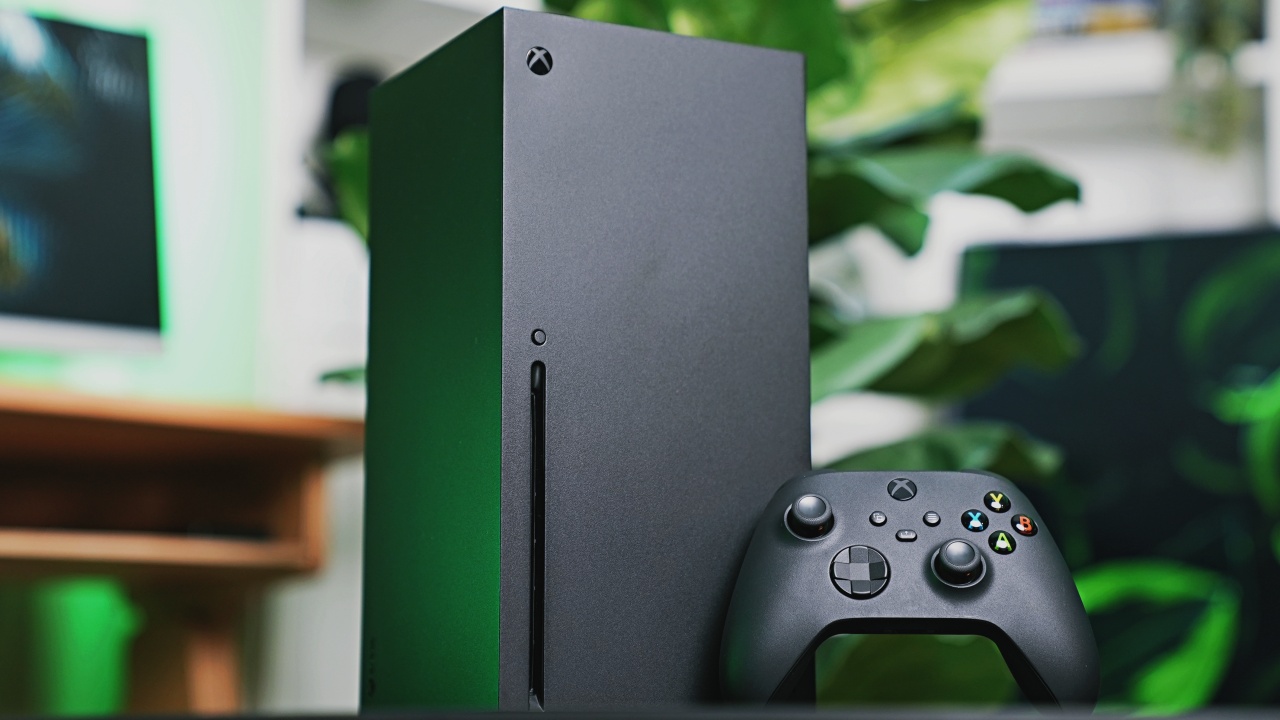
Buying a new gaming setup must be one of the most torturous things you can purchase these days. The rising price of chips has hampered the buying ability of many a consumer today. Sadly, that trend isn’t changing anytime soon. According to new reports, the next Xbox might cost double of what an Xbox costs these days.
The next console is currently codenamed Project Helix. Spearheaded by relatively new Xbox CEO Asha Sherma, Project Helix has hopes of being an all-around gaming machine capable of playing PC games besides console exclusives. Sharma obviously wants the platform to come back as a worthy destination for gamers.
That’s a monumental task, though, especially after the rising prices of chips are constantly threatening the prices of new devices. Now, according to a profile of Sharma published by Fortune, the next Xbox might cost as high as US$ 1,800. For reference, the limited 25th anniversary edition of the Xbox Series X currently costs US$ 899.
Should Fortune’s estimate hold true, a new console in the coming years is double the cost of the most expensive Xbox Series X variant available today. The next generation of gaming might be even more of a luxury than it already is.
Unfortunately, things aren’t getting better across the board. Gaming on PC and on PlayStation aren’t going to be much cheaper as the RAM crisis continues.
SEE ALSO: Xbox might get rid of physical discs too


HP OMEN Max 16 review: Gamer-maxxing in deep black
Peripherals deemed necessary to max this out


vivo V80 review: Good phone, tough sell
A capable travel companion


Ghost of Yōtei Complete Edition review: More of a great thing
Picking up where Atsu left off

Visa: 79% of Filipinos want to learn about stablecoins

CASETiFY Match: Finding the right case for your Galaxy Z8 Series phone
HP OMEN Max 16 review: Gamer-maxxing in deep black

Google illegally destroys 250,000 trees for a single AI data center

FINAL FANTASY RESONANCE now available across major platforms

TECNO CAMON Slim 5G review: Slim on size, big on surprise

TECNO CAMON Slim 5G: Price, availability in the Philippines

HONOR Magic9 Pro Max launches in China with ARRI-powered imaging

BYD says that way better EV batteries are coming next year

HONOR 600S review


-

 Gaming2 weeks ago
Dragon’s Dogma 2: Dark Arisen launches with new Official Pawns
-

 News1 week ago
vivo V80 debuts with ZEISS cameras
-

 Deals2 weeks ago
Score PhP 22,000 in guaranteed freebies when you pre-order the iPhone 18 Pro at Beyond the Box
-

 Philippines1 week ago
TECNO CAMON Slim 5G gets launch discounts, free MagBadge
-
 News1 week ago
Samsung: Galaxy Z Fold8 demand rose because of iPhone Duo
-

 Features1 week ago
I don’t want a phone that unfolds — the Galaxy Z Fold8 gets why
-
Reviews6 days ago
vivo V80 review: Good phone, tough sell
-

 News4 days ago
OPPO Find X10 Series: Price, availability in the Philippines