
News
Redmi 5 leaks reveal yet another killer Xiaomi phone


Xiaomi’s upcoming Redmi 5 has been leaked online by a Weibo user in China. While we still want to wait for the real deal from the company, the specs-to-price ratio is impressive as always.

The Redmi 5 will sport a 5-inch Full HD display, just like the Redmi 4, thus staying in the range of compact budget phones. Camera-wise, it’s getting a 16-megapixel rear camera and 5-megapixel selfie camera. Battery capacity gets a cut to 3680mAh from the impressive 4100mAh of its predecessor, but has Quick Charge 3.0 for faster charging times.

According to the leak, the Redmi 5 will come in two variants. Expect a combination of a Snapdragon 625 processor with 3GB of memory and another using a Snapdragon 630 with 4GB of memory. Storage will vary from 16GB to 64GB, depending on the variant. It’ll feature the latest MIUI 9.0 that’s based on Android 7.1.1 Nougat, microSD expansion, and dual-SIM support.

As for pricing, it’ll start at CNY 859 (US$ 126) for the 3GB memory with 16GB storage configuration, CNY 1,039 (US$ 153) for 3GB of memory and 32GB of storage, and CNY 1,099 (US$ 162) for the top variant with 4GB memory and 64GB storage. Those are once again the best bang-for-buck phones you can buy.
The Redmi 4 Prime we reviewed is still one of our best bets for budget phones, so the Redmi 5 has to top that. Even the bigger Redmi Note 4X made it to our Best Budget Smartphone listing.
There’s no mention of its release, but we’re already feeling the excitement.
SEE ALSO: List of Xiaomi smartphones getting Android Nougat
[irp posts=”15724″ name=”List of Xiaomi smartphones getting Android Nougat”]





News
OnePlus officially leaves the United States and Canada
The brand’s smartphones are now sold out in the United States.

Once upon a time, OnePlus used to be the darling child of smartphone users on a budget. For a more meager price than a flagship, users can enjoy flagship specs on a uniquely designed phone. Who can forget the iconic OnePlus One?
Unfortunately, prices have a way of catching up. Though the brand’s phones are still perfectly good, more options have already emerged as alternatives for a so-called flagship killer, including OnePlus co-founder Carl Pei’s Nothing.
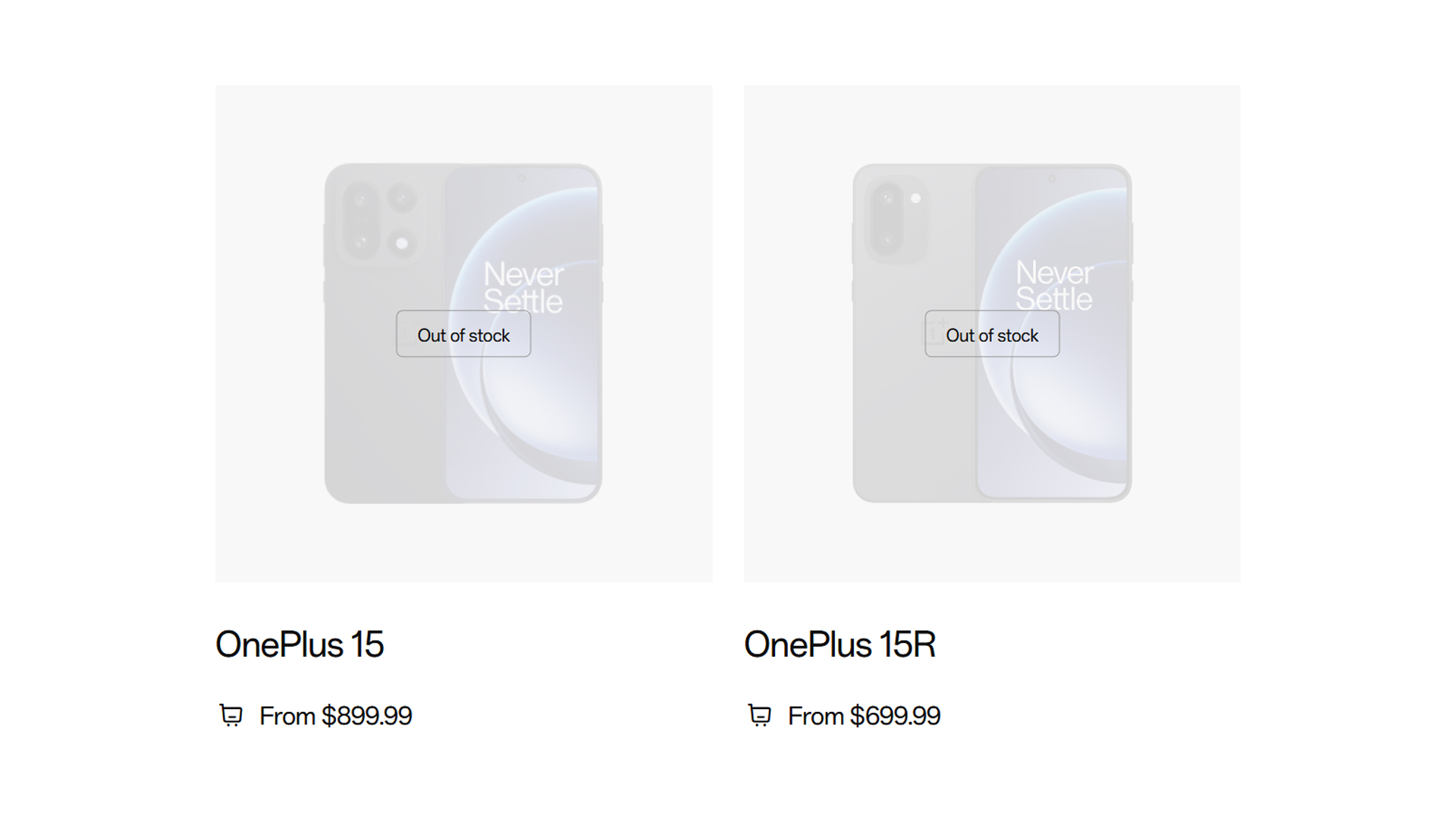
Now, marking the brand’s next step, whatever that is, OnePlus has officially left the North American market. As of today, the company has sold its last smartphone in the United States and Canada. Going on the official OnePlus website will warrant a Sold Out sign for both the OnePlus 15 and 15R. If anything, users can still get a handful of earbuds and cases.
As with everything that sells out, if you really want to cop one of the last remaining models in America, you can grab one off a third-party retailer, but who knows until when that will last?
This isn’t just a stocking issue, either. In July, the company already confirmed that it is pulling out of the region starting this month. It’s a sign of internal restructuring happening inside OPPO and all the brands under its umbrella. There’s also a rumor that OnePlus was relegated to being a sub-brand of OPPO once again.
News
Mastercard brings Apple Pay to customers in the Philippines
Easy and secure way to pay across Apple ecosystem

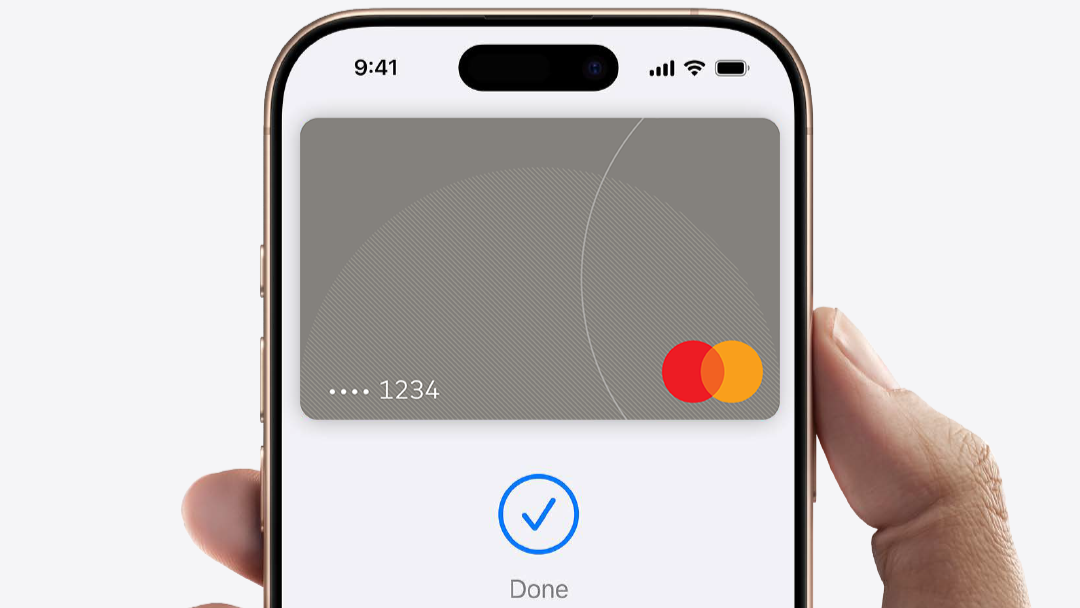
Mastercard has officially brought Apple Pay to its cardholders in the Philippines. This gives iPhone, Apple Watch, iPad, and Mac users an easy, secure, and private way to pay in-store, in-app, and online.
To pay in-store, customers simply double-click the side button, authenticate, and hold their iPhone or Apple Watch near a payment terminal to make a contactless payment.
Apple Pay is easy to set up. On iPhone, simply open the Wallet app and tap the ‘+’ and follow the steps to add a Mastercard credit or debit card.
Once a customer adds a card to iPhone, Apple Watch, iPad, and Mac, they can start using Apple Pay on that device right away.
Every Apple Pay purchase is secure because it is authenticated with Face ID, Touch ID, or device passcode, as well as a one-time unique dynamic security code.
Apple Pay is accepted in grocery stores, pharmacies, restaurants, coffee shops, retail stores, and many more places that accept contactless payments.
Customers can also use Apple Pay on iPhone, iPad, and Mac to make faster and more convenient purchases in apps or on the web without having to create accounts or repeatedly type in contact information, card details, or shipping and billing information.
Of course, customers will continue to receive all of the rewards and benefits offered by Mastercard.
Security and privacy are at the core of Apple Pay. When customers use a credit or debit card with Apple Pay, the actual card numbers are not stored on the device, nor on Apple servers.
Instead, a unique Device Account Number is assigned, encrypted, and securely stored in the Secure Element, an industry-standard, certified chip designed to store the payment information safely on the device.
News
Visa brings Apple Pay to its customers in the Philippines
An easier and more secure way to pay with iPhone, Apple Watch, iPad, and Mac
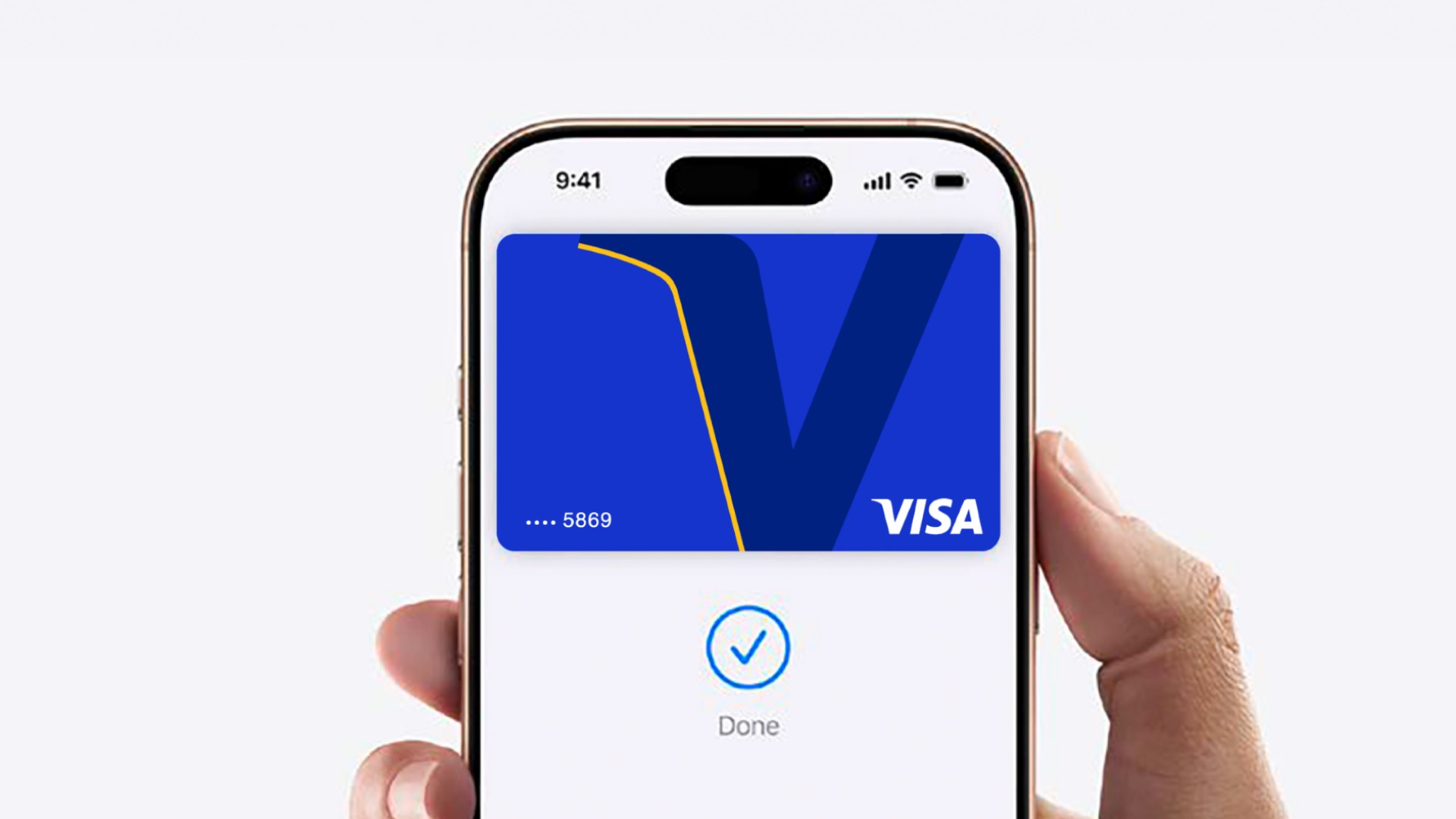
Visa (NYSE: V), a global leader in digital payments, announced today that Visa debit and credit cardholders in the Philippines can now add their eligible cards to Apple Pay on their iPhone, Apple Watch, iPad, and Mac. Apple Pay is an easy, secure and private way to pay in-store, in-app and online.
This announcement accelerates the digitalization of payments all while expanding payment options for Filipinos traveling abroad and visitors traveling to the Philippines. Across the Asia Pacific region, 97% of travelers1 say that they will bring credit, debit, or prepaid cards on their trips, while only 17% intend to bring foreign currency. Among travelers, 38% said they prefer cards because of robust security and fraud protection features, while 20% cite wide acceptance. Apple Pay seamlessly delivers on these exact needs by making everyday transactions easy, secure, and private.
Visa Confidential
To pay in-store, customers simply double-click the side button, authenticate, and hold their iPhone or Apple Watch near a payment terminal to make a contactless payment. Every Apple Pay purchase is secure because it is authenticated with Face ID, Touch ID, or device passcode, as well as a one-time unique dynamic security code. Apple Pay is accepted in grocery stores, pharmacies, restaurants, coffee shops, retail stores, and many more places that accept contactless payments.
Customers can also use Apple Pay on iPhone, iPad, and Mac to make faster and more convenient purchases in apps or on the web without having to create accounts or repeatedly type in contact information, card details, or shipping and billing information.
“Apple Pay represents the next evolution of payments in the Philippines, combining ease of use, simplicity, and security in every transaction, helping amplify the payment experience for Visa cardholders in the Philippines. With Apple Pay, Filipinos and tourists alike now have seamless and secure ways to pay across shops, restaurants, travel destinations, and public transport, supporting the nation’s vision to become a cash-lite economy,” said Jeffrey Navarro, Country Manager for Visa Philippines.
Security and privacy are at the core of Apple Pay. When customers use a credit or debit card with Apple Pay, the actual card numbers are not stored on the device, nor on Apple servers. Instead, a unique Device Account Number is assigned, encrypted and securely stored in the Secure Element, an industry-standard, certified chip designed to store the payment information safely on the device.
Apple Pay is easy to set up. On iPhone, simply open the Wallet app, tap the ‘+’, and follow the steps to add a Visa card. Once a customer adds a card to iPhone, Apple Watch, iPad, and Mac, they can start using Apple Pay on that device right away. Customers will continue to receive all of the rewards and benefits offered by their Visa cards.
For more information on Apple Pay, visit: https://www.apple.com/ph/apple-pay/

realme C100: Enduring and durable in spite of entry-level realities
Enough power but needs more agility

The ASUS ExpertBook Ultra wins you over
The laptop sneaks up on you

Nexal Watch Sport review: A rugged watch for small budgets
I couldn't believe that watches this good could come for this cheap.

Tides of Annihilation opens first public demo at Gamescom 2026

Street Fighter 6 adds first Filipino fighter Yasmine to its roster

Peak Design’s new City Line combines minimalism and color

Gangstar Mirage City launches on August 20 with SEA localization

OnePlus officially leaves the United States and Canada

New York becomes first state to ban smart glasses

Sony launches IER-M500 in-ear monitors

Microsoft dictates that a new Fallout game is coming

HoYo FEST 2026 details announced; tickets on sale from July 16
realme C100: Enduring and durable in spite of entry-level realities


-
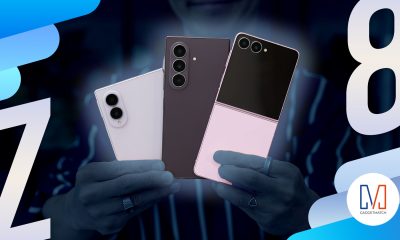
 Hands-On2 weeks ago
Hands-on: Samsung Galaxy Z Fold8, Flip8, Ultra
-

 Cameras2 weeks ago
Sony announces new FX5 full-frame camera
-

 Automotive3 days ago
VinFast debuts two-wheeler models, opens 21 e-motorcycle showrooms
-

 Gaming2 weeks ago
FINAL FANTASY X | X-2 HD Remaster launches on Nintendo Switch 2
-

 Accessories2 weeks ago
CASETiFY revives Spider-Man collection for Brand New Day
-
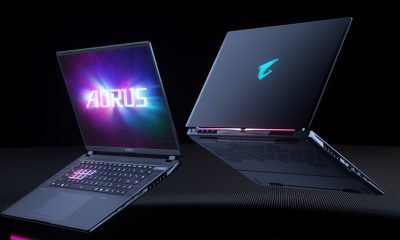
 Computers2 weeks ago
AORUS MASTER 16 Gen 2 2026 AI gaming laptop launches
-

 Computers7 days ago
AMD launches Radeon RX 9050 graphics card
-

 Gaming1 week ago
God of War Laufey finally confirms its highly anticipated launch date