
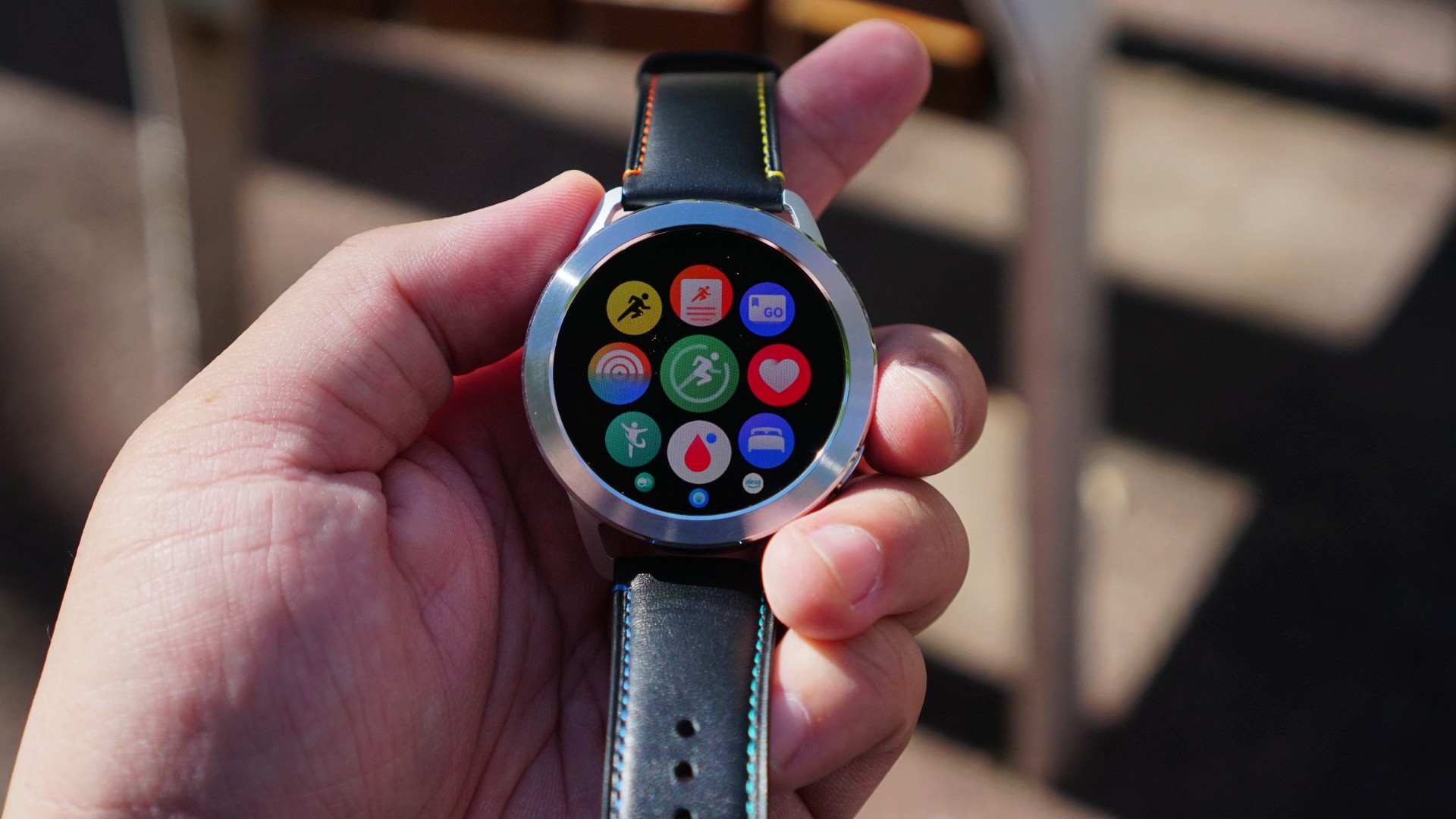
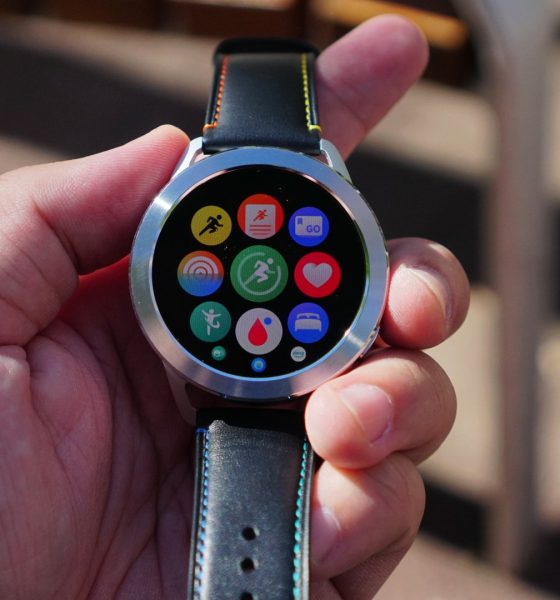

Smartwatches are a dime a dozen these days. Whether stemming from the endless battle between the Apple Watch and the Galaxy Watch or the confusing lineups between the Pixel Watch and Google Fitbit, there are a lot of options for consumers. So, when the Xiaomi Watch S3 wrapped itself around my arms, I found something familiar: a familiarity in design and a sense that it belongs right on my wrist.
A familiar design
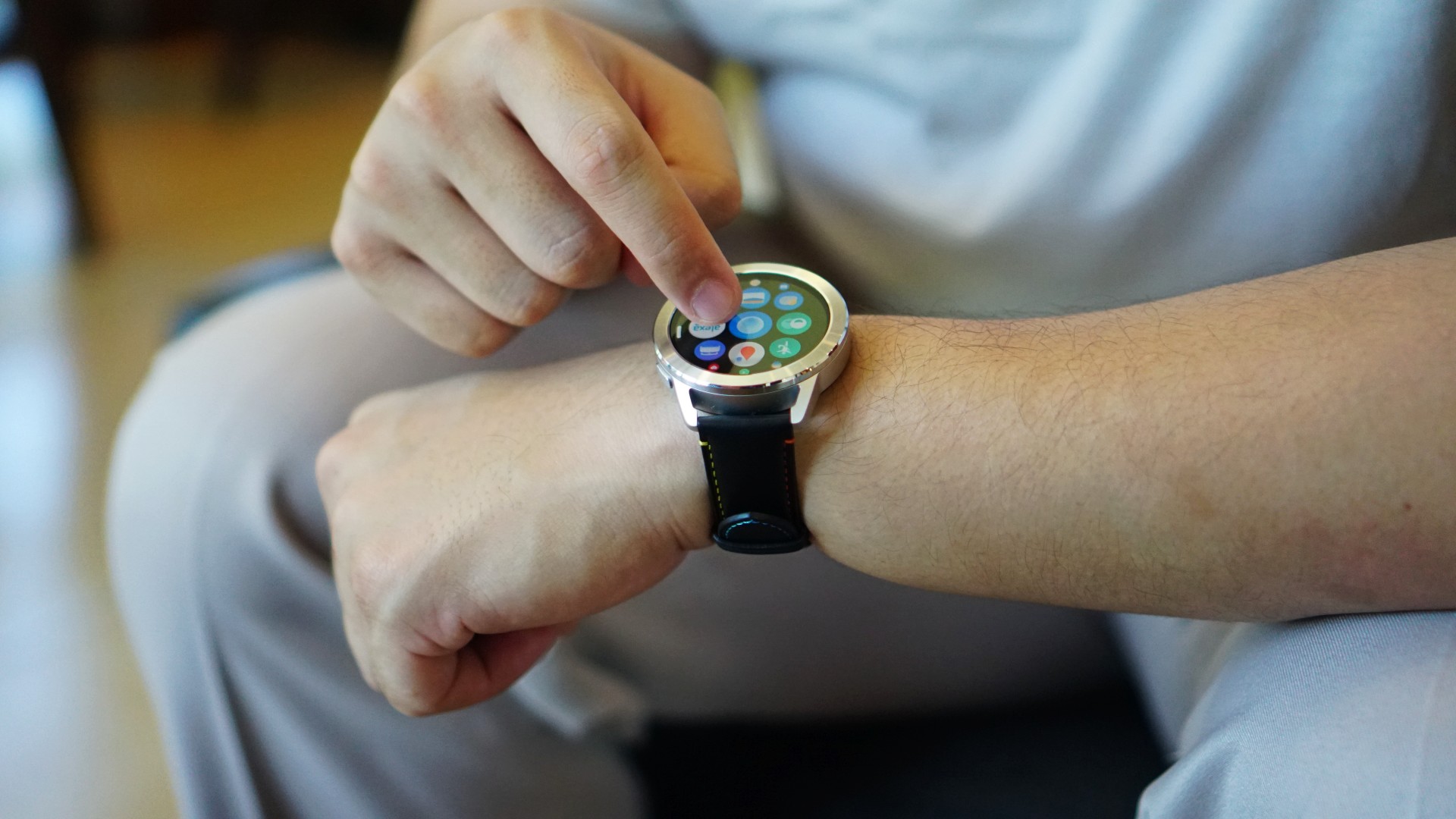
The Xiaomi Watch S3 does not reinvent the wheel (or the bezel). If you’ve seen a smartwatch before (especially the circular Galaxy Watch), then you’ve seen the Watch S3 before. That said, Xiaomi doesn’t need to come up with something new.
The watch features a circular form factor, two buttons on its right side, and two prongs per side for the strap. At the back, it’s an unassuming black plastic with sensors and a slot for charging.
My box comes with an off-white rubber strap built for more active lifestyles. However, the strap comes with a buckle, instead of the simple slots common in fitness-oriented watches. The default strap’s clean looks make it perfect for all sorts of situations. It does, however, attract dirt, so be prepared to clean this strap after dirtier runs. Alternatively, you can get the black strap.
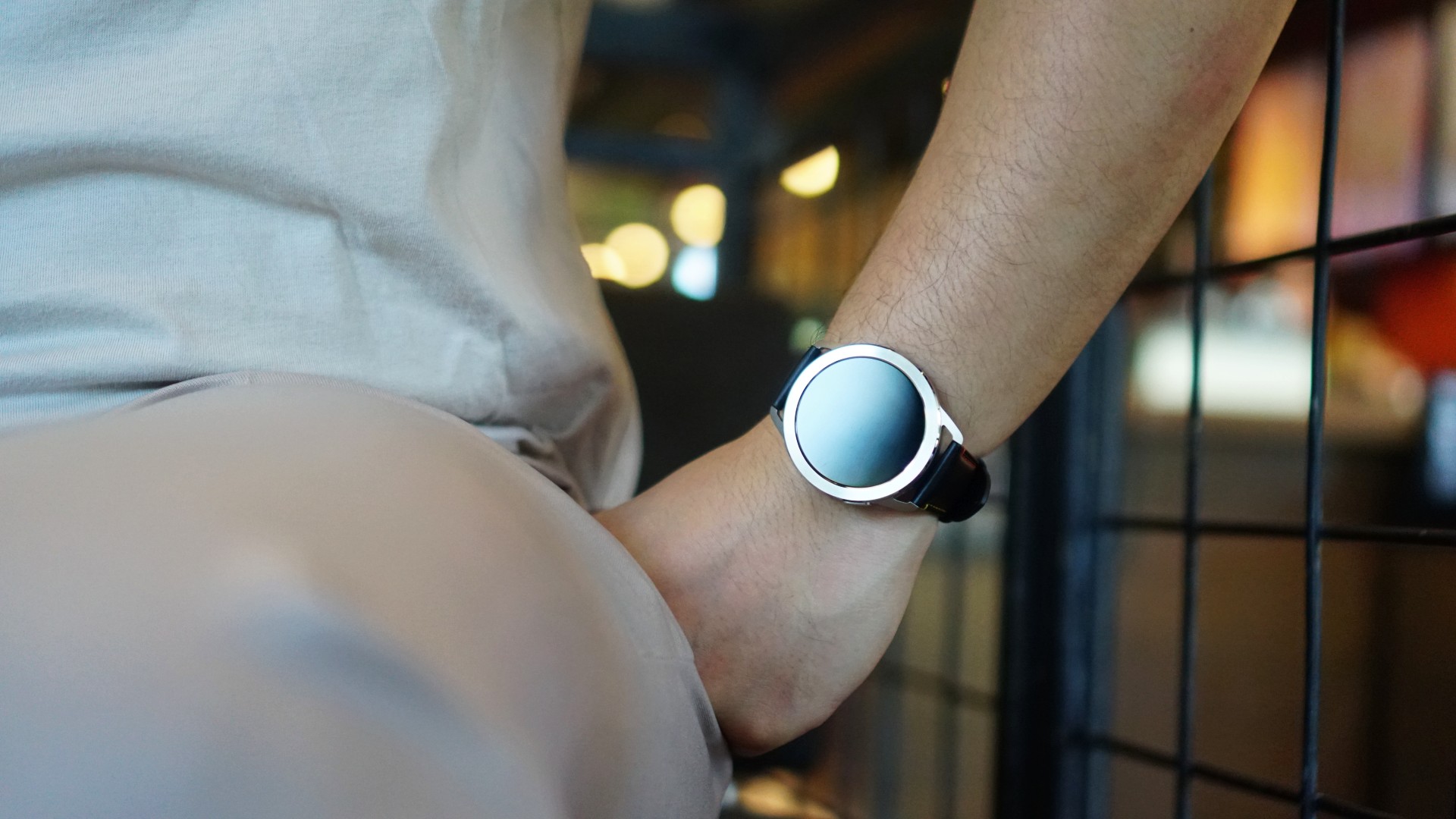
Also, the Watch S3 comes with other straps and bezels for more tailored looks. Personally, I have a black leather strap for more formal occasions. With a more analog hook, it does take some finagling to change the strap, but it feels a lot more secure than a simple snapping mechanism.
Built for comfort and style
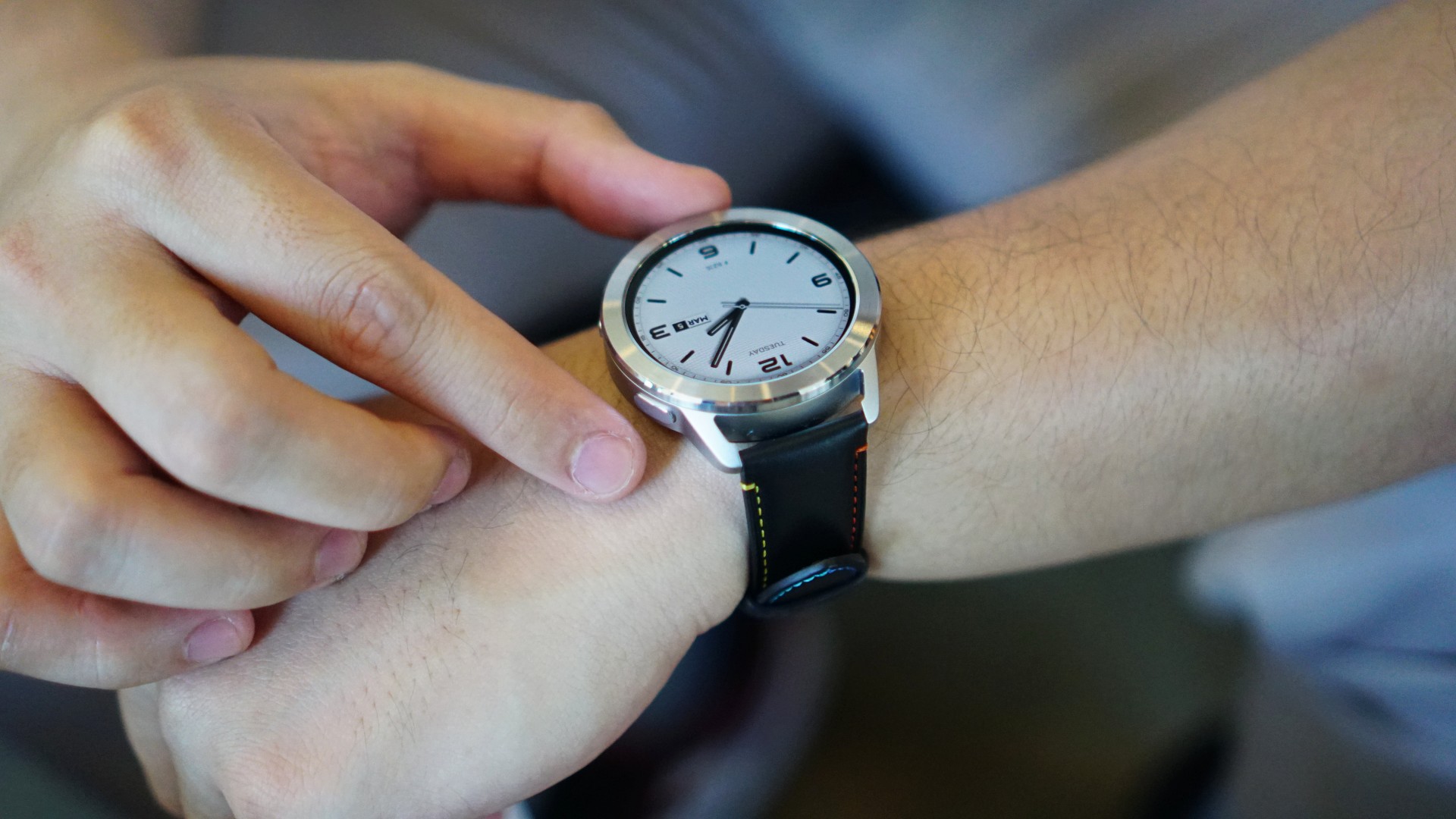
Though the 1.43-inch Watch S3 is on the upper reaches of watch sizes, it doesn’t feel too large for my wrist. In fact, it’s pleasant to wear. It’s not a heavy watch either. Even wearing the smartwatch to bed, I barely felt a burden on my wrist.
When it comes to style, Xiaomi offers a healthy helping of custom watch faces. Though there are obvious stinkers, there are a lot more good ones I’d love to try out regularly. The expansive palette is enough to make the watch truly yours.

Does what you need and more
There are a lot of reasons why you might want a smartwatch. The most common two, of course, are to extend your smartphone’s use without need to bring it out from your pocket and to track your fitness goals. The Xiaomi Watch S3 does both and a whole lot more.
The watch pairs easily with my smartphone. My daily driver is a Pixel 6 paired with a Fitbit Sense. Despite how both devices are from the same parent company, the Watch S3 is a much easier pairing. Even after taking it off, the watch could still find my phone easily.
I can also easily set which apps that it will alert me of. The watch’s size makes notifications easy to read at a glance.
As for fitness-oriented tasks, the Watch S3 comes with an entire menu of workouts to choose from. My usual ones are outdoor running, treadmills, and lifting weights. All three are trackable workouts. During the workout, the watch tracks a simple array of metrics: workout time, heartrate, and distance. However, the post-workout report (viewable on either the watch or the Mi Fitness app) includes a lot more information; some of which stretch the limits of what you actually need such as cadence and pace. Though you might not need all these metrics, it’s still nice to have.
Besides working out, the Watch S3 comes with trackers for heartrate, blood oxygen, sleep, and stress. Tracking any of these still come just as detailed as a workout report. It’s truly an all-around watch.

A good number of menus
There are five main ways to interact with the watch. The first one is the watch face. Since every watch has a face, there’s no need to dwell on Xiaomi’s take on it.
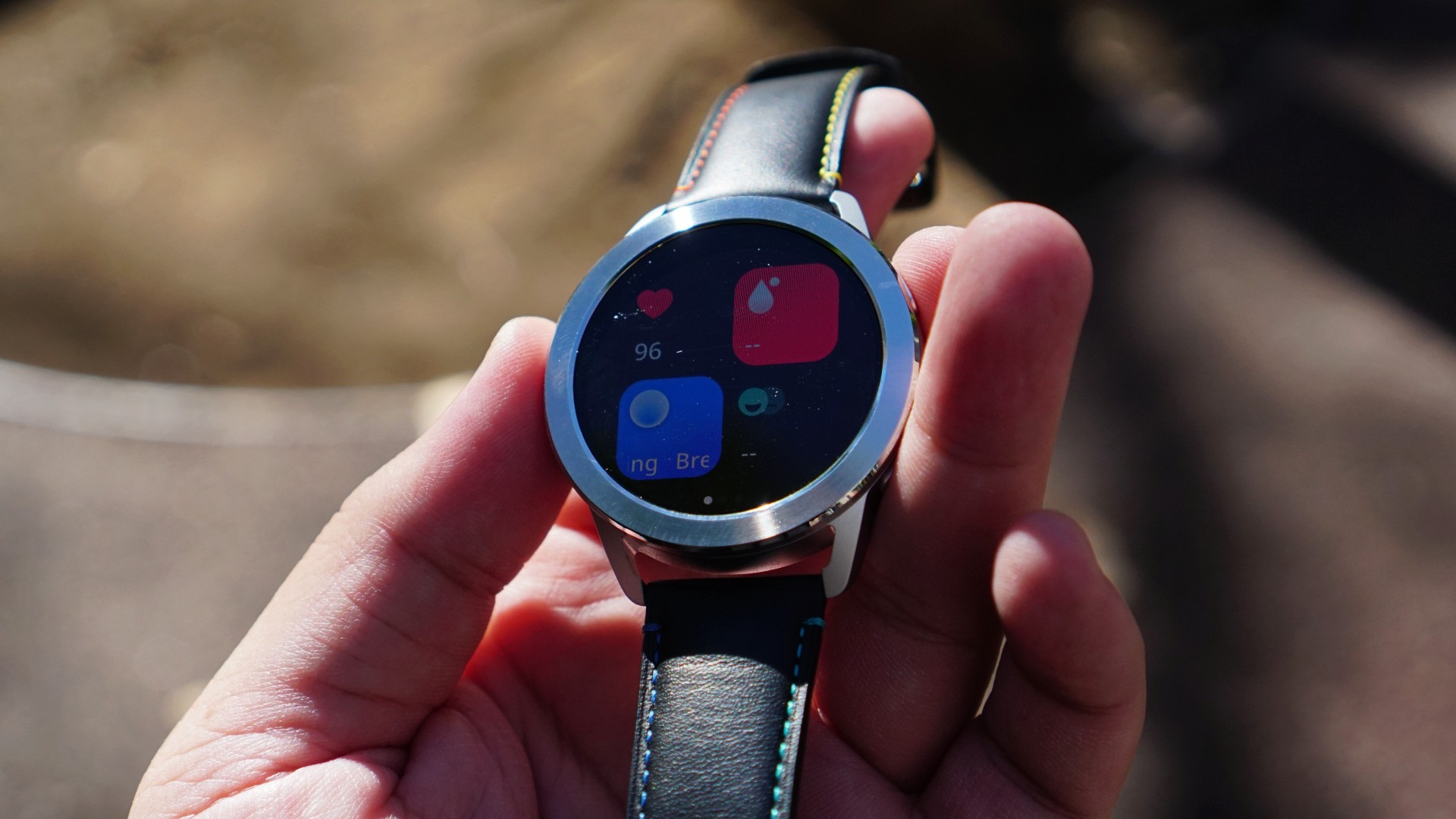
The second way is the bubble wrap-like menu grid reminiscent of the Apple Watch. By default, the top button opens this menu.
There’s also a sliding rotation of widgets you can access by swiping left or right from the face. Each window is a customizable layout consisting of a 2×2 grid.
The bottom button is a customizable action button that you can set to whichever app you want. By default, it opens the workout menu.
Finally, swiping up from the face gives access to quick settings including a sleep mode, a battery saver, a flashlight (which uses just a white screen for light), and a nifty water clearing setting for when you accidentally submerge the watch in water.
For first time users, the plethora of ways to interact might seem daunting. However, it’s just enough to prevent the watch from getting bogged down with useless apps and menus.
A ginormous battery
It took a while to review the Watch S3… because the battery took forever to drain. I consider myself a pretty active user. I like running and working out. I like to check on notifications. I like using the watch to switch songs. Despite all that, it took two and a half weeks to fully drain the battery from a full charge. It’s remarkably durable.
From an empty battery, it only took 30 minutes to juice the watch up to 75 percent. Because of how lengthy the battery life can get, I didn’t feel the constant need to get it up to full. A tiny problem with charging, however, is how loose the charger feels because it lacks stronger magnets.
Is this your GadgetMatch?
The Xiaomi Watch S3 costs only PhP 6,999. It’s not as expensive as other smartwatches out in the market, but you’re still getting a premium set of trimmings with this one. If you’re looking for a smartwatch that can balance smart functions with fitness tracking, the Watch S3 is the right one for you.





Lifestyle
My latest fashion accessory happens to play music
The JBL Soundgear Clips are the finishing touch my outfits needed!

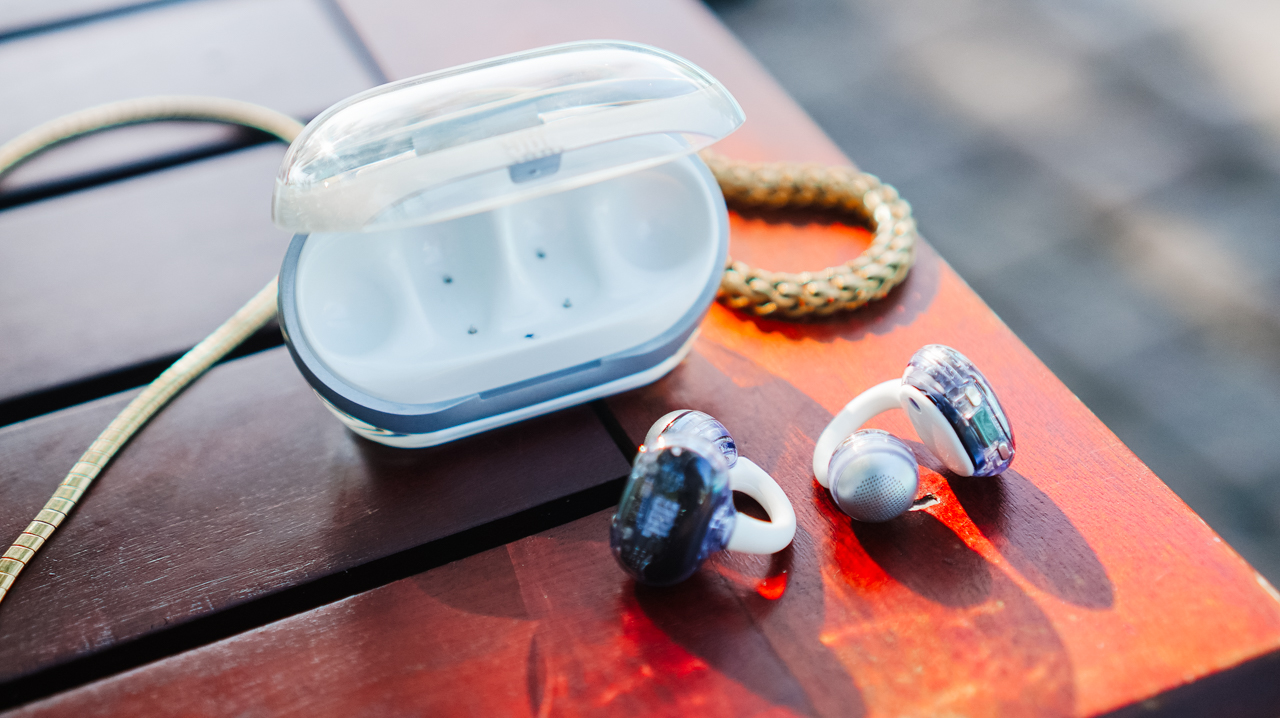
When clip-on earbuds started becoming a thing, I wasn’t exactly first in line to join the hype. I had already fallen in love with ear-hook open-ear audio ’cause it suited my athletic lifestyle.
I could run, work out, and stay aware of my surroundings without feeling completely disconnected from the world. Lately, though, I’ve been spending more time in my off-season wardrobe, putting a little more thought into how I dress outside the gym.
And somewhere between swapping running gear for more fashionable outfits, I realized that my wearables deserved a styling upgrade, too.
I used to think an ear-hook open-ear design such as the JBL Sense Pro could easily transition into casual settings.
Unfortunately, wearing them made me look like a secret service agent assigned to protect someone important. The effect was professional and mysterious, and perhaps a little too ready to receive classified instructions.
The JBL Soundgear Clips changed that. I took these clip-on earbuds for a spin to see if they were a better fit, pun absolutely intended. With their conspicuous placement around the ears, they felt like an extension of my earrings.
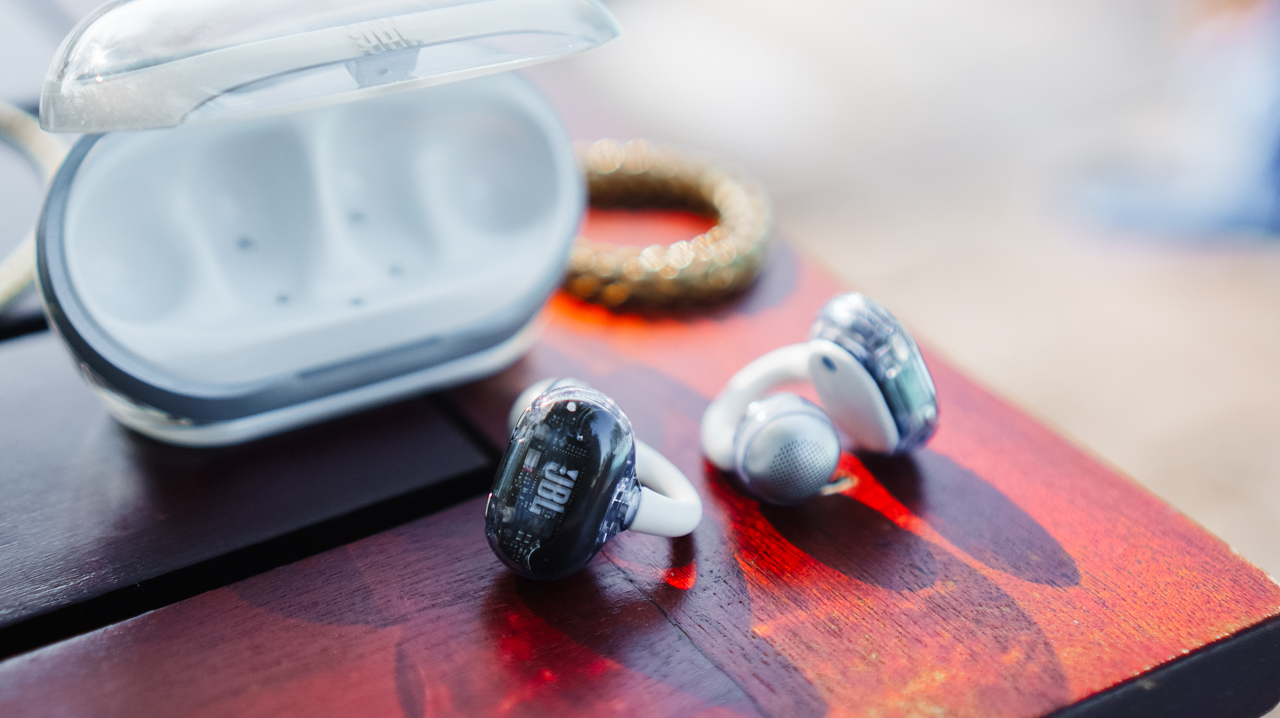
They look like futuristic jewelry with a little espionage energy, and suddenly, being a spy looked considerably more fashionable.
Accessory in disguise
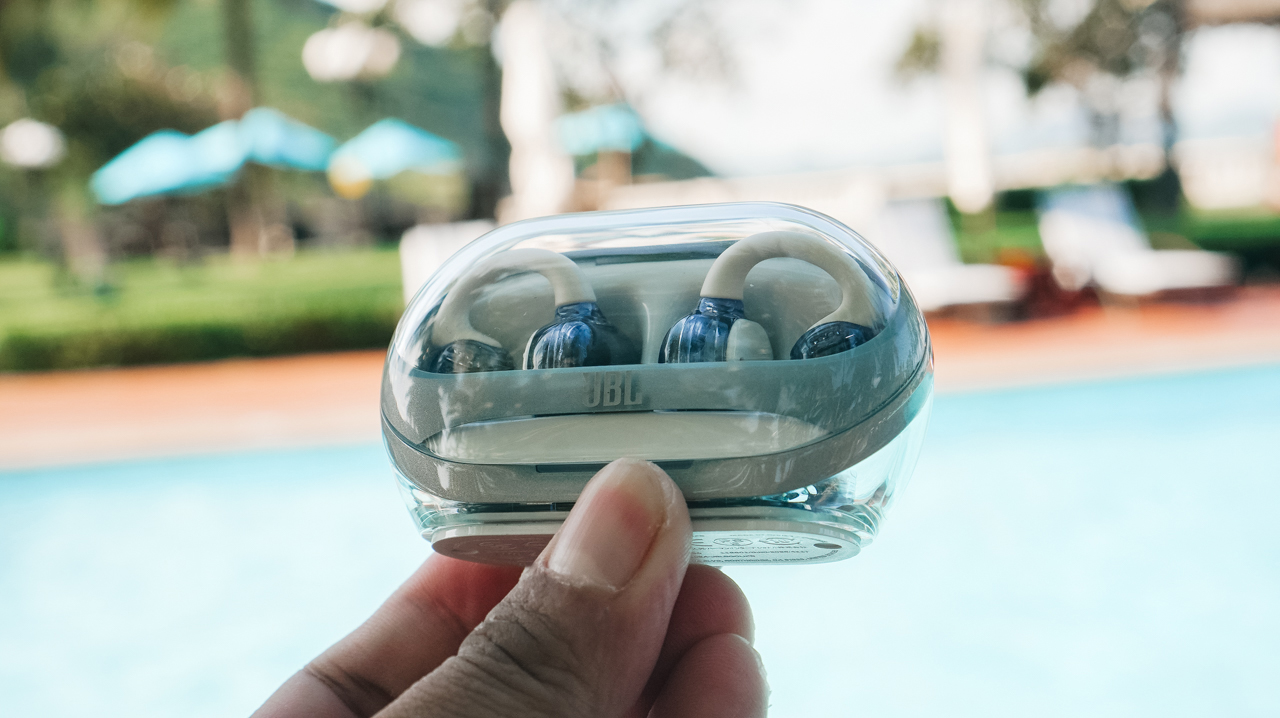
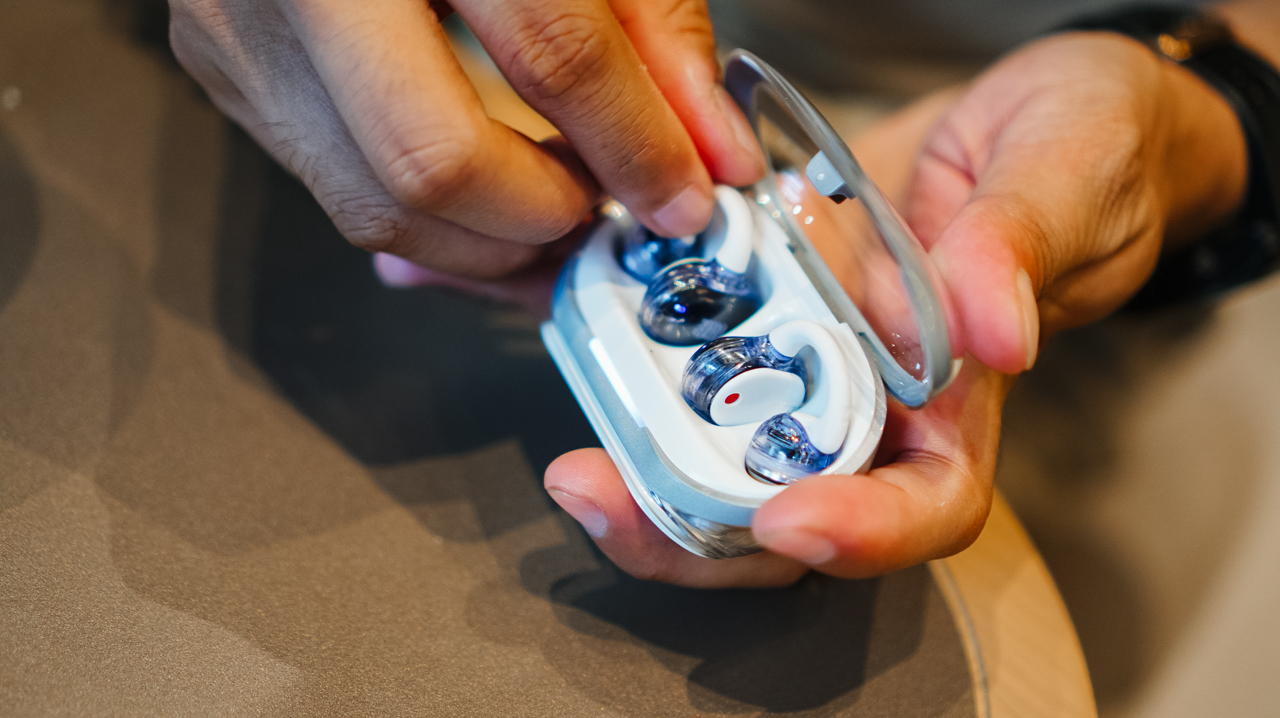
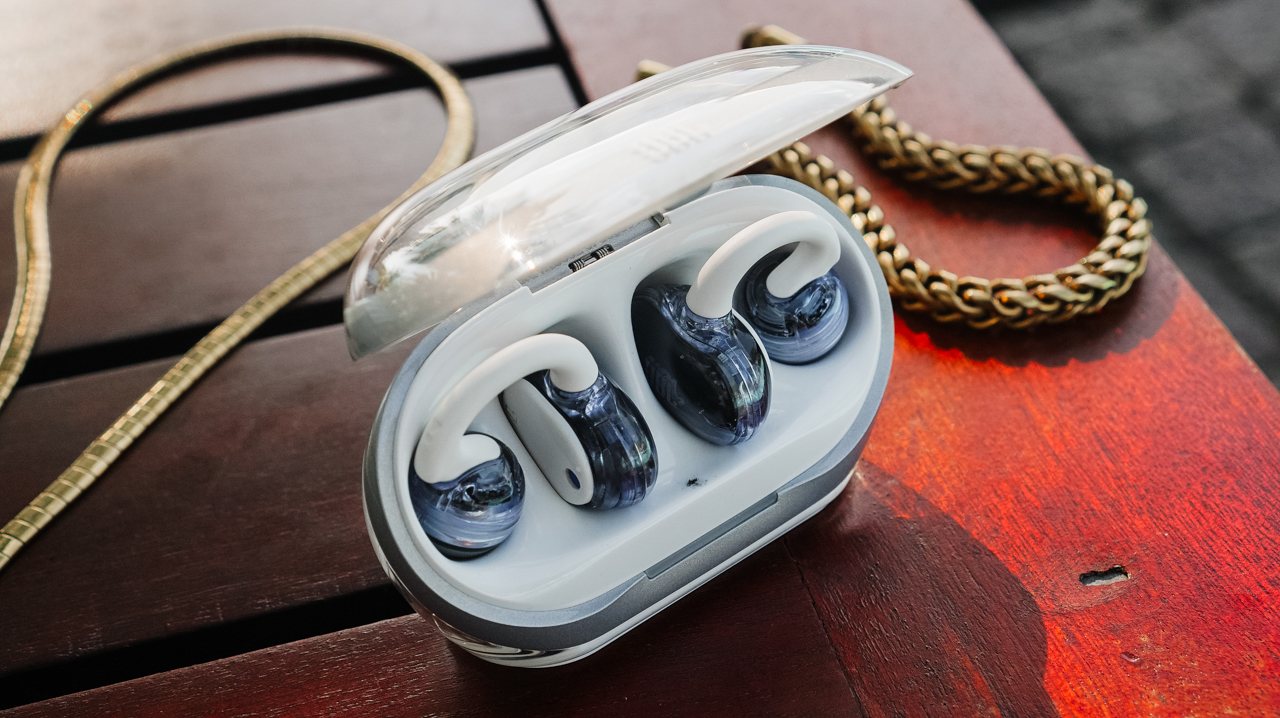
My JBL Soundgear Clips came in white, housed in a transparent plastic charging case with gray and white accents. The rounded case slips easily into my pockets and handbags, although I did find it a little bigger than some of the other clip-on earbud cases I’ve encountered.

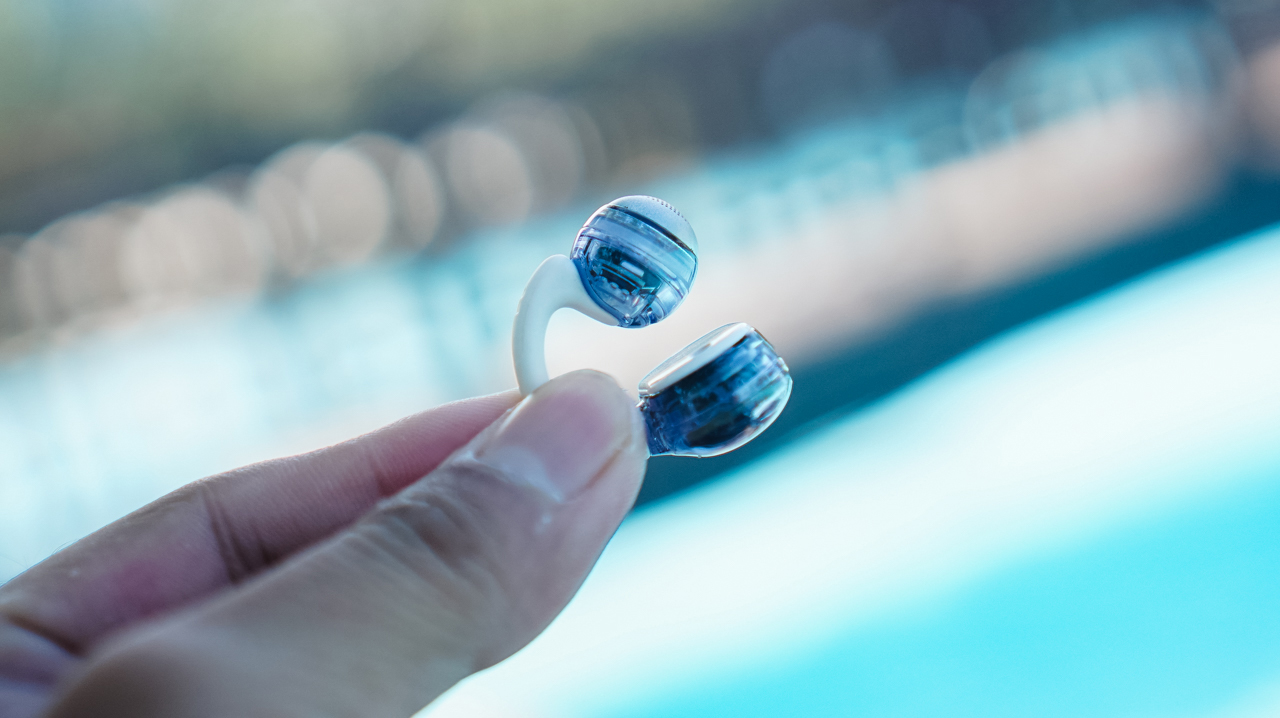
The earbuds themselves are easy to put away, with no complicated arrangement required. Their design features a white arch connecting the pearl speaker and the main unit, which comes with a gray translucent panel that reveals its stylized internal details.
It gives the earbuds a futuristic aesthetic, with a little nod to the transparent design language popularized by brands such as Nothing.

The overall look feels modern and slightly experimental, making them an interesting accessory to wear alongside your usual jewelry. I love how the white finish works with silver accessories. It gives the entire look a cohesive, almost editorial feel.
And if you’re someone who enjoys having your accessories do a little talking, these certainly have something to say.
Clippin’ it on
Putting on the Soundgear Clips is straightforward. Position the Pearl Speaker near your ear canal and wrap the Arch around your ear, then slide the Main Unit up or down until you find a comfortable fit.
They’re lightweight and surprisingly comfortable. I found myself leaving them on for extended periods, especially while traveling, when I wanted to listen to music while remaining aware of announcements and the activity around me.
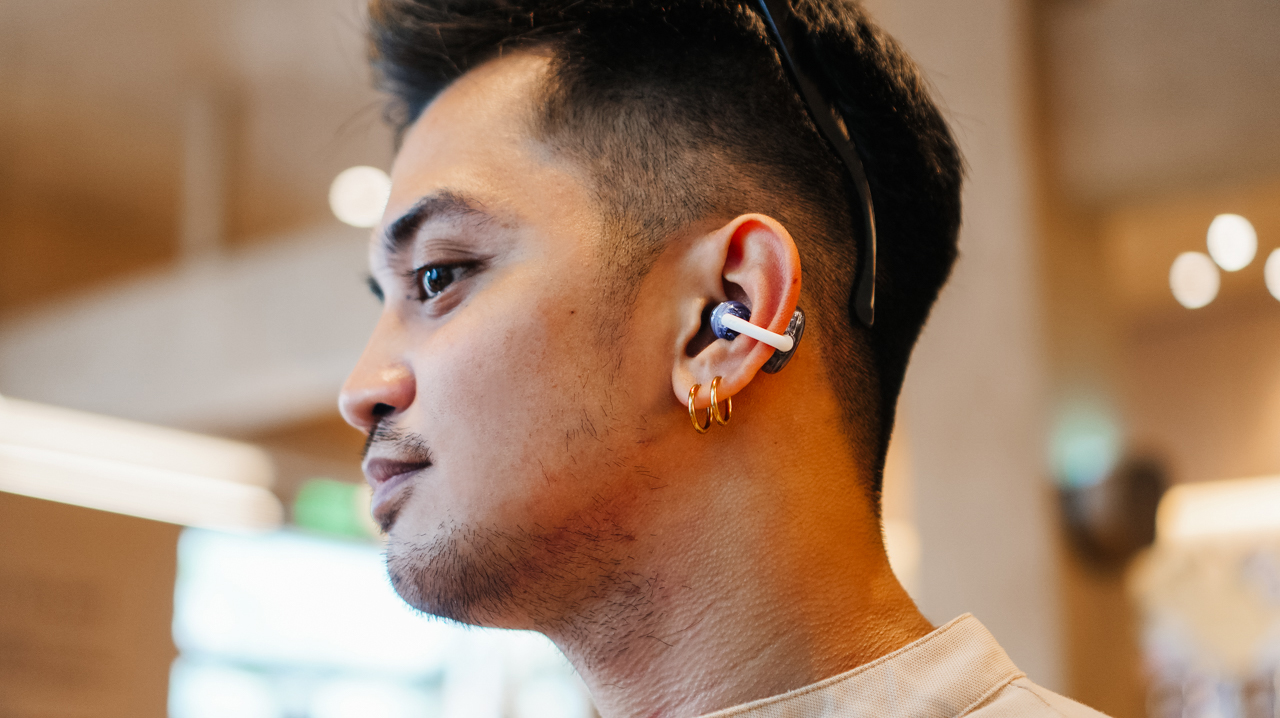
The touch controls are customizable through the JBL Headphones app. Out of the box, the left earbud handles volume while the right controls playback.
A single tap on the left increases the volume, while a double tap lowers it. On the right, a single tap plays or pauses your audio, a double tap skips to the next track, and a triple tap returns to the previous one.
For calls, double tapping answers an incoming call or ends an ongoing one. Tapping and holding rejects an incoming call or mutes/unmutes the microphone during a conversation.
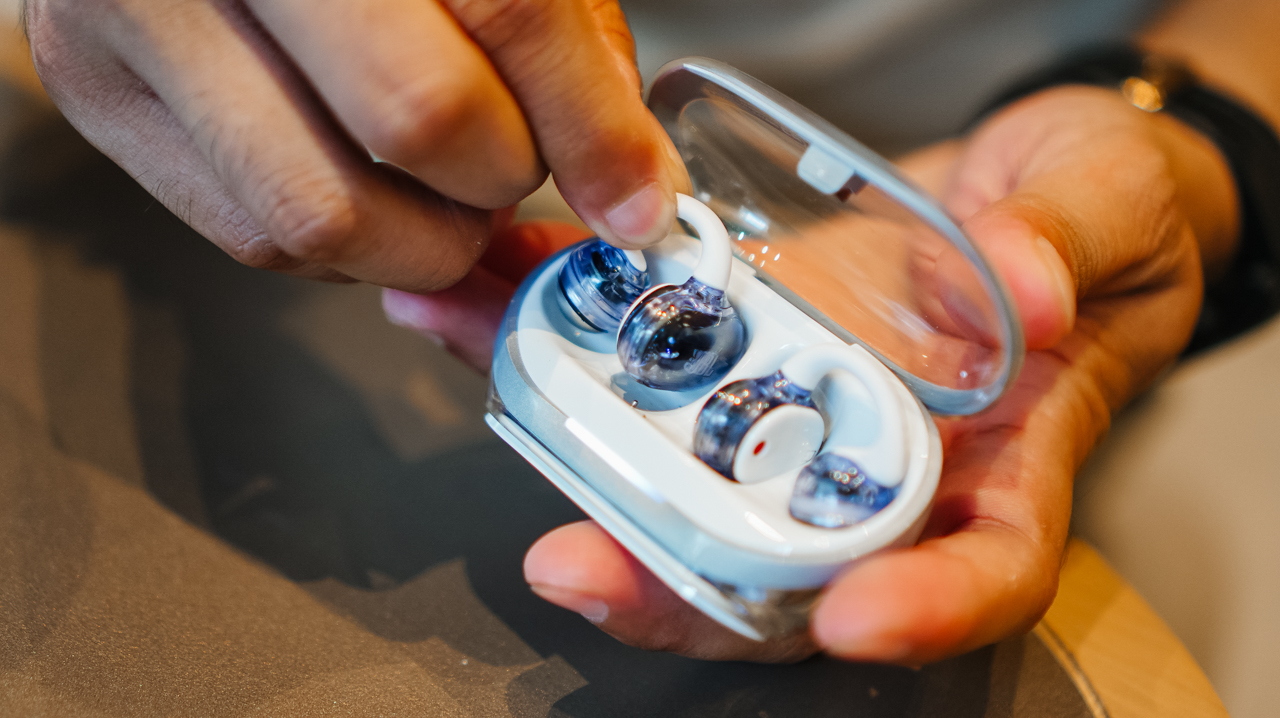
I appreciate how responsive the touch controls are, even when I’m sweating through a workout. I was worried about accidental inputs since the Clips use capacitive touch pads instead of physical buttons. Thankfully, I didn’t have any phantom touches during my workout sessions.
But more importantly, the Soundgear Clips stay put. I brought them to the gym and wore them while sprinting on the treadmill, and they remained securely attached throughout the run.
Even during plyometric exercises and movements involving plenty of jumping, they stayed in place. They might shift slightly during more vigorous movements, but I never had to stop and reposition them.
For something designed to sit around your ears, that’s a rather important fashion and fitness achievement. Nobody wants to interrupt a workout because their accessories have decided to make a run for it.
A little customization goes a long way
The JBL Headphones app covers the usual audio customization, including an equalizer for adjusting the sound to your preferences. It also has a maximum volume limiter and a Sound Level Optimizer, along with microphone calibration options that let you choose how your voice sounds during calls.
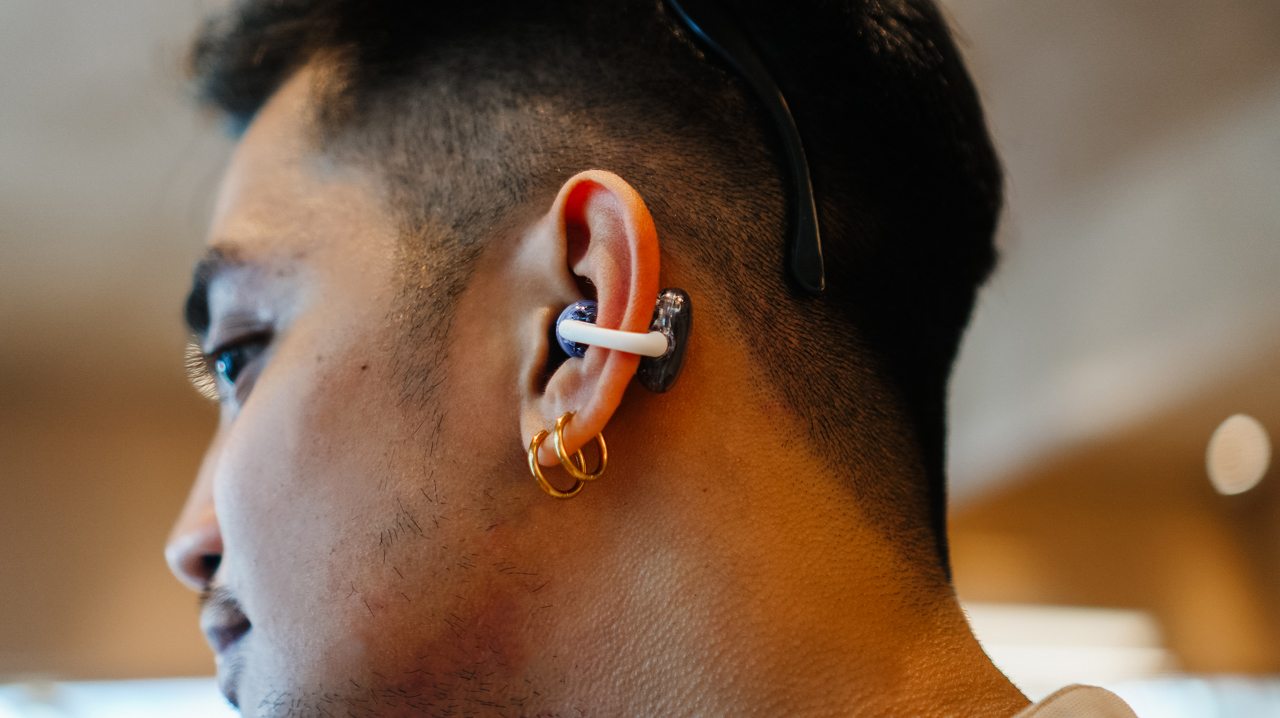
Of course, the biggest selling point of open-ear earbuds is being able to enjoy your music while remaining aware of your surroundings. The Soundgear Clips deliver on that premise, although there’s an expected compromise: sound leakage.
People around me could hear snippets of my music, particularly in quieter enclosed spaces such as elevators and cable cars. It’s something worth considering if you frequently commute or share close quarters with other people.
Personally, I’ve come to treat the Soundgear Clips as the soundtrack to whatever I’m doing. They work as my own background music while I walk down an airplane aisle or stroll through airport terminals. You can adjust the volume to suit your surroundings, although I’d still be mindful of people sitting nearby.
Another interesting addition is Relax Mode, which lets you create up to five relaxing sound mixes. You can choose from different ambient sounds, including nighttime sounds, forests, rain, crackling wood fires, and ocean waves.
It’s a nice extra for moments when you want something soothing playing in the background, especially during travel or downtime.
Keeping up with the itinerary
JBL advertises up to 32 hours of total playtime for the Soundgear Clips, with up to eight hours from the earbuds and another 24 hours from the charging case.
I wasn’t able to conduct a complete battery drain test, but I did put them through an overnight travel itinerary that gave me a pretty good idea of their endurance.
I wore the Soundgear Clips for approximately 12 hours during a trip from Manila to Hon Tre Island in Nha Trang, Vietnam.
My itinerary involved a bus ride to Clark International Airport, a chartered flight departing at 3AM, and finally arriving at my hotel around 7AM.
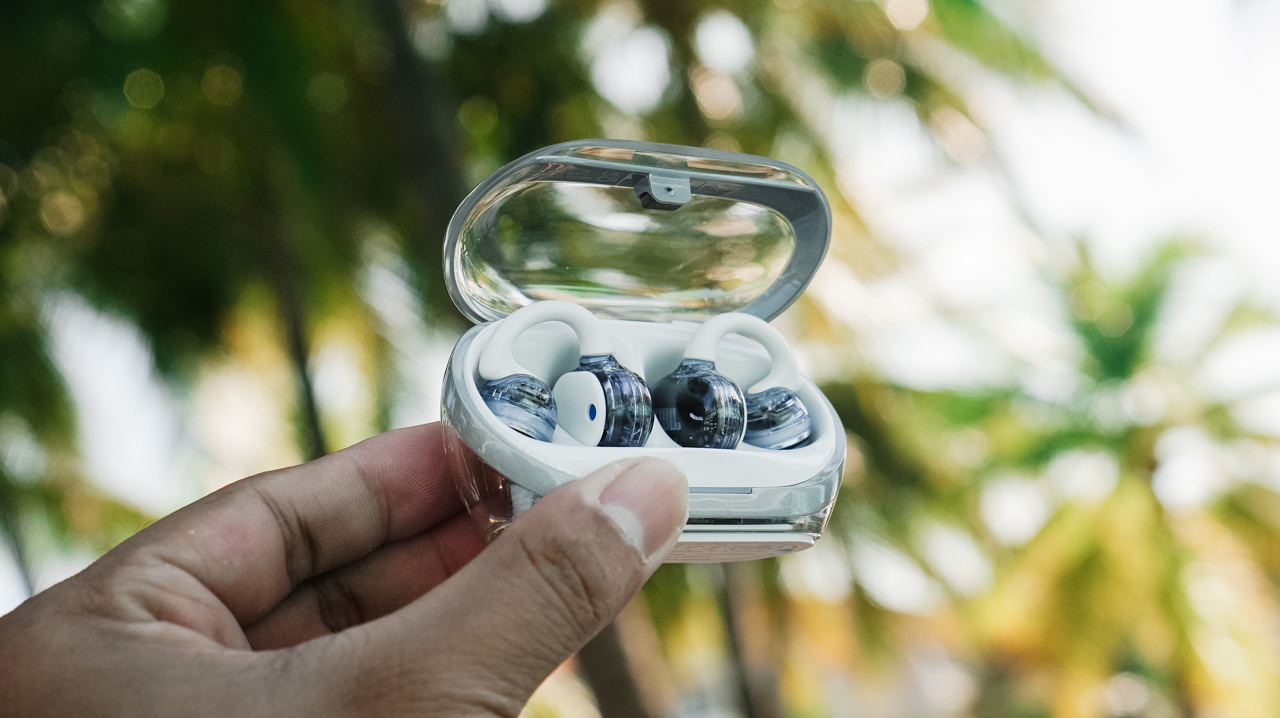
One travel night covered a bus, a plane, and a speedboat, and my ears practically had their own boarding passes. Throughout the journey, I kept the earbuds on without returning them to their charging case.
I listened to music intermittently, and by the end of the trip, the battery had reached around five percent. It’s worth noting that this wasn’t 12 hours of uninterrupted music playback.
The advertised eight-hour battery life applies to continuous listening, while my experience involved extended wear with intermittent audio. Still, I appreciated being able to keep them on throughout the journey without constantly worrying about charging.
I had enough time with my playlist that “Nicole Kidman” by ADELA eventually claimed a spot at the top of my Spotify “On Repeat.” At this point, the earbuds had become a travel companion with excellent musical taste, or at least one that tolerated mine.

The charging case also makes it easy to keep track of its remaining battery. Its indicator light gives you a visual estimate of the charge, so you don’t always have to open the app to check. During my trip, I noticed the indicator dropping to around half, giving me a quick reference for how much battery I had left.
After that overnight adventure, I still had enough juice to get through another day before charging the case back to full.
Is the JBL Soundgear Clips your GadgetMatch?
The JBL Soundgear Clips retail for PhP 8,299, placing them among the more accessible options in the growing clip-on earbud category.
What makes them appealing is how easily they transition between different parts of my day. They’re comfortable and secure enough for extended wear and workouts. Plus, they’re stylish enough to complement an outfit beyond my usual athletic wardrobe.
Swipe Right if you want a lightweight, fashionable wearable that doubles as an everyday audio companion. The customizable controls and comfortable fit make them especially appealing for people who prefer having their ears free while listening to music.
Swipe Left if you prefer a more compact charging case or a more balanced sound signature, or if you want greater privacy when listening in public. Their open-ear construction comes with some sound leakage, while JBL’s signature bass-forward tuning might not appeal to listeners who prefer a more neutral presentation.
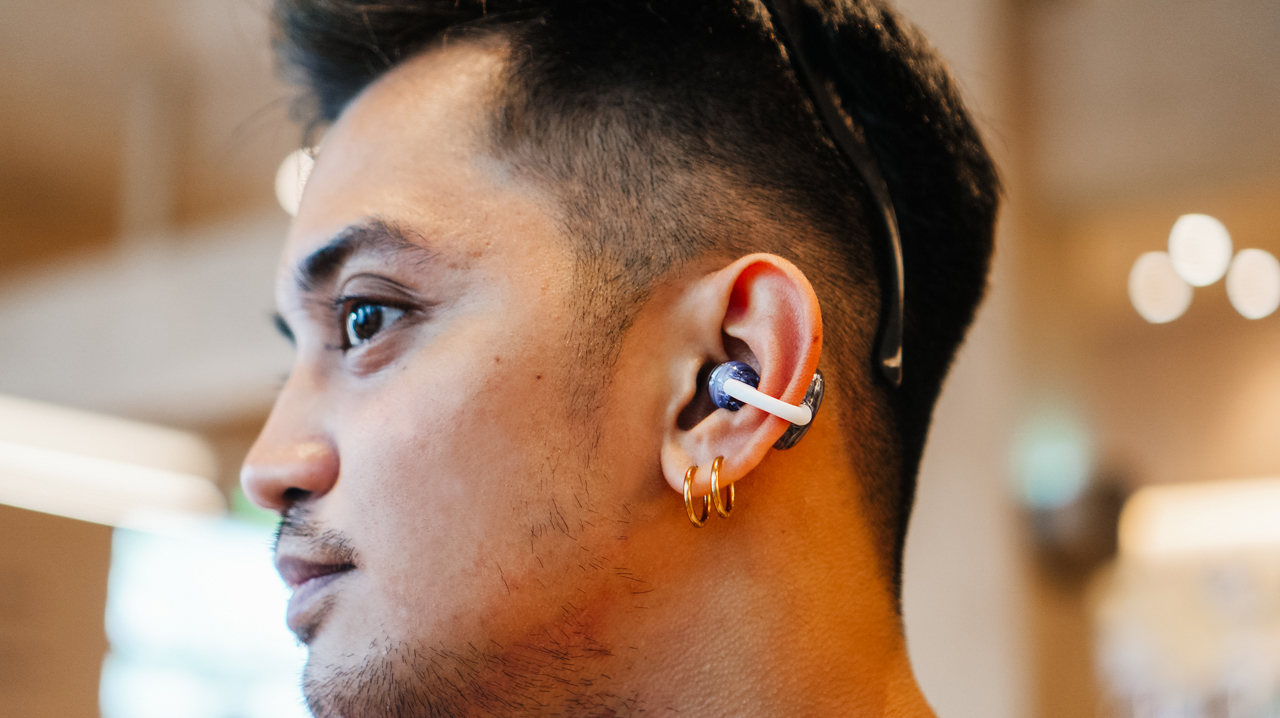
For me, the Soundgear Clips have found their place somewhere between my workout essentials and my jewelry collection.
They’re a wearable that makes me think twice about leaving the house without them. And frankly, I never knew my ears needed another accessory.
In the age of bag charms and Labubus, accessories are as much about personality as they are about practicality. A digital camera that looks and feels like a toy might be the next little obsession to add to your collection.
Fujifilm launched the second iteration of its Instax Pal, aptly named the Instax Pal 2, just in time for the holiday season.
With reunions and celebrations on the calendar, it’s a fitting companion for documenting life’s little pleasures.
Pocket-sized camera with a playful personality
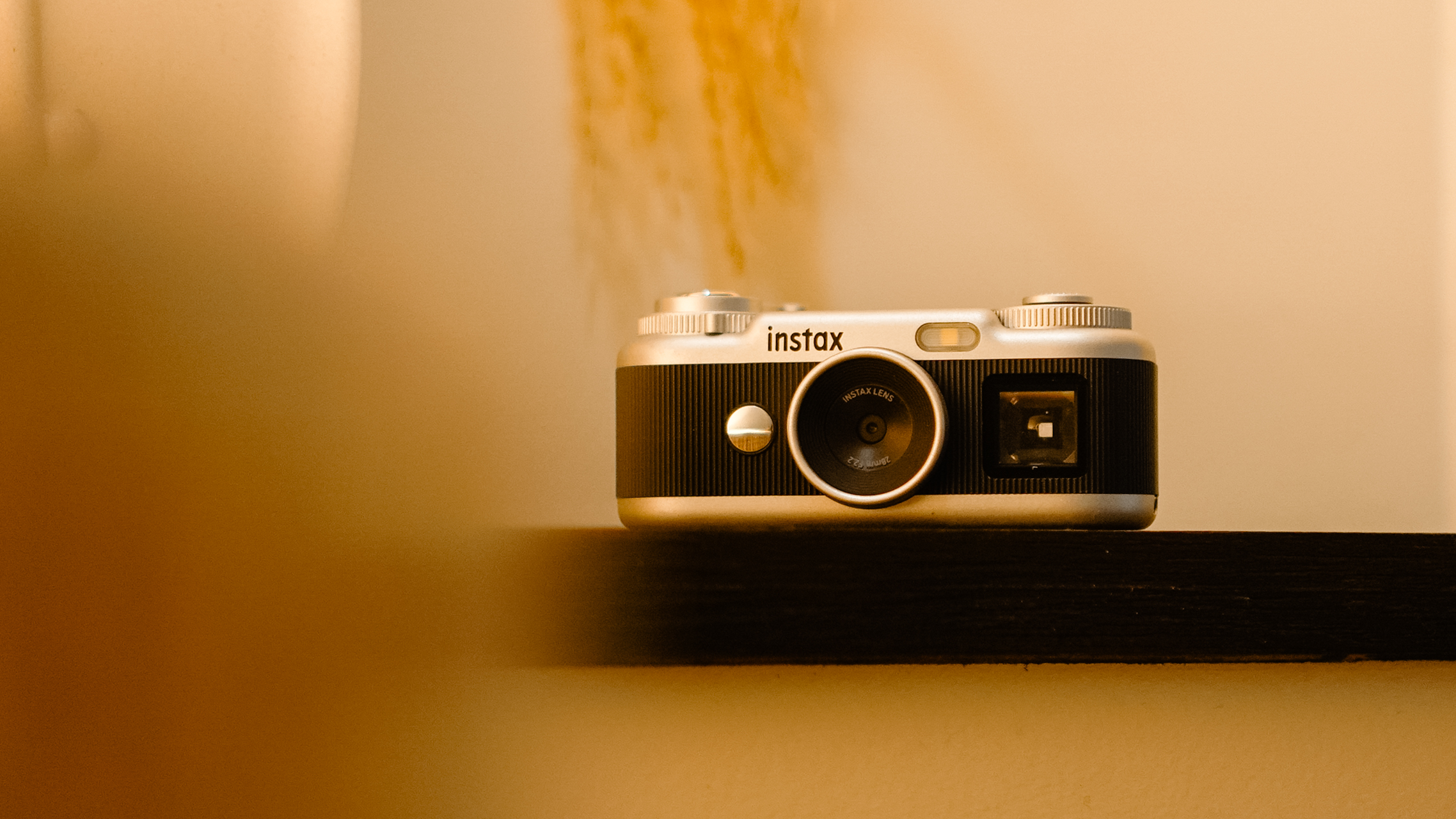
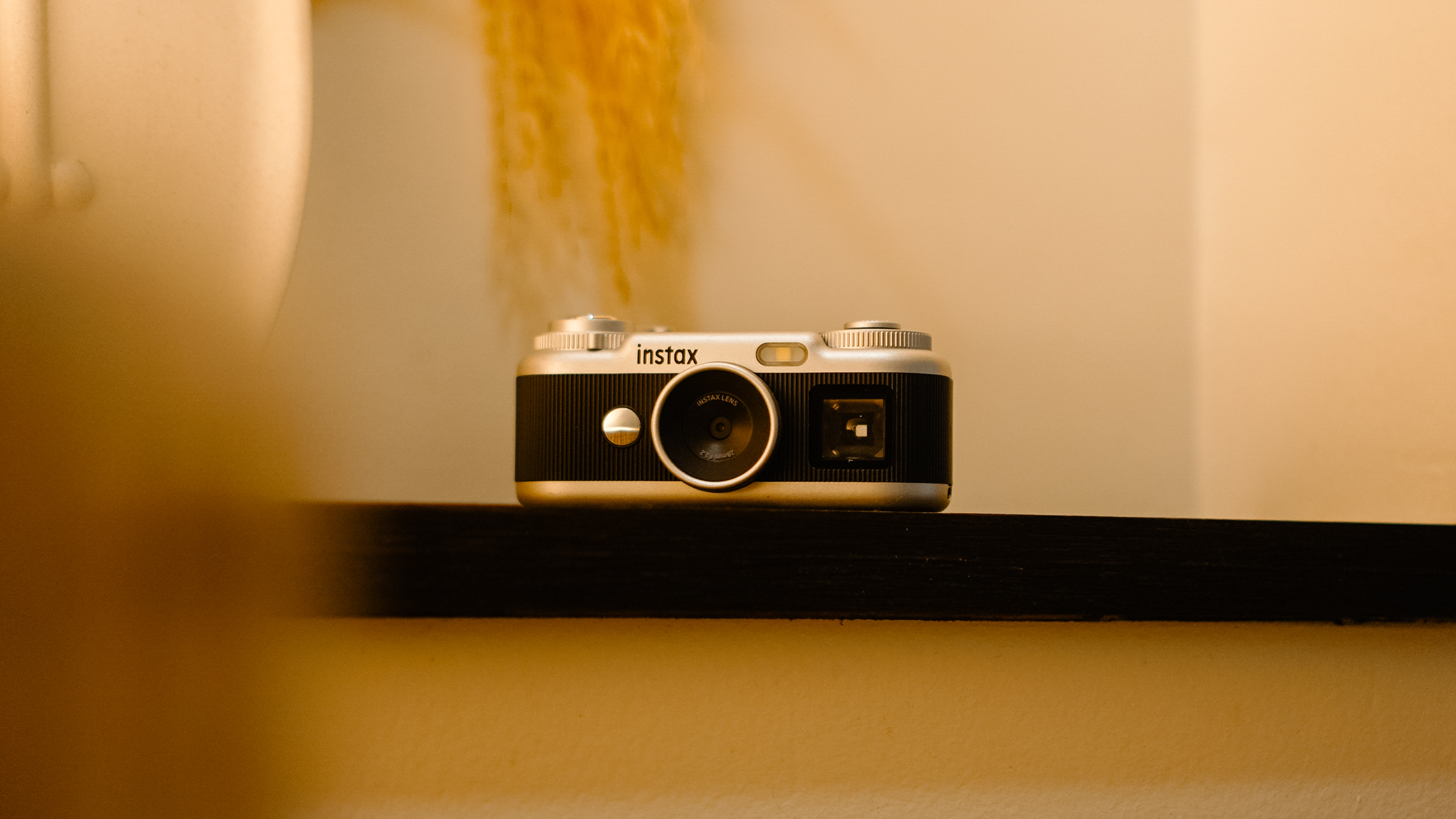
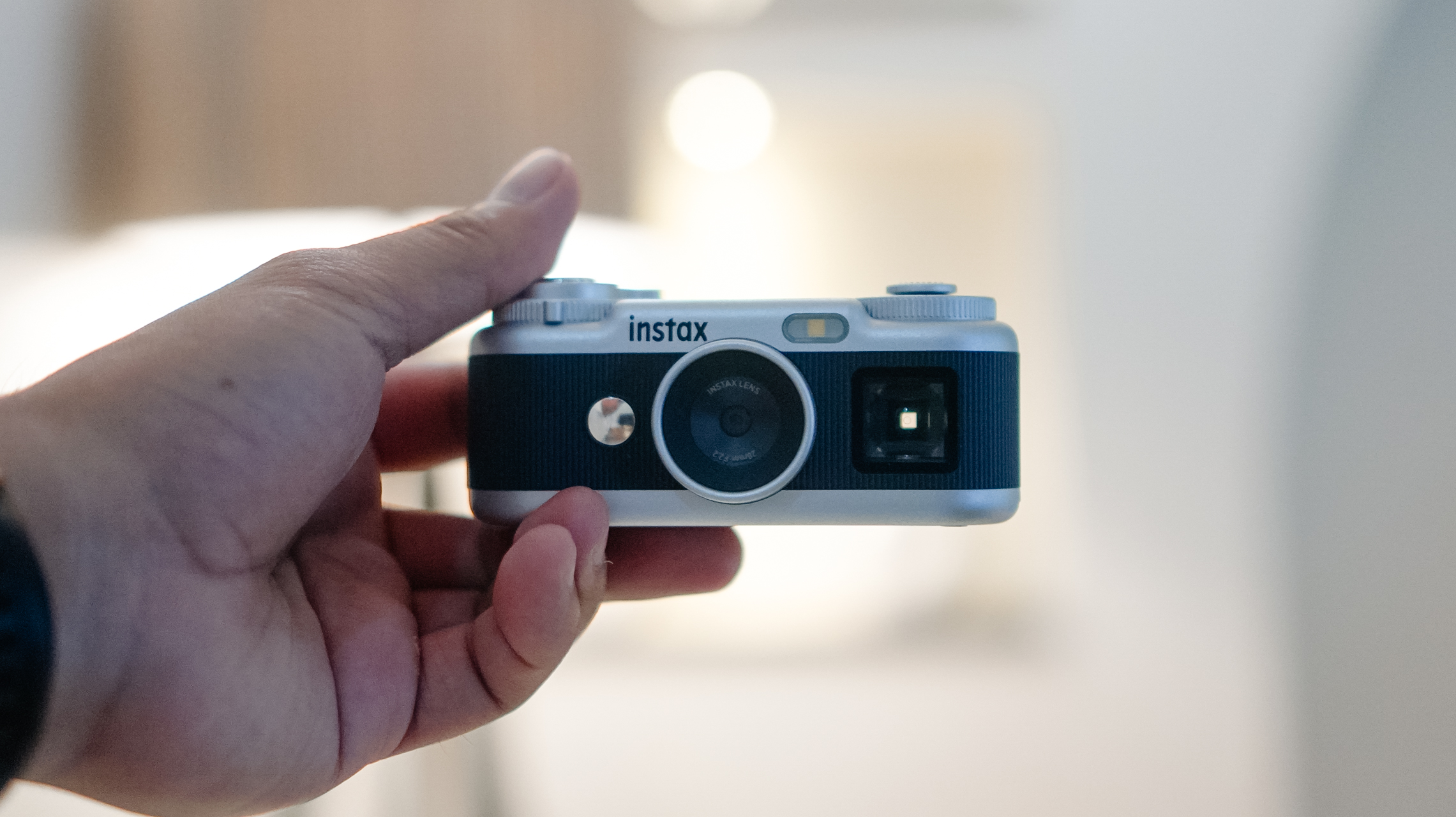
The Instax Pal 2 comes in Black and White. Mine is the Black variant, which gives it a classic film camera look despite its toy-like proportions. Picking it up feels a little like holding a miniature camera from a dollhouse, thanks to its incredibly lightweight construction.
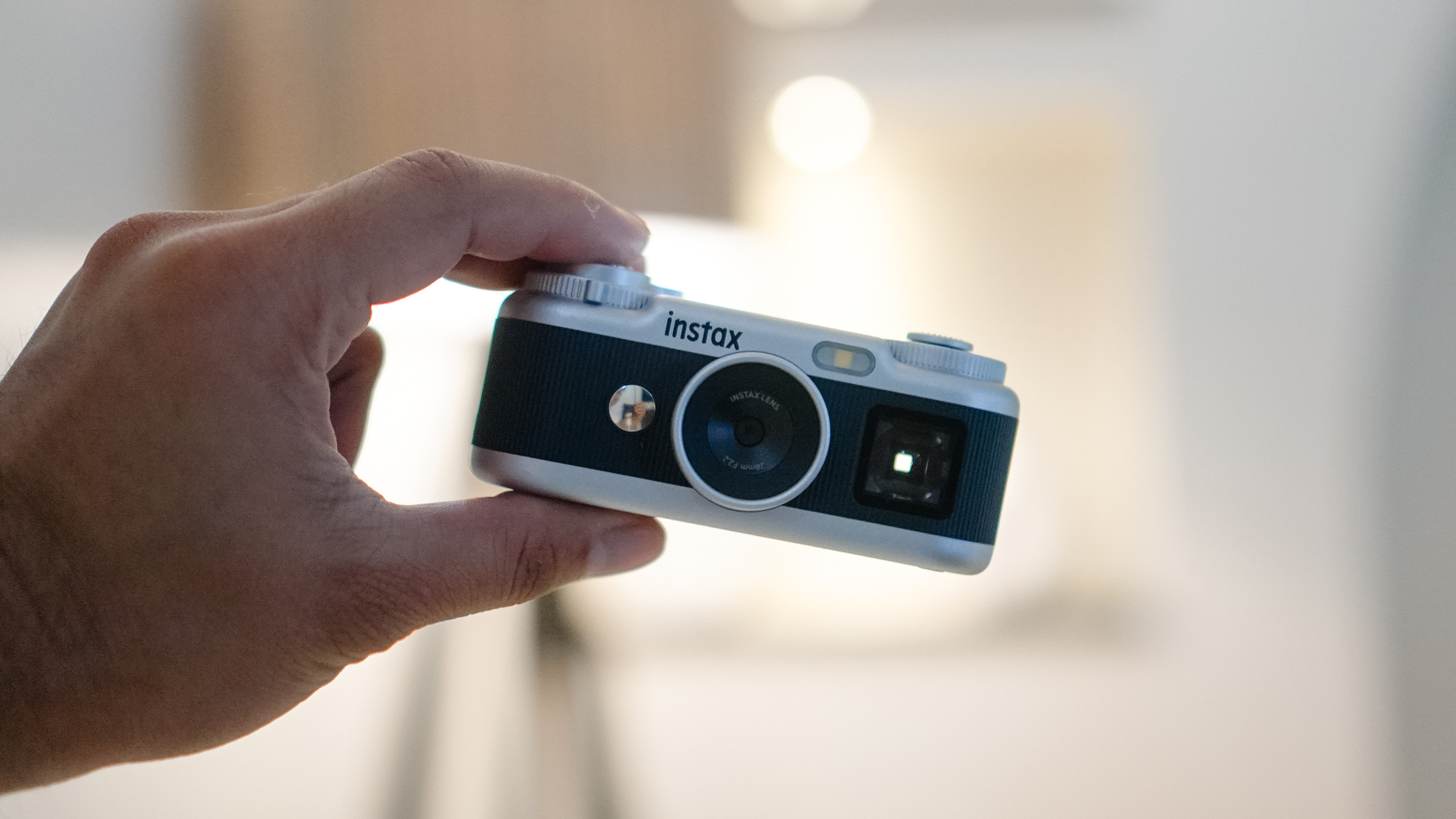
Beneath that adorable exterior is a digital point-and-shoot camera with fairly straightforward controls. The buttons and dials might look intimidating at first, especially if you’re new to dedicated cameras, but they’re easy to get used to.
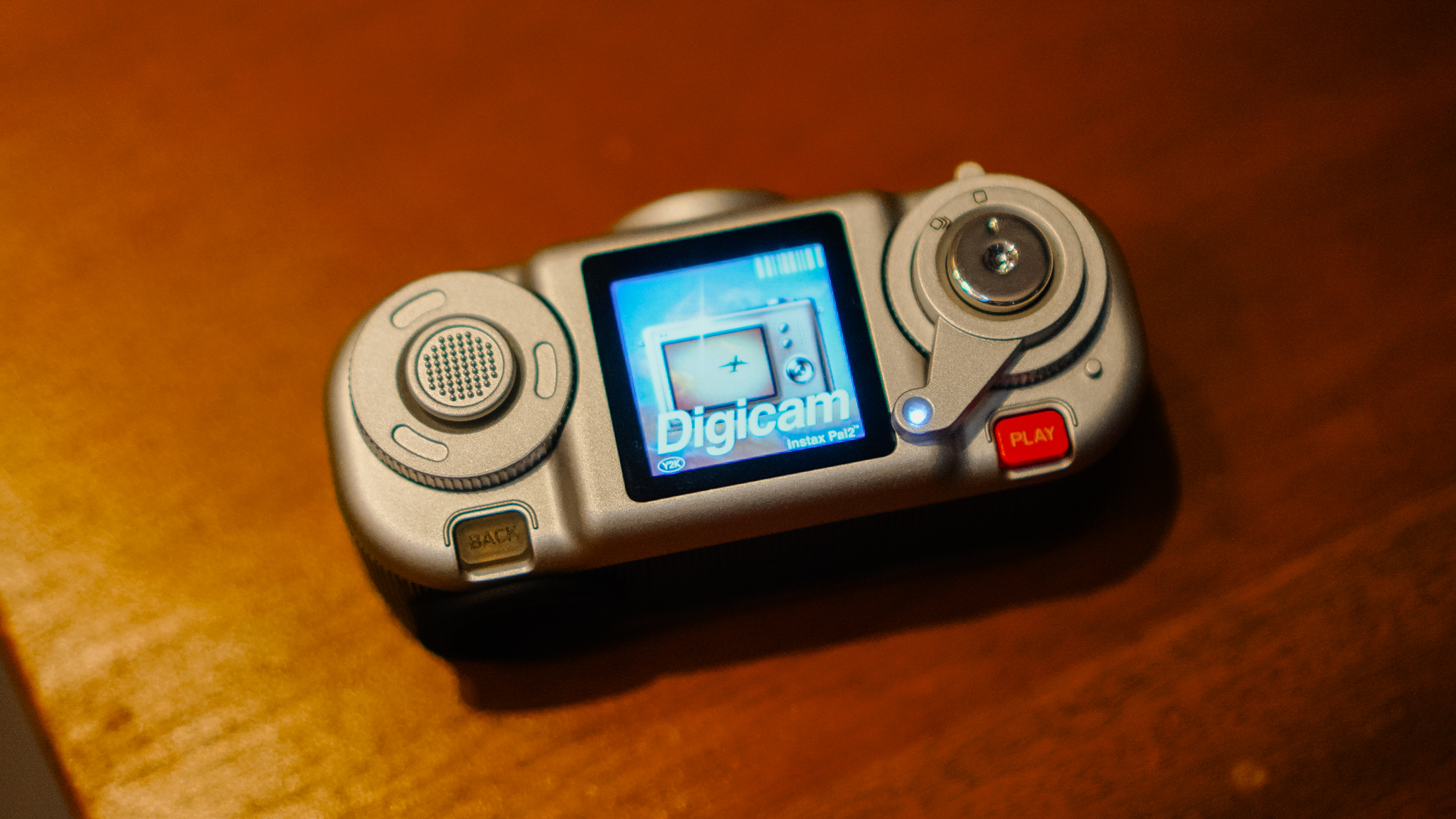
You turn it on, select your preferred frame format, and choose a preset using the dial on the left. You can switch between no frame, Instax Mini, Square, and Wide, which gives you some flexibility in how your photos will eventually look.
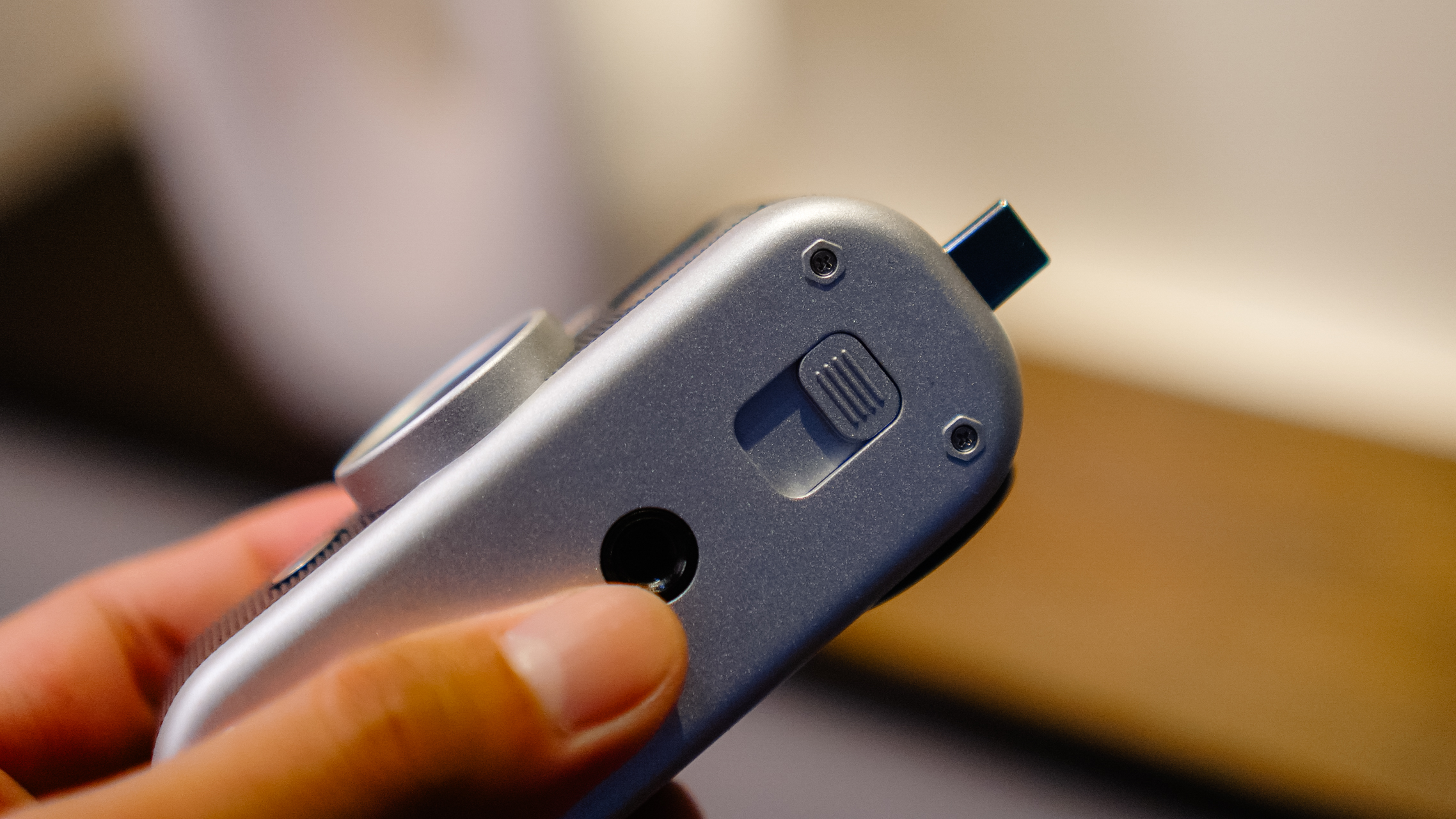
Charging is handled through a sliding mechanism underneath that reveals a USB-C connection. The camera connects to a separate dongle, which also charges via USB-C. Beside it is a dedicated mounting slot for the camera.
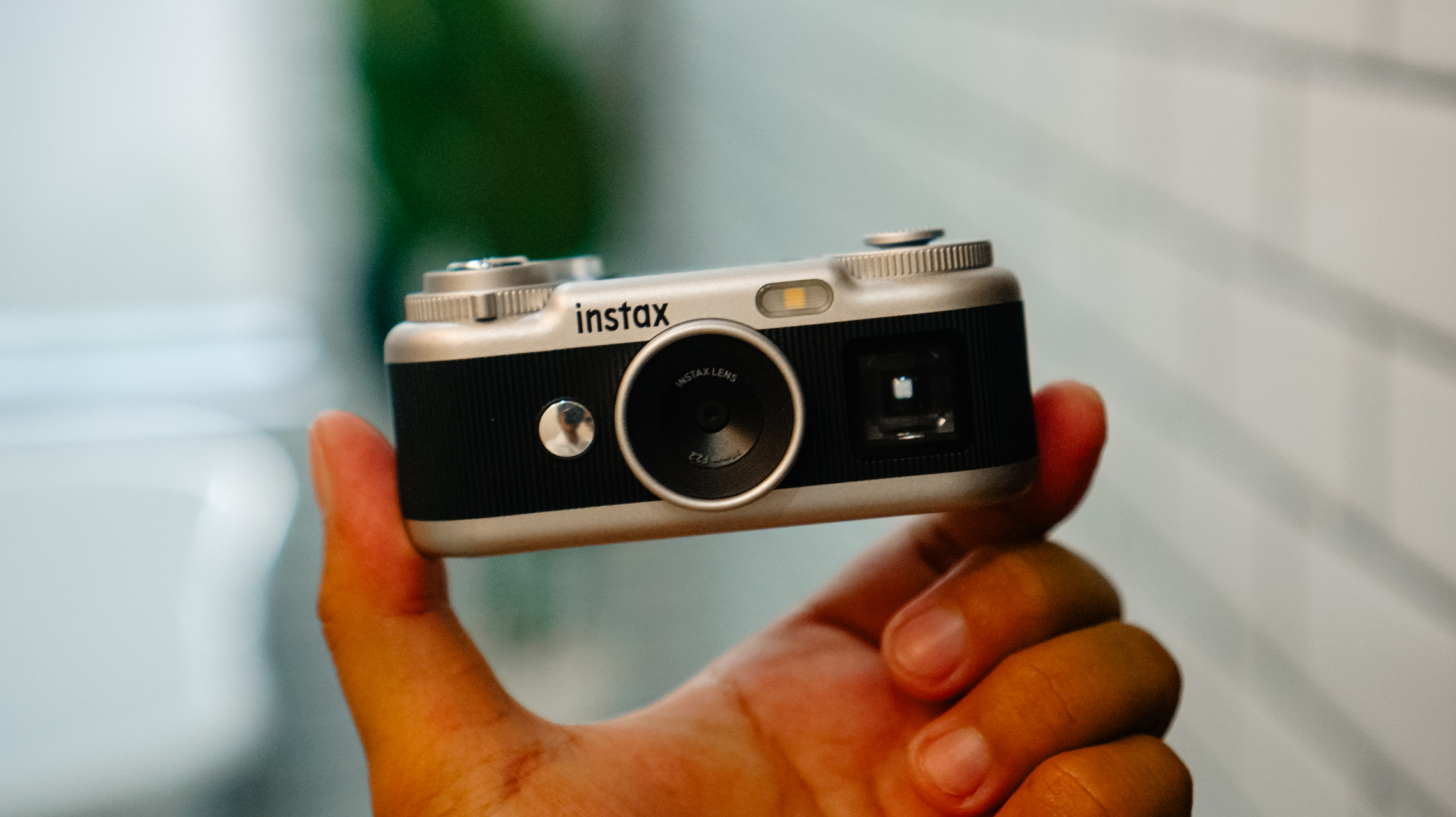
Up front, you’ll find a 28mm f/2.2 lens, a small mirror for framing selfies, and a flash that activates automatically when the lighting is insufficient.
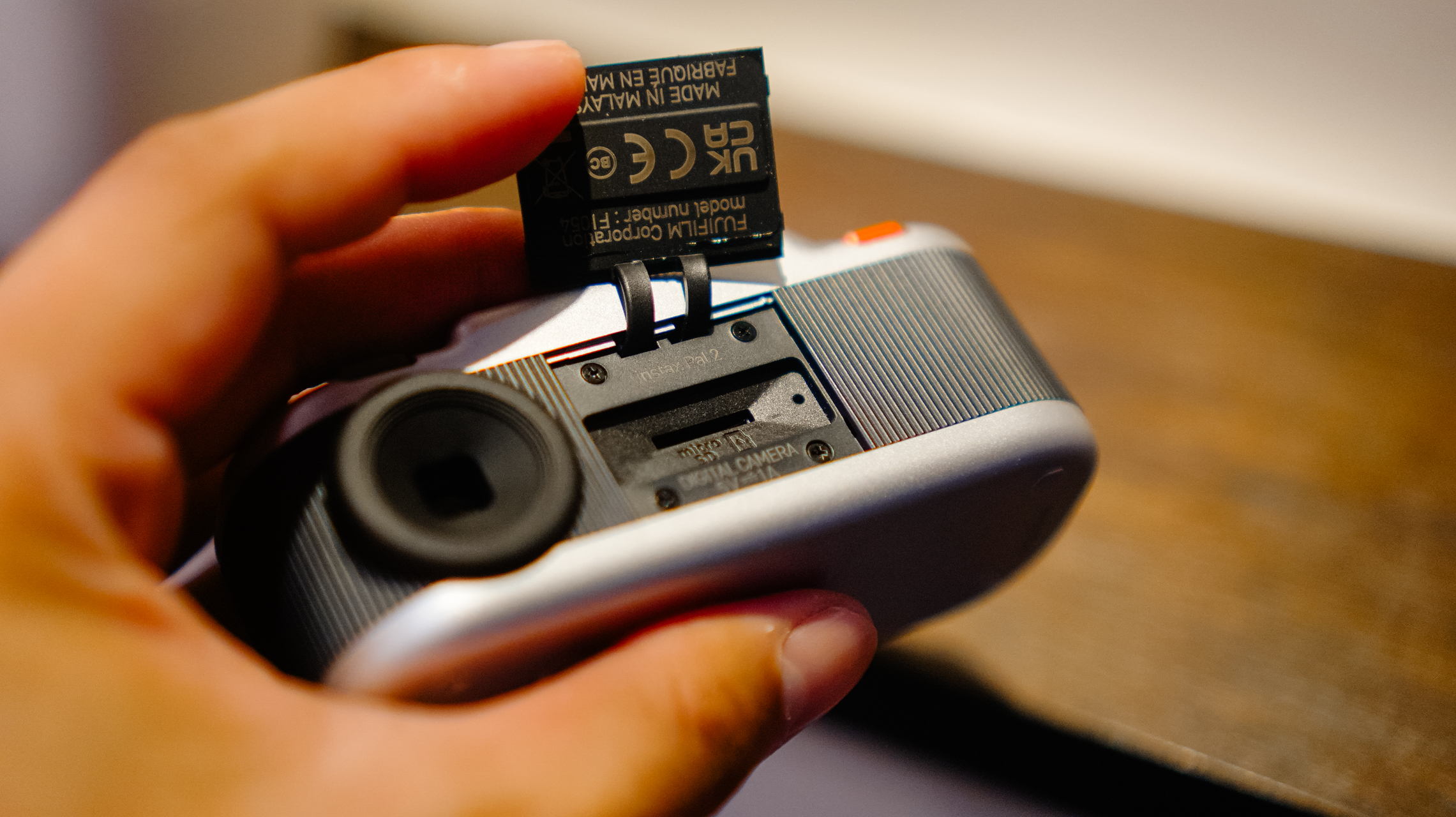
The viewfinder sits at the back, and the microSD card slot is tucked away discreetly. There’s also internal storage that holds your photos before you transfer them to your phone.
From digital snapshots to little keepsakes
Photos captured with the Instax Pal 2 are stored internally and can be viewed using the playback button. To transfer them to your phone, you’ll need to connect the camera to the Instax Pal app.
The app is where much of the experience comes together. You can edit your photos by choosing between the Instax formats, including Mini, Square, and Wide, or leave them without a frame altogether.

You can also customize the background ratio, with 1:1, 4:3, 16:9, and no background available. I gravitated toward no background, although those who want a little more visual personality can add a colored background or another image. The app can blur the background image and lets you adjust its tint to suit your preferred aesthetic.


If your photo isn’t perfectly aligned, you can rotate or zoom in to get the composition right.
The real treat comes when you’re ready to turn those digital snapshots into physical prints. The Instax Pal 2 works with several printers and hybrid cameras in Fujifilm’s Instax ecosystem, including the mini Link, Square Link, Link WIDE, mini LiPlay, mini Evo, and WIDE Evo, among other compatible models.


You can select your printer directly in the app and send your photos for printing. If you’d rather keep things digital, you can download them to your phone and share them across your social platforms.
The app also supports remote shooting for something more interactive. You can capture a regular photo or create an Instax animation, with a timer available for solo shots and more carefully composed group photos.
The camera is small enough to position almost anywhere, so setting up a little group photo session becomes part of the fun.
Finding your own aesthetic
One of the more appealing features of the Instax Pal 2 is its collection of presets. Through the app, you can choose from different preset collections and install up to six at a time.
The Modern set offers a more natural photographic treatment with Pure, Cool, Muted, Soft, Flare, and Mono. The Y2K set leans into the nostalgic appeal of early digital photography, with Film, Digicam, Lo-Fi, Pixel, Dusty, and Screen. Vintage, Chromatic, and Fantasy collections give you even more room to experiment with different looks.
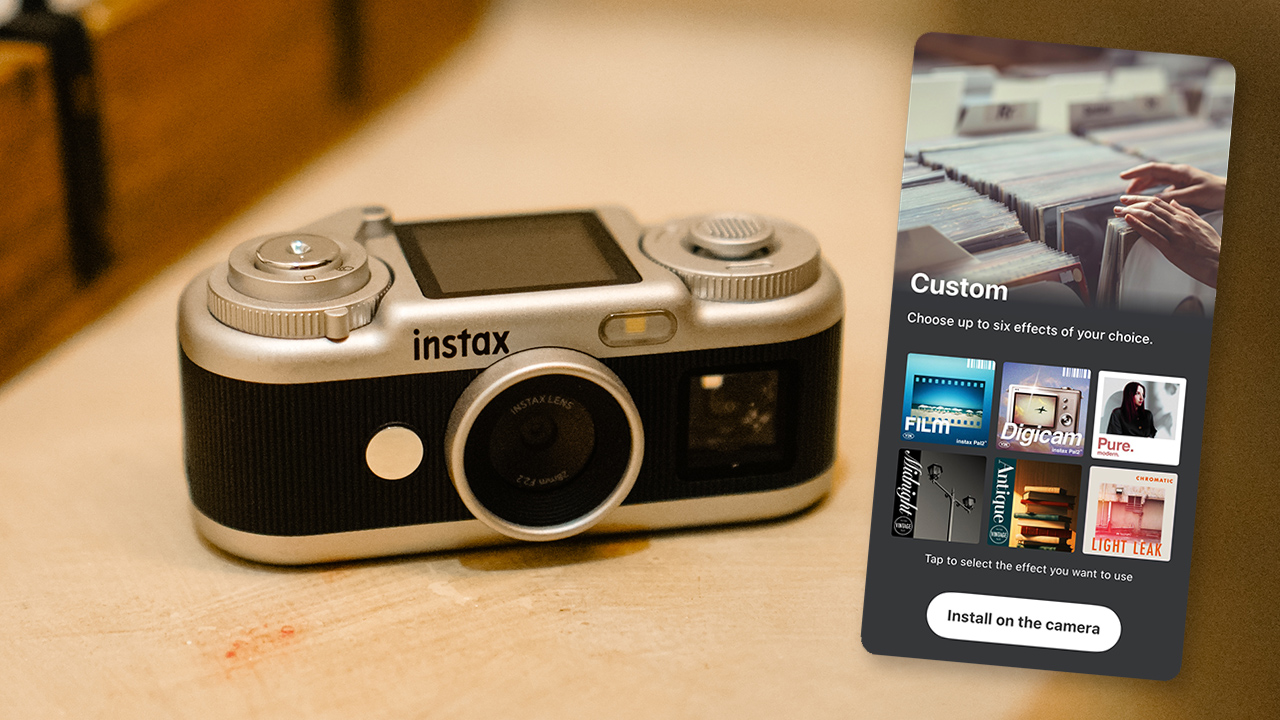
Instead of sticking to a single collection, I customized my setup by picking six presets across different sets. My selection includes Film and Digicam from Y2K, Pure from Modern, Midnight and Antique from Vintage, and Light Leak from Chromatic.


It’s a nice touch if you enjoy having a visual identity in your photos. You can switch between aesthetics depending on the mood or the moment, without spending time editing every image individually.

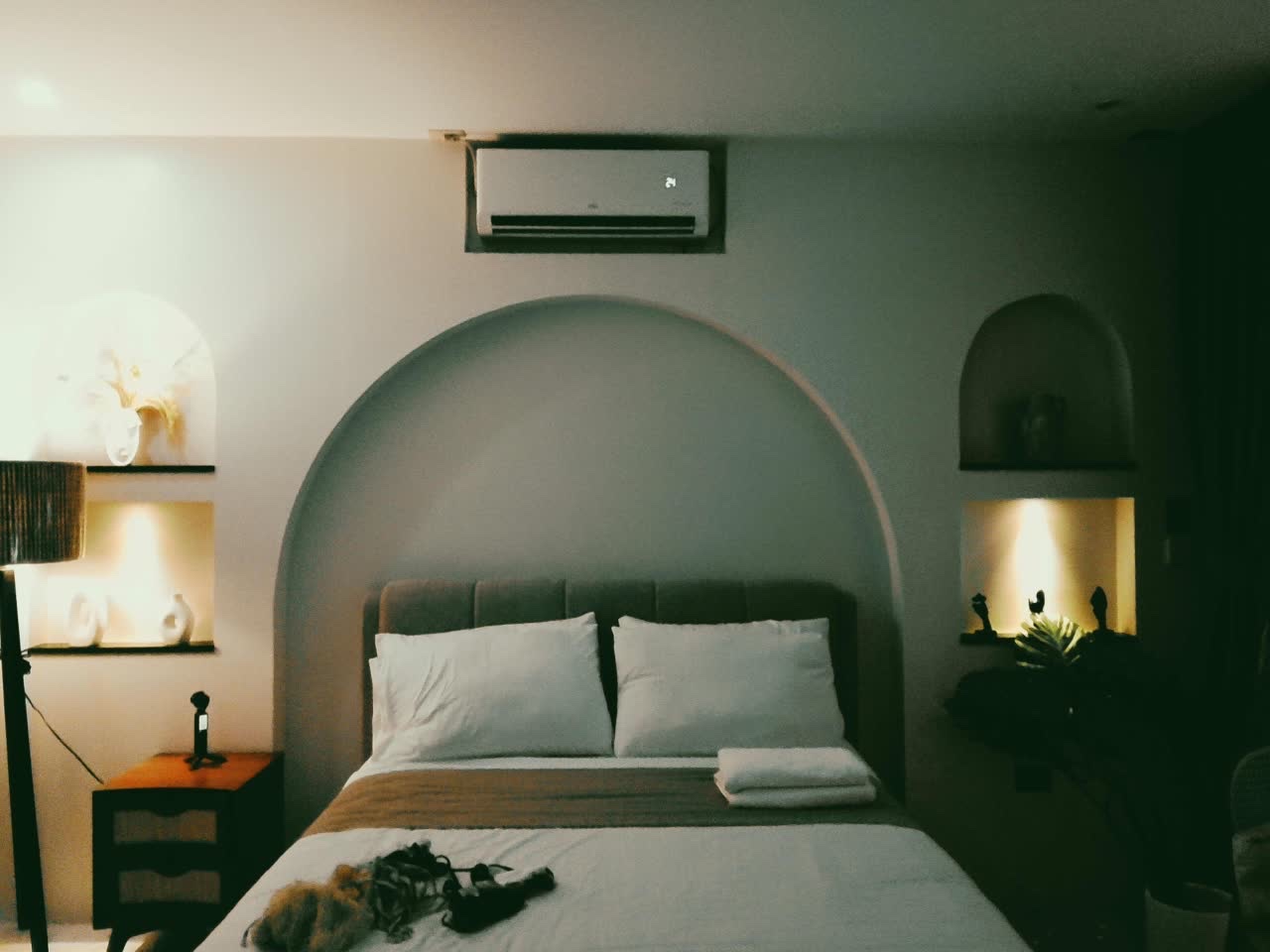




The presets are also a big part of what gives the Instax Pal 2 its personality. They embrace the imperfections and visual quirks of older digital cameras, which makes the photos feel a little more nostalgic.
Novelty comes with a price
The Instax Pal 2 is fun to use, although its lightweight construction takes some getting used to. I found myself holding it extra carefully because its small body feels easy to slip out of my hands. That said, it comes with a wrist strap for a more secure grip.
Battery life comes with the compact size. A day of frequent shooting can have you reaching for the charger sooner than you’d expect.
The Instax Pal 2 retails for PhP 10,599, up from the first-generation model’s launch price of PhP 5,999. The newer iteration brings improvements to its design and functionality.
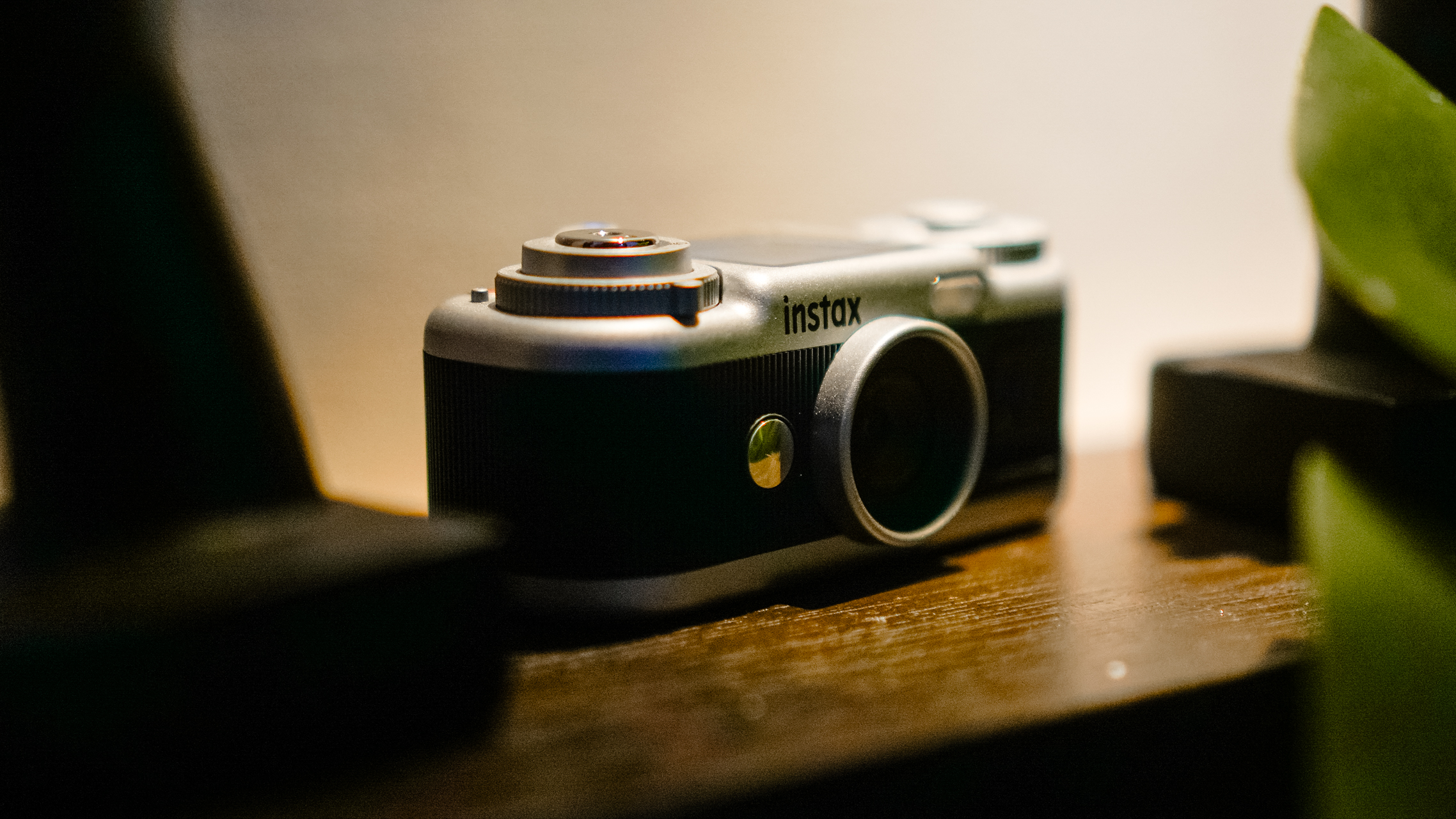
At this price, you’re paying for a particular photographic experience. The images have a deliberately lo-fi look that gives them their nostalgic appeal, so it helps to know the resolution and overall image quality aren’t meant to match the versatility of a conventional digital camera.
That makes the Instax Pal 2 a specific purchase. Its appeal is strongest among people who collect cameras and enjoy turning everyday snapshots into physical keepsakes.
If you’re after a more versatile shooter, other compact cameras offer more flexibility. Personally, I’d be inclined to reach for the Insta360 GO 3S Retro Edition. It records in 4K and offers a different kind of creative freedom. And for roughly PhP 6,000 more than the Instax Pal 2, you get a better camera.
If you’d rather stay close to the Instax Pal 2’s price, the Kodak PIXPRO FZ55 retails for approximately PhP 9,999 and offers a 16MP sensor, 5x optical zoom, and Full HD video recording. It may not have the same playful appeal or nostalgic presets, but it delivers a more conventional point-and-shoot experience.
Is the Fujifilm Instax Pal 2 your GadgetMatch?
The Fujifilm Instax Pal 2 makes a compelling case for having a dedicated little camera to document everyday life. It’s small enough to bring along without feeling like another piece of tech in your everyday carry, and its playful approach to photography makes ordinary moments feel a little more special.
Its strongest appeal lies in the experience surrounding the photos, from experimenting with presets to choosing which snapshots deserve a place in your physical photo collection.
At PhP 10,599, it’s a novelty purchase best suited to people who appreciate its quirks. The Instax Pal 2 has plenty of personality, and its limited battery life and modest image quality are worth weighing against that charm.
Swipe Right if you’re an Instax enthusiast who loves collecting cameras and printing little memories, or if you enjoy the nostalgic aesthetic of early digital photography.
It’s also a charming companion for social butterflies who love documenting gatherings and turning everyday moments into tangible keepsakes.
Swipe Left if you’re shopping for a versatile digital camera with dependable battery life, higher-resolution photos, and more creative flexibility. If image quality or value for money is your priority, other cameras in this price range are better equipped for it.

The X300 Ultra is vivo’s best of the best flagship. Or so I thought.
The arrival of the newest vivo X500 Pro Max six months after the Ultra release had me doubt a bit.
Does the introduction of a “Pro Max” model mean a MAXed-out flagship? Or is this simply another case of phone brands jumping on the trending naming game?
Let’s find out together in this in-depth vivo X500 Pro Max review — 500+ hours after it was handed to me alongside my journey to Japan and South Korea.
Cleaner in every corner
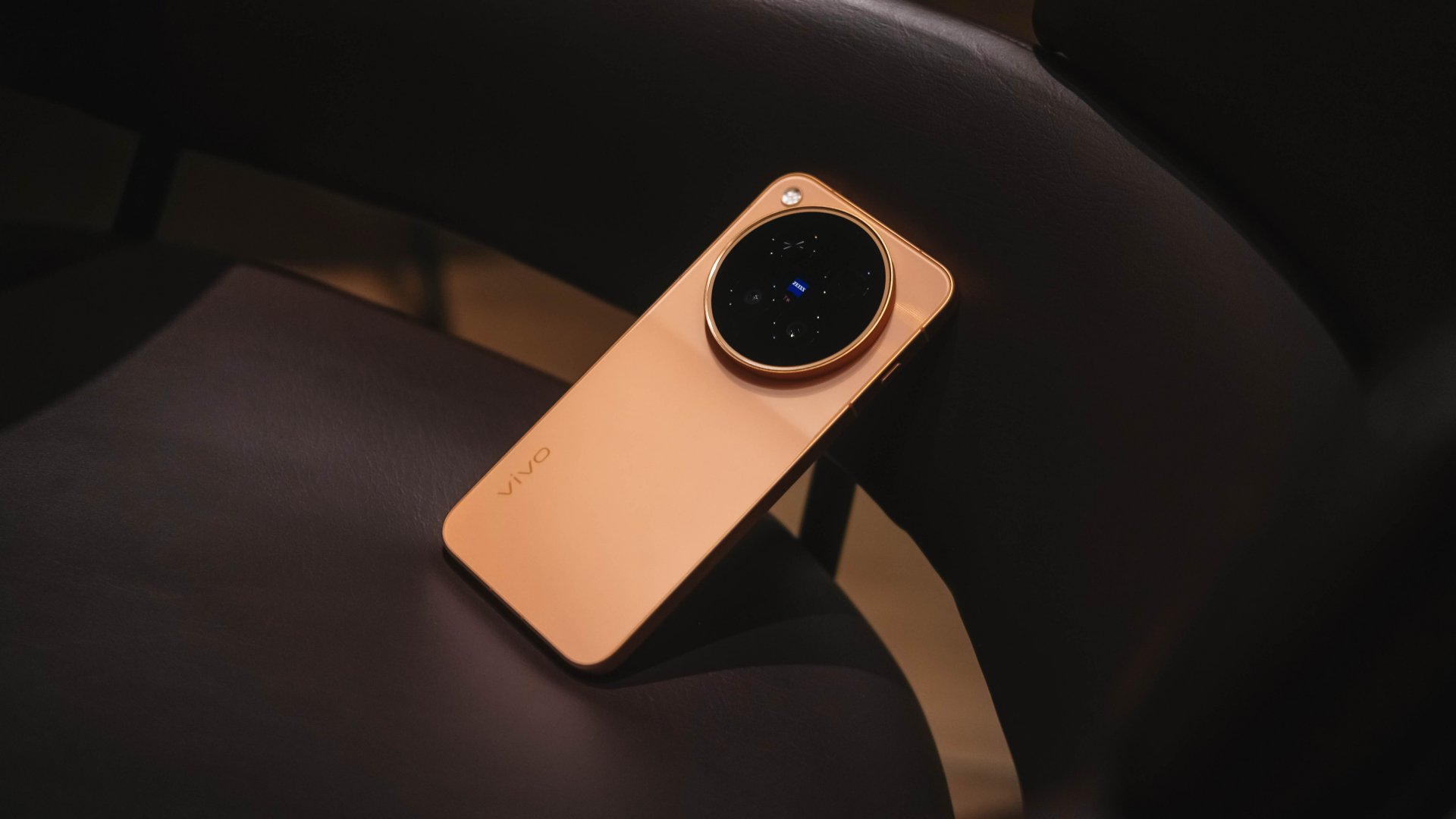
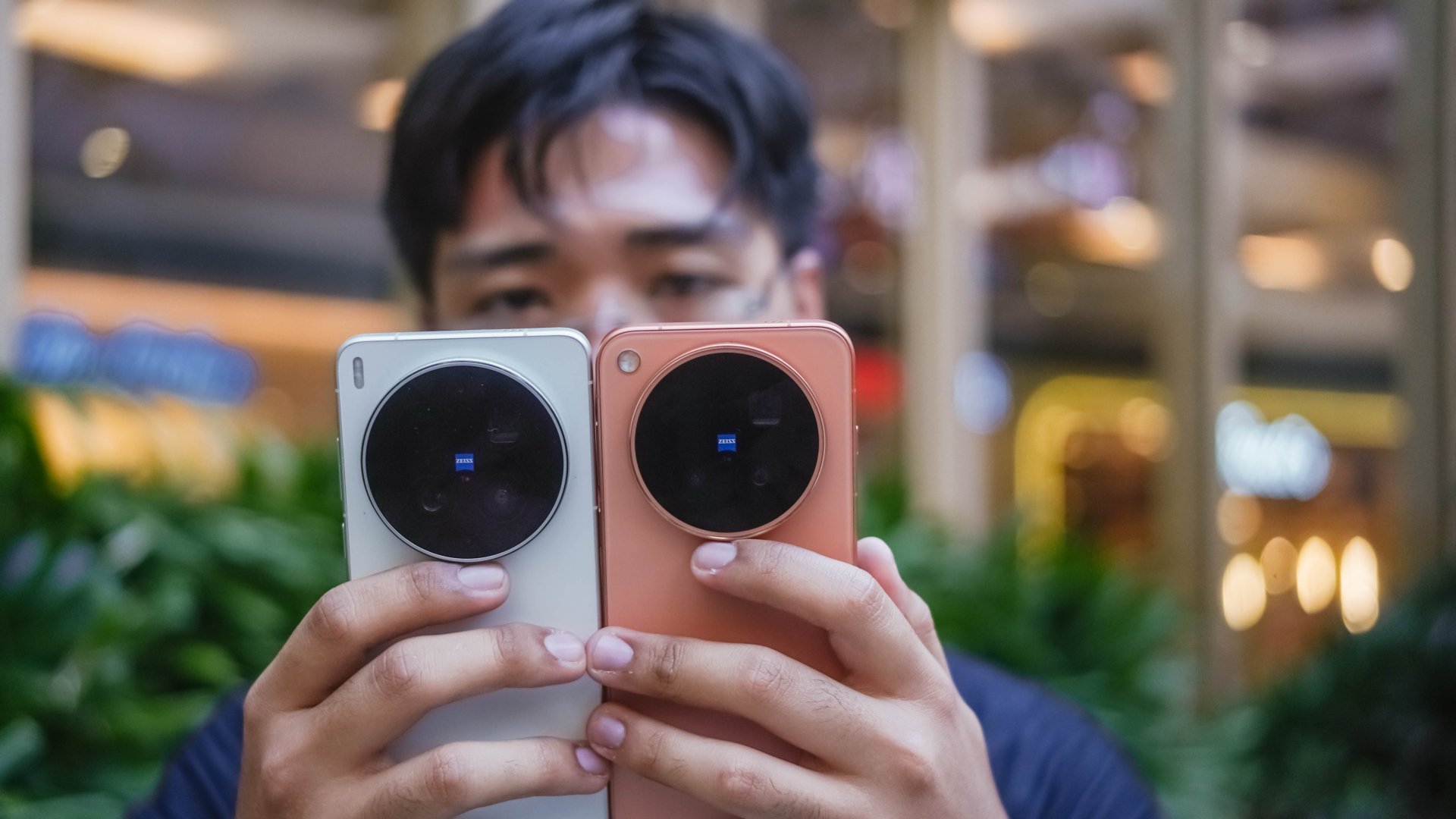
The vivo X500 Pro Max features the unsurprising massive camera center slapped with the ZEISS logo alongside the T* branding.

Despite not having major design changes since the X100 series (except for ditching curved displays), I just don’t get tired of this design language.
While people continuously complain about its massive camera hump and how “top-heavy” it is, I still thank them for keeping it.

More than just its form, it has a valuable function as it serves as a resting place for my fingers — especially when holding it one-handedly.
Clearly, I rock the vivo X500 Pro Max in the Sunset Orange colorway.

If the X300 Ultra has landscape detailing, the X500 Pro Max dazzles with its shimmering sunlight speckles.
Also, that tideline design on its camera module paired with the chamfered edges on its aerospace-grade aluminum frame are nice added touches for better hand comfort.
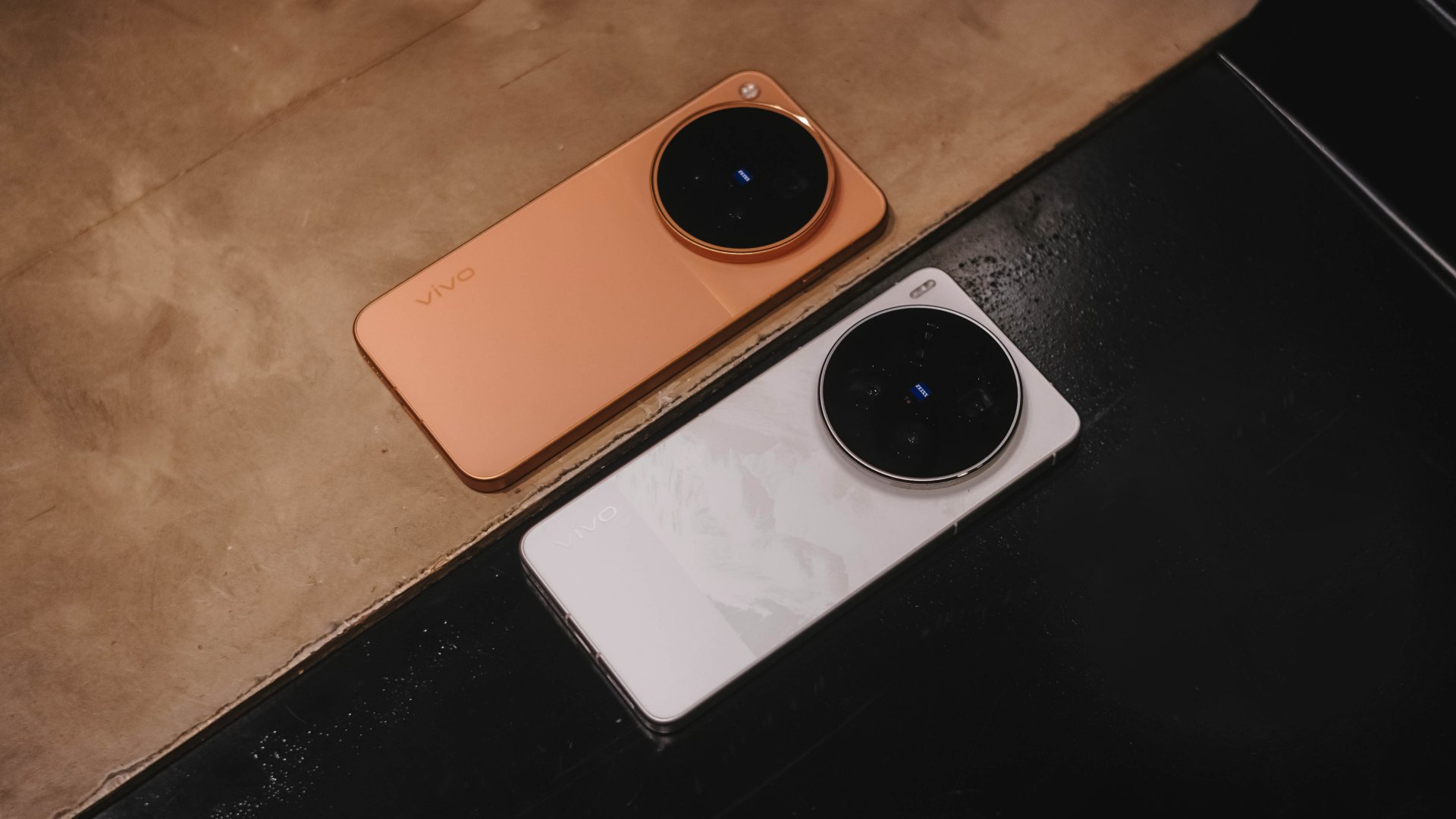
It would have been more appealing though if vivo offered it in cooler colors aside from the monotonous Starry Gray, Sunny White, and Moonlit Black options. (Sorry not sorry, I’m not a fan of the overhyped Burgundy).
Snap wonderful sights, wide or tight
Spoiled by that massive circular back hump, it’s time to talk about the cameras now more than anything else.
As I always say in my write-ups, specs aren’t everything. Still, we’re all here for all the same reason, intricate camera hardware:
vivo X500 Pro Max |
vivo X300 Ultra |
|
Wide |
50MP f/1.57
|
200MP f/1.85
|
Ultra-Wide |
50MP f/2.0
|
50MP f/2.0
|
Tele-
|
200MP f/2.67 ZEISS APO
|
200MP f/2.67 ZEISS APO
|
Extra |
Multi-zone laser focus sensor |
5MP f/2.0 Multispectral sensor |
Selfie |
50MP f/2.0
|
50MP f/2.45
|

While camera hardware alone doesn’t define what the X500 Pro Max is truly capable of, vivo still gave us an indirect response that they are not neglecting nor replacing “Ultra” anytime soon.
And even if their telephoto lens modules are quite alike, the X300 Ultra still has the upper-hand when it comes to both the main and ultra-wide sensors.
But, this isn’t a head-to-head camera showdown. The vivo X500 Pro Max, despite the disparities, is still a Pro-grade flagship shooter of its own.
* 95% of the photographs were shot using my custom V01 preset in the native camera app. Post-color grading was later applied to reflect my creative taste.
🇯🇵 静岡市 / Shizuoka










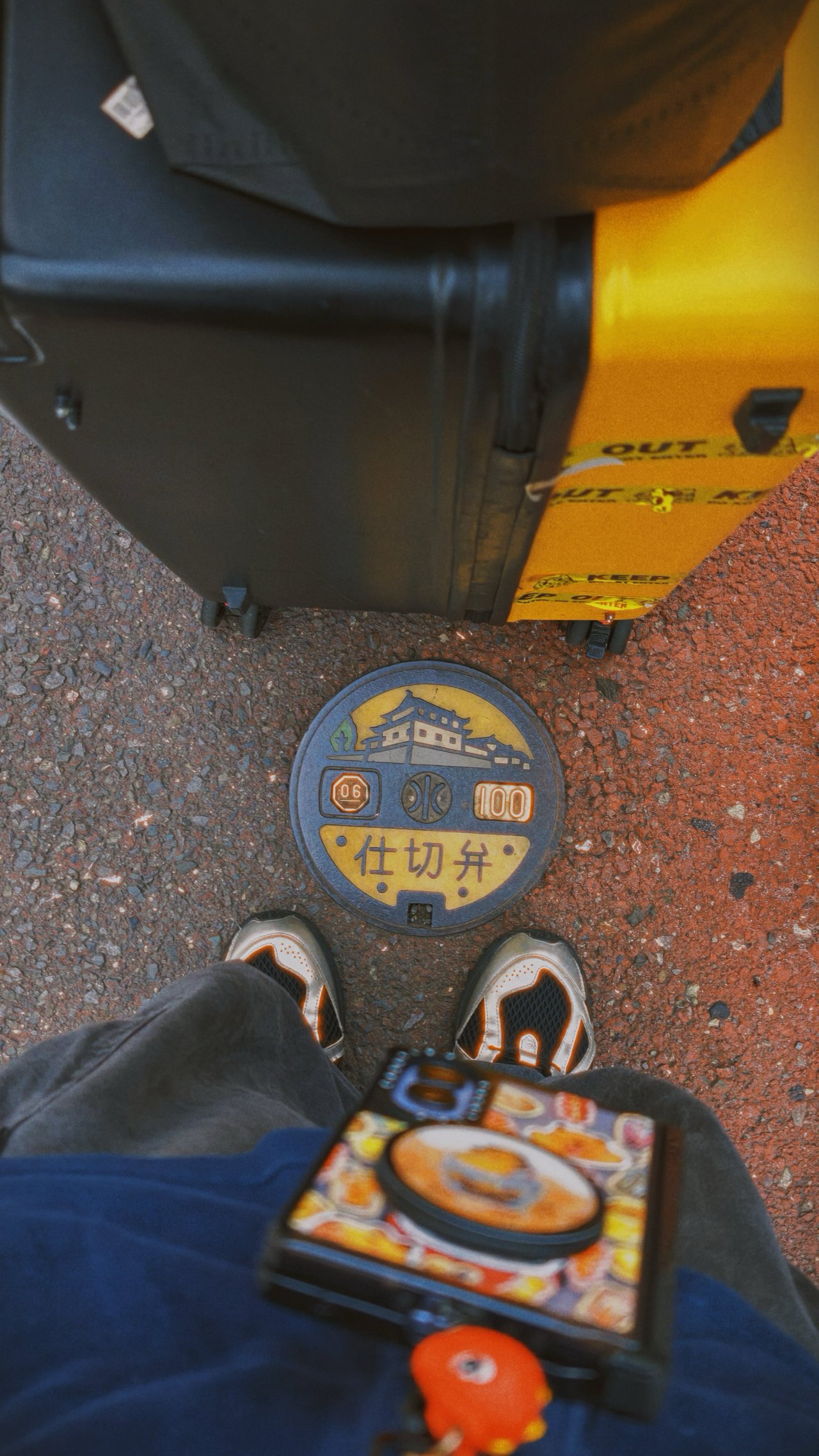


-

- * accidental shot





🇯🇵 名古屋市 / Nagoya
📍 Nagoya-jo




📍 Mirai Tower


📍 Sakae






📍 Osu


📍 Side quests








📍 Chubu Centrair






🇯🇵 富士市 / Fuji









🇰🇷 부산 / Busan
📍 Gwangalli



In these Busan beachcapade shots I took where the sunlight is too harsh during the mid-day while shadows were stronger after golden hour, the new main sensor with its LOFIC technology truly helped in preserving each photo’s dynamic range and contrast.






📍 Haeundae










📍 Cheongsapo








📍 Songjeong



📍 Gamcheon

















🚅 Train Outta Busan



From Japan and Busan’s clean streets to Shinkansen and KTX-Cheongryong’s comfy seats, the X500 Pro Max never slouched a single bit.
🇰🇷 서울 / Seoul
📍 Ikseon-dong
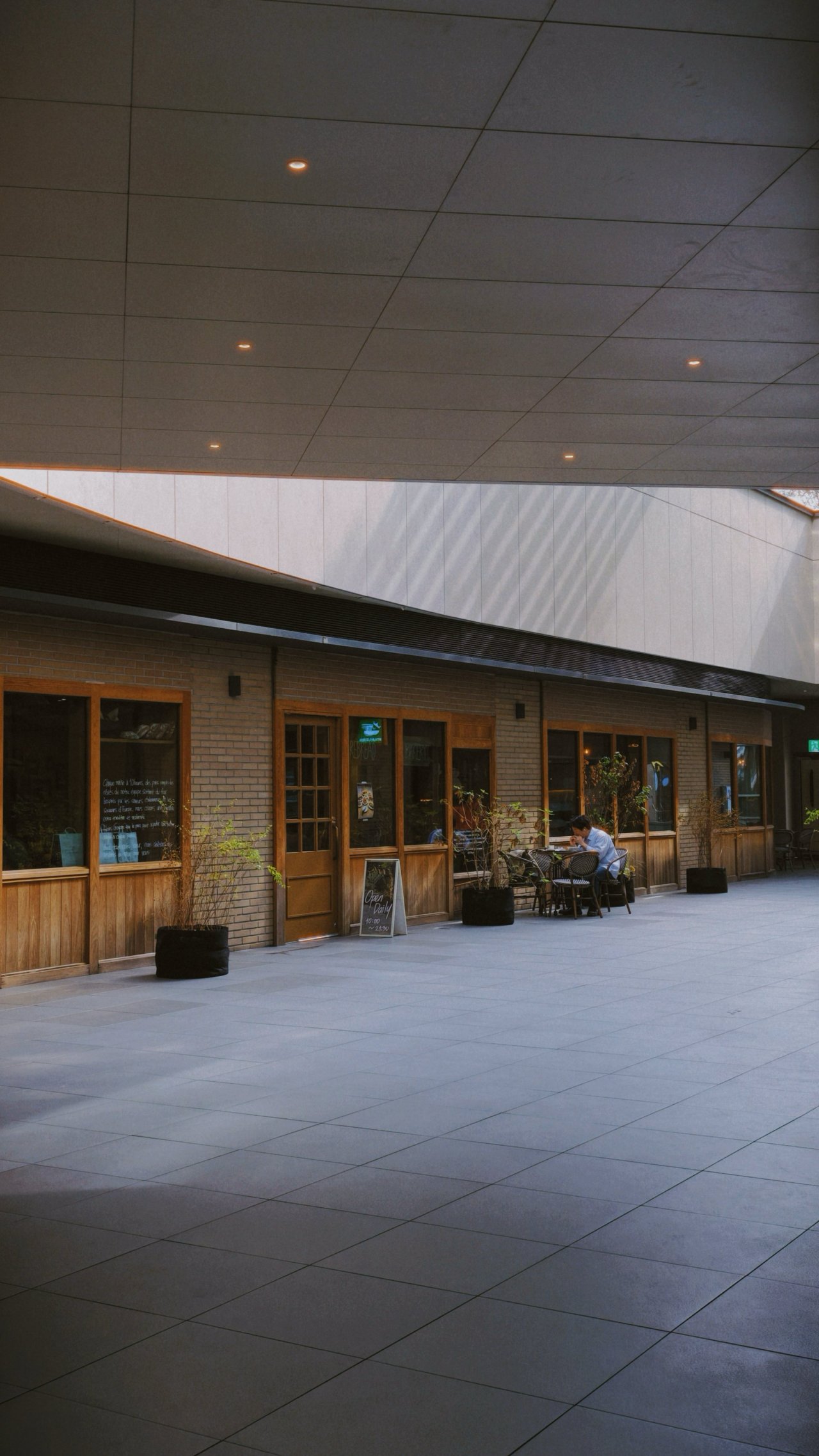
While I stated that I’ve been a full-time user and enjoyer of the rare 35mm main camera of the X300 Ultra, I’ll admit I missed the conventional 24mm focal length for scenes that require a wider perspective.



This focal length became handy-dandy when I tried taking photos of Gamcheon’s steep alleyways and the narrower streets of Ikseon-dong.


📍 Seongsu




📍 Namsan



However, there were times that X300 Ultra’s ultra-wide shooter makes more sense — especially when trying to capture wider than wide perspectives, especially at night.




That doesn’t mean the X500 Pro Max lacks in the UWA department. It’s just that the X300 Ultra evidently performs better due to its larger sensor.
If you’re the type who shoots group photos, expansive landscapes, and even building interiors or façades, this is a dealbreaker.
🌊 Hangang (Han River)
📍 Jamwon




📍 Ichon








📍 Banpo





🌃 More night sights
📍 Cheonggyecheon



📍 Myeongdong, Gyeongdong, Itaewon













📸 X-tras
🍜🍡 Delight in every bite








🌺🐰 Fauna and flora



** Samples below until the concert segment were captured only with vivo’s built-in BlueImage presets (Vivid, Refined)









Little to teach for a far more reach
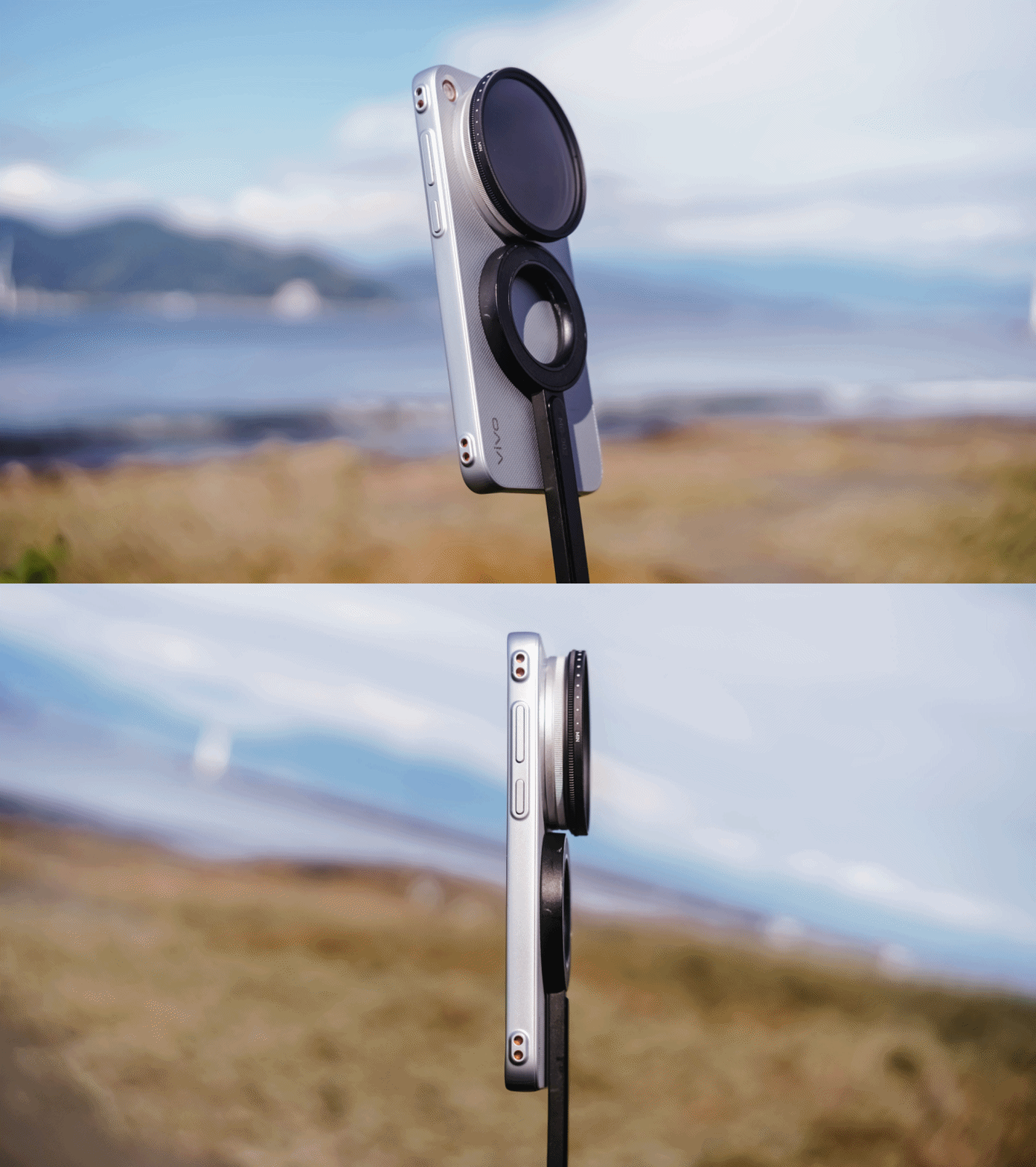
I finally got to try vivo’s special Photography Kit I’ve been dreaming of ever since its debut with the China-exclusive X200 Ultra.
Assembling one is noob-friendly. Once you figure out how the twists and locks work, it will be an easy-peasy process every time you want to use it.

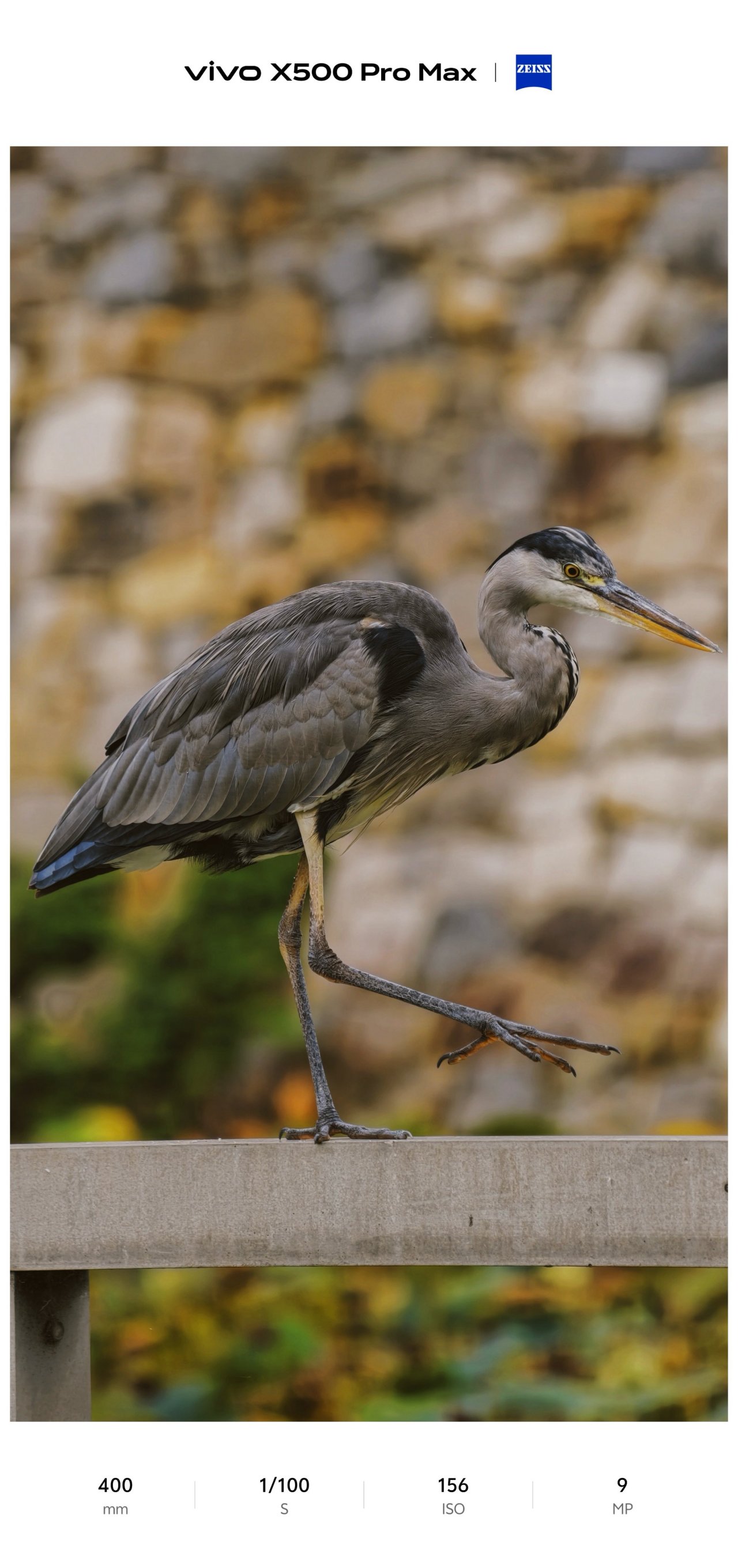
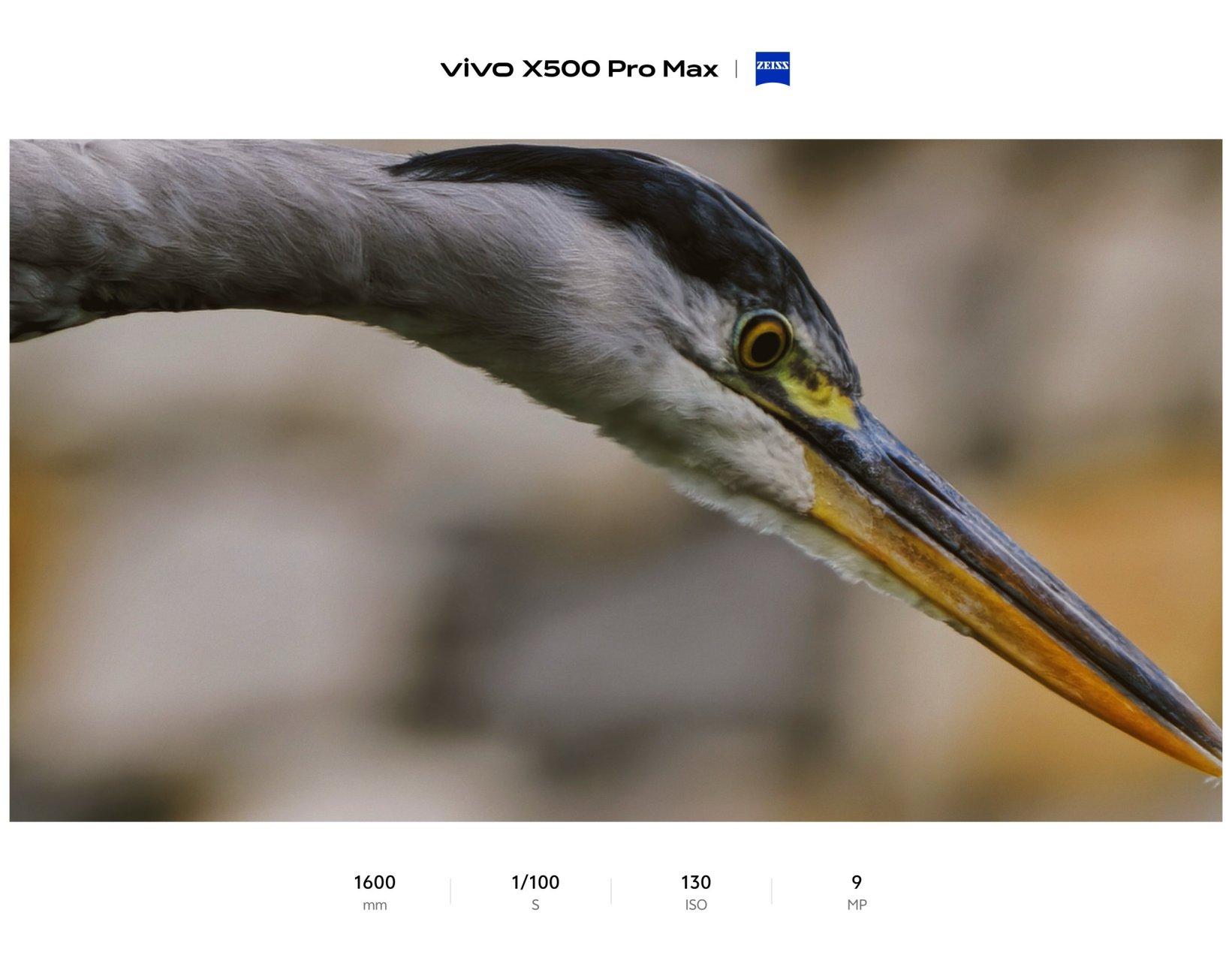
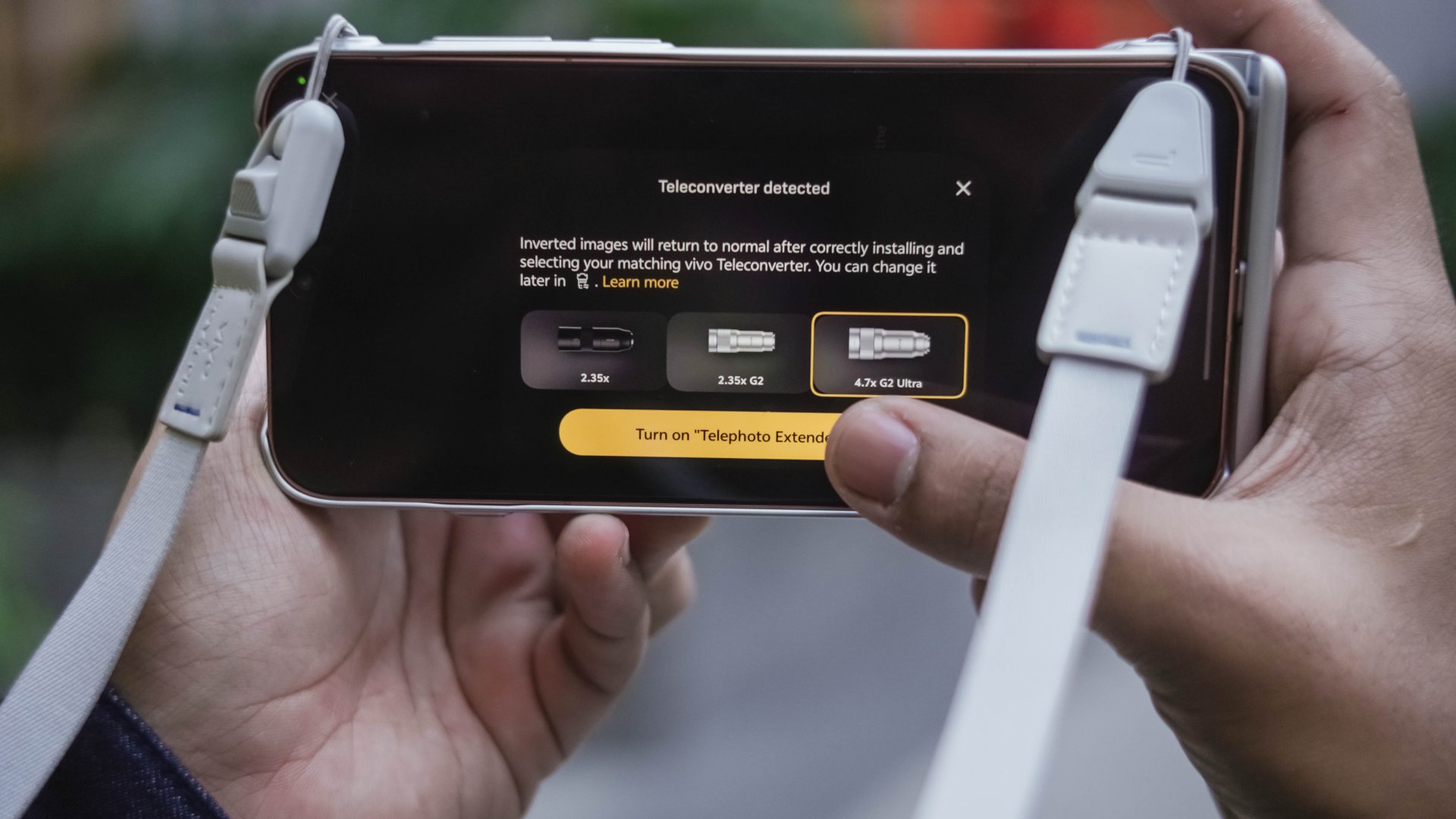
Although the vivo G2 and G2 Ultra teleconverter lenses aren’t new to the lineup, they remain excellent companions to the X500 Pro Max, further extending its already impressive optical zoom.
Both lenses allowed me to capture distant subjects with greater reach and detail across these shooting scenarios:
🕊️ Unintentional bird-watching / Nagoya-jo


🚅 Diorama drama / SCMagLev and Railway Park







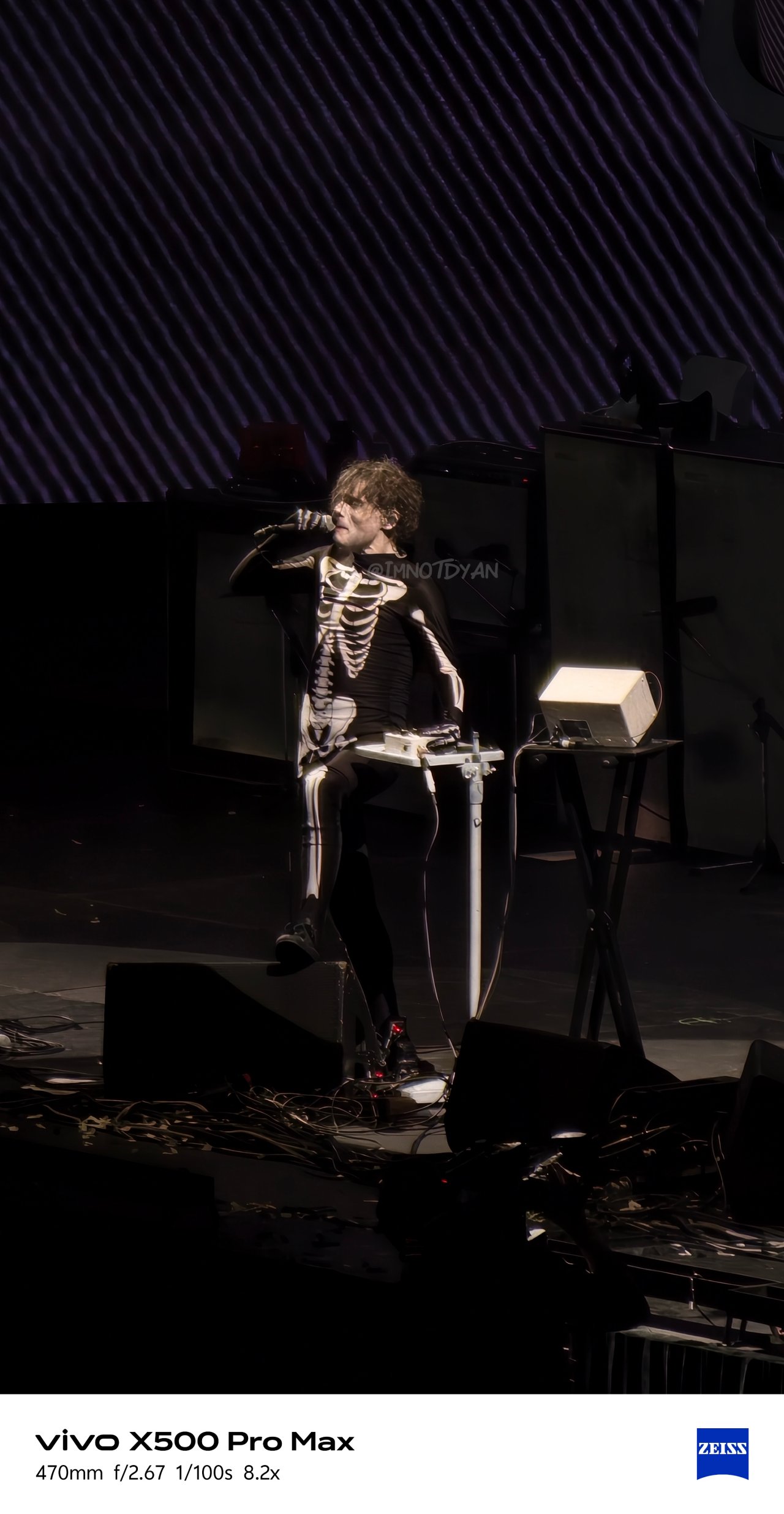
🖤💀🪦 MCR – My Chemical Romance / PH Stop




On the other hand, that battery grip made shooting more ergonomic and faster when attaching with either of the two lenses (which are honestly hefty).
Now, is this the most practical setup for everyone? Probably not.
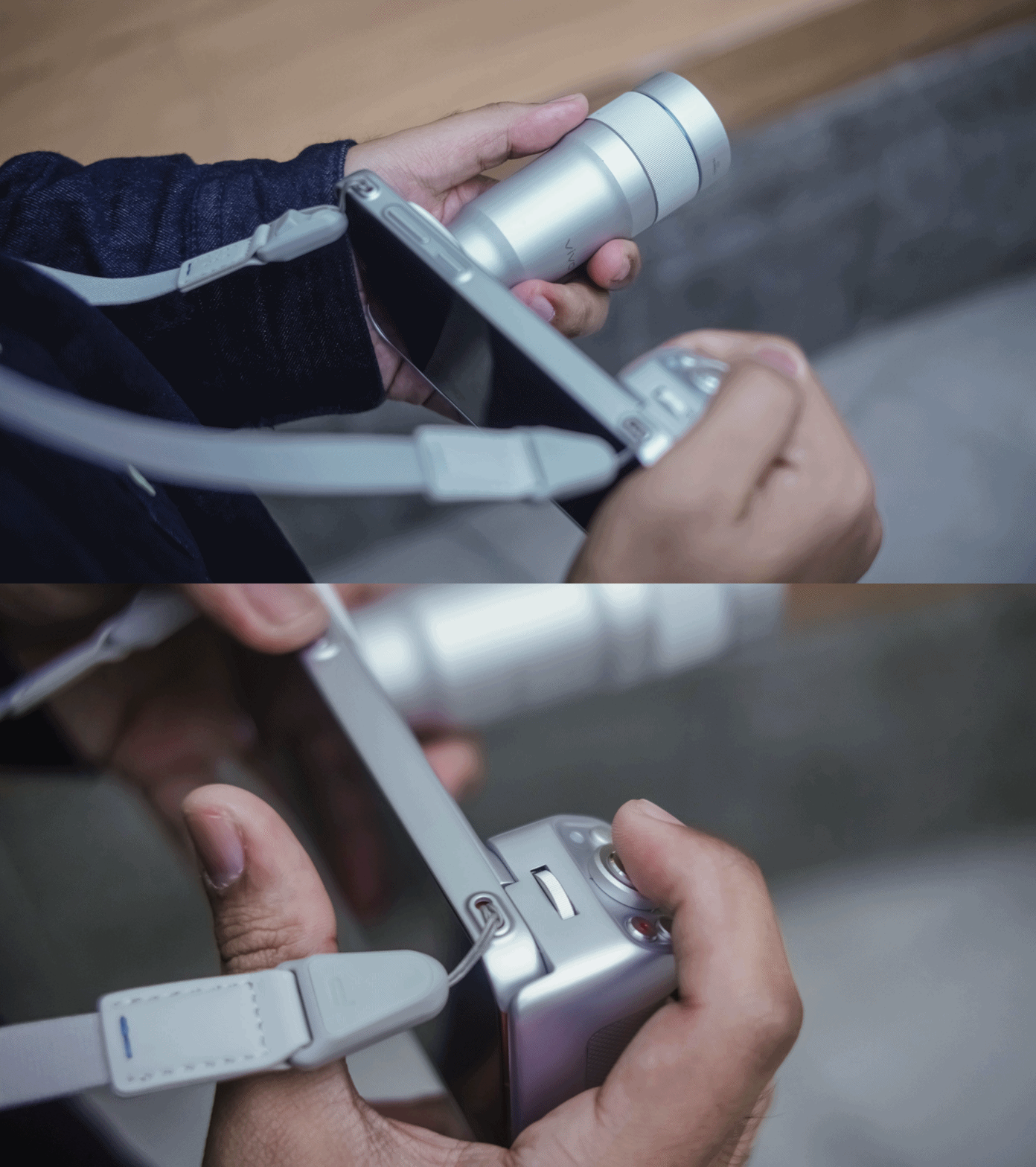
For us who enjoy experimenting with intricate settings, different focal lengths, playing with colors, and capturing subjects from afar, buying the full photography kit is a no-brainer. But for casual users? The phone alone is more than enough.

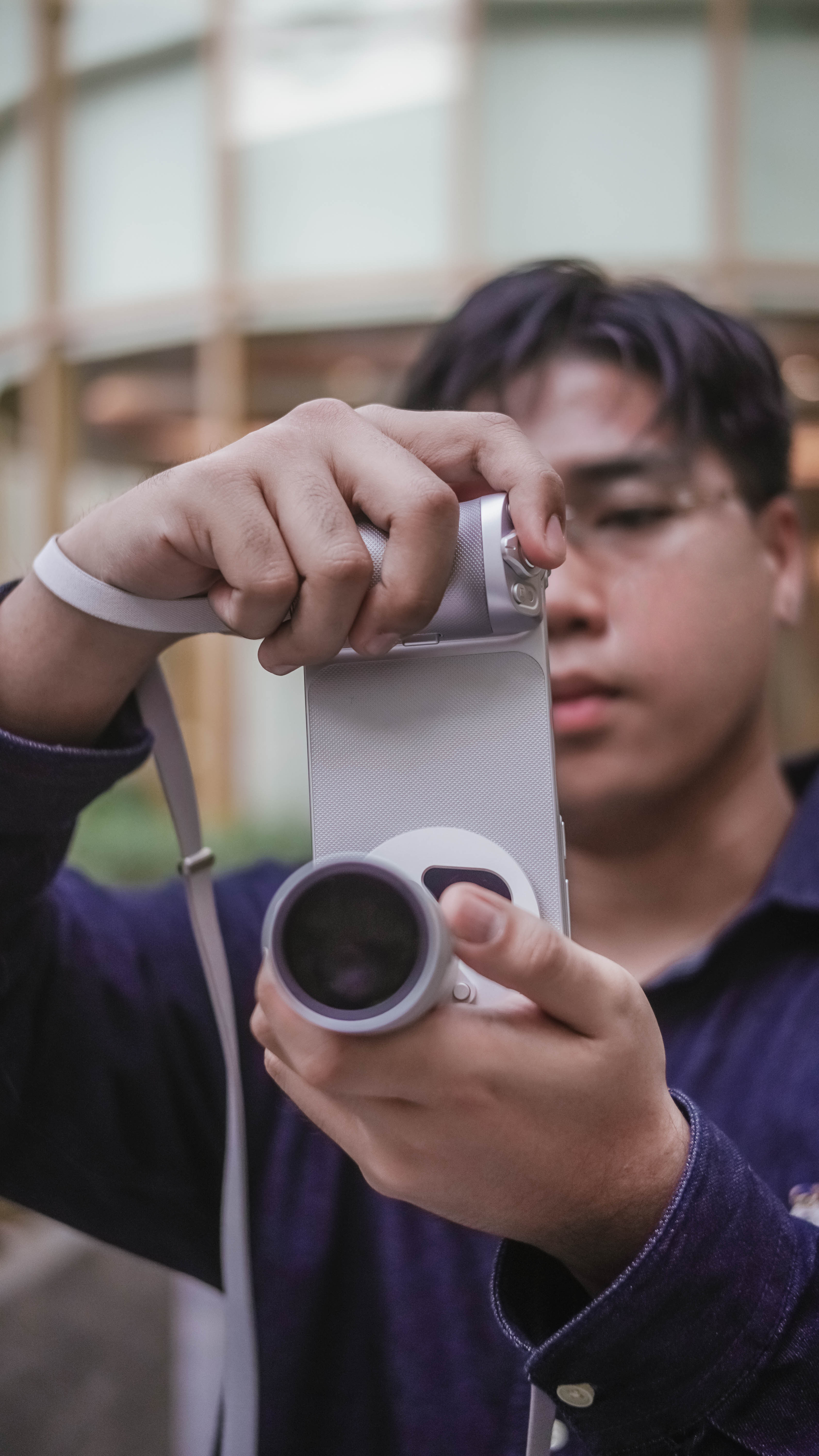

But how is this setup any different from the X300 Ultra? Well, let’s move on to these two more accessories I’ll mention.
ICYMI, I celebrated my birthday alone in a far away land for the first time in forever. That meant the vivo X500 Pro Max was my only shooting companion.

vivo’s new magnetic wireless monitor was something I never thought would be my travel companion.






It’s a true blessing for any solo traveler slash introvert (like yours truly) who never asks a stranger for a travel portrait memento.
The newer magnetic case also helps bring the experience together, making the monitor setup more convenient to use.
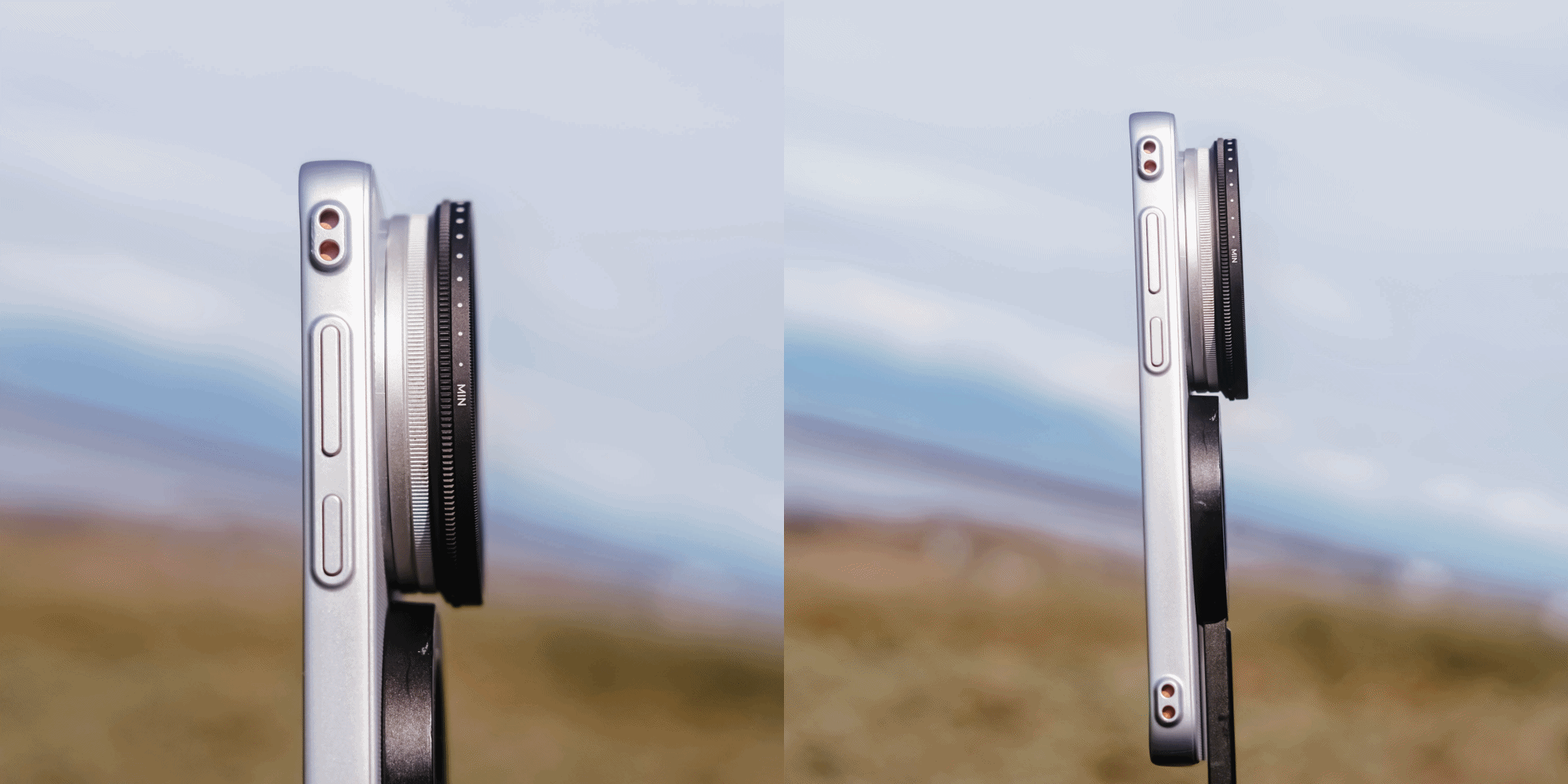
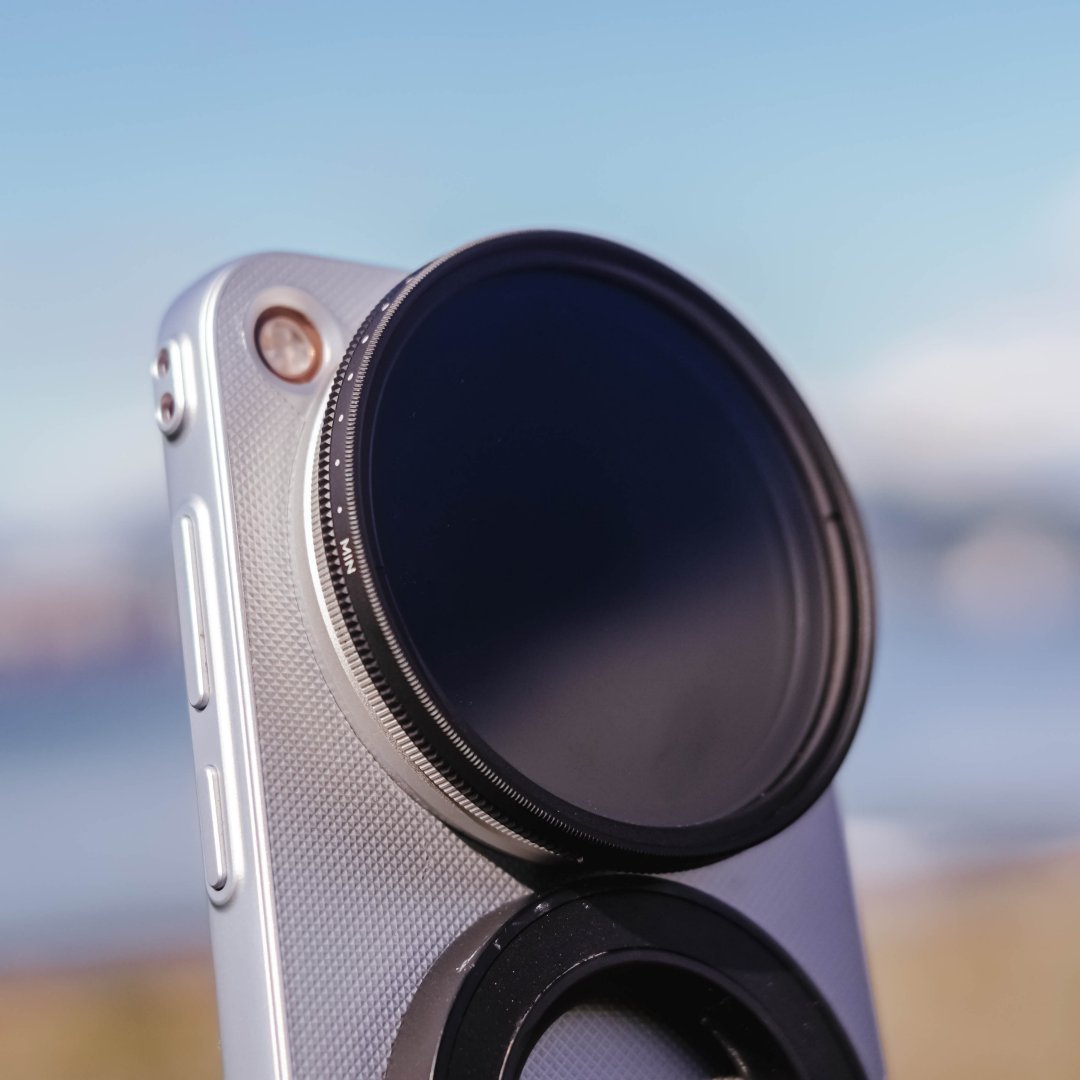
vivo also included a separate filter thread aside from the special lens mount. It serves its purpose as my 67mm variable ND filter attached seamlessly.
For me, these truly MAX out the vivo X500 Pro Max-perience.

Even if the camera bump was placed slightly higher, it still won’t make MagSafe accessories fit properly. You’ll only get it on the X300 FE or base X500 Pro with its smaller camera island (or plateau).
Slo-mo glory with a shaky story
The vivo X500 Pro Max is the first ever smartphone that can record footages in extreme 4K / 240fps.
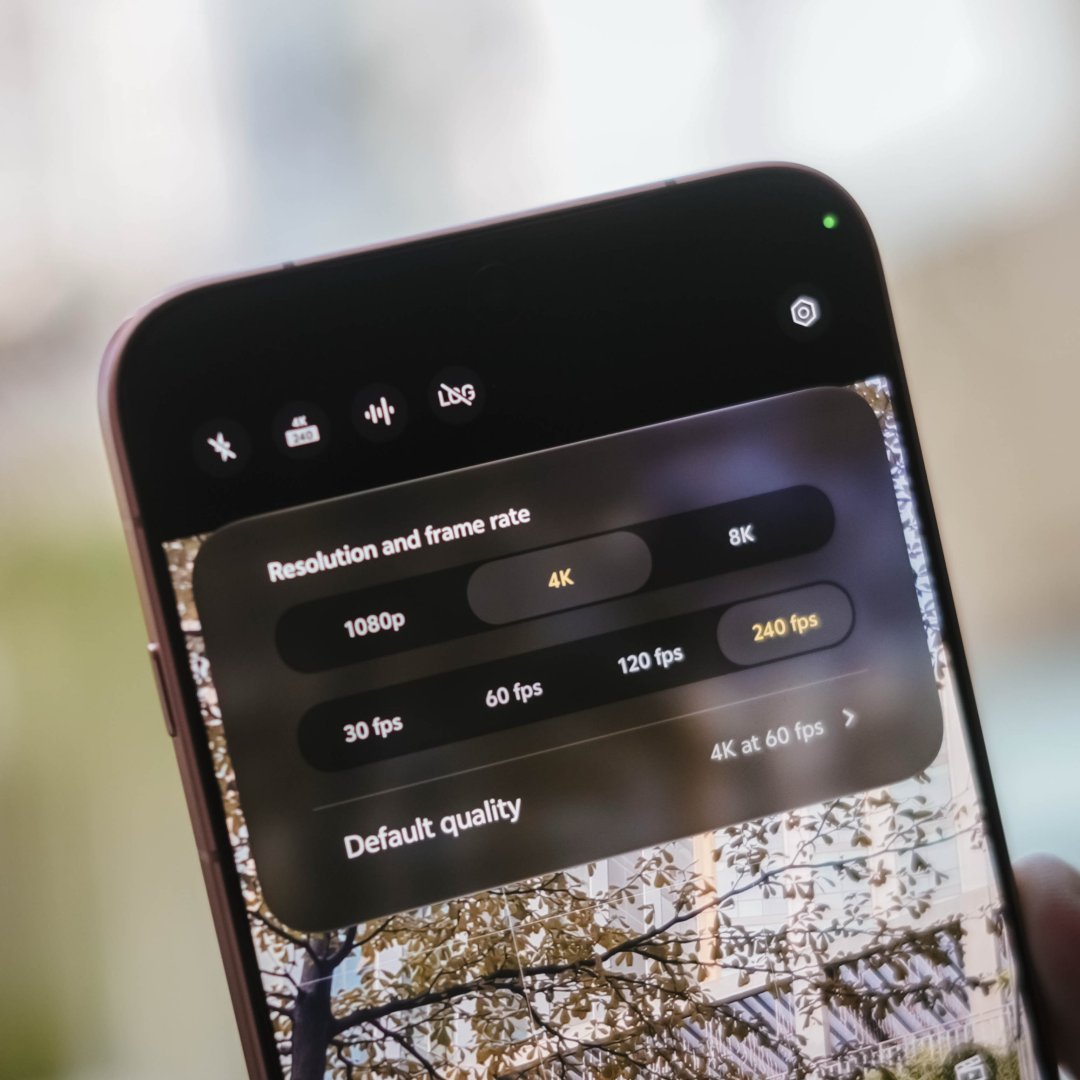

For someone who shoots in 60/120fps a lot, hearing this feature wowed me at first. Until I finally used the feature one fine day in Japan.
First, this capability is only limited to 1x shooting. No ultra-wide support. No telephoto slo-mo clips as well.
That also meant attaching the teleconverter kit lenses will lower it down to 120fps shooting.
But that isn’t my major concern. Rather, the lack of video stabilization.
That means you can’t simply point the phone at any moving subject, walk around, and expect smooth results.
I tried shooting as firm as I can without any panning or movement. I even attached it to a MagSafe tripod but it didn’t help much.
Even having several software updates, it still performed the same way. The only solution? Drag it to your laptop or PC and do post-edits.
In my case, Apple’s Final Cut Pro works best in this over Adobe Premiere Pro’s warpy and janky post-stabilization performance.
Hopefully, the next vivo flagship brings this fresh feature along a stabilization support across all lenses.
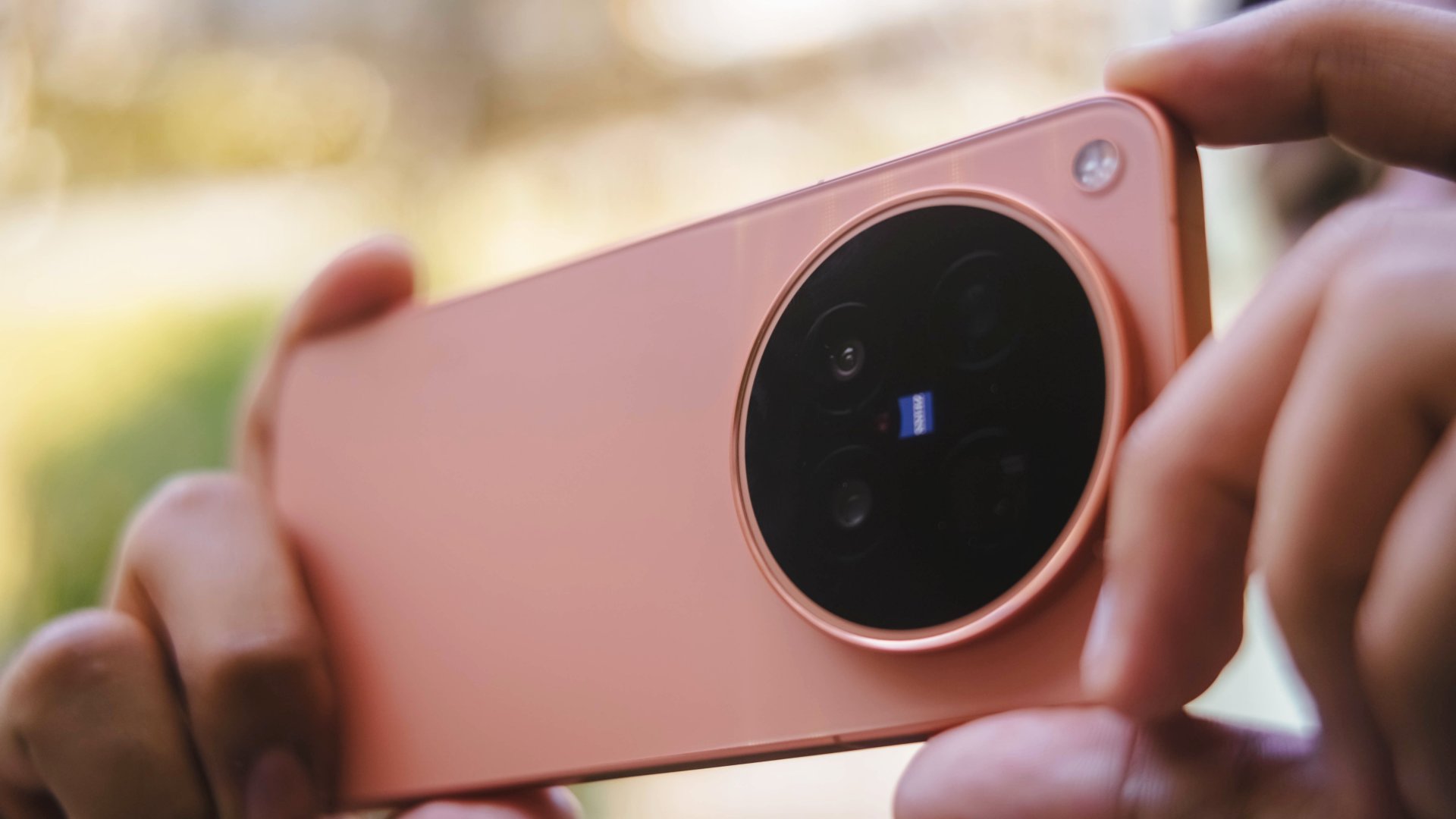
While this sounds like a heavy disappointment, it’s still worthy to note that X300 Ultra exclusives were also brought to the X500 Pro Max. Those include Pro Video Mode and LOG recording, as well as the film-focused Film Style mode, or even formulate your own color recipes with the Color Palette functionality.
Display delight, day or night
Consuming content is another way to appreciate the phone beyond its photography and camera capabilities.
Coincidental or not, the premiere of Doctor X: Mafia in White on Netflix happened during the second week of my review period.
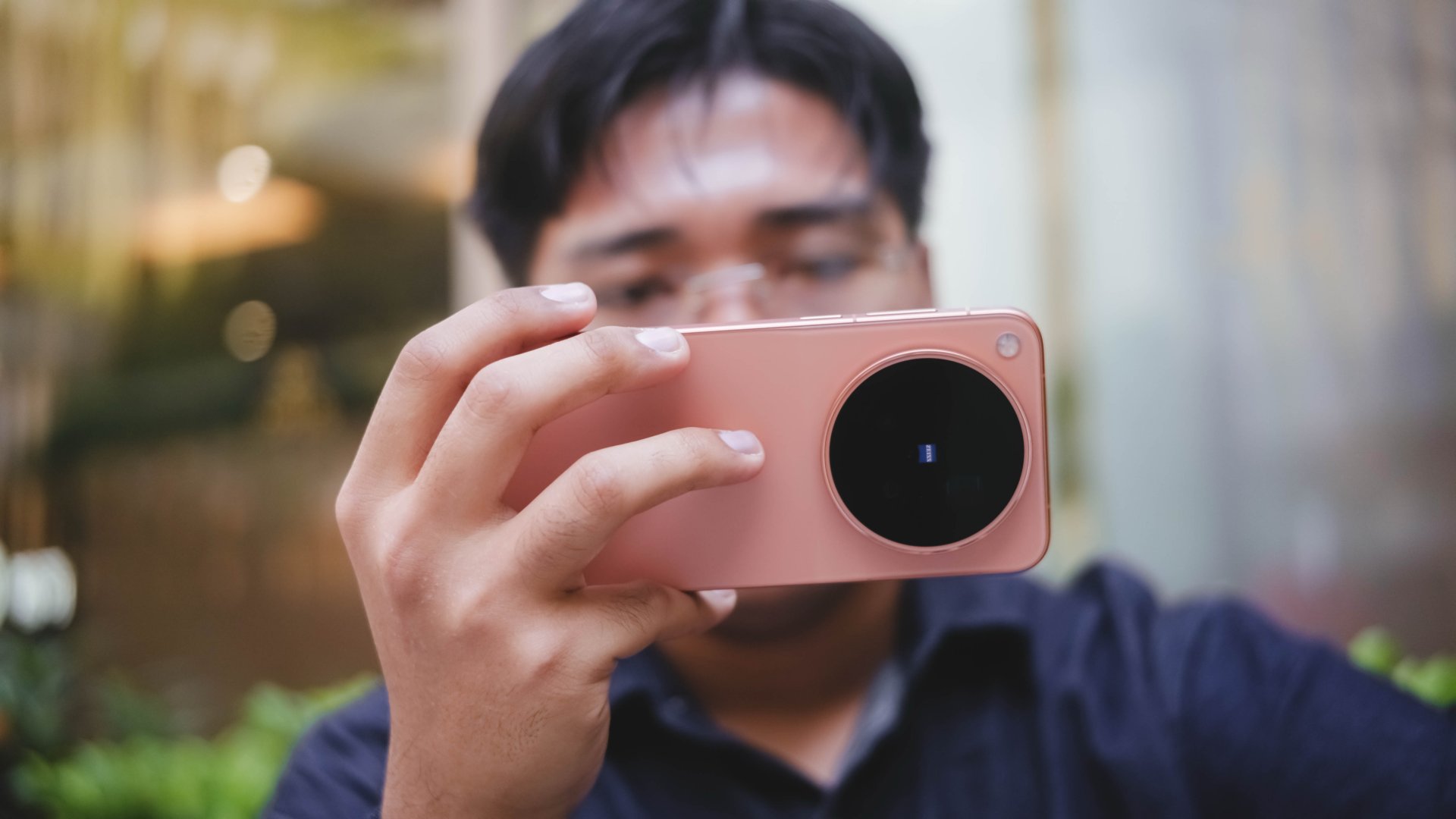
Comparable to Kim Ji-won’s blank-faced character, it’s the same with X500 Pro Max’s display. You’ll never know what that blank screen offers.
Diving deeper meant realizing that it’s one of the purest displays — just like Doctor X’s pure heart and soul.
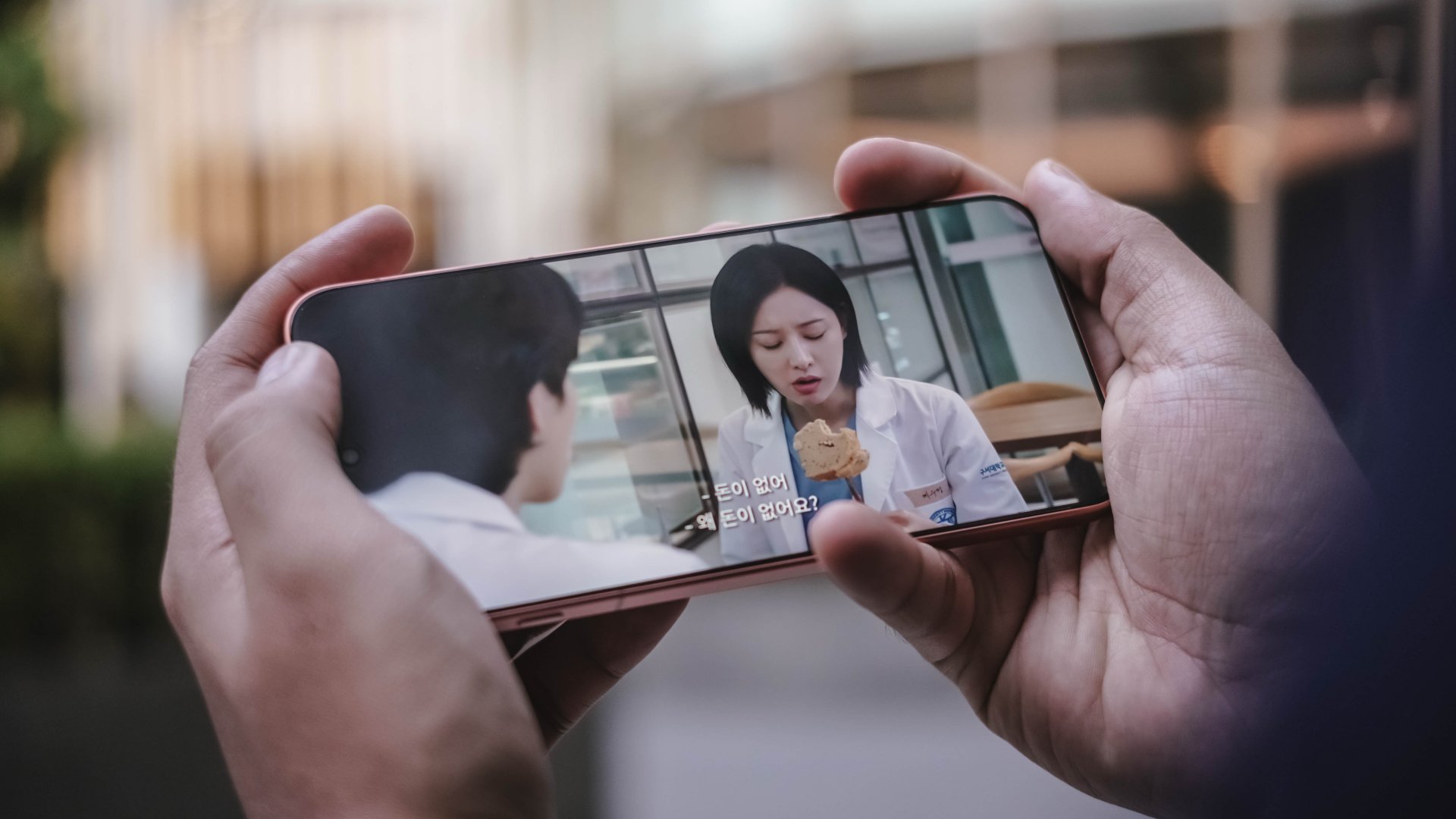
Her exceptional surgery skills also remind me that the X500 Pro Max offers an outstanding smartphone display.
As sharp as Gye Su-jeong’s eyes, this phone also offers sharp details with its 507ppi pixel density alongside 2K resolution.
While it’s normal for any modern flagship to feature 100% DCI-P3 wide color space alongside support for HDR10+ and Dolby Vision content, it’s also worth noting that it supports 4400 nits high peak HDR brightness and an ultimately-low 1 nit when needed.

It’s also the first vivo smartphone to feature a bigger 6.85-inch LTPO AMOLED display. While it doesn’t scream much, it’s still slightly bigger than vivo’s standard 6.82 inchers.
Despite all the display specs I mentioned, this is also a reminder that a great display is also how we comfortably use it for our favorite content for longer periods of time.

I’m just happy to report that I never experienced any eye fatigue during my time with it. Be it in the plane or my capsule bed, the X500 Pro Max was able to serve me right both in low-light and under the harsh sunlight.
Every beat is a real treat
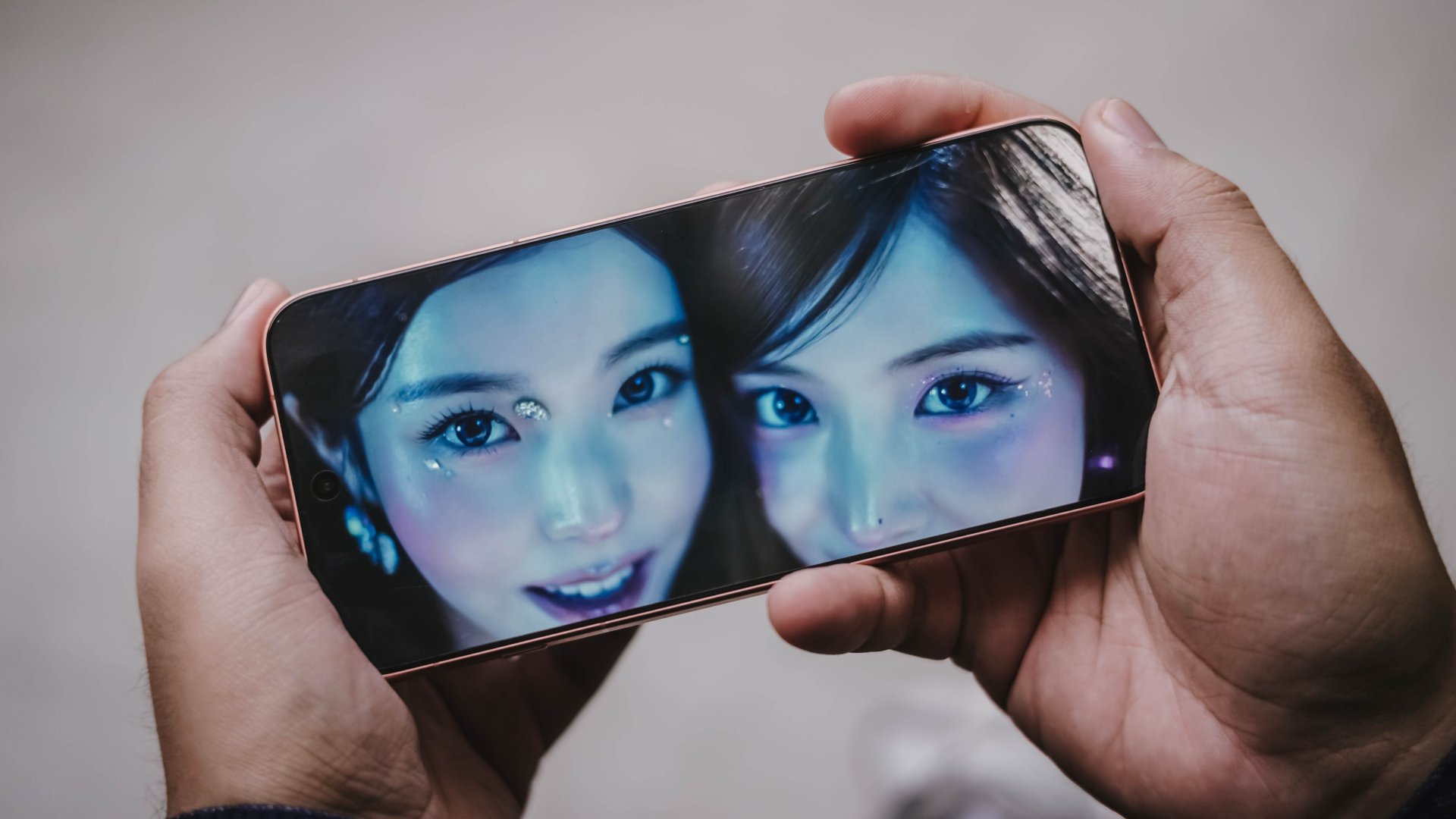
While I use my wireless earbuds 90% of the time, I still play the latest K-releases through a phone’s loudspeakers as long as I’m inside my room (or bathroom).
Another coincidental thing like Doctor X? The grand debut of A2O Soul and A2O Lite all happened during my stay in South Korea. I was instantly mesmerized by the addictive tune of NEON and got a little bit nostalgic as it leans more towards 2nd-gen K-Pop.

On the other hand, SUPERSTAR is something most people won’t get used to the first time they listen to it. However, playing it non-stop will make it as addictive as their sister group’s debut track.
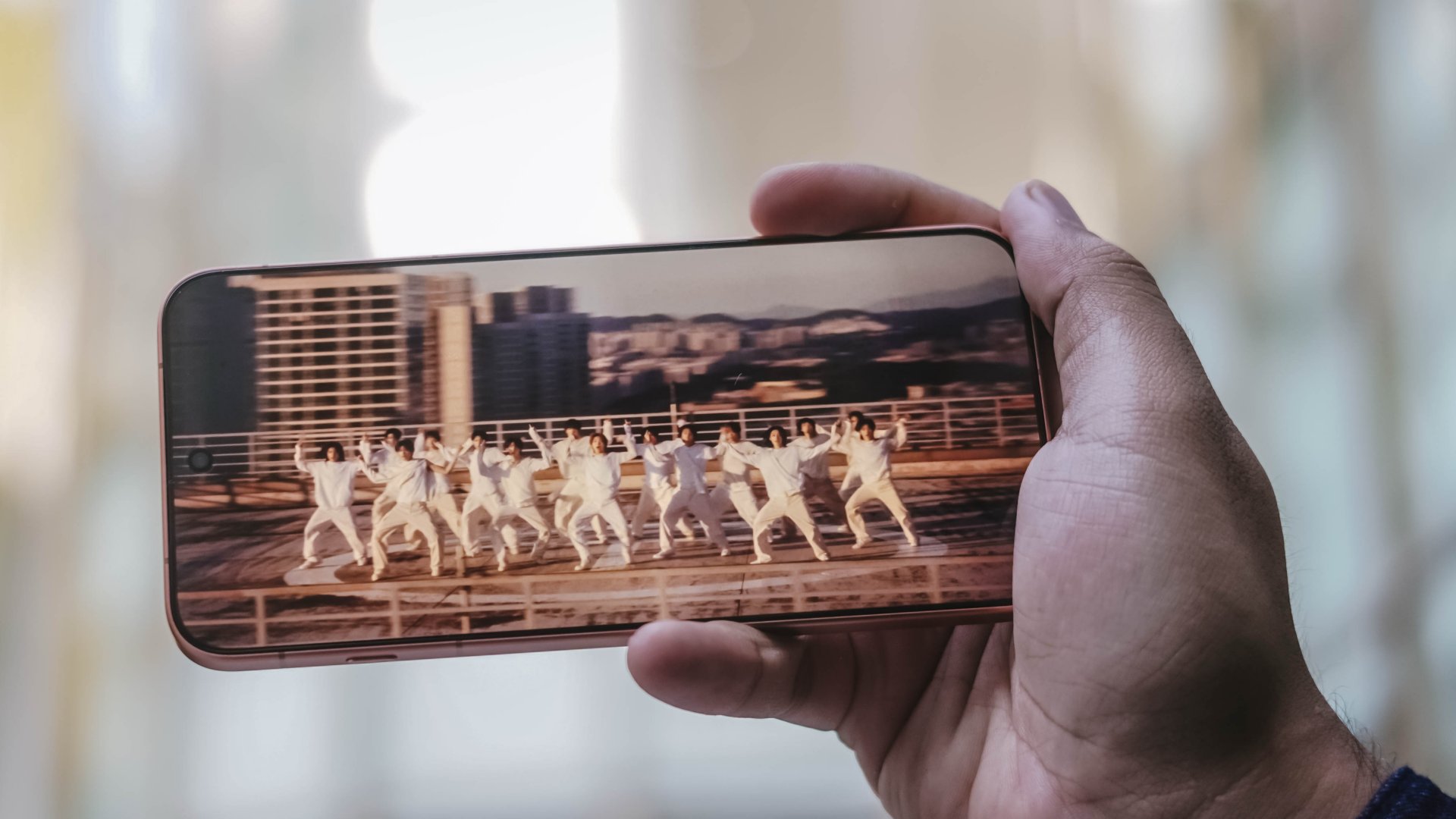
A bittersweet feeling after all that fleeting? NMIXX’s Birthday Wish’s was released a day after I got home from my Seoul trip.
On Apple Music, I listened to tripleS’ ANDLESS and Xdinary Heroes’ Obsessed with Youth in Lossless quality. Unlike the previously mentioned songs, these songs are instrument-heavy.
Of course, the separation of highs, mids, and lows can be heard even in high volume.

While playing Lossless doesn’t fully guarantee that every part of the listening experience will be superior, it’s still the best audio quality you can possibly get in any smartphone. That said, your playback setup still matters.
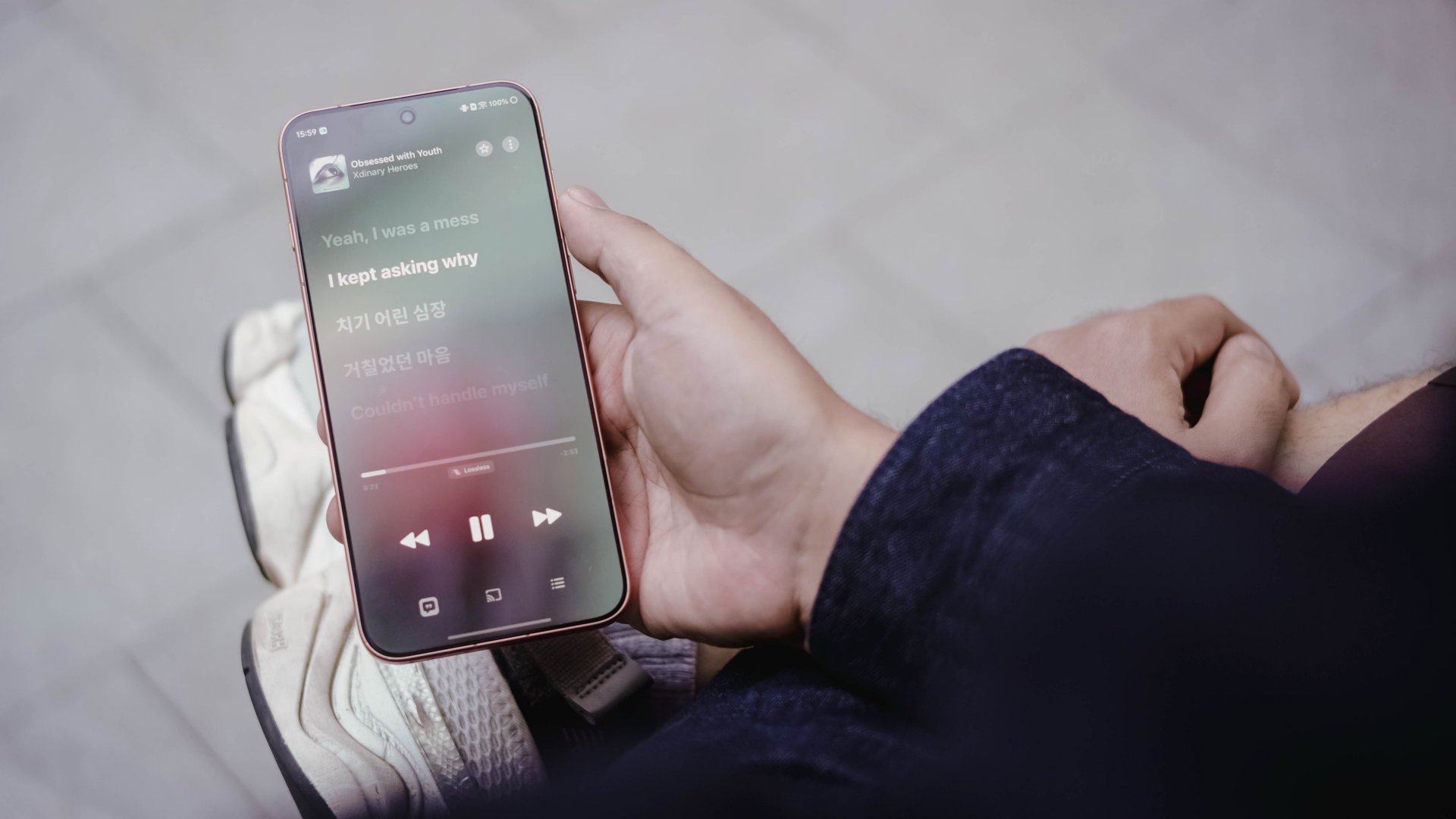
What I can guarantee is that, the X500 Pro Max has one of the best loudspeaker setups in any smartphone today. It complements the display and performance that already make it an appealing all-around device.
Slay that play
Just like vivo’s first “Pro Max” smartphone, MediaTek also welcomes its first “Pro” chip (and also their first to be fabricated in TSMC’s 2nm process).
Lo and behold, the vivo X500 Pro Max runs the latest and greatest Dimensity 9600 Pro SoC.

Its monstrous core wants to defy the negative perception of tech nerds whenever they hear “MediaTek.”
As we always say in this website, we don’t munch on numbers. Go get those benchmarks elsewhere.
That said, my real-world gameplays will still prove how beast of a chip this is.

First and foremost, HoYoverse’s Zenless Zone Zero. For all we know, it’s one of the most graphics-intensive games out there. Surprisingly, the Dimensity 9600 Pro treated it like any other ordinary game.
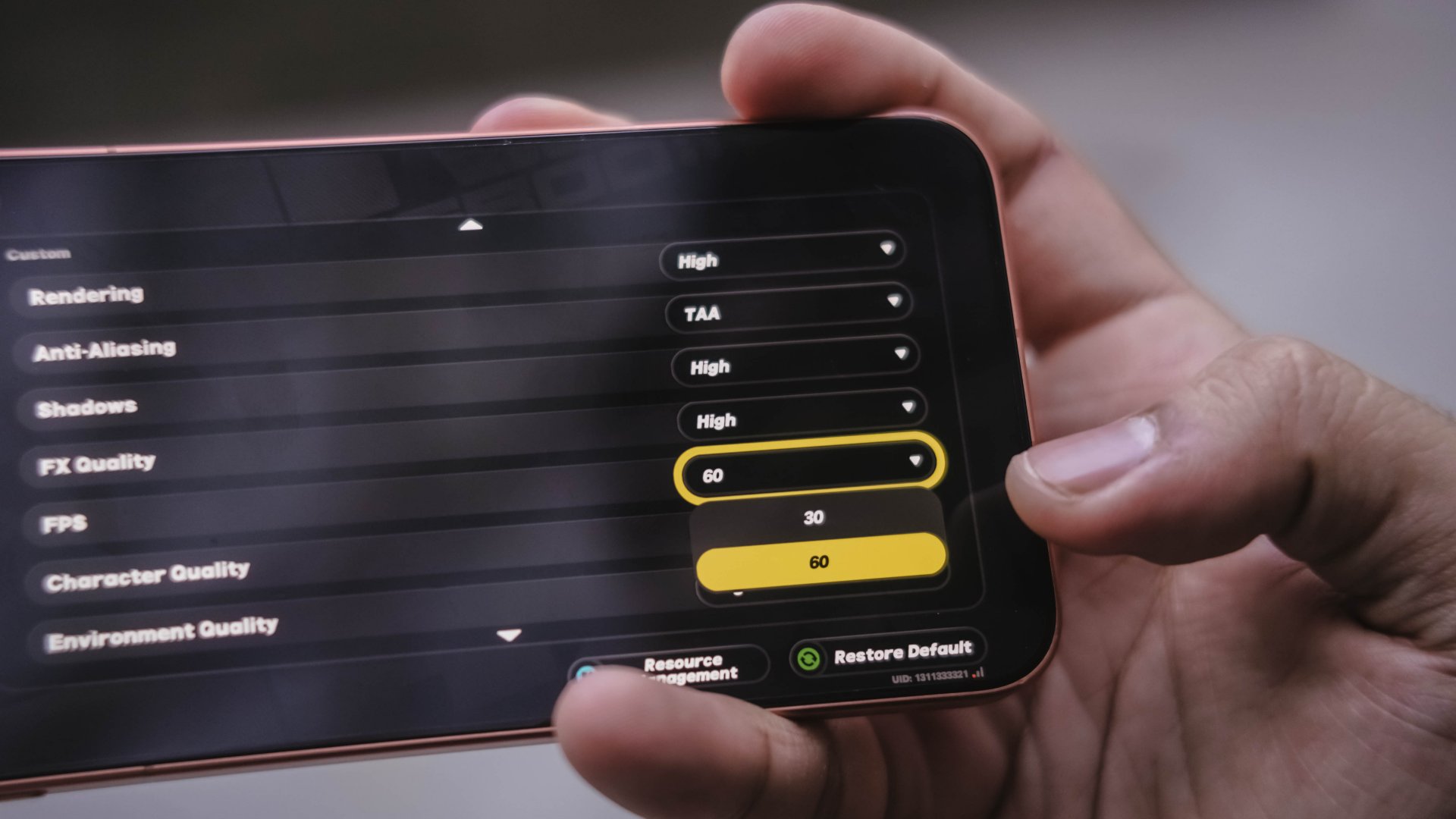
While High settings are on by default, it can even go further as I was able to play the game ever-so-smooth by enabling its 60fps frame rate setting.
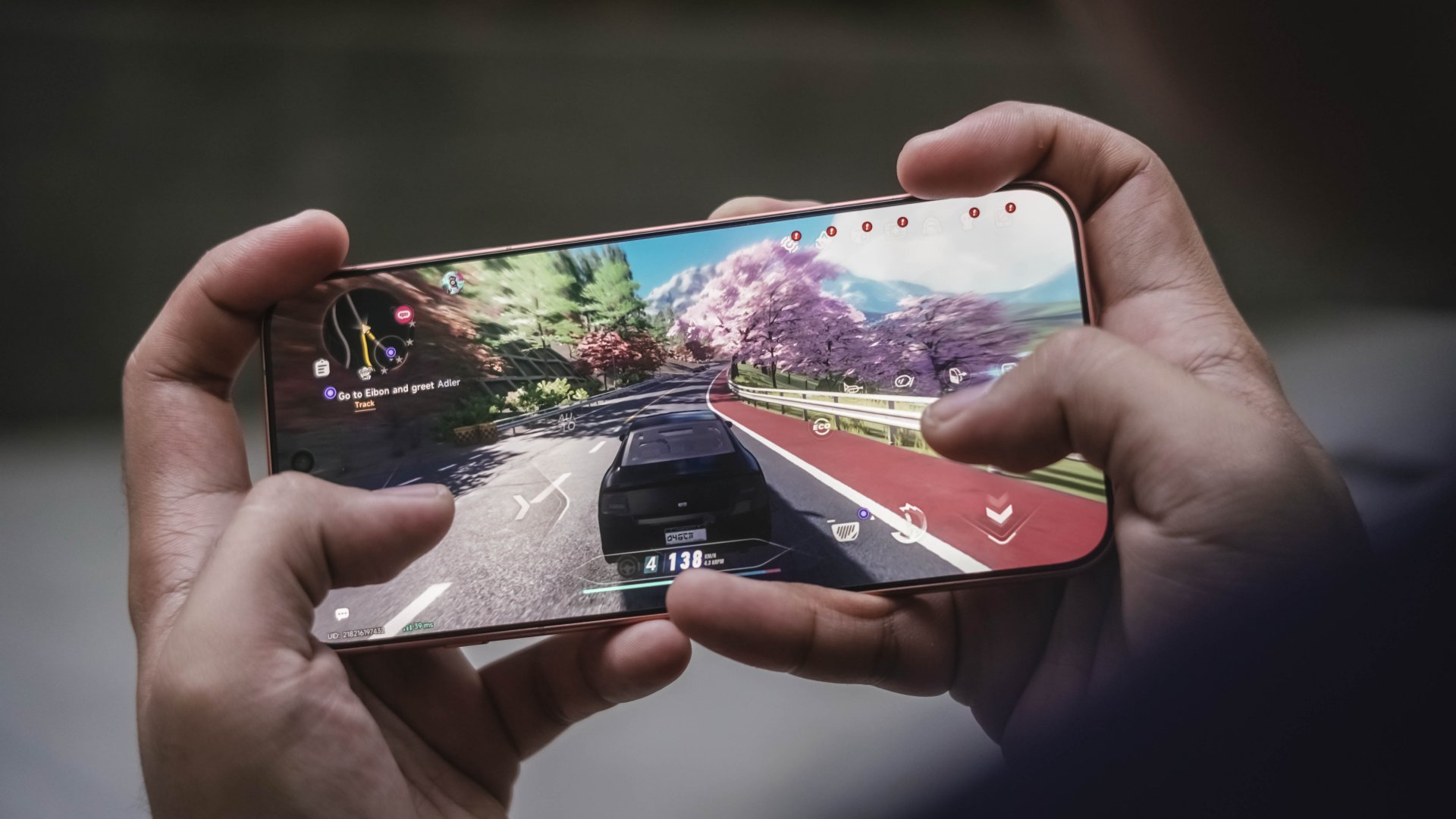
Neverness to Everness (NTE) comes second. Again, frame rate can be toggled at 60fps with settings set to extreme.
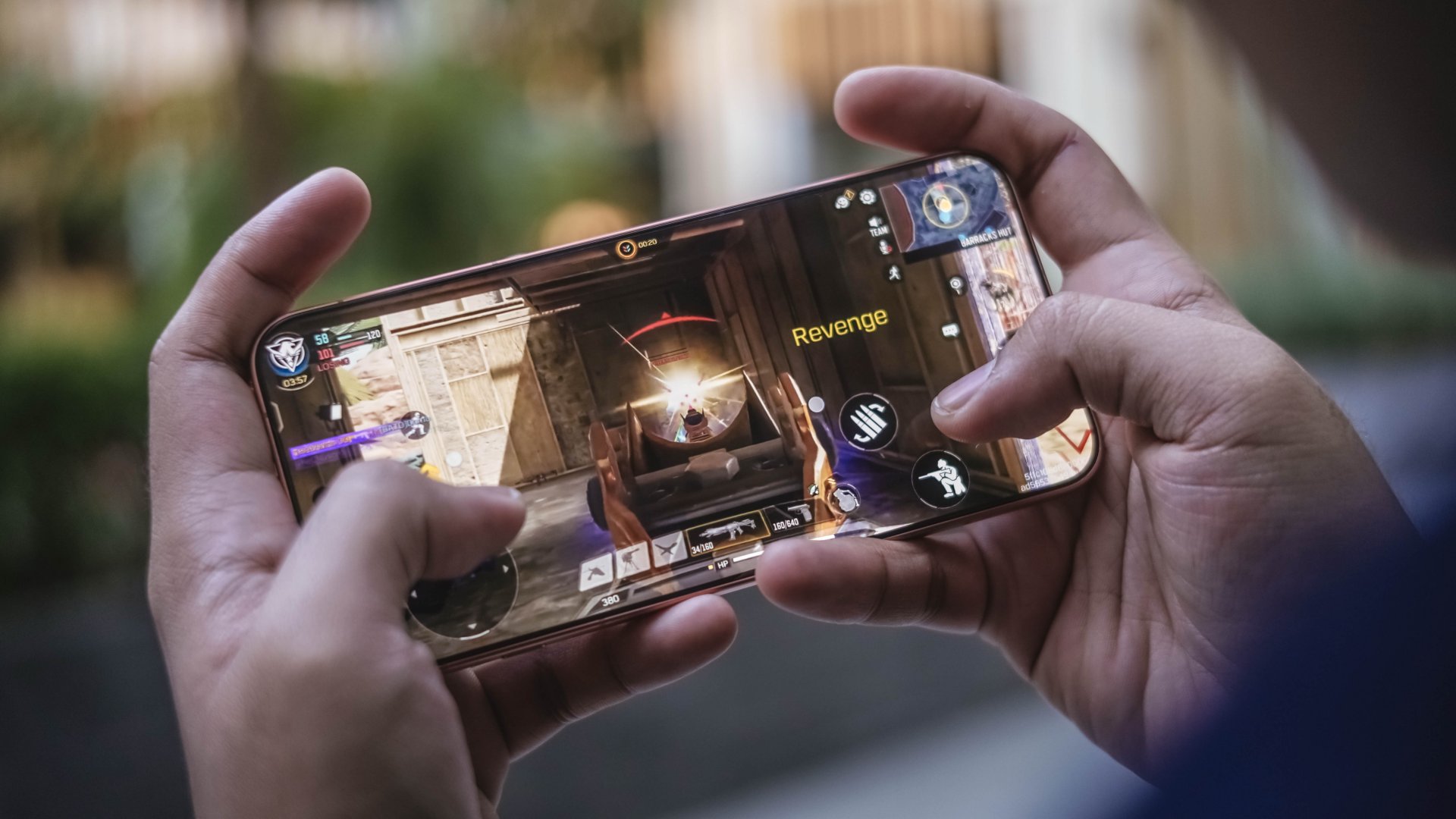
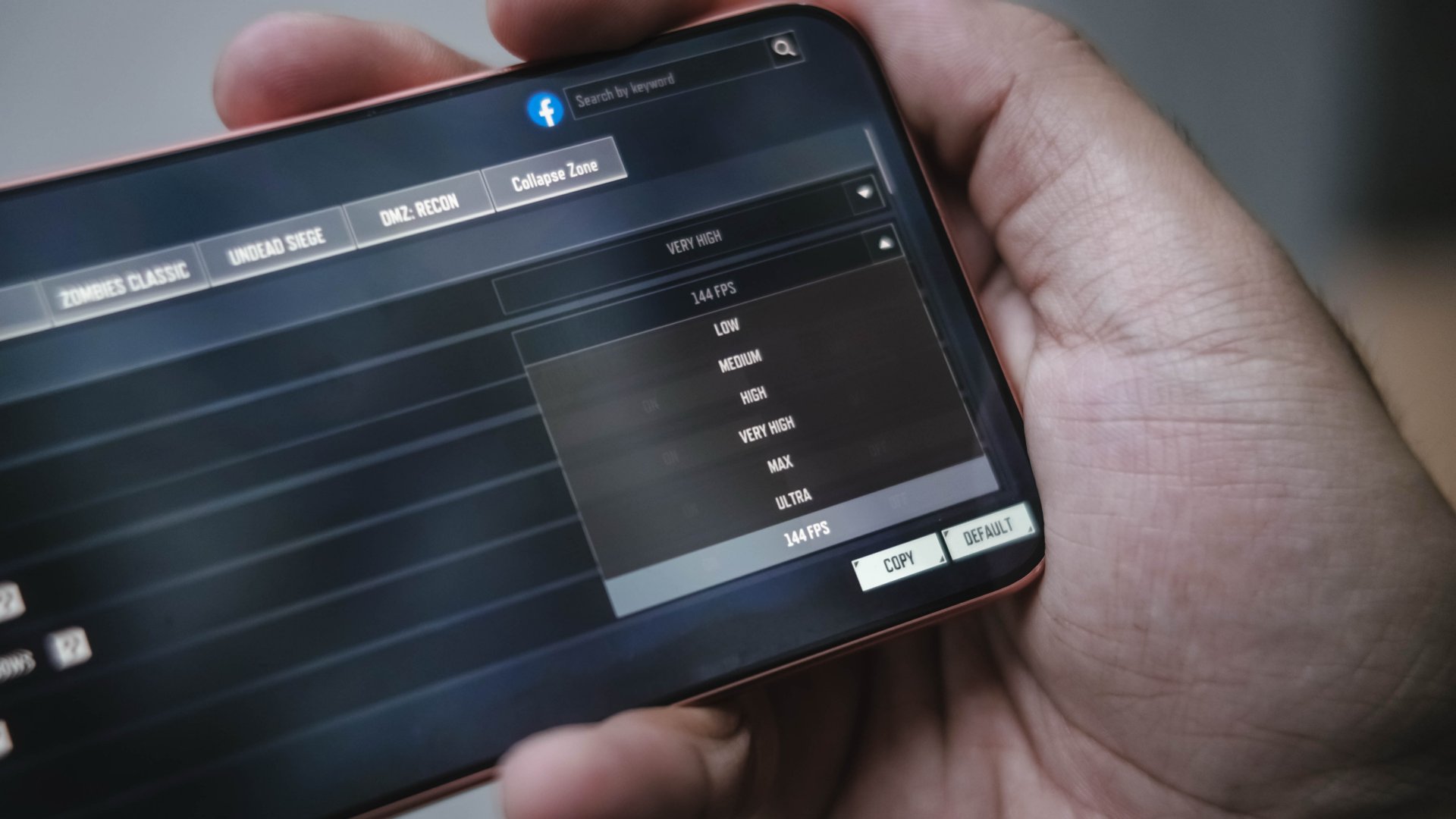
Do I need to add more? Call of Duty: Mobile (CoDM) also did the same thing, but at a whopping 144fps. A perfect complement to the phone’s 144Hz display.
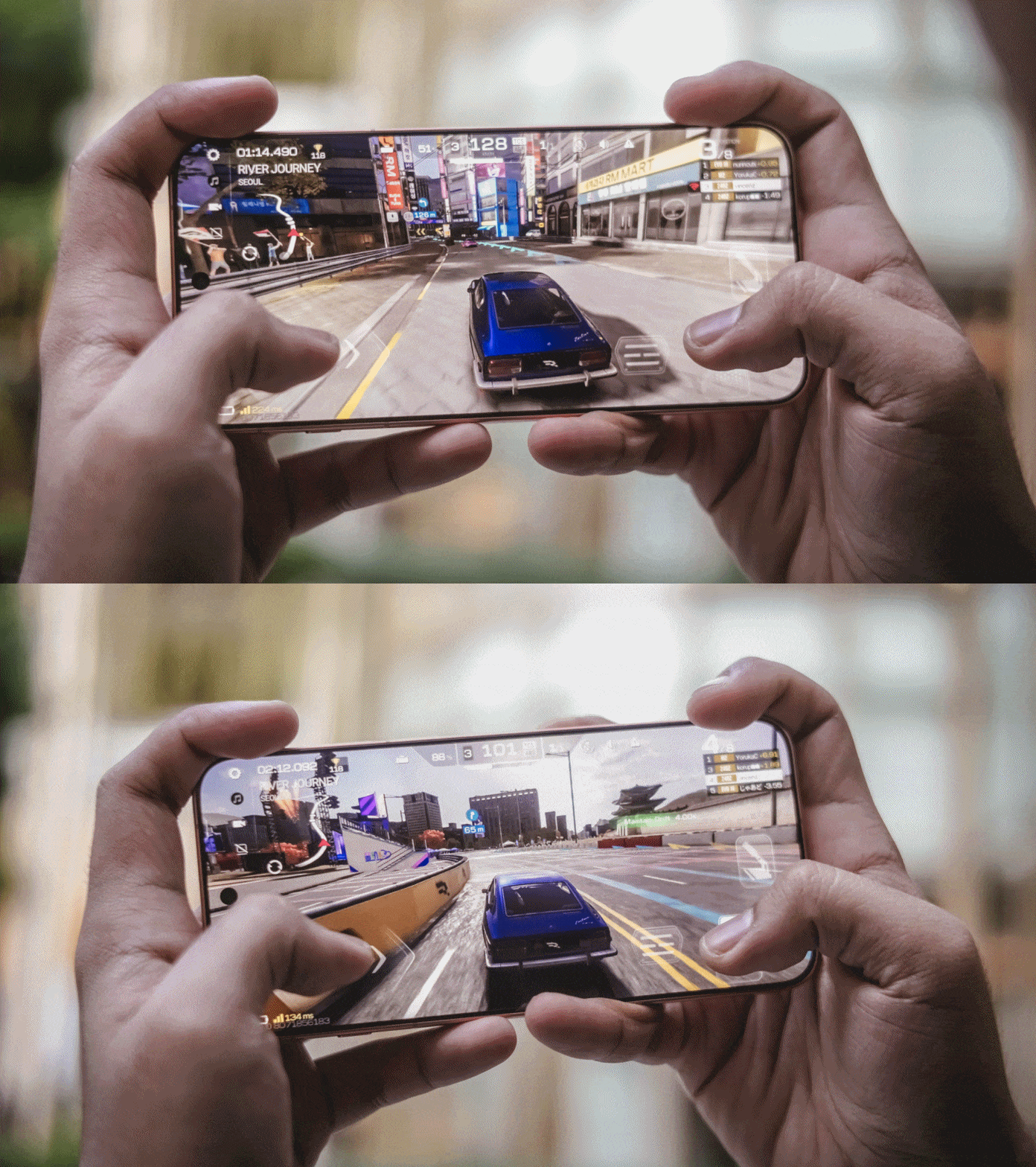
Racing Master? It obviously ran in high settings without stutters and jitters.
Of course, thermals, room temperature, and game optimizations still matter. Nevertheless, the vivo X500 Pro Max has the raw power to deliver an excellent gaming experience across these demanding titles.
Packed with might, lasting overnight
The vivo X500 Pro Max packs a mighty 8000mAh battery, the biggest in any vivo flagship to date.
In my actual use-case where I captured a lot of stills and clips during my Japan and Korea trip, trying to drain the phone was hard to accomplish.
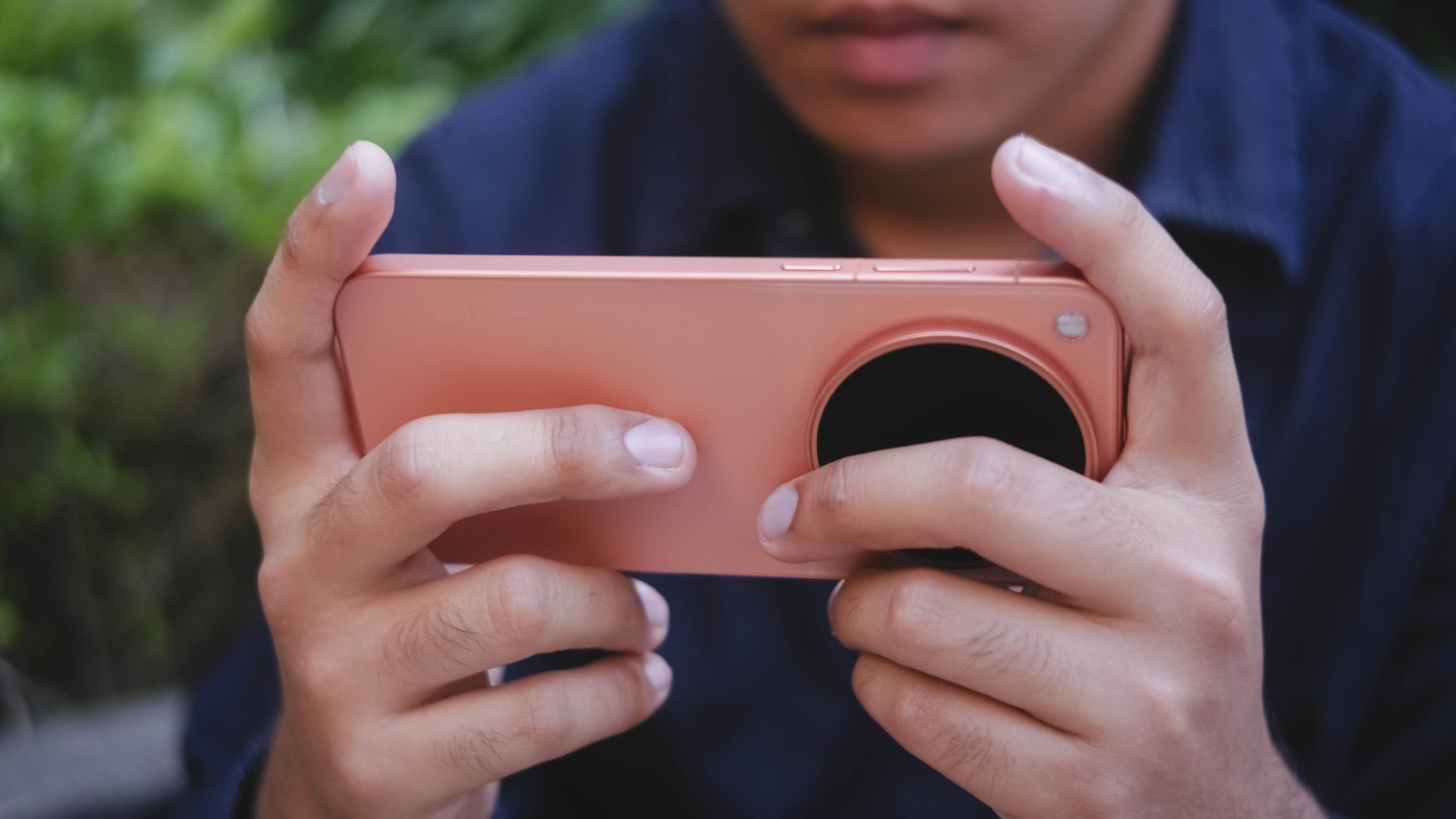
Even when I set it as my personal hotspot, it still lasts by the end of the day with 20% left to spare. That isn’t the case when I did the same with the X300 Ultra. That 1400mAh boost clearly meant a lot for any heavy user.
Clearly, it will last more than a day or two under lighter to ever-so-moderate usage.
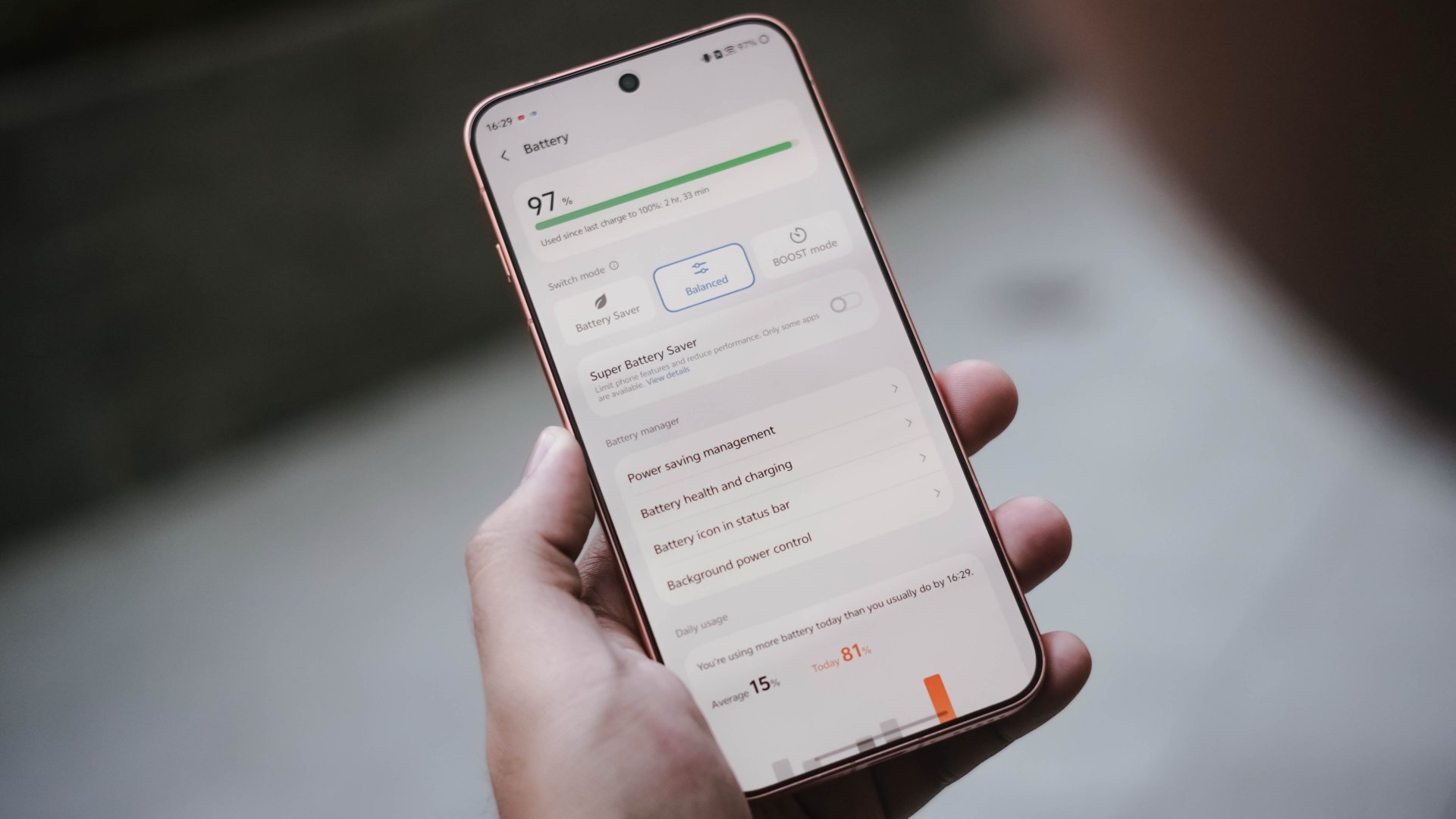
While I’m not ignoring the possibility that it might be due to better software optimizations offered by the Chinese OriginOS, it’s also due to a more power-efficient chip found within.
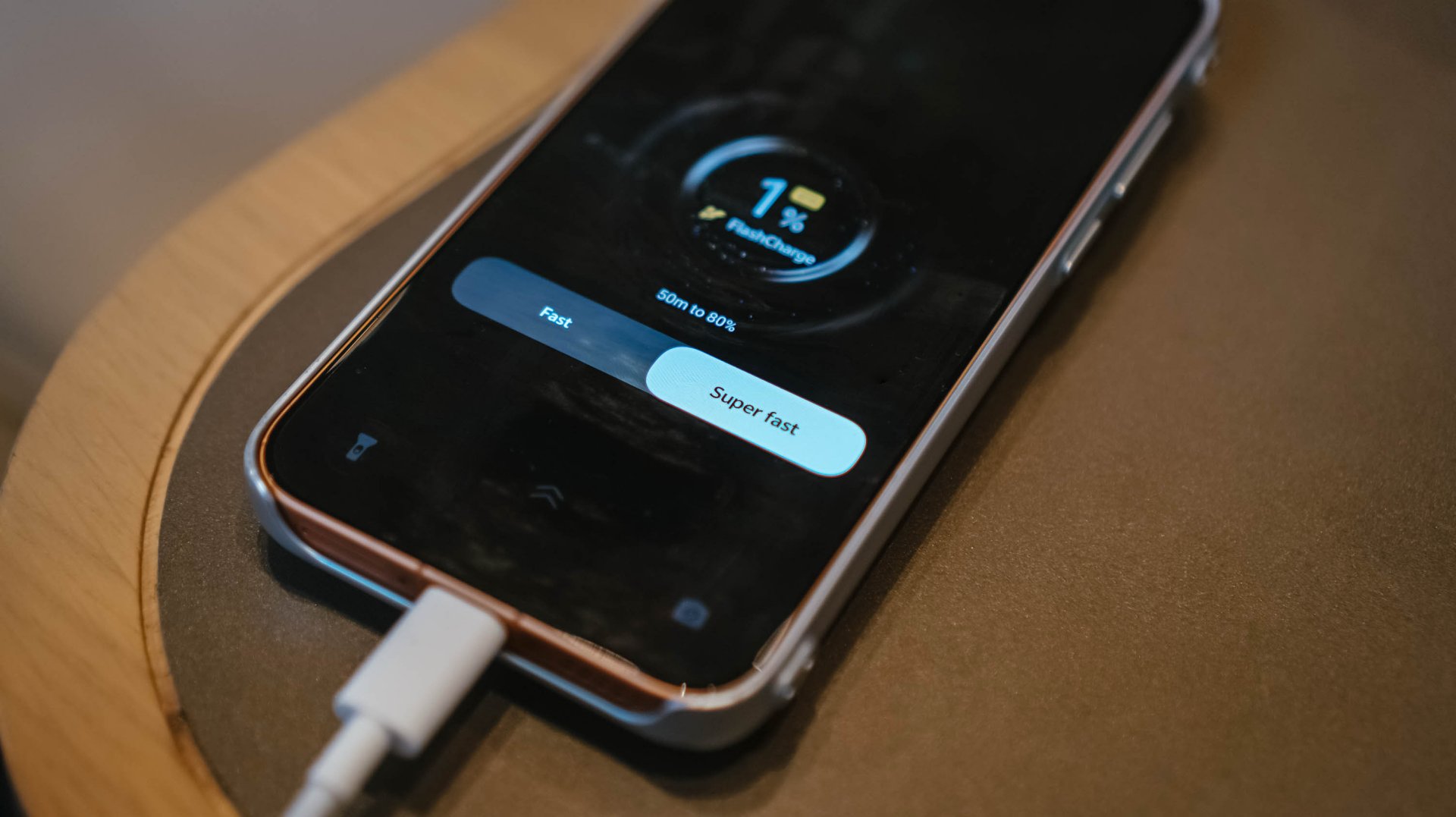
If it ever dies down, its bundled 90W FlashCharge adapter saves the day.
vivo 90W FlashCharge adapter |
UGREEN Uno 100W GaN charger |
|
START TIME (0%) |
2:35PM |
12:23PM |
3 minutes |
1% |
2% |
5 minutes |
6% |
4% |
10 minutes |
15% |
9% |
15 minutes |
17% |
15% |
20 minutes |
28% |
20% |
30 minutes |
49% |
30% |
45 minutes |
68% |
51% |
1 hour |
91% |
72% |
1 hour 15 minutes |
– |
85% |
1 hour 30 minutes |
– |
99% |
END TIME |
3:49PM
|
1:56PM
|
Third-party chargers will also work through USB-C PPS. You just have to be wary of the extra minutes when filling it.
Familiar face in a more refined space
For the longest time, I believed that the Chinese and global versions of Android software only differed in their system apps and default languages.
As this is the first-ever vivo smartphone I held running a Chinese software, this helped me decipher some of the differences between the two.
Fortunately, I was able to update the global X300 Ultra I possess to the latest OriginOS 7. While both phones feature that “Liquid Glass” adaptation, there are still subtle disparities.
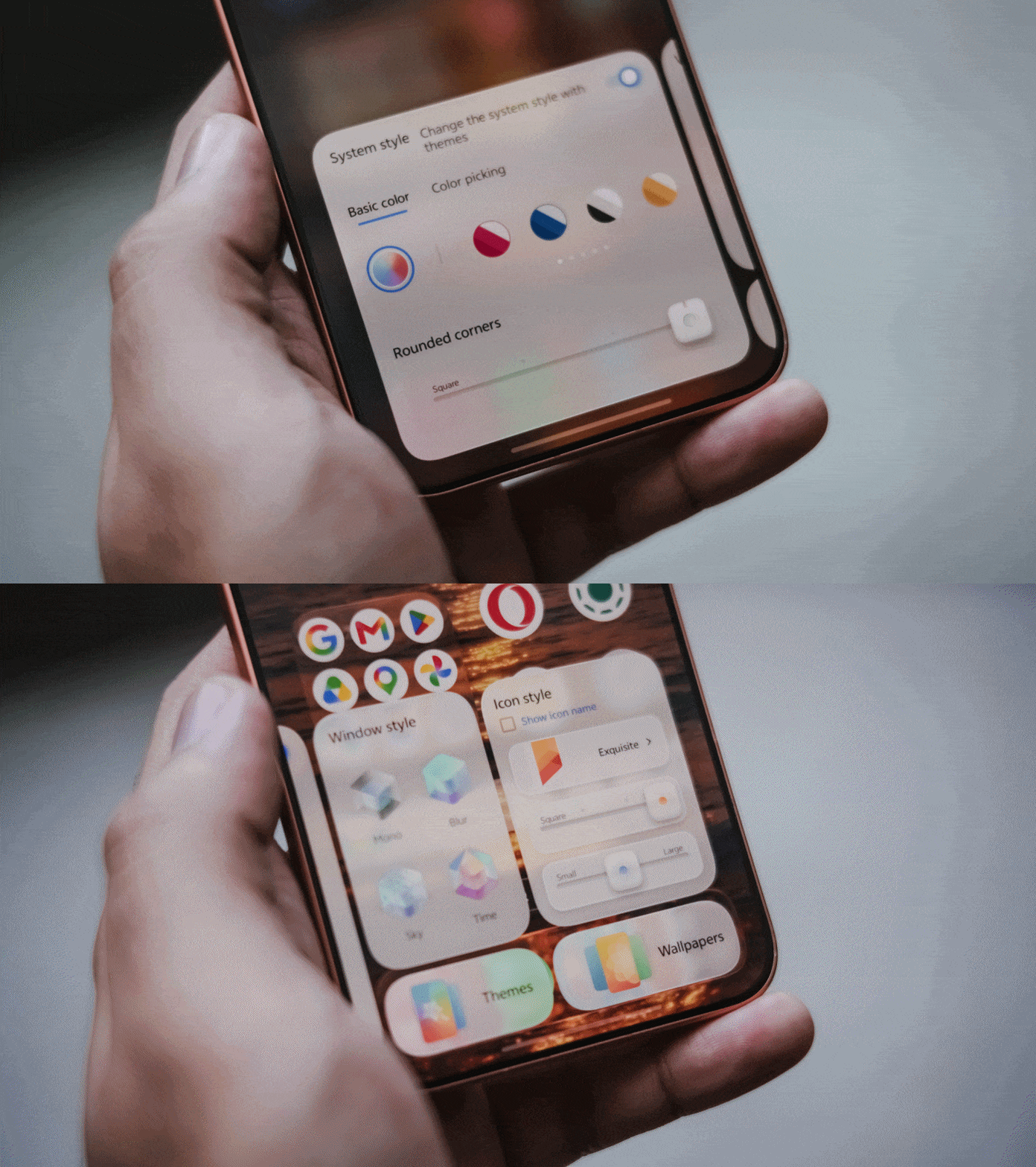
One of my favorite exclusives is Mood Cube. This allows me to customize the shape of app icons plus modify the corners of the Control Center elements just by accessing it through home page settings. This exact feature cannot be found in the global version.
Other visual gaps can be seen by the limiting 4×7 layout, opposed to global’s tighter 5×7 grid. It’s these small details I can pinpoint both as a reviewer and a creative.
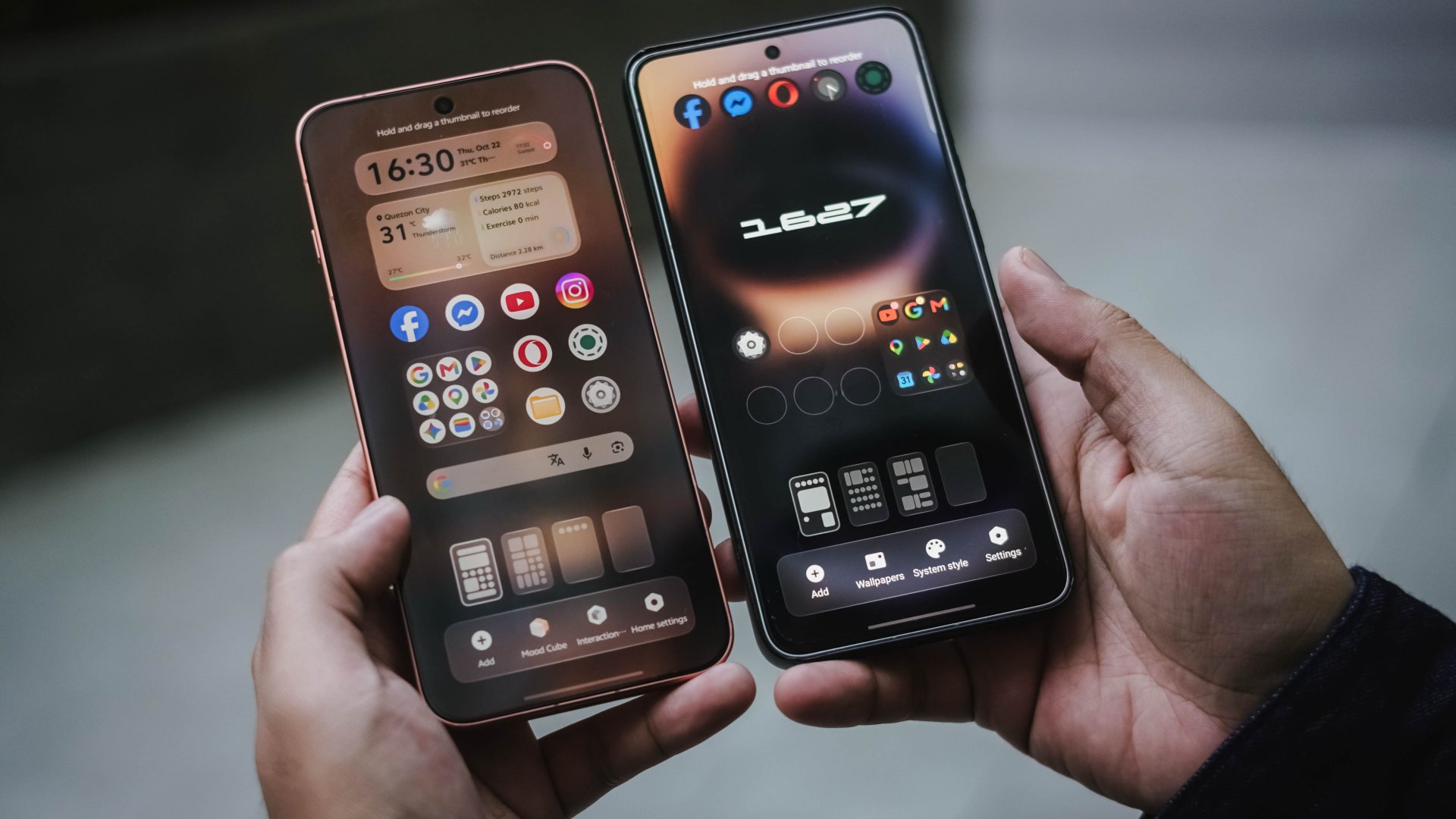
Other than software, there are hardware gaps too. Global versions are limited to 16+512GB or 12+1TB configurations. Whereas, the Chinese version maxes out at 16+1TB.
Batteries are different as well. Global version is capped at 7800mAh while those in Europe have an awfully smaller 6750mAh cell, closer to X300 Ultra’s 6600mAh capacity.
As a long-time tech-thusiast, I’ve been aware that Chinese smartphones lack eSIM support. Surprisingly, the vivo X500 Pro Max has one.
Addressing the elephant in the room…
And it’s none other than GMS (Google Mobile Services).
Well, I’m here to testify that the actual installation isn’t complicated. It’s straightforward just by searching and installing it through the native V-Appstore. However, even after setting everything, there will still be compromises.
First is the lack of Google’s Circle to Search as it’s tied to vivo’s BlueLM, which only works in Mandarin. And even if it’s available in English, availability is still limited to Mainland China. This doesn’t hinder you from using your favorite AI apps though such as ChatGPT, Google Gemini, or Claude.
While long-time users say there’s a workaround, most people won’t bother.

Another would be the absence of Quick Share. Since it’s also a Google feature, Chinese ROMs simply lack it — regardless if it’s a vivo smartphone or any Android brand.
The quickest way to solve this? vivoShare and EasyShare both exist. Another would be my all-time fave LocalSend through Google Play installation. Bada is also a great substitute but only accessible via GitHub.
If you’re a MacBook Pro user like me, there’s the vivo Office Kit. It’s the next best option when backing up files in bulk aside from plugging an external SSD through the phone’s USB-C port.
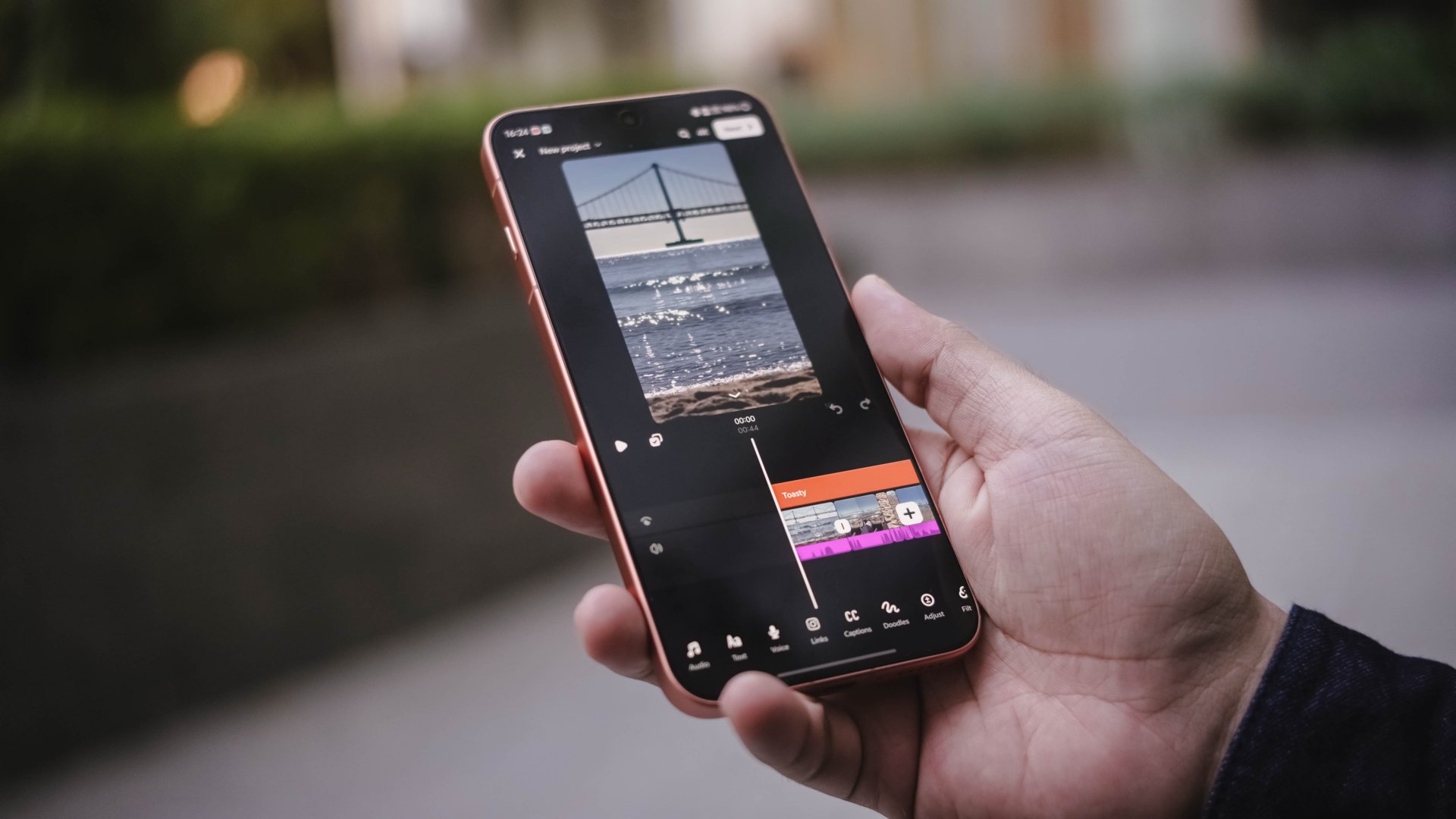
Lastly, notification reliability is buggy — and you may already have heard of this issue from other users. I sometimes receive real-time notifications on certain apps while others are delayed by minutes or even hours.
Is the vivo X500 Pro Max your GadgetMatch?
I won’t make this any longer. The vivo X500 Pro Max is a Super Swipe and deserves the GadgetMatch Seal of Approval.

If it’s not evident enough with my myriads of sample photos, the clear winner has got to be its superior camera hardware. Complemented by the full-fledged accessories in its Photography Kit, vivo truly nailed and polished this release even further.

Unless you own the very recent X-releases, the vivo X500 Pro Max is worth splurging for. And if you do, getting the Chinese variant gives you the MAX hardware — as long as you can deal with software compromises.
Now, if the X500 Pro Max is already this great, how much more in the upcoming iteration? I cannot further wait with what vivo offers in their next best flagship.


My latest fashion accessory happens to play music
The JBL Soundgear Clips are the finishing touch my outfits needed!


Fujifilm instax Pal 2 review
A tiny digital camera that’s all about the keepsakes.

vivo X500 Pro Max review: 500+ hours later
Is Pro Max the new Ultra?

Smart Postpaid Plans+ offers zero lock-in

HONOR Magic9 Pro Max brings ARRI cinematic imaging to Malaysia
My latest fashion accessory happens to play music

NVIDIA votes unanimously to reinstate Jensen Huang as CEO

Spider-Man: Brand New Day returns to cinemas with new scenes

Your coffee nook is getting a makeover with Starbucks’ holiday collections

Sticker season is back, and so is the planner your ~friends~ might fill in for you

Wild Rift Patch 7.3, celebrates K/DA comeback

ROG G700 review: The best prebuilt PC you can get off the shelf
vivo X500 Pro Max review: 500+ hours later


-
Reviews1 week ago
vivo X500 Pro Max review: 500+ hours later
-

 Gaming6 days ago
Five new (and better) games you can play instead of GTA VI
-
Cameras3 days ago
Fujifilm instax Pal 2 review
-

 Accessories2 weeks ago
Secretlab brings Pikachu, Gengar, and Eevee to its Pokémon gaming chair collection
-

 Smartphones1 week ago
Spotlight: OPPO Find X10 Pro Max
-
 Smartphones6 days ago
The iPhone Duo is replacing my Kindle
-

 Tablets1 week ago
Infinix XPAD 30 launches, comes with AI features and expansive display
-

 Buyer's Guide1 week ago
Buyer’s Guide: 2026 Amazon Kindle