
Hands-On
Xiaomi 14T Pro: F1 SG GadgetSnaps, Vibe Check
Quick hands-on!

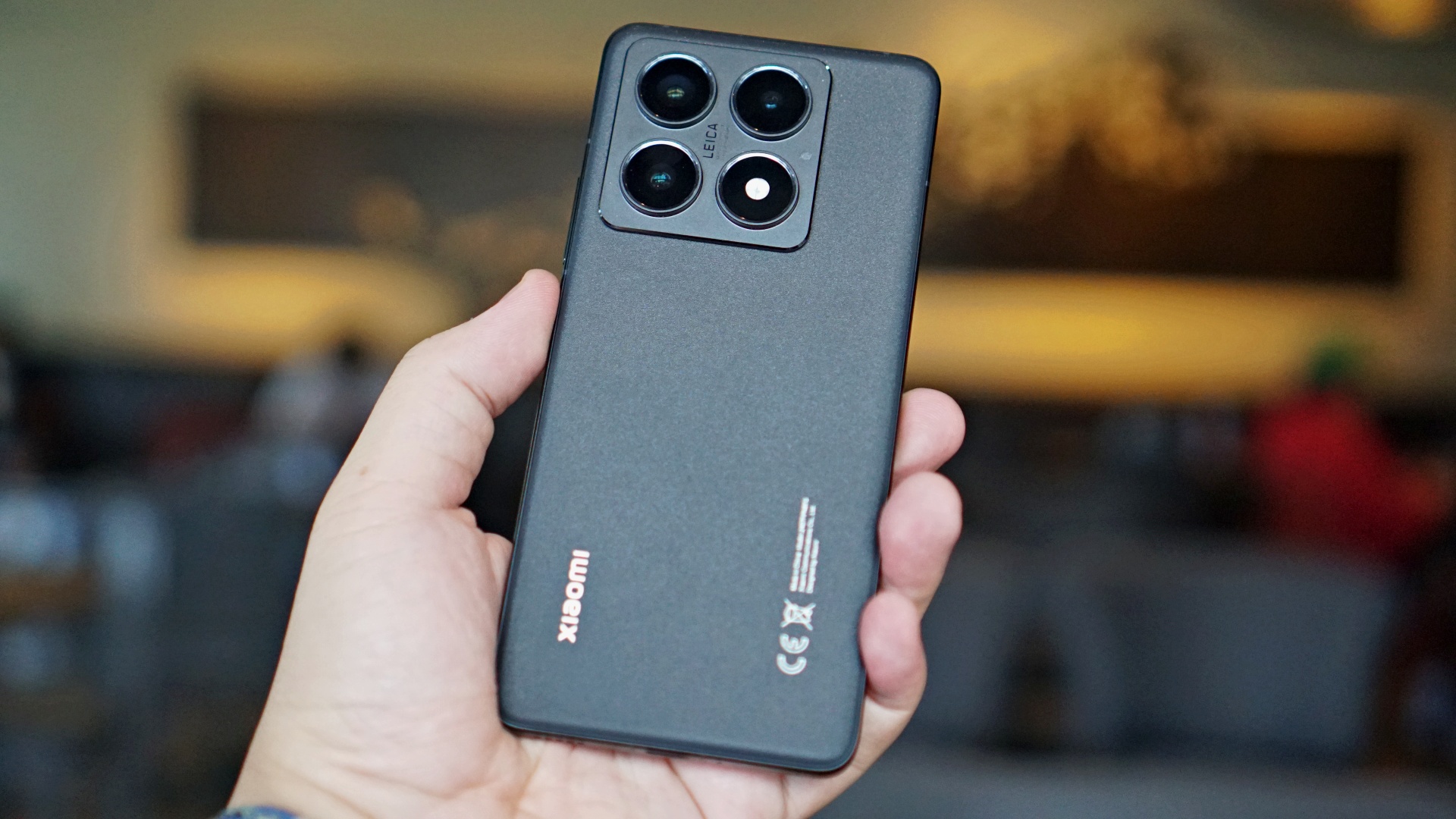
Another year with another Xiaomi T series. The Xiaomi 14T series is building on the Leica-powered beginnings of its predecessor. That while still maintaining its low-key ‘flagship-killing’ heritage.
In this quick initial look at the Xiaomi 14T Pro, we’ll share with you some snaps taken during an F1 Weekend in Singapore, a few other photos, and a quick first impression of the device.
But first, specs:
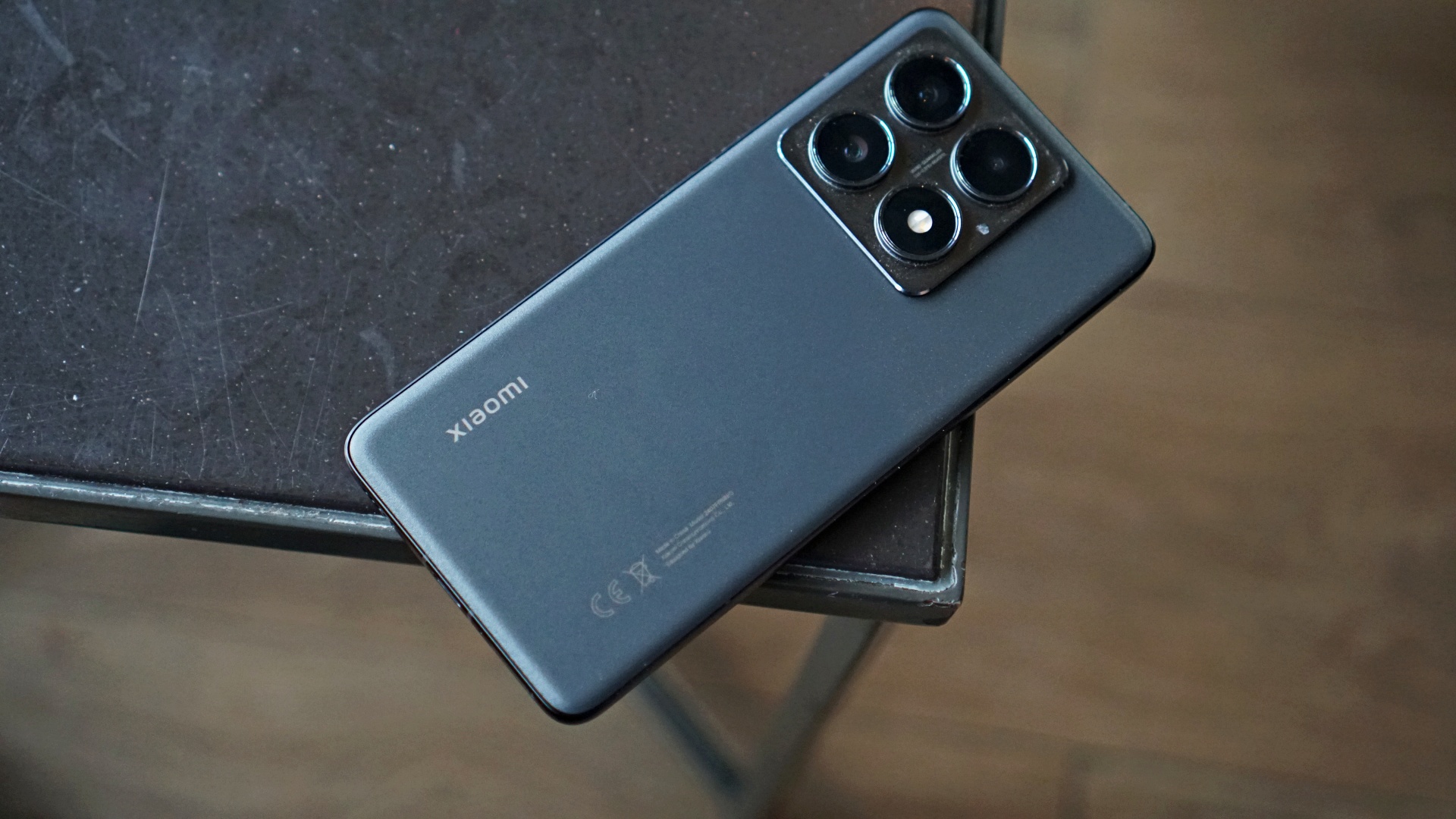
Processor – MediaTek Dimensity 9300+
RAM – LPDDR5x 8533Mbps, up to 12GB
Storage – UFS 4.0, up to 1TB
Cooling – Xiaomi 3D IceLoop system
Display – 6.67” AMOLED, 2712 x 1220, 446 ppi, Up to 144Hz, 4,000 nits peak brightness
Touch Sampling Rate – Up to 480Hz
HDR – Support: Dolby Vision®, HDR10+, HDR10
Camera:
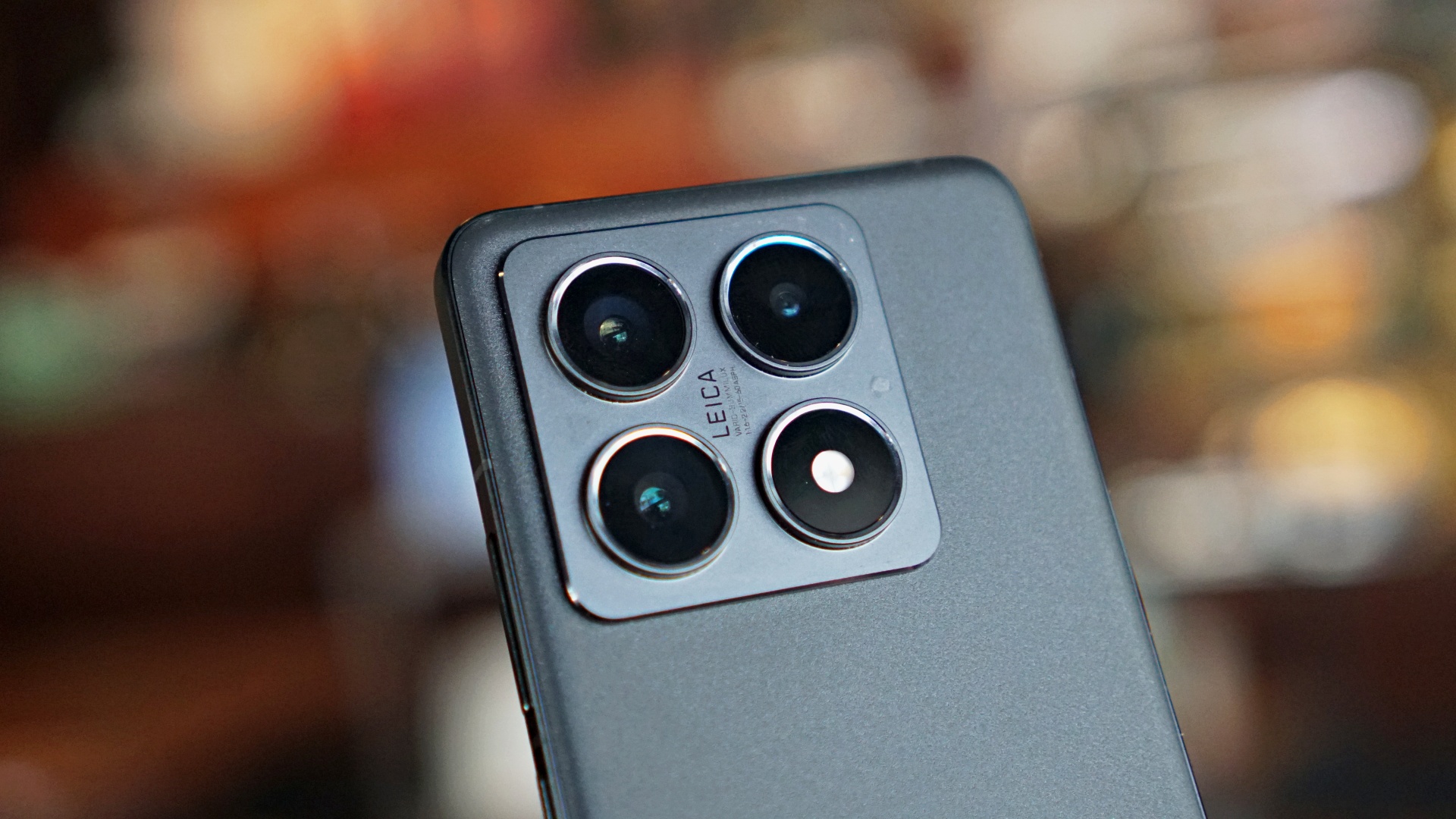
Leica optics – LEICA VARIO-SUMMILUX 1:1.6-2.2/15-60 ASPH
Leica main camera:
- 50MP
- 23mm f/1.6
- Light Fusion 900 image sensor with OIS
- Supports up to 8K 30FPS video recording
Telephoto:
- 60mm f/1.9
- 50MP
Ultra-wide:
- 15mm f/2.2
- 12MP
Front camera:
- 32MP
- f/2.0
- Supports up to 4K 30FPS video recording
Battery & Charging:
Battery
- Xiaomi Surge G1 battery management chipset
- 5000mAh (typ) battery
Charging
- Xiaomi Surge P2 charging chipset
- 120W HyperCharge
- 50W wireless HyperCharge
- Support PD 3.0, PD 2.0, Mi-FC 2.0
OS – Xiaomi HyperOS
AI Features
- Circle to Search with Google, Google Gemini, Magic Compose, Gemini in Google Messages
- AI Interpreter, AI Notes, AI Recorder, AI Subtitles, AI Film, AI image editing, AI Portrait
And here’s a quick unboxing.
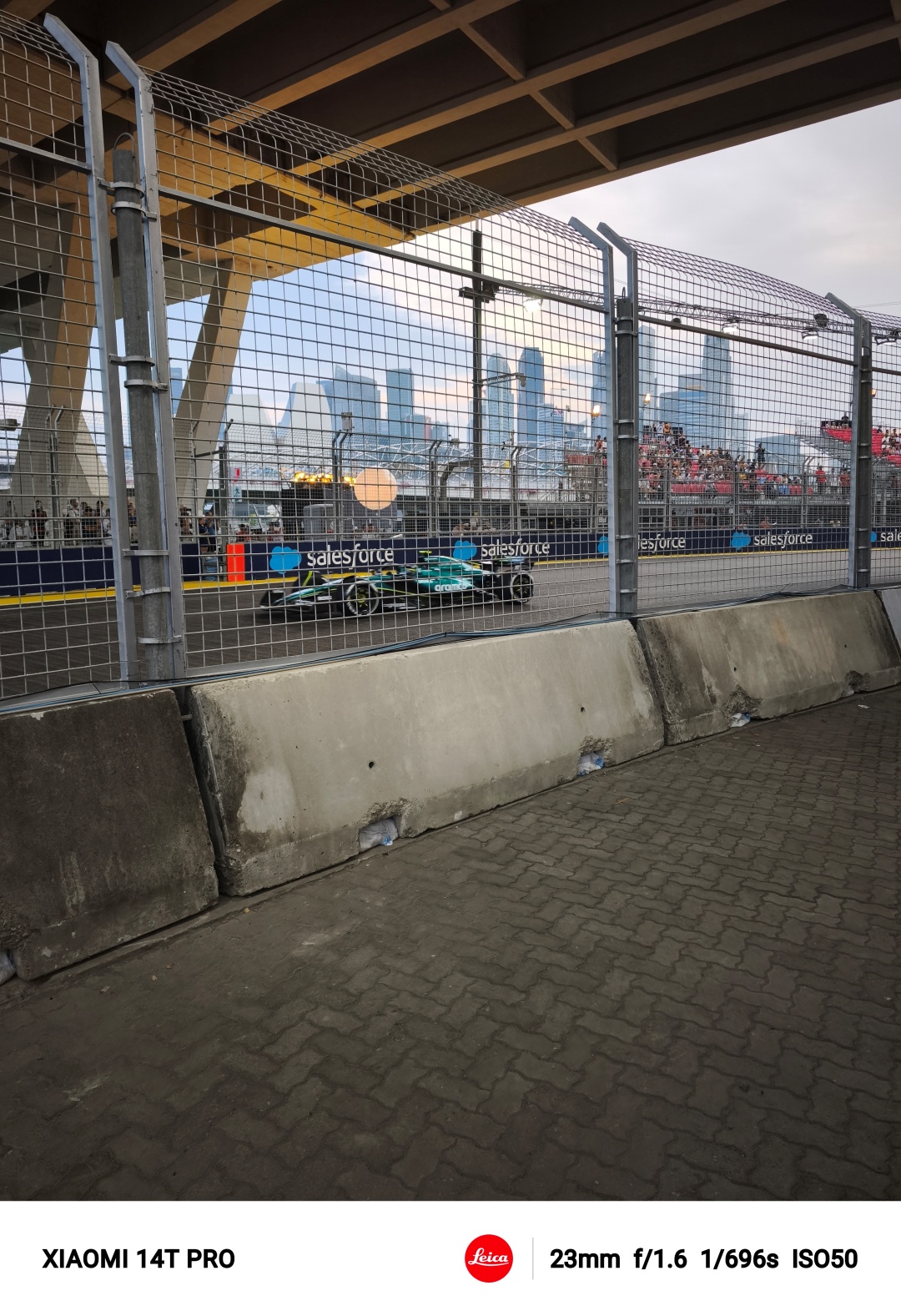
F1 SG Weekend GadgetSnaps
As a slave-driving Managing Editor, I asked fellow Editor Luigi to take the Xiaomi 14T Pro with him for his birthday getaway in Singapore. Yes, I’m horrible. But the photos aren’t. Take a look at these.


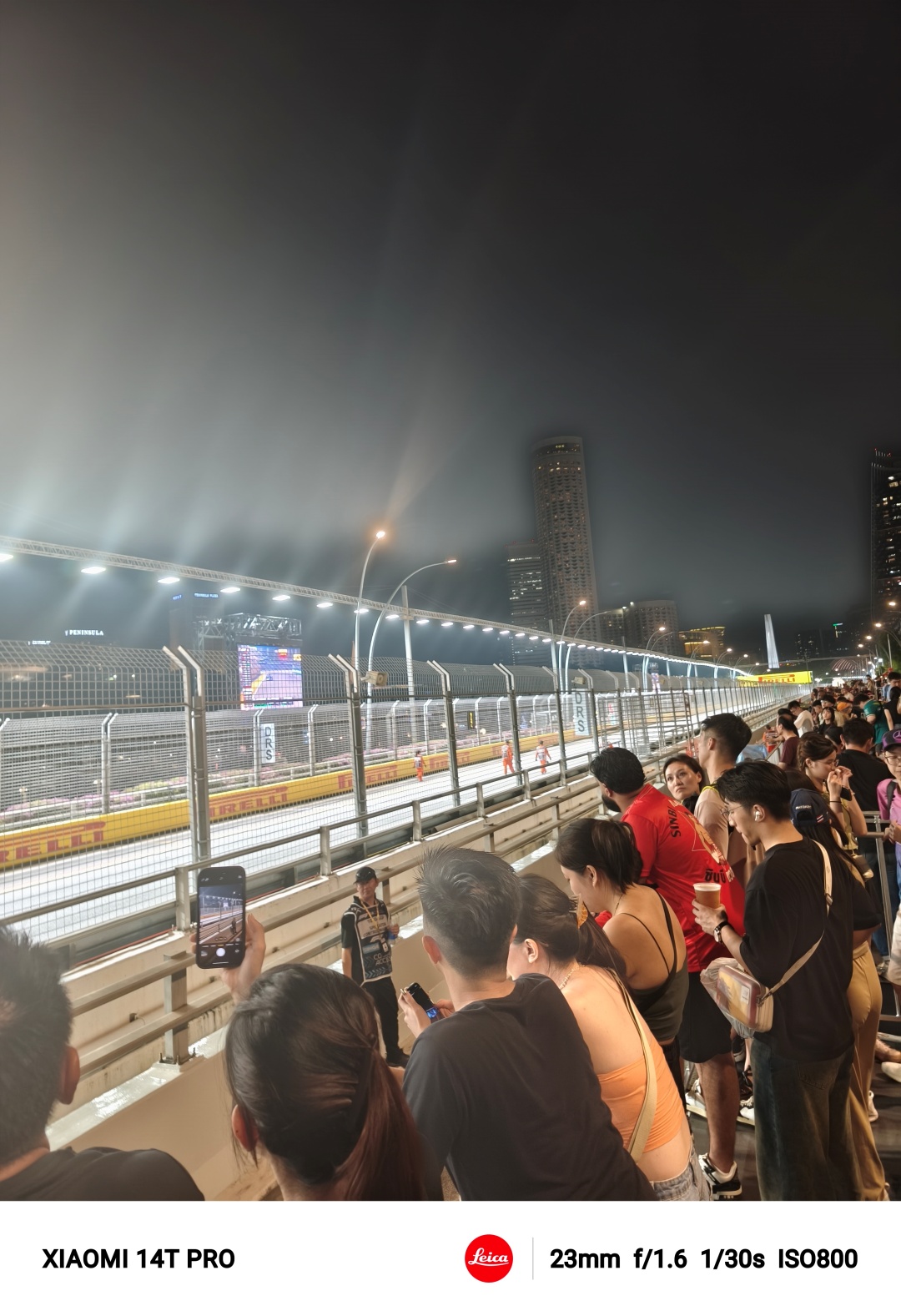

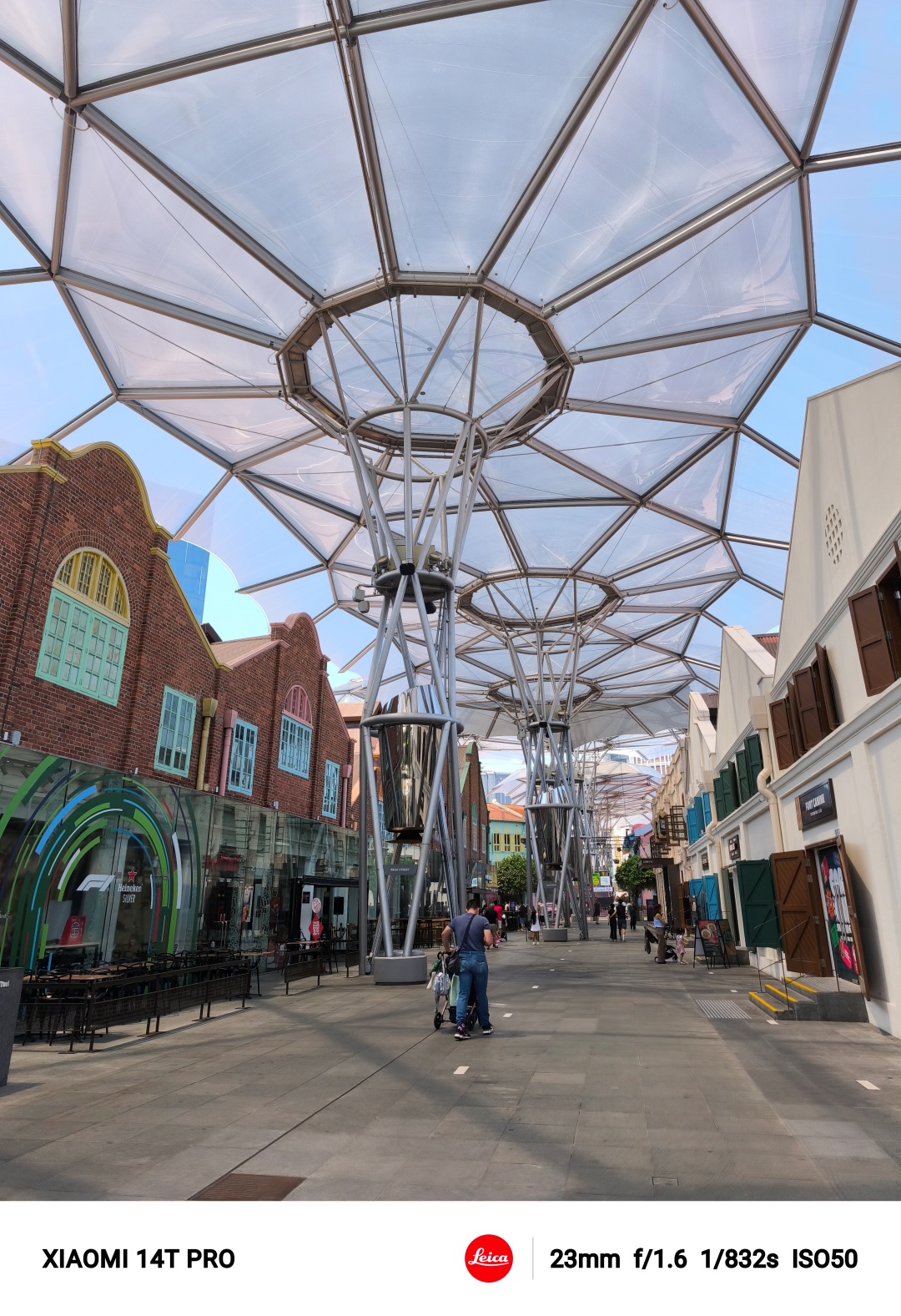

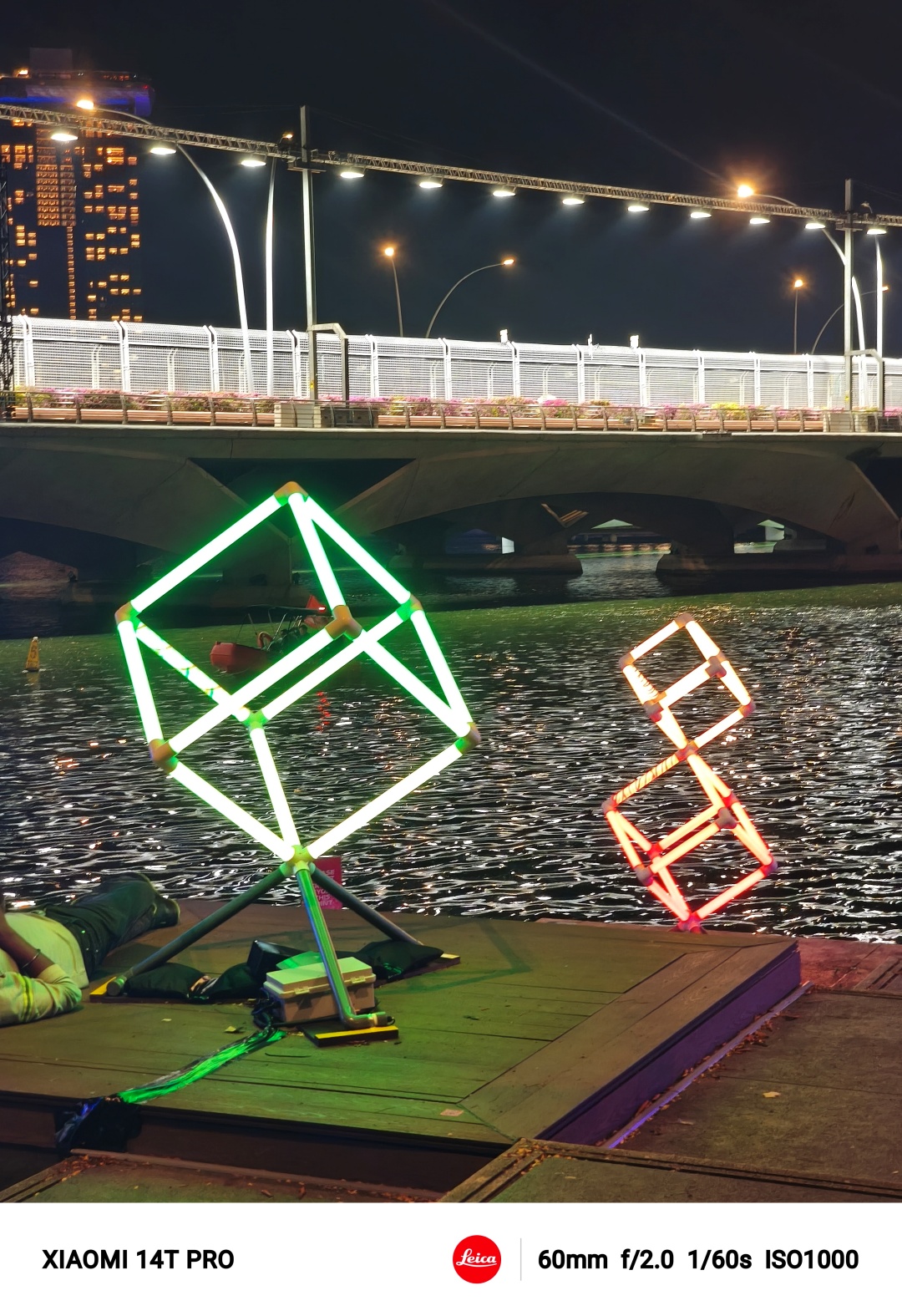





Vibe Check

That Mirai Gohan wallpaper is clean.
I have been using the Xiaomi 14T the past few days and it’s giving me flashbacks to my time with the Galaxy S22+. It grips perfectly, browsing through Xiaomi HyperOS is buttery smooth, and the cameras take pretty darn good photos.

Some details I took a liking to include the grooves on the power button. It makes feeling it out so much easier. Unfortunately, that feeling goes away once you start using the included silicone case.

The extra protection is nice, but I wish it didn’t compromise on one of the few standout details on the phone.

Xiaomi HyperOS continues to be easy to use. It helps that most Android smartphones now apply a similar approach to the notifications and control panel; that is swiping from top left or top right to access them respectively.
Gestures like the three-finger swipe down and three-finger hold to take screenshots are here. But some aren’t automatically turned on like raise-to-wake and double-tap-to-wake. I feel like these should just be turned on right away but that wasn’t the case here.
Stellar socials
So far, I’ve mostly used it for socials, chat apps, and some light email work. In all of the tasks mentioned, the experience is generally smooth and frictionless.
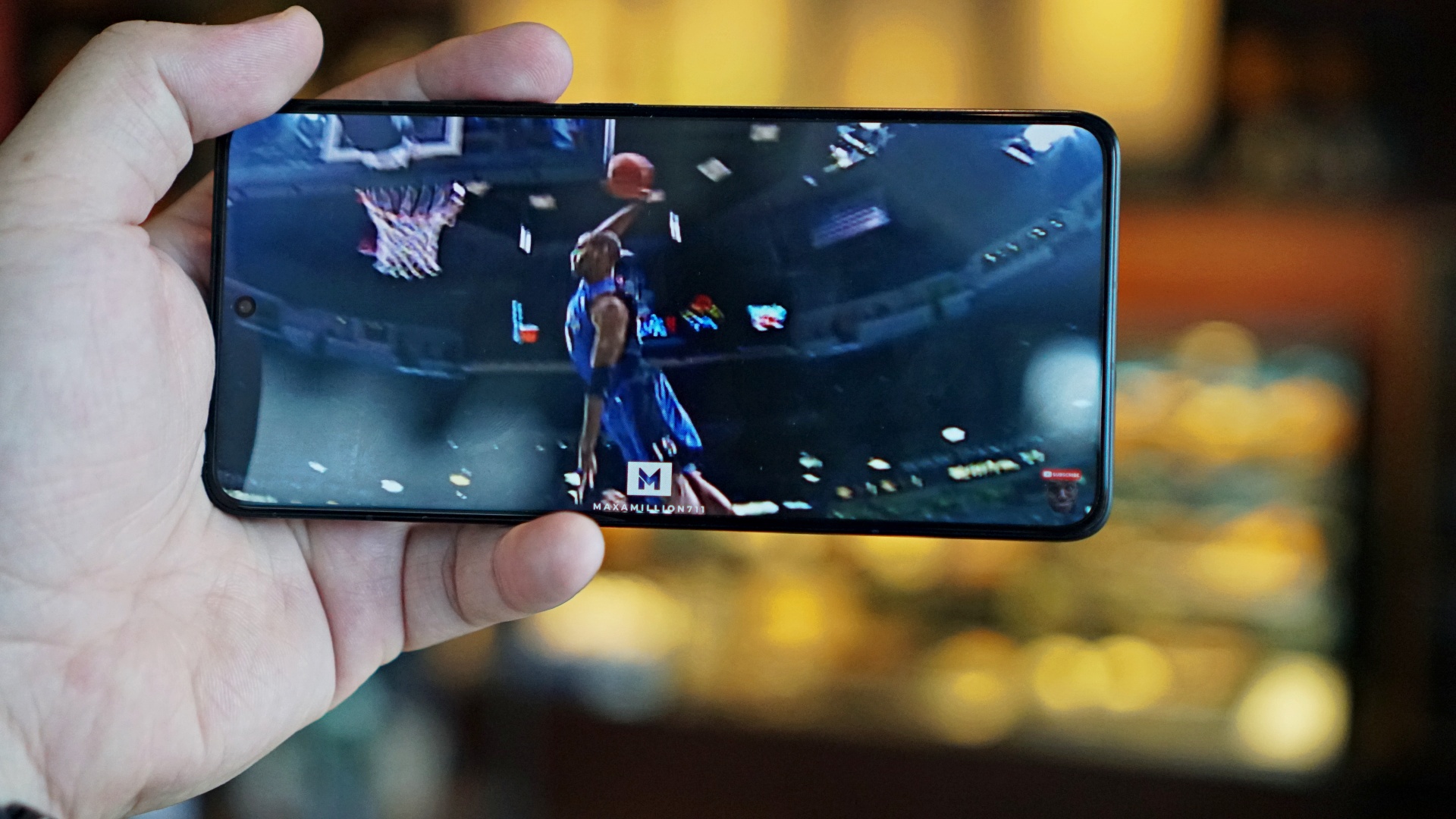
I was ecstatic to learn that the Toronto Raptors are finally retiring the jersey number of my All-Time favorite NBA player, Vince Carter. Fitting since the guy has just been inducted into the basketball Hall of Fame. I immediately hopped on YouTube and watched his highlights on the Xiaomi 14T Pro upon learning the news.
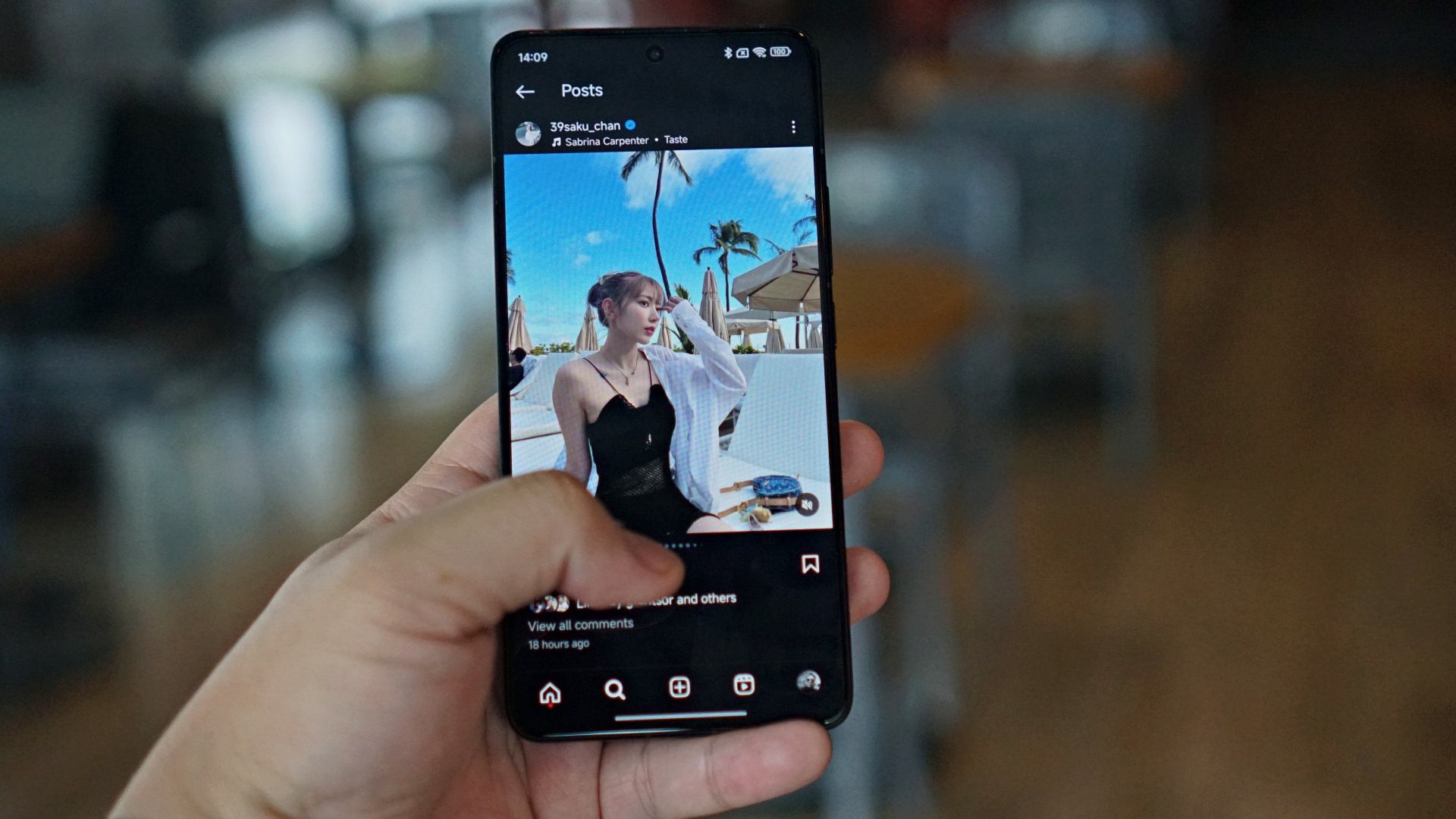
Where the heck is Saki?
Outside of that, I’ve mostly just been doom scrolling on socials which include my jaw dropping over the vacation photos posted by LE SSERAFIM Sakura.
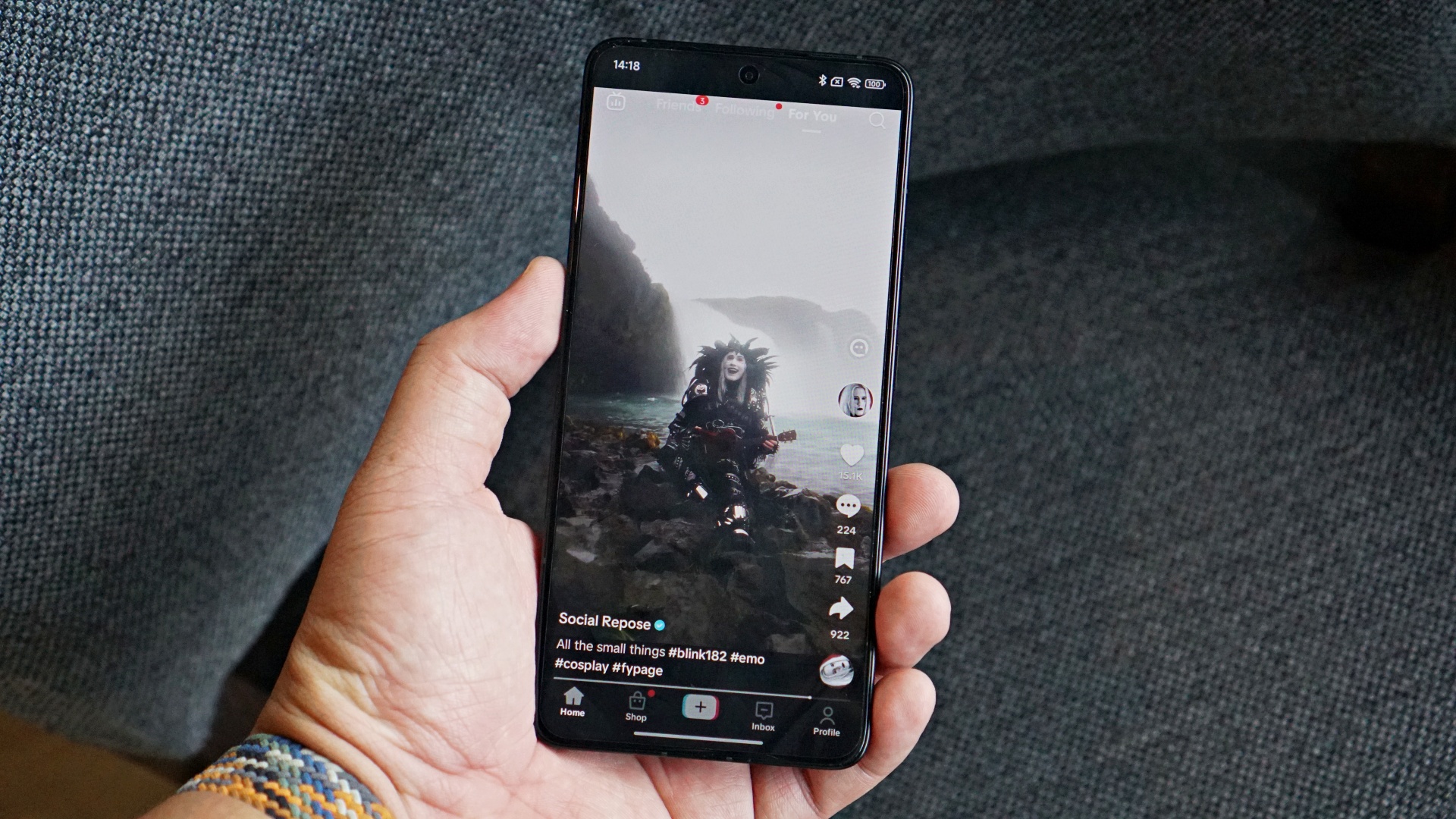
Then, I relived my emo days listening to quick covers by Social Repose.
These are run-of-the-mill phone tasks that the Xiaomi 14T Pro handled without breaking a sweat.
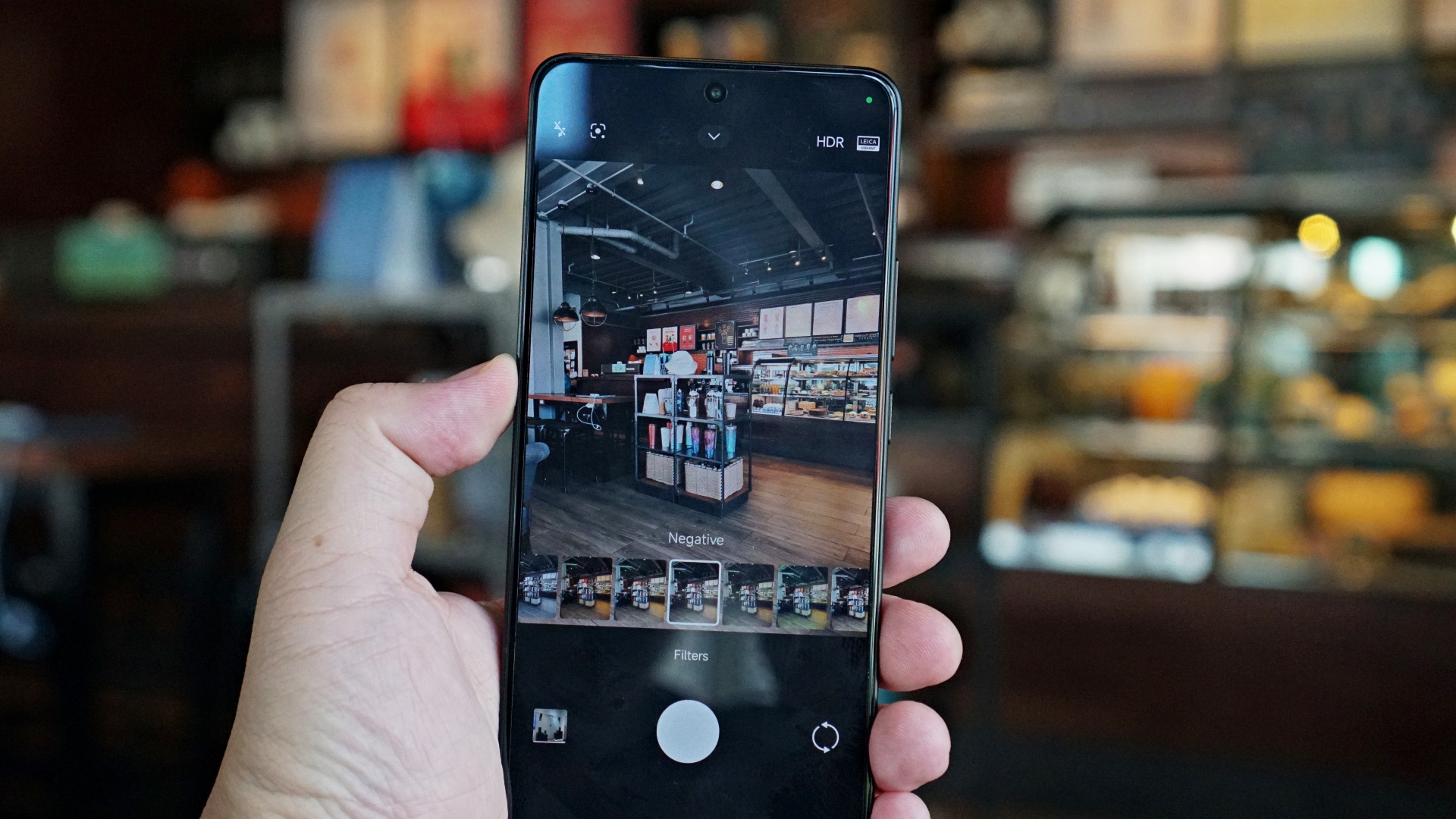
Not exactly related, but you do get the many LEICA style filters
I did notice that it’s not able to maintain certain tasks in the background. For instance, I was trying to post something on Instagram Story. When I switched to a different app to check on something, the draft I was working on all but vanished. It wasn’t even saved on drafts. This isn’t my usual experience with borderline flagship smartphones. Hopefully, that was just a one-time thing.
AI Features coming
As of writing, the Google Cloud-specific AI Features aren’t available yet on our unit. Once those become available, we’ll start to fully test the smartphone and give you our full and final review.
Pricing and availability

The Xiaomi 14T Pro pricing are as follows:
- 12+256GB – PhP 37,999 (Online Exclusive)
- 12+512GB – PhP 39,999
- 12GB+1TB – PhP 41,999 (Retail Store Exclusive)
Its partner in the series, the Xiaomi 14T is priced as follows:
- 12+512GB – PhP 27,999
- 12+256GB – PhP 25,999






Hands-On
Apple iPhone Duo Unboxing and Hands-on
Supported apps, crease, cameras, and MagSafe all tested


Apple’s iPhone Duo is finally here!
Aside from unboxing the all-new iPhone-dable in Night Sky, we take a closer look at the display crease, check out the under-display camera quality, see which MagSafe accessories work with it.
Most of all, which apps support it (or not).
But how well does the dual-screen experience on an iPhone actually work? Watch our Apple iPhone Duo unboxing and hands-on to know more!


Moving into a new space comes with a long list of things to figure out, and lately, I’ve been paying more attention to something that’s easy to overlook: air quality.
After using the LG AeroMini for about a month, it has become a subtle but welcome addition to my space. It helps make the room feel fresher, while its compact and stylish design fits naturally into my setup. Here are the things that stood out to me most after living with it for a month.
360° purification for a fresher space
One of the things I appreciate about the AeroMini is its 360° air purification, designed to bring purified air in every direction.
For me, this is particularly useful in a new space where I’m spending a lot of time working, relaxing, and just settling in.

Combined with its True HEPA filter, which is designed to remove 99.999% of 0.01μm fine dust and allergens, it gives me added peace of mind about the air I’m breathing every day.
After a month, I can genuinely say that the space feels fresher with it running.

Surprisingly quiet
This is probably my favorite feature.
The LG AeroMini operates at just 26dB, and after using it for a month, what stands out is how easy it is to forget that it’s even running.

I can have it running while I’m working or sleeping without the noise becoming a distraction. For an appliance that’s designed to continuously improve the air around you, I think that’s a big deal.
Sometimes, the best feature is the one you barely notice.
Design that fits my space
Since I recently moved, I’ve been pretty conscious about what I bring into the space. I want things to be functional, but I also don’t want appliances that feel like they’re taking over the room.

The AeroMini’s slim and compact design makes it easy to incorporate into my setup. It doesn’t feel bulky or industrial, and I like that I can leave it out without feeling like I need to hide it away.
For me, that balance between functionality and aesthetics makes it feel more like part of the space rather than just another appliance.
Air quality at a glance
Another feature I’ve found convenient is its Smart Control. Through the app, I can monitor and control the AeroMini while getting real-time updates on the indoor air quality.
It’s a small convenience, but being able to check the air quality without having to interact with the purifier directly makes it easier to keep track of what’s happening in the room.

Easy to maintain
I also appreciate that the AeroMini is designed with an all-in-one dust and deodorization filter that makes replacement and maintenance easier.
That matters to me because the best home gadgets are the ones that don’t create another complicated chore. I want something I can set up, use regularly, and maintain without too much fuss.

After a month, would I keep it?
Yes, and mainly because it quietly fits into my everyday routine.
The LG AeroMini has helped make my new space feel fresher and more comfortable, while its compact design means it doesn’t compromise the look of the room. But if I had to pick just one thing I appreciate most, it’s still how incredibly quiet it is.

It’s one of those upgrades that doesn’t demand your attention. It simply works in the background.
If you’re also looking to make your home a fresher and more comfortable space for yourself and your family, visit https://www.lg.com/ph/ to learn more about the LG AeroMini and how it can fit into your everyday life.
Hands-On
Apple iPhone 18 Pro Series Hands-on
And everything announced during Apple’s September 2026 Event

The latest Apple event isn’t just about the shiny new Apple Duo. There’s a lot to talk about!
In this video, we break down everything Apple has announced during their September 2026 keynote.
First, there’s the updated iPhone 18 Pro and 18 Pro Max. That’s alongside their design and color changes, battery and performance improvements. Even that massive camera upgrade.
There’s even the ANC-infused AirPods 5 alongside the newer Apple Watch Series 12 and Apple Watch Ultra 4. Plus, the latest software updates coming to both these wearables.
So, are these worth the upgrade?
-

 News2 weeks ago
vivo V80 debuts with ZEISS cameras
-

 Philippines1 week ago
TECNO CAMON Slim 5G gets launch discounts, free MagBadge
-

 News2 weeks ago
Samsung: Galaxy Z Fold8 demand rose because of iPhone Duo
-

 Reviews1 week ago
vivo V80 review: Good phone, tough sell
-
 Features2 weeks ago
I don’t want a phone that unfolds — the Galaxy Z Fold8 gets why
-

 News5 days ago
OPPO Find X10 Series: Price, availability in the Philippines
-
 Buyer's Guide1 week ago
iPhone Duo Philippines: Prices, installments, and where to buy
-
 Philippines2 weeks ago
Smart opens iPhone Duo pre-orders today