


Features
Samsung Galaxy S10 vs Galaxy S10+ vs Galaxy S10E: What are the differences?
A decade of Galaxies

Samsung has launched three new flagship phones: the Galaxy S10, Galaxy S10+, and Galaxy S10E. With three new models to choose from, it might be difficult to choose which Galaxy S10 is the one for you.
To help with this, we took the liberty to show you the differences between the three. Which of the Galaxy S10 models will be your GadgetMatch?
Display
Starting with the screen, the three Galaxy S10 models sport Super AMOLED displays in different sizes. The Galaxy S10E is the smallest among the bunch with a 5.8-inch display. It’s followed by the regular Galaxy S10 with its 6.1-inch display and, of course, the Galaxy S10+ with its large 6.4-inch panel.
It’s also worth noting that the Galaxy S10E has a completely flat display, while the other two Galaxy S10 variants have the curved panels we’ve come to expect from Samsung.

All three models don’t sport a notch, but they do have holes on the upper-right corner for their front cameras. The Galaxy S10E and Galaxy S10 have a perfectly rounded hole-punch camera, while Galaxy S10+ has a pill-shaped cutout since it has two front-facing cameras.
Performance
Despite the size differences of the phones, all models are powered by a flagship processor. Depending on where you are, the Galaxy S10 family will sport either a Snapdragon 855 or an Exynos 9820.
Memory and storage configuration will also vary depending on the region. The lowest possible memory available is 6GB and it can go as high 12GB. As for storage, it starts at 128GB and will reach up to 1TB. The 12GB+1TB combo will be exclusively available for the Galaxy S10+.

Another significant difference between the Galaxy S10 phones is battery capacity. The Galaxy S10E has a modest 3100mAh battery, the Galaxy S10 owns a pretty standard 3400mAh battery, and the Galaxy S10+, being the biggest of the three, comes with a huge 4100mAh battery.
All three variants support fast charging using wired or wireless chargers. They can also do reverse wireless charging (which Samsung calls Wireless PowerShare) to charge other devices using the Qi wireless standard.
Lastly, both the Galaxy S10 and Galaxy S10+ feature the new ultrasonic in-display fingerprint reader, which is definitely faster than any of the in-display fingerprint readers we’ve tried before. The Galaxy S10E has a more conventional side-mounted fingerprint reader that’s still accurate and fast, but not as advanced.
Cameras
The Galaxy S10 and the Galaxy S10+ are the first among the Galaxy S lineup to have triple rear cameras. The setup is composed of a main 12-megapixel Dual Pixel and Dual Aperture camera, a 16-megapixel ultra wide-angle, and a 12-megapixel telephoto with 2x optical zoom.

Since the Galaxy S10E is priced lower, it only has two of the three rear cameras of its more expensive siblings: the main Dual Pixel camera and the ultra wide-angle shooter.
The situation in the front is quite different, though. Both the Galaxy S10 and Galaxy S10E have a single selfie camera, while the Galaxy S10+ gets an extra depth sensor for a more precise bokeh effect or Live Focus.
Pricing and colors
The cheapest model is the Galaxy S10E which starts at US$ 750. The regular Galaxy S10 will set you back US$ 900, while the bigger Galaxy S10+ is priced at US$ 1,000.
All three models will come in Prism White, Prism Black, Prism Green, and Prism Blue. In addition, the Galaxy S10E will be available in Canary Yellow, as well. The Galaxy S10+ also has premium Ceramic Black and Ceramic White variants, but these are only available for the high-tier configurations.
Colors option may vary per region, so not all colors will be available in all markets.
Get to know more about the latest Galaxy S10 series by watching our hands-on video:
SEE ALSO: Samsung Galaxy S10 Hands-on: A refinement of everything









Apple Pay is officially in the Philippines!
Pushing the country forward into a cashless and cardless future, Apple has now brought its contactless payment system to the Philippines. As with other countries, Apply Pay will work seamlessly and easily even for those who have problems with technology.
Now, despite how easy it is, sometimes we need to be pointed in the right direction. Here’s how you can set up Apple Pay on your iPhone:
Everything starts with the Wallet app. First, open your Wallet app. Tap the “+” button on the top and select “Debit or Credit Card.”
Normally, this is where you can input your card details (which you can still do, by the way), but the default method now is to just tap your card on the back of your iPhone. Your phone does the rest. You might need to confirm with your bank, but it’s as easy as a single tap.
Pick which cards to use. Once you have your cards online, you might need to change which one is the default card. Again, it’s easy. Just drag your preferred card to the front.
Afterwards, you can tap to pay in supported stores by priming the Wallet app for use. Tapping to pay is also available for Apple Watch. Meanwhile, online transactions can also work on MacBook.
Secure, all the time. If you’re worried about your security especially with online transactions, Apple keeps your information only between you and the seller. They don’t store your data.
Also, it’s not easy to make a transaction without your consent. You need Face ID, Touch ID, or your password. If you lose your phone, you can easily shut your phone down with the Find My app to prevent malicious parties from making transactions.

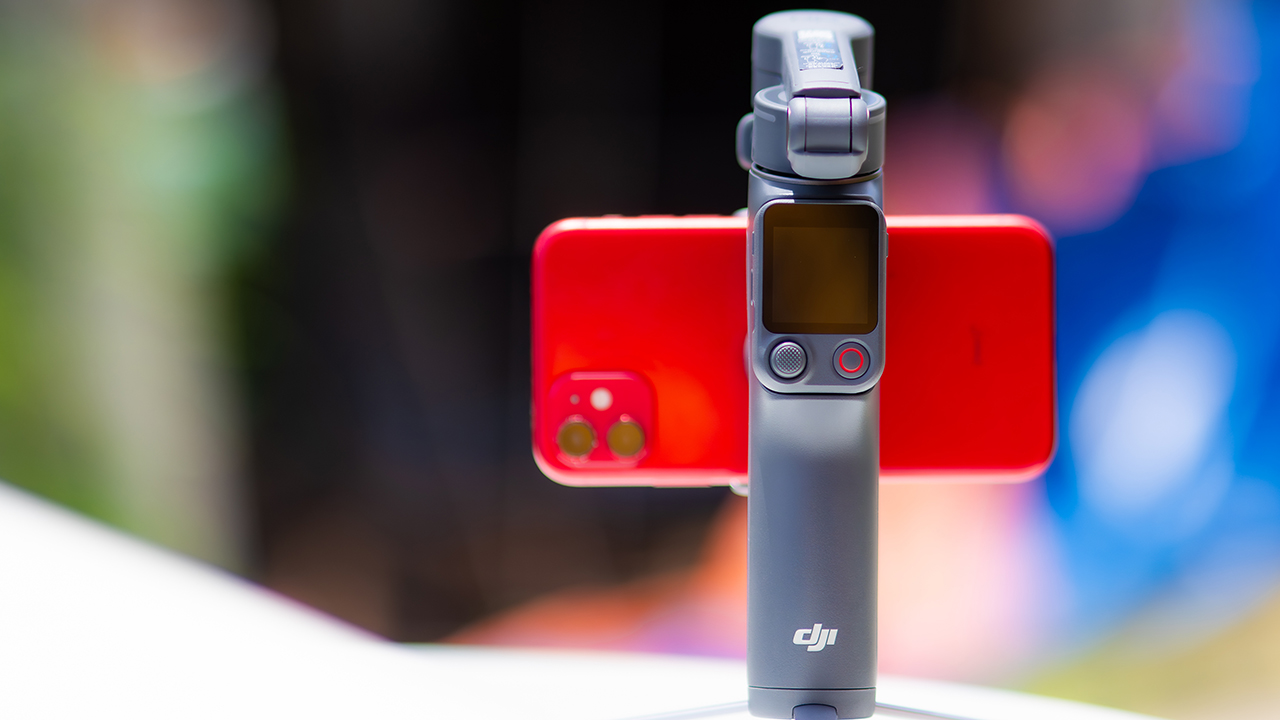
DJI’s smartphone gimbals have always chased one goal: delivering cinema-smooth footage without forcing you to carry a heavy rig.
The Osmo Mobile 8P (OM 8P) makes its priorities clear right out of the box. This is not a simple refresh. DJI rebuilt how you control the gimbal, and that decision shapes the entire shooting experience.
Freedom behind the lens
The biggest change is the FrameTap remote, and it’s the kind of upgrade that fixes a problem you didn’t realize was slowing you down until it’s gone.
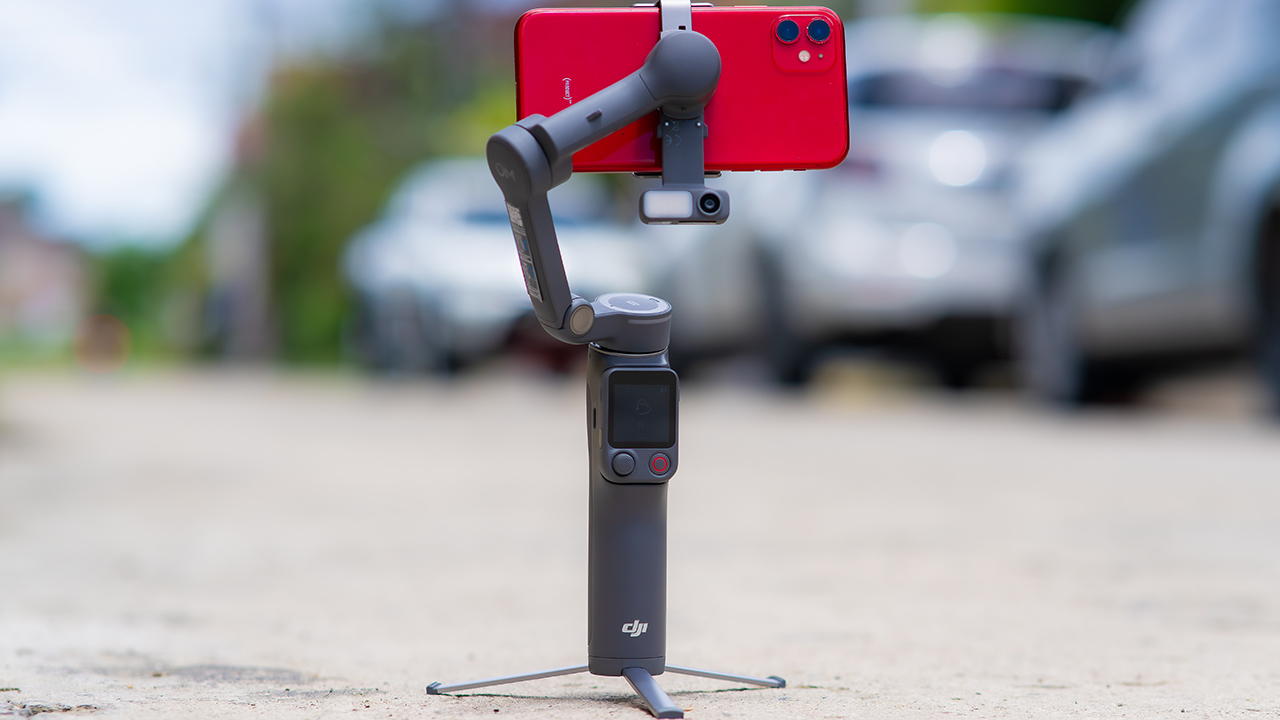
On the standard OM 8, adjusting your framing meant reaching for your phone every time, which broke the flow of shooting and pulled you out of the moment.
FrameTap puts that control back in your hand. You can reframe shots and manage the gimbal without touching your phone at all, and for anyone shooting solo, that alone changes how usable the whole setup feels. Tracking has taken a real step forward too.
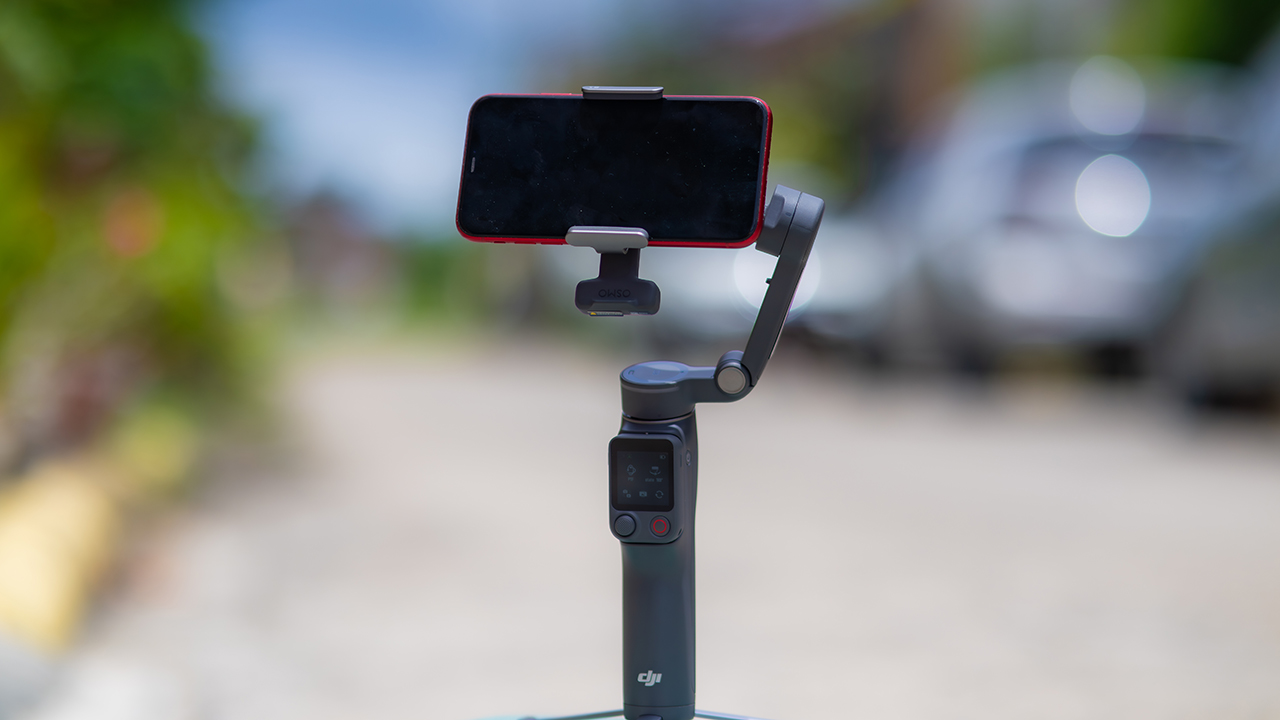
ActiveTrack 8.0, paired with Module 2, held onto its subject even after they stepped out of frame for a moment, then picked them back up without much fuss.
It also lets you sit off-center in the shot instead of forcing you into the middle every time, which gives you more room to compose something that doesn’t look like every other gimbal video.
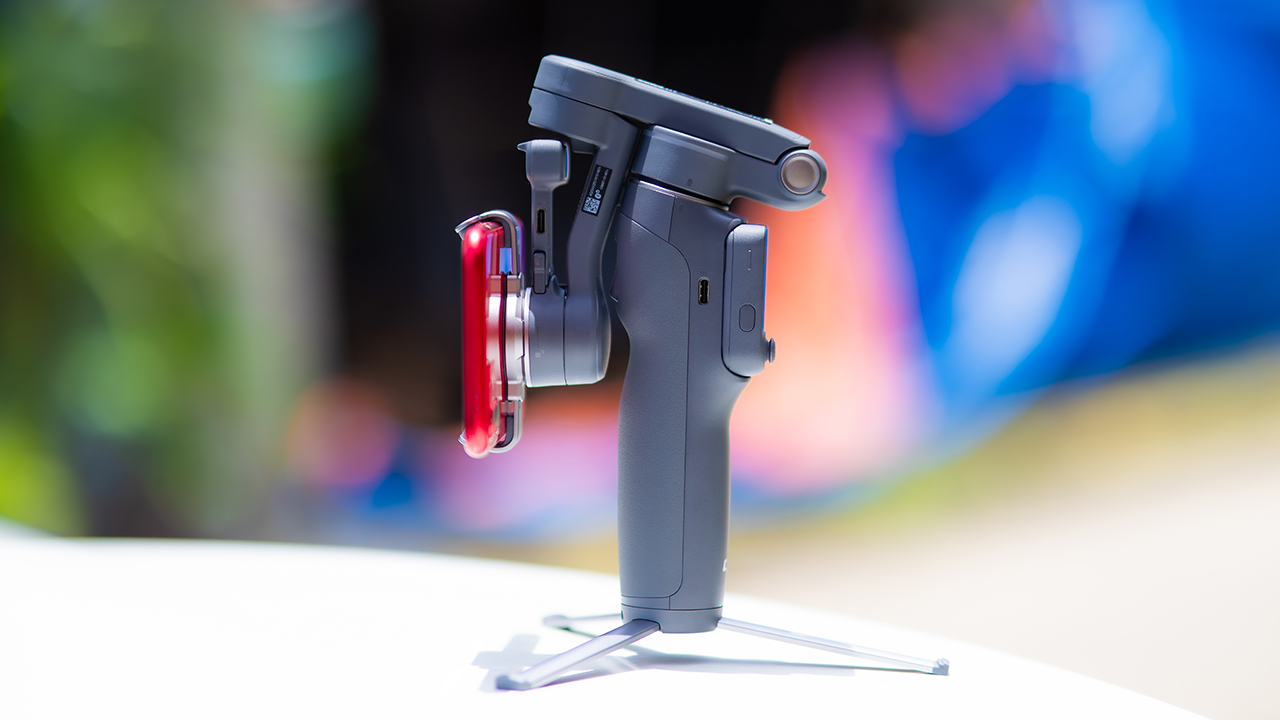
None of that would matter much if the gimbal itself wasn’t solid, and it still is. The OM 8P holds onto the same foldable design, magnetic phone clamp, and built-in tripod that made the OM 8 easy to live with.
And it remains one of the better compact options for stabilization, tracking, and portability in one package.
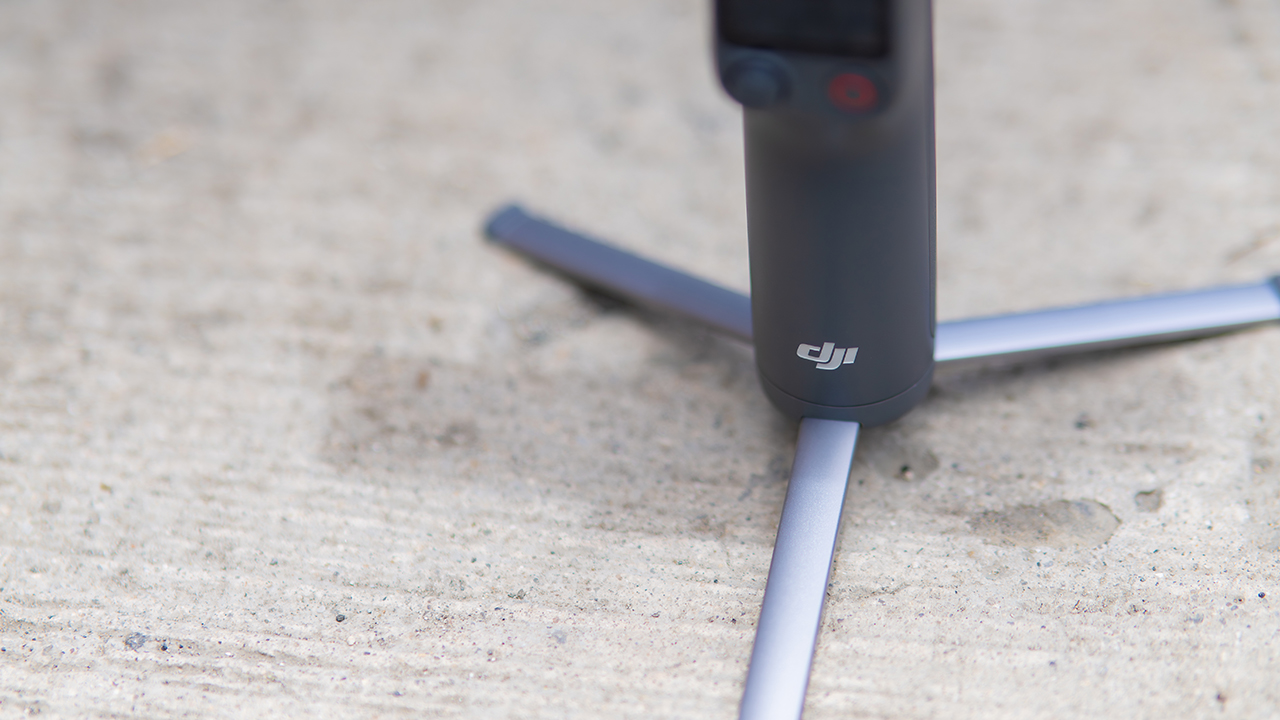
The tripod legs are a touch wider this time, and that extra width does make a noticeable difference on uneven ground.
The trade-offs in touch
The trade-off for all that new remote functionality is a control scheme that takes more getting used to. More of the gimbal’s functions now live on the FrameTap touchscreen, the joystick is smaller, and switching between shooting modes takes a few extra taps compared to the OM 8. It’s not a dealbreaker, but it’s a learning curve you’ll need to budget time for.
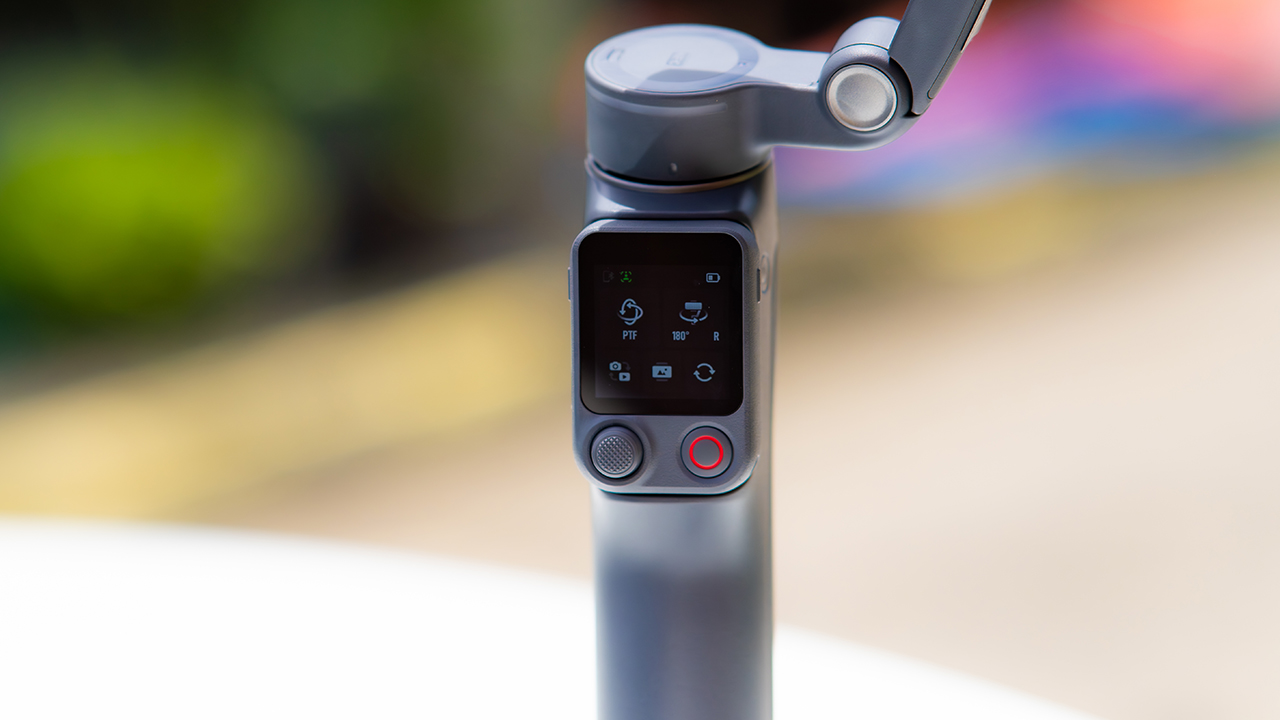
DJI also removed the zoom and focus wheel, so if you leaned on that dial for quick adjustments, you’ll feel its absence here. Module 2 no longer lets you plug a DJI wireless mic in directly either.
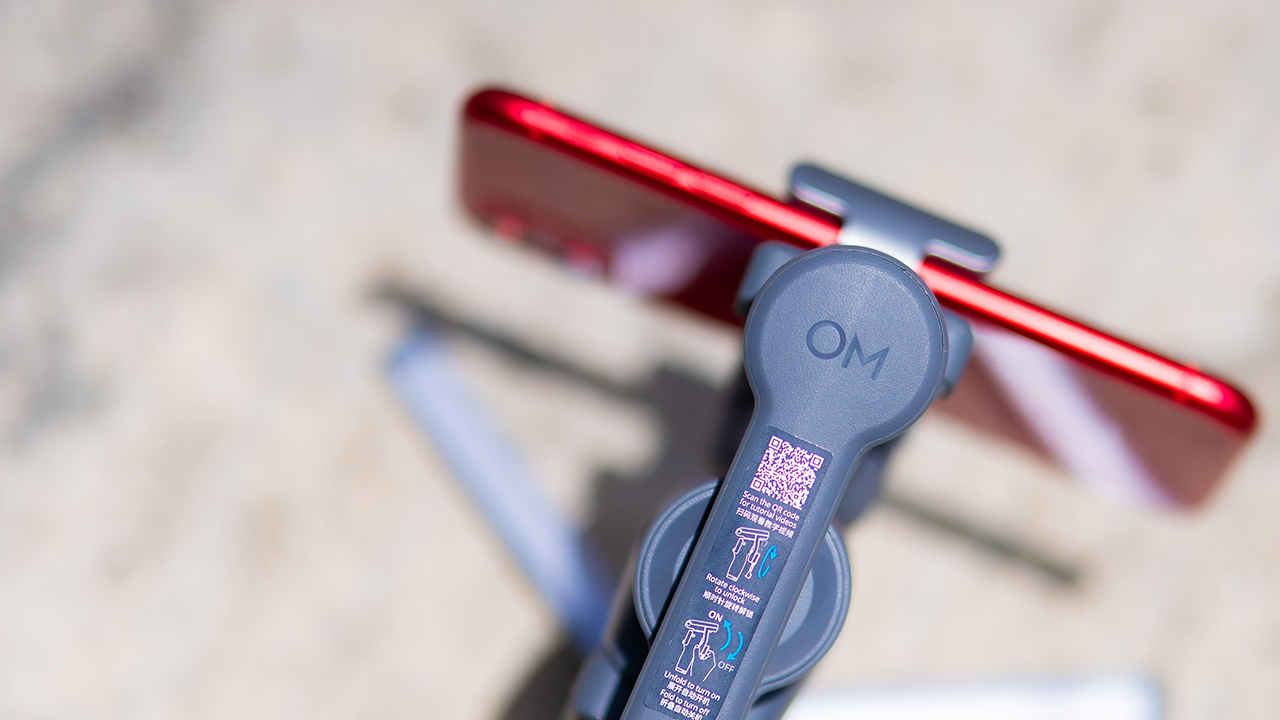
You’ll need to connect it to your phone instead, which adds a step to a setup that used to be simpler. Phone compatibility is still a limiting factor as well. DJI lists support for phones up to around 300g and 11mm thick, so bigger phones or ones in chunky cases may not clamp in properly.
Finding your ideal workflow
The OM 8P makes the most sense for solo creators who want dependable tracking and the freedom of remote framing without stepping up to a dedicated camera like the DJI Osmo Pocket.
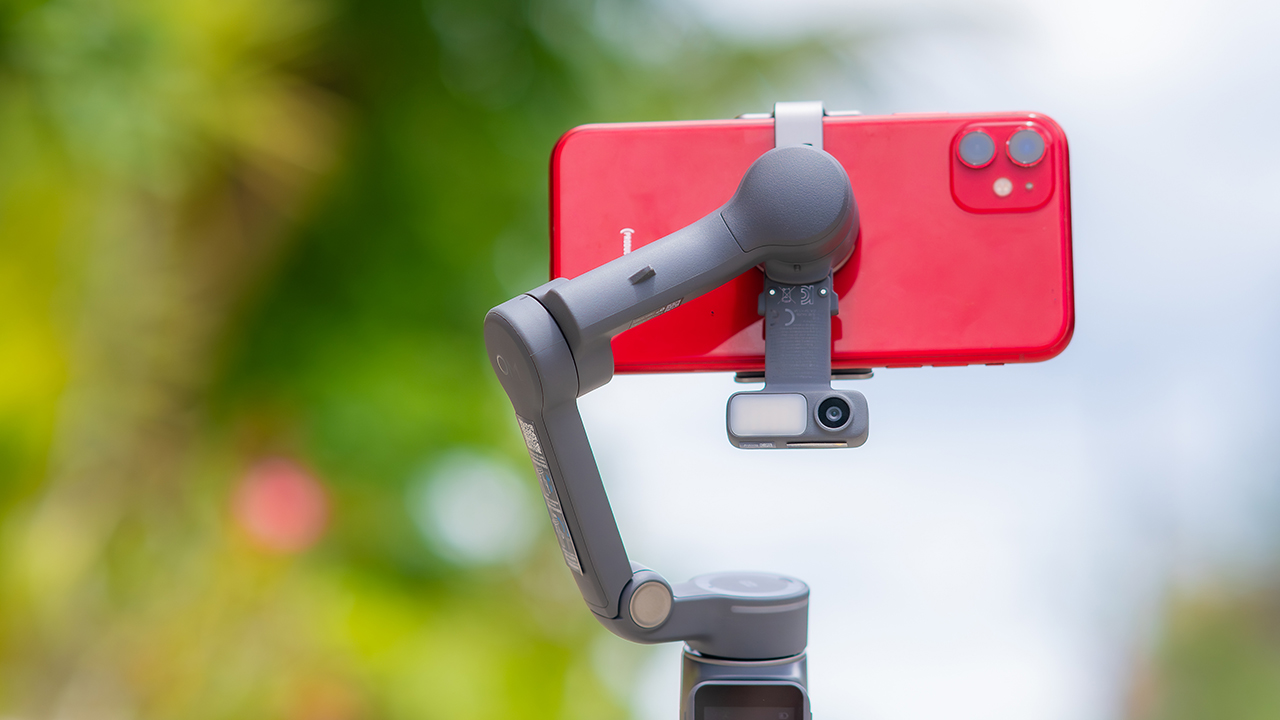
If you’re already shooting on a phone with a solid camera, this fills the gap nicely. It’s a tougher sell if you prefer physical buttons over touchscreen menus, or if your phone runs on the larger and heavier side, since fitting it onto the clamp might be a problem before you even get to shooting.
Price, availability
DJI is offering the OM 8P in three combos, so how much you pay depends on how much of the ecosystem you actually need.
- Standard Combo (PhP 7,499): the gimbal itself, with 8th-gen stabilization and the detachable FrameTap remote included.
- Advanced Tracking Combo (PhP 9,199): adds the Multifunctional Module 2 for the improved subject tracking we tested.
- Creator Combo (PhP 11,099): the full kit, built for creators who want everything DJI bundles in from the start.
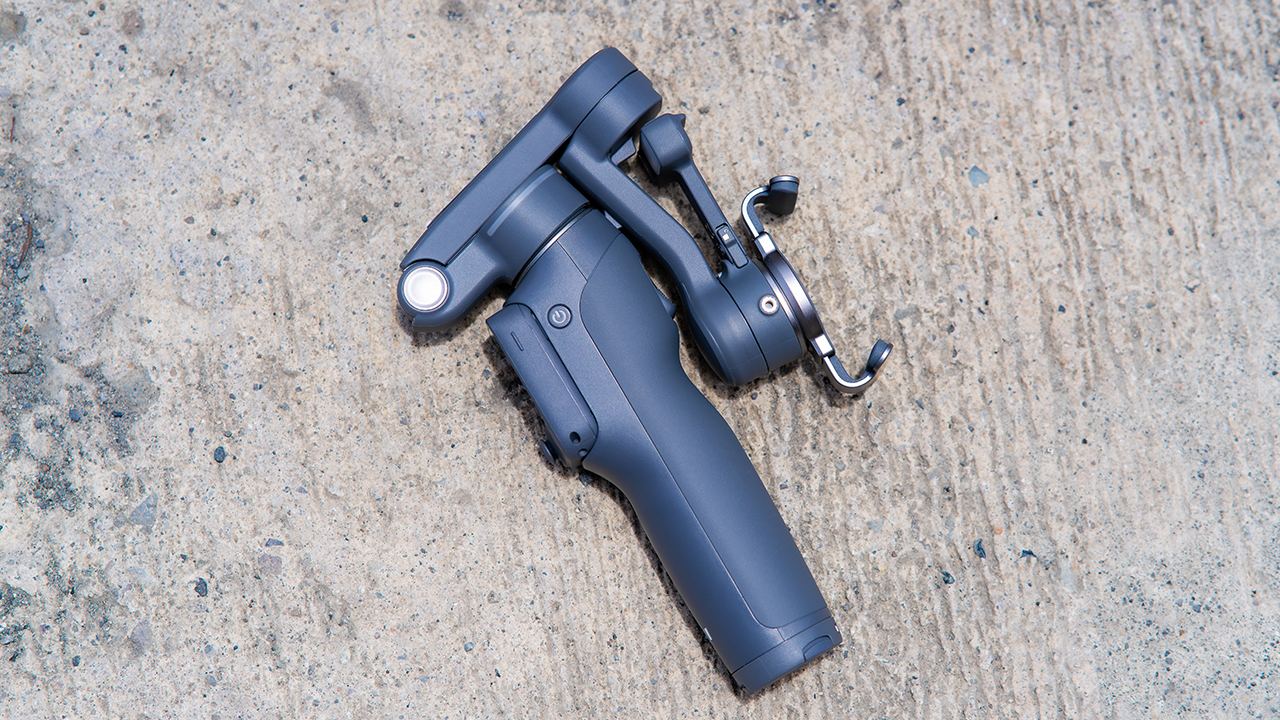
Is the DJI Osmo Mobile 8P your GadgetMatch?
The DJI Osmo Mobile 8P asks you to relearn a few habits in exchange for a gimbal that finally lets go of your phone. If hands-free framing and steadier tracking matter more to you than a dedicated zoom dial, this is worth the adjustment.
If you’d rather keep things exactly as they were on the OM 8, that learning curve might be the deciding factor.
Swipe right if you shoot alone often and have been waiting for a gimbal remote that actually works. The FrameTap remote alone justifies the upgrade if reaching for your phone mid-shot has been slowing you down.
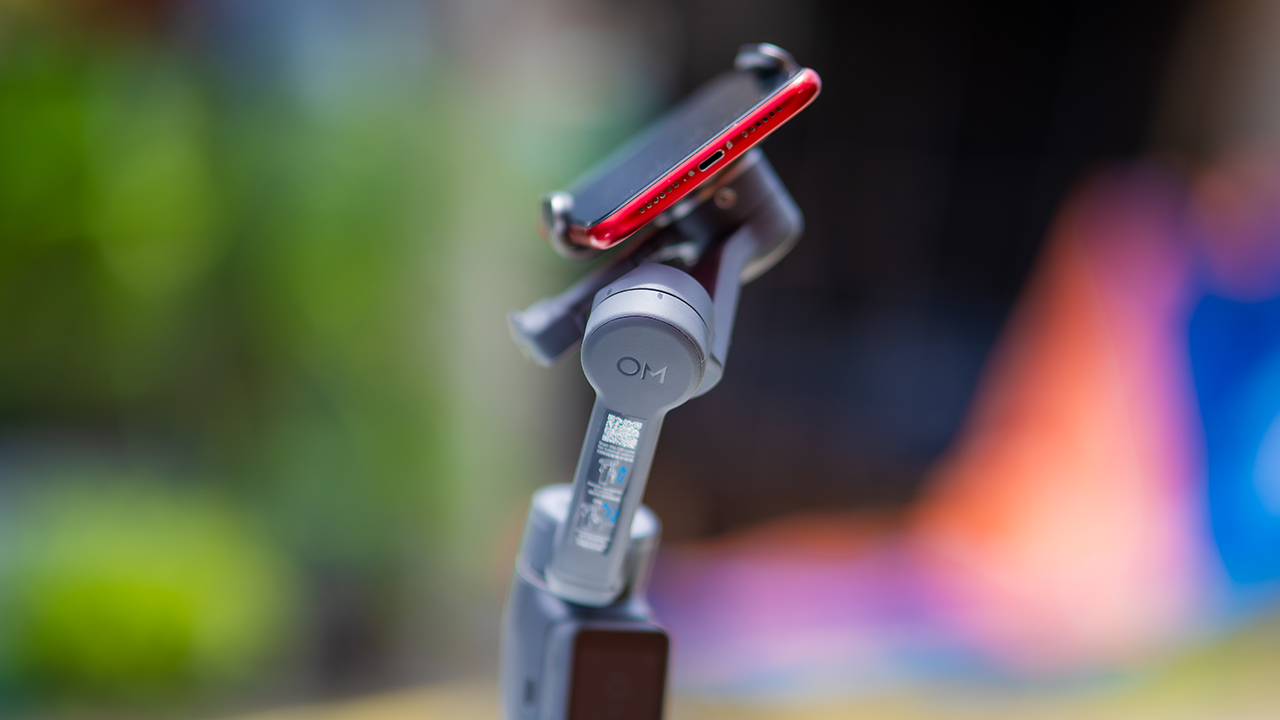
Consider this if reliable tracking matters to you, especially if you’ve had a subject wander out of frame and stay lost on older gimbals.
And of course, get this if you already own a capable phone under the weight and thickness limits, and you’d rather invest in a smartphone rig than jump to a dedicated camera like the Osmo Pocket.
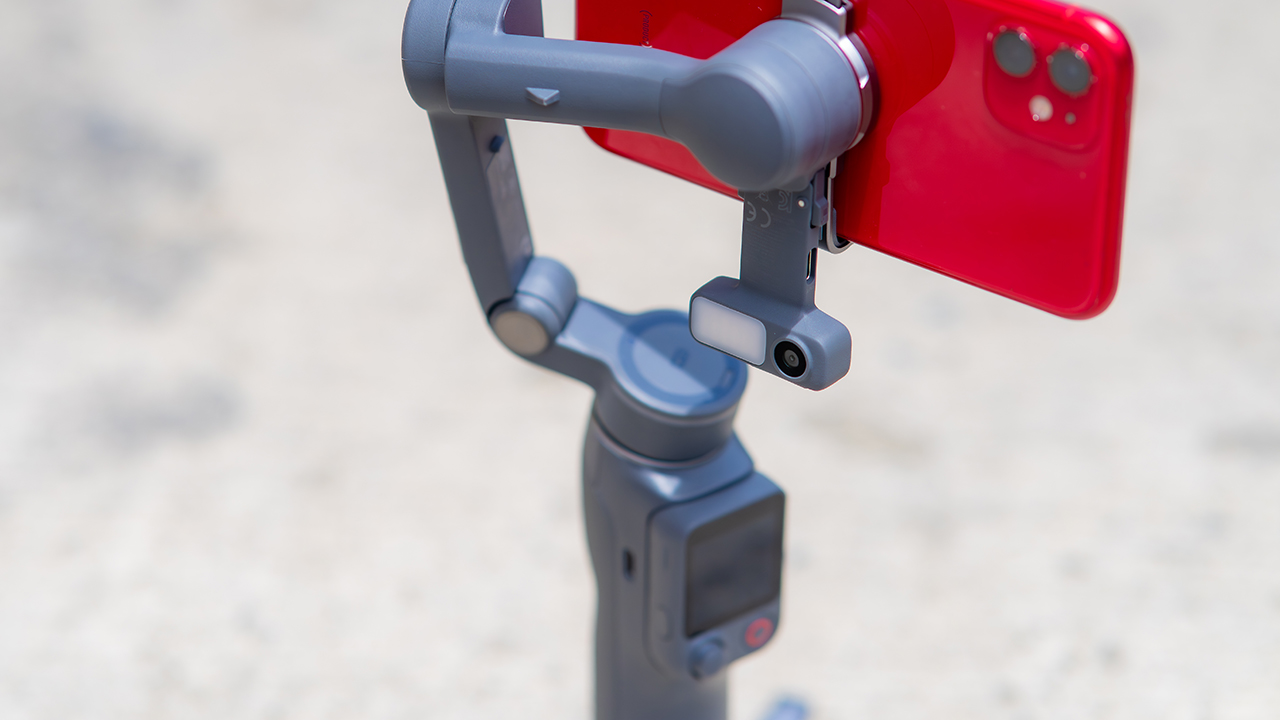
Swipe left if you lean on physical dials for zoom and focus, and moving those functions to a touchscreen sounds like a downgrade rather than an upgrade.
This is not for you if you use a DJI wireless mic and want it plugged directly into the module without routing through your phone first. Or, your phone runs heavier or bulkier than DJI’s limits allow, since no amount of enthusiasm fixes a clamp that won’t close.
Features
GadgetSnaps: Westminster Abbey
A thousand years of history, unfolded with the Samsung Galaxy Z Fold8 Ultra

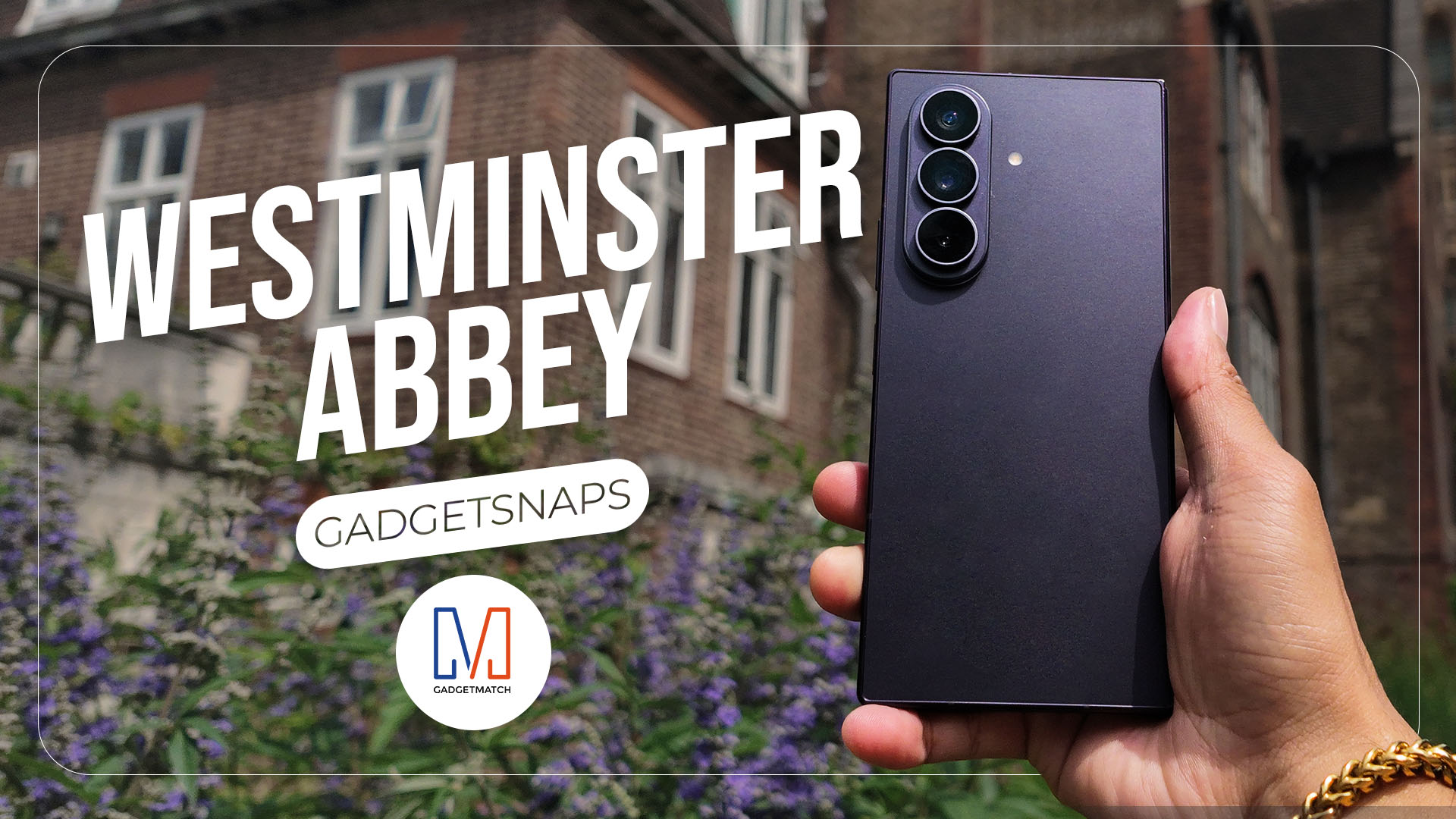
Westminster Abbey isn’t just another stop on the London tourist trail.
It’s the stage for coronations, royal weddings, and burials that span nearly a thousand years, all still playing out under the same vaulted ceilings that have been standing since before most countries had names.
Once you get past the crowds and the audio guides, a quieter version of the abbey starts to show itself: worn stone steps, poets resting a few feet from kings, light that shifts across the nave like it’s in on the performance too.
While losing track of time in Poets’ Corner (yes, me, playing amateur historian for an afternoon), I unfolded the Samsung Galaxy Z Fold8 Ultra and decided the abbey deserved more than a quick tourist snap.




































All photos captured using the Samsung Galaxy Z Fold8 Ultra.

ROG STRIX G16 Review: Building for the moment
Setting it up however you want to make the most out of it

realme C100: Enduring and durable in spite of entry-level realities
Enough power but needs more agility


The ASUS ExpertBook Ultra wins you over
The laptop sneaks up on you

TCL expands mobile lineup with latest NXTPAPER series
ROG STRIX G16 Review: Building for the moment

Smart opens HUAWEI Pura 90s Series pre-orders with exclusive freebies

Apple Watch, AirPods get exclusive offers via Beyond the Box

Canva teams up with SB19 to turn A’TIN’s passion into creativity

Hands-on: Samsung Galaxy Z Fold8, Flip8, Ultra

Garmin launches its first screenless fitness band

VinFast debuts two-wheeler models, opens 21 e-motorcycle showrooms

Most of the world’s PlayStations will be officially useless by 2028

Samsung releases teaser with Spider-Man: Brand New Day Easter eggs


-
 Automotive7 days ago
VinFast debuts two-wheeler models, opens 21 e-motorcycle showrooms
-

 Computers2 weeks ago
AMD launches Radeon RX 9050 graphics card
-

 Automotive1 week ago
Xiaomi debuts SkyNomad Series featuring new Kunlun platform
-

 News5 days ago
OnePlus officially leaves the United States and Canada
-

 Gaming2 weeks ago
NBA 2K27 gameplay trailer showcases new dunk mechanics, Rucker Park, and more
-

 Gaming1 week ago
Call of Duty: Modern Warfare 4 clip shows Losing Ground 1st look
-

 Automotive2 weeks ago
BYD Atto 2 launches with EV, plug-in hybrid options
-

 Automotive1 week ago
GAC launches new trio of MPVs