
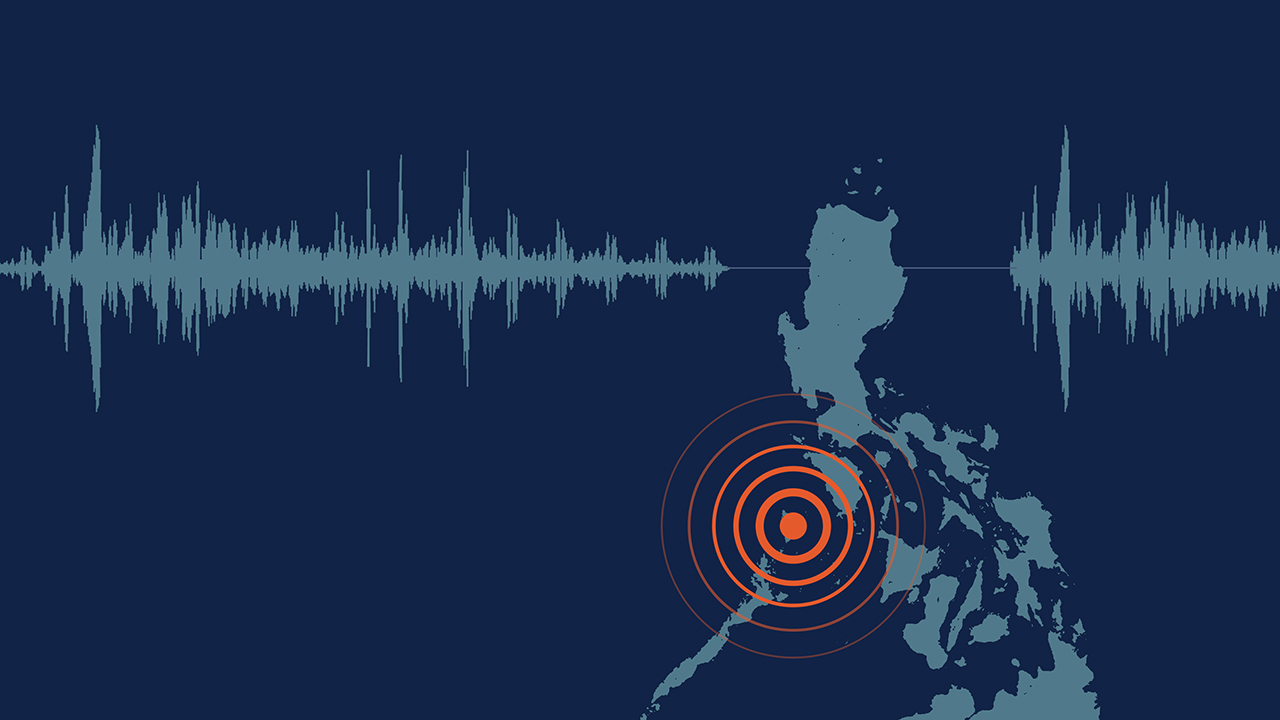

Back in July, an earthquake rocked Metro Manila. Unbeknownst to most but noticed by some, a globally renowned company was helping everyone through the natural incident: Google. In the few minutes leading up to and during the 6.7 magnitude earthquake, Android users received important alerts warning them of the ongoing tremors. Though it wasn’t the dreaded Big One, the alert afforded attentive users a few precious seconds to either seek appropriate cover or stop doing dangerous tasks.
Incidentally, the tech surrounding Google’s earthquake alert system wasn’t just hastily built on ongoing databases or social media. Google actually packed in a fully responsive earthquake sensor for Android phones.
Faster than an earthquake
The forever-increasing speed of technology has always been a contentious element since the rise of smartphones. Developers and users alike have wondered how accurate or quick our favorite devices can warn us of things happening around us. There’s even an XKCD comic about how Twitter can warn us of an earthquake minutes before it reaches the reader.
Over the years, technology has developed new ways to deliver alerts. From simple weather apps to city-wide messaging systems, users can receive warnings in a timely fashion. Practically nothing is a surprise anymore with the right technology.
That said, Google has successfully developed a new system that can rely on other Android smartphones to accurately tell whether or not an earthquake is happening.
A quake detector in your pocket
Speaking to Android Police, the feature’s lead engineer Marc Stogaitis described how Google’s earthquake sensor leveraged other devices to tell users about the quake. It all revolves around the different sensors built inside your phone.
As it is, every smartphone comes with a host of sensors to support its different functions. A light detector can seamlessly adjust brightness and camera settings, and a gyroscope can support compasses, for example. With earthquakes, the biggest element to ponder on is a smartphone’s movement and vibrations during an earthquake.

According to the lead engineer, figuring out the metrics for detecting an earthquake wasn’t a problem. After decades of accurate seismograph technology, developers already have an idea on what they need to measure.
However, the technology does not stop there. Naturally, there are hiccups to relying on just a single (or even every) phone’s data. For one, a city-wide messaging system can set off everyone’s phone in a single area, potentially causing false positives. Plus, relying on a single phone is definitely tricky. There are multiple actions which can cause vibrations akin to an earthquake.
Crowdsourcing a quake
The feature doesn’t rely on just one phone. It doesn’t tap into every Android phone in an area either. Instead, it collates data from phones plugged into a charger. Naturally, a plugged-in phone is the most reliable barometer in terms of battery reliability. They won’t die out in the middle of an earthquake and ruin a source of data. Additionally, charging phones are often stationary. They won’t be affected by motions that mimic earthquakes.
Google “listens” to charging devices in an area. If the subset meets the criteria for an earthquake, the company quickly determines the earthquake’s epicenter (based on approximate location) and magnitude. Once the system declares that a quake is indeed happening, it sends out an alert to nearby devices and gives them the time needed to seek shelter.
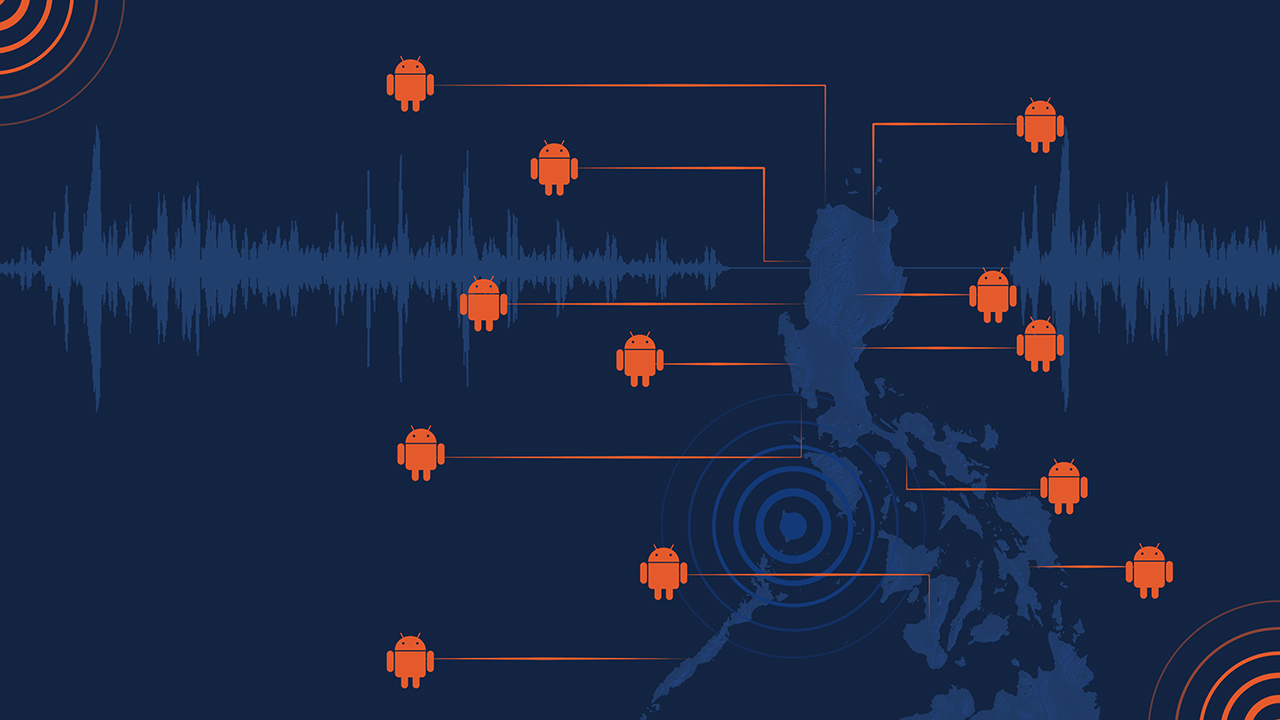
The alerts naturally prioritize people nearer to the epicenter. But, of course, the speed will ultimately depend on the phone’s connectivity. A phone hooked up to a building’s fast Wi-Fi connection will receive alerts faster than a commuter’s phone on data while going through a tunnel.
Still, the short time that the alerts give users is enough to save themselves from a precarious situation. Though the feature can potentially warn users of quakes minutes in advance, Stogaitis says that it will more realistically push alerts five to ten seconds before the incident. However, five seconds is enough to go under a table and have some sort of protection against falling debris.
Still keeping things private
For anyone worrying about how Google is handling their data, Stogaitis says that the company removes all identifiers from the data except for approximate location. And, despite that, Google still maintains that the feature will be the most accurate that it can be. Either way, the feature will be useful for any earthquakes in the future.
The earthquake sensor is available for any Android phone running Lollipop and above. Naturally, the feature still necessitates that users turn on emergency alerts on their phone.





Apps
Disney+ strengthens footing as go-to sports streaming app with UFC, NBA, more
ESPN on Disney+ brands itself as ‘new home ground for sports’


Disney+ is strengthening its footing as a go-to sports streaming app as ESPN on Disney+ is now available in the Philippines, one of its markets with a huge sports-loving fanbase.
The launch coincides with a brand new campaign, “Ito ang Homecourt Mo!” (This is your homecourt!), welcoming Filipino fans to a new home ground for games, stories, and moments.
Subscribers can access live events, on-demand replays, studio shows, documentaries and original programming together in one dedicated destination through ESPN on Disney+.
Production and coverage will be led by ESPN, delivering high-quality broadcasts, commentary and expert analysis across the sports season where available, alongside Disney+ general entertainment and family programming.
Following last season’s success, NBA returns to ESPN on Disney+ with matchups during NBA Tip-Off Week.
Christmas Day games will also be available to stream, including the NBA Finals rematch between the New York Knicks and San Antonio Spurs and the Philadelphia 76ers versus the Los Angeles Lakers.
Playoff games through the conference finals shall also be streamed live and on demand.
Meanwhile, the UFC is among some of the new regular sports programs Filipinos can watch on Disney+.
The action kicks off at UFC 333 in Abu Dhabi scheduled on October 25, where two world championship titles are expected to be on the line: UFC featherweight champion Alexander Volkanovski takes on undefeated No. 1-ranked contender Movsar Evloev, and UFC bantamweight champion Petr Yan defends against former champion and No. 1-ranked Merab Dvalishvili.
Alongside live UFC numbered events and UFC Fight Nights, fans will have access to a library of classic fights and curated UFC content.
There will also be the original and and behind-the-scenes programming, including UFC Countdown, UFC Connected, UFC Main Event, UFC Fight Flashback, UFC Reloaded, and ROAD TO UFC.
A new home ground for sports
Other notable sports programming will include the Formula E 2026/27 season, with practice, qualifying and main races across 21 rounds in 13 host cities.
Also available on Disney+ are NCAA events, including March Madness, and Australia’s National Basketball League (NBL), with all games live across the regular season and championship series.
ESPN’s popular 30 for 30 documentaries will continue to be available on the platform. The line-up also features ESPN studio shows, including ESPN FC and Pardon the Interruption.
Apps
GrabCar Group Ride now splits the fare automatically
Passengers stand to save up to 50% compared with booking a solo ride
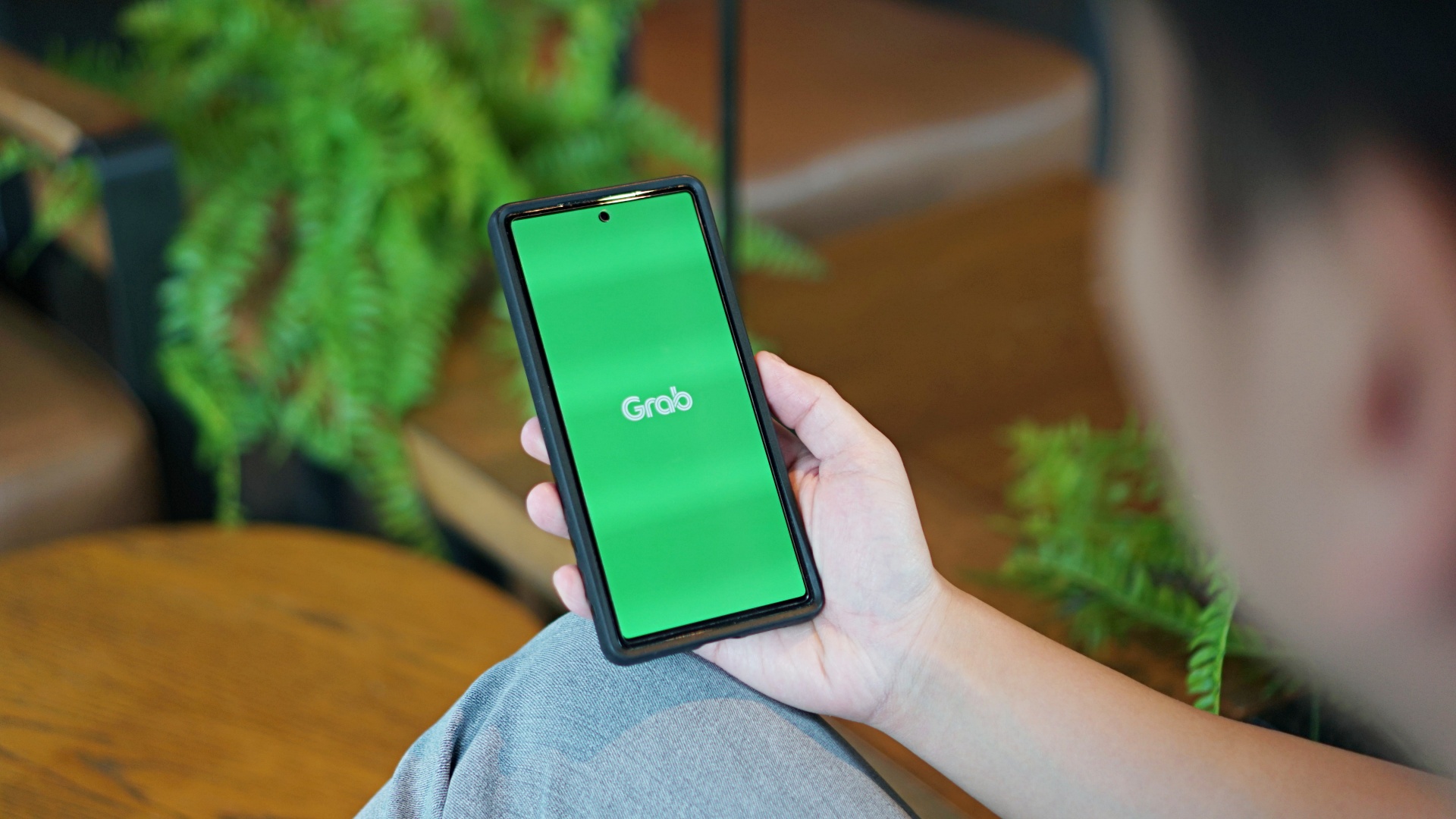
GrabCar Group Ride now splits the fare automatically among passengers, making it simpler to book such ride types.
Each rider can save up to 50% on fare as well when using a group ride, compared with booking a solo ride.
The ride type lets the ride host and up to two friends share one GrabCar, with up to three drop-off points along the way. The more people join, the more affordable the ride becomes for everyone.
Regular ride buddies can also be saved as a group, together with frequent pickup and drop-off pins. This way, repeat bookings take just a few taps.
Such a system is ideal for officemates headed the same way or friends coming home from a night out, as well as plenty of other scenarios.
To book a Group Ride, follow these steps:
- Open the Grab app, tap GrabCar, then select Group Ride
- Enter your pickup point and drop-off
- Share the invite link with up to two friends
- Your friends can add their own drop-off points
- Confirm the booking to split the fare automatically
The GrabCar Group Ride feature is now available in all GrabCar cities nationwide.
Apps
Google Photos can now censor your kid’s face better
The new Redact feature can censor sensitive information.
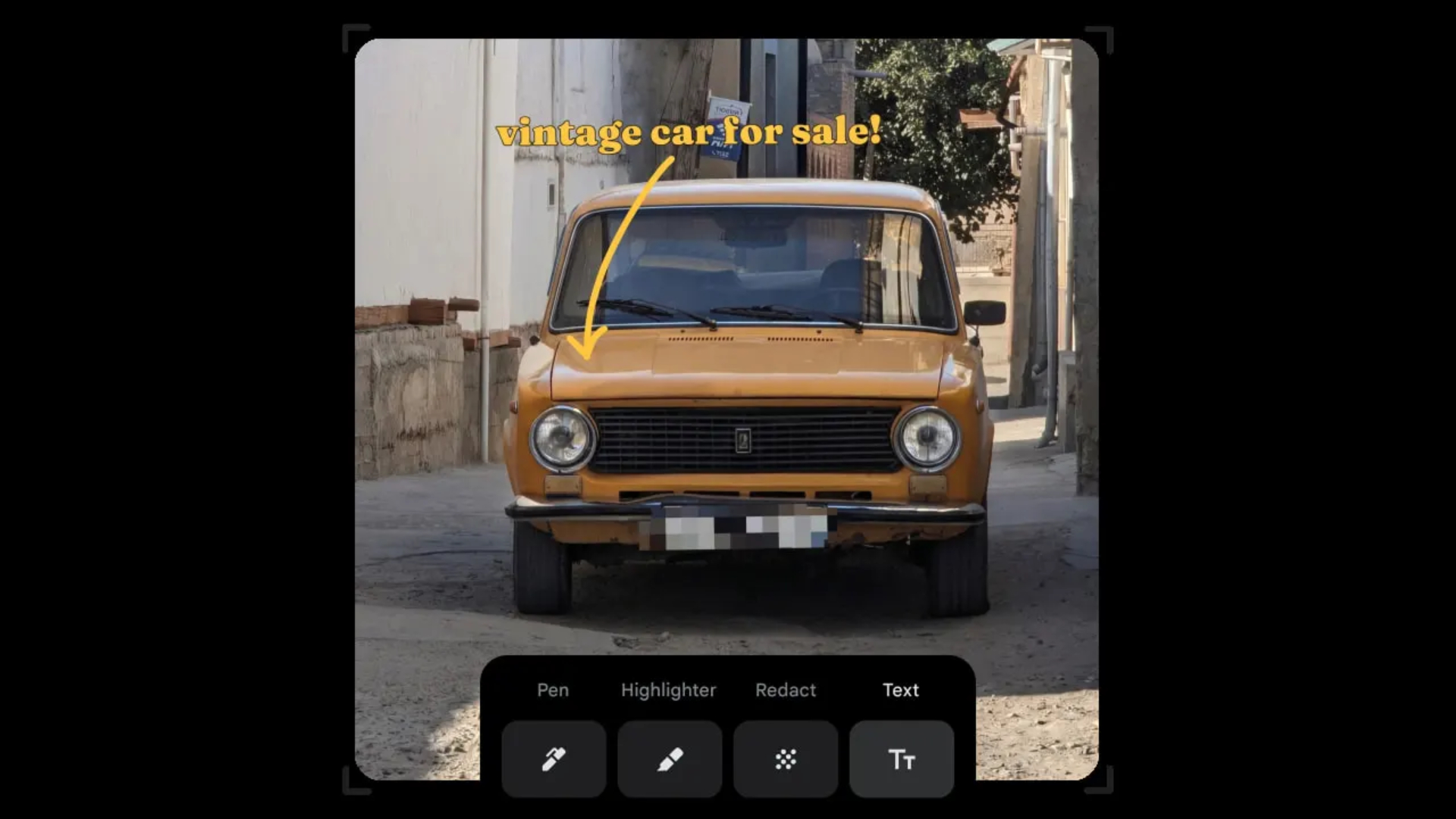
Censoring photos is heavy work. Either you stick on random emojis or draw an indiscriminate splotch of doodles to cover sensitive information. It’s an imperfect art but an essential one to protect privacy. Today, Google Photos is getting a Redact feature which can censor sensitive bits with pixelated blocks.
An addition to the Markup tool, Redact acts like a nifty pen that can hide information that you don’t want seen. Unlike a ghastly emoji or a splotch, the censored bar mixes better with the surrounding elements. In the example that Google used, a censored license plate blends well with the car it’s attached to, making the photo look more cohesive. Besides license plates, it’s the perfect tool for covering other information like phone numbers, addresses, and the faces of your loved ones.
Google Photos is also rolling out Moods, a set of filters that give photos a nostalgic look, including a 2000s night digicam vibe that’s popular today. There are also 15 new Remix templates to add more creation options.
Both the Redact and the Moods features will roll out to Android users starting today. The new Remix templates, however, will be limited to some countries on both Android and iOS.
SEE ALSO: Google will force Android users to use Gemini next month





DJI Osmo Pocket 4P Pearl White now available globally

Cyberpunk: Edgerunners 2 now streaming, Cyberpunk 2077 update coming

ASUS ProArt P14, P16 laptops with NVIDIA RTX Spark now available

Now Playing: Clayface

Now Playing: Final Fantasy Resonance

vivo X500 Series launches with major imaging upgrades

OPPO Find X10 Pro Max is the first phone with a triple 200MP camera system

TECNO CAMON Slim 5G: Price, availability in the Philippines

TECNO CAMON Slim 5G review: Slim on size, big on surprise

HONOR Magic9 Pro Max launches in China with ARRI-powered imaging


-
 News2 weeks ago
OPPO Find X10 Series launches globally October 21
-
 Wearables2 weeks ago
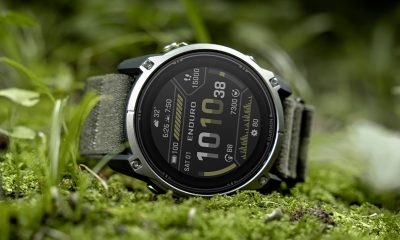
Garmin Enduro 4 promises up to 320 hours of battery life
-

 Gaming1 week ago
Dragon’s Dogma 2: Dark Arisen launches with new Official Pawns
-

 News5 days ago
vivo V80 debuts with ZEISS cameras
-
 Deals1 week ago
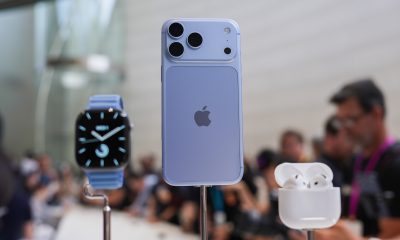
Score PhP 22,000 in guaranteed freebies when you pre-order the iPhone 18 Pro at Beyond the Box
-

 Wearables1 week ago
Garmin Approach S72 brings swing metrics, green reading to your wrist
-
 Philippines5 days ago
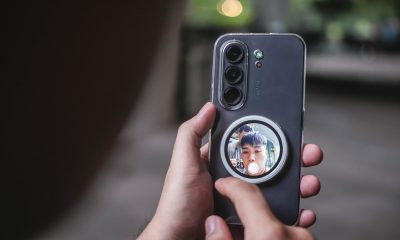
TECNO CAMON Slim 5G gets launch discounts, free MagBadge
-

 Laptops2 weeks ago
ASUS Zenbook 14 lineup expands with new colors and processors