
Accessories
LuMee Case review


Any self-respecting millennial knows that a good selfie can get you places. It’s the best social media tool for your well-curated life on Instagram and Snapchat — just ask Kim Kardashian West, queen of social media, who took it upon herself to raise awareness on the art of illuminated selfies. Enter: the LuMee case.
The brainchild of a professional lighting director, the LuMee case boasts the ability to “brighten your life,” one glorious selfie at a time. The infamous accessory has graced the phones of countless celebrities, and claims to be behind millions of flawless photographs.
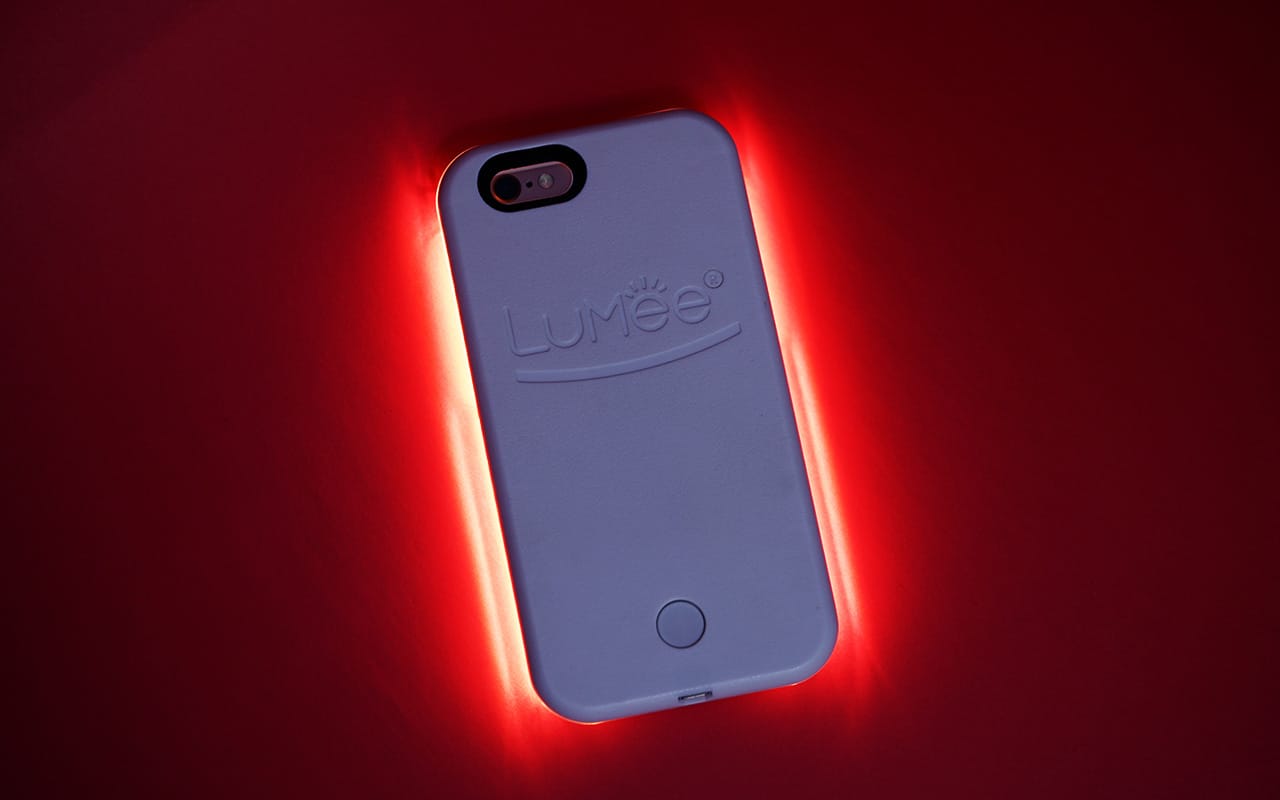
So, does this case really work? Will this thing give me optimum party snaps? And more importantly, will it really give me fleek selfies that my online persona needs? I set out to find the answers to these questions.
The awkward first date
The lightweight LuMee Original attaches to your phone and uses LED lights that’ll brighten up any selfie. Just press the button at the back, and it turns on using power from its own external battery. (Thanking the LuMee gods for not touching my phone’s already fragile battery life!) The case’s battery lasted me days, and gave me at least a week’s worth of selfies on one charge.
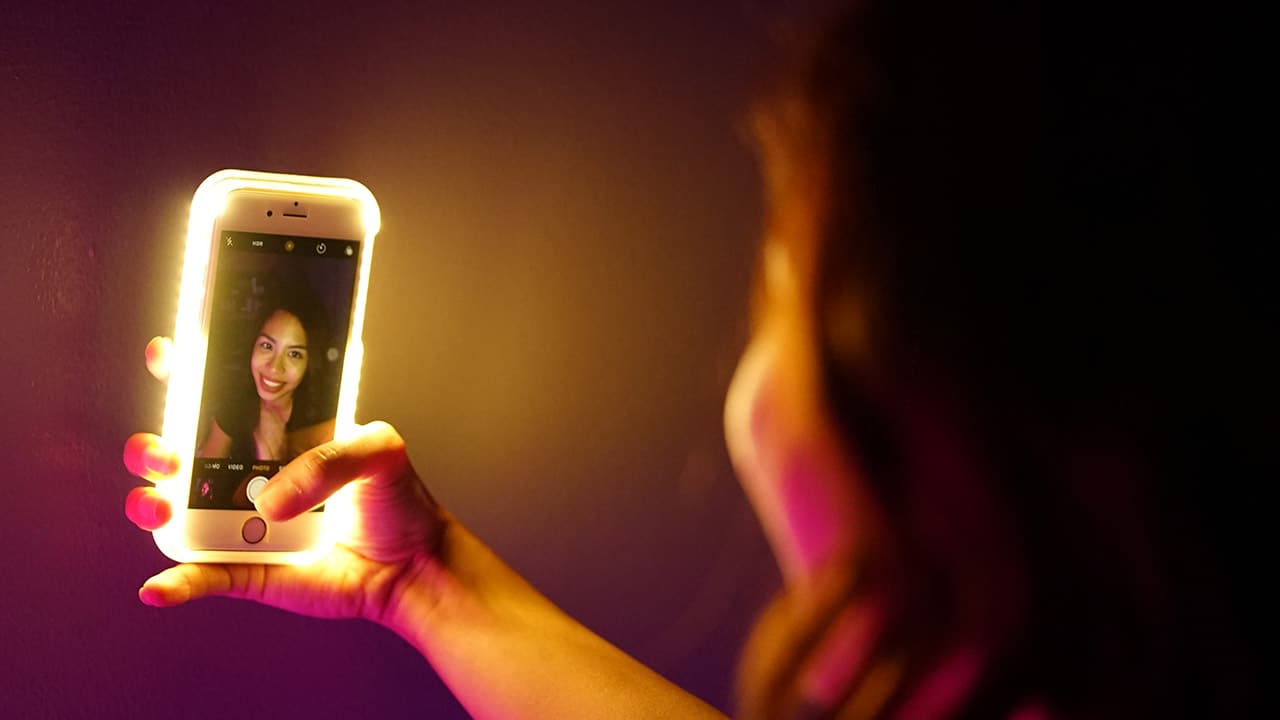
I may be cute in this selfie, but my hands were struggling to keep hold of my phone with the LuMee on; it was just too big for my small girl grasp.
But, the LuMee’s size leaves a lot to be desired. The case almost doubles the size of the phone! Holding on to the iPhone 6s is hard enough with my small, delicate hands — what more with the bulky LuMee? Imagine trying to hold on to this thing in a bar setting, while alcohol-infused and attempting a cutesy snap. Definitely a con, as I’m sure any drunken party girl with small hands can attest to.
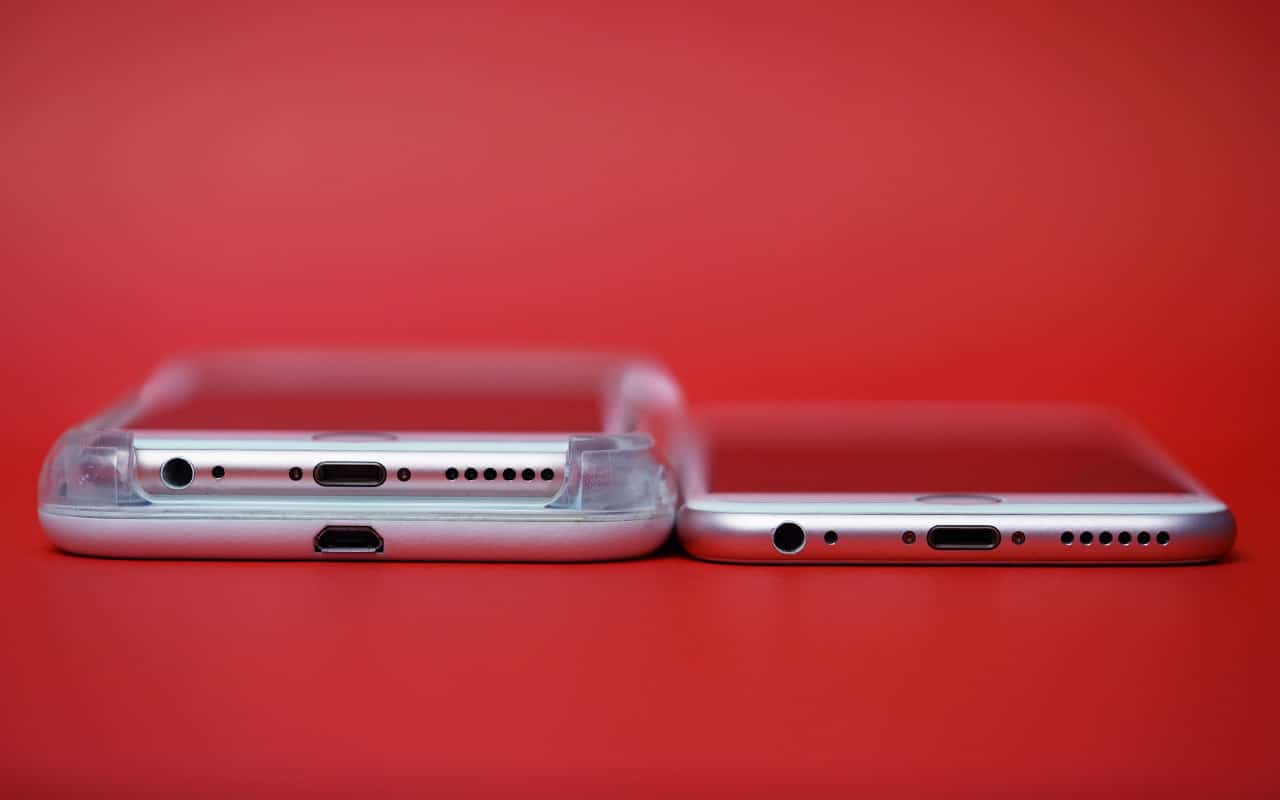
My iPhone 6s with the LuMee compared to a plain iPhone 6s. The LuMee’s charging port is also visible in this photo.
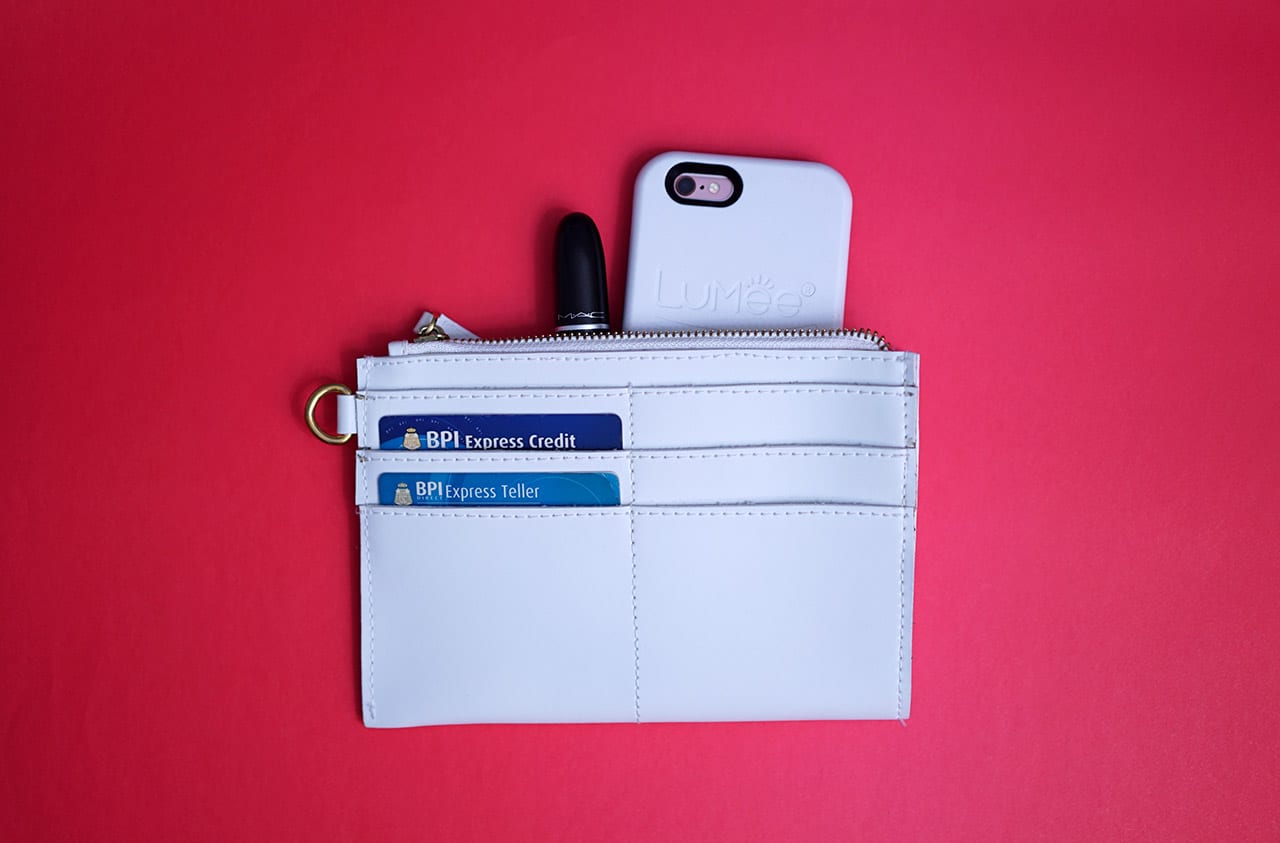
The case took all my party clutch space and left no room for other stuff like my power bank and makeup, which are party essentials!
Finding the light

(L-R) Without the LuMee; with the LuMee at its brightest and showcasing all my facial flaws; with the LuMee, after adjusting the brightness.
The LuMee is definitely good at what it’s supposed to do, but maybe even too good.
A simple press and hold of the button adjusts the light’s intensity — either go brighter (if your makeup is totally on fleek) or dimmer (for softer light and a flawless selfie finish).
Personally, I’m not a fan of the brightest light setting for selfies, as I feel my fresh face realness gets overexposed. But, it works wonders for snaps and videos, because it gives you the perfect amount of lighting for the movement shown in the GIFs below:

Doggie snap in a low-light scenario, because doggie snaps are life. The LuMee lighting makes a world of difference.

I even tried the LuMee in a tricycle ride, because you never know when you’ll need a good snap. Results were conclusive: I was still cute, and the LuMee worked wonders.

Even on a dark street, the LuMee lighting does not disappoint!
The case works well not just in low-light situations, but also in crazy light scenarios (shadows, strobe lights — you name it). The LuMee assures perfect photo situations every single time. The separate power button at the back of the case is amazingly convenient, too. No need to struggle with your phone’s interface to turn it on while navigating to your Snapchat app.
Is this your GadgetMatch?
I have to admit (as with all first dates) I was skeptical about the case when I first tried it out because, really, who actually needs a phone accessory dedicated solely to selfies? I was convinced that good lighting can be achieved by other means. But, again and again, the LuMee proved useful and convenient during the time I spent trying it out.
The LuMee Original has one job, and it does that one job well. However, for its size and discounted retail price of $40, I would’ve wanted more in terms of functionality. The LuMee Duo, a newer model priced at almost $70, now has LED light bulbs installed at the back of the case for lighting your rear-facing camera, too. But, even then, I feel like the bulky size and extravagant price tag does not compensate for just those additional functions.
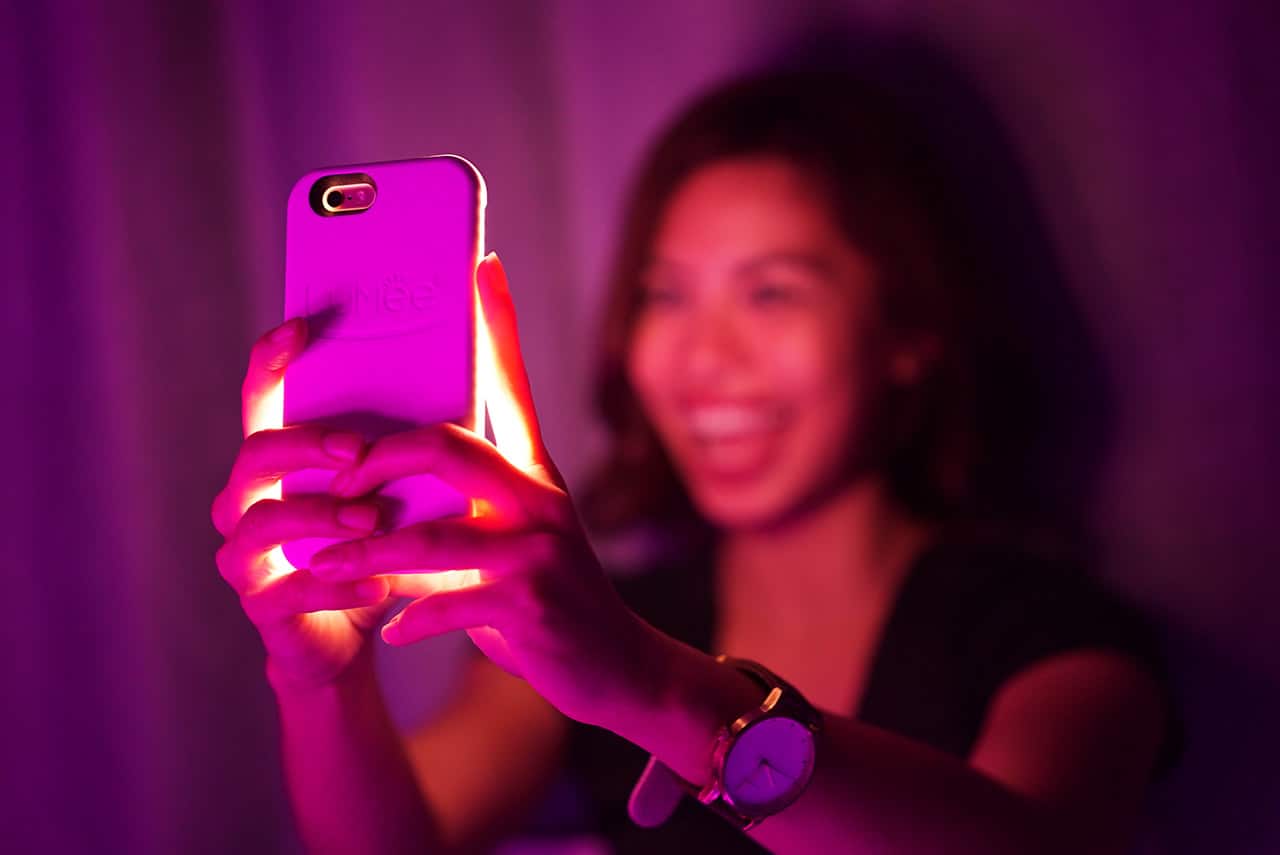
Me working the LuMee and the joy it now brings to my life.
So, how many flawless selfies does one actually need? The answer is a lot, apparently — and every single one has to be flawless! Since the LuMee gives you the opportunity to take better photos, it’s hard to go back to the dark, blurred selfies of the past. But, for the steep price, I might just have to resort to daytime selfies and content myself with evenings undocumented on social media. For $40, I’m buying myself good MAC foundation, and I’ll just look good in person instead.
[irp posts=”3906″ name=”The OPPO F1s is an affordable ‘selfie expert'”]


Accessories
Jackery Explorer 300D: Power and portability in one
Uninterrupted workflows for digital nomads, freelance creatives, more

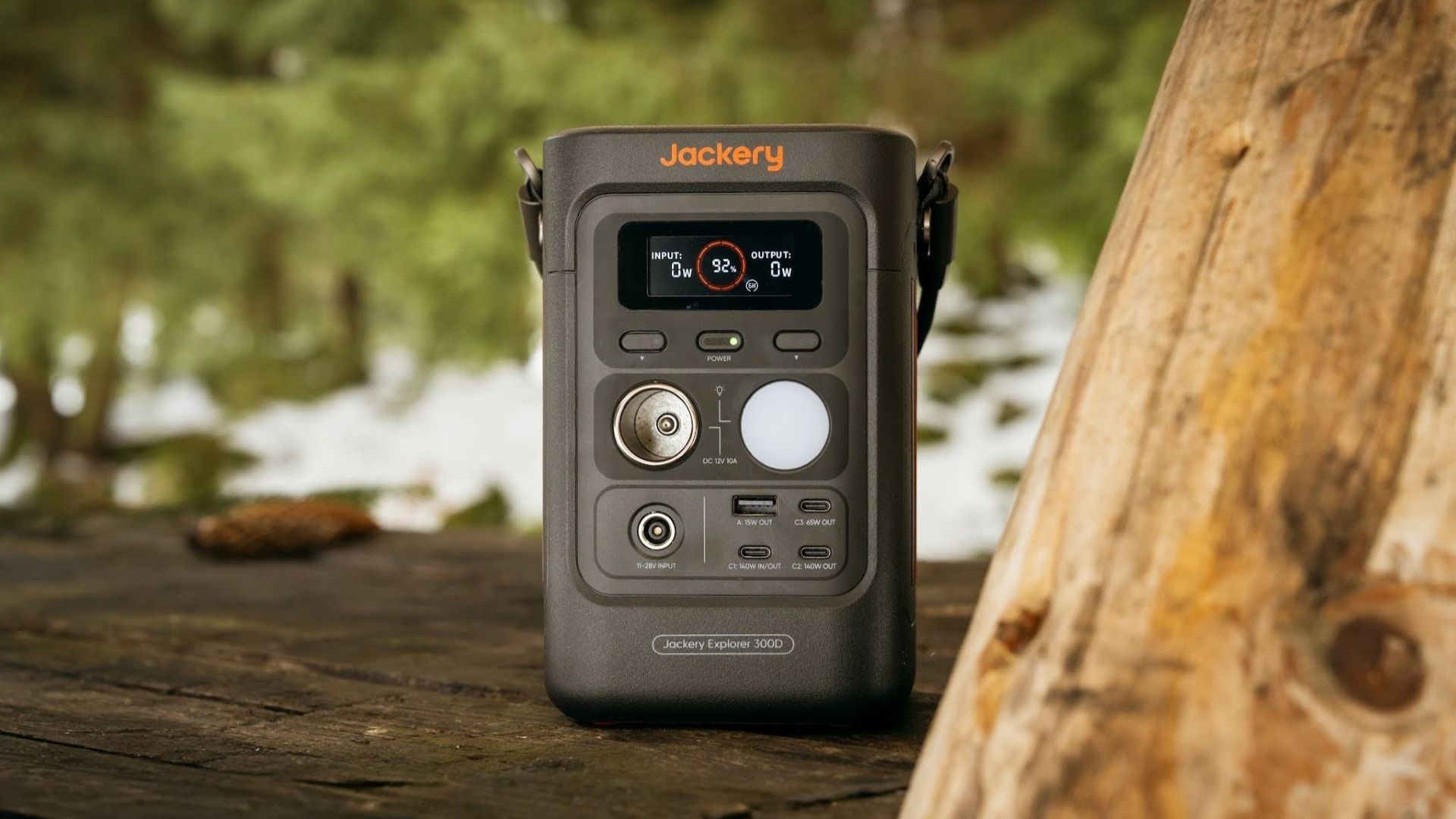
For digital nomads, freelance creatives, and even work-from-home professionals, staying productive on the move means carrying around multiple gadgets, cords, adapters, and power banks to survive the day.
Having to carry such weight, quite literally, is vital for maintaining workflow continuity.
For a more seamless experience and to have just one extra portable device to power all working parts, there’s the Jackery Explorer 300D.
Launched just last month, this grab-and-go offering from Jackery is designed for the modern lifestyle.
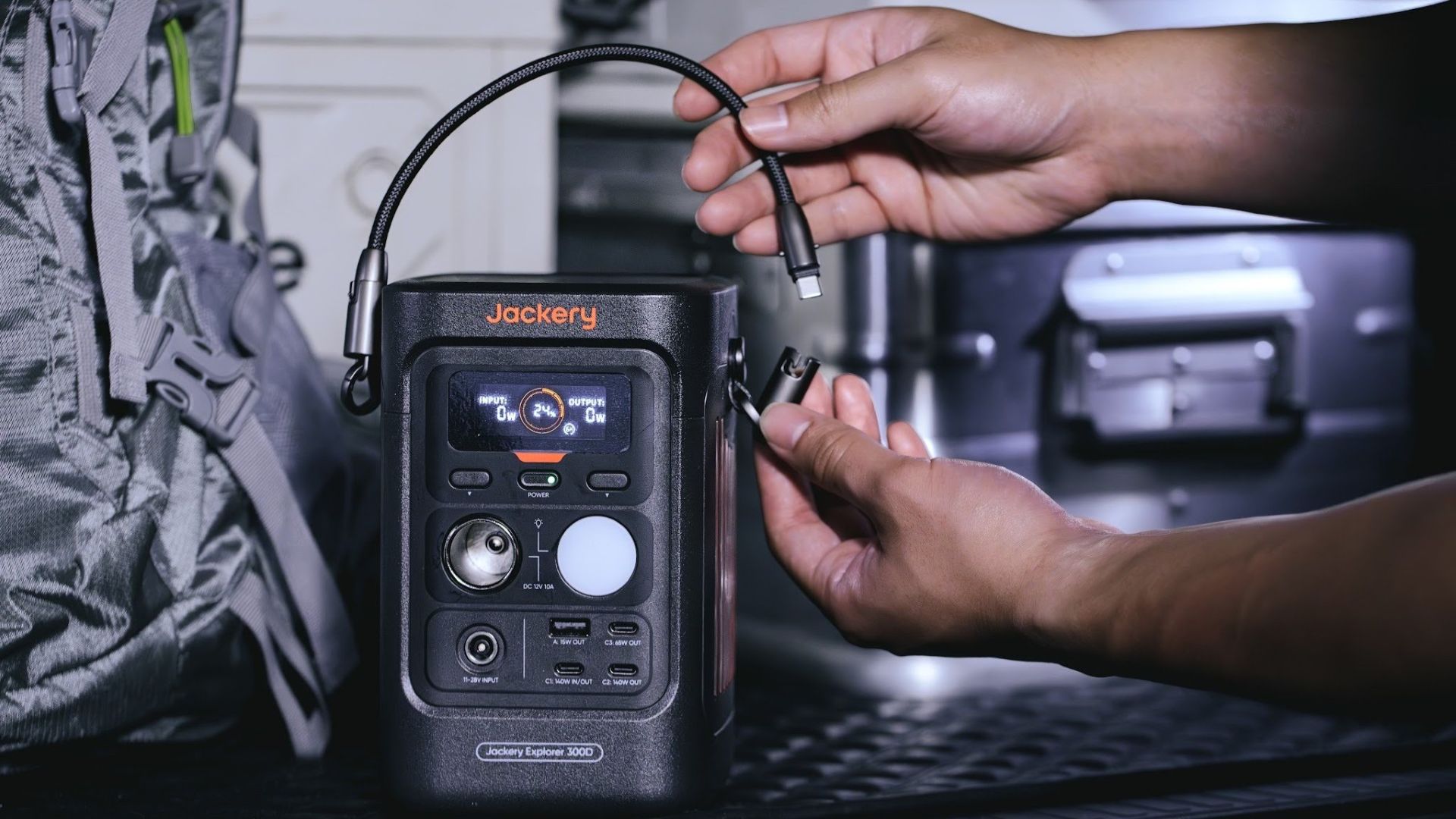
It moves away from Jackery’s traditional aesthetic with a sleek, speaker-like form factor. It weighs just 2.5 kilograms and is 64% smaller than standard 300W units in the market.
This ultra-compact size was made possible by a smart engineering choice of swapping bulky traditional AC wall outlets for highly efficient DC-only and USB-C ports — which also helps eliminate idle power loss.
With a 288Wh capacity, the Jackery Explorer 300D holds enough juice for up to nine power banks.
It can keep a Type-C fast-charging laptop for up to three to four full cycles, a Wi-Fi router alive for hours, and recharge cameras or drone batteries up to five times for a lengthy production day.
For smaller gadgets like smartphones and portable fans, the power station can juice them up for up to 22 times.

It can even charge five devices simultaneously with a total of three USB-C ports, a USB-A port, and a DC 12V car charger port.
All these ensure users are never disconnected, wherever they may set up their mobile office.
Another brilliant touch is the two-in-one shoulder strap that easily unclips to double as a heavy-duty 140W USB-C charging cable.
The everyday carry is available via Lazada and Shopee, and at the official Jackery kiosk in SM Fairview, as well as other partner stores.
Accessories
Apple is reportedly working on its own gaming controllers
It might launch under the Beats brand.

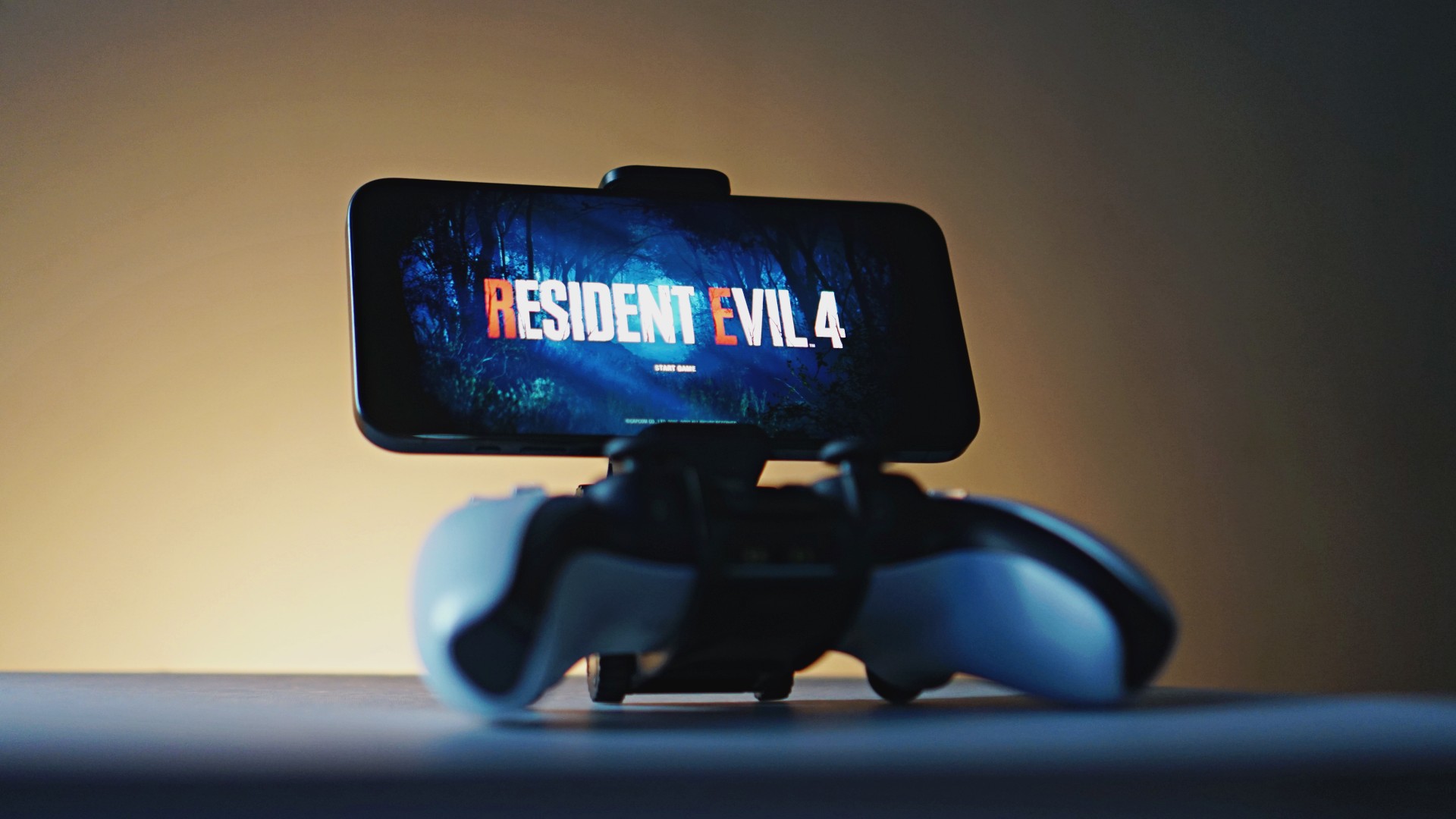
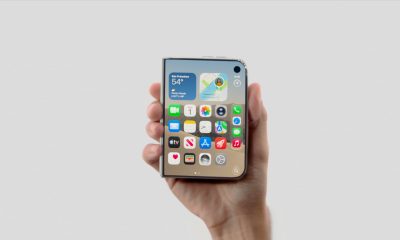
Last week, the iPhone Duo changed how you look at the ubiquitous smartphone. Foldables are in, and Apple is right there with it. But the company isn’t stopping with the foldable segment. Apple is reportedly working on its own branded game controllers.
According to Bloomberg, Apple has been working on a controller since last year. Further, a piece of code linked to macOS 27.4, spotted by MacRumors, includes references to two unknown gaming controllers.
Because Apple just concluded its huge event this month, it will likely be a while before we see confirmation of this controller. And it could be anything. Of course, because the Duo is fresh on our minds, the easiest answer is a mobile controller than can maximize the foldable’s ability to stand by itself. It could also use Apple’s larger screens like the iPad, the MacBook, or the Mac. Some even speculate that this could be Apple’s stronger push into the gaming market.
Outside of the actual hardware, the reports are also claiming that the controller will arrive by way of Beats, rather than from Apple itself. At first, the branding comes off as a surprise, but then again, Beats hasn’t really evolved past an audio brand in a long, long time. Is it time to revitalize Beats as something more than just a peddler of headphones?
SEE ALSO: First Look: Apple iPhone Duo
Accessories
New AGON gaming monitor features up to 1000Hz refresh rate
New level of speed, flexibility for competitive gaming


AGON by AOC has released the new AGON Pro AGP277QK dual-mode gaming monitor for the competitive segment.
This new offering features up to 1000Hz refresh rate at HD and 540Hz at QHD so gamers have the flexibility to prioritize either clarity or speed.
The 27-inch IPS gaming monitor comes with NVIDIA G-SYNC, synchronizing the monitor’s refresh rate with the GPU to help minimize screen tearing, stuttering, and input lag.
This is combined with 0.3ms MPRT and 1ms GtG response times for fast-moving action that is sharp and responsive, giving competitive players a clear visual advantage.
Moreover, the AGON Pro AGP277QK features VESA DisplayHDR 400 certification for enhanced contrast and more vivid, lifelike visuals.
Delta E < 1 color accuracy also provides precise color reproduction not just for gaming but even other scenarios like content creation.
For even smoother high frame-rate gameplay, MBR Sync combines motion blur reduction with variable refresh rate (VRR) technology. This helps maintain clarity during rapid movements.
The monitor also includes Low Input Lag, customizable Light FX ambient RGB lighting, Gaming Mode presets, and Shadow Control.
The display comes with HDMI 2.1 and DisplayPort 2.1 connectivity, along with a height-adjustable stand and G-Menu support.


DJI Lito X1 review: Is this the best lightweight drone for creators?
Making a strong case as a travel companion and a capable B-cam!


REDMI Note 17 Pro Max review: A new breed born from AI greed
Welcome to the new normal


Marvel’s Wolverine review: When the claws come out
A brutal, cinematic superhero adventure

Epson Lifestudio Grand Plus EH-LS970B with 4K projection, more launches

Jackery Explorer 300D: Power and portability in one

Nike’s Alphafly 4 is built for the part of the marathon ~that actually hurts~

SEGA, Netflix announce Crazy Taxi film adaptation

Smart launches LiveSmart App for exclusive deals

TECNO MEGAPAD 2 review: Eyes on the size

realme 16T 5G with 8000mAh battery, IP69 Pro rating launches in PH

HUAWEI Pura X View is 2026’s first WIDE slab-type smartphone

REDMI reveals the refreshed Note 17 and Note 17 Pro series

REDMI Note 17 Series: Price, availability in Singapore


-
 News2 weeks ago
HUAWEI Pura X View is 2026’s first WIDE slab-type smartphone
-

 News2 weeks ago
The CAMON Slim 5G is TECNO’s latest ultra-slim smartphone
-

 News2 weeks ago
iPhone 18 Pro series: Price, availability in the Philippines
-
 Singapore2 weeks ago
iPhone 18 Pro series: Price, availability in Singapore
-
 News2 weeks ago
iPhone Duo: Price, availability in the Philippines
-
 News2 weeks ago
HUAWEI Mate XT 2 tri-fold launches with Kirin 9050 Pro
-
 News2 weeks ago
vivo introduces refurbished versions of X300 FE, X300 Ultra for less
-
 News2 weeks ago
iPhone Duo: Price, availability in Singapore