
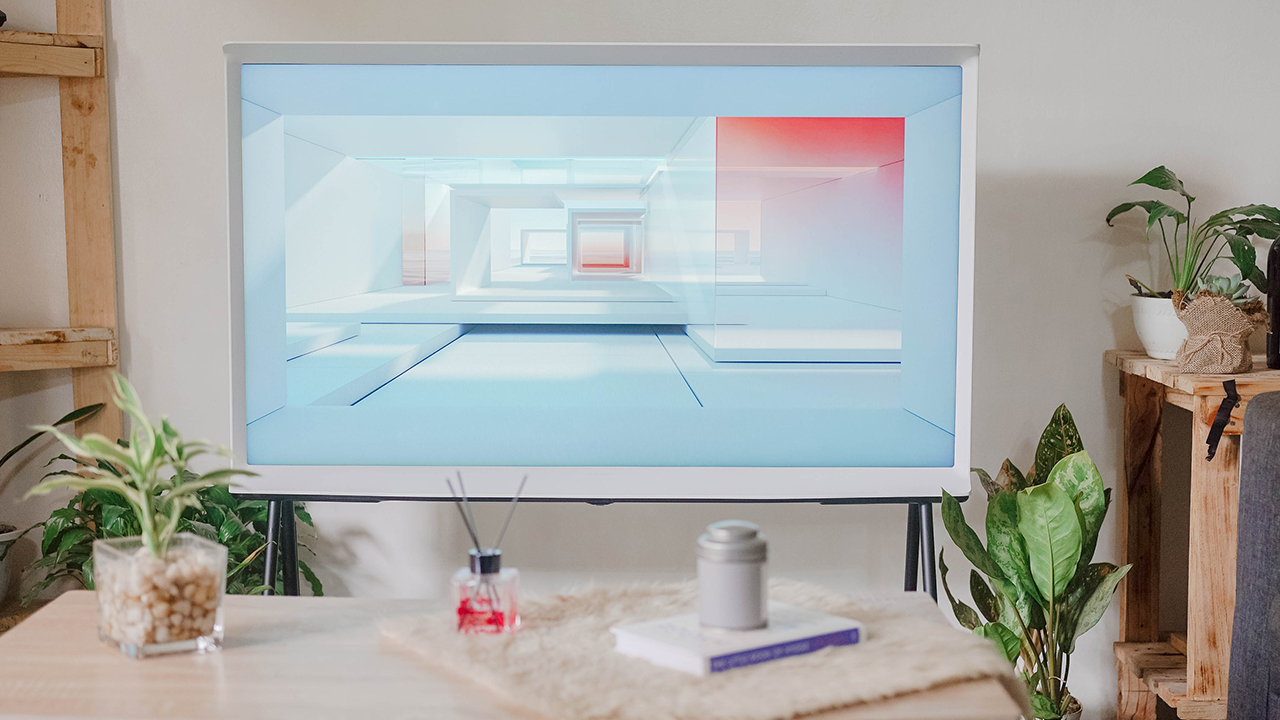

Features
Samsung The Serif: What’s it’s like to watch on an artistic TV?
You just can’t help but fall in love with it

I have always been in love with Samsung — smartphones, tablets, accessories, and their digital appliances. There’s just something suave about their designs that please my aesthetic, evidently amplified in their lineup of lifestyle TVs.
That je ne sais quoi had my eyes set on having The Frame and The Sero for its bespoke vibe that somehow fits the lifestyle I’ve been dreaming of. But in a twist of fate, I found myself completely hooked over Samsung’s The Serif. And it’s far different from the lifestyle TV’s I’ve always been eyeing on.
Coup de foudre (Love at first sight)
The Serif, designed by the Bouroullec brothers, carries the Bouroullec principle in its design — practical, sensuous, exquisite, and sophisticated. Wherever you place this artistic TV, it certainly embellishes any space.
It fills a room with grandeur beauty, thanks to the fusion of art and technology resulting in an avant-garde form factor that makes it a sight to behold.
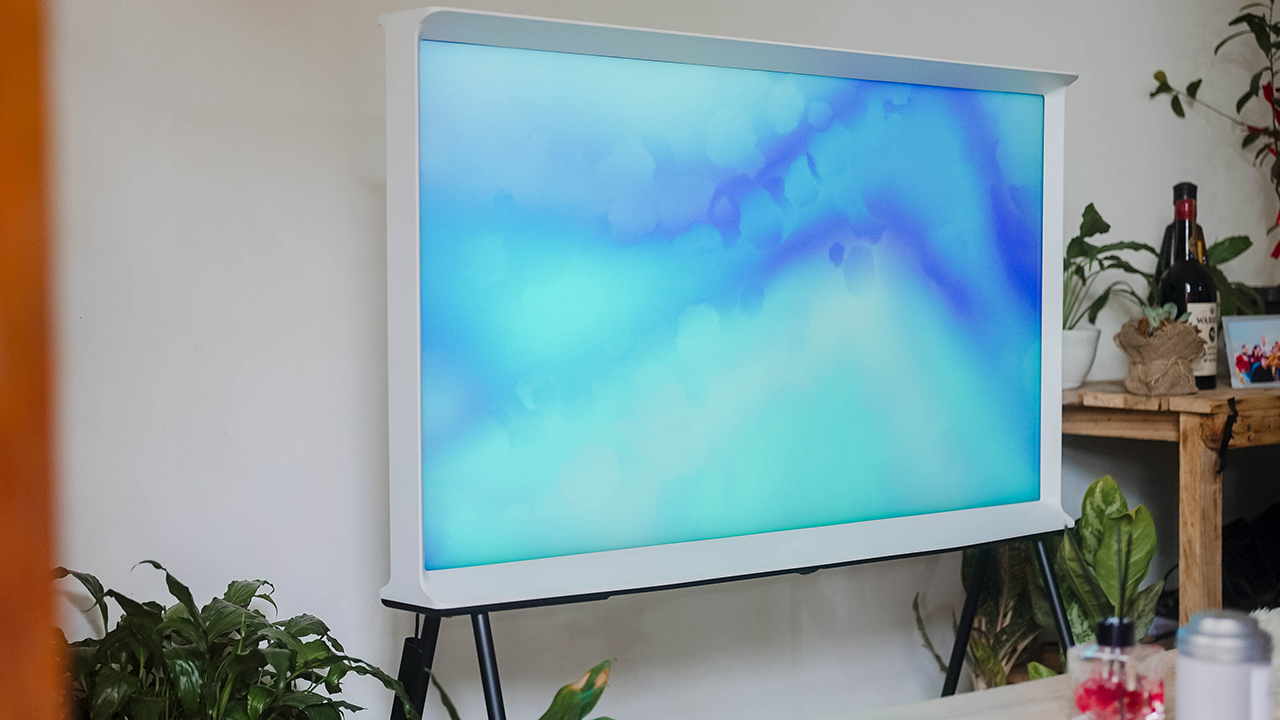
At a glance, The Serif is unconventional. Somehow, my eyes fell in love the first time I saw it. Maybe because it’s dressed in white? Or maybe because I’m a designer and The Serif, in some manner, is reminiscent of serif typefaces I’m familiar with all too well. Times New Roman. Playfair Display. Baskerville.
If you squint your eyes a little, it forms the shape of the letter “I” in those serif typefaces — with its strokes on both ends giving an impression of an expanded I-beam.
Cool, right? Maybe that’s why I’ve fallen in love right away. It’s not my usual type, but from the get-go, I knew I’m captivated like a firework show.

An exalted home decor
What makes it appeasing to the eyes of many — urbane or gauche — is its ability to look graceful and charming, and even elevate one’s home. Its evocative, 360-degree style along with its practical setup and artistic technology helps it blend anywhere. Whether it’s in your living space, your bedroom, your dining area, or even your sanctuary-like bathroom.
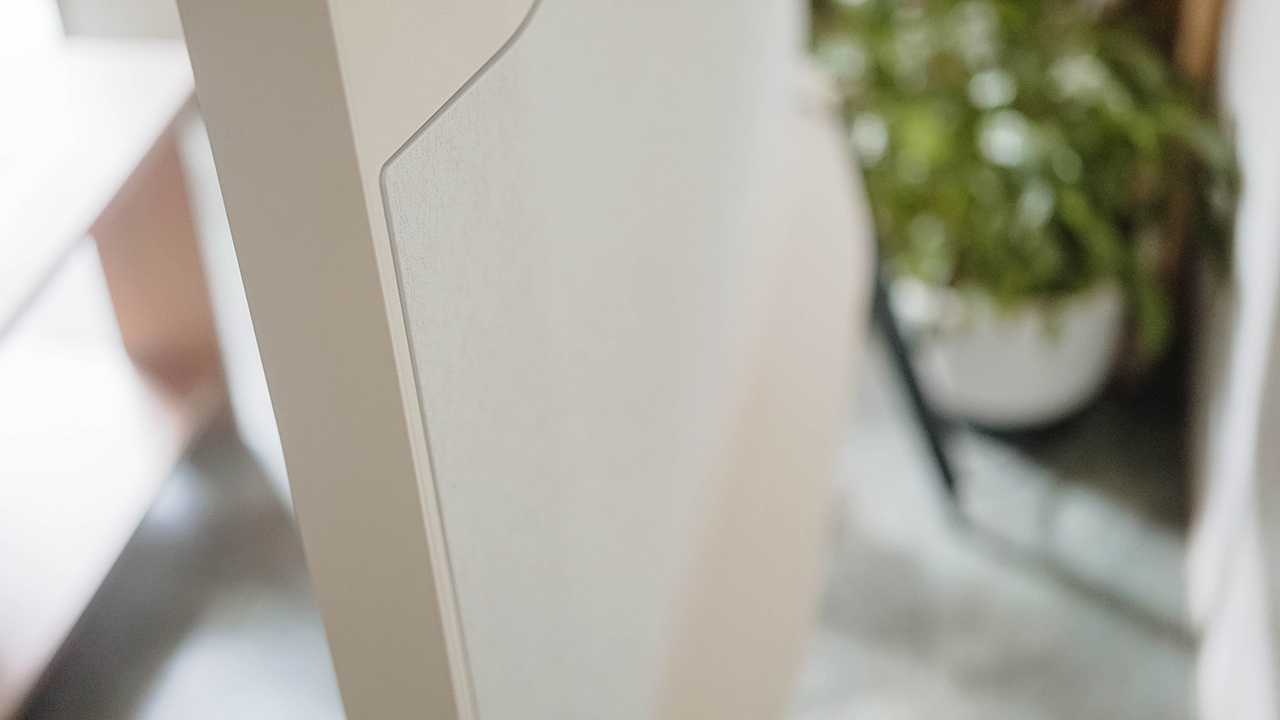
It has an elegant cable management system hiding unsightly wires needed for display, power, and connectivity. Further, it comes with a detachable floor stand so you can place The Serif on top of a TV stand or a raised, marble floor.
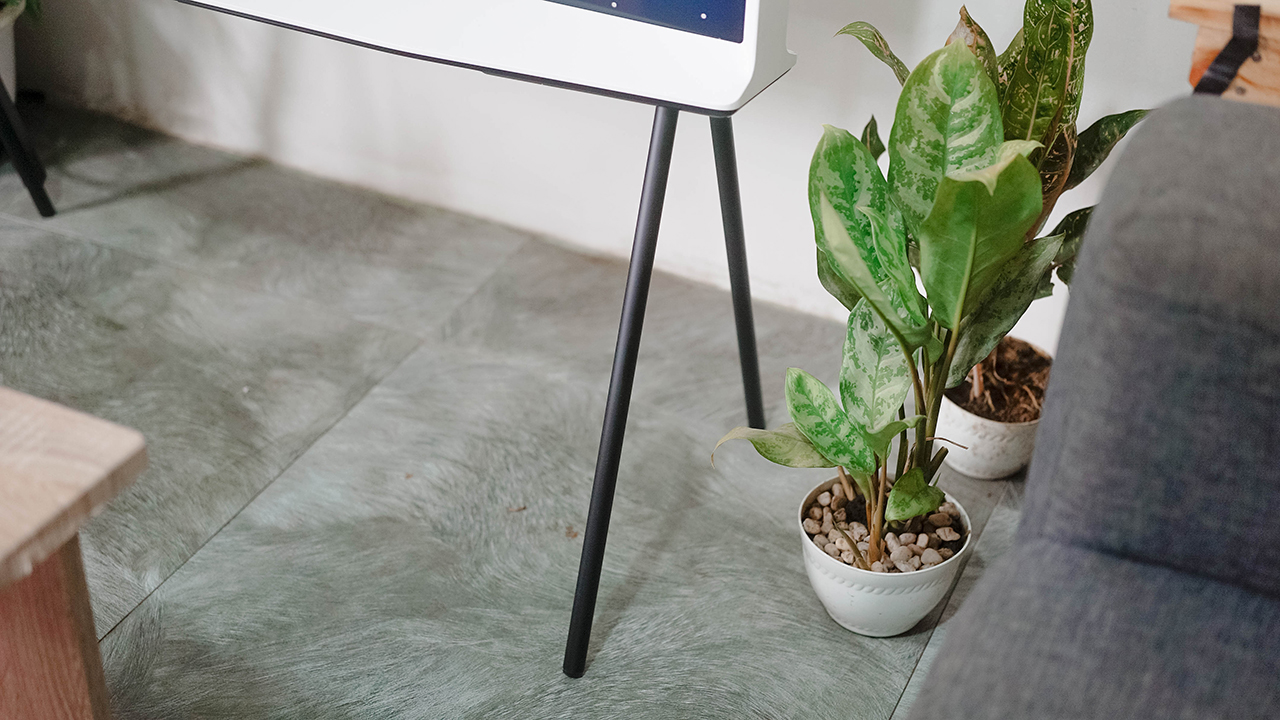
Or you can also place it in the middle of the living room as if it’s a cultivated sculpture. In some ways, I’d think of The Serif as prized ornamentation: Portable, versatile for any home style, and suitable for a culturally-refined taste.

When you’ve successfully placed the TV to your liking, you can turn it up a notch and use Ambient Mode to install and exhibit art pieces that can act as wallpaper. Instead of having a big, black box, you get a power-saving feature that spruces up your home.
Can’t take my eyes off you
Yes, The Serif is easily explained through Frankie Valli’s 60’s pop-rock “Can’t Take My Eyes Off You.” It’s my anthem for every time I fall in love — which is quite rare — but it also applies in the way I experienced Samsung’s Parisian-looking piece.

Its picture quality is breathtaking. I was mesmerized, awestruck at the sight of its QLED panel parading vivacious colors and exceptional contrast. I thought to myself, “the devil is surely in the details” especially with how its 4K resolution and AI upscaling worked hand-in-hand to present dynamic shows, even if it’s content from the distant past.
Samsung’s Quantum Dot Technology also put in the work, bringing out the best of any content down to the tiniest detail through a 100% Color Volume.

Though I’m no stranger to how QLED works, I’m still enchanted reveling in a spectacular display for months. It made me want to skip work and lounge around. At some point, I pondered how I could spend a day staring, marveling at The Serif’s beauty.
But instead of being smitten for days, The Serif helped me embrace the art of slow living — dilly-dallying, mellowing out, falling in love with life, and becoming more intentional with my time.
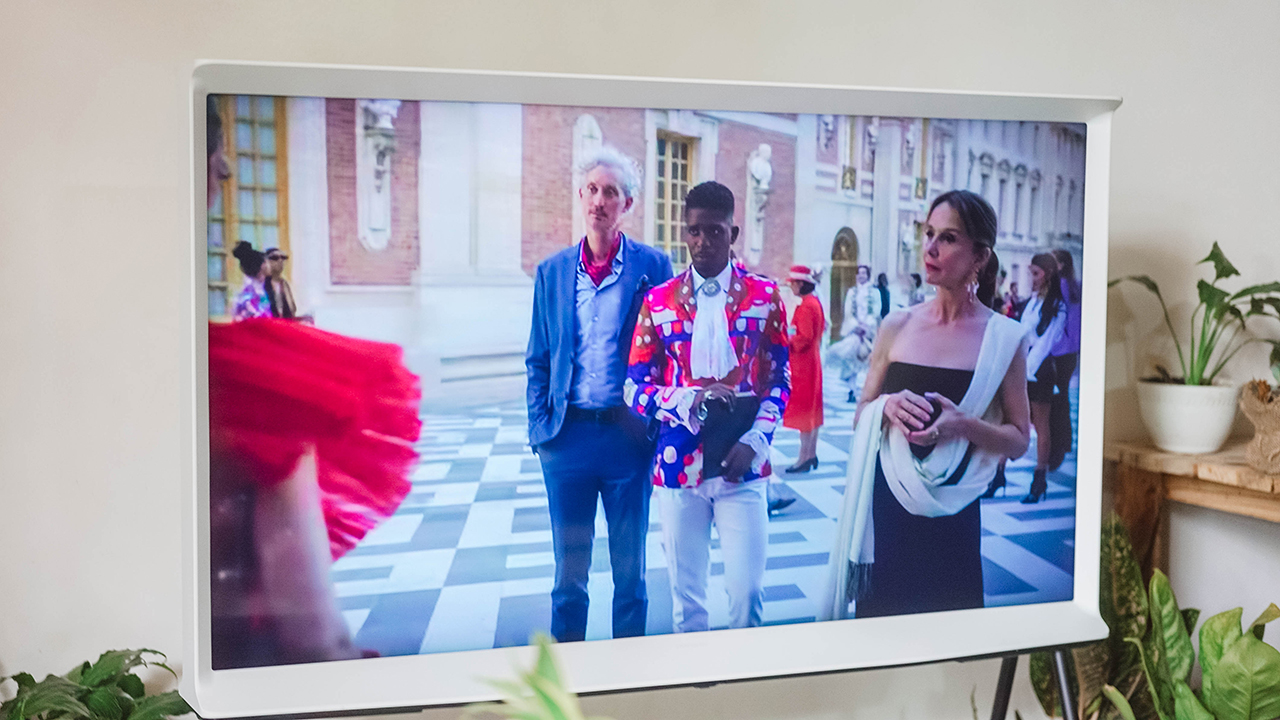
Meaning, less work and more time for things that give me joy. That includes basking in films and series with European sensibilities or catching up on dashing animés to serve as my muse for my art and poetry. Because if you have a TV as remarkable as this, how could you not make the most out of it?
Smart and good-looking
I like my partner the way I like The Serif — serving looks, intelligent enough to carry a conversation, and smart enough to make things work with ease. It’s just convenient when everything seamlessly connects. Part of the reason why I got my claws on Samsung’s ecosystem. I’m not giving it up easily.
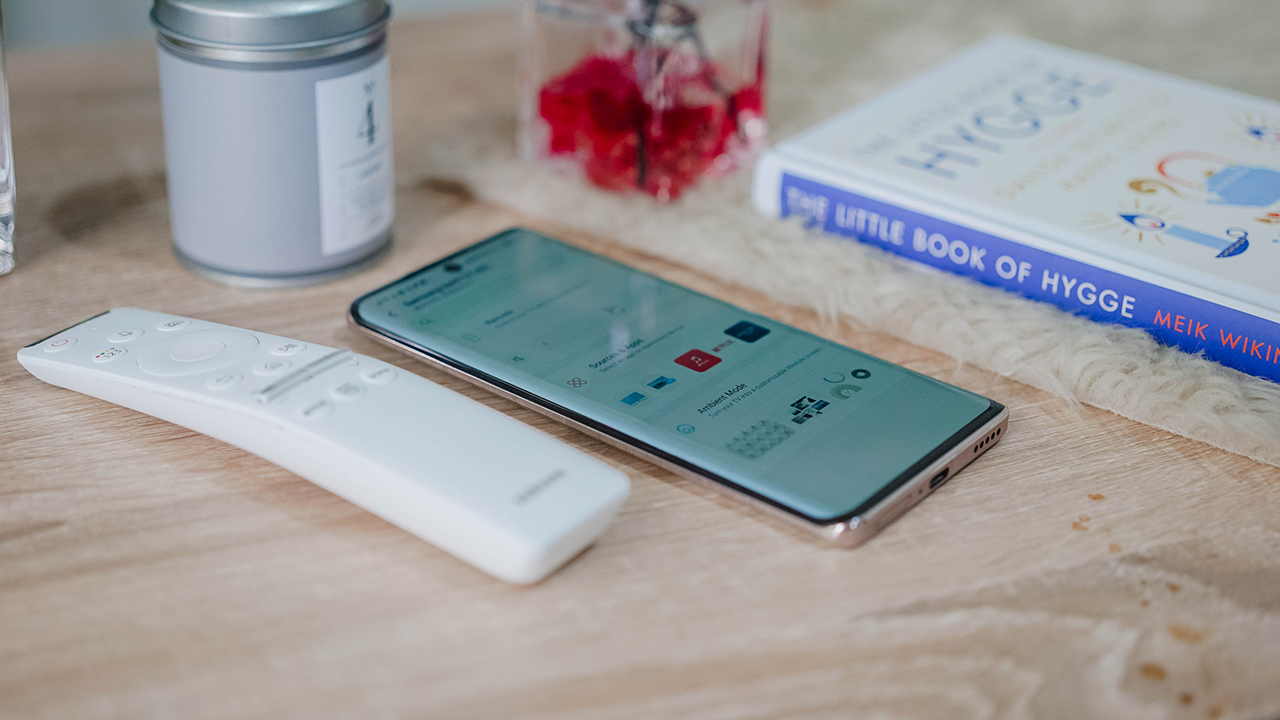
SmartThings, Samsung’s app to connect their smart devices, has been central to my connected lifestyle. It helped me link my devices, and sync my smartphones and tablets to The Serif. At times where I misplace the gorgeous, curved remote control, I turn to the SmartThings app to activate the TV and navigate the screen.
Sometimes, I adjust its settings such as sound and brightness. Sometimes, I play around with Ambient Mode where I collage my memories, which I directly send using my smartphones.
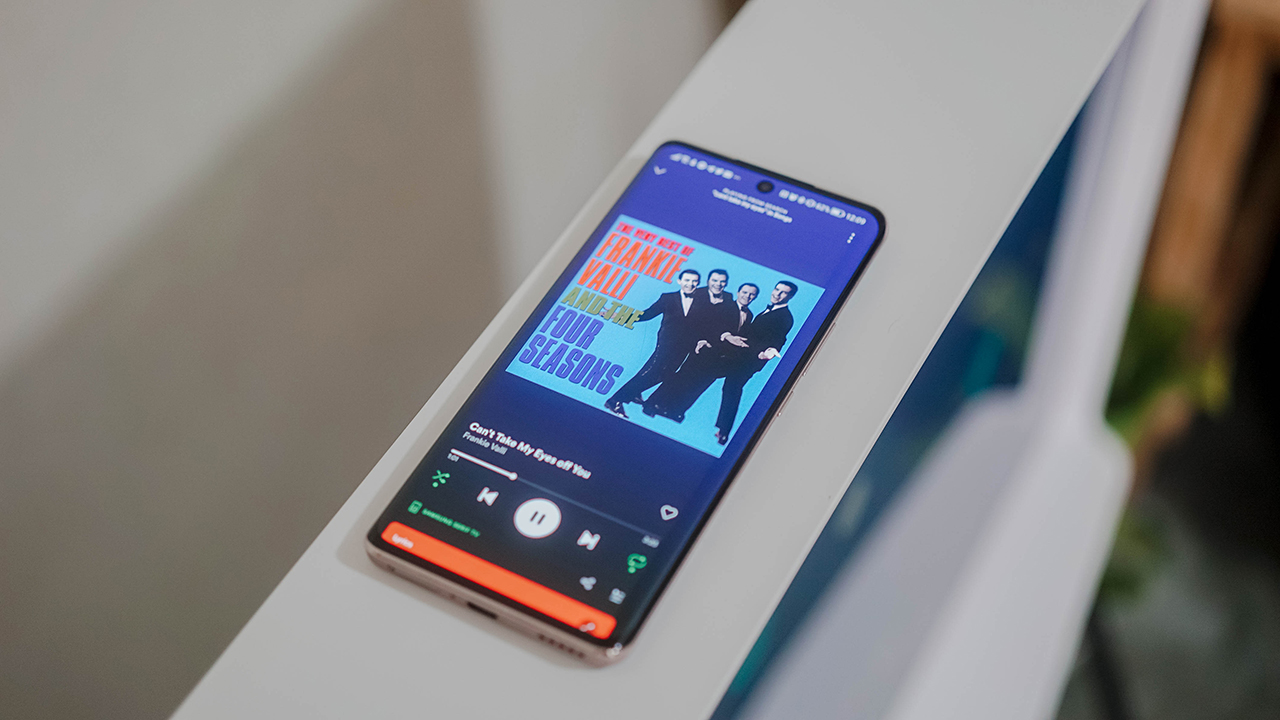
When I’m feeling sprightly, I use the NFC technology feature by placing my smartphone on the top bezel — another way to connect instantly. The screen automatically turns into Ambient Mode to cast music from my smartphone and display visual effects that move along with the beat.
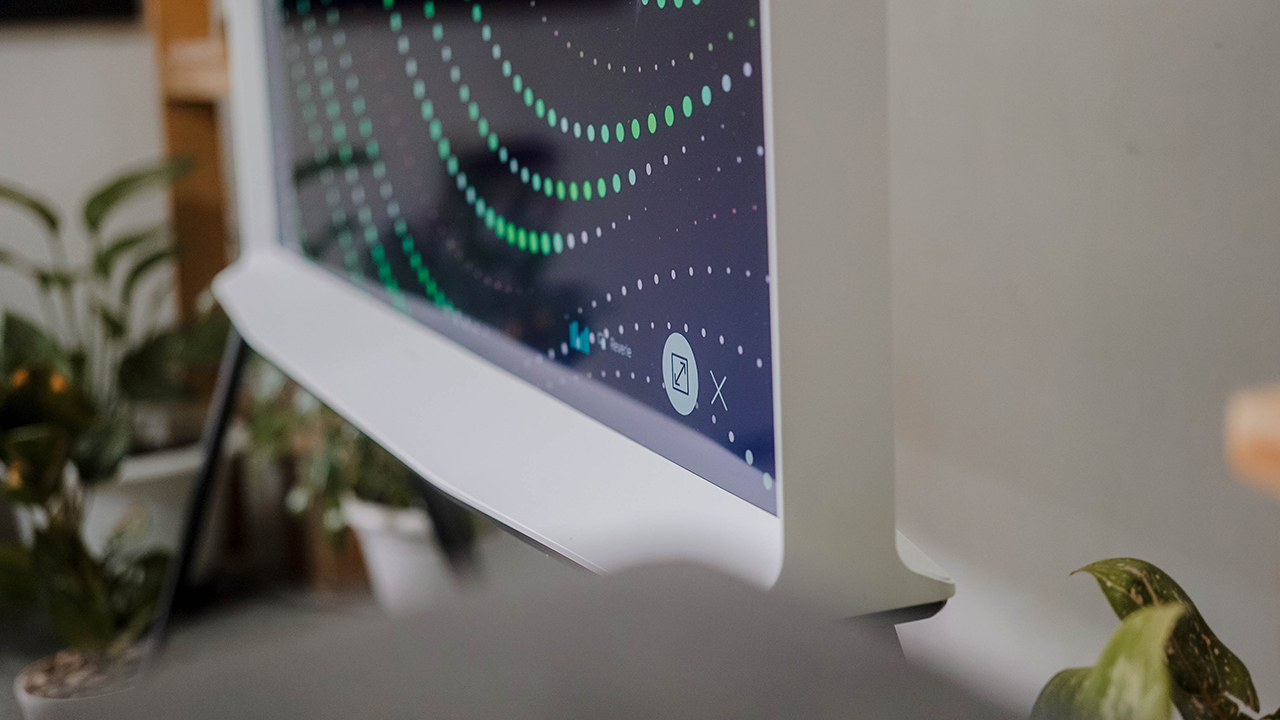
Moreover, it’s easy to cast videos on TV or mirror your smartphone’s screen whether it’s through Smart View or Tap View. The Serif is full of unique tricks that’ll make your exquisite watching experience a bit modern and convenient.
Je t’aime, Serif
Props to Samsung for producing a sculpture-like piece that can instantly add pizzazz to an otherwise boring space. Lifestyle TVs don’t get a lot of appreciation because of their unconventional style and features that are seemingly unfamiliar for most people.

Little do they know, they have a picturesque display and crystal-clear sound quality, too, that makes up for a remarkable experience. It’s like watching your favorite shows while touring Musée D’Orsay. That chic, classic Parisian aesthetic is all over The Serif.
It’s probably The Serif’s pièce de résistance: the je ne sais quoi, the allure that you can only experience when you’re graced by this perennial beauty, the one-of-a-kind experience that makes you fall in love with it, with yourself, and with the life you’re living. I guess it’s safe to conclude: I’m in love. Au revoir.
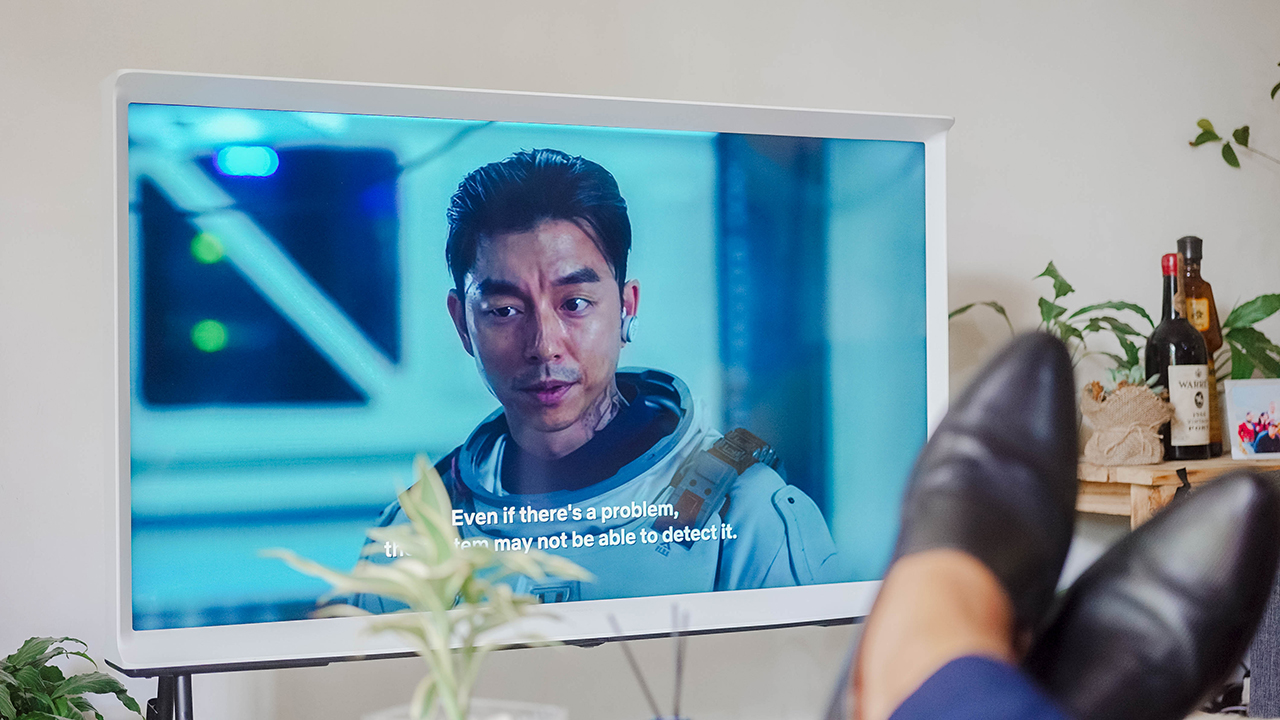
Samsung’s The Serif comes in two sizes: 43-inch (PhP 55,999) and 55-inch (PhP 79,999). The lifestyle TV is available in authorized Samsung dealers nationwide.
This feature is a collaboration between GadgetMatch and Samsung Philippines.



As of publishing, the POVA 8 Pro launched more than a month ago. And, much like the company’s “Stop At Nothing” ethos, nothing is stopping them from announcing another model.
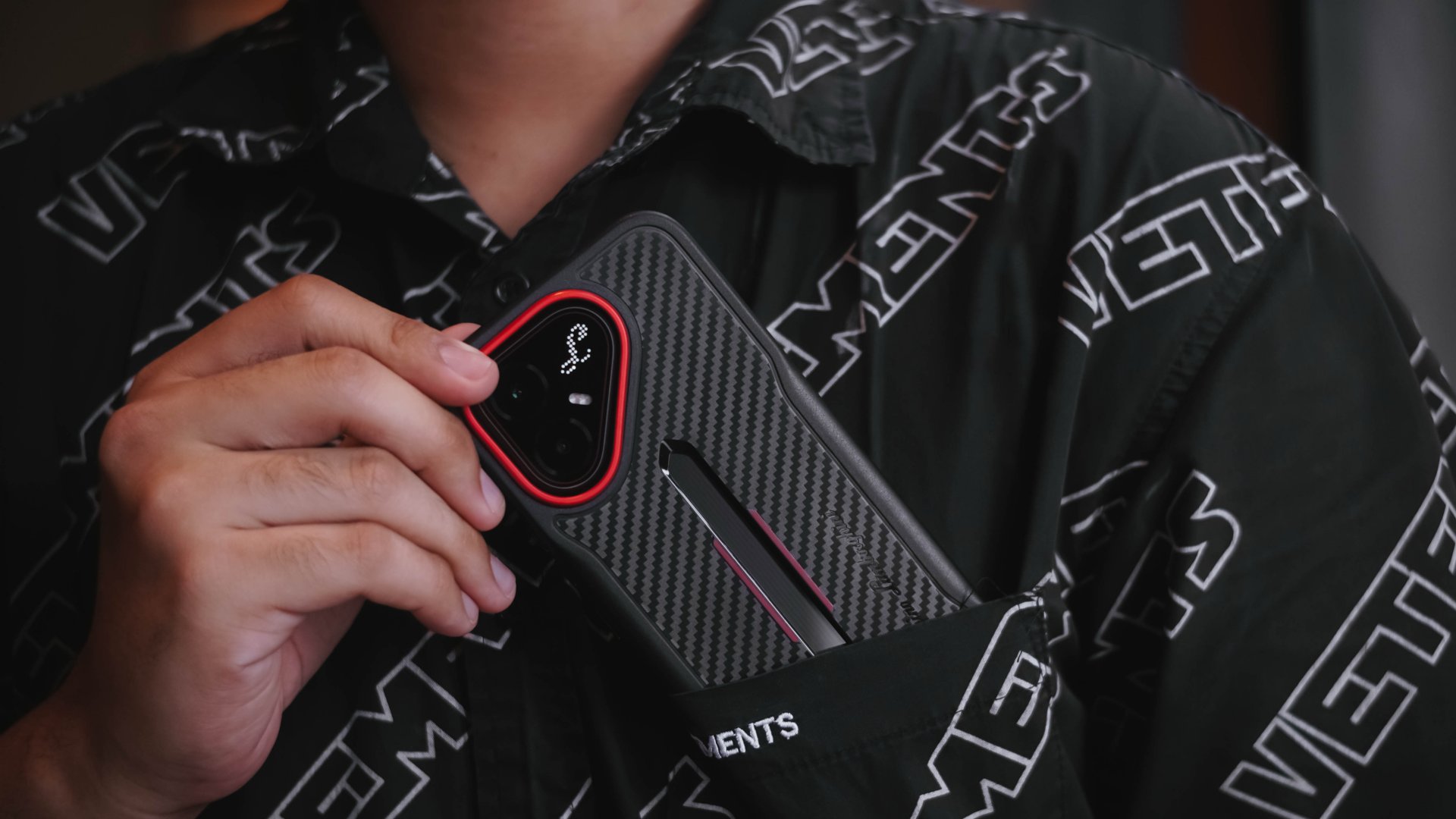
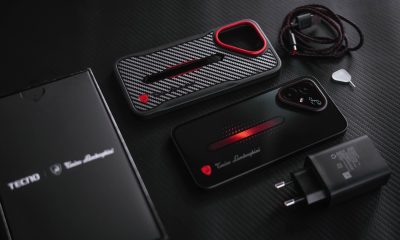
The special Tonino Lamborghini Limited Edition I possess is a living testament that a midrange-grade smartphone, with its exotic yet exquisite aesthetics, can still exist in the 2026 smartphone race track.
Rare, even when bare
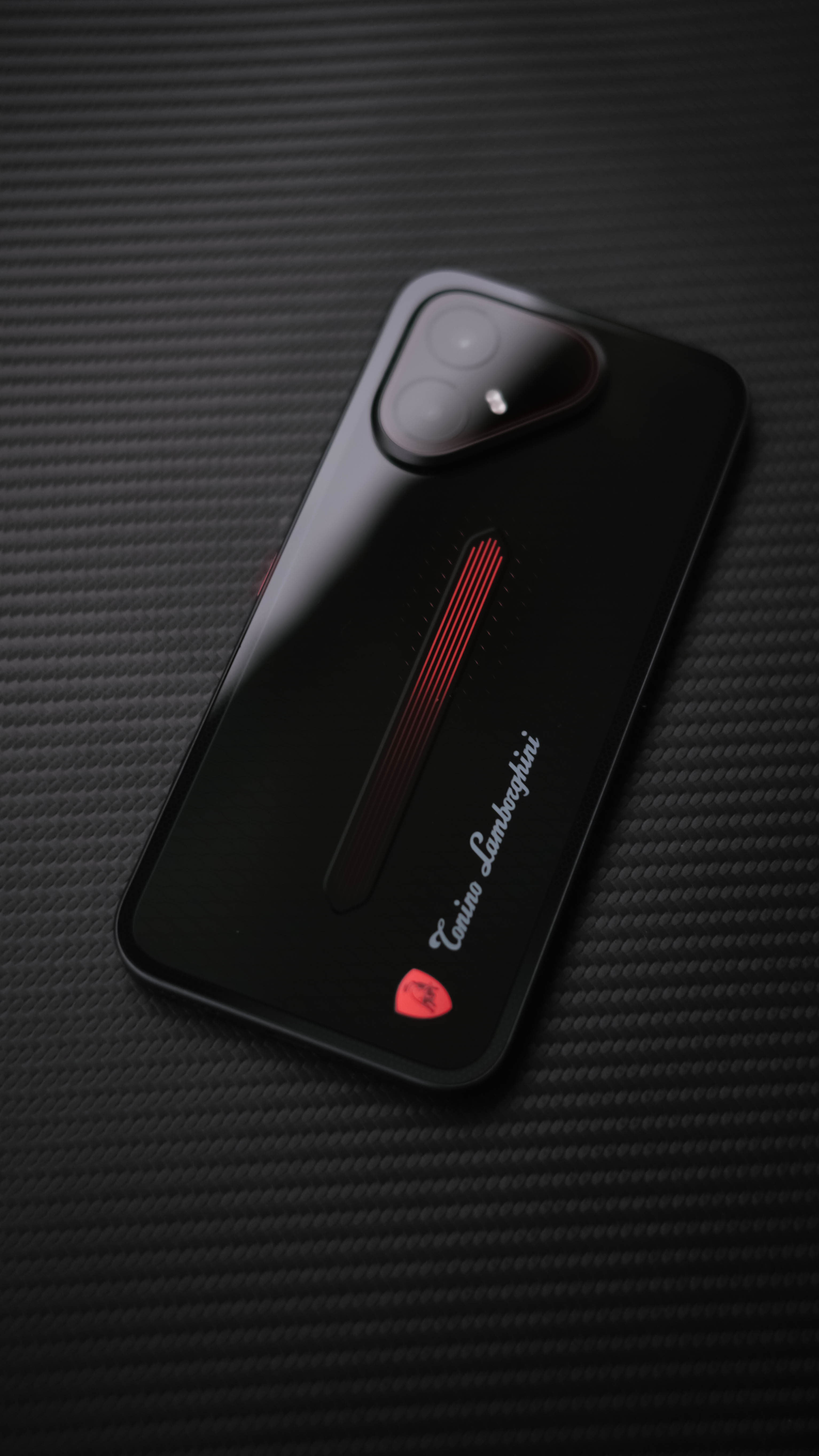
From my perspective as a multimedia creative, the very mouthful TECNO POVA 8 Pro Tonino Lamborghini Limited Edition is one hell of a great-looking smartphone.
When bare, this supercar-coded smartphone flaunts its striking design in every millimeter.
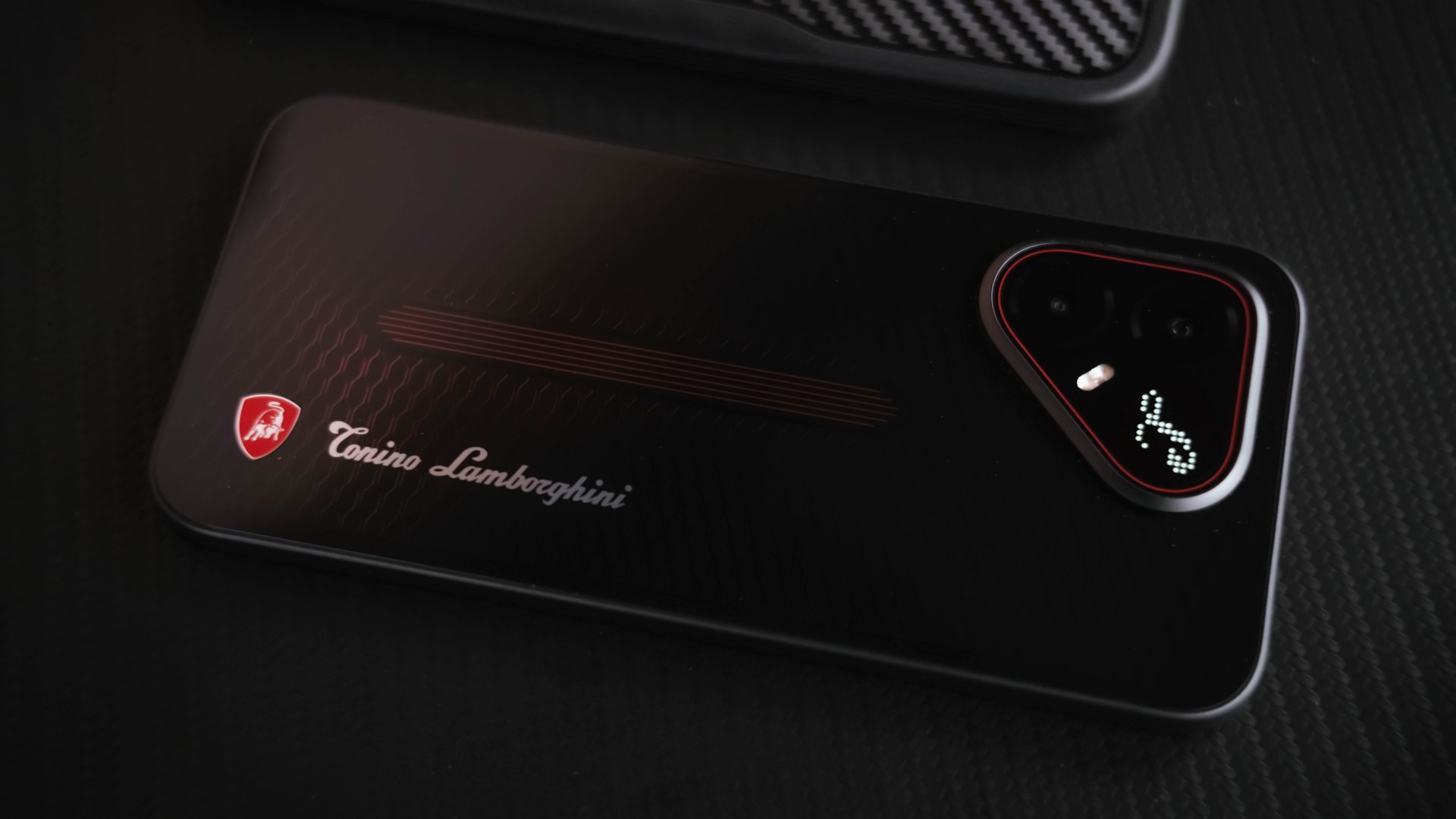
Looking closely, the pattern reminds me of vent grilles found in modern-day supercars.
Its back design elements slowly reveal their deep red hues, even when hit by the faintest of light.
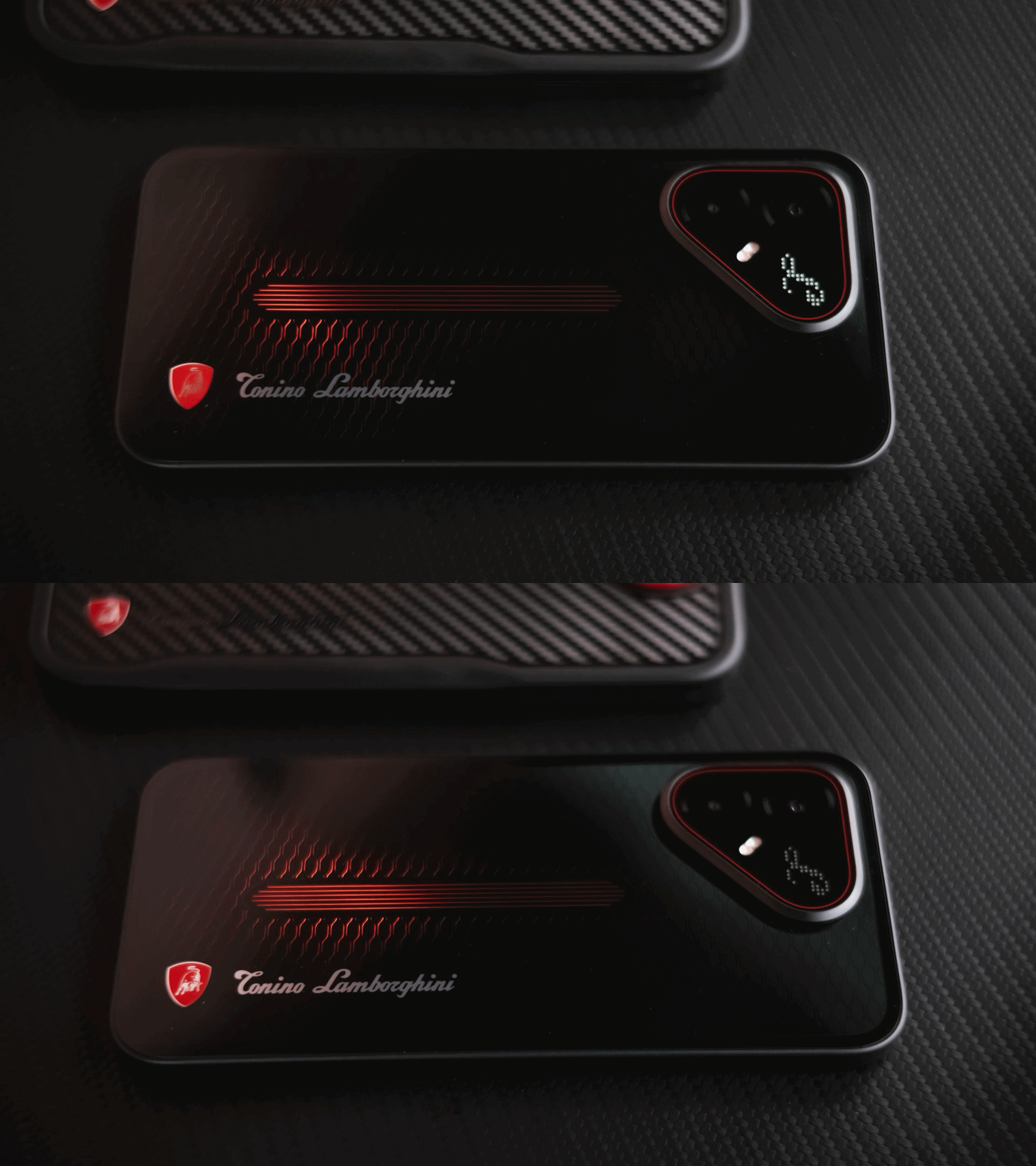
That pulse line in the middle is reminiscent of an engine valve with a flowing fuel in it.
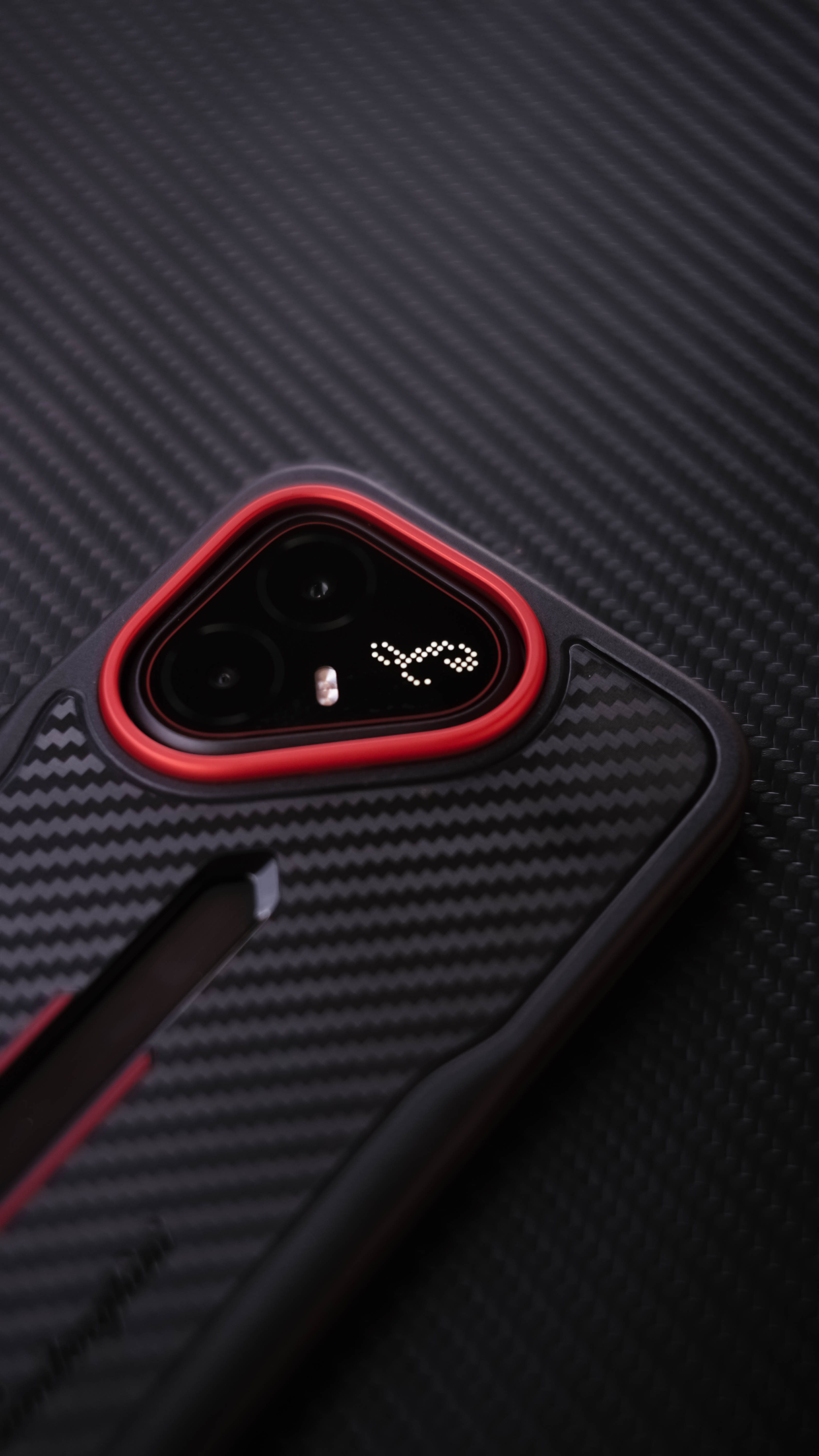
Even the iconic triangular cutout, ever since its existence on the POVA 7 series, wasn’t forgotten at all.
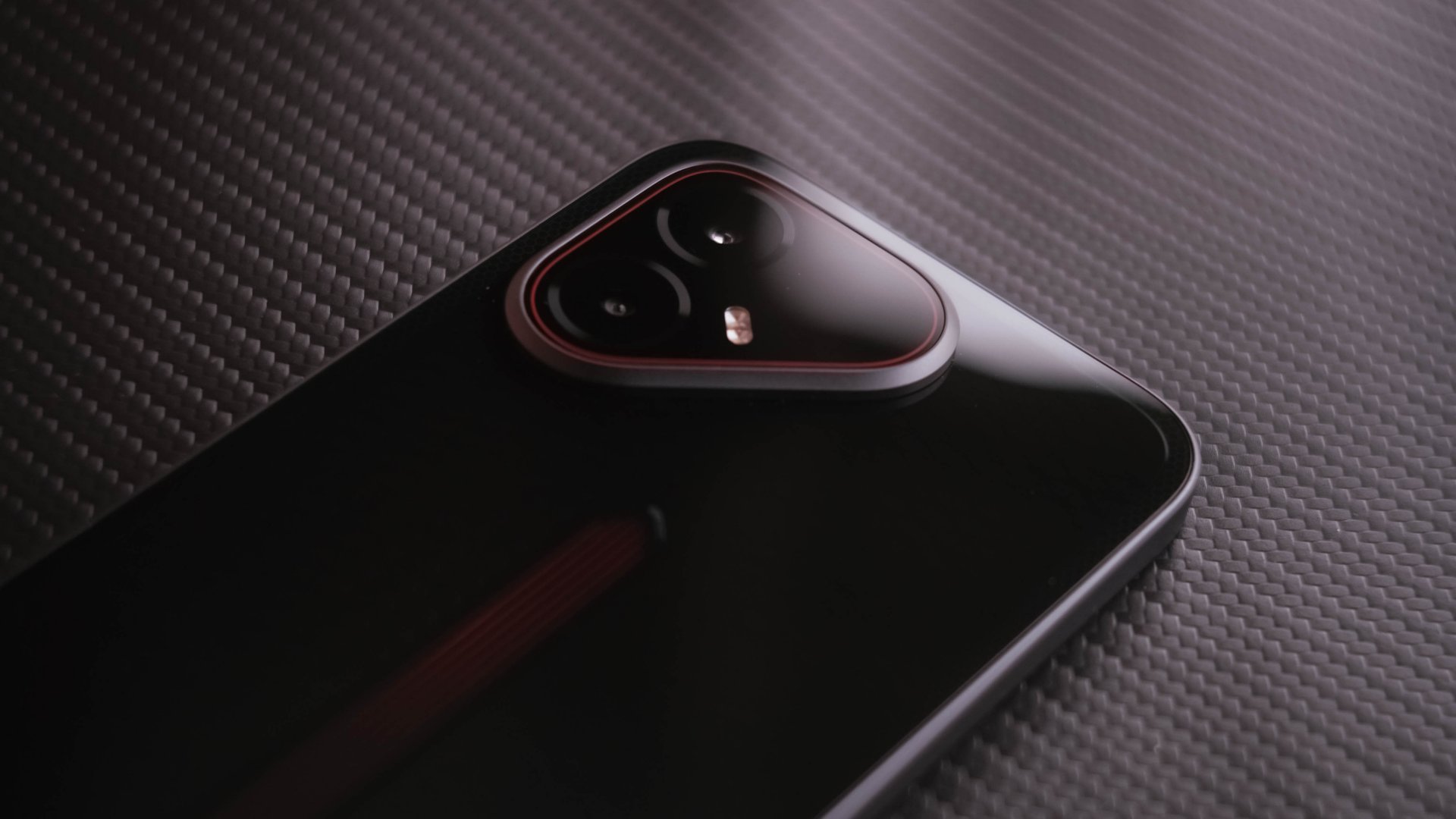
It might sound like I’m exaggerating but, truth be told, this has got to be one of, if not, the best smartphone designs I have ever seen IRL.
Material-wise, it has a plastic back and frame, making it a complete departure from the full-metal unibody build I’ve personally witnessed in MWC 2026.

I don’t have an issue if this was used to keep overall costs down. However, my huge gripe about this is how its back attracts not just smudges, but even dust almost instantly.
That plastic frame might even scratch and chip when exposed wholly.
I then had a full sigh of relief when I found its bundled case in the box.
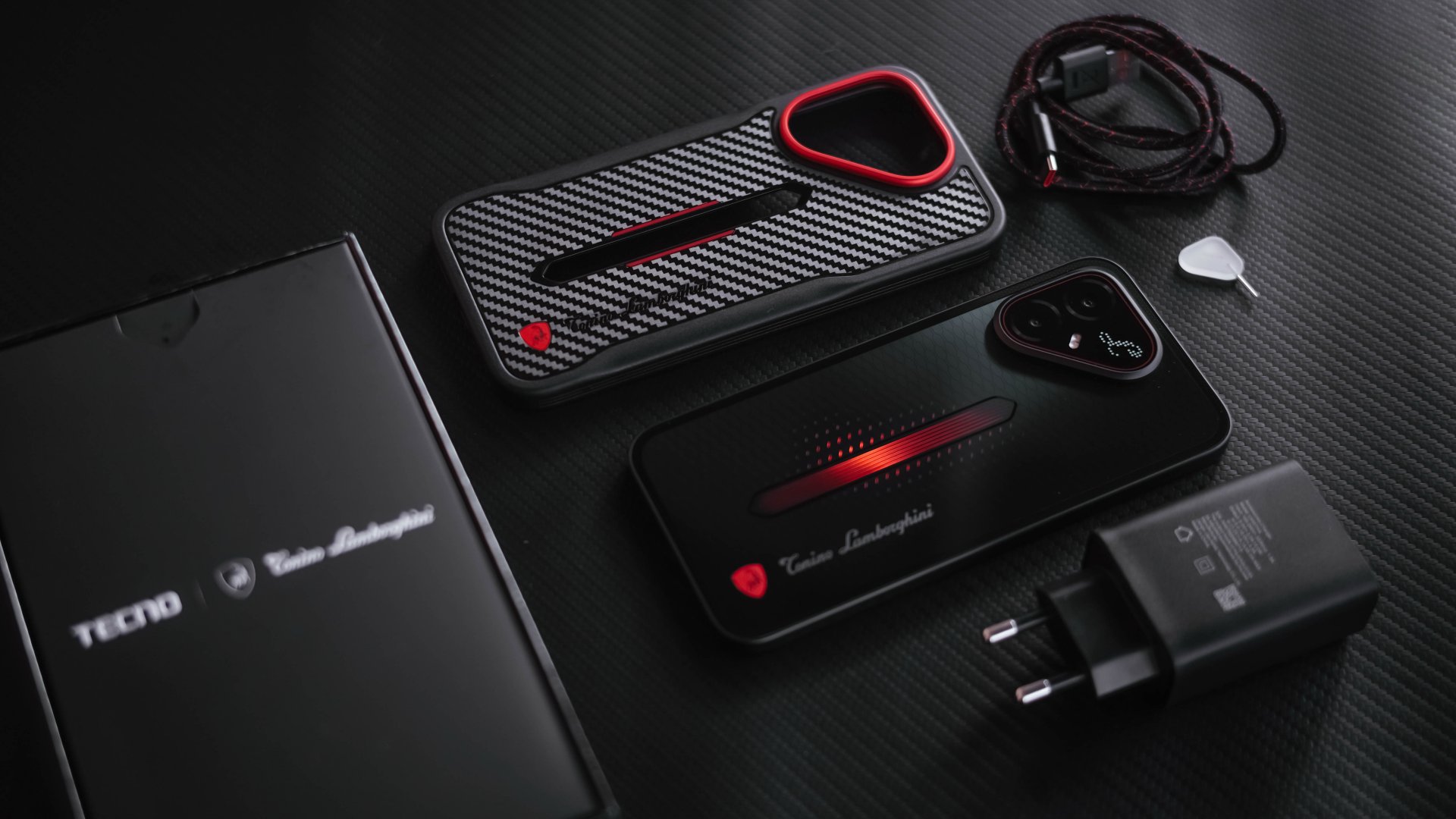
This not only gives utmost protection and adds grip when held, it further shows its premium touch with a finish closely resembling carbon fiber.
While I’m more than grateful if TECNO bundled it with a regular clear case to showcase its true beauty, they didn’t stop just there and stepped it up even further.
And with protection mentioned, it’s one less worry that it boasts IP66, IP68, IP69, and IP69K water and dust resistance ratings.
The Limited Edition ambition
The Tonino Lamborghini partnership doesn’t end there just yet.
From the moment I fired up the phone, it boots up with its Tonino Lamborghini boot animation and immediately shows its stealthy interface.
While Light Mode is activated by default, switching to Dark Mode suits its custom widgets and icons more than ever.
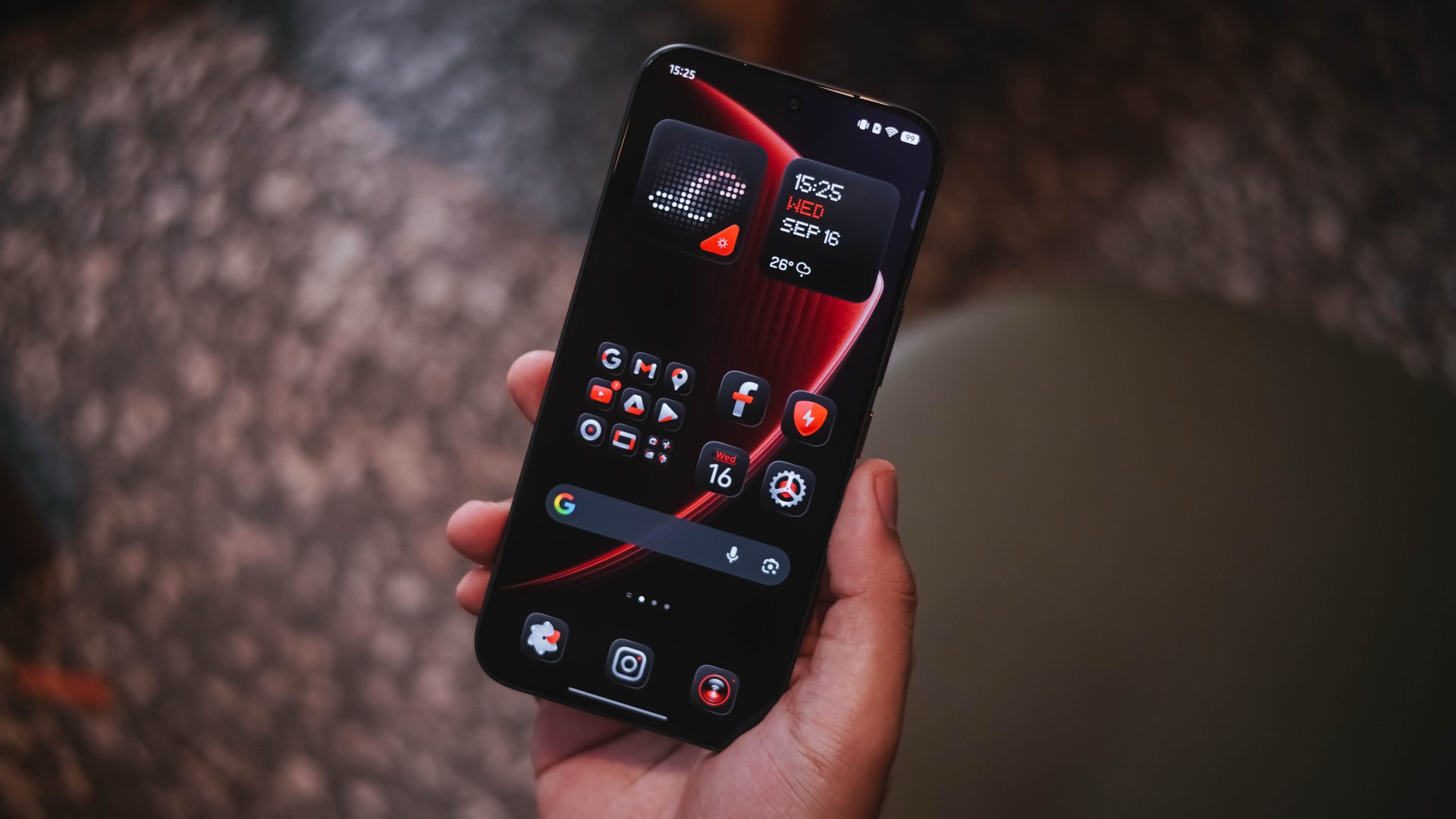
I just wish the icon support was extended to other third-party apps as well. The colorful icons of other apps ruin the overall vibe. This also meant I cannot be fully carefree with my home screen arrangement.
Soft UI rants aside, turning to its right side reveals the POVA branding alongside the usual power and volume buttons.
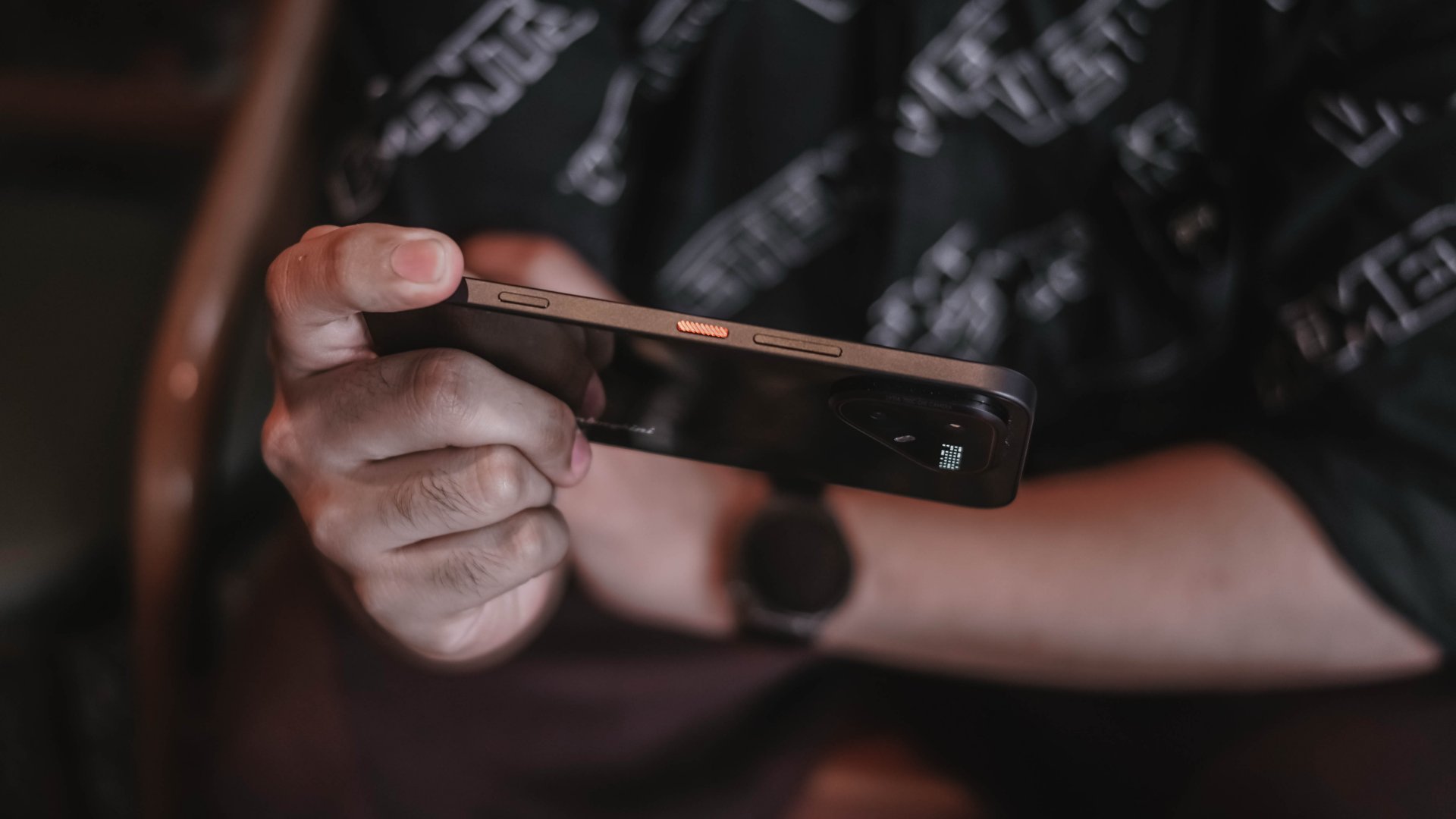
Notice that extra button? That’s TECNO’s One-Tap Button.
As a refresher, that particular button is placed at the left side and mainly acts as a one-stop AI button. Weirdly, it was situated at the lower right side of the POVA 8 Pro.
And the irony of it all? “One tap” is actually disabled.
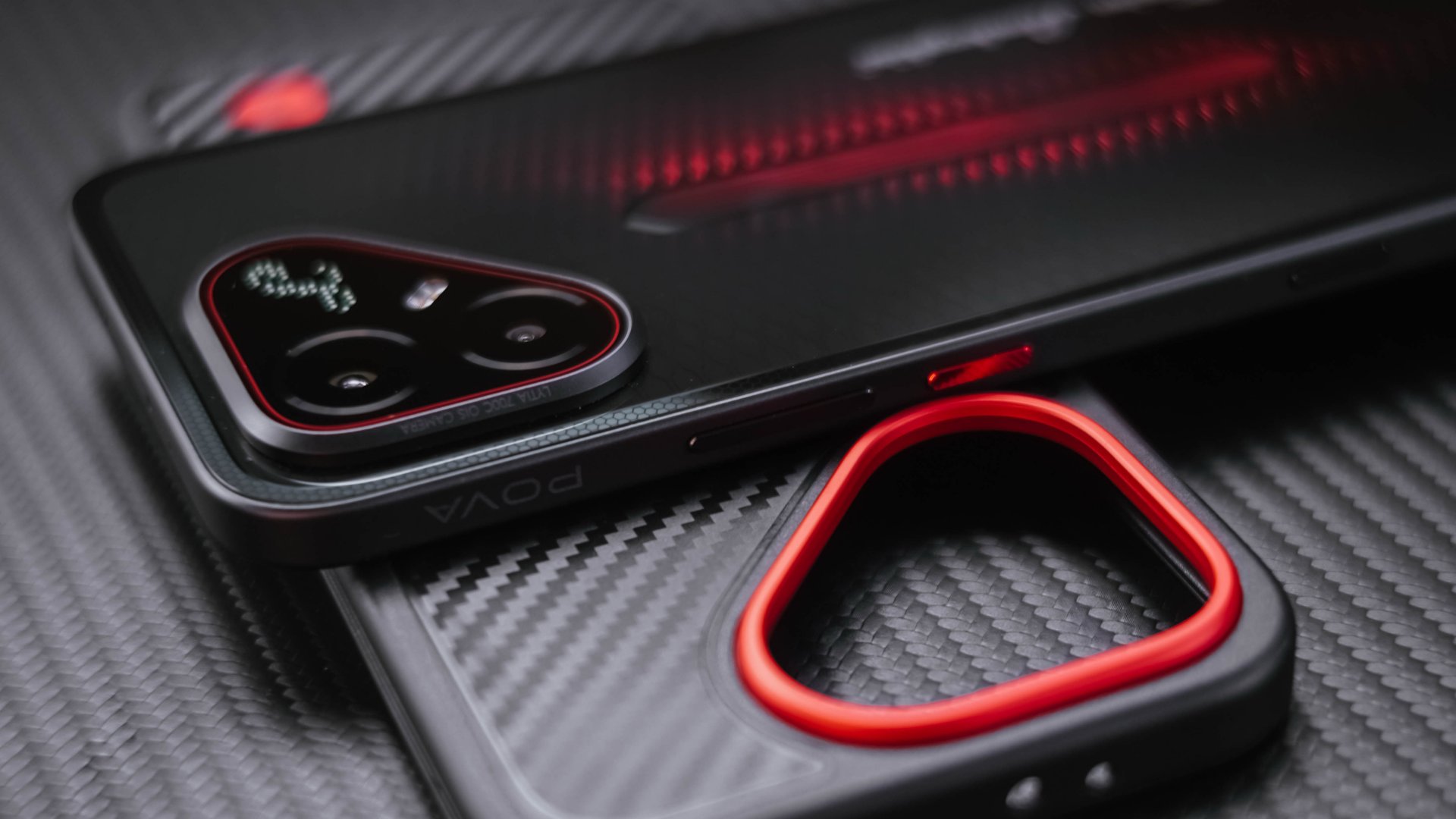
While I believe their decision was right in order to avoid accidental triggers, I wish they would have still kept it as an option for users who want it.
Fortunately, double-pressing that button is user-customizable and not restricted to Ella AI or TECNO’s system apps. Even a game can be launched the moment you trigger it.
On my end, I love how it easily doubles as a fast camera shutter button.
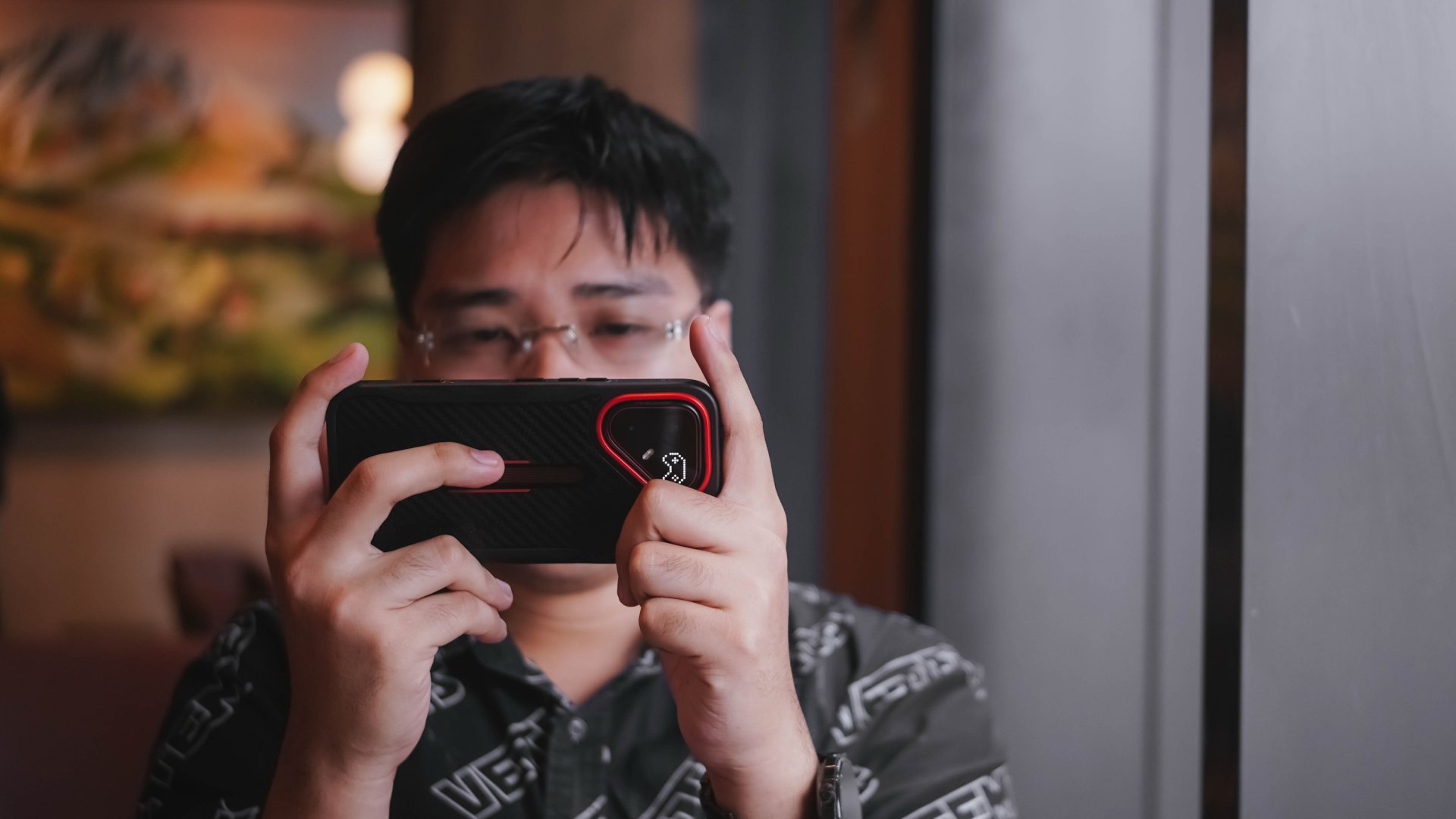
Speaking of cameras, remember that triangle camera cutout at its back? It’s where the Alive Matrix Display also sits.
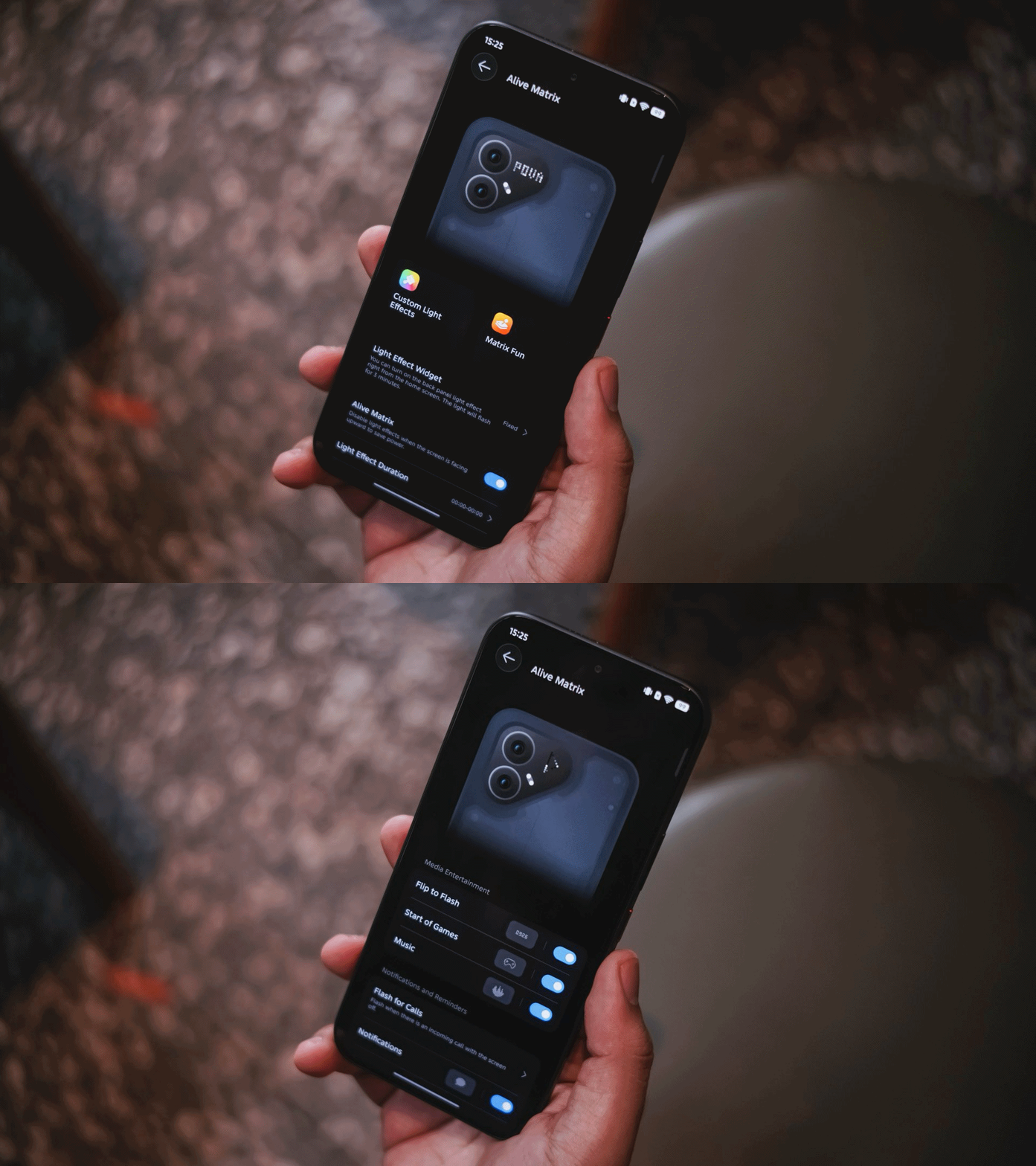
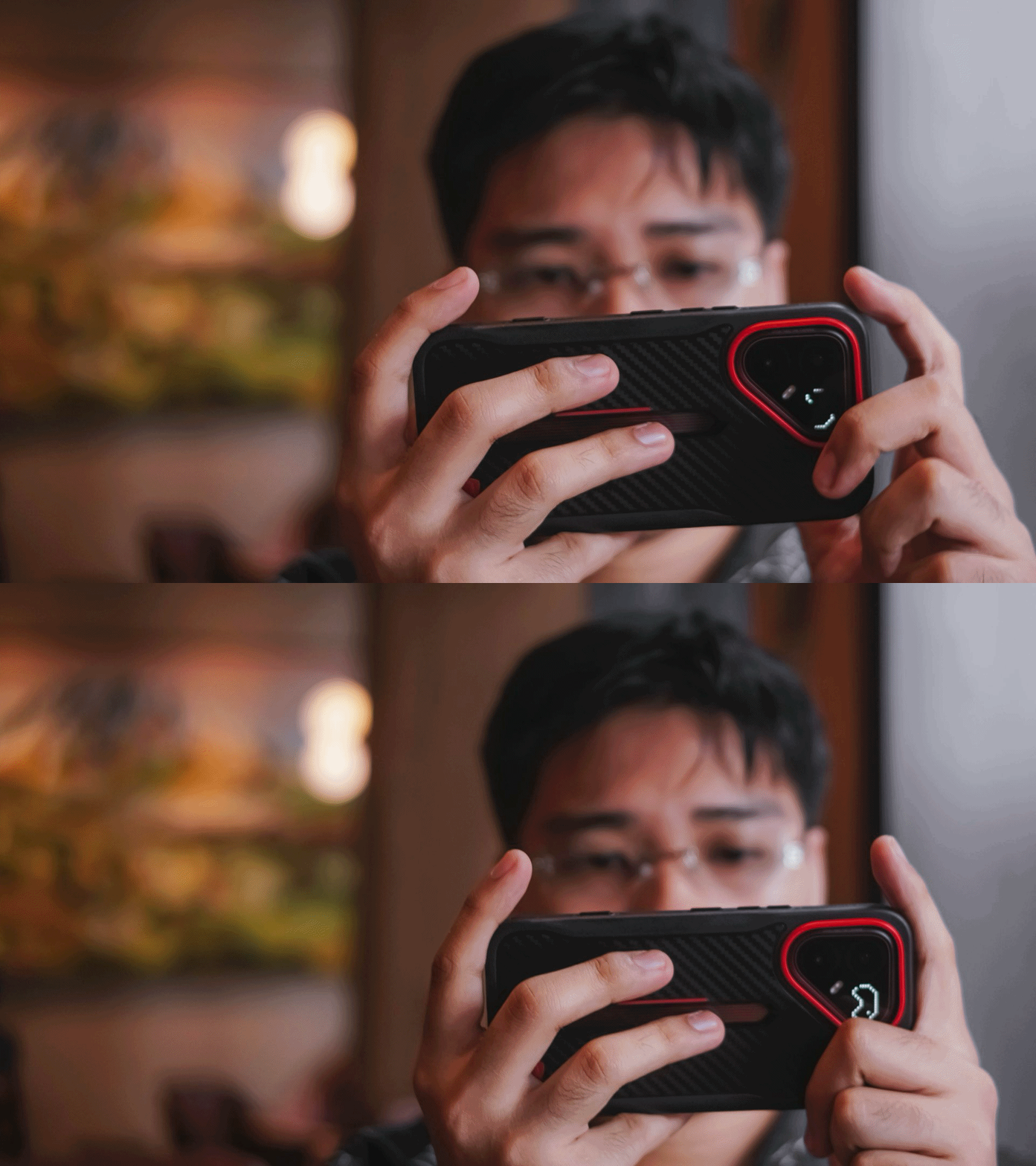
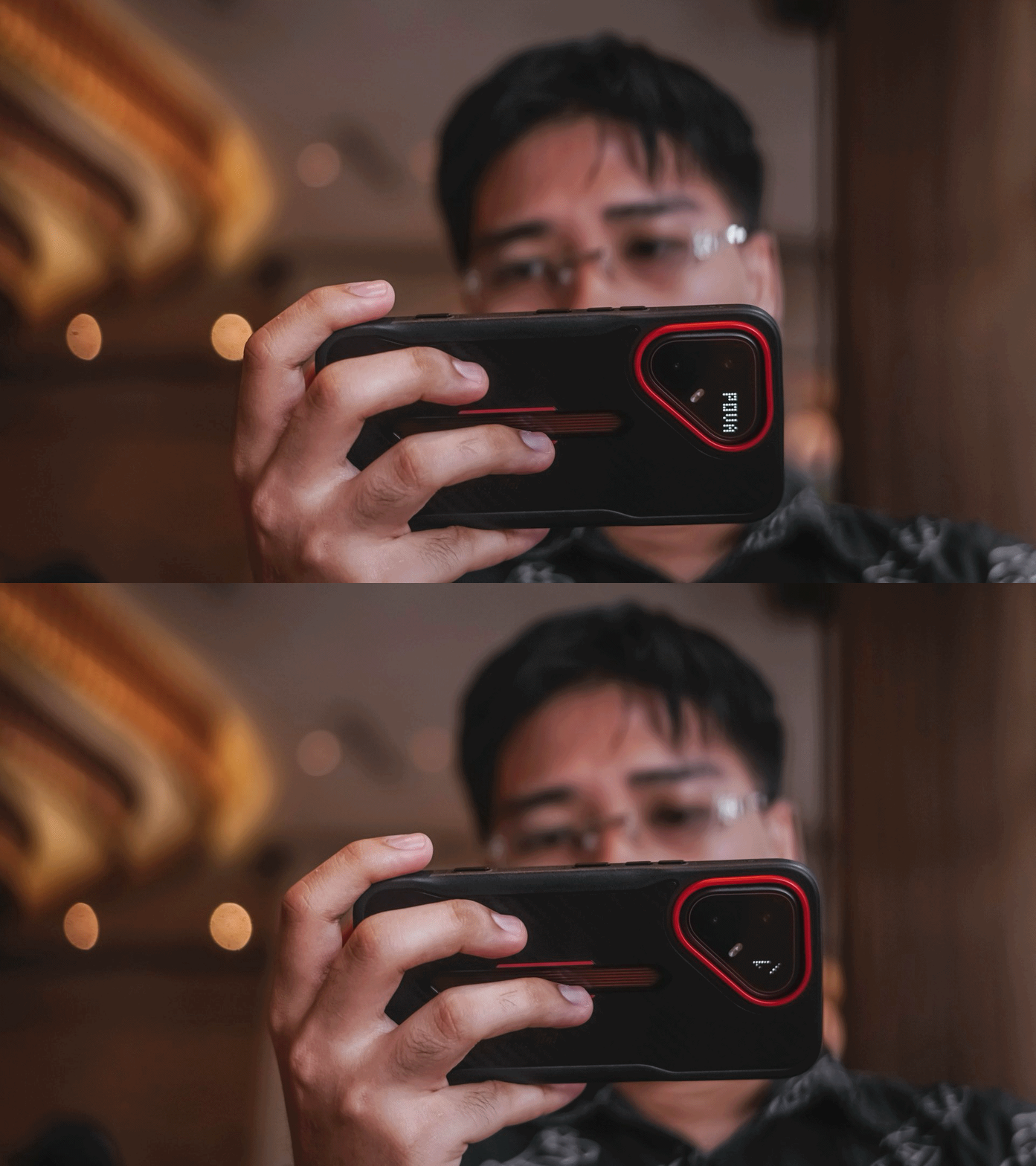
That small circular LED display is both a form and function. Not only it displays current time or timer countdown, it can also show charging percentage, calls and message notifications, even a song visualizer.
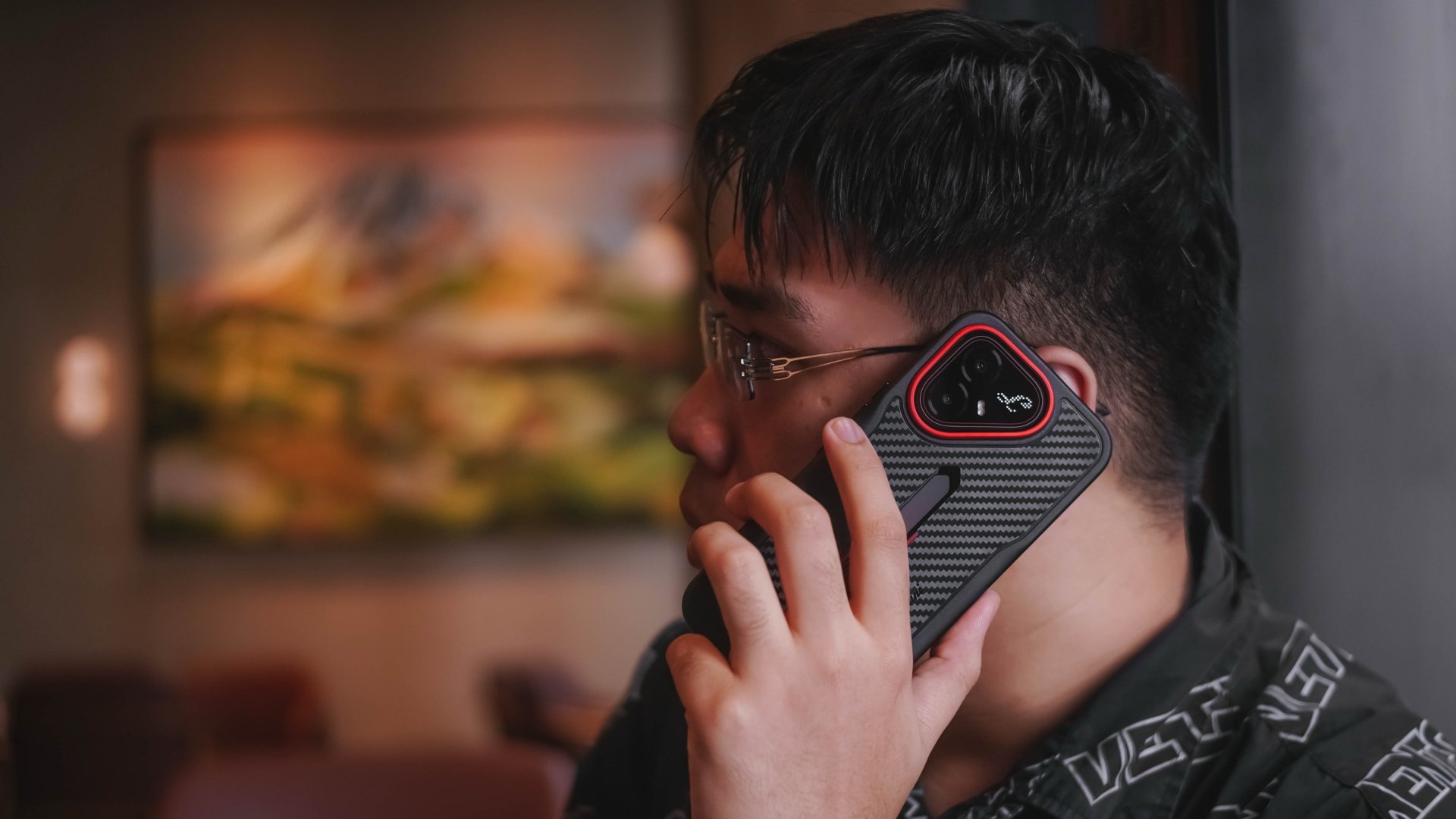
Personally, I just love how it displays the signature cursive “L” in the Lamborghini wordmark.
If you’re THAT creative, you can even formulate and draw your own styles.
#NowPlaying: Four Hands, Two Sonatas
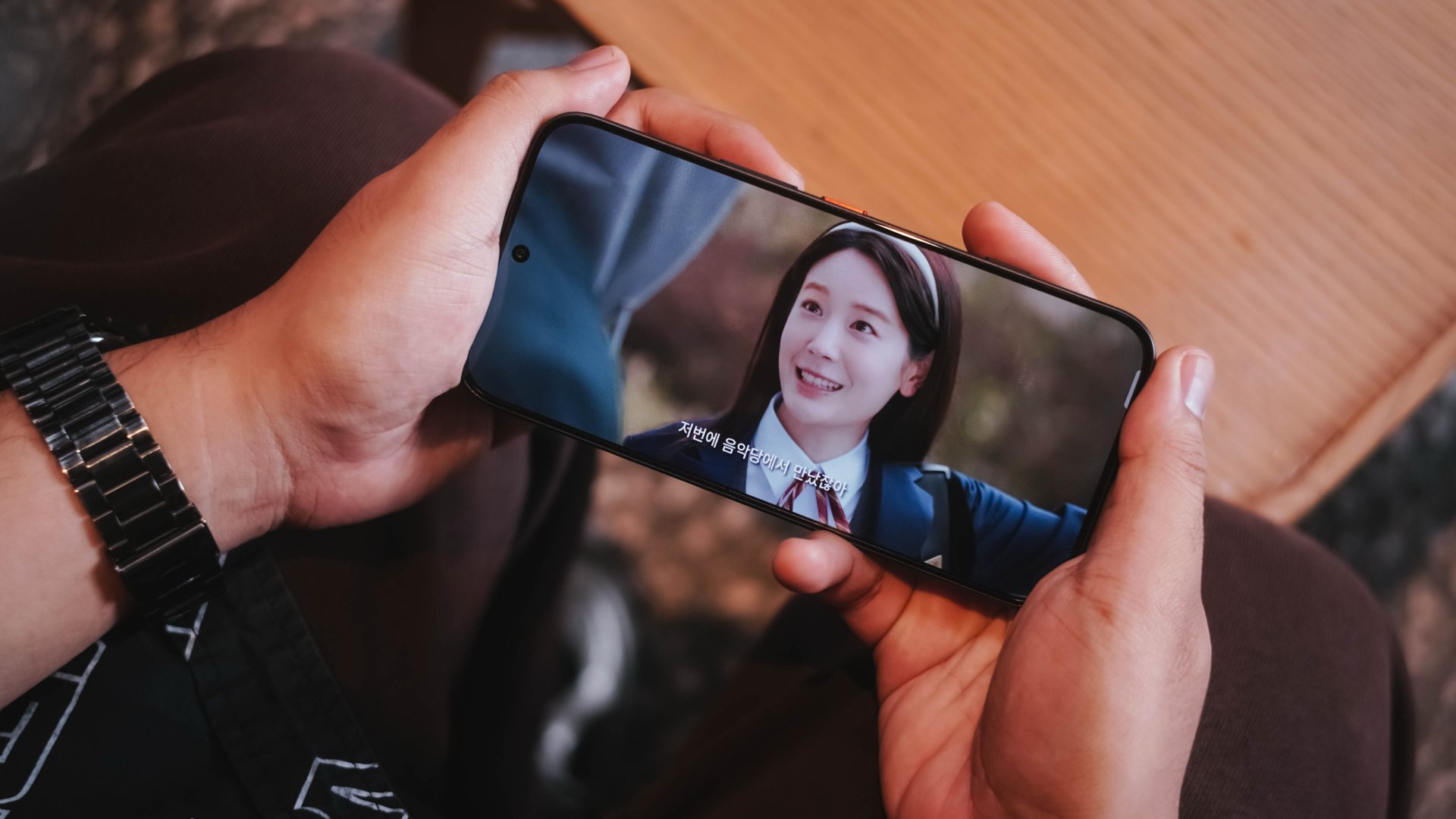
One of the hottest K-Dramas right now is none other than Song Kang and Lee Jun-young’s 포핸즈 (po-haen-jeu), or “Four Hands, Two Sonatas“ internationally.
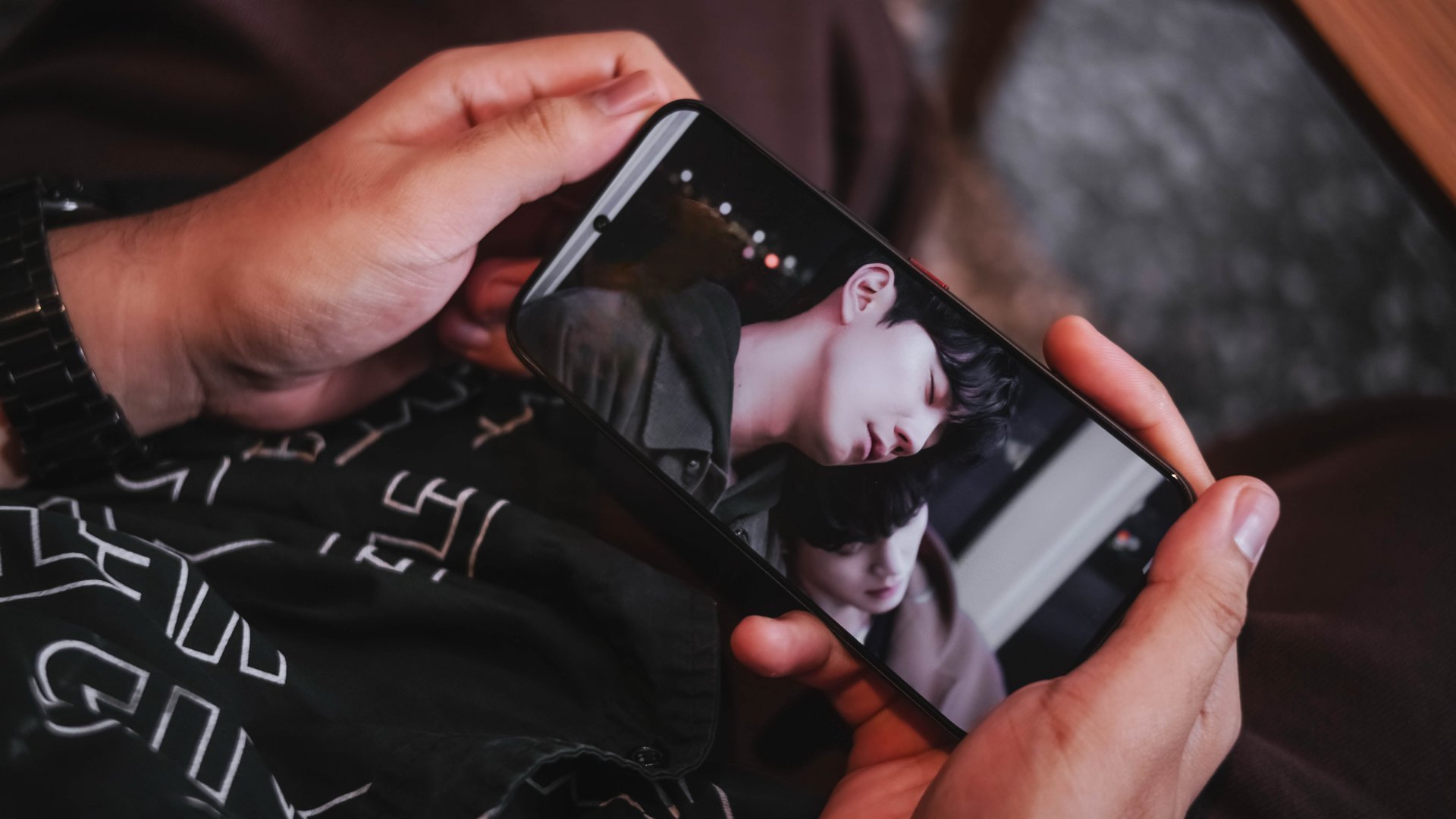
The two piano prodigies grew up in very different backgrounds and had very different upbringings. More so, they share a confusing and undefined relationship.
While it’s hard to say what the director and screenwriter’s goal at the very end of the series, what’s clear is that they both wanted to have fun while playing several piano pieces alongside one another.
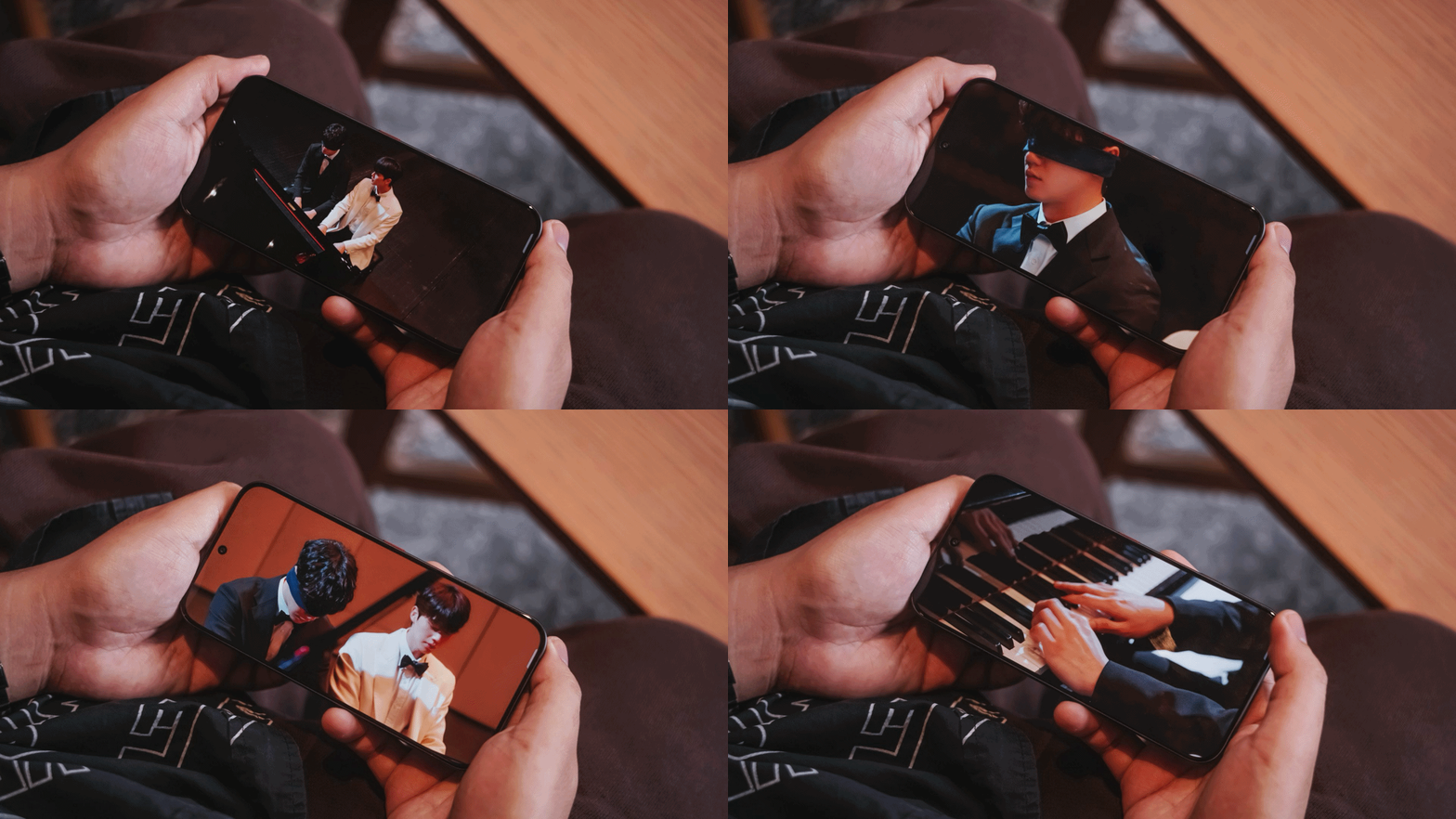
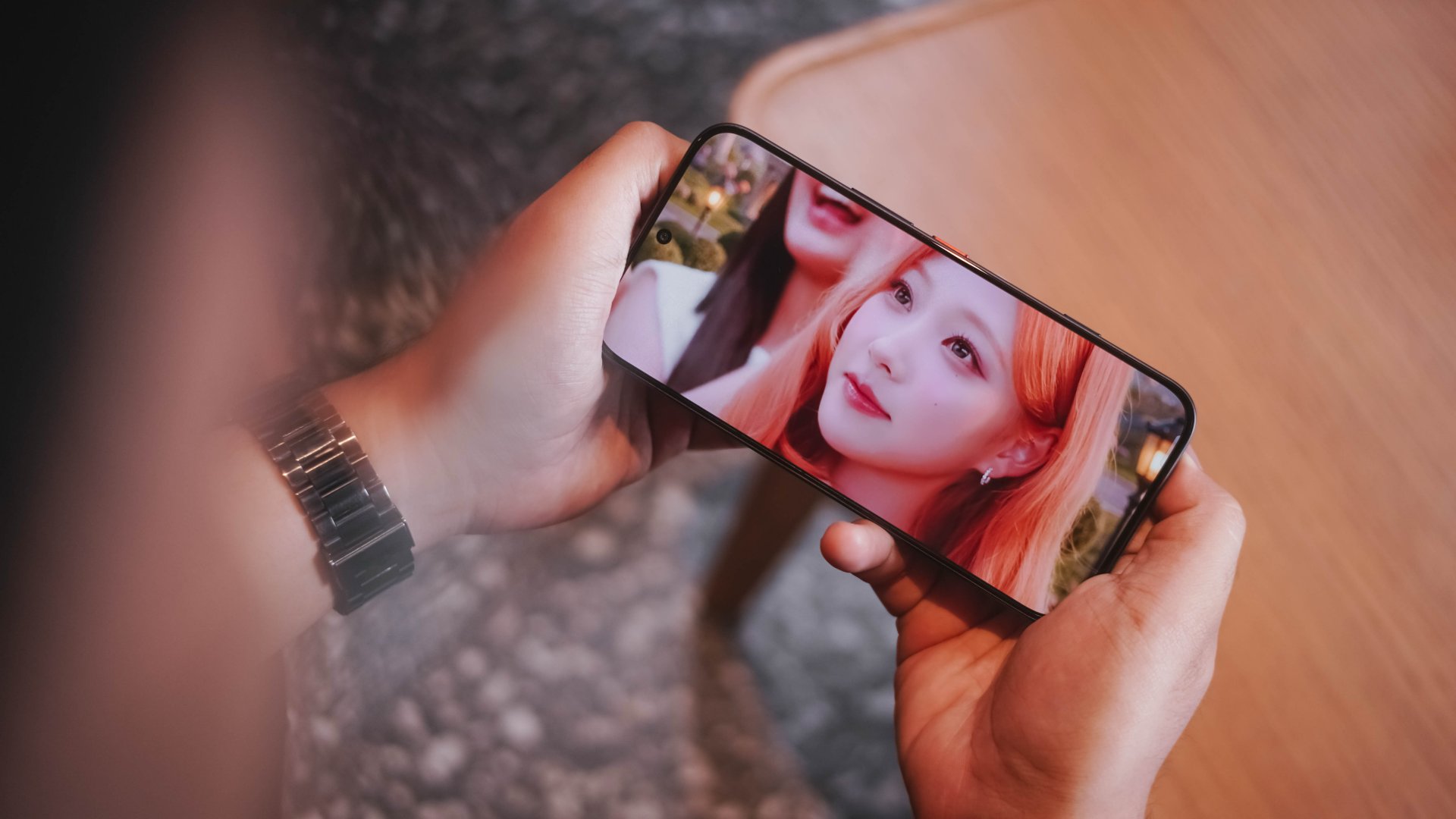
Much comparable to the maestro duo, its 6.78-inch 1.5K HyperLux AMOLED display is bright and immersive, yet still sharp.
Matching their fast-playing fingers, the POVA 8 Pro Tonino Lamborghini also boasts a fast 144Hz refresh rate, very ideal for games that support it (more on that later).
On Queue: H2H, Chungha, D.O
The audiovisual goodness continues when I played these latest K-Pop releases.
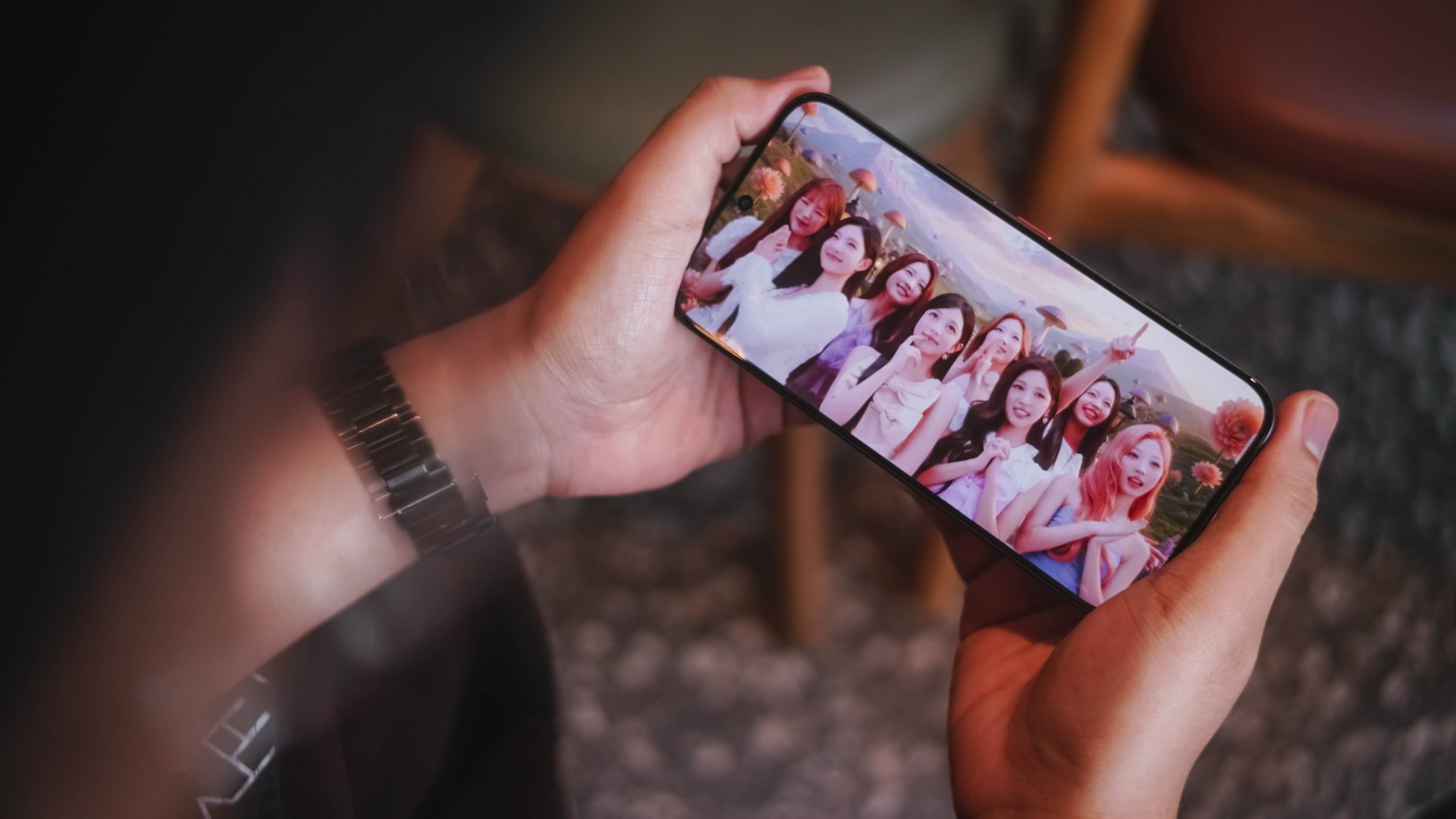
H2H’s (Hearts2Hearts) stunning visuals in Moonride is very much equal to the visuals offered by the TECNO POVA 8 Pro.
More so, the diva-tastic performance of Chungha (I.O.I) with her latest titled “México.”
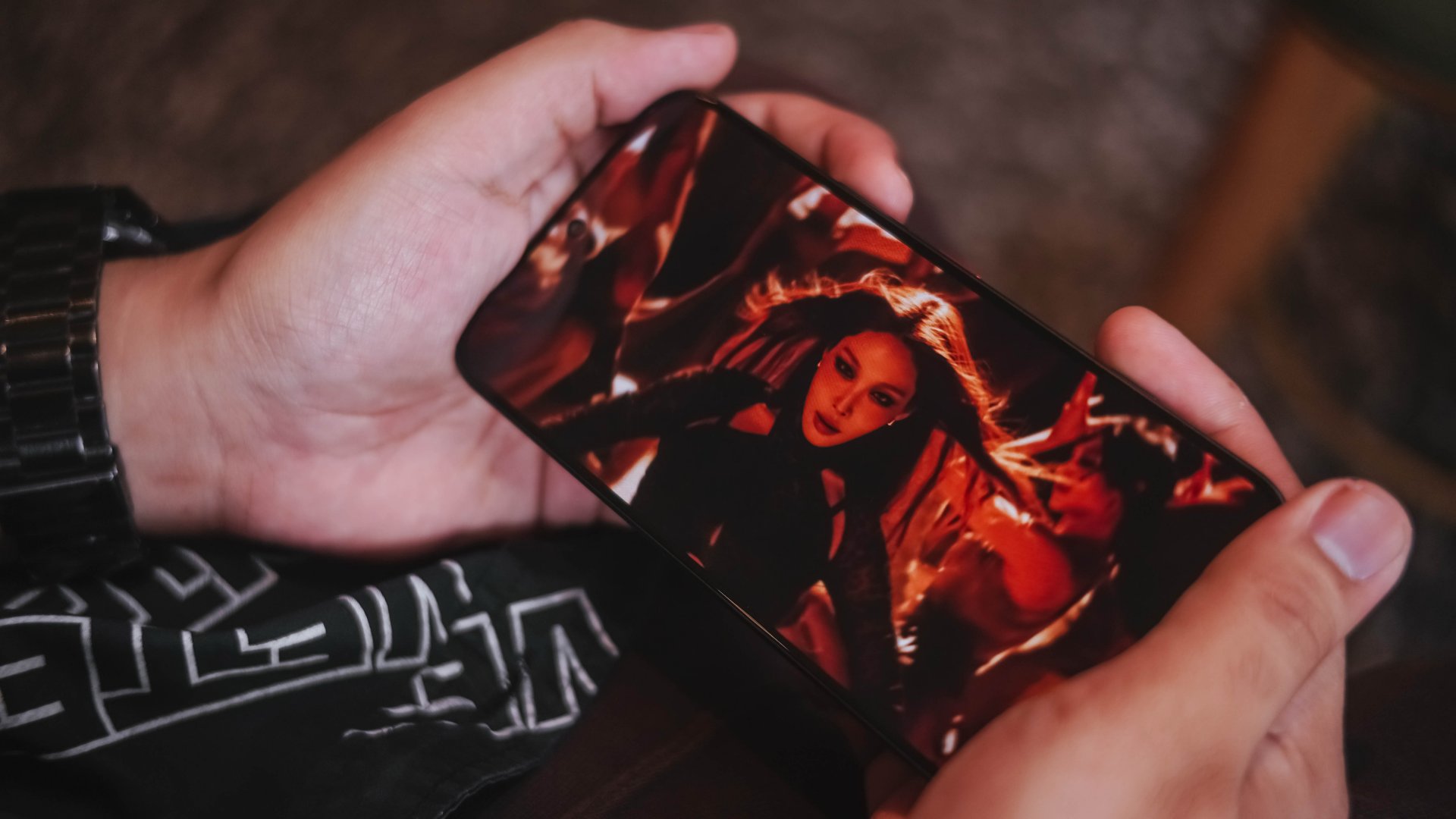
A Korean female idol showing her powerful dance moves alongside her language duality by singing Mexican Spanish and American English in one single song is such a power move. That’s much like the powerful dual speakers of the TECNO POVA 8 Pro.
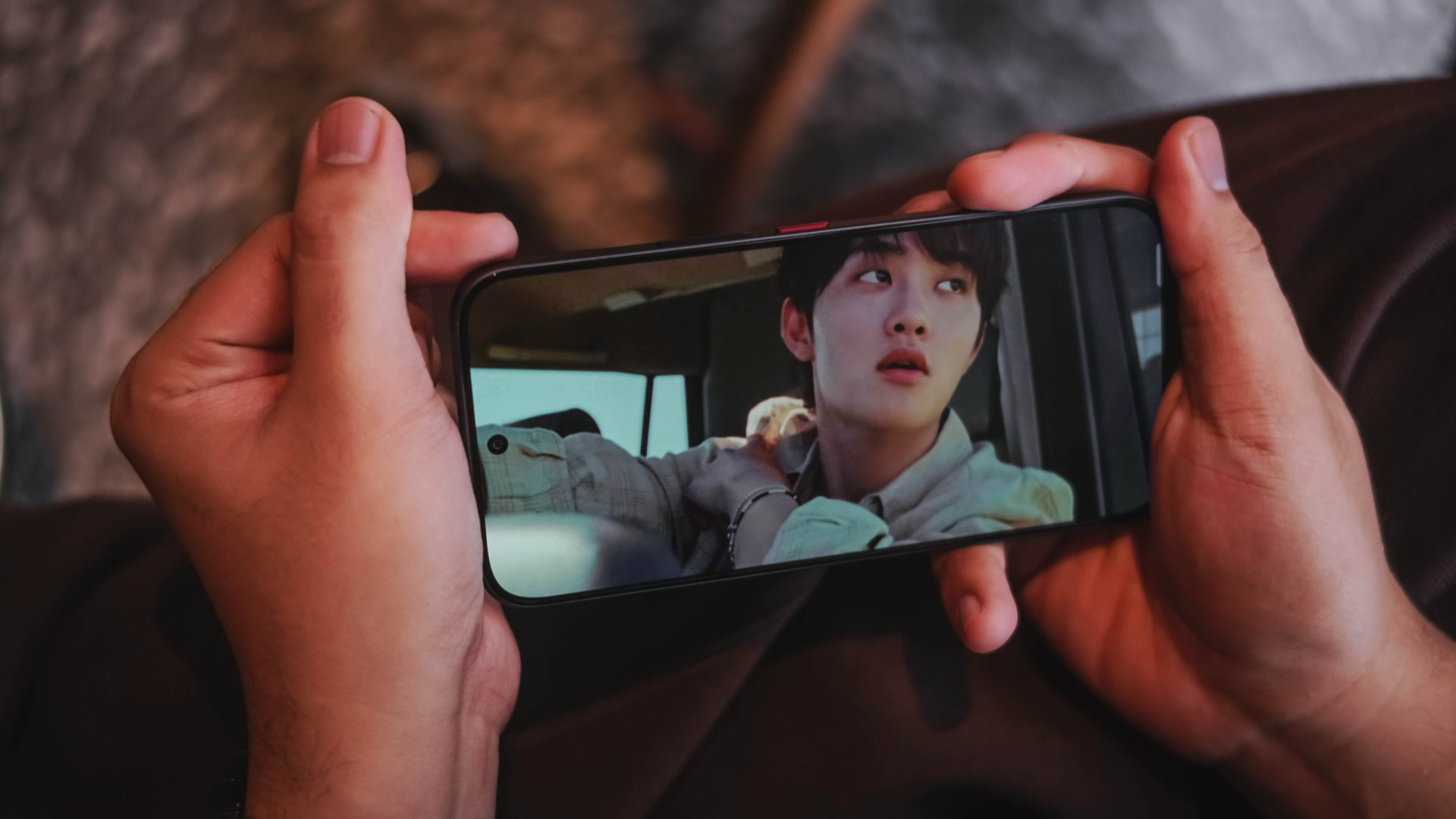
How can I even forget the rhythmic “Guitarist“ comeback track by my long-time male idol bias since January 30, 2012 a.k.a EXO’s D.O.
This is where I think its sound superiority is purely felt.
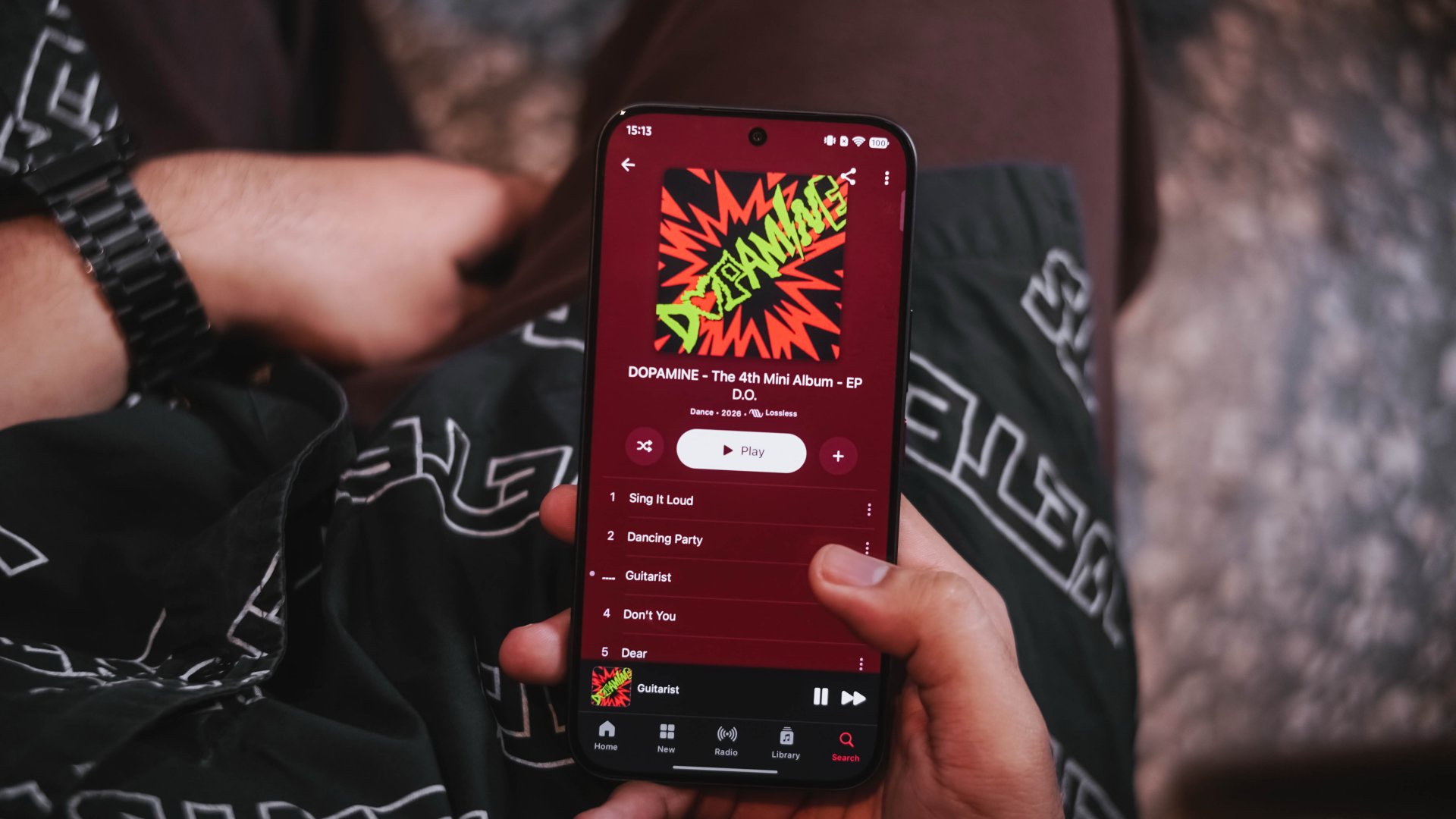
Unlike the CAMON 50 Ultra I held months ago, POVA 8 Pro’s speakers honestly sound fuller and more powerful. And by that, it’s loud without being too flat and has the right amount of deep bass.
The guitar strums in the song can be heard even in a spacious room.
Exotic ain’t chaotic
TECNO’s POVA 8 Pro runs Dimensity 7400 Ultimate SoC. While this isn’t the most powerful midrange chip by MediaTek, it’s still a very capable processor in today’s standards.
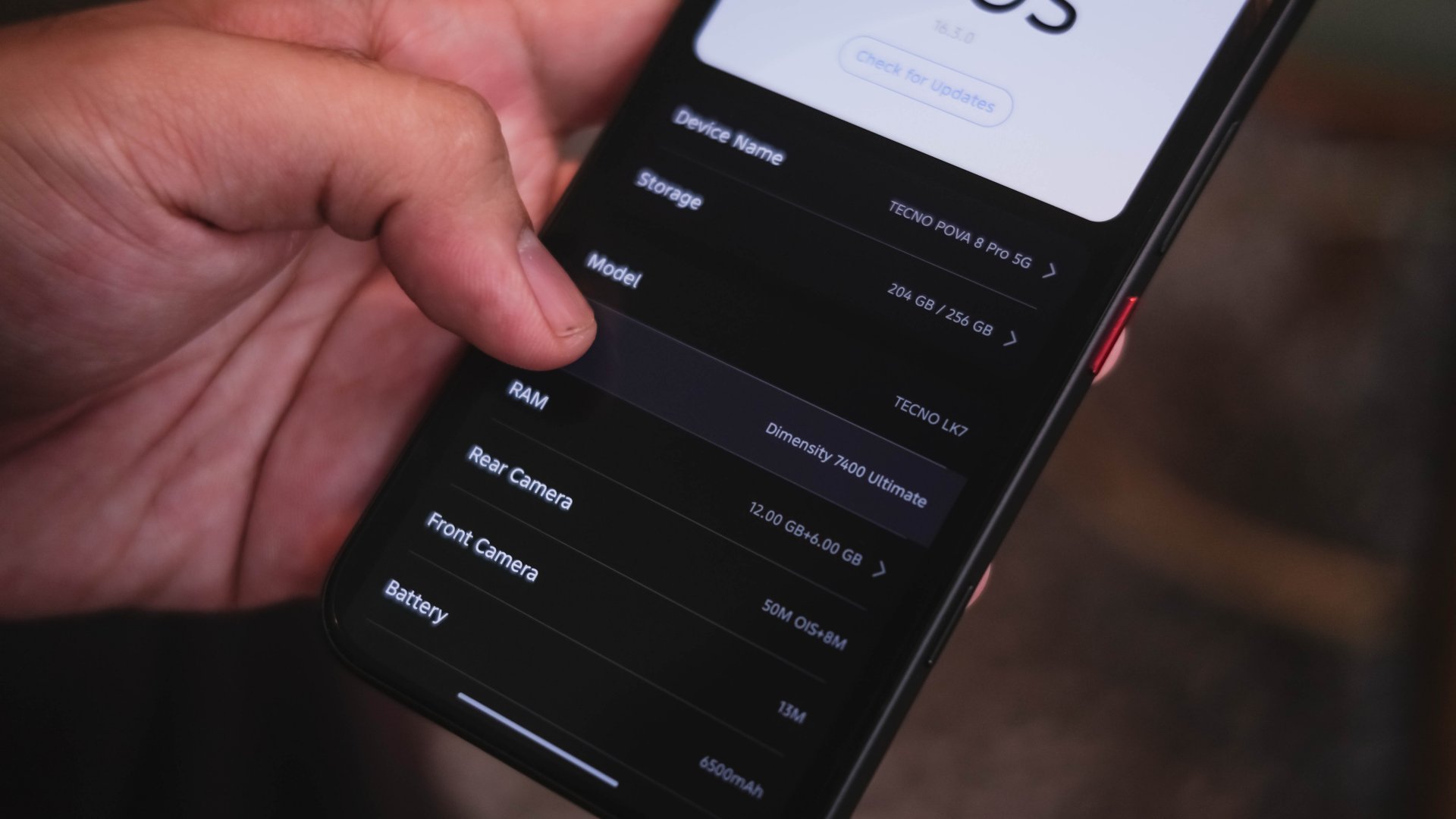
Right off the bat. I installed the graphics-intensive mobile games I usually play.
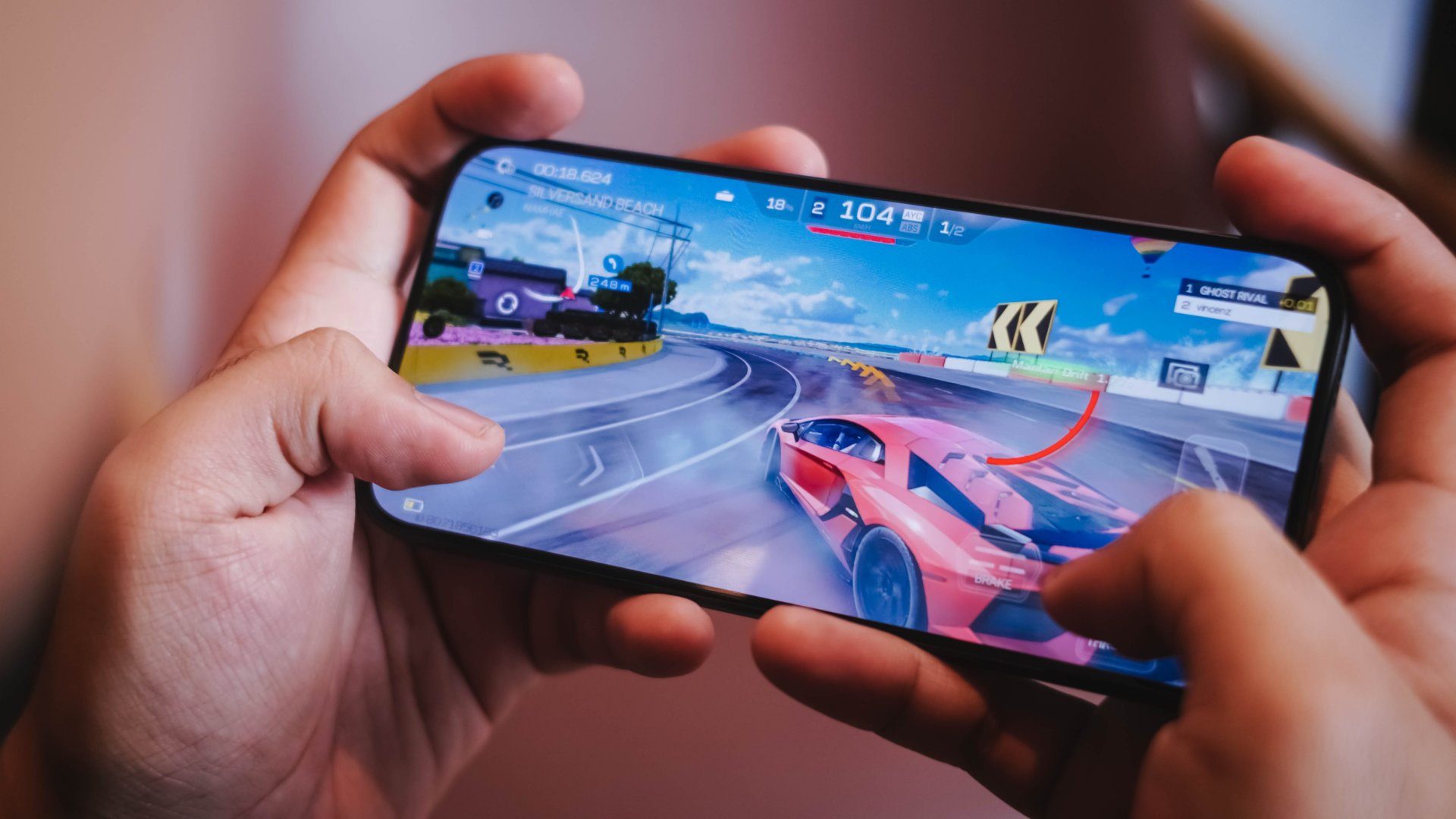
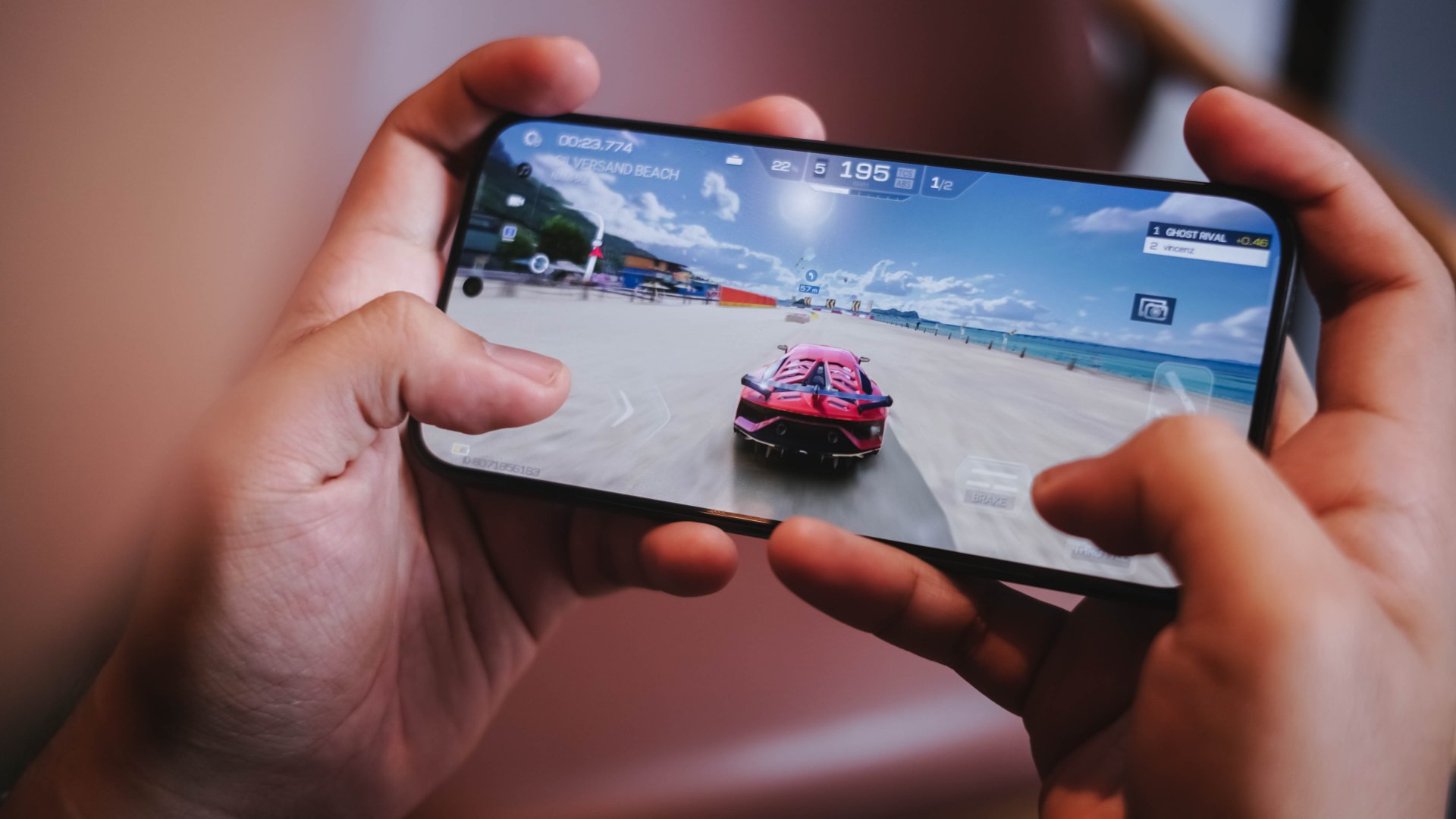
Racing Master plays smoothly. That’s as long as you set the graphics at medium paired with 30fps frame rate and low resolution. Pushing it to its extremes is still playable yet guarantees you unavoidable frame drops.
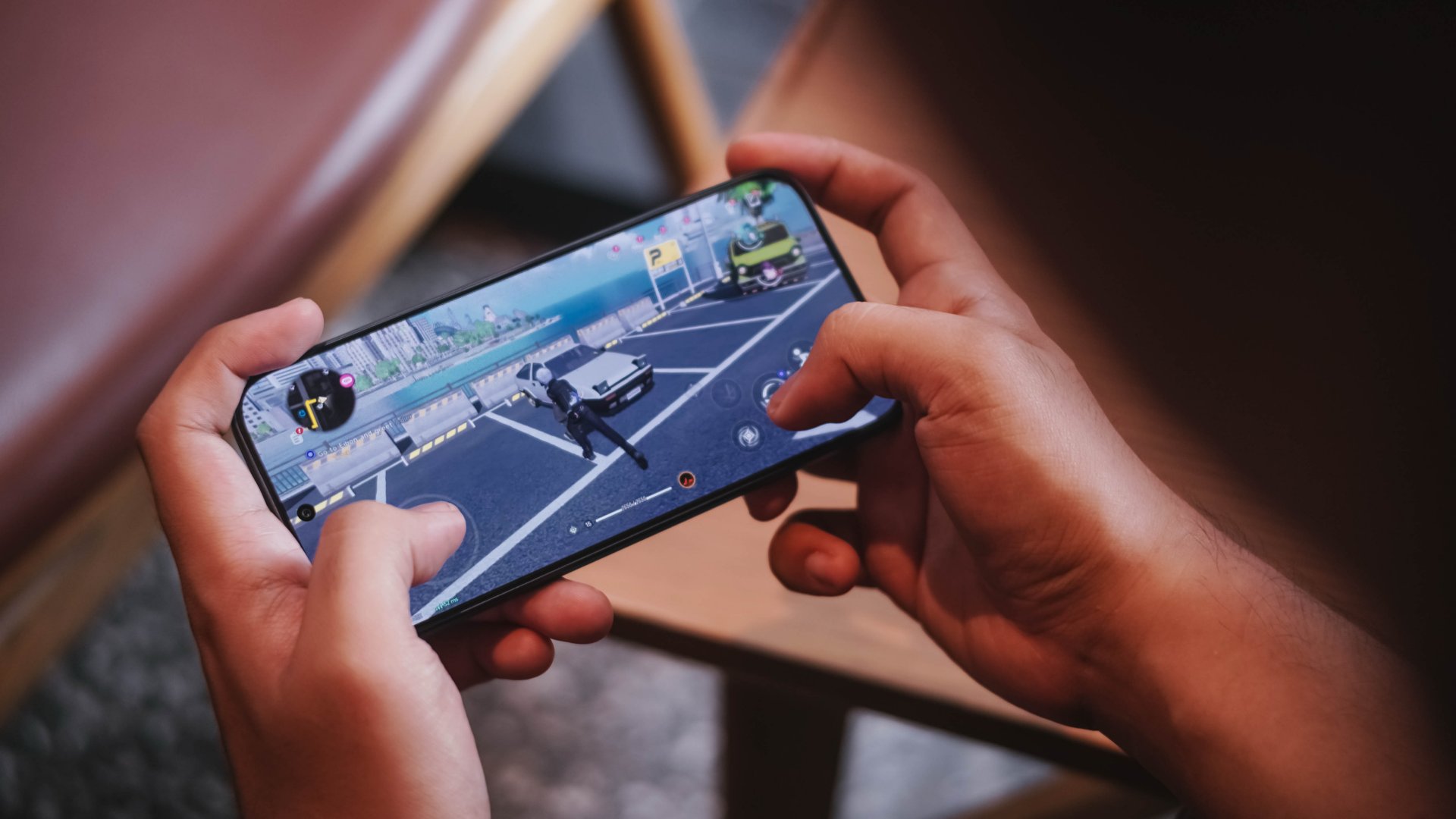
Meanwhile, the smooth graphic settings of NTE (Neverness to Everness) clearly lives up to its name. Roaming around Hethereau and fighting unexpected encounters were a breeze
-
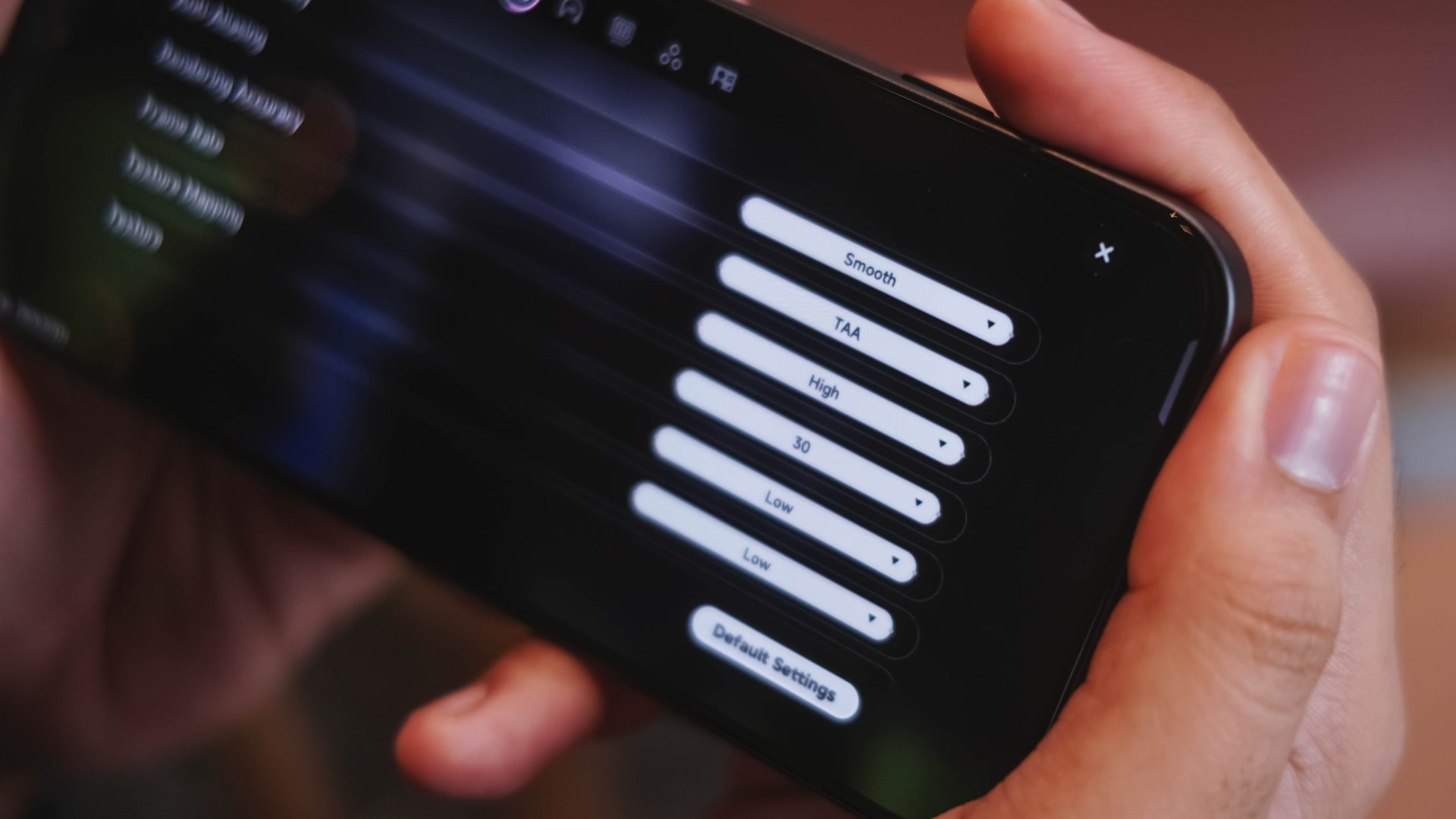
- NTE Graphic Settings by default
-
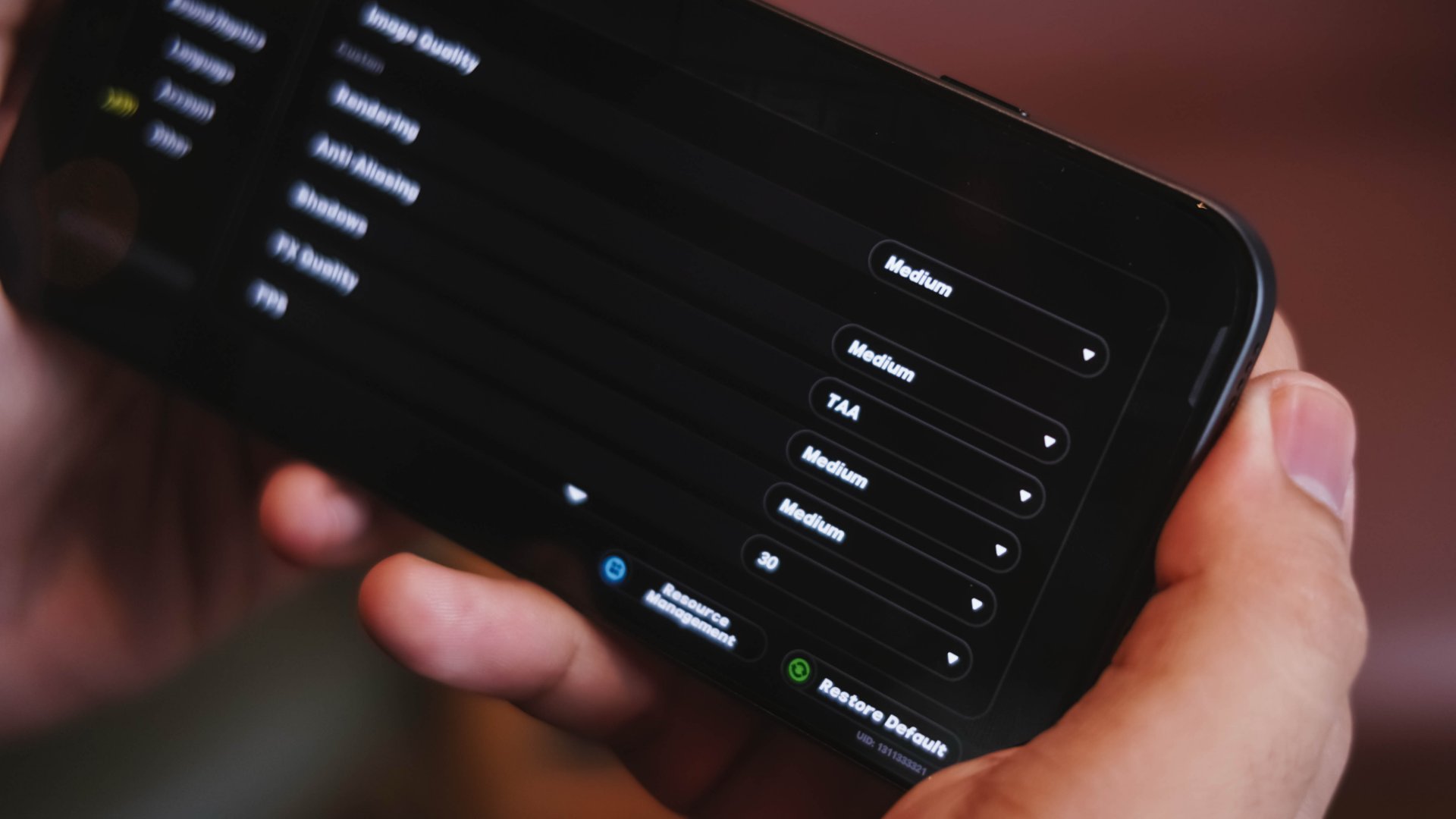
- ZZZ Graphic Settings by default
Surprisingly, Zenless Zone Zero is set to Medium post-installation. Going around New Eridu was desirable.
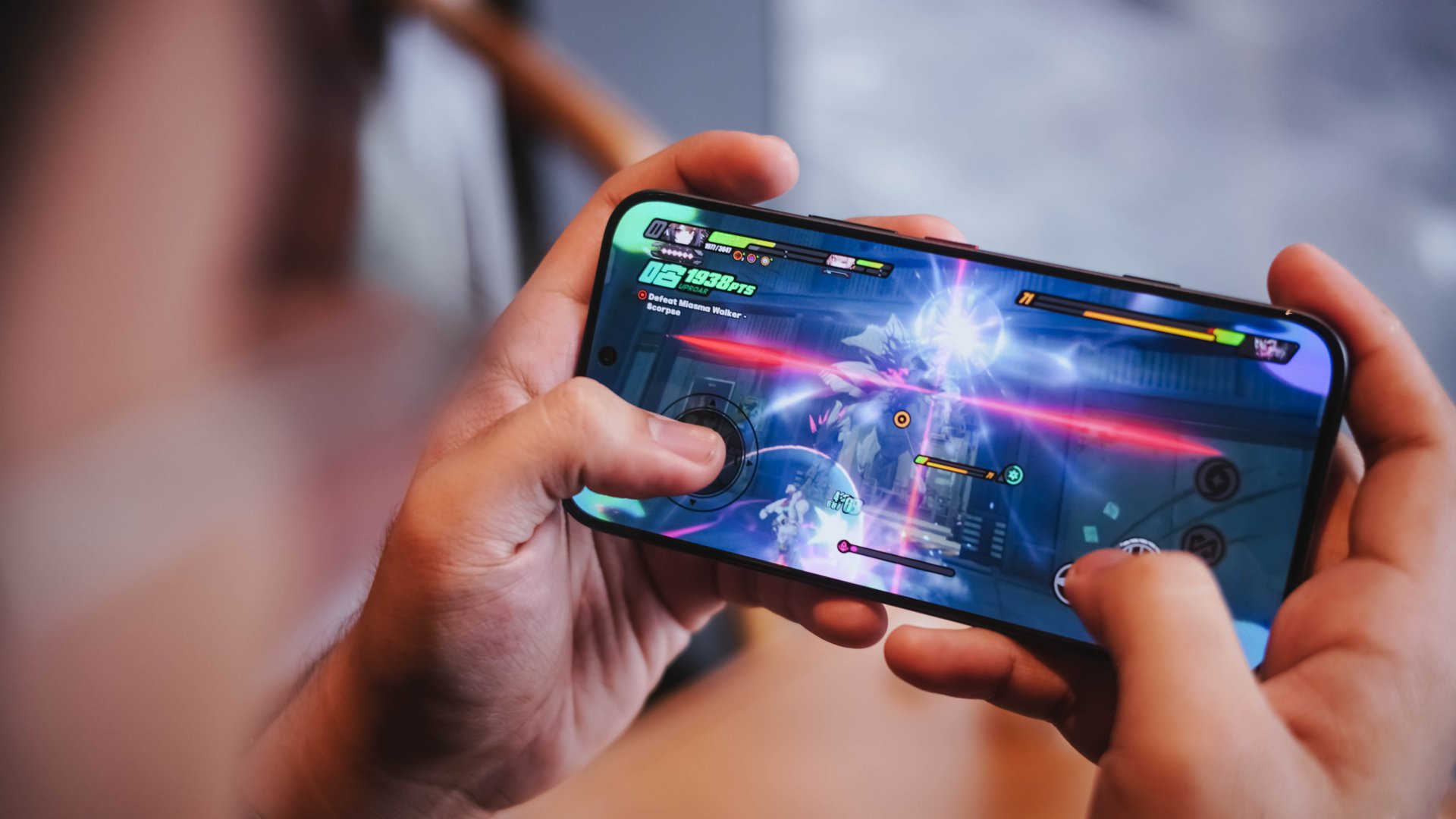
Albeit, Combat Mode truly tests out every bit of power of this chip — most especially when switching between agents, toggling Assist Counters, and even activating their special attacks.
To be very frank, the POVA 8 Pro performed faster, snappier, and even less laggy in contrast to the Snapdragon 6 Gen 5 phone I’ve reviewed just recently.
Mind you, that Qualcomm SoC is only 4 months old. While it isn’t the direct rival of the aforementioned Dimensity chip, it still proves that real-world experiences matter more than just benchmarks and hearsays.
Clearly, these brand biases and stereotypes should be forgotten for good.
To outlast is a must
Similar to the CAMON 50 Ultra, the TECNO POVA 8 Pro Tonino Lamborghini Limited Edition also packs a 6500mAh battery.
While the vanilla POVA 8 and POVA Curve 2 both rock the biggest battery in any TECNO smartphone so far at 8000mAh, this is still beyond the 5000mAh mark.
My time with it made the phone last until the end of night as long as it’s used moderately.
By that, doomscrolling on social media, streaming K-Pop songs, binging K-Dramas, taking some photos.
As expected, severe battery depletion can be felt when playing games for hours. For instance, a 2-hour Racing Master gameplay reduced my battery level from 90% to 74%.
During standby mode where the phone lays flat and untouched (due to a very busy TechTember workload), its battery efficiency shocked me. Even after being unplugged for more than 150 hours, the POVA 8 Pro still has 33% left in its tank.
Now, one of the best battery drain tests in a smartphone is none other than making it as your personal hotspot.
I went out of our house as early as 4AM. When I got back around 11PM, it was still able to preserve 11%. More surprising is that, it kept that same percentage after I slept for 12 hours.
Now, when the tank completely runs out, the POVA 8 Pro comes with its own charger and cable set.
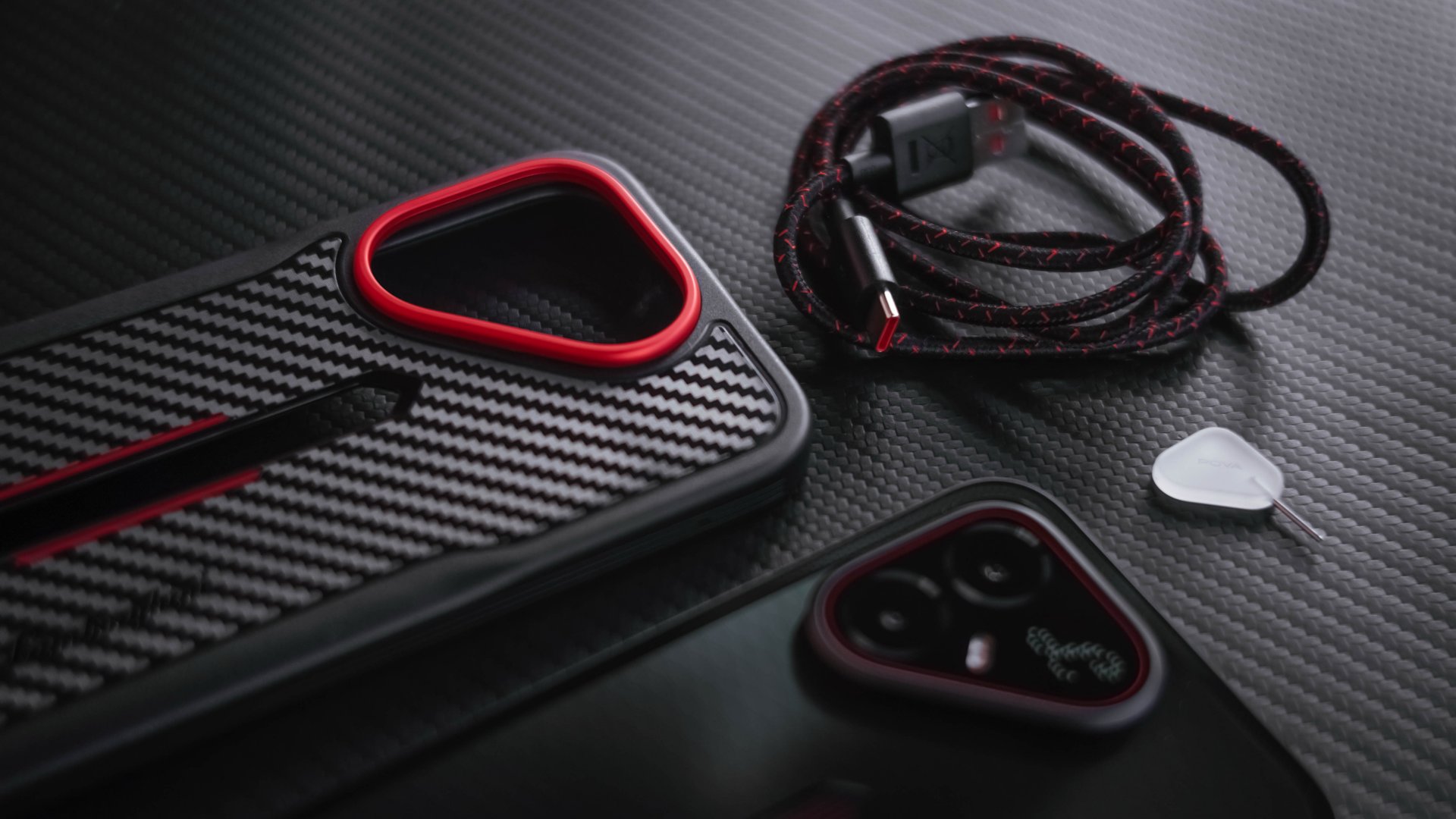
The Tonino Lamborghini Limited Edition I have is quite different though. Instead of the typical white, it has a black charging adapter alongside a braided USB-C to USB-A cable.
View this post on Instagram
That said, here are my GadgetMatch Charge Test results using its bundled accessories:
45W HyperCharge Max |
45W Smart Charge |
|
START TIME (from 0%) |
5:00AM |
7:25PM |
3 minutes |
5% |
3% |
5 minutes |
8% |
5% |
10 minutes |
19% |
13% |
15 minutes |
27% |
17% |
30 minutes |
53% |
45% |
45 minutes |
78% |
56% |
1 hour |
97% |
71% |
1 hour 15 minutes |
– |
88% |
END TIME (100%) |
6:04AM
|
8:51PM
|
Needless to say, activating its HyperCharge Max charging speed can fully fill the phone in around an hour.
Visionary vision
The TECNO POVA 8 Pro (regardless if it’s the regular or Tonino Lamborghini Limited Edition) boasts a 50MP main camera based from Sony’s LYT-700C.
For added context, that’s also the same image sensor placed inside the CAMON 50 Ultra.
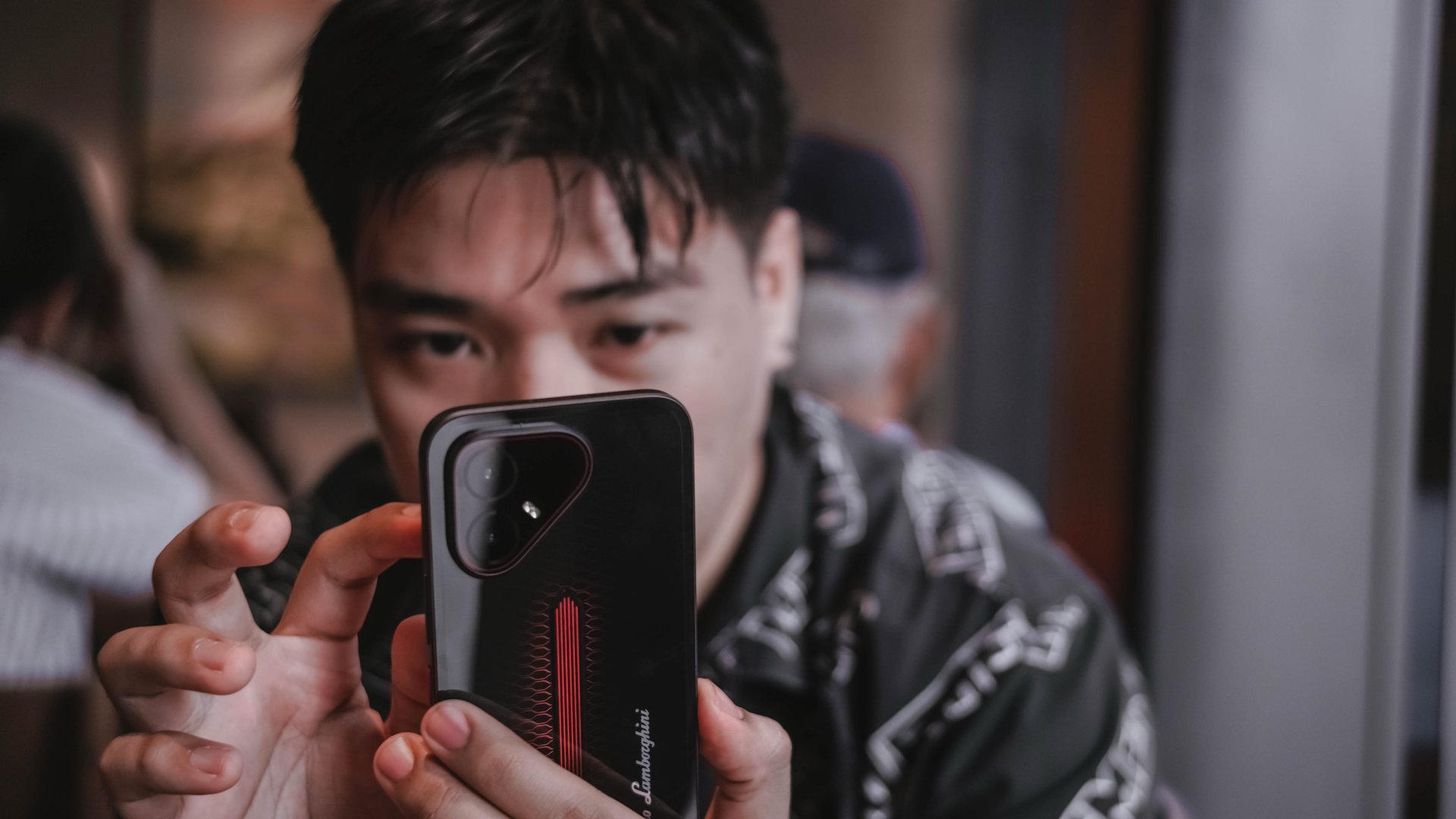
If you happened to read that particular review, I praised it a lot for its overall image quality.
Without an ounce of doubt, the same can be said here.
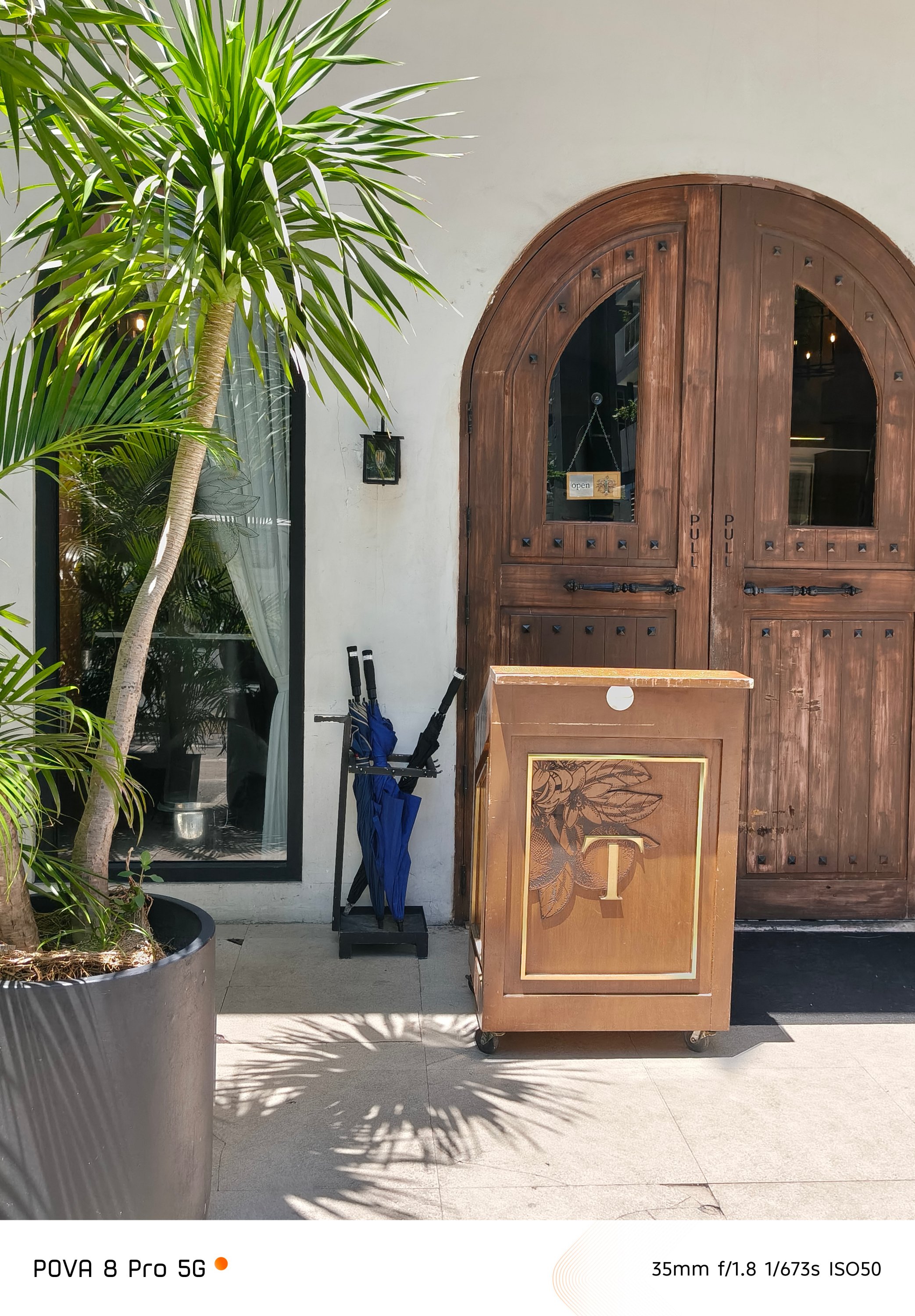
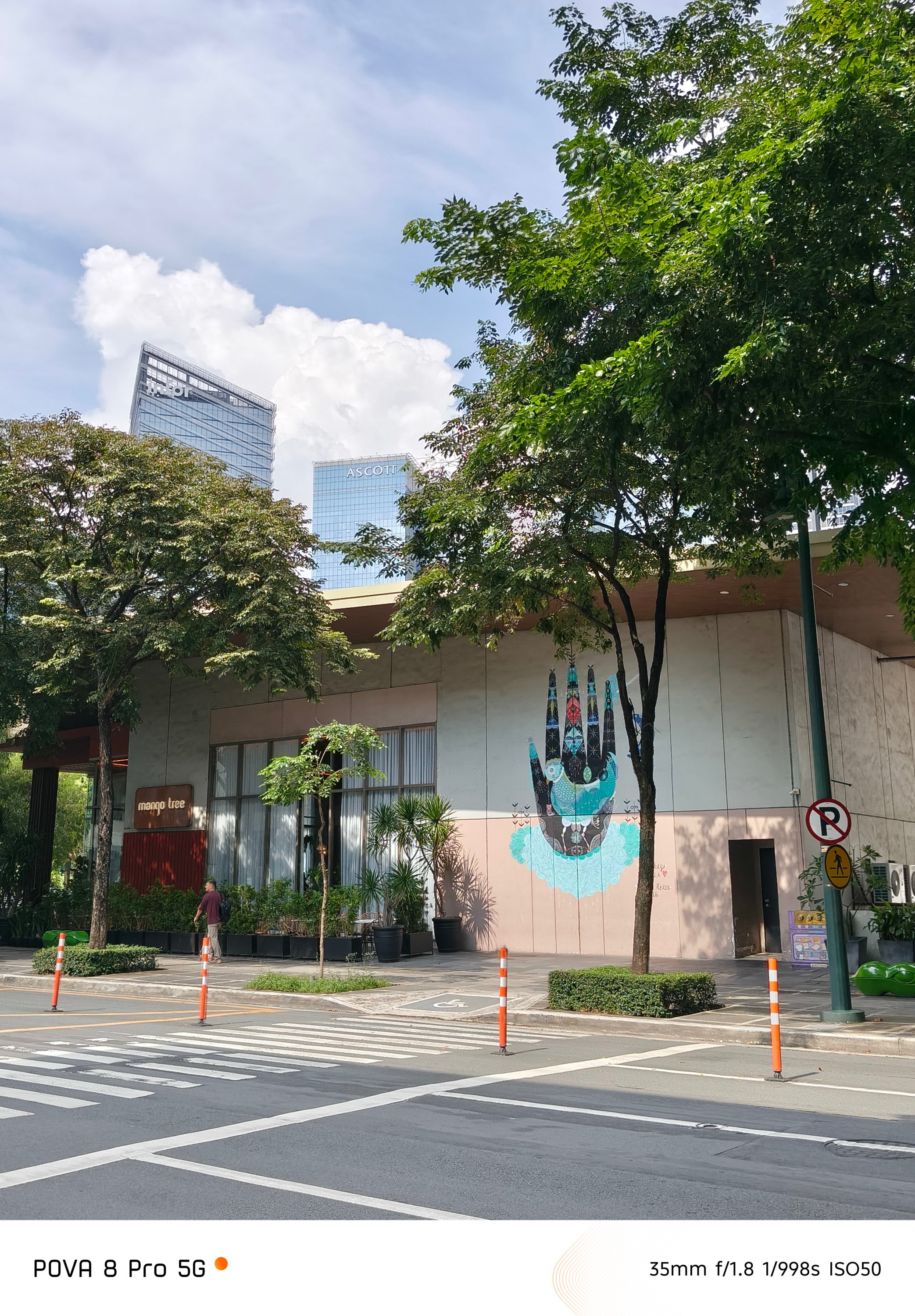
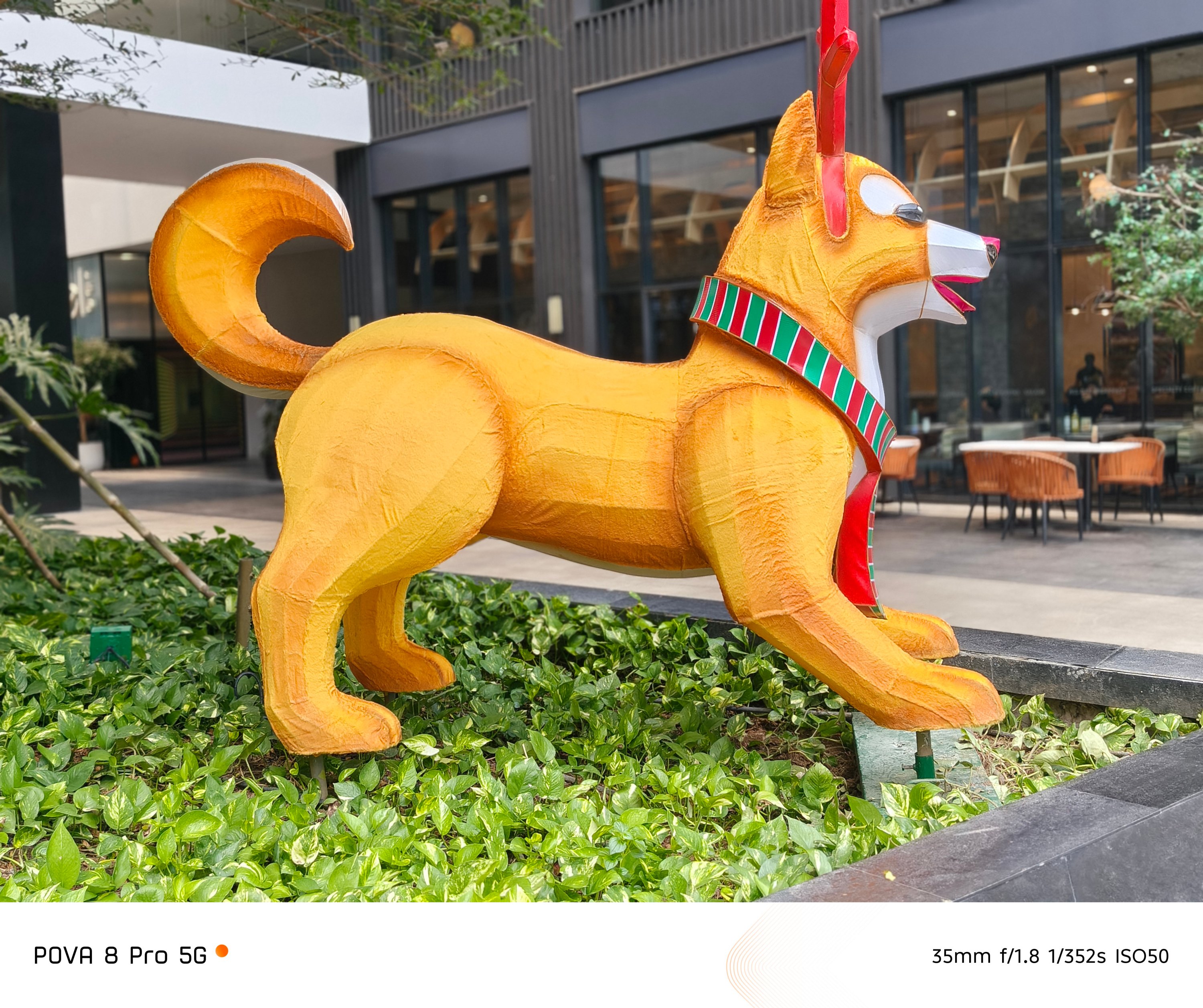
Even if this is a performance-focused smartphone, TECNO didn’t actually compromise its regular 1x main camera.


While its 8MP f/2.2 ultra-wide shooter isn’t anything grand. Still, it gets the job done.

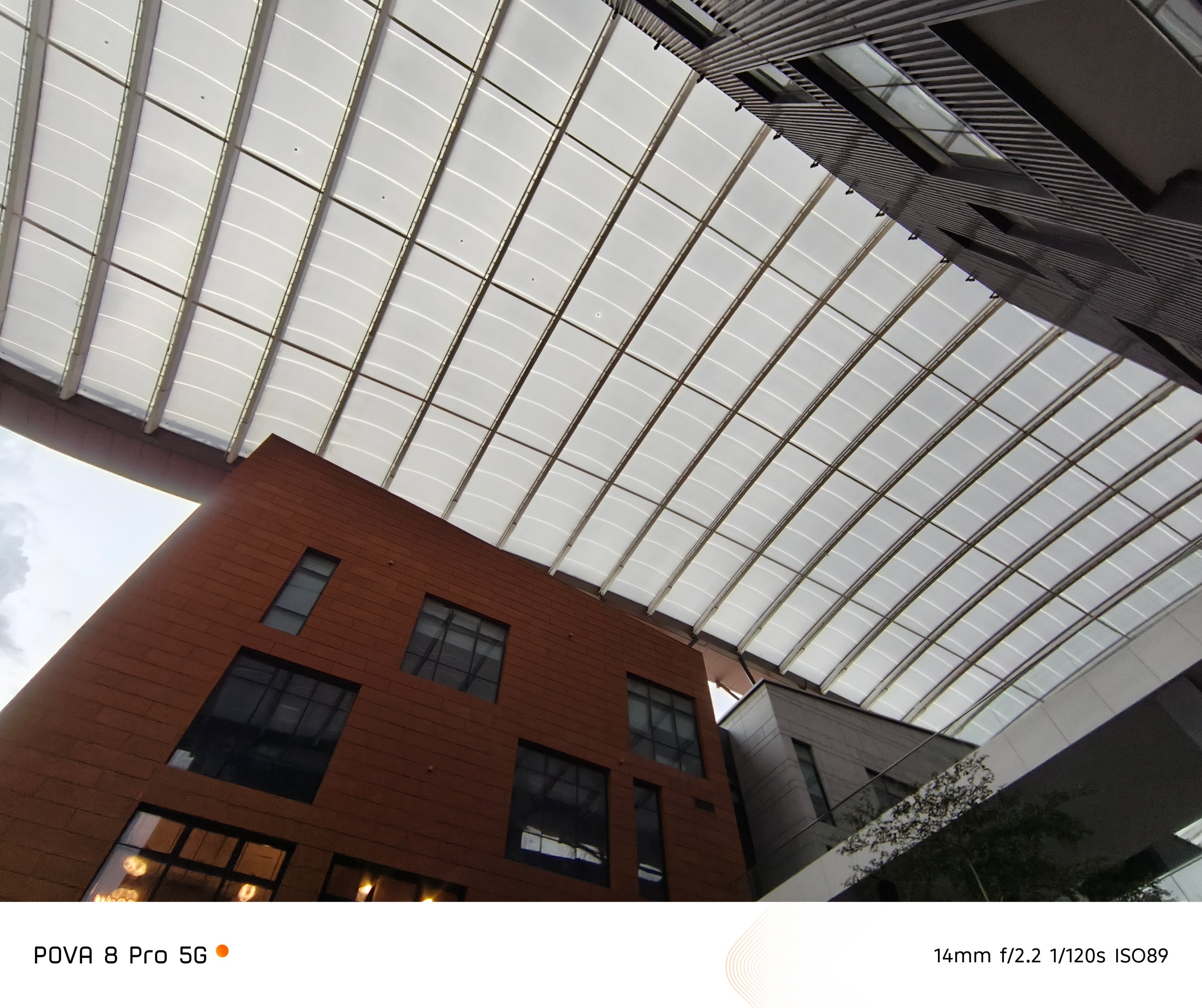
After all, it’s the good ol’ sensor frequently used by TECNO among most (if not all) of their phones.
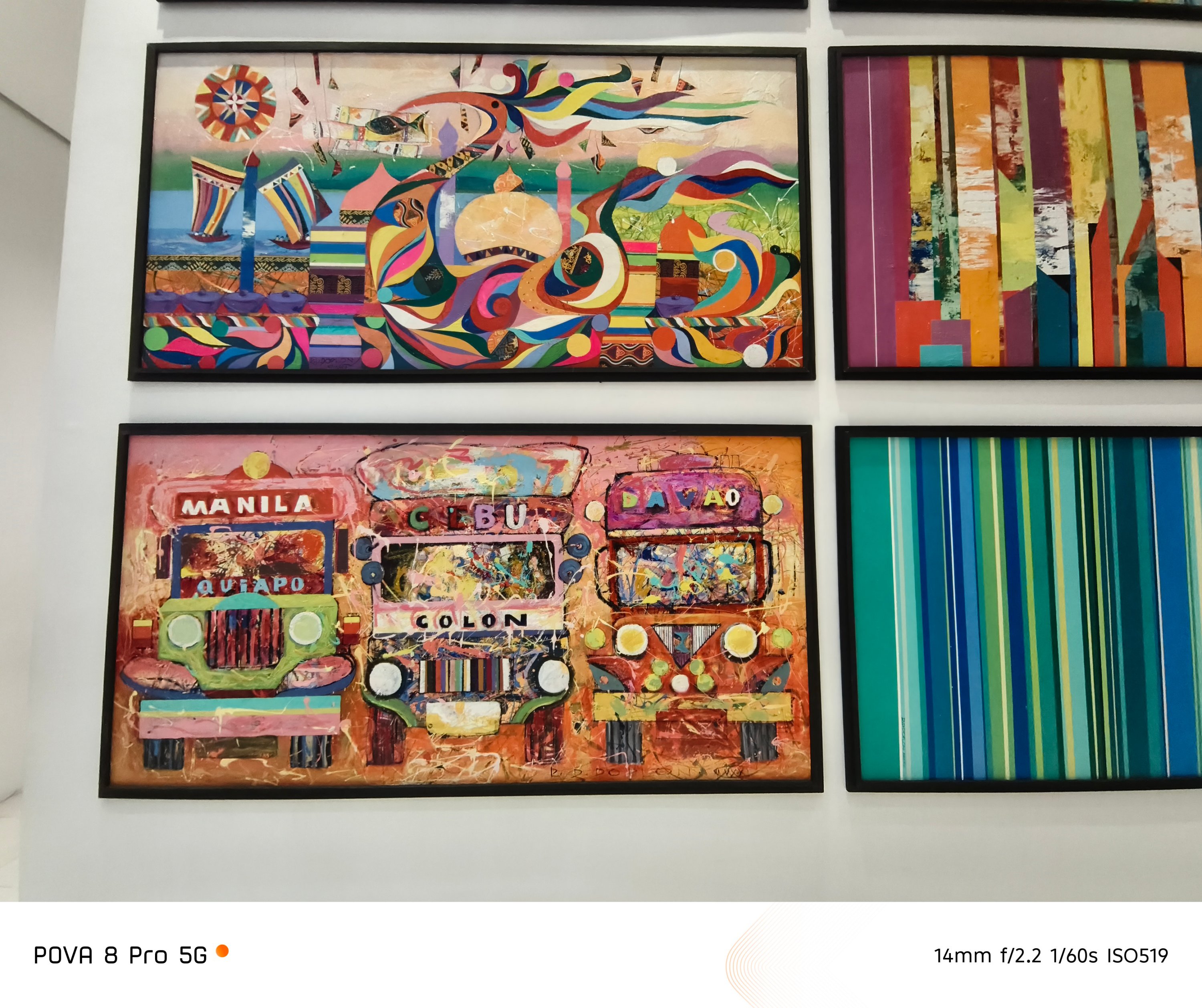
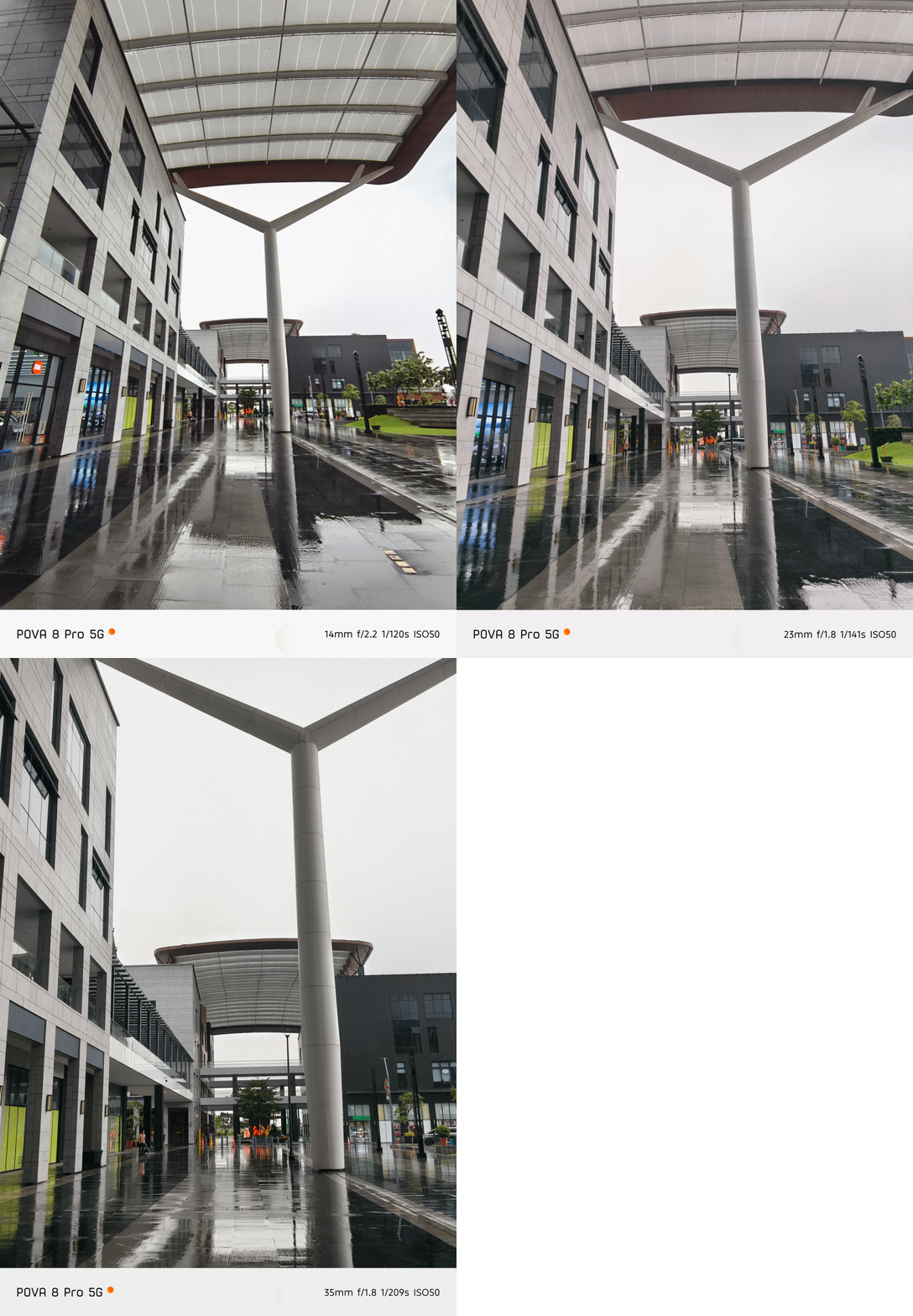
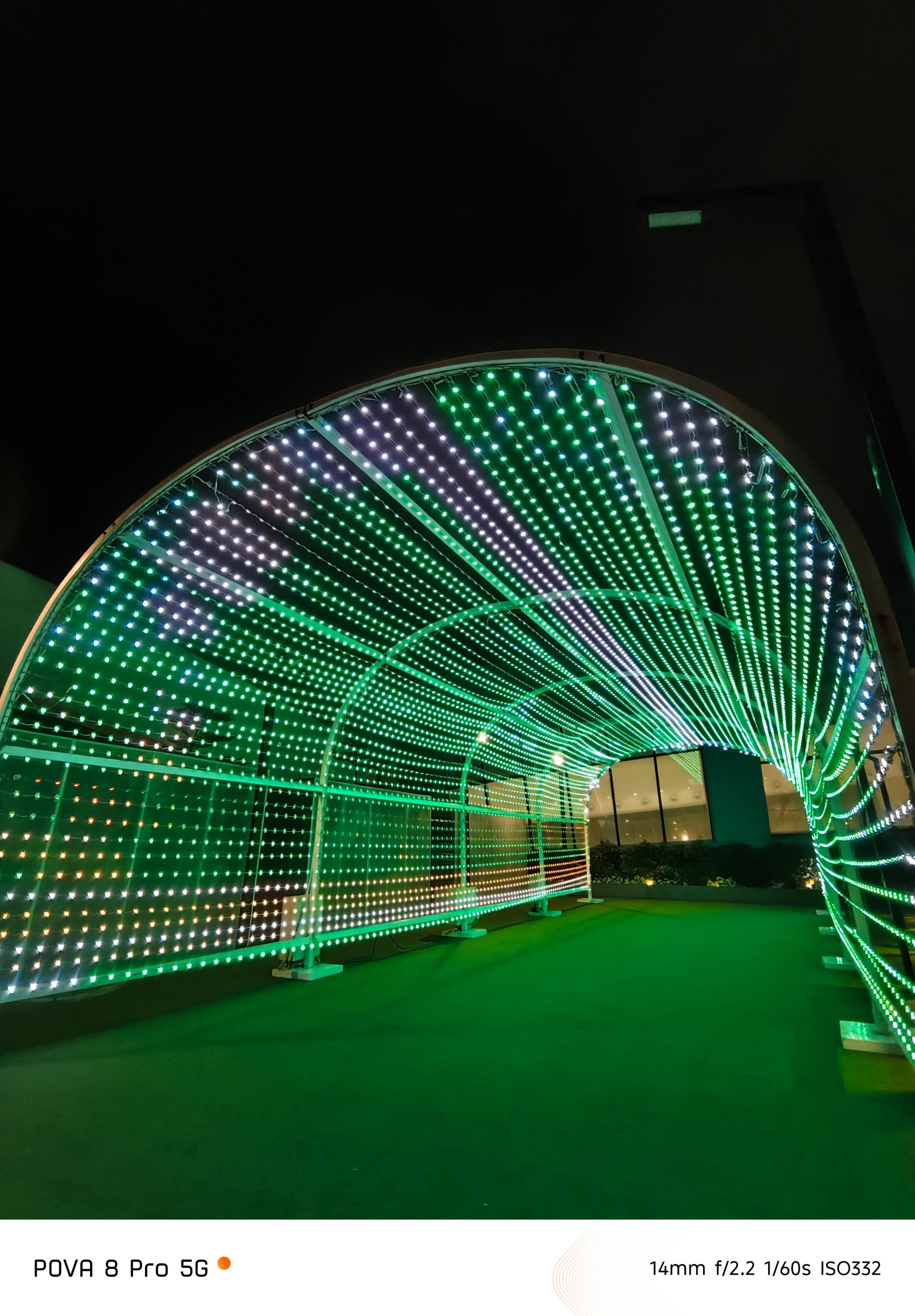
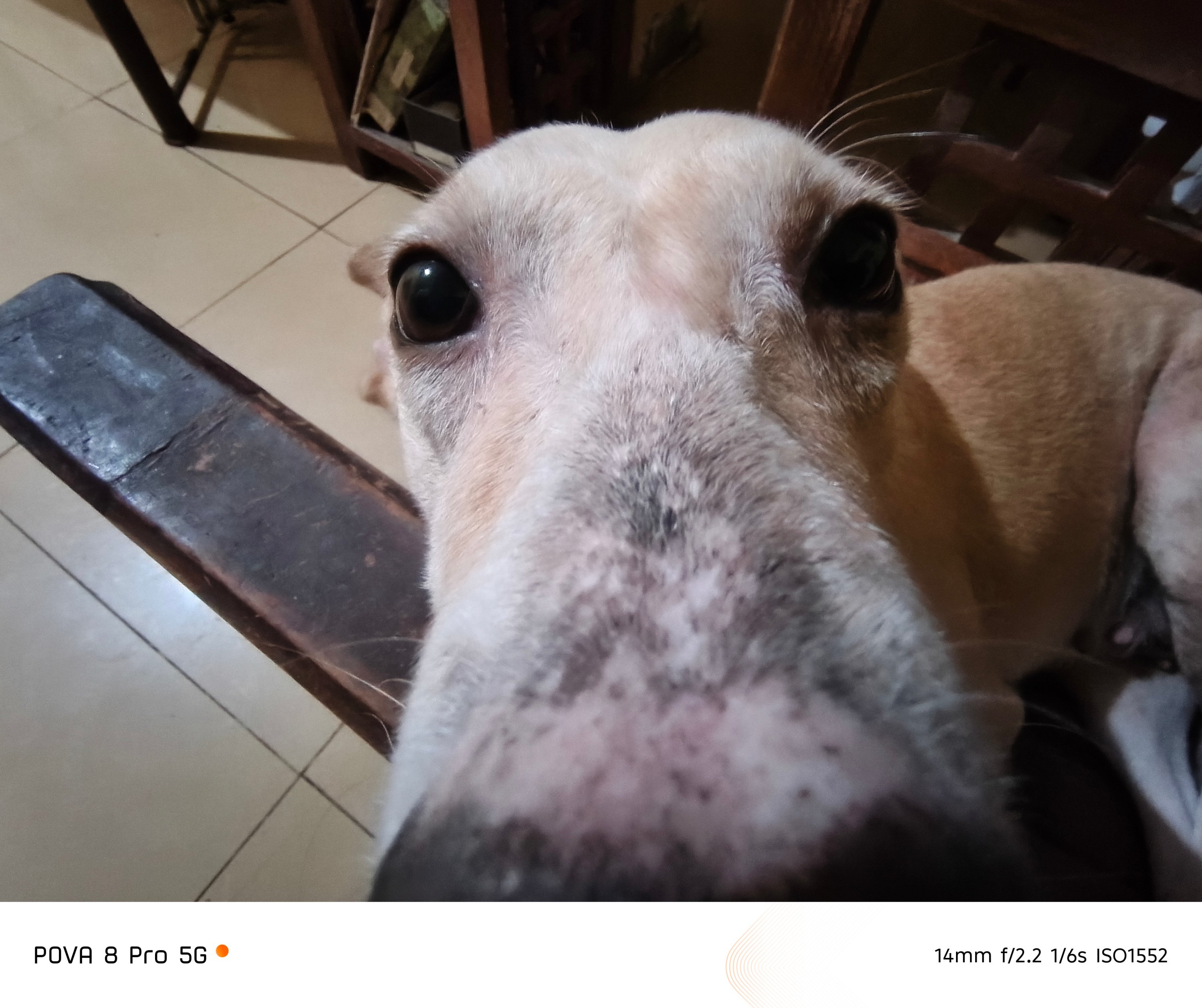 With this price to hardware ratio, caveats are expected.
First and foremost, the lack of a telephoto module found on its CAMON cousin slash contender.

Notice the contrast and saturation shifting when switching between 1x and 2x? The lack of a dedicated telephoto module is the culprit.
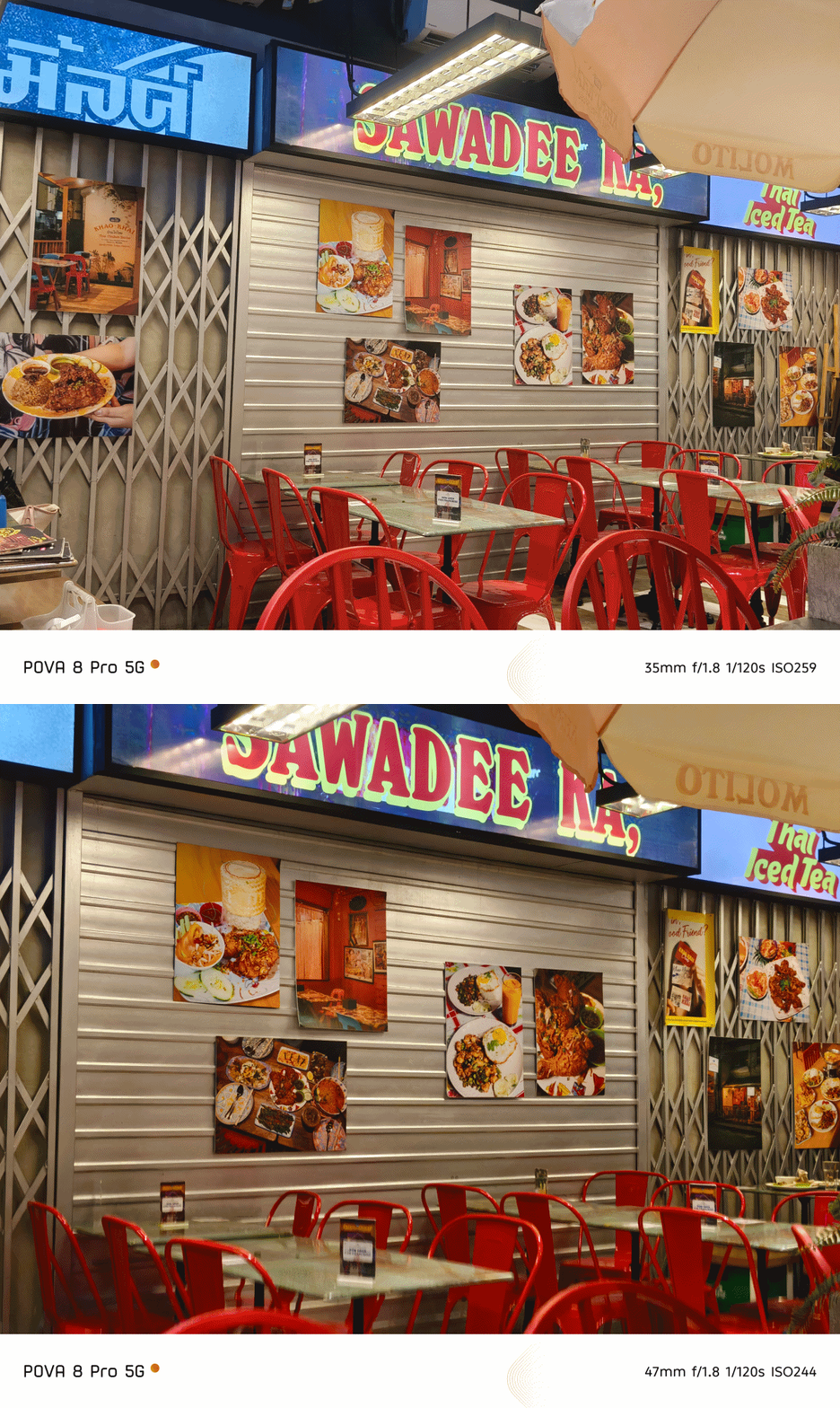
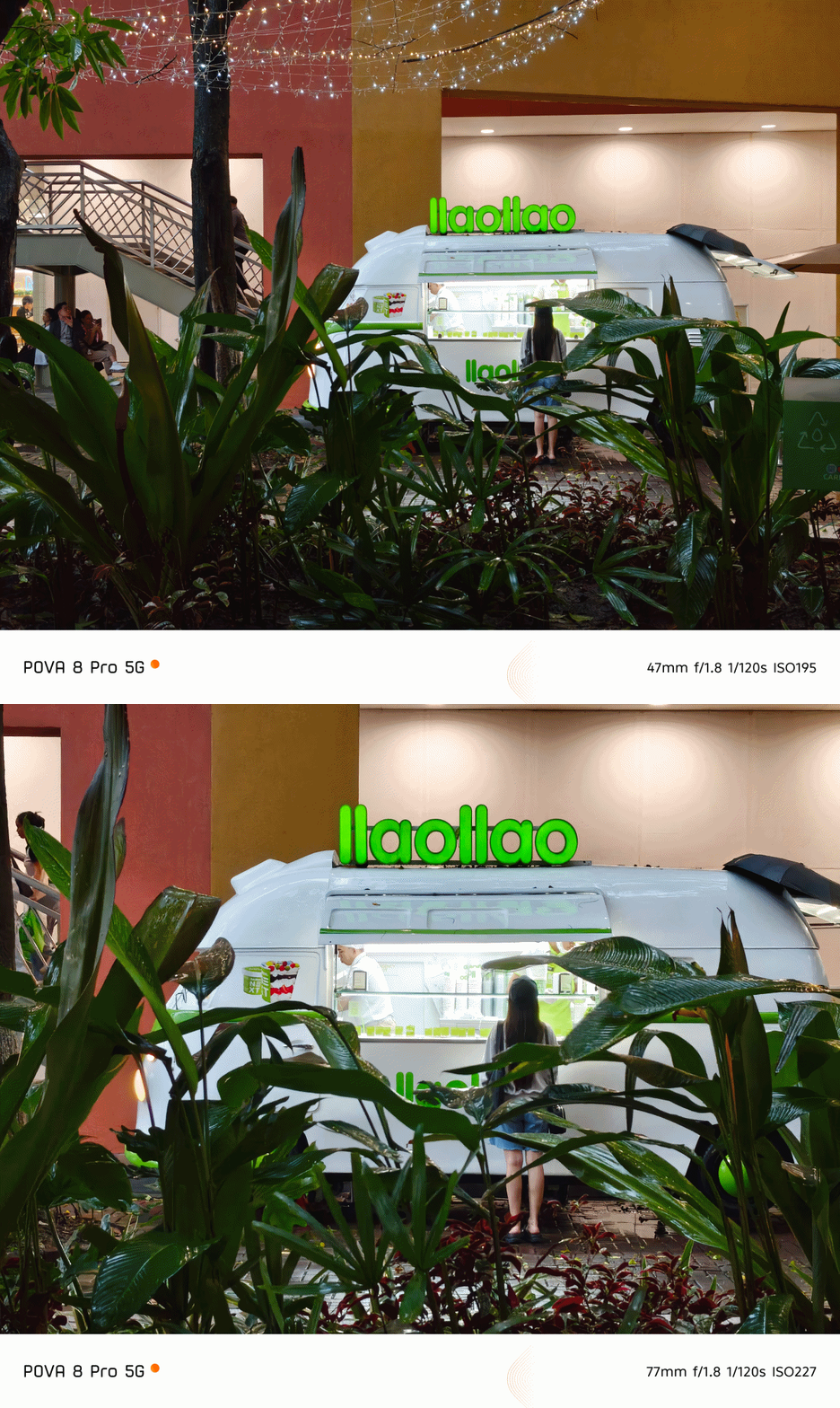
Although to be quite frank, I still liked how well it performed even by just relying on 2x digital zoom — or even way past it!

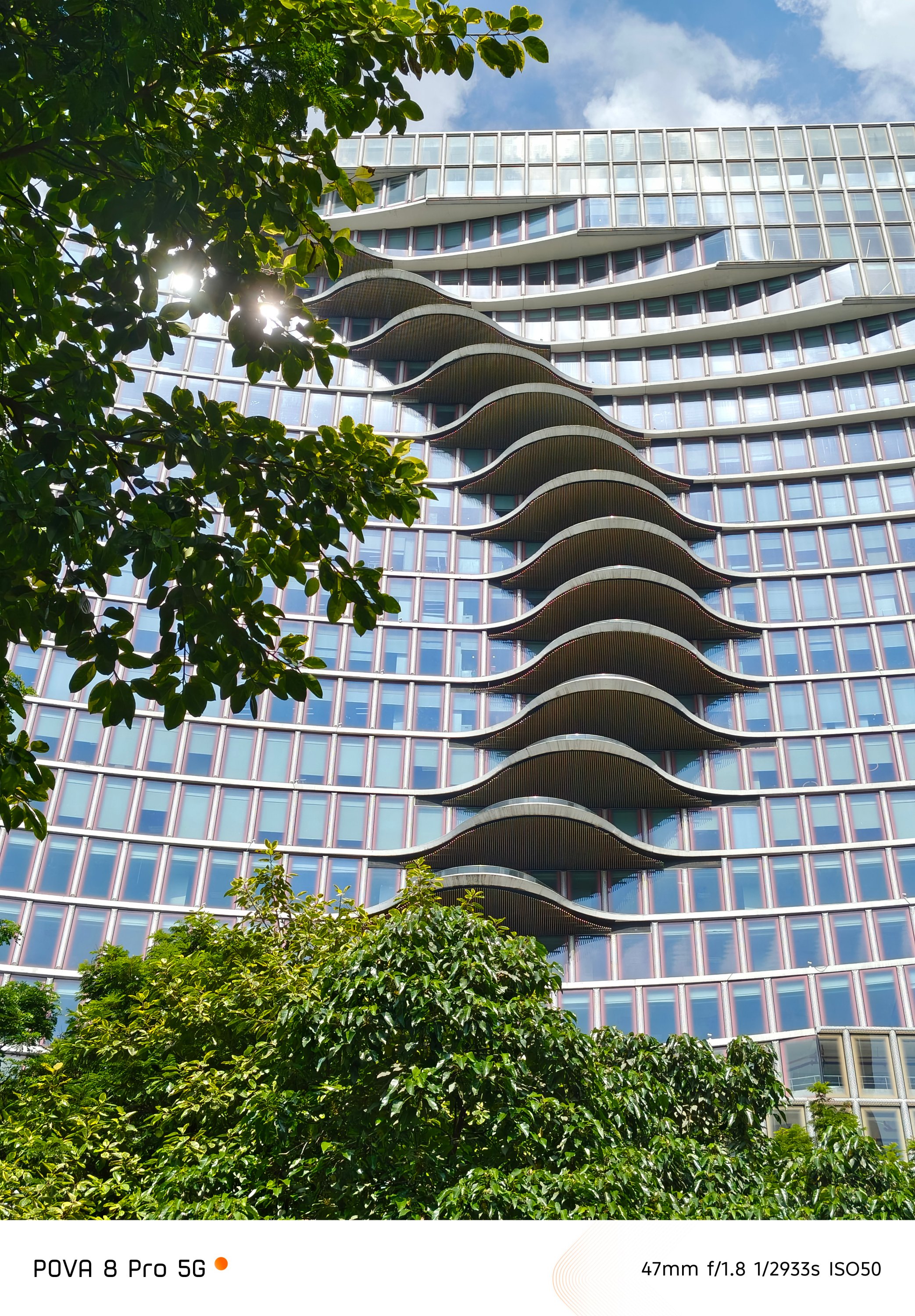



The front camera is smaller too at 13MP (as opposed to 50MP).


Even so, all the nuances such as CAMON’s triple color profiles and the handy-dandy FlashSnap are all missing in this POVA.
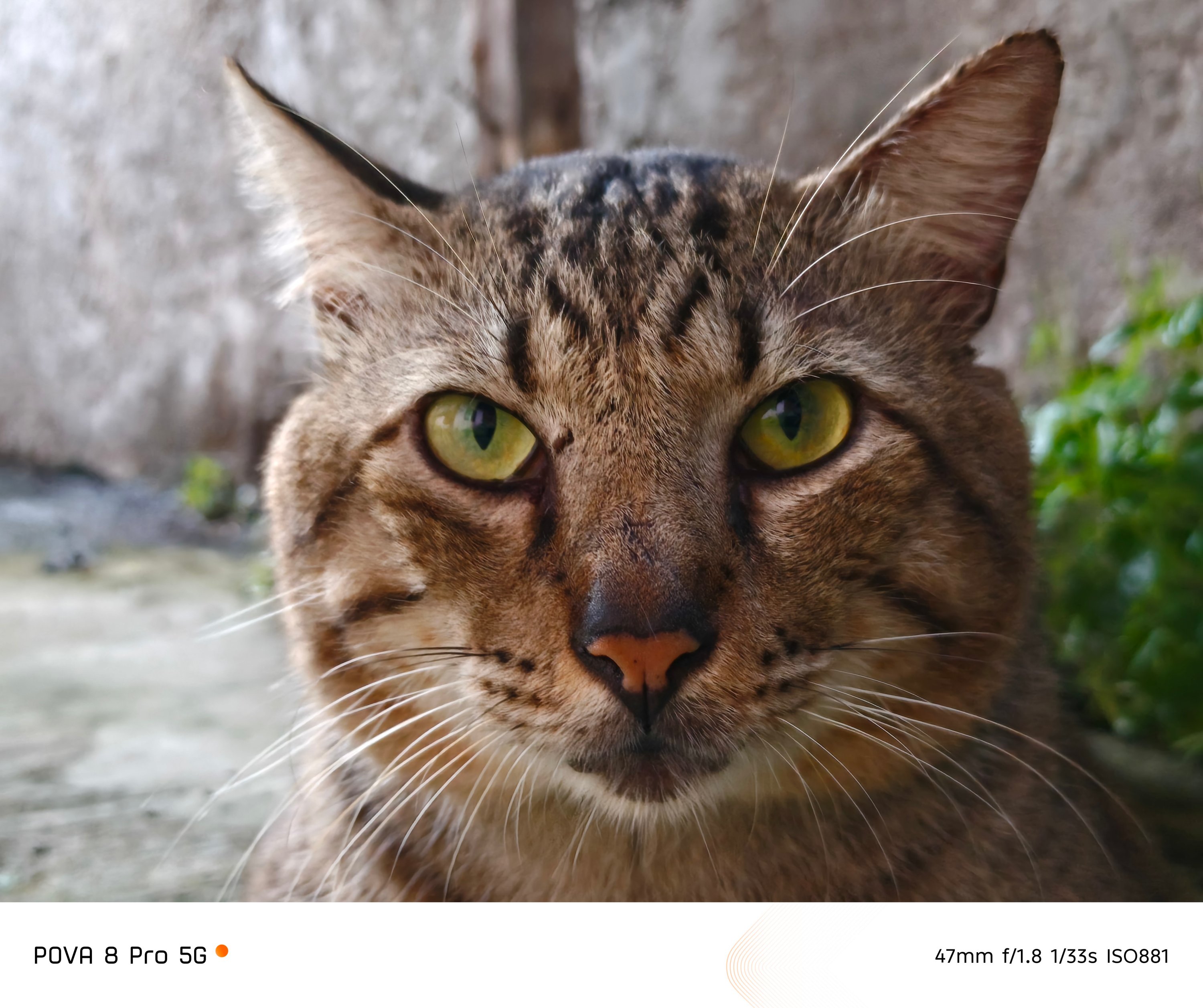
Still, it’s safe to say that the POVA 8 Pro can deliver post-worthy and social media-ready photos whenever, wherever. I mean Just look at how sharp these furry friends look.




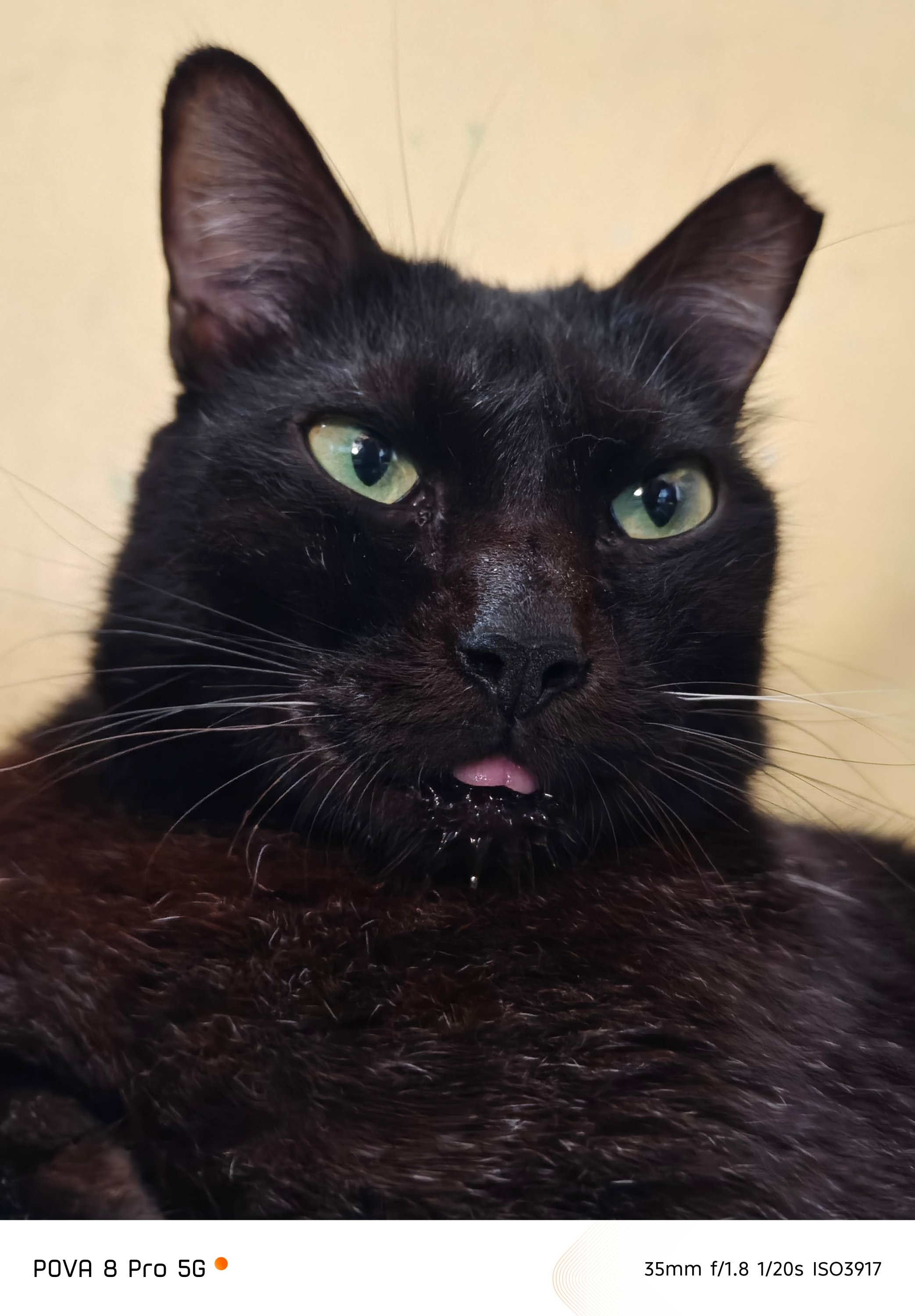
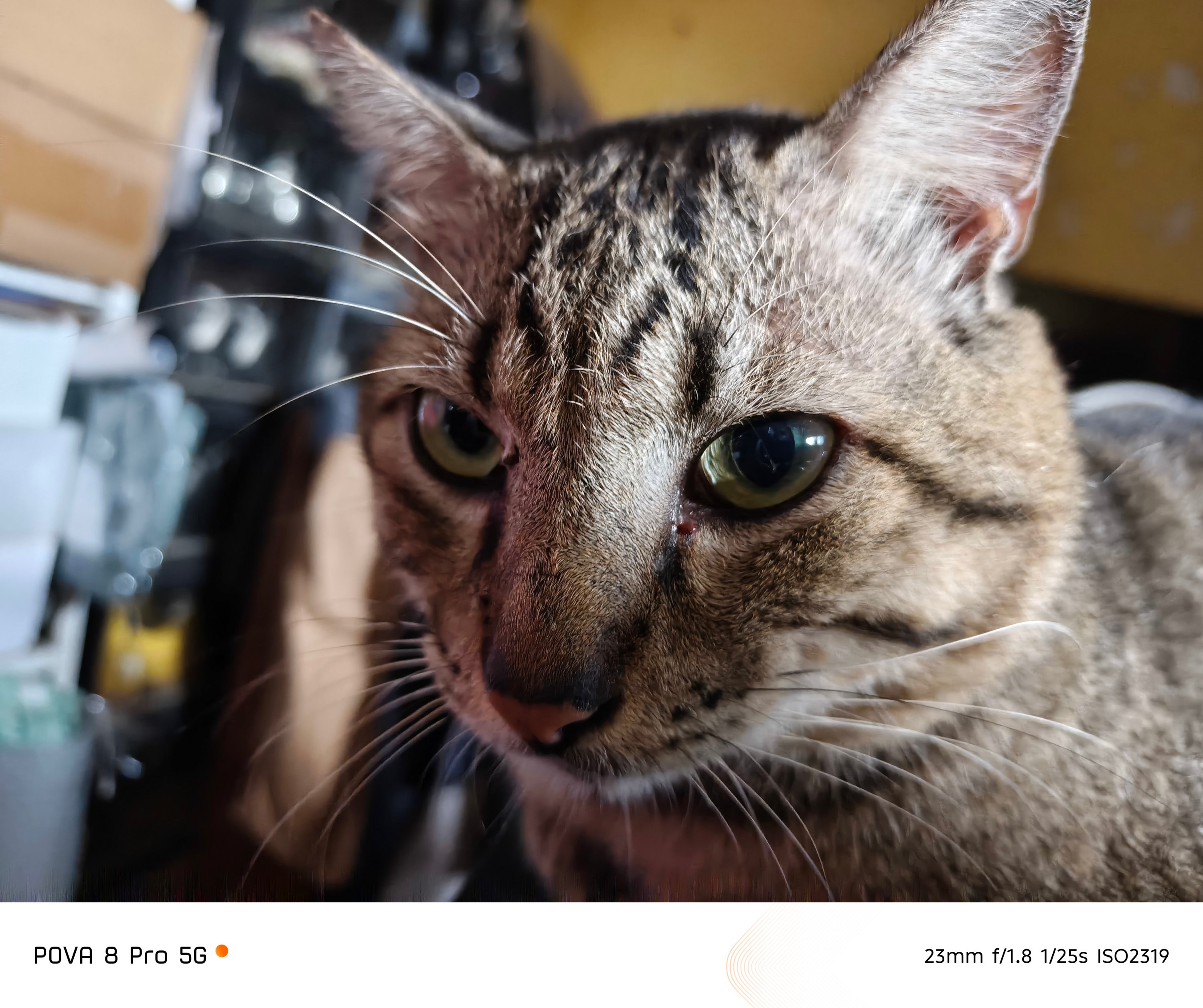
Although there’s no FlashSnap feat, that split-second gap still produced such picture-purrfect moments.
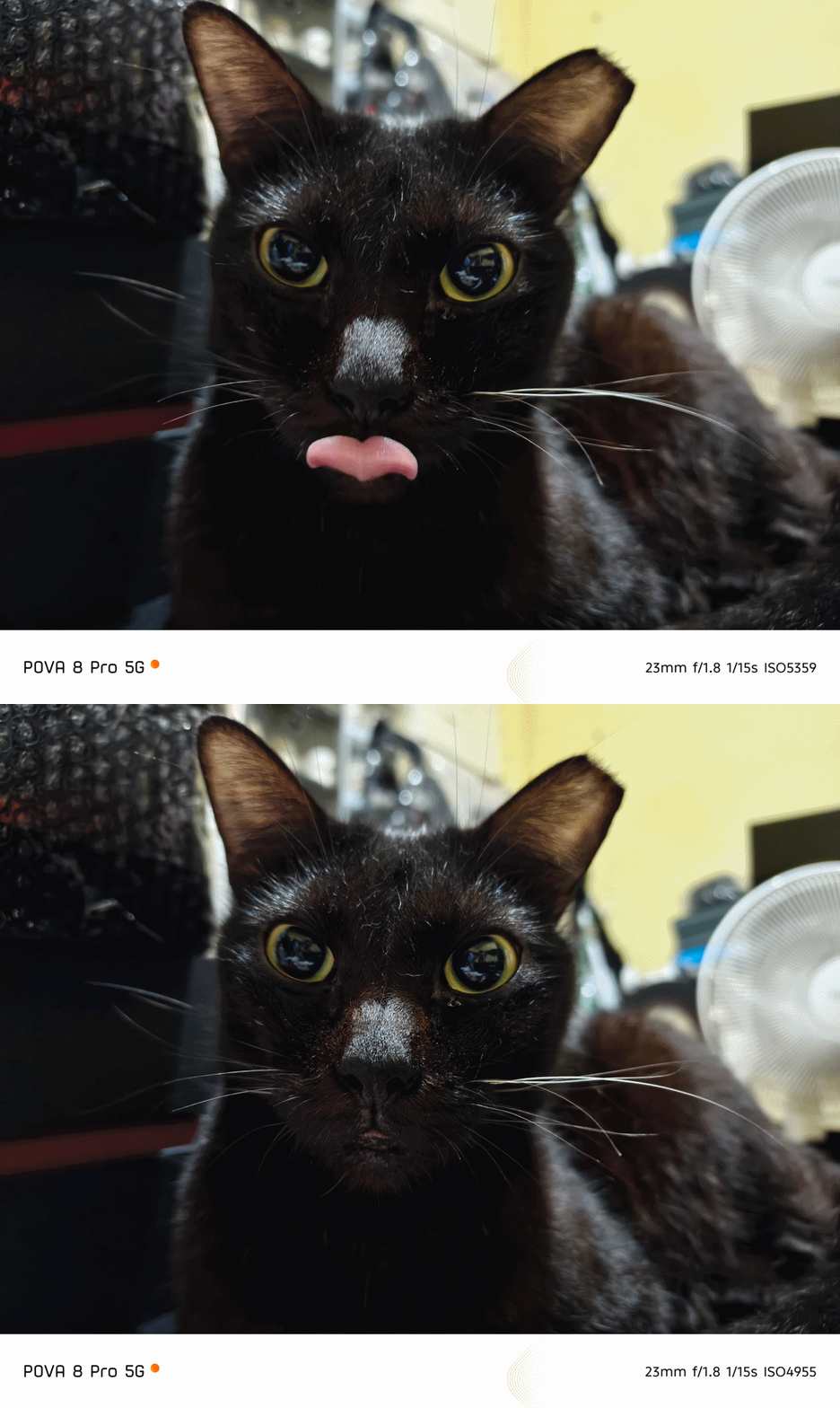


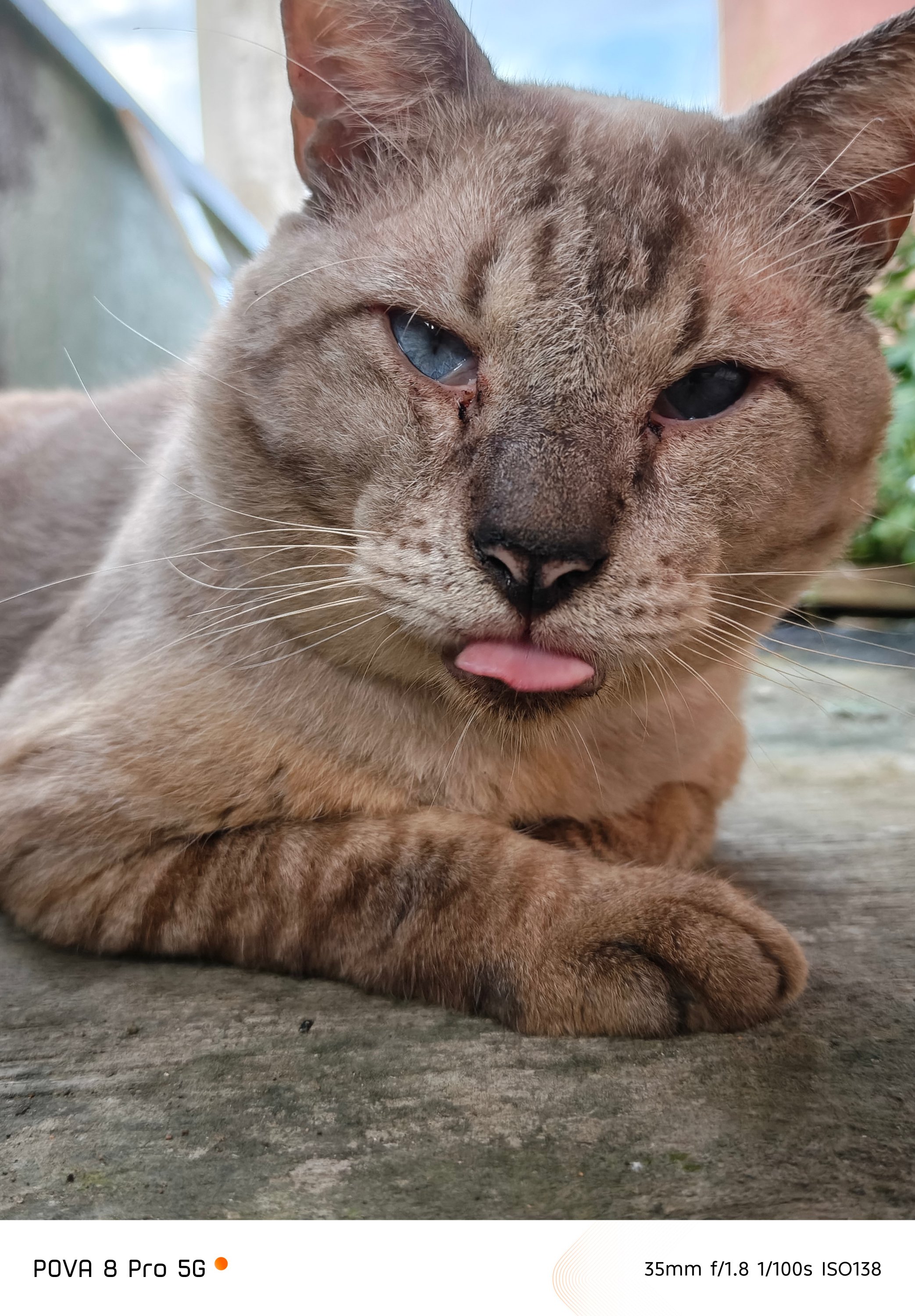

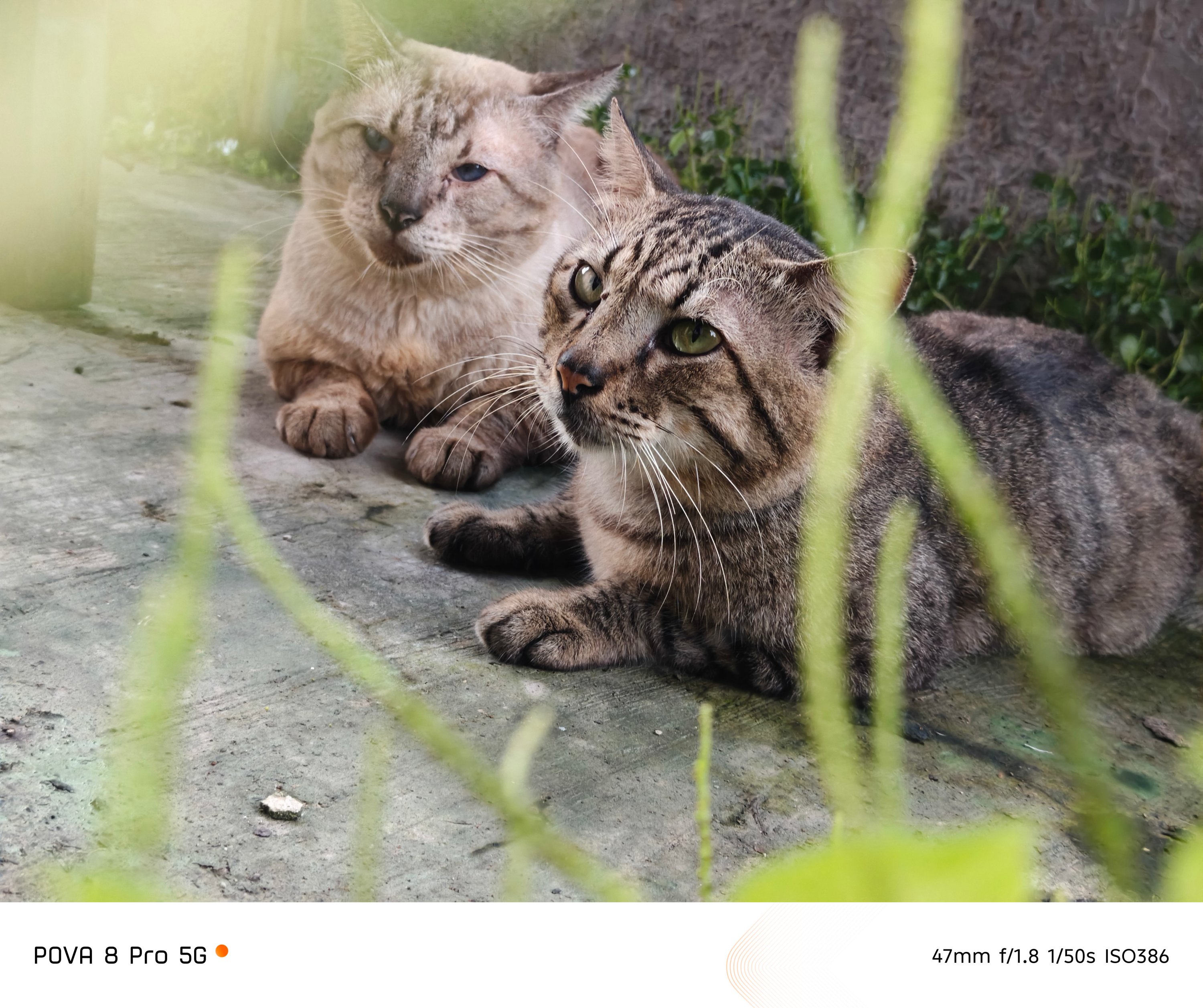
The food you devour with your family, friends, or just yourself (no judgments made) weren’t even spared from that luscious output.
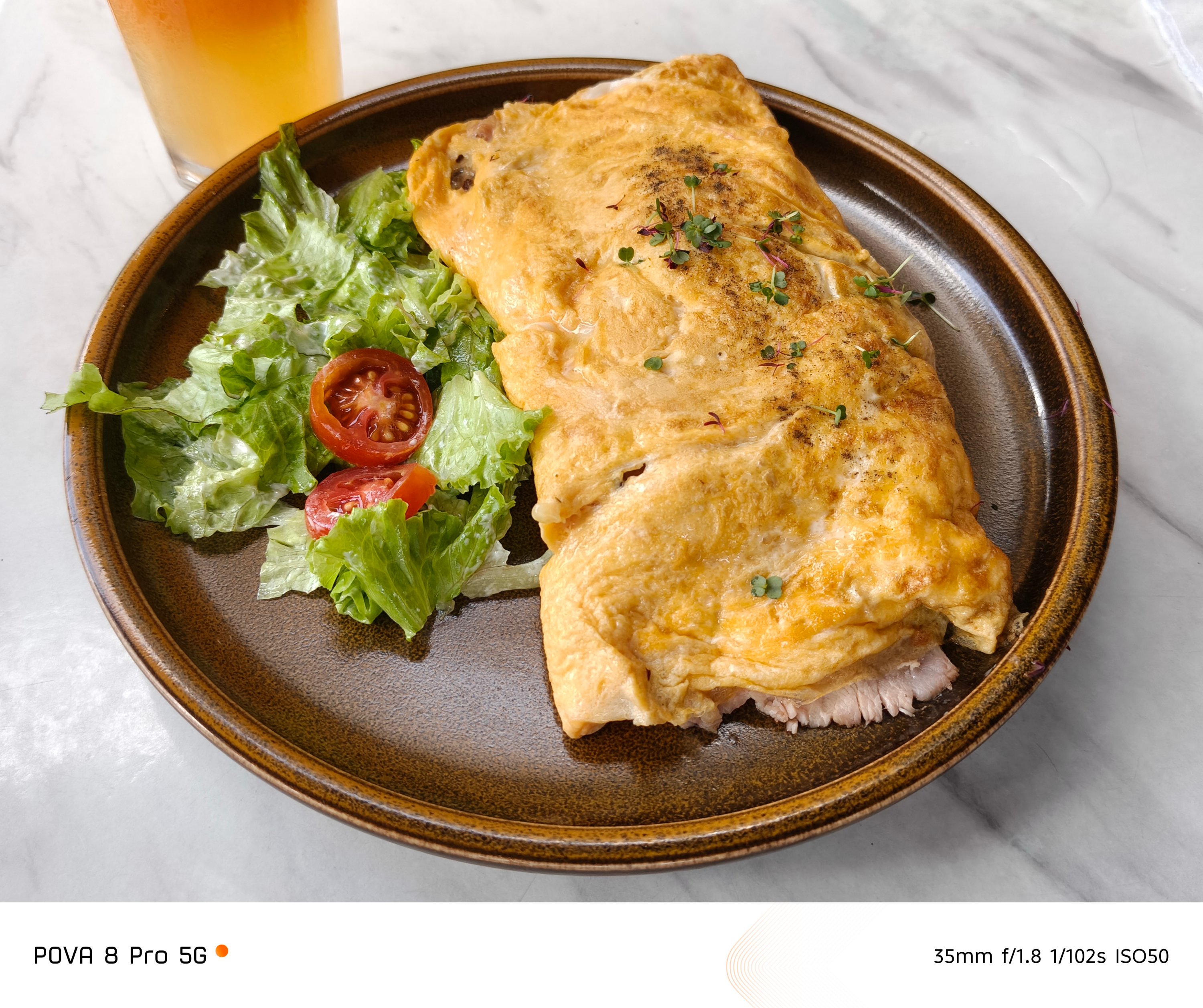




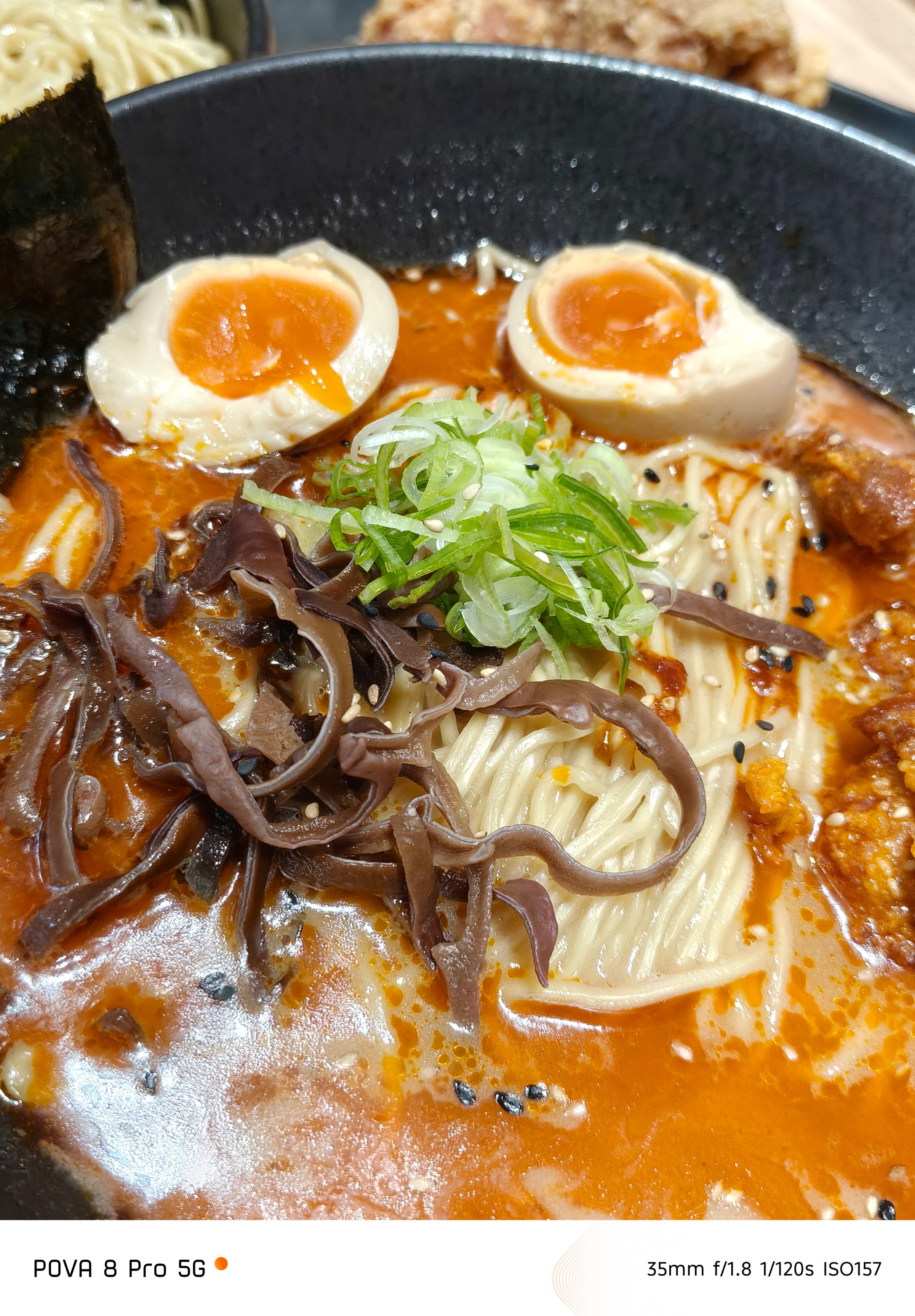






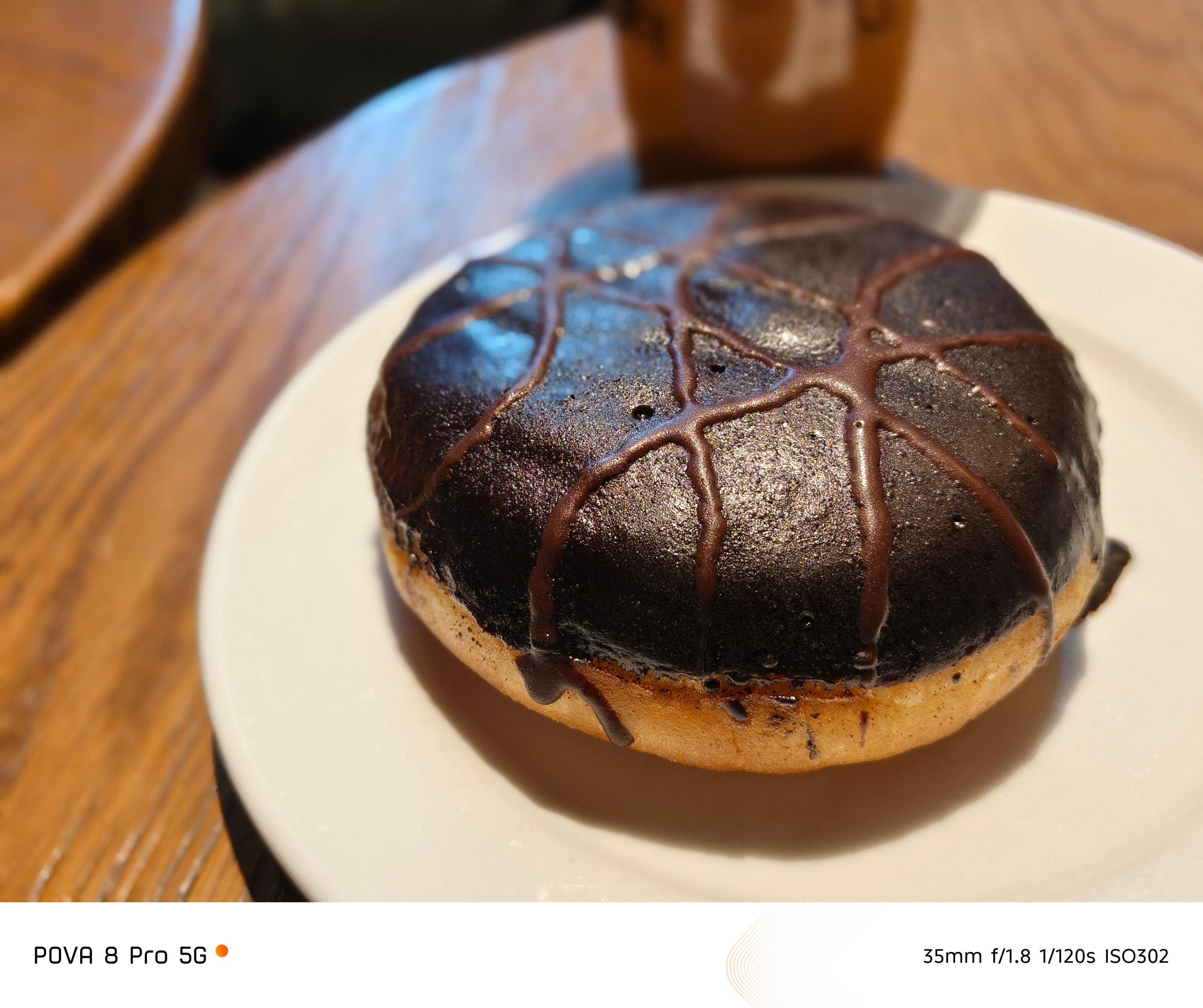
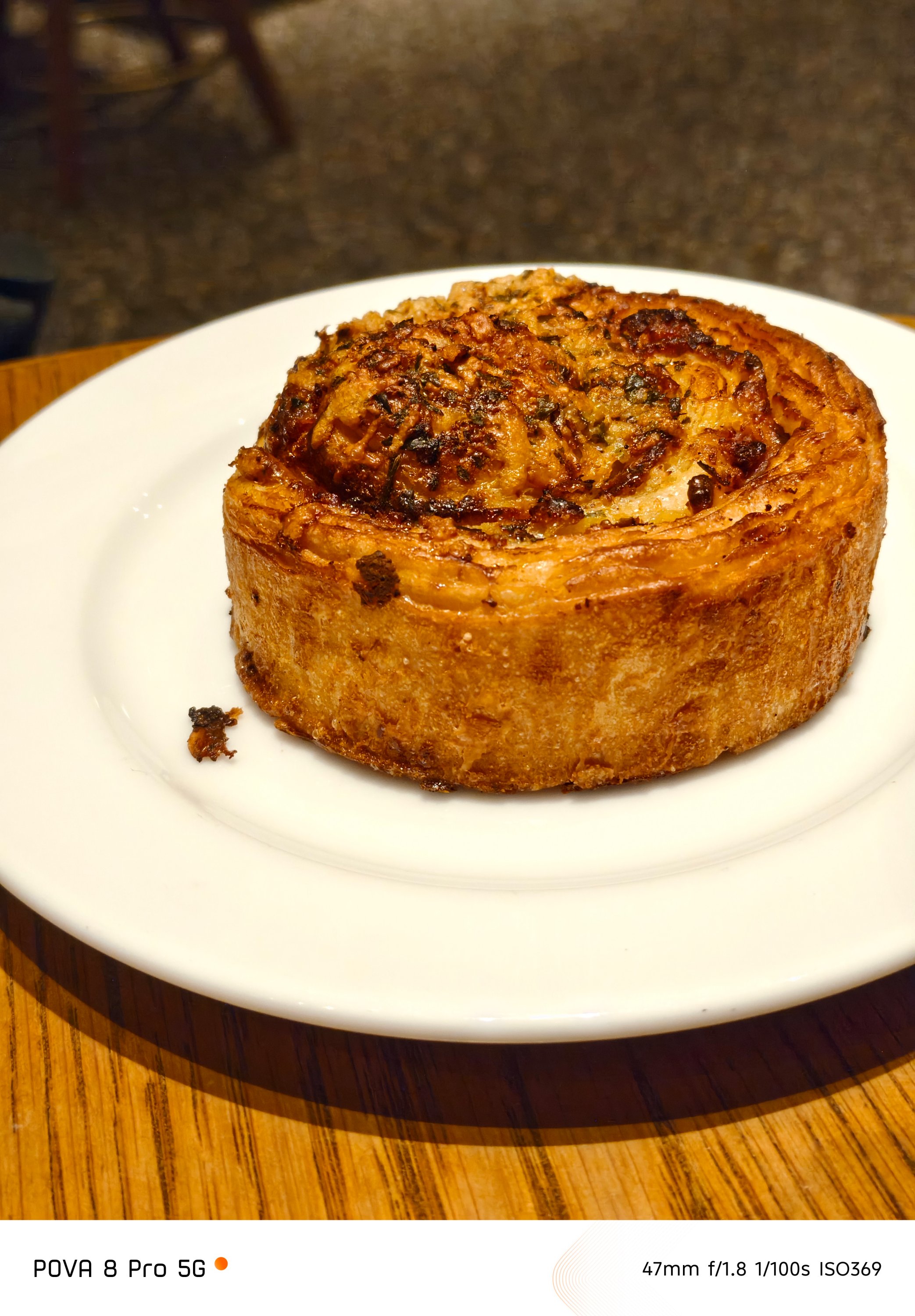


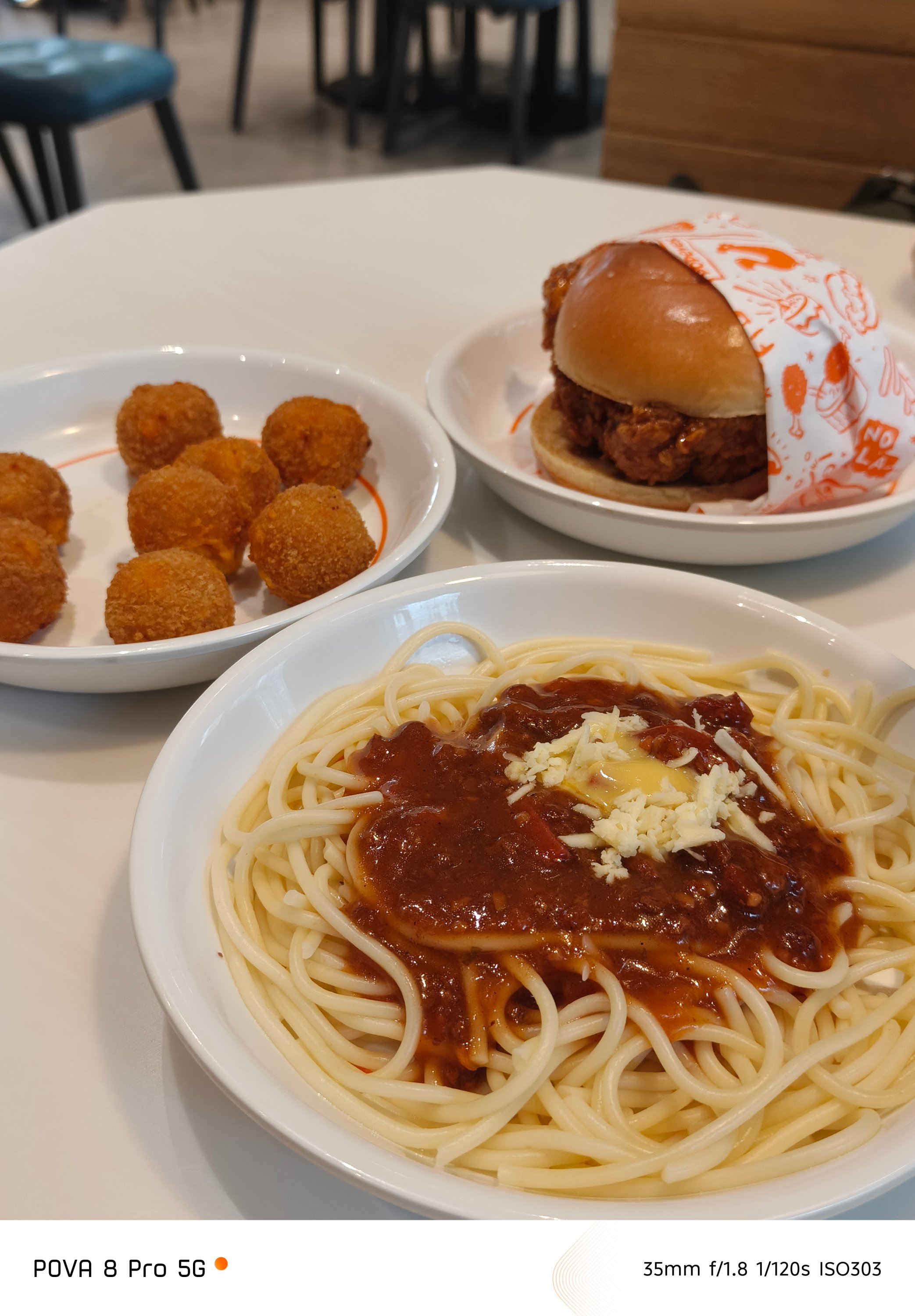
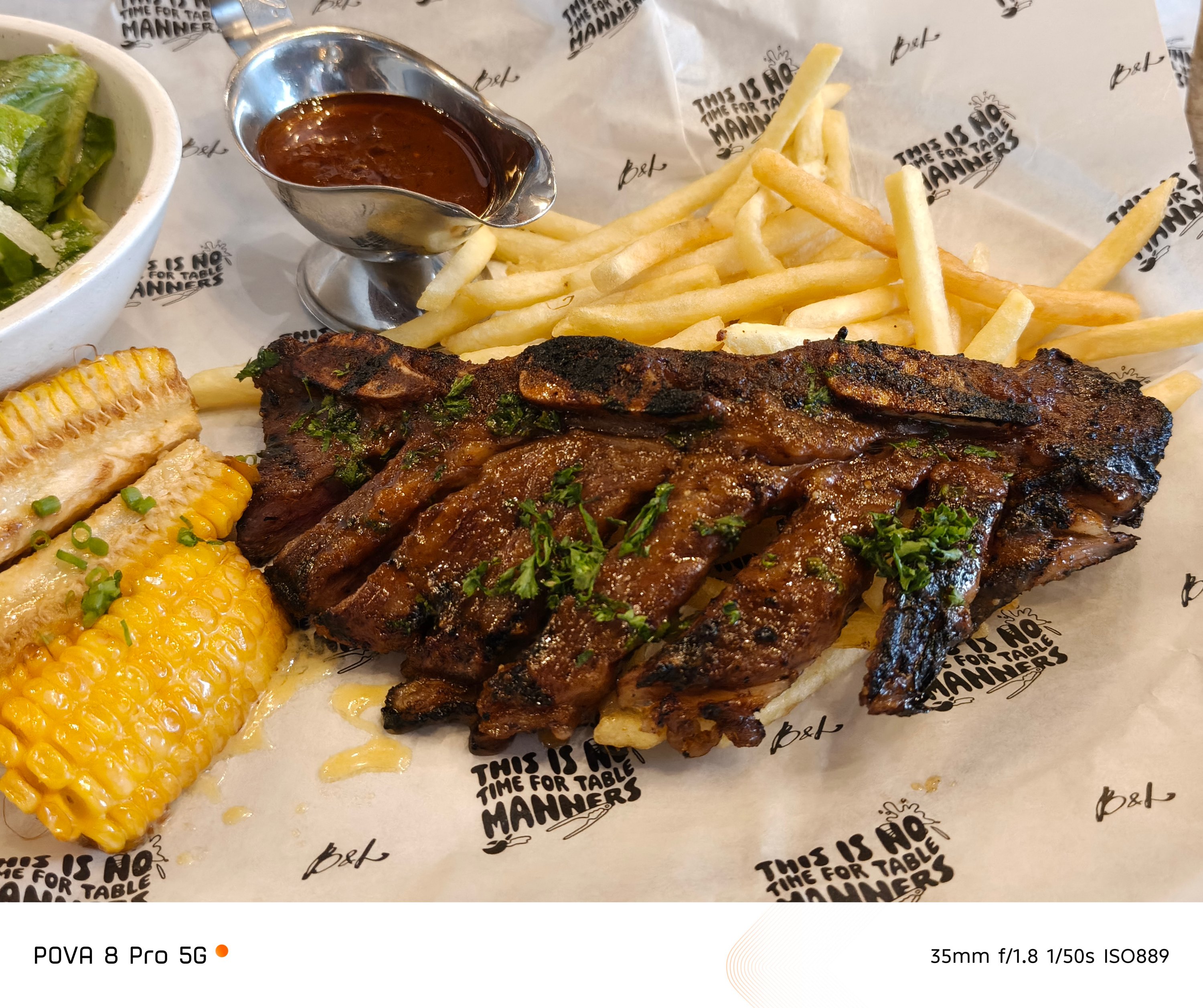
Even the places you go where there’s little to no presence of natural light, the POVA 8 Pro did not disappoint at all.

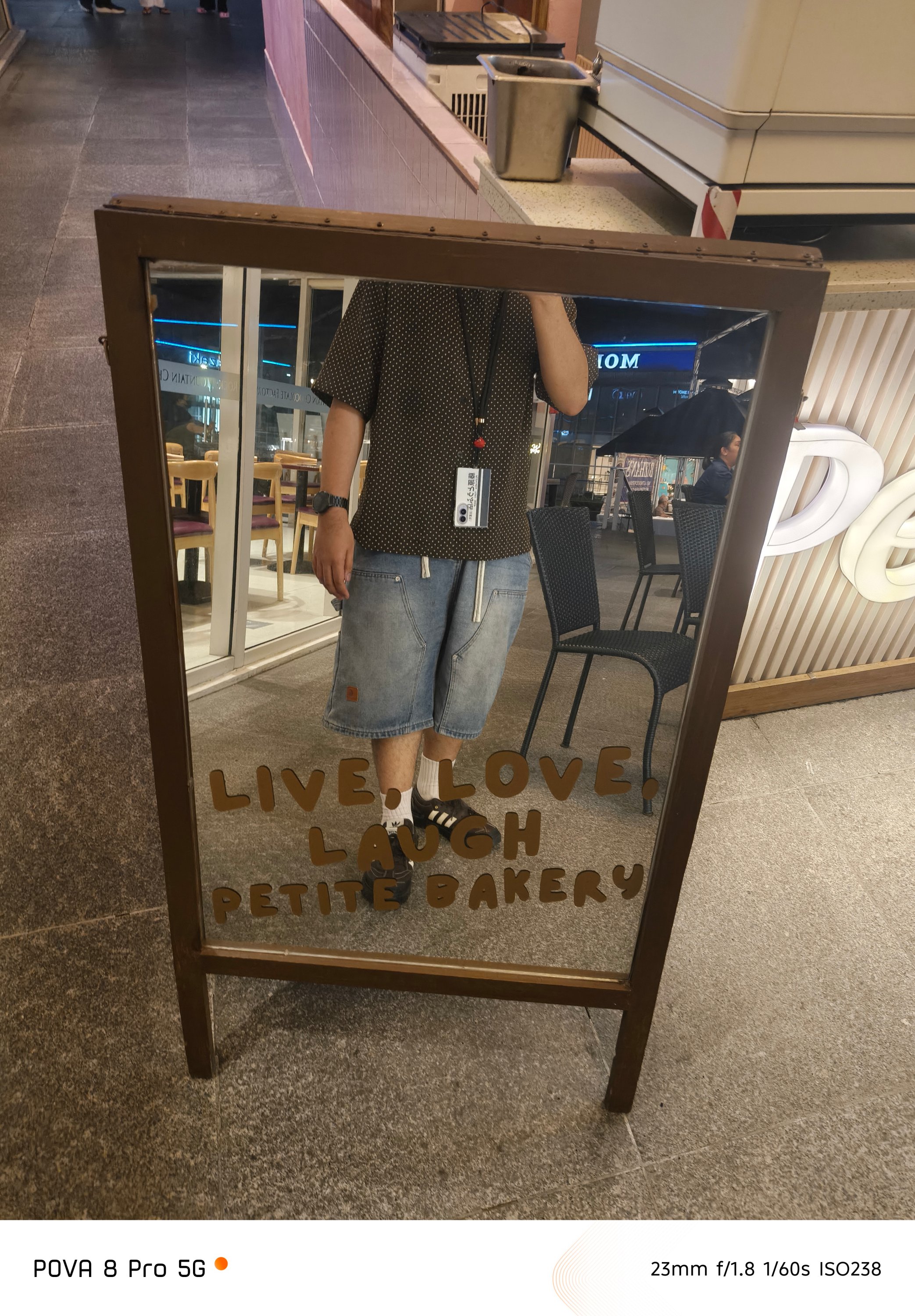
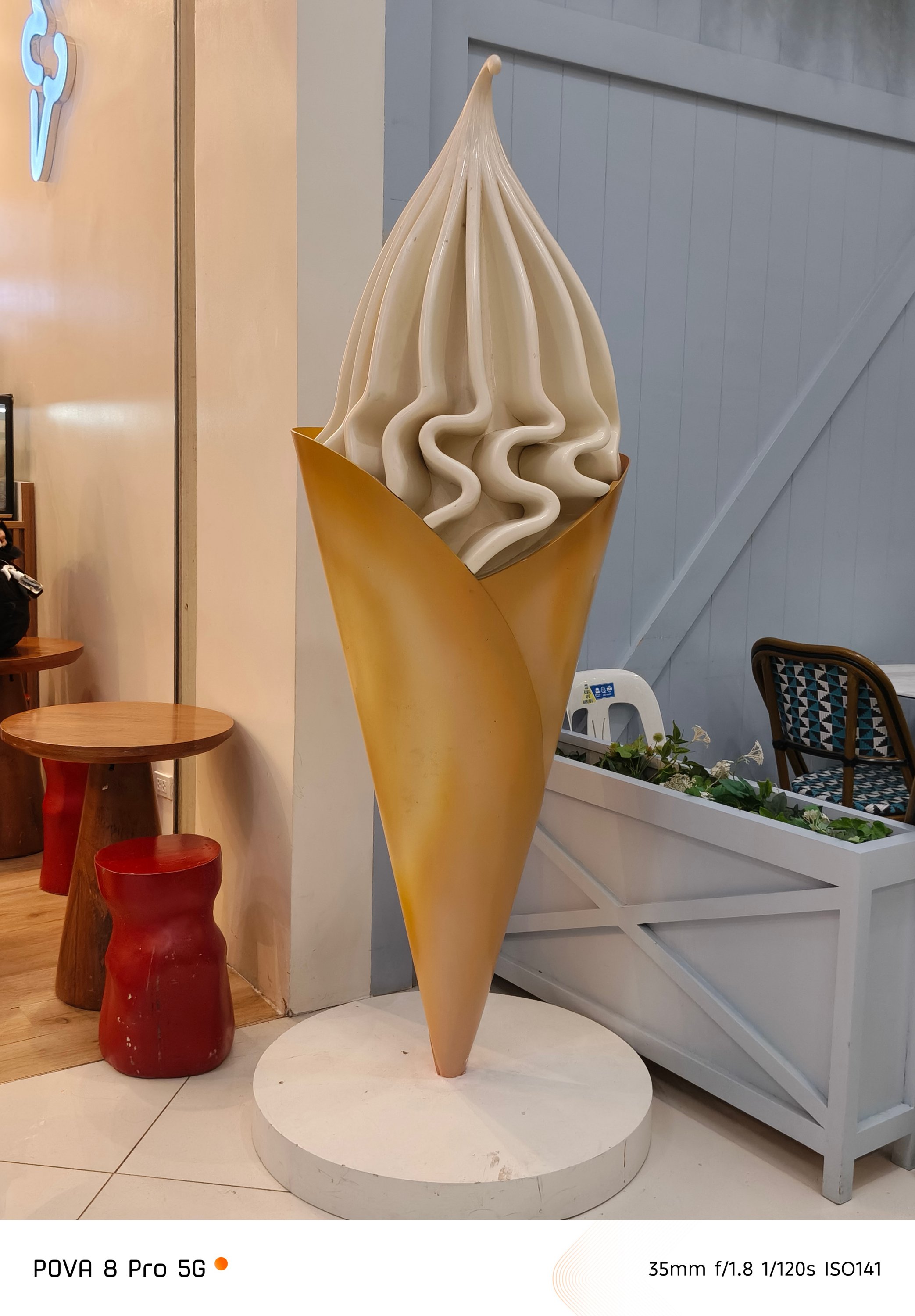
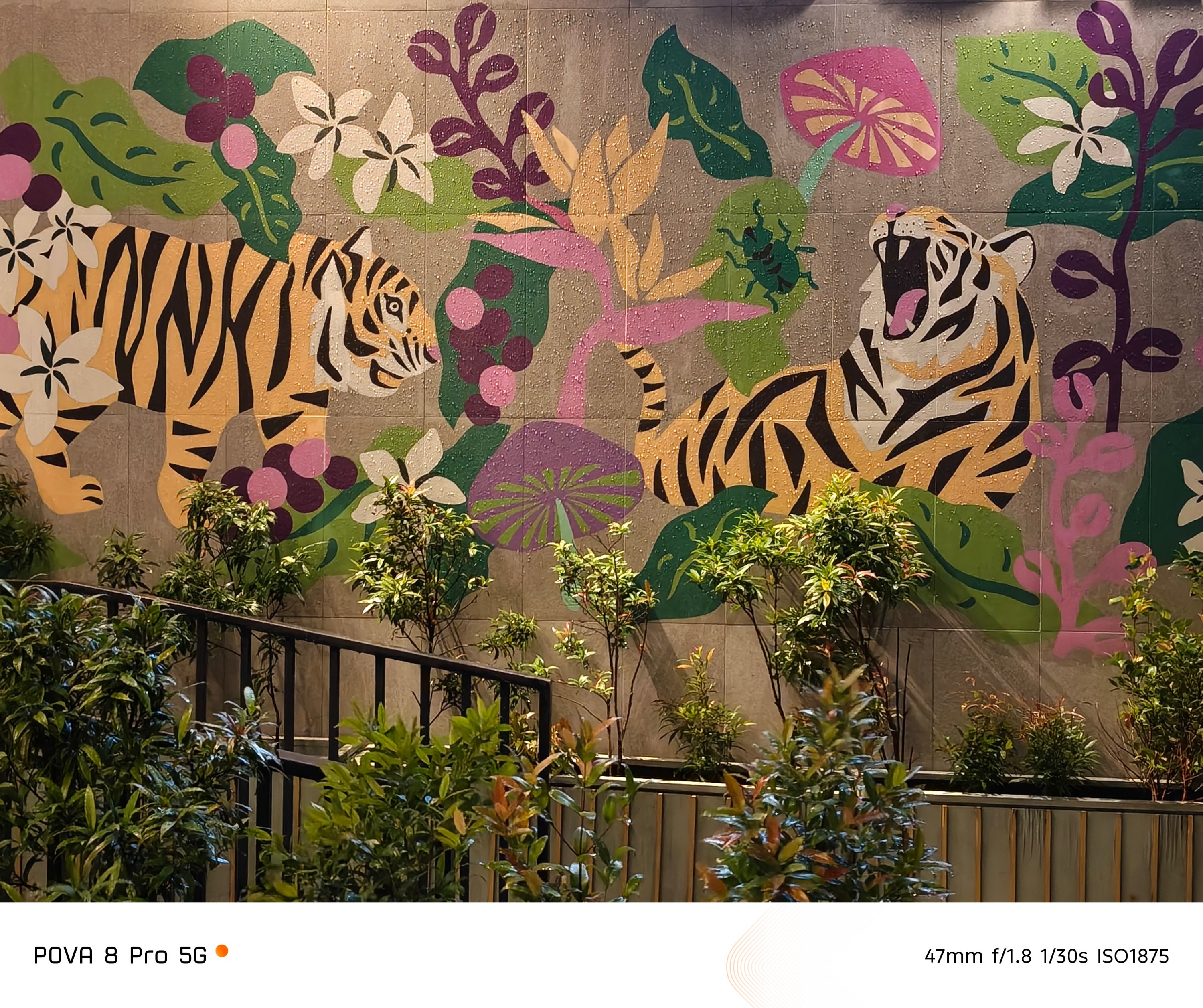
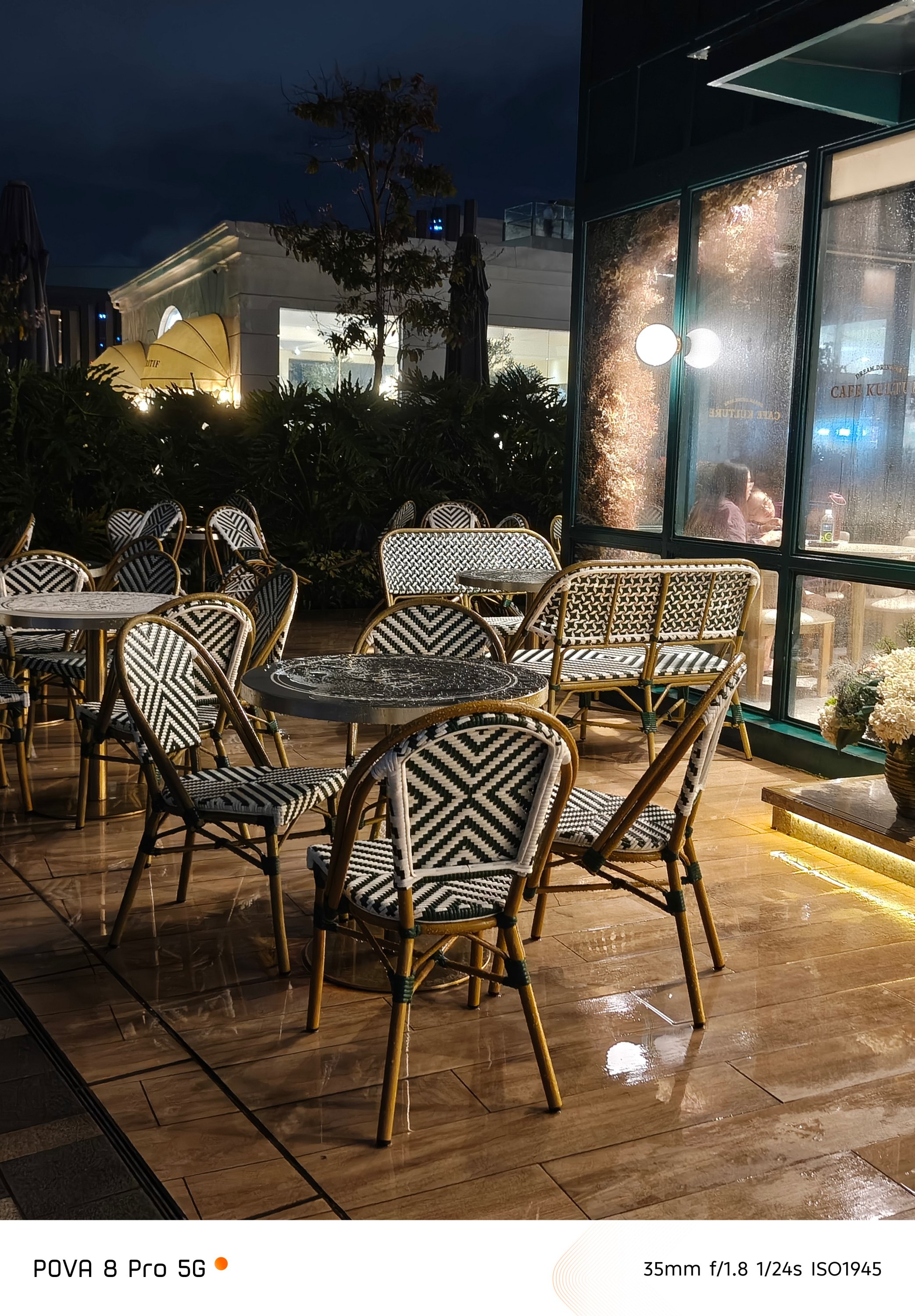
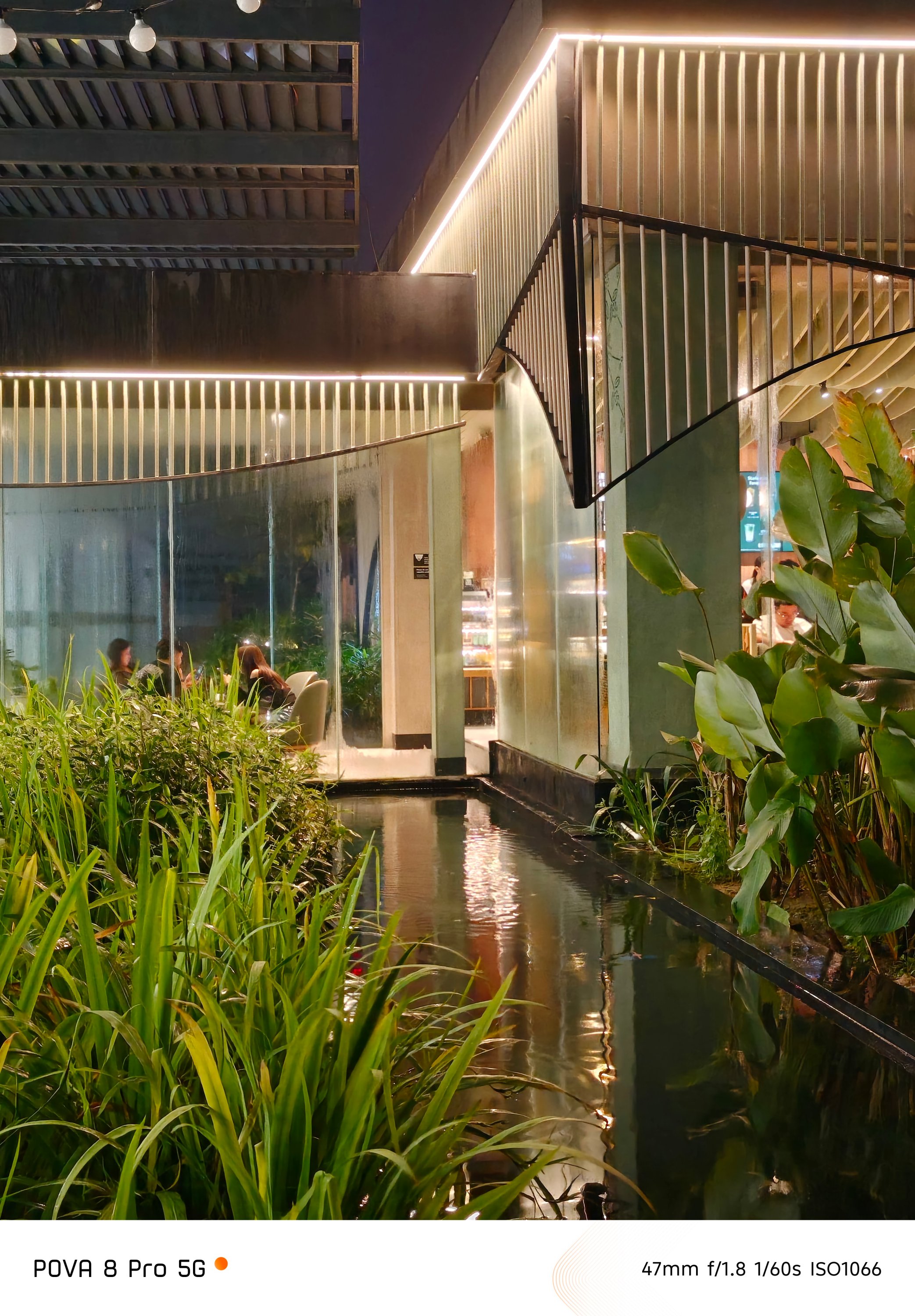
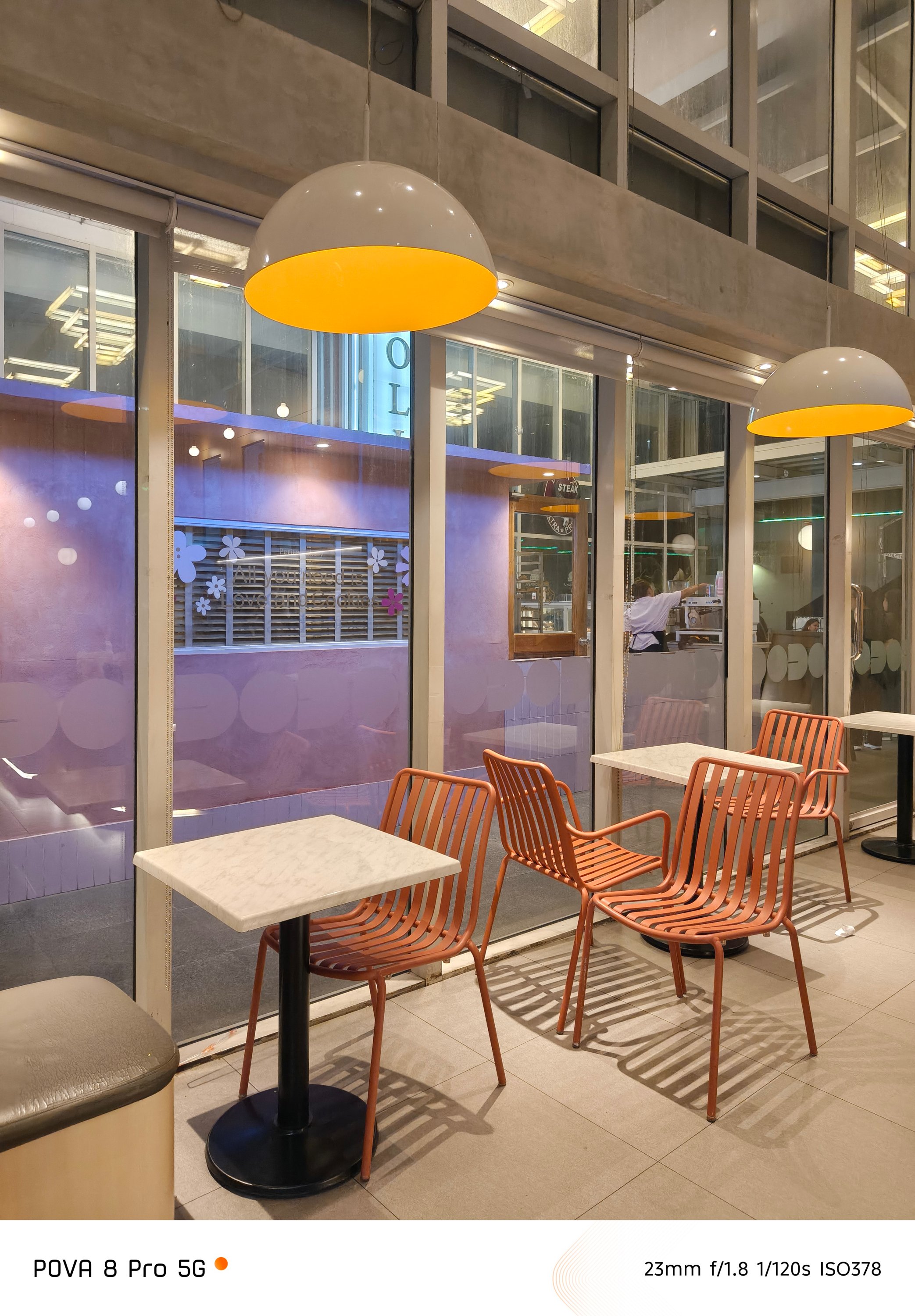
These results look more than just good — especially considering the overall worth of this midranger.
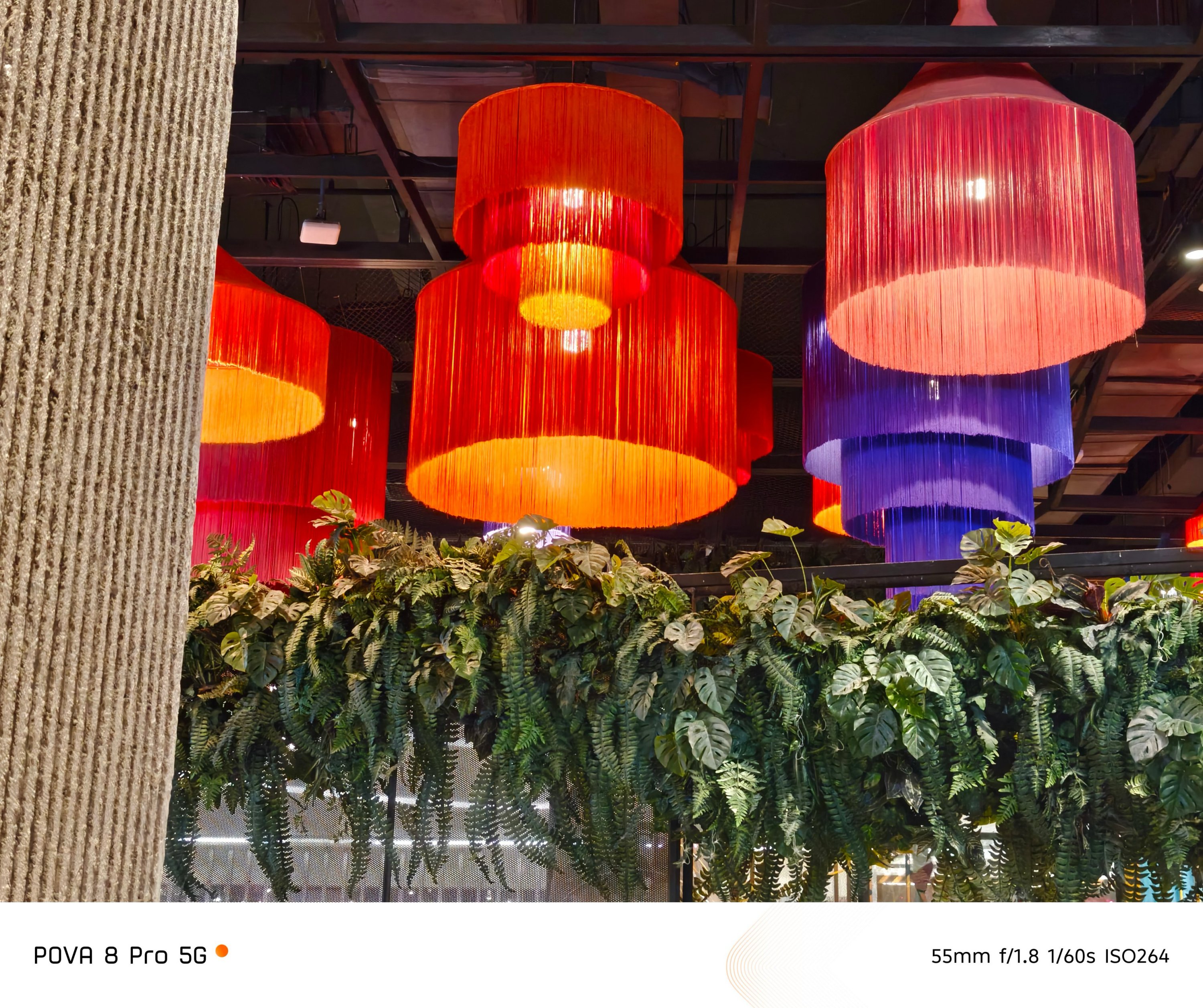
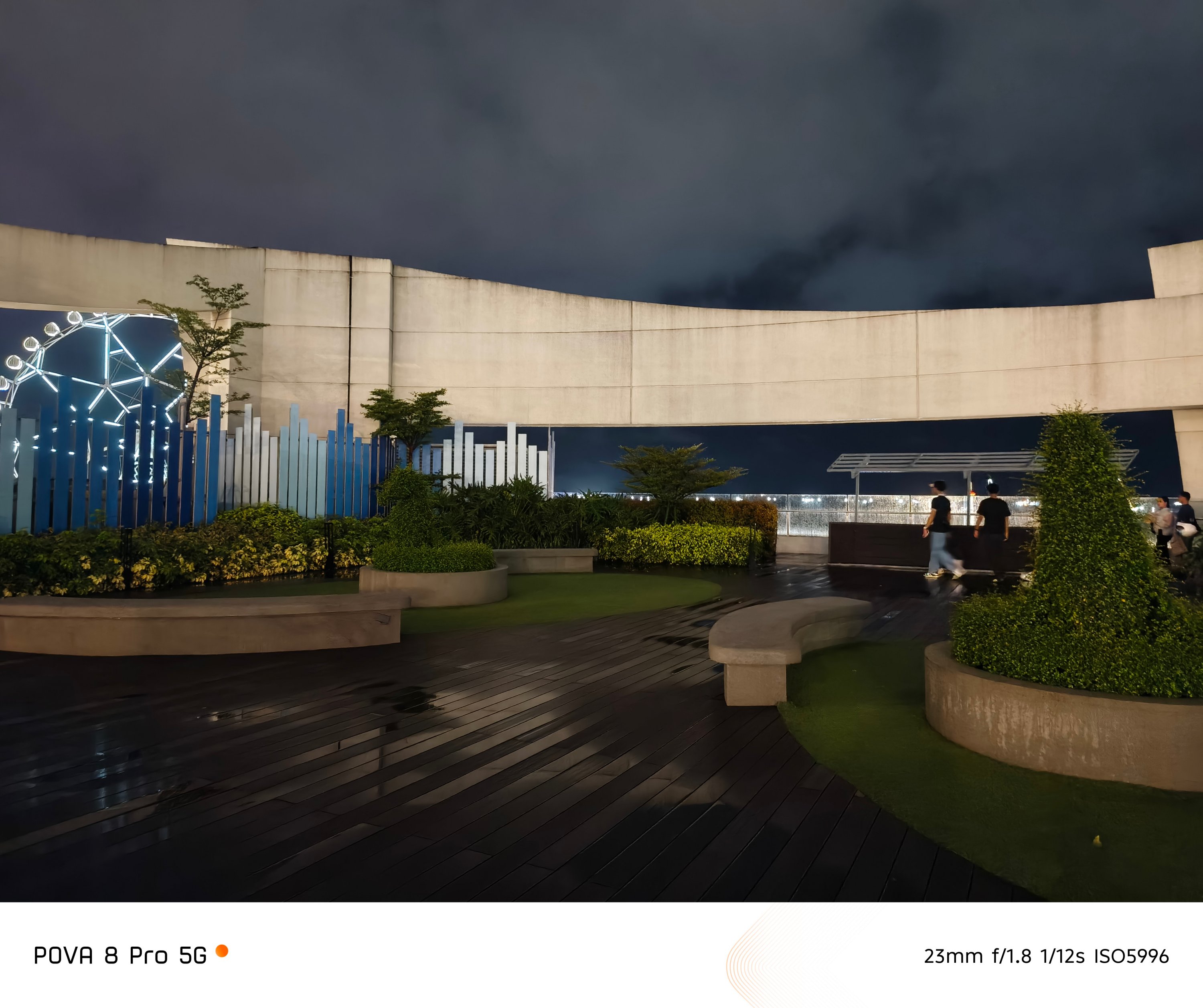

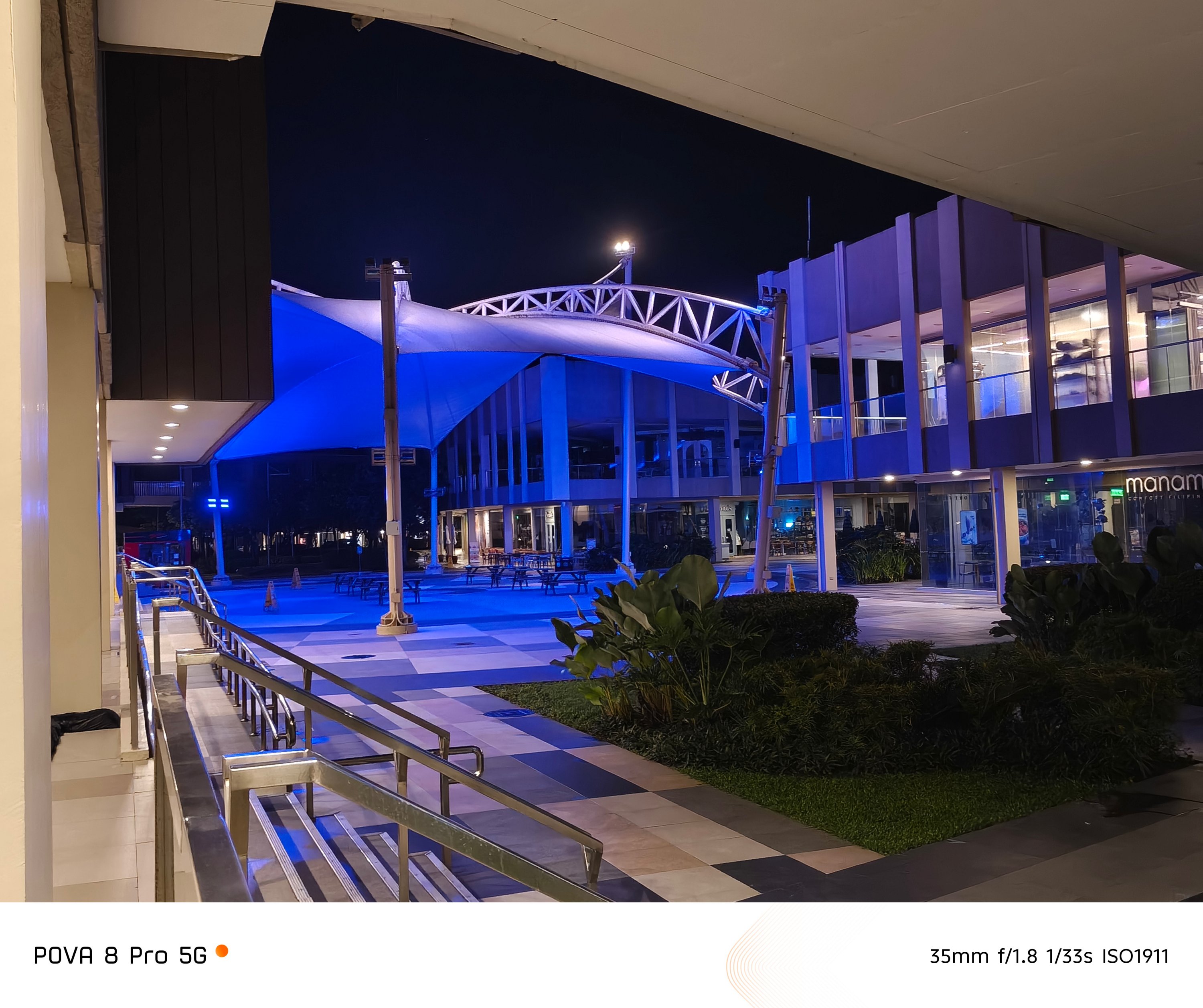
Honestly, I’m not expecting anything extravagant. But, the POVA 8 Pro’s camera snappiness is such a delightful sight.
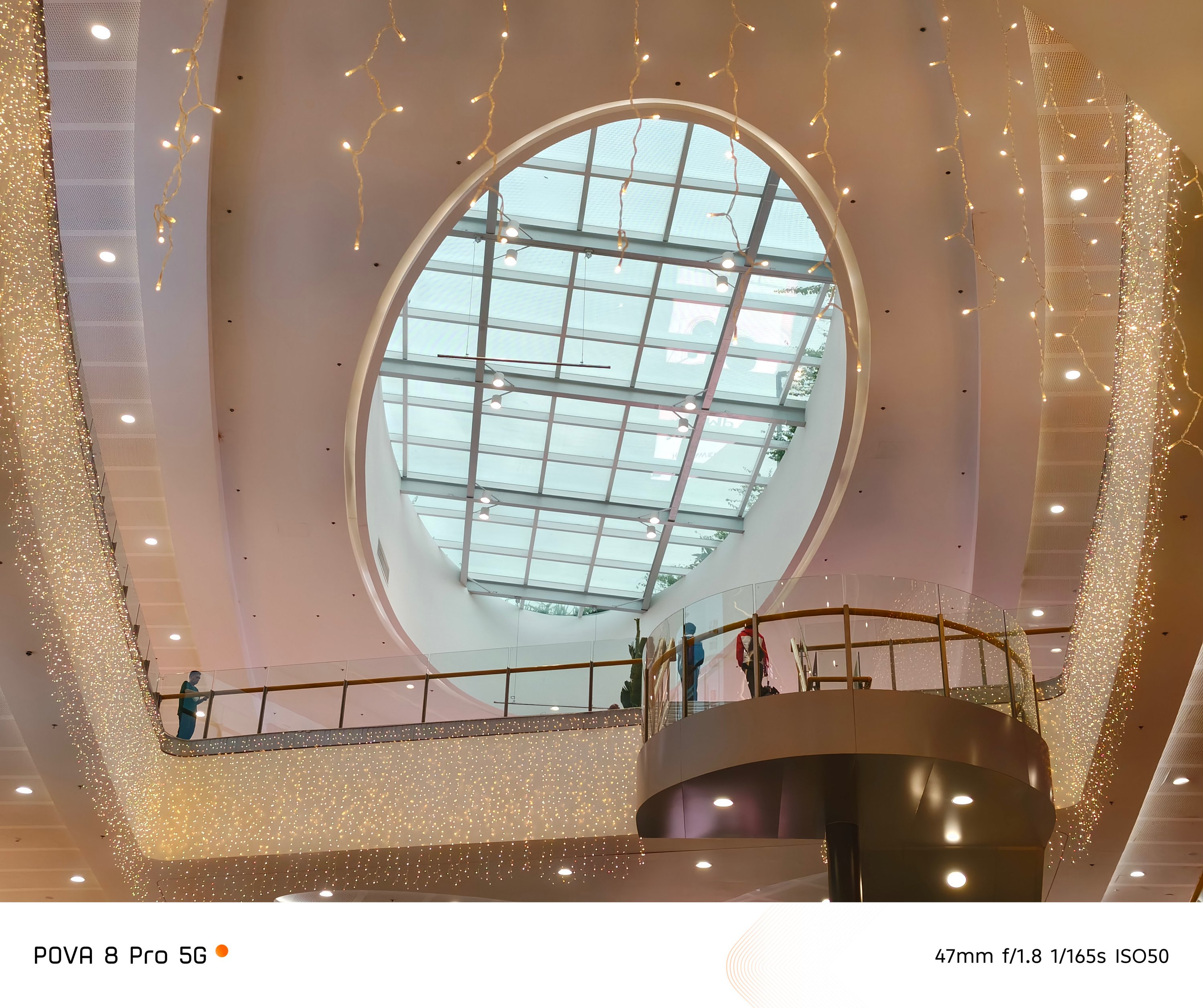


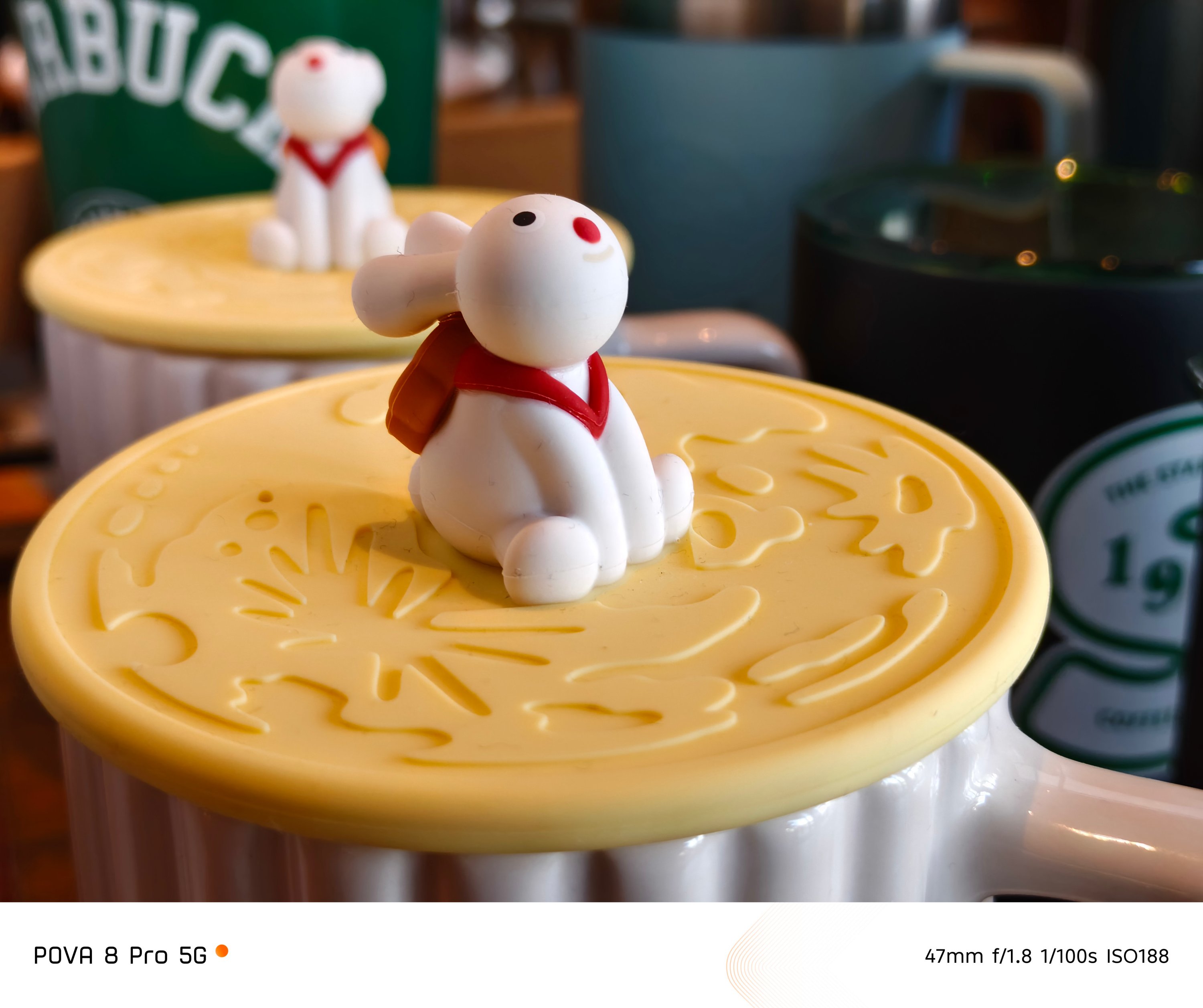
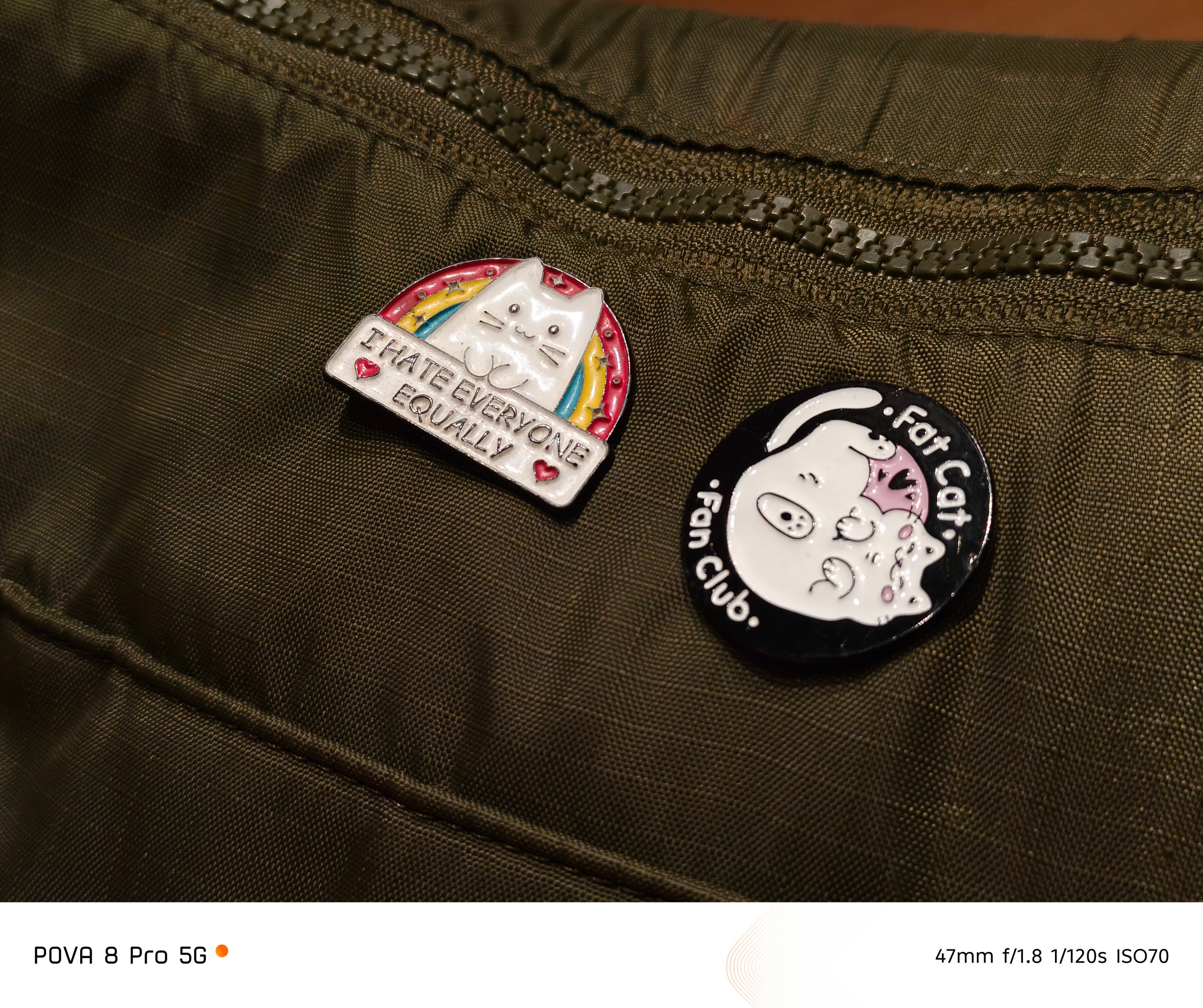
That’s a stark contrast to the most recent REDMI-dranger Pro Max I’ve handled where there were camera stutters and lags when trying to capture subjects in split-second.
Both of them also prove that chipset alone can affect a smartphone’s imaging performance and actual output.
Is the TECNO POVA 8 Pro your GadgetMatch?
In a year where countless slabs are quite indistinguishable from one another, it’s pretty rare to see a smartphone with such impact.
Not only does this phone pack a powerful punch both in core and camera performance, but its added feats, capabilities, and even “gimmicks” are worthier than other smartphones in the same league.
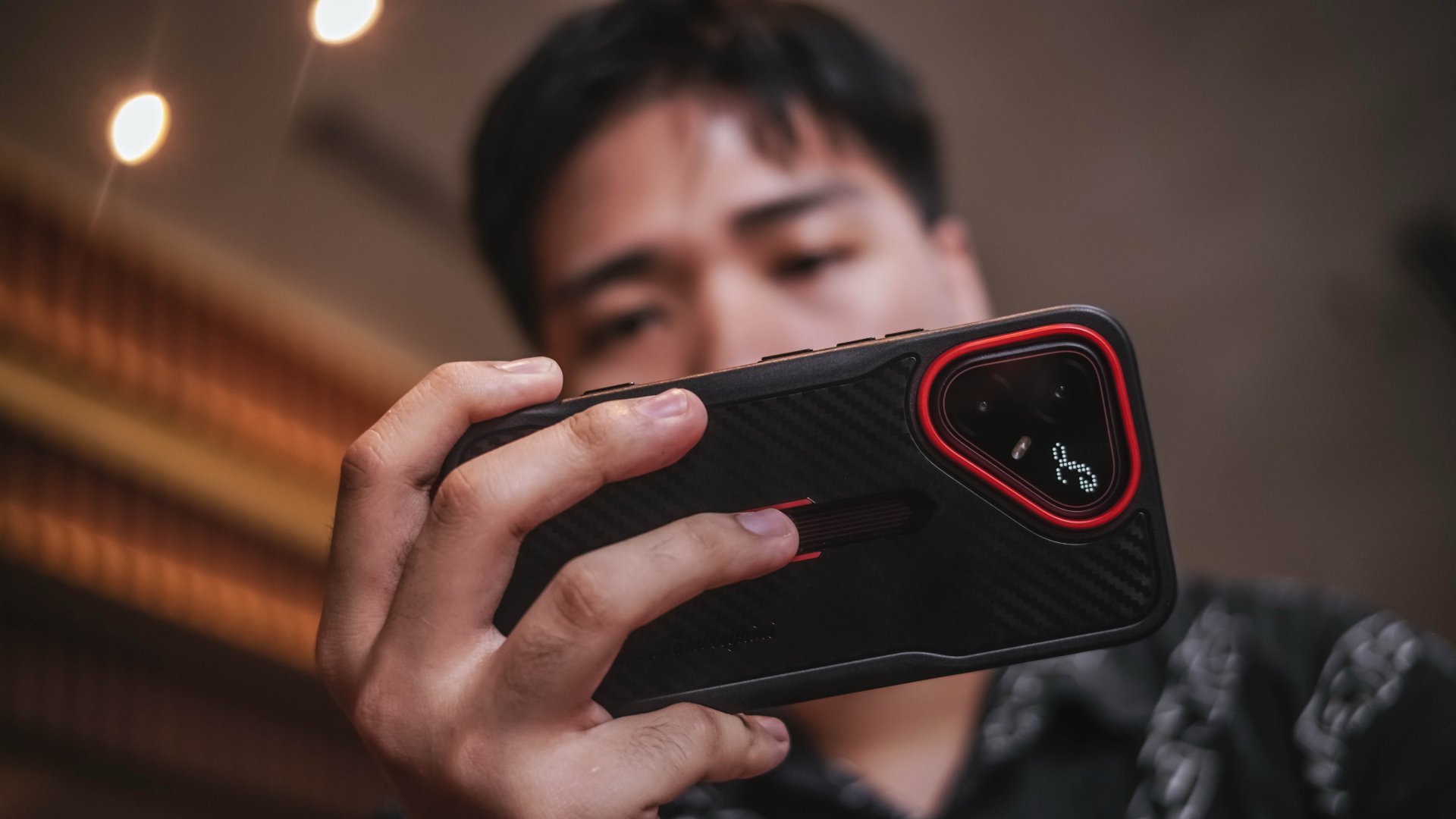
More so, TECNO thoughtfully and carefully executed its design aesthetics with a prestigious designer brand. That’s despite a smartphone belonging in the midrange league.
Even if the exact pricing is still not revealed at the time of this writing, the starting price of the regular POVA 8 Pro (INR 49,999) already gives us a glimpse that the phone’s price to performance ratio is justifiable.
As we (try to) embrace the “new normal” with smartphone brands launching higher price tags alongside lower specs due to the continuous components crisis, TECNO focused on what matters more.
While newer mid-class phones focus heavily on battery capacity and utmost durability while compromising hardware and full-on performance, the POVA 8 Pro dared to defy those odds. The unstoppable AI crisis and inevitable price increase don’t stop TECNO from launching and selling a smartphone beyond expectations.
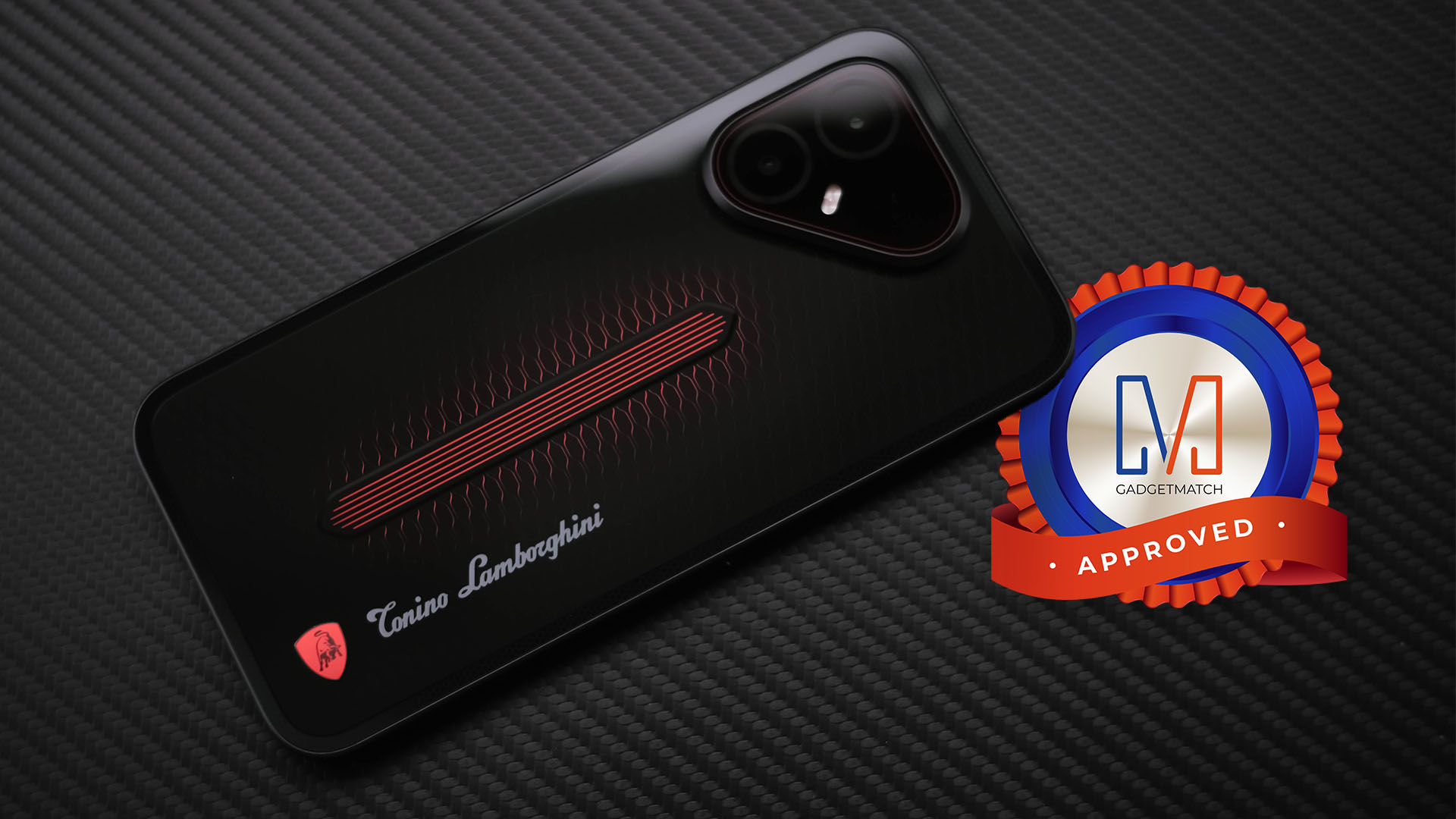
The TECNO POVA 8 Pro Tonino Lamborghini Limited Edition is a solid Swipe Right, a Super Swipe, and a worthy recipient of the GadgetMatch Seal of Approval.


Whenever I see a small child holding a tablet (or worse, the same child throwing a tantrum when that tablet is pried away from them), I always think that there’s something wrong with society today. At the risk of sounding like an aging curmudgeon, I believe that we’re too comfortable with fostering our children’s reliance on technology. That said, I don’t believe that technology itself is the culprit. Technology is, as it has always been, a tool that helps more than it harms. Unfortunately, a pervasive mist of anti-technology has once again shrouded the Philippines, and it’s attacking a highly misunderstood platform called Discord.
Speaking as a survivor of previous wars against technology, such a crusade never works, and it never will.
What is Discord?
Discord is just a simple communication tool. If you’ve used Slack, Telegram, Teams, or any platform that has group functionalities, Discord offers much of the same functionalities. It just has a more casual bent, allowing users to adopt aliases or stream games for one another.
Now, if Discord is just a more casual version of the platforms we sometimes use for work, then why is there a war against it?
A few days ago, the Cybercrime Investigation and Coordinating Center ordered Discord and Reddit to establish local offices within 24 hours of the notice. The new regulation is supposed to help the government promote child and teenage safety by forcing these platforms into accountability inside the Philippines. This, in turn, is a response to school shootings happening around the country, which the local government is attributing to social media.
Late last night, the CICC temporarily restricted access to Discord as both parties explore options to establish an office in the country. At the time of this writing, the ban has already been lifted in response to backlash.
Discord isn’t a teenage wasteland
Let me be clear: School shootings are objectively bad. And, to be completely fair, in the vast stretch of time that I’ve been using Discord, I’ve seen (but not joined) abhorrent communities pop up, so the capacity of Discord to host morally questionable content is there. But the correlation between Discord and gun violence is still tenuous at best.
As a Discord power user, I’ve used the platform to foster a lot of communities. Currently, I’m a part of 54 communities across so many interests, including gaming, music, and even Formula 1. Not once have I seen messaging that promotes extremism or gun violence. In fact, I consider a good number of the people I’ve interacted with as good friends. In my experience, the platform has been a valuable tool for camaraderie and fostering genuine interests.
I’ve also met several people in the country who use the platform for their own interests. There are workers who prefer Discord over Telegram or Slack. There are students who voluntarily chose Discord to host group studies.
Discord is a force in the Philippines. A lot of people are currently affected by the ongoing restrictions. In a way, restricting access to Discord is tantamount to banning the entirety of Facebook because of a handful of questionable pages.
It wasn’t the problem anyway
As a thirty-something millennial, I’ve lived through periods where videogames were blamed as the causes of rising violence in children. And people still do that today. Yet, gaming continues to be one of the most lucrative industries in the world. A lot of people you know have touched games in their lifetime, whether it be on mobile, on console, or on a self-built PC. If you do know people like this, I’d hazard that almost all of them are well-adjusted individuals with no violent tendencies. The hatred towards videogames are often generalized against the stereotypical suspects like Grand Theft Auto, Call of Duty, or, in today’s case, Roblox.
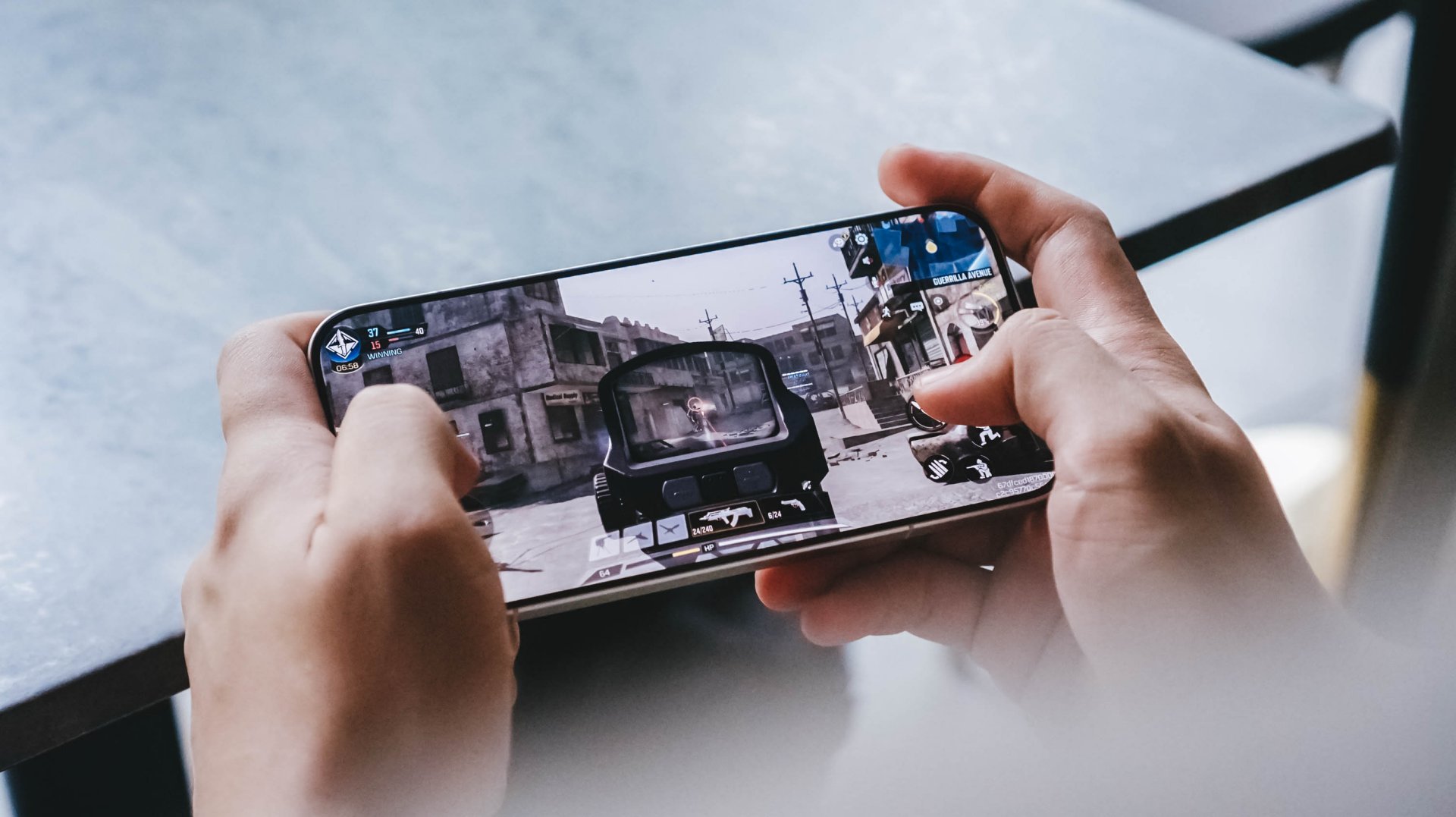
It’s the same thing with the crusade against Discord. Communication platforms were never the problem. If that were the case, there would be so many radicalized and violent youth today. There aren’t. And even then, how come we’re looking at platforms that are currently being used more often for good?
Children navigating through the net
Why aren’t we looking at improving parenting or technological literacy, for example? In today’s world where it’s become a norm to use tablets as a pacifying device, it should also be important to teach children how to navigate online spaces. If you’re a millennial parent, you’ve lived through a time when the internet was a lot more lawless than it is now. It was a time when downloading a simple Linkin Park song through Limewire might wreck your family’s PC because the file was a virus. Despite how many decades of that, we’re still embarrassingly inept at teaching the youth how to navigate the internet.
And no, limiting their tablet’s apps or the videos they watch isn’t enough. We were children once. How many times have our parents restricted us from certain things as children? And how many times have we bypassed those restrictions using tricks of our own? Children will always find a way. And that’s what’s beautiful. It taught us problem-solving skills. If my parents didn’t have the money to buy an album for me, how can I use Limewire to download it instead? Or, if I couldn’t buy an app, how can I jailbreak my phone to install apps for free?
A Discord restriction isn’t really doing anything but disrupt the activities of innocent citizens who just want a platform for their day-to-day activities.
The real problem
And let’s not forget the real problem, by the way. For all the attention that Discord and Reddit are getting now, why isn’t there a comparable uproar against the availability of guns? How did the children in these school shootings get access to guns?
Sure, parenting styles are under the jurisdiction of individual families, but gun accessibility is something that the government has control over. And yet, there’s hardly any backlash against that. We’re getting angry over the wrong things. The children involved in shootings should not have had access to guns, but they did.
To be fair, there are movements that are pushing for more regulation against gun accessibility or responsibility, but these movements are moving at a snail’s pace. In comparison, the move against Discord and Reddit seemingly blazed through bureaucracy with multiple telcos tagging along.
Though temporary, the restriction hints that technology continues as the scapegoat for violence. It shows a continued lack of understanding towards what makes the world tick. Discord, Reddit, and, as much as I don’t like it myself, Roblox were never the problem.
Features
When your body talks, the Galaxy ecosystem listens
The Galaxy Watch Ultra2 and Galaxy Z Flip8 turn training, recovery, and everything in between into something you actually understand.
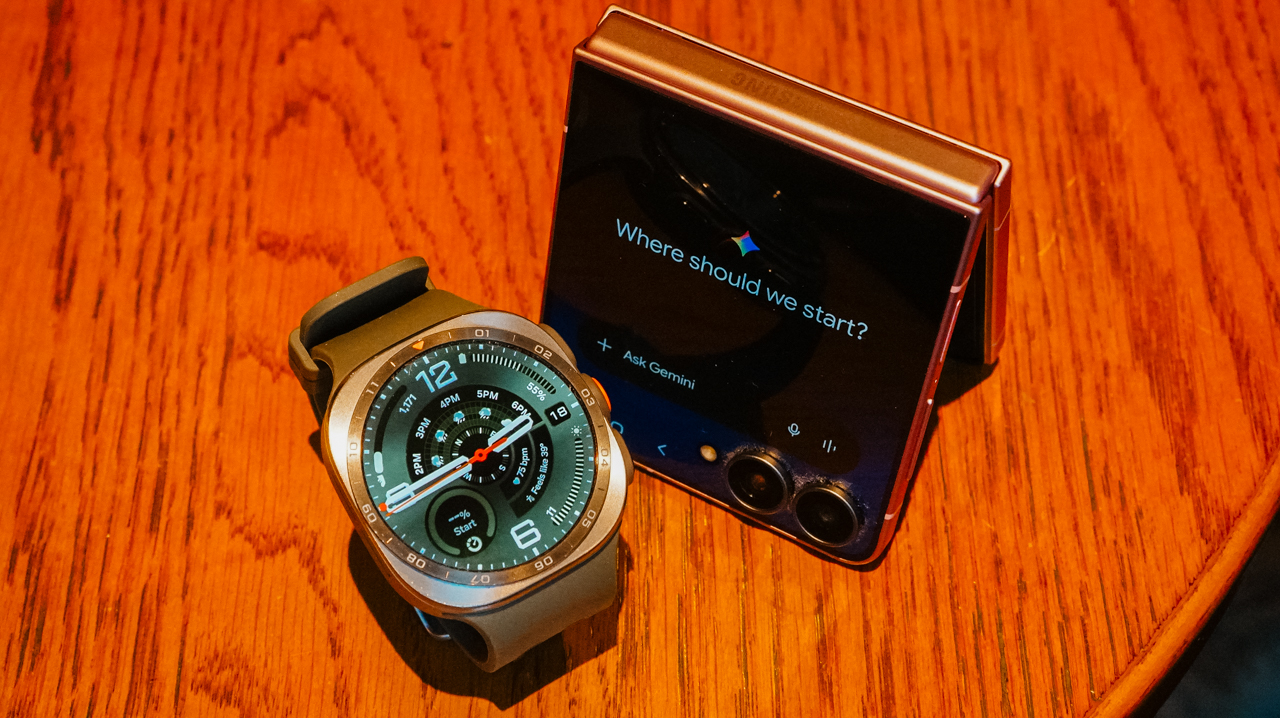
For a long time, my idea of training harder was simple. I wanted to work out more, run faster, and figure out the rest along the way. It took a while to realize that approach only works until it doesn’t.
The days I felt strongest weren’t always the days I trained hardest. More often, they were the days I actually knew what my body could handle before I asked it to handle anything.
That is the shift the Galaxy Watch Ultra2 has made in how I train. It doesn’t push me harder. Instead, it gives me a clearer picture of where I actually stand before I decide how hard to push at all.

Listening before I move
Every morning before I head out, I check Samsung Health. Galaxy AI takes the data the watch has been collecting overnight and over the previous days.
It looks at my heart rate, sleep, and activity load. It then turns those metrics into something I can read at a glance instead of a wall of numbers I would otherwise ignore.
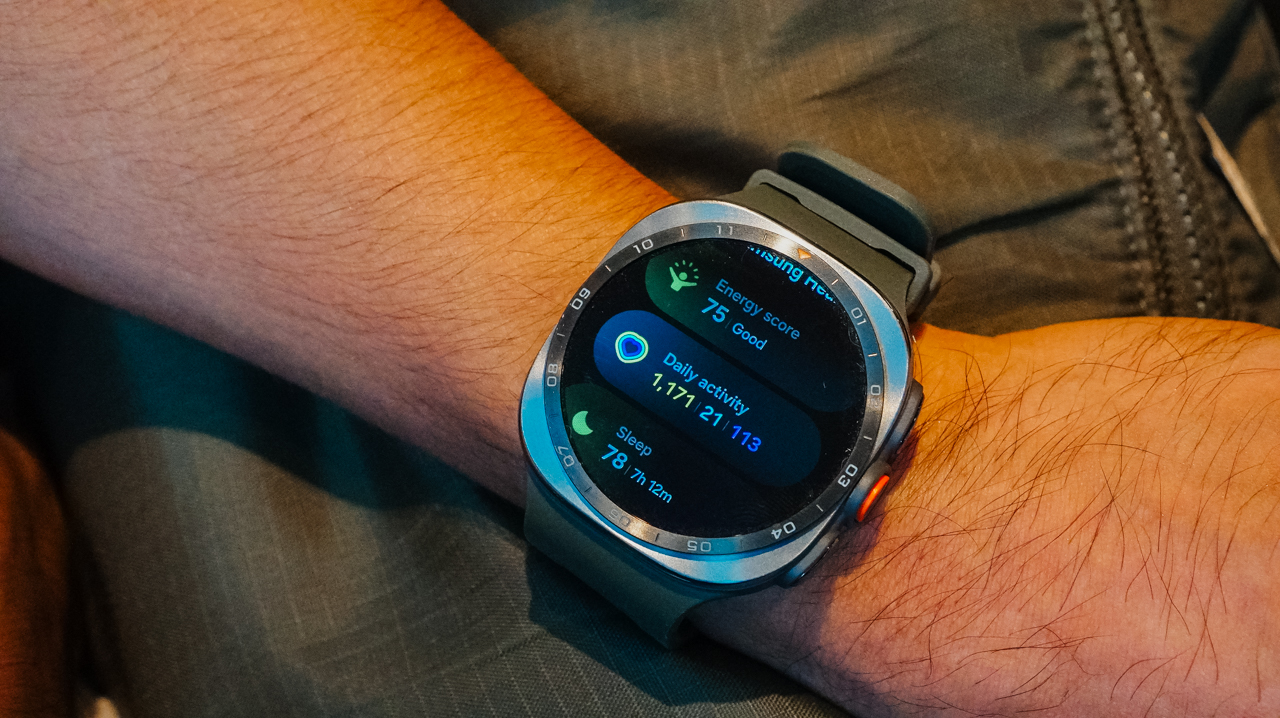
The Heart Health Score gives me a sense of how my cardiovascular system is holding up over time. It offers more than just a snapshot of the moment I glance at my wrist.
The Fitness Index tracks where my overall conditioning is trending. I am no longer guessing whether a plateau is real or just a rough week that will pass on its own.
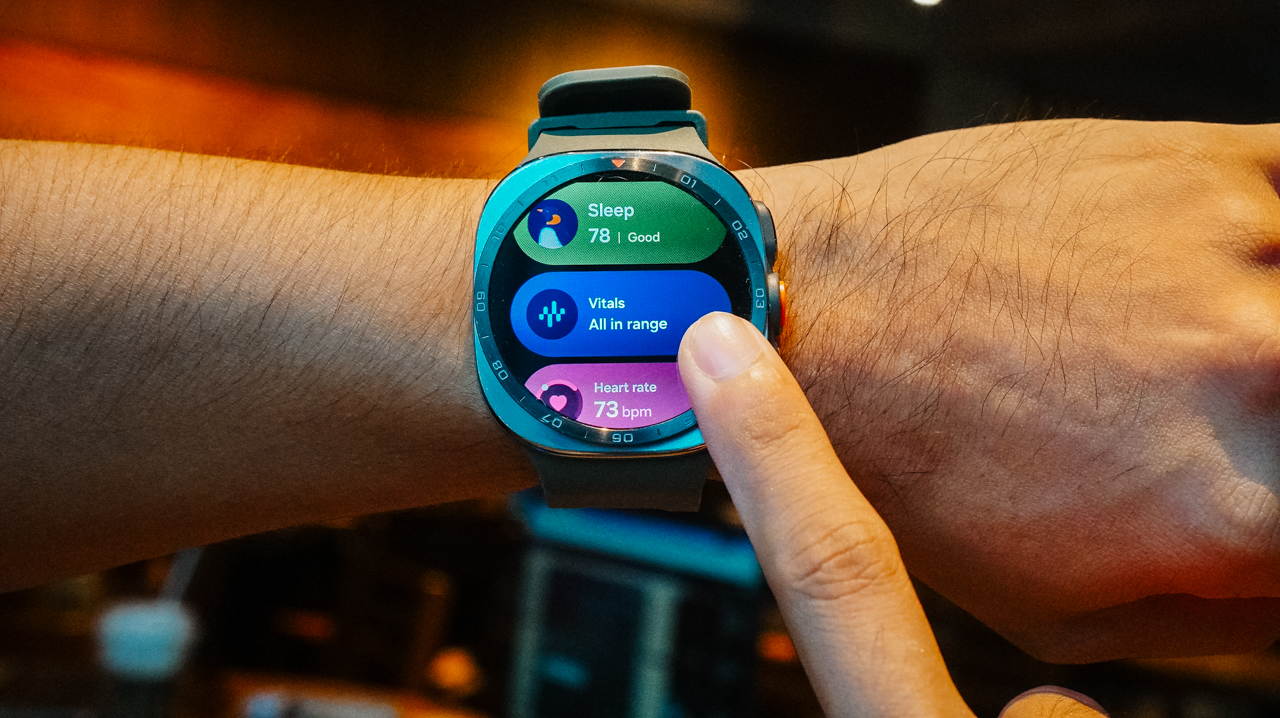
Daily Cardio Load tells me how much stress I have already put on my body recently. This matters more than people think when deciding whether today is a day to push or back off.
Finally, Vitals rounds it out with the basics I check without even thinking twice anymore, such as resting heart rate, blood oxygen, and skin temperature. These numbers used to mean nothing to me, and now they mean almost everything.
None of this replaces how a workout feels. A watch cannot tell you that your legs feel heavier than usual for no clear reason, or that today is the day everything just clicks.
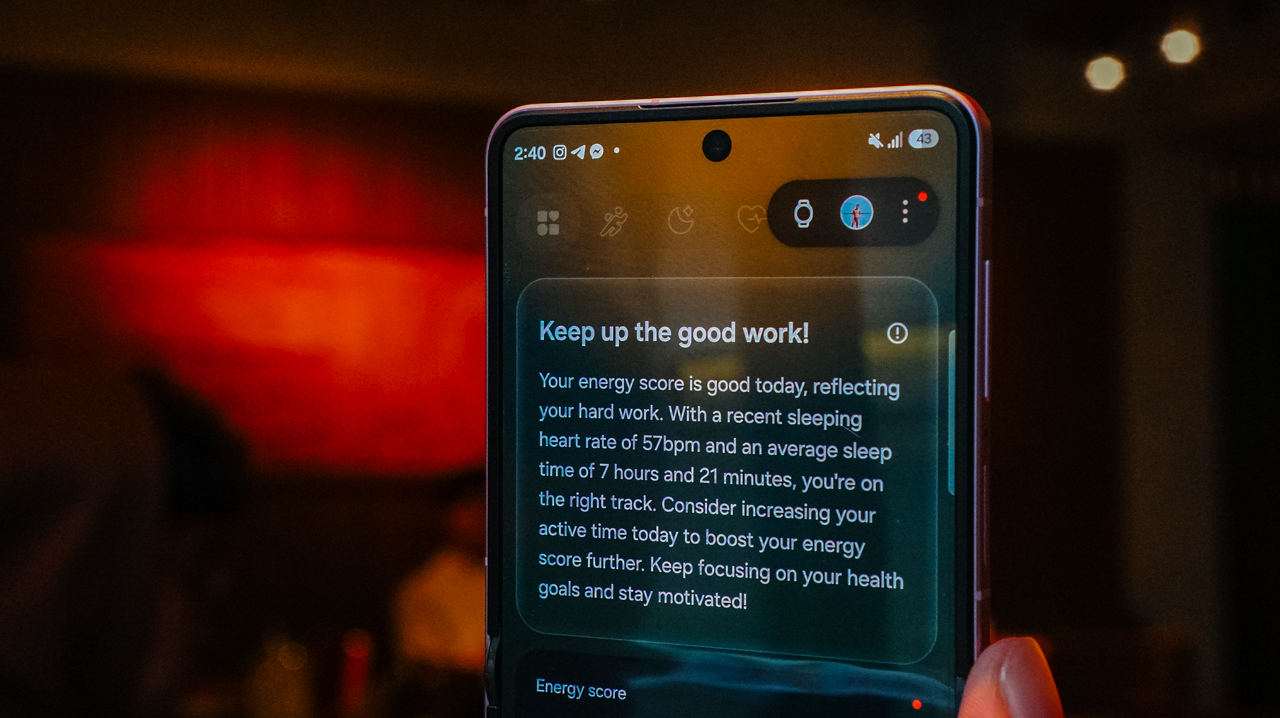
It simply fills in the parts that feeling alone cannot tell me. These are the parts I used to override with willpower alone because I lacked anything better to go on.
I have skipped sessions I would have pushed through a year ago. The data made it clear my body needed the rest more than my training plan needed the mileage.
I have also pushed harder on days I might have held back out of habit, because everything pointed to my body being more ready than I assumed it was.
That’s the real value here: It’s not about following the numbers blindly, but finally having a second opinion that isn’t just my own stubbornness talking.
Turning runs into conversations
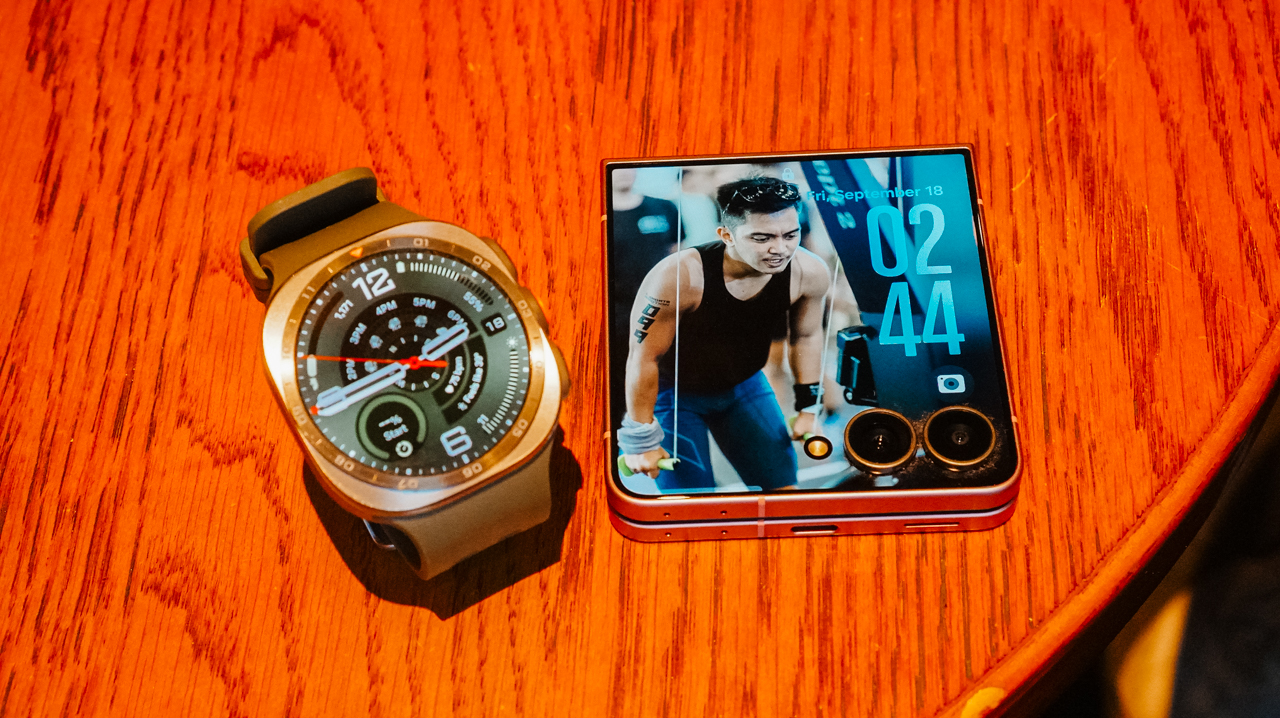
When I am running, the watch keeps tracking in real time. Distance, pace, heart rate, and effort are all available with a quick glance at my wrist without breaking stride.
That part matters during the run itself. However, the more valuable moment usually comes after the run is done and the real analysis starts.
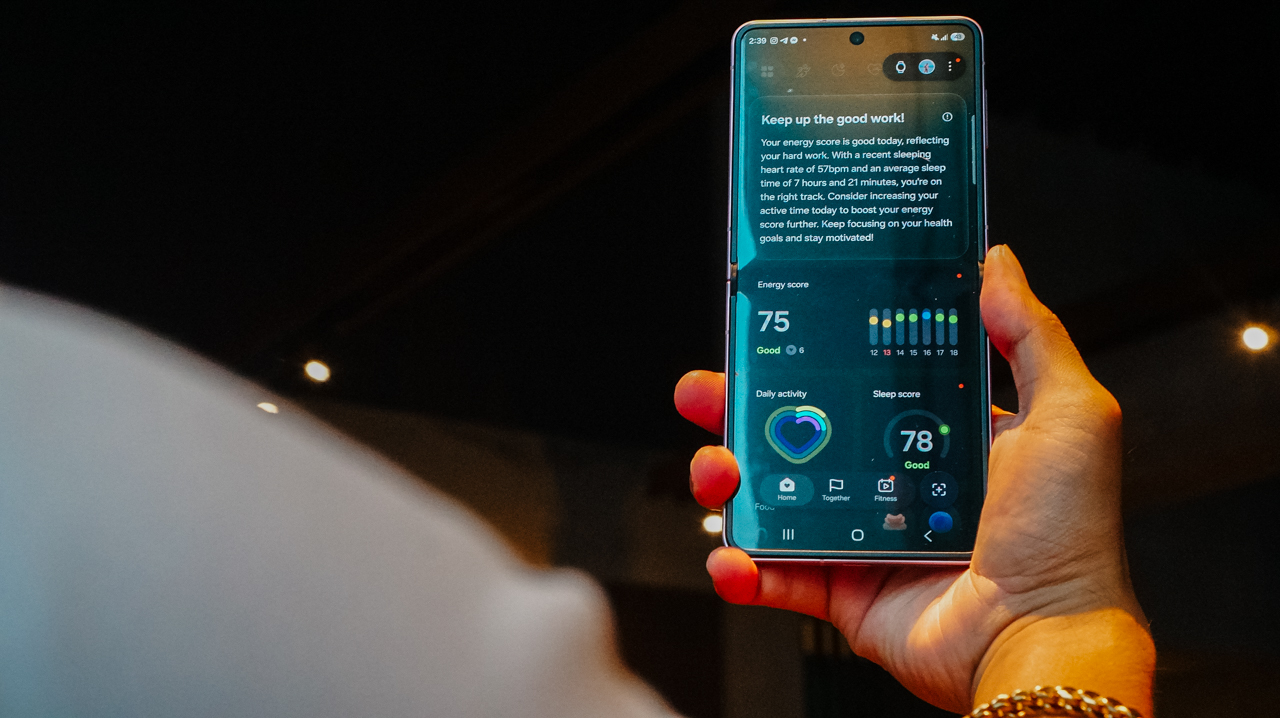
Back on my Galaxy Z Flip8, I go through the full picture. I review the route I took and the training data the watch collected. I look at how the session fits into the recovery and load trends I have watched all week.
Seeing it laid out on a bigger screen, connected to everything the watch already tracked, makes it easier to spot patterns I would otherwise miss while glancing at a wrist display mid-run.

I can easily spot a string of high cardio load days without enough recovery in between. I notice a week where my resting heart rate crept up slightly before I even felt tired.
Small signals that used to slip past me entirely now show up clearly. This happens because the watch and the phone are working from the same data instead of two separate stories.
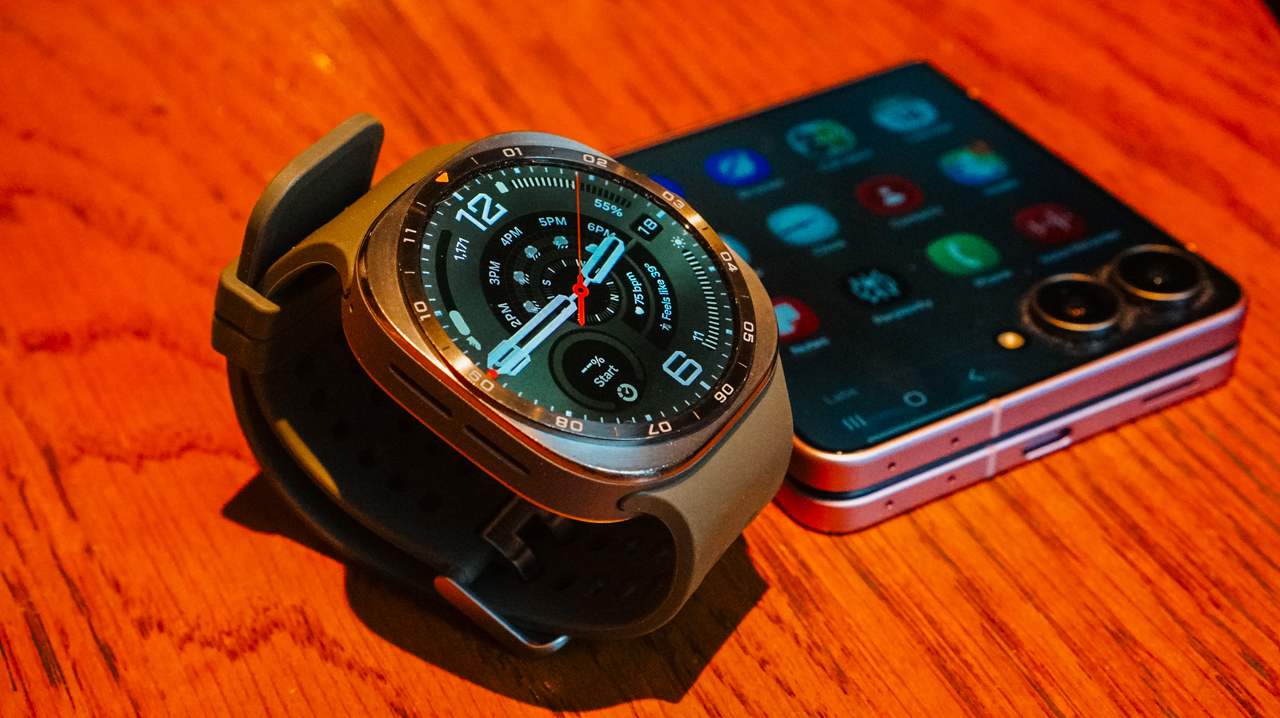
That’s the part that has changed the most for me. Performance used to be something I chased mid-run. I sought a harder pace, a longer distance, and whatever it took in the moment to feel like I had earned the effort.
Now, performance starts long before I ever lace up. It starts with understanding what my body is actually ready for that day. It continues long after the run ends, as I actually sit with the data instead of moving straight on to the next session.
A clearer path forward
The Galaxy Watch Ultra2 doesn’t train for me. It just makes sure I am not training blind. I am no longer guessing at recovery the way I used to and hoping I guessed right.

Once your health data, your training data, and your devices are all working from the same picture, you no longer have to rely on scattered memories and gut feelings.
Every decision you make gets a little more confident. That holds true whether the decision happens on the trail, in the middle of a recovery week, or the night before a race when you are deciding how hard tomorrow should really be.
Better performance starts with better information. See how the Galaxy Watch Ultra2 and Galaxy Z Flip8 work together to help you train harder and recover smarter.
Explore the Galaxy Watch Ultra2 | Discover the Galaxy Z Flip8







Linkin Park: Unshatter is the band’s kintsugi

Bambu Lab opens first Authorized Store in the Philippines

Lenovo tech behind DreamWorks Animation hit ‘Forgotten Island’

Samsung joins the clip-on earbud trend with the Galaxy Buds On

vivo X Fold6 makes global debut with 200MP camera and 6900mAh battery

HUAWEI Pura X View is 2026’s first WIDE slab-type smartphone

The CAMON Slim 5G is TECNO’s latest ultra-slim smartphone

iPhone 18 Pro series: Price, availability in the Philippines

vivo X500 Series launches with major imaging upgrades

iPhone 18 Pro series: Price, availability in Singapore


-
 News2 weeks ago
vivo X500 Series launches with major imaging upgrades
-

 News2 weeks ago
OPPO Find X10 Pro Max is the first phone with a triple 200MP camera system
-
 Automotive7 days ago
BYD says that way better EV batteries are coming next year
-

 News2 weeks ago
vivo introduces OriginOS 7 with smarter multitasking and AI features
-
 News7 days ago
HONOR Magic9 Pro Max launches in China with ARRI-powered imaging
-
 Accessories2 weeks ago
70mai launches the A900 series with 4K front, rear recording
-

 Smartphones1 week ago
TECNO CAMON Slim 5G teases an ultra-slim design ahead of launch
-
 Smartphones1 week ago
When TECNO-logy meets Tonino Lamborghini legacy