
Gaming
Just Dance 2020 helps with your workout-from-home
From someone who used to dance a lot

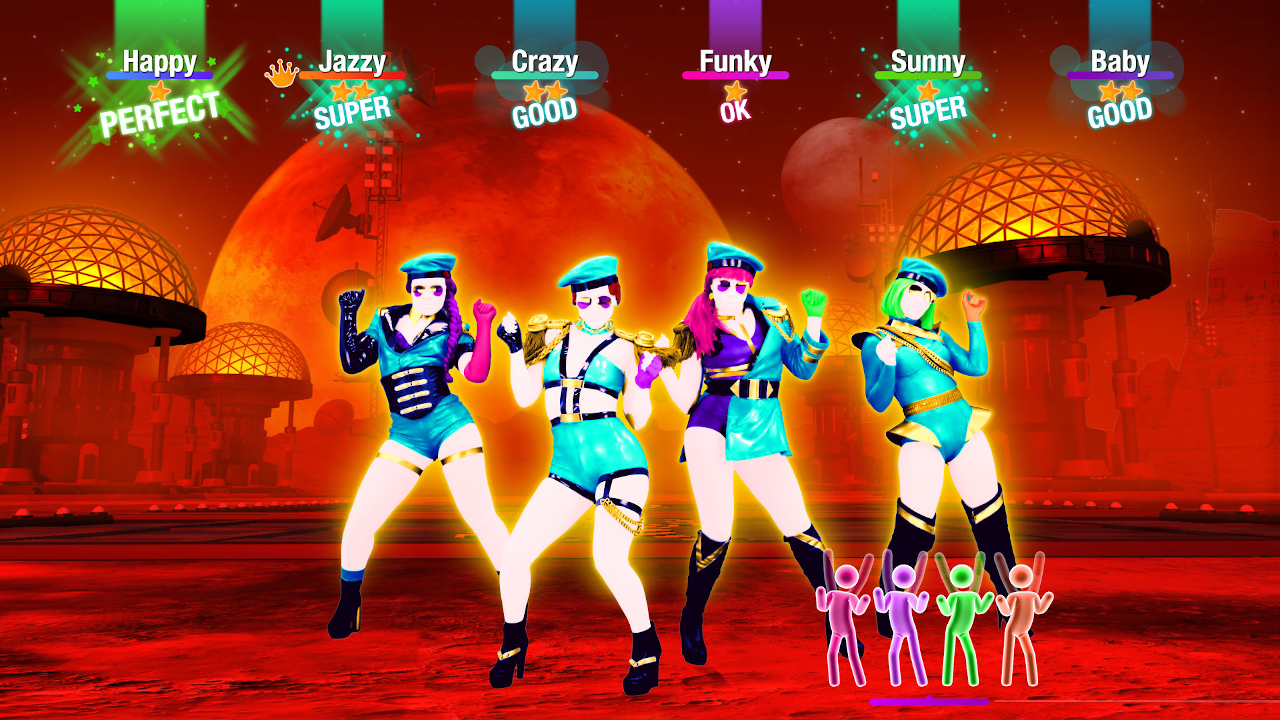
I recently snagged a copy of Just Dance 2020 for the Nintendo Switch, having little experience of playing it on the PlayStation 4. As someone who used to dance a lot these past few years, this was one thing I felt I should add to my workout, especially now that the quarantine had forced me indoors.
Surprisingly enough, there is some benefit to it. If you love to dance (like me) but can’t be bothered to learn competition-level routines, playing this game can get things going. If you also need some form of cardio to start your workout, this game provides that, as well. And it’s all thanks to one nifty in-game feature.
Activate Sweat Mode
Just Dance 2020 brings back the Sweat Mode feature introduced in Just Dance 2 for the Nintendo Wii. Essentially, it is a separate mode dedicated to calculating calories and, in its early days, more physical routines. The game featured it as a standalone mode in earlier versions, but has been just an in-game feature since Just Dance 2016.
With a push of a button, you can activate Sweat Mode and instead of difficulty, it displays the intensity of the routines. When you start one of the routines, it also calculates how many calories you’re burning with the routine. Also, it keeps track of how much time you’ve spent on the mode so if you’re strict with your cardio time, this is good.
Now, if you have Just Dance 2020 and you’re subscribed to Just Dance Unlimited, I have song suggestions for you. These are based on how much cardio you want to add to your workout, based on the game’s intensity ratings. If you don’t have Just Dance Unlimited, that’s alright!
For the light cardio enthusiast
Just Dance 2020 Track: Ariana Grande’s God Is A Woman
“God Is A Woman” features a routine that’s mostly heavy on the arms and the hips. I felt that it was mostly designed to be done in place, so don’t expect too much moving around the room. Also, this is great for anyone who just loves to channel their inner Ariana.
Just Dance Unlimited Track: Luis Fonsi and Daddy Yankee’s Despacito (Just Dance 2018)
Although designed to be a couple’s dance (a duo of couples to be exact), “Despacito” is also a pretty light track for cardio. Again, a ton of emphasis on your arms for this one, but there’s this one part where your shoulders take a beating. Still, a chill party song by the beach just requires the same intensity for the routine.
Ten minutes worth of cardio before starting the workout
Now, depending on your preferences, you can choose to do most of these songs or all of them.
Just Dance 2020 Track: TWICE’s FANCY
Now, I didn’t include this just because I’m a ONCE, but precisely because of the large gestures the routine brings. It has a moderate intensity by Just Dance 2020 standards, and it’s obvious in the large arm movements. If you really want to go all out, I suggest doing the actual choreography to the song, which I’m still peeved they didn’t incorporate in the routine somehow.
Just Dance 2020 Track: Skrillex’s Bangarang featuring Sirah (Medium difficulty)
The Medium difficulty of “Bangarang” features a ton of arm movement and some squats to start. Movements are mostly stationary, but there’s some jumping involved. Even if these are done in place, it’s pretty repetitive but energy-consuming.
Just Dance Unlimited Track: BIGBANG’s Bang Bang Bang (Just Dance 2019)
Even if this has an intense rating, “Bang Bang Bang” starts off pretty slowly. There are moments in the routine for some cool down and high pumping energy, making it ideal for regular cardio. Also, the chorus has some moves taken from the actual choreography by BIGBANG so if you’re familiar with them, use it to your advantage.
Just Dance Unlimited Track: Justin Bieber’s Beauty and a Beat featuring Nicki Minaj (Just Dance 4)
“Beauty and a Beat” has some fairly simple movements, except you will find yourself moving around a lot. If you’re playing this on the Nintendo Switch, this really won’t be a problem since it only tracks your hand. Also, the dance break in between focuses a lot on your elbows so prepare to sweat a little bit.
Intense cardio for the intense workout
My personal suggestion is that you do all of these if you’re that heavy on cardio.
Just Dance 2020 Track: BLACKPINK’s Kill This Love (Hard and Extreme difficulties)
To fully maximize this track, the way to go is like this: start with the Hard difficulty track then proceed with the Extreme version. Both routines were given an intense rating anyway, so better to acquaint yourself with the song first. The Hard routine takes several pieces from the actual choreography, and it’s meant to be an exhaust fest.
After doing that, proceed with the Extreme routine, which is quite literally the closest you’ll ever be to being a member of BLACKPINK. It’s not just in the movements you’ll be doing in the routine, but the entire chorus is taken from the actual choreography, STEP BY STEP. If you’re a BLINK, you better get the chorus perfectly!
Just Dance 2020 Track: Skrillex’s Bangarang featuring Sirah (Extreme difficulty)
This routine does bring a competitive-level of movements, like floor work and fast-paced arm moves. It’s a breakdancer’s zumba routine designed for real intense cardio. If you do this after the Medium difficulty routine, you’ll be tired once you get to the 2nd chorus. Take note of your arms and body control.
Just Dance Unlimited Track: MC Fioti’s Bum Bum Tam Tam with Future and J. Balvin (Just Dance 2019)
“Bum Bum Tam Tam” is a couples routine, and you will spend most of it moving side-to-side in the room. The routine comes with a ton of arm and leg movements that will leave you winded afterwards. It is intense cardio after all, but there are moments in the routine when you can cool down so it’s not all bad.
There are plenty of other tracks depending on your own choosing and intensity, so dance the calories away. But also, do this as part of the workout instead of making it the whole workout, and don’t forget to eat your meals and hydrate!




Like any millennial, I love a good dose of nostalgia. These days, however, nostalgia is no longer a scarce resource. Remakes and reboots abound, the entertainment world heavily seesaws between all the franchises that made our child- and teenagerhood so fun. Today, the ever-spinning roulette lands on Assassin’s Creed Black Flag.
Launched not too long ago, the original Black Flag was a pirate life simulator disguised as an Assassin’s Creed game. It was a refreshing breath of fresh air for the series coming after the controversial ending of Desmond Miles’ arc. Unsurprisingly, the game is still the most universally lauded entry in the entire franchise. So, if you ignore how recently it came out, Black Flag makes sense as the first Assassin’s Creed to ever get a remake.
But do we actually need this much nostalgia?
New clothes for the original
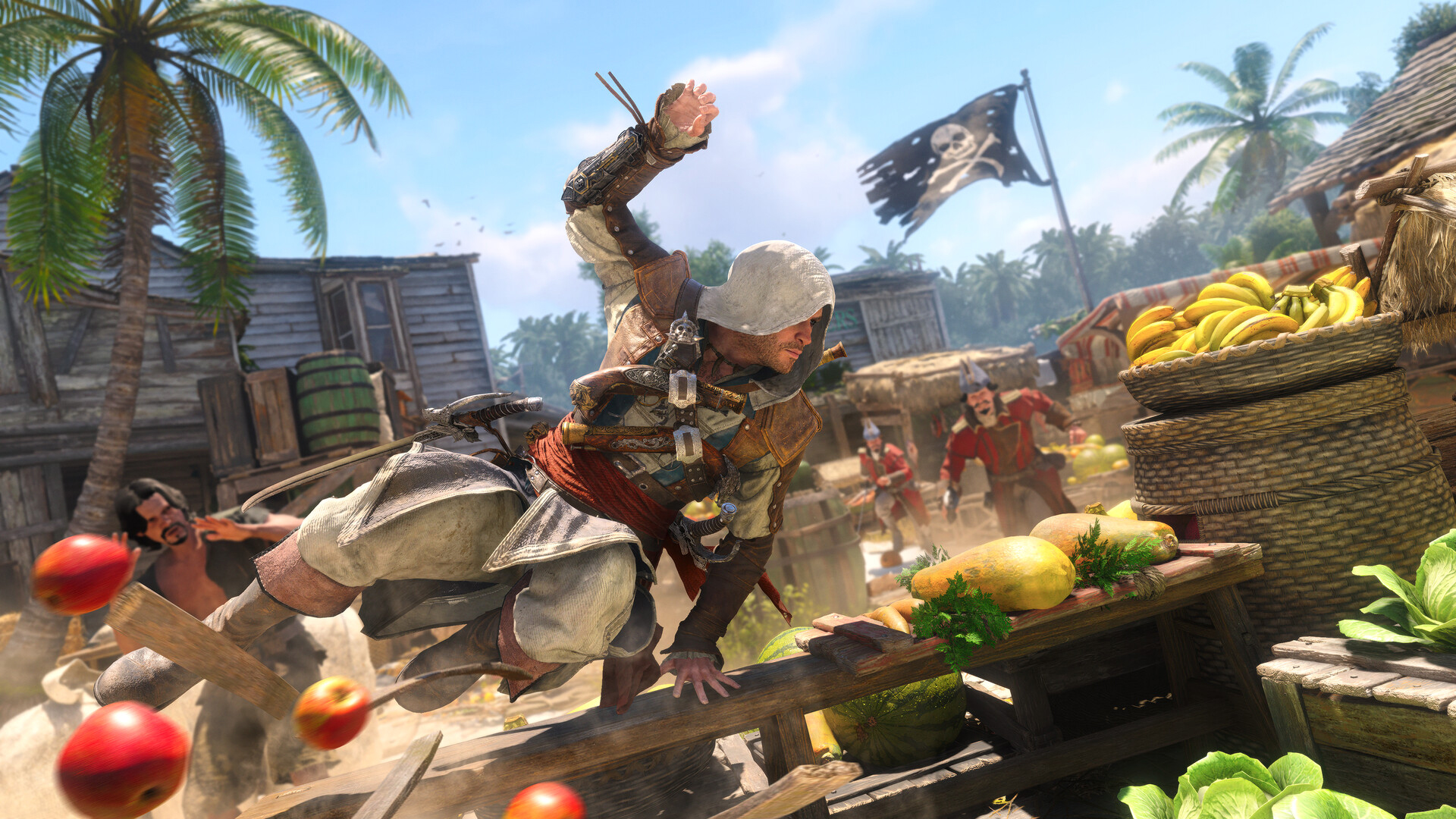
Assassin’s Creed Black Flag Resynced plays like a dream. It’s the original game but with updated graphics and combat.
Now, the original game still plays very smoothly today. I’d even hazard that the original graphics are still serviceable today, albeit tinged with a tiny bit of datedness. Basically, if I boot up my copy of the original, there’s a very good chance that I’d still find it perfectly modern.
That said, Black Flag Resynced has amazing graphics. There’s a clear difference that elevates the original to heights that put it at par with the newer games. Parkour and combat are also smoother. If you’ve played Shadows or Valhalla, Black Flag Resynced is easy to pick up (or pick up again, for most of you).
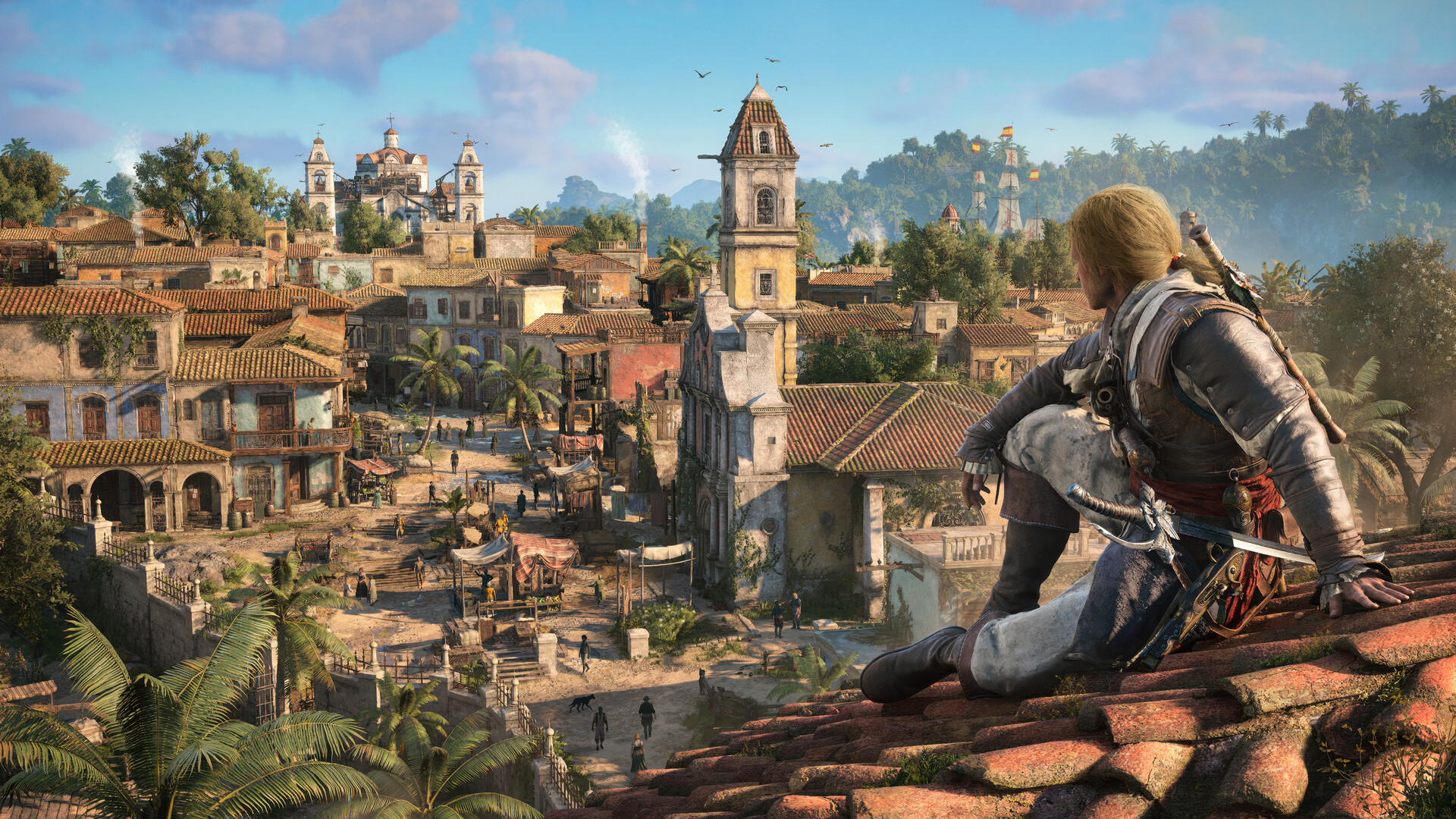
There are a few additions, including story content for some characters or even entirely new ones introduced. To be honest, I don’t think they add a lot to the experience, but the additions aren’t bad things at least.
The real meat comes from the tinier quality-of-life changes added to the overall game. For example, those pesky trailing missions are now gone. Stealth is better. Finally, that terrible modern-day storyline was completely removed.
It’s fair to say that Black Flag Resynced is a better version of the game than its original. But, again, is that really enough to warrant buying a new and even more expensive version of a game you bought long ago?
The problem with nostalgia
Earlier this year, I played Yakuza Kiwami 3 & Dark Ties, a remake of the eponymous game from the Yakuza franchise. Though the new version had a substantial expansion bundled inside, it was essentially a trip down memory lane clothed in a “new” skin.
Yes, the nostalgia is largely effective. But after a while, the doubt crept in: It’s just a reskin with some new content. Worse, the reskin is a coat of paint that the series has been using for so many years now.
Black Flag Resynced starts to feel the same. Eventually, the appeal of playing a beloved game runs out, especially since it’s a game that hasn’t been out long enough to develop a more intense form of longing. As such, there’s a bigger burden for it to prove why it should exist.
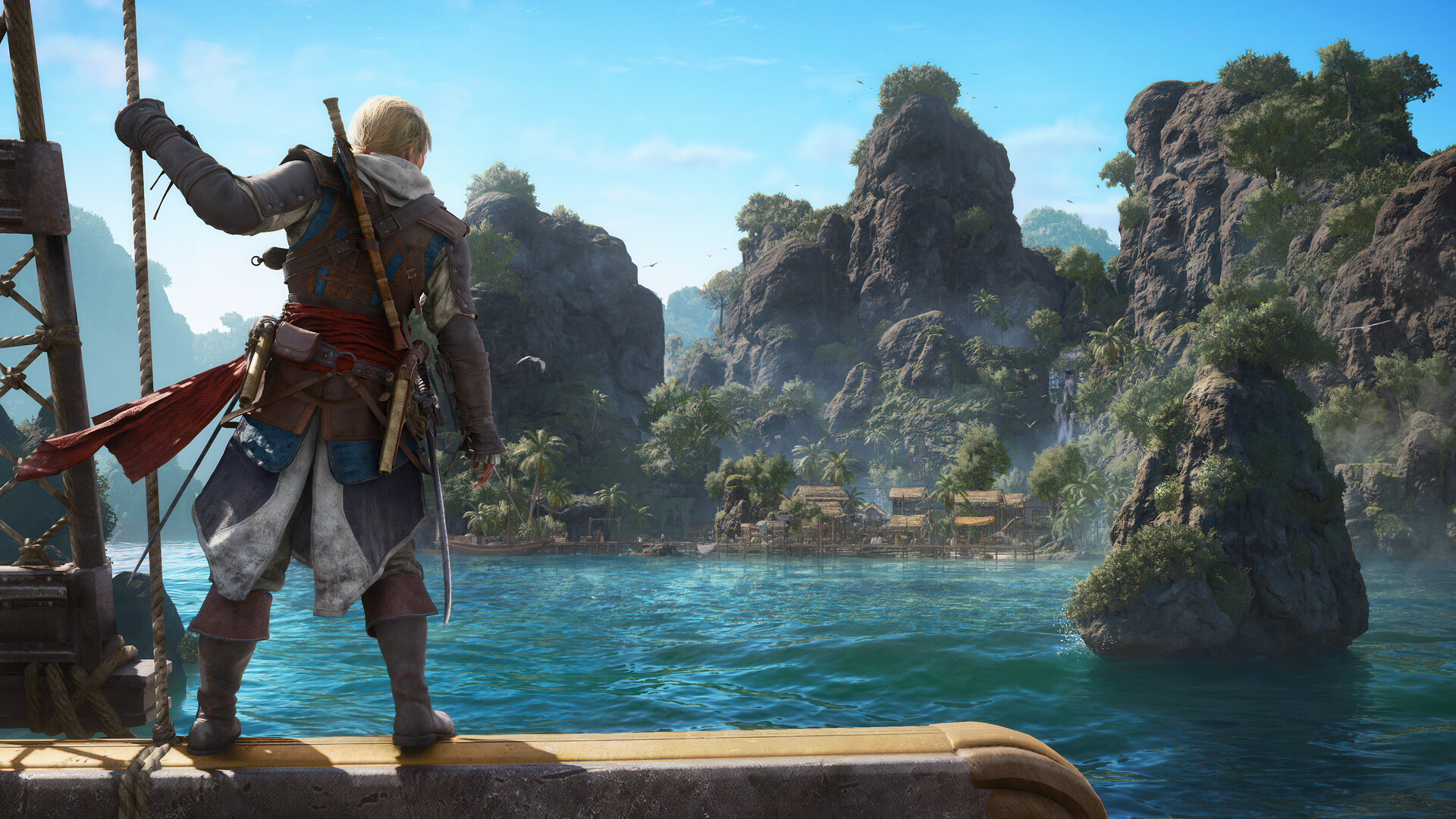
It’s a hard sell. The original game is just much too recent. In fact, it still holds up well today, despite some inconveniences. The new version is, like Yakuza Kiwami 3, mostly translating the game into a modern system familiar to modern players. But it’s a system that hasn’t really changed much over the years. With another game following the same format, it’s all blending into a homogenous soup.
The Assassin’s Creed franchise needs a reinvention. Though the previous Shadows fulfilled a generational wish to bring the series to feudal Japan, it was just another Assassin’s Creed game but with two protagonists. It’s the same thing with Black Flag Resynced, just another Assassin’s Creed game but with better graphics (and ship combat).
Nostalgia is doing a lot of heavy lifting in Black Flag Resynced. The game isn’t really a reinvention, and if you’ve played the newer titles recently, nostalgia might not be enough.
Is Assassin’s Creed Black Flag Resynced your GameMatch?
If you’ve played the original and just want to experience the same game on a modern system, then Black Flag Resynced is perfect for you. It’s the same enjoyable experience with a bundle of small quality-of-life improvements.
However, it doesn’t reinvent the wheel. If you’re tired of the same old Assassin’s Creed formula, the remake probably won’t do much for you, either.

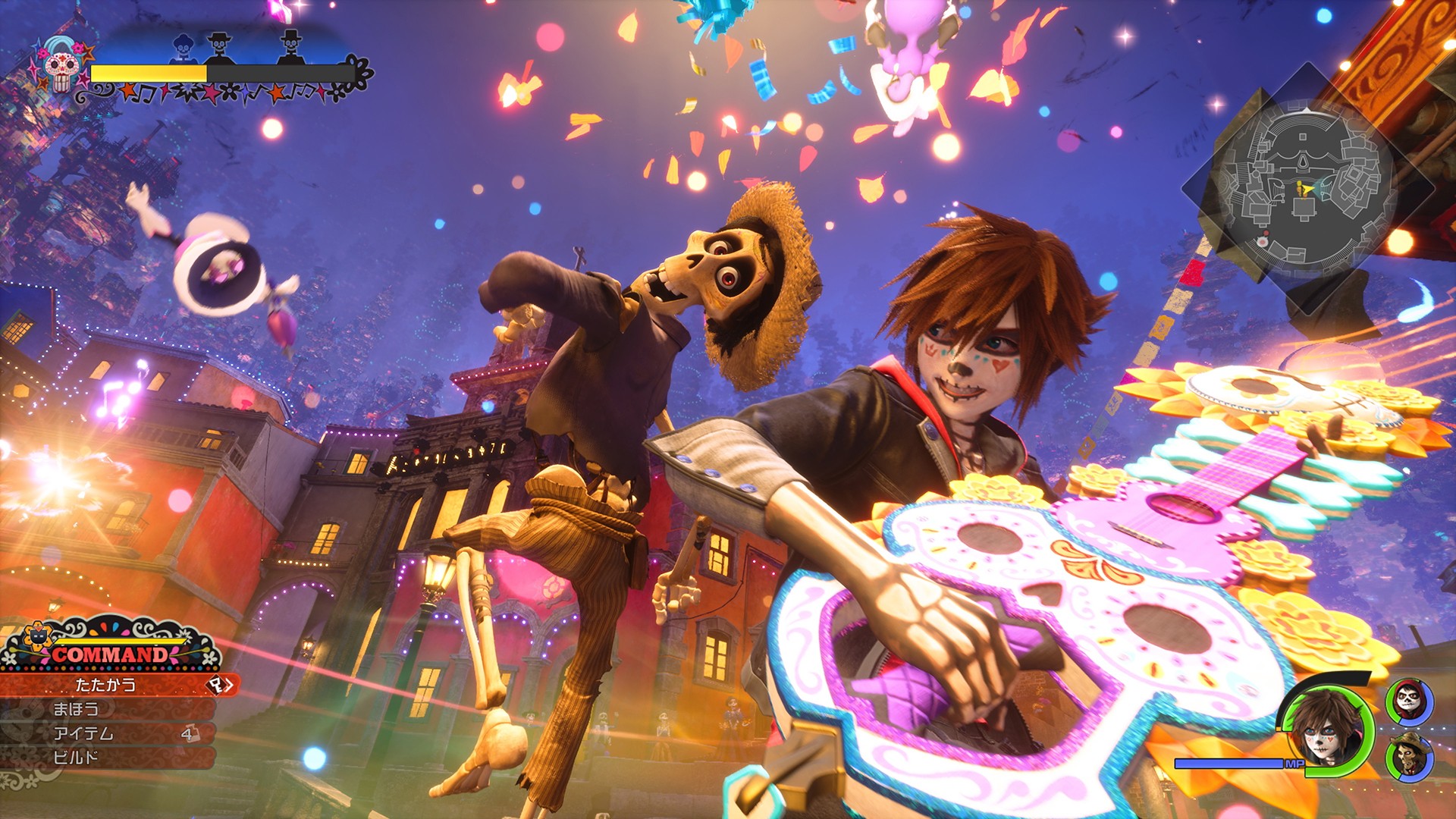
SQUARE ENIX and Disney & Pixar Games have confirmed that Kingdom Hearts IV will release in late 2027.
The announcement came during D23: The Ultimate Disney Fan Event 2026. A new trailer also debuted during the Disney Entertainment Showcase, revealing a new in-game world inspired by Disney and Pixar’s Coco.
The trailer was later shown in an extended version during a D23 panel celebrating the franchise’s 25th anniversary.
Sora returns to Quadratum
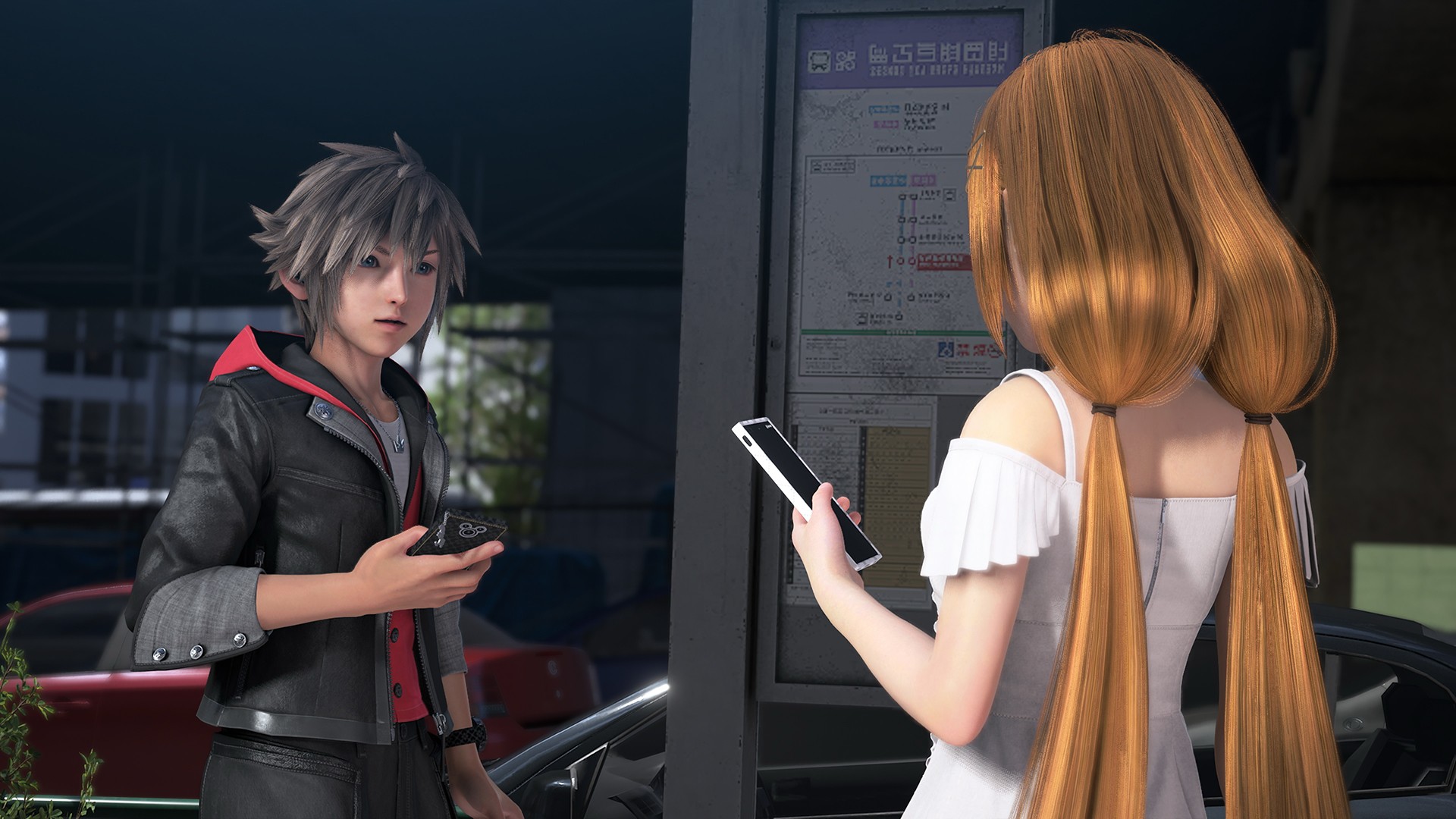
Kingdom Hearts IV continues Sora’s journey through the mysterious city of Quadratum. The city has been overrun by dark creatures known as the Heartless.
Sora will once again travel through worlds inspired by Disney and Pixar. Along the way, he will encounter new characters and gain new powers.
The latest trailer also confirms the return of Donald Duck and Goofy. Players will be able to take control of Mickey Mouse, Donald Duck, and Goofy as they search for Sora.
The new trailer offers a closer look at the next chapter of the long-running action-RPG series.
An anime series is also in development
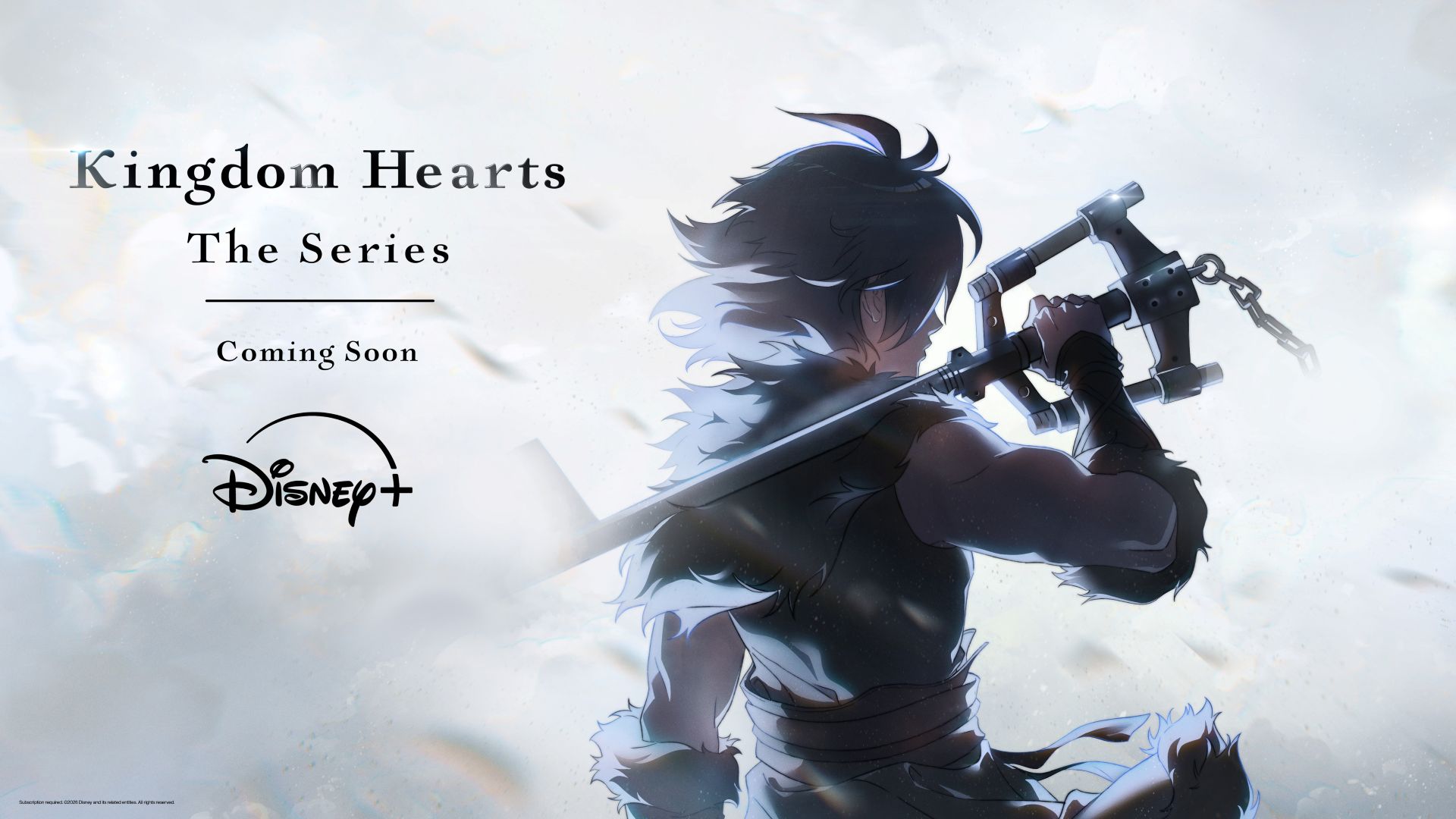
SQUARE ENIX and Disney also announced a new Kingdom Hearts anime series for Disney Channel and Disney+.
The series is currently in development in collaboration with series creator Tetsuya Nomura and the creative team at SQUARE ENIX. It is currently listed under the working title Kingdom Hearts.
Kingdom Hearts celebrated its 25th anniversary with the D23 panel, which brought together members of the creative team and voice cast. The panel also explored how the franchise has brought together Disney, Pixar, and SQUARE ENIX over the years.
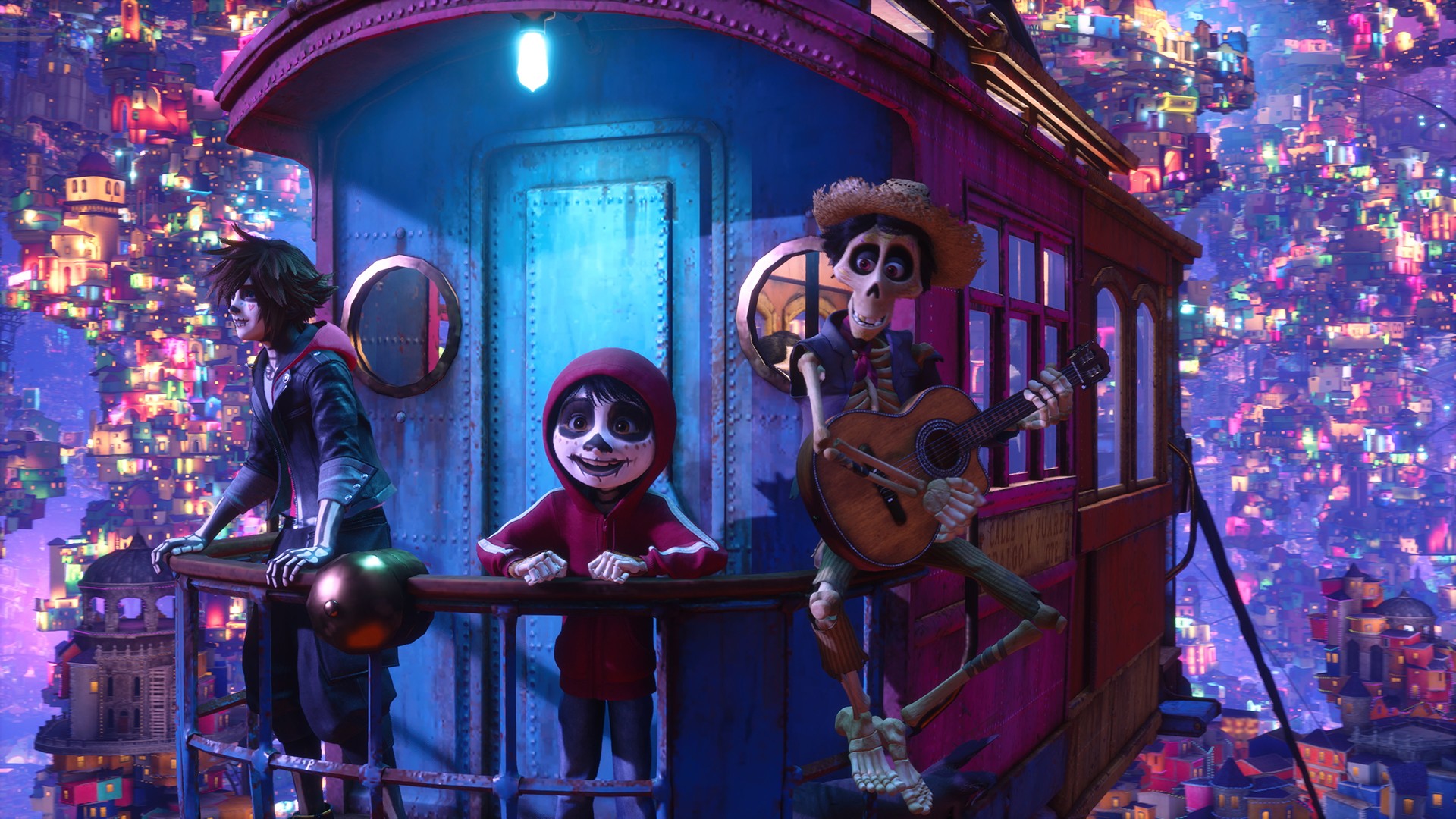
Kingdom Hearts IV will launch on Nintendo Switch 2, PlayStation 5, Xbox Series X|S, and PC in late 2027. The game is already available to wishlist.
The extended D23 trailer is available on YouTube.
Entertainment
Box office: Brand New Day set to surpass US$ 2 billion, drives Marvel’s Spider-Man 2 resurgence
Sony Pictures’ fourth Tom Holland feature film sets records

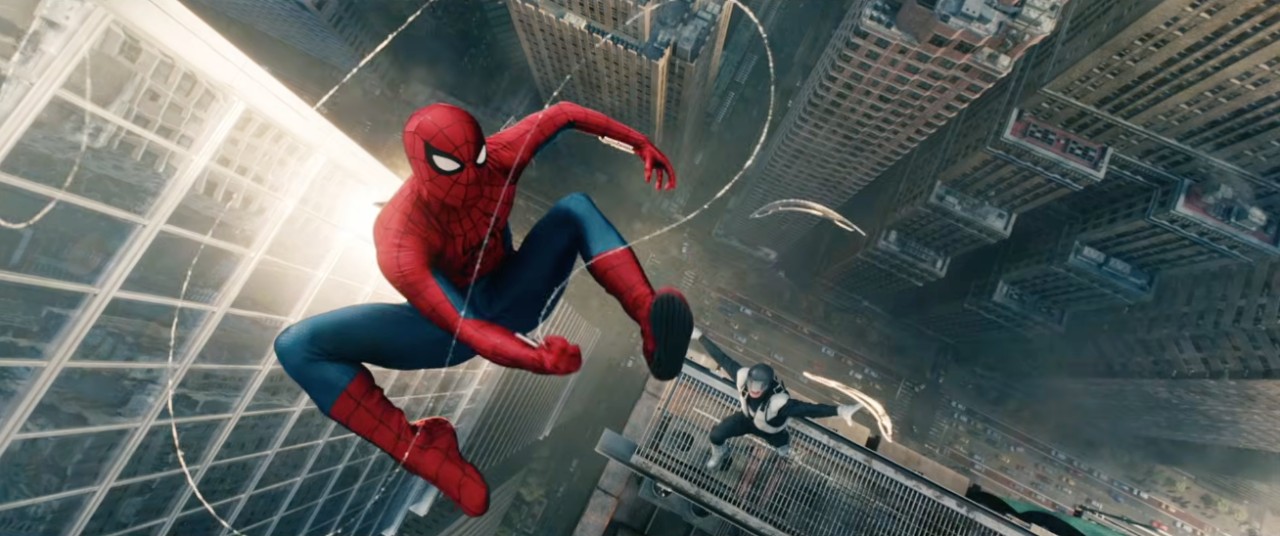
The box office performance of Spider-Man: Brand New Day has been nothing short of spectacular.
Sony Pictures’ fourth feature film featuring Tom Holland as the titular protagonist broke the domestic opening day record.
This feat narrowly beat the previous record set by another Marvel Cinematic Universe (MCU) film in Avengers Endgame.
That strong opening continued in the next few weeks as Brand New Day became became the fastest to reach the US$ 500 million mark, breaching the milestone in just seven days, per LA Times.
The movie is already the highest grossing film of 2026, beating Toy Story 5.
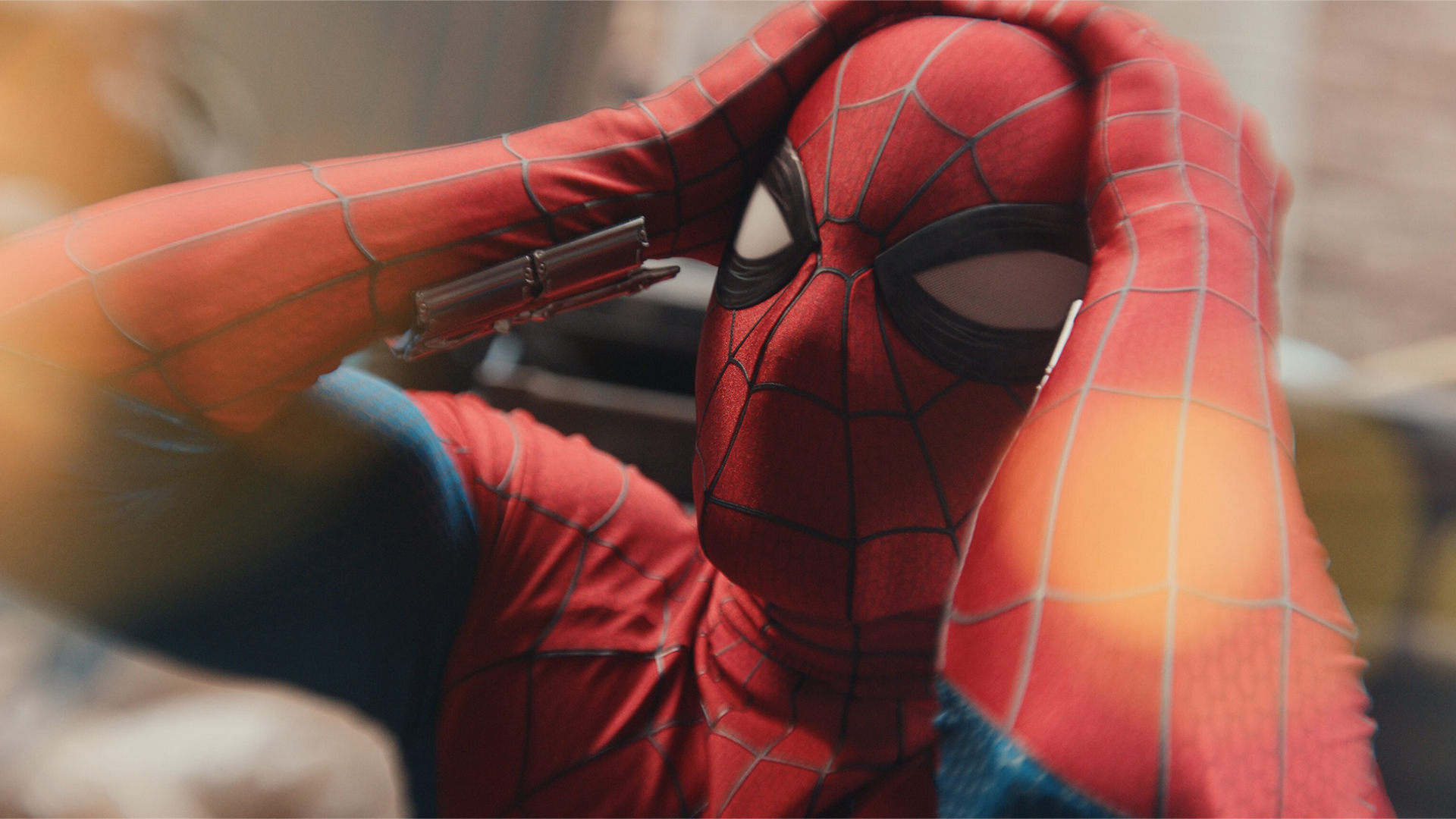
Which such massive success so far, Spider-Man: Brand New Day is on pace to beat Avengers: Infinity War for worldwide total gross.
With over US$ 1.7 billion grossed in just two weeks, the film is projected to surpass any point between the US$ 2.1 billion to US$ 2.3 billion mark.
It will become only the eighth ever film to surpass that mark once it reaches at least US$ 2 billion.
The others are: Avatar (2009), Endgame (2019), Avatar: The Way of Water (2022), Ne Zha (2025), Titanic (1997), Star Wars: The Force Awakens (2015), and Infinity War (2018).
However, Endgame still holds an advantage, thanks to its international launch in major markets. The epic conclusion to the MCU’s Infinity Saga grossed US$ 2.79 billion during its 2019 run. And you will have to adjust that value slightly due to inflation.
In the Philippines, a strong market, Brand New Day has just eclipsed the PhP 1 billion mark, which is roughly about US$ 17.2 billion.
For comparison, it will definitely surpass Infinity War at some point, while Endgame grossed PhP 1.8 billion total or about US$ 34.56 billion at the time.
Marvel’s Spider-Man 2 experiences resurgence
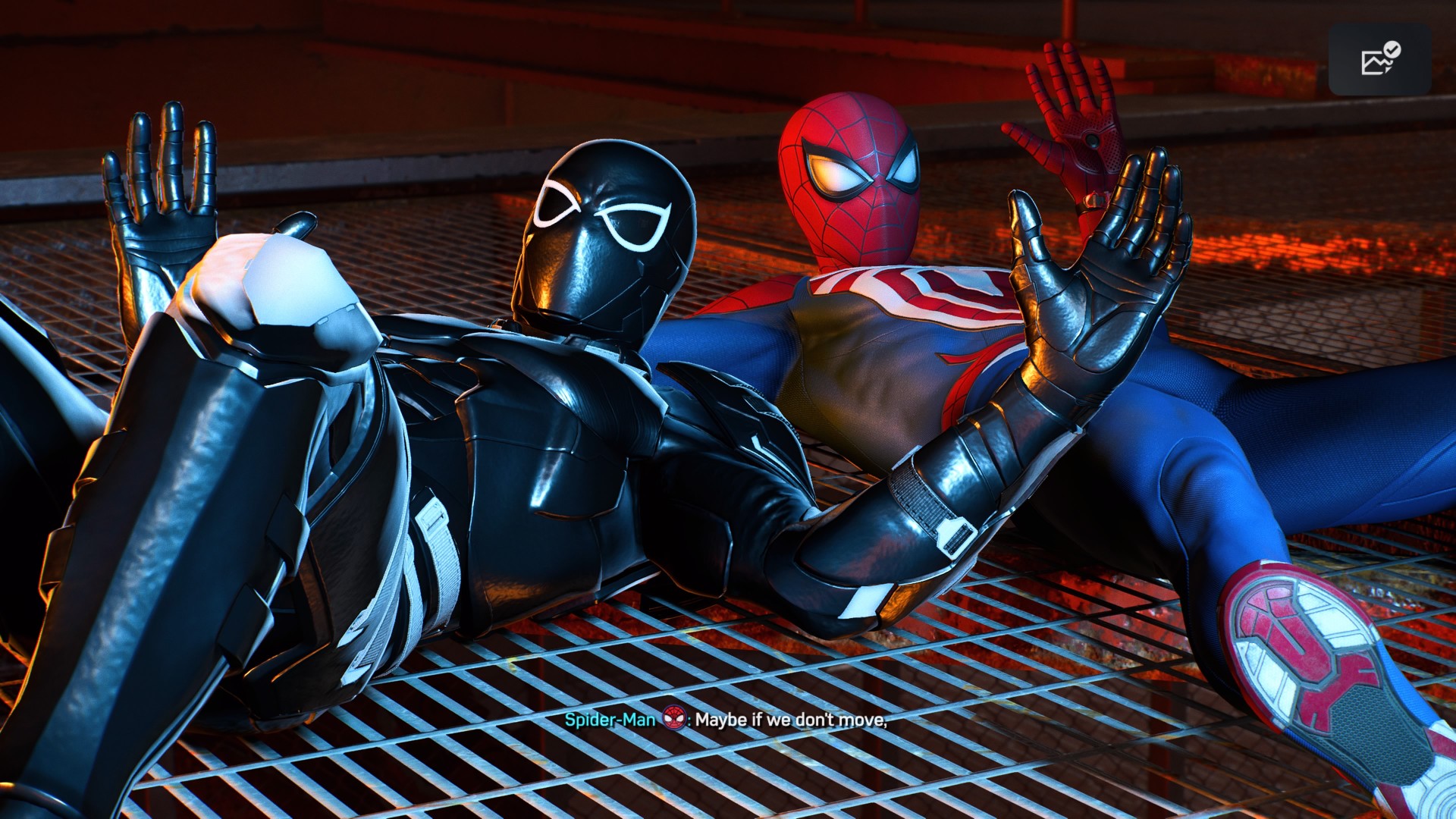
Moreover, the film’s success also triggered a transmedia halo effect with Insomniac Games’ Marvel’s Spider-Man 2 also experiencing a resurgence in sales and player engagement.
Per IGN citing Alinea Analytics, since the film’s release, the game sold over 300,000 more copies across PlayStation 5 and Steam within a two-week span.
This is the equivalent to over US$ 11 million in revenue for Sony and Insomniac Games.
Plus, for the first time since the title’s launch in 2023, it experienced more than one million daily active users.
A combination of movie hype plus some timely discounts contributed to the game’s resurgence, also proving that the Spider-Man franchise has always been one of the biggest and most relevant IPs of all time.


Now Playing: Assassin’s Creed Black Flag Resynced
Nostalgia does a lot of heavy lifting.

Samsung Galaxy Z Fold8 Review
8 Galaxy Folds later, Samsung finally nailed It!


30 days later with the ASUS ExpertBook Ultra: Like seeing an ex
Felt exactly as I remembered.

Apple is working on AirPods with built-in cameras

Samsung might be working on an even wider foldable

Here’s what you should watch before Avengers: Doomsday

realme 16T to come with 8,000mAh battery, 7-year battery health guarantee

TCL unveils C7L SQD-Mini LED TV, new entertainment lineup

Hands-on: Samsung Galaxy Z Fold8, Flip8, Ultra

VinFast debuts two-wheeler models, opens 21 e-motorcycle showrooms

Garmin launches its first screenless fitness band

Sony announces new FX5 full-frame camera

NBA 2K27 cover athletes unveiled: Wemby, Clark, DRose


-

 News2 weeks ago
OnePlus officially leaves the United States and Canada
-
 Laptops1 week ago
ROG STRIX G16 Review: Building for the moment
-
 Gaming2 weeks ago
Tides of Annihilation opens first public demo at Gamescom 2026
-

 News2 weeks ago
Google will force Android users to use Gemini next month
-
 Gaming2 weeks ago
Street Fighter 6 adds first Filipino fighter Yasmine to its roster
-
 Gaming2 weeks ago
Gangstar Mirage City launches on August 20 with SEA localization
-

 Deals2 weeks ago
nubia expands gaming lineup with Neo 5 Max, Neo 5 GT Special Edition
-
Laptops1 week ago
30 days later with the ASUS ExpertBook Ultra: Like seeing an ex