


Features
Online voices: What does it take to be a caster?
A quick glimpse at the esports casting scene

When we think of the word “Caster” we usually think of the people from the news. However, in the esports scene they serve as the voice and brains that analyze the game and hype the crowd up. It’s a different level of entertainment. Without them, games could get too boring to watch. So what does it take to be a caster?
Caster spotlight: Edwin Arctikuno
Theo “Arctikuno” Rodriguez is a Filipino-American broadcast talent currently based in the Philippines. He first got his big break as a contracted talent with Garena Philippines in 2016, working with them all the way up until 2018.
After his time with Garena, he went on to work as a freelance talent, working actively across Asia in countries such as China, Japan, Thailand, and so forth. He’s also worked and collaborated with the Lenovo Legion brand on numerous occasions for different esports-related activities over the past few years.
While he initially began purely as a caster for League of Legends, his years of freelancing has led to numerous opportunities pursuing other games in direct collaboration with some of the top gaming companies and their productions.
Recently, he has begun to embark on other endeavors outside of esports while continuing to train promising talent under his wing in preparation for work in the industry. He now joins the fray as a mentor for the Legion Academy Casters, ever eager to help develop local talent for work across Asia and beyond.

Becoming a caster
A caster has many qualities which are unique, but to have that profession, you must start from somewhere. We asked Edwin, “What qualities should an aspiring Caster have? In terms of skills, what’s a good foundation to have?”
“You have to have the passion and drive to be in this industry.”
It all starts with an interest, it may be playing the game or watching games from tournaments. Then, it turns to a passion, turns to a dream, then reality. Easier said than done, the process of becoming a caster is a long road ahead.
“The reality is, you’re not going to be making big bucks right off the bat when you’re starting. If anything, a lot of casters that eventually managed to build themselves up were those that just simply had a love for what they do, the community, and the very industry they dwell in.”
The hard work in casting
Earned, not given. The esports scene has often been overlooked, but it’s as legitimate a career path as any. Especially now. With the endless grind and long nights, it’s these moments that will help shape who you are as a caster. The process will be different for everyone, but it’s a path worth pursuing.
“With that, you’ve got to have the diligence to want to constantly challenge yourself to do better and improve. While nobody is perfect, we can at least aspire and strive to be as close to it as possible by always working on bettering ourselves as talents, whether it be in our craft or our character,” Edwin added.
Here are some do’s and dont’s from Edwin himself.
DOs:
1. Always DO your homework!
2. Please DO stay humble.
3. Strive to be the best version of yourself. Once you DO, surpass it again.
DON’Ts:
1. Don’t give up! Never ever feel discouraged in the process of pursuing your craft.
2. Don’t take the lessons you learn and opportunities you grab for granted.
3. Don’t disregard your health in the midst of the grind.
Legion Academy Caster Program

Lenovo and AMD recently wrapped up their Legion Academy Program. It was a contest to earn spots as casters for Legion’s upcoming tournaments. The winners are as follows:
1. Estelle Cerutti (Yuuske — Final Winner)
2. Wyndsor Martillana (ExcelSor PH — Final Winner)
3. Christian James Magdaluyo
4. Eugene Esteban

The four shared their biggest and most important learnings from the Legion Academy Program experience.
Yuuske says it’s “always ground yourself as a caster.”
“Clearly, there are various other casters with their own style but you must not forget the importance of highlighting your personality,” added the Final winner.
Meanwhile, Excelsor listed everything he learned:
- Be Proactive, there’s always an upside to being proactive in the esports industry.
- Always have your portfolio ready and updated. Like any job, this is also important in the esports casting industry.
- Studying is very important to increase game knowledge and to be more familiar with the nuances of the game. Study, study, study.
- Get feedback from your colleagues. Sometimes the way you can improve is to get a perspective from your peers. There are some things you won’t be able to see and that can be crucial to improvement.
Meanwhile, Zaco realized that “you really have to put yourself out there with no fear and just stick your head out the car window, because you will never know unless you look.”
Dash, for his part, highlighted the importance of building your portfolio.
“Creating a portfolio is one of the key things on how you’ll get casting gigs and learning the ropes on how to create a presentable portfolio is gonna help me entice the clients on getting me as a caster for their events.”
Asked how they felt about winning, Excelsor said, “It feels like I’m reborn as a caster.” Meanwhile, Yuuske wants to pay things forward.
“It is my goal not only to better my craft but as well as inspire others on their journey in the esports world!”
To learn more about Legion Academy and other upcoming programs, visit legion.lenovo.com/academy
This feature is collaboration between GadgetMatch and Lenovo Legion Philippines






Features
Getting the latest Samsung Galaxy Z Flip8 at 0% Interest with Maya Mini Payments
What convinced me to upgrade and how Maya Mini Payments made paying for it easier~

I don’t upgrade simply because there’s a newer model on the shelf.
Last year, I upgraded to the Samsung Galaxy Z Flip7 after spending three years with the iPhone 13 as my daily driver.
Even then, the decision wasn’t about chasing the latest release. It was about finding a device that better matched how I work.
I’m a firm believer that every upgrade has to earn its place in my pocket, especially when there are already perfectly capable phones sitting on my desk.
So when I decided to pre-order the Samsung Galaxy Z Flip8, the decision wasn’t simply about getting the newest device.
It came down to two questions: It came down to two questions: Is this a smart upgrade? And if it is, what’s the smartest way to own it?
The first question was answered by the device itself. The second is where Maya Mini Payments entered the conversation.
For me, the Flip8 addresses the reasons to upgrade. Maya Mini Payments addresses one of the biggest reasons people hesitate: big purchases that could be paid in 3, 6, 9 or 12 monthly payments.
Changing how I shoot and use my phone
I spend most of my day switching between shooting, editing, and posting, sometimes all within the same hour.
One of the biggest reasons the Galaxy Z Flip8 caught my attention is the cover screen. It’s finally useful enough that I can shoot, preview, and interact with content without constantly opening the device.
That may sound like a small change, but it makes a difference when you’re trying to capture candid moments before people notice a camera pointed at them.
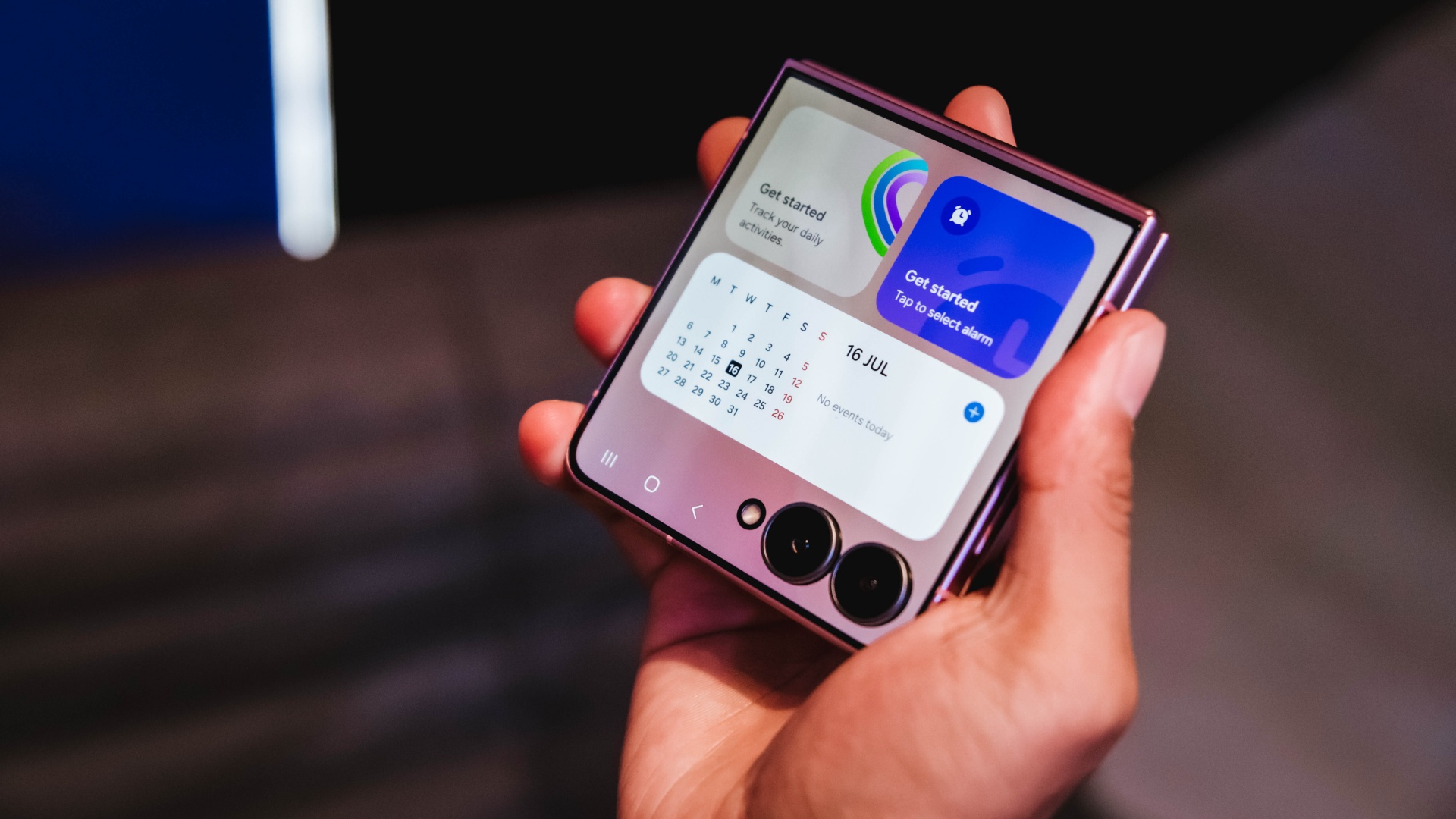
It also makes everyday tasks easier. I can check a script, review a shotlist, reply to messages, or glance at notifications without unfolding the phone every few minutes.
For years, foldables often felt like they required some compromise. You gained a unique form factor and flexibility, but sometimes gave up a little on the camera experience. The Flip8 feels like it’s closing that gap.
Samsung’s improvements in low-light performance and stabilization are especially noticeable for the kind of run-and-gun content I create.
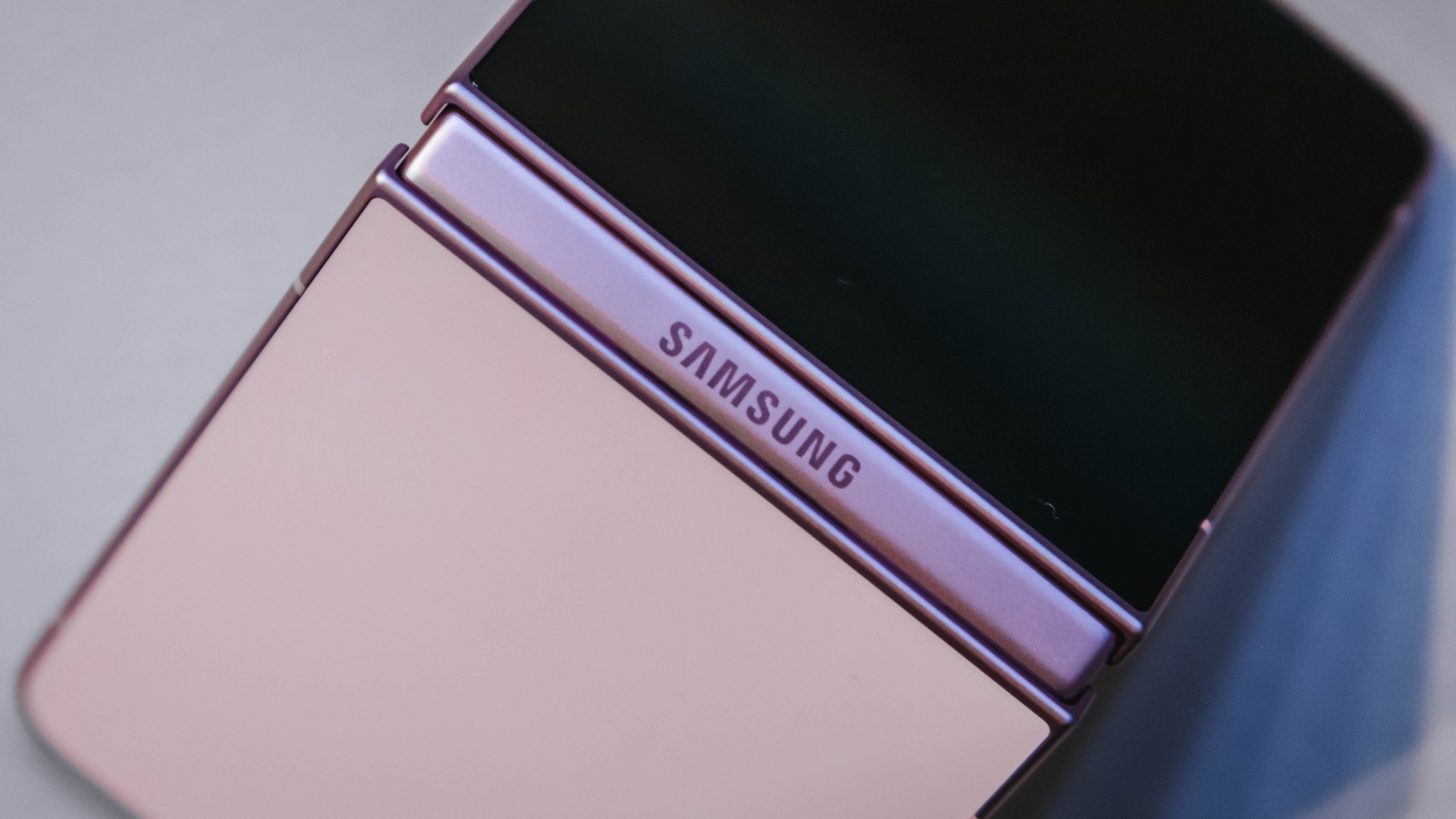
I haven’t spent enough time with it to call this a full review yet, but my first impressions have been positive. The experience feels more refined and more dependable than previous generations.
Features alone don’t convince me to upgrade. They have to solve a real problem. The more useful cover screen, the improved camera experience, and the overall refinement were the first signs that the Flip8 was offering something I’d actually use every day rather than another feature to add to a spec sheet.
The battery and multitasking finally match my day
The less exciting reason I’m upgrading is also the one that affects me the most.
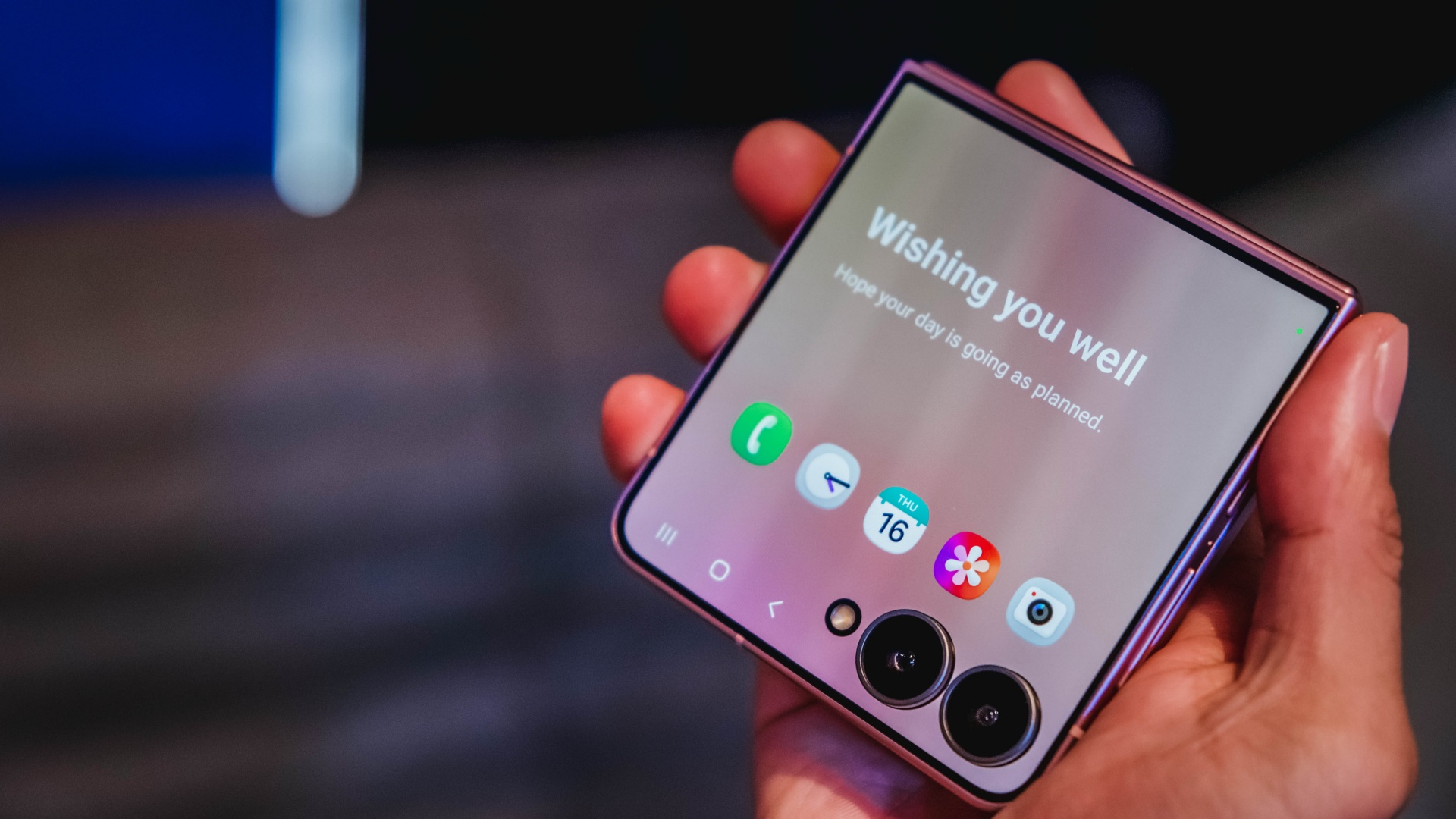
Between filming, reviewing footage, answering emails, coordinating campaigns, and managing social media, my phone is constantly working.
My old device usually drops into battery-saving territory before dinner. It gets the job done, but I spend too much time thinking about charging instead of working.
The Galaxy Z Flip8 feels better equipped for that reality. The battery efficiency is improved, and multitasking feels more natural when juggling multiple apps throughout the day.
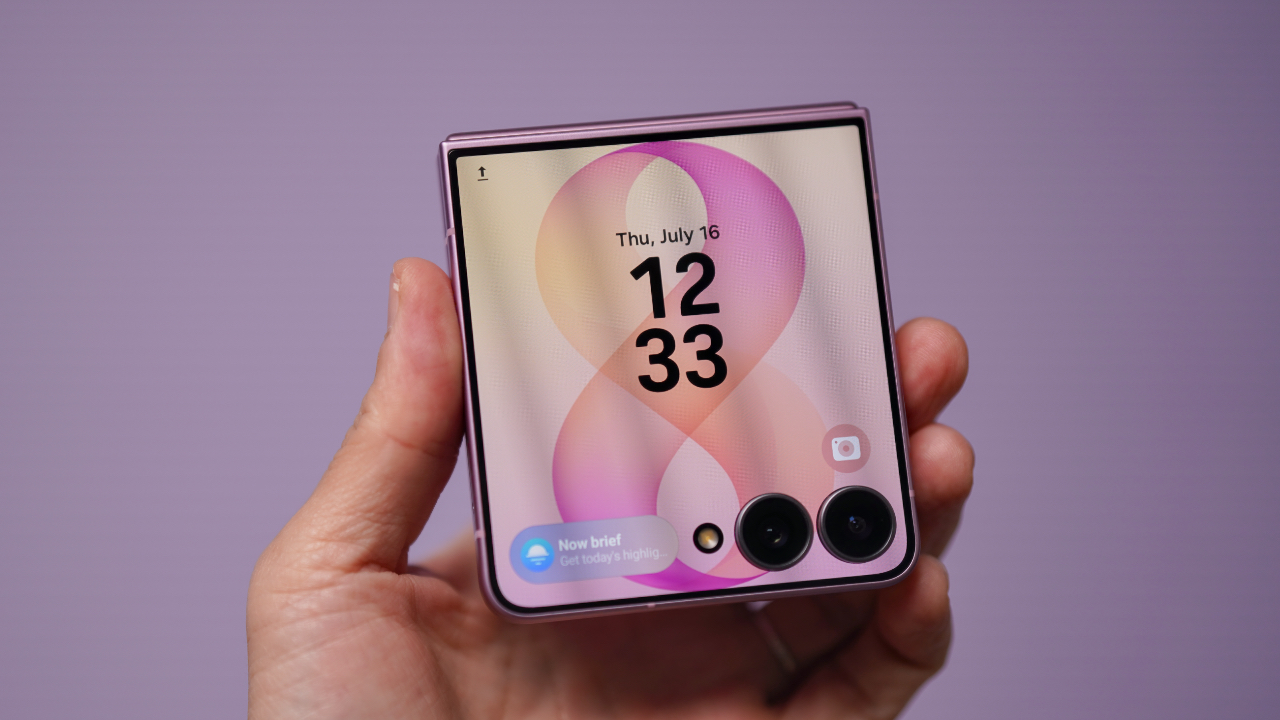
Those aren’t flashy features, but they’re the kinds of upgrades that quietly improve everyday productivity. They’re also the features that convinced me this wasn’t simply a want. It was an upgrade I could actually justify.
Once I was convinced the Flip8 was worth upgrading to, I realized the decision wasn’t really over. A smart upgrade also deserves a smart way to pay for it.
Making a big upgrade more manageable
Of course, deciding a device is worth upgrading to is only half the equation. The other half is figuring out how to pay for it.
The Galaxy Z Flip8 is a premium device, and for most people, the upfront cost is what gives them pause. That’s often where upgrade decisions get delayed, even when the device itself makes sense.
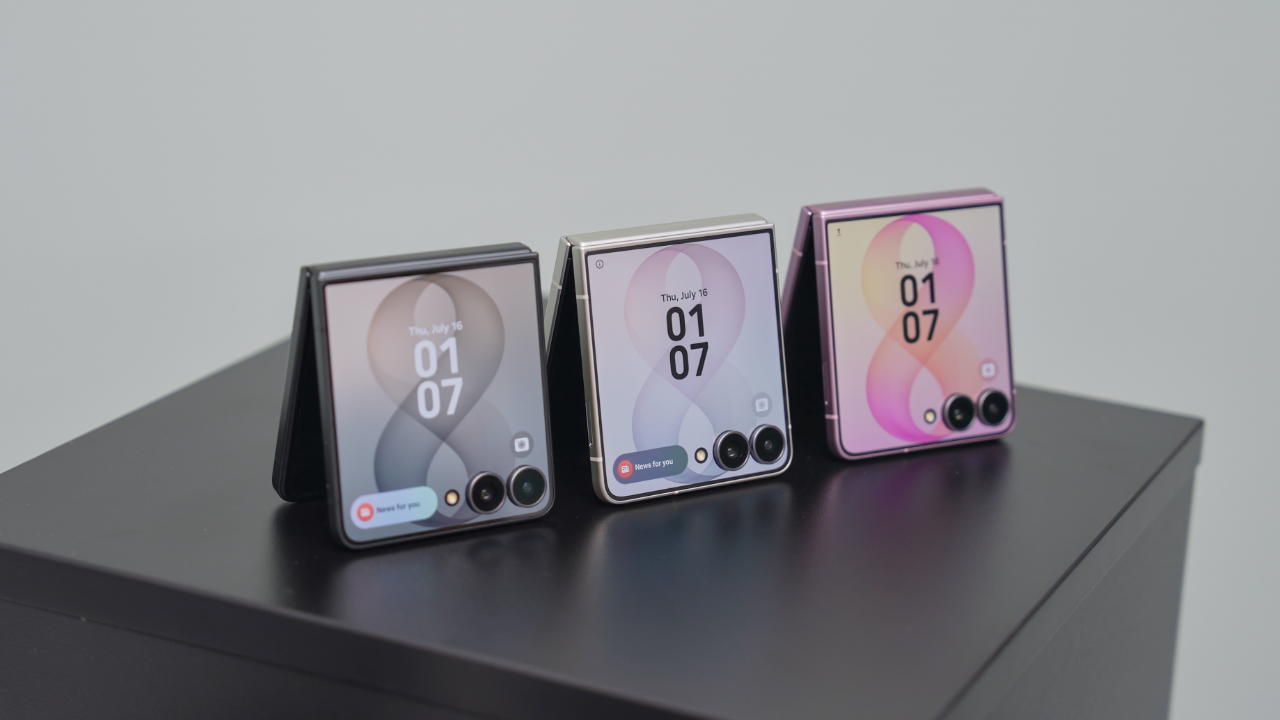
That’s why Maya Mini Payments stood out to me. Any Samsung purchase paid with a Maya Credit Card can be converted into Mini Payments directly through the Maya app, making it easier to spread the cost into monthly installments instead of paying for everything upfront in one go.
You can choose installment plans of up to 12 months at a fixed monthly add-on interest rate of 1%.
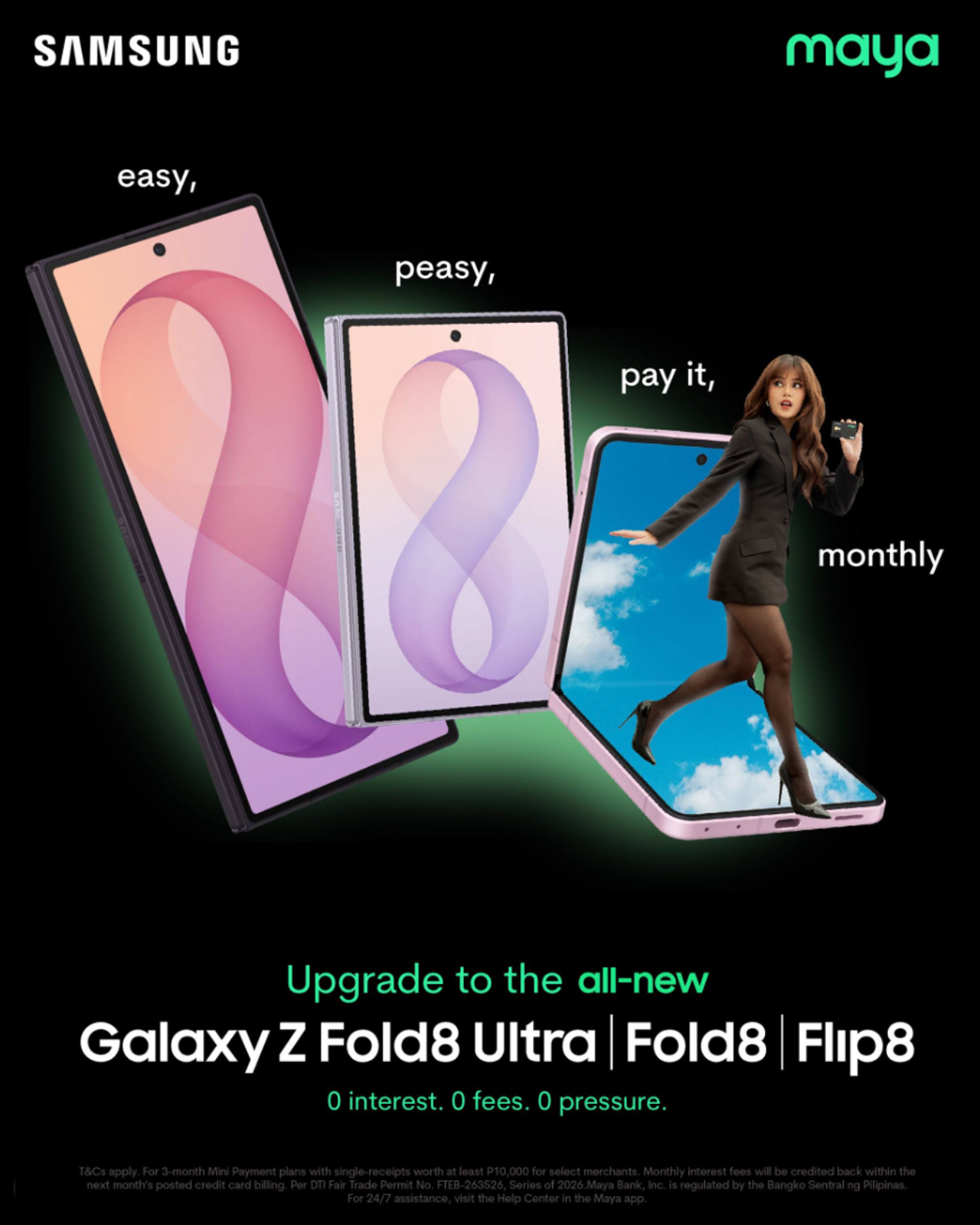
For Samsung Galaxy Z Fold8 and Galaxy Z Flip8 purchases, cardholders can enjoy a 3-month Mini Payment plan at 0% interest, making the upgrade more manageable without additional interest costs on the installment plan.

What I like about the concept is that it mirrors the reason I like the Flip8 itself.
The Flip8 makes it easy for me to shoot, edit, communicate, and multitask throughout the day. Maya Mini Payments makes it easy to purchase by turning one large expense into a payment plan that fits more naturally into a monthly budget.
Both are practical solutions to real-world problems. Also, the entire process can be managed directly within the Maya app, making it easy to track and manage installment conversions without additional paperwork.
View this post on Instagram
Still on the fence?
The Samsung Galaxy Z Flip8 feels like one of the strongest cases yet for upgrading to a foldable.
For me, the cover screen is more useful, the camera experience feels more capable, and the battery and multitasking improvements better match how I actually work every day.
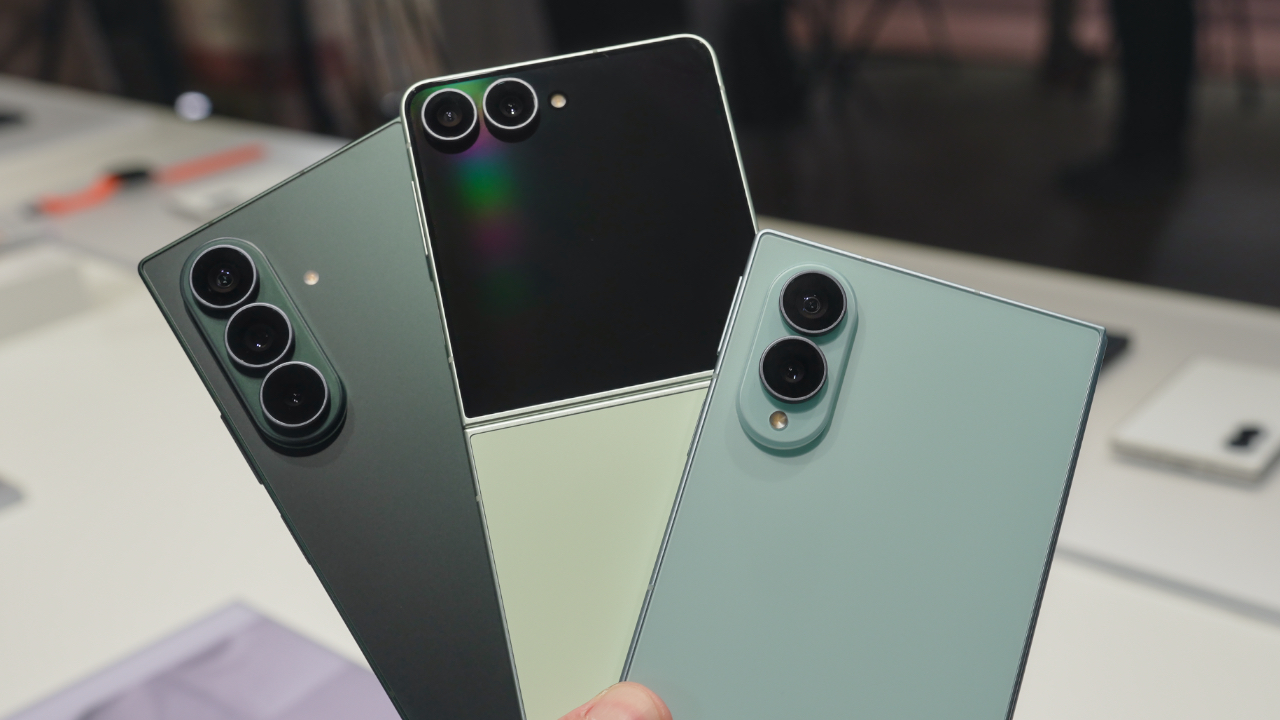
If you prefer a larger screen for productivity, the Samsung Galaxy Z Fold8 follows the same philosophy while giving users even more room to multitask and create.
If you’ve already decided Samsung’s latest foldables are your next devices, there’s also a smarter way to make that upgrade happen.
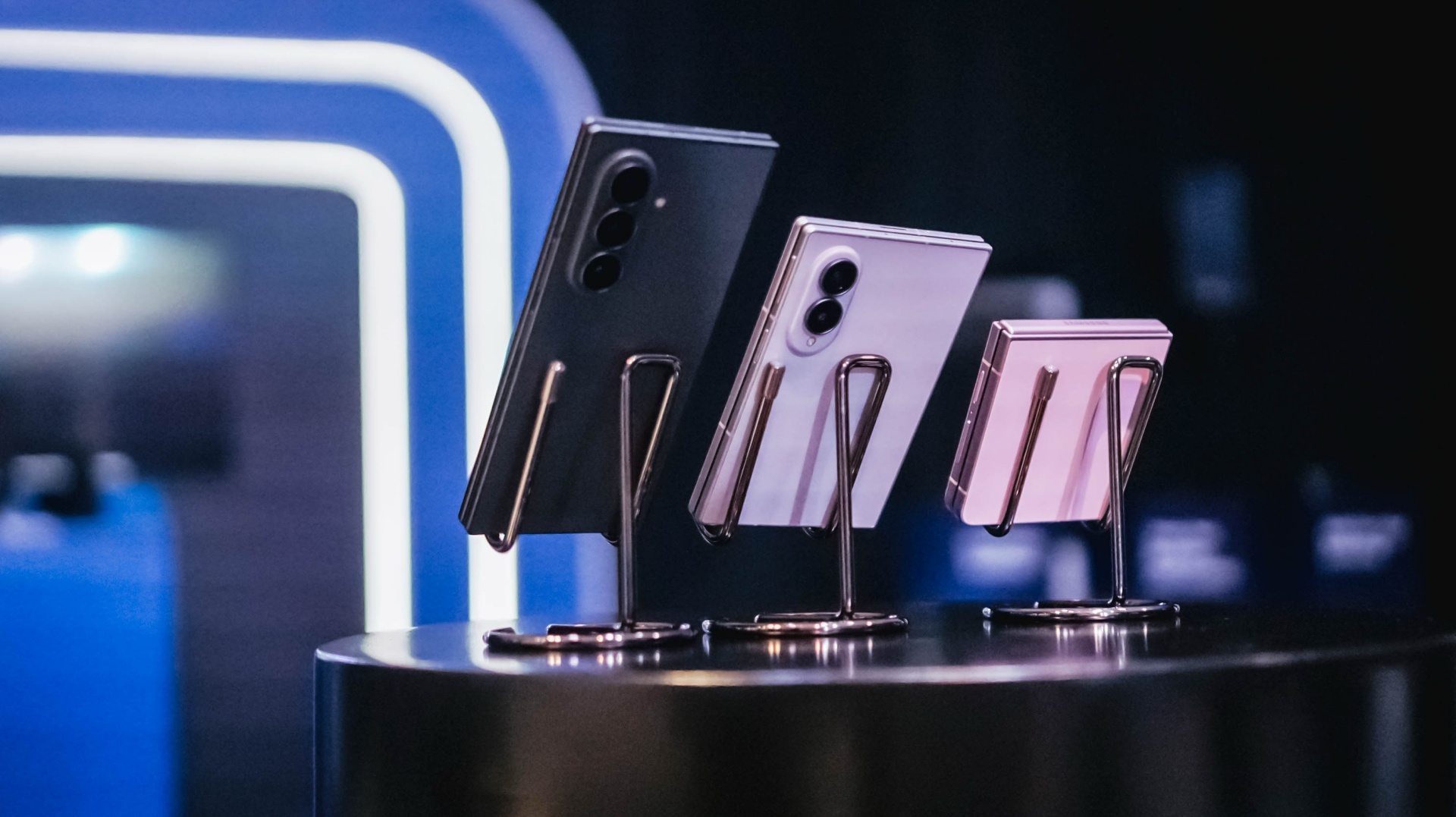
All your Samsung purchases made using a Maya Credit Card can be converted into a 3-month Mini Payment plan at 0% interest, with zero processing fees until September 30, making it easier to enjoy Samsung’s latest innovations without one big upfront payment.
Pre-orders run until August 13, with devices available in-store beginning August 14.

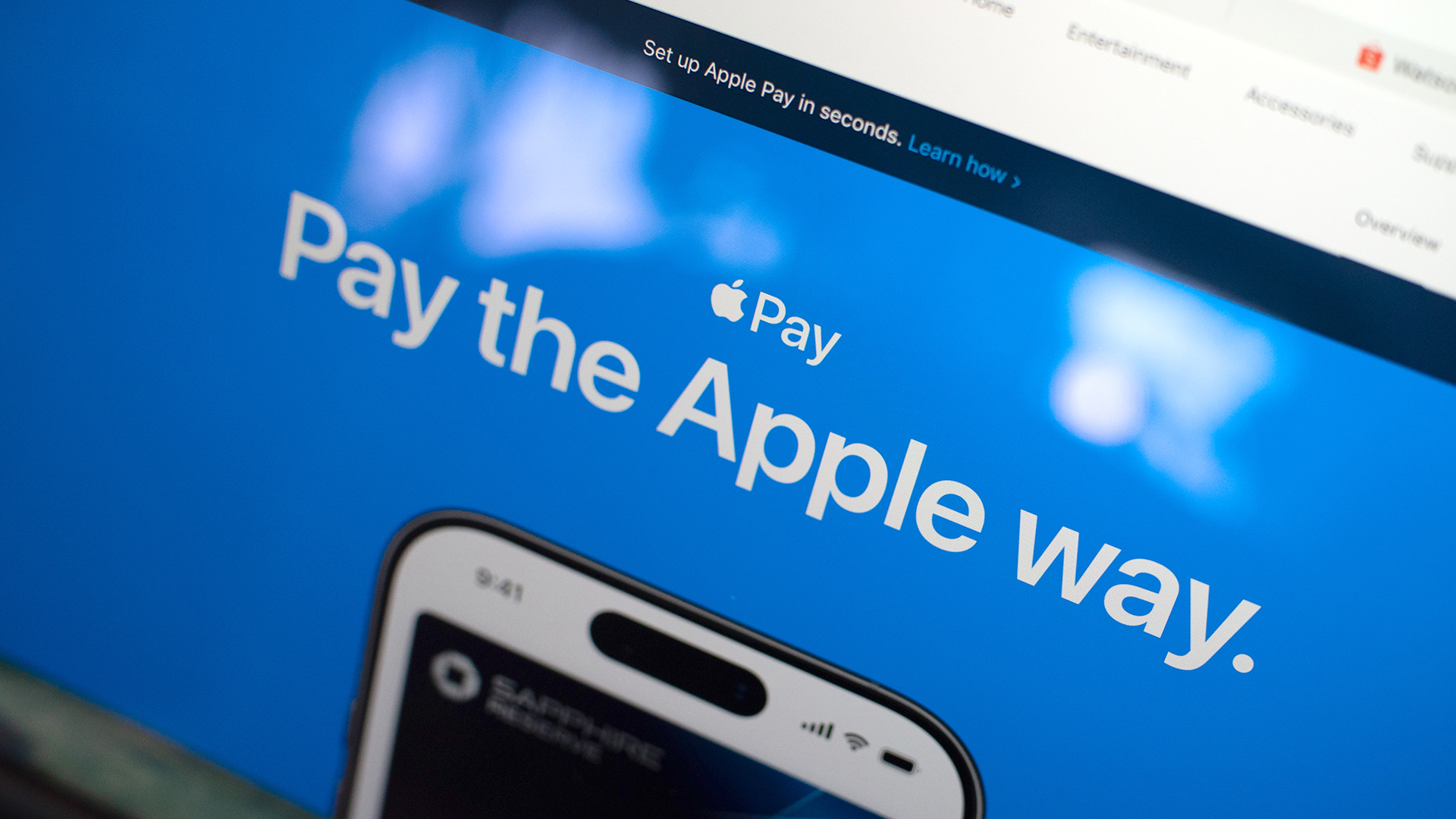
Apple Pay is officially in the Philippines!
Pushing the country forward into a cashless and cardless future, Apple has now brought its contactless payment system to the Philippines. As with other countries, Apply Pay will work seamlessly and easily even for those who have problems with technology.
Now, despite how easy it is, sometimes we need to be pointed in the right direction. Here’s how you can set up Apple Pay on your iPhone:
Everything starts with the Wallet app. First, open your Wallet app. Tap the “+” button on the top and select “Debit or Credit Card.”
Normally, this is where you can input your card details (which you can still do, by the way), but the default method now is to just tap your card on the back of your iPhone. Your phone does the rest. You might need to confirm with your bank, but it’s as easy as a single tap.
Pick which cards to use. Once you have your cards online, you might need to change which one is the default card. Again, it’s easy. Just drag your preferred card to the front.
Afterwards, you can tap to pay in supported stores by priming the Wallet app for use. Tapping to pay is also available for Apple Watch. Meanwhile, online transactions can also work on MacBook.
Secure, all the time. If you’re worried about your security especially with online transactions, Apple keeps your information only between you and the seller. They don’t store your data.
Also, it’s not easy to make a transaction without your consent. You need Face ID, Touch ID, or your password. If you lose your phone, you can easily shut your phone down with the Find My app to prevent malicious parties from making transactions.

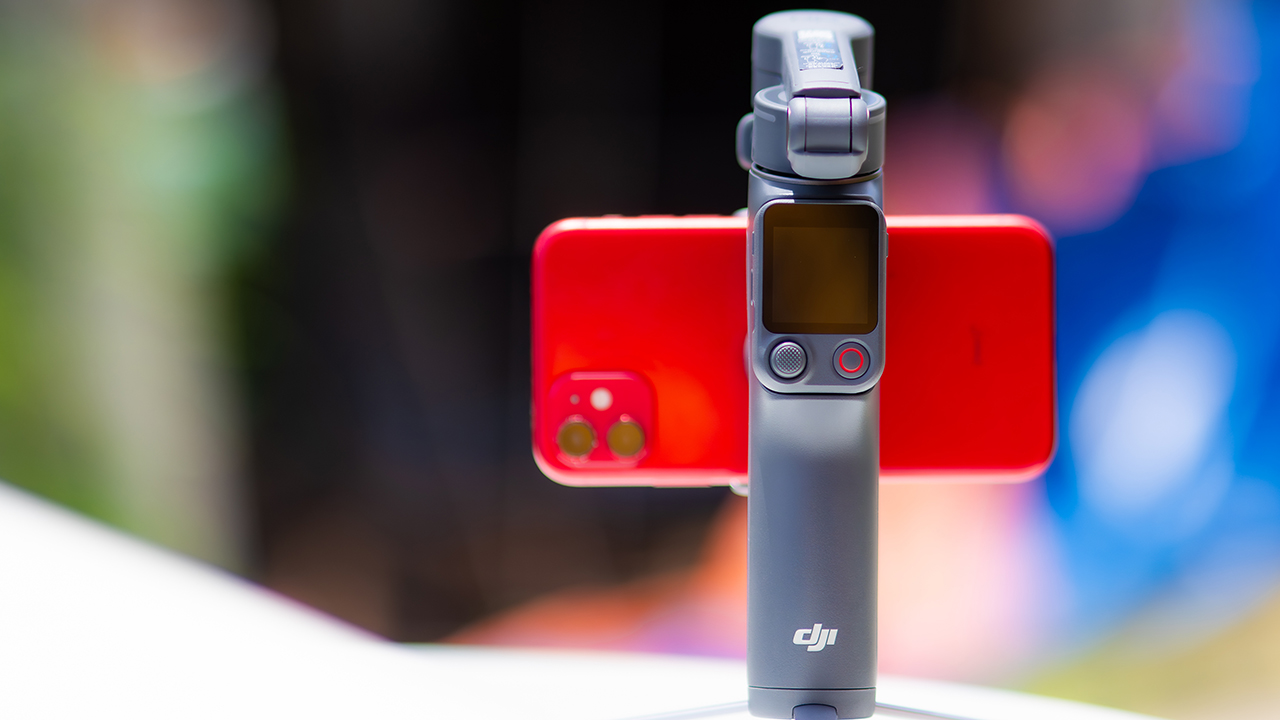
DJI’s smartphone gimbals have always chased one goal: delivering cinema-smooth footage without forcing you to carry a heavy rig.
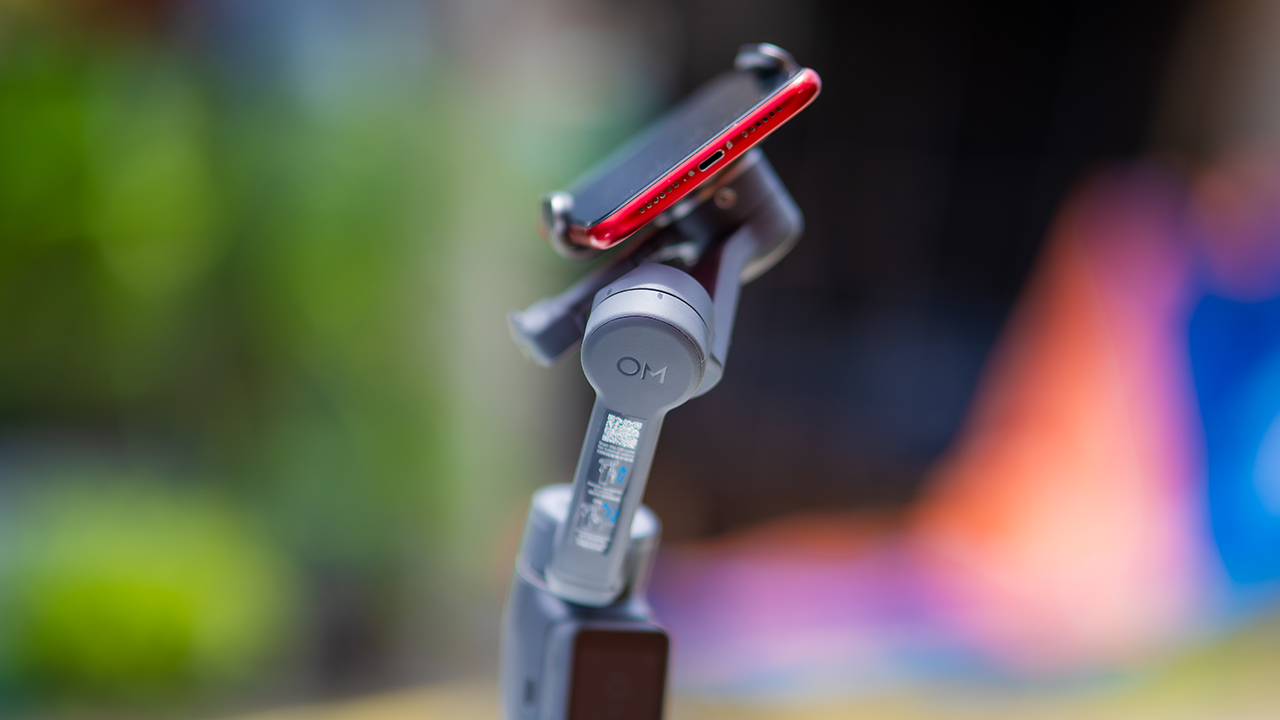
The Osmo Mobile 8P (OM 8P) makes its priorities clear right out of the box. This is not a simple refresh. DJI rebuilt how you control the gimbal, and that decision shapes the entire shooting experience.
Freedom behind the lens
The biggest change is the FrameTap remote, and it’s the kind of upgrade that fixes a problem you didn’t realize was slowing you down until it’s gone.
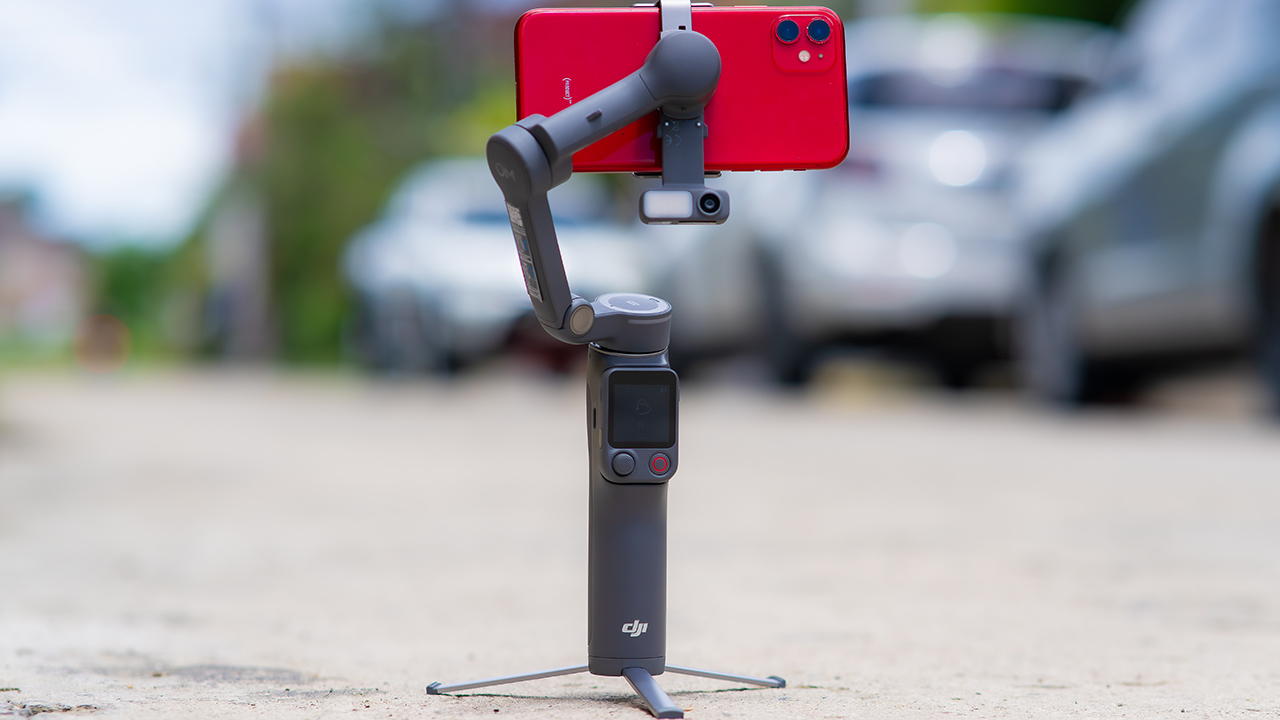
On the standard OM 8, adjusting your framing meant reaching for your phone every time, which broke the flow of shooting and pulled you out of the moment.
FrameTap puts that control back in your hand. You can reframe shots and manage the gimbal without touching your phone at all, and for anyone shooting solo, that alone changes how usable the whole setup feels. Tracking has taken a real step forward too.
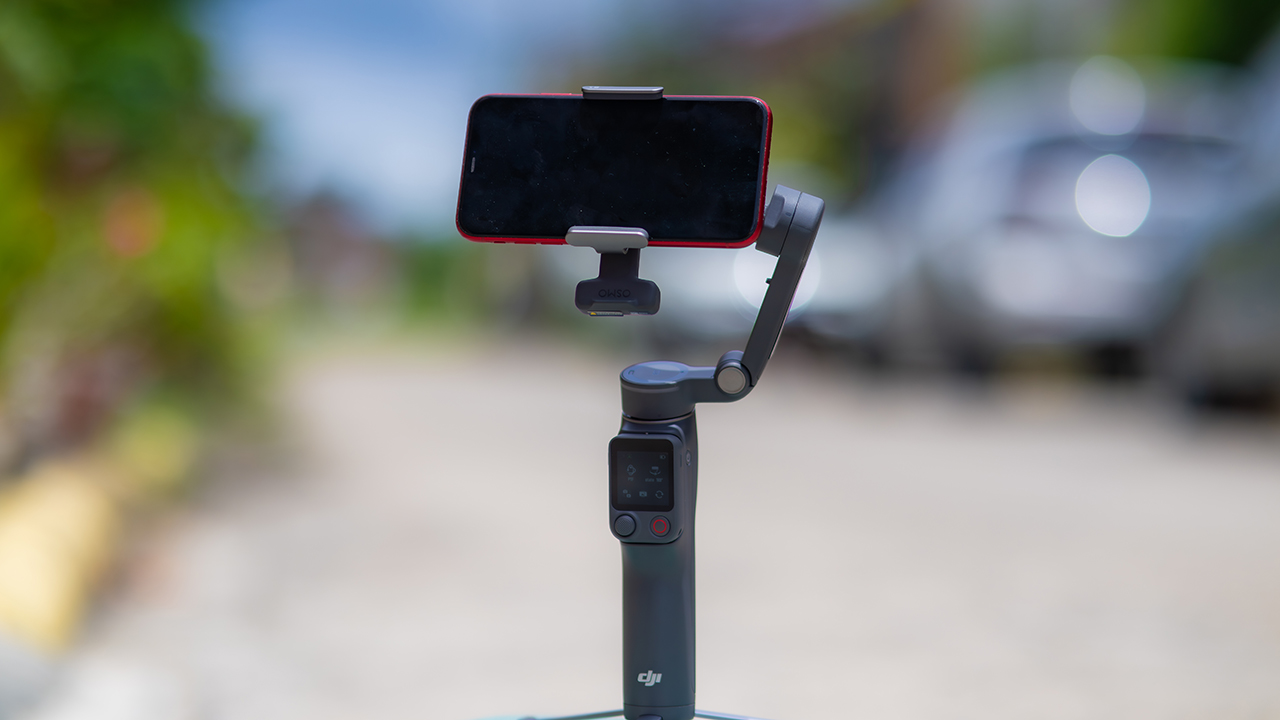
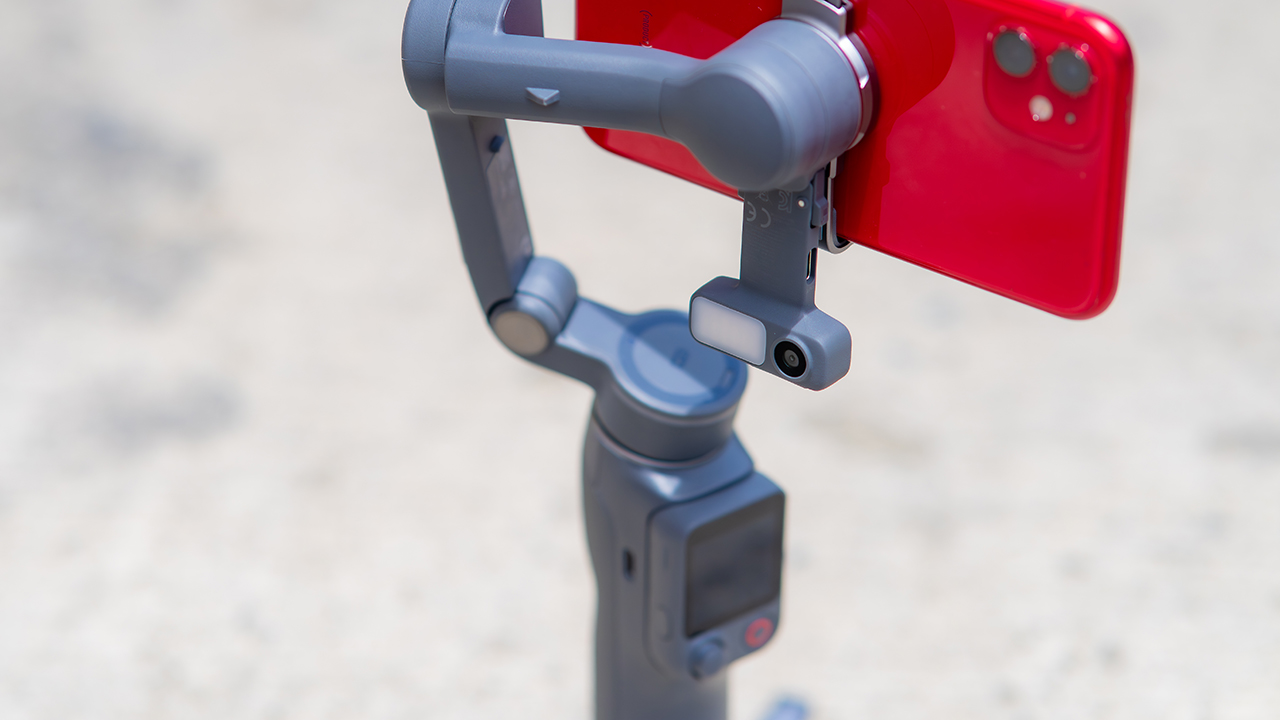
ActiveTrack 8.0, paired with Module 2, held onto its subject even after they stepped out of frame for a moment, then picked them back up without much fuss.
It also lets you sit off-center in the shot instead of forcing you into the middle every time, which gives you more room to compose something that doesn’t look like every other gimbal video.
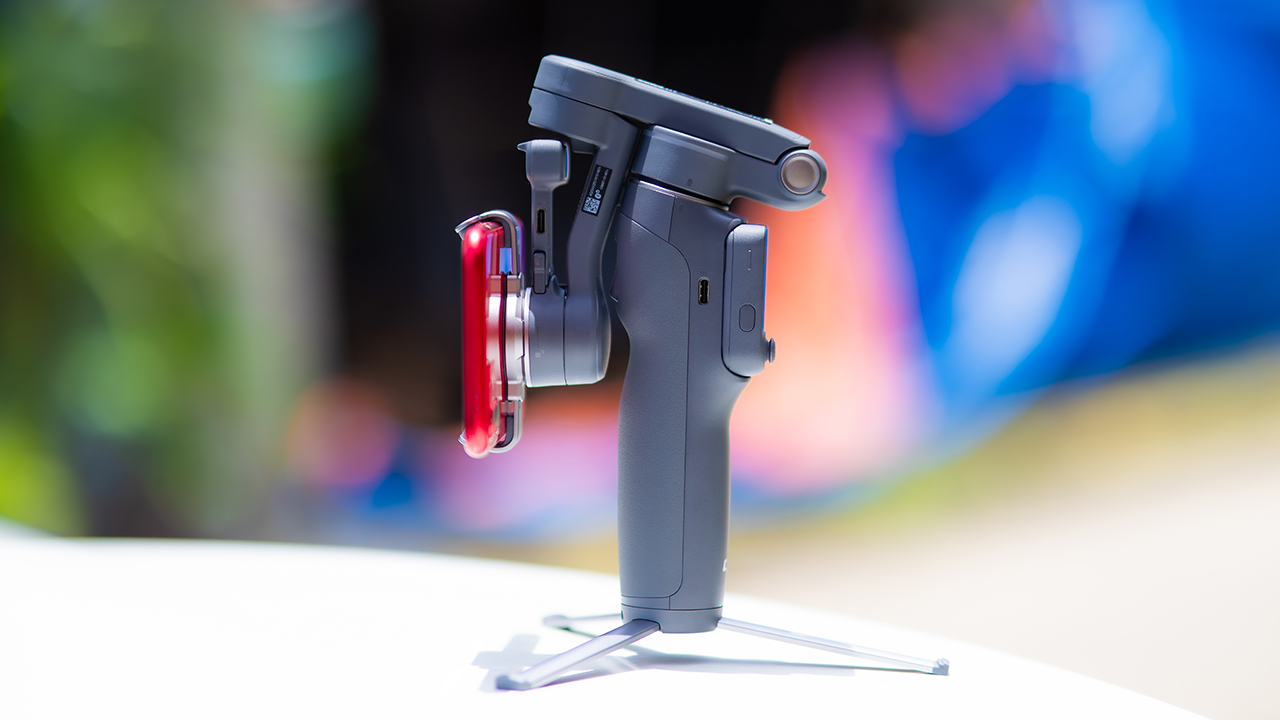
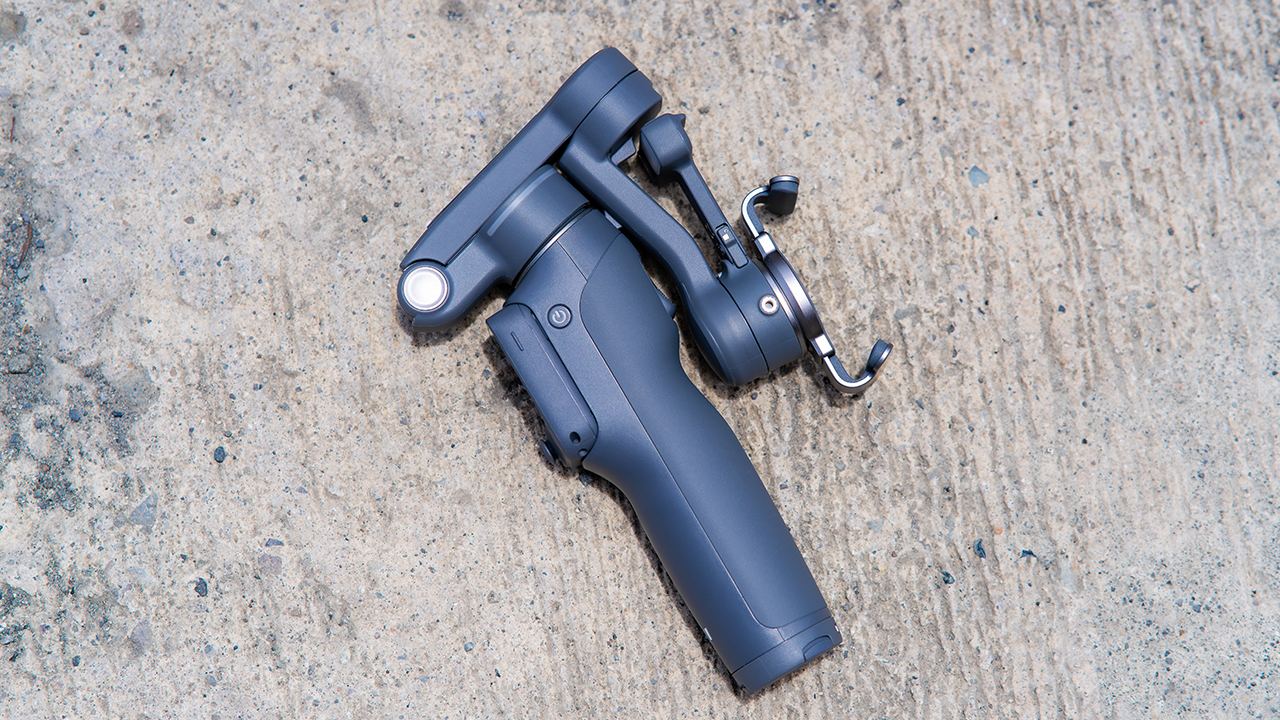
None of that would matter much if the gimbal itself wasn’t solid, and it still is. The OM 8P holds onto the same foldable design, magnetic phone clamp, and built-in tripod that made the OM 8 easy to live with.
And it remains one of the better compact options for stabilization, tracking, and portability in one package.
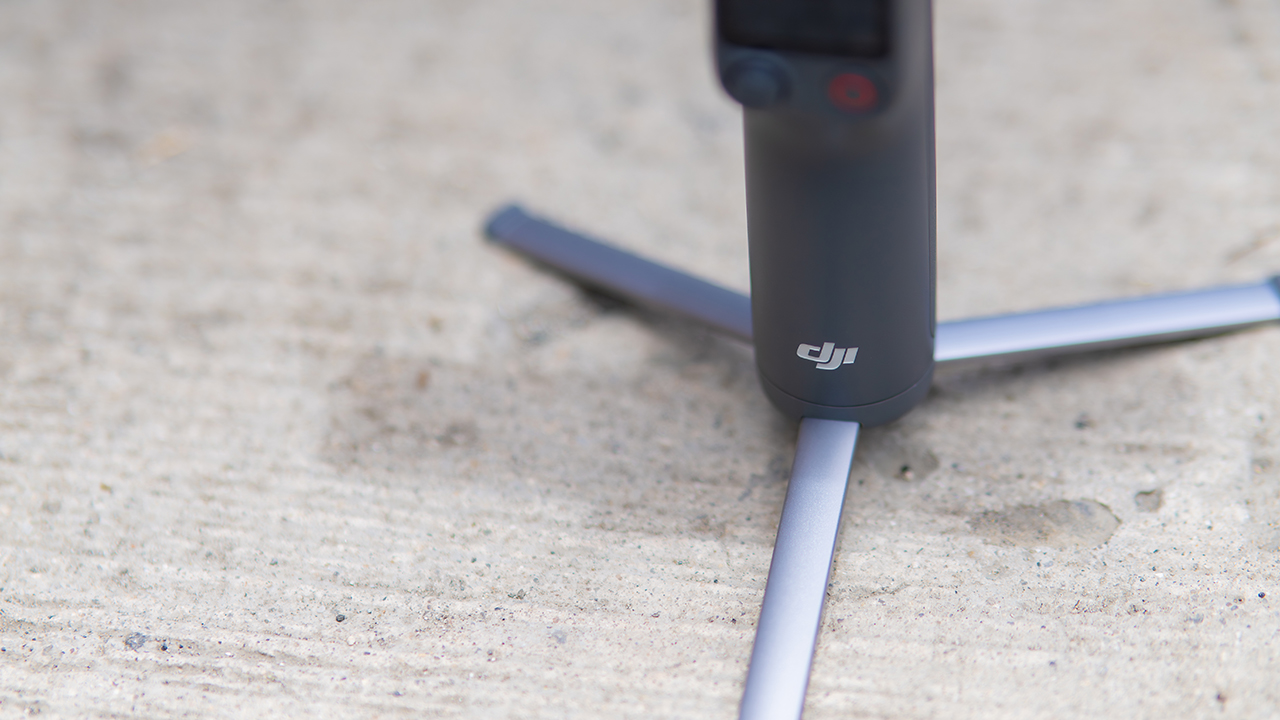
The tripod legs are a touch wider this time, and that extra width does make a noticeable difference on uneven ground.
The trade-offs in touch
The trade-off for all that new remote functionality is a control scheme that takes more getting used to. More of the gimbal’s functions now live on the FrameTap touchscreen, the joystick is smaller, and switching between shooting modes takes a few extra taps compared to the OM 8. It’s not a dealbreaker, but it’s a learning curve you’ll need to budget time for.
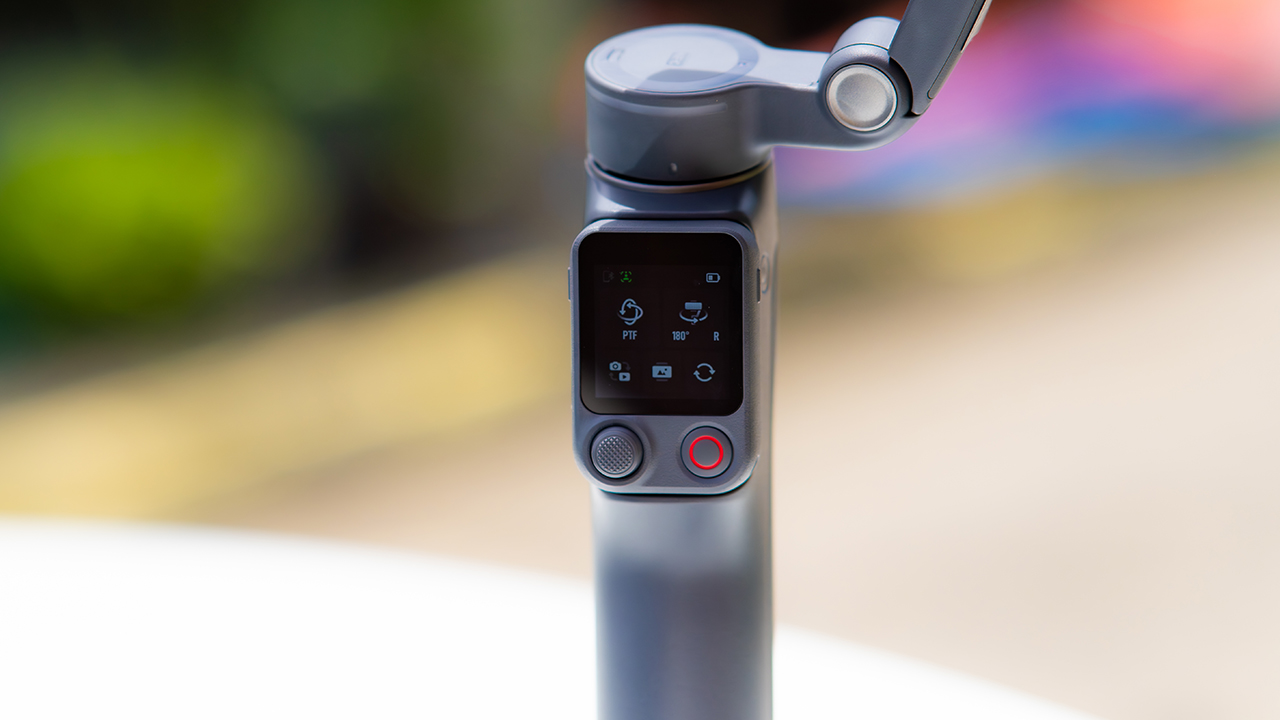
DJI also removed the zoom and focus wheel, so if you leaned on that dial for quick adjustments, you’ll feel its absence here. Module 2 no longer lets you plug a DJI wireless mic in directly either.
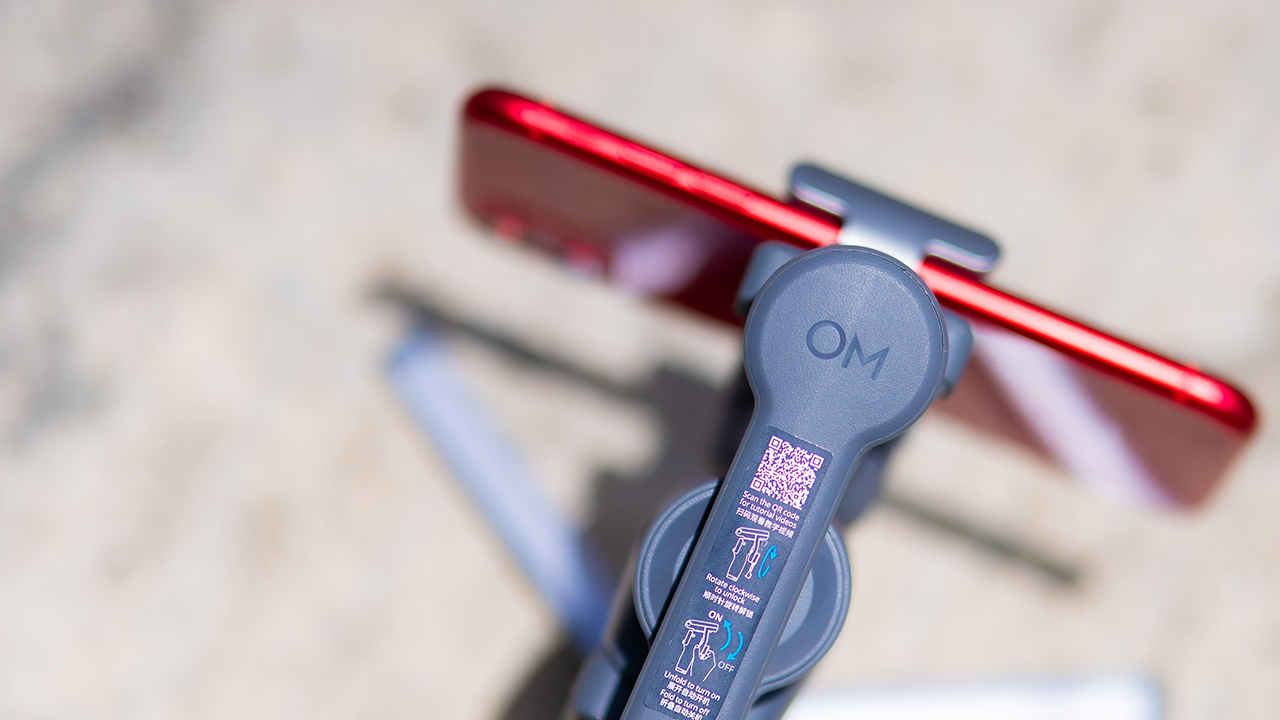
You’ll need to connect it to your phone instead, which adds a step to a setup that used to be simpler. Phone compatibility is still a limiting factor as well. DJI lists support for phones up to around 300g and 11mm thick, so bigger phones or ones in chunky cases may not clamp in properly.
Finding your ideal workflow
The OM 8P makes the most sense for solo creators who want dependable tracking and the freedom of remote framing without stepping up to a dedicated camera like the DJI Osmo Pocket.
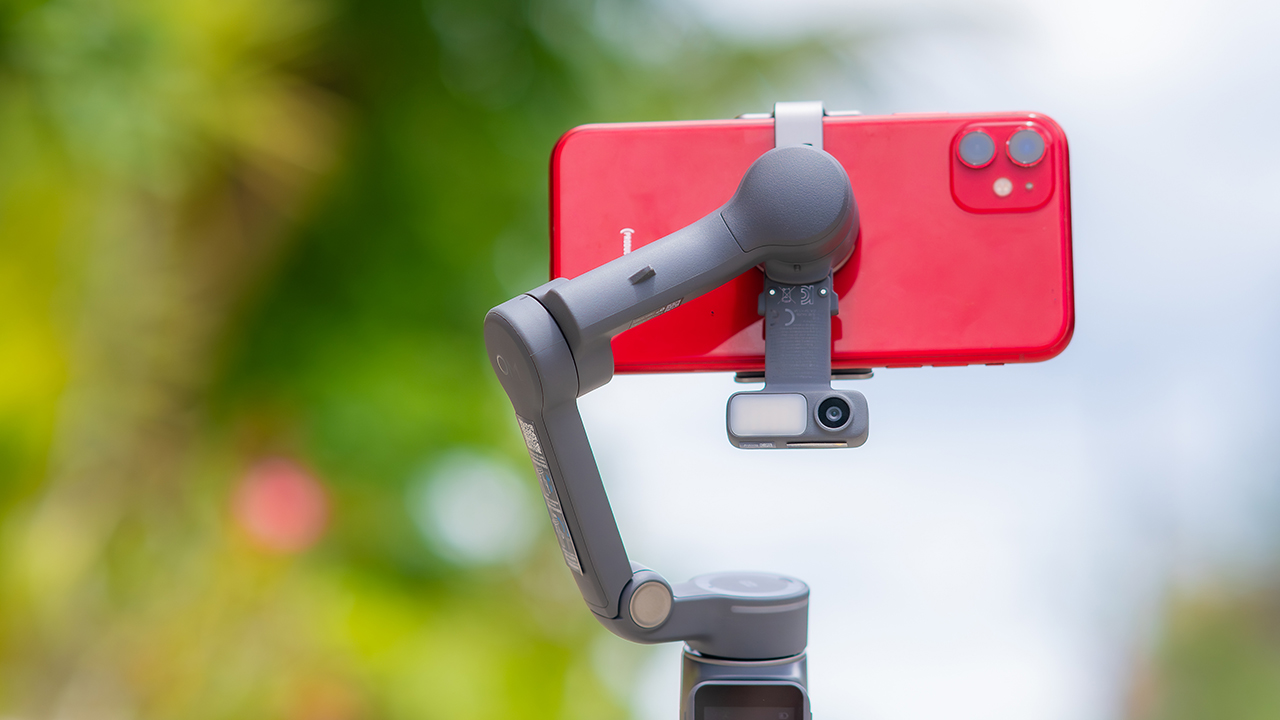
If you’re already shooting on a phone with a solid camera, this fills the gap nicely. It’s a tougher sell if you prefer physical buttons over touchscreen menus, or if your phone runs on the larger and heavier side, since fitting it onto the clamp might be a problem before you even get to shooting.
Price, availability
DJI is offering the OM 8P in three combos, so how much you pay depends on how much of the ecosystem you actually need.
- Standard Combo (PhP 7,499): the gimbal itself, with 8th-gen stabilization and the detachable FrameTap remote included.
- Advanced Tracking Combo (PhP 9,199): adds the Multifunctional Module 2 for the improved subject tracking we tested.
- Creator Combo (PhP 11,099): the full kit, built for creators who want everything DJI bundles in from the start.
Is the DJI Osmo Mobile 8P your GadgetMatch?
The DJI Osmo Mobile 8P asks you to relearn a few habits in exchange for a gimbal that finally lets go of your phone. If hands-free framing and steadier tracking matter more to you than a dedicated zoom dial, this is worth the adjustment.
If you’d rather keep things exactly as they were on the OM 8, that learning curve might be the deciding factor.
Swipe right if you shoot alone often and have been waiting for a gimbal remote that actually works. The FrameTap remote alone justifies the upgrade if reaching for your phone mid-shot has been slowing you down.
Consider this if reliable tracking matters to you, especially if you’ve had a subject wander out of frame and stay lost on older gimbals.
And of course, get this if you already own a capable phone under the weight and thickness limits, and you’d rather invest in a smartphone rig than jump to a dedicated camera like the Osmo Pocket.
Swipe left if you lean on physical dials for zoom and focus, and moving those functions to a touchscreen sounds like a downgrade rather than an upgrade.
This is not for you if you use a DJI wireless mic and want it plugged directly into the module without routing through your phone first. Or, your phone runs heavier or bulkier than DJI’s limits allow, since no amount of enthusiasm fixes a clamp that won’t close.


30 days later with the ASUS ExpertBook Ultra: Like seeing an ex
Felt exactly as I remembered.


ROG STRIX G16 Review: Building for the moment
Setting it up however you want to make the most out of it


realme C100: Enduring and durable in spite of entry-level realities
Enough power but needs more agility

Getting the latest Samsung Galaxy Z Flip8 at 0% Interest with Maya Mini Payments
30 days later with the ASUS ExpertBook Ultra: Like seeing an ex

TCL expands mobile lineup with latest NXTPAPER series
ROG STRIX G16 Review: Building for the moment

Smart opens HUAWEI Pura 90s Series pre-orders with exclusive freebies

Hands-on: Samsung Galaxy Z Fold8, Flip8, Ultra

Garmin launches its first screenless fitness band

VinFast debuts two-wheeler models, opens 21 e-motorcycle showrooms

Samsung releases teaser with Spider-Man: Brand New Day Easter eggs

Most of the world’s PlayStations will be officially useless by 2028


-
 Automotive1 week ago
VinFast debuts two-wheeler models, opens 21 e-motorcycle showrooms
-
 Computers2 weeks ago
AMD launches Radeon RX 9050 graphics card
-

 Automotive1 week ago
Xiaomi debuts SkyNomad Series featuring new Kunlun platform
-

 News6 days ago
OnePlus officially leaves the United States and Canada
-

 Gaming2 weeks ago
NBA 2K27 gameplay trailer showcases new dunk mechanics, Rucker Park, and more
-

 Gaming1 week ago
Call of Duty: Modern Warfare 4 clip shows Losing Ground 1st look
-

 Automotive2 weeks ago
BYD Atto 2 launches with EV, plug-in hybrid options
-

 Automotive1 week ago
GAC launches new trio of MPVs