
Features
8 iPhone hacks you’ve probably never heard of


I am, admittedly, an Apple fanatic. Like many, my iPhone has become an extension of my hand and because of all the things I accomplish with it, I honestly wouldn’t know what to do without it.
But, as much as I love being on my iPhone, there are still a bunch of phone features I didn’t know about. Well, until now. Here are some of those iPhone hacks that have become my go-to features:
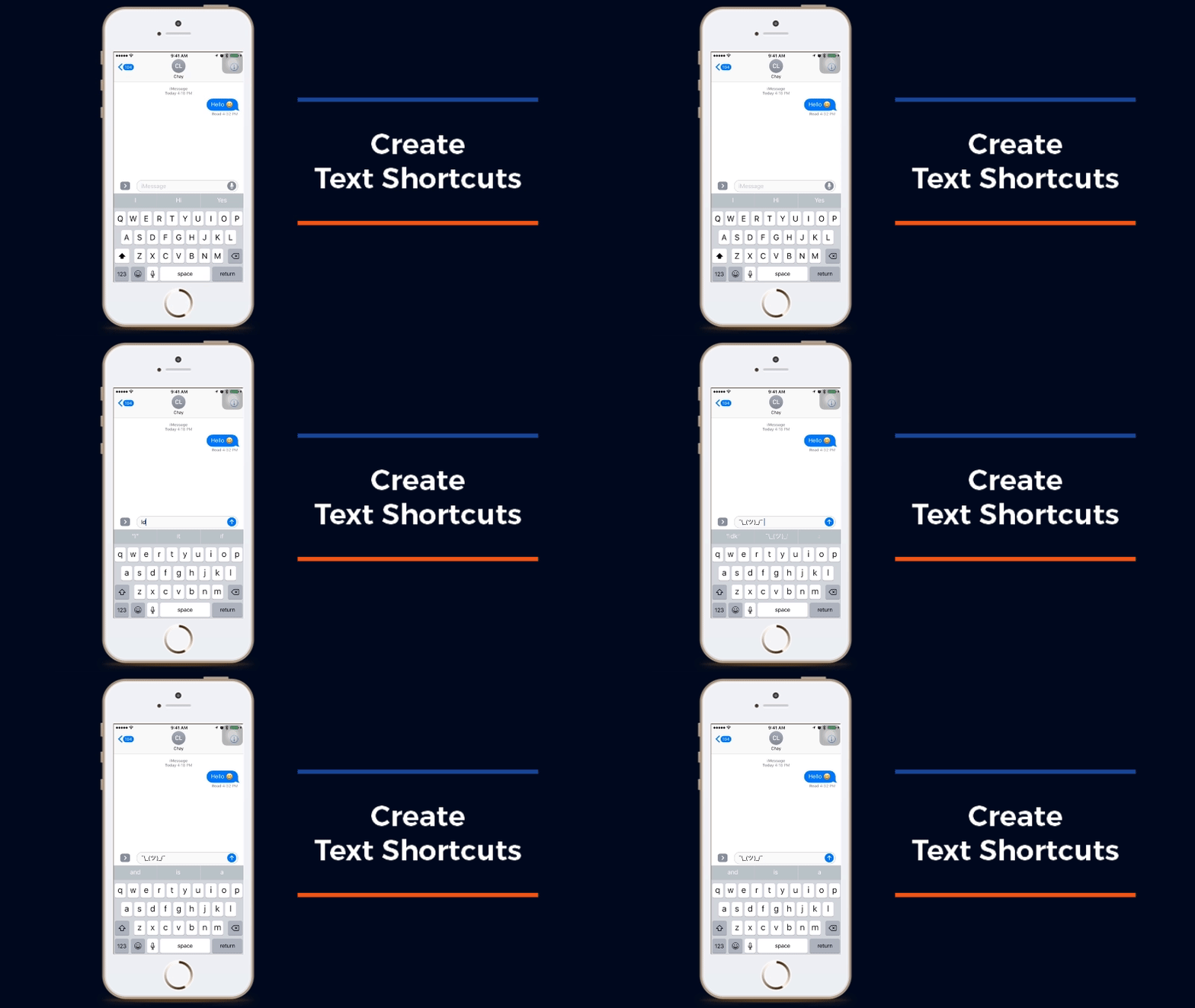
Create text shortcuts for certain phrases (or emoticons)
Never have to type certain phrases again! The iPhone allows you to automatically replace certain text with programmed phrases.
How: Go to Settings -> General -> Keyboard -> Text Replacement and voila!

Make corrections on your calculator
You do not, I repeat, you do not have to start over every time you make a mistake on your iPhone calculator! A simple swipe deletes the last character typed in (without having to delete the whole equation!) and all is well in the world again.

Shake for every mistake!
A quick shake on your iPhone while typing will open a prompt — undo mistakes with a tap of a button!
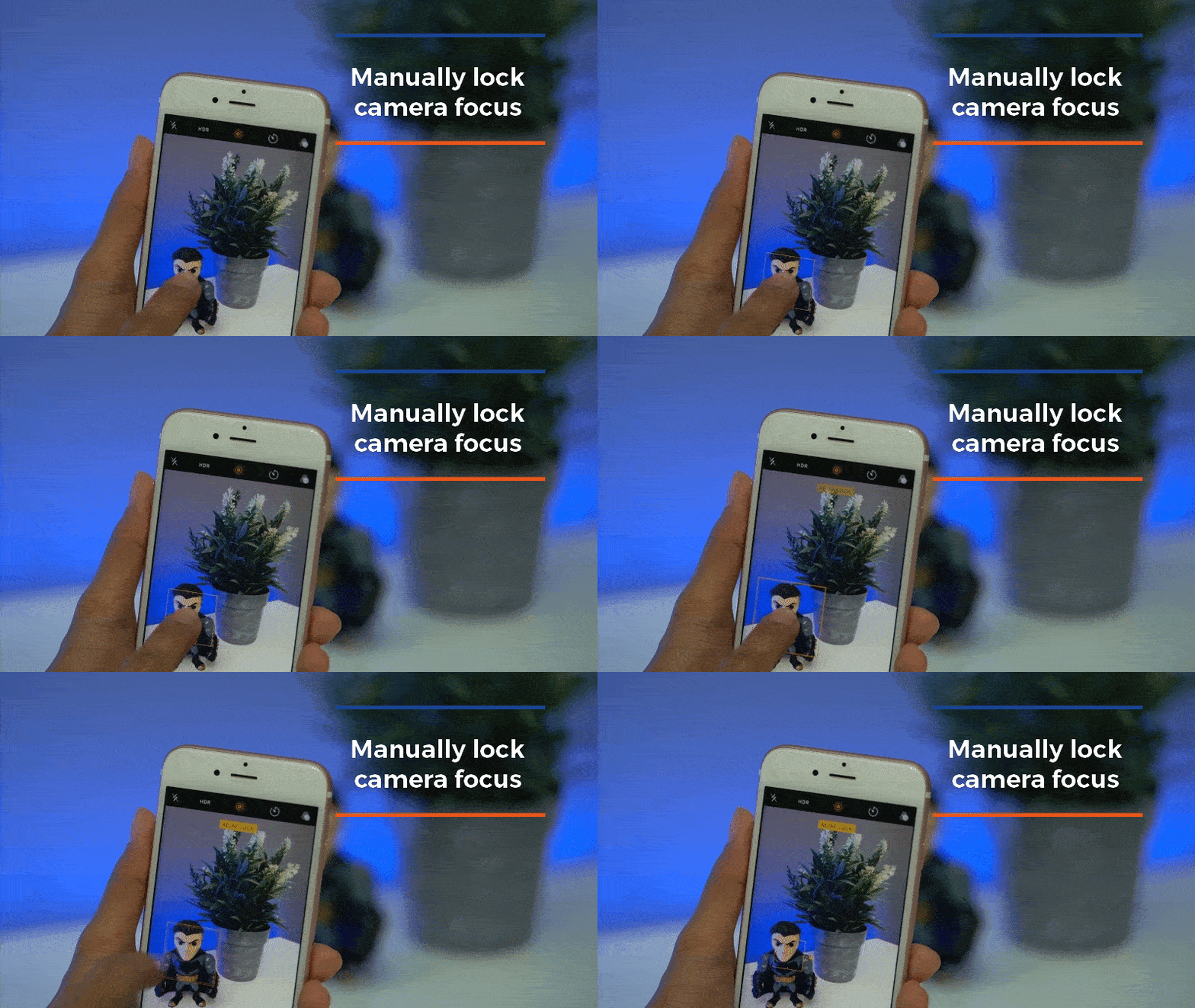
Lock onto subjects with your camera
Tap and hold the camera screen to lock onto a certain subject on frame! This trick is will lock your photo settings down, even if you move the camera around.

Create gestures with AssistiveTouch!
Ah, the wonders of this virtual button! Triggering AssistiveTouch allows you to create custom gestures that are useful for a lot of things — including this cool hands-free Snapchat hack!
How: Go to General -> Accessibility -> AssistiveTouch then toggle the switch to turn it on. Tap New Gesture, tap and hold the middle of the screen until the blue bar at the bottom is filled up until the end, and save. Now, open Snapchat, tap the little gray button on screen (which is the AssistiveTouch), tap Custom, then tap the gesture you just saved. A circle will appear and all you need to do now is drag it over the Snapchat record button. Enjoy!

Create special signature vibrations
You can assign a custom vibration for each person on your contact list! Know who’s calling you even before looking at your phone.
How: Go to Contacts -> the name of contact -> Edit -> Ringtone -> Vibration -> Create New Vibration -> tap away!

When timer ends, stop playing
Your phone timer is not completely useless! You can use it to set your music to stop playing after a certain period of time. You can now rest easy as you sleep with your playlist on.
How: Go to Clock -> Timer -> When Timer Ends -> Stop Playing

Use earphones to take remote photos
Take photos without touching your phone by simply plugging in your earphones and using the volume buttons as a remote shutter!
You’re welcome.
SEE MORE: Apple enlists Samsung’s help for iPhone 8
SEE MORE: iPhone 8 rumored to have USB-C charging port
[irp posts=”11958″ name=”Apple enlists Samsung’s help for iPhone 8″]
[irp posts=”11141″ name=”iPhone 8 rumored to have USB-C charging port”]





Features
Inside London’s biggest Samsung experience space
Samsung KX ignited my grandest domestic fantasies

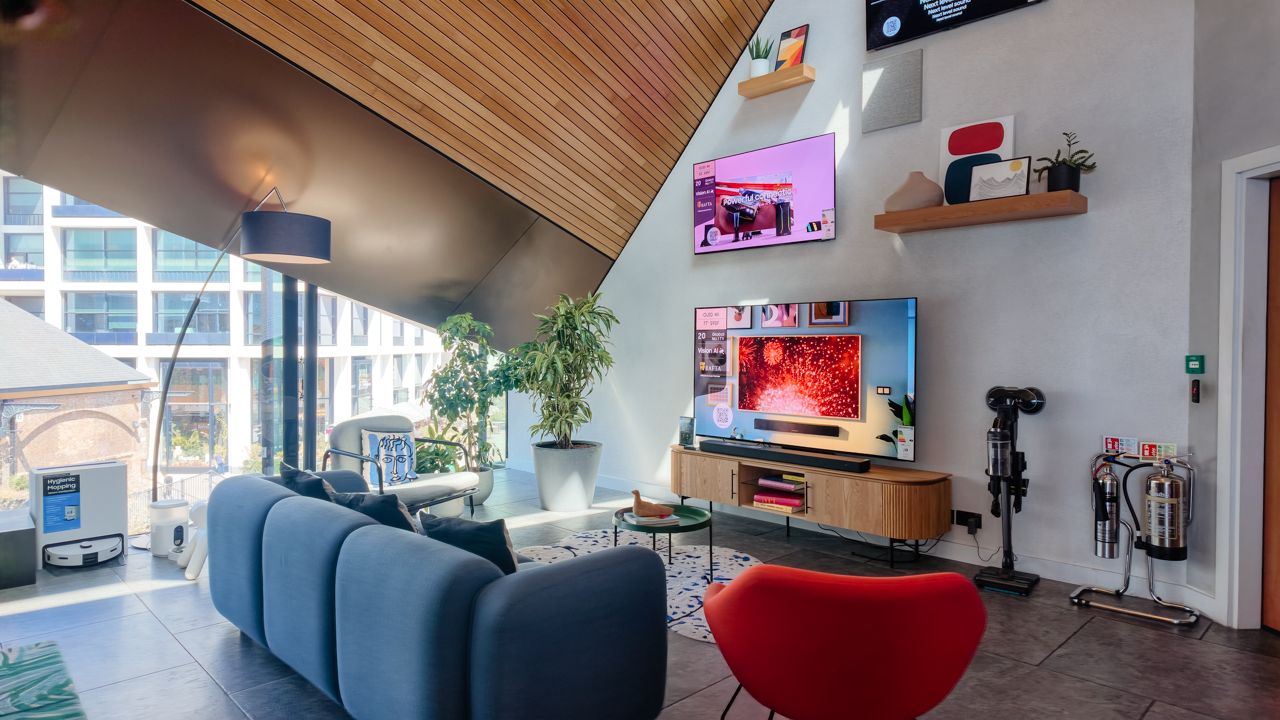
Stepping into King’s Cross following an invigorating stroll past St. Paul’s Cathedral and a quick ride on the Circle Line shifted my mood into pure aspiration.
London bustled around me, and as I approached Coal Drops Yard, I felt a familiar flutter. I caught myself mentally evaluating my outfit and my posture, filled with a sudden desire for my surroundings to match my grandest domestic fantasies.
I walked forward with genuine admiration, unaware that my destination was Samsung KX, the brand’s 20,000 sq ft. experiential flagship store in the UK.
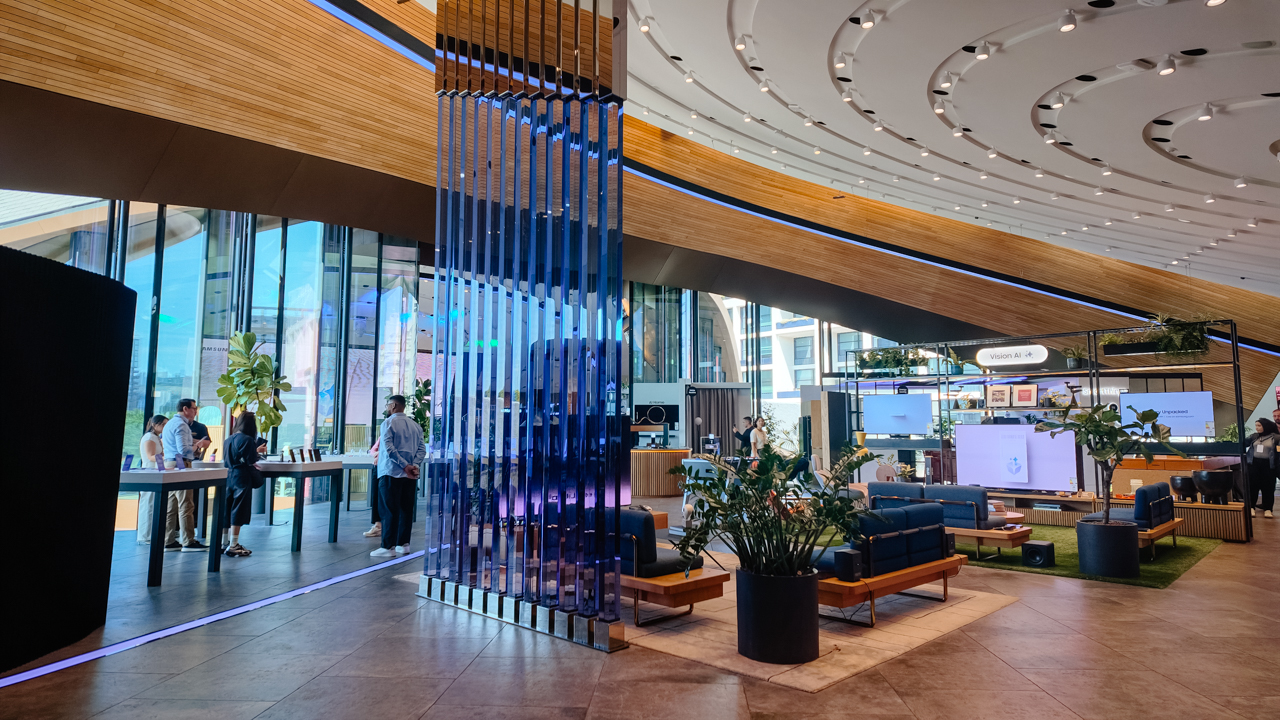
Stepping inside felt like walking into a cathedral of modern design. Massive glass windows bathed the interior in natural light and offered sweeping views of people strolling outside.
They seemed oblivious to the marvels inside, while I stood frozen, already convincing myself I needed every single item on display.
Between workstations and digital playgrounds
The store layout struck an intentional balance between high performance and everyday living. At the heart of the space stood the Samsung Vision AI displays, arranged as a central living room showcase with striking fixtures. It felt like a high-end Mayfair penthouse.

Watching the Vision AI coordinate the living space, I realized true luxury is complex technology operating so seamlessly I never had to think about how it worked.
Beside it, productivity setups featuring the Galaxy XR showed how modern work could blend into personal space just as gracefully.
Further inside, the latest mobile lineup filled the display tables with the Galaxy Z Fold7, the Galaxy Z Flip7, and a curated set of matching accessories. This was before Samsung officially unveiled the next-generation Galaxy Z Fold8 and Z Flip8.
WATCH: Hands-on: Samsung Galaxy Z Fold8, Flip8, Ultra

Beyond the devices, the space opened into a lively hub with a kitchen bar, an event workshop area, and a Gamer Bus parked near a Mobile Gaming Bus Stop.

Surrounded by tech journalists comparing specs, I realized high-stakes gaming wasn’t exactly my domain. My idea of extreme competition usually involves bidding wars on vintage decor. Still, I could appreciate the craft behind the setups.
Sanctuary for the aesthetic soul
I gravitated toward the far right of the store, where the smart home ecosystem came alive, skipping the productivity workstations behind the central hub without a second thought.
I’m helpless in front of a bespoke living space that looks like it belongs on the cover of Architectural Digest.
Samsung had divided the smart home section into distinct real-world scenarios, each one showing how connected technology could elevate a different corner of a home.
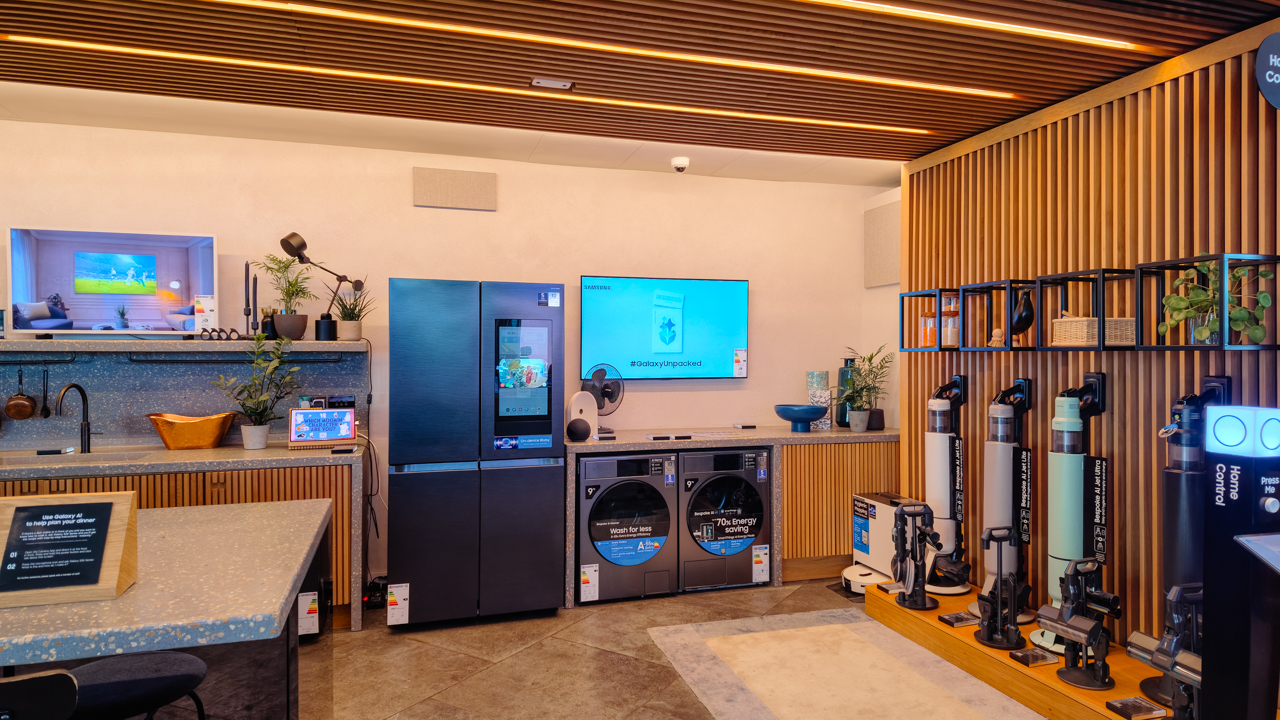
We started in the Smart Kitchen, where the Home Control system was on demo. One press on the panel turned the kitchen into a control room.
The refrigerator screen and the ambient TV both displayed live security feeds from the home CCTV. I envisioned a delightful image of myself entertaining guests while keeping an eye on my front door from the island counter.

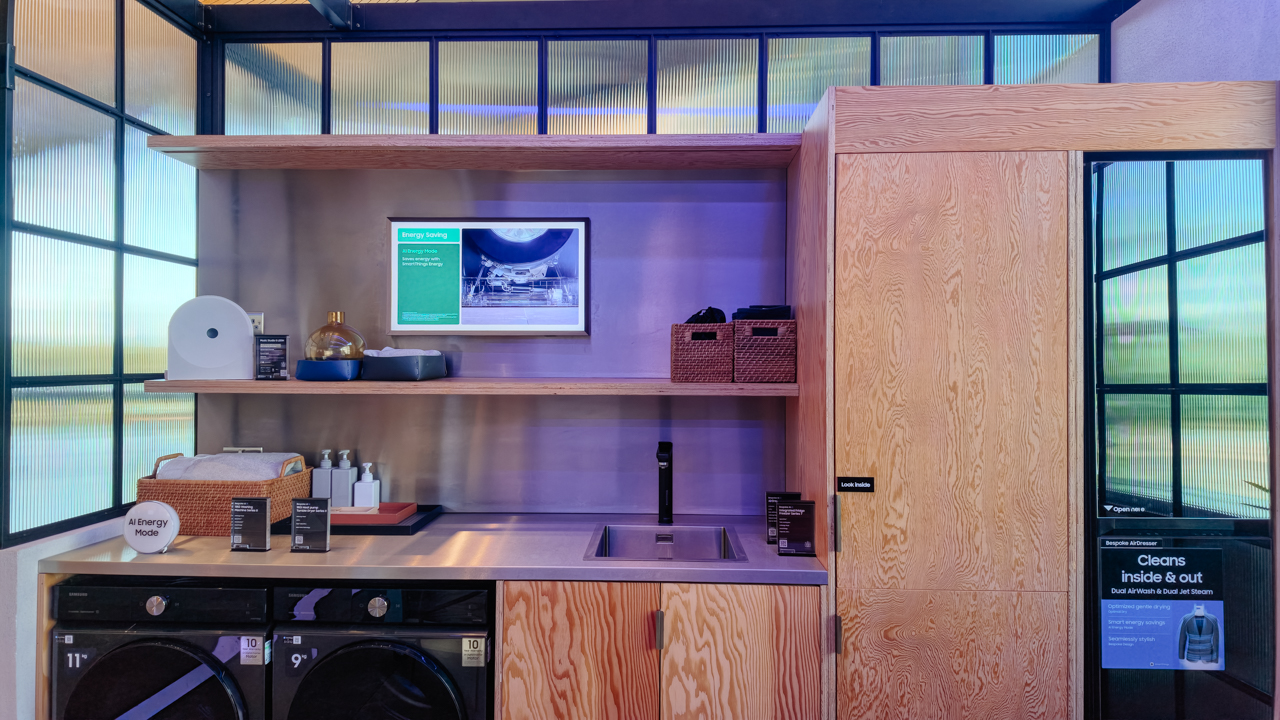
Further in, townhouse-style suites brought the vision to life. There’s a multi-room layout with a dining area, and a garage with integrated laundry along with a dedicated AirDresser.
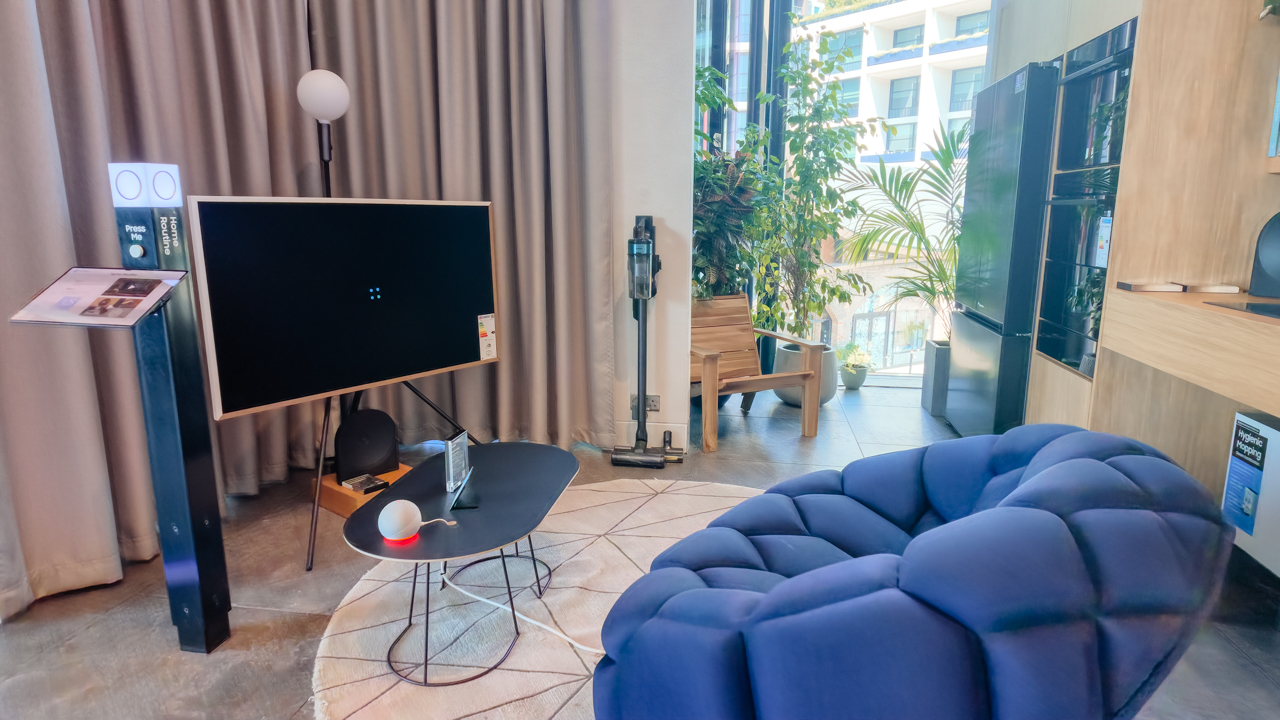
Nearby, a solo living setup demonstrated the Samsung Routine feature. Through SmartThings, it adapts lighting and climate the moment you step through the door.
Where whimsy meets fine art
The highlight of the tour, for me, was a dedicated Moomin zone, showcasing The Frame Pro alongside Samsung’s flagship TVs.
Tove Jansson created the Finnish fairytale trolls in 1945, filling her stories with quiet adventures in Moominvalley. Seeing the illustrations rendered on ultra-high-definition displays made the technology feel closer to gallery art than showroom tech.
View this post on Instagram
I stood there imagining how easily I could switch my living room wall from a classical oil painting to a whimsical illustration, depending on my mood. It proved that modern displays can soften a living space instead of overpowering it.
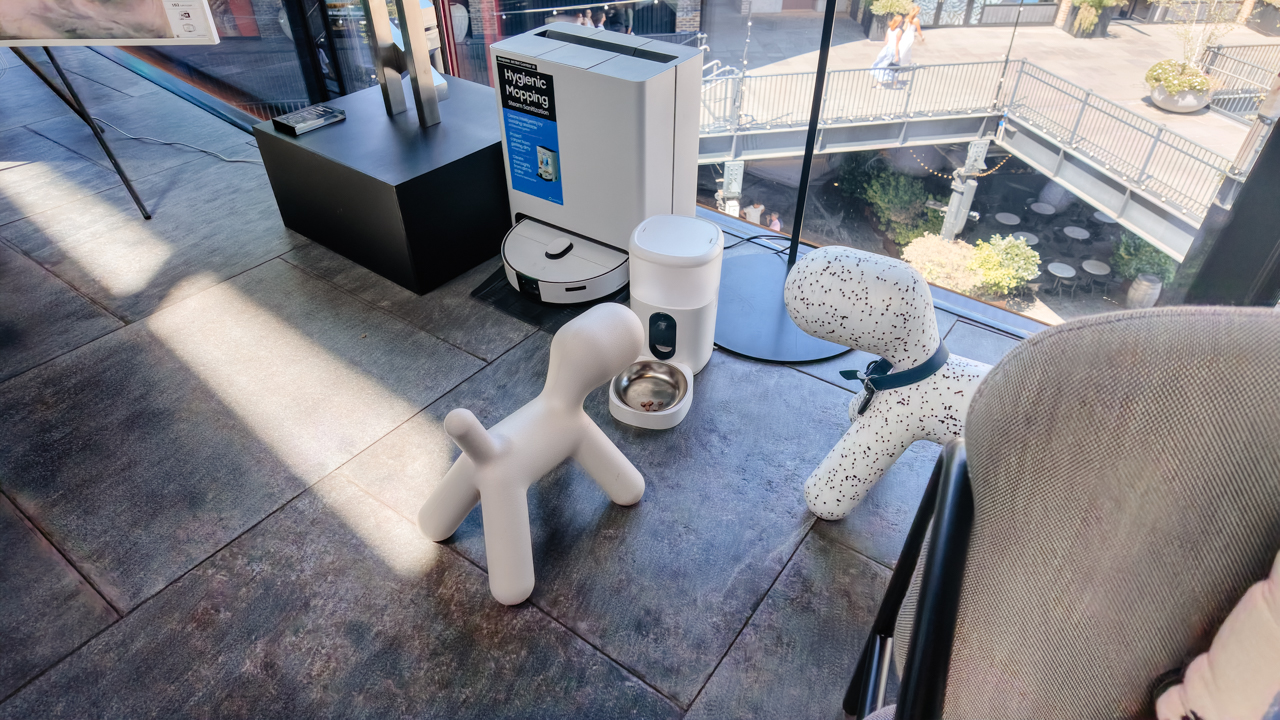
Walking out of Samsung KX, I realized the tour gave me far more than a look at new gadgets. It sparked a real desire to curate a home that feels smart and beautifully tailored to my life.
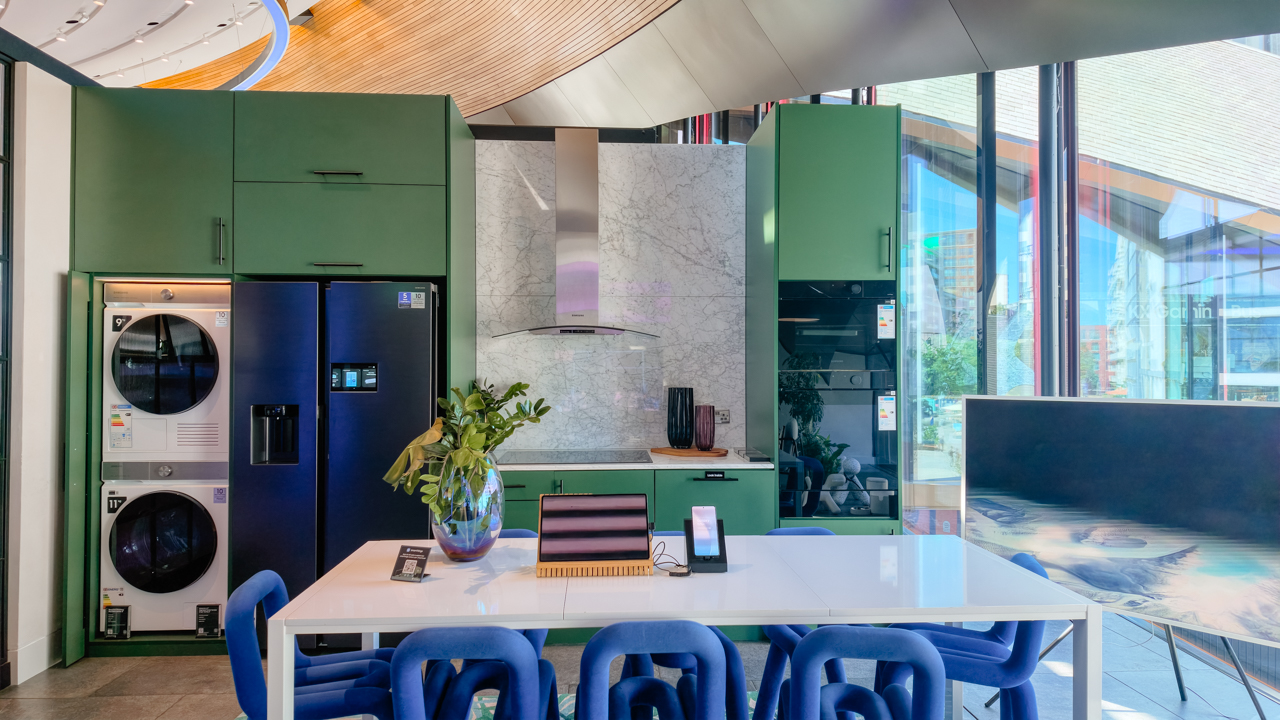
Experiencing technology through the lens of design and daily comfort makes me want to dream bigger. To build a space where every moment feels simpler and maybe… a little more elegant.
Hands-On
Hands-on: Samsung Galaxy Z Fold8, Flip8, Ultra
Samsung’s freshest foldables come out of the oven


Three foldables. Three very different people.
Samsung’s Galaxy Z Fold8 Ultra — the productivity maximizer. Heritage form factor, everything cranked to the max.
The Galaxy Z Flip8, pure style. The smallest, loudest, most you one of the bunch.
And finally, the Samsung Galaxy Z Fold8 — the new beginning.
Built for the way most of us actually use our phones: watching, reading, scrolling. The one I keep reaching for and have a feeling THE Michael Josh will be using a lot.
Same family. Three ways to experience it.
Head over to our hands-on video on the latest and greatest Galaxy Z8 family for you to know your best bet.
Apps
The case for traveling without a plan
How Grab’s 5-Star Travel Guide replaced my spreadsheets, for personal travel anyway
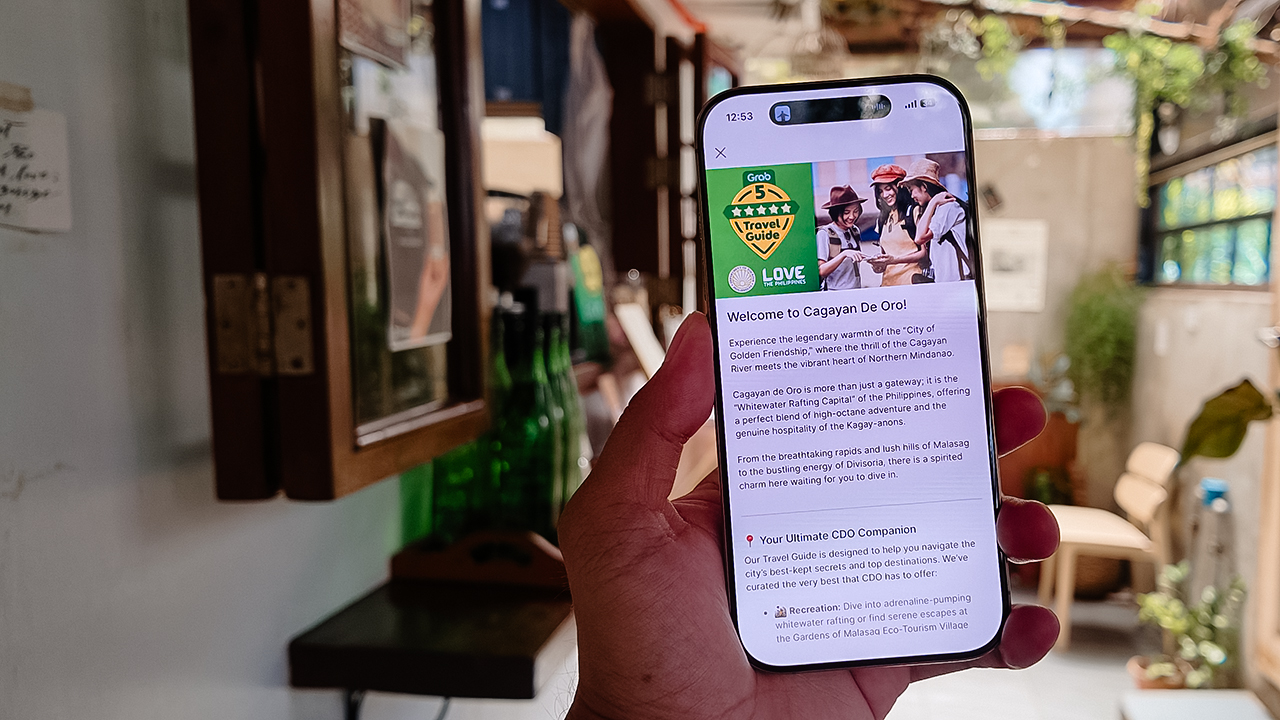
I have somehow acquired the reputation of a man permanently in transit.
Fill your feed with airport check-ins, road trips, hotel rooms, and race bibs for a decade, and people stop seeing travel as a hobby. They start treating it like a personality trait. And naturally, everyone is always breathless to know: “MJ, how on earth do you manage it all?”
Here’s the truth: every trip begins long before I pack a bag. A good itinerary takes time. Flights, hotels, transfers, backup plans, restaurant lists all have to fit together well enough to make the trip feel worthwhile.
My colleagues would probably call me a Type A traveler. They’ve watched me run international coverages and high-stakes business trips entirely off spreadsheets. Spreadsheets!
Timed down to the exact micro-second, complete with contingency plans for every possible disaster short of an alien invasion.
And they are completely right. For work. But personal travel? Oh, darling, personal travel plays by a completely different set of rules.
The luxury of letting go (and the panic that follows)
A month before departure, I am all about securing the basics. But once the flights and rooms are locked in? I completely let go.
I would much rather leave room for fabulous, unexpected curiosity than fill every single hour with another rigid destination.
Part of it is sheer decision fatigue. I spend so much of my professional life making executive decisions that the last thing I want to do on vacation is have a minor existential crisis at 2:00 p.m. over which artisanal café deserves the honor of my afternoon. I want to wake up, look at the sunlight filtering through the curtains, and let the universe decide.
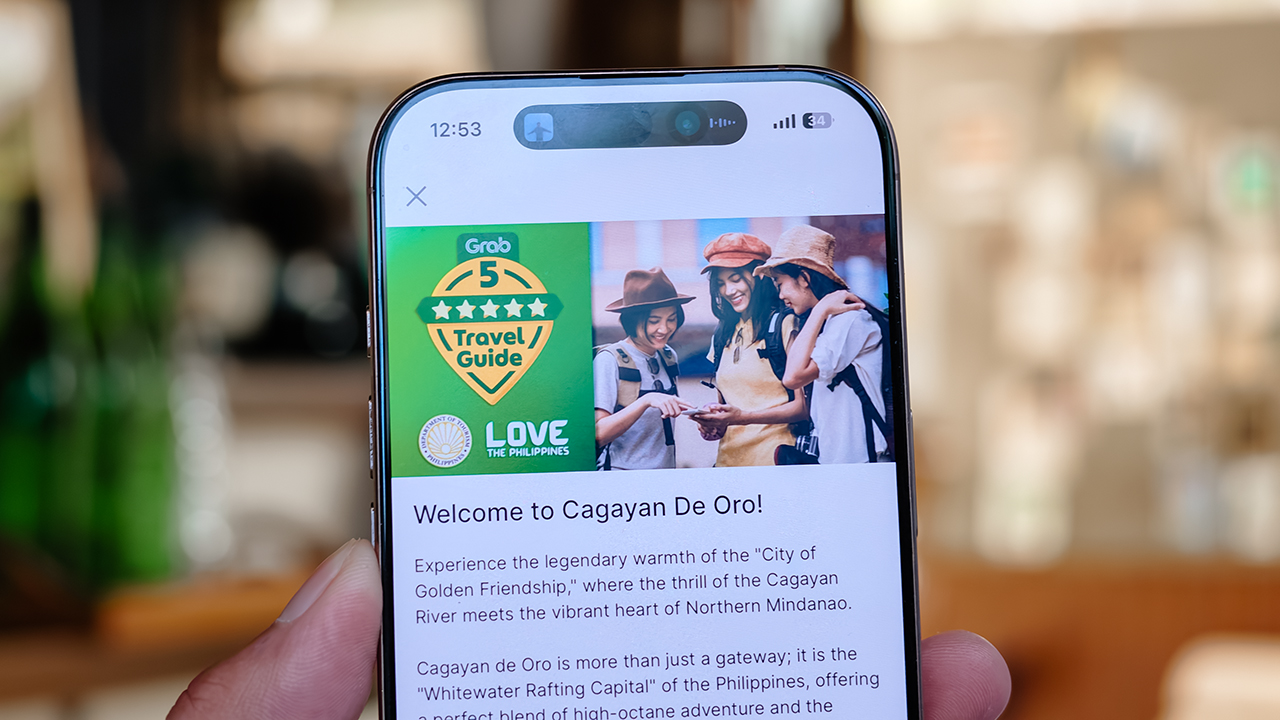
Of course, ironically, that absolute freedom can spiral into its own fabulous brand of panic. I know I want to go somewhere chic. I just have absolutely no idea where.
Which is precisely how Grab’s 5-Star Travel Guide quietly became the most indispensable accessory of my latest getaway.
Finding somewhere to spend the afternoon
I recently flew to Cagayan de Oro to spend some quality time with my long-term, long-distance, low-commitment, casual boyfriend. (Yes, it’s complicated, but the mystery keeps it glamorous.)
I arrived with absolutely zero plans, and this was entirely deliberate. If there is one thing a strong, independent person must never do, it is rely on someone else to dictate his day — even if that someone is technically his own handsome, local tour guide.
Instead of waiting around for an itinerary to be handed to me, I simply opened my Grab app while I’m in downtown and slithered over to their Travel Guide.
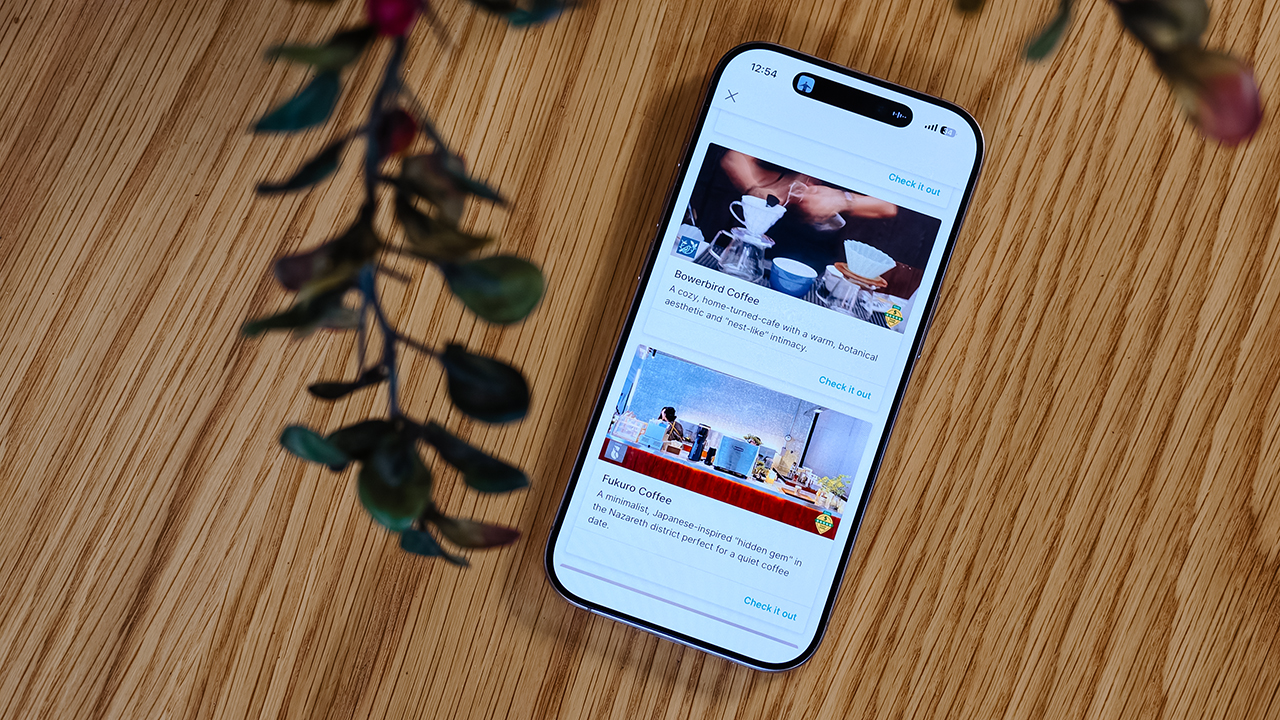
My fabulous friend, Syra, glided over from Midtown, and we agreed to rendezvous in Uptown to finally check out H Proper Coffee, which was practically screaming at me from the top of the Grab list.
It’s the city’s legendary third-wave coffee pioneer — complete with a deeply impressive roastery — and it has recently, thank goodness, expanded to Makati.
-
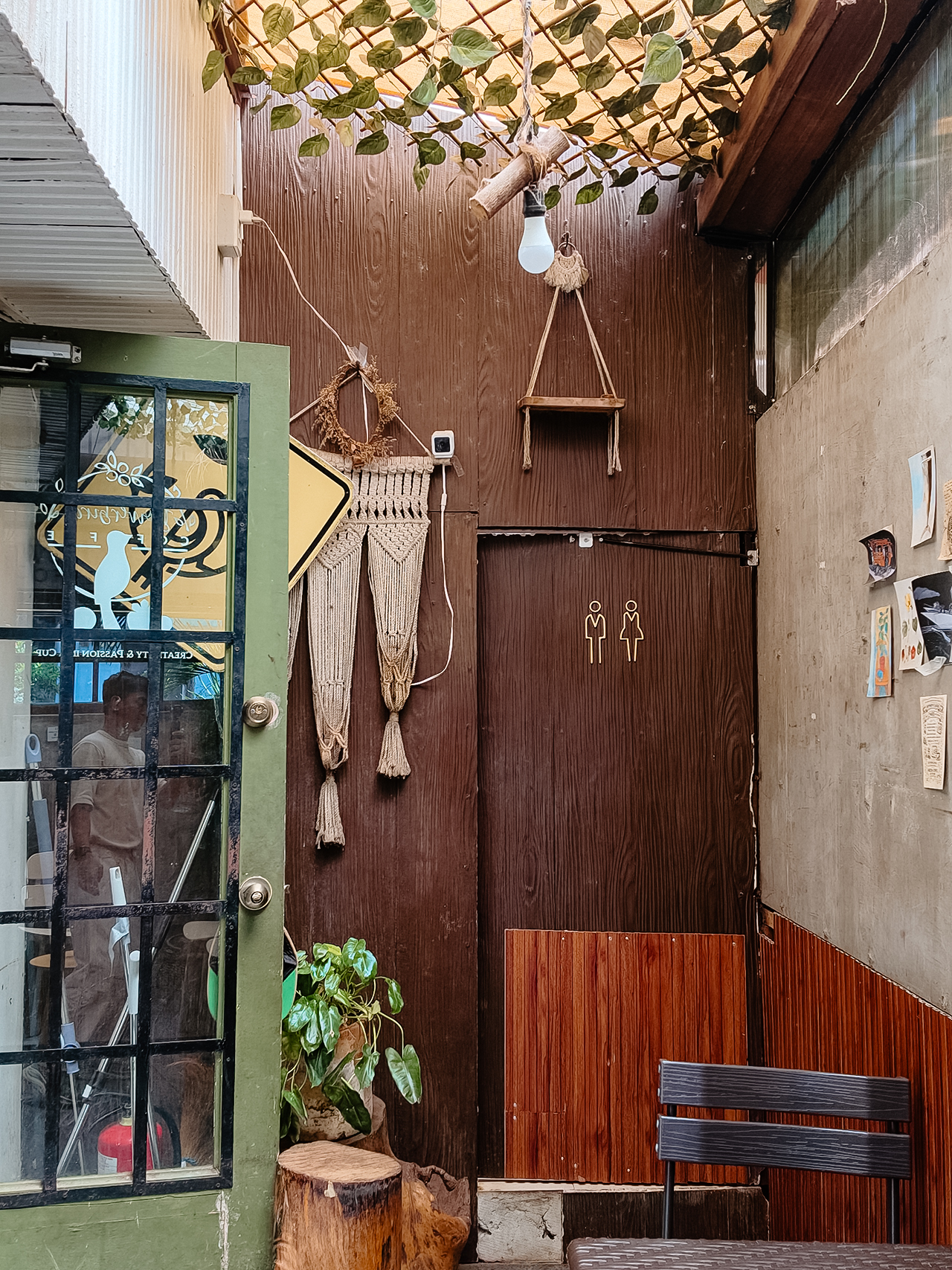
- Bowerbird Coffee
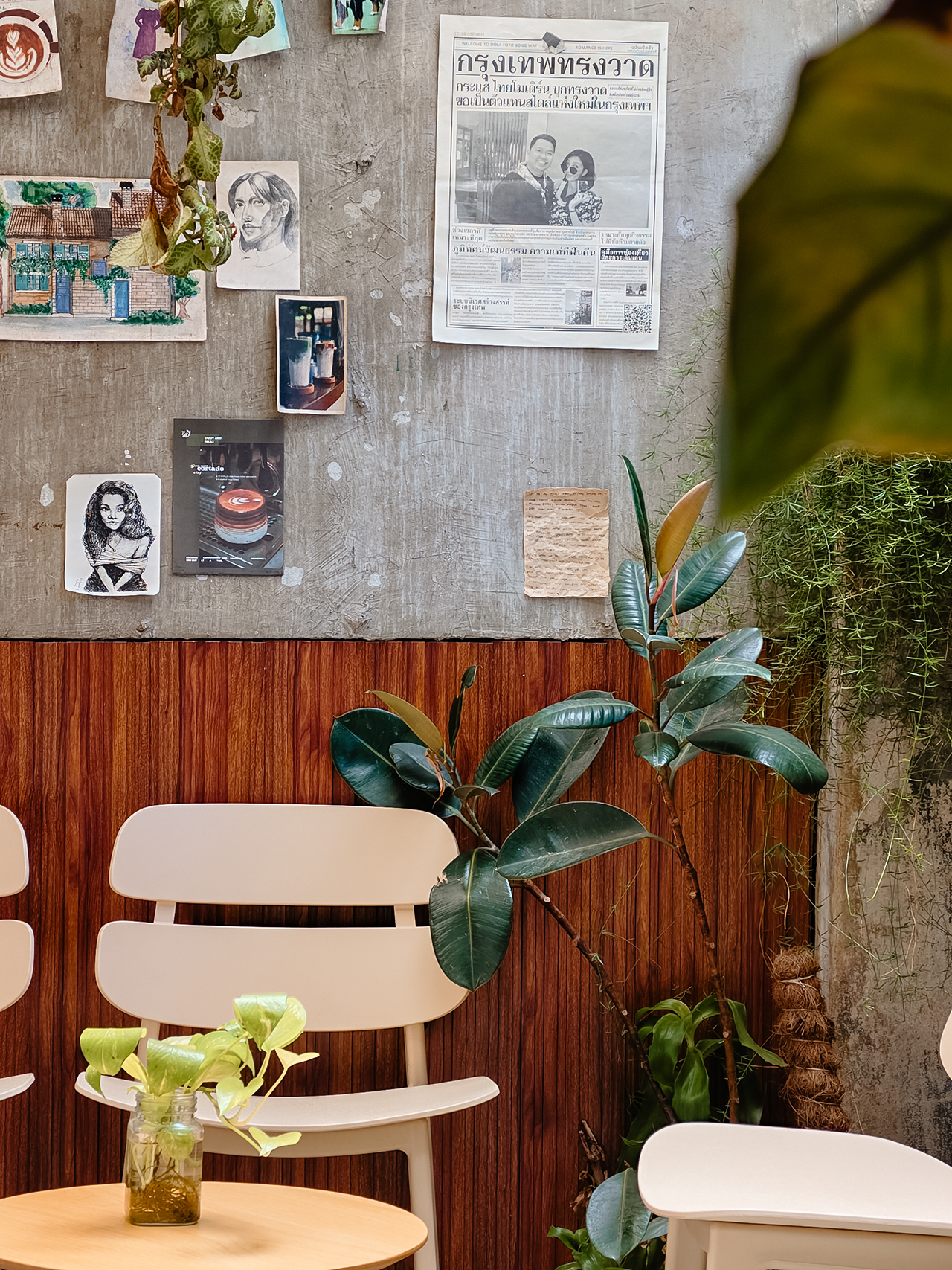
The guide also flirted with other familiar, delicious names like Milestone Coffee (where Syra and I had gossiped over lattes just six months prior), alongside Bowerbird Coffee, Fukuro, Apostrophe Café, The Lone Wolf, and Grae Coffee.
I must say, the recommendations were utterly spot-on. They weren’t just highly rated by random bots; these were the actual enclaves that the city’s stylish locals genuinely know and love.
Dinner dilemma (solved!)
The Travel Guide came through yet again when the sun began to set and the crucial question of dinner arose. Now, I absolutely adore discovering hidden neighborhood gems and family-run eateries. They possess a soul that no luxury restaurant could ever replicate.
That said, every proper holiday demands at least one evening where you put on a sharp blazer, splash on some Tom Ford, and indulge in a truly beautiful meal.
Unsurprisingly, Cucina Higala seduced me all over again. Look, I am a creature of habit. If I know an establishment delivers perfection, I will return.
Seeing it sitting proudly near the top of Grab’s curated list felt like a delicious little pat on the back; a quiet validation that my impeccable taste is worth trusting after all.
Beyond the plate
Refreshingly, the guide doesn’t stop at flat whites and fine dining. Grab’s Travel Guide also highlights local luxury hotels.
Though, fair warning, a few of them are the sort that make your credit card wince slightly. (But darling, they are five-star for a reason.)
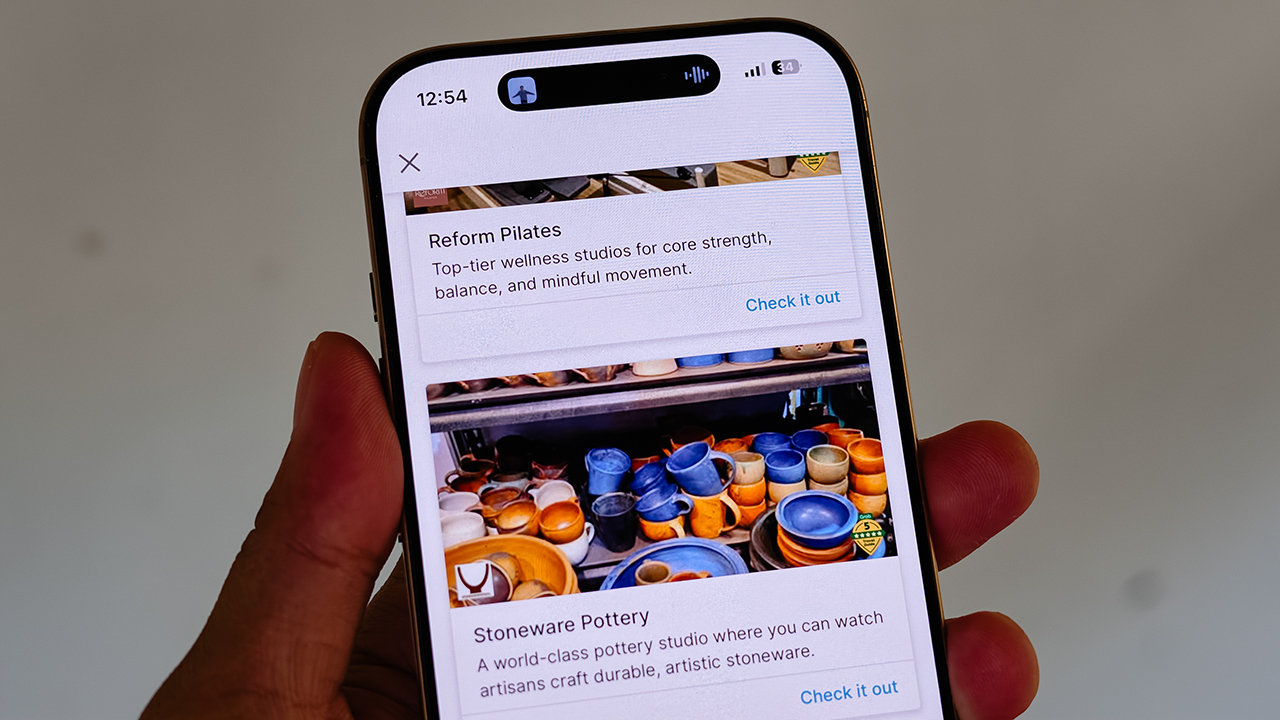
It also curates actual experiences. Browsing through the app, I found options for everything from heart-pounding whitewater rafting and sharp Pilates studios, to a world-class pottery atelier, a folkloric museum, and a sweeping, adventure-filled mountain retreat.
Some were already on my radar, but others? I would never, in a million years, have stumbled upon them myself. And that is the thrill of traveling this way. You leave just enough empty space in your diary to be utterly surprised.
For the spontaneous traveler
Let’s be clear: planning every detail down to the last centavo is not a flaw. When you’re younger or traveling on a strict budget, every single peso counts, and a meticulously plotted itinerary ensures you maximize both your wallet and your time.
But eventually, thank heavens, you reach a stage in life where the itinerary matters just a little bit less. A stage where time and budget stop being the terrifying monsters standing between you and a boarding pass.
You learn that not every single meal requires three weeks of intense counter-research. Not every hour requires a reservation confirmation number.
Sometimes, the most breathtaking, unforgettable moments happen simply because you wandered into a doorway you weren’t even looking for.
So, book the flight. Secure the hotel. Figure out how you’ll get around. Then let your feelings, and Grab’s Travel Guide, decide the rest.


realme C100: Enduring and durable in spite of entry-level realities
Enough power but needs more agility


The ASUS ExpertBook Ultra wins you over
The laptop sneaks up on you


Nexal Watch Sport review: A rugged watch for small budgets
I couldn't believe that watches this good could come for this cheap.

Xiaomi debuts SkyNomad Series featuring new Kunlun platform

GAC launches new trio of MPVs

TECNO unveils the world’s first 0mm bezel-less phone

We hosted a Spider-Man block screening with Samsung — here’s what went down

Apple introduces Apple Upgrade leasing program


-

 Wearables2 weeks ago
Garmin launches its first screenless fitness band
-
 Hands-On1 week ago
Hands-on: Samsung Galaxy Z Fold8, Flip8, Ultra
-

 Gaming1 week ago
NBA 2K27 cover athletes unveiled: Wemby, Clark, DRose
-

 Accessories1 week ago
CASETiFY revives Spider-Man collection for Brand New Day
-

 Gaming2 weeks ago
Call of Duty, Aston Martin unveil Dreadnought for Modern Warfare 4
-

 Cameras1 week ago
Sony announces new FX5 full-frame camera
-

 Gaming1 week ago
FINAL FANTASY X | X-2 HD Remaster launches on Nintendo Switch 2
-

 Entertainment2 weeks ago
Avengers: Doomsday trailer assembles Marvel’s biggest heroes against Doctor Doom