



The realme GT Series has always been about delivering peak gaming experience. Naturally, that comes with peak overall performance. Can the realme GT 7 live up to the Series’ lofty expectations? That’s what we set out to find out in this gaming test.
But first here’s a quick rundown of the device’s specs:
- Display: 6.78”, LTPO AMOLED, 1B colors, 120Hz, HDR10+, Dolby Vision
- SoC: MediaTek Dimensity 9400e
- Memory: 12GB RAM
- Storage: 512GB
- Battery & Charging: 7000mAh, 120W wired, 14 min to 50%, 40 min to 100%, 7.5W reverse wired, Bypass charging
- Cameras:
- 50 MP, f/1.8, (wide), 1/1.56, 1.0µm, PDAF
- 50 MP, f/2.0, (telephoto), 1/2.76″, 0.64µm, PDAF, 2x optical zoom
- 8 MP, f/2.2, 16mm, 112˚ (ultrawide), 1/4.0″, 1.12µm
- 32 MP, f/2.4, 21mm (selfie wide), 1/2.74″, 0.8µm
The standout spec in relation to performance and overall functionality is the MediaTek Dimensity 9400e SoC equipped on the realme GT 7.
Unlike most other flagship-grade devices in 2025, this one doesn’t come with the Snapdragon 8 Elite SoC which is more or less a tried and tested chip.
So, how did the Dimensity 9400e fair for gaming? Not bad. Not bad at all. But we’re getting ahead of ourselves. Watch this quick unboxing first before we proceed.
Unboxing
@gadgetmatchUnboxing the realme GT 7!♬ original sound – GadgetMatch
The unit we have comes in Blue. It’s a great color which is why it’s such a head scratcher that the case it came with is black. It’s a nice feeling case but it completely negates the look of the phone.
This has long been my gripe with realme. Except for that one ‘cement-looking’ phone they launched a few years ago, the cases have mostly been after thoughts. Hopefully this is something they address in the future especially since other brands in a similar price segment offer more thoughtful cases for their products.
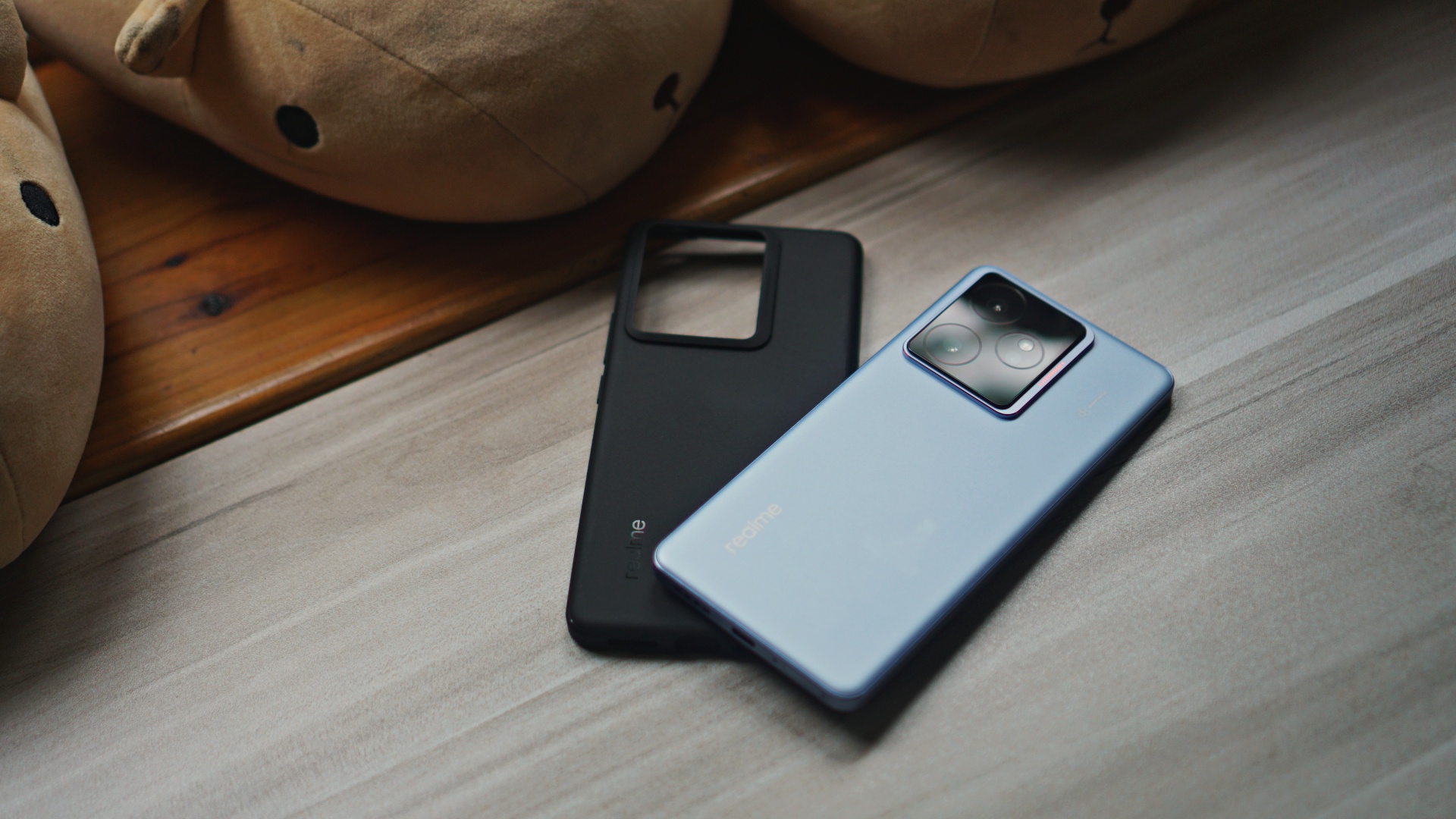
The case could have also been blue.
I also wouldn’t harp on this as much if the phone felt fine without the case. However, as it is, the graphene coating is pretty slippery. The case remedies this as it has a better grip to it complementing the shape of the smartphone.
The shape and how it felt holding it was a standout in the realme GT 6 and it remains mostly true for the GT 7. Best way I can describe it is “flat edge.” It sits nicely on your hand no matter how you hold it. It’s quite a joy to use especially when you’re doom scrolling. I digress.
7 Games
Why 7? We’re just trying to be cute and match the number of games tested to the generation of the smartphone. It’s not that serious.
The games we played are: Honkai Star Rail, Call of Duty Mobile, PUBG Mobile, Katana ZERO, DC Dark Legion, Zenless Zone Zero, Street Fighter IV CE.
One important title here is PUBG Mobile. It’s one of two games that supports the AI coach feature. Let’s just dive right in.
Some quick disclaimers:
- Photos are for illustration purposes only. They weren’t taken during the actual testing period.
- Zenless Zone Zero is the only game we played with a mobile controller.
- We played for roughly around 30-40 minutes during the main testing period.
- We mostly played without the included protective case except for Zenless Zone Zero and the two Netflix games.
PUBG Mobile
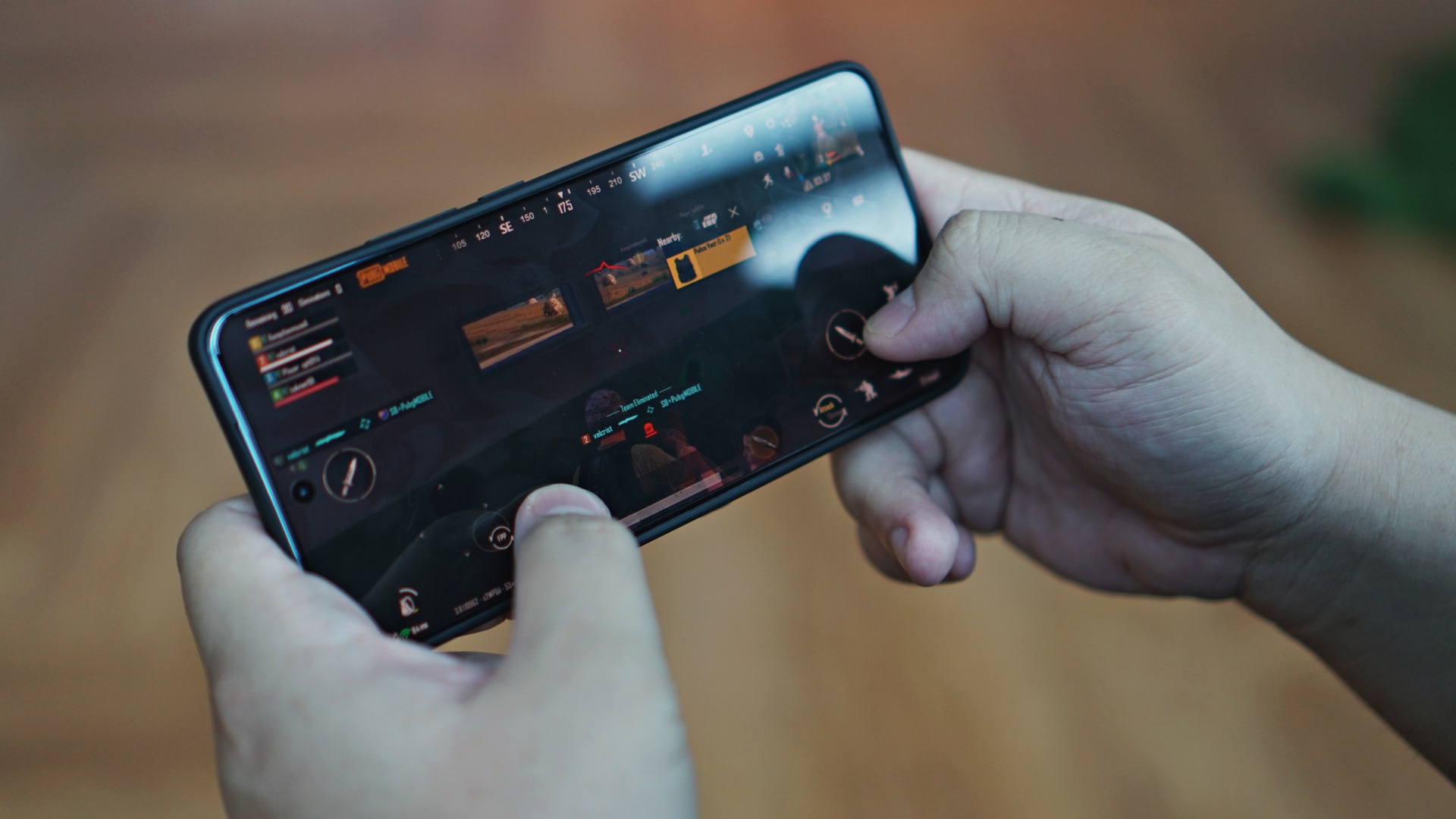
PUBG Mobile has been around for a while so the decision for this to be the game with AI Coaching was a little puzzling. That said, the AI Coach function played out like any early game tutorial. If you’re someone experienced in gaming, it feels like quick prompts as you play. I can imagine it being helpful for first time players. Otherwise, it’s just a nice-to-have. Hopefully the feature also makes its way to other games.
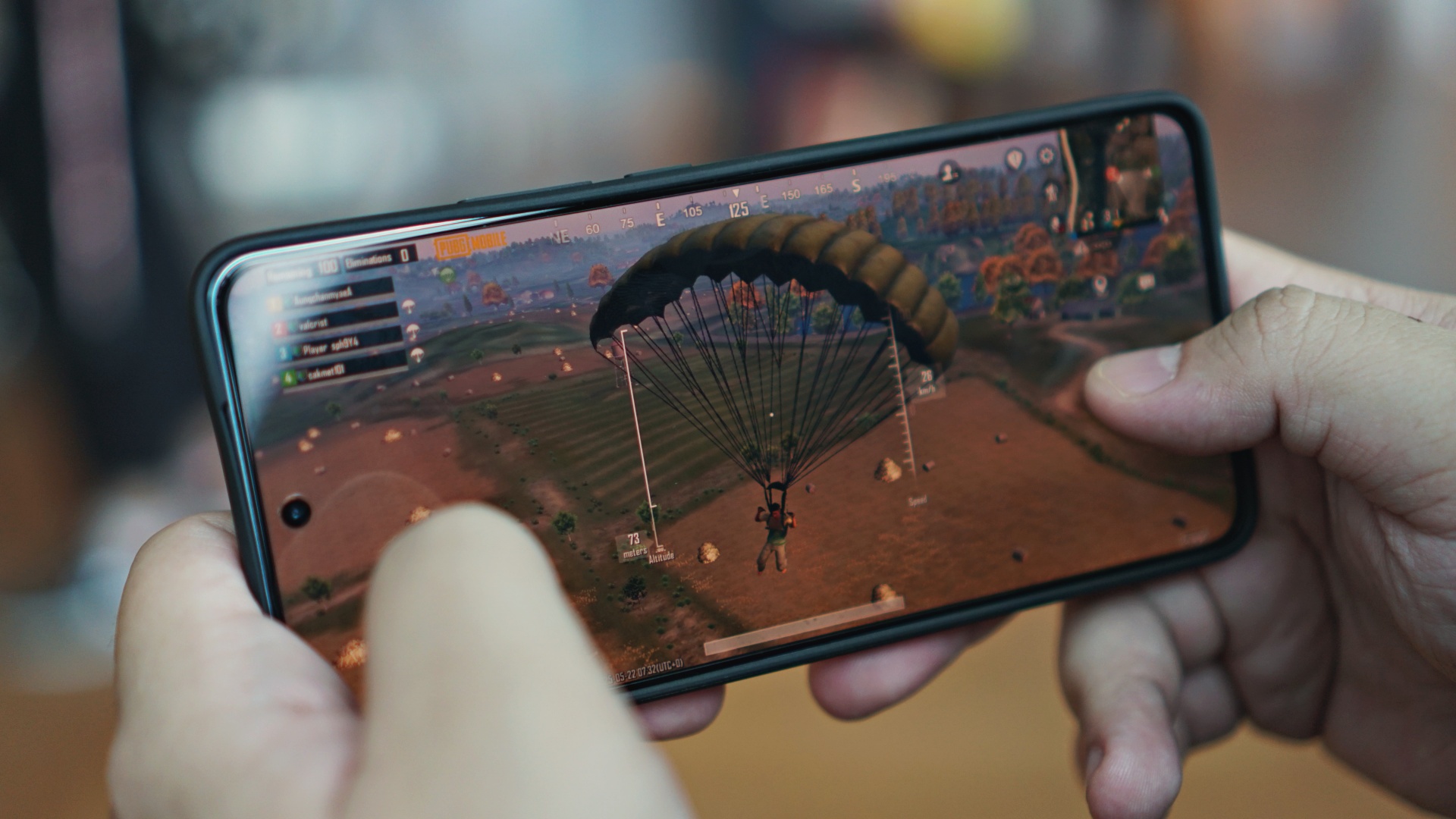
As for the gameplay experience itself, the game was running at high graphics settings. In our initial play, there was no noticeable lag or stuttering. In fact, it felt incredibly smooth– something you’d expect from a flagship-grade device focused on performance.
Honkai Star Rail
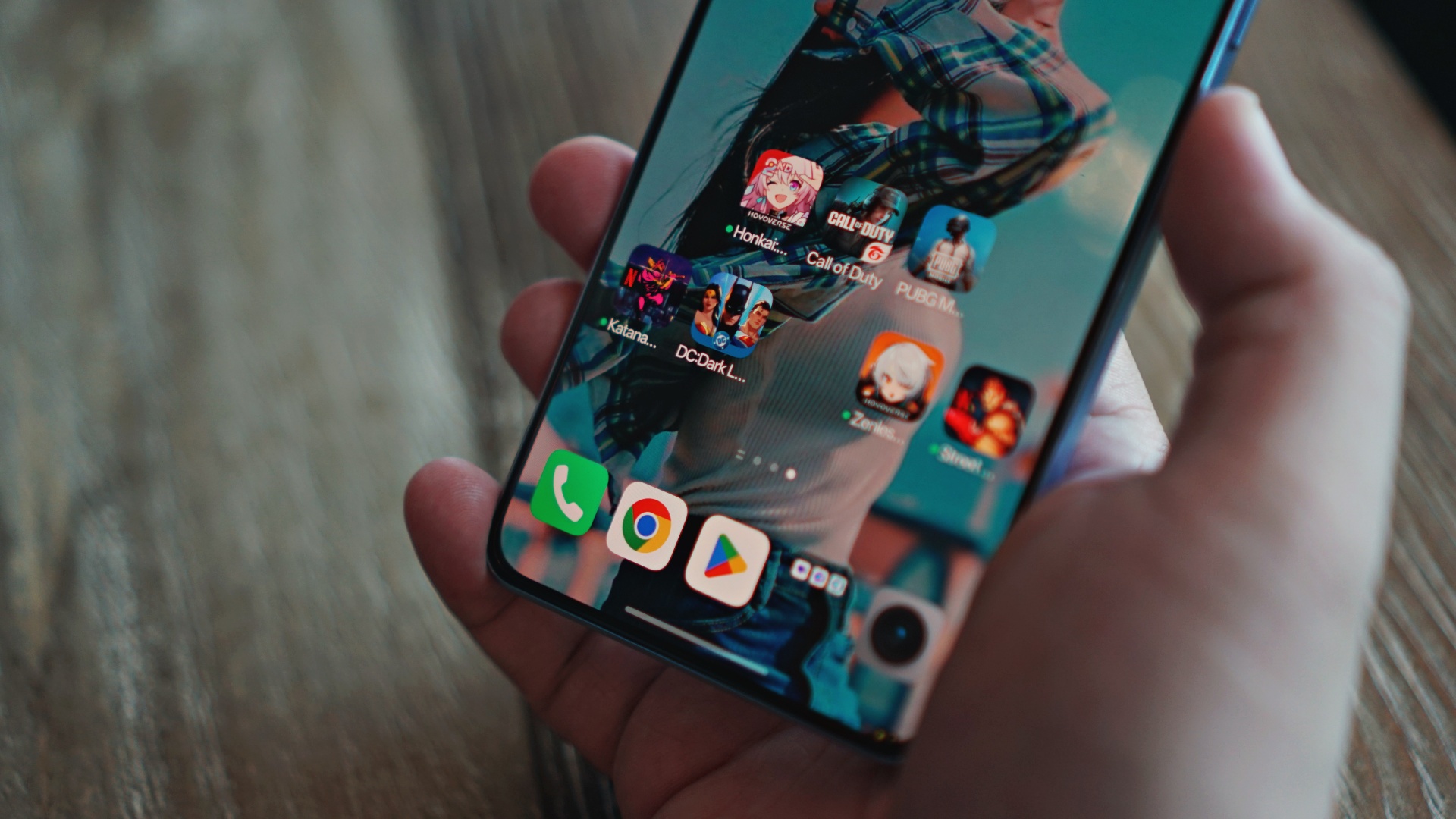
I’ve noted this several times, but this is the game we most enjoy playing on mobile owing to it being turn-based. That said, it can still get pretty demanding graphically. Lesser SoCs have buckled from delivering an enjoyable play experience but not the Dimensity 9400e.
Honkai Star Rail played incredibly well on the realme GT 7. You enjoy the visuals of the game with High Graphics settings turned on. Gameplay was smooth whether during exploration or combat situations. Touch inputs were on point. Overall, the realme GT 7 played this with zero issues. Which bodes well as this is already one of the more demanding games on our list.
Call of Duty Mobile
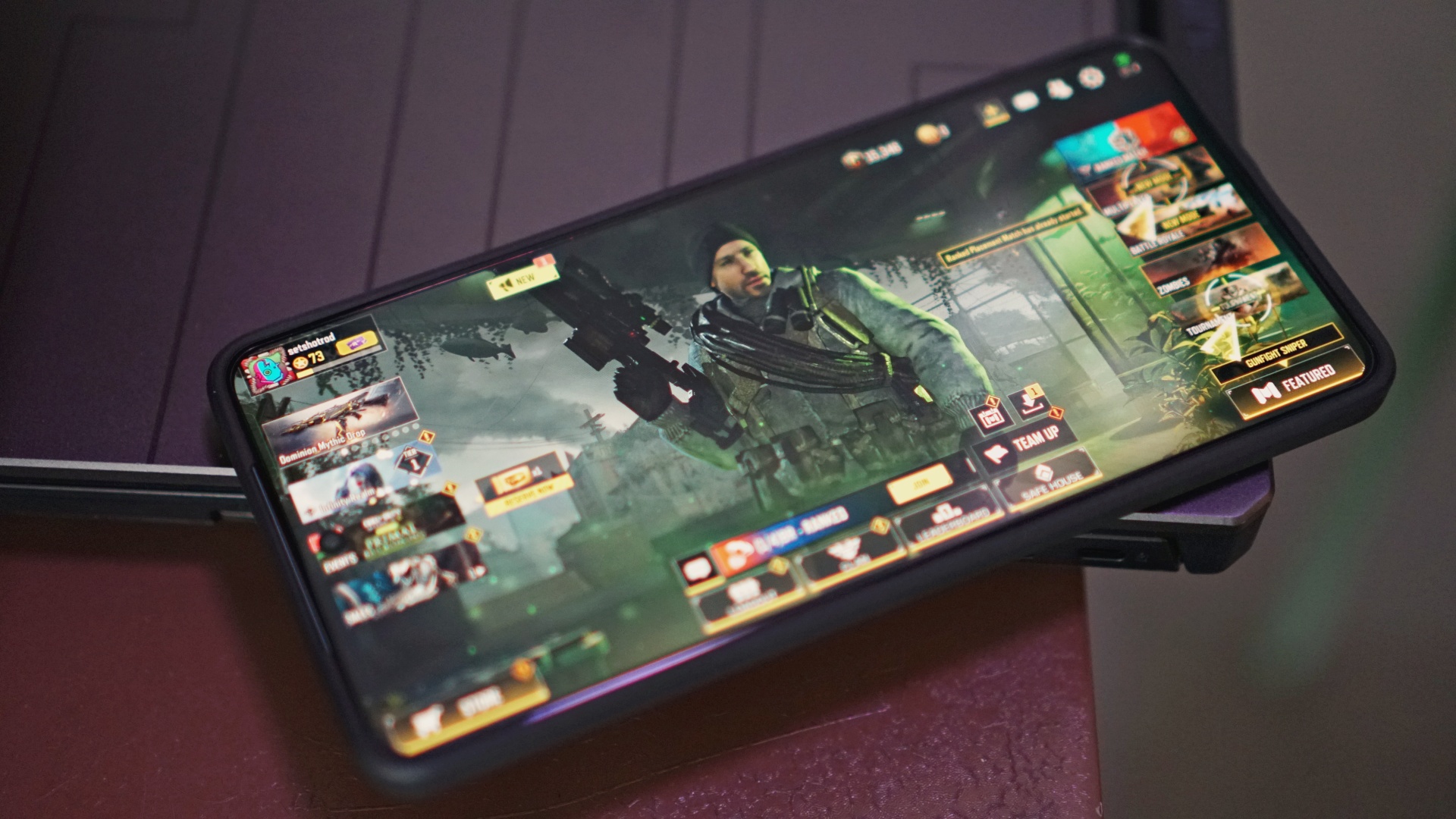
From a Space Opera game, we go back down to earth on this first-person shooter favorite. In the interest of time, we quickly hopped on a match without having downloaded all the HD resources yet. We’ve never done this previously and do not recommend it. Gameplay was a little janky in this setup. But this may be more a function of a huge download happening in the background rather than the capabilities of the phone itself.
We hopped into more matches after finally downloading all the HD resources and the game ran perfectly fine. Playing primarily as a sniper, hitting moviing targets felt a lot easier with the smooth controls provided by the realme GT 7’s screen.
DC Dark Legion
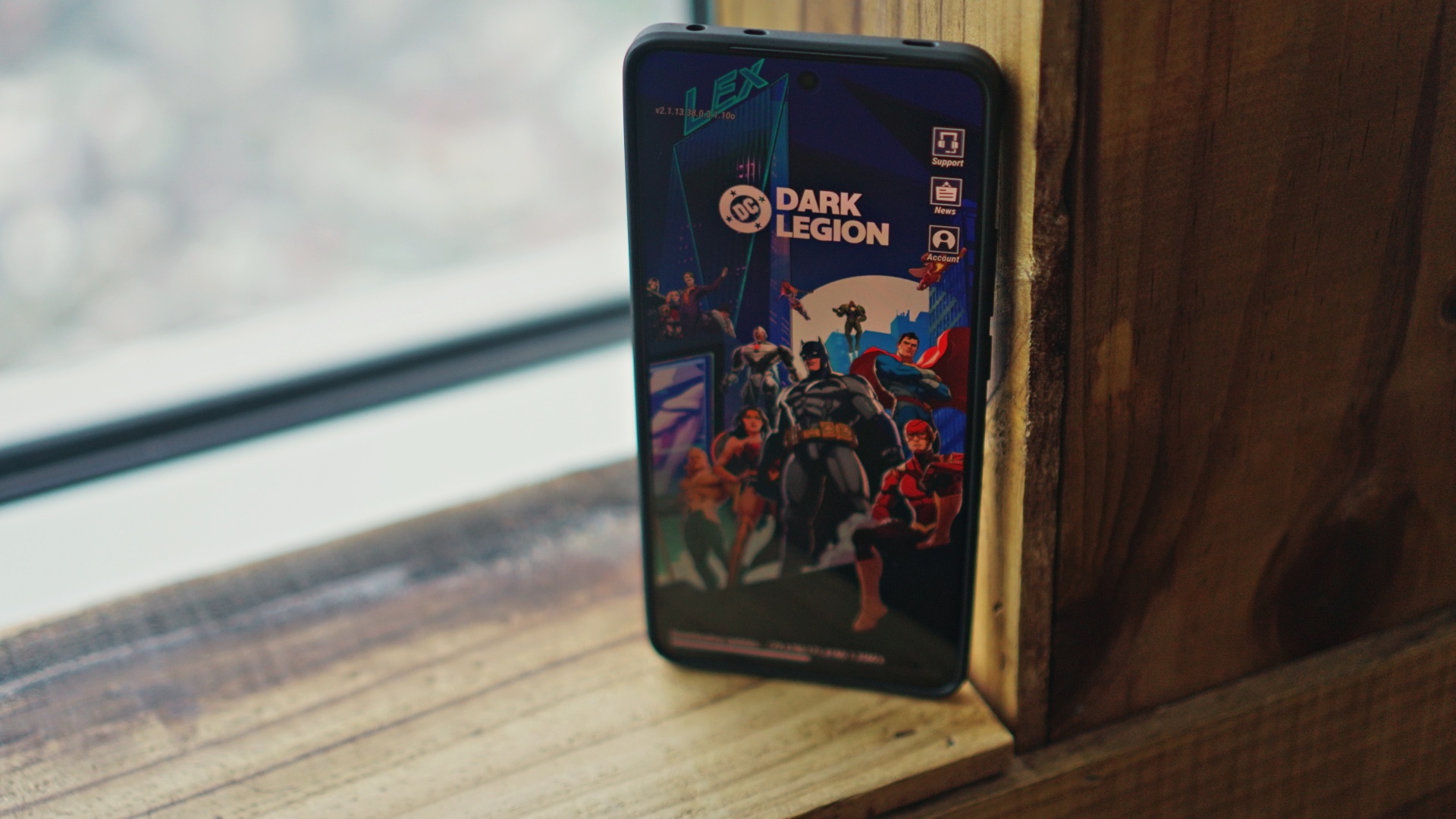
Admittedly, this is our first time playing this title. While the graphics seem like it’s asking a lot from your device, that’s actually not the case. The game is fully optimized for mobile. Despite the game having plenty of visual elements as you go deeper into a playthrough, the realme GT 7 didn’t struggle with this at all.
Zenless Zone Zero
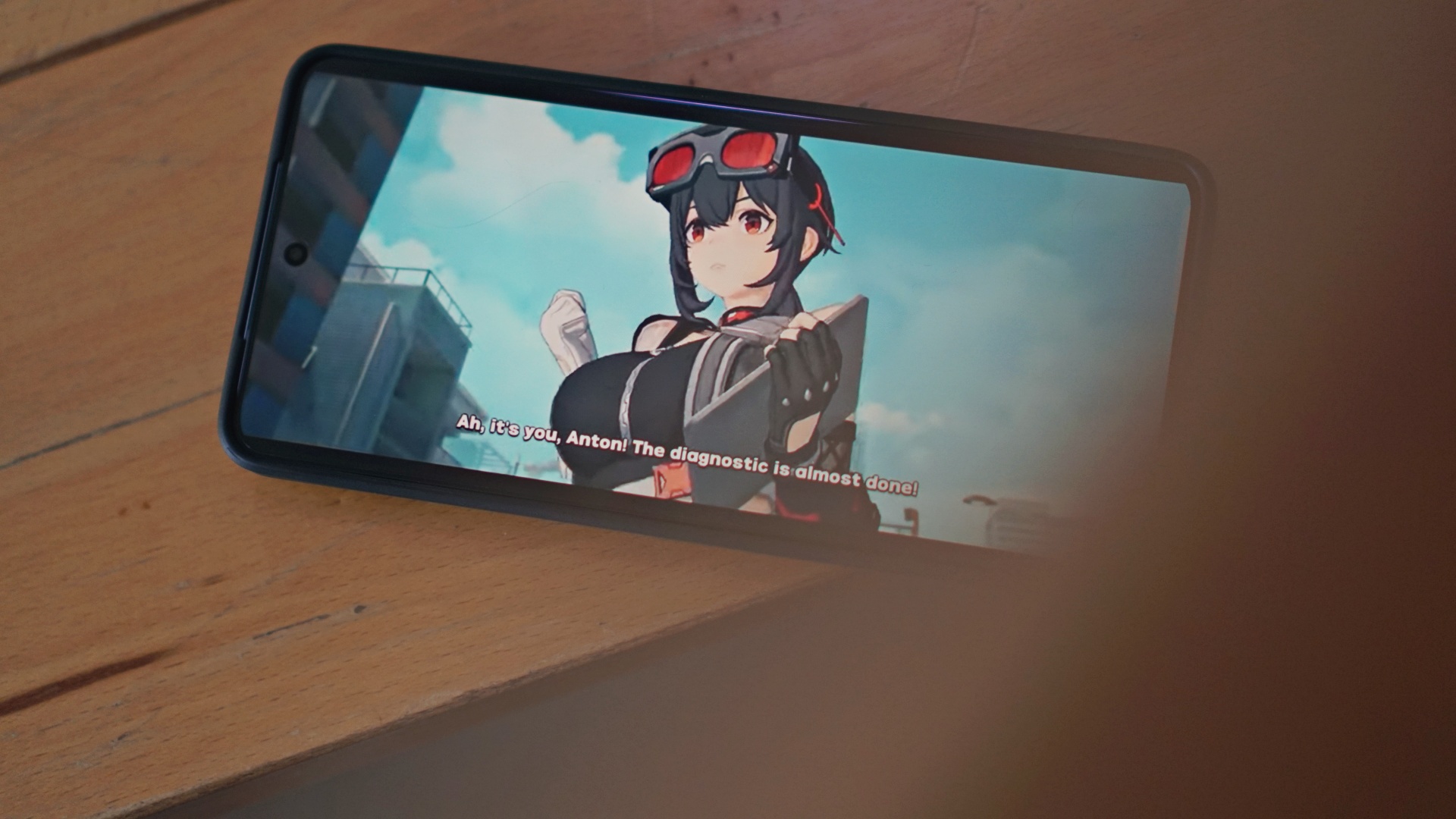
This is another one of our favorites from HoyoVerse and one that’s certainly best played with a mobile controller in tow. We used it with the recently released GameSir X5 Lite.
Like most Hoyo games, there’s a section that’s just exploration outside of combat. But for this game, you also have plenty going on in the screen and the combat is high-octane action. Despite that, at the risk of sounding like a broken record, the game once again ran incredibly smoothly.
I’ve had my reservations about the Dimensity 9400e but it’s proving to be plenty capable.
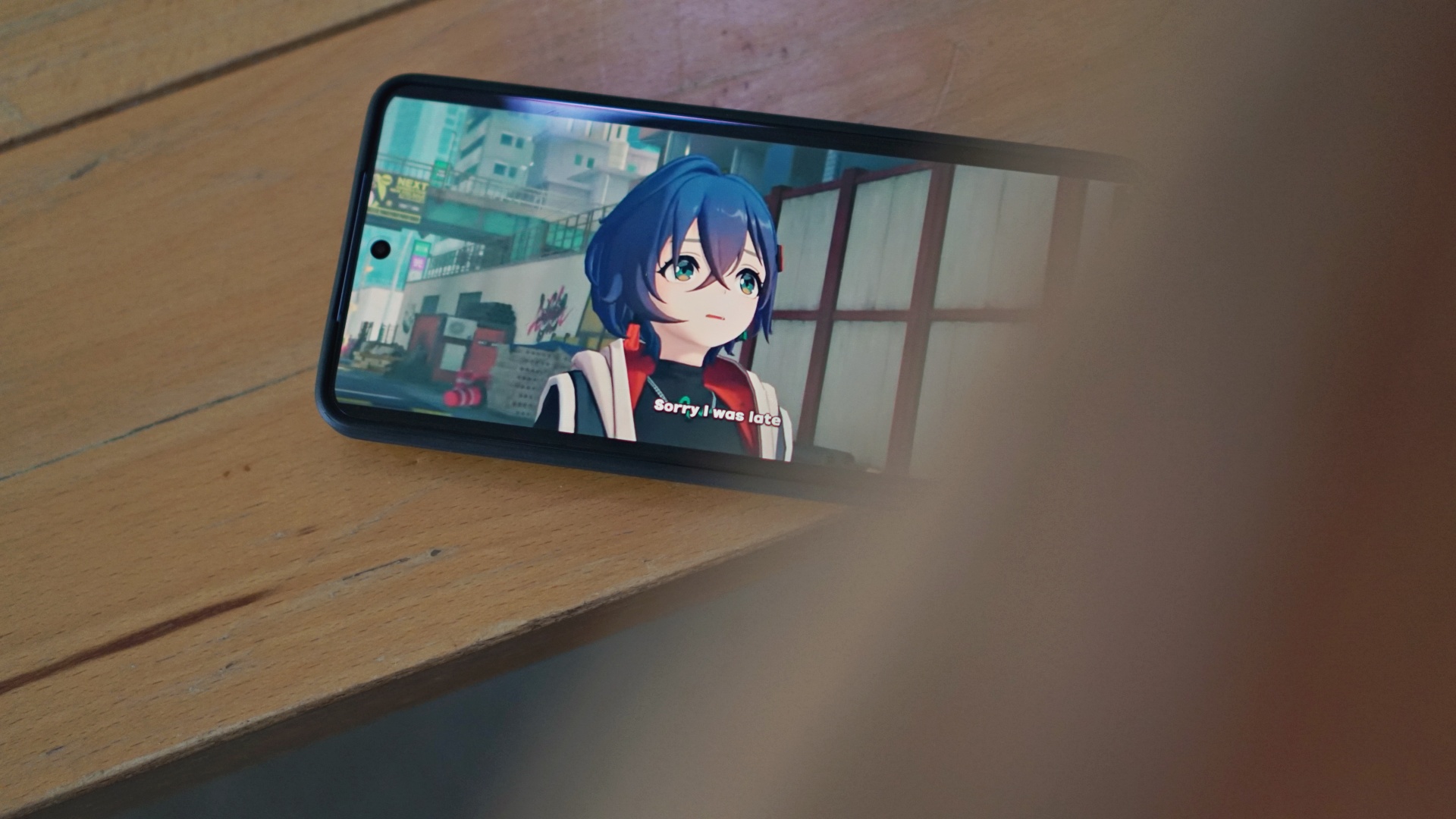
One thing to note, though, is that we played this game with the included protective case on and it might have contributed to the heating a little bit. This was the only time that the phone accumulated heating during gameplay.
The only other time some heating happened is when we were shooting quick clips. After taking some 30-60 second clips, some heat also built up. Notably, we were also using the protective case while shooting.
Katana ZERO
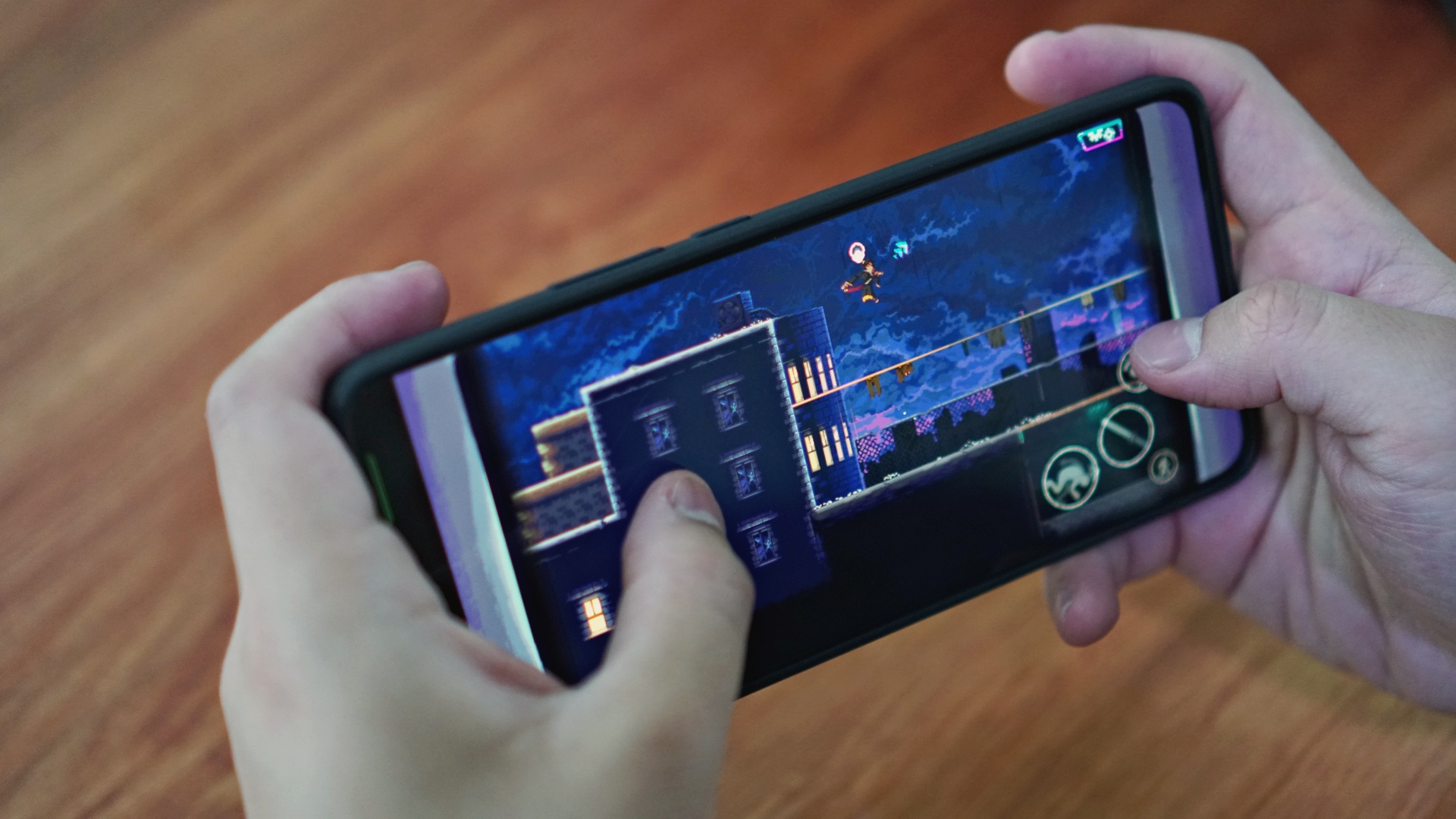
Our first of two games from Netflix Games, Katana ZERO is a classic side-scrolling action game and isn’t too graphically demanding. But accurate, fast inputs are key in getting through the game.
We’re happy to report that this is again a game that the realme GT 7 played with no trouble whatsoever.
Street Fighter IV CE
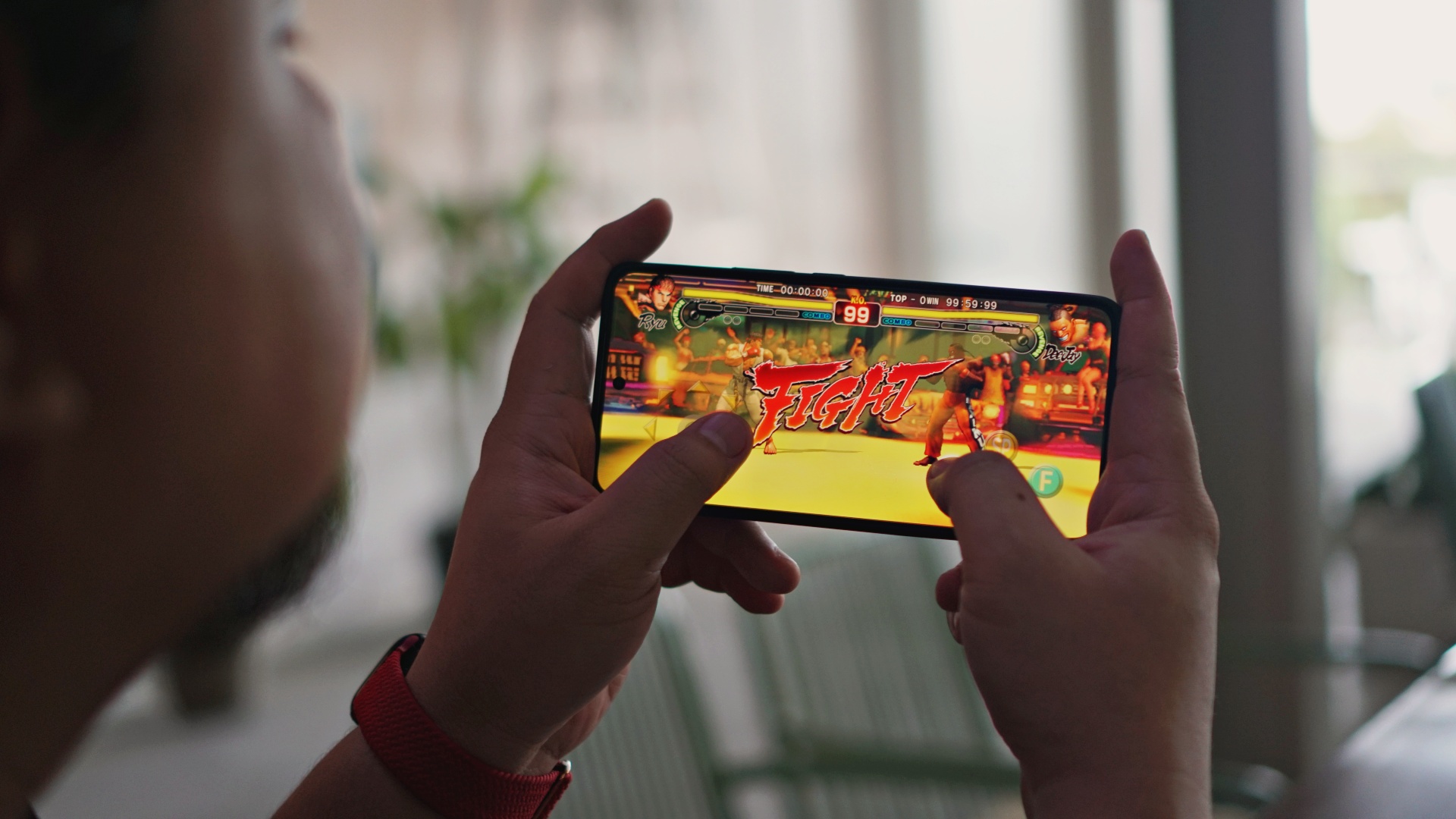
This was not a very fun game to play, especially without a controller. Fighting games, I feel, just aren’t meant to be played without one. We downloaded this game thinking it would have controller support but there was none.
That said, running the game was no problem again for the realme GT 7. Any input issues we had can be chalked up more probably to how the game was ported instead of the device being used.
Overall thoughts on mobile gaming
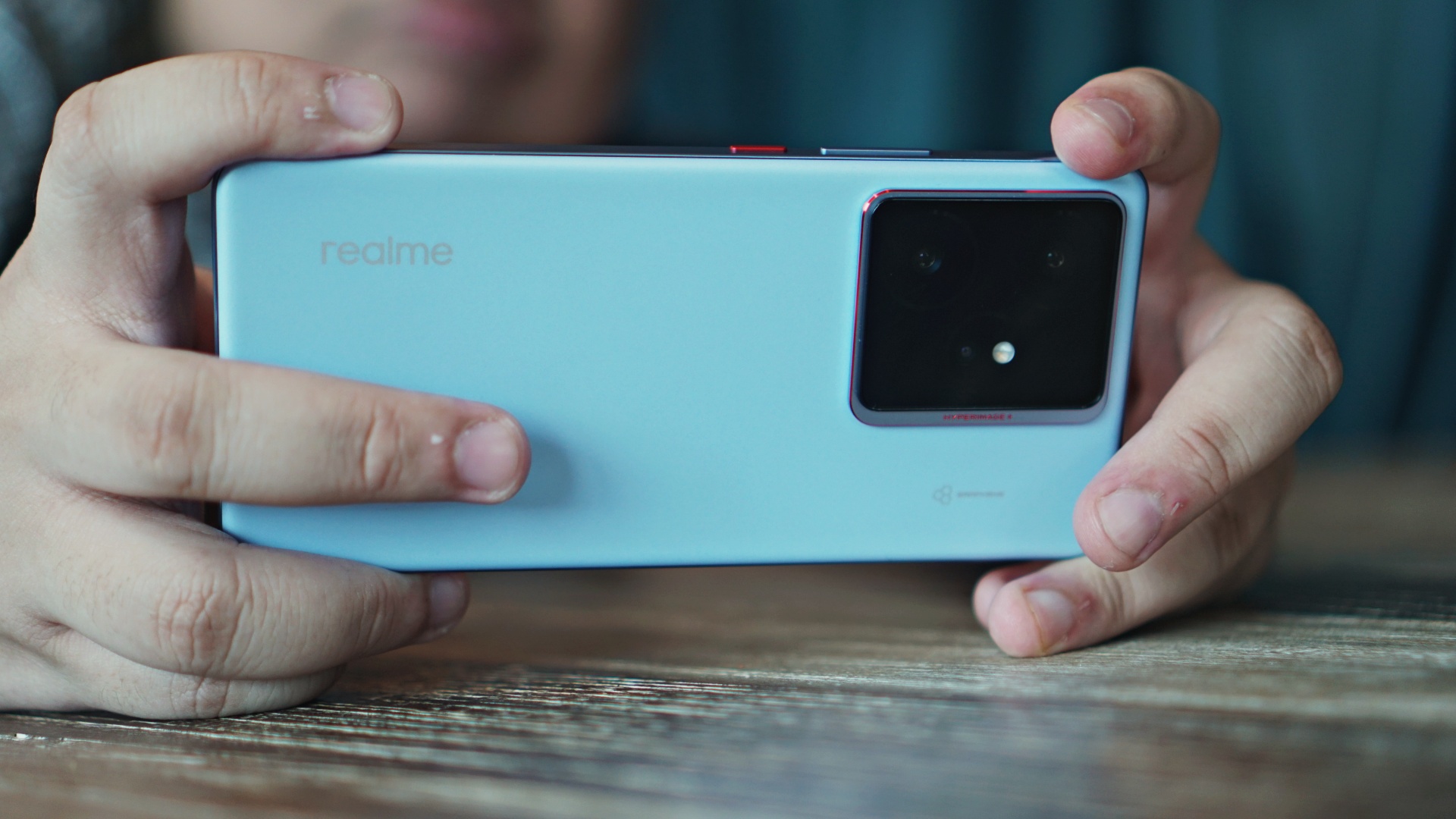
We were honestly skeptical but were ultimately proven wrong by not only the Dimensity 9400e SoC but the whole realme GT 7 package. Like the GT series phones that came before it, the GT 7 proved to be a standout performer.
Each of the seven games we played ran as you would expect from a flagship-grade smartphone. Anyone looking to purchase this for that purpose alone would find that they are getting their money’s worth.
And we haven’t even touched on the astounding 7,000mAh battery. Let’s do that next.
Battery too much or just right?

One of the realme GT 7’s headline features is its 7,000mAh battery. This part is always tricky because usage will most certainly vary. For now, let’s stick to how it performed during our gaming test period.
The entire gaming test session lasted for roughly around five to six hours – that’s including the time to download the HD resources for each game. The reality is, no one should be playing that many and that much mobile games in that period. It was an unusual situation in which the realme GT 7 still powered through.
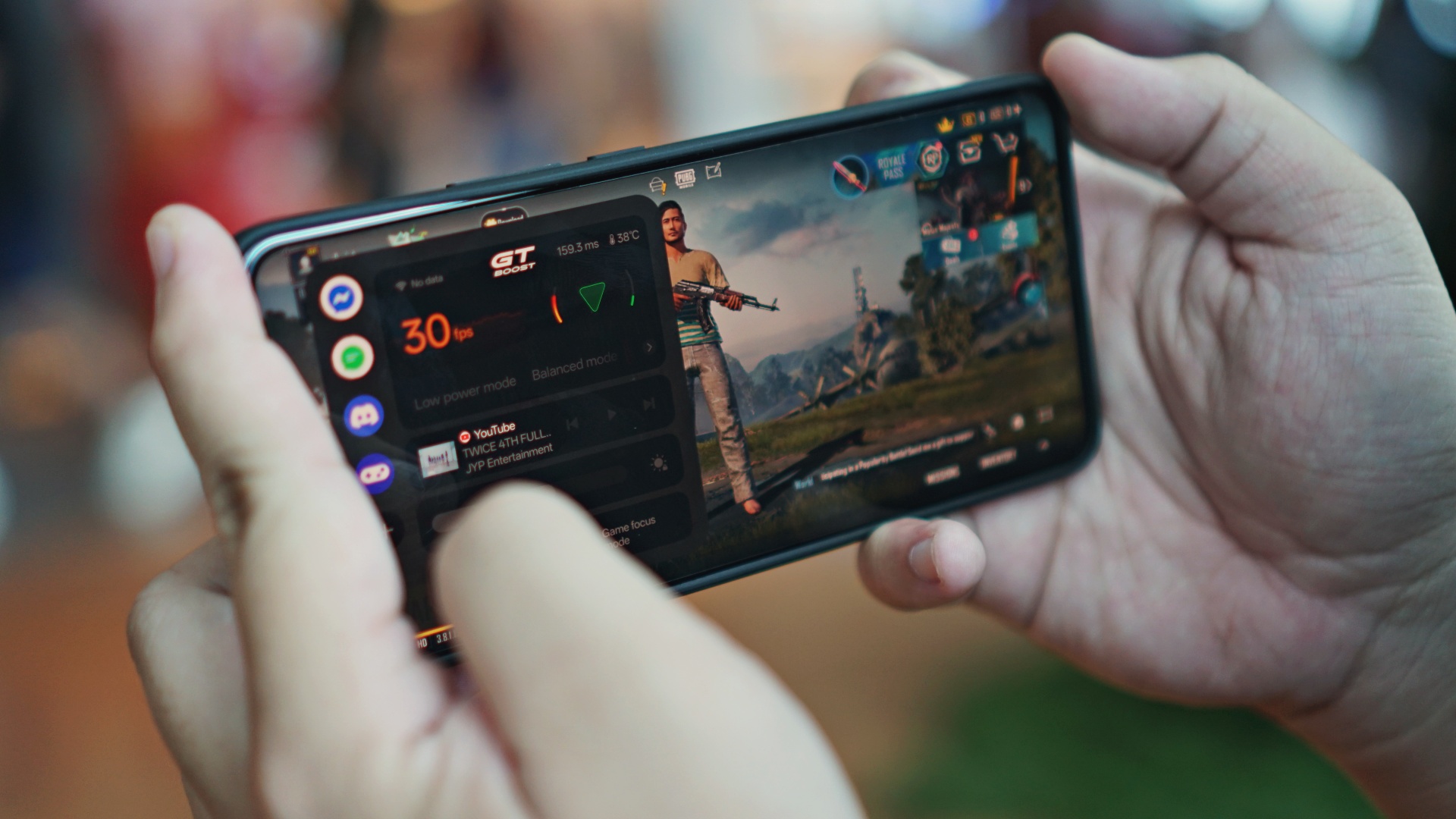
By the time we hit game number four to five, it had already been close to four hours. And at that point, the battery was down to 30% from a full charge.
Knowing the phone has bypass charging, we decided to plug it in all the way through until the end of the entire gaming test session.
We have a more realistic battery usage test in our realme GT 7 Gadgetsnaps article. But to give a brief overview – on day when we were out and about from 10am until about 5pm, the phone still had about 35% left. That’s with heavy use taking photos, videos, browsing, chatting, replying to emails, and more.
General usage
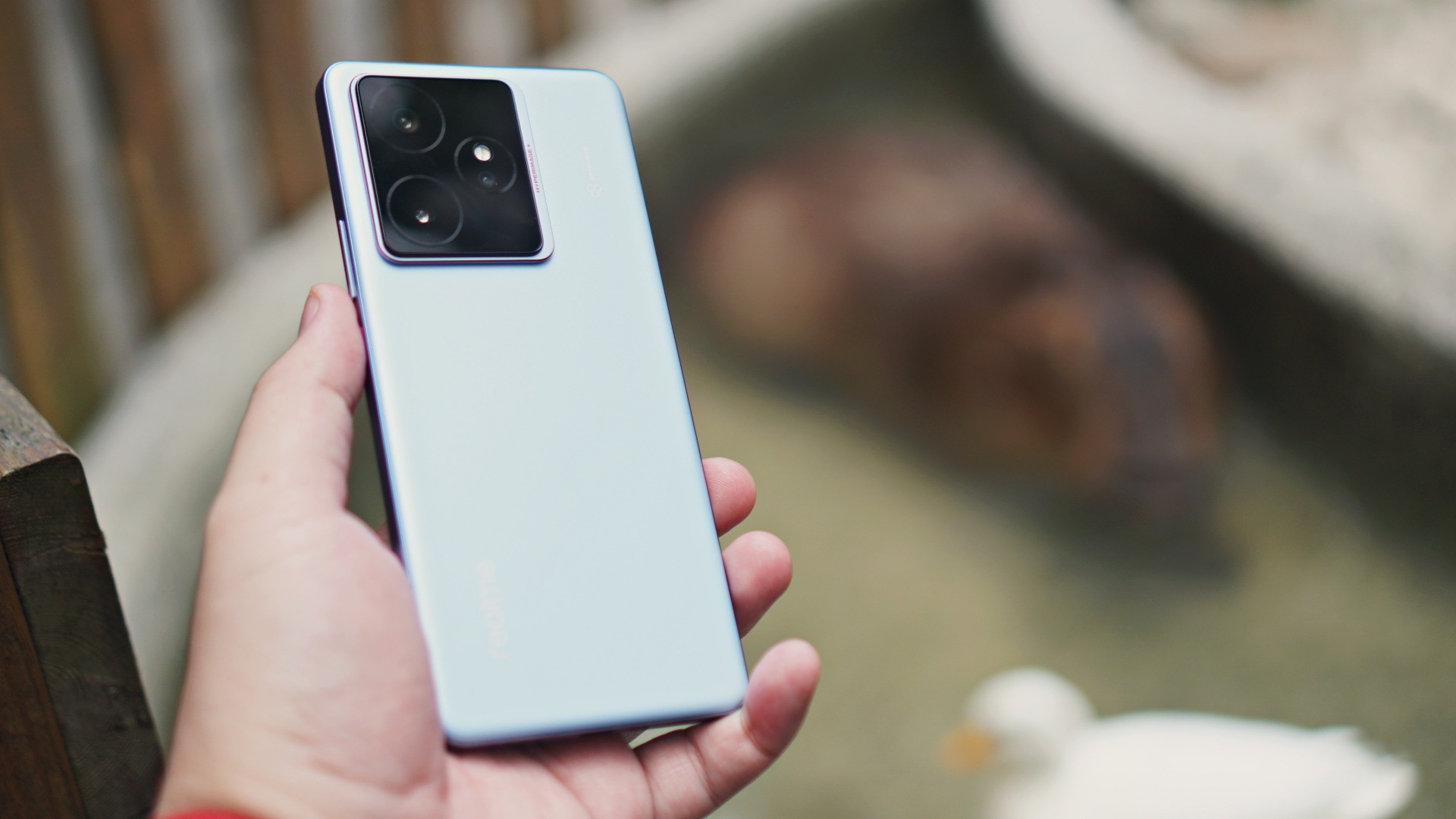
It has already been mentioned above but the realme GT 7 really does feel nice to hold, especially with the included case in the package. For day-to-day use, this is our recommended setup as the graphene back can be very slippery.
We’re also fans of some subtle design details on the phone. In particular, the different colored power button is a nice touch.
If you also take time to see how the light hits the phone, you’ll see more subtle hints of red-orange that perfectly contrasts with the Ice Blue color of the phone.
The display is fantastic for video consumption and browsing social media in general. The speakers were also great for just listening to music and podcasts.

We played TWICE’s comeback teaser several times.

Liked this teaser post by ARTMS featuring Heejin.
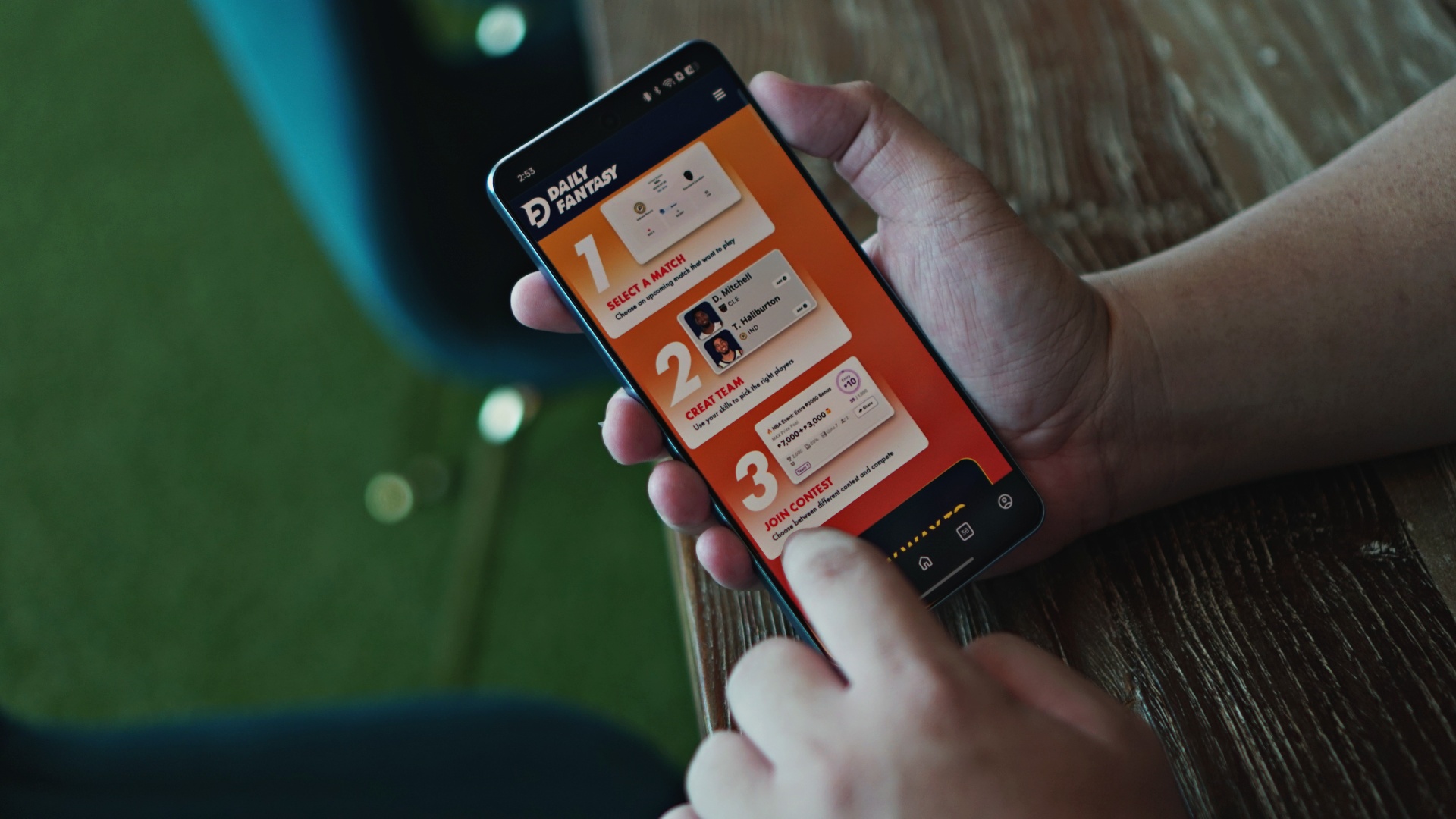
Checked out Daily Fantasy.
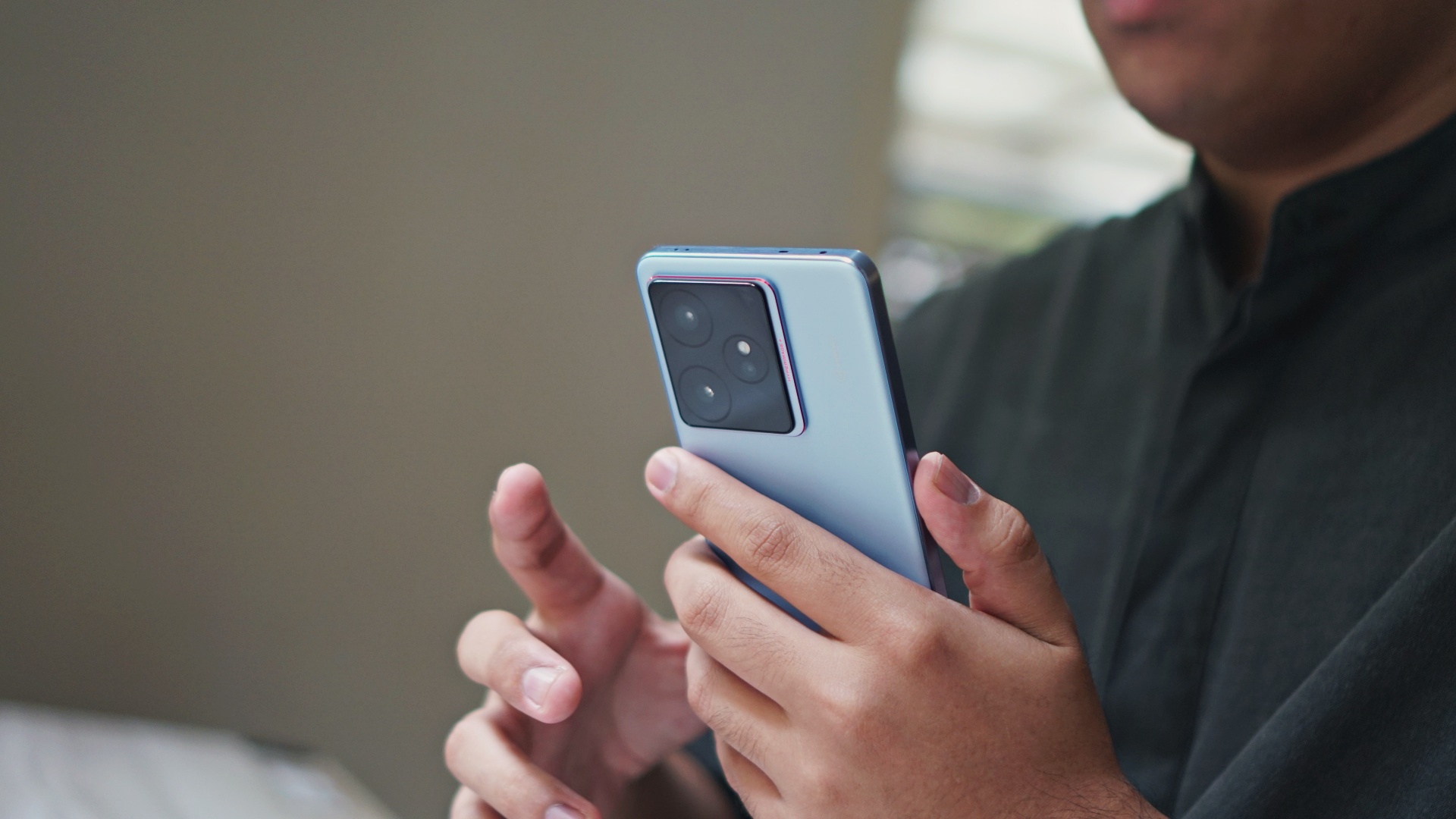
And pretty much did everything else you would normally do on your smartphone.
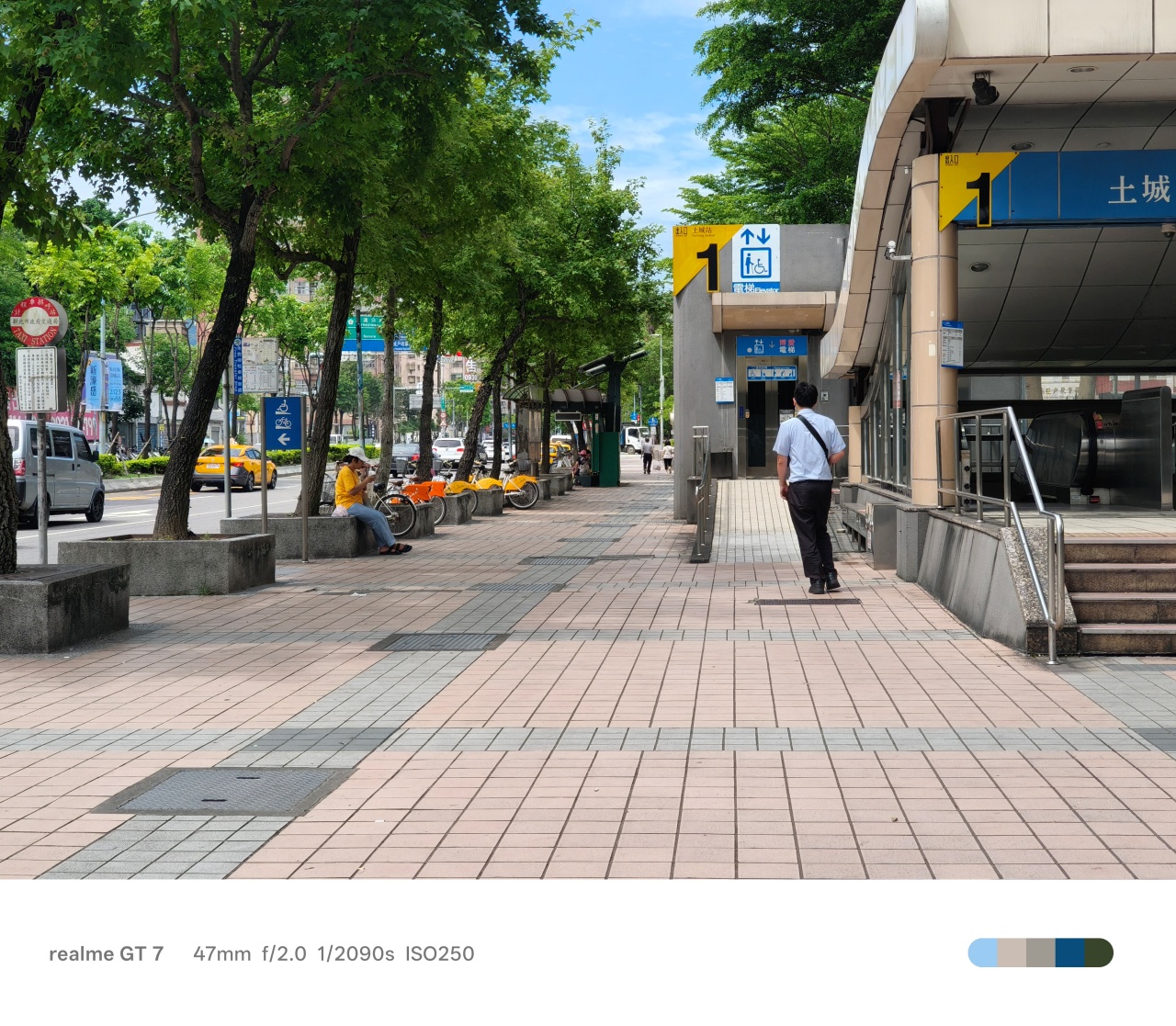
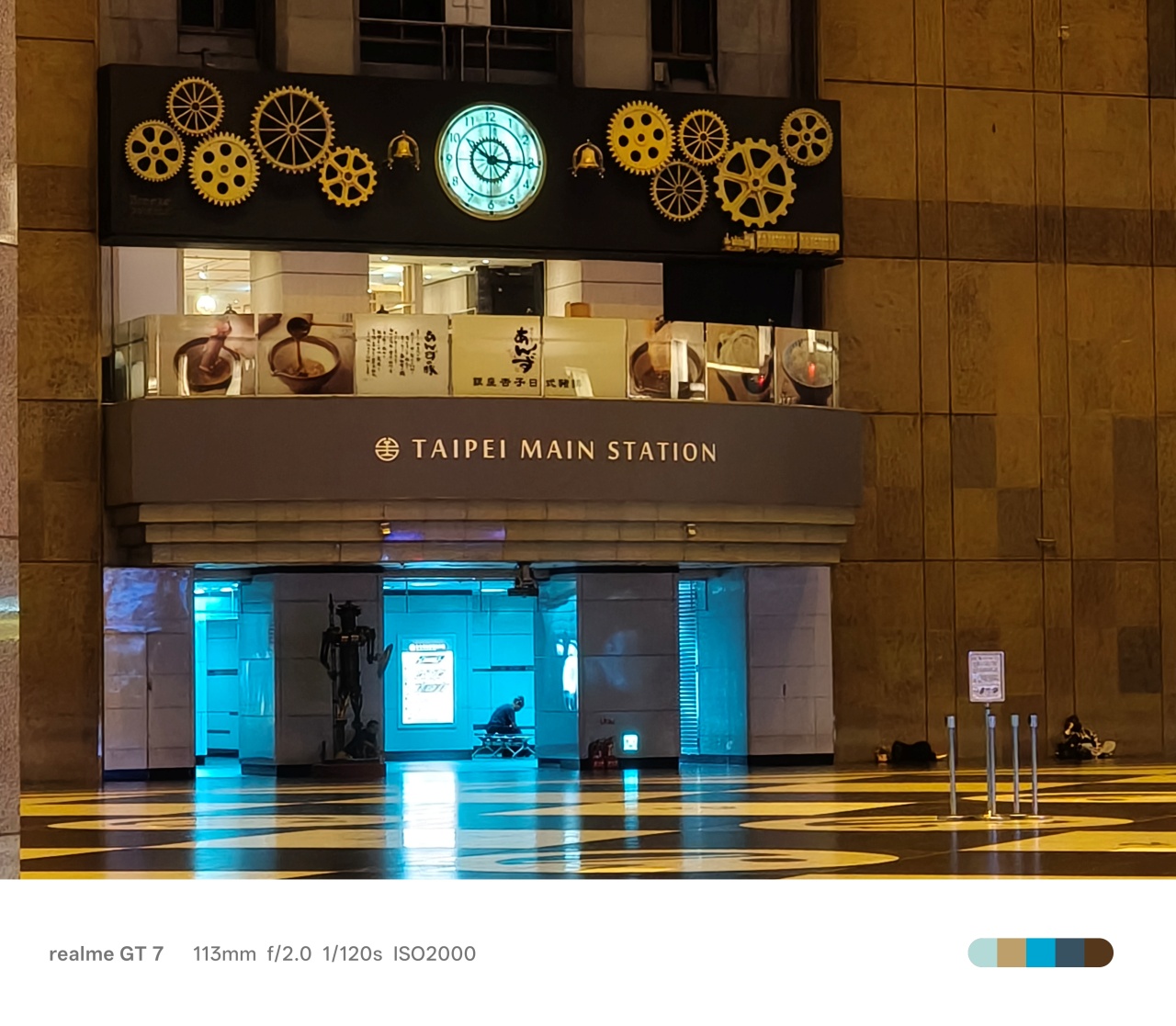
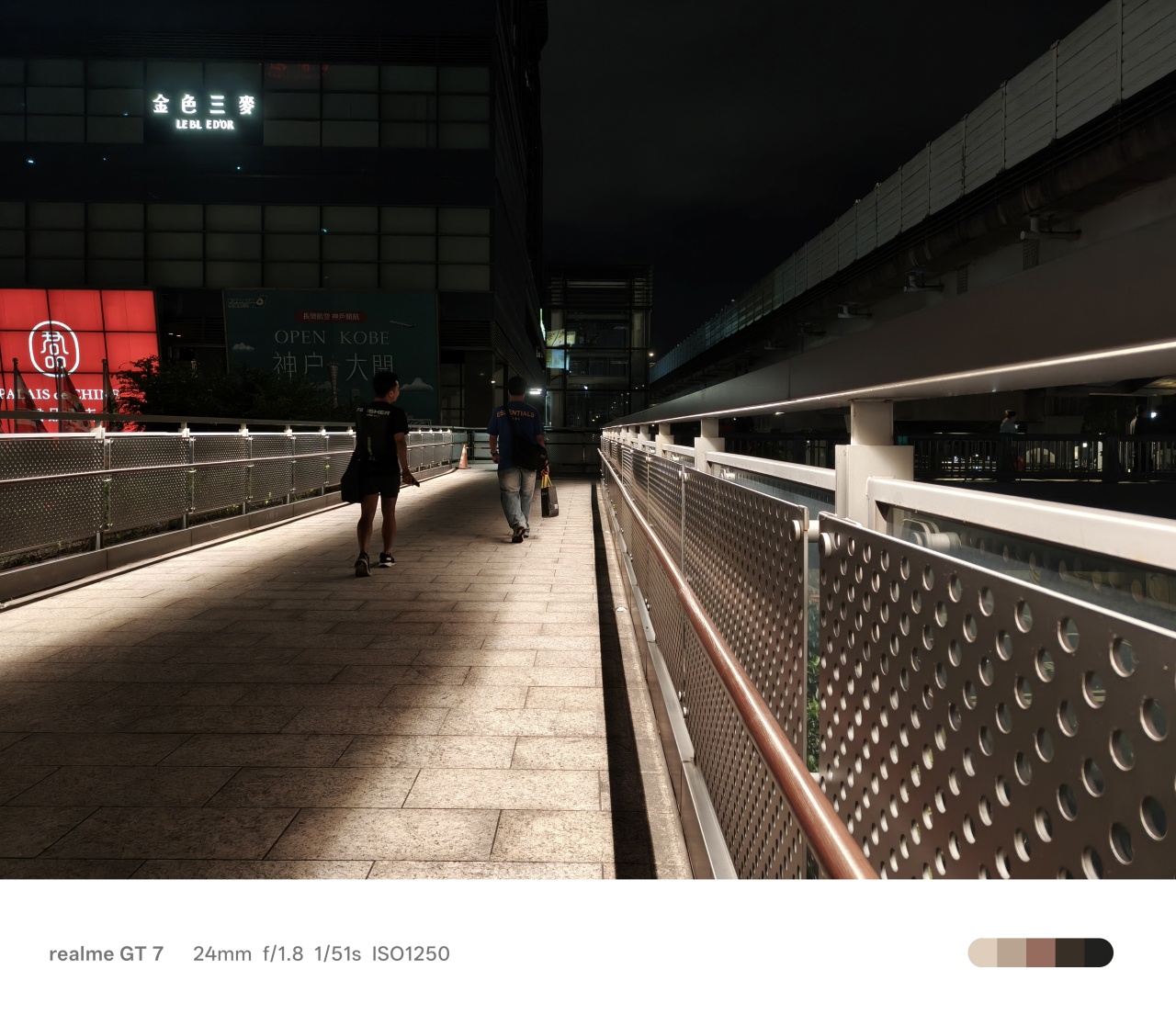
Decent cameras

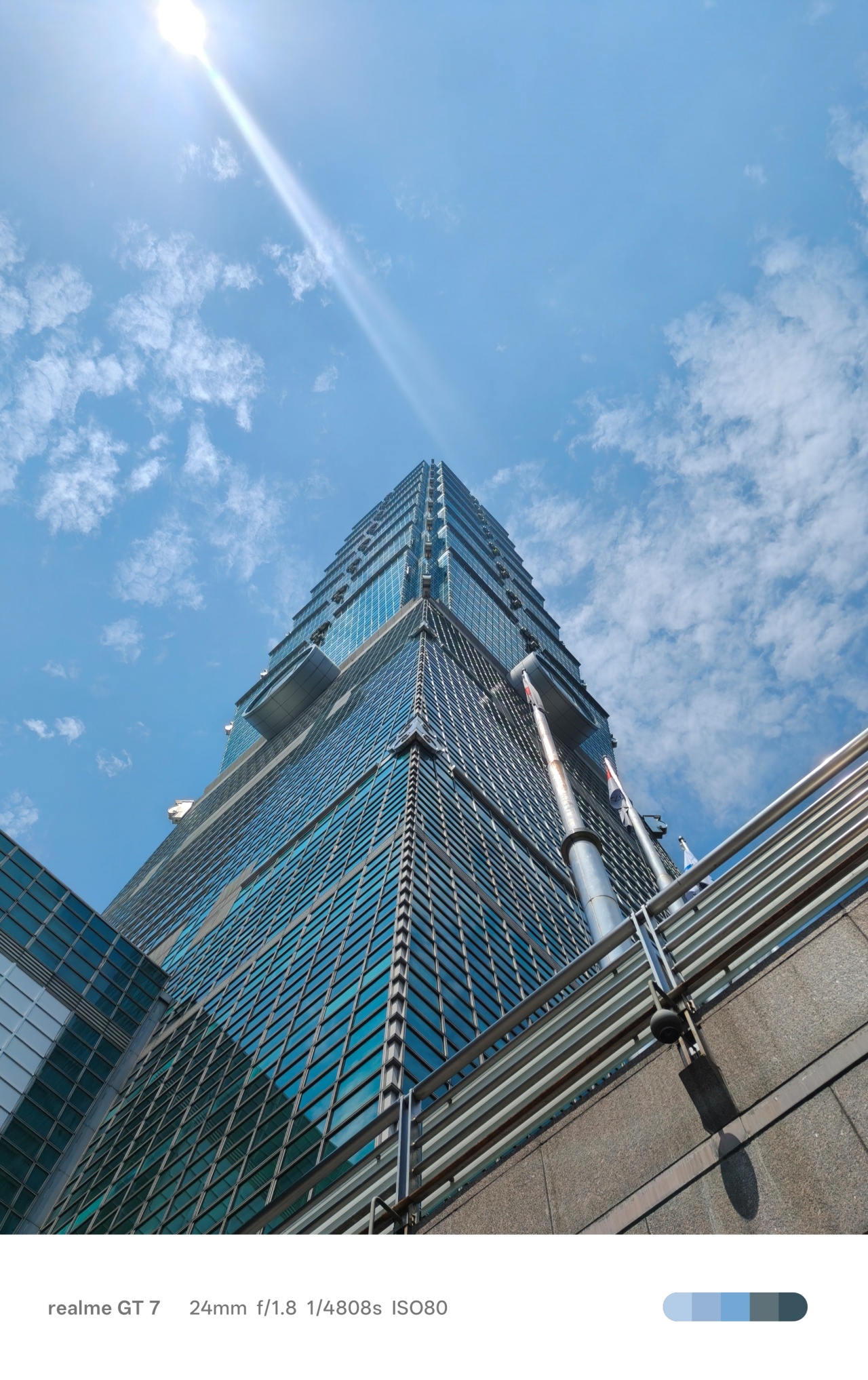
The realme GT 7 isn’t geared towards photography enthusiasts. However, it doesn’t mean it can’t take really nice photos.
Below is a quick selection of snaps we took in Taiwan. More coming in a separate article.




The realme GT 7 is a true GT device
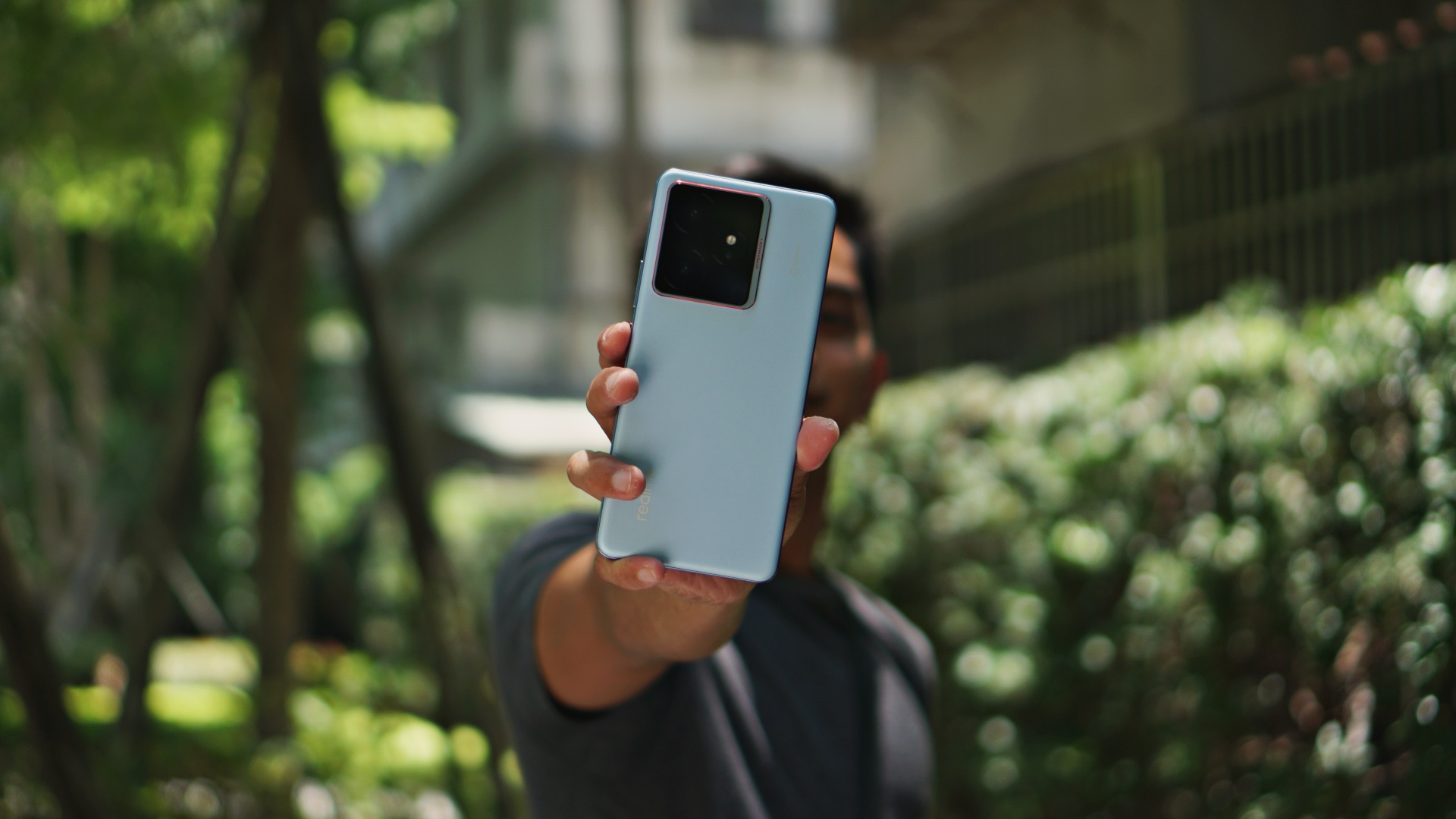
The realme GT 7 is every bit the performance beast it is marketed to be. It’s a mighty fine addition to the GT line that continues to offer some of the most noteworthy performance and battery life features in its price segment.
The company certainly has the tools to aim higher so we’re hoping for an even better offering in the future. For now, you can also check out this realme GT 7 Dream Edition Unboxing.
@gadgetmatchUnboxing the realme GT 7 Dream Edition 🏎️💨♬ original sound – officialmooli







Apple Pay is officially in the Philippines!
Pushing the country forward into a cashless and cardless future, Apple has now brought its contactless payment system to the Philippines. As with other countries, Apply Pay will work seamlessly and easily even for those who have problems with technology.
Now, despite how easy it is, sometimes we need to be pointed in the right direction. Here’s how you can set up Apple Pay on your iPhone:
Everything starts with the Wallet app. First, open your Wallet app. Tap the “+” button on the top and select “Debit or Credit Card.”
Normally, this is where you can input your card details (which you can still do, by the way), but the default method now is to just tap your card on the back of your iPhone. Your phone does the rest. You might need to confirm with your bank, but it’s as easy as a single tap.
Pick which cards to use. Once you have your cards online, you might need to change which one is the default card. Again, it’s easy. Just drag your preferred card to the front.
Afterwards, you can tap to pay in supported stores by priming the Wallet app for use. Tapping to pay is also available for Apple Watch. Meanwhile, online transactions can also work on MacBook.
Secure, all the time. If you’re worried about your security especially with online transactions, Apple keeps your information only between you and the seller. They don’t store your data.
Also, it’s not easy to make a transaction without your consent. You need Face ID, Touch ID, or your password. If you lose your phone, you can easily shut your phone down with the Find My app to prevent malicious parties from making transactions.

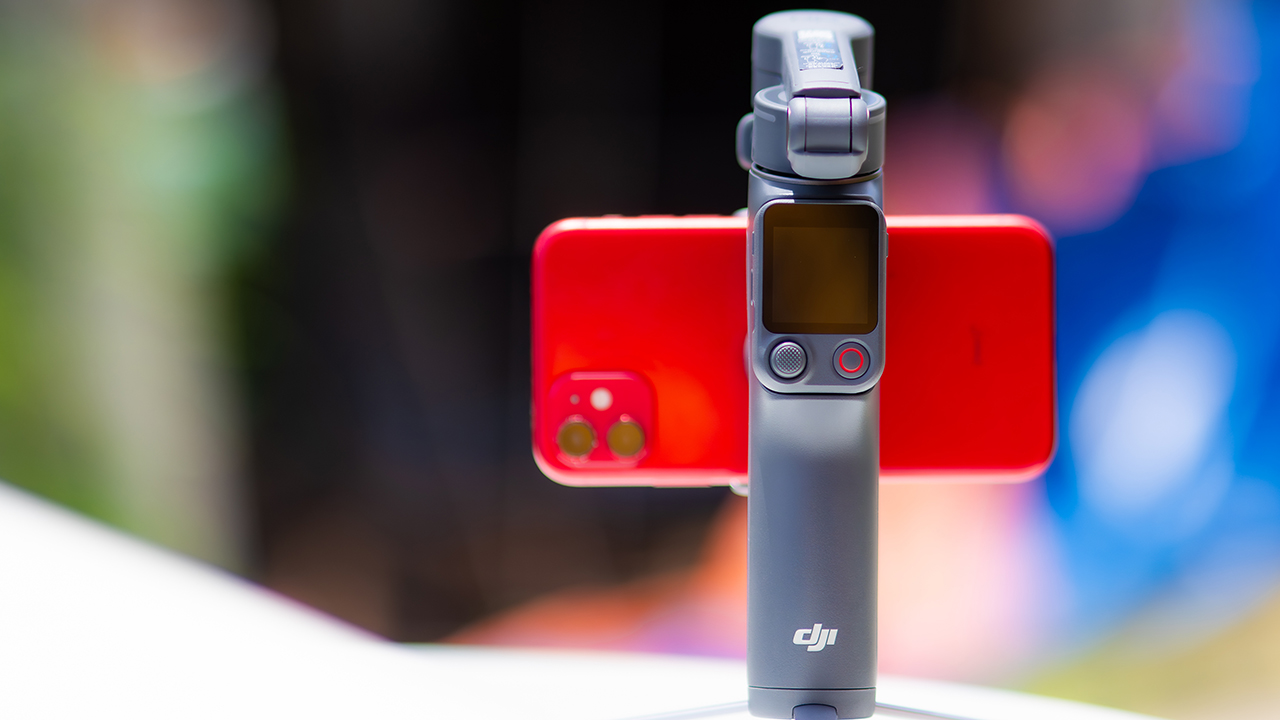
DJI’s smartphone gimbals have always chased one goal: delivering cinema-smooth footage without forcing you to carry a heavy rig.
The Osmo Mobile 8P (OM 8P) makes its priorities clear right out of the box. This is not a simple refresh. DJI rebuilt how you control the gimbal, and that decision shapes the entire shooting experience.
Freedom behind the lens
The biggest change is the FrameTap remote, and it’s the kind of upgrade that fixes a problem you didn’t realize was slowing you down until it’s gone.
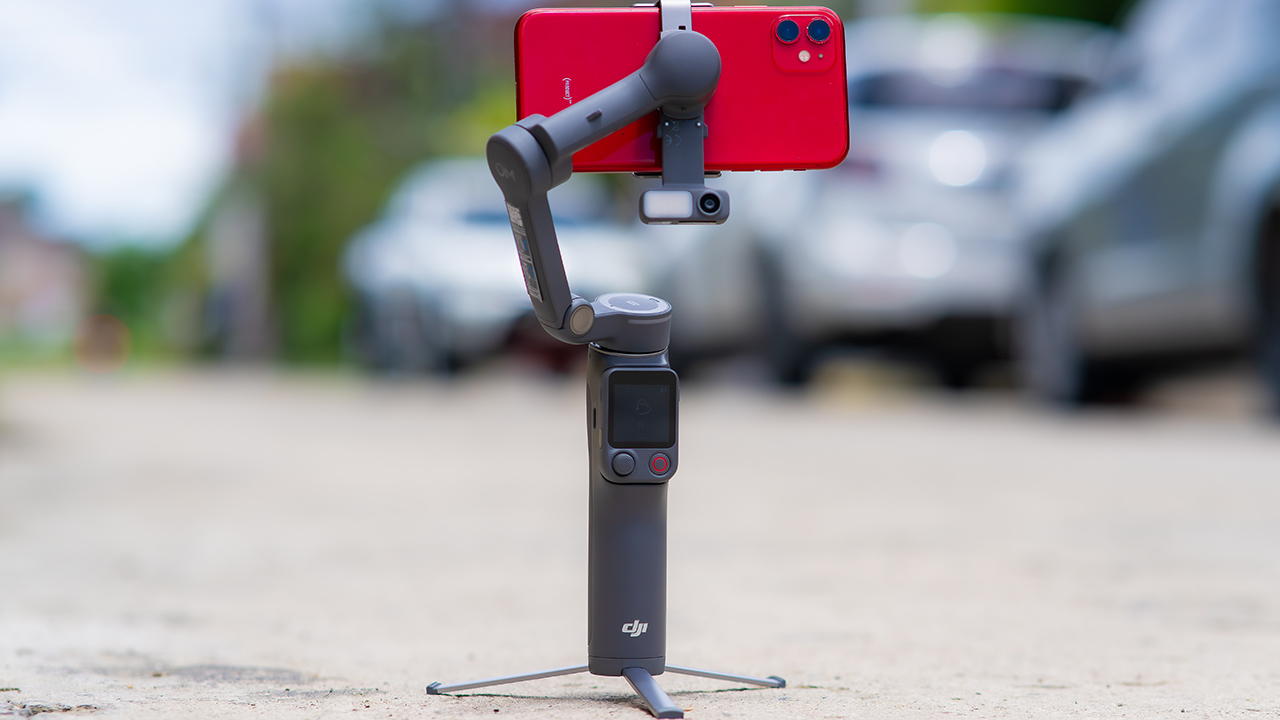
On the standard OM 8, adjusting your framing meant reaching for your phone every time, which broke the flow of shooting and pulled you out of the moment.
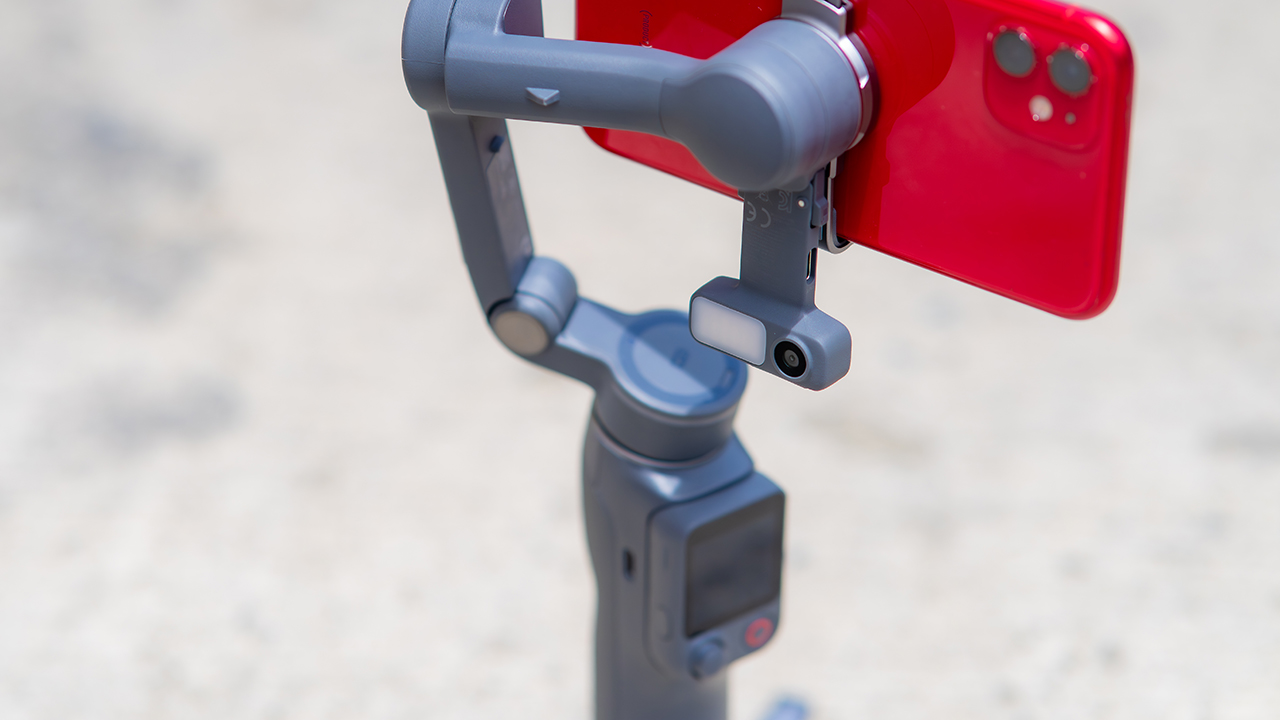
FrameTap puts that control back in your hand. You can reframe shots and manage the gimbal without touching your phone at all, and for anyone shooting solo, that alone changes how usable the whole setup feels. Tracking has taken a real step forward too.
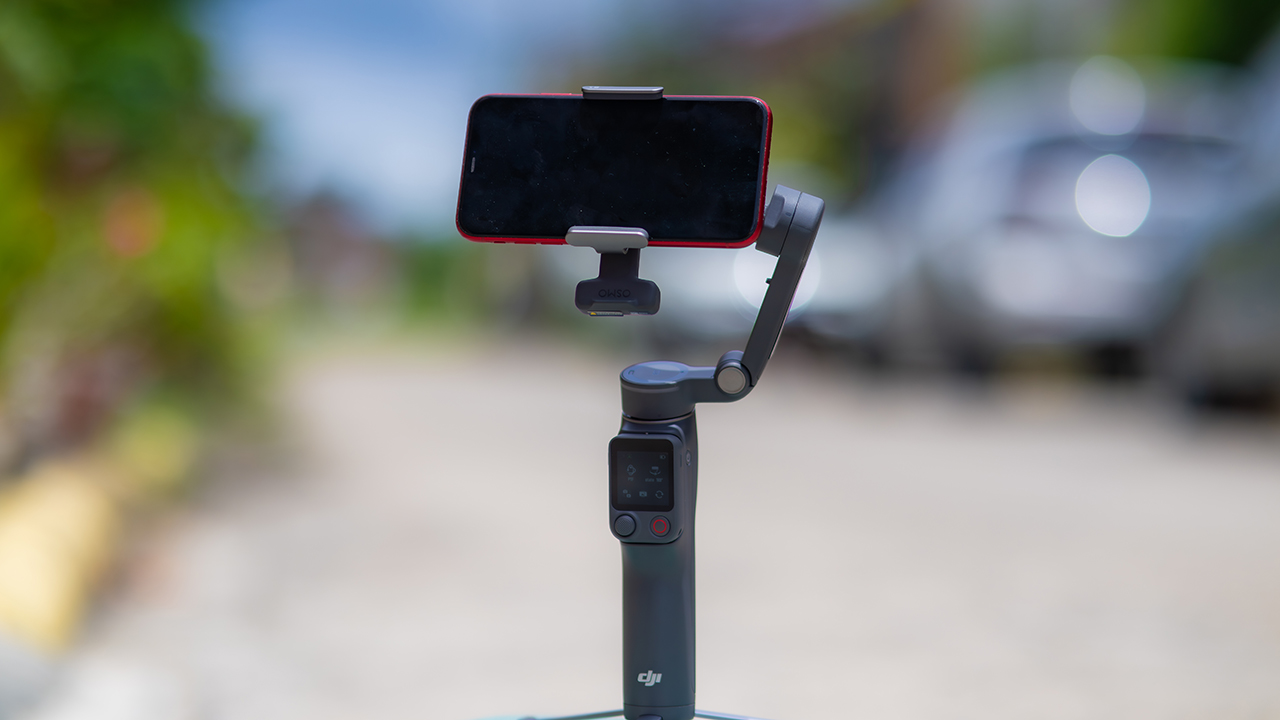
ActiveTrack 8.0, paired with Module 2, held onto its subject even after they stepped out of frame for a moment, then picked them back up without much fuss.
It also lets you sit off-center in the shot instead of forcing you into the middle every time, which gives you more room to compose something that doesn’t look like every other gimbal video.
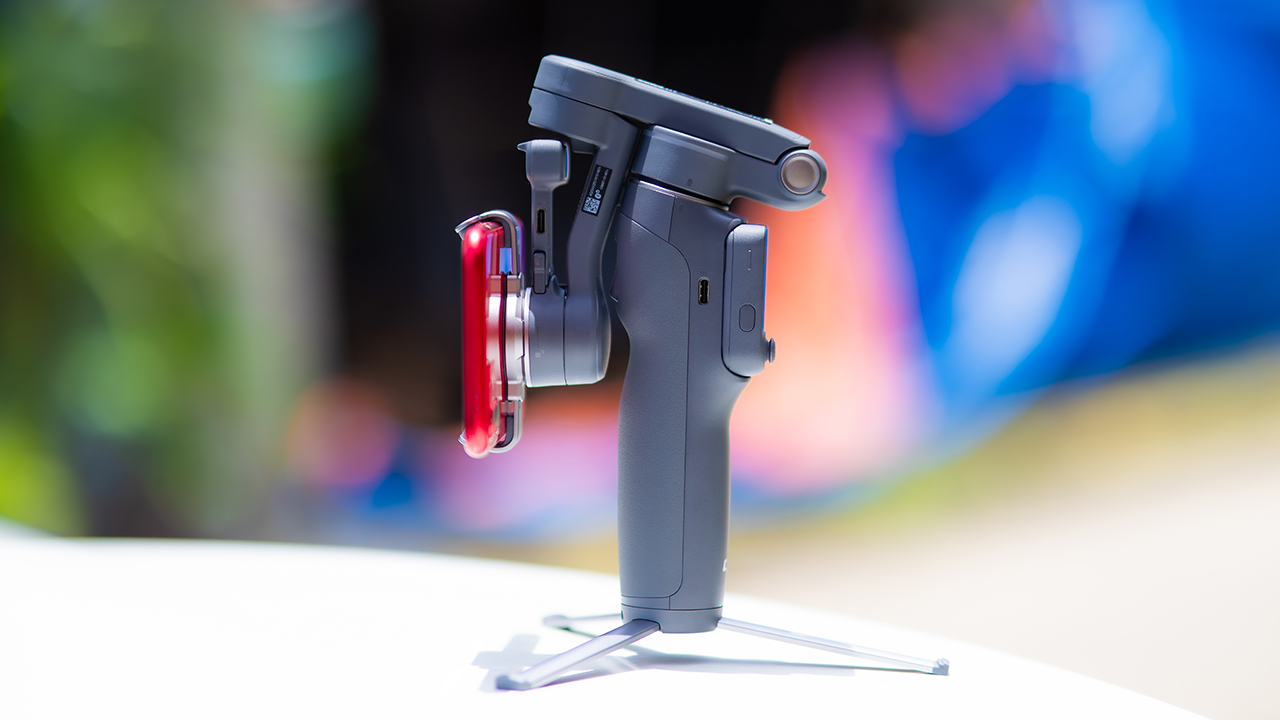
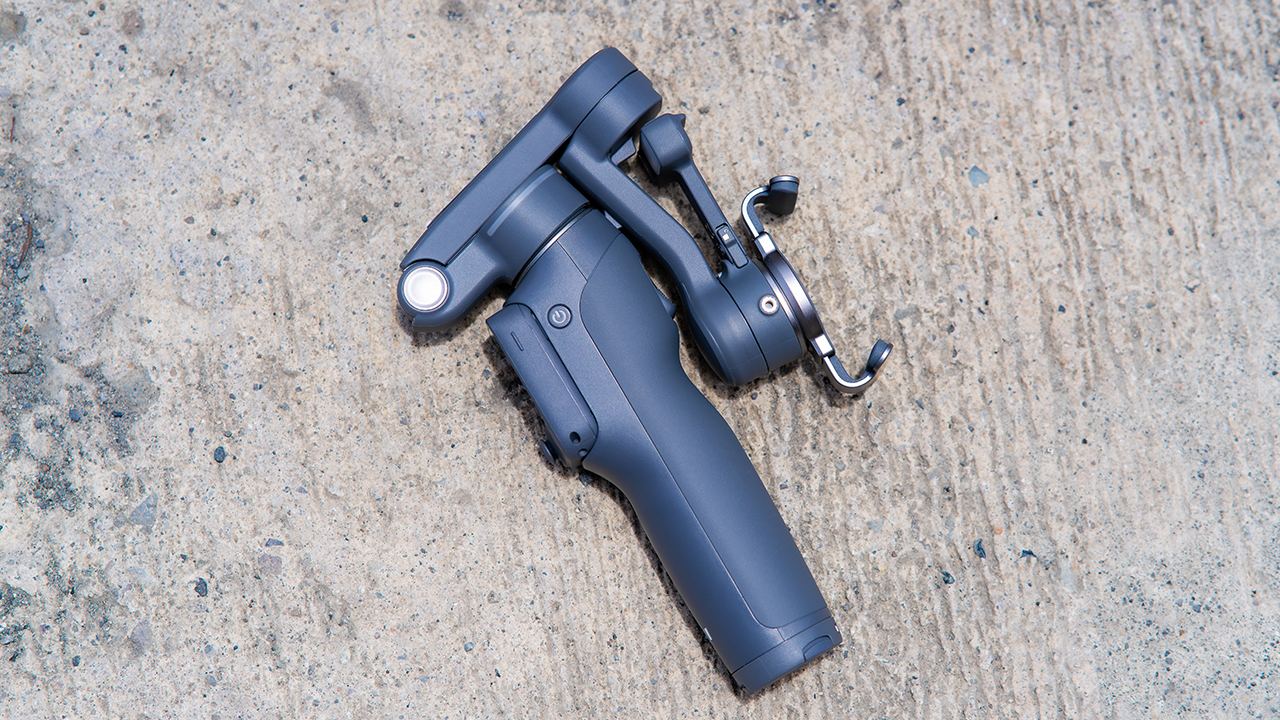
None of that would matter much if the gimbal itself wasn’t solid, and it still is. The OM 8P holds onto the same foldable design, magnetic phone clamp, and built-in tripod that made the OM 8 easy to live with.
And it remains one of the better compact options for stabilization, tracking, and portability in one package.
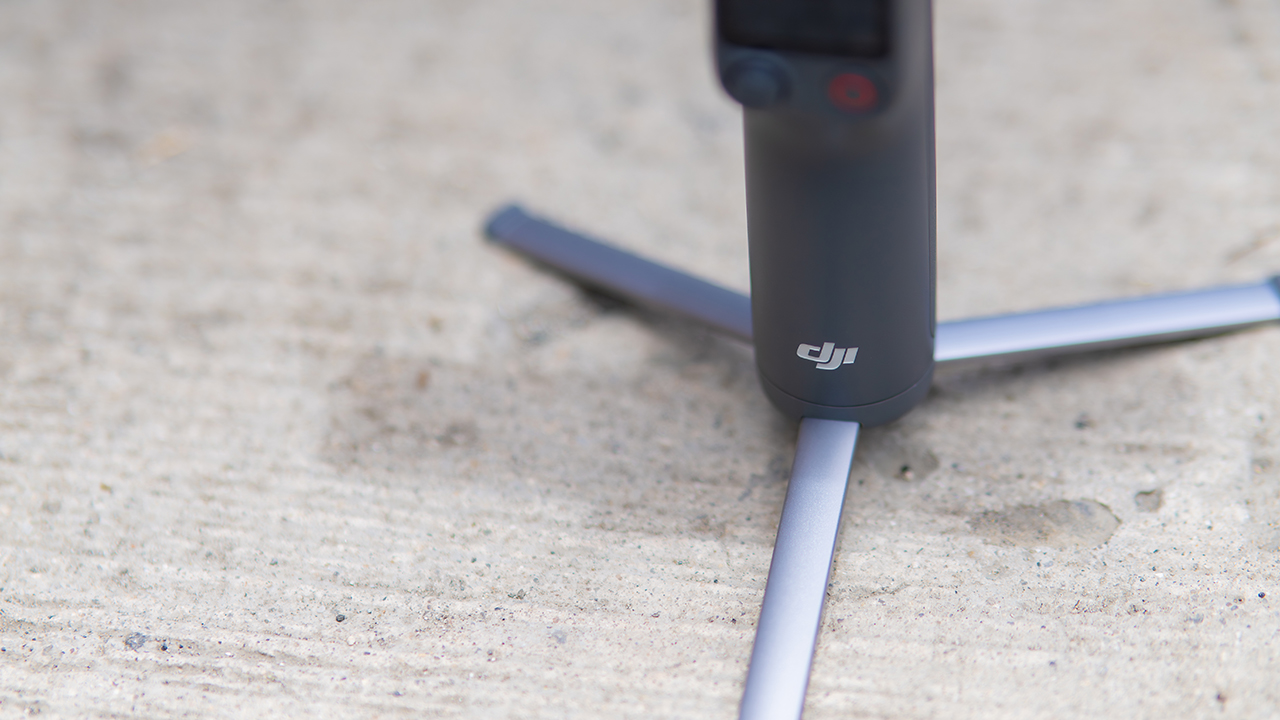
The tripod legs are a touch wider this time, and that extra width does make a noticeable difference on uneven ground.
The trade-offs in touch
The trade-off for all that new remote functionality is a control scheme that takes more getting used to. More of the gimbal’s functions now live on the FrameTap touchscreen, the joystick is smaller, and switching between shooting modes takes a few extra taps compared to the OM 8. It’s not a dealbreaker, but it’s a learning curve you’ll need to budget time for.
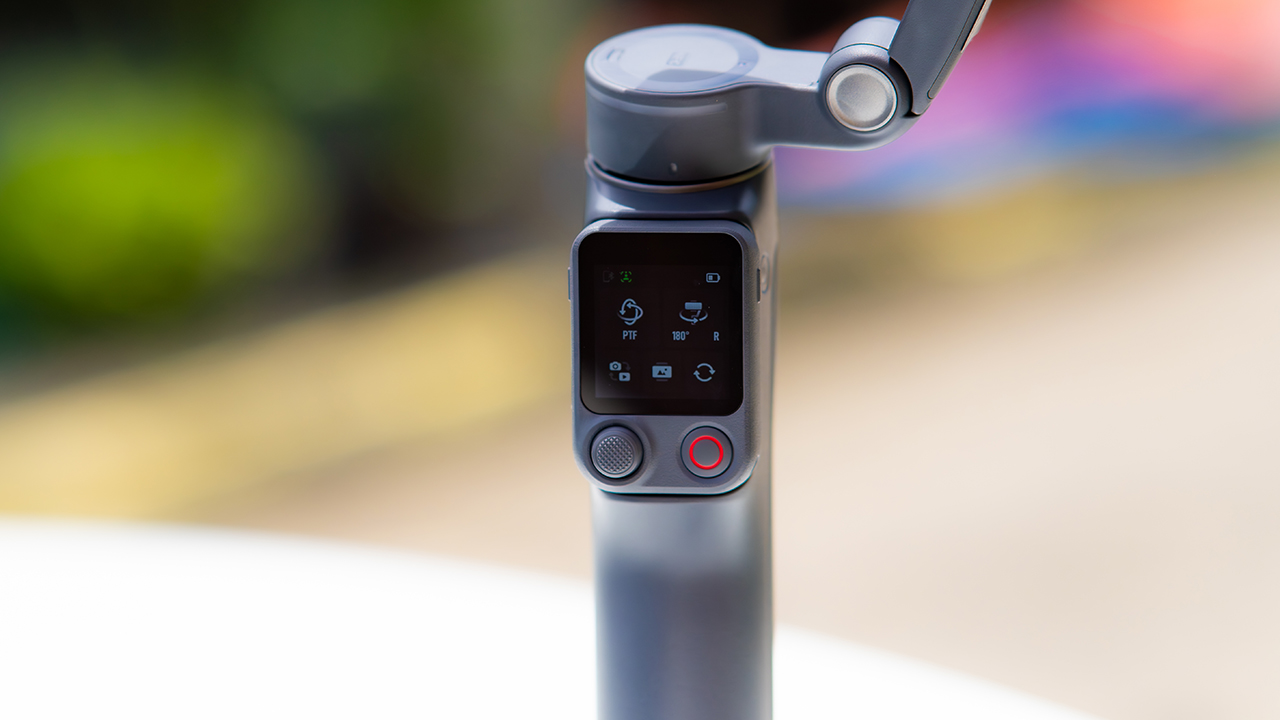
DJI also removed the zoom and focus wheel, so if you leaned on that dial for quick adjustments, you’ll feel its absence here. Module 2 no longer lets you plug a DJI wireless mic in directly either.
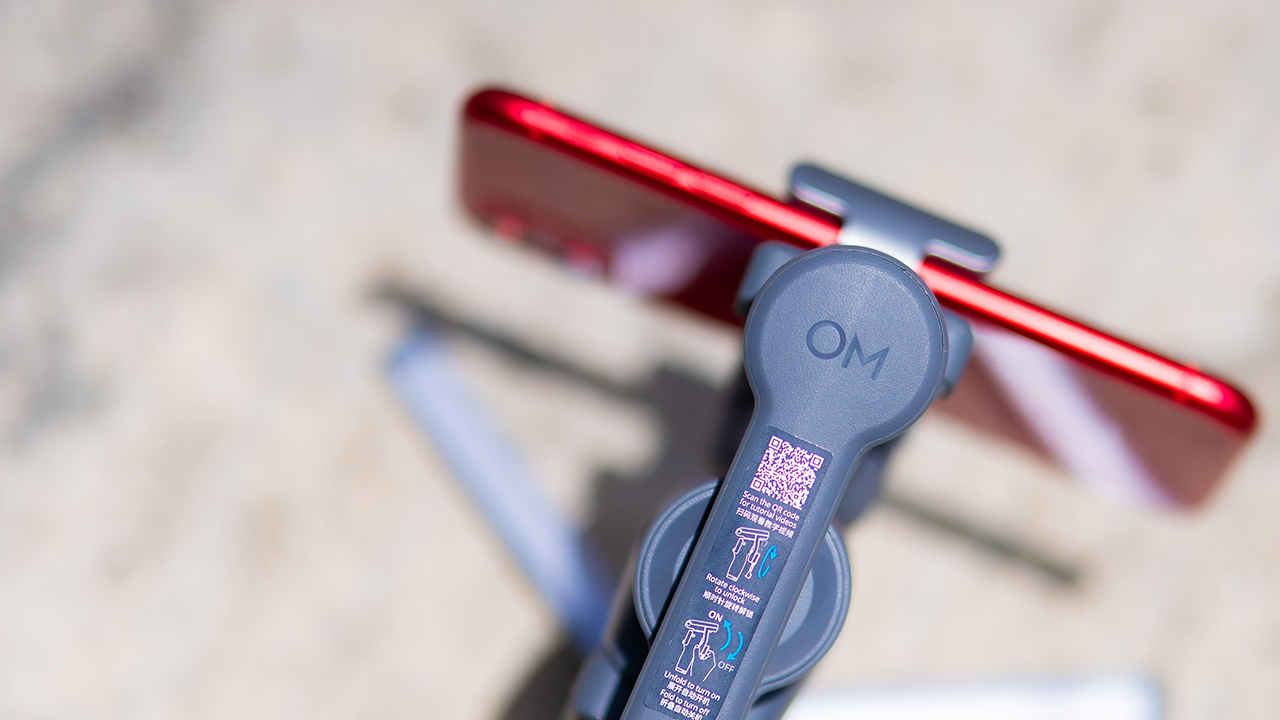
You’ll need to connect it to your phone instead, which adds a step to a setup that used to be simpler. Phone compatibility is still a limiting factor as well. DJI lists support for phones up to around 300g and 11mm thick, so bigger phones or ones in chunky cases may not clamp in properly.
Finding your ideal workflow
The OM 8P makes the most sense for solo creators who want dependable tracking and the freedom of remote framing without stepping up to a dedicated camera like the DJI Osmo Pocket.
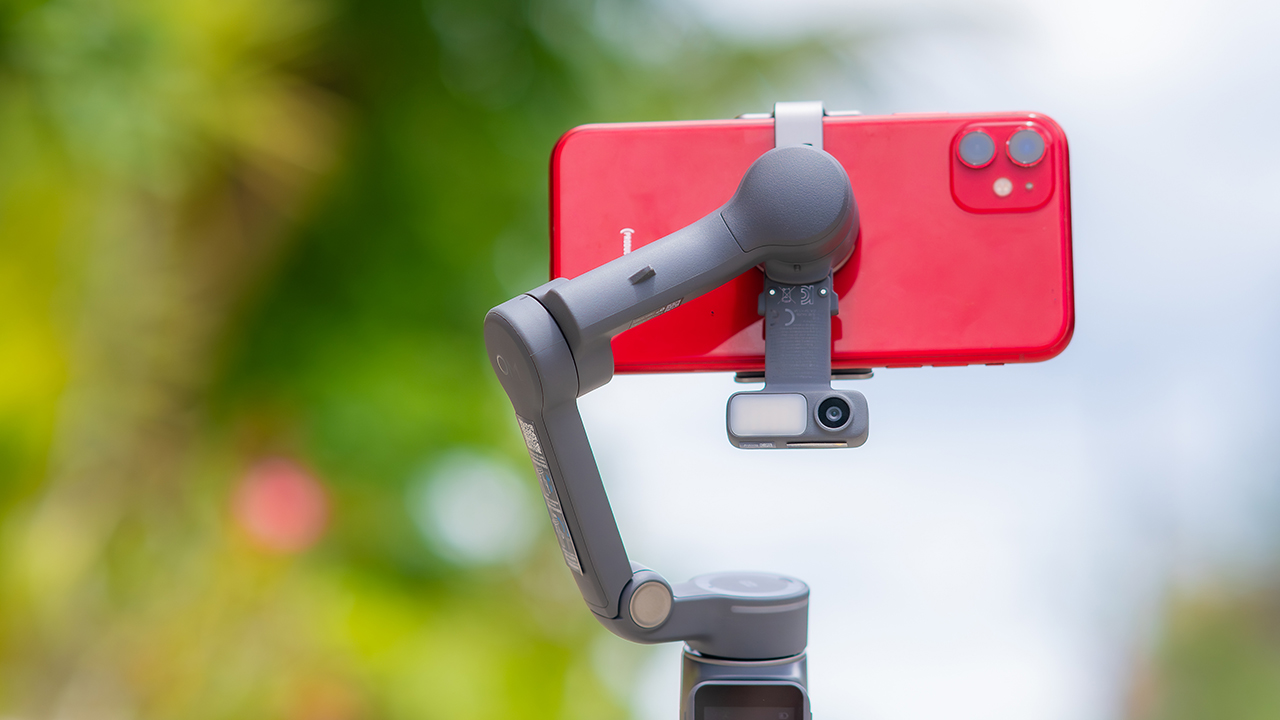
If you’re already shooting on a phone with a solid camera, this fills the gap nicely. It’s a tougher sell if you prefer physical buttons over touchscreen menus, or if your phone runs on the larger and heavier side, since fitting it onto the clamp might be a problem before you even get to shooting.
Price, availability
DJI is offering the OM 8P in three combos, so how much you pay depends on how much of the ecosystem you actually need.
- Standard Combo (PhP 7,499): the gimbal itself, with 8th-gen stabilization and the detachable FrameTap remote included.
- Advanced Tracking Combo (PhP 9,199): adds the Multifunctional Module 2 for the improved subject tracking we tested.
- Creator Combo (PhP 11,099): the full kit, built for creators who want everything DJI bundles in from the start.
Is the DJI Osmo Mobile 8P your GadgetMatch?
The DJI Osmo Mobile 8P asks you to relearn a few habits in exchange for a gimbal that finally lets go of your phone. If hands-free framing and steadier tracking matter more to you than a dedicated zoom dial, this is worth the adjustment.
If you’d rather keep things exactly as they were on the OM 8, that learning curve might be the deciding factor.
Swipe right if you shoot alone often and have been waiting for a gimbal remote that actually works. The FrameTap remote alone justifies the upgrade if reaching for your phone mid-shot has been slowing you down.
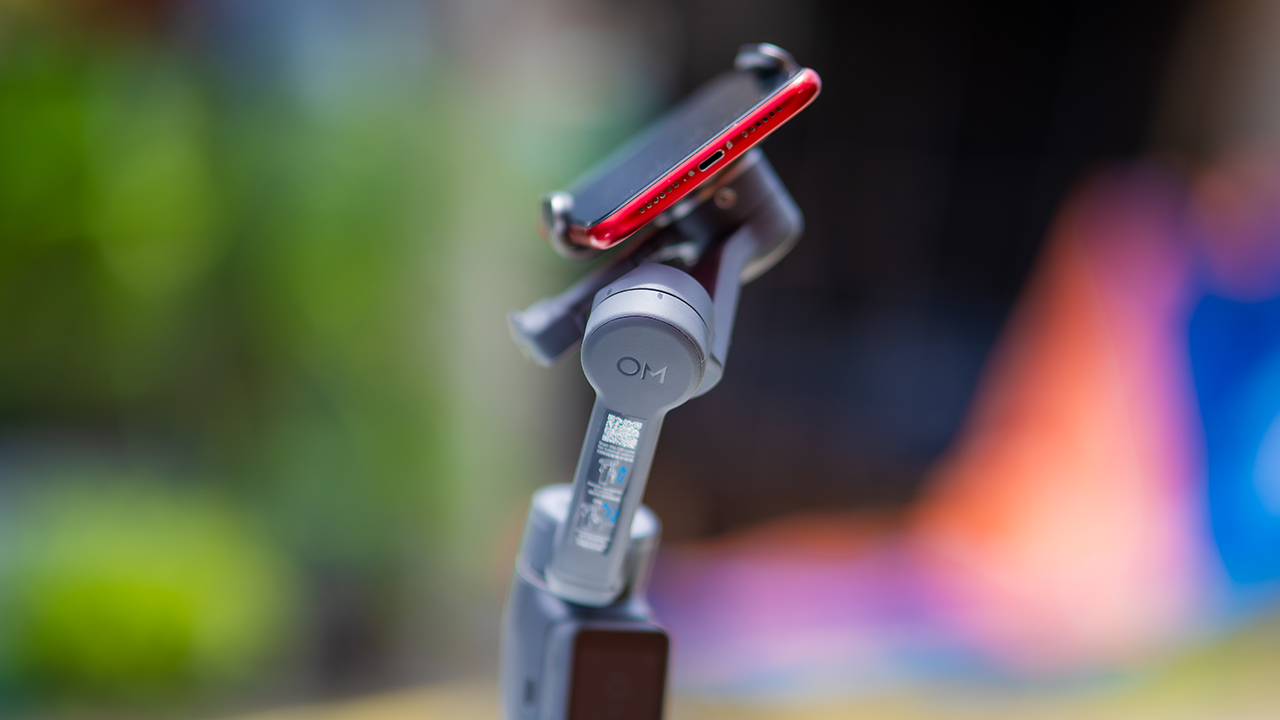
Consider this if reliable tracking matters to you, especially if you’ve had a subject wander out of frame and stay lost on older gimbals.
And of course, get this if you already own a capable phone under the weight and thickness limits, and you’d rather invest in a smartphone rig than jump to a dedicated camera like the Osmo Pocket.
Swipe left if you lean on physical dials for zoom and focus, and moving those functions to a touchscreen sounds like a downgrade rather than an upgrade.
This is not for you if you use a DJI wireless mic and want it plugged directly into the module without routing through your phone first. Or, your phone runs heavier or bulkier than DJI’s limits allow, since no amount of enthusiasm fixes a clamp that won’t close.
Features
GadgetSnaps: Westminster Abbey
A thousand years of history, unfolded with the Samsung Galaxy Z Fold8 Ultra

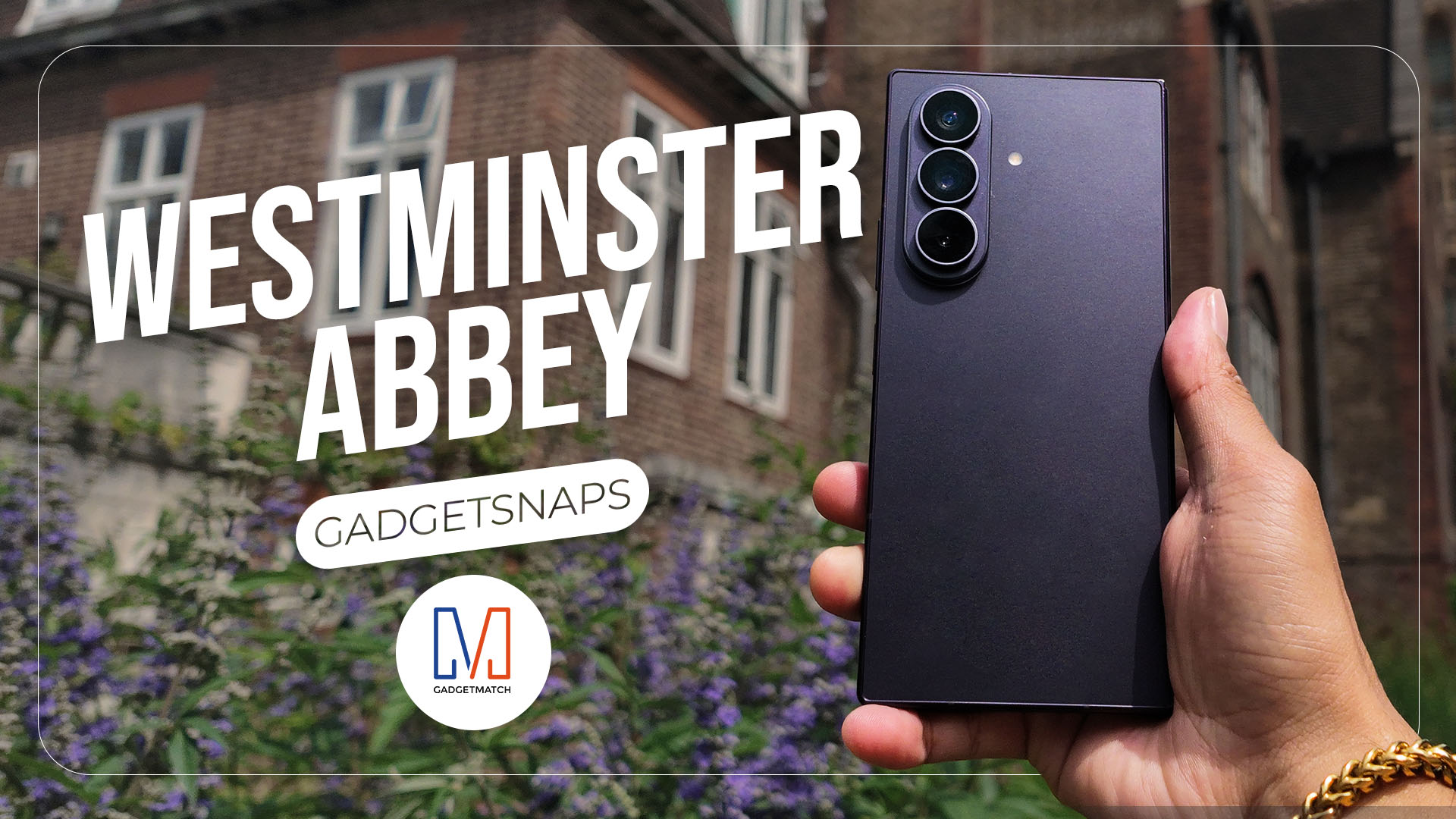
Westminster Abbey isn’t just another stop on the London tourist trail.
It’s the stage for coronations, royal weddings, and burials that span nearly a thousand years, all still playing out under the same vaulted ceilings that have been standing since before most countries had names.
Once you get past the crowds and the audio guides, a quieter version of the abbey starts to show itself: worn stone steps, poets resting a few feet from kings, light that shifts across the nave like it’s in on the performance too.
While losing track of time in Poets’ Corner (yes, me, playing amateur historian for an afternoon), I unfolded the Samsung Galaxy Z Fold8 Ultra and decided the abbey deserved more than a quick tourist snap.




































All photos captured using the Samsung Galaxy Z Fold8 Ultra.

realme C100: Enduring and durable in spite of entry-level realities
Enough power but needs more agility


The ASUS ExpertBook Ultra wins you over
The laptop sneaks up on you


Nexal Watch Sport review: A rugged watch for small budgets
I couldn't believe that watches this good could come for this cheap.

Apple Watch, AirPods get exclusive offers via Beyond the Box

Canva teams up with SB19 to turn A’TIN’s passion into creativity

SQUARE ENIX STORE Plus expands presence in Asia, Oceania

Maya: Convert purchases to 0% interest Mini Payment plans

Netflix: Kris Aquino makes on-screen comeback with fictional role

Sony launches IER-M500 in-ear monitors
realme C100: Enduring and durable in spite of entry-level realities

Hands-on: Samsung Galaxy Z Fold8, Flip8, Ultra

Garmin launches its first screenless fitness band

VinFast debuts two-wheeler models, opens 21 e-motorcycle showrooms


-
 Automotive6 days ago
VinFast debuts two-wheeler models, opens 21 e-motorcycle showrooms
-
 Computers1 week ago
AMD launches Radeon RX 9050 graphics card
-

 Gaming2 weeks ago
God of War Laufey finally confirms its highly anticipated launch date
-

 Automotive1 week ago
Xiaomi debuts SkyNomad Series featuring new Kunlun platform
-

 News5 days ago
OnePlus officially leaves the United States and Canada
-

 Gaming2 weeks ago
NBA 2K27 gameplay trailer showcases new dunk mechanics, Rucker Park, and more
-

 Gaming1 week ago
Call of Duty: Modern Warfare 4 clip shows Losing Ground 1st look
-

 Automotive2 weeks ago
BYD Atto 2 launches with EV, plug-in hybrid options