
Finance
EastWest launches BizAccess Visa Debit to simplify SME banking
Faster, easier control of finances


EastWest has introduced the BizAccess Visa Debit. It’s a new banking solution built with Visa to give SMEs a more efficient way to manage day-to-day finances. It combines a checking account, a dedicated debit card, and other digital tools. These will help business owners separate funds, track expenses, and streamline operations.
SMEs make up 99% of businesses in the Philippines. EastWest says the goal is to give entrepreneurs a system that keeps up with their fast-paced routines. BizAccess supports this with real-time transaction monitoring, easier cash flow management. There are also tools that let owners stay focused on running and growing their business.
BizAccess Visa
At the core is the BizAccess Visa Debit Card. It offers a secure way to handle purchases, supplier payments, and other business expenses. Business owners can issue up to ten cards to staff, allowing centralized tracking and clearer visibility across transactions. The card also includes travel accident insurance, transaction alerts, and access to Visa-exclusive promos and rewards. EastWest is extending a welcome offer alongside waived over-the-counter fees for deposits and withdrawals.
The card is paired with a BizAccess Checking Account, which requires a minimum maintaining balance of PhP 25,000. Entrepreneurs can manage the account through EasyBiz Online Business Banking. They can view balances, monitor activity, pay suppliers, manage cash flow, process government payments via eGov, and settle corporate bills. EasyBiz also supports card lock and unlock controls for added security.
EastWest and Visa highlighted the versatility of BizAccess by welcoming long-time business clients during the launch. In attendance were Aficionado, Bosch Car Service, Colombo Merchant Philippines, Kenzo and Kloe’s Nature Farm, and Nacho King — a mix of brands that represent Filipino entrepreneurship across different industries.
SME owners and decision-makers can now apply for the BizAccess Visa Debit Card at any EastWest Store. The checking account can also be opened and managed online, with EasyBiz offering step-by-step guides for activation and setup.




Finance
EastWest rolls out Google Pay access for debit cardholders
For fast, seamless, and secure payments
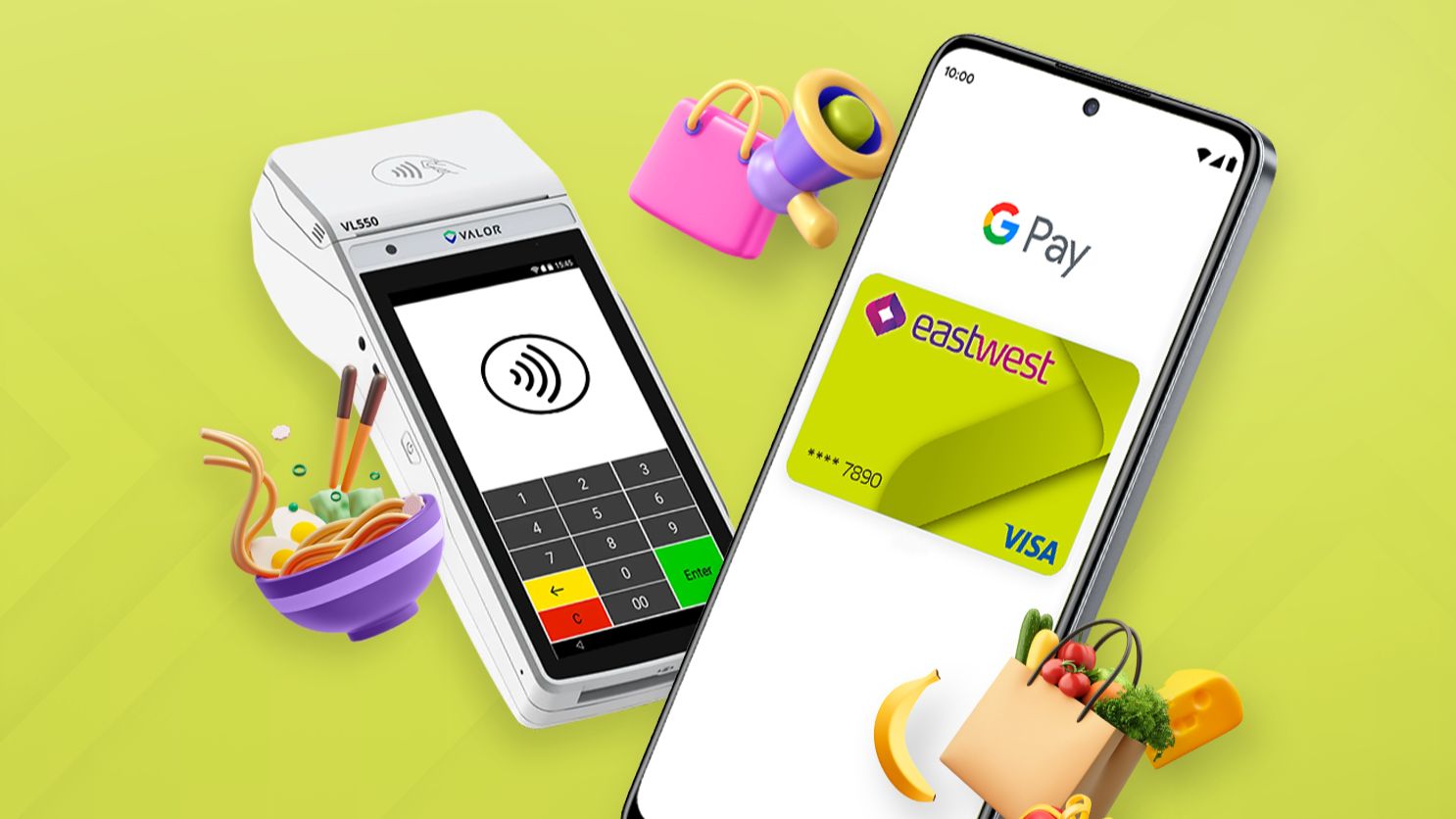
Eastwest continues to make banking easier as its EastWest Debit Card is now on Google Pay. This enables users to pay with just the tap of their phone.
The integration brings a globally accepted payment experience closer to home. With Google Pay now supporting EastWest Debit Cards, customers can add their card to Google Wallet to enjoy fast, seamless, and secure payments.
That’s whether for everyday purchases, online shopping, or even when traveling overseas. Specifically for Eastwest Priority clients who travel frequently, Visa Infinite Debit Cardholders can enjoy more benefits, like:
- Low foreign exchange fees of 1.7% (with no foreign exchange bank conversion fees promo until March 31)
- Waived interbank domestic withdrawal fees
- Up to 10 free international ATM withdrawals per year (with free and unlimited international ATM withdrawals promo until March 31)
- 24/7 access to Visa Infinite Concierge
From casual cafe purchases to grocery checkouts and even online purchases and international trips, having EastWest on Google Pay transforms the smartphone into a secure, all-in-one wallet.
As with other banks offering the same capabilities, users do not need to carry their physical card with them anymore. A simple tap with a compatible Android device or wearable completes the transaction.
EastWest’s Debit Cards are powered by Visa, and are accepted at millions of merchants worldwide.
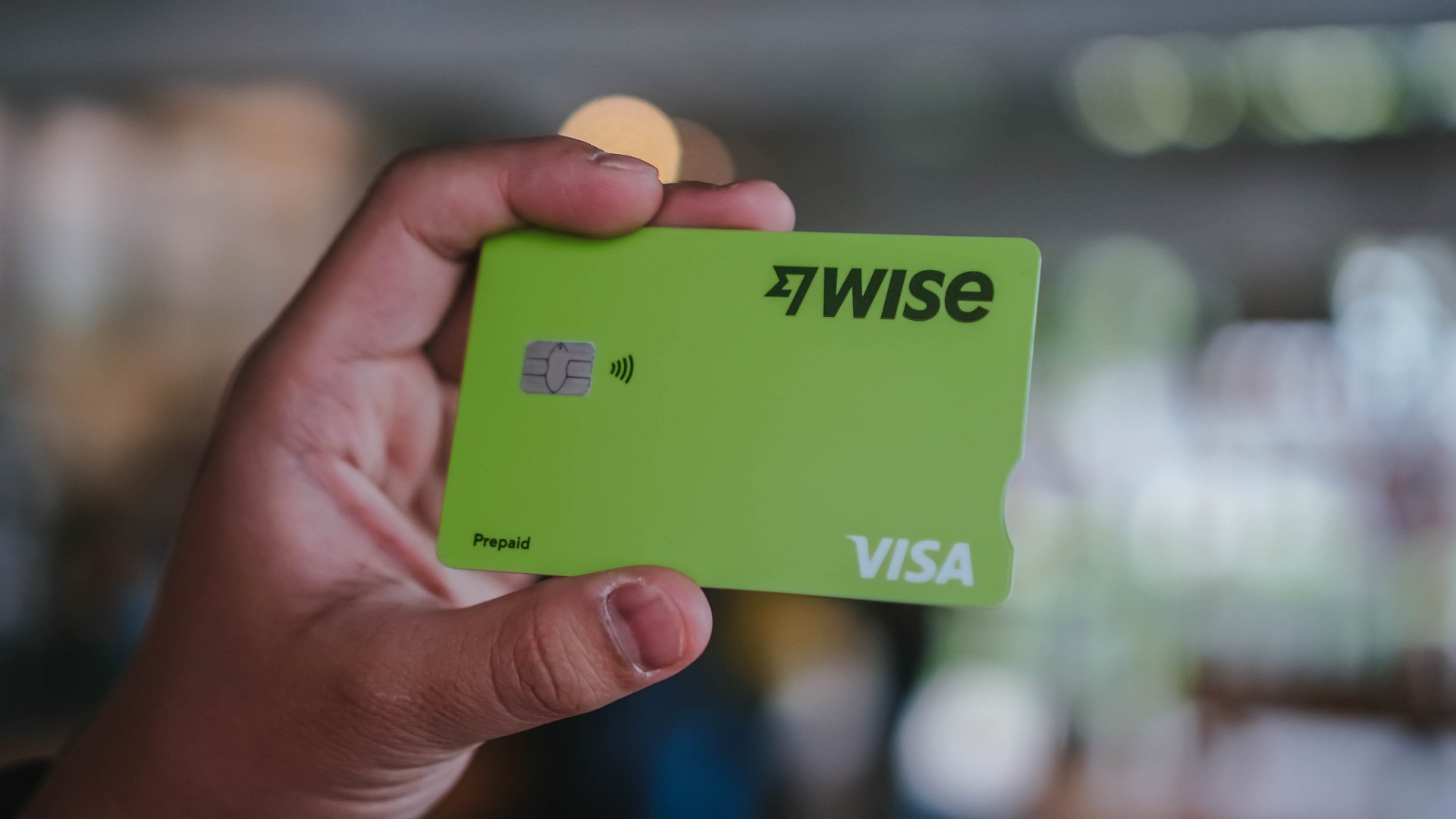
Dreaming of a holiday abroad but worried about hidden costs eating into your budget?
This Christmas season, overseas vacations are always a great idea — whether it’s solo or a group trip with friends, or with loved ones and family.
Exploring new food, culture, and shopping abroad is the ultimate reward for a year’s hard work.
However, airfare, accommodation, and other expenses can quickly make such trips costly. Add to that extra charges, like transaction fees and fluctuating conversion rates.
Thankfully, there are several ways to make every peso count when traveling. Wise, a global technology company, offers smart tips to spend and manage money internationally better so you can make your trip more affordable and enjoyable.
Track your expenses
The simplest way to build up for a long-awaited holiday trip is to budget ahead and start saving as soon as you can.
You can start by tracking your daily expenses with budgeting apps. You’ll see how small purchases add up, giving you the awareness to budget more effectively.
For instance, daily spending habits like buying coffee outside can add up quickly. A PhP 200 coffee a day at a major chain equals PhP 6,000 a month, or even PhP 72,000 annually. That’s more than enough for a three-day family trip to your dream destination.
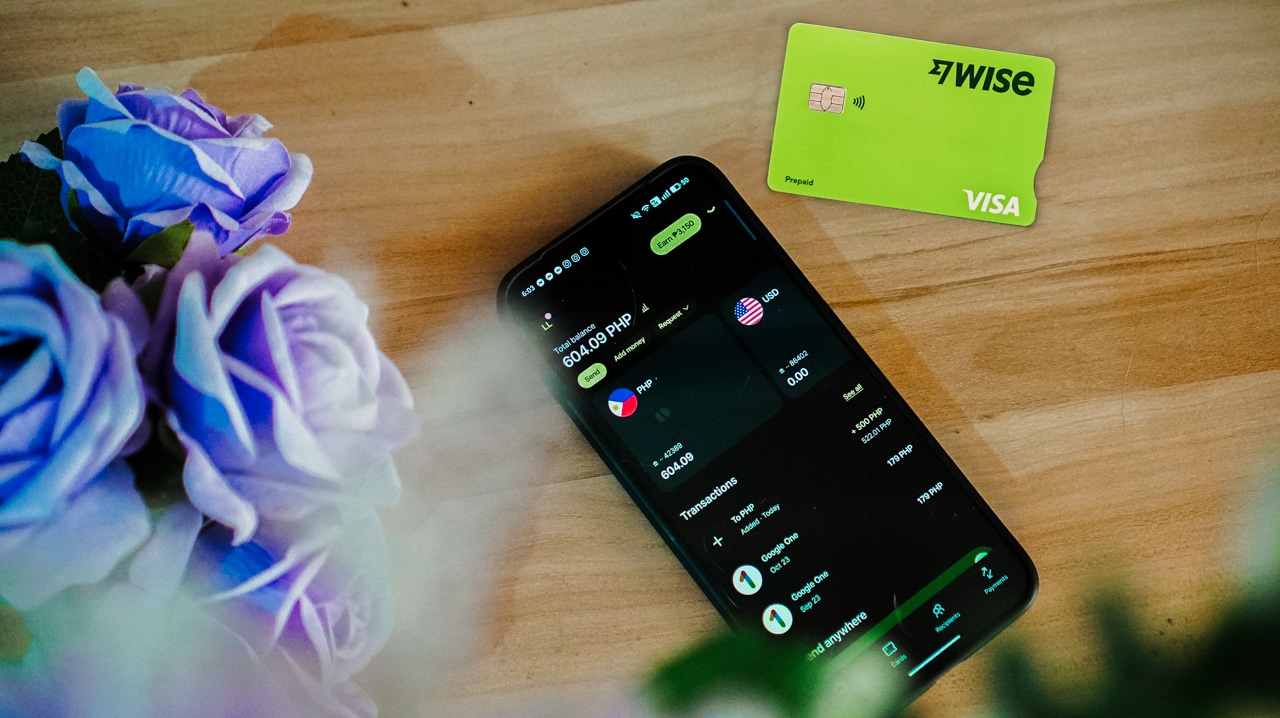
Outside of travel, that can become your funds for Christmas gifts, new clothes, and further treats for yourself.
Deposit travel savings into a separate account
Knowing that you will travel in the future, the next step is to decide where to keep it. You can transfer a portion of your 13th month pay or Christmas bonus to a separate account to grow your travel fund.
This is where Wise comes in handy. For travels, it holds money in more than 40 currencies. The Wise Jar feature also helps users organize money for different trips. It’s a great way to protect funds, stay consistent, and prevent overspending.
Once you’ve secured your travel fund, the next challenge is making sure you spend it wisely abroad.

Prioritize experiences over expenses
A simple mindset of valuing experiences and creating memories over material things like souvenirs can go a long way.
Sure, happiness looks different for everyone, but there are several budget-friendly activities abroad that offer the authentic experience. There are free walking tours and tourist pass bundles for a lower price.
And with just your smartphone or portable camera, those moments will stay with you long after the trip ends.
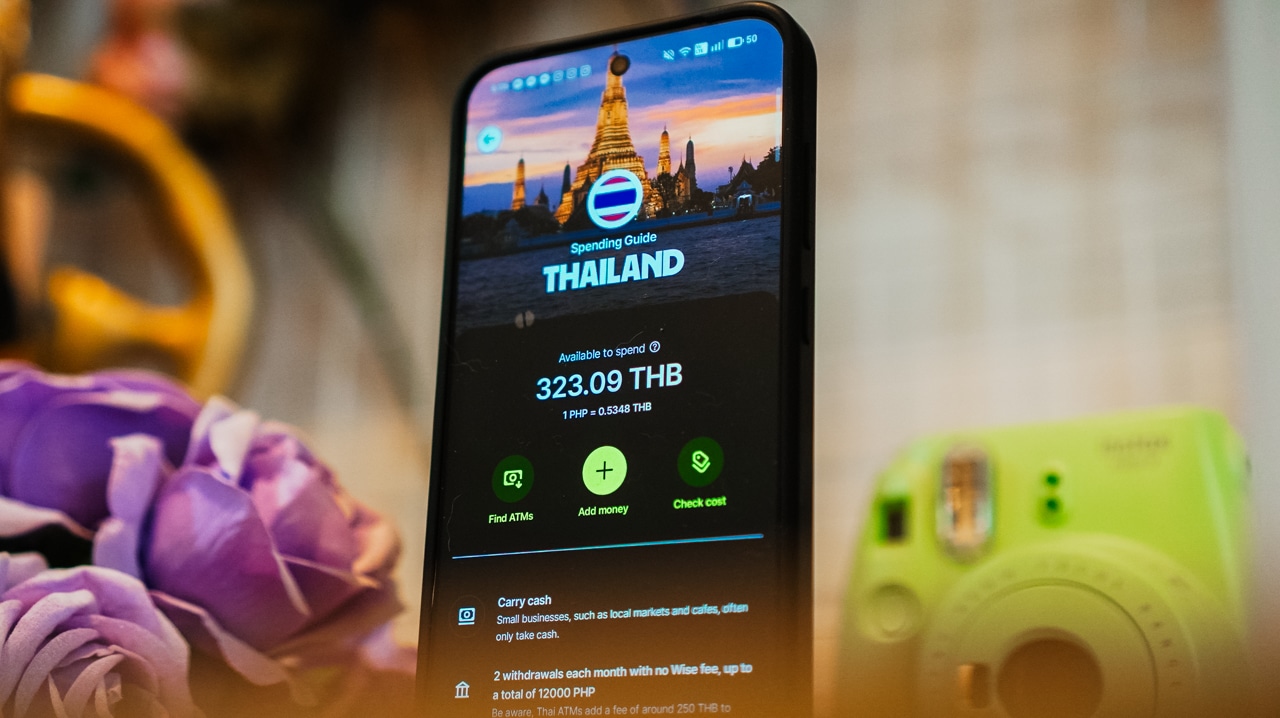
Be wise with payments
Moreover, it’s easily tempting to use a credit card and pay in pesos when buying goods or shopping internationally. However, while that sounds convenient at first, you could incur additional fees without even realizing it.
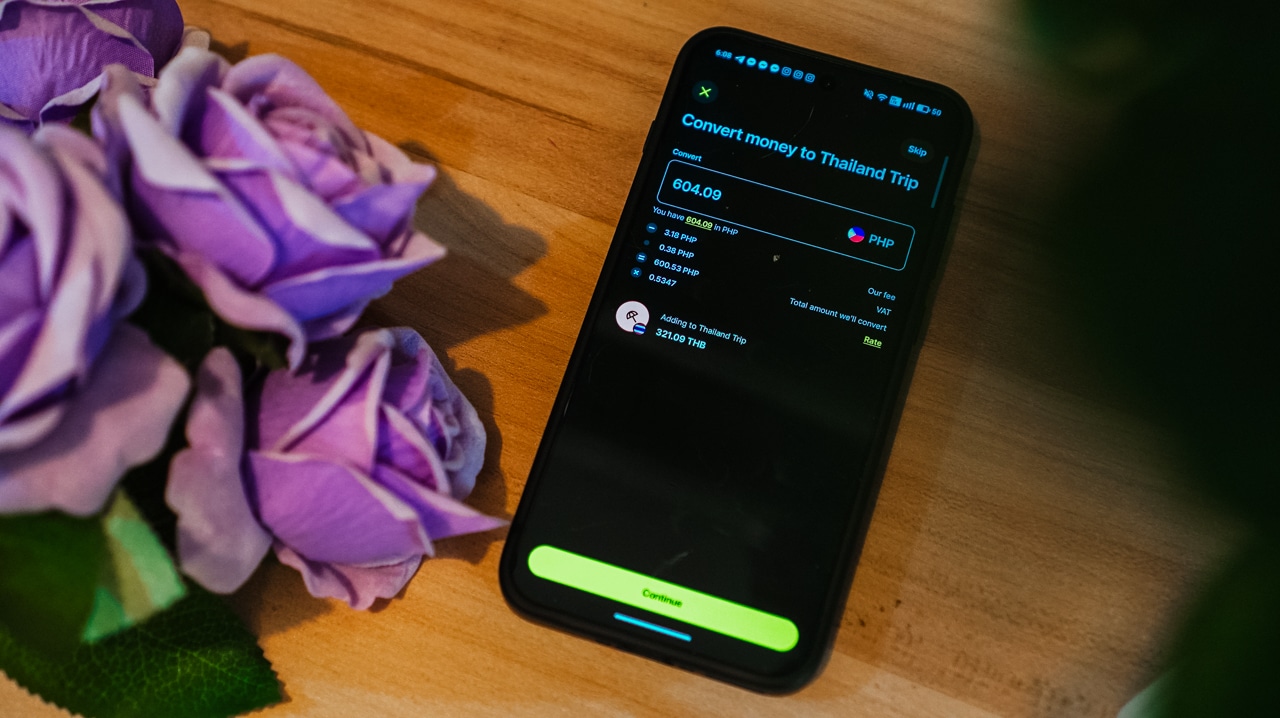
Traditional cards charge up to 3% in foreign transaction fees. Plus, conversion rates always fluctuate. Dynamic Currency Conversion (DCC) fees when paying via merchants’ POS or withdrawing cash at foreign ATMs also hurt as they’re usually marked up.
Fortunately, the Wise multi-currency card lets users hold and spend in 40+ currencies at the mid-market exchange rate, minus hidden fees. It allows you to spend like a local and bypass foreign transaction fees.
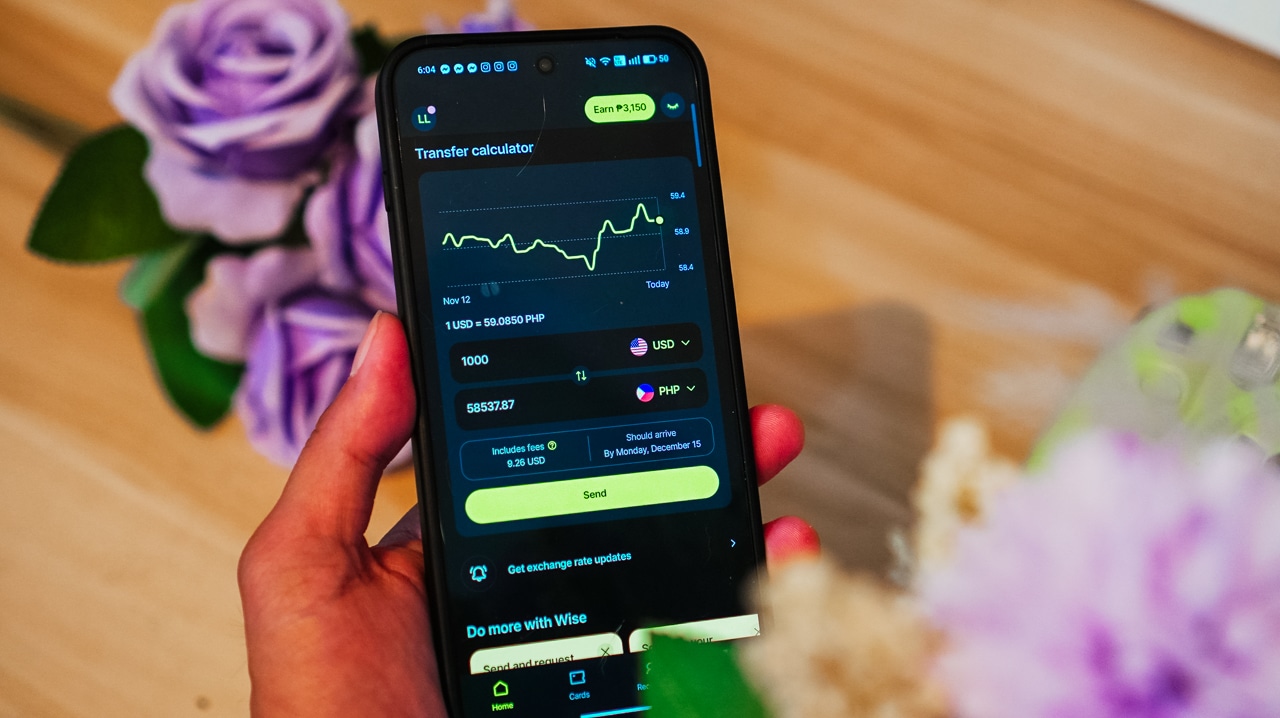
For instance, a smartwatch priced at US$ 85 could cost you PhP 5,100 if you pay in pesos. But if you pay in USD using Wise’s mid-market rate, you’d spend only around PhP 5,004.8. This allows you to save roughly PhP 100 on a single purchase.
Multiply that across meals, shopping, transport, and other daily expenses and you could save thousands in a single holiday.
Tap to pay when abroad
Lastly, and as mentioned above, the Wise card can be added to your Google Wallet. This makes it seamless for travelers to pay abroad.
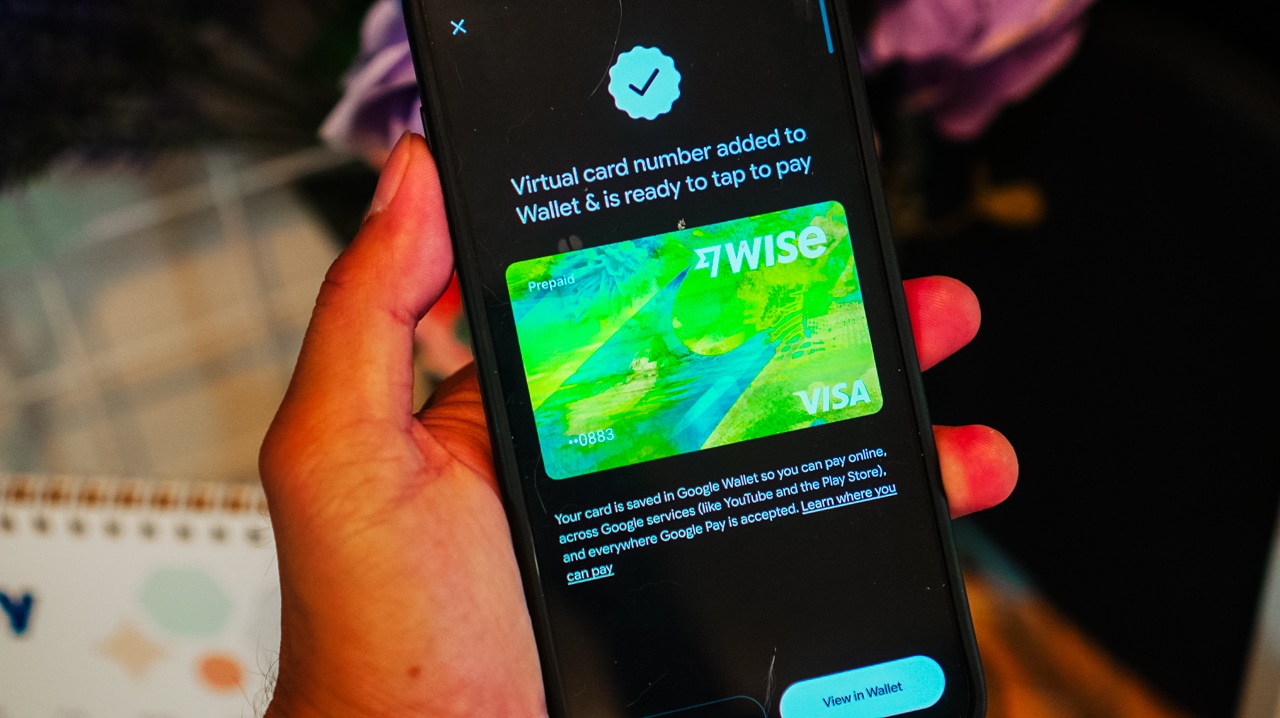
Not only can you pay in over 40 currencies at the real exchange rate without extra fees, but you don’t have to carry a physical card either. You just need an Android phone or smartwatch to pay.
To add a Wise card to Google Wallet and pay with Google Pay, customers can:
- Open the Wise app
- Tap the Card tab to view all available cards
- Select their card to add, then tap “Add to Google Pay.”
Ready to travel smart this holiday season? Download Wise now and make your dream trip happen — without hidden costs.
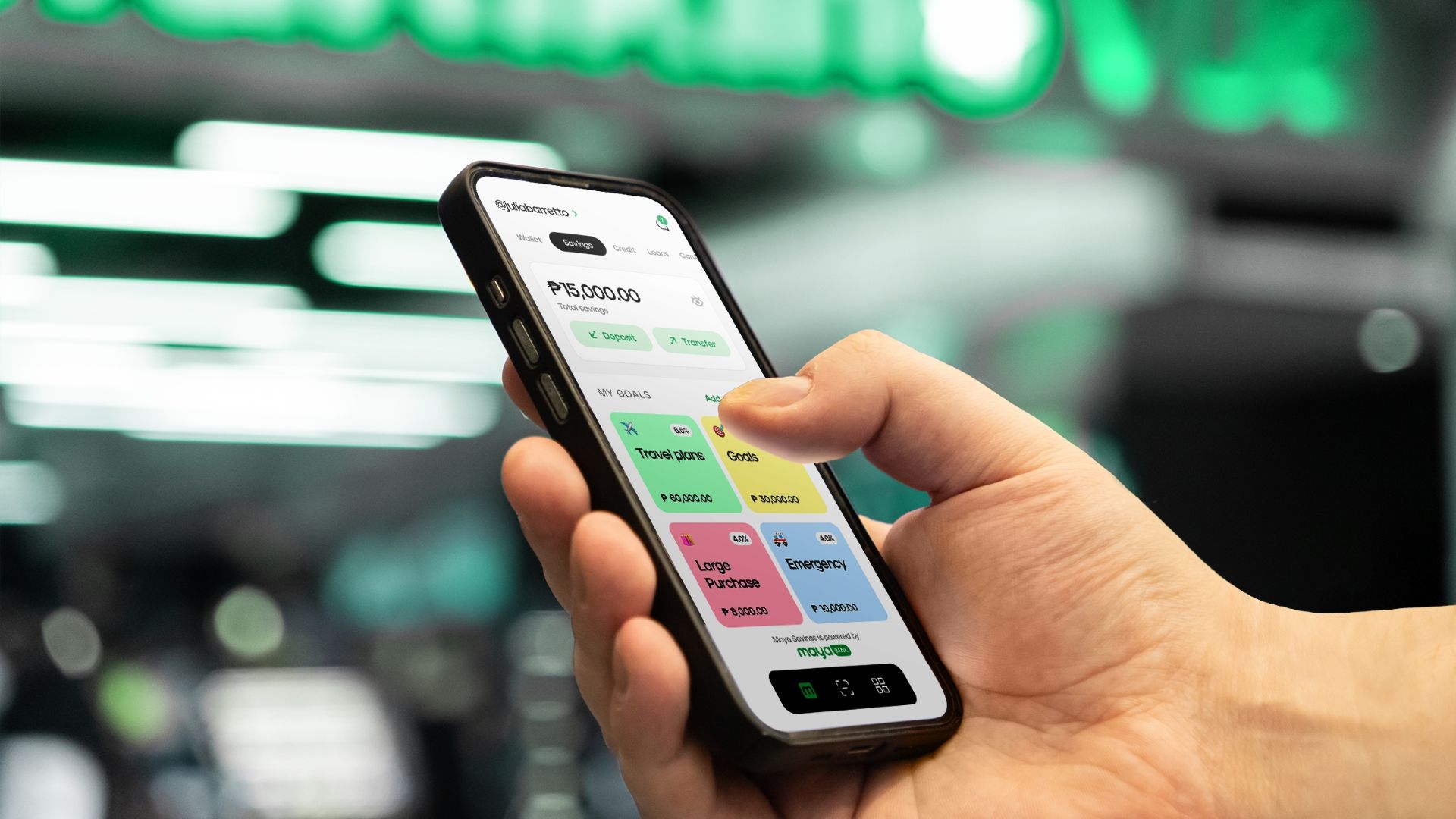
All-in-one digital bank Maya is urging Filipinos to make their bonus work smarter, grow faster, and set them up strong for 2026.
As it is already the Christmas season, most Filipino professionals have just received or will be receiving their 13th month pay. But before that disappears into holiday hauls, Maya has tips so users be on top of their finances.
Give your extra money an assignment
Bonuses aren’t a windfall; it’s a strategy. Before anything else, Filipinos should give every peso a purpose.
A simple split could look like this:
- 50% bills and responsibilities
- 30% for fun
- 20% for savings and investments
For payments, it makes sense to use Maya. This holiday season, the banking app has a TWINYONARYOS promo wherein a user and a chosen referral can both win PhP 1 million each.
Park money for the future
Those who already have a Maya account can also take advantage of Maya Savings, where money can grow with up to 15% p.a. interest credited daily.
Then, build structure with Maya Personal Goals. Users can create five different goal accounts on the app, each earning 4% base interest. The rate also increases every PhP 20,000 added.
But for those who wants bonus to grow steadily and predictably, Time Deposit Plus comes in handy. Lock money for 3, 6, or 12 months with guaranteed rates of up to 6% p.a. on deposits up to PhP 1 million per TDP account.
Build a buffer for life’s curveballs
Lastly, users can boost their emergency fund using Maya Savings or set up a dedicated Personal Goal just for emergencies.
Maya Easy Credit also gives instant access to funds with no paperwork or collateral so you don’t have to touch your hard-earned savings when things get tough.


Crime on Prime: Streaming platform unveils powerhouse crime, thriller slate

New medieval action RPG, Echoes of Aincrad, out July 2026

GIGABYTE collaborates with Capcom for RE Requiem custom PC

OPPO Find N6 global launch set for March 17

Samsung is done chasing specs, says TM Roh

Xiaomi 17 Ultra is now available outside China

TECNO will showcase the CAMON 50 and POVA 8 series at MWC 2026

The art of being in and behind the frame

HUAWEI MatePad 11.5 S 2026: The better-than-ever 4-in-1 productivity tablet

TECNO MEGABOOK K16s 13th review: No-frills beneath those grills


-
 News1 week ago
Xiaomi 17 Ultra is now available outside China
-

 MWC 20261 week ago
TECNO showcases cool concepts at MWC 2026
-

 MWC 20262 weeks ago
TECNO resurrects modular phones with this new concept
-

 MWC 20265 days ago
Infinix NOTE 60 Ultra makes a motorsport-inspired debut
-

 MWC 20266 days ago
TECNO launches the all-new CAMON 50 series
-

 Reviews1 week ago
Xiaomi Pad 8 review: Slab that slaps!
-

 Reviews6 days ago
TECNO CAMON 50 Ultra review: End of an era?
-

 Reviews1 week ago
Forget the Phone: Xiaomi 17 Ultra Is A CAMERA!