





Apple has never made it easier to get into their fruit ecosystem.
At US$ 599, the iPhone 17e sits right beside the M4 iPad Air and the all-new MacBook Neo.
There’s a lot to love about it. It’s got everything you need, and nothing you don’t.
What’s the justification? Head over to our in-depth review of the latest Apple iPhone 17e to know more.






Reviews
REDMI Note 17 Pro review: What a rollercoaster ride!
The serious series of ups and downs are NOTEworthy of your attention

Xiaomi’s REDMI Note 15 series was introduced at the very beginning of 2026.
Six months in, they finally welcomed one of its successors in the lineup. But what is it like against its older sibling?
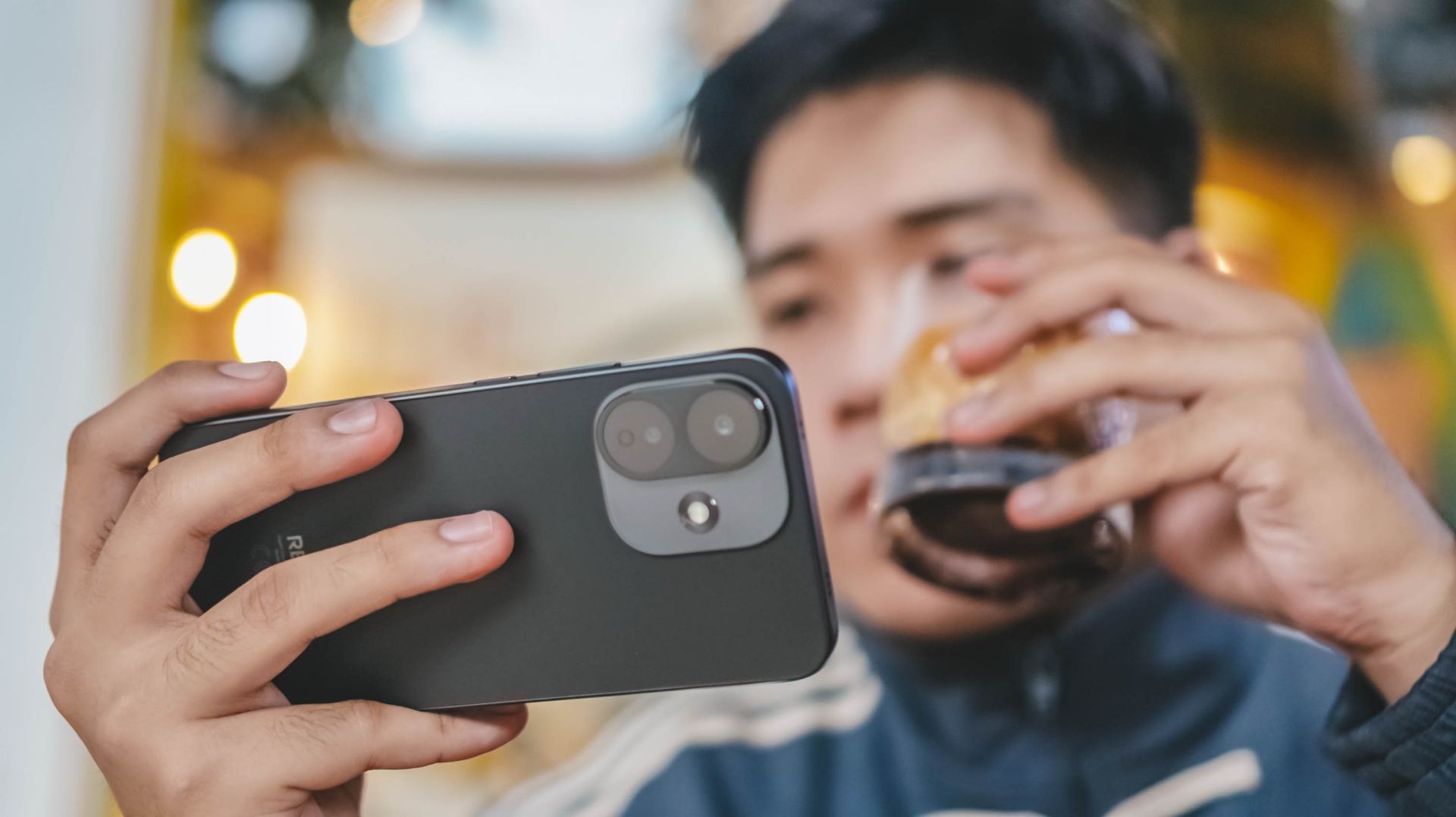
Well, buckle up your seatbelts as we enter and ride the latest REDMI Note 17 Pro rollercoaster ride 🎢
Slow yet steady start
As the hydraulics disengage, the ride starts its initial push.
That immediate start is comparable to binging Our Sticky Love on this phone — Netflix’s freshest K-Drama as of writing.
At first, you’ll be mesmerized by both Ahn Ha-young and Jung Hae-in’s hot AF visuals.
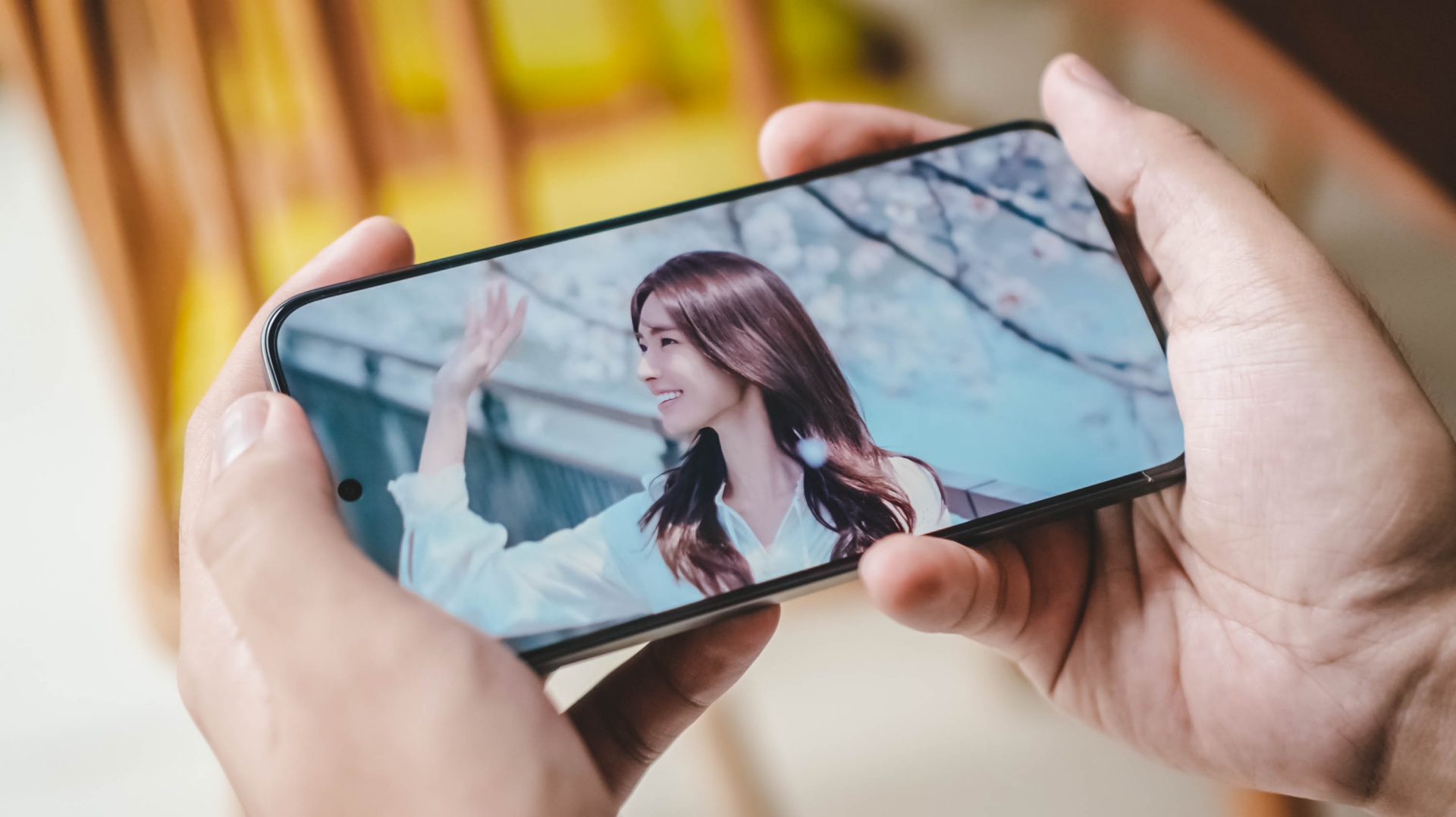
But, the more you fall deeper to the story, the more it gets complicated. This series has a story sequence where it’s least predictable.
Much like any rollercoaster ride, there are a lot of ups and downs where you least expect it to happen.
The opposite can be said with its display. It’s still the same 6.83-inch 120Hz CrystalRes AMOLED display found on its predecessor.
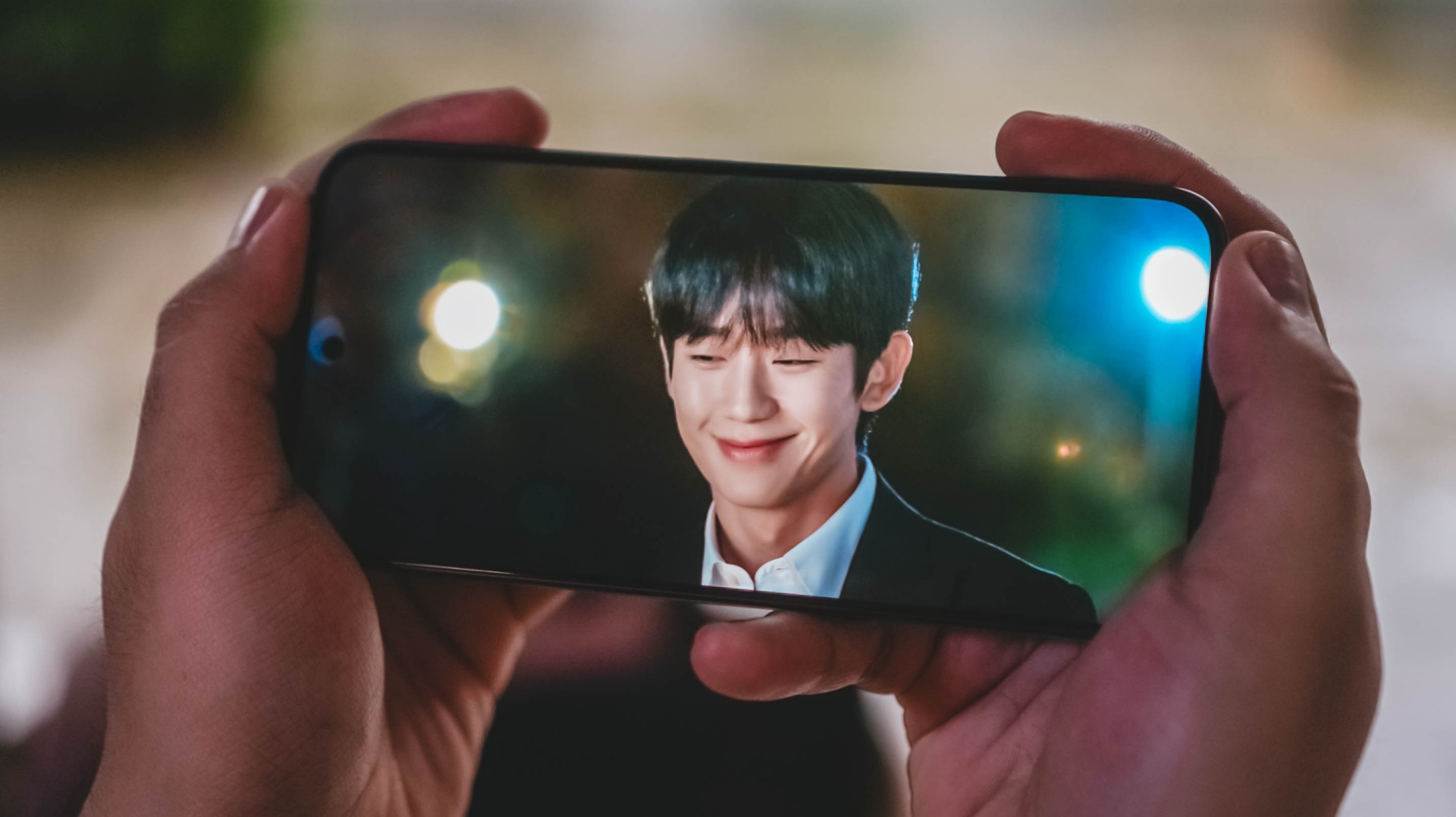
That isn’t necessarily a bad thing as it’s still a very vibrant and immersive screen regardless — 1.5K display resolution, 12-bit Color Depth, 68 Billion Colors, DCI-P3 Wide Color Gamut.
There’s even the usual TÜV Rheinland Blue Light, Flicker-Free, and Circadian Friendly certifications to protect one’s eyes against the harmful night light.
Go Eun-sae (or Go Ji-won)’s divine beauty radiate more than the cherry blossoms behind her.
Moreover, Jang Tae-ha’s smile is as bright as it could ever be.
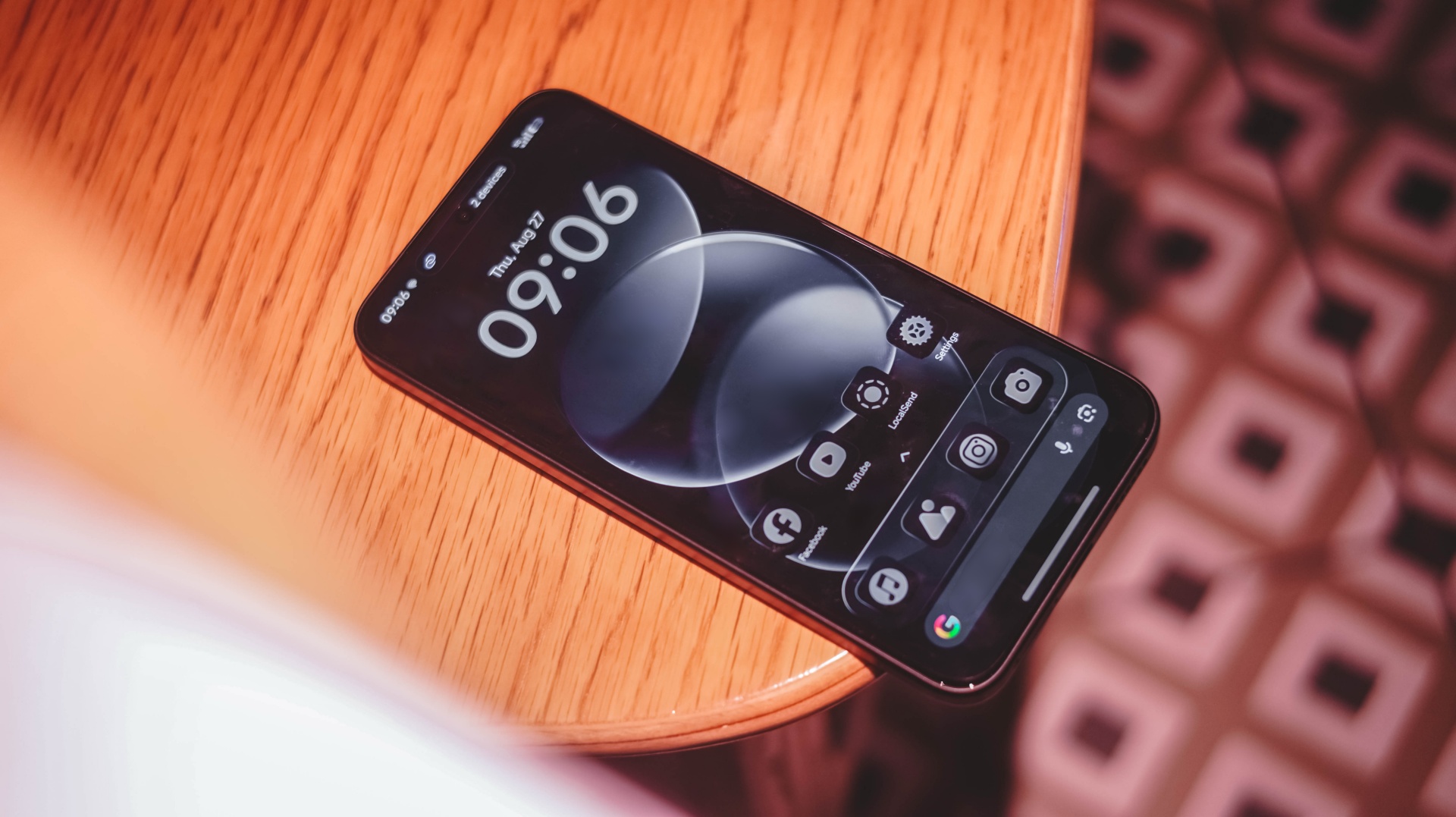
Speaking of, there’s actually a minor bump in brightness: from 3200 nits up to 3500 nits.
Though that gradual increase meant there isn’t enough disparity between the last and latest Note Pro midrangers.

Still, that brightness is enough to be mesmerized by ARTMS (that are all #BornStunner) even under harsh sunlight.
Boost to the top
The build-up continues with the speaker situation on the REDMI Note 17 Pro.
It wouldn’t be a complete review experience without having to play the latest K-Pop releases around.
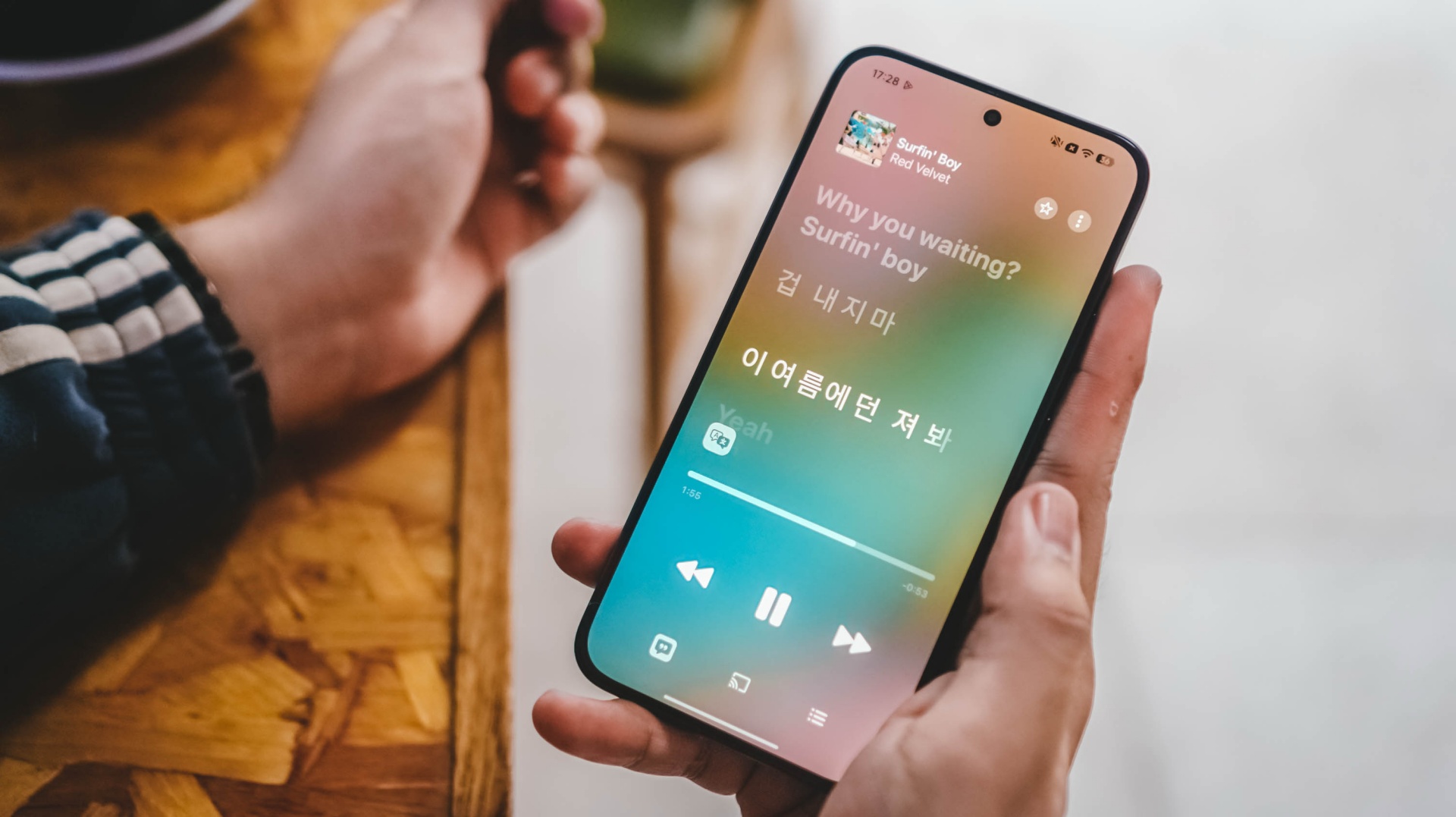
After more than two years since the celestial Cosmic title track, now is the best time to celebrate Red Velvet’s grandest comeback with Surfin’ Boy.
With support for Dolby Atmos, I can truthfully hear each and every members’ ethereal vocals in this latest comeback track.
Even playing it outside my room, I can still hear and easily differentiate the voices of Irene, Seulgi, Wendy, Joy, and Yeri all thanks to that 300% volume boost.
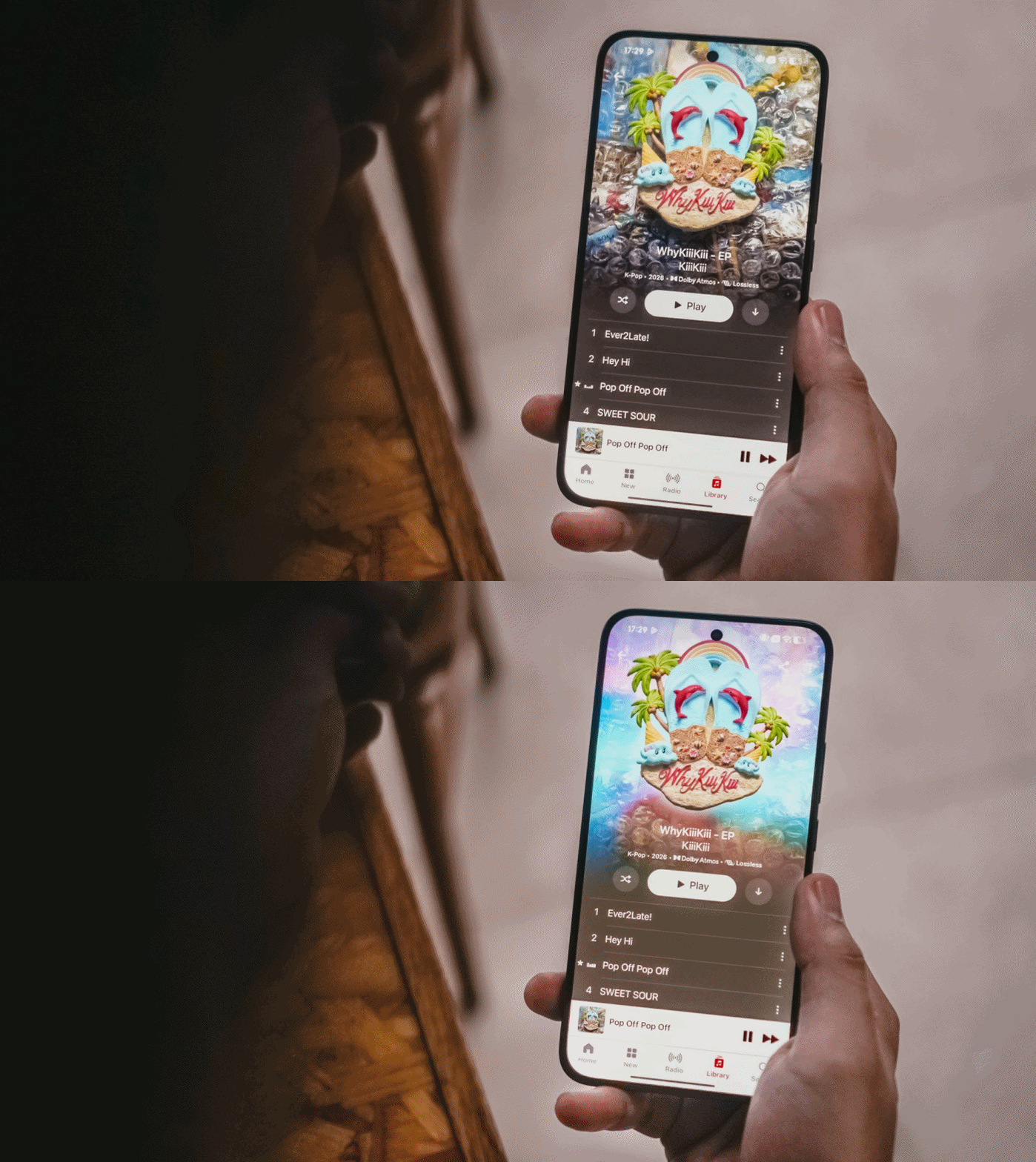
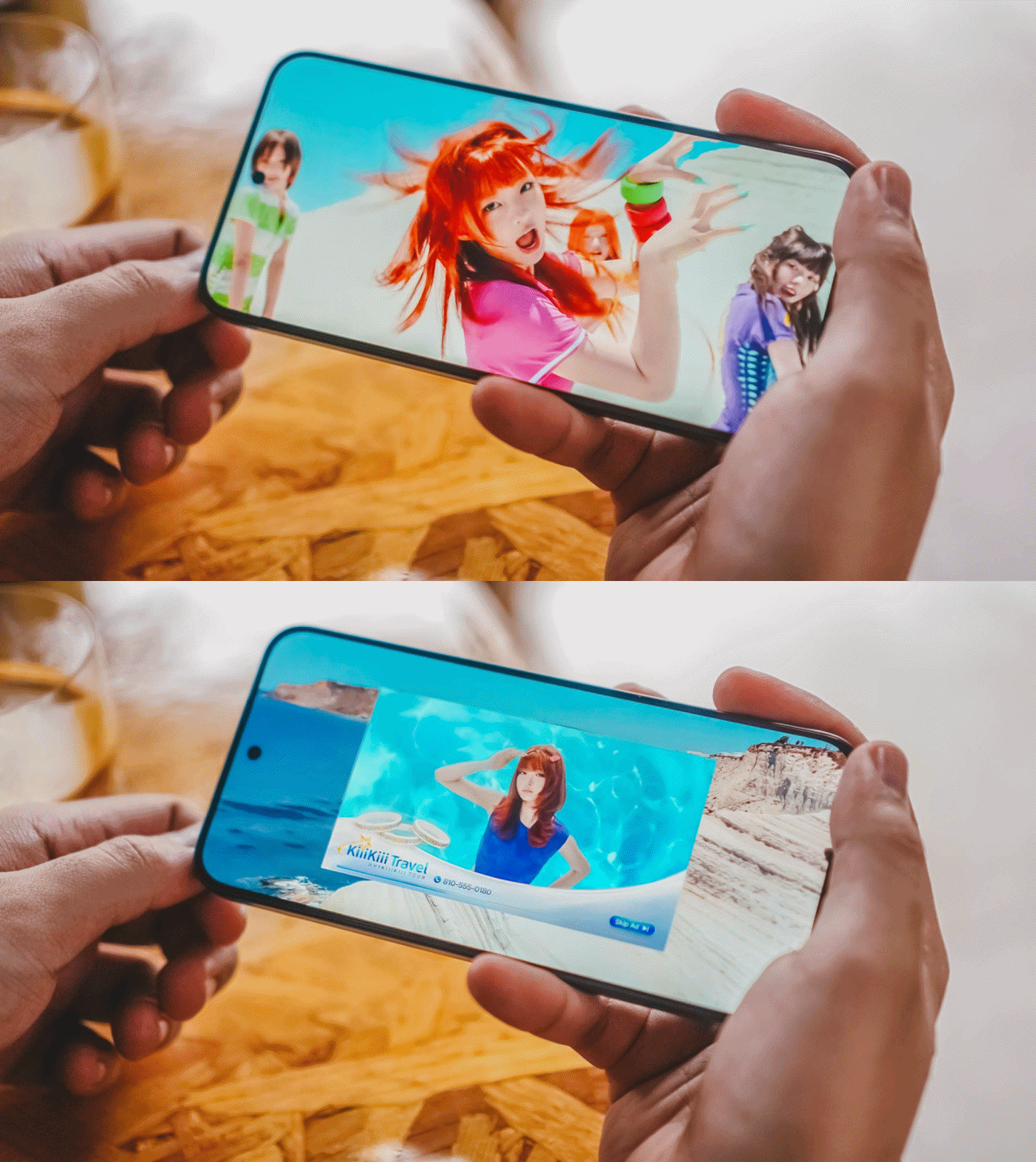
Another added testament to its powerful speakers is none other than KiiiKiii’s highly-addictive Pop Off Pop Off.
Aside from the strong and steady vocals of the 5th-gen quintet, the thumpy bass and beat drops can clearly be heard in its 2008-coded chorus (plus music video!)
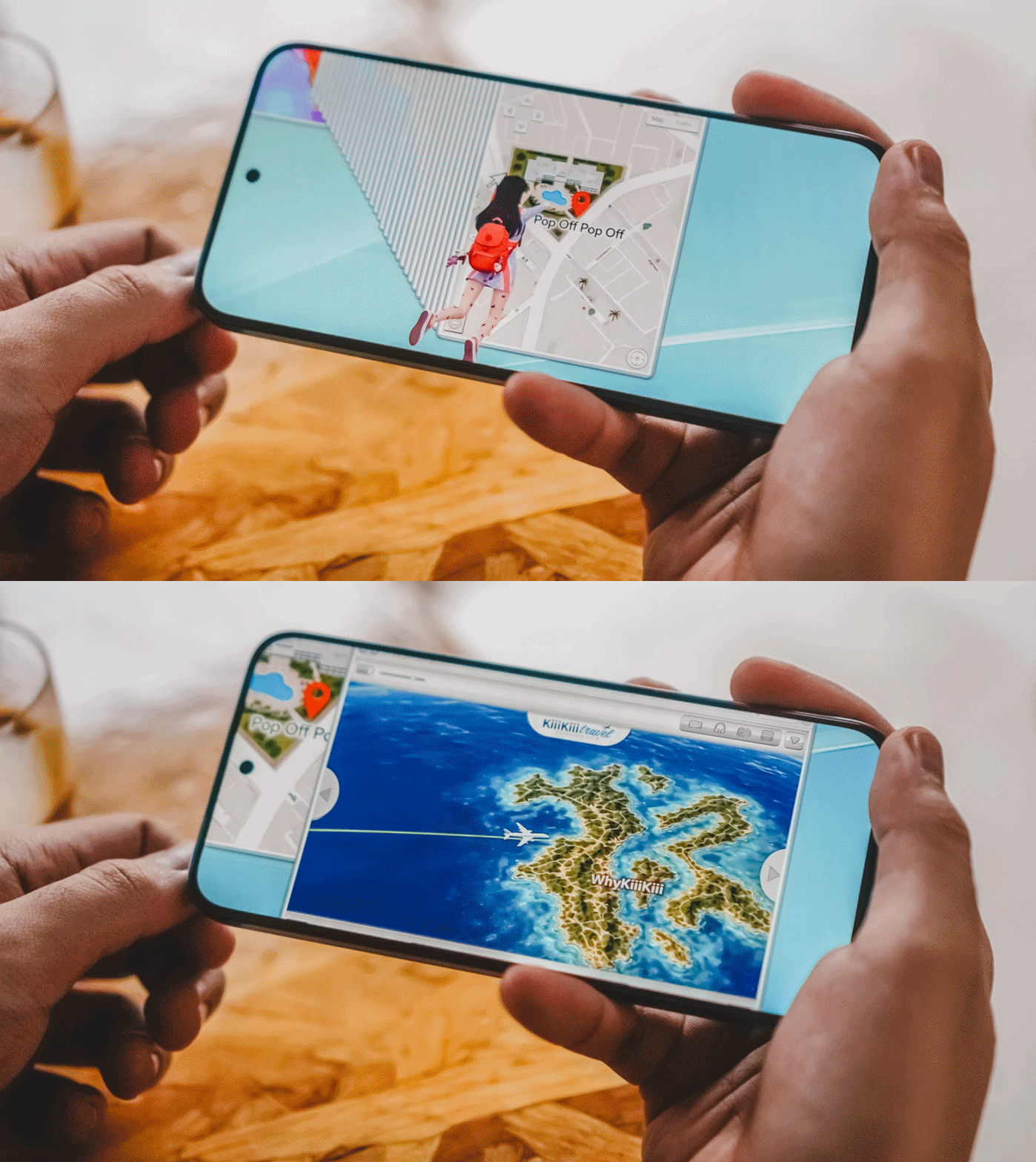
Oh, what a nice time to be alive as a K-Pop girl group stan!
The first drop
After that first momentum, the rollercoaster’s first drop is to be expected.
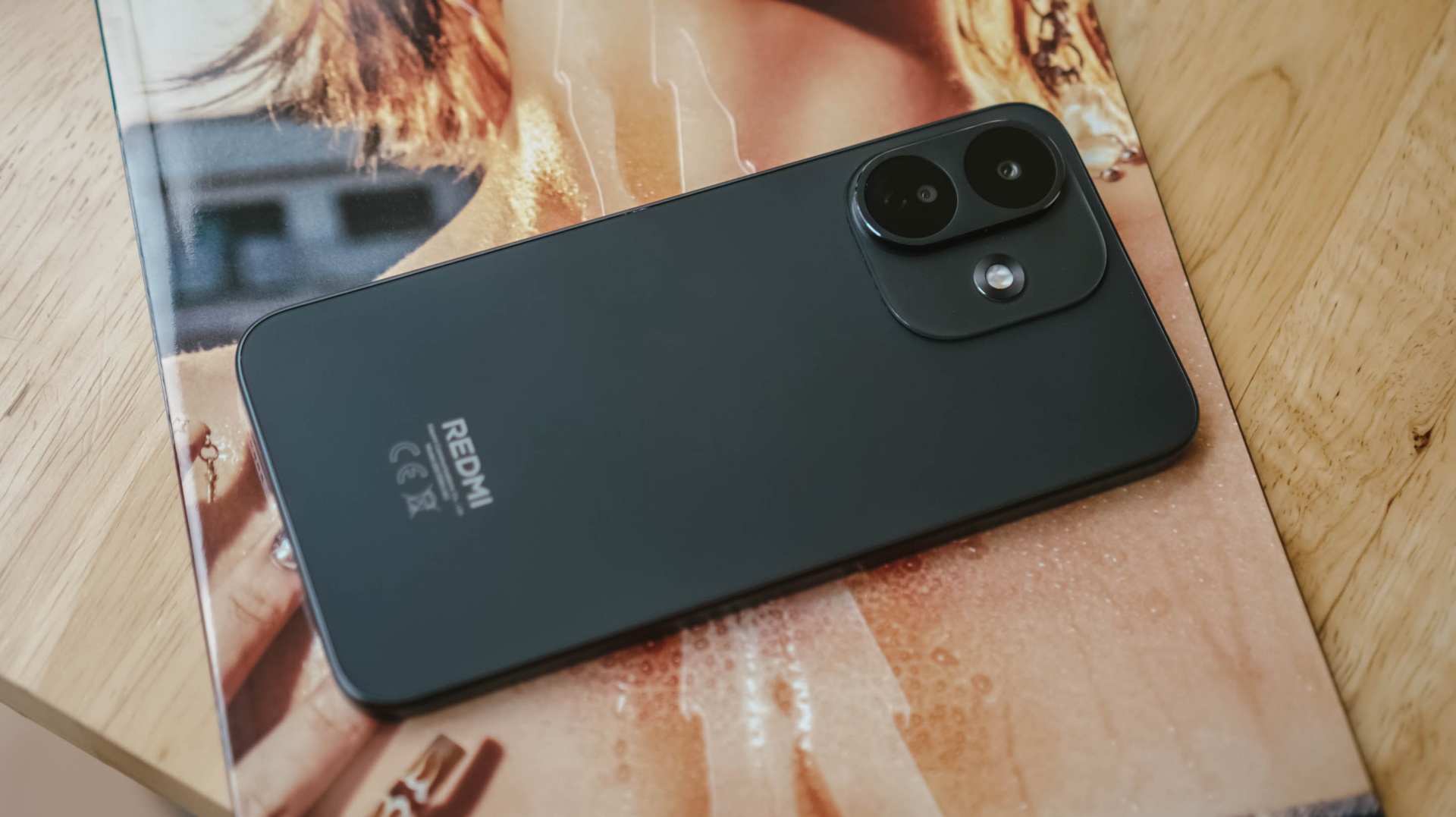
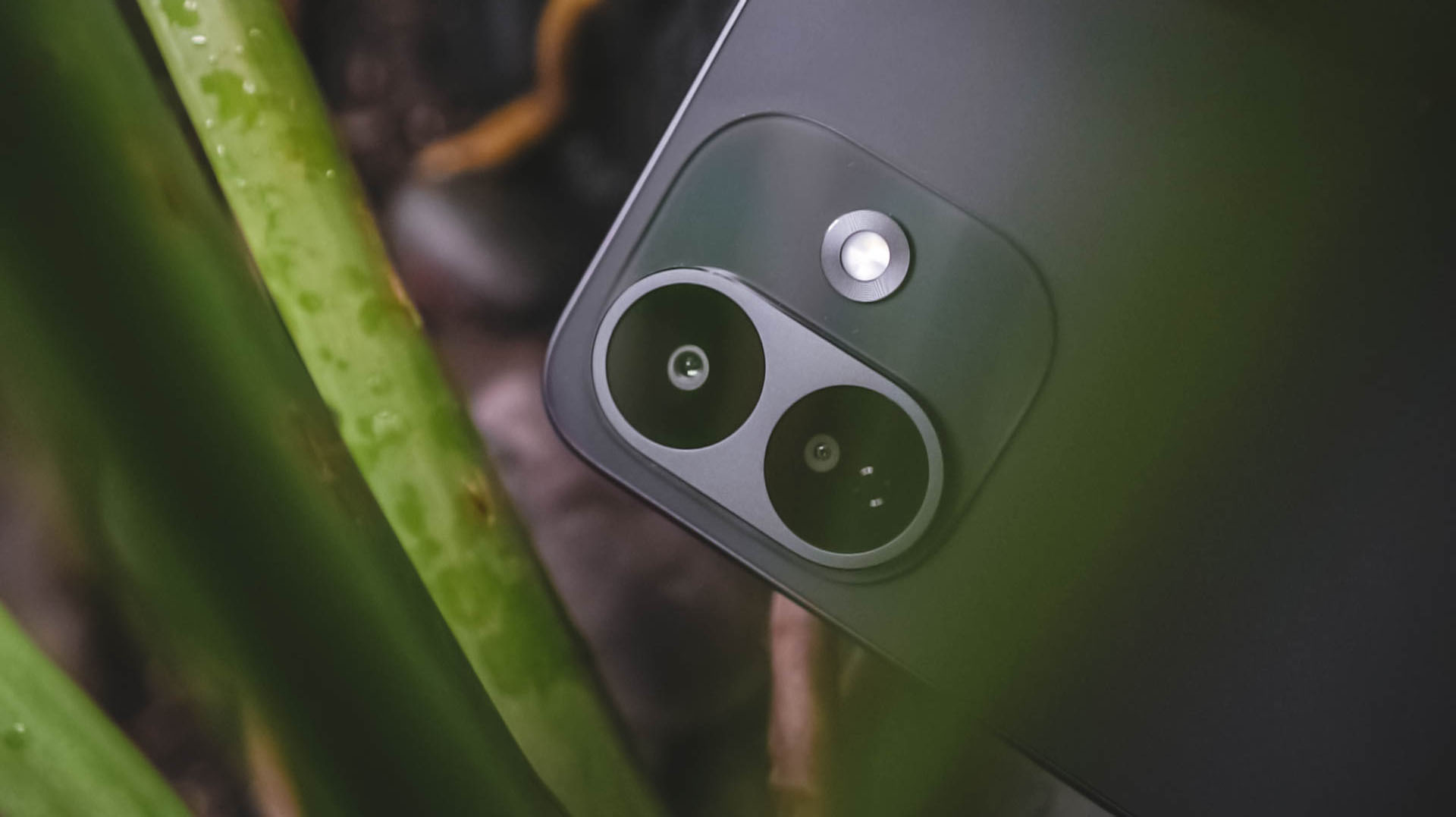
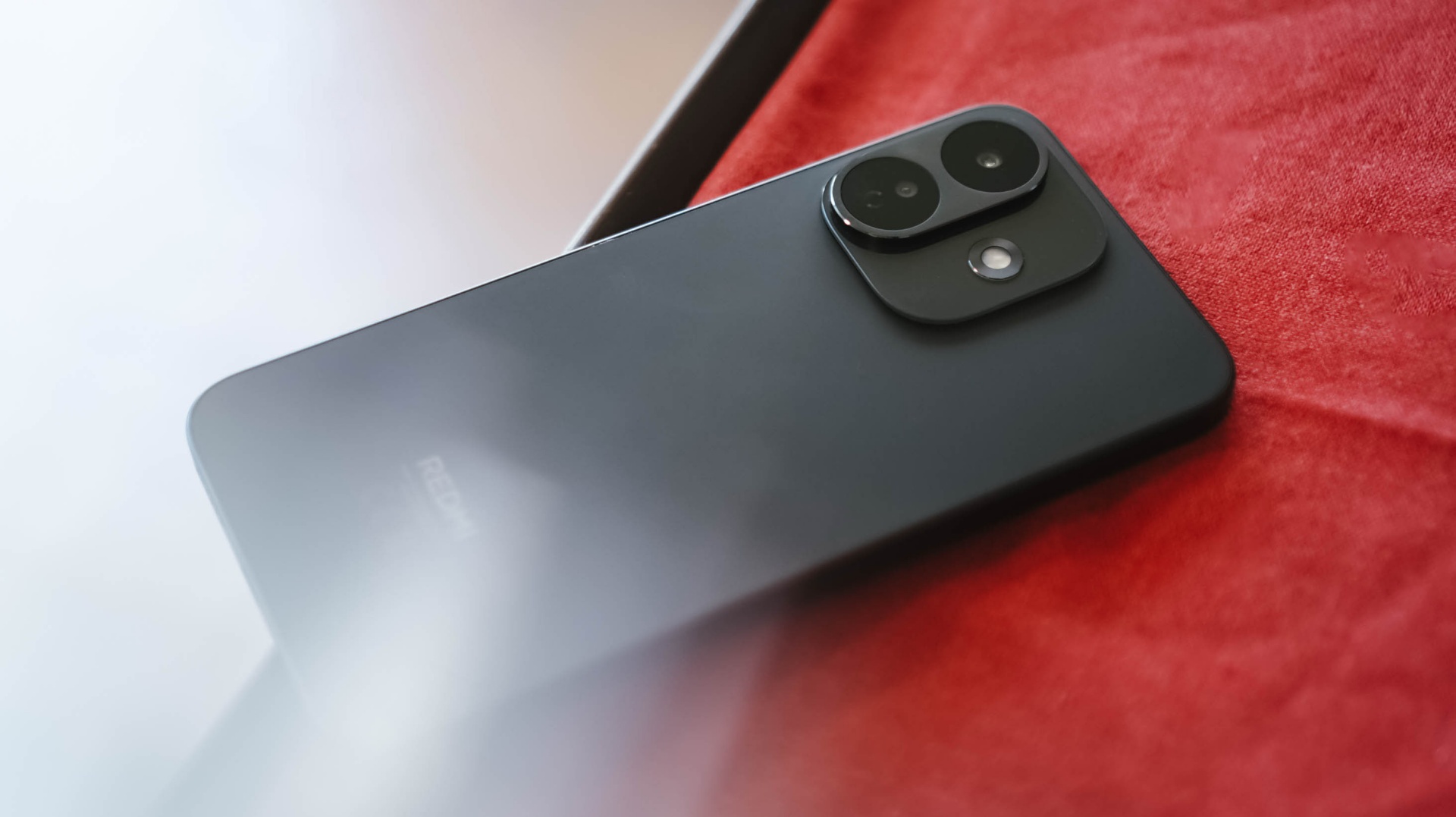
The design of the REDMI Note 17 Pro deserves to be compared to the ride’s first drop.
Xiaomi went back to the drawing board and decided to scrap its signature styling.
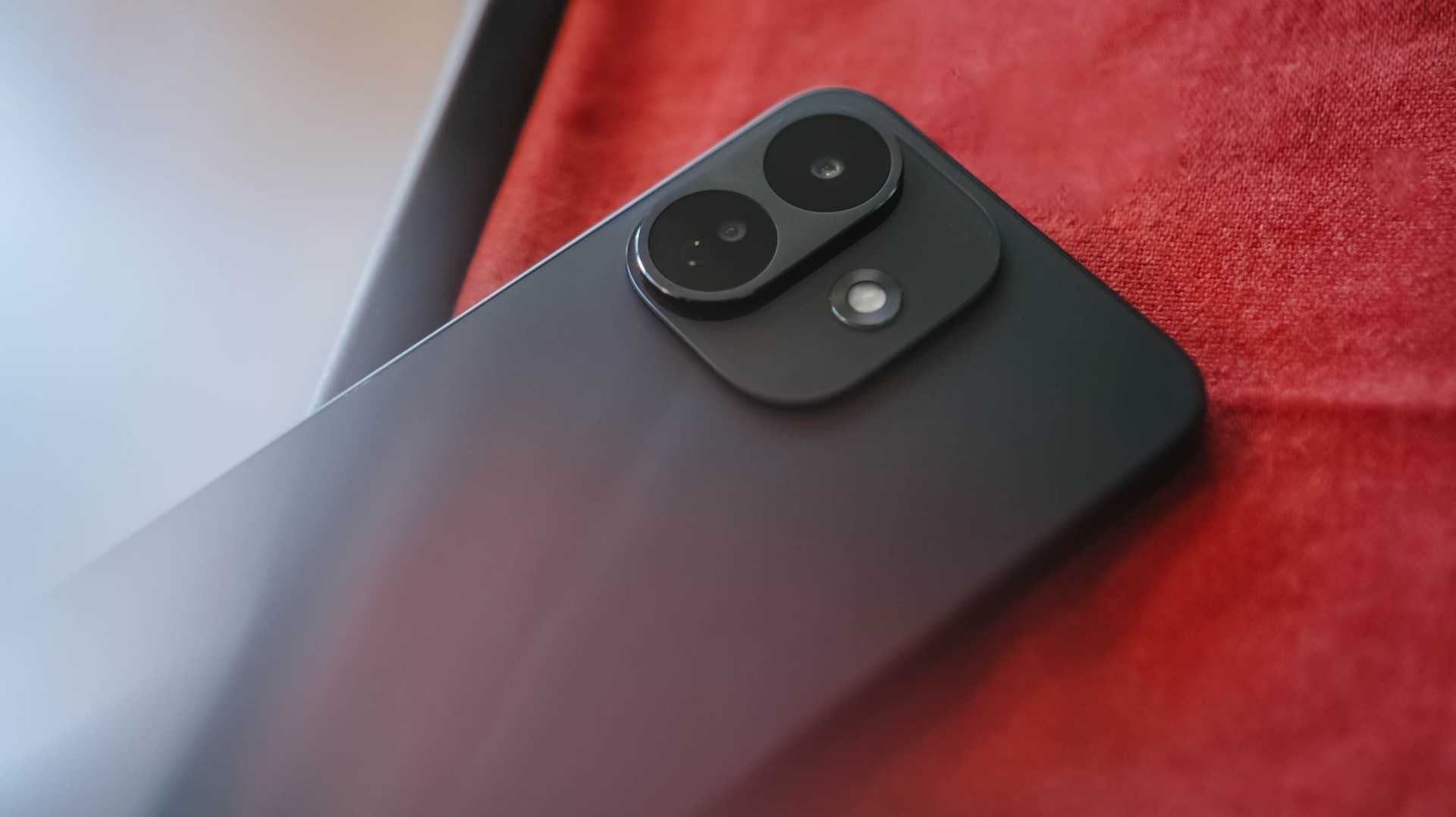
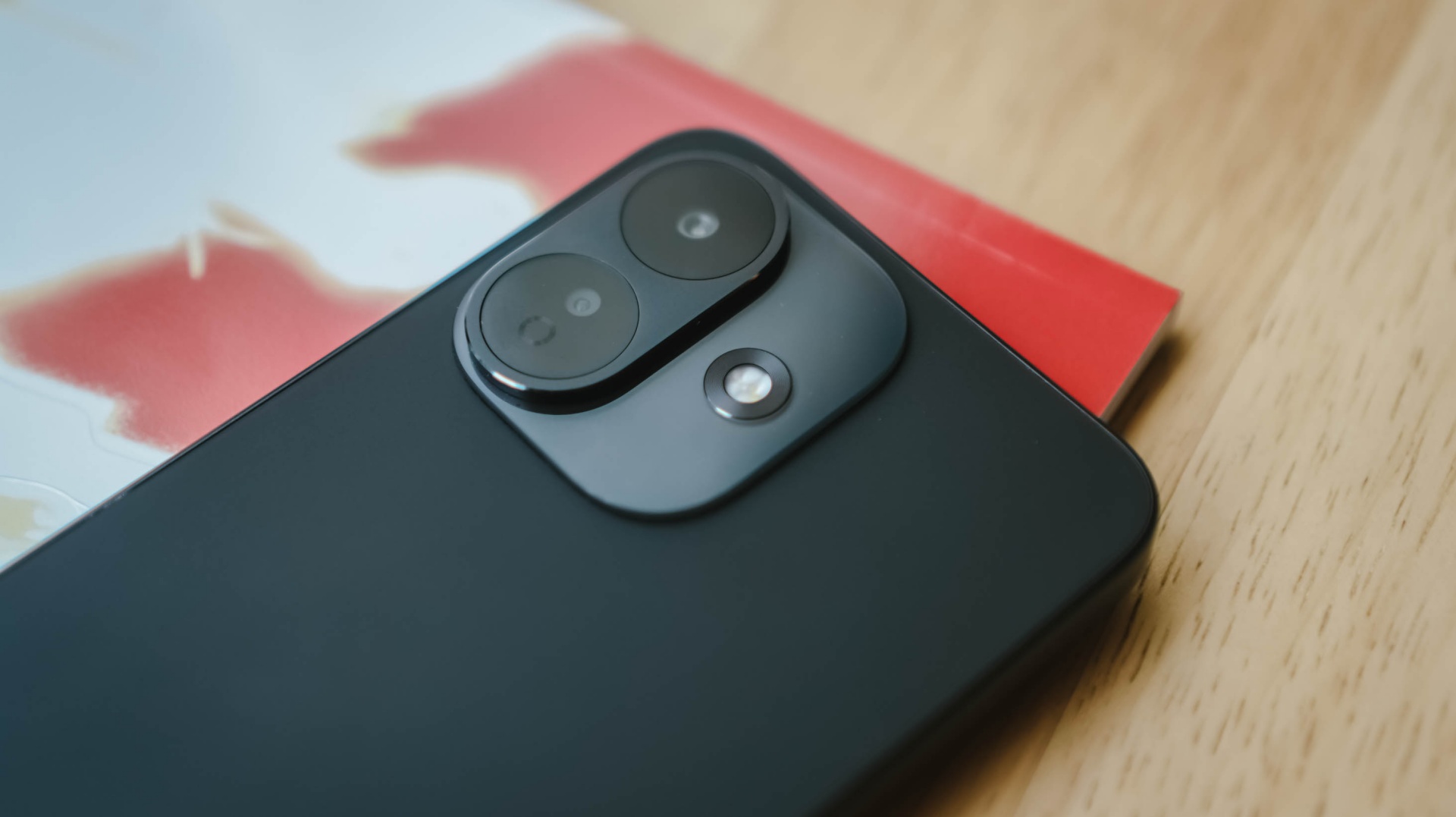
What replaced that large and symmetrical camera island? A left-justified camera cutout.
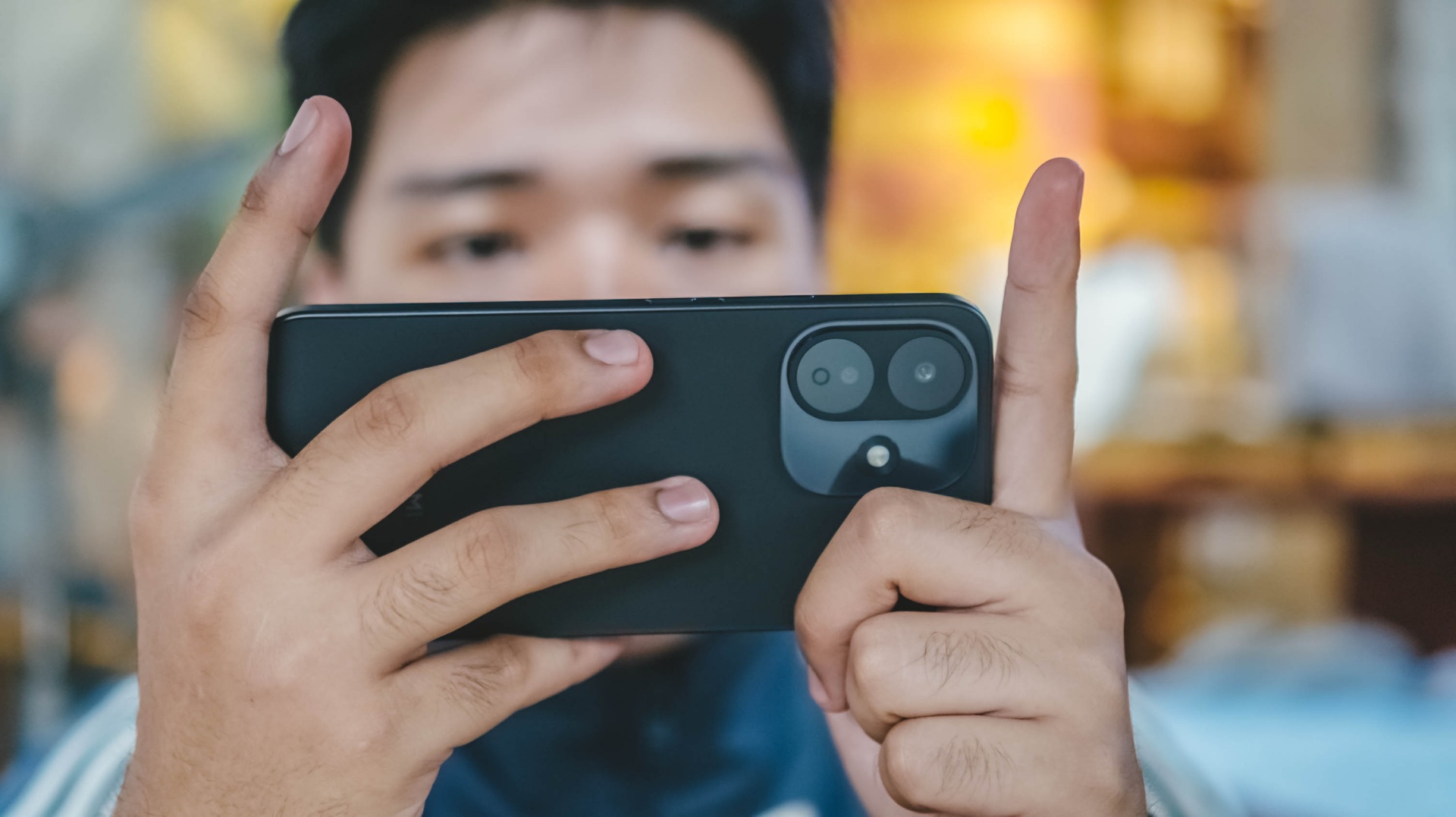
Two lenses are enclosed in a protruding oval bump made of metal. Meanwhile, the flash unit is placed at the right side of the cutout just above that glass surface.

Put a case on, one would mistook it for a base iPhone 16 Plus.
While design is (and will always be) preferential, it’s personally more of a drop than cop considering how I witnessed the design evolution of REDMI’s Note series over the years.
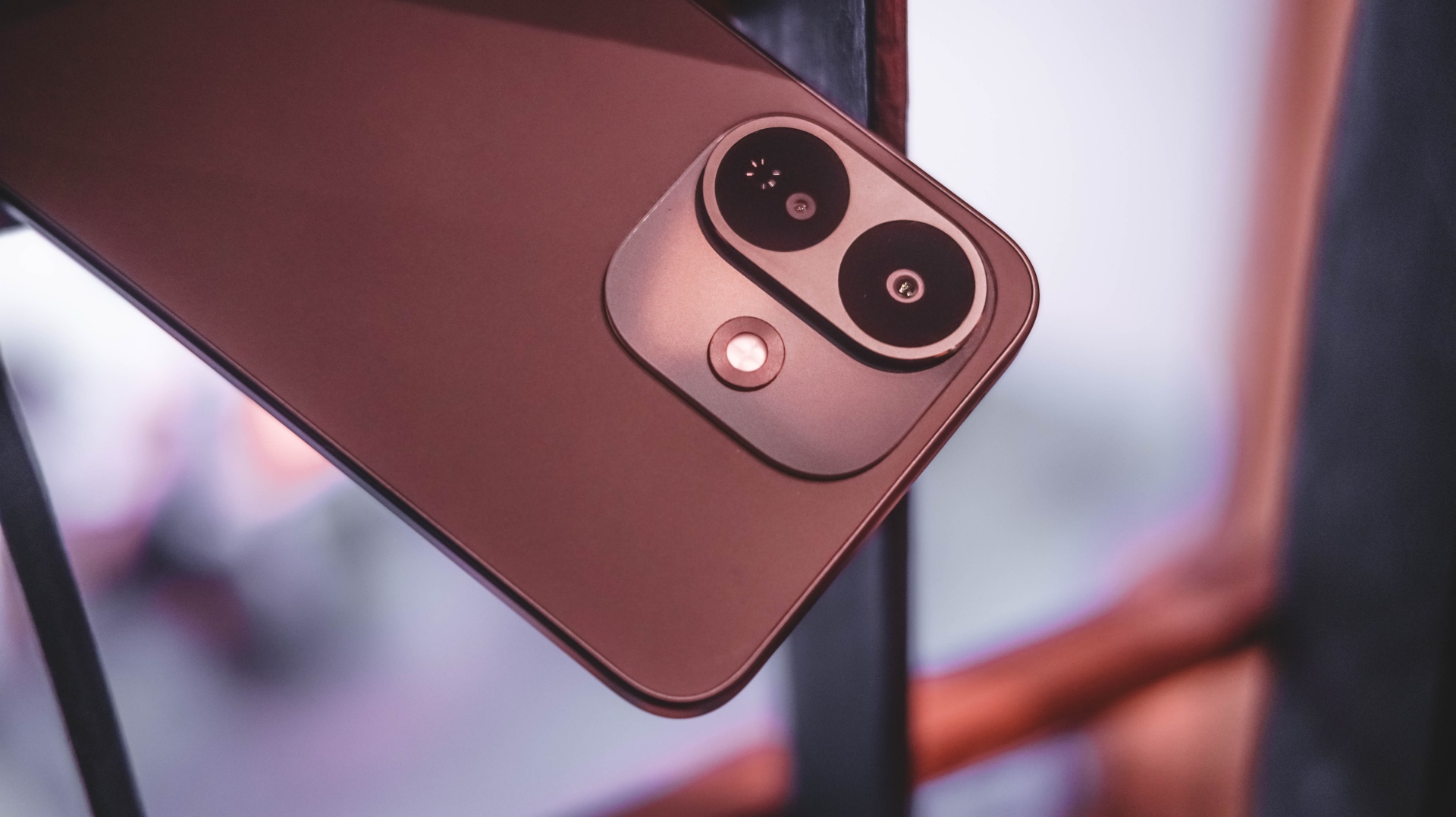
Despite all that, I still enjoyed the phone’s ergonomics. The flat displays and trims might mean sharper edges. However, it doesn’t feel too abrupt when held for long.
And with the less exciting Black colorway I rock, I’m just glad the back finish isn’t made of glass. This metal backing is resistant against unwanted finger smears.
Into the loop
For the longest time, Xiaomi isn’t consistent with the chips they put in their REDMI Note Pro models. The REDMI Note 17 Pro isn’t an exemption to this.
Last two models in a row, the REDMI Note 14 Pro and 15 Pro relied on MediaTek’s Dimensity 7300 Ultra and 7400 Ultra respectively. Prior that, the Note 13 Pro was using the Snapdragon 7s Gen 2.
Now that it got mentioned, Xiaomi goes back to Qualcomm after two generations.
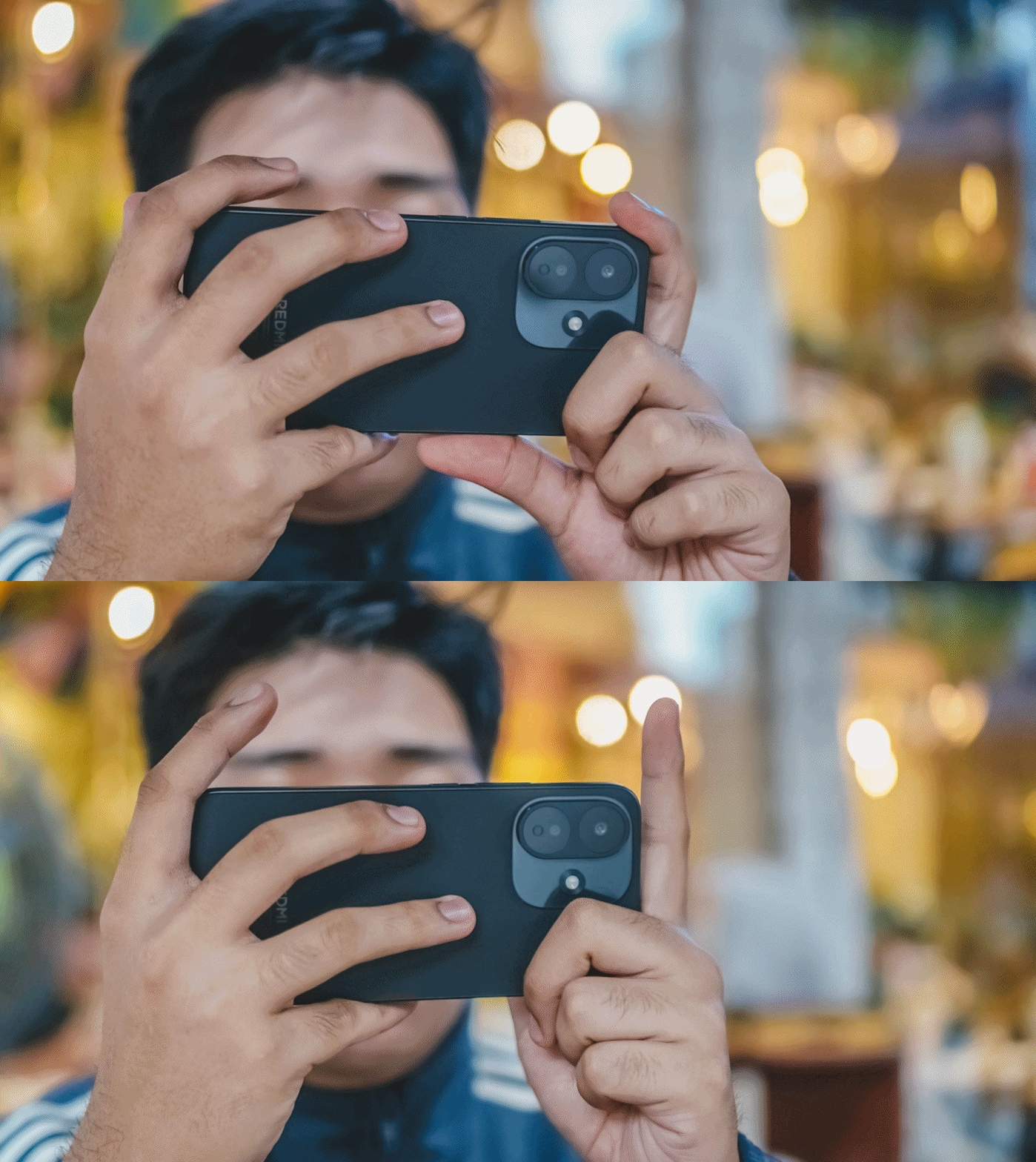
Albeit, for the first time ever, it’s equipped with a lower-grade Snapdragon 6s Gen 4. This change somehow became a “downgrade.”
While we don’t do benchmarks here, notable websites prove that Note 15 Pro’s Dimensity 7400 performs better over the “newer” Note 17 Pro.
During my testing, there isn’t much to prove.
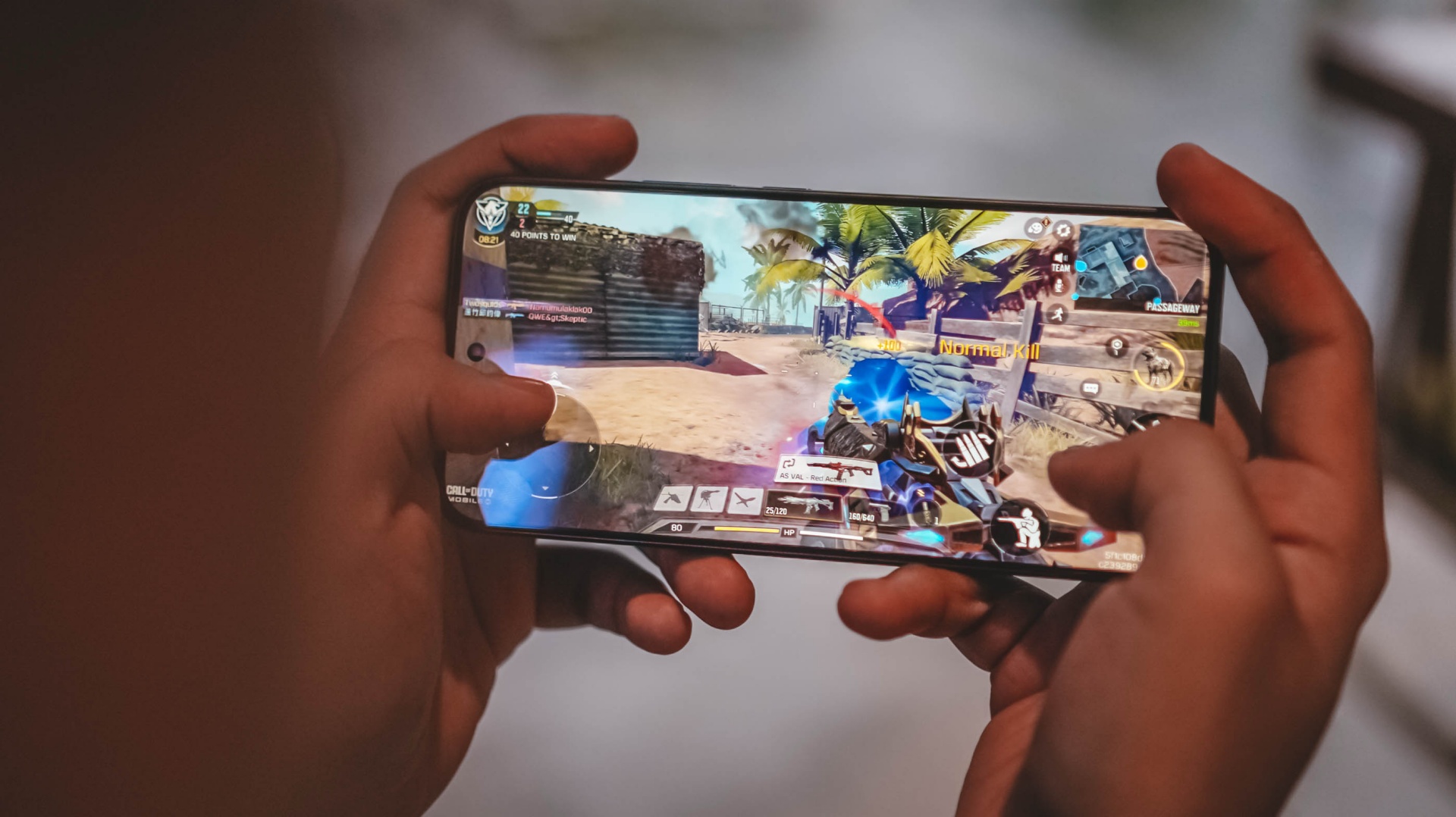
Playing games was a mixed bag. Less demanding games such as Call of Duty: Mobile (CoDM) were capable to run in modest settings.
Meanwhile, higher-end games like Racing Master meant stuttering and jittering when pushing it to its highest graphics settings.
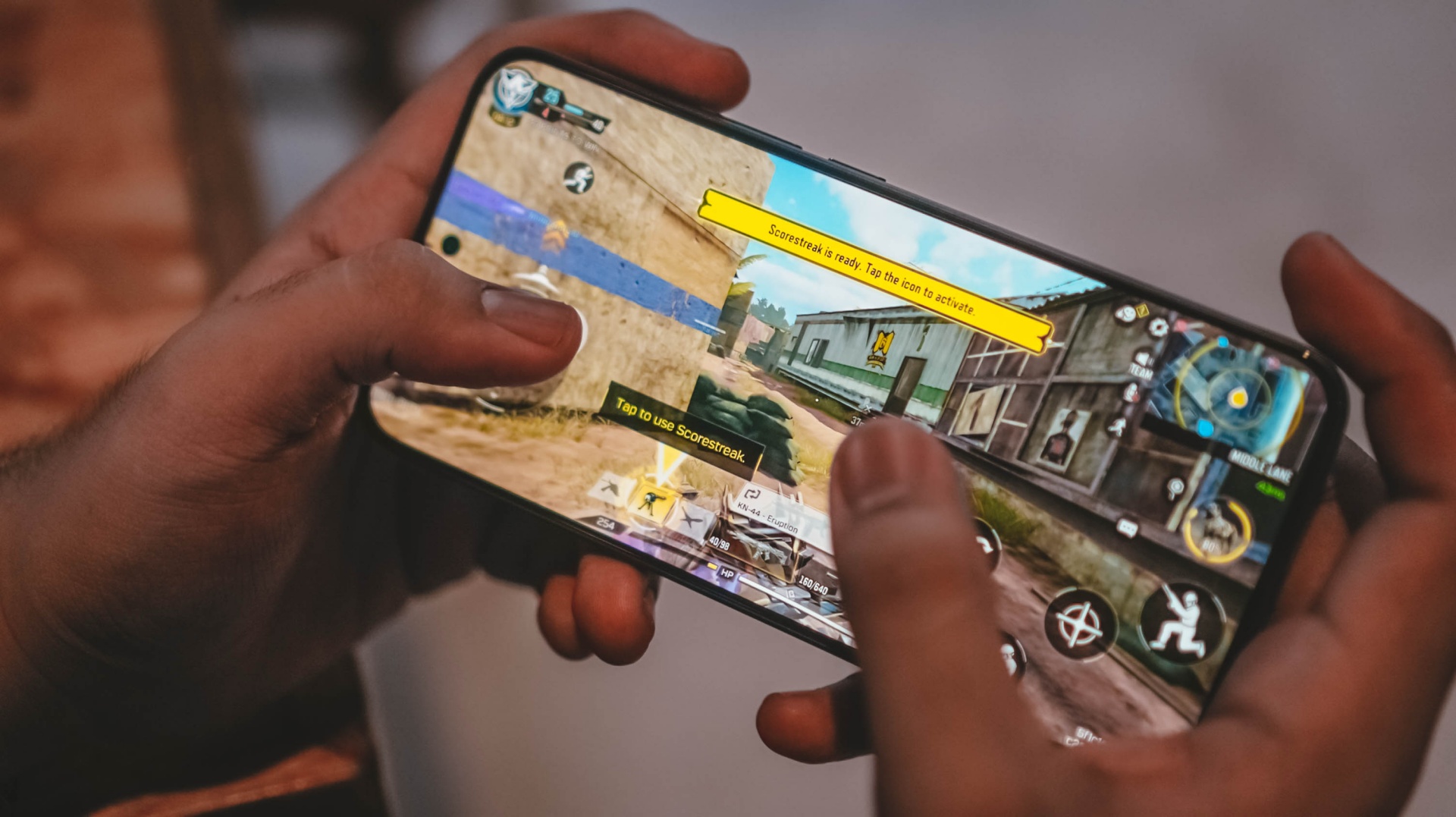
Moreover, the Note 17 Pro produces unwanted heat over an hour or two of playing.
Specs-wise, the 256GB model I possess boasts the faster UFS 3.1 protocol.
The lower 128GB storage relies on a slower UFS 2.2 standard. Fortunately though, there’s a lone LPDDR4X memory whether you choose between 6, 8, or 12GB.
To make it confusing though, the 12GB variant is only available in a 256GB storage. On the other hand, choosing the 512GB storage only gives you a limiting 8GB RAM.
Despite that, this 6GB I have was still able to open basic apps without a hitch. Switching between them was also a breeze.
One huge push
REDMI is aiming to push its “Titan Durability” strength even further with the Note 17 Pro.
Remember that display? That’s protected by Corning’s Gorilla Glass Victus 2. ICYMI, that glass protection is mostly found on just higher-end flagship smartphones.
That doesn’t even end there! Beneath it lies a reinforced design structure that can withstand 3-meter drops.
Whether you drop the phone on a marble or granite floor, it can totally withstand it more than the standard height level.
Pushing the ride further before reaching the peak? None other than the inclusion of quadruple IP ratings: IP66, IP68, IP69, and IP69K.
Such rating protects it from unwanted sand, dust and other minute particles. As well as the unwanted rain water, deep fresh water immersion, and even high-pressure water jets.
It’s worth mentioning that this is the industry’s first smartphone with TÜV SÜD’s 5-star Titan Quality certification — all acing battery performance as well as water and dust resistance.
Up to the very peak
Despite some losses aforementioned, the REDMI Note 17 Pro isn’t a total wreck.
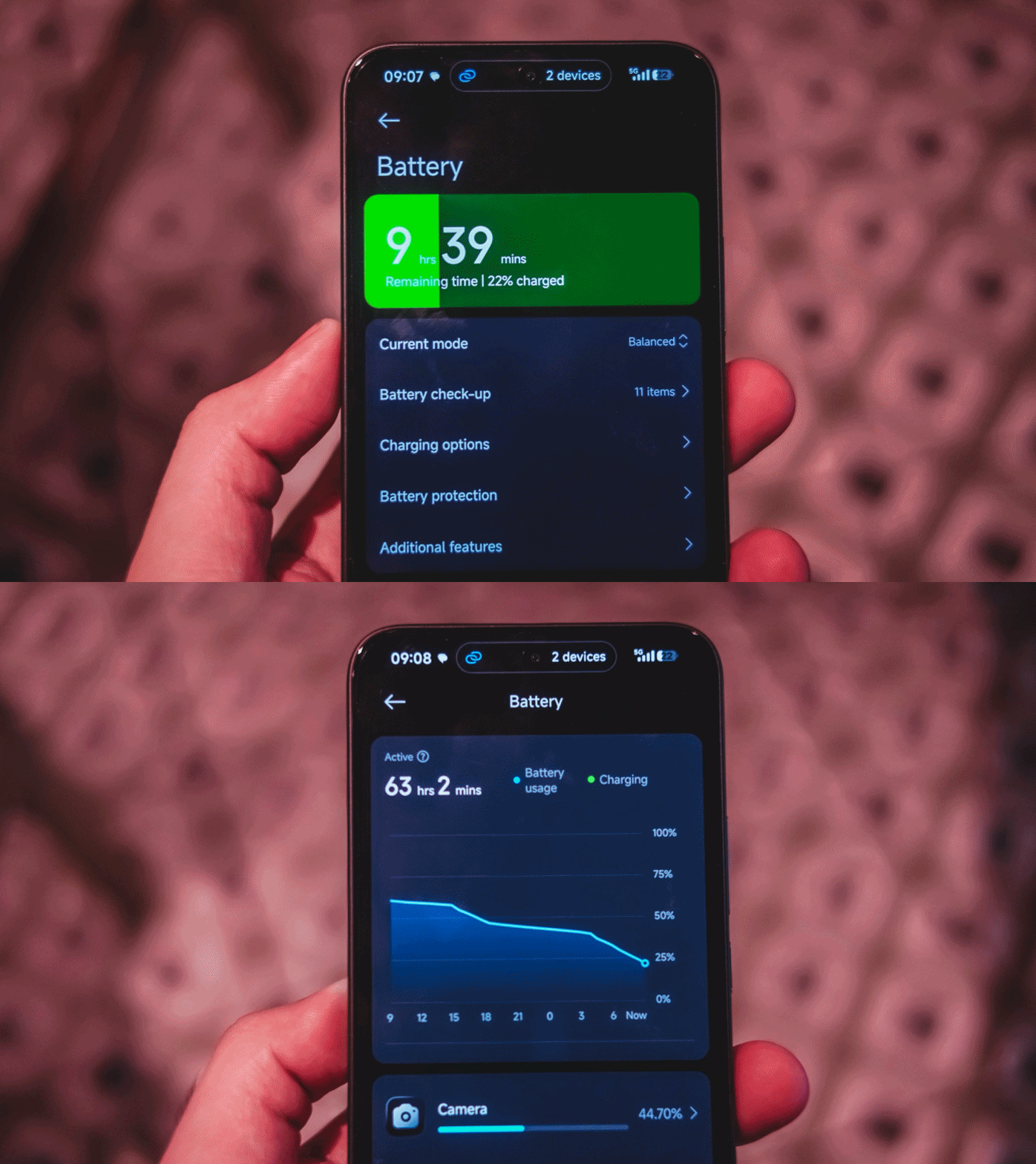
The biggest improvement lies beneath its chassis. From the 6580mAh battery of its predecessor, it got a significant bump to a 8340mAh capacity.
I don’t mind the added thickness as long as I get a THICC-er battery (7.96mm versus 8.6mm, respectively).
From binge-watching, game testing, multitasking, and even making it as my personal hotspot, the REDMI Note 17 Pro was able to squeeze in a full day of use.
Given you use it for lighter tasks with less screen on-time, you’d instantly get two or more days of standby.
Upon observation though, it deducts around 3 to 5 percent even just on standby. Maybe Xiaomi’s lack of optimization against background apps? Or worse: these unnecessary hyper-bloatware that keep popping off in the notifications drawer.
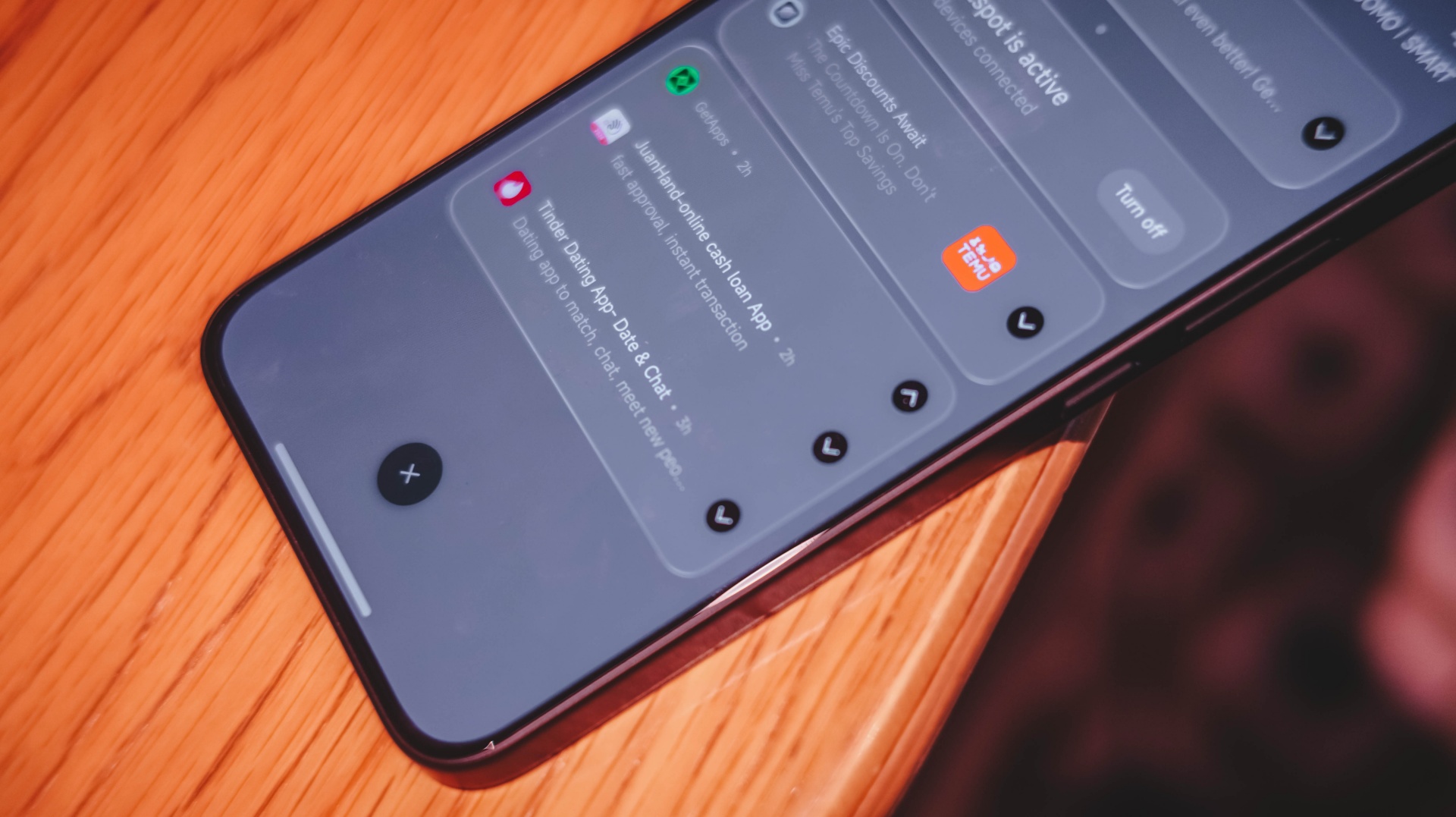
Hopefully, battery consumption against off-screen background apps would be lessened the moment Xiaomi rolls out the highly-anticipated HyperOS 4 months after this write-up.
If the battery completely dies, the REDMI Note 17 Pro has an upgraded 67W Fast Charging capability. That’s in contrast to the 45W speeds of the previous Note Pro model.
The phone that came to me is a European unit. Thus, it does not ship with a proprietary Xiaomi charger and cable out of the box.
If you’re living in Asia, having a bundled one is highly likely.
Luckily, I was able to keep one 100W brick inside my cabinet. I even compared it to the 100W GaN charger plus high-speed USB-C cable I use every day.
My GadgetMatch Charge Test proves there’s a stark difference — probably with the lack of proper USB-C PPS support.
Xiaomi 100W Charger +
|
UGREEN 100W Uno + ADATA
|
|
START TIME (from 0%) |
6:27AM |
4:27PM |
3 minutes |
3% |
1% |
5 minutes |
6% |
3% |
10 minutes |
12% |
7% |
15 minutes |
18% |
16% |
30 minutes |
37% |
31% |
45 minutes |
54% |
48% |
1 hour |
71% |
66% |
1 hour 15 minutes |
86% |
82% |
1 hour 30 minutes |
– |
92% |
END TIME (100%) |
5:52PM
|
8:23AM
|
With that 30-minute gap, the REDMI Note 17 Pro was able to fill up faster by using Xiaomi’s very own charging brick and cable.
Down to the final destination ☠️
As the timeless saying goes: “The higher you climb, the harder you fall.”
After that big battery boost comes at the cost of its camera system.
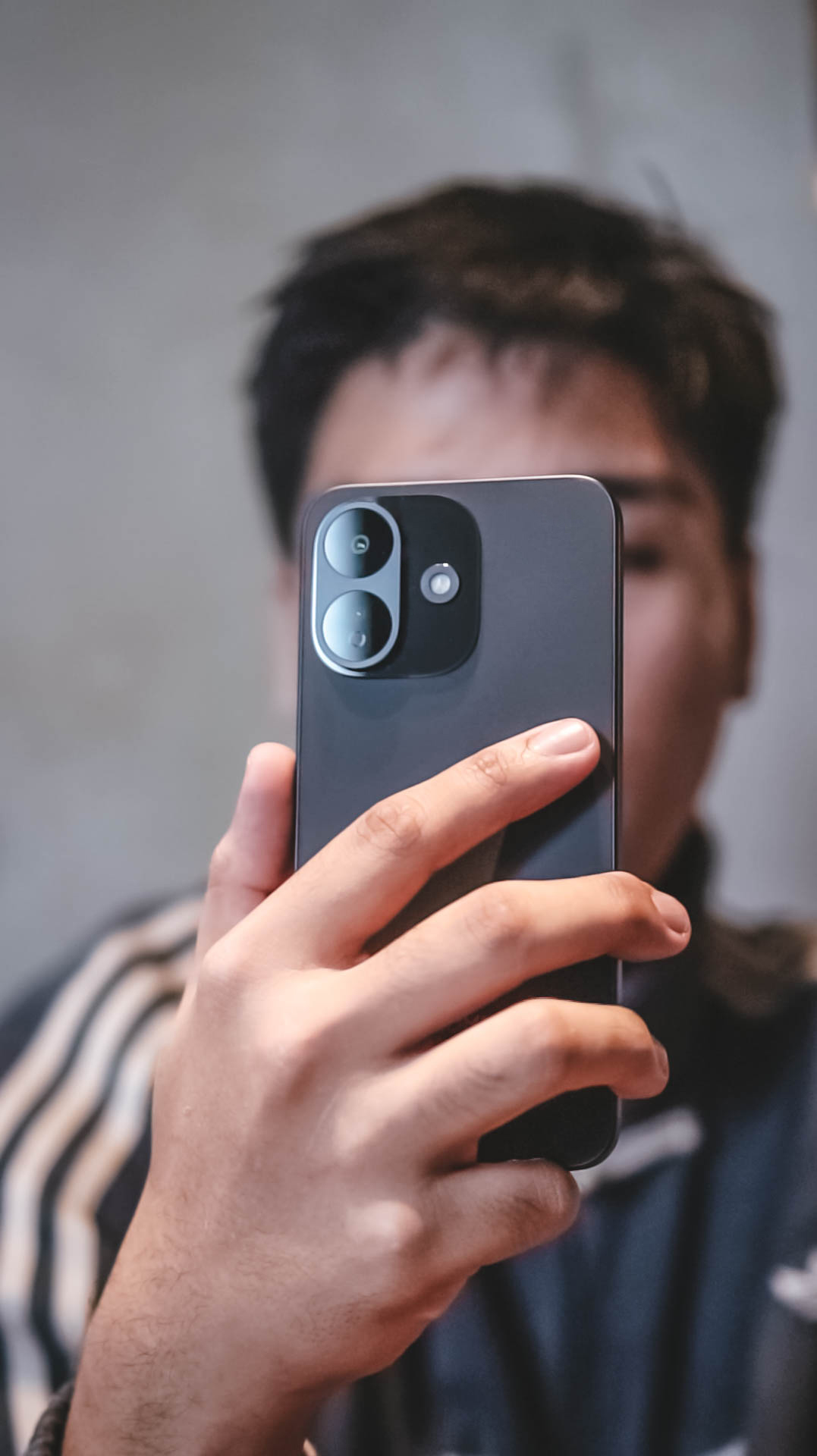
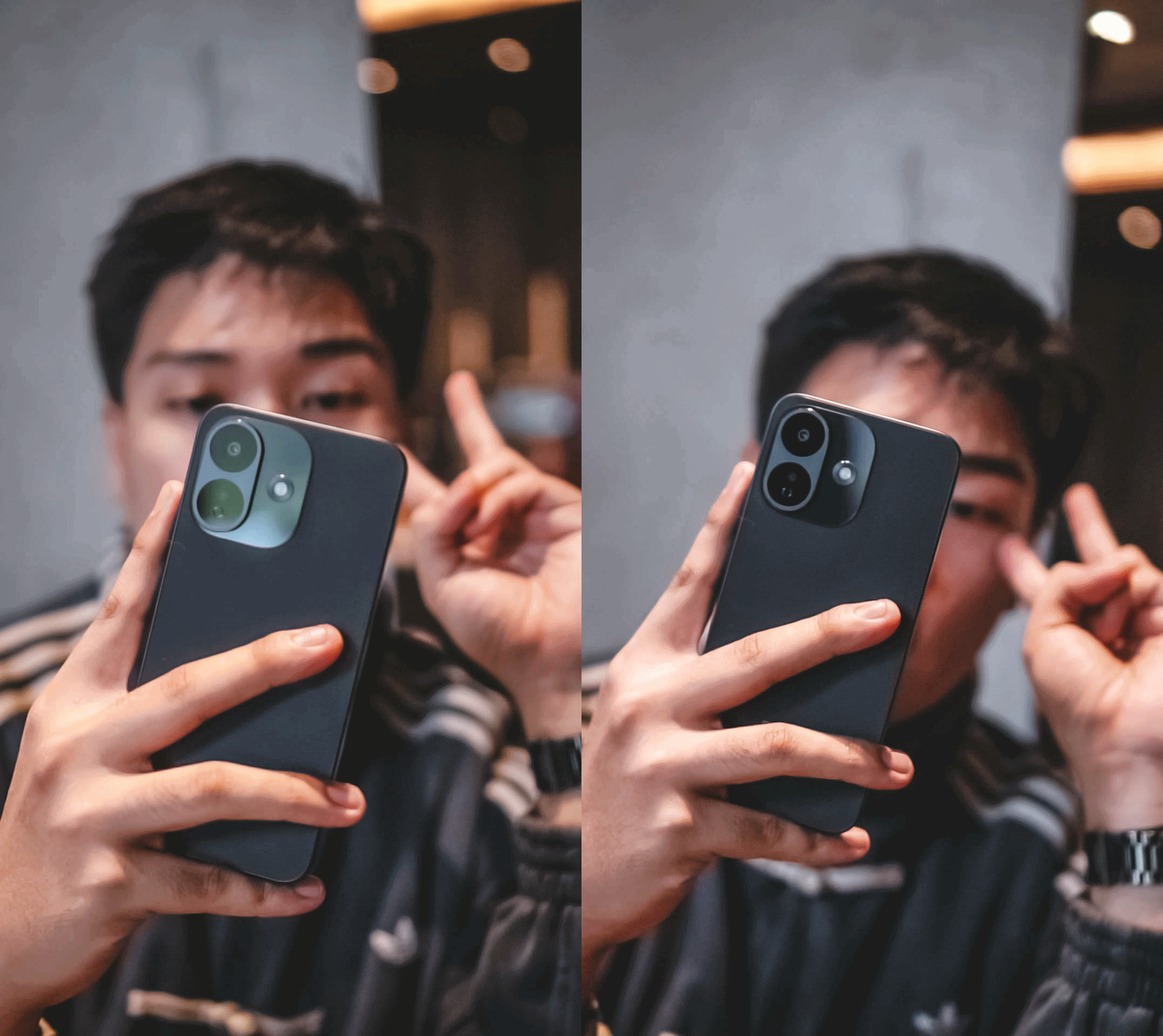
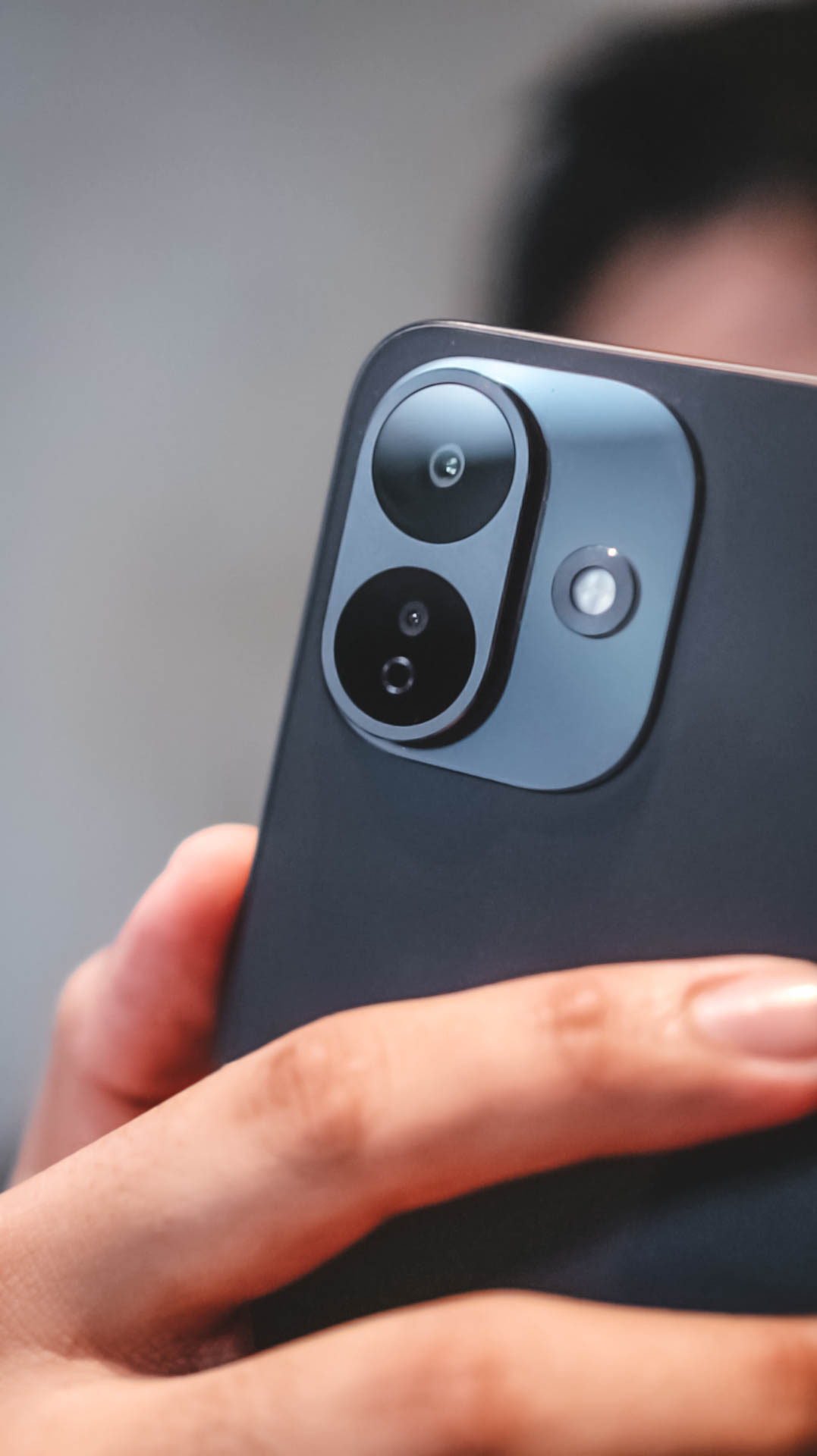
While we always say numbers aren’t everything, it’s too hard to ignore that Xiaomi decided to downgrade the main camera, too.
From that massive 200MP 1/1.4-inch primary sensor all down to just a 50MP 1/2.76-inch shooter.
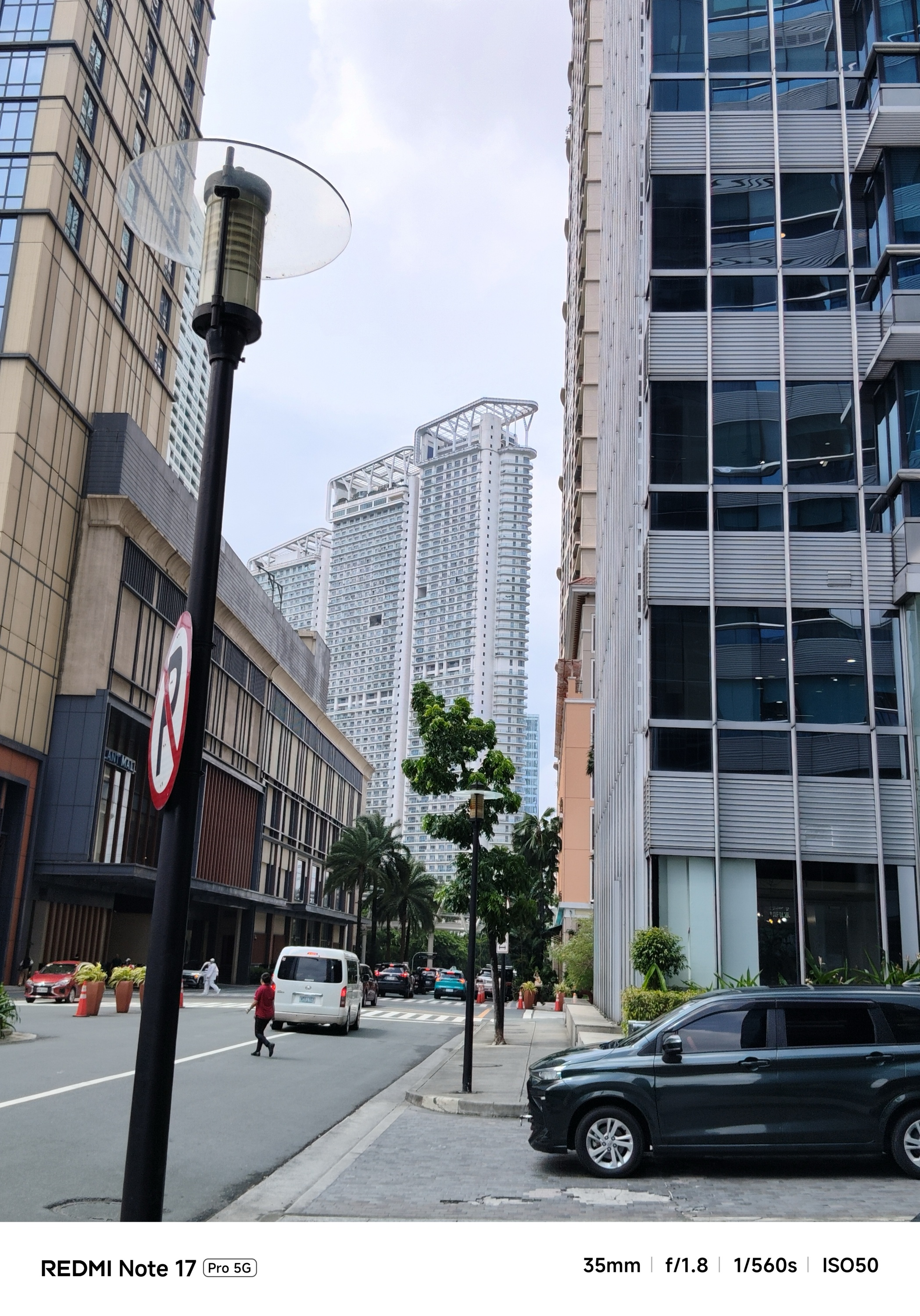

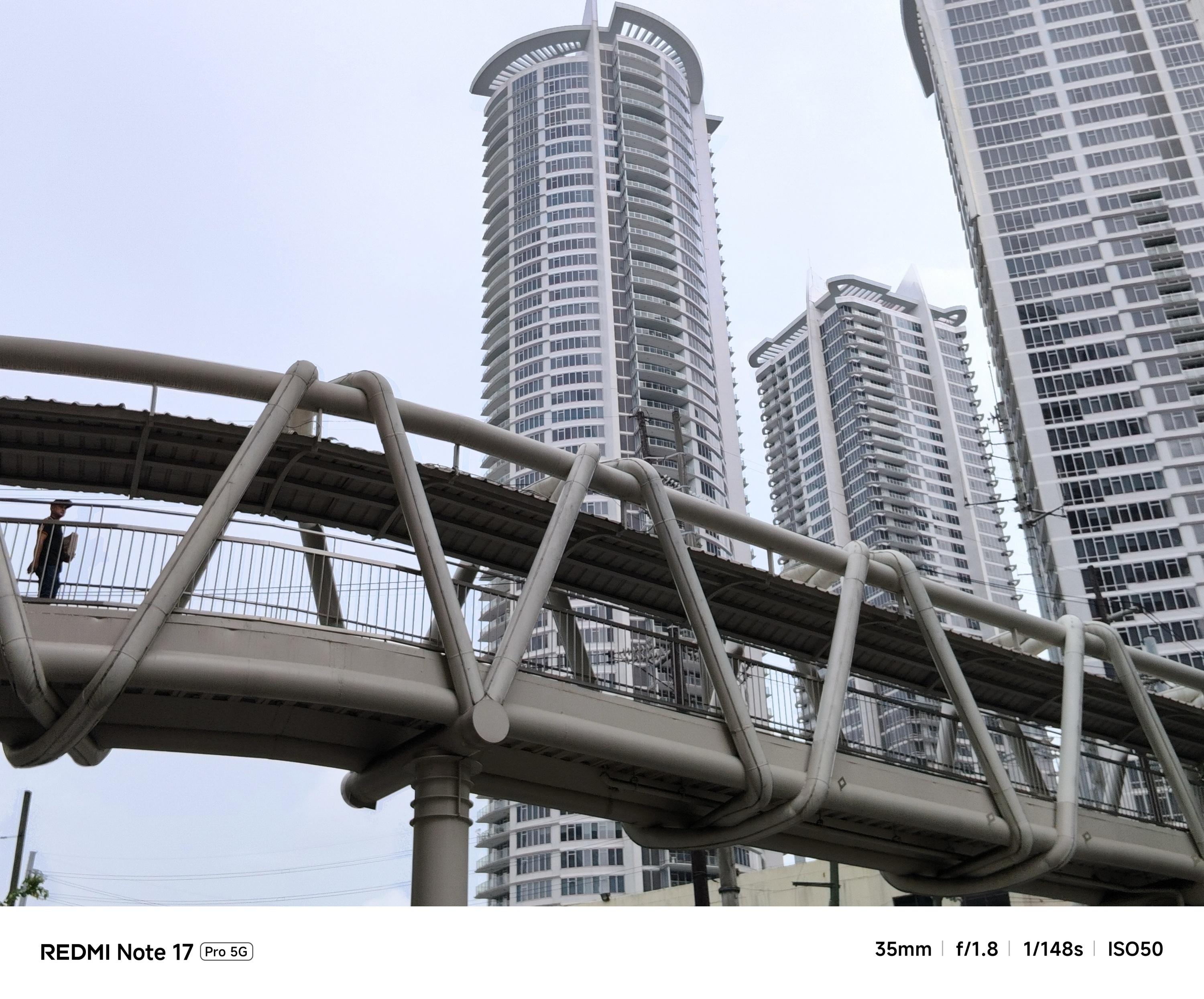
Even though camera output still results into a binned 12MP shot, that degraded sensor still matters a lot.


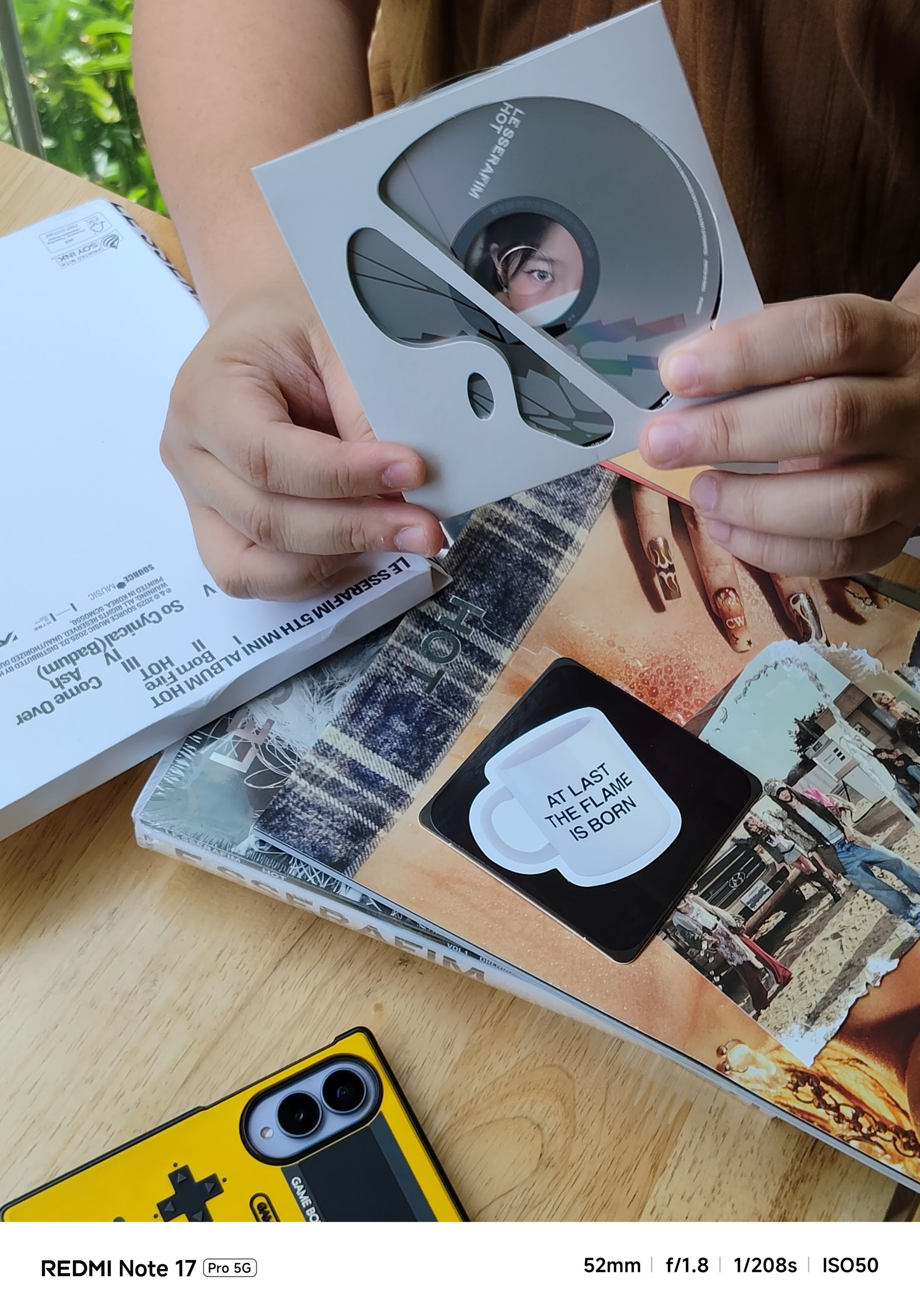

During the day, it won’t matter as much to most users.
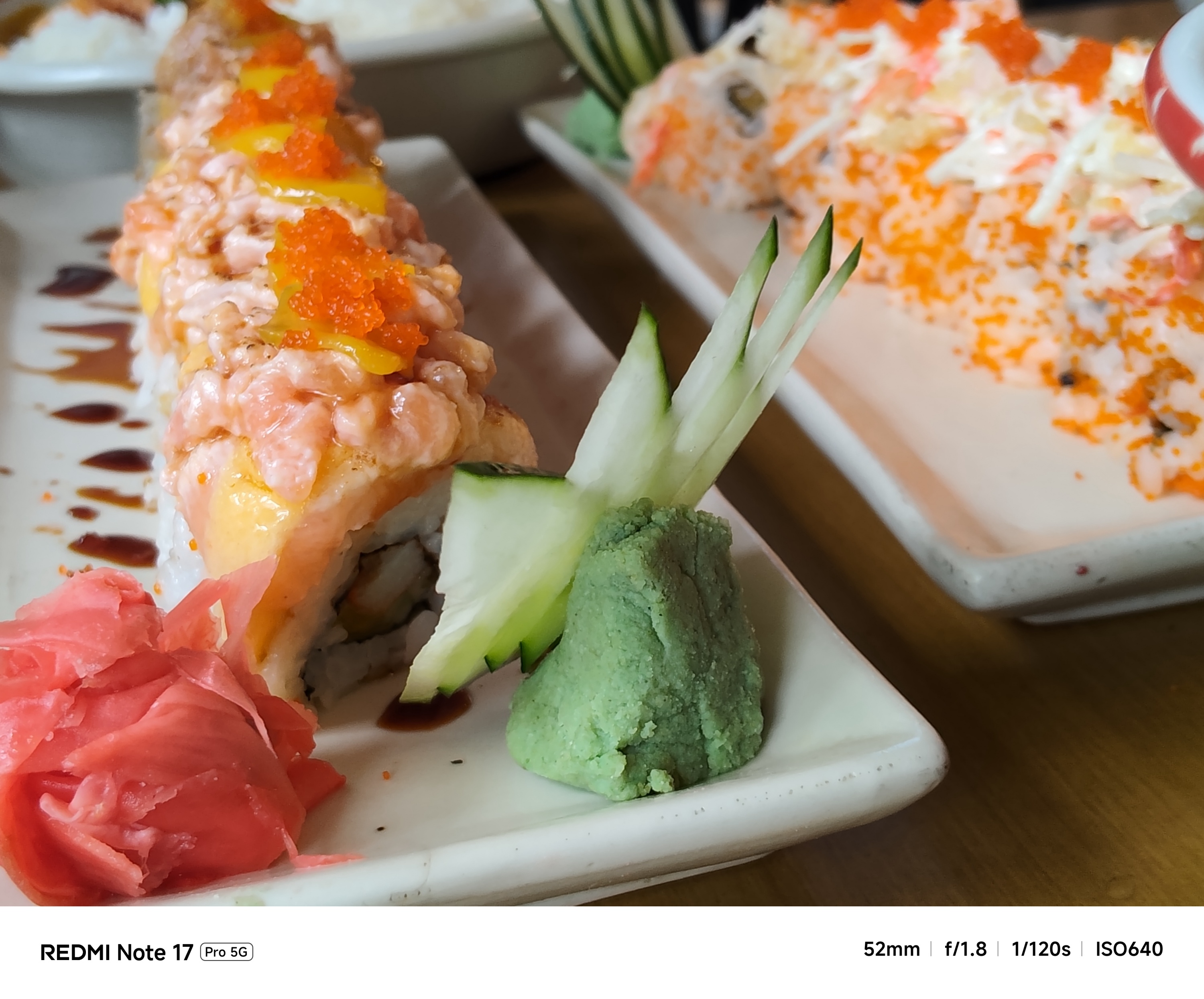
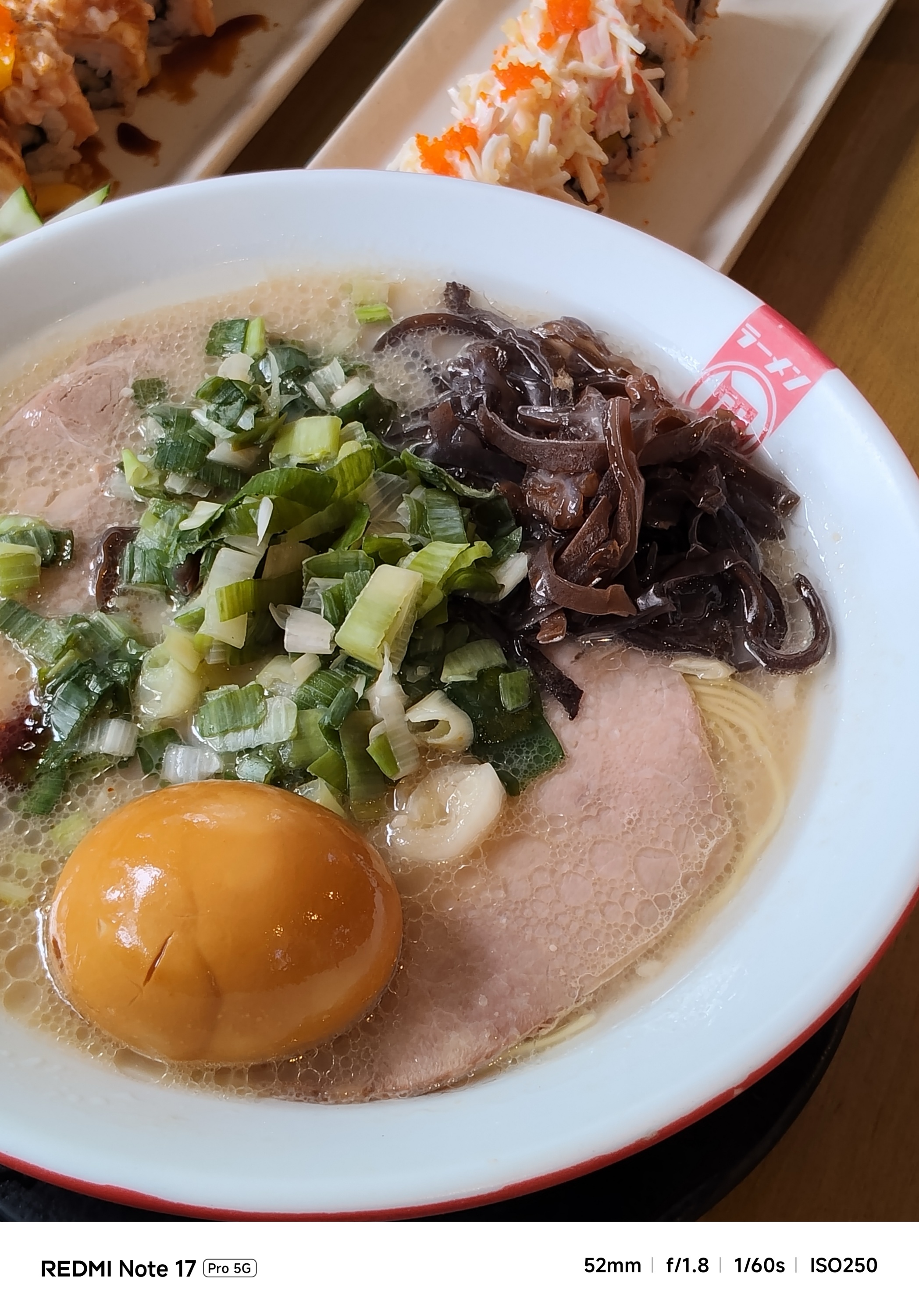
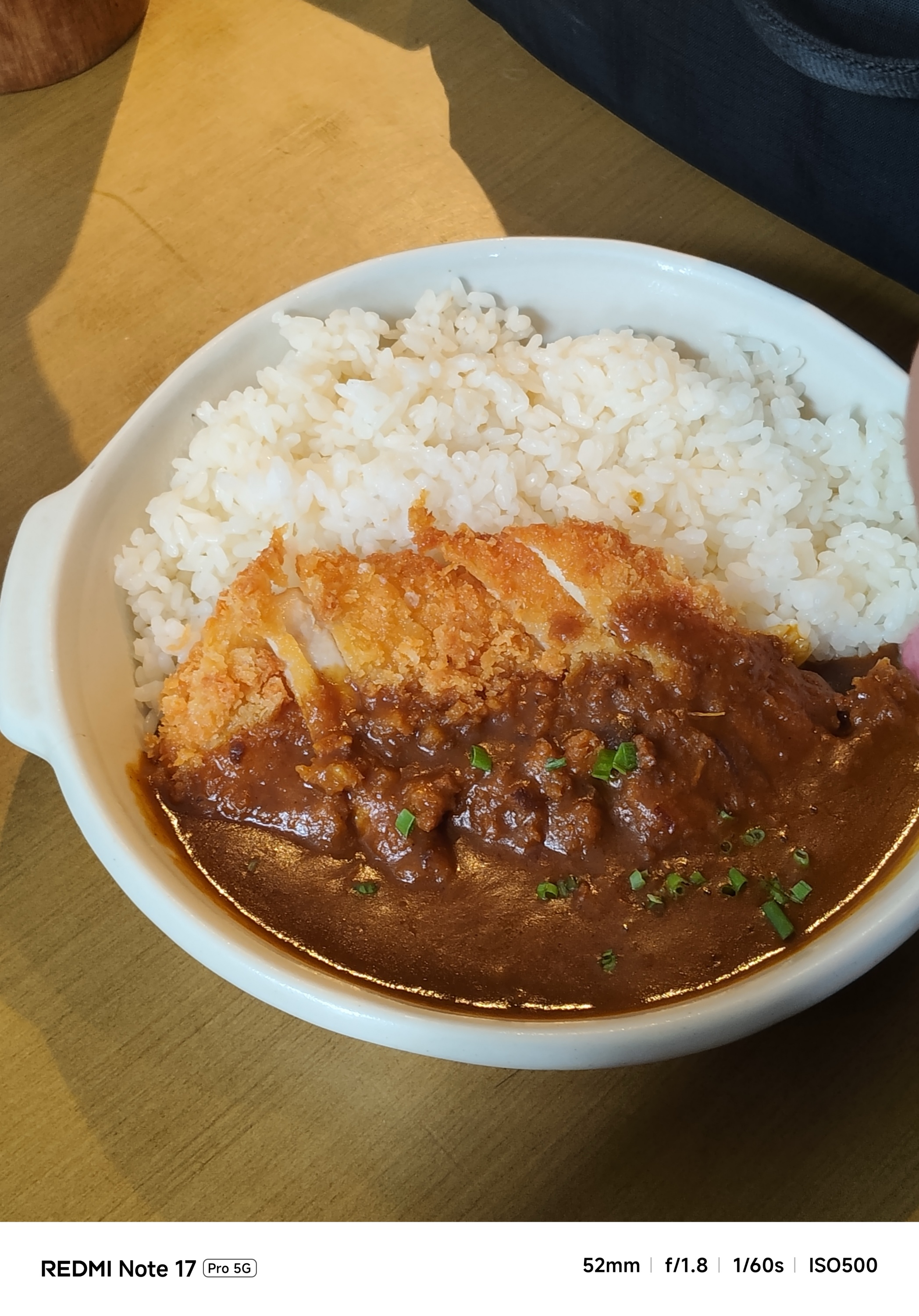
Honestly though, it’s a mixed bag of results.
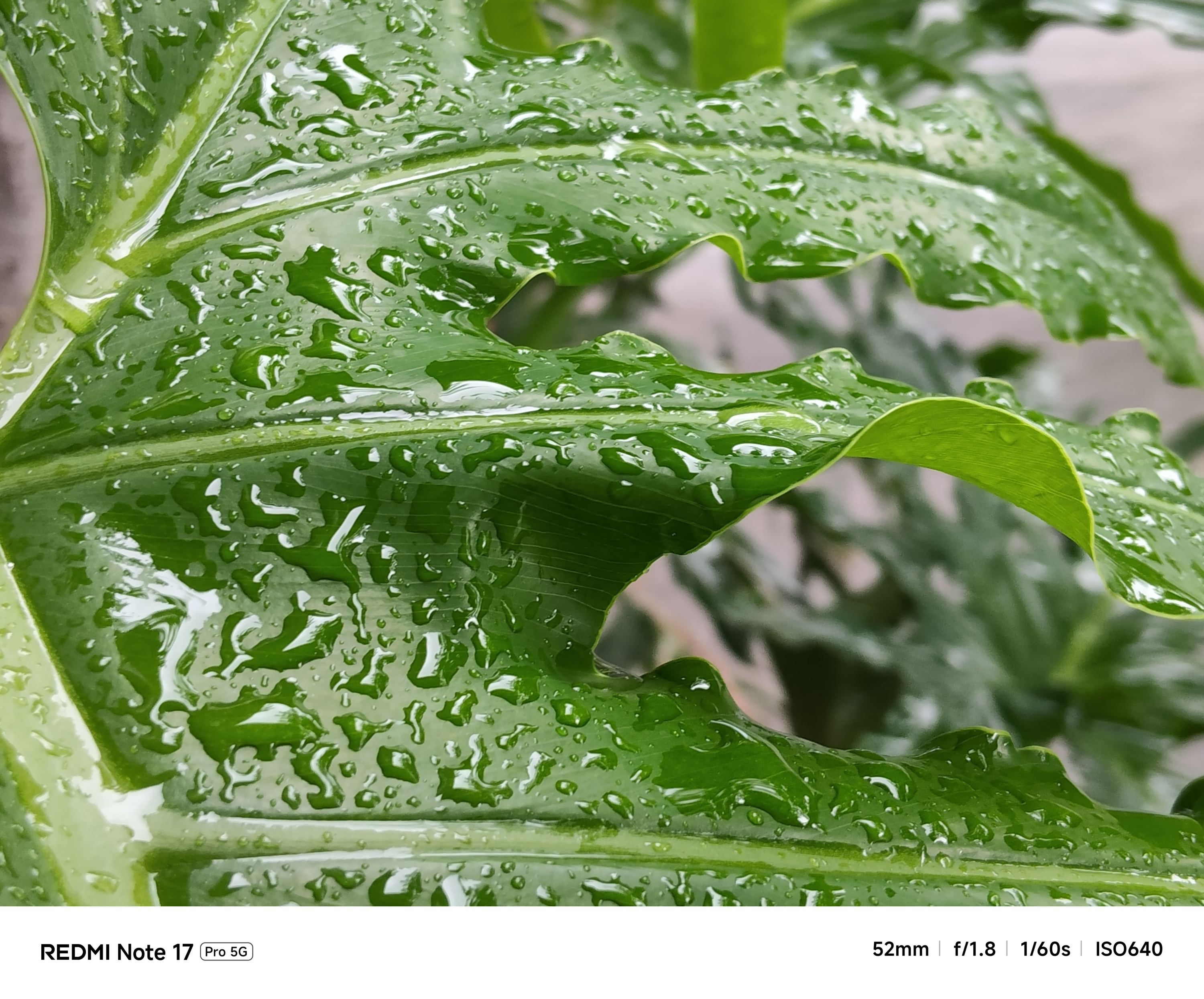
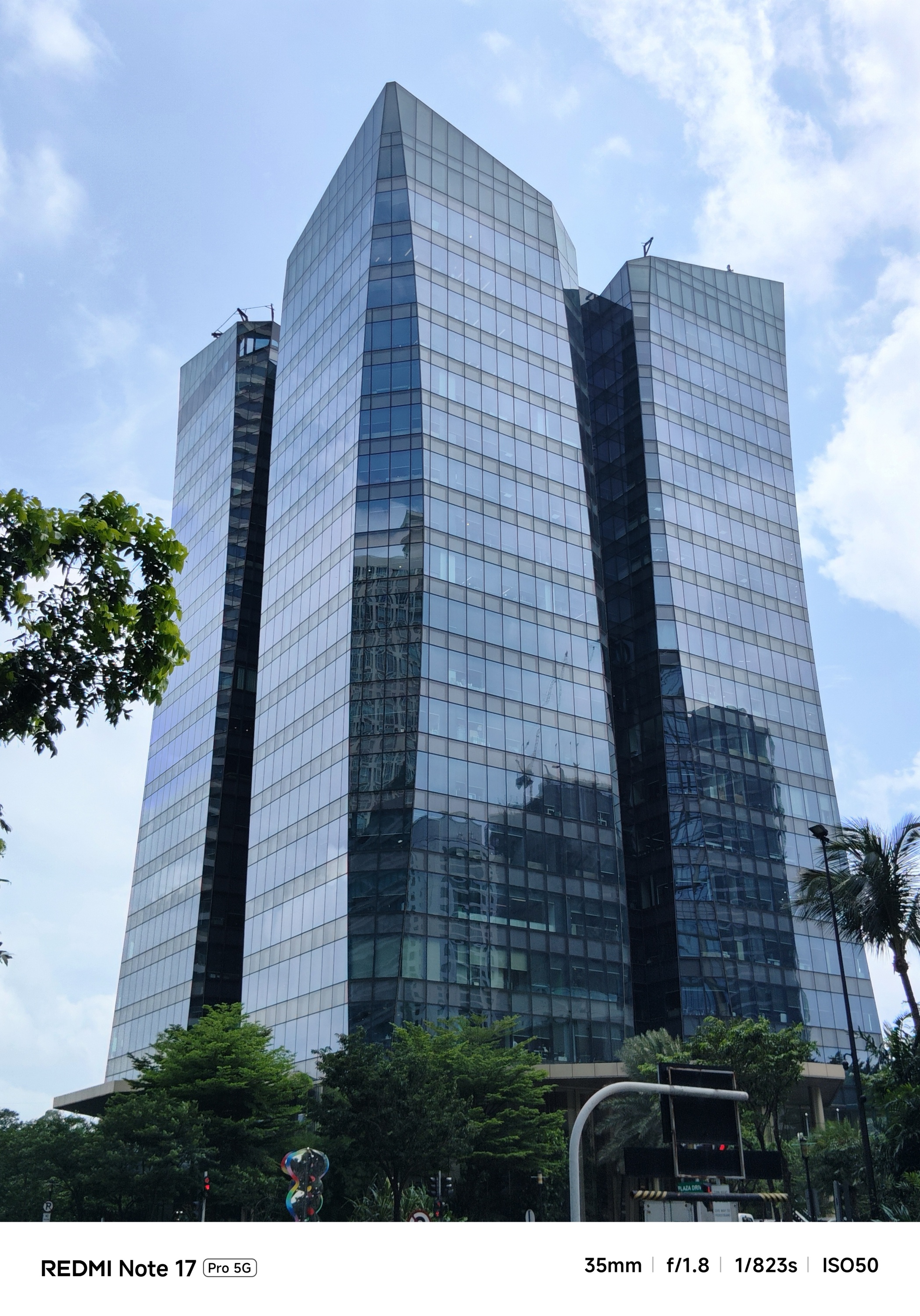
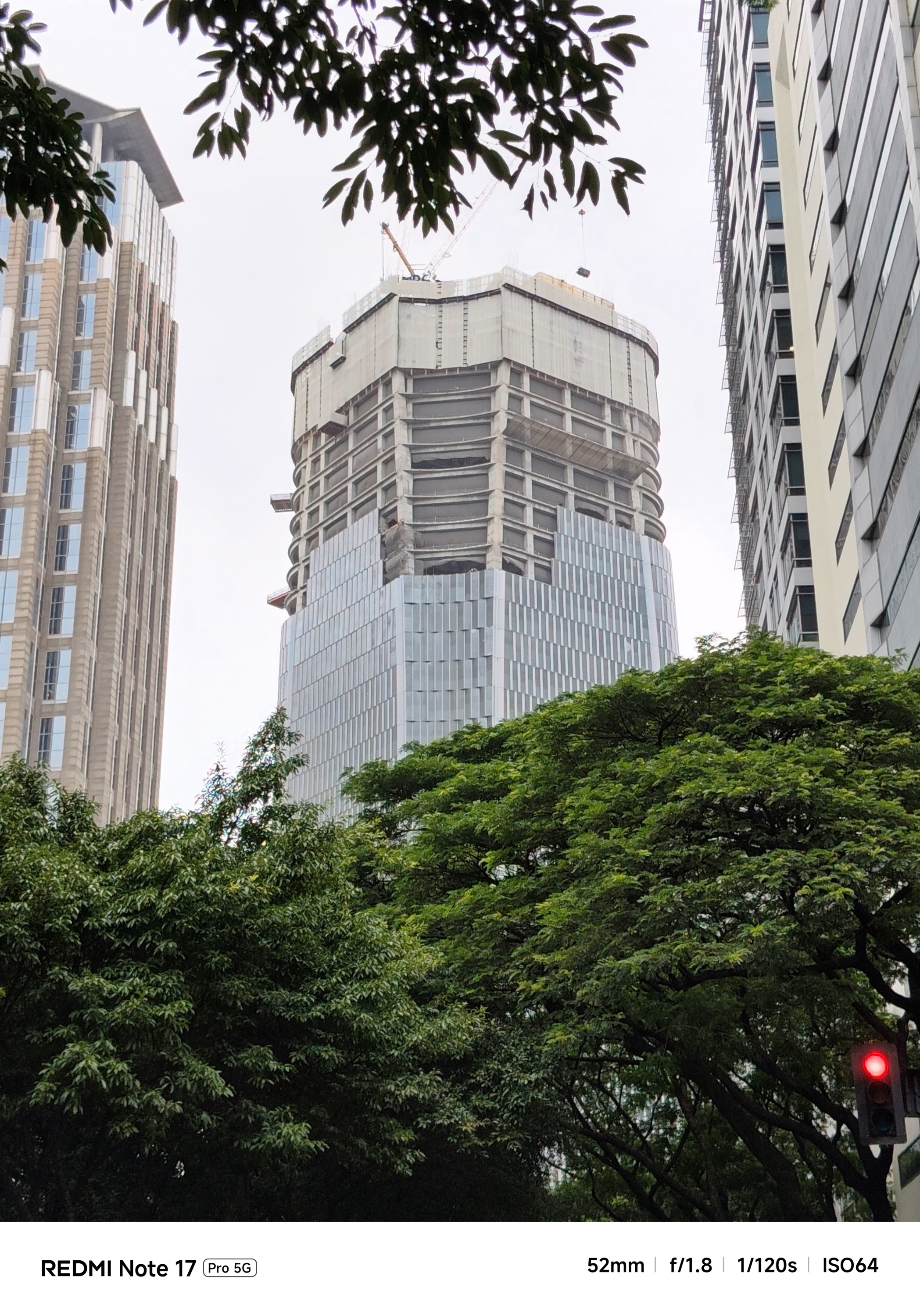
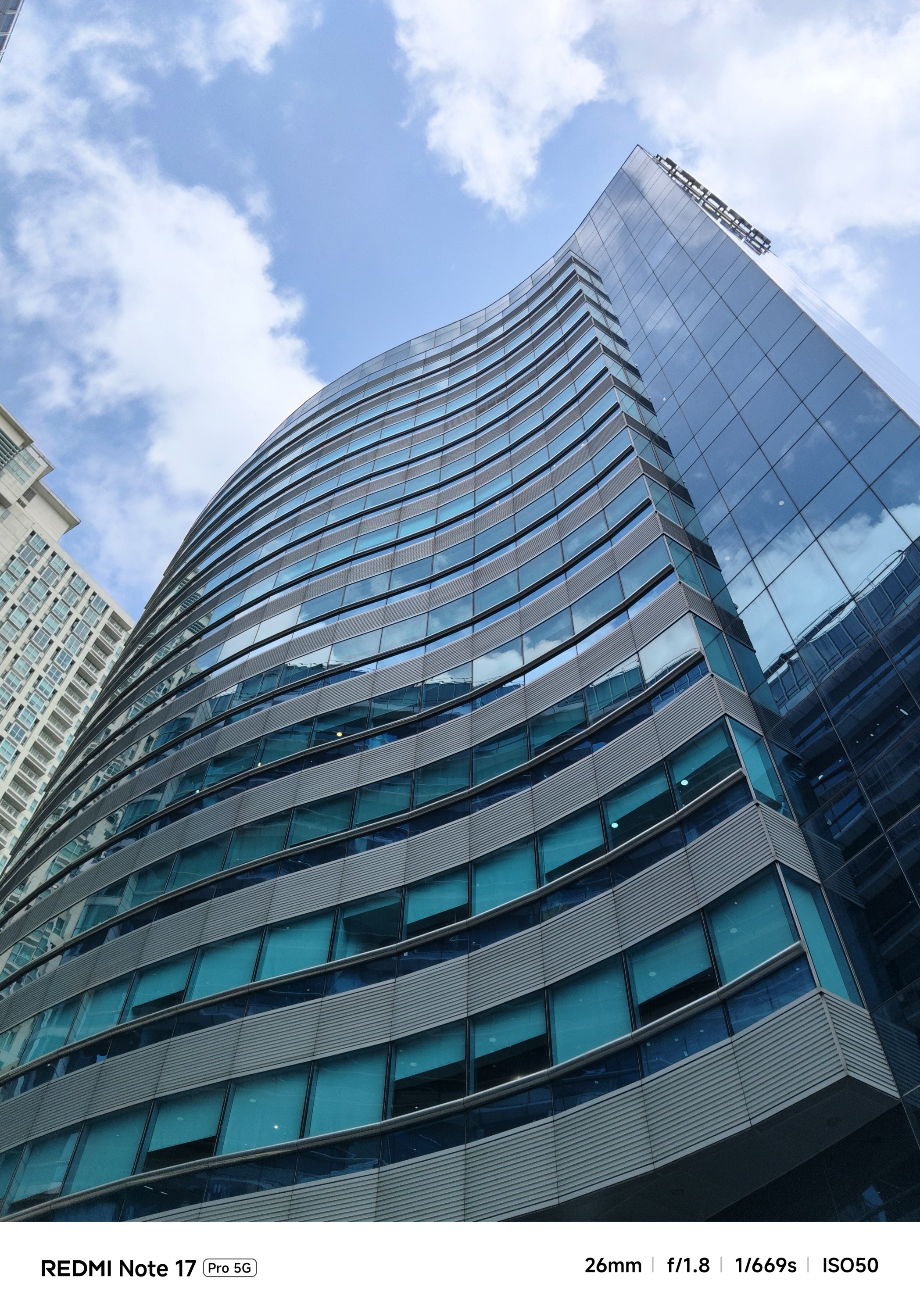
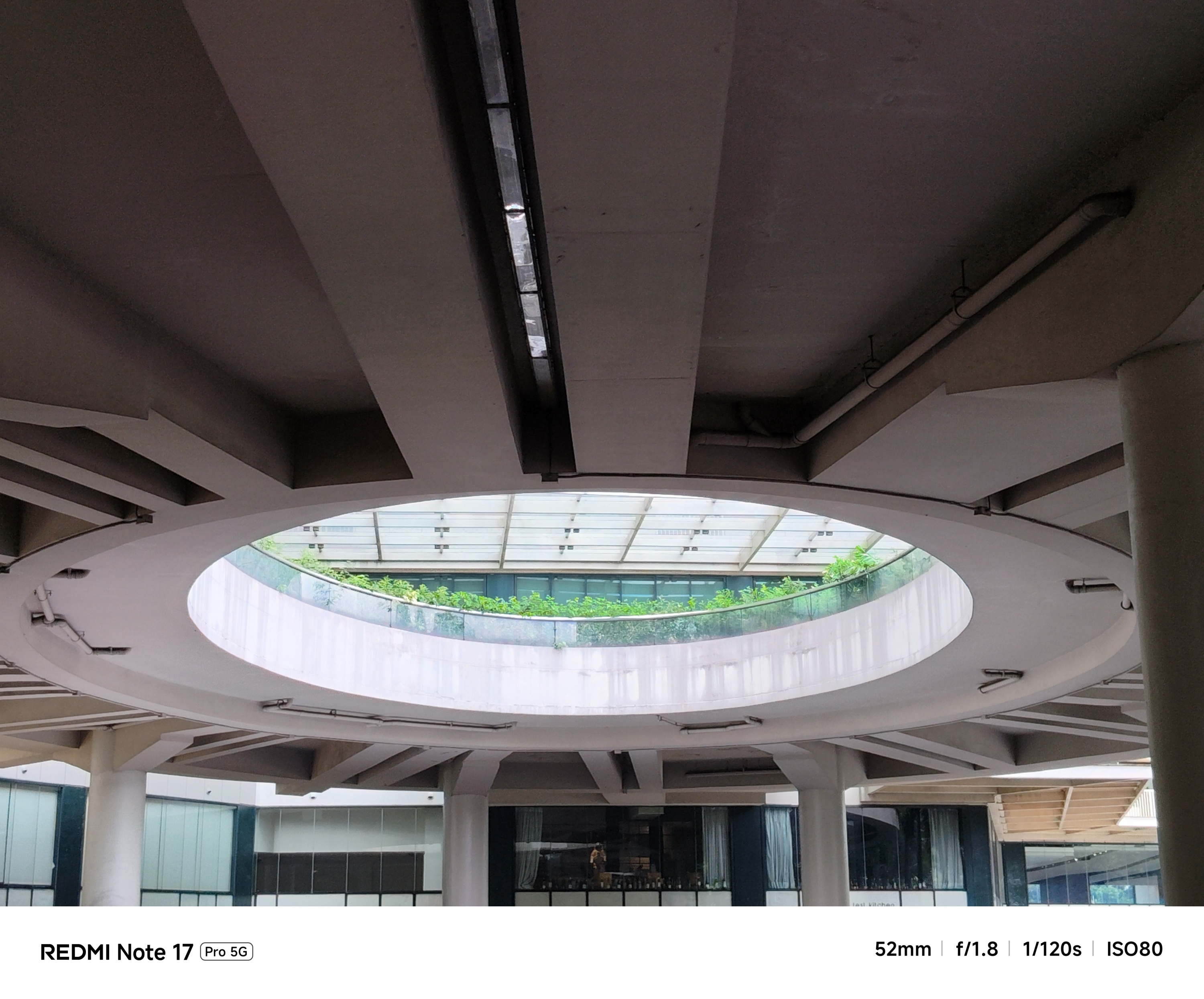
Taking the camera indoors or where there’s absence of natural light makes it struggle.
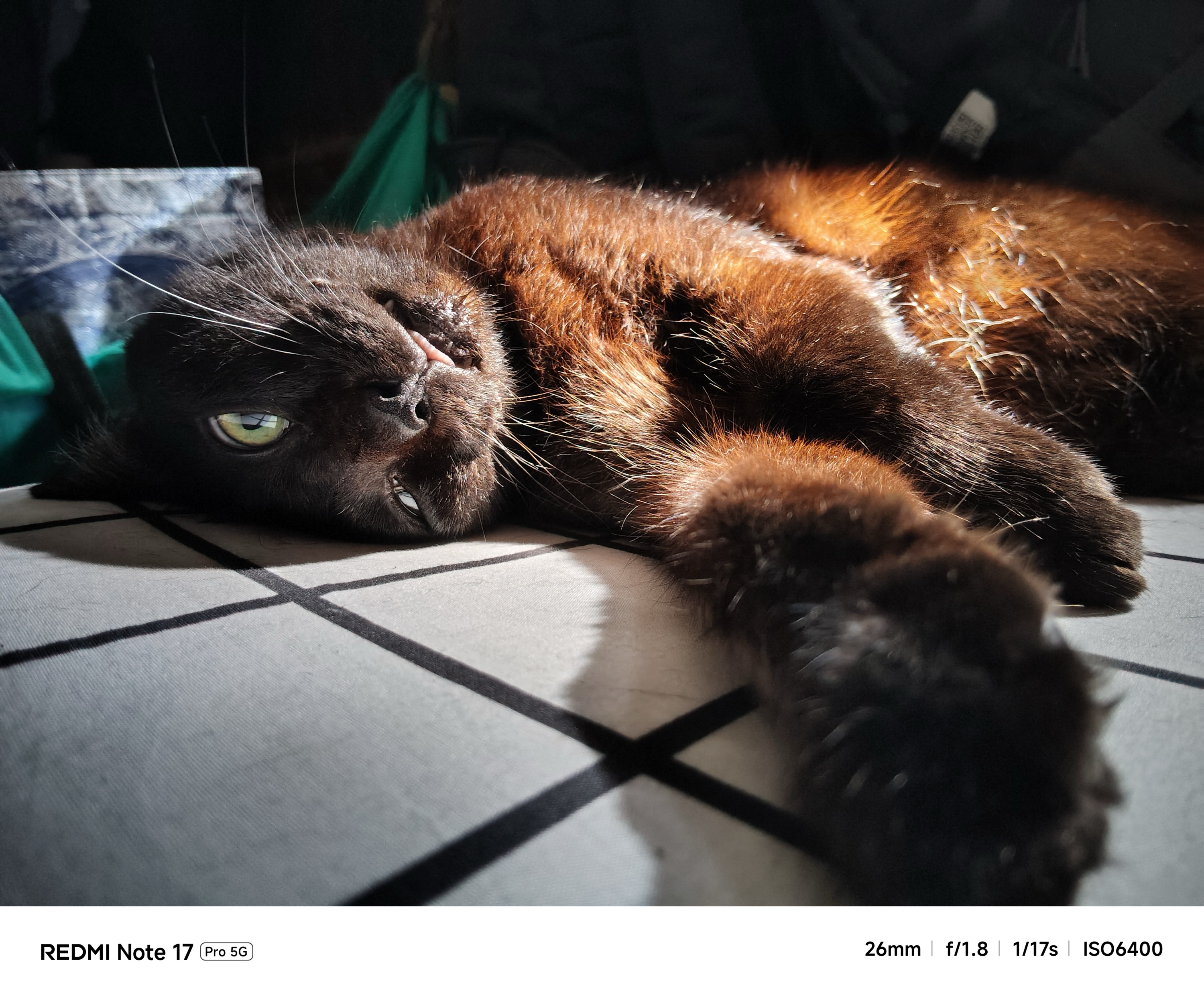
Shooting steadily gives you a hit or miss result — like how it did with my beautiful catto.
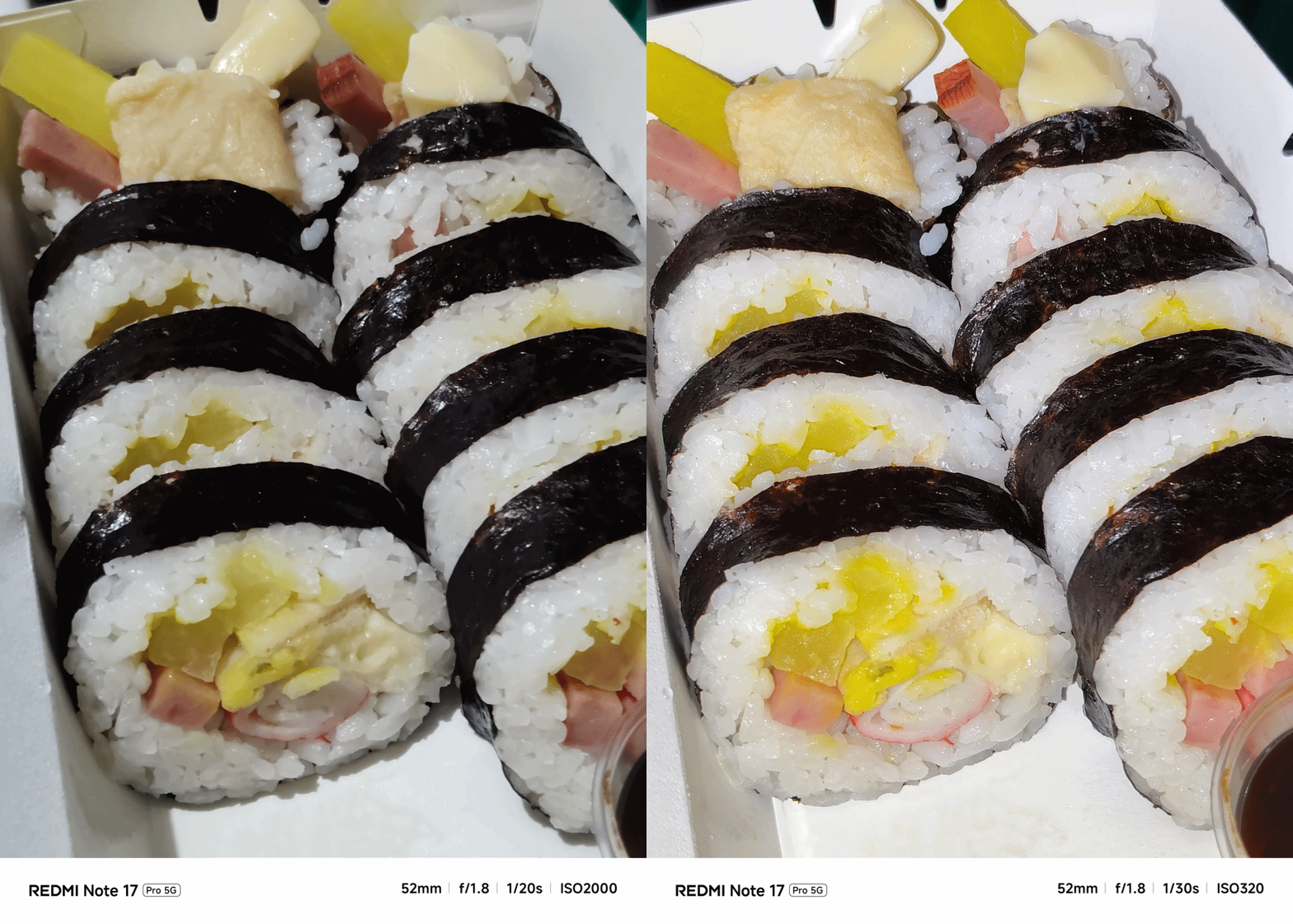
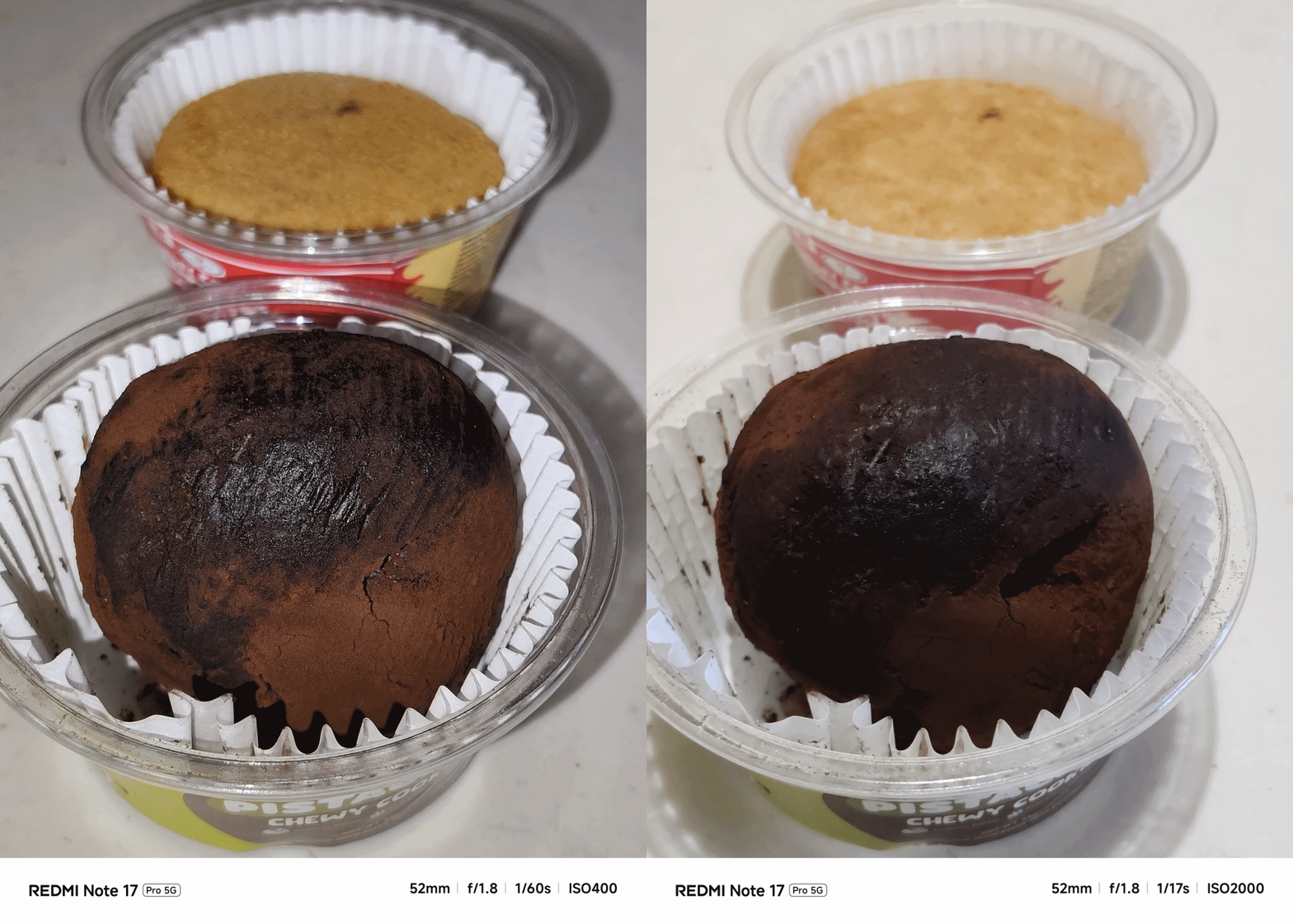
However, a split-second press at the shutter release gives you two inconsistent output — at least in EV (Exposure Value), contrast, and even shadows altogether.
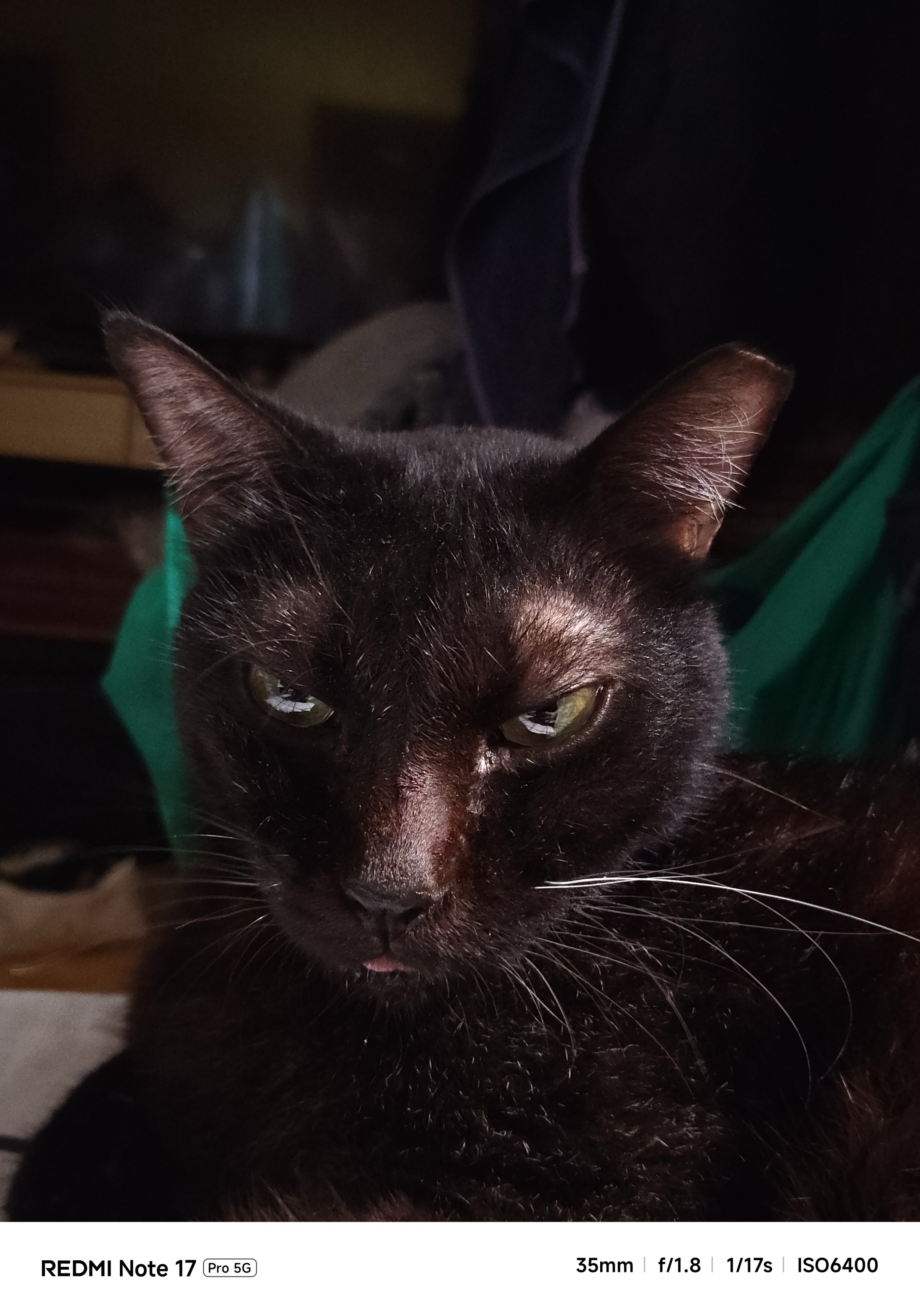
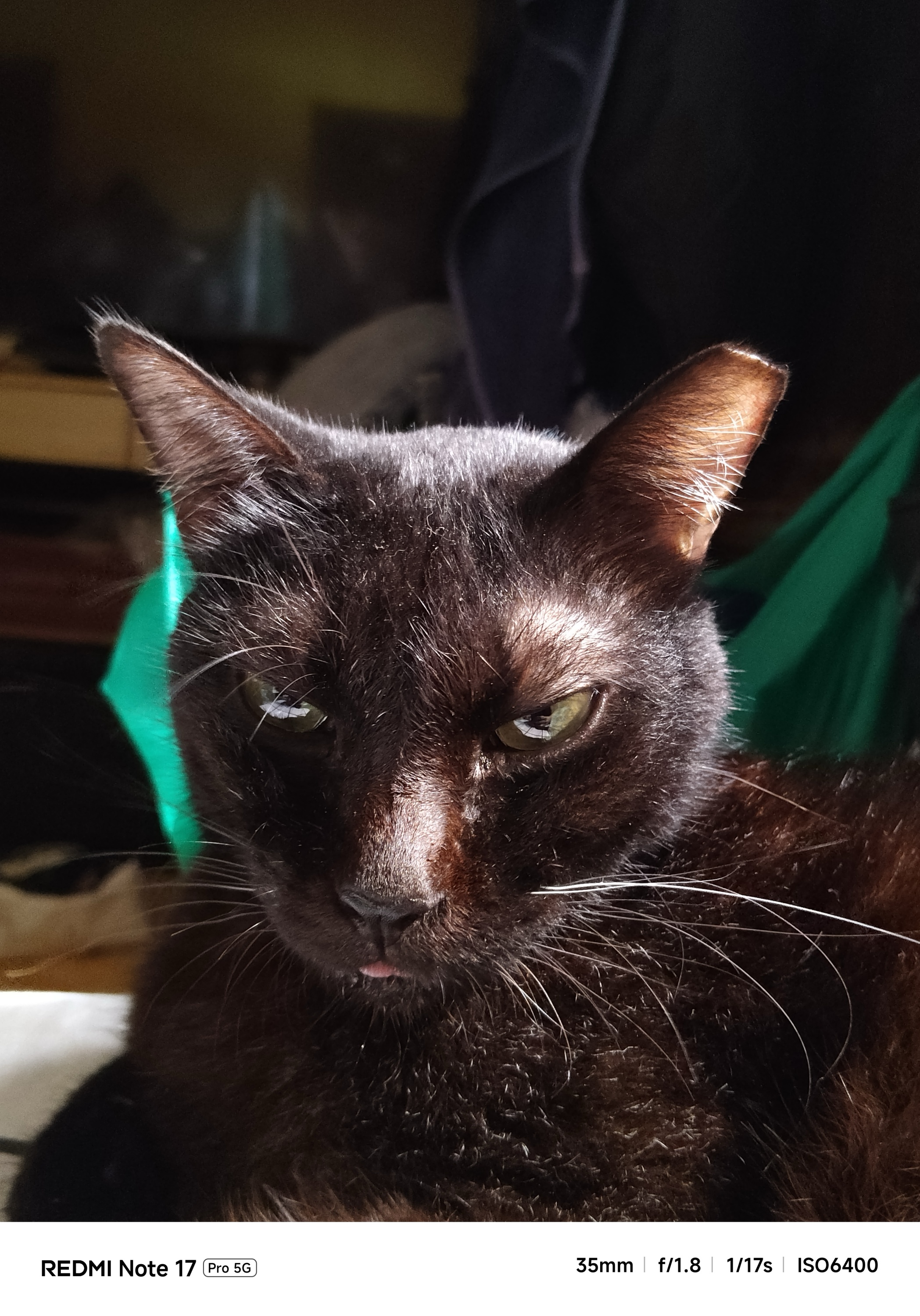
Most of the time, it’s just purely a huge miss.
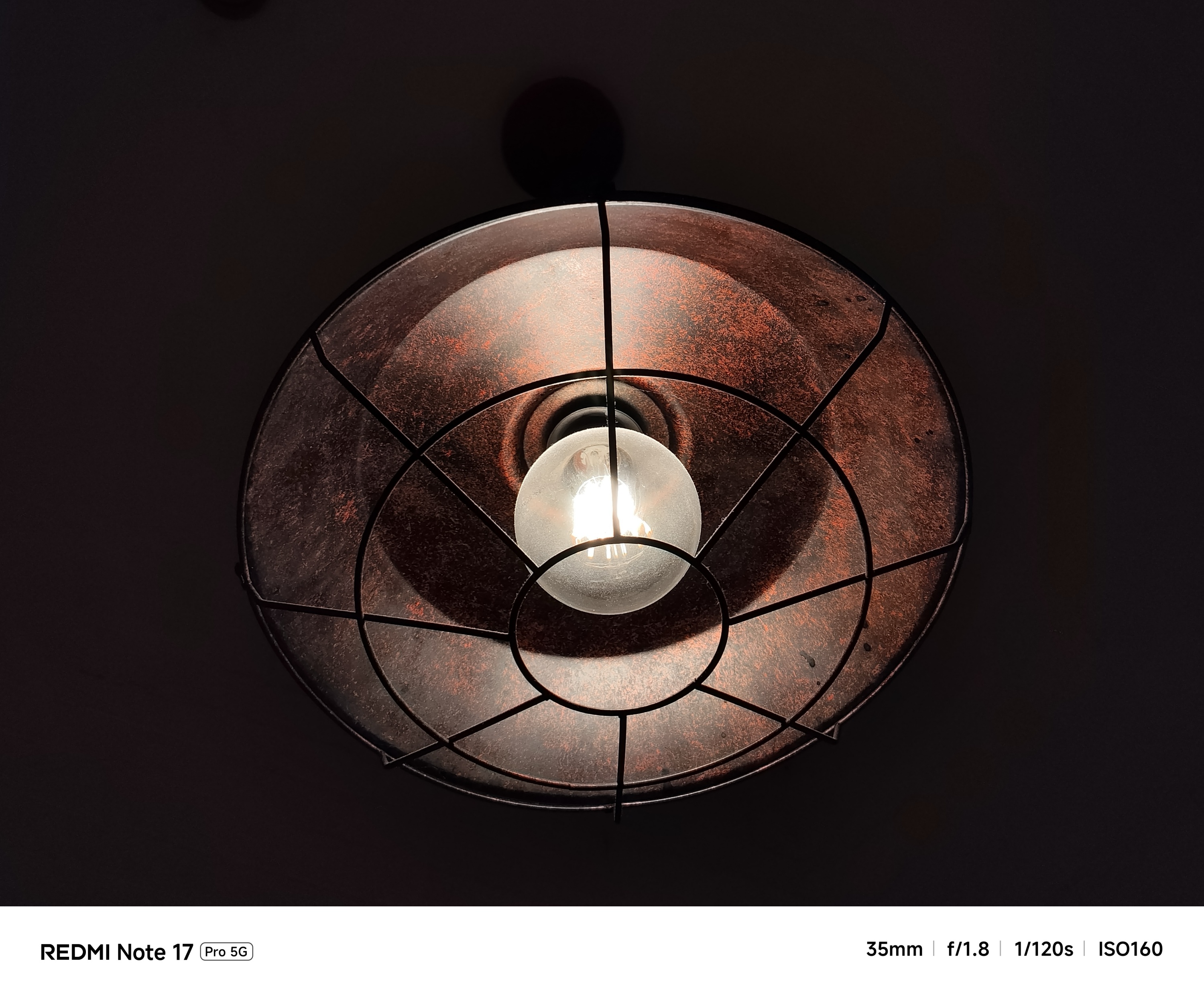
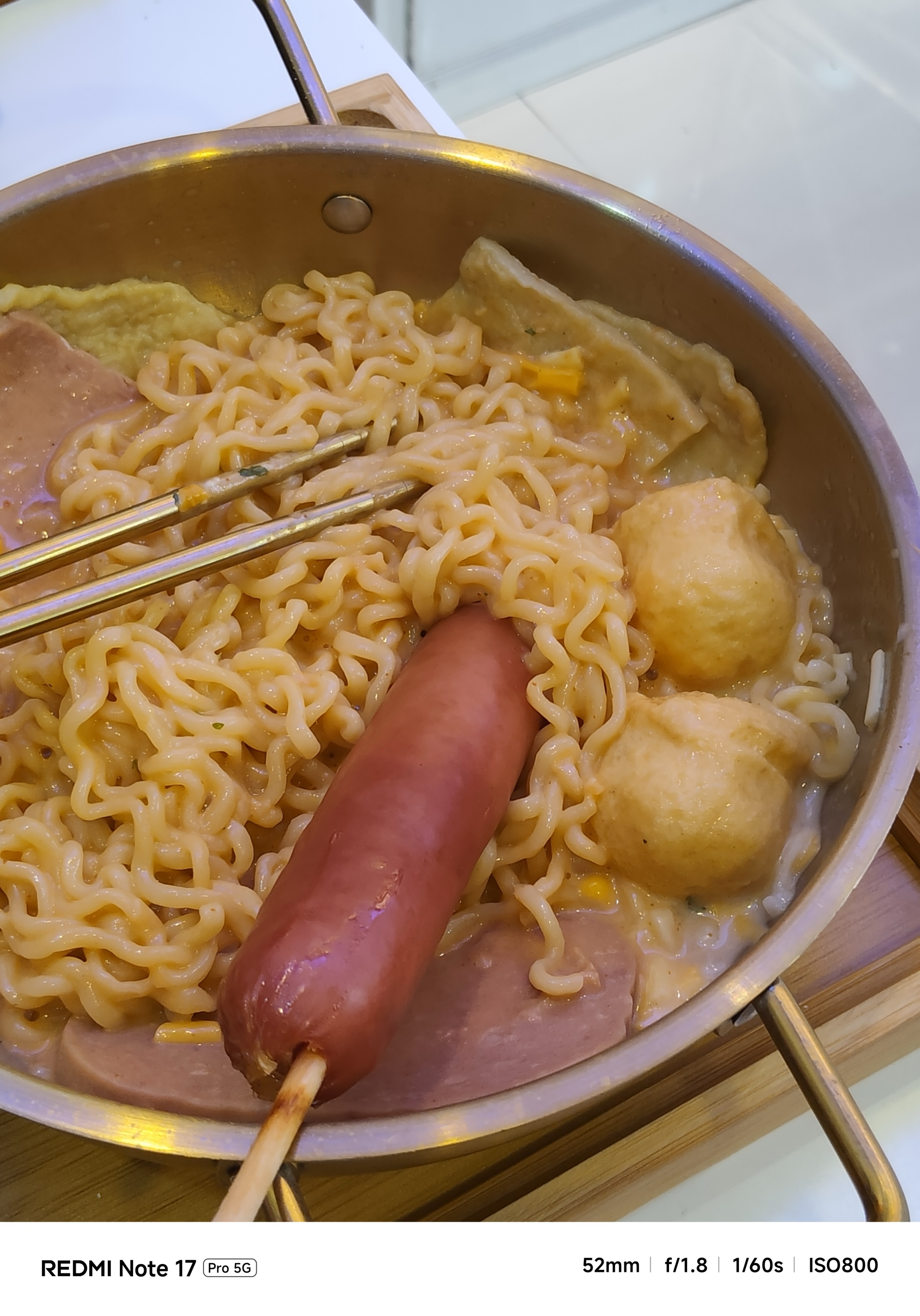
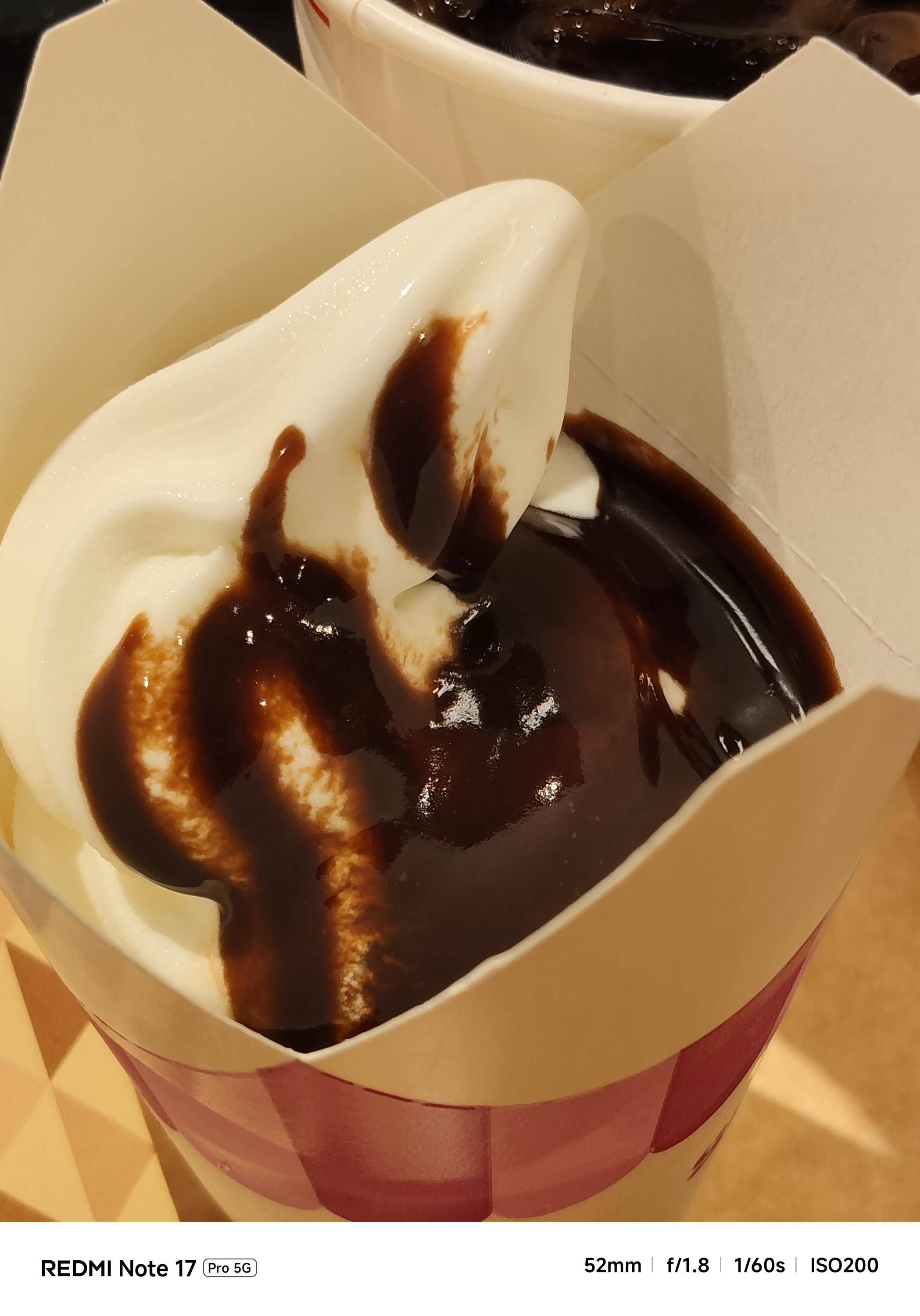
That’s most prominent when taking food shots.
I either had to swipe through its built-in camera filters or turn on the flash just to make them look appetizing.

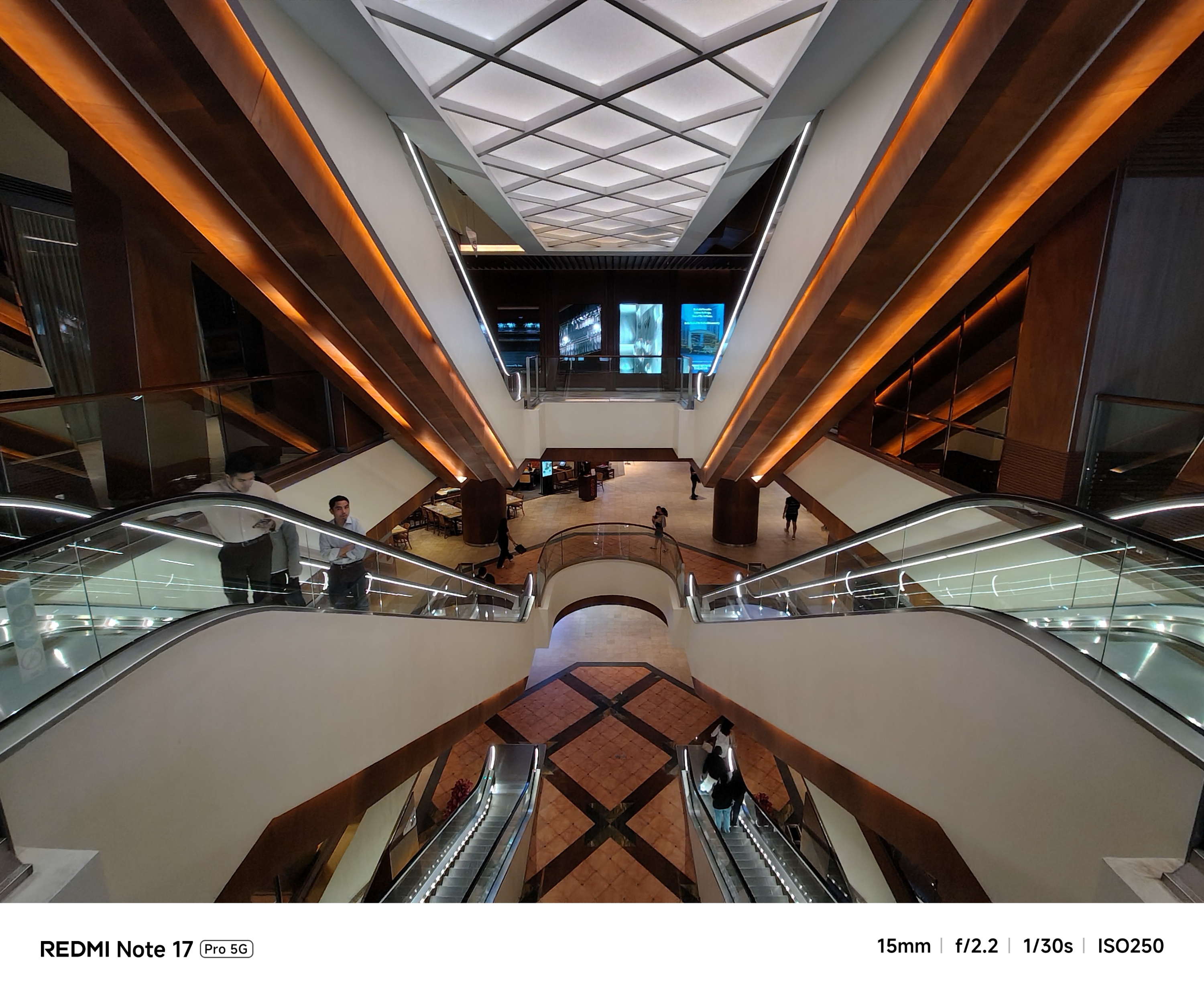
If that’s how its primary camera performs, its 8MP UWA (Ultra-Wide Angle) lens is negligible — as long as you don’t pixel-peep.
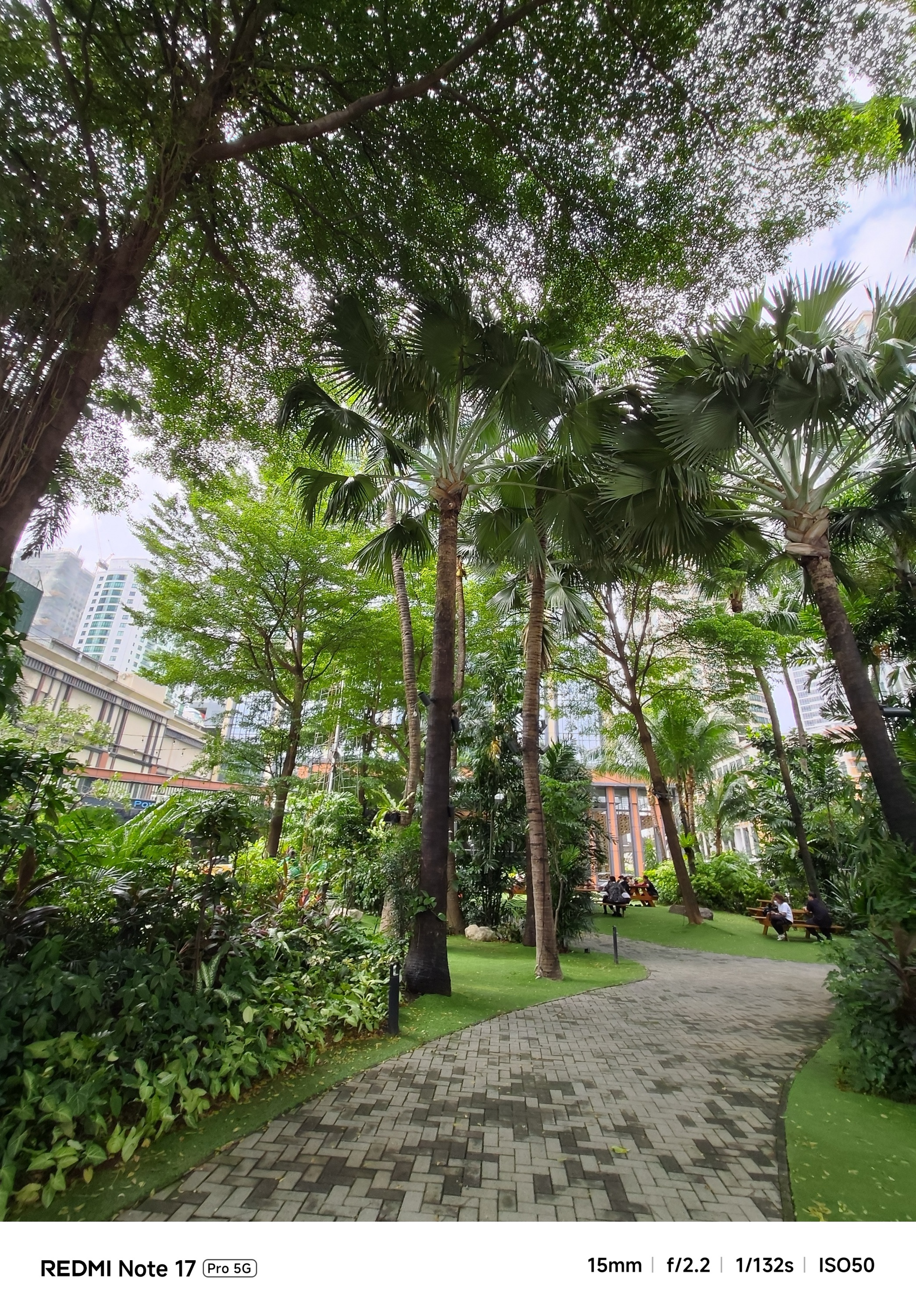
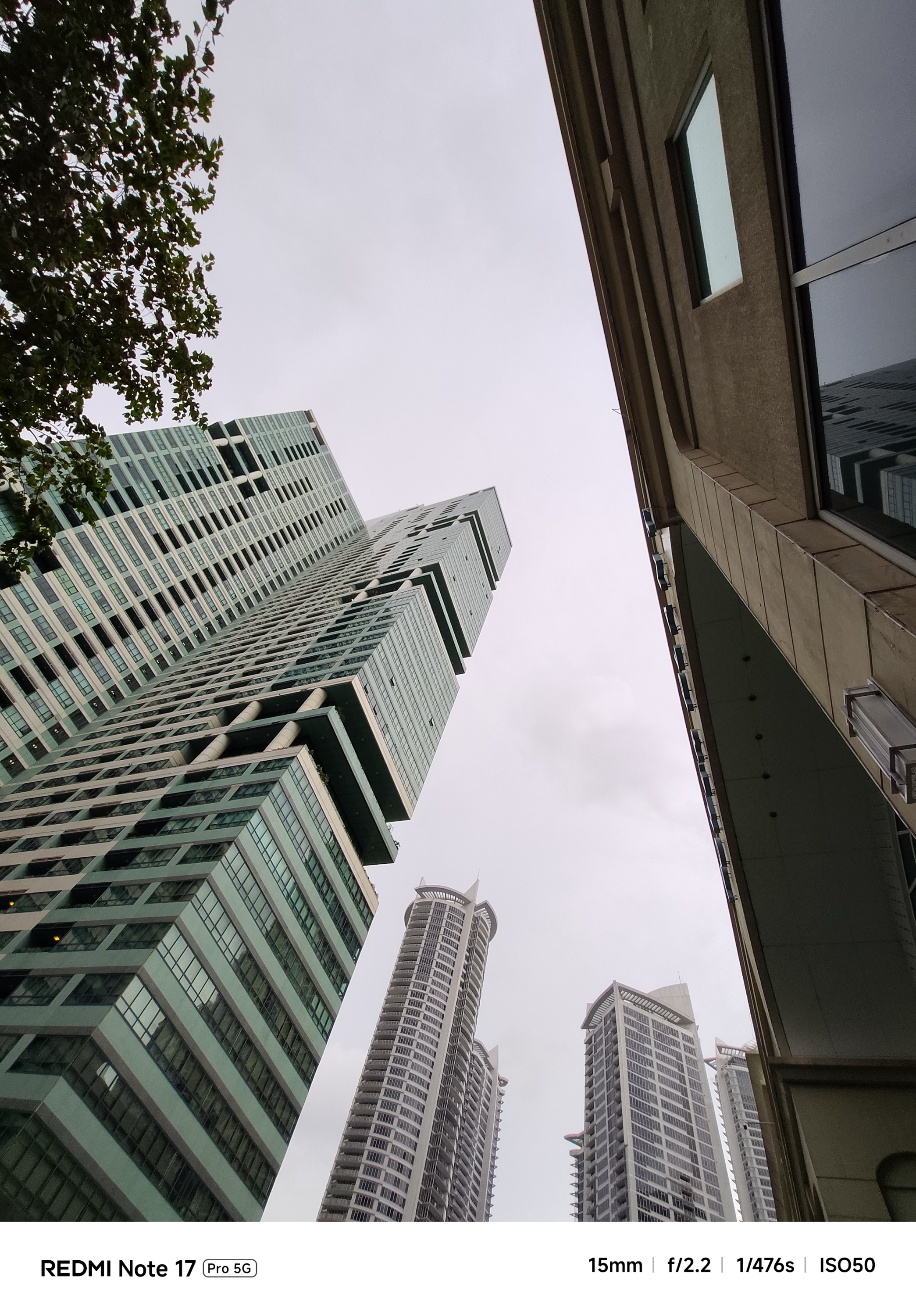
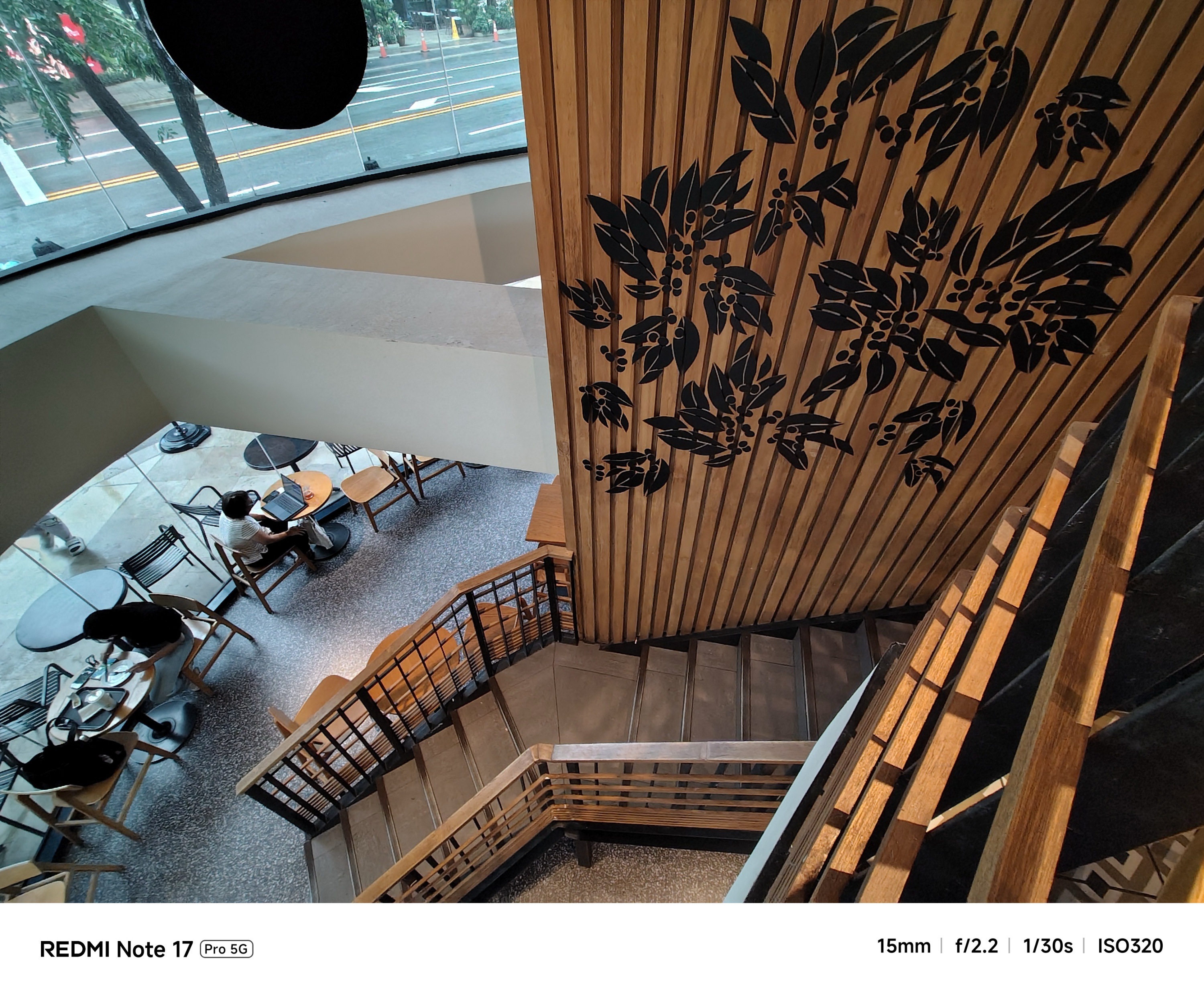
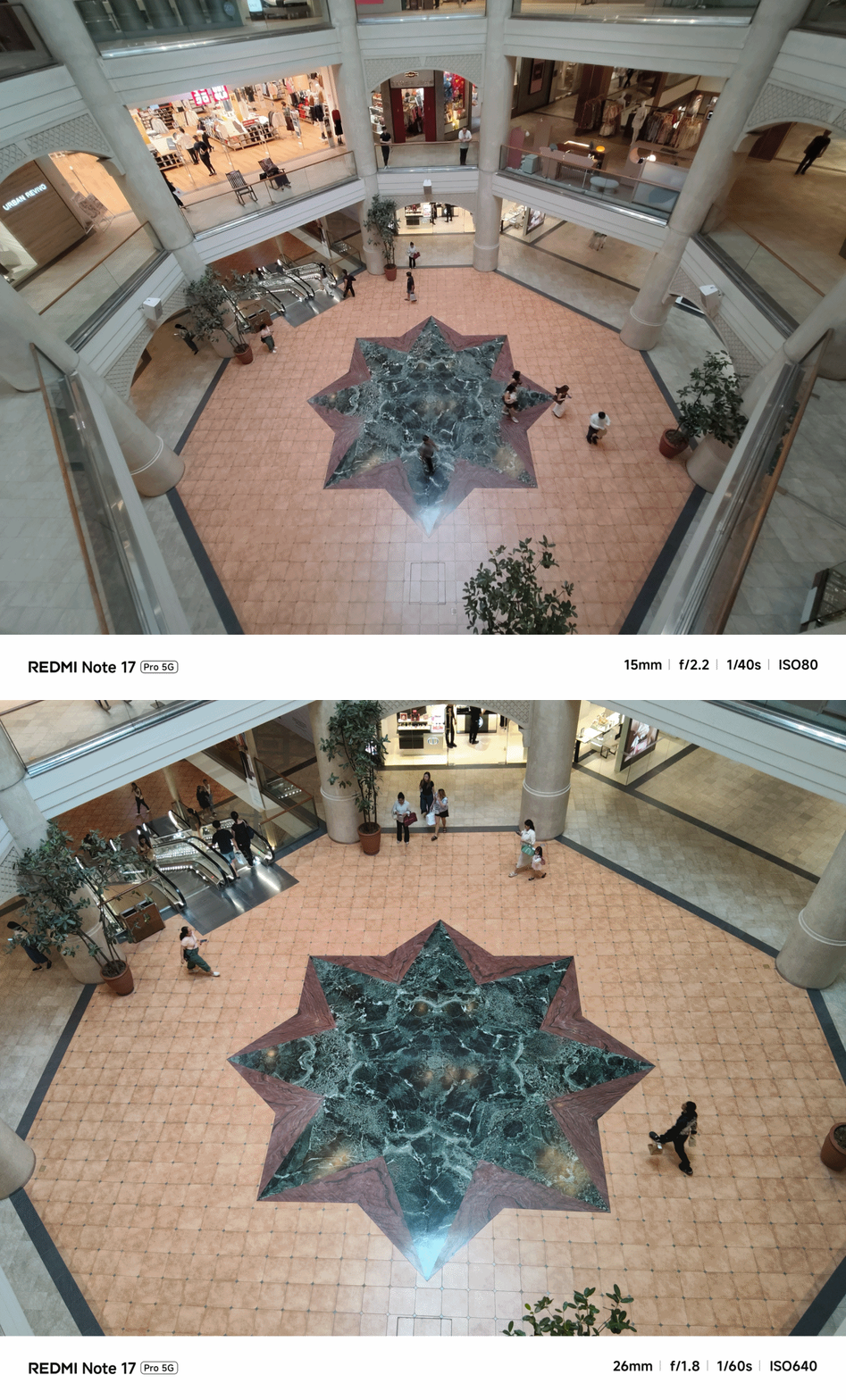
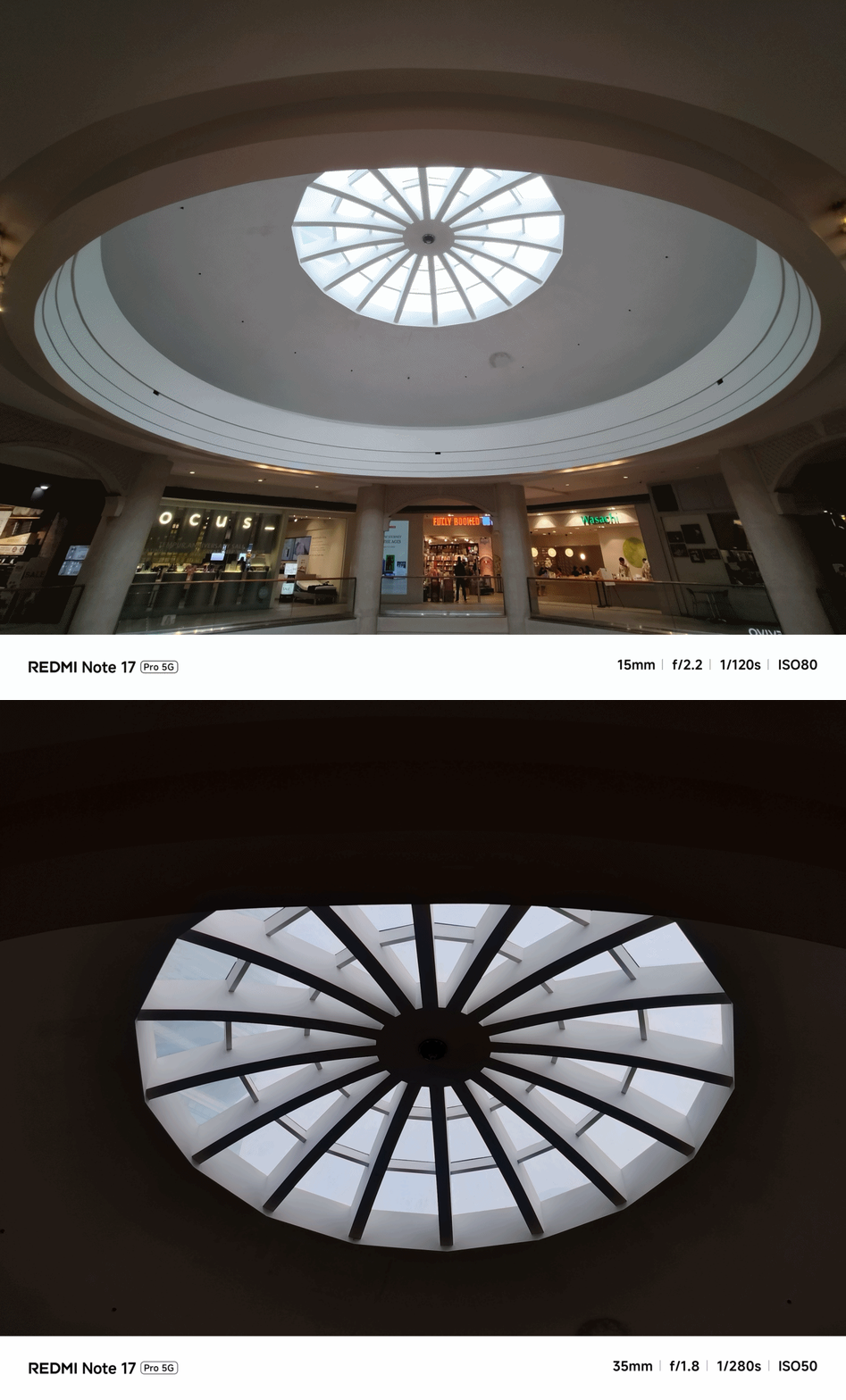
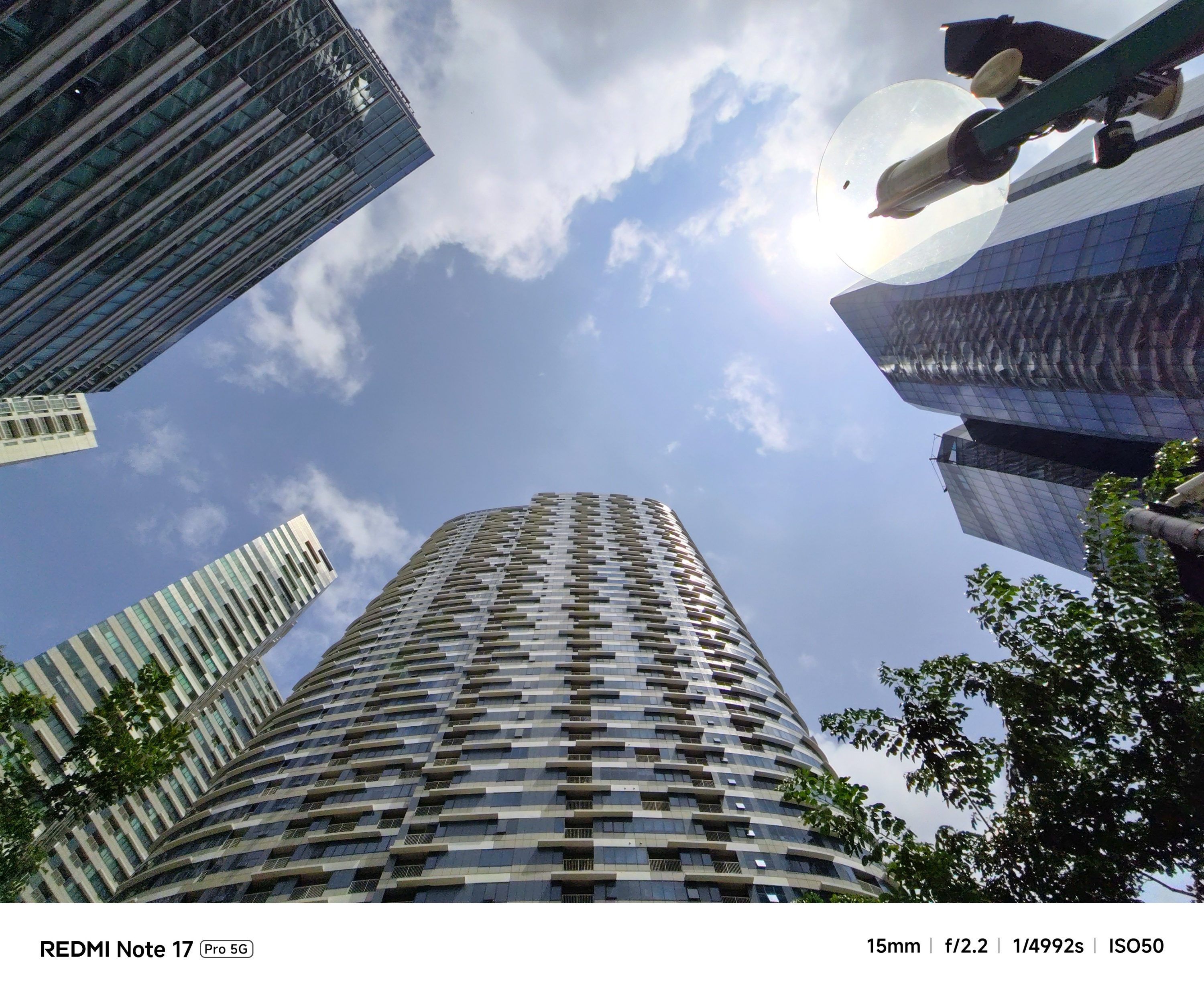
Going beyond 2x zoom? Don’t get your hopes too high.
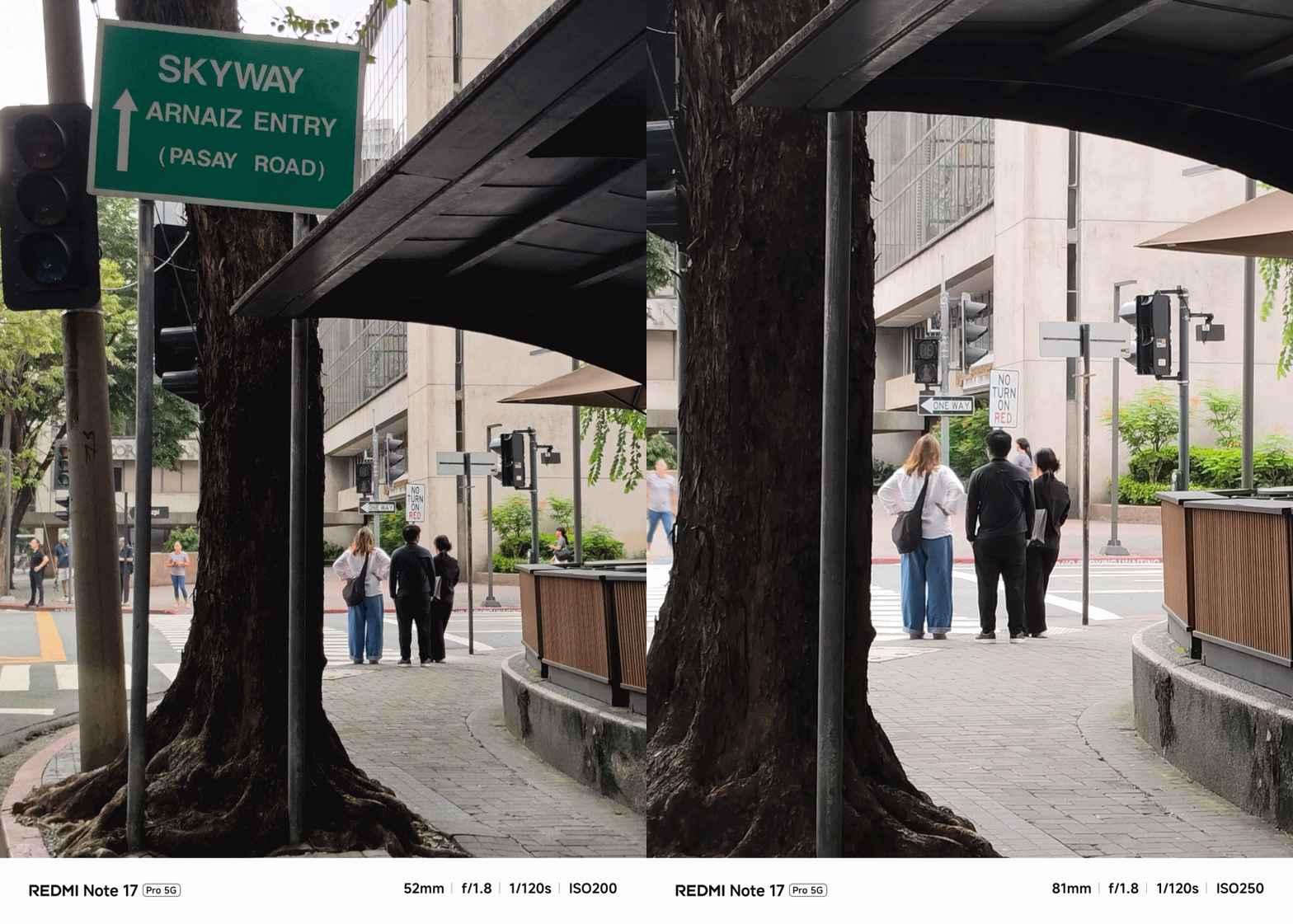
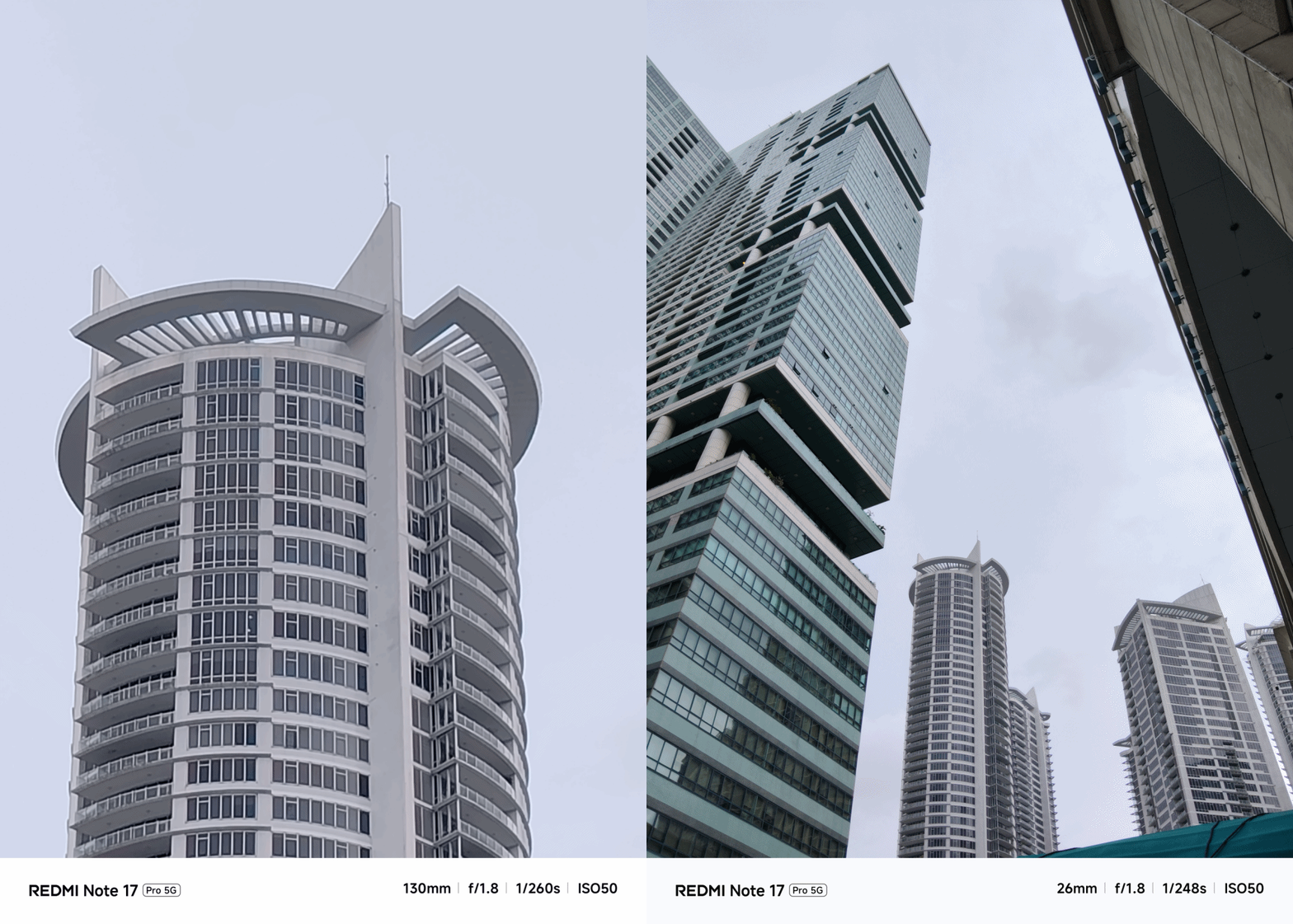
Even with the presence of AI algorithms, the smaller sensor size of the main camera cannot truly compensate that final image quality.
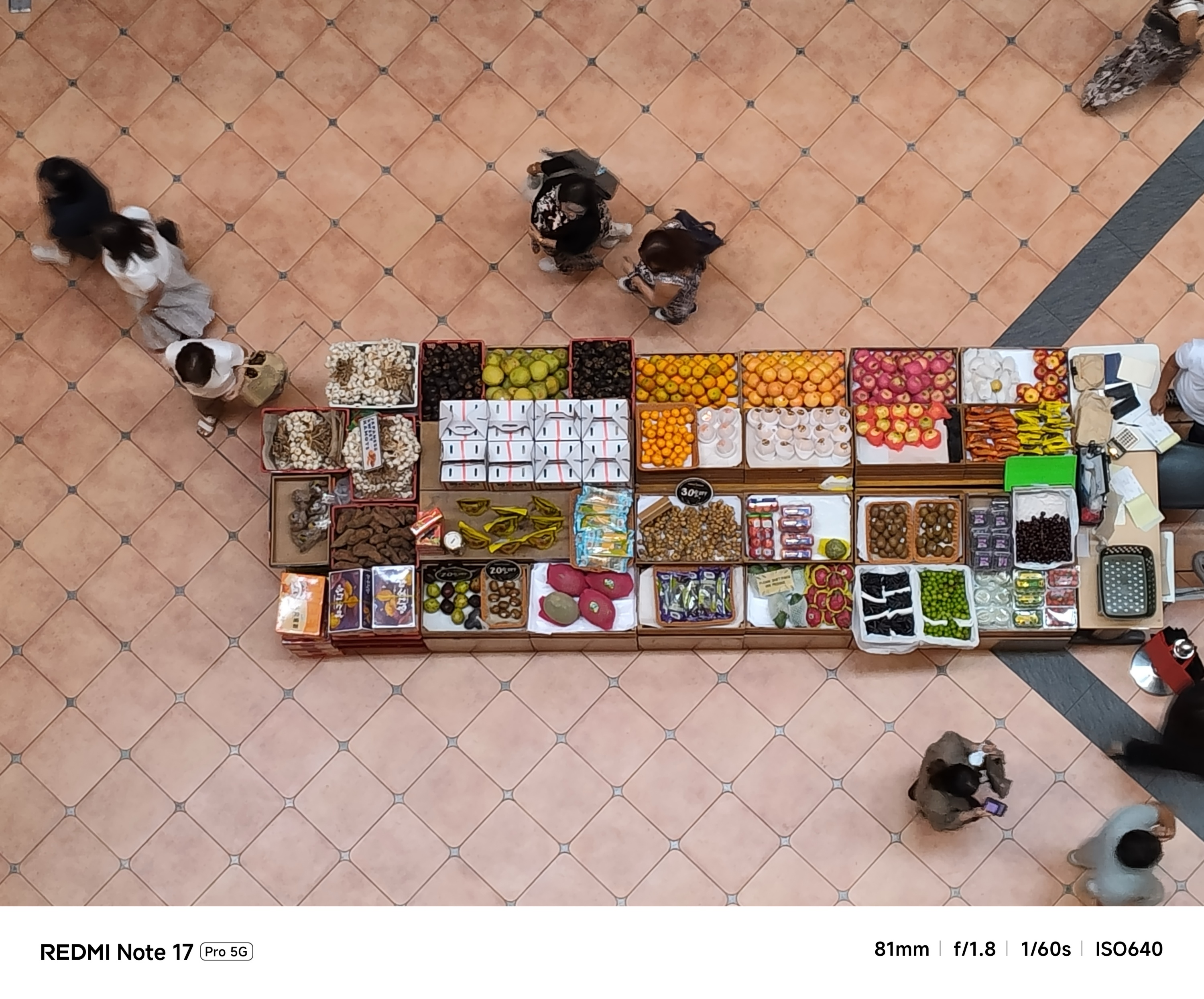
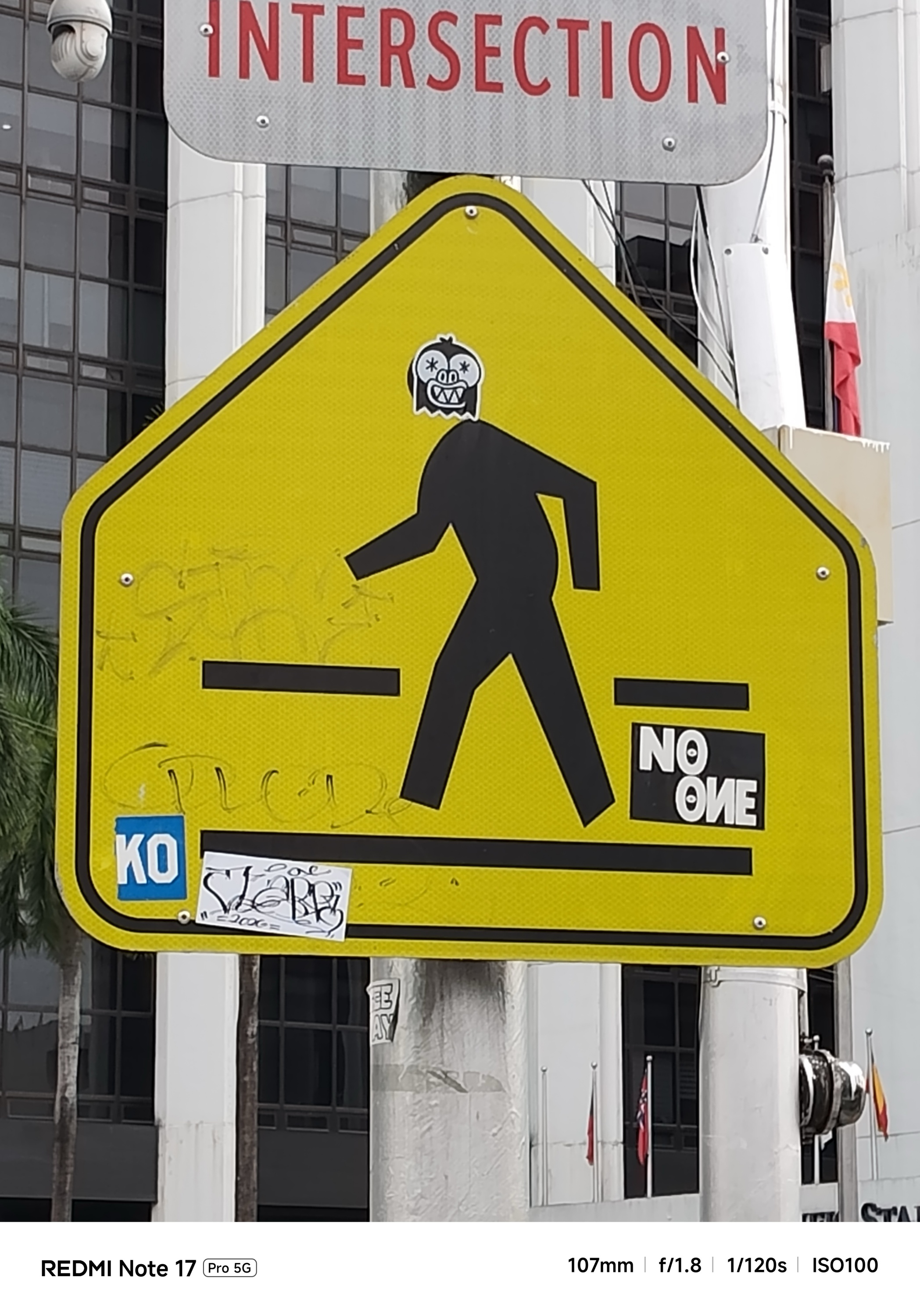
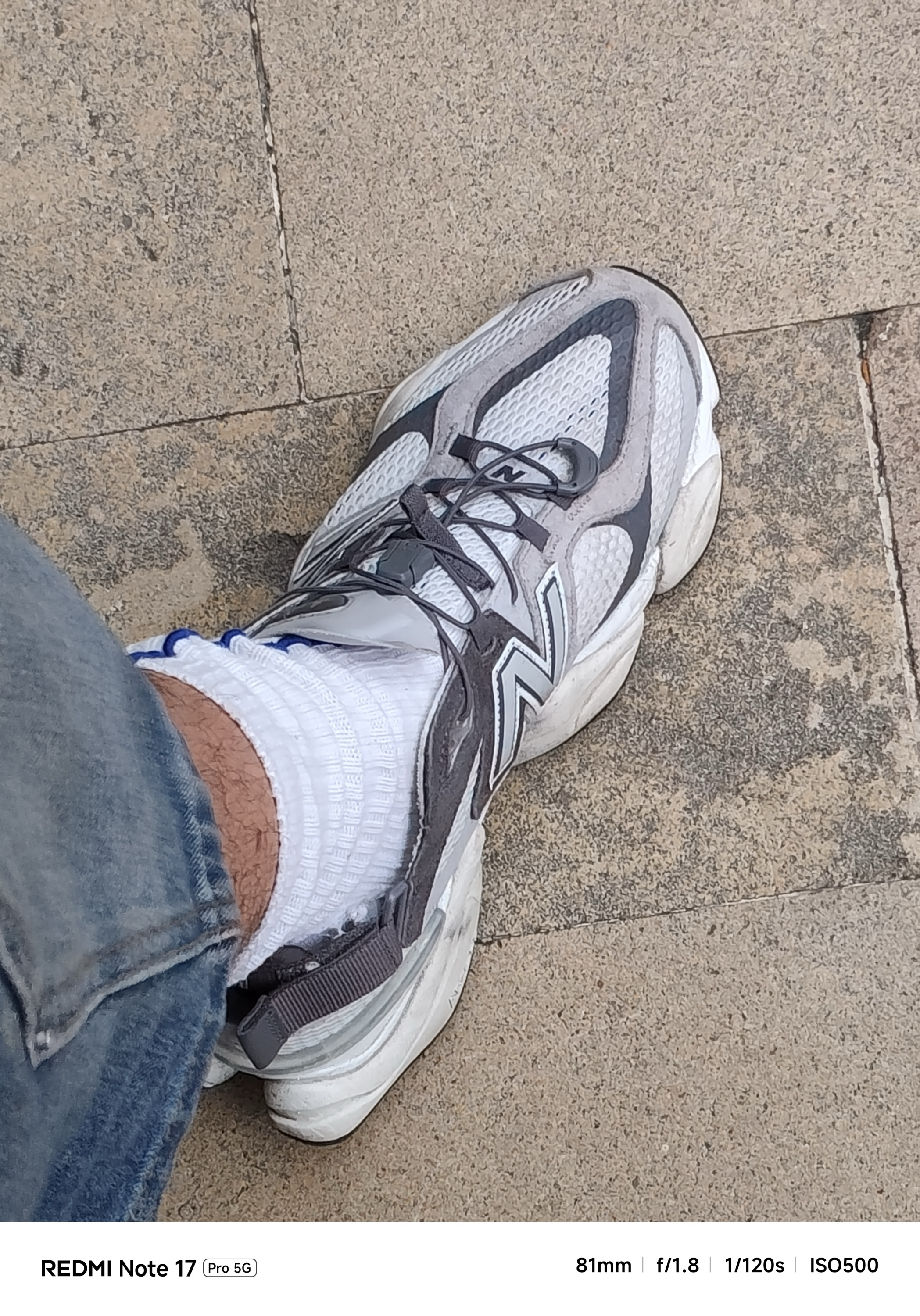
Again, manage your expectations if you’re eye-ing to rock this product.

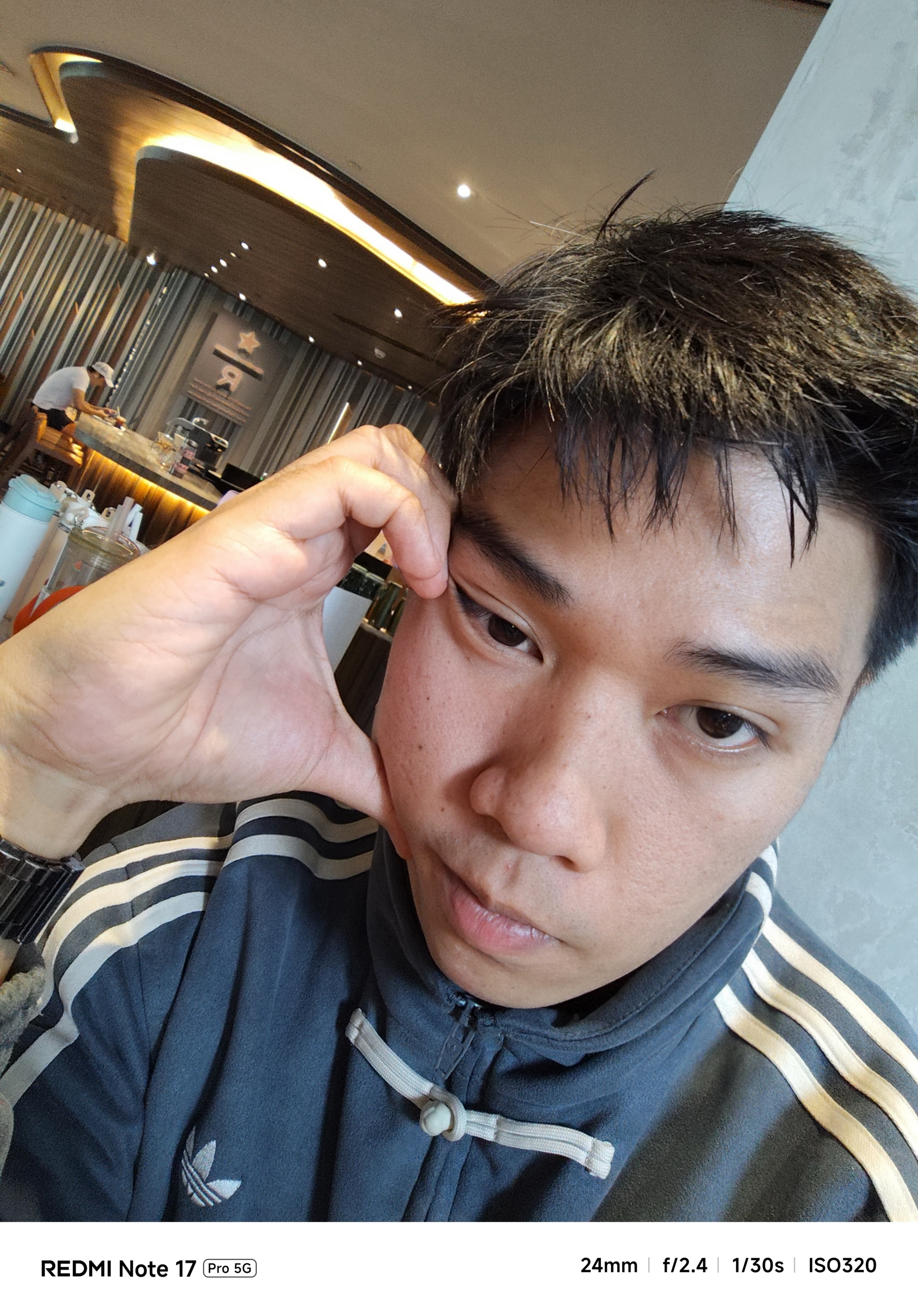
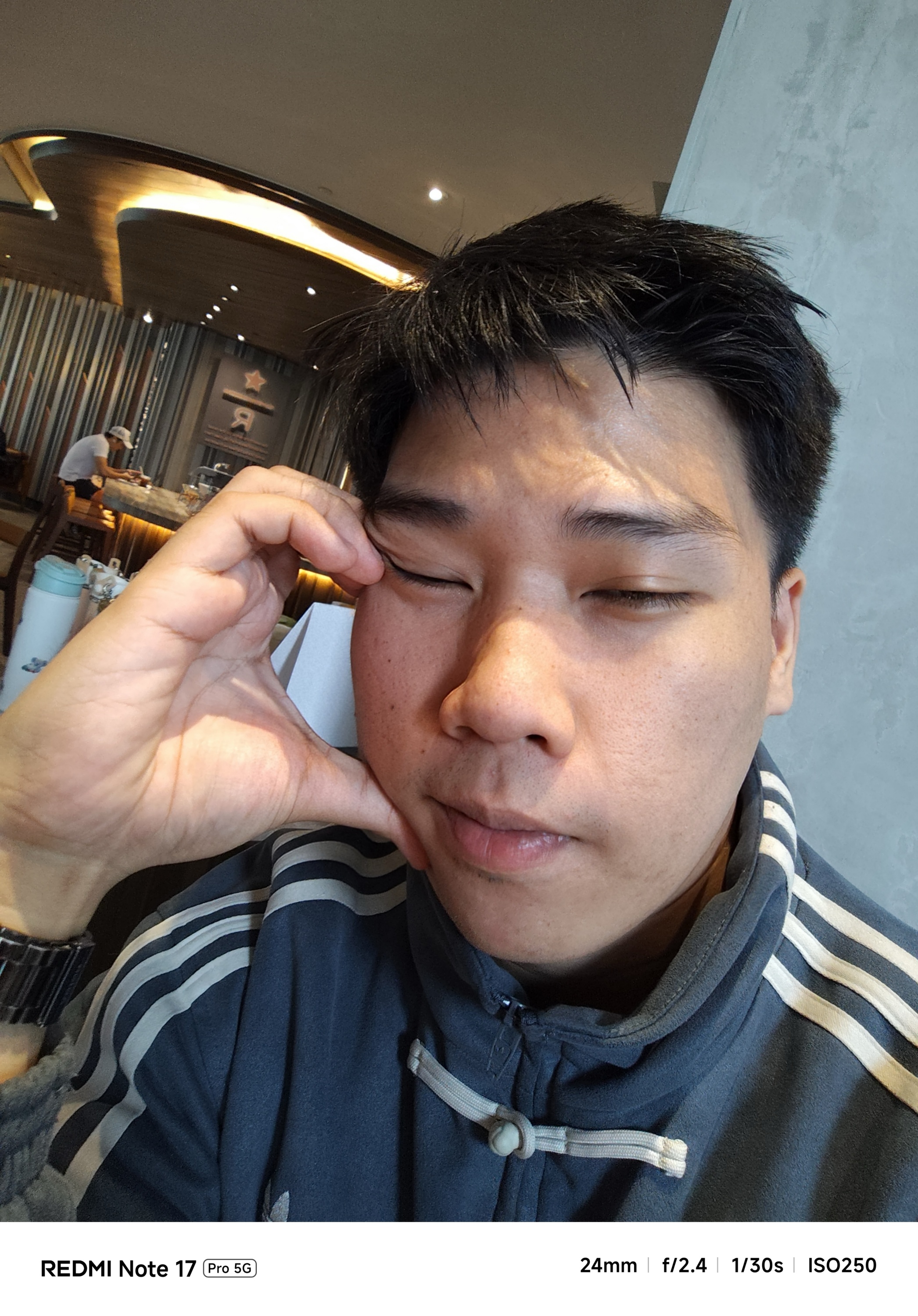
Although selfies look natural as it can be, the bad news is that, it also got downsized from 20MP f/2.2 to a 16MP f/2.4 shooter.
What a way to end this rollercoaster ride.
Is the REDMI Note 17 Pro your GadgetMatch?
The REDMI Note 17 Pro itself is like any rollercoaster ride. Some may love the adrenaline rush. Others just tried the thrills and will never ever come back again.
Putting our matchmaking magic into context, the REDMI Note 17 Pro is a Swipe Left for most things considered. From its massive design change, slightly-downgraded chipset, and a main camera shooter that also took a downfall.
But, if you heavily consider battery life and faster charging over anything else, the REDMI Note 17 Pro is a soft Swipe Right.
Personally, I can attest how its long-lasting endurance made me worry less about being near in any plug outlet. Also, the carefree mindset of not always having to bring bulky power banks with me whenever I’m out for a day.
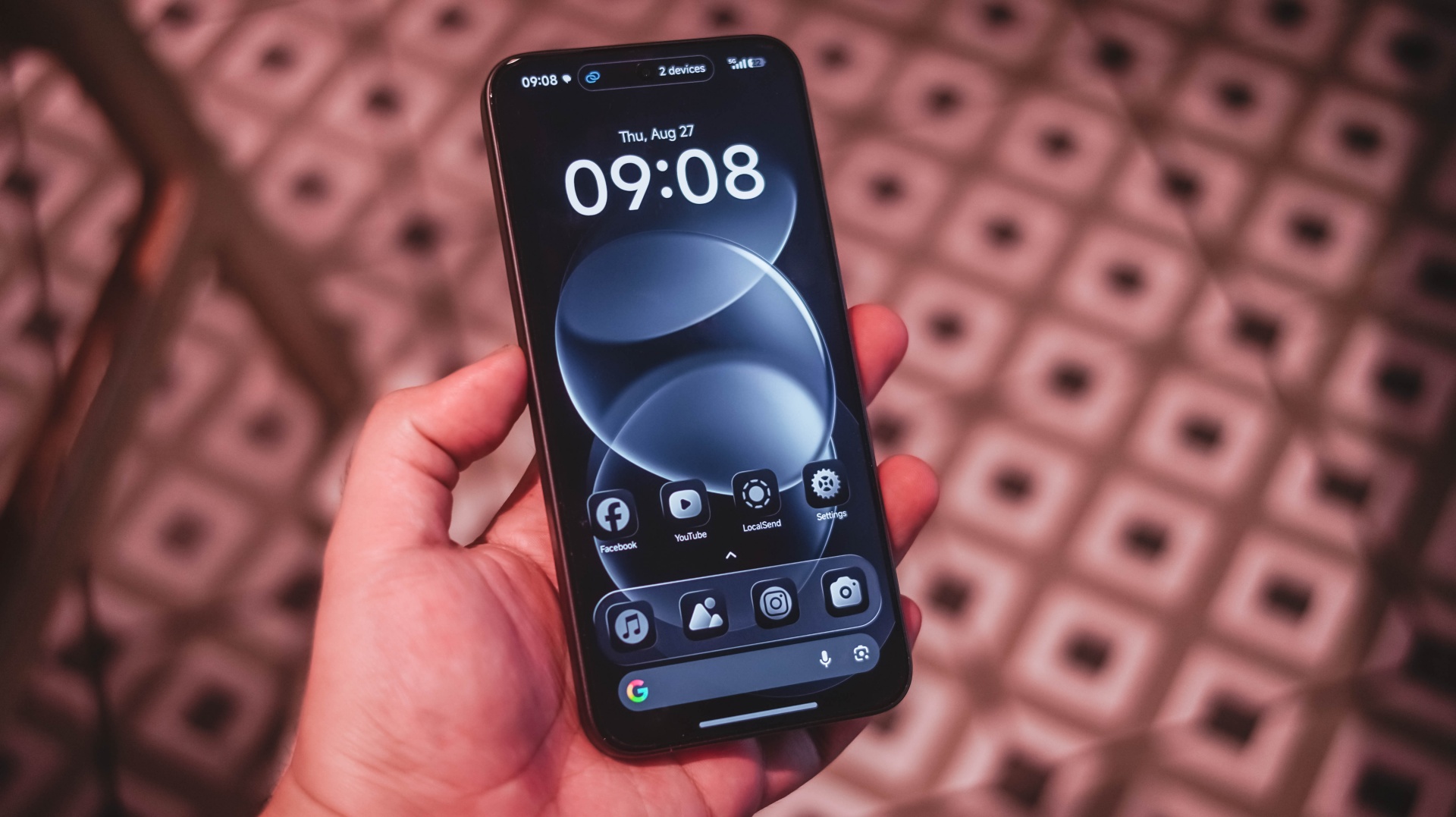
Moreover, that dazzling display paired with powerful audio are perfect complement to that boost in battery capacity — especially for any power user like me and you.
Now, with a base price of US$ 399 / SG$ 599 , it’s a ride or die situation for REDMI and its existing community.

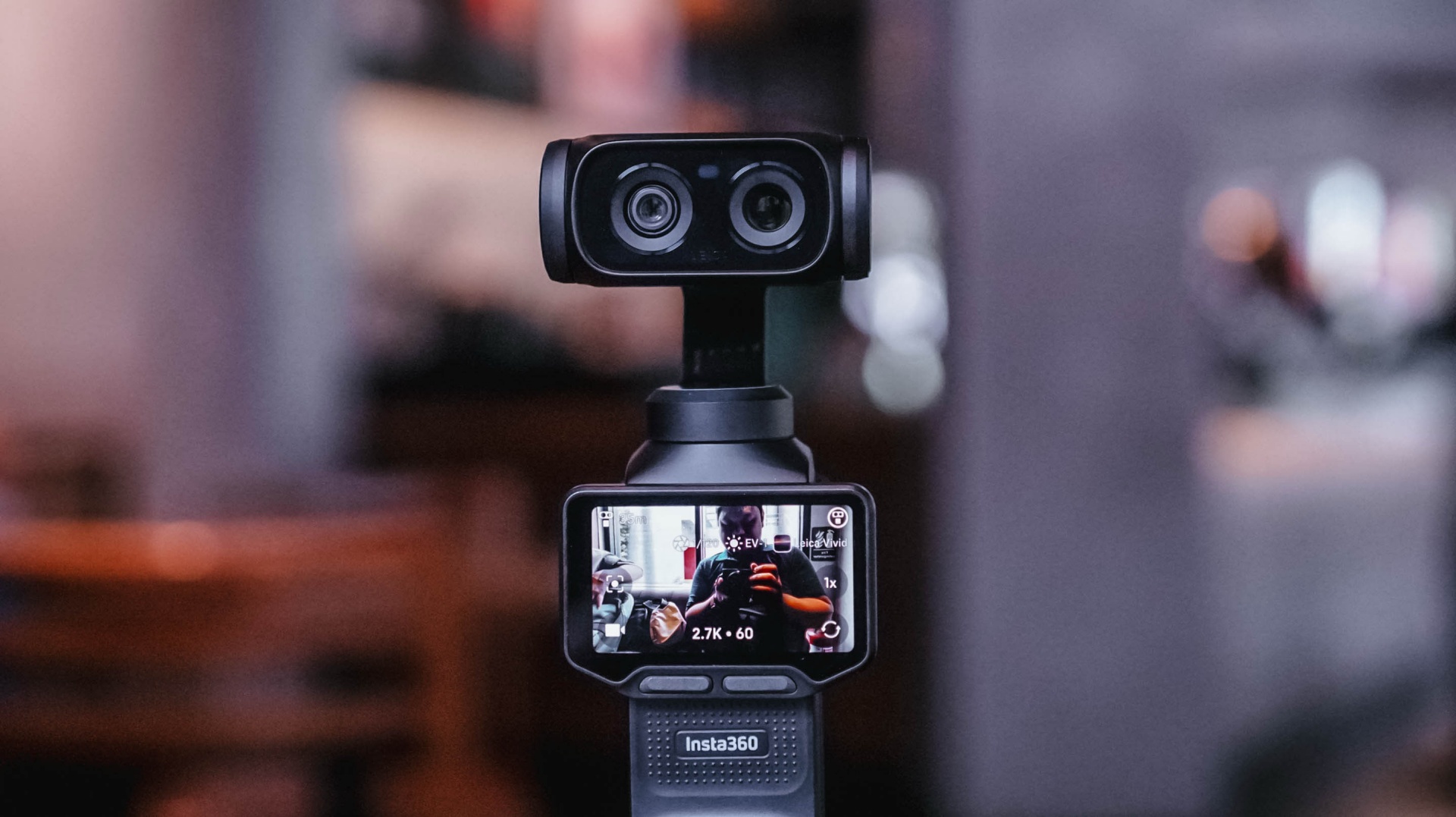
I’ve been using the Sony a6500 with a 35mm f/1.8 lens for the past six or seven years. There’s a certain level of comfort and familiarity that comes with using the same camera for that long. My workflow with it is automatic at this point.
That’s why it took some time for me to get comfortable with the Insta360 Luna Ultra.
I wasn’t familiar with using a gimbal camera. When I first started using the Luna Ultra, it felt awkward. I was also trying to figure out too many things at once.
But after several weeks of using it for different kinds of coverage, I’ve reached a point where I’m comfortable leaving my old reliable behind, especially when my priority is making Reels.
And it was my most recent overseas work trip to Shenzhen, China, where I finally realized that.
Finding my footing
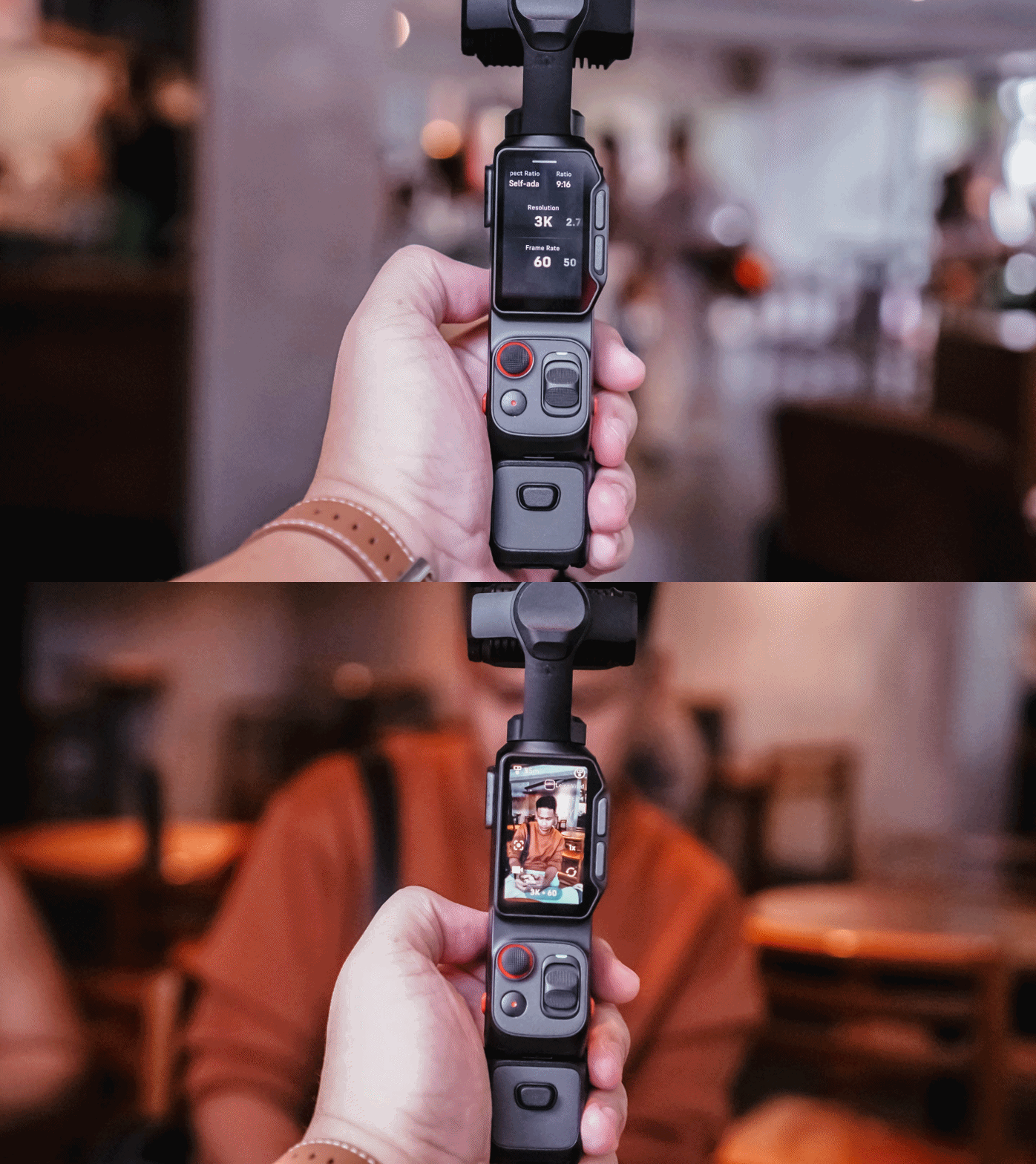
I brought the Insta360 Luna Ultra to three events almost immediately: Samsung Vision AI, the TCL A400 Art Launch, and an ROG event.
That first week was really experimental. I was trying out multiple features of the device for this review. I tried shooting horizontally because it seemed like that’s what the Luna Ultra was made for.
But my work over the past few years has focused heavily on vertical short-form video, so that contributed to the awkward feeling.
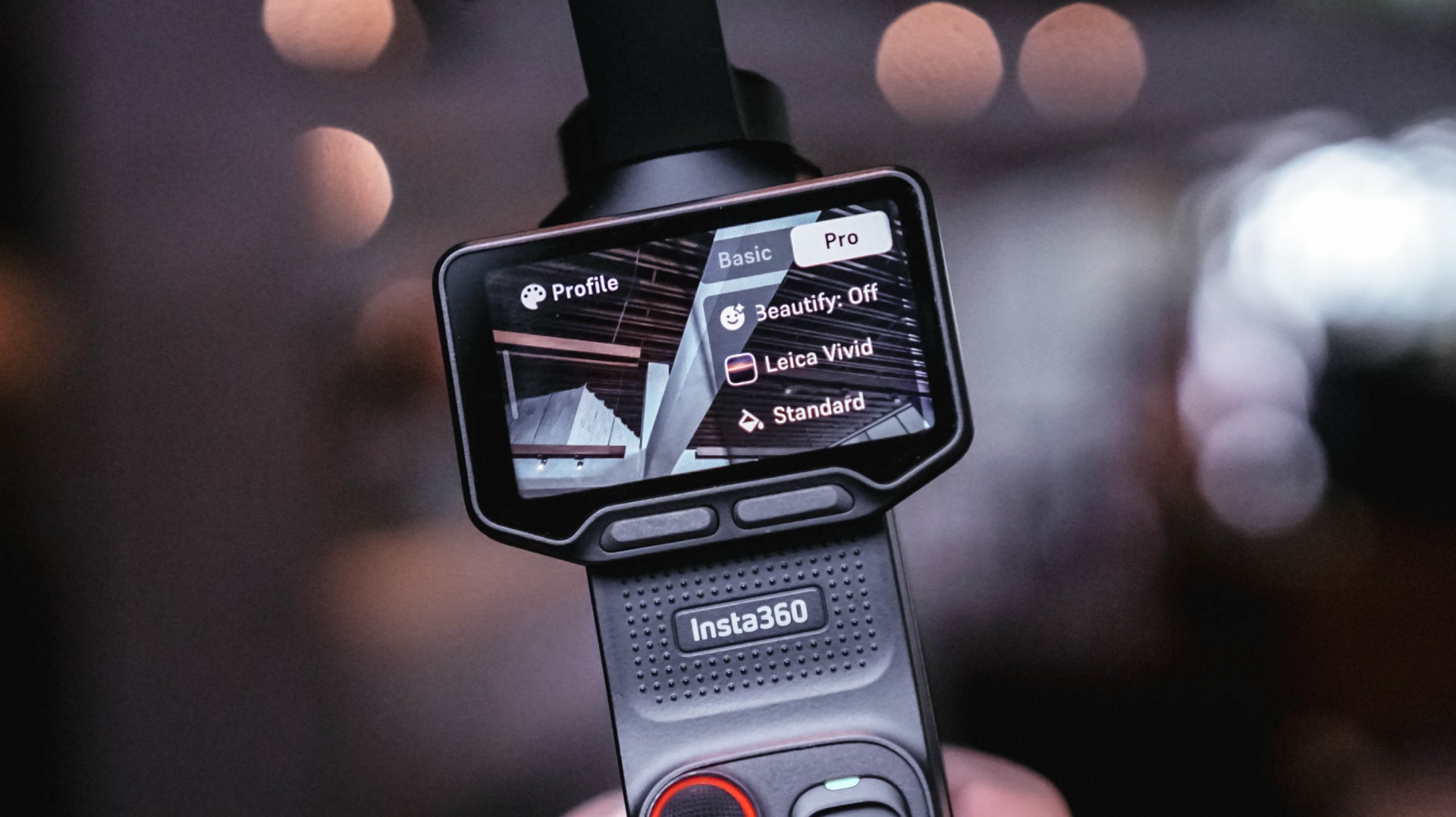
I also defaulted to PureVideo after a while because I tend to shoot in really not-well-lit locations. The colors look good as is, anyway.
I experimented with I-LOG, too. That taught me that it should probably be reserved for actual experimental outputs, rather than anything tied to a deadline. Our workflow is built for speed with quality, and I-LOG adds another step that isn’t always necessary for the kind of news-oriented Reels we make.
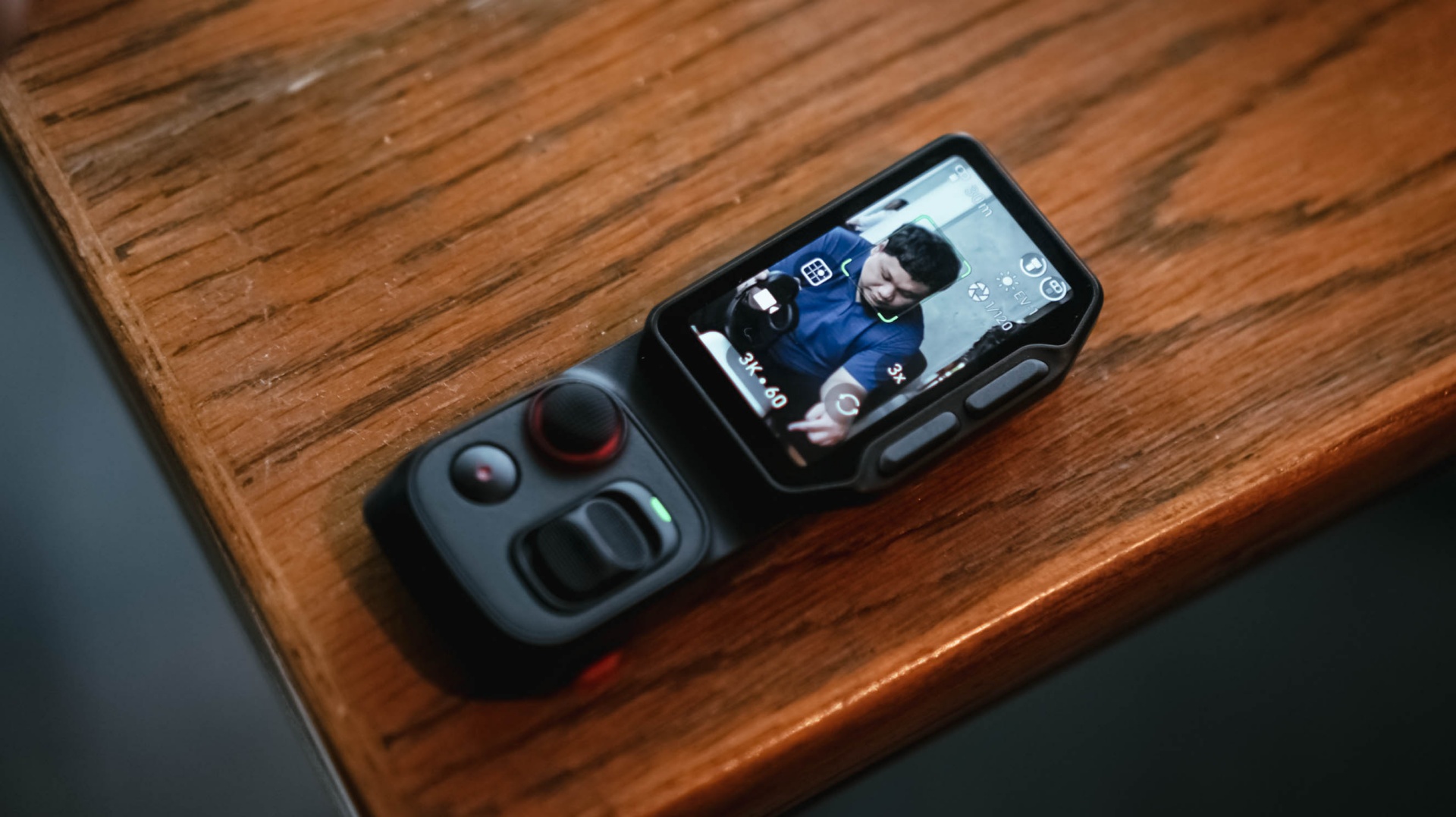
The detachable controller, meanwhile, was a godsend when I’m shooting by myself and want the Luna Ultra to be at a distance. I still had the preview and controls nearby, and that was extremely helpful.
The biggest thing I learned during that first week was that I was trying to speed-run through all of the features instead of figuring out which ones actually made sense for the Reels I needed to make.
It was only when I decided what I actually needed for each coverage that the Luna Ultra really clicked with me.
@gadgetmatchThe best way to test a creator camera? Use it while creating. We brought the Insta360 Luna Ultra to multiple media events to see how it handles real-world coverage. From low-light venues to fast-paced launches. Here’s what we learned so far. Full review coming soon. #Insta360 #LunaUltra♬ original sound – GadgetMatch
Getting more comfortable
Most of the learning curve came down to overall usage and figuring out how I could maximize the camera.
There’s still plenty that I don’t know about the Luna Ultra. There are camera tricks and shots that can certainly elevate some of my footage. But I’ve decided to lock in on how it’s useful to me during fast-paced coverage and slowly unlock its capabilities as I spend more time with it.
Getting reps with a device is the best way to become familiar and comfortable with it.
For now, I can say I’ve found my preferred base settings that cover most of my needs. The next goal is to slowly level up, learn its capabilities more, and figure out how I can apply them to the Reels I make.
That process continued outside of traditional tech events.
Putting it to work
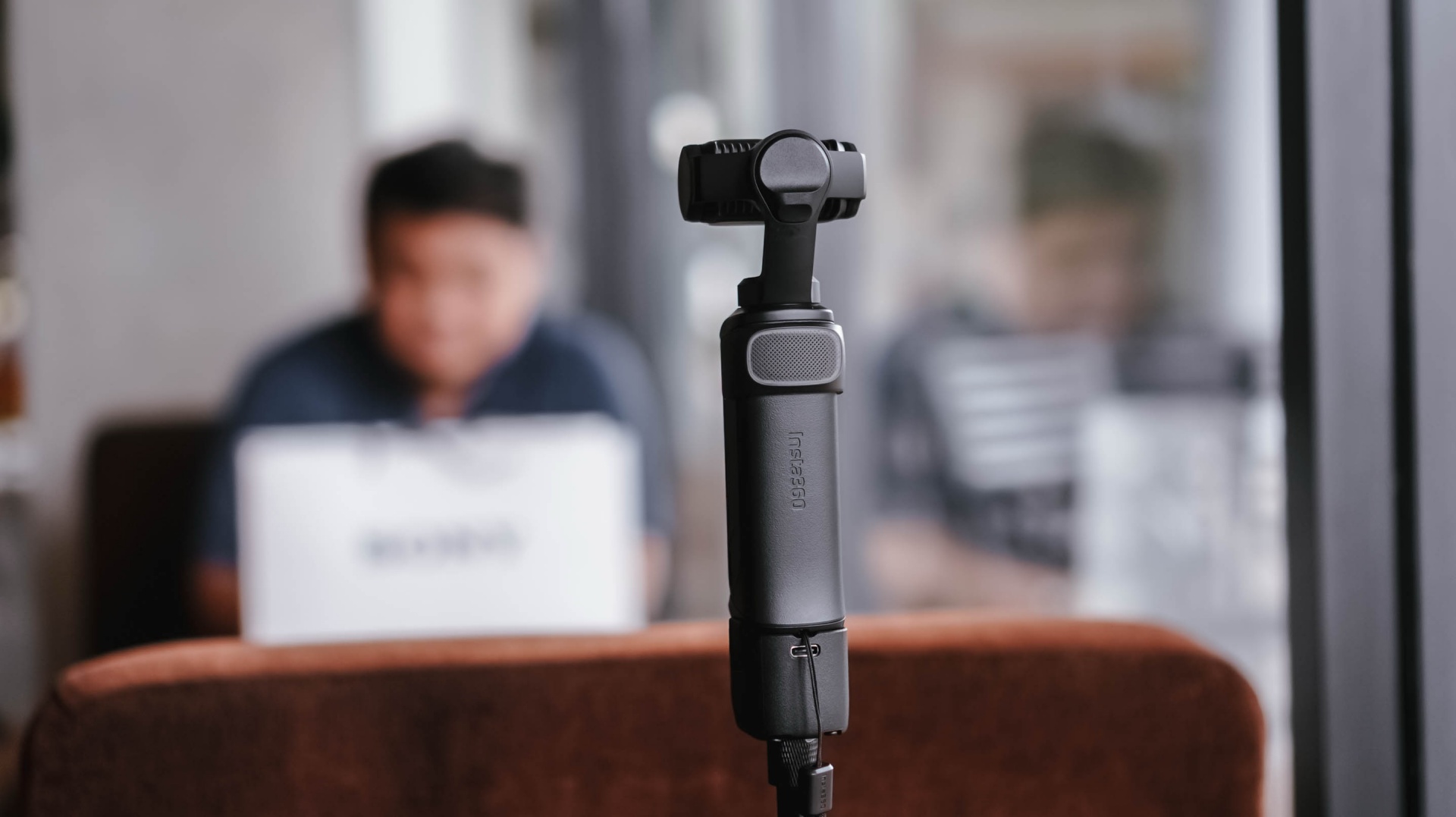
I brought the Insta360 Luna Ultra to a pottery session arranged by Shokz. It was a completely different kind of environment from the launches and media events I usually cover.
For the most part, I just set it up, pointed it at me, and let it roll.
My hands were busy, so I found myself wishing it had a way to automate certain capture features. Hands-free controls would be useful, for example. I’d also love an option to automatically record 30-second clips at a time for a set amount of time.
That would be useful when you’re shooting solo and doing an activity.
It was also around this time that I started figuring out some of the conditions necessary to get the bokeh effect I wanted.
@gadgetmatch Came for the pottery. Stayed for the vibes. 🏺 Featuring the Shokz OpenDots 2, because apparently good audio is required while discovering you have zero pottery skills. #PowerMacCenter @Power Mac Center @SHOKZ ♬ original sound – GadgetMatch
While unboxing the Shokz OpenDots 2 right before the pottery session, I got a sense of the distance needed when using 1x zoom to get that bokeh effect. Not long after, I also figured out the conditions necessary to get that effect with 3x zoom.
That was crucial for the mostly product-focused stuff that I shoot.
The more I used the Luna Ultra, the more I started understanding not just what it could do, but what I could realistically ask it to do during my work.
Then came the real test.
Shenzhen was the turning point
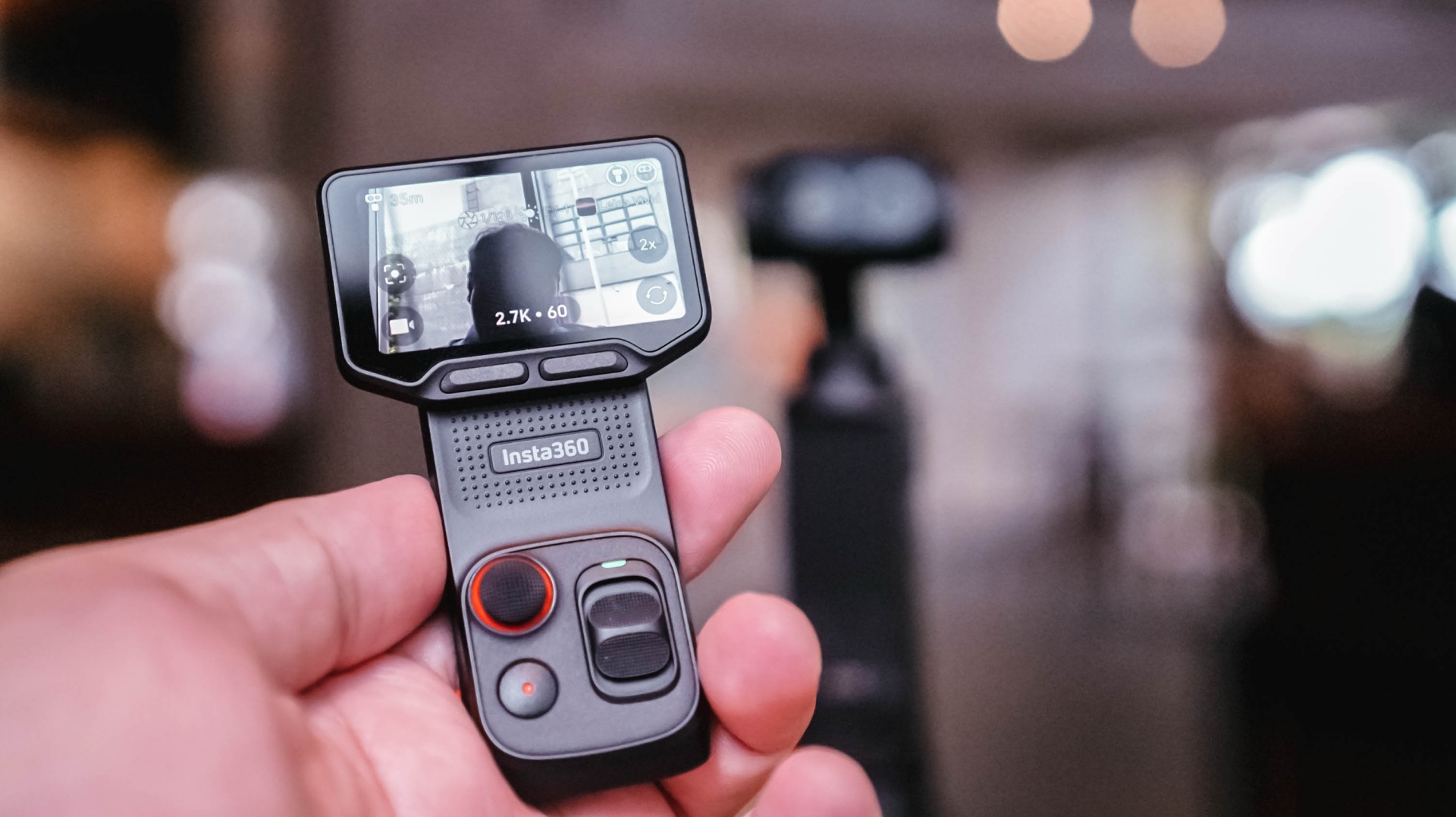
When I went to Shenzhen, China, to cover the launch of the HONOR Robot Phone, I didn’t have my old reliables as a crutch.
It was a make-it-or-break-it situation.
I needed to get as many product shots as possible. I had to show the design of the phone, its mechanical gimbal camera, and what it was like to shoot with it.
And the Luna Ultra was very capable.
The real issue was my unfamiliarity with it.
Once I figured out the settings I needed and narrowed down the shots I had to take, everything flowed rather smoothly.
@gadgetmatch HONOR Robot Phone 🤖📱 ✅ 4DoF mechanical gimbal ✅ 200MP Agile Gimbal Main Camera ✅ 200MP periscope telephoto camera ✅10-bit ARRI LogC3 recording ✅ 50MP ultra-wide camera ✅ Snapdragon 8 Elite Gen 5 Mobile Platform ✅ 7,060mAh silicon-carbon battery #HONORRobotPhone @honorglobal ♬ original sound – GadgetMatch
Some of it still felt unnatural because I’m used to using my camera for both photo and video. This time, I focused on shooting video with the Luna Ultra and used a flagship smartphone for the photos.
That whole setup still needs refinement, but I feel like I found a workflow I can lean on.
Most importantly, I got all the shots I needed.
Any challenges I faced were mostly due to the shooting environment and my own general familiarity with the Luna Ultra. As for the tool itself, it was fantastic.
The moment that really solidified this for me was when I started reviewing the footage and saw that many of the shots came out better than I expected.
That’s when I realized I could actually use this as my coverage camera.
View this post on Instagram
A different kind of coverage camera
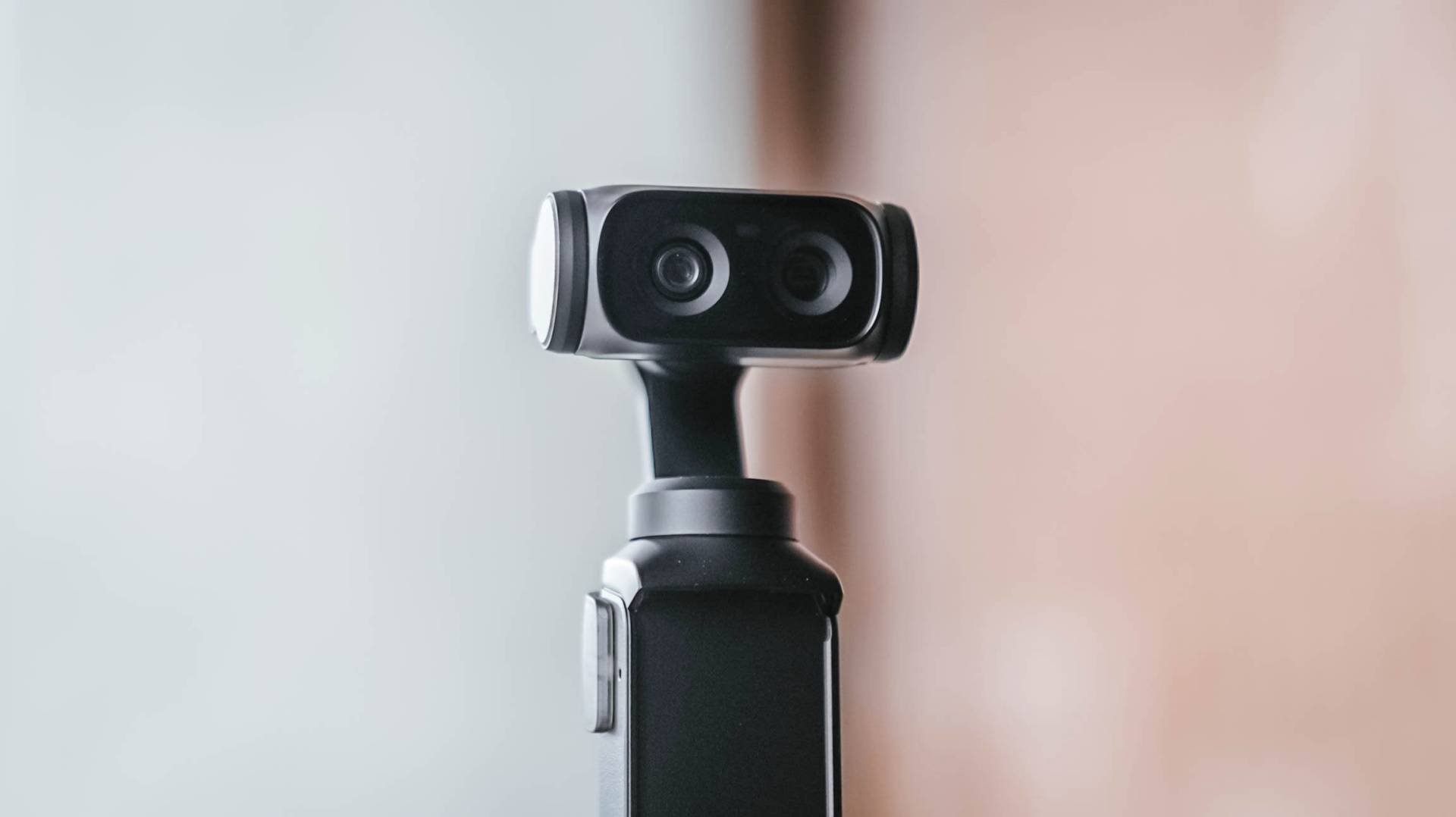
My usual event workflow is pretty straightforward. I secure the device, then get as much footage of it as possible from different angles, show different use cases, and capture its features as quickly as I can.
The Luna Ultra fit into that workflow better than I expected.
For one, I can include myself in the frame while still being able to preview what I’m shooting. That’s something I couldn’t easily do with my old reliable setup.
It’s also much lighter and thinner, making it easy to position in ways I couldn’t with my old setup.
I think the video quality is overall better than the smartphones I use, too. The bokeh I get is also natural.
That doesn’t mean my Sony a6500 is suddenly obsolete.
I think dedicated mirrorless cameras, paired with the right lenses, just have a certain look to them that I generally prefer. I’d definitely still reach for the a6500 for photos and shoots where I have a team with me.

But for solo coverage, my go-to video gear will now be the Luna Ultra.
That’s the biggest change for me.
The Luna Ultra didn’t necessarily change what I consider worth shooting at an event. That’s still a case-by-case thing.
Instead, it enabled me to shoot better even when I’m on my own, which honestly isn’t always the case.
There’s still room to grow
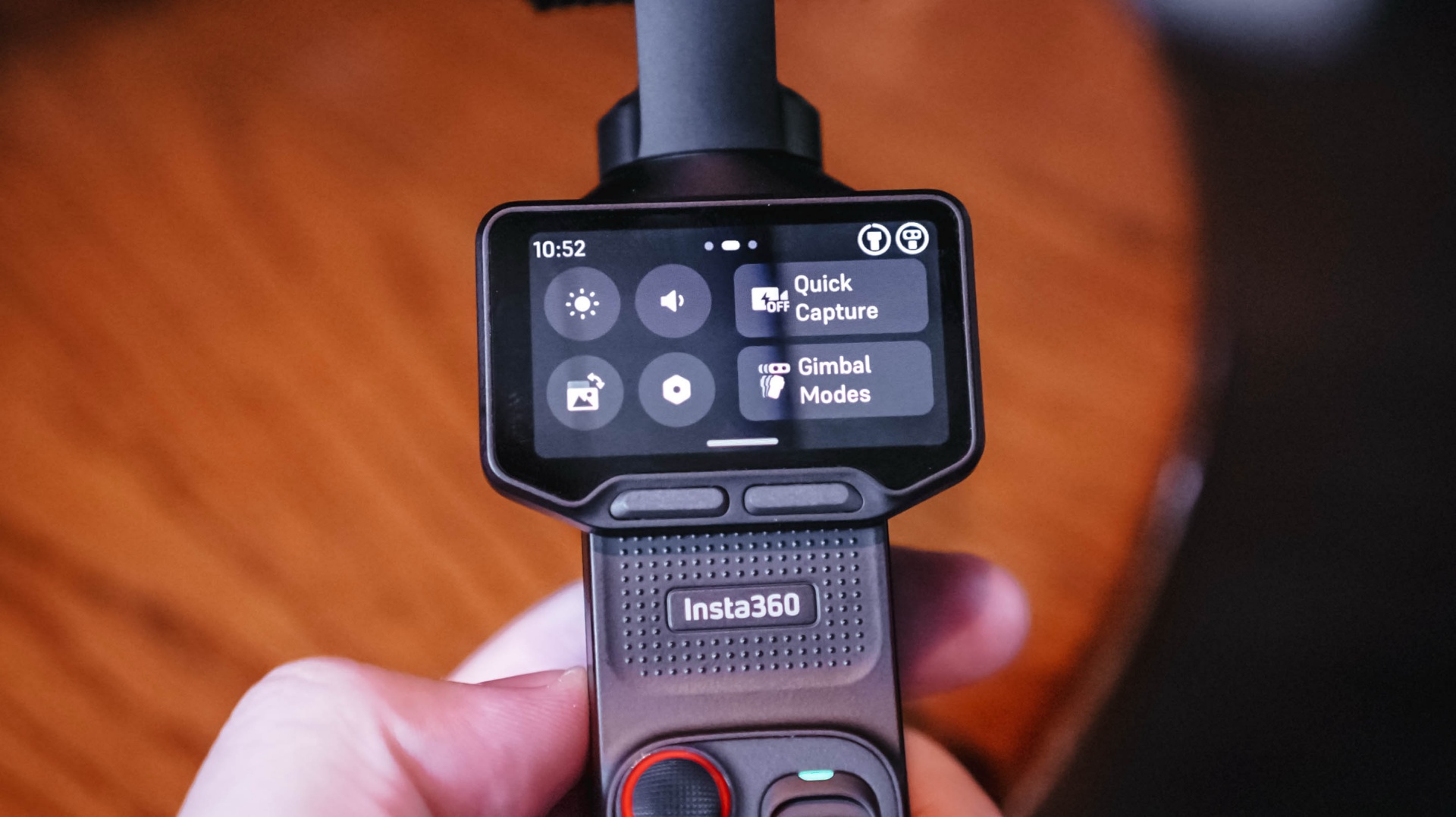
I don’t think I’ve come close to unlocking everything the Luna Ultra can do.
I-LOG is one obvious example. But that feels like something for a different type of project rather than the generally news-type Reels we do.
Our workflow is built for speed with quality, and the Luna Ultra, even when using its basic settings, fulfills that.
I definitely want to try more experimental shots, more shots with movement, and the like. I just haven’t found the right opportunity for them yet.
There are also some things I’d like to see improved.
As mentioned earlier, hands-free and preset shooting automations could help, especially for solo creators. That could make it easier to capture activities without having to comb through too much footage with enormous file sizes.
I also wish it had some form of open-gate recording. That would give the footage more versatility and make it easier to use the same footage for multiple aspect ratios.
And while the Luna Ultra is now my preferred tool for solo video coverage, I’d still choose the a6500 for photography or when I have another team member shooting with me.
Is the Insta630 Luna Ultra your GadgetMatch?
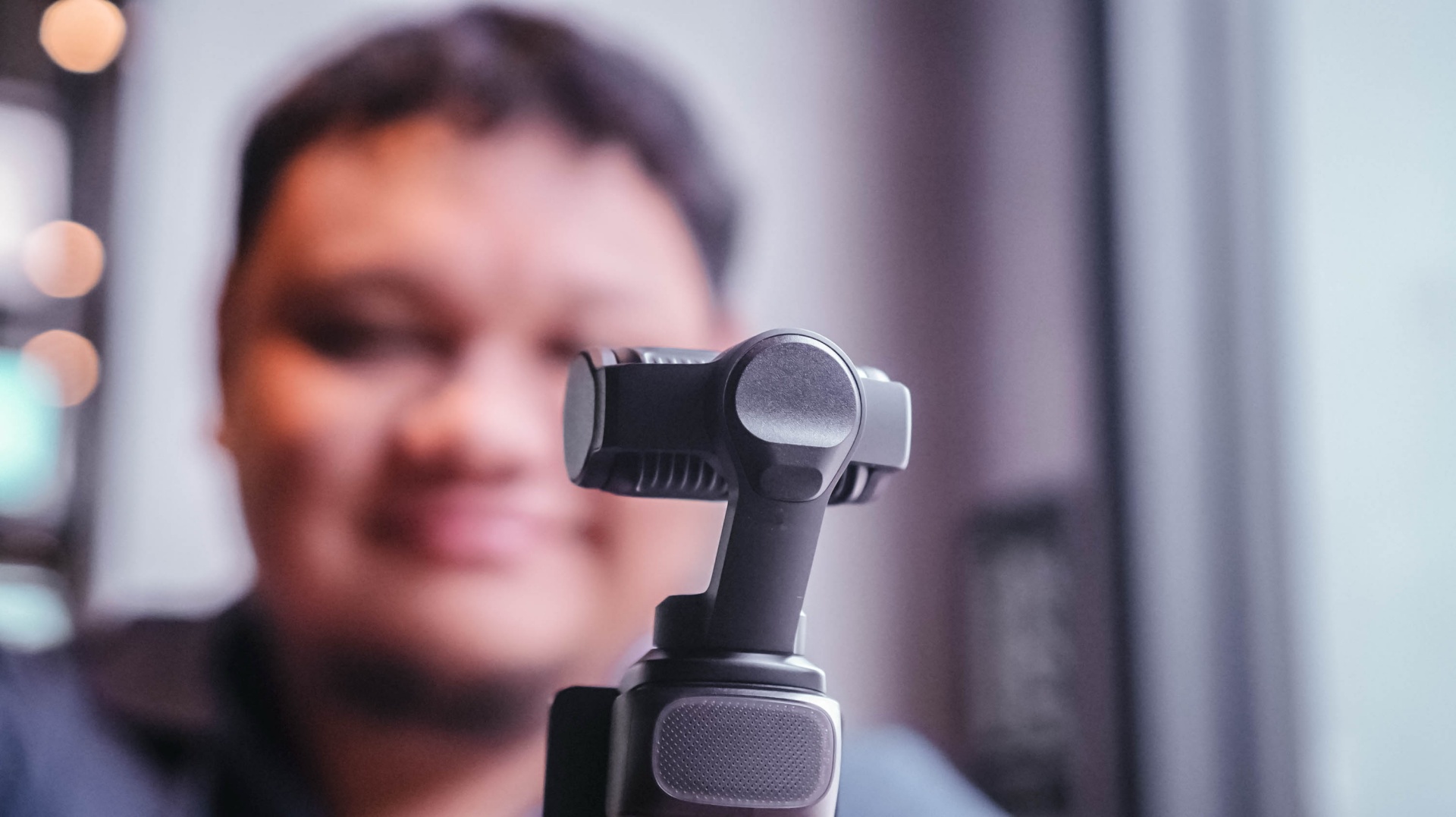
For anyone looking for a dedicated video-taking tool.
Content creation focused on video has skyrocketed. If you’re part of that movement, the Insta360 Luna Ultra is certainly a good investment to add a little extra to your videos.
It’s fairly easy to use, but it also supports deeper features that can elevate your footage and your content.
I think you should consider the Luna Ultra if you want to upgrade from shooting primarily with a smartphone, or if you want a video-shooting device that’s much easier and lighter to carry around than most traditional mirrorless cameras.
For me, the answer is a little more specific.
It’ll be my go-to now, especially for solo coverage trips.
If you asked me to leave just one camera at home tomorrow, though? Oof. Just one?
Maybe still the a6500. It’s hard to break a habit.
But the Luna Ultra is a very close second.
Still discovering what’s possible
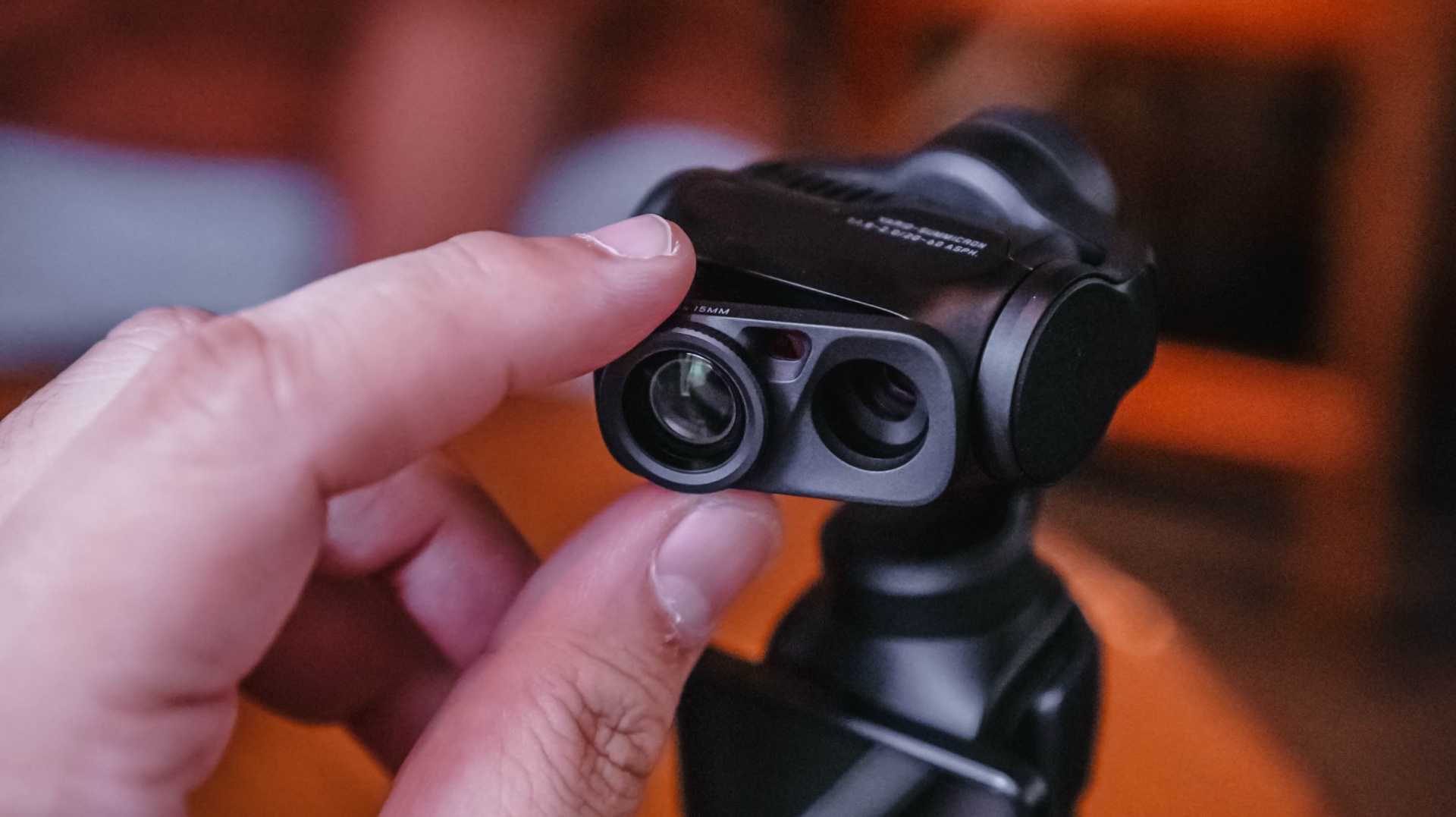
After using the Luna Ultra for all of this, I think it’s opened up new possibilities for the way I personally handle solo shoots.
It’s unlocked certain shots for me, and I haven’t even used it to its full potential.
That’s what excites me most.
I already found a workflow that suits the way I cover events. I already know I can leave my old reliable behind when the priority is video.
Now I want to see what happens when I actually learn everything else the Luna Ultra can do.
Pricing and availability
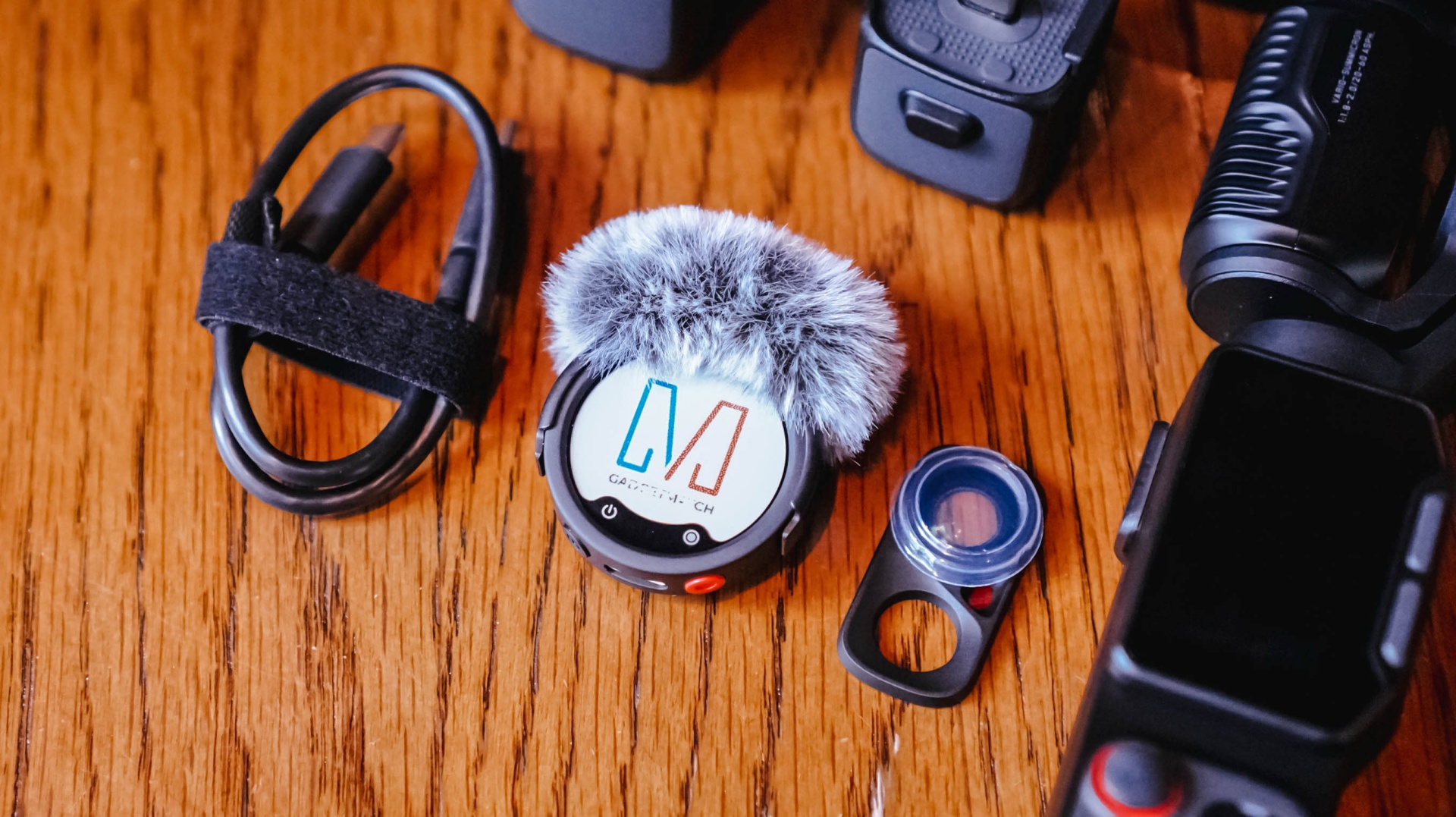
The Creator Bundle comes with the Insta360 Mic Pro which is great but I haven’t had the chance to use all that much because I am not a yapper on video.
The Insta360 Luna Ultra starts at US$799 (₱46,790) for the Standard Bundle, while the Creator Bundle retails for US$999 (₱59,490). It is available now through Insta360’s official channels and authorized retailers.
With lesser options around, choosing your next best tablet shouldn’t be as daunting as buying a shiny new smartphone.
However, that seems like a misconception. Buying the right budget tablet that matches your needs is still, and will always be, a hard task.
But, the presence and existence of the all-new TECNO MEGAPAD 2 might just persuade and prove you otherwise.
Luring allure
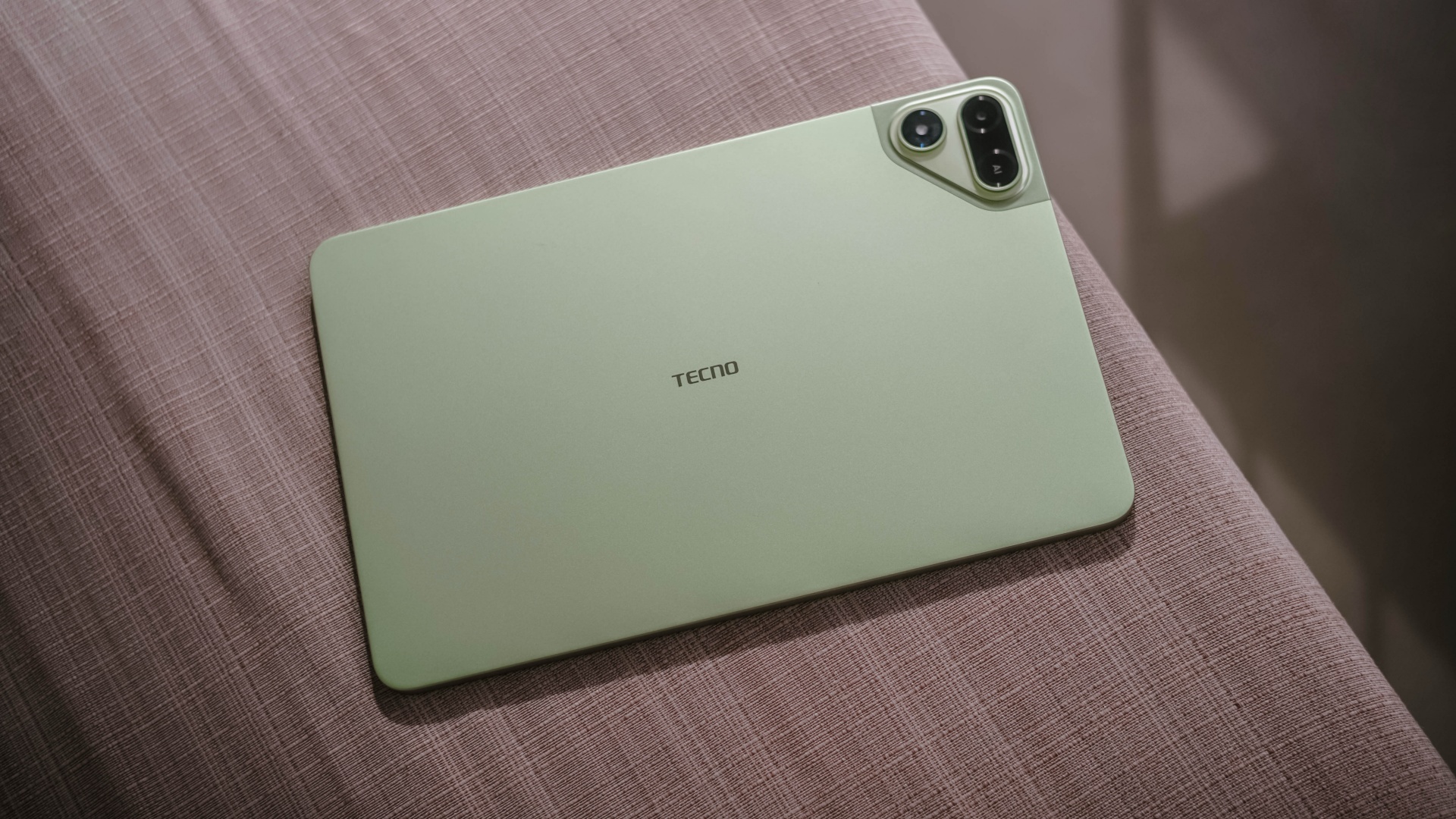
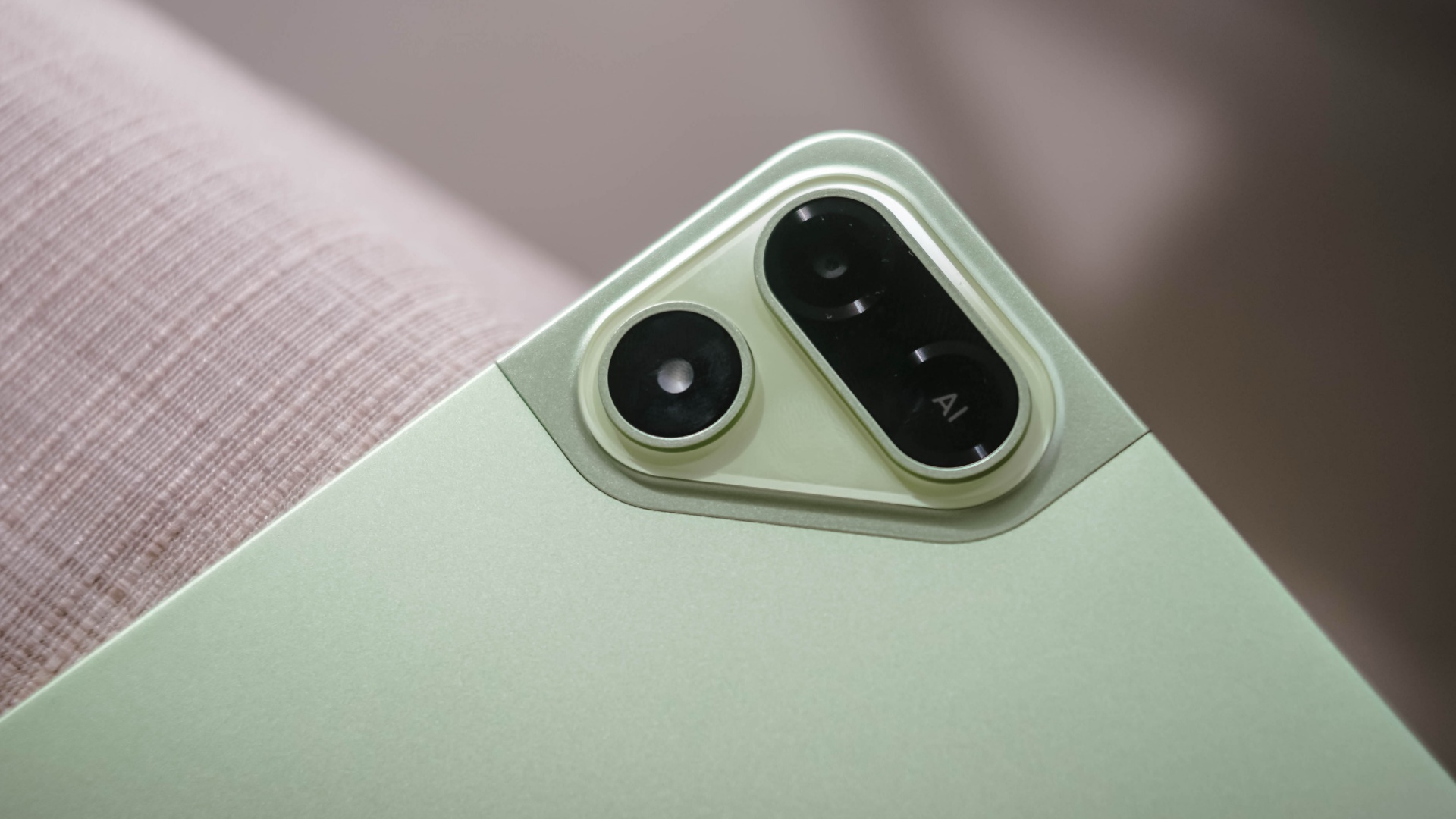
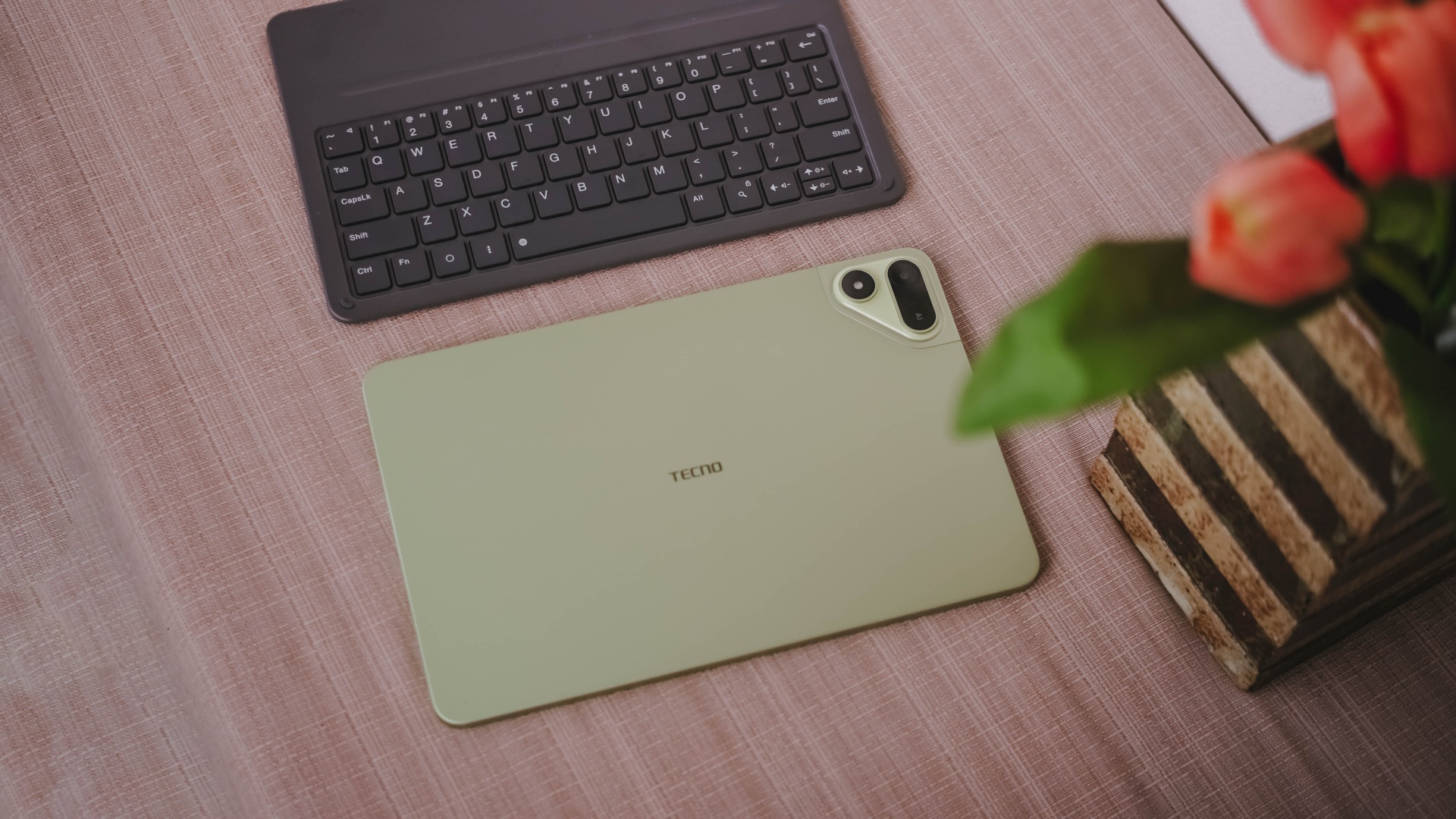
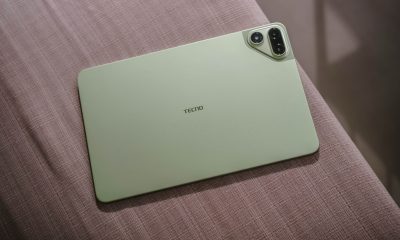
The TECNO MEGAPAD 2 review unit I rock comes in this Light Green colorway.
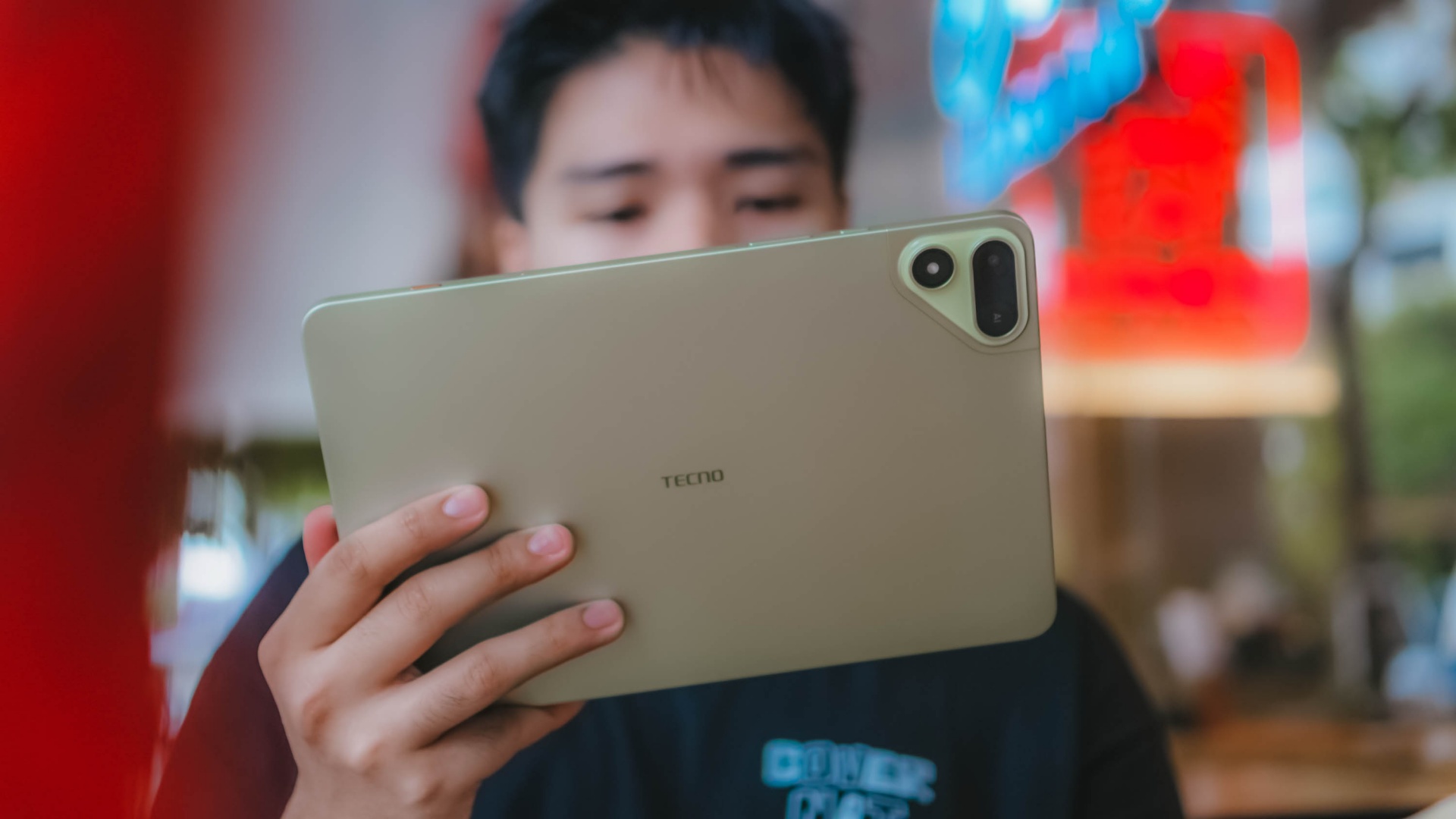
Personally, I prefer this a whole lot better over the overhyped Cosmic Orange hue or the plain ol’ Space Grey shade.
Now, despite the category it belongs to, TECNO’s MEGAPAD 2 is surprisingly built premium.
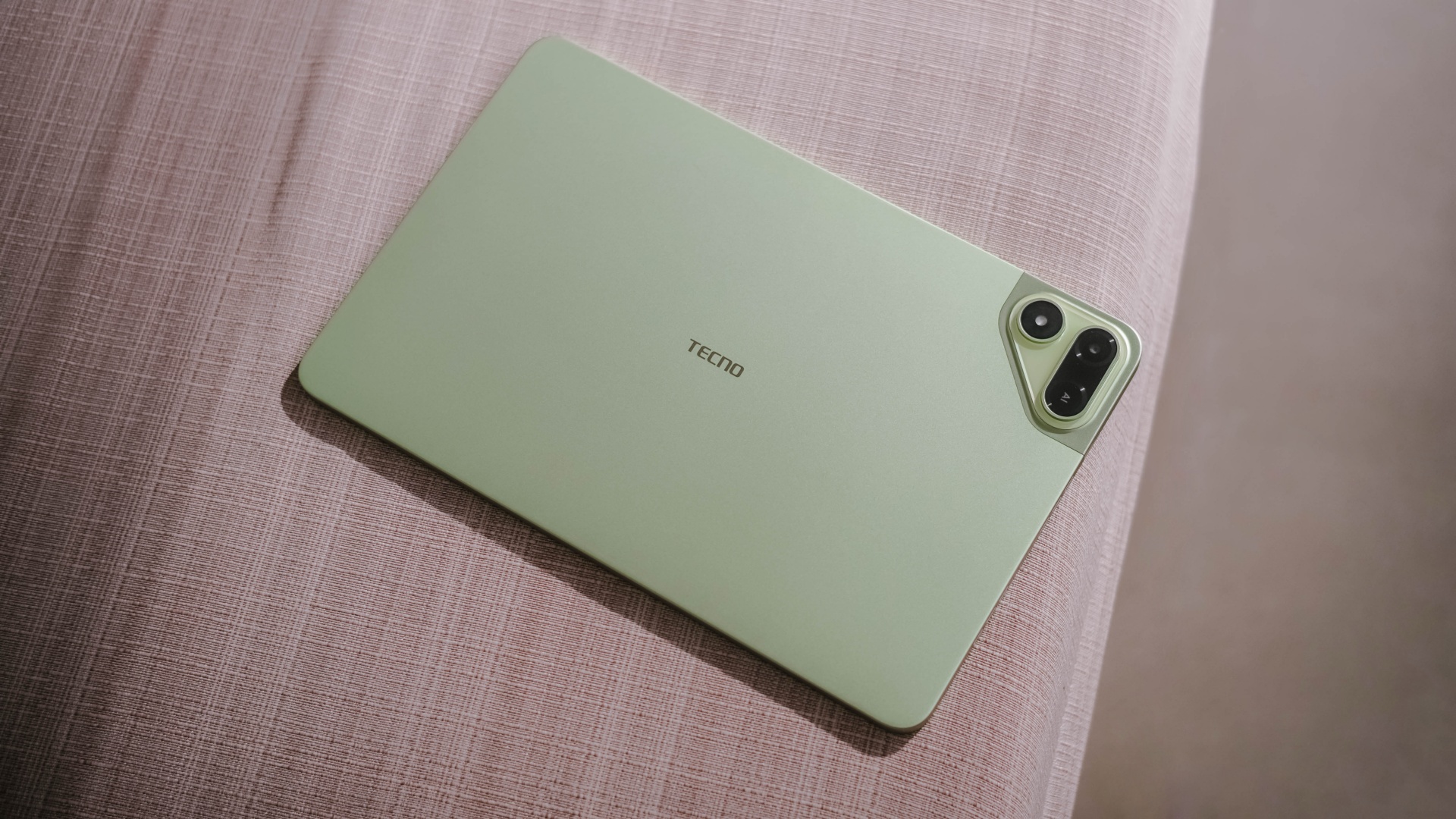
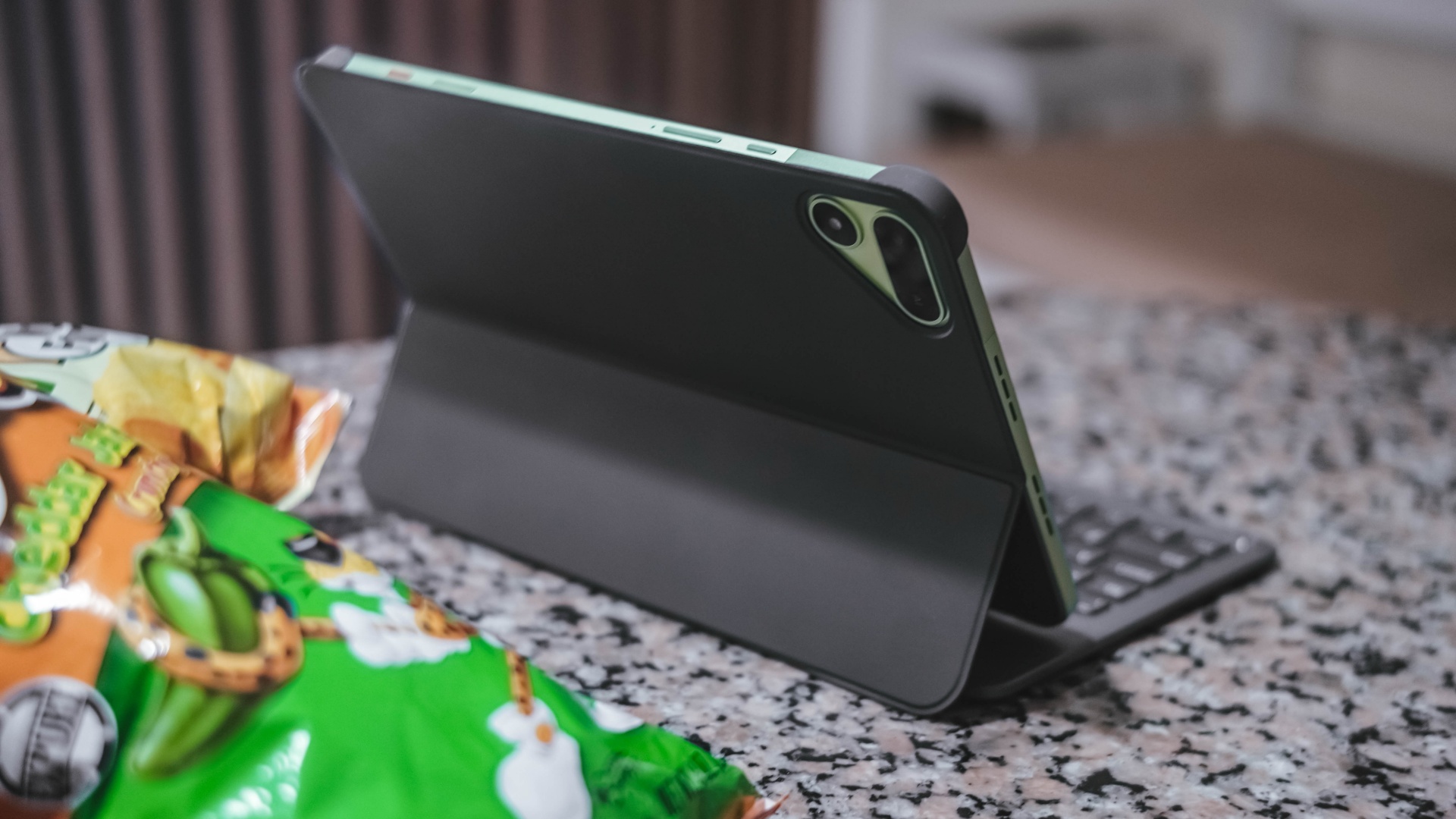
As opposed to icky plasticky budget tablets (or a mix of metal and plastic), this pad features a full metal build — buttons included.
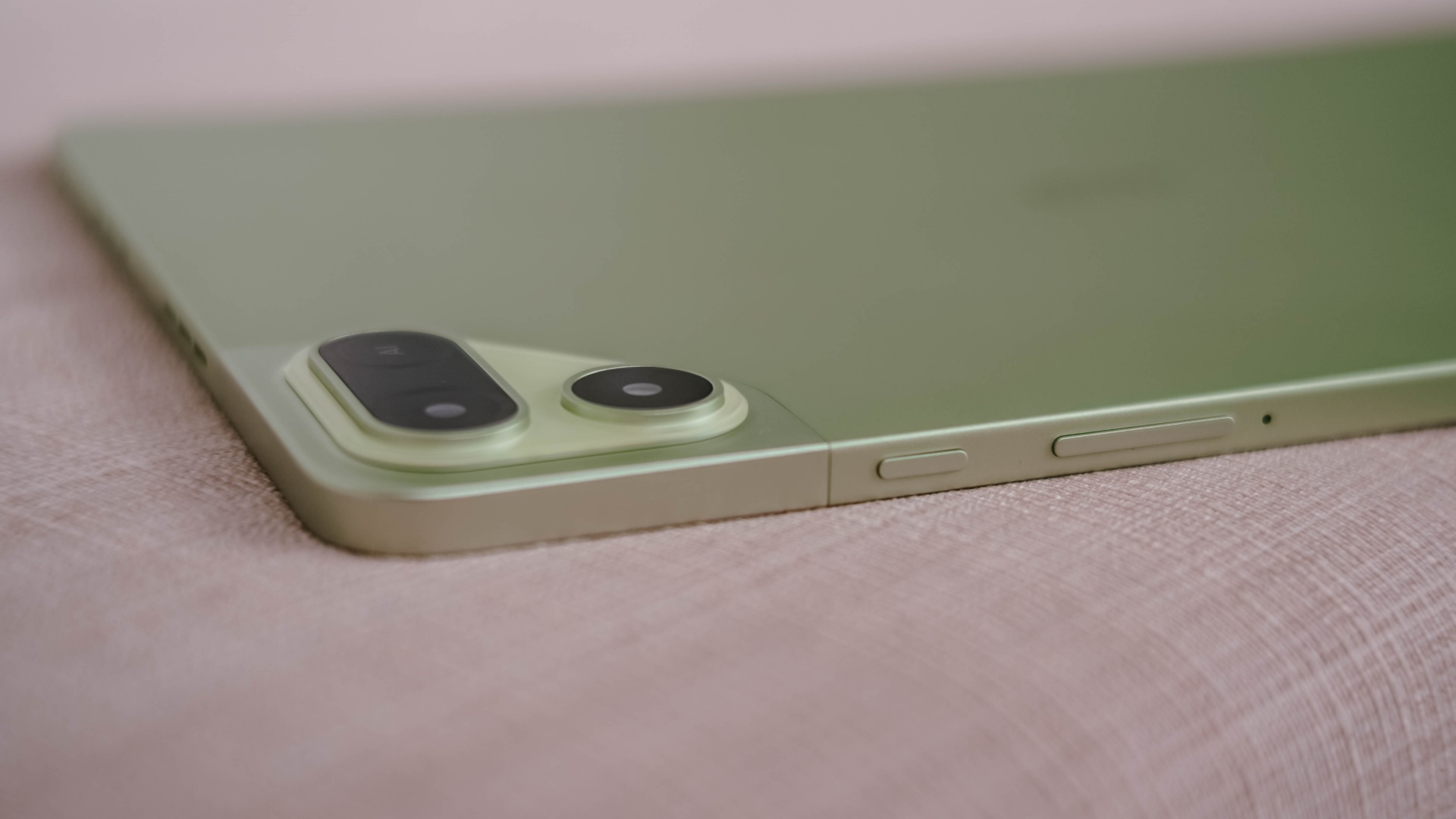
And now that it’s mentioned, the trim is oh-so-slim at just 6.6mm — which is one of (if not) the slimmest in its class so far. Most tablets measure close to or beyond 7mm.
Whether you use it one-handed (or two), holding it won’t be too sore with its heft of 547 grams.
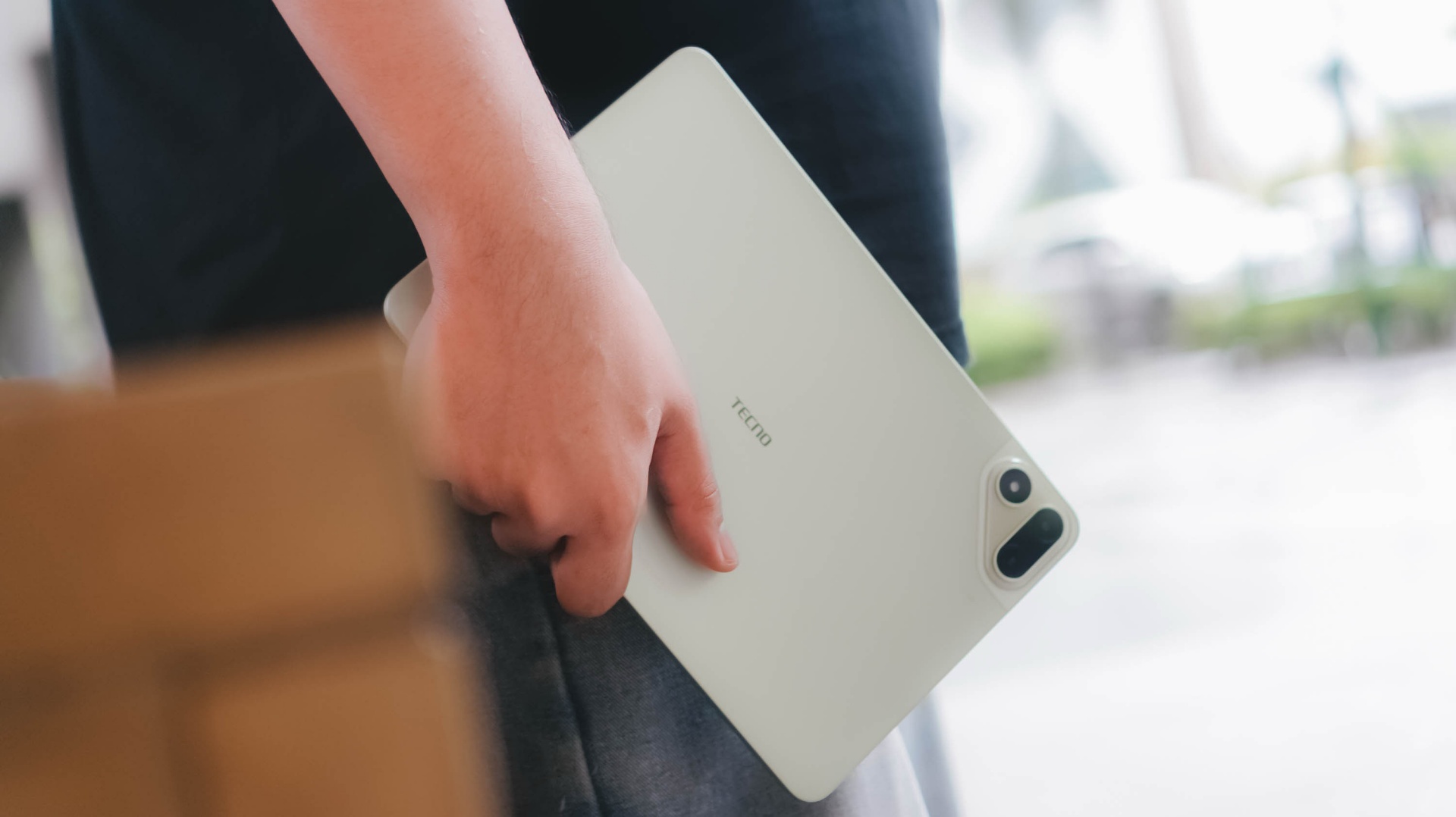
And with the given material, it feels solid enough when held without the budget feel.
Its size is the prize
Unlike usual 10- or 12-inch tablets, the TECNO MEGAPAD 2 features the sweeter screen spot.
On paper, it’s an 11-inch 90Hz LCD display with a 2.5K display resolution. This makes it sharper than other Full HD+ tablet displays in the market today.
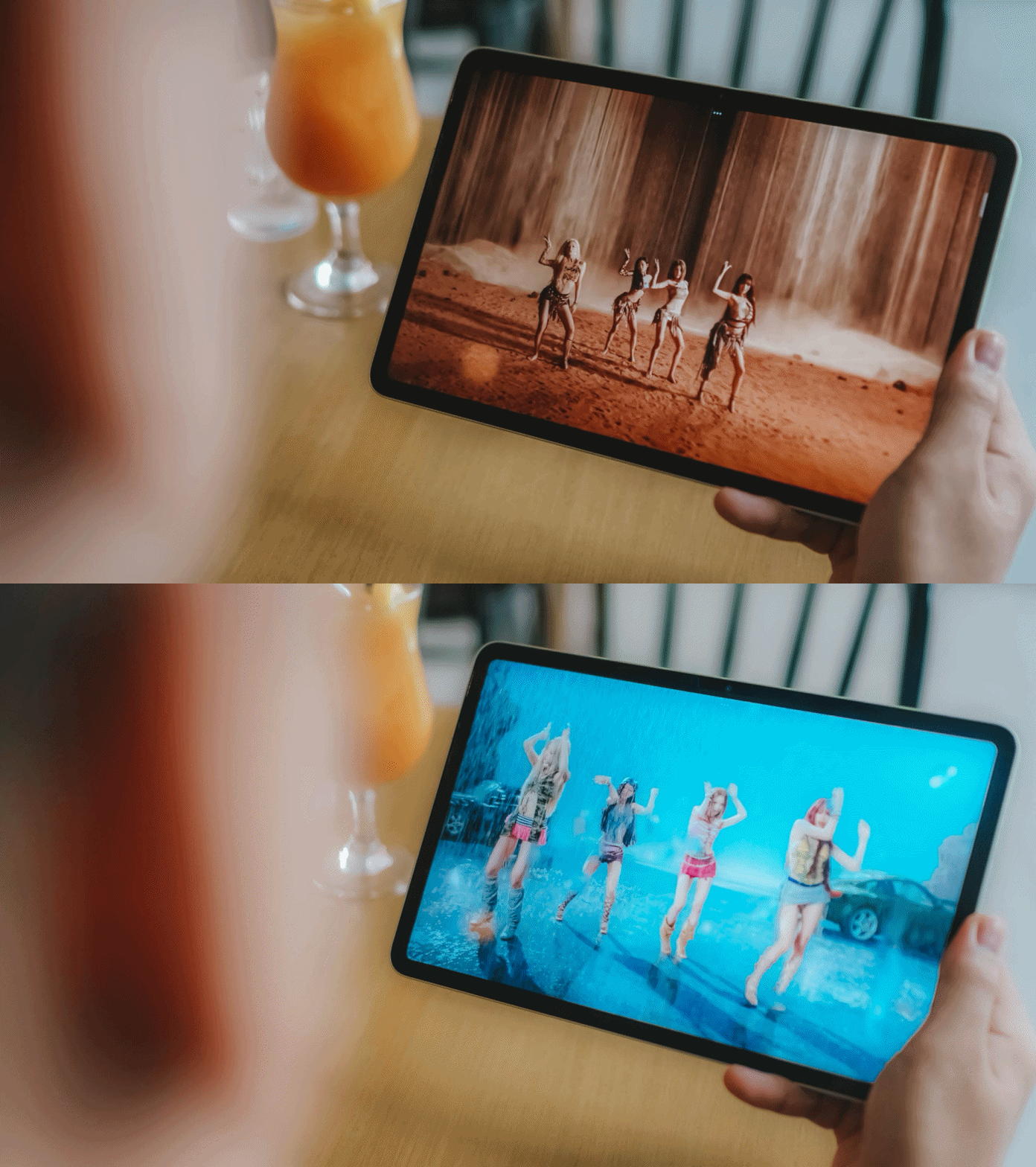
Of course, the main purpose of a tablet’s existence is none other than its visual immersiveness.
Admittedly, I enjoyed binge-watching Netflix’s Spooky In Love — which is starred by the very versatile Park Eun-bin together with the uprising actor, Yang Se-jong.

They both perfectly define what TECNO and the MEGAPAD 2 are in a nutshell: an uprising brand that offers a versatile tablet in both features and price range.
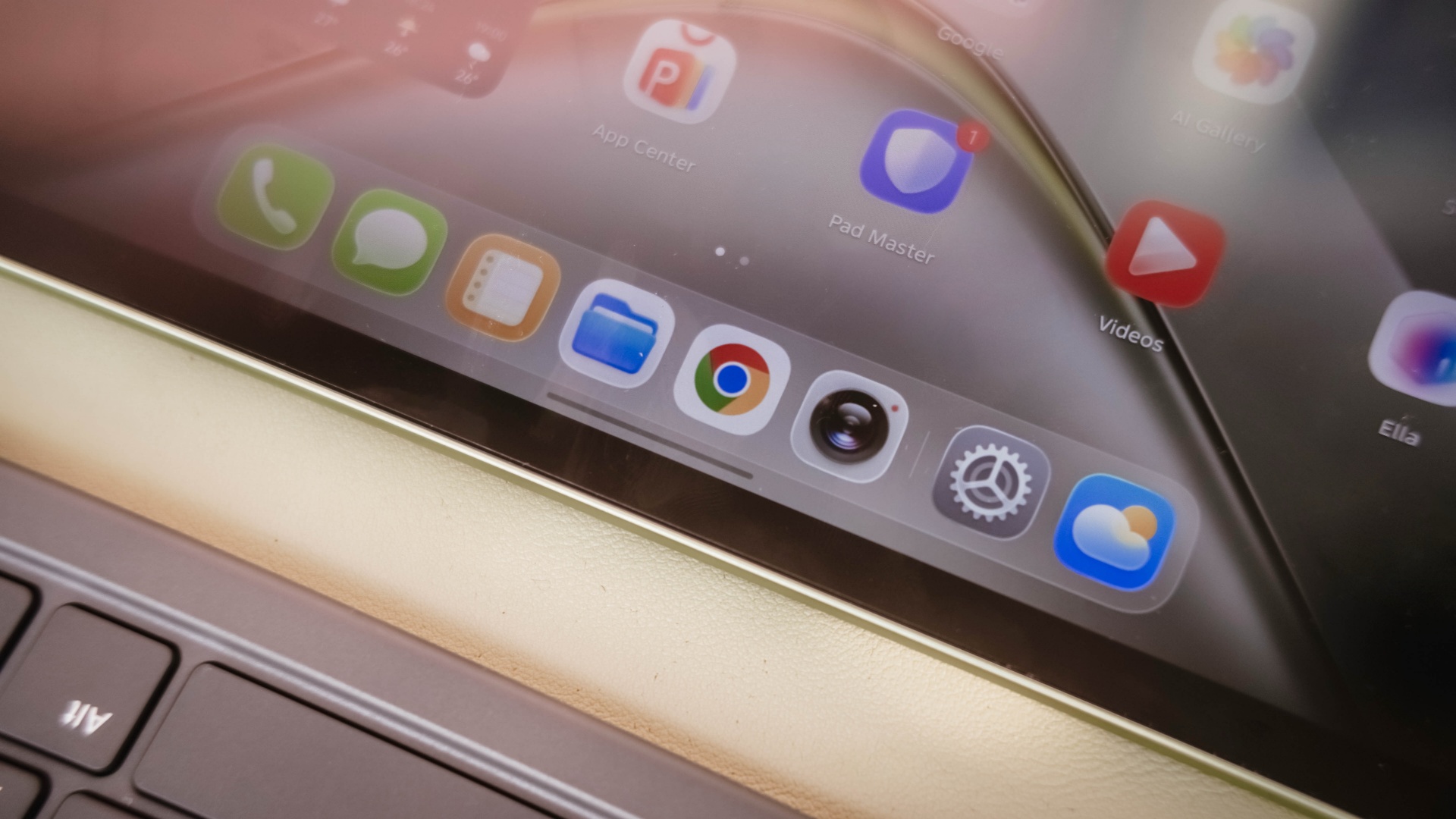
Color accuracy looks settling enough with colors that truly pop. Display bezels are surprisingly narrow too.
However, under harsh sunlight, that 550 nits of maximum brightness simply won’t make the cut. The panel is just too glossy and reflective for it to not to be mentioned.
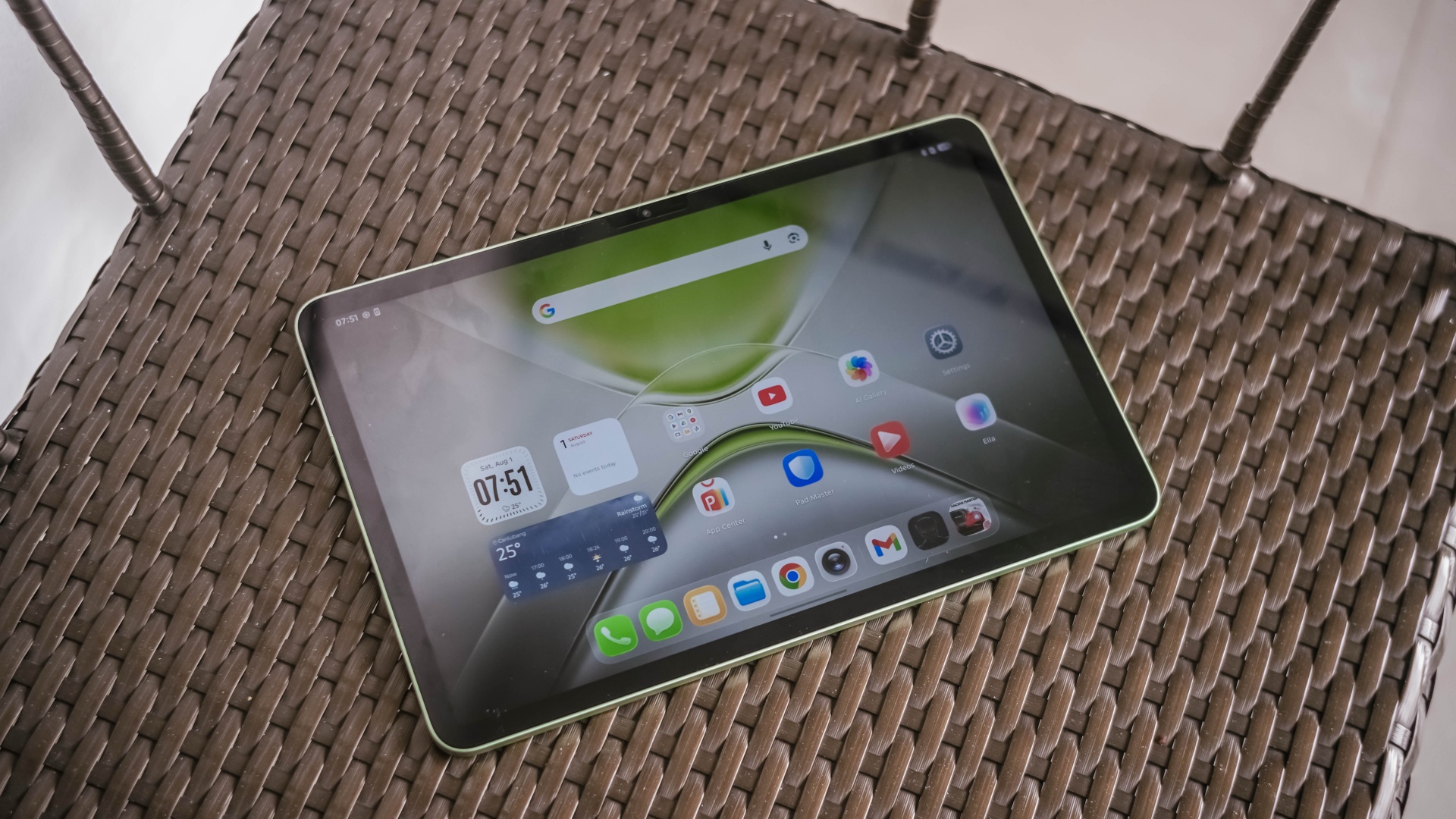
The MEGAPAD 2 also boasts quad speakers powered by DTS. It’s a complete delight to make this tablet a portable music player.
On my queue are none other than Young K’s jampacked ‘YOUNGEST’ full-feature album consisting of 15 tracks.
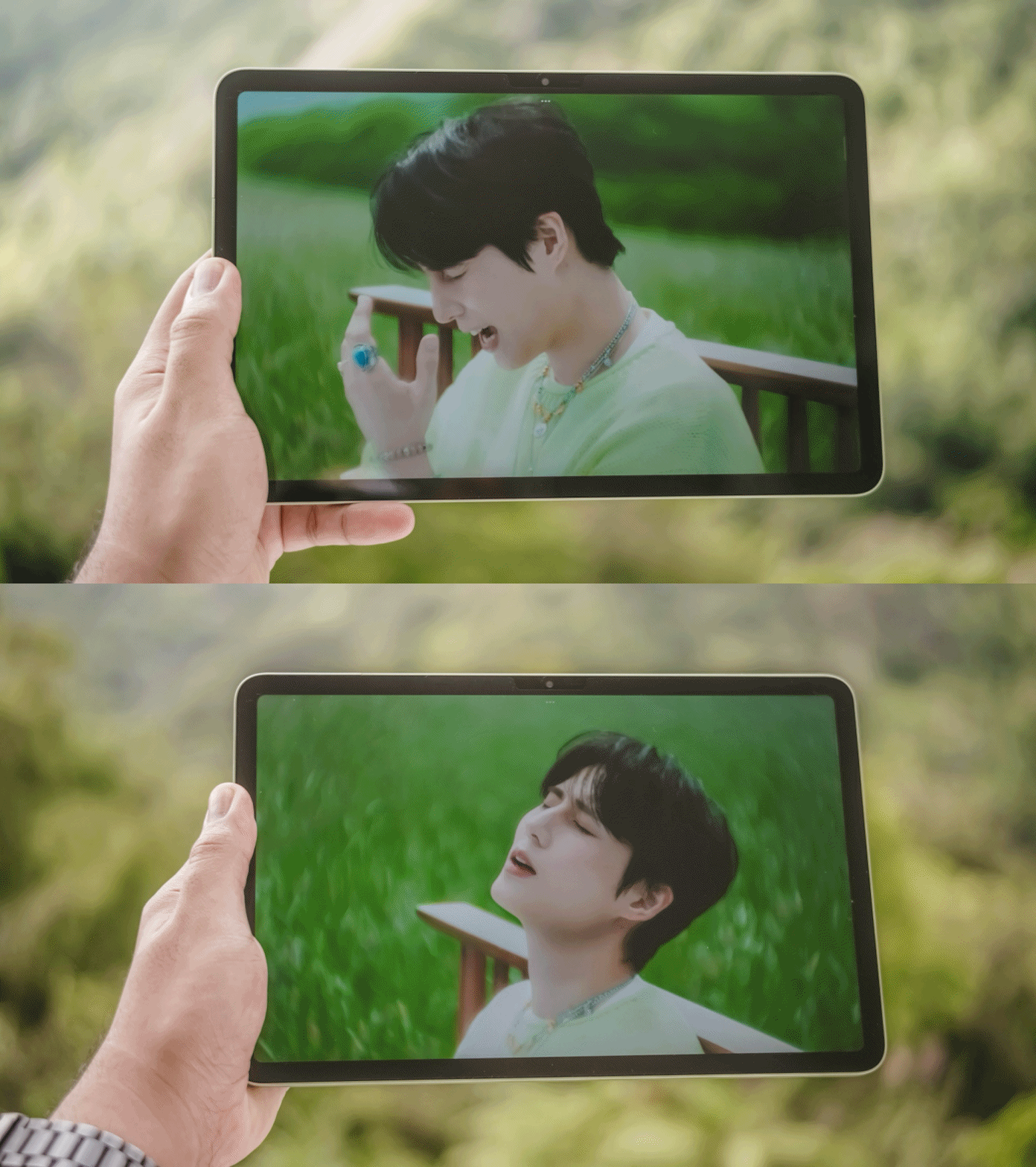
That goes together with summer-studded comeback tracks featuring KISS OF LIFE’s ‘SWEAT’.

Let’s not forget fromis_9’s long overdue full album after three long years starred by ‘Vitamin ME’.

Although this isn’t the best-sounding in any tablet I’ve tried as it doesn’t have such thumps and oomphs. However, loudness is more than enough to fill the void of my room — reaching all the way to the nearby living room and bathroom.
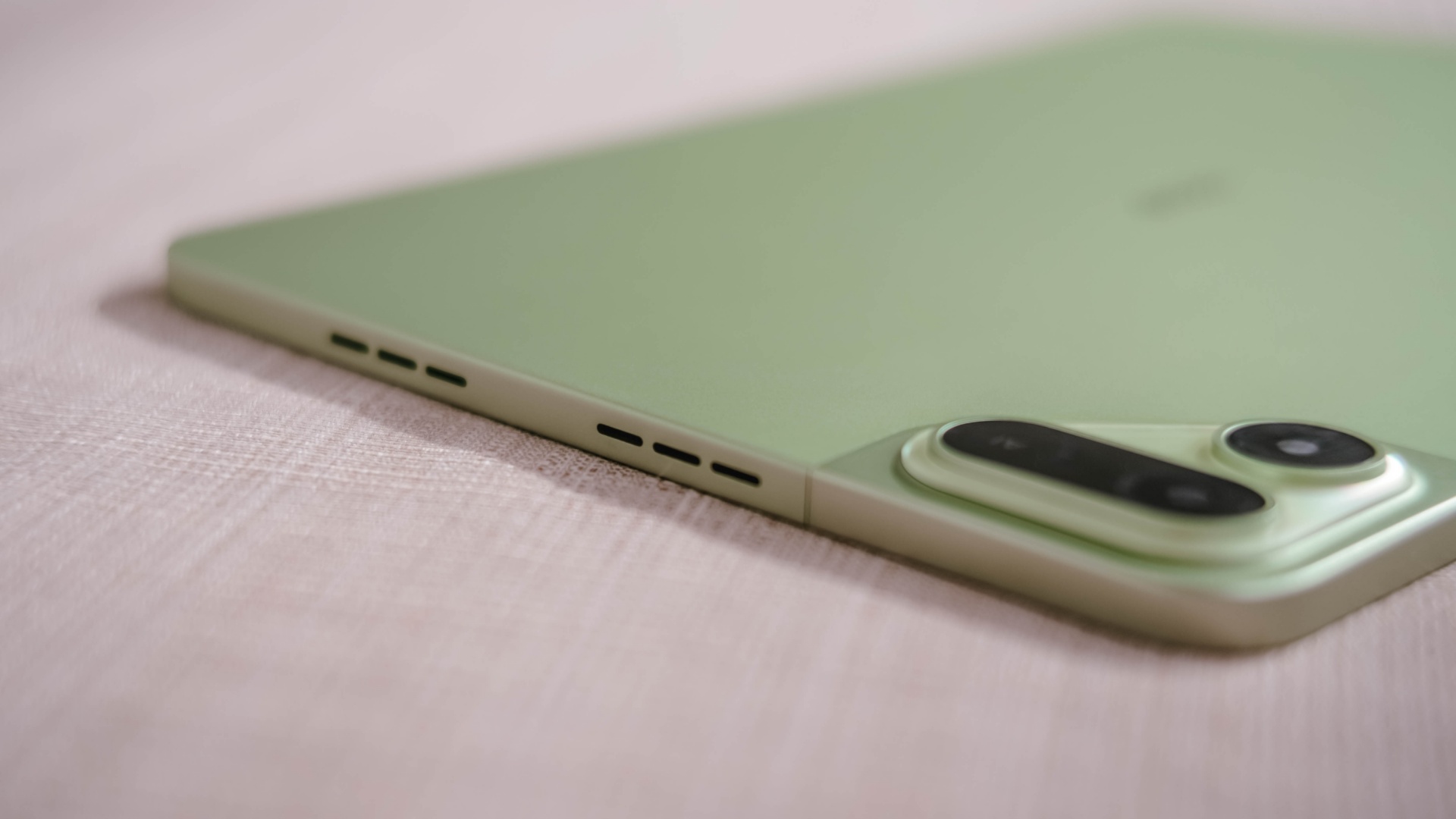
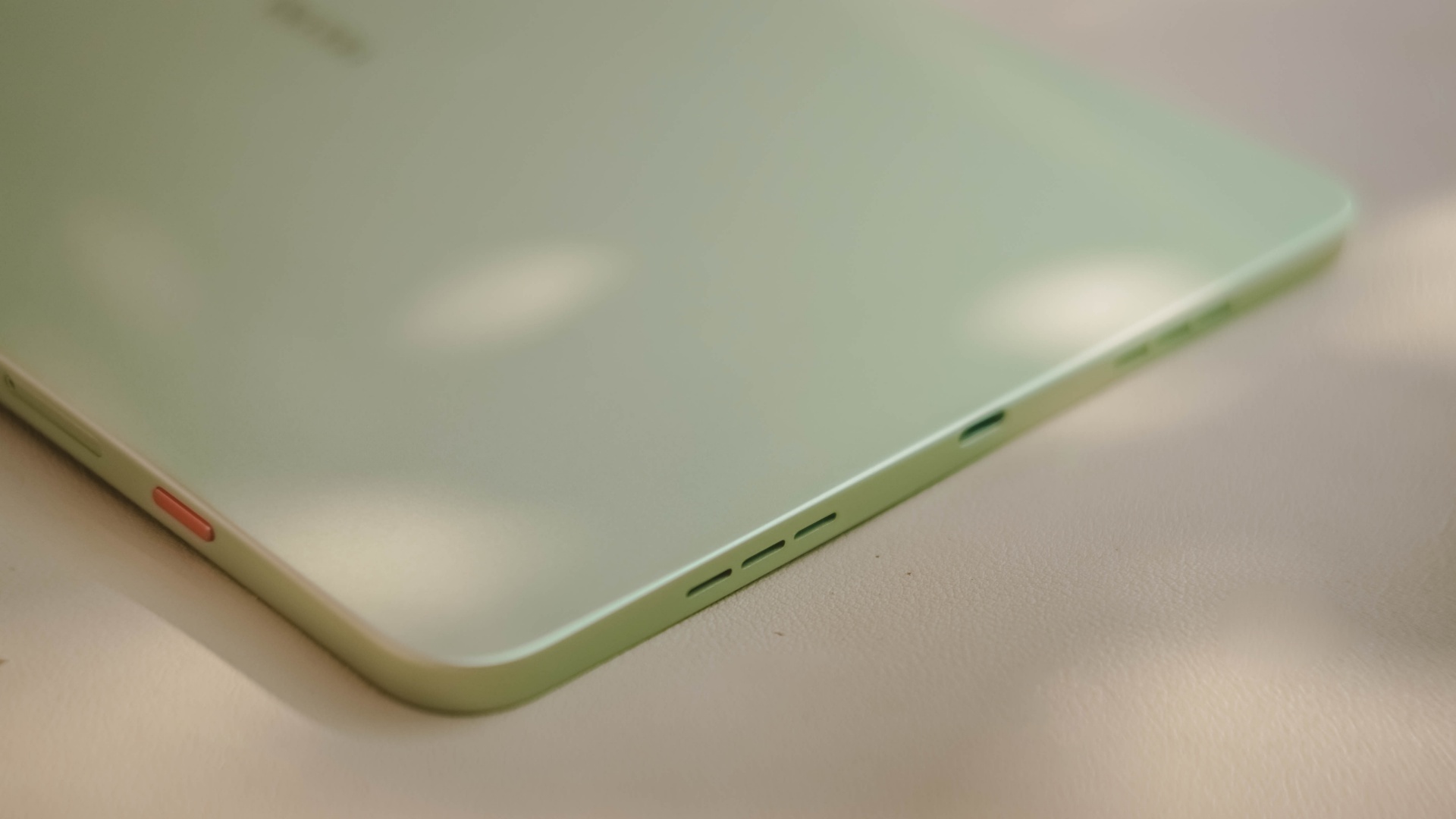
Also, having four speakers are still better than the usual (two) stereo speaker setup of most tablets in this segment.
Passable and plausible
The elephant in the room is none other than the inclusion of MediaTek MT8781 — or popularly known as Helio G99.
Obviously, this SoC (System on a Chip) can only do so much. That excludes power-hungry games.
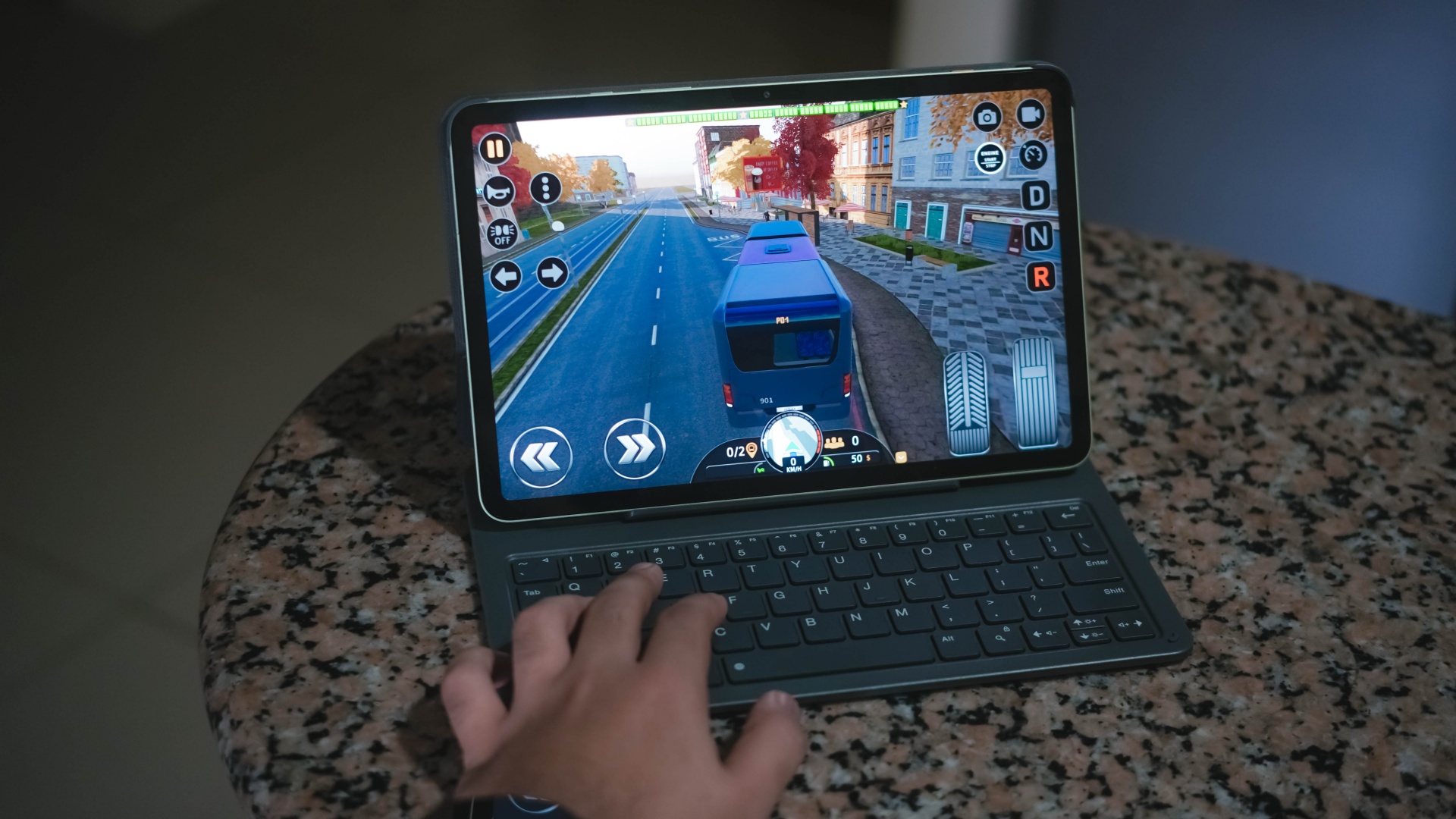
Albeit, it can still run most titles — as long as you set it in lowest graphics settings possible. Lucky if it runs medium at best, like how it did in Bus Simulator: EVO.
That being said, the MEGAPAD 2 can still do more than just the basic of tasks.
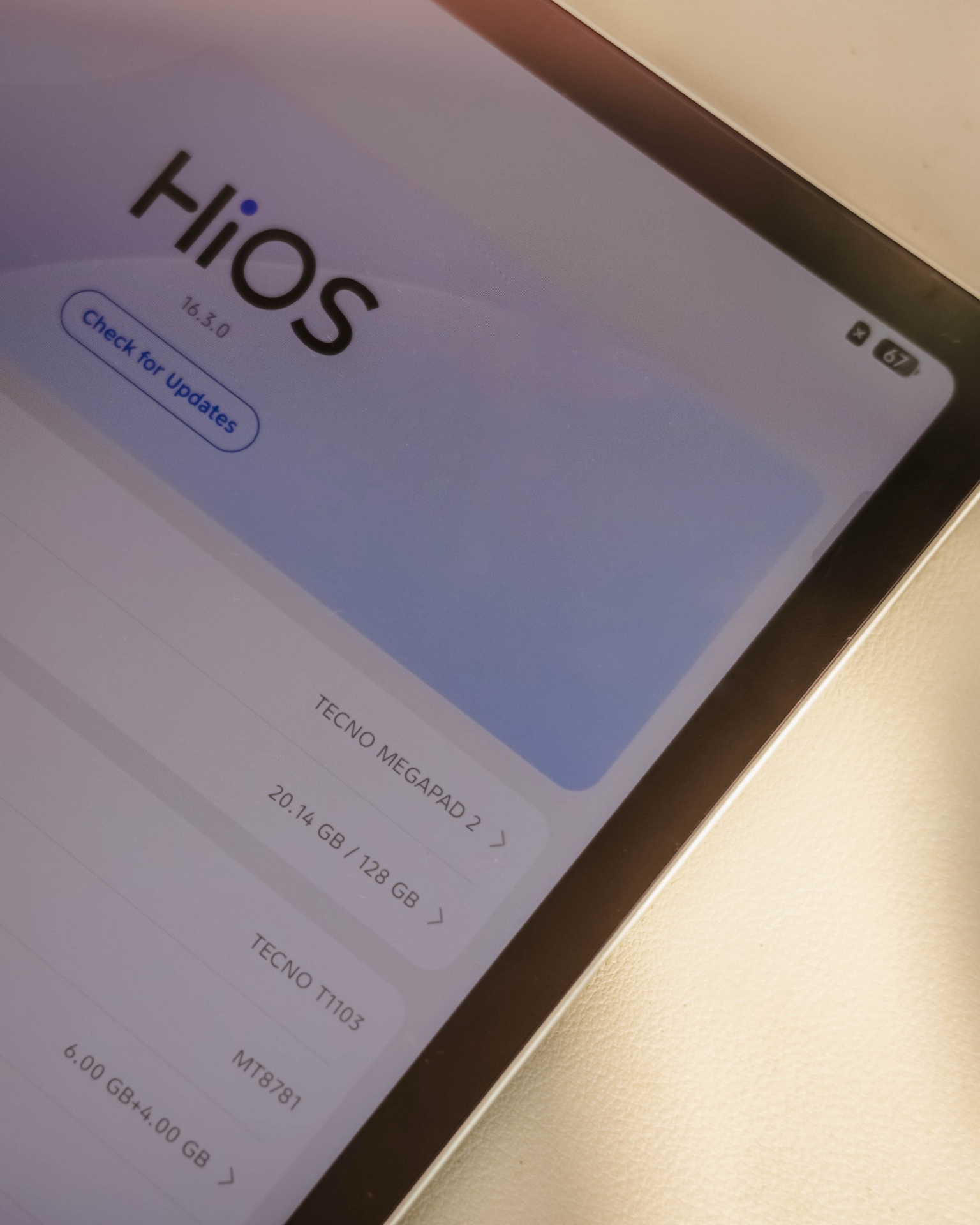
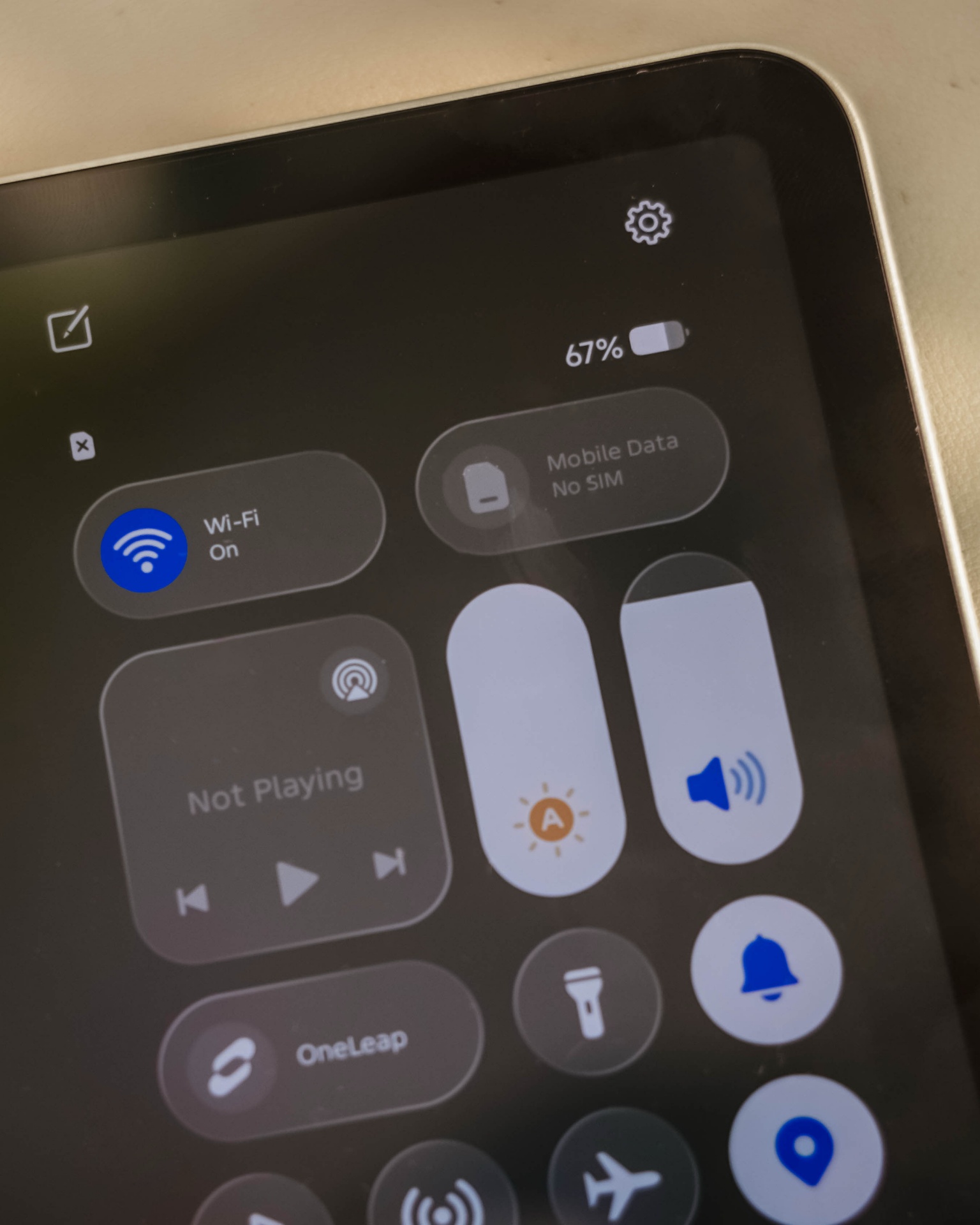
Given my weeks with this tablet, it surprised me how TECNO’s HiOS 16 felt fast. Animations are fluid. Scrolling was buttery-smooth. App-switching was also a breeze.
This proves that benchmarks aren’t everything — and not all mall promodisers go past beyond the usual sales talk.
This is also me trying to say that the brand of chipmaker and number of cores in a processor aren’t enough basis to say how “fast” and “capable” a device is. Software optimization shouldn’t be downplayed as it’s also an important factor to consider.
Sentiments aside, the MEGAPAD 2 has a slot for one nano SIM card that can provide speedy 4G LTE speeds. That’s a good addition if you work outdoors a lot.
Aside from the usual 128 or 256GB internal storage, it also supports a microSD card (up to 2TB) just beside the SIM slot — which is something you cannot have in modern smartphones and high-end tablets nowadays.
Base pad for two base users
The MEGAPAD 2 is a tablet that can be for everyone. However, two base users came up to my mind when writing this piece.
1. Learners and yearners
Students are obviously one of the biggest target markets of budget pads.
First, there’s the AI Problem Solving feature. Feed it your complex problem through typing or use its 8MP rear camera to capture the whole page and let TECNO AI do the process for you.
For the smaller kiddos, there’s a dedicated study hub dubbed “LearnUp” with free learning resources and a child-friendly interface. Another would be the Learning Center featuring thousands of K-12 lessons, stories, cartoons, songs, and so much more.
For those learning new languages, AI Translation can be of a great help.

It’s not limited to just translating texts, images, and app content, there’s even AI Captions that can translate 30+ language offline (and 160+ languages when connected with the cloud) while watching videos.
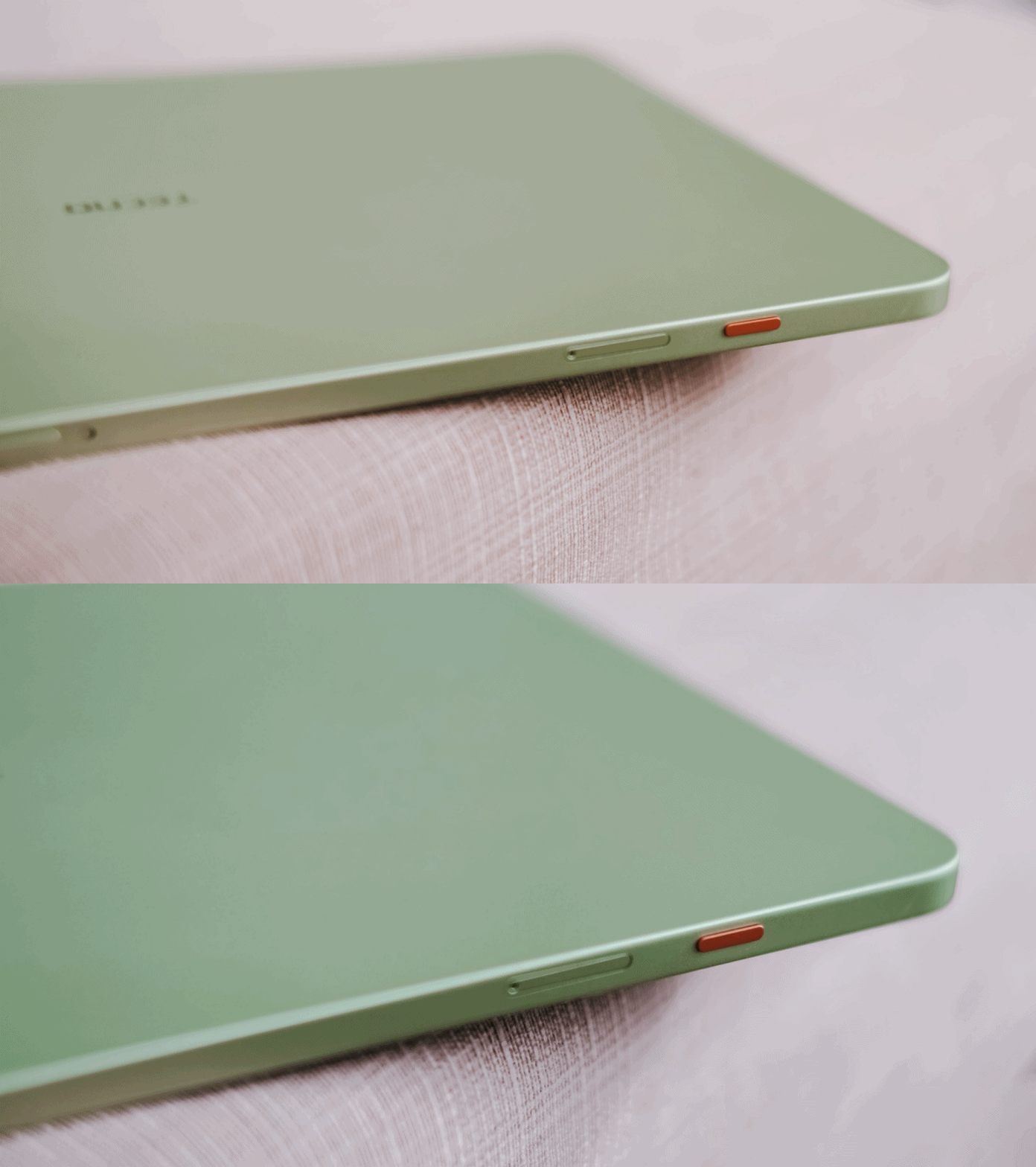
Thankfully, TECNO has a dedicated OneTap AI button to summon these AI features in one go. Best thing is that, they don’t want to completely lock you in as app assignments are still configurable in settings.
Lastly, if your child is feeling extra artsy, there’s even the TECNO MEGA Pencil that’s sold separately. Fire up the AI Drawing Board and the MEGAPAD 2 can transform your sketches into better ideas.
2. Productive pros
Other than kids and students, the MEGAPAD 2 is also directed towards working professionals. Teacher, manager, you name ’em!
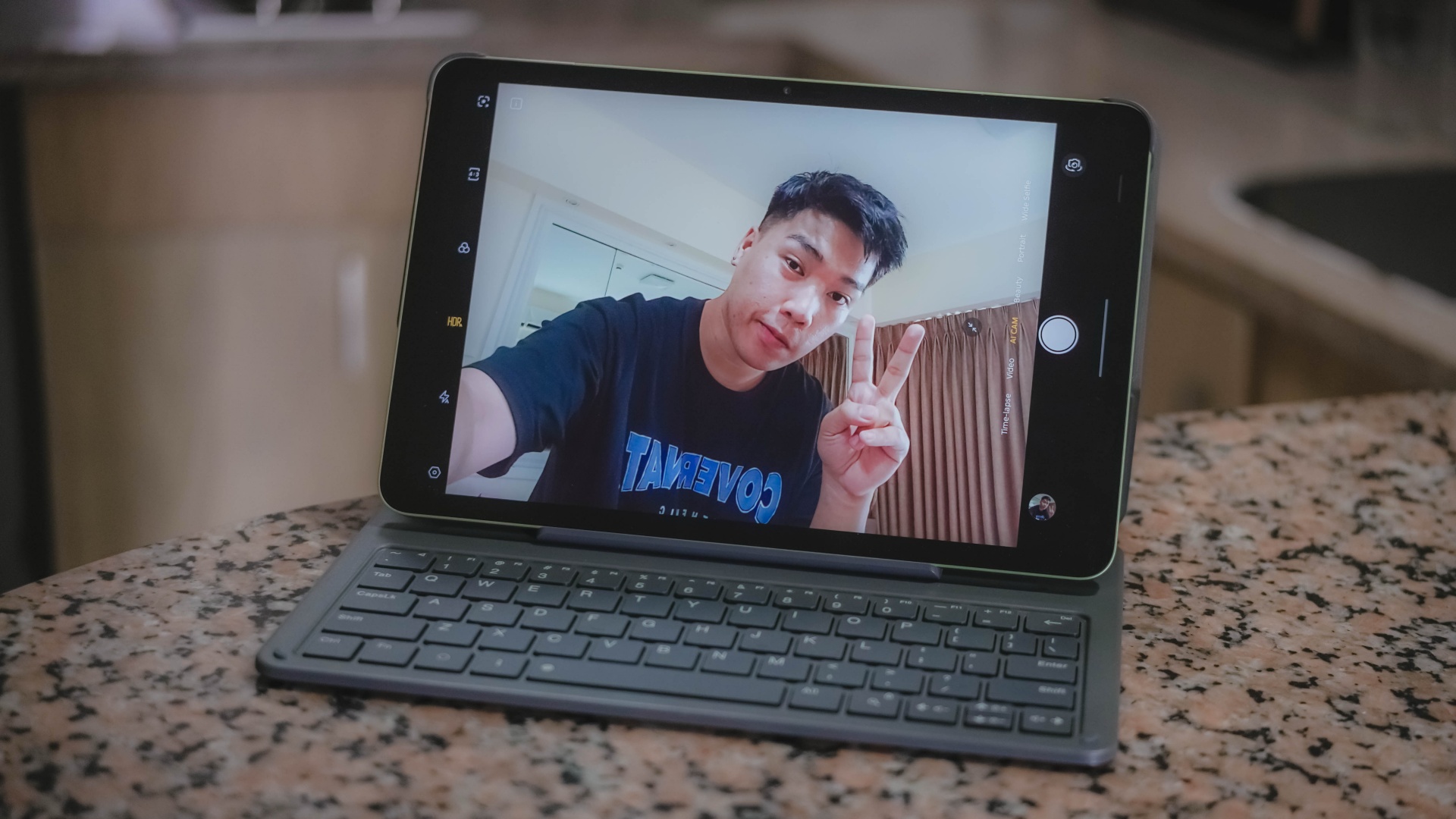
Aside from its rear camera, that 8MP front camera matters too — mostly for video calls and meetings on the go.
AI SnapMemo and MindHub are also helpful tools that do more than just capturing and keeping screenshots. And by that, it can analyze and even summarize the content you kept.
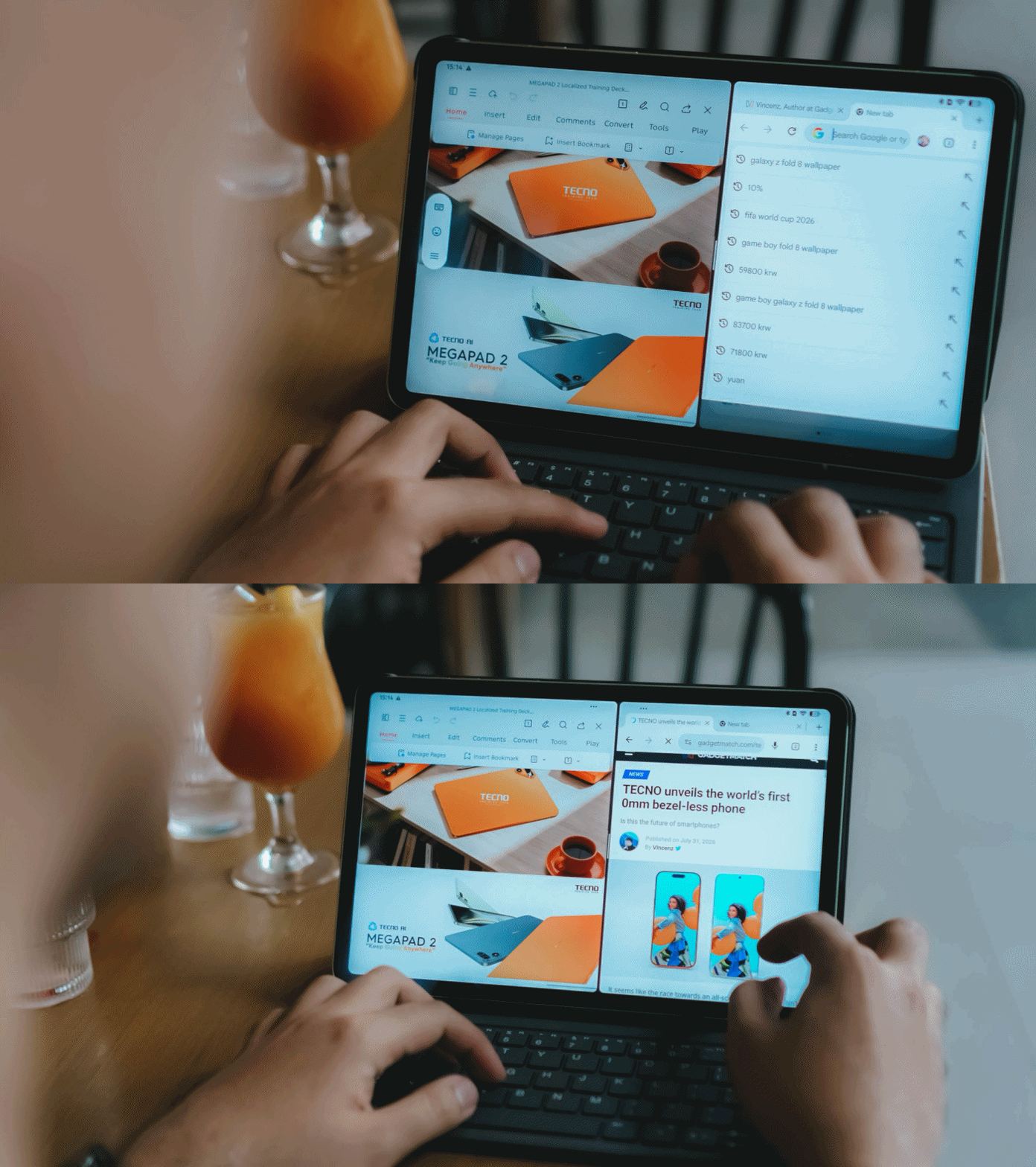
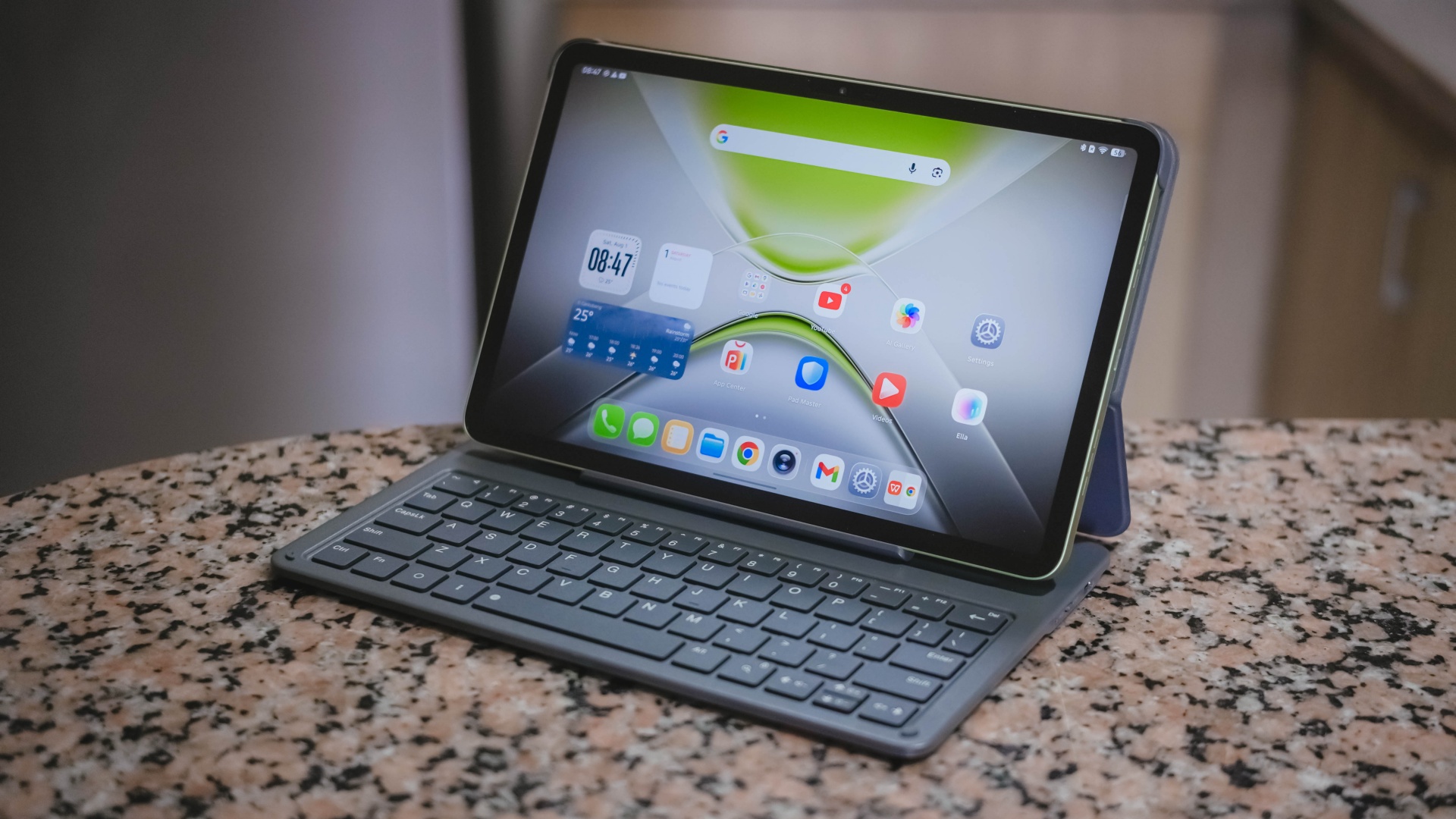
With that bundled Bluetooth keyboard alongside the ability to do split-screen multitasking, it’s easier to switch between two active apps side by side.
One can even scroll through spreadsheet cells or do several slides — especially with the WPS Office pre-installed upon initial set-up.
My only gripe about this accessory is how flimsy and easy it is for the display to fall down.
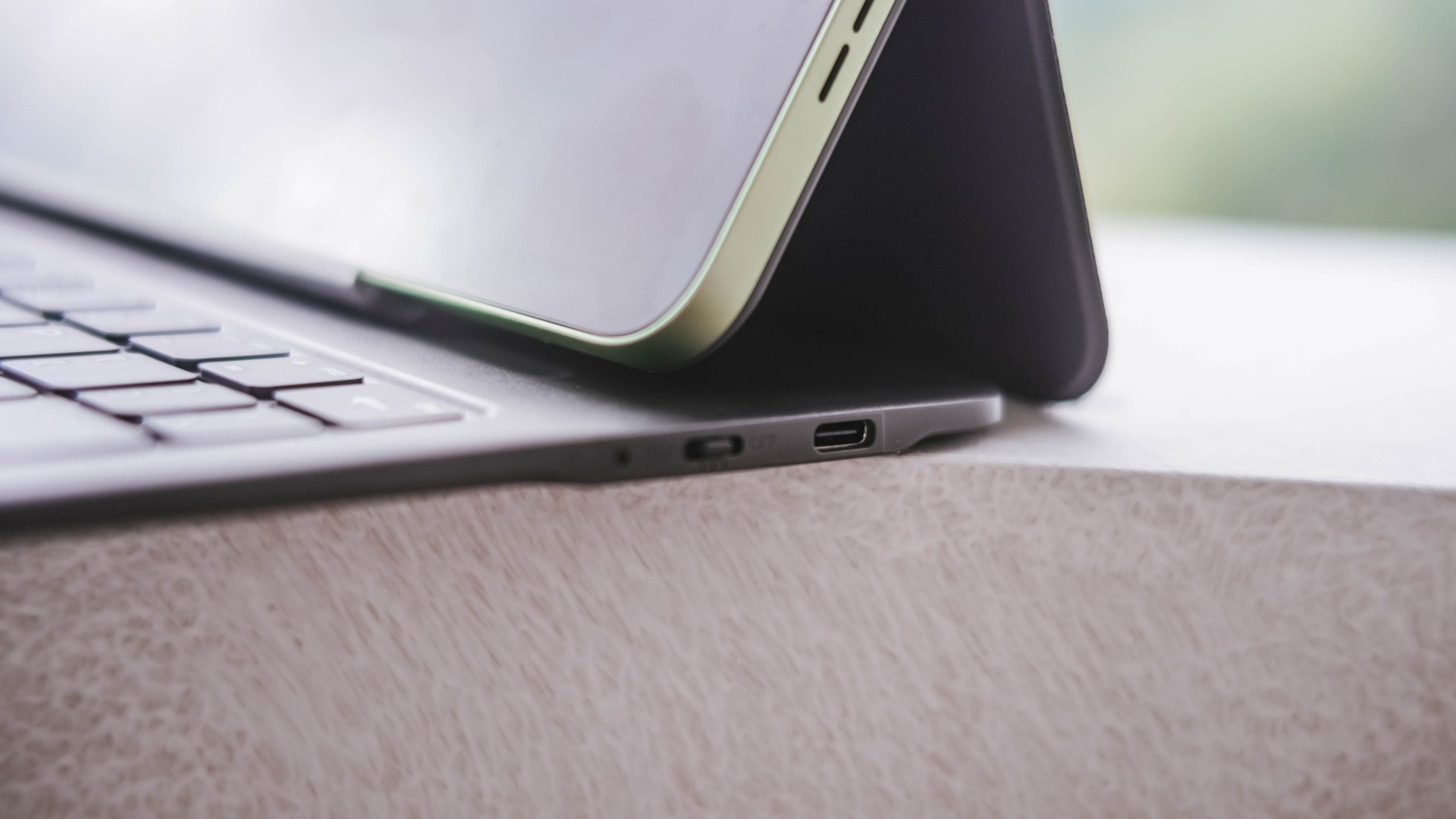
I just wish the recessed part on the keyboard would have been much deeper for the display stand to sit and lock in securely.
It’s also worth pointing out that it’s paired via Bluetooth and not pogo pins. That means you have to turn on that side switch and charge it via the USB-C port separately.
-
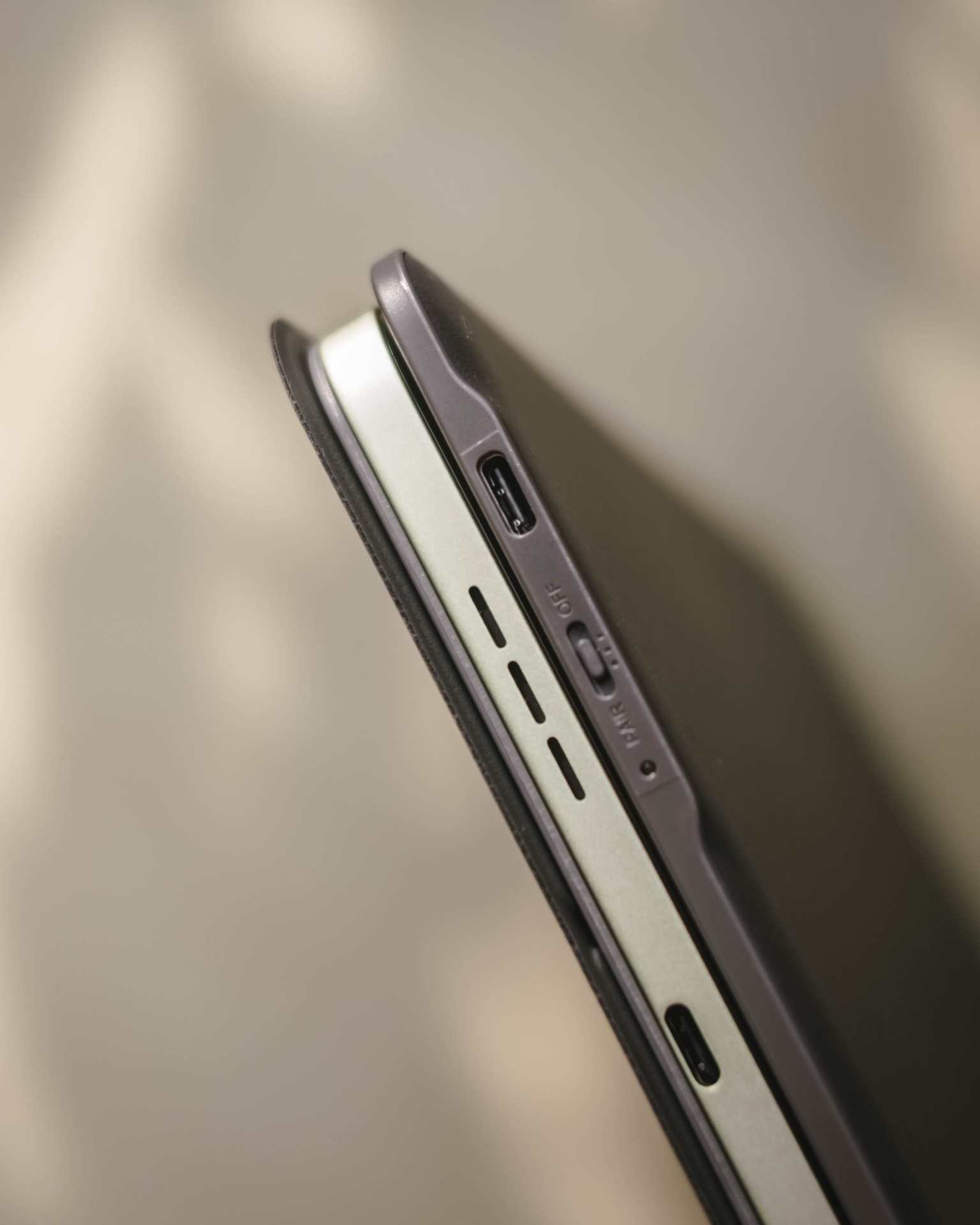
- Side switch and USB-C port
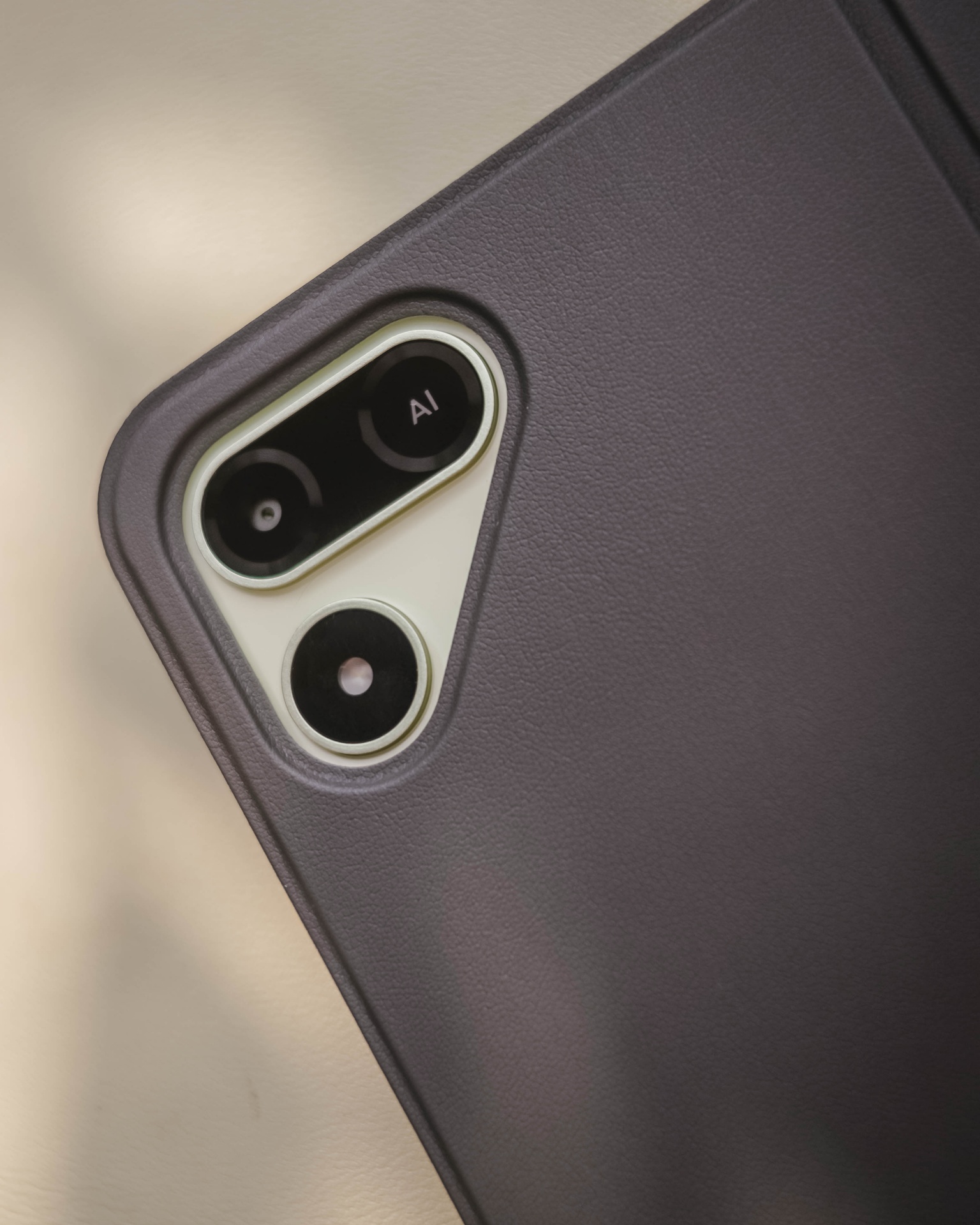
Still, it’s a bundled accessory that feels solid and also serves as the tablet’s full-on protection.
Moving over, TECNO’s OneLeap Ecosystem is also helpful as a productivity leverage. Not only it eases file transfers across your devices, it even maximizes a triple-screen setup when paired with your TECNO smartphone plus laptop (or PC).

Overall, the MEGAPAD 2 serves a great purpose not limited to doom-scrollers and binge-watchers. It can also be a trustworthy companion for students and paid professionals alike.
Made to last
The TECNO MEGAPAD 2 admittedly doesn’t have a MEGA battery capacity.
Compared to its competitors that boast 9000+mAh, the MEGAPAD 2 has a smaller 8200mAh tank.

Use-case will always vary. If you use the tablet for binging several episodes of a single K-Drama or lengthy documentaries on YouTube as early as 10 in the morning at around 70% brightness, it can last until dinner time.
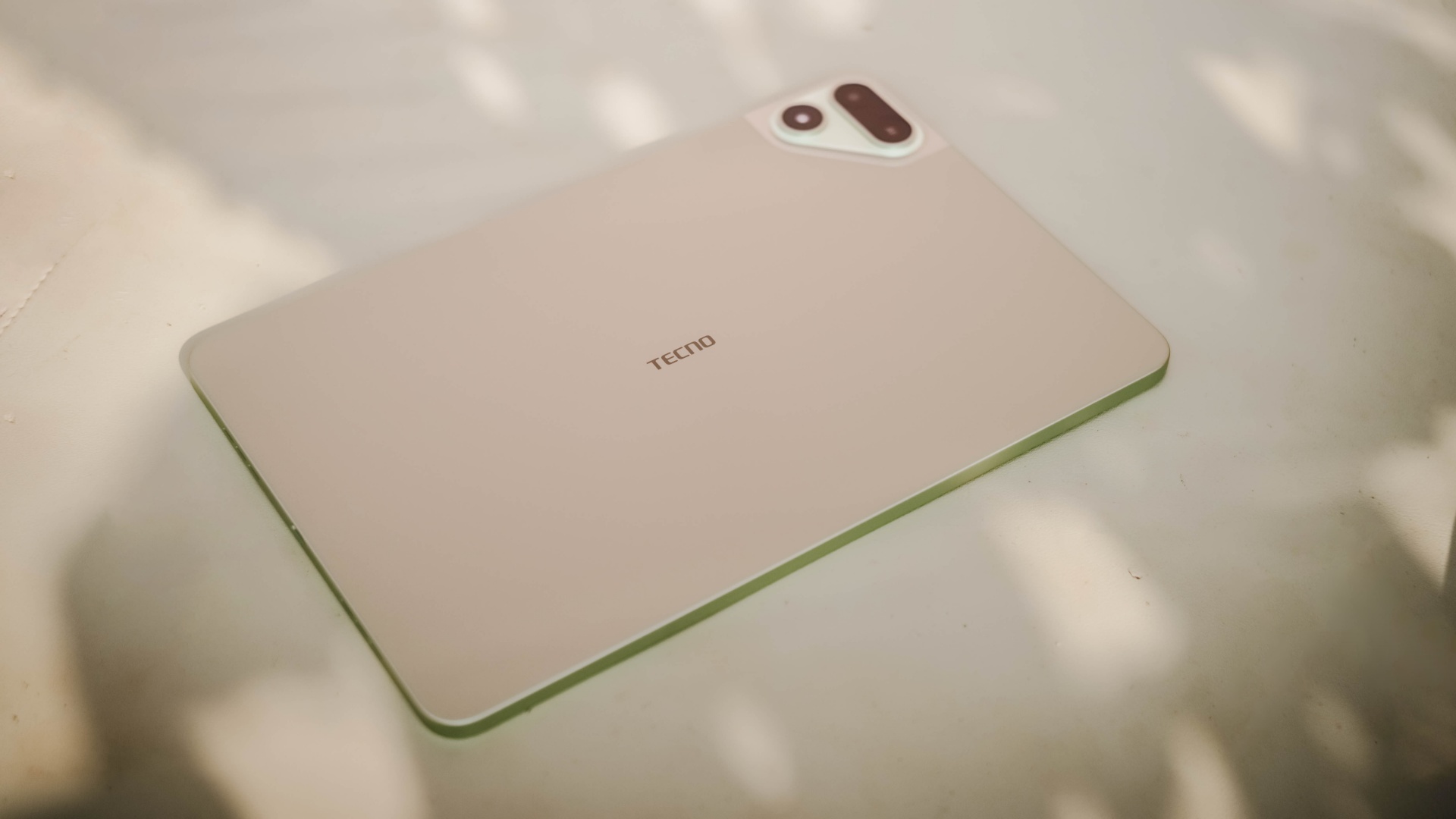
When placed in standby mode or left to rest overnight on your table top, it won’t consume much and can last more than a day (or two to three days at max). That’s shocking to witness considering it has an aging and less-efficient 6nm Helio chipset.
If its battery completely depletes, TECNO has bundled a proprietary charging brick and cable out of the box.
@gadgetmatch MEGA in size for 2 base users. Meet the TECNO MEGAPAD 2 💪🏼✌🏼
However, it has a painfully slow 18W charging — requiring you at least two hours to fully fill it.
TECNO MEGAPAD 2
|
|
START TIME (From 0%) |
3:40PM |
5 minutes |
3% |
10 minutes |
5% |
20 minutes |
12% |
30 minutes |
19% |
45 minutes |
28% |
1 hour |
38% |
1 hour 15 minutes |
50% |
1 hour 30 minutes |
60% |
1 hour 45 minutes |
70%
|
I obviously just gave up counting right after going over the 100-minute mark.
Is the TECNO MEGAPAD 2 your BudgetMatch?
With a starting price of PhP 16,999 for the 6+128GB model and PhP 19,999 for the 8+256GB variant, the TECNO MEGAPAD 2 is strategically situated along the budget tablet league.
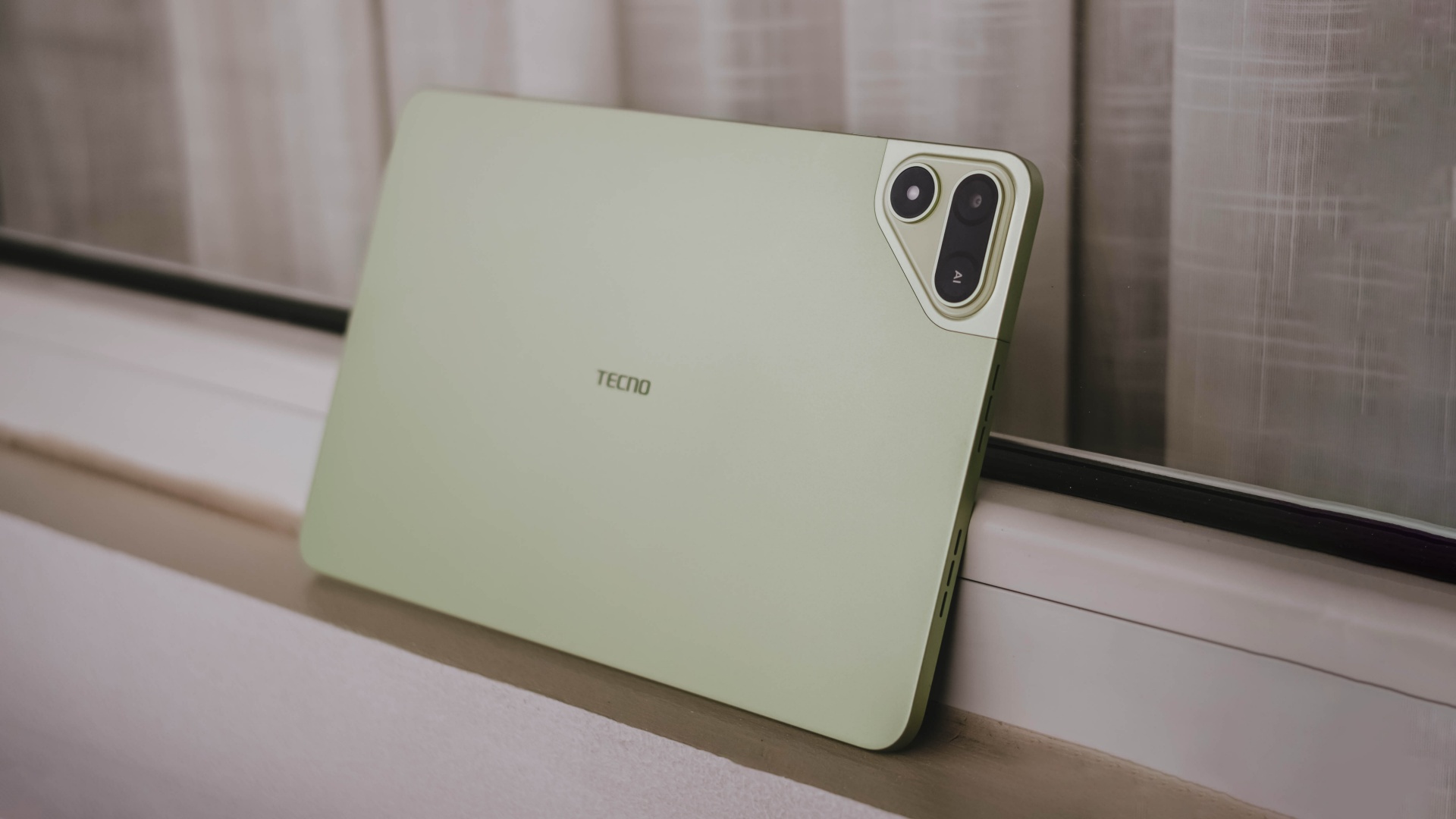
If you value performance, the MEGAPAD 2 is obviously a Swipe Left. There are other tablets that offer the newer and more power-efficient MediaTek Helio G100 SoC such as the OPPO Pad SE, REDMI Pad 2, and even the TechLife Pad Plus 2.
Samsung even offers the Galaxy Tab A11+ with a 5G-capable Dimensity 7300 chipset. Albeit, it has a higher price mark despite having the same base configuration and smaller 7040mAh battery.
That only means the MEGAPAD 2 still stands a chance.
Although the HONOR Pad X8b (its closest rival) is compelling enough with its beastly 10,1000mAh battery, the MEGAPAD 2 still gains a Swipe Right with its larger memory (6GB versus 4GB). How can I even forget the keyboard bundled when you purchase this mighty pad?
And in all honesty, it still surprises me how TECNO managed to make their latest pad run a smooth, well-optimized, and even AI-powered software suit despite its aging core.
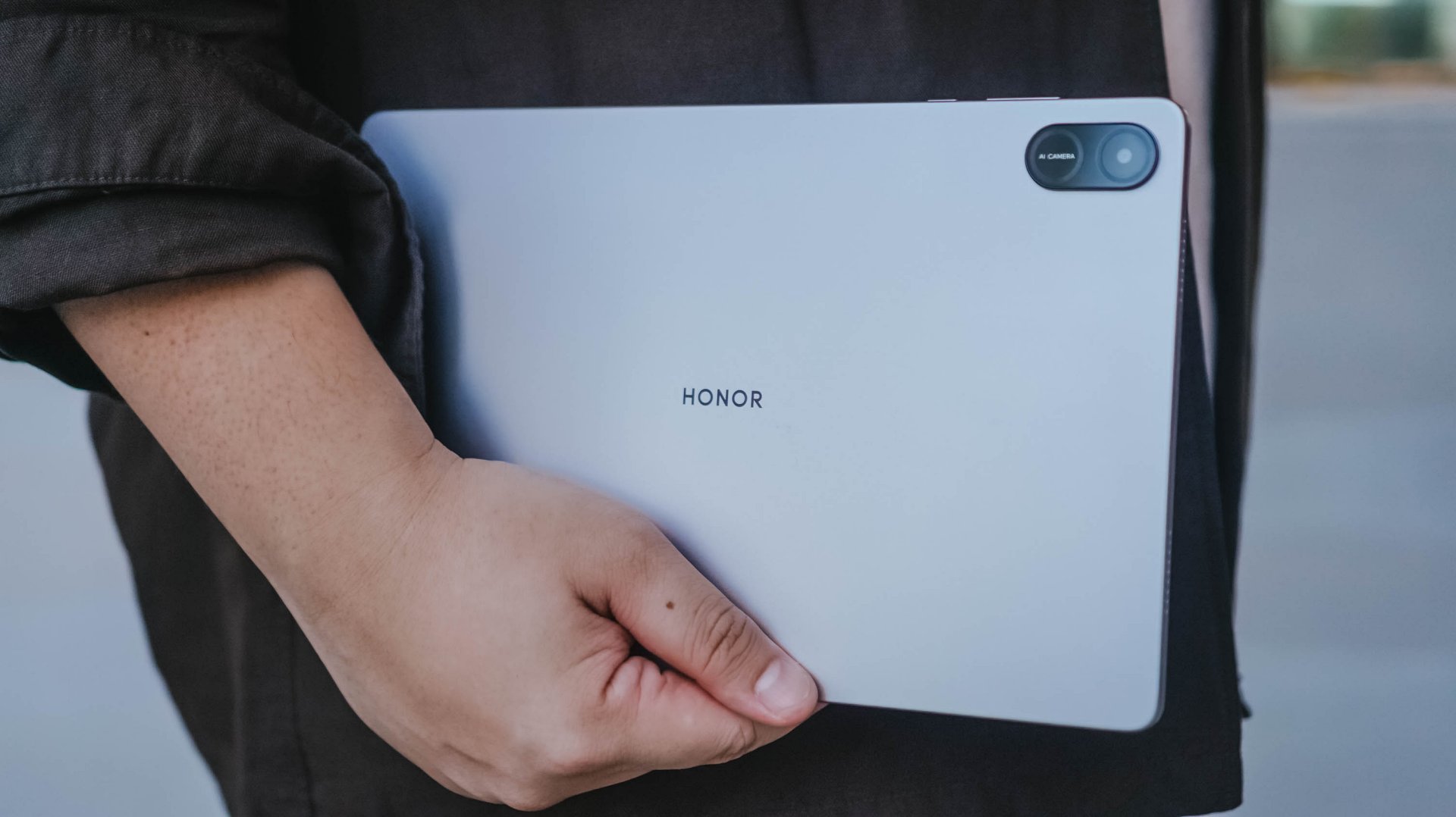
HONOR Pad X8b | 2026
Given that HONOR’s Pad X8b rocks a Snapdragon 680 4G chipset, it only has the a limiting AI ability with Google Gemini — which cannot do everything for users who rely on AI assistance for the apps they use and/or tablet tasks they do for work or school.
Let alone, the MEGAPAD 2 is an afforda-blet with a full metal body and full-on audiovisual experience — especially with its brighter and sharper display. Camera flash for document scanning not even forgotten.

REDMI Note 17 Pro review: What a rollercoaster ride!
The serious series of ups and downs are NOTEworthy of your attention

Insta360 Luna Ultra review: My new solo coverage camera
Changed my workflow

TECNO MEGAPAD 2 review: Eyes on the size
The MEGA pad for two base users

Samsung Galaxy S26 FE brings Galaxy AI upgrades
REDMI Note 17 Pro review: What a rollercoaster ride!

REDMI Note 17 Series: Price, availability in Singapore

REDMI reveals the refreshed Note 17 and Note 17 Pro series

AGIBOT just topped the medal table at the World Humanoid Robot Games

VinFast debuts two-wheeler models, opens 21 e-motorcycle showrooms
TECNO MEGAPAD 2 review: Eyes on the size

REDMI Note 17 Series focuses on long-term reliability

OnePlus officially leaves the United States and Canada

Xiaomi debuts SkyNomad Series featuring new Kunlun platform

-
Reviews5 days ago
TECNO MEGAPAD 2 review: Eyes on the size
-
 Singapore2 weeks ago
REDMI Note 17 Series focuses on long-term reliability
-

 News1 week ago
realme 16T to come with 8,000mAh battery, 7-year battery health guarantee
-
 Reviews2 weeks ago
Samsung Galaxy Z Fold8 Review
-

 News1 week ago
HUAWEI Pura X View is 2026’s first WIDE slab-type smartphone
-
 Accessories1 week ago
Jackery expands Explorer Series portable power stations
-

 Gaming2 weeks ago
Now Playing: Assassin’s Creed Black Flag Resynced
-
 Cameras6 days ago
30 days with the DJI Osmo Pocket 4P