

Reviews
The Infinix GT 50 Pro has the most inspired design for a gaming phone
Liquid cooling that actually shows the liquid cooling.

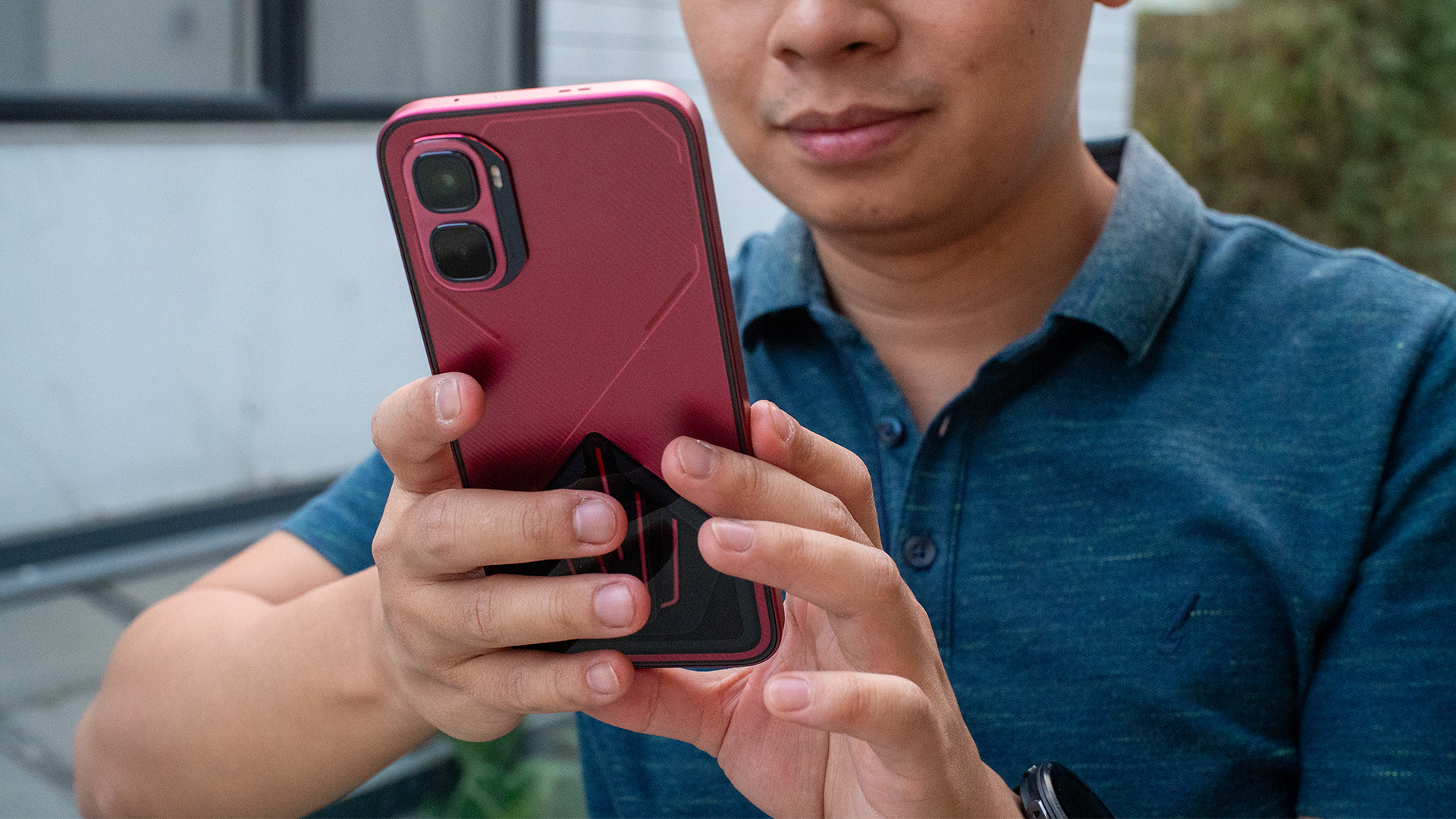
I have a love-hate relationship with Infinix. While I appreciate how affordable its phones are, there’s always some little thing that makes me cringe: an uninspired design, a lackluster processor, or a deluge of bloatware, for example. Now, after an age of testing Infinix’s phones, the brand might have finally released a smartphone that ticks all the boxes. Ladies and gentlemen, here’s the Infinix GT 50 Pro.
The most inspired transparent design I’ve seen
Smartphone designs today are soooo boring. I miss the days when brands weren’t scared to try something daring for their devices. By far, the only design philosophy that manages to wow me is the transparent rear popularized by Nothing.
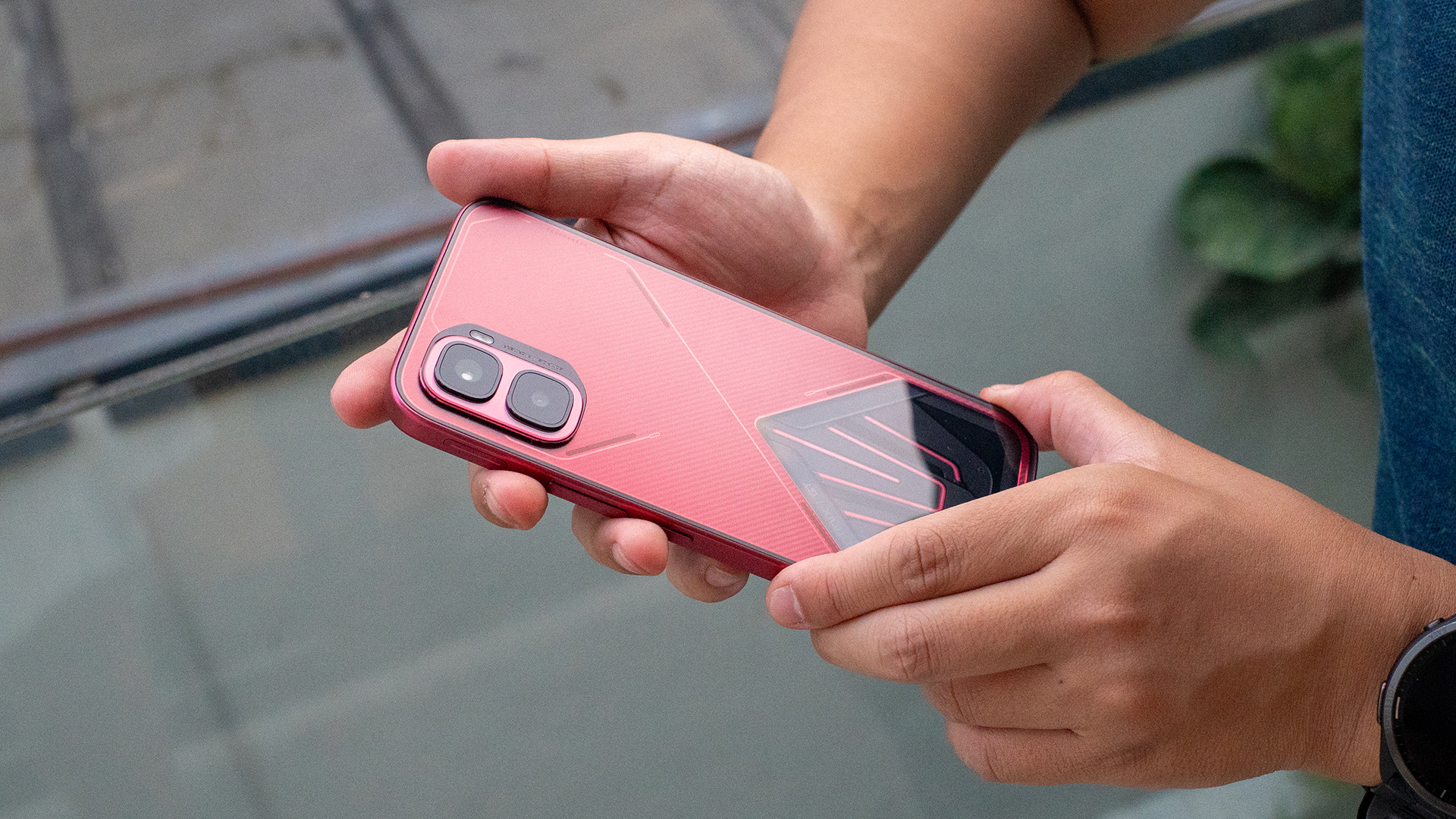
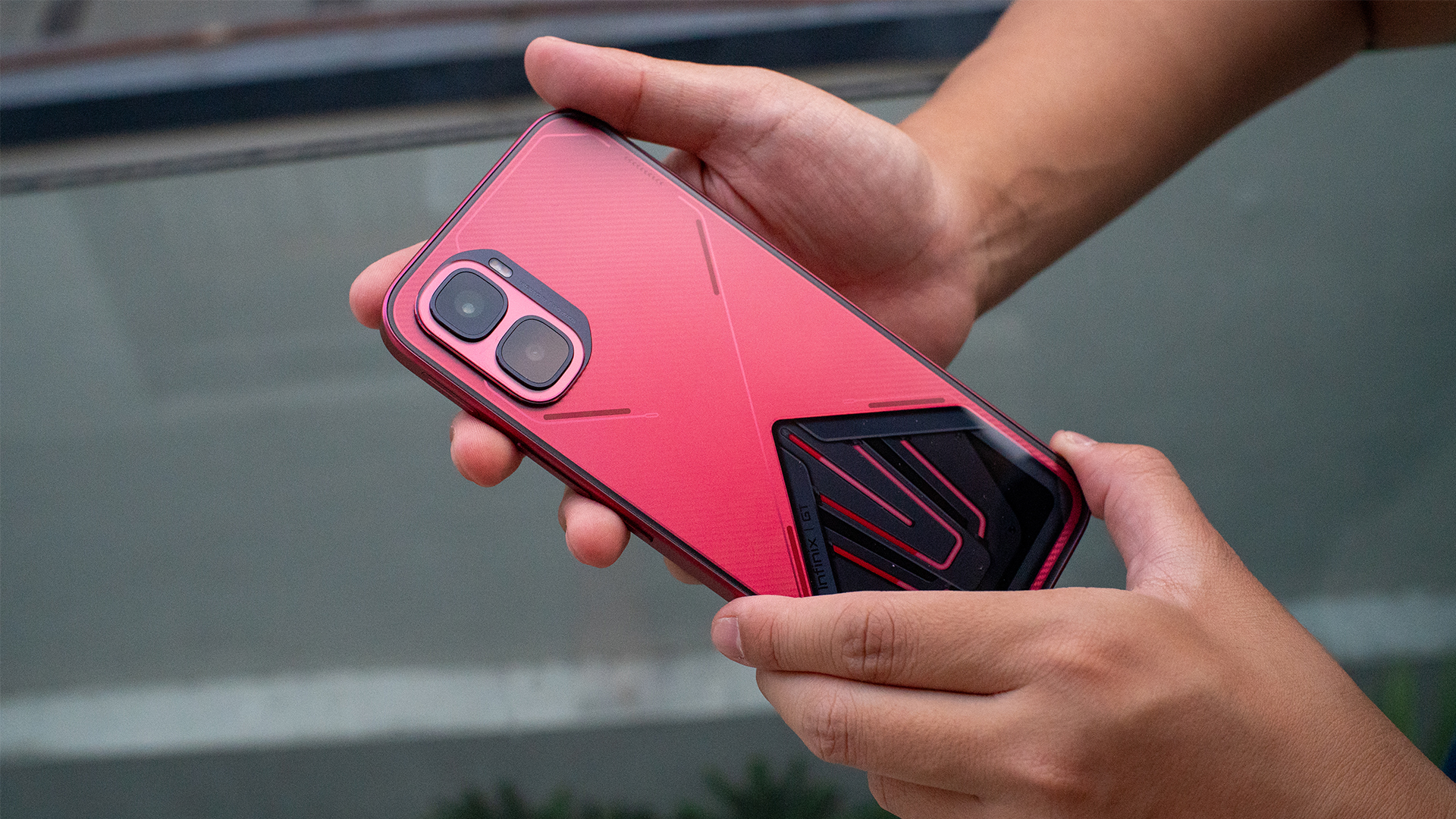
The Infinix GT 50 Pro has something similar. The chassis features a nice matte red finish that also feels pleasant to the touch. It also has a carbon fiber pattern and some futuristic decals that light up.
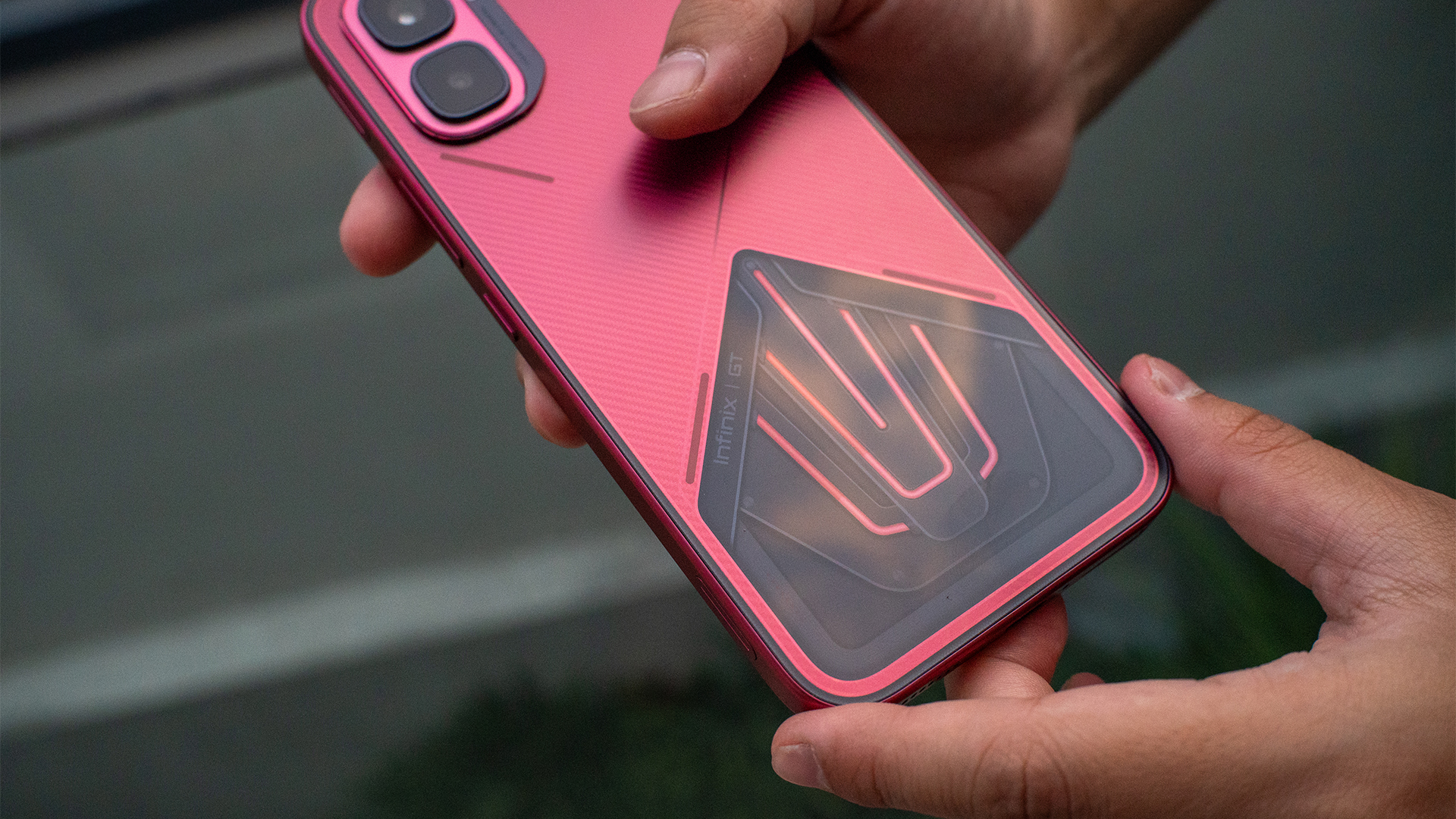
The highlight, however, is a transparent portion of the rear, enclosed by glass. Although, compared to Nothing, Infinix’s take does not pretend to give you a peek into the inner workings and the chips inside. Rather, it shows the actual pipes used for the phone’s liquid cooling. And yes, it works. While the phone’s under a heavy load, you can see the liquid circulating.
Overall, the Infinix GT 50 Pro doesn’t really break what a normal smartphone looks like these days. However, the addition of the transparent liquid cooling chamber just adds so much. It’s so inspired. Sure, it’s gimmicky, but it’s one that doesn’t force you to engage with it every two seconds.
This is truly a gaming phone
Though the subtle design hides the phone’s nature, the Infinix GT 50 Pro is a true gaming phone. It has the Dimensity 8400 Ultimate, a screen capable of 144fps framerate, and a pressure-sensitive trigger. Rounding this out, you’re also getting 12GB of RAM and up to 512GB of internal storage.
“Capable” is one way to describe the abilities of this phone. But you can just as well use “powerful” or “impressive”. As usual, my favorite test is Zenless Zone Zero. Though the game can be run on lower machinery, it can also push phones to their limits.
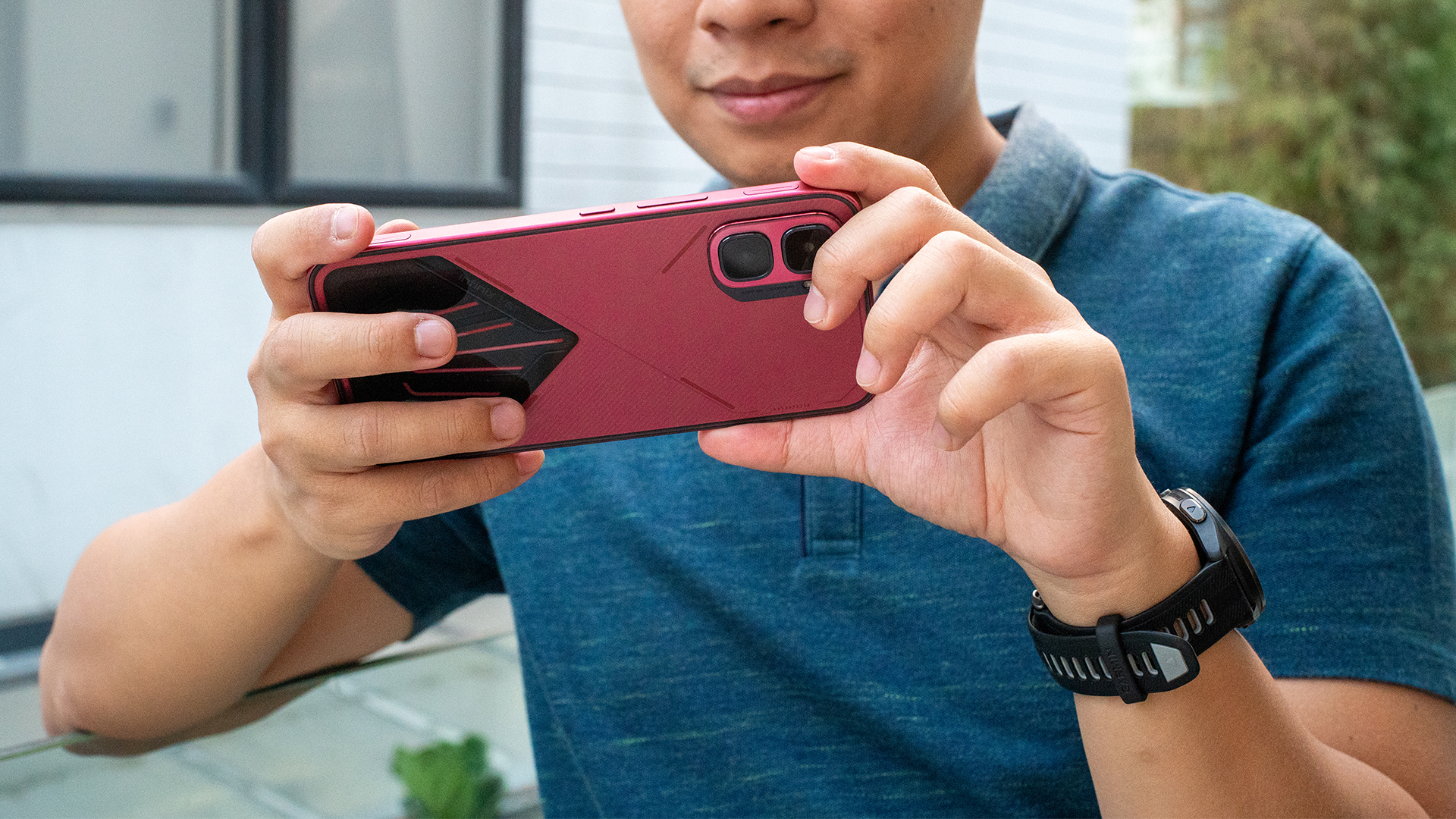
That said, the GT 50 Pro doesn’t seem to have any limits. Though the game defaulted to medium settings at first, the phone had no complaints about pushing the settings to its absolute maximum, including framerate. The game performed quite well for hours.
Even better, the phone didn’t really get to an uncomfortably hot level. The liquid cooling really does work. Despite not needing one, the package also has a plug-in fan you can attach with a MagSafe-like case. It’s overkill, but I appreciate the additional love.
The phone also has two pressure-sensitive triggers on the left and right sides. If you’re more attuned to console gaming, the triggers add a feeling of familiarity.
A decent camera package
So far, I’m loving the GT 50 Pro. But you can’t really win them all.
The phone has a 50-megapixel main sensor and an 8-megapixel ultrawide camera. It’s capable of shooting videos at 4K resolution and 60 fps.
Now, these two cameras are very decent at their jobs. The photos are more on the vibrant side. They’re neither too warm nor too cool. This was in comparison to the default settings of my daily driver, the Nothing Phone (3).


Quality aside, the bigger problem is the lack of zooming capabilities. The cameras can only zoom optically by 2x. Beyond this, there’s a digital zoom going up to 10x, but the quality, buoyed heavily by enhancing software, is barely anything to speak out.
The UI finally gets it right
Throughout all the times I’ve reviewed an Infinix phone, I’ve always had a problem with the brand’s operating system and its overabundance of bloatware. When you first open a new Infinix phone, the chances are high that it’s drowning in unnecessary apps (or suggestions for them).
The Infinix GT 50 Pro is the first time that I feel like I’m holding an actual phone, rather than a repository of ads for apps. The UI is slightly based on Apple’s Liquid Glass. The icons are customized with a futuristic aesthetic. It’s the cleanest I’ve seen in an Infinix device.
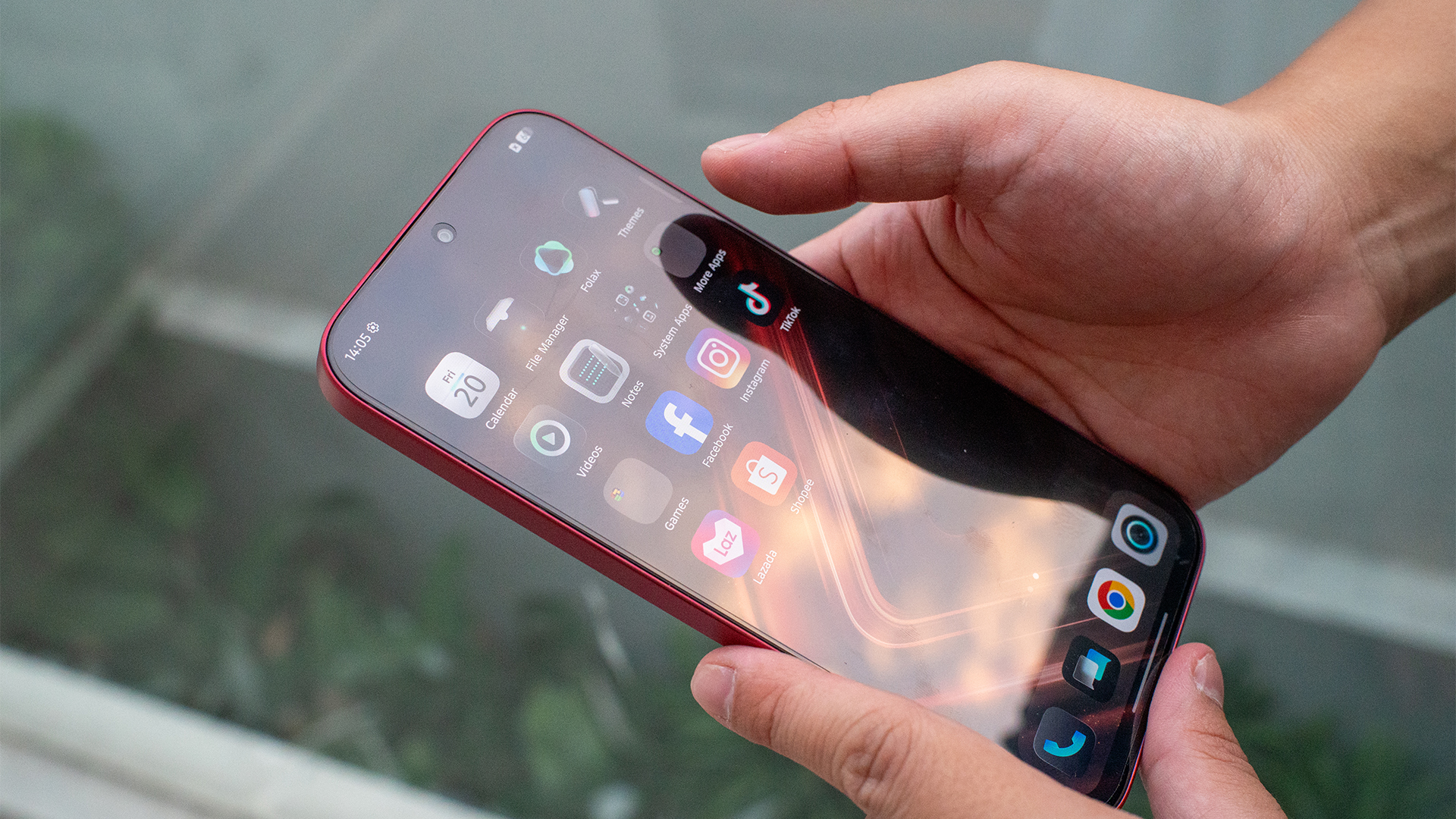
To be fair, there’s still a few dedicated folders for suggested games and apps, which includes, disgustingly, casino apps. The difference is that it’s only in two folders, rather than scattered all over the system. And thankfully, this can be turned off with a single switch.
Still, it’s a welcome improvement.
It can last how long?
The Infinix GT 50 Pro has a huge 6500mAh battery. On paper, this doesn’t seem like a huge jump from the norm. But the way it handles all this juice is impressive.
The phone lasted for exactly six hours playing Zenless Zone Zero. As I said previously, the game was on the highest possible setting. Lasting up to six hours on a stress test is an impressive feat.
For regular use, the phone is just as notable. It can last an entire day on less intensive software. If you don’t mind lighter gaming, you can squeeze out a lot more juice on a single charge. For example, I took the phone out for a spin while playing only the mobile version of Balatro, the day ended without me feeling even a slight tinge of battery anxiety.
Meanwhile, battery charging was not as notable, but that’s alright. For me, the norm is already at a pace that I’m more than happy with. Like others, the GT 50 Pro can charge to full in only an hour and 30 minutes. It will also naturally slow the charging down at 80 percent after an hour. In the unlikely event that you’re about to run out of battery while you’re going through your day, even a small break can keep you going for a while.
Is the Infinix GT 50 Pro your GadgetMatch?
It’s rare for a phone now to wow me as the Infinix GT 50 Pro did. The phone’s interesting design is more than just a foot in the door. If you’re tired of today’s uninspiring designs, Infinix’s latest phone will convince you that there are still some designers out there who aren’t afraid to experiment.
On the inside, the GT 50 Pro can match its bark with its bite. It’s gaming without limits. Plus, the durable battery and cool exterior is just the right amount of overkill to keep you satisfied for long gaming sessions.
With all that, the Infinix GT 50 Pro is a good Super Swipe for me. It’s a perfect gaming phone by today’s standards.





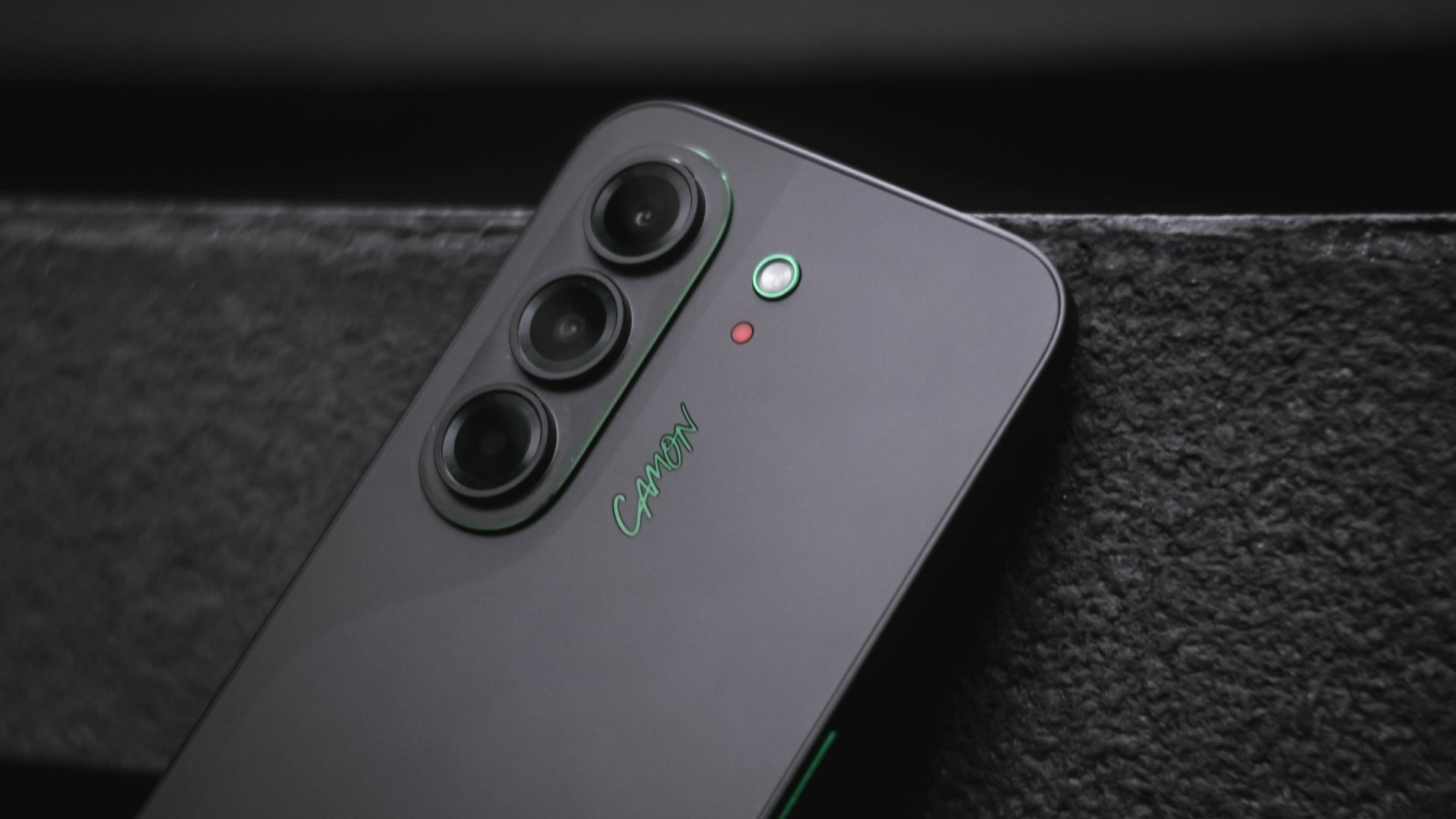
Despite the resurgence of WIDE-bodied slabs and folds trying to dominate the smartphone space again, slender smartphones aren’t done just yet.
From last year’s SPARK Slim and POVA Slim, TECNO brings in the CAMON Slim to the table.
As we transition into an era where smartphones rock beyond the 5000mAh battery mark, the Chinese brand aims to hit two birds with one stone in the latest TECNO CAMON Slim 5G.
Slim and clean that isn’t mean
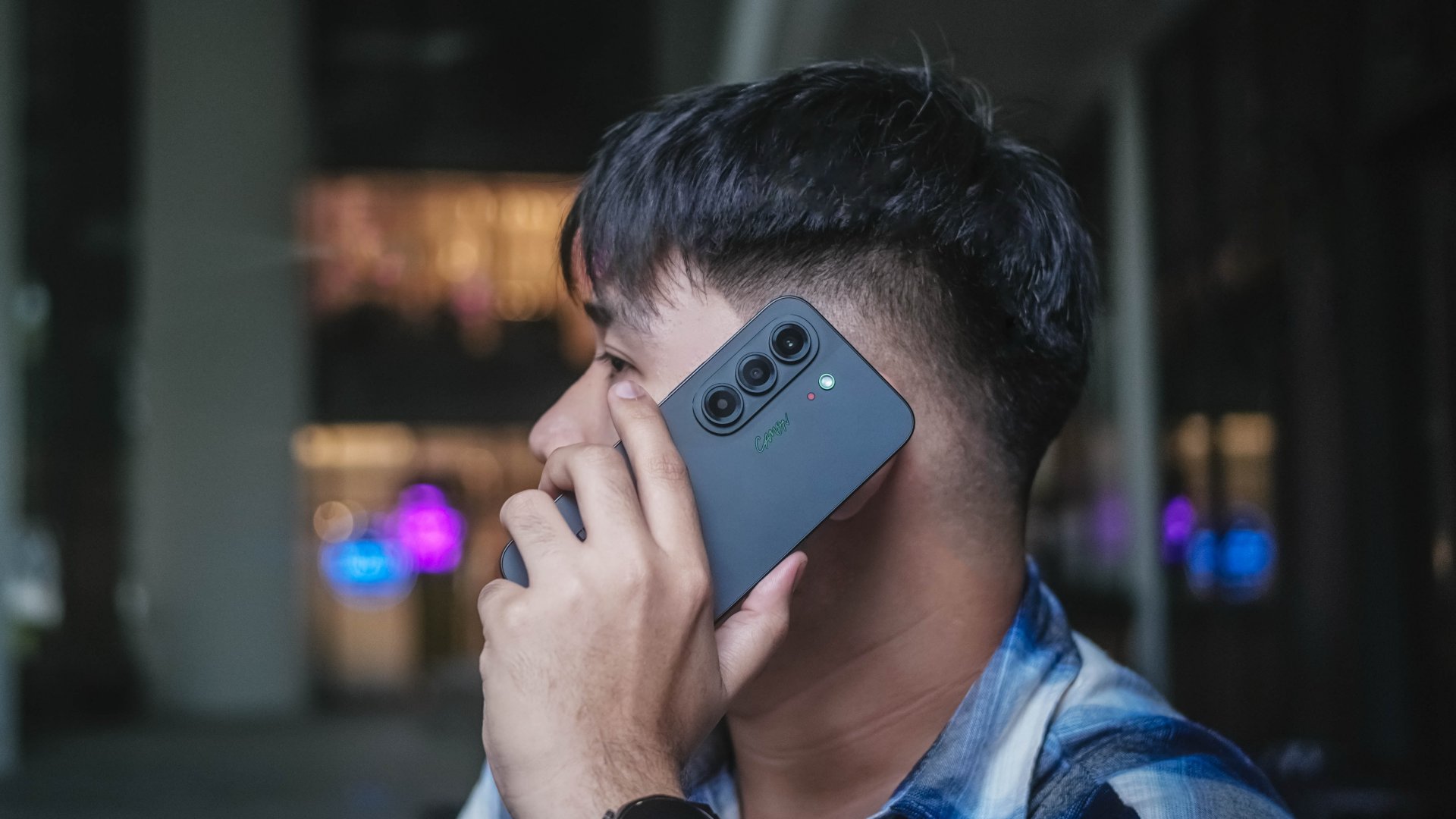
At just 6.39mm, there’s no denying that the TECNO CAMON Slim 5G is a true skinny legend.
For the record, it’s not the slimmest phone around nor is it the most striking smartphone design to ever exist.
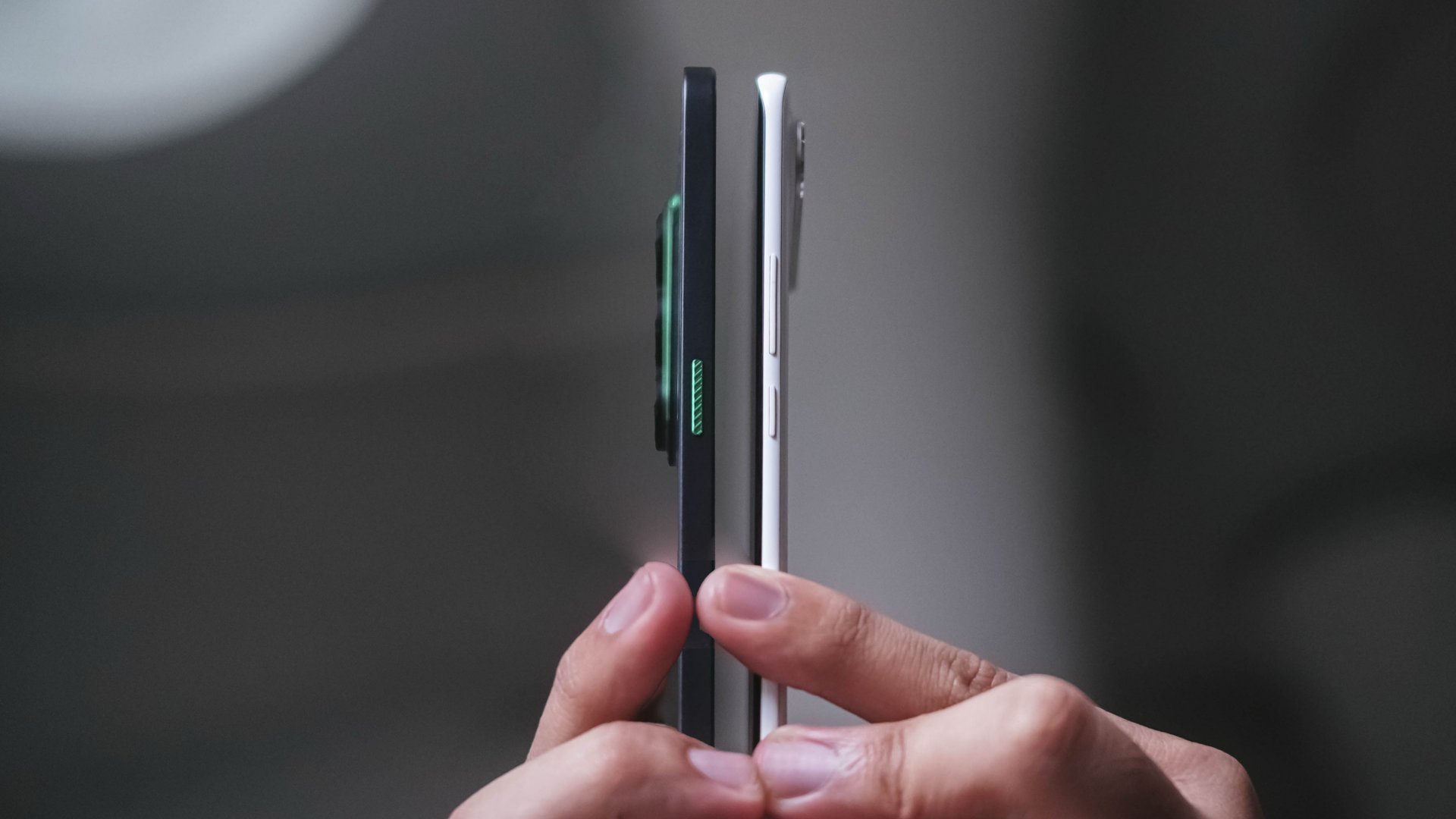
Last year’s SPARK Slim still holds the slimmest phone title — at least when it comes to TECNO’s product portfolio alongside other smartphones with curved displays.
Honestly, the existence of SPARK Slim still bedazzles me. It’s one of the best-looking smartphones out there that also happened to nail its slimness from within. That added razor-sharp illusion from the side still amazes me.

While the CAMON Slim 5G isn’t as iconic as the “Baymax phone,” its clean look is commendable, nonetheless.
Its understated back design with CAMON’s signature “swan-neck” curve give it some sophistication — and distinctly CAMON in nature.
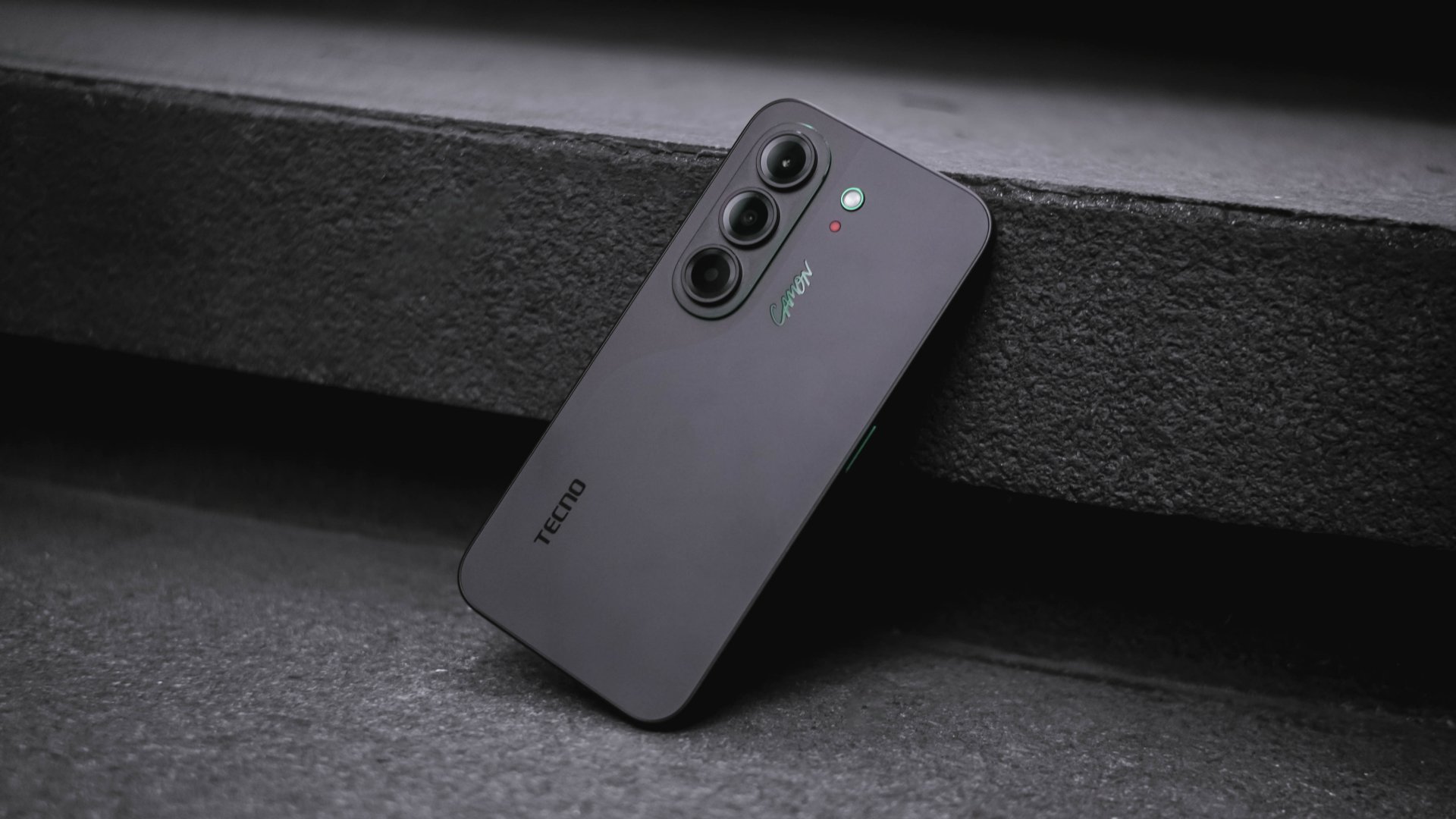
More so, its CMF (color, materials, finish) don’t immediately scream “cheap” despite the category it belongs to.
Now, if you’ve read some of my reviews, you’d know that even though I love wearing anything black, I (still) despise rocking black phones.
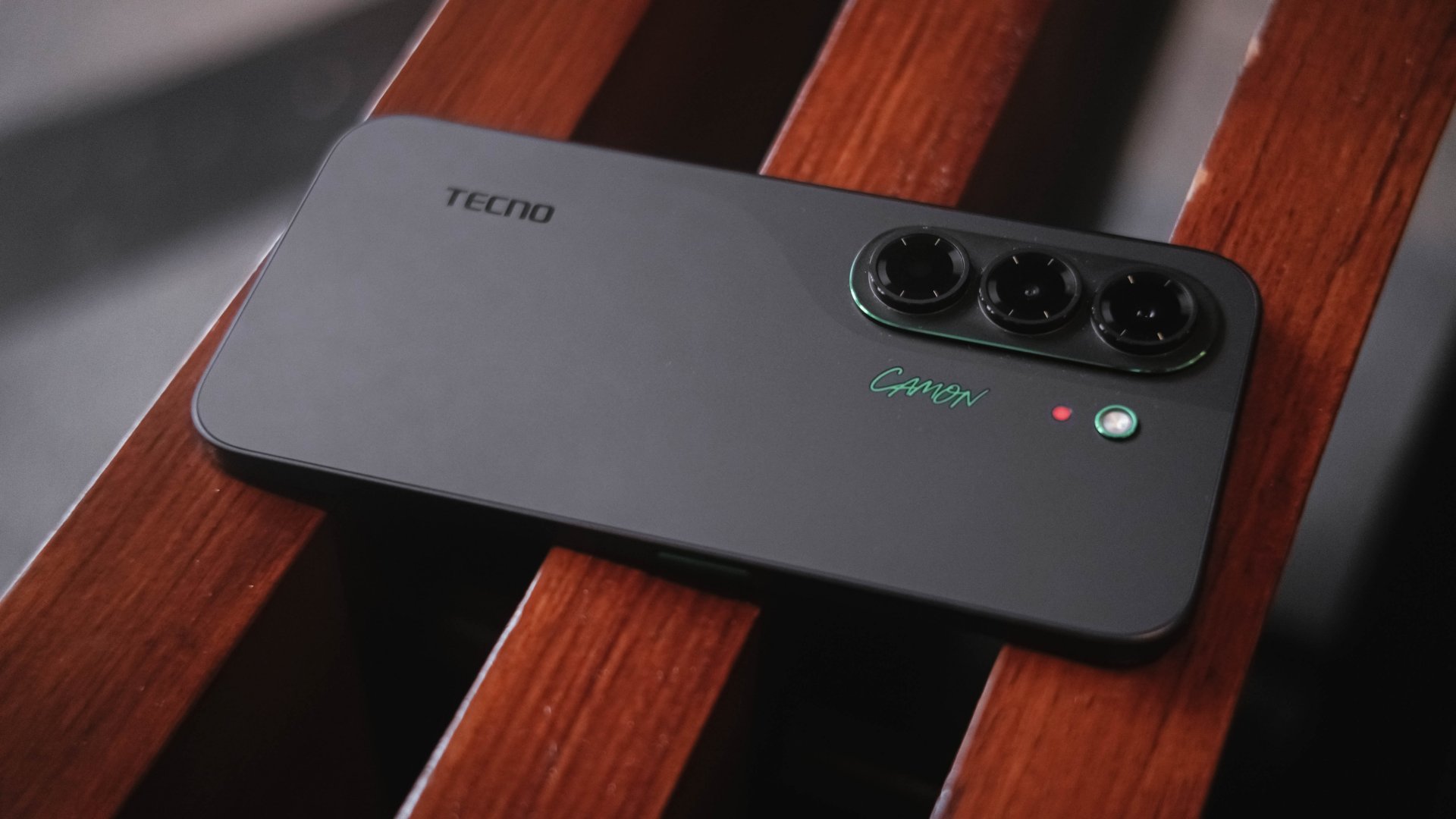
Somehow, the Matisse Black I hold is an exception. Surprisingly, it doesn’t show off much of my fingerprint smears all over its vast black back.
Moreover, those subdued green accents found on its oval camera rim alongside a stylish new “CAMON” wordmark truly adds an elegant touch.
If this isn’t your cup of tea, there are also the hero Burgundy Red shade alongside Gossamer White, Rebel Pink, and an even flashier Neo-Mondrian colorway.
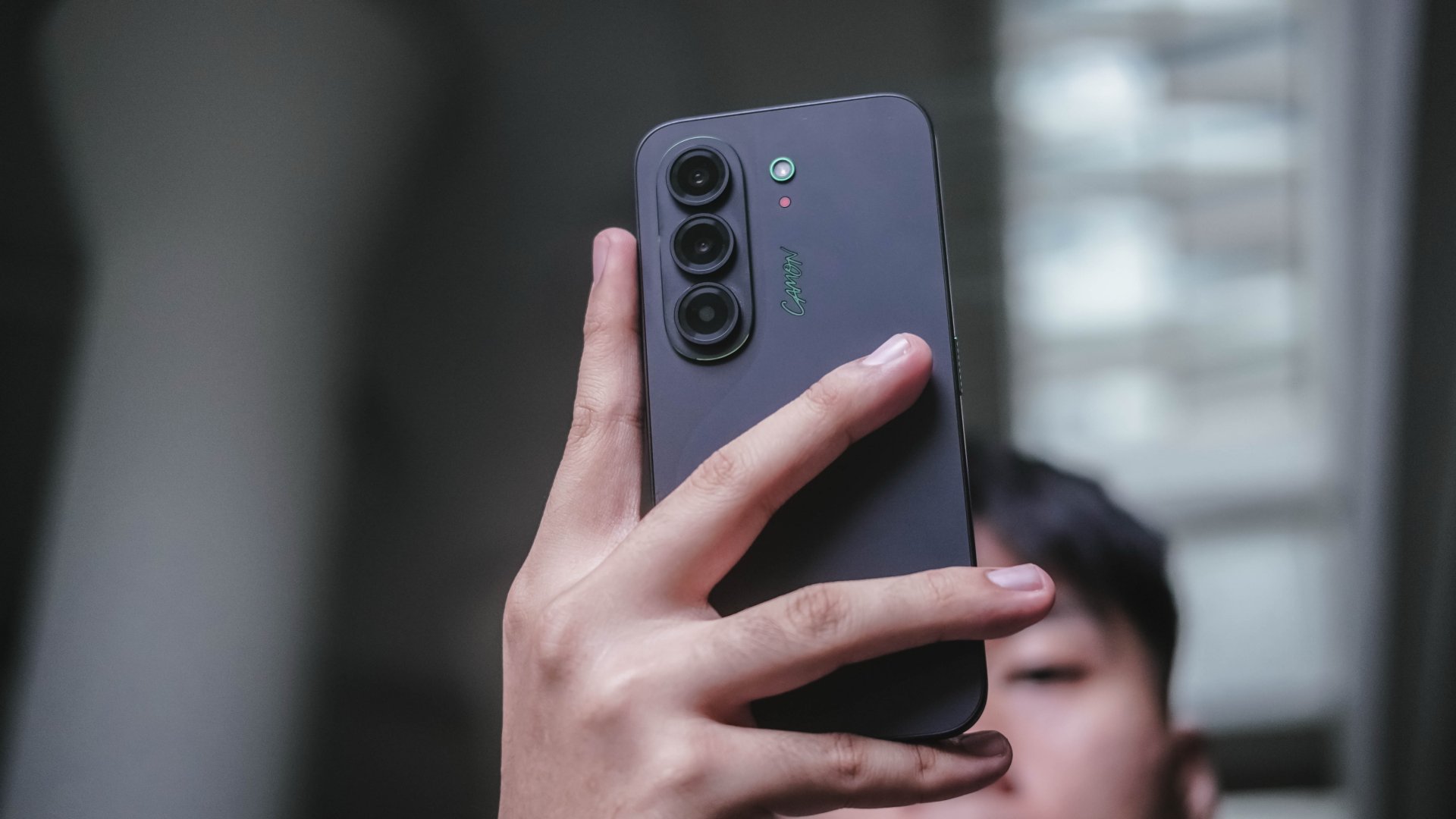
Even if it has flat edges, the phone is still easy to hold for longer periods. That slimness and a weight of only 171 grams contribute to that overall handfeel.
Being thin doesn’t mean being overly fragile either. TECNO gives the CAMON Slim 5G triple IP68, IP69, and IP69K ratings for that much-needed water and dust resistance.
So while its looks aren’t necessarily groundbreaking, its clean design, slim profile, and solid build quality all made the cut.
Bright sight with a sound delight
Easily another favorite part of the TECNO CAMON Slim 5G is none other than its audiovisual supremacy.
Up front is a large 6.78-inch 1.5K flat AMOLED display.

When I watched IU’s latest Dear my crazy soulmate live clip (dedicated to her long-time celebrity best friend Yoo In-na), I was immediately mesmerized by both her vocals and charm.
It just so happened that next in my YouTube’s autoplay list is fromis_9’s Jiwon in her WORKDOL era.

Just like the slimness of both idols I truly and dearly admire, the same can be said with TECNO’s CAMON Slim 5G.
Despite their form, they actually provide power-range vocals and irresistible visuals altogether.

Colors are vibrant, text and images look crisp, and the buttery smooth 144Hz refresh rate makes scrolling through apps and navigating HiOS feel incredibly fluid.
Pair that with its sound output and the CAMON Slim 5G becomes an enjoyable device for banging loudspeaker sessions.
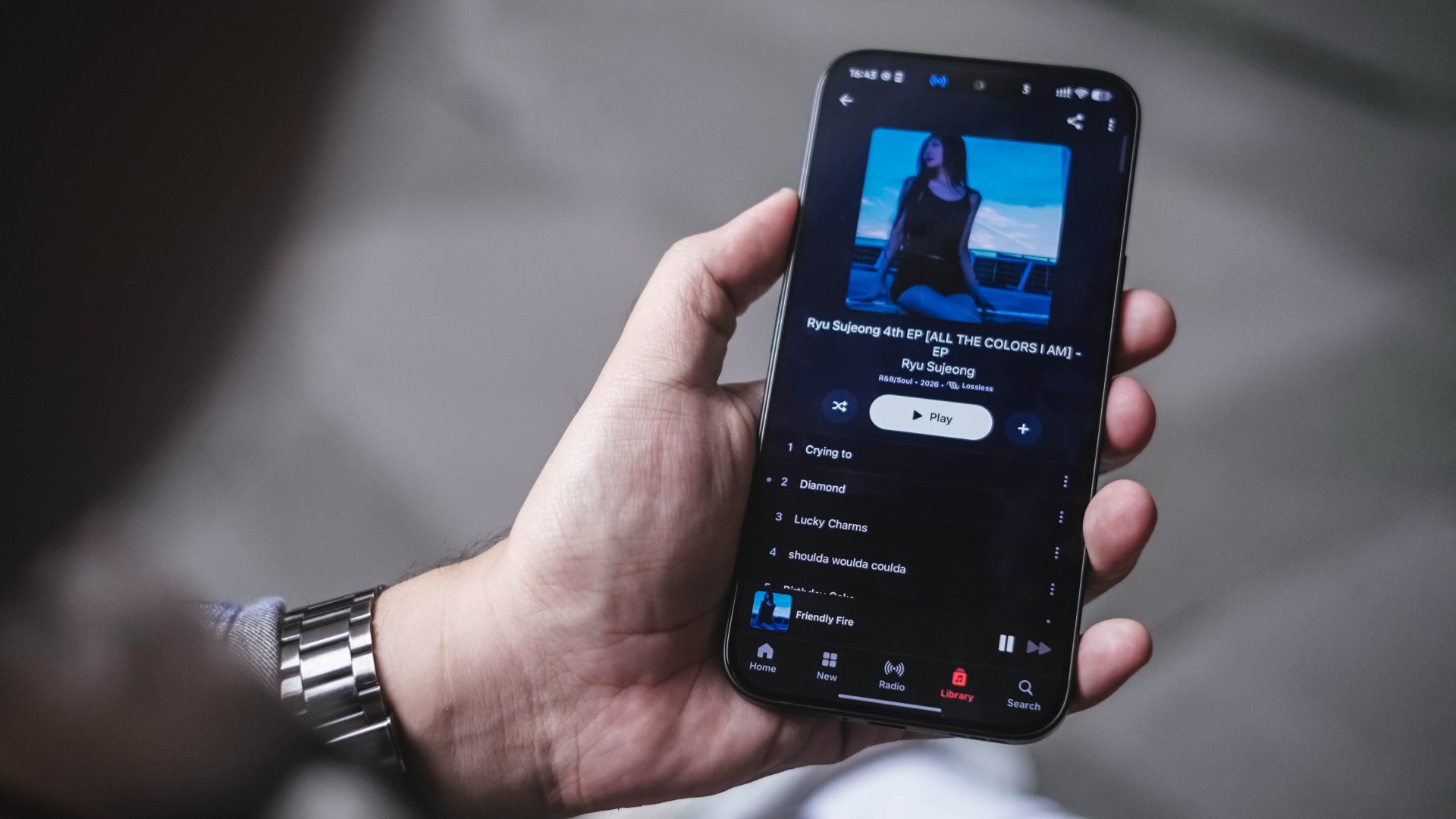
Personally, it’s my first time to see the Infinity Volume Plus feature which boosts the audio output by up to 300% more.
Ryu Sujeong’s latest redemption arc release against her bubbly and innocent visuals during her prime with Lovelyz is the best sample I can think of to enjoy CAMON Slim 5G’s audio fidelity.
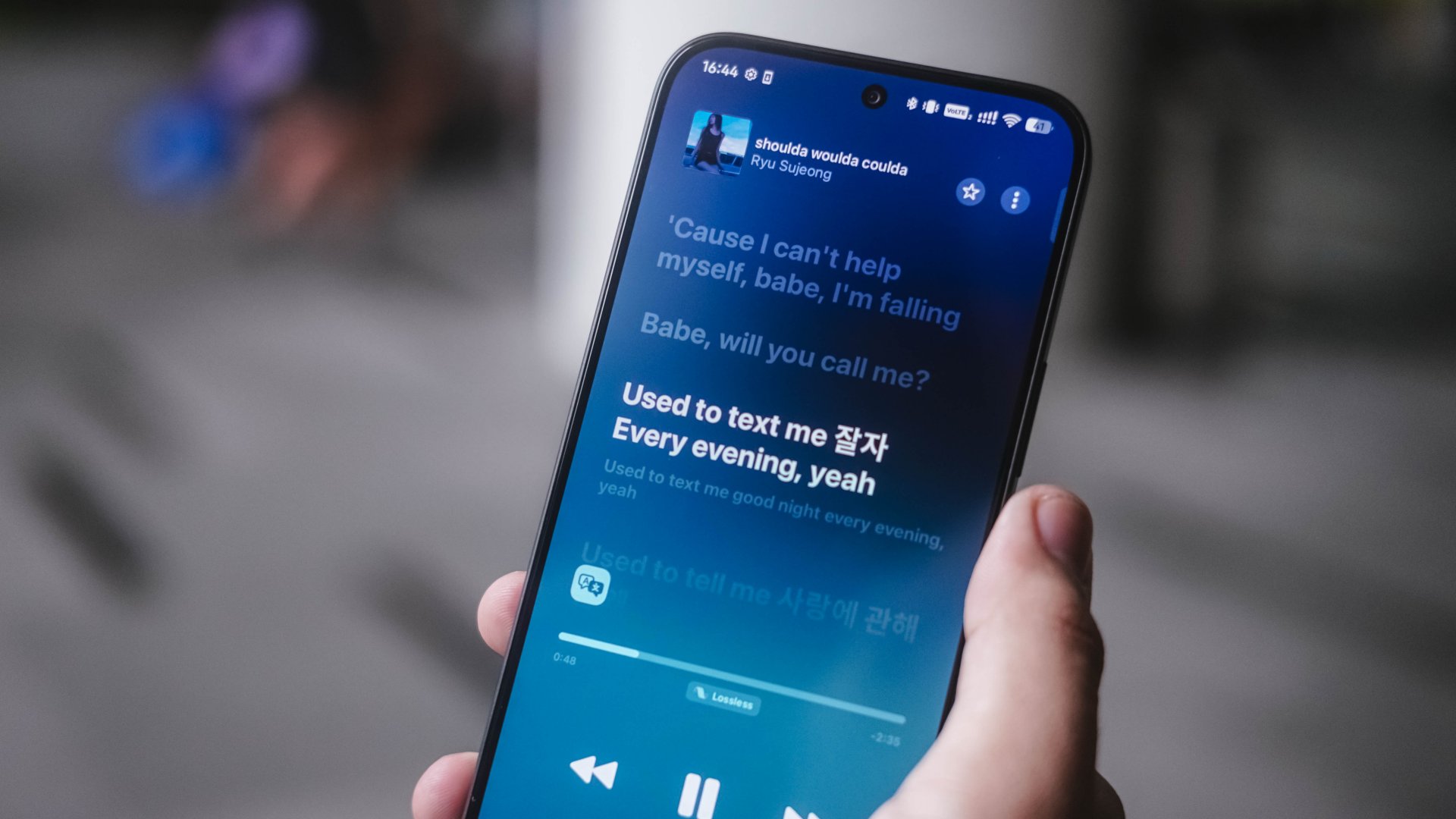
Needless to say, its Dolby Atmos stereo speakers already sound loud when out and about.
Whether I was watching long-form videos, scrolling through my Instagram Reels algorithm full of pets, idols, dank and even dark memes. Or simply just streaming my latest K-Pop music faves, TECNO’s focus on these two made a lot of sense for a slim smartphone ready to be someone’s content companion.
New chip with an efficiency dip
Powering the TECNO CAMON Slim 5G is MediaTek’s latest Dimensity 7300e chip announced as early as April 2026.
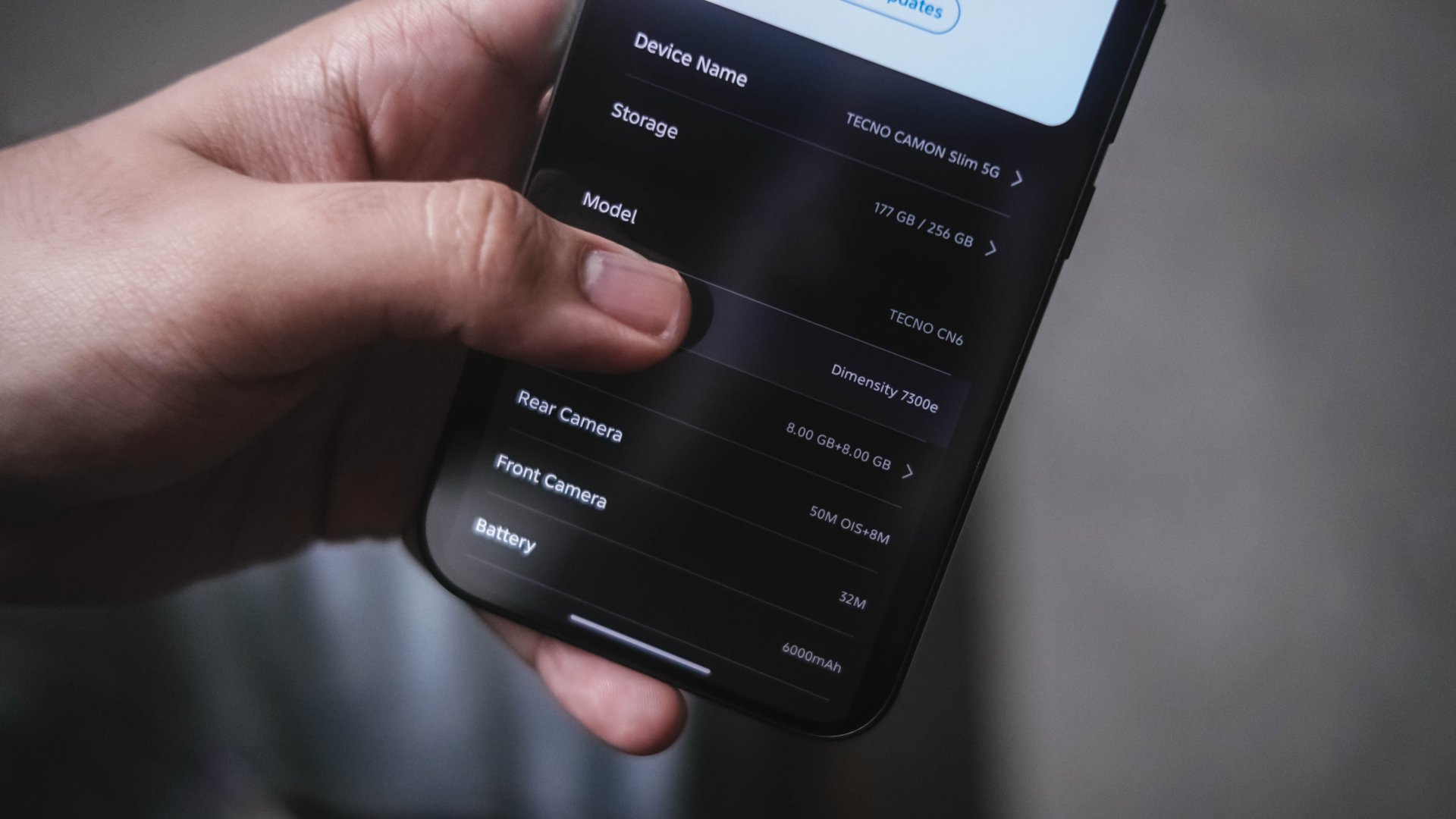
While I firmly believe that the “e” stands for “efficiency,” my experience proves otherwise.
Firing up HoYoverse’s Zenless Zone Zero gave some false hopes with its “Medium” graphic settings by default.
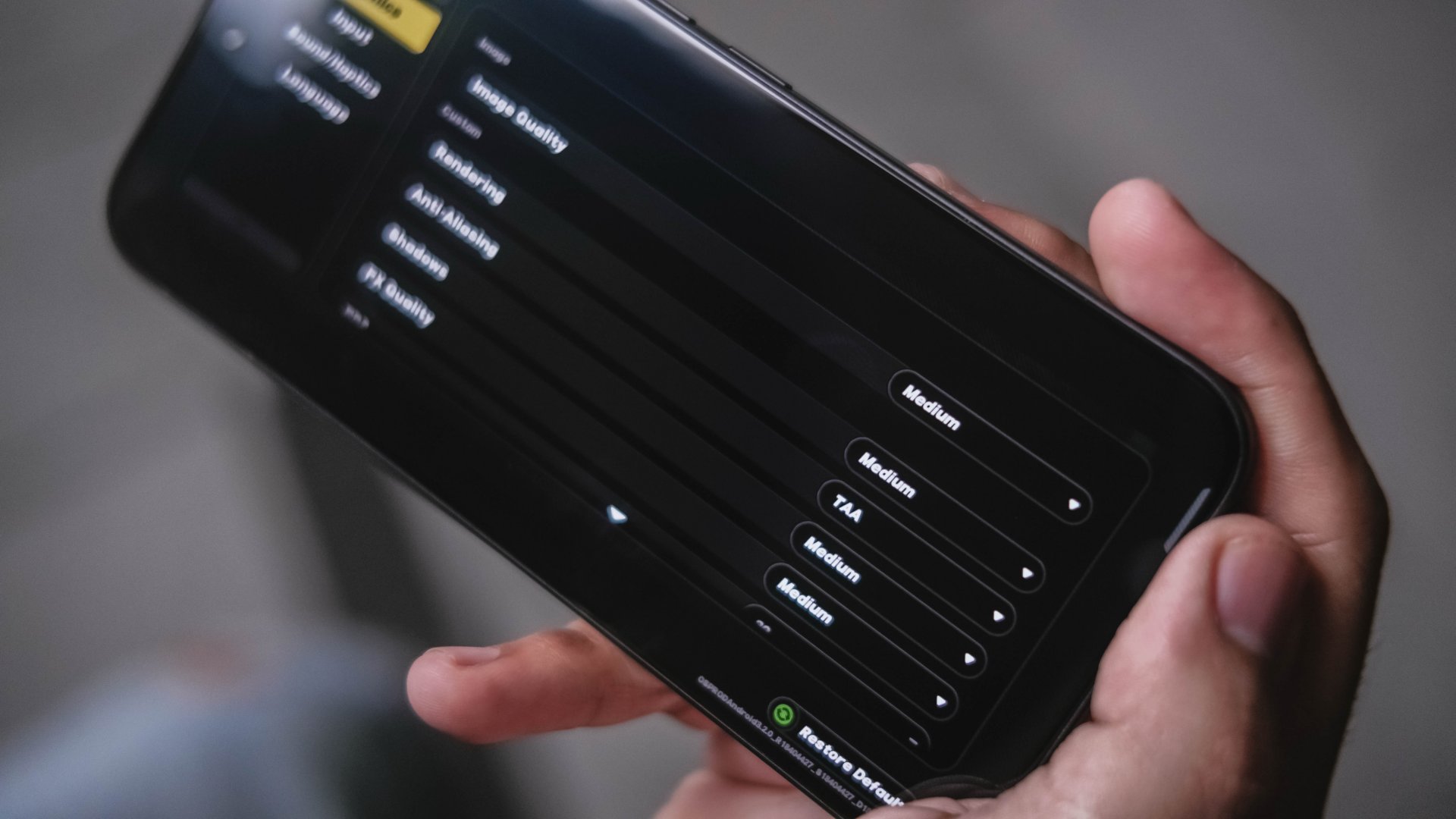
The only way to play the game without stutters is by lowering rendering and graphics to low, frame rate at 30fps. Also, by enabling Performance Mode hidden in the High Boost sidebar.
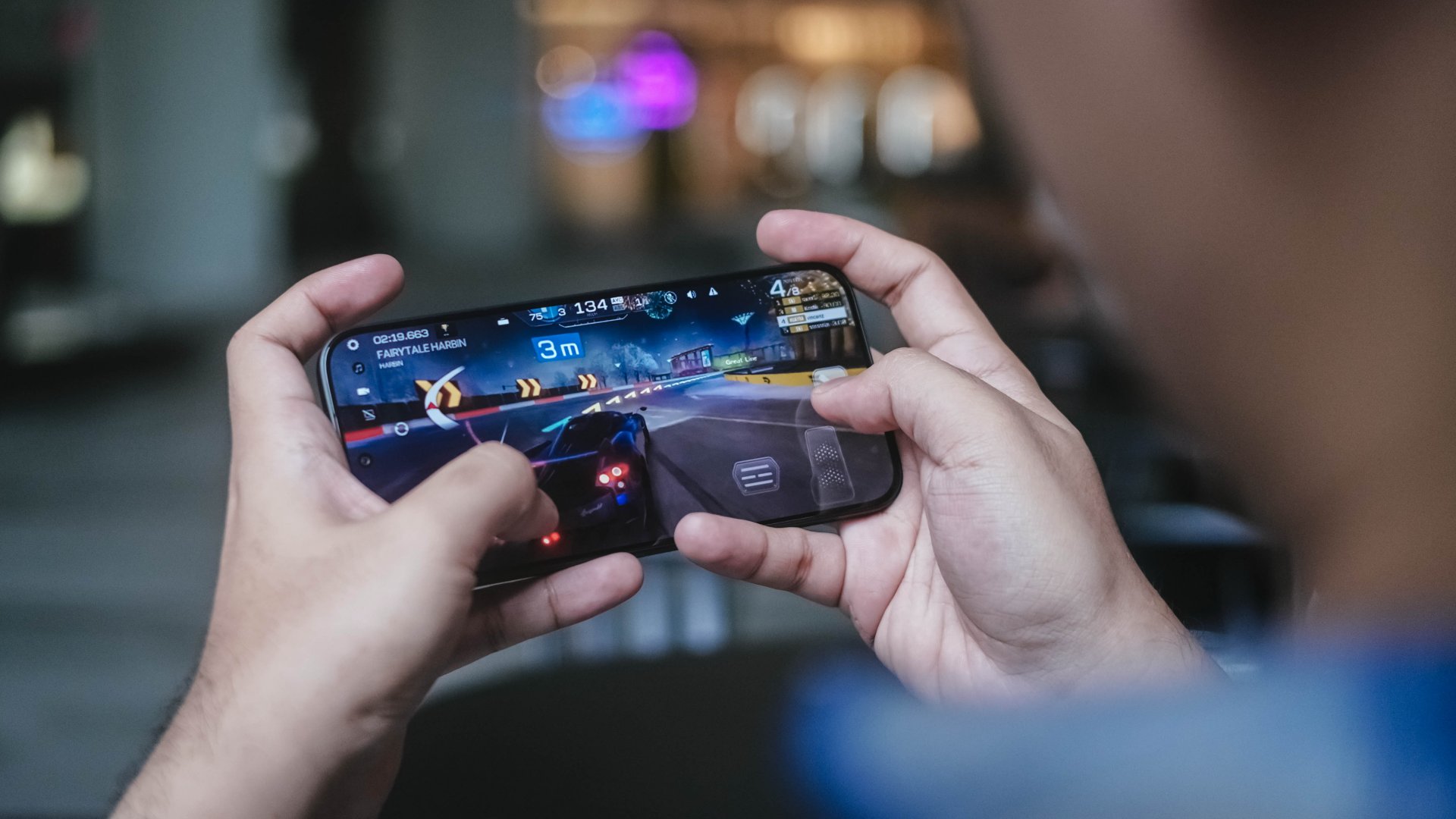
Racing Master? It’s playable with its out of the box graphics but I still recommend doing the same thing just to avoid that unwanted stutter.
Those being said, the CAMON Slim 5G don’t necessarily mean it’s awfully slow.
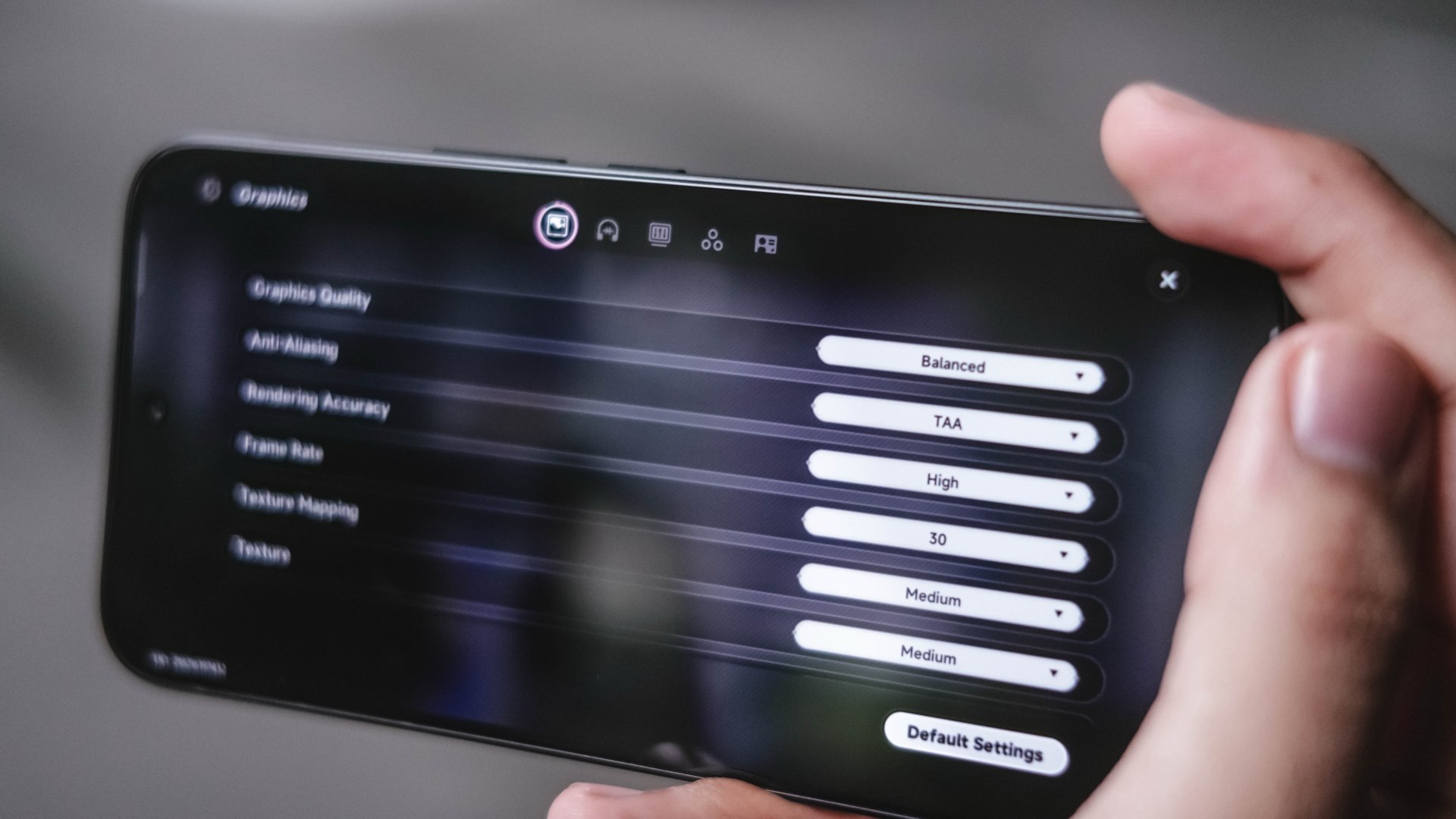
In a surprising turn of events, Neverness to Everness performs smoother and better even under Balanced graphics.
Call of Duty: Mobile and Mobile Legends: Bang Bang, like most phones in the league, run without frills.

However, that slim form factor meant getting toasty hot when used for gaming and other intensive tasks in the long run — or at least by the time you hit the 15- to 30-minute mark.
Not that this phone is totally meant for gaming. Still, the huge trade-off of its utmost slimness is simply the lack of space for a better cooling chamber.
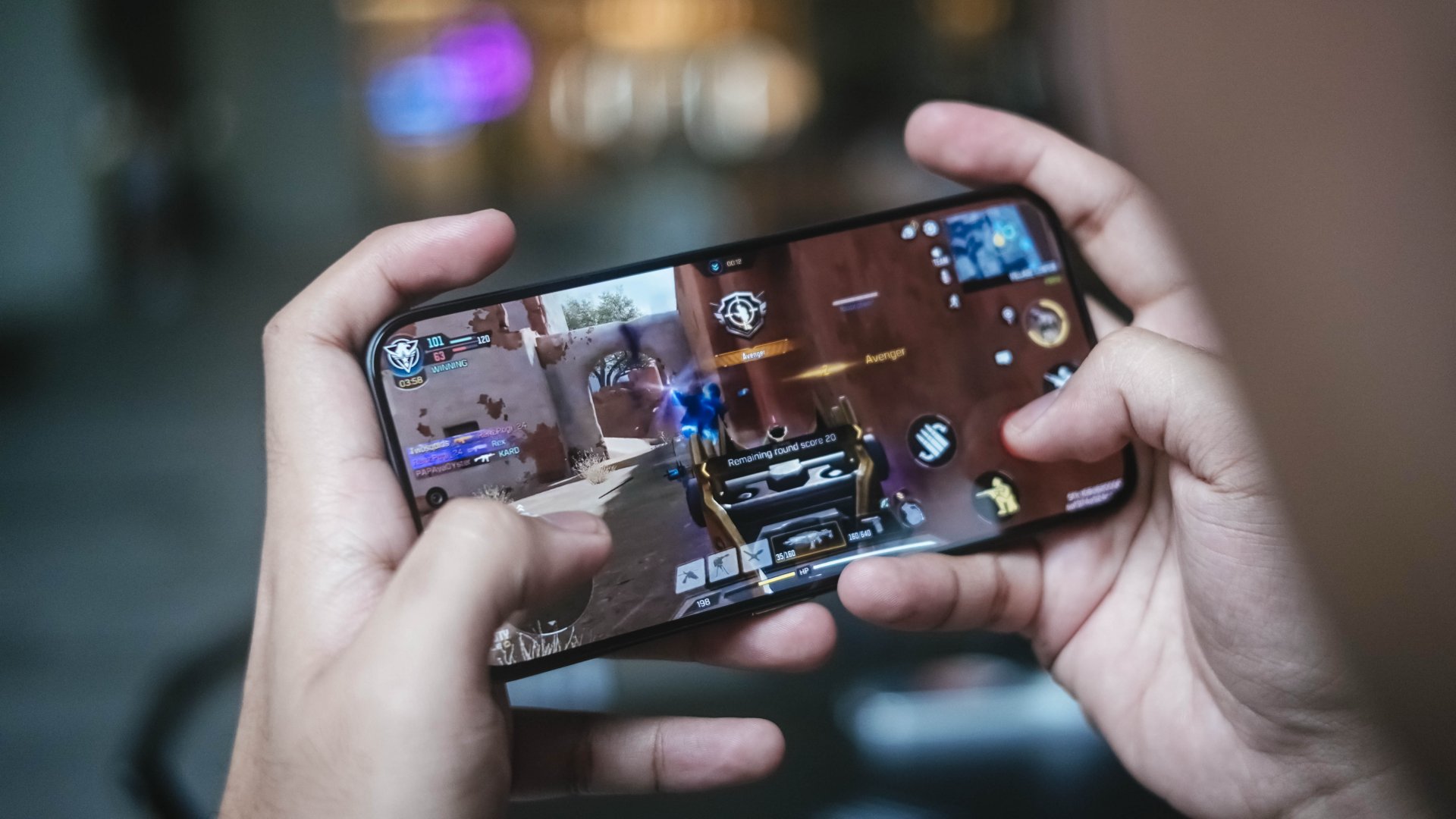
This leads to ineffective heat dissipation resulting to performance bottleneck. A huge reason why the “e”fficiency is barely felt in this 5-month old processor.
Now when it comes to doomscrolling, streaming, split-screen multitasking and other everyday tasks, they all run without a hitch.

In the grand scheme of things, a 5G-enabled chip is still better right now when internet speeds matter a lot.
Thus, this is still a better option than the CAMON Slim 4G with a slower chip inside it.
Big cell that lasts (almost) well
We’ve seen manufacturers shave millimeters off their devices before. But doing so usually means making compromises somewhere else — most commonly in battery capacity.
While the CAMON’s chipset isn’t quite the midrange chip champ I was expecting, thankfully, TECNO compensates for some of that inefficiency with sheer battery capacity.
Inside its oh-so-thin chassis is a large 6000mAh battery. For some context, its 4G variant has a slight smaller 5600mAh tank. Last year’s POVA Slim 5G? Only at 5160mAh.
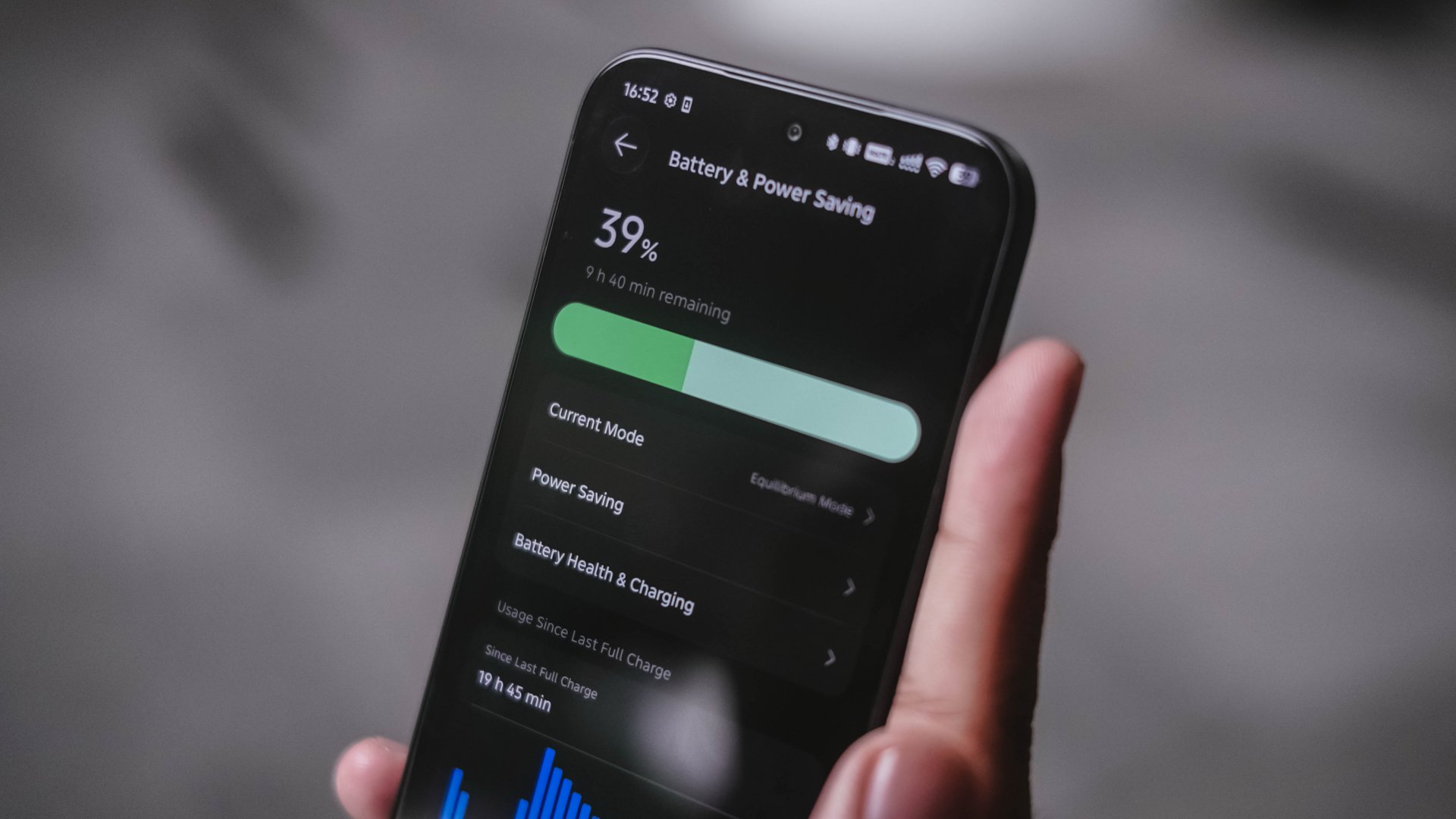
Even if the Dimensity 7300e had some performance reservations, the battery is still enough to get me throughout the day — as long as I don’t fully exhaust it.
That said, I made this phone as my one-stop hotspot for a day. From 5AM, it only lasted me around 7PM until it ultimately died down.
Standby time further proves how power-hungry it is. The CAMON Slim 5G still consumes battery even when resting on a desk for hours.
The POVA 8 Pro with a slightly better chip and 500mAh more battery was able to last more than 12 hours the next day without being touched after I placed it on my desk with only 11% remaining in it.
Considering the many TECNO phones I’ve used with big batteries in the recent months, I honestly expected better optimization for a slimmer device equipped with an “e” chip.
Now, when the juice completely runs out, the phone supports TECNO’s not-so-fast yet still reliable 45W wired charging.
Two attempts in the GadgetMatch Charge Test prove that it can be filled at least below 1.5 hours.
Attempt #1 |
Attempt #2 |
|
START TIME (from 0%) |
3:25AM |
10:37PM |
3 minutes |
2% |
4% |
5 minutes |
8% |
7% |
10 minutes |
11% |
12% |
15 minutes |
22% |
17% |
30 minutes |
40% |
38% |
45 minutes |
59% |
56% |
1 hour |
79% |
77% |
1 hour 15 minutes |
94% |
93% |
END TIME (100%) |
4:47AM
|
12:00AM
|

For better measure, I have to insert this part as well.
POVA 8 Pro
|
CAMON Slim 5G
|
|
START TIME (from 0%) |
5:00AM |
3:25AM |
3 minutes |
5% |
2% |
5 minutes |
8% |
8% |
10 minutes |
19% |
11% |
15 minutes |
27% |
22% |
30 minutes |
53% |
40% |
45 minutes |
78% |
59% |
1 hour |
97% |
79% |
1 hour 15 minutes |
– |
94% |
END TIME (100%) |
6:04AM
|
4:47AM
|
The POVA 8 Pro Tonino Lamborghini I handled clearly has the same charging speed and bigger battery. Yet, it was still able to finish first. A smartphone’s chipset choice clearly has an effect.
Are the cameras CAMON-like?
The CAMON line has always put a fair amount of emphasis on photography. Hardware-wise, their Slim model isn’t any different.
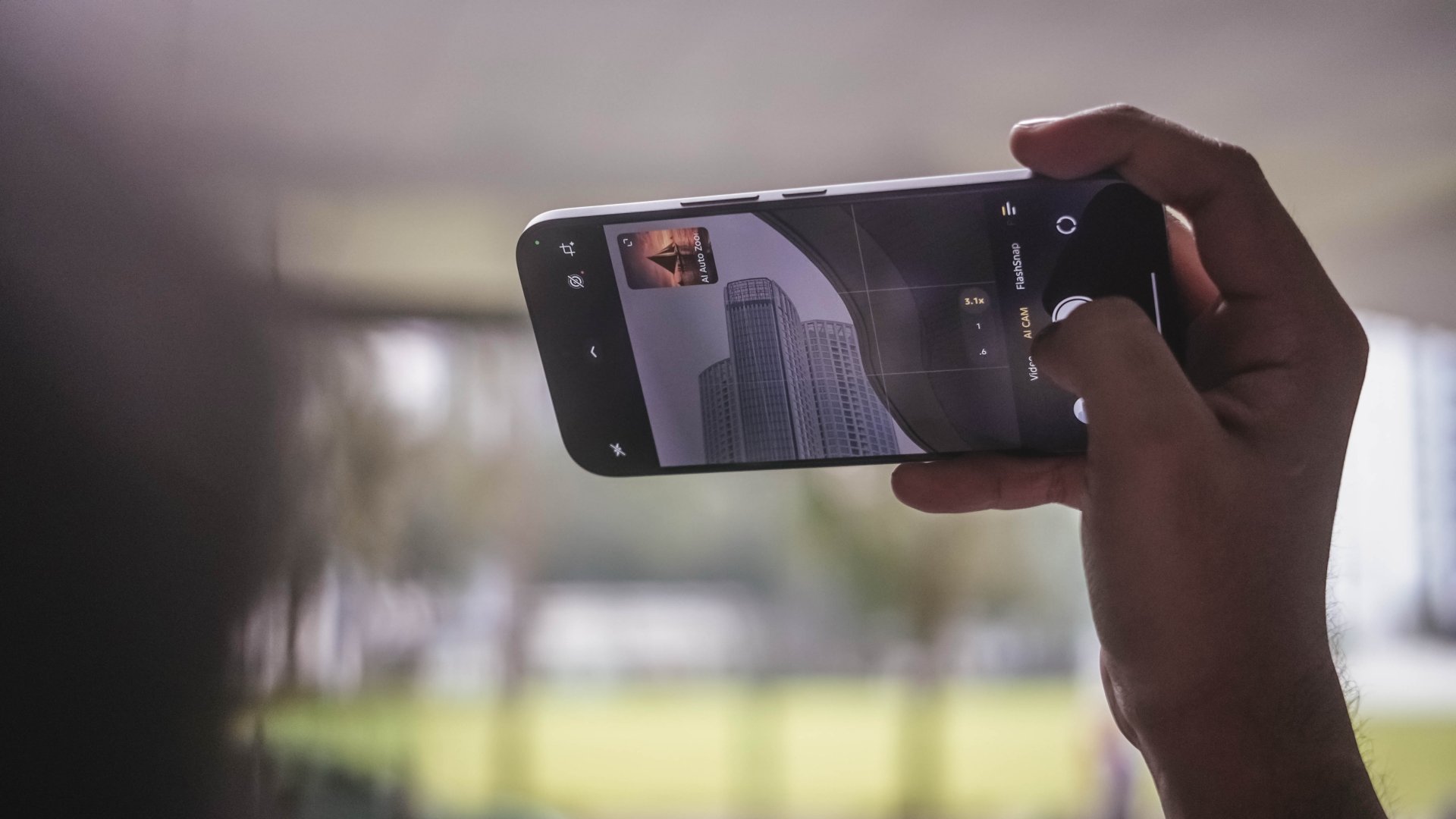
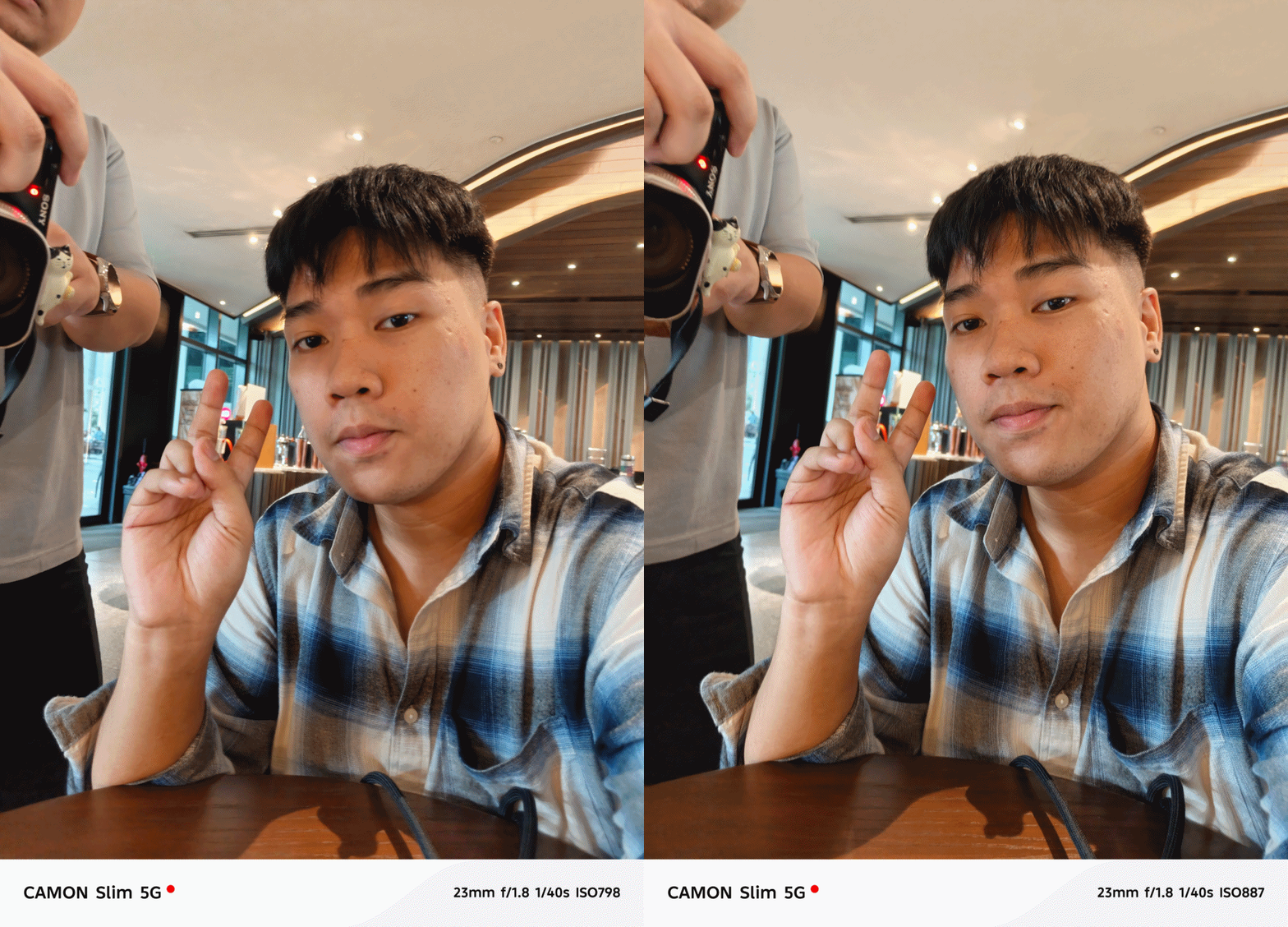
Don’t be fooled by that triple camera lens setup though as it only features two rear shooters: a 50MP Sony LYTIA-700C main sensor accompanied by the widely conventional 8MP UWA camera.
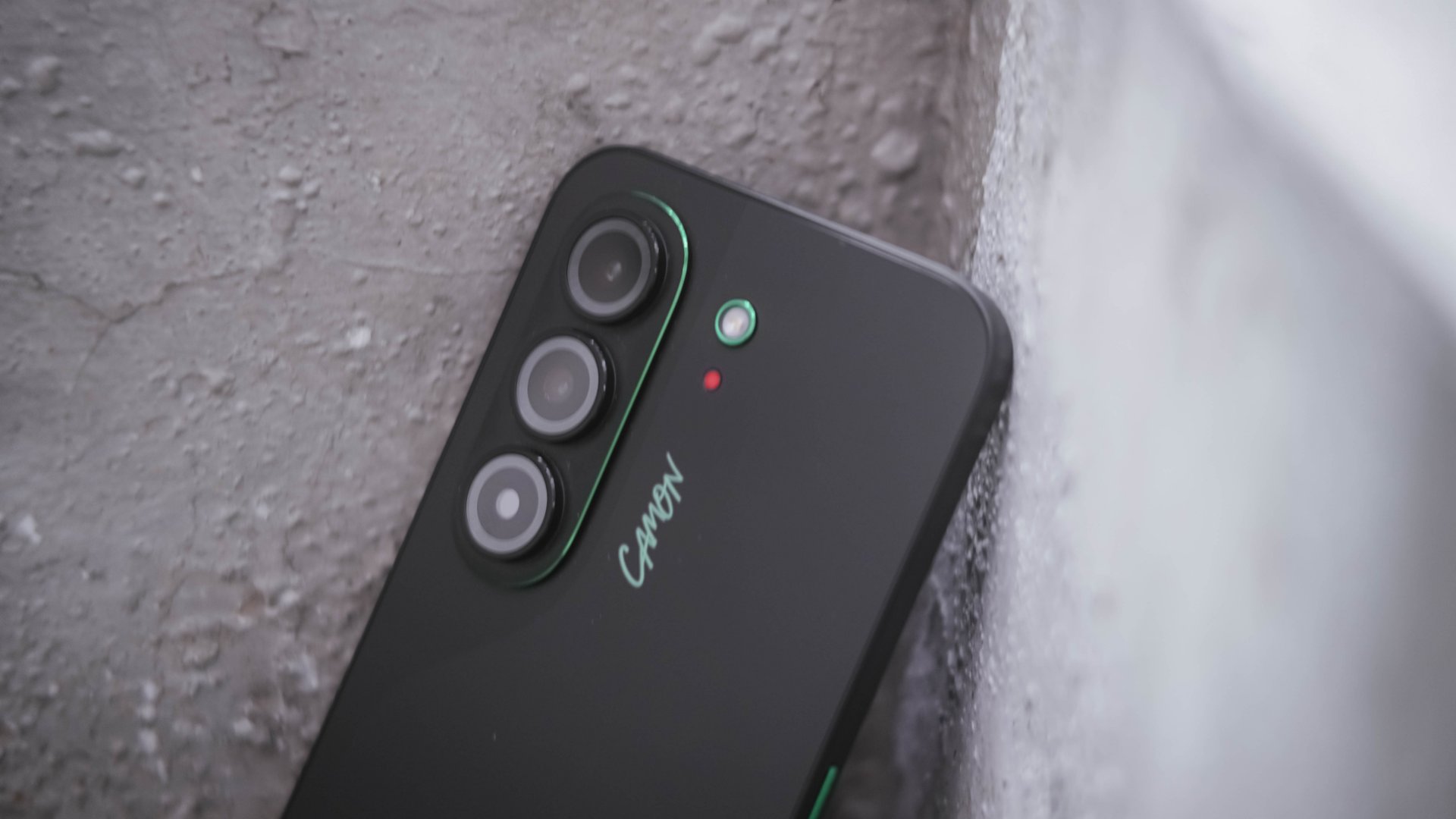
I’ll keep this part simple. The cameras are just right. Photos from the main camera are enough for everyday shooting.




Honestly, most photos seem like they were captured by a SPARK, not a CAMON. While there were hits, there were quite misses as well.
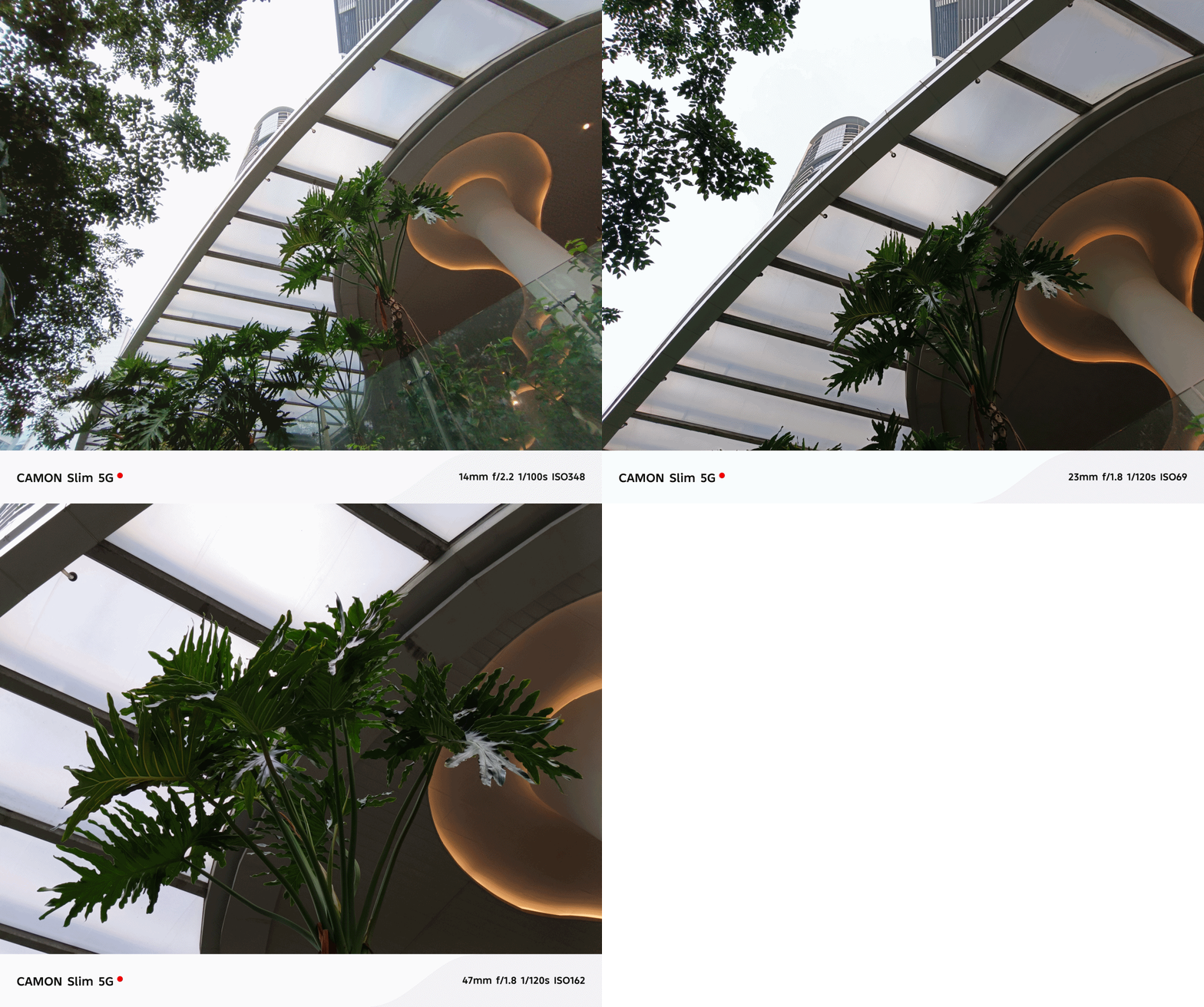
In certain occasions, color reproduction somehow looked less punchy and flat. AWB (Auto White Balance) sometimes get confused too — especially indoors.


You also have to be very still when taking photos of moving subjects. Otherwise, they will all just be blurry.
Again, putting the POVA 8 Pro I recently reviewed into perspective, that one snapped faster and produced overall better photos. That’s despite the fact that the CAMON Slim 5G features FlashSnap and that one doesn’t.
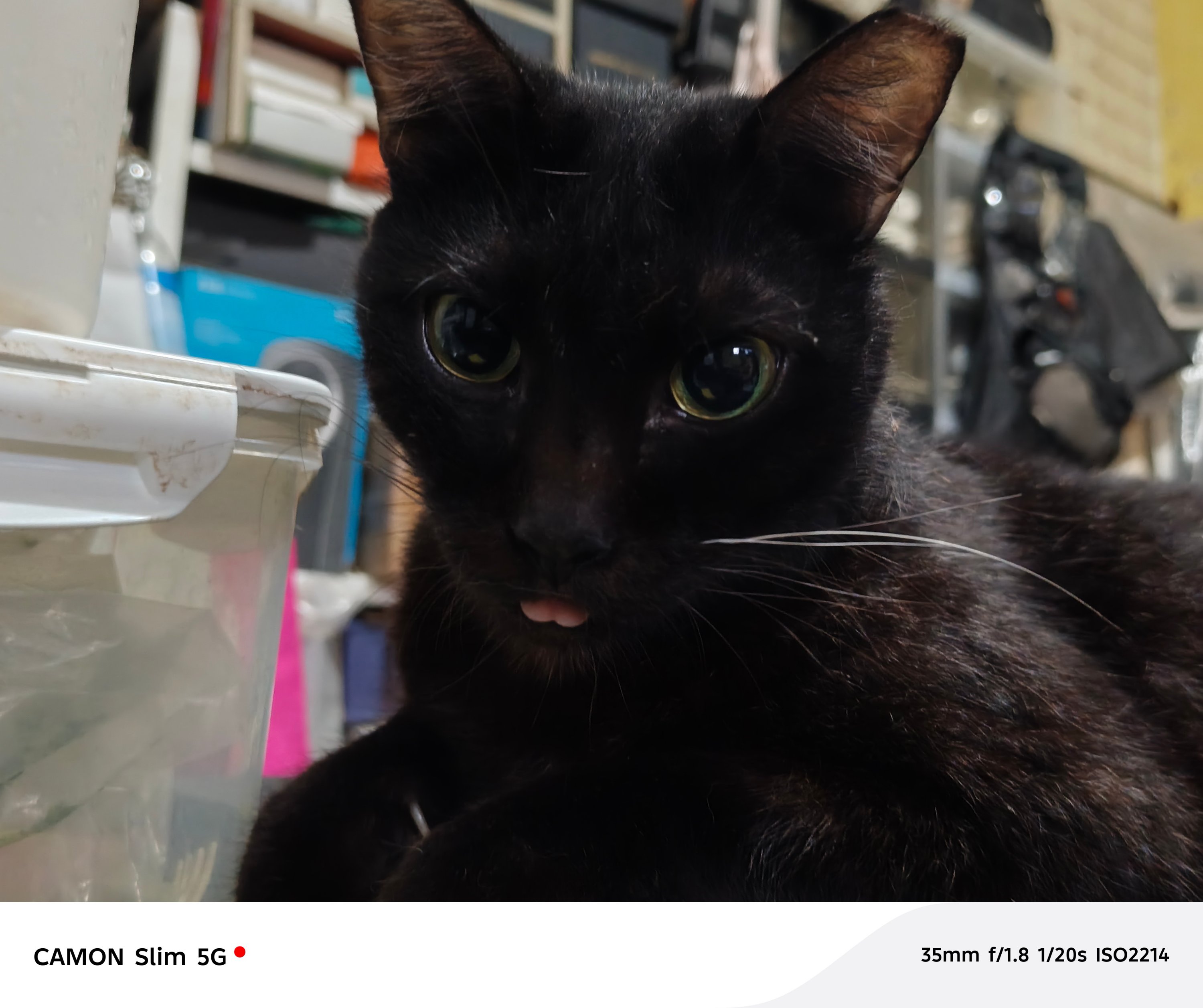
Also, ICYMI, both of them rock the same LYT-700C sensor as their main shooter. Both of them also lacked long-range telephoto modules which meant heavy reliance in sensor cropping.
For 2x shots, its main sensor simply gets the job done.




However, the CAMON Slim 5G instantly loses when going beyond the digital 2x zoom.


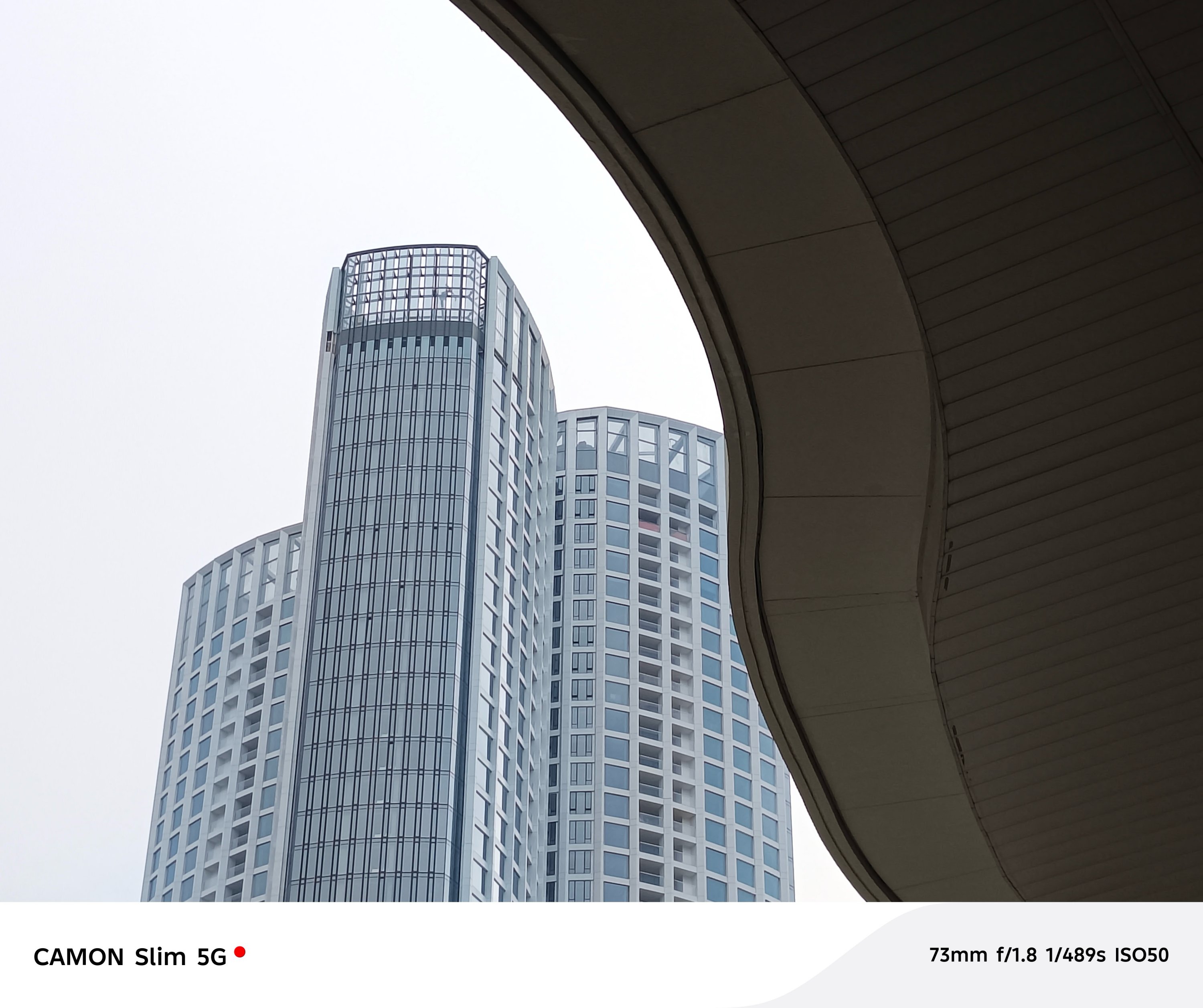
For the type of phone the CAMON Slim 5G is, its cameras get the job done. Just don’t expect a CAMON 50 series-like output.


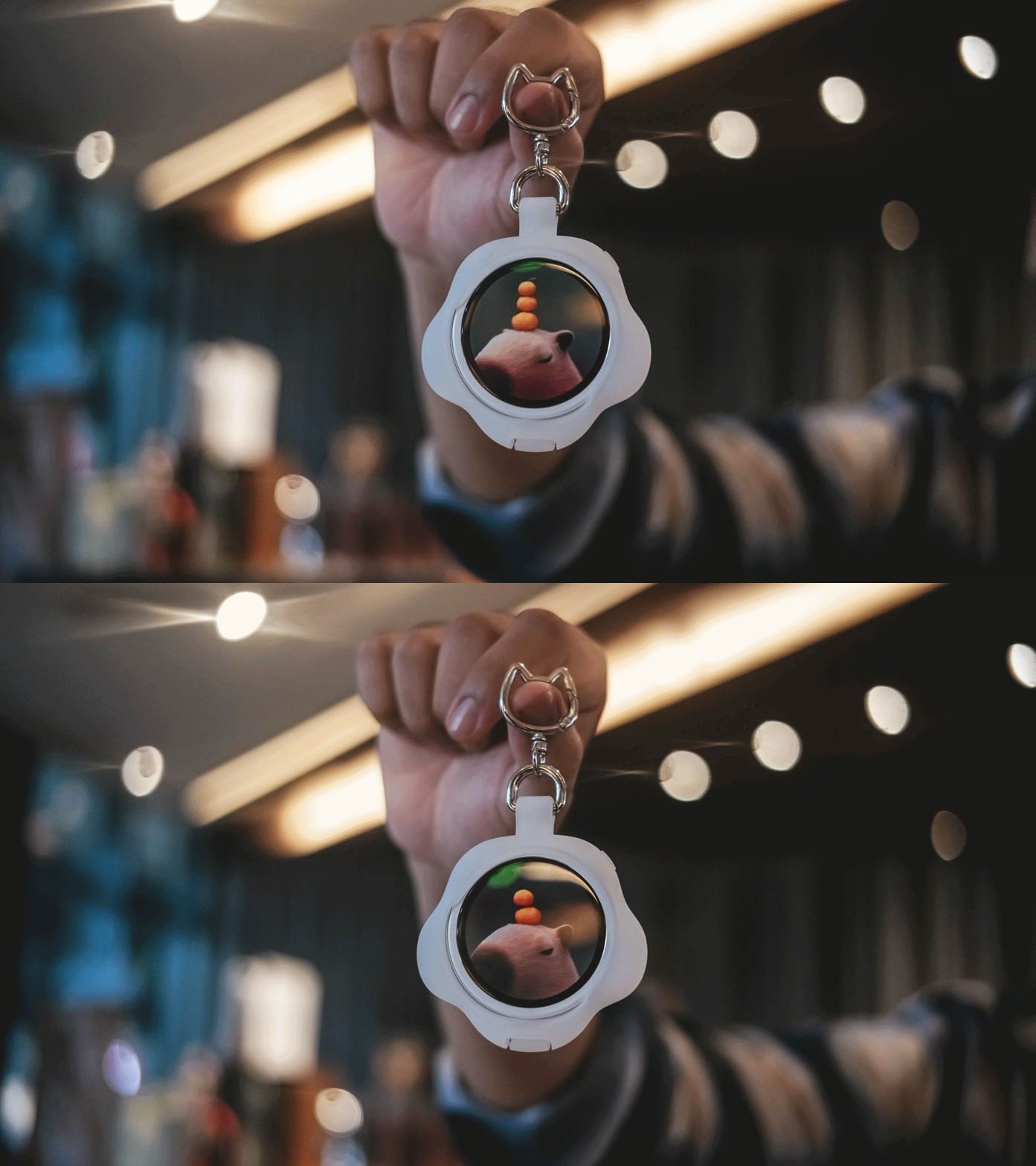
Cute badge to match
Alongside the new phone comes with TECNO’s MagBadge, an all-new accessory that attaches to the CAMON Slim 5G through its bundled magnetic clear case.
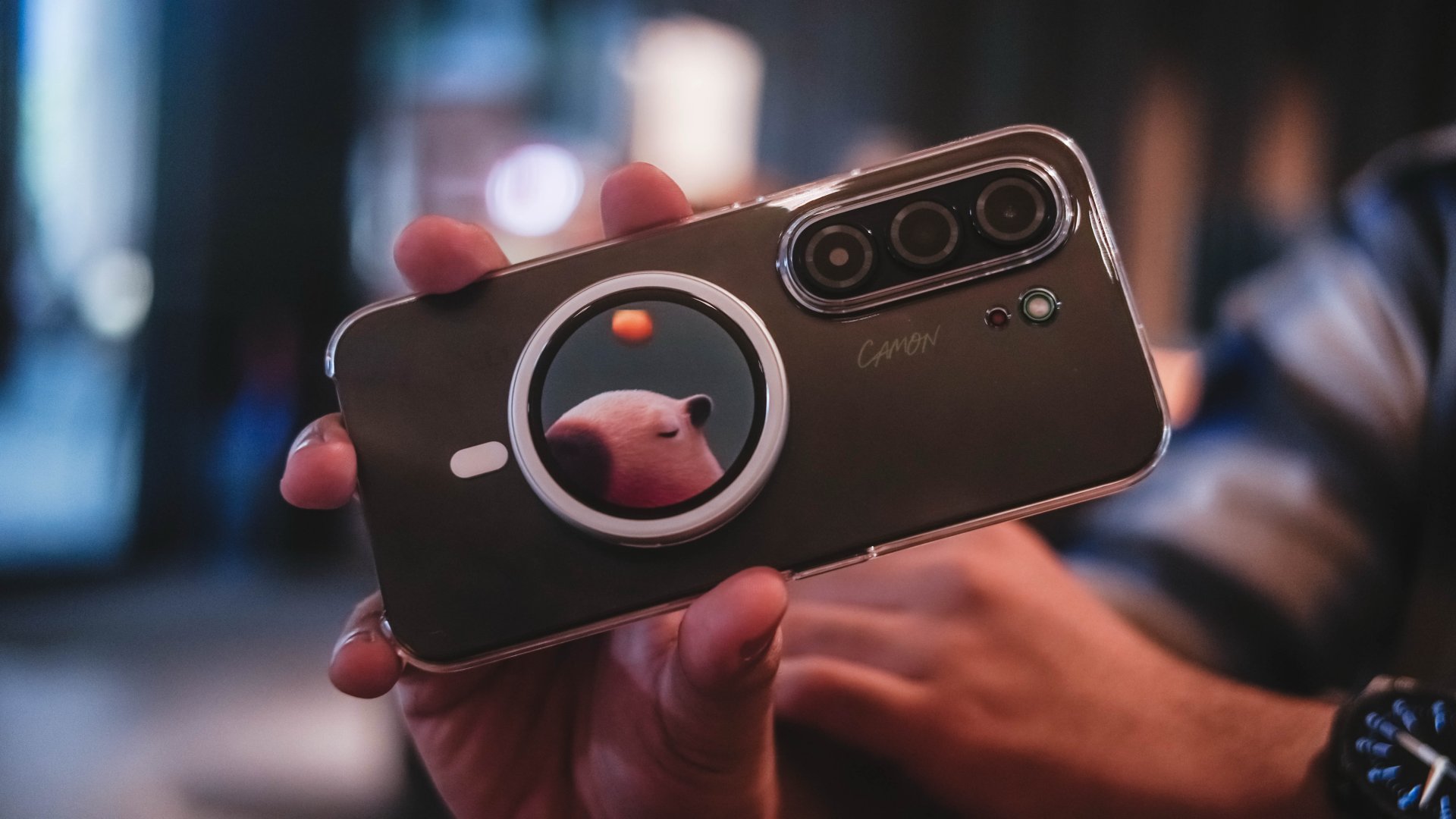
It’s basically a tiny circular display that doubles as a rear-camera monitor. While its front houses a 32MP selfie shooter, this add-on makes Gen Z selfies a lot less hassle to frame and take.
It can also act as a remote shutter, making it useful when shooting yourself from farther away or recording videos alone.

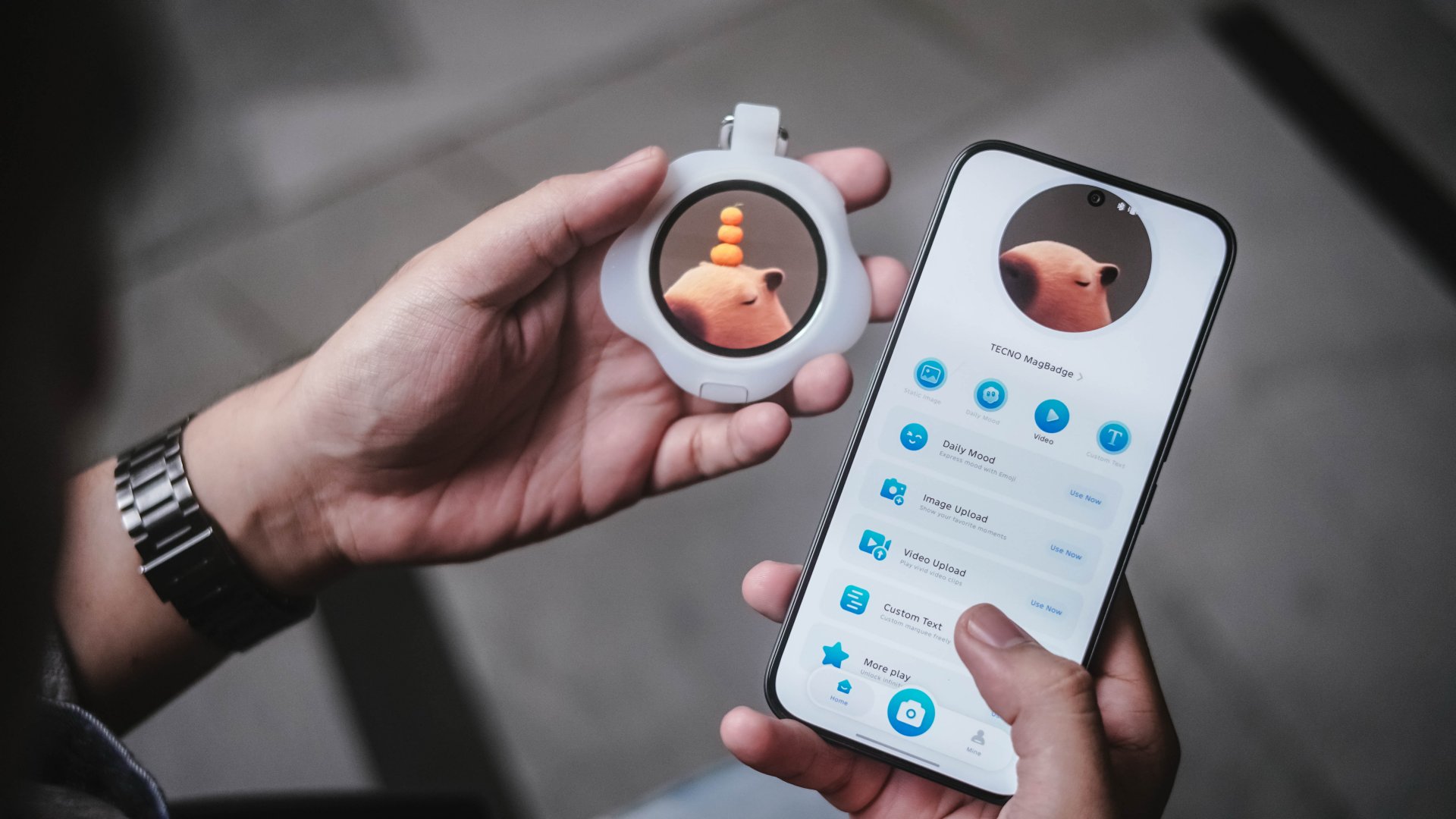
You can even put your own image or add custom texts on the MagBadge and use it as your unique phone accessory.
Unfortunately, the software still needs some polishing.
For instance, even though focal length switches appear in the interface, it was stuck at the regular 1x mode during my testing.
That’s frustrating because the hardware itself is clever.

If you plan on purchasing this accessory alone, it currently only works for the CAMON Slim 5G.
It’s not compatible with other smartphones — both Android and iPhones. The MagBadge app is only available in TECNO’s proprietary Palm Store (or App Center).
With that in mind, I tried installing it in my CAMON 50 Ultra to take advantage of the better camera system.
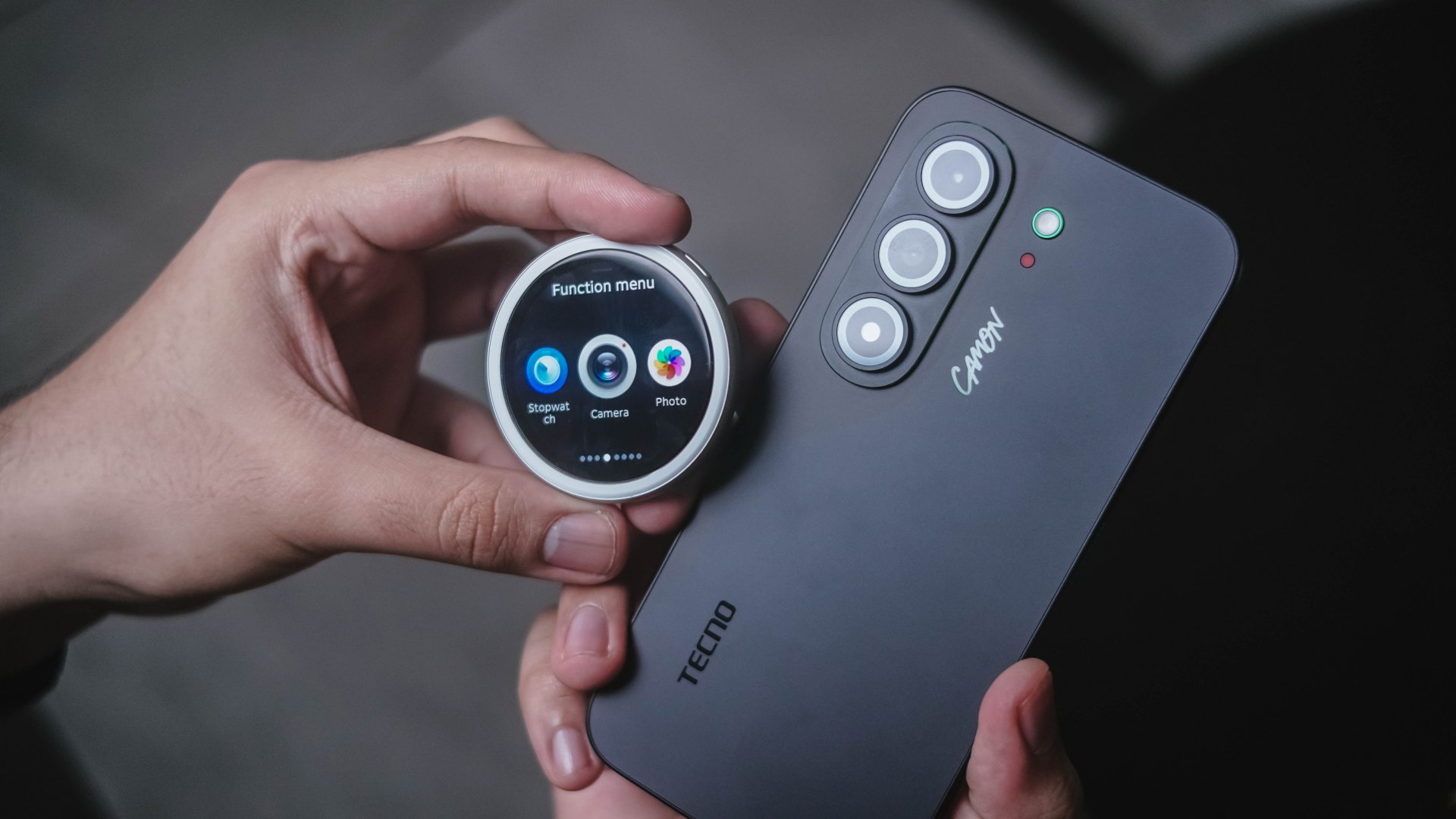
While I was able to download the MagBadge app, connect it, and even run a firmware update, it wasn’t able to do its job. Whether opening the camera app via MagBadge or manually opening the camera app in the phone, none of them worked.
Hopefully, TECNO makes the MagBadge compatible to most if not all of their smartphones.
Beyond the novelty, I see a potential that this can become a hit — as long as they fix their software quirks.
Is the TECNO CAMON Slim 5G your GadgetMatch?
If it wasn’t emphasized enough, its slim body meant lack better cooling. That resulted to a less than ideal heat management plus a loss in overall chip and battery efficiency.
If those concern you, you might want to look elsewhere.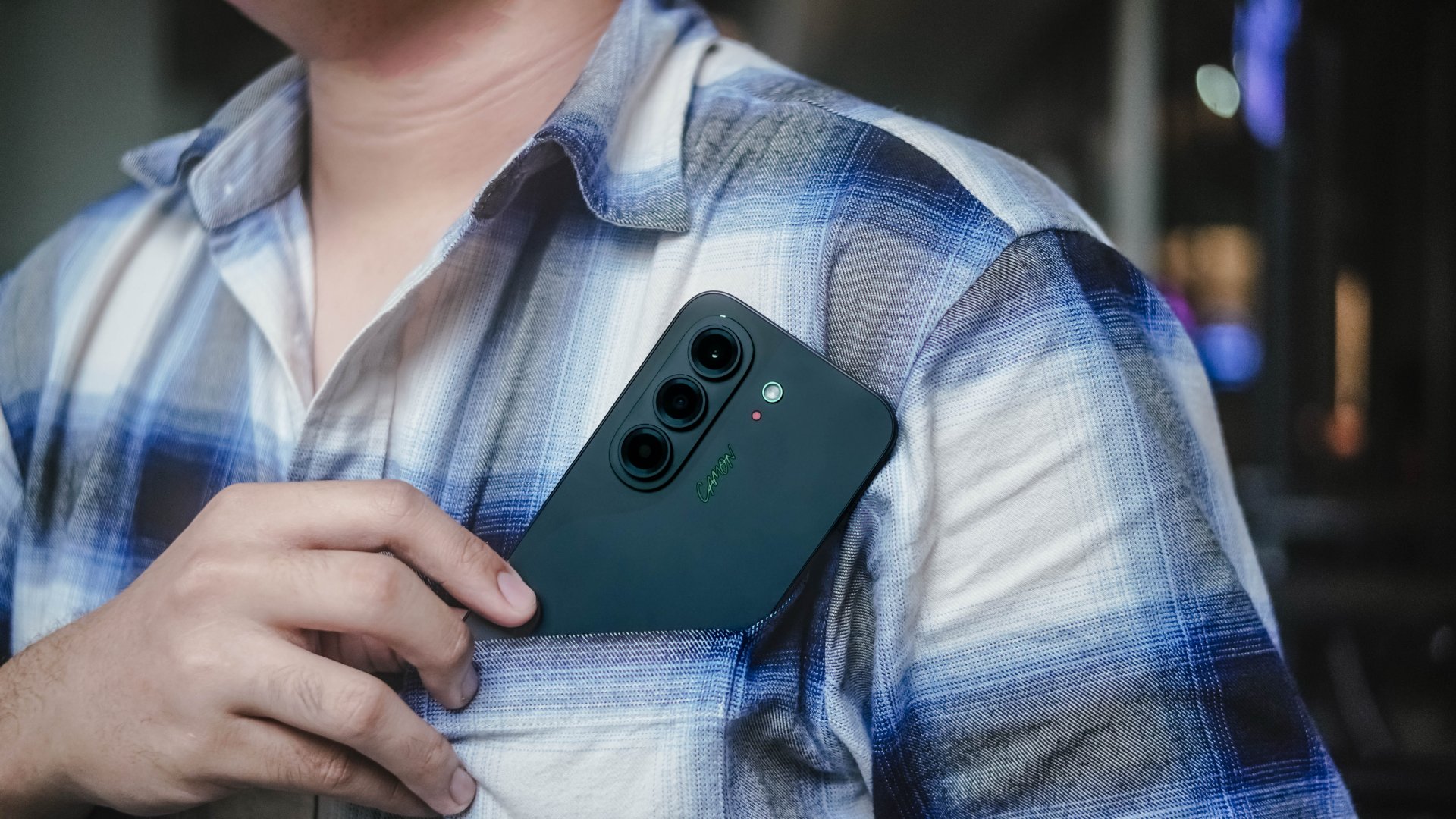
However, those shortcomings don’t completely ruin the experience. It’s still a Swipe Right for a handful of reasons.
The combination of an impressive slim build alongside a clean design, superb display and speakers, plus a large battery and cute MagBadge accessory all make up for some of its performance-heavy drawbacks.
The TECNO CAMON Slim 5G is easy enough to appreciate for what it is.

While most don’t get the hype around slim smartphones, I still see this as an engineering breakthrough. Something brands and people behind all of these were able to achieve through years of research and hard work, all packed in an ultra-thin, consumer-ready product.
The TECNO CAMON Slim 5G is clearly thin. While not perfect, there’s still plenty to like within.
Accessories
UGREEN Nexode Pro 160W review: One mighty brick with a powerful trick
All the speed you need in one charging brick

Chargers aren’t just tiny bricks we plug into the wall anymore.
As our everyday gadgets become hungrier in power, chargers have gotten mightier, too.
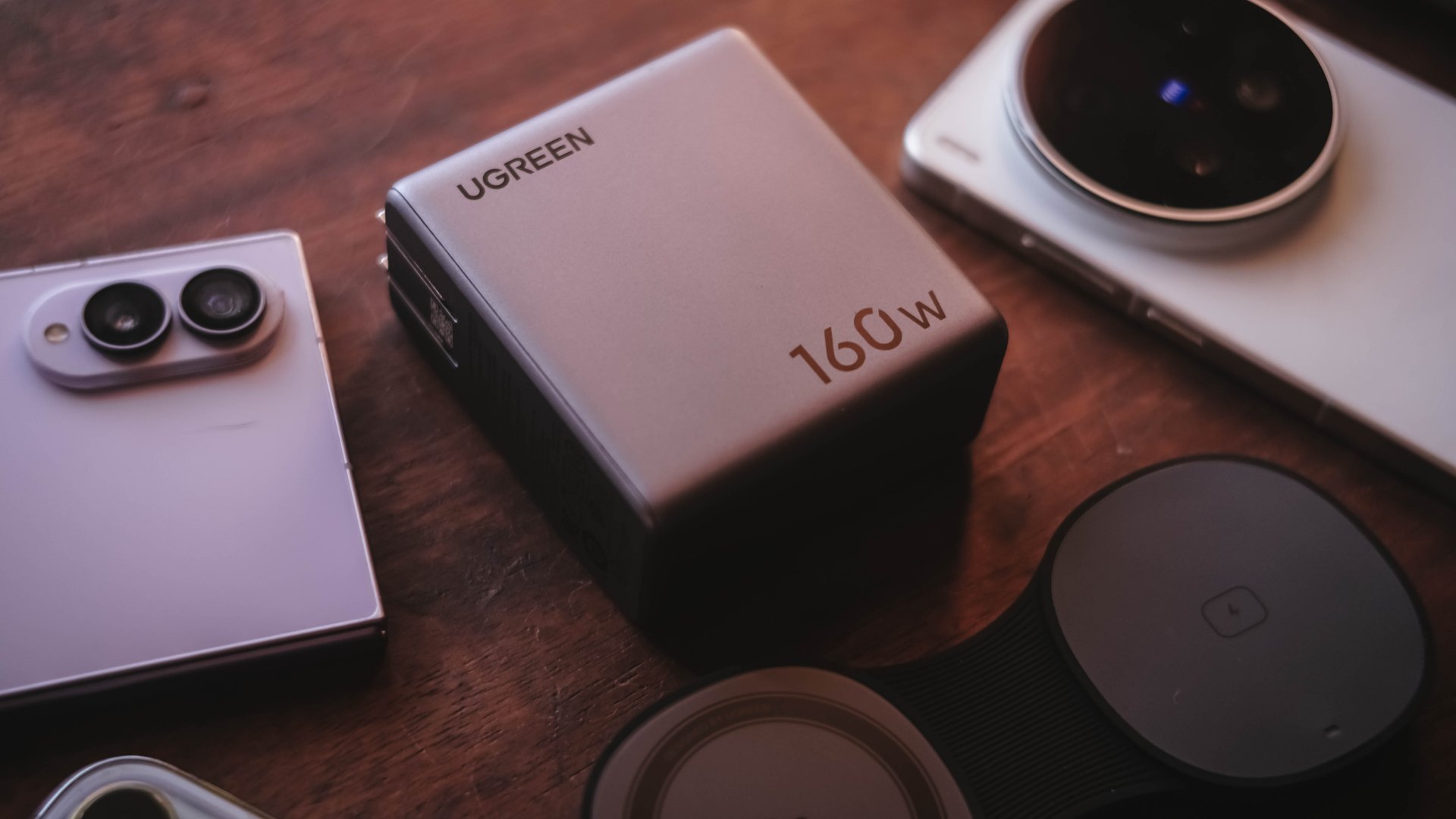
More wattage, more ports, and apparently, more brains. The UGREEN Nexode Pro 160W takes all of those in one thicc body.
A heavy charger with plenty of power
Let’s address the elephant in the room — literally and figuratively. The UGREEN Nexode Pro 160W is one CHONKY charger.
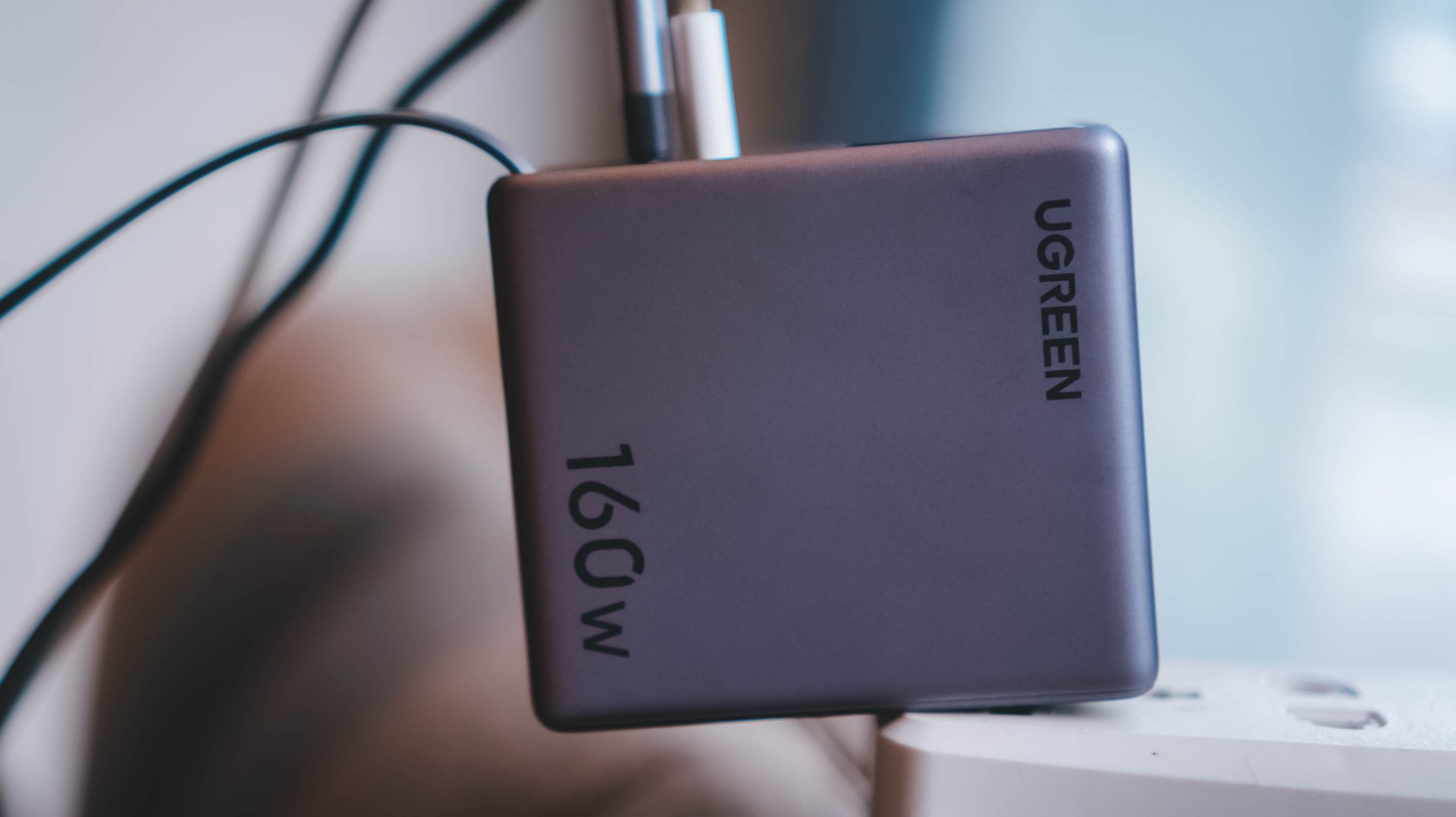
The US version weighs 310 grams, which is heavier than usual charging bricks you’d bring with you.
Visual comparison alone, this is how it tries to dwarf its 100W Uno cousin.


Then again, UGREEN’s Nexode Pro isn’t your conventional charger. And by that, it boasts a total output of 160W — though not saying every port gives a 160W output.
The first USB-C port (C1) is capable of delivering up to 140W. Meanwhile, USB-C2 supports up to 100W, while the lonesome USB-A port can supply up to 22.5W.
To make it even crazier, it also has a retractable USB-C cable — more on that later.
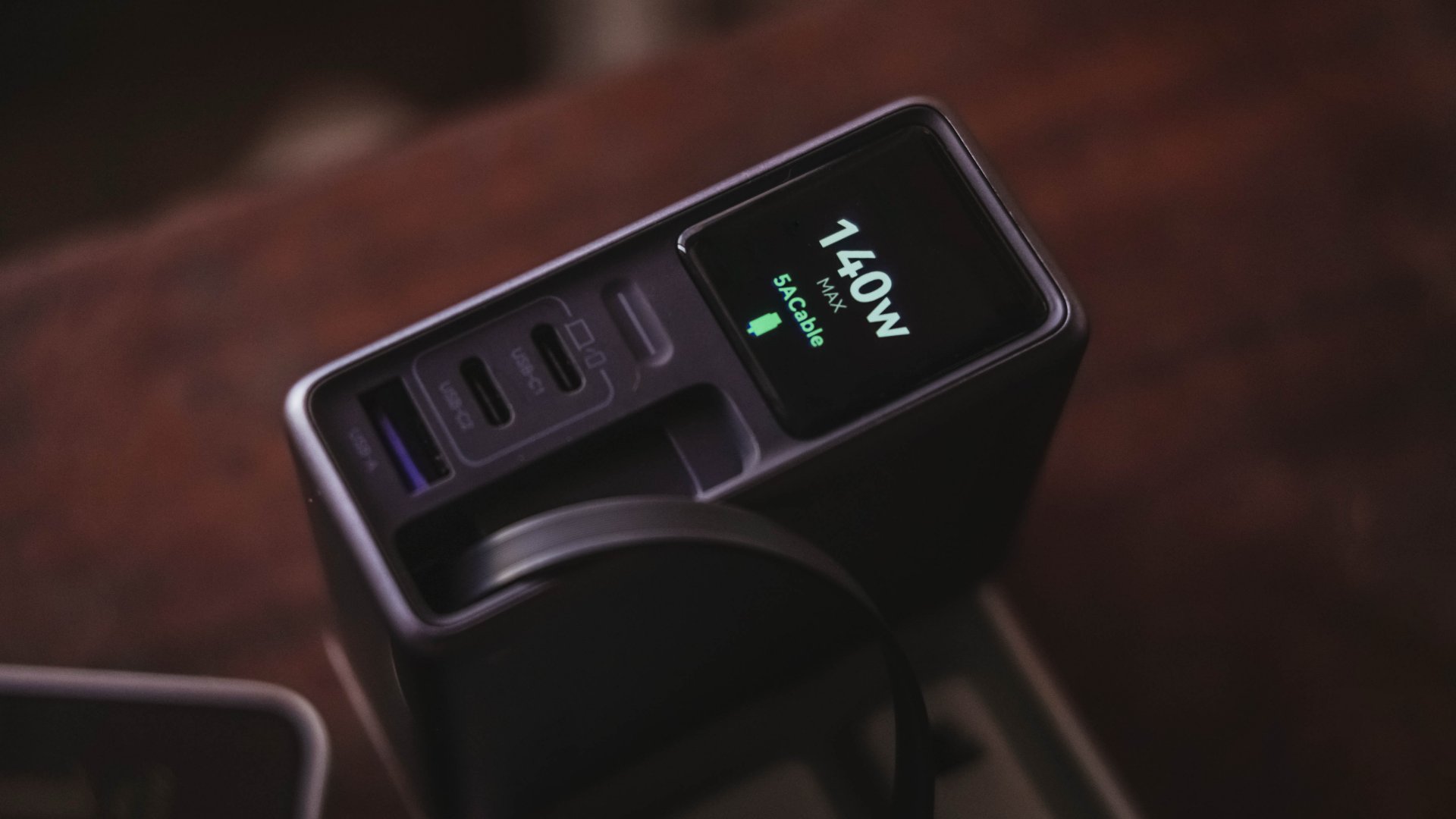
These all mean I can plug in my MacBook Pro, high-end Android flagship, iPhone, and other accessories without ever bringing separate charging bricks for each one.
And honestly, when there’s so much power inside one brick, I’ll generously accept that added heft.
Watt you see is watt you get
One trick up in Nexode Pro 160W’s sleeves is that, it has a front display.
With a touch capacitive button above the USB-C1 port, the display can show not just the general (or combined) charging wattage. It can also show real-time speeds in watts (W), voltage (V), and even ampere (A).
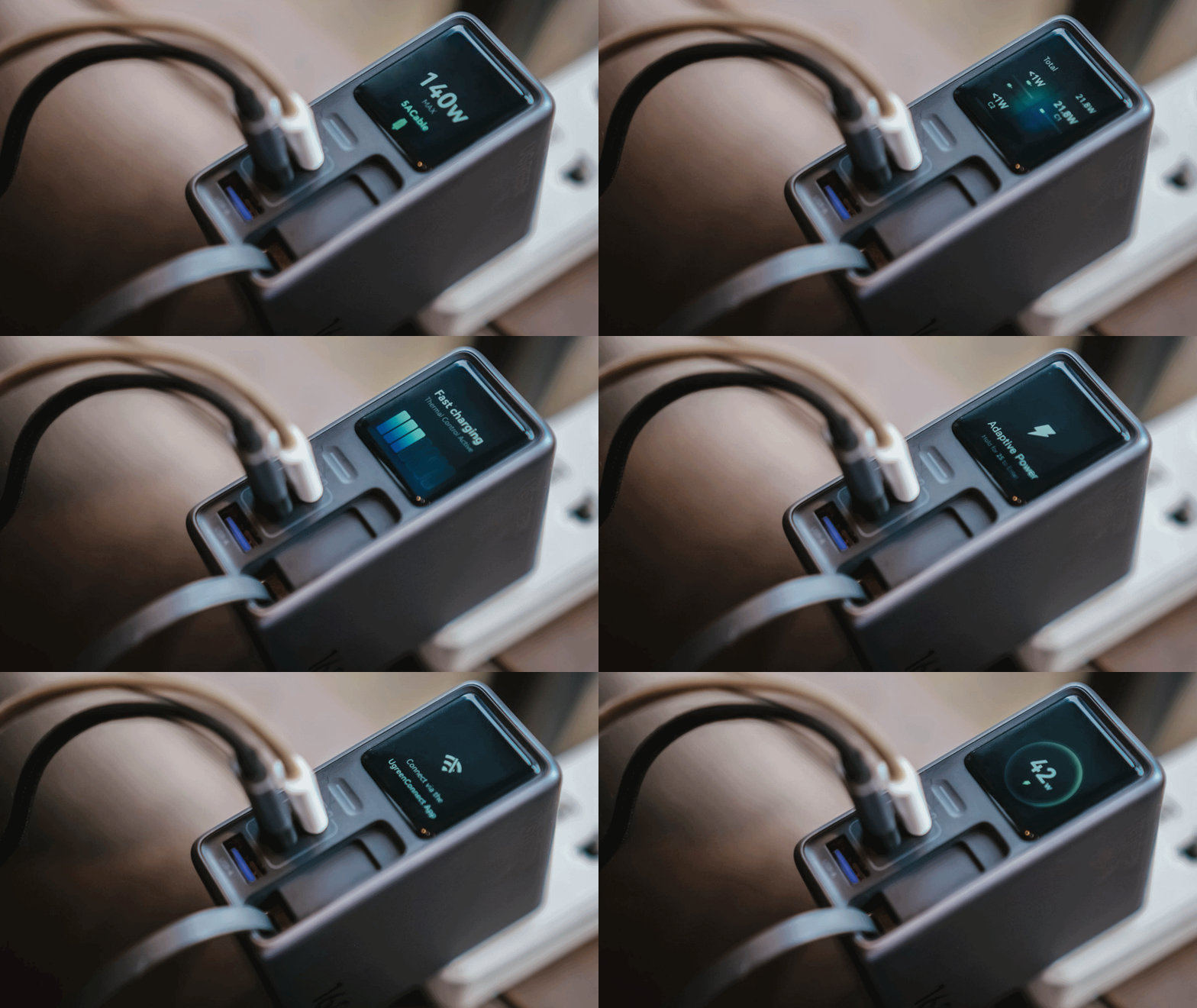
For regular users, it’s probably something you’ll glance at occasionally. For stats nerds? It’s eye candy. For a gadget reviewer like me? A charge test companion.
Seeing real-time charging data gives me a better idea if I have the best charging cable possible for each device. More so, if those devices actually get the charging speeds they require.
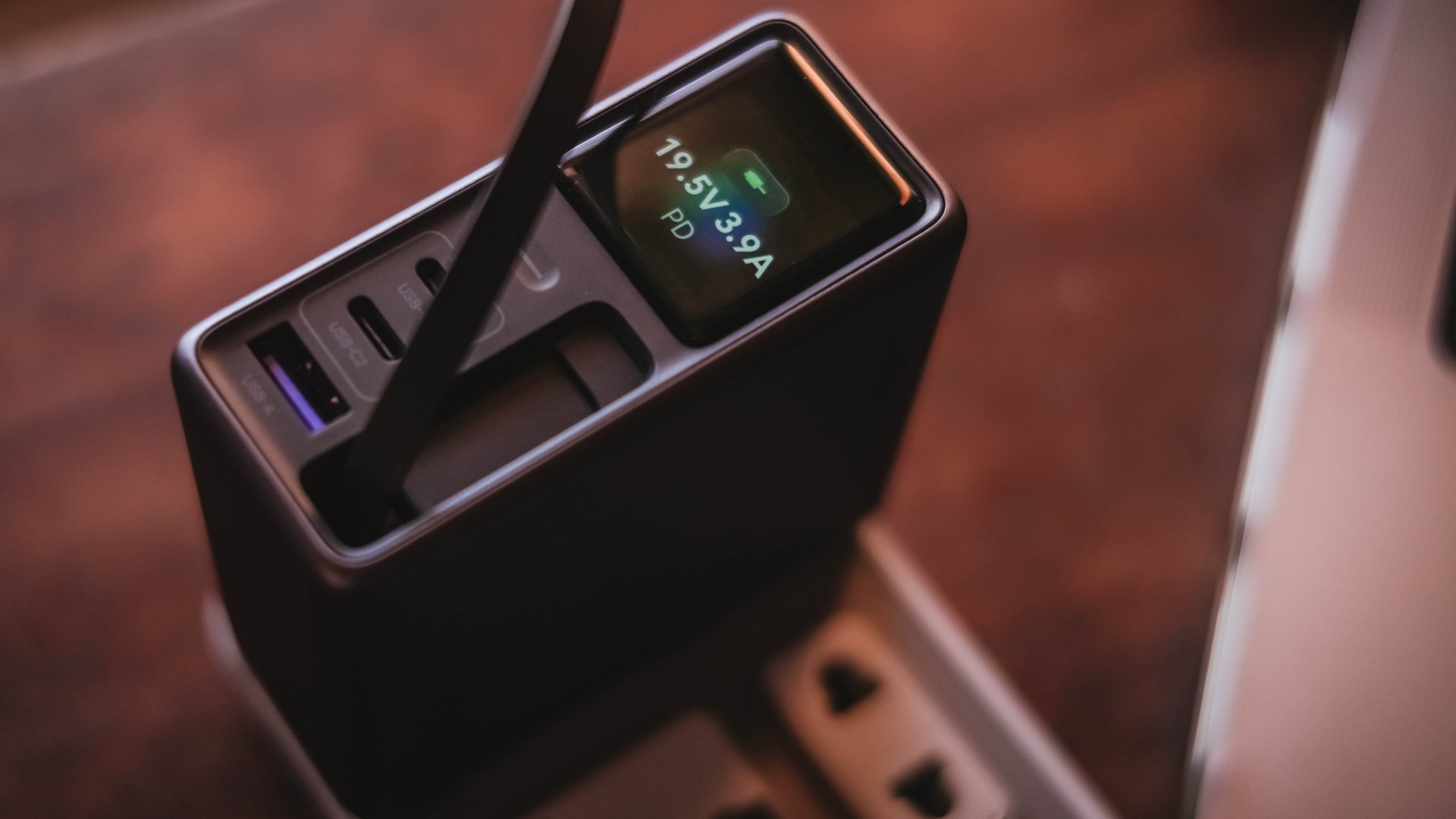
And, if something suddenly starts charging slower than usual, those numbers can help me determine whether the device, charger, or cable might be the culprit.
I can only have my sigh of relief when I see it’s pulling the amount of power I expect.
Even if I always say numbers aren’t everything, the real-time charging data I see with my two eyes is more believable than just relying on that “Fast Charging” indicator.
So, watt did I even get?
Of course, I couldn’t just take that 160W figure just at its face value.
In a not-so-typical GadgetMatch Charge Test, I tried and tested the charger by occupying all ports with the devices I regularly use and watched the numbers fly.
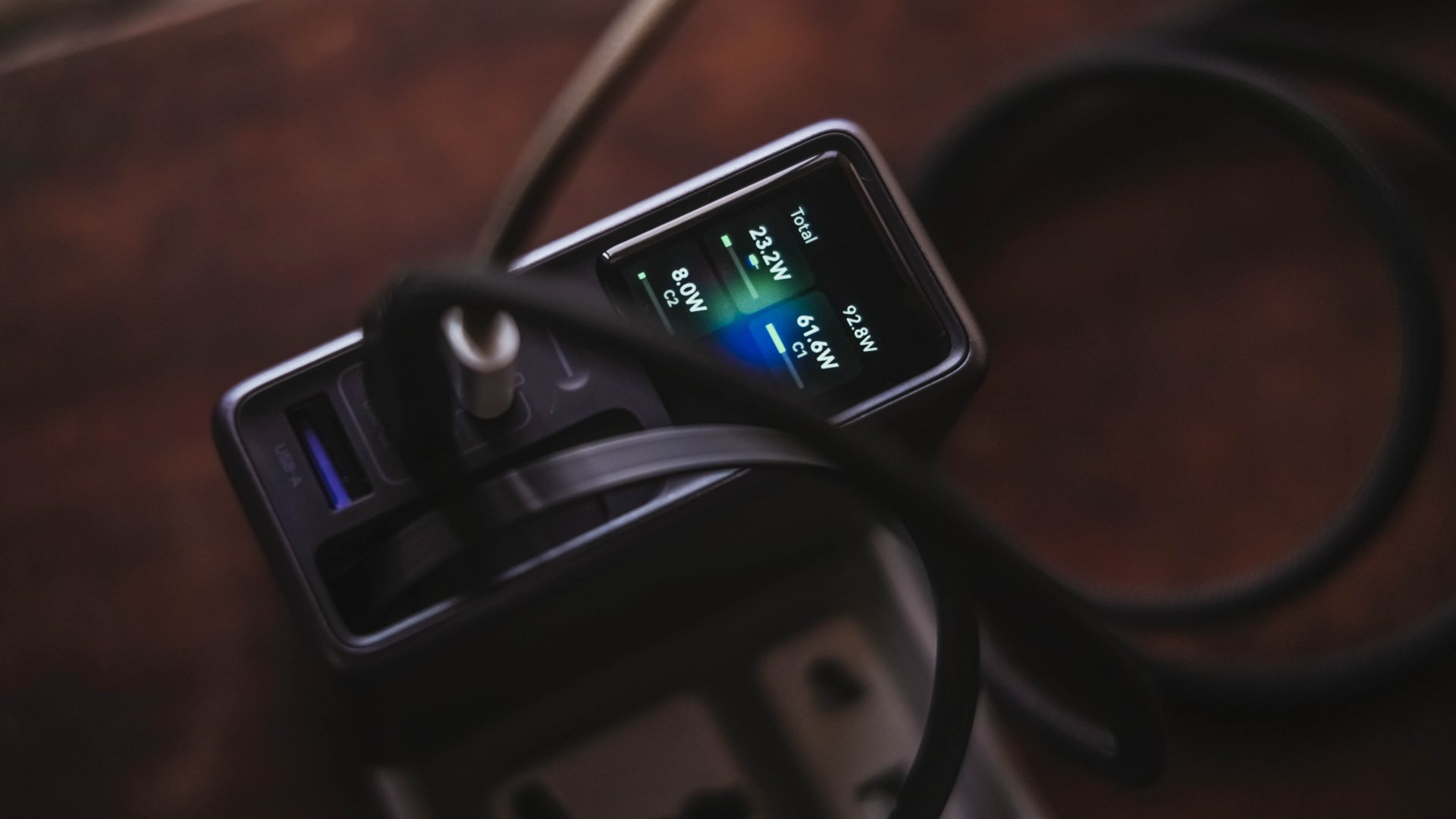
Mind you, I tried my best to make them as equal as possible by draining every device down to 0%. Just so the actual charge test starts at the very base.
From a lengthy documentations in my Notes app, I tried simplifying the results into these table instead:
| Port | Device | Cable Type | 10-minute charge | 30-minute charge | 1-hour charge |
| USB-C1 | 14” M2 Max MacBook Pro | Apple MagSafe 3 to USB-C | 15% | 45% | 84% |
| USB-C2 | Apple iPhone 13 Pro Max | USB-C to Lightning | 7% | 21% | 42% |
| Retractable USB-C | vivo X300 Ultra* *wireless charging |
USB-C to UGREEN MagFlow 2-in-1 Foldable Magnetic Wireless Charger | 2% | 3% | 7% |
| USB-A | HONOR Watch 5 Ultra | USB-A to wireless charging base | 18% | 58% | 76% |
Aside from the charger itself, there are more factors that contribute to a device’s charging output.
One is basically how many devices are connected. Another would be the type of cable used (standard 3A cable or faster yet thicker 5A or 6A cord).
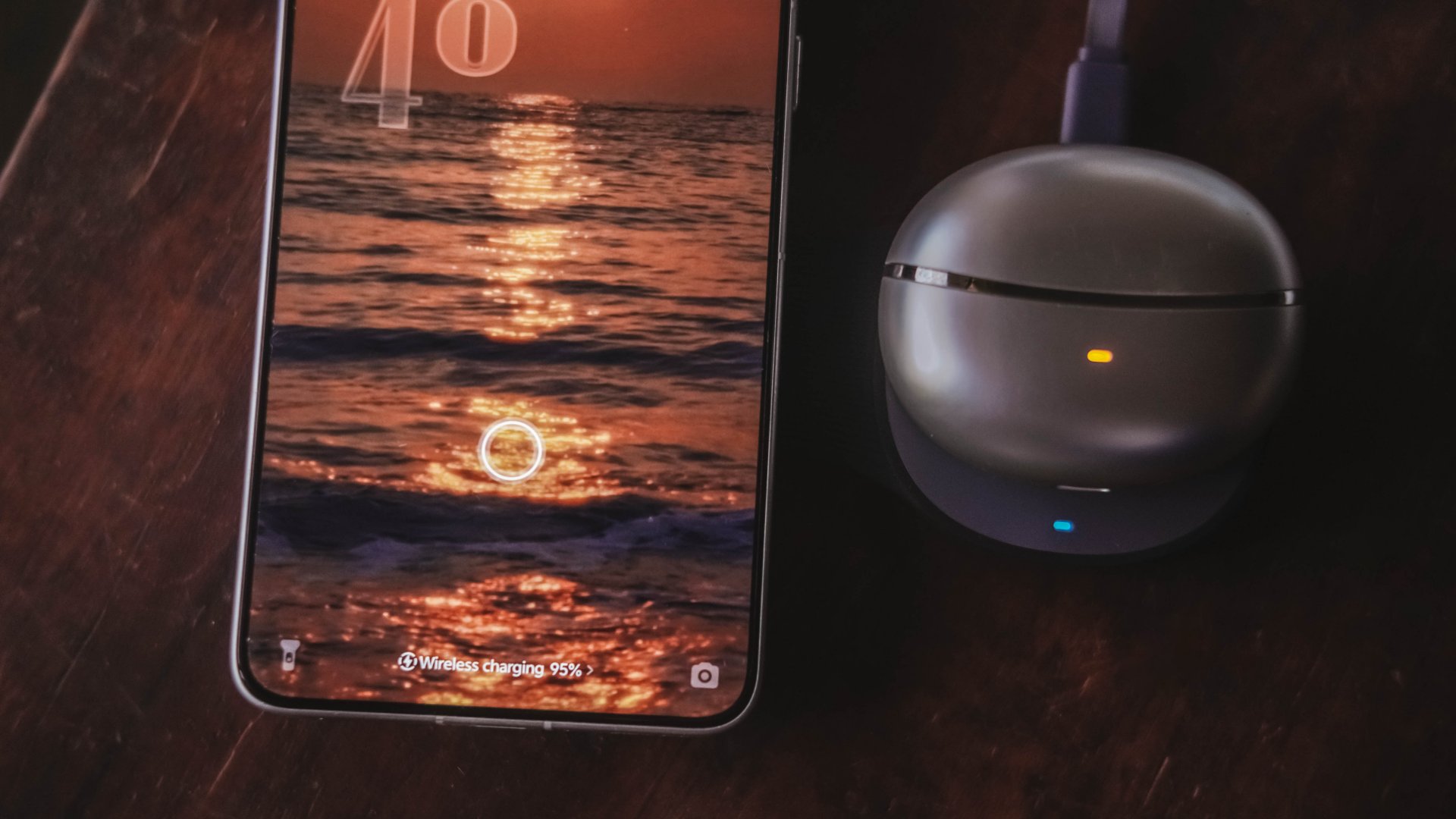
More so, if the best charging mode is used. Even actual room and device temperatures matter, too.
In easier words, a charger boasting 160W power doesn’t mean every device gets its maximum charging speeds simultaneously.
The charger still has to distribute its available power between everything connected.
Pull it, use it, and never lose it
Perhaps its most “secretive” trick is hidden within.
UGREEN has managed to fit a 70cm retractable USB-C cable in its squarish body. Pull it whenever you need it and retract it back inside once you’re done.
It’s incredibly handy when I don’t want to dig through my big and messy backpack.
Worst case scenario? Whenever I forget to bring a cable — which already happened numerous times as an aging young adult who keeps being unnecessarily forgetful.
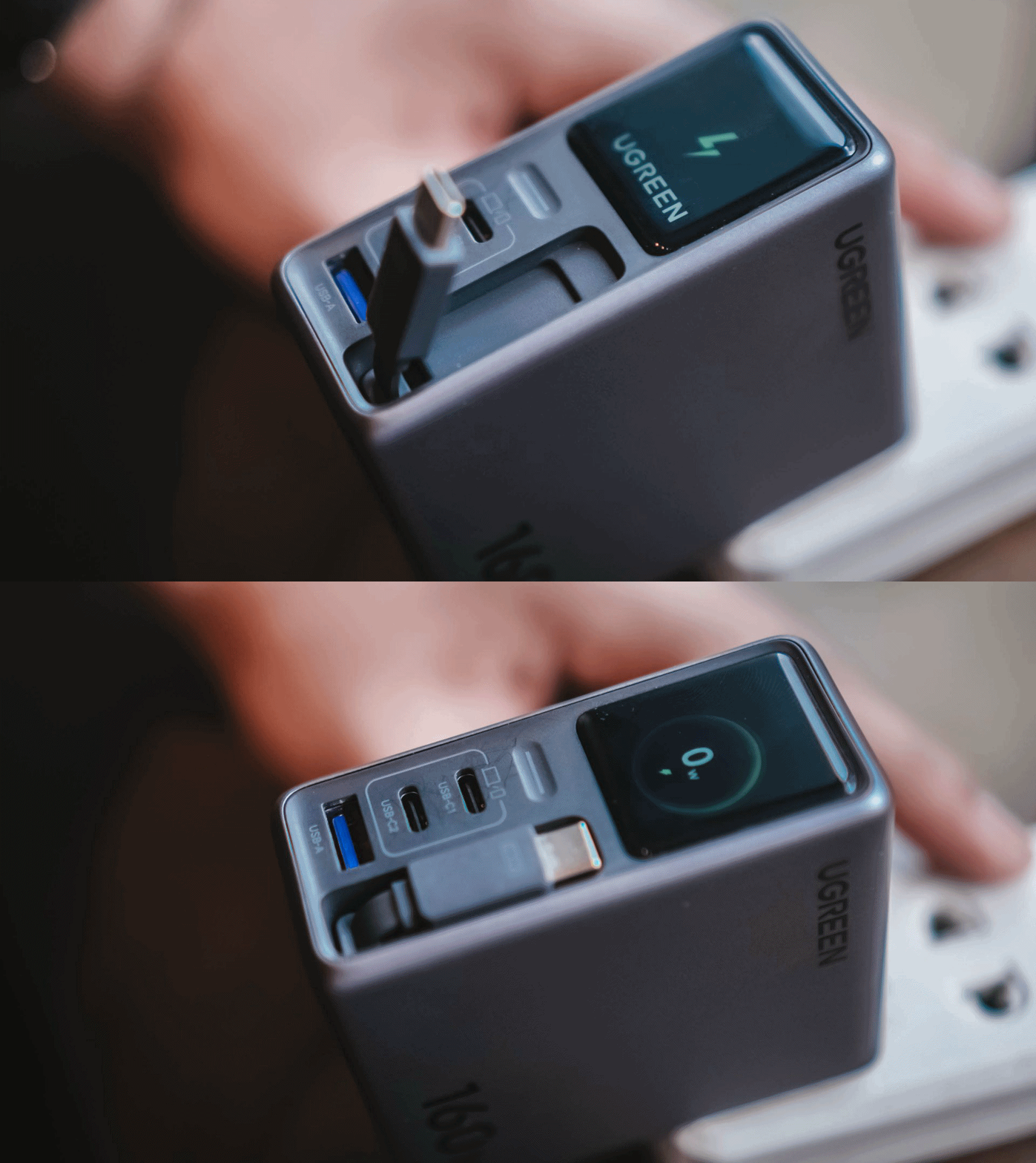
Vincenz’s two cents? He would NOT always rely on using it.
For one, there’s the matter of longevity.
A regular USB-C cable eventually breaks? Replace it. A retractable cable permanently attached to your charger? That’s a different story.
Another would be all about its actual charging speed output. Not every device behaves the same way with that built-in cable.
| Device | Max Charging | Observed Power | 30-minute charge | 1-hour charge |
| 14” M2 Max MacBook Pro | 96W | 68.6W | 53% | 87% |
| vivo X500 Pro Max | 90W | 20.2W~23.6W | 34% | 62% |
| vivo X300 Ultra | 100W | 9.6W~12.9W | 26% | 52% |
| HONOR 600 Pro | 80W | 16.5W | 35% | 64% |
| Samsung Galaxy Z Fold8 | 45W | 17.8W | 41% | 74% |
For instance, my vivo X300 Ultra supports 90W FlashCharge speeds. Yet, I observed only around below a 13W output during one test. Thus, only achieving 26% in thirty minutes.
Even the shiny new vivo X500 Pro Max wasn’t exempted in the list with only being able to achieve 34% in the same time frame.
For added context, using their bundled FlashCharge adapters would have already filled the phones way past the 60% mark.
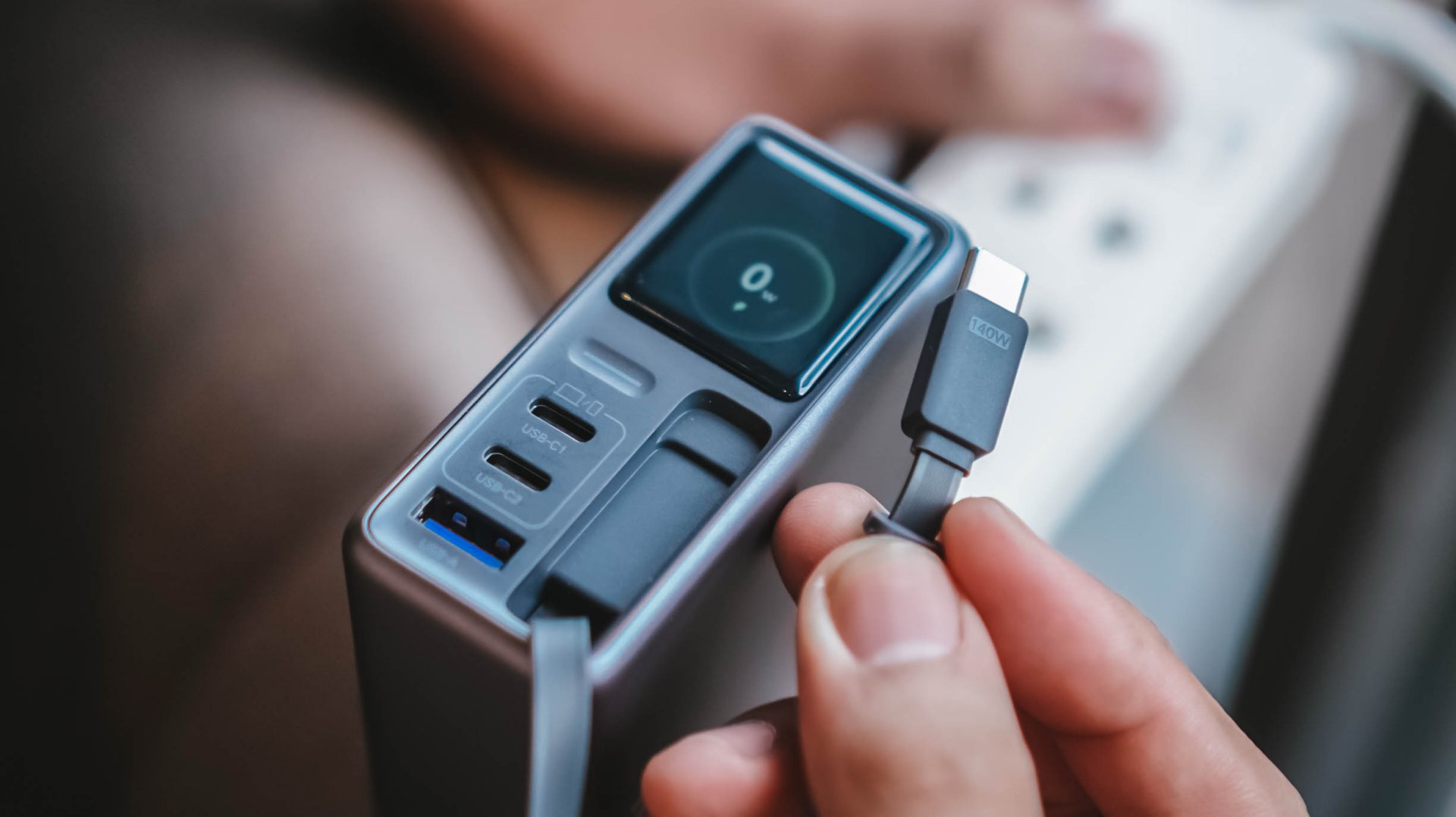
This doesn’t necessarily mean the built-in cable is bad. It just means you shouldn’t expect every proprietary charging standard to hit its advertised maximum just with the cable alone.
So while it’s one of my favorite conveniences here, I still see it as a handy backup rather than the only cable one would ever need.
Connect to inspect
I can’t believe I’m saying this. A charger can now be connected via an app.
Just like me, you’re probably scratching your head the moment you are reading this. Well, after much use, it actually made sense to me.
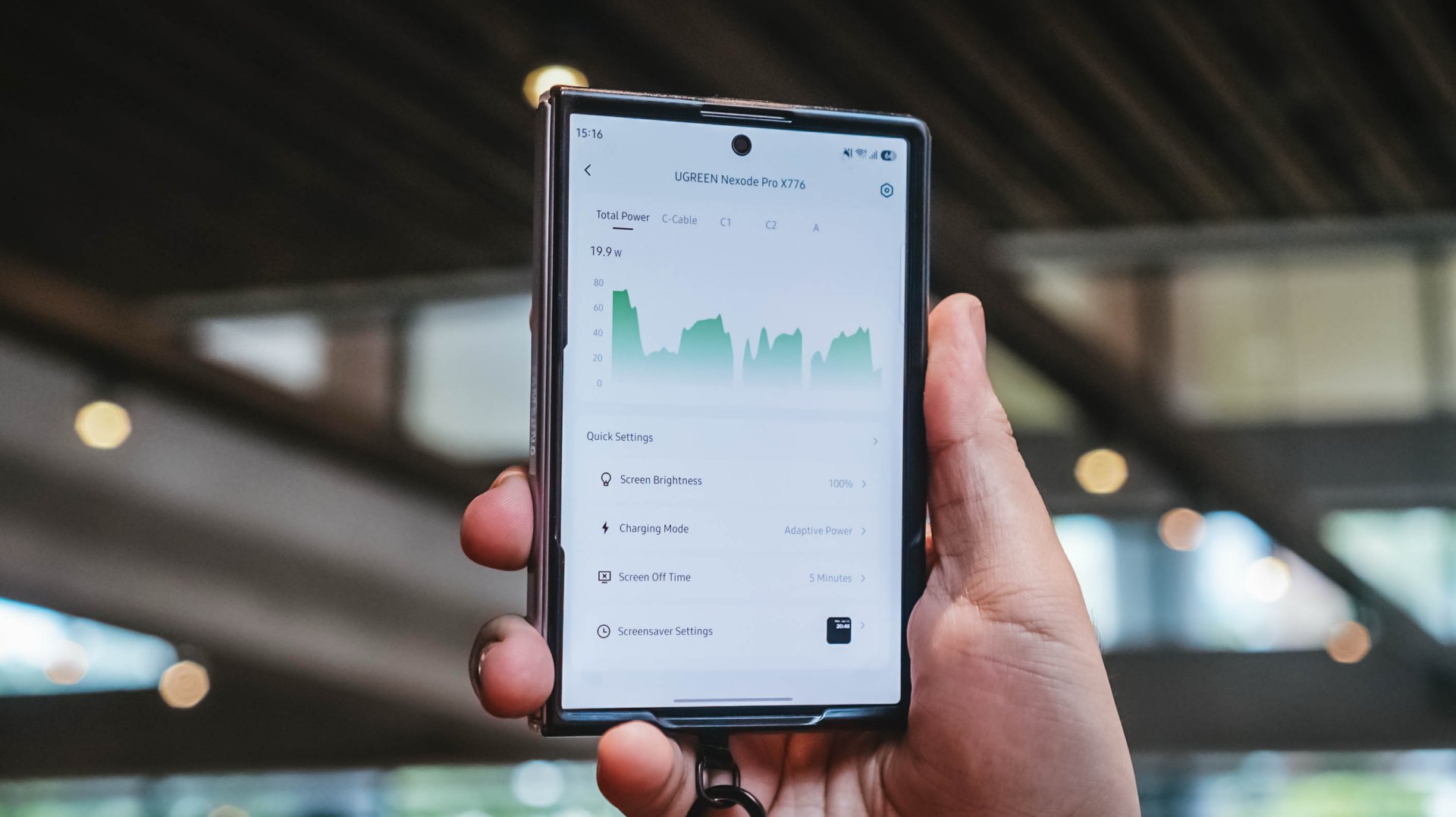
With their new and very own UgreenConnect app, not only you can see and capture charging stats, UGREEN lets you switch between charging modes as well depending on your charging needs.
Heck! You can even turn off ports individually without affecting other devices being charged.
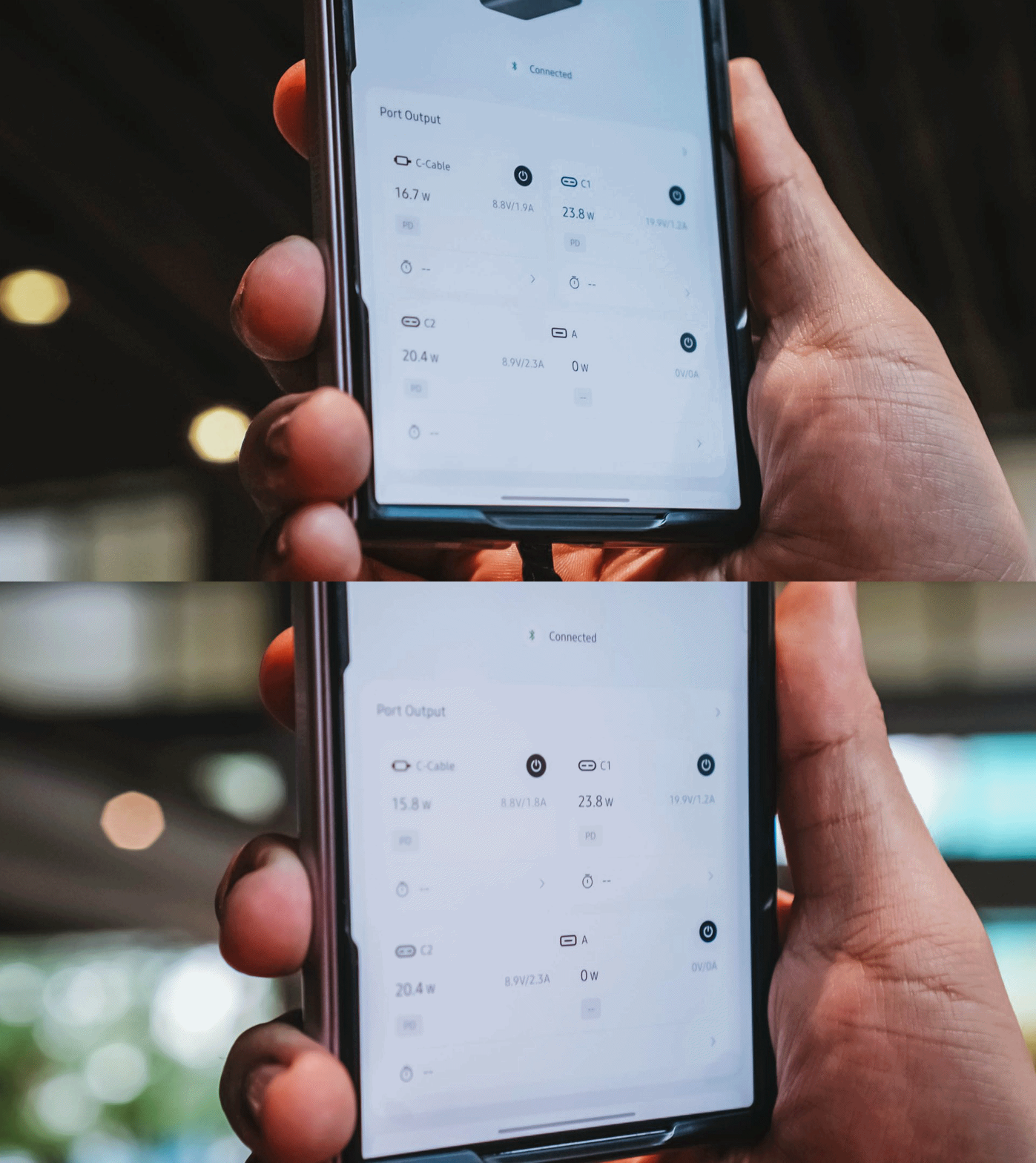
Furthermore, you can also change the display’s brightness and sleep time, customize wallpapers. The Nexode Pro 160W also supports OTA updates.
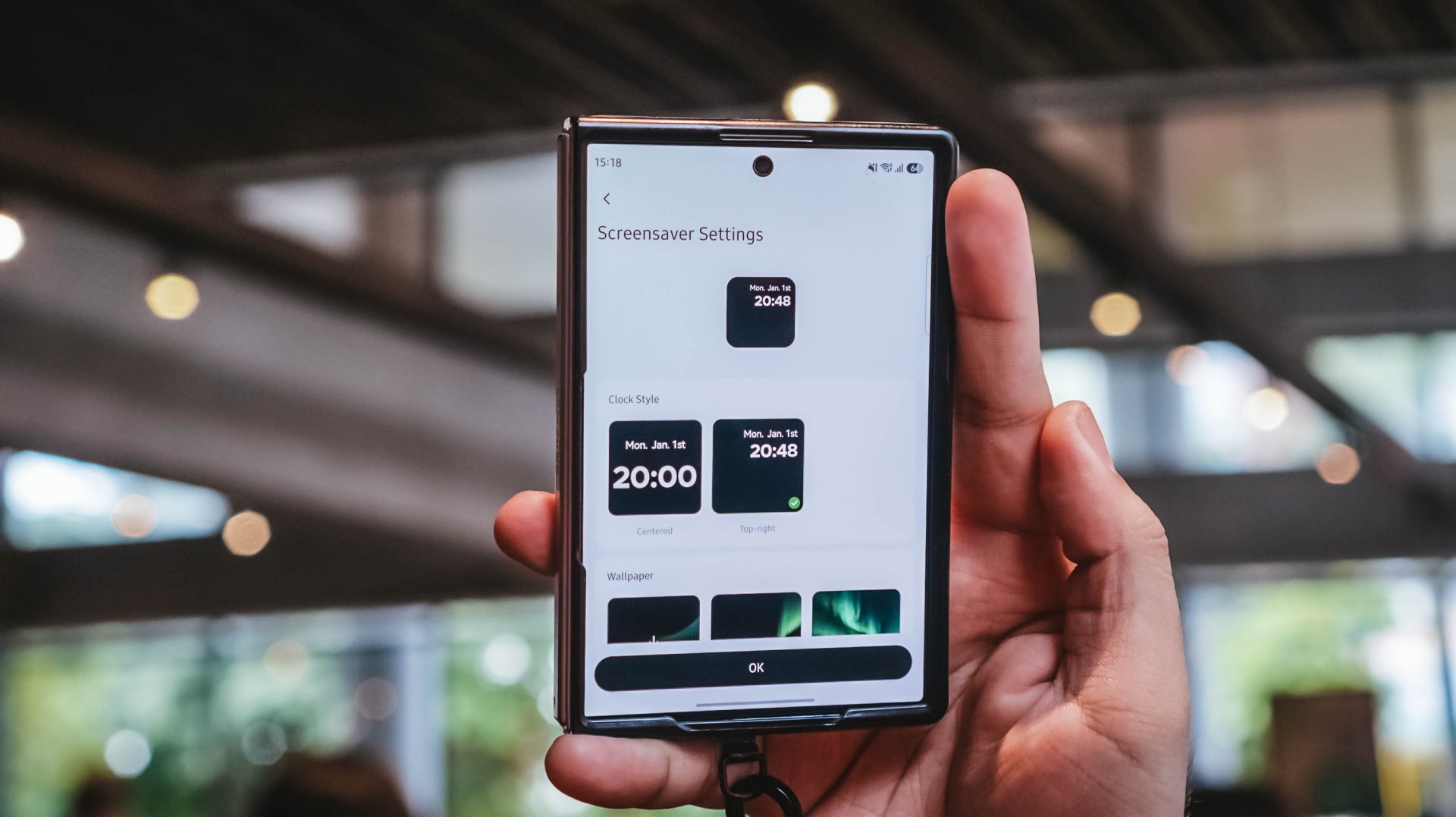
Again, it’s mostly nerdy. But that’s precisely why I like this charger more than what I already have and use.
Feel the heat, keep it neat
The Nexode Pro gets warm. Quite warm, actually.
But, with a charger this large and powerful, that’s hardly surprising given all the charging components packed inside.
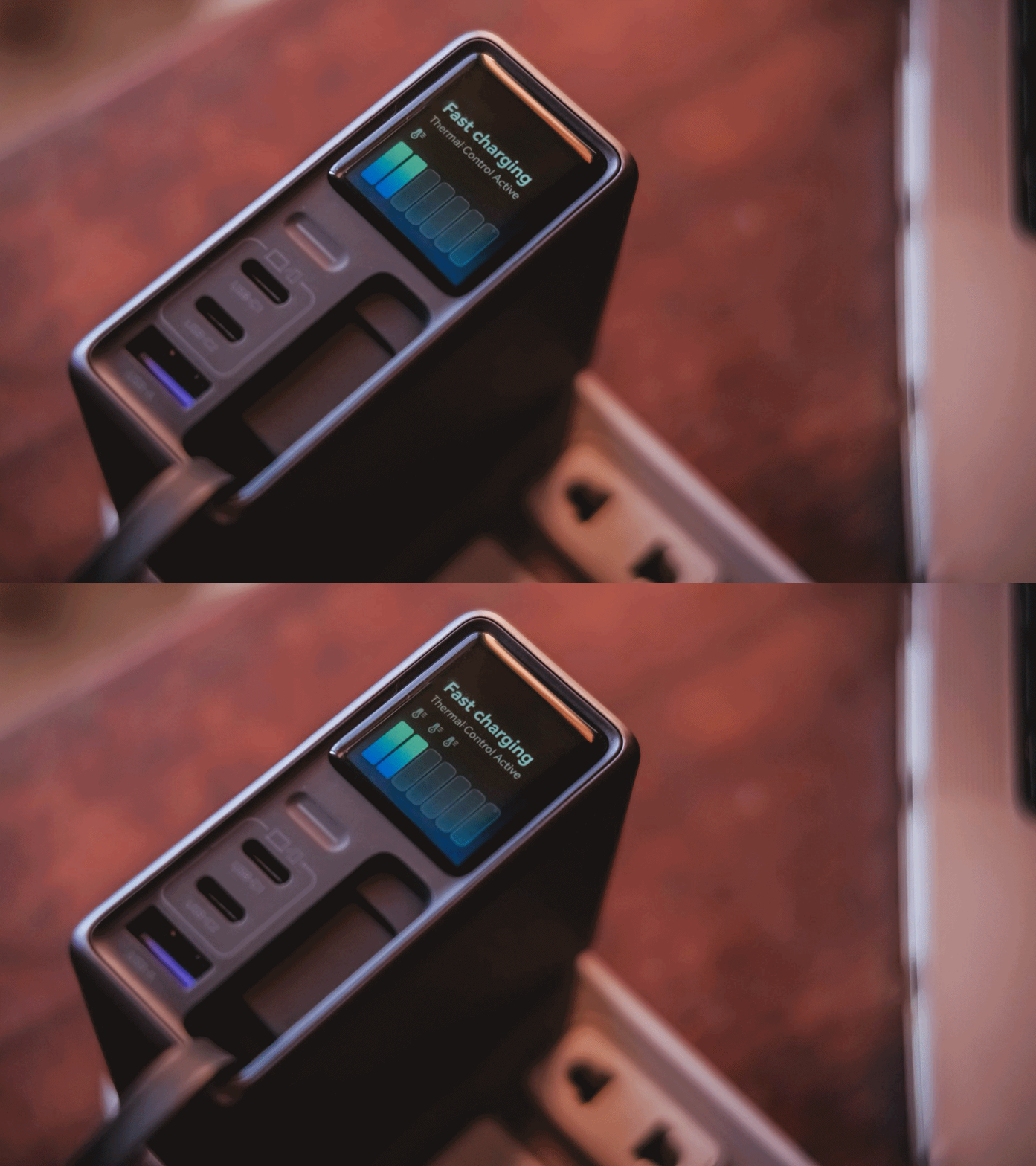
Thankfully, the temperature remained manageable throughout my use. UGREEN also lists Thermal Guard Temperature Control alongside GaN Infinity technology and SmartCharge power distribution.
The different charging modes can also help manage and lessen that heat further.
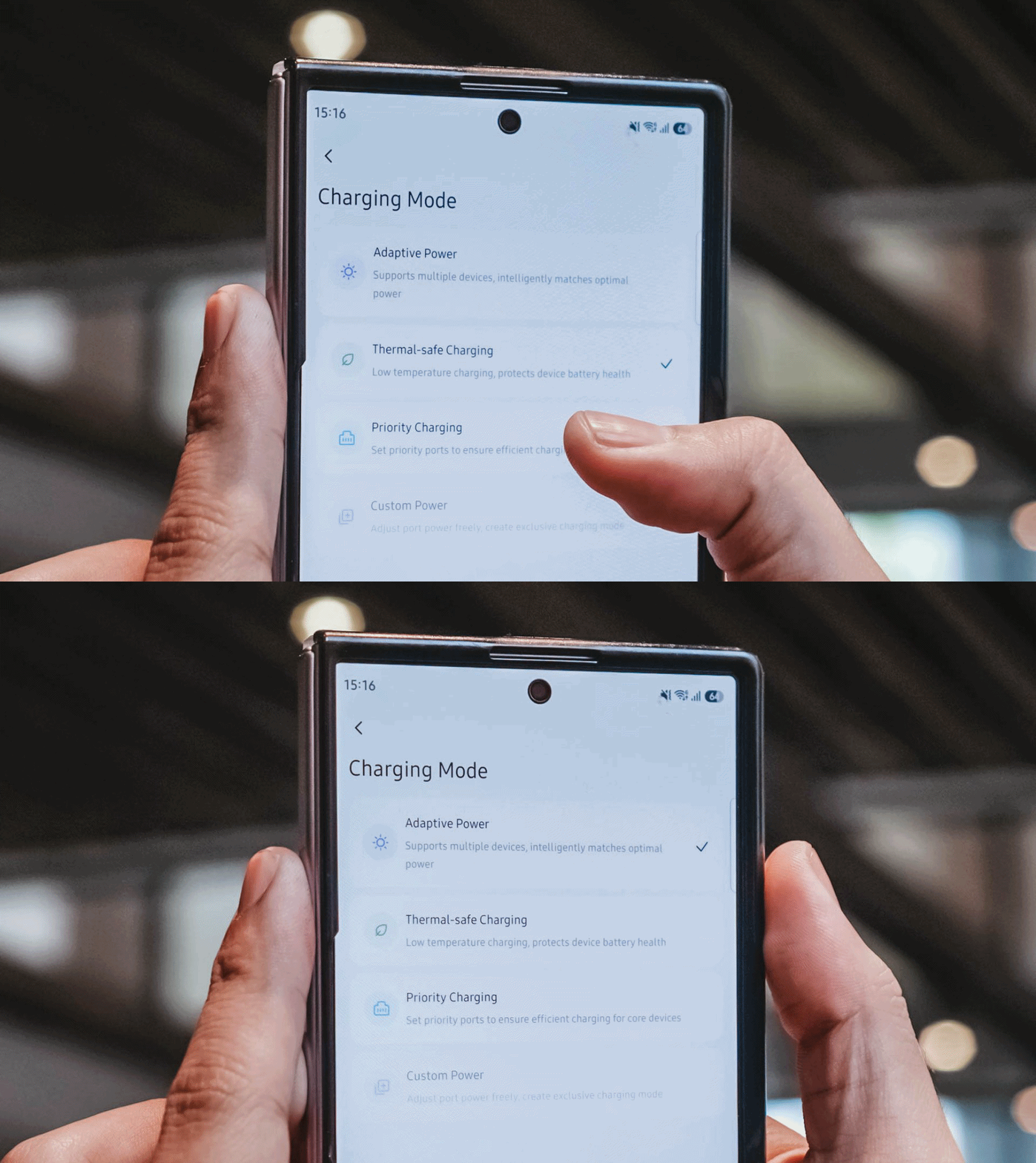
If I don’t need something charged immediately, I can opt for smarter or lower-temperature Thermal-safe charging instead of constantly pushing as much power as possible. Power when I need it. Less heat when I don’t.
Although for my day-to-day use-case, Priority Charging makes the most sense.
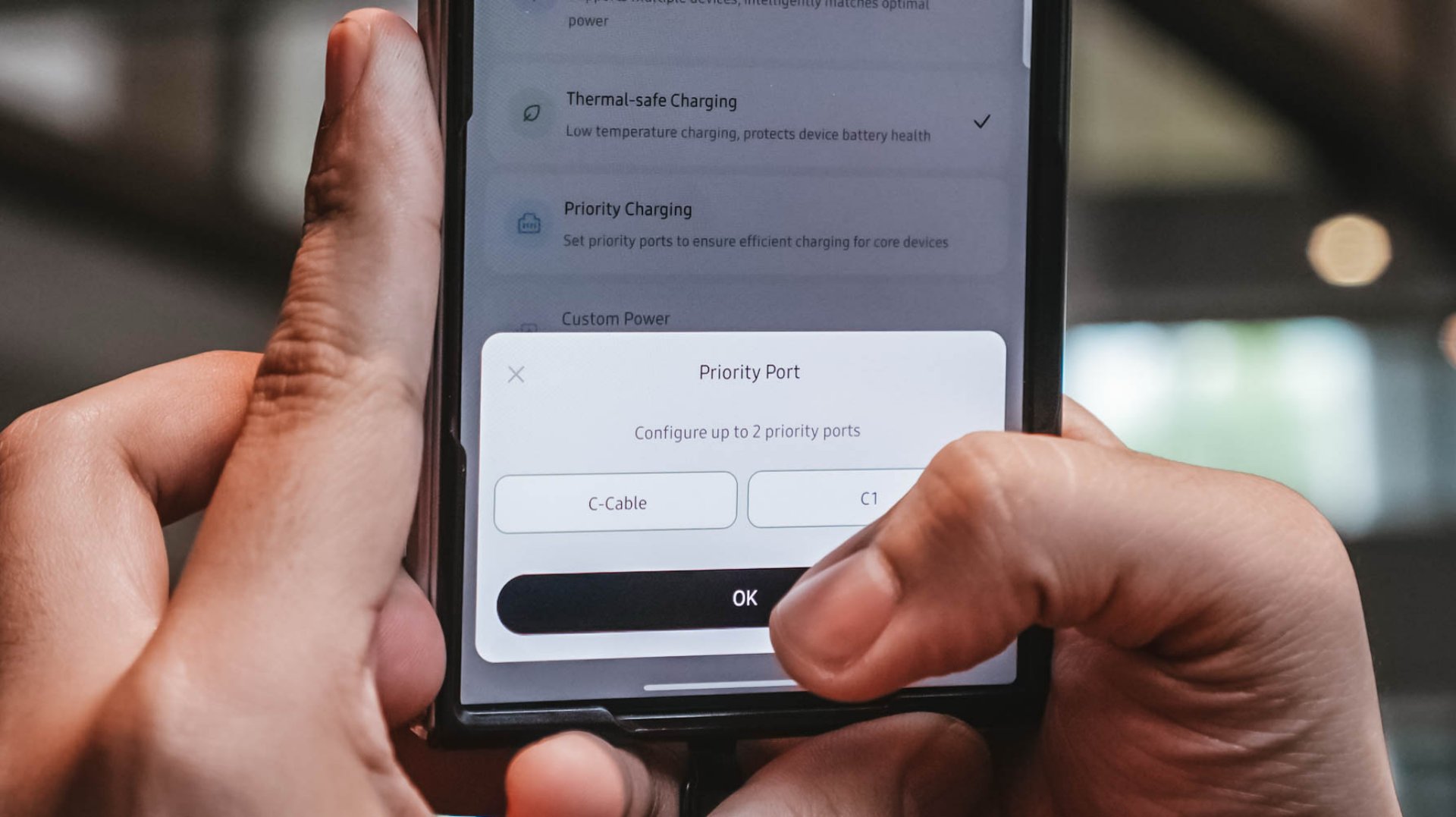
Case in point: I tested this with the vivo X300 Ultra I’m dilly dallying.
| vivo X300 Ultra | Adaptive Charging | Priority Charging |
| Charging Output | 9.6W ~ 12.9W 8.1V / 1.6A |
26.8W ~ 27.2W 7.9V / 3.5A |
| START TIME (from 0%) | 9:11PM | 12:31AM |
| 3 minutes | 4% | 6% |
| 5 minutes | 5% | 8% |
| 10 minutes | 9% | 16% |
| 15 minutes | 13% | 21% |
| 30 minutes | 26% | 42% |
| 45 minutes | 39% | 61% |
| 1 hour | 52% | 80% |
Adaptive Charging obviously charged it slower than ever. But when I enabled Priority Charging, it initially pulled around 30.8W to 31.2W for the first two minutes before settling around 26.8W to 27.2W. That’s still higher than the output through Adaptive Mode.
More so, it was able to reach 42% after 30 minutes and 80% after an hour in contrast to the 26% and 52% level of the former.
My MacBook Pro and flagship Android phones need significantly more power than smaller accessories. So, instead of letting everything fight equally for those watts, I can prioritize whichever device actually needs the extra juice.
Is the UGREEN Nexode Pro 160W your GadgetMatch?
At PhP 4999 / SG$ 140 / MYR 419, the UGREEN Nexode Pro 160W might sound like an overkill if all you need is something to charge your phone every night.
But, if you’re someone like me who owns lots of gadgets and constantly switches between a laptop, several smartphones, at least one tablet, a smartwatch, wireless headphones, and many other gadget ever imaginable, owning this charger quickly makes sense.
That’s most especially for the ultimate convenience it brings by only using one socket and fits right inside your bag’s tight pocket. I can fully rely on one brick instead of carrying multiple clunky chargers around.
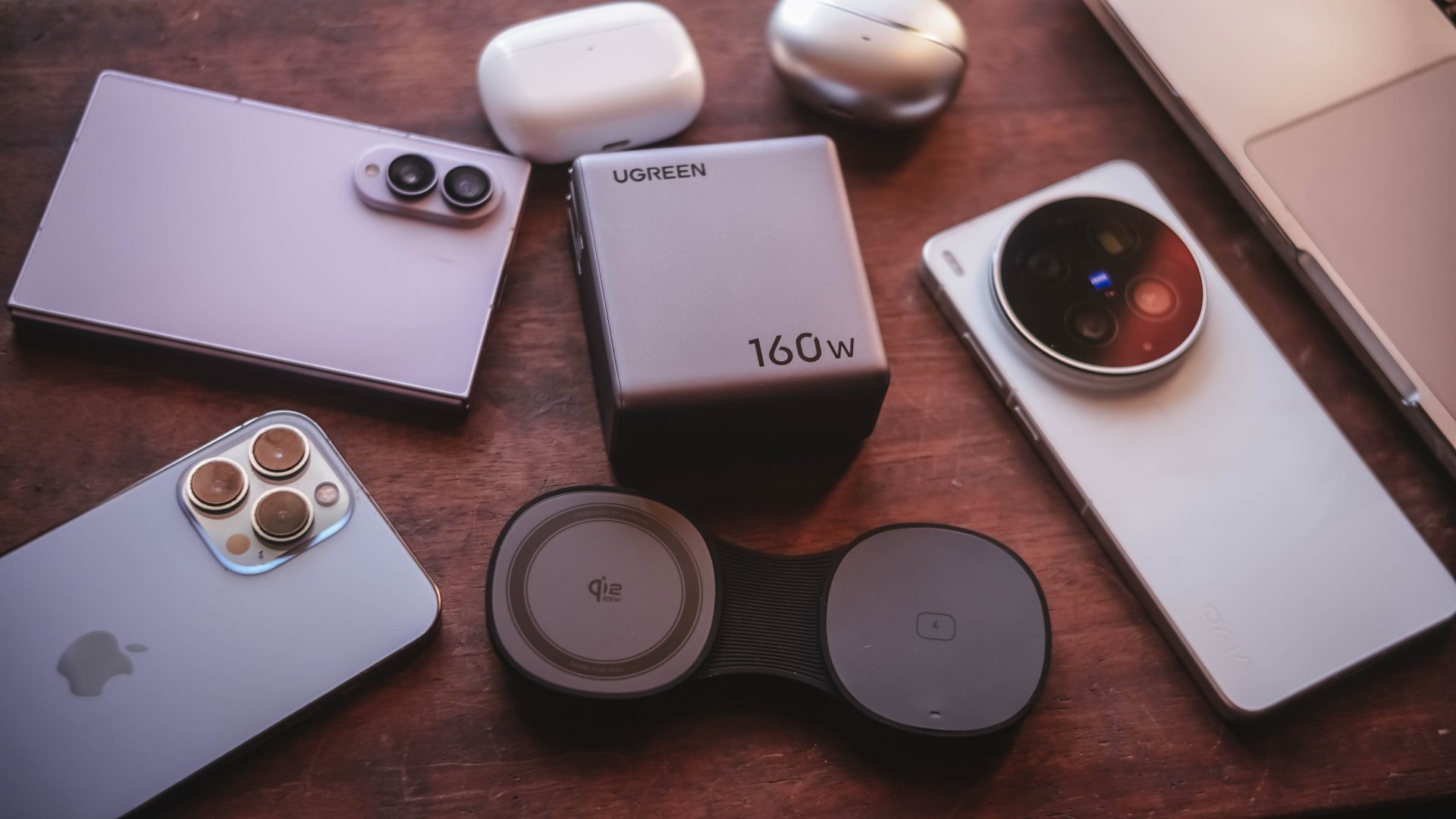
Additives include its display that lets me see stats while doubling as a useful review tool to legitimize the charge tests in the reviews I do.
Charging modes lets me decide which power-hungry device deserves more juice. Priority when I see one getting slow. Thermal-charging if I sense that it’s getting warmer than the usual.
That retractable cable? It’s a real wonder as it will truly save me whenever I forget one in another unintentional scenario.
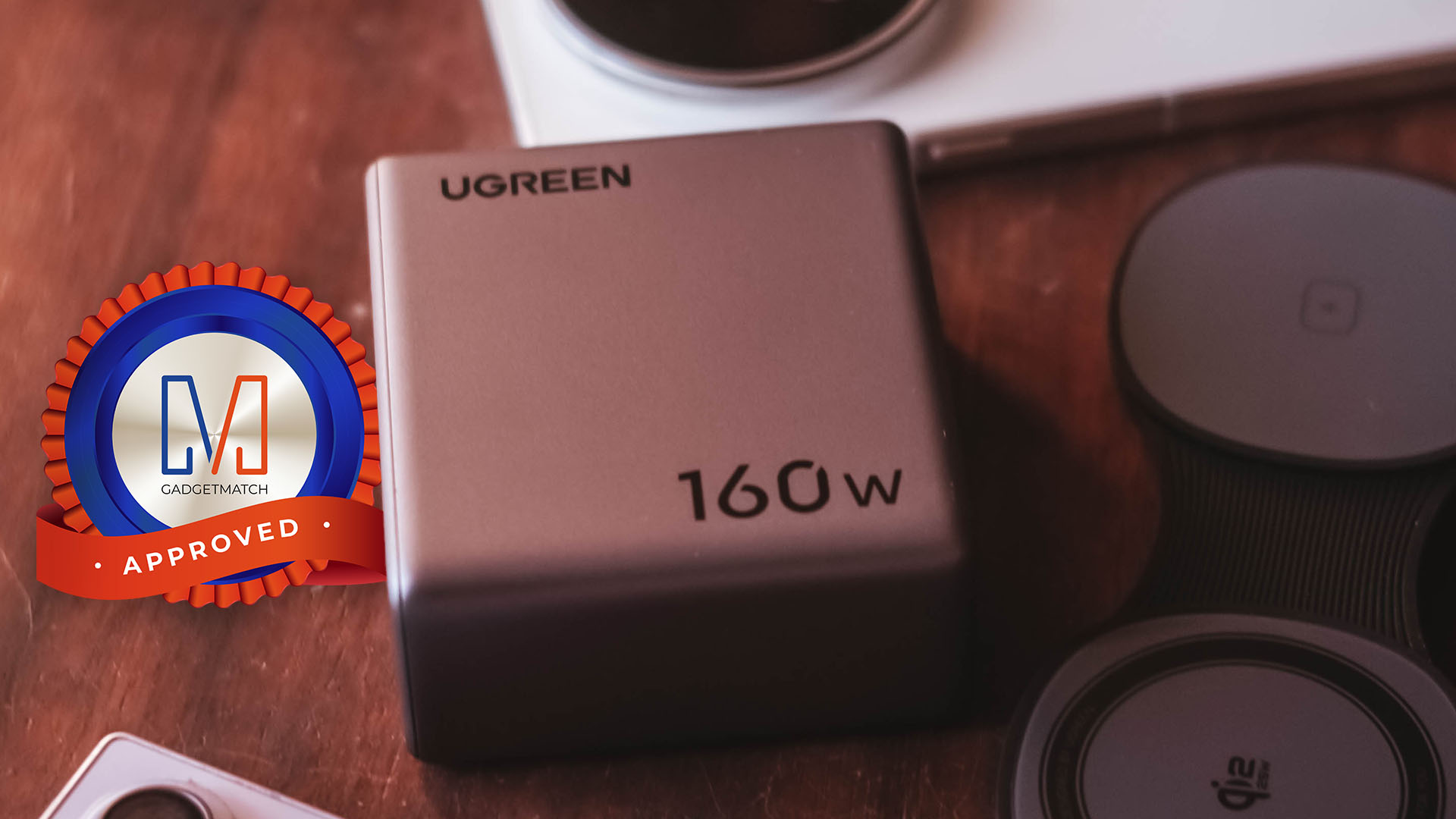
The UGREEN Nexode Pro 160W now has a permanent spot in my charging arsenal. It is a Swipe Right, Super Swipe, and definitely a worthy recipient of the GadgetMatch Seal of Approval.


It’s been over two weeks since the Apple iPhone 18 Pro and Pro Max hit the shelves. And after daily real-world testing, the hype around the new variable aperture camera is only half the story.
In this iPhone 18 Pro review, we go beyond the spec sheet to test the massive battery life upgrades. More so, the A20 Pro chip’s improved thermal cooling and the game-changing iOS 27 Pro camera controls.
While others are obsessing over the new black titanium and the mechanical six-blade aperture that creates real starbursts, the actual reason your photos will look better is much simpler.
We put the new lens to the test in low light, bright sun, and high-motion video using Cinematic Mode and the new Focus Lock.
Should you upgrade from the iPhone 17 Pro, wait for the rumored spring iPhone 18, or save up for the foldable iPhone Duo?
We’ll help you decide if the iPhone 18 Pro is your GadgetMatch.


TECNO CAMON Slim 5G review: Slim on size, big on surprise
Still with some compromise

UGREEN Nexode Pro 160W review: One mighty brick with a powerful trick
All the speed you need in one charging brick


Apple iPhone 18 Pro Series review
Hype versus Reality
TECNO CAMON Slim 5G review: Slim on size, big on surprise
UGREEN Nexode Pro 160W review: One mighty brick with a powerful trick

Samsung unveils Galaxy Tab S12 series for work, creativity, and life on the go

JBL brings a soundtrack to every room
Apple iPhone 18 Pro Series review

HUAWEI Pura X View is 2026’s first WIDE slab-type smartphone

The CAMON Slim 5G is TECNO’s latest ultra-slim smartphone

iPhone 18 Pro series: Price, availability in the Philippines

DJI Osmo 360 II review: Going all-in on the ecosystem

iPhone 18 Pro series: Price, availability in Singapore


-

 News1 week ago
vivo X500 Series launches with major imaging upgrades
-

 News1 week ago
OPPO Find X10 Pro Max is the first phone with a triple 200MP camera system
-

 Automotive3 days ago
BYD says that way better EV batteries are coming next year
-

 Singapore2 weeks ago
Epson Lifestudio Grand Plus EH-LS970B with 4K projection, more launches
-

 Drones2 weeks ago
DJI Lito X1 review: Is this the best lightweight drone for creators?
-

 News1 week ago
vivo introduces OriginOS 7 with smarter multitasking and AI features
-
 News3 days ago
HONOR Magic9 Pro Max launches in China with ARRI-powered imaging
-
 Smartphones5 days ago
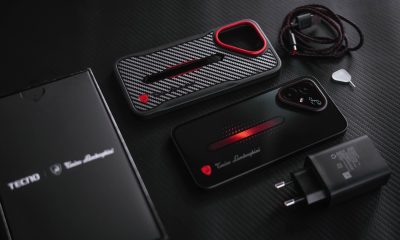
When TECNO-logy meets Tonino Lamborghini legacy