

OPPO has a new budget-slash-midrange phone in town. With all the phones to come out lately, does the OPPO A7 offer something different? No, but it’s a great option to those looking for a decent device with a beautiful design.
How attractive is the A7? Let’s take a look in this hands-on beginning with the exterior:
It’s got a 6.2-inch HD+ display
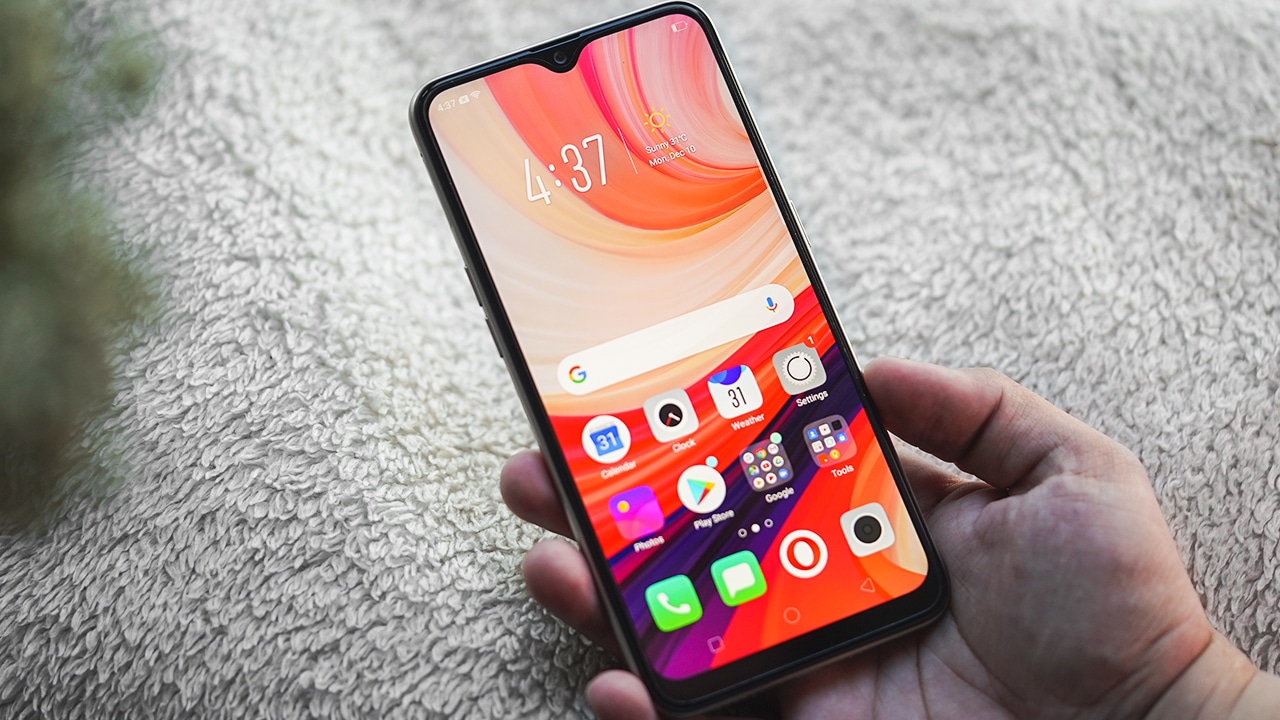
Just an IPS LCD but topped with Gorilla Glass 3
OPPO’s signature water-drop is here
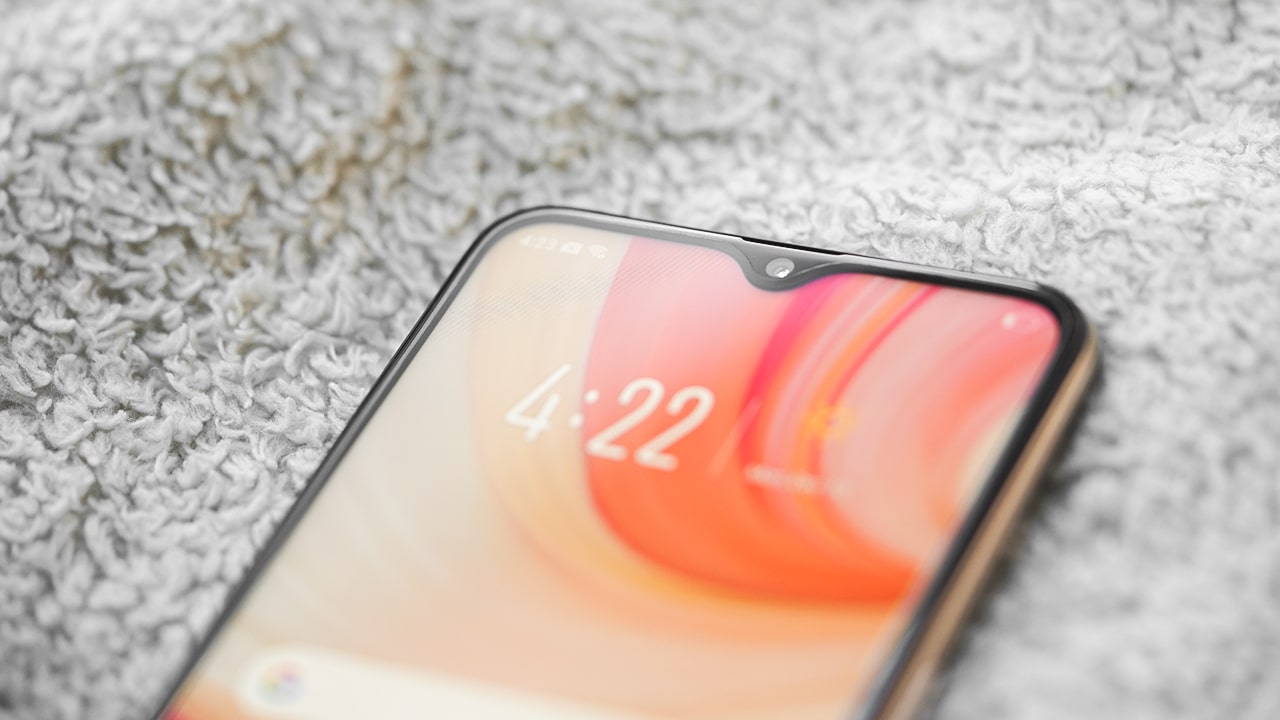
For the selfie camera
The power button is on the right…
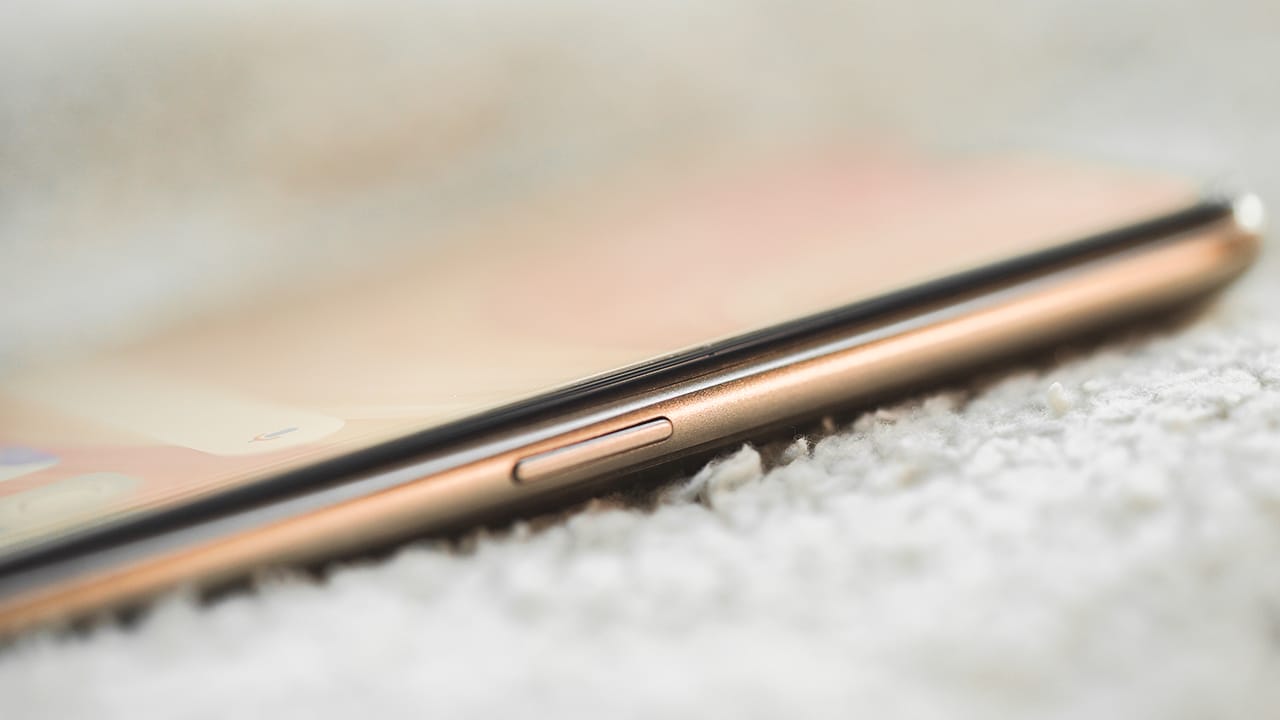
Also doubles as a lock button
… while the volume keys are on the left
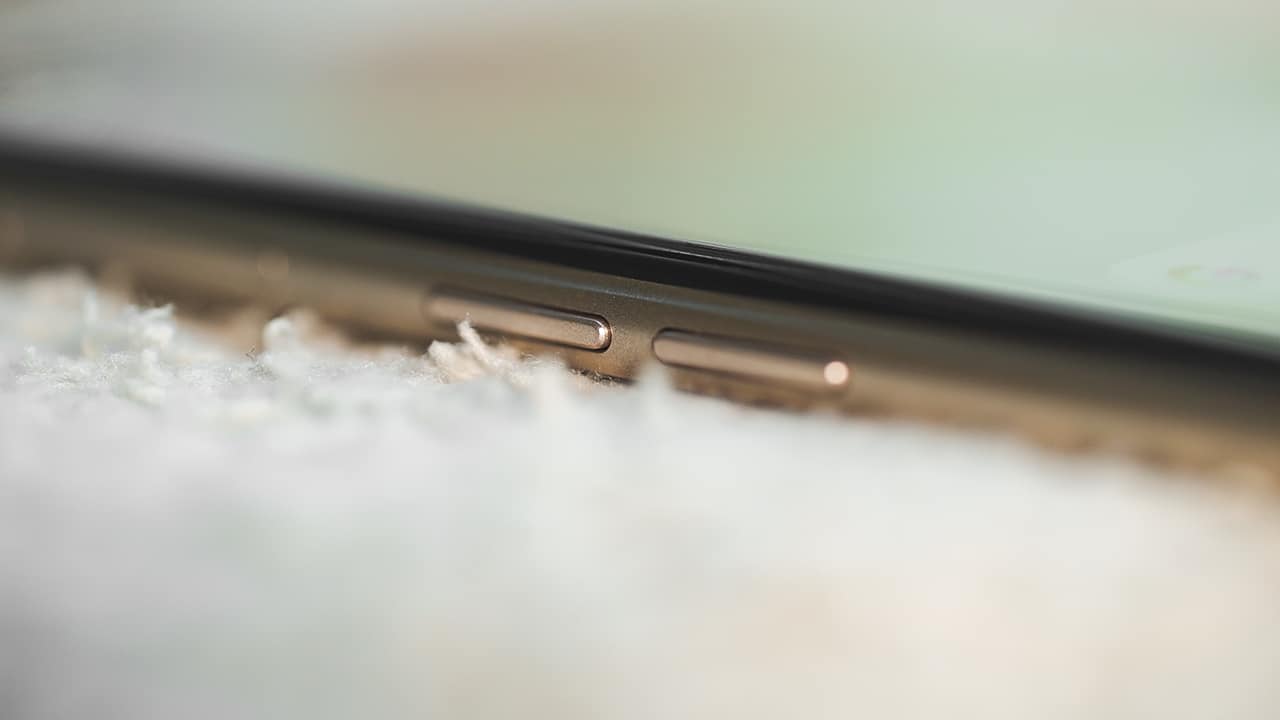
Two tiny buttons for adjusting the volume
It accepts a microSD and two SIM cards
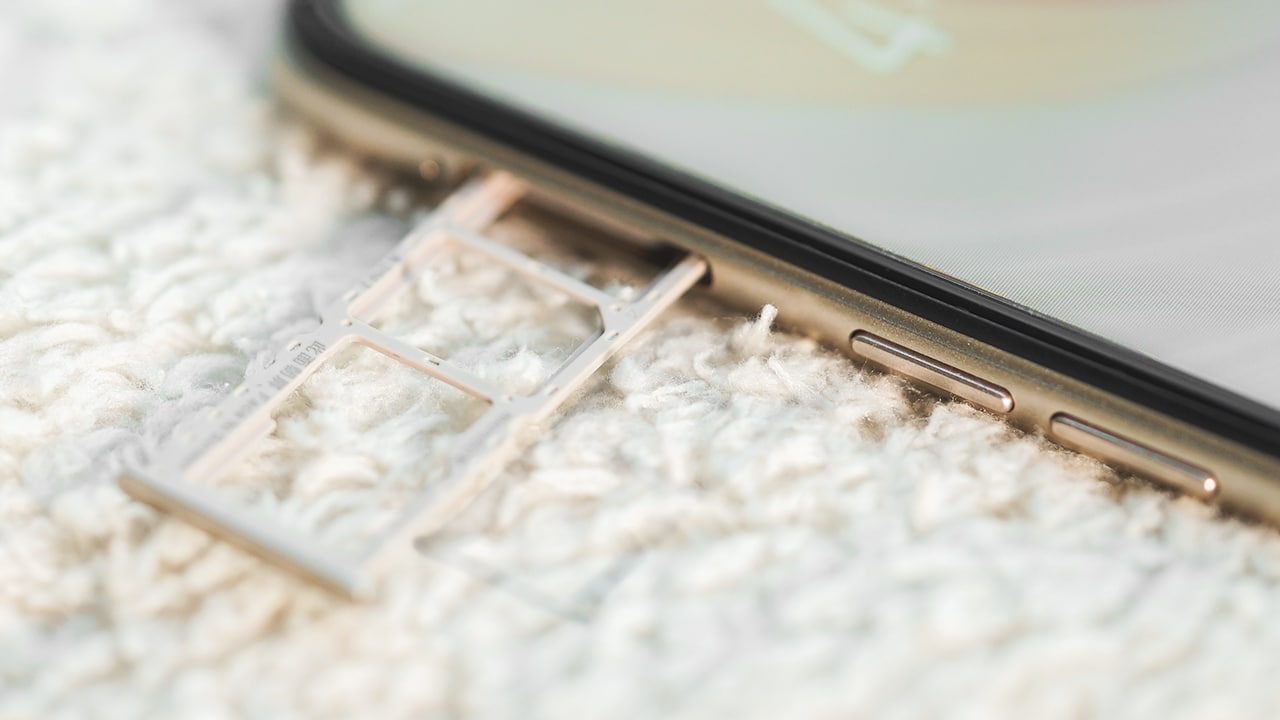
One of the staple OPPO features
The bottom looks pretty busy with all the holes
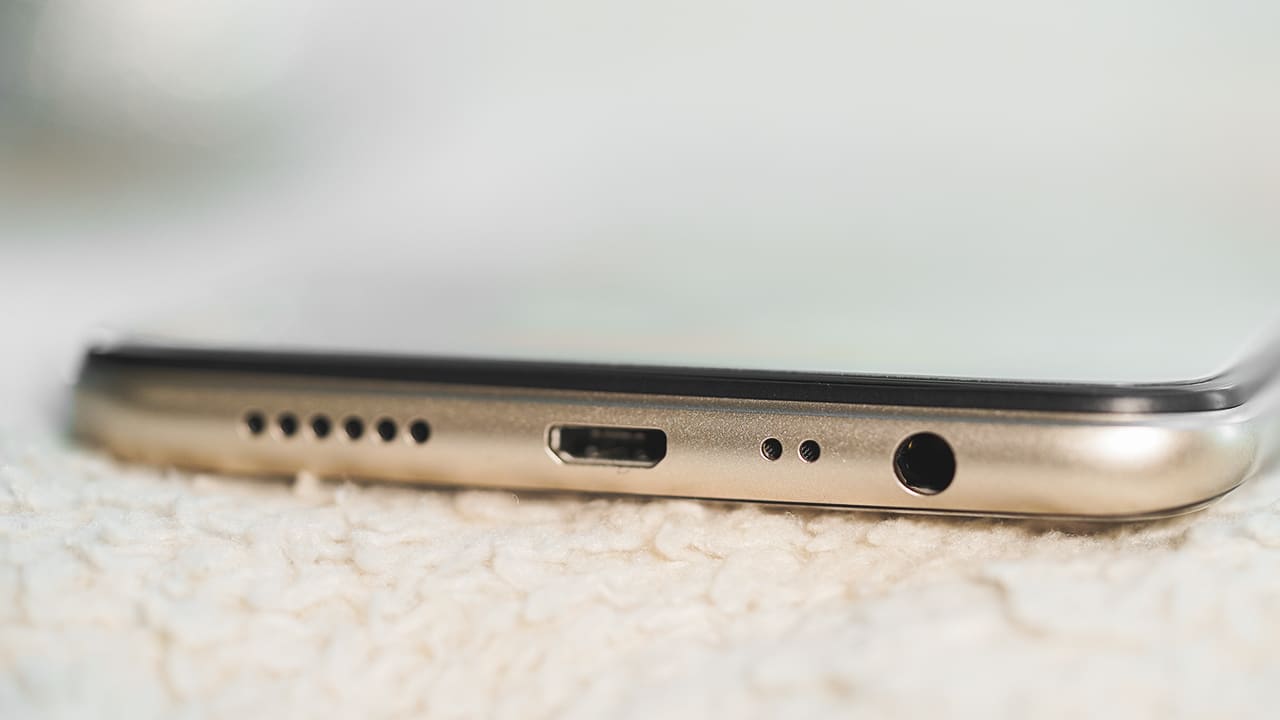
Here are the loudspeaker, micro-USB port, microphone, and 3.5mm jack
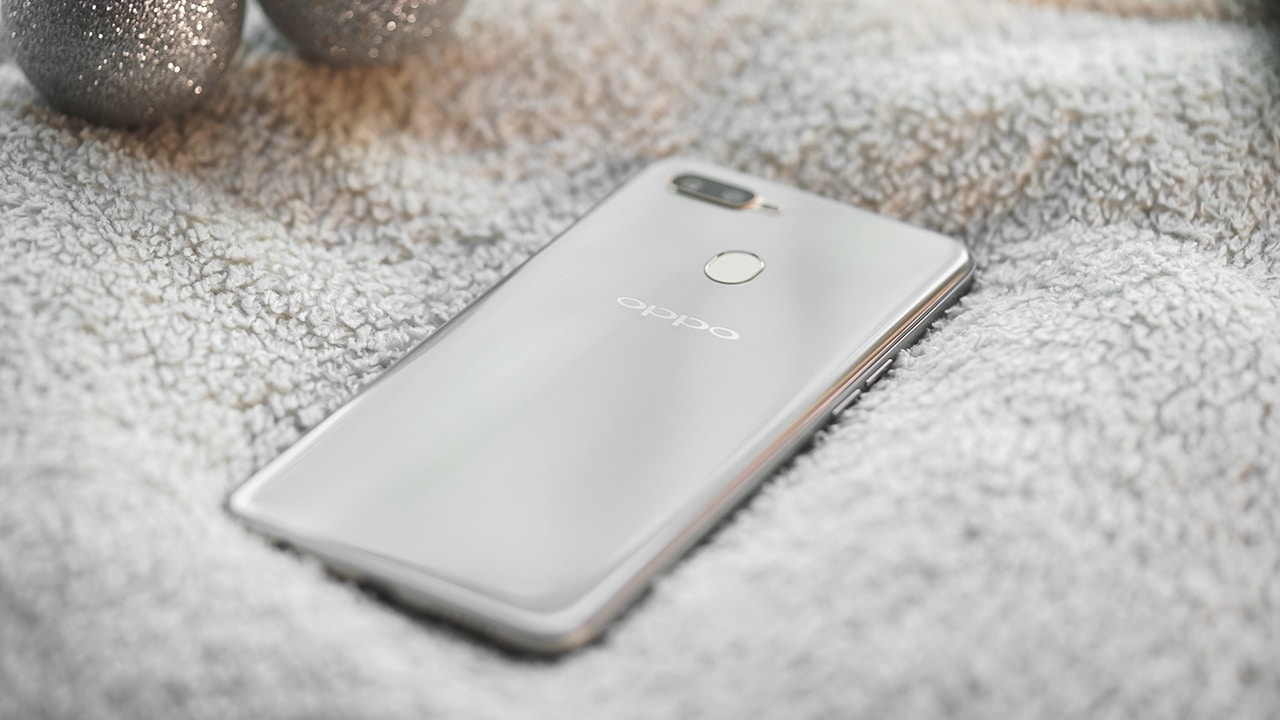
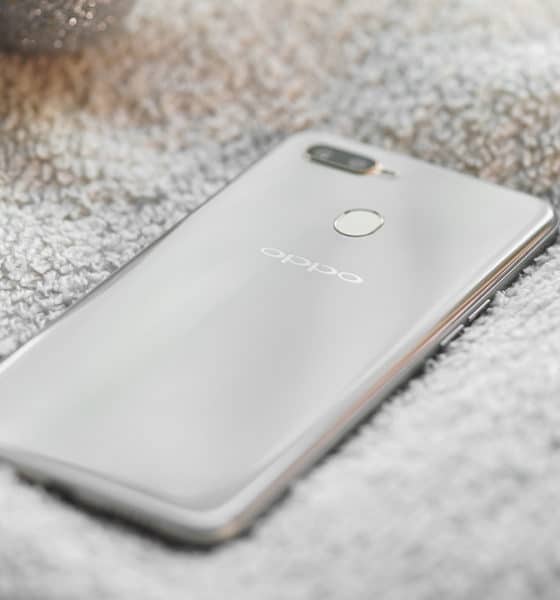
The back of the A7 looks quite sophisticated
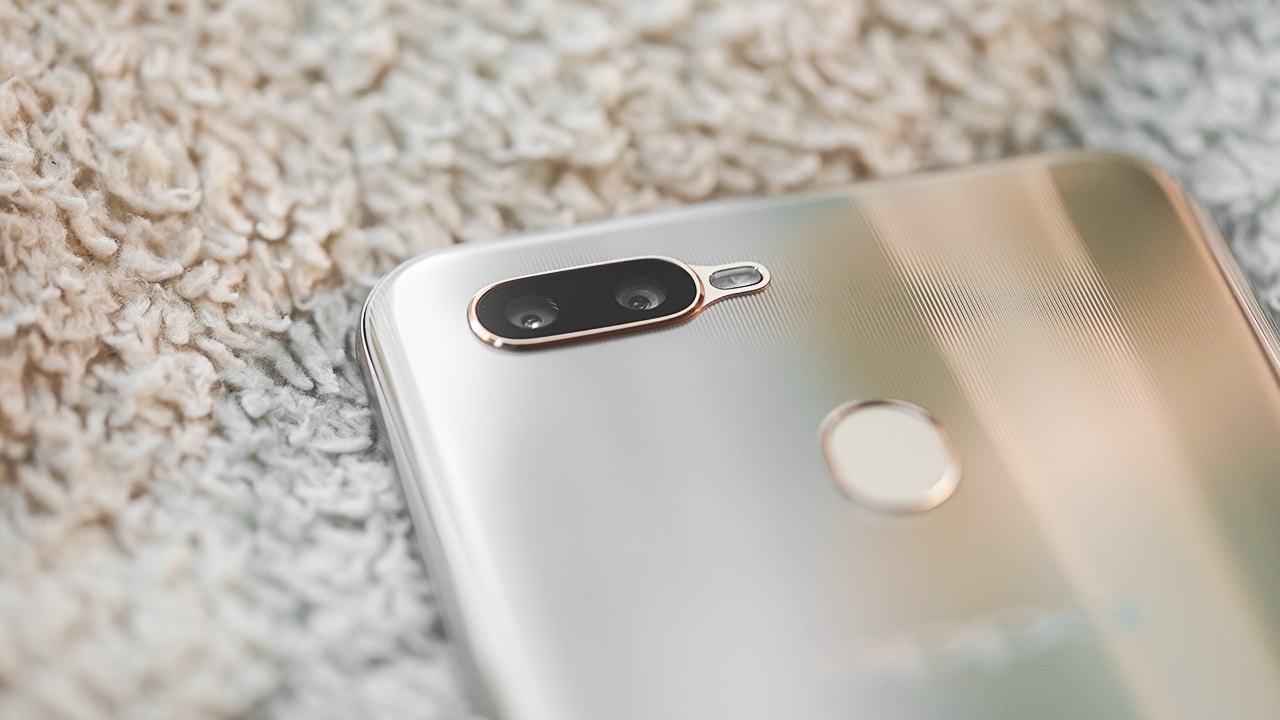
No need to hide it inside a case
For the beauty
For some reason, OPPO made the A7 look and feel more attractive than their main midrange offering, the F9. How? I find A7’s curved back more comfortable to hold and the grating pattern more appealing. The oval-shaped fingerprint reader and the gold accent surrounding the cameras also nice touches.
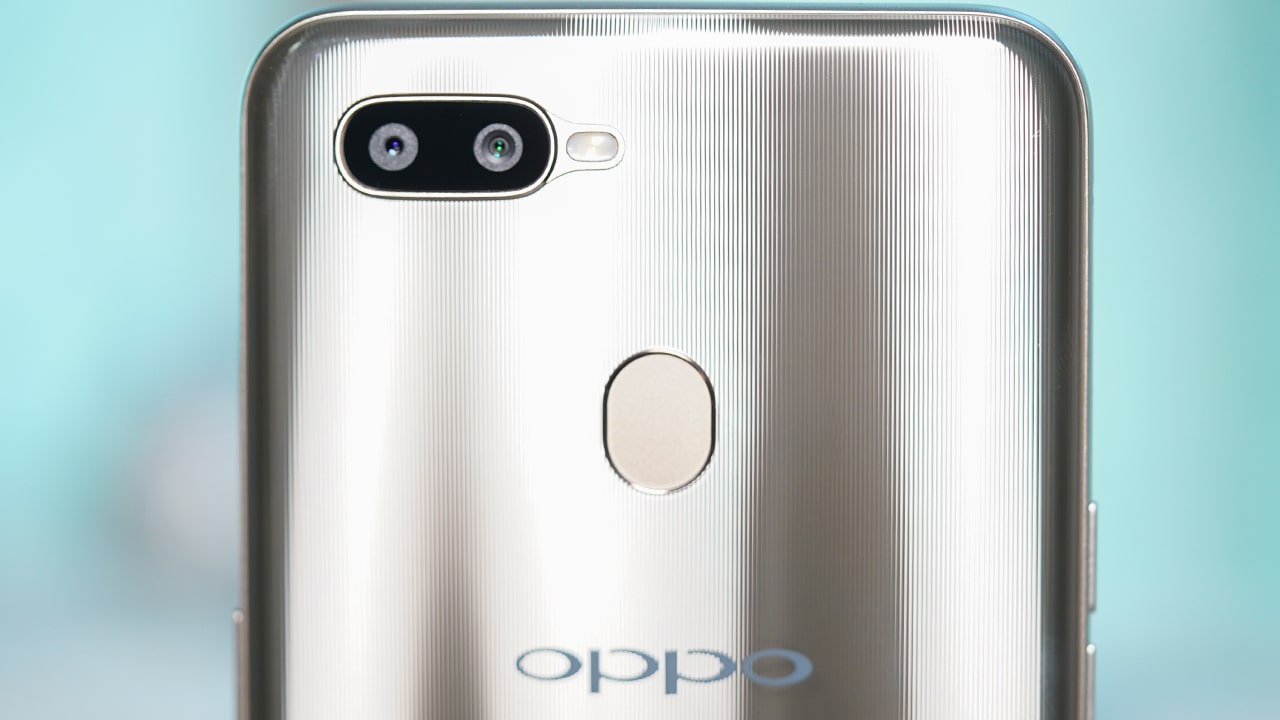
The overall build quality is good and doesn’t feel cheap, but it’s still plastic all around. It lacks the cold feeling of metal or glass that more expensive phones have.
I can’t say the same for the display, though, because it lacks the sharpness I’m accustomed to. The phone’s 6.2-inch panel only has an HD+ resolution and it converts to a passable 271ppi pixel density. The phone won’t even pass as a “retina” display, but it does have good color reproduction and sunlight legibility.
Decent performance
The phone is powered by a Snapdragon 450 processor with 4GB of memory and 64GB of storage. The choice of using a Snapdragon processor instead of a MediaTek one is quite surprising and might even be good news for those who are biased against the reliability MediaTek. As expected, the A7 is able to perform any everyday task and all of the apps I tried on it work fine.
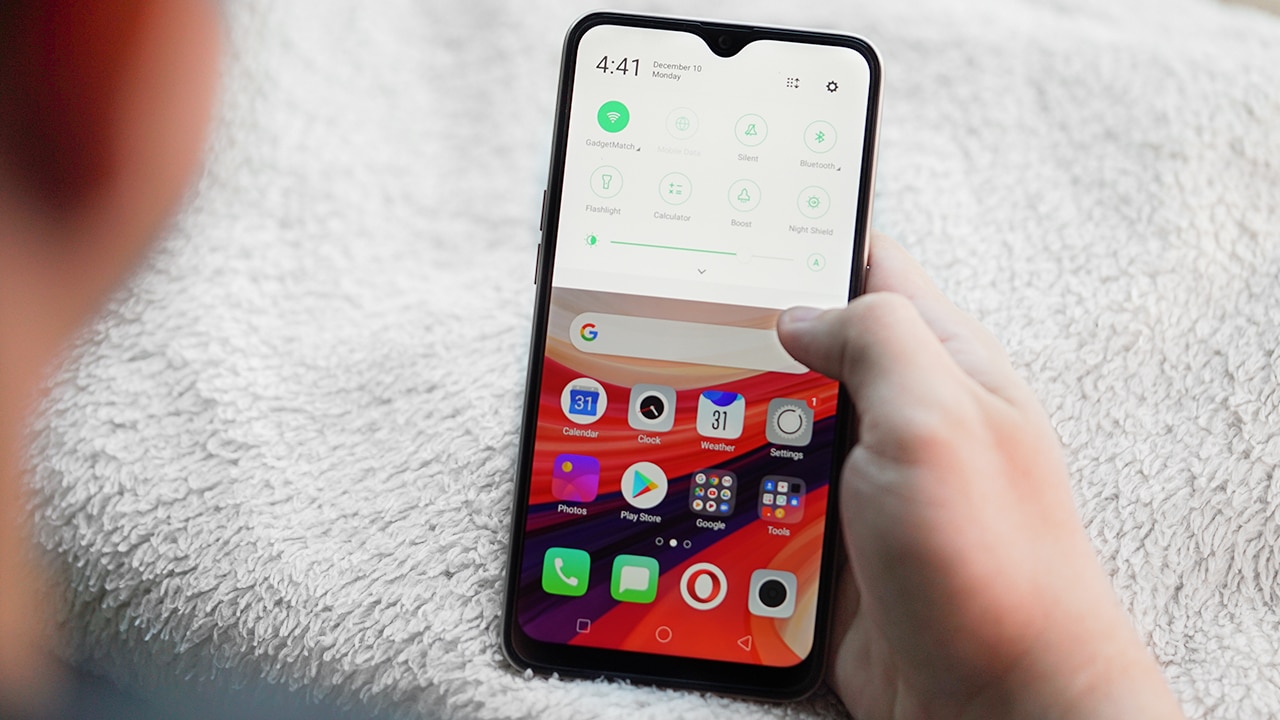
There are slight hiccups which can be addressed via a patch and we do hope OPPO will support the phone through regular updates. ColorOS 5.2, OPPO’s custom software based on Android Oreo, is still trying hard to copy iOS. It has candy-like icons and doesn’t have an app drawer. It’s also known to have pretty bad notification management, just like the early days of iOS.
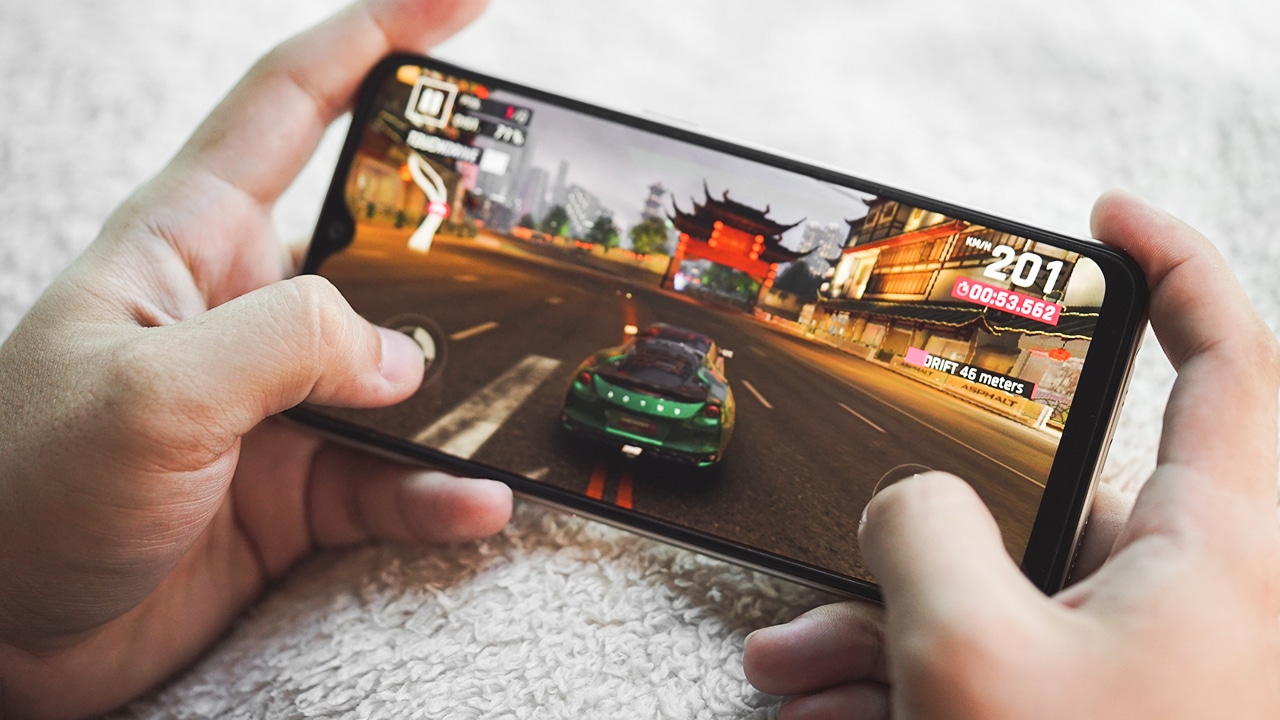
Gaming-wise, the A7 is a decent performer. It supports the latest titles, but it can’t always run games in their highest graphics settings. Big titles like NBA 2K17 and PUBG: Mobile are playable but in low to medium settings, while Asphalt 9: Legends can be maxed out. It’s not the smoothest gaming phone in its range, but it can still handle gaming.
Made for selfies
One of the main selling points of OPPO phones is great selfies. The A7 is equipped with a 16-megapixel f/2.0 front camera which has a beauty mode enhanced by AI or “Smart Beauty” as labeled in the camera launcher. The rear shooter, on the other hand, is a 13-megapixel sensor paired with a 2-megapixel depth sensor for proper bokeh effects.
Here are some samples:








The overall quality of the rear cameras is good, but it suffers in low-light environments. The dynamic range is also just so-so, but you can always tinker with it after shooting. The front camera of the A7 is obviously much better than others and it captures sharp-looking selfies even at night. Although, the beautification mode is still more inclined toward feminine faces.
Is this your GadgetMatch?
The OPPO A7 is not that different from other midrange OPPO phones in the market. All the new models virtually run the same software and will give the same experience. If there’s anything that would convince me to get the A7 over, let’s say, the F9 is the design. The A7’s looks are a lot sleeker than the F9’s, which is supposedly OPPO’s main midrange offering.
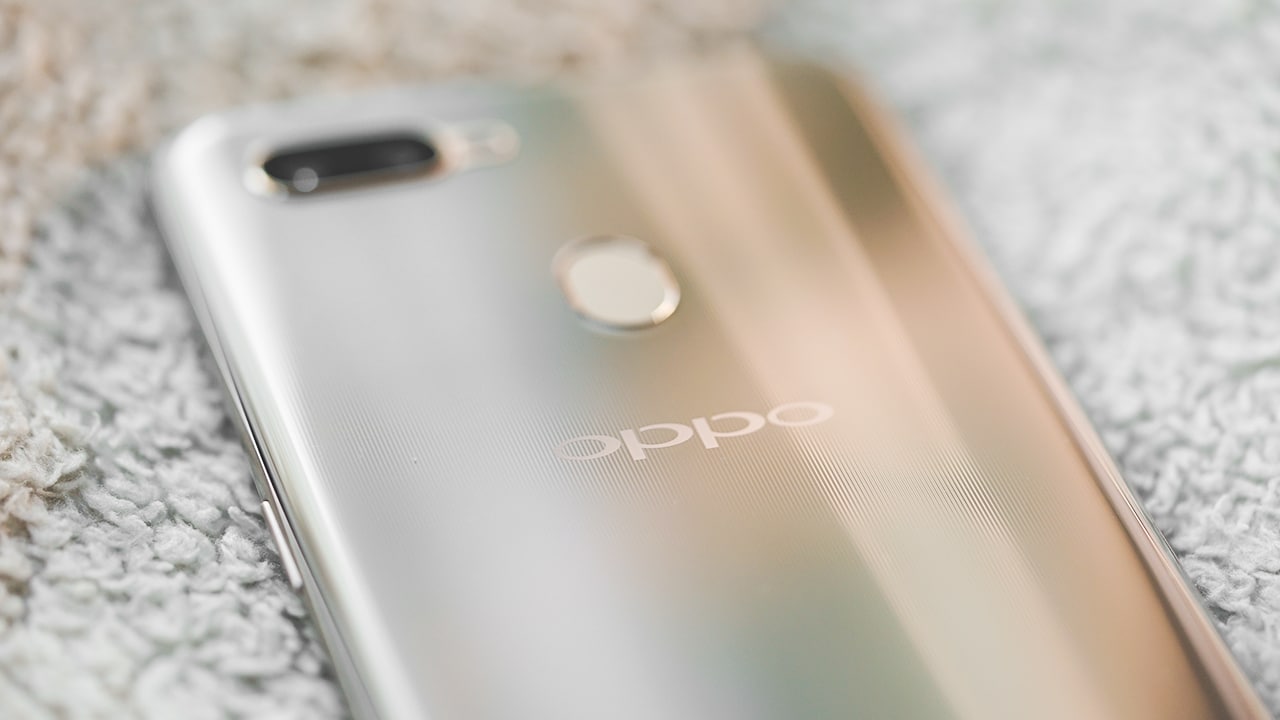
If ever you’re more inclined to get the A7, you’ll actually save a bit more cash because it’s cheaper at PhP 13,990 or roughly US$ 265. You’re not missing out a lot from the F9 either, except its VOOC fast charging technology. The A7 comes in either blue or gold, and both look great.





Hands-On
Apple iPhone Duo Unboxing and Hands-on
Supported apps, crease, cameras, and MagSafe all tested


Apple’s iPhone Duo is finally here!
Aside from unboxing the all-new iPhone-dable in Night Sky, we take a closer look at the display crease, check out the under-display camera quality, see which MagSafe accessories work with it.
Most of all, which apps support it (or not).
But how well does the dual-screen experience on an iPhone actually work? Watch our Apple iPhone Duo unboxing and hands-on to know more!


Moving into a new space comes with a long list of things to figure out, and lately, I’ve been paying more attention to something that’s easy to overlook: air quality.
After using the LG AeroMini for about a month, it has become a subtle but welcome addition to my space. It helps make the room feel fresher, while its compact and stylish design fits naturally into my setup. Here are the things that stood out to me most after living with it for a month.
360° purification for a fresher space
One of the things I appreciate about the AeroMini is its 360° air purification, designed to bring purified air in every direction.
For me, this is particularly useful in a new space where I’m spending a lot of time working, relaxing, and just settling in.

Combined with its True HEPA filter, which is designed to remove 99.999% of 0.01μm fine dust and allergens, it gives me added peace of mind about the air I’m breathing every day.
After a month, I can genuinely say that the space feels fresher with it running.

Surprisingly quiet
This is probably my favorite feature.
The LG AeroMini operates at just 26dB, and after using it for a month, what stands out is how easy it is to forget that it’s even running.

I can have it running while I’m working or sleeping without the noise becoming a distraction. For an appliance that’s designed to continuously improve the air around you, I think that’s a big deal.
Sometimes, the best feature is the one you barely notice.
Design that fits my space
Since I recently moved, I’ve been pretty conscious about what I bring into the space. I want things to be functional, but I also don’t want appliances that feel like they’re taking over the room.

The AeroMini’s slim and compact design makes it easy to incorporate into my setup. It doesn’t feel bulky or industrial, and I like that I can leave it out without feeling like I need to hide it away.
For me, that balance between functionality and aesthetics makes it feel more like part of the space rather than just another appliance.
Air quality at a glance
Another feature I’ve found convenient is its Smart Control. Through the app, I can monitor and control the AeroMini while getting real-time updates on the indoor air quality.
It’s a small convenience, but being able to check the air quality without having to interact with the purifier directly makes it easier to keep track of what’s happening in the room.

Easy to maintain
I also appreciate that the AeroMini is designed with an all-in-one dust and deodorization filter that makes replacement and maintenance easier.
That matters to me because the best home gadgets are the ones that don’t create another complicated chore. I want something I can set up, use regularly, and maintain without too much fuss.

After a month, would I keep it?
Yes, and mainly because it quietly fits into my everyday routine.
The LG AeroMini has helped make my new space feel fresher and more comfortable, while its compact design means it doesn’t compromise the look of the room. But if I had to pick just one thing I appreciate most, it’s still how incredibly quiet it is.

It’s one of those upgrades that doesn’t demand your attention. It simply works in the background.
If you’re also looking to make your home a fresher and more comfortable space for yourself and your family, visit https://www.lg.com/ph/ to learn more about the LG AeroMini and how it can fit into your everyday life.
Hands-On
Apple iPhone 18 Pro Series Hands-on
And everything announced during Apple’s September 2026 Event

The latest Apple event isn’t just about the shiny new Apple Duo. There’s a lot to talk about!
In this video, we break down everything Apple has announced during their September 2026 keynote.
First, there’s the updated iPhone 18 Pro and 18 Pro Max. That’s alongside their design and color changes, battery and performance improvements. Even that massive camera upgrade.
There’s even the ANC-infused AirPods 5 alongside the newer Apple Watch Series 12 and Apple Watch Ultra 4. Plus, the latest software updates coming to both these wearables.
So, are these worth the upgrade?


Apple iPad mini OLED review
Has the mini gone PRO?!


ROG G700 review: The best prebuilt PC you can get off the shelf
This PC will make you stop worrying about specs.


HP OMEN Max 16 review: Gamer-maxxing in deep black
Peripherals deemed necessary to max this out

Sony revives classic Walkman headphones with USB-C MDR-3R

IKEA, Xbox launch nine-piece YXSTABY gaming collection

Smart Infinity launches PureVoice

The Fellowship of the Ring in Concert finally arrives in Manila
Apple iPad mini OLED review

OPPO Find X10 Series launches globally October 21

Your coffee nook is getting a makeover with Starbucks’ holiday collections

vivo V80 debuts with ZEISS cameras

Garmin Enduro 4 promises up to 320 hours of battery life

Dragon’s Dogma 2: Dark Arisen launches with new Official Pawns


-
 Lifestyle5 days ago
Your coffee nook is getting a makeover with Starbucks’ holiday collections
-

 Lifestyle7 days ago
Sticker season is back, and so is the planner your ~friends~ might fill in for you
-

 Gaming5 days ago
Wild Rift Patch 7.3, celebrates K/DA comeback
-
Gaming1 week ago
ROG G700 review: The best prebuilt PC you can get off the shelf
-

 Gaming1 week ago
PlayStation unveils Prism Collection
-

 News2 weeks ago
Apple unveils its biggest iPad mini update yet
-

 Laptops1 week ago
Apple unveils MacBook Pro with PROLED XDR display and Touch
-

 Gaming1 week ago
FromSoftware’s The Duskbloods delayed to 2027