

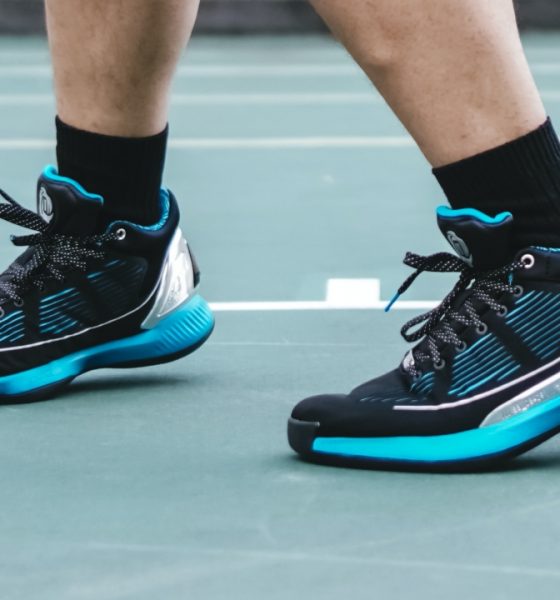

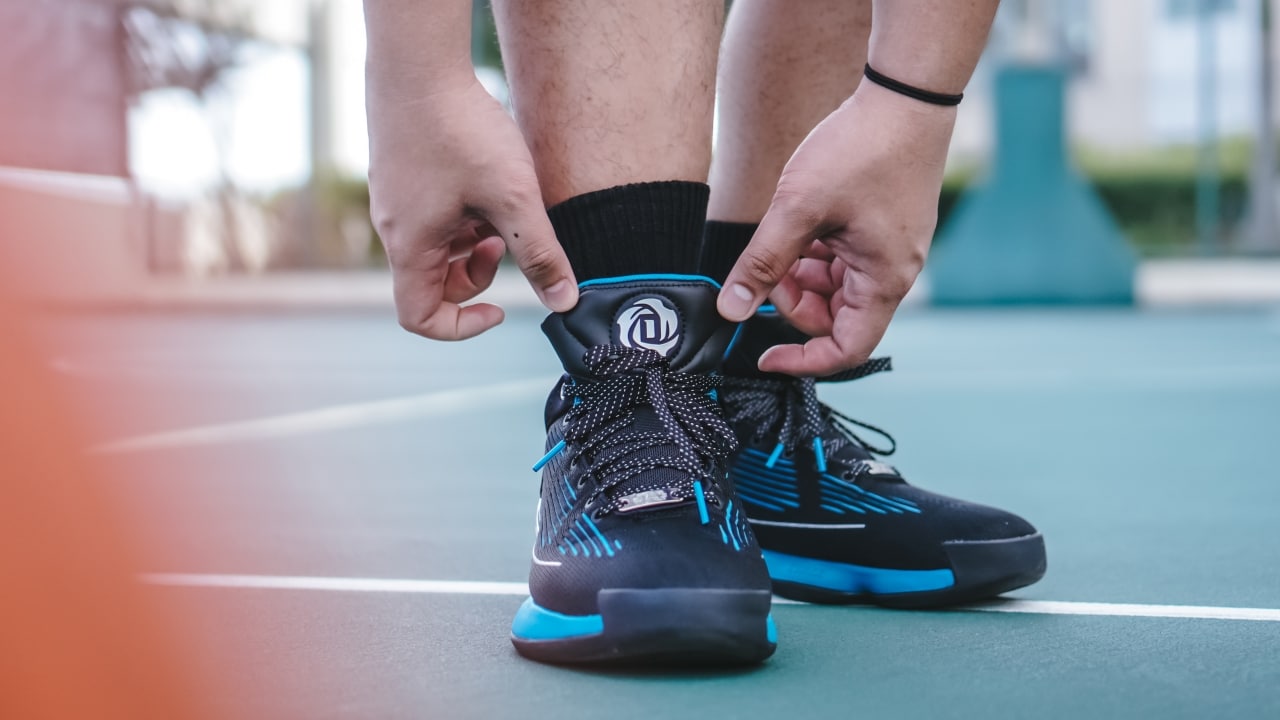
The sequel trilogy of Star Wars is coming to a close with Star Wars Episode VII: The Rise of Skywalker. With it came a wave of collaborations with various brands — one of which is adidas. Here we’ll take a closer look at the adidas DRose 10 Lightsaber.
While it’s the Ultraboost kicks that got more buzz, adidas also released the Lightsaber set which featured various models all made for hitting the hard court. The DRose 10 is the signature shoe of former NBA MVP Derrick Rose. There’s plenty here that pays homage to not only Star Wars but also the player its for.
Before we go on any further, I’d like to point out how reviewing a sneaker isn’t something I regularly do. But you gotta start somewhere, right?
Designed from a galaxy far, far away
The best thing about sneaker collaboration is the level of detail that goes into the look of the shoes.
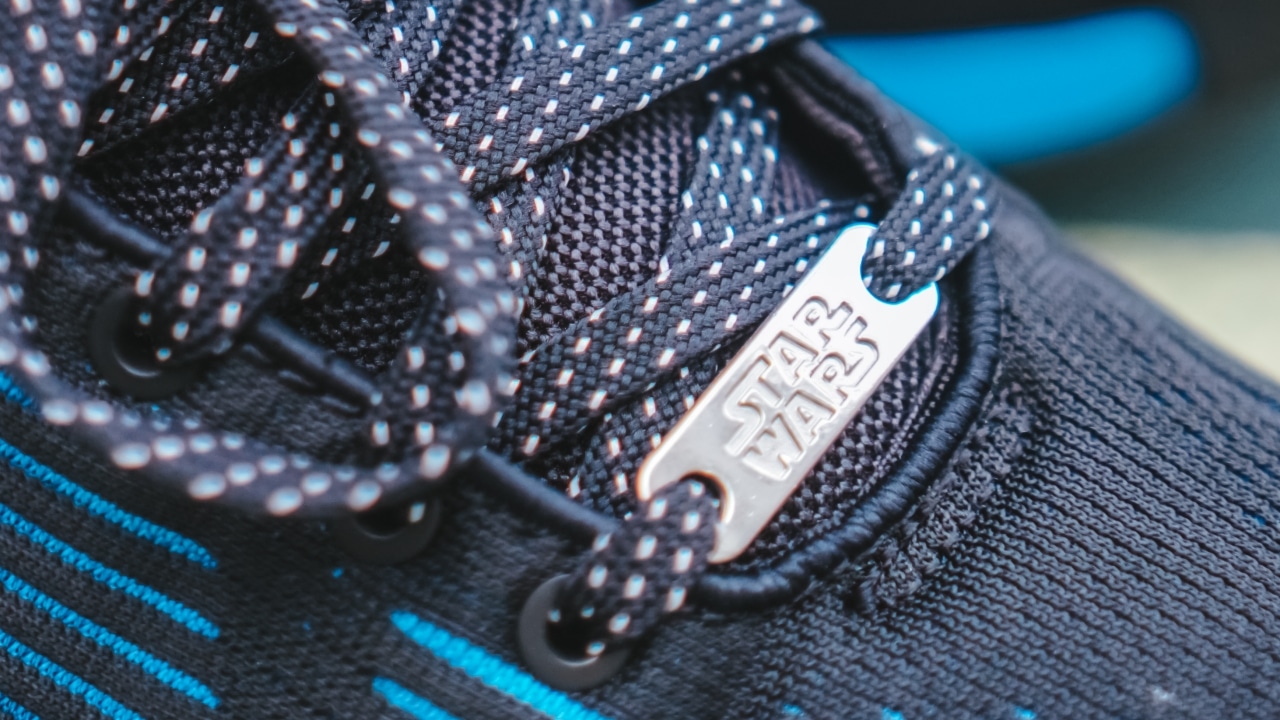
The first obvious sign of the collab is on the shoelace area
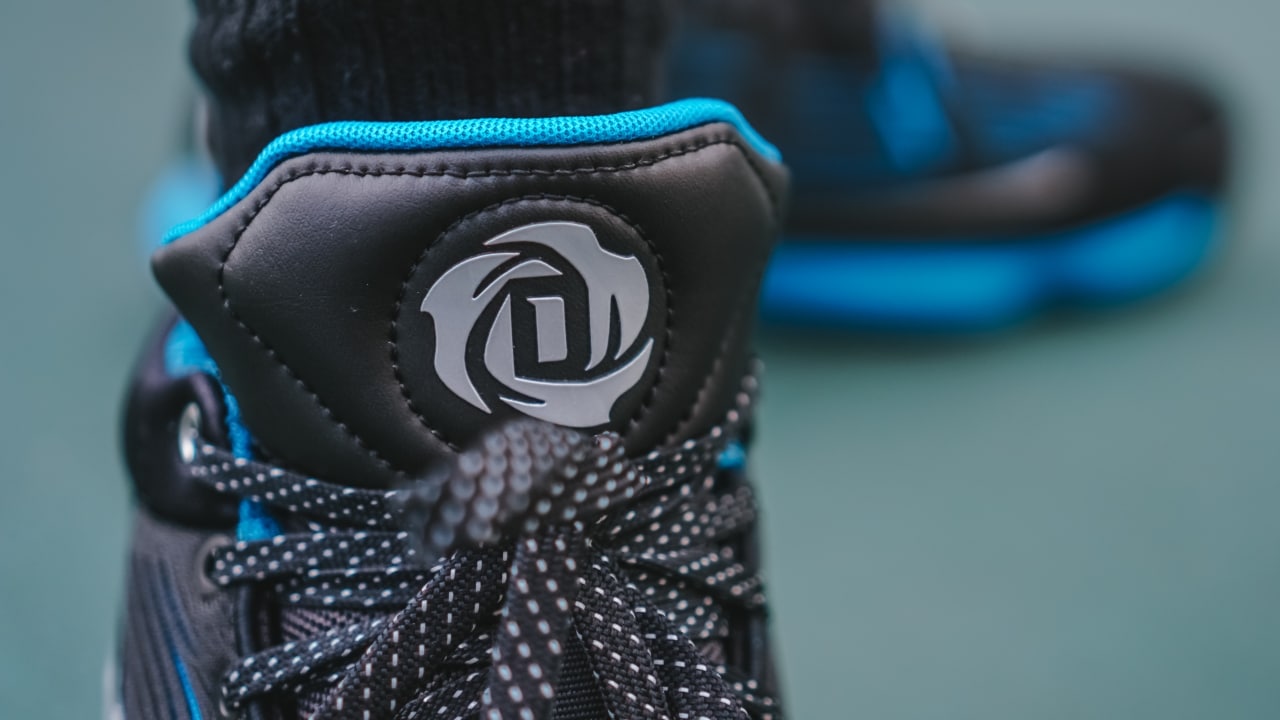
Moving up a little bit towards the tongue of the shoe, you’ll see DRose’s logo.
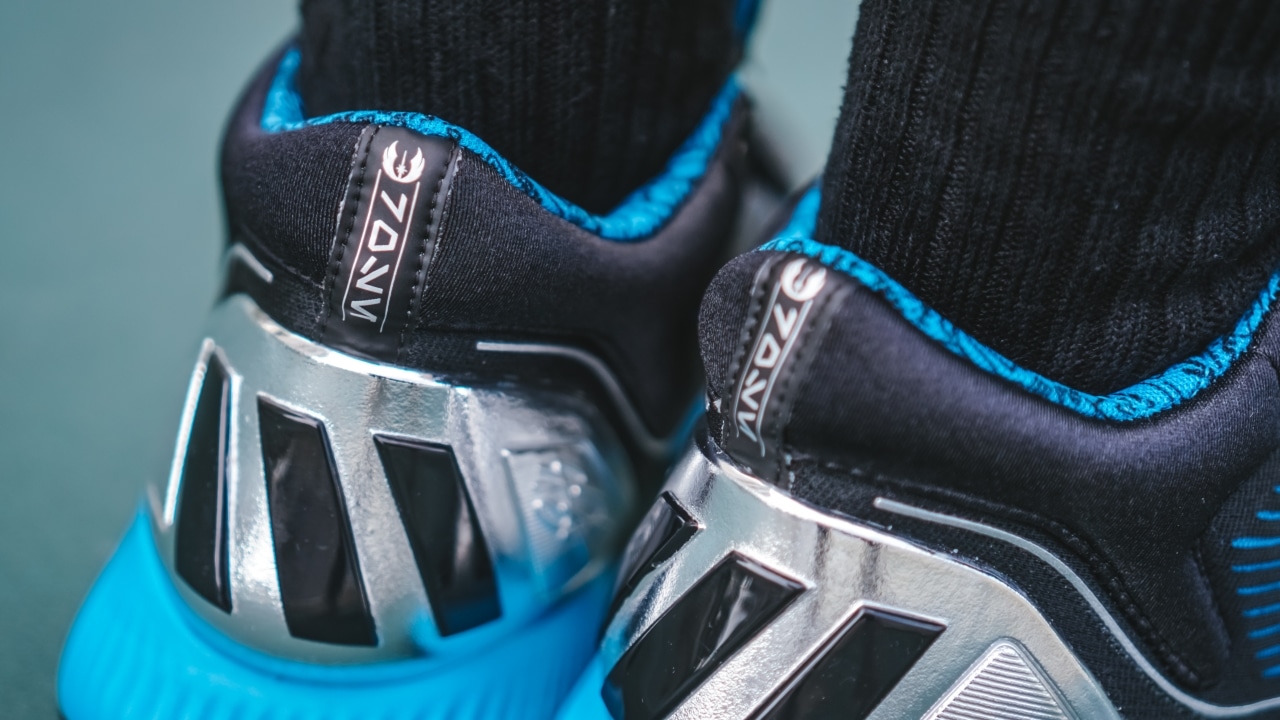
Over at the back of the shoe, you get this Aurebesh symbols. In Star Wars lore, Aurebesh is the writing system for Galactic Basic which is the most common language used in the galaxy. This particular text says “Rose.”
On the outer side of the shoe just above the outsole are numbers significant to Derrick Rose. He was born on 1988, won the Rookie of the Year award in the ’08-09 season and then was named the NBA’s youngest MVP ever when he got the award in the ’10-11 season.
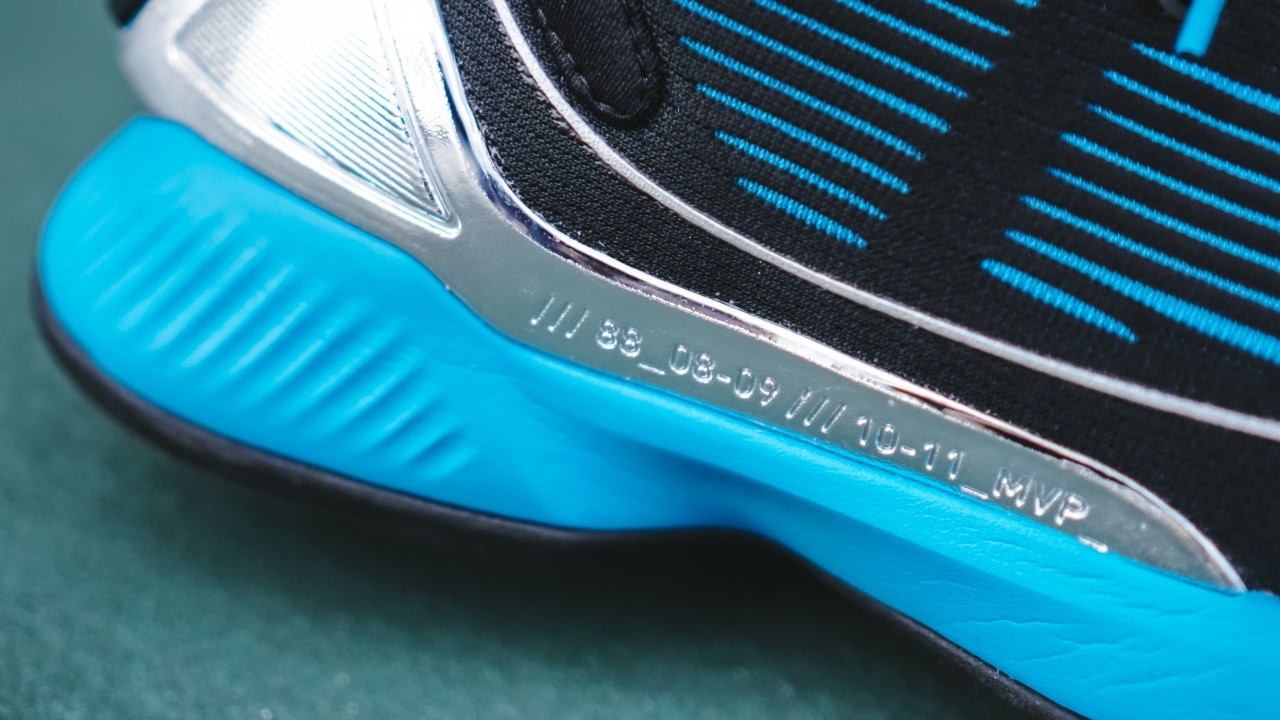
Another detail added to this model is the DRose’s signature on the TPU heel counter. As far as I know, this detail is only seen here and on the Bred colorway.
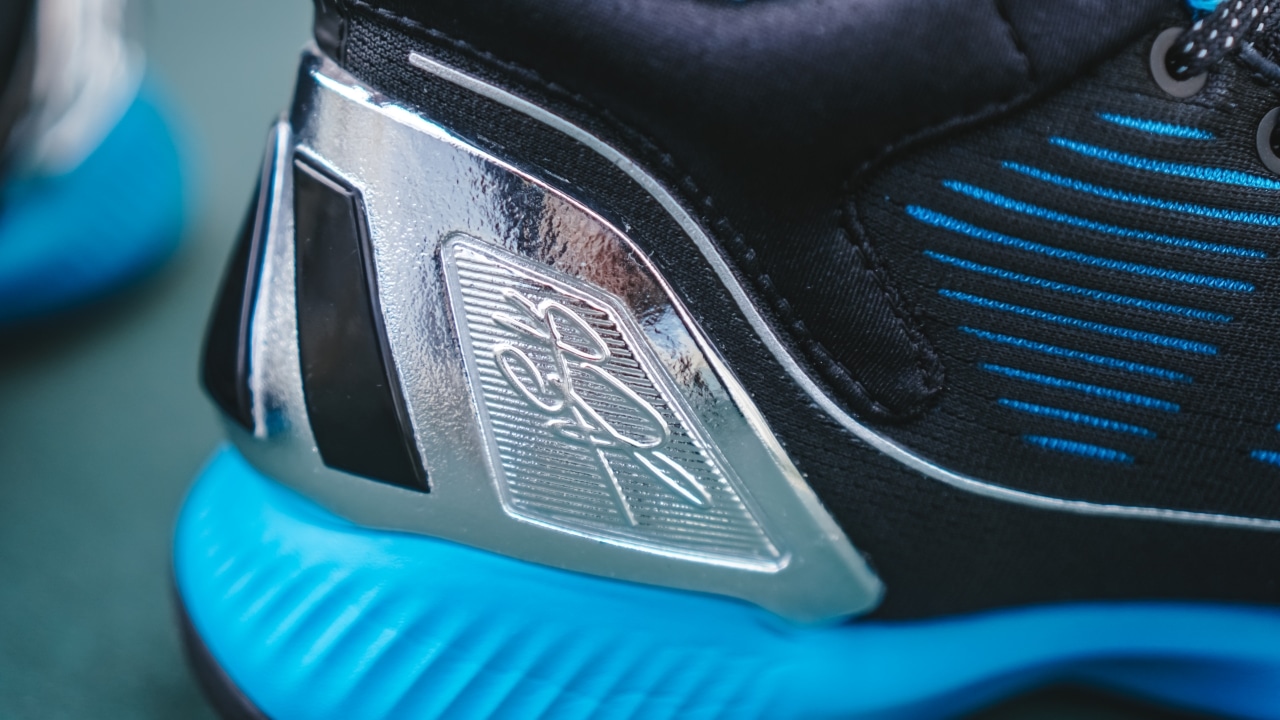
Even the padding around the heel tab has plenty of nods to Star Wars.

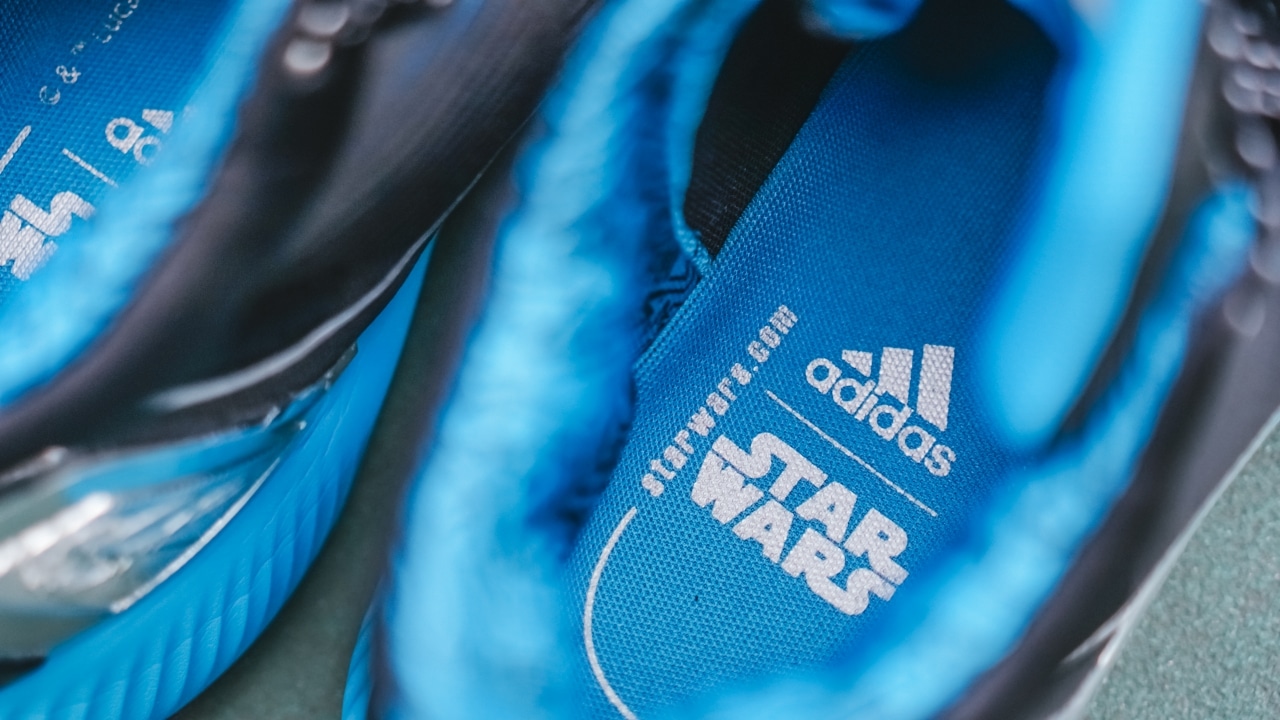
And when you look at the insole you’ll see both the logos of adidas and Star Wars.
Here’s a good look at the shoe overall. This particular model uses a textile upper. The other DRose 10 models use what adidas calls an “engineered leather upper.” Personally, I prefer textile over leather, but part of me wishes they went with a knit upper.

Hit or miss traction
The DRose 10 uses a herringbone and radial pattern for traction. And it’s… pretty inconsistent.
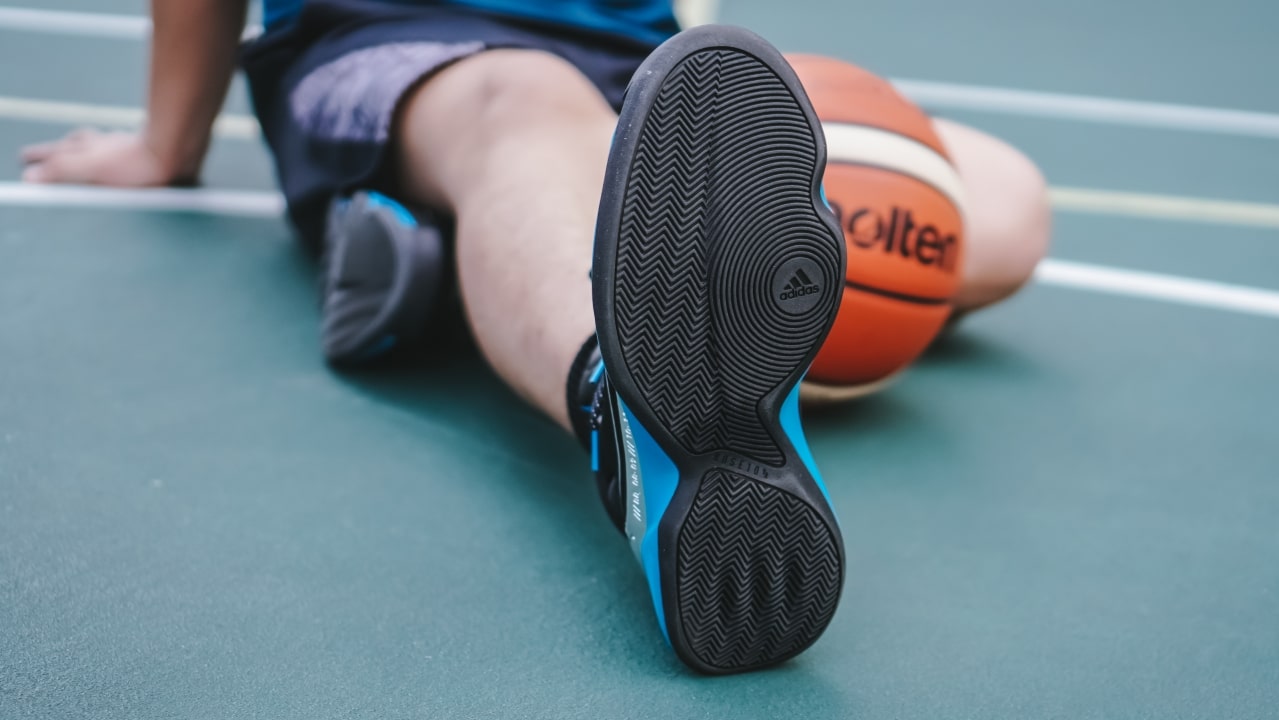
I first tested it on a hardwood indoor court. I had no problems coming to a full stop from a quick sprint, but moving side to side and pivoting had some issues. When you try to do hard direction shifts, it doesn’t have the bite to keep your foot in place and there might be a slight tendency to slip.
For context, I’m coming from the DRose 7 (in case it isn’t obvious yet, I am a DRose fan) which had one hell of a bite on its traction. Didn’t matter where I was playing, that thing gripped the floor when it needed to. No fear of slipping whatsoever.
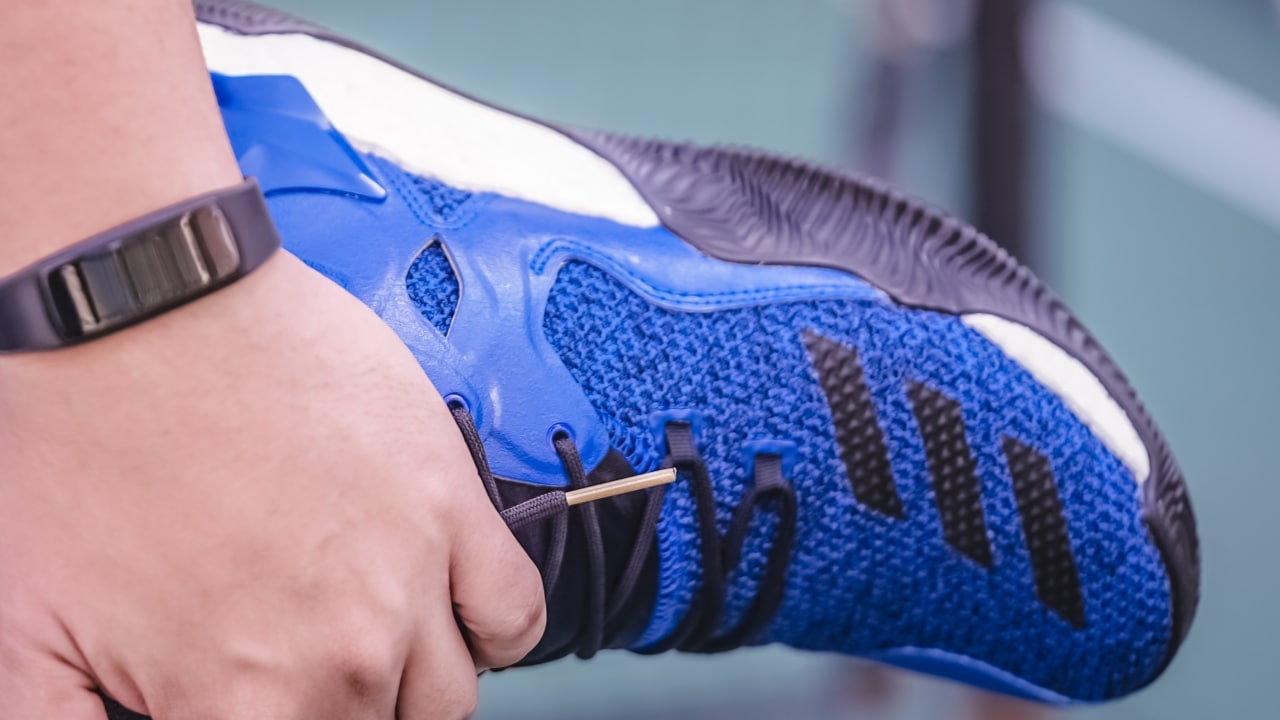
The DRose 7 grips the floor like crazy
I did take the DRose 10 outdoors. There, the traction performed admirably. The grip felt closer to the Dame 5 Goose versus the DRose 7.
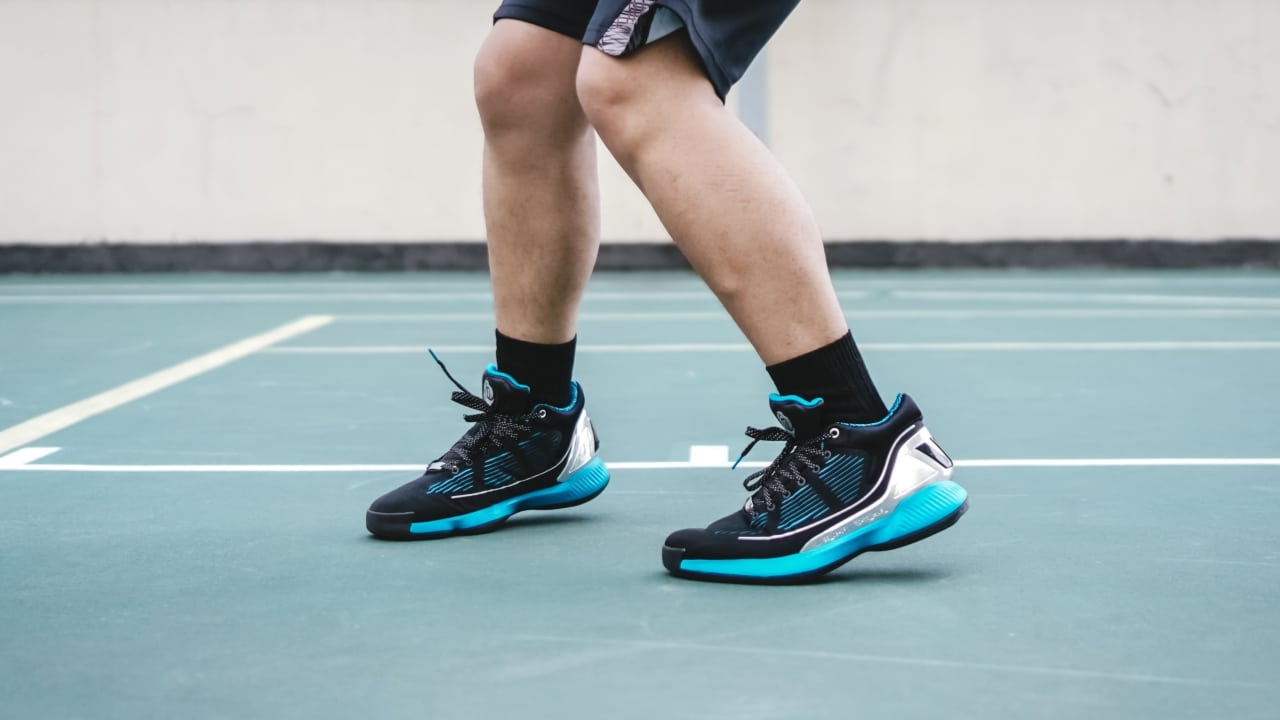
It did well enough to support sudden direction shifts, so if you’re the type who has killer handles, you’ll have no problems crossing someone over with these on.
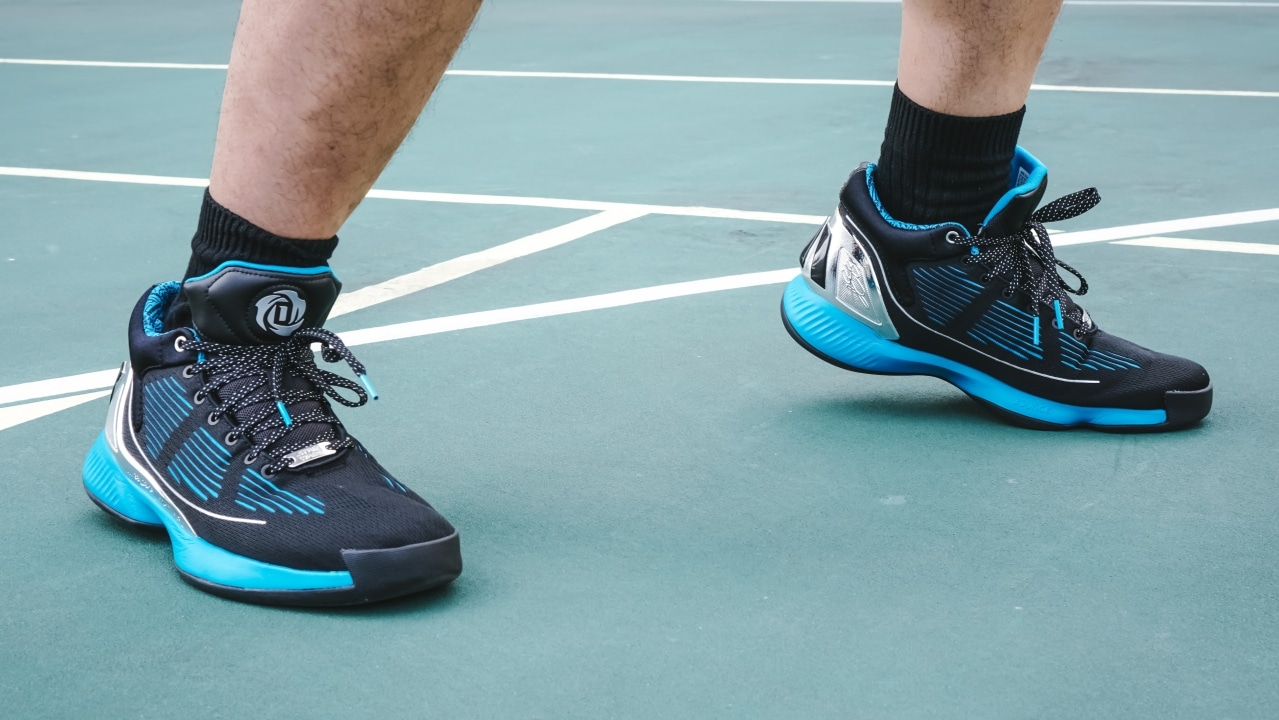
Balanced court feel and support
For its cushion, the DRose 10 is using Bounce.
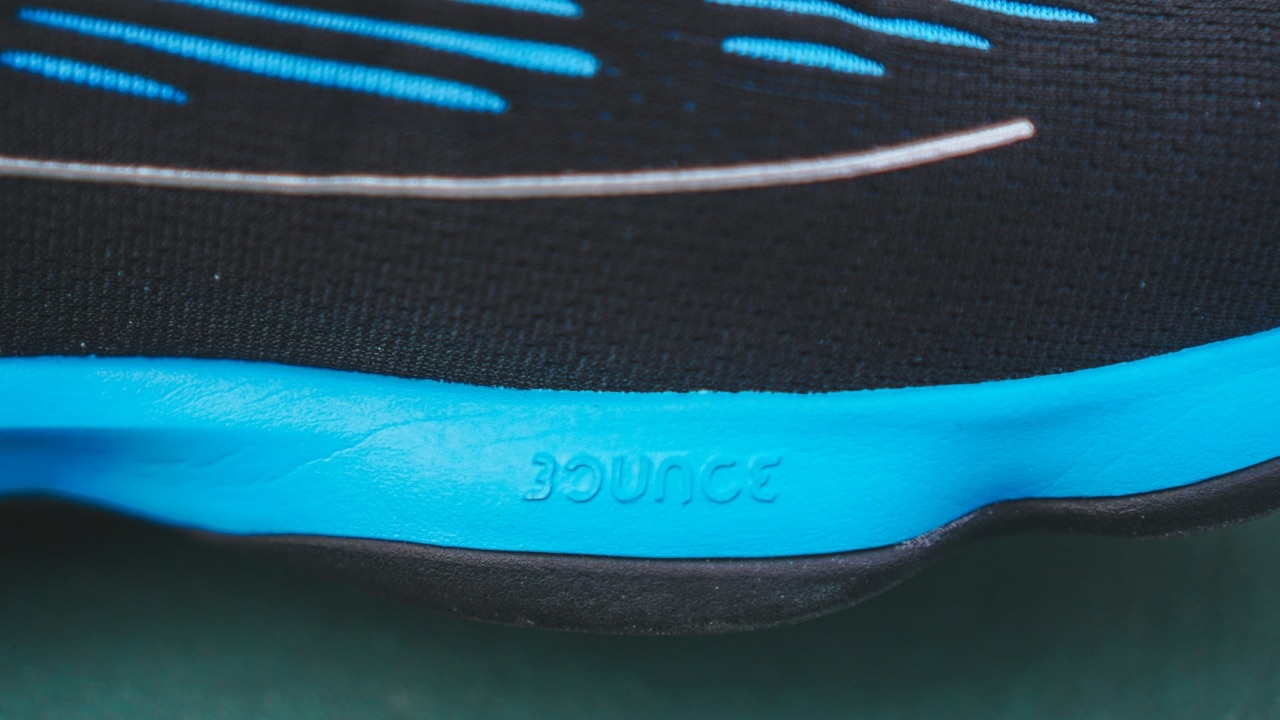
For the most part, it does what you expect from Bounce cushioning. This model in particular gives you more court feel compared to the Bounce equipped on the Dame 5.
I’m not much of jumper. In fact, I have little to lift, but for the purposes of this review, I did try jumping a lot on these shoes. Other than feeling the effects of months of weight gain, the cushioning did enough to absorb the energy from my 5-inch vertical.

If your play style is that of a slashing guard or wing, I think there’s plenty you’ll like about this shoe. I especially loved how it felt lighter than the DRose 7 and definitely encourages plenty of movement around the court.
As far as fit goes, it’s always best to try the shoe on at the store. I’m a wide-footer and got it true-to-size. This material didn’t need breaking in at all. I slipped right in and I felt comfortable right away.
Is the DRose 10 Lightsaber your Sneaker match?
If I were to describe it as a shot in basketball, it would be a midrange shot — which is something that analytics buffs frown upon nowadays.

I’ll save you the trouble. This shot didn’t go in. 😂
This isn’t the best basketball shoes at this price range (US$ 140 / PhP 6,500). If you’re hellbent on getting a Star Wars pair for basketball at the same price, you might be better off with the Dame 5 Lightsaber version. They perform pretty much the same but the Dame 5 has a significantly better and more consistent traction.

However, I’m more of a DRose fan so there’s that. Of his two Bounce-equipped sneakers, this one is clearly the better choice. But from the Star Wars collection, the Dame 5 or the Harden Vol. 4 might be the better choice performance-wise.








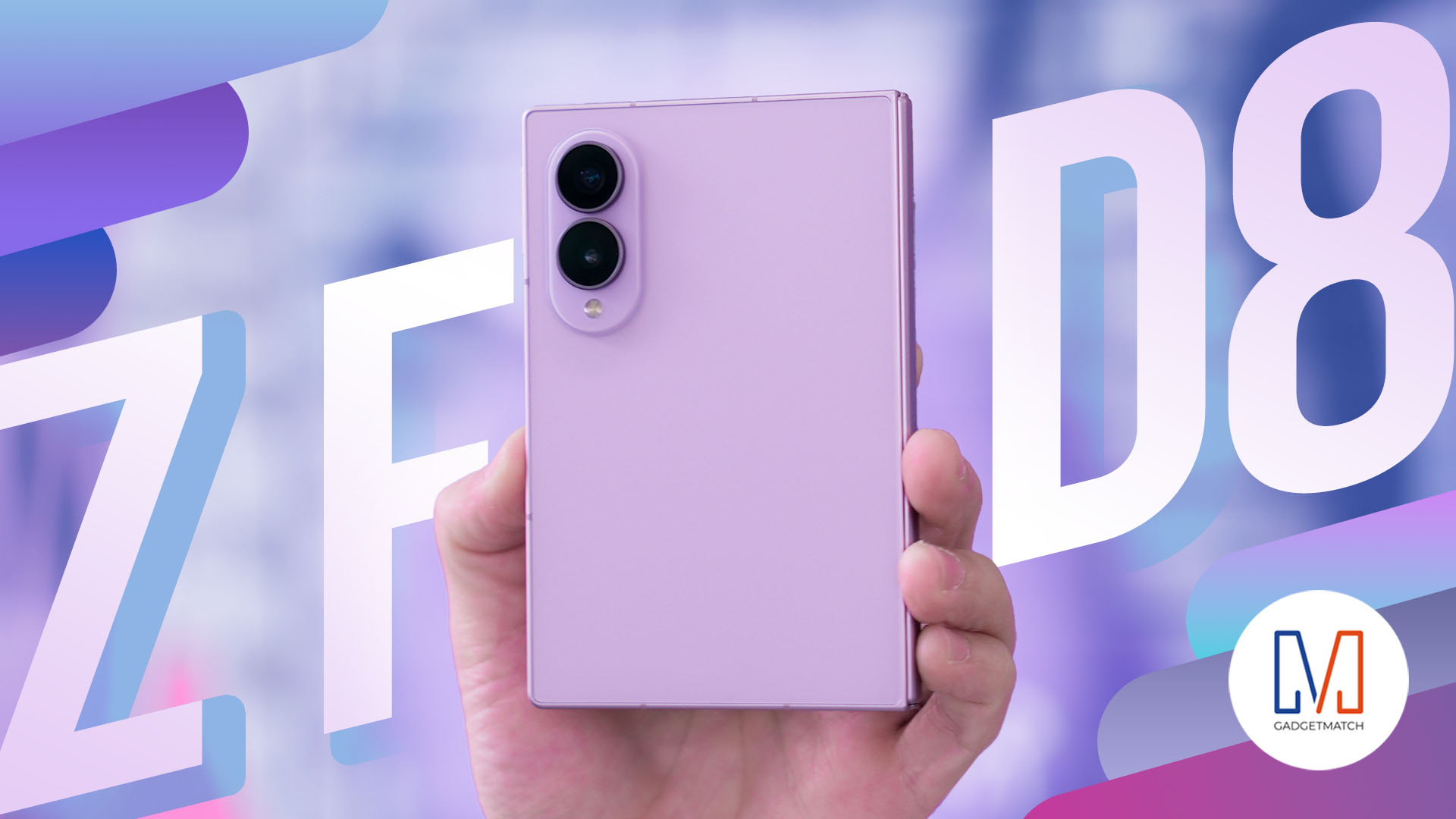
THE Michael Josh has reviewed every Galaxy Fold since the beginning. But, for almost three weeks, the Samsung Galaxy Z Fold8 has been the phone he reaches for every single day.
In this Galaxy Z Fold 8 review, he is sharing what it’s actually like to live with Samsung’s latest foldable. From the size and multitasking to the cameras, battery, software, durability, and all the little things that become more obvious after weeks of daily use.
Here’s our long-term review on the newest Samsung Galaxy Z Fold8.
Laptops
30 days later with the ASUS ExpertBook Ultra: Like seeing an ex
Felt exactly as I remembered.
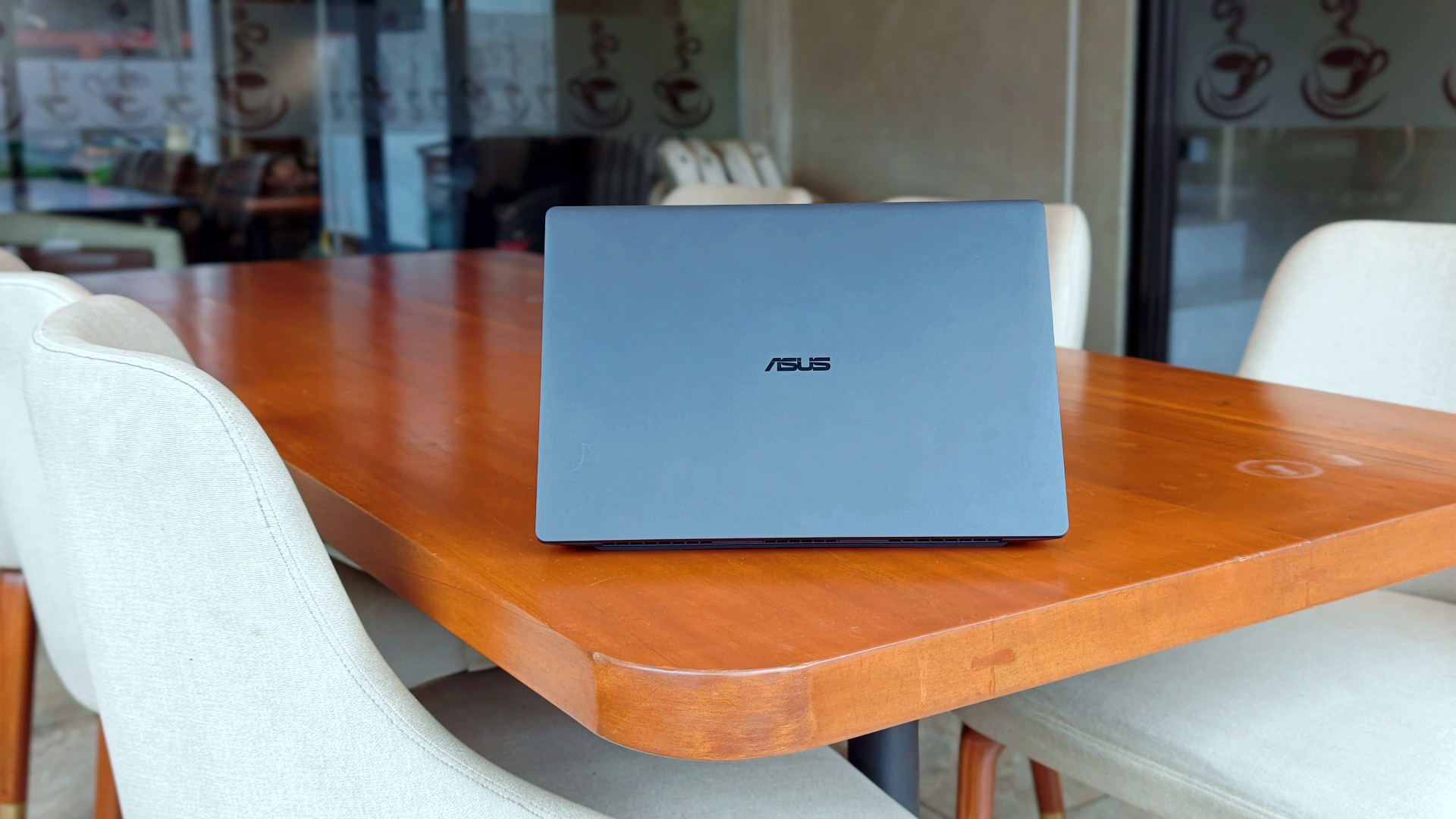
I genuinely thought that was it.
The review was done. The feature was out. ASUS had already collected the laptop. In my head, the campaign was over.
Then, out of nowhere, they sent it back.
Between the original review period and this unexpected encore, I ended up living with the ExpertBook Ultra for close to 30 days.
I wasn’t expecting to spend more time with it, but I certainly wasn’t going to complain. If anything, I just hoped they wouldn’t ask for it back again anytime soon.
Picking it back up felt familiar.
Like seeing an ex.
The butterflies came back almost immediately. So did everything I remembered about it.
It also got me thinking.
Maybe the best follow-up to a review isn’t spending another week with a laptop. Maybe it’s asking yourself one simple question:
How much did you actually miss it after it was gone?
That question was surprisingly easy to answer.
It still feels impossibly light
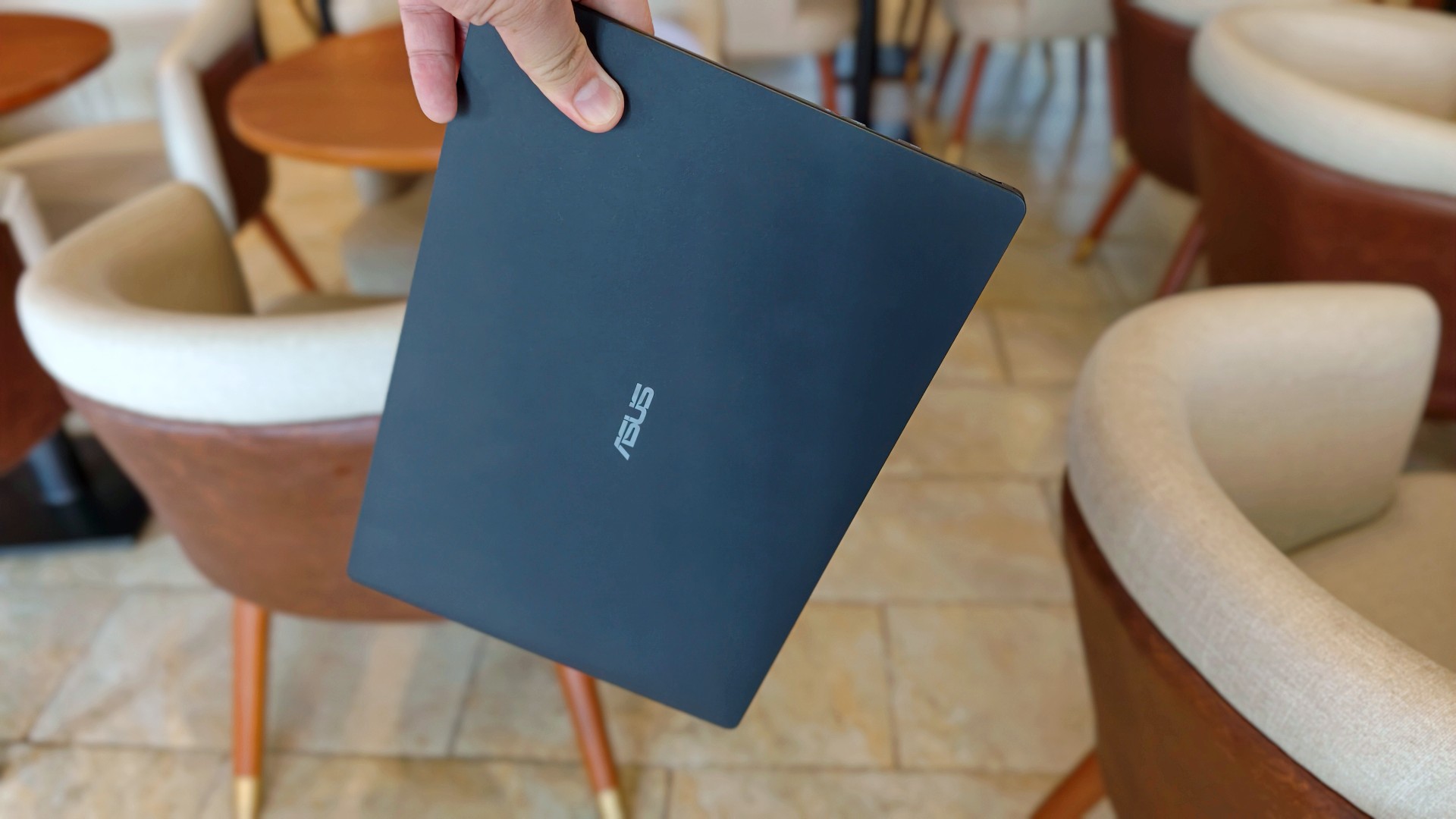
The first thing I noticed wasn’t the display. It wasn’t the keyboard either.
It was the weight.
That became painfully obvious on days when I absolutely had to bring my laptop around. The 0.99kg starting weight really does make a difference when you’re bouncing between cafés, meetings, and wherever else work decides to take you.
So when the ExpertBook Ultra came back, it slipped right back into the same routine. Same cafés. Dinner after. Then back home where work usually followed me all the way to bed.
Most definitely inside the Bravo Tote V2. I upgraded my bag too lol.
The thing I noticed almost immediately wasn’t that it was light. I already knew that. It was how quickly everything came back.
Like we never parted.
The ASUS ExpertBook Ultra is still everything I want my MacBook Pro to look and feel like.
I still have a weird relationship with the Nano Ceramic finish
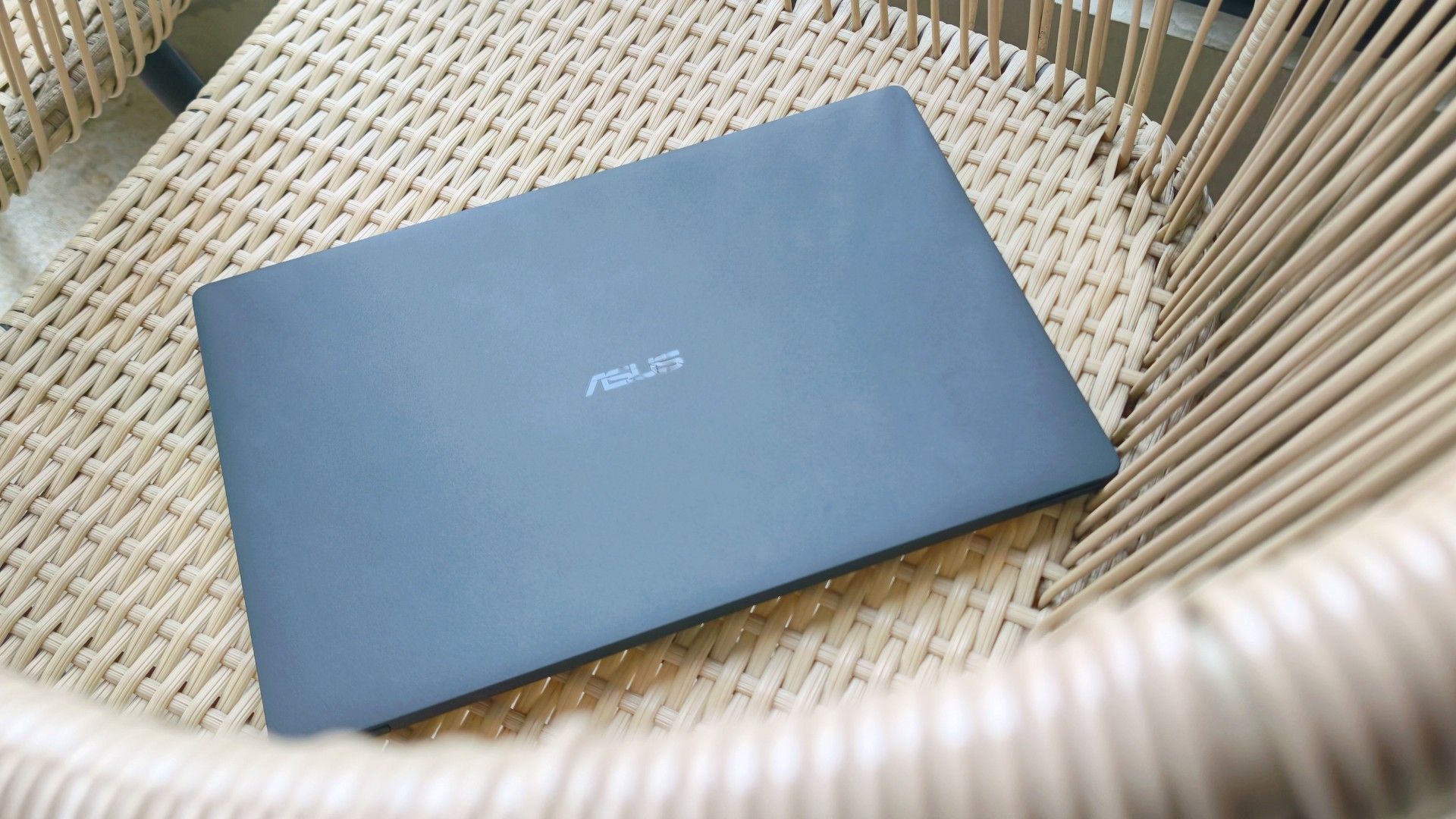
I know this sounds ridiculous, but I still catch myself running my hand across the lid before opening the laptop.
It’s just become part of the ritual.
Pick it up. Marvel at how light it is. Run my hand across the 9H Nano Ceramic finish. Then get to work.
One of the things I wondered after ASUS took the laptop back was whether I’d still care about the finish once the honeymoon phase had worn off. It felt like one of those features that would naturally lose its magic over time.
Apparently not. If anything, the time apart made me appreciate it even more. And as I continued to use it, these words came to mind: “I wish we never parted. I wish you stayed. And I wish you never go away.”
I forgot how much I liked working on it
One thing that didn’t change while the ExpertBook Ultra was away was the kind of work I do.
The breadth and depth of it certainly didn’t magically change. I still spent my days coordinating projects, replying to emails, juggling deadlines, and letting ChatGPT help me process unresolved feelings and questionable timing in between writing articles.
That also meant I wasn’t really the target audience for some of the ExpertBook Ultra’s AI for Work features. I appreciated having tools like MyExpert, AI ExpertMeet, and Copilot+ within reach, but my workflow rarely called for them. Most days, I was simply too busy doing the work instead of exploring new ways to do it.
Although, I will say I did a lot more coordination work than the emotionally charged reviews and features I usually enjoy writing.
I also started editing a reel before eventually handing it over to one of our video editors for reasons completely unrelated to the ExpertBook Ultra. Rodneil issue.
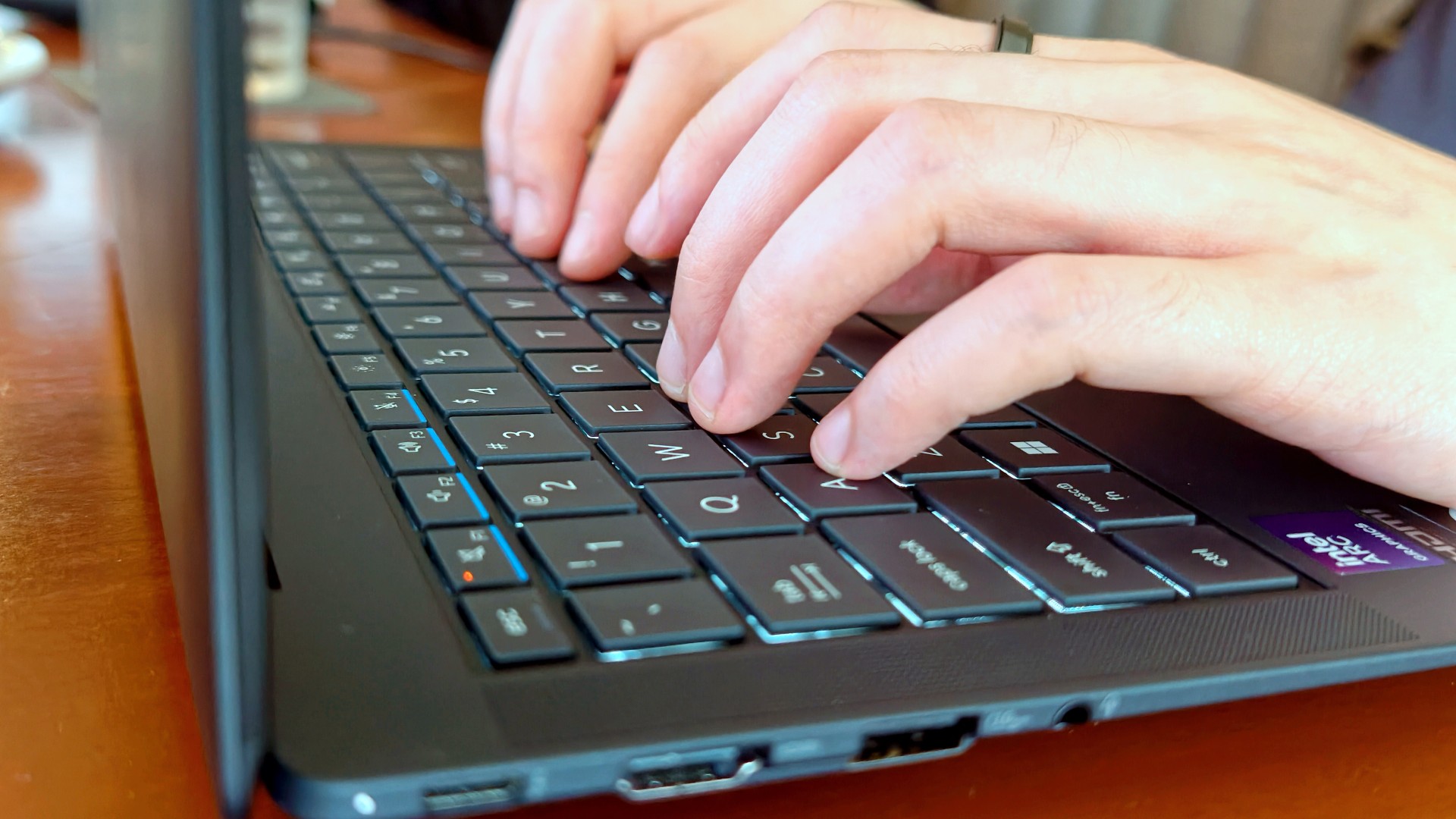
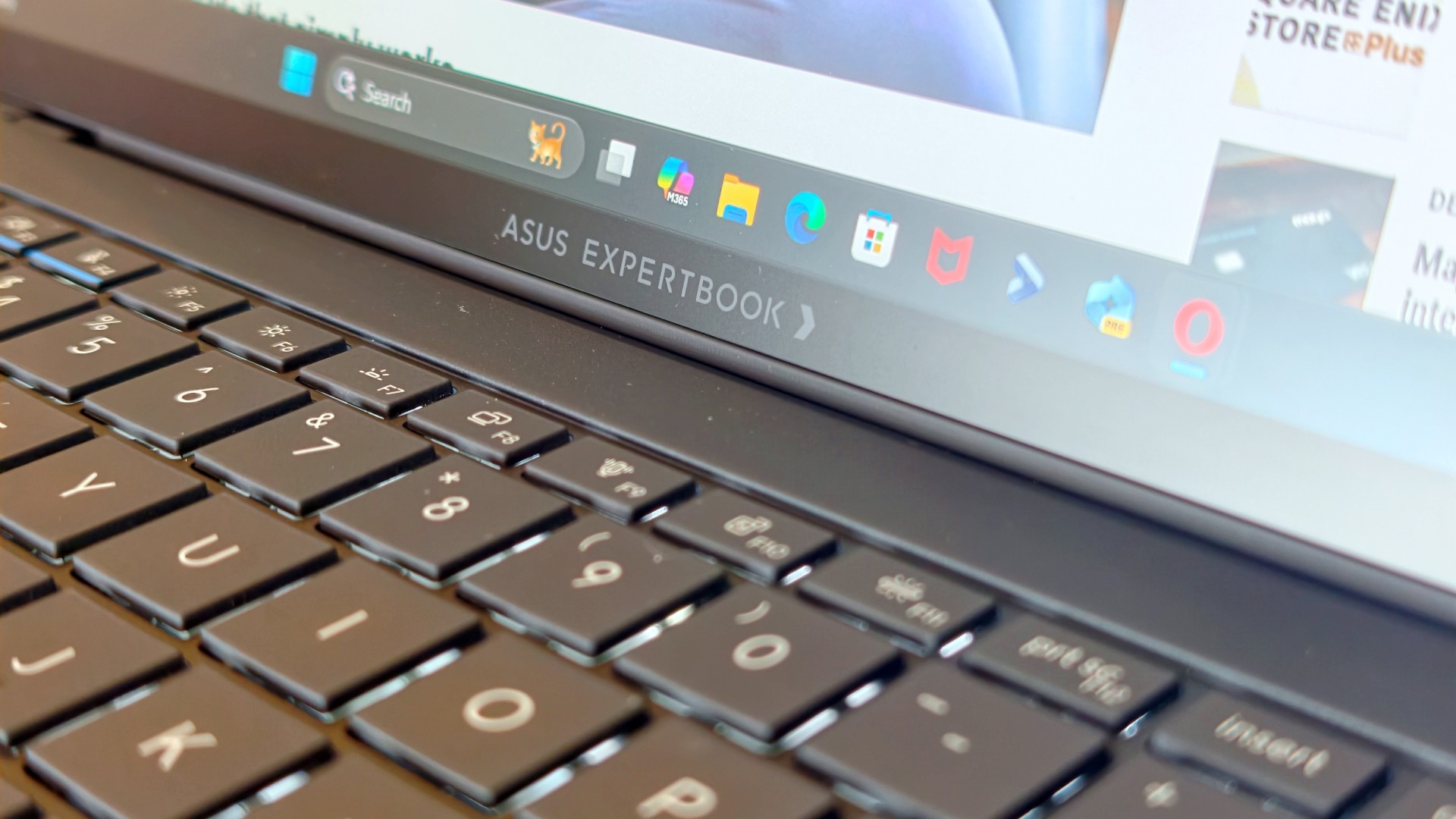
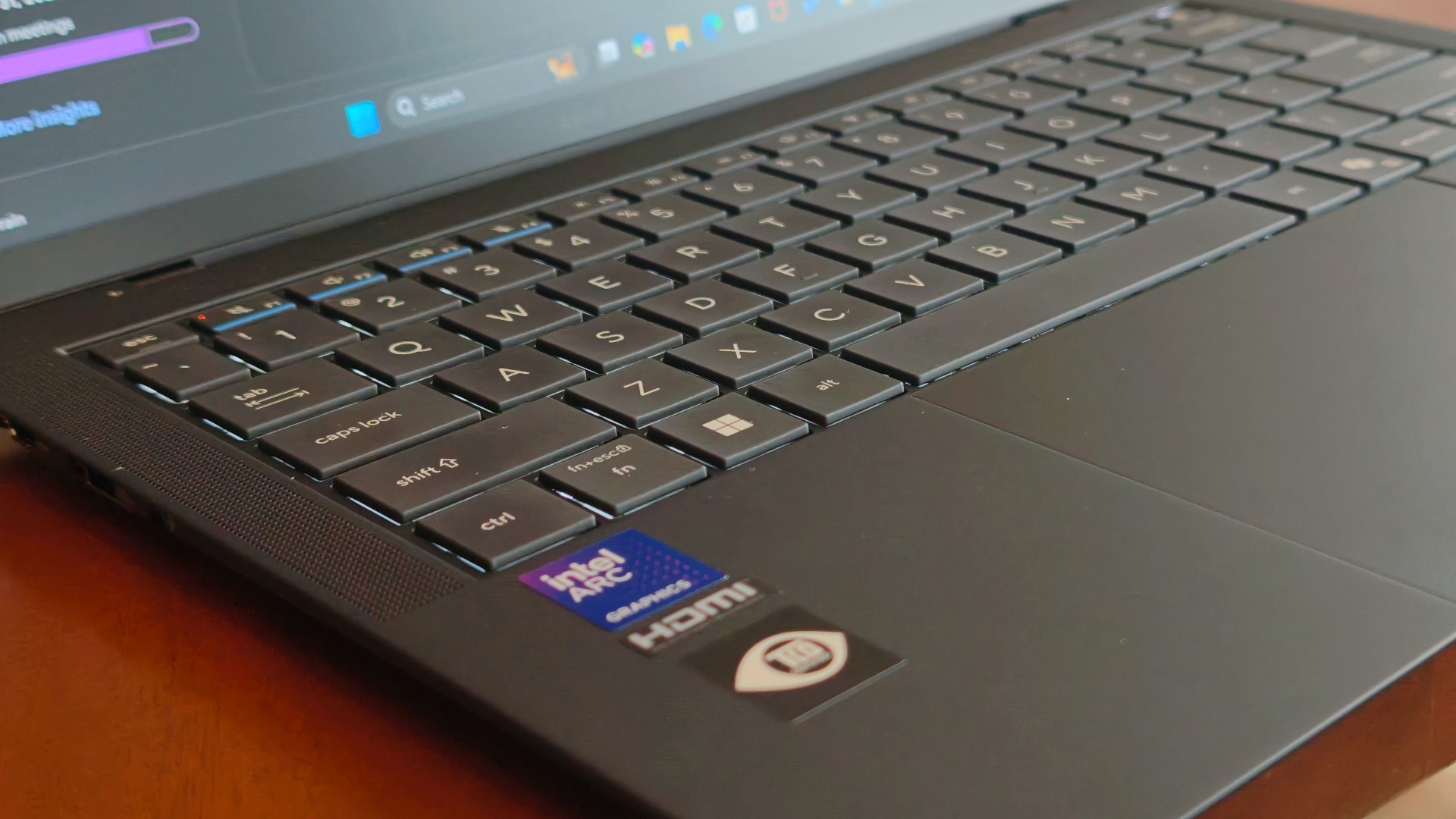
The keyboard, though, was just as lovely as I remembered. The 1.5 mm key travel still struck a nice balance between comfort and responsiveness, while the ASUS ExpertCool keyboard with its Excimer UV coating gave me one less thing to worry about during long workdays.
People often say a good keyboard is one you stop thinking about. I never did.
Every now and then I’d be halfway through an article and randomly catch myself appreciating how good it felt to type on. It’s one of those things you don’t expect to notice after days of use, but somehow you still do.
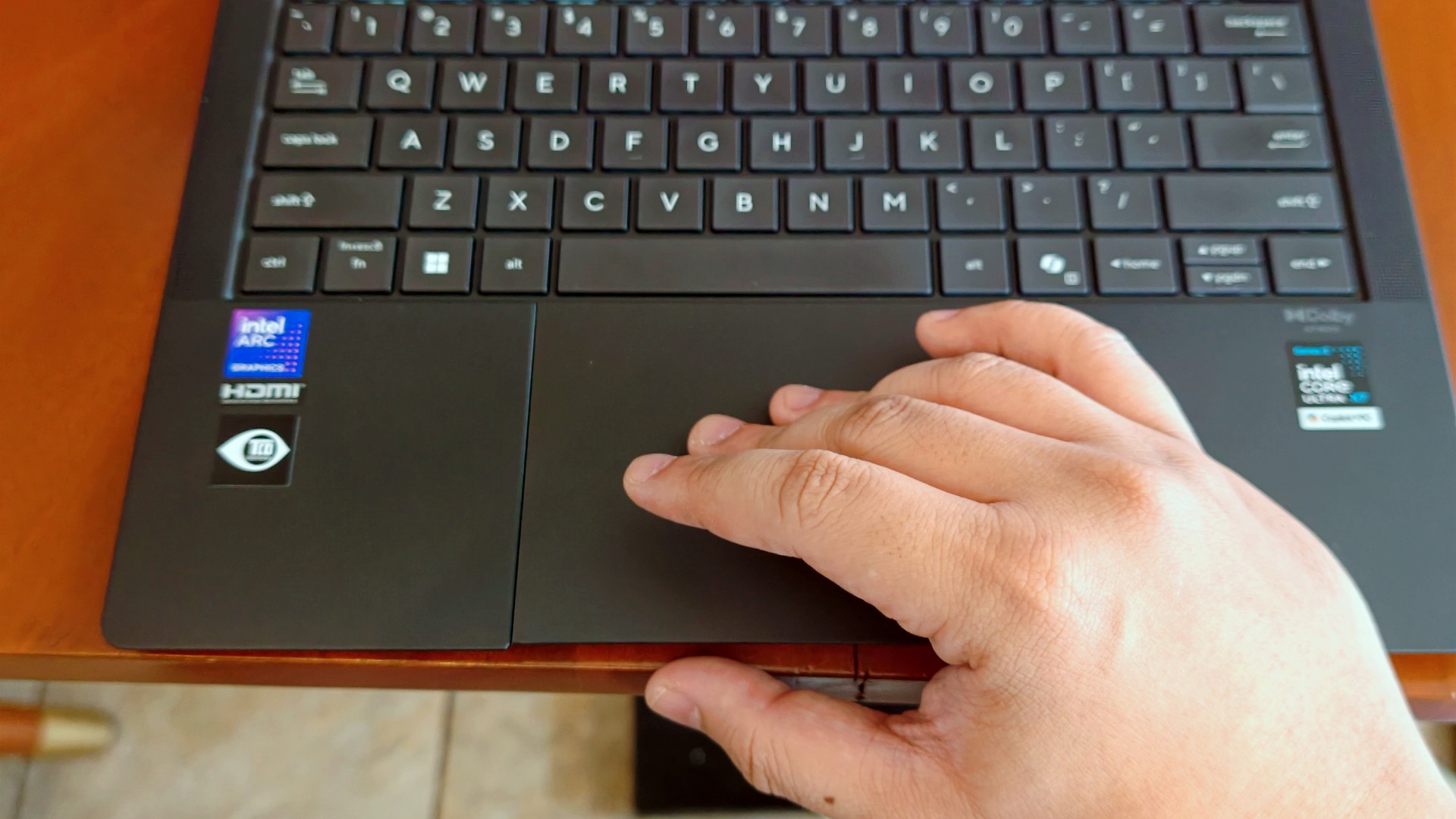
The haptic touchpad, on the other hand, started feeling like it was fighting me a little this time around. I still think that’s more of a software thing than an ASUS thing. If there’s one thing Apple still has over practically everyone else, it’s the MacBook trackpad.
That said, I still never found myself reaching for a mouse.
I got distracted… again (thanks, 3K Tandem OLED)

Eventually, though, my brain would tap out.
That’s usually when I’d stop pretending to be productive and switch to whatever was helping me decompress that week.
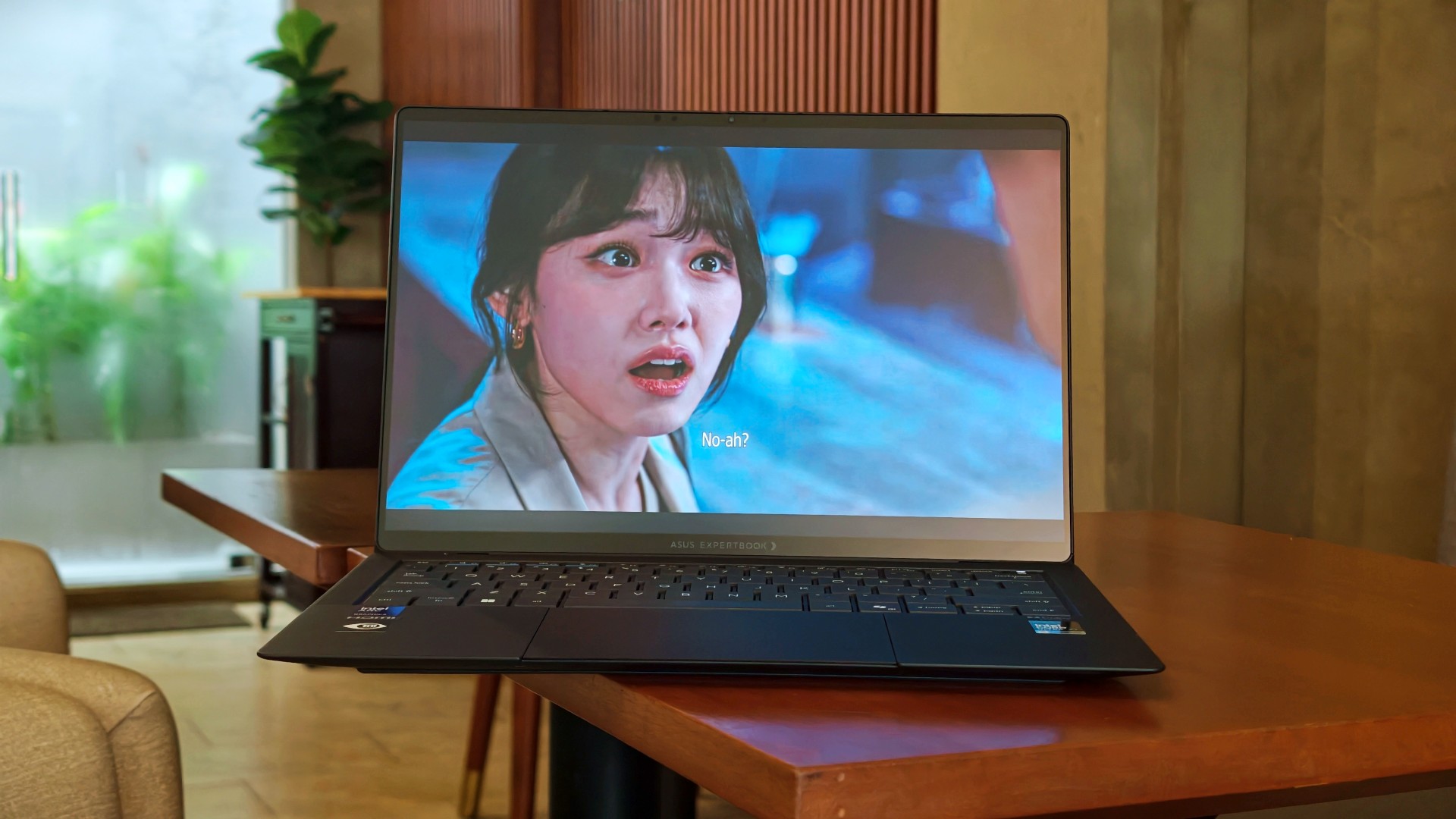
This time, it was See You at Work Tomorrow. I initially watched for second female lead Kang Mina (due for a lead role, btw) but got hooked with the rest of the cast pretty quickly.
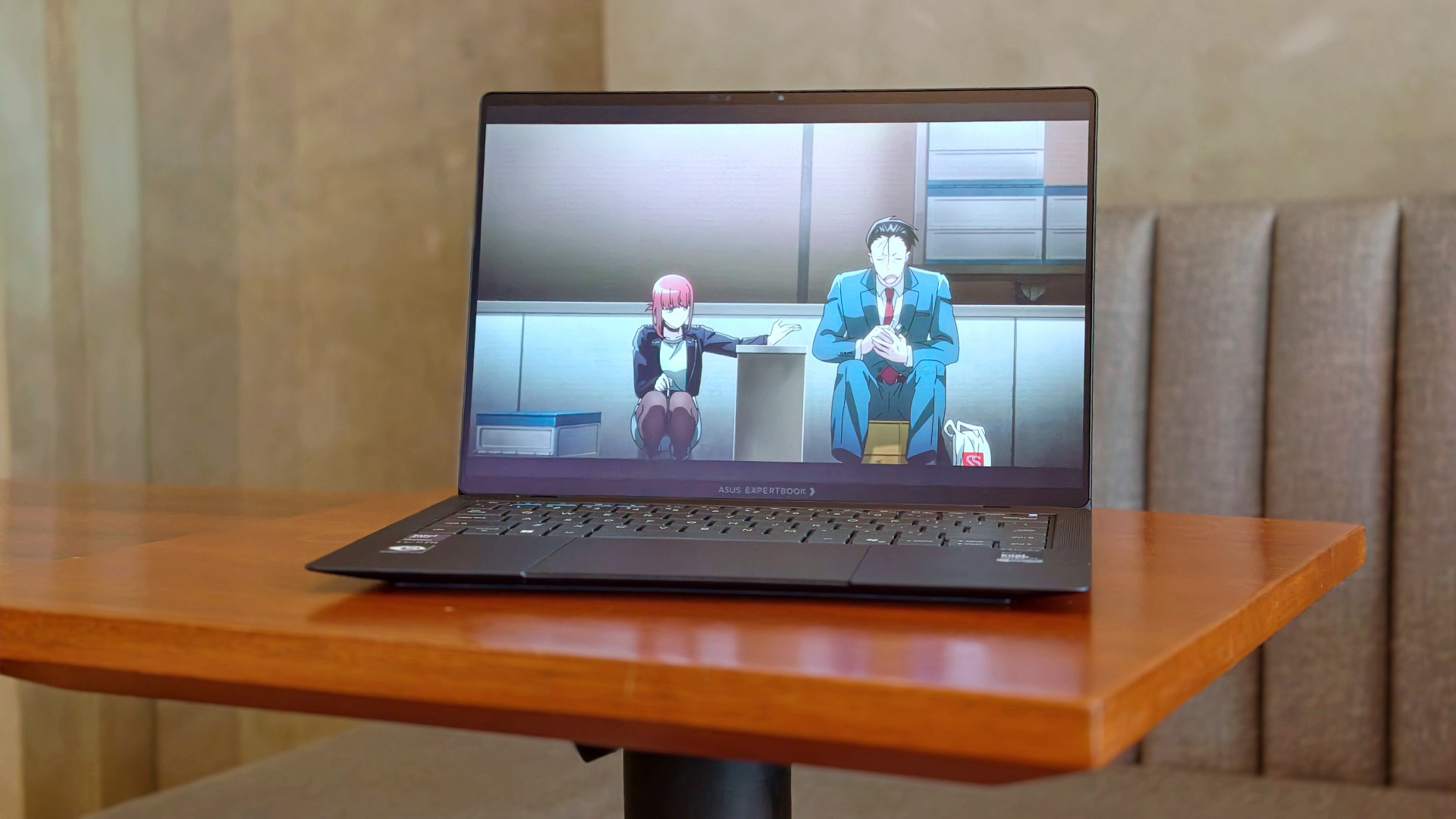
I also started Smoking Behind the Supermarket With You. It’s quietly become one of my comfort shows of late.
And naturally, there were the occasional fancams. This time, mostly of Kim Chaewon during LE SSERAFIM’s PUREFLOW concert stops.
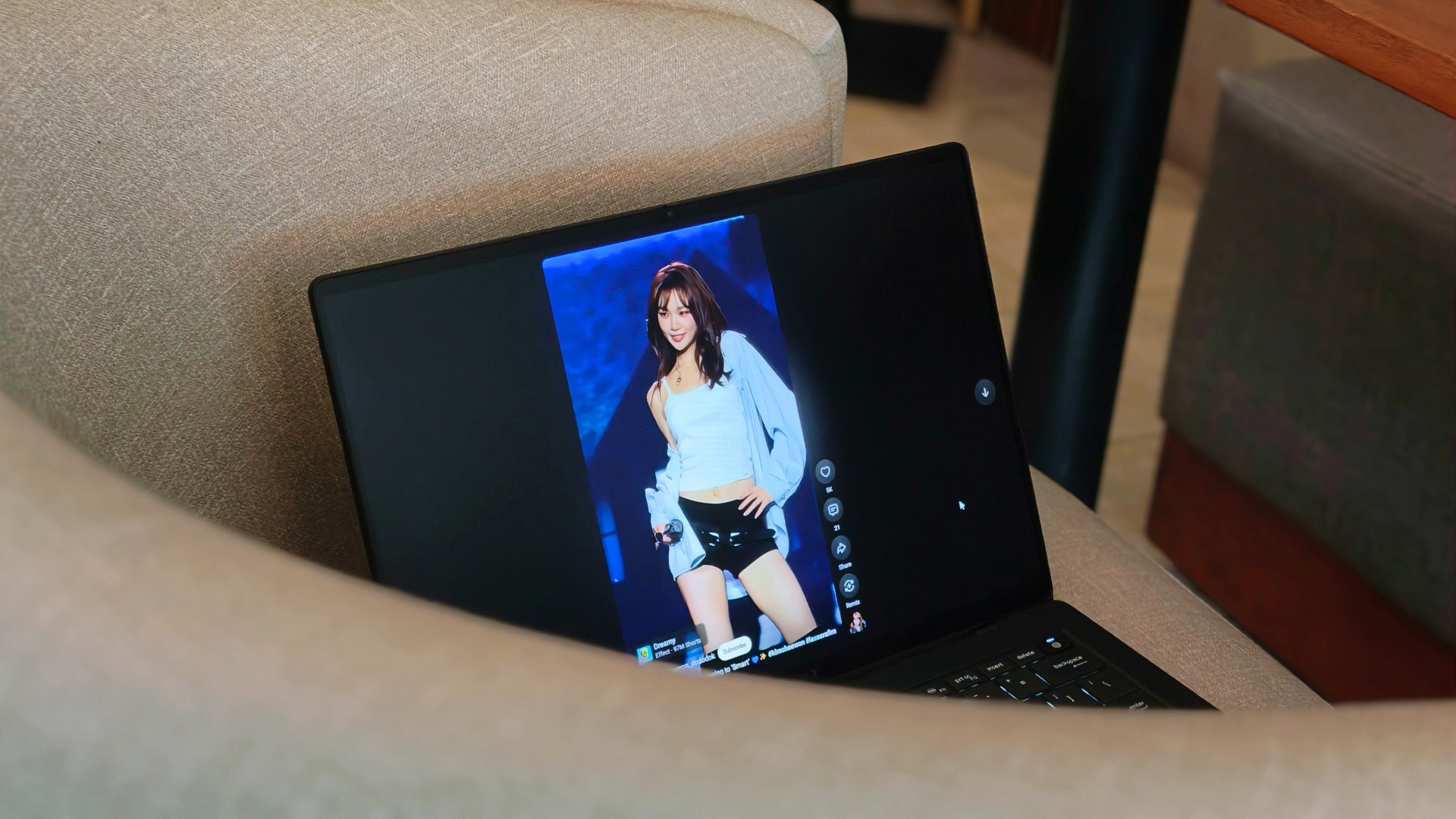
Funny enough, I don’t think I consciously appreciated the 3K Tandem OLED display as much this time around. I think I just got used to how good it looked.
Somewhere between deadlines, comfort shows, anime, and Chaewon fancams, I stopped noticing the display altogether. I just enjoyed whatever happened to be on it.
That’s probably the highest compliment I can give it.
Turns out, I hadn’t changed my mind
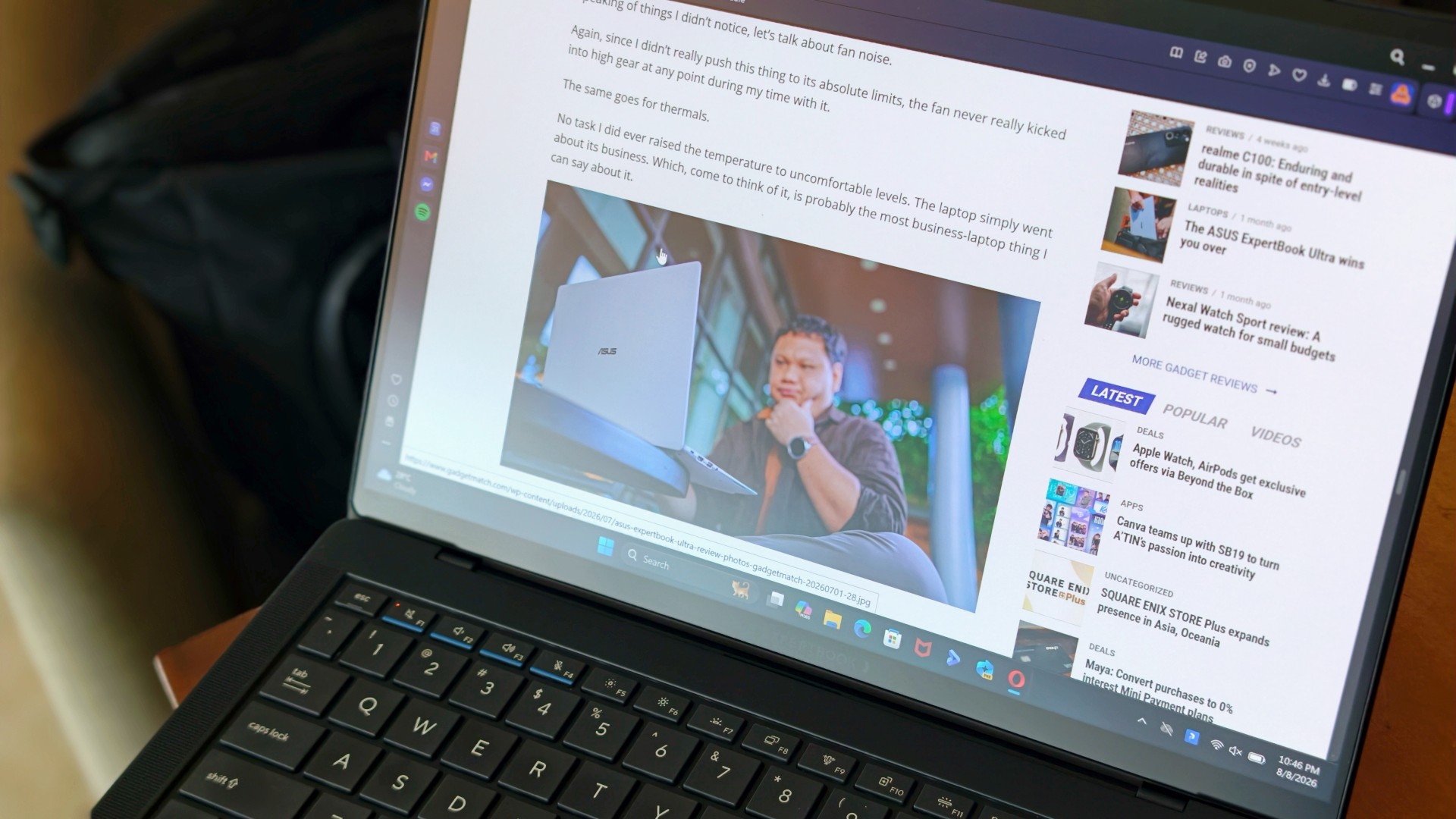
One of the reasons I was genuinely happy the ExpertBook Ultra came back was because I wanted to see whether I’d remembered it too fondly. After all, that’s usually what time does. You remember the good parts, forget the little annoyances, and convince yourself something was better than it actually was.
That never happened here.
If anything, getting the laptop back just reinforced the conclusions I had already come to the first time around. It still feels impossibly light. I still think it’s everything I want my MacBook Pro to look and feel like. And yes, I still wish it ran macOS.
Sorry, Windows.
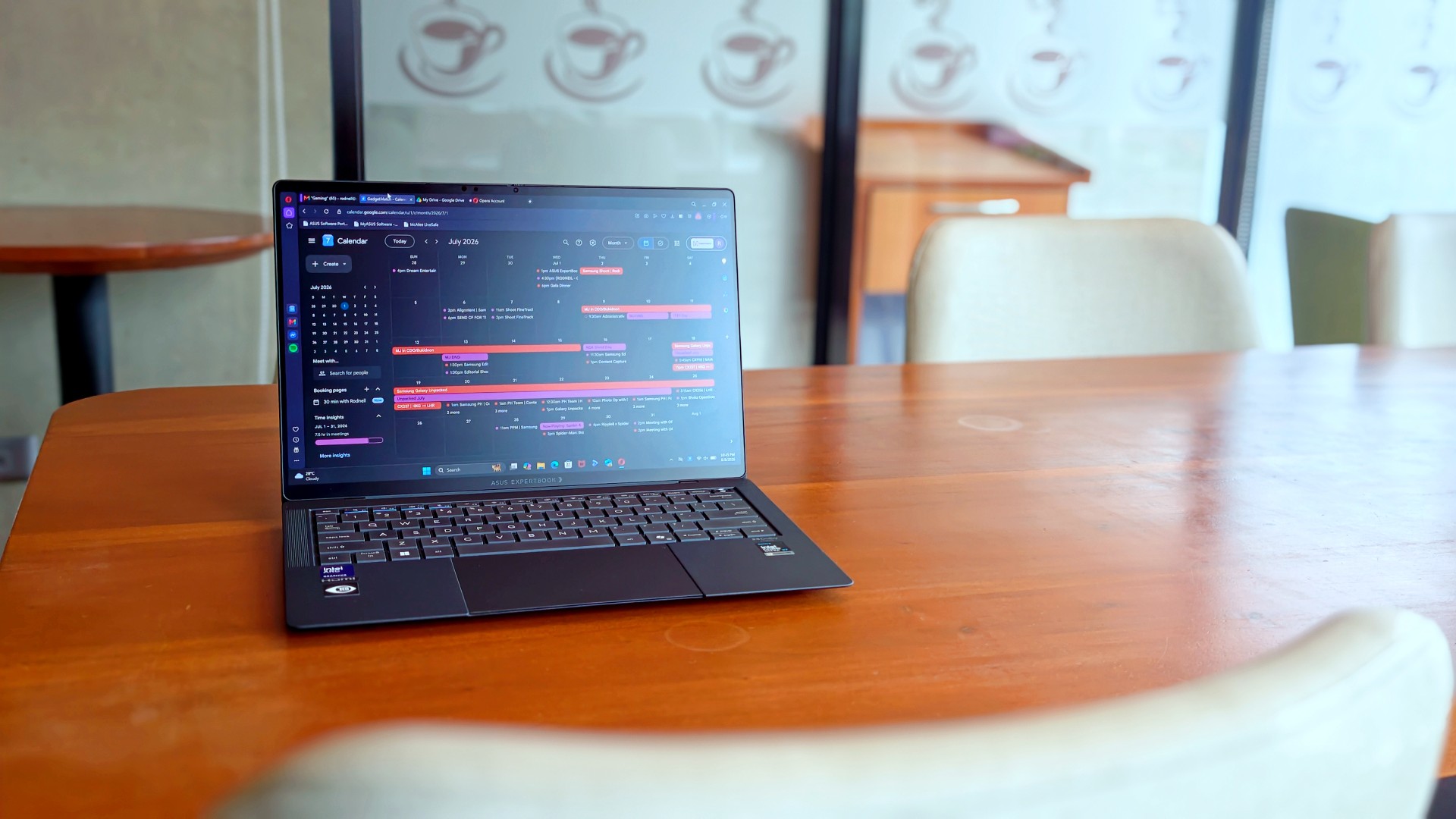
What surprised me more was that I never really found myself looking for reasons to disagree with my original review. I wasn’t paying attention to the little things anymore. Nor was I trying to re-review the laptop or see if I’d somehow missed a fatal flaw the first time around.
I just… used it.
It stopped feeling like a review unit and simply became the laptop I reached for whenever I had work to do or wanted to unwind with a K-drama at the end of the day. Looking back, that’s probably why nothing really changed. I had already formed my opinion. Getting it back just confirmed it.
The person I picture using this laptop also hasn’t changed. It’s still for people who’ve made strides in life and want a machine that reflects where they are while keeping up with everything they’re taking on.
That’s who I pictured when I first wrote about the ExpertBook Ultra.
Funny enough… That’s still who I picture today.
Sometimes the best review begins after the review ends
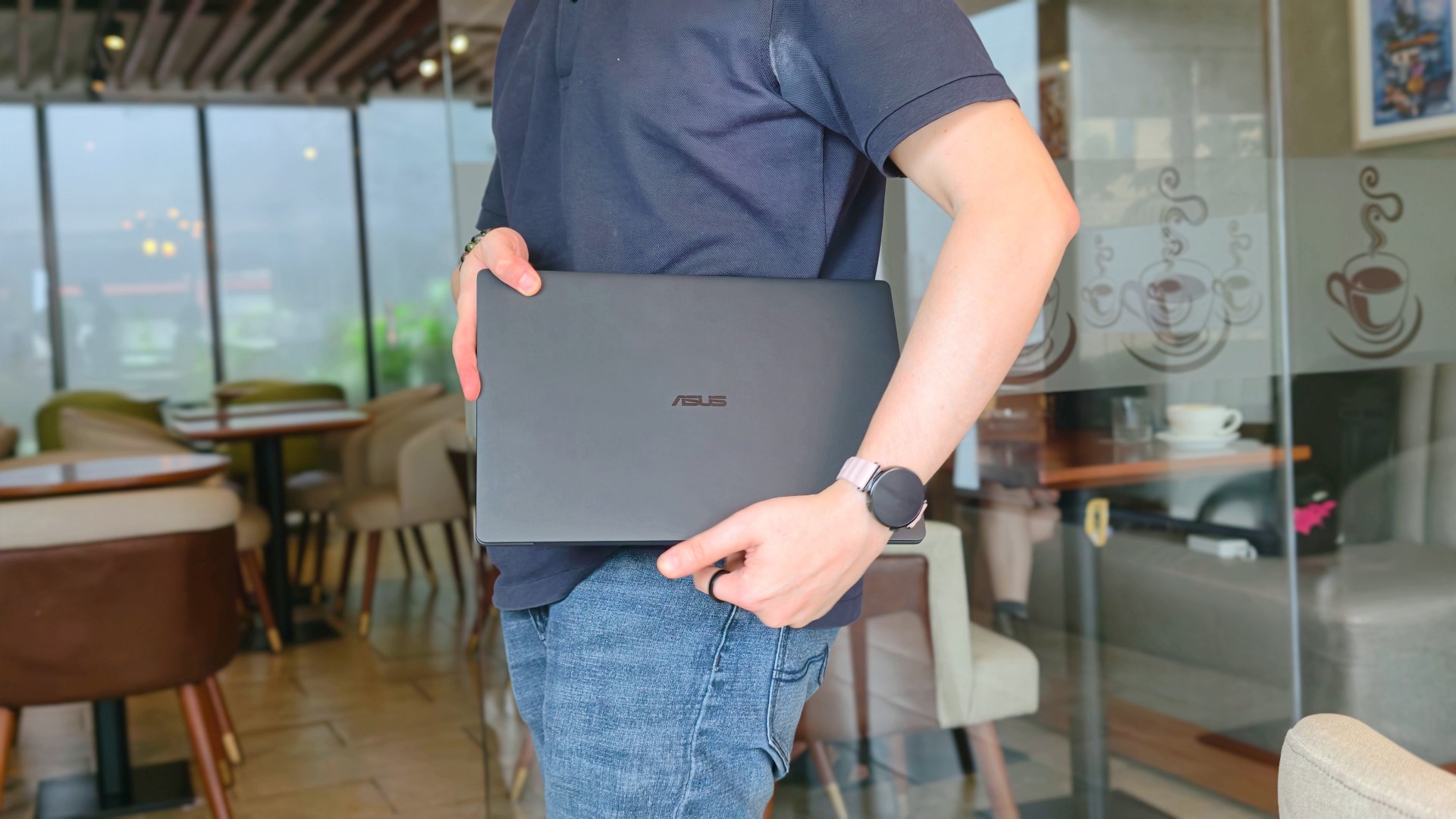
When ASUS took the laptop back, there was actually some relief. It signalled that the campaign was over.
That feeling didn’t last very long.
I couldn’t help but long for it shortly after, especially on days that I absolutely had to bring a laptop around. The weight really does play a big factor during days like this. And as ridiculous as it sounds, I never quite got over the Nano Ceramic finish either.
That’s probably what surprised me the most. Not that I still liked the ExpertBook Ultra. I already knew that.
It was realizing just how much of the experience stayed with me after it was gone.
If you’ve been considering the ExpertBook Ultra, my advice probably hasn’t changed after spending close to 30 days with it. Don’t buy it because it’s the lightest laptop around or because it packs every feature under the sun. Buy it because you want a machine that quietly gets out of your way and lets you focus on the work that matters. That’s what it ended up doing for me.
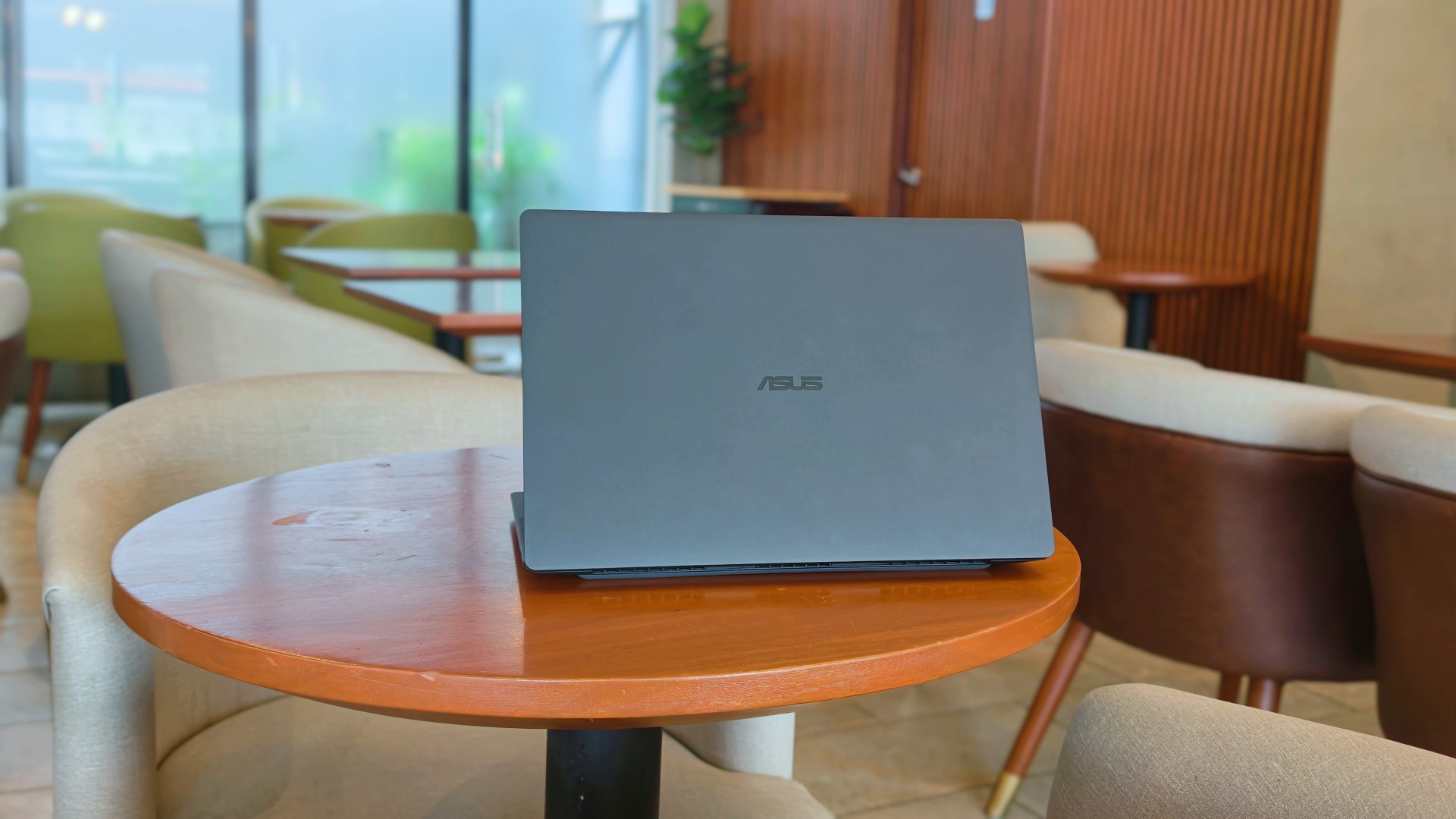
After this reunion, the ASUS ExpertBook Ultra will likely leave me again. Some exes are just like that. They’re meant to be exes.
And while they don’t stay, they leave an imprint on how you go about life moving forward.
I just know some part of me will always look for the best that I’ve found with the ExpertBook Ultra whenever another laptop lands on my desk.
Is that fair? Perhaps not. But it is what it is.
Thinking of making the switch?
If you’ve been considering the ASUS ExpertBook Ultra, ASUS Business Philippines is currently running an Early Bird Bundle Promo until August 31, 2026. Purchase any ASUS ExpertBook Ultra from participating ASUS Expert Stores and select tech retailers to receive over Php 13,000 worth of freebies, including an ASUS 100W GaN Charger and SSI Gift Certificates. (DTI Fair Trade Permit No. FTEB-261070 Series of 2026.)
The ASUS ExpertBook Ultra starts at Php 129,995 and is available through select ASUS authorized stores and tech retailers nationwide.
Every purchase also includes a 3-year battery and charger warranty extension, with upgradeable warranty coverage of up to 5 years, giving you added peace of mind long after you’ve taken it home.
Where to buy:
ASUS ExpertBook Ultra: https://ph.asus.click/ExpertBookUltra-WheretoBuy
ASUS Expert Store – Lazada: https://ph.asus.click/ASUSExpertBookStoreLazada
ASUS Expert Store – Shopee: https://ph.asus.click/ASUSExpertBookStoreShopee
For businesses, ASUS Business Philippines also offers flexible configurations tailored to your organization’s needs. To learn more about volume purchases, visit:
https://ph.asus.click/Business-VolumePurchase

Laptops
ROG STRIX G16 Review: Building for the moment
Setting it up however you want to make the most out of it

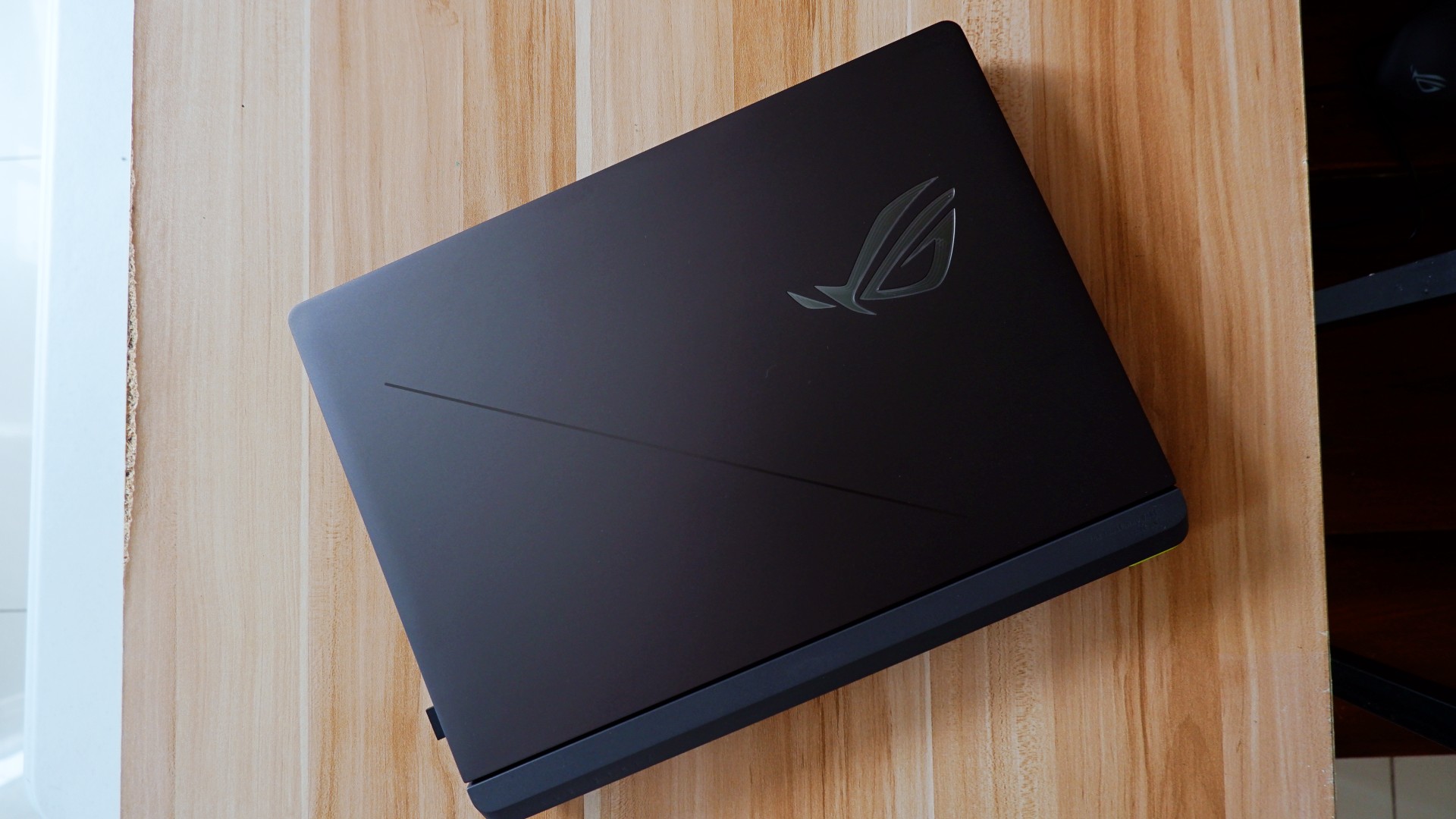
As someone who loves to build PCs, gaming laptops do not completely appeal to me as much as it would for other people. Apart from the limited capacity to tinker and upgrade parts, in some cases, gaming performance doesn’t feel the same as an actual desktop PC.
Also, there’s the ever-present concern on its portability given that most gaming laptops come in rather hefty clam shells.
The other thing is that given we now have more portable ways to play the game, gaming laptops feel behind in the game. Handhelds like the ASUS ROG Ally X make it easy to just bring the games with you even if you won’t be able to play all genres anyways.
However, there are still those that dare to take the chance on the clam shell for all the other, non-gaming aspects it excels in.
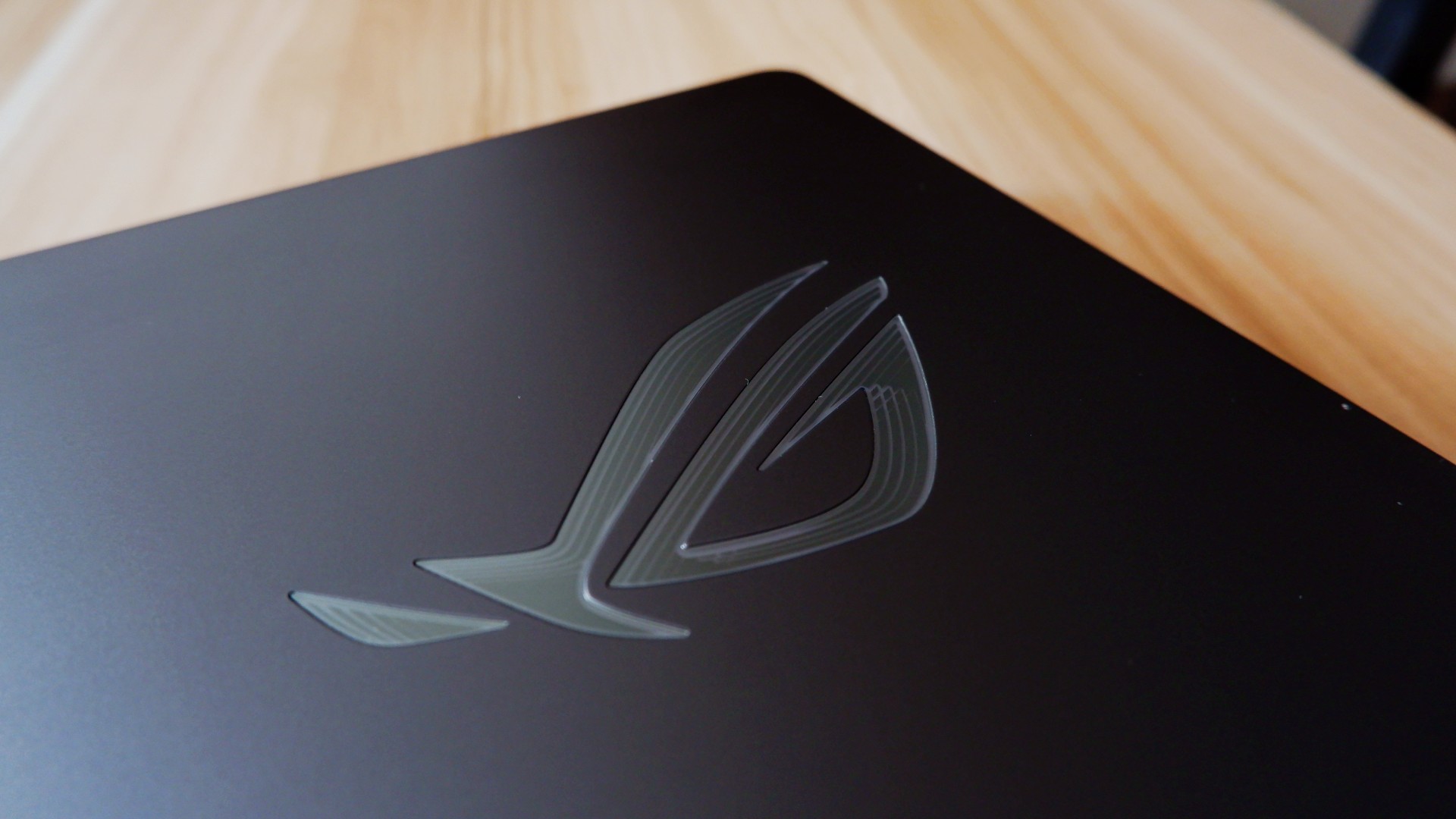
So, when ROG came to us with the ASUS ROG STRIX G16, I wanted to give it a shot to see if it’s something worth totally investing in.
On paper, it promises to be an excellent device for all of its intended use cases, but you can say that about anything at this point. There has to be something different that truly makes this device worthwhile in 2026.
Performance-maxxing at its finest

If it isn’t obvious yet, I think that this new version of the ROG STRIX G16 performs absolutely well with the hardware it comes with.
Powered by the new Intel Core Ultra 9 and an NVIDIA RTX 5080, it covers every little use case you need it for. Editing spreadsheets, creating videos from scratch, playing RTX-compatible games with high quality details – it honestly can do no wrong.
On the outside, the device sports a 16-inch, 2.5K ROG Nebula Display, maxed out with a refresh rate of 300hz. While it does come in the unorthodox 16:10 aspect ratio, it doesn’t totally ruin the viewing nor gaming experience in my opinion.
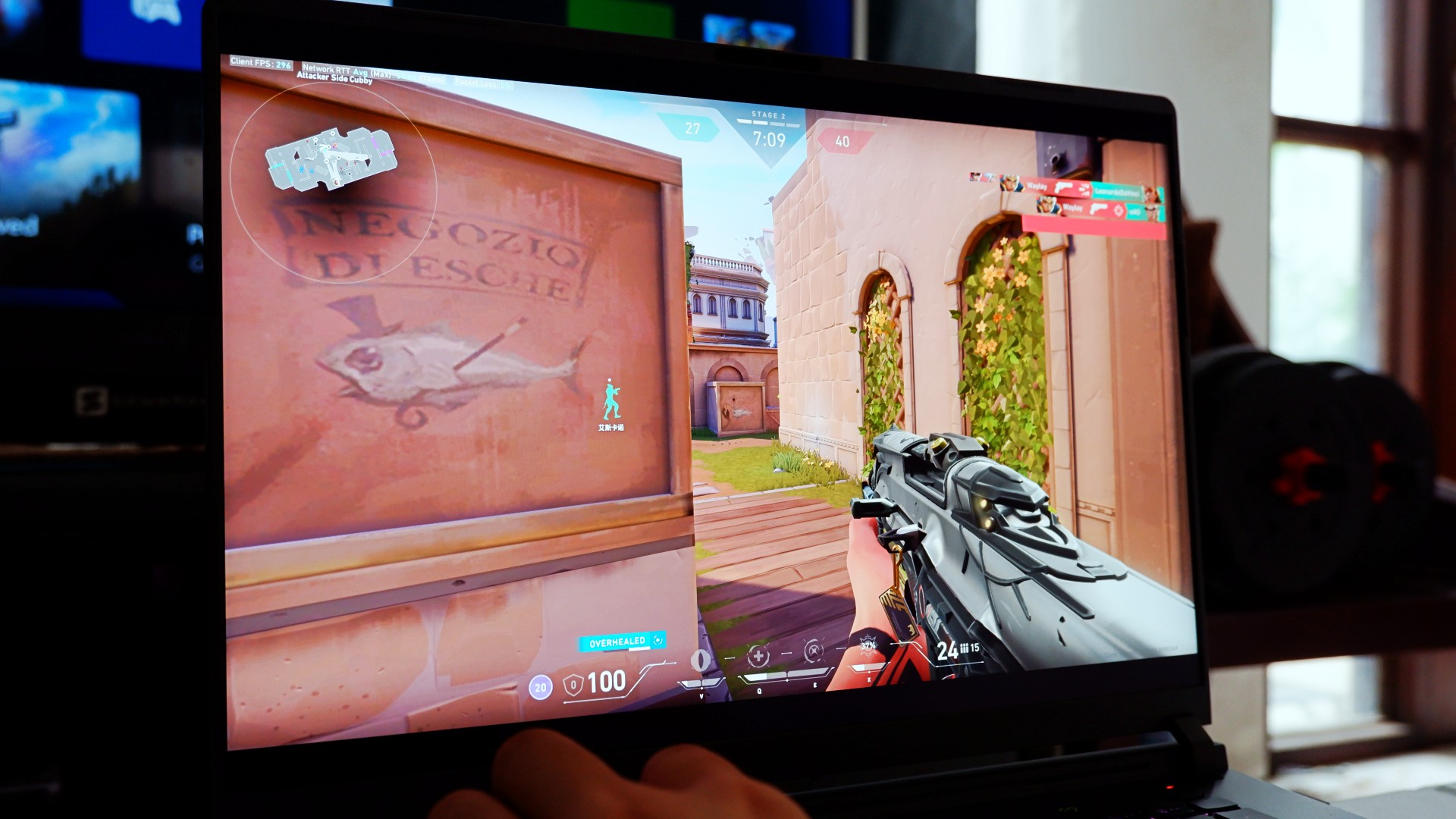
Also, that high enough of a refresh rate already puts this display within the competitive gaming tier of performance. So, expect to hit more headshots when you play on this device, hopefully.
The thing is, for me, this is expected coming out from ASUS ROG. Great internal hardware, matched with the external hardware to maximize the gaming experience – it’s what they’re known for.
At this point, they’ve continuously raised the bar on maxing out gaming and productivity performance that it bears no repeating past this point.
So, what’s new?
Designing the experience your way
The ROG STRIX G16 for 2026 sports a rather subtle, nearly minimalist physical appearance upon unboxing. Bannered by an LED ROG logo and several nods to their brand messaging, it’s as unassuming as one would expect.
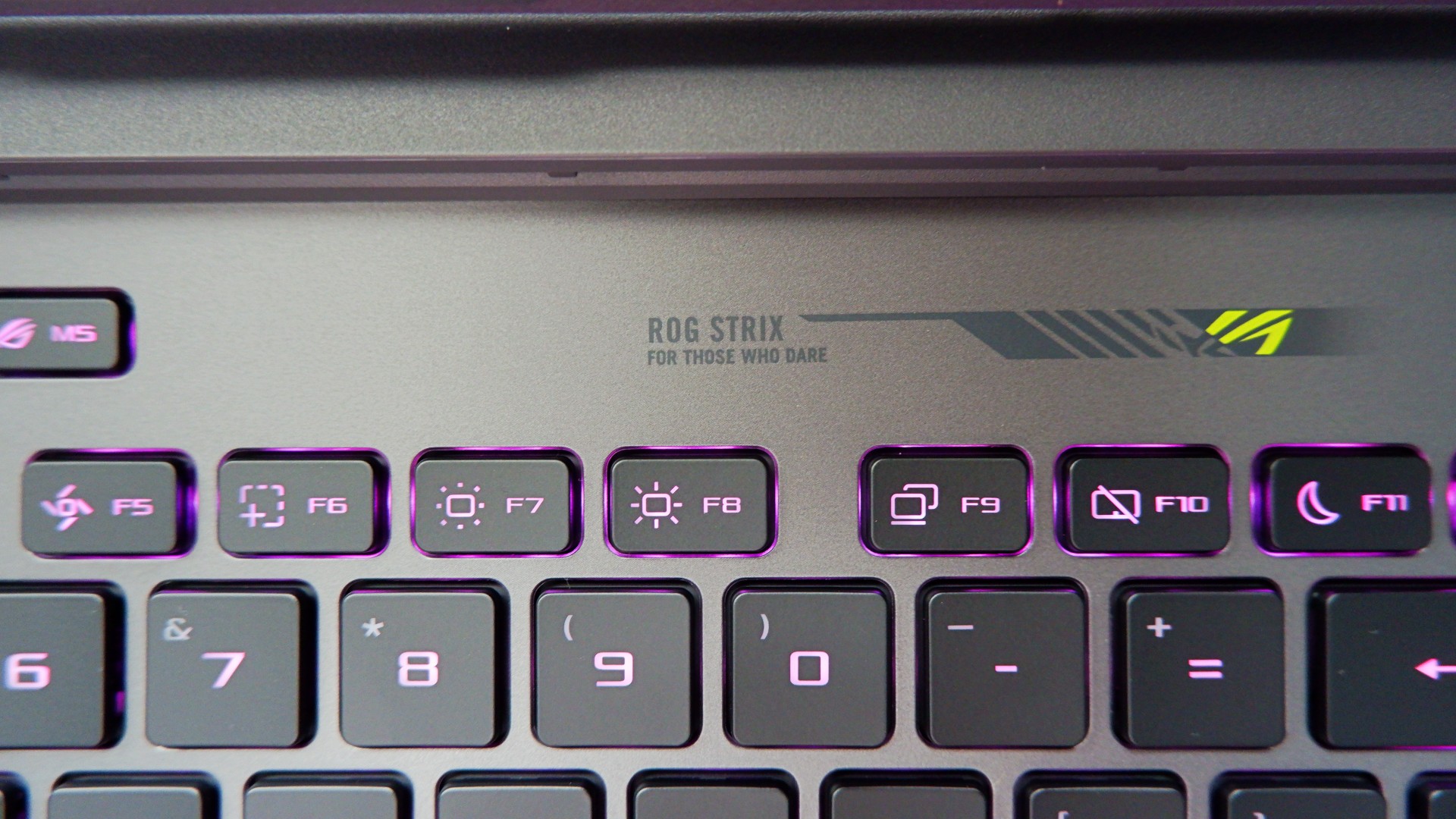
Once you turn it on, you are greeted with the flash of RGB light strips surrounding the keyboard and the underside of the laptop – all fully customizable on Armoury Crate. If you ask me, that’s not even the best part.
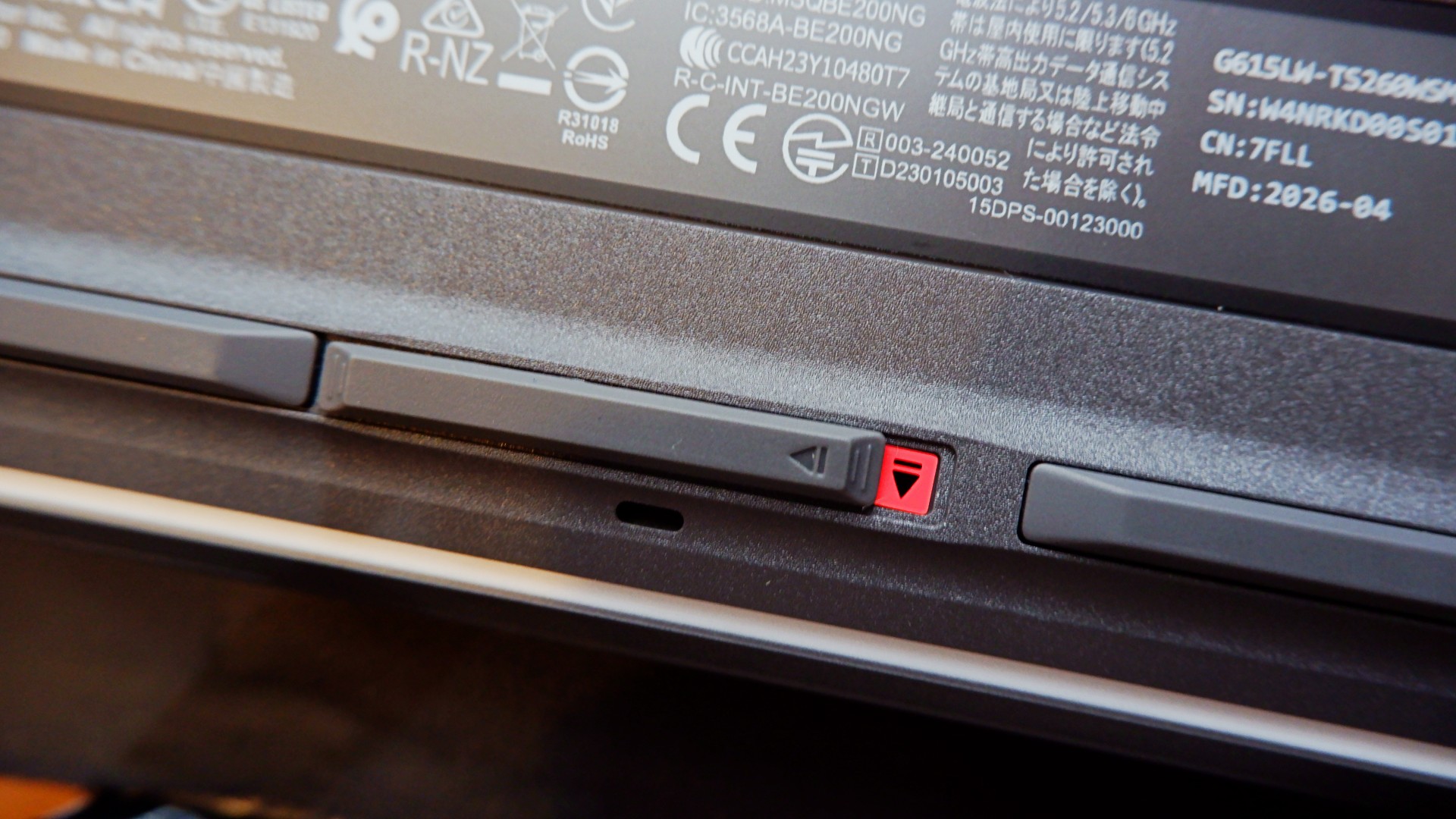
When you flip the device to the underside, you will notice this peg that can pass off as its rubber footing. However, inspect it further and it’s actually a switch that, when slid to the left, unlocks the protective cover of the laptop’s internal hardware.
Once unlocked, it allows you to easily add another M.2 SSD storage or expand your RAM to 64GB, which is a huge deal on its own.
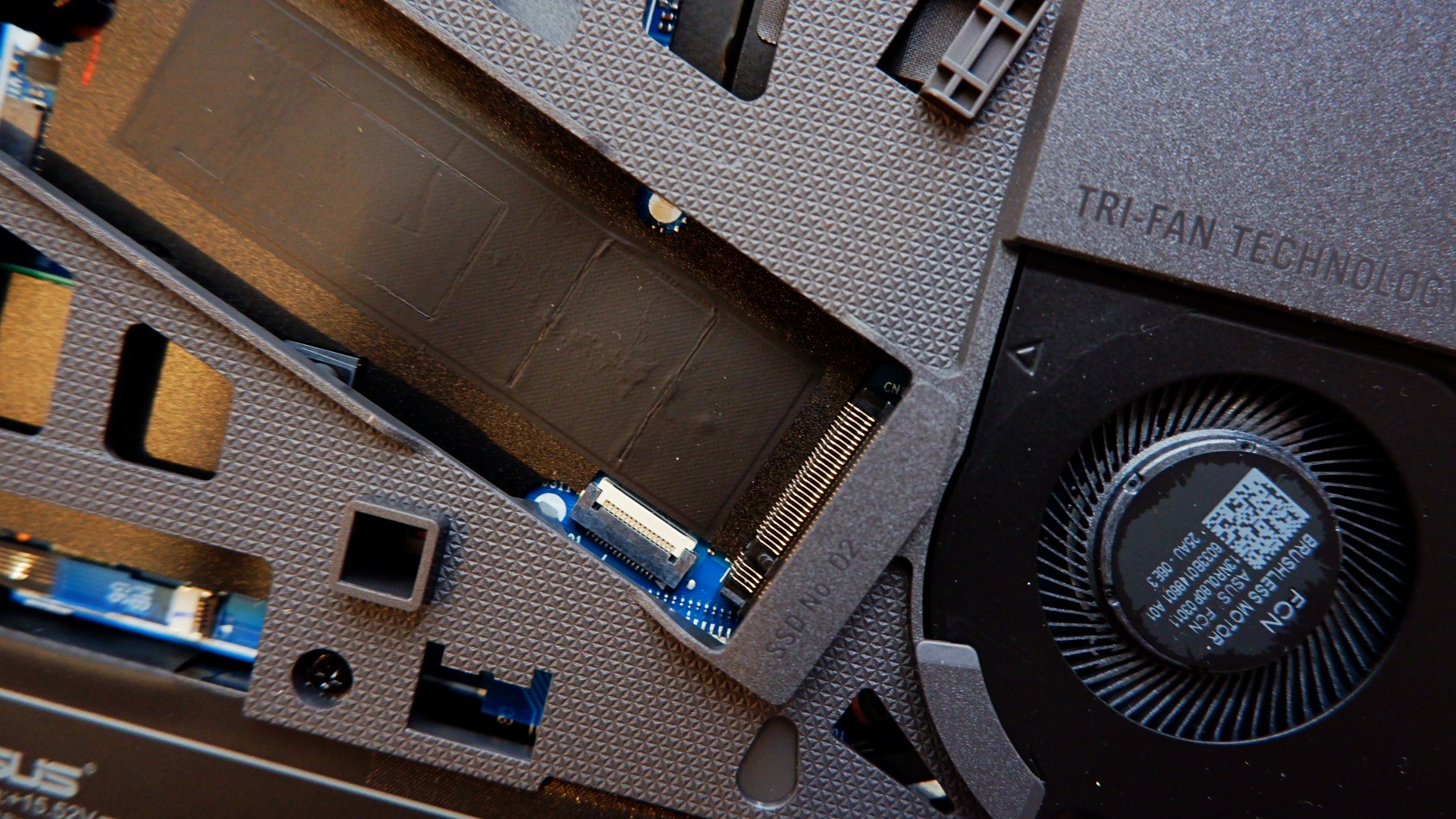
Upgrading your laptop was never this easy nor safe to do, considering that you will normally need to remove the screws and potentially void the warranty. With the ROG STRIX G16, both of those worries are eliminated for you to craft the perfect gaming machine.
The only thing, though, is it’s still a pretty bulky machine that made some weird tweaks to the other components.
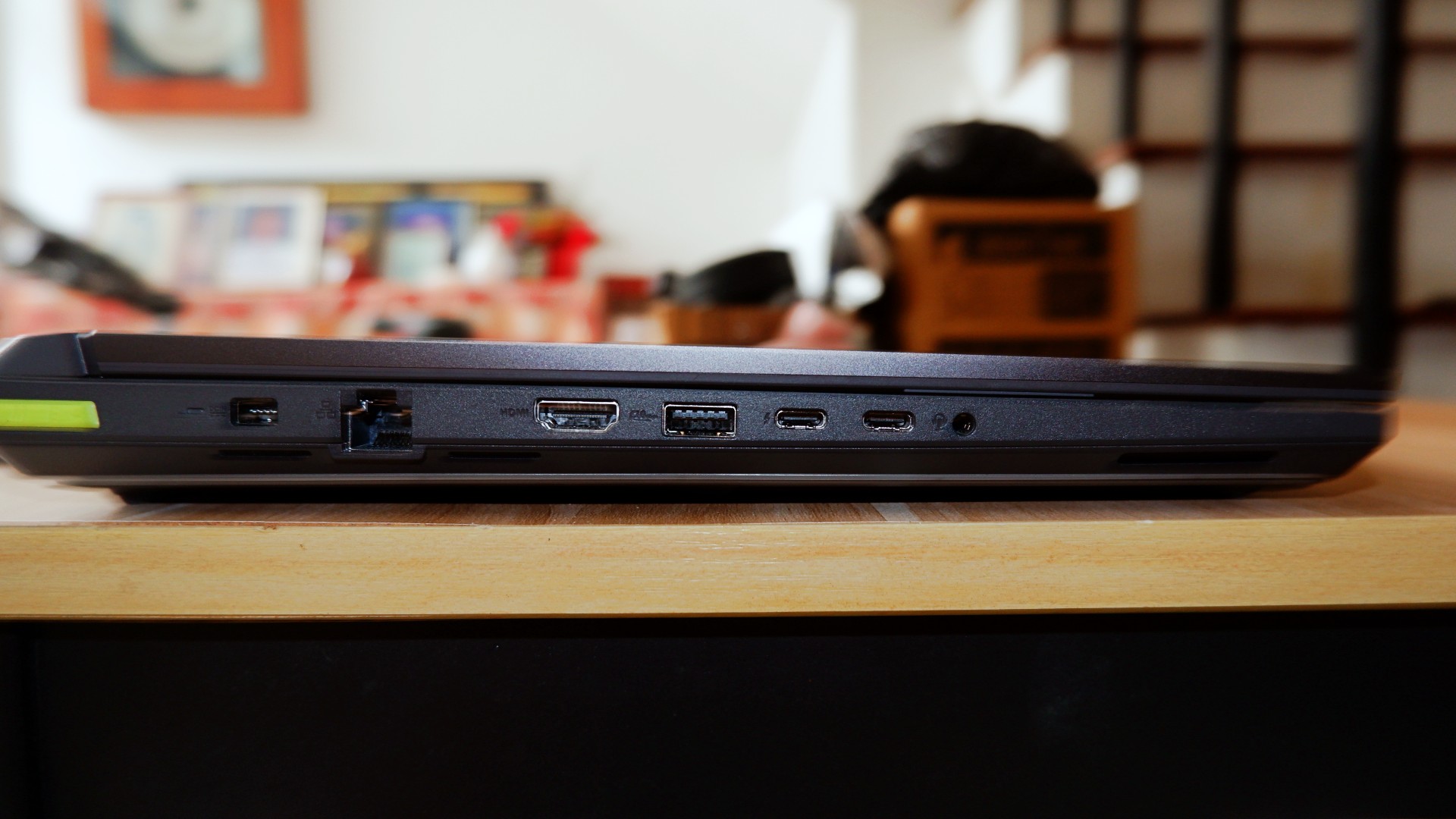
I’m personally not a fan of the unbelievably large trackpad and the somewhat awkward key travel while typing due to the switches being small for my hands. External peripherals are a must, but the components having weird quirks are not a total deal breaker.
No heat in the moment
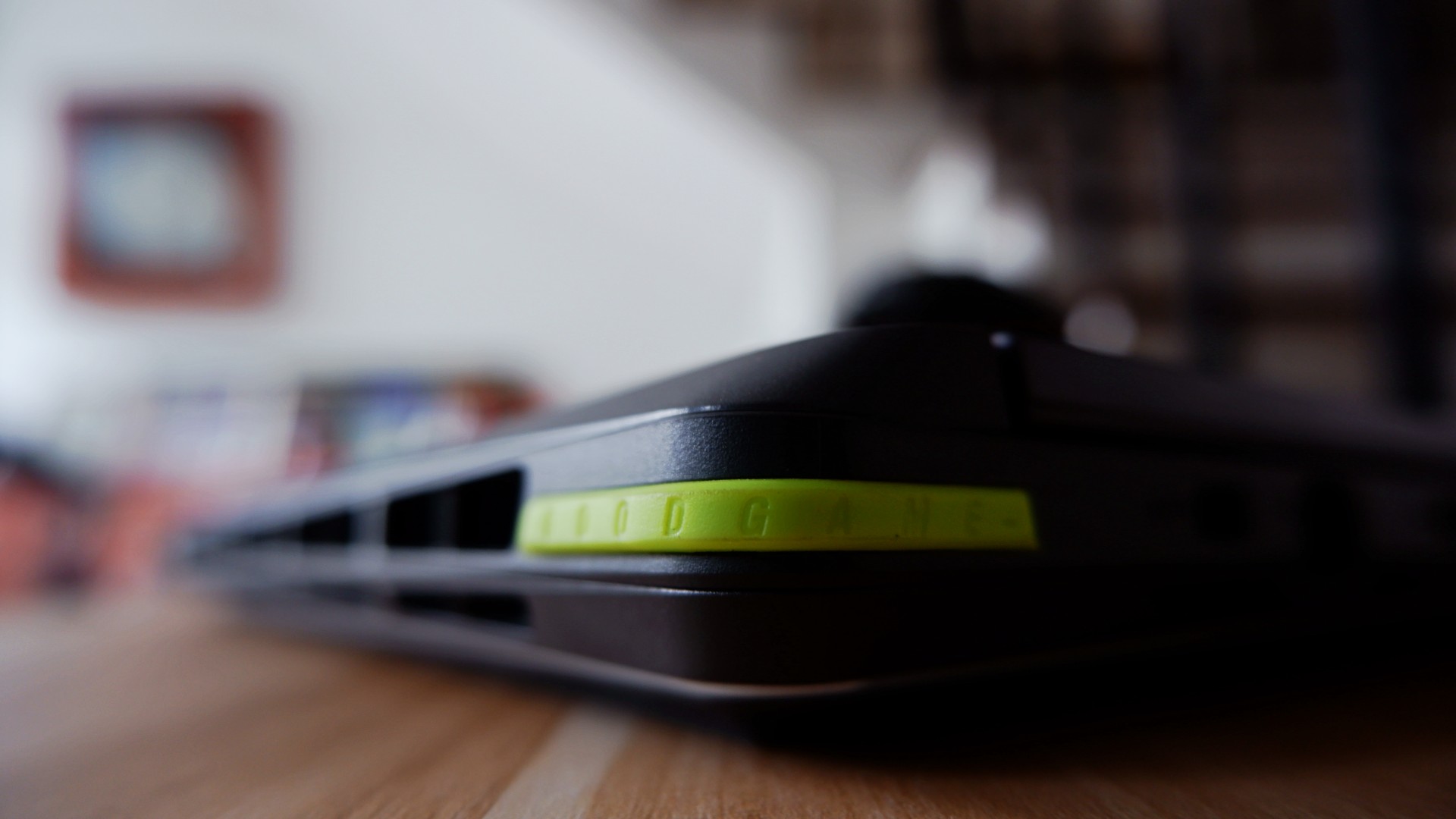
ROG brings its new Intelligent Cooling system that it applied to the 2026 version of the STRIX G16, which promised better heat dissipation on paper. Part of the design choice to accompany this was to open up most ventilation on the rear end, unlike other models that still evenly distributed it to the sides.
This, to me, was a welcomed change especially with Intel chips that typically throttle during intense workloads.
The most obvious pain point I had before was immediately addressed by this new cooling system. Effectively, they made the heat dissipate through one ventilation area so it no longer affects other parts of the laptop to make the experience uncomfortable long term.
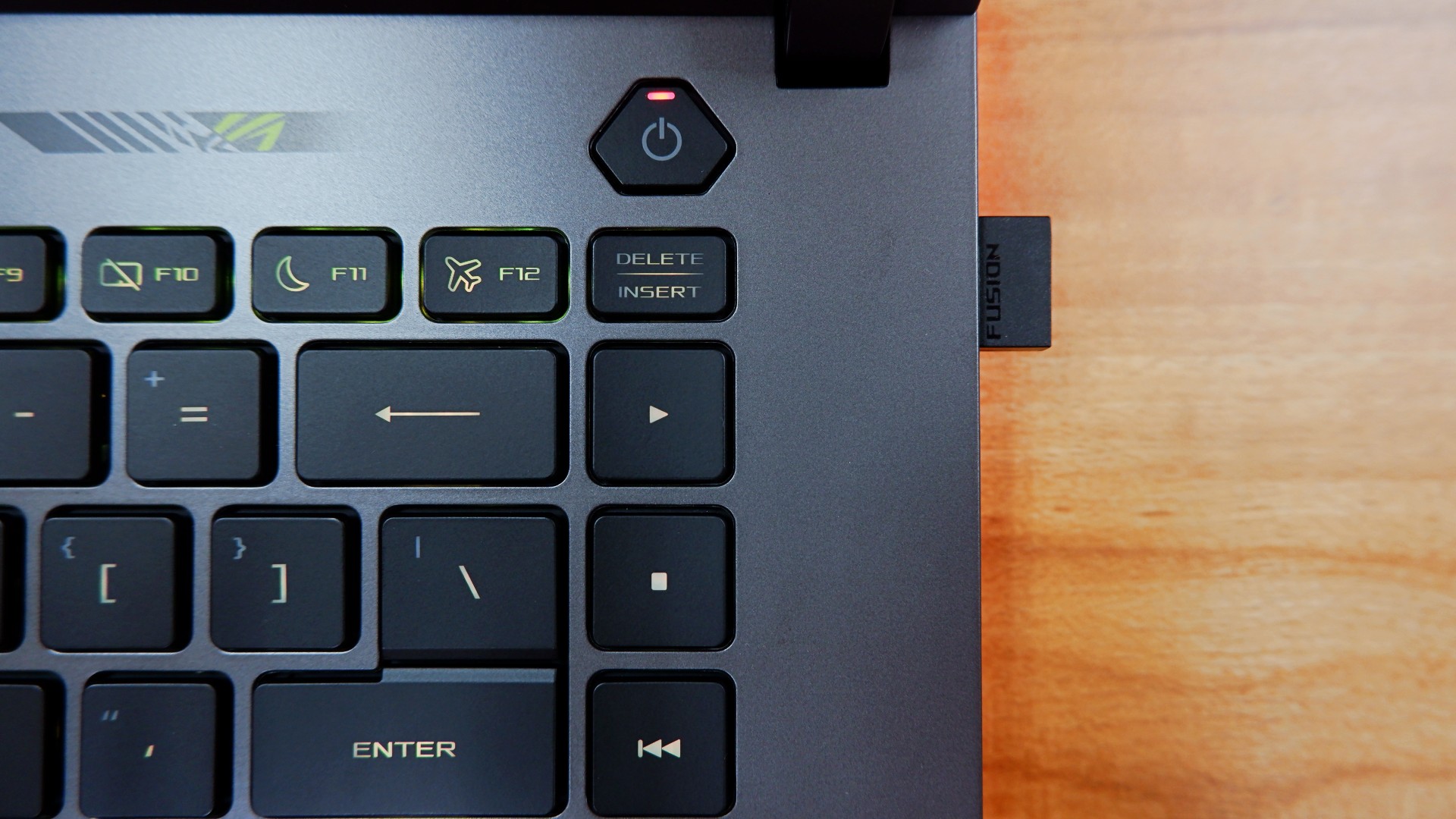
One example of this: the keyboard doesn’t take the heat after three hours of non-stop play on Performance mode while the system is throttling to achieve better frame rates.
Even after I shut down the laptop after use, the underside doesn’t get too warm either. I initially thought it had to be if that was an area you would have easy access to.
Well, I’m glad to never attempt to fry eggs on a laptop ever again, at least!
Battery levels that keep you in the clutch

For a device this powerful, it’s not a surprise to me that the battery drains quickly when you’re on the move. In my regular usage, I tallied around four to five hours before zero, only slightly improved to five and a half when leaving the device idle for a while.
Surprisingly enough, increasing the intensity of the load cuts these numbers only by a bit – clocking in three and a half hours maximum with heavy gaming.
Fortunately enough, the 380W charger charged it back to full at a quicker time and pace as its battery drain time.
Going from none to done took an average of two hours when idle, nearly two and half hours when in use while charging.
To me, this is more than enough time to go on a break when the games are tilting you too much. You can also use the 100W USB-C charger if you want to keep the laptop idle for longer and it will take four hours.
Is the ROG STRIX G16 your GadgetMatch?
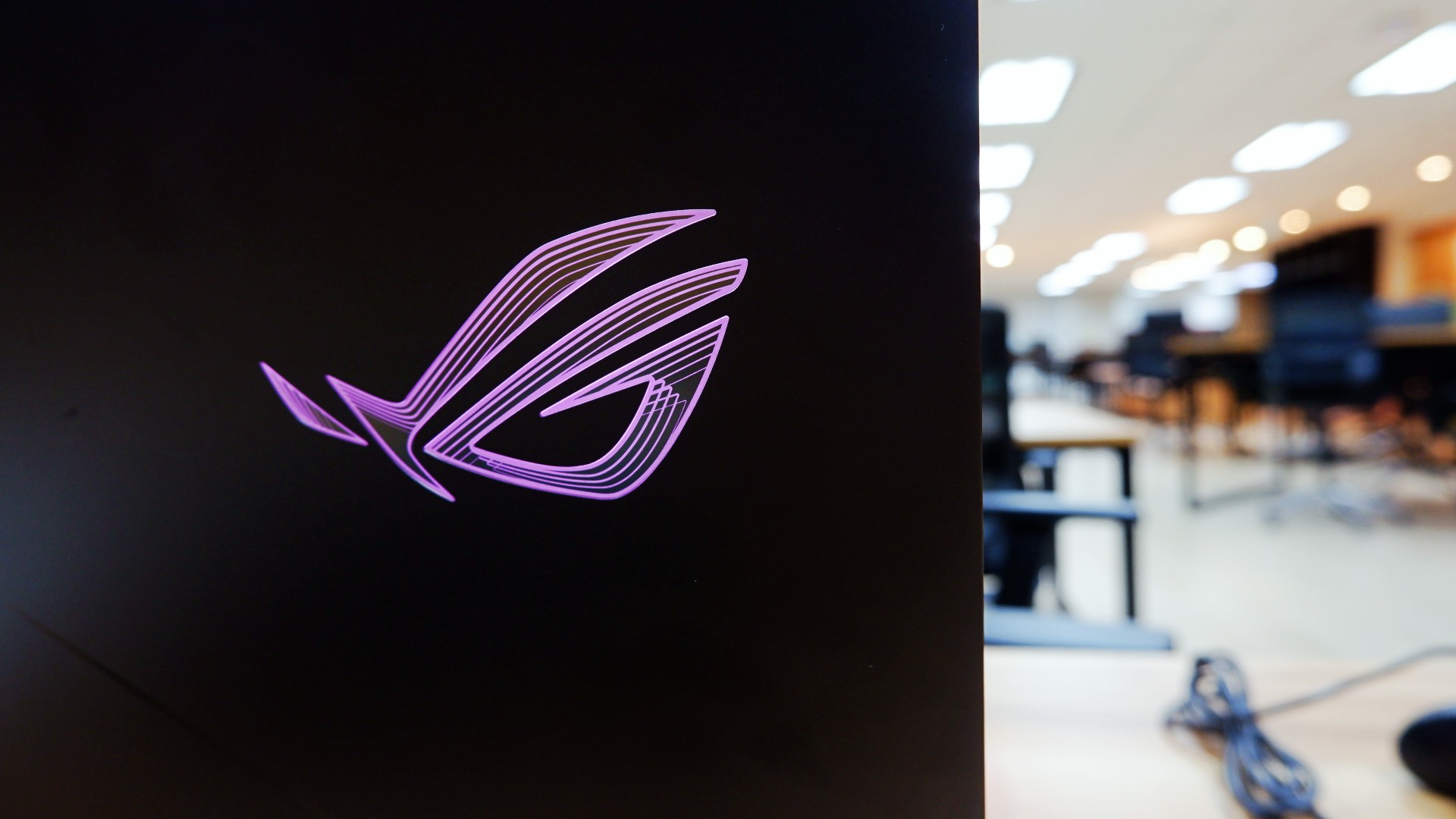
For a laptop priced at a whopping PhP 319,995, the ASUS ROG STRIX G16 is the kind of all-around machine you can build to capture any moment. On its own, the performance truly speaks for itself whether you need it for work in the day or play till the wee hours.
However, when you’re willing to tinker around the machine like I was, you can unlock so much more out of it, especially in the hardware department. It’s a bonus that this machine lets you do it a lot easier without risking any warranties to be voided.
Admittedly, I still have some more questions about the design philosophy and longevity because of the hardware pre-built in.
For one, some design choices truly made it feel like you could only enjoy this with additional peripherals at your disposal. Plus, the battery charges fast to compensate for how quickly it runs out, too.

Although these aren’t deal breakers for me but for others, you might want to take note and try it out too.
Overall, you can’t go wrong with a machine that lets you achieve great performance when you’re willing to dig deeper into it.
As someone who loves to build PCs, this is one of the few gaming laptops that appeals to me while ignoring the obvious dent on my wallet. Even with other options out there, this might just be the one that you can future-proof as long as you can afford to do so!


Samsung Galaxy Z Fold8 Review
8 Galaxy Folds later, Samsung finally nailed It!

30 days later with the ASUS ExpertBook Ultra: Like seeing an ex
Felt exactly as I remembered.

ROG STRIX G16 Review: Building for the moment
Setting it up however you want to make the most out of it

OBSBOT Meet Flip Hands-on
Samsung Galaxy Z Fold8 Review

Smart showcases cloud gaming platform in partnership with Blacknut

What your smartphone color choice reveals about you

New EV player XPENG to launch in the Philippines in September

Hands-on: Samsung Galaxy Z Fold8, Flip8, Ultra

VinFast debuts two-wheeler models, opens 21 e-motorcycle showrooms

Garmin launches its first screenless fitness band

Sony announces new FX5 full-frame camera

Mercedes-Benz celebrates 140th anniversary at the Presidential Car Museum


-
 Automotive2 weeks ago
VinFast debuts two-wheeler models, opens 21 e-motorcycle showrooms
-

 News2 weeks ago
OnePlus officially leaves the United States and Canada
-

 Gaming2 weeks ago
Call of Duty: Modern Warfare 4 clip shows Losing Ground 1st look
-

 Gaming2 weeks ago
Genshin Impact opens Snezhnaya in Version 7.0 this August 12
-
Laptops6 days ago
ROG STRIX G16 Review: Building for the moment
-

 Gaming1 week ago
Tides of Annihilation opens first public demo at Gamescom 2026
-

 News1 week ago
Google will force Android users to use Gemini next month
-

 Gaming1 week ago
Street Fighter 6 adds first Filipino fighter Yasmine to its roster