
Accessories
AirPods 2 vs Galaxy Buds+ vs Freebuds 3: A TWS earphones battle!
Which one should you get?


True wireless (TWS) earphones are a dime a dozen now and it’s gotten even harder to choose which one you should get. For this article we’re comparing three TWS headphones that hover around the same price point: the Airpods 2, Galaxy Buds+, and Freebuds 3.
Vincenz (AirPods 2), Dayle (Galaxy Buds and Galaxy Buds+), and Rodneil (Freebuds 3), have been using their own TWS headphone, but sat down together and took turns listening to each pair for the purposes of this article. Yes, we cleaned each pair before exchanging because hygiene.
A few ground rules: Settings for each device is set to default. We all listened to one of the greatest songs of all time that also happens to be masterfully produced — Queen’s “Bohemian Rhapsody”.
Let’s start with the surface level. What do you guys think about each one’s design?
Rodneil: I was never a fan of how the AirPods look. That stem thing sticking just looks weird to me. Obviously the Freebuds 3 followed the same look so design-wise, I prefer the Samsung Galaxy Buds+.
Vincenz: I despised the look of the AirPods the moment it was introduced — it looks like the ordinary EarPods without the wires. Same goes with how Huawei copied the “stem” buds from the AirPods. I’ll go with the Galaxy Buds+ on design. It’s unique and small.
Dayle: I have the Galaxy Buds so I’m quite biased with the design of the Buds+. I was never a fan of the stem design so the AirPods and Freebuds 3 aren’t exactly my cup of tea.
What about the fit?
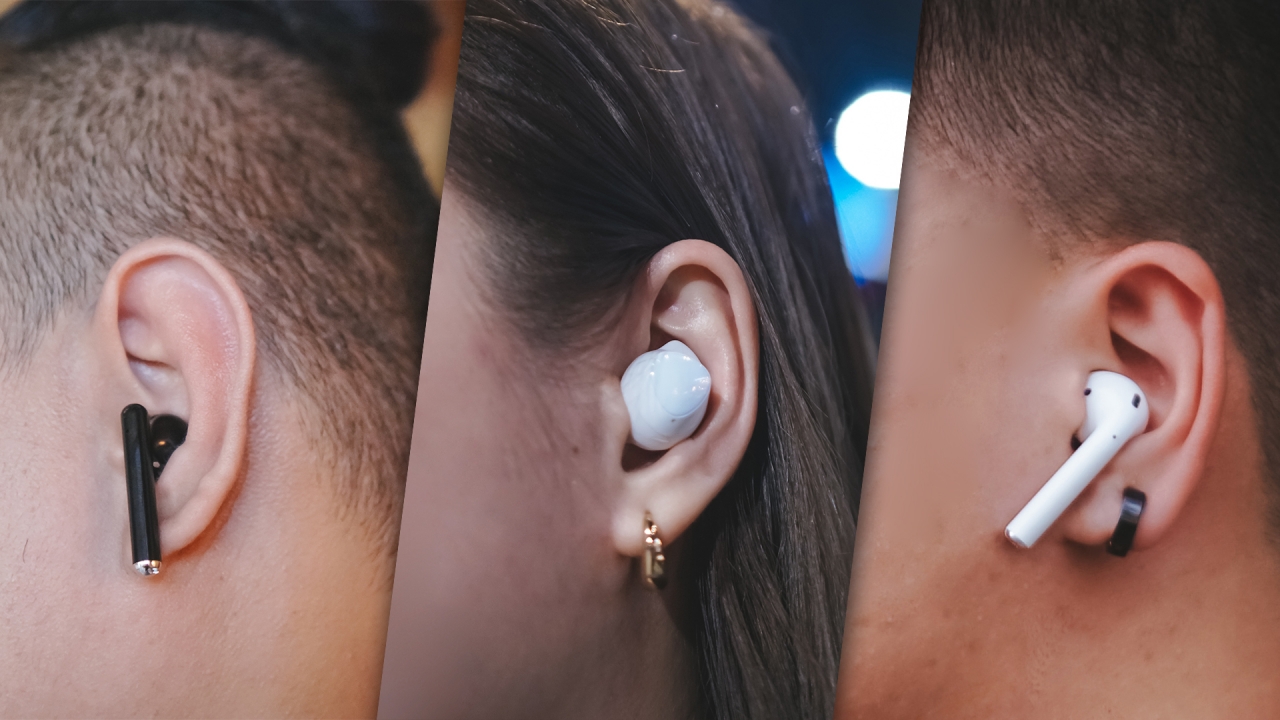
Rodneil: I don’t really have a lot to say about the fit. Perhaps it’s because I’ve gotten used to the Freebuds 3. Although to be honest, I wasn’t a huge fan at first. If I had to choose, I’d still go with an in-ear one — like the on the Galaxy Buds+.
Vincenz: I never liked the fit of the old EarPods but the AirPods 2 suit my ears perfectly. Same goes for the Freebuds 3 with almost the same design as AirPods. Years ago, I was using a wired JBL Earbuds that were also in-ear and wearing the Galaxy Buds+ felt similar. Don’t worry, you’ll get used to it — it even has extra ear tips in the box so you can find that perfect fit.
Dayle: The AirPods and Freebuds are identical but the fit of the Freebuds are more likely to slide off your ear than the AirPods. I like the fit of the Galaxy Buds (still biased) because they feel so light. At first you might feel that they’re coming off, but they won’t. It’s tried and tested (by me lol), you’ll get used to it.
As mentioned earlier, we all listened to “Bohemian Rhapsody.” Can you describe the listening experience for each TWS earphone?
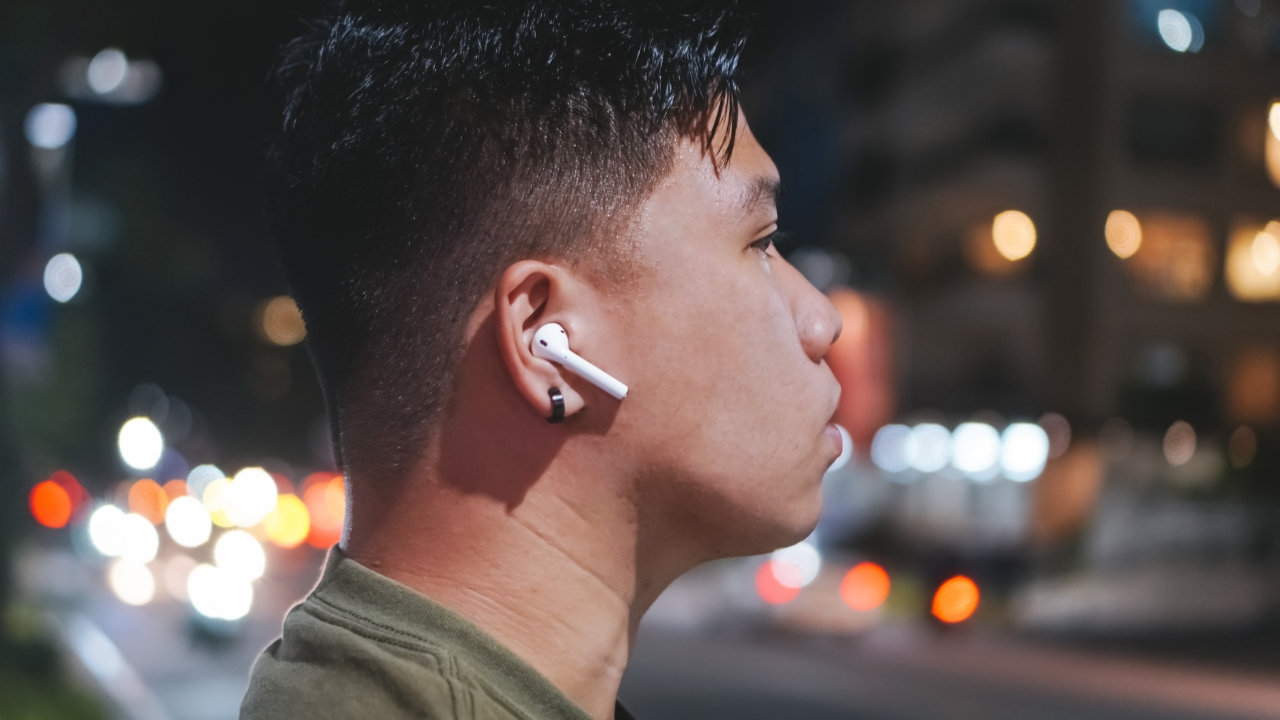
Rodneil: I had high hopes for the Galaxy Buds+. Those hopes were immediately shattered. Compared to the AirPods 2 and the Freebuds 3, the Galaxy Buds+ just didn’t deliver the same level of audio experience that I expect from this price point.
The volume on the Galaxy Buds+ didn’t get loud enough to distract you from your surroundings. It’s also lacking that rich texture which is surprising since the Galaxy Buds performed okay in this regard. It’s just really lacking in a lot of aspects.
I felt the AirPods 2 and the Freebuds 3 delivered a similar audio experience. If you close your eyes and turn the volume up enough, you’ll really feel immersed in the song. I will give a slight edge to the Freebuds 3 since I felt its active noise cancellation (ANC) feature truly isolates you from your immediate environment.
Vincenz: I’d go first with the Galaxy Buds+ since I least liked its sound quality. Other than the low audio level, I barely heard the bass — or that powerful beat whenever the music hit its “climax”. I even tried playing with the additional EQs but it really lacks THAT feature as it leans more into clarity.
The FreeBuds 3’s (ANC) isn’t perfect but it gets the job done. It really depends on how loud the song is. Audio levels are fair enough and I enjoyed listening to the songs with the volume at around 70%. The quality is decent but most of the time, the vocals overpower the background music — to the point that it feels muffled and trebly.
I’d still go with the AirPods 2 in this case. Even without ANC, I was able to hear a richer, fuller sound experience — even with just around 60% volume level. The vocals blend well with the background music and synths, and its bass is the most powerful compared to the Galaxy Buds+ and FreeBuds 3.
Dayle: I really want to hear and feel everything that’s going on in a song and frankly, the AirPods did that for me. You can hear all the beats per instrument with the vocals still clear and crisp and everything is just the right balance, it’s the perfect audio harmony. No, I’m not a legit audiophile but I know good quality audio when I hear one.
Now with the FreeBuds, it’s still a good listening experience overall. It has an evidently powerful bass at a normal volume but when you turn it up, the bass sounds distorted. Other than that, the FreeBuds is good for its price.
Last and maybe sadly also the least for me are the Buds+. This pair, though the vocals are clear, has a flat sound even after you try to increase the volume. I’ve also tried switching between preset equalizer settings but still the audio didn’t get better and only made the vocals sound muffled. If anything, the first Galaxy Buds are still a better buy. Hopefully though, Samsung can still improve the audio quality with updates in the very near future.
What other tracks/things did you listen to and how did each earphone fare?

Rodneil: I’m a huge fan of bad-ass guitar riffs so there are two songs that I always make it a point to listen to when trying new headphones: Incubus’ “Summer Romance (Anti-Gravity Love Song)” and Led Zeppelin’s “Black Dog.”
The Galaxy Buds+ was surprisingly disappointing. Not only was the volume lower much lower, it also just didn’t have that rich sound that I had hoped it would have.
Both songs slapped pretty hard on the AirPods 2 and the Freebuds 3. I’m giving a slight edge to the Freebuds 3 because of it’s (ANC) feature. It’s perfect for that really immersive listening session.
Vincenz: Other than Bohemian Rhapsody, I listened to three other tracks: “Psycho” by Red Velvet, “Pagtingin” by Ben&Ben, and “All About You” by Taeyeon.
During this listening session, I was able to answer all my questions about its audio quality. Just like what I said earlier, the AirPods 2 clearly delivered richer and fuller sound quality — and FreeBuds 3 comes close to its quality, just with an added ANC and less bass. The Galaxy Buds+, as expected, performed the worse. It sounded tinny compared to those aforementioned.
Dayle: I also tried listening to Alanis Morisette’s “You Oughta Know”, Justin Bieber’s “Yummy” and “Intentions”, Dua Lipa’s “New Rules” and Ariana Grande’s “Side to Side” (inspired by my spinning classes lol) to give me a feel of how each song sounds from each pair. So far the AirPods gave me that urge to bob my head to the beat (and maybe run to the gym) — FreeBuds 3 came in second.
Any comments on the battery life?
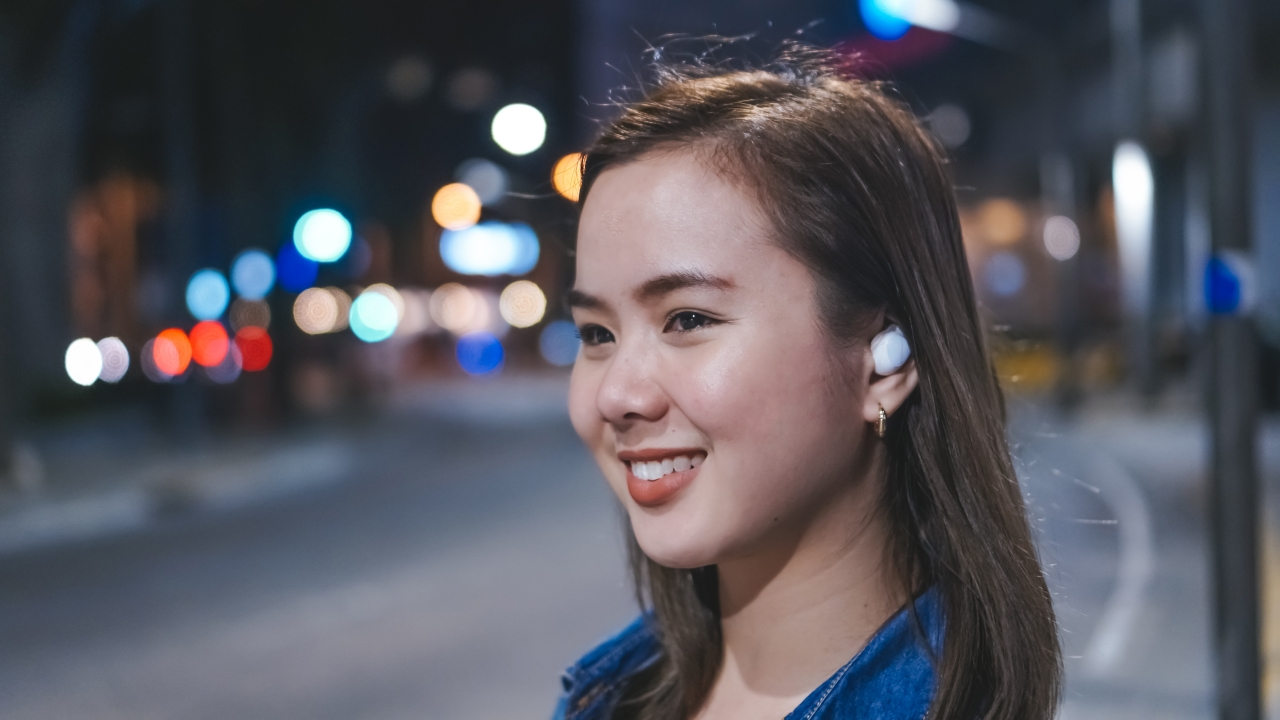
Rodneil: I only probably have the Freebuds 3 on while I’m walking to and from work. And that’s not a long walk. Over the past few months I probably only charge it once every 10 days. The only time I used it for an extended period was during a 20-hour flight. It didn’t die on me at all and probably only charged it two days after arriving from that trip.
Vincenz: For someone like me who’s always stuck in traffic, I usually put on my AirPods to either listen to music or watch TV series and films. The AirPods 2 lasted me around three to four hours. With the additional case, you’ll get more than three times so you’ll get almost a day of listening. Just take note that everytime the AirPods get drained down to zero, it will take around 10 minutes to fully charge them up again.
Dayle: The longest I have my buds on is when I binge watch series and it lasts for about 5 hours on a good lazy weekend because, why not. The Buds+ definitely lived up to its 11-hour battery life promise, bearing with me all throughout my series marathon.
Which one would you recommend the most?
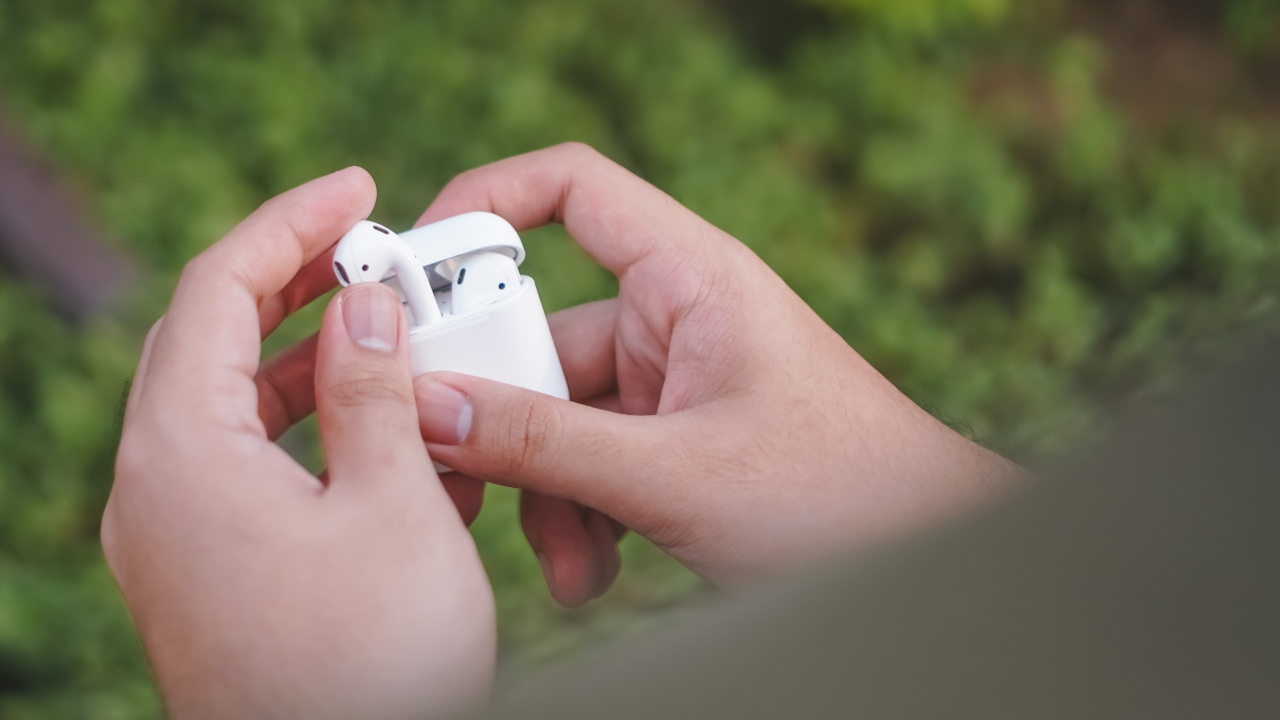
Rodneil: You can’t go wrong with either the AirPods 2 or the Freebuds 3. If you’re using an iPhone, your best bet is to go with the AirPods just for that whole Apple ecosystem experience. If you’re on Android, the Freebuds 3 is a fine option especially with its ANC feature. I cannot, in good conscience, recommend the Galaxy Buds+. Not when the only thing it’s better at than it’s predecessor is the battery life.
Vincenz: If you’re the type of user who just listens to podcasts and TV series, the Galaxy Buds+ is not a bad option since it focuses more on clarity. If you like having ANC as an added feature, you can’t get wrong with the FreeBuds 3. But if you would ask my best pick, I would still choose the AirPods 2 because of the overall sound quality, not to mention the after-sales service you get with Apple.
Dayle: This goes against my Galaxy Buds loyal heart, but i’m going to have to go with the AirPods 2.






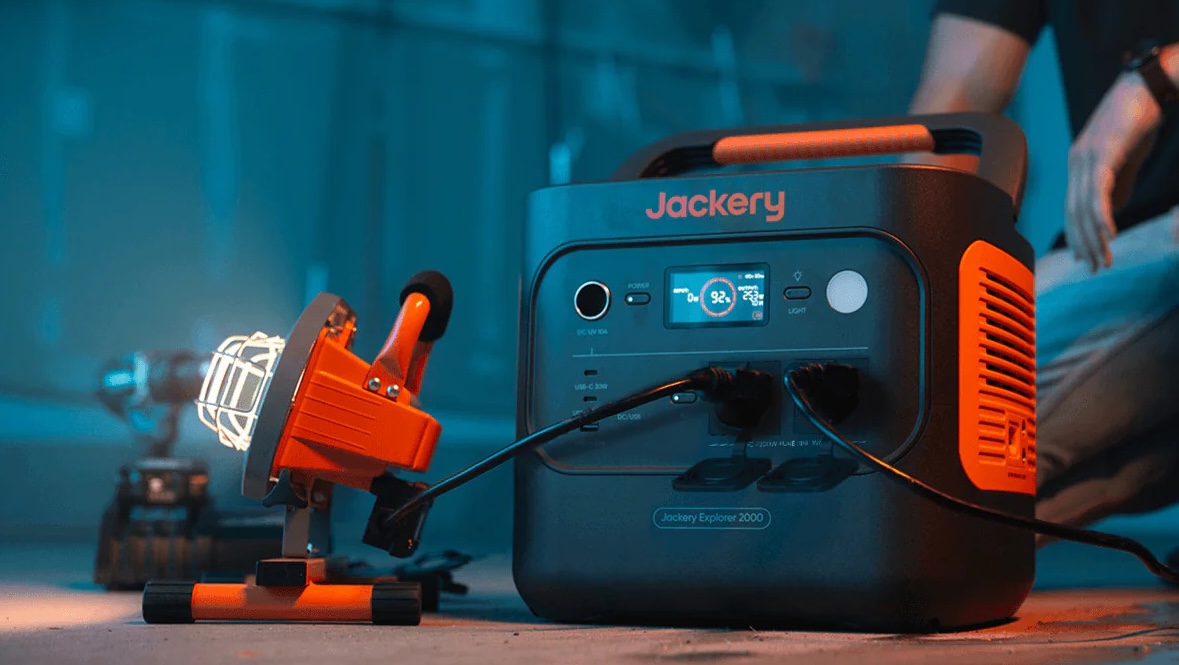
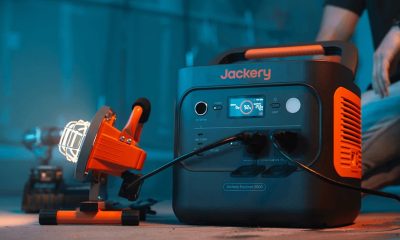
Jackery has expanded its Explorer Series, introducing three new models: the Explorer 300D, Explorer 500 V2, and Explorer 2000 V2.
These new portable power station models join the earlier Explorer 100 Plus, 300 Plus, and 1000 V2 releases earlier in the year.
Each is built for different needs, from brief power interruptions to outdoor adventures and prolonged outages.
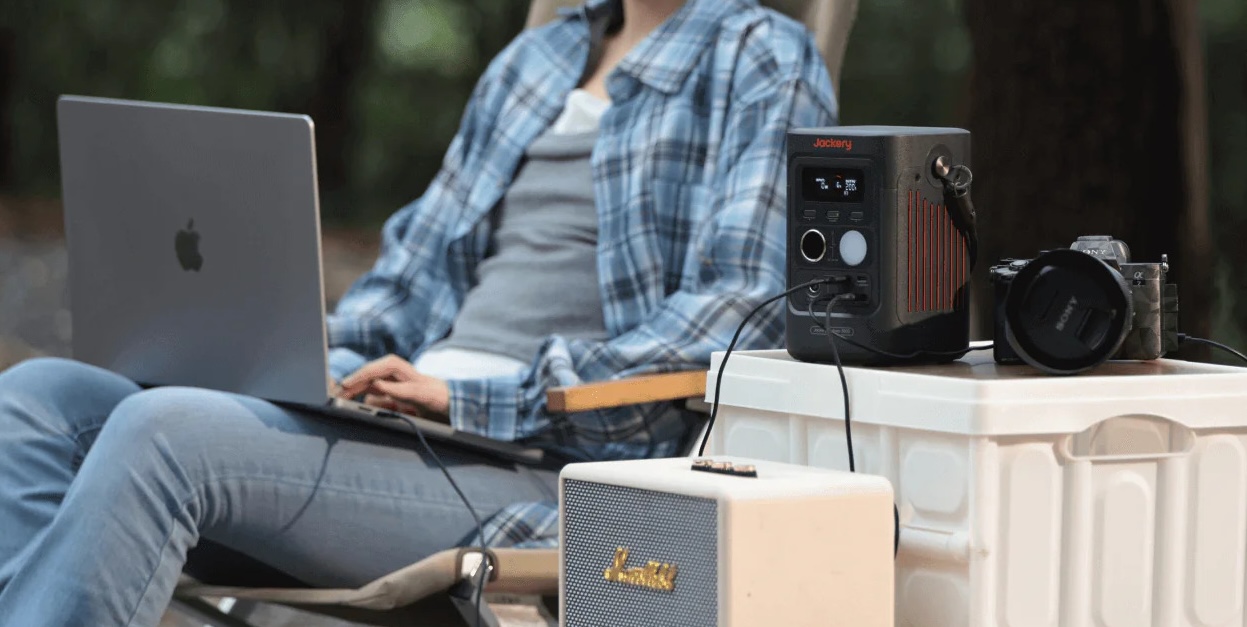
The Jackery Explorer 300D is a grab-and-go variant for unexpected power cuts. It is a compact power station weighing just about 2.5 kilograms and is 64% smaller than standard 300Wh units.
With a speaker-like form factor, 288Wh capacity, and 300W total DC output, it is the ideal power station for content creators, remote workers, and outdoor enthusiasts who live life on the move.
It can juice up a fast-charging Type-C laptop three to four times, smartphones up to 22 times, and drone batteries four to five times.
The Explorer 300D comes with unique DC-only design to eliminate idle power loss. It also has a 2-in-1 shoulder strap that unclips to double as a heavy-duty 140W USB-C charging cable.
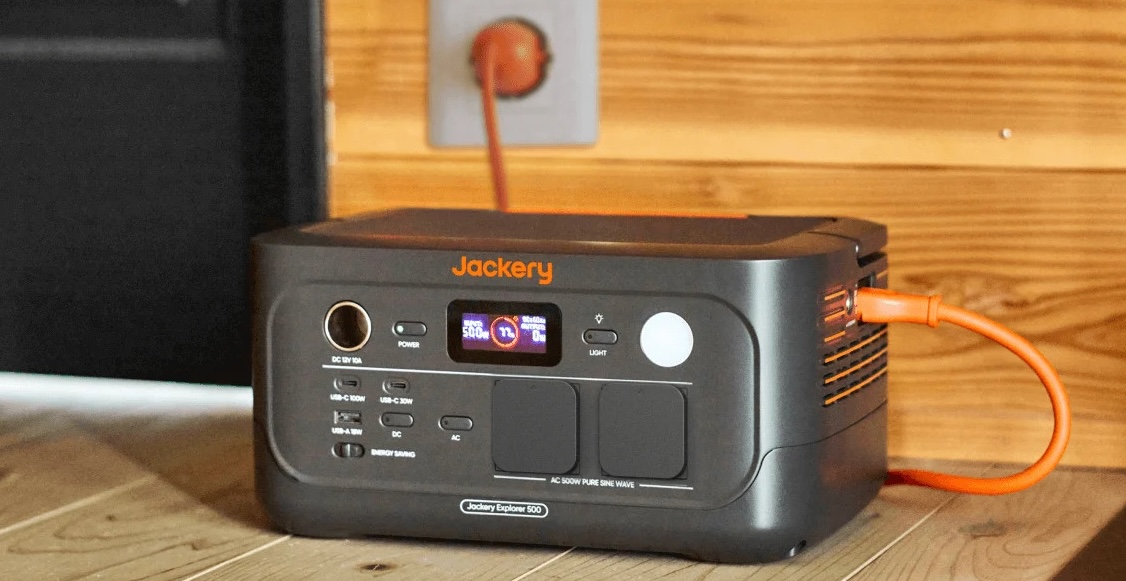
Meanwhile, the Jackery Explorer 500 V2 packs a 512Wh capacity and 500W max output into a sleek frame.
It has an Uninterruptible Power Supply switchover time of under 10 milliseconds, ensuring devices such as Wi-Fi routers or laptops will not drop connection. It can also power up a desk fan for about 8.5 hours.
For easy storage, it has a fold-down handle. This makes the power station also portable to carry with you wherever you need it.
Lastly, the heavy-duty Jackery Explorer 2000 V2 features a massive 2,042Wh capacity and 2,200W inverter.
Weighing just 17.9 kilograms, it is about 41% lighter and 34% smaller than standard generators in the 2kWh category.
It can power a standard inverter refrigerator for up to 14 hours, run a 1.0 HP air conditioner for up to 3.5 hours, or power multiple electric fans for up to 28 hours.
It can also power kitchen essentials like rice cookers, small water heaters or coffee makers, and microwaves, in case hunger strikes amidst a power interruption.
The Explorer 2000 V2 also features an EV-grade LiFePO4 battery engineered for over 10 years of daily use.
The entire Jackery lineup is available on Lazada, Shopee, the Jackery kiosk at SM Fairview, and other partner stores.
Accessories
Pulse Elevate wireless speakers come to Southeast Asia this November
Pre-orders open September 2

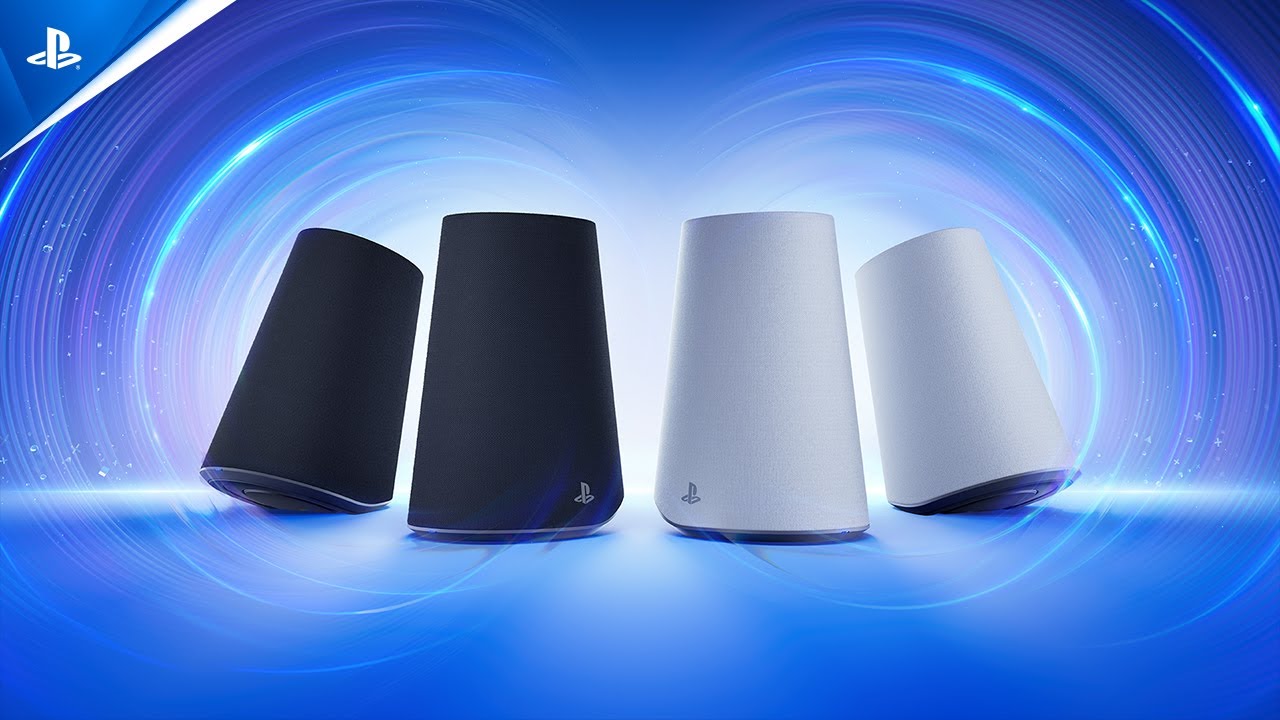
PlayStation is expanding its audio lineup with the Pulse Elevate wireless speakers, its first wireless speakers developed by Sony Interactive Entertainment. The speakers will launch in Southeast Asia starting November 12, 2026, with pre-orders opening September 2.
The Pulse Elevate speakers are designed for desktop gaming on PS5, PC, and Mac, while also supporting portable use with the PlayStation Portal remote player and smartphones. They combine planar magnetic drivers, built-in woofers, and PlayStation Link wireless connectivity for low-latency, lossless audio.
Each speaker uses a studio-inspired planar magnetic driver to deliver sound across the audible spectrum. Built-in woofers add richer bass, while the speakers can enhance positional audio in PS5 games that support Tempest 3D AudioTech.
The right speaker also has a built-in microphone with AI-enhanced noise rejection. This allows users to handle voice chat without wearing a headset while helping filter out unwanted background noise.
Designed for gaming and beyond
Pulse Elevate uses PlayStation Link for ultra-low-latency wireless audio with compatible devices, including the PS5, PC, Mac, and PlayStation Portal. The speakers also support Bluetooth, allowing users to listen to audio from a Bluetooth device while using PlayStation Link for another connected device.
A PlayStation Link USB adapter is included and works with USB-C ports. The speakers also feature built-in rechargeable batteries, letting users take them on the go. Charging docks are included for returning to a desktop setup.
Users can adjust the speakers’ volume directly and position them horizontally or vertically. PS5 and PC users can also customize EQ, sidetone, volume, and microphone mute settings through system menus.
Pulse Elevate will be available in Midnight Black and White.
Price and availability
Pulse Elevate wireless speakers will launch starting November 12, 2026. Pre-orders begin September 2 at local retailers. Availability may vary by market and retailer.
The recommended retail prices are:
- Singapore: SGD 319
- Malaysia: MYR 1,099
- Thailand: THB 8,499
- Philippines: PHP 14,709
- Vietnam: VND 6,999,000
The Pulse Elevate marks Sony Interactive Entertainment’s first entry into wireless speakers, extending the PlayStation audio ecosystem beyond the Pulse Elite headset and Pulse Explore earbuds.
Accessories
Apple is working on AirPods with built-in cameras
References to the wearable were spotted inside a new macOS beta.

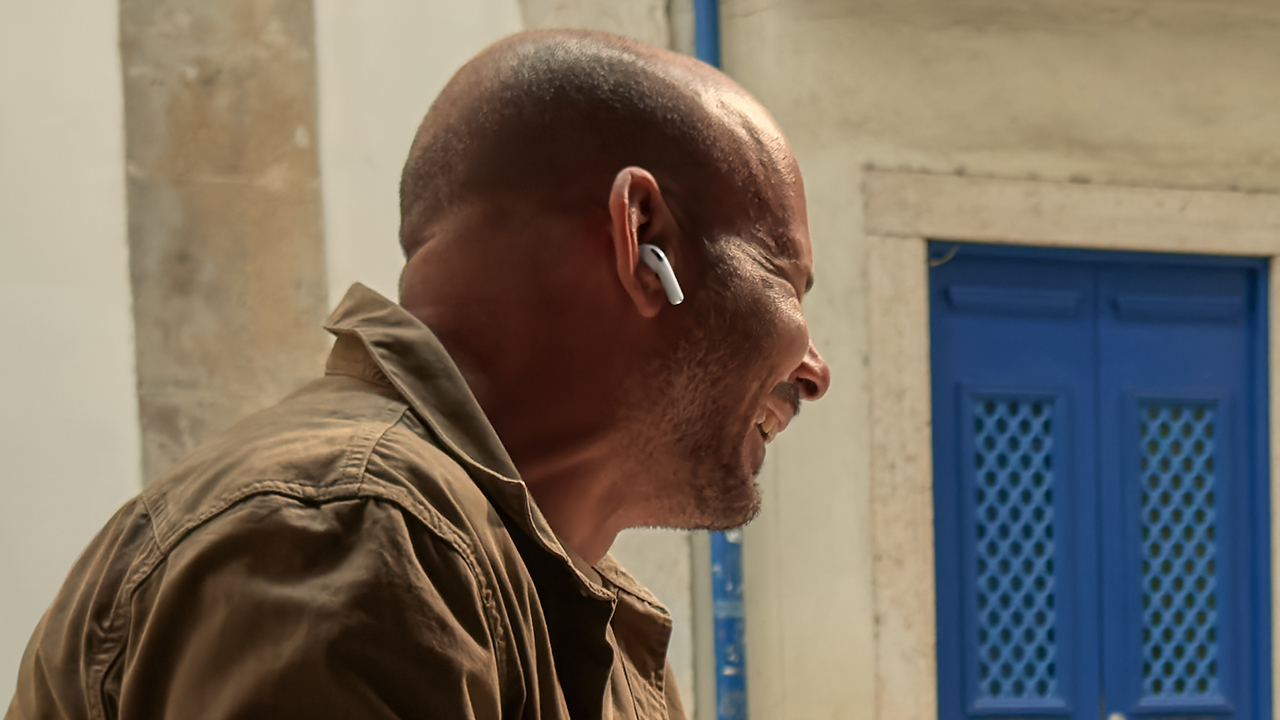
The launch of operating system betas is a cause of celebration for those digging into what’s next for a brand. No other company does that better than Apple. Today, Apple released a new release candidate for macOS Tahoe 26.7. As expected, the release has a treasure trove of references to unreleased devices, including a new type of AirPods with built-in cameras.
Let’s get the obvious out of the way first. The references include a slew of unreleased iPads, Macs, and HomePods. Since these devices are already expected to come out, they’re hardly worth nothing. This includes the iPhone 18 series. If anything, the references confirm the iPhone Ultra, the rumored entry into the foldable market, but that’s it.
Now, the more interesting inclusion is a pair of AirPods with cameras. Despite the controversies surrounding cameras on smart glasses, Apple is reportedly building audio-based wearables with cameras themselves.
In a short demo video (also obtained from the macOS beta via MacRumors), the AirPods can apparently “save” things that it sees, including a book you might want to search for later. In that way, the built-in camera acts more like a voice assistant, rather than a recording device.
Though the references don’t confirm a launch date, it’s likely that the camera-based AirPods will come out sometime soon. After all, why would a blatant reference be inside a publicly available beta?
SEE ALSO: The iPhone 18 might sell out for an unexpected reason
-
 Reviews1 week ago
TECNO MEGAPAD 2 review: Eyes on the size
-

 Singapore2 weeks ago
REDMI Note 17 Series focuses on long-term reliability
-
 News2 weeks ago
realme 16T to come with 8,000mAh battery, 7-year battery health guarantee
-

 News2 weeks ago
HUAWEI Pura X View is 2026’s first WIDE slab-type smartphone
-
 Accessories2 weeks ago
Jackery expands Explorer Series portable power stations
-
 Cameras1 week ago
30 days with the DJI Osmo Pocket 4P
-

 Gaming2 weeks ago
NBA 2K27 expands MyCAREER, MyPLAYER, MyNBA, more
-

 News2 days ago
realme 16T 5G with 8000mAh battery, IP69 Pro rating launches in PH