
Hands-On
Apple iPad Pro (2020) hands-on: Not a laptop, more than a tablet
Is it a good laptop replacement?

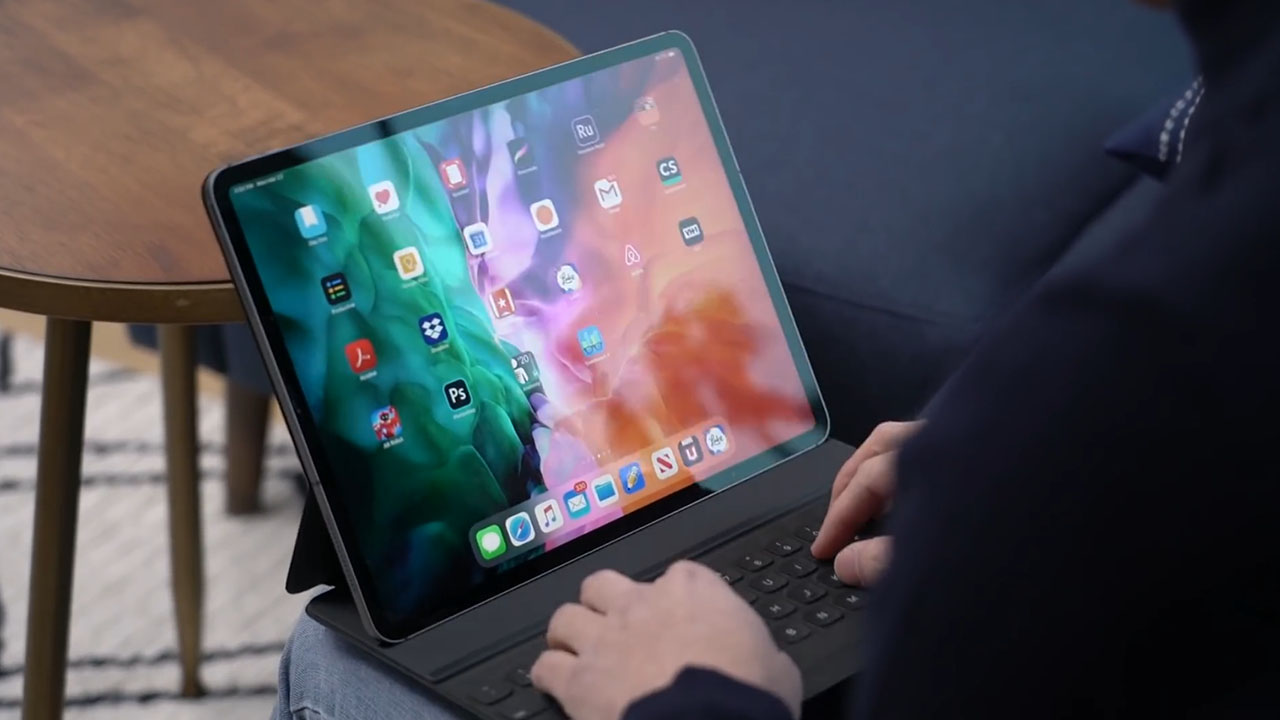
The new iPad Pro is more powerful, has a high tech sensor for AR, works with a mouse and trackpad — there’s even a Magic Keyboard. With all these new features, is it good enough to replace your laptop?
What’s new?
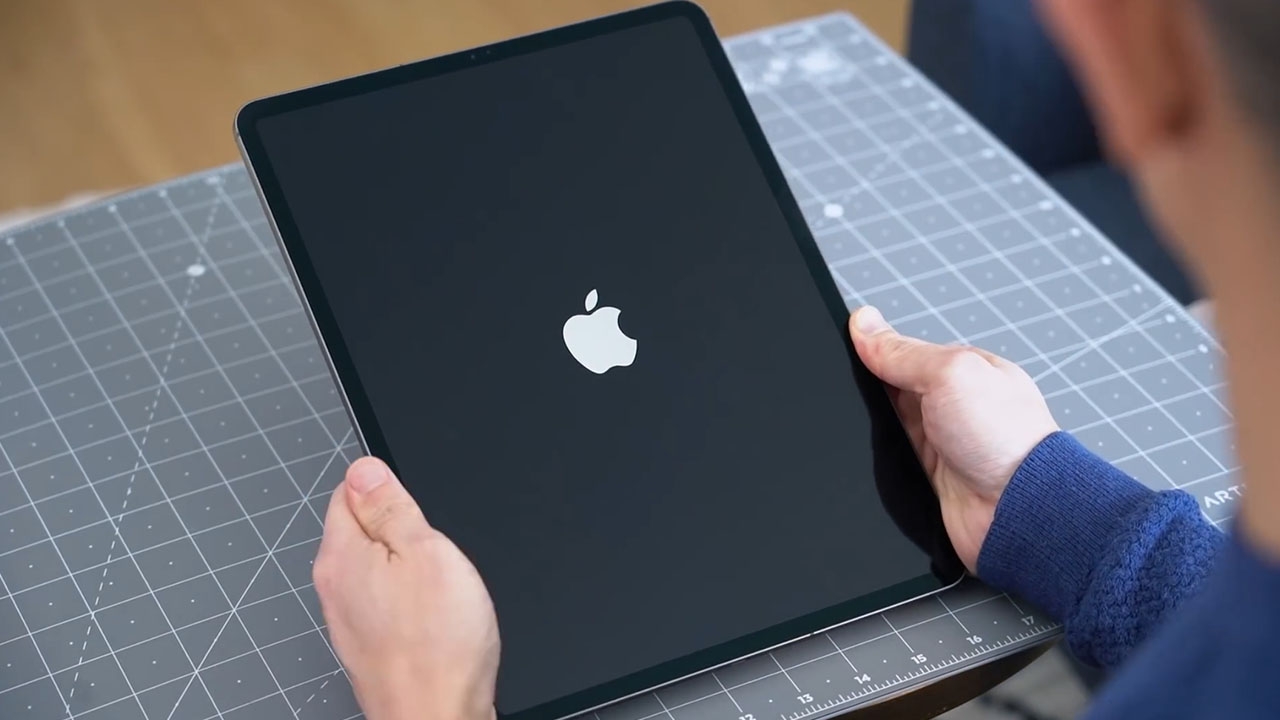
This is officially the fourth generation iPad Pro — following the announcements in 2015, 2017, and most recently 2018, where Apple first debuted this form factor.
It comes in two sizes: 12.9 and 11 inches. Its camera bump is now similar to the iPhone 11 — squarish with two rear cameras, a first on the iPad.
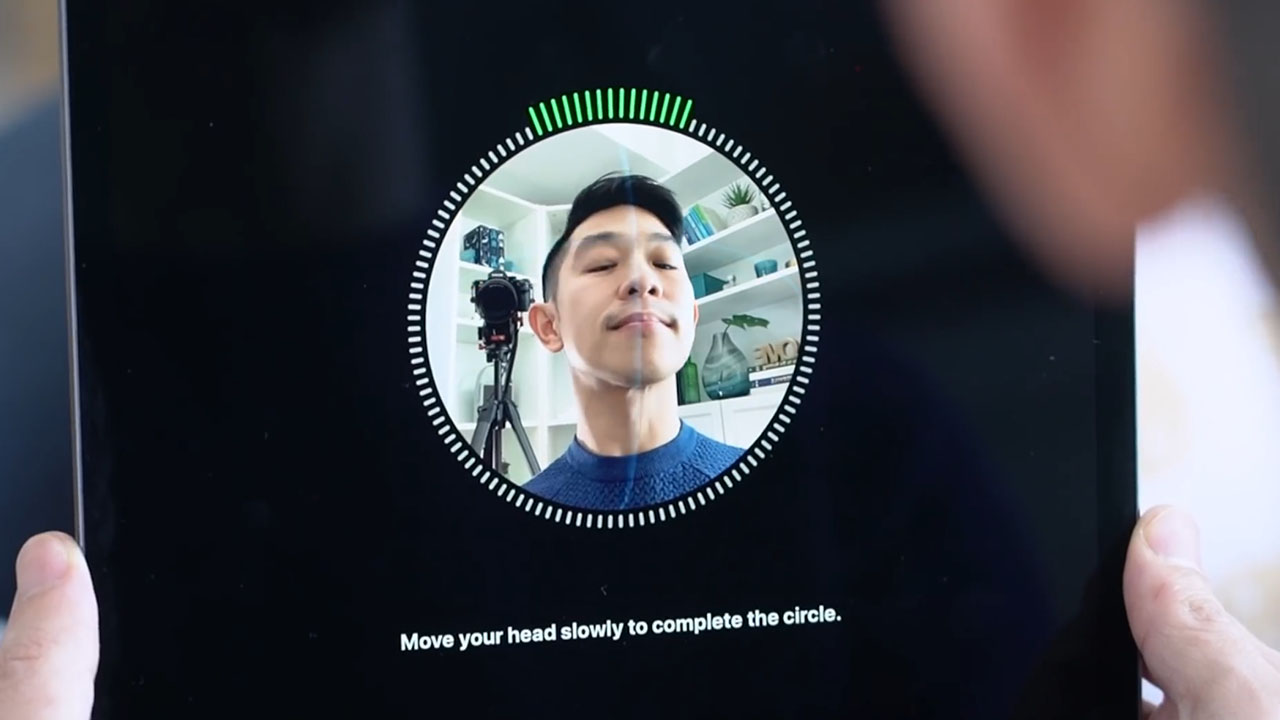
Like the 2018 model, this iPad Pro comes with Face ID as its biometric security option.
How much better is it than the 2018 model? On the outside, there’s only the camera bump to tell both models apart. Button, port, and speaker arrangements are all the same; even the dimensions are the same. It also comes with the same 1 meter long USB-C cable, and 18W charging brick.
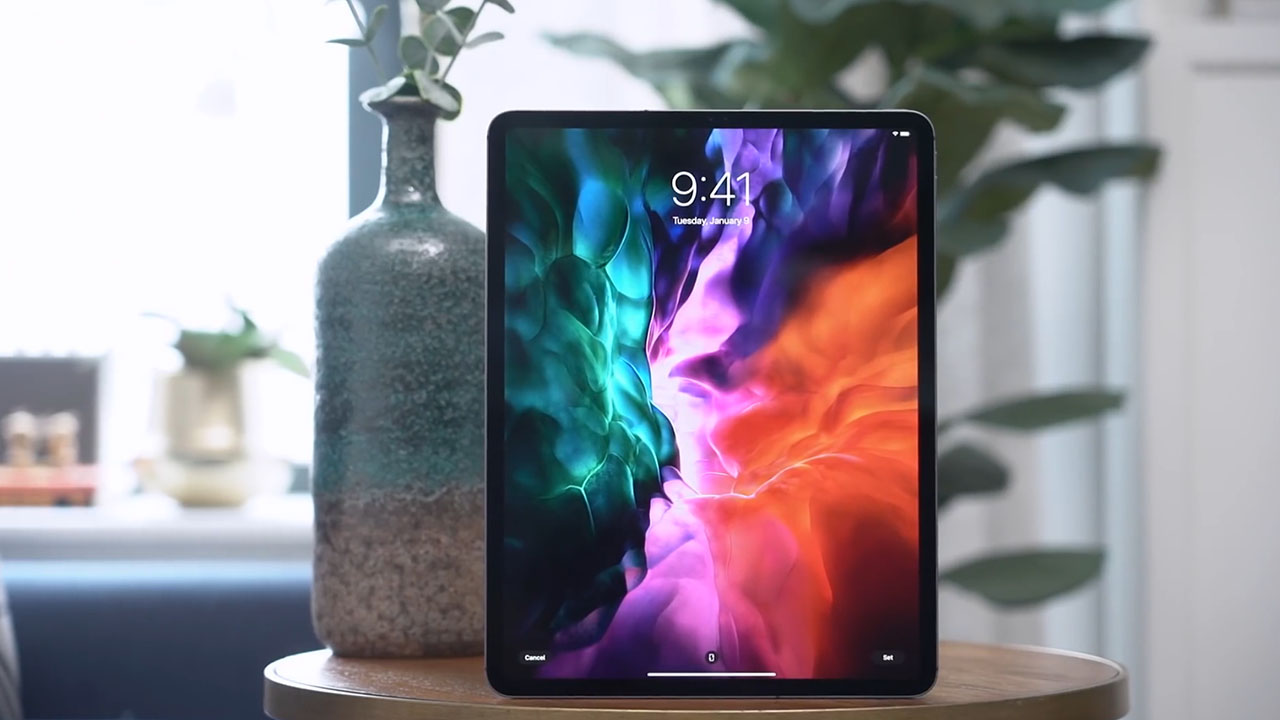
As with most Apple updates, it’s what’s on the inside that matters. There’s a new A12Z Bionic Chip which is much more powerful than the 2018 model.
While we don’t usually do benchmark tests, this new chip scored higher than the previous model in both CPU and GPU tests.
Camera and LiDAR technology
The new iPad Pro now has a 10 MP ultra wide angle camera to go alongside its 12MP wide camera.
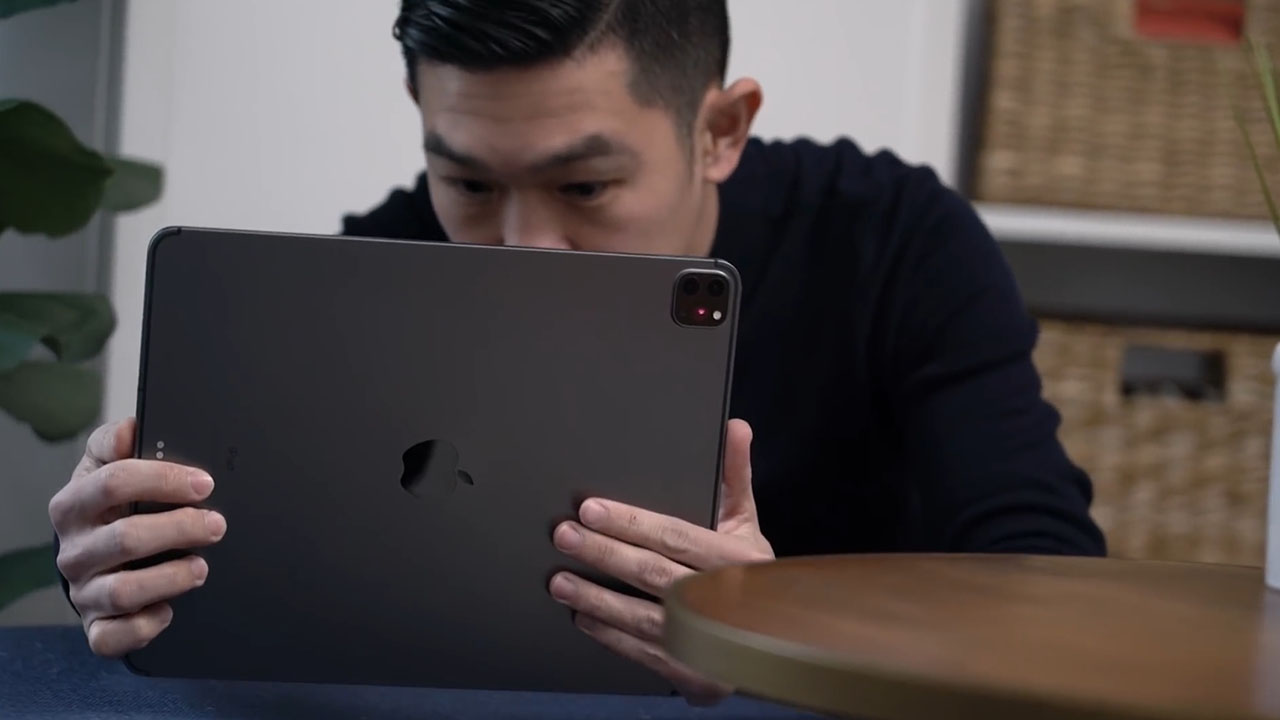
I understand tablet photography is often frowned upon, but Apple really sees the iPad Pro as a device for content creators like me. Aside from being able to to edit entire videos on apps like Luma Fusion, Apple wants the iPad Pro to also be a device you can use for video capture.
Both cameras shoot 4K video, and just like on the MacBook Pro, it’s got 5 studio microphones built in.
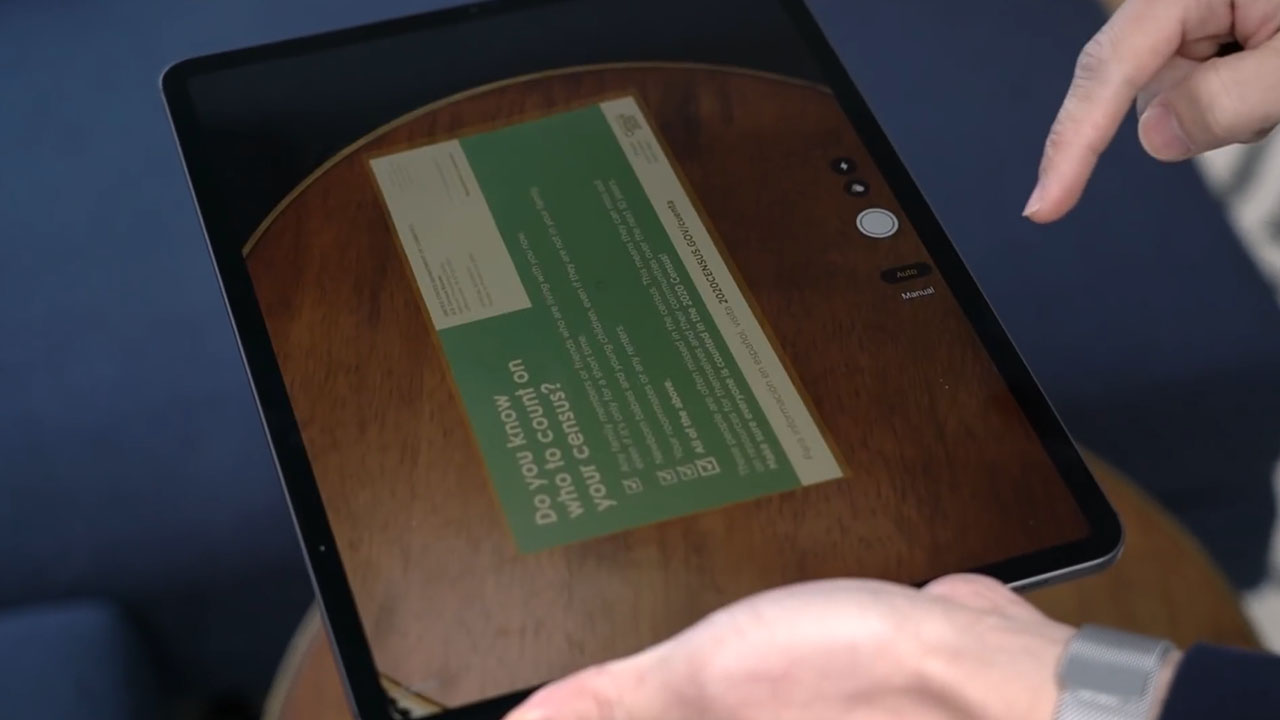
That ultra wide angle camera also comes in handy when you’re scanning in documents, which the iPad is great for especially if you need to make annotations — the Apple Pencil is made for that.
Reps from Apple also tell me that the cameras work in conjunction with the new LiDAR scanner that’s built into the device. LiDAR stands for Light Detection and Ranging. If you’ve heard of it before it’s probably in relation to self-driving cars where the technology is also used.
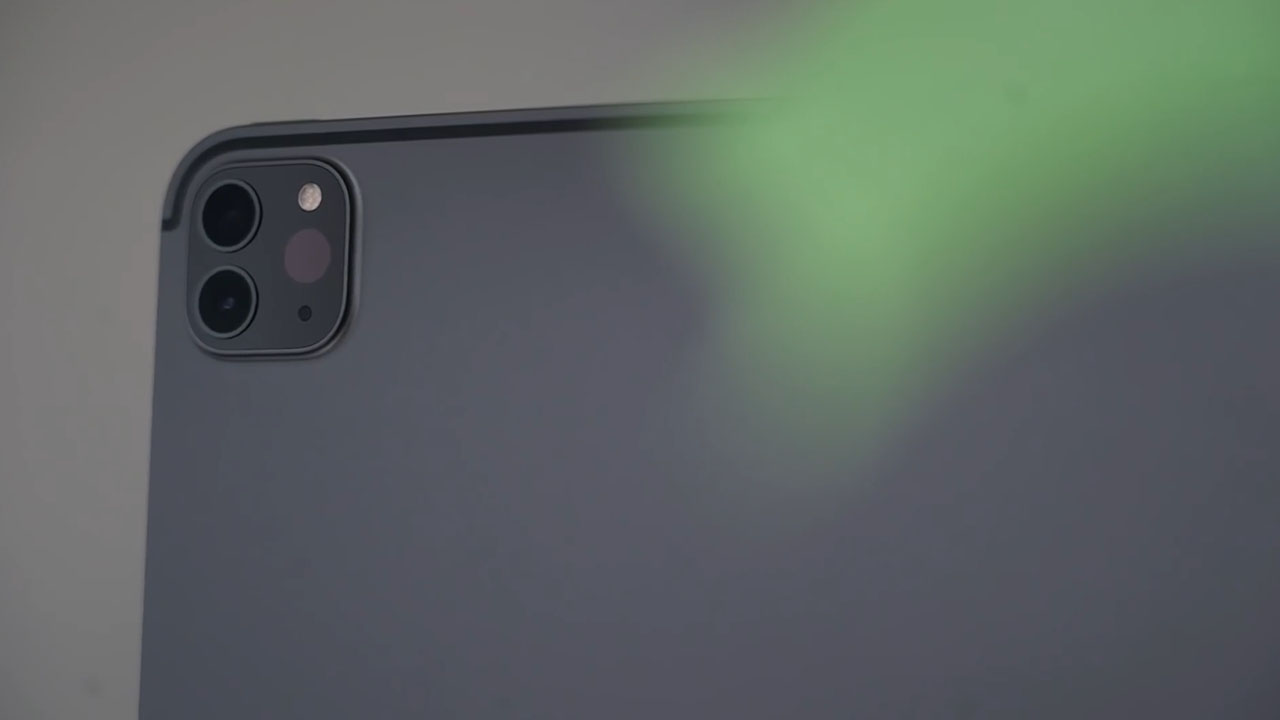
LiDAR works by sending beams of light at your surroundings and creates a map of objects in the space around you by measuring the time it takes for the light beams to bounce back.
The new LiDAR scanner is meant to elevate the augmented reality experience on the device, which Apple is committed to making a reality, pun intended.
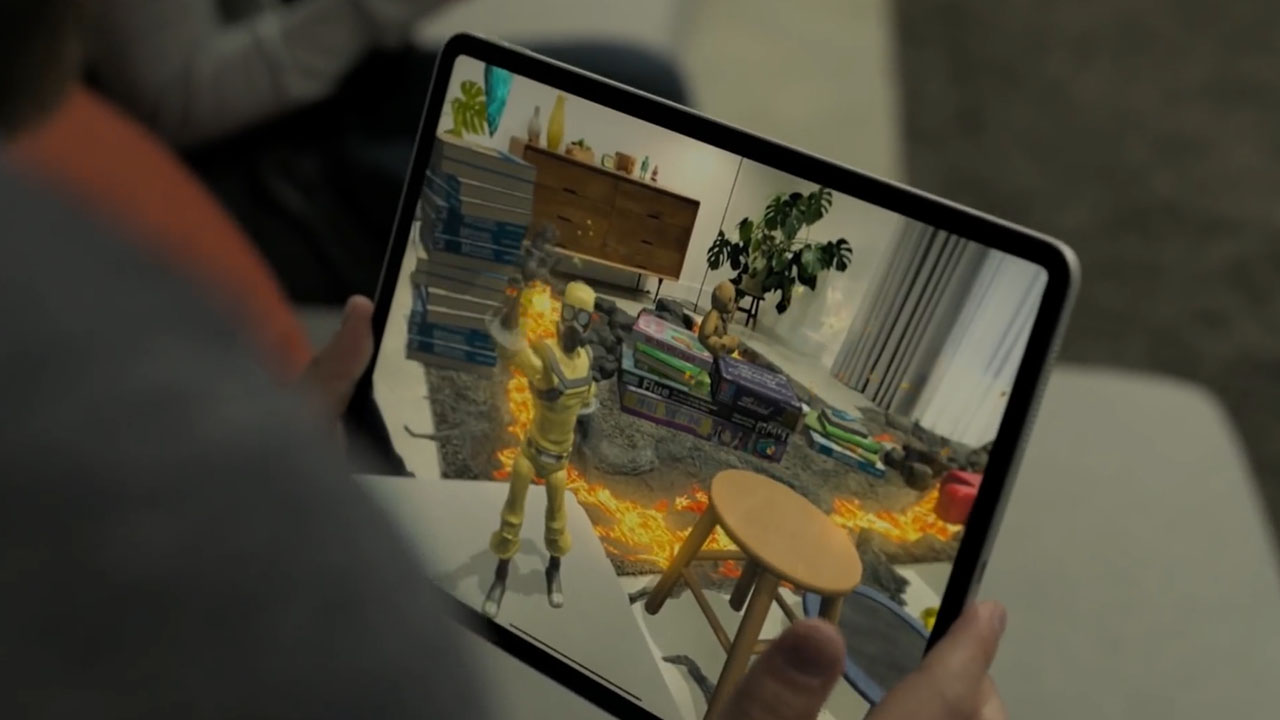
One great example of this is the upcoming AR game Hot Lava. With LiDAR technology, the iPad Pro is able to accurately detect objects in a room, that in-game elements can interact with them — including humans in the scene.
The IKEA app which I used a lot while designing my apartment is also getting an update. It will soon be able to recommend matching furniture or accessories based on what you currently have.
There are scientific applications, too, like the Complete Anatomy App that uses Lidar to measure the range of motion of someone’s arm in real time.
With LiDAR, it’s also easier to set up AR applications. Previously you needed to scan your surrounding by moving your device around. Now you just launch the AR app to start.
Magic Keyboard and trackpad function
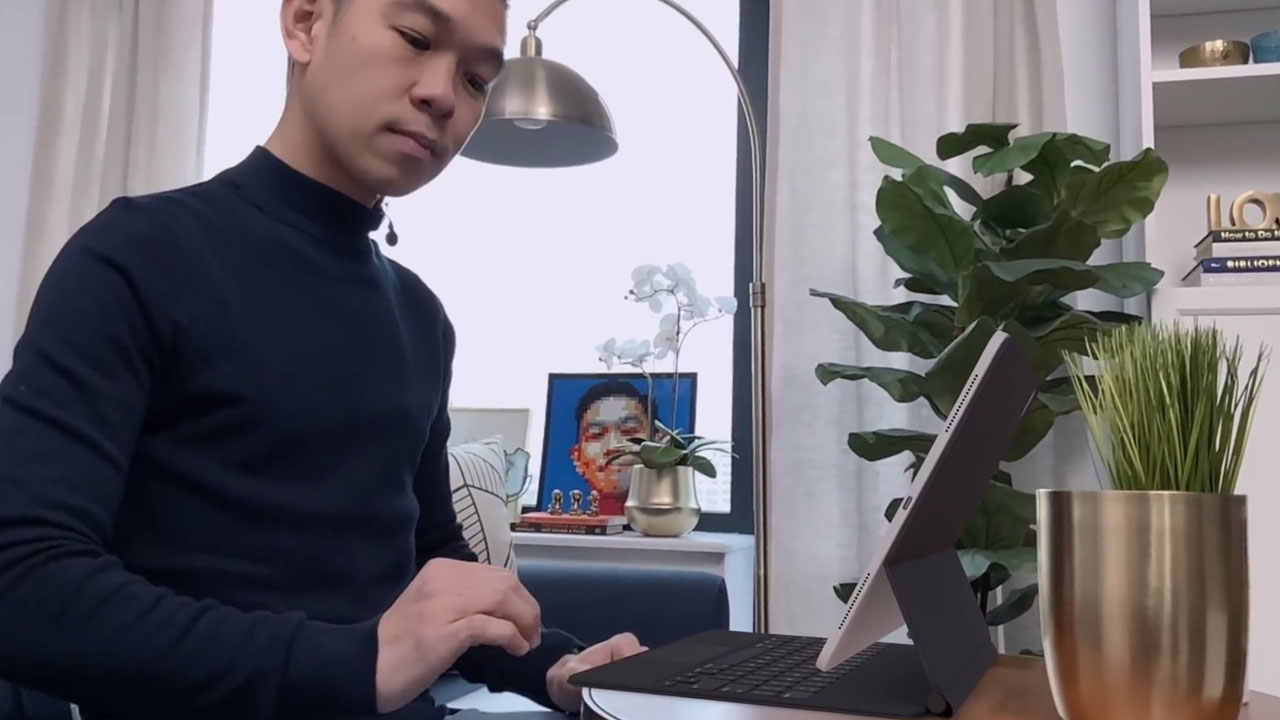
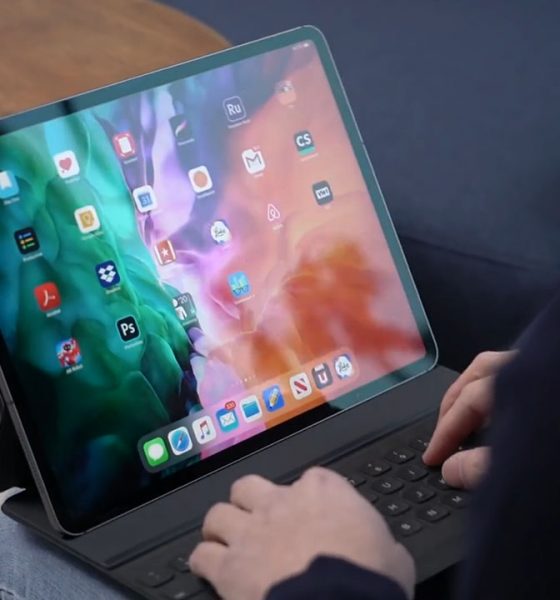
With the Magic Keyboard, the iPad Pro gets elevated, giving it an iMac-esque feel. The elevated display means you don’t have to look down as much.
Built into the hinge is a USB-C port so that you can keep your iPad charged while in use. The hinge is sturdy enough to keep the iPad Pro propped up at all times.
I think what makes the Magic Keyboard even more exciting though is the built in trackpad. iPad OS 13.4 brings this functionality to the iPad.
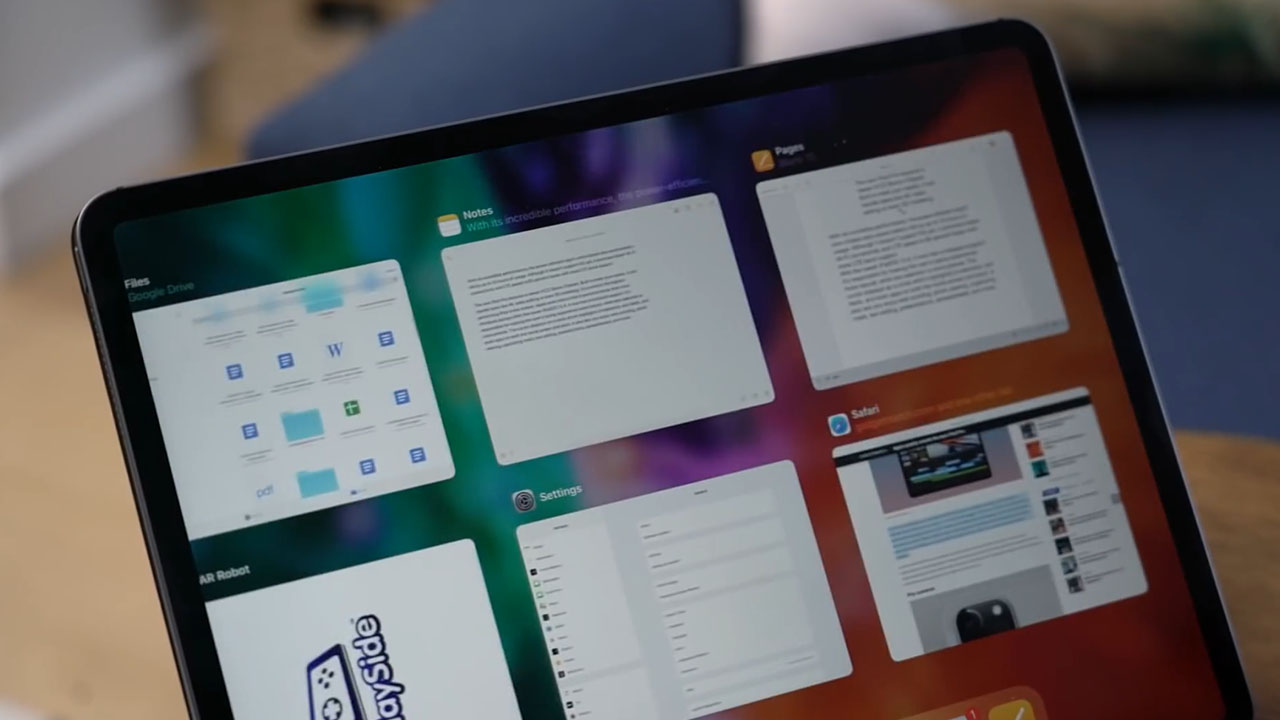
Swipe gestures work just like on the Mac: swipe up with four fingers to see all your open apps, scroll down with two fingers to scroll through web pages. It works just like on a computer just reimagined for a touch screen device.
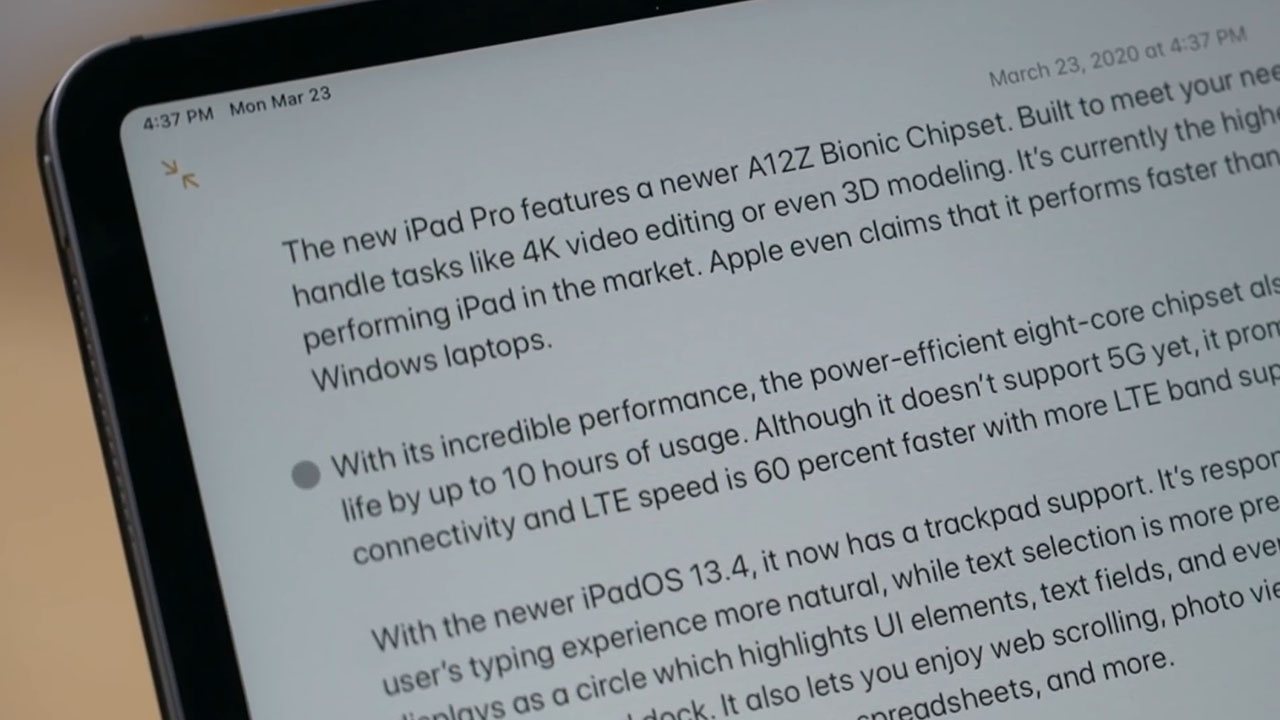
On the screen, instead of a pointer you’ll see a circle instead. When you hover over menu items they get highlighted to indicate they’re being selected.
It transforms into a vertical bar when you’re highlighting text. You can easily copy text like you would with a right click or a two-finger tap.
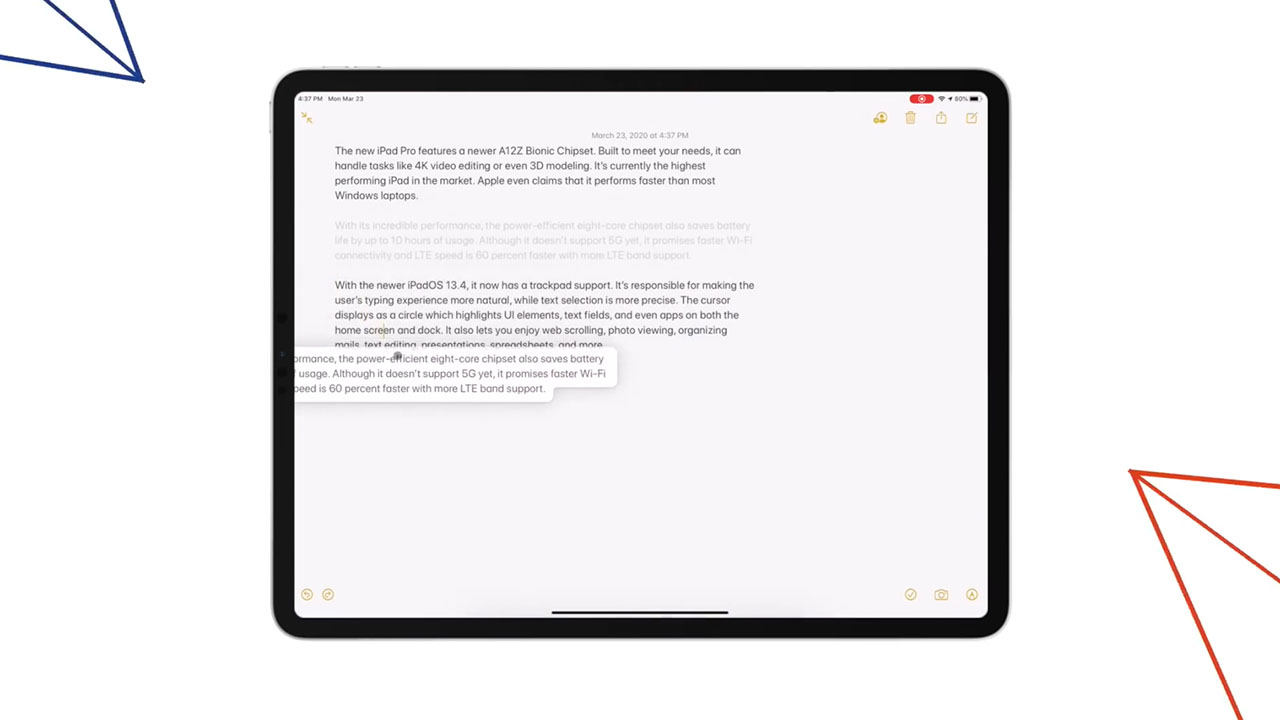
If you’re editing a long document, you can also move entire blocks of text by simply dragging them. It’s the same thing if you’re using a mouse. Third party mice work, too.
While we’re on the topic, mouse and trackpad support isn’t exclusive to the new iPad Pro. All iPads that will get this update support this functionality. The Magic Keyboard will also work with the 2018 iPad Pro.
iPad Pro vs MacBook Air
Another question I get a lot is whether it’s good enough to be an alternative to the MacBook Air? Is it powerful enough? Is it just an oversized iPhone?
With this latest iPadOS update, the iPad encroaches more on Mac territory. Having said that, these are still two different kinds of devices.
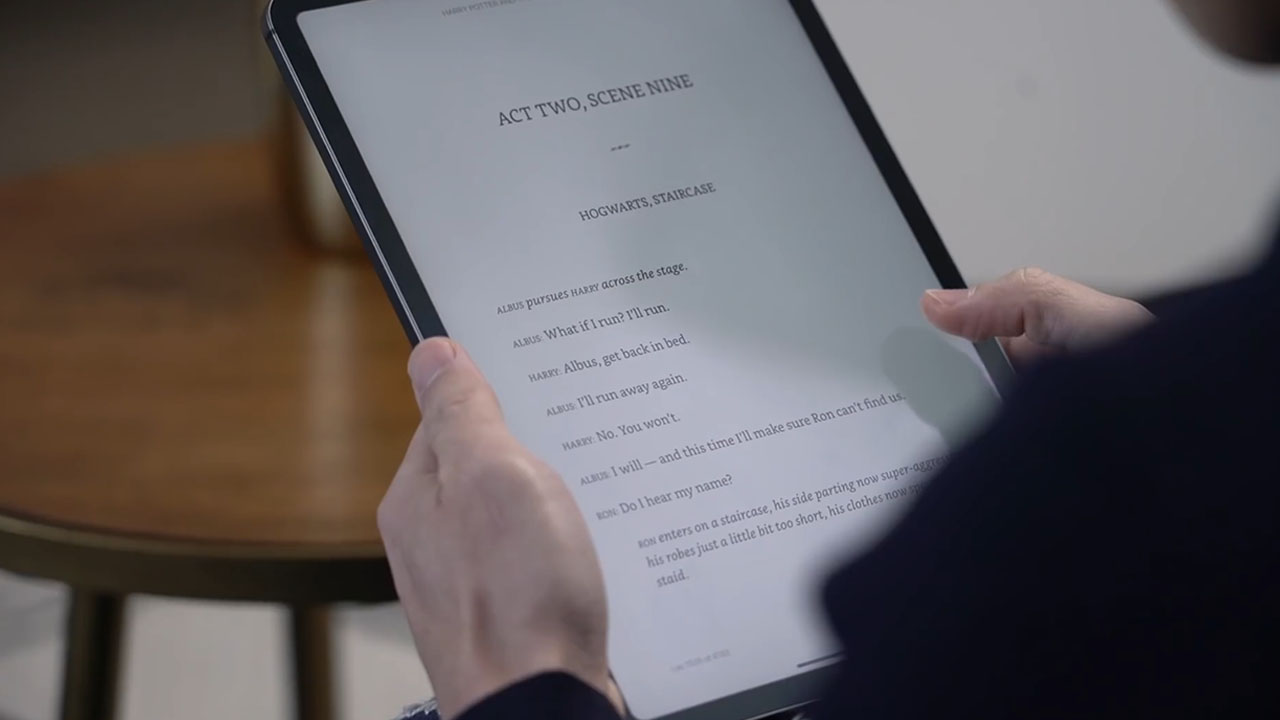
The iPad Pro is still a tablet so it’s a great device for reading books or magazines, not to mention watching videos on a plane especially when you’re flying economy.
It has a touch screen display, which means apps built for the iPad are optimized for touch, and in some cases that makes more sense.
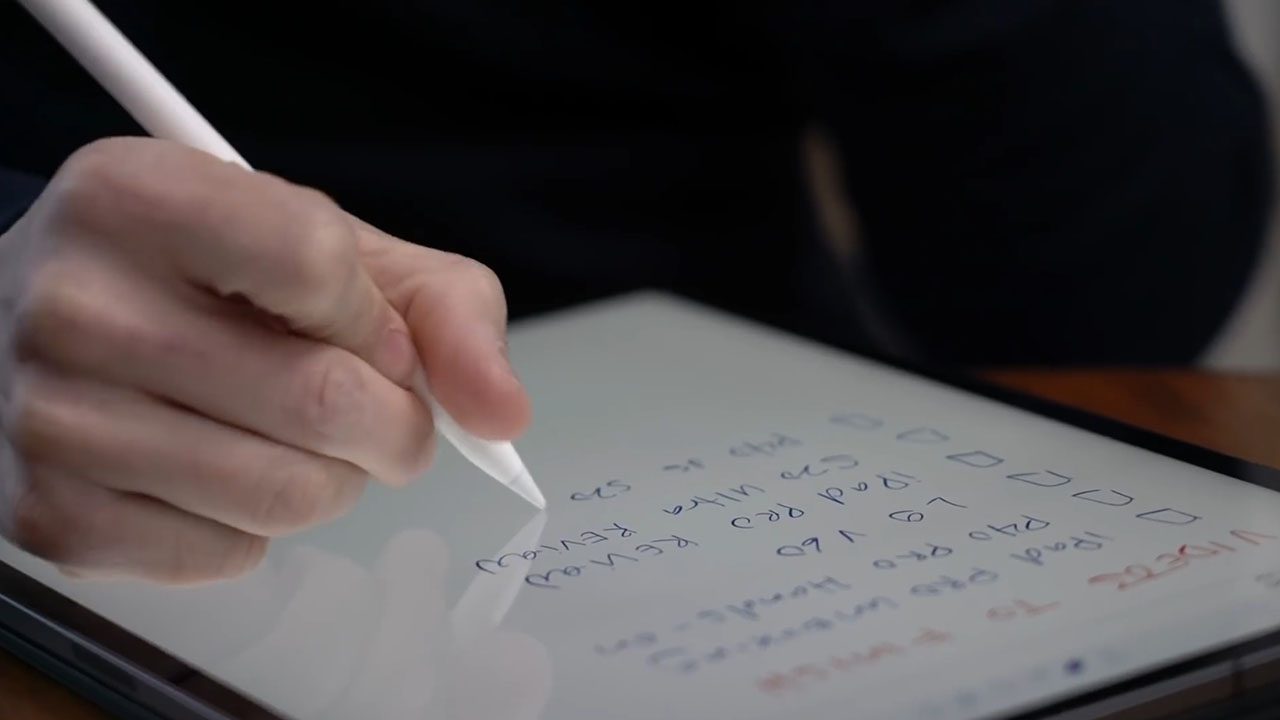
It also has pen support making it a great device for taking notes the old way, or sketching and drawing.
It’s thinner and lighter. I love the portability of the iPad and love how I can squeeze my 11-inch iPad into my man bag, which is not something I can do with my MacBook Air.
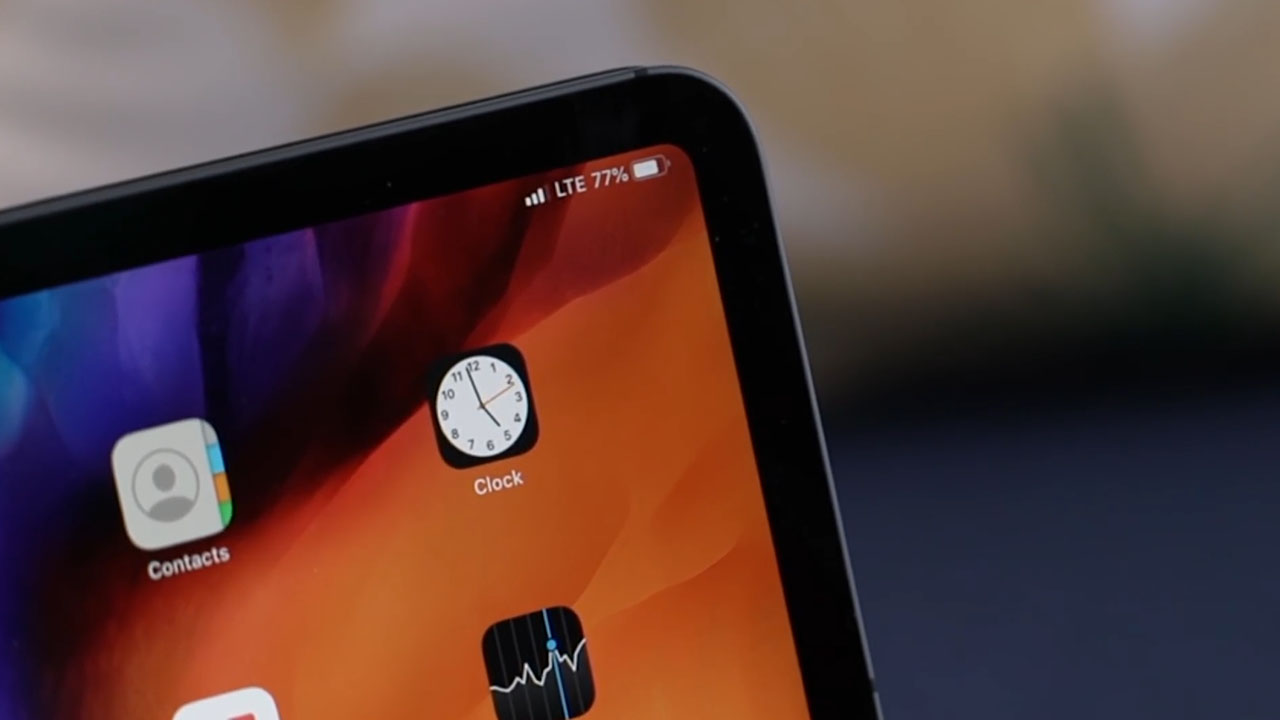
As a creator having the two cameras on its back are a plus too. If you get the cellular model, that also means you can have internet connectivity everywhere you go.
If we’re being literal, balancing the Smart Keyboard Folio or Magic Keyboard on my lap is not as easy as the MacBook Air for example. In that sense, it doesn’t make a good laptop replacement.
The iPad Pro also isn’t necessarily cheaper than a Mac so you don’t buy it to save money. All this extra functionality I just talked about, you pay for.
The cheapest MacBook Air starts at US$ 999. The cheapest iPad Pro with the Smart Keyboard Folio and Apple Pencil will cost you at least US$ 1,107.
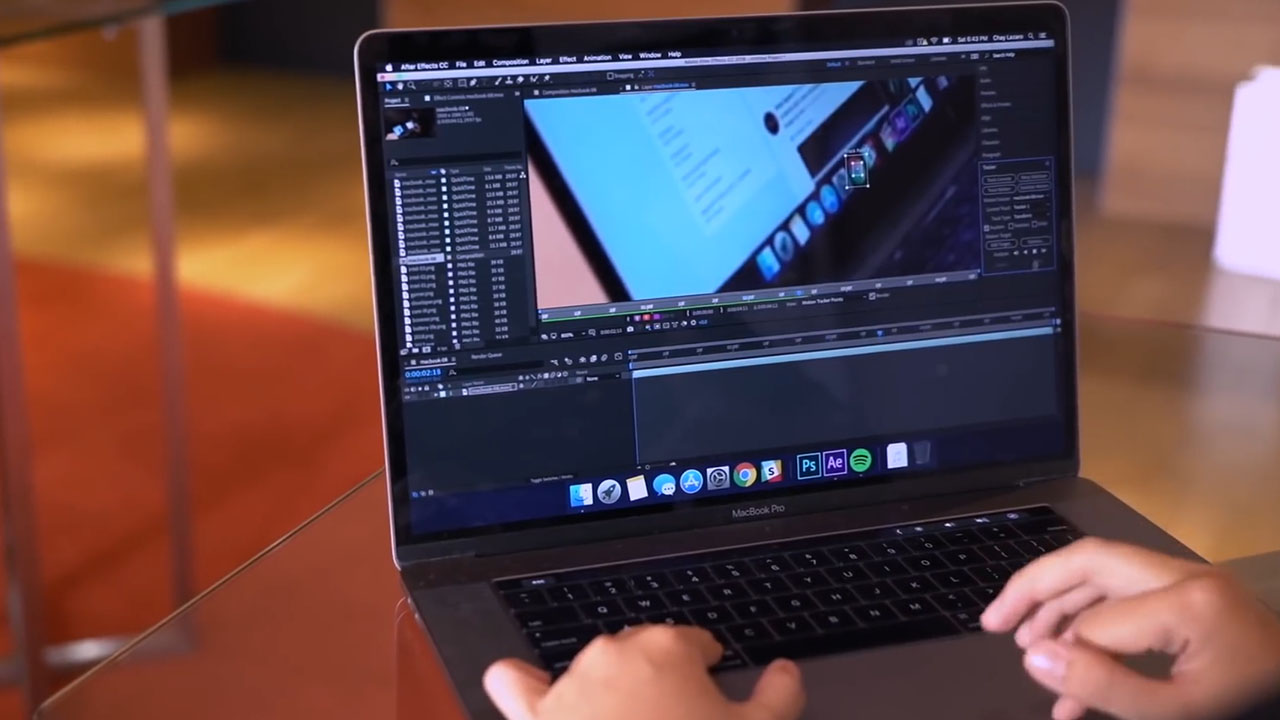
Ask yourselves which apps you use on a daily basis. If you edit on Final Cut Pro or Adobe Premier for example, you’re stuck with the Mac. The Mac is also better at file management.
If these aren’t things you need and you’re lured by pen support and portability, then go for the iPad Pro.
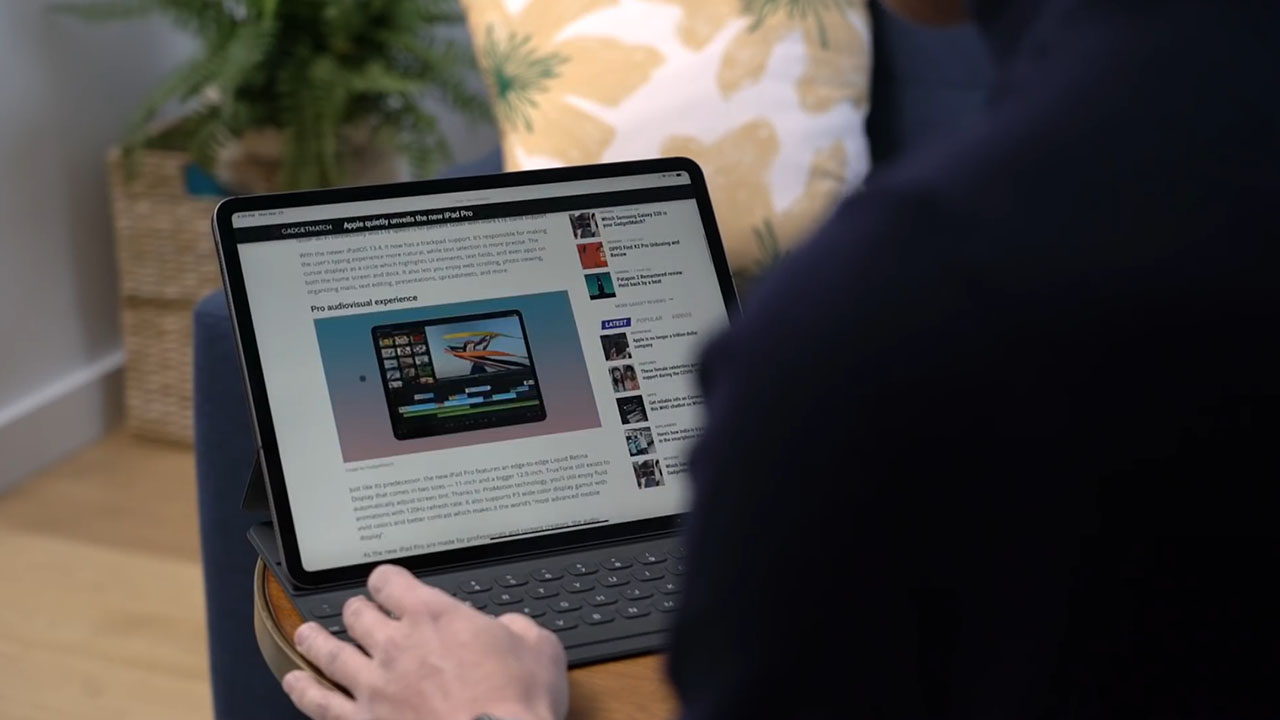
I want to correct the impression that you can’t get desktop browsing experiences on an iPad.
Since iPadOS 13, a desktop version of Safari has been included so things like Google Docs and WordPress work just fine.
Is the iPad Pro your GadgetMatch?
If you follow me on social media, you’ll know that starting with the 2018 model, the iPad Pro has been one of my most favorite devices of all time — apart from my iPhone that is.
I just love it. I love all the things that I can do on it, and I love the portability that it allows.
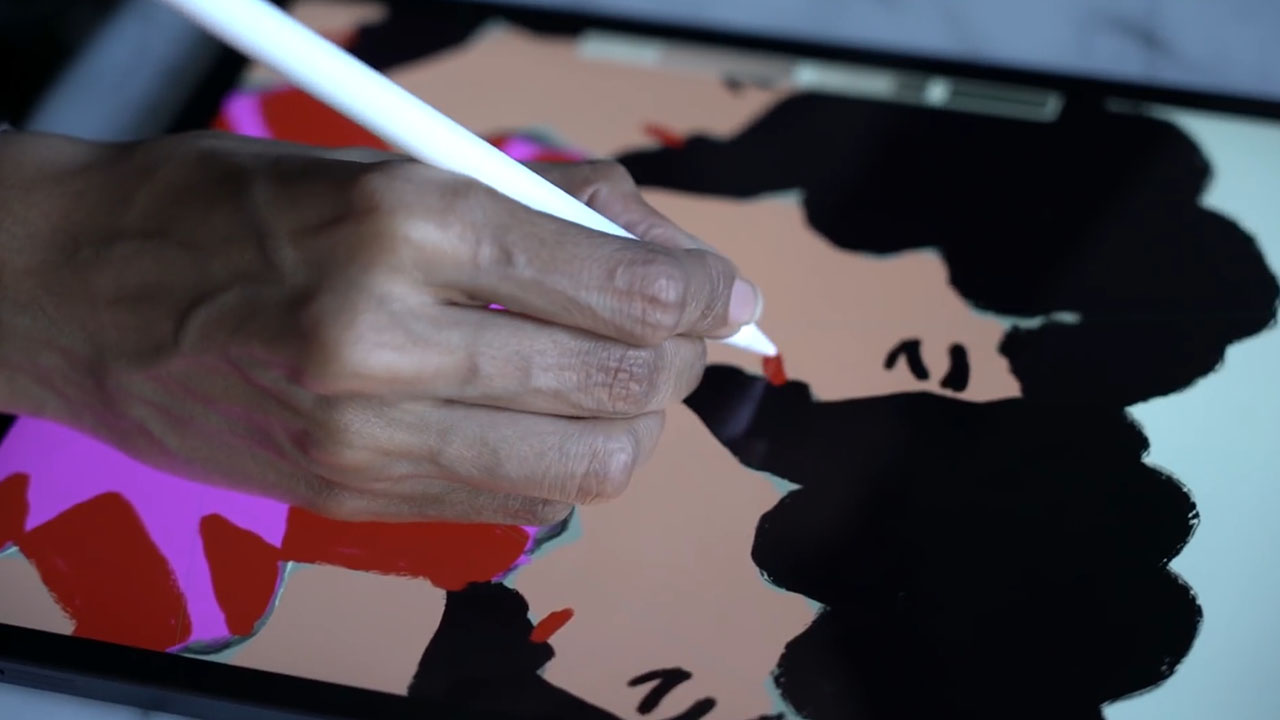
Is it for everyone? As its Pro branding suggests, this is a device for those who have more specialized needs. Those who need more power for things like photo or video editing, for professional illustrators and artists. It’s perfect for creators on the go.
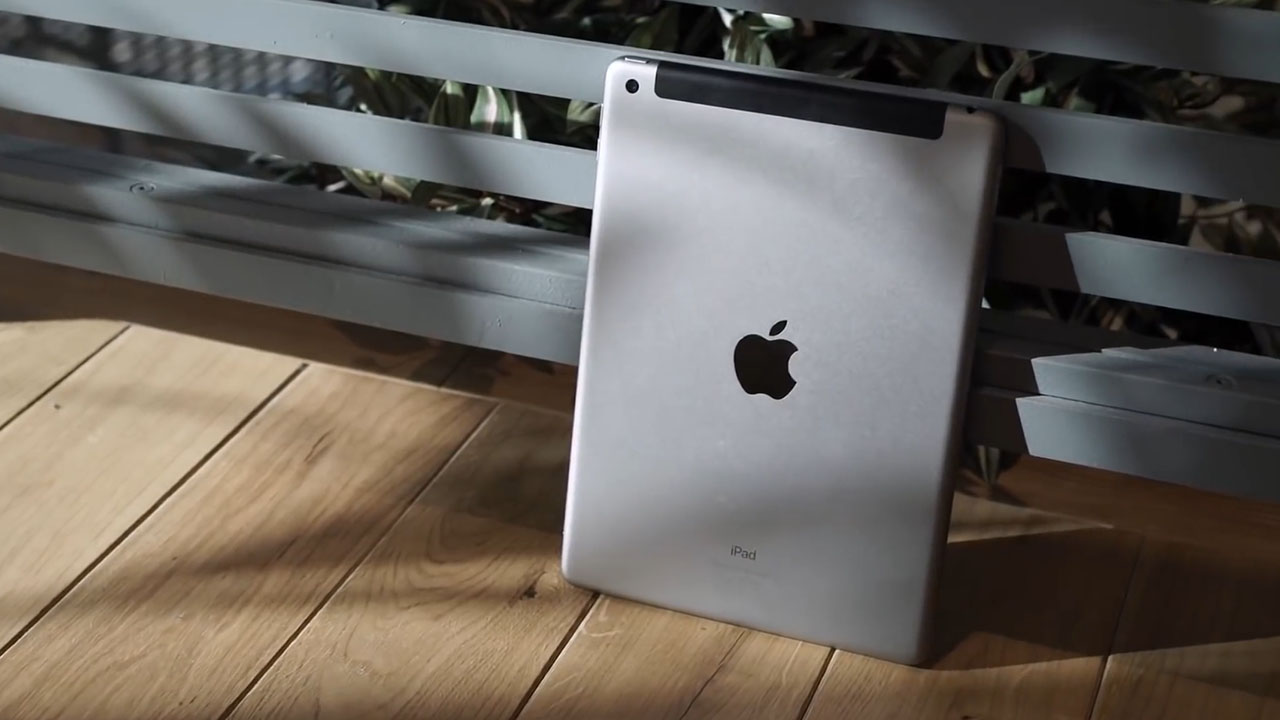
If you just need an iPad for surfing the web, or taking notes, watching videos or playing games, Apple makes many capable iPads that you can get for less.
Should you get the 2018 model instead? The answer really depends on what you plan on using the new iPad for and how big of a discount you should get.
If you plan on using it for things like video editing, take advantage of the newer more powerful processor. Also remember iPad Pro updates come every 2 years.
It’s also great for students, but because of its price tag I think you’re better off getting the iPad or iPad Air. They will do the job as well.
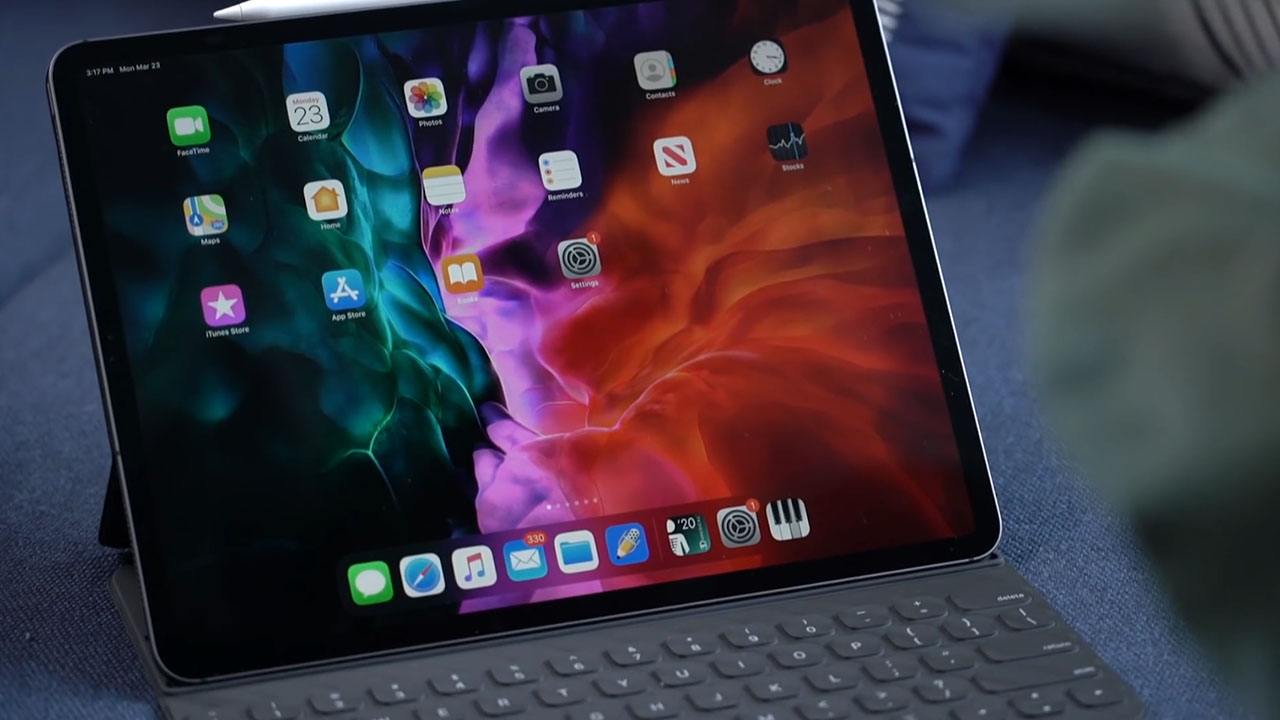
Is it a laptop replacement? It’s not, and Apple is clear that that isn’t the point here. It’s about having different kinds of devices that match what it is you’re trying to do. If I were to paraphrase, it’s to make sure each kind of user has his or her own GadgetMatch, even if the line between the iPad and Mac is now blurrier than ever.
One thing I’ll say is this: While tablets continue to struggle to find relevance, there’s still plenty of reasons to get an iPad.




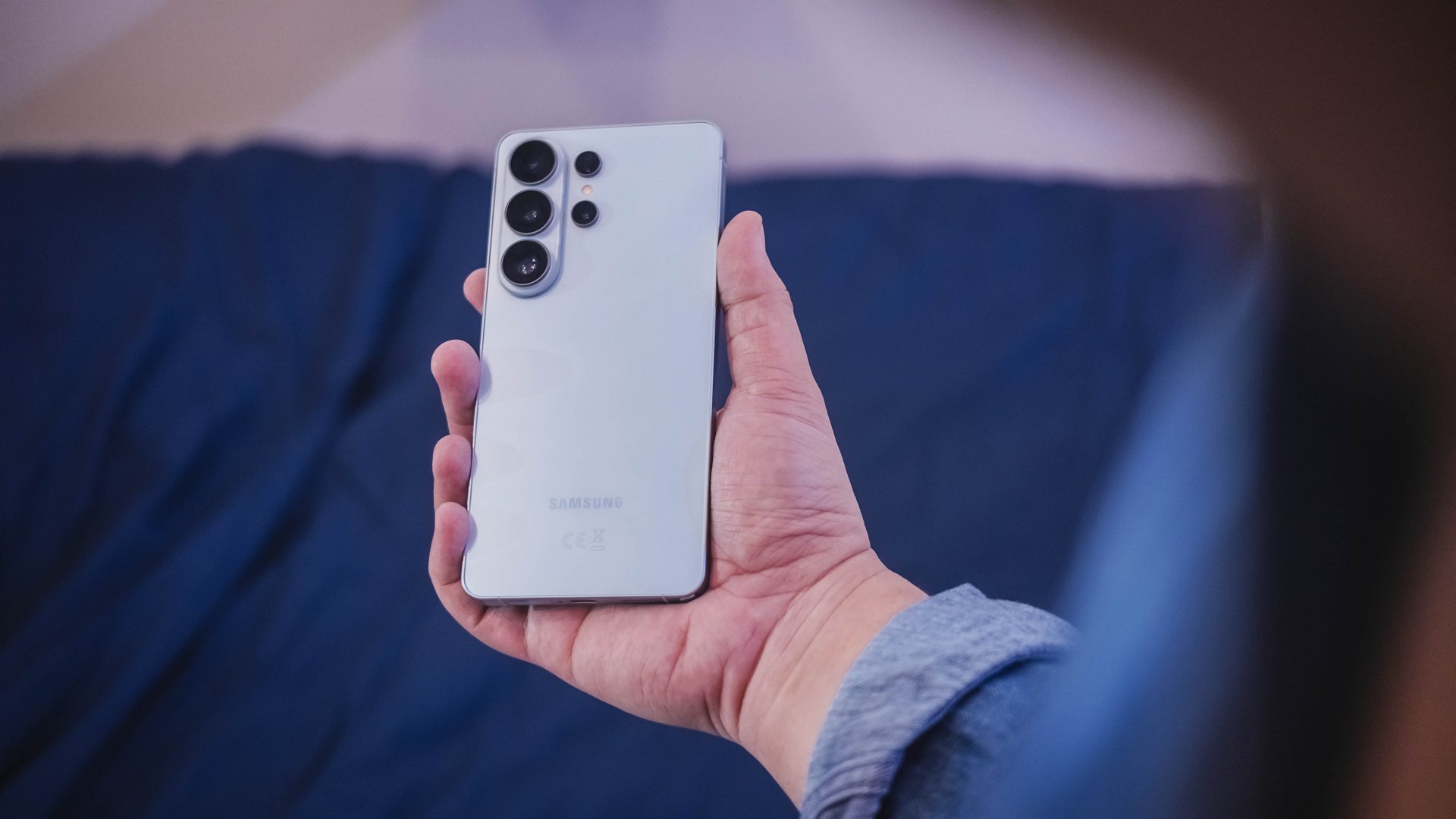
“Our philosophy has never been about chasing specs.”
That line from Samsung’s presentation captures the Galaxy S26 Series better than any spec table.
This isn’t a year of radical hardware shifts. Battery capacities remain unchanged. Megapixel counts are familiar. The design language evolves rather than transforms.
But incremental doesn’t automatically mean irrelevant.
The S26 Ultra feels like Samsung refining its priorities — usability, privacy, and AI integration — instead of pursuing headline-grabbing numbers.
Hardware refinement, not reinvention
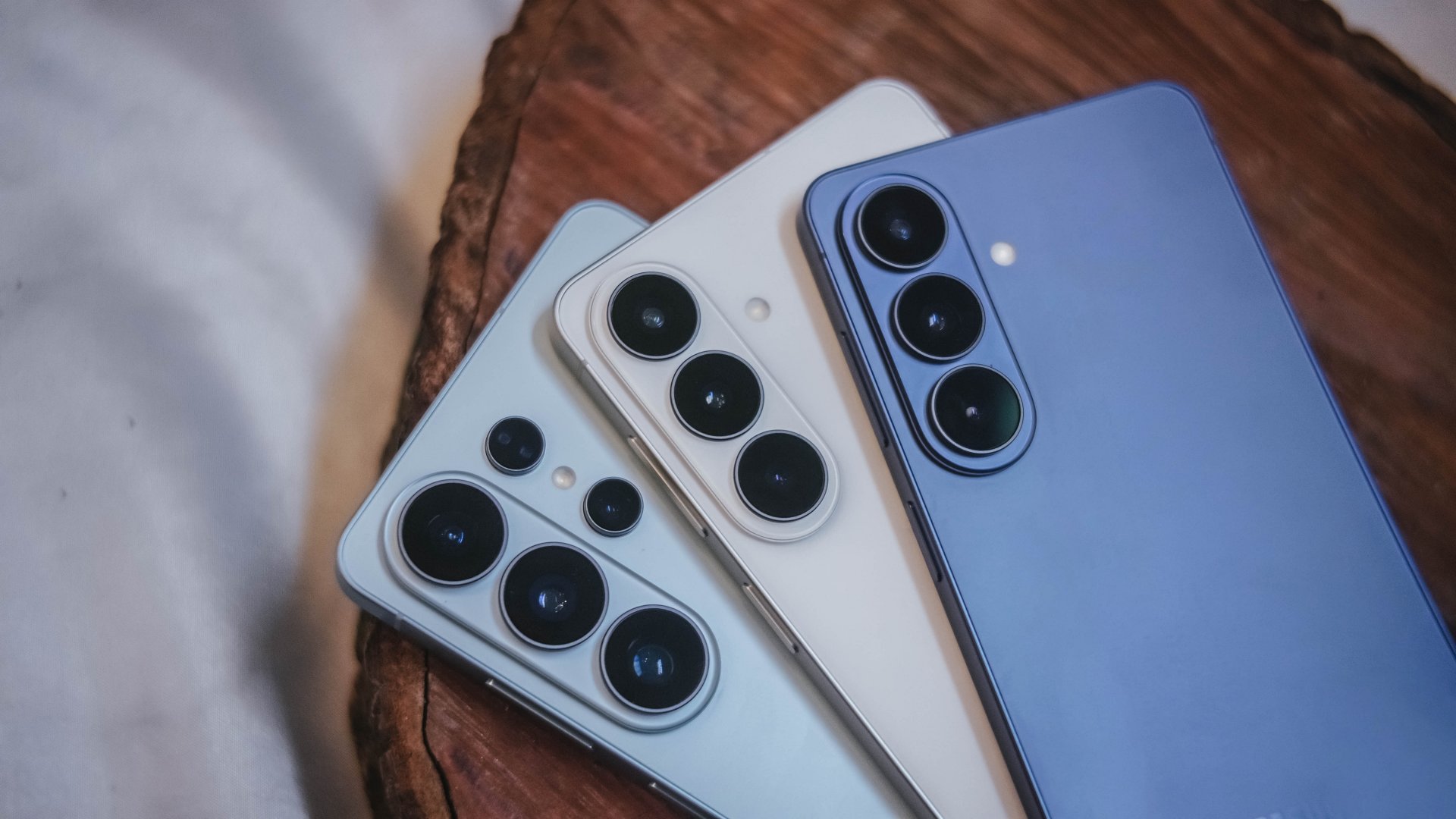
The Galaxy S26 series looks more unified. All three models now share the same corner radius, creating a consistent visual identity. The Ultra no longer stands apart with sharper edges. It’s a small change, but it makes the lineup feel cohesive.
The camera module sits on a more defined island rather than blending into the rear panel. It’s subtle, but noticeable in person.
Samsung also trimmed weight and thickness on the Ultra. At 7.9mm and 214 grams, it handles slightly better than last year’s model. The company switched to Light Armor Aluminum, which it claims improves heat dissipation and weight. The difference in hand isn’t dramatic, but it’s appreciated during extended use.
Charging finally moves forward. The Ultra supports 60W wired charging, up from 45W. Samsung says you can reach 75 percent in around 30 minutes. That’s a meaningful improvement for quick top-ups.
However, 60W isn’t industry-leading in 2026. Competing brands have offered similar or faster speeds for years. This feels less like Samsung setting a new benchmark and more like closing a gap.
Battery capacity remains 5,000mAh. That’s consistent with previous models. While fast charging helps daily convenience, endurance gains will depend on software optimization and real-world usage.
AI and software remain the headline
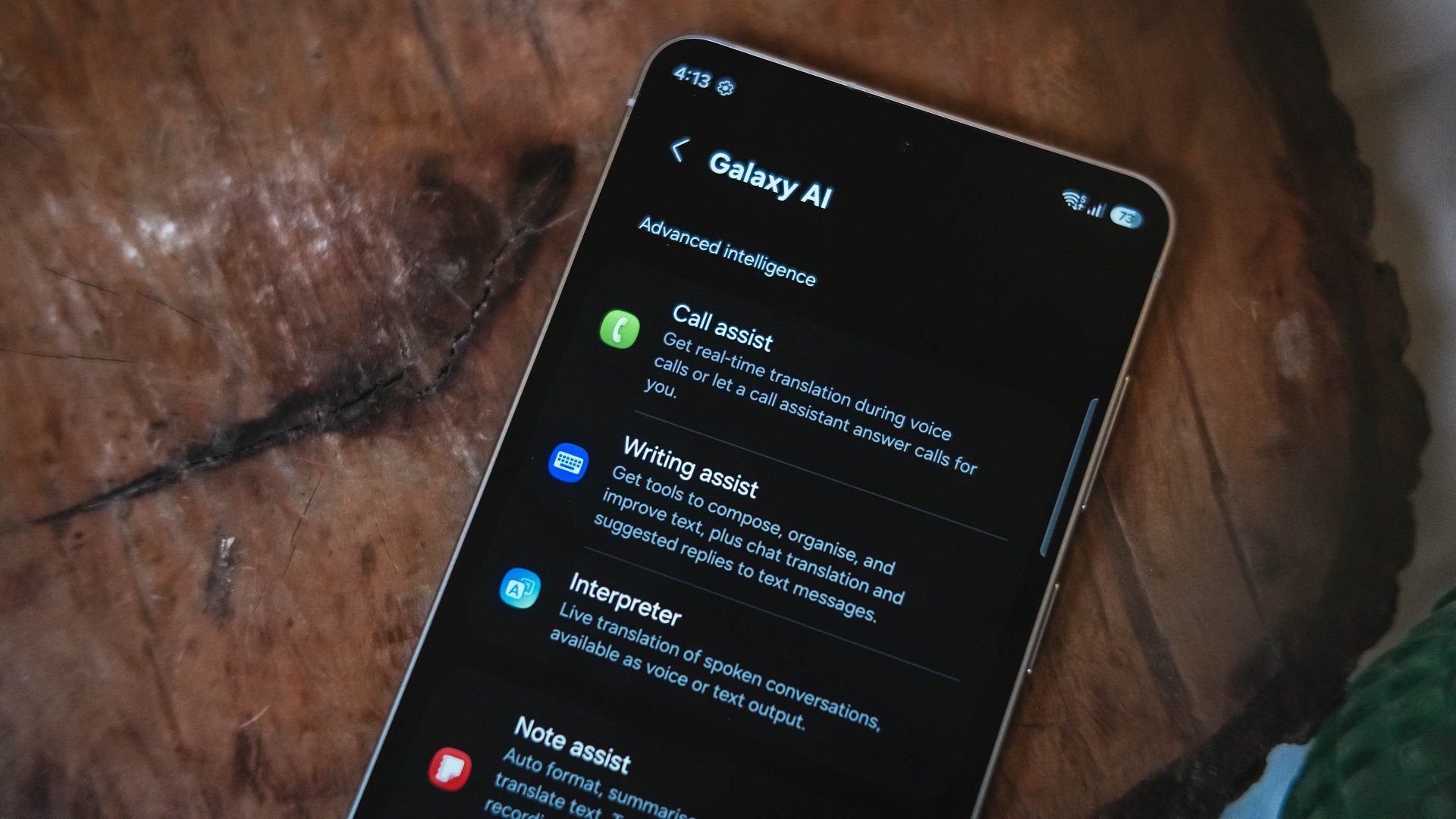
Like recent Galaxy generations, the S26 Series leans heavily on software features.
Privacy Display is one of the more practical additions. It restricts viewing angles at the pixel level, functioning like a built-in privacy filter. If you’re using your phone in public spaces, people nearby will struggle to see what’s on screen.
You can toggle the feature or enable it only for specific apps. That flexibility matters. It allows privacy protection for sensitive apps while keeping general use unaffected.
This addresses a real-world problem. Public screens are inherently visible. Privacy Display doesn’t eliminate that risk, but it reduces casual glances and unwanted observation.
Audio Eraser also gets an upgrade. It now works across third-party apps. We tested it on a noisy K-pop fancam from YouTube, and the background noise reduction was noticeable without destroying audio quality.
It’s not perfect. Overprocessing can occur in extreme cases. But for cleaning up shared videos or reducing ambient noise, it proves useful.
AI Photo Assist introduces text-prompt editing directly inside the Gallery app. Users can describe edits in natural language — remove objects, expand backgrounds, or modify elements — without exporting images to external tools.
This isn’t groundbreaking technology. Similar generative edits exist in other AI platforms. The difference is integration.
By embedding generative tools inside the Gallery, Samsung turns them into part of the default workflow. Photo editing becomes more accessible rather than requiring specialized knowledge or separate apps.
That shift is meaningful. It signals that generative AI editing is becoming a standard smartphone feature rather than an experimental add-on.
Cameras: computational evolution
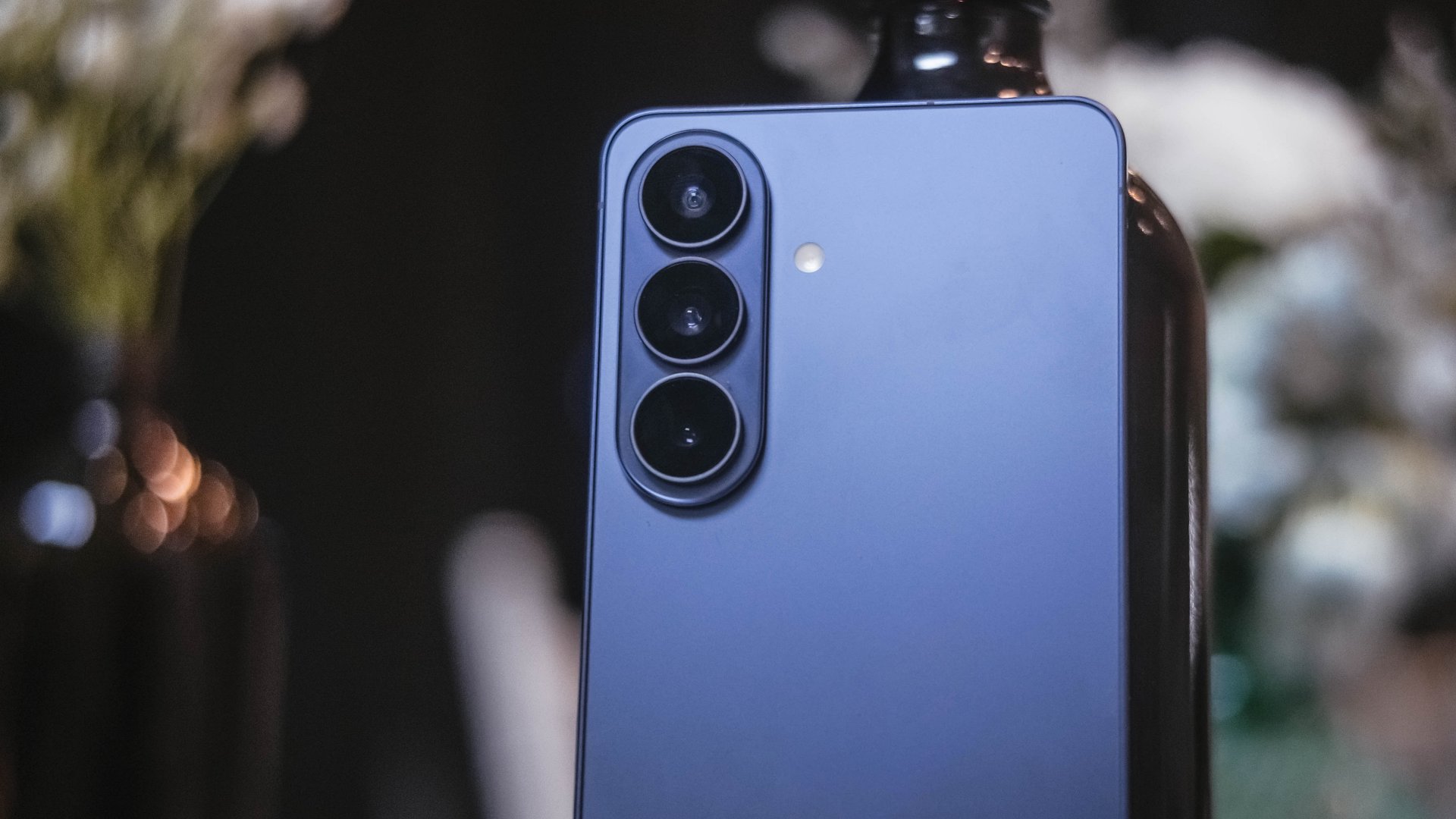
The camera hardware remains familiar. The Ultra continues with a 200MP main sensor and telephoto configurations similar to last year.
Improvements focus on computational photography.
Samsung widened apertures to allow more light. Stabilization has been refined. AI sharpening and Nightography processing aim to produce cleaner images with reduced noise.
From samples shown during the presentation, low-light shots appear brighter and cleaner. However, the processing can feel aggressive. Details sometimes look overly smoothed, and textures can appear artificial.
This reflects Samsung’s long-standing approach — prioritize computational enhancements over megapixel increases. The S26 continues that philosophy.
For video creators, APV (Advanced Professional Video) enables 8K recording with minimal quality degradation during edits. Super Steady Video also improves handheld stabilization.
These features cater to content creation workflows rather than casual snapshots.
Incremental but intentional

The Galaxy S26 Ultra doesn’t try to shock. It doesn’t reinvent Samsung’s design language or introduce dramatic hardware leaps.
Instead, it refines existing ideas.
Privacy Display addresses public visibility concerns. Audio Eraser improves real-world video cleanup. AI Photo Assist integrates generative editing into everyday photo workflows. Charging speeds improve without industry-leading ambitions.
Even the design changes — unified corner radii, a defined camera island, lighter materials — emphasize cohesion.
This strategy resembles the broader shift in the smartphone industry. Hardware innovation has slowed. Software and usability improvements drive differentiation.
Samsung appears comfortable with that reality.
Of course, first impressions only tell part of the story. We still need extended testing for battery life, thermal performance, camera consistency, and AI reliability.
The S26 Ultra may not represent a revolution. But refinement can matter — especially when it targets usability and practical features.
Samsung will have to make significant hardware upgrades eventually. But for now, it feels like the company is doubling down on incremental progress. Not flashy. Not radical. But purposeful.
Whether that strategy resonates will depend on real-world performance.
Samsung Galaxy S26 Series – Specs
| Feature | Galaxy S26 Ultra | Galaxy S26+ | Galaxy S26 |
| Display | 6.9″ Dynamic AMOLED 2X
|
6.7″ Dynamic AMOLED 2X
|
6.3″ Dynamic AMOLED 2X
|
| Rear Camera: Ultra Wide | 50MP, F1.9, 0.7 µm | 12MP, F2.2, 1.4 µm | 12MP, F2.2, 1.4 µm |
| Rear Camera: Wide | 200MP, F1.4, 0.6 µm | 50MP, F1.8, 1.0 µm | 50MP, F1.8, 1.0 µm |
| Optical Quality 2x | |||
| Rear Camera: Telephoto 1 | 10MP, F2.4, 1.12 µm | 10MP, F2.4, 1.0 µm | 10MP, F2.4, 1.0 µm |
| 3x optical zoom | |||
| Rear Camera: Telephoto 2 | 50MP, F2.9, 0.7 µm
|
— | — |
| Front Camera | 12MP, F2.2, 1.12 µm | 12MP, F2.2, 1.12 µm | 12MP, F2.2, 1.12 µm |
| Processor | Snapdragon® 8 Elite Gen 5 for Galaxy (3 nm) | Exynos 2600 (2 nm)* | Exynos 2600 (2 nm)* |
| Memory (RAM) | 12GB / 16GB | 12GB | 12GB |
| Storage | 256GB / 512GB / 1TB | 256GB / 512GB | 128GB / 256GB / 512GB |
| (Micro SD: N/A) | |||
| Battery | 5,000 mAh | 4,900 mAh | 4,300 mAh |
|
|||
| Dimensions | 78.1 x 163.6 x 7.9 mm
214 g (Sub6/mmWave) |
75.8 x 158.4 x 7.3 mm
190 g (Sub6/mmWave) |
71.7 x 149.6 x 7.2 mm
167 g (Sub6) |
| Colors | Standard: Cobalt Violet (Hero), Sky Blue, Black, White
Online: Silver Shadow, Pink Gold |
Standard: Cobalt Violet (Hero), Sky Blue, Black, White
Online: Silver Shadow, Pink Gold |
Standard: Cobalt Violet (Hero), Sky Blue, Black, White
Online: Silver Shadow, Pink Gold |

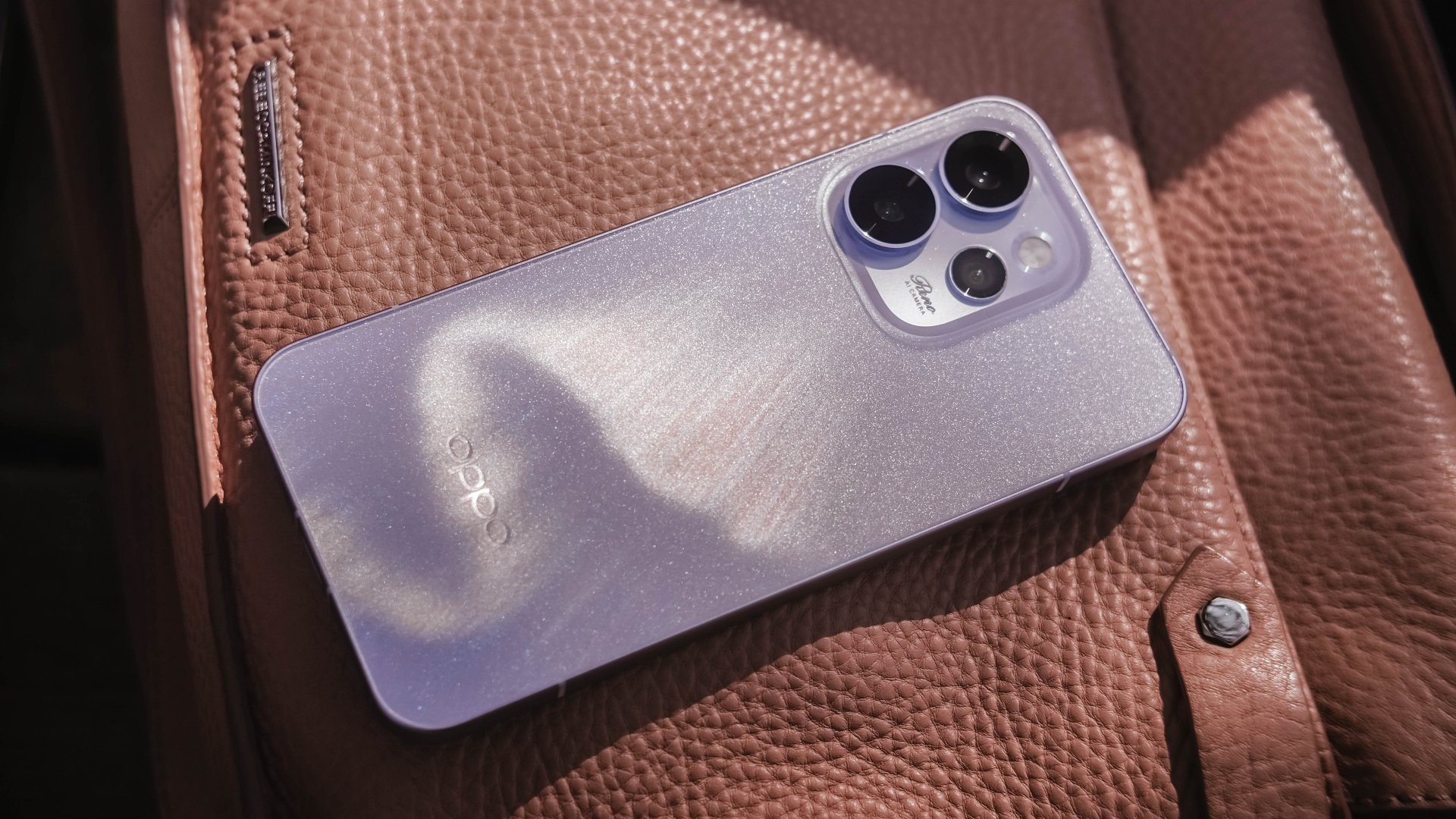
Believe me or not, I only had one encounter with an OPPO Reno phone, and it was the Reno10 Pro from 2021. However, my time with it was very short.
Almost five years in, I was finally given the chance to hold the Chinese brand’s latest and greatest Reno.
Without beating around the bush, here’s my first time with the OPPO Reno15 Pro.
First Look
The moment I unsealed its sturdy packaging, the OPPO Reno15 Pro greeted me in this shining, shimmering blue backing.
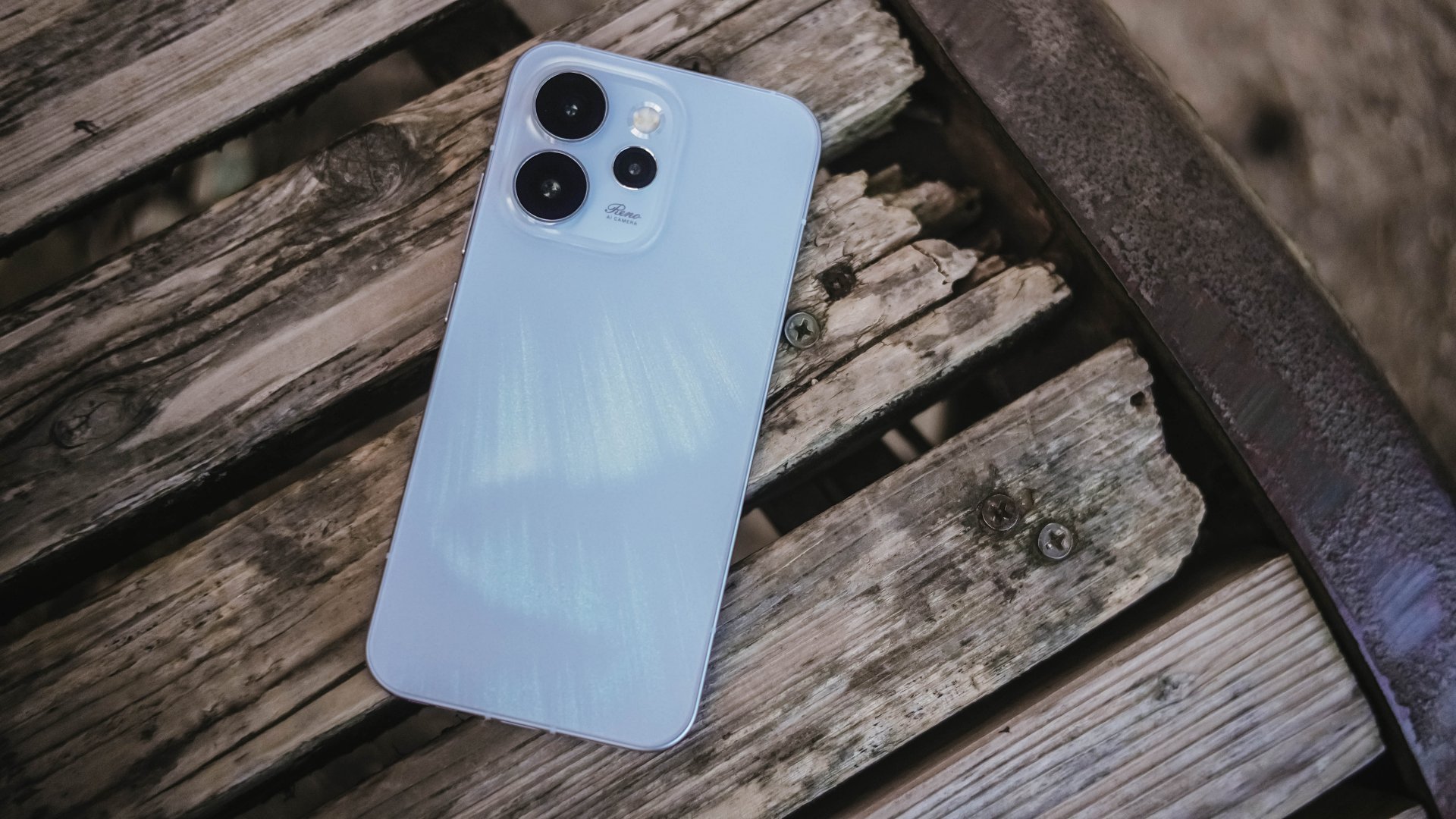
Dubbed as the “Aurora Blue” colorway, it instantly reminded me that I’m still not over that Aurora Borealis scene in the latest hit K-Drama “Can This Love Be Translated?” starred by Kim Seonho and Go Younjung.
I said it before and I’ll say it again, flashy finishes are the least of my options when choosing for a new phone. Still, this finish wins over the less impressive Dusk Brown shade.
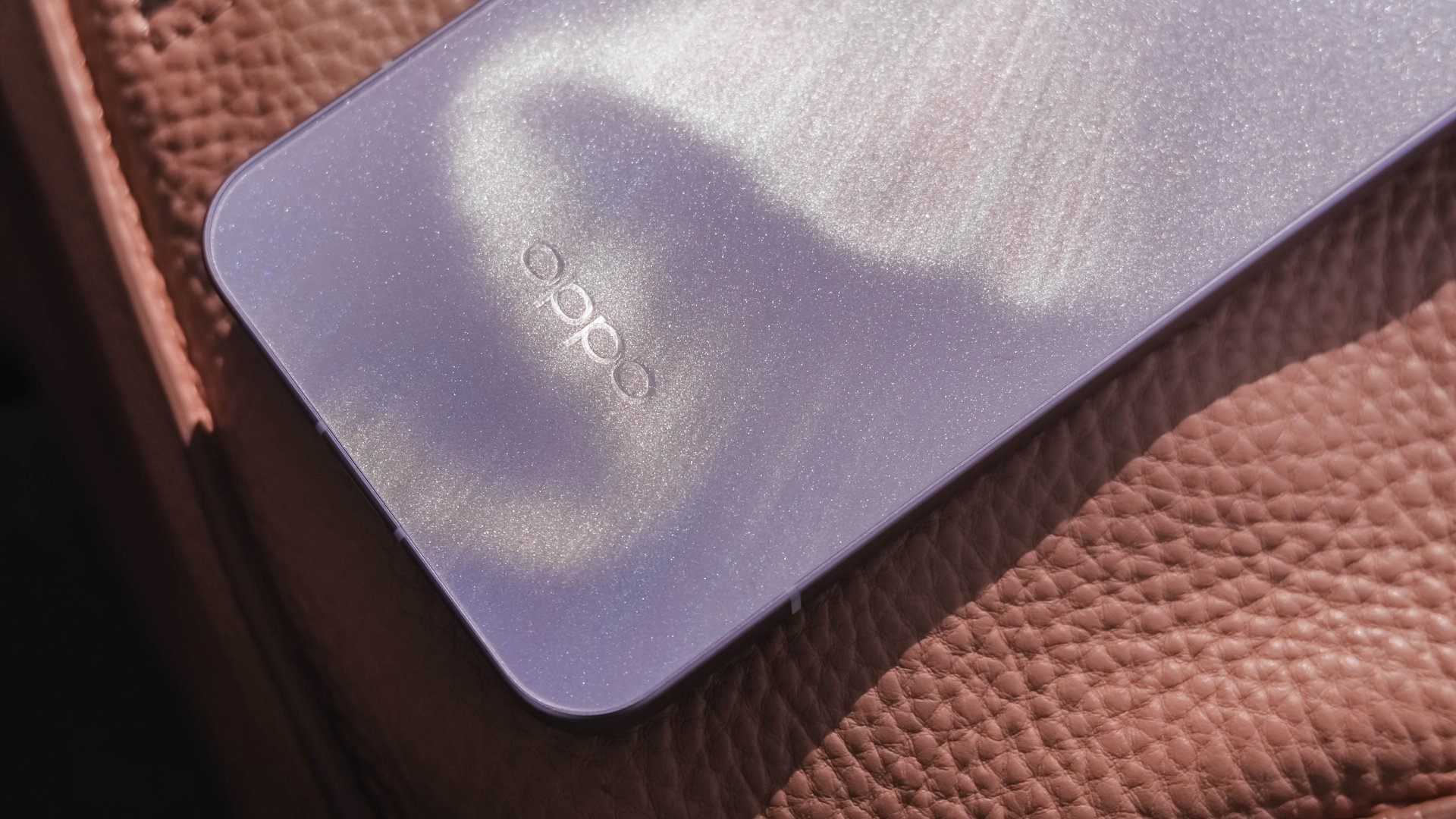
Just like that dazzling northern lights, the Reno15 Pro shows off its aurora accents depending on how the sun hits it.
In the faintest of light, that aurora simply vanishes. Even so, the OPPO Reno15 Pro still shines through with its specks of glitter.
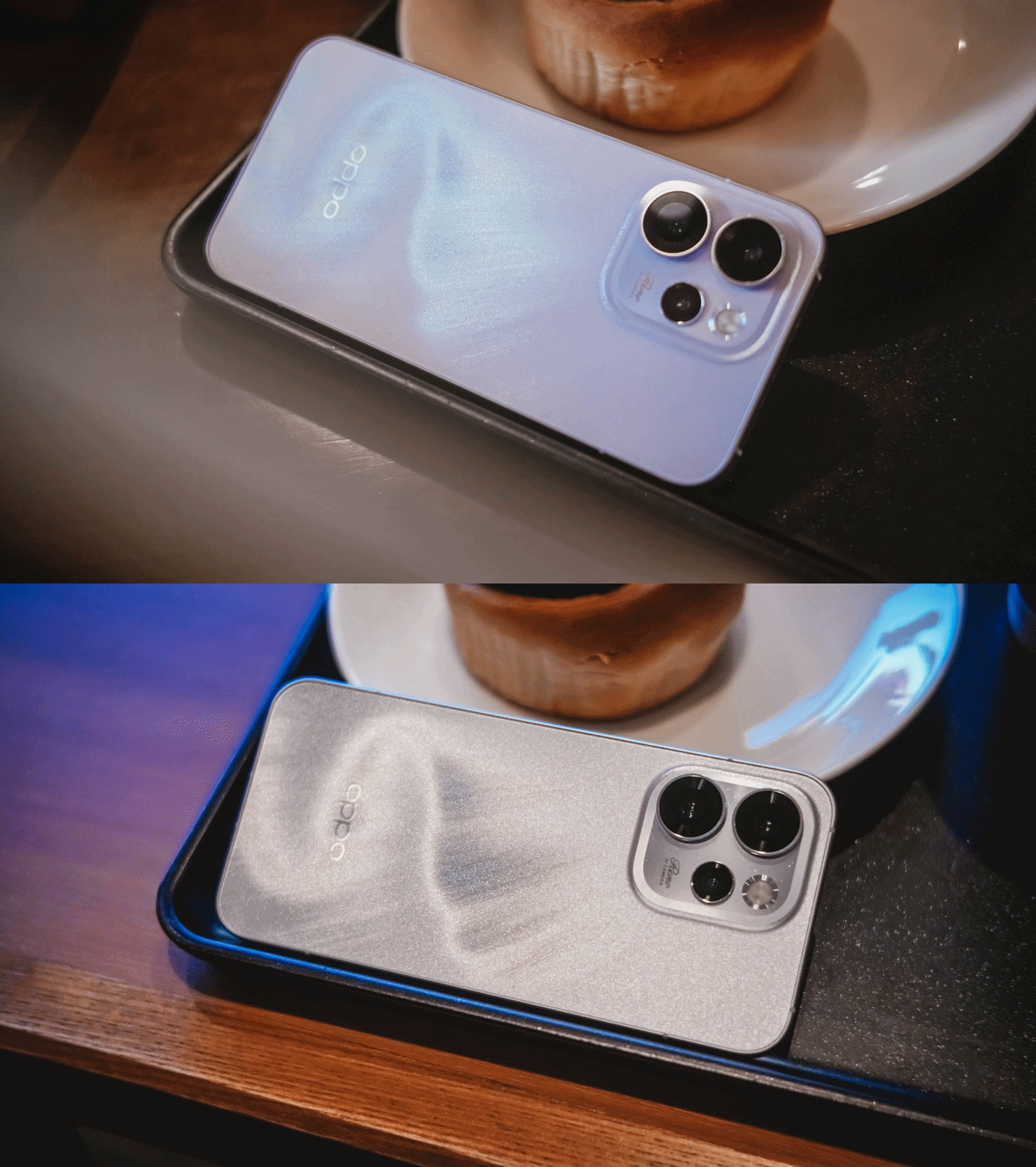
That’s more evident when you bring the OPPO Reno15 Pro indoors — be that your cool room (literally) or a warmly-lit café.
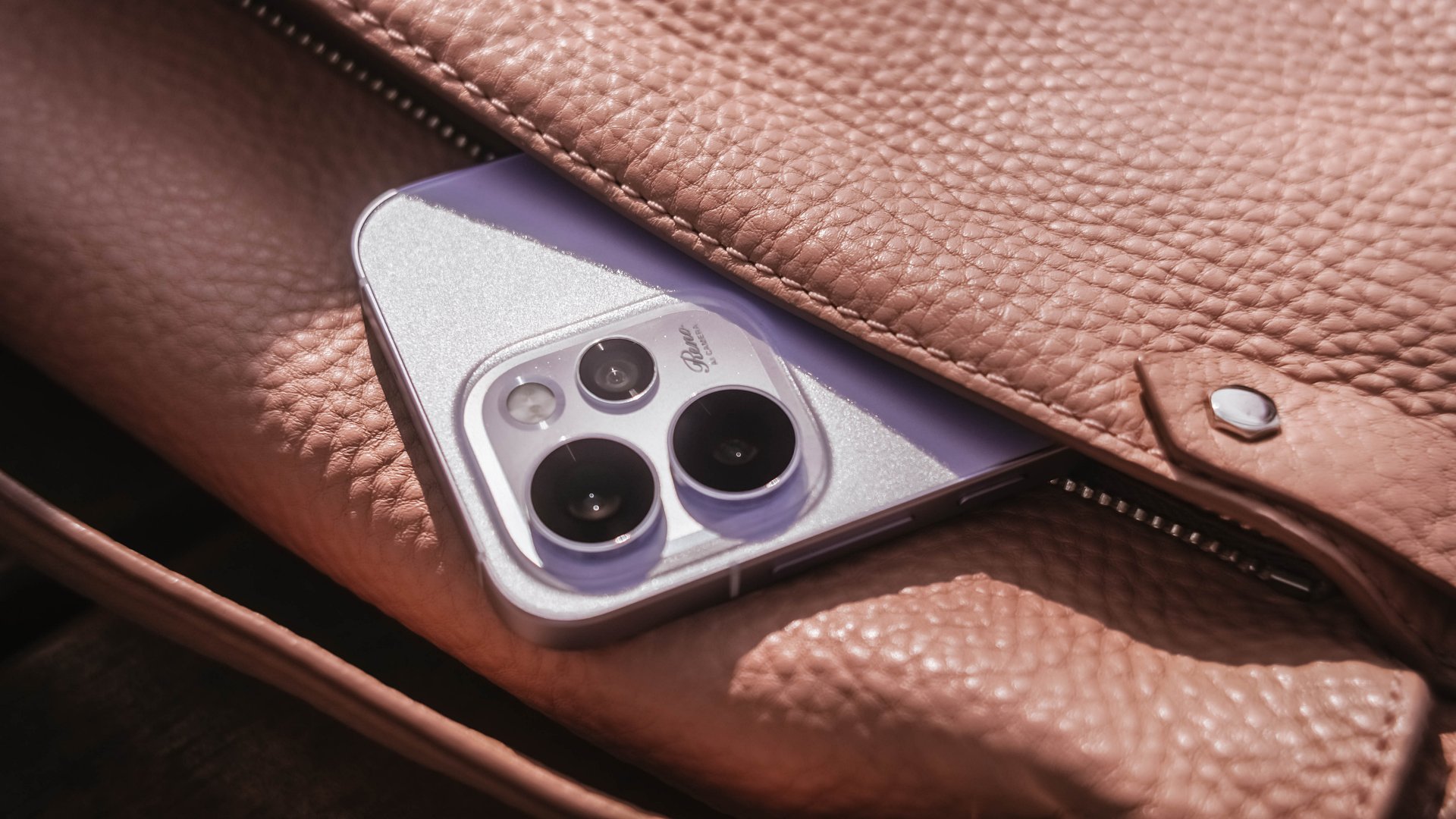
Its camera cutout may not be the most unique out there, but it’s uniformed enough to look clean. After all, a phone’s camera arrangement isn’t what defines the overall performance of its cameras.
First Date
Although 8.13mm isn’t “thin” in today’s standards, holding and keeping the OPPO Reno15 Pro for prolonged periods never felt a sore. Its aerospace-grade aluminum frame may just be one among many factors.

One after another, that 6.32-inch AMOLED 120Hz display is a huge complement to the hands. It fits my huge palms, more so, pockets of all sorts. This sweet screen size is also a breath of fresh air in a vast world of large slabs.
When hit by that harsh sunlight, it’s more than bright– up to 3600 nits of peak HDR brightness if I must insist. And, no matter what kind of content I consume, it’s truly crisp, clear, and even color-accurate.

Being powered by MediaTek’s Dimensity 8450 SoC alongside OPPO’s ColorOS 16 is what made me stuck longer. It honestly felt like I’m in a smooth ride without any road traffic.
The OPPO Reno15 Pro has a great harmony between its software snappiness and fluidity. Animations flow without feeling rushed — much like enjoying date nights without being pressured to catch the last bus trip back home.
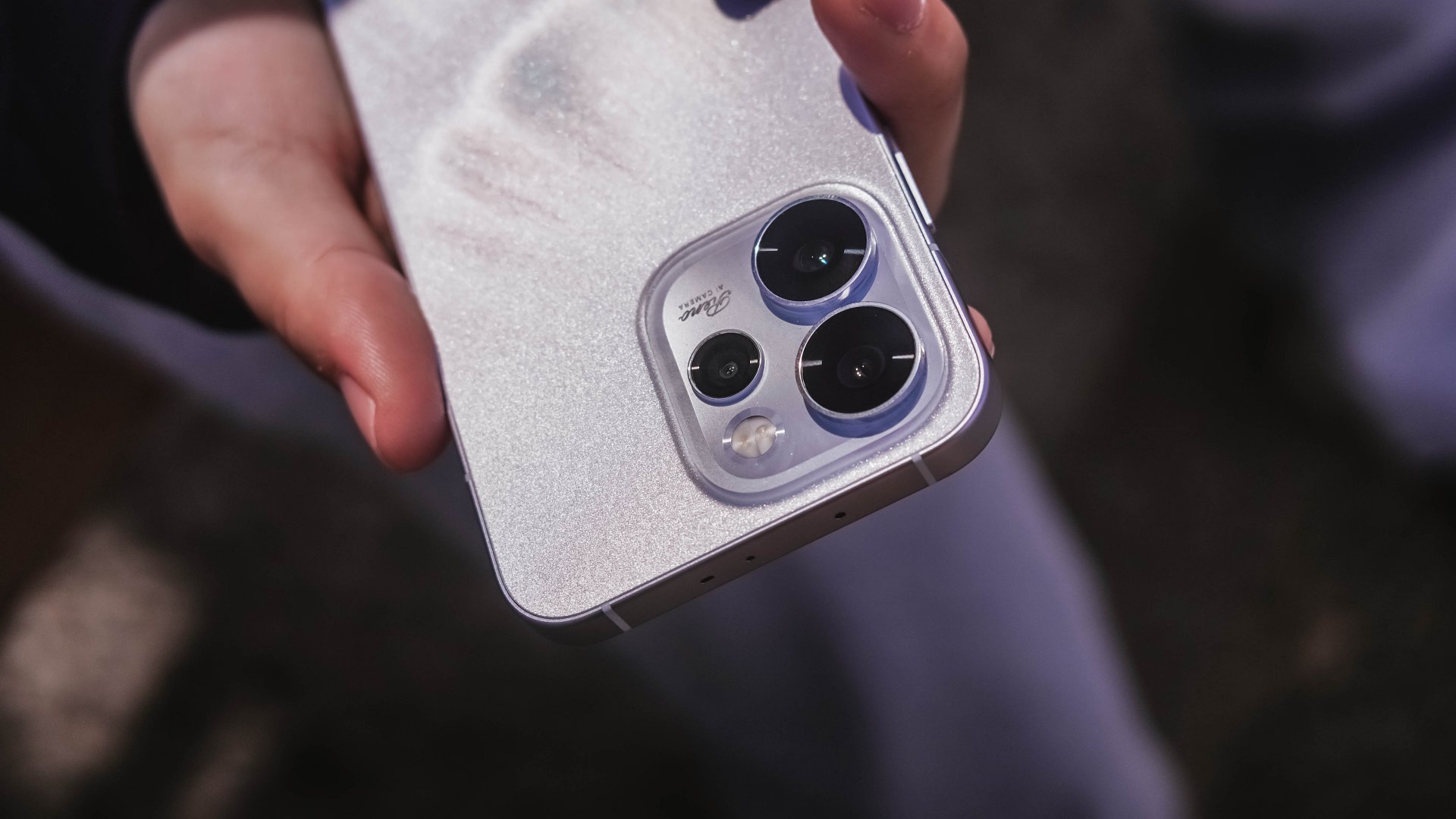
Speaking of staying out late for a date, the Reno15 Pro lasted me more than enough. And, despite its petite form, it managed to fit in a 6200mAh battery inside.
The screen size to battery ratio is just a perfect match. Not only it fits in most (if not all) hands and pockets, it also meant being able to squeeze in more battery to make the most out of your day, night, and even midnight.
If juice gets squeezed out, its 80W SuperVOOC charging will truly save the day!

That doesn’t even end there. With triple IP ratings (IP66, IP68, IP69), you’re more than assured that it’s durable enough in occasional (and accidental) phone drops.
First Impressions
The OPPO Reno15 Pro, despite being categorized as a midrange device, already feels like a solid vanilla flagship.
Much like any other first dates, its overall appearance is just on the surface level. What made me invested more to know the Reno15 Pro further are none other than its intrinsic qualities.
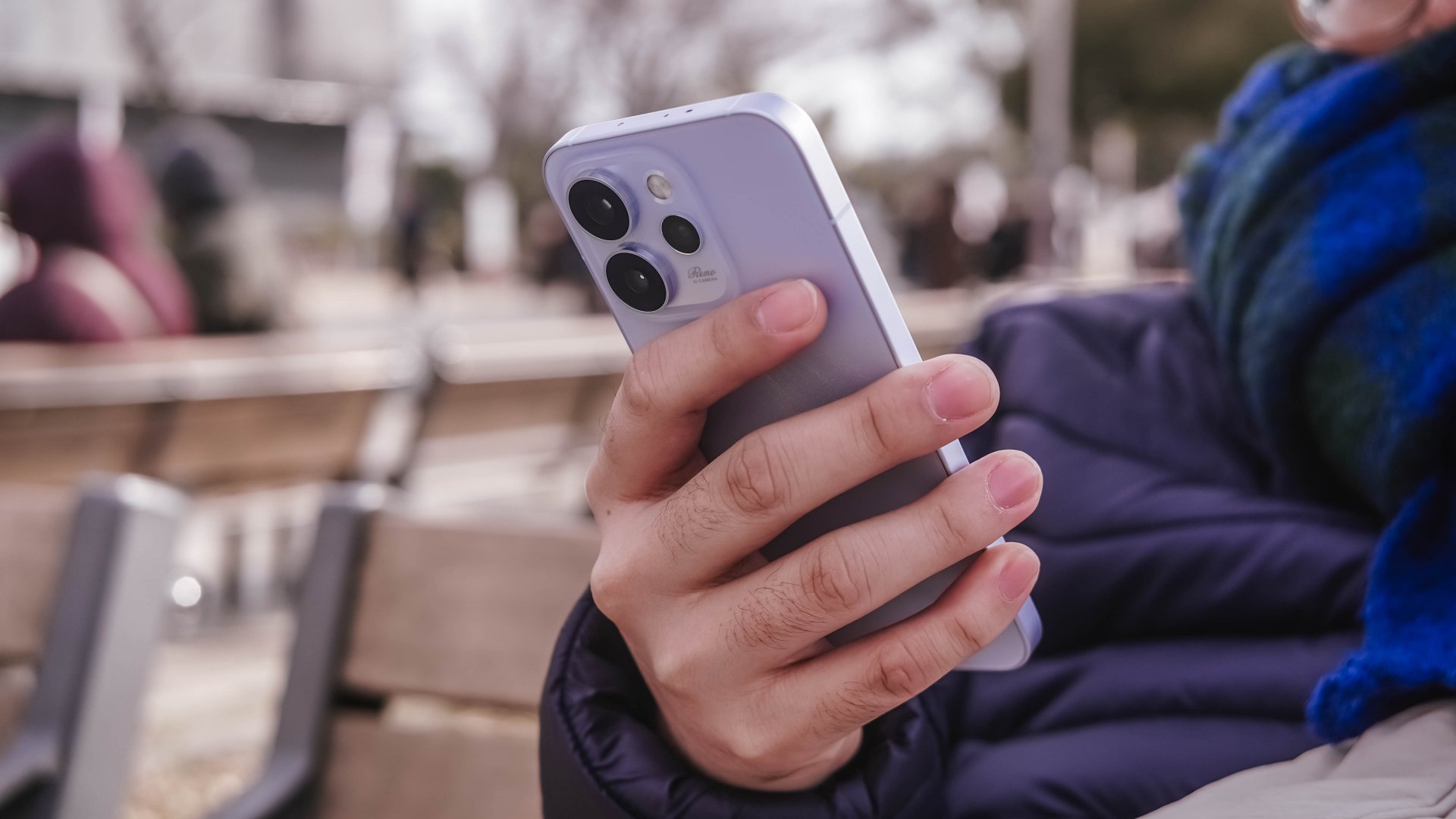
That includes that screen size (or form factor) on the sweet spot plus oh-so-fluid ColorOS. Moreover, its powerful core paired with a humongous battery that will truly last you long.
While I may not have included any photo sample in this early look, I can already assure you that it has one of the greatest camera performers for its class. And actually, it is for another story 😉.
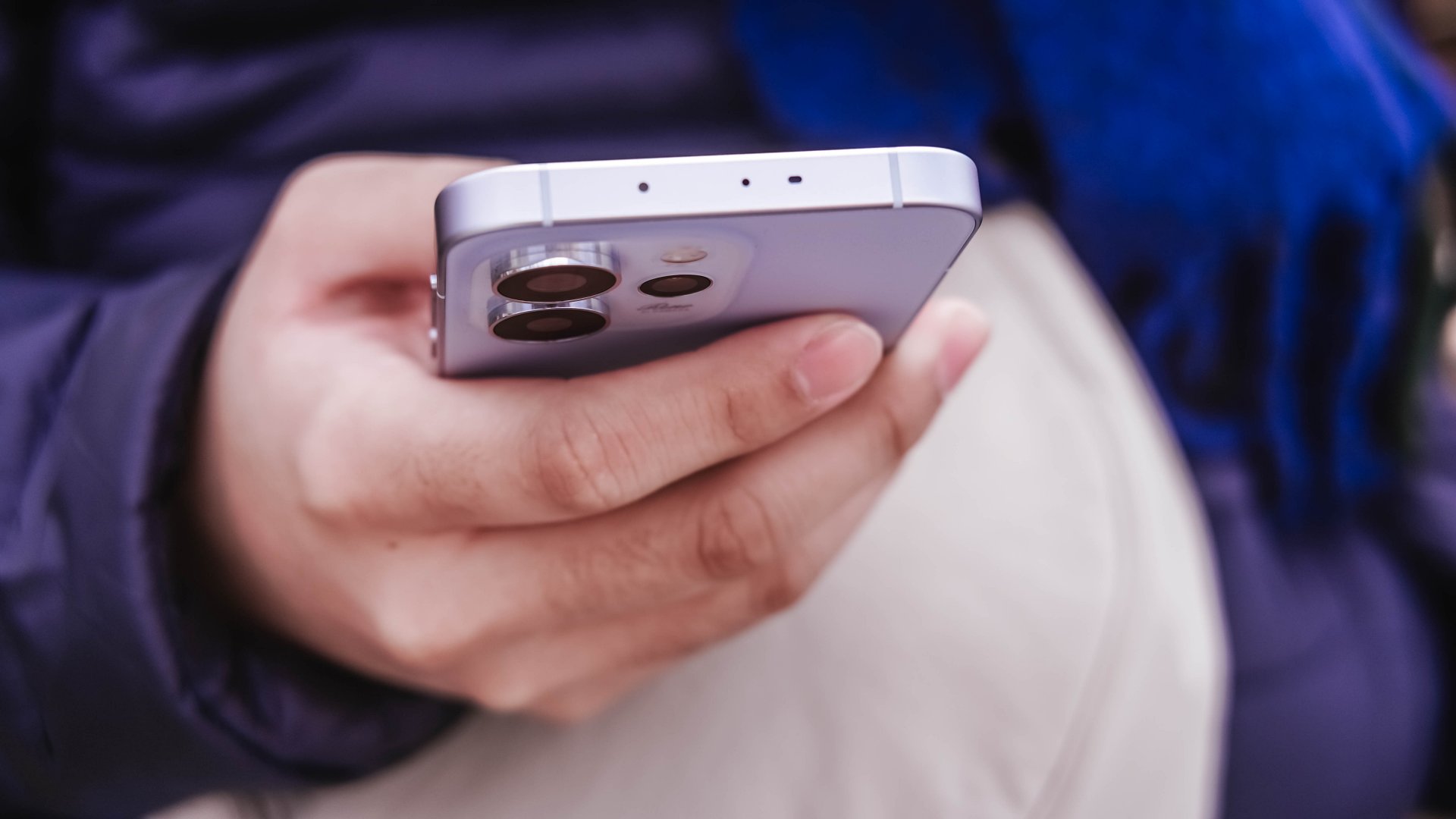
My first time with an OPPO Reno smartphone not only made me impressed. This phone also enticed me to consider switching to the OPPO system when another review opportunity arises.
Accessories
I was skeptical about smartphone gimbals, then I tried the DJI Osmo Mobile 8
This gear finally made sense to me and my workflow

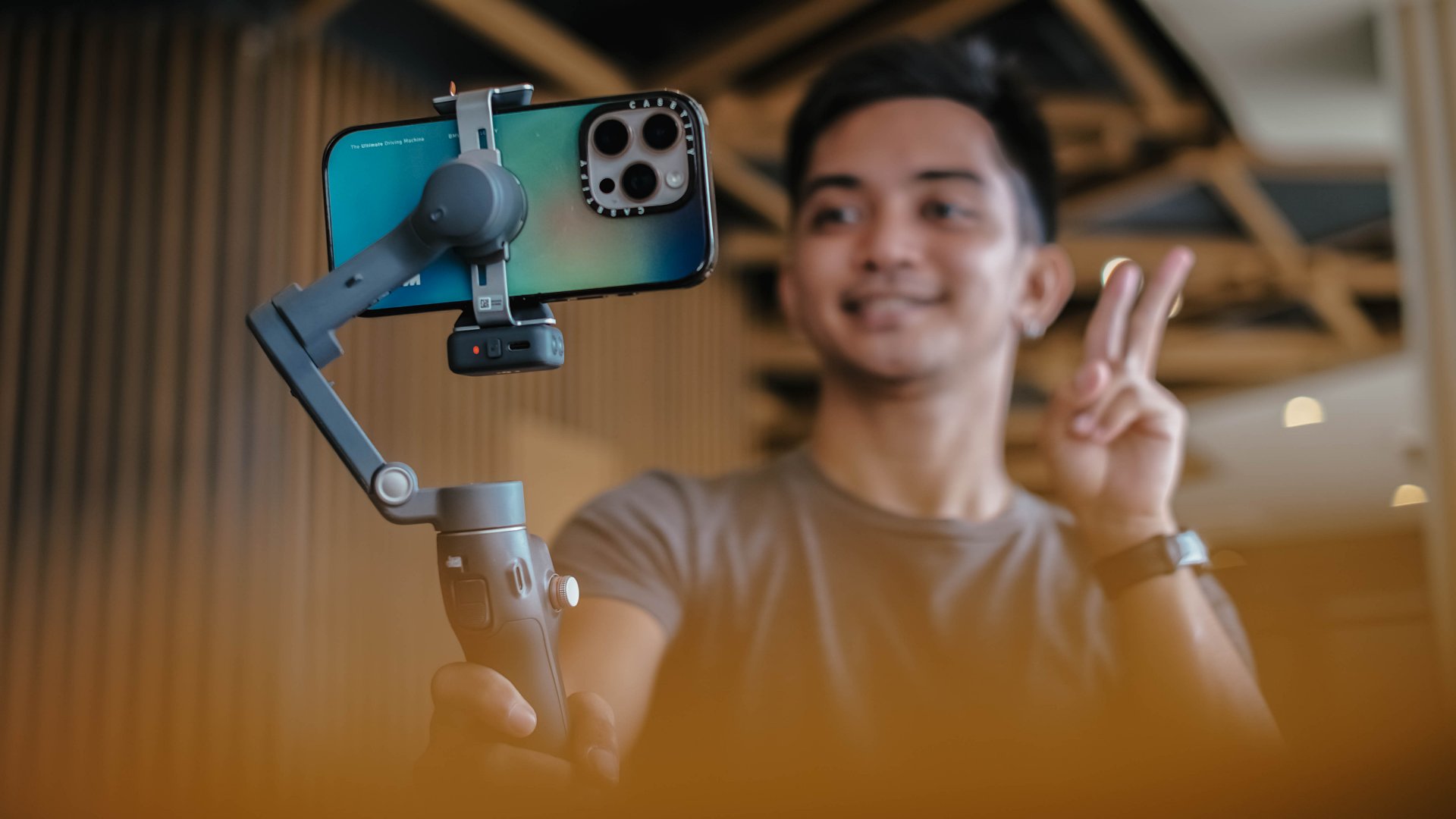
I never liked smartphone gimbals. I tried several over the years, from different brands and different builds, and I never felt compelled to use them in real situations.
They were either too heavy or too fiddly to set up. I also found them too demanding to use when all I wanted was to take my phone out and record. My iPhone already has excellent stabilization built in, and I have relied on it for years. The extra gear rarely felt necessary.
My perspective shifted when I tried the DJI Osmo Mobile 8. I brought it with me on a work trip in China without thinking much of it. I realized that it made sense to be part of my arsenal.
A design that feels familiar in a good way
The Osmo Mobile 8 does not reinvent the idea of a mobile gimbal. It refines the experience.
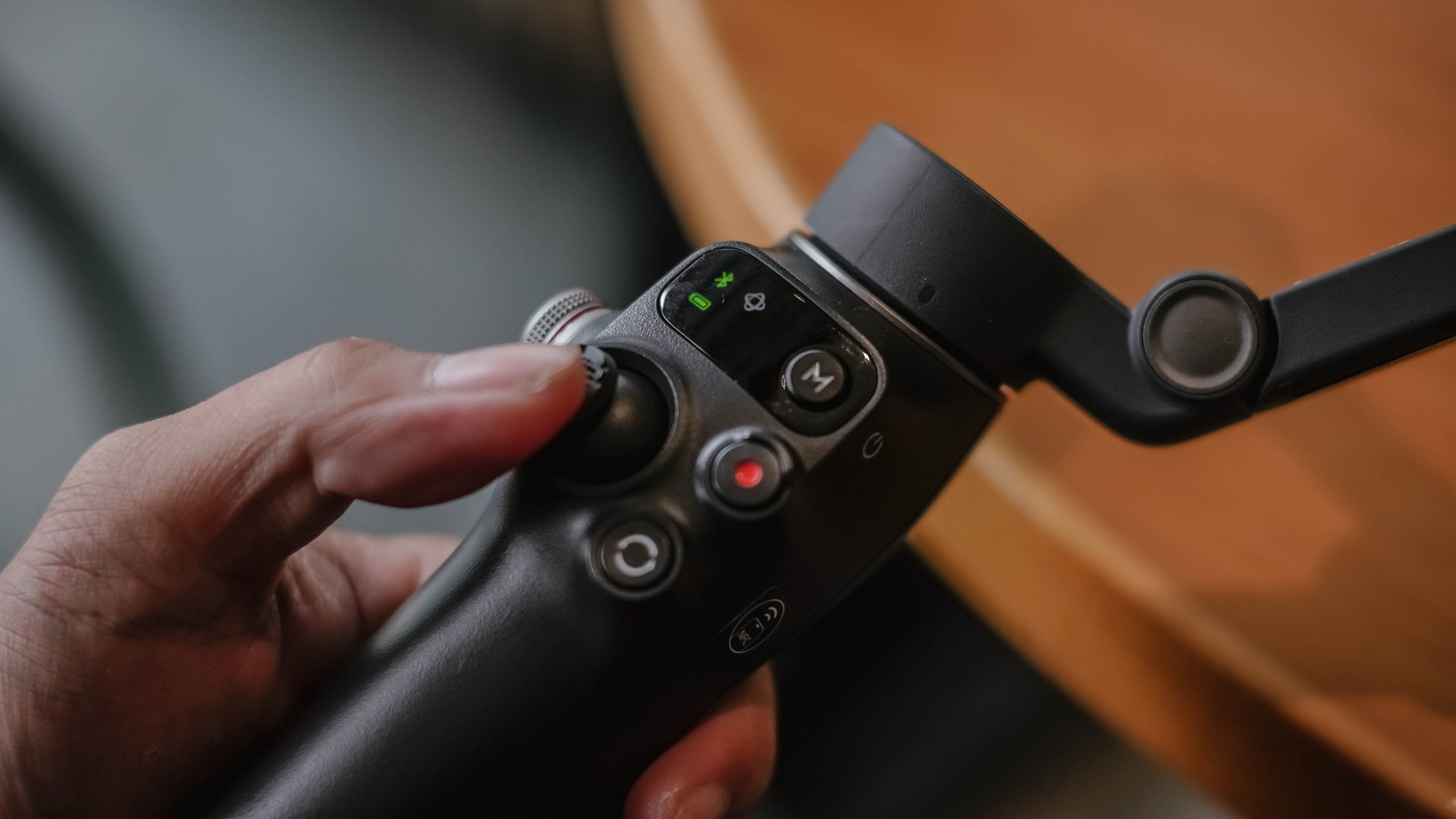
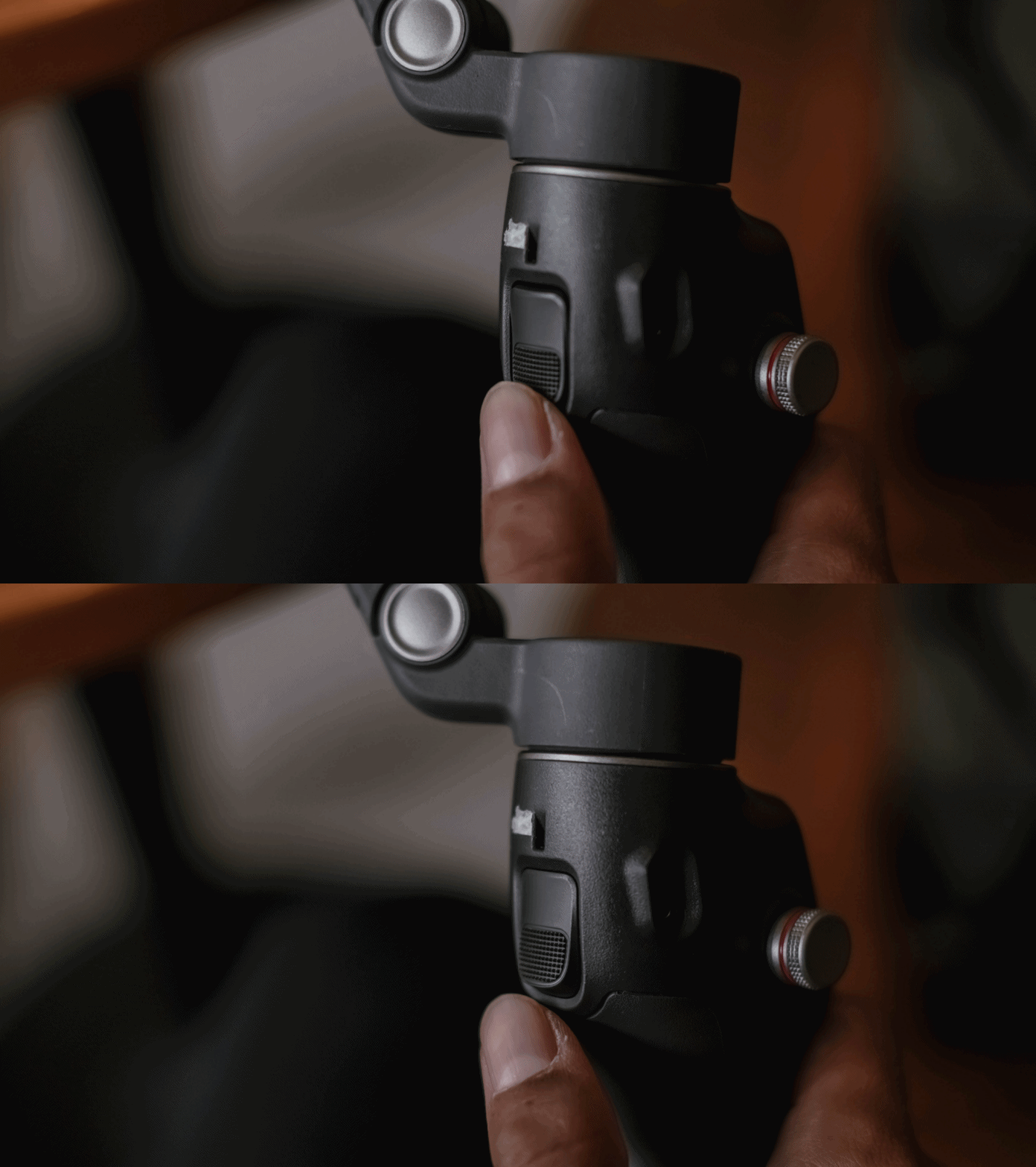
It feels lighter and folds easily. The clamp snaps on with a magnetic mount, and the grip feels secure without straining the wrist.
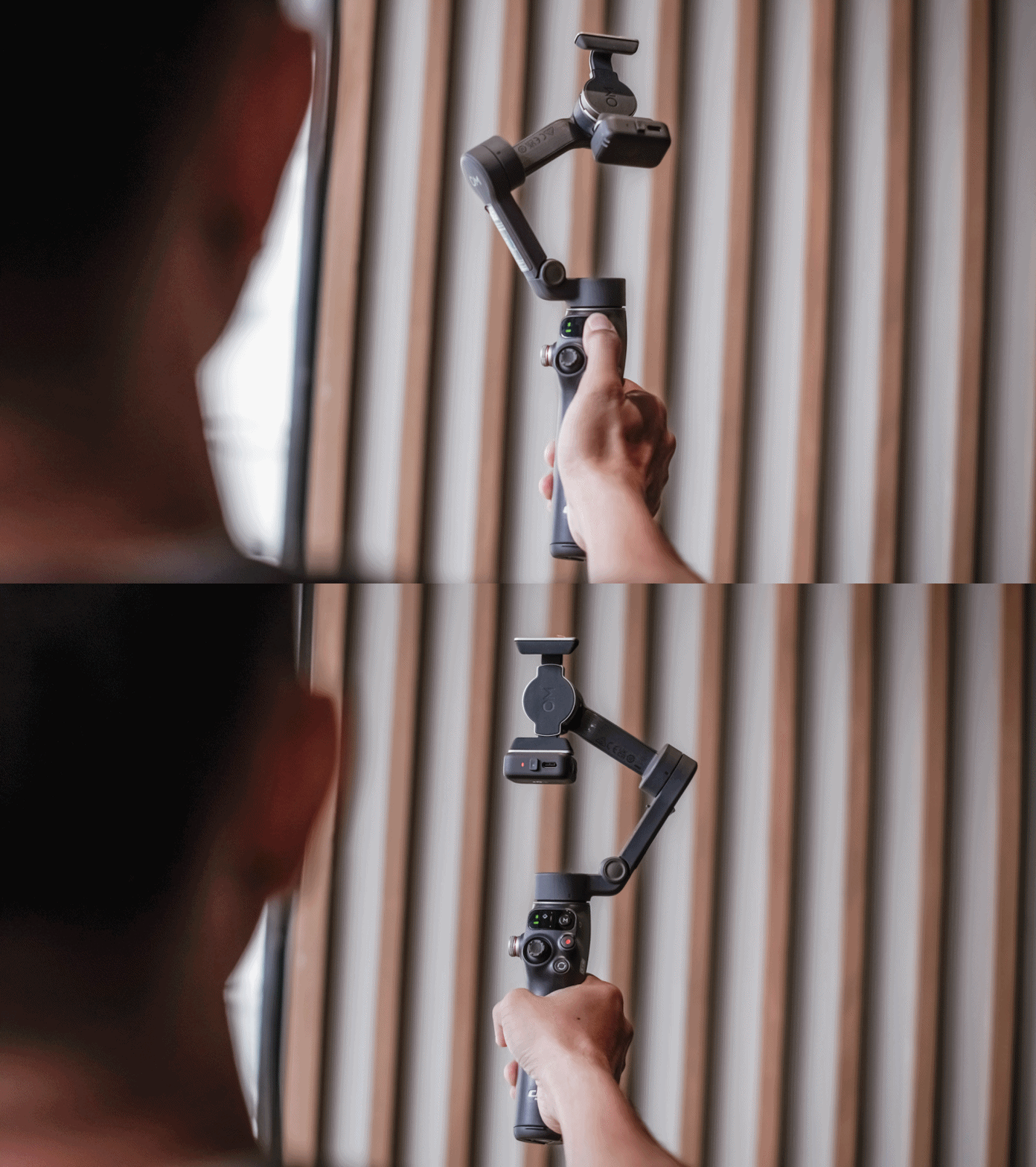
It feels like something I can use for a few minutes or a few hours without thinking about it. Rather than slowing me down, it felt like it supports my workflow.
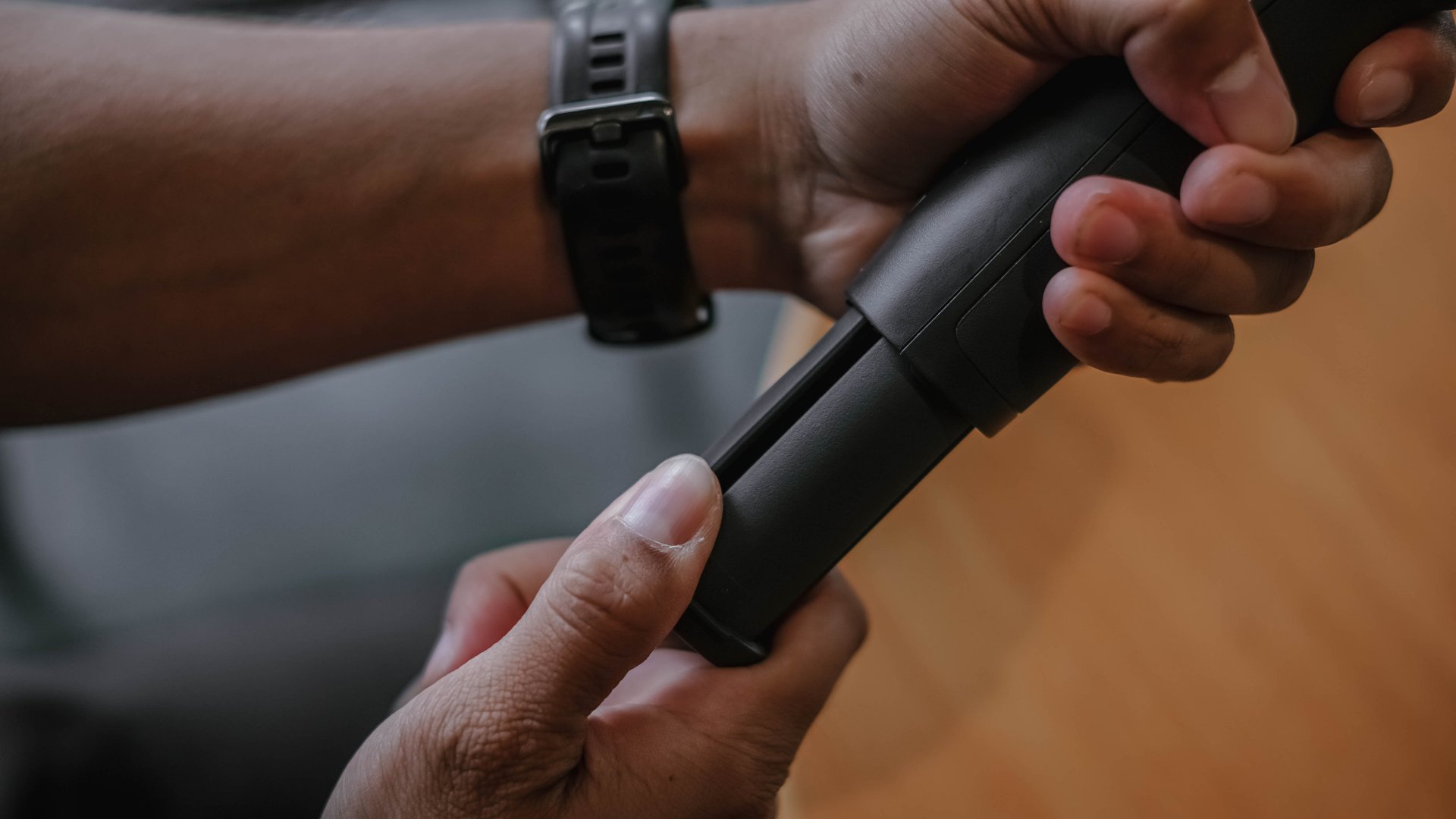
There is an extension rod built in, which is helpful for group shots and for pushing perspective in movement shots. The built-in tripod legs make it easy to set down for hands-free filming.
These details may seem small, although they contribute to gear that I actually reach for.
Stabilization for better footage
To be honest, I’m still not sold in getting a mobile gimbal for myself. But what shifted my perspective (for now) was not the convenience. It was the footage.
The movement became smoother. Walked shots, pans, and follow movements looked intentional instead of constantly adjusting themselves.
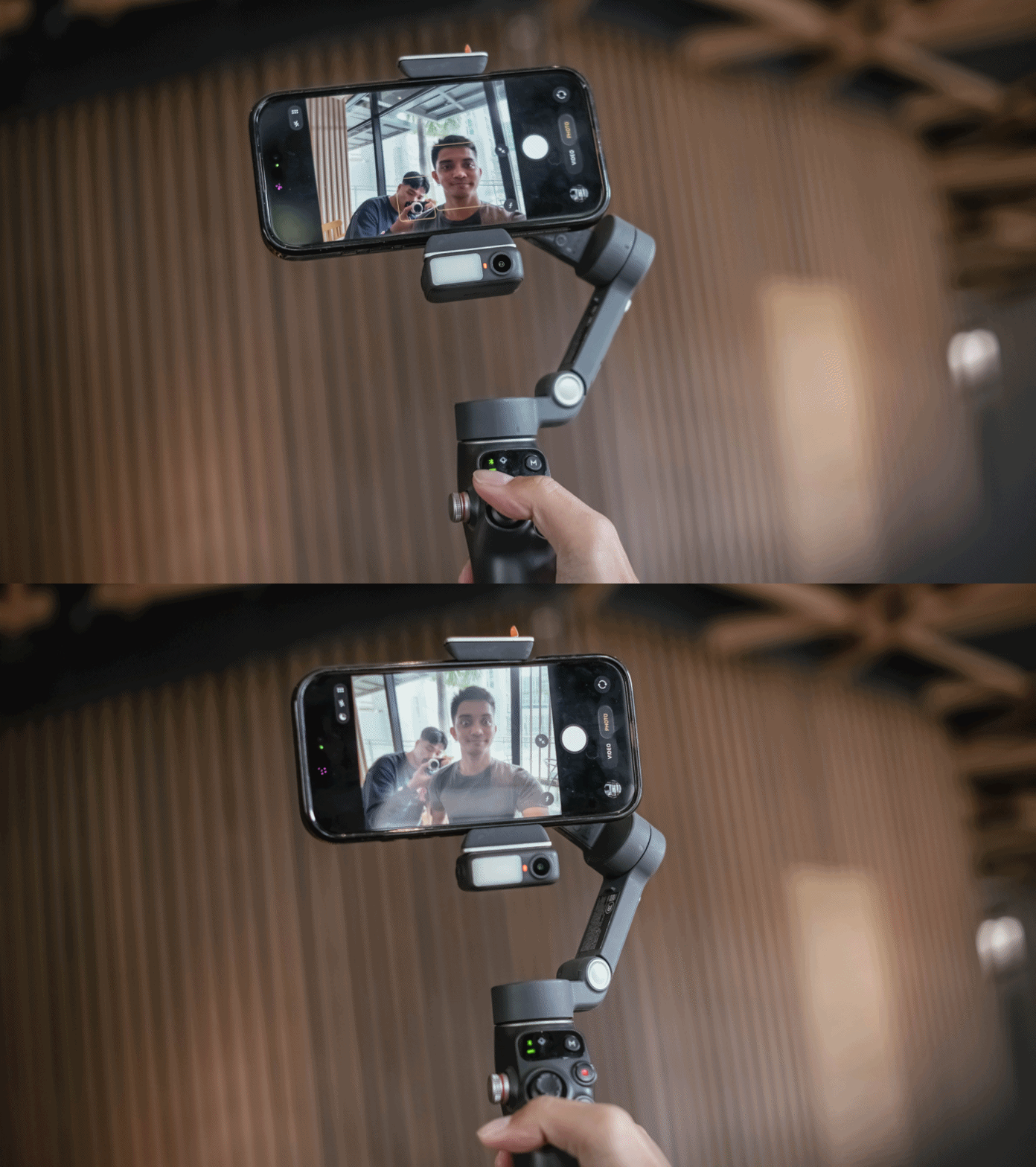
The three-axis stabilization makes smartphone footage feel more deliberate. I found myself able to move more slowly and follow subjects naturally.
It didn’t make my shots steadier, but the Osmo Mobile 8 changed the way I moved while filming. I suddenly found myself planning sweeps and tracking motions that I would never attempt handheld.
Tracking that feels more intelligent
The tracking on the Osmo Mobile 8 is noticeably improved. Faces, pets, objects, and even faster subjects stay in frame more reliably.
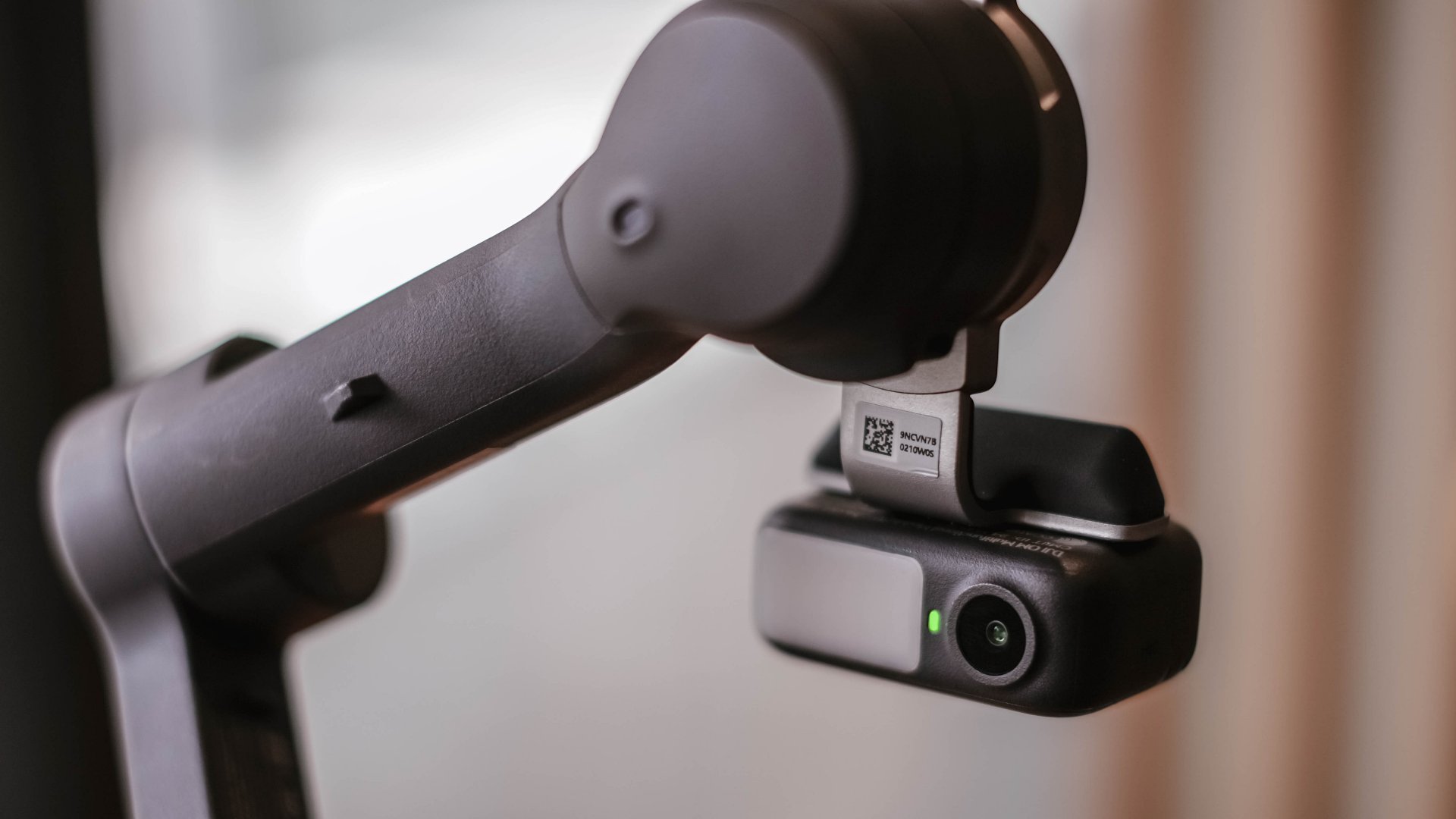
When I stepped away to record myself, the camera followed smoothly without overshooting. It felt responsive rather than reactive. This made solo shooting feel easier.
It also made dynamic movement filming more fun. I could run with a subject or move around a space and trust the framing.
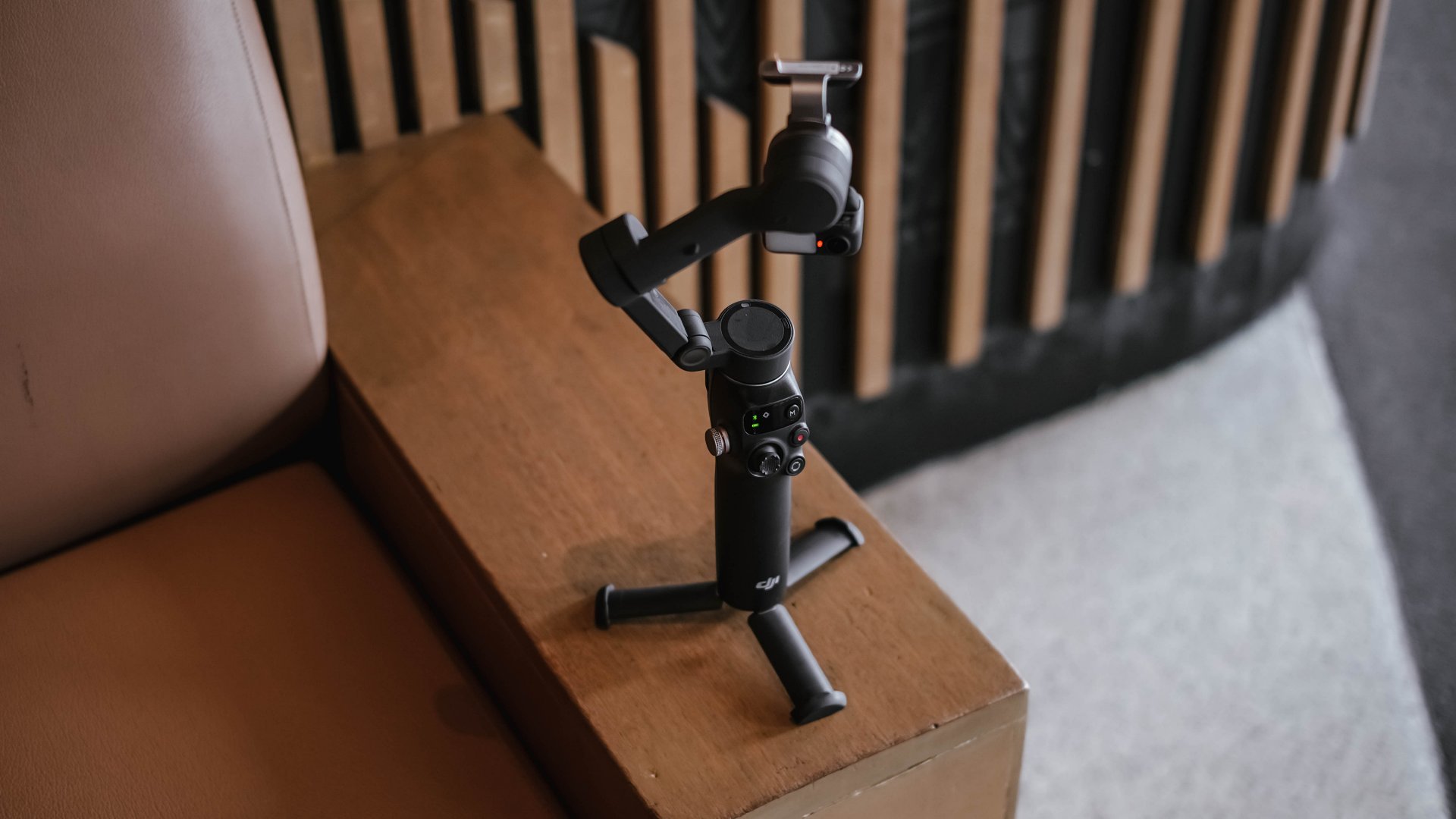
A tool that fits everyday work
I always evaluate gear based on how it blends into my workflow. If it needs too much setup or thought, I will eventually avoid it.
The Osmo Mobile 8 feels fast. I can mount my phone, open the app, and start recording in a matter of seconds. And the battery life holds up well for a full day of casual shooting.
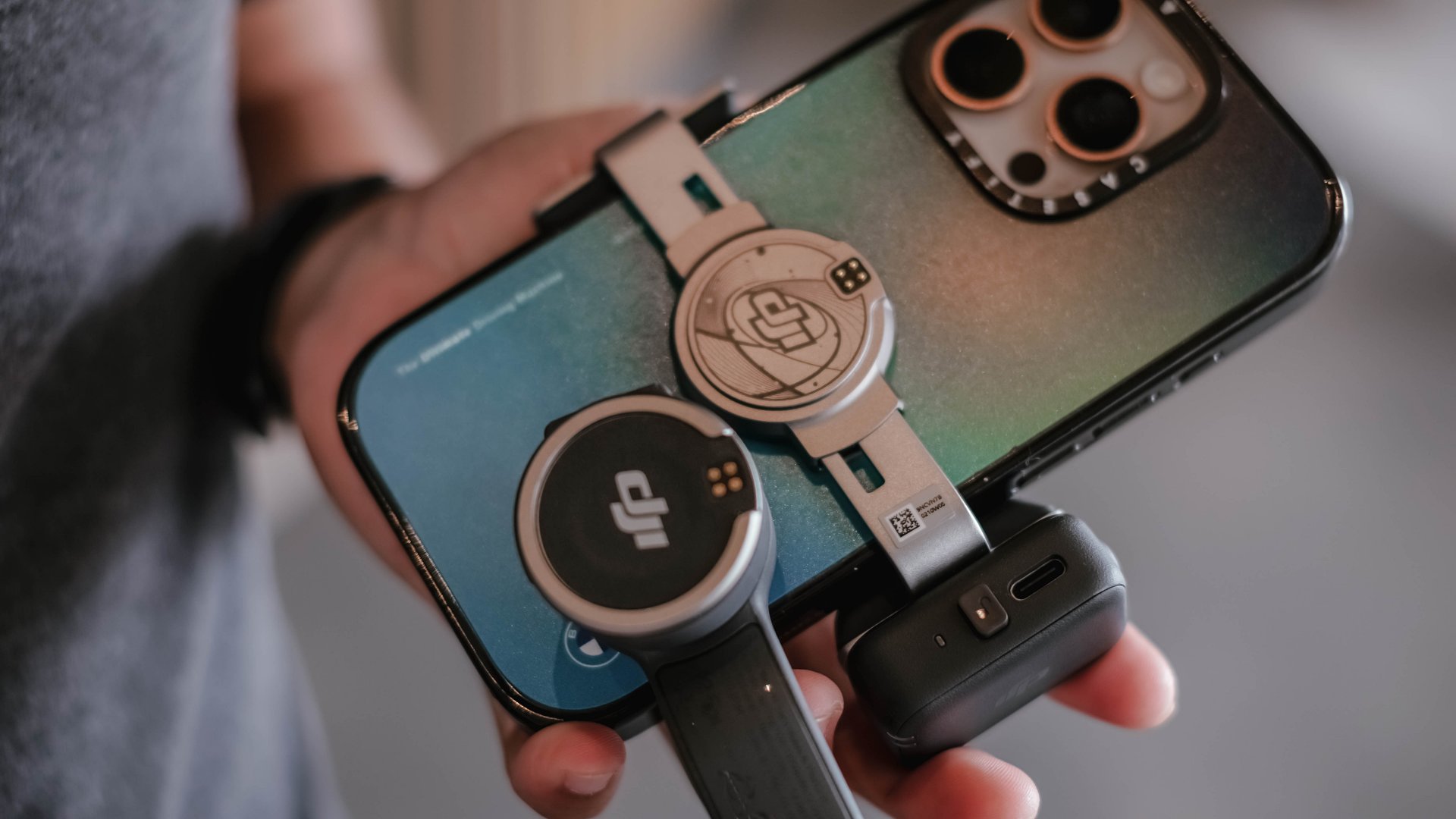
There is also support for counterweights if you use heavier external lenses or cases. The experience is smooth whether I am at an event, outdoors, or shooting casual everyday clips.
Frankly, I never expected to find a smartphone gimbal that felt necessary, yet the Osmo Mobile 8 is worth recognizing to be part of your creator kit.
Is the DJI Osmo Mobile 8 your GadgetMatch?
The DJI Osmo Mobile 8 delivers steady footage and a filming experience that feels composed. I appreciate what it adds to my work, and I recognize that it improves my content when I need it to.
Even so, it is not my personal everyday companion. I prefer filming with my phone alone and relying on built-in stabilization. I like moving lightly and freely.
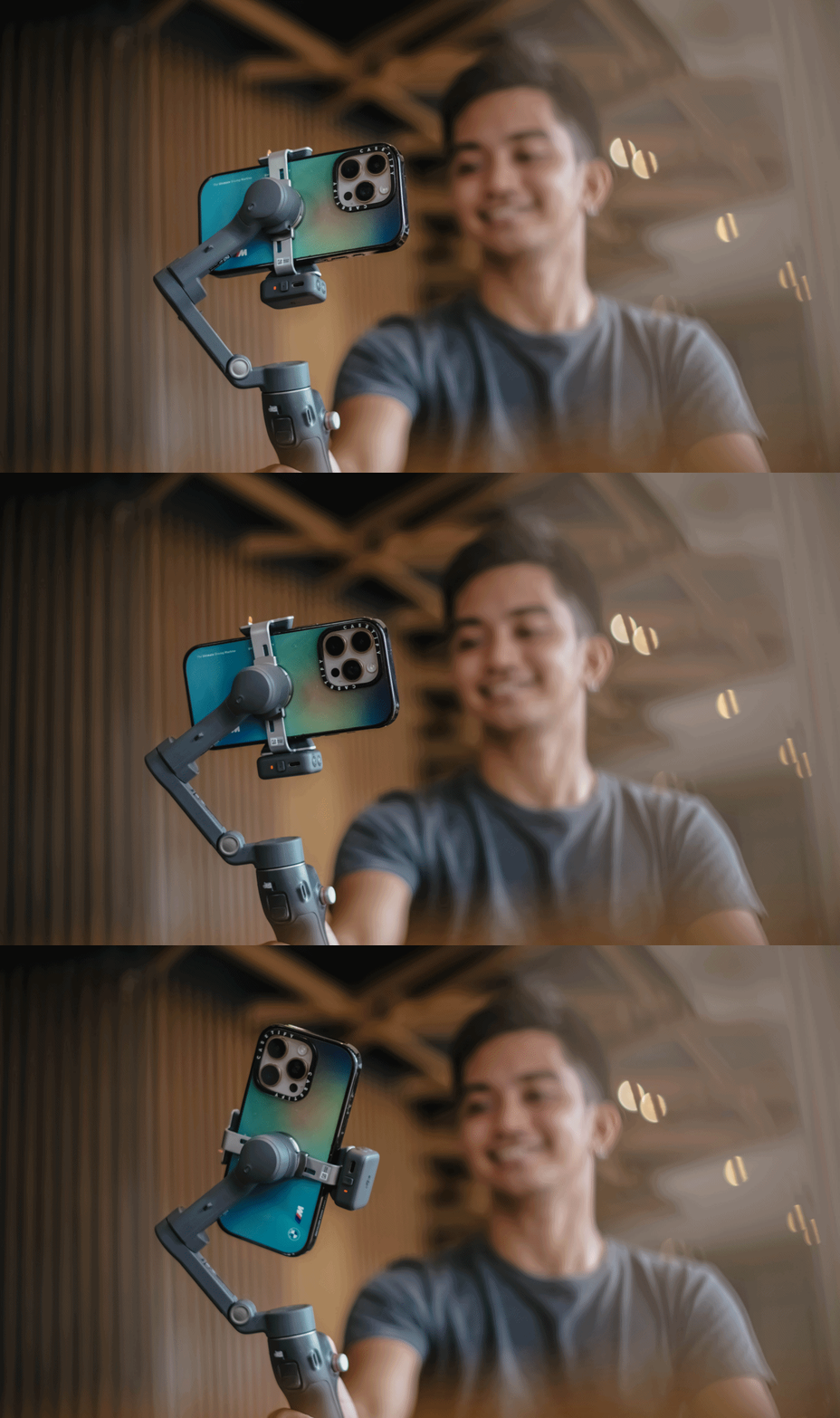
But the Osmo Mobile 8 is a strong tool to have in the kit for specific situations.
Swipe right if you want steady and controlled movement in your videos, especially when you shoot travel, sports, or even events where an extra movement is part of the story. It might help you create more cinematic clips without a full camera setup.
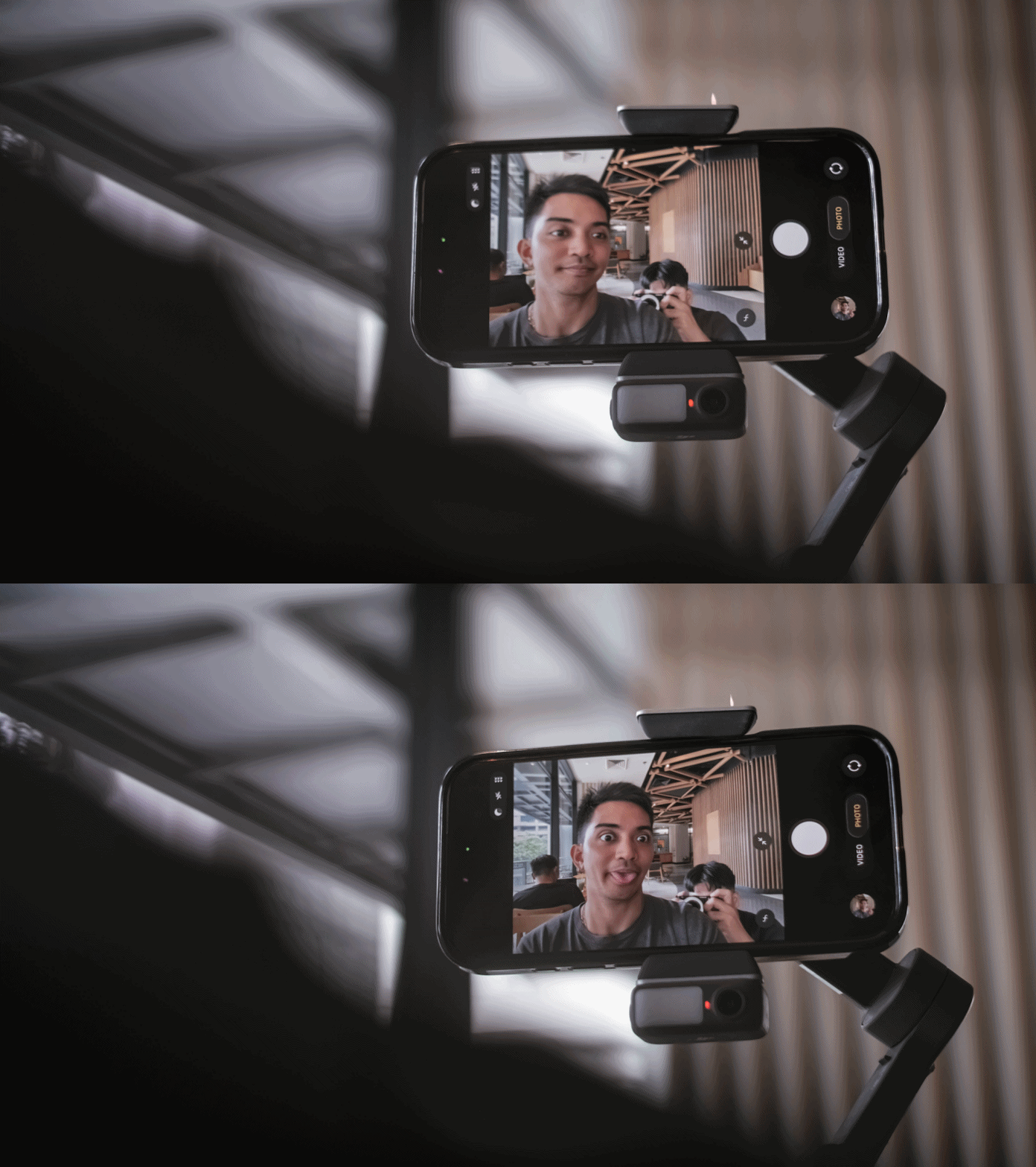
Swipe left if you prefer minimal gear, and if you’re someone who’s always ready for spontaneous shooting but doesn’t want any additional setup.
The DJI Osmo Mobile 8 retails for PhP 7,499. It’s available in DJI’s official website and authorized stores.


Now Playing: Iron Lung
The premise will leave you wanting for more.


Infinix NOTE Edge: Stellar at street photography
Despite trailing in other specs, the Infinix NOTE Edge was built for point-and-shoot photography.


OPPO Reno15 Pro: Camera Review
Why is this even considered a "Reno"?

Smart opens pre-orders for Samsung Galaxy S26 series
Now Playing: Iron Lung

TECNO resurrects modular phones with this new concept

Privacy Display | Galaxy S26 Ultra

Audio Eraser now works on third-party apps | Galaxy S26 Ultra

Breaking up with Adobe Photoshop after 20 years

TECNO will showcase the CAMON 50 and POVA 8 series at MWC 2026

PlayStation, LE SSERAFIM Chaewon team for the ‘Love of Play’ campaign

VinFast updates battery subscription policy for large upfront savings

Xiaomi SU7 Ultra makes Gran Turismo 7 debut


-

 Reviews2 weeks ago
The art of being in and behind the frame
-

 Gaming2 weeks ago
God of War Greek trilogy remake in development, Sons of Sparta out now
-
 India2 weeks ago
TECNO POVA Curve 2 5G packs an 8000mAh battery
-

 Gaming2 weeks ago
New Resident Evil Requiem trailer teases a return to the RPD
-

 Accessories2 weeks ago
Apple AirTag 2 Review
-

 Gaming2 weeks ago
John Wick, Kena sequel, more new games showcased at State of Play
-
 First Look1 week ago
Match Pulse: Infinix NOTE 60 Pro
-

 Cameras1 week ago
Osmo Pocket 4 makes a surprising appearance in public