


Hands-On
ASUS ZenBook Duo 14 UX482: Your next-level productivity companion
ASUS reinvents how we get things done

ASUS is known to be one that makes bold moves when it comes to introducing features to their devices. As the search for incredible continues, ASUS pushes our multitasking boundaries further than we normally would with the ZenBook Duo line.
Productivity is the name of the game and ASUS again reinvents how we get things done and truly brings into play our cognitive functions with the new ZenBook Duo 14 UX482.
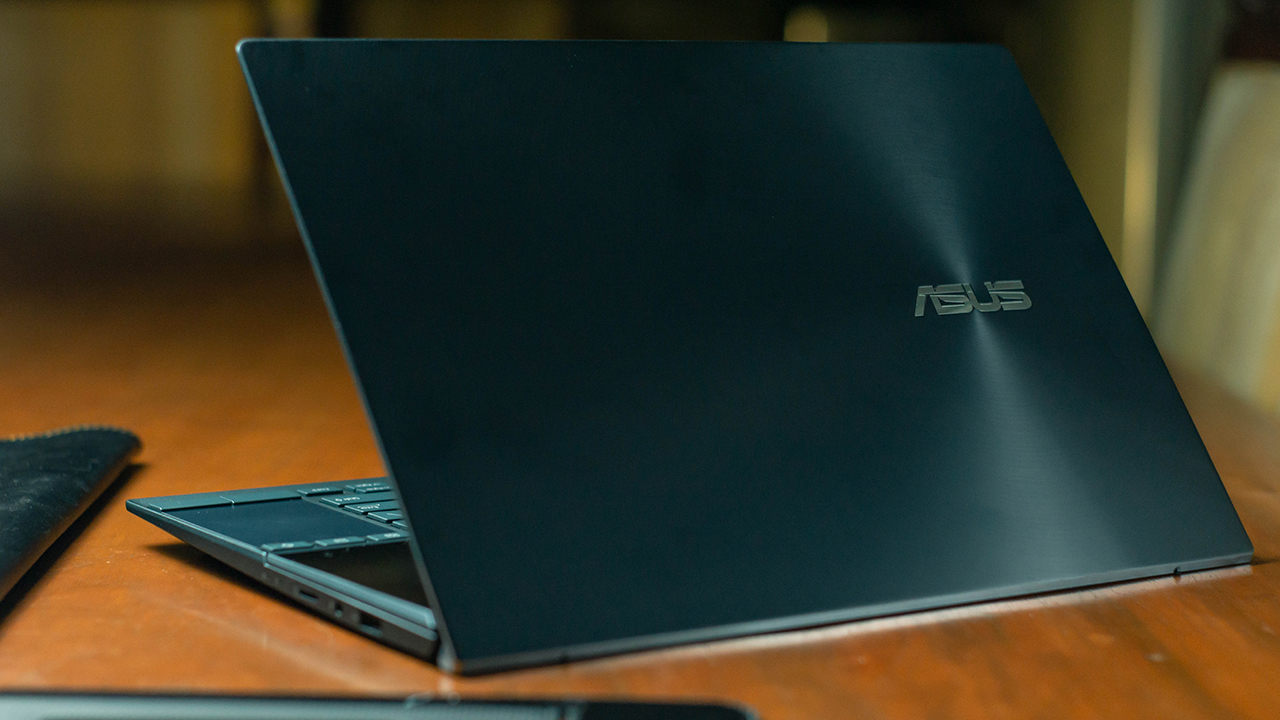
Dual display
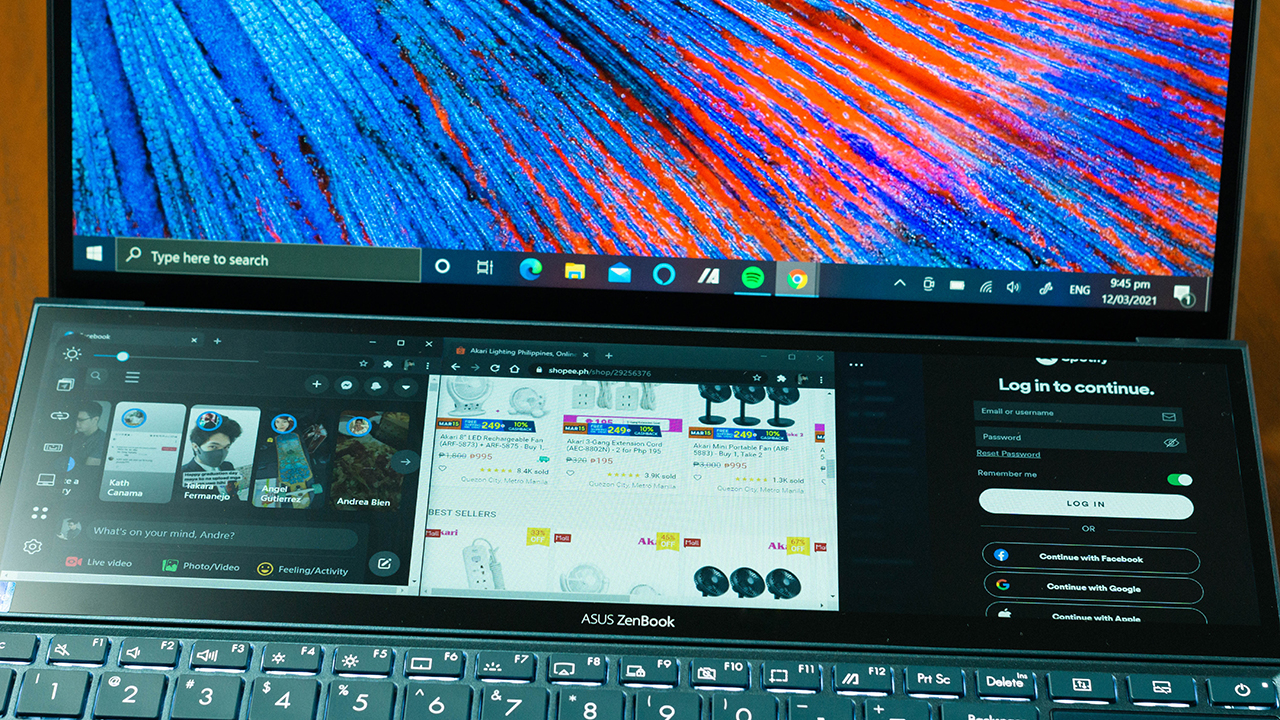
Like the others in the ZenBook Duo line, the UX482 sports two displays. Boasting the new and improved secondary display, the ScreenPad Plus. This 12.6-inch screen now has 400 nits of brightness and a feature-packed user interface. Smartphone-like is how the interface is best described and has drastically minimized the learning curve of its usability.
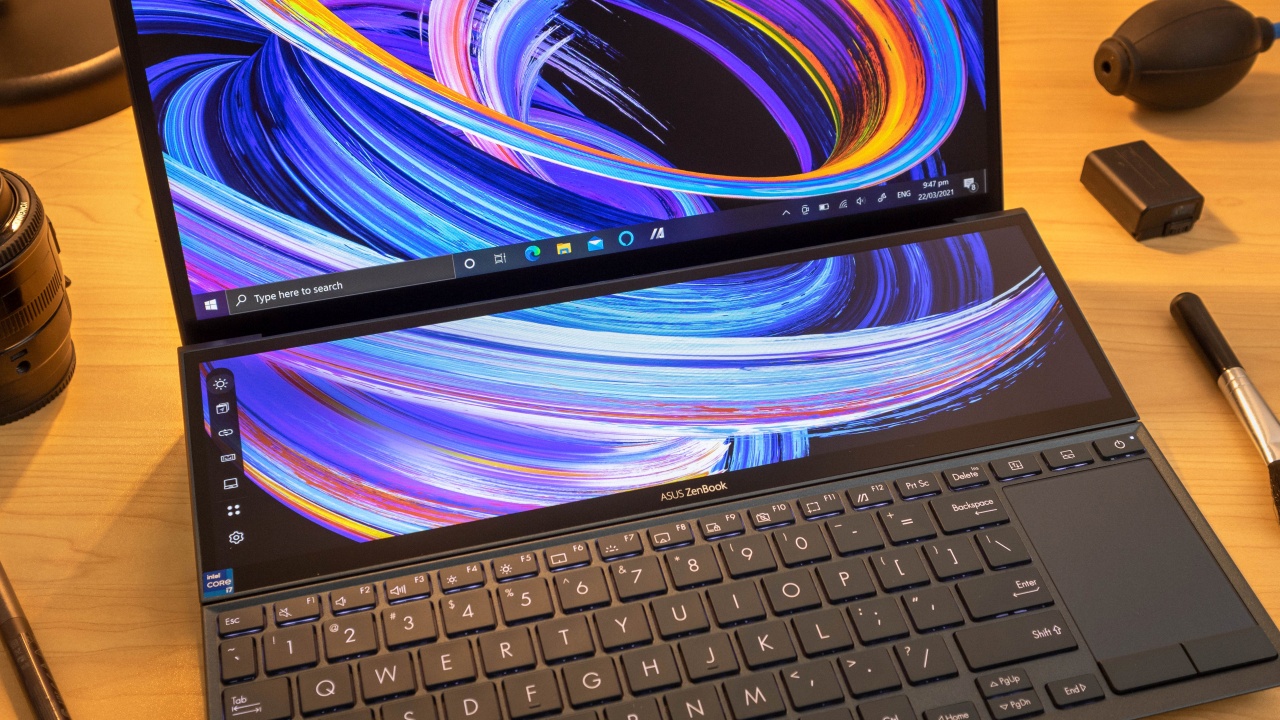
Among the many notable features of the ScreenPad Plus software are the Windows Flick, View Max, Task Swap and the ASUS Control Panel.
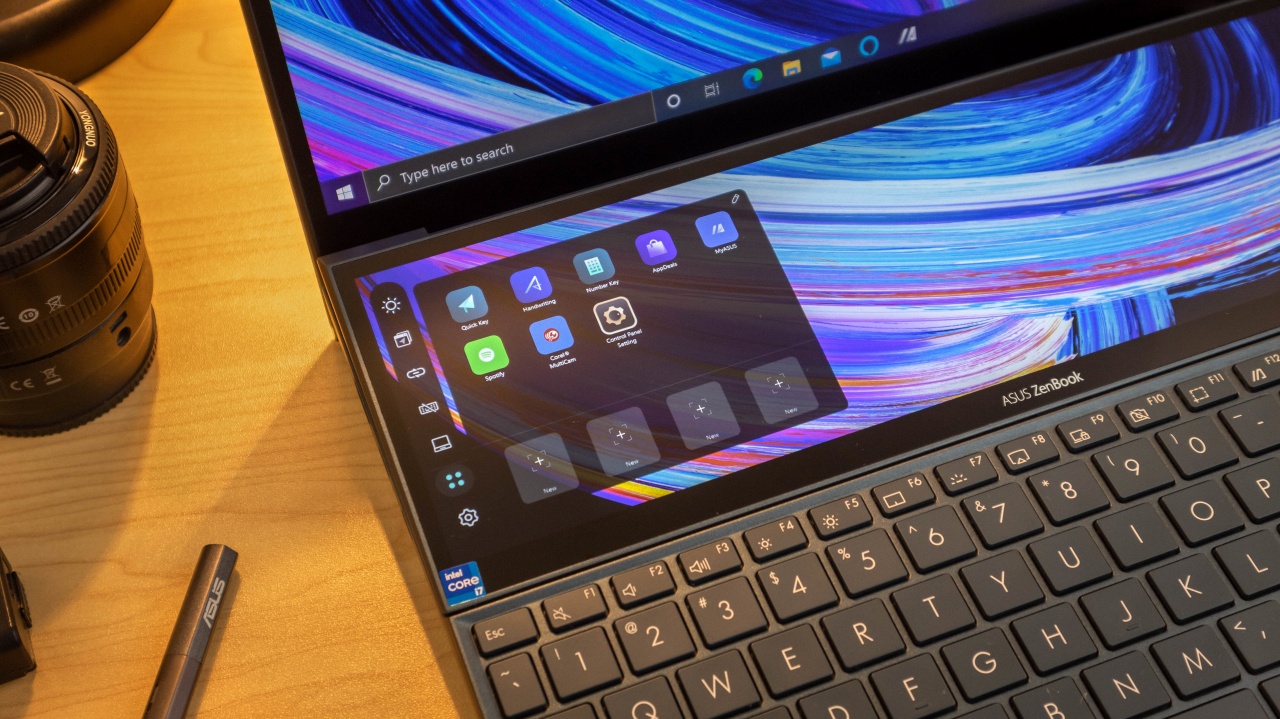
Windows Flick sends windows onto the other screen with a simple drag and flick for a faster multitasking experience.
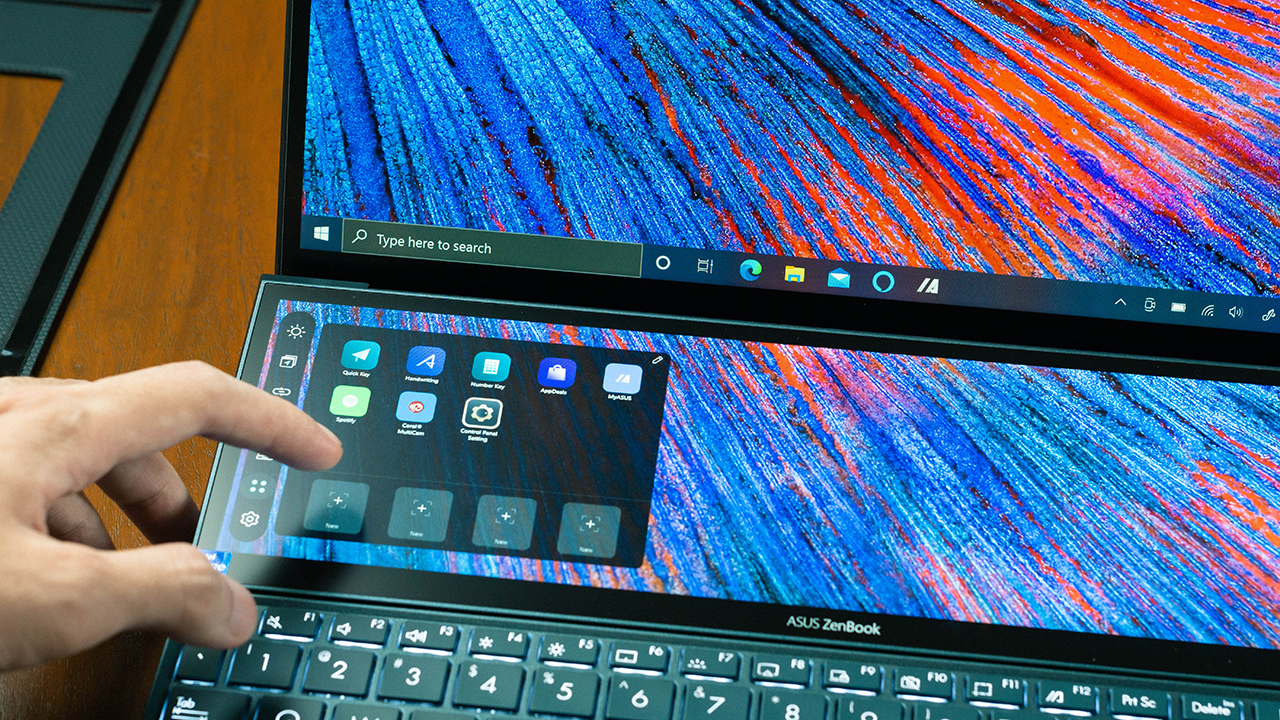
View Max lets users maximize both displays simulating one large display for a more seamless single task view across both displays. Task Swap is a button that instantly swaps windows from the ScreenPad Plus onto the main display area and vice versa.
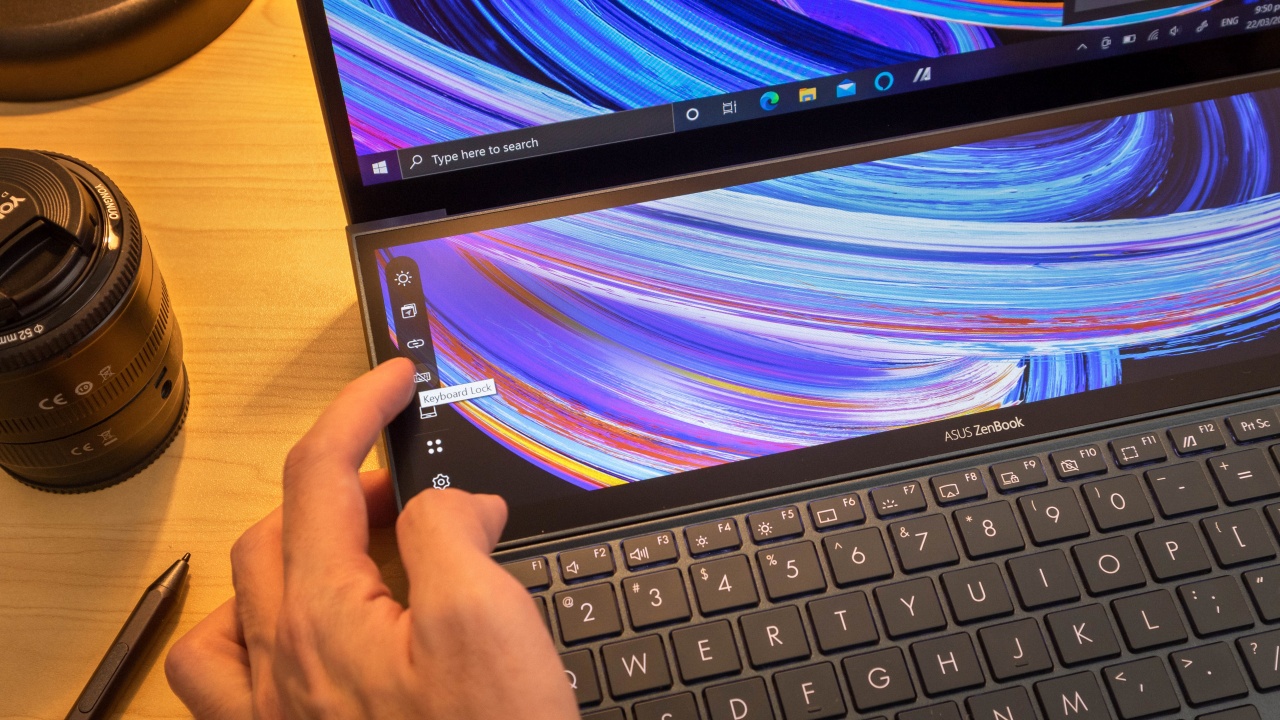
There’s also the Keyboard Lock that lets you lock the keyboard to avoid accidental presses for drawing since both displays are compatible with the ASUS stylus pen.

And as for my favorite, the ASUS Control Panel. The ScreenPad Plus has software integration with programs such as Adobe Lightroom, Photoshop, Premiere Pro and After Effects. With this enabled, the ScreenPad Plus shifts into a fully customizable control panel with touch based toggles, knobs and sliders. This gives users easy access to settings like exposure, adjusting brush sizes, and other aspects inside your creative software. A neat feature that really eases up the creative workflow.

Main display, more than just eye candy
For the main display, we have a 14-inch full HD IPS panel also with 400 nits of brightness, rated 100% sRGB color gamut and has Pantone validation certification. If you’ve tried doing photo and video work on inaccurate display monitors, you’ll know that matching colors across different devices is just daunting. Pantone validation simply means industry grade color accuracy meaning these displays are designed to get real work done and not just fancy multitasking.
Superhero performance
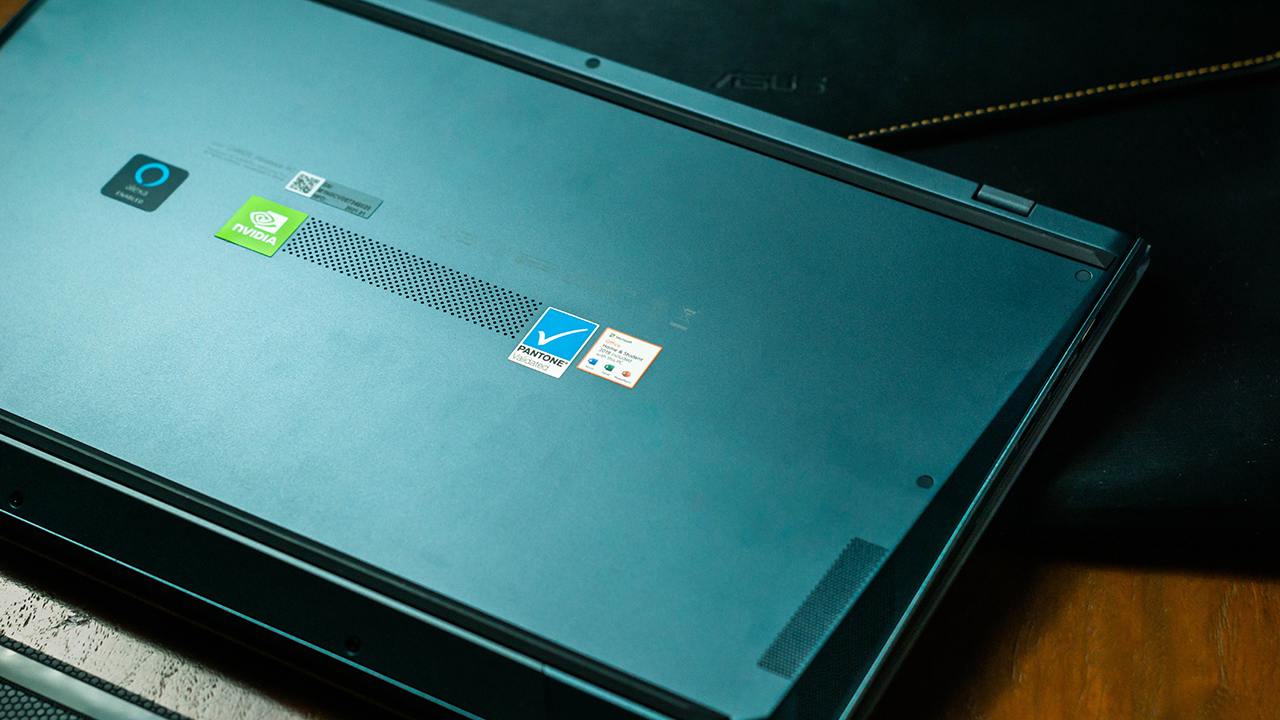
Expect to breeze through your tasks with the Duo UX482 as it is powered by the latest 11th Gen Intel Core i5 or Core i7 processor. No, great power doesn’t come with great responsibilities this time as the UX482 uses the ultra-low power variant of Intel chips. Low power equates to longer battery life and a much cooler thermal operation. There is also the option between an Nvidia GeForce MX450 or the integrated Intel Iris XE for its graphics processor.

ErgoLift hinge
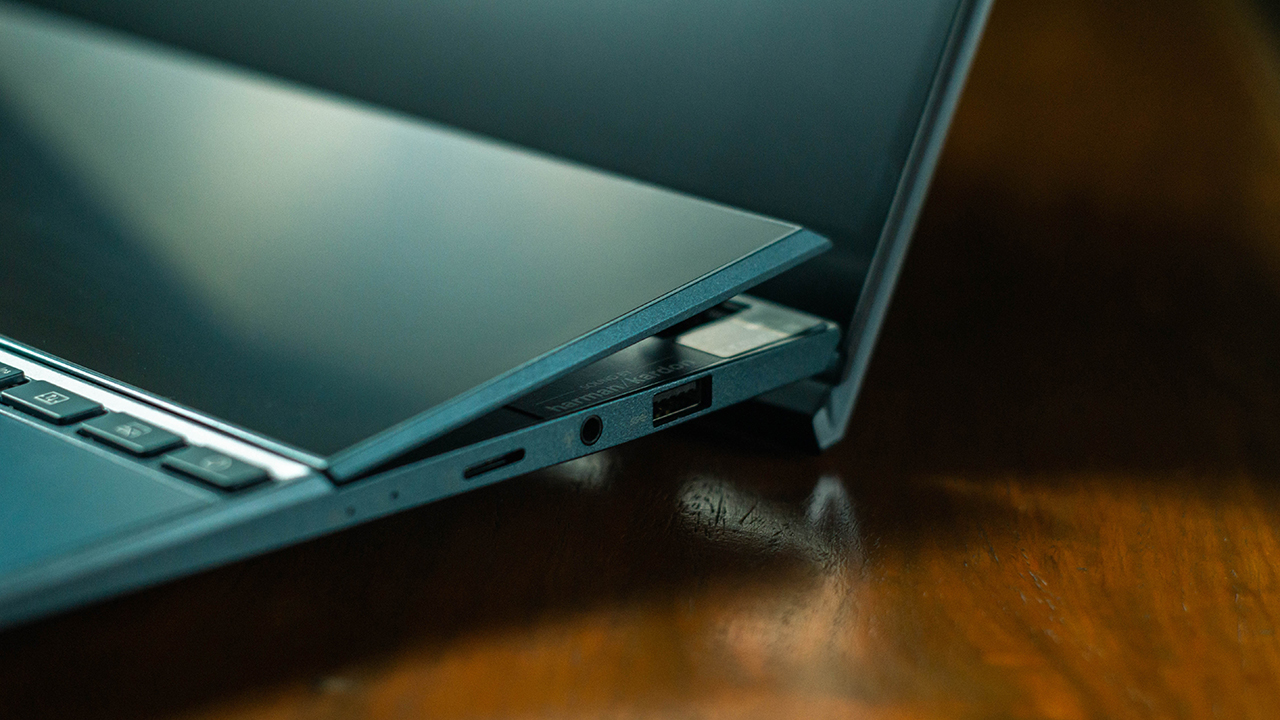
The ErgoLift hinge by ASUS Design as the name suggests, lifts the bottom half of the device as the lid is pushed farther back. This adds a slight angle for a more comfortable typing experience. Two “arms” also pop up below the ScreenPad Plus adding a little bit more angle to the already angled bottom half for an easier view of the second display.
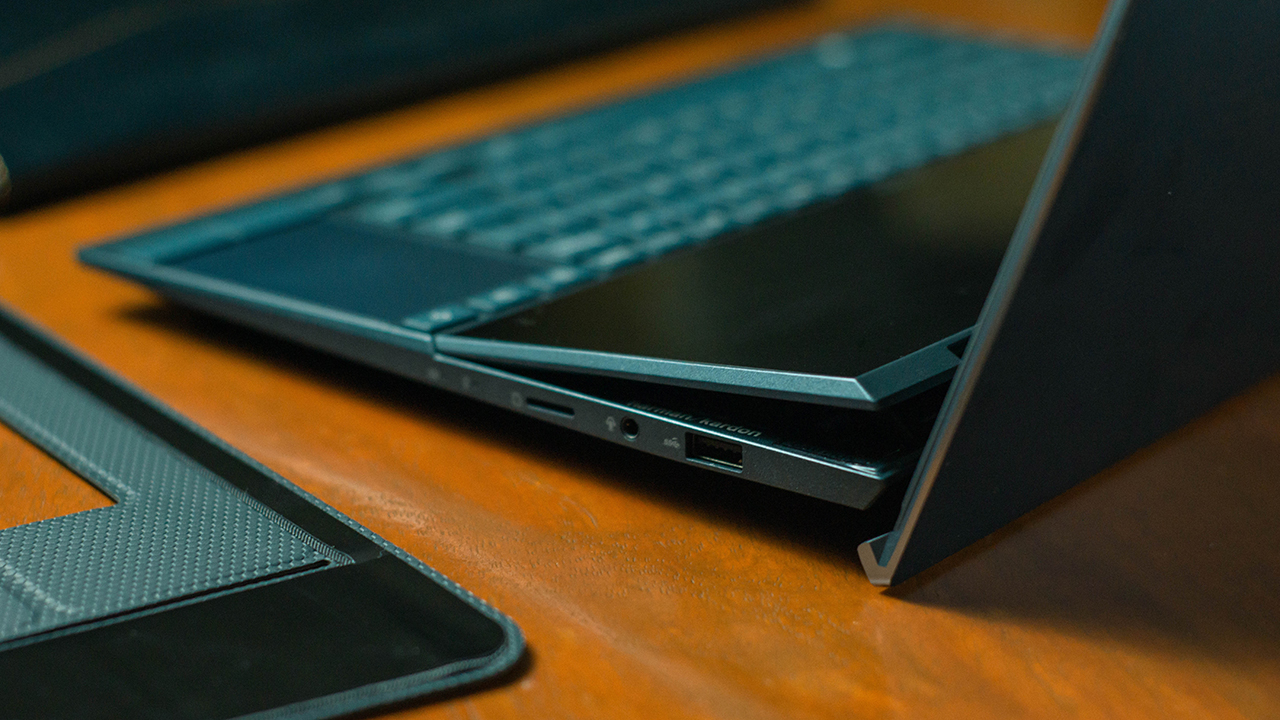
This lift also gives the device room for ventilation at both its bottom and upper part and also adds resonance to the sound coming from its speakers making the Harman Kardon driver sound fuller.
Talk about genius design engineering. A simple design improvement from the standard laptop but one that brings so much impact on different aspects of the device.

Keep calm, battery life goes on
Up to 17 hours of battery life is claimed on the ZenBook Duo 14 UX482 and that’s with the ScreenPad Plus and some hardware powered down. That’s probably more than enough for a day at a coffee shop. If by any chance that it isn’t, you can easily charge the UX482 via USB-C as its Easy charge feature makes it compatible with a USB-C smartphone charger or a power bank.

Shockingly compact
Even thinner than its predecessor, the UX482 measures 16.9mm thin and weighs only 1.6kg. A shockingly compact little device considering you get two screens in a very small footprint.
Tough quality
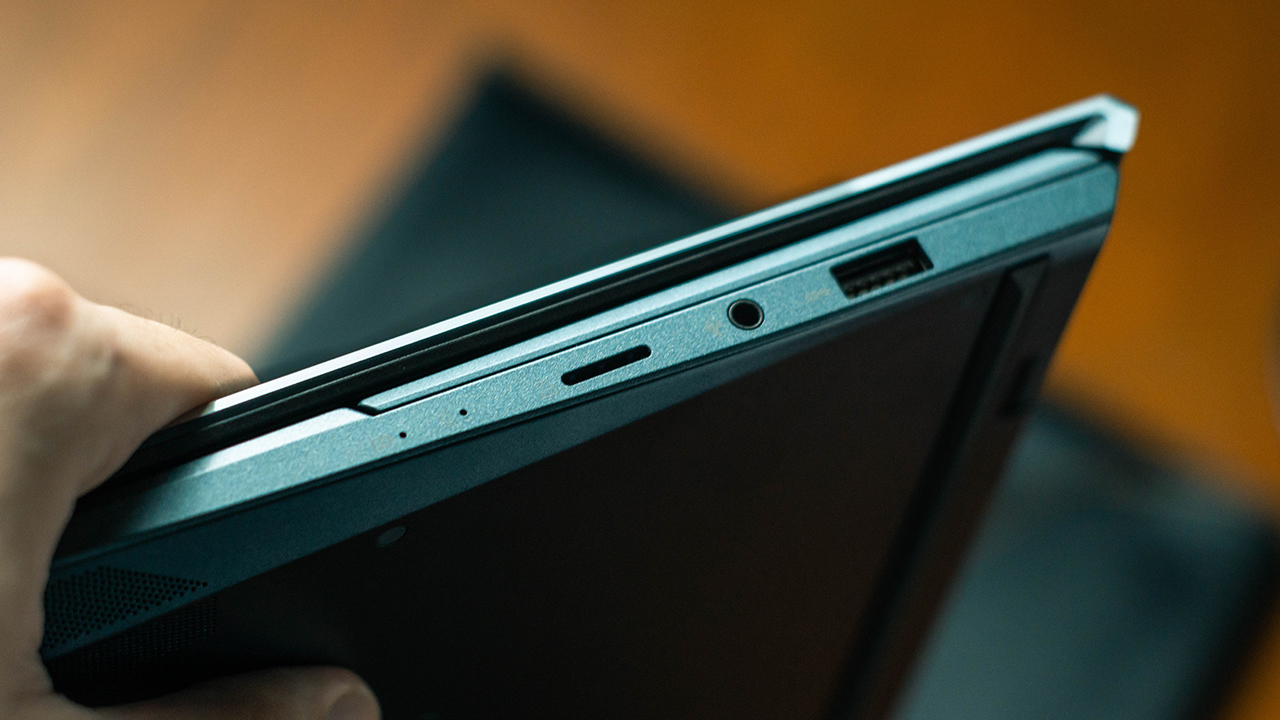
US Military Grade MIL-STD-810H. So I dug into some research to understand what this really meant. I was surprised to know that this design had undergone a series of compliance tests that simulates various environments of which the device could possibly be exposed to and having this certification simply means it is tough. The build quality speaks for itself on this one as it feels very solid to hold with its mostly metal construction.
Is the ASUS ZenBook Duo 14 UX482 your GadgetMatch?
The secondary display is no gimmick. It really adds another dimension to productivity and ASUS has made sure that the experience is made easier for us to grasp.
A fabulous main display, an even more stellar secondary display, steadfast performance, rock solid build quality and a brilliant design.
Hats off to ASUS for genuinely trying to innovate on what had seemed to be a stagnant competition between brands and giving us a slice of the future with the ZenBook Duo.
The ASUS ZenBook Duo 14 UX482 is undeniably a main laptop type of device and is easily my favorite ZenBook so far.
More details on the ASUS ZenBook Duo 14 UX482 here.
This feature is a collaboration between GadgetMatch and ASUS Philippines.





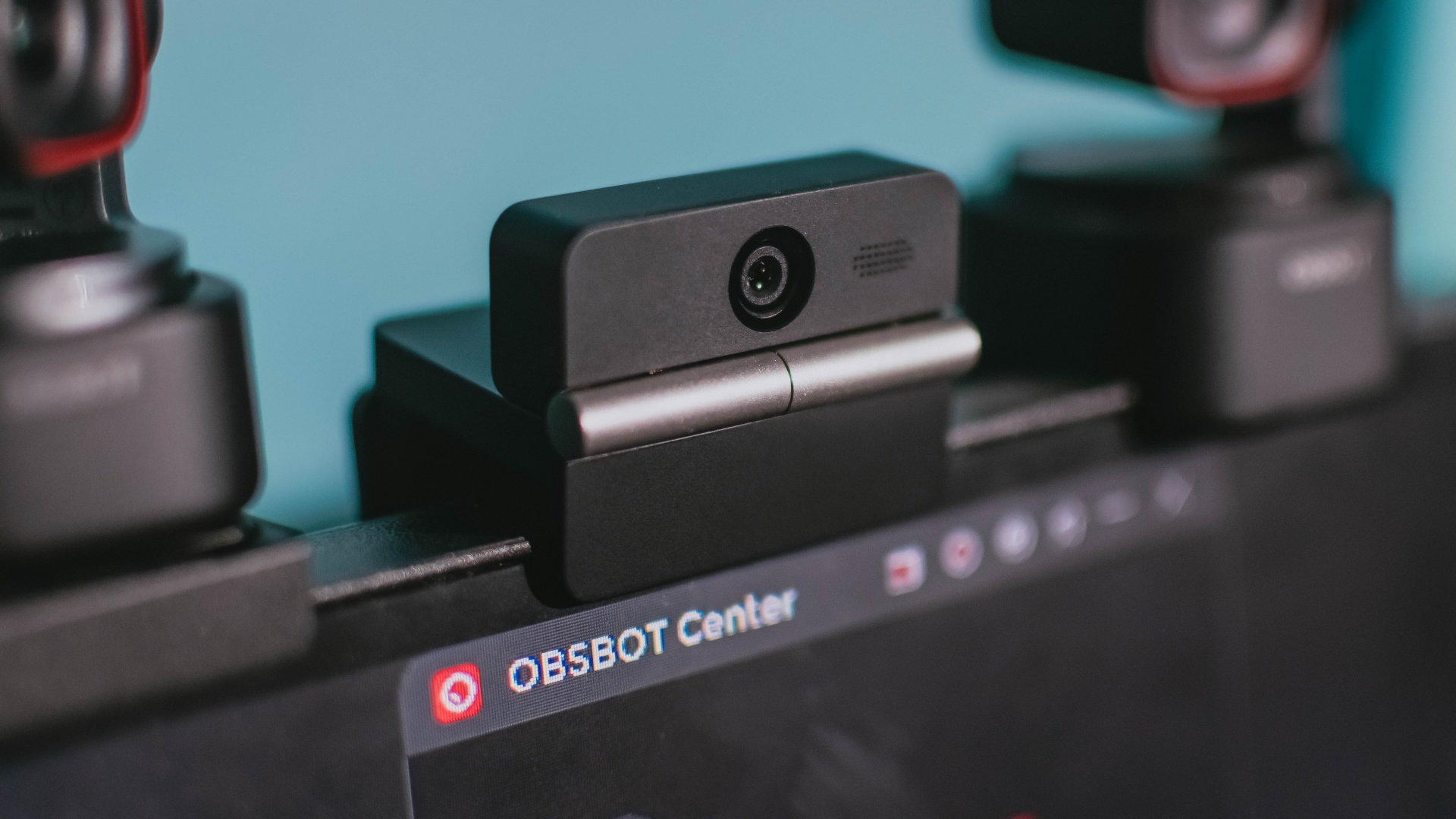
Phones flip and fold. Now webcams do too.
Foldable screens have found their way into phones, tablets, and laptops in recent years. Now, OBSBOT is taking that idea in a considerably smaller direction: the webcam.
The OBSBOT Meet Flip is the company’s first foldable 4K webcam packing:
- 1/2-inch stacked CMOS sensor
- intelligent audio
- a collection of AI-powered meeting tools
All of these inside a body weighing just 37.7 grams.
A fold that does something, not just a gimmick
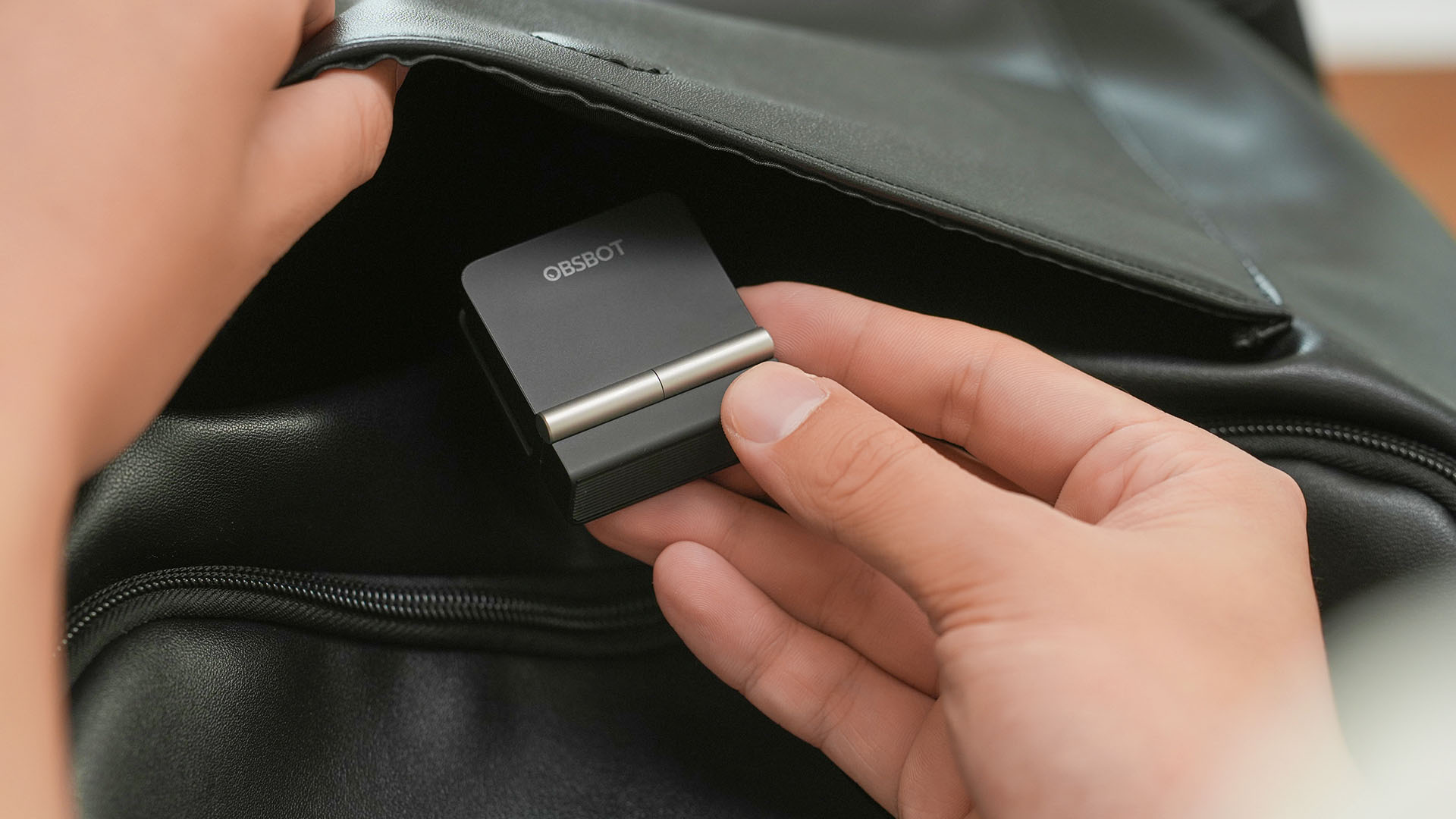
The OBSBOT Meet Flip isn’t foldable just to make it easier to throw into a bag.
Closing the webcam physically blocks the lens and puts the device into sleep mode. Open it when you want to be seen, flip it shut when you don’t.
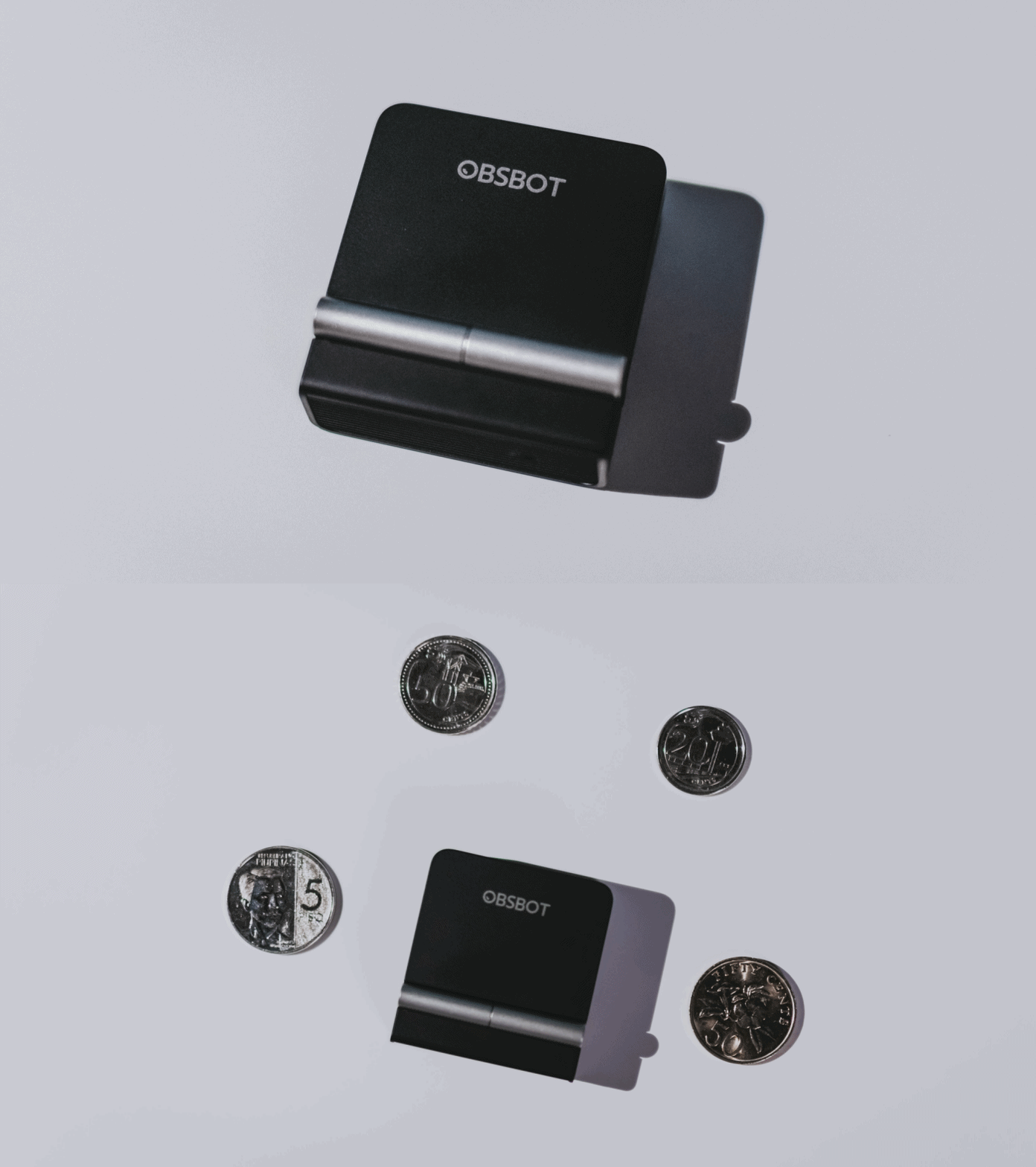
A physical privacy cover isn’t novel in itself. What’s clever here is how it’s part of the folding design.
As someone with a love-hate relationship with data privacy, I almost always keep some physical barrier over my laptop webcam. And if I can avoid having a webcam there entirely, even better.
Serious camera hardware in a pocket-sized webcam
Despite its size, OBSBOT hasn’t treated the Meet Flip like a basic laptop-camera replacement.
Inside is a 1/2-inch Exmor RS stacked CMOS sensor with Quad Bayer technology, capable of recording 4K UHD at 30 fps or 1080p at 60 fps. It also packs an f/1.8 aperture, HDR, PDAF autofocus, ISO 100–6400, and up to 4x digital zoom.
At its core is a 1/2-inch Exmor RS stacked CMOS sensor with Quad Bayer technology.
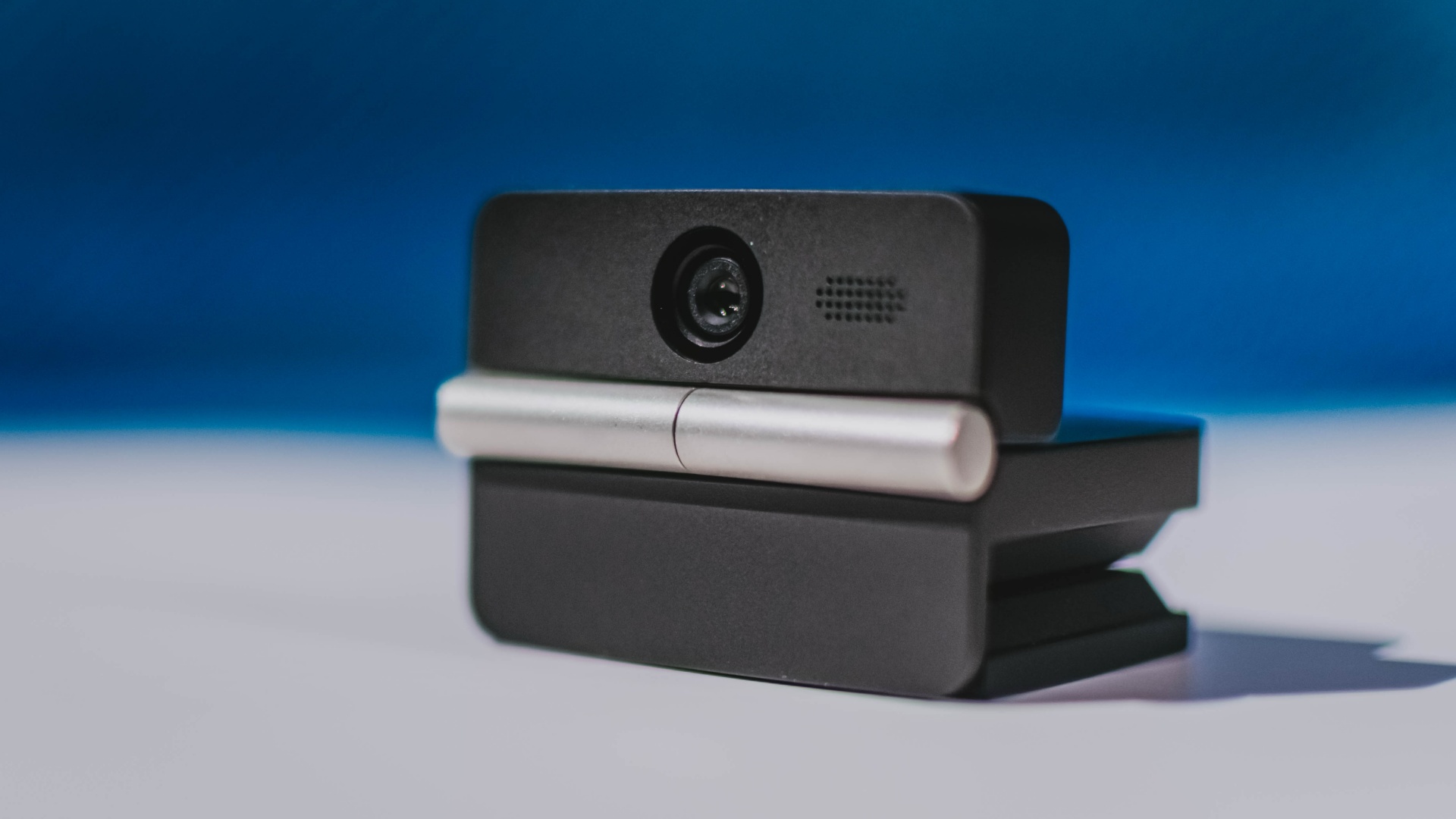
It can record:
- 4K UHD at 30fps
- 1080p at 60fps
You also get:
- f/1.8 aperture
- HDR
- PDAF autofocus
- ISO 100–6400
- up to 4x digital zoom
On paper, that gives the Meet Flip a better shot at handling the situations built-in laptop webcams often struggle with: dim rooms, harsh backlighting, changing lighting conditions, or simply moving around in front of the camera.
HDR helps keep faces visible against bright backgrounds, while PDAF autofocus continuously adjusts focus as you move closer to or farther from the lens.
The wider f/1.8 aperture should also help in less-than-ideal lighting.
The point is that once the Meet Flip is set up, you shouldn’t have to spend much time thinking about the camera itself.
It listens differently depending on the room setup
The Meet Flip also uses an intelligent dual-microphone system combining omnidirectional and directional microphones.
Instead of relying on one pickup pattern for every situation, it offers four audio modes for different setups:
Directional Mode focuses on sound coming from the front, making it the obvious choice for solo calls.
Dual-Directional Mode listens to both the front and rear of the webcam, which could be useful for interviews or conversations between two people sitting across from each other.
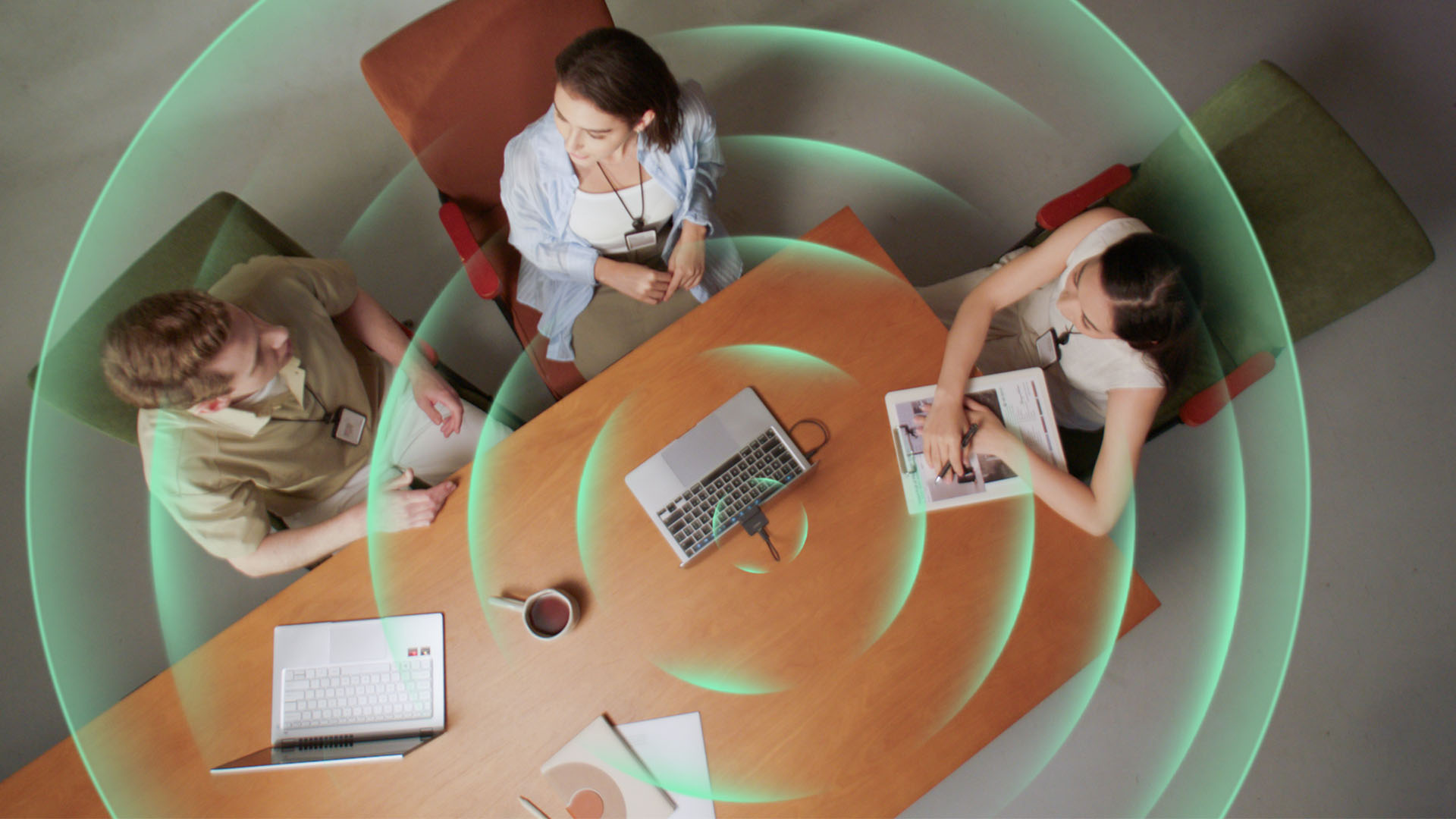
Smart Omni Mode is designed for group meetings, picking up voices from around the room.
And Pure Audio Mode provides unprocessed left and right stereo channels for users who would rather handle the audio themselves in post-production.
Auto Gain and AI Noise Reduction also work across the first three modes, helping clean up audio without requiring much manual adjustment.
It gives the Meet Flip more flexibility than a typical webcam microphone, especially if you regularly switch between solo calls, interviews, and group meetings.
AI that doesn’t intrude
AI has become an almost obligatory addition to new hardware in 2026, but several of the Meet Flip’s features put it to work on real-world meeting annoyances.
AI Auto Framing keeps you in frame, with options for:
- Group
- Single Close-up
- Upper Body
- Full Body
Gesture controls can also toggle Auto Framing or adjust the zoom without reaching for a keyboard or mouse.
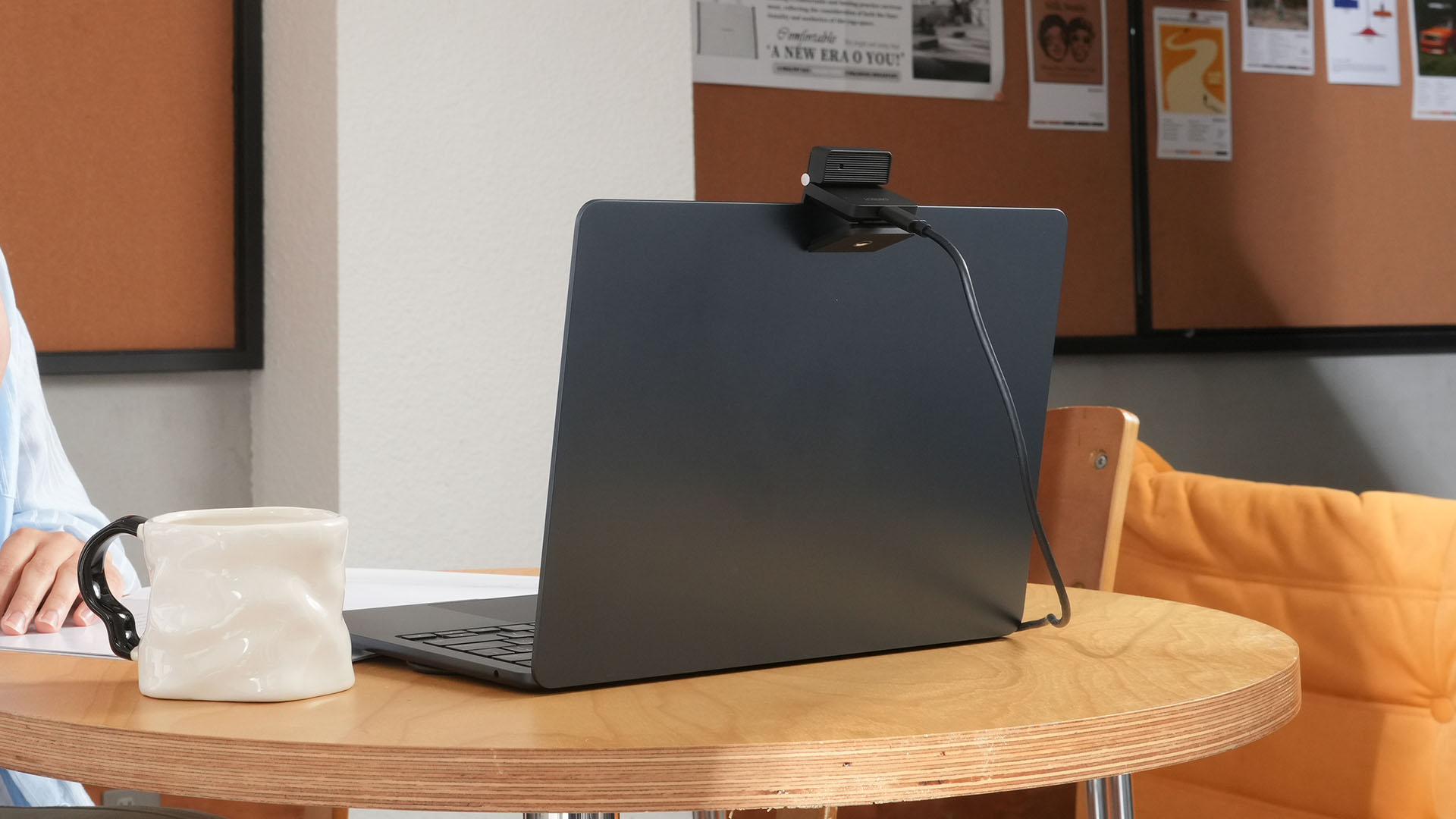
More interesting is AI Magic Notes.
Through OBSBOT Center, it provides real-time transcription and can automatically generate meeting summaries with key points, decisions, and action items. It works across Google Meet, Zoom, and Microsoft Teams.
Although AI Magic Notes is offered as a subscription service, every Meet Flip includes 120 complimentary minutes to get started.
MORE with OBSBOT Center & OBSBOT Live
There are plenty of other software features as well. OBSBOT Center includes:
- Background Blur and Background Replacement
- Real-Time Beauty Mode
- Picture-in-Picture overlays
- Smart Eye Tracking
- Teleprompter support
- Detailed image adjustments
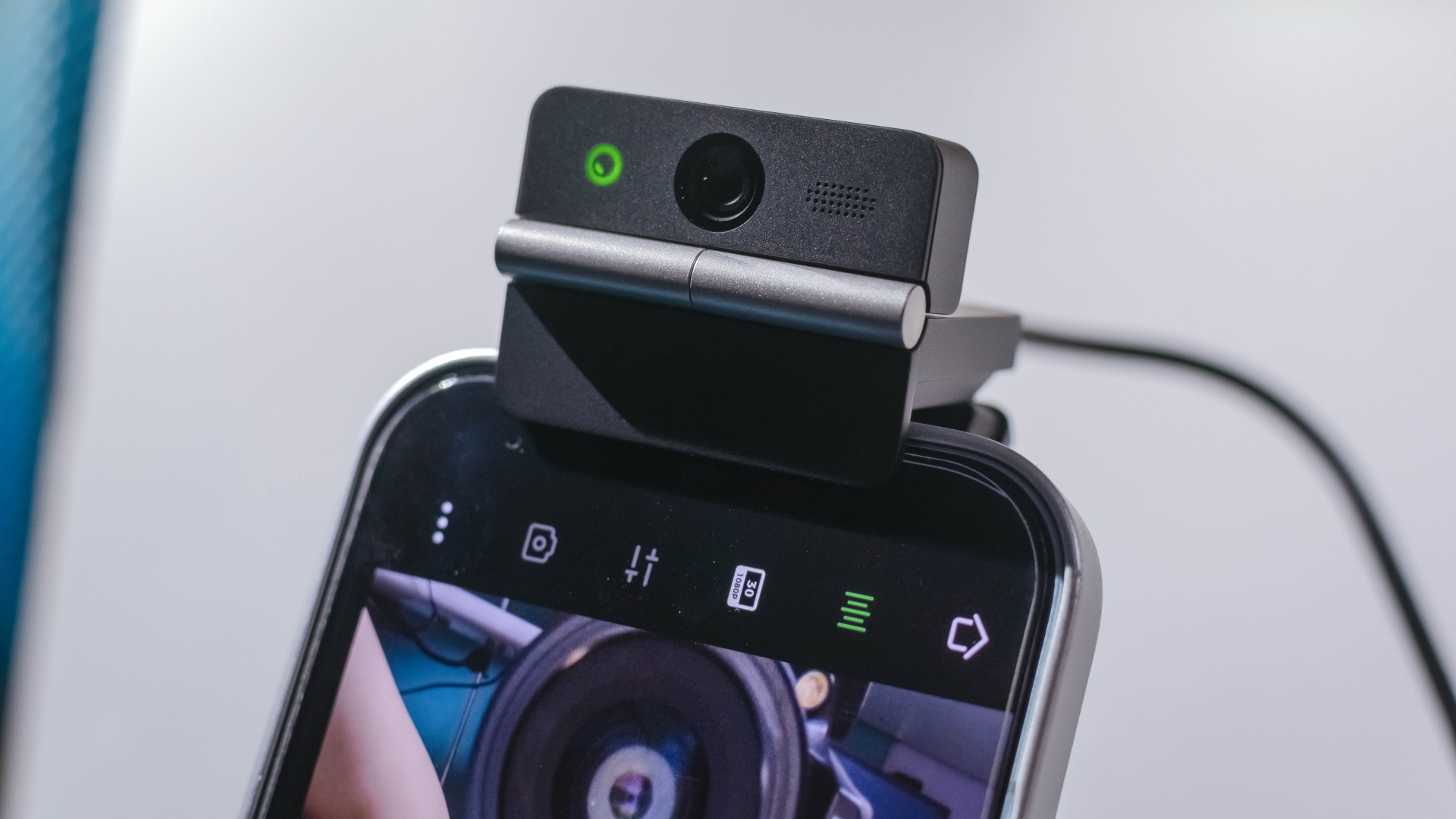
The Meet Flip isn’t limited to laptops or desktops either. Through OBSBOT Live, it can connect directly to smartphones and tablets over USB-C for mobile streaming and content creation.
Flip it open. Fold it away.
None of those features reinvent the webcam on their own.
Taken together, though, they make the Meet Flip a more thoughtful take on a piece of hardware whose basic design and features have barely changed.
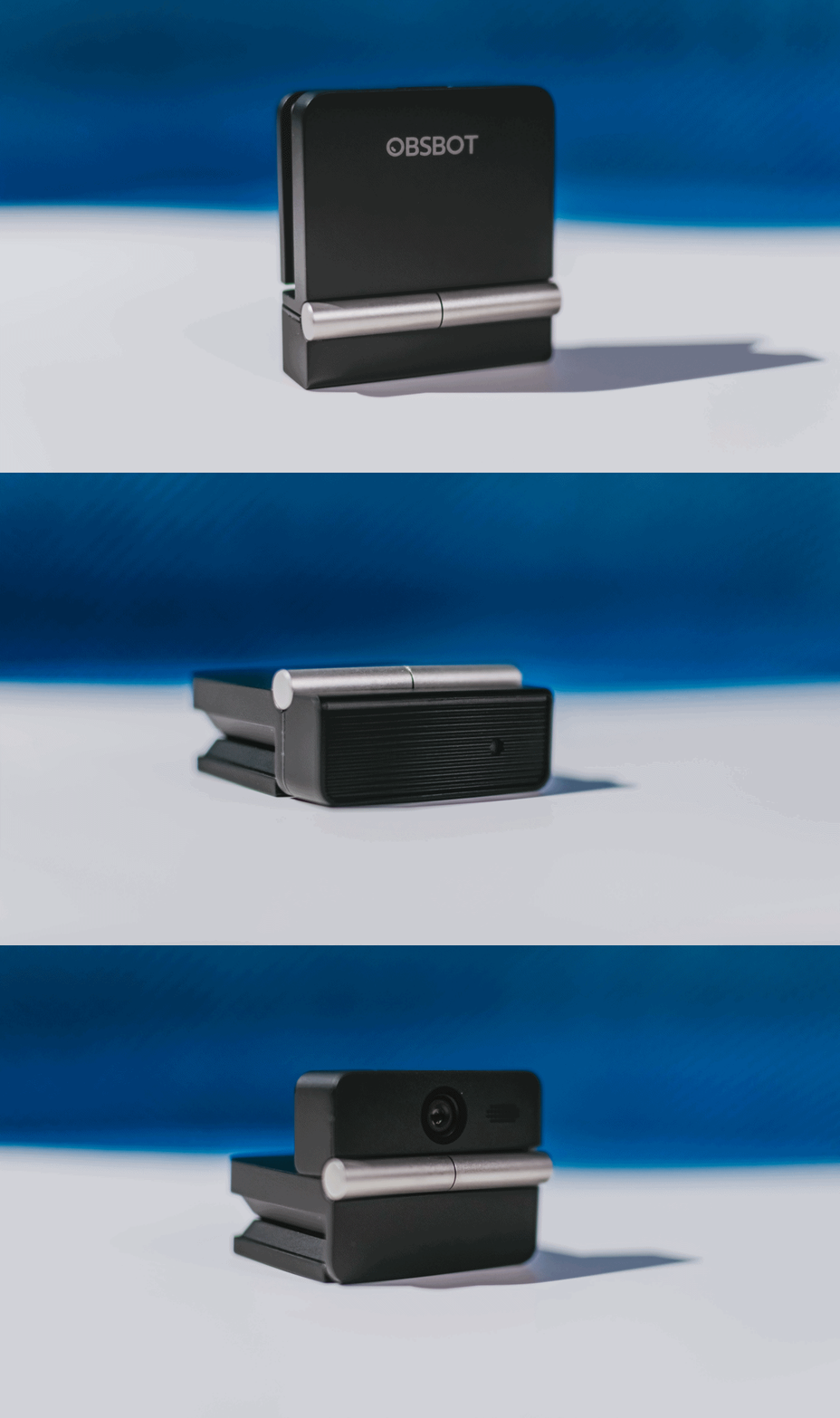
The flip may grab your attention first, but it’s how OBSBOT uses that design alongside its camera, audio, and software features that makes the Meet Flip interesting.
The OBSBOT Meet Flip is now available at US$ 119 and is currently available through OBSBOT’s official store, Amazon US, and select retailers.
&
@gadgetmatchPhones flip. Now webcams do too. 👀 Meet the OBSBOT Meet Flip, a tiny foldable 4K webcam with a lot packed inside. ✨
If you buy one, here’s what you’ll get out of the box!

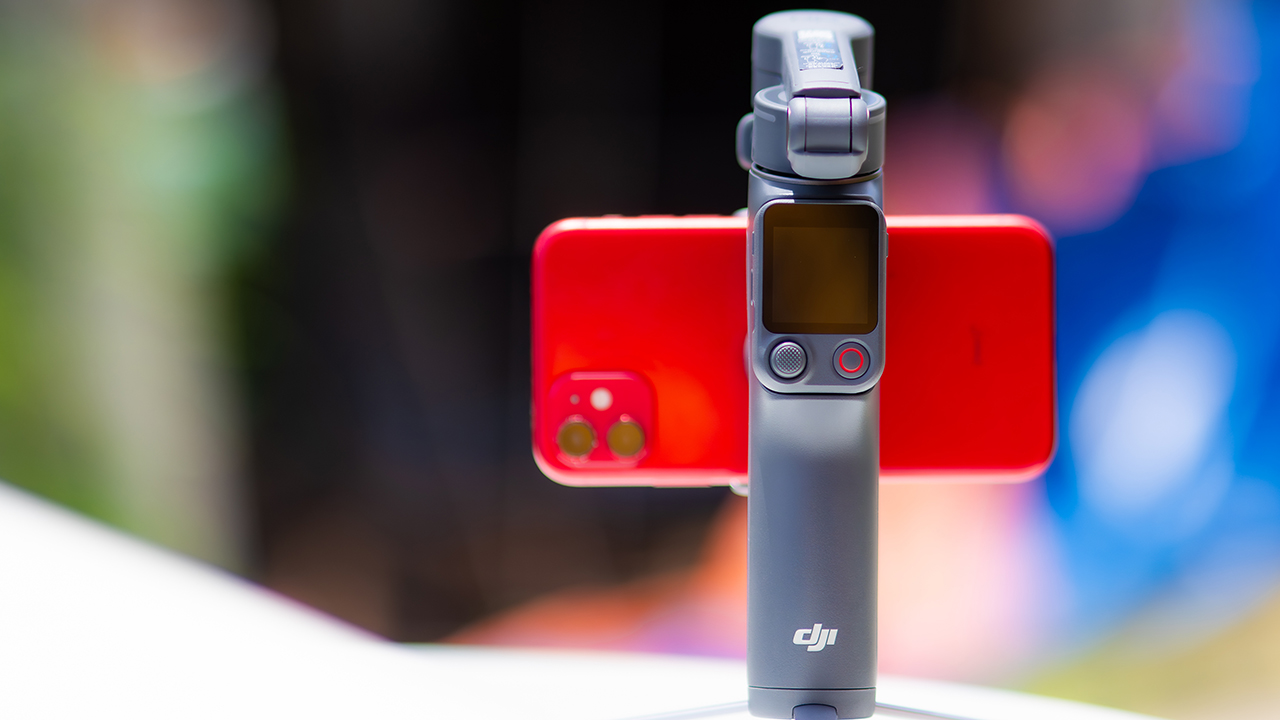
DJI’s smartphone gimbals have always chased one goal: delivering cinema-smooth footage without forcing you to carry a heavy rig.
The Osmo Mobile 8P (OM 8P) makes its priorities clear right out of the box. This is not a simple refresh. DJI rebuilt how you control the gimbal, and that decision shapes the entire shooting experience.
Freedom behind the lens
The biggest change is the FrameTap remote, and it’s the kind of upgrade that fixes a problem you didn’t realize was slowing you down until it’s gone.
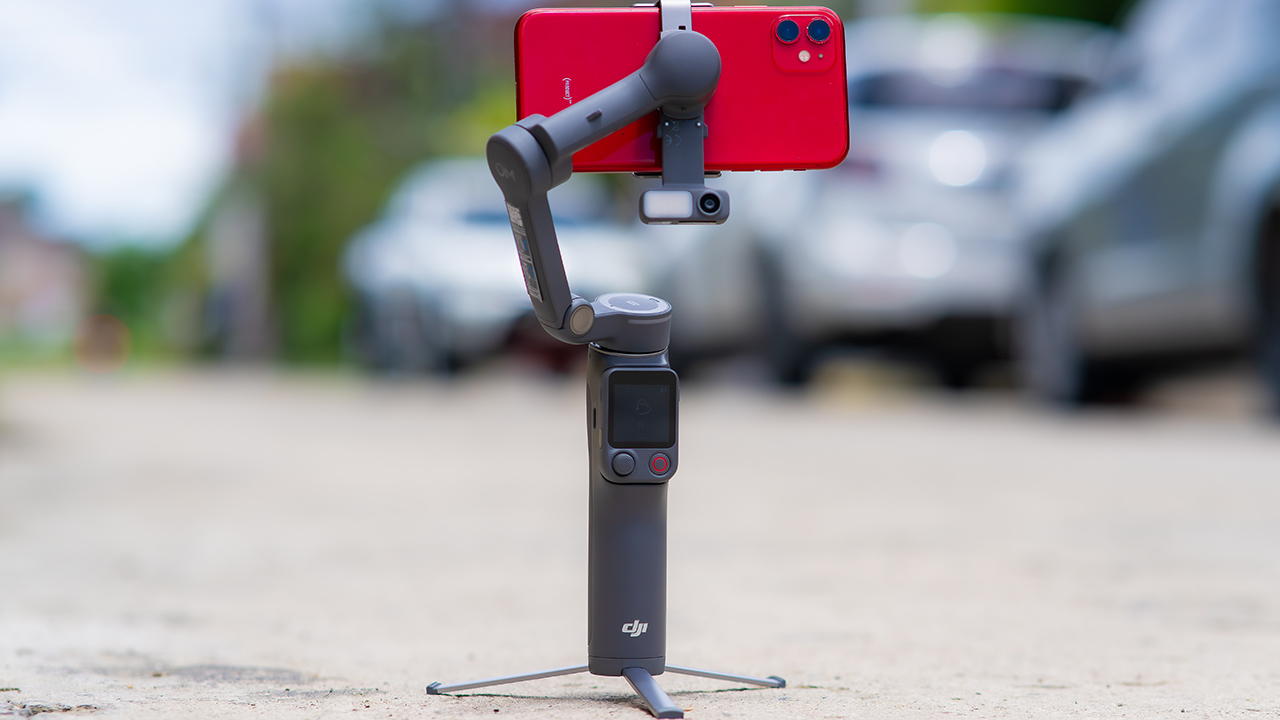
On the standard OM 8, adjusting your framing meant reaching for your phone every time, which broke the flow of shooting and pulled you out of the moment.
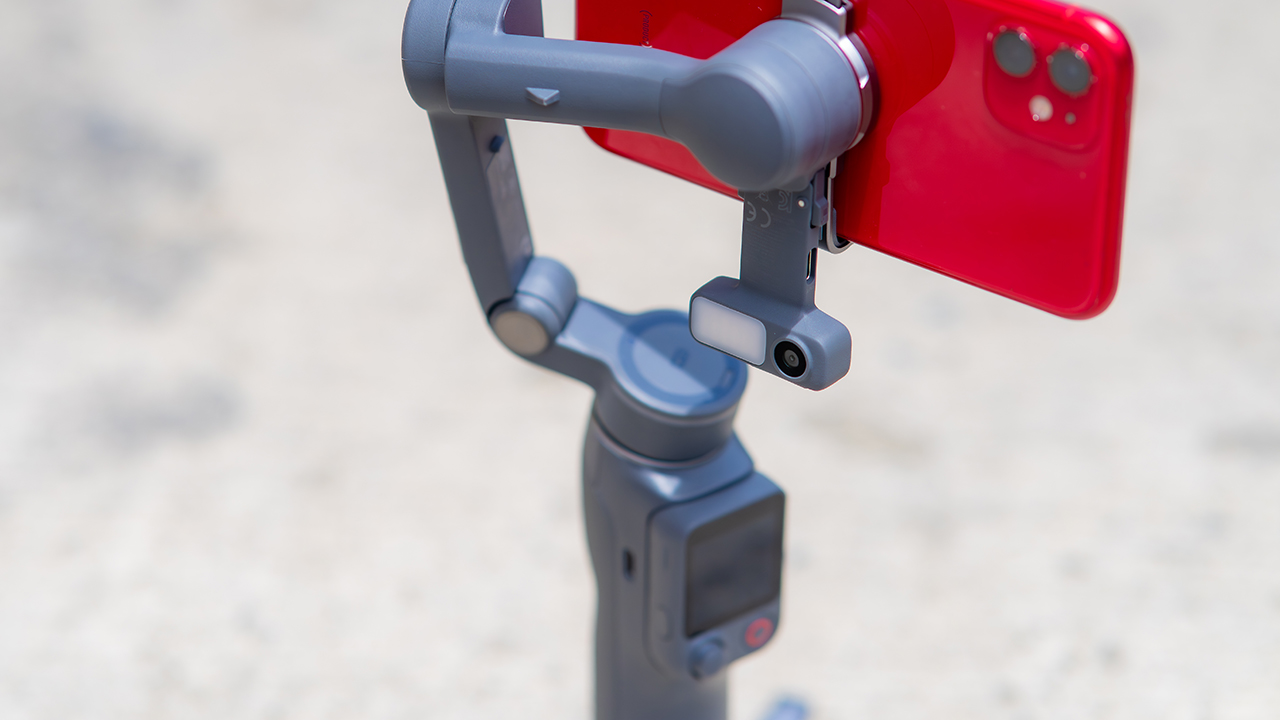
FrameTap puts that control back in your hand. You can reframe shots and manage the gimbal without touching your phone at all, and for anyone shooting solo, that alone changes how usable the whole setup feels. Tracking has taken a real step forward too.
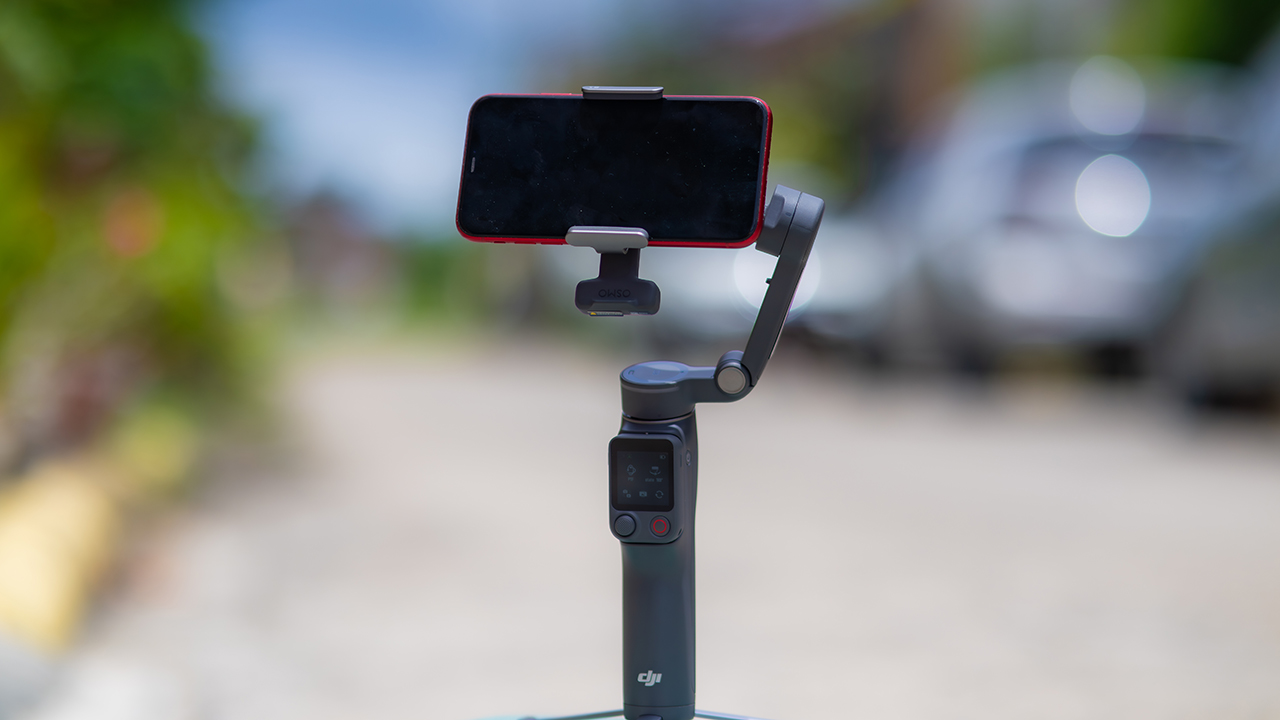
ActiveTrack 8.0, paired with Module 2, held onto its subject even after they stepped out of frame for a moment, then picked them back up without much fuss.
It also lets you sit off-center in the shot instead of forcing you into the middle every time, which gives you more room to compose something that doesn’t look like every other gimbal video.
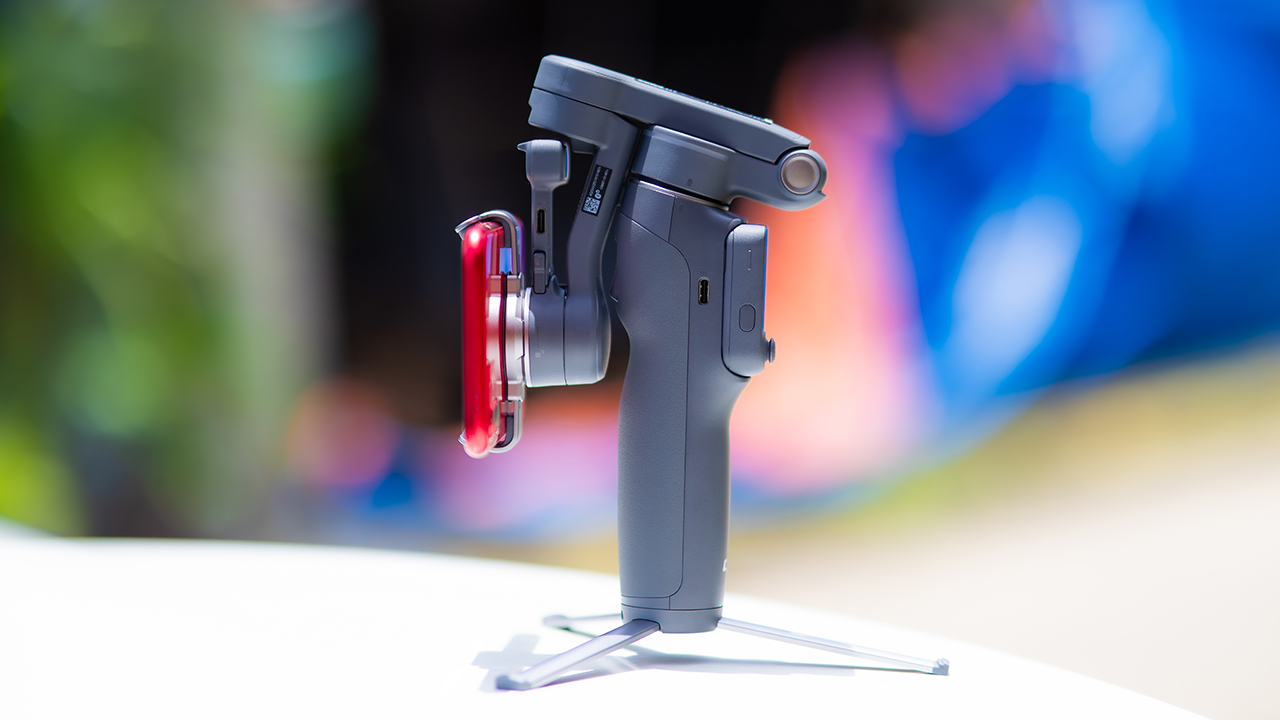
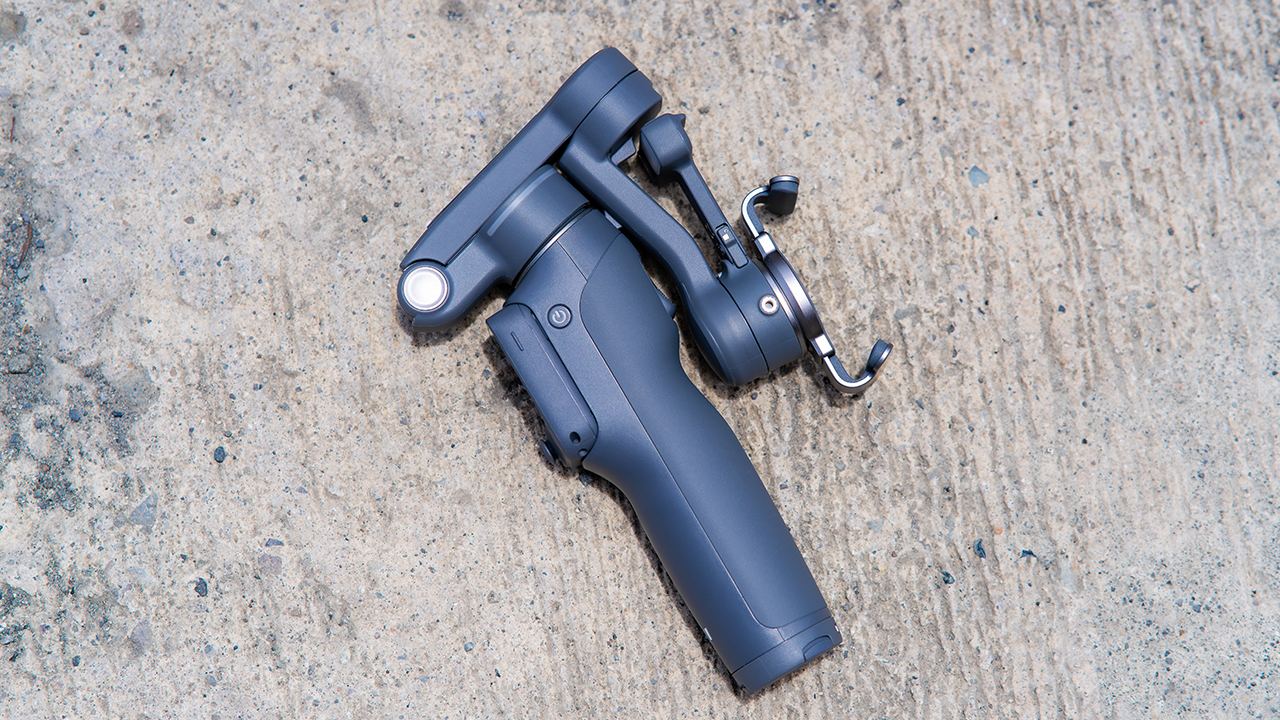
None of that would matter much if the gimbal itself wasn’t solid, and it still is. The OM 8P holds onto the same foldable design, magnetic phone clamp, and built-in tripod that made the OM 8 easy to live with.
And it remains one of the better compact options for stabilization, tracking, and portability in one package.
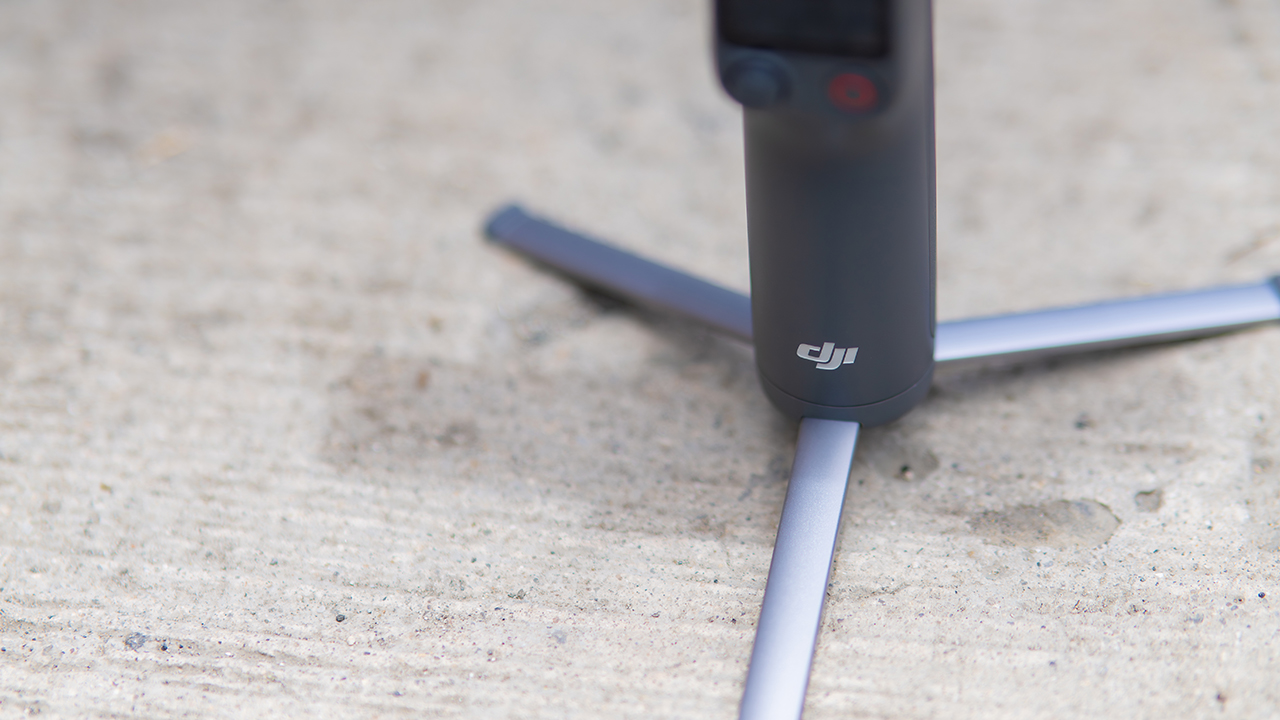
The tripod legs are a touch wider this time, and that extra width does make a noticeable difference on uneven ground.
The trade-offs in touch
The trade-off for all that new remote functionality is a control scheme that takes more getting used to. More of the gimbal’s functions now live on the FrameTap touchscreen, the joystick is smaller, and switching between shooting modes takes a few extra taps compared to the OM 8. It’s not a dealbreaker, but it’s a learning curve you’ll need to budget time for.
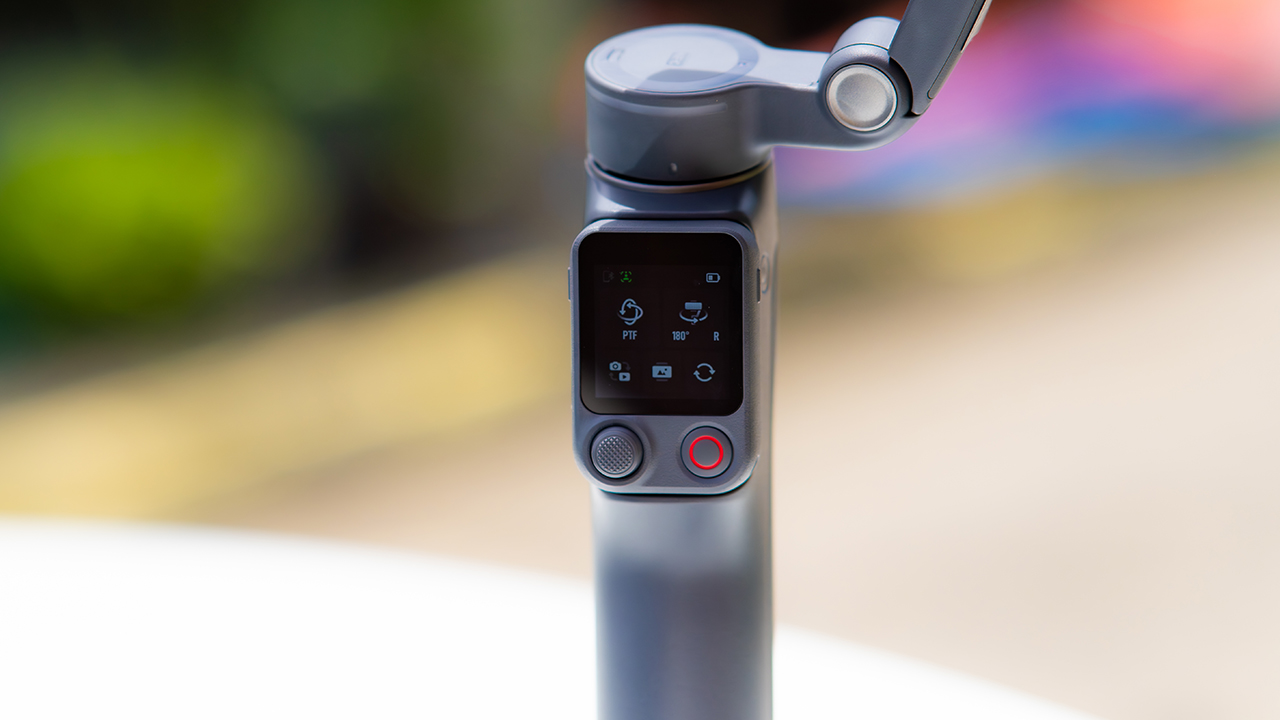
DJI also removed the zoom and focus wheel, so if you leaned on that dial for quick adjustments, you’ll feel its absence here. Module 2 no longer lets you plug a DJI wireless mic in directly either.
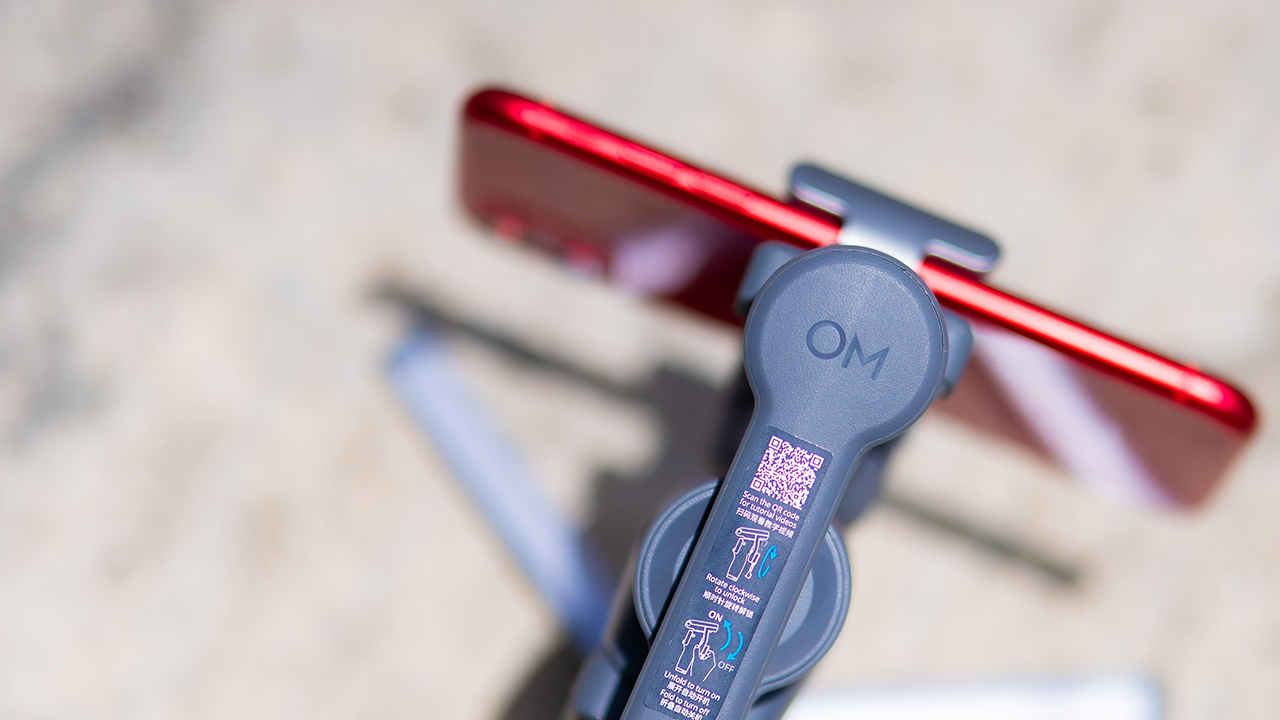
You’ll need to connect it to your phone instead, which adds a step to a setup that used to be simpler. Phone compatibility is still a limiting factor as well. DJI lists support for phones up to around 300g and 11mm thick, so bigger phones or ones in chunky cases may not clamp in properly.
Finding your ideal workflow
The OM 8P makes the most sense for solo creators who want dependable tracking and the freedom of remote framing without stepping up to a dedicated camera like the DJI Osmo Pocket.
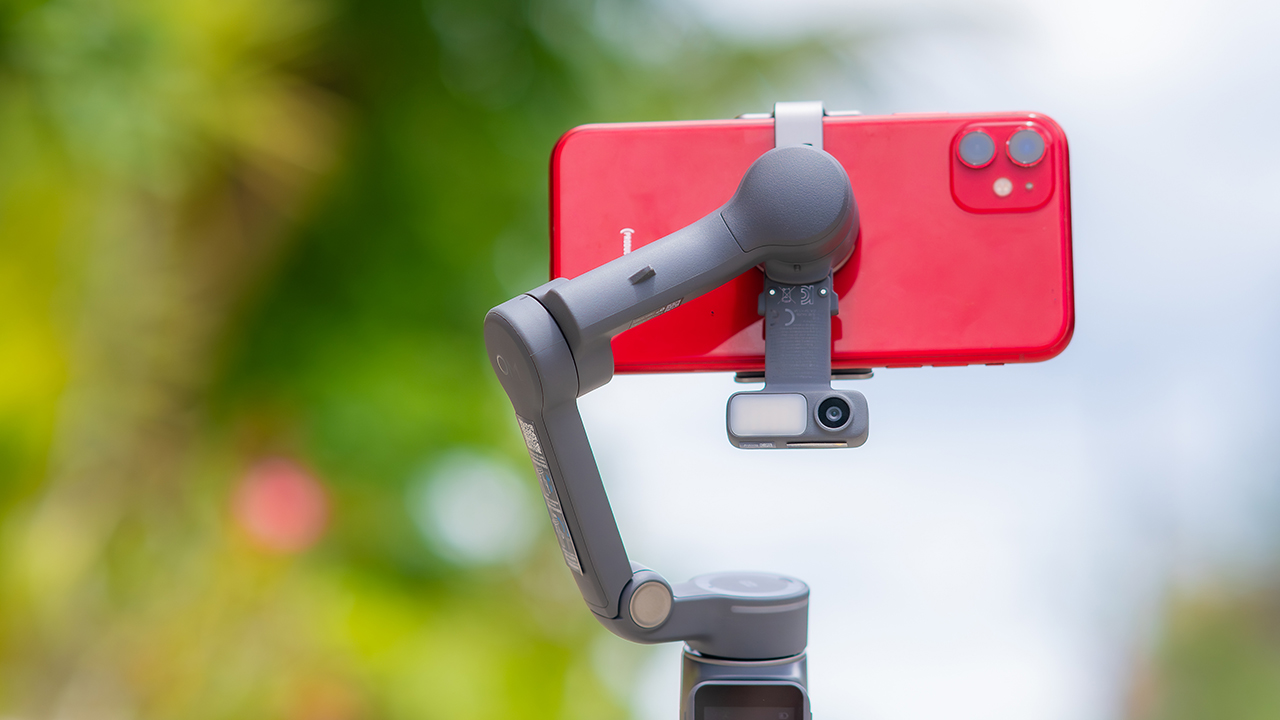
If you’re already shooting on a phone with a solid camera, this fills the gap nicely. It’s a tougher sell if you prefer physical buttons over touchscreen menus, or if your phone runs on the larger and heavier side, since fitting it onto the clamp might be a problem before you even get to shooting.
Price, availability
DJI is offering the OM 8P in three combos, so how much you pay depends on how much of the ecosystem you actually need.
- Standard Combo (PhP 7,499): the gimbal itself, with 8th-gen stabilization and the detachable FrameTap remote included.
- Advanced Tracking Combo (PhP 9,199): adds the Multifunctional Module 2 for the improved subject tracking we tested.
- Creator Combo (PhP 11,099): the full kit, built for creators who want everything DJI bundles in from the start.
Is the DJI Osmo Mobile 8P your GadgetMatch?
The DJI Osmo Mobile 8P asks you to relearn a few habits in exchange for a gimbal that finally lets go of your phone. If hands-free framing and steadier tracking matter more to you than a dedicated zoom dial, this is worth the adjustment.
If you’d rather keep things exactly as they were on the OM 8, that learning curve might be the deciding factor.
Swipe right if you shoot alone often and have been waiting for a gimbal remote that actually works. The FrameTap remote alone justifies the upgrade if reaching for your phone mid-shot has been slowing you down.
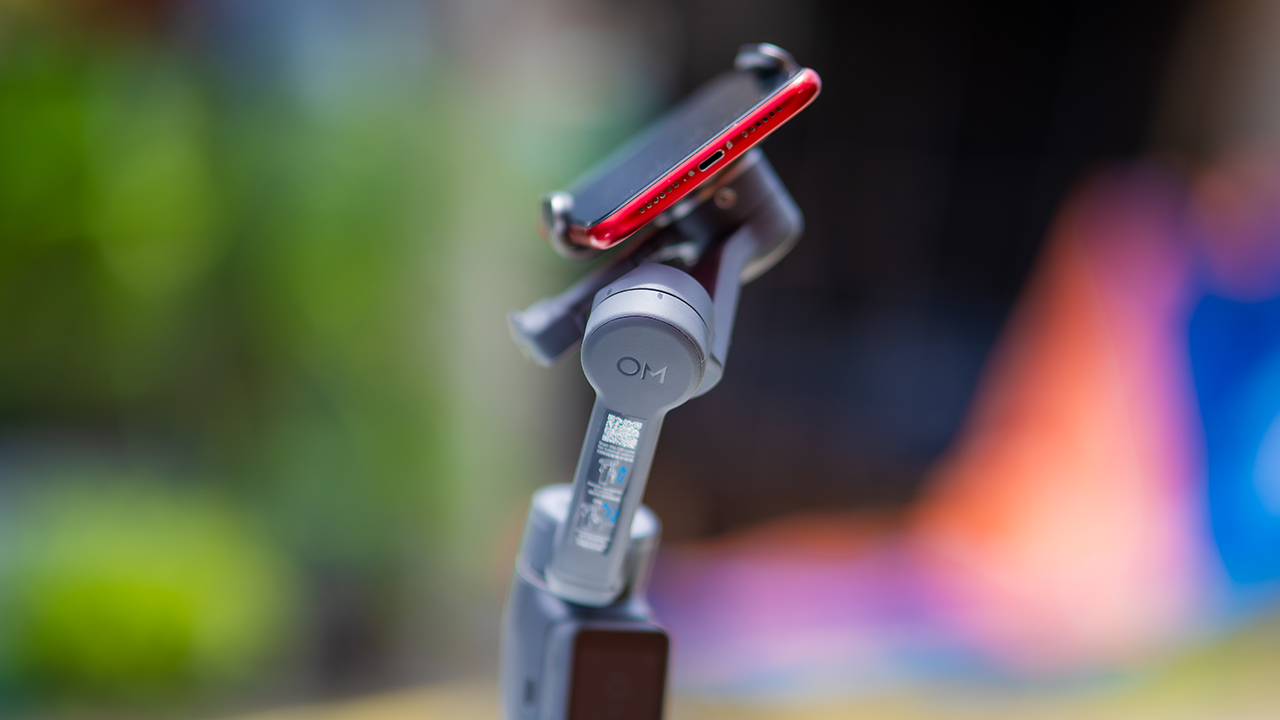
Consider this if reliable tracking matters to you, especially if you’ve had a subject wander out of frame and stay lost on older gimbals.
And of course, get this if you already own a capable phone under the weight and thickness limits, and you’d rather invest in a smartphone rig than jump to a dedicated camera like the Osmo Pocket.
Swipe left if you lean on physical dials for zoom and focus, and moving those functions to a touchscreen sounds like a downgrade rather than an upgrade.
This is not for you if you use a DJI wireless mic and want it plugged directly into the module without routing through your phone first. Or, your phone runs heavier or bulkier than DJI’s limits allow, since no amount of enthusiasm fixes a clamp that won’t close.
Hands-On
Hands-on: Samsung Galaxy Z Fold8, Flip8, Ultra
Samsung’s freshest foldables come out of the oven


Three foldables. Three very different people.
Samsung’s Galaxy Z Fold8 Ultra — the productivity maximizer. Heritage form factor, everything cranked to the max.
The Galaxy Z Flip8, pure style. The smallest, loudest, most you one of the bunch.
And finally, the Samsung Galaxy Z Fold8 — the new beginning.
Built for the way most of us actually use our phones: watching, reading, scrolling. The one I keep reaching for and have a feeling THE Michael Josh will be using a lot.
Same family. Three ways to experience it.
Head over to our hands-on video on the latest and greatest Galaxy Z8 family for you to know your best bet.


Setting your bedsheets ablaze with the Lovense Solace Pro
The closest proxy I could find where I'm guilty as sin


Now Playing: Elden Ring Tarnished Edition
Is the Switch 2 port worth the price?


NBA 2K27 review: A two-way All-Star
Better ball game, same 2K?

The keyword for the Apple Watch Series 12 is heartrate variability

iPhone Duo: Price, availability in the Philippines

iPhone 18 Pro series: Price, availability in the Philippines

AirPods 5 boasts better ANC and sound quality for the same price

iPhone Duo: Price, availability in Singapore

TECNO MEGAPAD 2 review: Eyes on the size

realme 16T 5G with 8000mAh battery, IP69 Pro rating launches in PH

HUAWEI Pura X View is 2026’s first WIDE slab-type smartphone

REDMI Note 17 Series focuses on long-term reliability

realme 16T to come with 8,000mAh battery, 7-year battery health guarantee


-
 News2 weeks ago
realme 16T 5G with 8000mAh battery, IP69 Pro rating launches in PH
-
 News2 days ago
HUAWEI Pura X View is 2026’s first WIDE slab-type smartphone
-
 News2 weeks ago
REDMI reveals the refreshed Note 17 and Note 17 Pro series
-
 Singapore2 weeks ago
REDMI Note 17 Series: Price, availability in Singapore
-
 Reviews2 weeks ago
REDMI Note 17 Pro review: What a rollercoaster ride!
-

 Features2 weeks ago
The designated photographer’s new favorite phone: OPPO Reno16 Series 5G
-

 Cameras1 week ago
DJI Osmo 360 II review: Going all-in on the ecosystem
-

 IFA 20266 days ago
TECNO MEGABOOK T15 360 unveiled at IFA 2026