
Accessories
Fitbit Alta HR review


Working out is like falling in love. The awkward and hesitant start may be quite daunting to most but eventually, something inside (whether it be attraction or diabetes) will compel you to at least try. In fitness (and in love), consistency is key.
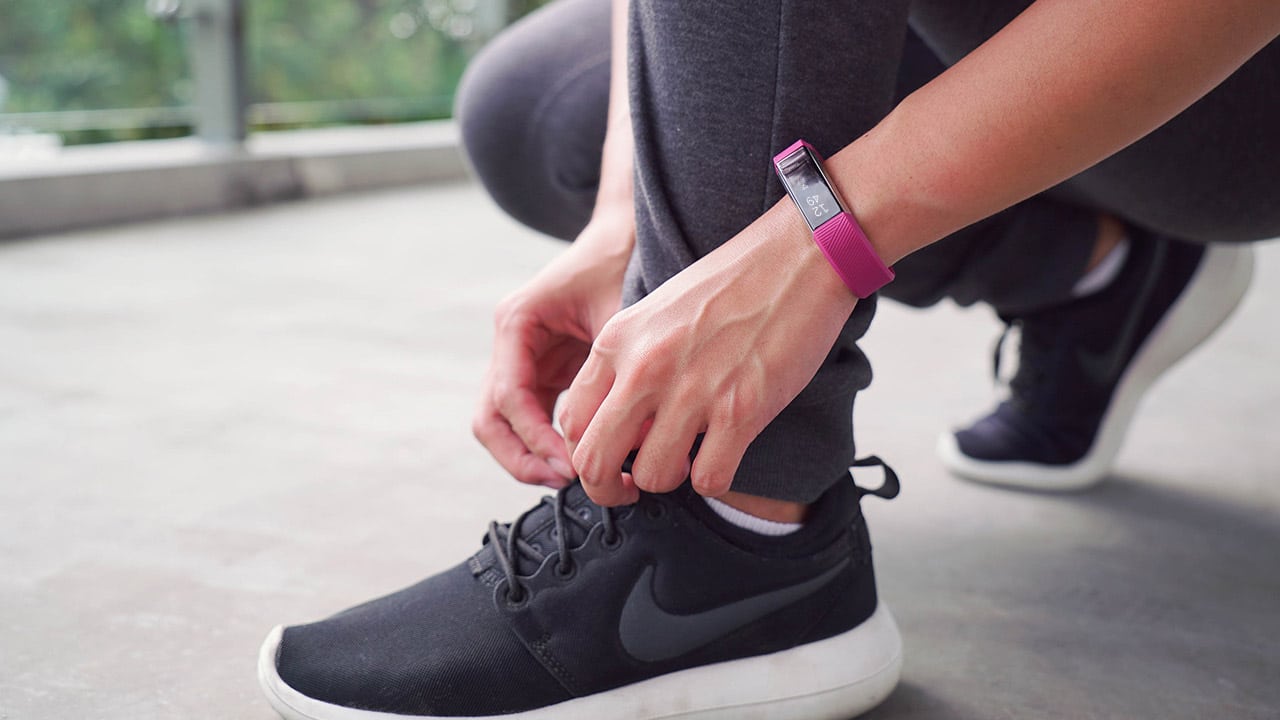
This is what I’ve learned in the last two years of attempting a healthier lifestyle (and maybe a few relationships along the way). To be able to achieve a certain level of fitness, one must commit to changing multiple aspects of everyday life. It doesn’t end with just weekly workouts. Diet, sleep, exercise, water intake — they’re all part of the healthy equation; take one out and your fitness progress isn’t optimized.
A good way to get yourself to commit (big word) to this healthy lifestyle is through tracking your daily activity. This is easily doable via a fitness wearable. The Fitbit Alta HR was my weapon of choice for the last few months, and this is how it fared.
Meeting and initial impressions
This newest member of the Fitbit collection features a slim rubber band that comes in many different colors (of course, I chose fuschia) and an equally slim face. It sits comfortably on my small wrist with an unassuming blank screen.
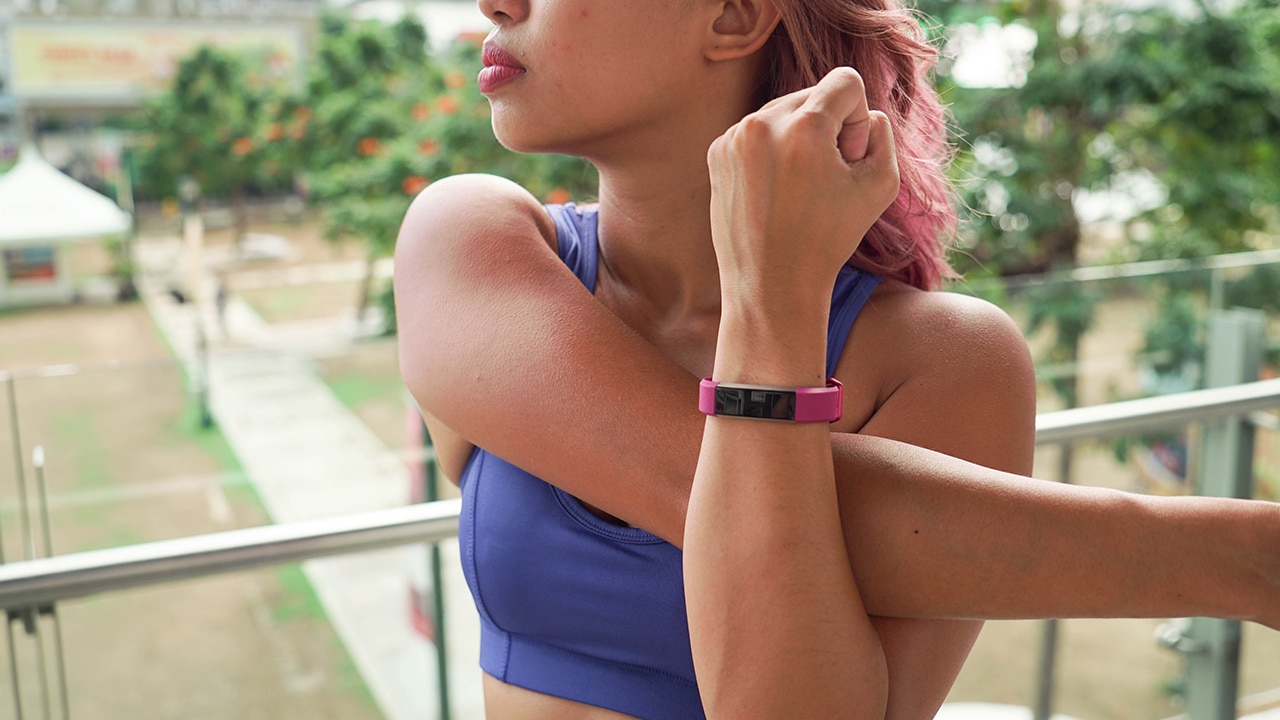
Tap to view, lift to activate
It looks good and it’s very cute, but it matches nothing other than my workout clothes and purple hair.
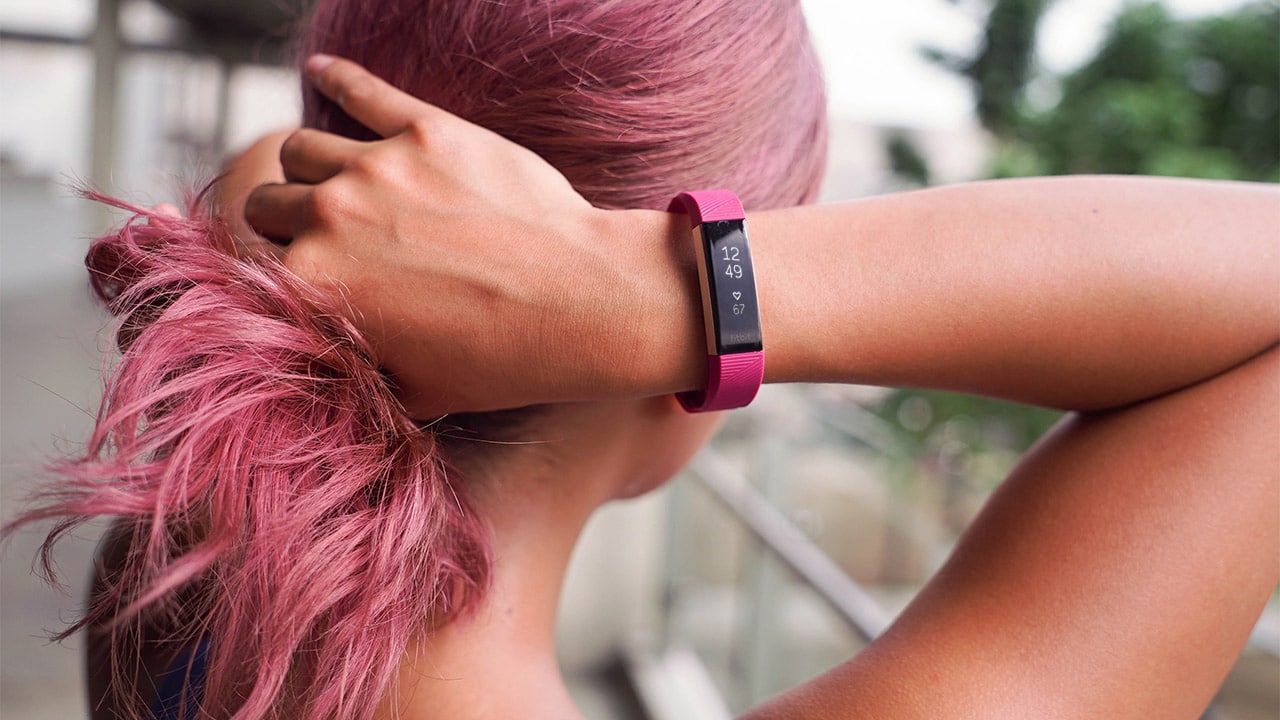
As cute as the fuschia is, it will most definitely clash with most outfits.
This becomes a problem because the whole point of a fitness wearable is having it on 24/7, and that can’t happen if it does not match half of my wardrobe. (Even I can’t wear athleisure wear all the time.)
After moving on from my initial fashion apprehensions on color matching (i.e., I stopped caring), I now focus on function.
Dates and working out
The Alta HR automatically tracks all your movement and computes your active minutes. Now, a recurring problem I’ve had with other wearables I’ve tried is that they usually wouldn’t record my less basic exercises. Sure, there’s always a built-in tracker for running, but my other activities like HIIT or DragonBoat paddling were exercises nowhere to be found on the pre-made list of workouts.
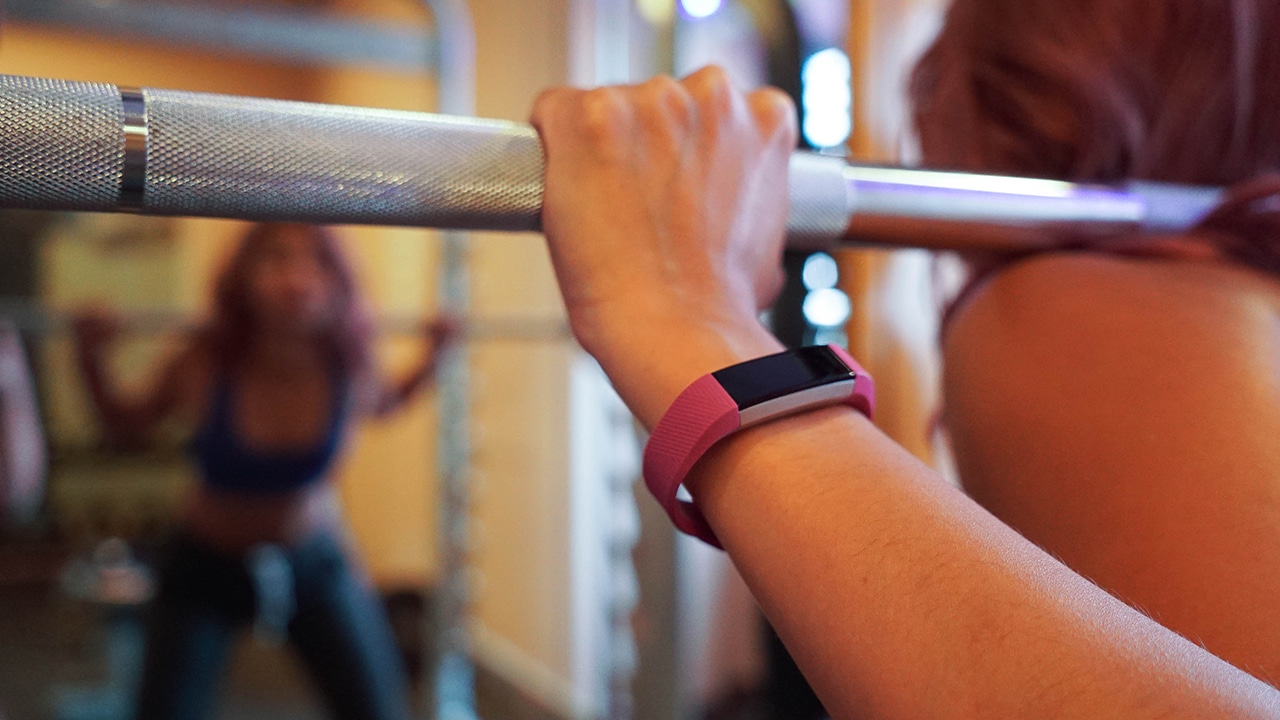
On the FitBit app, though, that shouldn’t be a problem. Although some exercises aren’t on the list, the Alta HR records the activity with corresponding workout details (like duration, heartbeat, and calories burned). For my Dragonboat training, it usually recorded under “Aerobic exercise” and I just edited the label afterwards.
Sleeping together
Did I mention that this thing is supposed to be on your person at all times? Yes, that includes sleeping and everything in between.
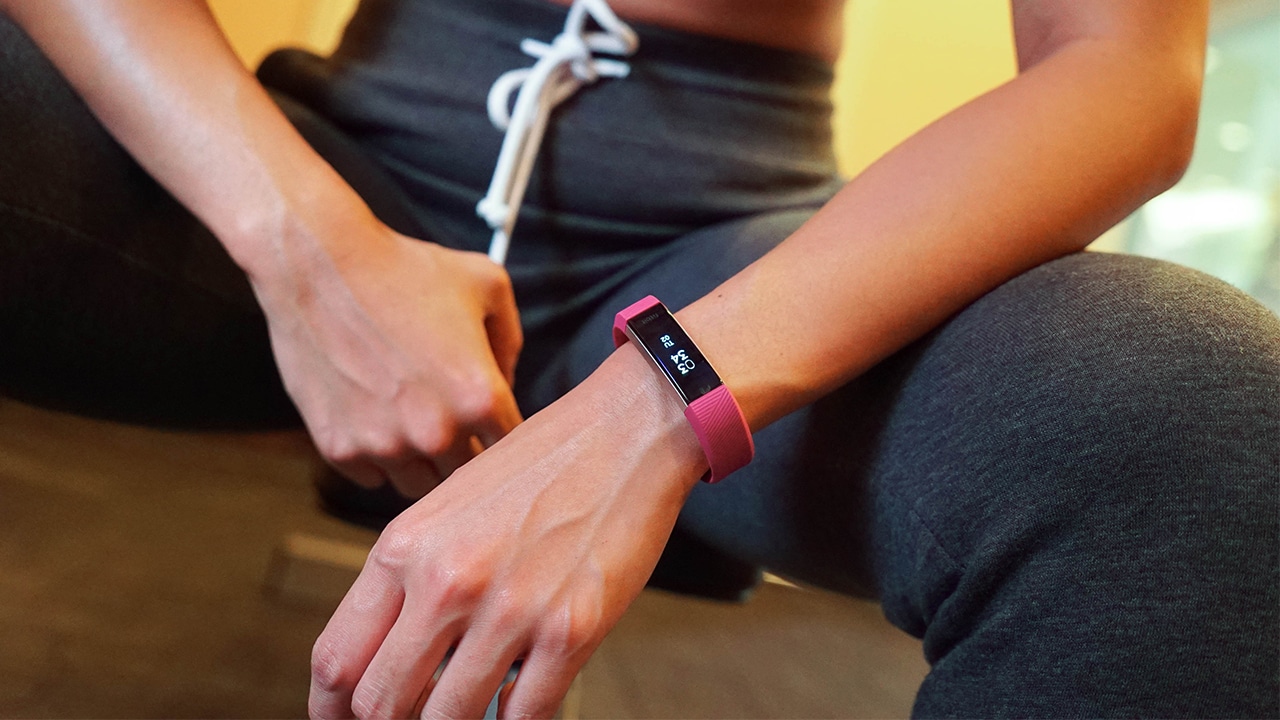
The Alta HR tracks your sleep cycle and it lets you know what quality of sleep you’re getting. This is done through measuring your heart rate and movement throughout the night. What’s great about this is you can also set alarms that will indicate what time you should sleep and wake up to ensure you get enough rest — something that definitely helps if you’re someone who tends to work late nights like me.
The morning after
Updates on your activities are sent via email weekly, which means you could track your fitness progress more easily. I personally appreciate this, as it serves as little benchmarks for my progress or little nudges to get my fitness on (if I’ve been lazy throughout the week).
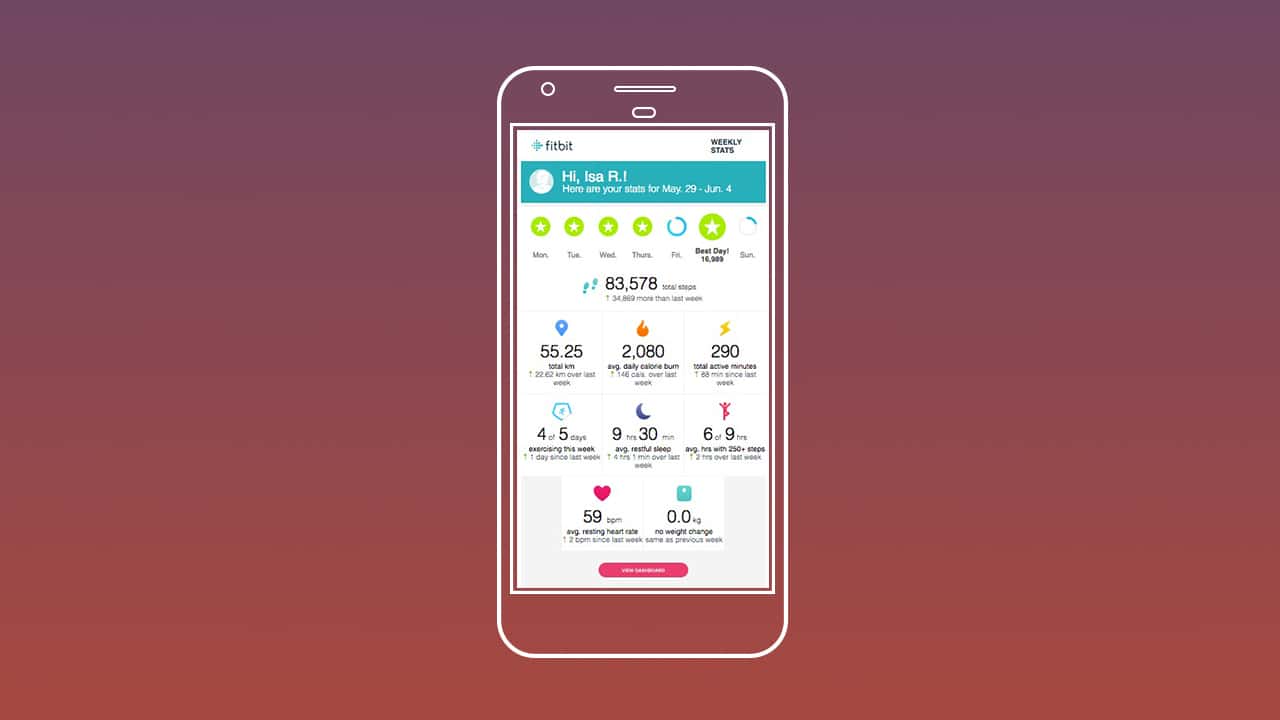
The Fitbit app is able to track your food intake. If calorie counting is your thing, this will definitely help. I’ve found that consolidating all your health data simplifies everything — calories burned throughout the day are computed against your caloric intake automatically. Additionally, water intake can also be tracked.
Is this your GadgetMatch?
For something that you’re supposed to wear everywhere, I would’ve loved for it to have been water resistant and not just splash resistant. Although it did fare well against the many splashes it endured, this extra feature would have given me a better peace of mind. One too many times (because of my many random activities), I paused what I was doing to worry about if my band would get wet.
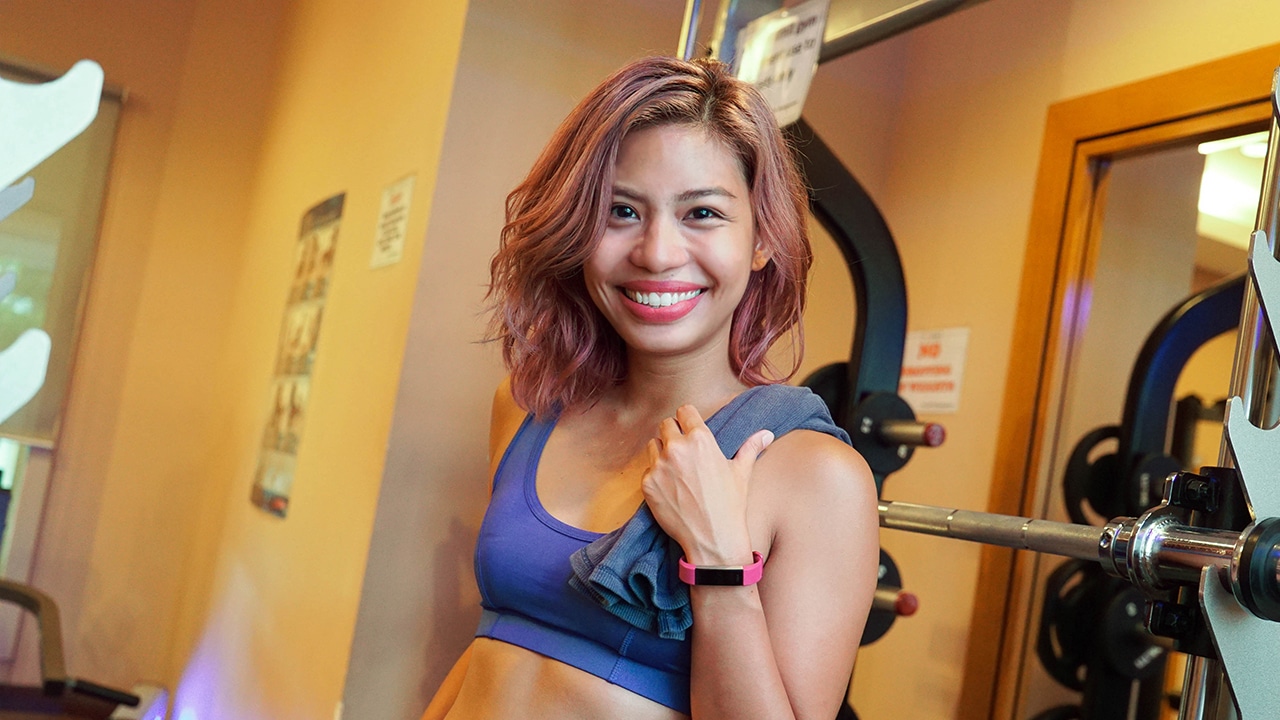
By design (even the ones that came in black and neutral colors), the band itself looks cute but a little too sporty for my everyday aesthetic. I would have liked it to look a little less screaming “I WORK OUT!”
I do love the idea of being able to translate everything I do into concrete information, and aside from just taking note of my activities, I found that wearing one does push me to be more consistent in trying to reach my fitness goals.
If you’re someone looking for commitment and a little more consistency in your life, the Fitbit Alta HR is for you; this machine is never too complicated, won’t ever let you down, and never flake on you.
It all works out, like I’ve been doing.
The Fitbit Alta HR retails for PhP 8,490 in the Philippines and INR 14,999 in India.
SEE ALSO: App Review: The road to getting Kfit
[irp posts=”10747″ name=”App Review: The road to getting Kfit”]





Accessories
Insta360 Flow 2 update improves Android support, adds new iOS features
Better Android lens support

Insta360 Flow 2 update improves Android support, adds new iOS features
Excerpt: Better Android lens support
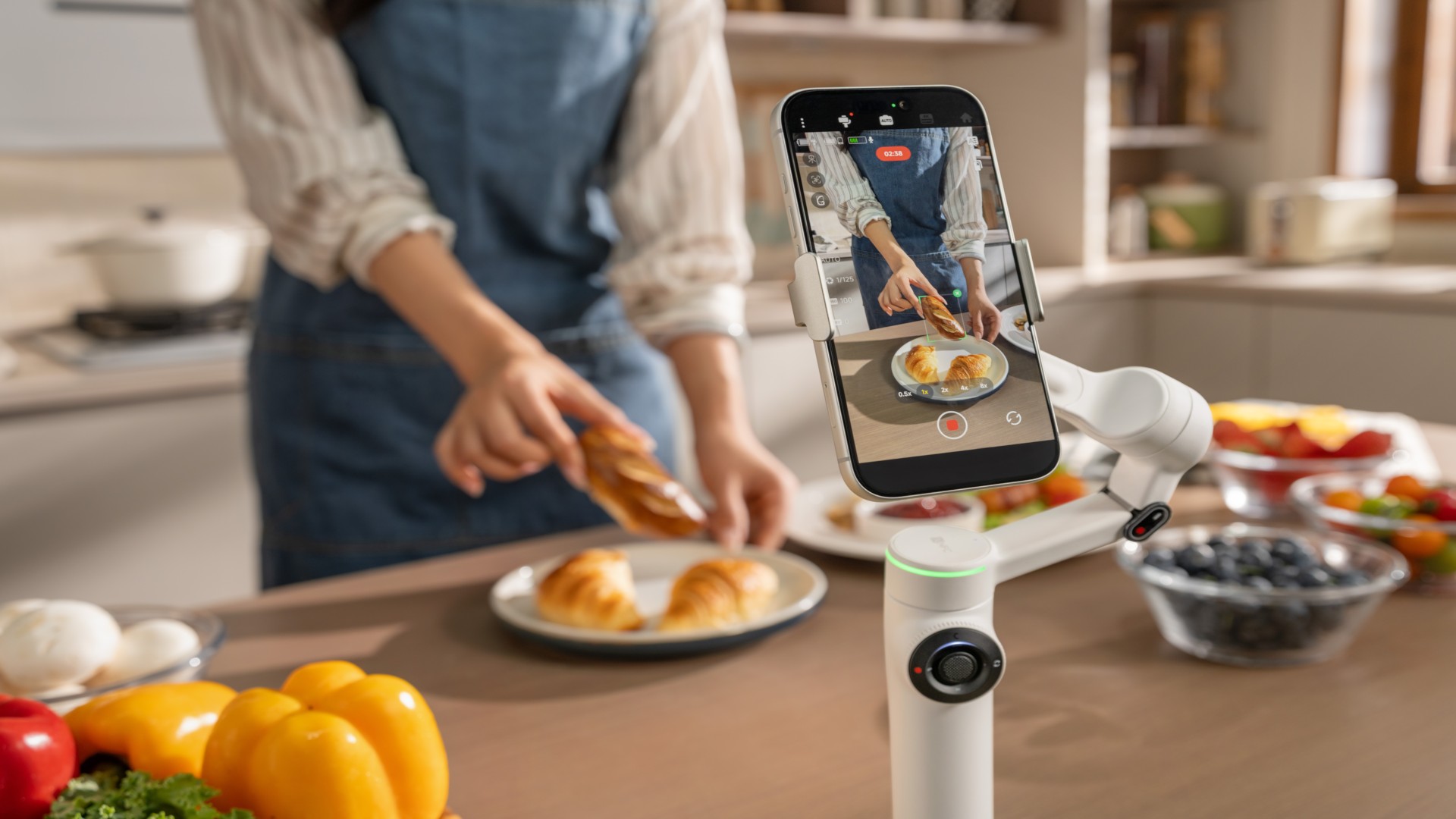
Insta360 has released a major spring update for its Flow 2 series handheld gimbals, bringing wider Android compatibility and new features for iPhone users.
The update focuses on improving how the Flow 2 and Flow 2 Pro work across different devices. It expands support for flagship Android phones while adding new shooting tools for iOS, making hands-free, stabilized video easier to capture without extra gear.
Android finally gets full lens access
One of the biggest changes is native multi-lens support on Android. When paired with the Insta360 app, the Flow 2 series can now access ultra-wide and telephoto lenses on supported devices from Samsung, Google Pixel, vivo, OPPO, and more.
This means users can shoot at full resolution using their phone’s native cameras, whether capturing wide landscapes or zoomed-in details. The update brings Android performance closer to what iPhone users have been getting, especially in more dynamic shooting scenarios like concerts, sports, and vlogging.
The improved lens access also works with features like Widescreen Mode, helping users create smoother, more cinematic footage with better framing flexibility.
Faster 360 panoramas for quick sharing
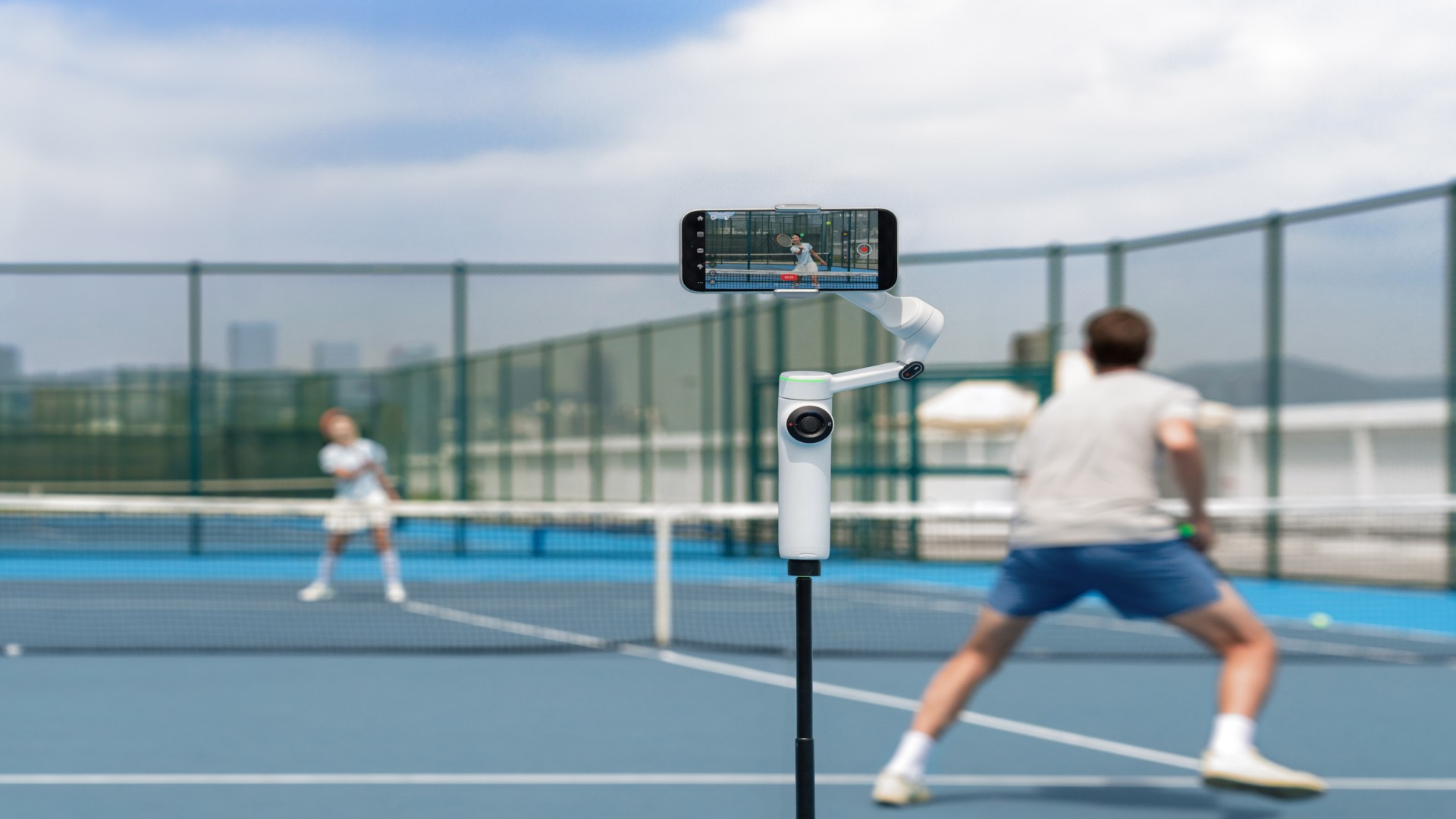
The Flow 2 series continues to stand out with its ability to capture full 360-degree panoramas. With the new 360 Panorama 2.0, stitching is now 50% faster, producing results in about 20 seconds.
Users can capture everything in one go, then choose their preferred framing afterward. The feature also supports interactive sharing via links, letting viewers pan and explore the image on platforms like TikTok and Instagram.
Creative templates such as Tiny Planet are also available for quick edits, making it easier to turn panoramic shots into shareable content.
Dual View adds more angles in one take
Dual View Mode introduces multi-angle recording without the need for additional cameras. It allows simultaneous recording using the front and rear cameras, or even dual rear lenses, producing three clips in a single take.
This is useful for creators who want to capture reactions alongside the main shot or experiment with different focal lengths at once. Combined with AI tracking, the feature keeps subjects centered while adding more variety to footage.
Apple Watch control for hands-free shooting
For iPhone users, the update adds Apple Watch control, turning the watch into a remote for the gimbal.
Users can start or stop recording, adjust settings, switch modes, and even control zoom using the Digital Crown. This allows for better control during solo shoots, especially when the phone is mounted on the gimbal at a distance.
Smarter tracking and remote control tools
The update also improves several AI-powered features across the Flow 2 series.
AI Tracker now works across more Android apps, enabling subject tracking during video calls, livestreams, or hands-free recording. Multi-person tracking keeps groups in frame, while Active Zoom Tracking allows up to 15x zoom while maintaining focus on moving subjects.
There’s also a new smartphone remote control feature, which lets users operate the gimbal using a second phone. This adds flexibility for more complex shooting setups without interrupting the shot.
Availability
The update is available now through the Insta360 app and the official website. Compatibility may vary depending on the smartphone model.
Accessories
Jabra launches PanaCast Room Kit for simpler hybrid meetings
The function room setup that doesn’t need an IT guy

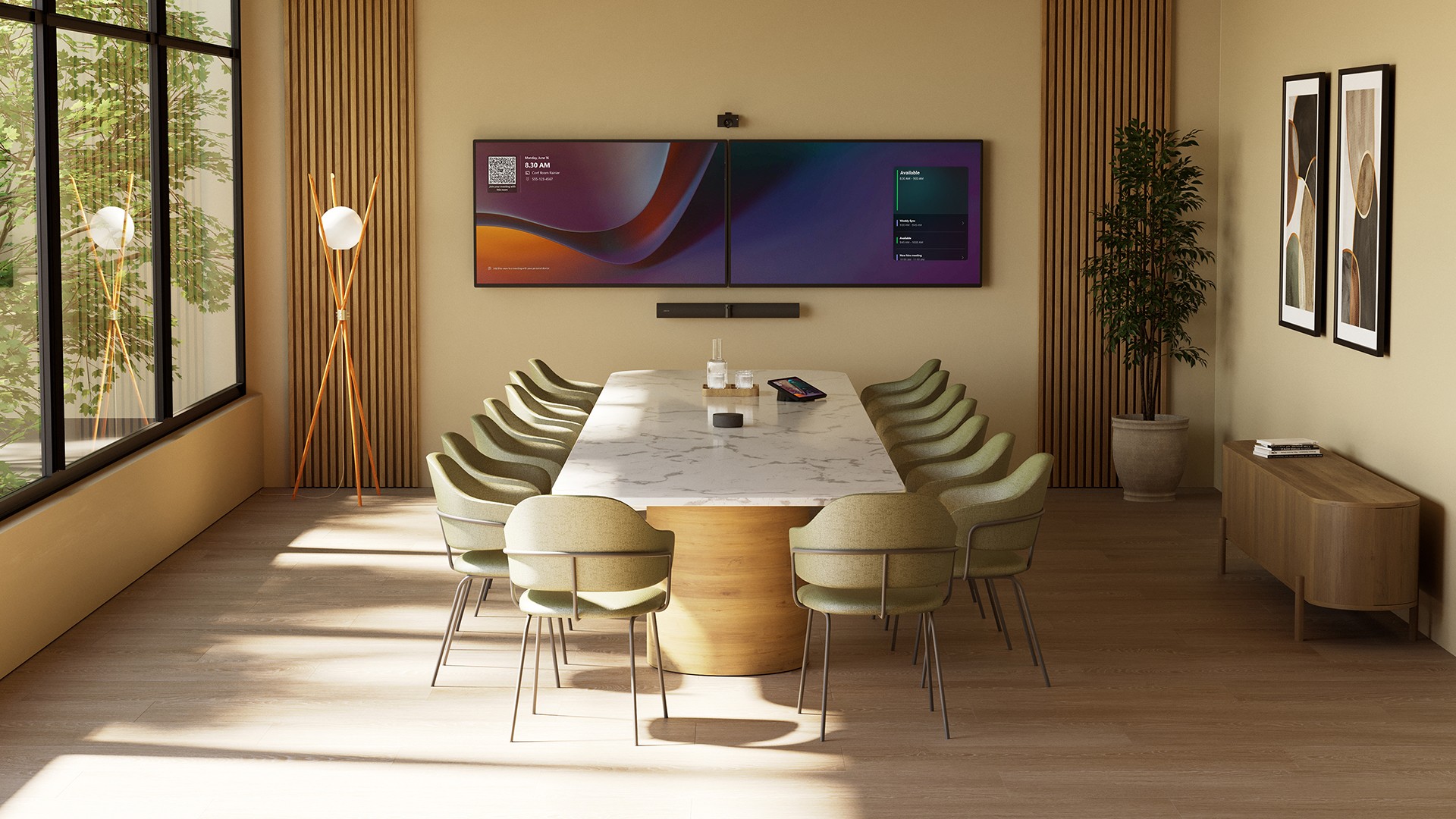
Jabra is expanding its hybrid work ecosystem with the new PanaCast Room Kit.
It’s a video conferencing solution built for meeting rooms. But it skips the usual complexity. No tangled cables, no custom programming, and no need for IT on standby.
The kit is designed for teams of three to 15 people. Setup takes minutes: Connect the cameras, place the speakers and microphones, and link everything with a single cable.
That’s it. A standard room becomes a smart collaboration space without the usual friction.
Built for inclusive meetings
At the center of the experience is the PanaCast 55 VBS.
It uses a 180-degree multi-camera system powered by onboard AI. Jabra’s Virtual Director technology tracks speakers and reframes the view in real time.
Everyone stays visible. Even those seated at the far end of the table.
The goal is simple. Make remote participants feel like they’re in the room.
Audio keeps up with that promise. The PanaCast SpeakerMic extends coverage up to 11 meters. Every voice comes through clearly and at a consistent volume. No need to raise your voice just to be heard.
No-fuss by design
The system adds a Huddly L1 camera for a secondary angle. This gives meetings a more complete and inclusive view.
There’s also the Jabra Control IP touch controller. It handles meetings with simple, one-touch controls.
Everything works together with minimal input. No manual pan-tilt-zoom adjustments. No audio balancing. The AI handles it.
Enterprise-ready, plug-and-play simple
The PanaCast Room Kit is fully UC-certified. It works with Microsoft Teams, Zoom, and Google Meet.
It also runs on the Microsoft Device Ecosystem Platform (MDEP), bringing enterprise-grade security and reliability.
The idea is straightforward. High-end meeting tech shouldn’t be hard to use.
From small huddle spaces to larger boardrooms, the kit scales without added complexity. It removes the usual barriers to hybrid collaboration.
Whether it’s a quick team sync or a full boardroom discussion, the PanaCast Room Kit aims to give everyone a front-row seat.
Accessories
Sony announces open-back INZONE H6 Air
Deeper and tighter bass, more immersive gaming soundscape
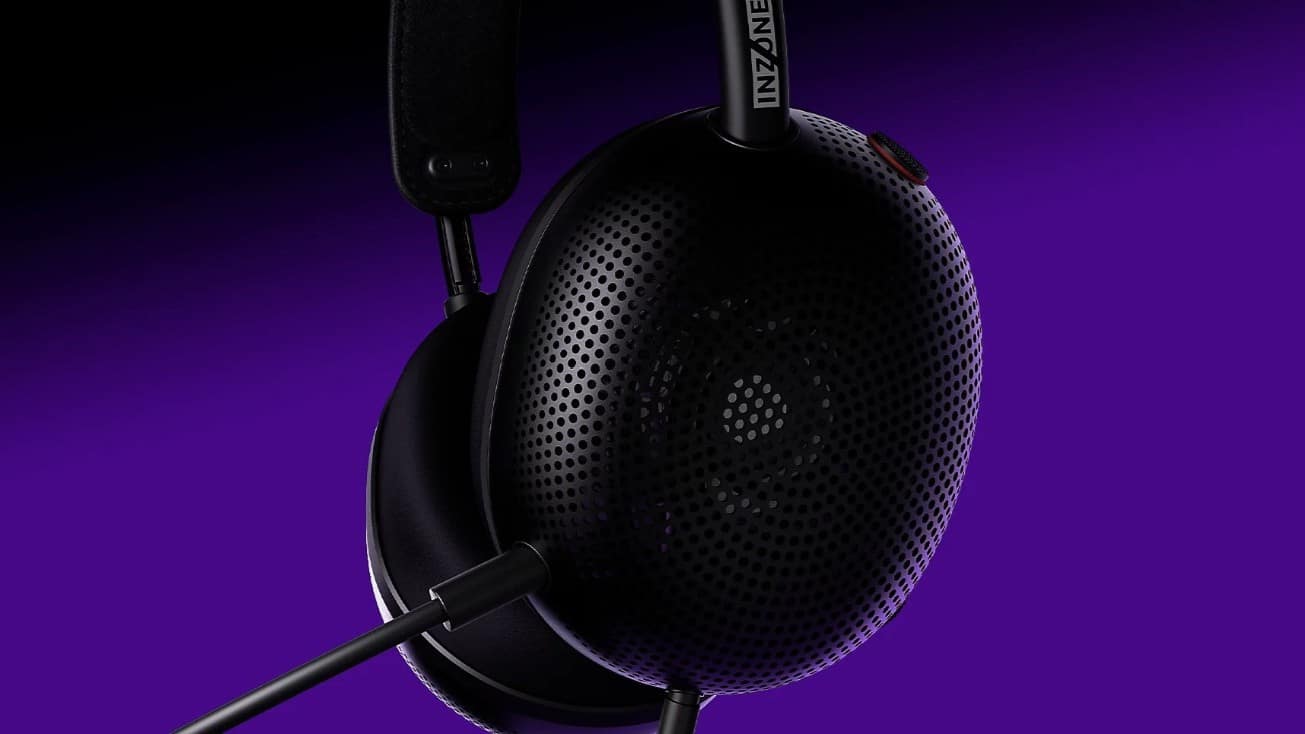
Gamers are set to get another immersive headphones from Sony with the launch of the INZONE H6 Air.
This latest offering features an open-back acoustic structure and custom drivers for deep and tight bass, thanks to back ducts integrated into the drivers.
The open-back structure also helps with a realistic immersive sound field, making gamers feel they are in the game space.
This design minimizes internal reflections by leaving the housing unobstructed. The result is accurate sound field reproduction exactly as game creators intended.
The Sony INZONE H6 Air also features precision-tuned driver units engineered with the same technology as Sony’s renowned MDR-MV1 open-back studio monitor headsets. It is specially adapted for this particular wearable.
Back ducts integrated into the driver unit help deliver deep and controlled bass reproduction, while maintaining clear separation of mids and lows. This detail is helpful especially for titles where rich sound detail matters.
Crafted with premium aluminum, the INZONE H6 Air is also one of Sony’s lightest gaming headsets at just 199 grams. The headset uses the same spring hinge headband design seen on the INZONE H9 II.
Furthermore, the headset features an “RPG/Adventure” equalizer profile as it is developed with sound engineers from PlayStation Studios.
This specific profile is optimized for RPG and adventure titles, recreating the acoustic experience of a sound studio and delivering an immersive listening experience.
An additional cardioid boom mic focuses on voice angled towards the user’s mouth, eliminating unnecessary side noise.
Fnatic Edition devices, INZONE Buds Glass Purple
In addition to the Sony INZONE H6 Air, Sony has launched the Fnatic Editions of the INZONE Mouse-A, INZONE Mat-F, and INZONE Mat-D.
This next step in the collaboration between Sony and Fnatic makes the professional esports club even more present in fans’ daily gaming experience.
Rounding out the new releases is the INZONE Buds in Glass Purple colorway. This joins the previous black and white options, giving owners plenty of choices to suit their styles.


PRAGMATA is not for the faint of heart
Already a Game of the Year contender for all the feels

5 games with the nubia Neo 5 GT 5G
Niche device, but is worth the price?

Giving up counter space for reverse osmosis: Living with Waterdrop M6H in NYC
A 7-stage filtration system

Call of Duty drops the PlayStation 4 starting with its next game

Google launches the screen-less Fitbit Air

GadgetMatch makes it back-to-back wins at the Henry Ford Awards

TCL CSOT Unveils ‘APEX Pixel’ innovations at SID Display Week 2026

iPhone 17 is the best-selling phone of 2026 so far


-

 Gaming2 weeks ago
Level Infinite launches Gangstar Mirage City exclusively in PH
-

 News2 weeks ago
This rumored iPhone 18 color will make you switch phones
-
Reviews2 weeks ago
5 games with the nubia Neo 5 GT 5G
-
Convenient Smart Home2 weeks ago
Giving up counter space for reverse osmosis: Living with Waterdrop M6H in NYC
-

 Automotive1 week ago
The VinFast VF6 is perfect for urban travelers
-

 Gaming1 week ago
The Blood of Dawnwalker launches September 3
-
 Gaming2 weeks ago
The Steam Controller is coming out on May 4
-

 Gaming1 week ago
Final Fantasy VII Rebirth demo out now on Switch 2 and Xbox