

Accessories
Huawei Watch 4: A smart, independent heavyweight challenger
Health, fitness, connectivity, and more

There is a science behind visualizing your goals in a tangible manner to increase the likelihood of achieving them (h/t Forbes). This is why dream and vision boards are a thing right from our adolescent years. Others, meanwhile, love keeping diaries, journals, and planners.
I somehow relate to a very specific circle when it comes to fitness goals. I have had quite the obsession of looking at my workout stats to check if I’ve accomplished something new. Running and fitness apps have made working out more organized, especially if you need to time your exercises or be accurate with rest intervals.
When GadgetMatch introduced me to smartwatches, I’ve always liked its essential features like counting your daily steps and measuring your heart rate. Naturally, more expensive ones like the Apple Watch and Samsung Galaxy Watch series boast of more features and standalone capabilities.
Huawei recently released its latest wearable in the Huawei Watch 4. It promises a smart independent experience in a flagship-level package. We had a few weeks to try it out, and here’s a glance at whether it’s enough to challenge its contemporaries.
Huawei Watch 4 specs
- 1.5-inch LTPO AMOLED 3D curved screen
- Stainless steel case
- 10.9mm thin, 48g light
- IP68 rating for free diving up to 30 meters
- Over 100 workout modes
- eSIM compatibility
- Support for SMS, calling (with built-in speaker, microphone)
- Independent navigation
- AI voice typing
- Respiratory check and PPG arrhythmia screening
Usage, feel
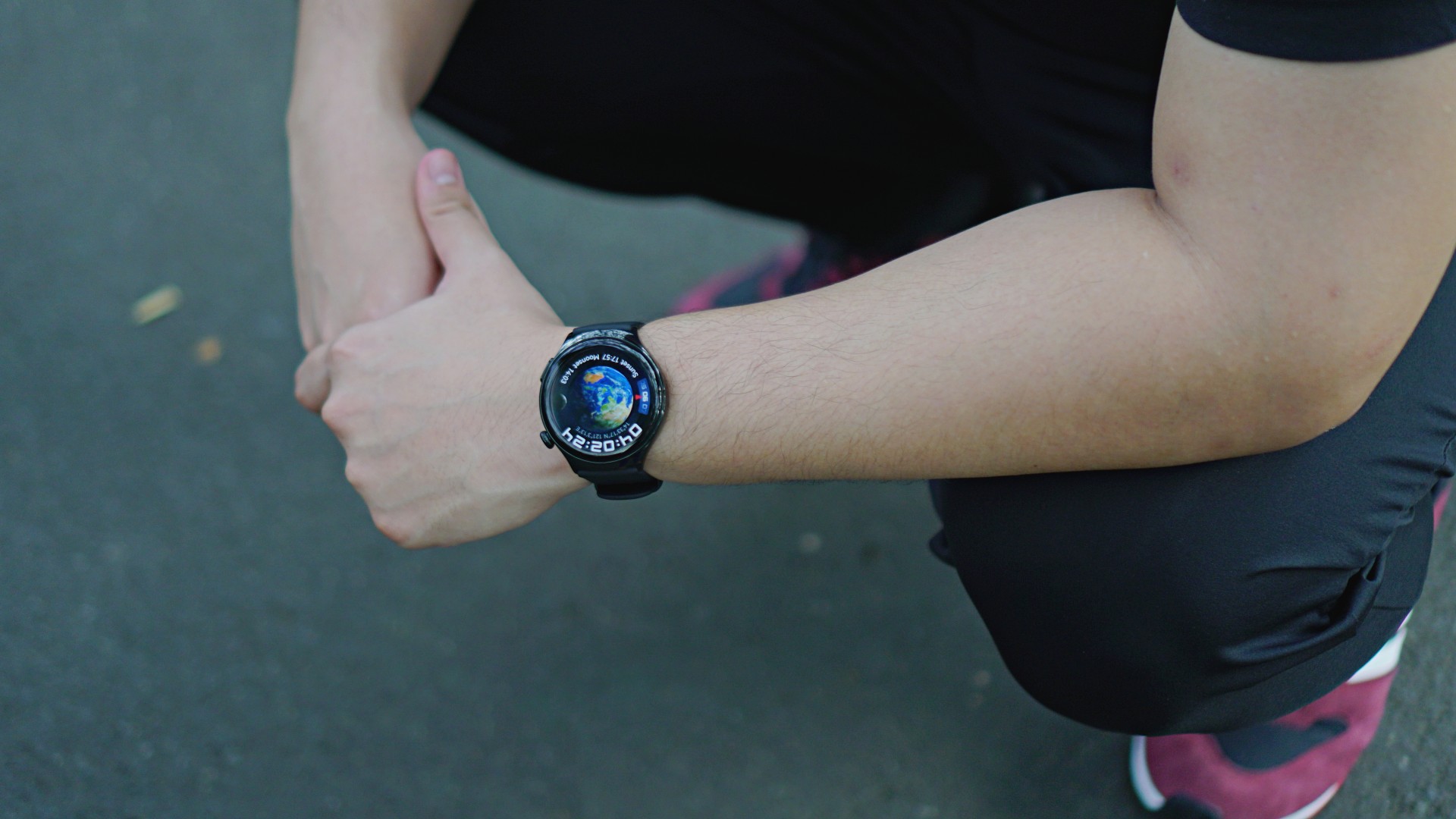
The Huawei Watch 4 is thinner and lighter than Huawei’s previous offerings. does not cause strain even when worn throughout the entire day, at least in our experience. The watch has three main parts: the display, the crown on the upper right, and the quick access button on the lower right.
The crown acts as the watch’s home button that takes you to the default screen with a touch. I like how it resembles those in traditional watches I’ve worn before, but only bigger. It also activates the app list on just one press. You can rotate the crown to zoom in and out or scroll up and down with ease.
The quick access button, meanwhile, triggers three shortcut buttons that shall appear on the lower right of the watch’s display. These buttons are customizable, so it’s up to users which apps to put. I set mine to workouts, messages, and calls in that order, which saves me time.
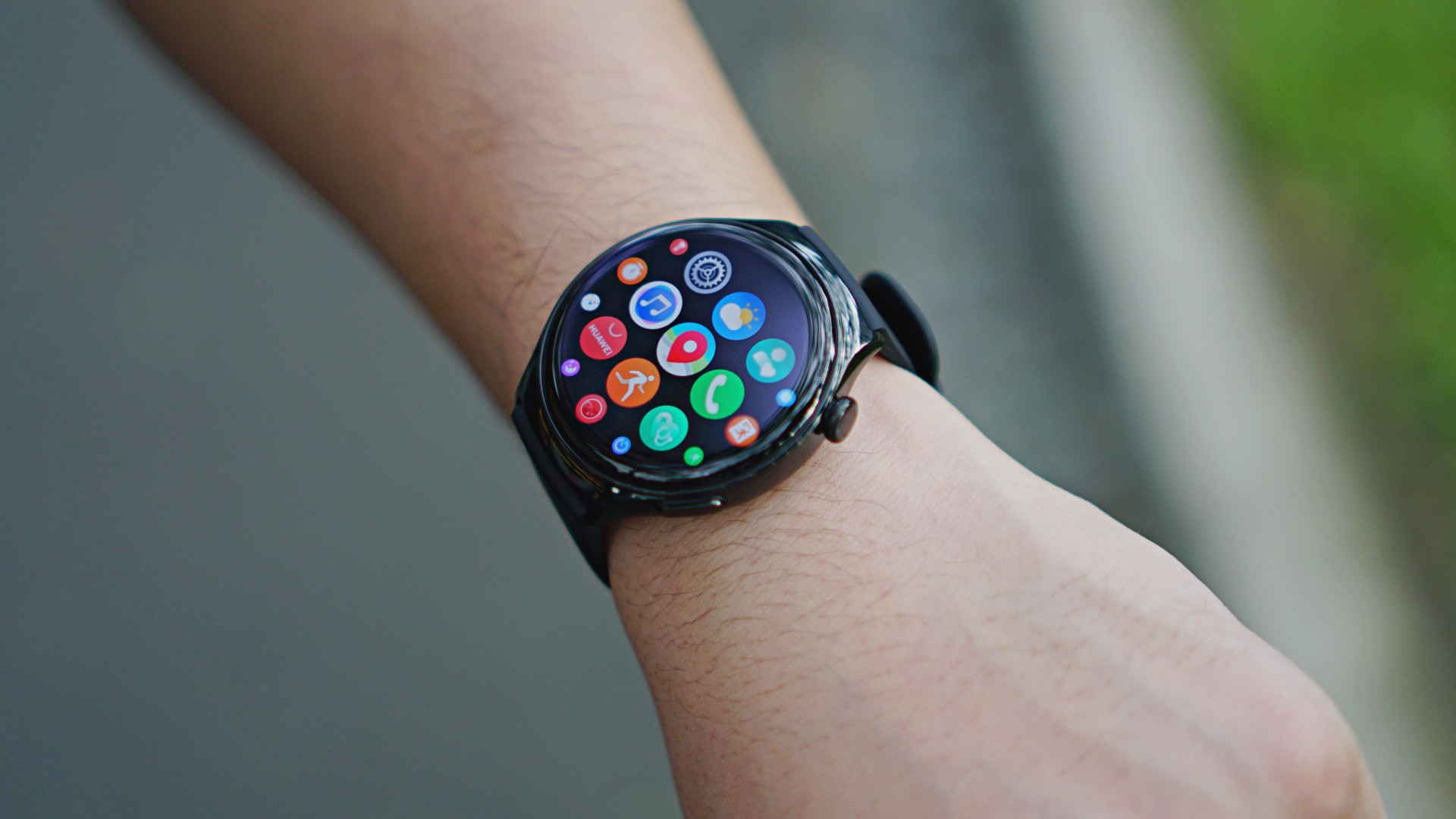
Overall, the Huawei Watch 4’s user interface looks neat and smooth. From the home screen, a swipe in each of the four basic directions displays different sets, like notifications, settings, and your daily physical activity. It doesn’t take too long to be accustomed to using this wearable.
All-in-one health companion
It should be pretty straightforward by now that smartwatches aren’t meant to replace actual checkups with physicians. Rather, they’re here to record daily health trends and identify if there are abnormalities or anything unusual.
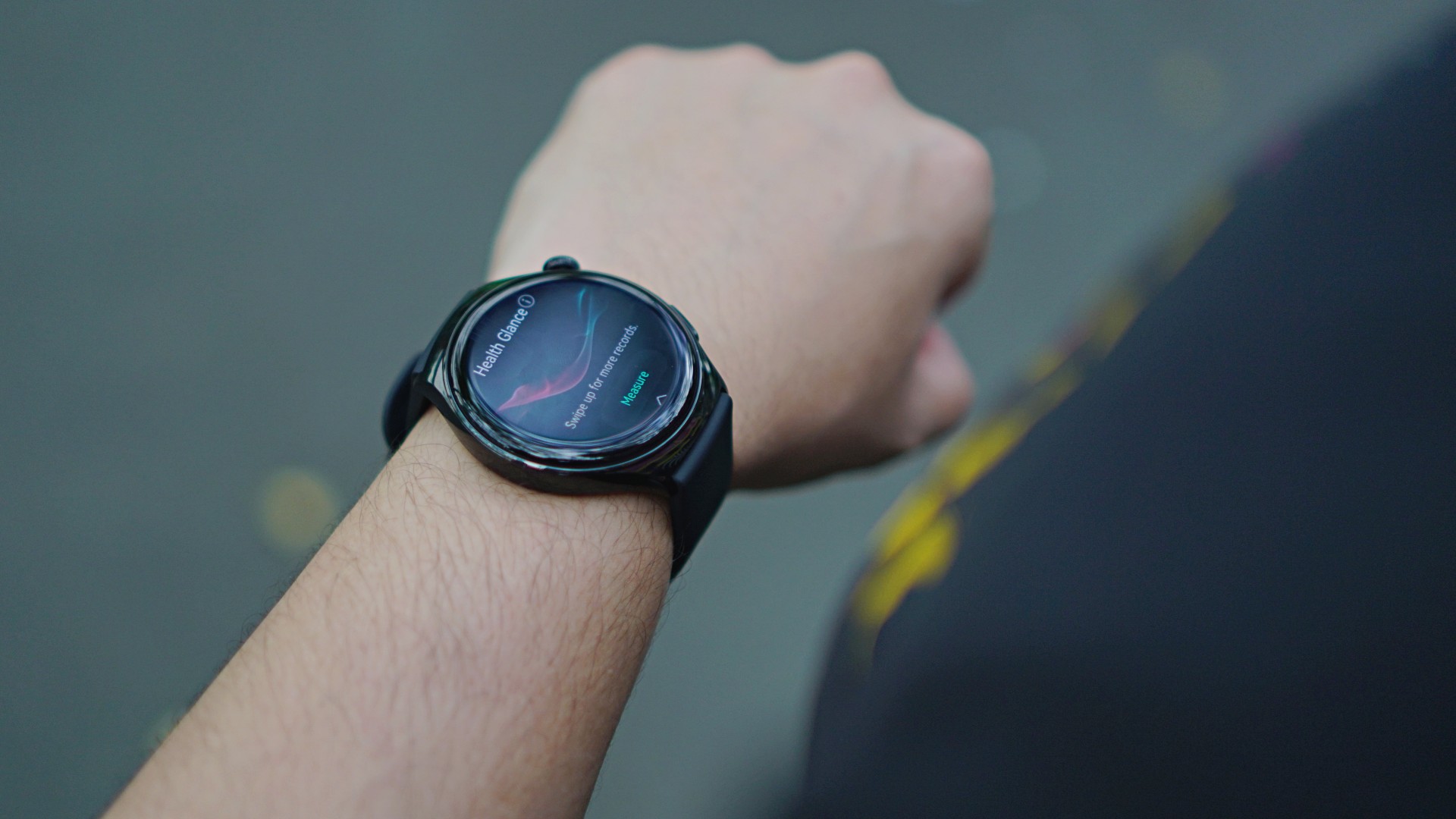
The Huawei Watch 4 bring cutting-edge health features right to your wrist, including Health Glance. This feature allows users to undergo a quick 90-second checkup to screen seven essential health indicators. These include heart rate, SpO2, and even lung health.
At one point, the watch will ask you to cough for about 15 seconds as part of its respiratory check, a first for a Huawei wearable. Speaking of firsts, the Huawei Watch 4 also debuts a manual measurement for arterial stiffness, a.k.a. a “cholesterol check.”
I find these services of great help, even if it’s not your primary reason for thinking about buying one. As you age, the more you realize how important it is to actually check on your body every day. You’ll eventually know if something “feels” wrong, but it’s good to have a device to monitor if there are anomalies.
eSIM support for messaging, calling, more

Huawei is also introducing eSIM support for the Watch 4. If you have a Huawei smartphone, you can use just one number for both the phone and the watch. We registered and installed a prepaid eSIM on the wearable to test this. I was able to send and receive SMS texts easily. I tried calling my friend as well and I can hear the watch ring loud and clear.
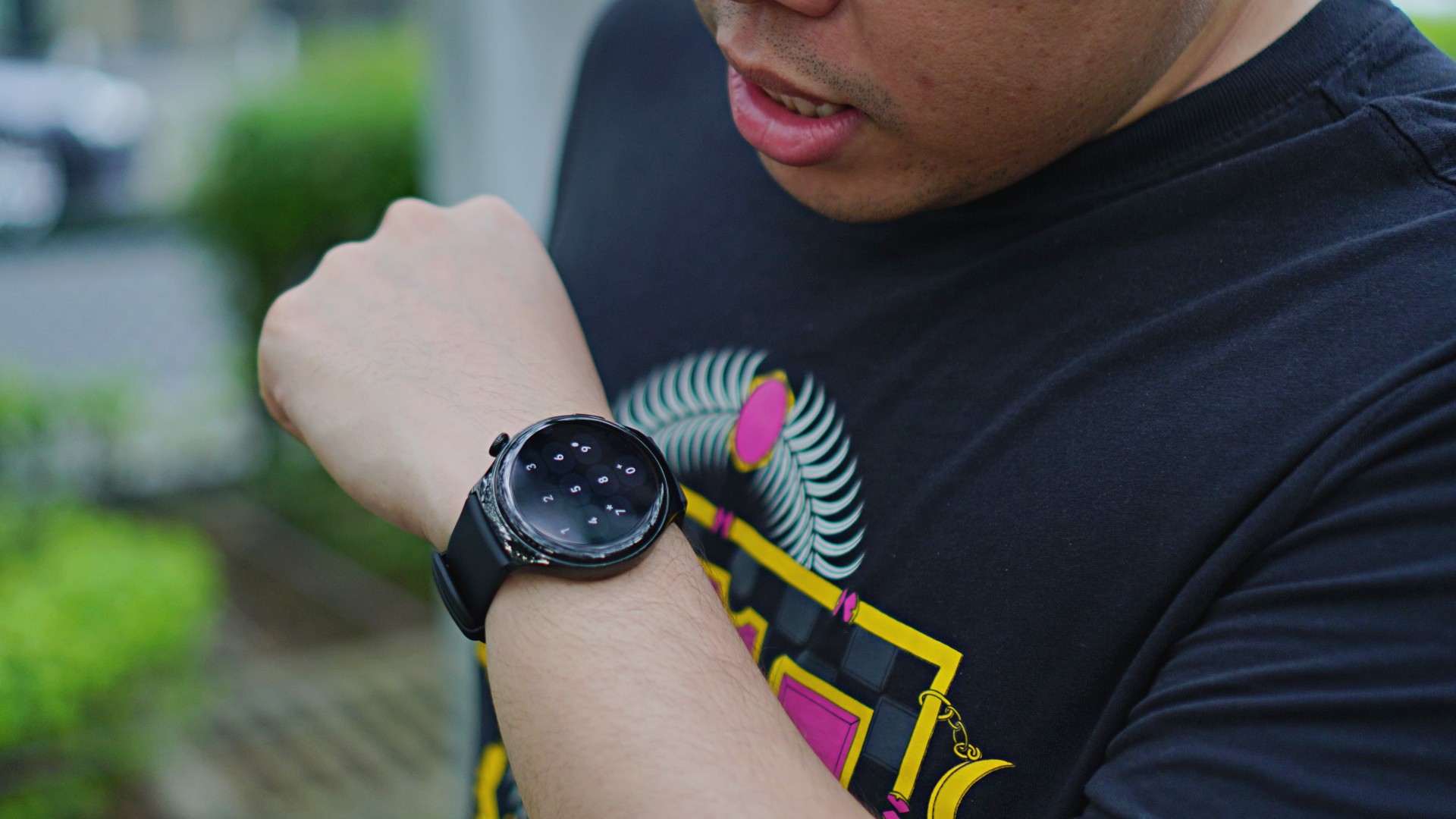
We know that it looks hilarious to be talking to your wrist, but the watch can actually make calls on its own. What’s great about the Huawei Watch 4 is that it can detect if you have fallen, which will prompt an option to make an SOS call. That’s where the independent calling capability can really be utilized. Perhaps at some point, when adventurers run into an emergency, they’ll be thankful for the added feature.
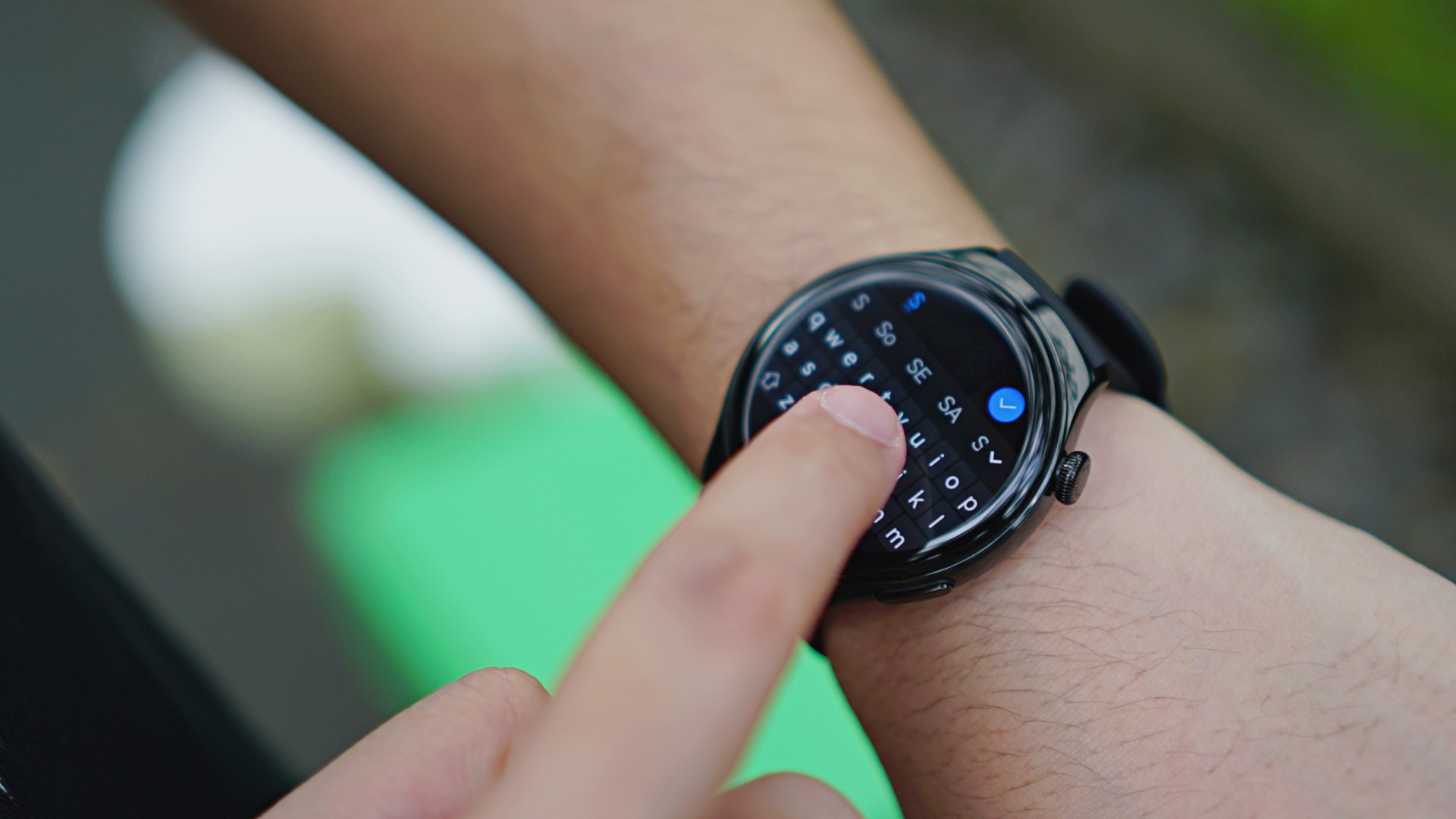
The only downside is how difficult it is to type with a full QWERTY keyboard on a 1.5-inch screen. But this is where AI voice typing comes into play to do the job for you, as well as templated responses. The messaging app itself has quick reply templates so you’ll need just a touch.
With an eSIM, it means the watch is also capable of standalone internet connection. This is something I like especially if I’m going to work out. It means I do not have to bring my phone anymore to turn it into a hotspot. However, the watch only supports a few fitness apps. This means if you have been using your preferred apps ever since, you’ll still have to take your phone with you. And if you love taking pictures or short clips of your work out, then you’ll really have to stick to using your phone.
Speaking of the internet, it’s possible to use messaging apps on the watch, like WhatsApp and Telegram. Again, it’s a matter of whether you’re comfortable actually chatting on your watch or just using it to glance at notifications.
Over 100 workout modes
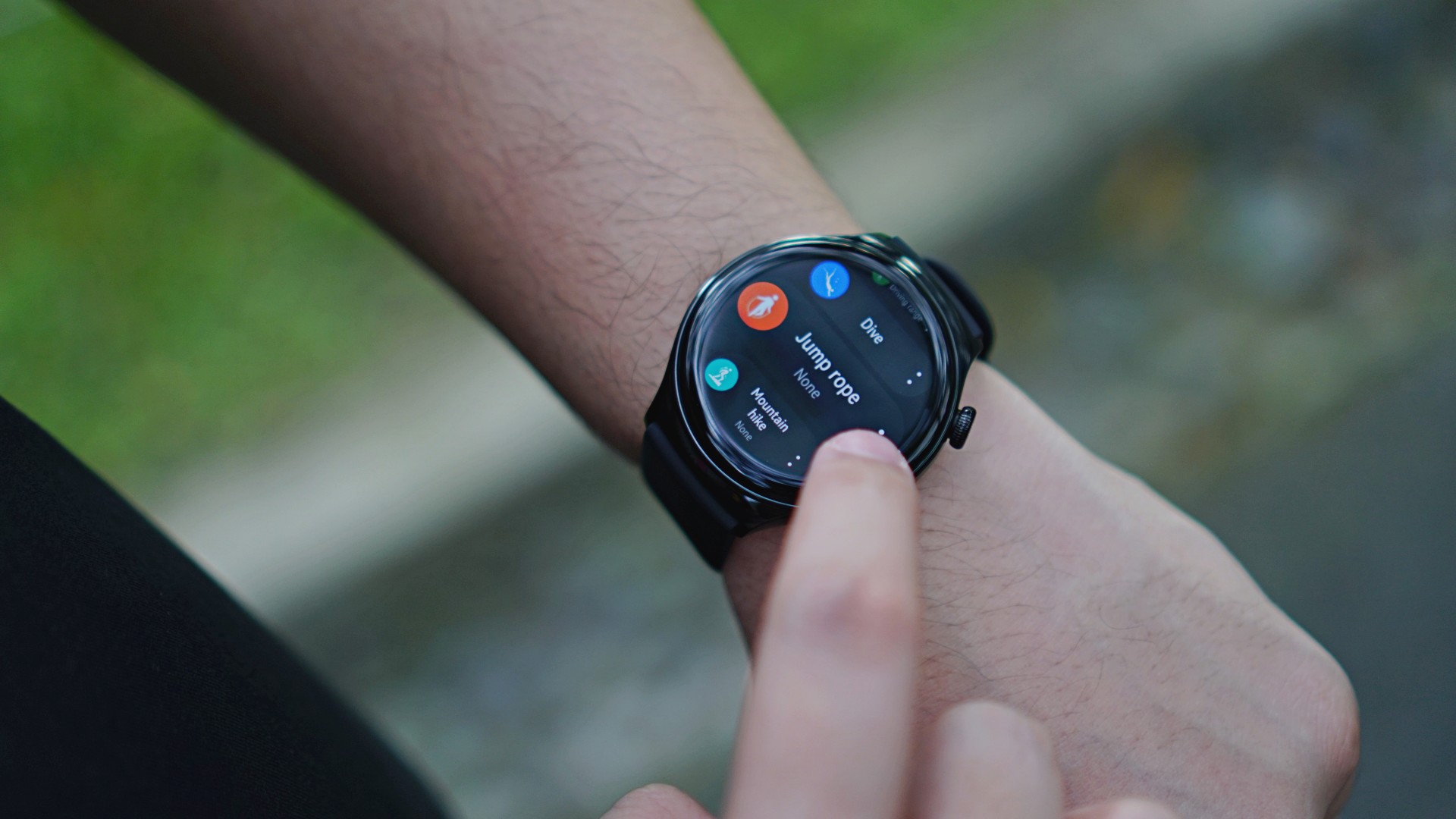
As far as exercises are concerned, the Huawei Watch 4 supports just about every work out on the planet. It has over 100 workout modes, including pro-level ones like hiking and free diving.
For those who will need navigation on the fly, there is a Route Back with Map feature to make everything seamless. Those who love to push and challenge themselves will also like the Running Ability Index (RAI) that puts everything in perspective.
Navigation without an extra device
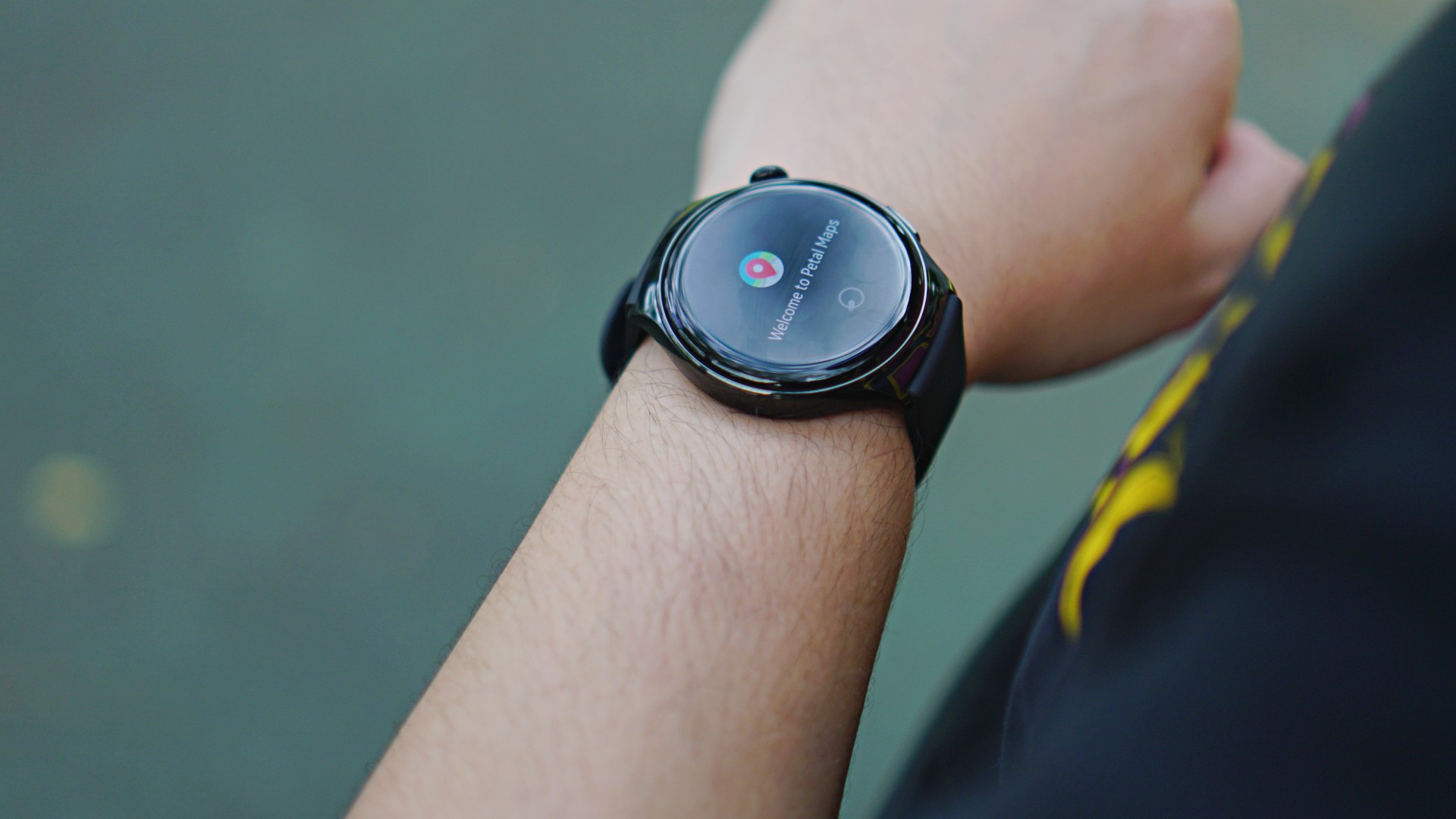
The Huawei Watch 4 uses Huawei’s Petal Maps app as its main GPS service. You can look for various establishments on the app and ask for directions. I’m sure that aside from casual trips or avoiding getting lost, this feature can be useful for other scenarios like driving with a motorcycle.
There is also a third-party app called Navigation G Maps which can be downloaded using the AppGallery. This will assist users well especially in hiking, camping, or other adventures.
Soon: GCash payments
Another innovation Huawei is bringing for the Watch 4 is to have GCash integrated on the device. This way, users will only have to show a GCash QR code when paying in stores where it is accepted.
Other brands have offered something similar, like Apple with Apple Pay, but it’s good to finally have a local version for Filipinos who prefer cashless payments.
Battery life
With its slew of advanced features, the Huawei Watch 4 naturally has a shorter battery life. It lasts for about three days when all features can be accessed.
Under ultra long battery life mode, where all internet-related features are inaccessible, the usage can be extend up to 14 days. On the flipside, the watch charges for just about an hour when connected to any typical charging adaptor that supports fast-charging.
Final thoughts: A heavyweight challenger

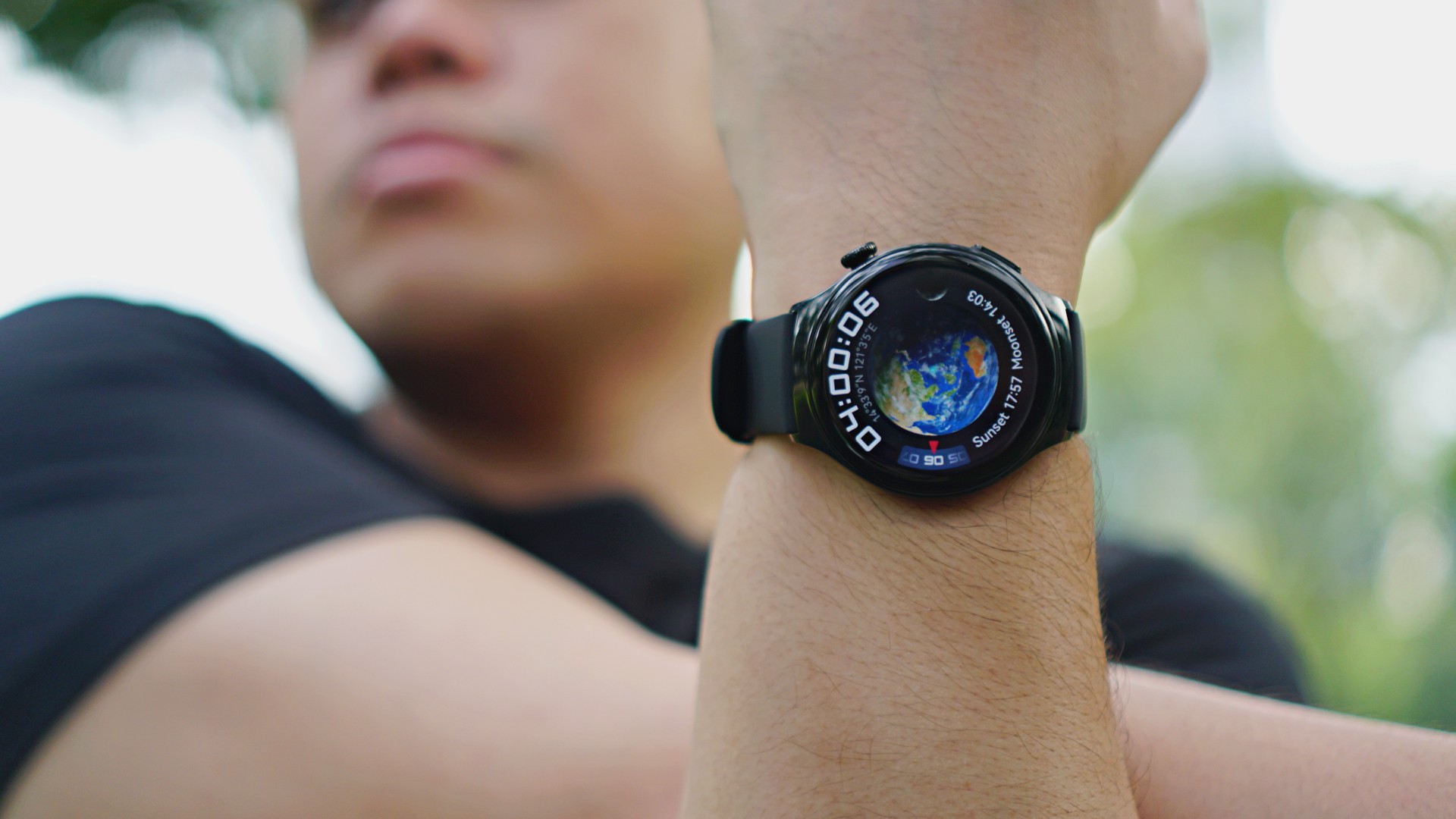
One of the Huawei Watch 4’s distinct features is its planet-inspired watch faces. While I don’t know the exact truth behind them, here’s a theory.
The Huawei Watch 4 offers several features that cater to its user in a personalized manner. That’s just like planets in our Solar System. Users will always have different preferences and needs, but what matters are those revolving around them.

This wearable is more than just a health and fitness companion, even if that’s what they highlighted more. The eSIM support, internet connectivity, and navigation are underrated aspects. Granted, a Huawei smartphone will let you do slightly more, but I like how truly useful its added features are.
I’m a practical person myself and I would be better off just carrying my smartphone if I wanted to enjoy (it’s not like I can play games on a smartwatch). But I can see why this wearable makes sense for others. It can challenge the heavyweights with its suite of features and innovations. It costs a little less, too.
If smartwatches are playing cards, and you’re dealt with the Huawei Watch 4, it’s a hand that can win you the poker table.
The Huawei Watch 4 is available in the Philippines for PhP 22,999. Customers will also get a free Soundjoy worth PhP 6,999 as part of its launch promo.





Accessories
New AGON gaming monitor features up to 1000Hz refresh rate
New level of speed, flexibility for competitive gaming


AGON by AOC has released the new AGON Pro AGP277QK dual-mode gaming monitor for the competitive segment.
This new offering features up to 1000Hz refresh rate at HD and 540Hz at QHD so gamers have the flexibility to prioritize either clarity or speed.
The 27-inch IPS gaming monitor comes with NVIDIA G-SYNC, synchronizing the monitor’s refresh rate with the GPU to help minimize screen tearing, stuttering, and input lag.
This is combined with 0.3ms MPRT and 1ms GtG response times for fast-moving action that is sharp and responsive, giving competitive players a clear visual advantage.
Moreover, the AGON Pro AGP277QK features VESA DisplayHDR 400 certification for enhanced contrast and more vivid, lifelike visuals.
Delta E < 1 color accuracy also provides precise color reproduction not just for gaming but even other scenarios like content creation.
For even smoother high frame-rate gameplay, MBR Sync combines motion blur reduction with variable refresh rate (VRR) technology. This helps maintain clarity during rapid movements.
The monitor also includes Low Input Lag, customizable Light FX ambient RGB lighting, Gaming Mode presets, and Shadow Control.
The display comes with HDMI 2.1 and DisplayPort 2.1 connectivity, along with a height-adjustable stand and G-Menu support.

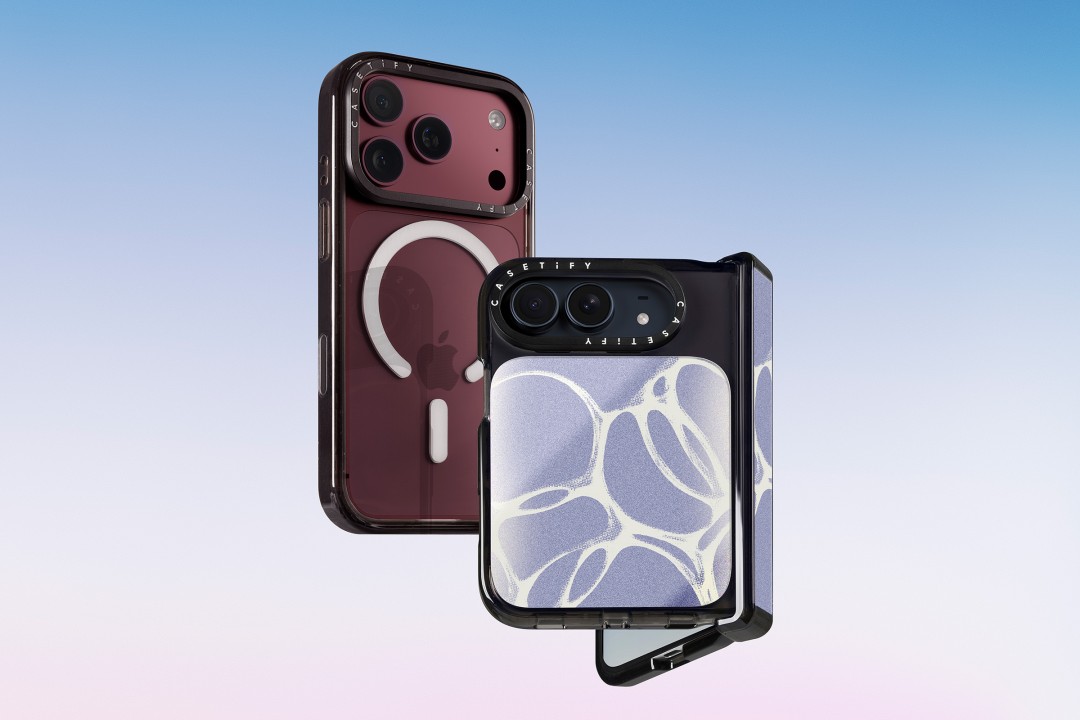
CASETiFY is launching a new collection of cases and accessories for the iPhone 18 series, updating some of its most popular designs with refined finishes, new protection features, and expanded customization options.
Impact Case
The collection is led by the Impact Case, CASETiFY’s best-selling case with more than 19 million units sold worldwide. It uses an internal EcoShock™ design and Duo-Lock by CASETiFY™ bonding for impact absorption and dispersion. The case is tested for drops of up to 8.2 feet and 4x Military Standard 810G. It also features a scratch-resistant Glaze finish, raised bezel, precision-engineered camera control button, and MagSafe and wireless charging compatibility.
The Ultra Impact Case builds on the same family with redesigned, more rounded corners and reinforced structures with internal air cells. It is tested for drops of up to 11.5 feet and 6x Military Standard 810G. It also has a slimmer profile, multiple design options, and MagSafe compatibility.
Both cases are available in Ring Stand variants. These feature a built-in metal camera ring stand that adjusts up to 150 degrees, with a screwless hinge designed for durability and stable hands-free viewing. Select models are also available with Glitter and Mirror finishes.
Ripple Case
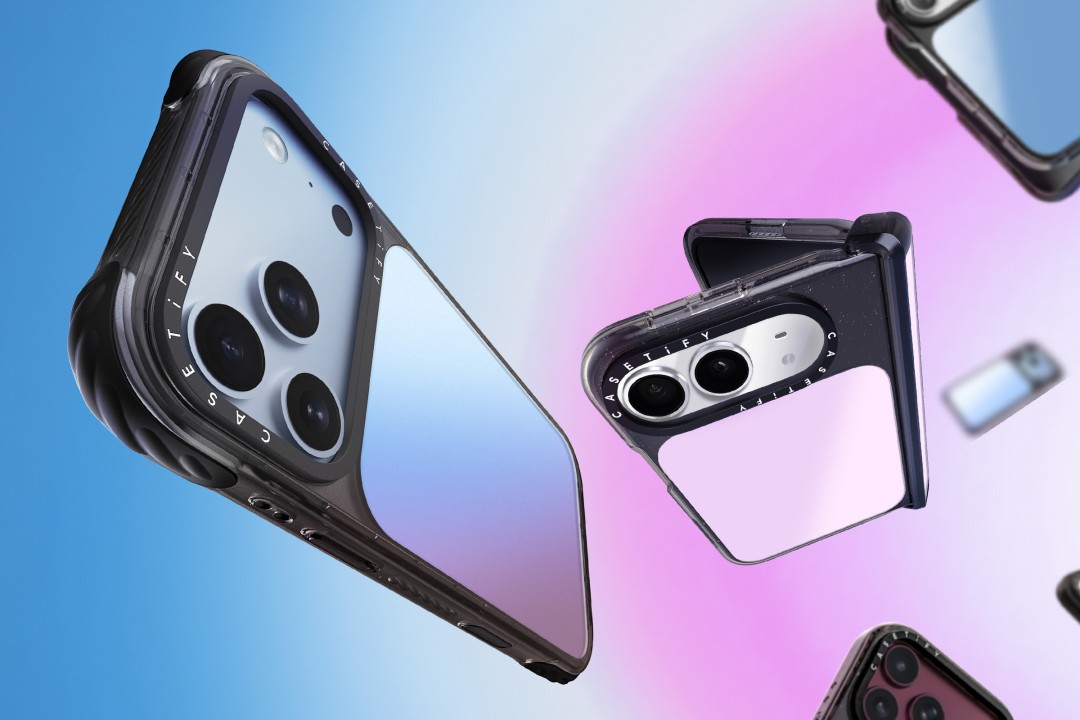
CASETiFY is also bringing its Ripple Case to the iPhone 18 lineup. The soft-touch silicone case features rippled edges and puffed corners, with protection tested for drops of up to 6.6 feet and 3x Military Standard 810G. New colorways include Banana, Dusty Blue, Blush Pink, and Fig, alongside Black and White.
For users who want more protection, the Bounce Case offers CASETiFY’s highest level of drop protection in the collection. Its Expanded Bounce Corners, TesseLock™ design, and enhanced Duo-Lock bonding support drop protection of up to 21.3 feet and 7x Military Standard 810G.
Alloy Ripple Case
The lineup also includes the Alloy Ripple Case, which reworks the Ripple’s sculptural design in aluminum with an EcoShock™ design and Duo-Lock bonding. It is tested for drops of up to 8.2 feet and 4x Military Standard 810G. The Cloud Case uses a quilted soft-touch design with pillowy bumpers and up to 6.6 feet of drop protection.
Beyond cases, CASETiFY is expanding its accessories with the Ripple Wallet, Grip Stands, Loop Grips, Jelly Wristlets, Bow Charm Wristlets, and other charm-compatible straps. The iPhone 18 cases range from USD 50 to USD 90 , while accessories range from USD 25 to $USD 45.
The collection is available beginning September 10 through CASETiFY. The company is also preparing a case lineup for the upcoming iPhone Duo, with its waitlist already live.


Right after the iPhone 18 Pro and Pro Max series, Apple dropped another bombshell for fans. Complementing the latest iPhone generation, the new AirPods 5 features a bunch of the most impressive improvements for the wearable.
Most importantly, the AirPods 5 will boast 50 percent better noise cancellation than the AirPods 4 with Active Noise Cancellation. With Adaptive Audio, the wearable can sense your surroundings and adapt accordingly so you don’t miss the important bits happening around you.
It also features Live Translation for talking with others speaking in a different language. Plus, Conversation Awareness automatically lowers the volume if the wearable detects that you’re talking.
For sound quality, the new wearable has a new acoustic architecture and an adaptive equalizer. It promises more detailed sound coming from the entry-level AirPods.
The new AirPods 5 will start at US$ 129. Preorders are already open, but the wearable will ship out on September 18.
Meanwhile, if you’re hankering for a bit more from your wearable, another variant, which starts at US$ 149, adds a Wireless Charging Case, on-stem swipe controls, and longer battery life. This model can reportedly last five more hours with active noise cancellation enable.
SEE ALSO: The iPhone Duo is real!


Marvel’s Wolverine review: When the claws come out
A brutal, cinematic superhero adventure


Setting your bedsheets ablaze with the Lovense Solace Pro
The closest proxy I could find where I'm guilty as sin


Now Playing: Elden Ring Tarnished Edition
Is the Switch 2 port worth the price?
Marvel’s Wolverine review: When the claws come out

PH to celebrate 1st ever National Cinema Day; movies start at less than $2

New AGON gaming monitor features up to 1000Hz refresh rate

Smart lets you go phone-free with Apple Watch

How did new CEO John Ternus do for his first Apple event?

TECNO MEGAPAD 2 review: Eyes on the size

realme 16T 5G with 8000mAh battery, IP69 Pro rating launches in PH

HUAWEI Pura X View is 2026’s first WIDE slab-type smartphone

REDMI Note 17 Series focuses on long-term reliability

REDMI reveals the refreshed Note 17 and Note 17 Pro series


-
 News2 weeks ago
realme 16T 5G with 8000mAh battery, IP69 Pro rating launches in PH
-
 News4 days ago
HUAWEI Pura X View is 2026’s first WIDE slab-type smartphone
-

 Cameras1 week ago
DJI Osmo 360 II review: Going all-in on the ecosystem
-

 Features2 weeks ago
The designated photographer’s new favorite phone: OPPO Reno16 Series 5G
-

 News4 days ago
The CAMON Slim 5G is TECNO’s latest ultra-slim smartphone
-

 IFA 20261 week ago
TECNO MEGABOOK T15 360 unveiled at IFA 2026
-

 Gaming1 week ago
NBA 2K27 review: A two-way All-Star
-
 Reviews1 week ago
Samsung Galaxy Z Fold8 Ultra review: It’s time to get a foldable